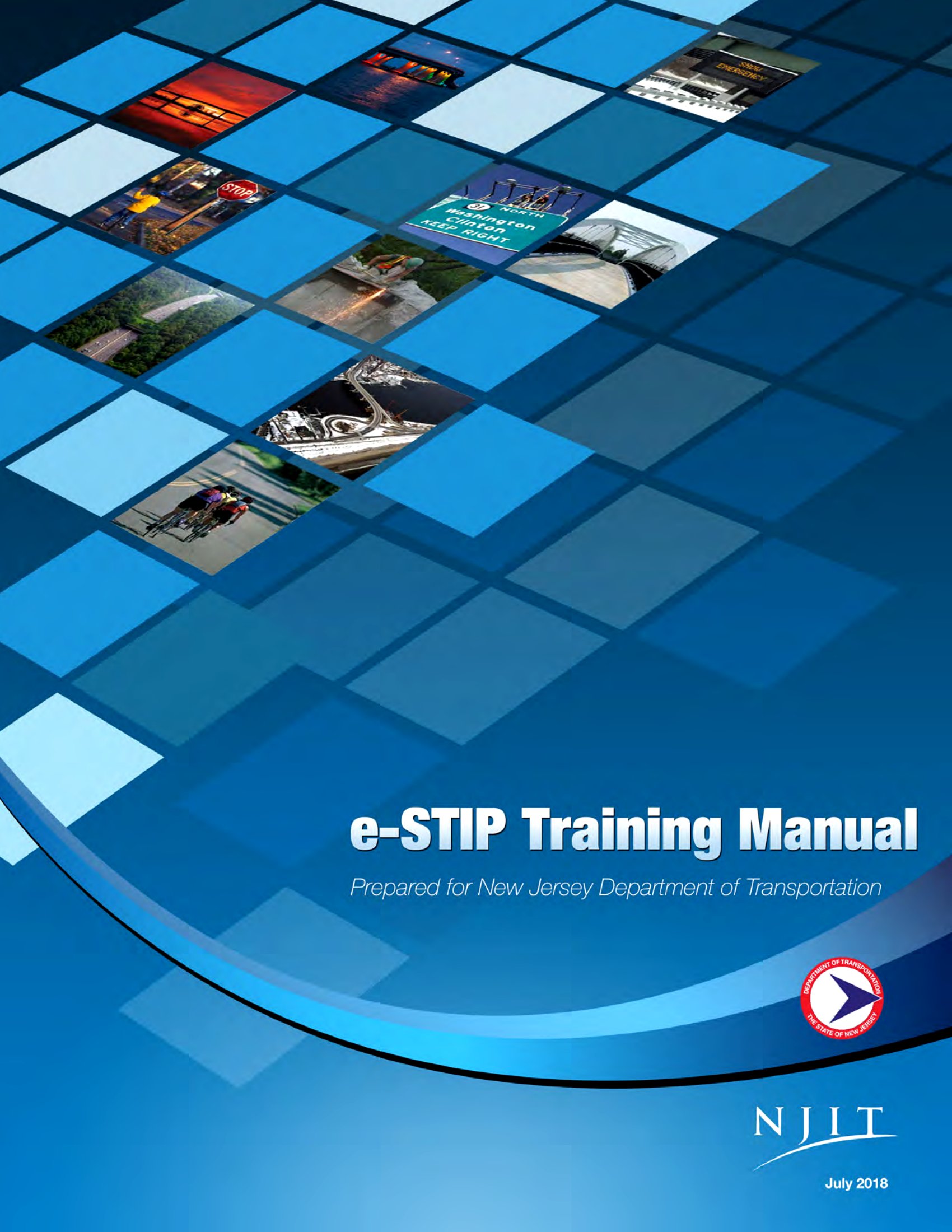
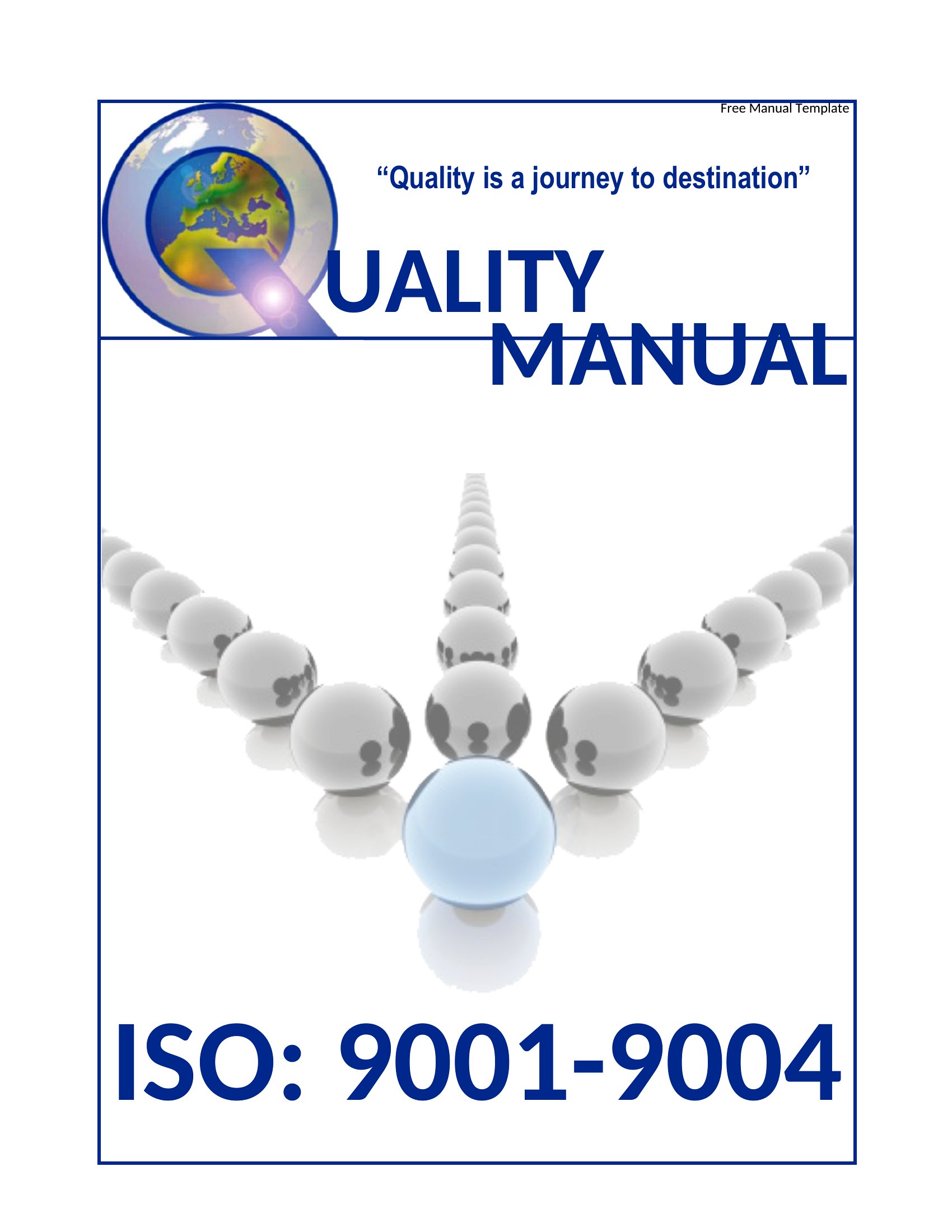
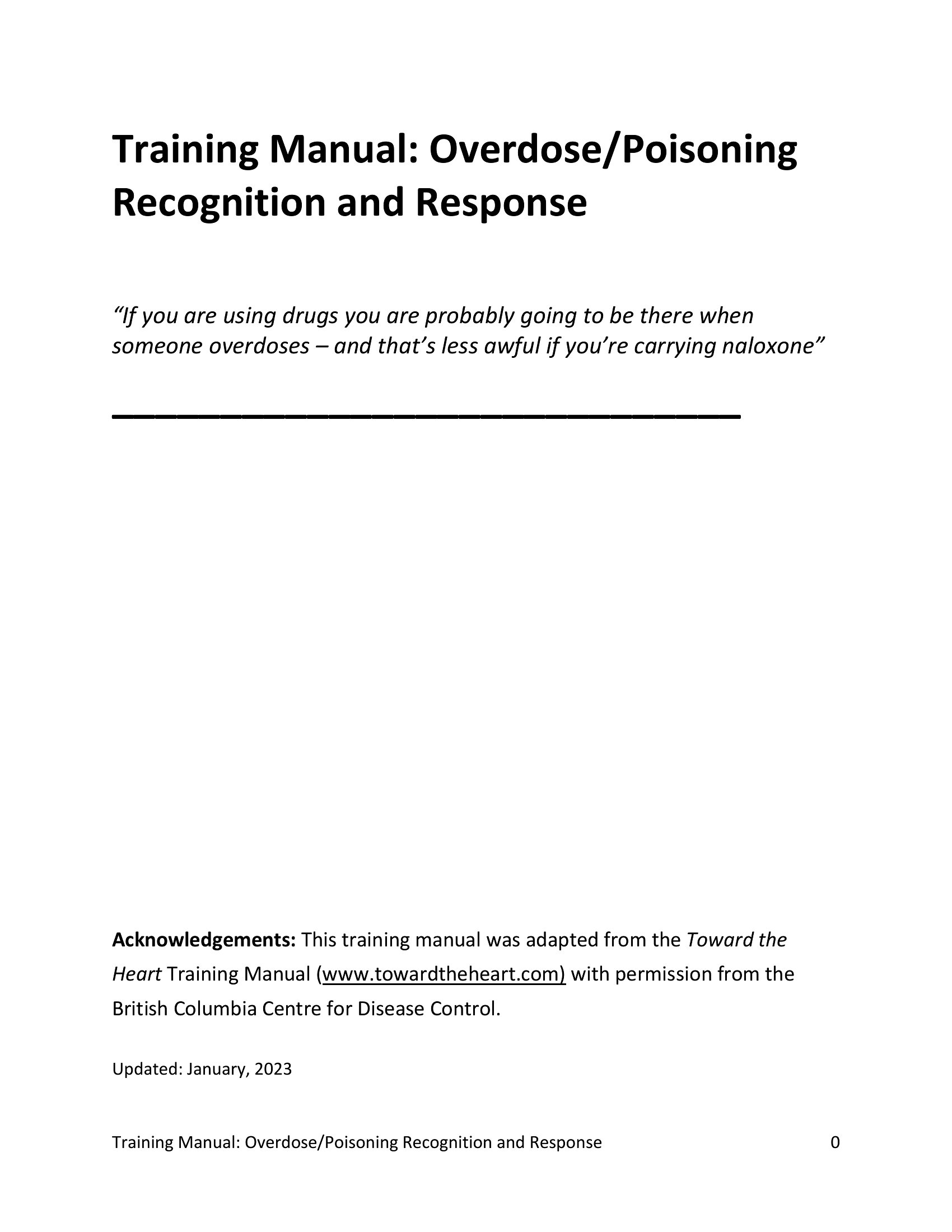
Free Training Manual Templates (Word, PDF)
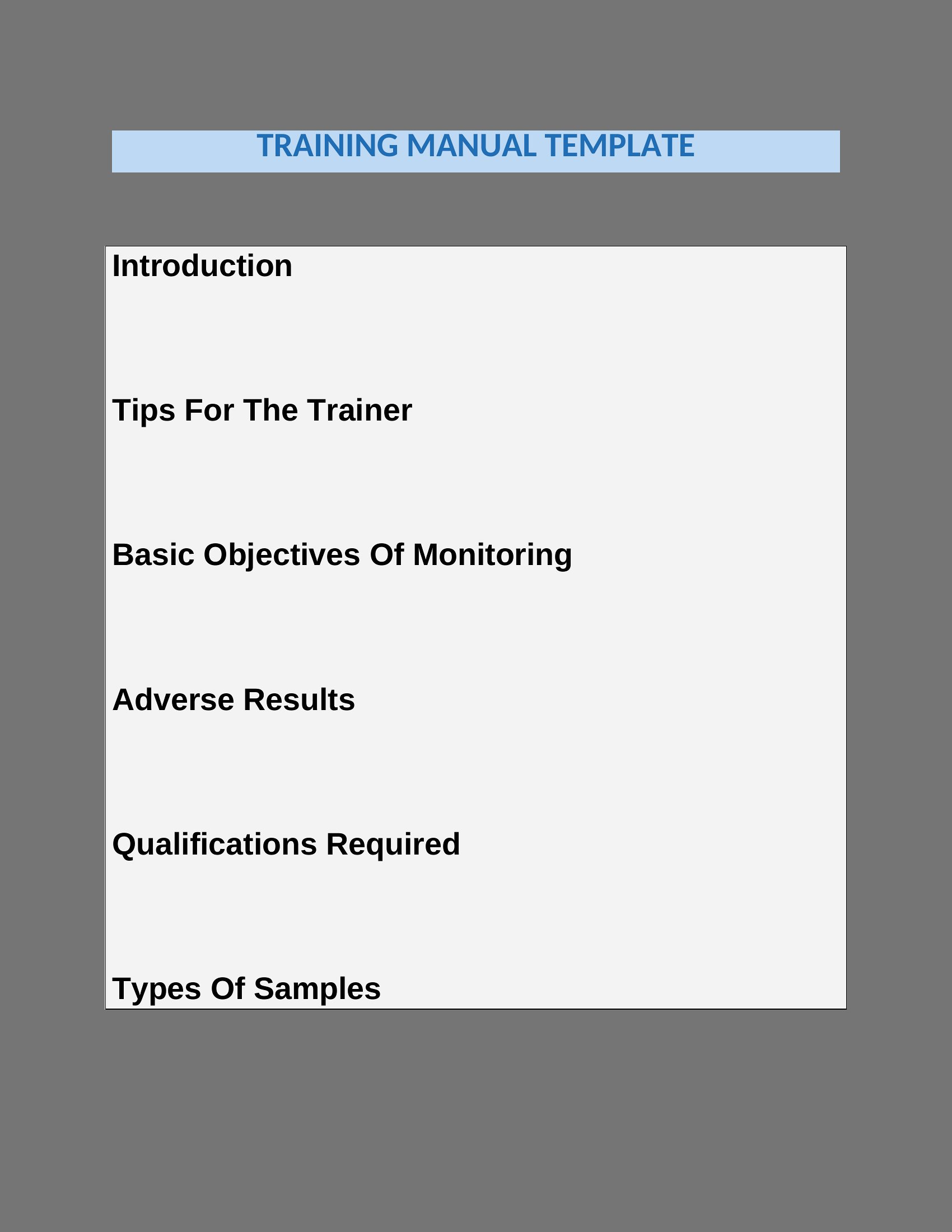
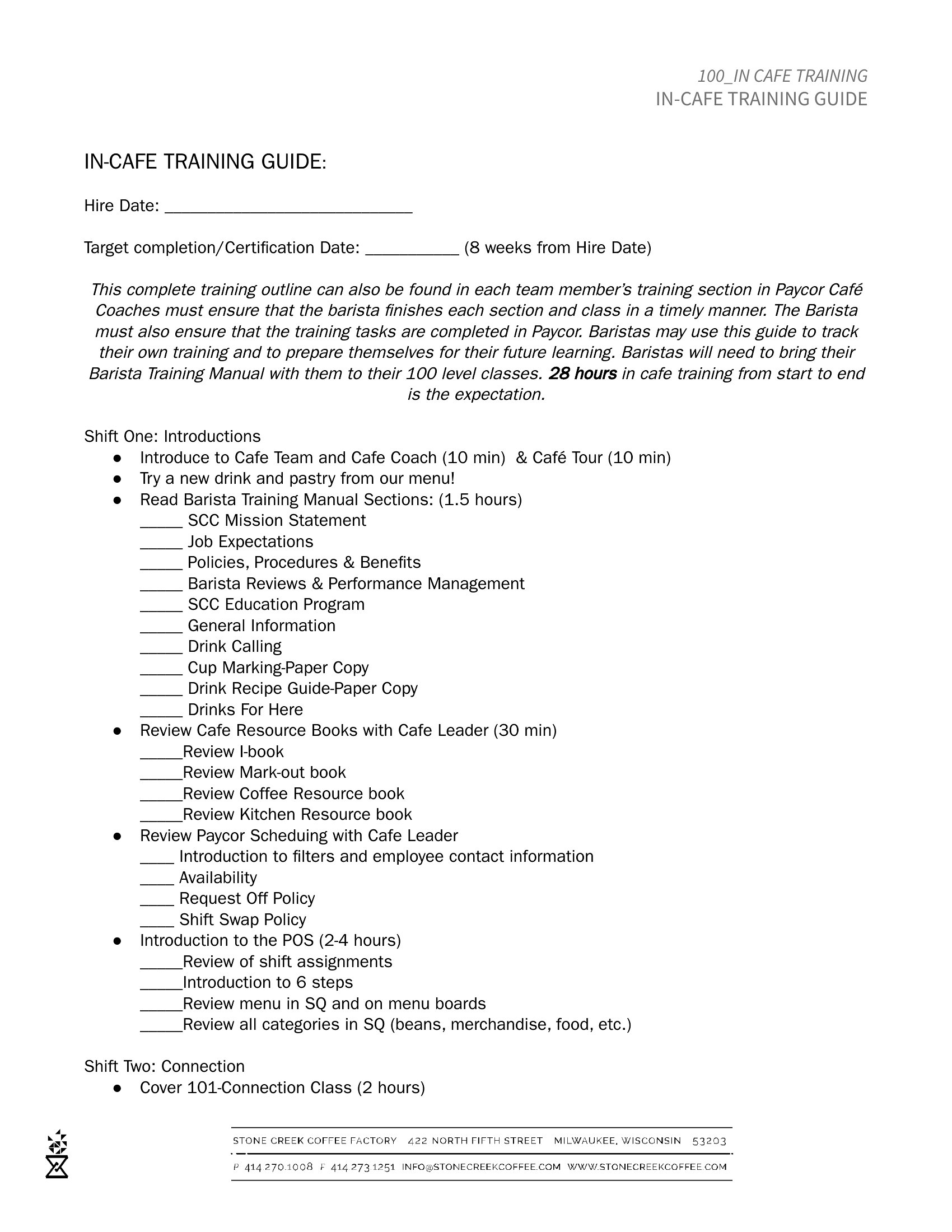
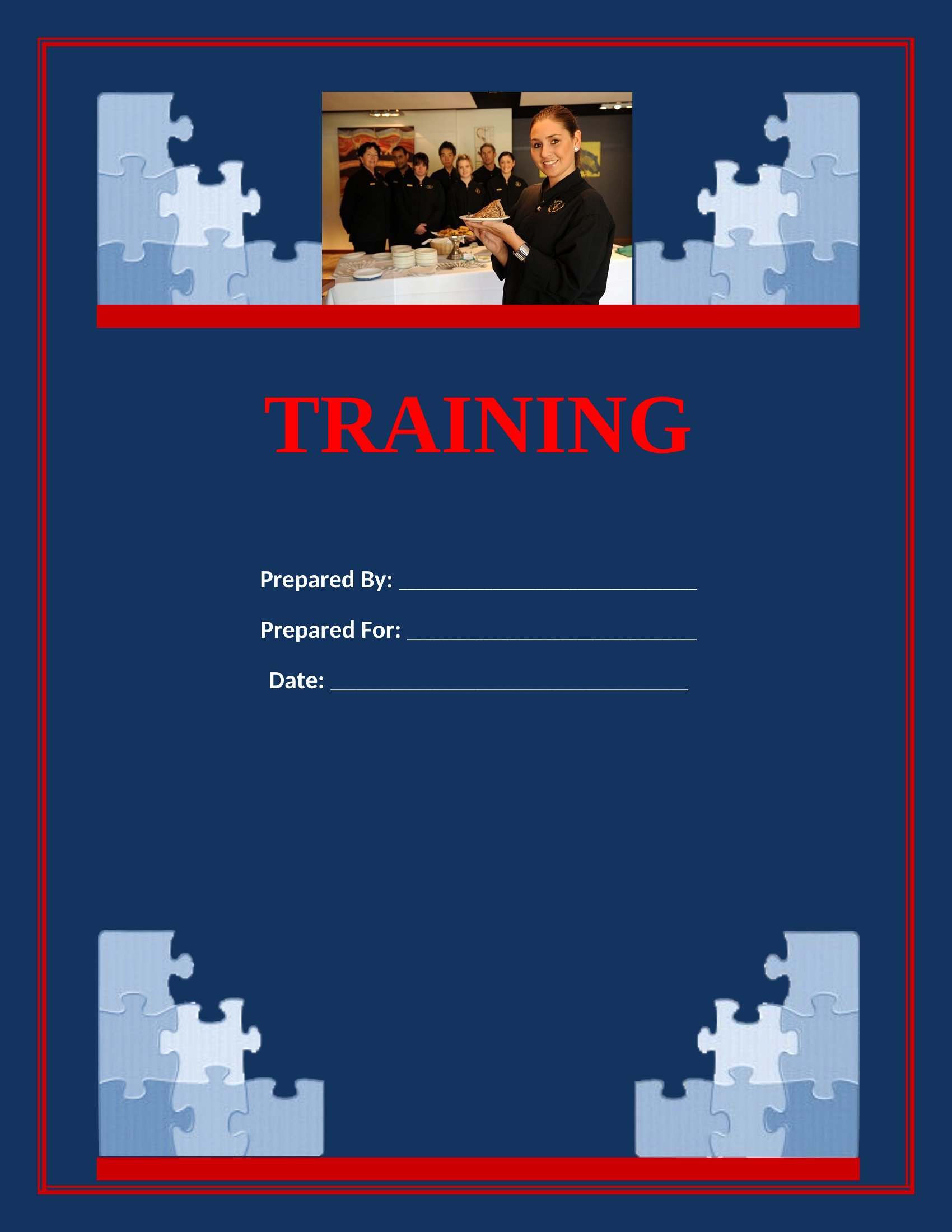
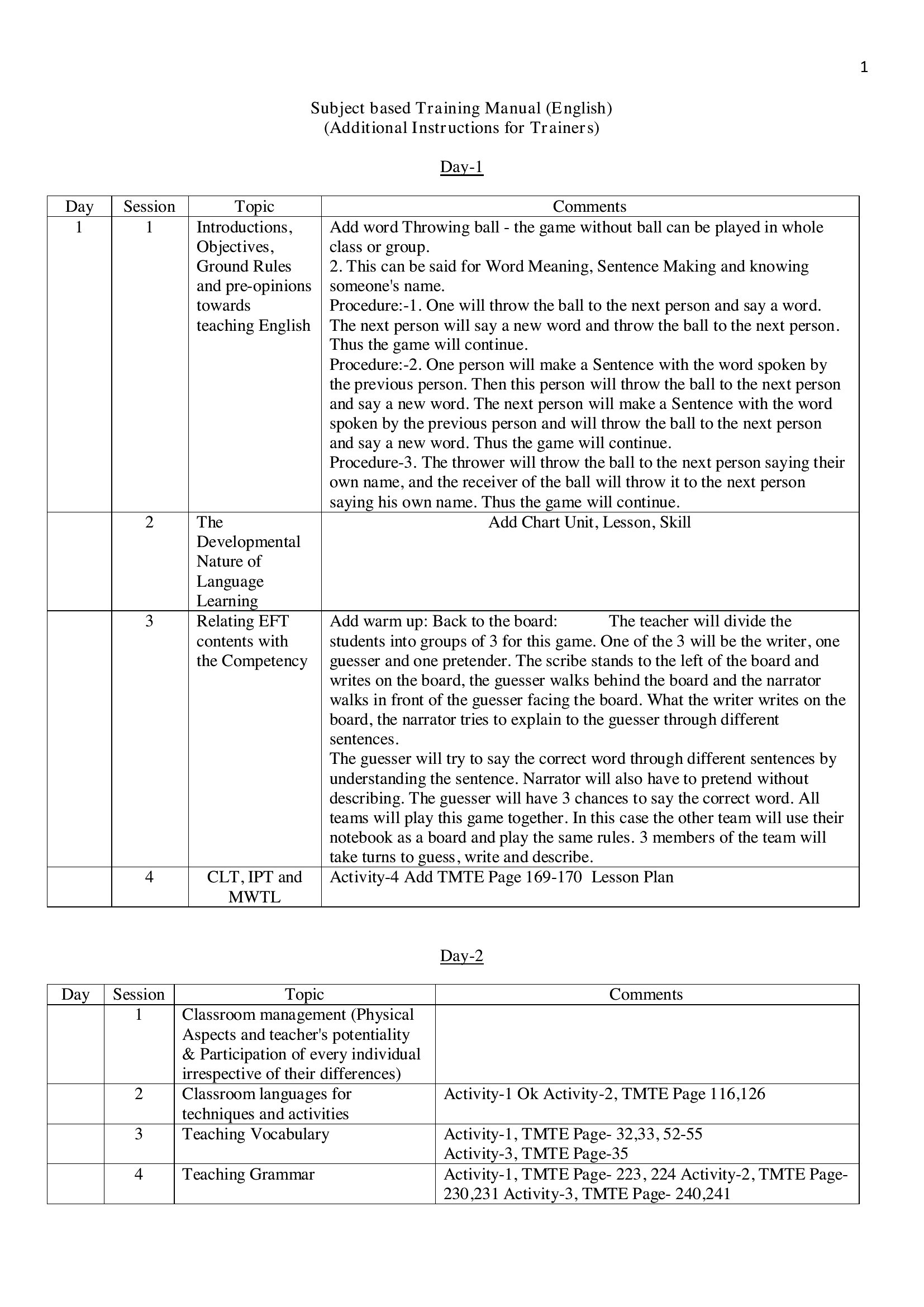
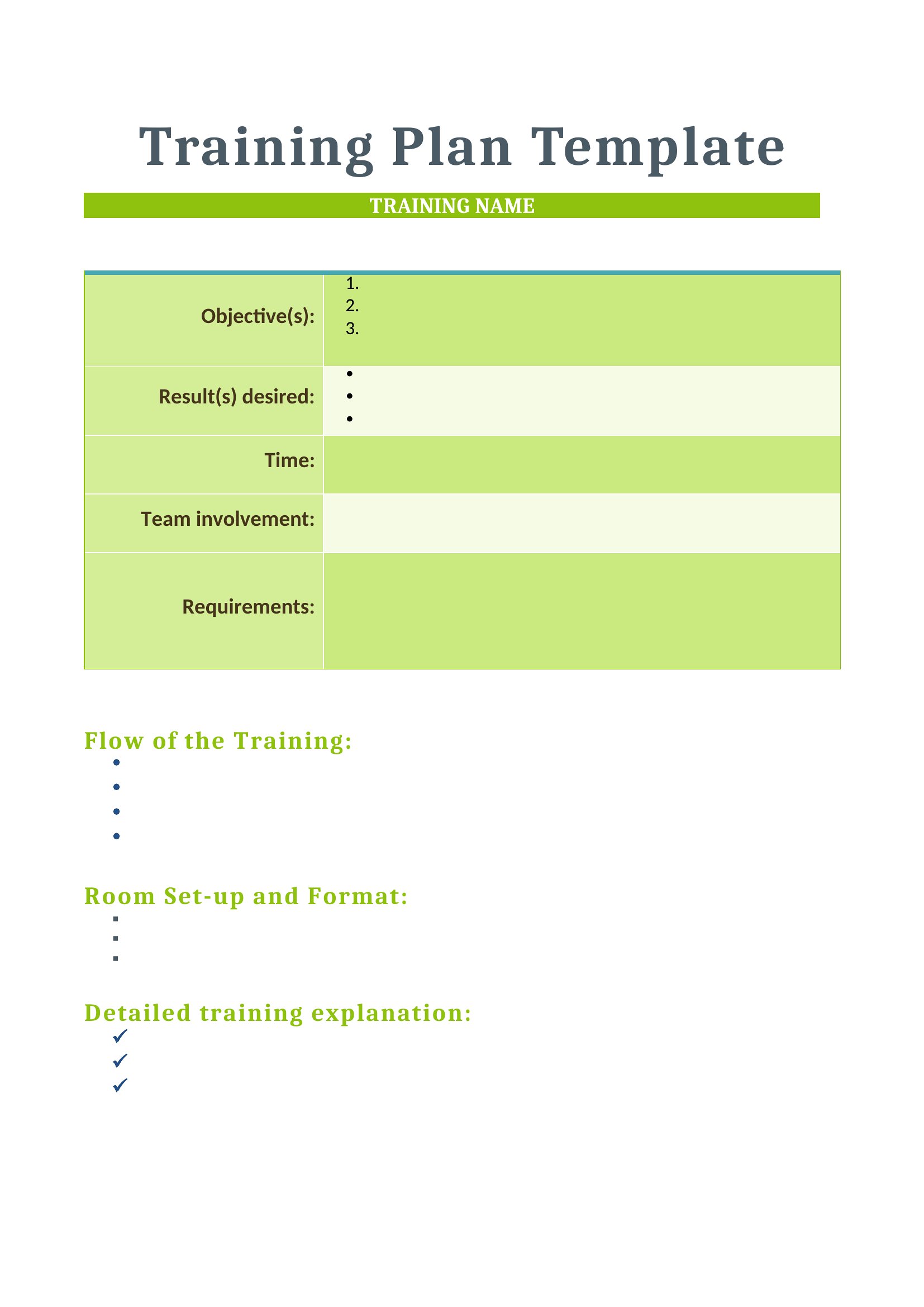
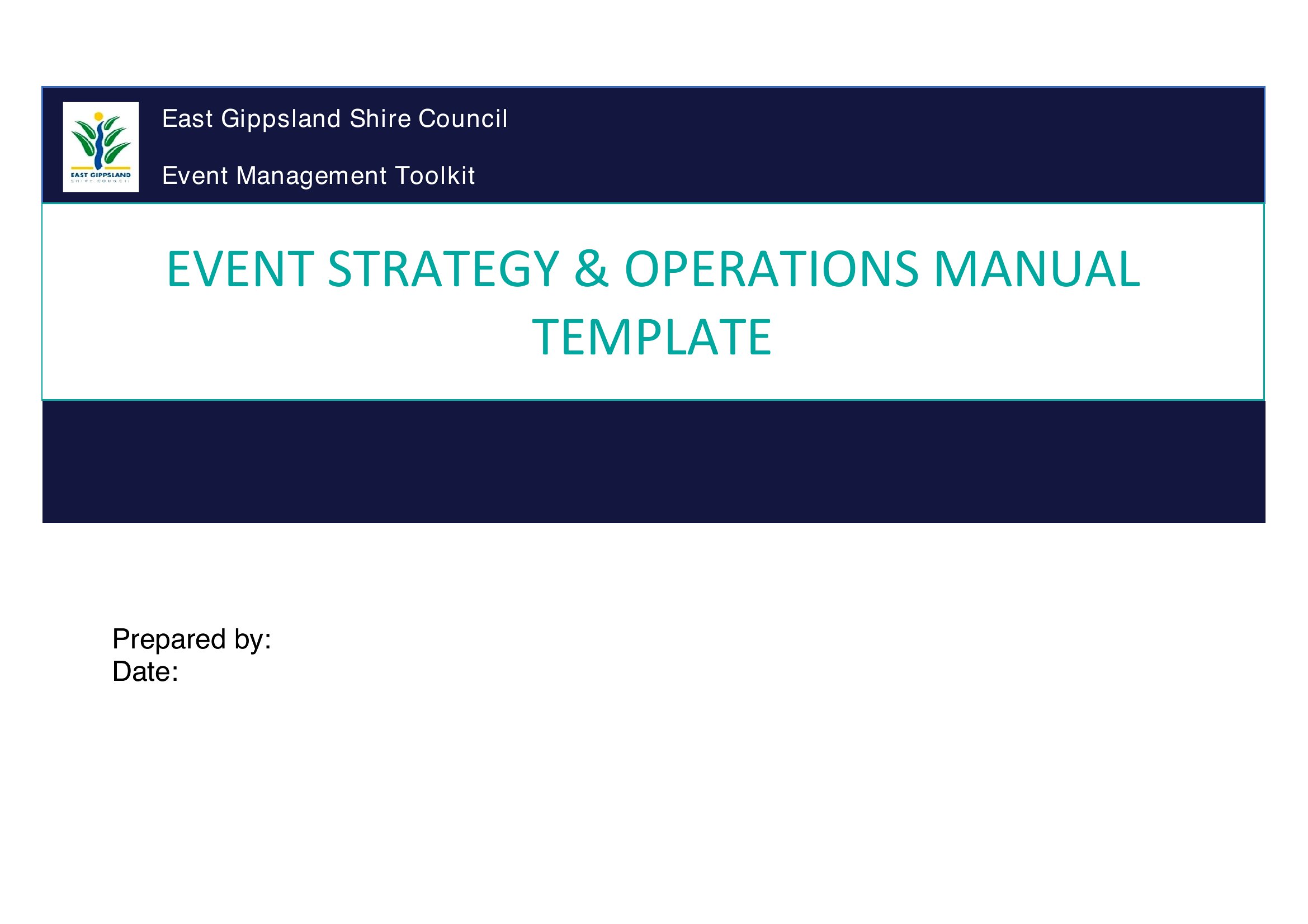
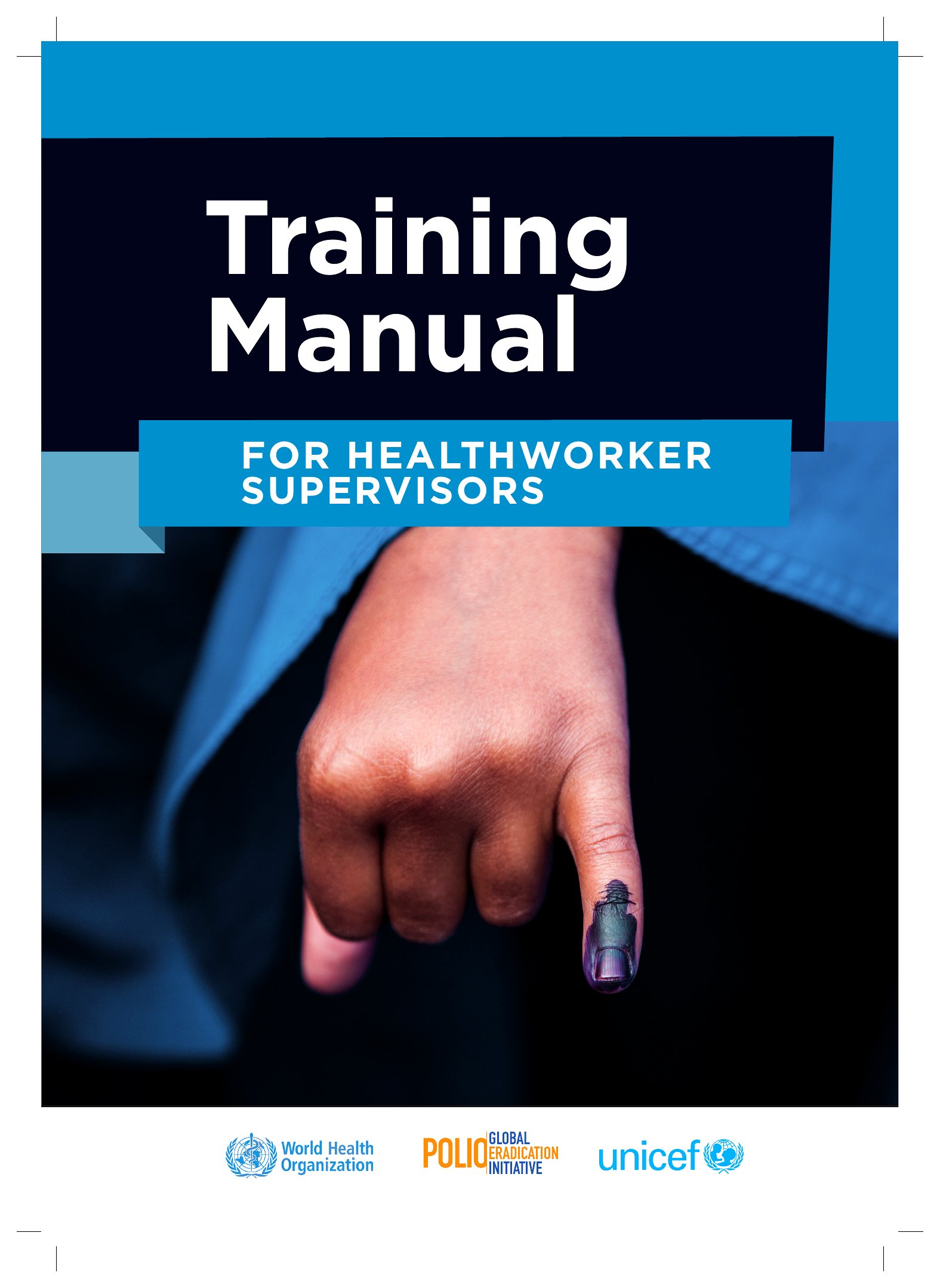
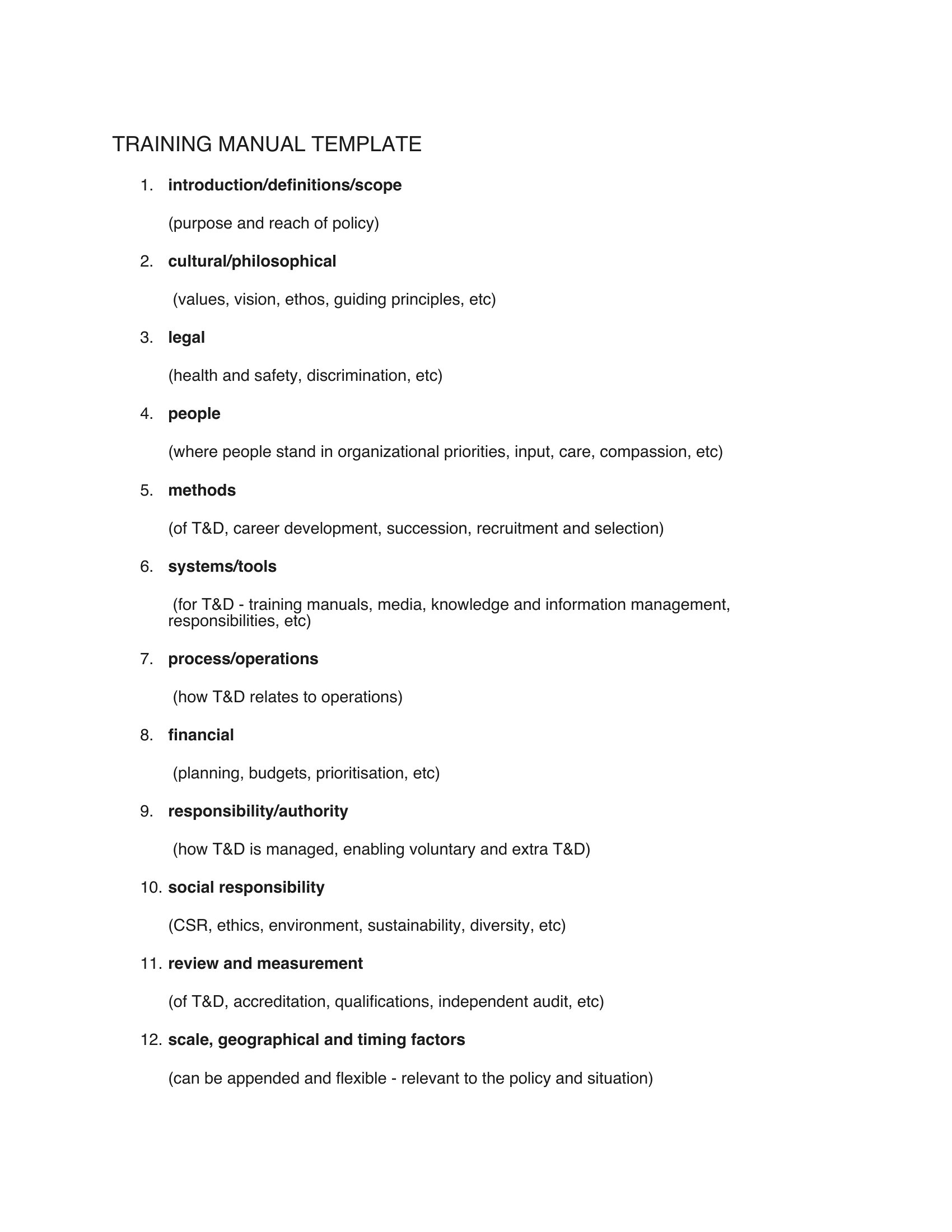
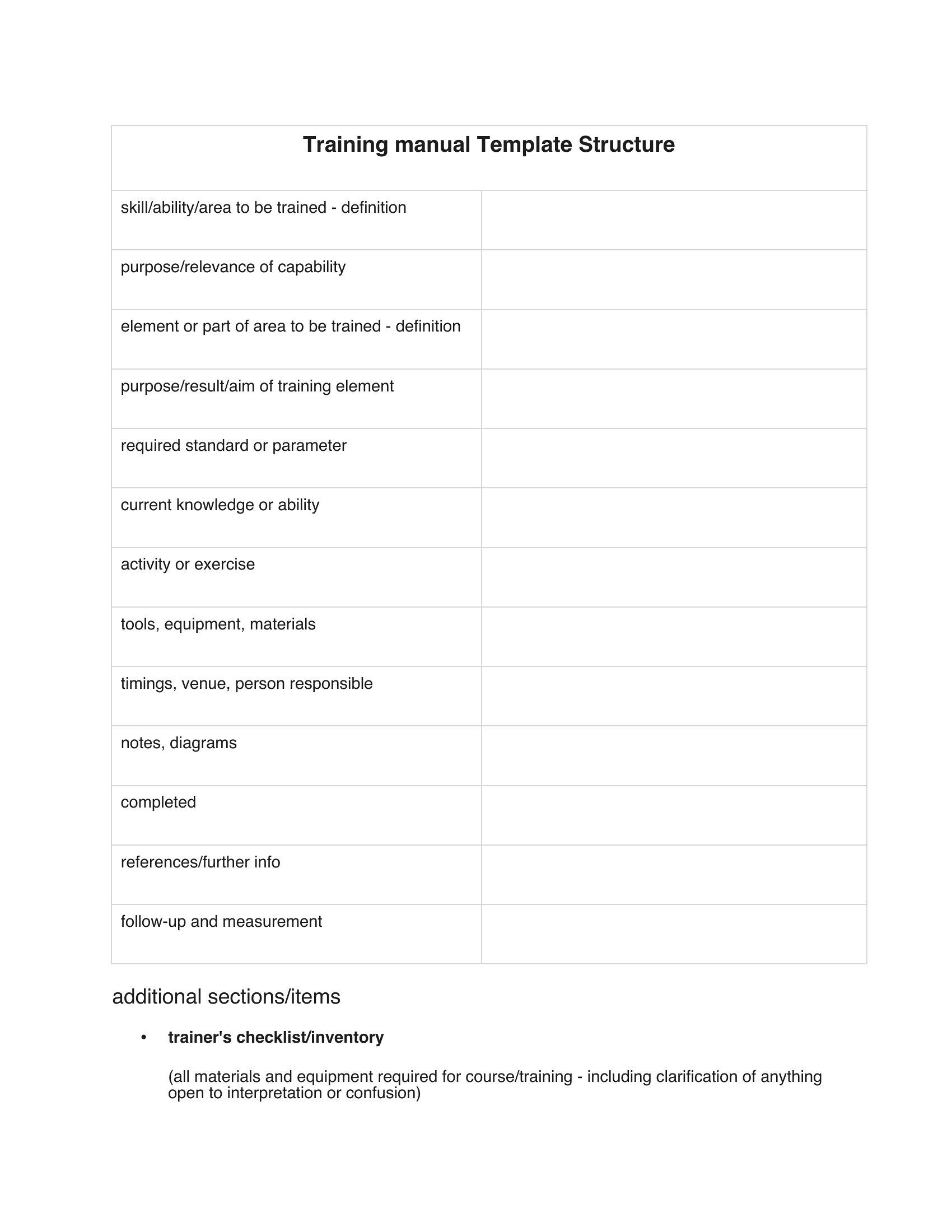
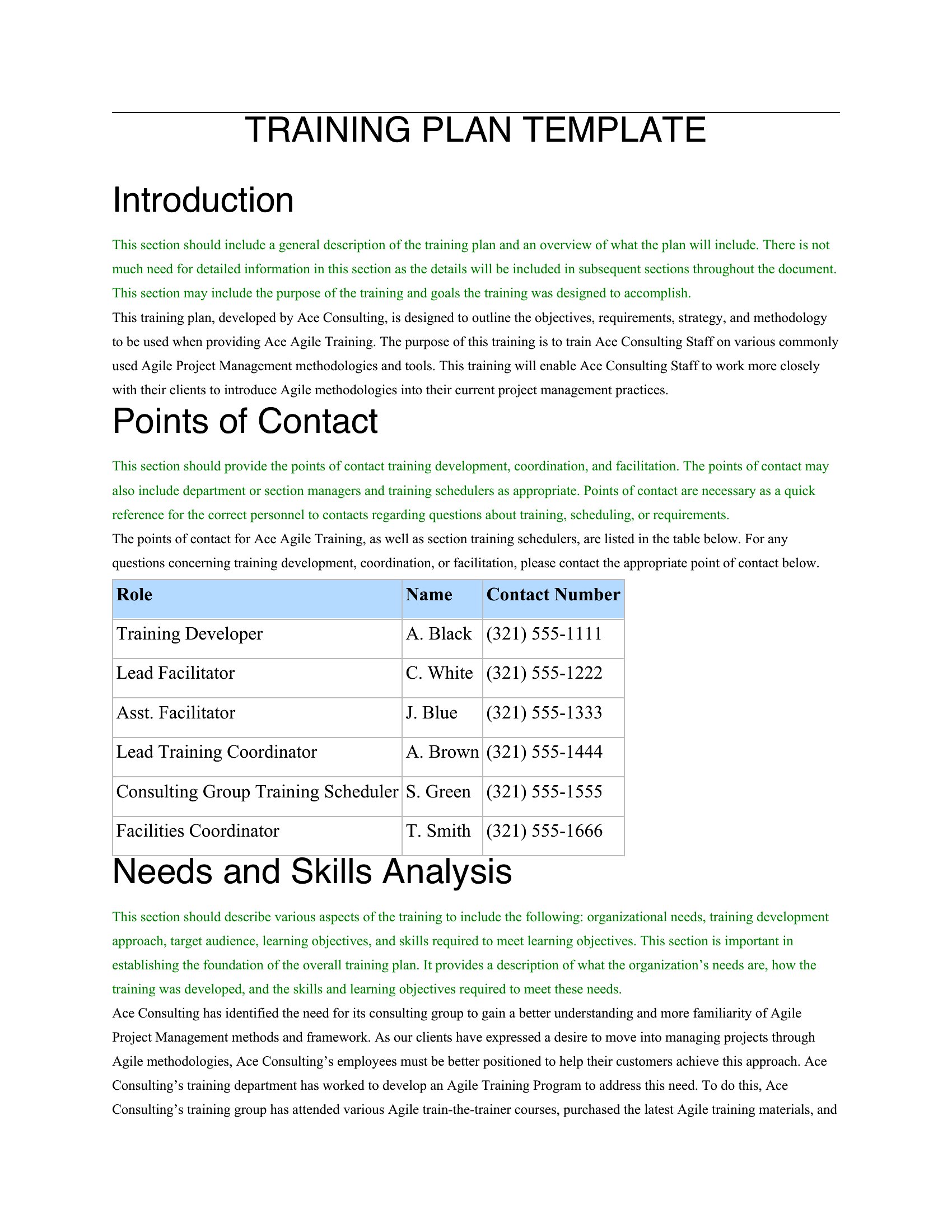
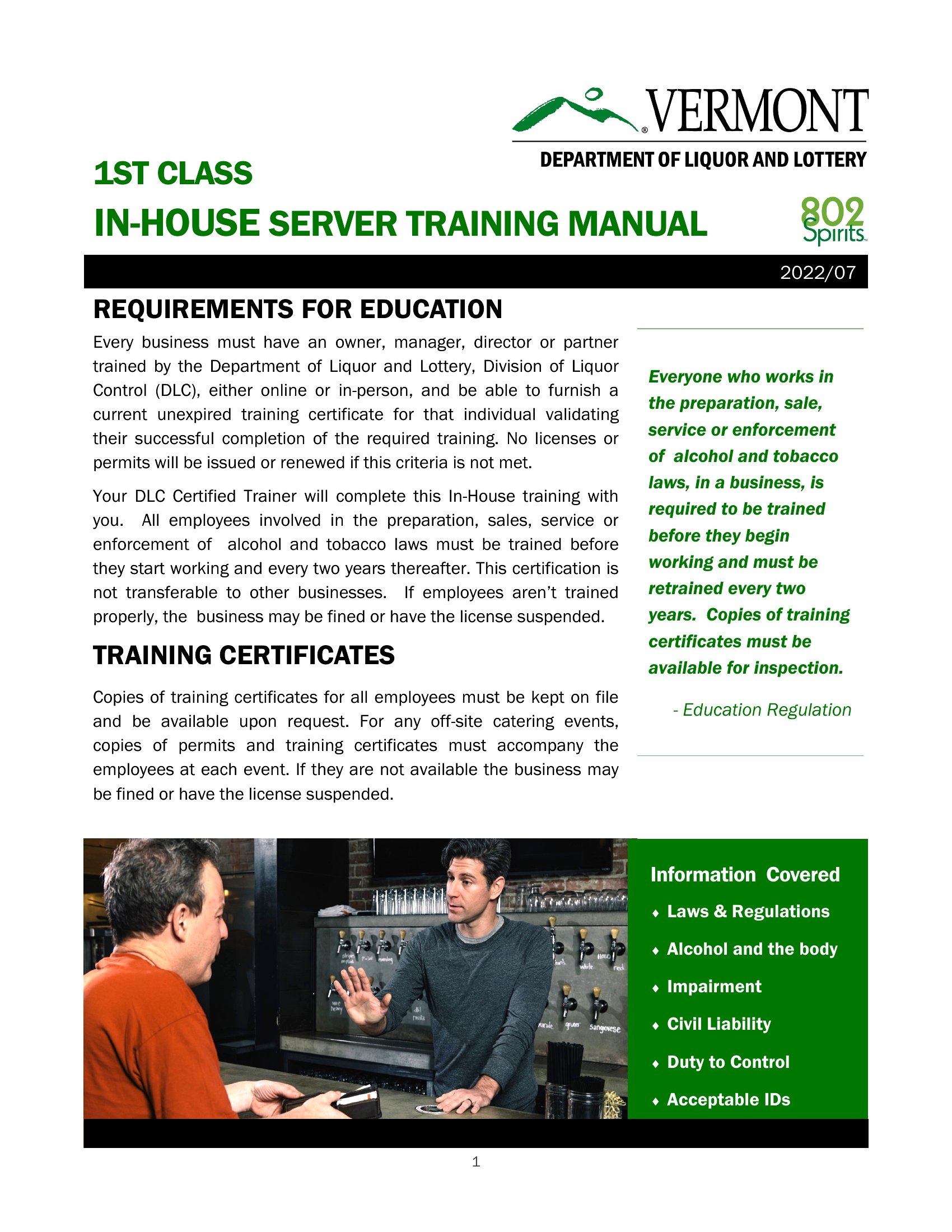
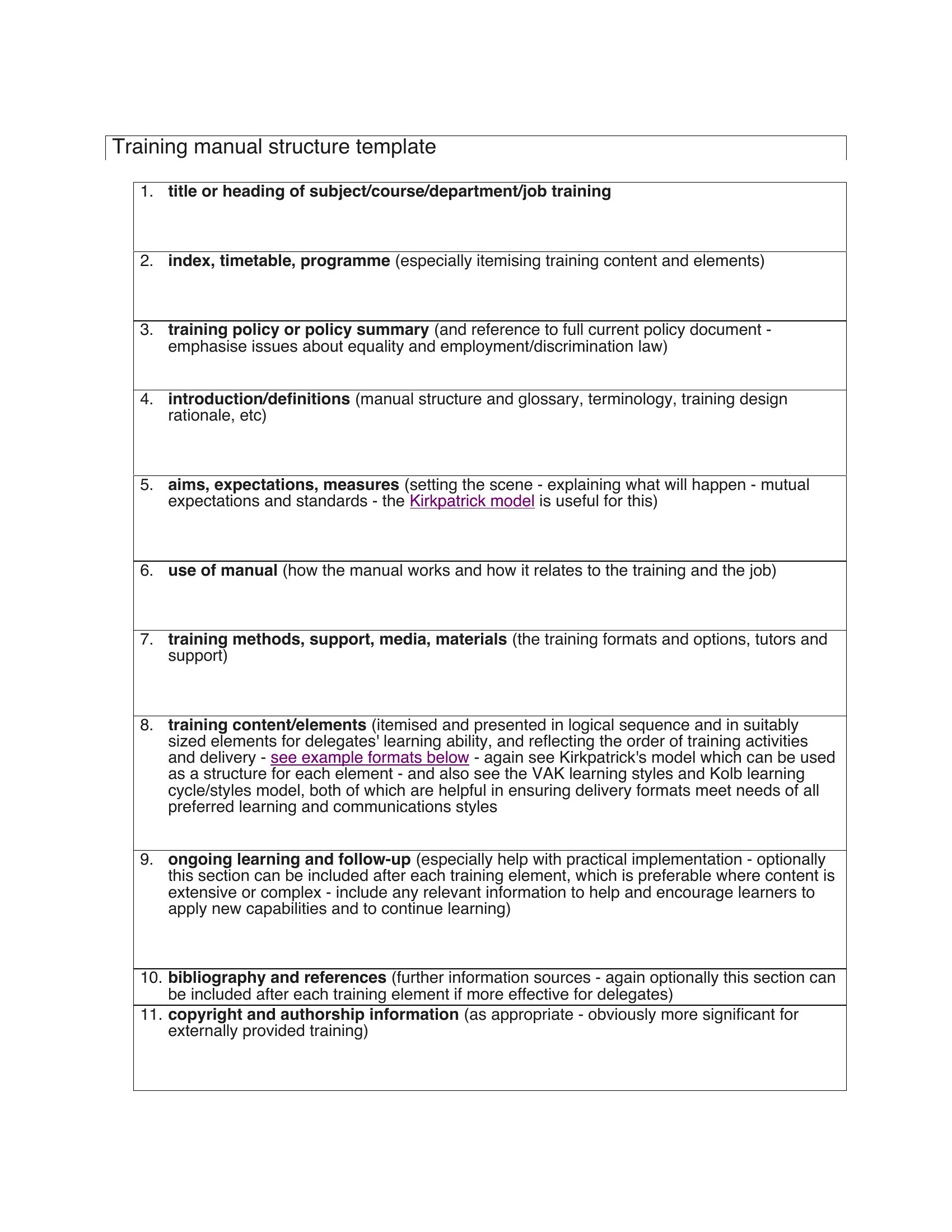
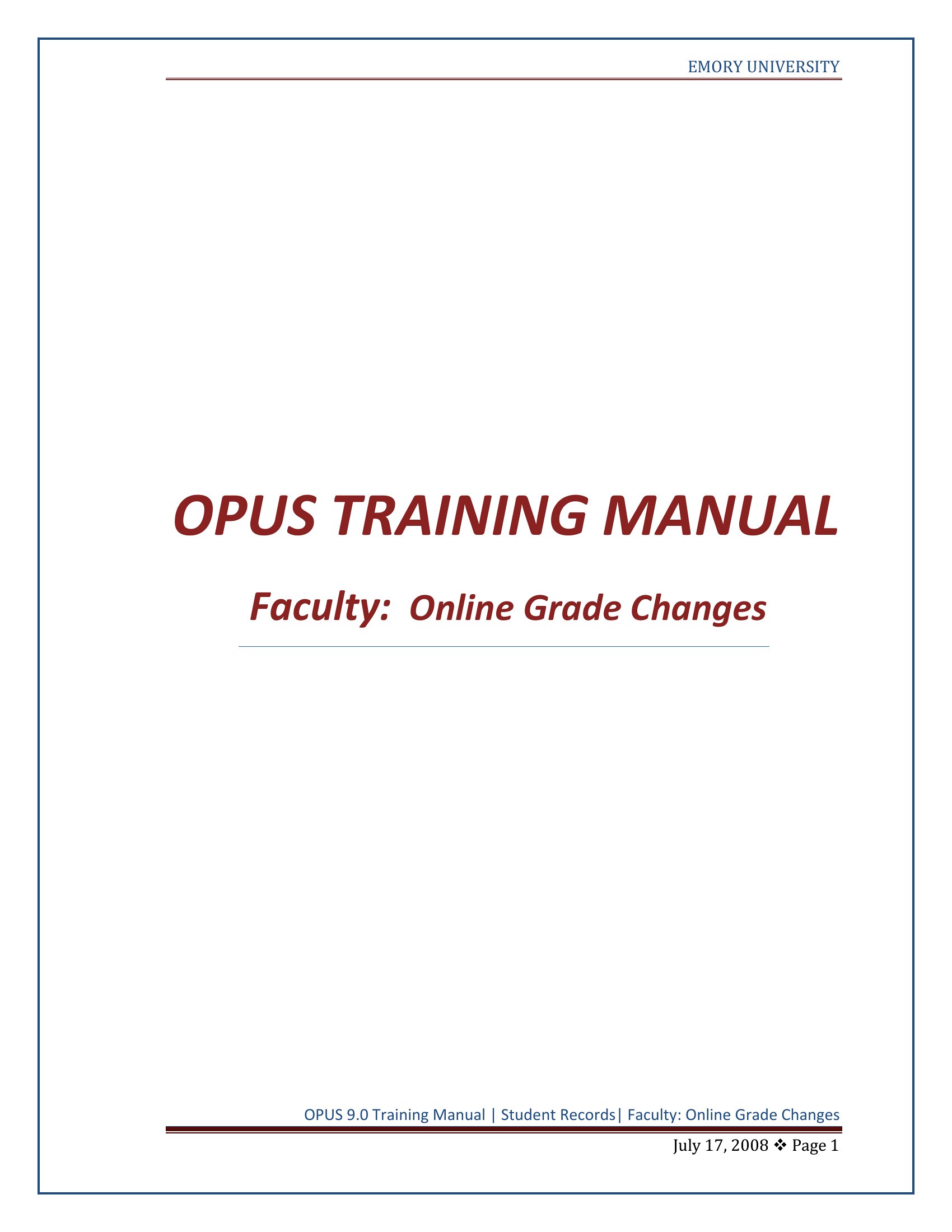
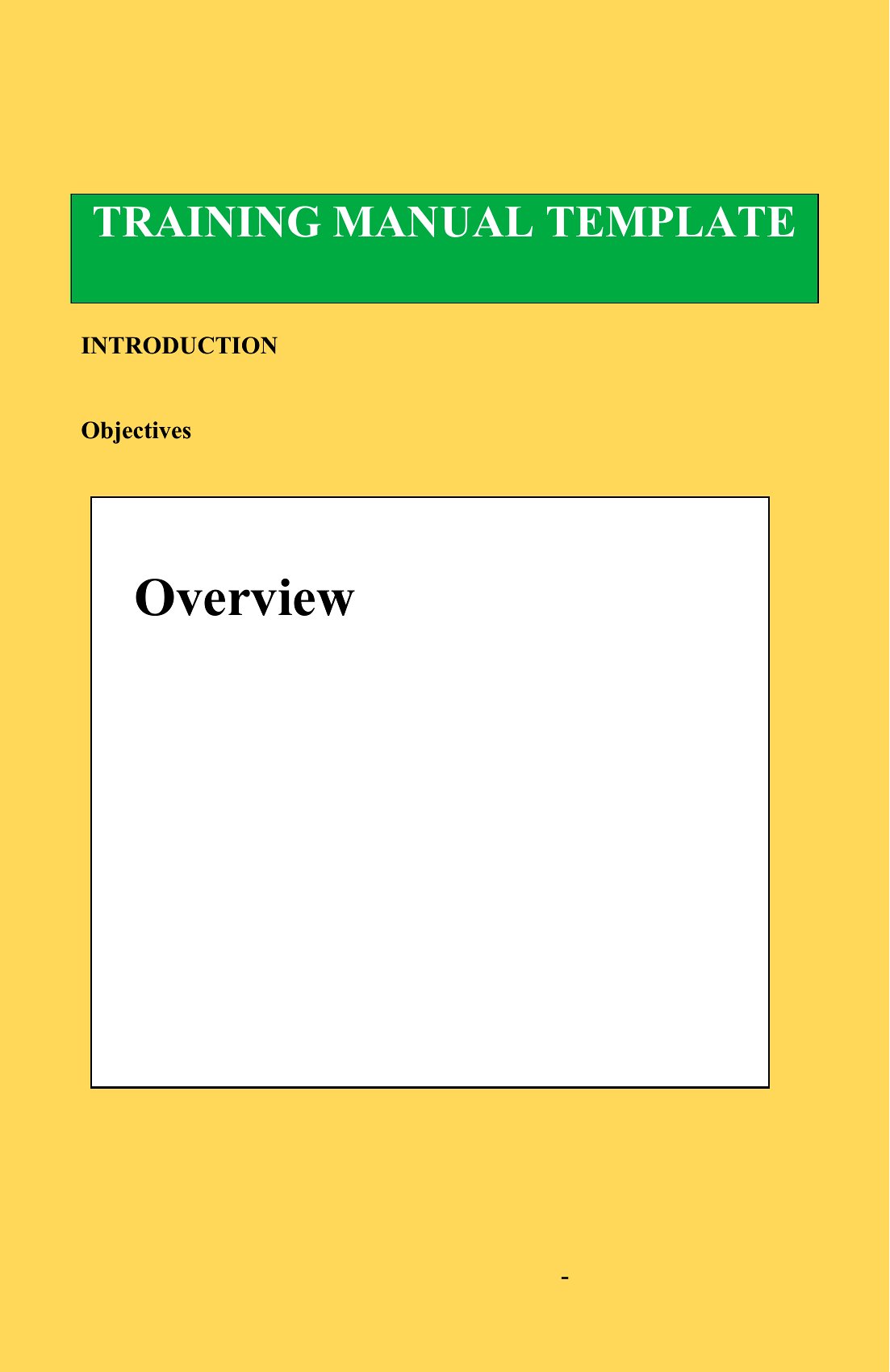
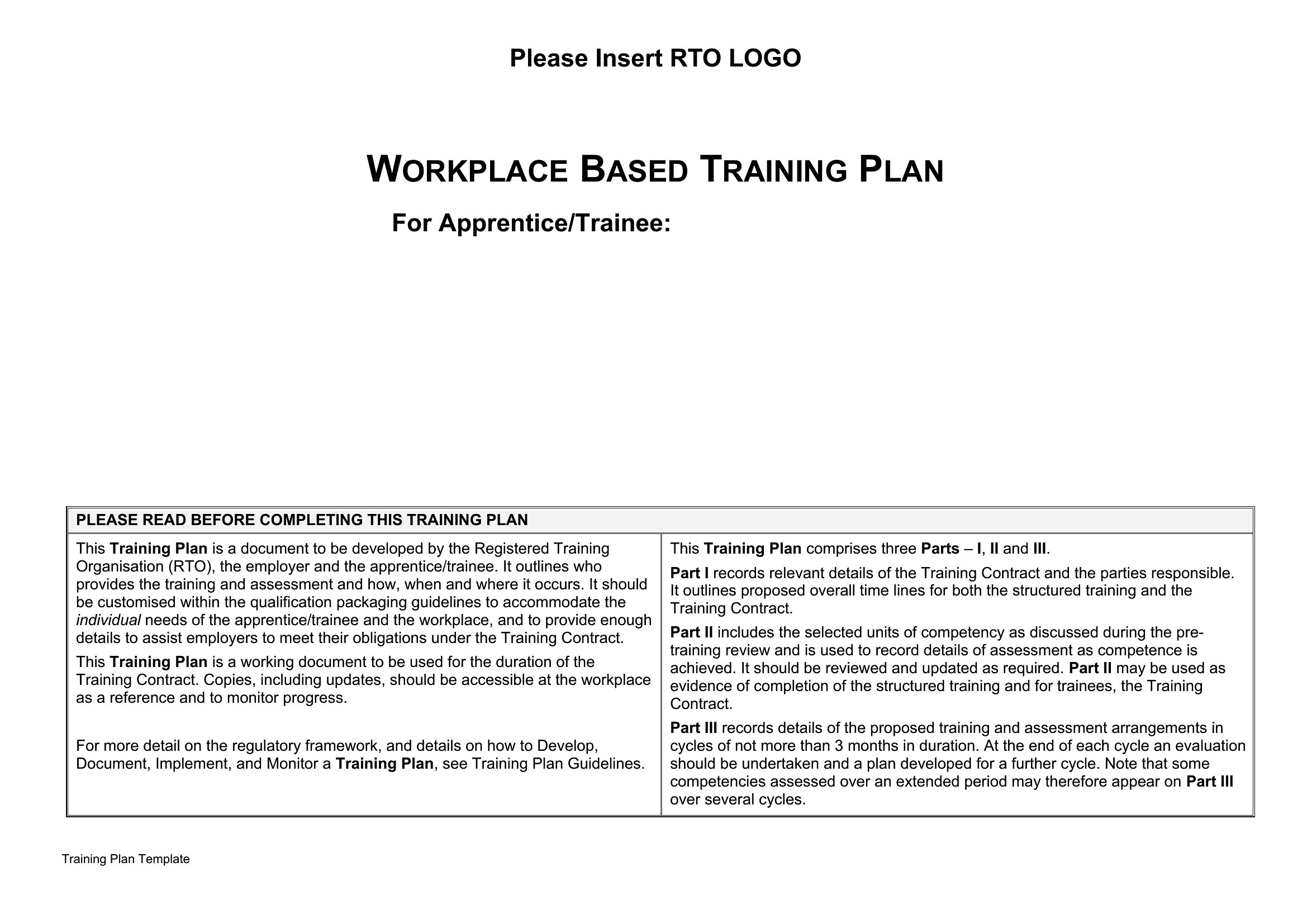
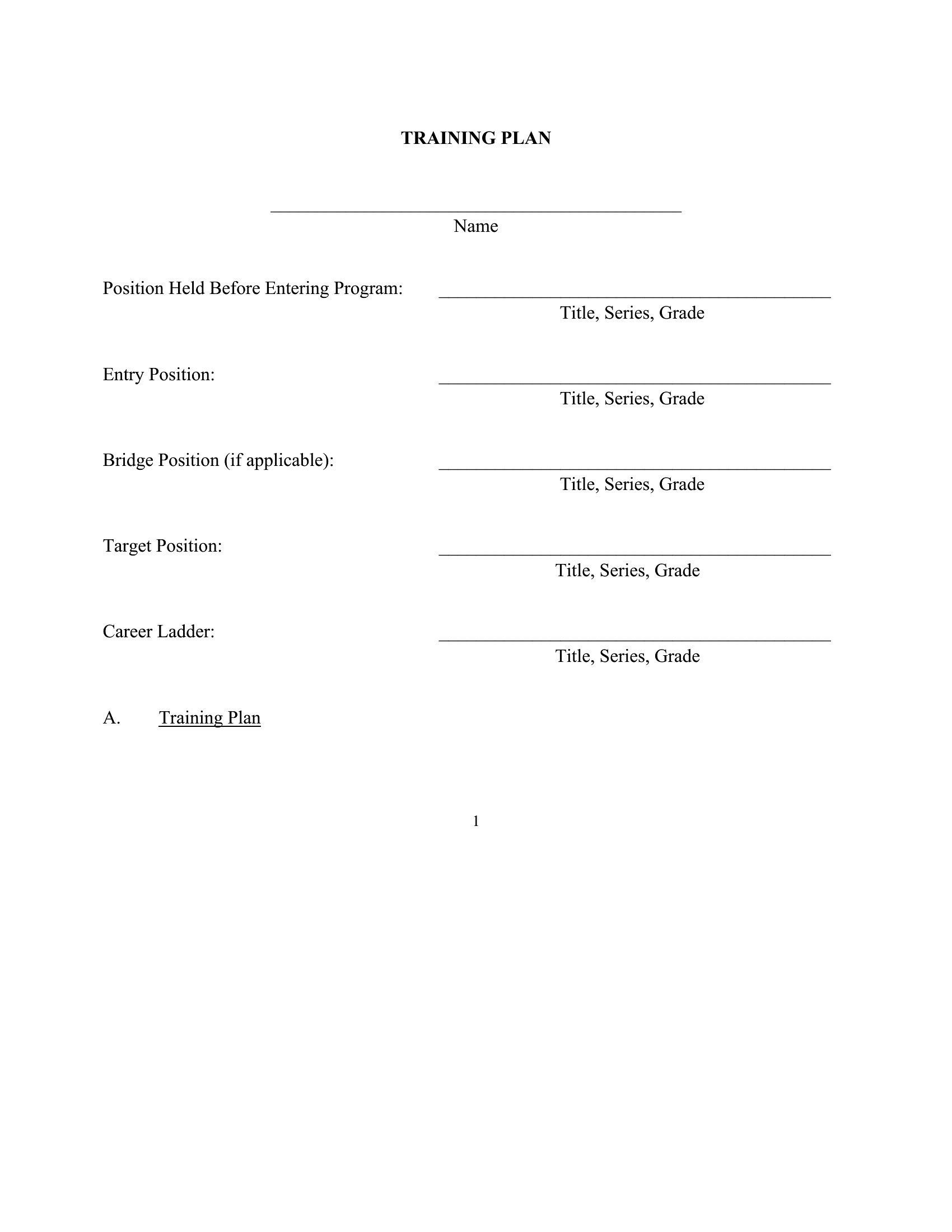
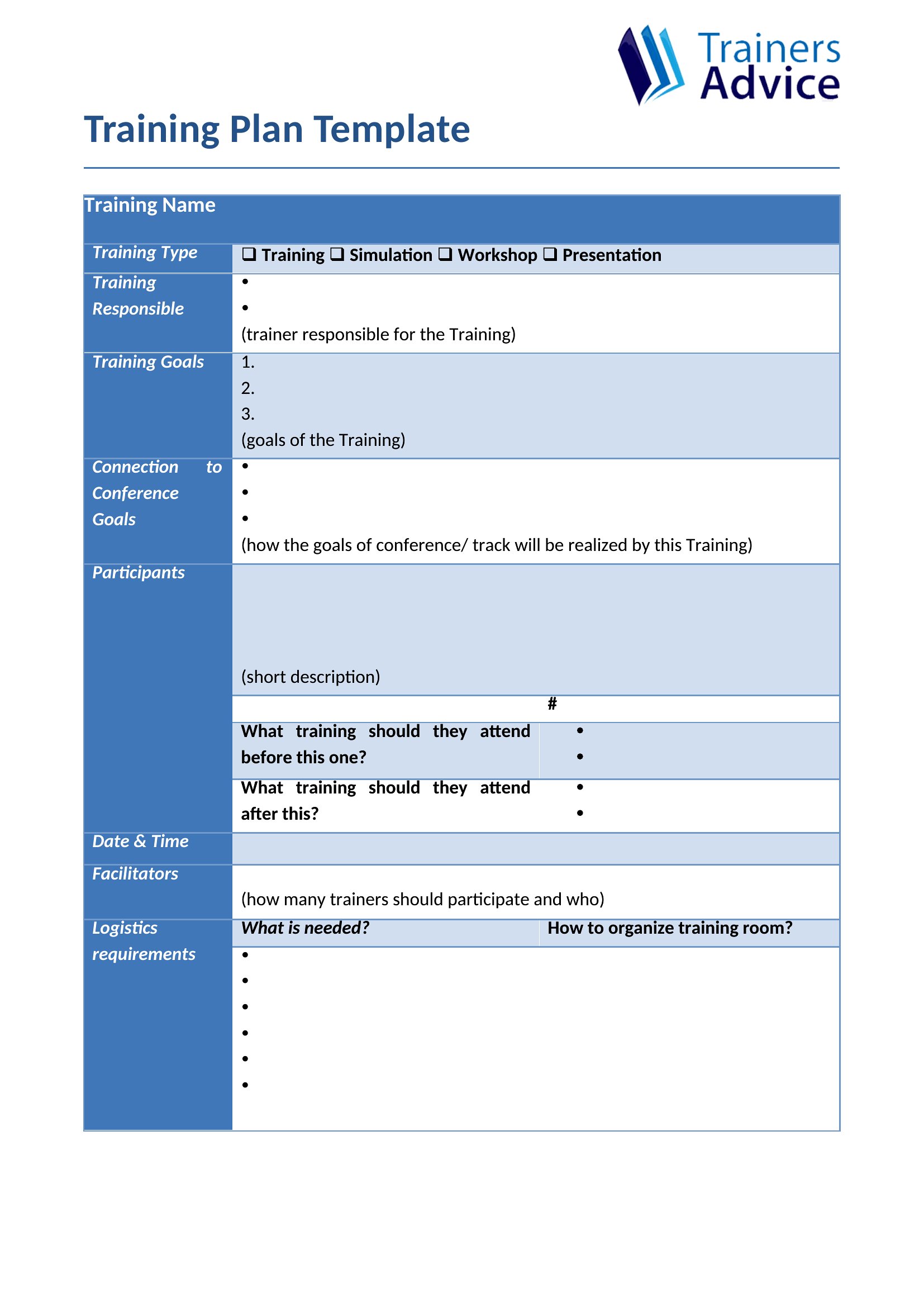
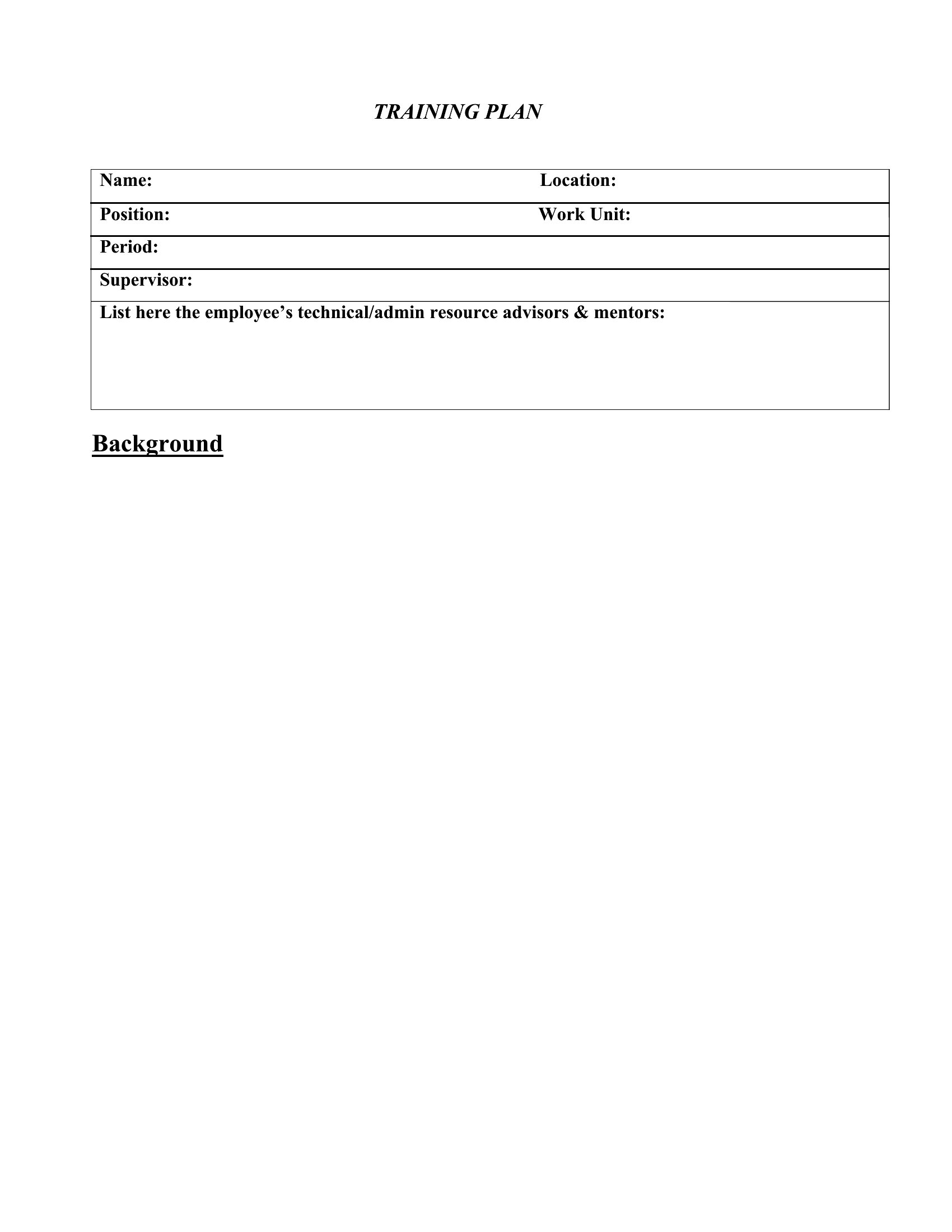
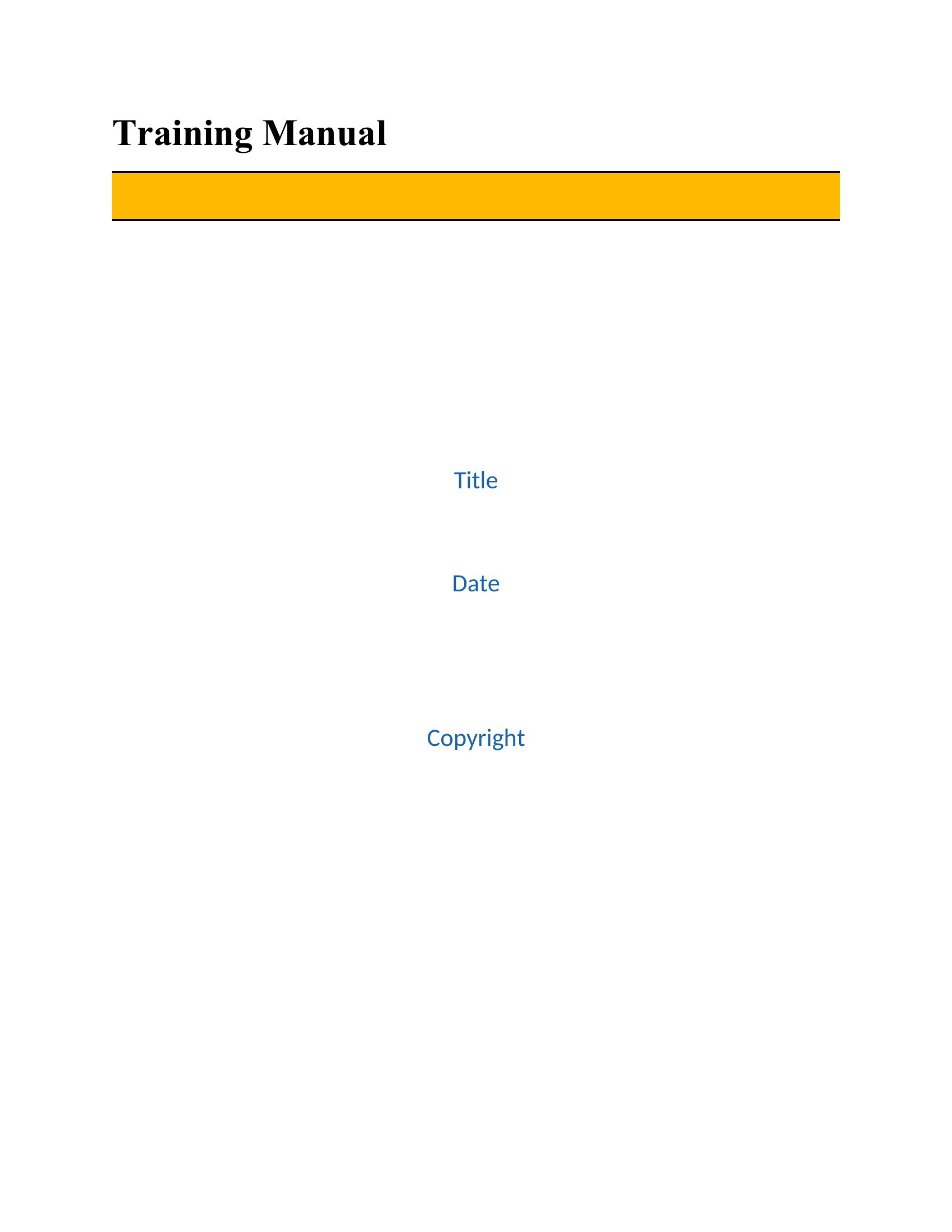
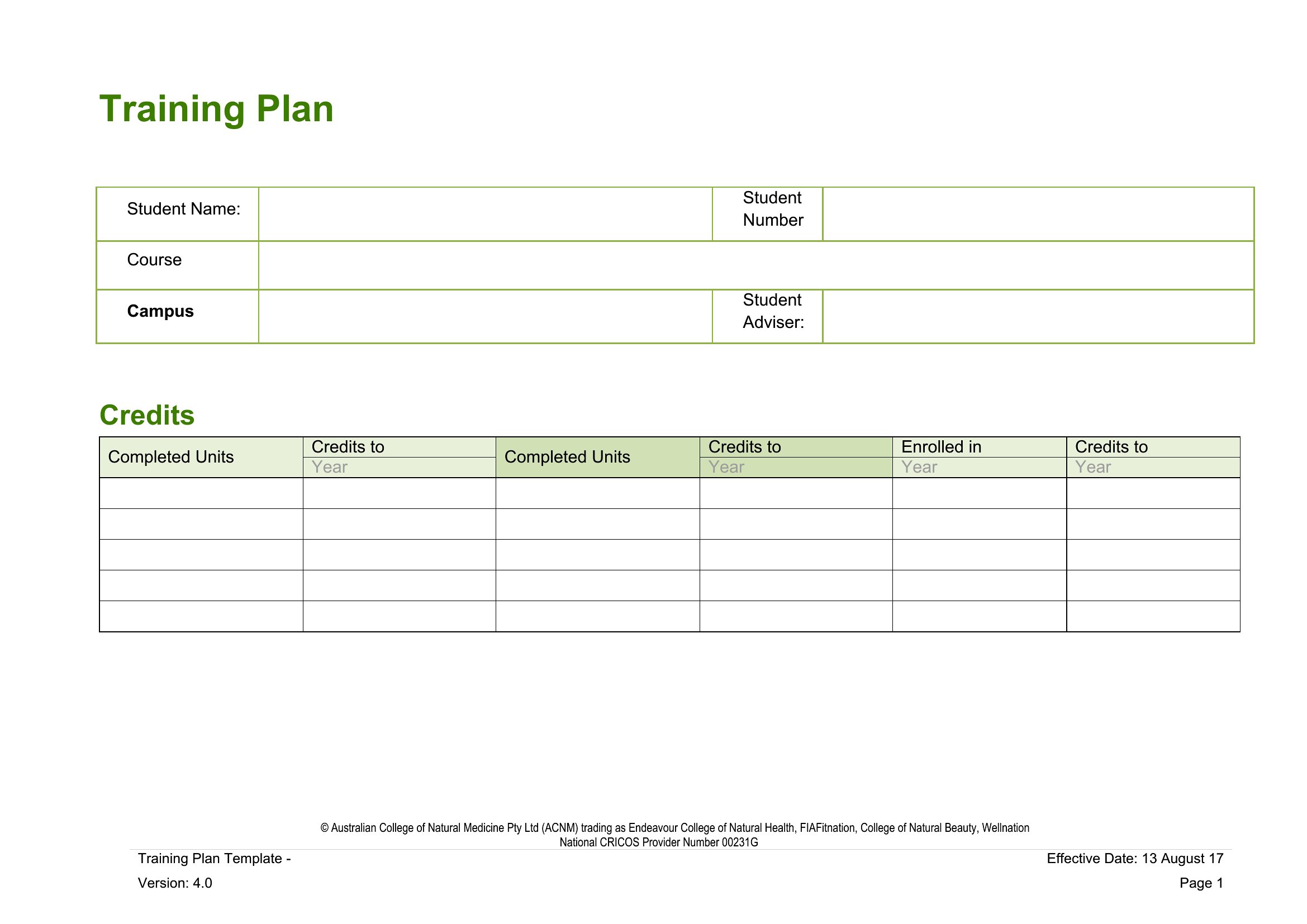
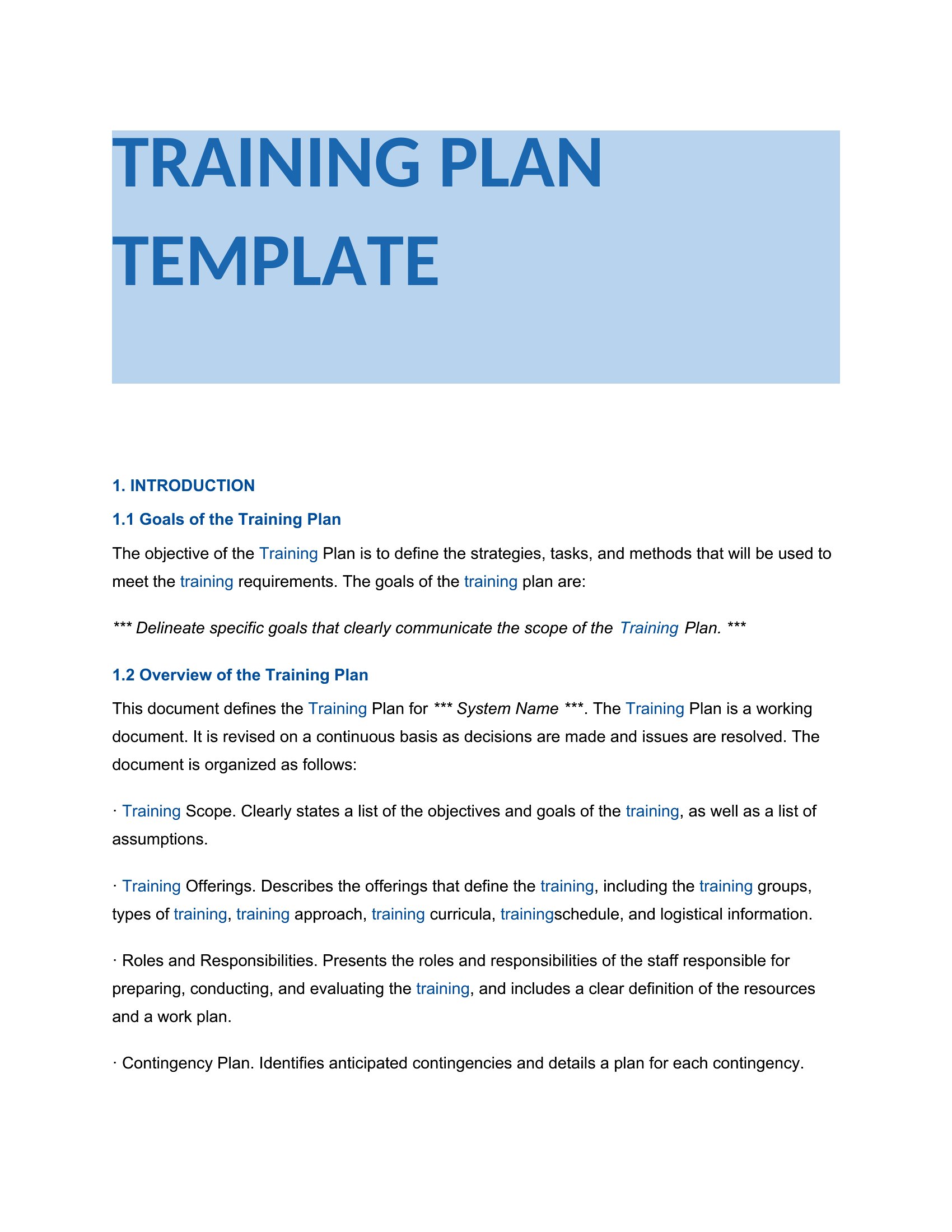
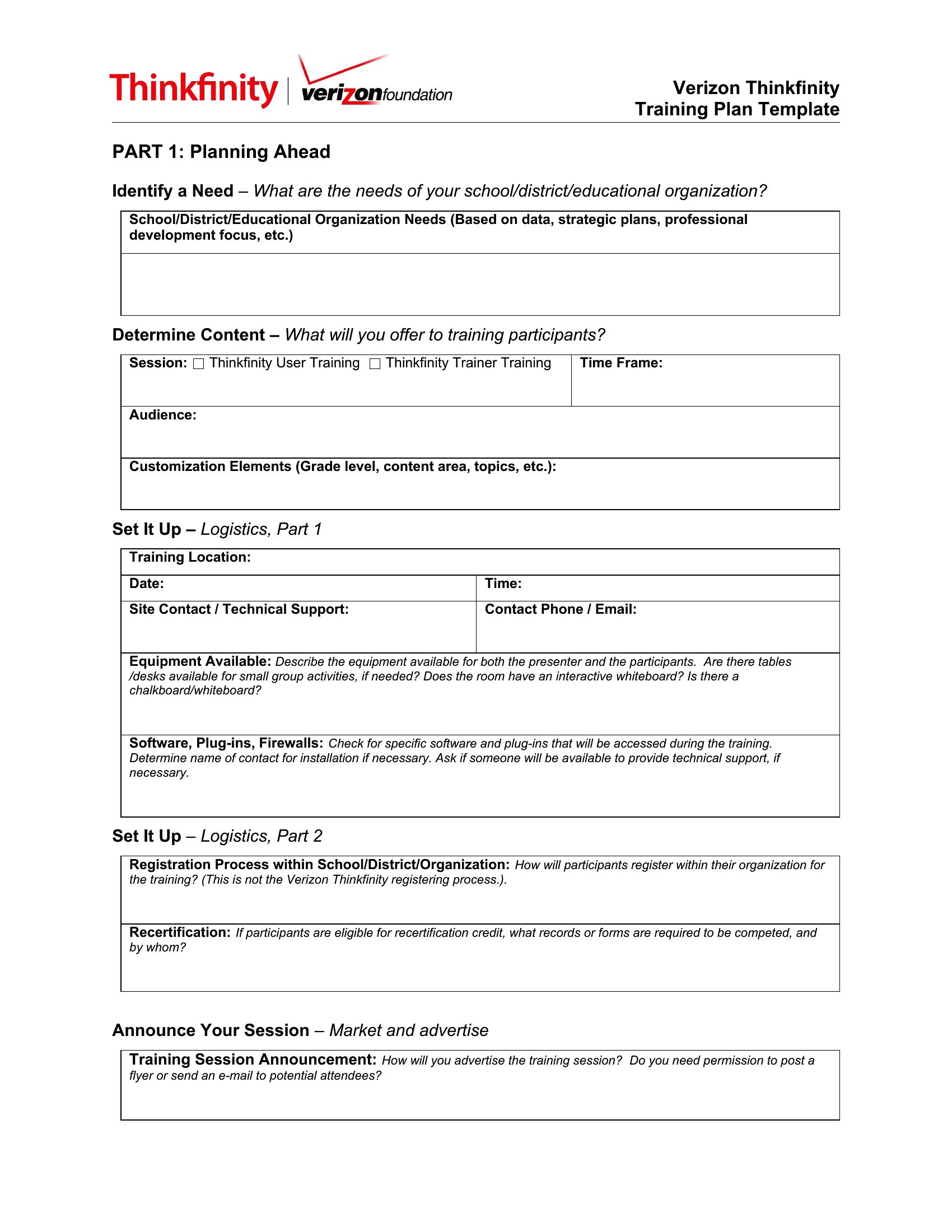
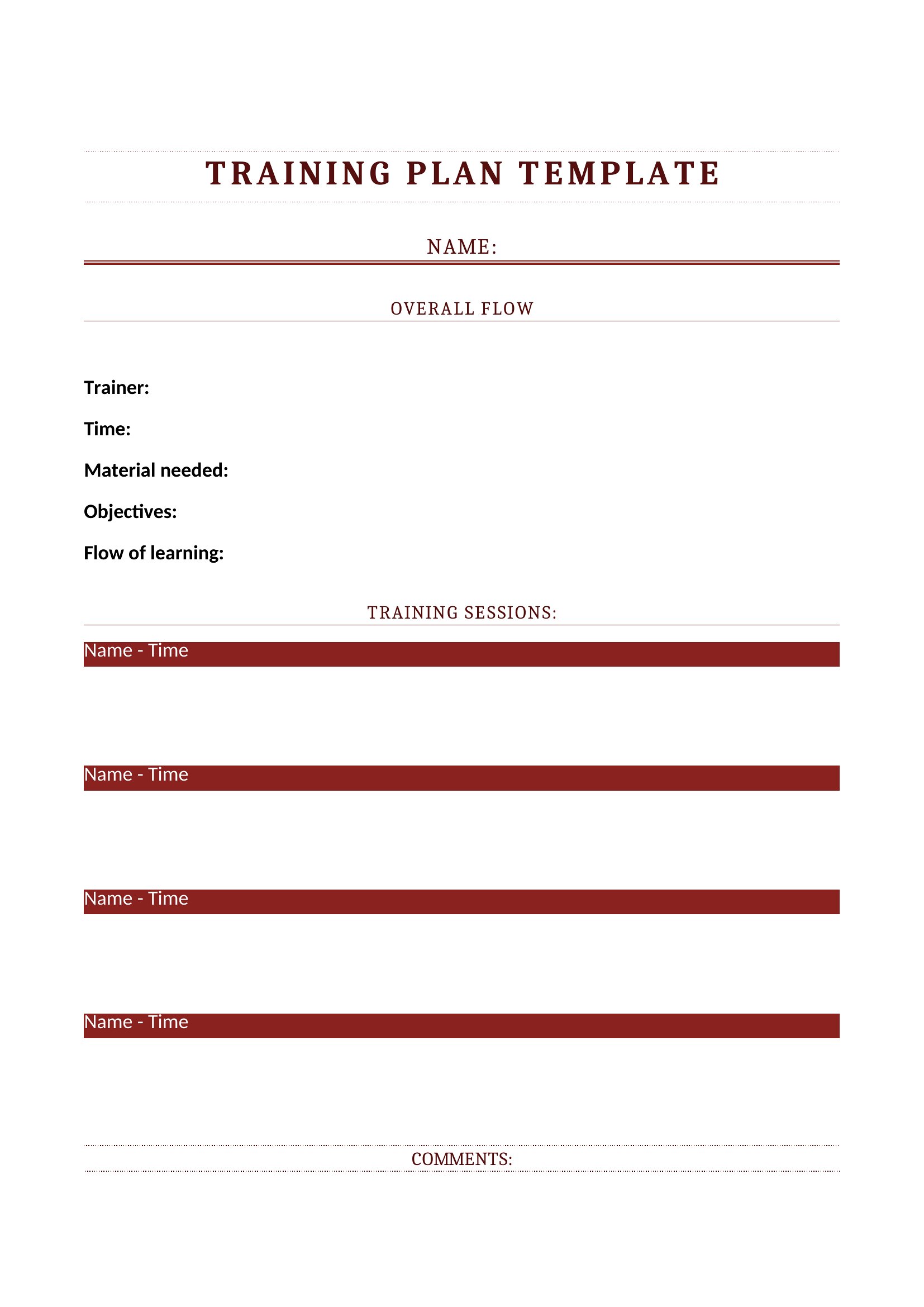
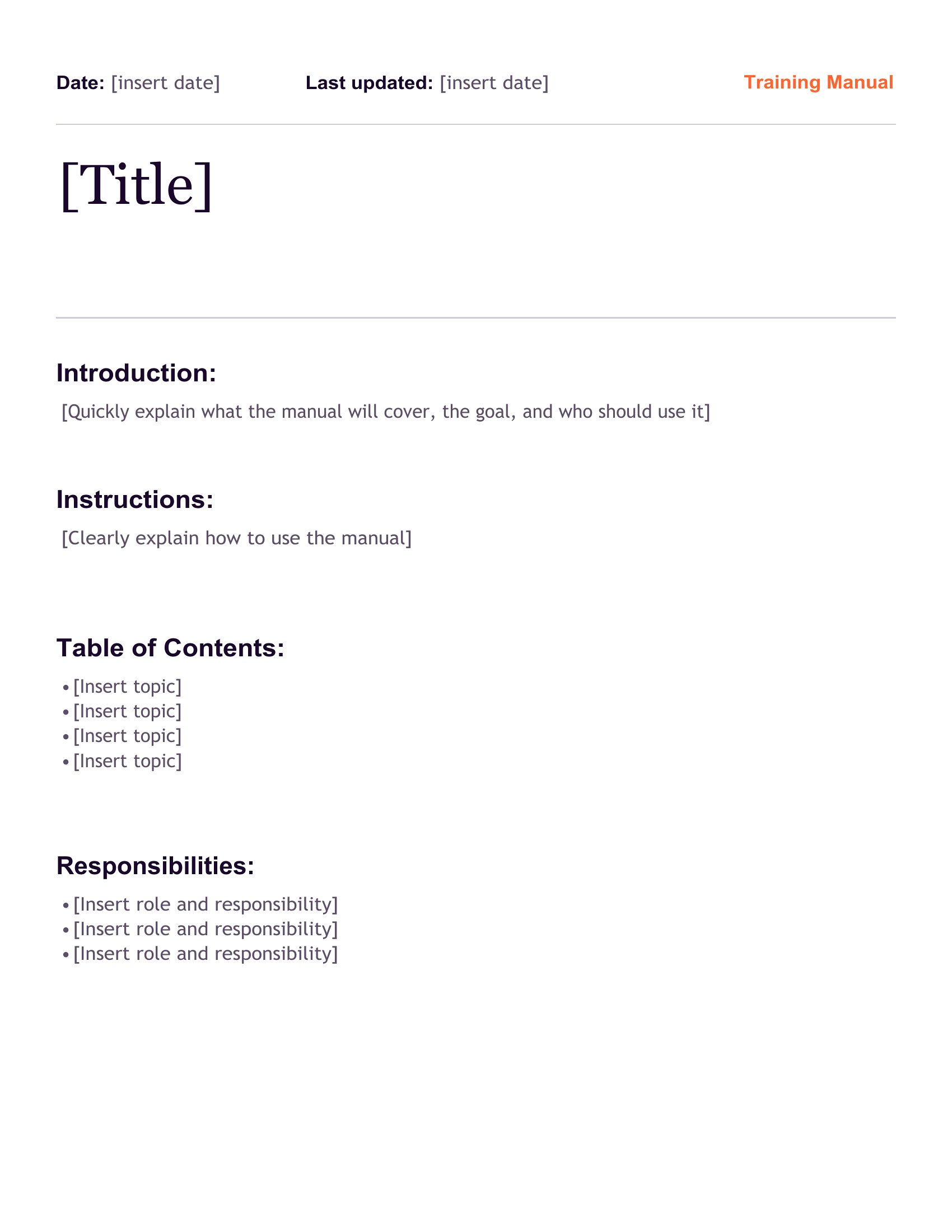
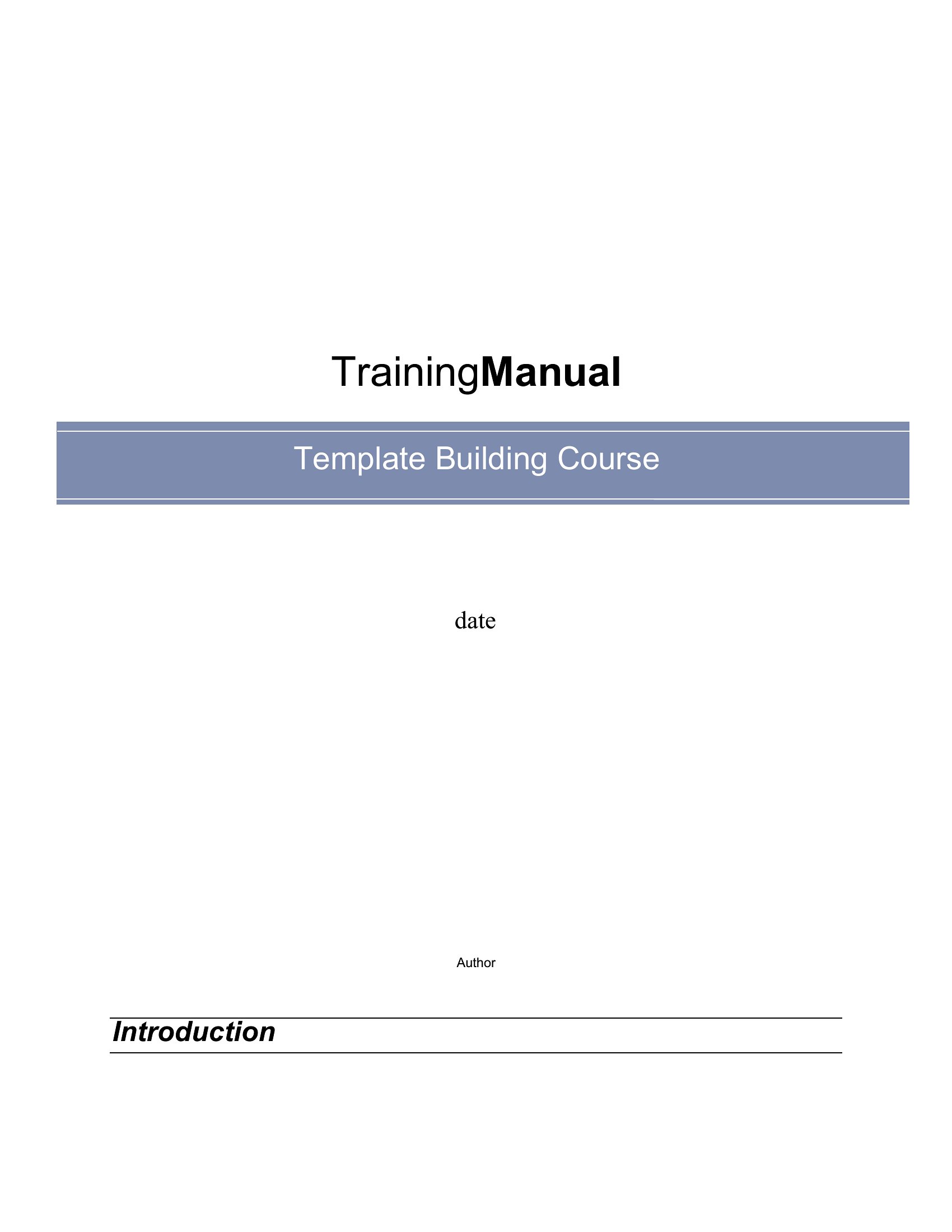
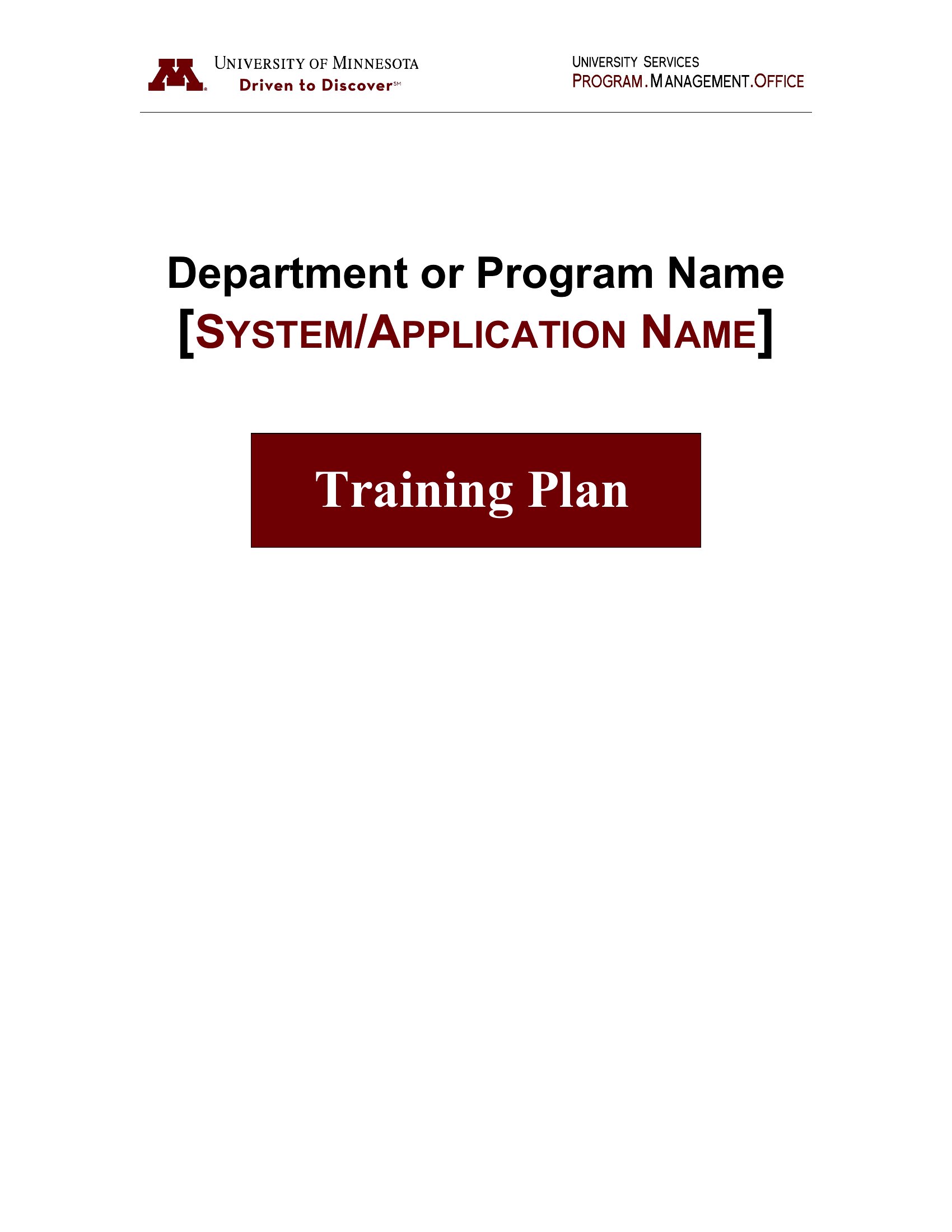
AnalysisA good training manual gets new hires up to speed without someone having to explain everything in person, and it keeps the explanations consistent. This collection of 55 templates organizes procedures, policies, and how-to steps into a clear structure, with room for screenshots, checklists, and contact info. Managers, HR teams, and small-business owners can document how the job is done and reuse it with every new employee.
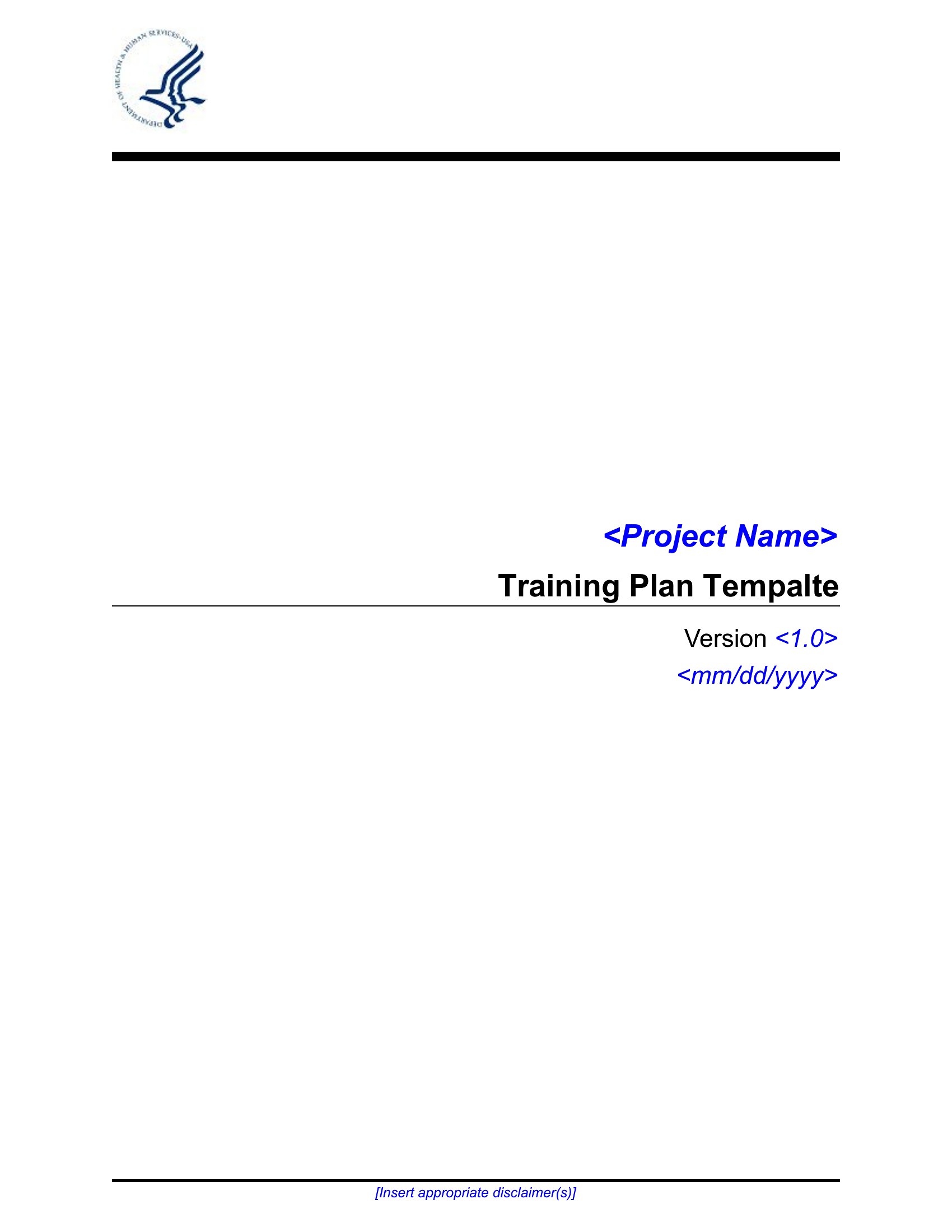
The templates are editable in Word and ready as PDFs for printing or sharing as a finished handbook. Build out the sections, add your branding, and you've got a professional resource that grows with the company. Choose the layout that fits your team and turn onboarding into something repeatable.
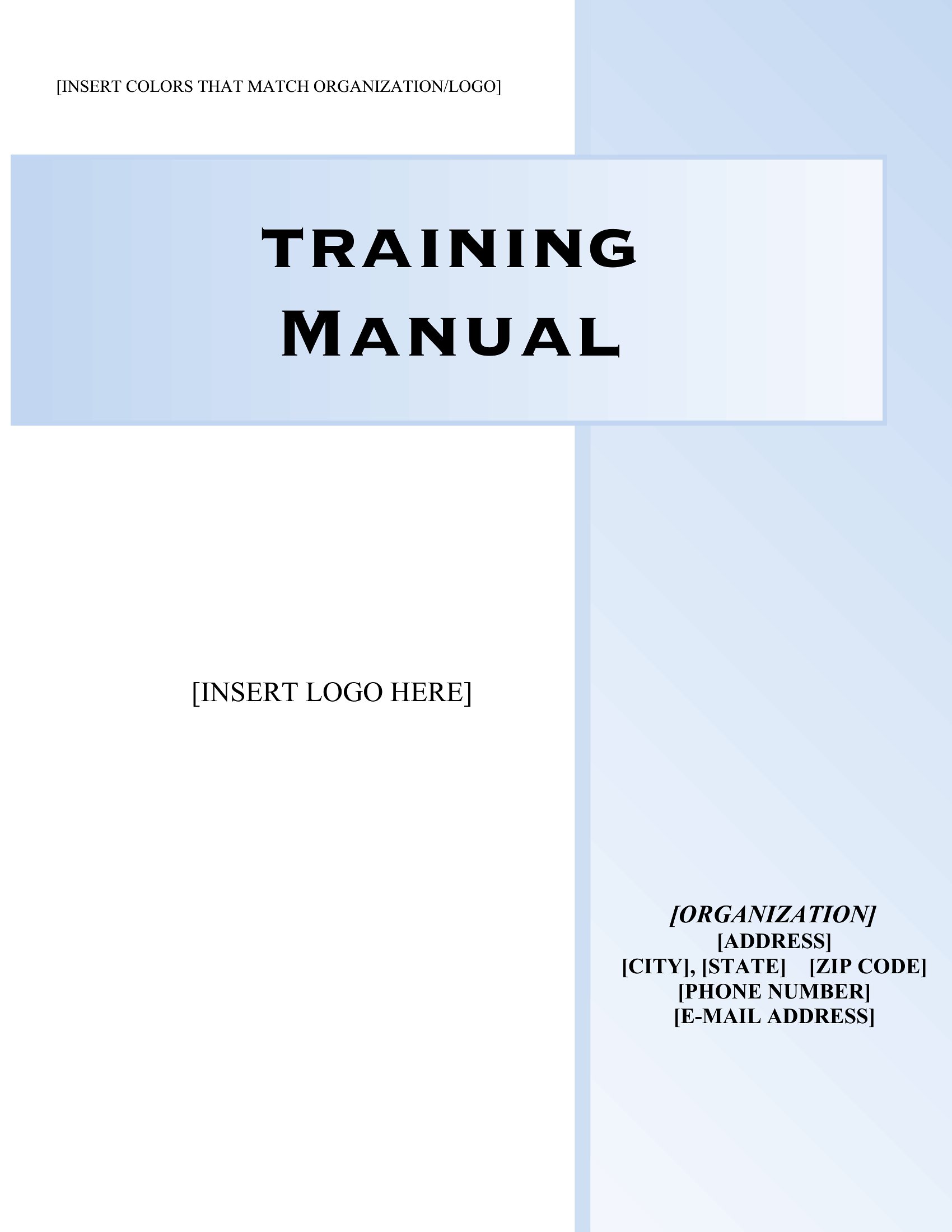
When to use this Training Manual template
- HR departments onboarding remote employees who can’t attend in-person training sessions can use structured manuals to align their workflows with company standards.
- Small-business owners launching new product lines need a consistent way to train seasonal staff on safety protocols and operations before peak months.
- Software companies rolling out updated tools for clients should include step-by-step guides with screenshots to reduce support calls during implementation phases.
- Nonprofits training volunteers in compliance-heavy roles like grant reporting rely on checklists and policy summaries to maintain accountability across locations.
Which format should I download?
For editable training materials that may need revisions later, choose Word. It’s ideal for managers who’ll update processes or add team-specific notes after initial distribution. Pick PDF when finalizing a polished, print-ready manual for compliance-heavy industries or external client training packets, ensuring no accidental edits once approved.
Choose from 55 Training Manual Templates
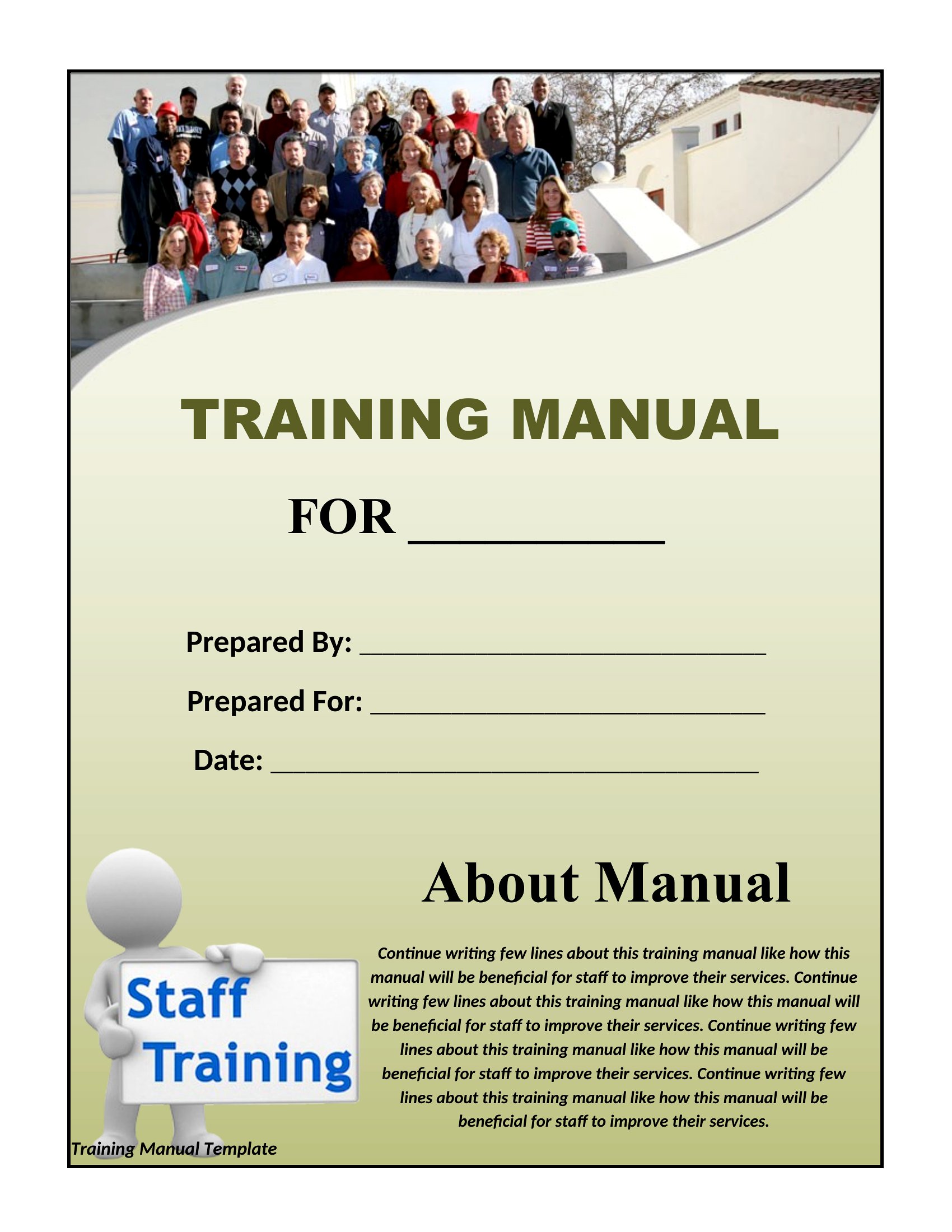
How to use this Training Manual template
Can these templates help organize hands-on training with equipment or machinery?
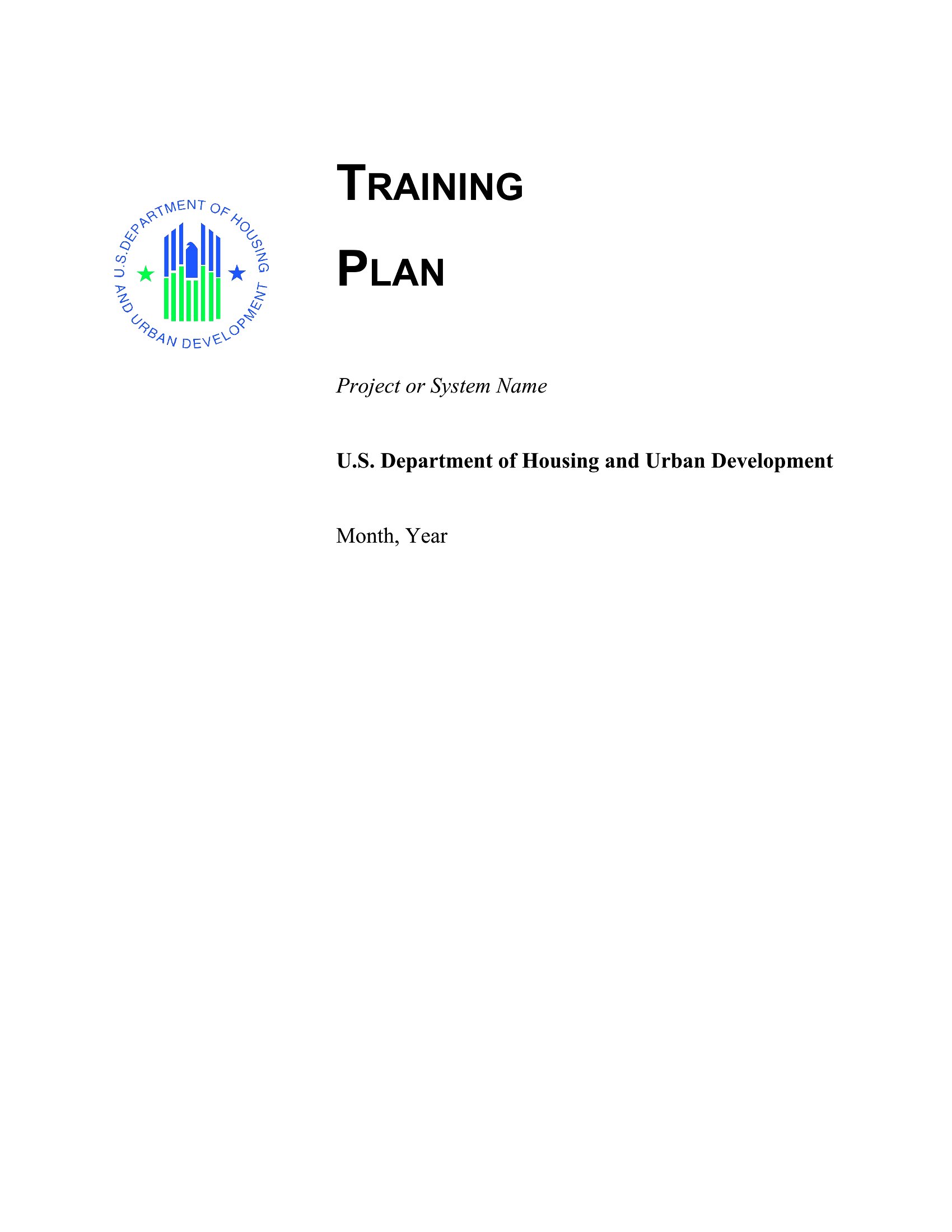
Yes, most templates include sections for safety warnings, visual aids (like screenshots or diagrams), and step-by-step procedures—perfect for documenting machine operation. Add a ‘checklist’ section for sign-offs after live demonstrations. Always confirm equipment meets OSHA or industry-specific safety standards separately.
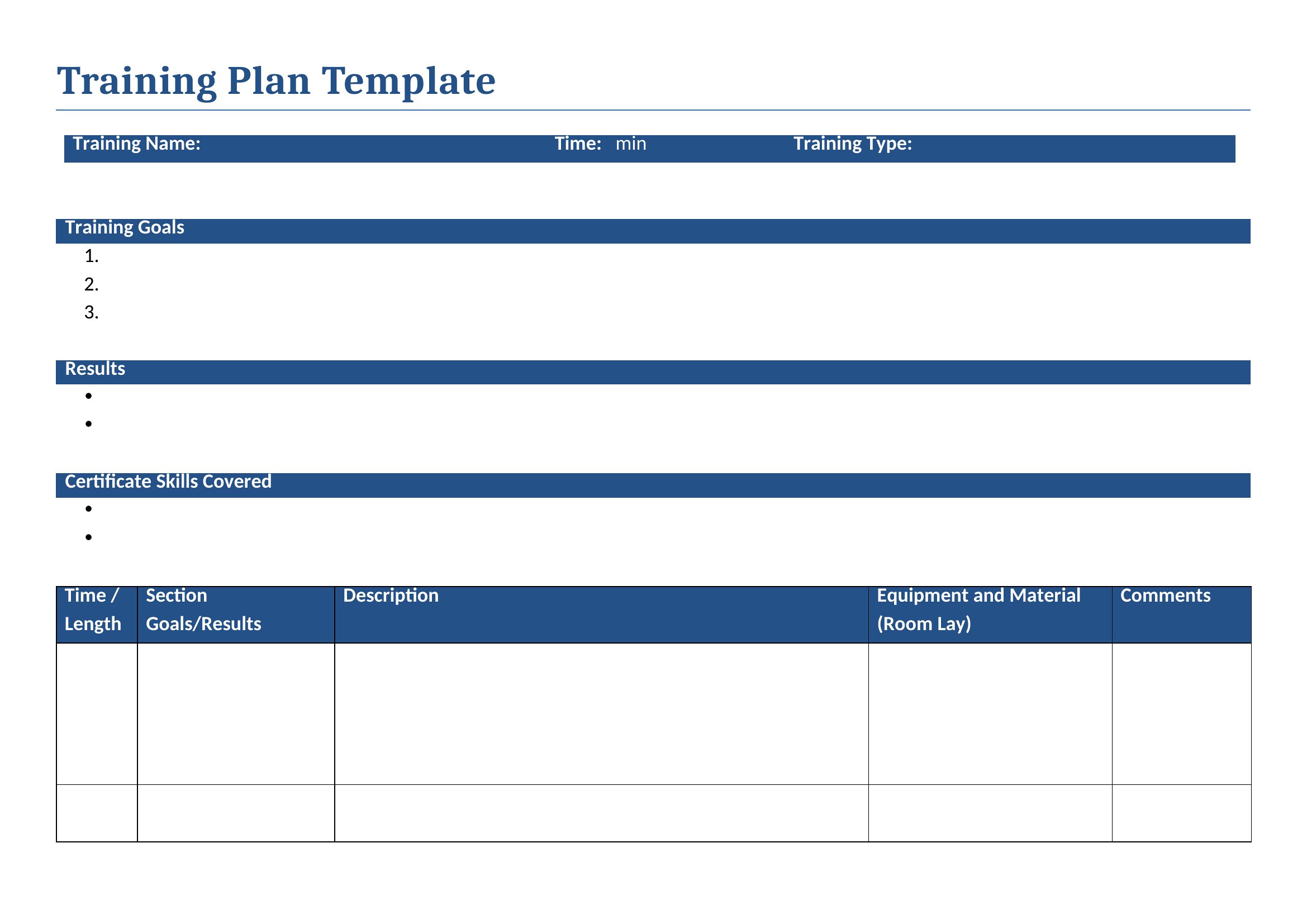
How do I ensure the training manual stays current if company policies change?
Use Word’s comment or track-changes features to flag outdated sections, then schedule annual reviews tied to policy updates. Store manuals electronically with version control (e.g., ‘Training Manual v3.1’) to avoid confusion. Assign an owner—like an HR coordinator—to update and redistribute revised versions.
Are there templates designed for soft skills training, like customer service or leadership development?
Yes, several include role-play scenarios, evaluation checklists, and reflective exercises. Look for templates labeled ‘behavioral training’ or ‘soft skills’ in the collection. Pair these with real-world examples from your industry to ground lessons in context. For sensitive topics, consult an HR professional to avoid unintended bias.
Comments
Join the conversation
Sign in to share your thoughts and leave a comment on this resource.