Skip to content
50% off this one-time $1.99 pack with HALFOFF — or unlimited with Pro.HALFOFF
Premium

Free Action Item Templates (Excel)

Project
kaylawebb by kaylawebb
Updated 0 downloads Quality-checked template

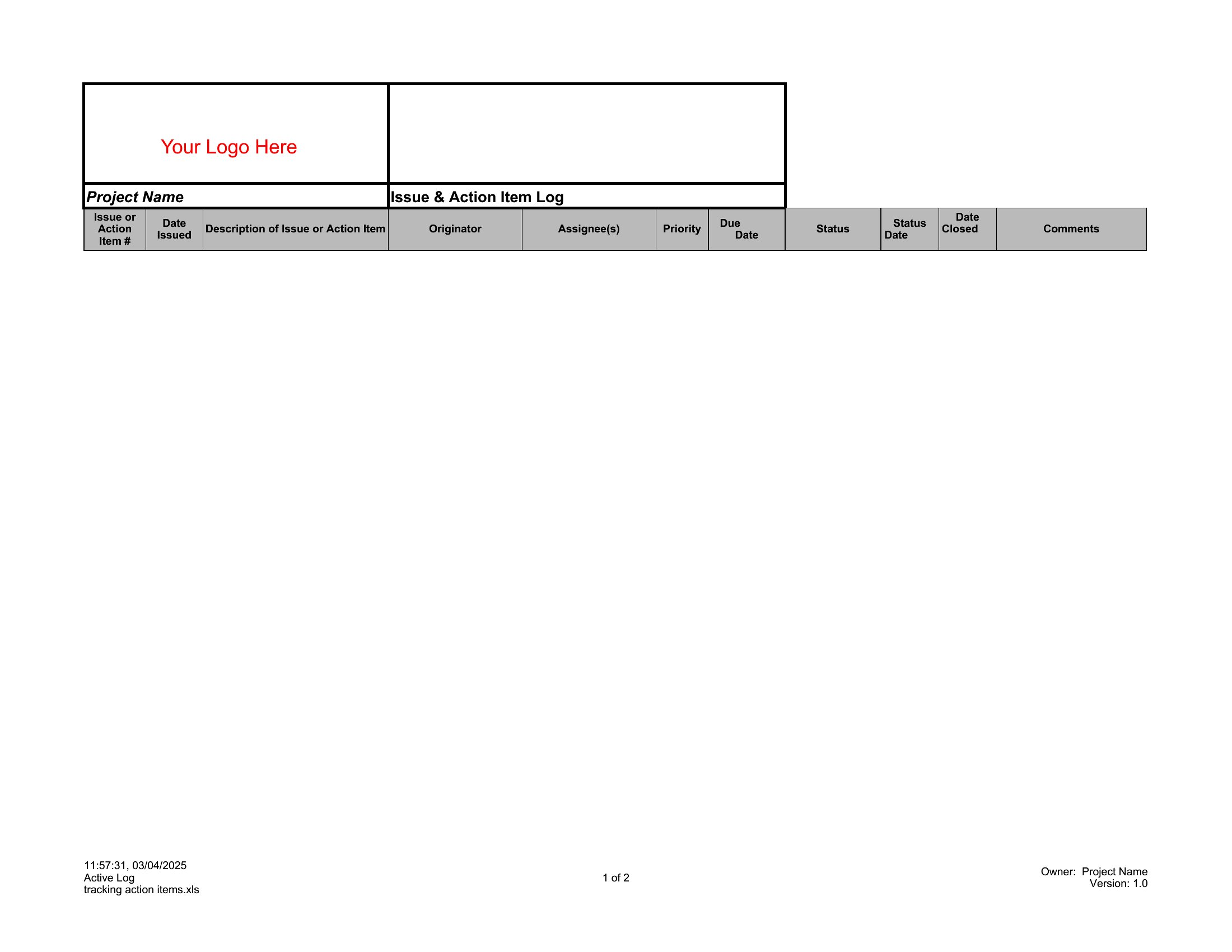
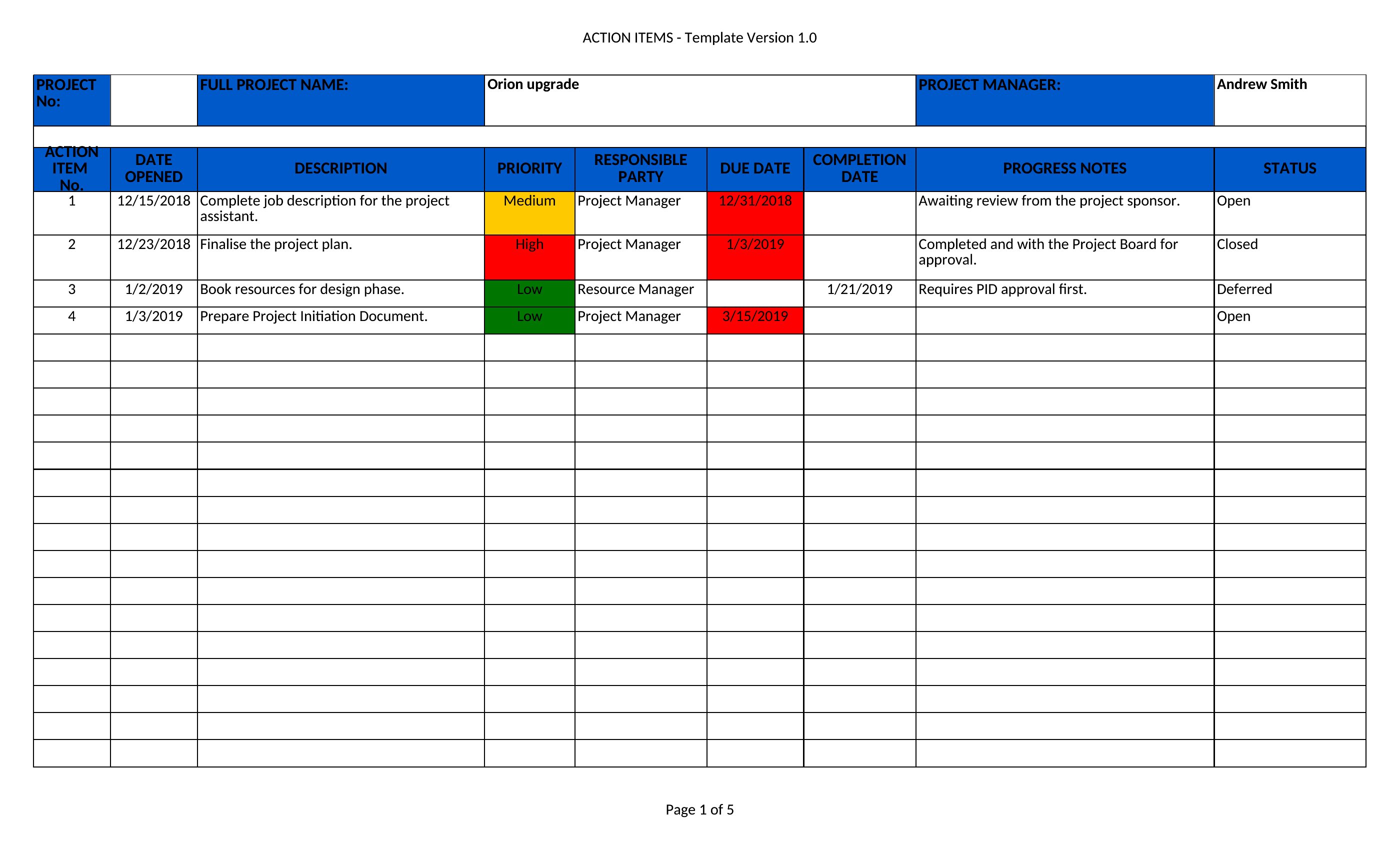
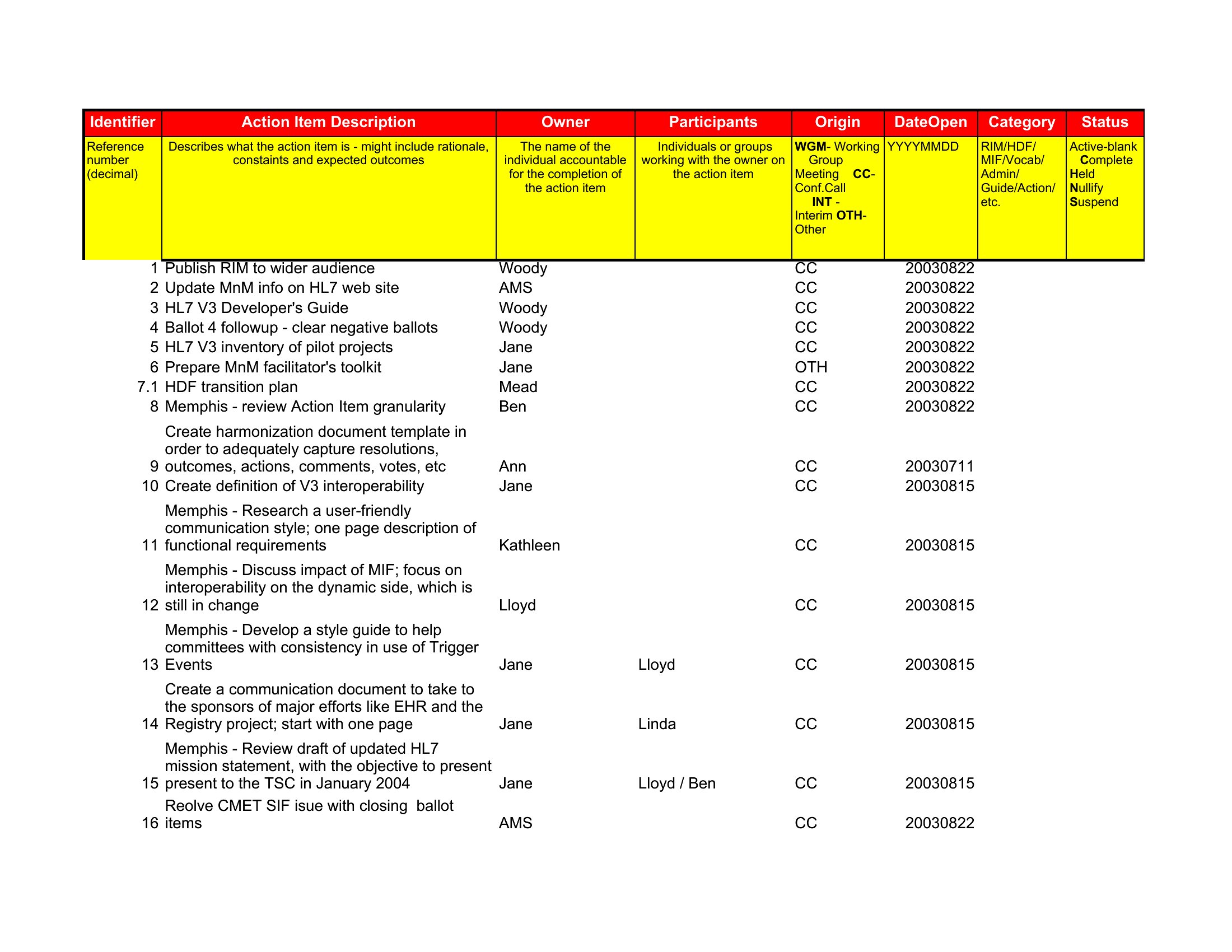
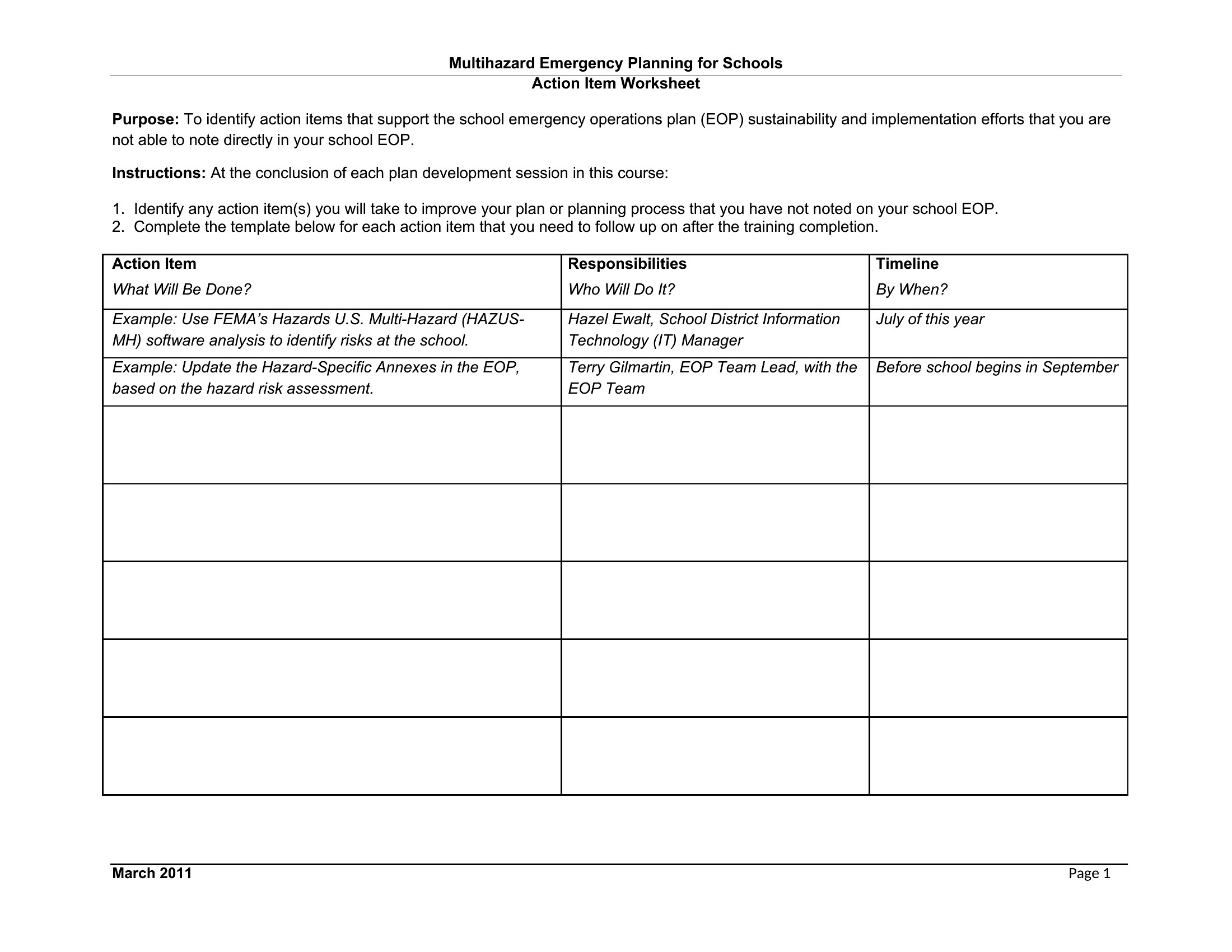
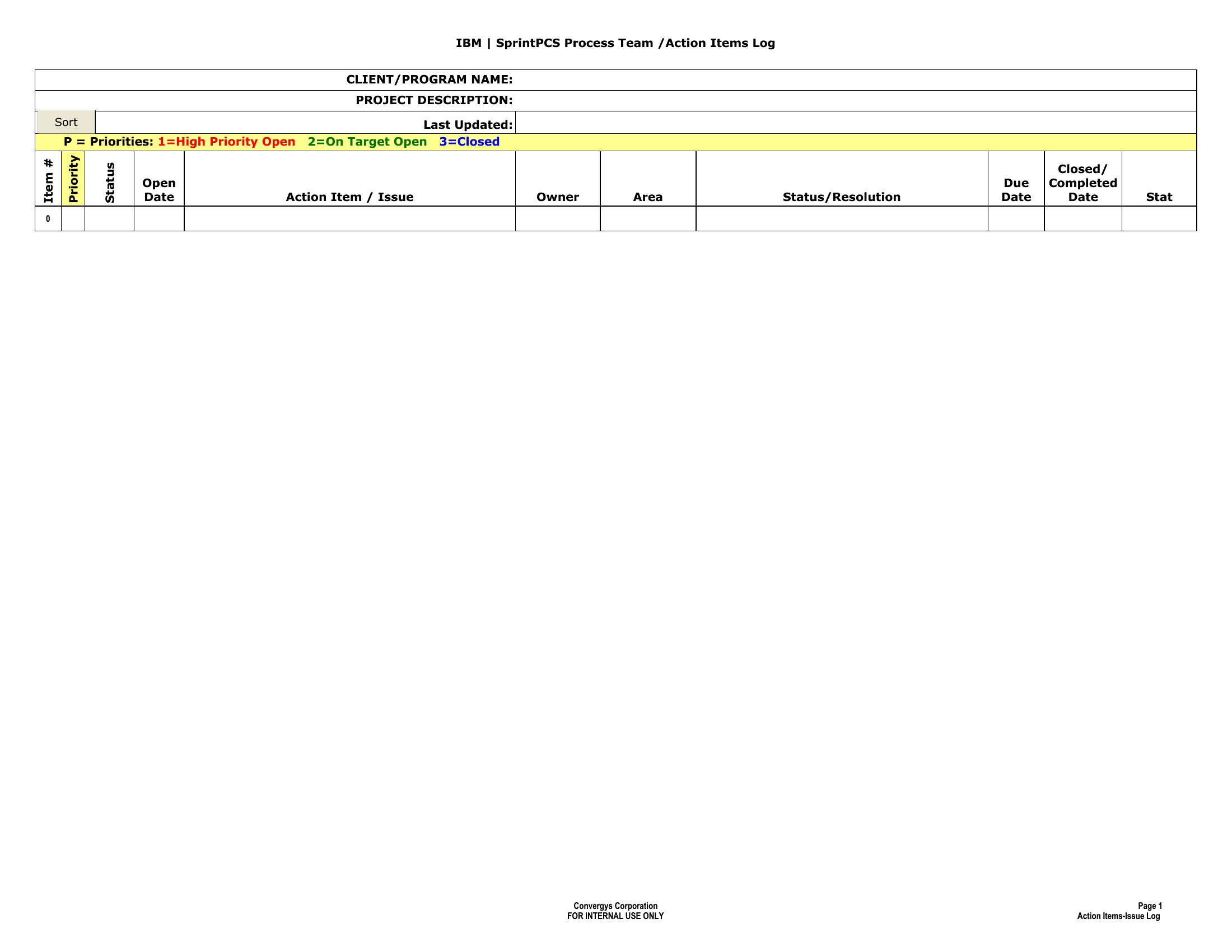
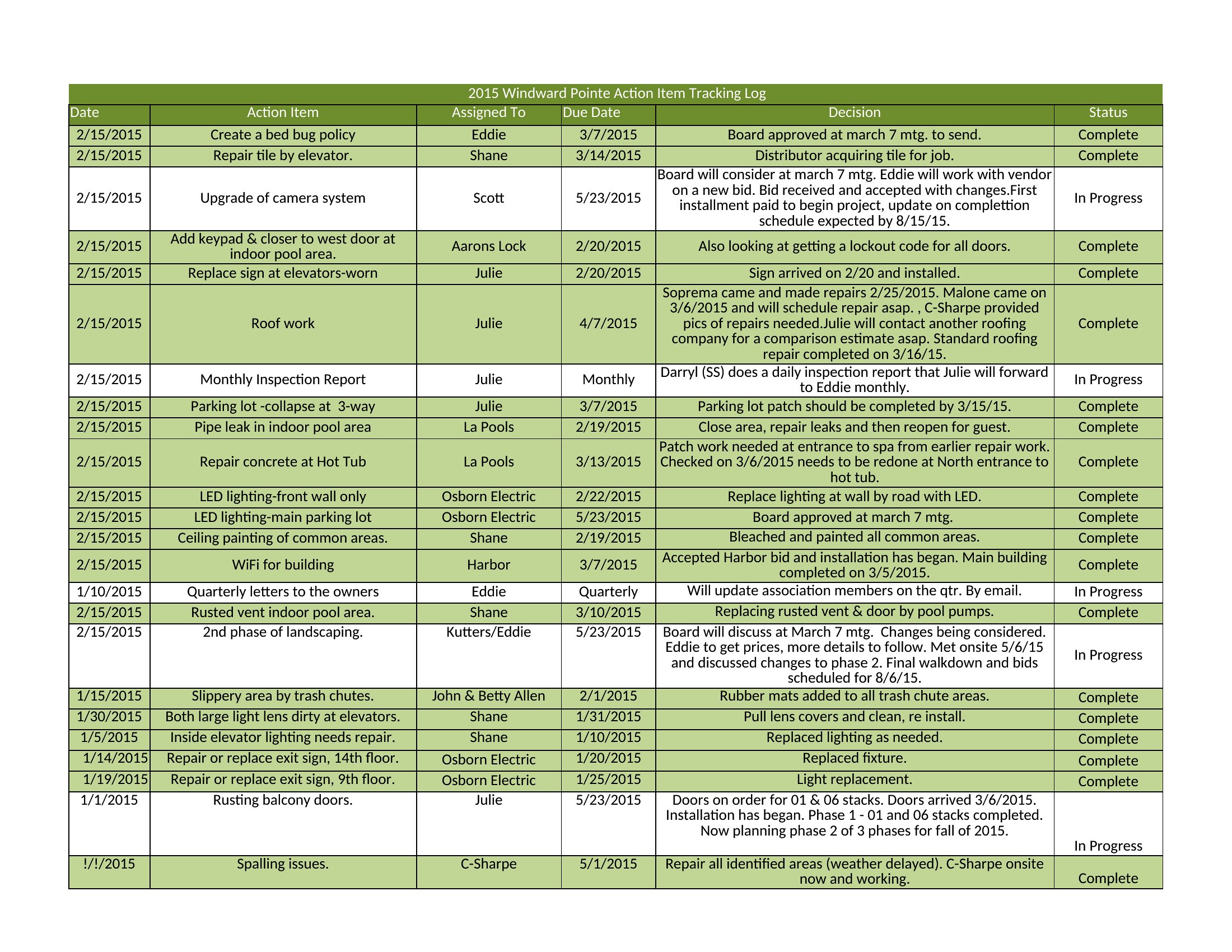
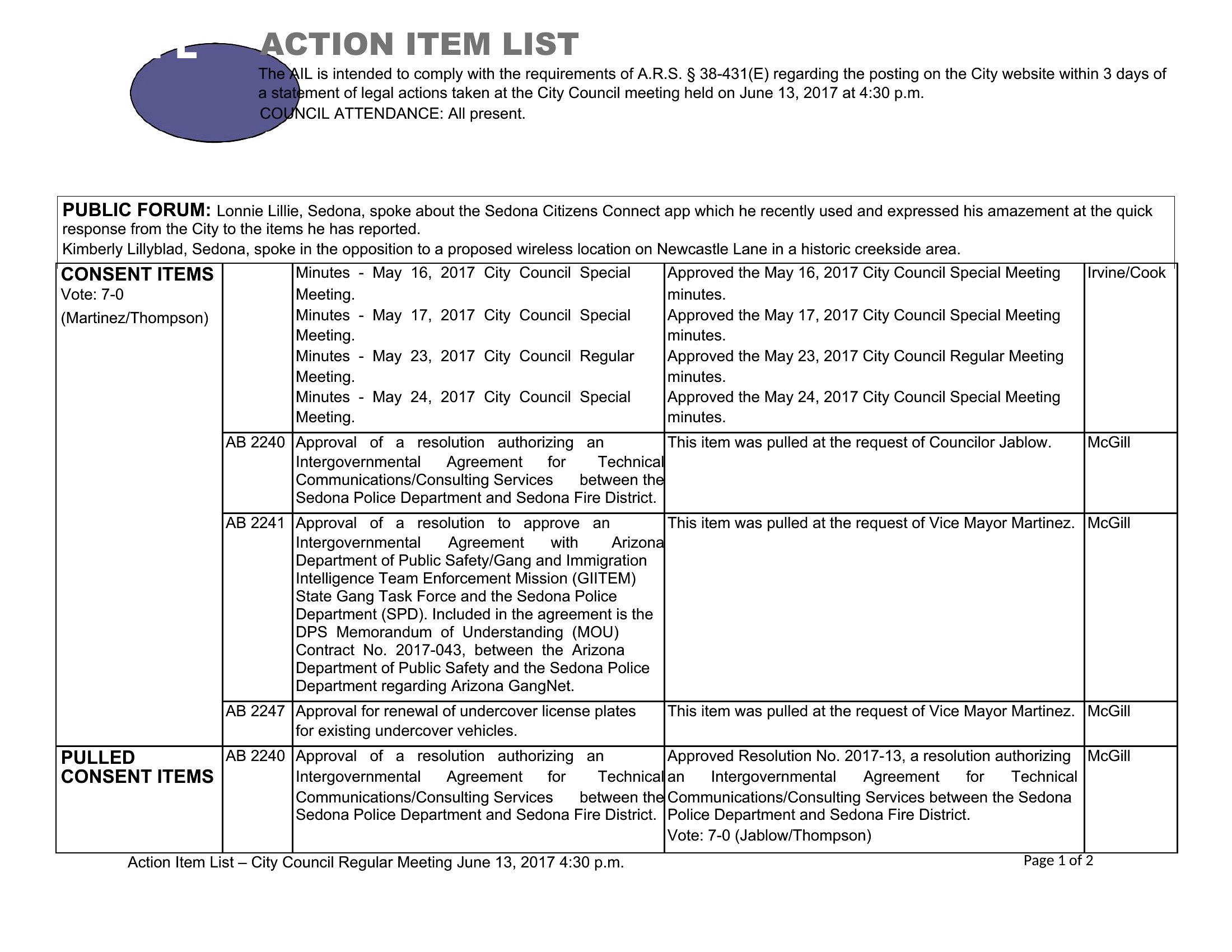
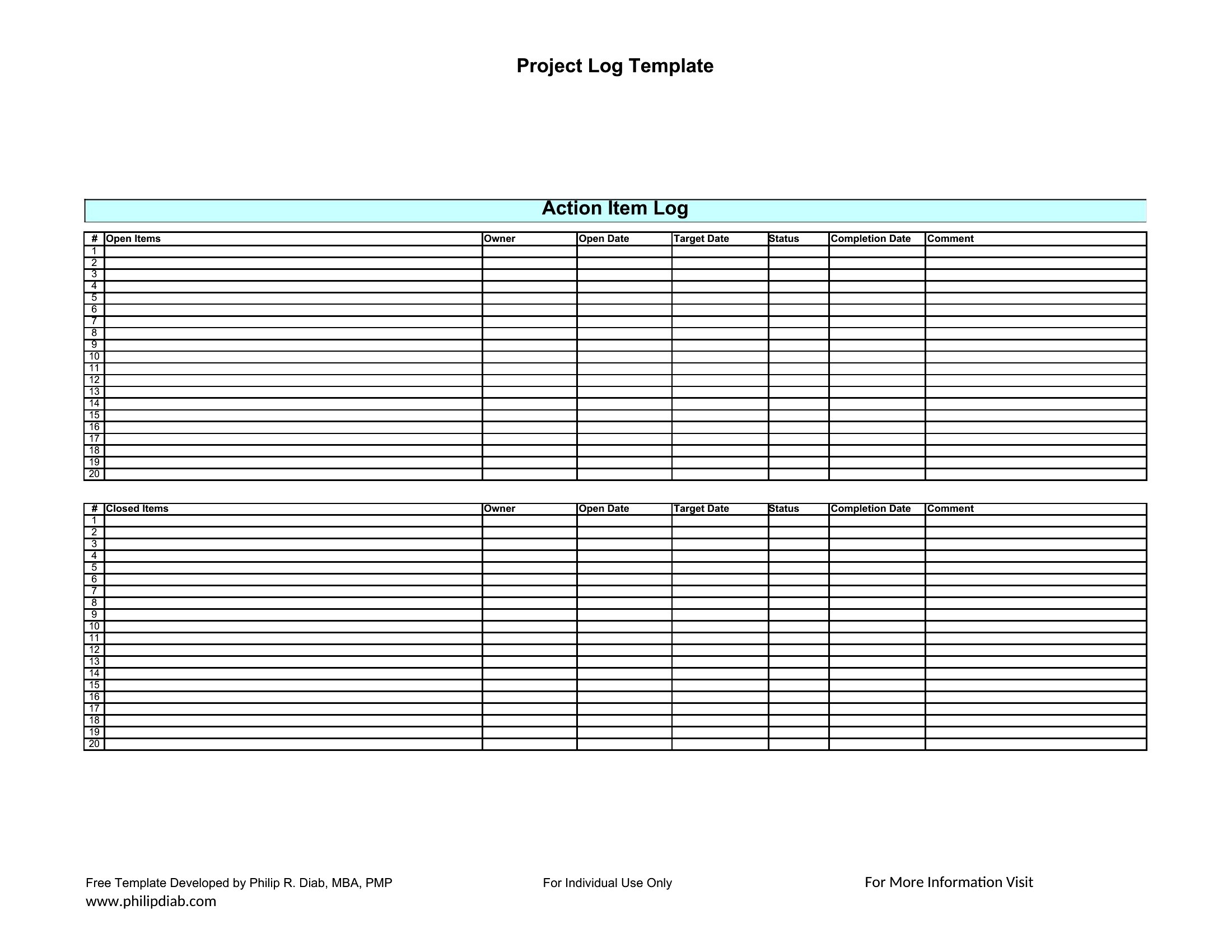
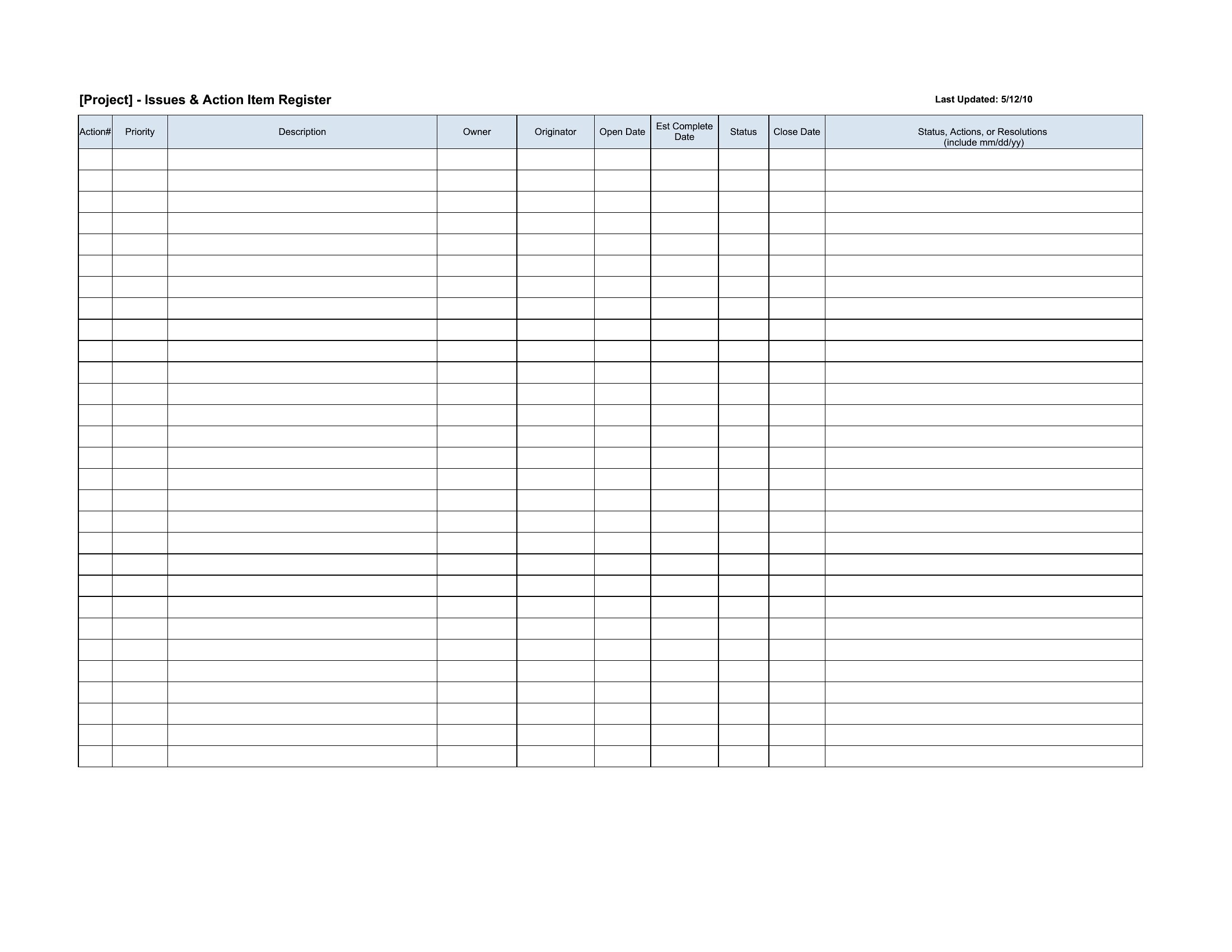
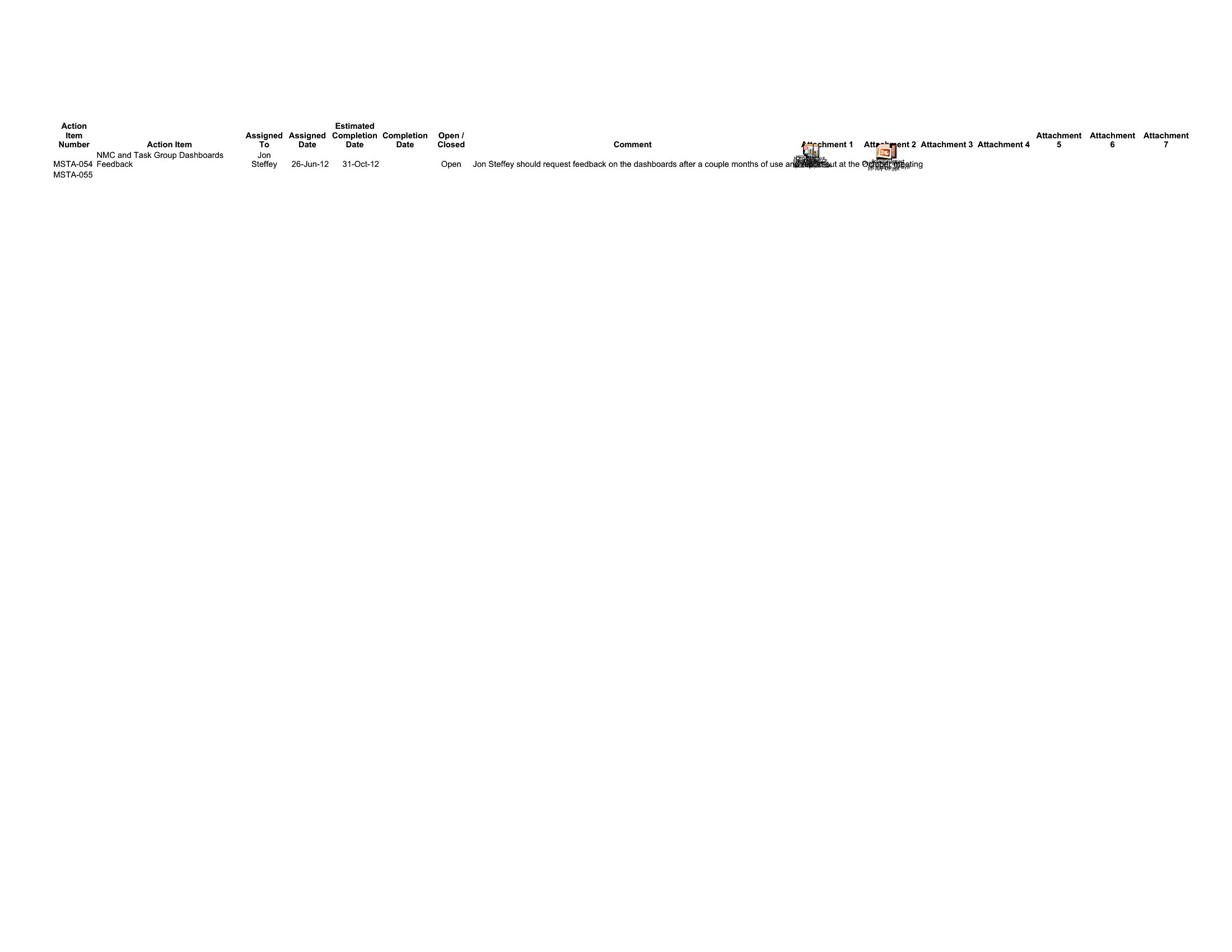
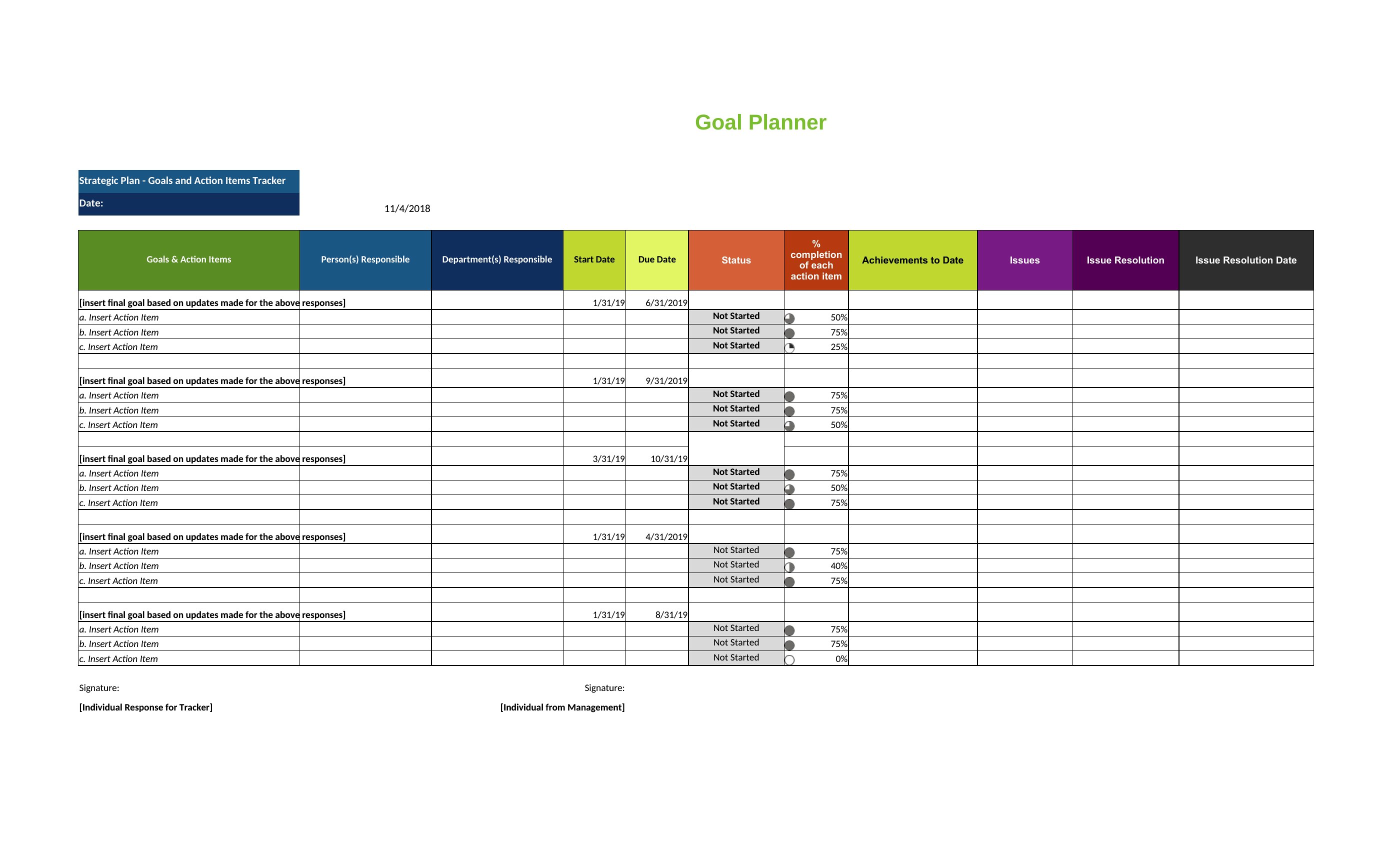
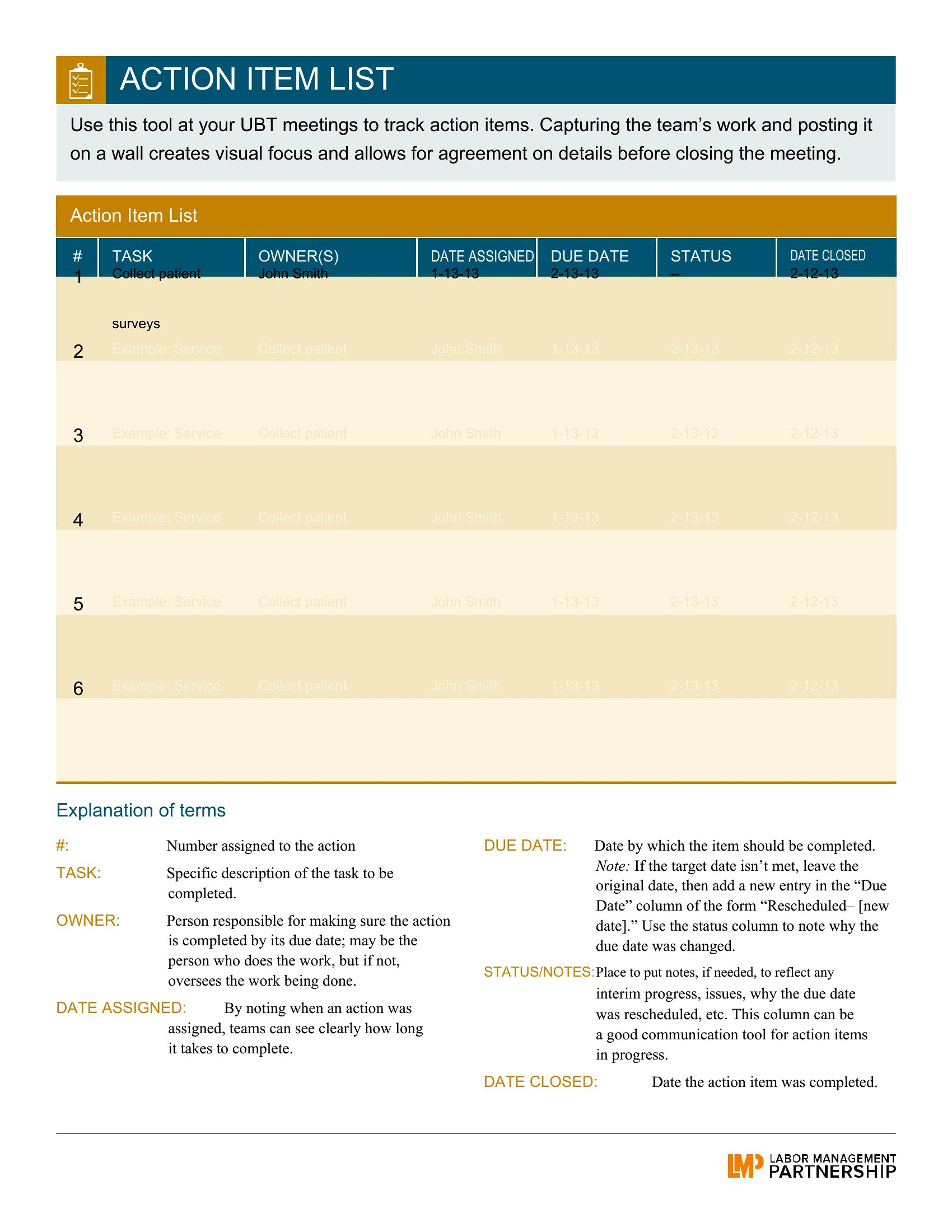
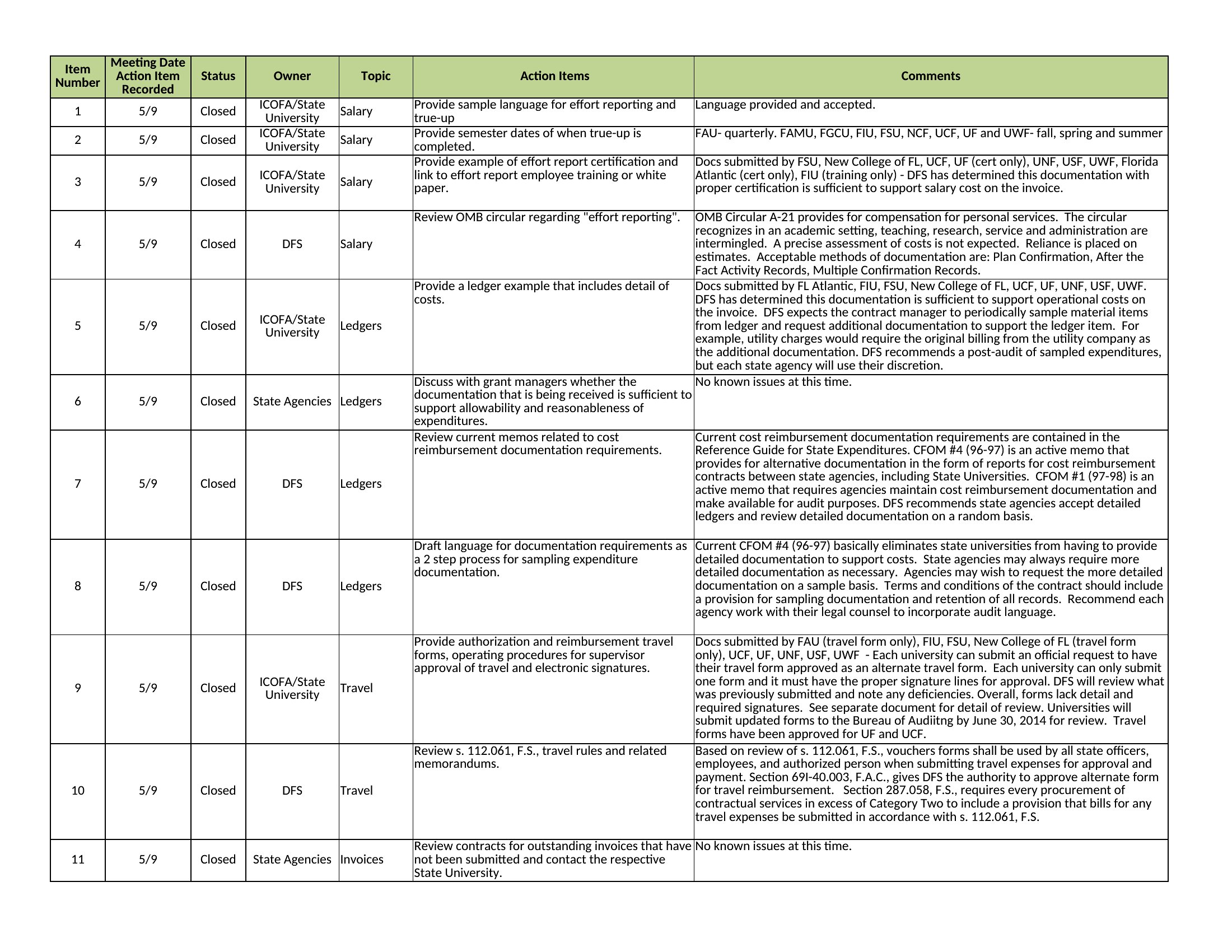
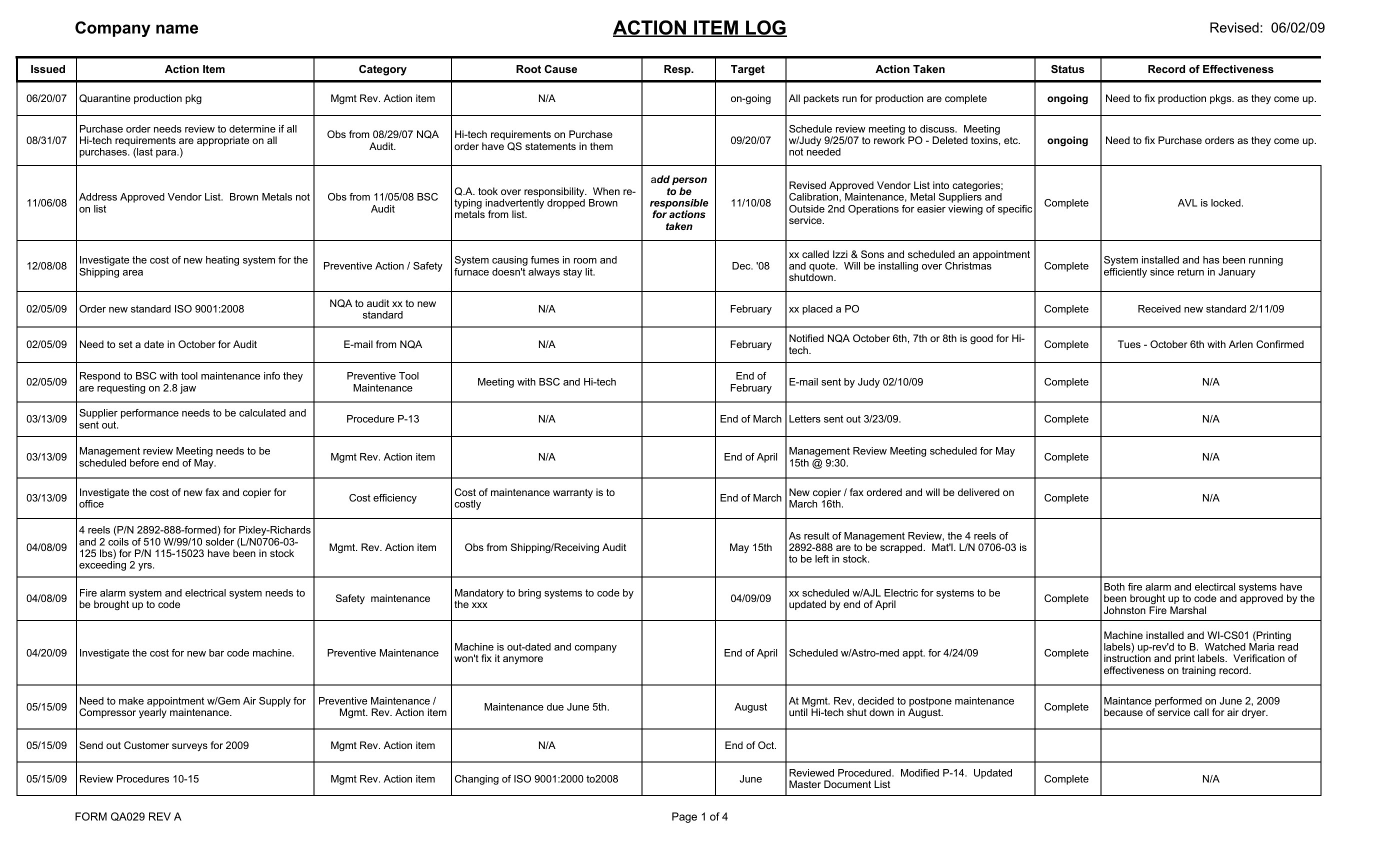
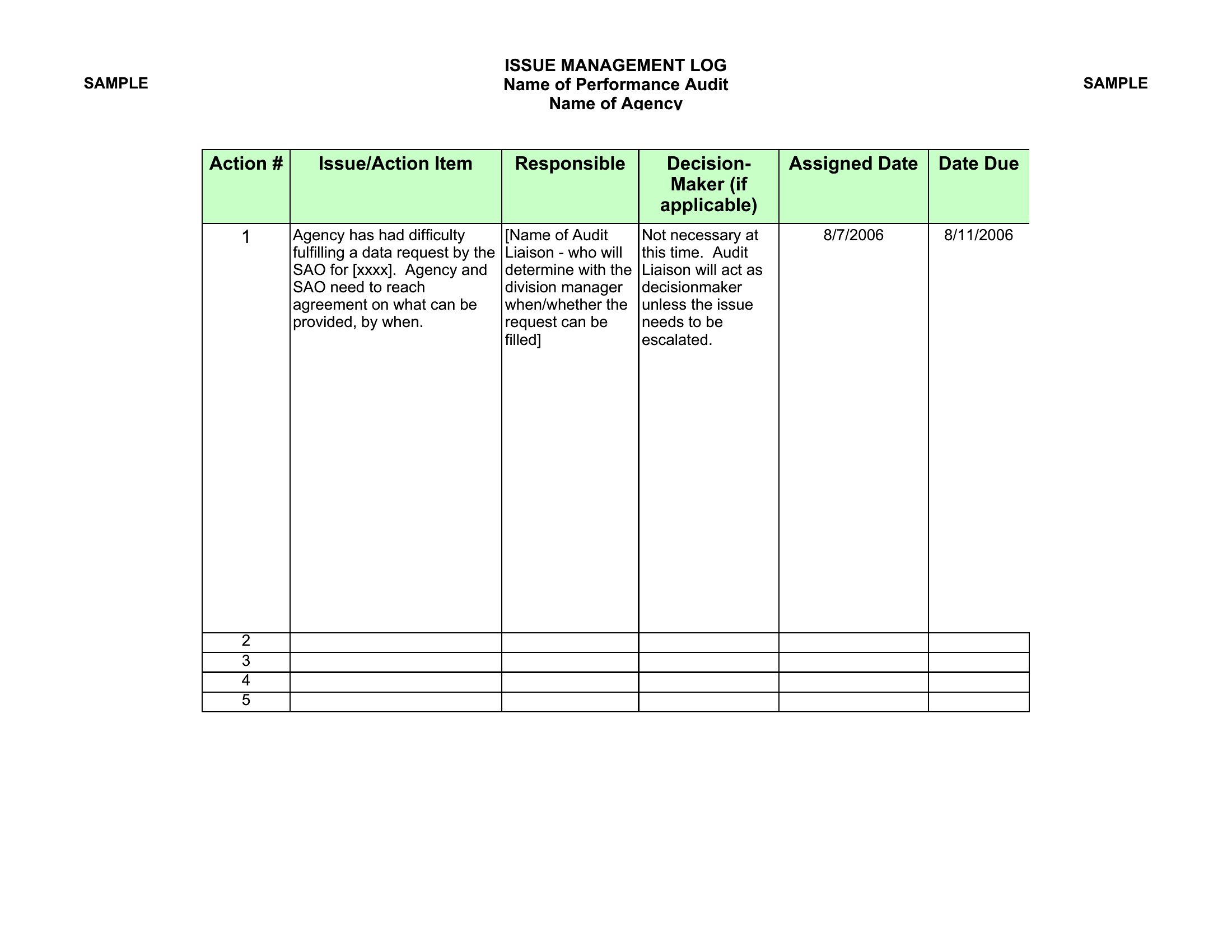
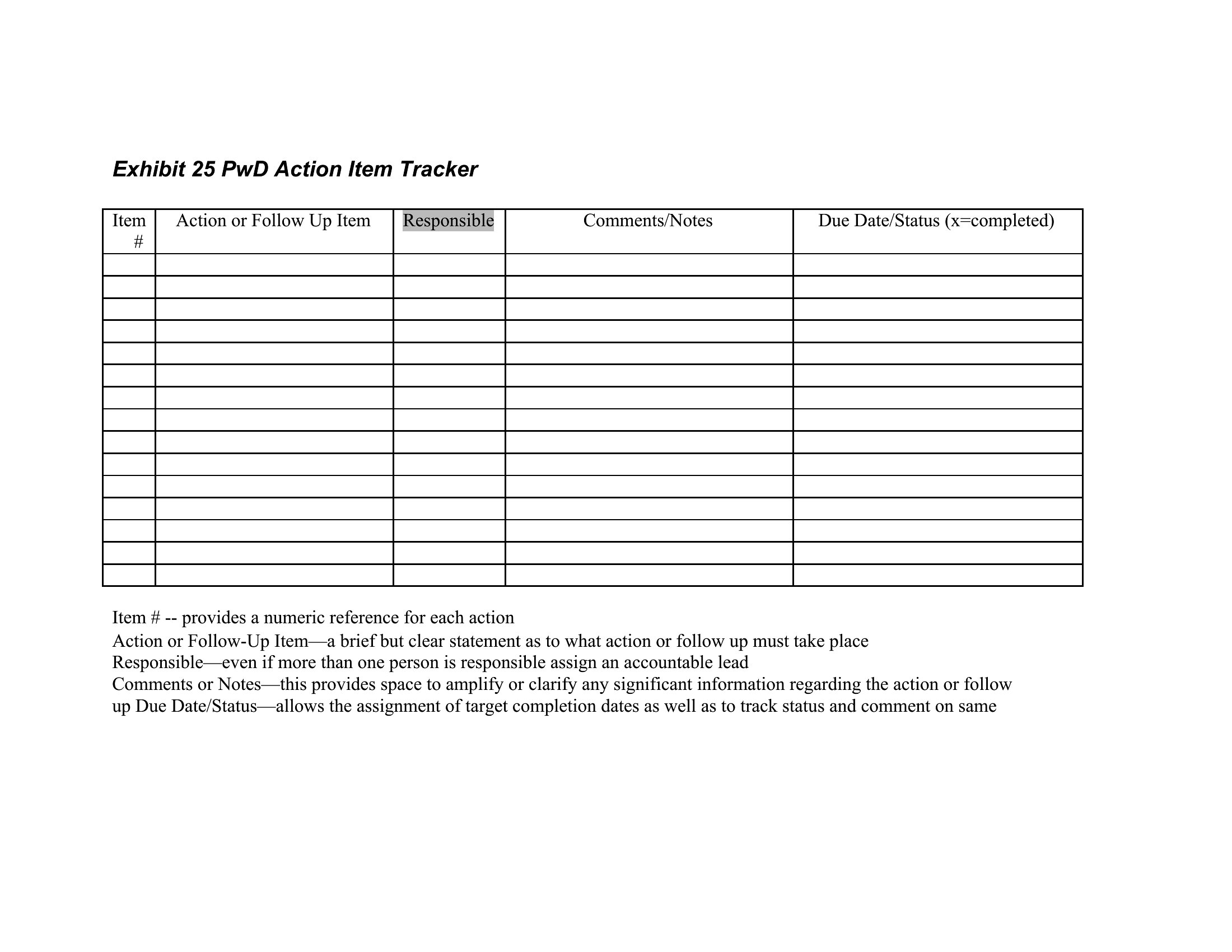
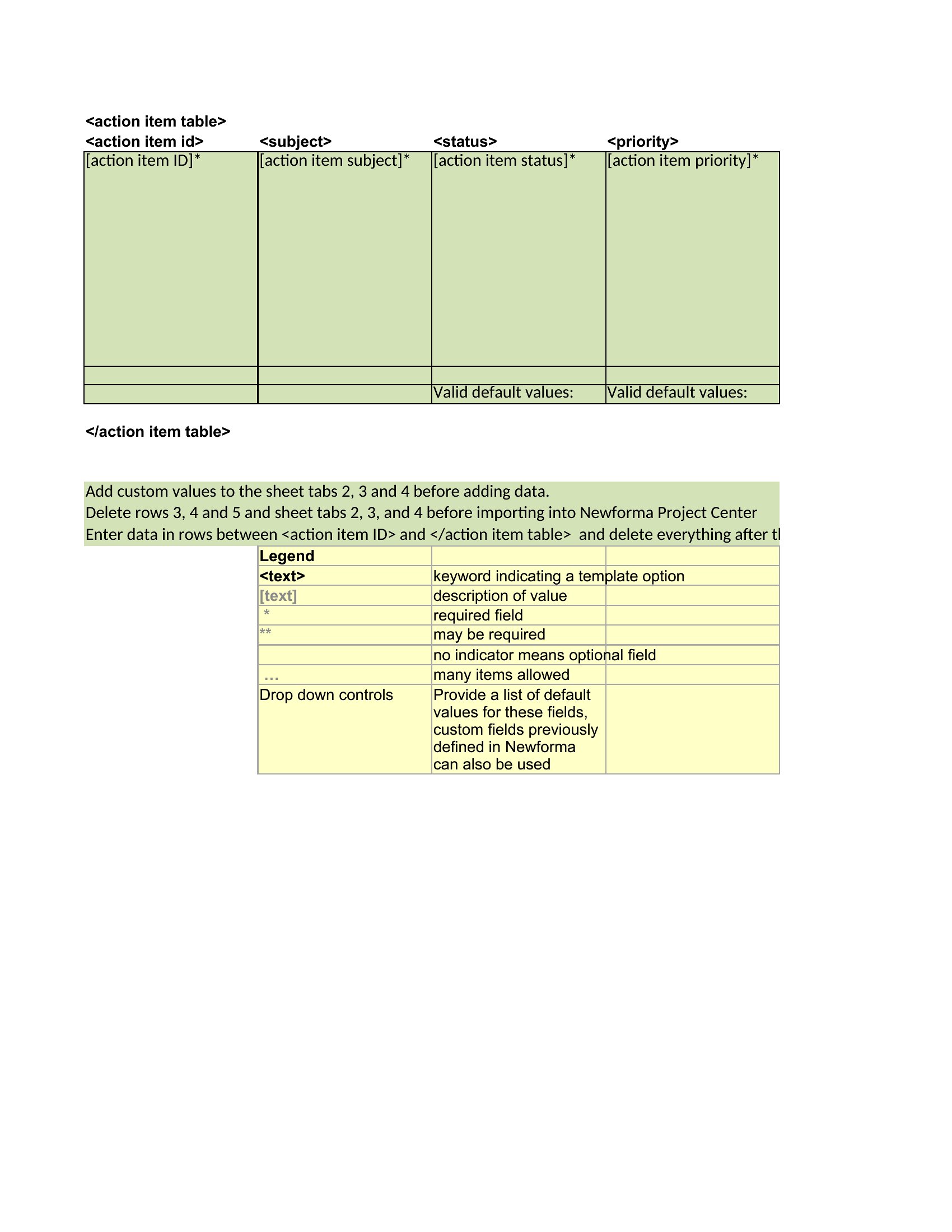
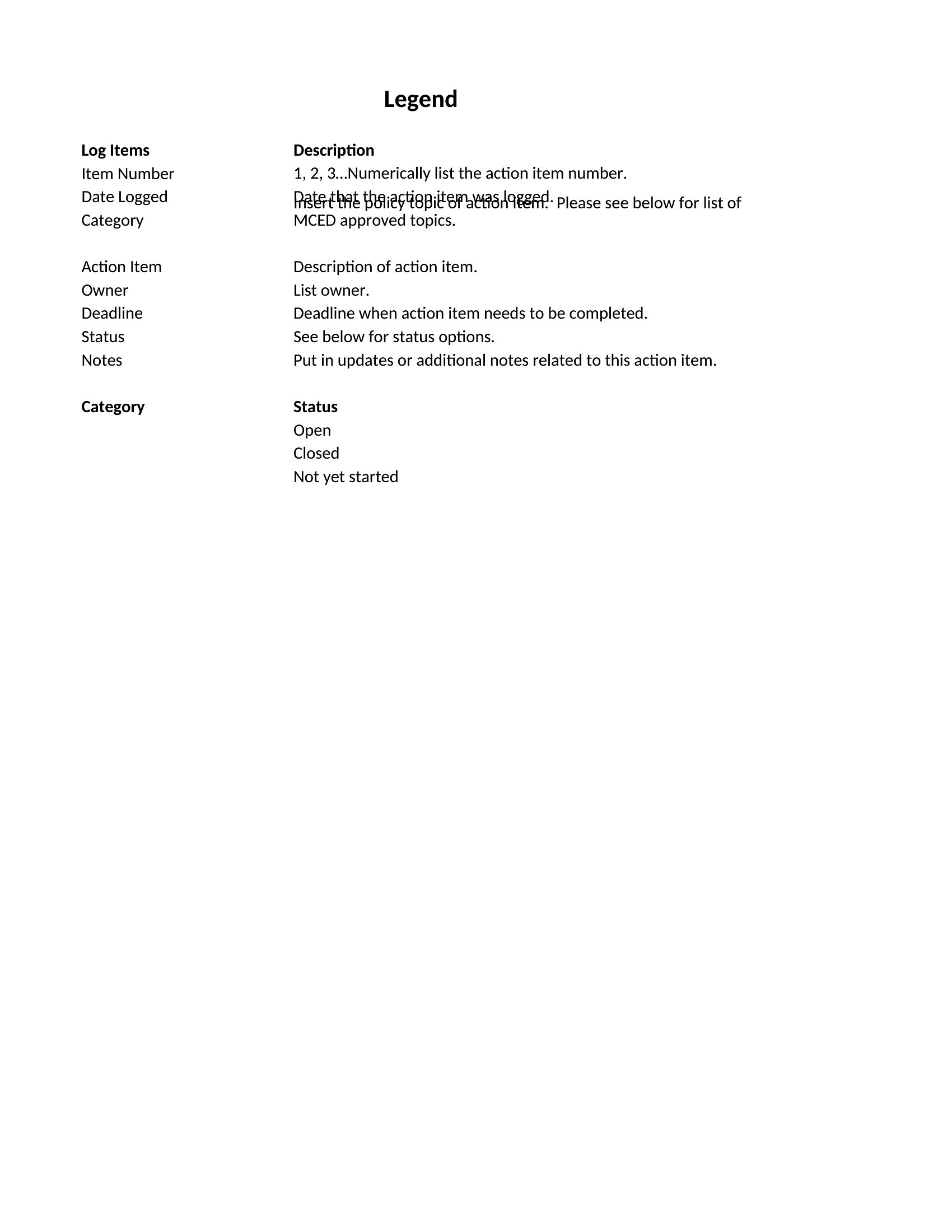
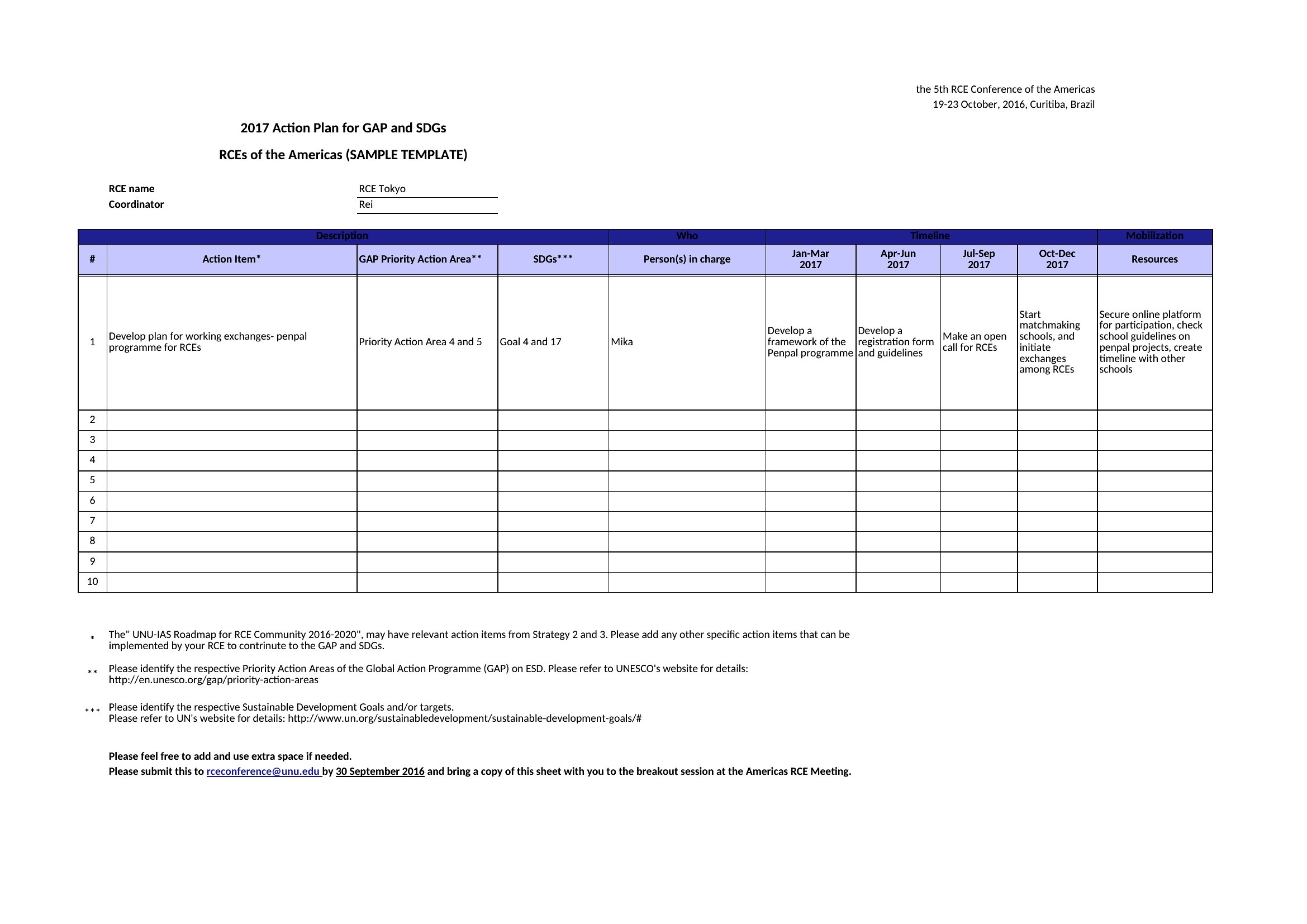
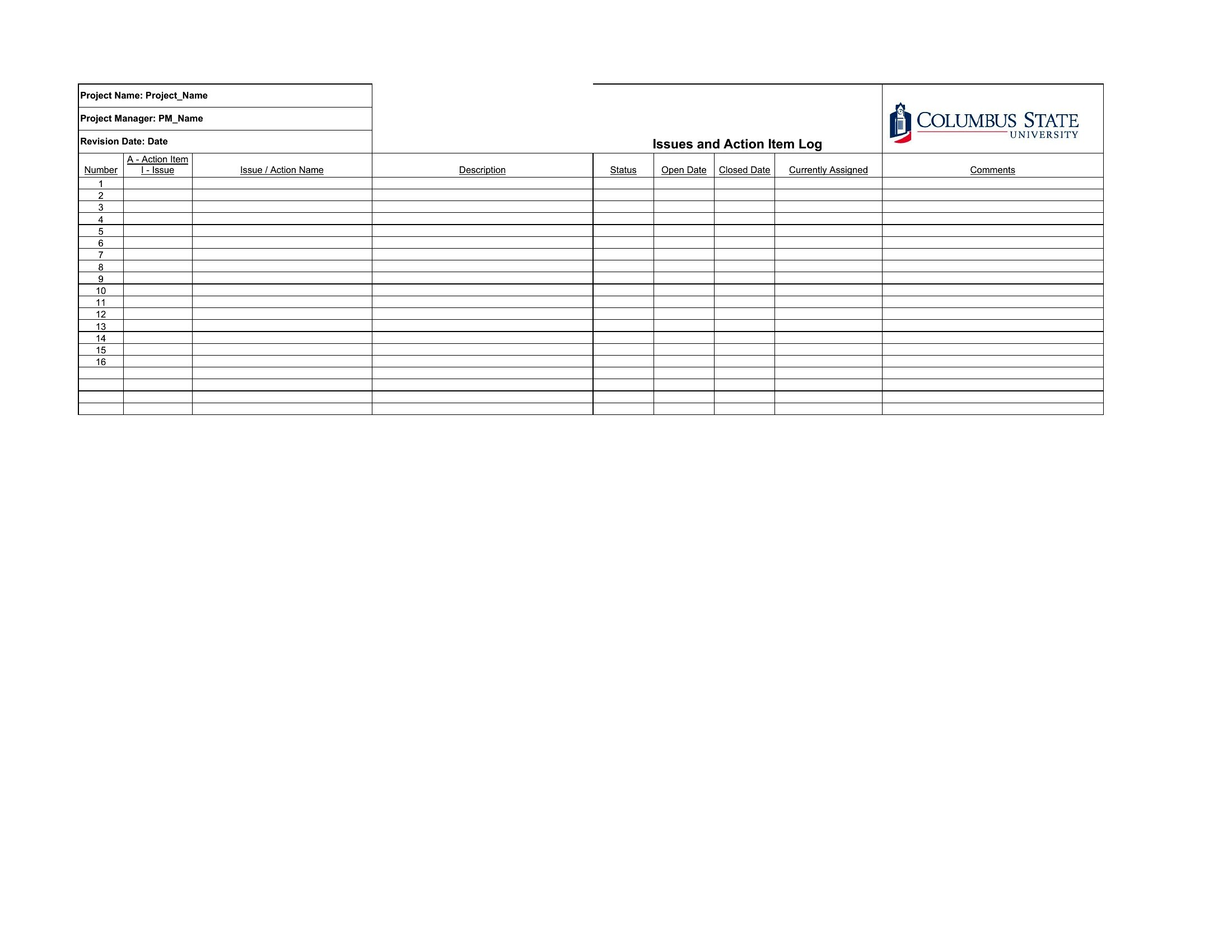
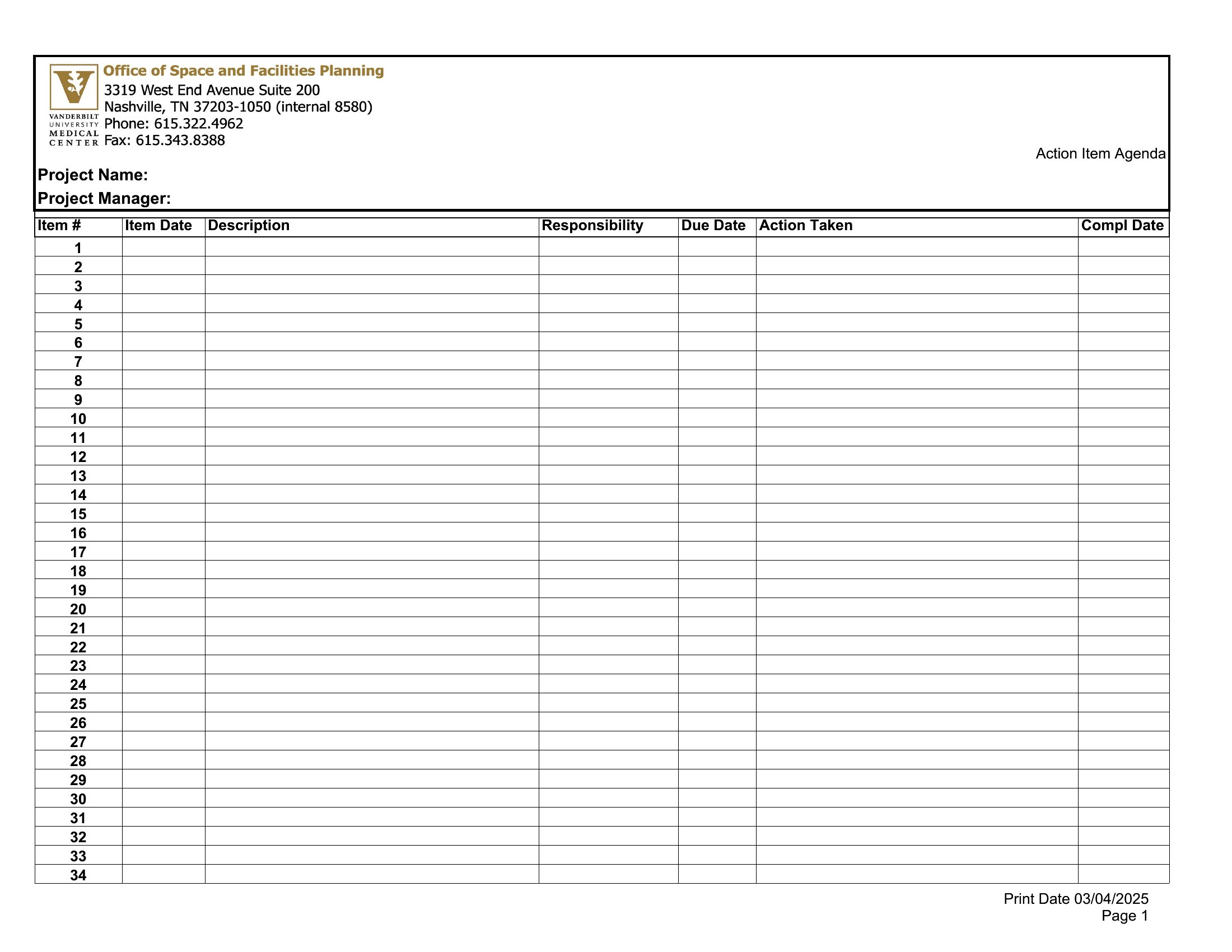
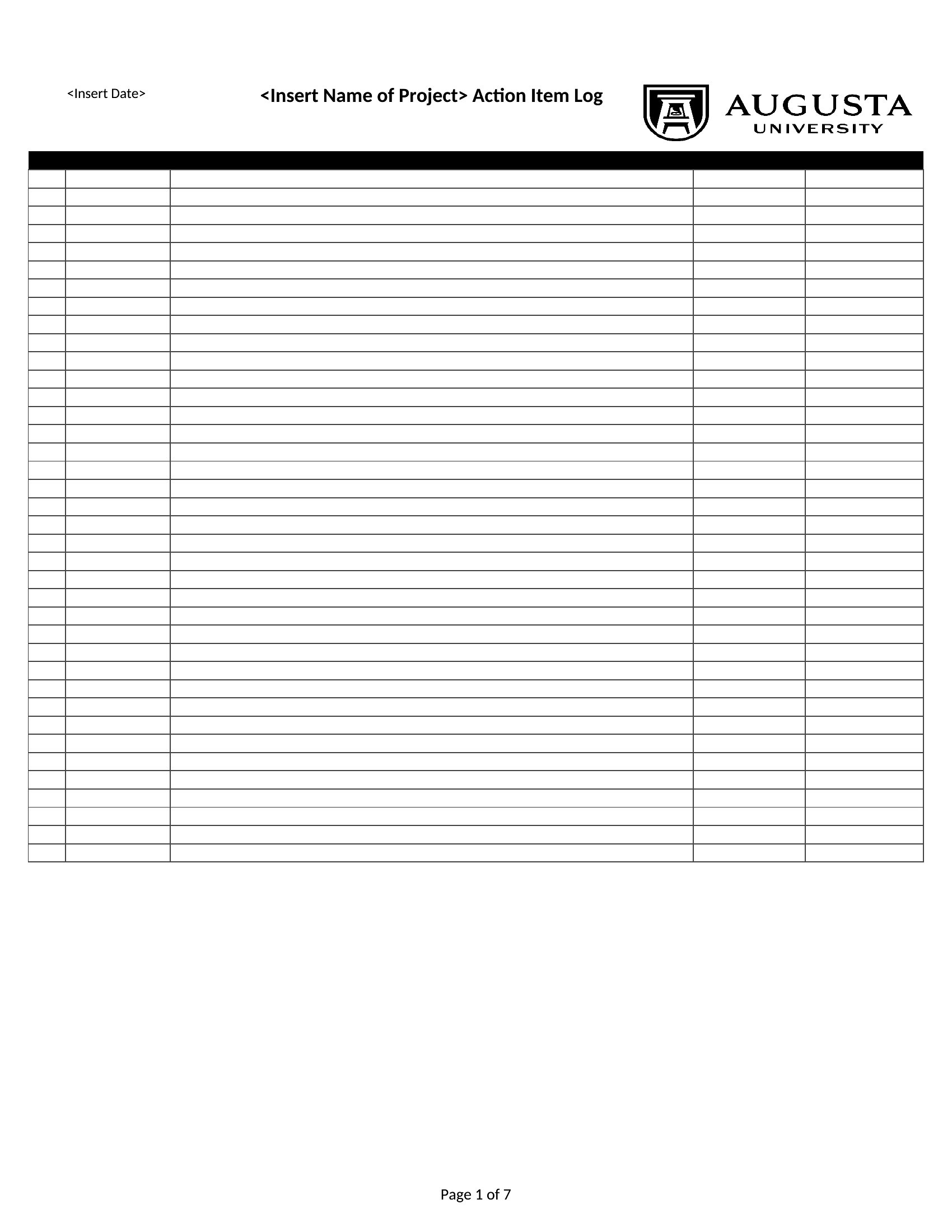
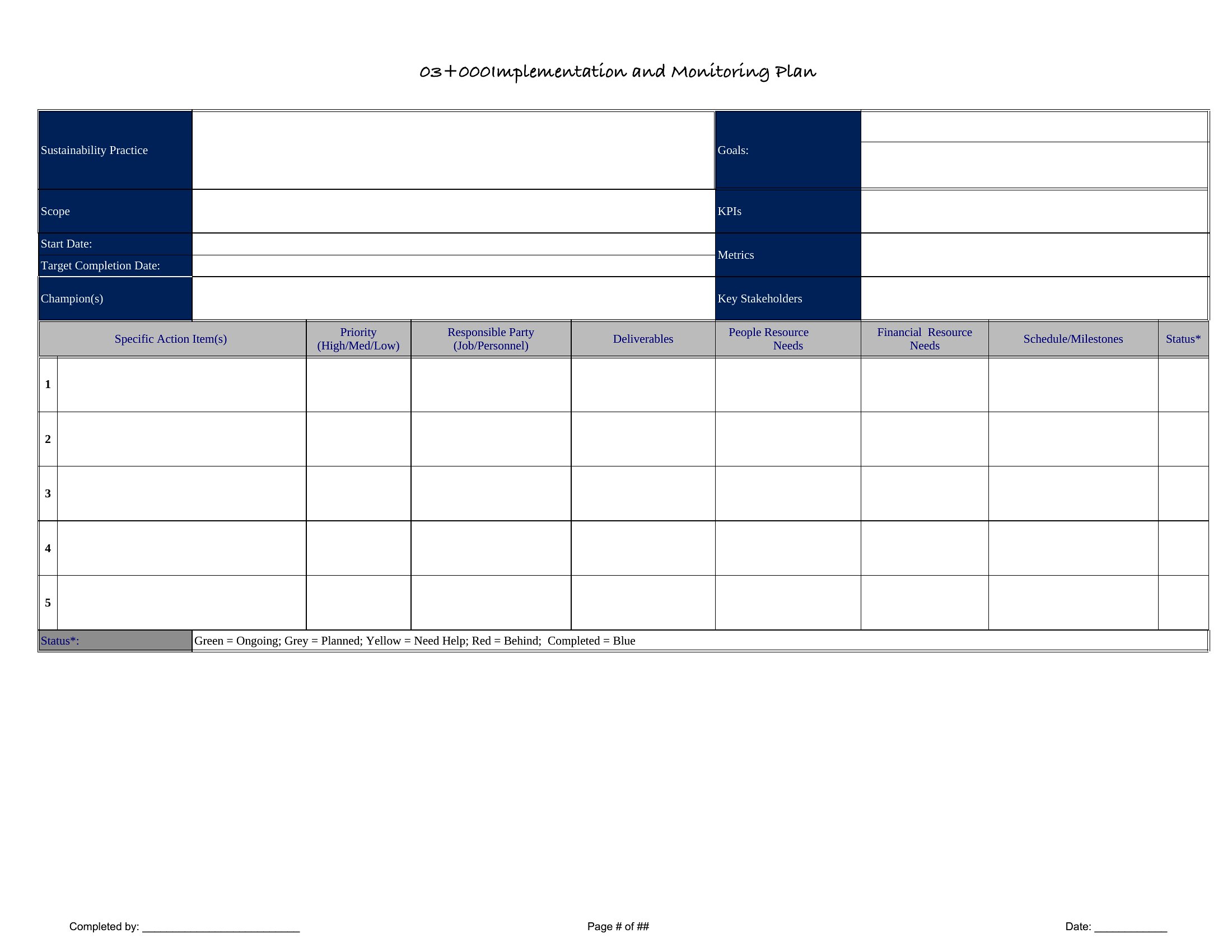
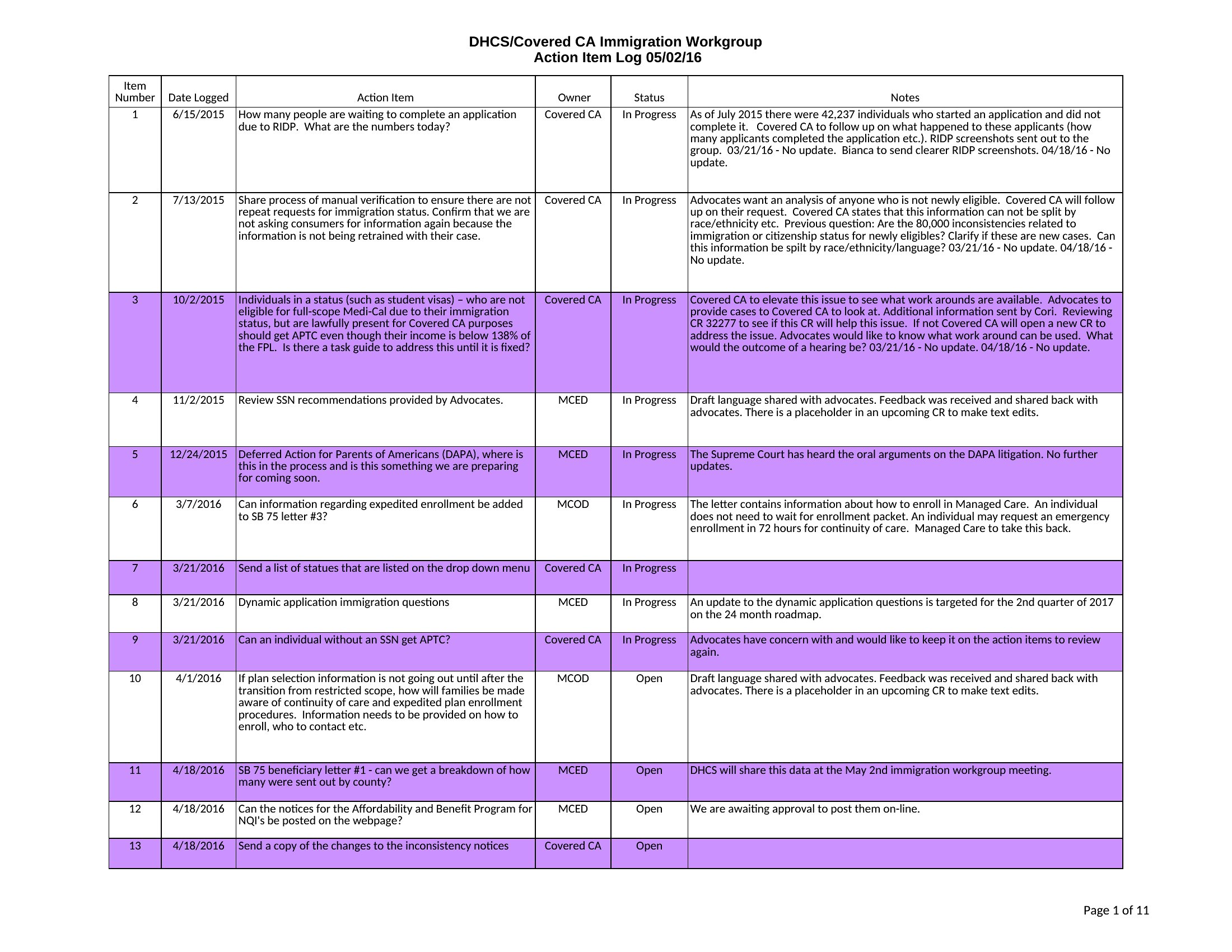
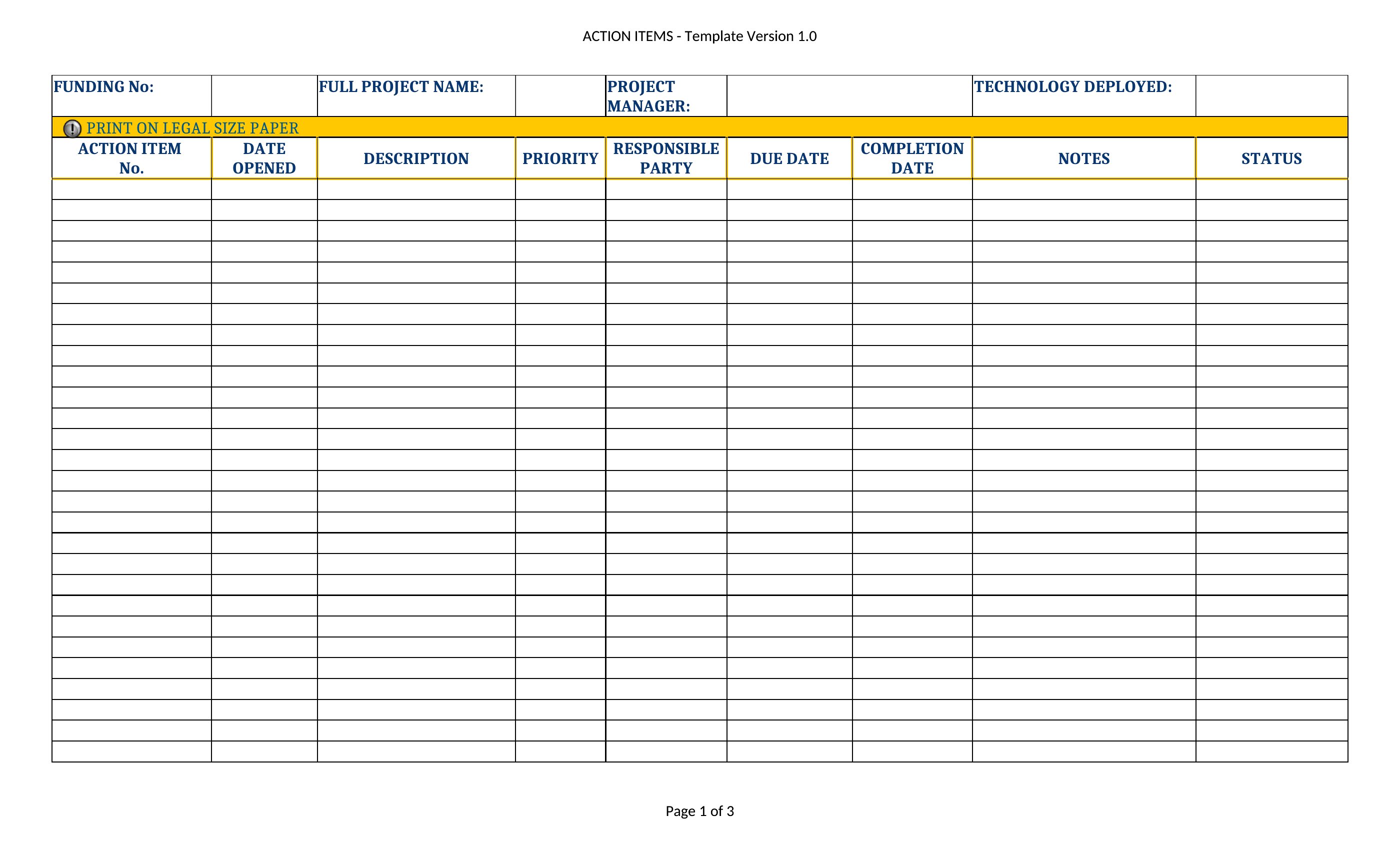
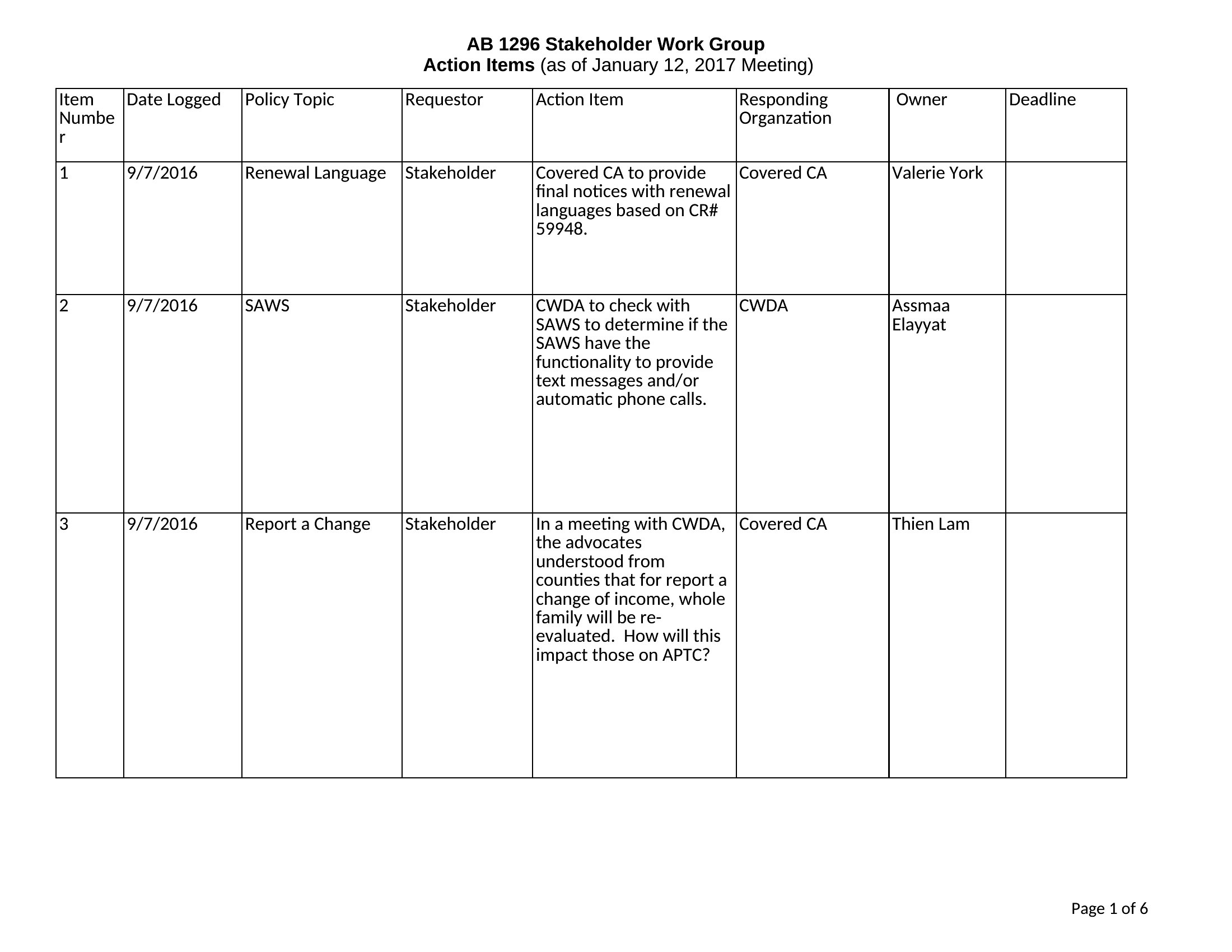
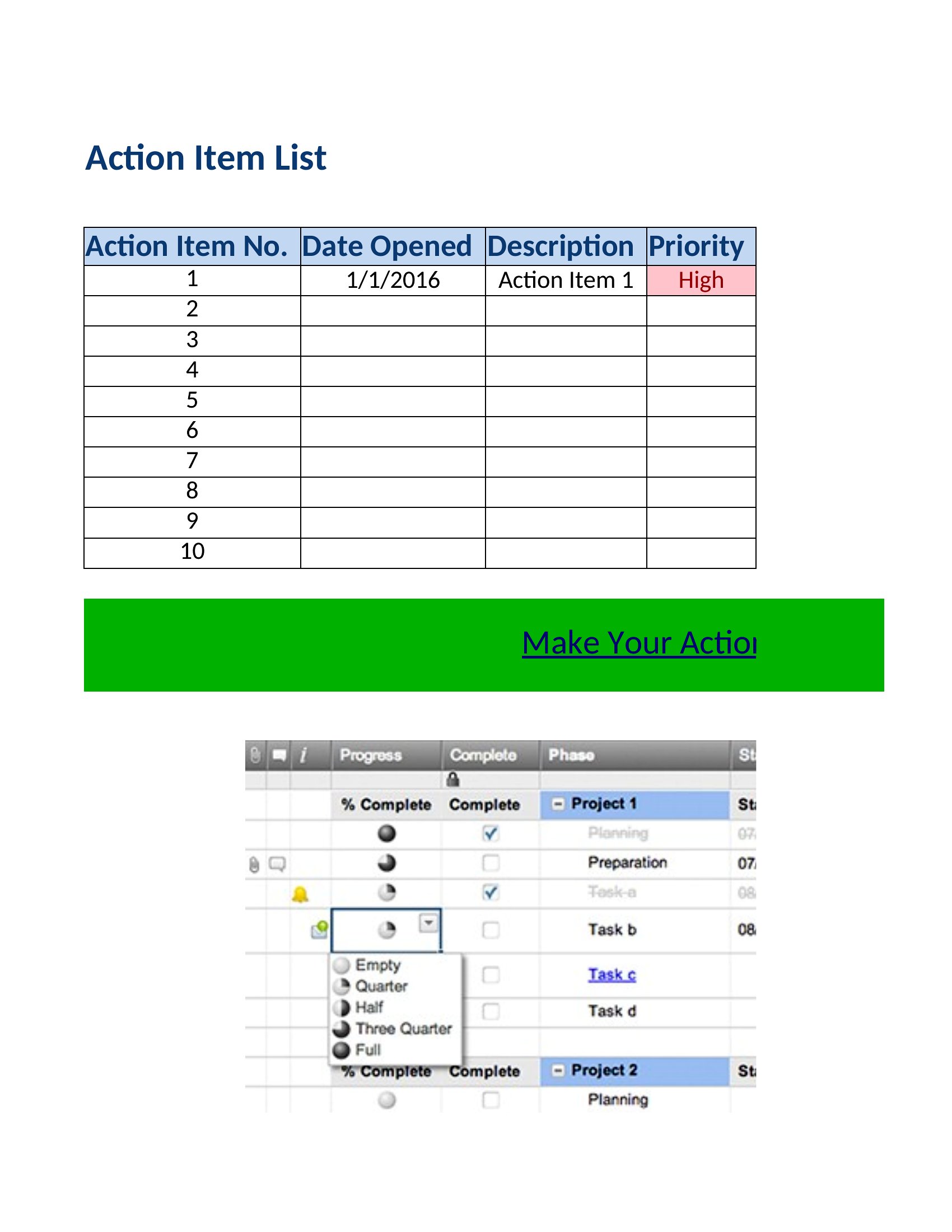
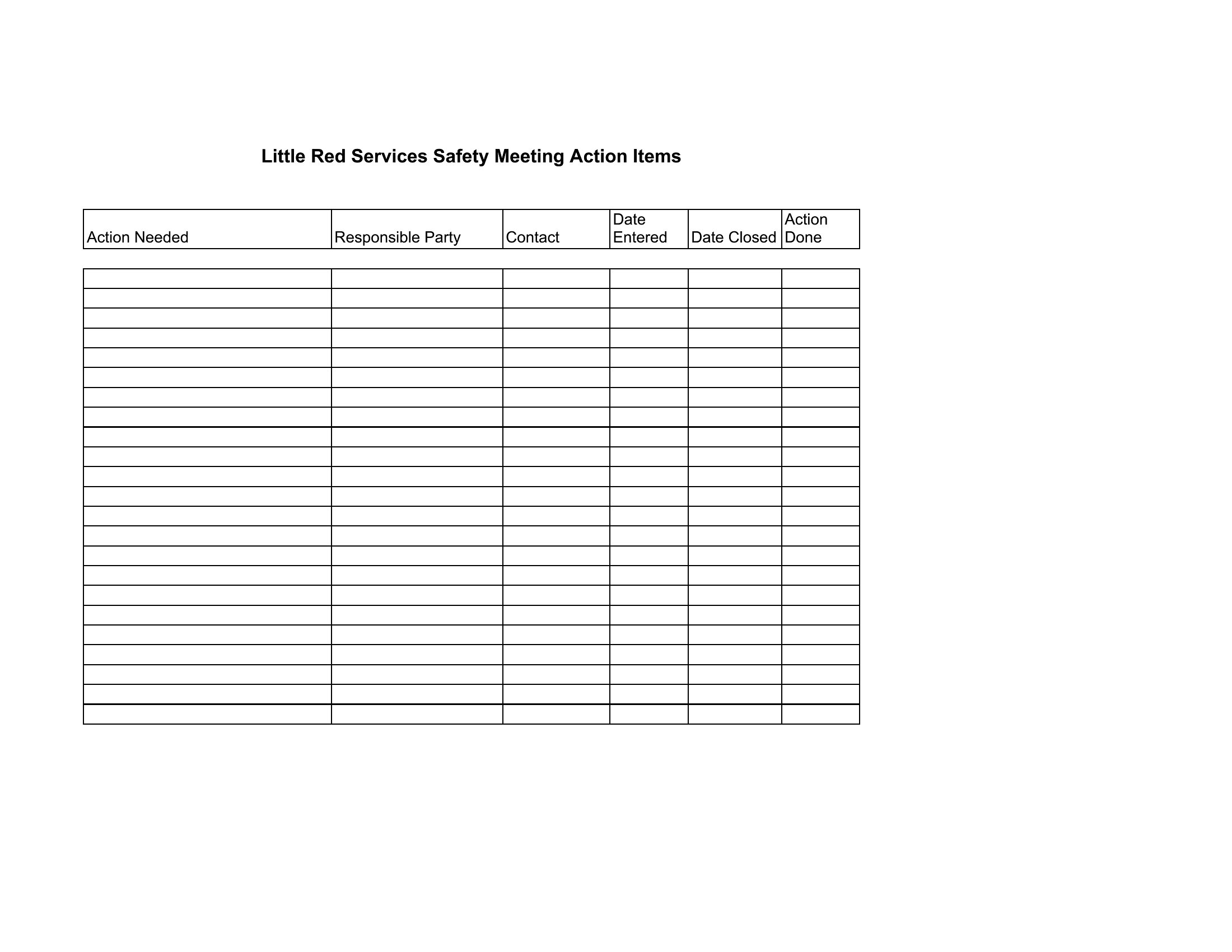
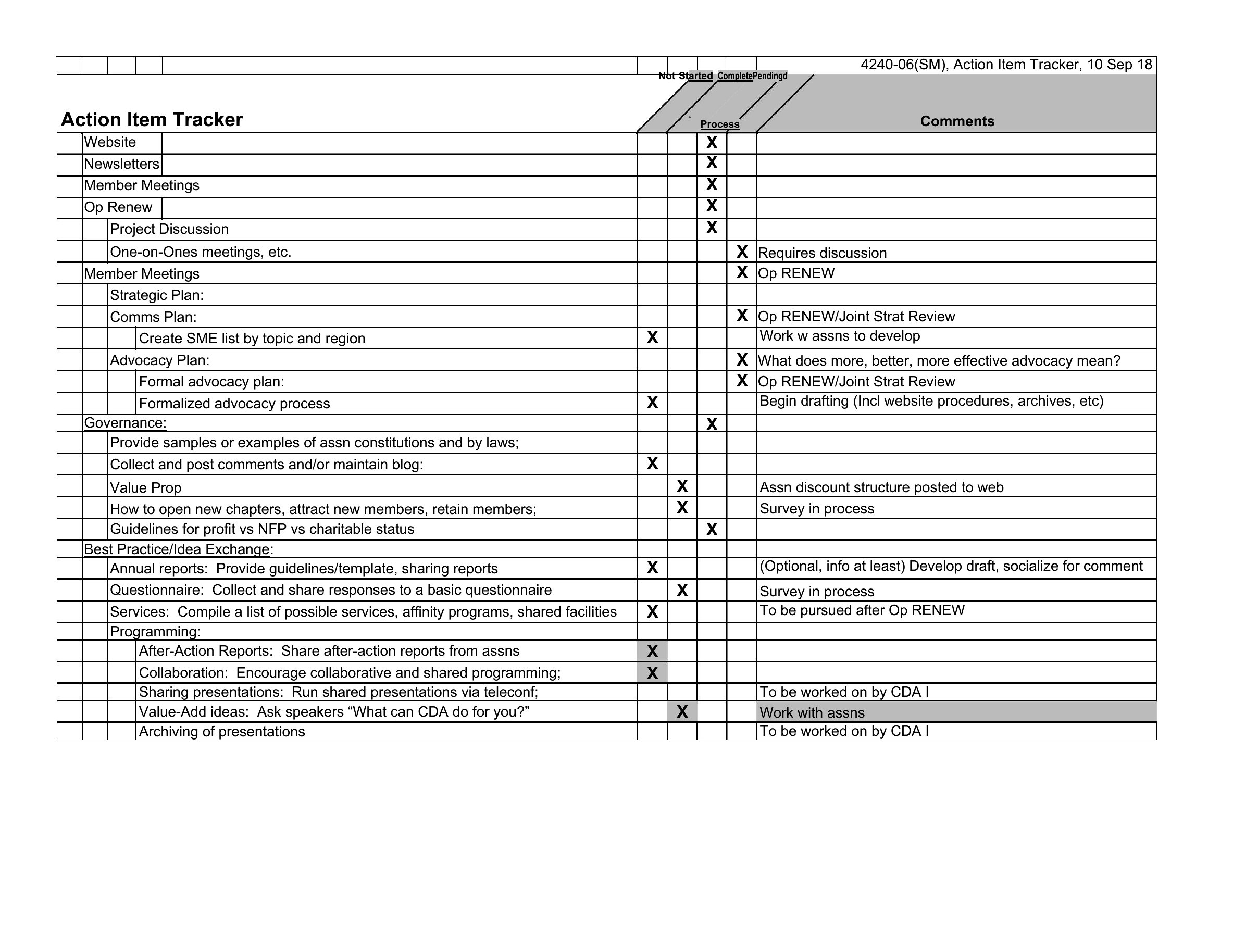
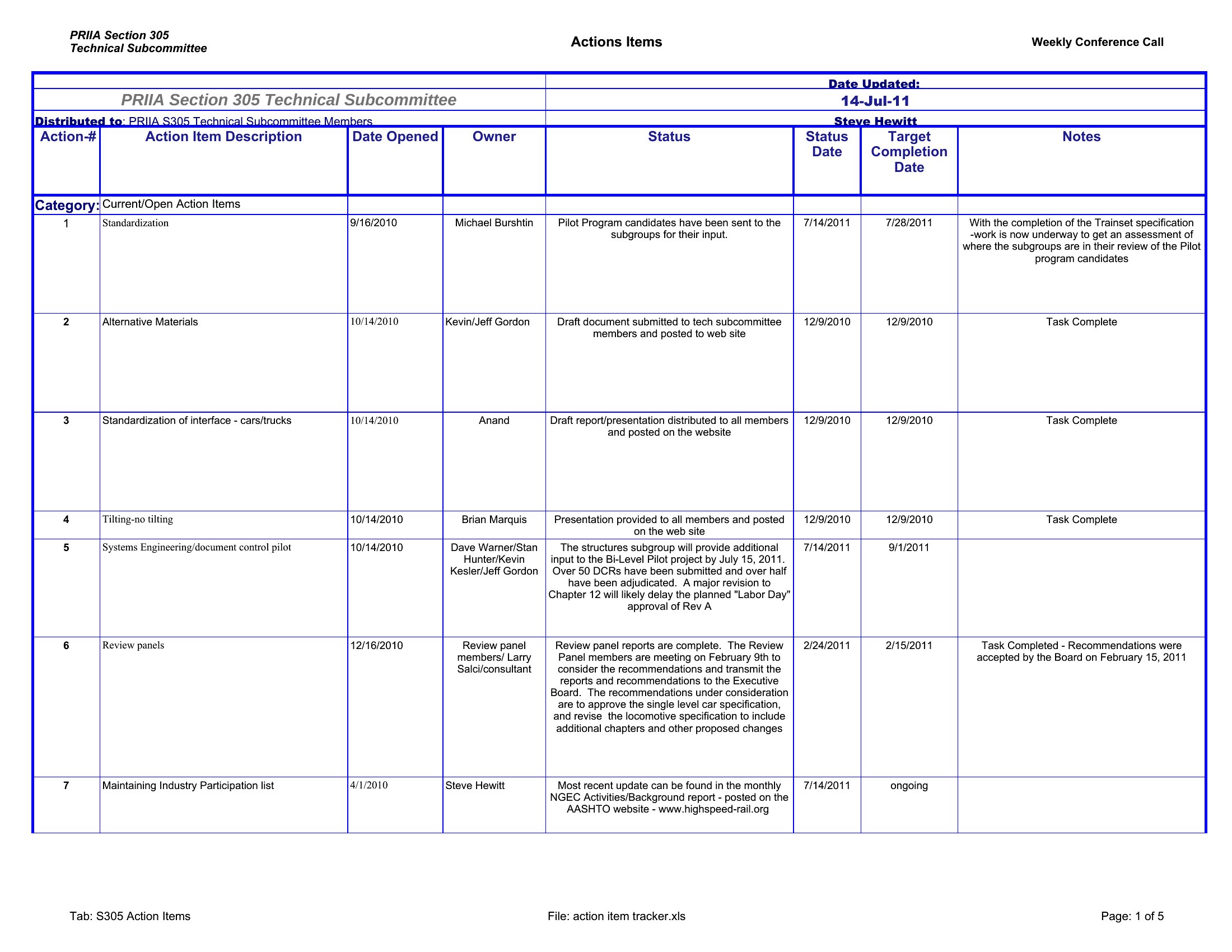
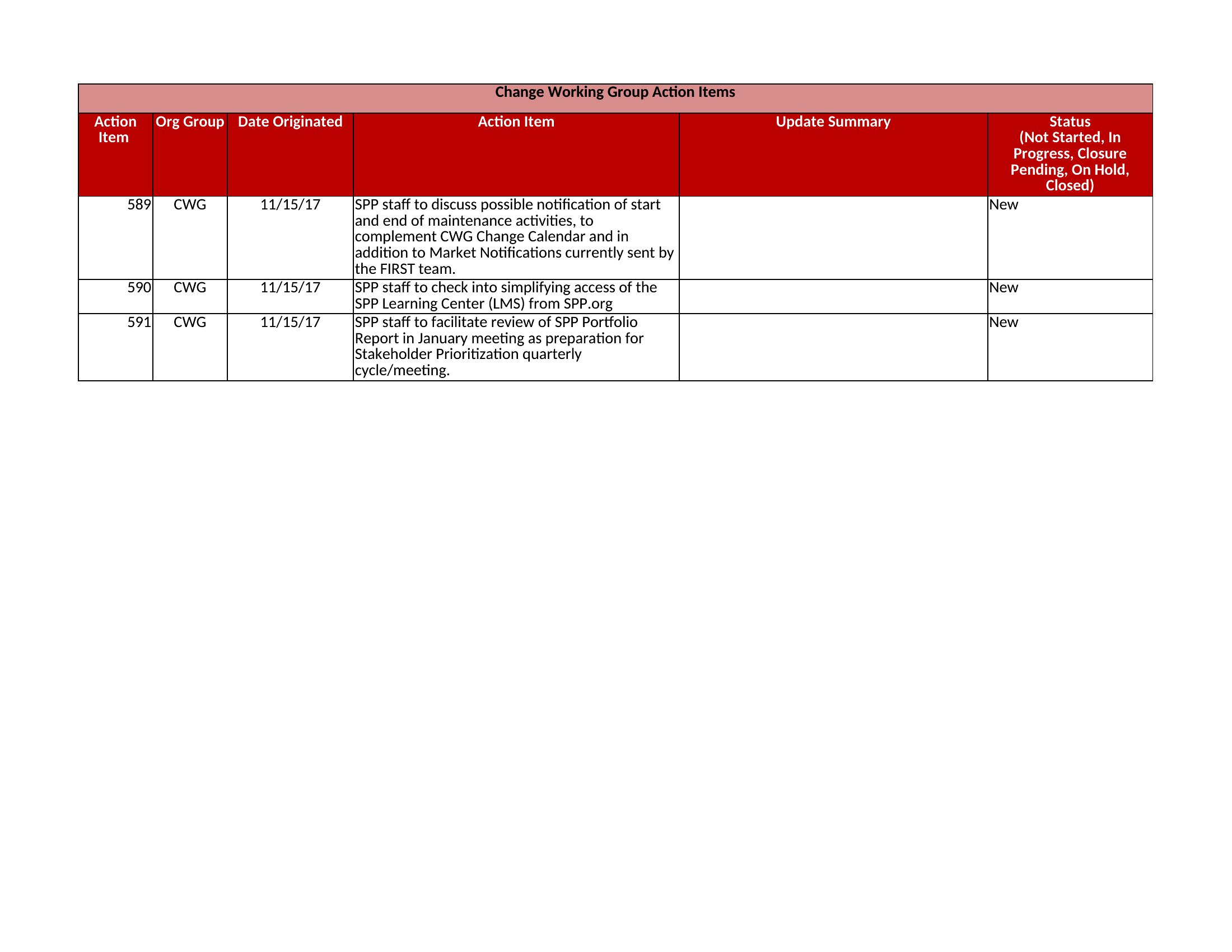
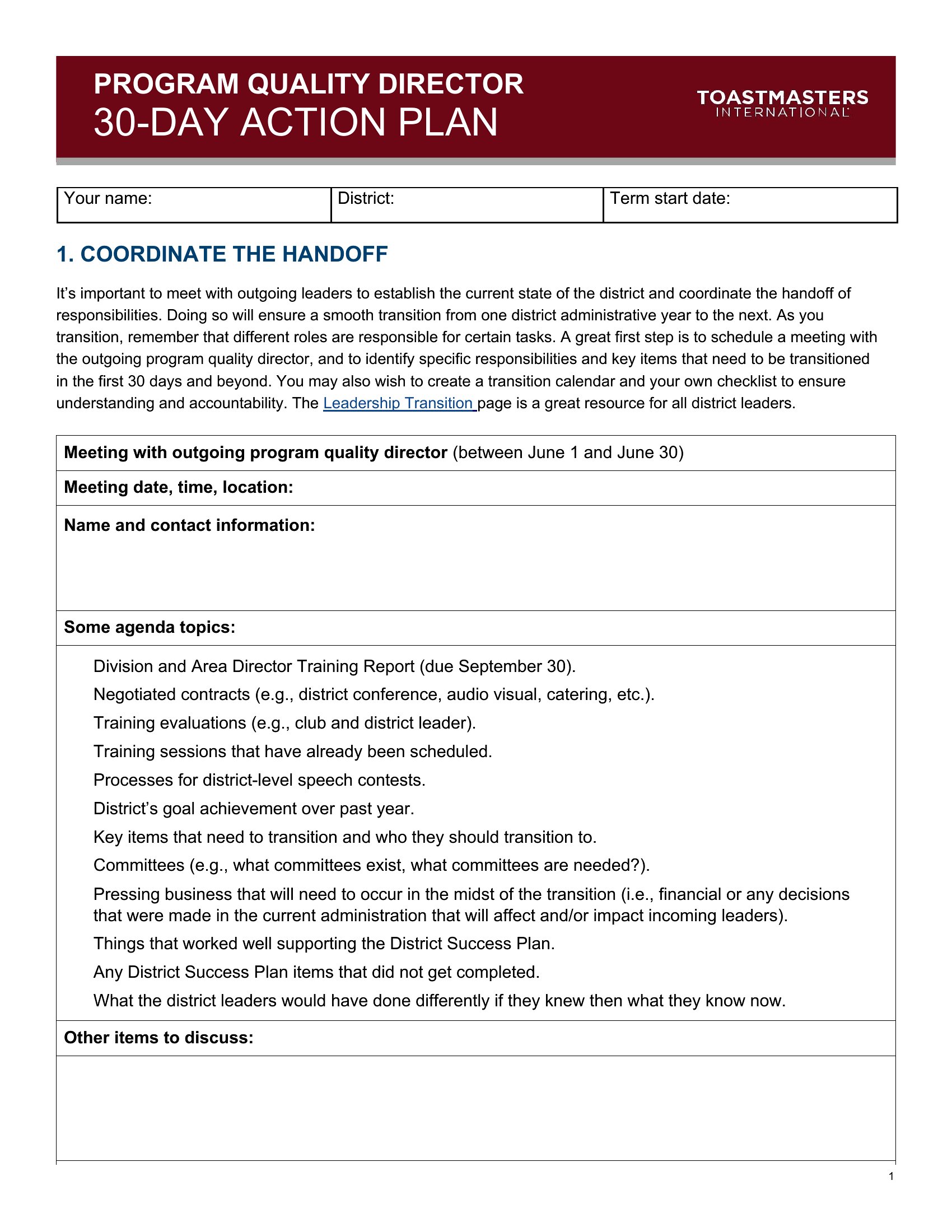
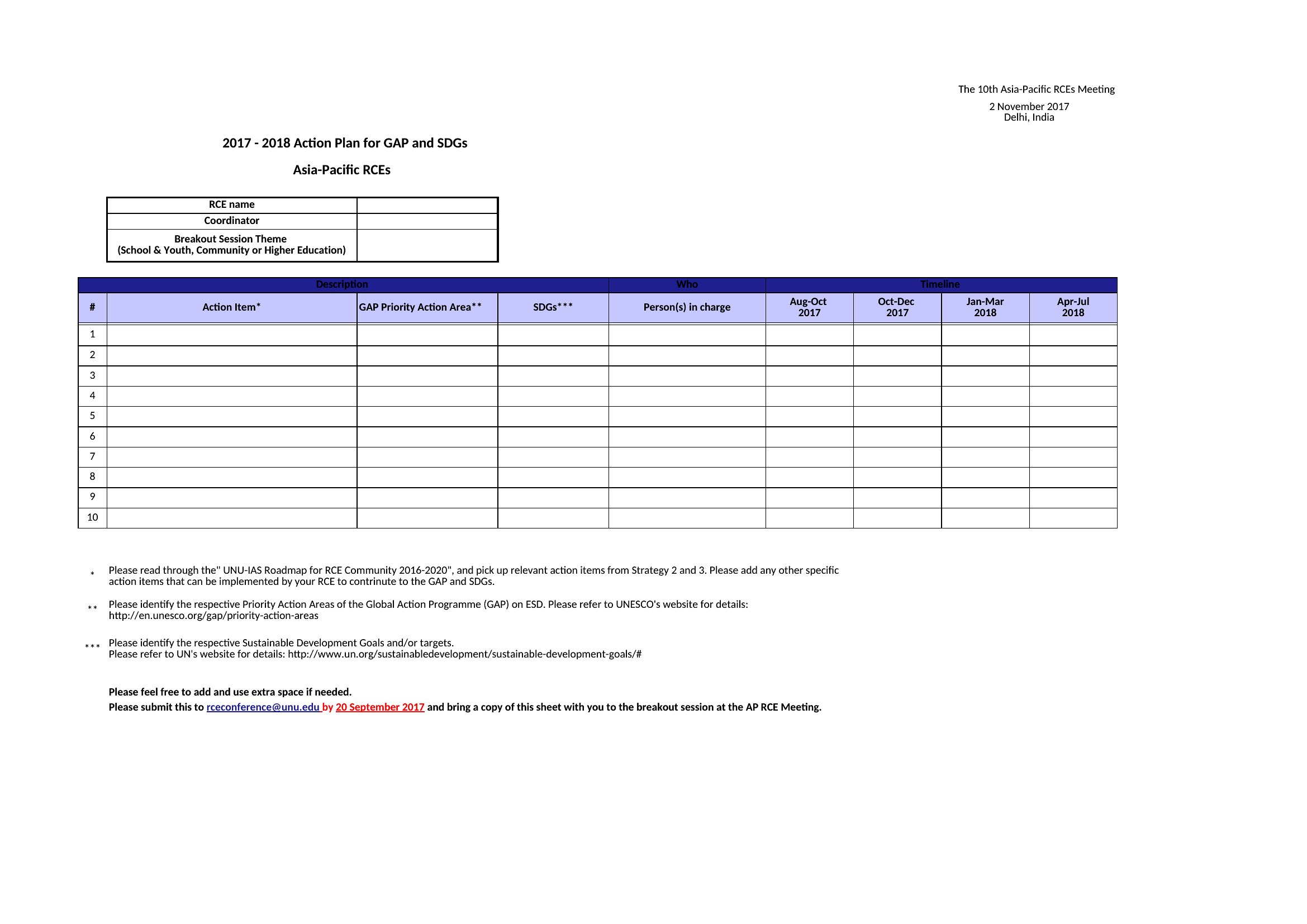
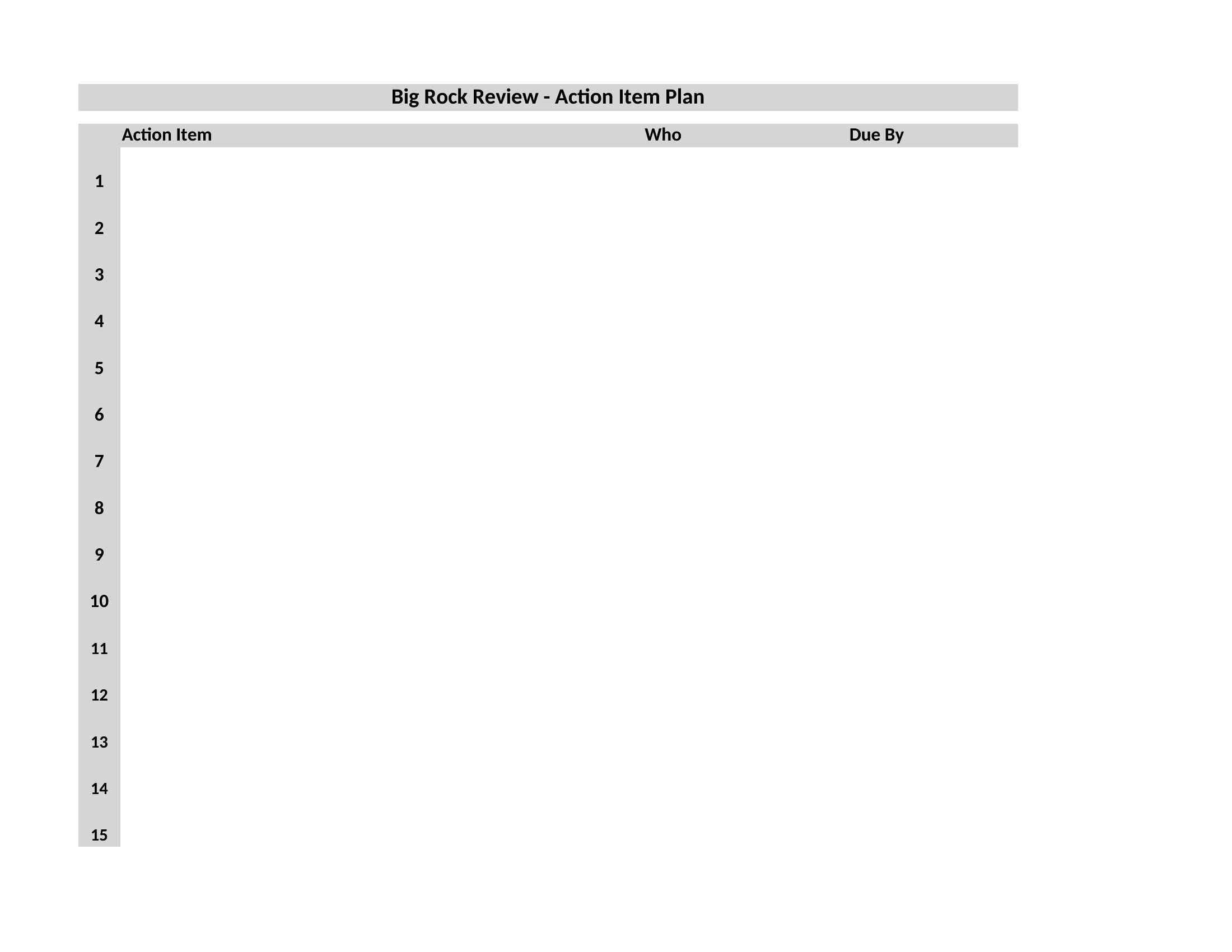
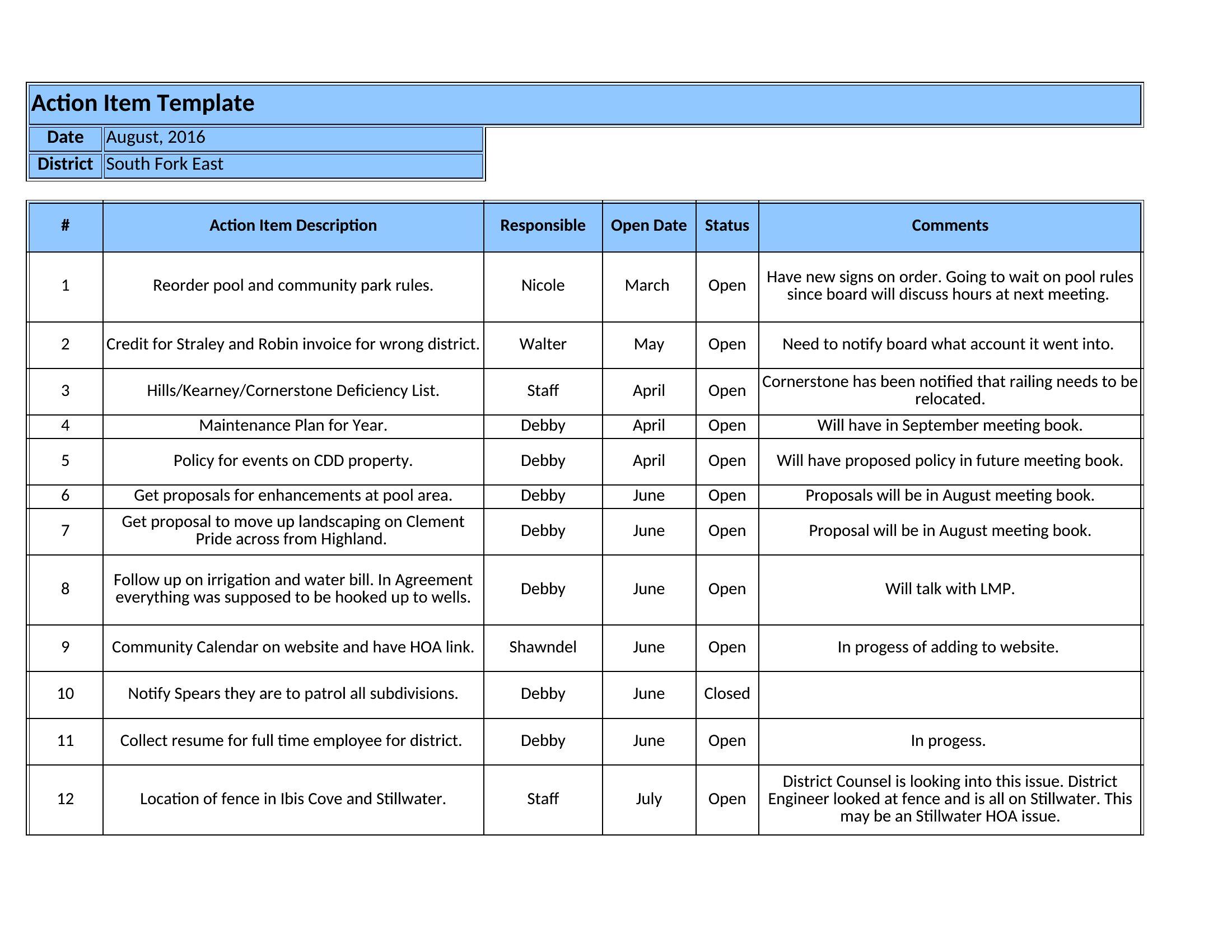
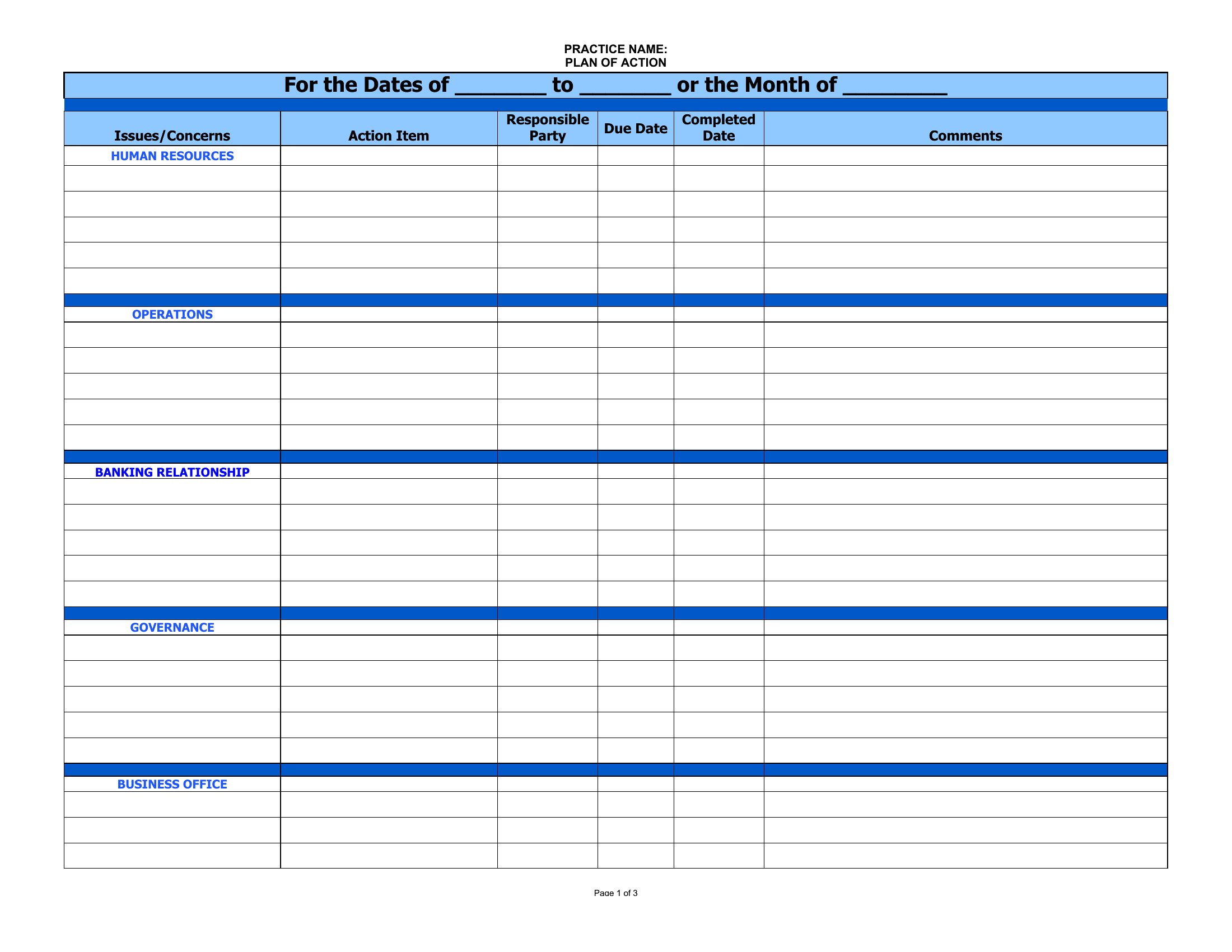
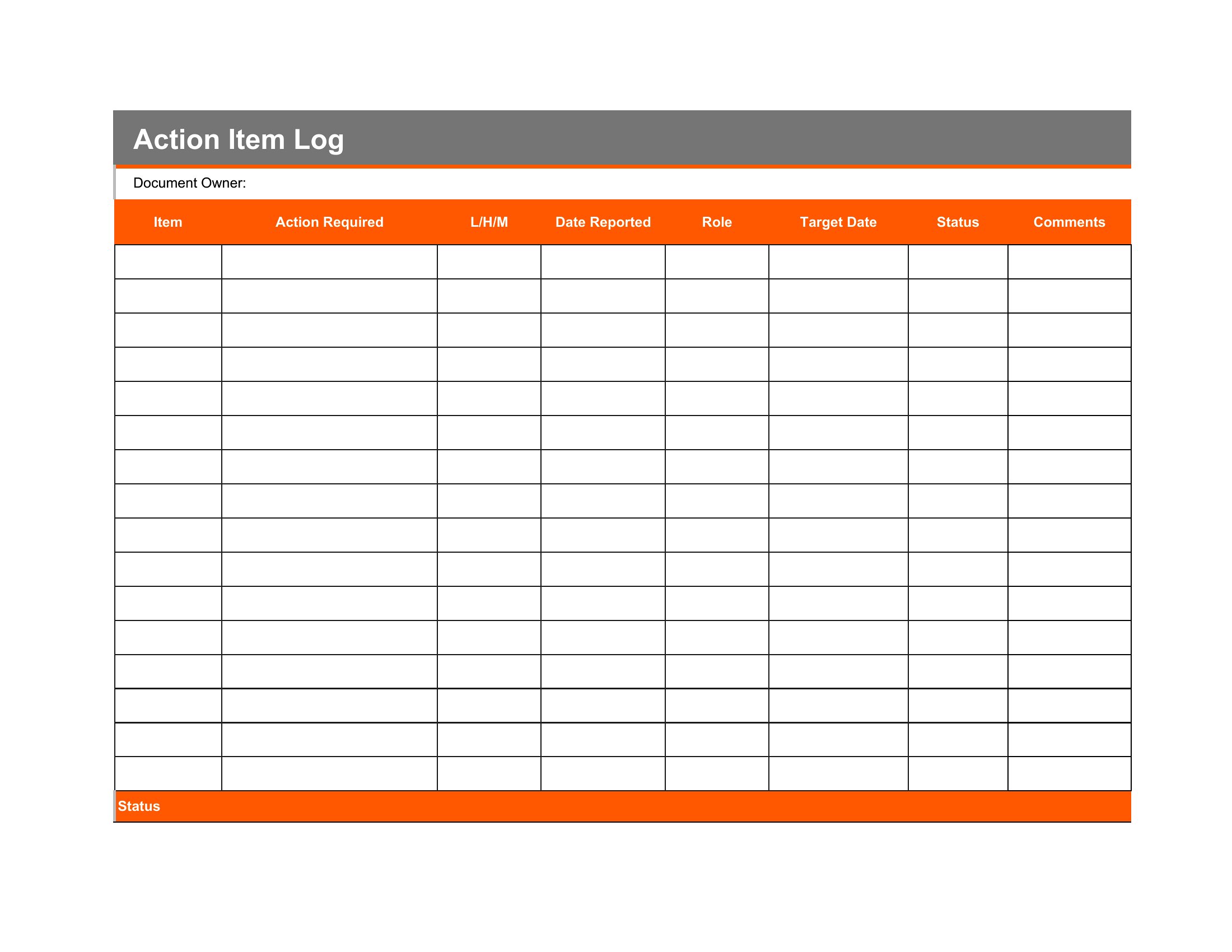
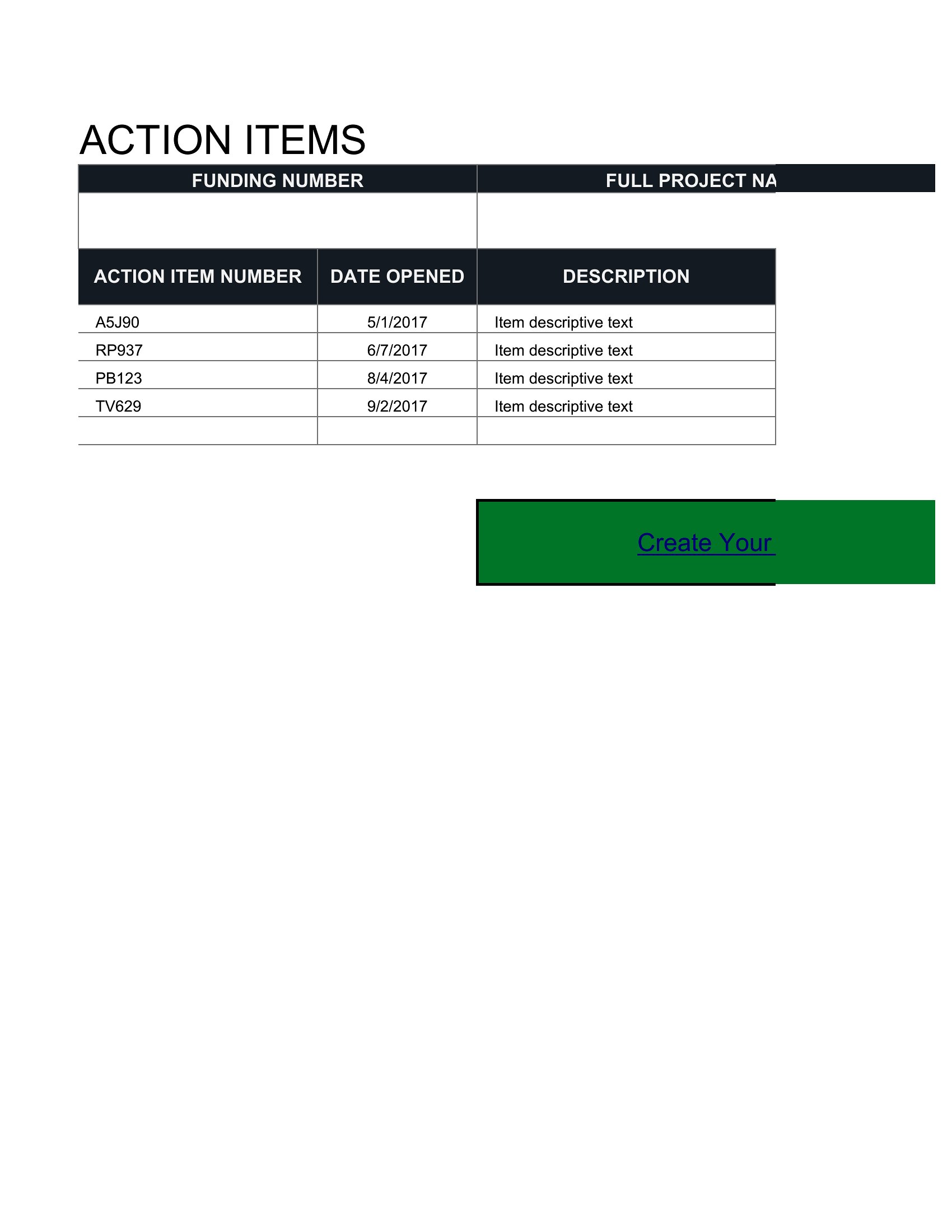
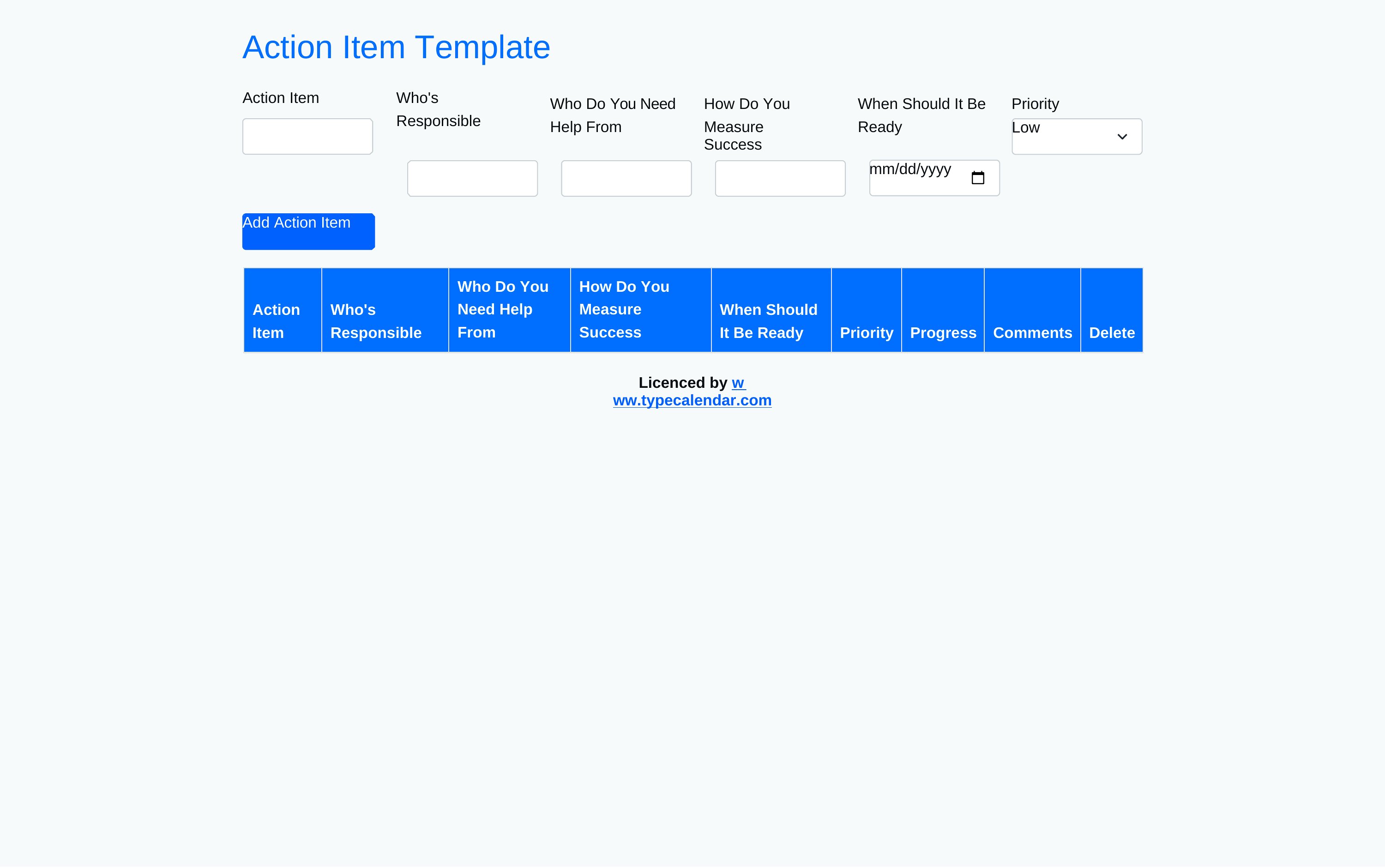
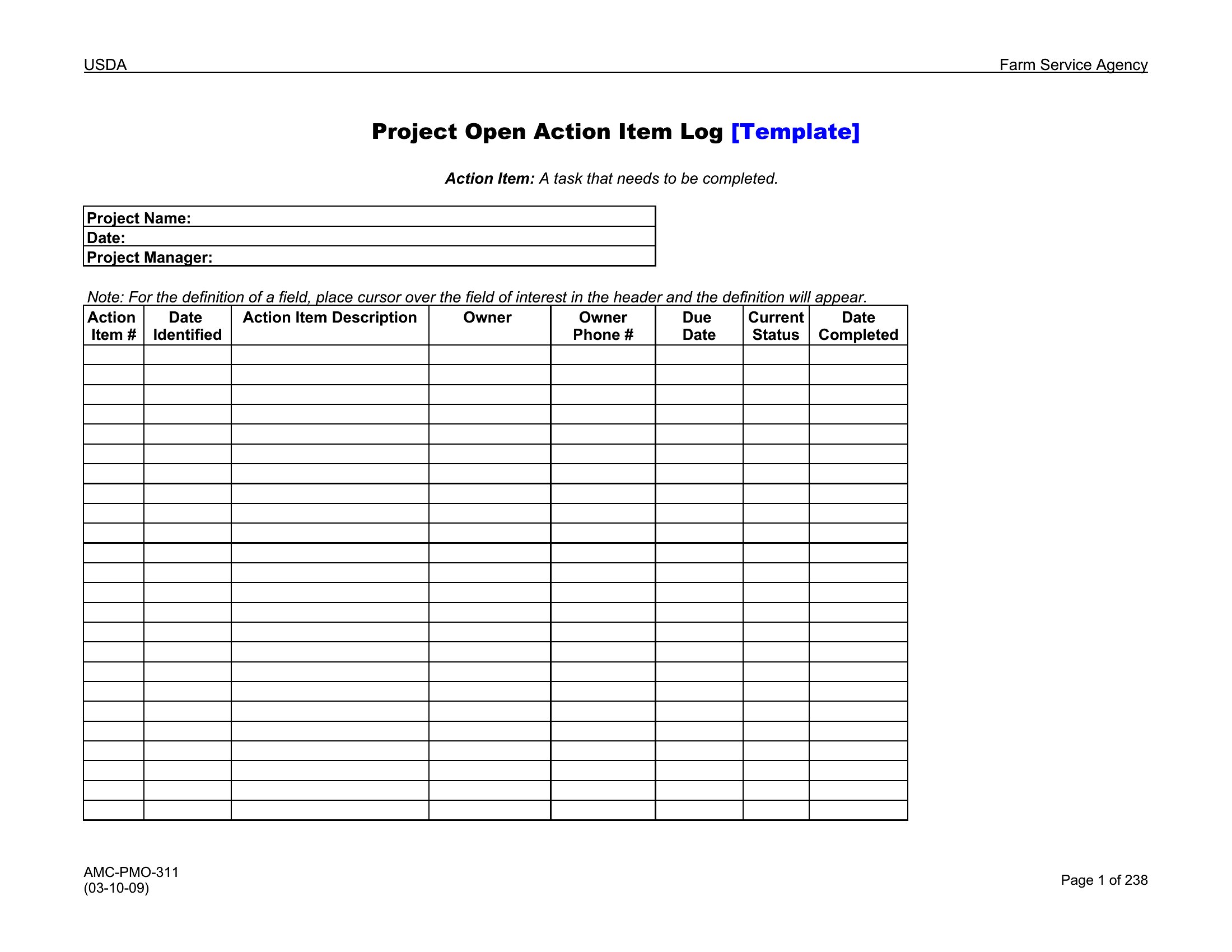
Meetings only pay off when someone actually follows through on what was decided, and an action item tracker is how that happens. These 50 templates give teams a clear place to log each task, who owns it, and when it's due. Project managers, team leads, and committee chairs can leave a meeting with accountability already written down.

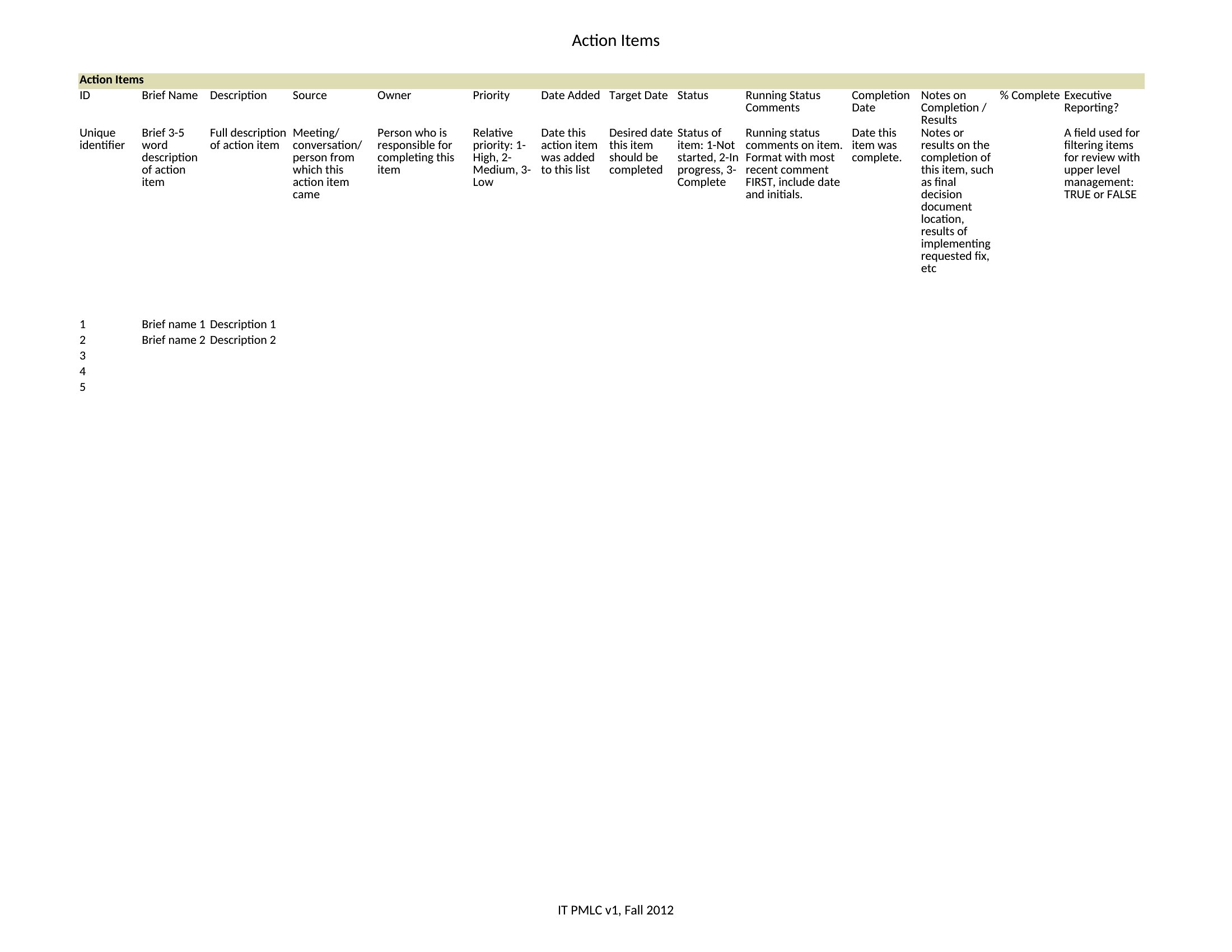
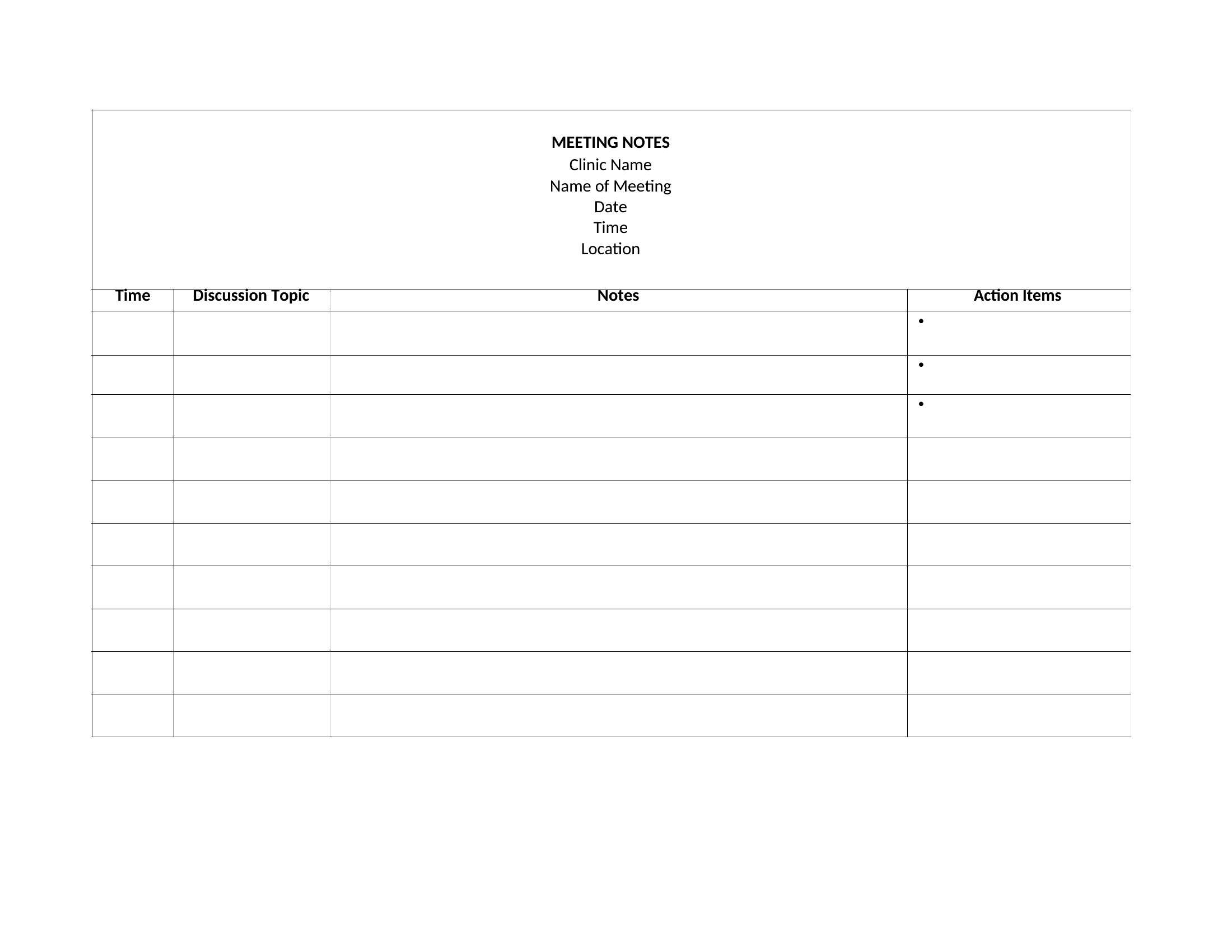
You'll get Word versions for meeting notes and Excel trackers that let you sort by owner, due date, or status. Add your tasks, assign names, and watch the open items shrink as they're checked off. Download the format that fits your workflow and keep your next project moving.

When to use this Action Item template

  • Project managers overseeing cross-department initiatives need a Word-based action item tracker to assign tasks during sprint planning meetings, ensuring clarity on deadlines and ownership before the team disperses.
  • Nonprofit committee chairs use Excel action item logs to document volunteer responsibilities after strategy sessions, with color-coded priority flags to keep long-term projects on track between quarterly updates.
  • Small business owners track client deliverables in an Excel action item template, linking each task to invoices and deadlines so billing aligns with completed work—no more chasing unpaid projects.
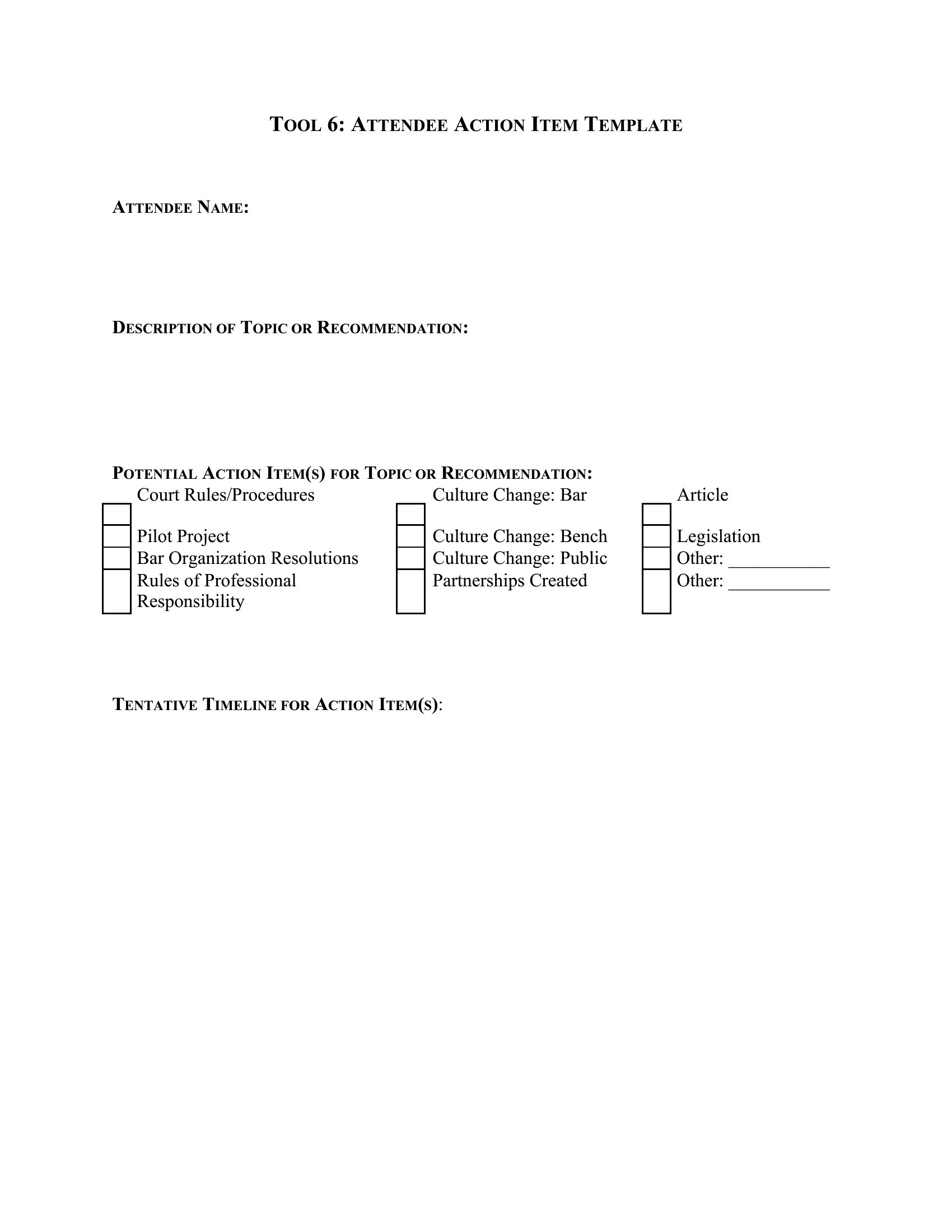
  • HR directors assign onboarding tasks to hiring managers using a Word action item form, with checkboxes for compliance steps and due dates to streamline new employee integration without follow-up emails.

Which format should I download?

WordExcel

Choose Word for structured action item documentation when you need embedded meeting notes, signatures, or detailed task descriptions—ideal for formal teams with shared drives. Excel is better for dynamic tracking with formulas, progress bars, or linked project timelines, perfect for data-driven teams who update statuses frequently. Both formats include templates with due dates and owner fields, but Word excels for one-time capture while Excel shines for ongoing progress monitoring.

Choose from 50 Action Item Templates

How to use this Action Item template

How do these templates help avoid missed deadlines in fast-paced projects?

Templates include dedicated columns for due dates, owners, and status flags. Excel versions often use conditional formatting to highlight overdue tasks, while Word versions integrate deadlines into meeting notes for quick reference during follow-ups. Pairing with calendar reminders (not included) amplifies accountability.

Can I use these for both individual and team tasks?

Yes. The templates separate tasks by owner while grouping them under project names. Team-focused versions include columns for dependencies (e.g., ‘Task B starts after Task A’) to visualize workflows. Individual users can ignore team-specific fields and focus on personal deadlines.

What’s the best way to adapt these for recurring meetings, like weekly standups?

Use the Excel trackers to create a master sheet for recurring meetings, then link it to a new tab for each session. Word versions work well for printed handouts—copy the action item section into a reusable template file. Both formats include space to note if tasks roll over from previous meetings.

Comments

Join the conversation

Sign in to share your thoughts and leave a comment on this resource.

Newsletter

Get Weekly Design Updates

Join our community to receive curated resources and inspiration.

Weekly Tips Resources Early Access

We respect your privacy. Confirmation email required. Privacy Policy