Free Action Item Templates (Excel)
ProjectTemplates
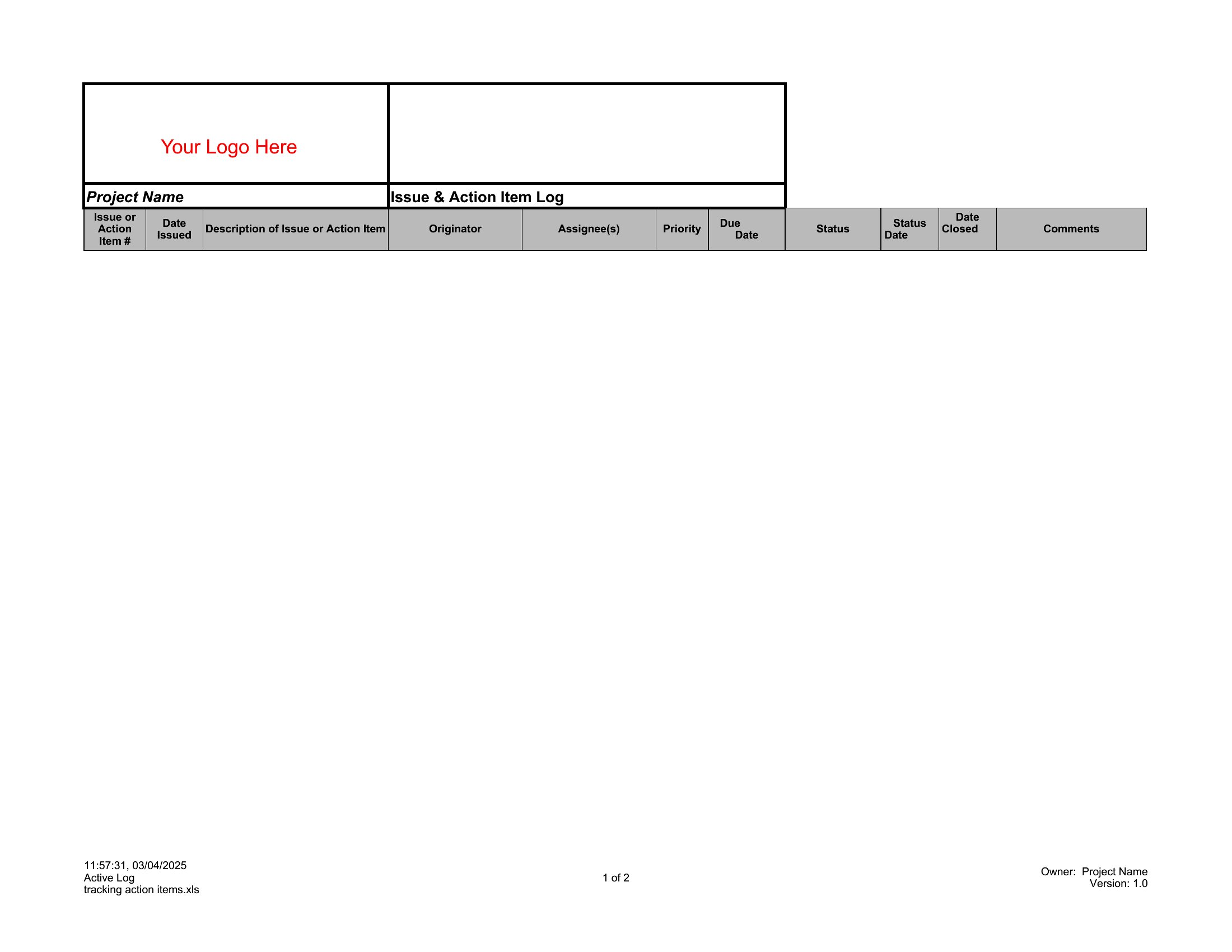
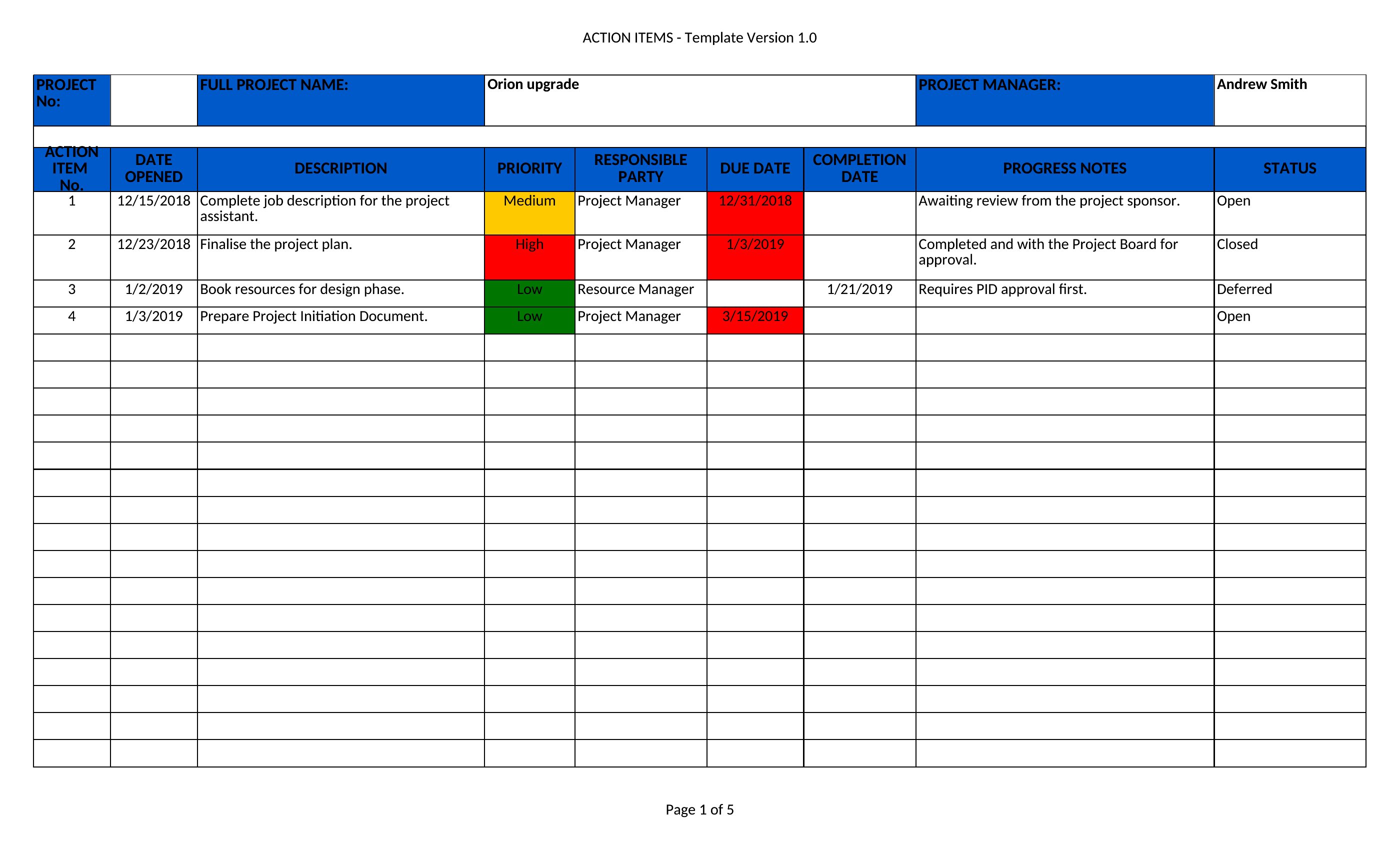
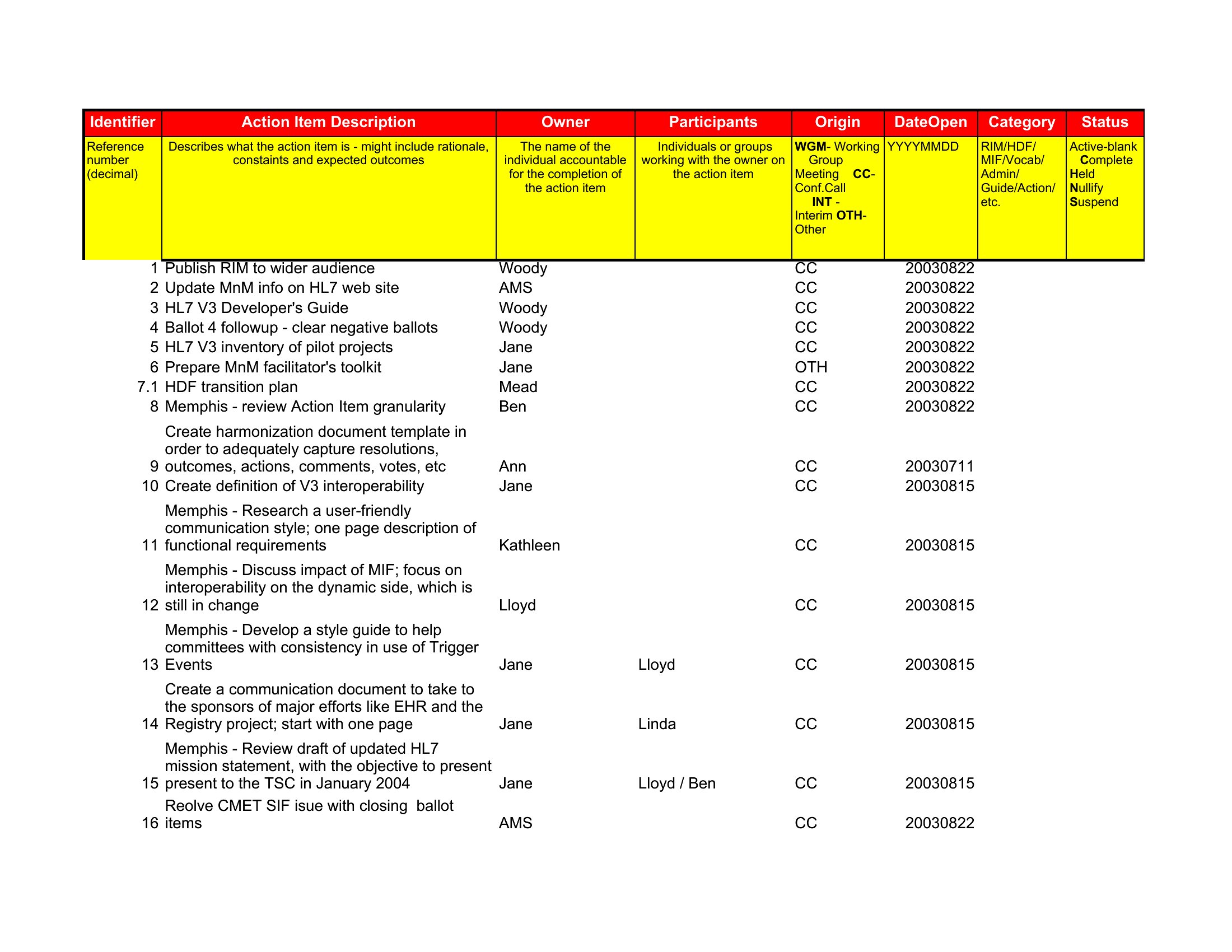
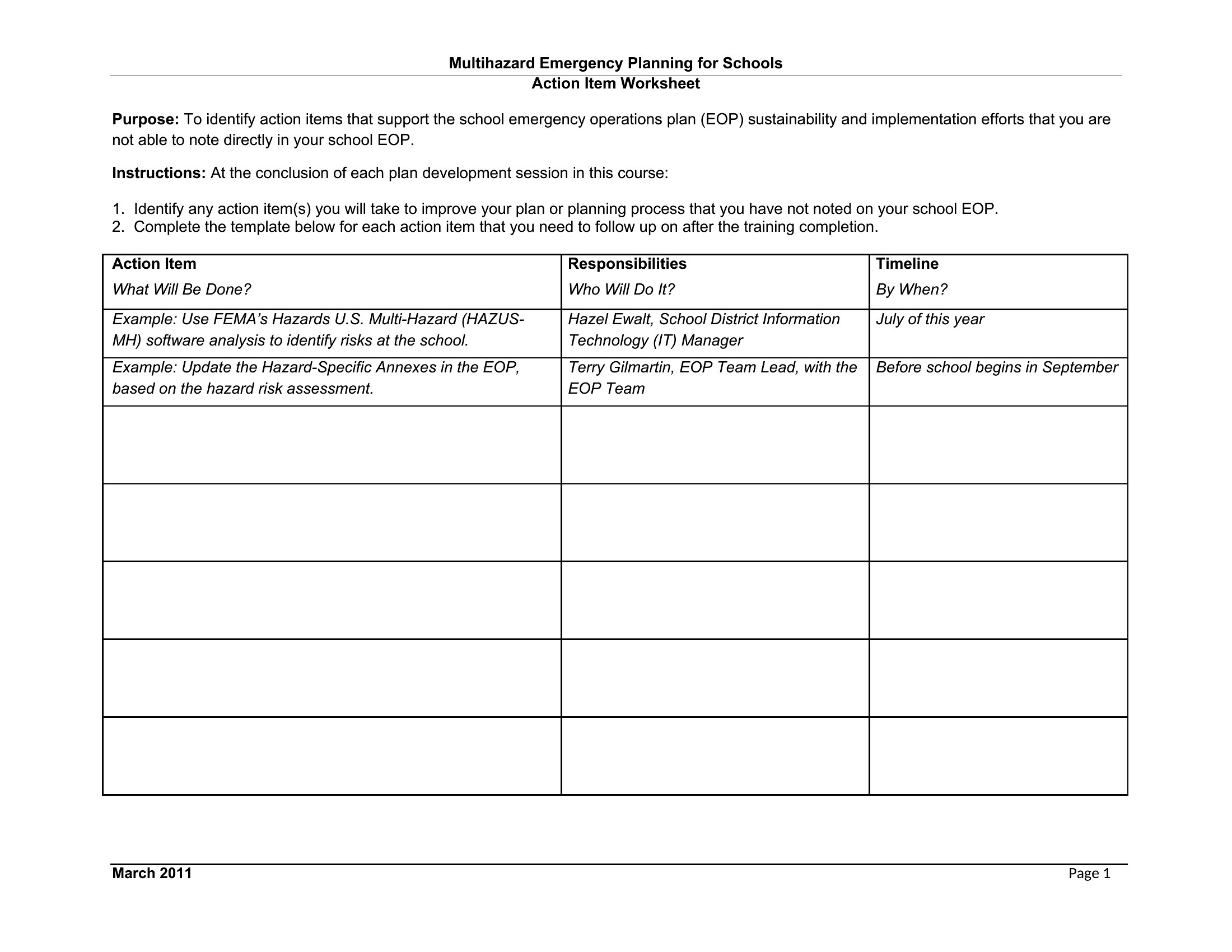
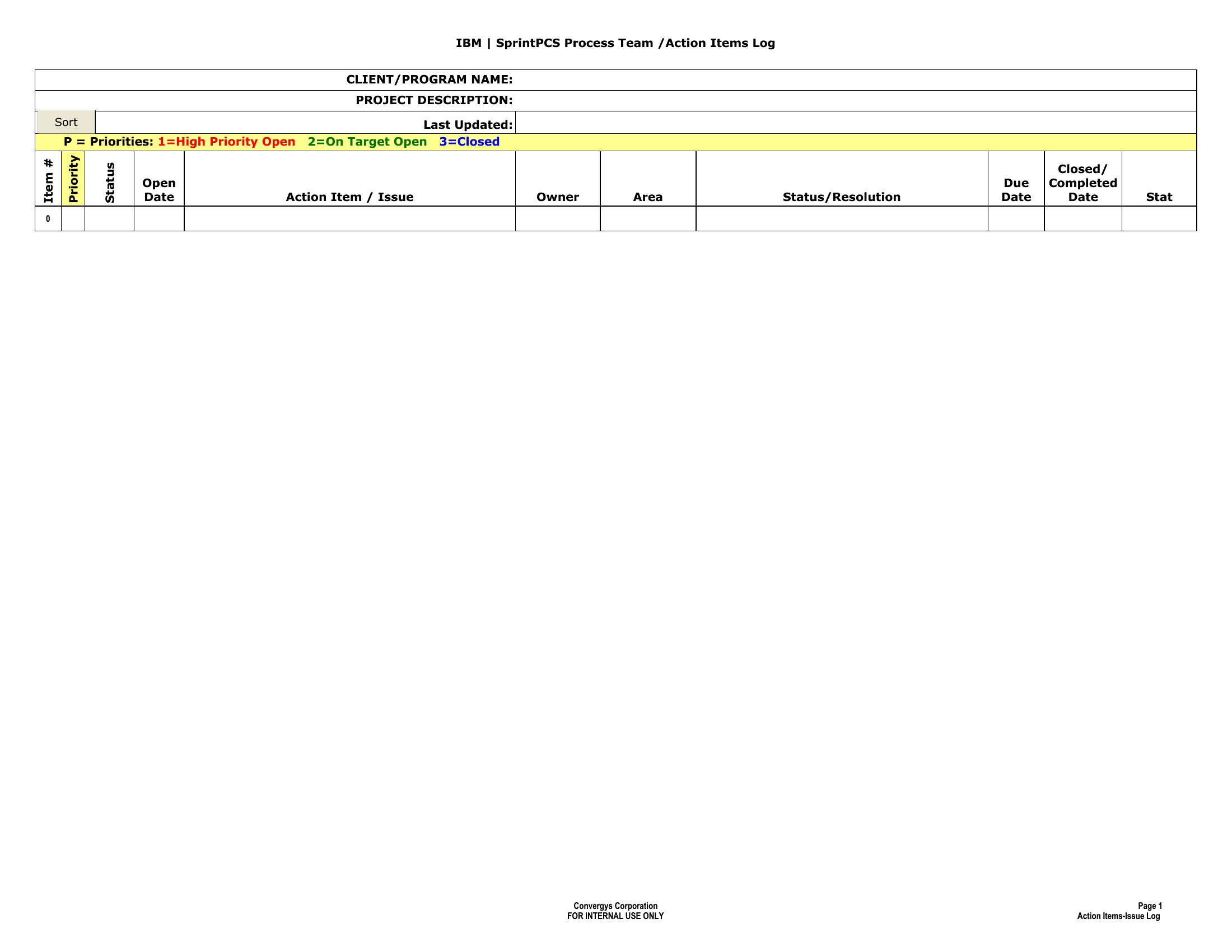
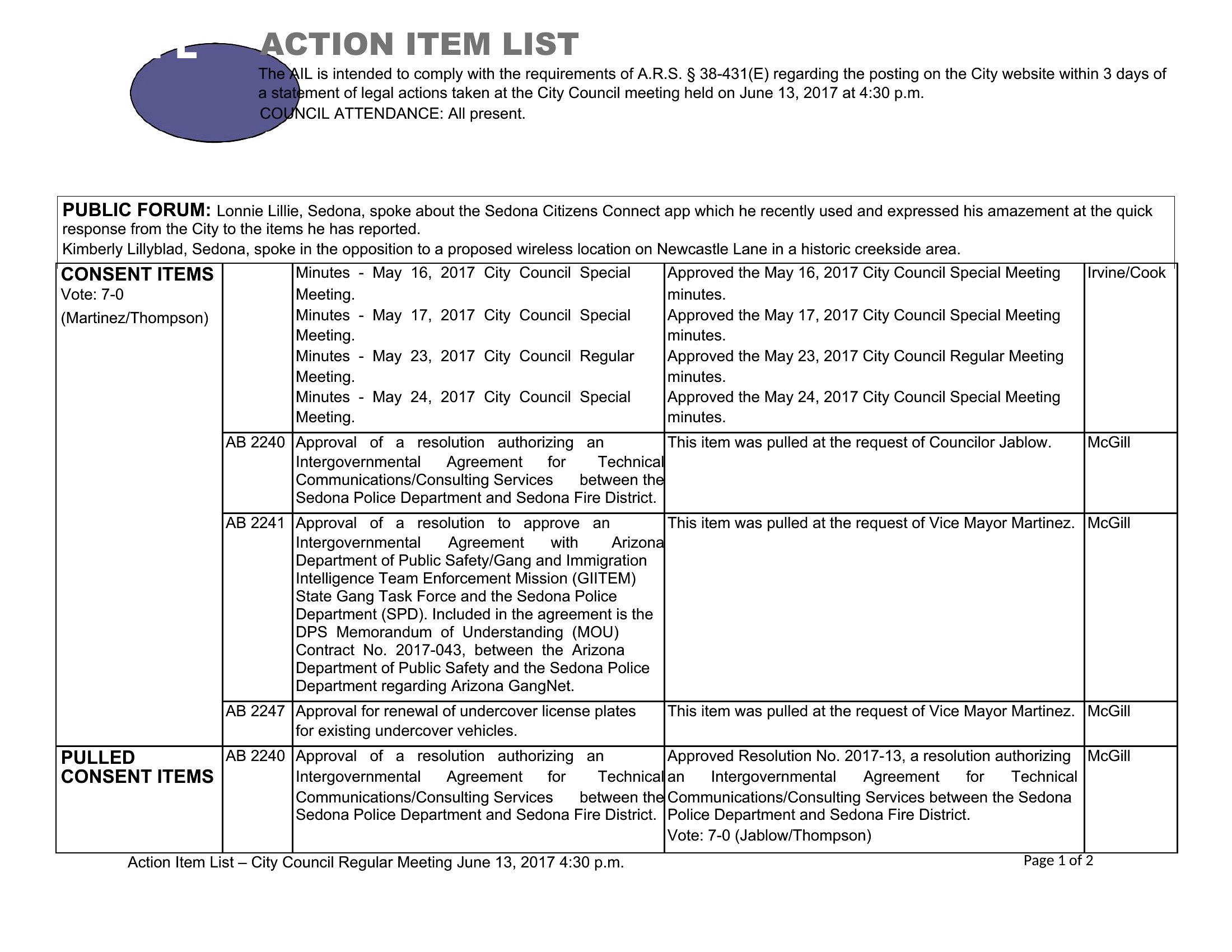
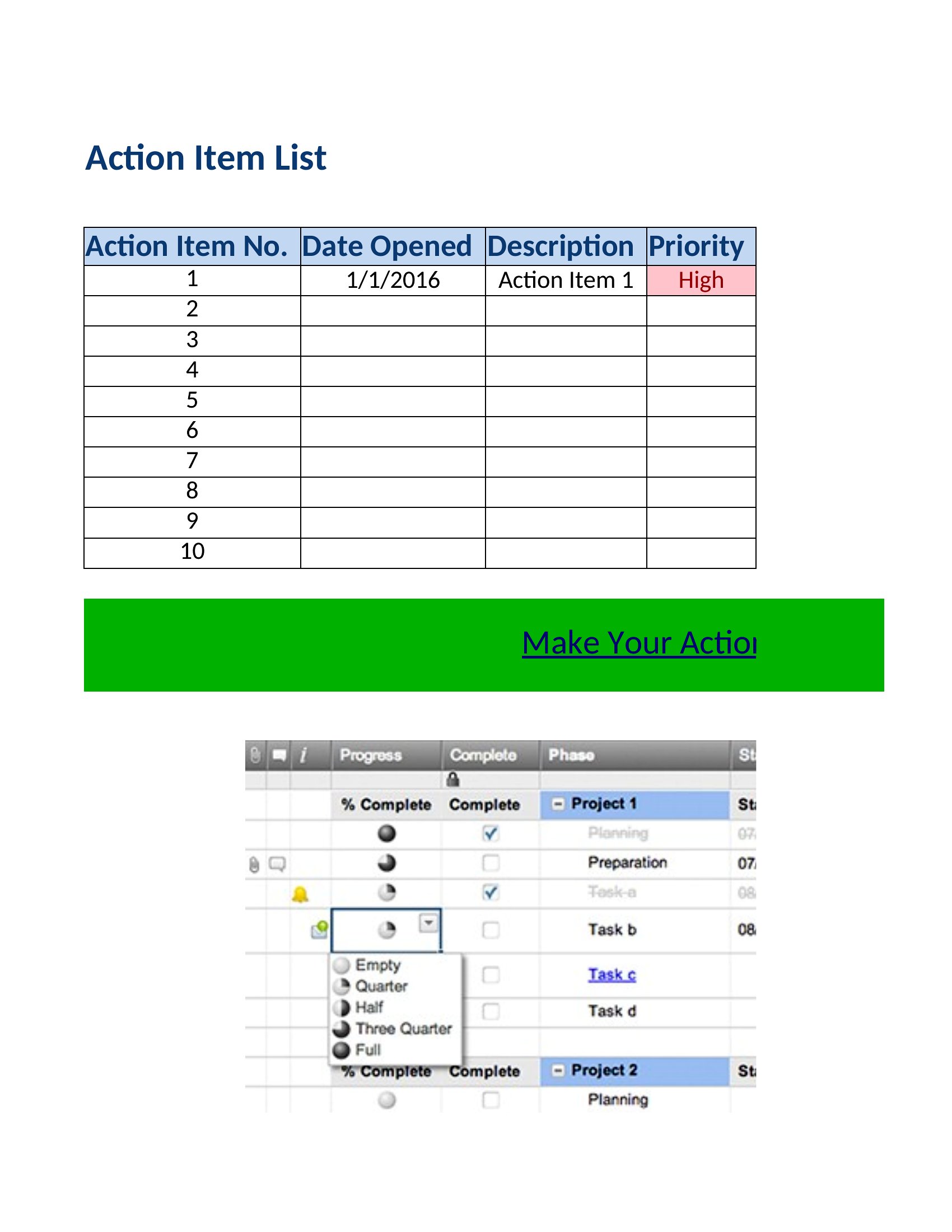
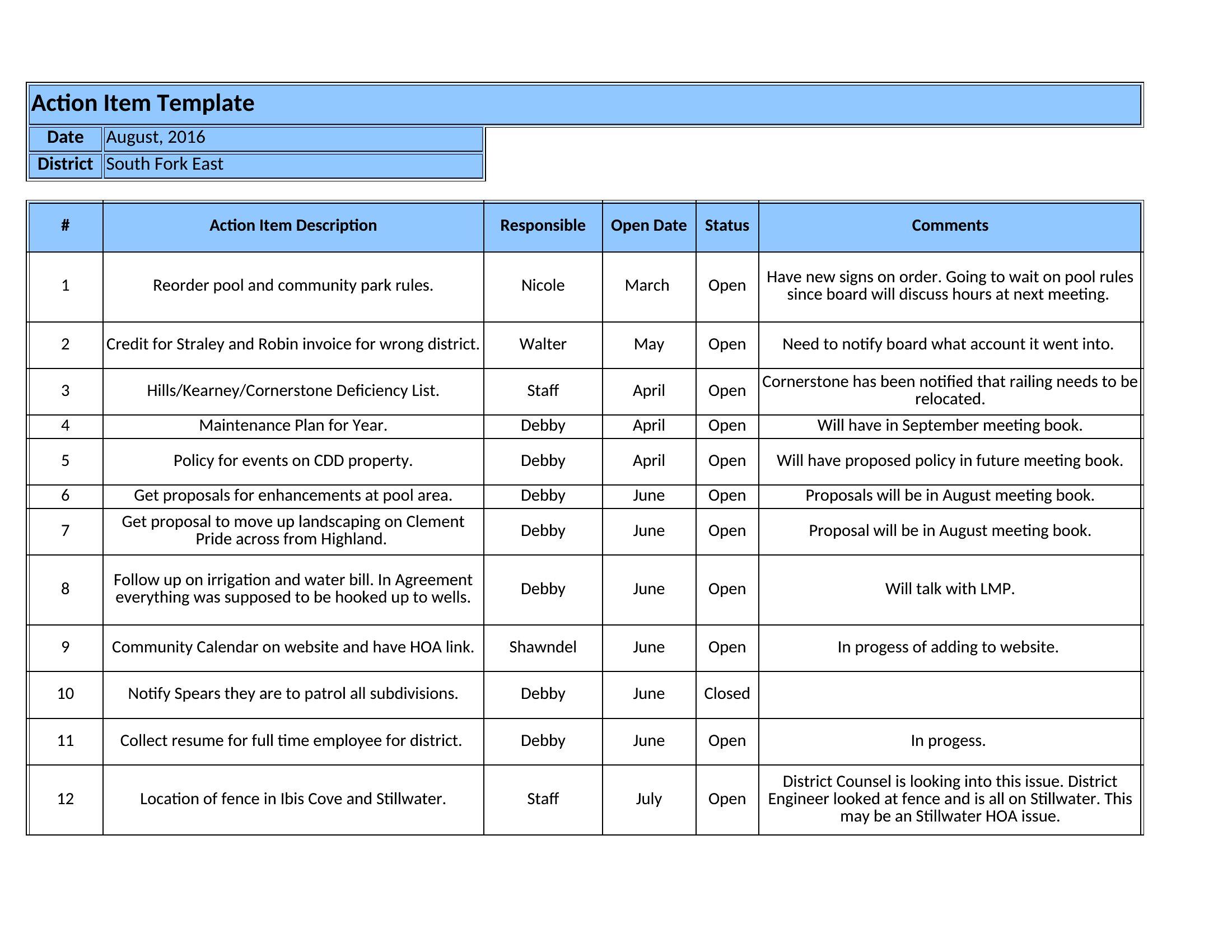
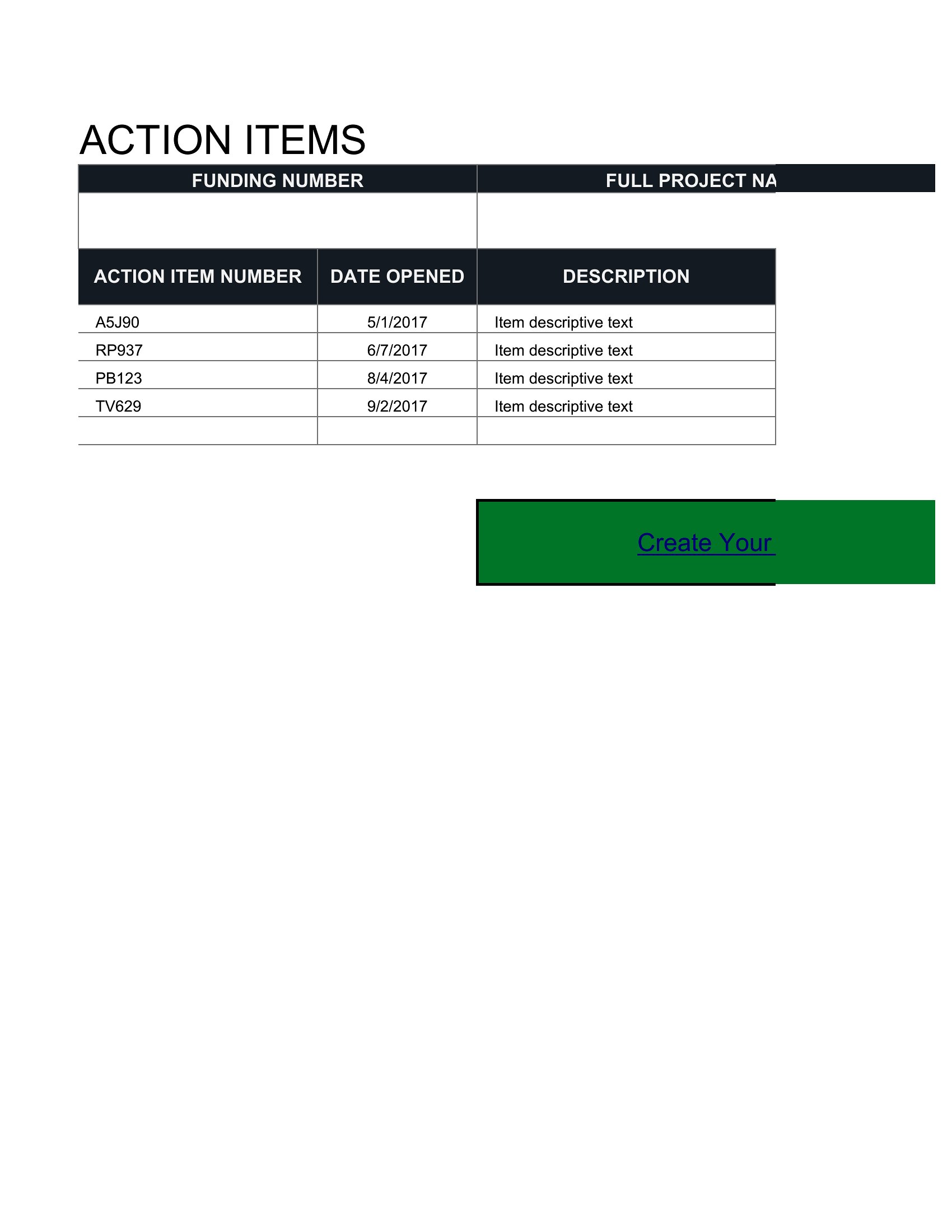
Action Item List
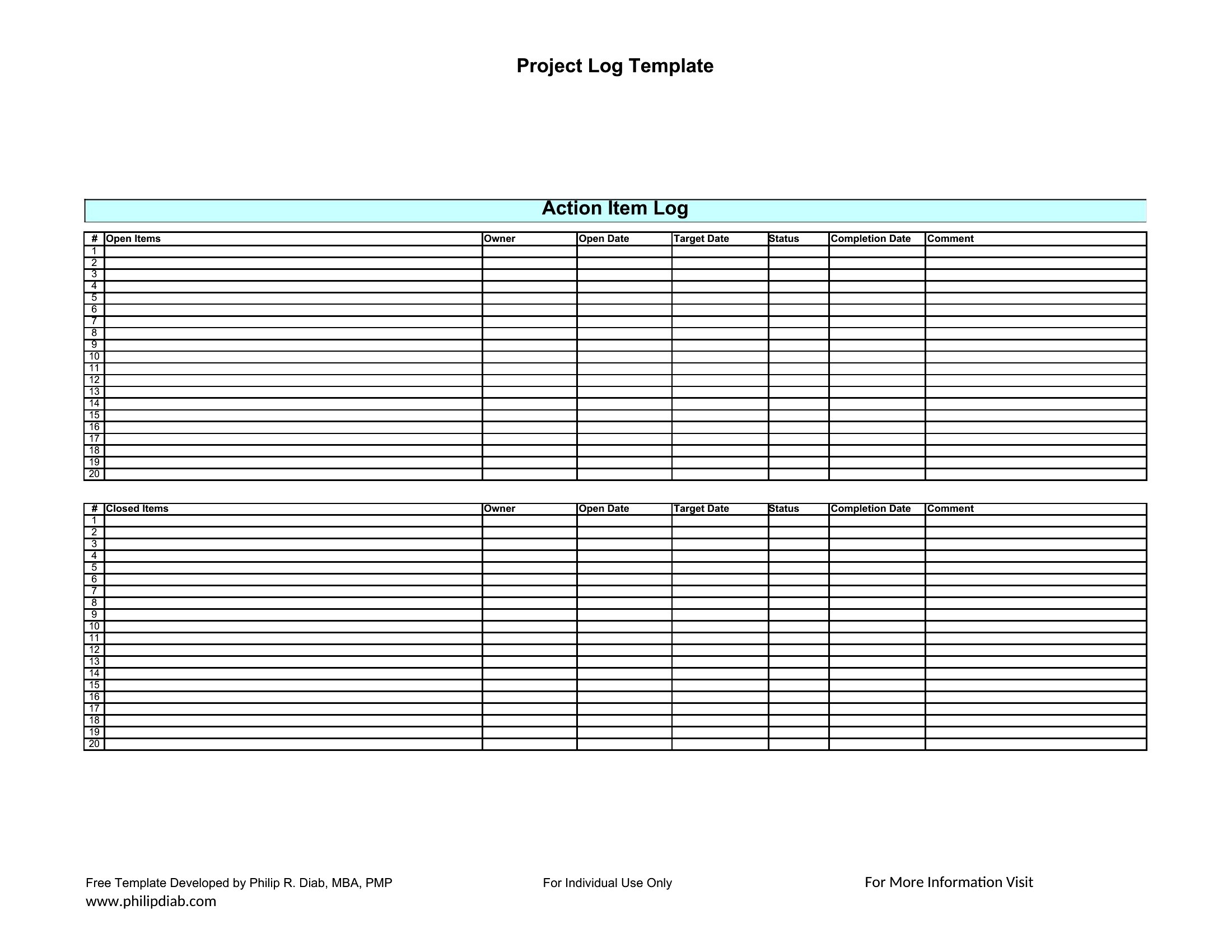
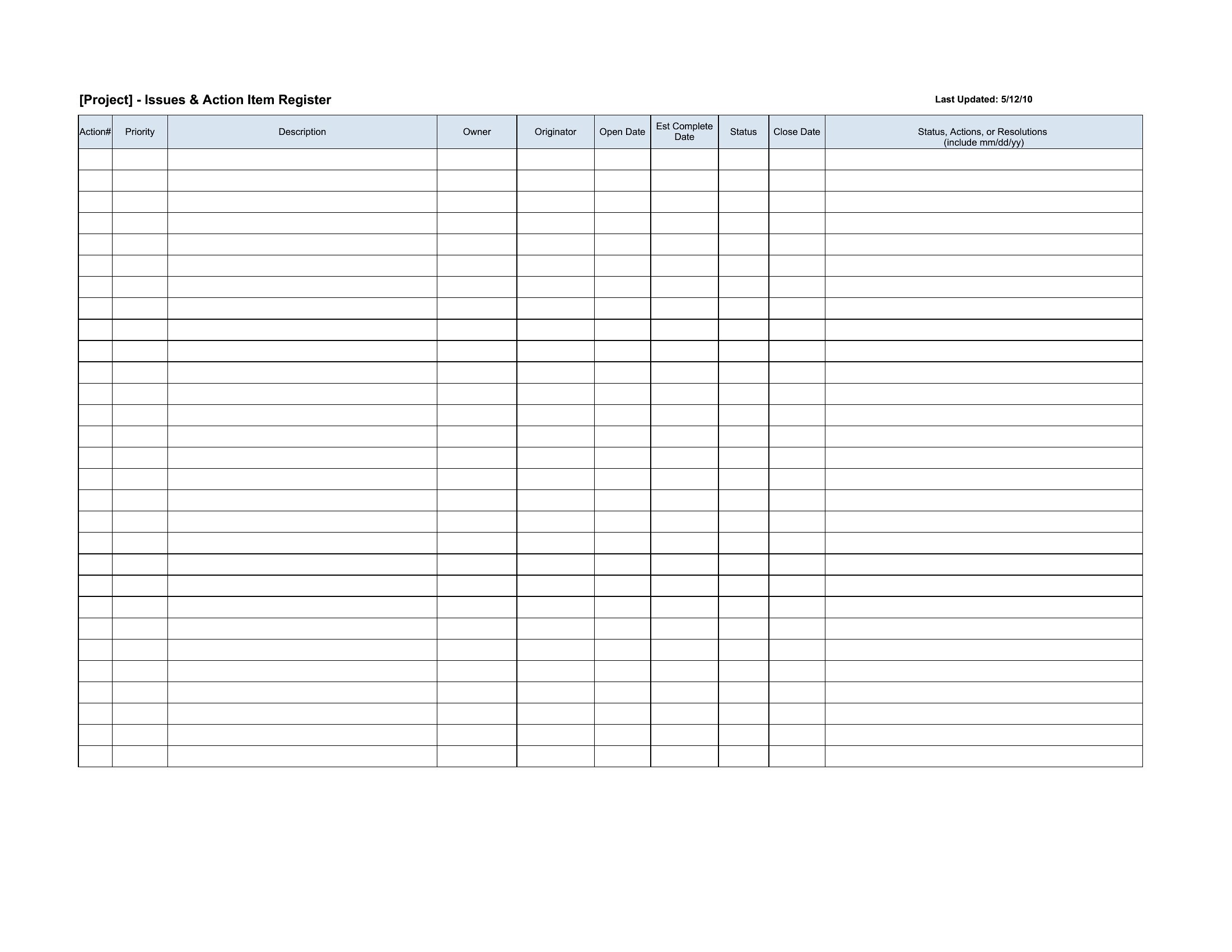
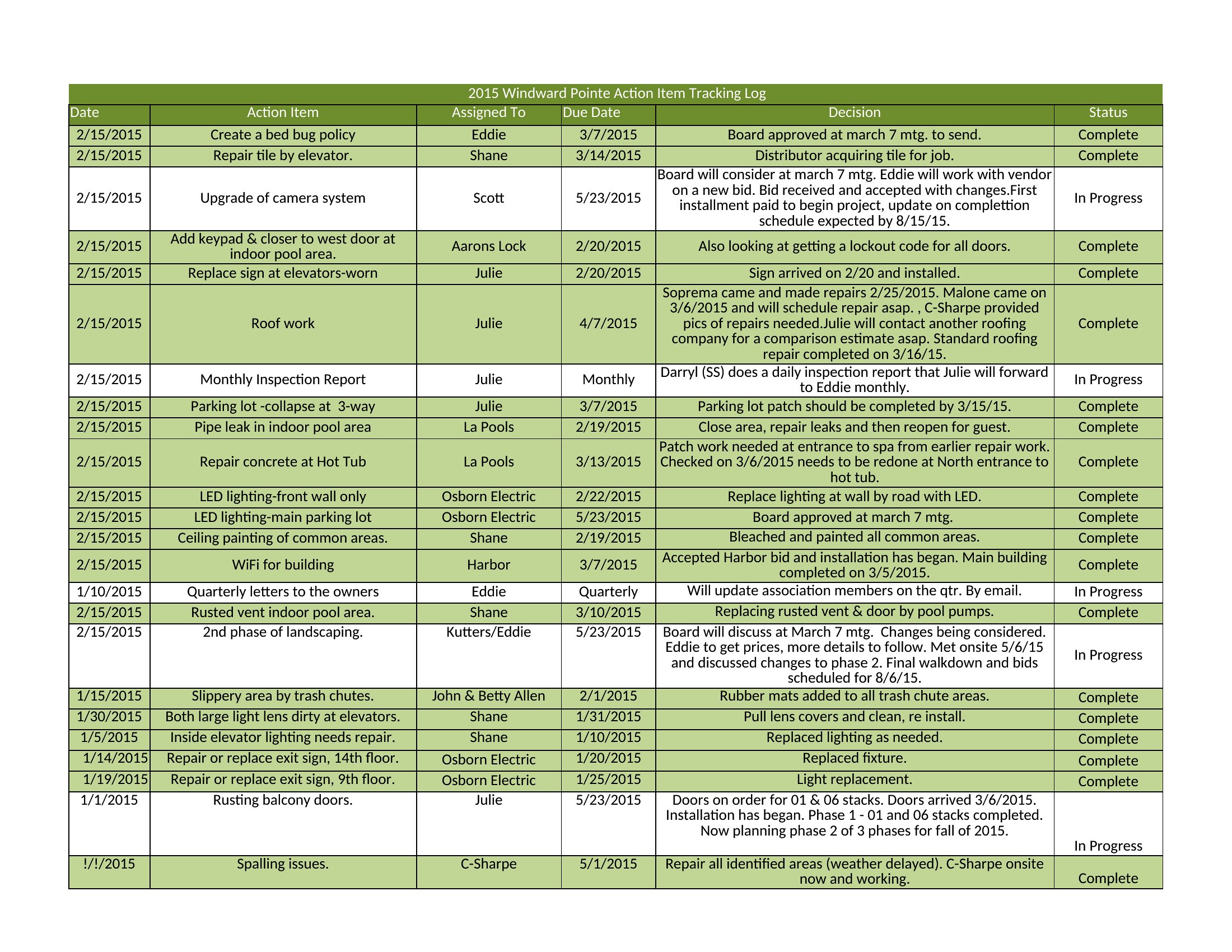
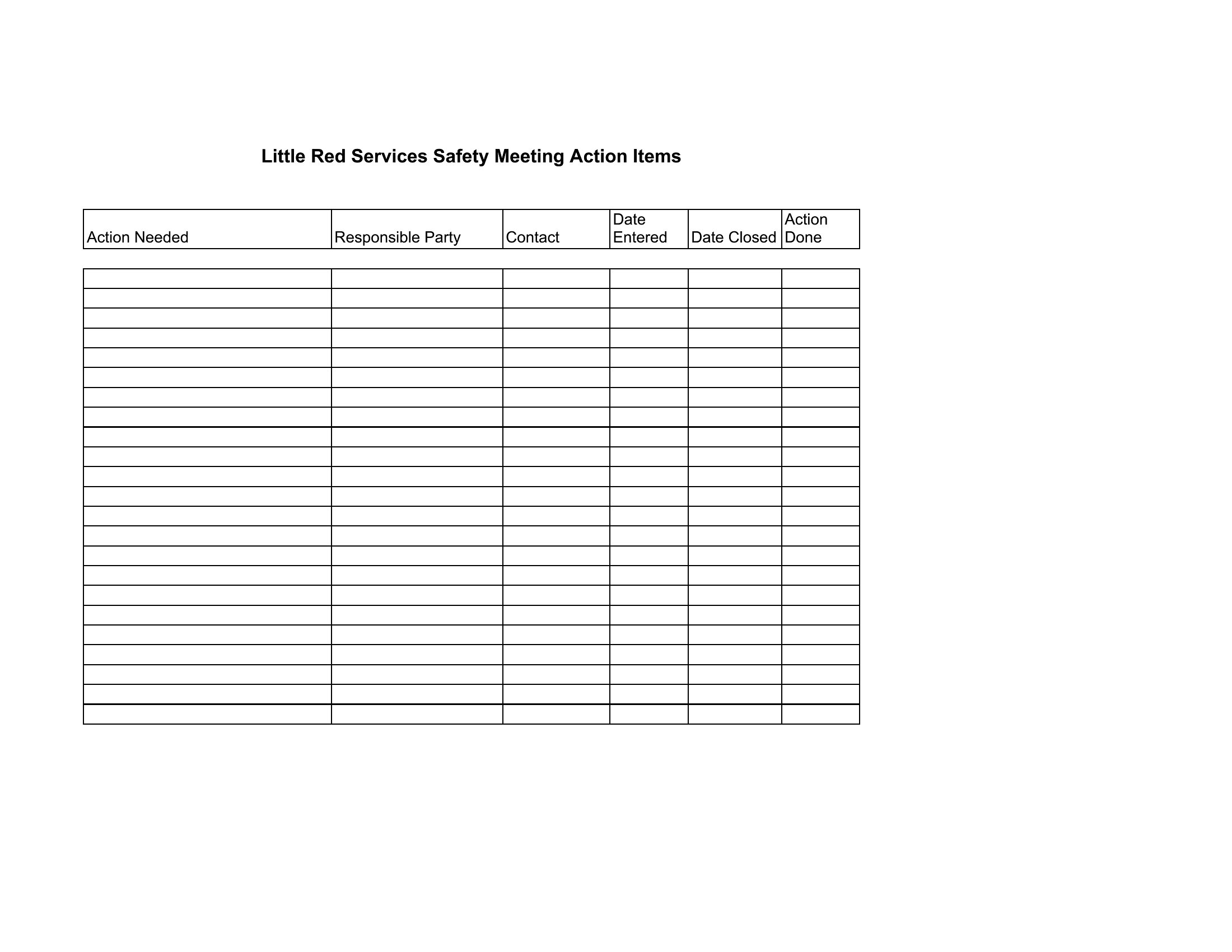
Action Items
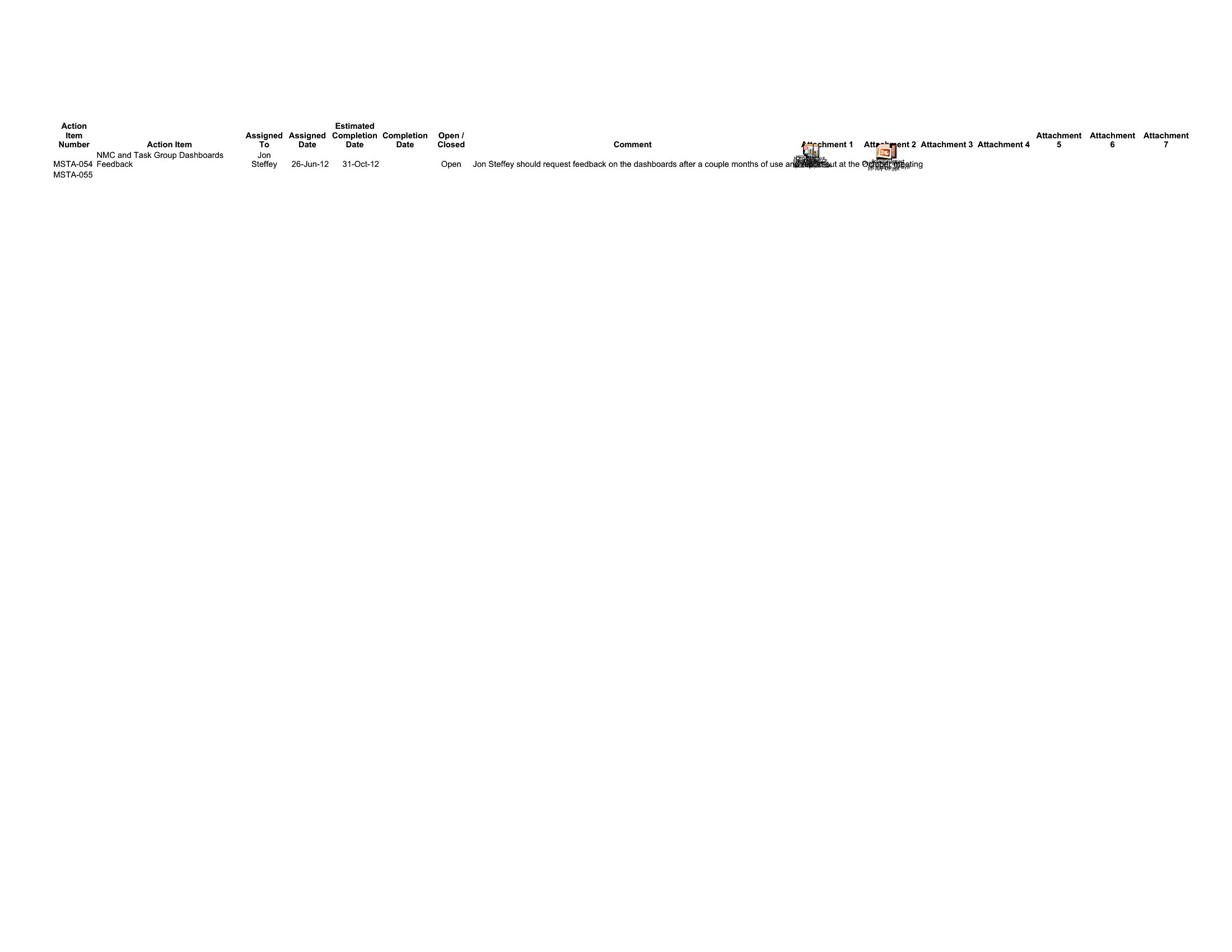
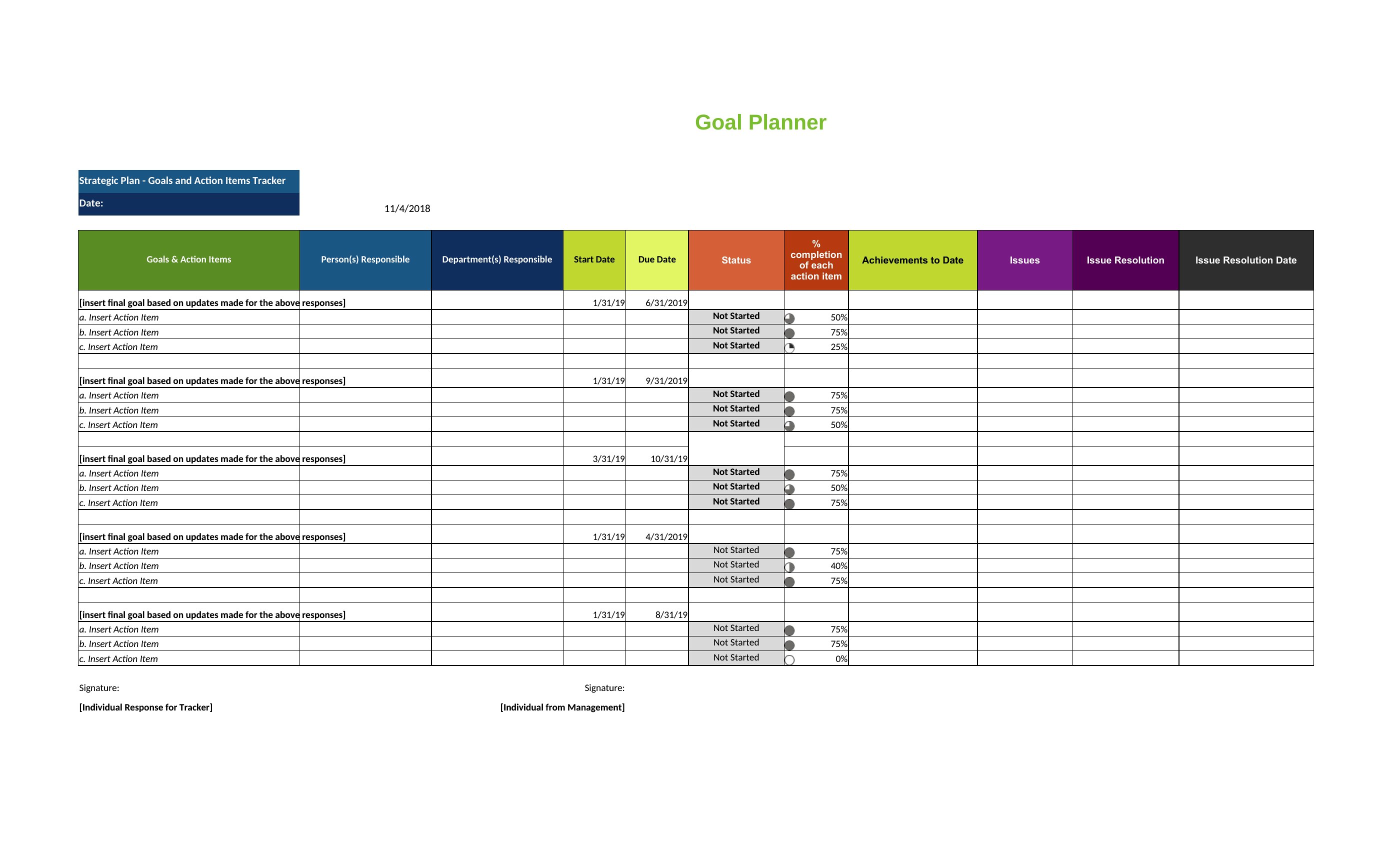
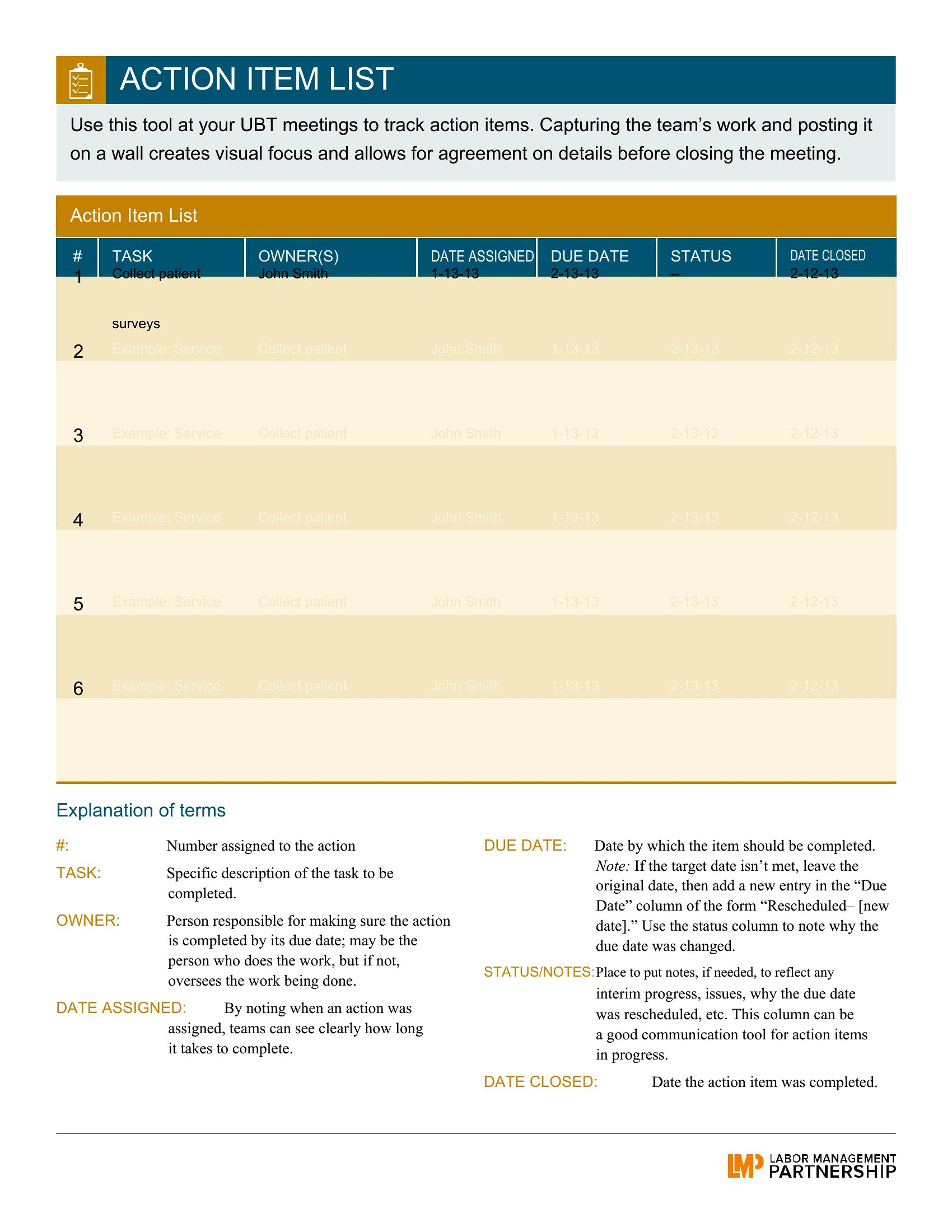
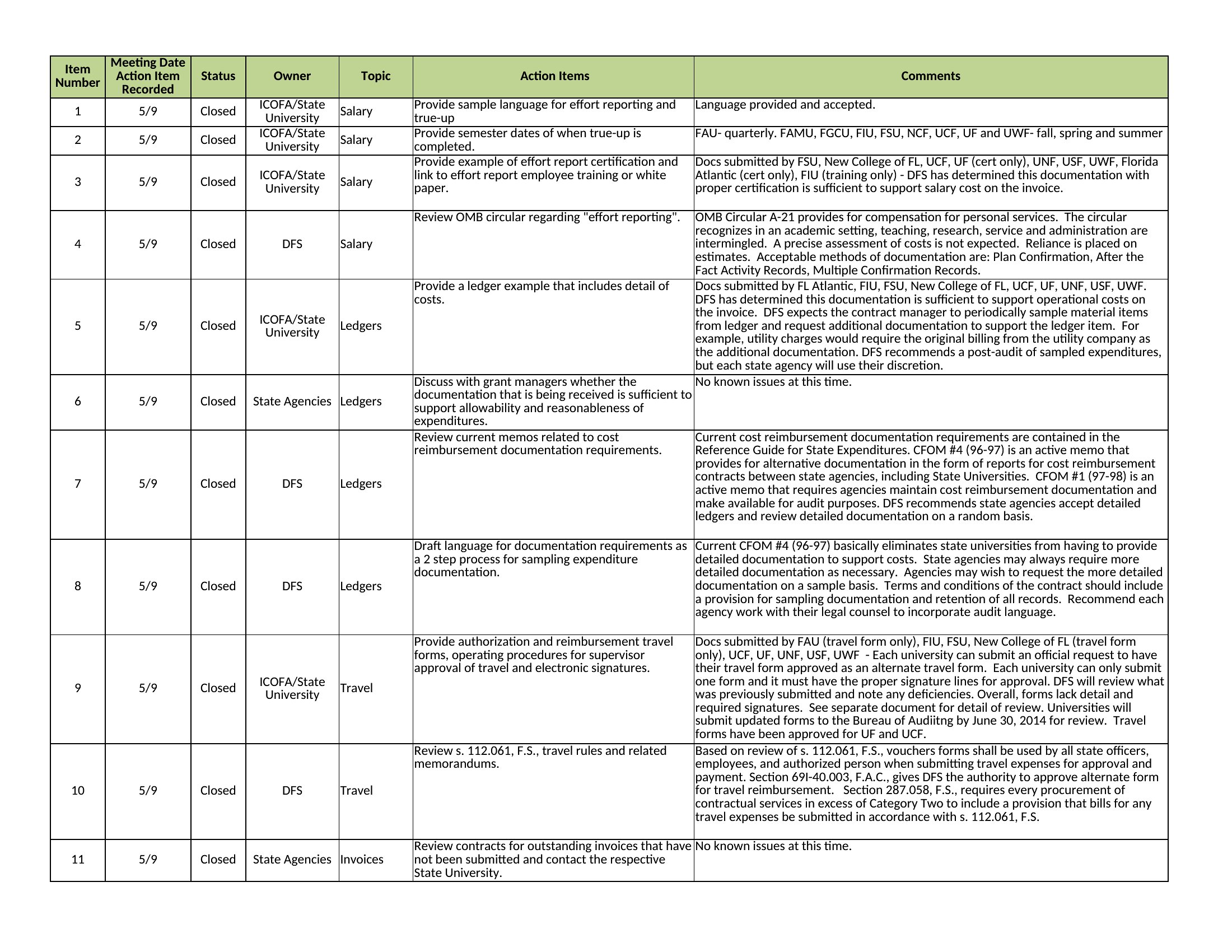
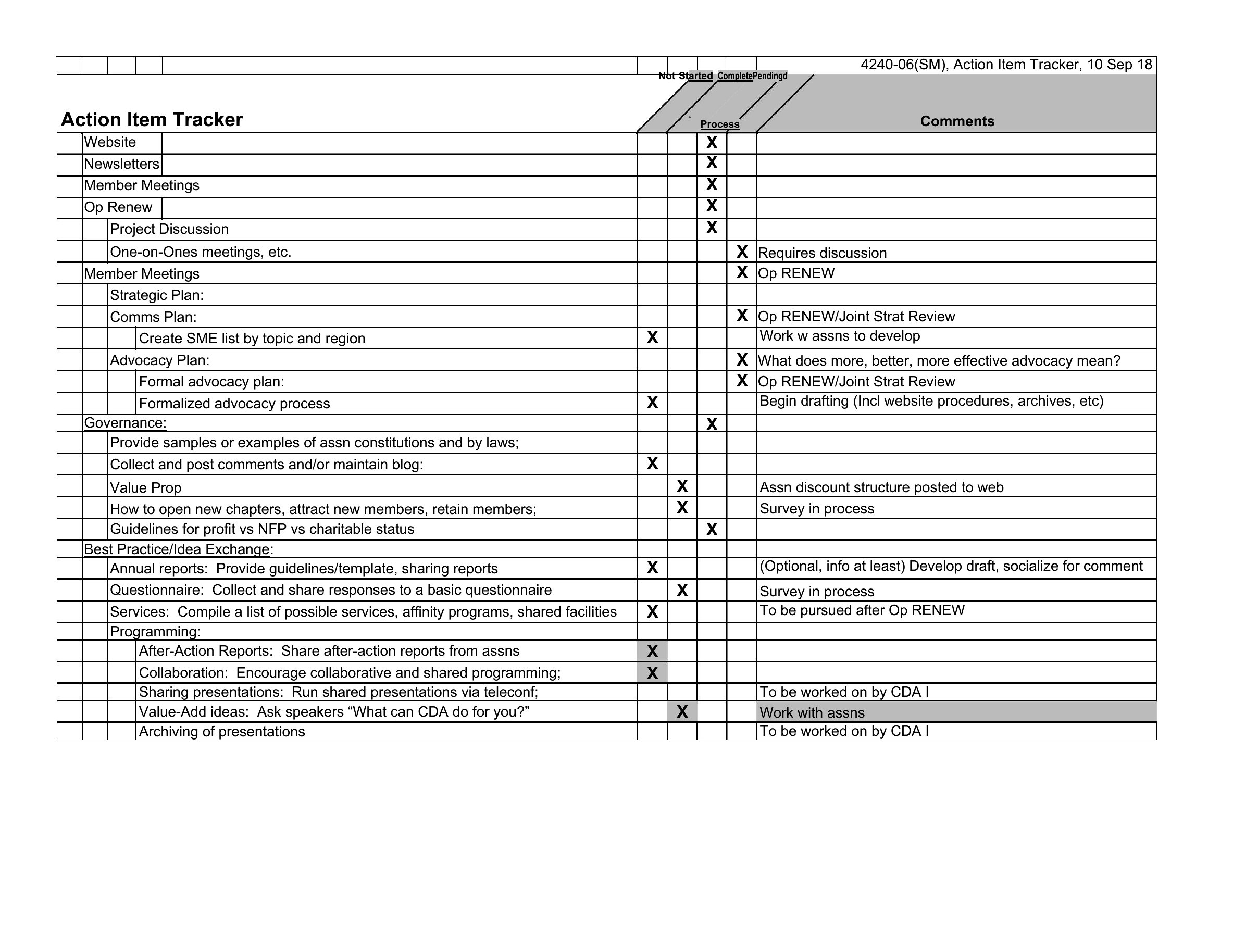
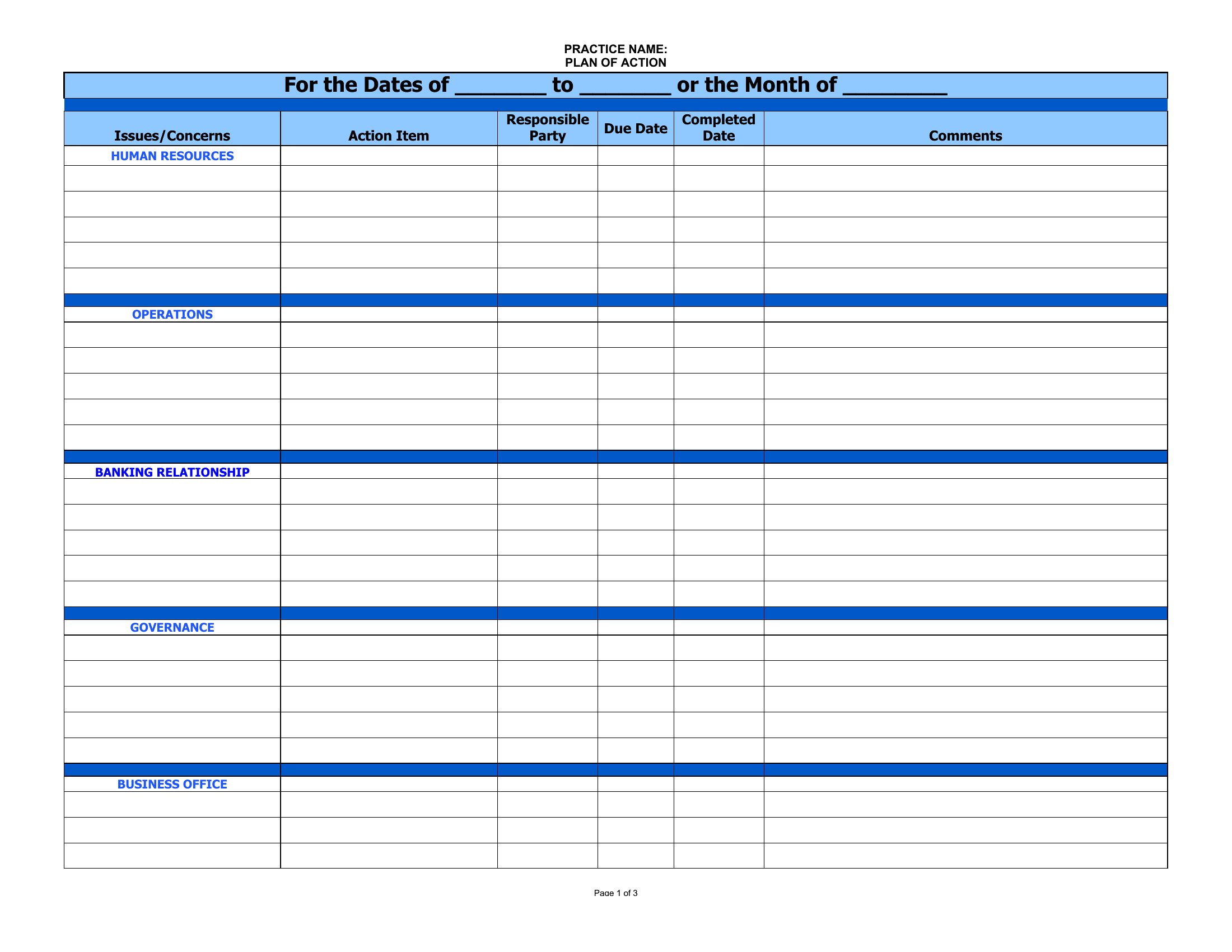
Item Action
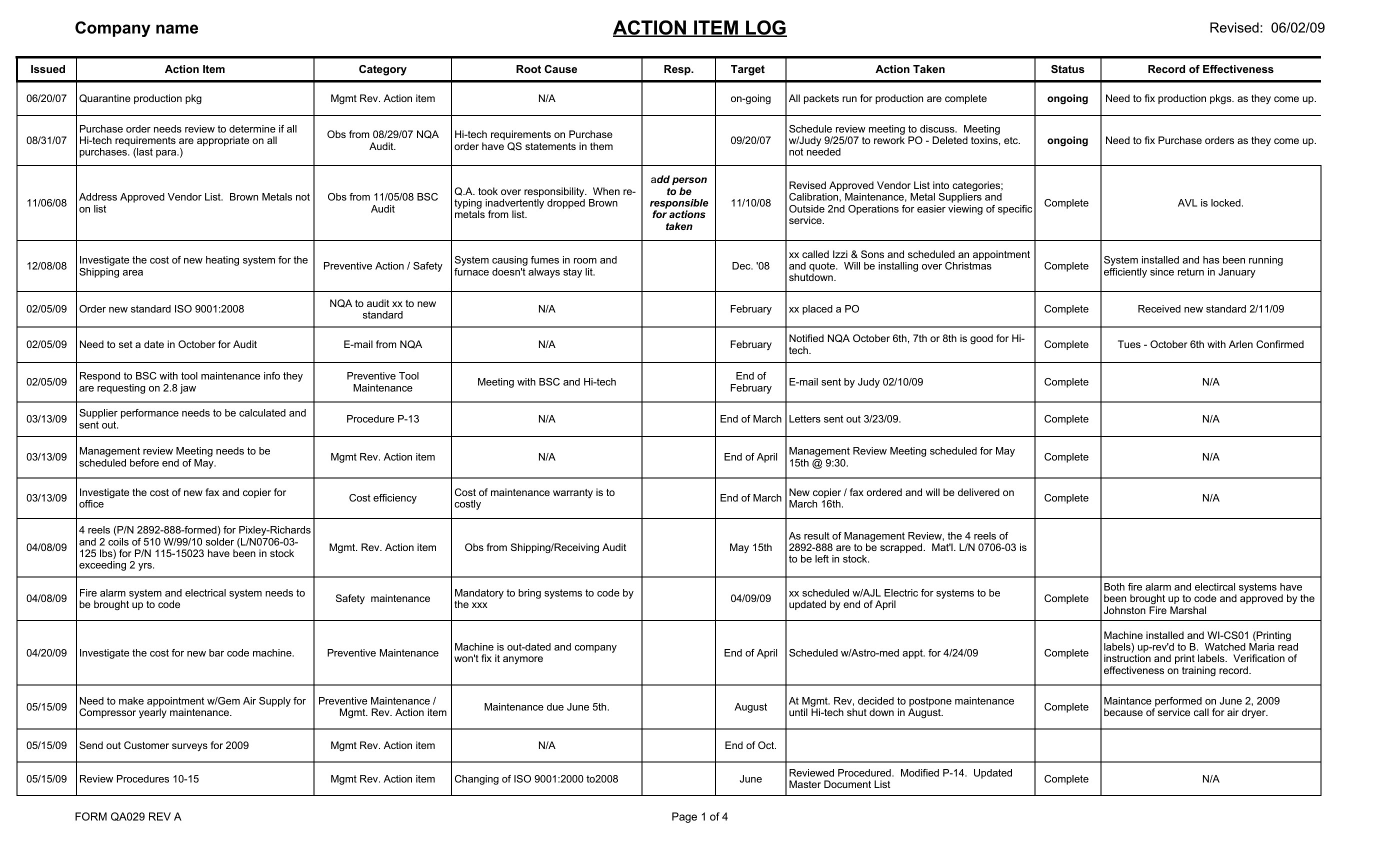
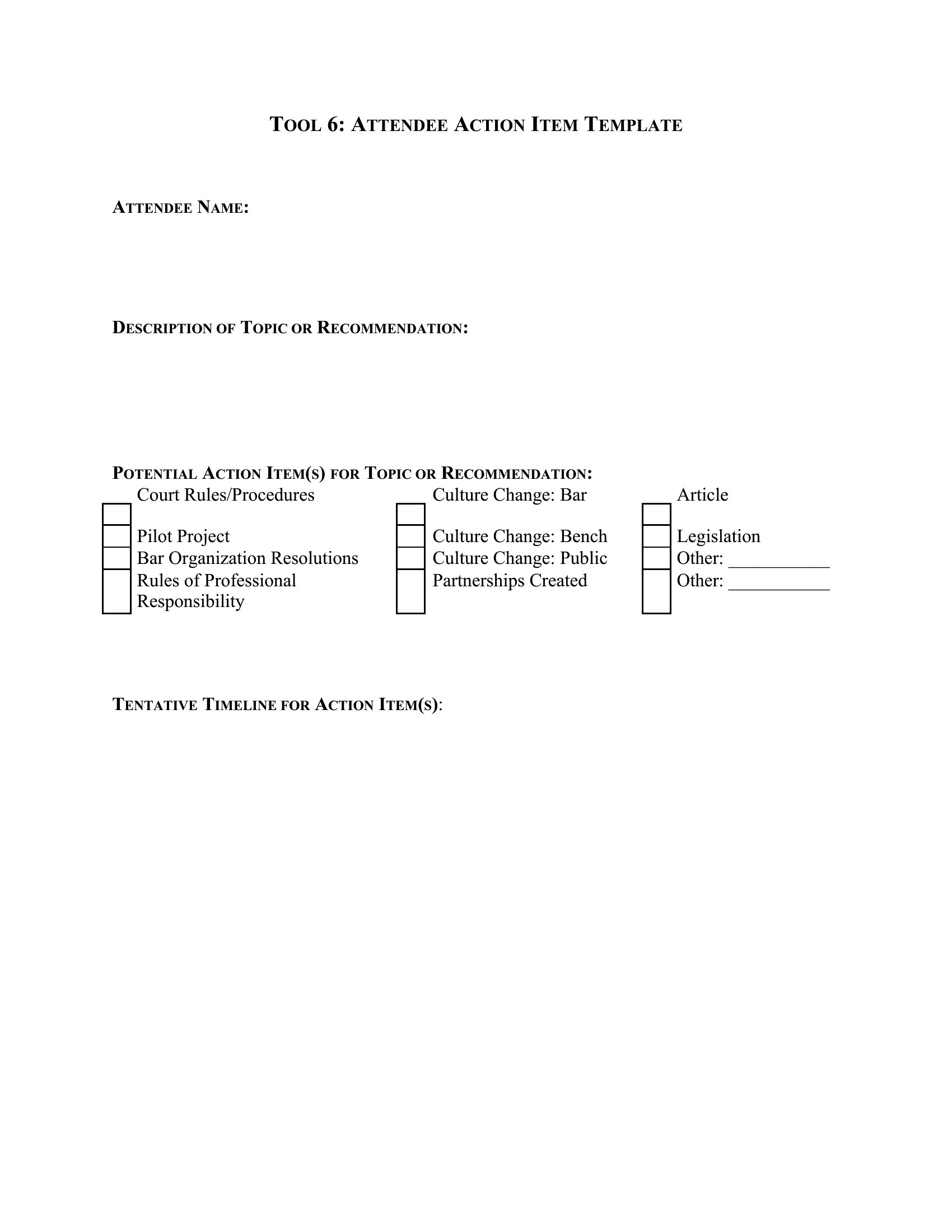
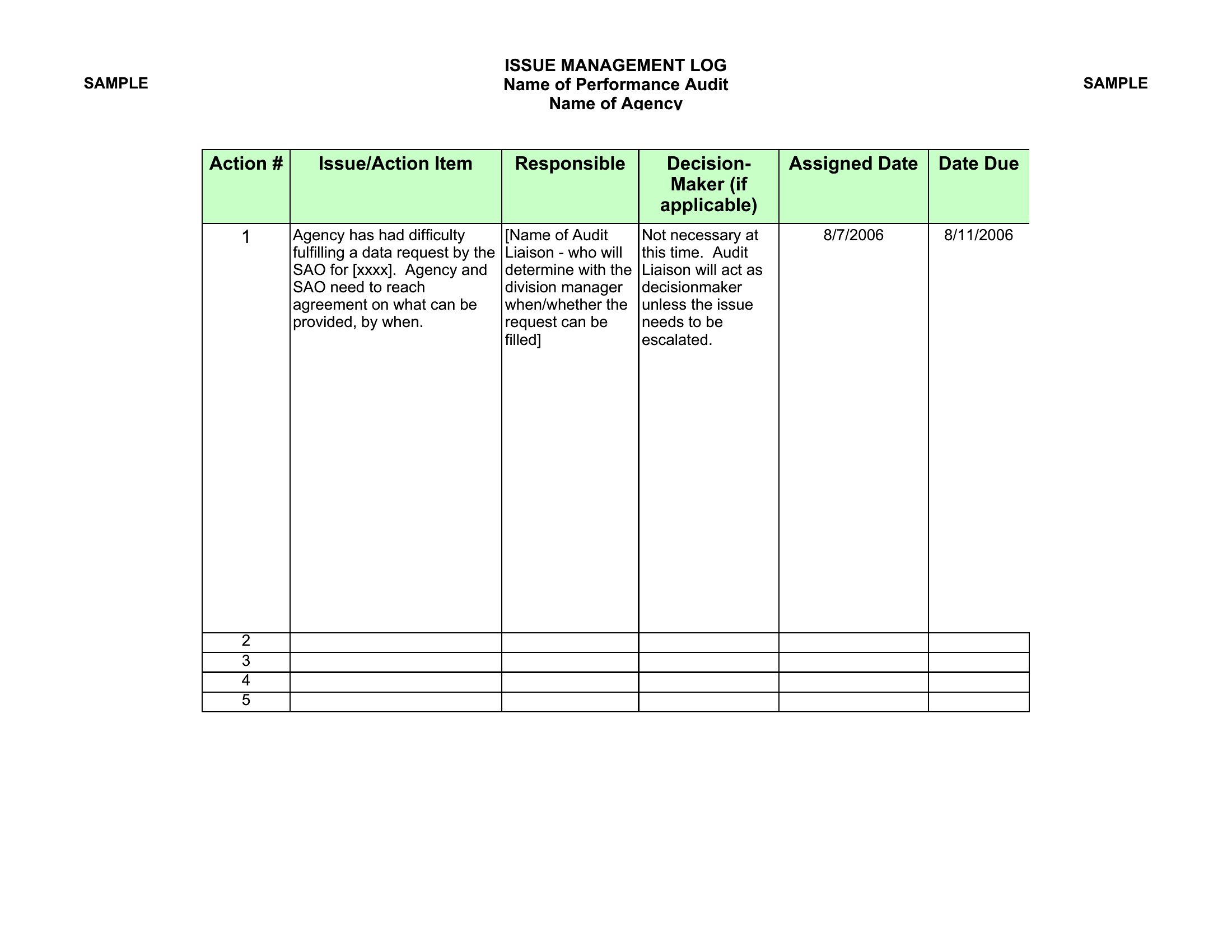
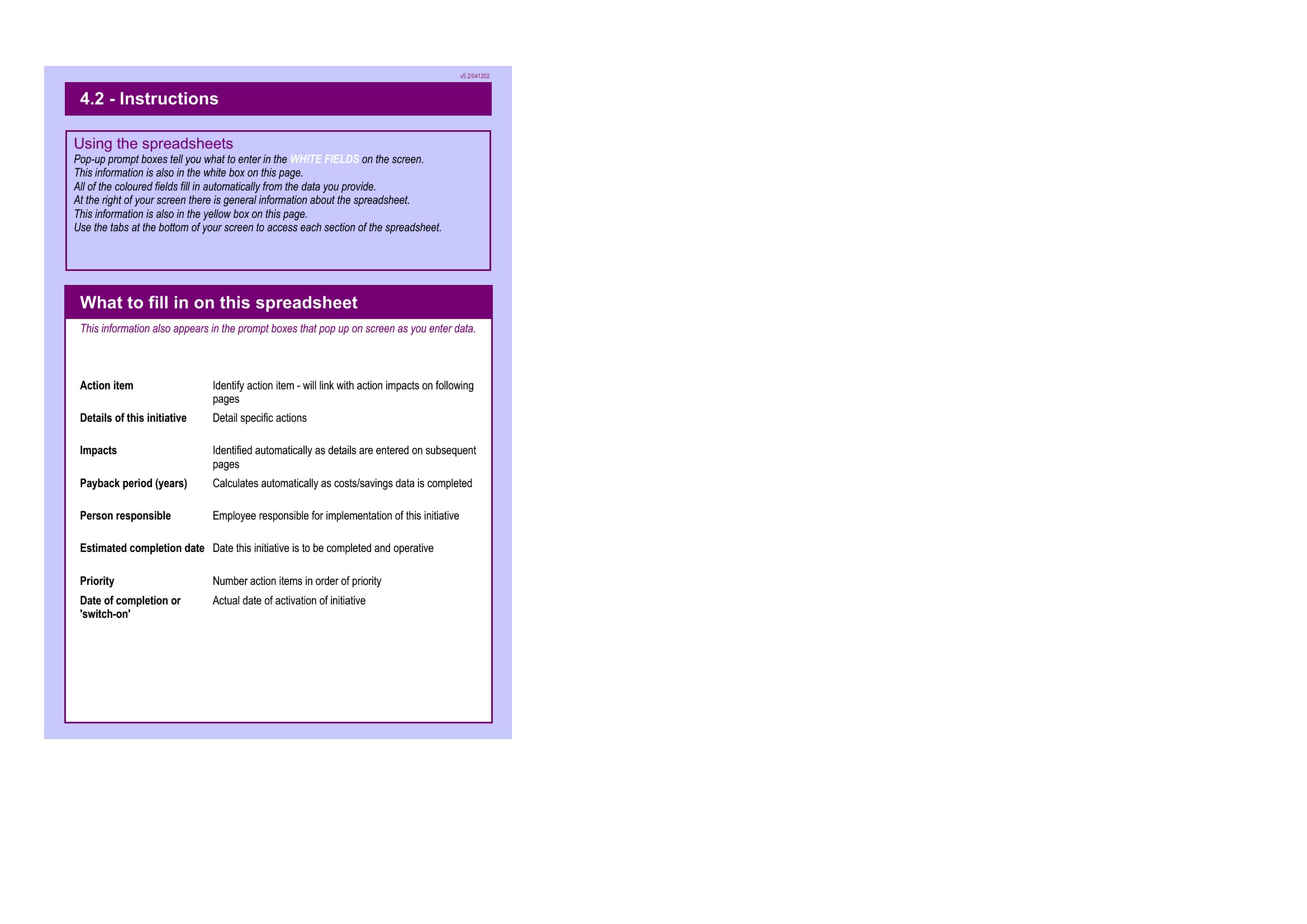
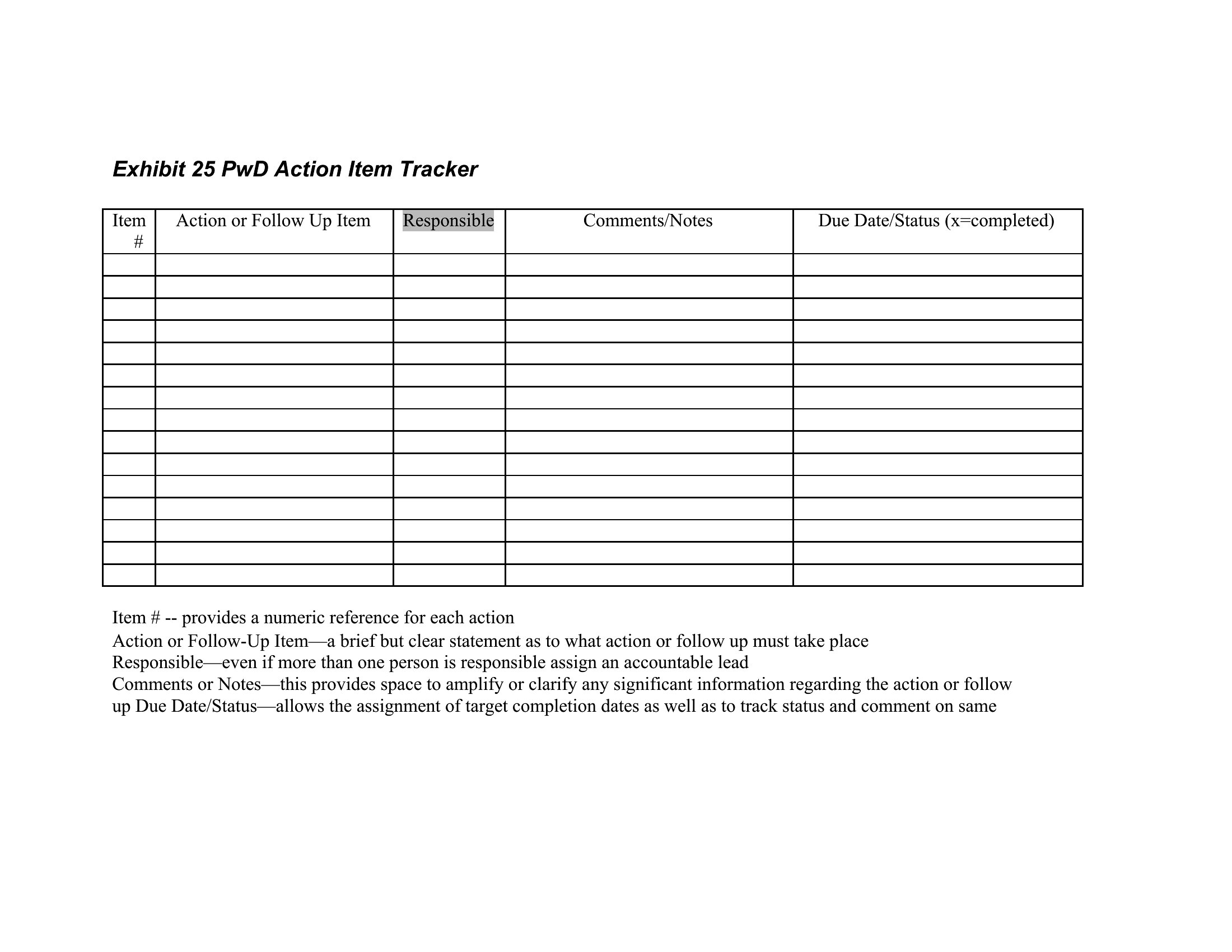
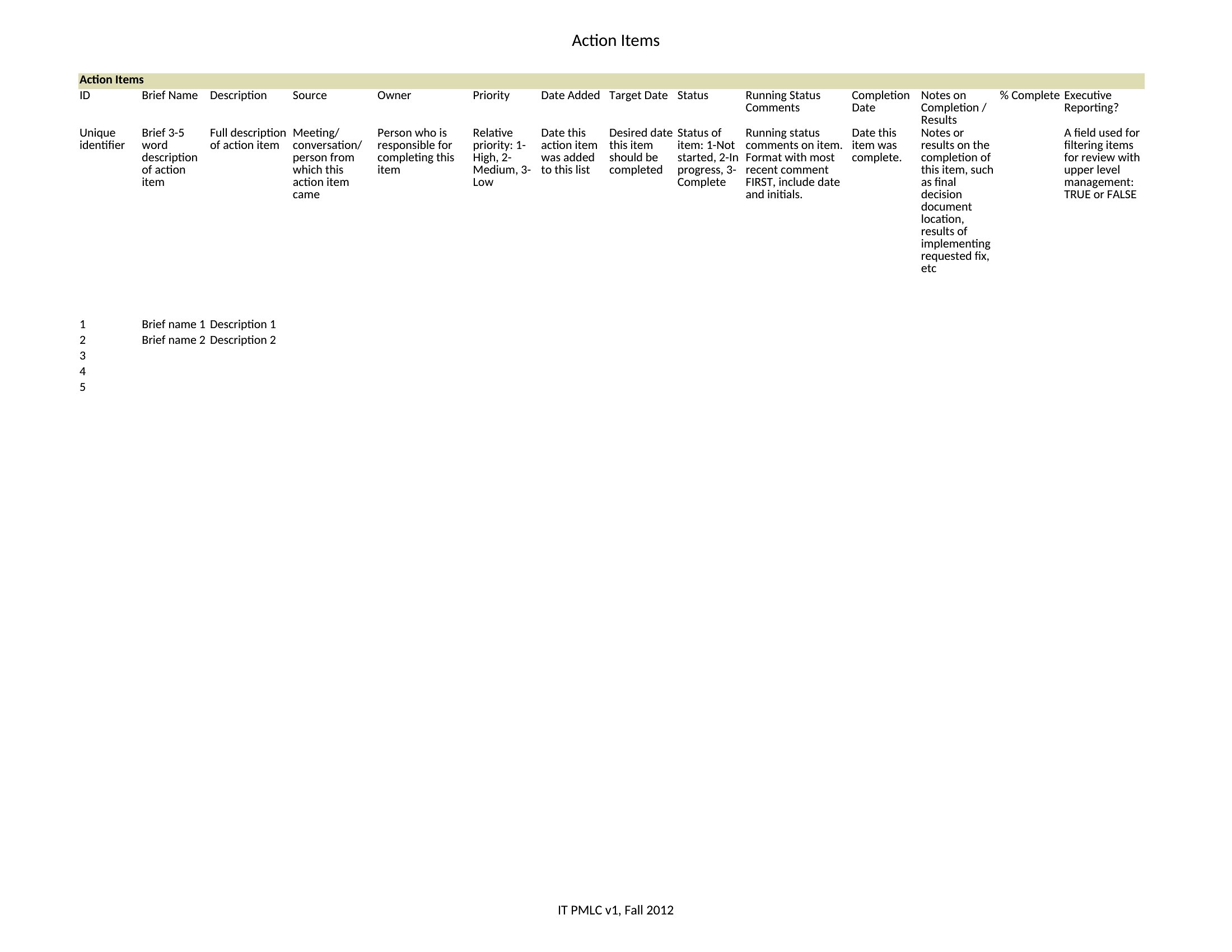
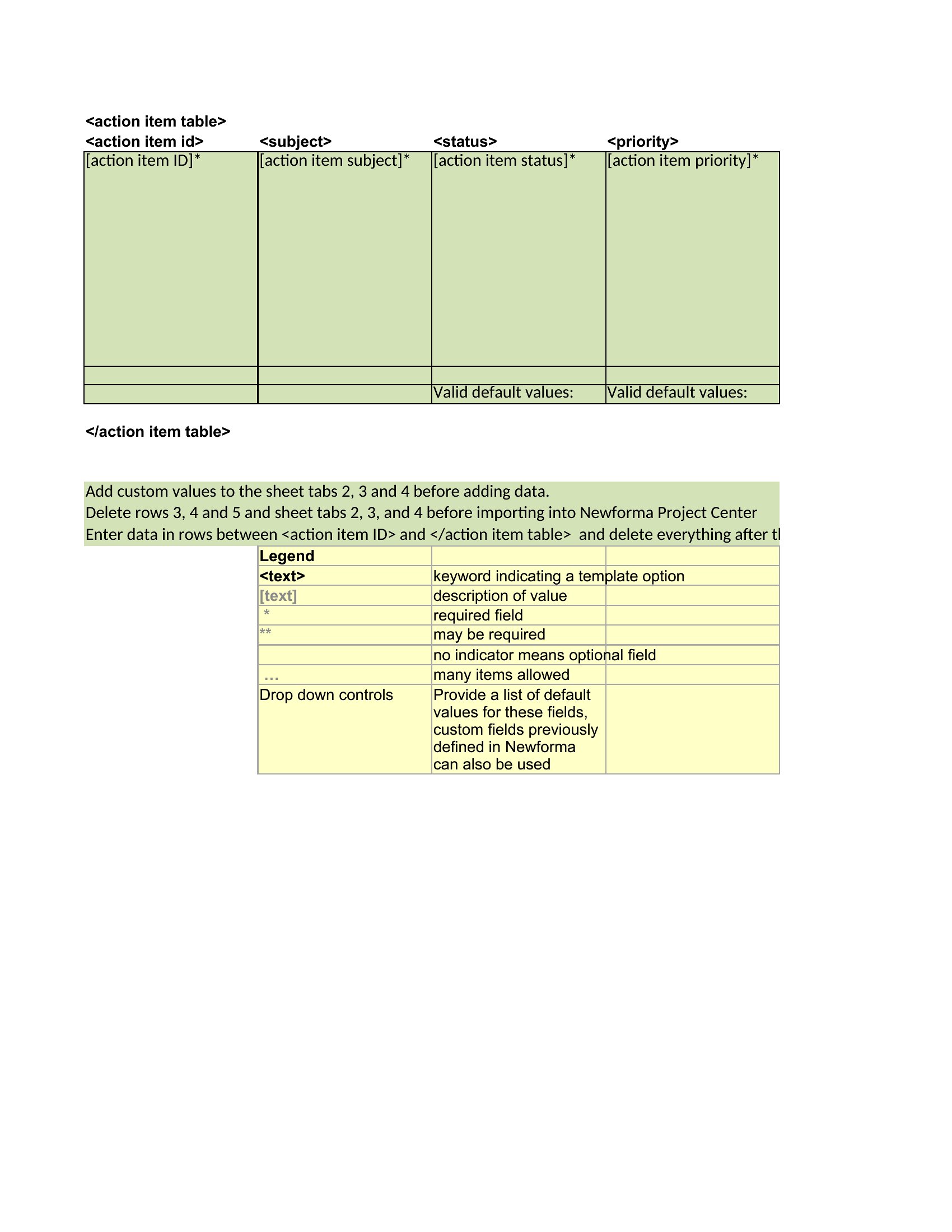
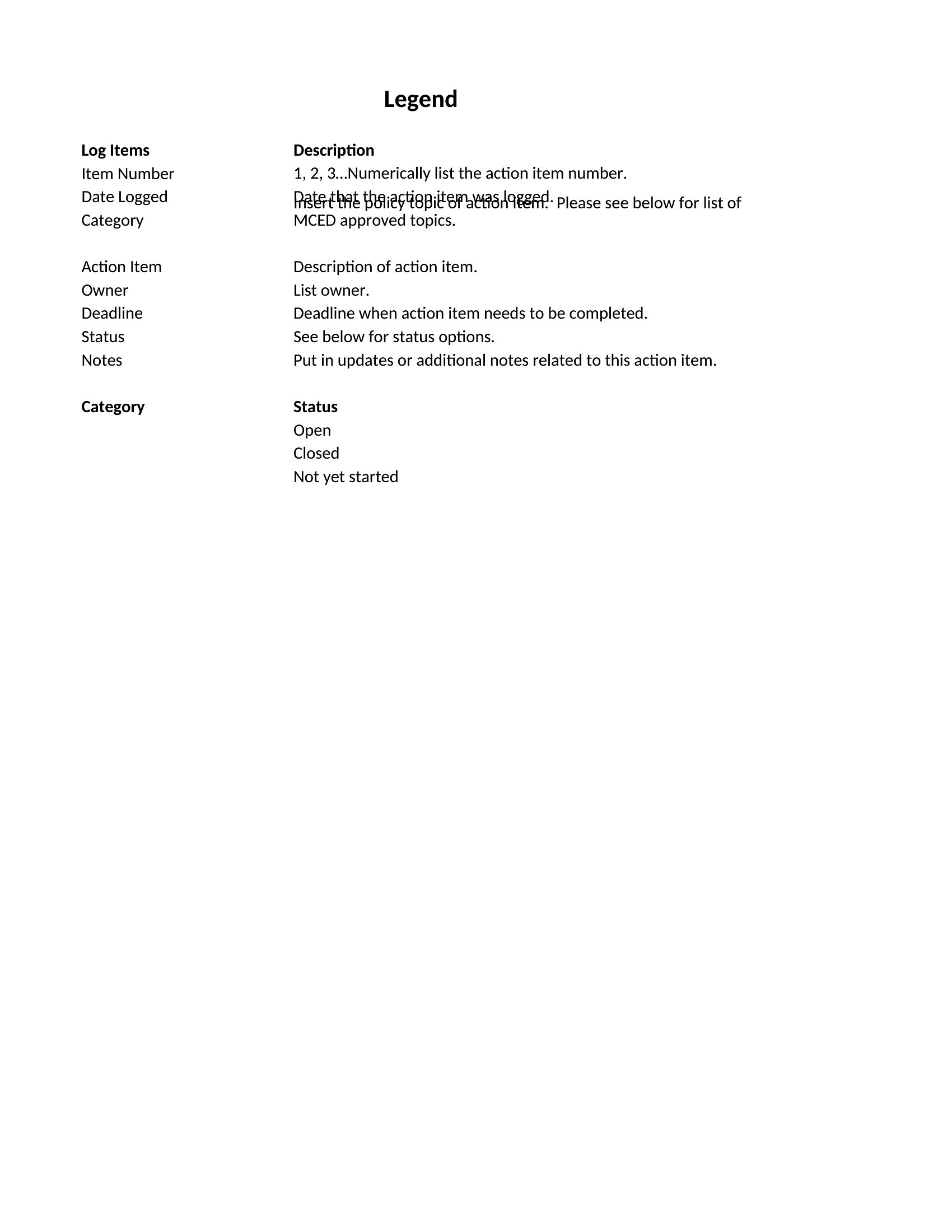
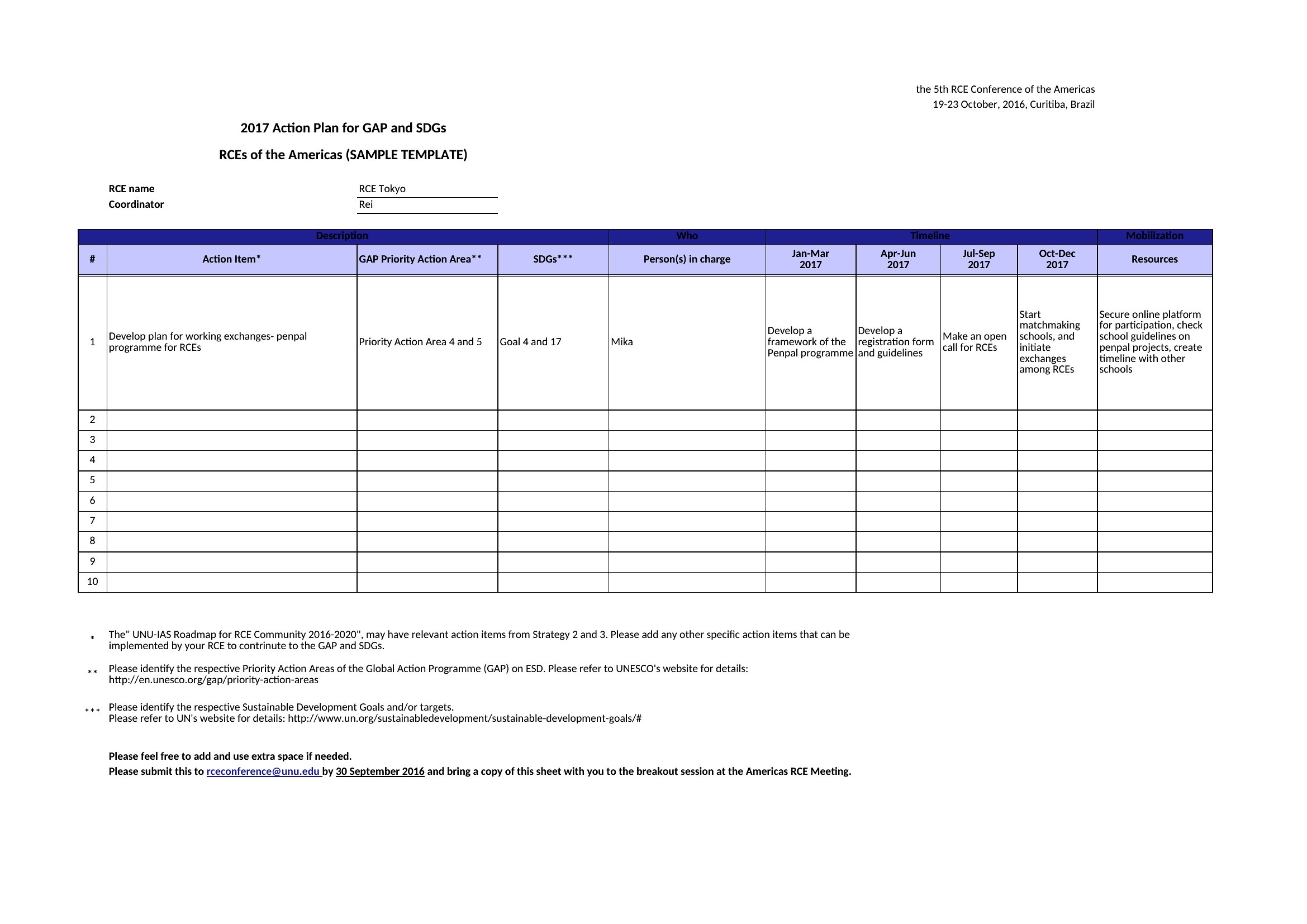
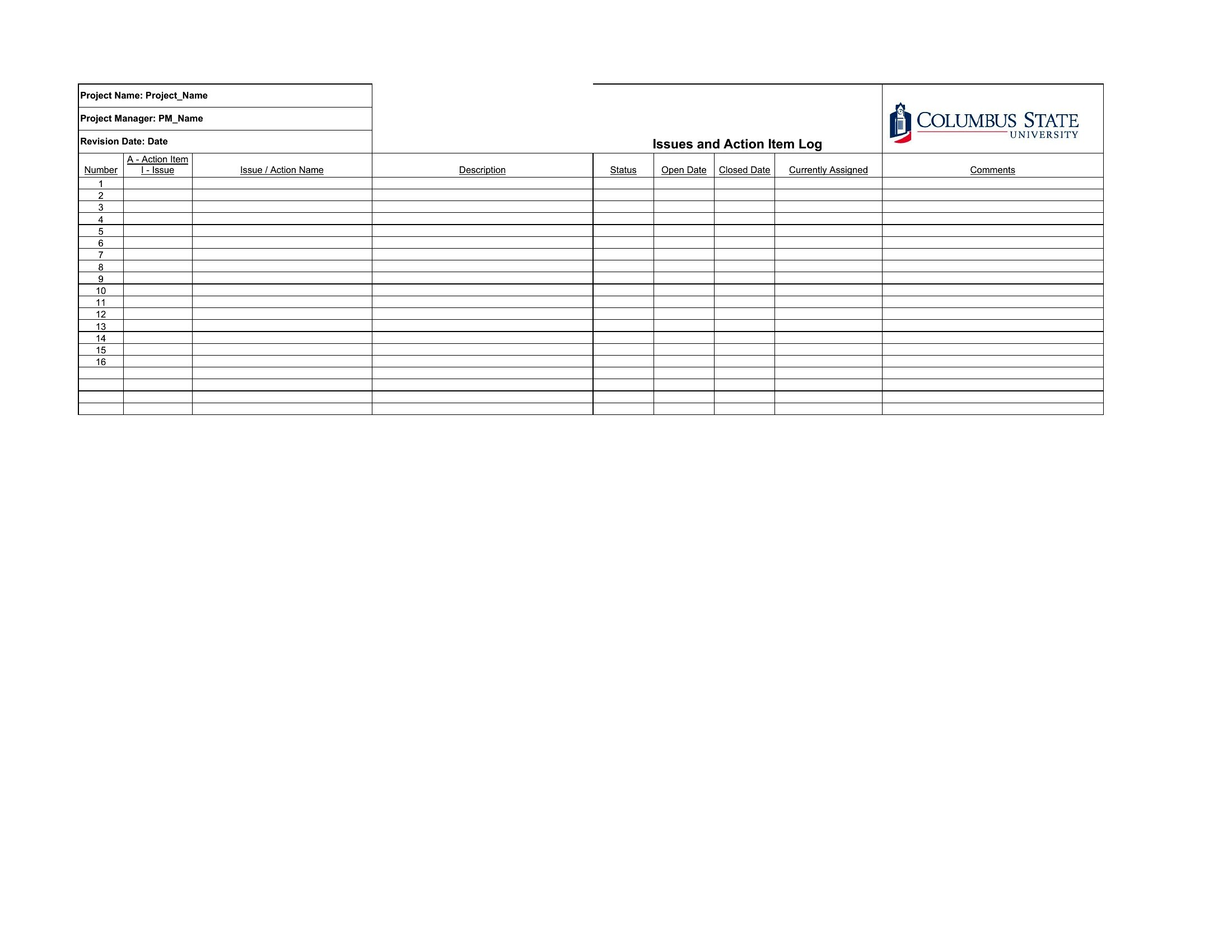
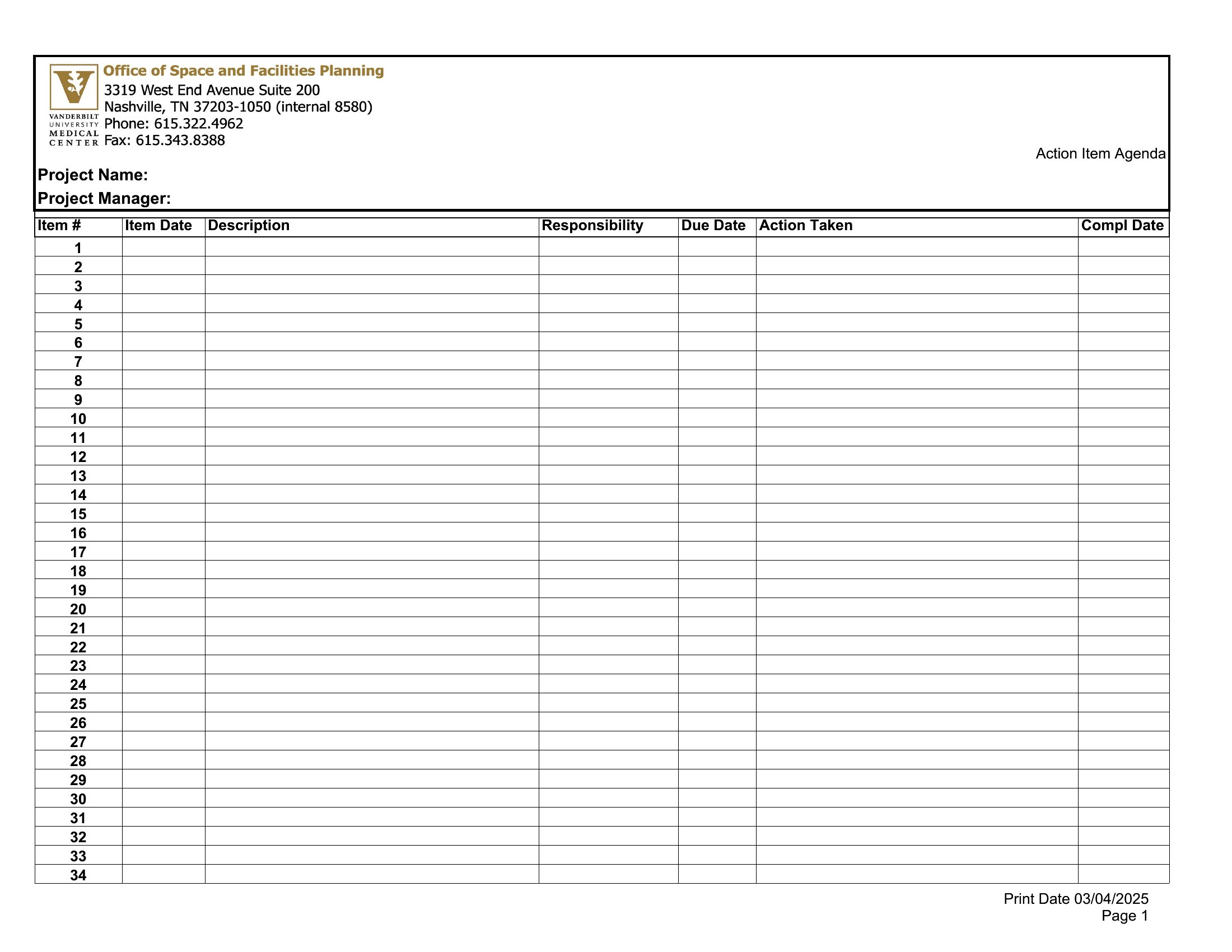
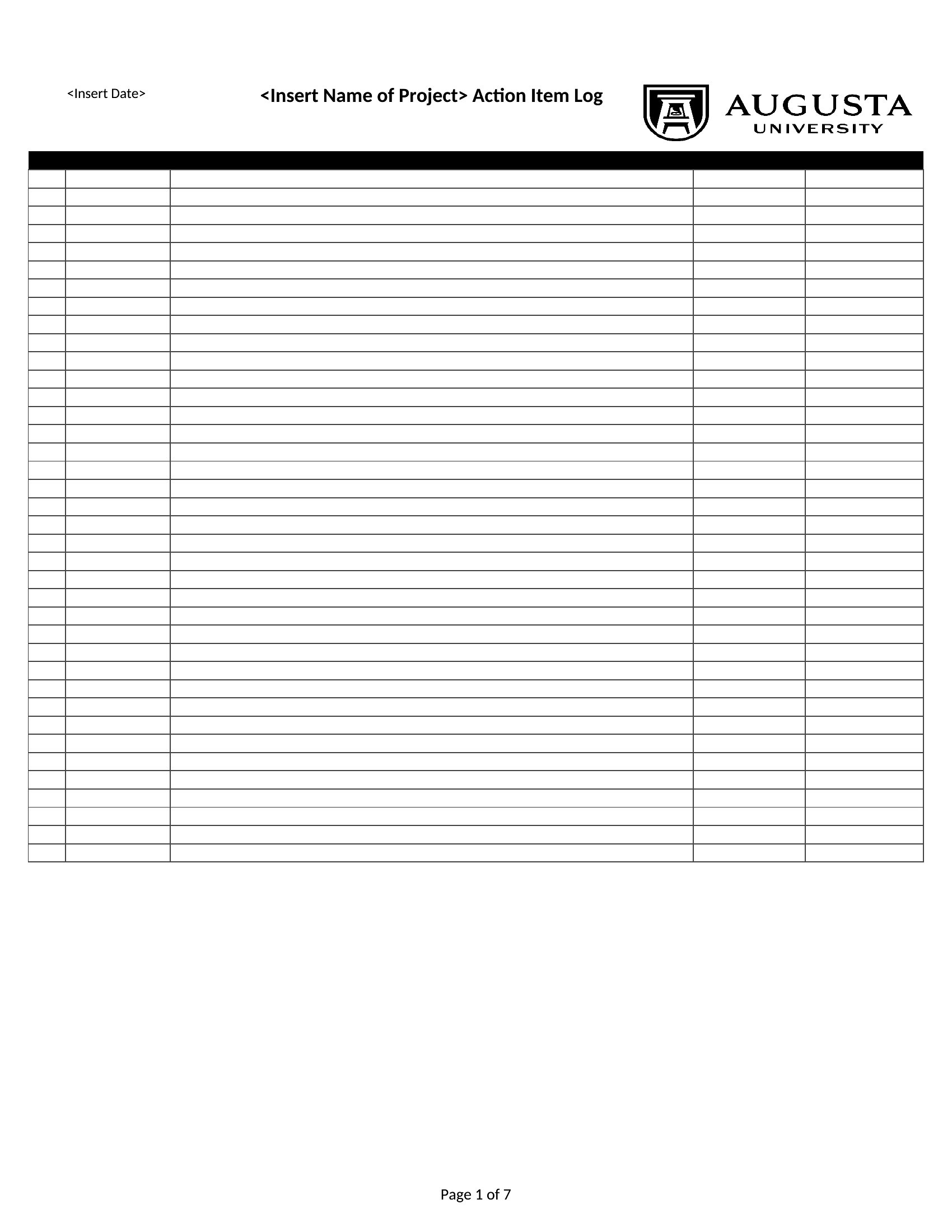
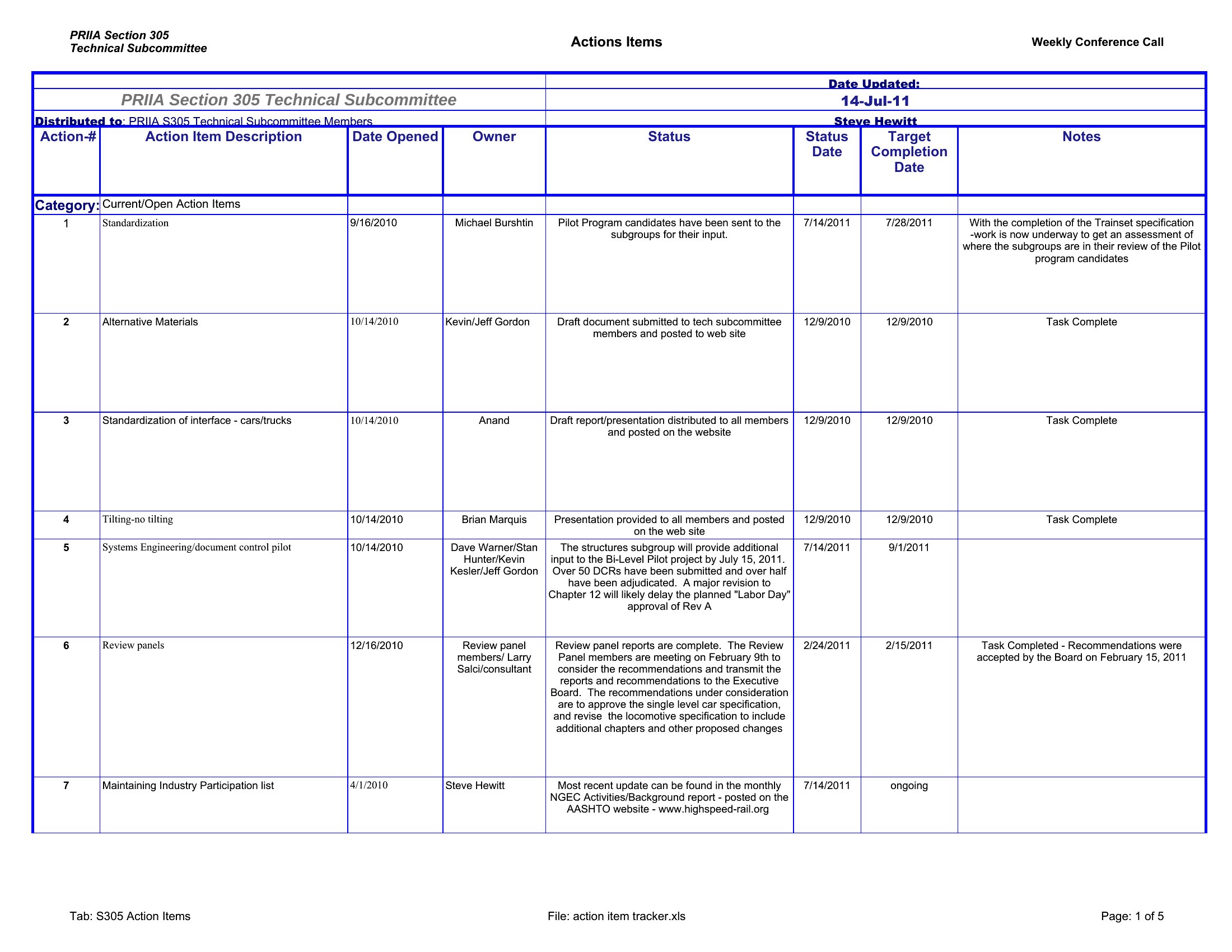
Actions Items
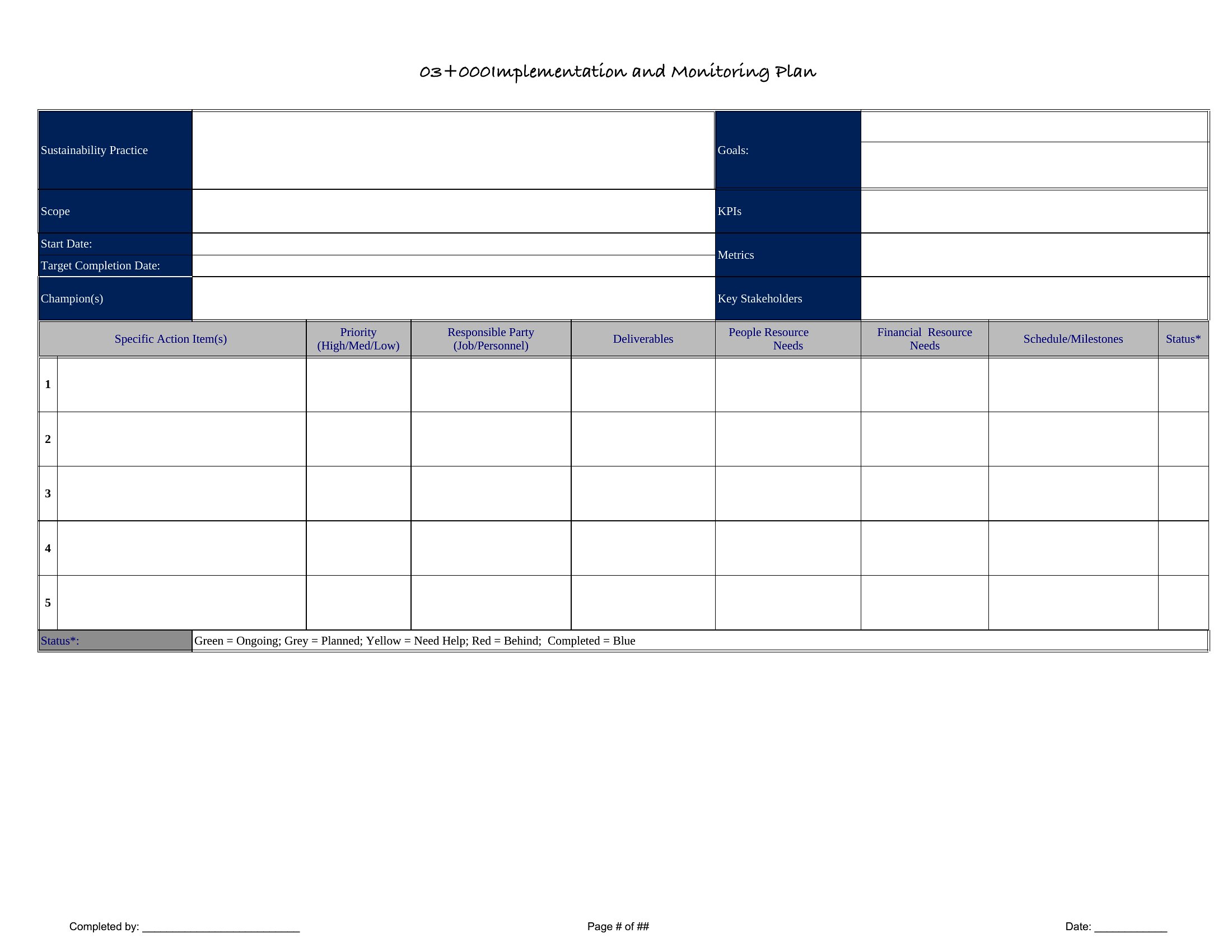

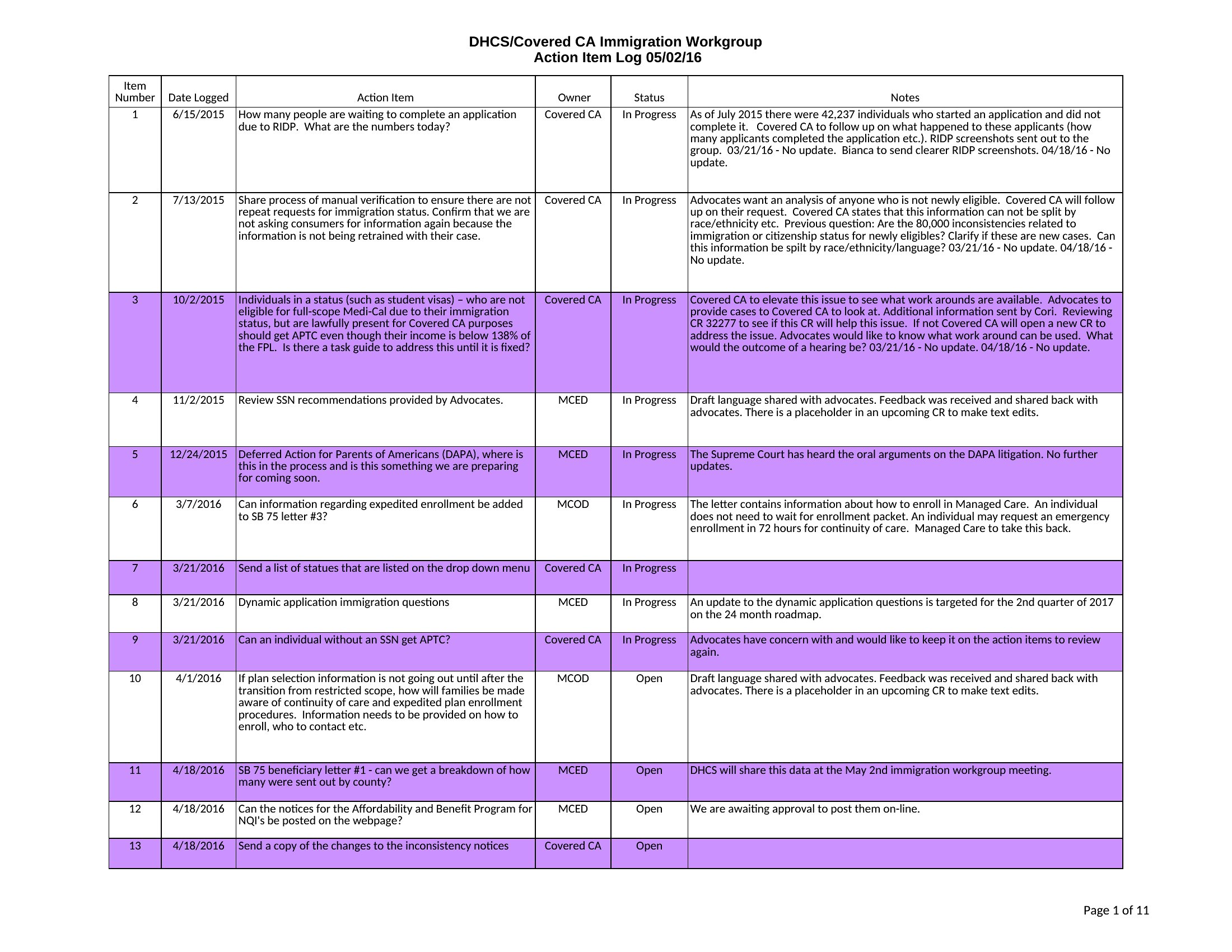
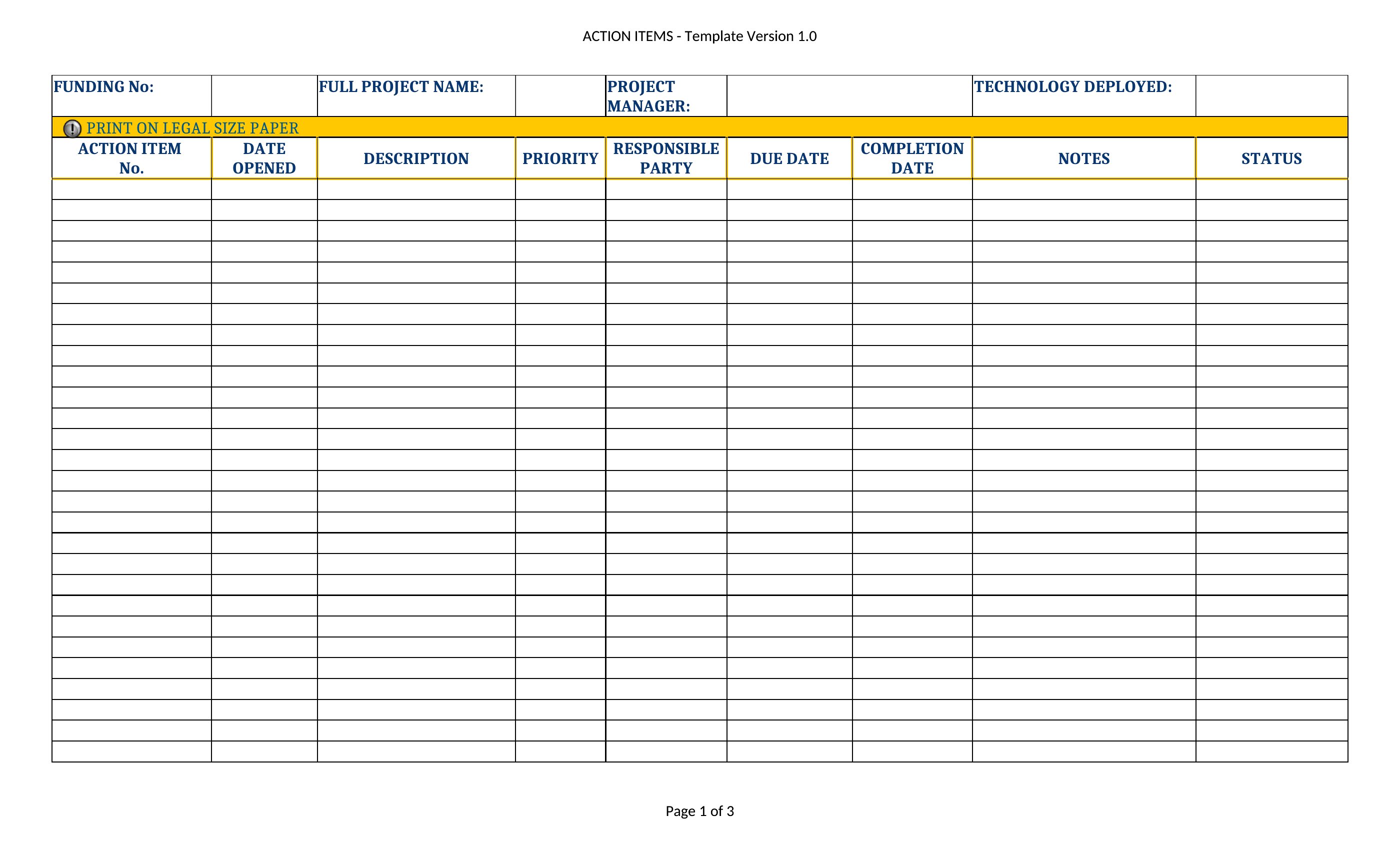
Action Item 1
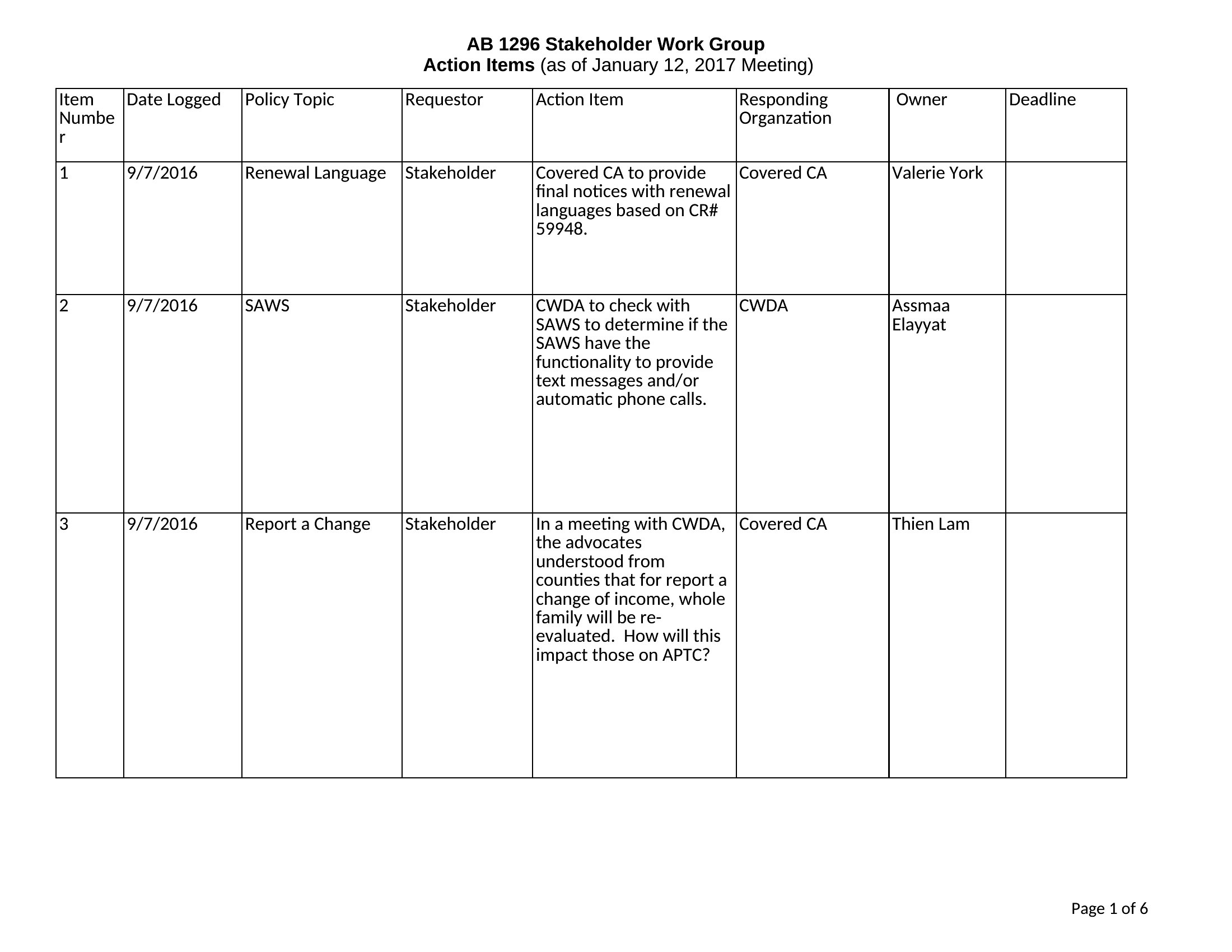
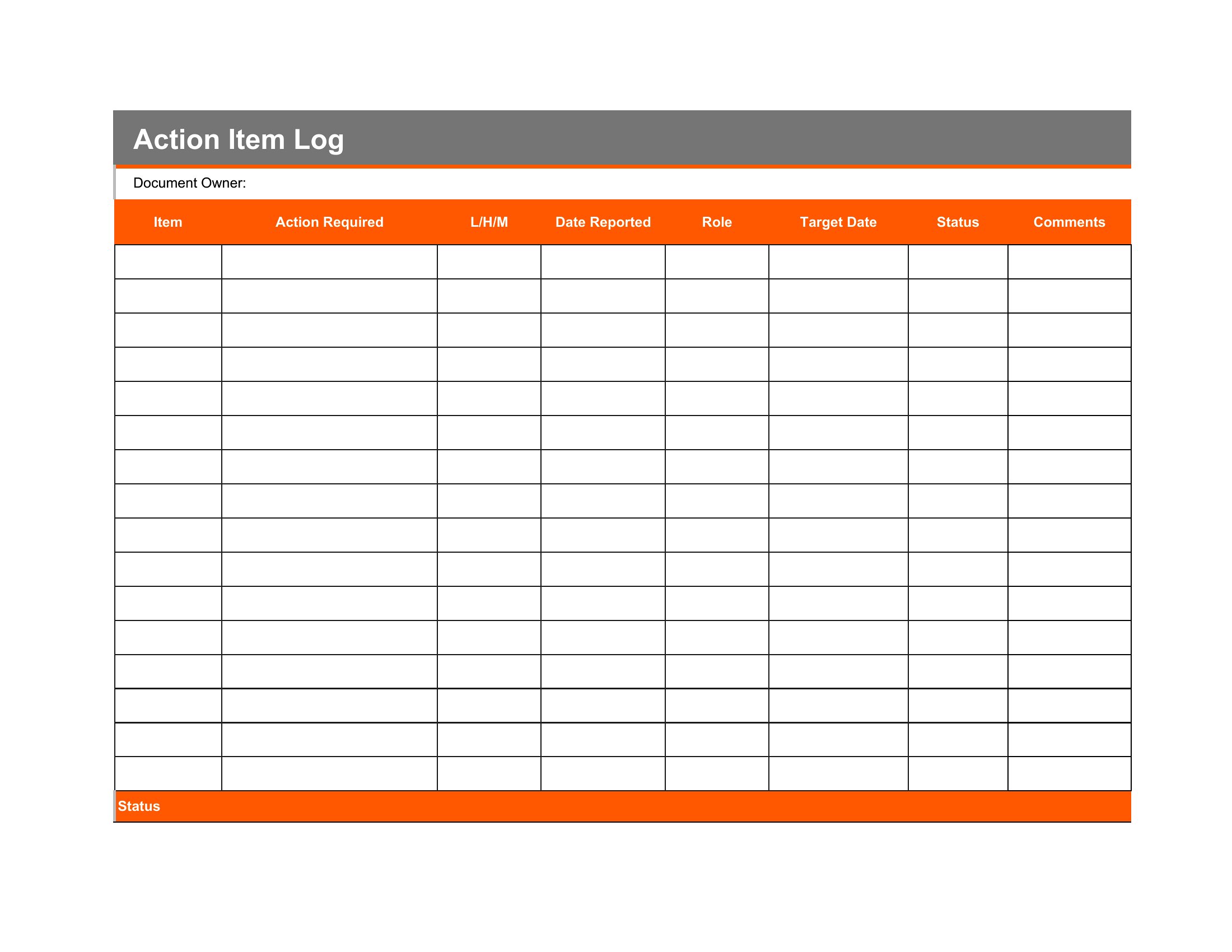
Action Item
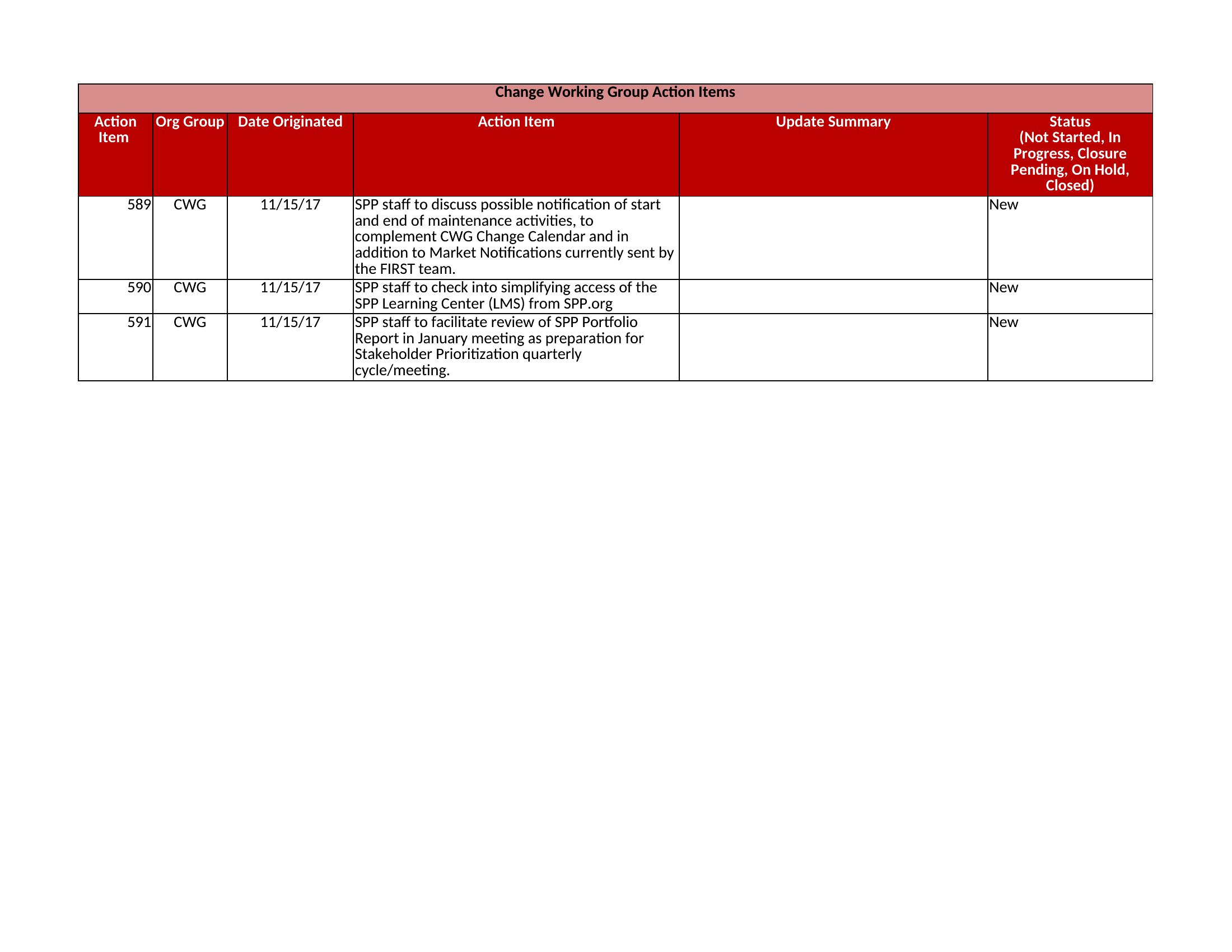
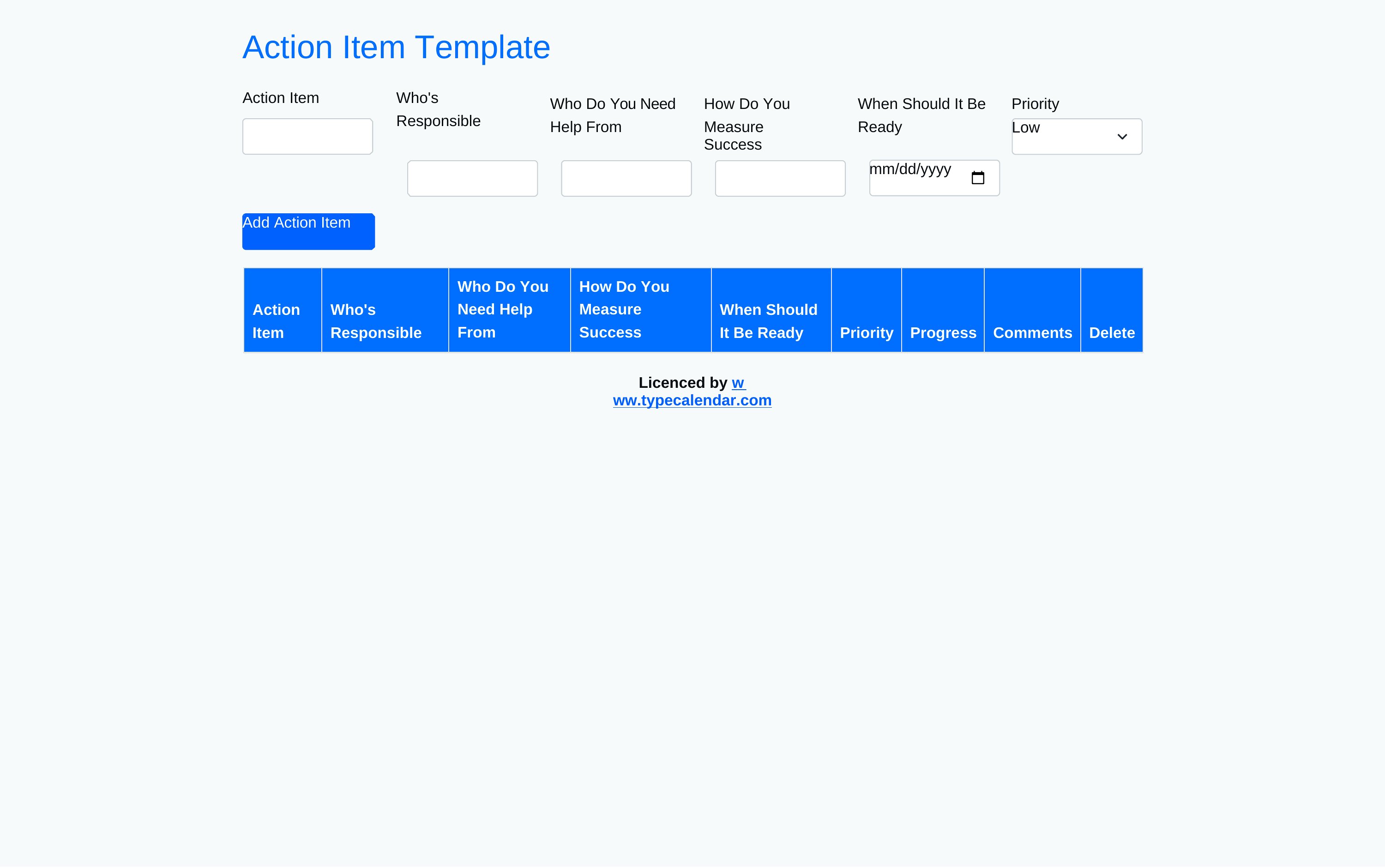
Action Item Form
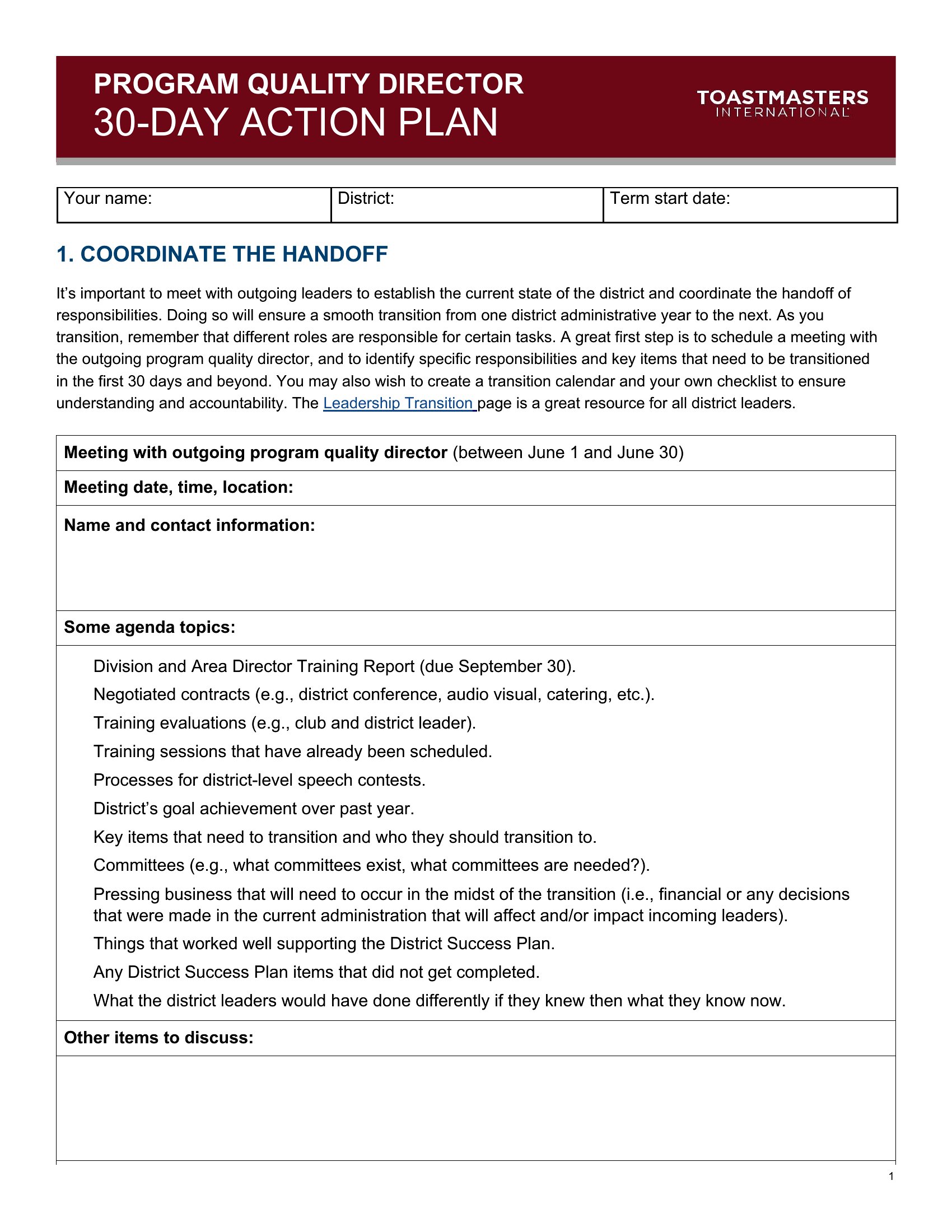
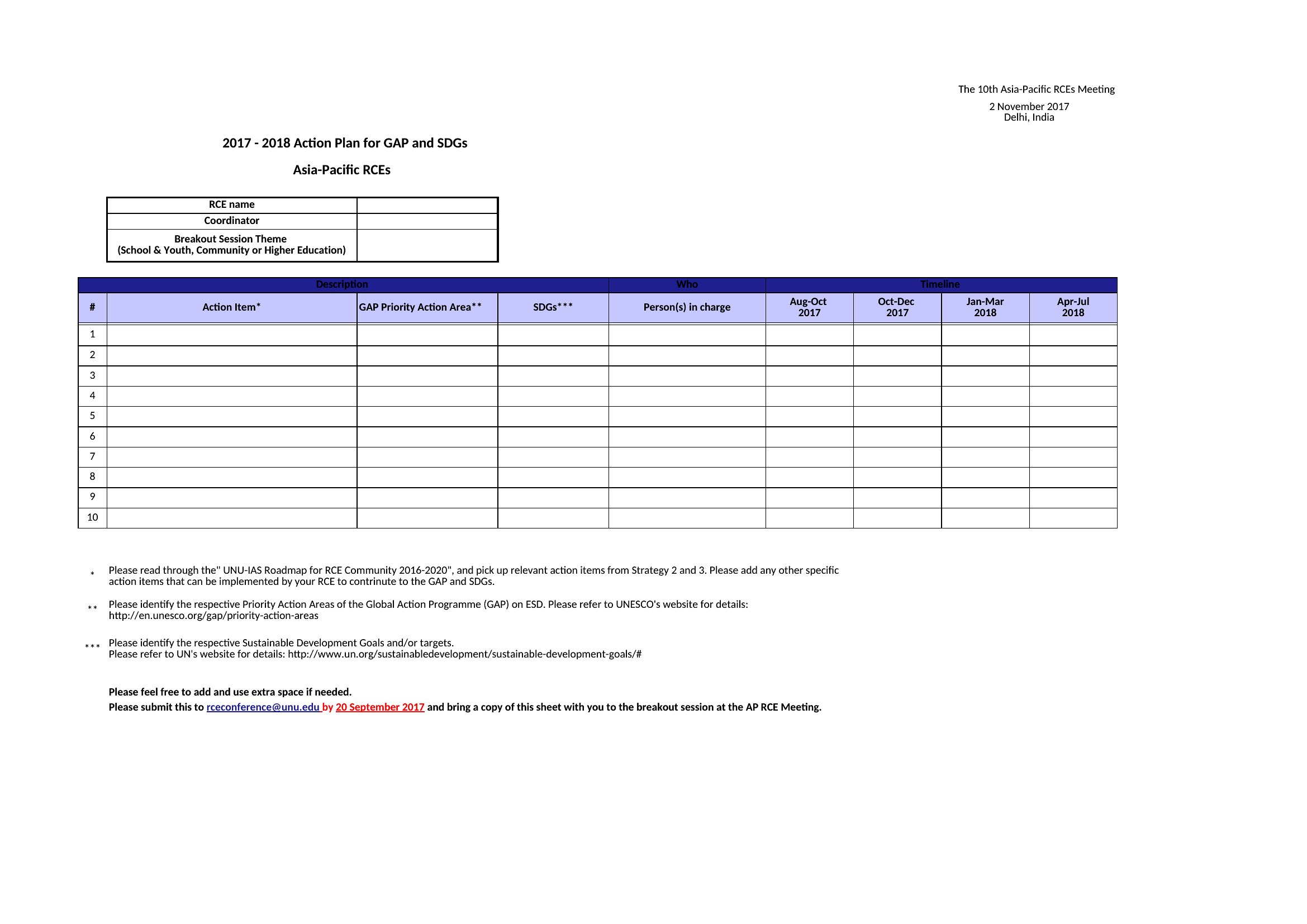
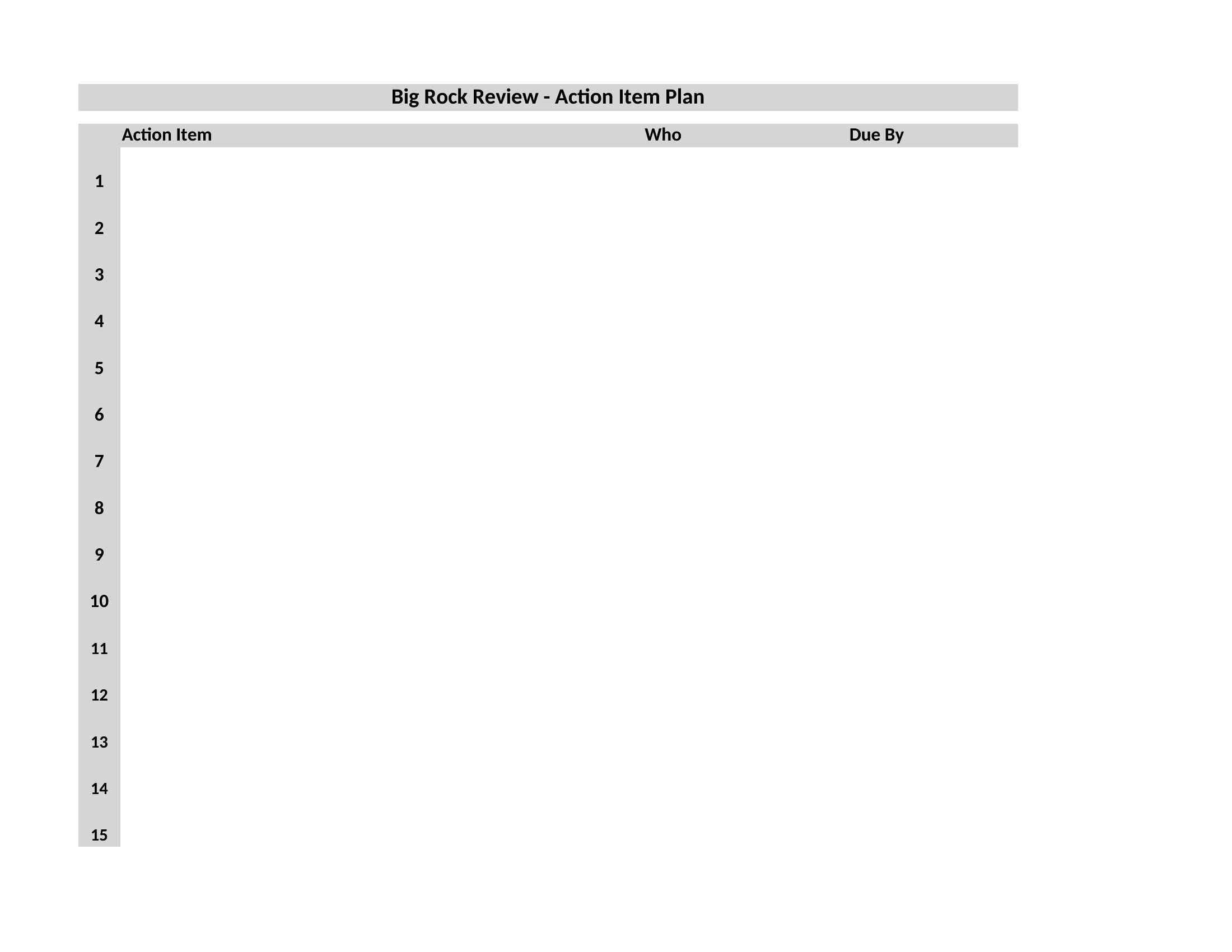

FAQ
How do these templates help avoid missed deadlines in fast-paced projects?
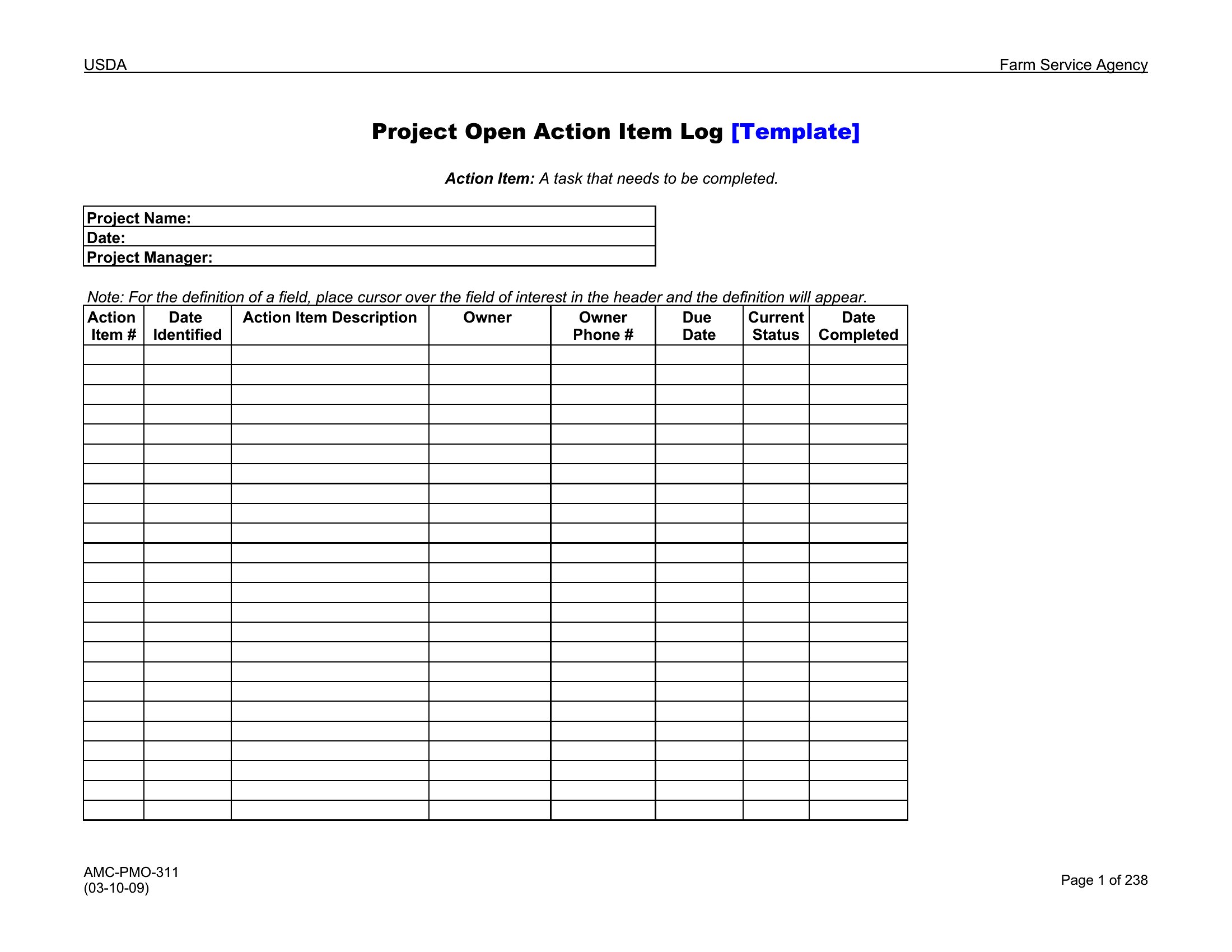
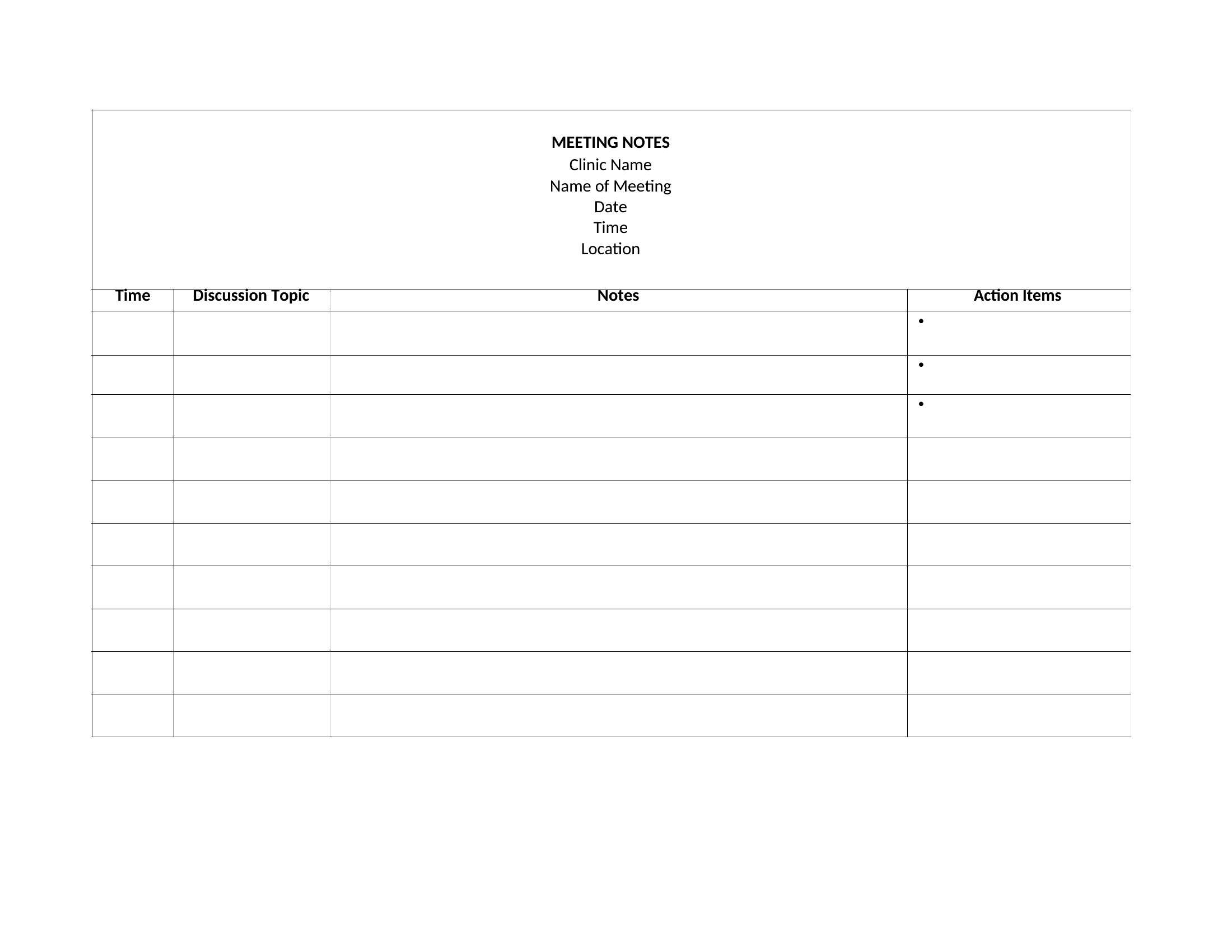
Templates include dedicated columns for due dates, owners, and status flags. Excel versions often use conditional formatting to highlight overdue tasks, while Word versions integrate deadlines into meeting notes for quick reference during follow-ups. Pairing with calendar reminders (not included) amplifies accountability.
Can I use these for both individual and team tasks?
Yes. The templates separate tasks by owner while grouping them under project names. Team-focused versions include columns for dependencies (e.g., ‘Task B starts after Task A’) to visualize workflows. Individual users can ignore team-specific fields and focus on personal deadlines.
What’s the best way to adapt these for recurring meetings, like weekly standups?
Use the Excel trackers to create a master sheet for recurring meetings, then link it to a new tab for each session. Word versions work well for printed handouts—copy the action item section into a reusable template file. Both formats include space to note if tasks roll over from previous meetings.
Comments
Join the conversation
Sign in to share your thoughts and leave a comment on this resource.