Free Printable Visitor Log Templates (Word, Excel)
DataTemplates
FAQ
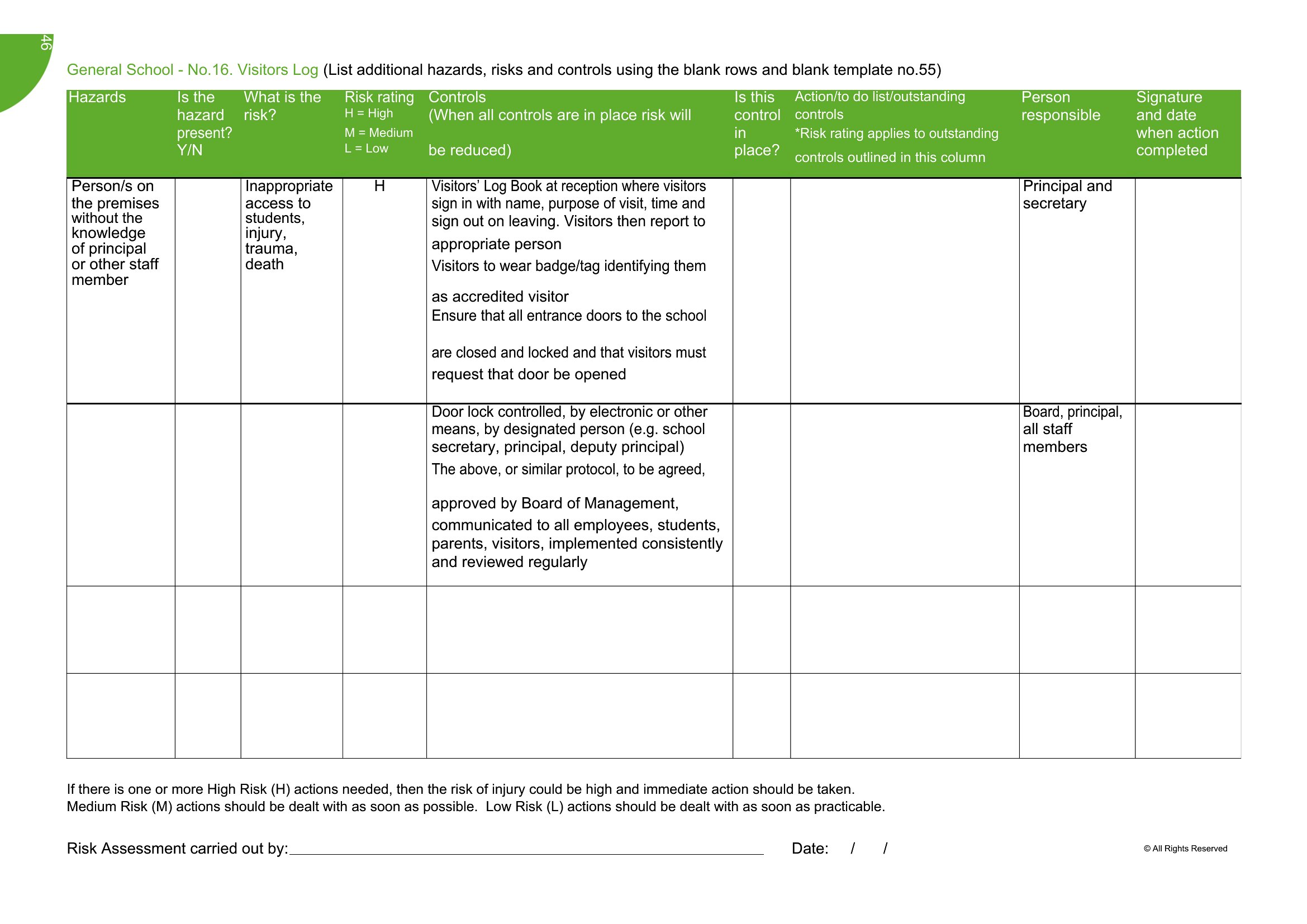
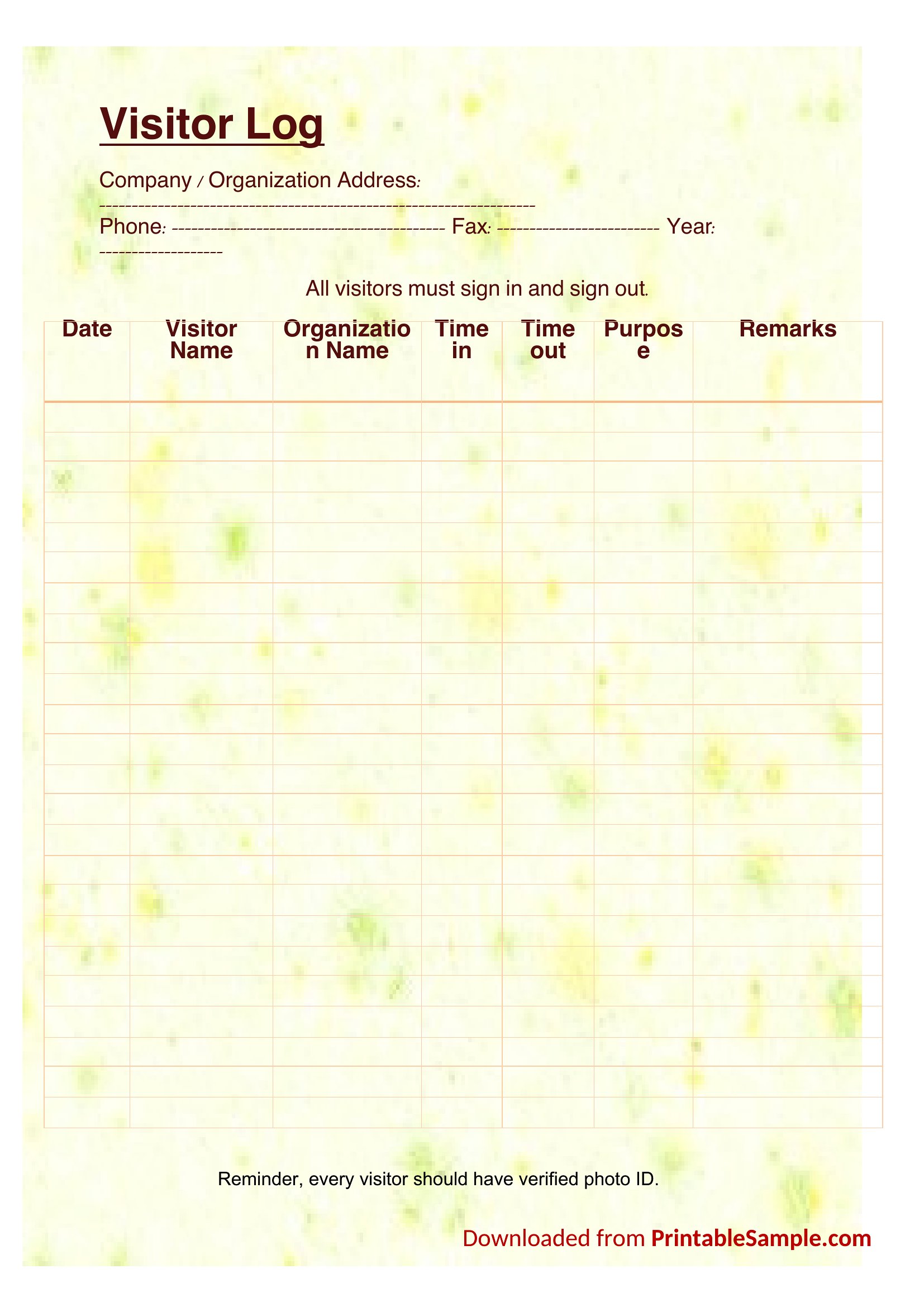
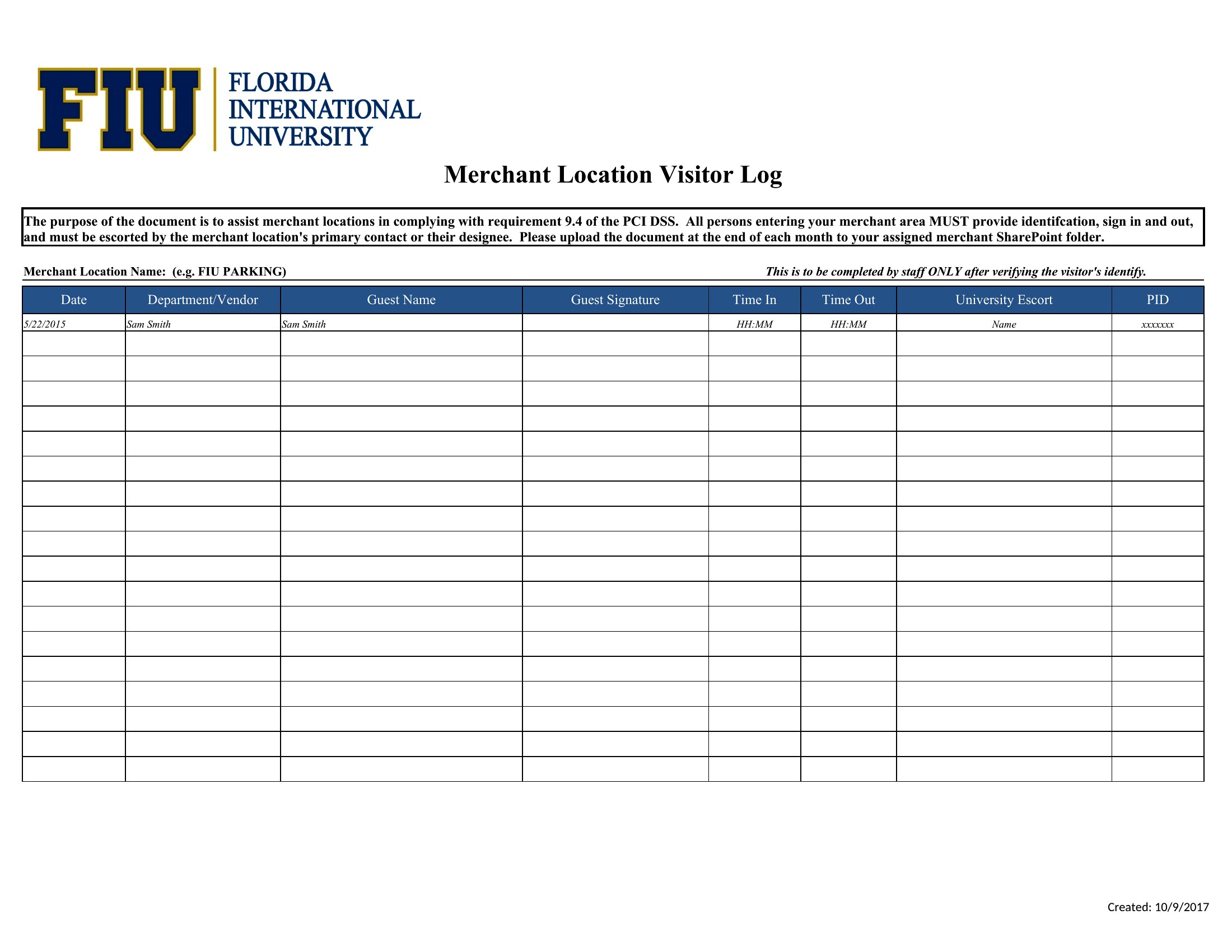
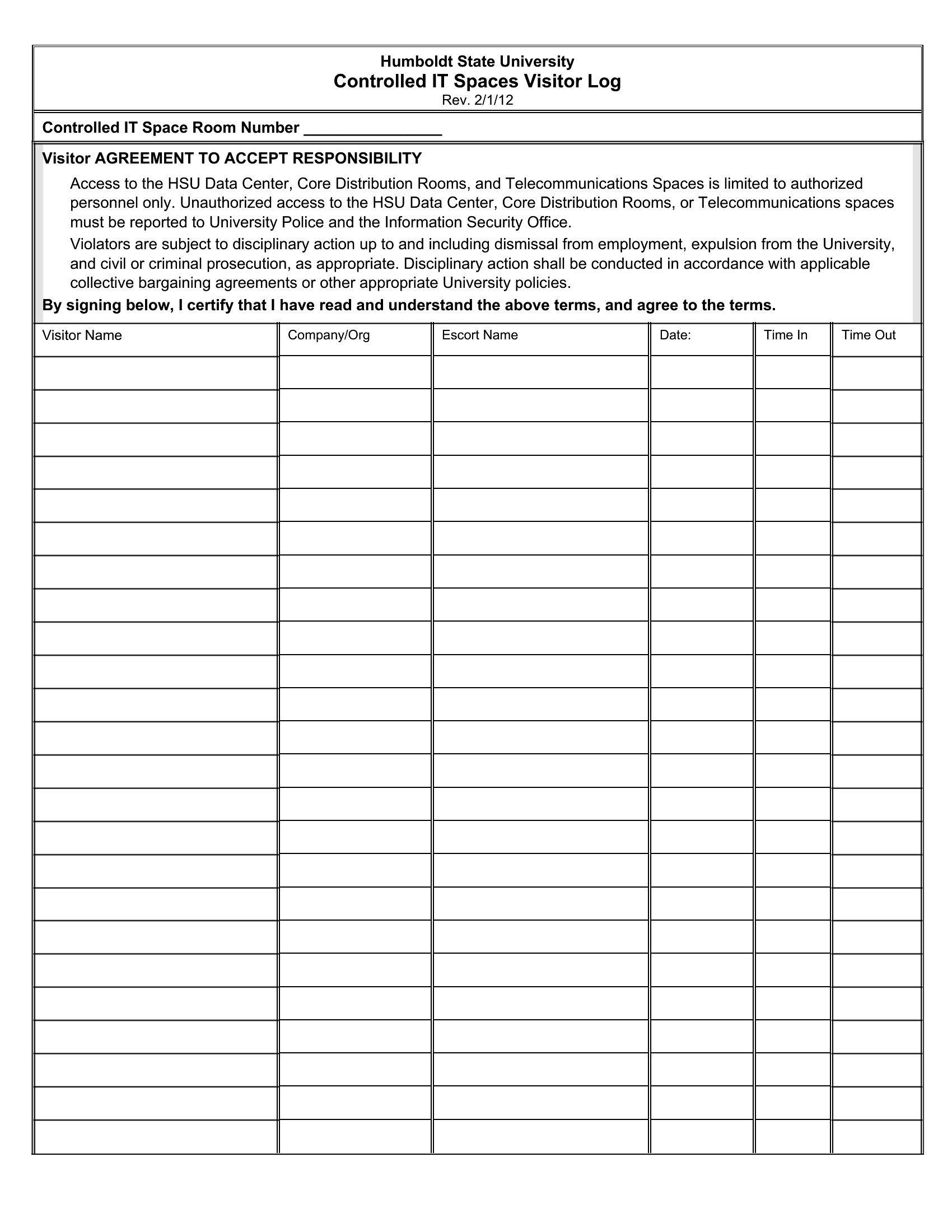
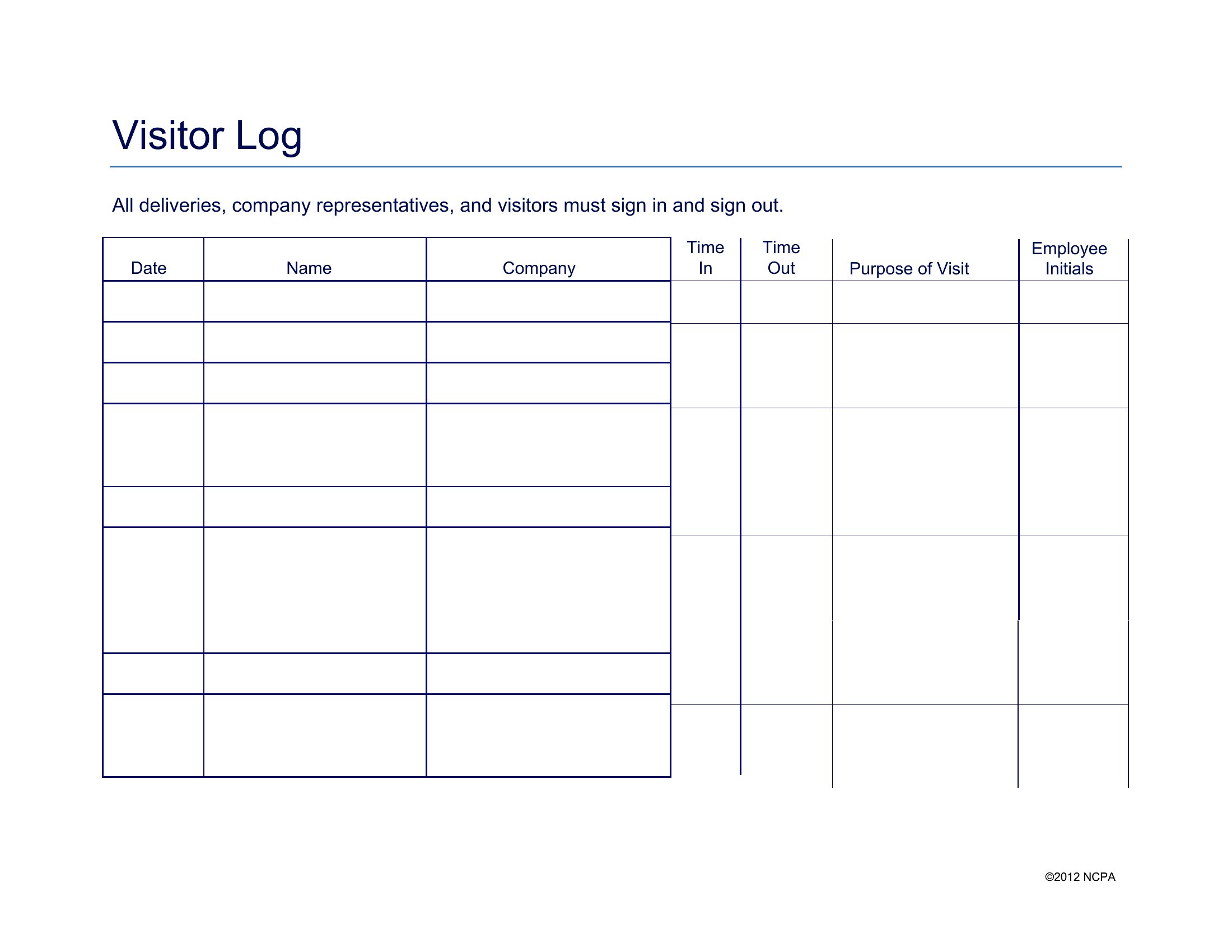
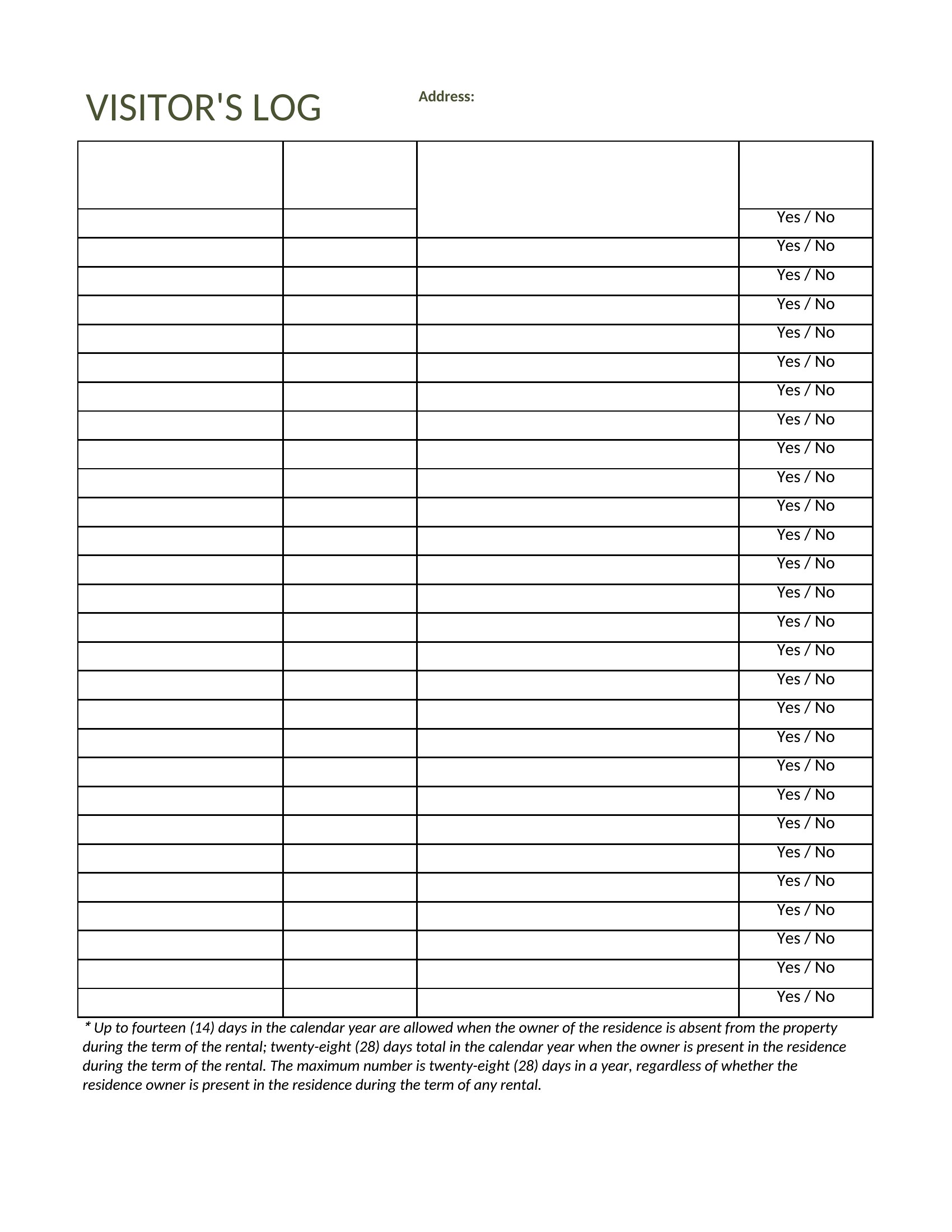
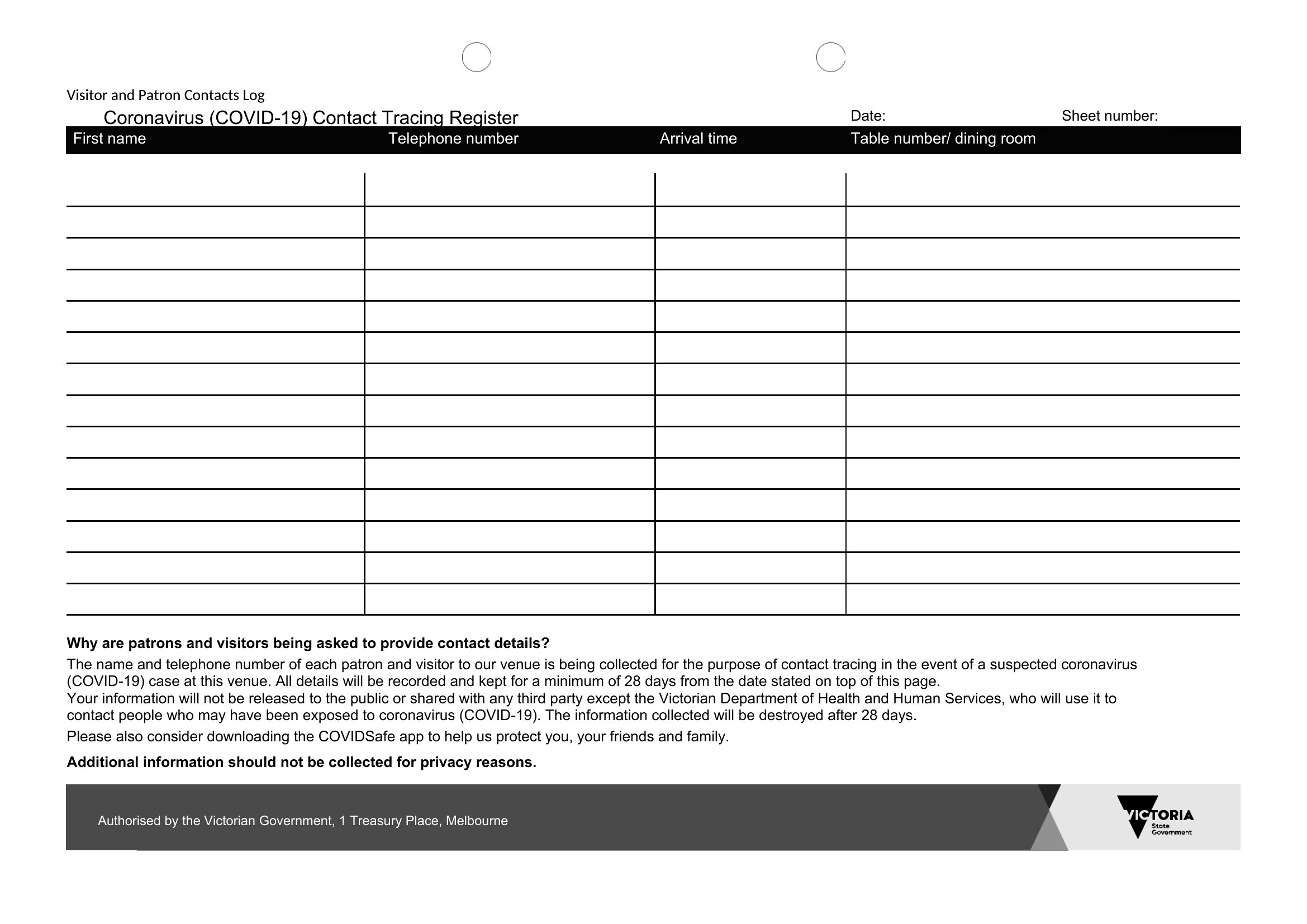
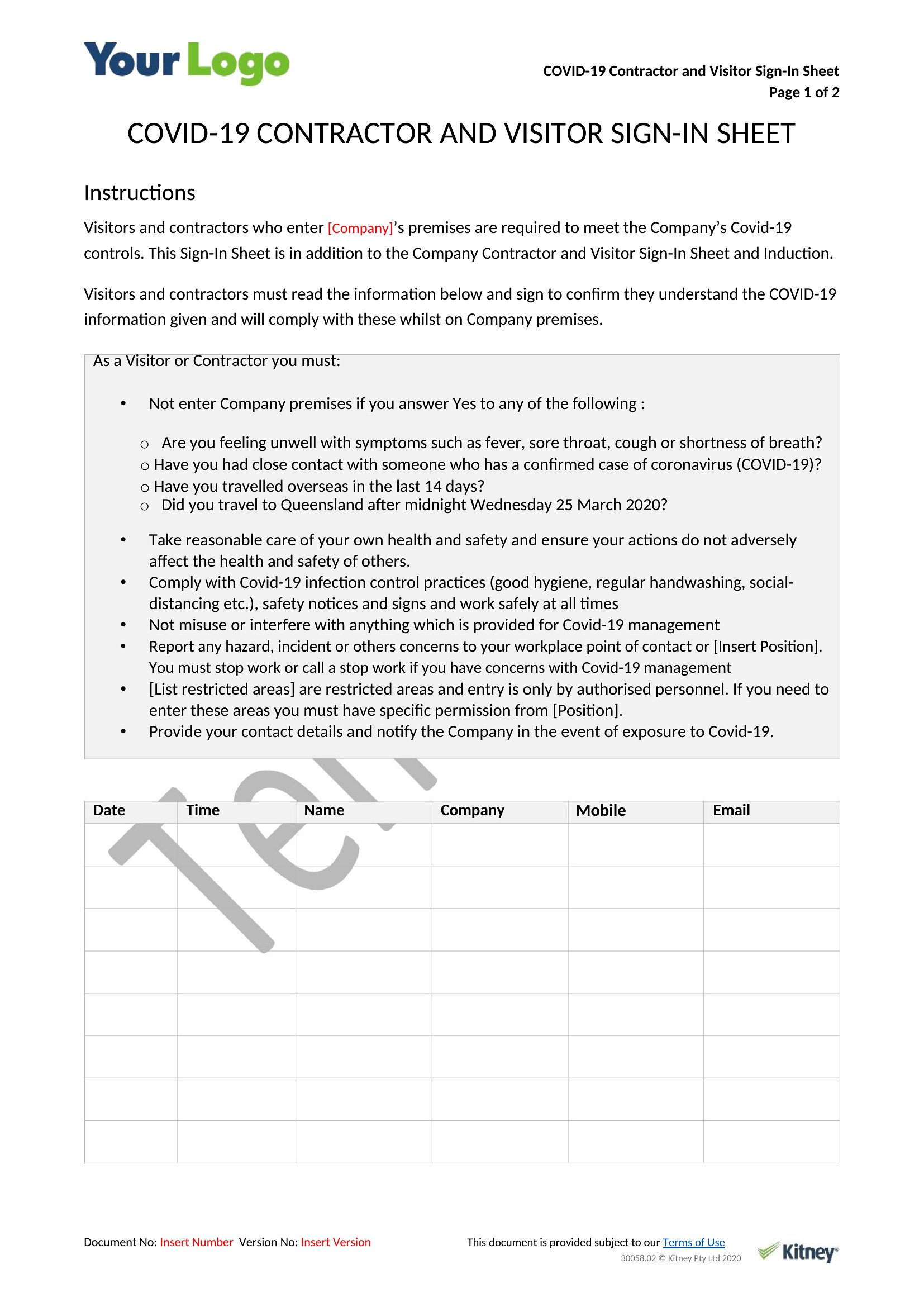
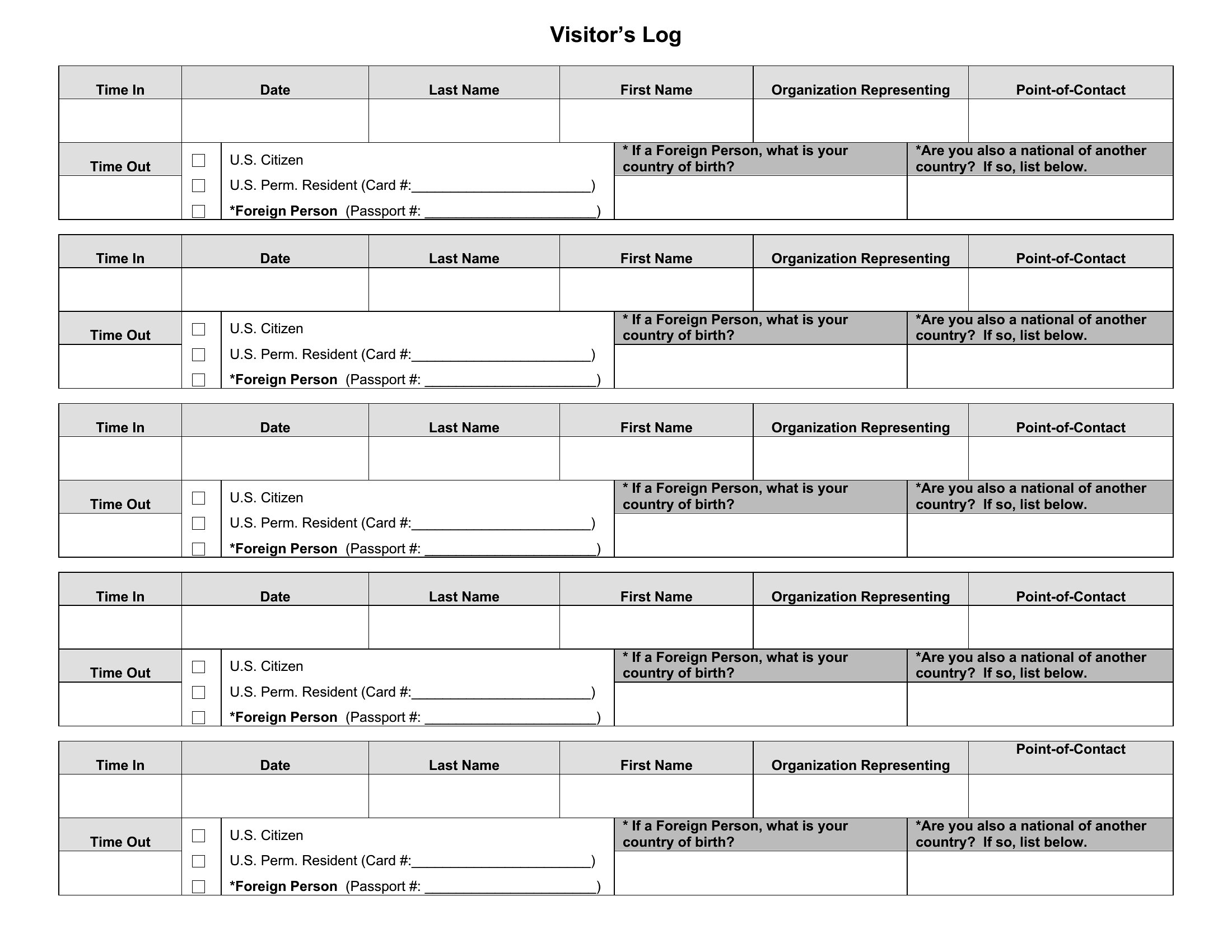
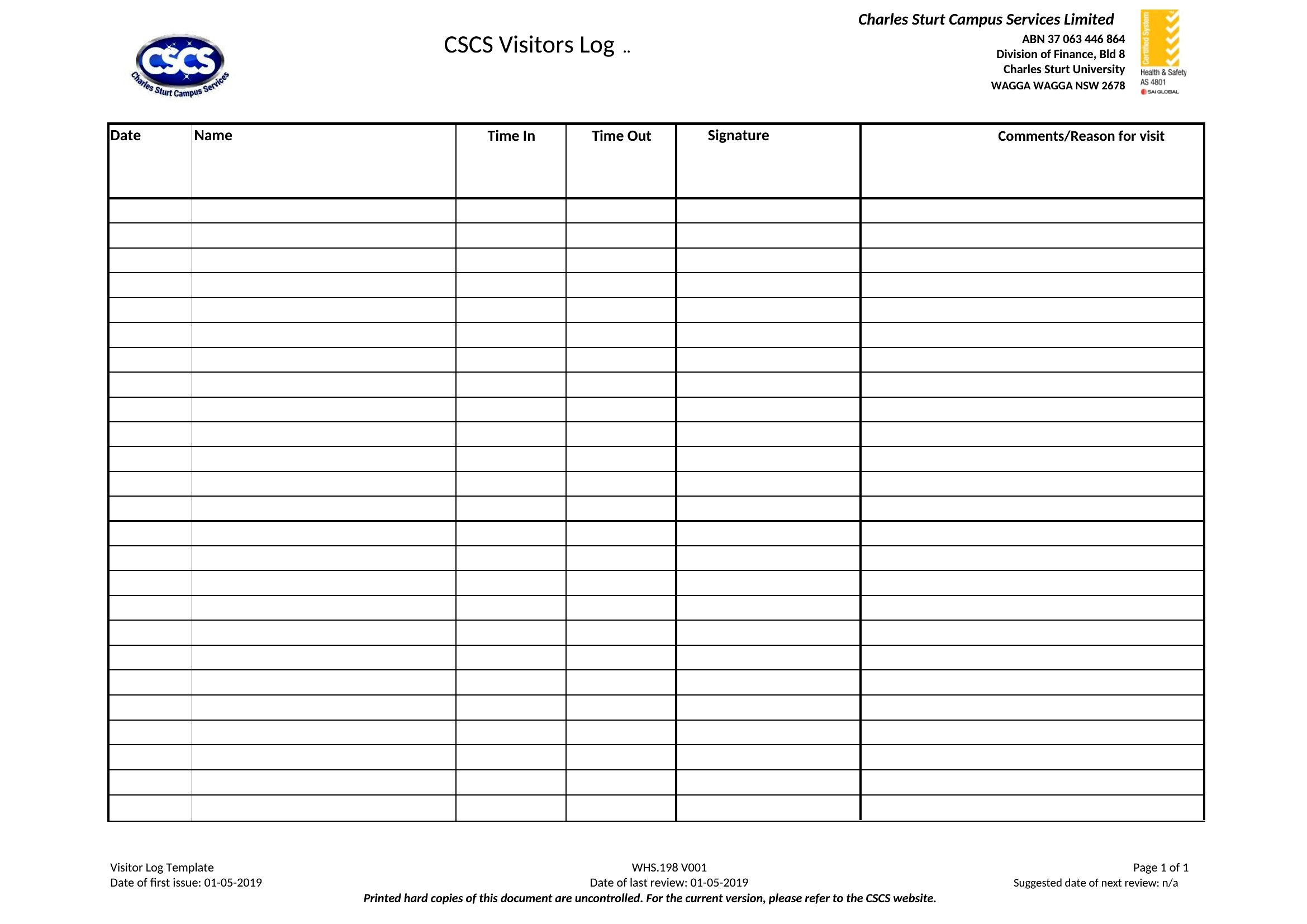
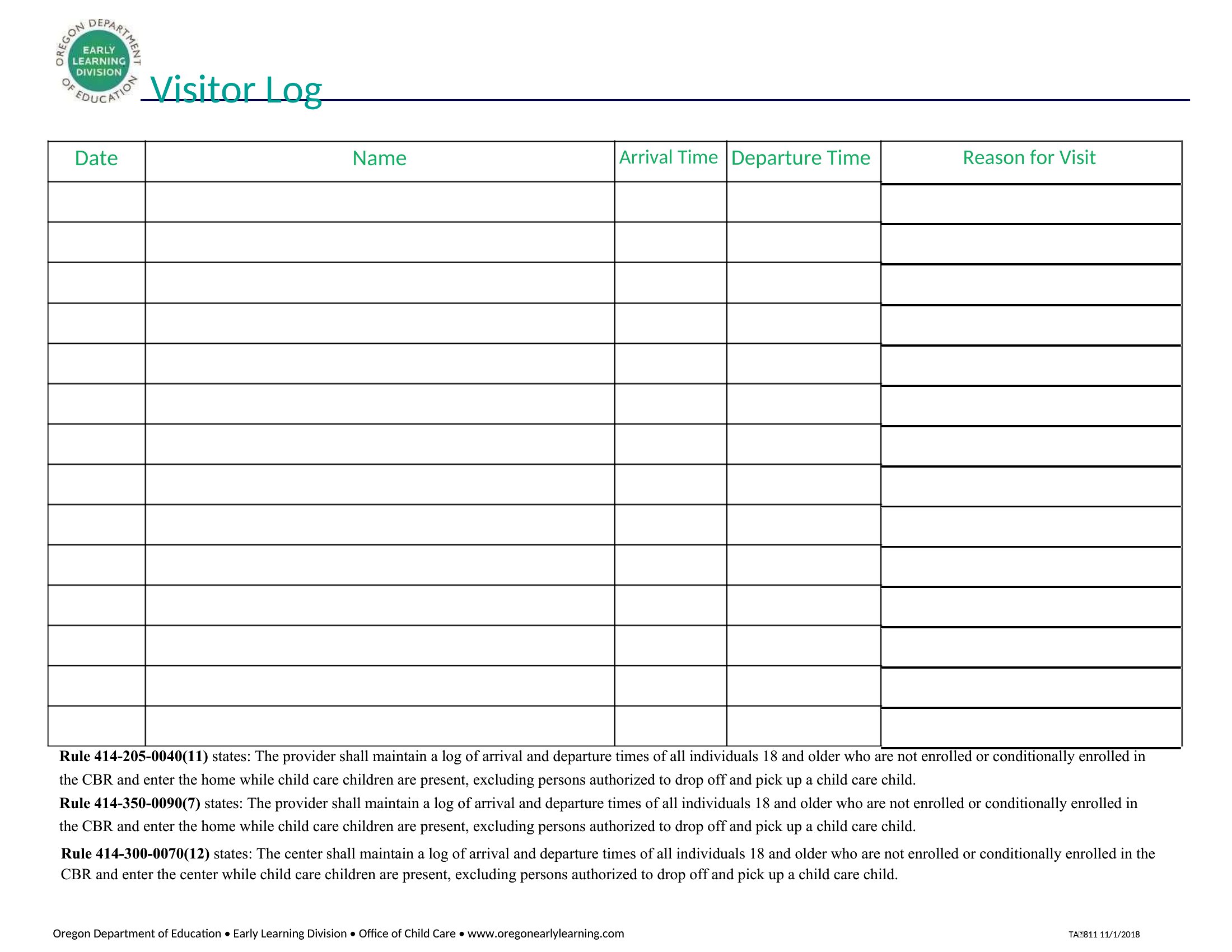
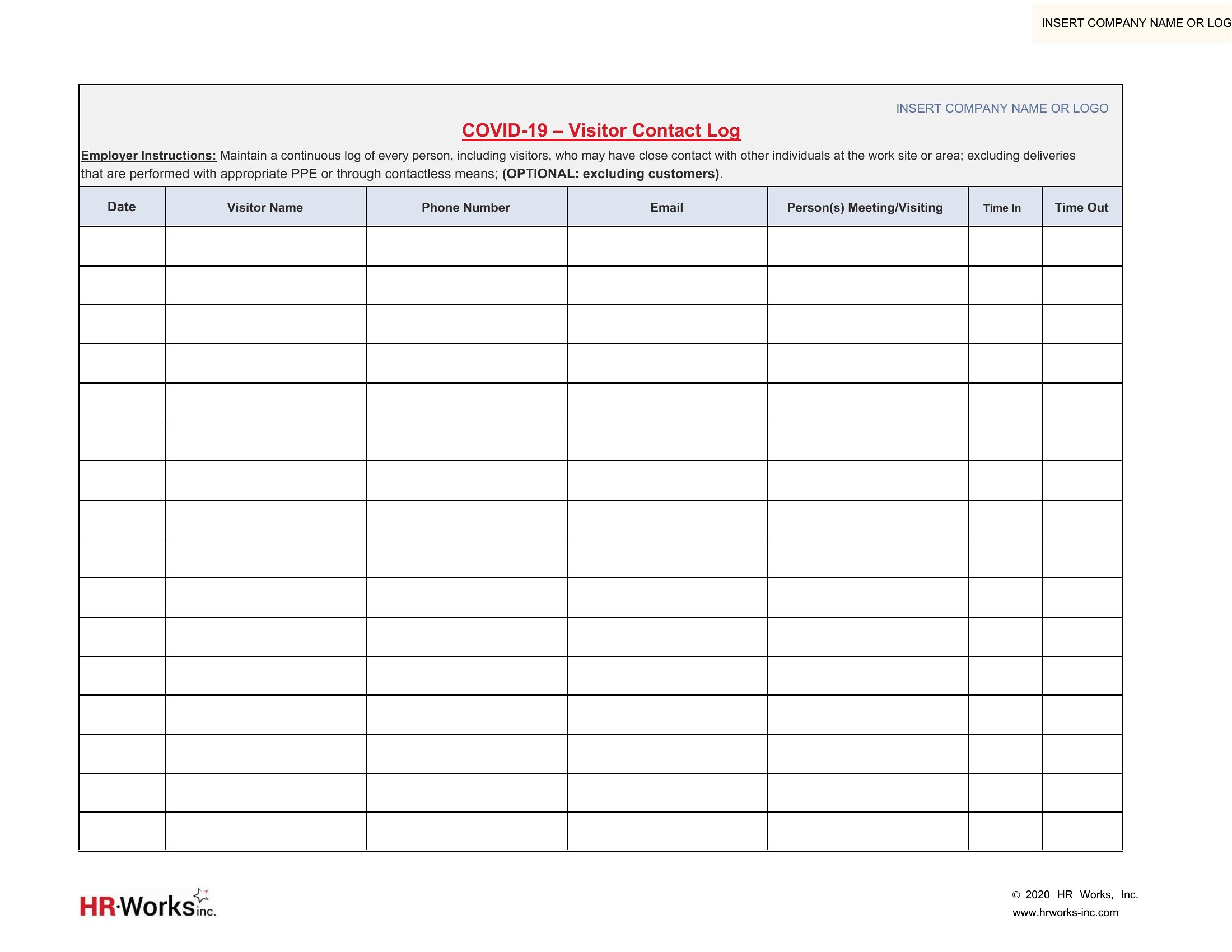
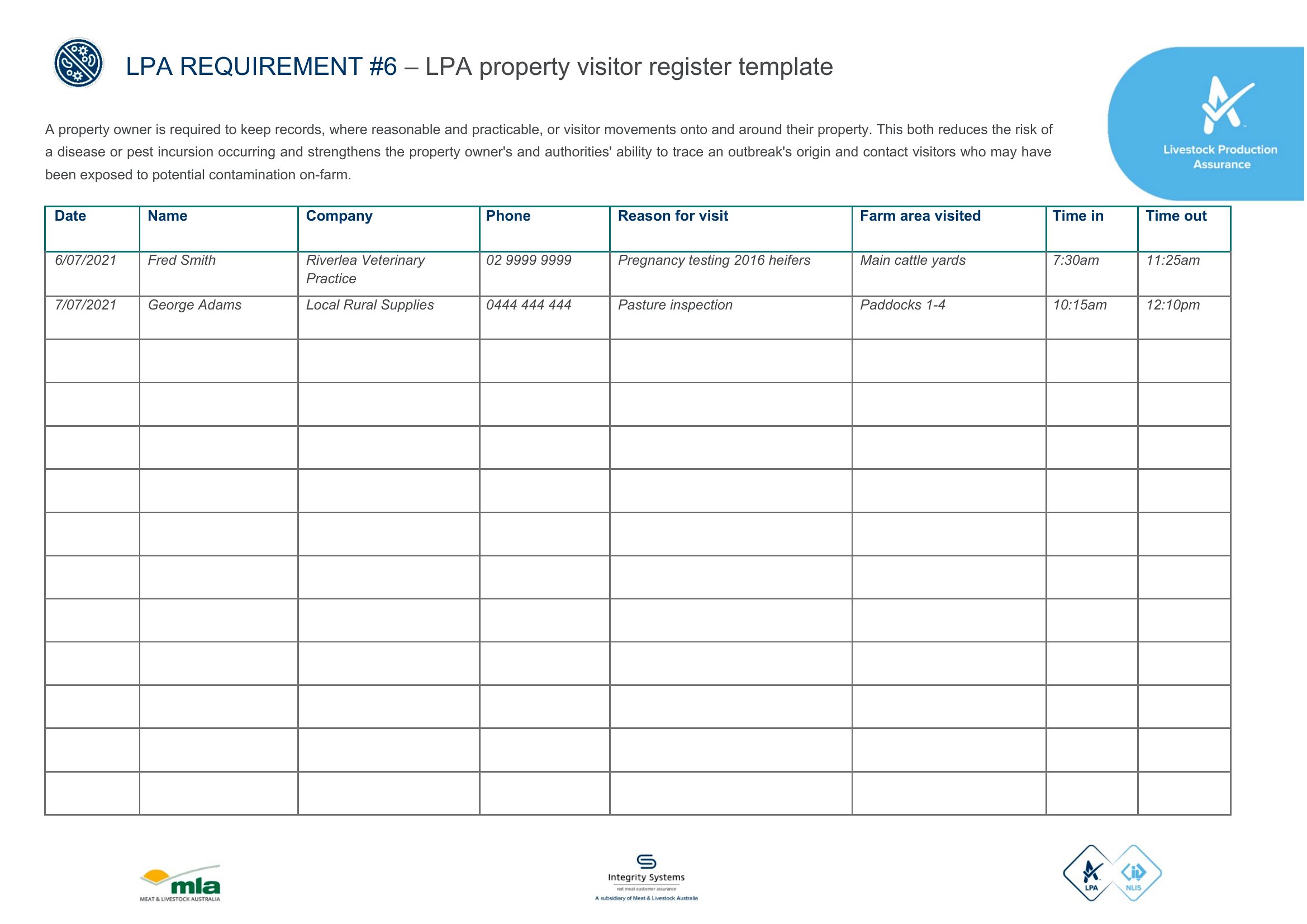
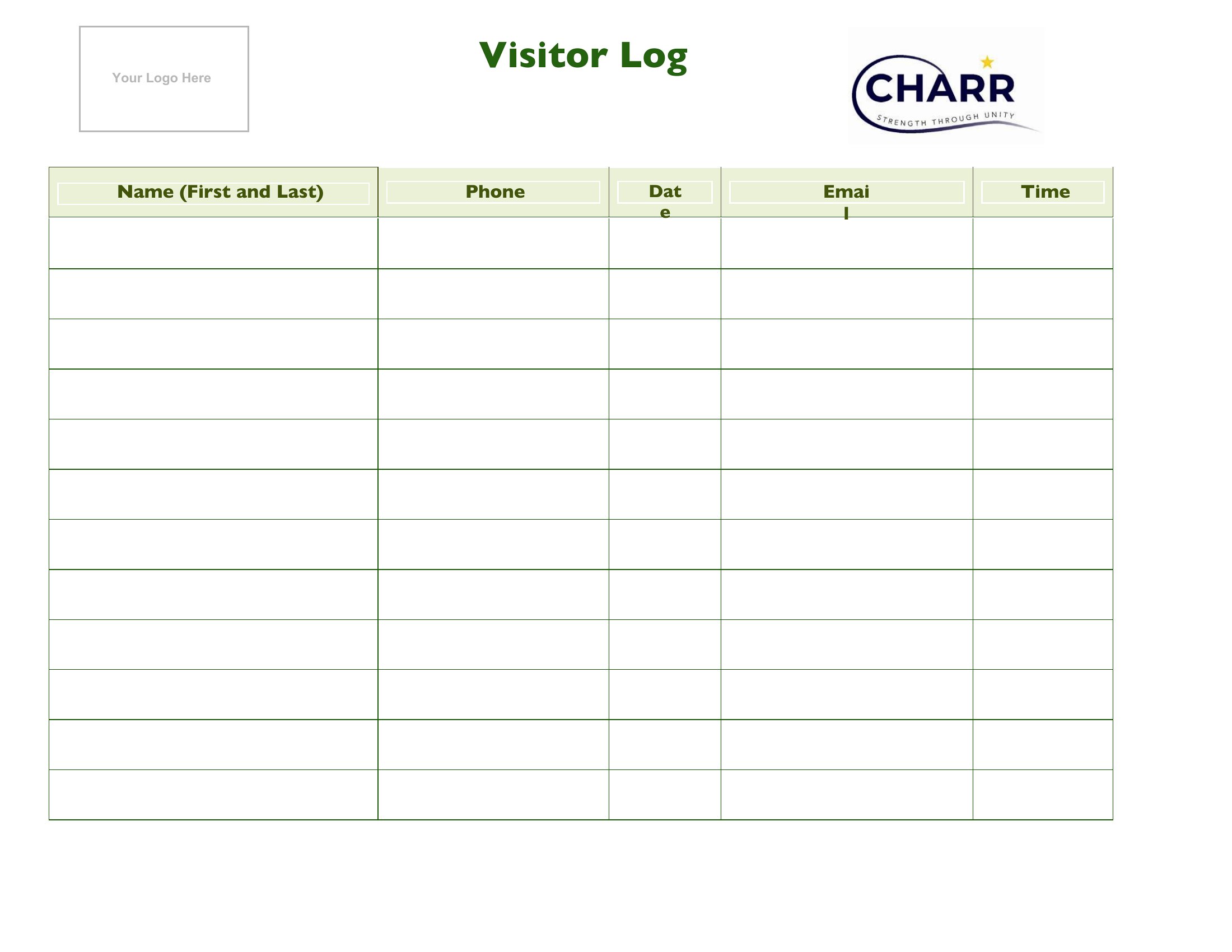
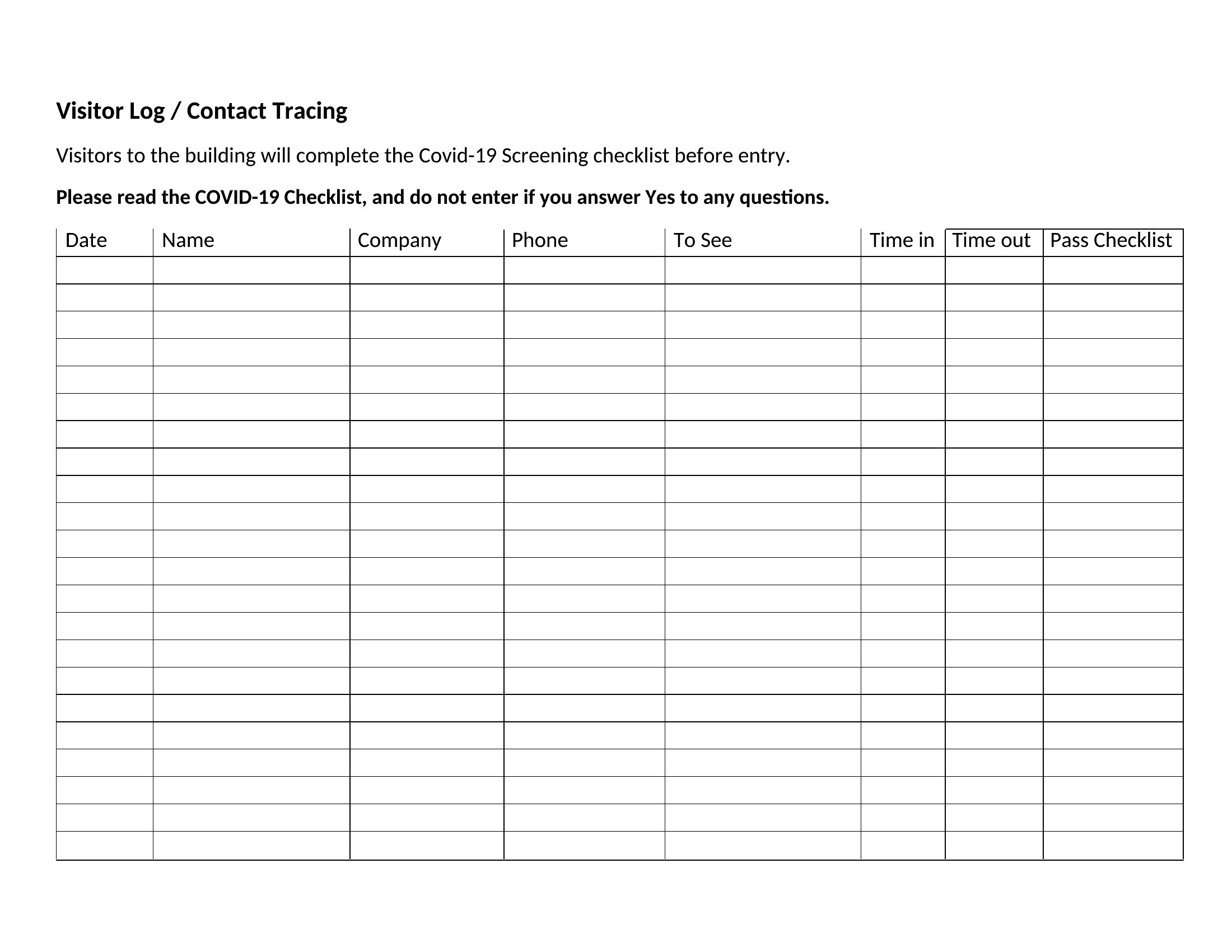
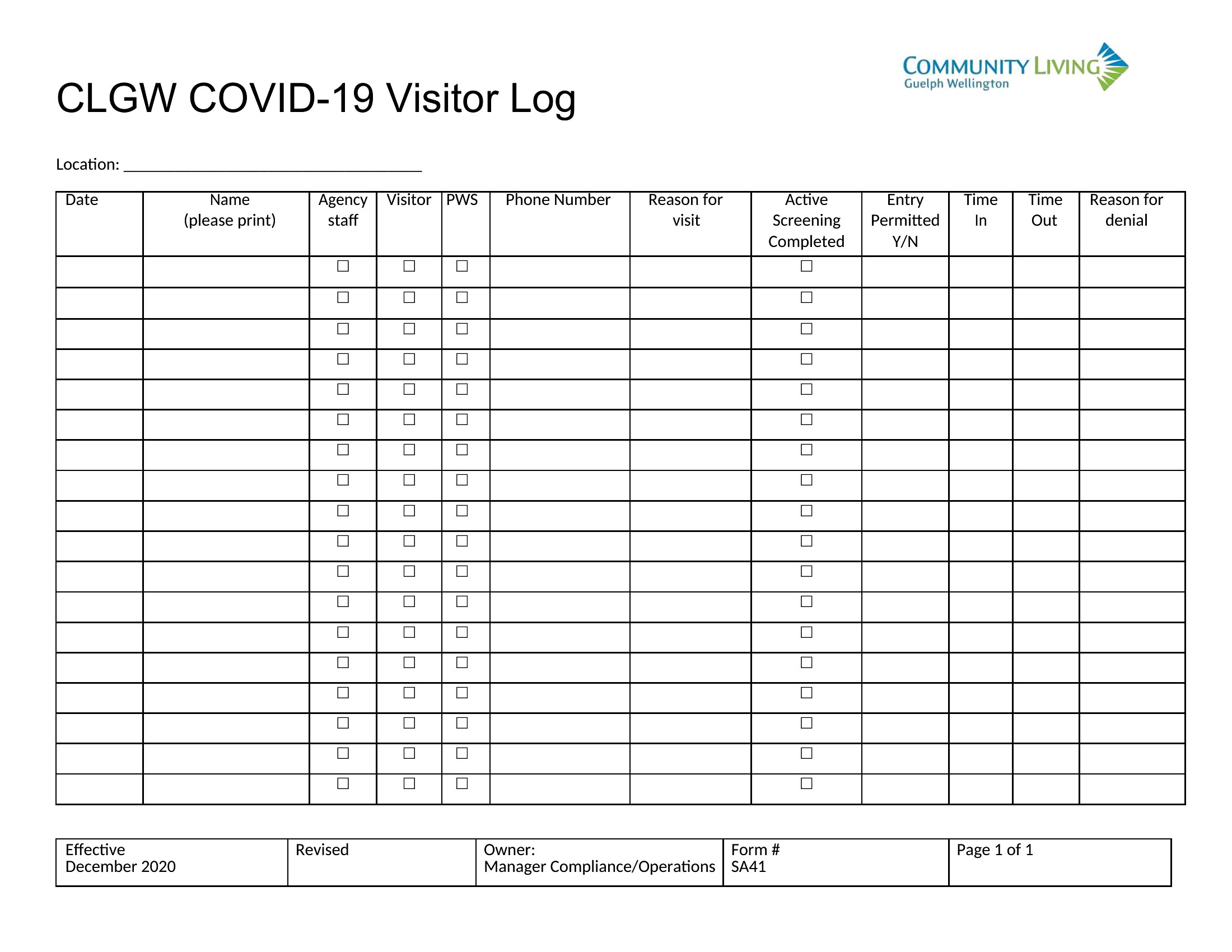
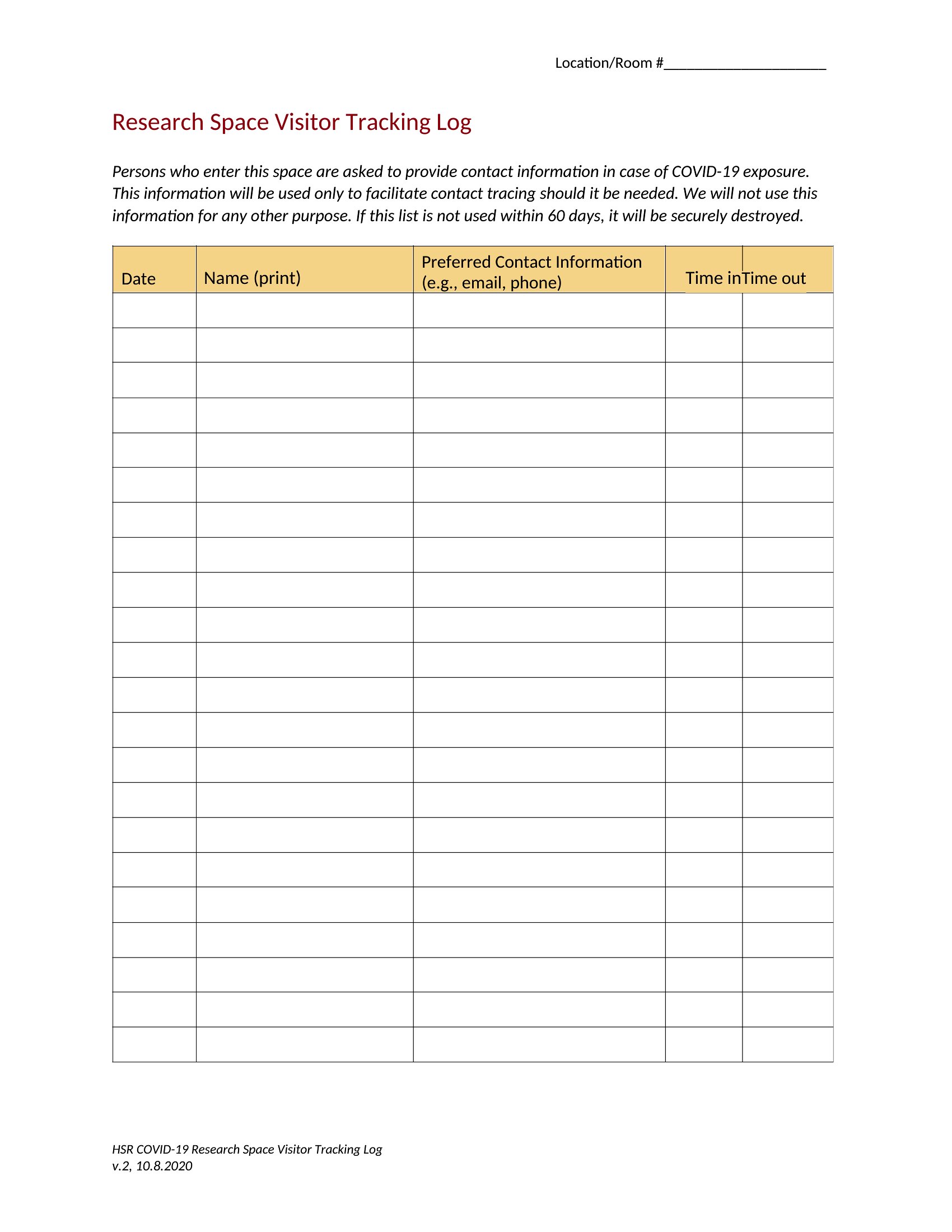
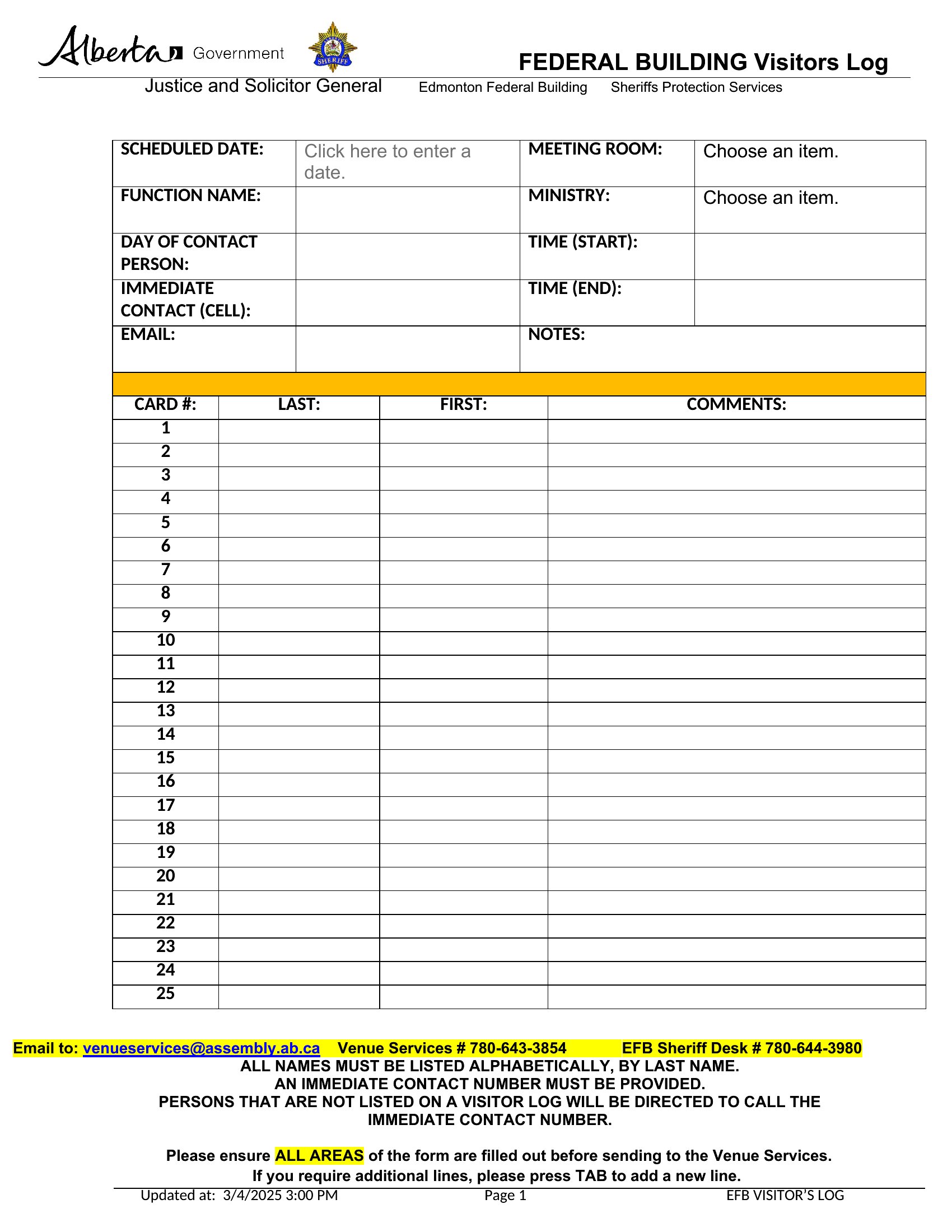
Can these templates help track visitors who refuse to sign in?
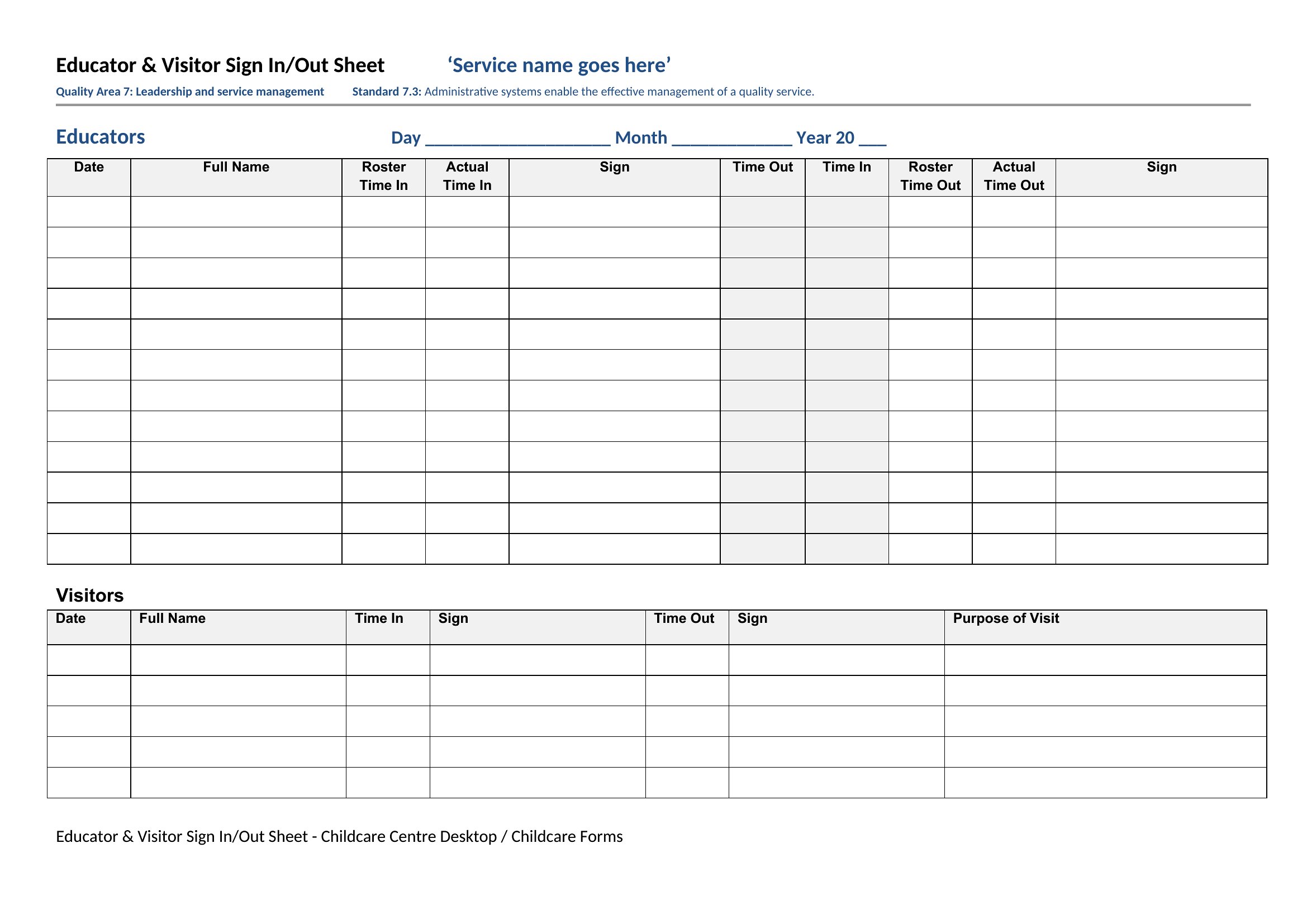
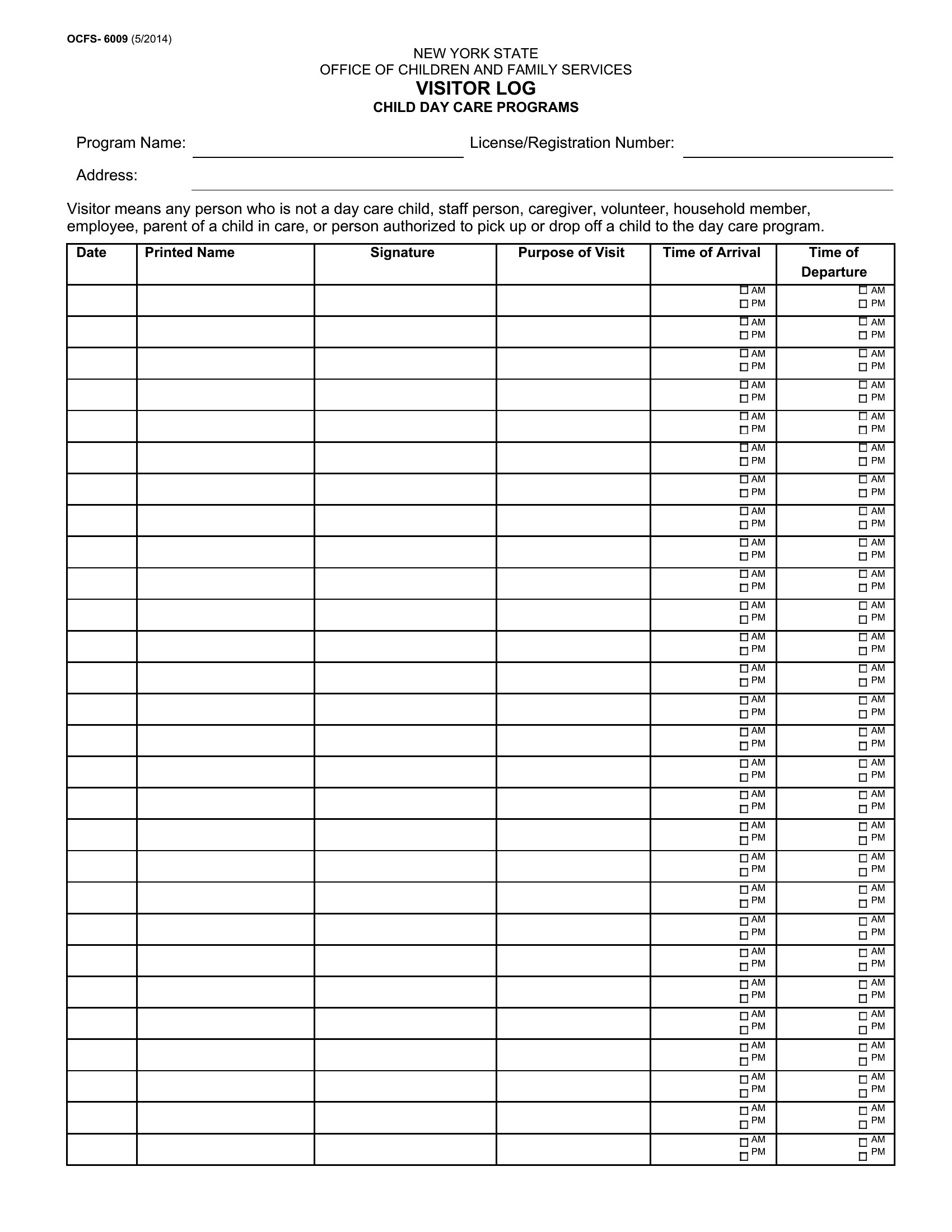
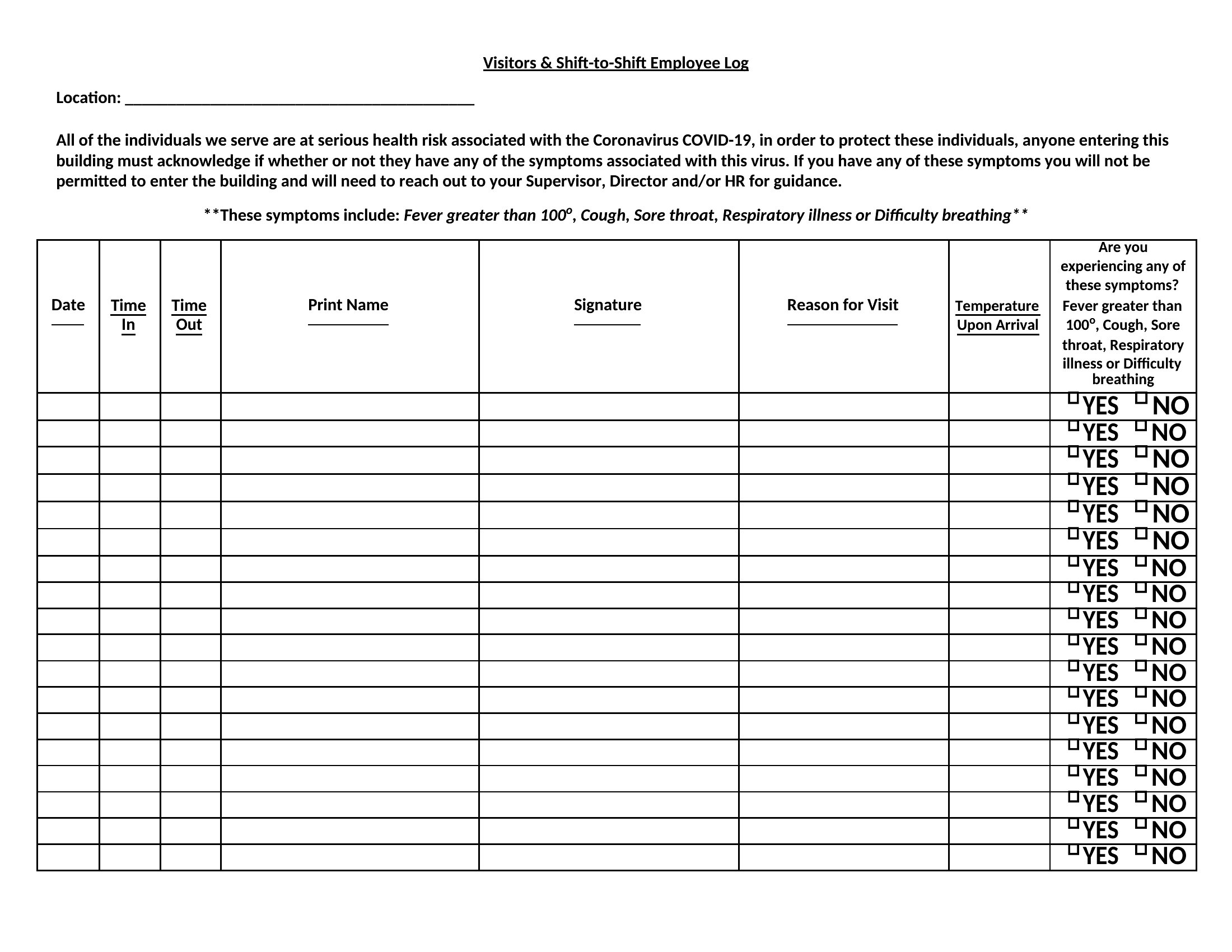
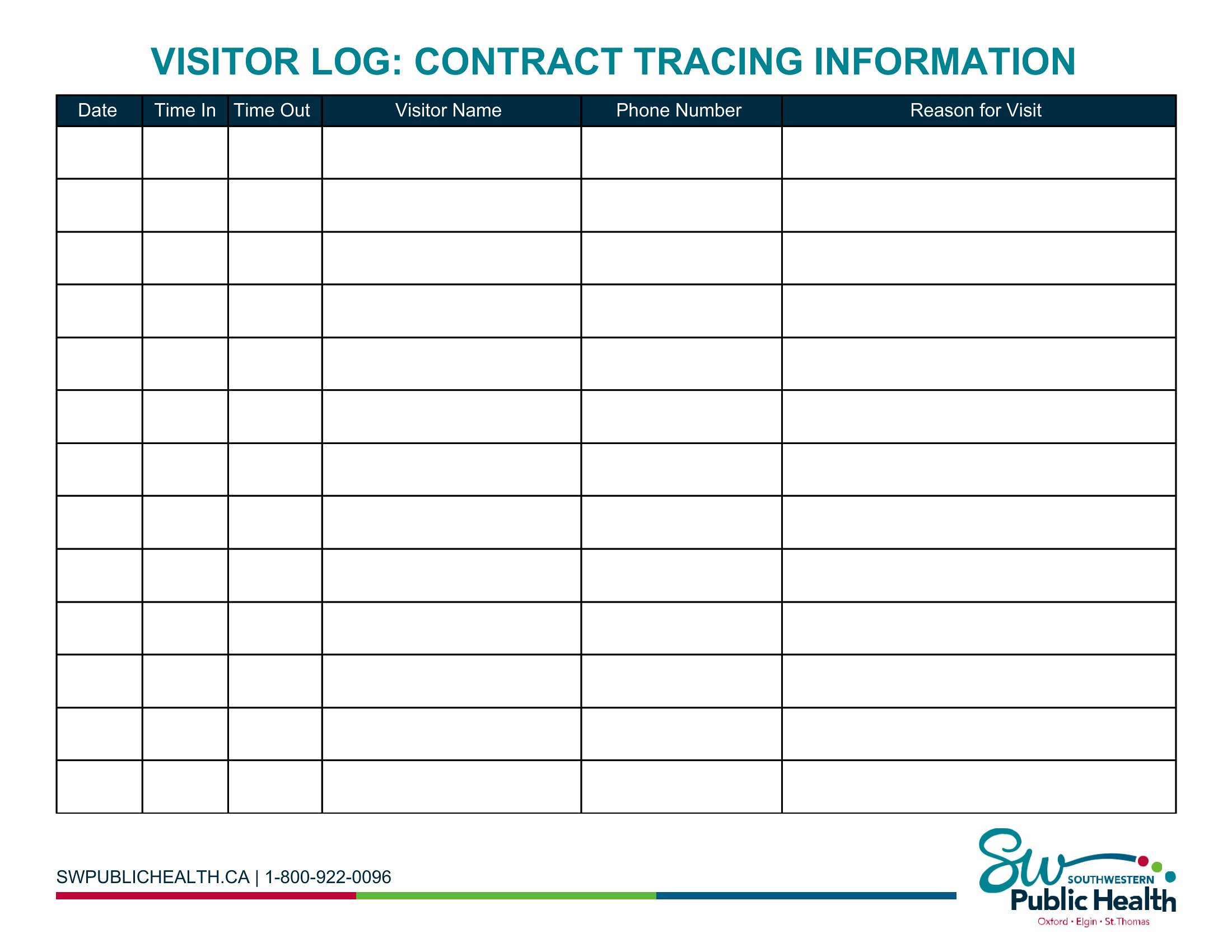
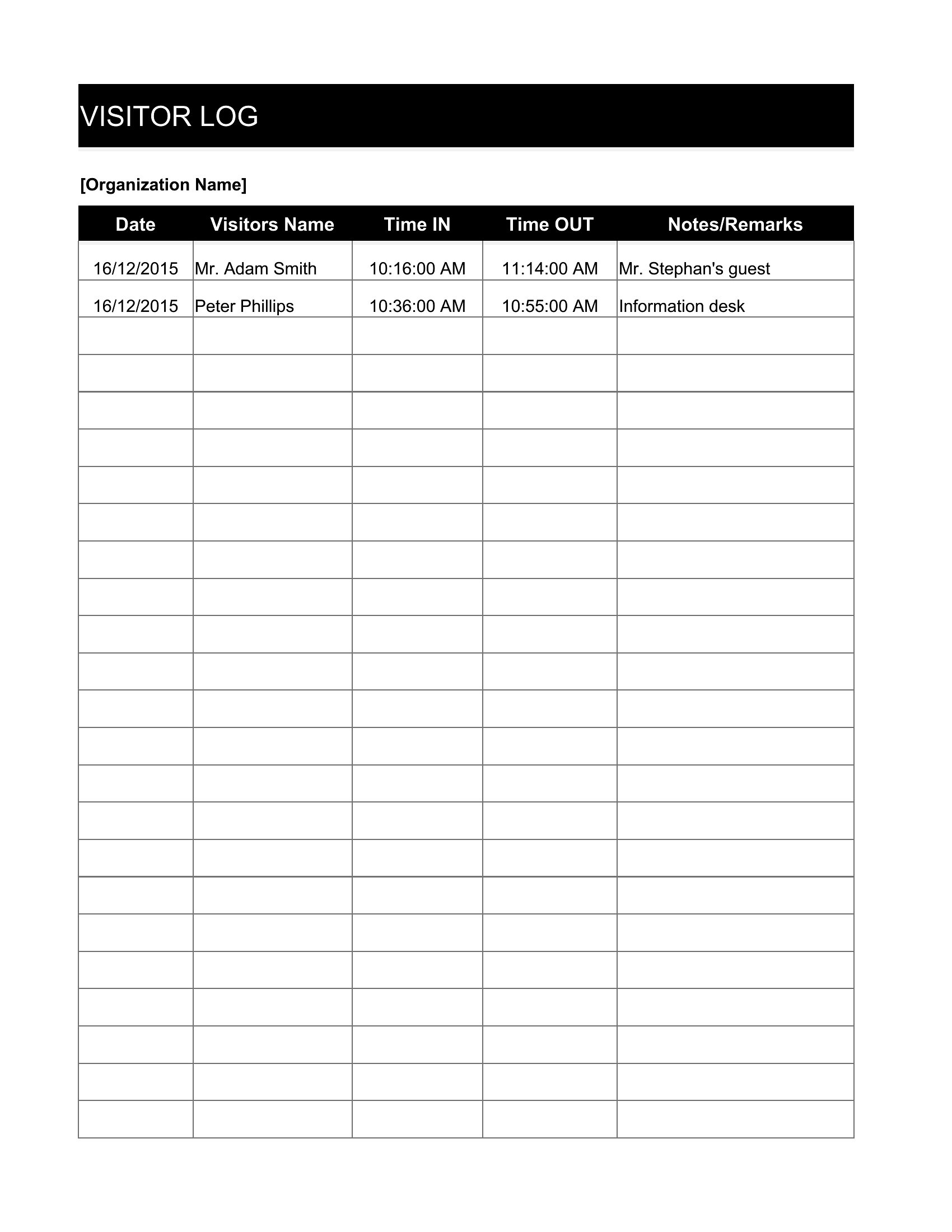
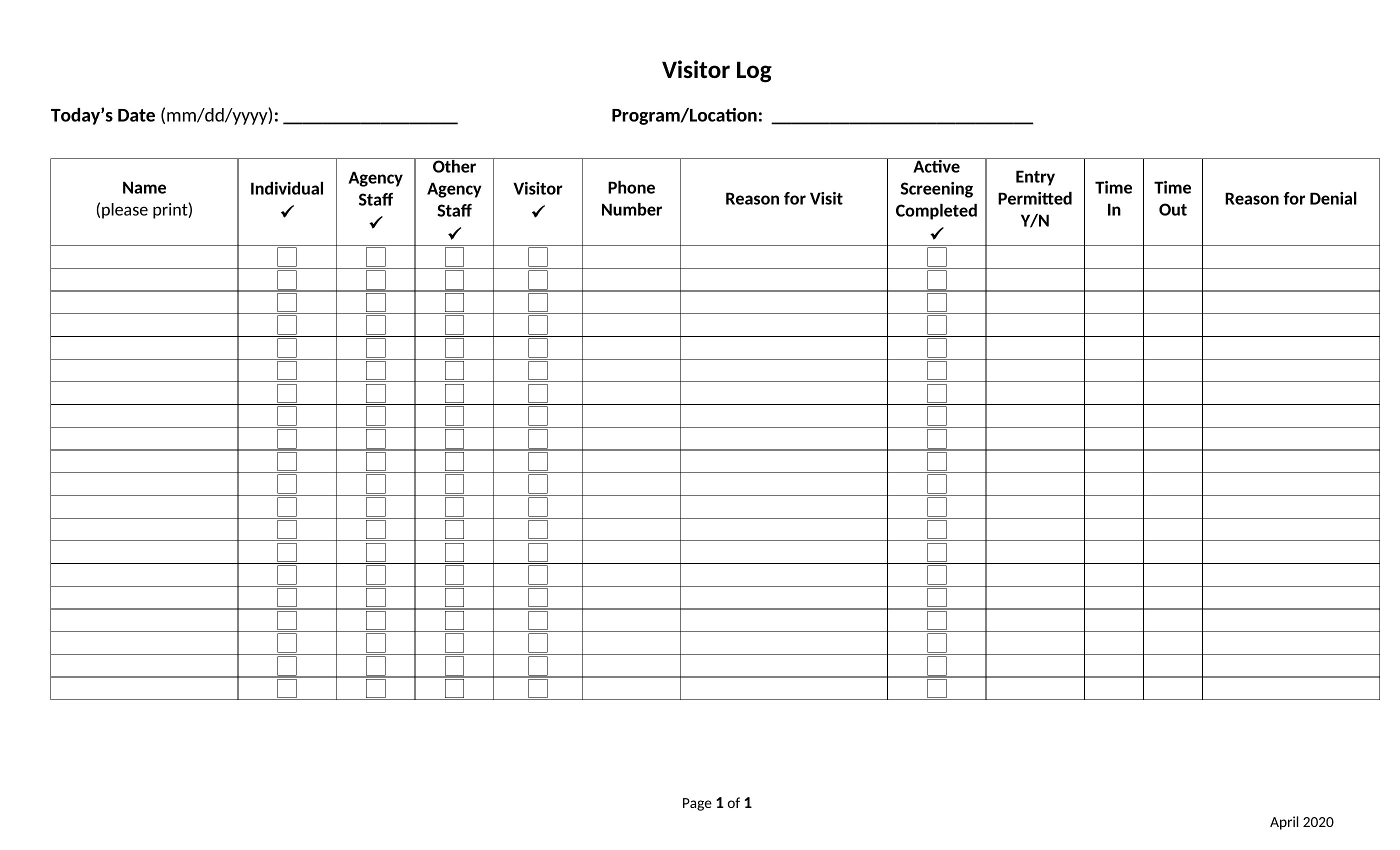
Yes, these templates include a notes section where staff can document refusals, describe the visitor, and note any suspicious behavior. Some versions even have a checkbox for ‘unwilling to sign’—useful for security reports. However, always follow local laws on surveillance and documentation before relying on these logs as legal evidence.
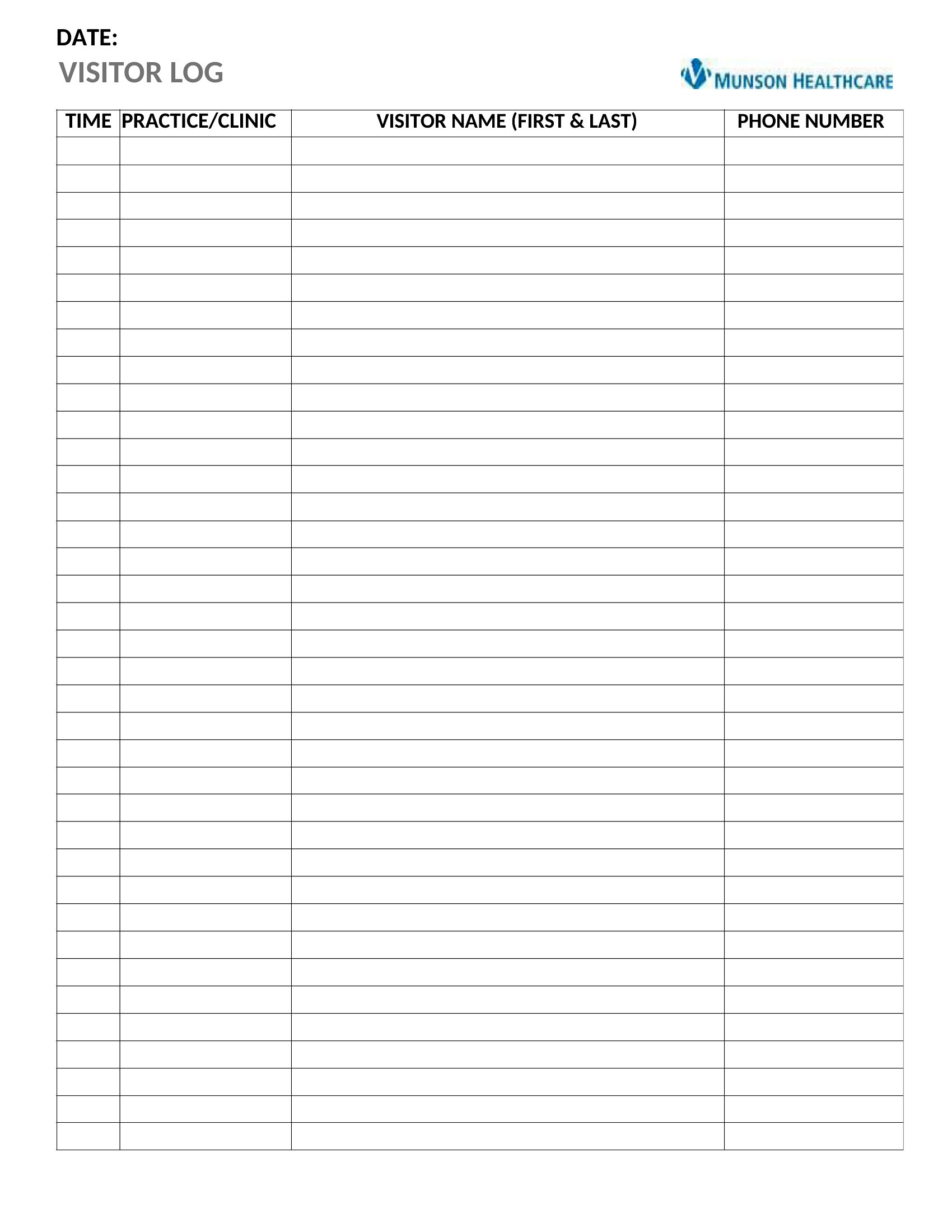
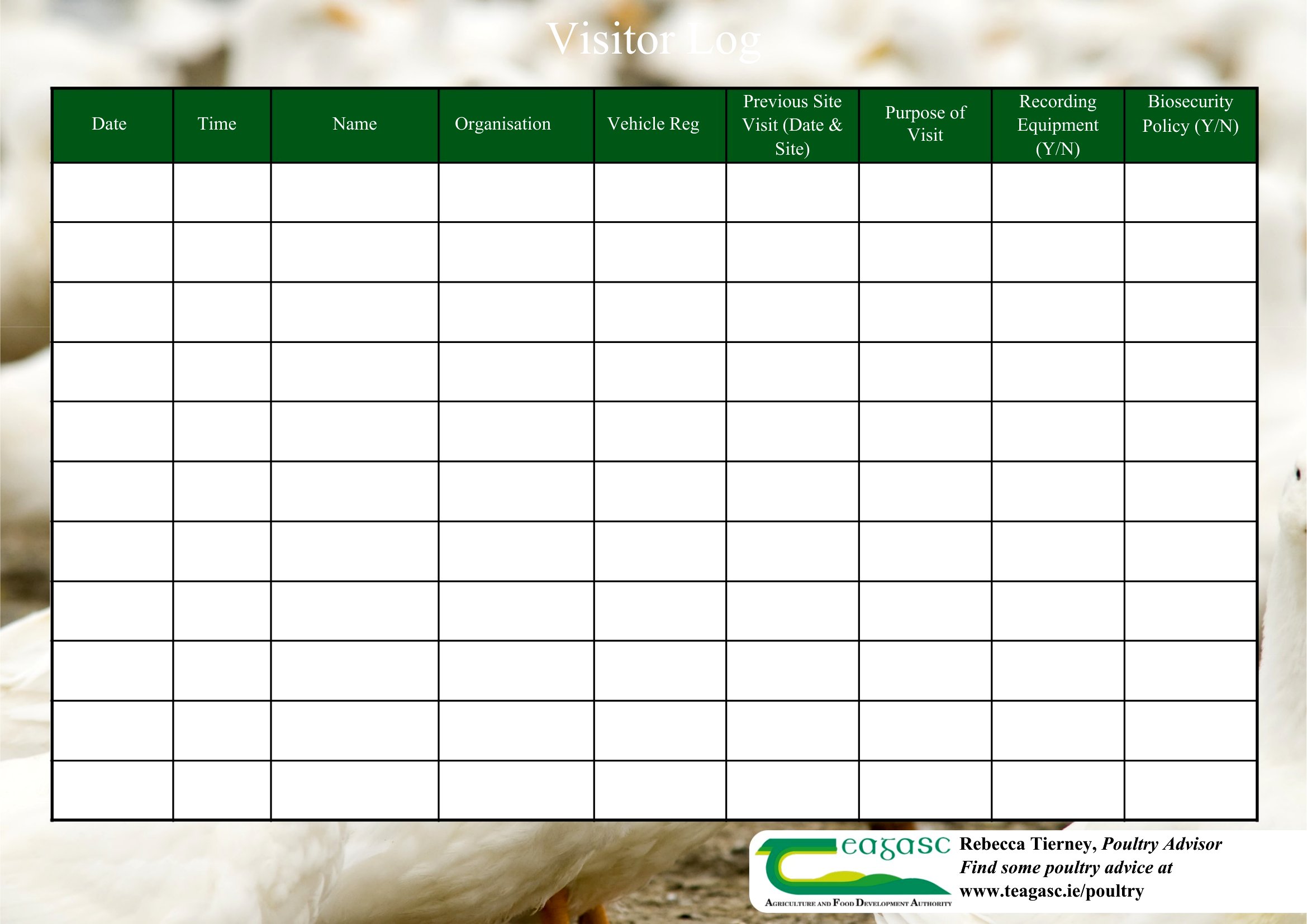
How do I ensure visitor logs remain accurate when multiple staff members are checking people in?
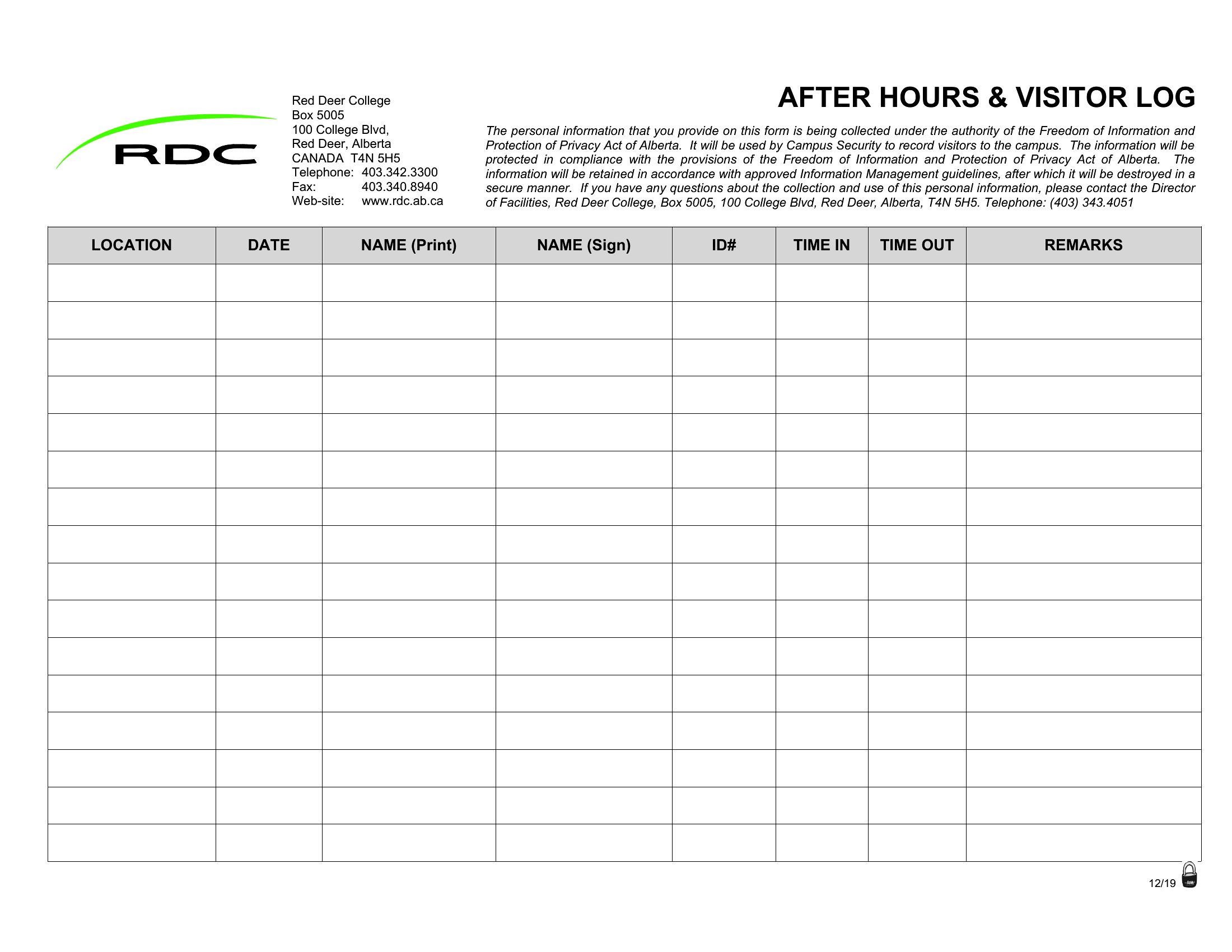
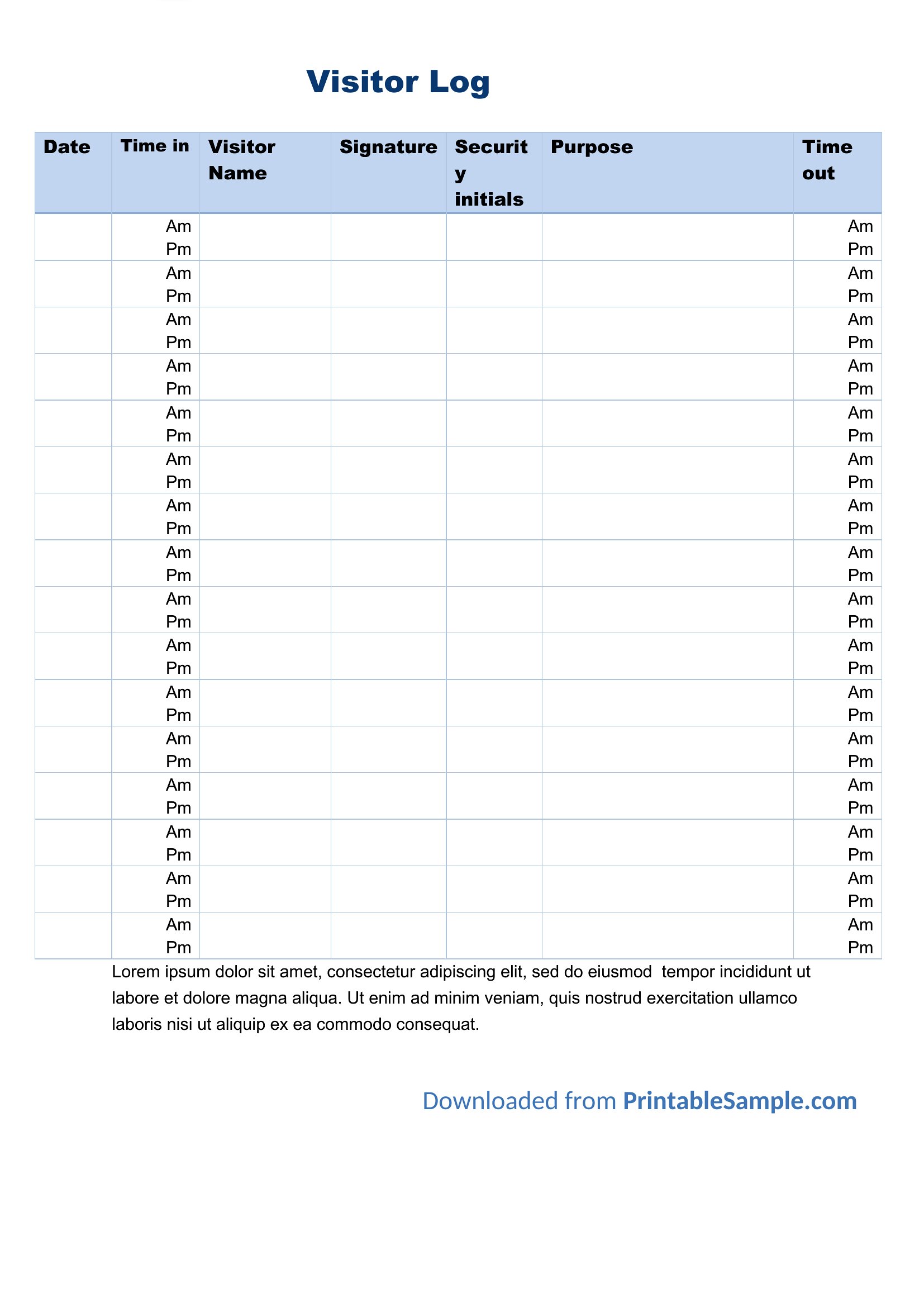
Use the ‘Checked by’ field in these templates to assign initials or names to each entry, reducing errors from miscommunication. For high-traffic areas, consider adding a timestamp column alongside the ‘Time In’ field to cross-reference with security cameras. Train staff to verify identities against a pre-approved visitor list when possible.
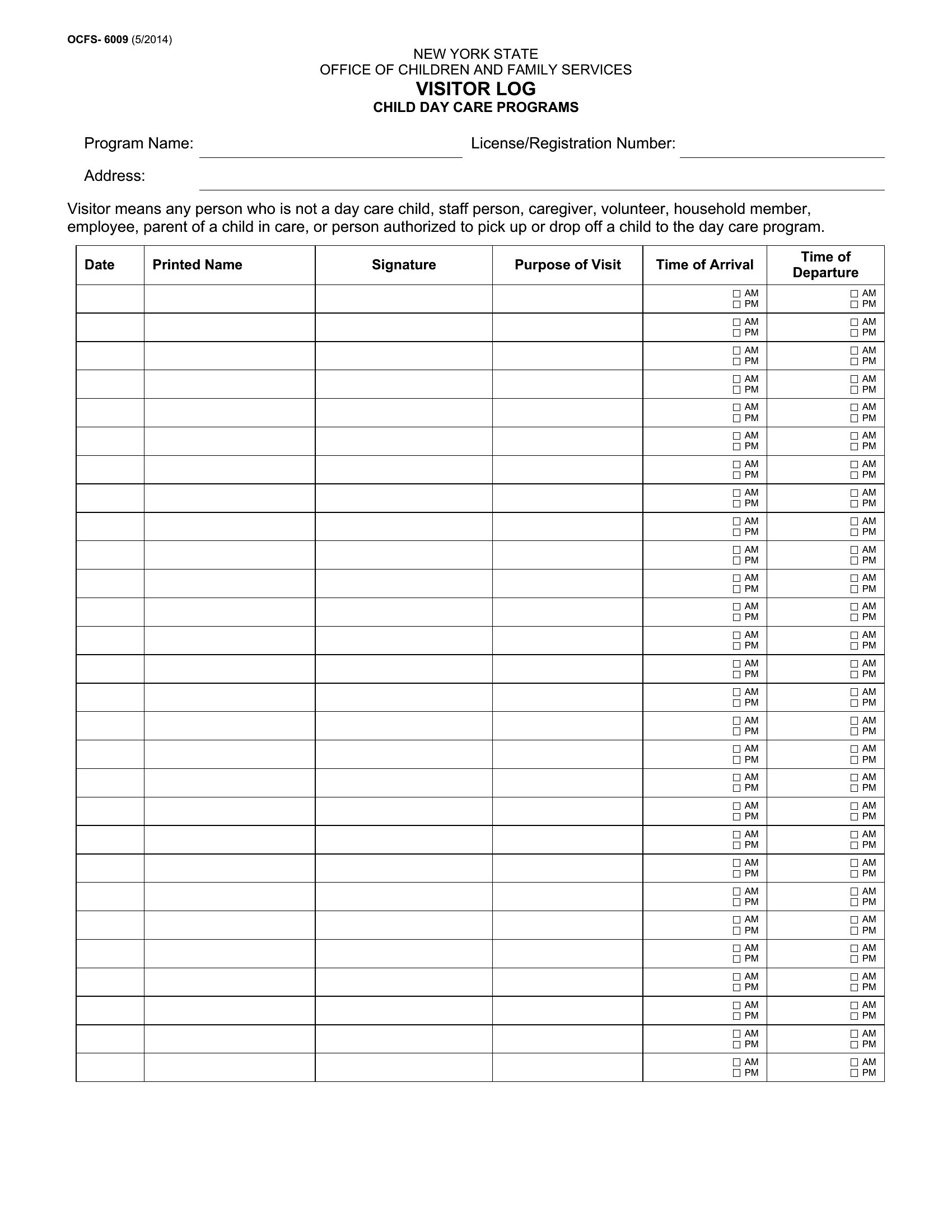
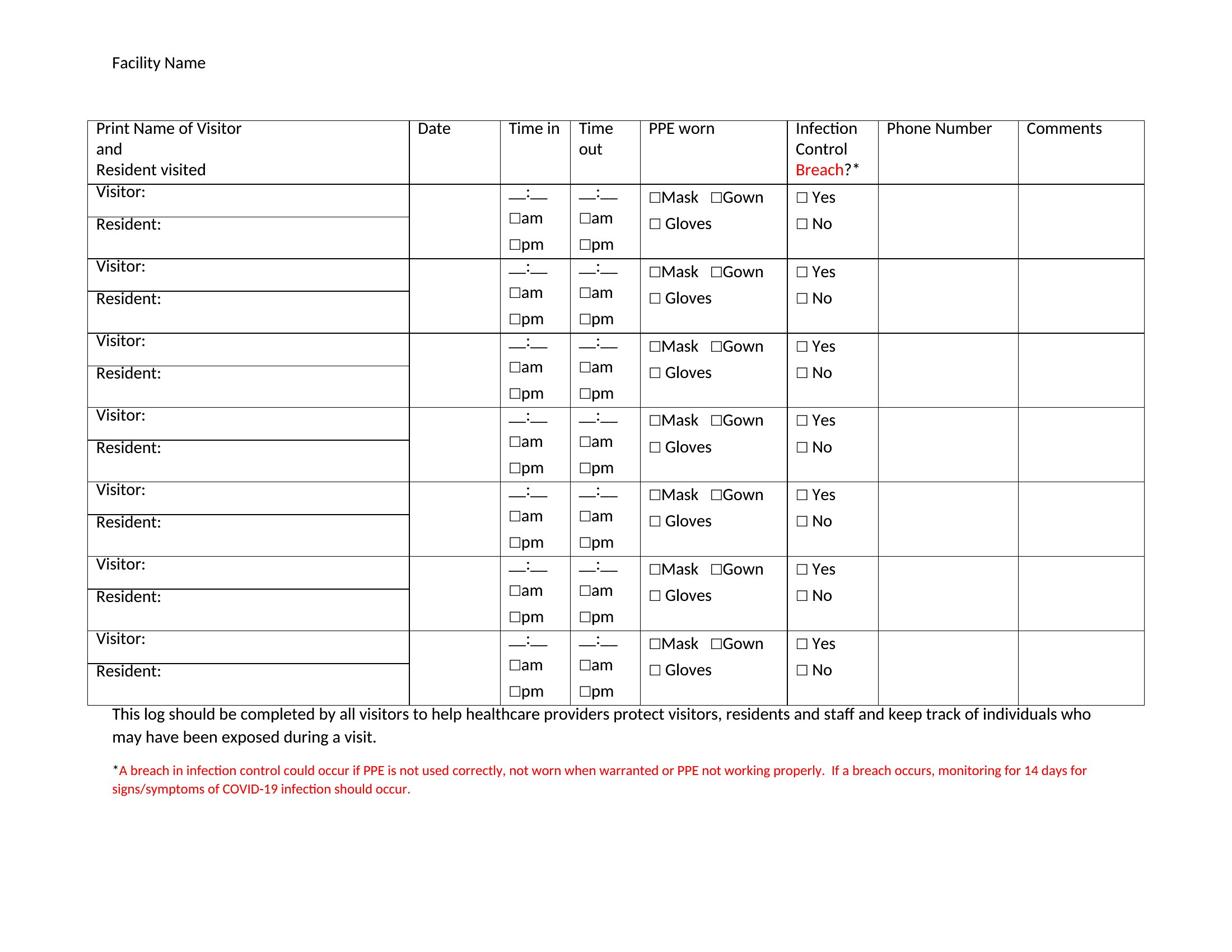
Are these templates HIPAA-compliant for healthcare settings?
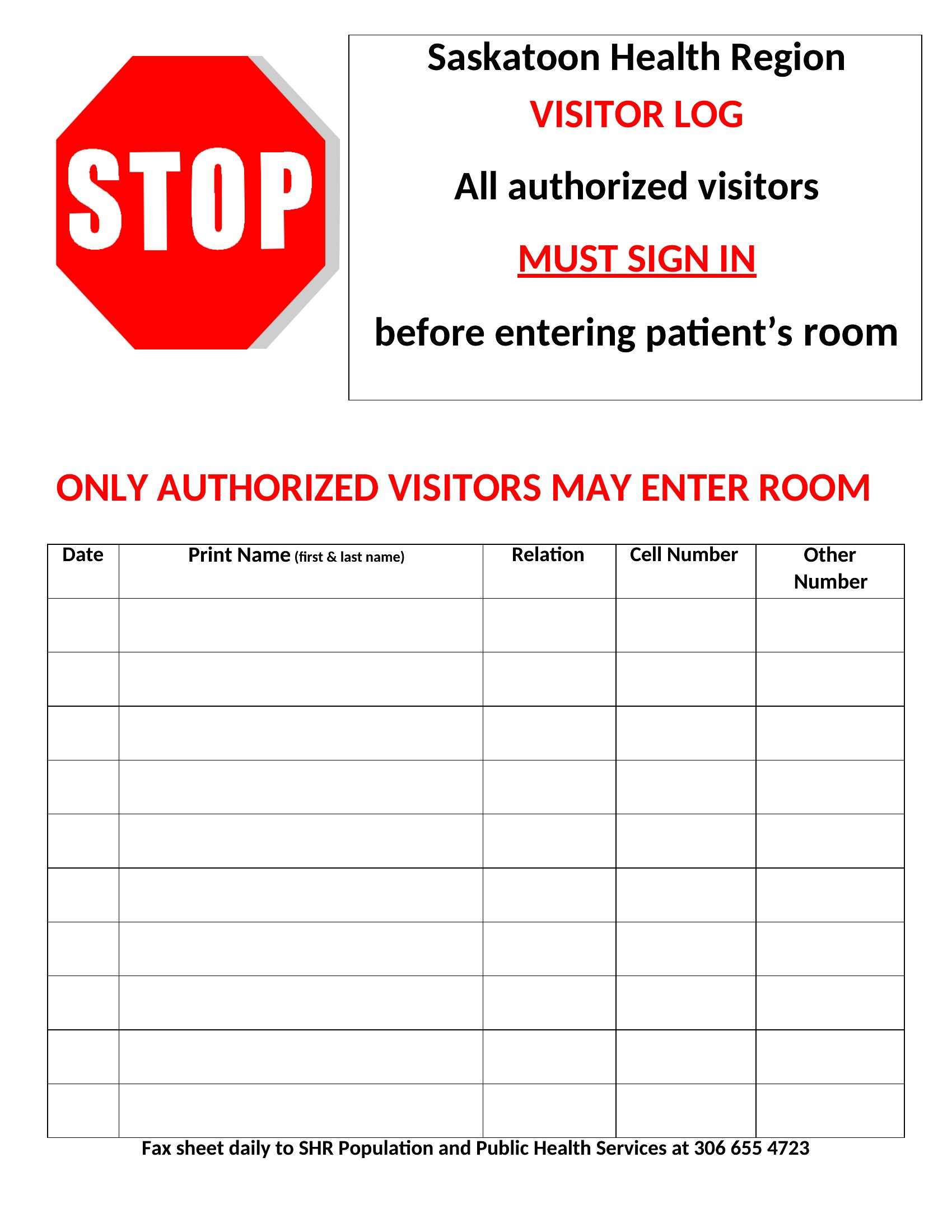
These templates provide the structure for compliant logging but aren’t legal documents themselves. In healthcare, you’ll need to redline sensitive sections (like patient names) or restrict access to authorized personnel only. Pair these with your facility’s data privacy policy and consider adding a ‘Purpose of Visit’ dropdown with HIPAA-safe categories, such as ‘Patient Accompaniment’ instead of ‘Medical Reason.’
Comments
Join the conversation
Sign in to share your thoughts and leave a comment on this resource.