Skip to content
50% off this one-time $1.99 pack with HALFOFF — or unlimited with Pro.HALFOFF
Premium

Free Personal Information Forms (Word)

Applications
gordoslavsavoyka by gordoslavsavoyka
Updated 0 downloads Quality-checked template

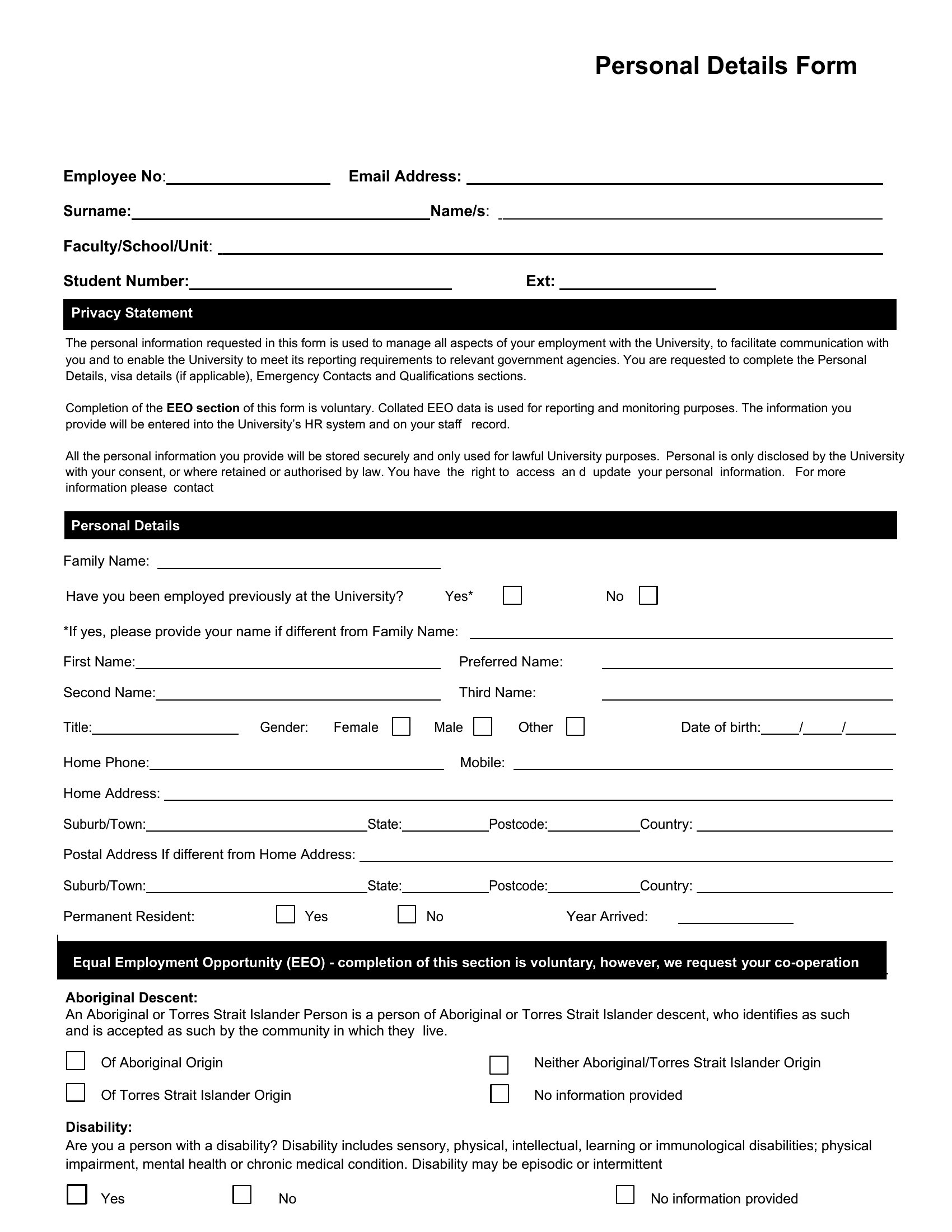
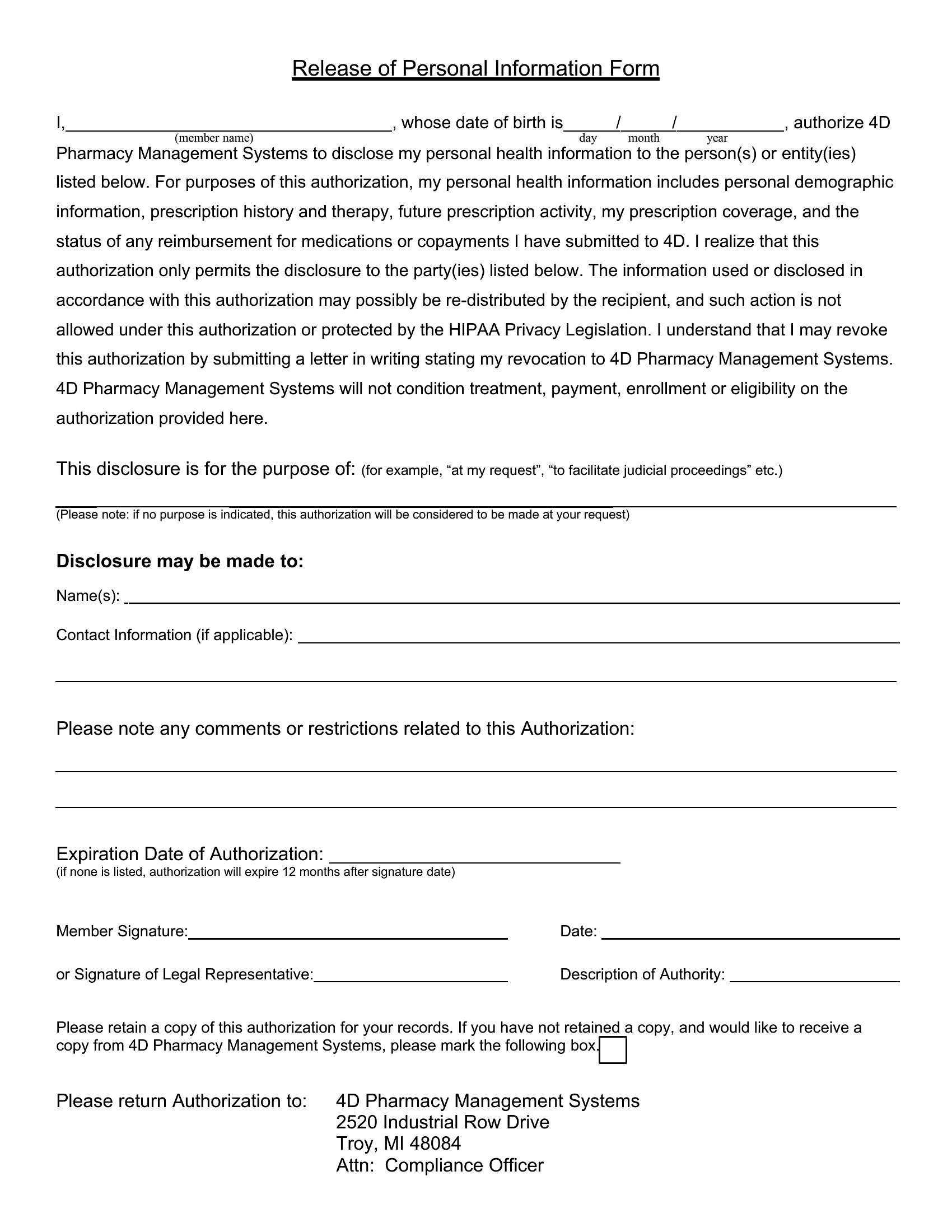
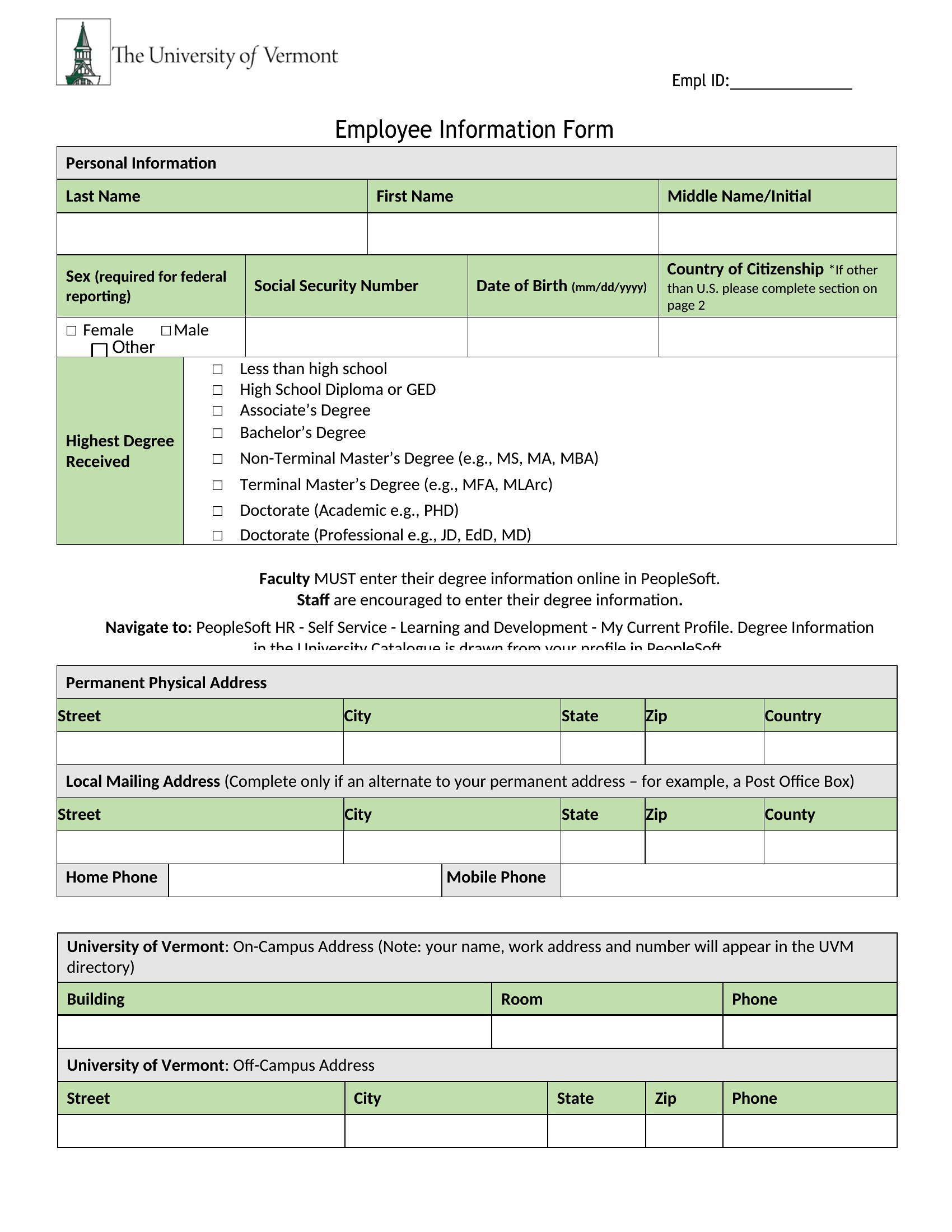
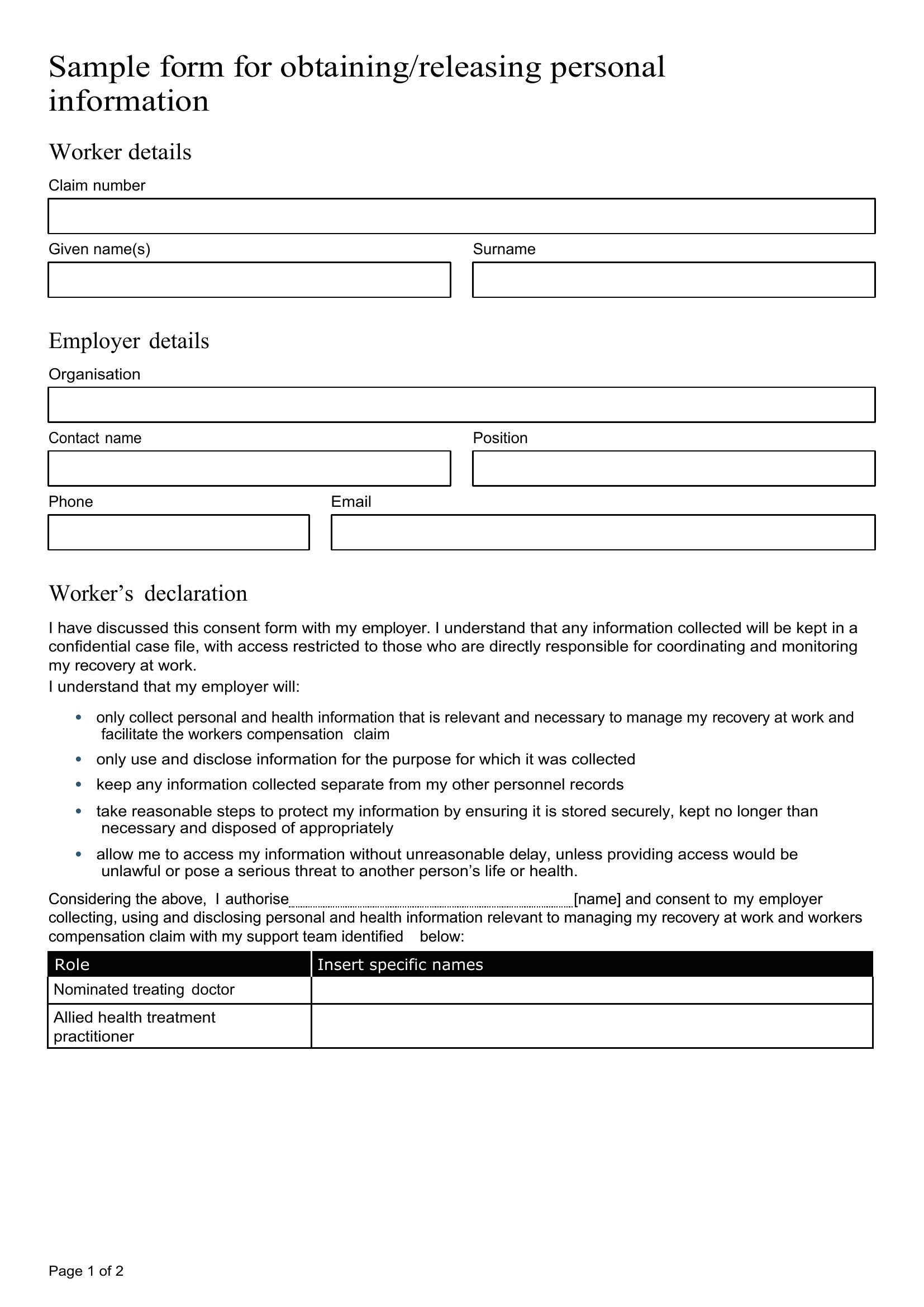
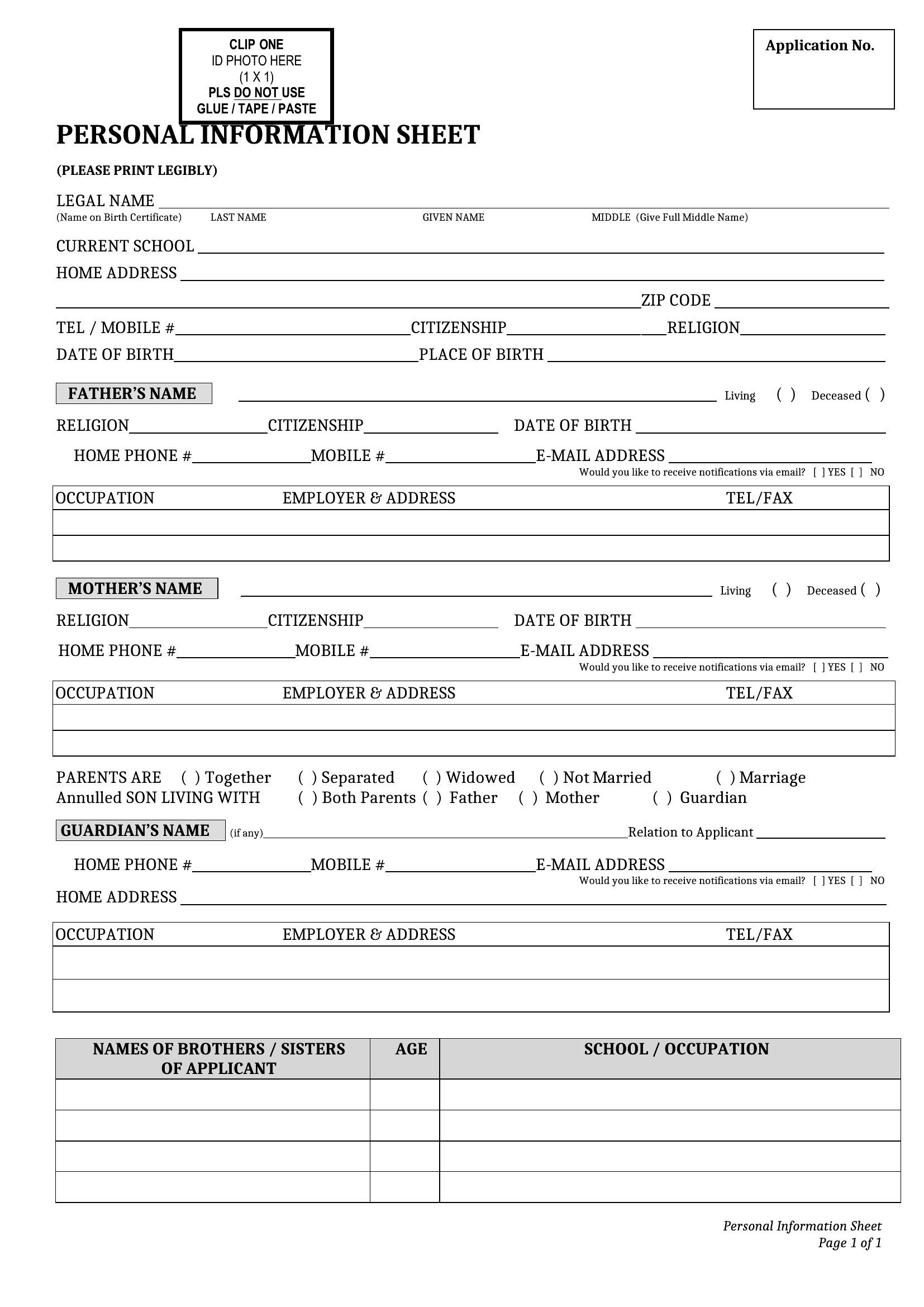
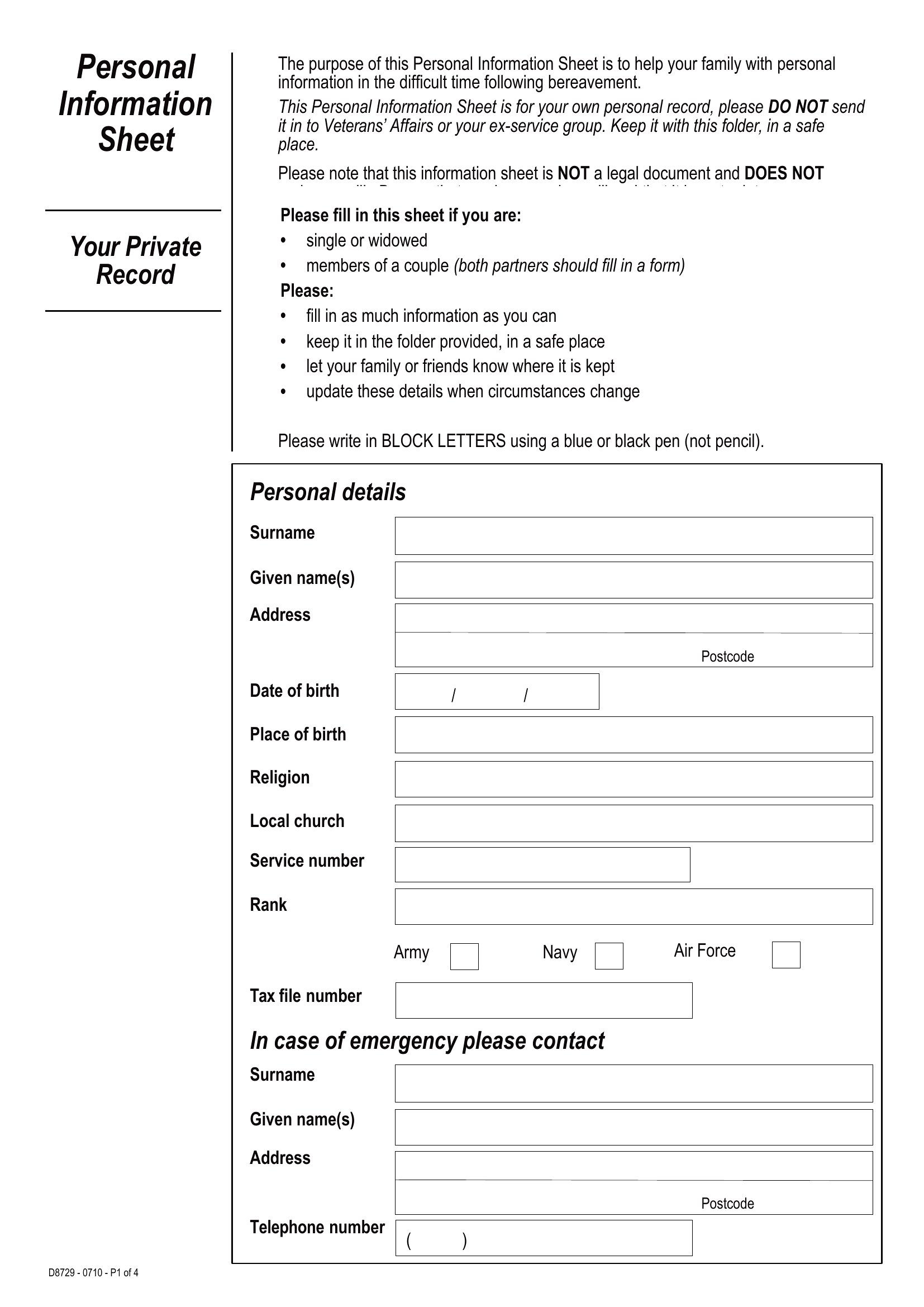
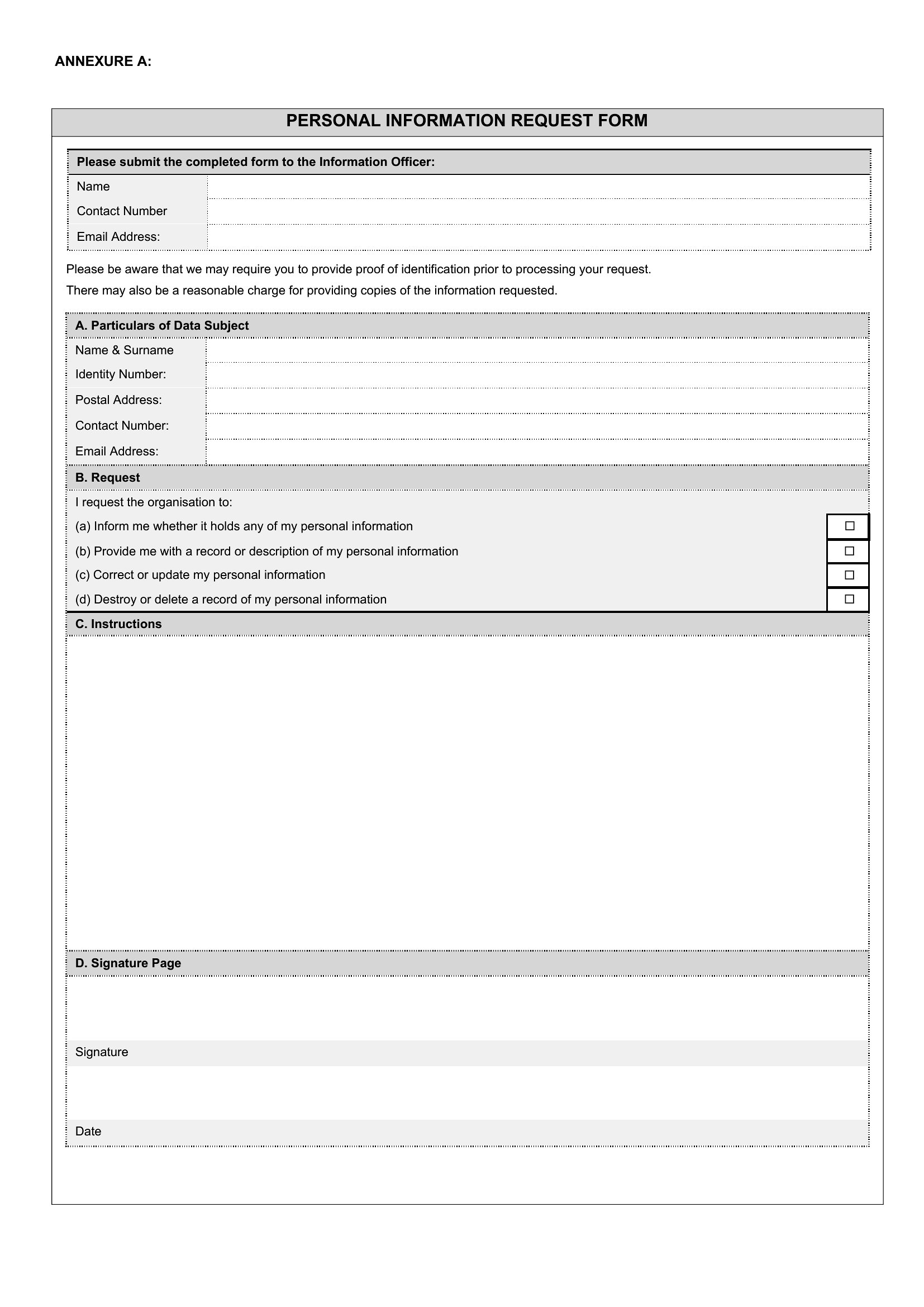
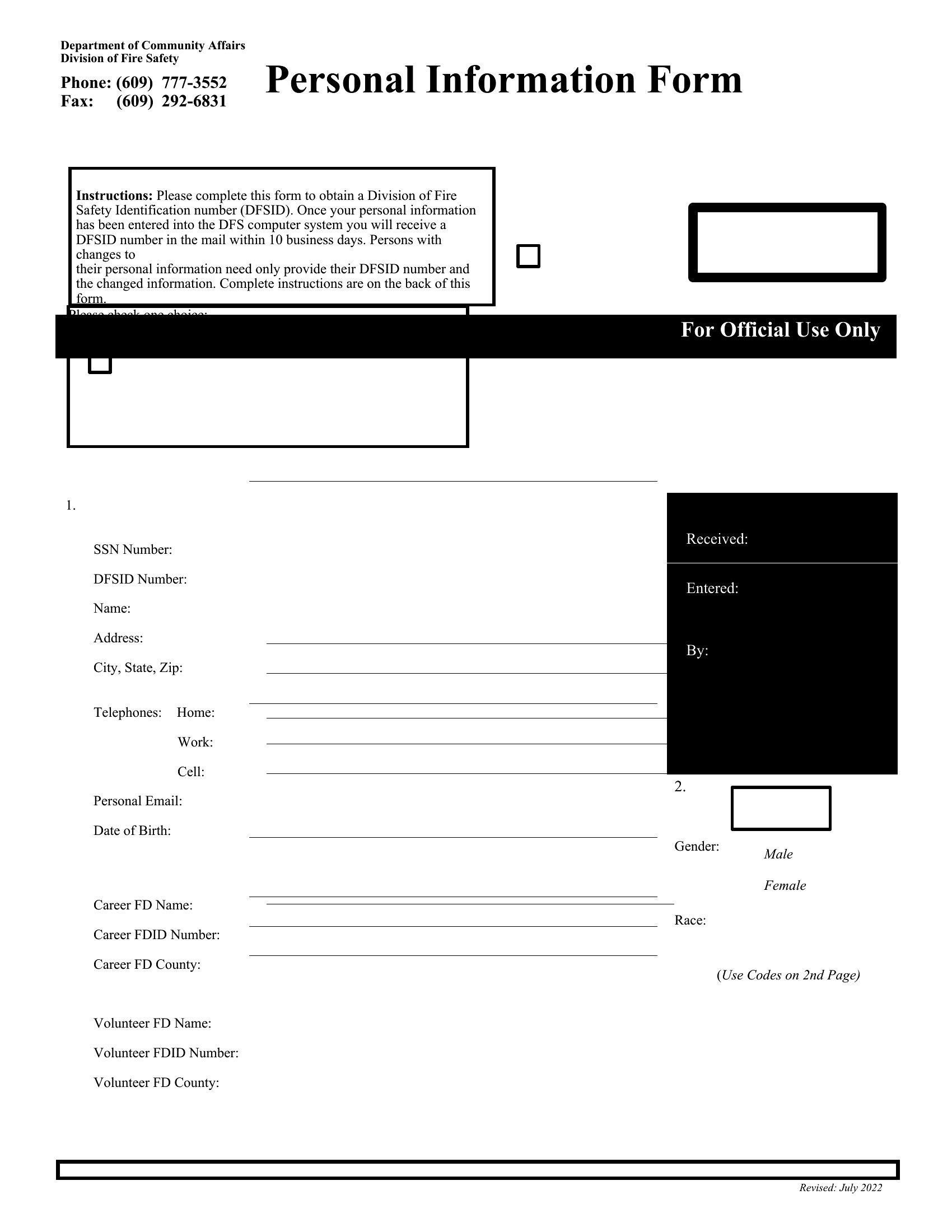
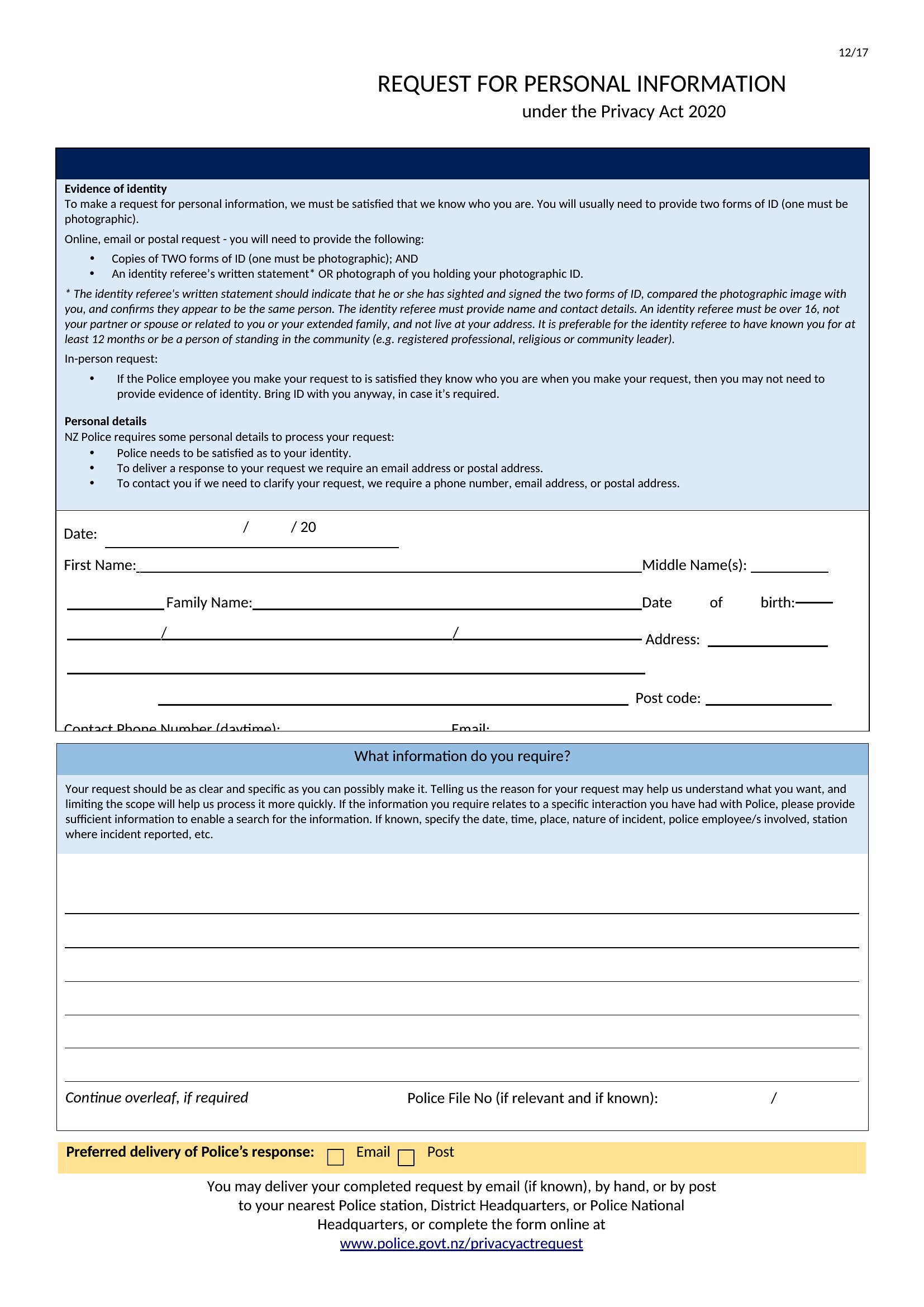
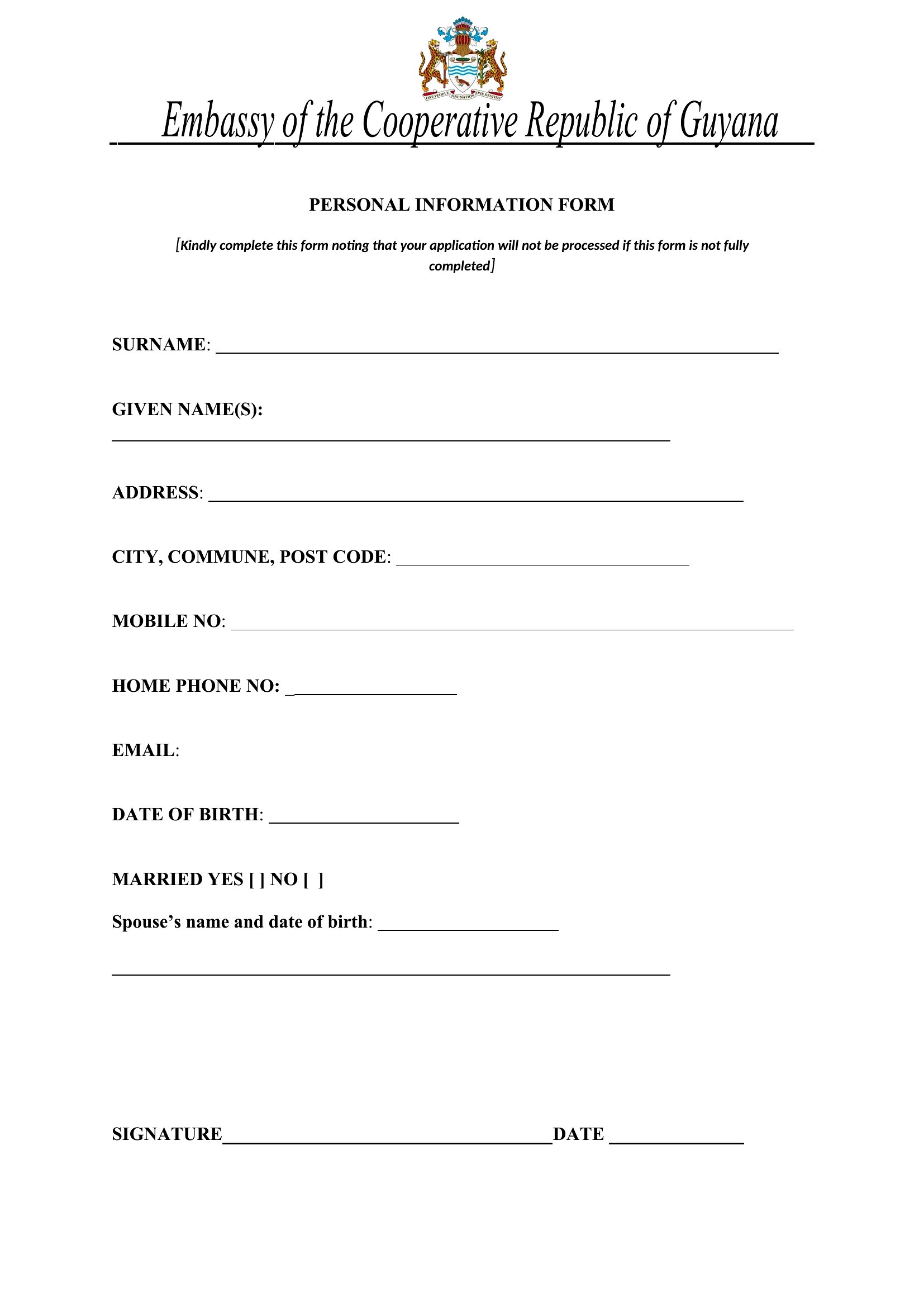
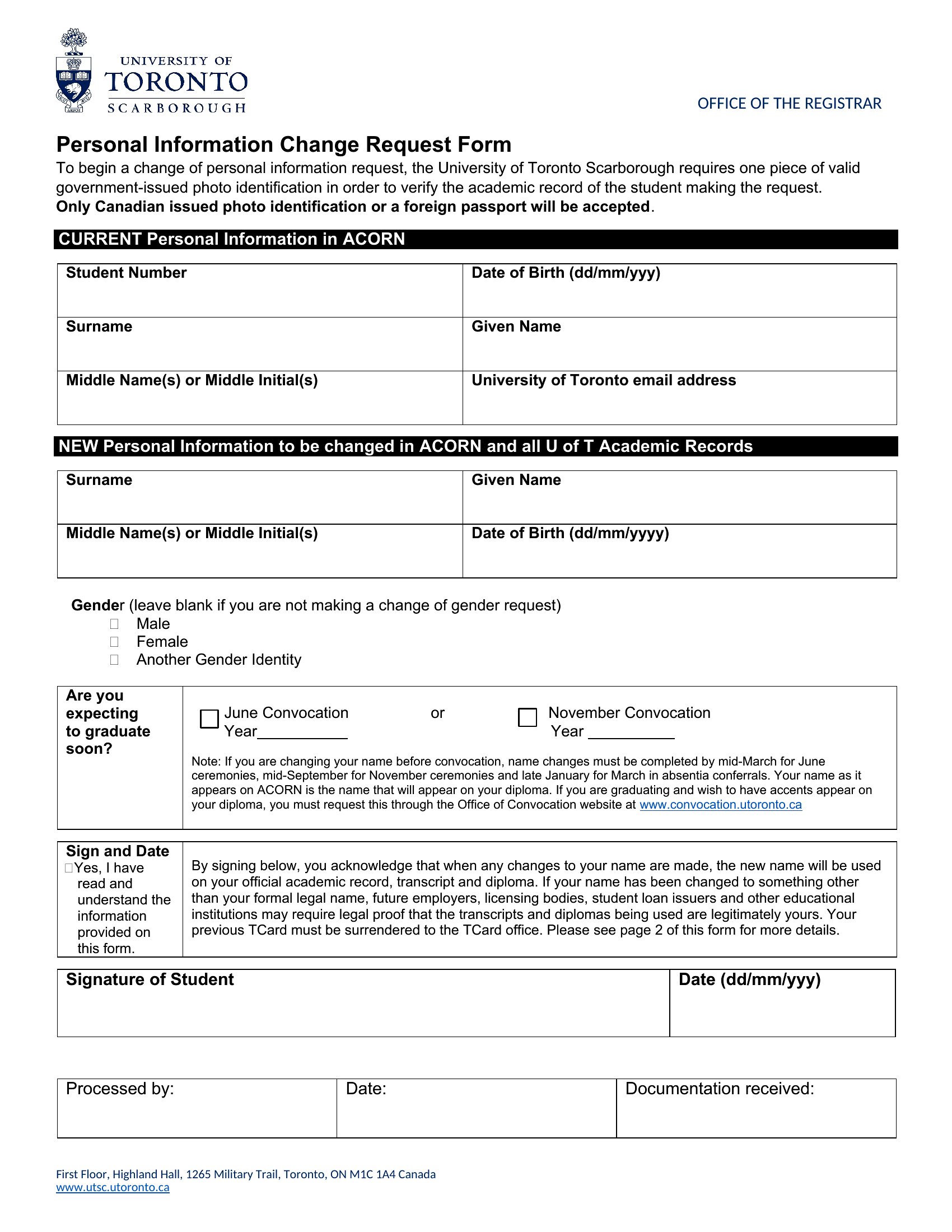
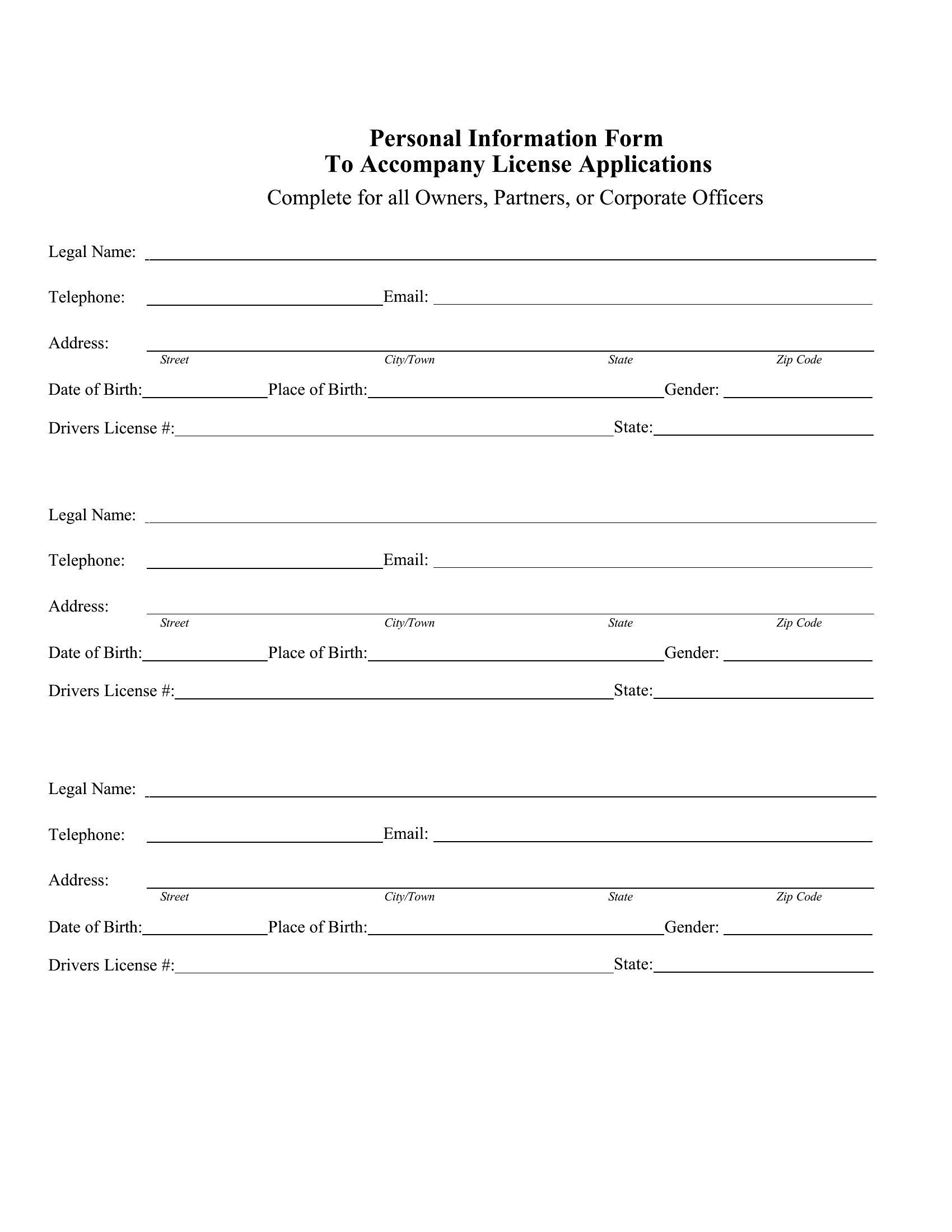
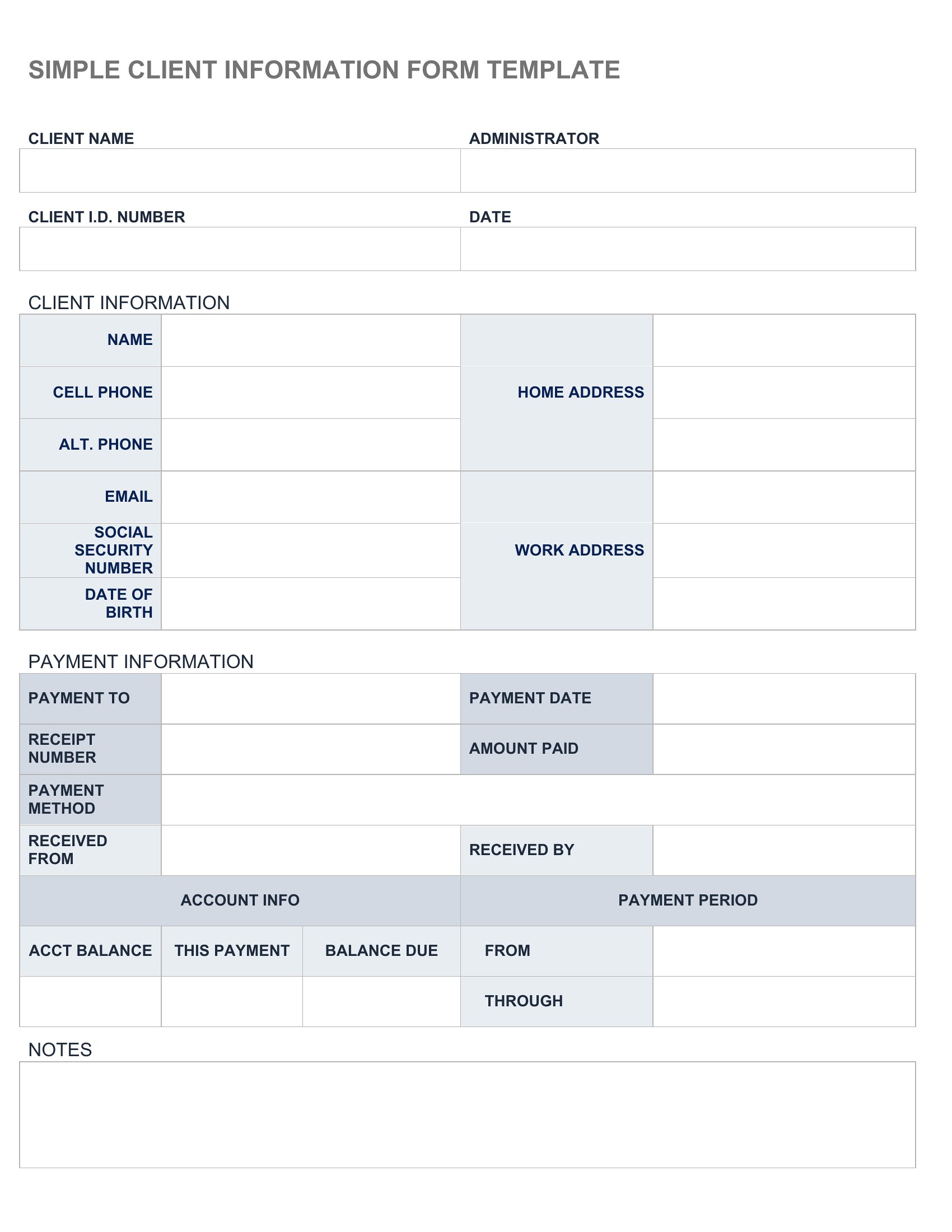
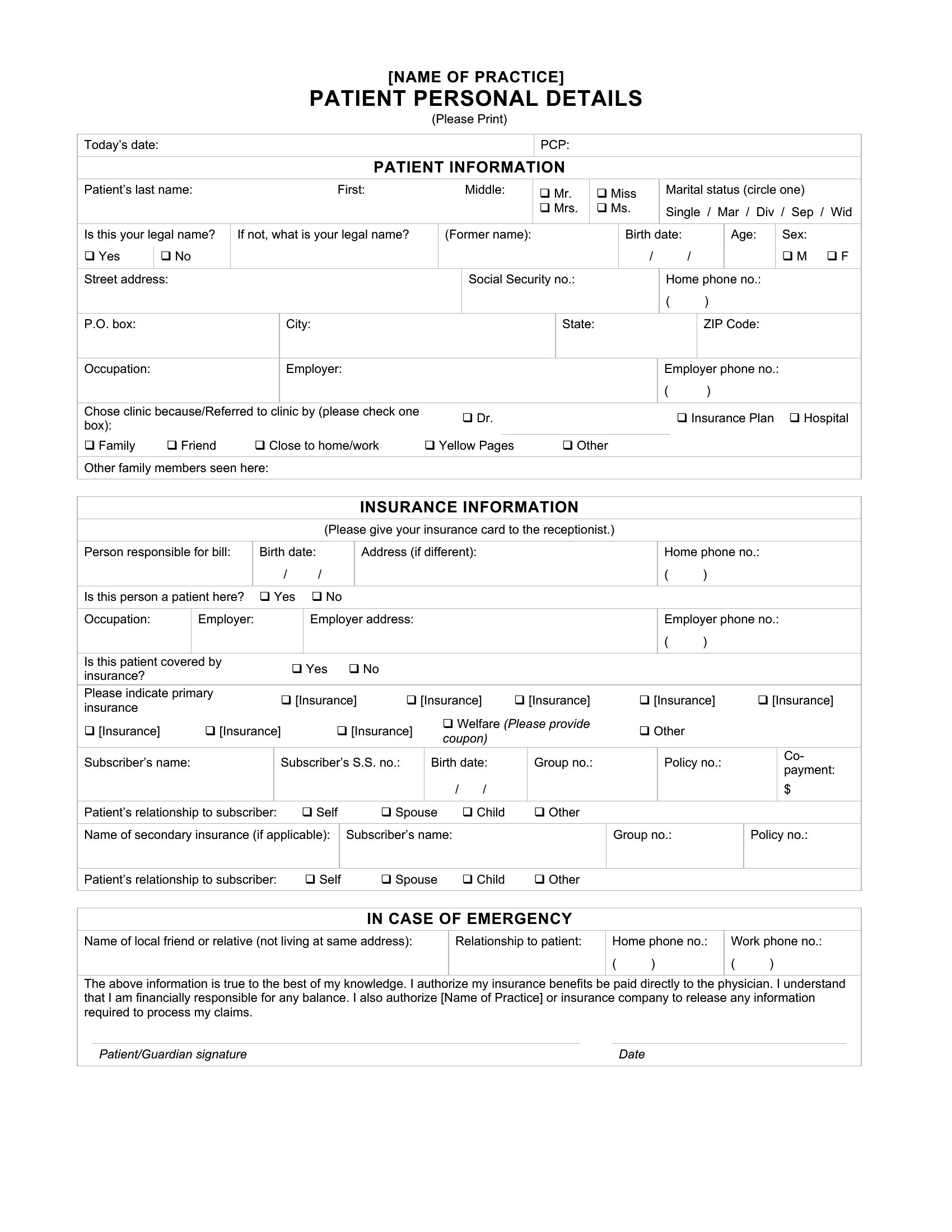
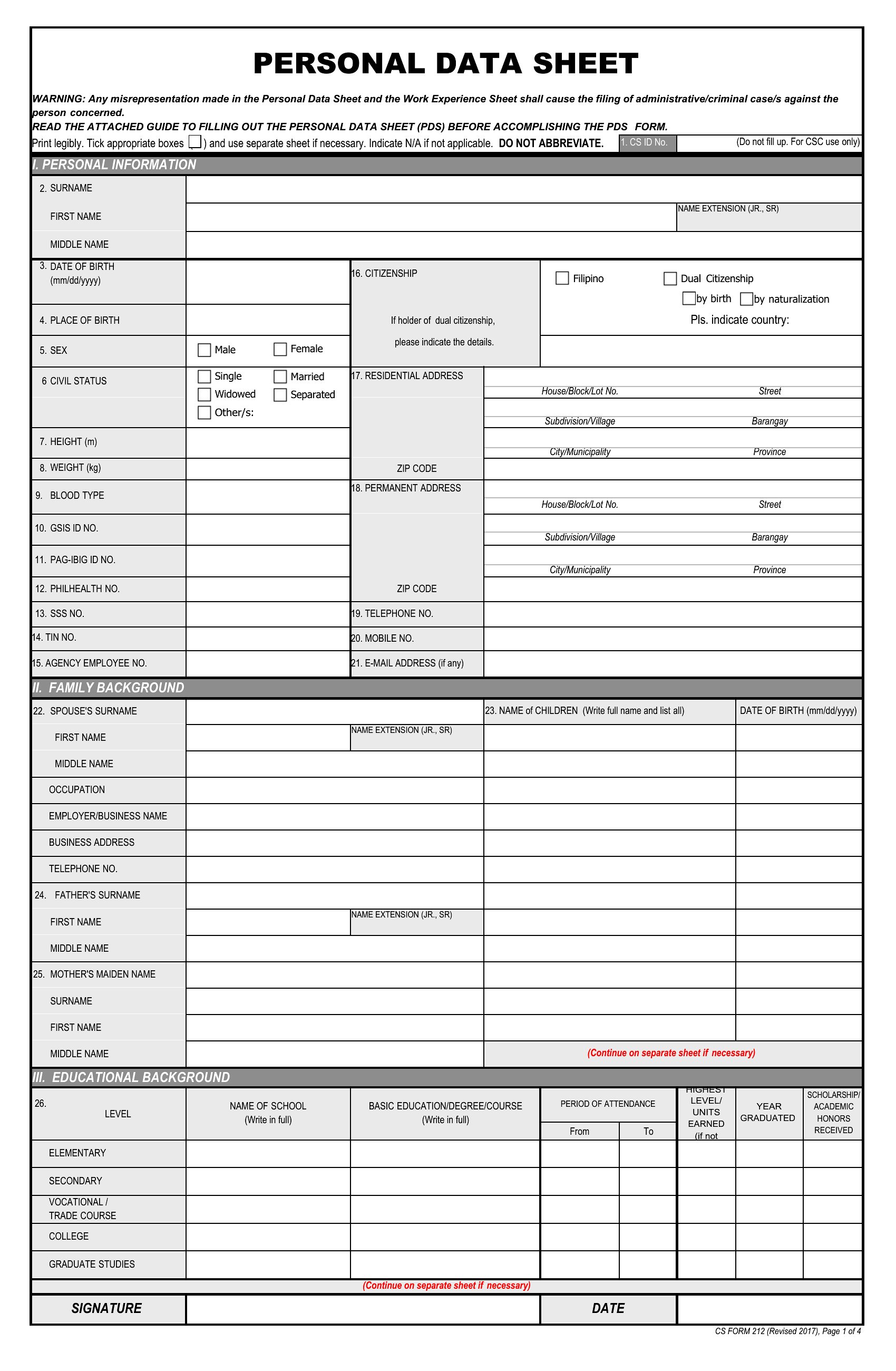
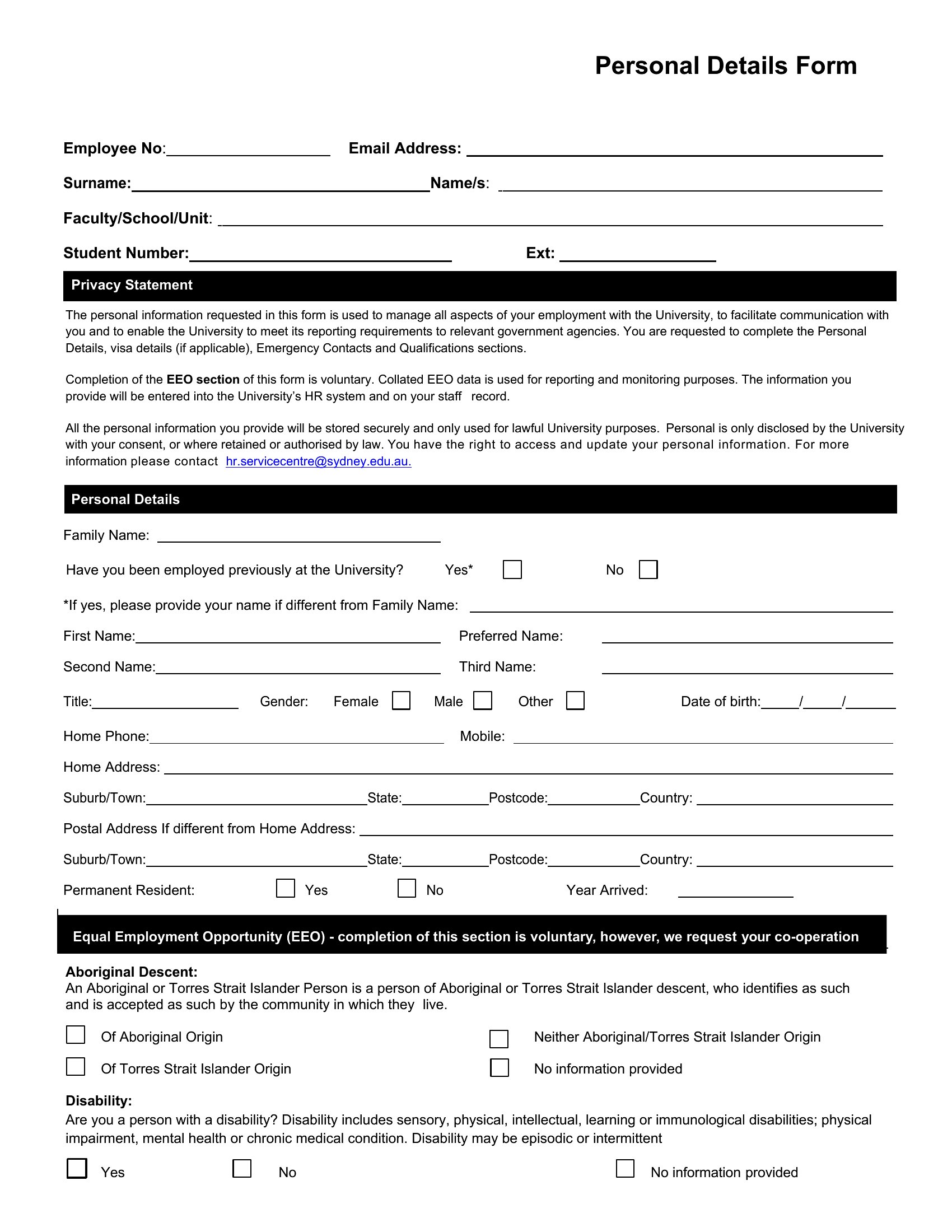
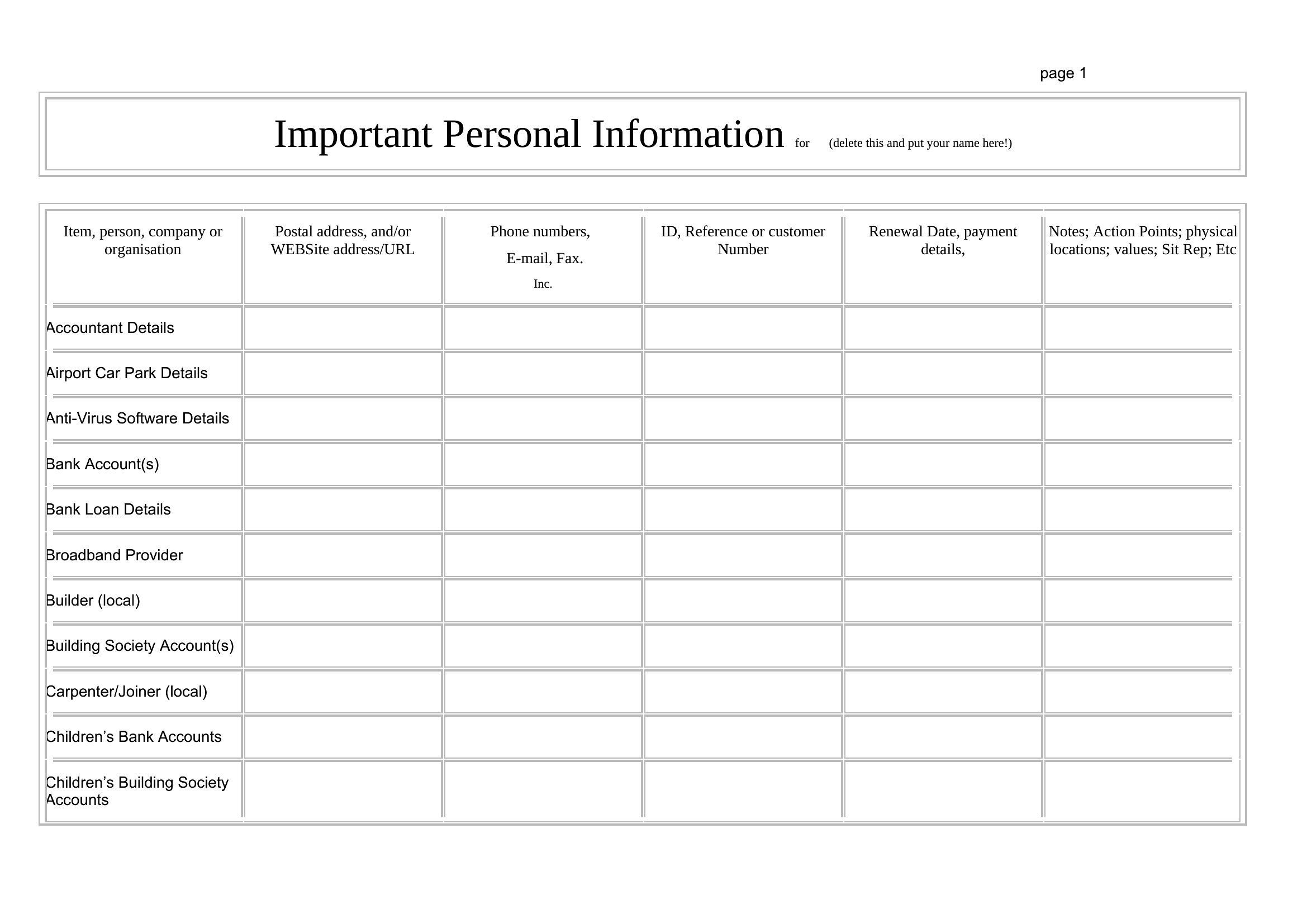
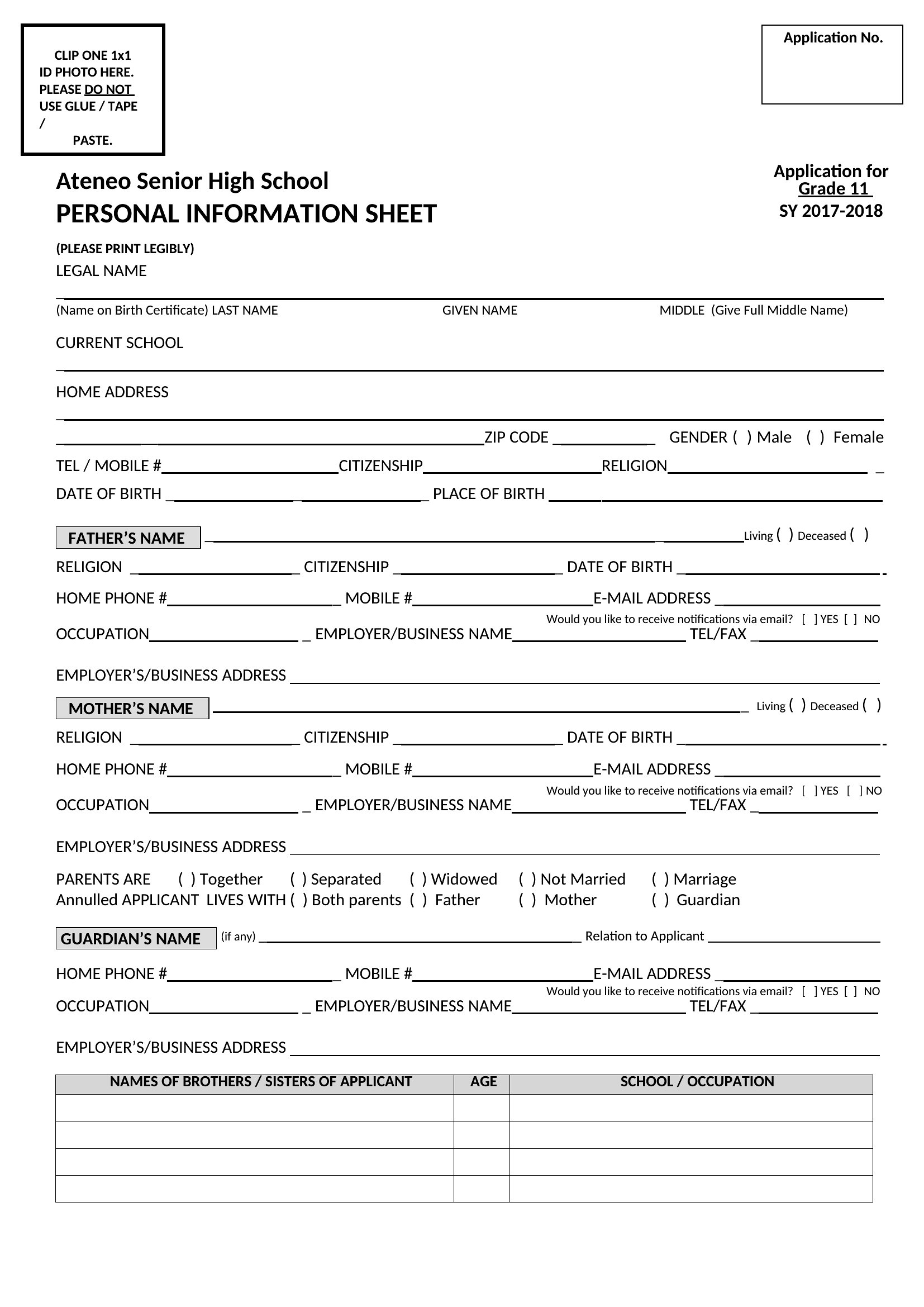
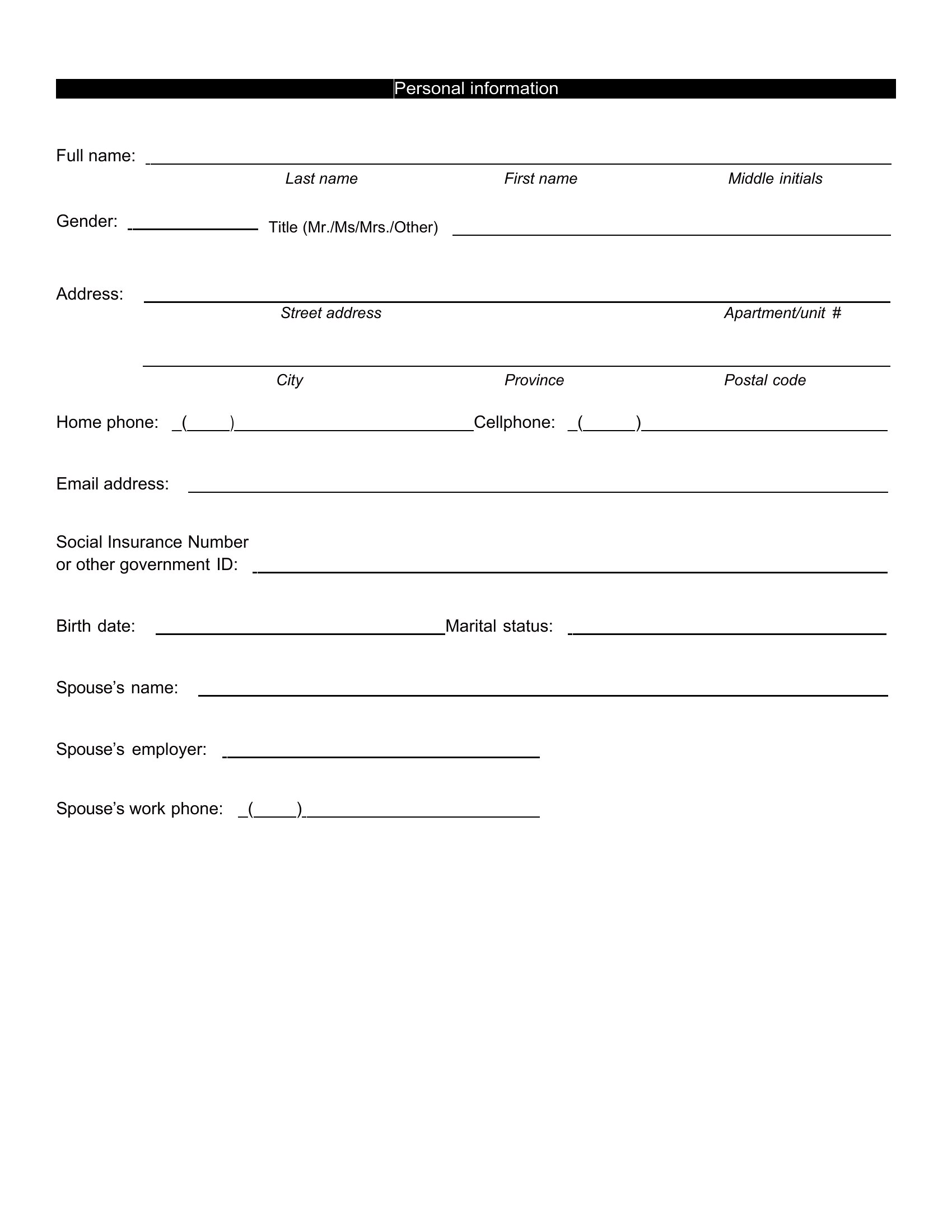
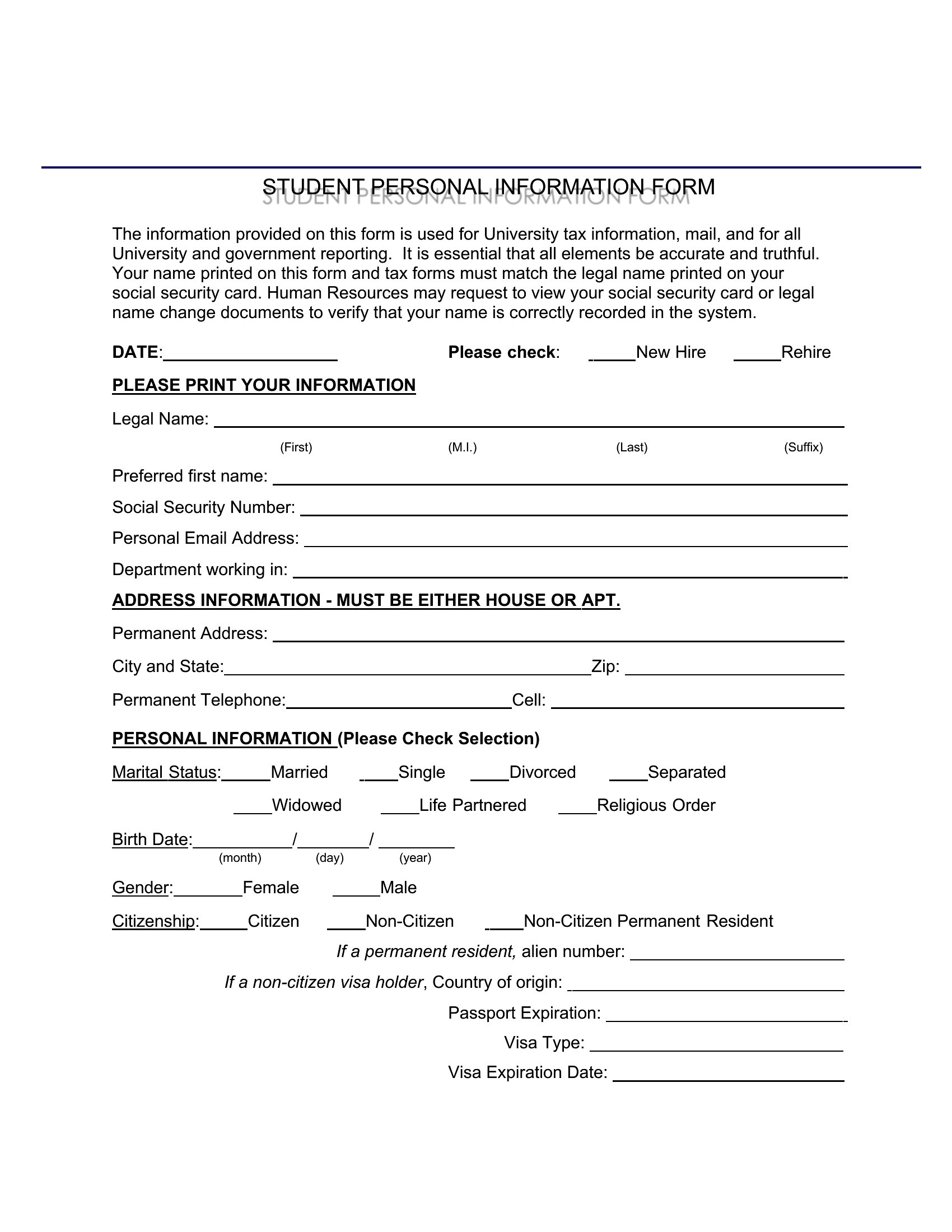
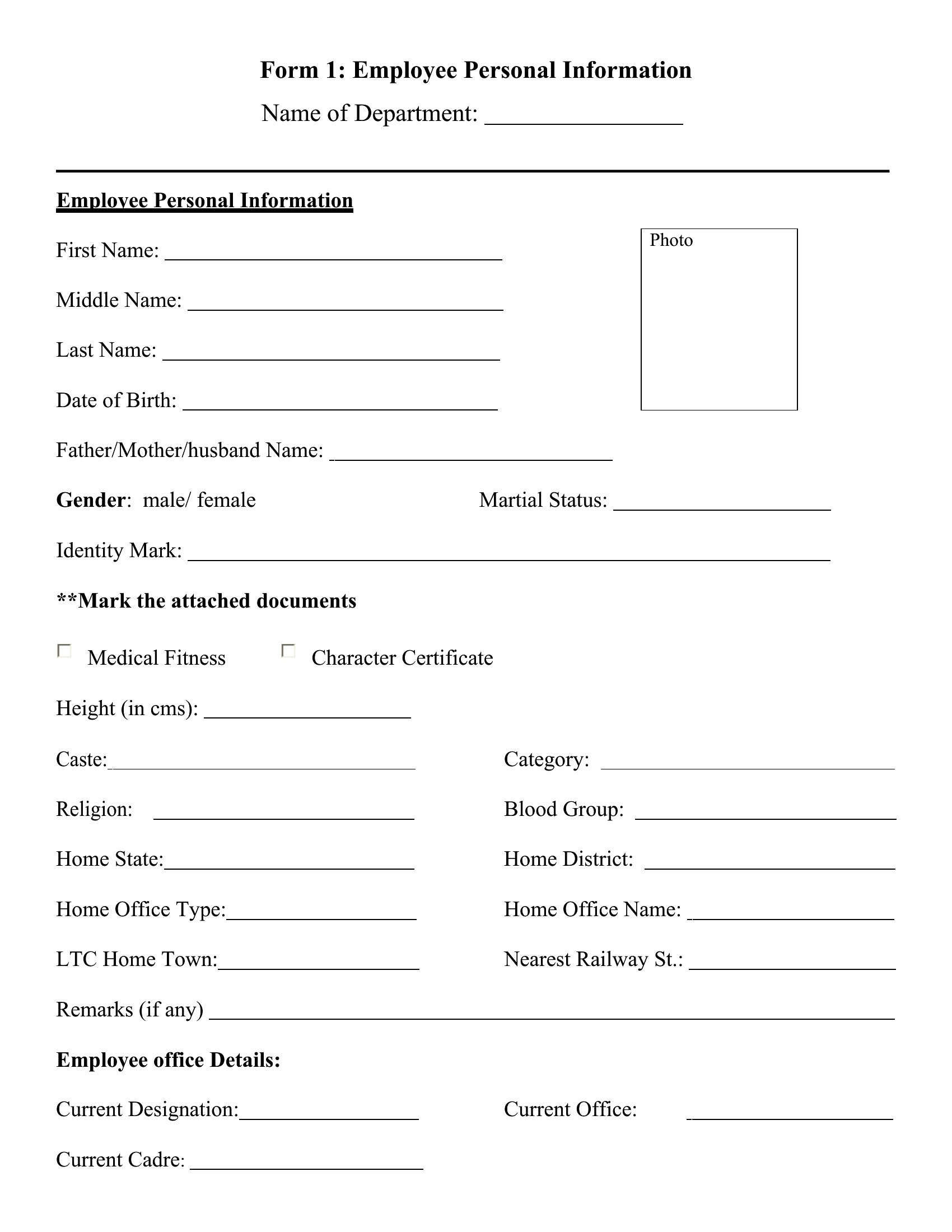
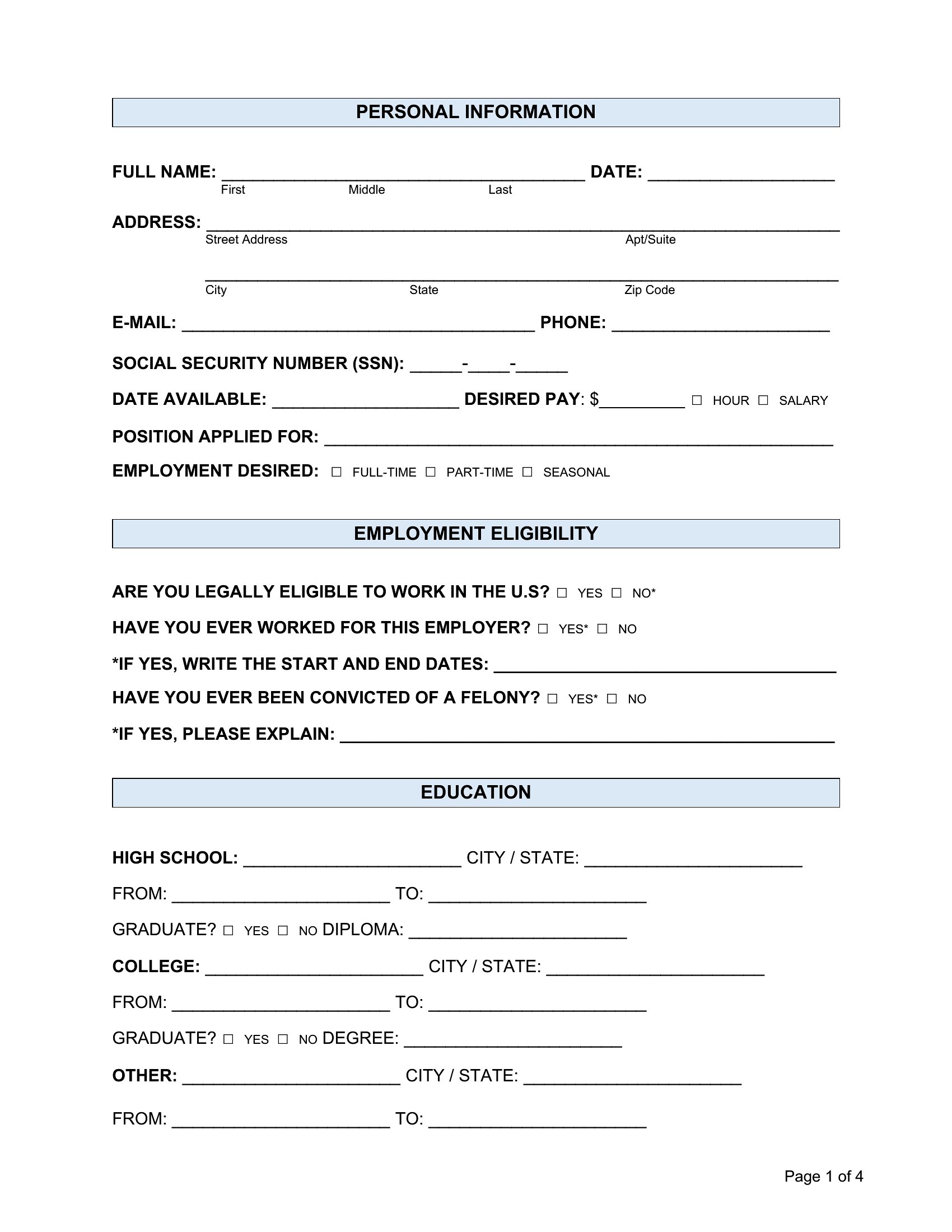
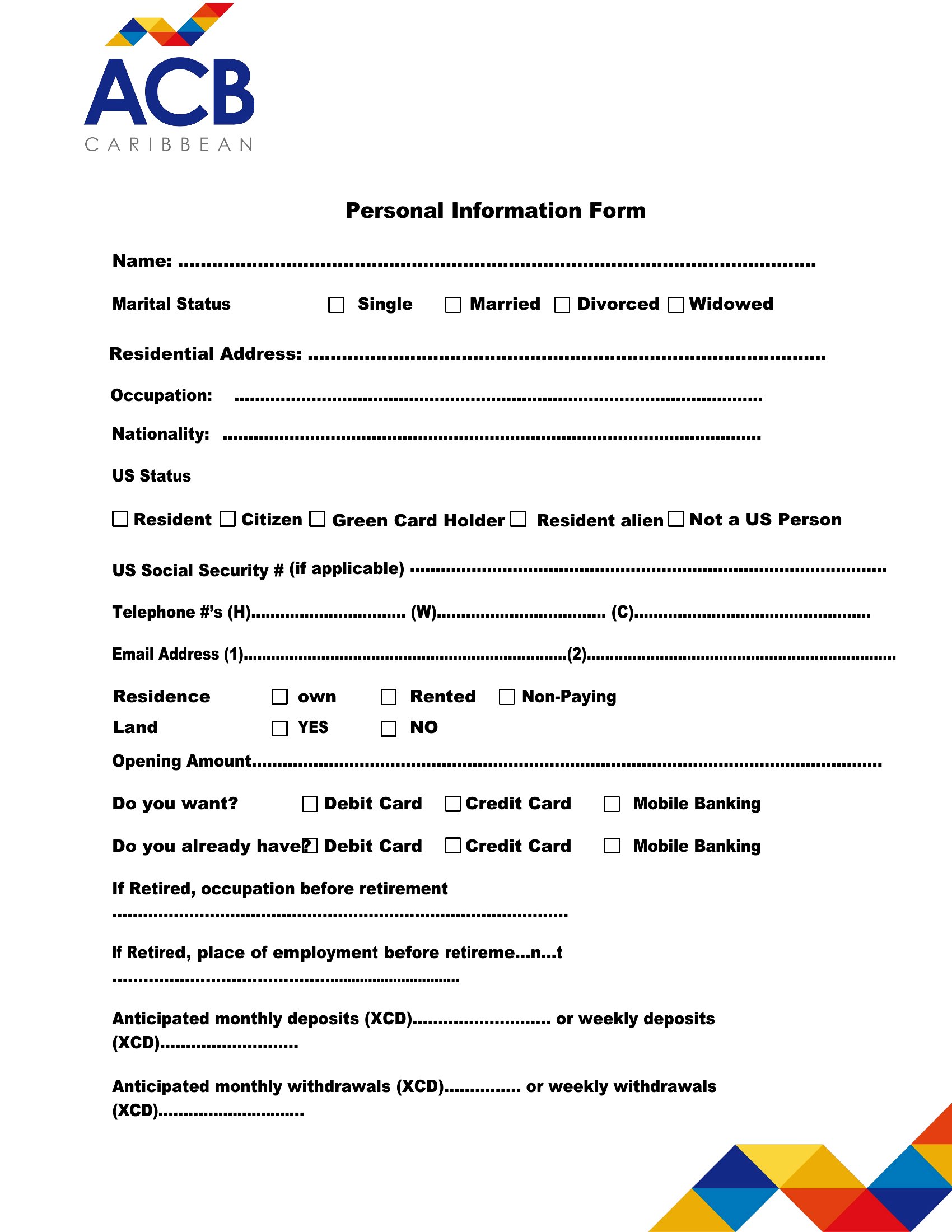
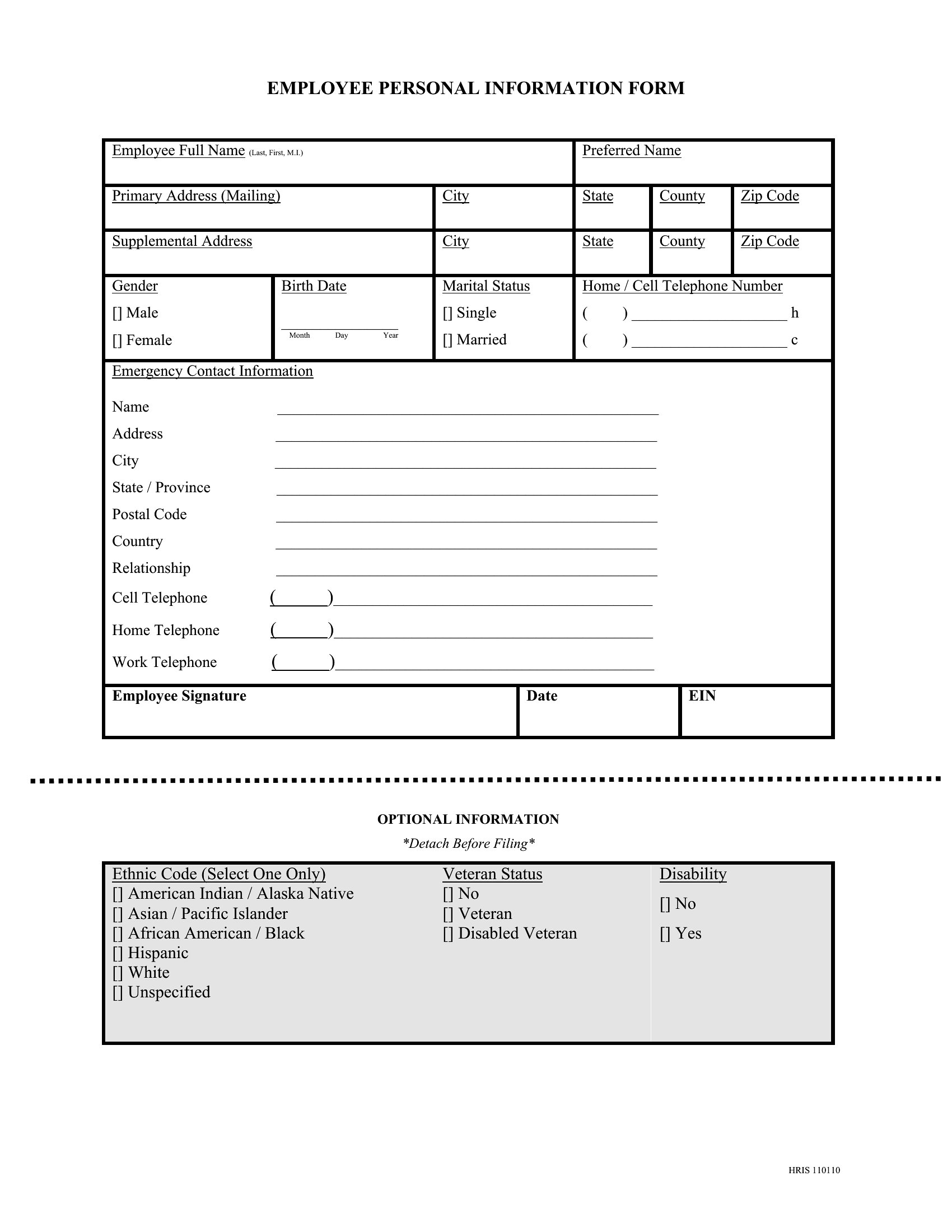
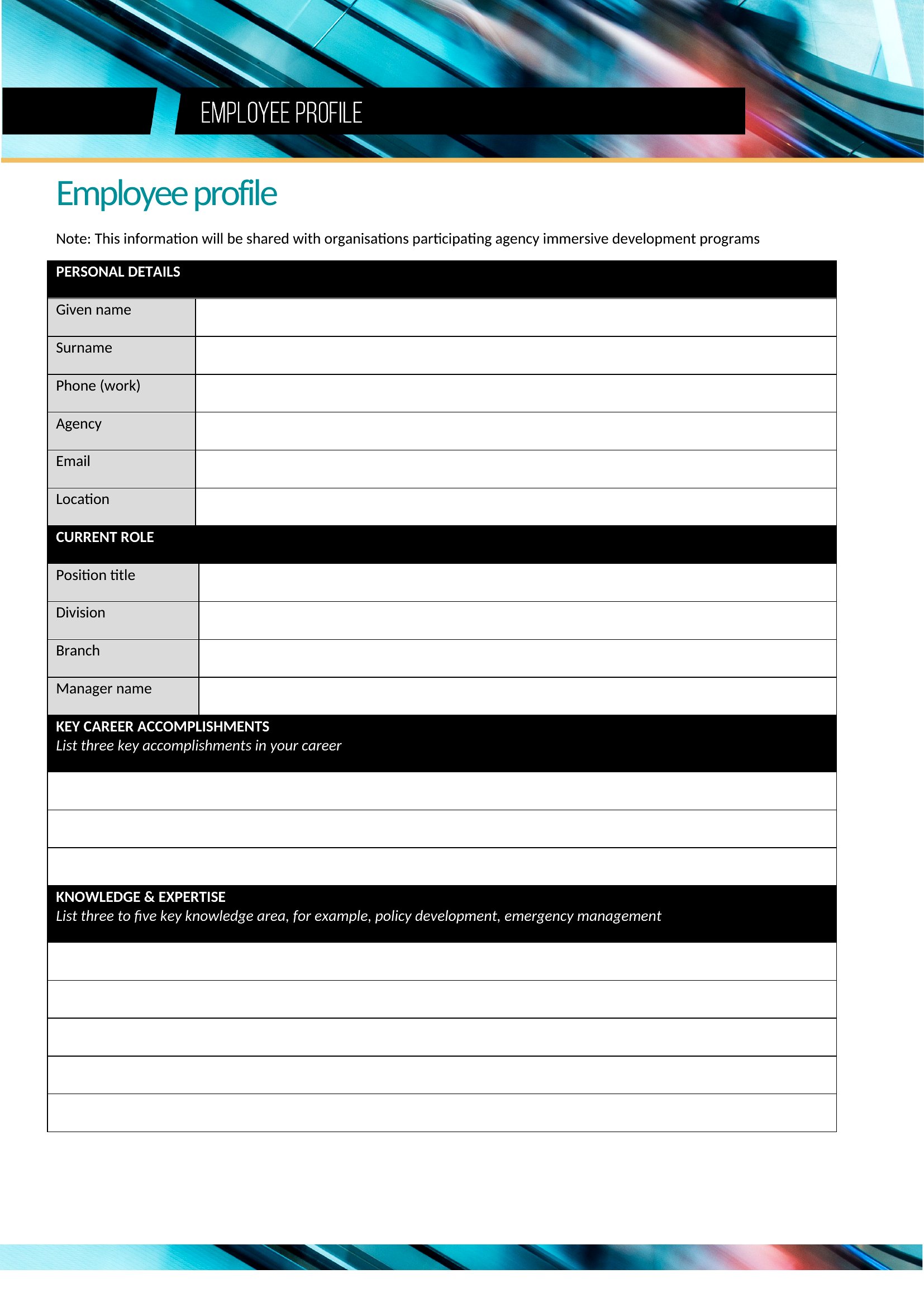
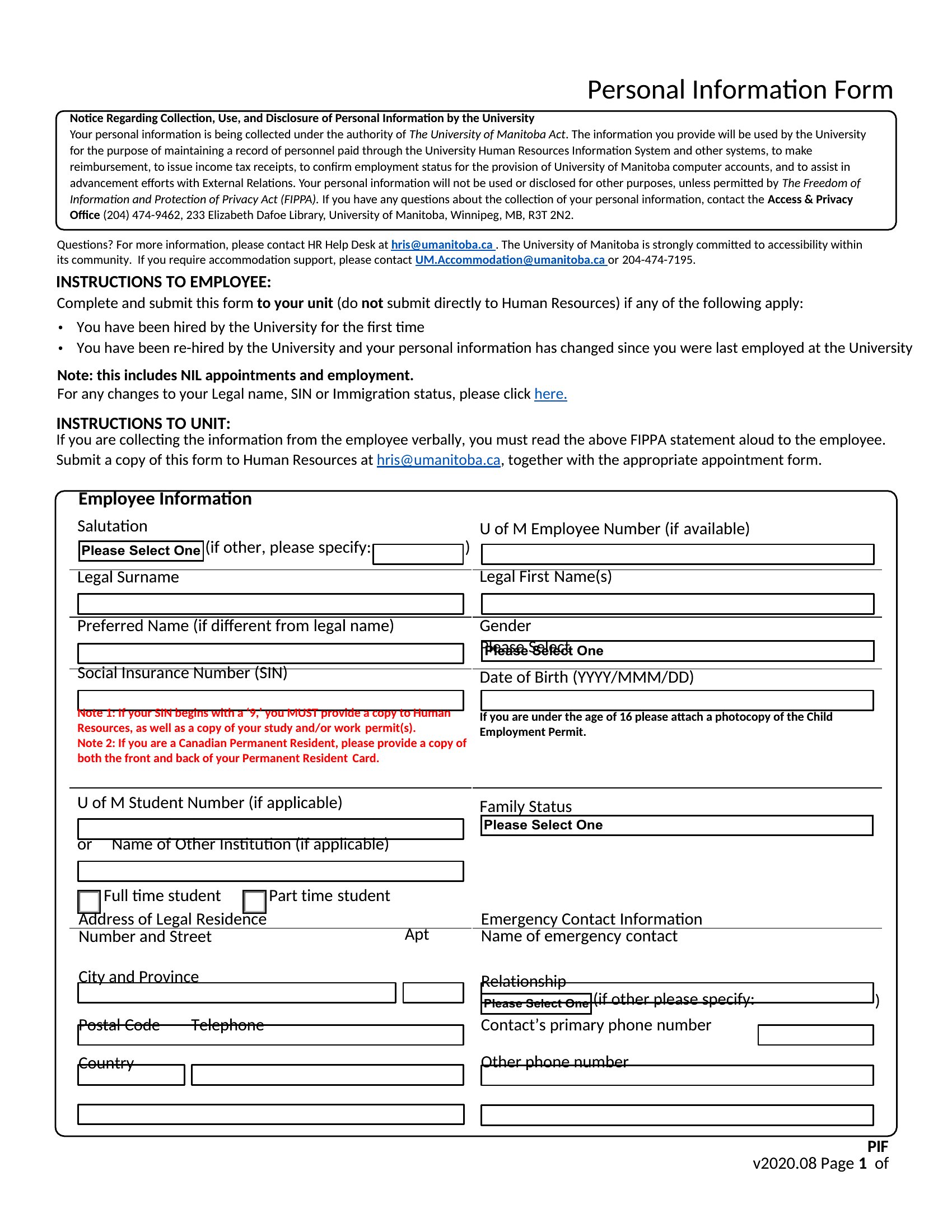
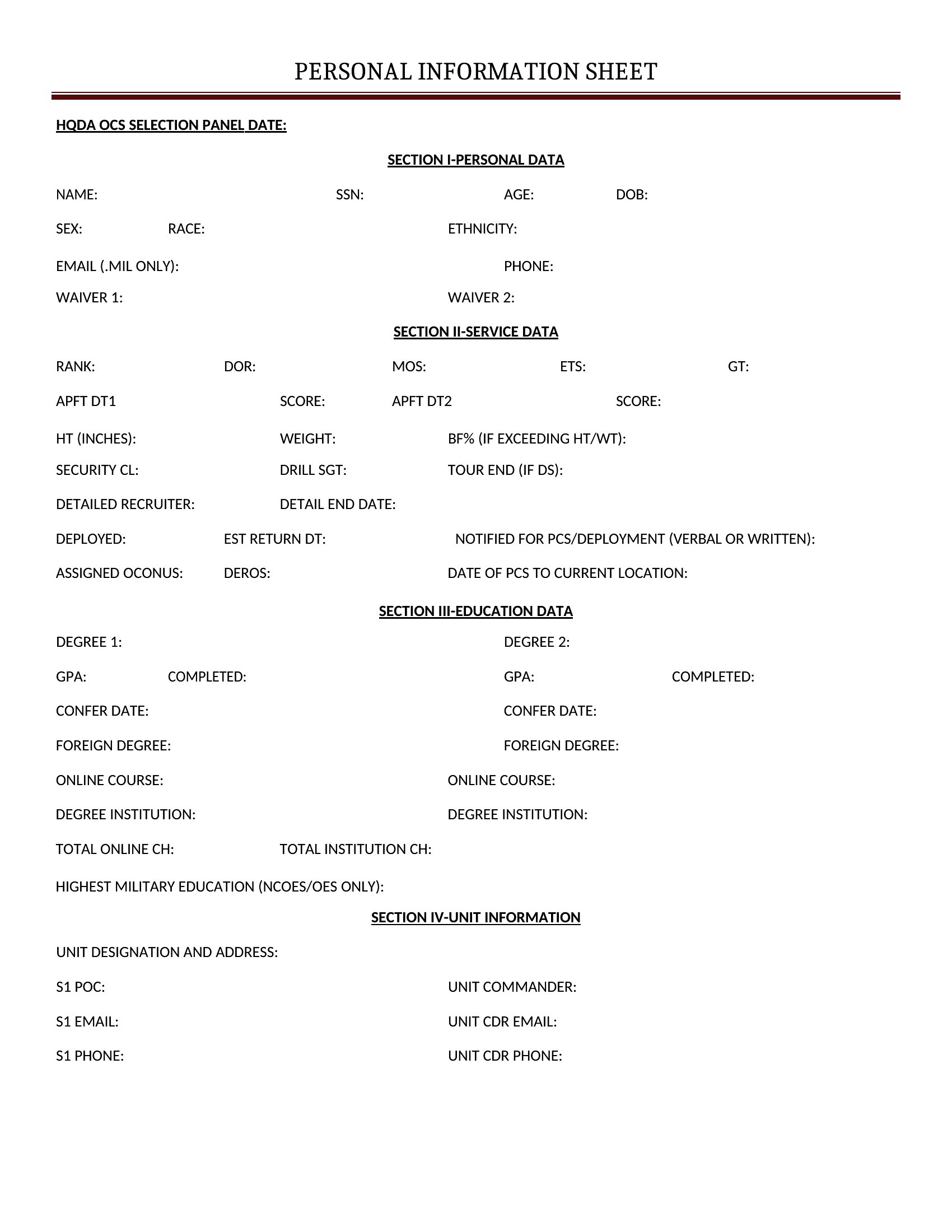
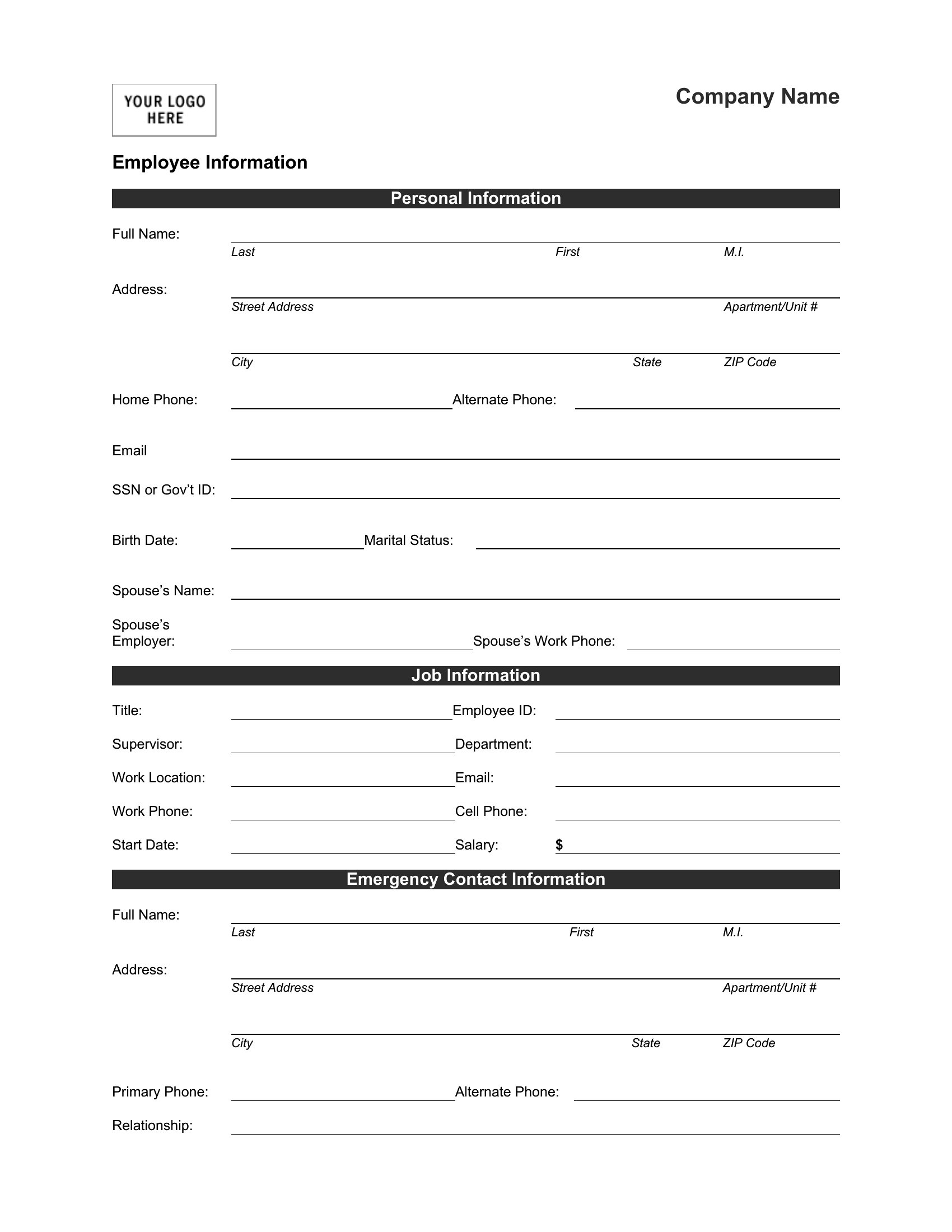
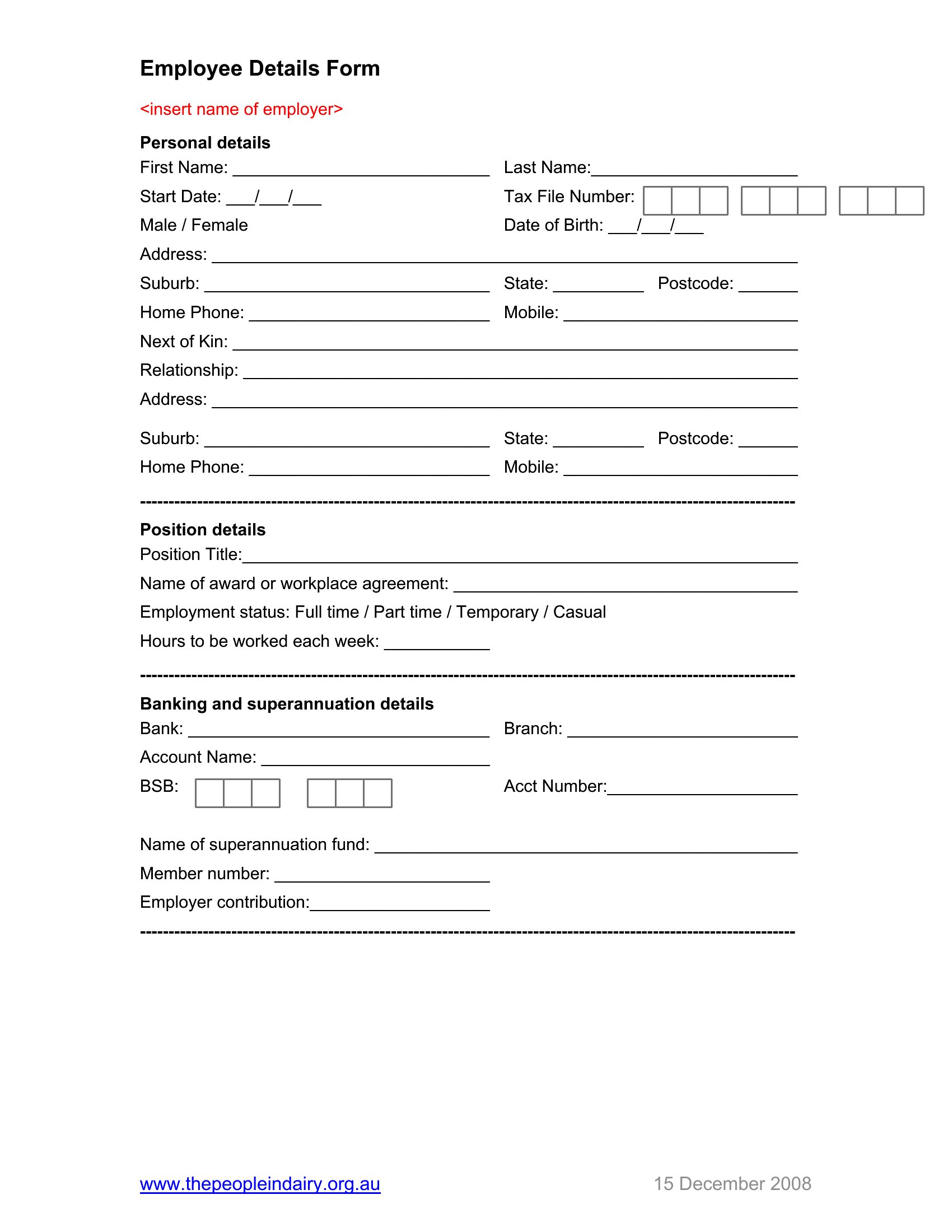
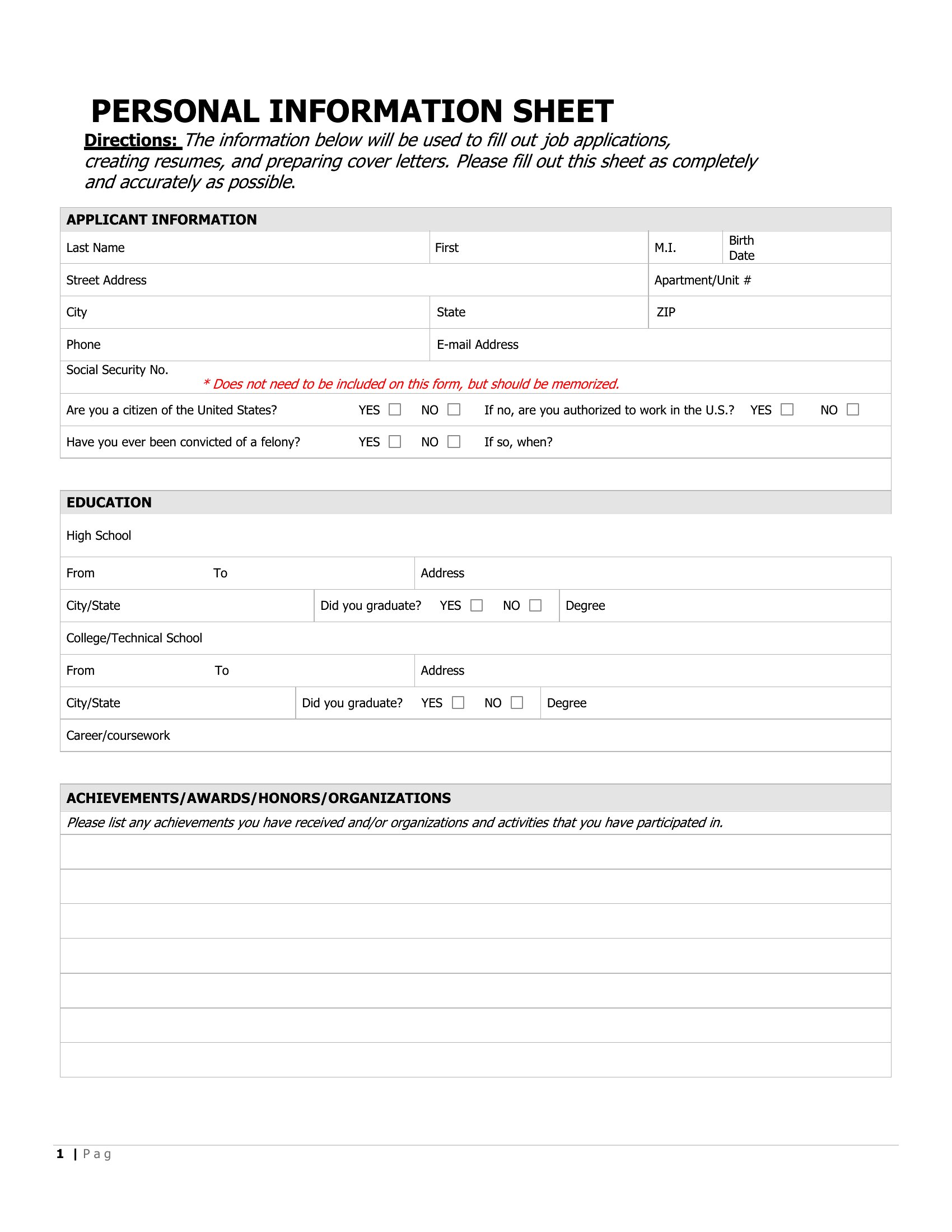
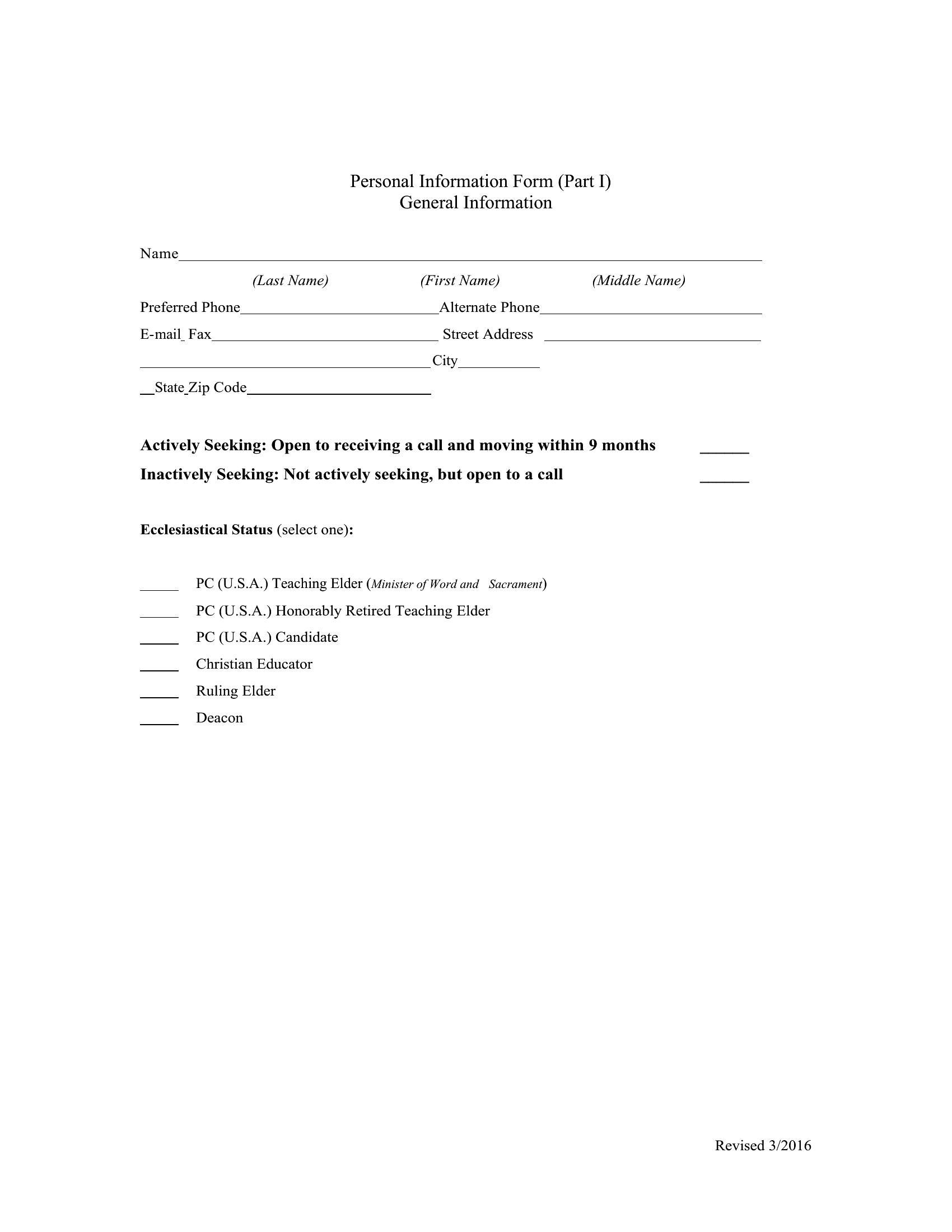
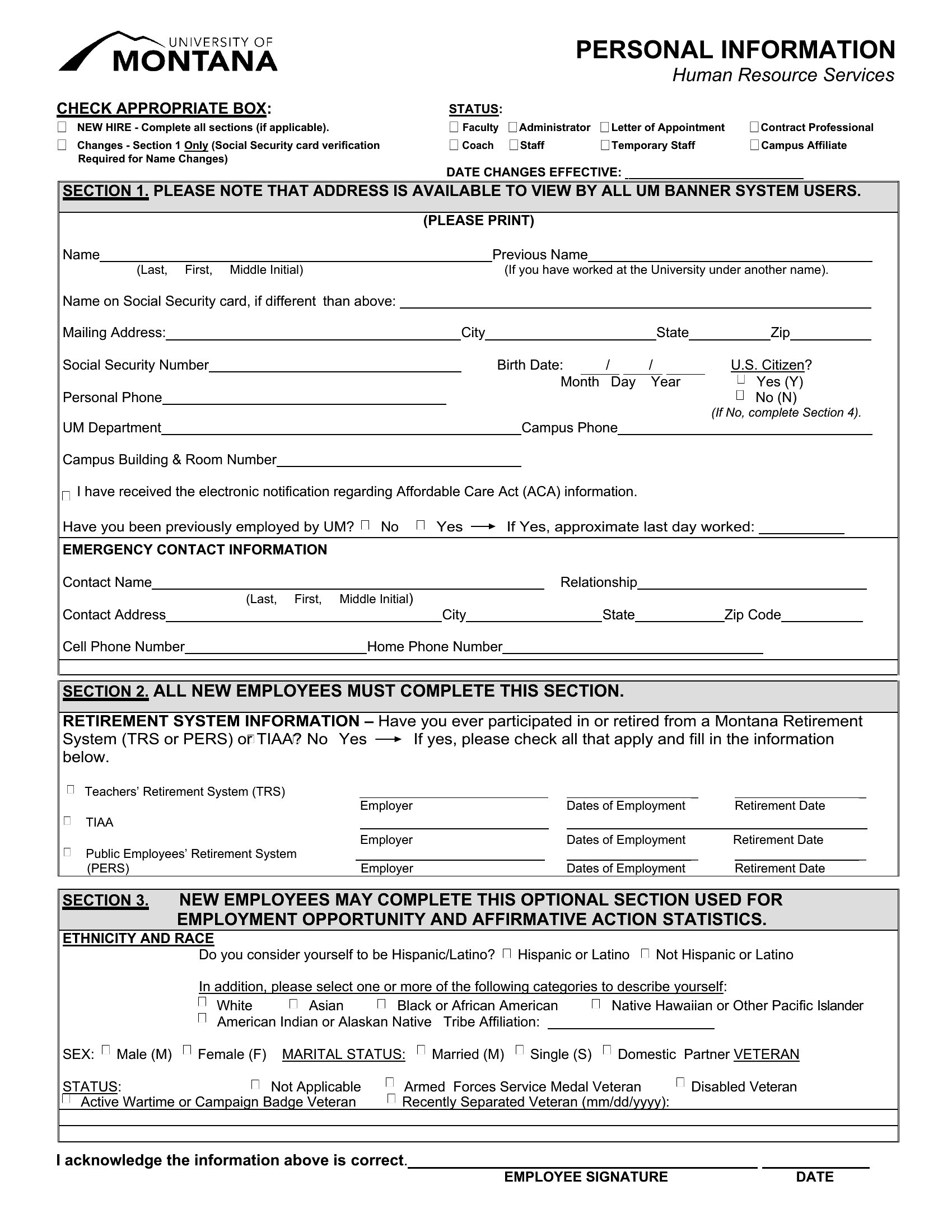
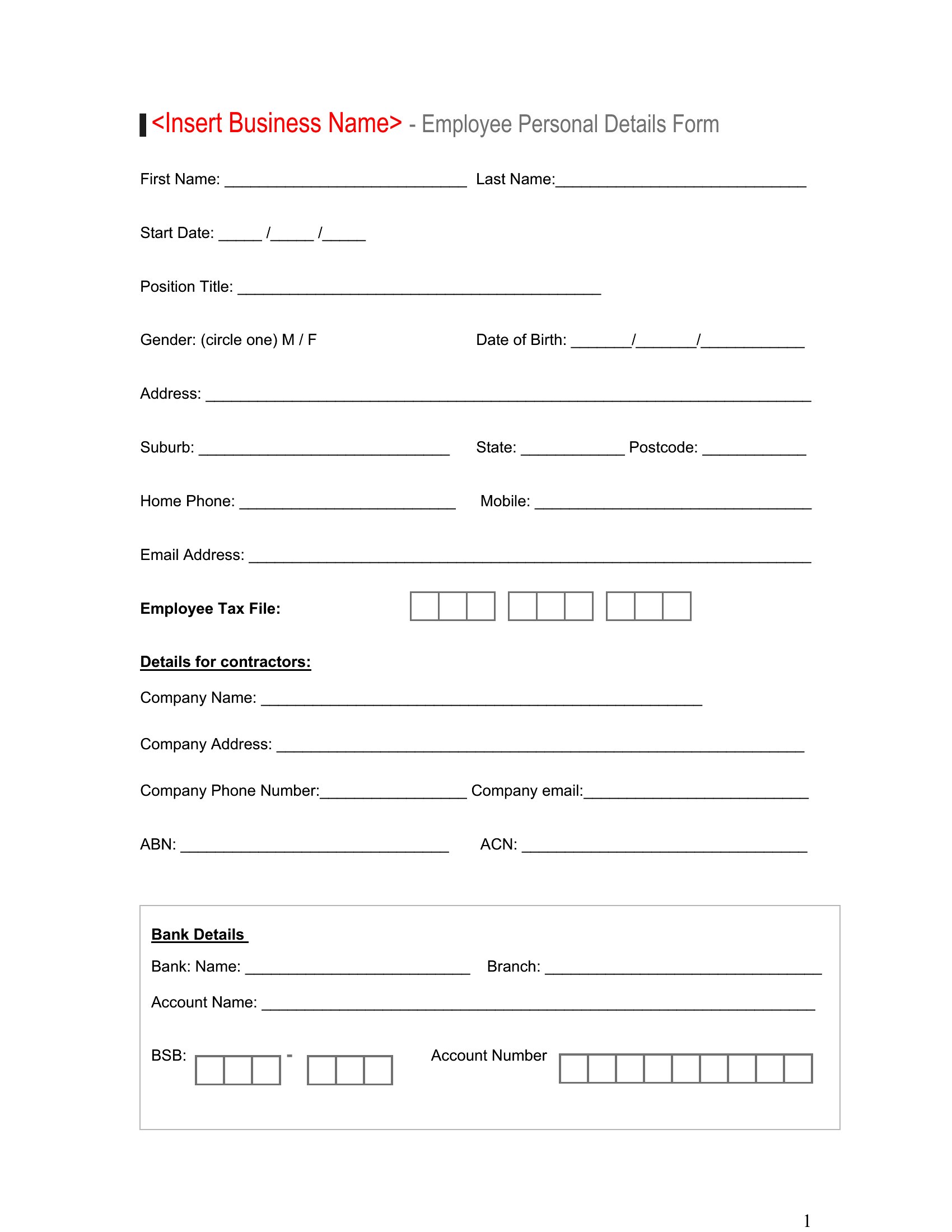
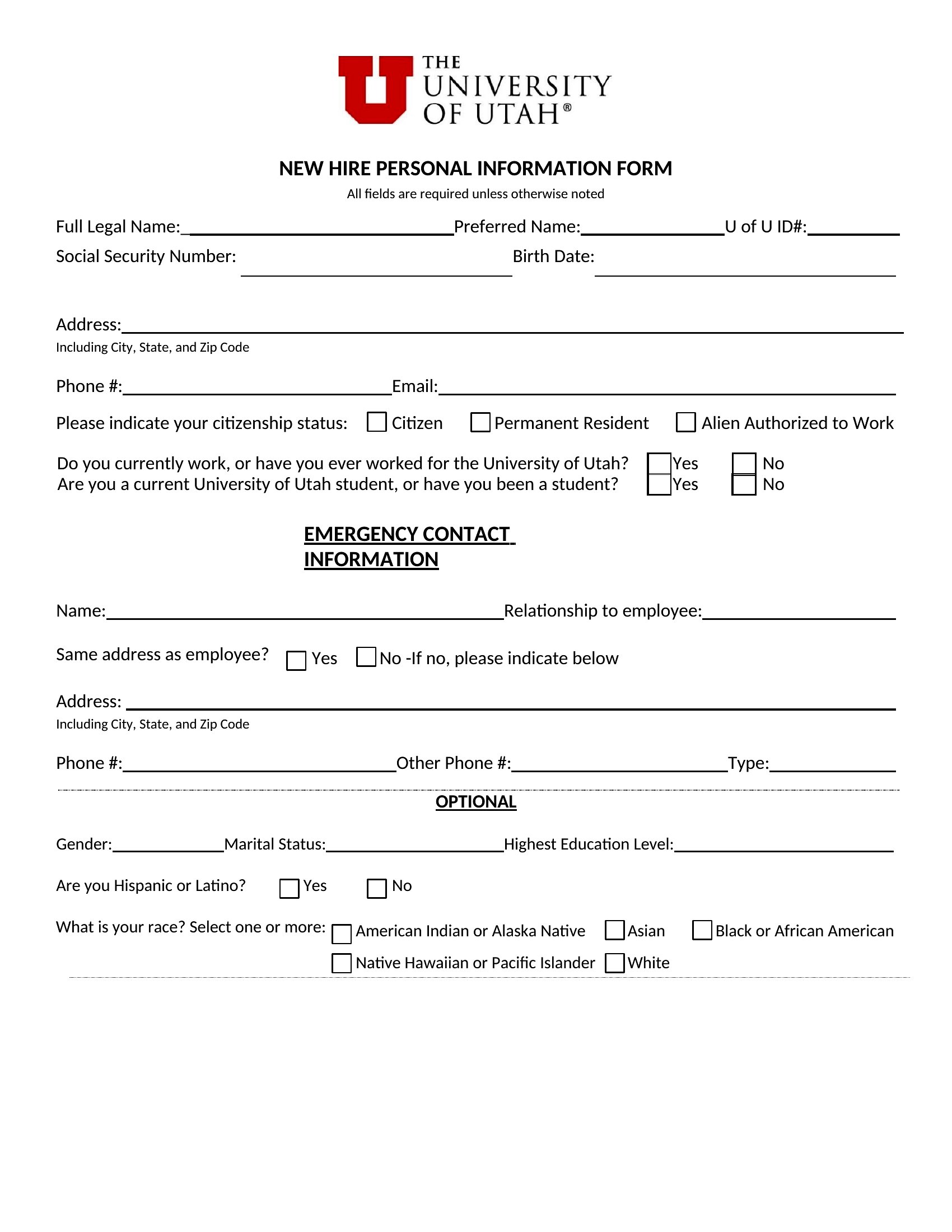
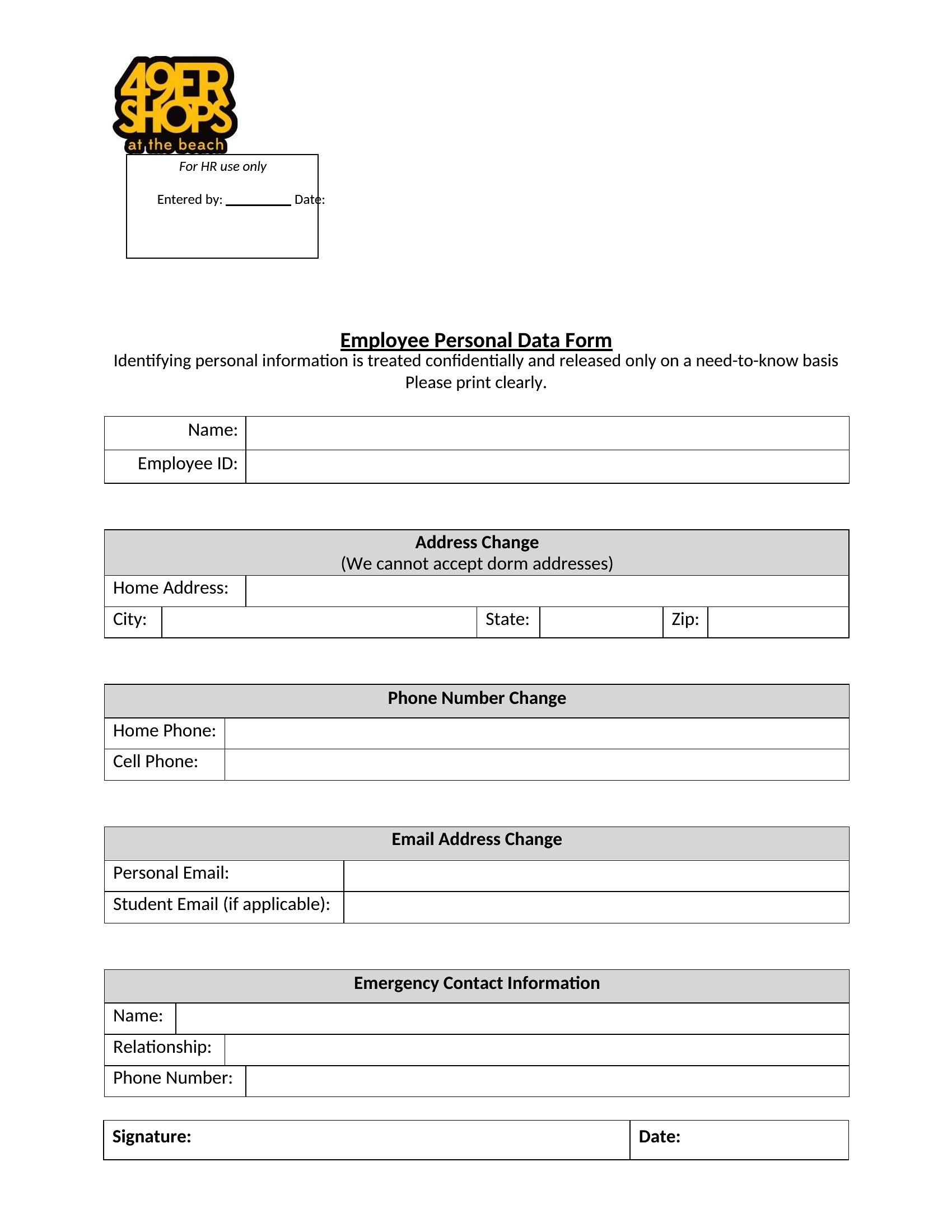
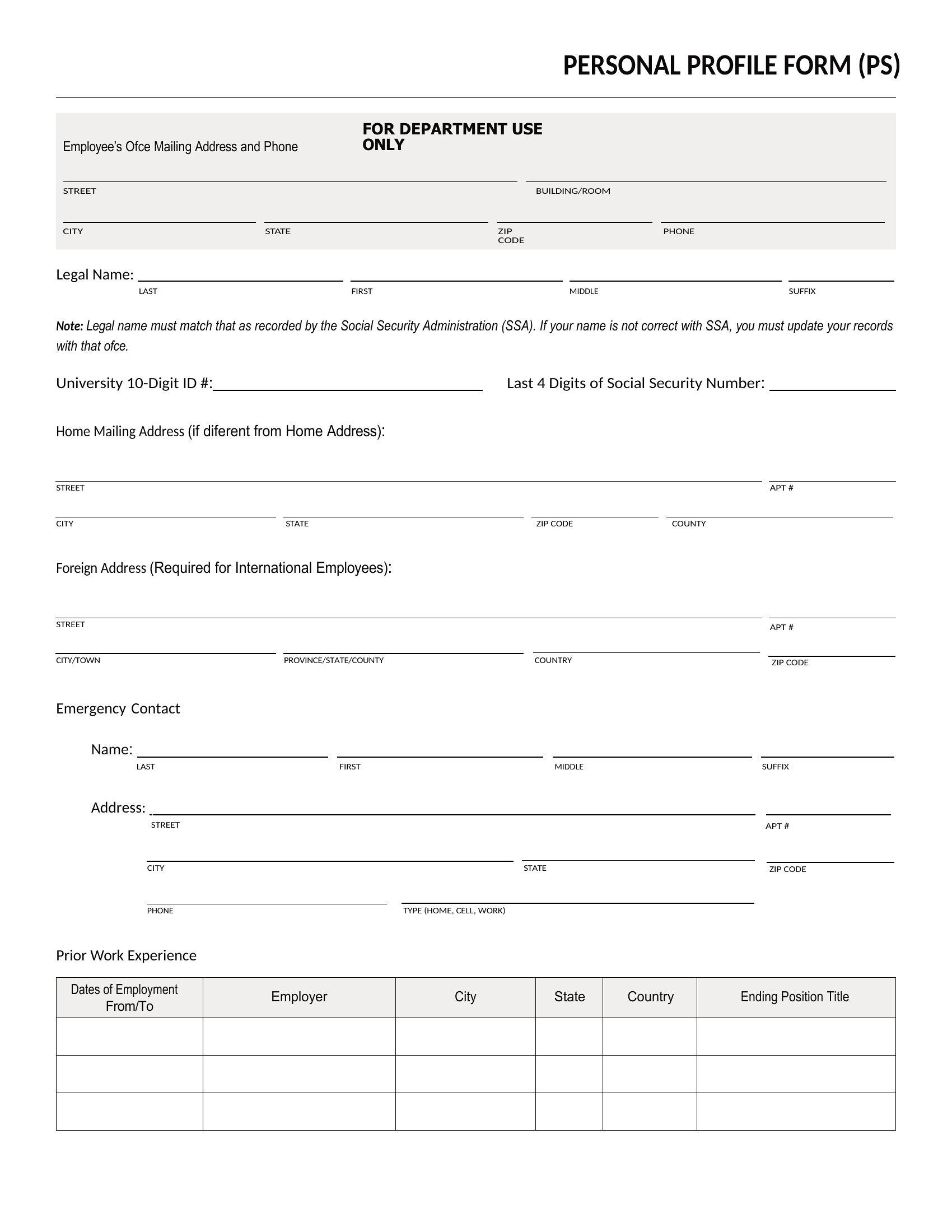
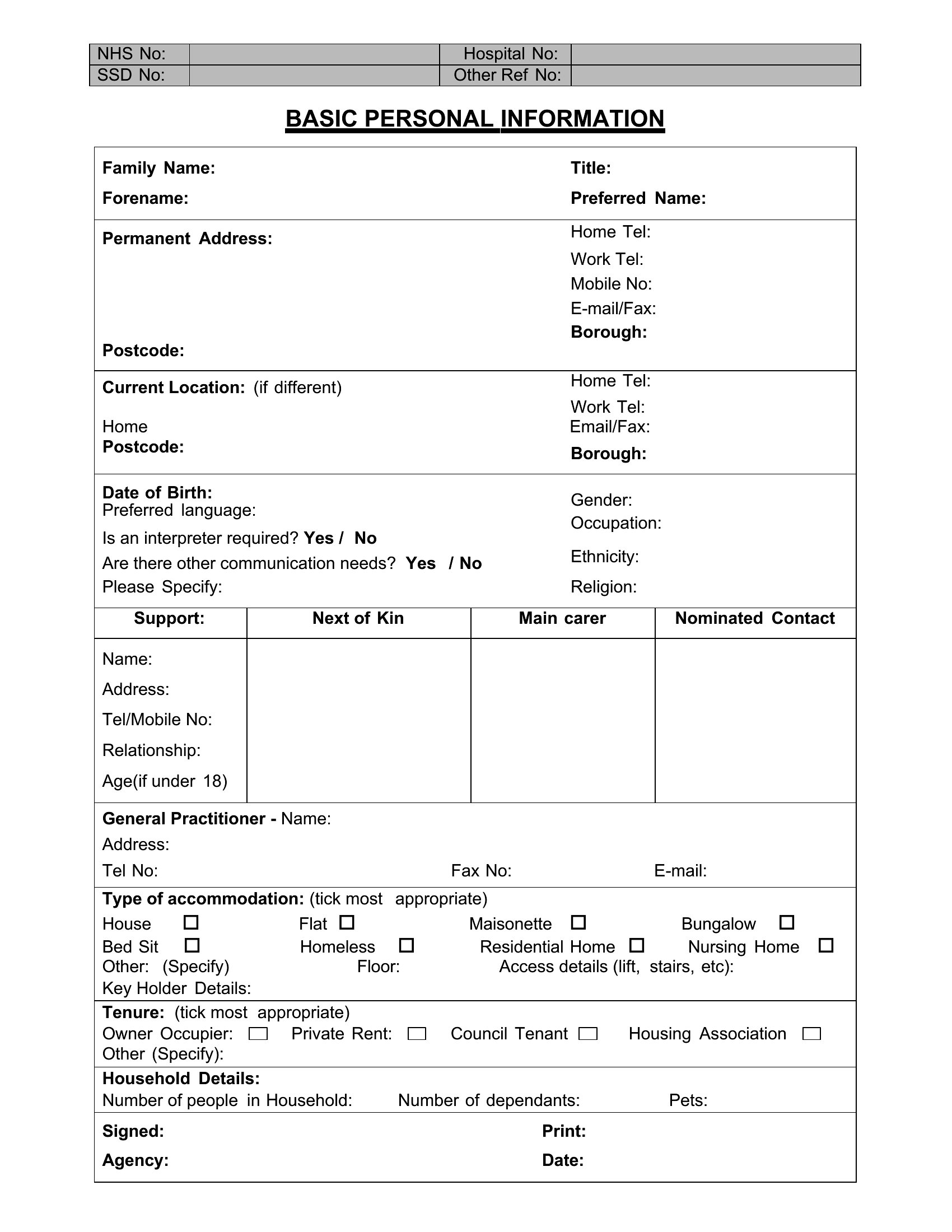
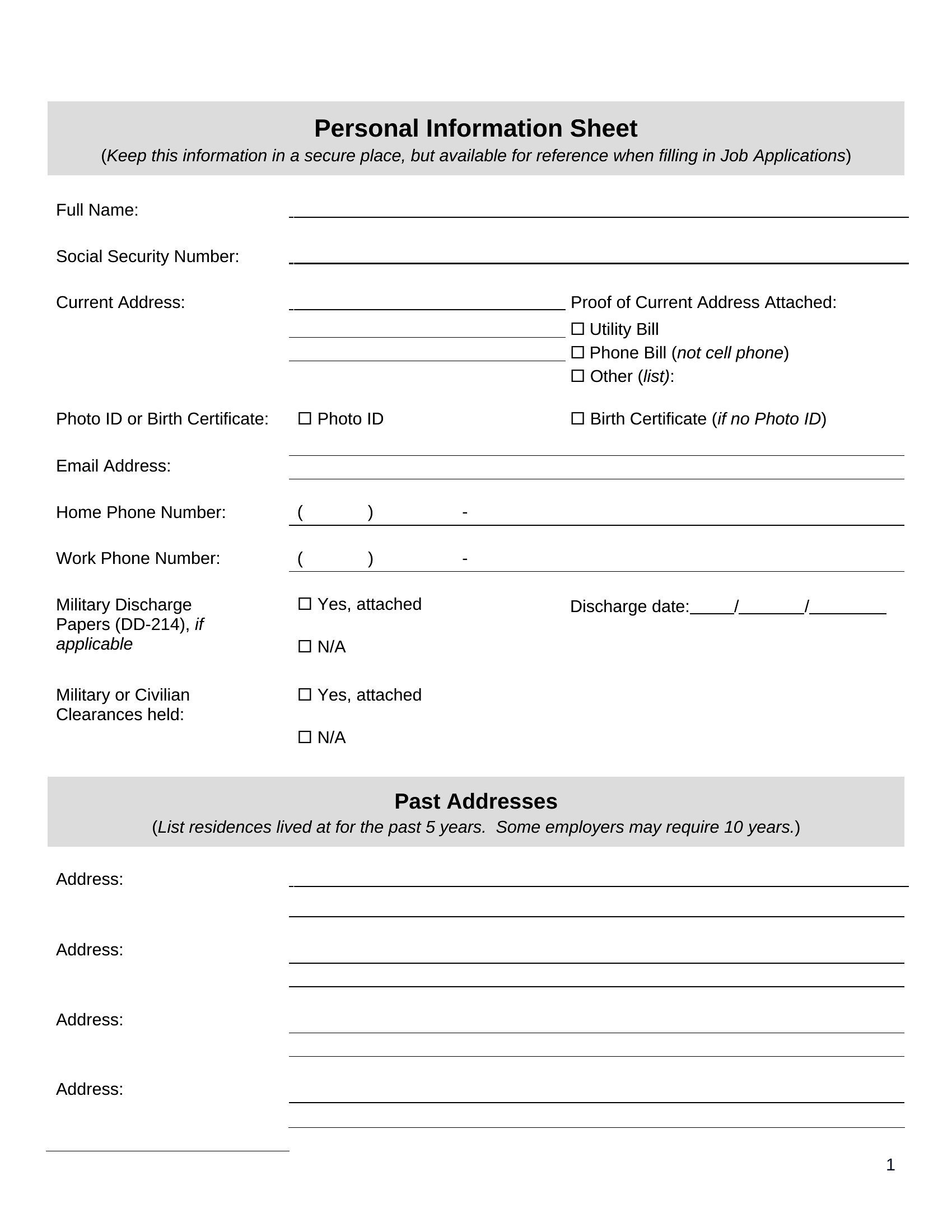
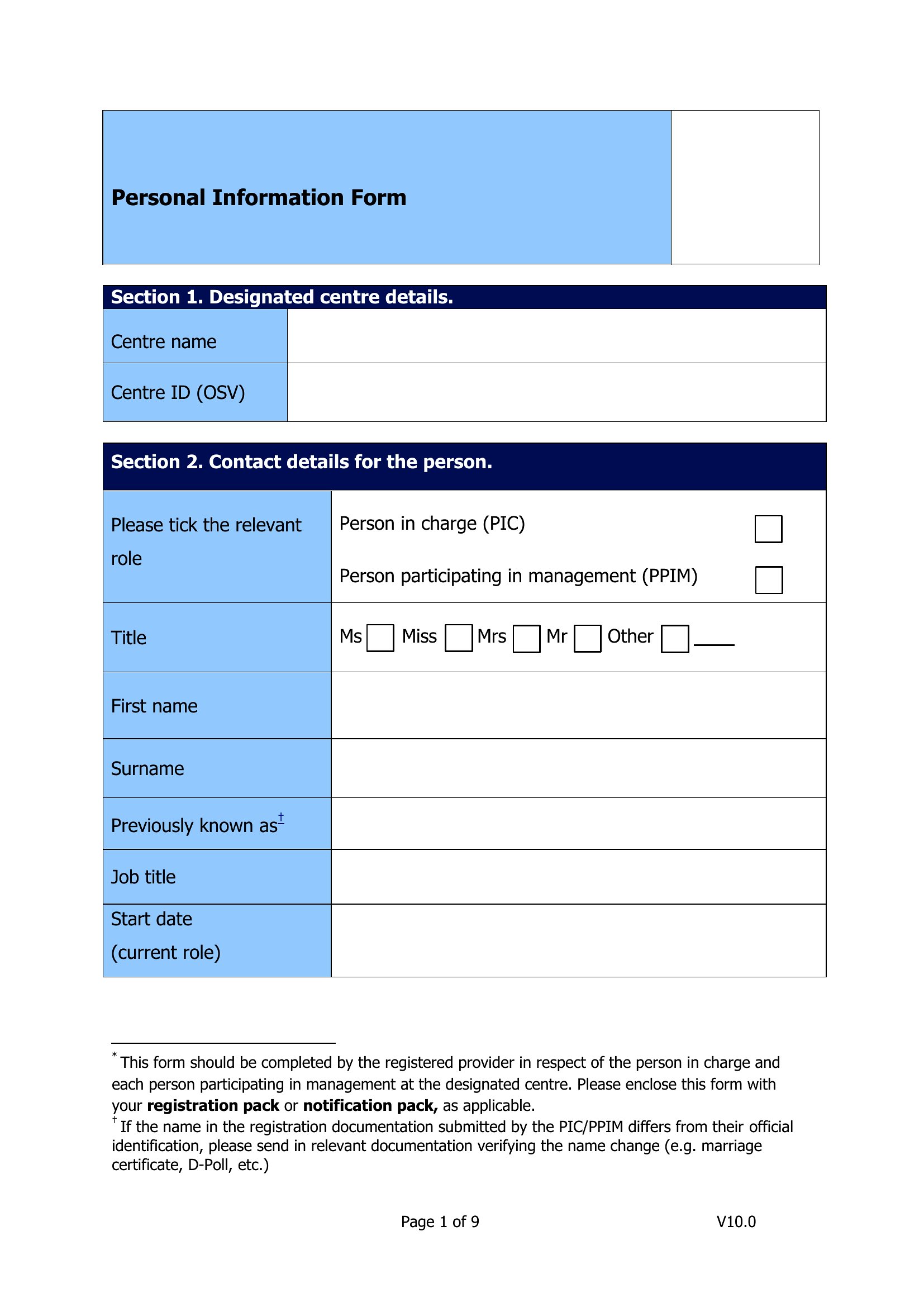
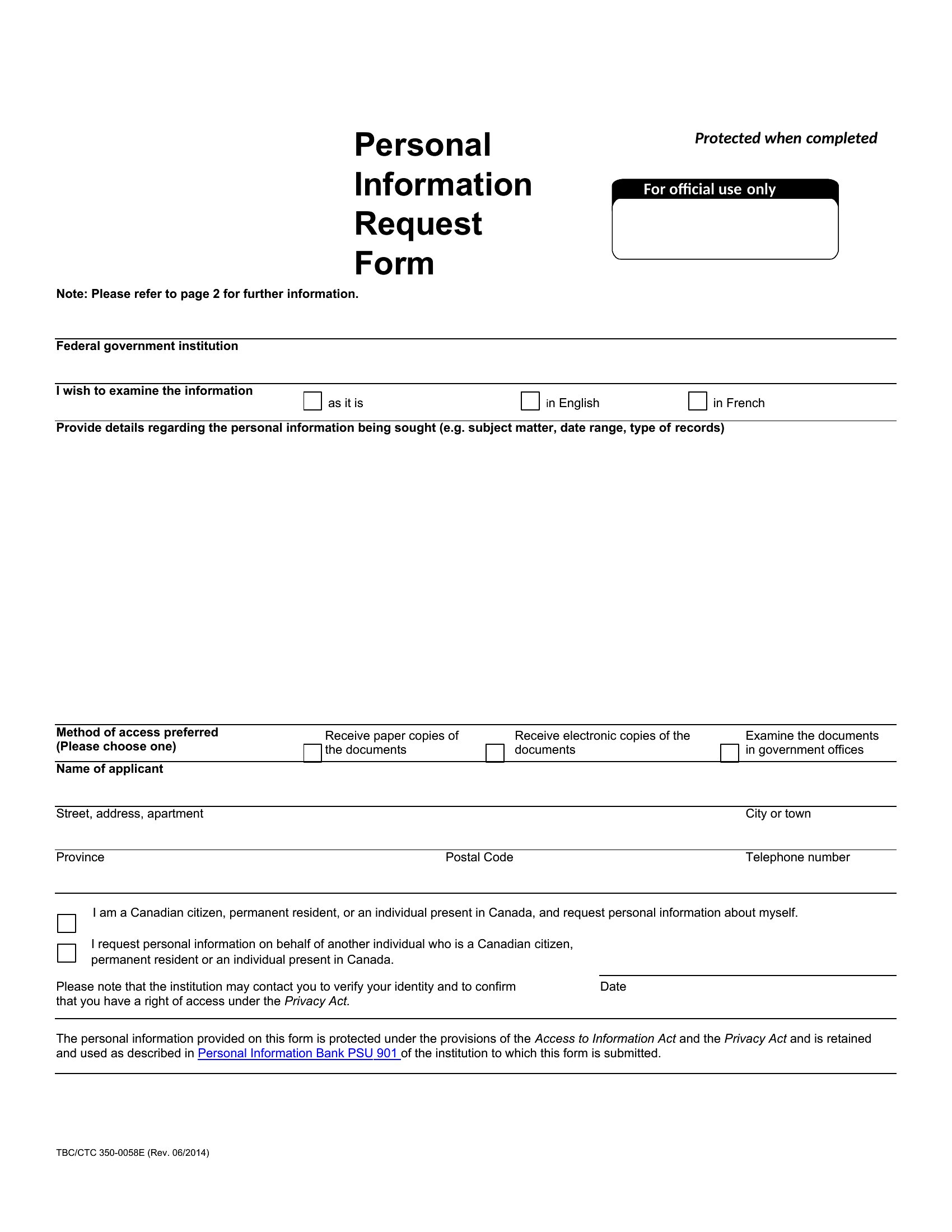
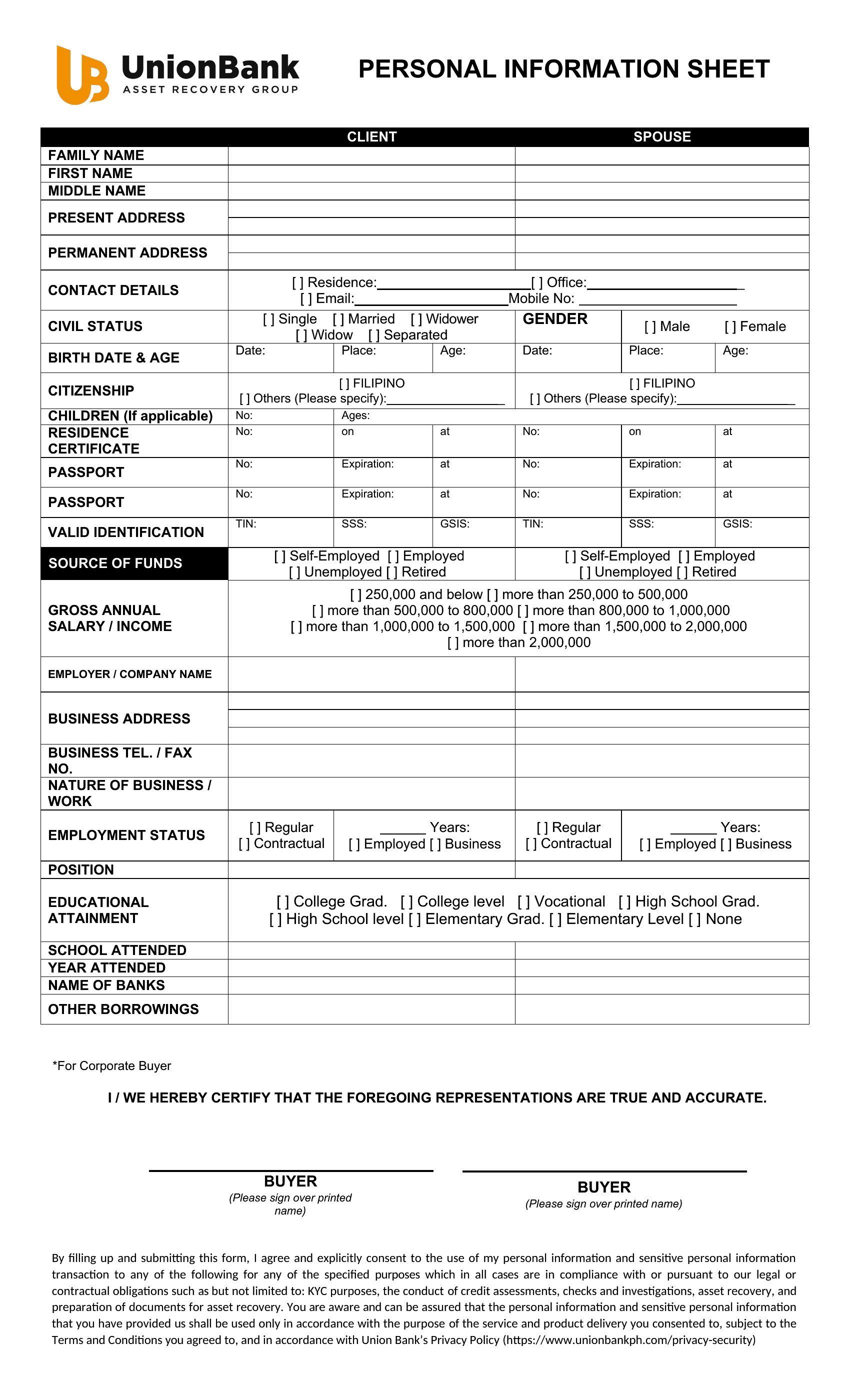
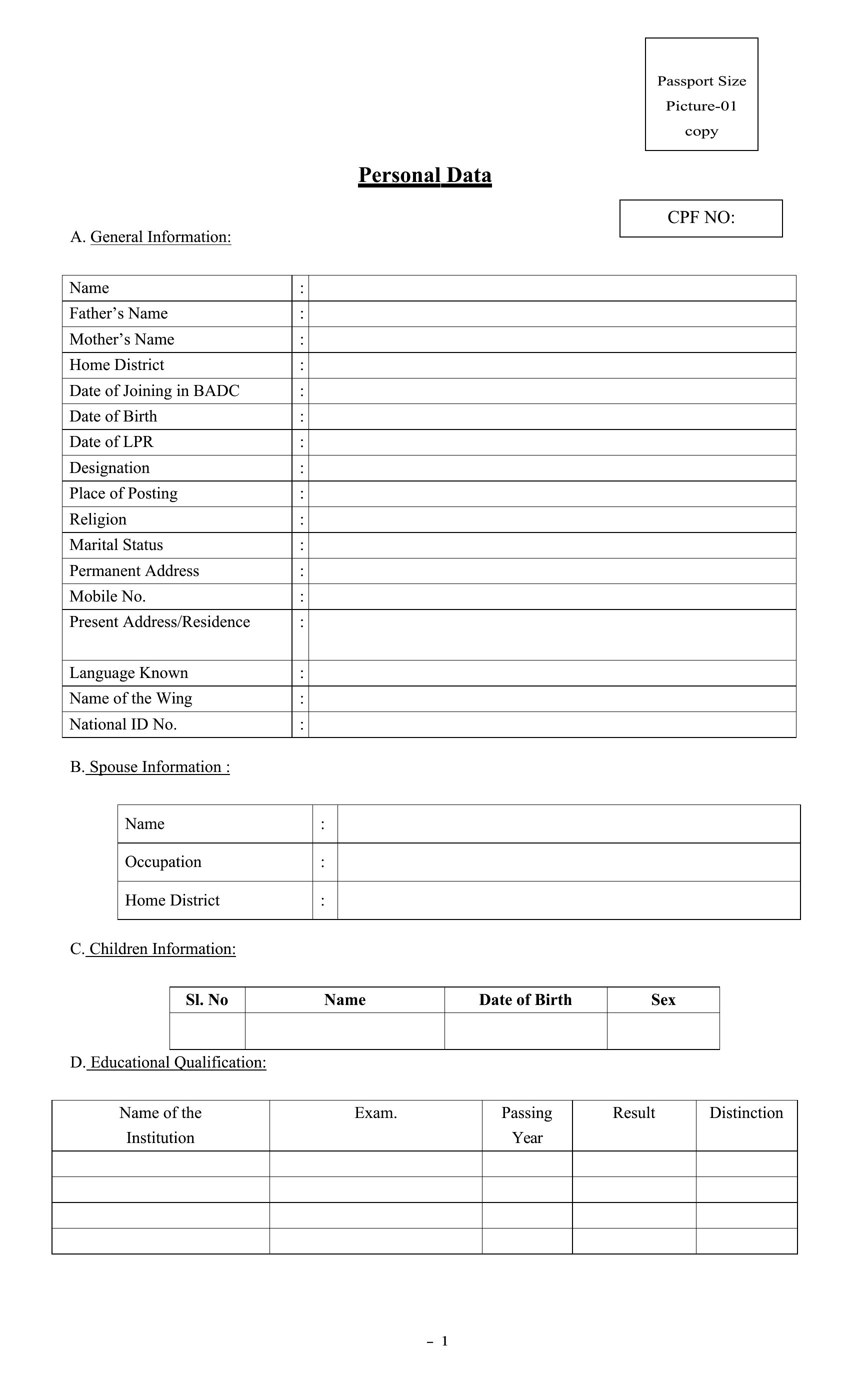
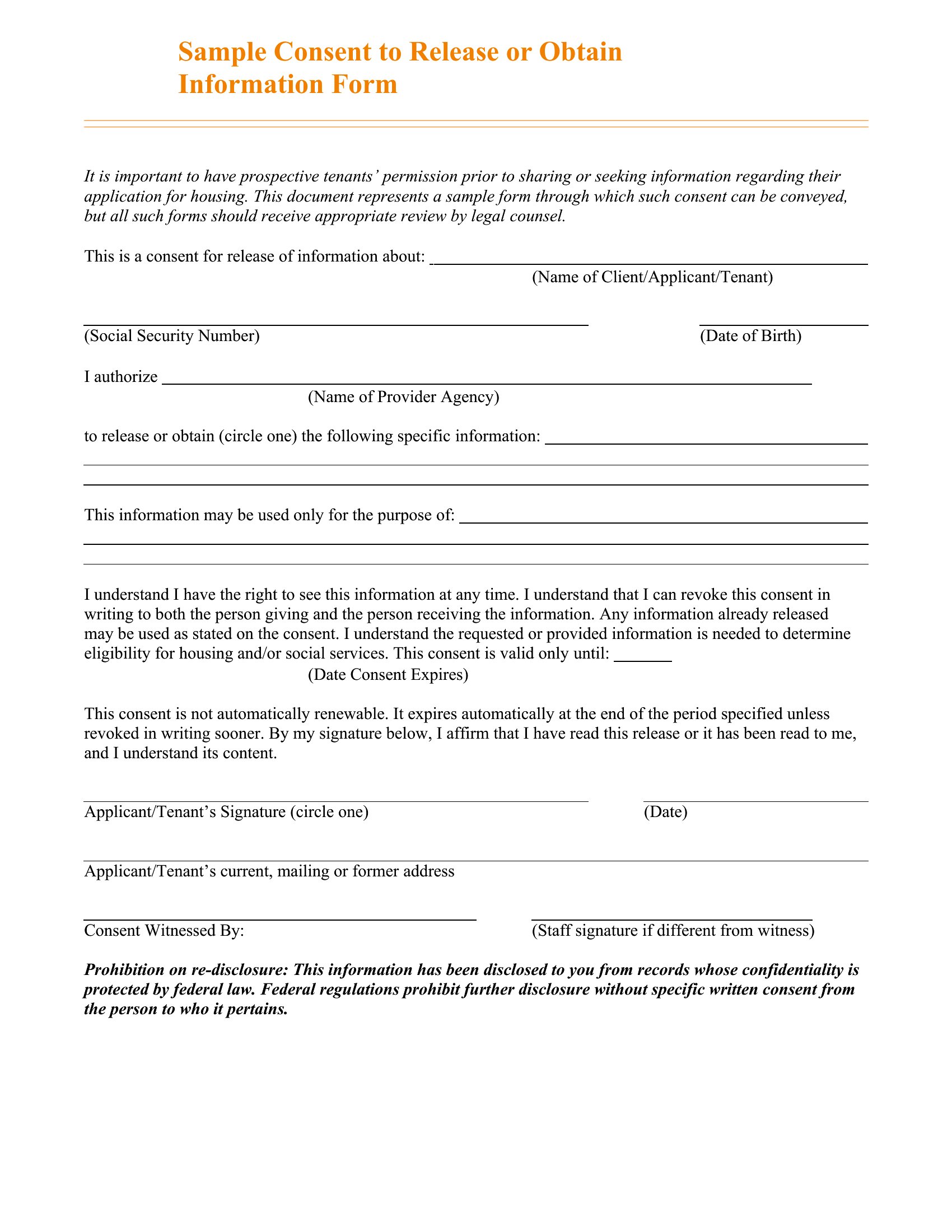
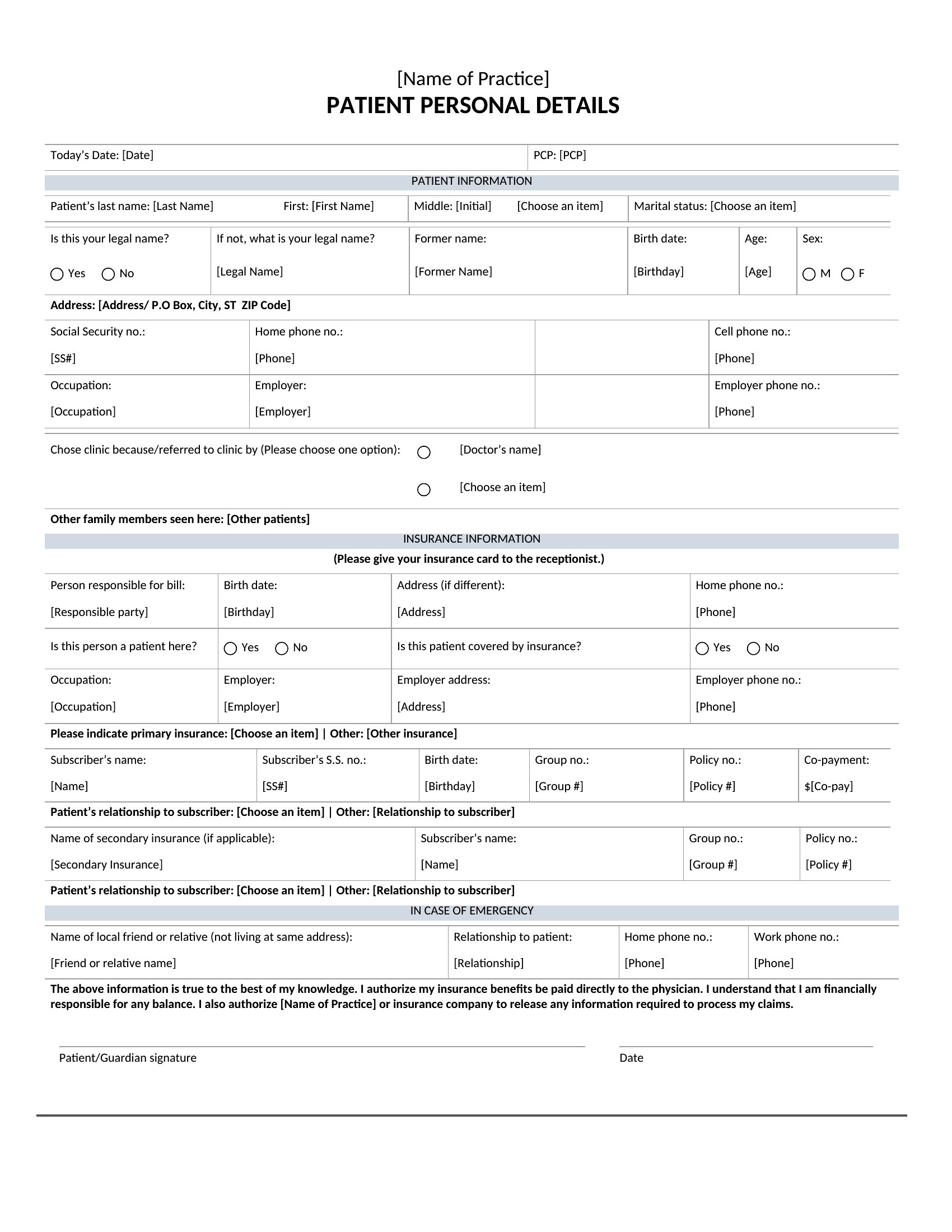
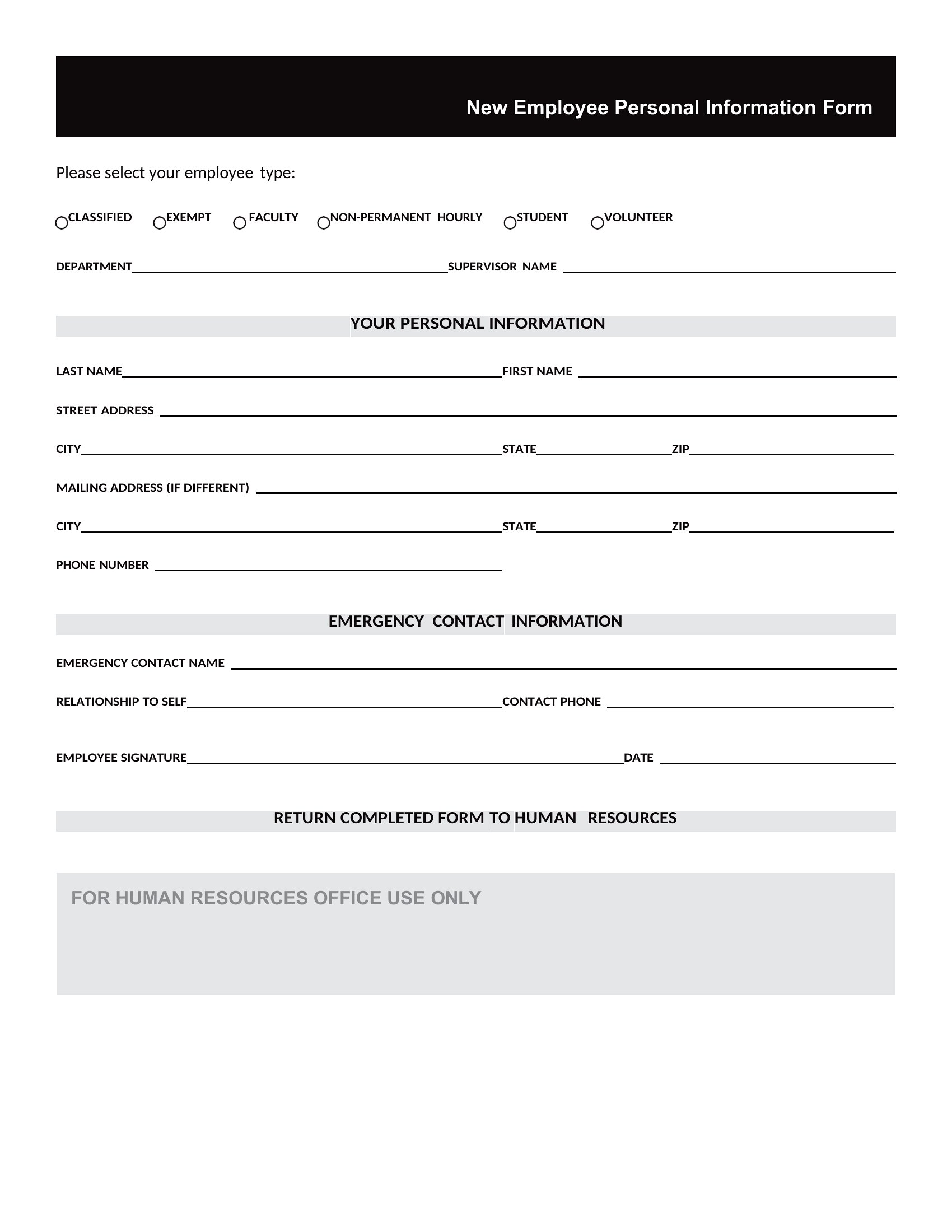
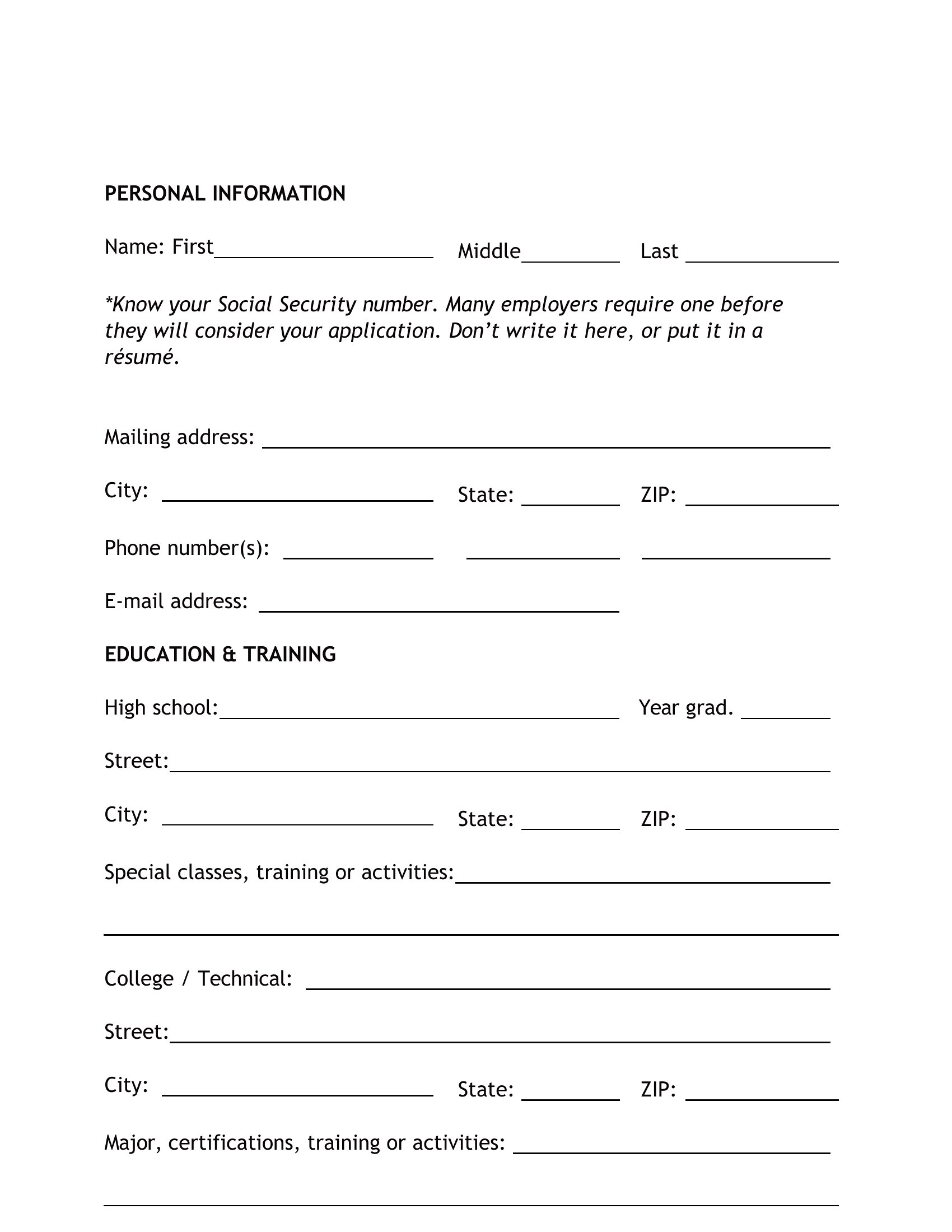
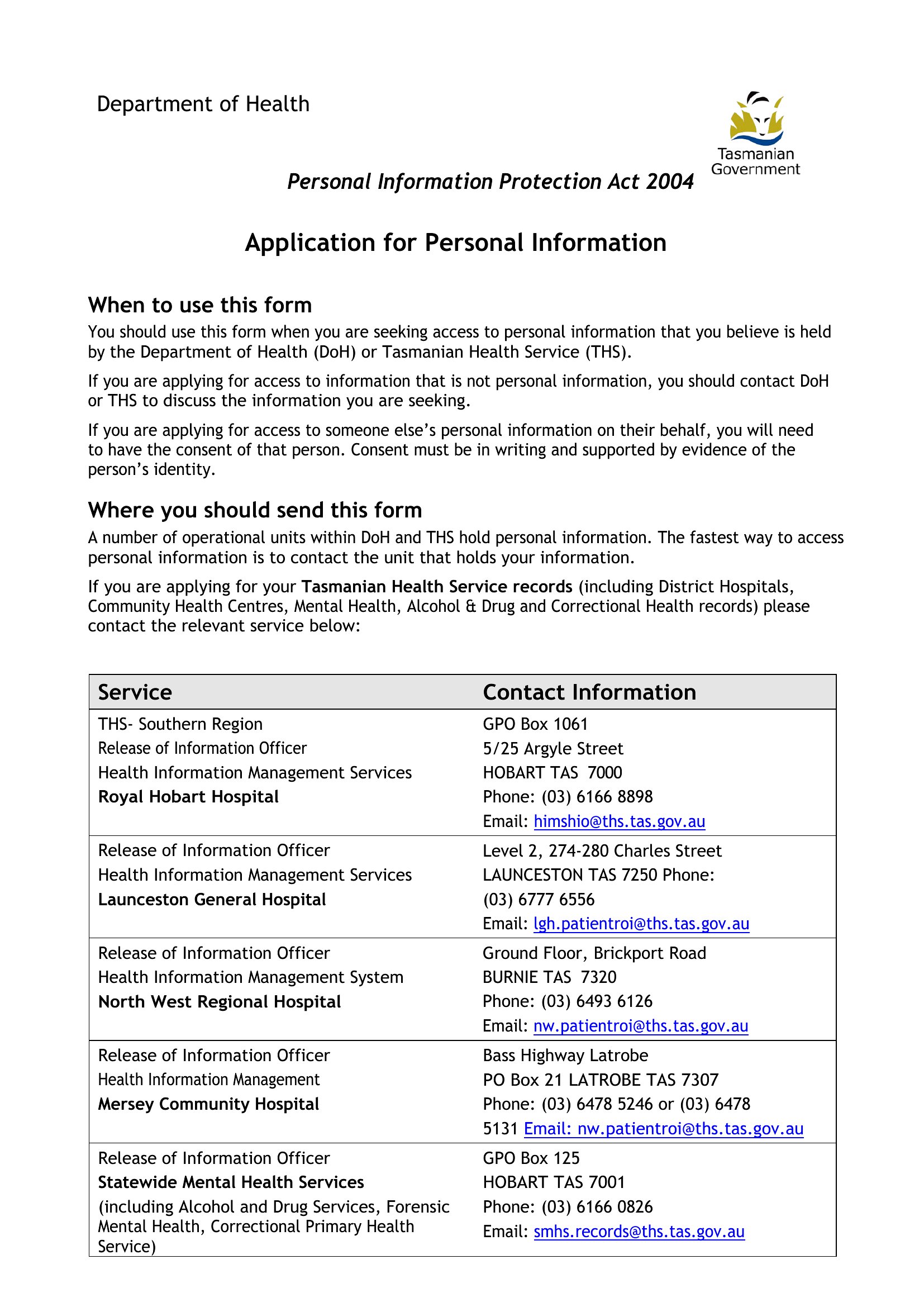
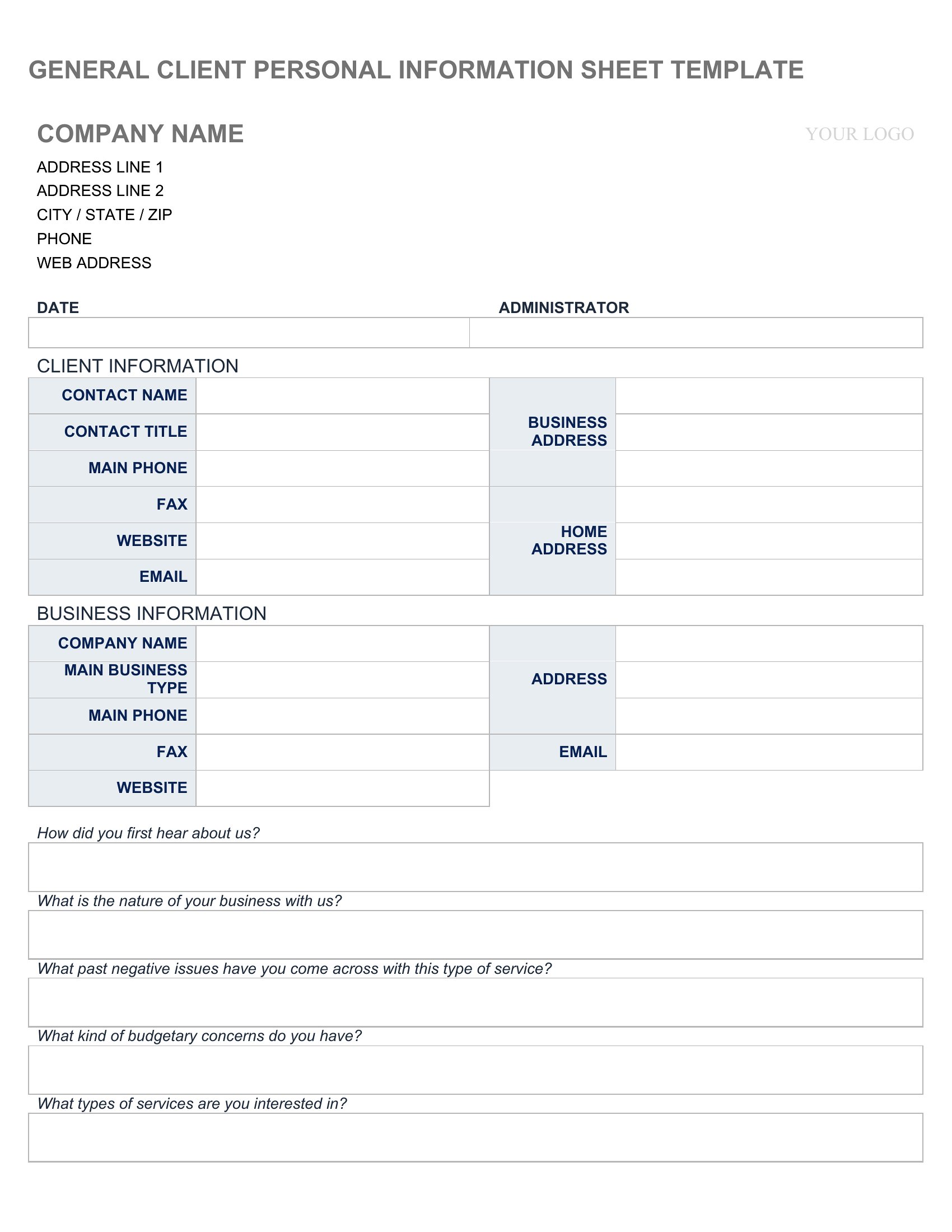
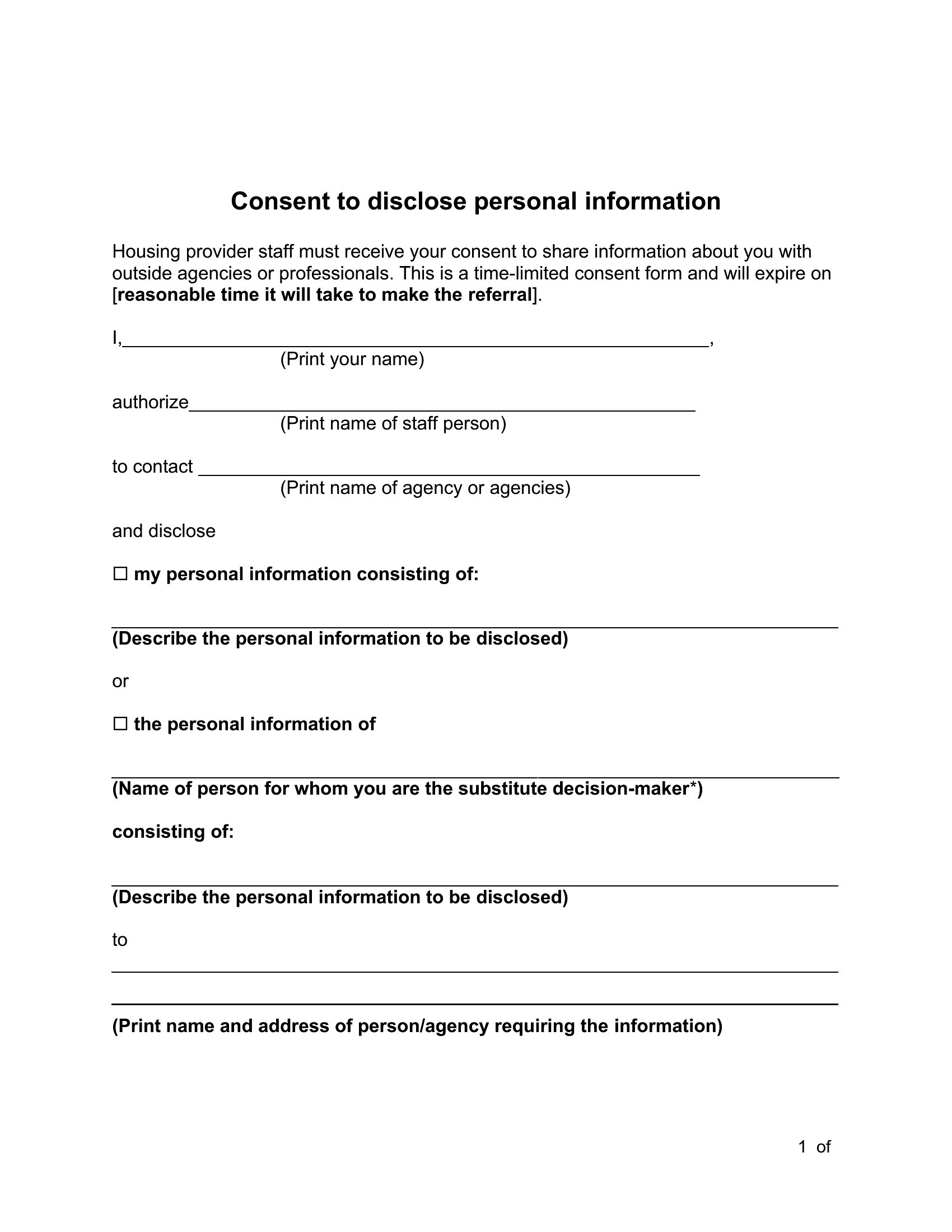
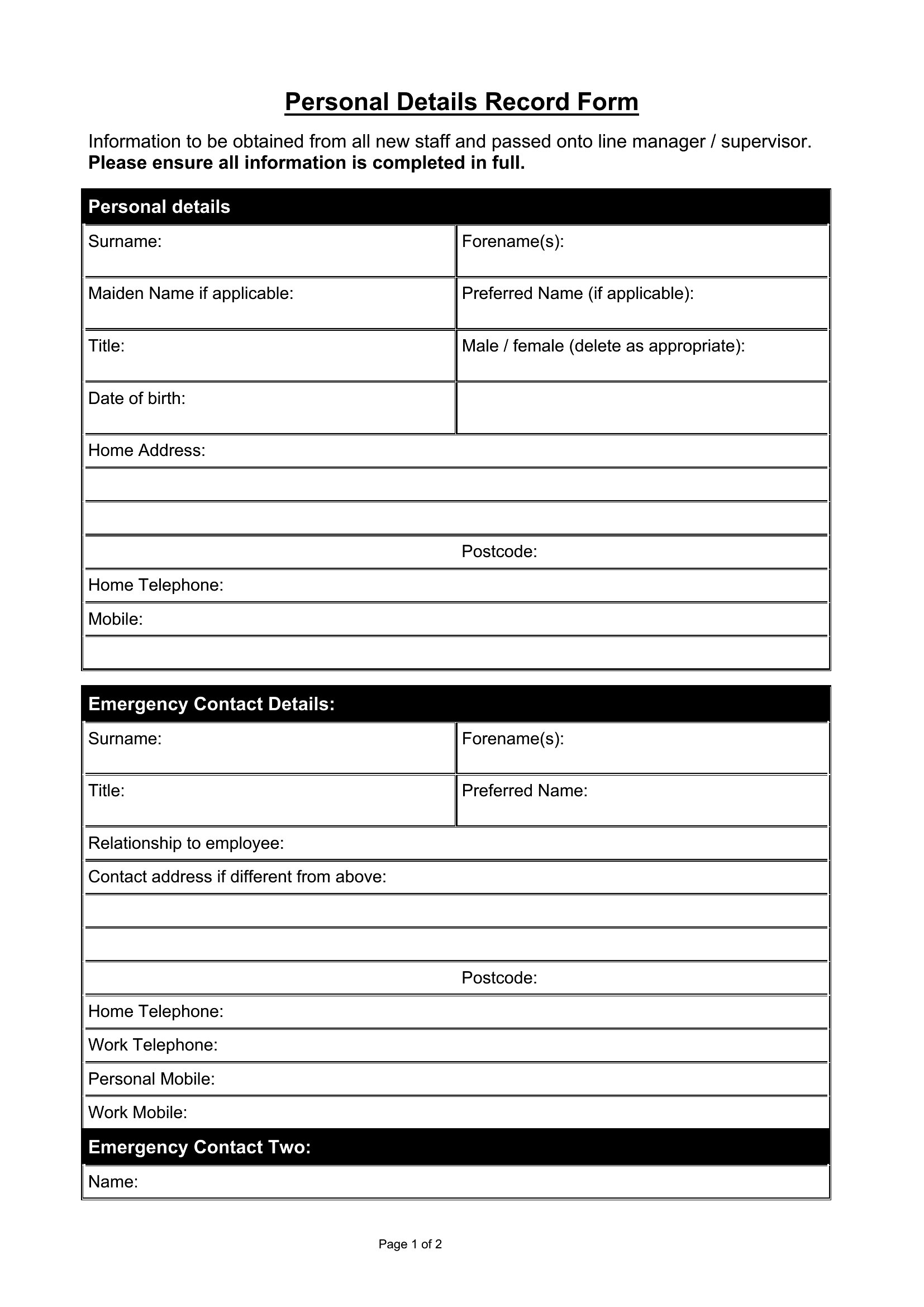
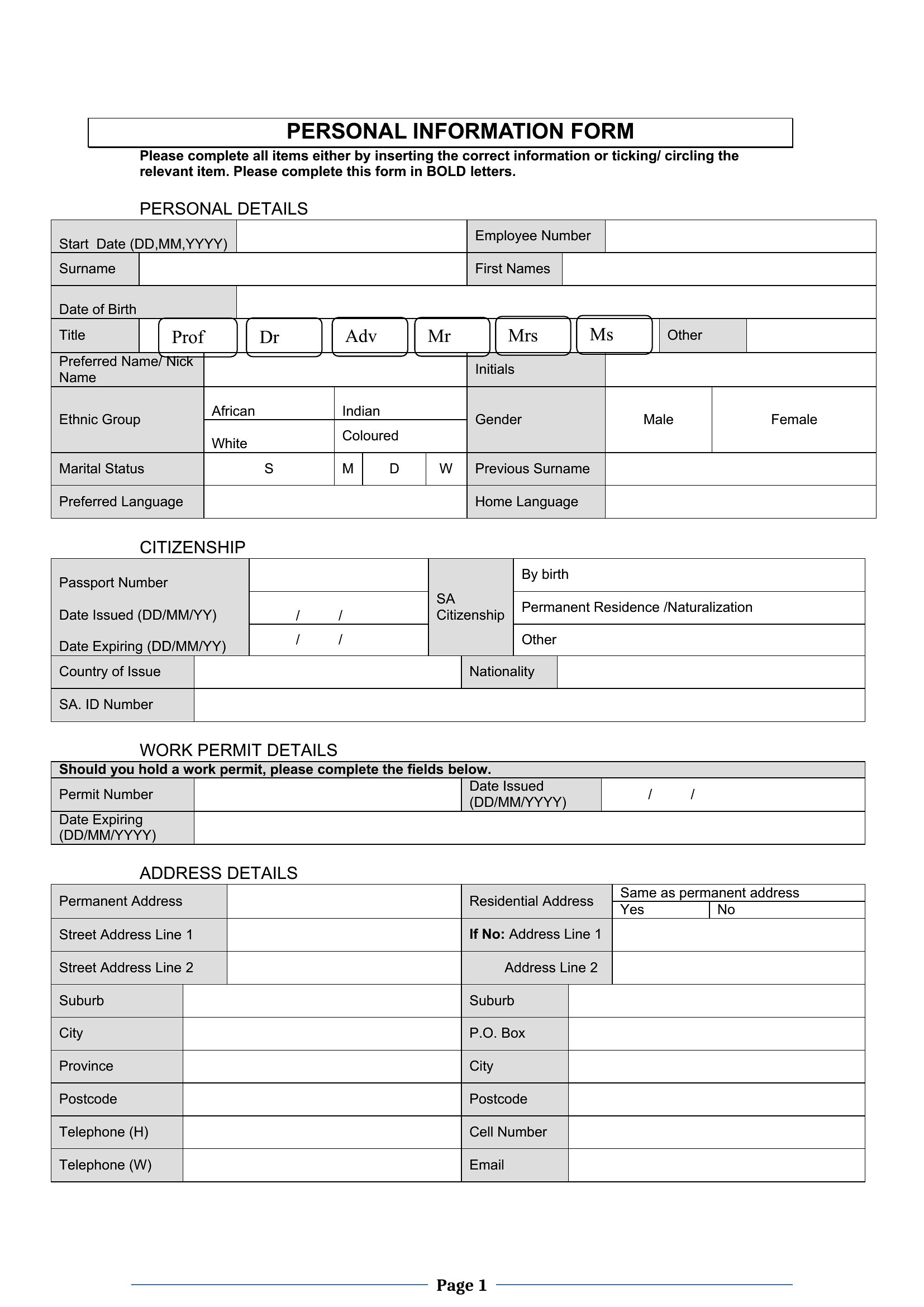
Collecting names, contact details, and emergency information in one place saves time for employers, clubs, and clinics alike. These 52 templates give a clean structure for gathering personal details from new hires, members, or clients without cobbling a form together each time.

The templates are editable in Microsoft Word, so you can add the fields you actually need and remove the ones you don't. Print blanks or fill them on screen, and store completed forms securely given the sensitive details involved. Everything is free and ready to customize. Pick the layout that fits your needs and start collecting information cleanly.

When to use this Personal Information Form template

  • Hiring managers at small businesses need a standardized way to collect new employees' contact details, emergency contacts, and banking info during onboarding without relying on scattered notes or emails.
  • Nonprofit club coordinators must document member addresses, allergies, and consent forms for waivers or liability releases—these templates streamline intake during registration drives or seasonal sign-ups.
  • Private practice nurses and wellness clinics require a quick, compliant method to gather patient names, insurance info, and medical history from first-time clients before appointments.
  • Camp counselors and volunteer organizers must record guardian contact info, pickup instructions, and dietary restrictions for minors or overnight participants within minutes of arrival.

Which format should I download?

Word

Microsoft Word is the ideal format here because it’s universally compatible with HR systems, payroll software, and existing office workflows. It allows you to edit fields, add company branding, or include conditional logic (e.g., ‘only show if applicable’) without requiring technical skills. The templates are pre-structured for clarity—so you can instantly adapt them whether you’re emailing the form or printing it for in-person collection. If your team uses Google Docs, you’ll need to manually reformat the layout for proper alignment.

How to use this Personal Information Form template

Can I add a field for disability accommodations or pronouns to these forms?

Yes, every Word template in this collection is fully editable—simply insert a new line for inclusive fields like pronouns or accommodation requests. You may also want to add a disclaimer about confidentiality if handling sensitive data. Start with a template like ‘New Employee Forms’ for a professional tone in workplace settings.

Do these templates include instructions for collecting signatures or digital consent?

The templates provide placeholder fields for signatures, but they’re not legally binding on their own. For digital consent, you’ll need to pair the form with a third-party tool like DocuSign or HelloSign. Note that some states require specific language for waivers—consult your HR department or a legal professional to tailor the wording.

How can I ensure the form stays compliant with data protection laws like GDPR or CCPA?

The templates include fields for mandatory contact details but don’t contain legal advice. To improve compliance, add a clear privacy notice explaining how data will be stored and used. If collecting data from EU residents, consider consulting a privacy expert to add a GDPR-specific disclosure. Always limit the fields to only what’s necessary for your use case.

Comments

Join the conversation

Sign in to share your thoughts and leave a comment on this resource.

Newsletter

Get Weekly Design Updates

Join our community to receive curated resources and inspiration.

Weekly Tips Resources Early Access

We respect your privacy. Confirmation email required. Privacy Policy