


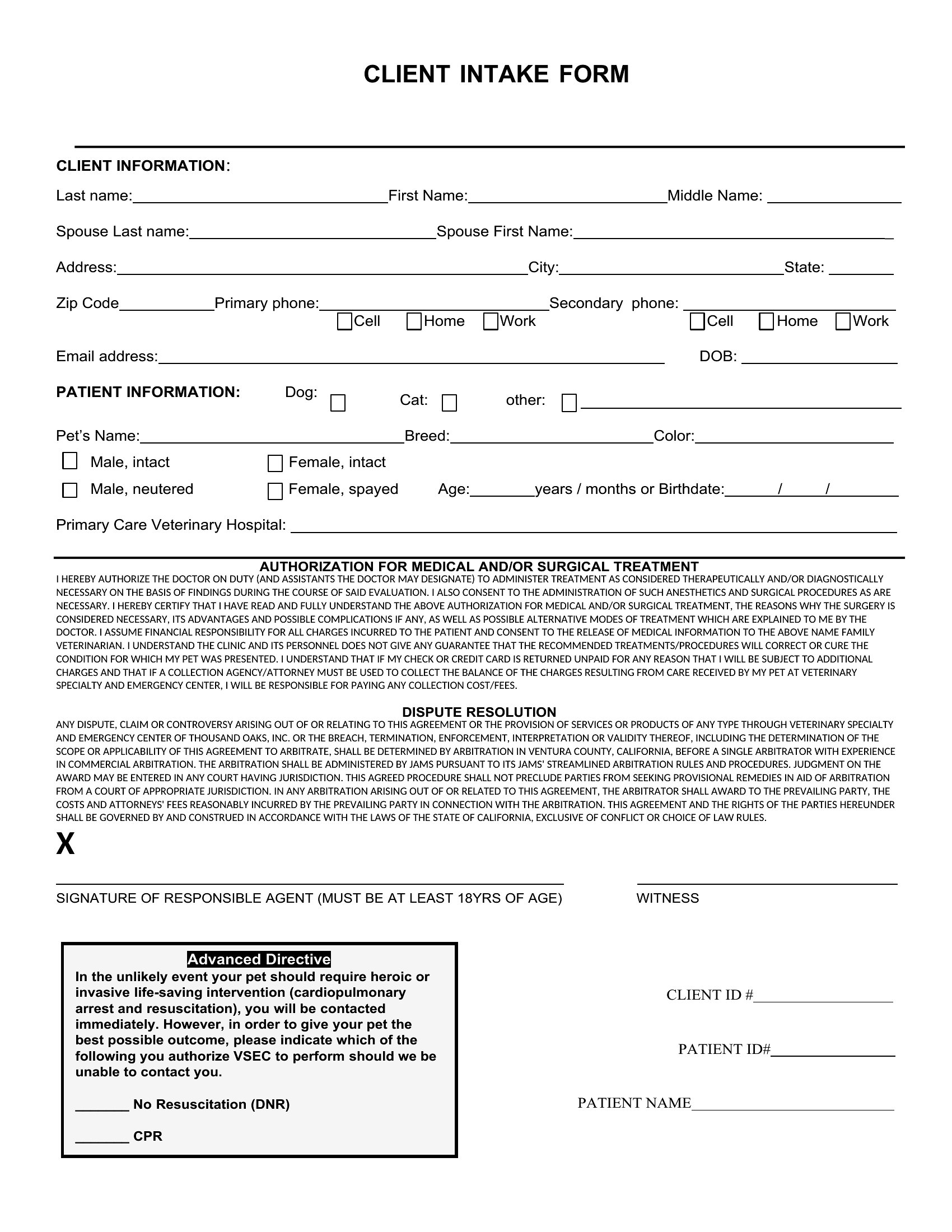
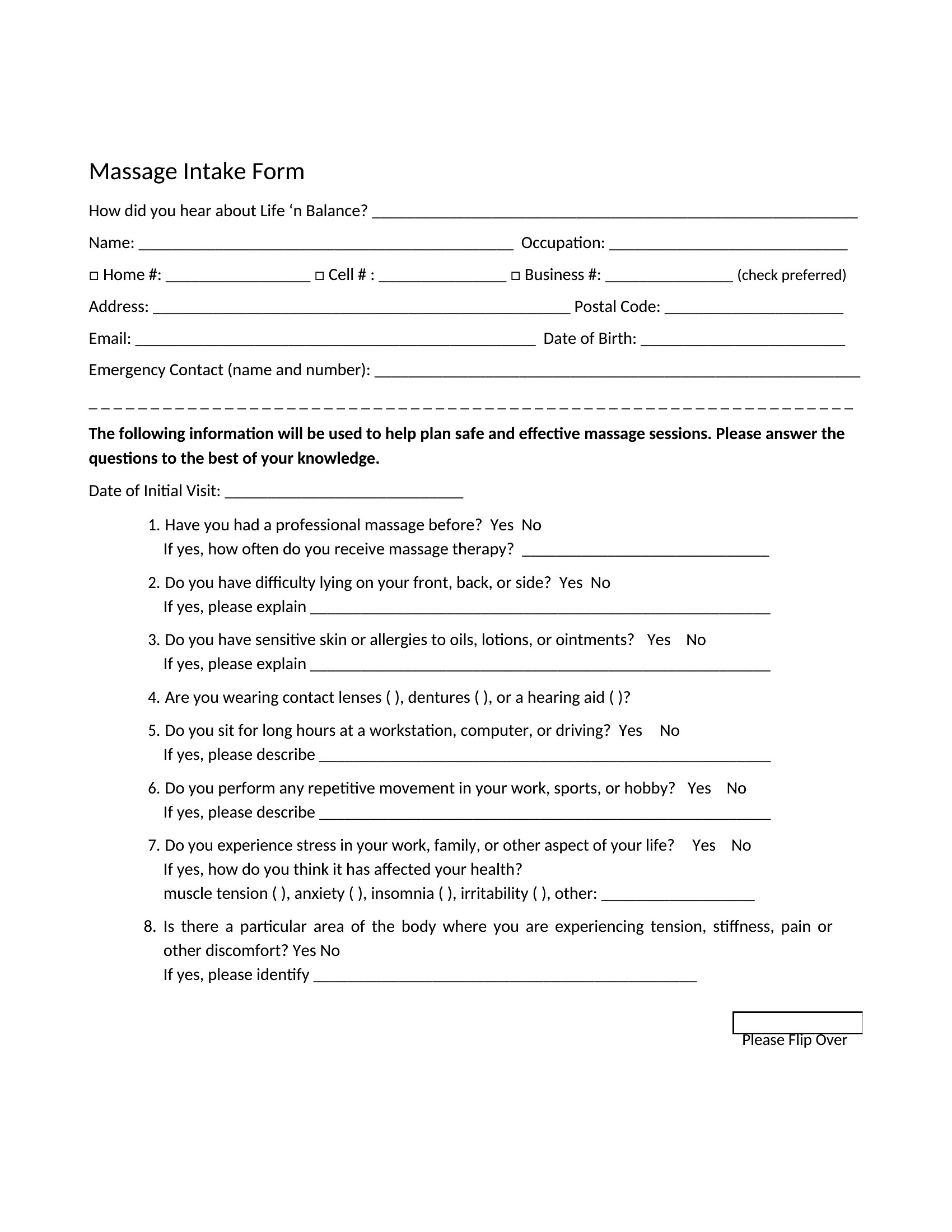
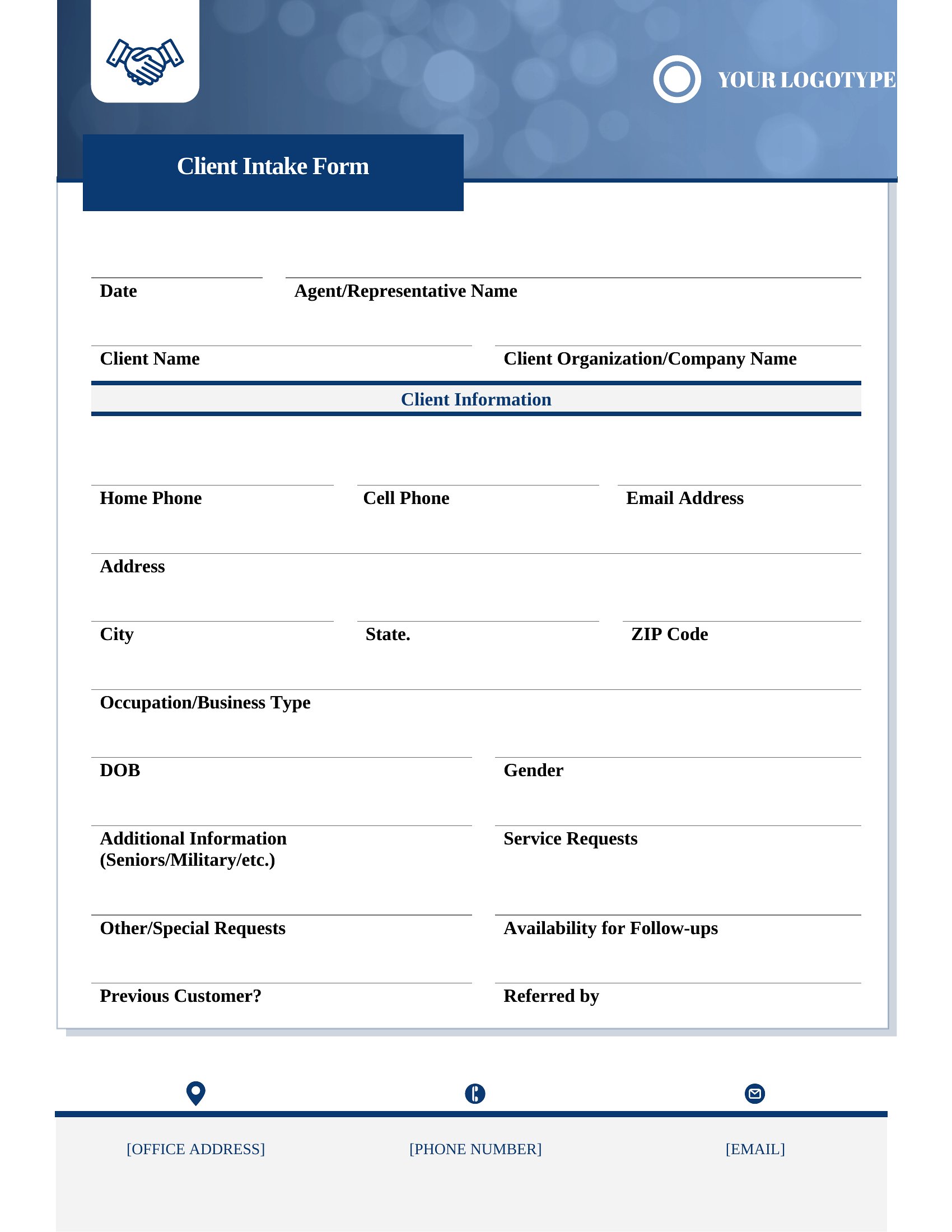
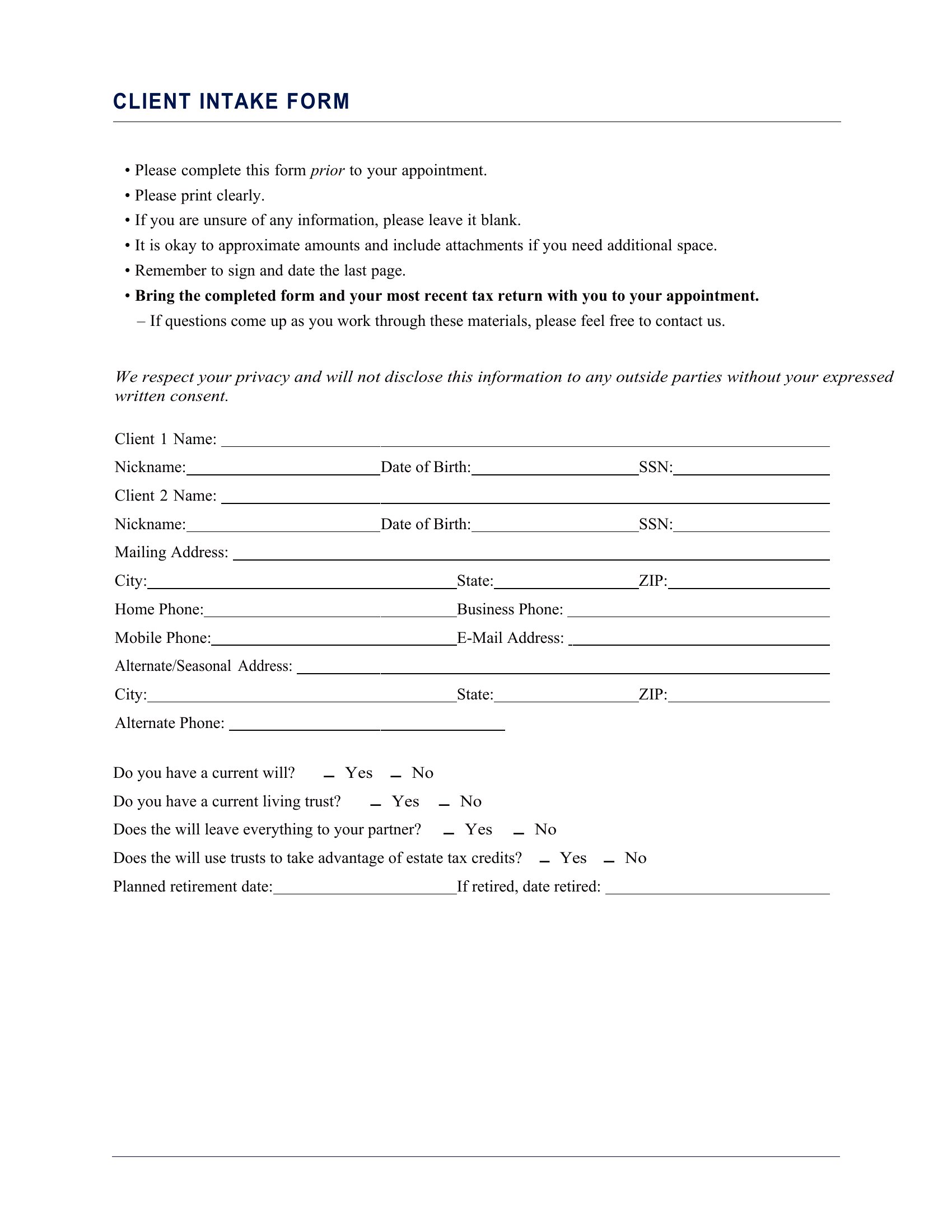
FAQ
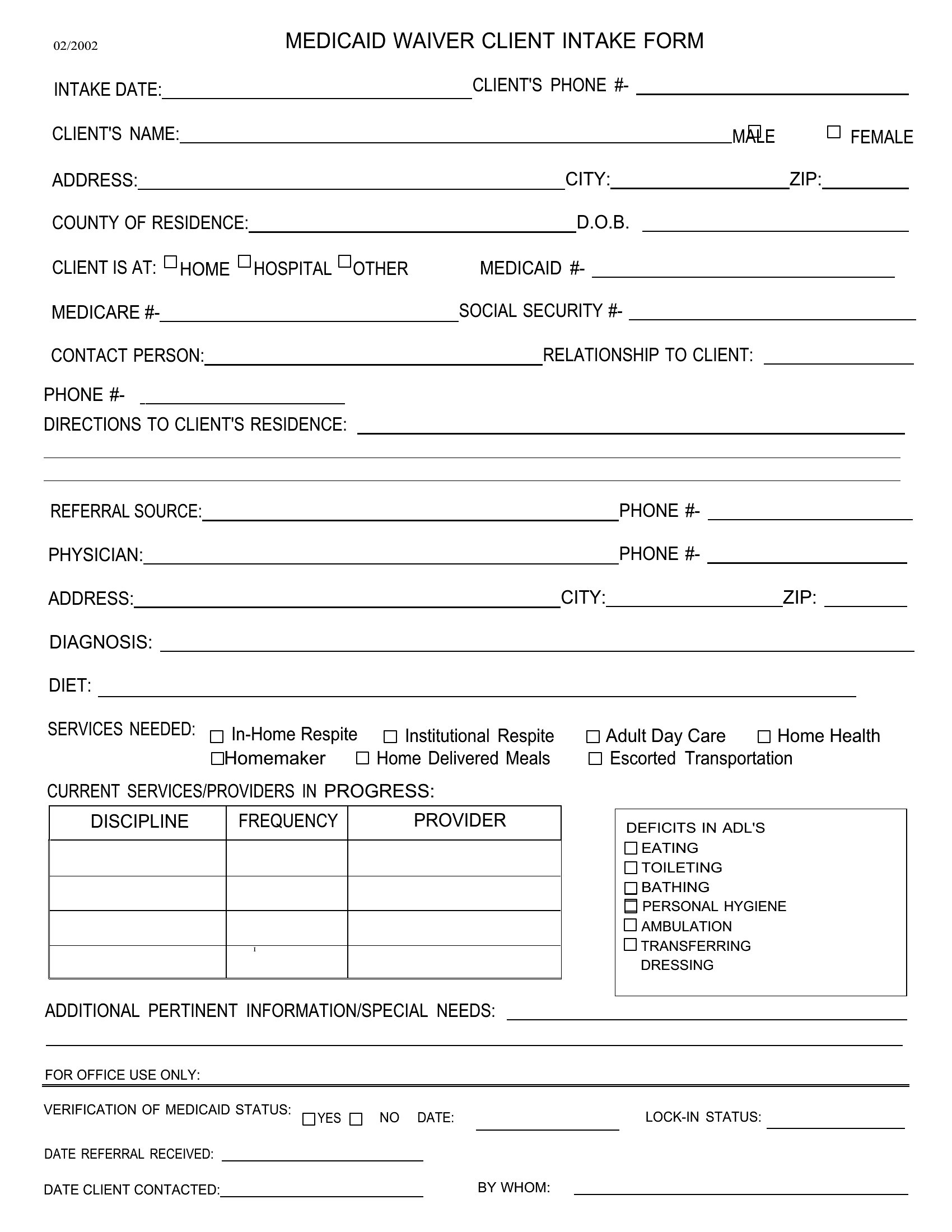
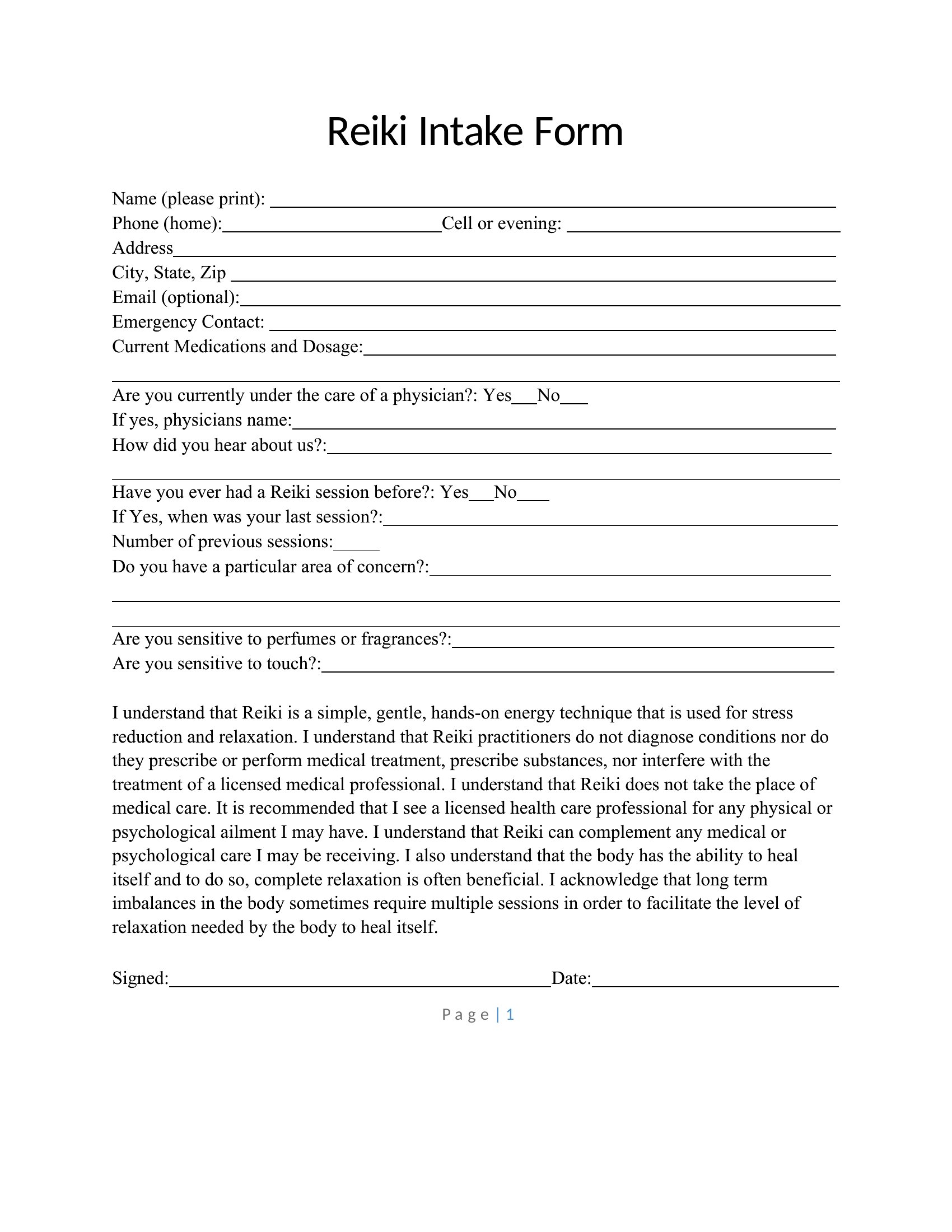
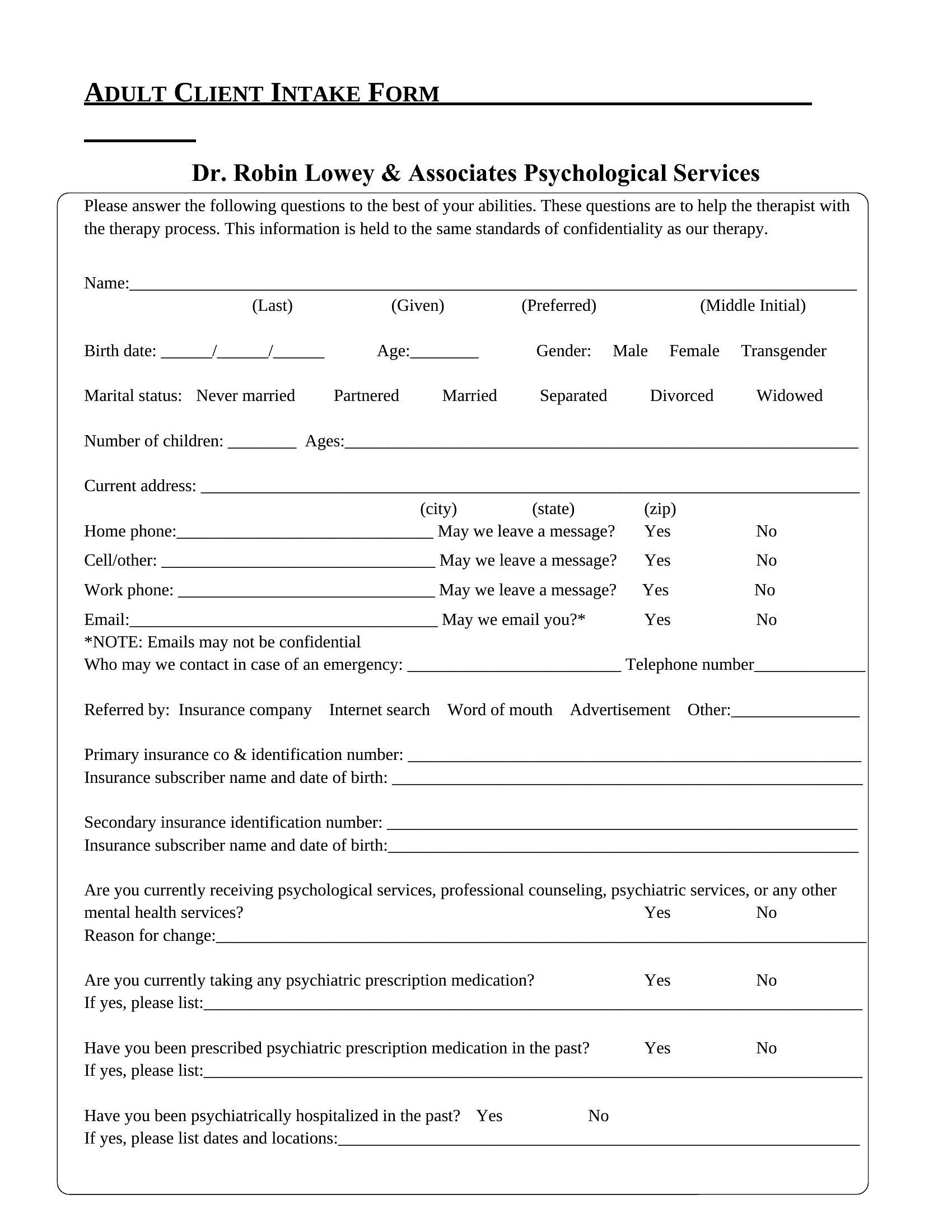
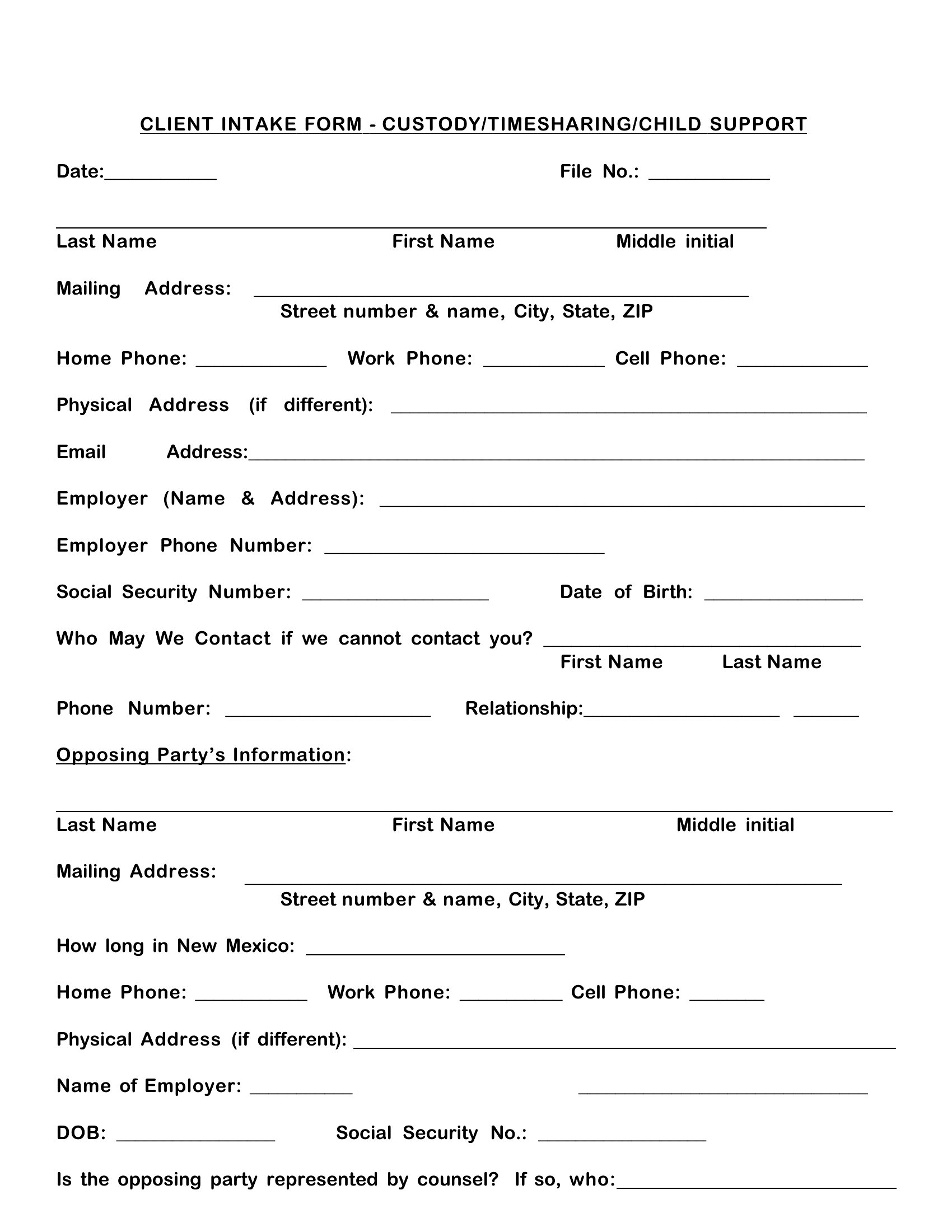
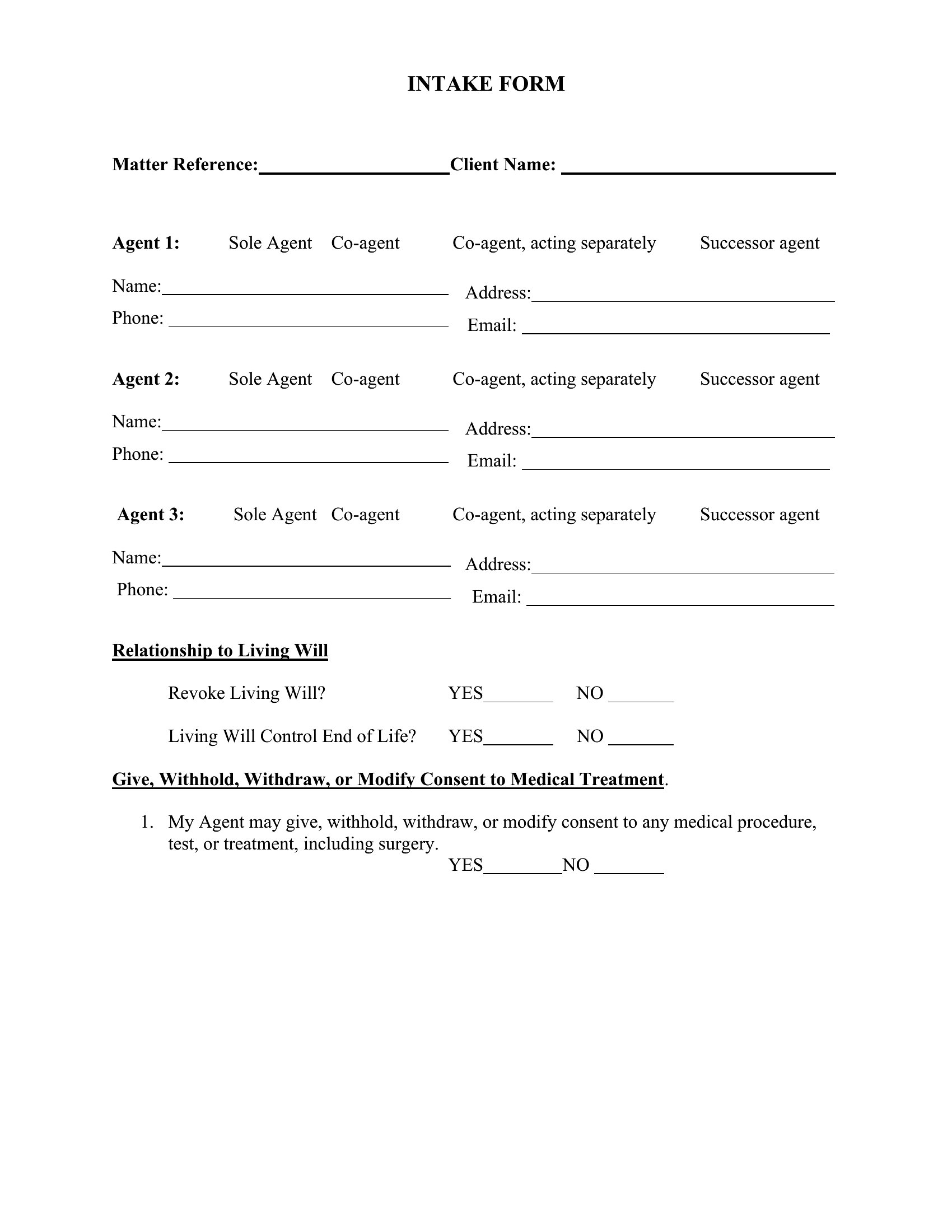
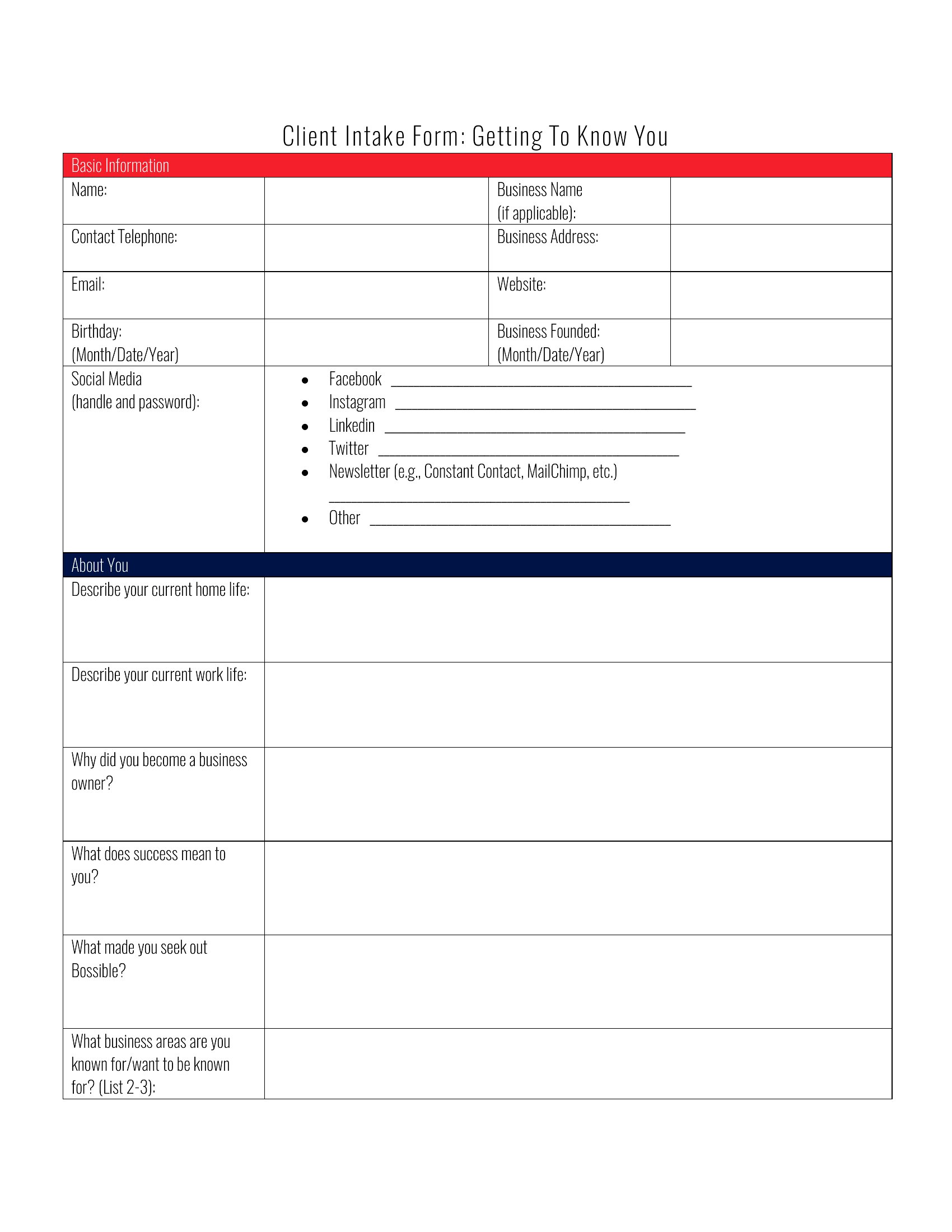
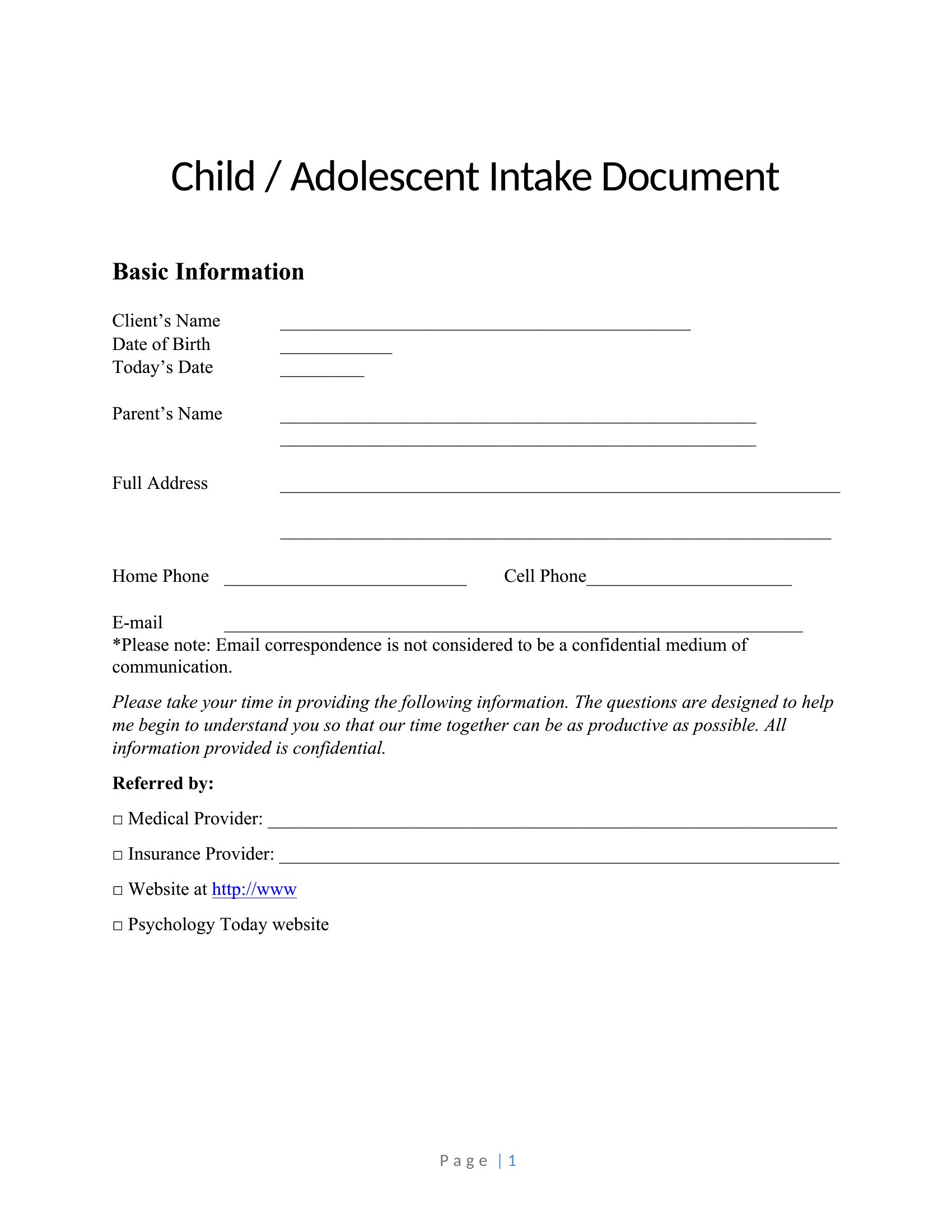
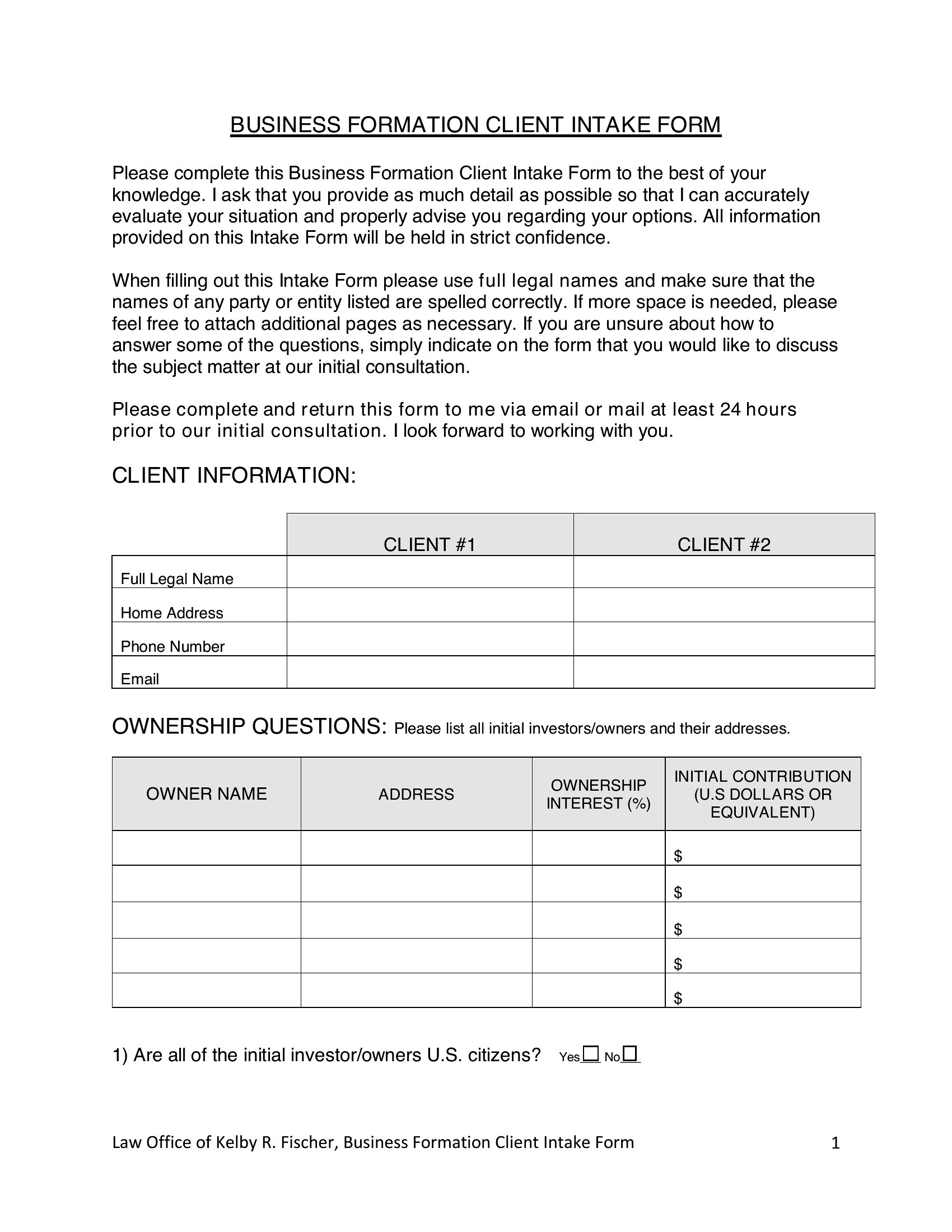
How can I ensure the client intake form meets my state’s legal requirements?
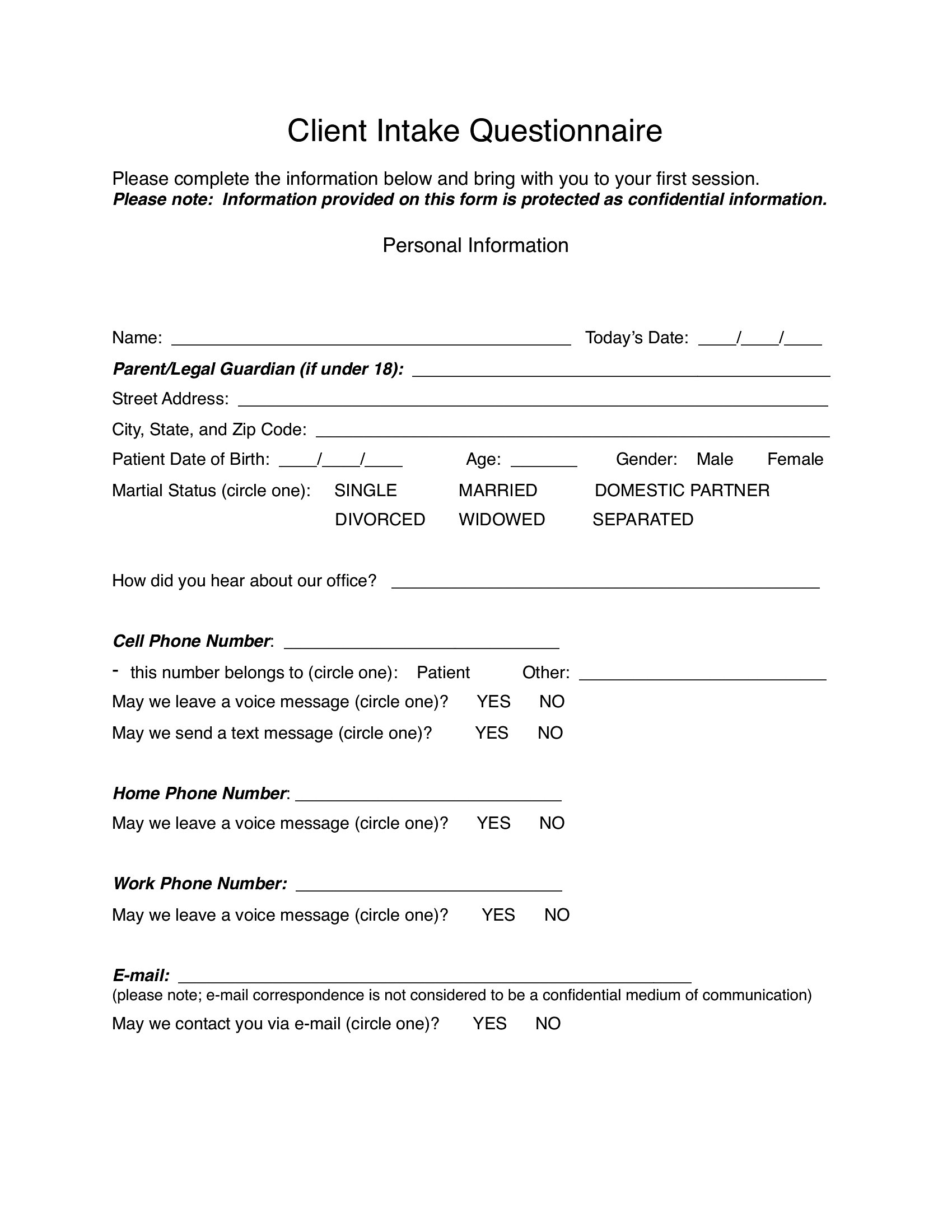
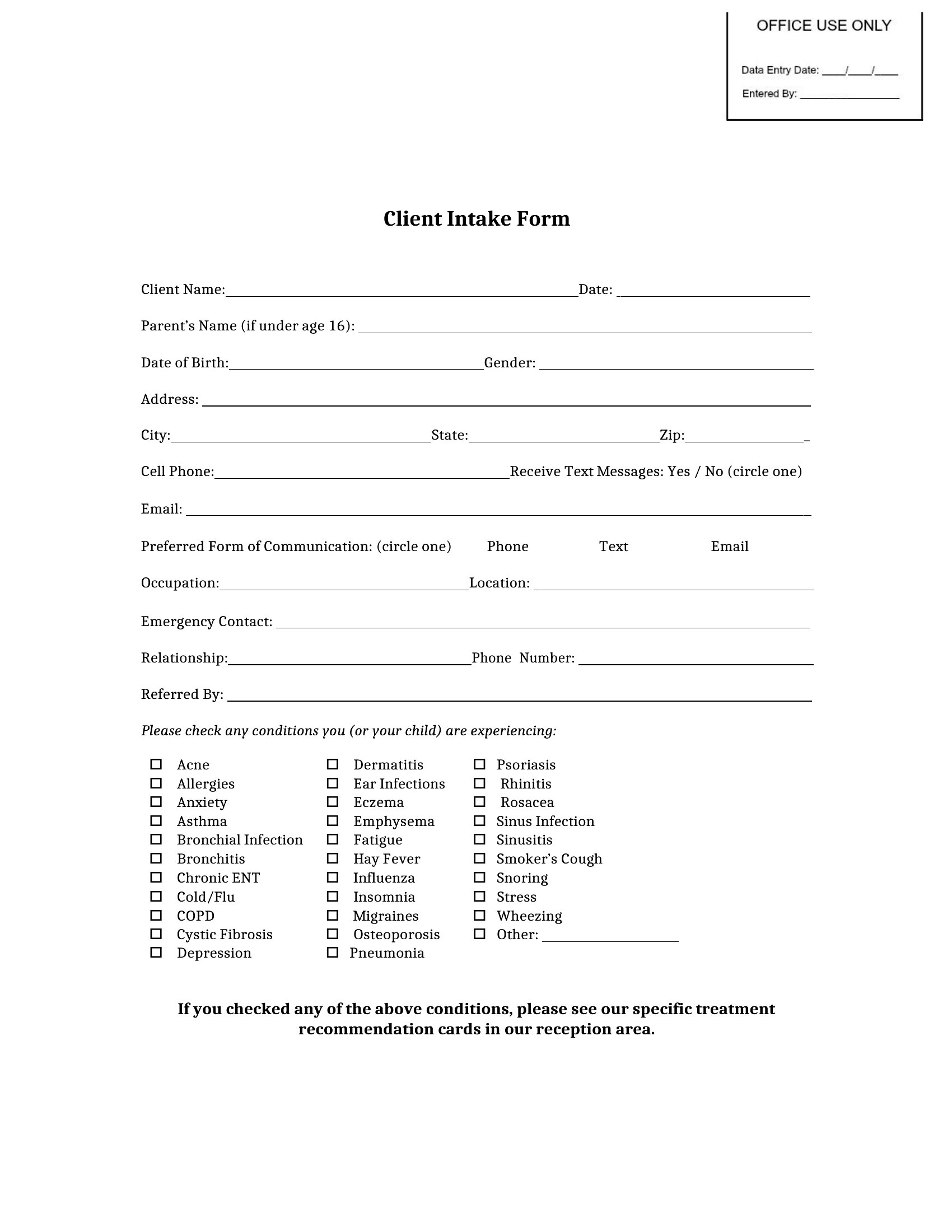
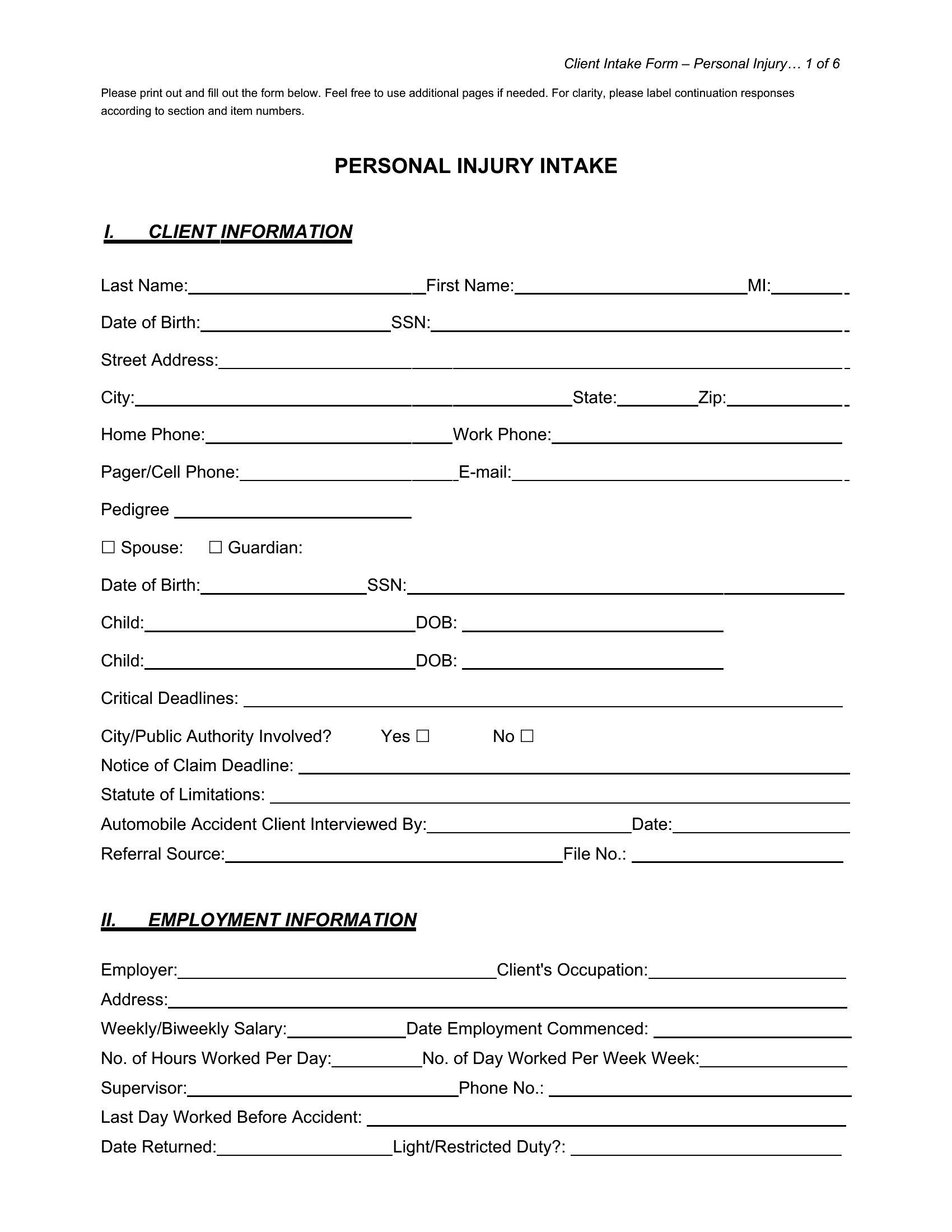
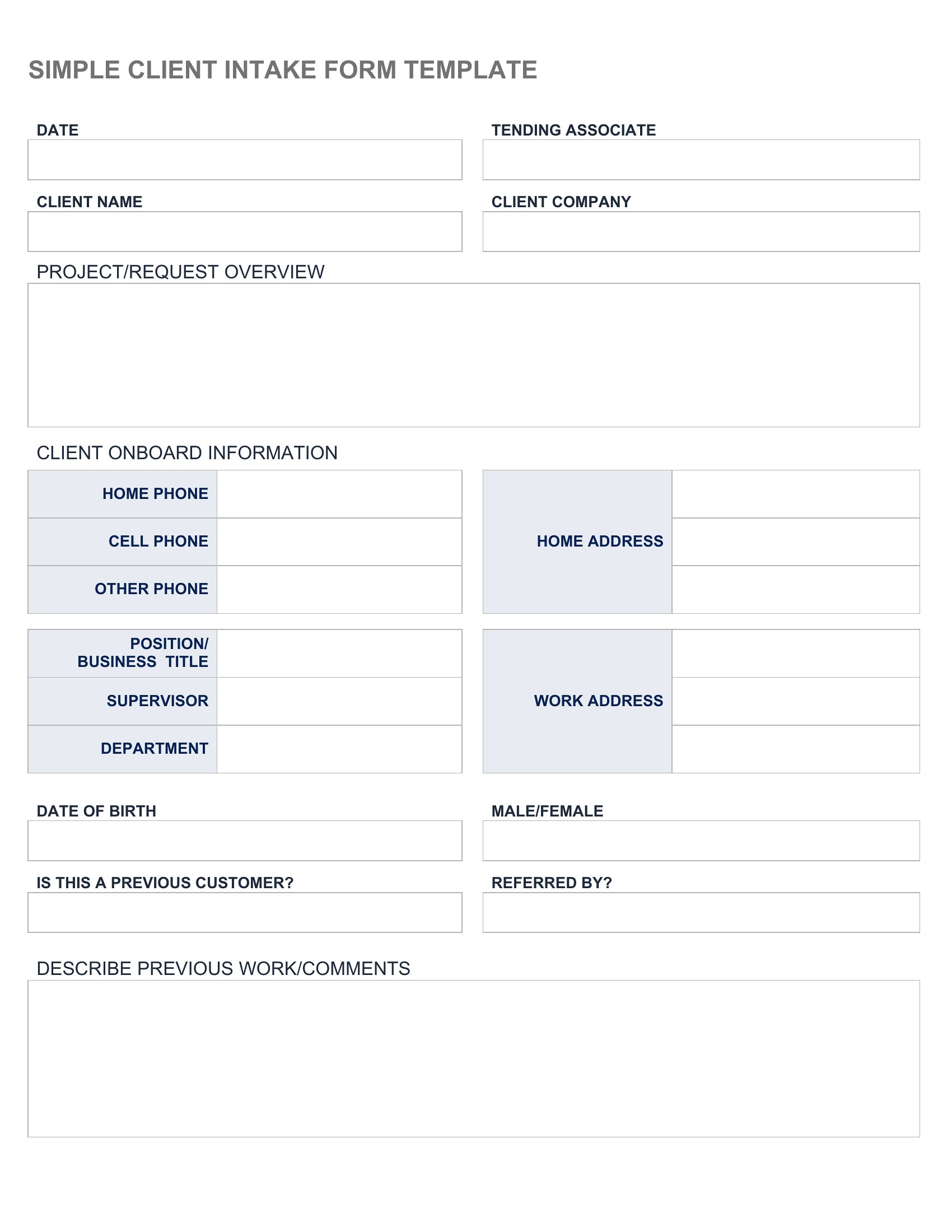
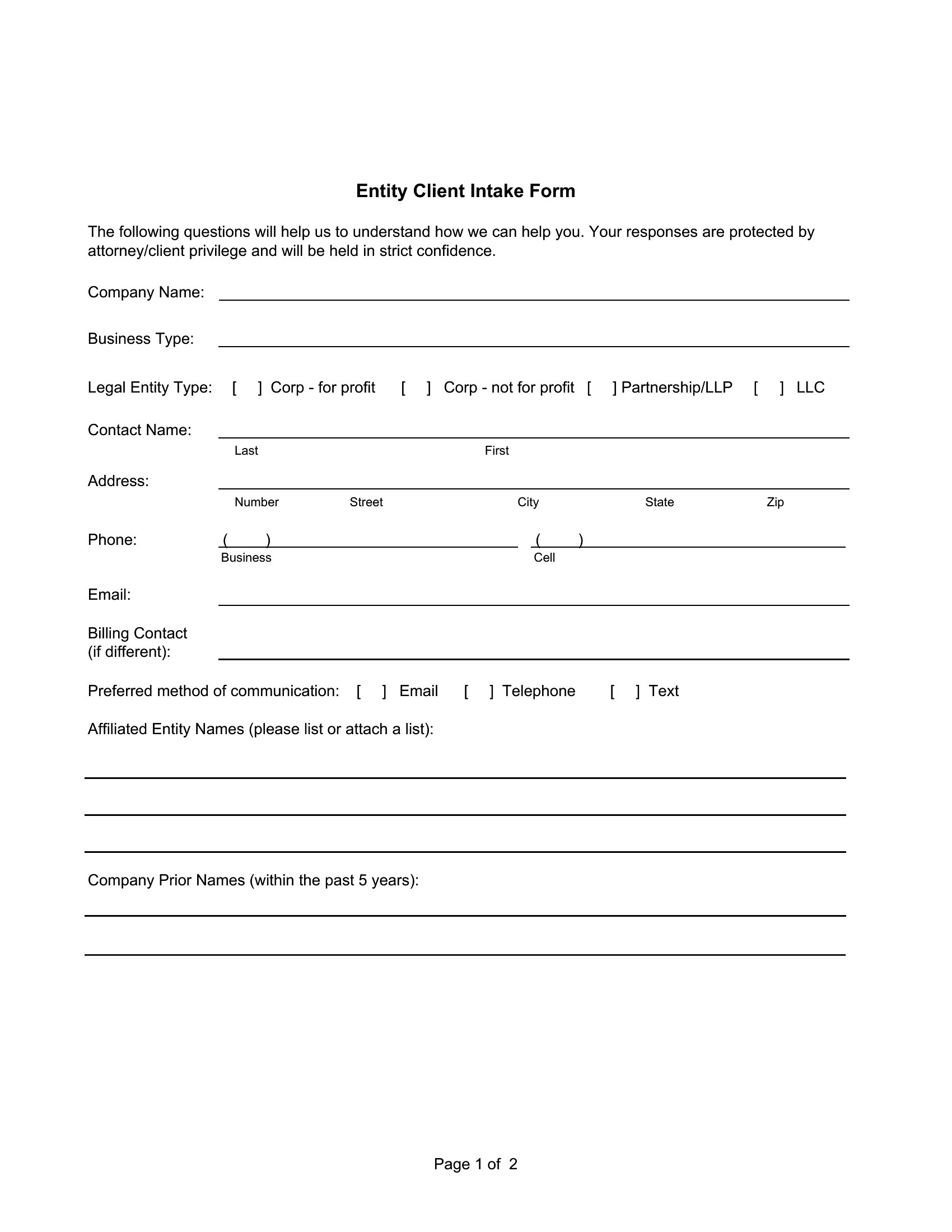
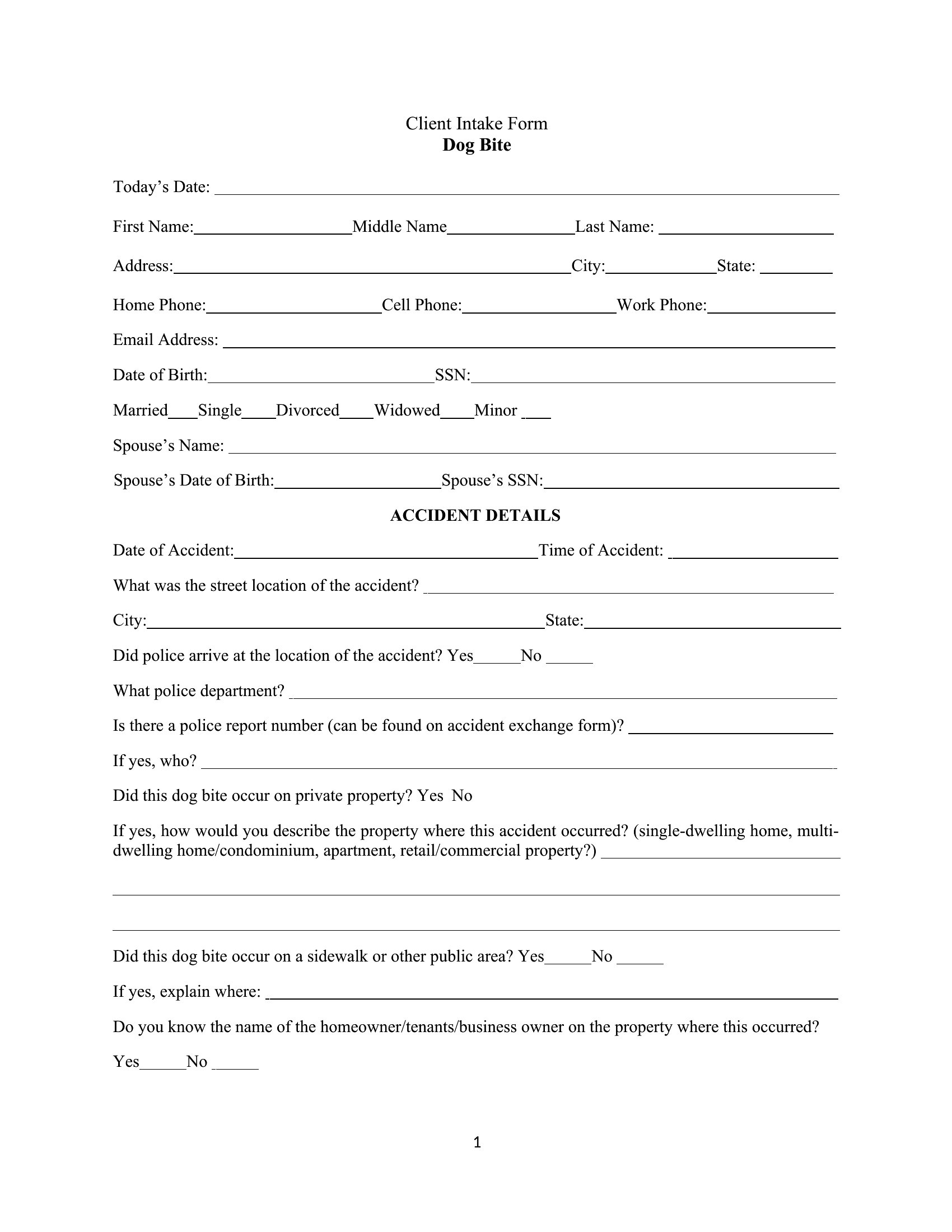
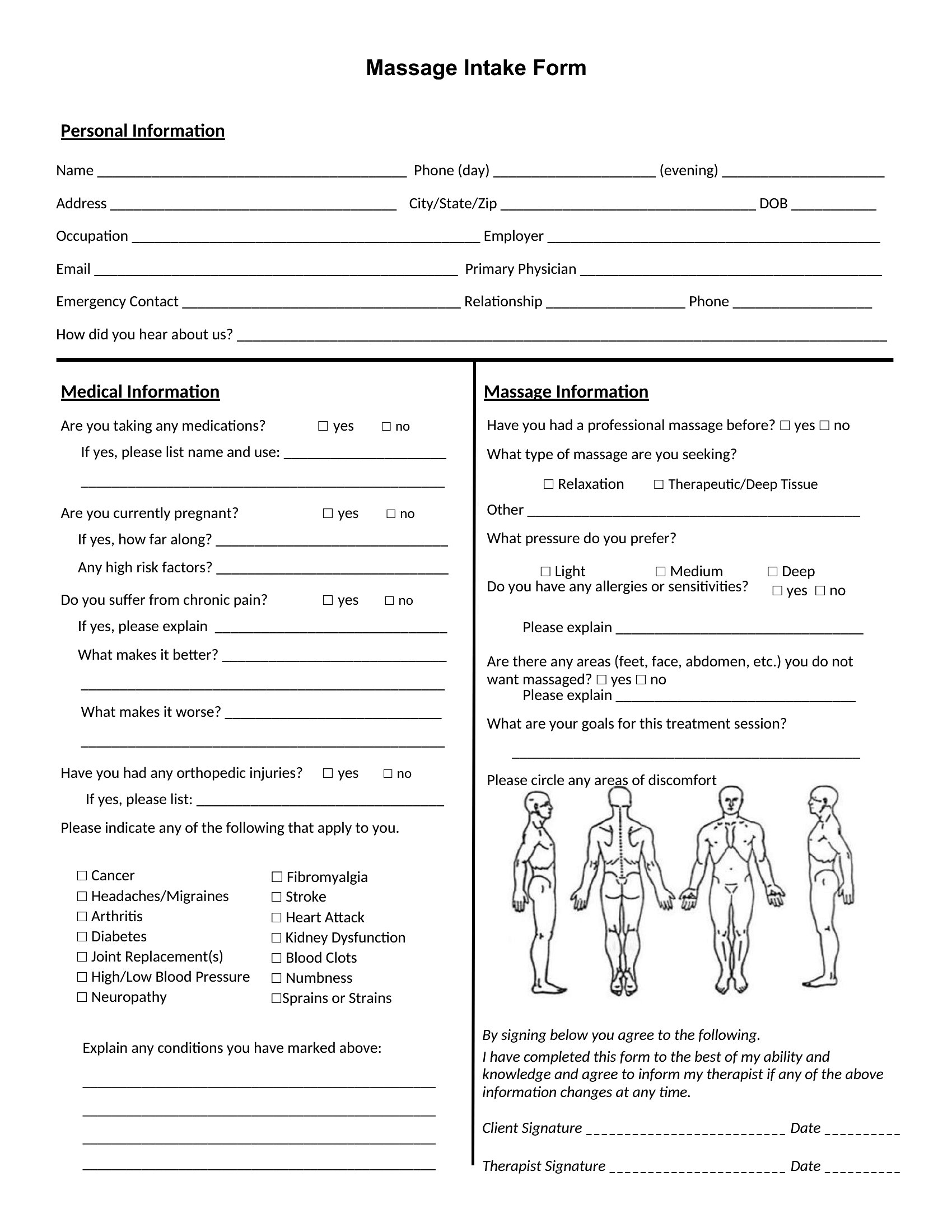
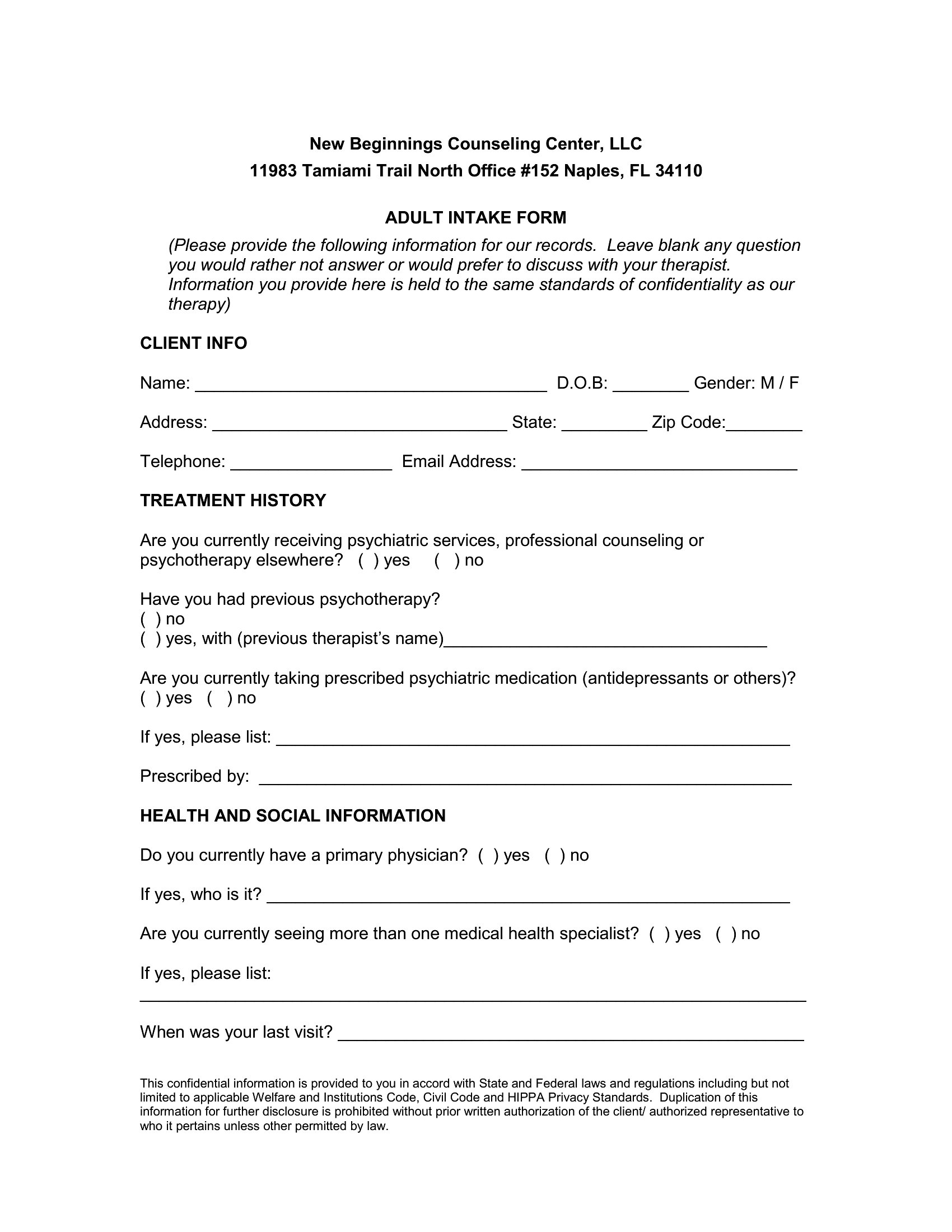
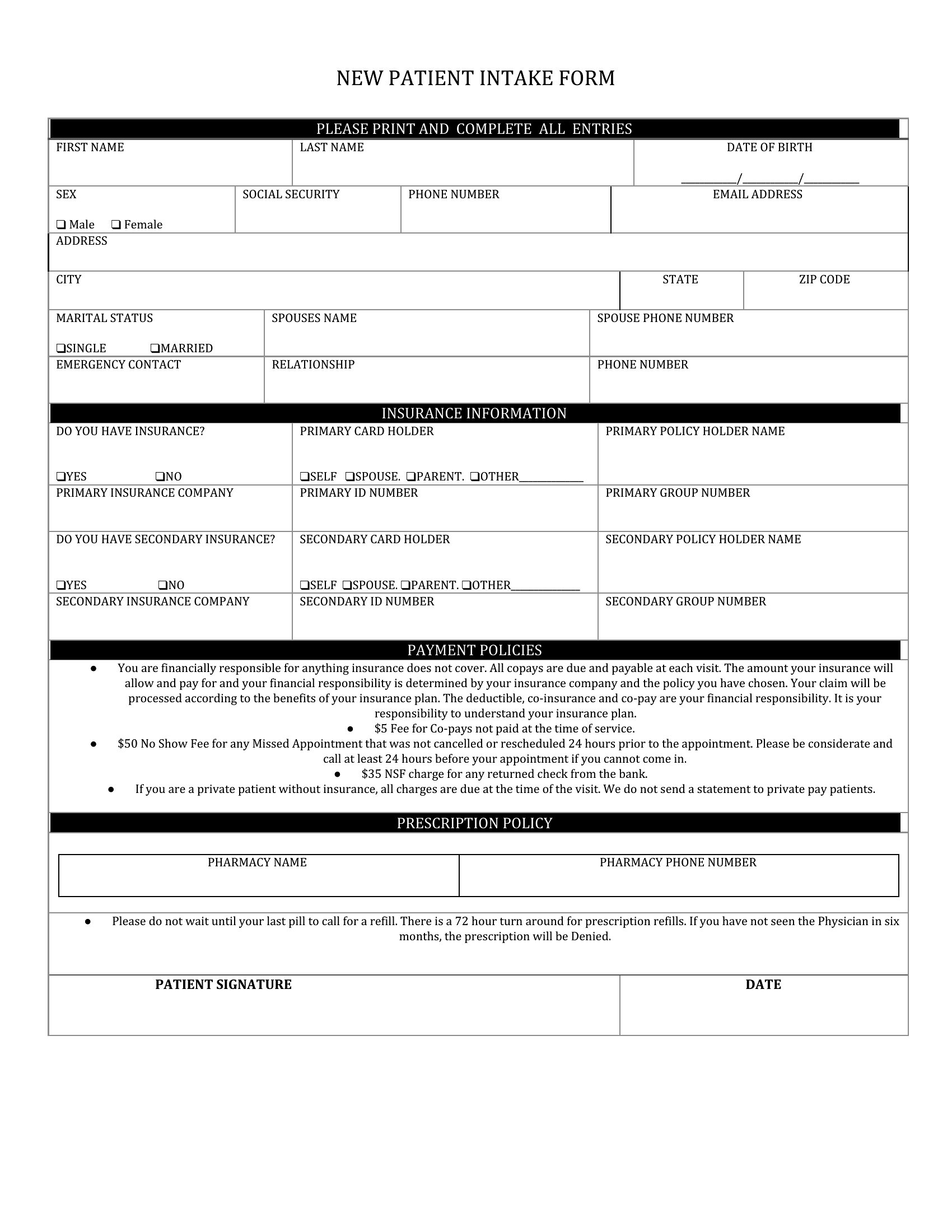
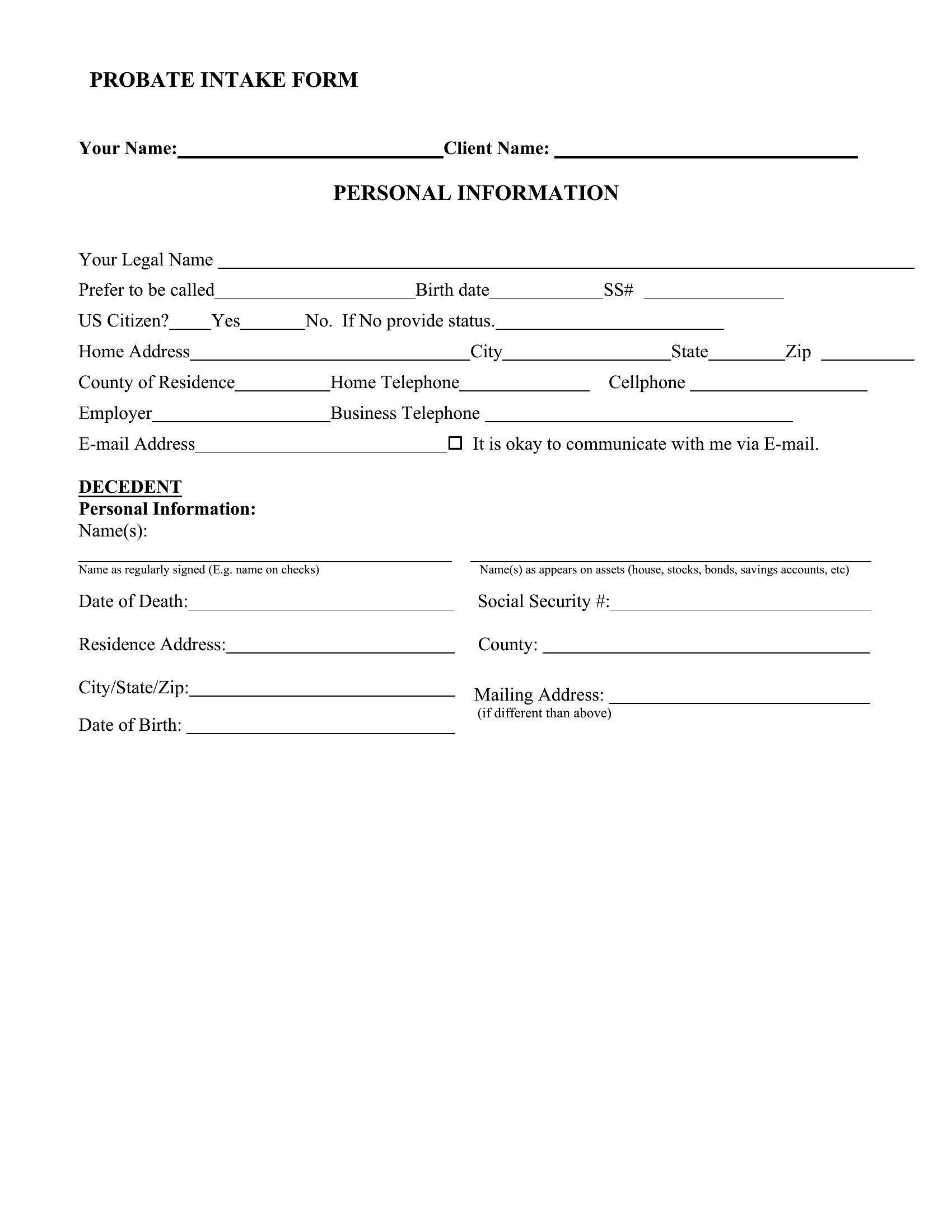
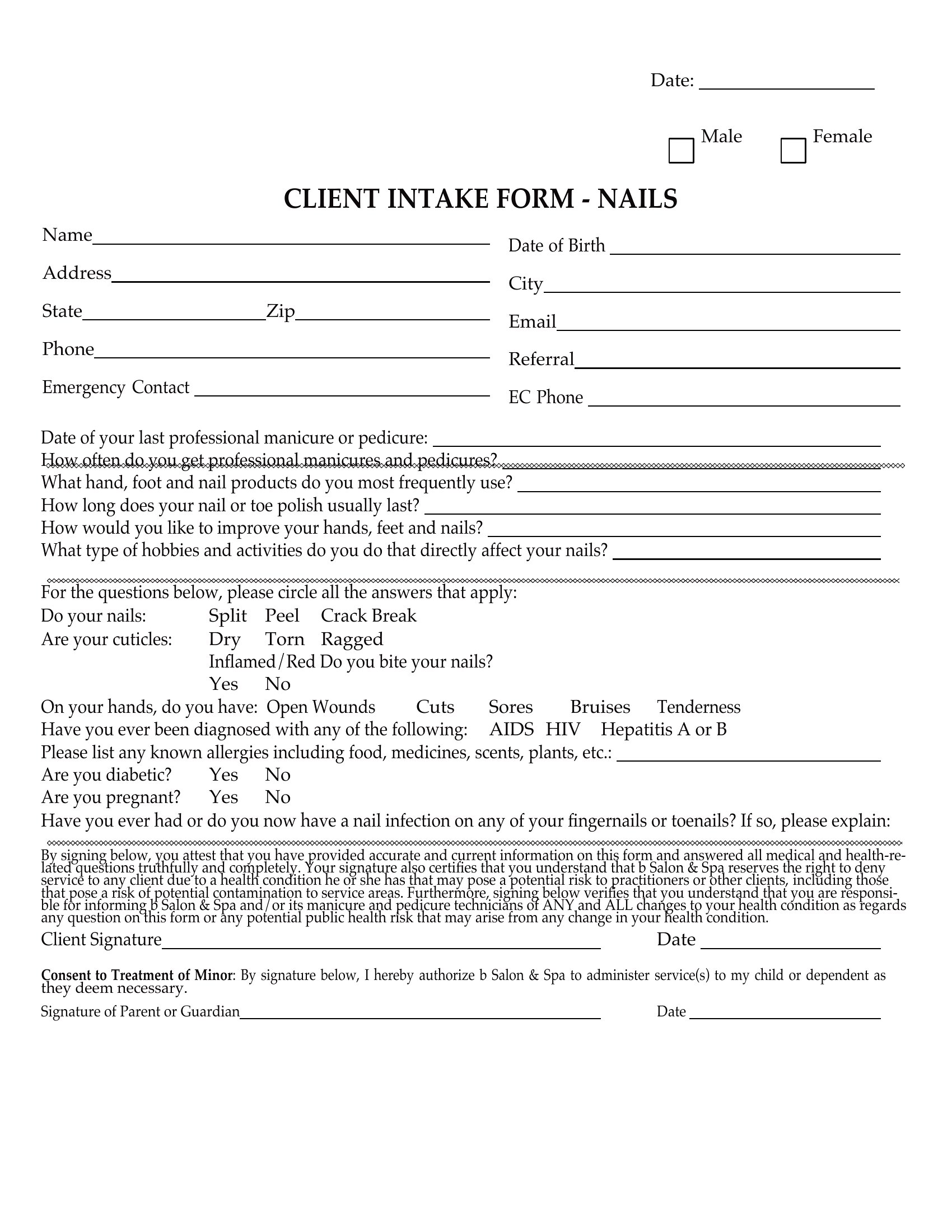
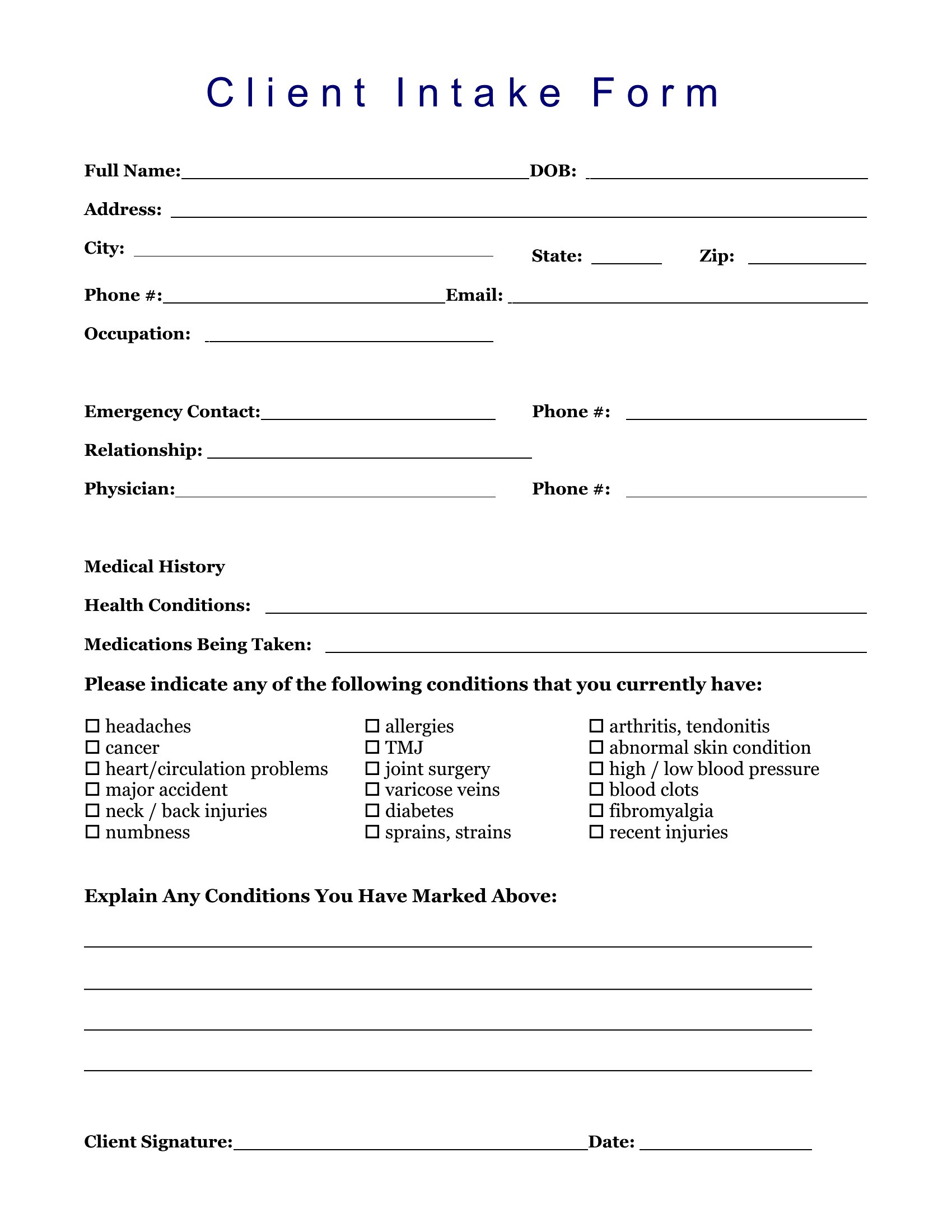
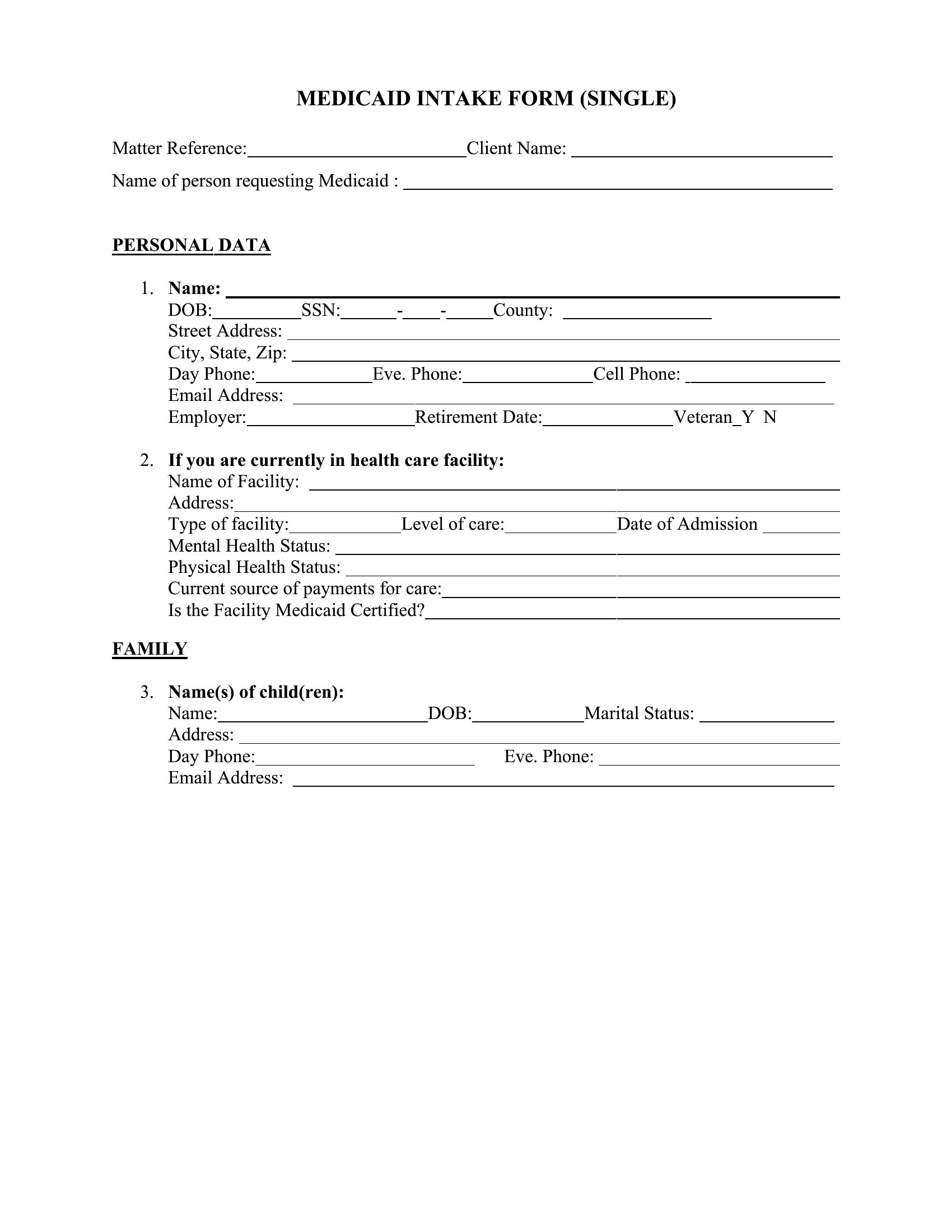
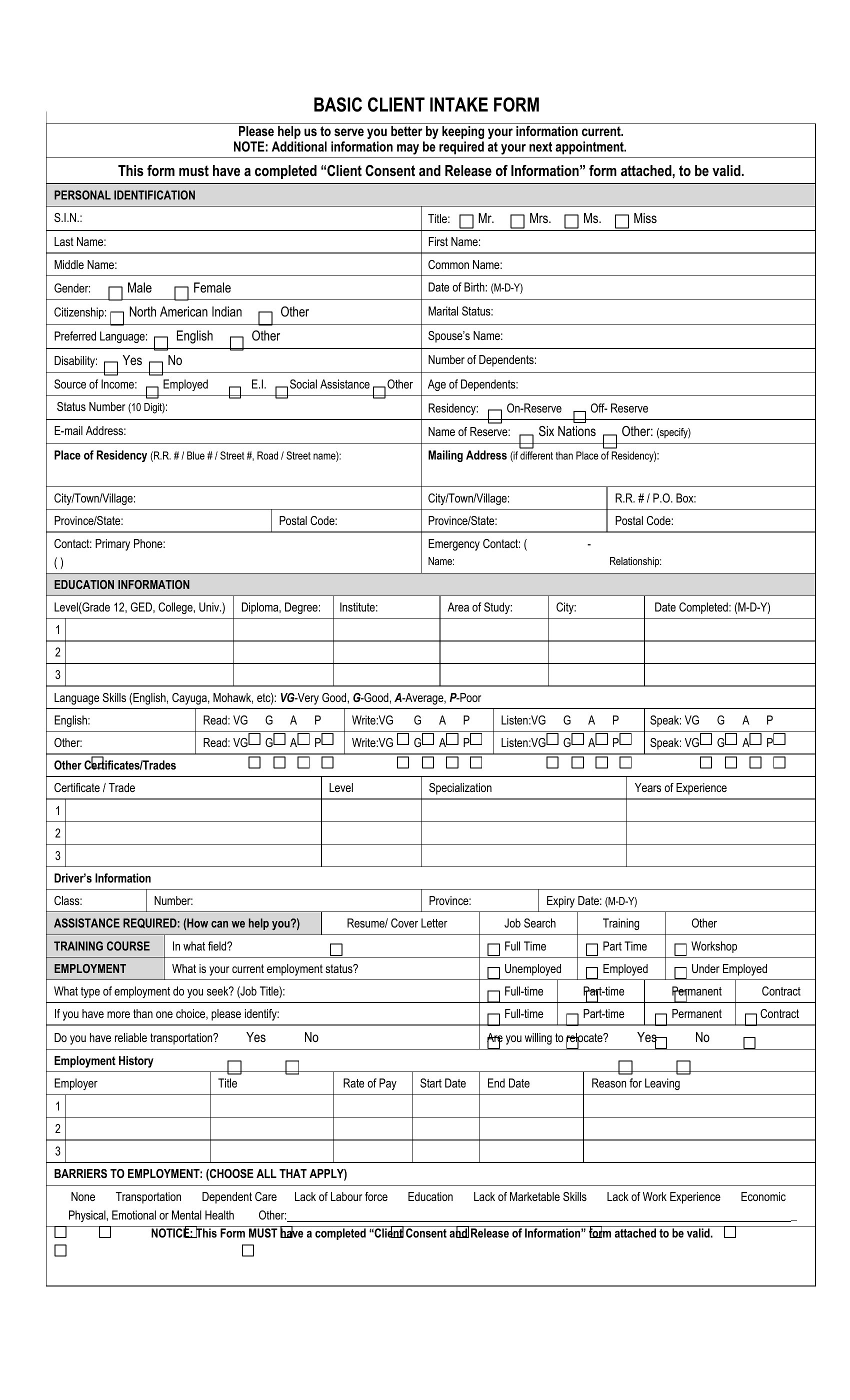
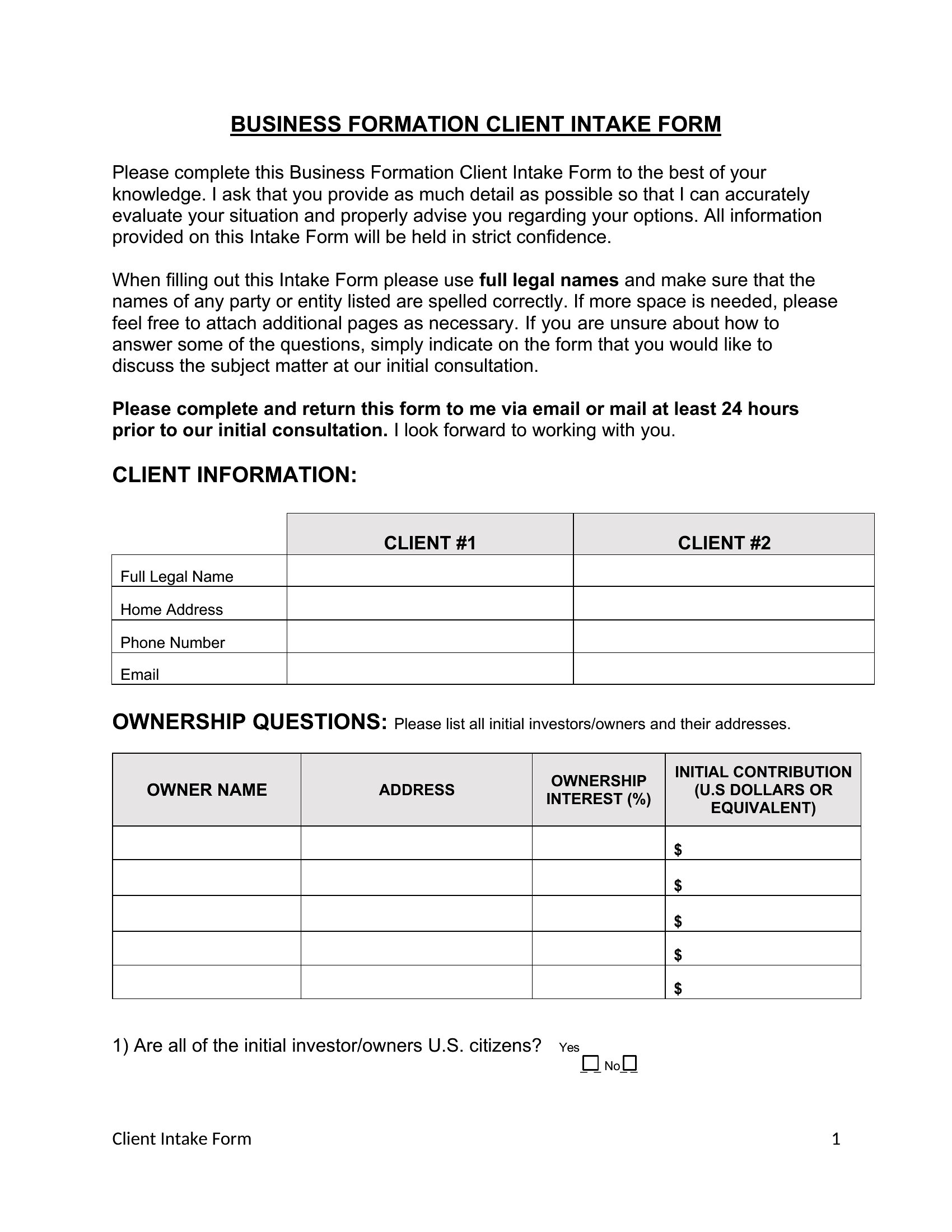
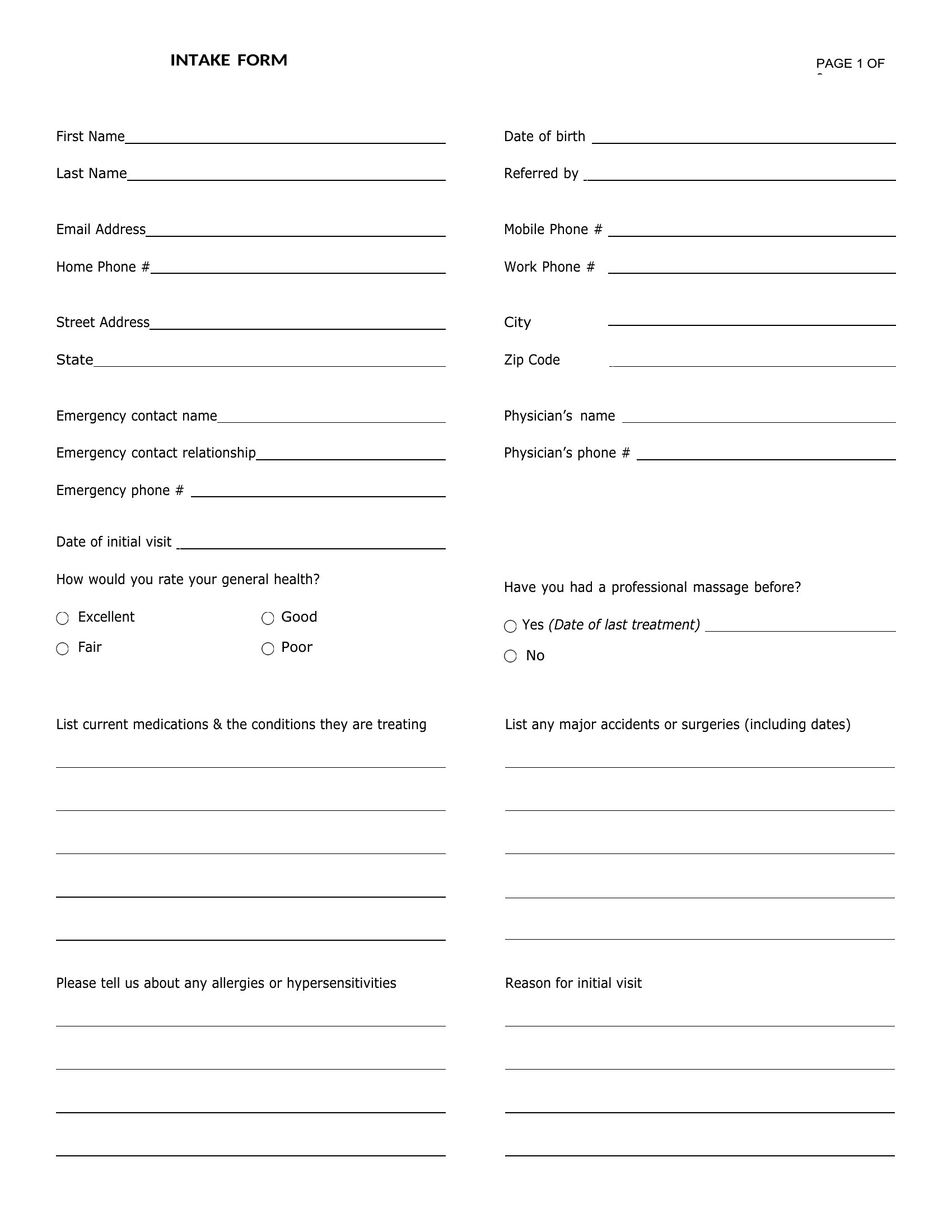
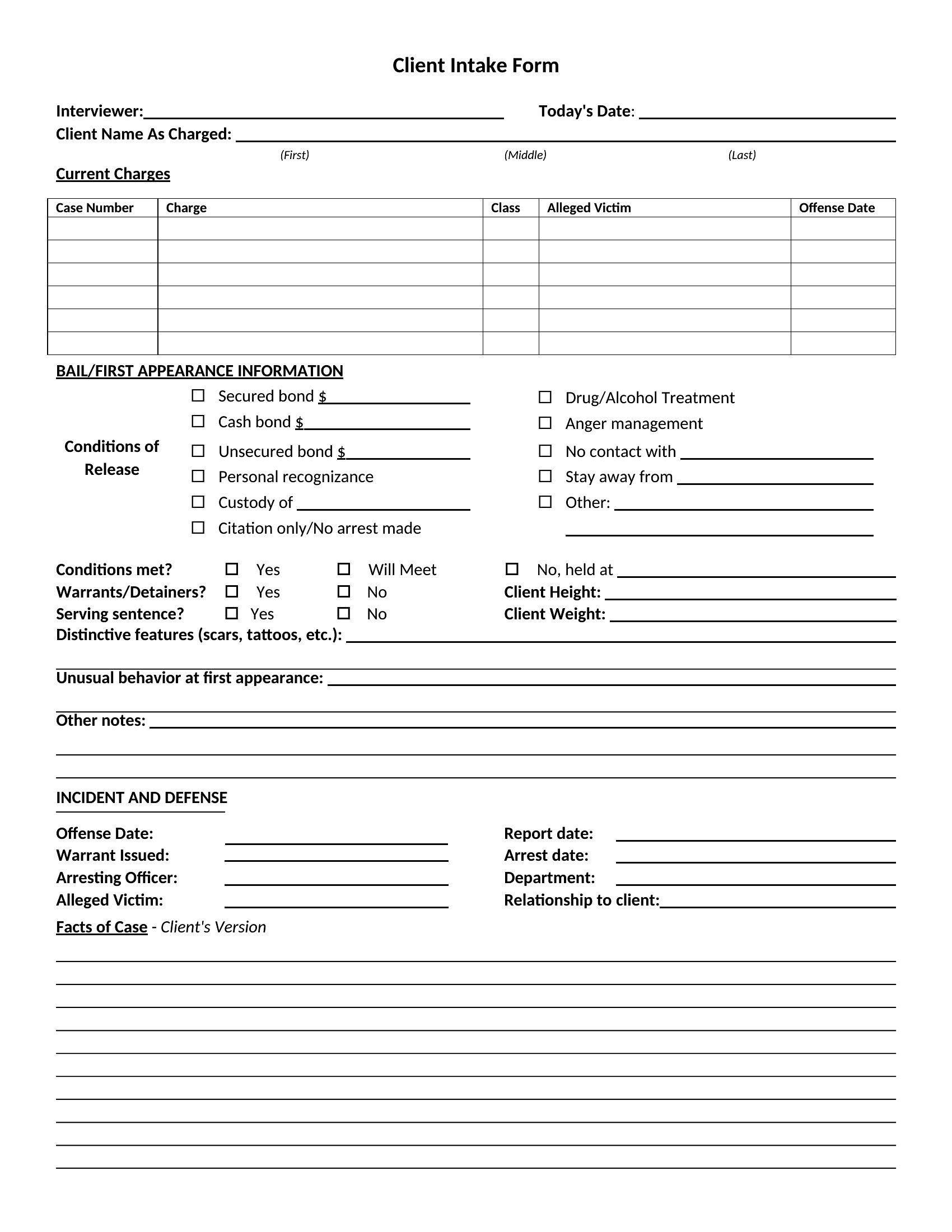
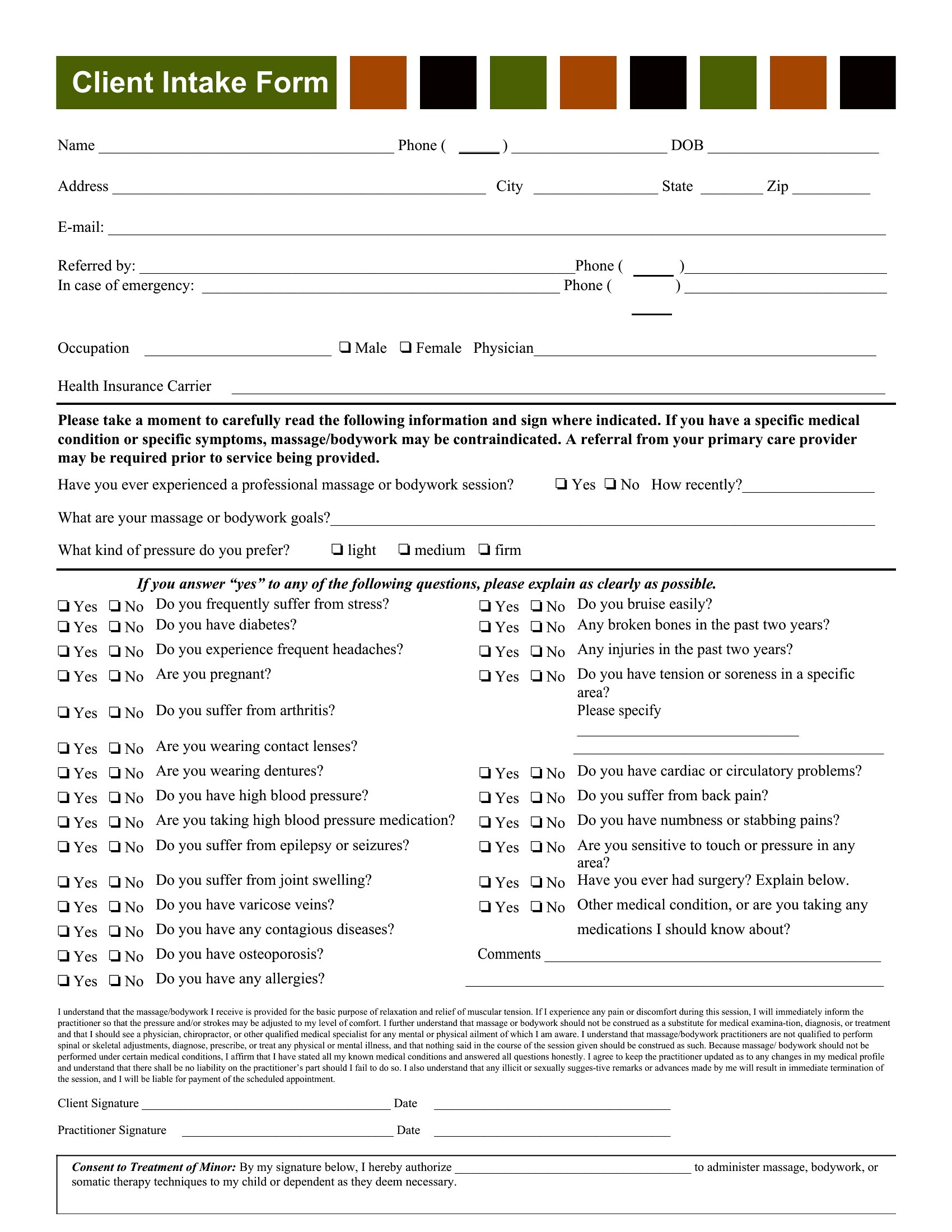
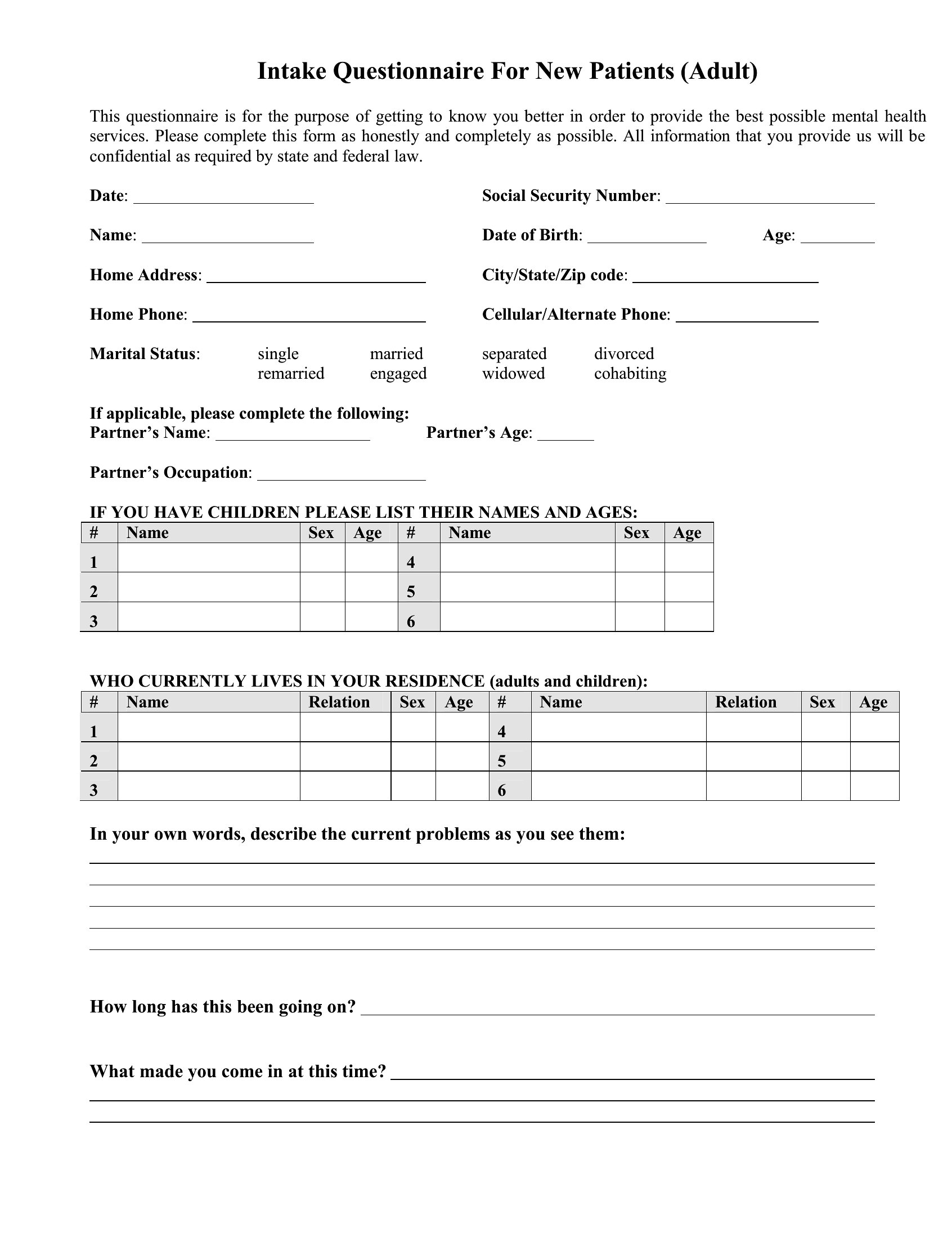
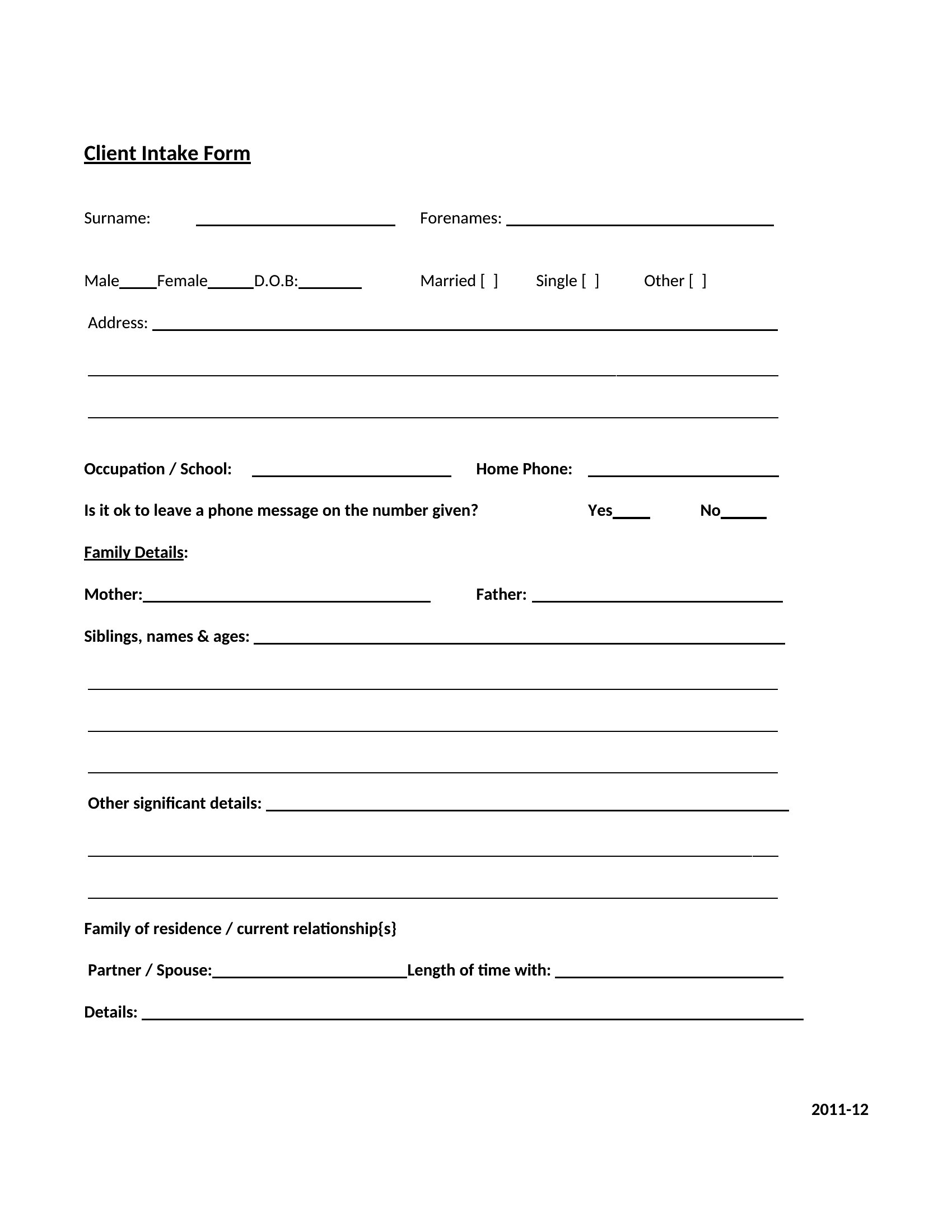
Start with a template tailored to your profession, like the Personal Injury or Bankruptcy forms, which include common legal fields. However, consult a licensed attorney to verify compliance with your state’s rules on confidentiality, disclosures, and consent. These templates provide structure but are not a substitute for legal review.
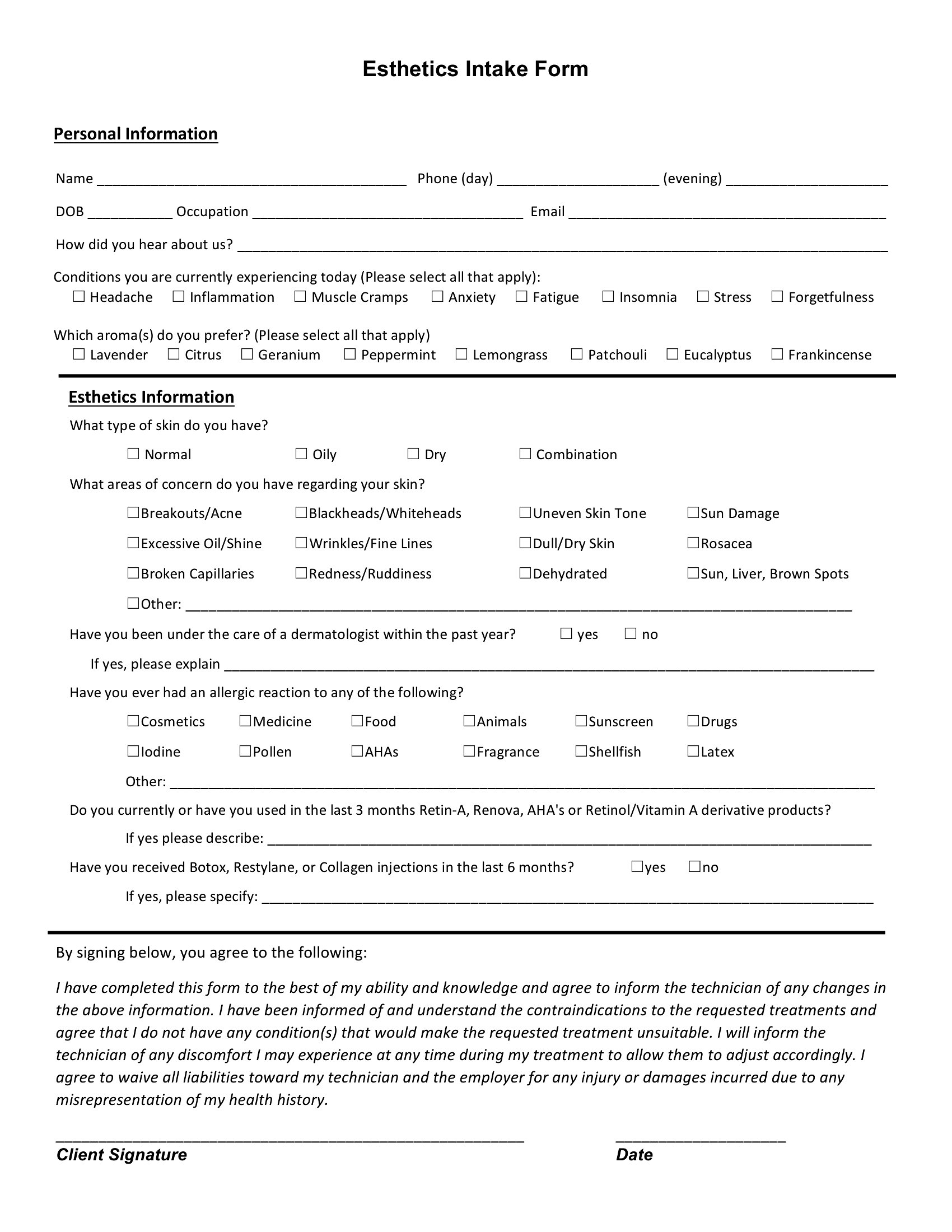
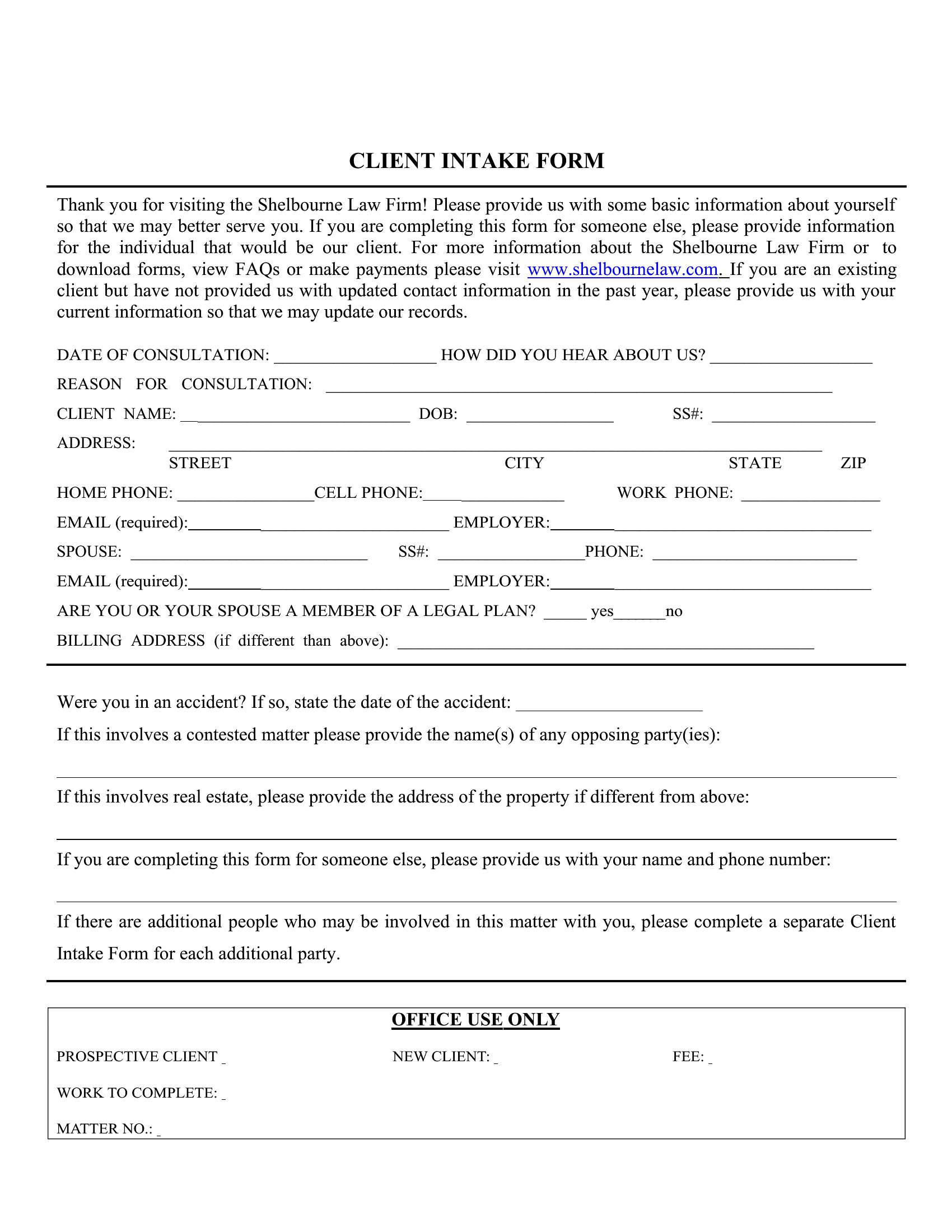
Can I use the same intake form for multiple services, like both legal consultation and financial planning?
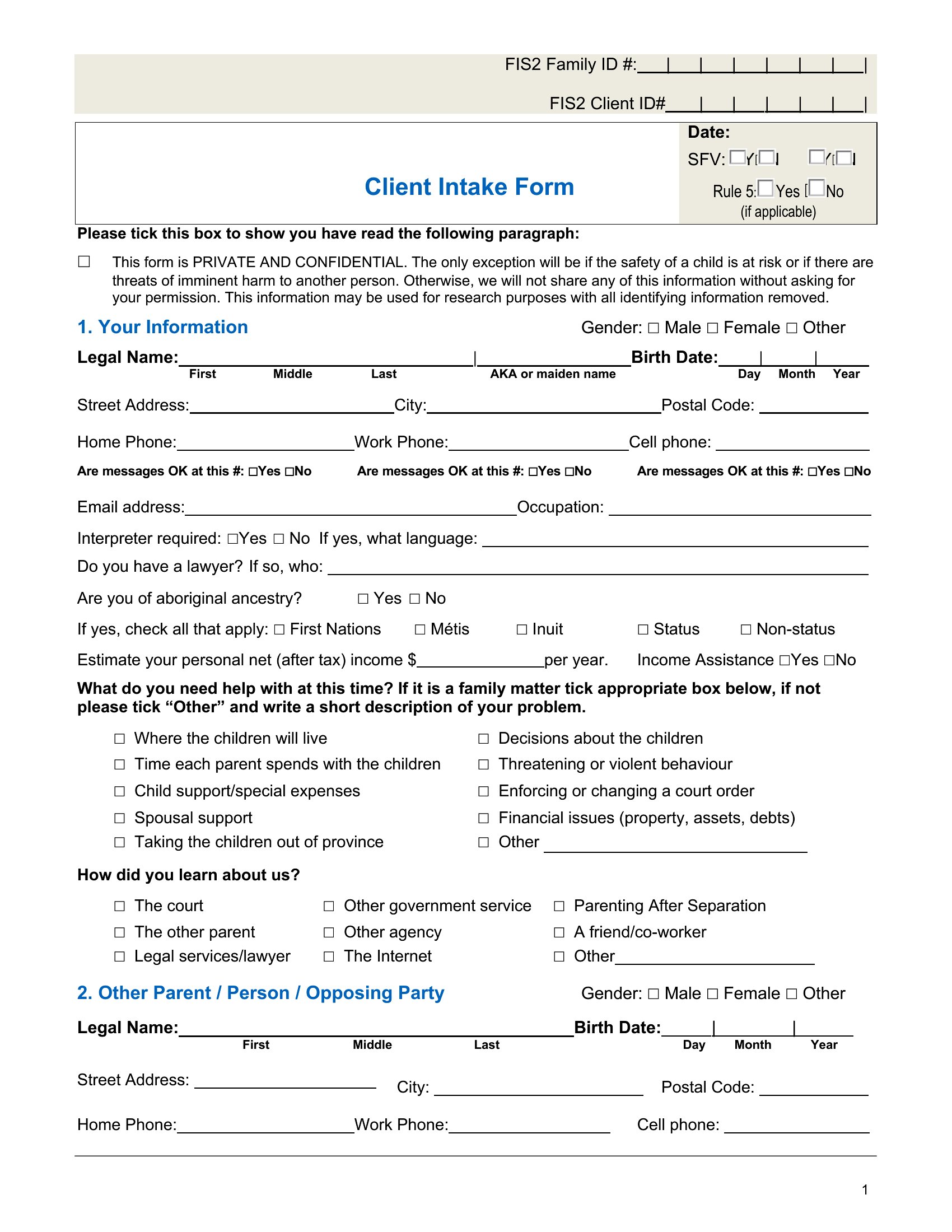
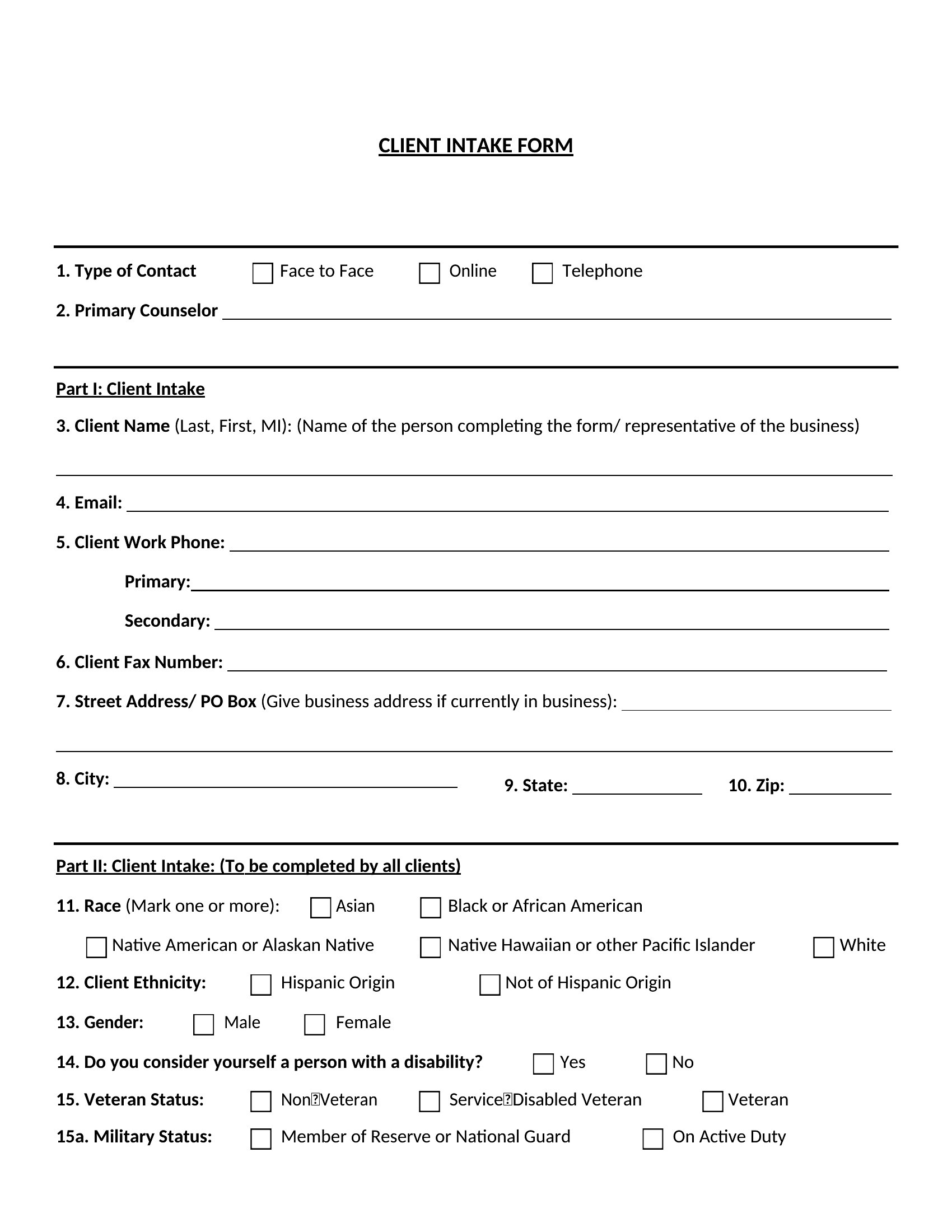
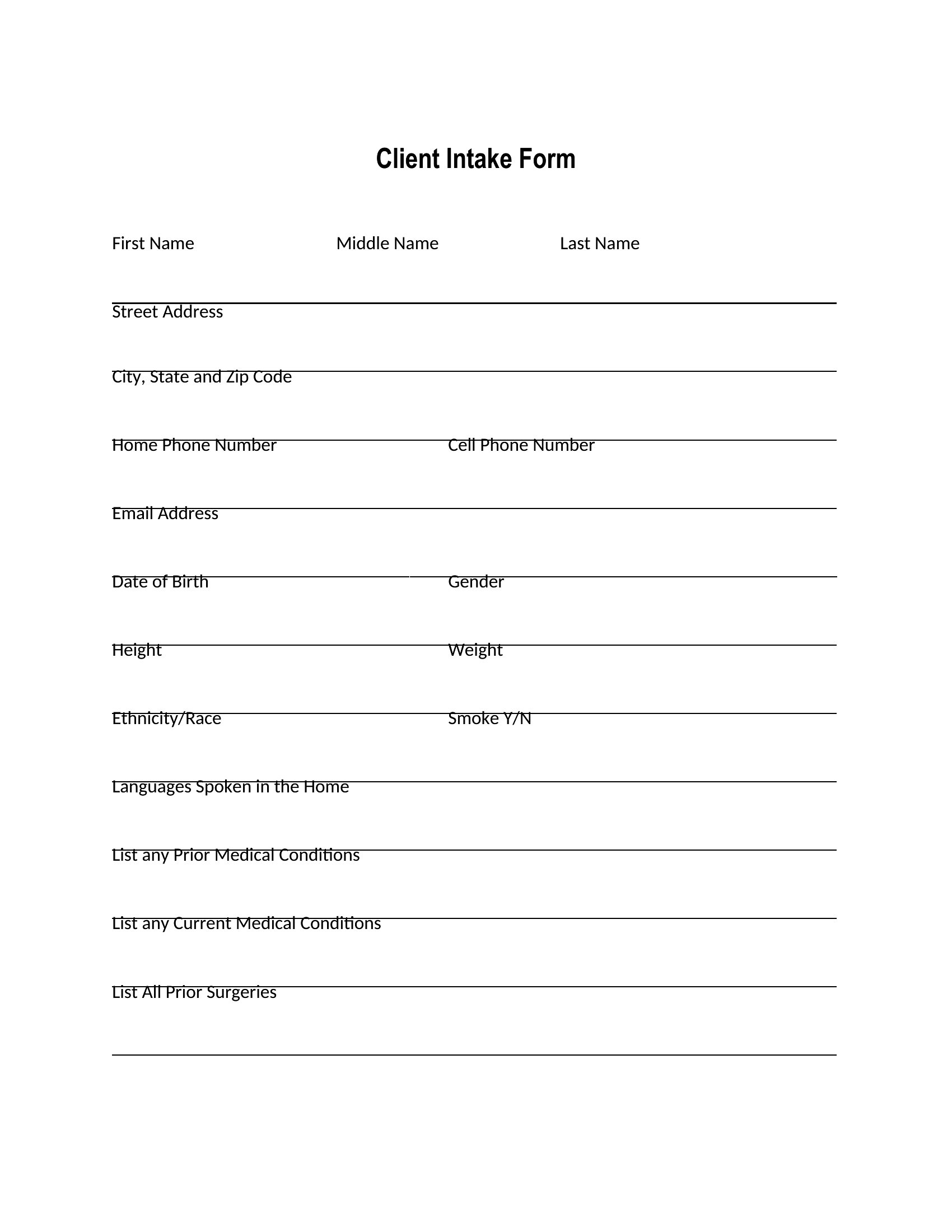
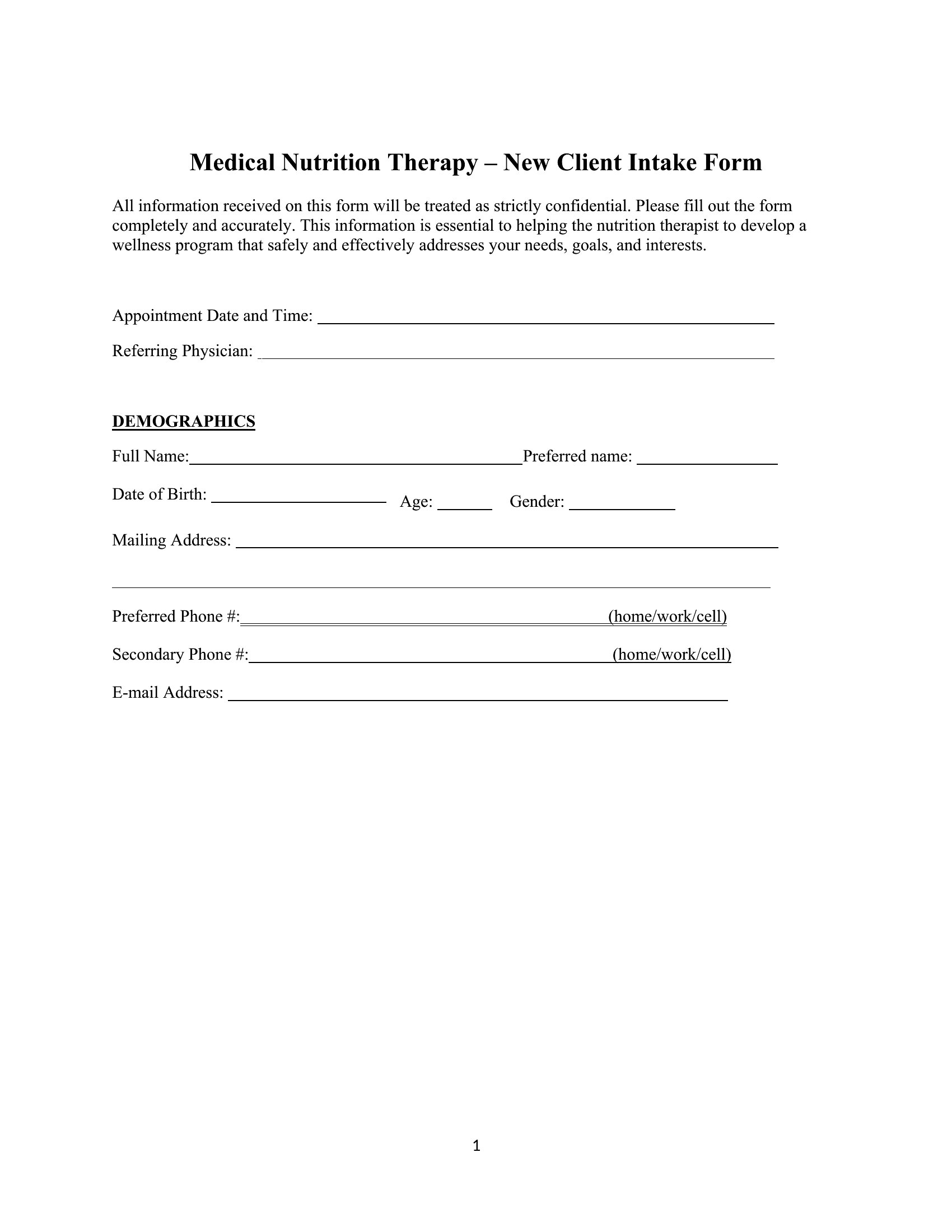
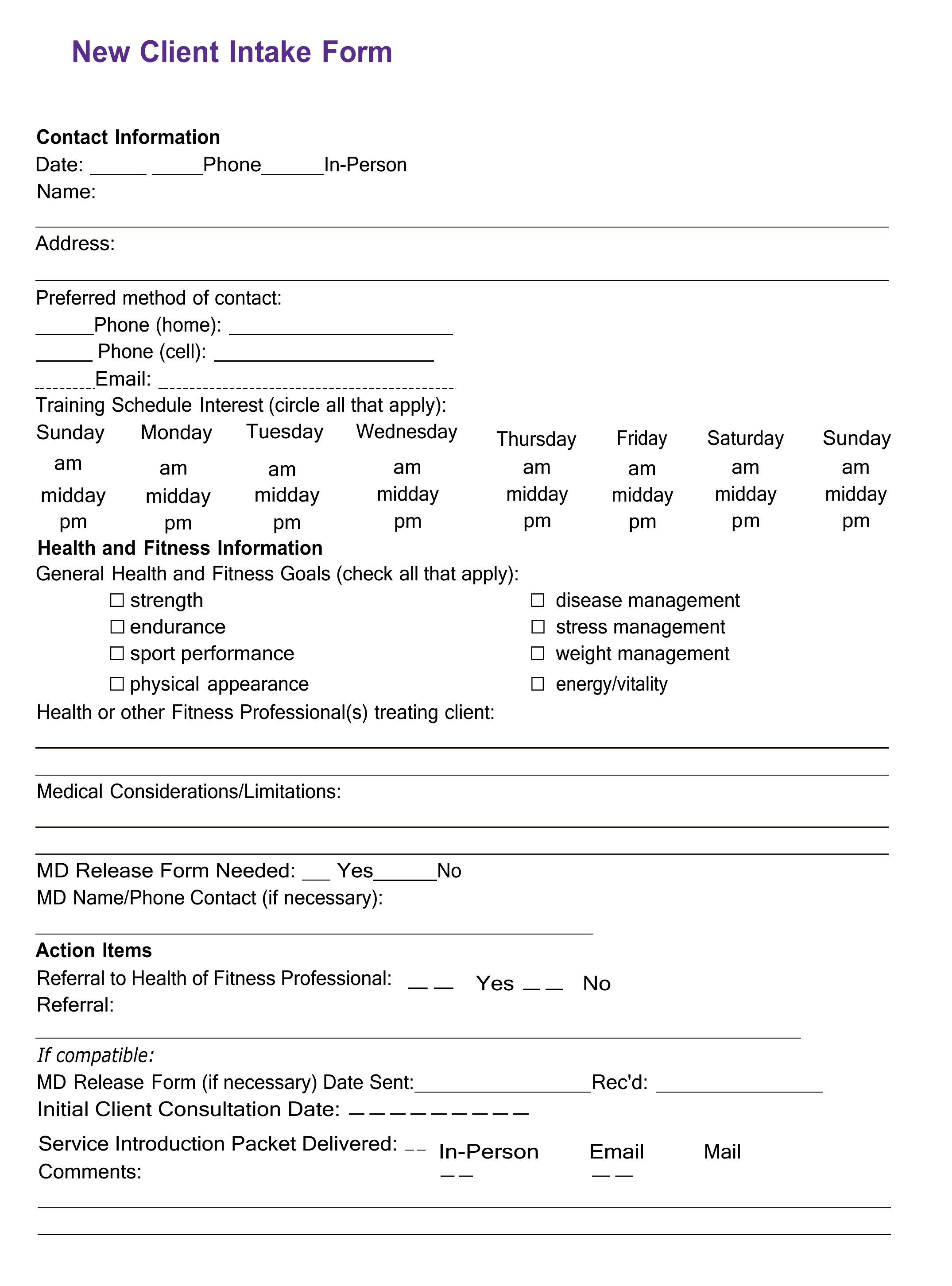
While templates like the New Client Intake Form offer broad fields, mixing unrelated services may omit critical details. For example, a lawyer and accountant need different disclaimers and liability waivers. Customize a base template by adding or removing sections to fit each service’s specific needs.
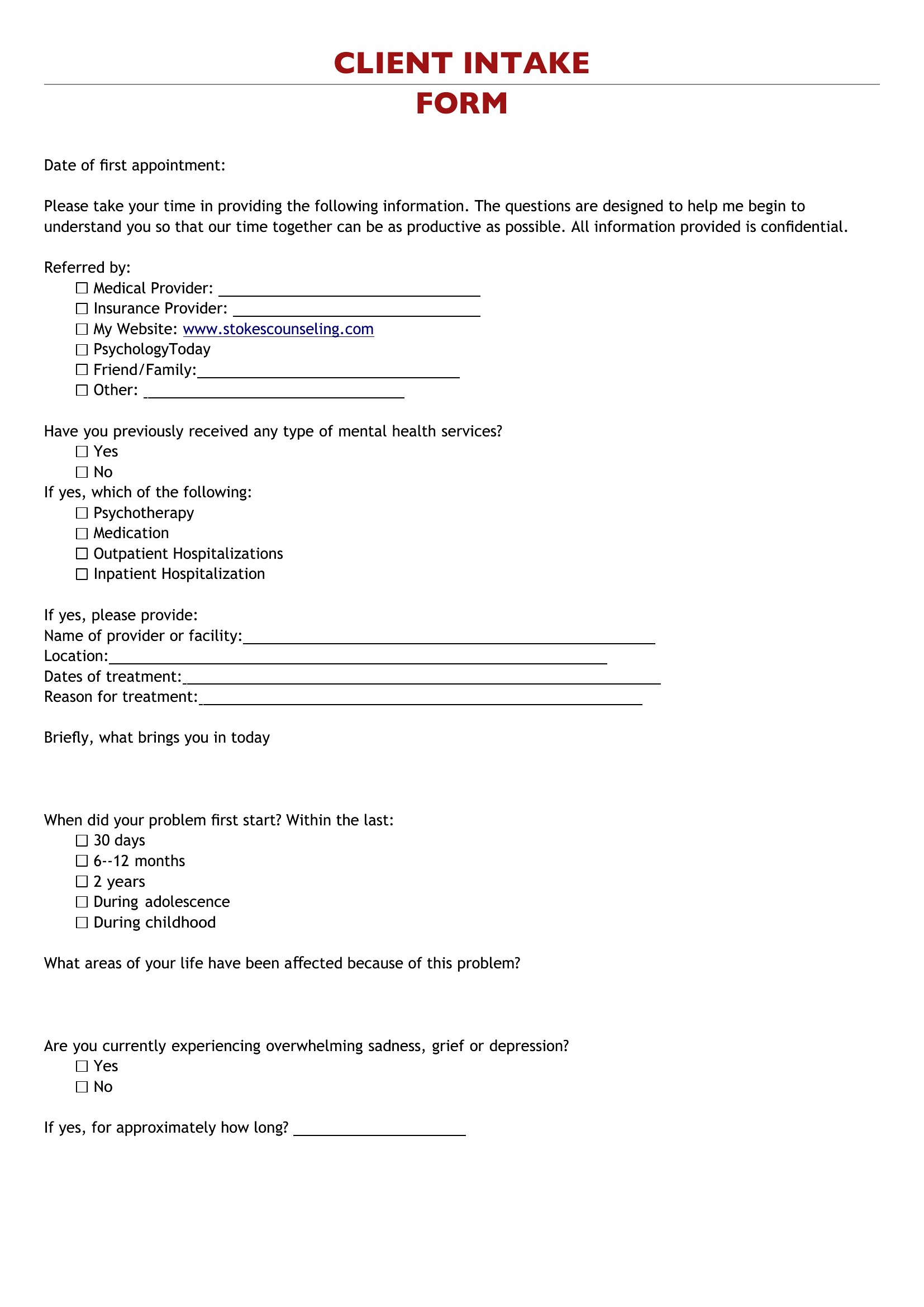
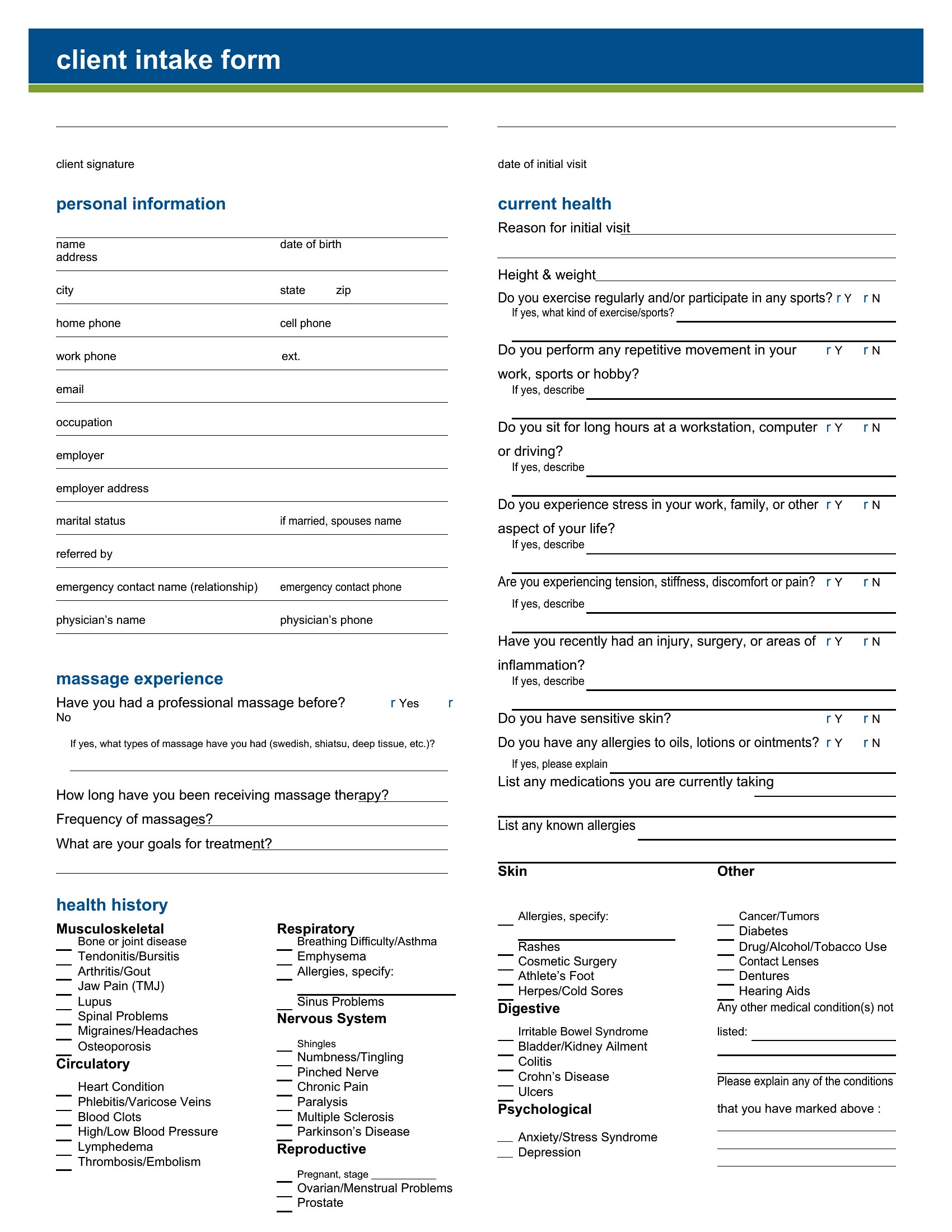
What’s the best way to organize sensitive information collected on the form?
Store completed intake forms in a secure, encrypted digital system like a HIPAA-compliant client management tool or password-protected folder. Avoid keeping physical copies unless necessary, and shred or securely delete outdated forms. Always inform clients how their data will be stored and used in your privacy policy.
Comments
Join the conversation
Sign in to share your thoughts and leave a comment on this resource.