





FAQ
How can I incorporate diagrams or images into these instruction manual templates?
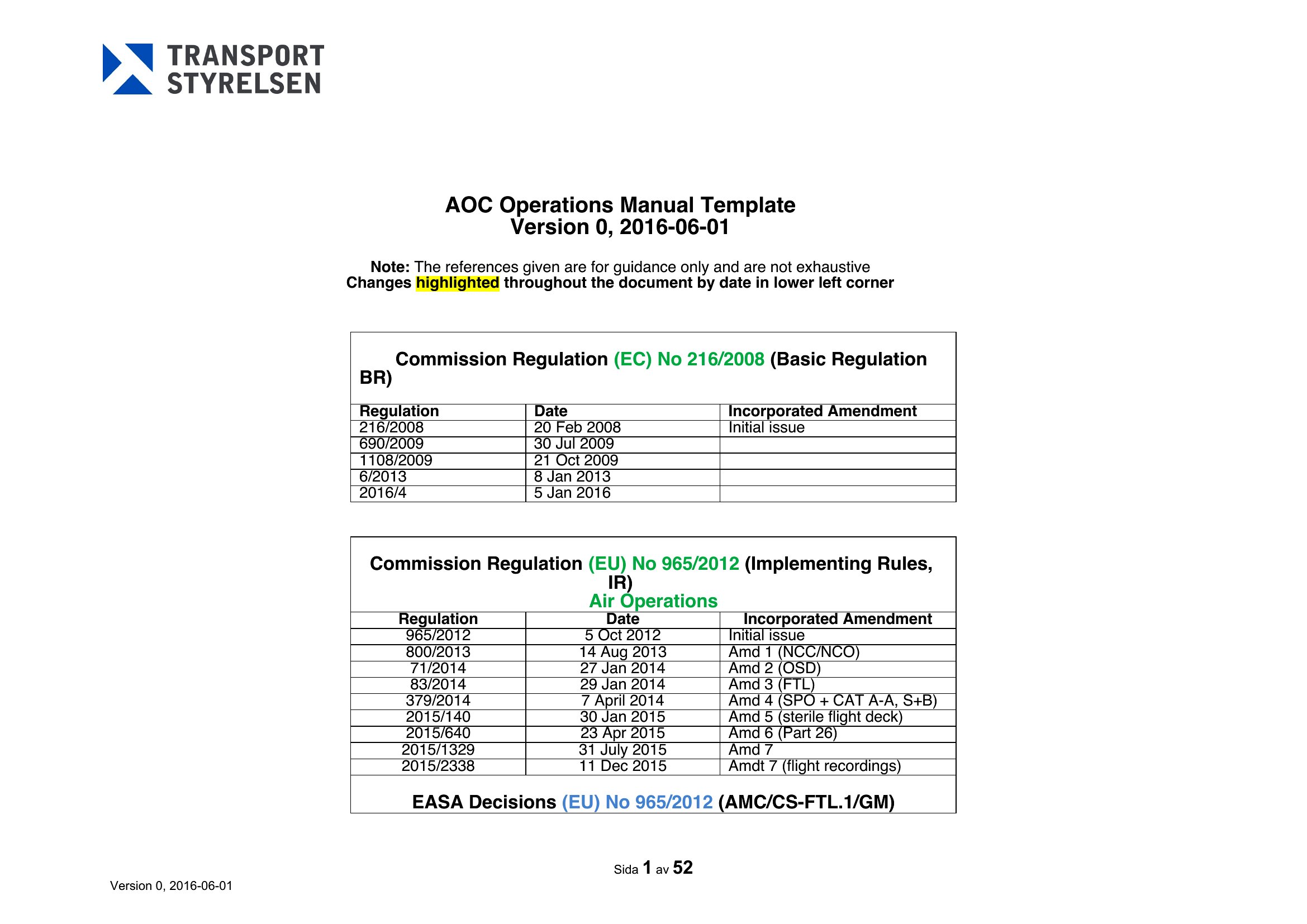
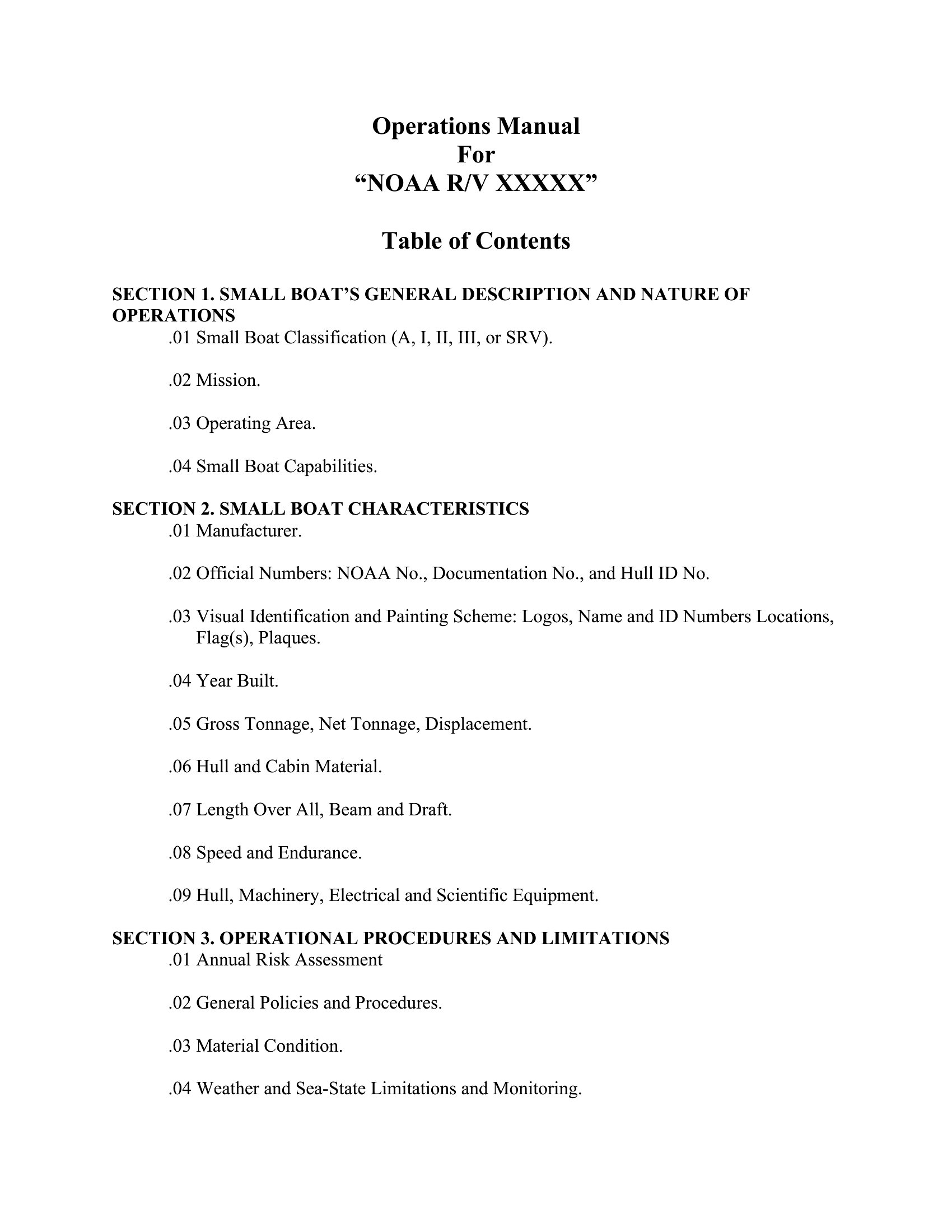
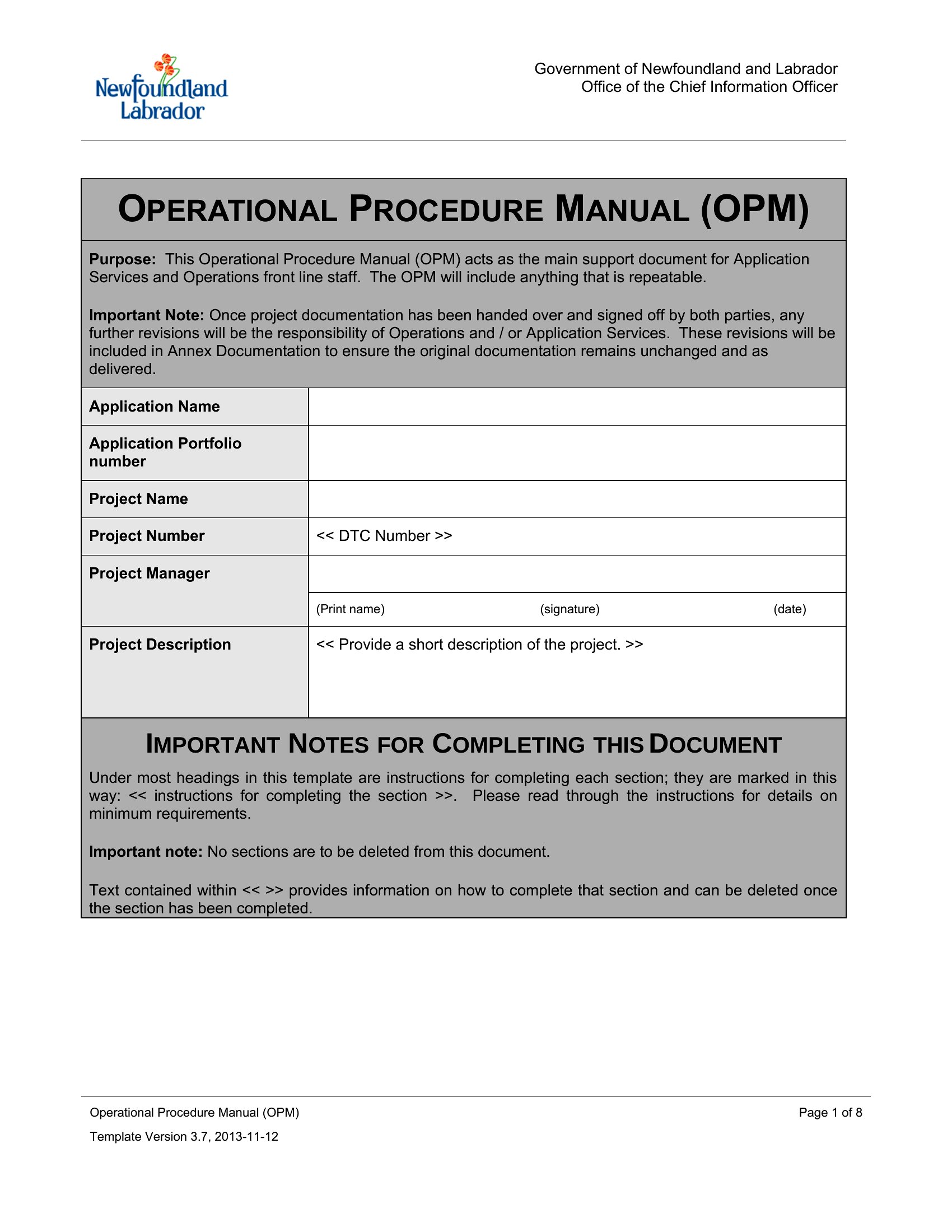
Most templates in this collection include placeholder sections for diagrams or images. In Word, insert screenshots or illustrations near relevant steps, and use the ‘Wrap Text’ feature to keep them aligned with instructions. For PDFs, pre-design diagrams in a tool like PowerPoint or Canva, then embed or link them during the final export process. Avoid overcrowding—prioritize clarity over visual clutter.
Are there templates suited for instructions that require multilingual support?
While these templates don’t include built-in translation tools, they’re structured to accommodate multilingual content. Use Word’s language tools to check translations or duplicate sections for each language in PDFs. For compliance-heavy fields, consider adding a disclaimer noting that only official translations meet regulatory standards. Keep layouts consistent to avoid user confusion between versions.
Can these templates help organize safety warnings or legal disclaimers effectively?
Yes, many templates include dedicated sections for warnings, disclaimers, and compliance notes—often highlighted in bold or colored boxes. Place these near the start of the manual and repeat critical warnings beside relevant steps. For legal/medical contexts, consult a professional to ensure disclaimers meet jurisdiction-specific requirements; these templates provide structure but aren’t a substitute for legal review.
Comments
Join the conversation
Sign in to share your thoughts and leave a comment on this resource.