



FAQ
How do I decide which needs to prioritize when the assessment reveals multiple urgent issues?
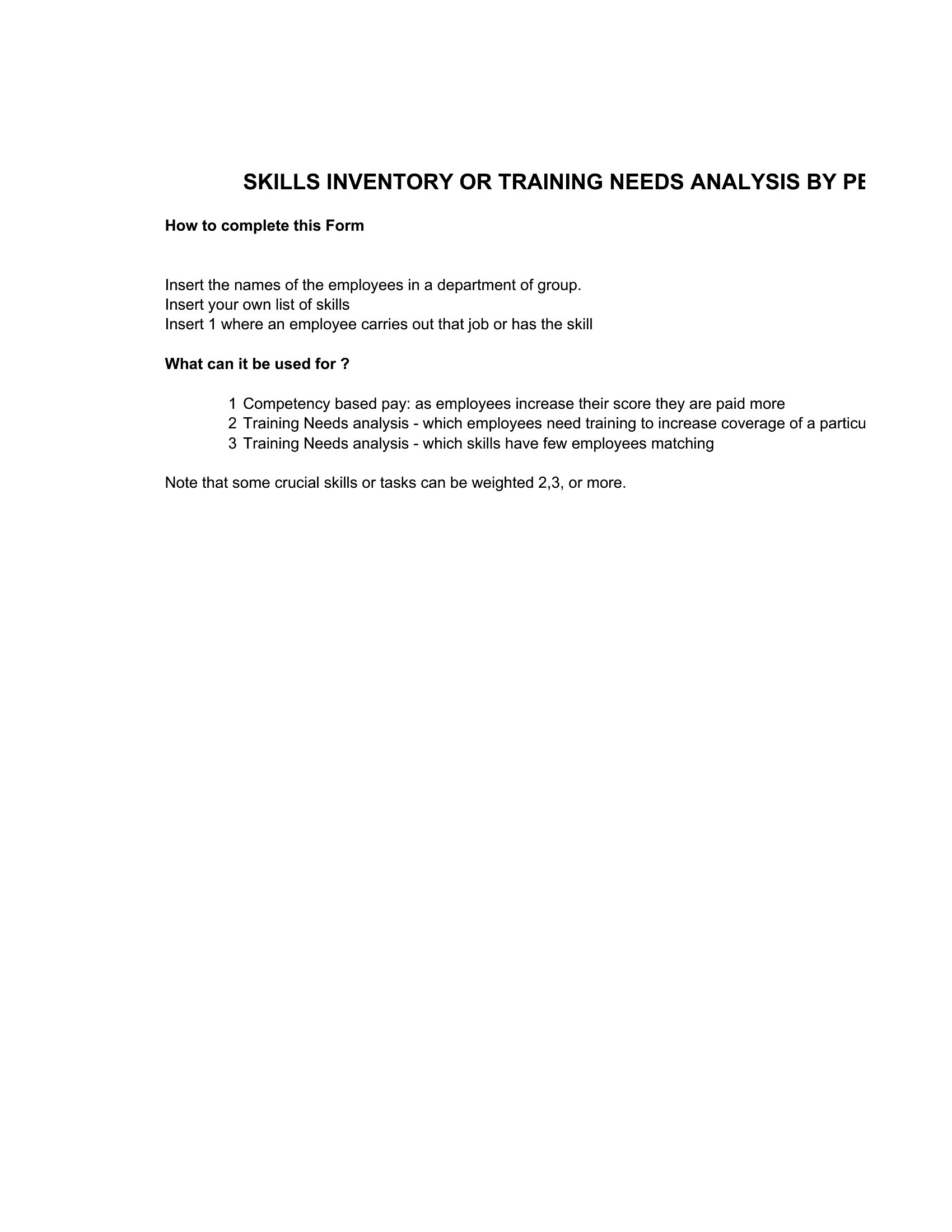
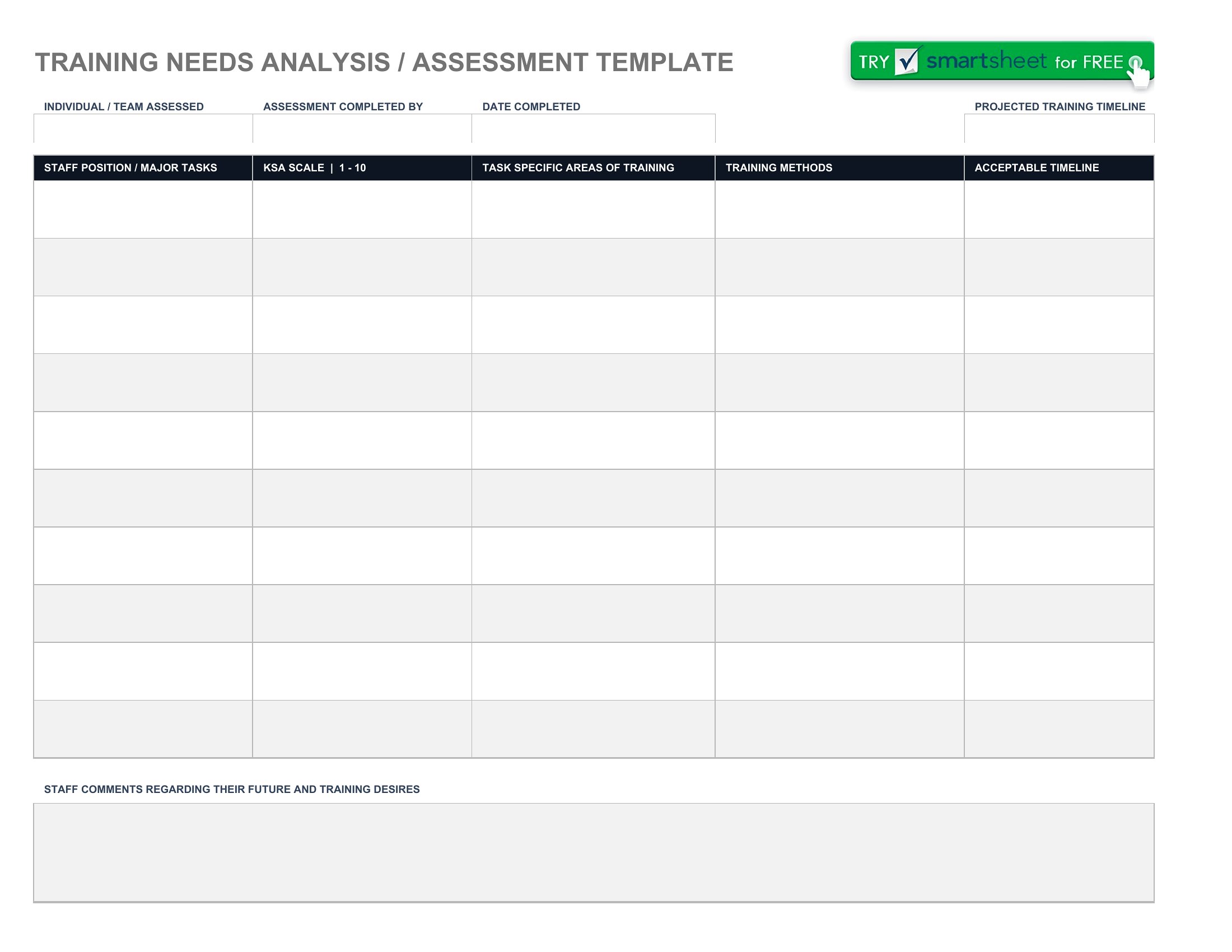
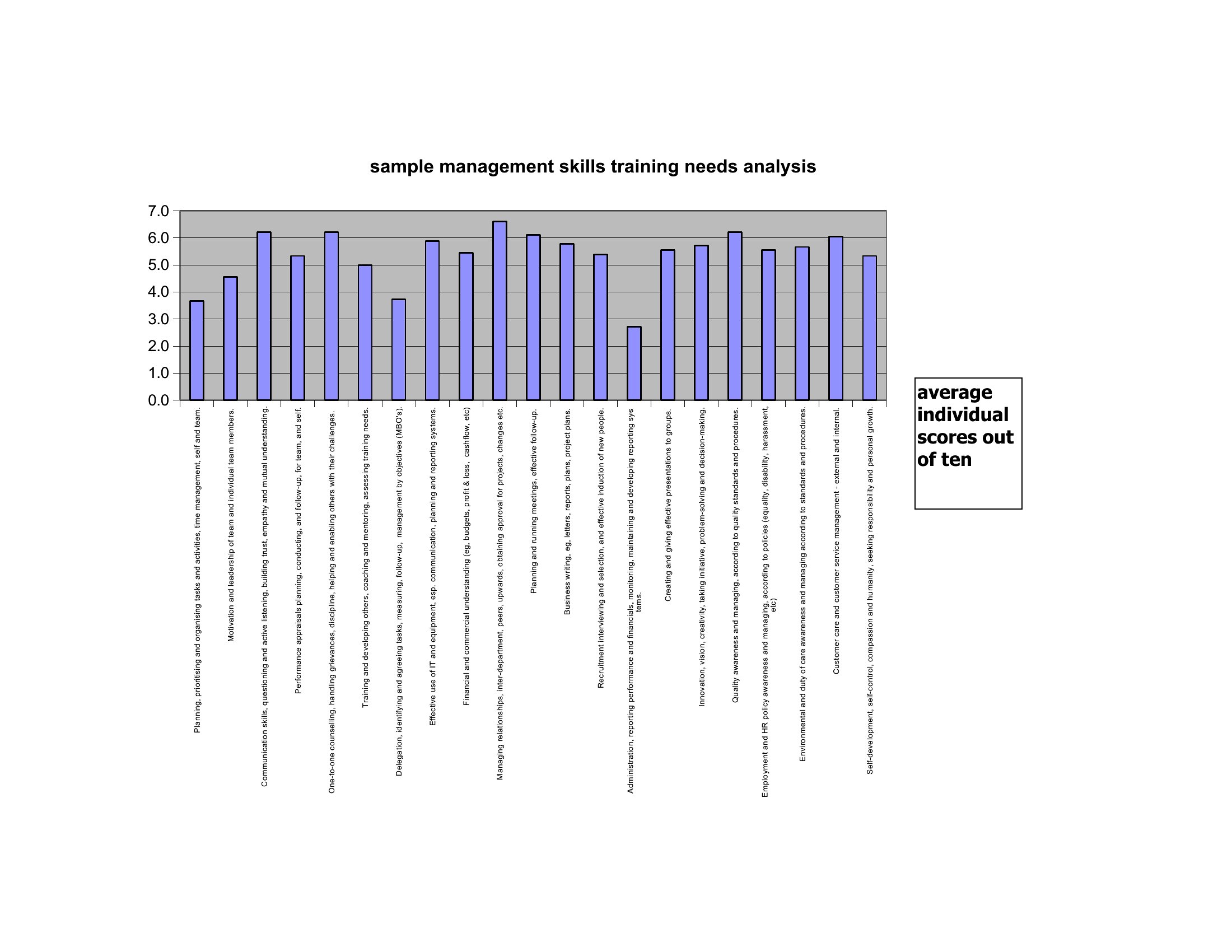
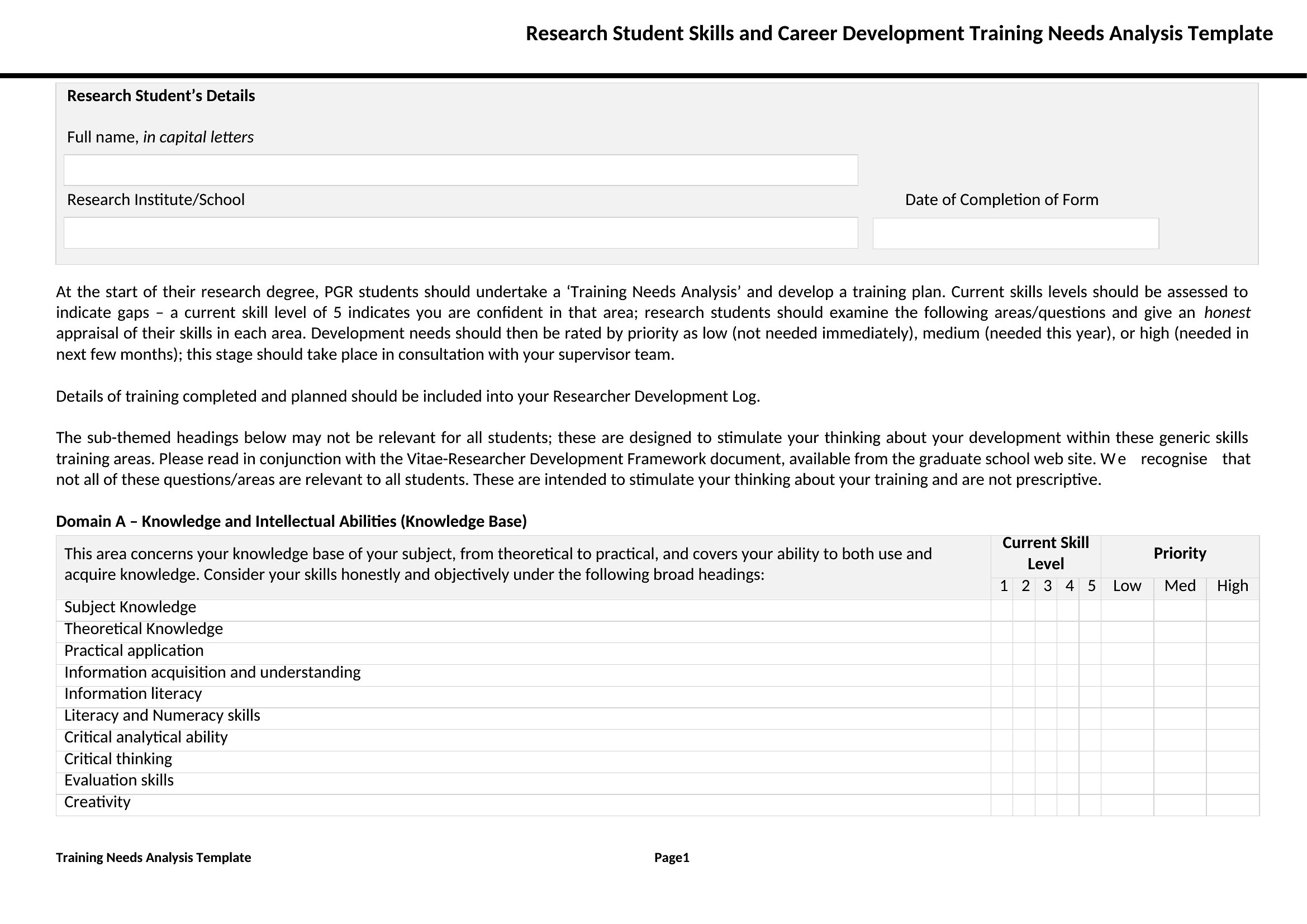
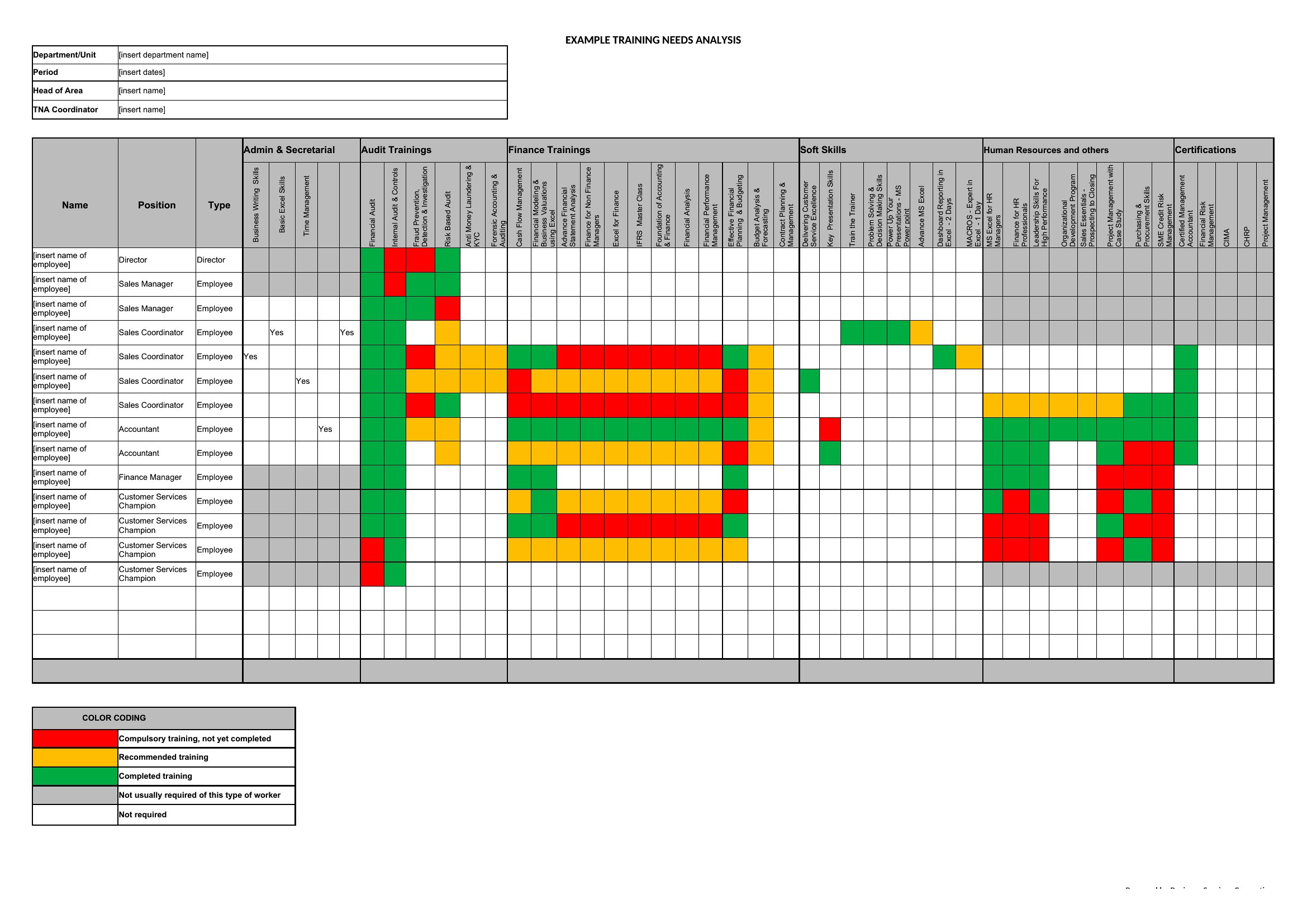
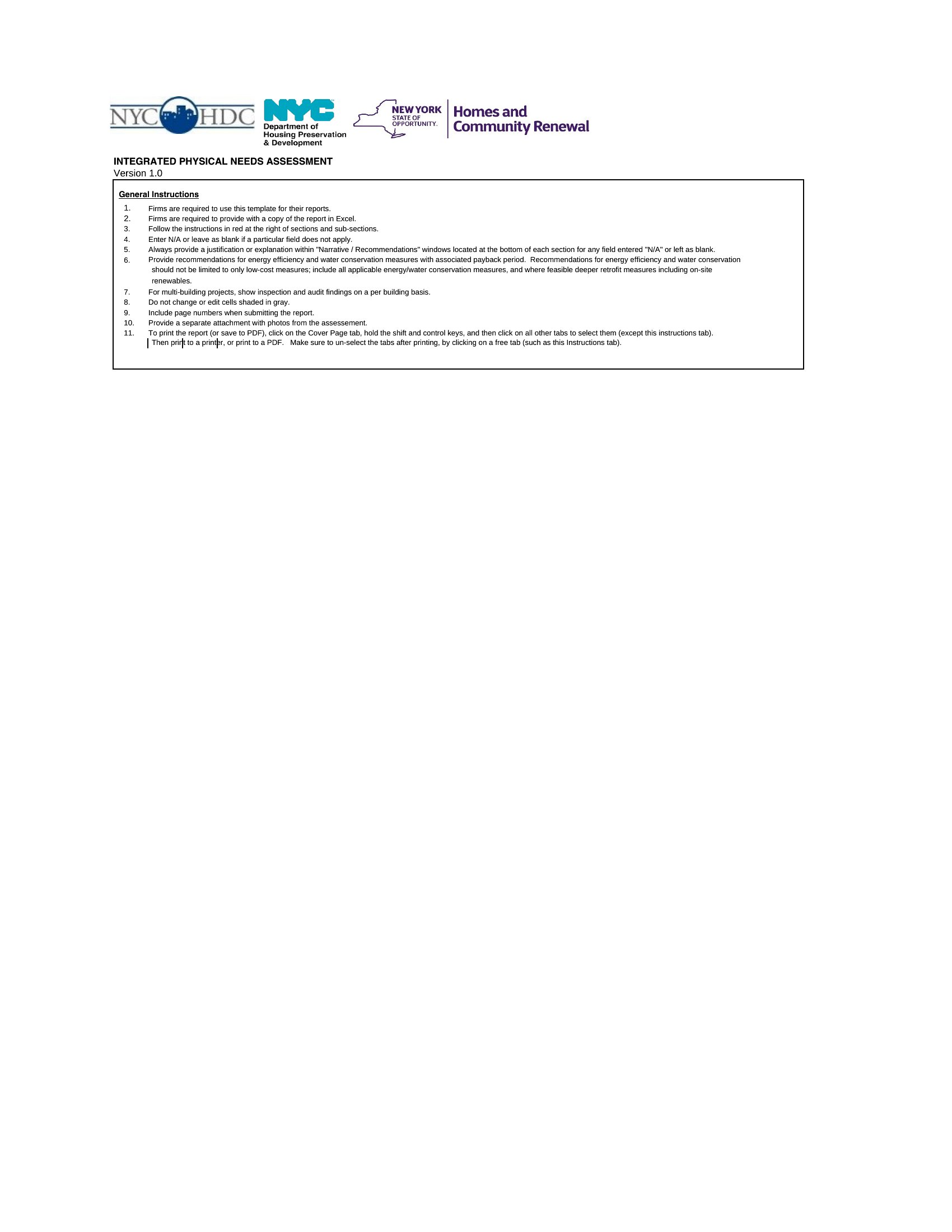
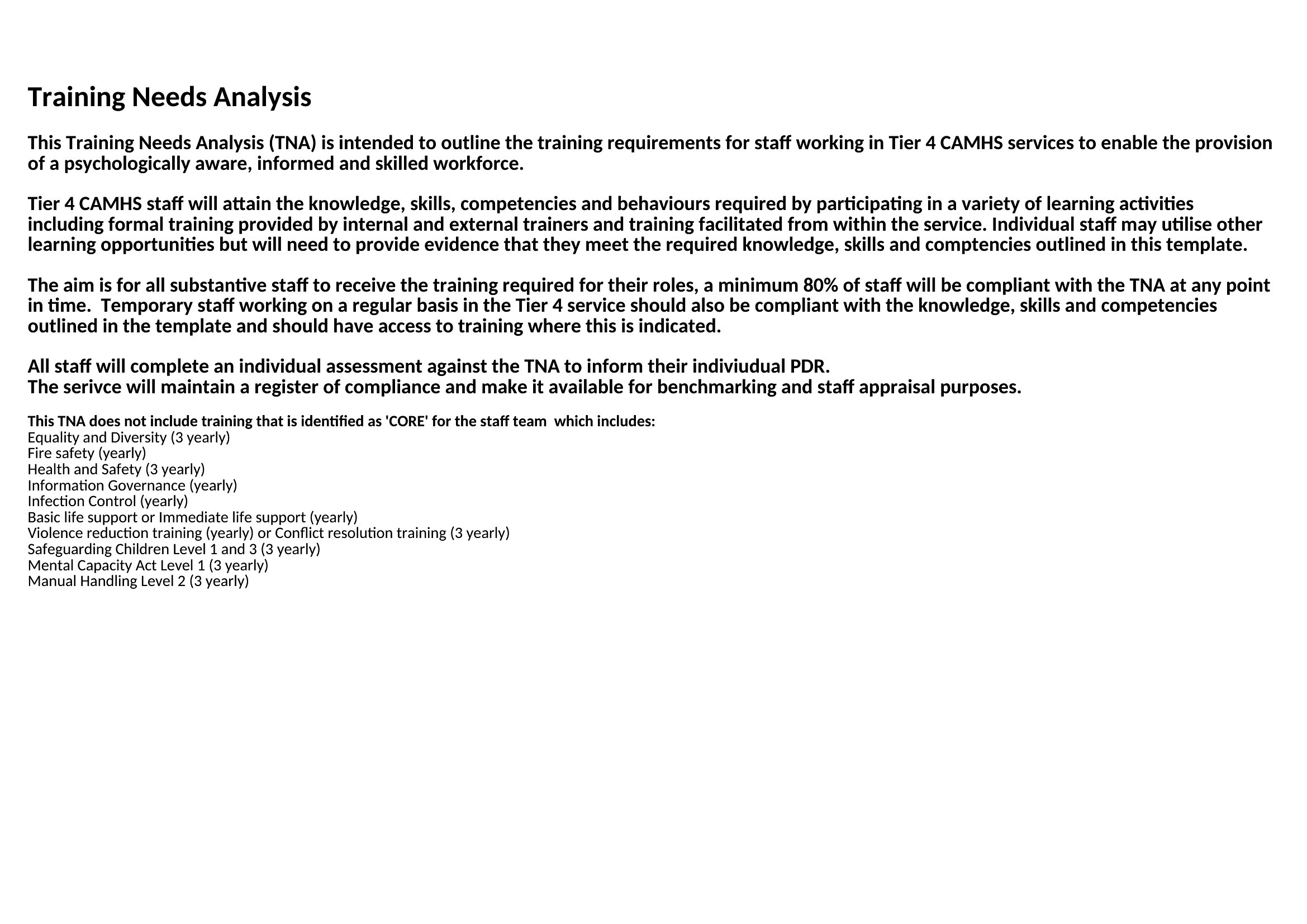
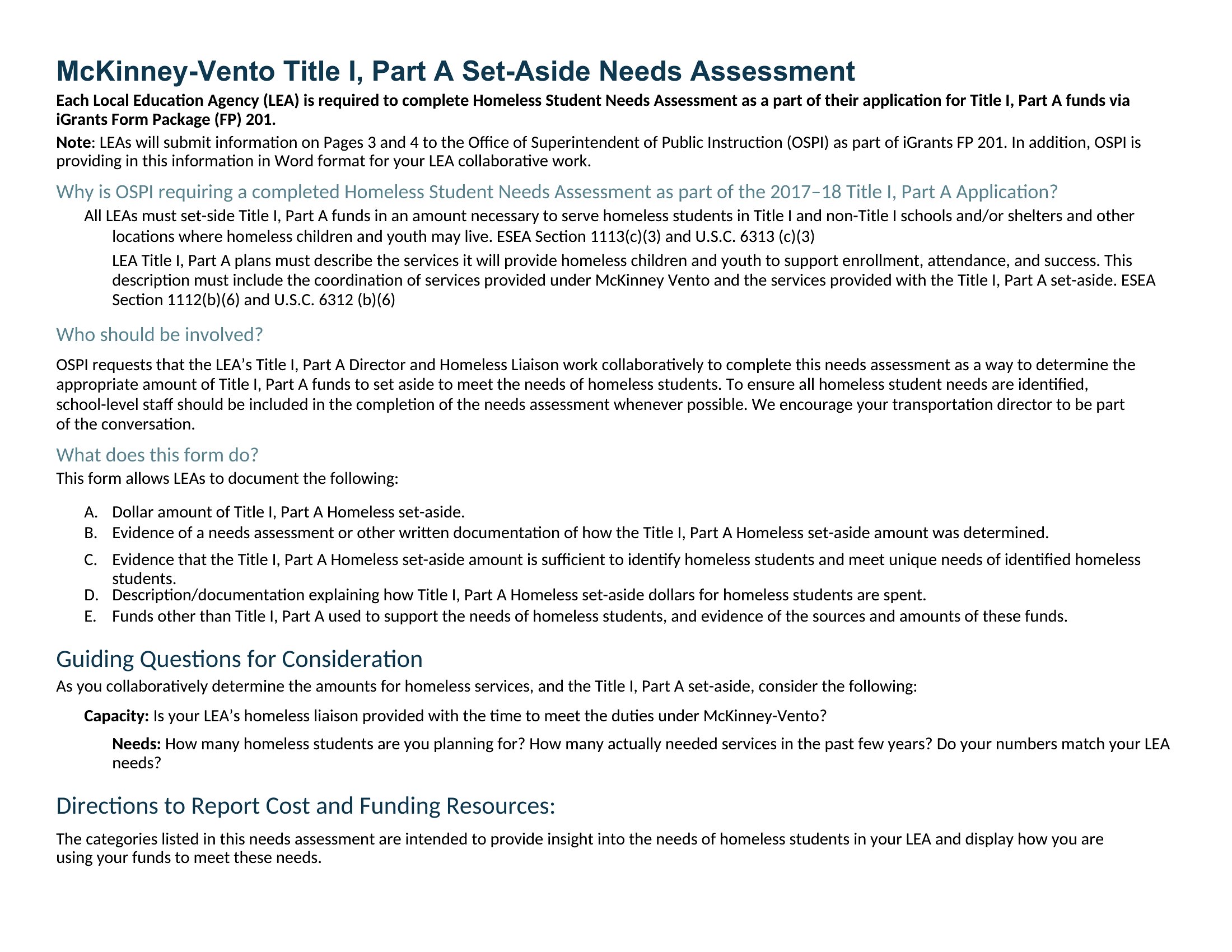
Use the Excel format’s sort-and-filter tools to rank needs by criteria like cost per impact, feasibility, or alignment with organizational goals. Word templates often include weighted-scoring sections—assign points to urgency, resources needed, and potential outcomes, then let stakeholders review the ranked list to reach consensus. This ensures transparency in decision-making without overlooking less obvious but critical gaps.
Can these templates help us involve people who aren’t comfortable with digital tools?
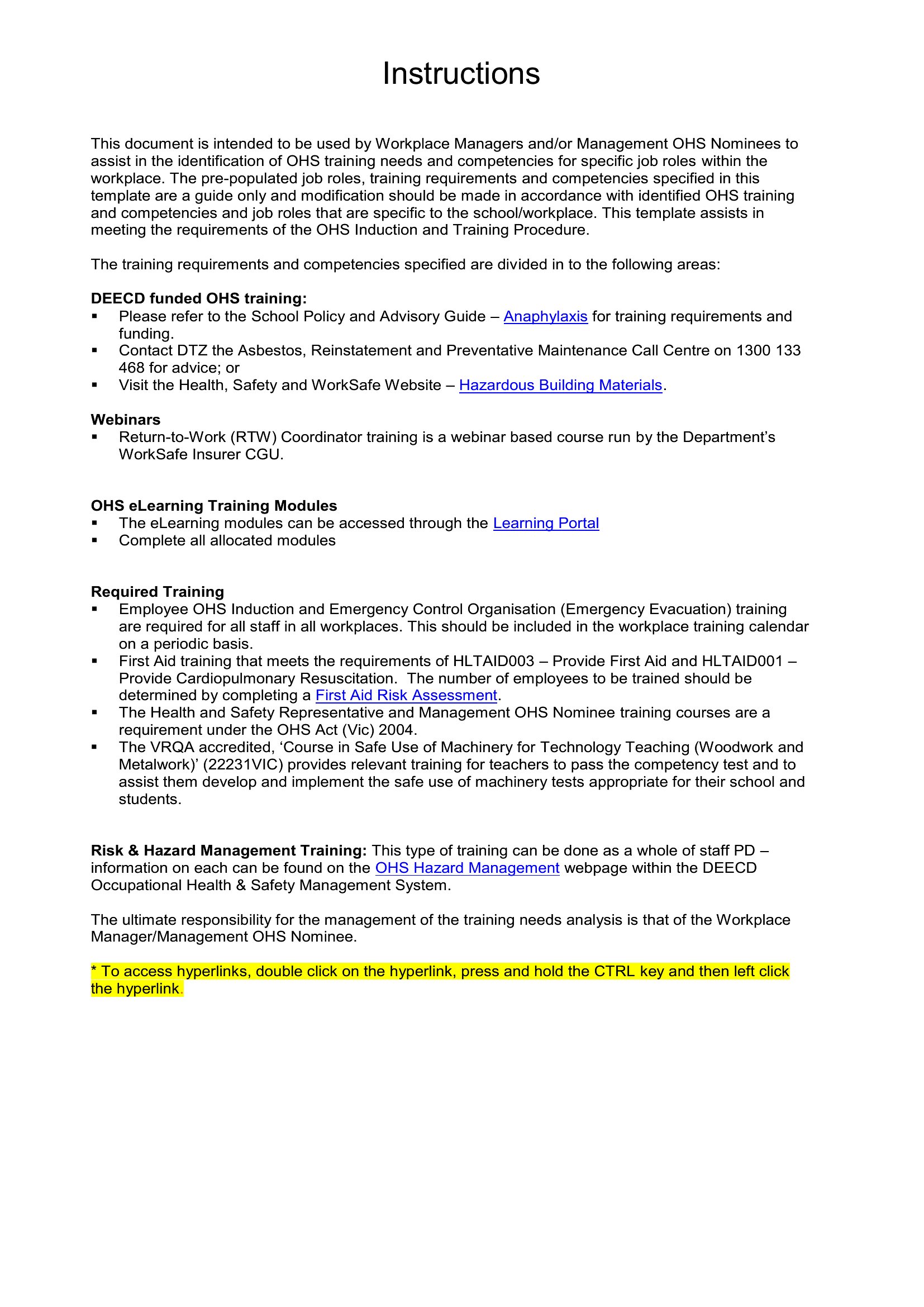
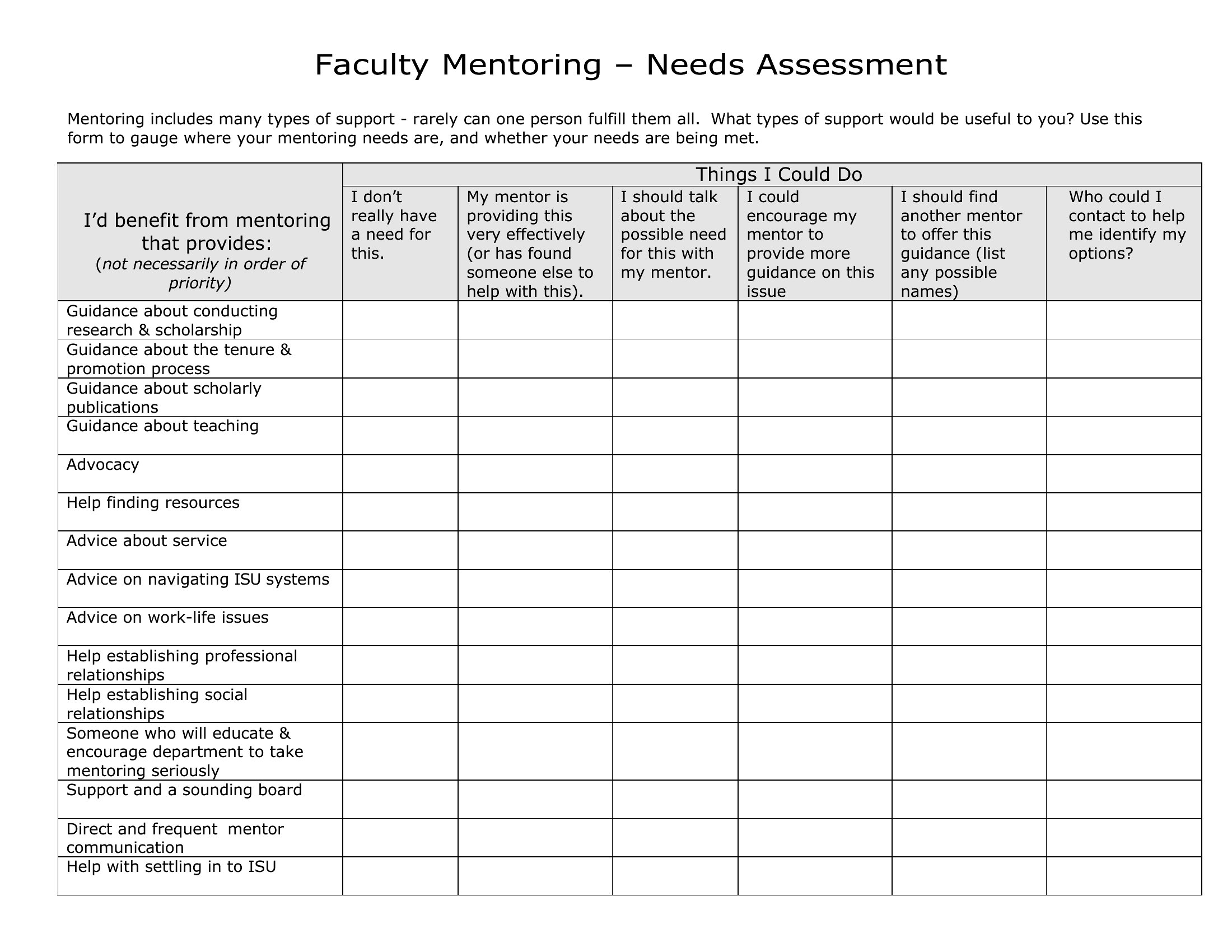
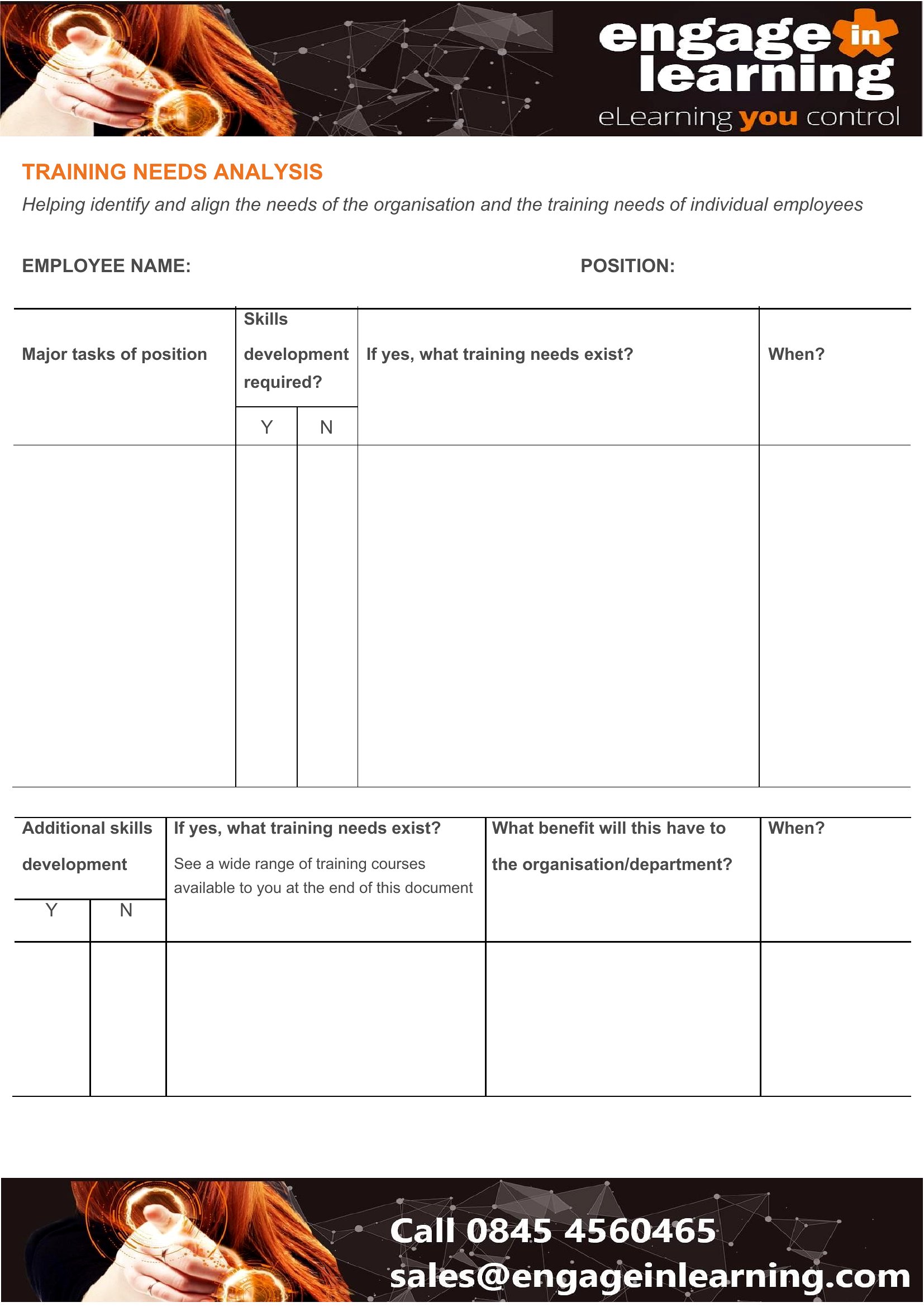
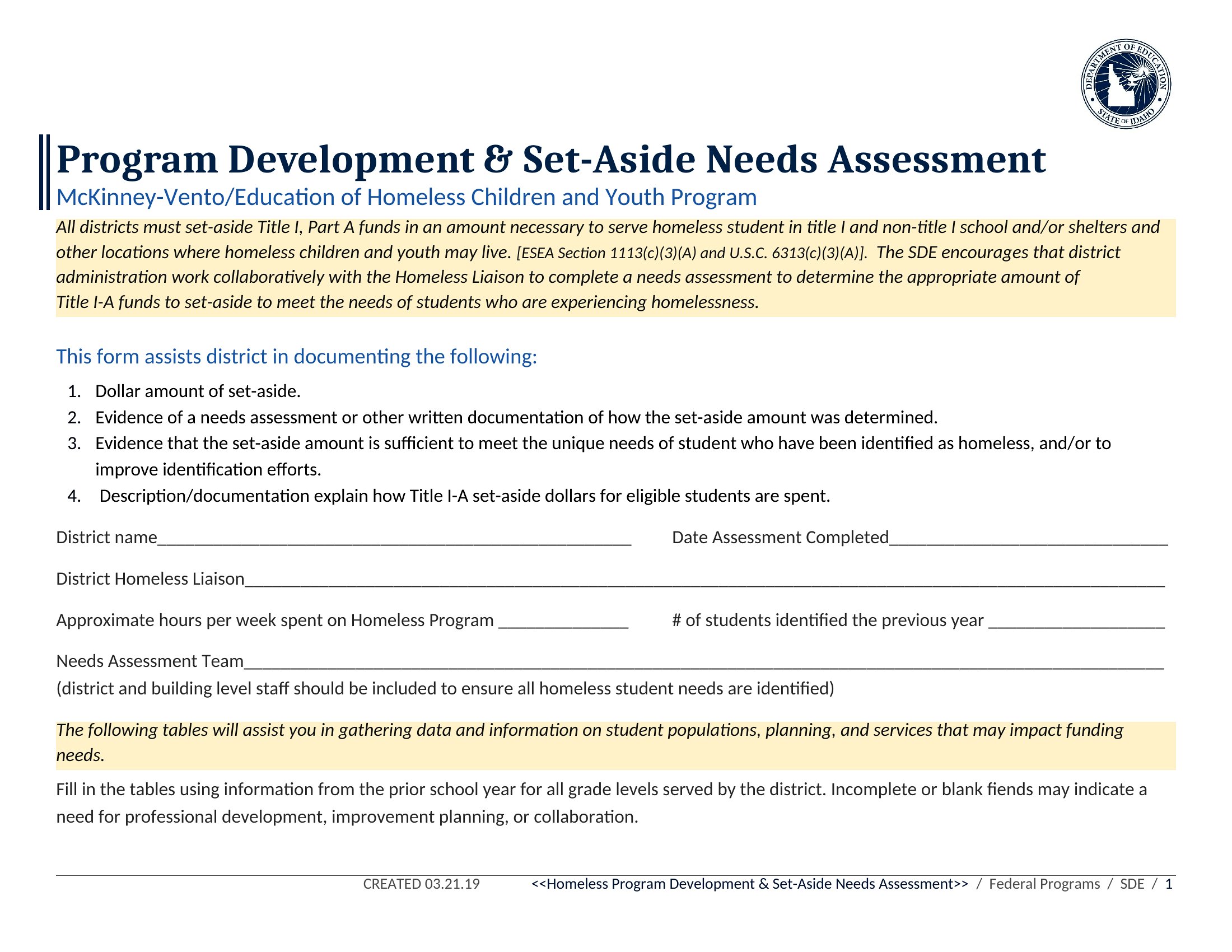
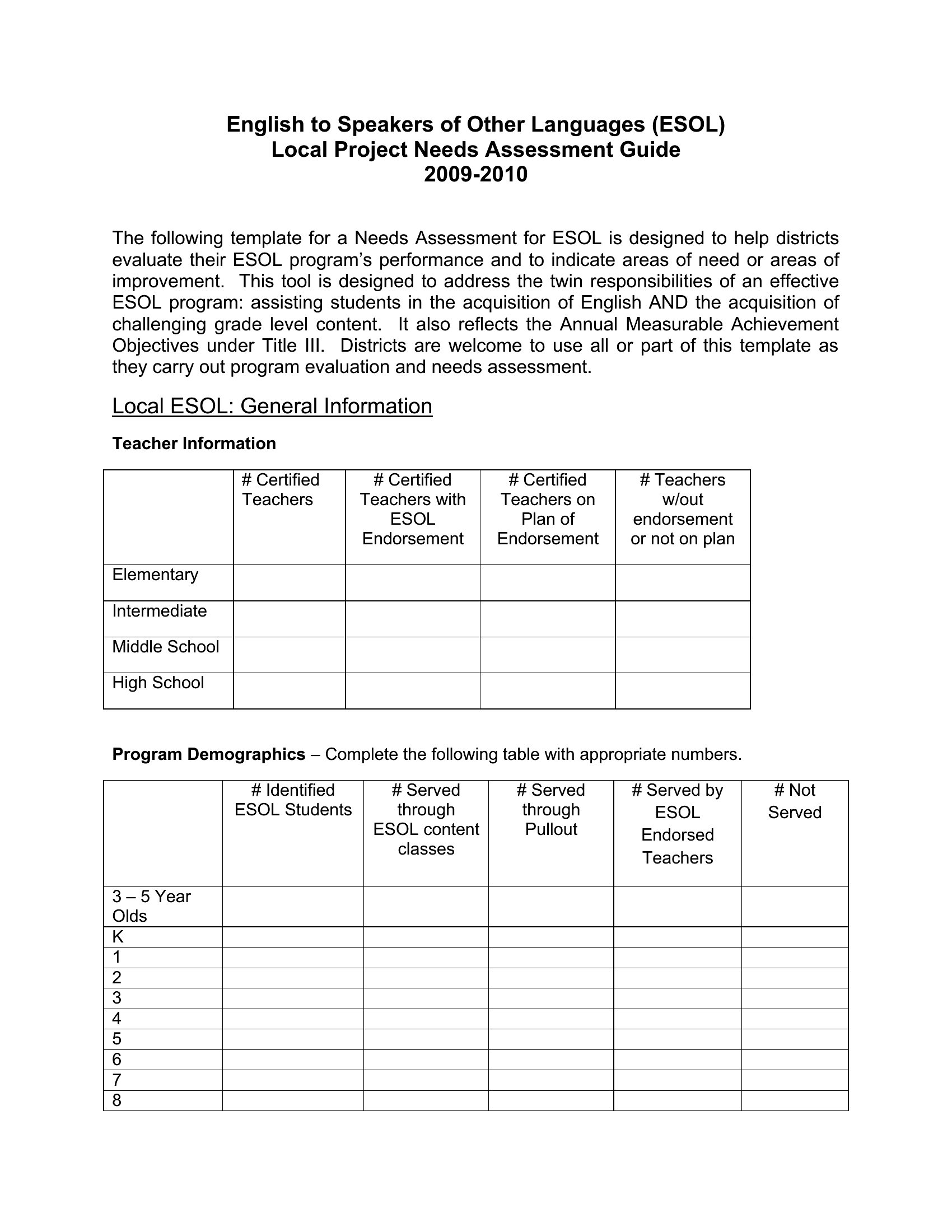
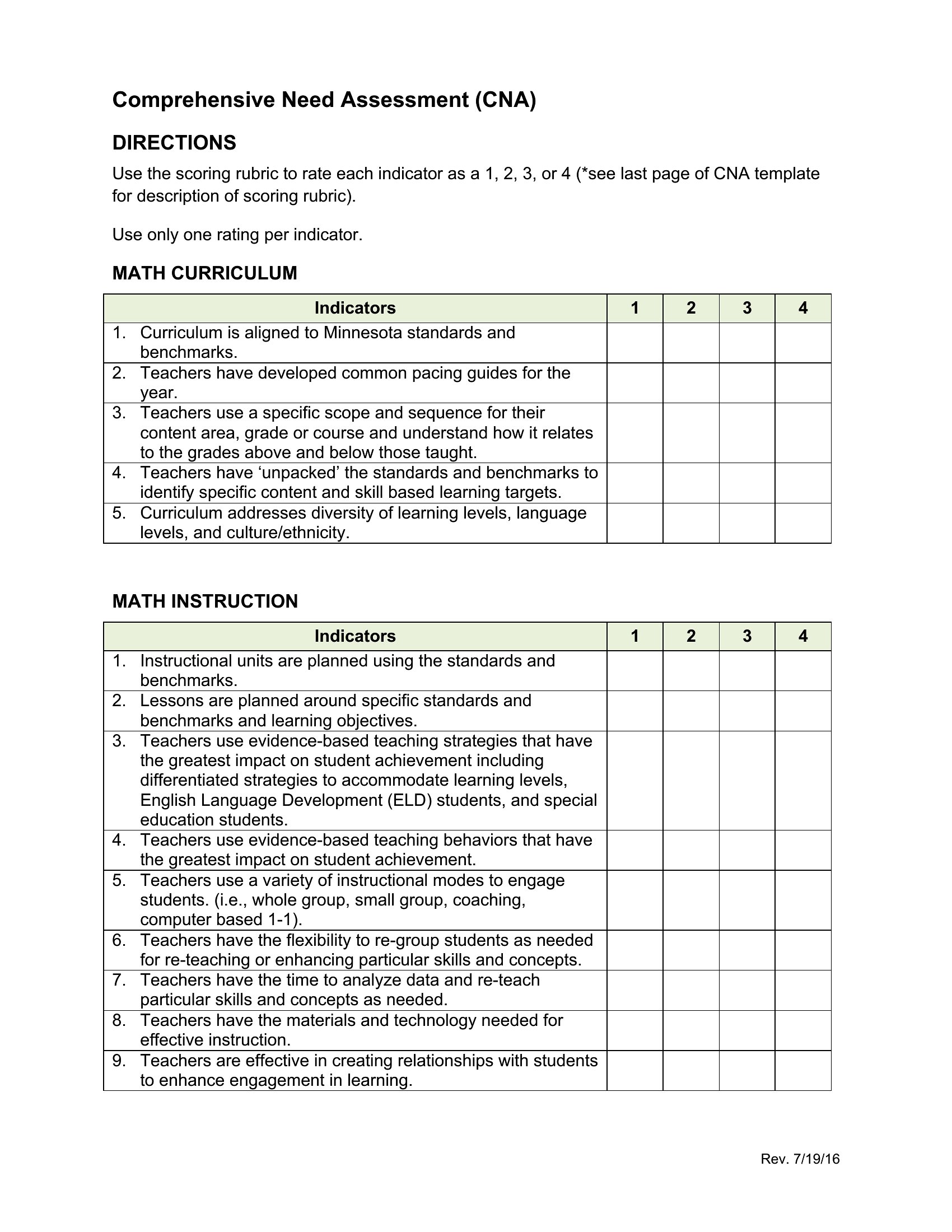
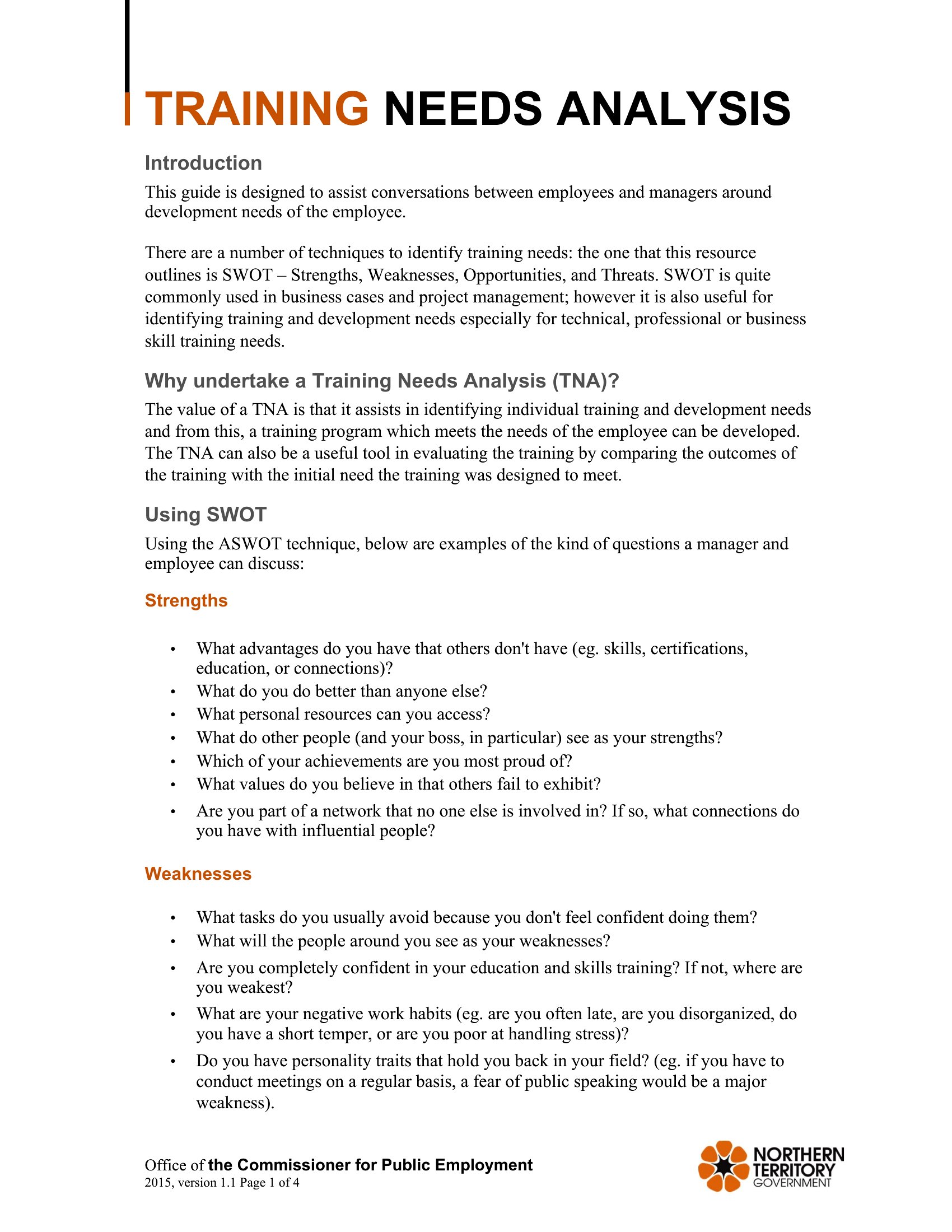
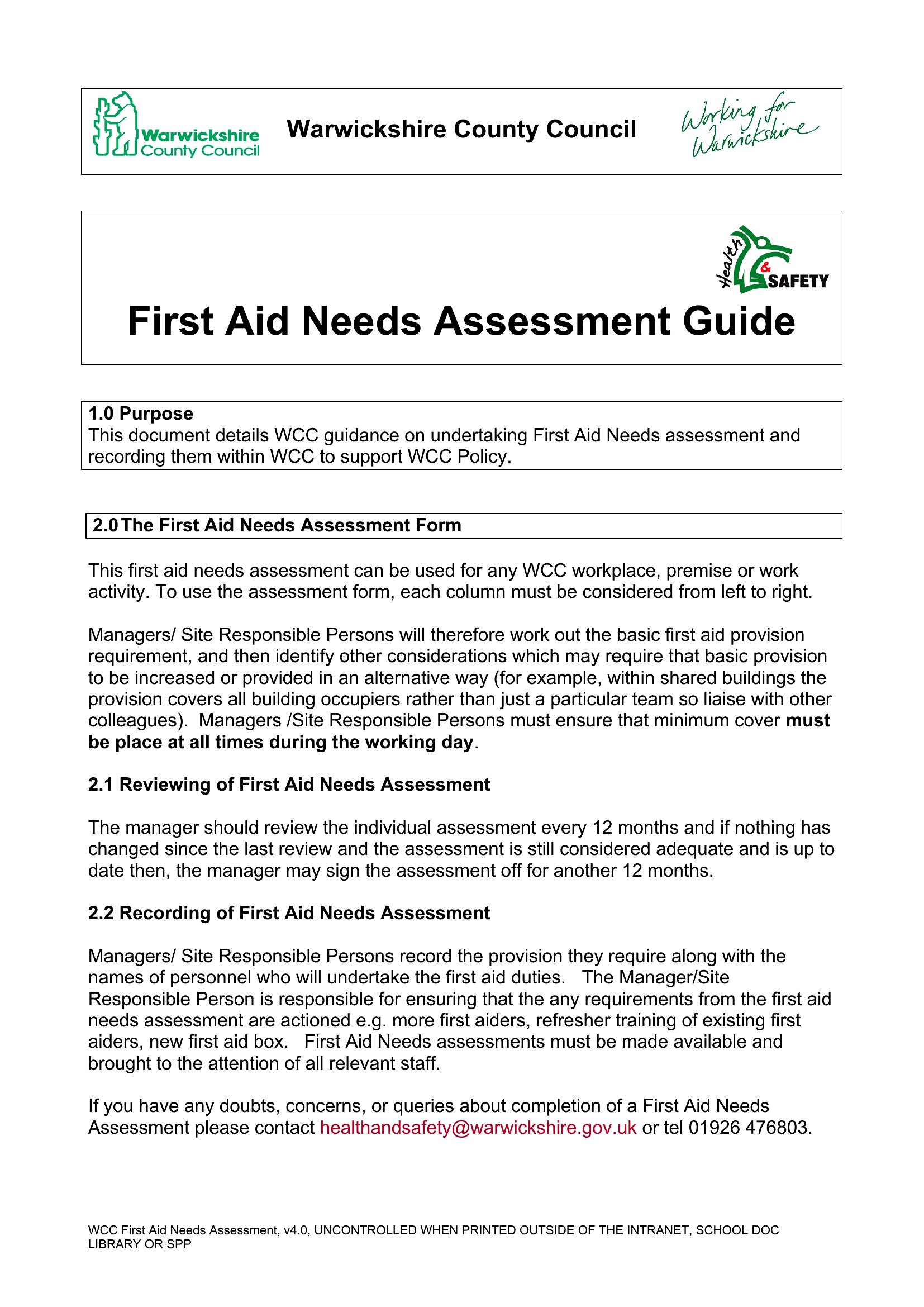
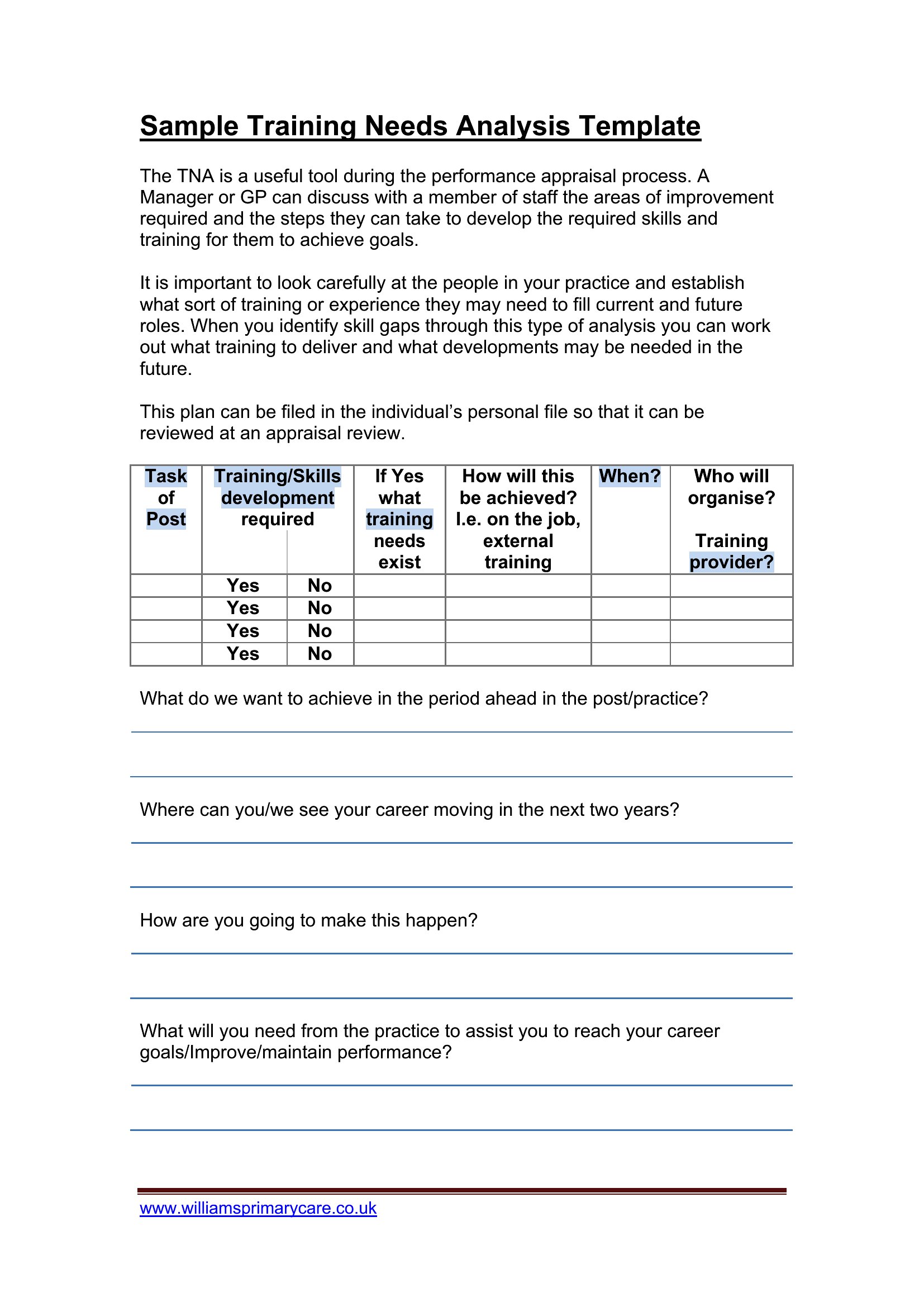
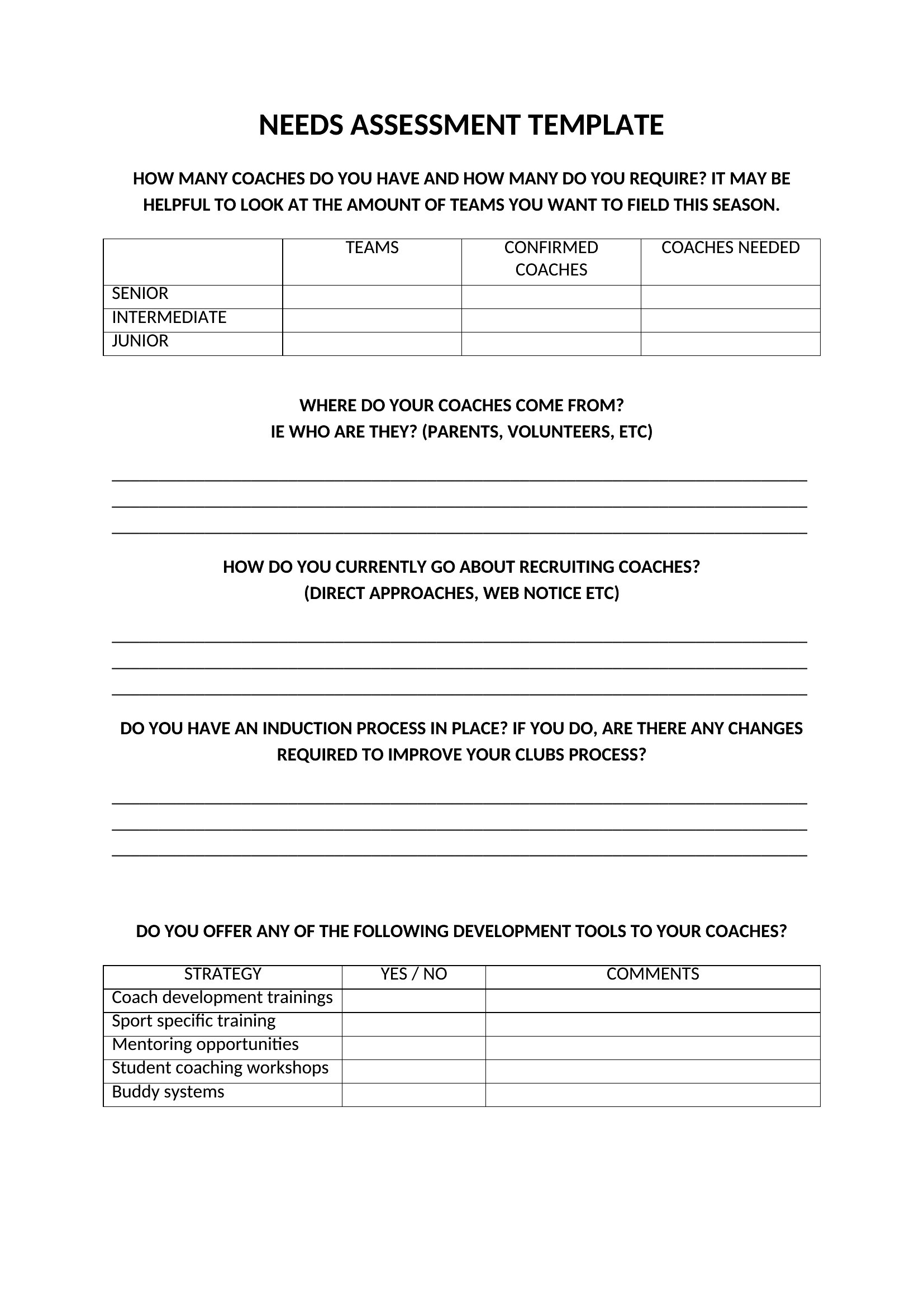
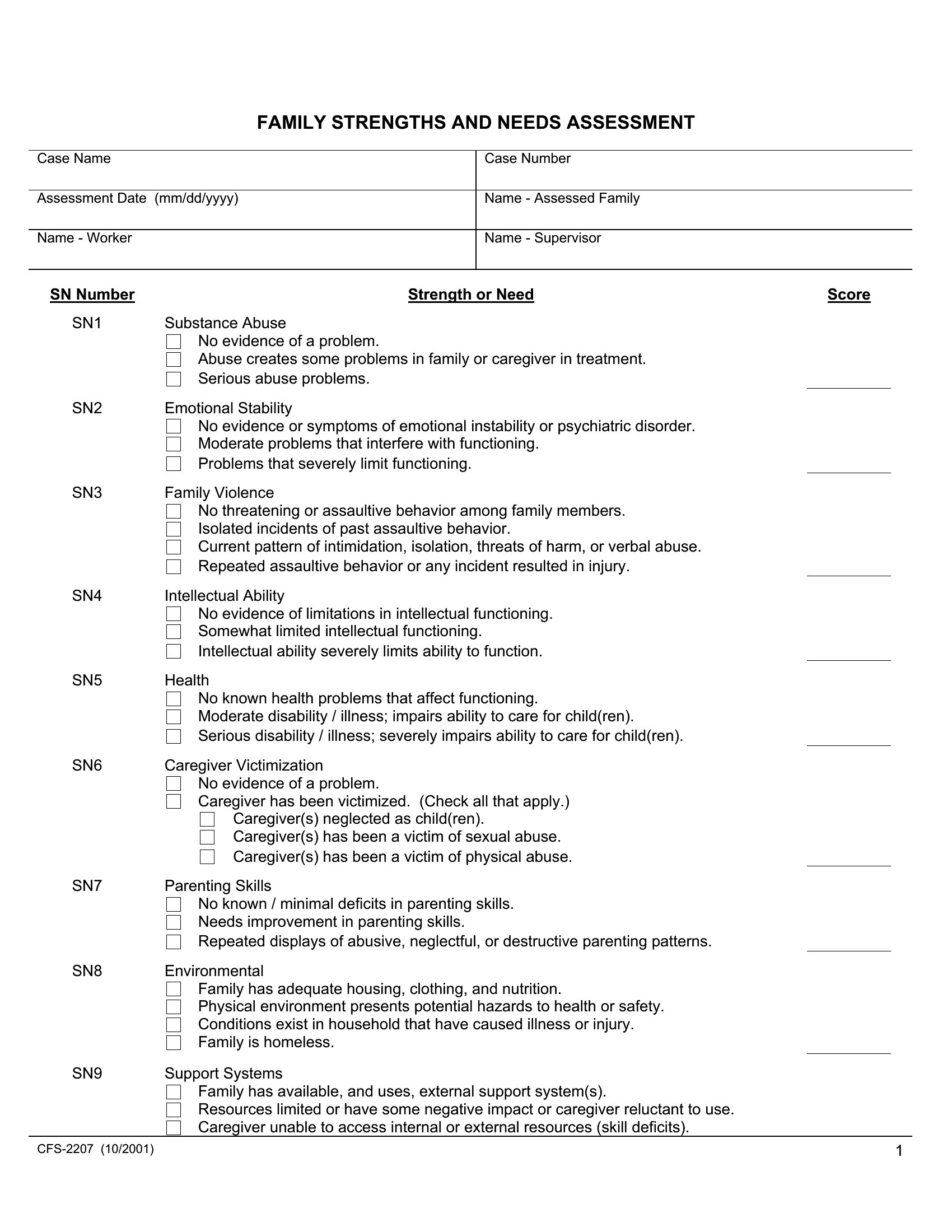
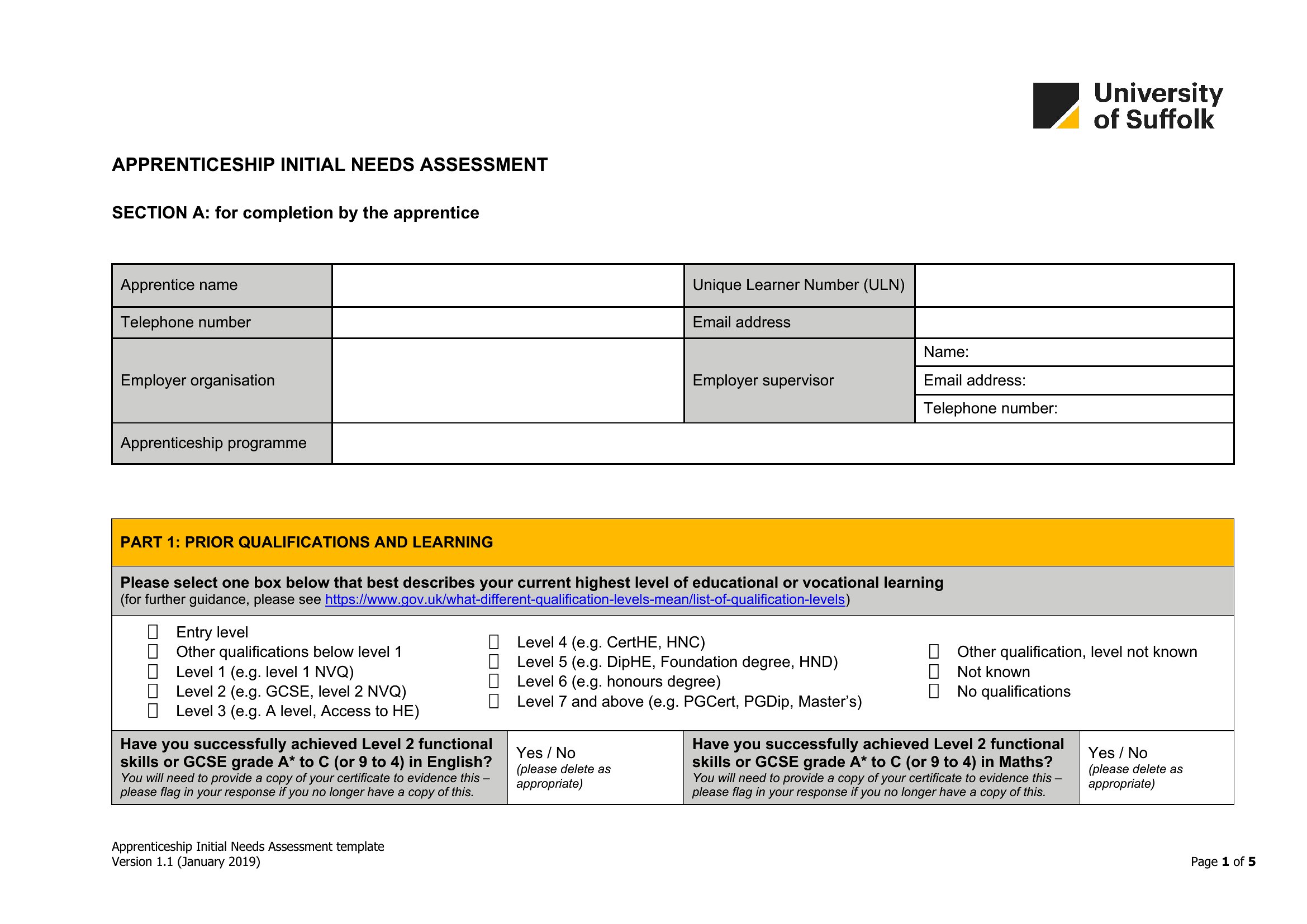
Yes. The Word documents can be printed as worksheets with clear instructions, then collected by hand or scanned. For remote or low-literacy groups, use the Word format to create a simplified, one-page version with checkboxes or smiley-face scales. Pair this with a verbal explanation or small-group discussion to ensure everyone’s input is captured accurately. The goal is to adapt the template, not force participants into a specific format.
What’s the best way to use these templates if our team is spread across time zones?
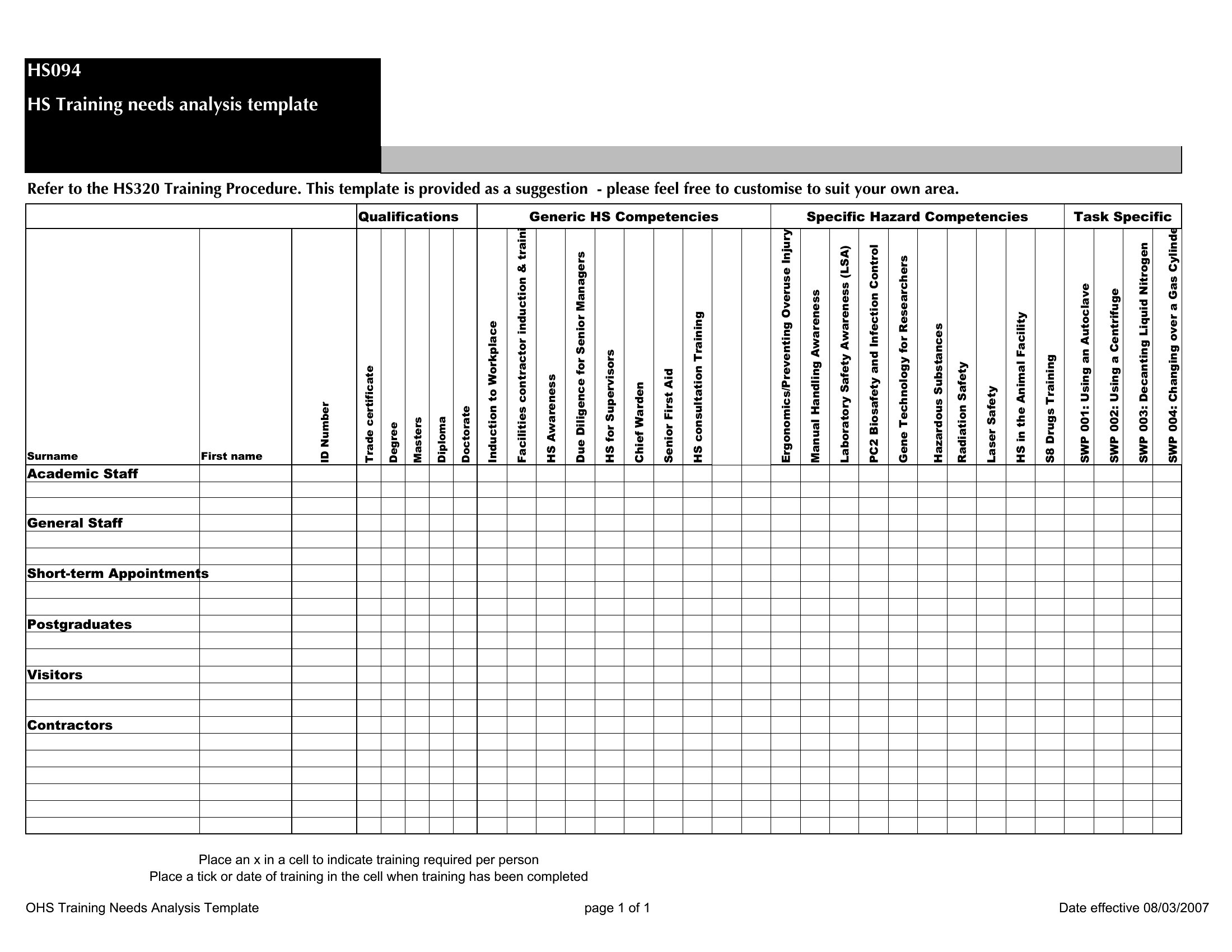
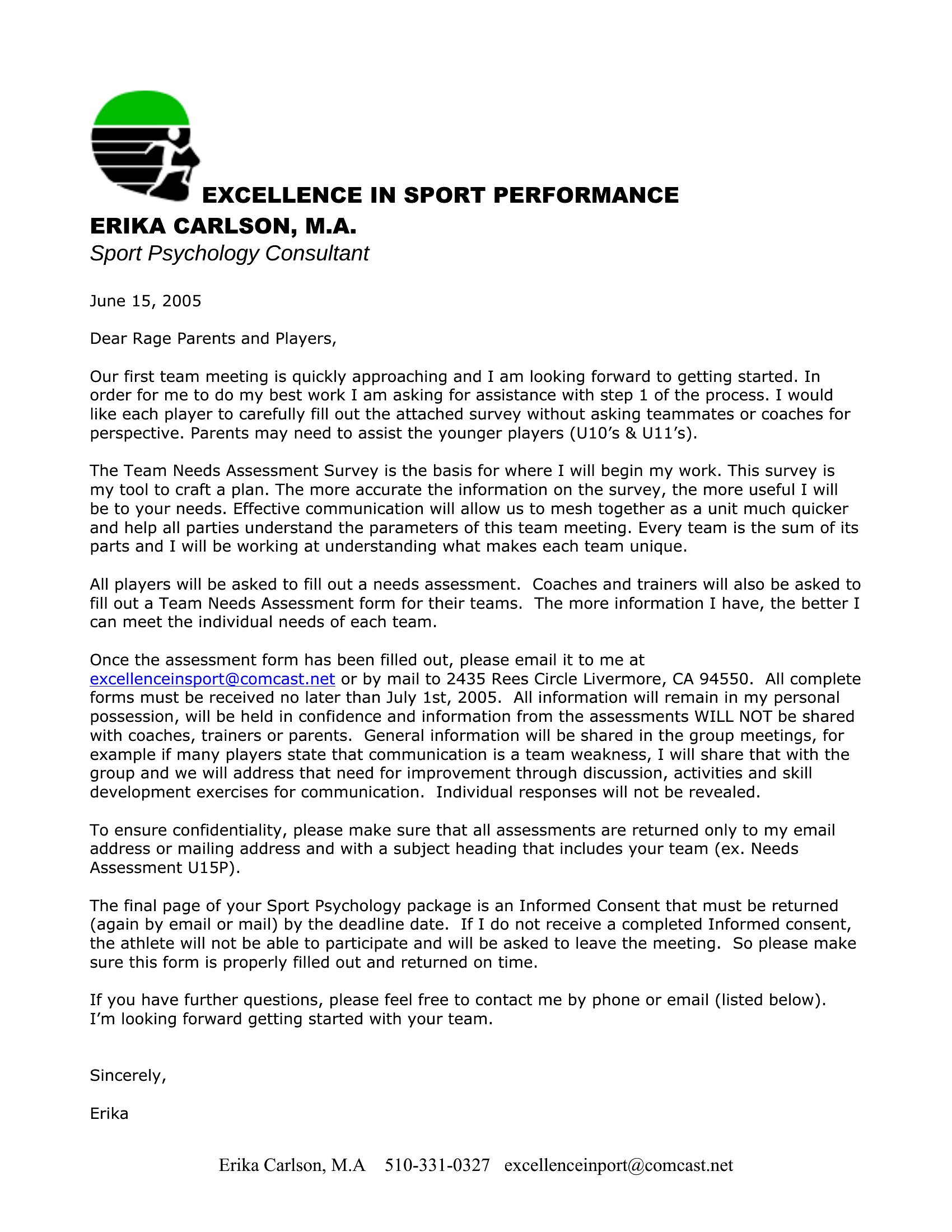
Start with the Word version to draft a shared needs assessment questionnaire, then distribute it via email or a collaboration tool like Google Docs (exported from Word). Collect responses in a centralized Excel file, where you can use data validation to standardize answers (e.g., drop-down menus for priority levels). Schedule a virtual workshop to review findings together, or record a video walkthrough explaining the Excel analysis to remote teams. This keeps everyone aligned without requiring simultaneous meetings.
Comments
Join the conversation
Sign in to share your thoughts and leave a comment on this resource.