



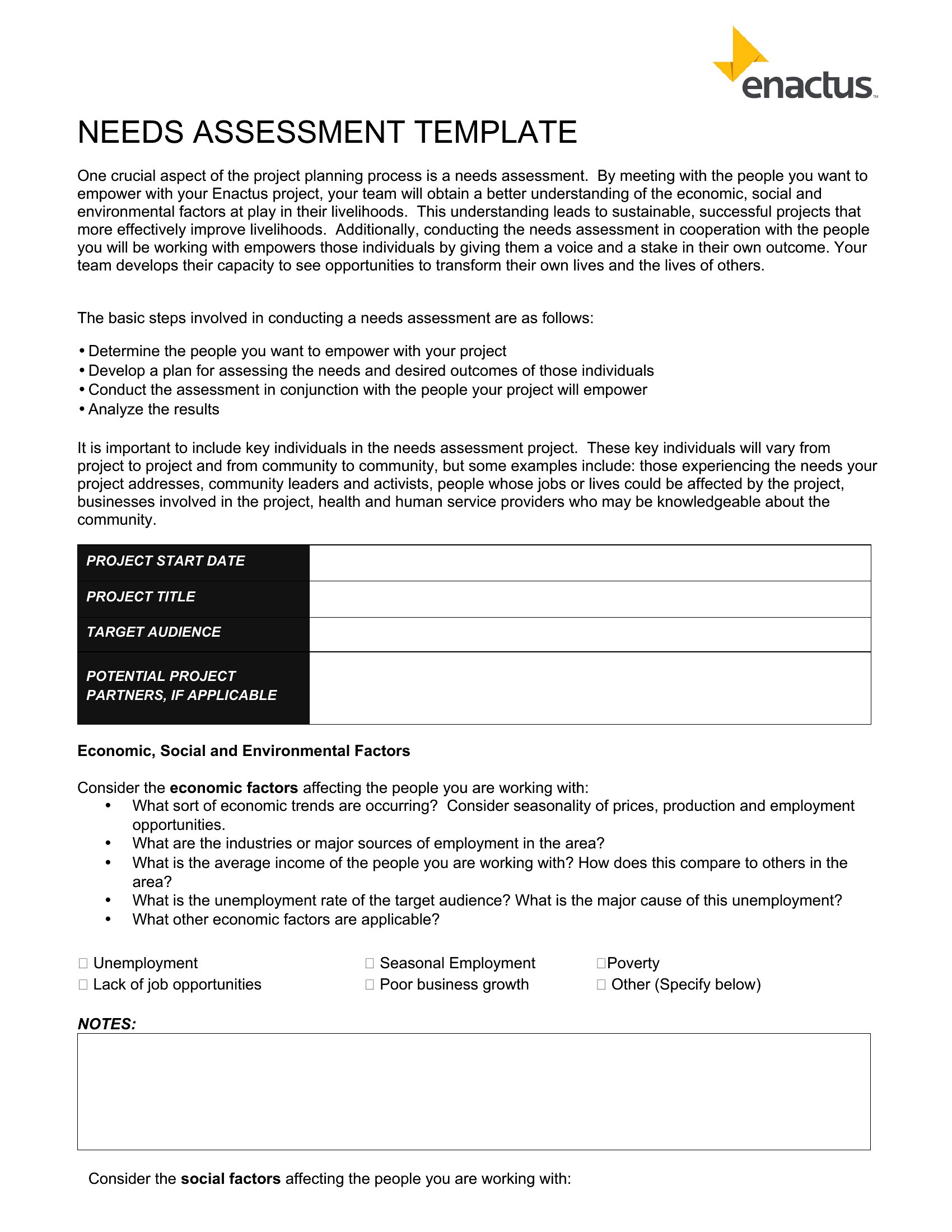
Free Needs Assessment Templates (Word, Excel)
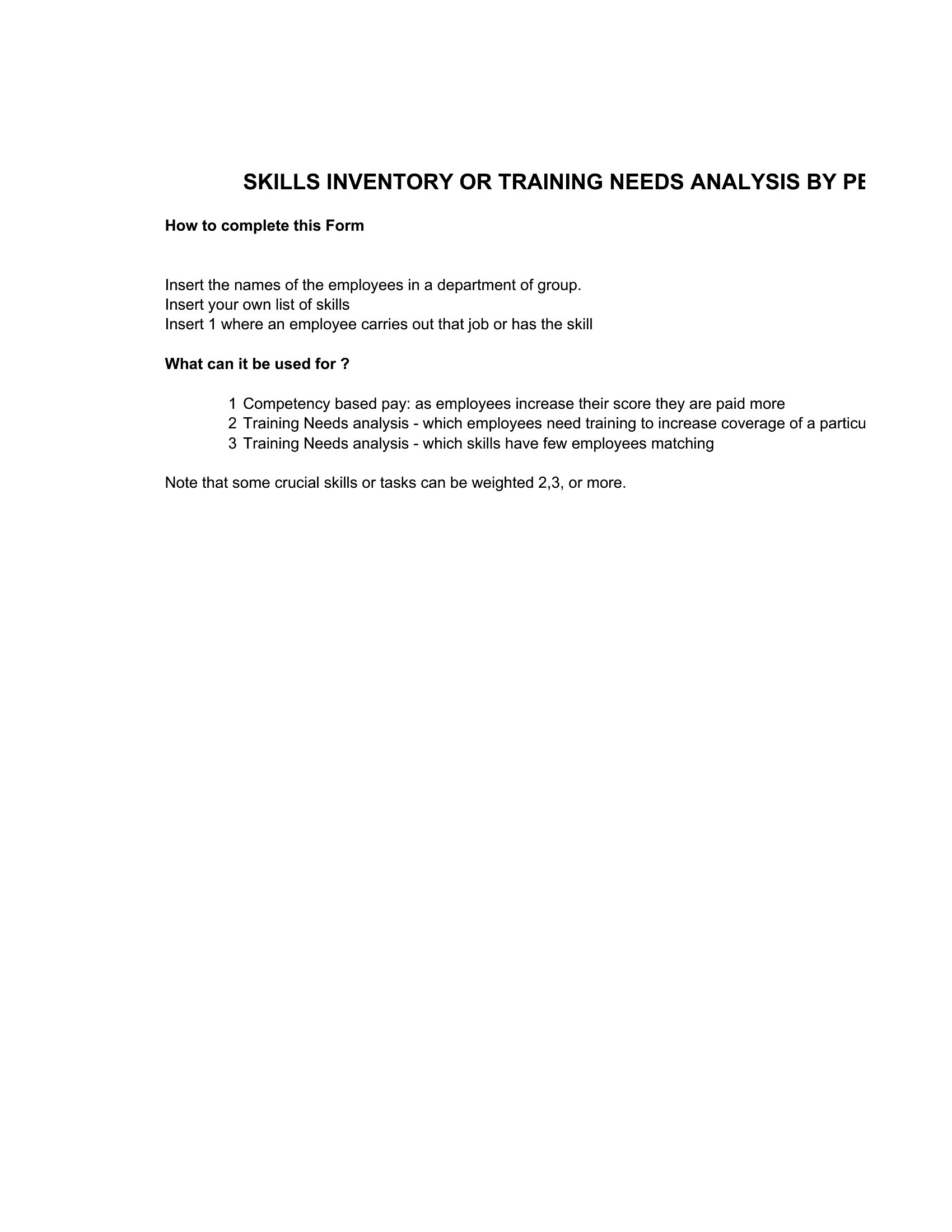
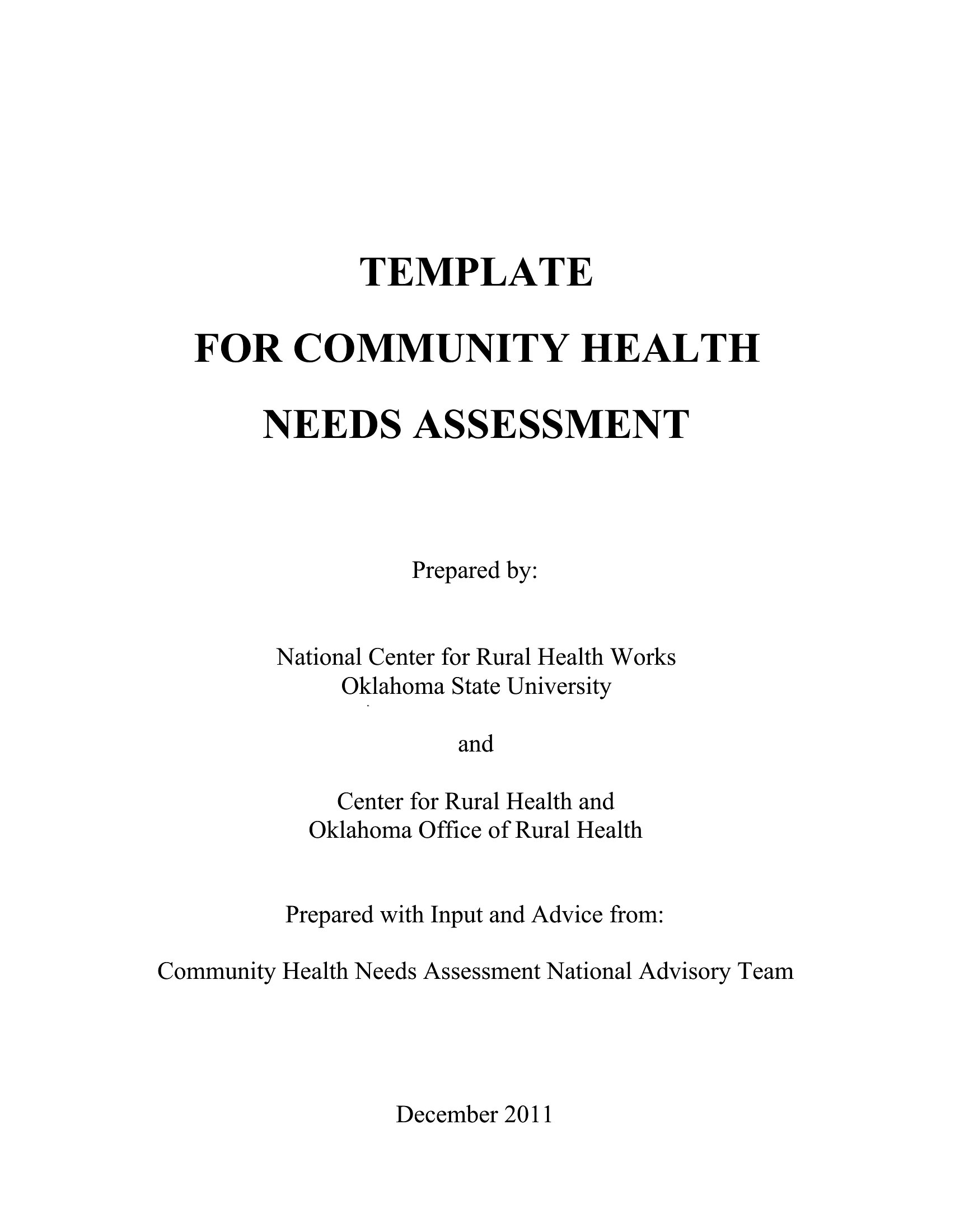
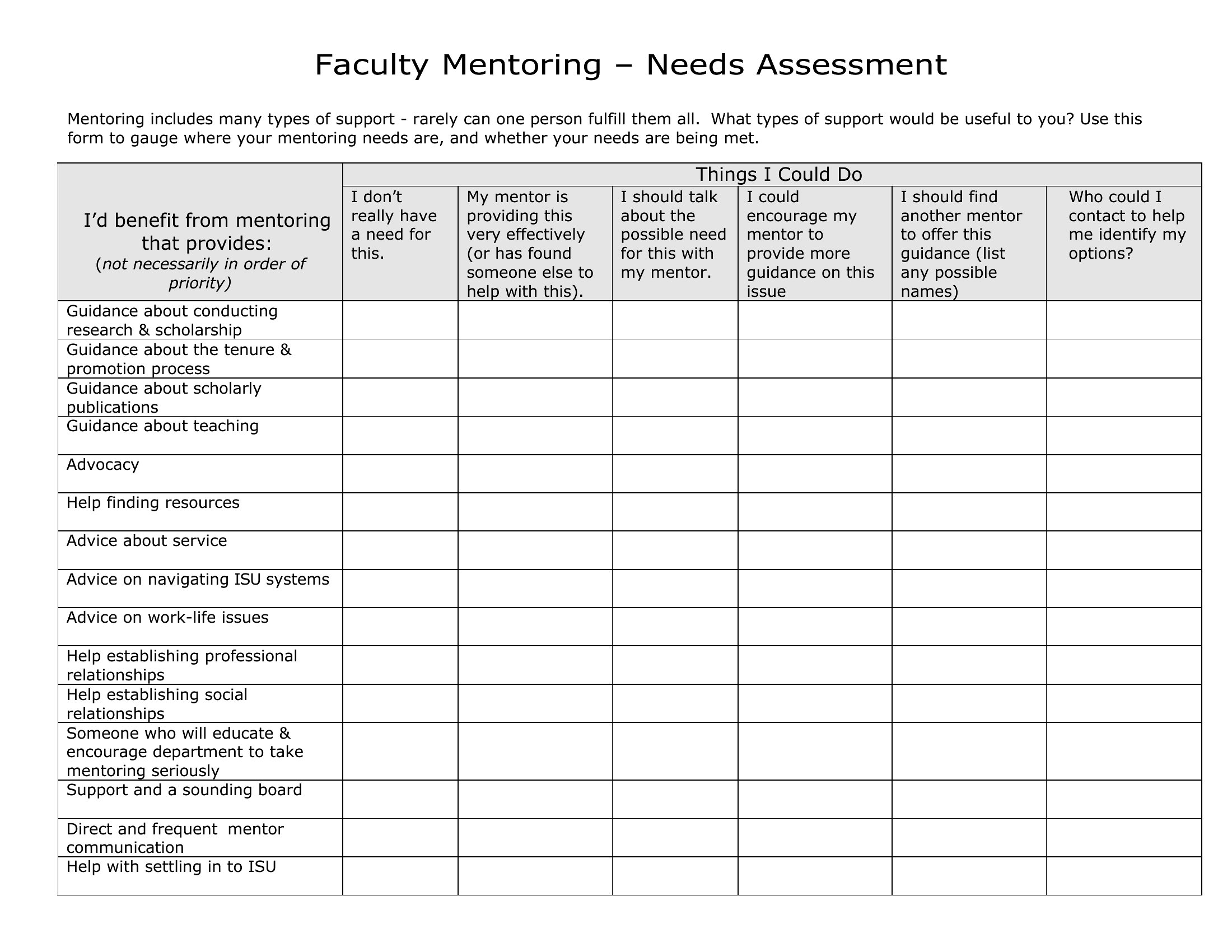
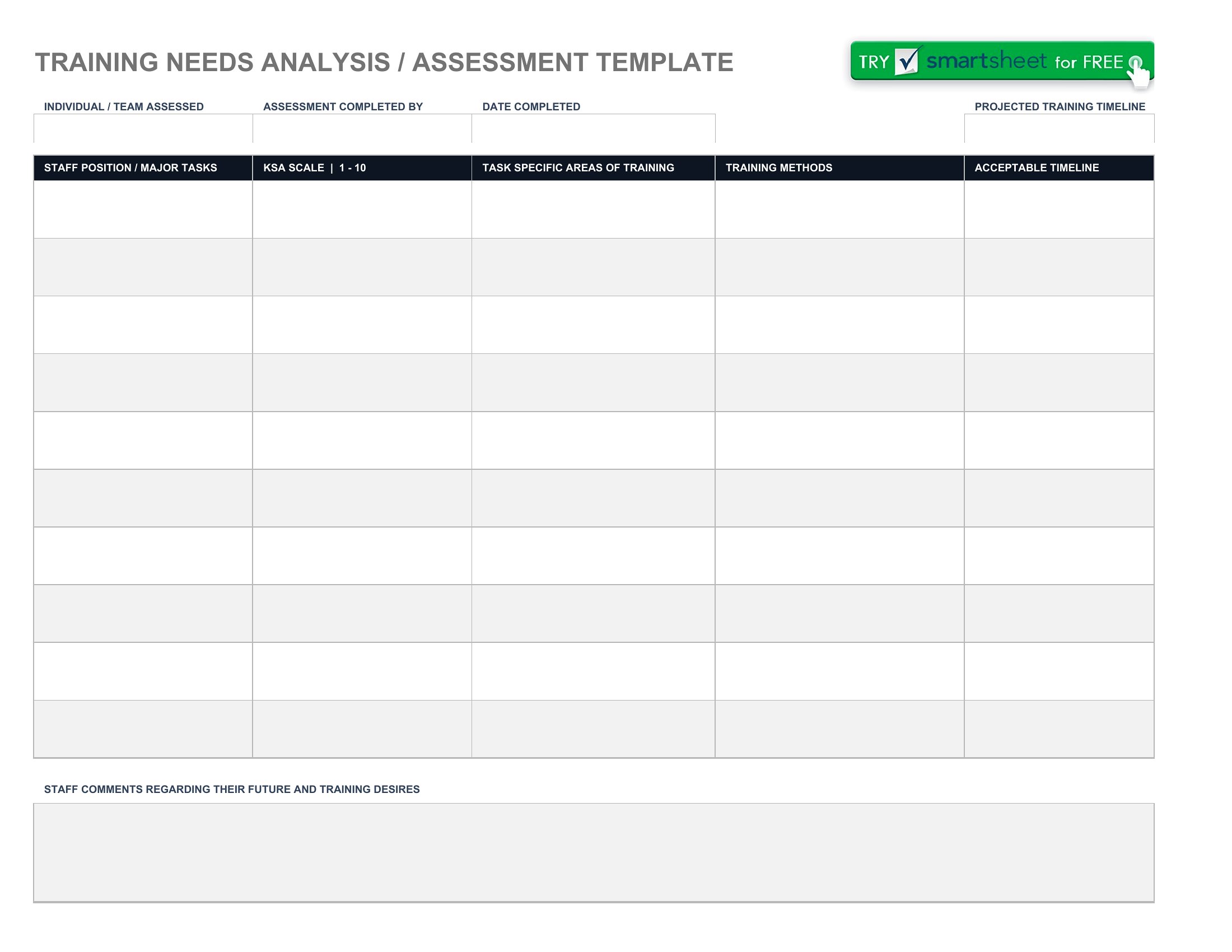
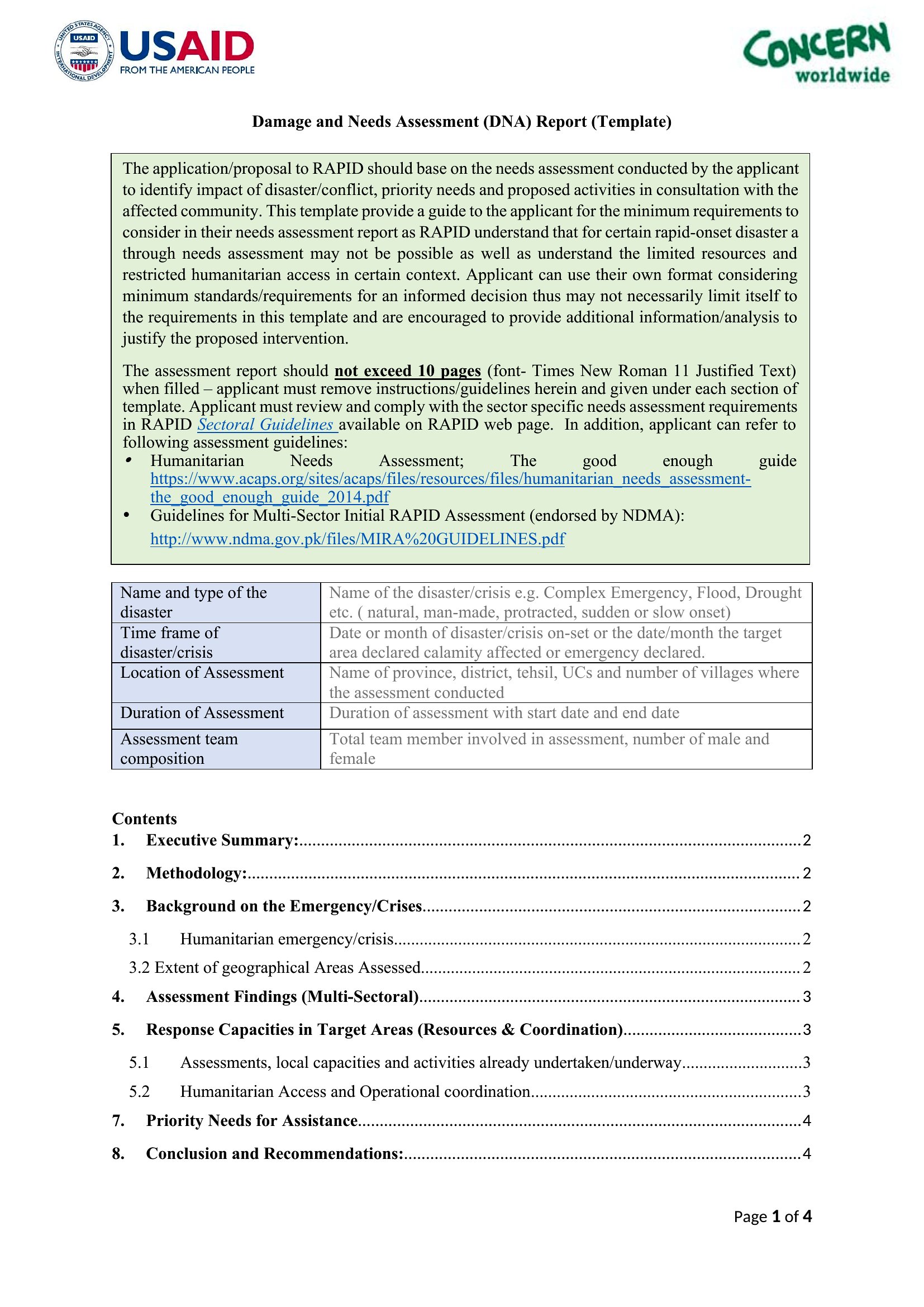
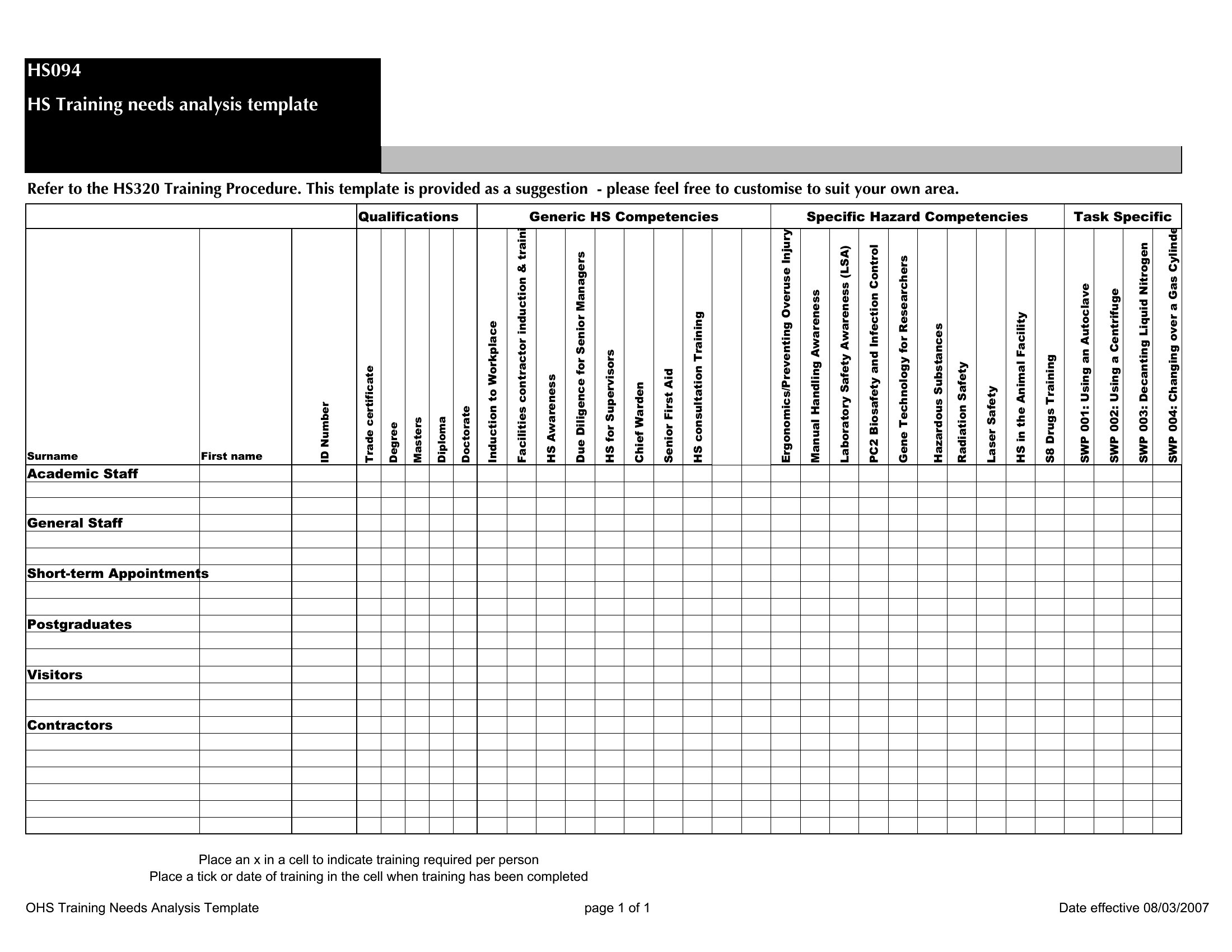
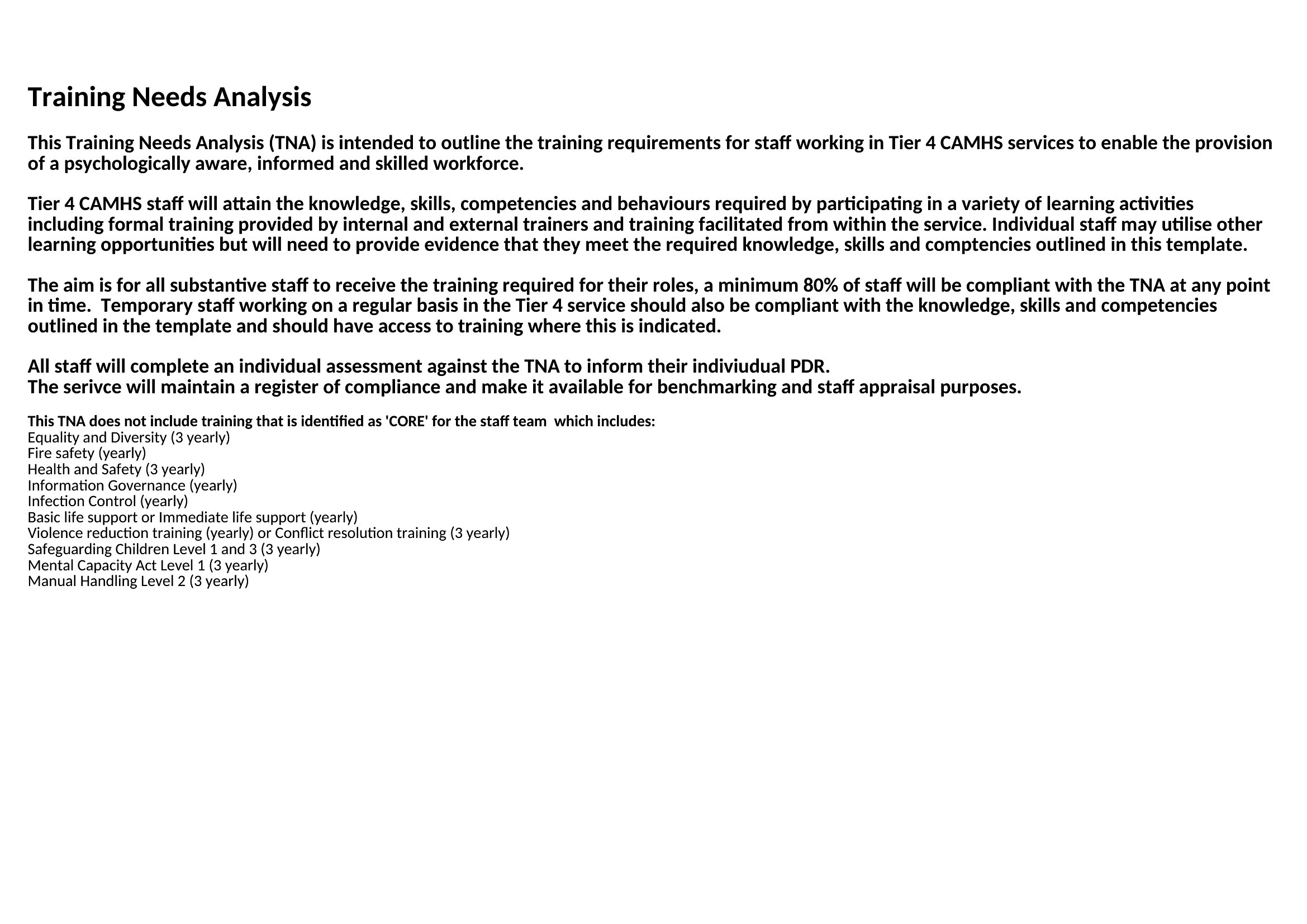
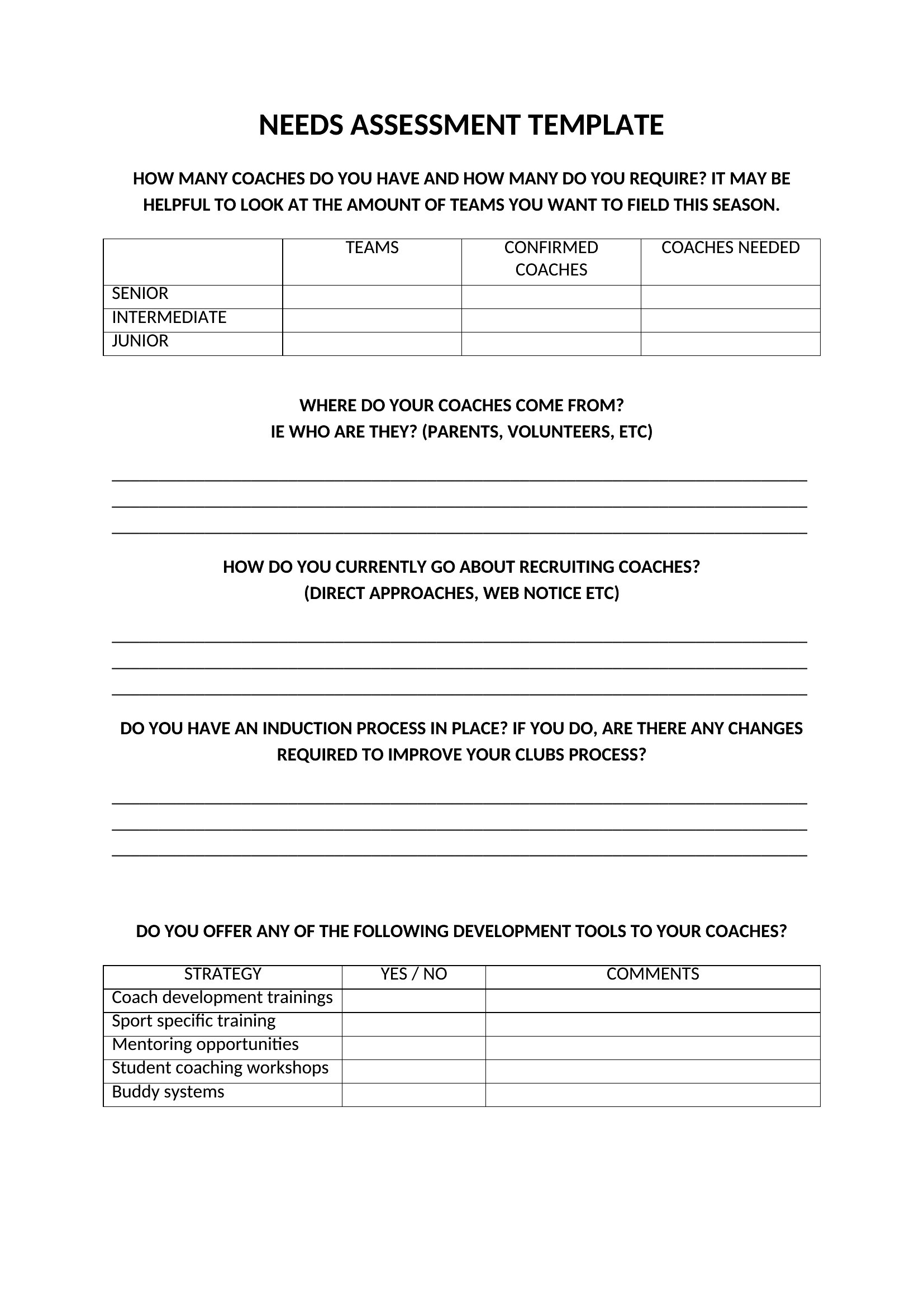
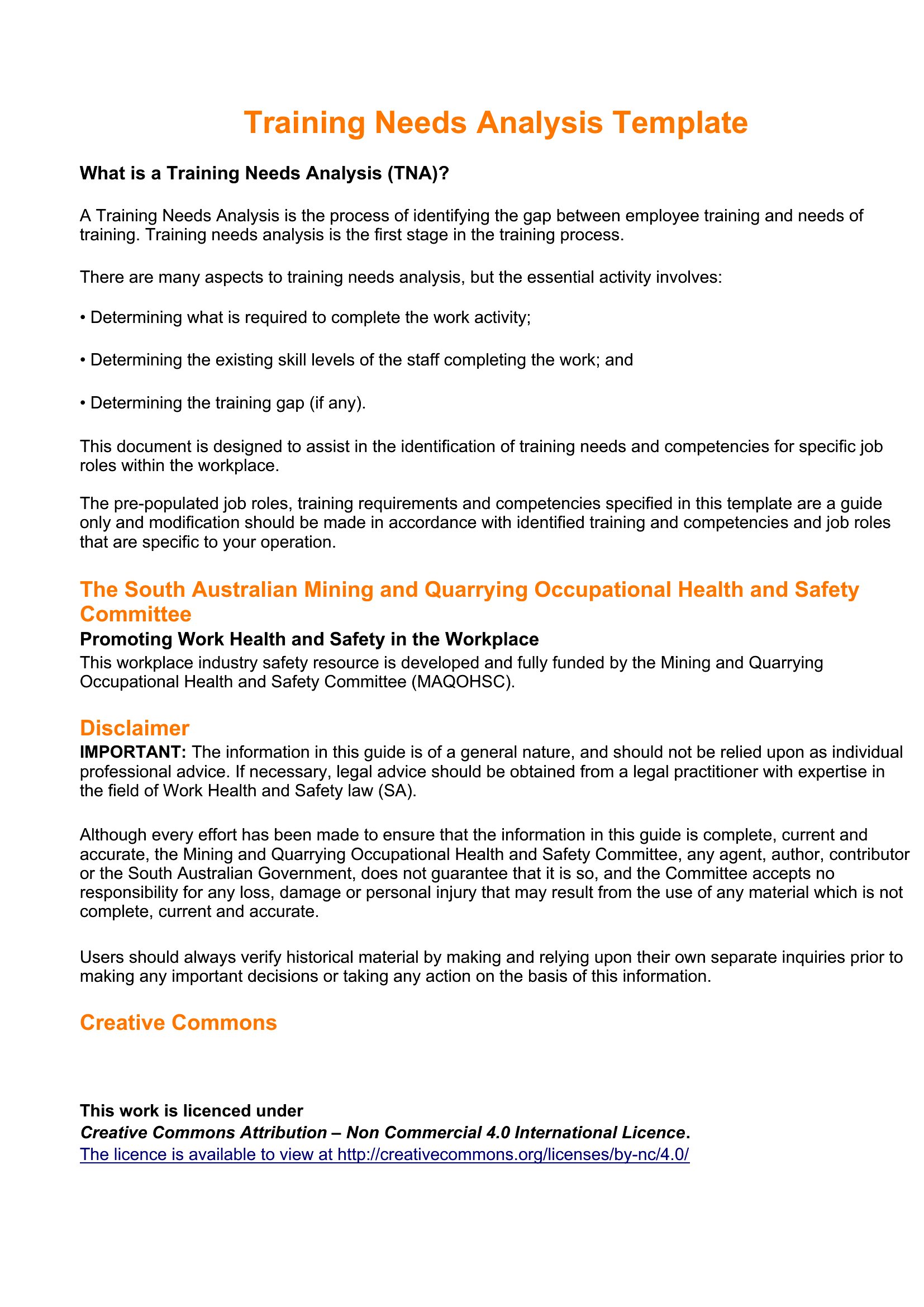
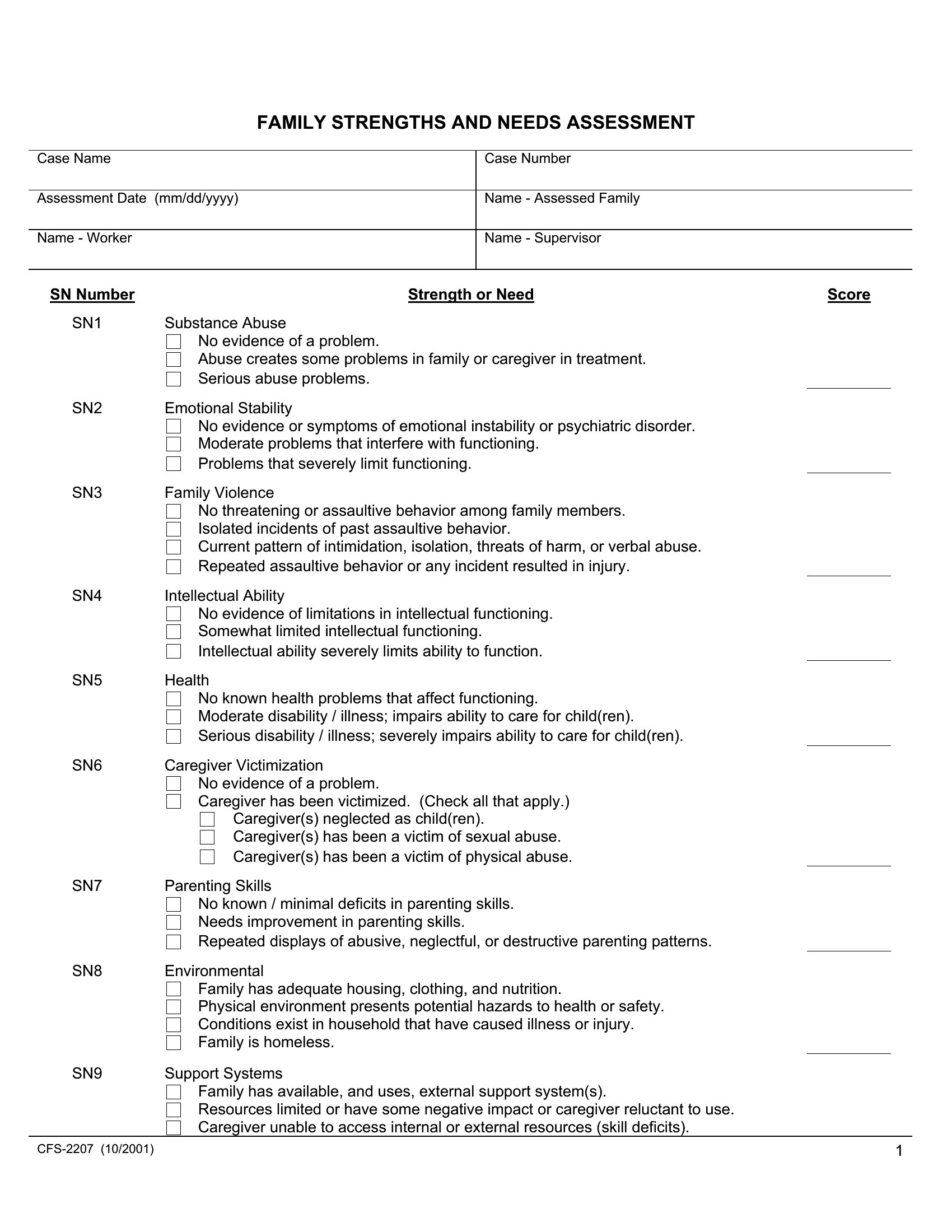
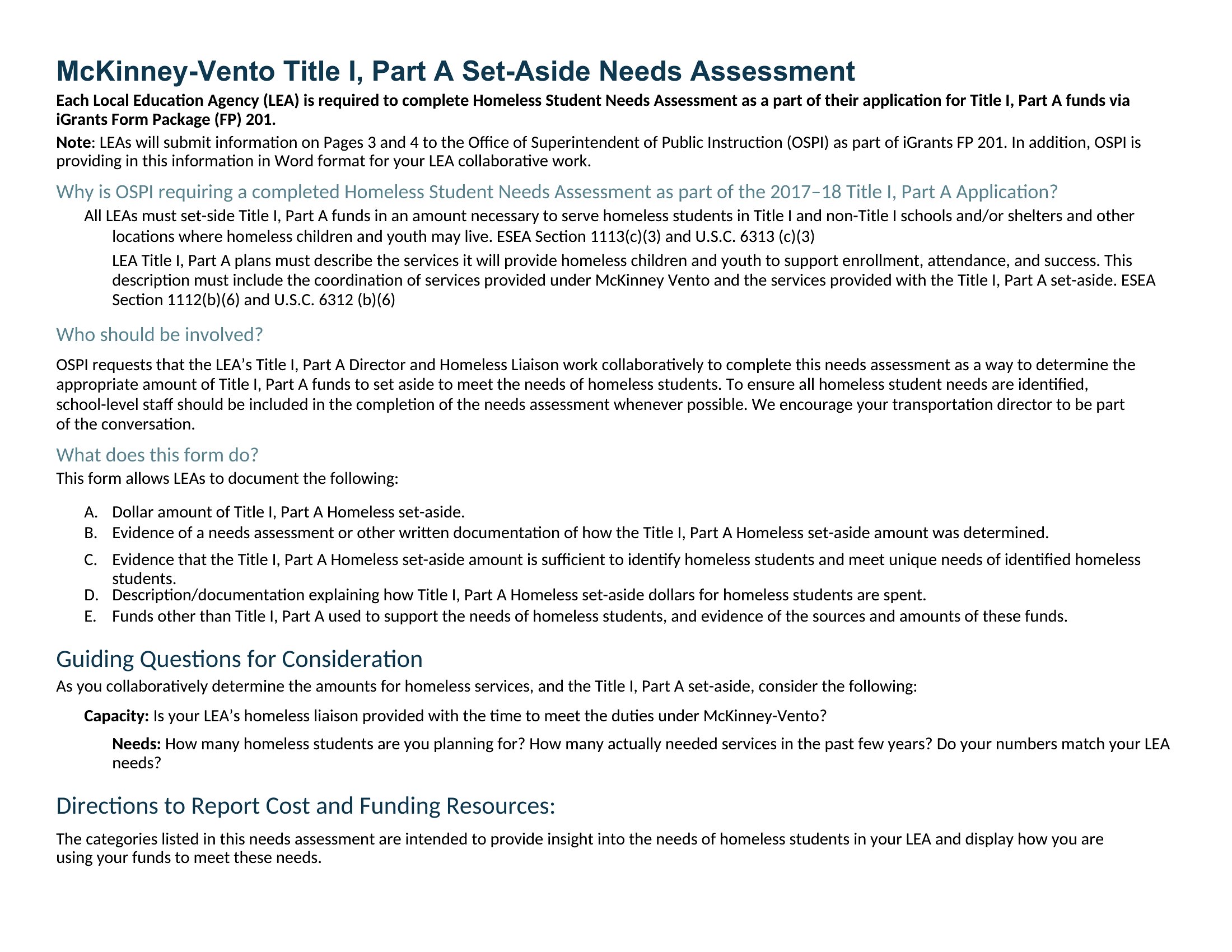
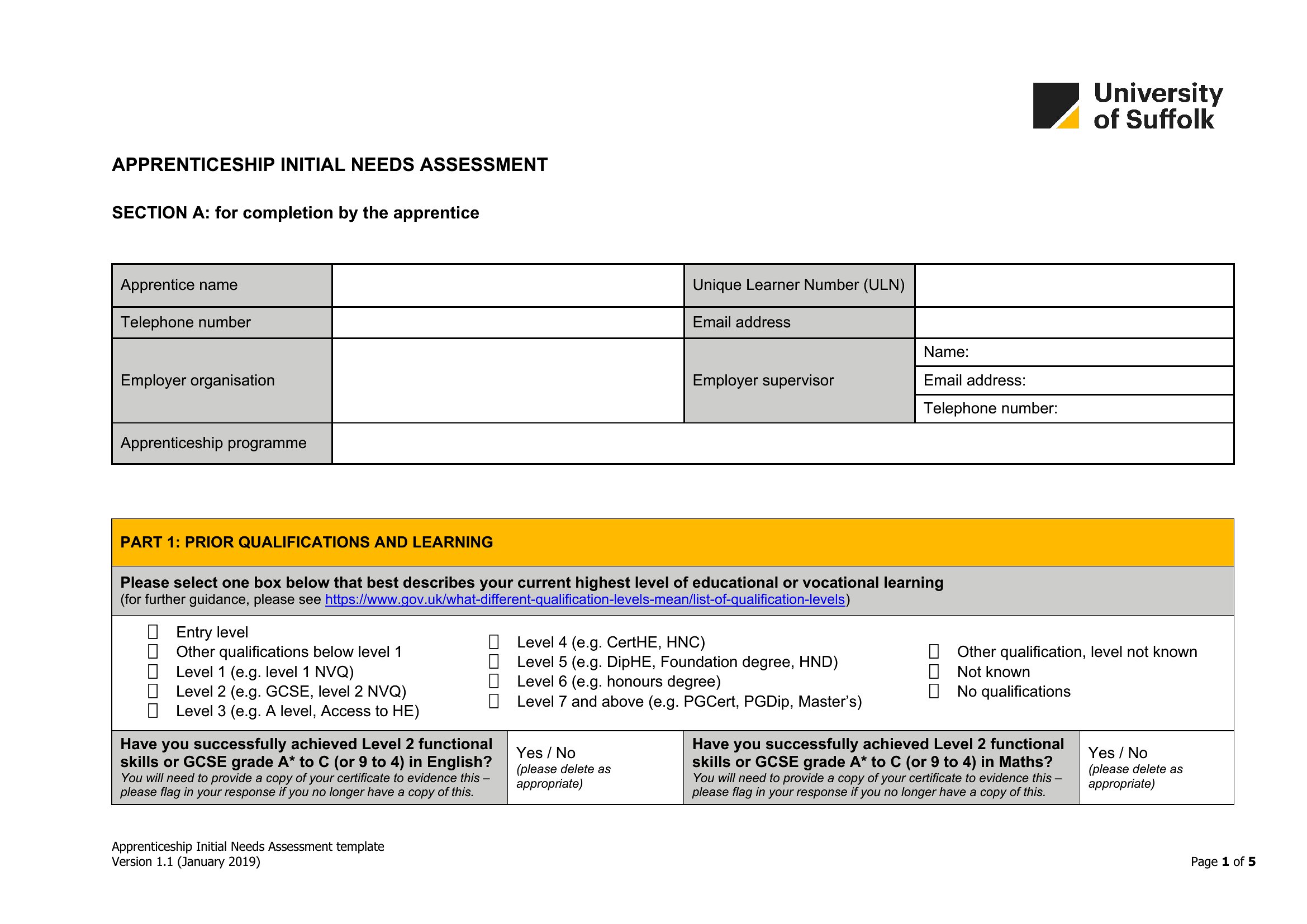
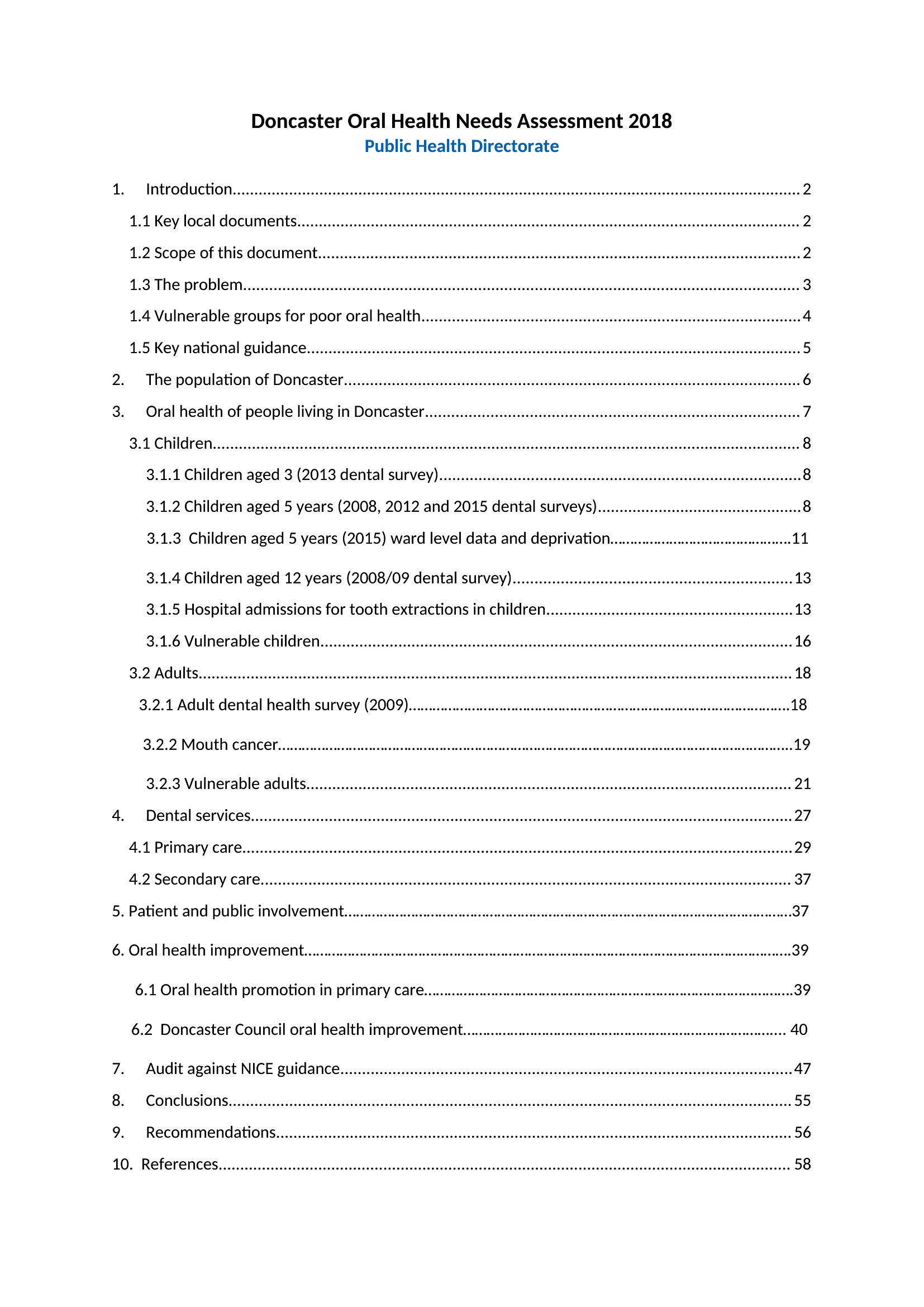
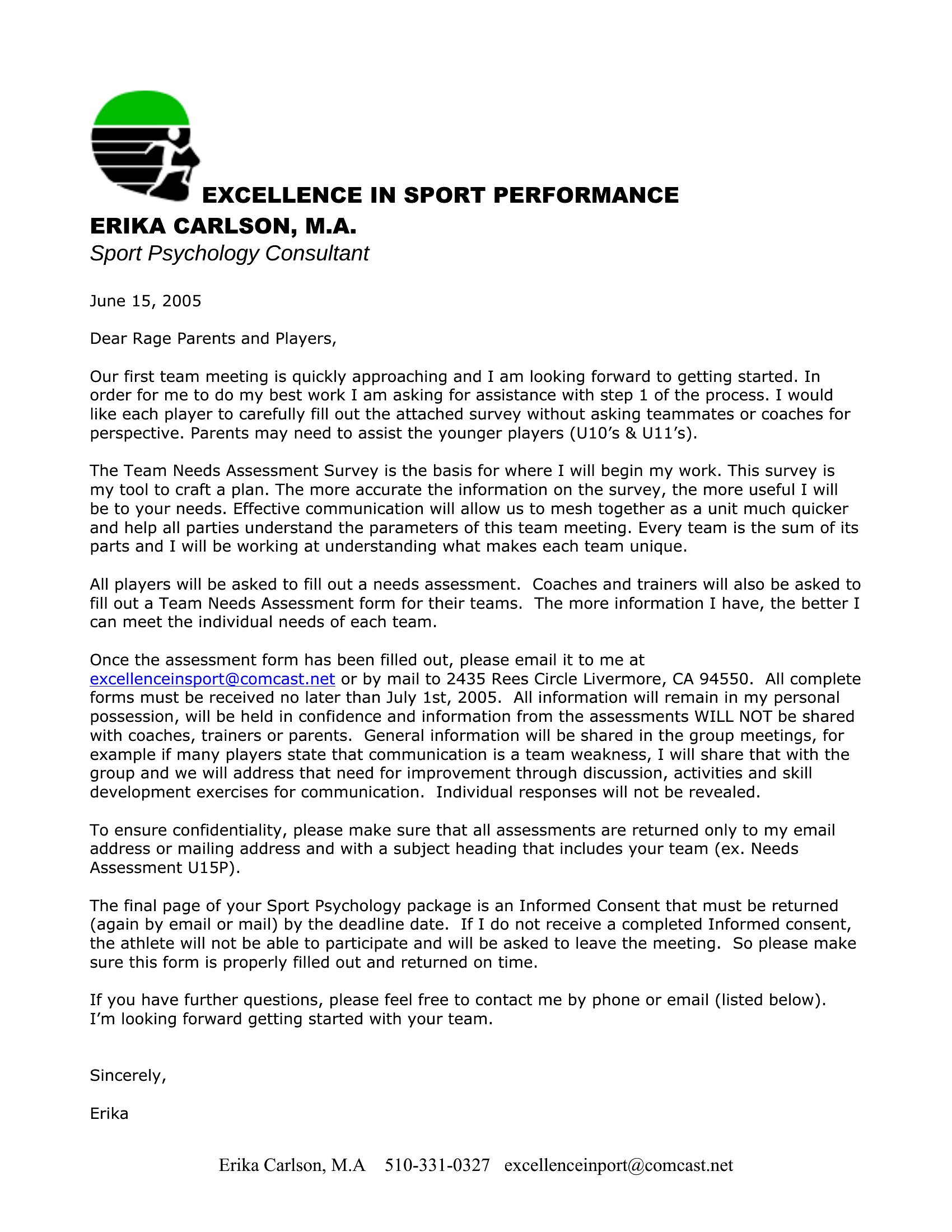
AnalysisA needs assessment helps you figure out the gap between where things are and where they should be, before you spend on a solution. This set of 49 needs assessment templates serves schools, nonprofits, healthcare teams, and HR departments, with structures for gathering input, ranking priorities, and matching resources to real needs. The formats keep the process organized.
You'll find editable Word documents and Excel sheets for tallying and comparing responses. Adapt the questions to your situation, collect the data, and the results point clearly to what matters most. Download the version that fits your project and start building the case for action.
When to use this Needs Assessment template
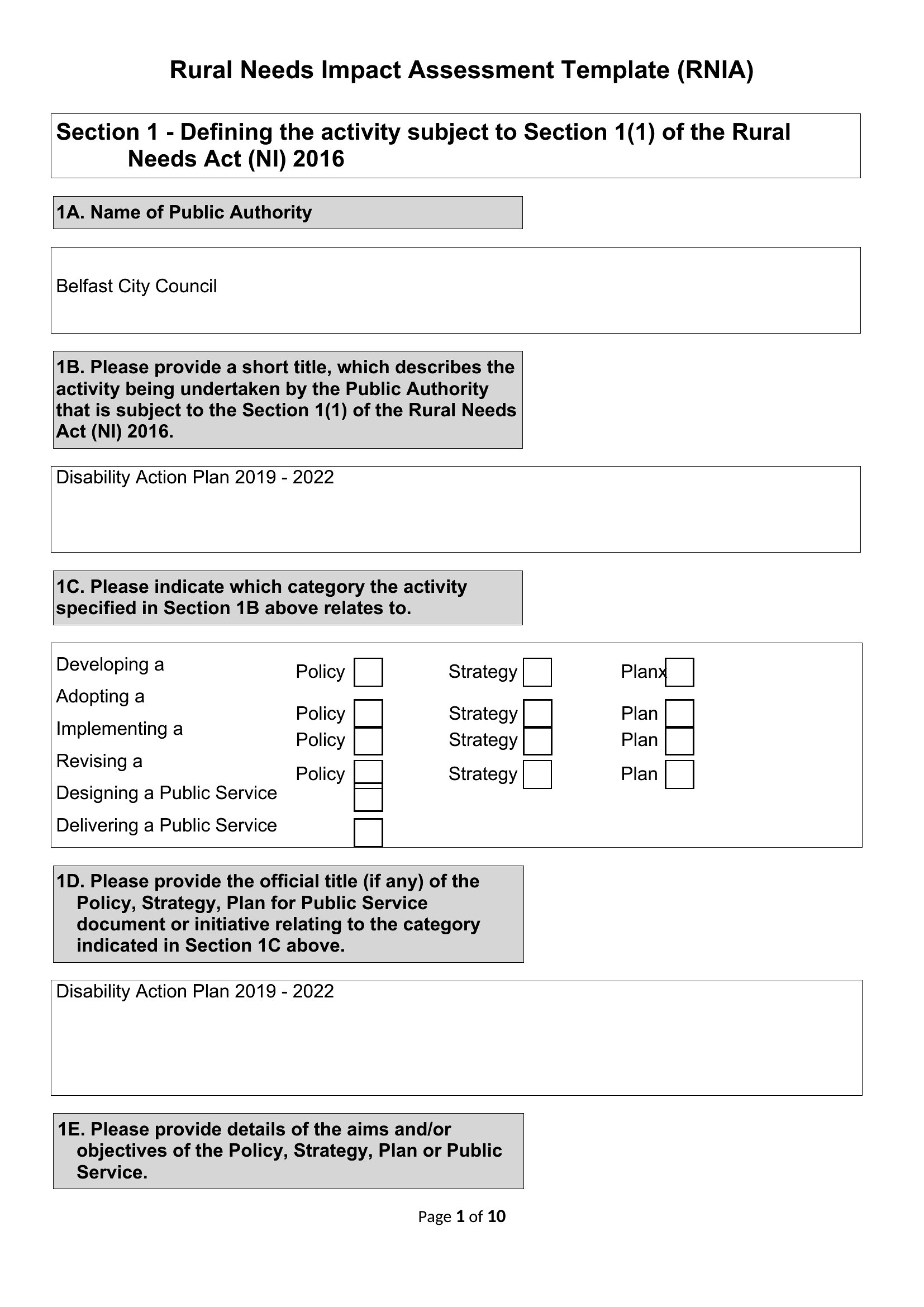
- A school district evaluating whether to expand computer labs in underserved schools can use this template to survey teachers, students, and parents about daily challenges and desired outcomes before allocating funds.
- Nonprofit program managers assessing community health needs should pick these tools to structure interviews with local leaders and residents, then align survey data with grant application requirements.
- Healthcare clinics planning new patient services can deploy the Word or Excel formats to analyze wait times, patient feedback, and staffing gaps—helping them justify hiring or equipment upgrades to administrators.
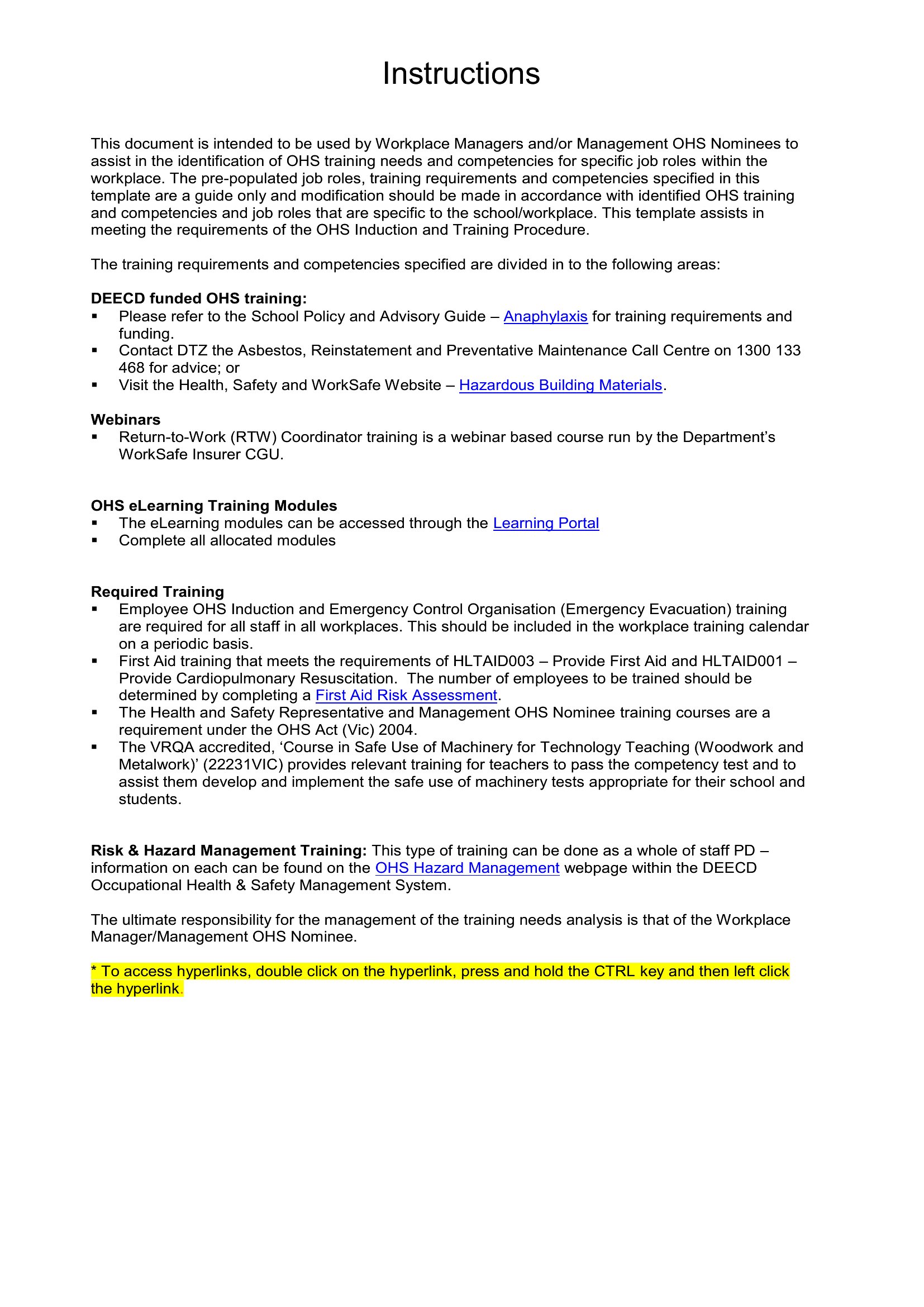
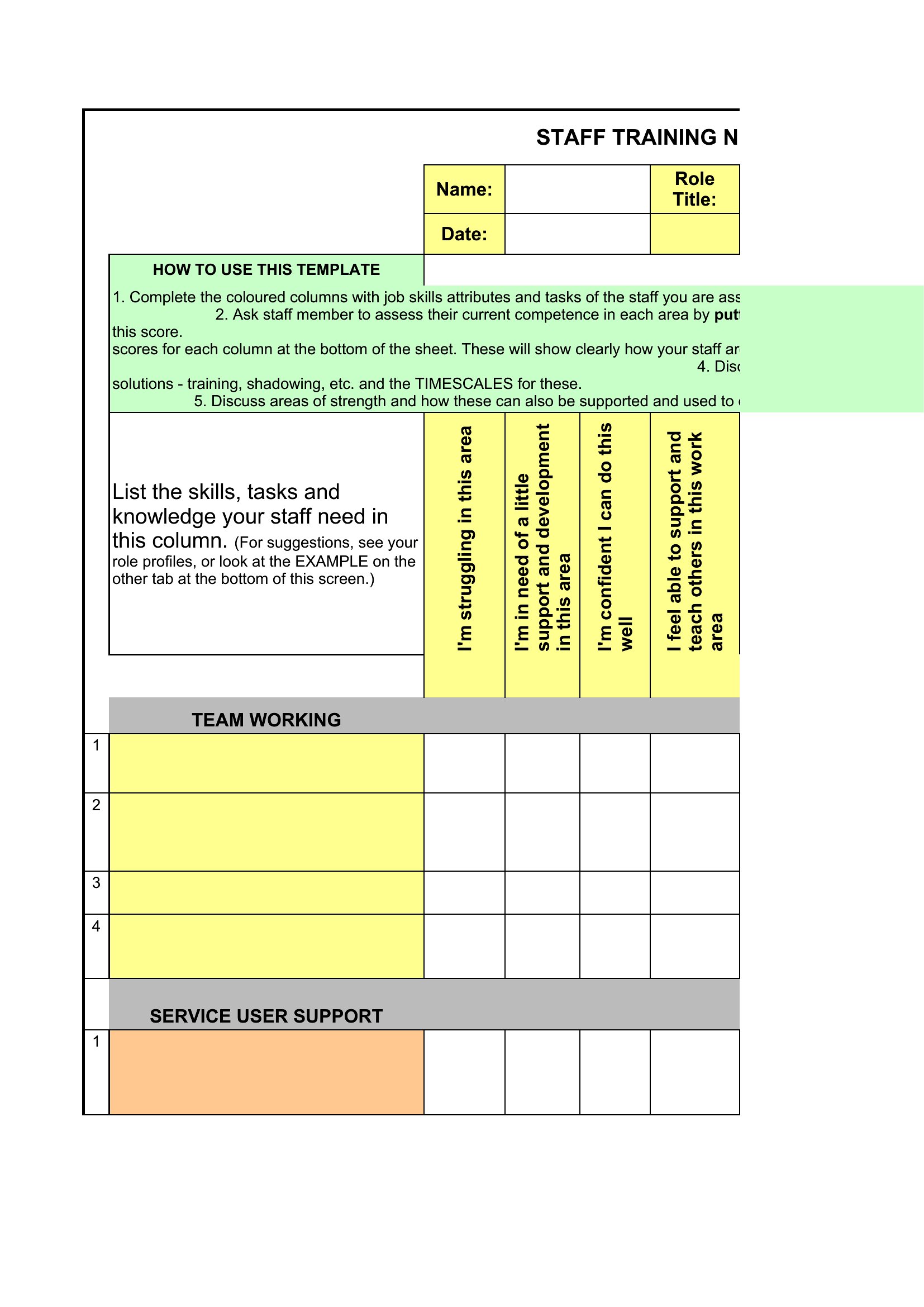
- HR directors preparing for company-wide training can distribute the Excel needs assessment to departments, then cross-reference responses with budget cycles to prioritize leadership development over compliance workshops.
Which format should I download?
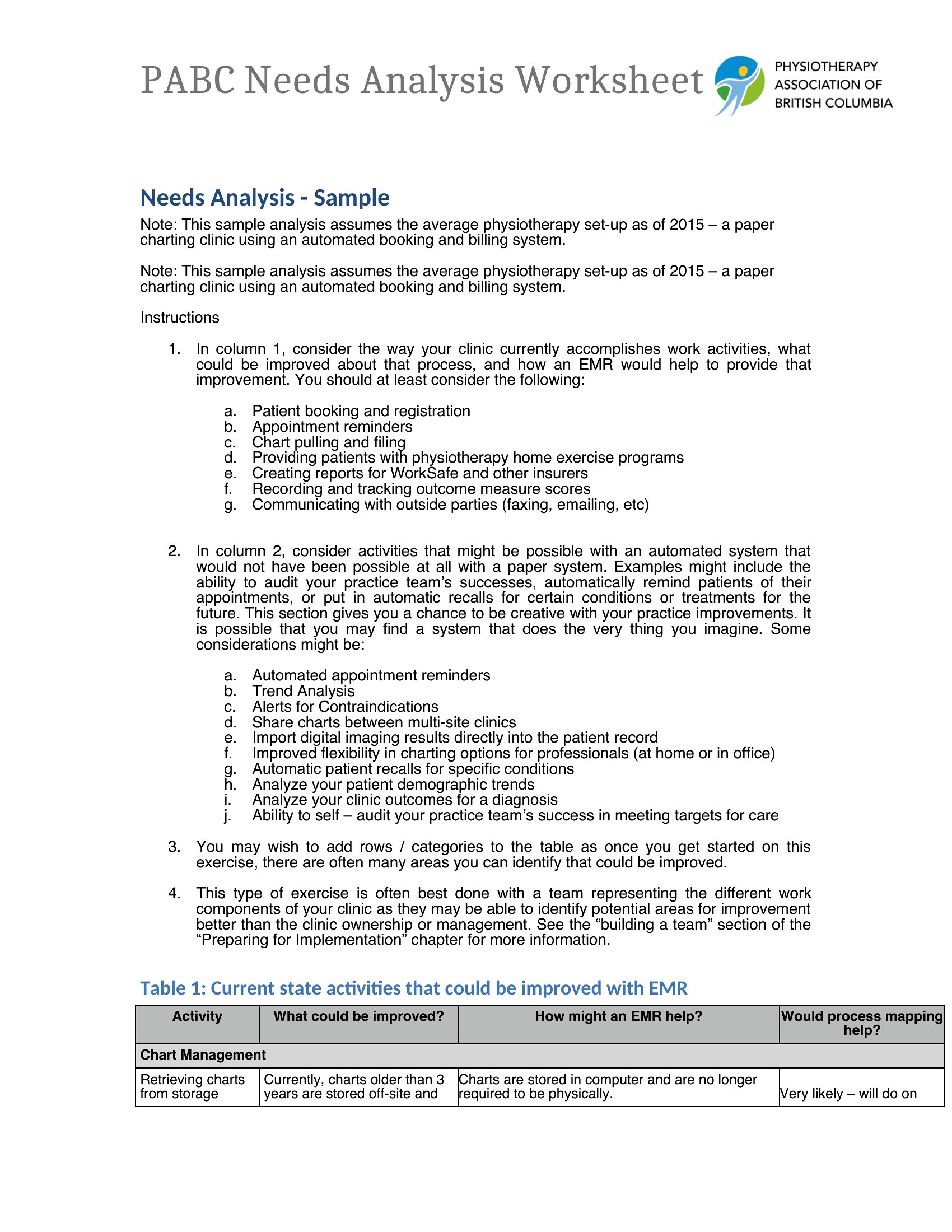
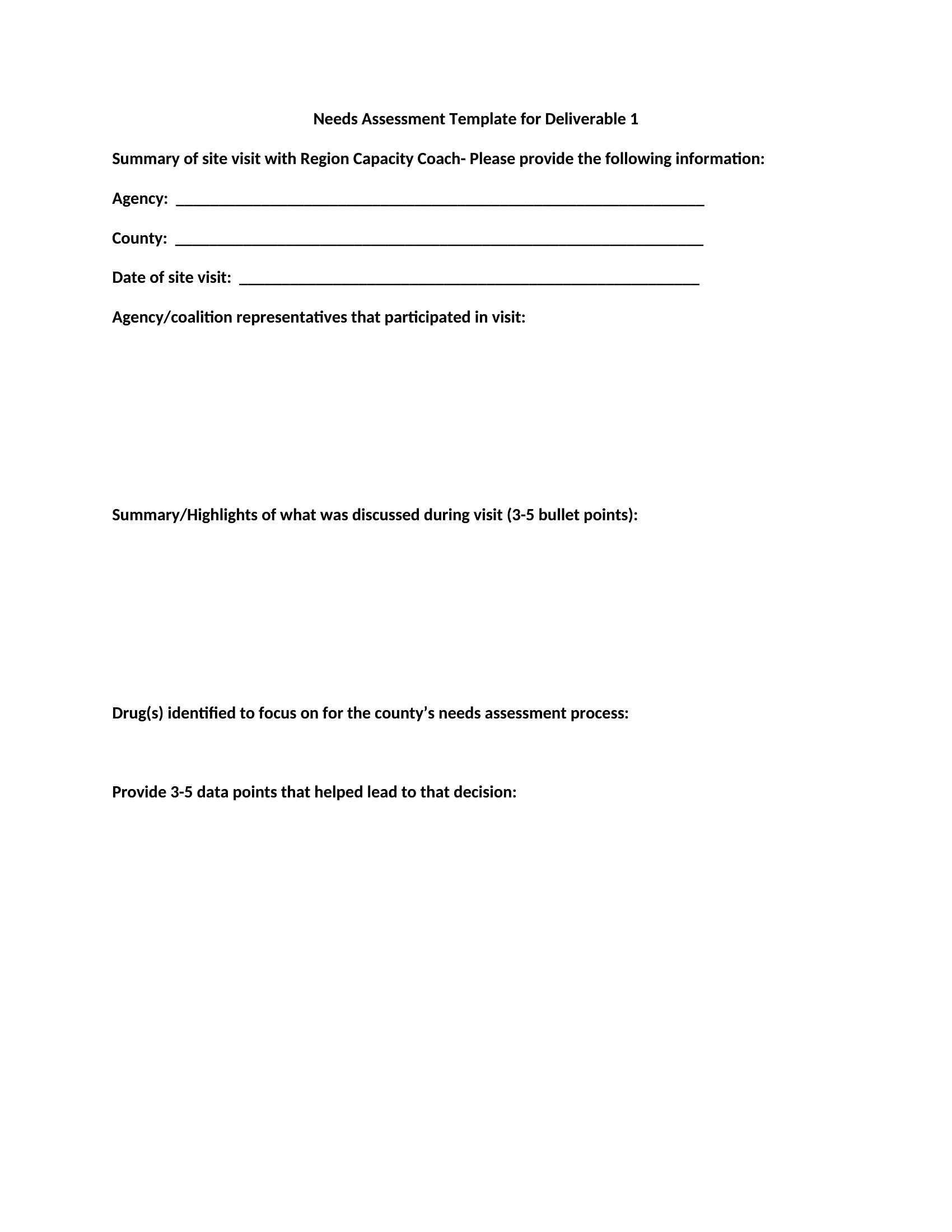
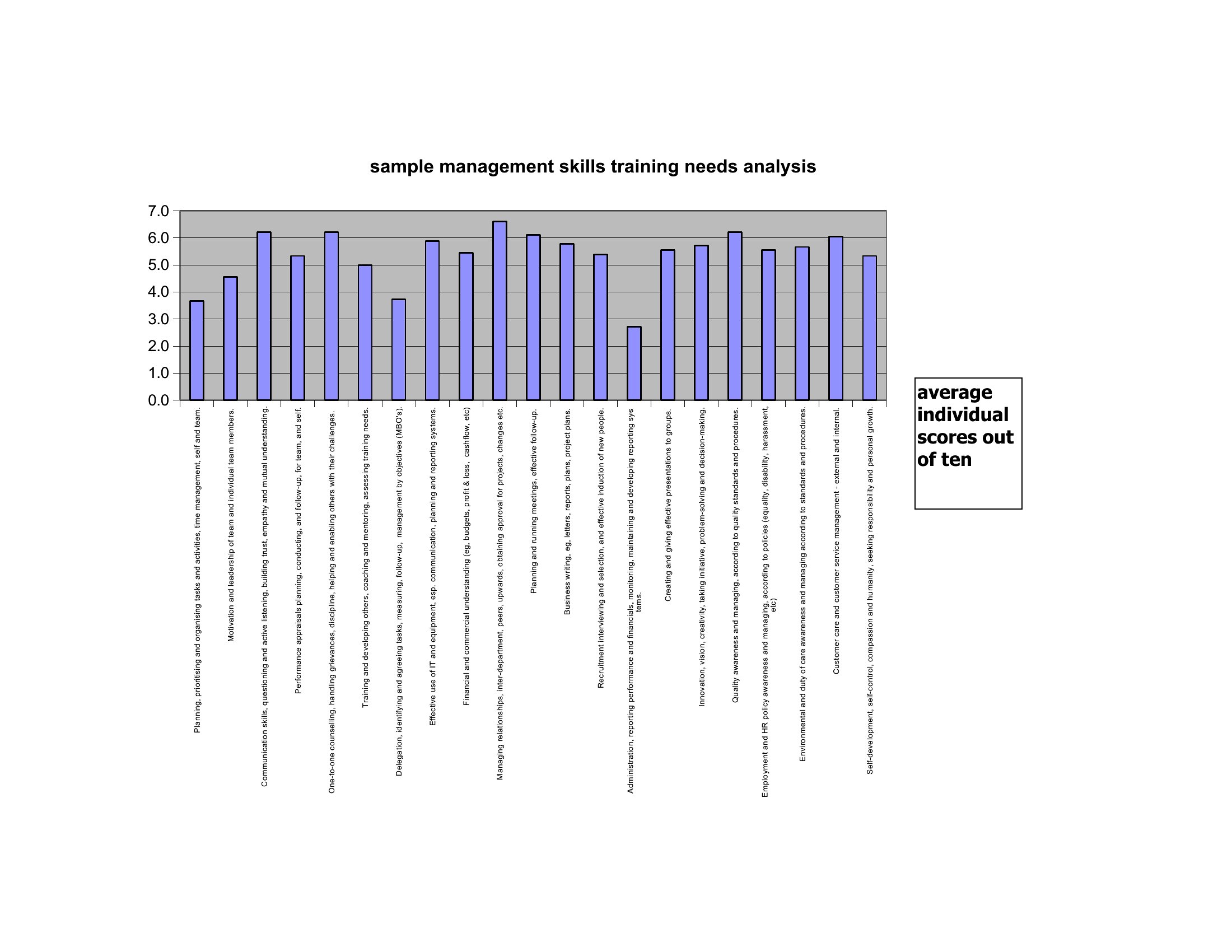
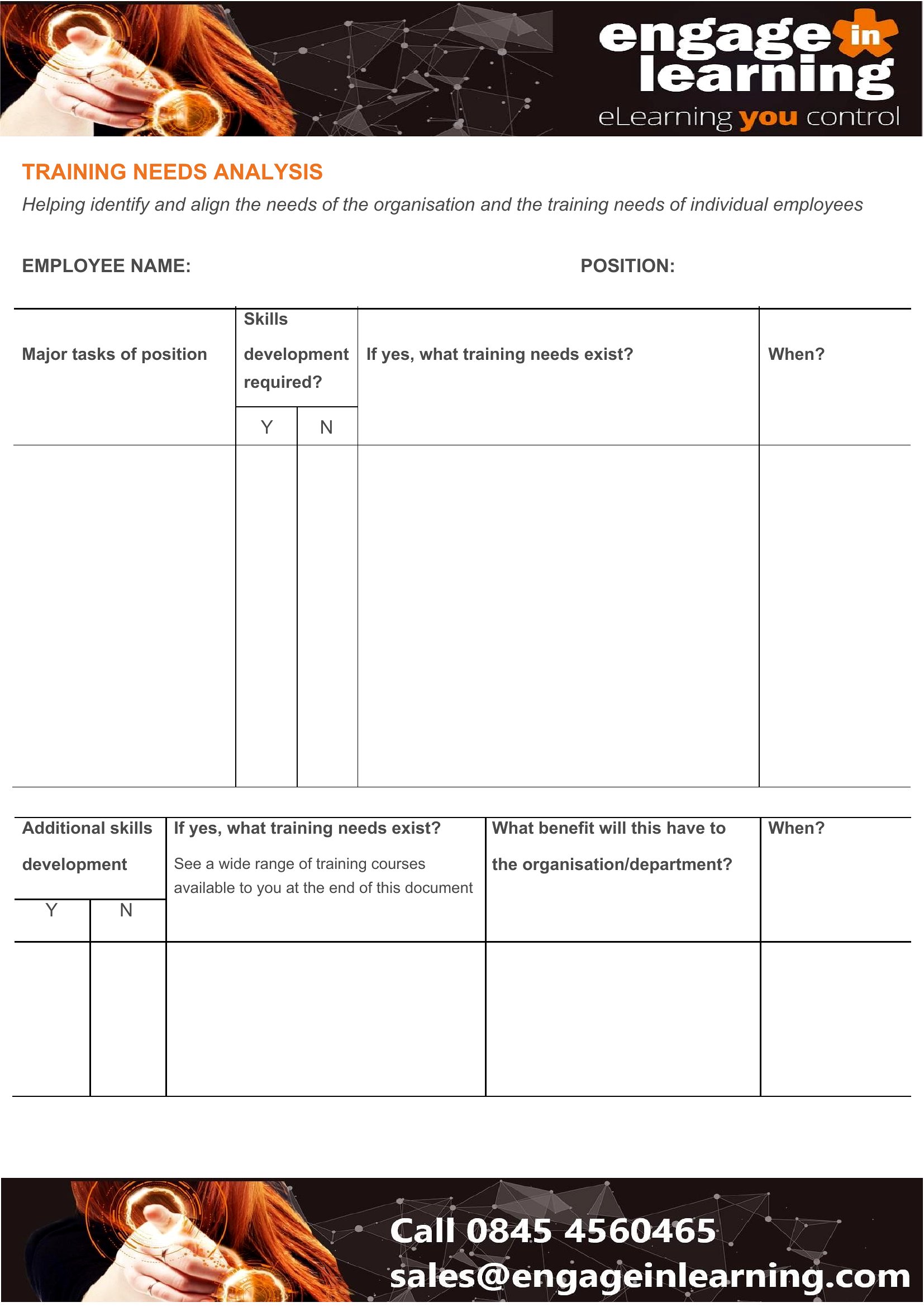
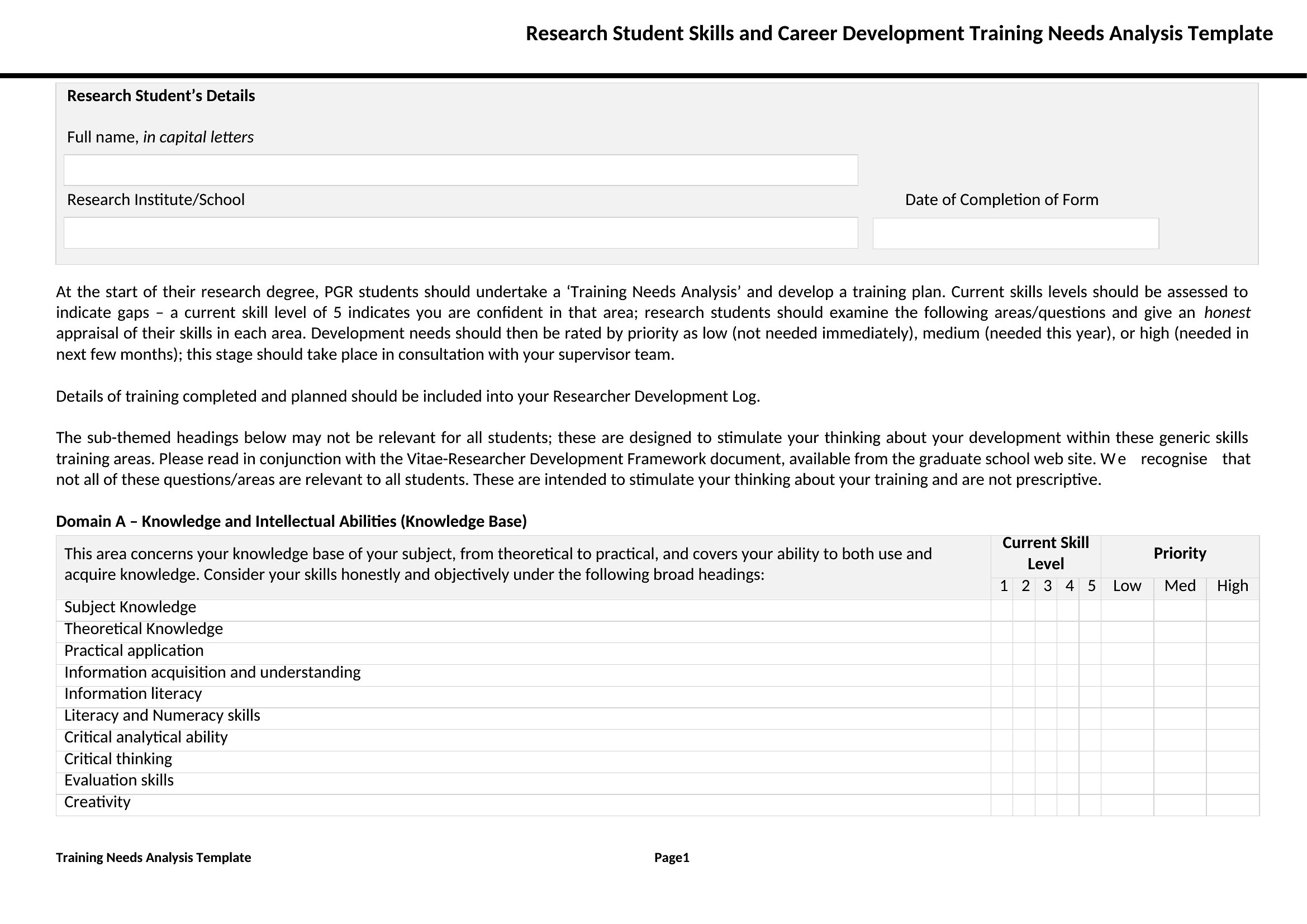
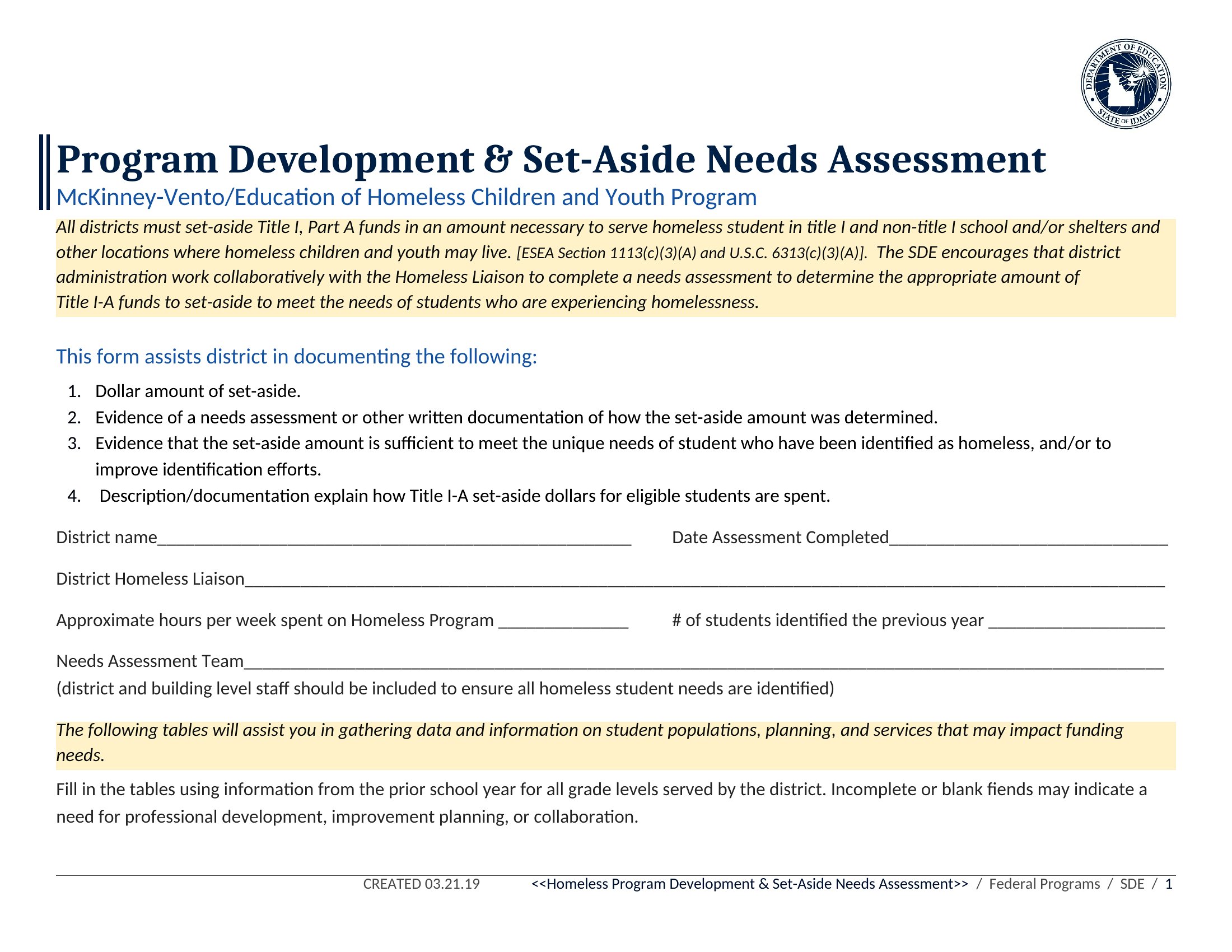
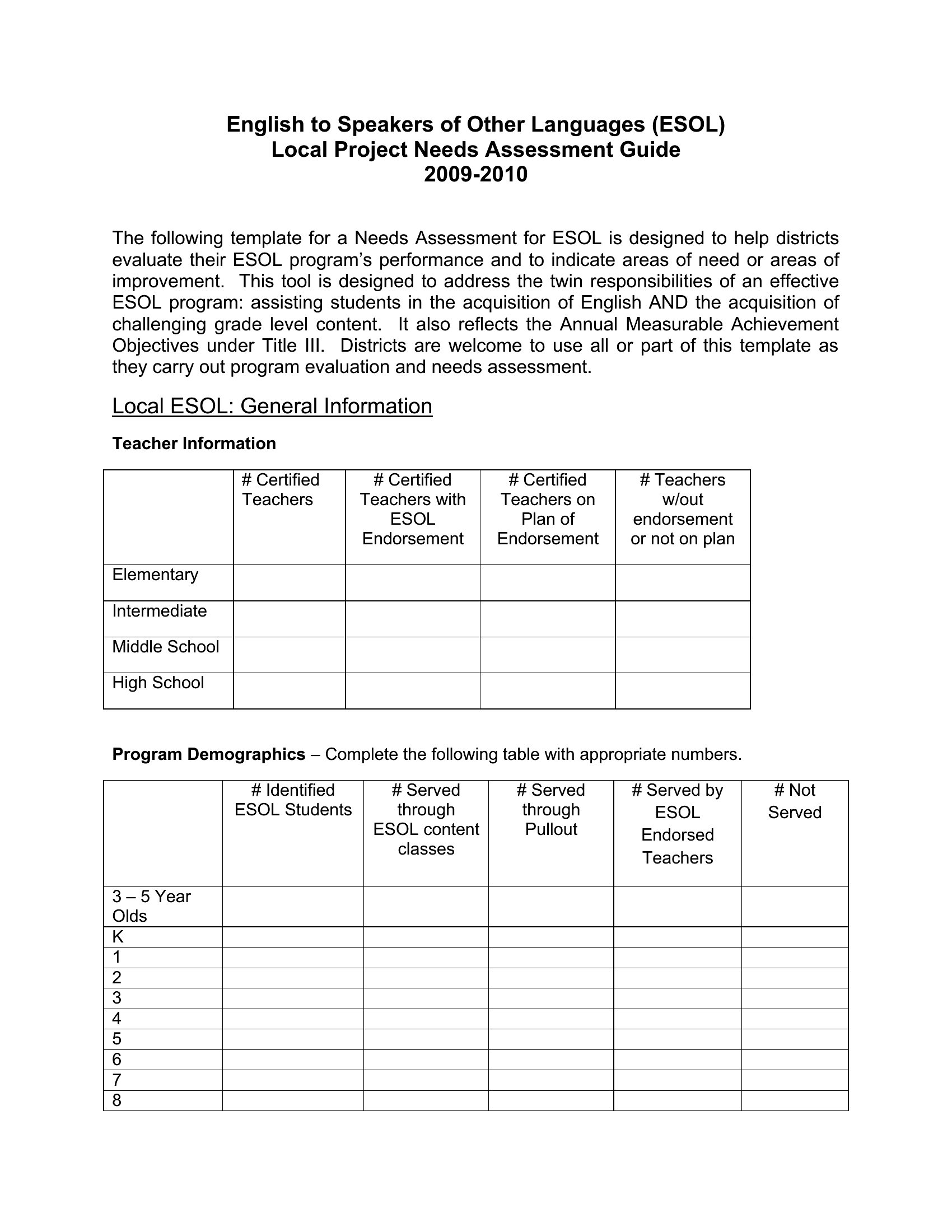
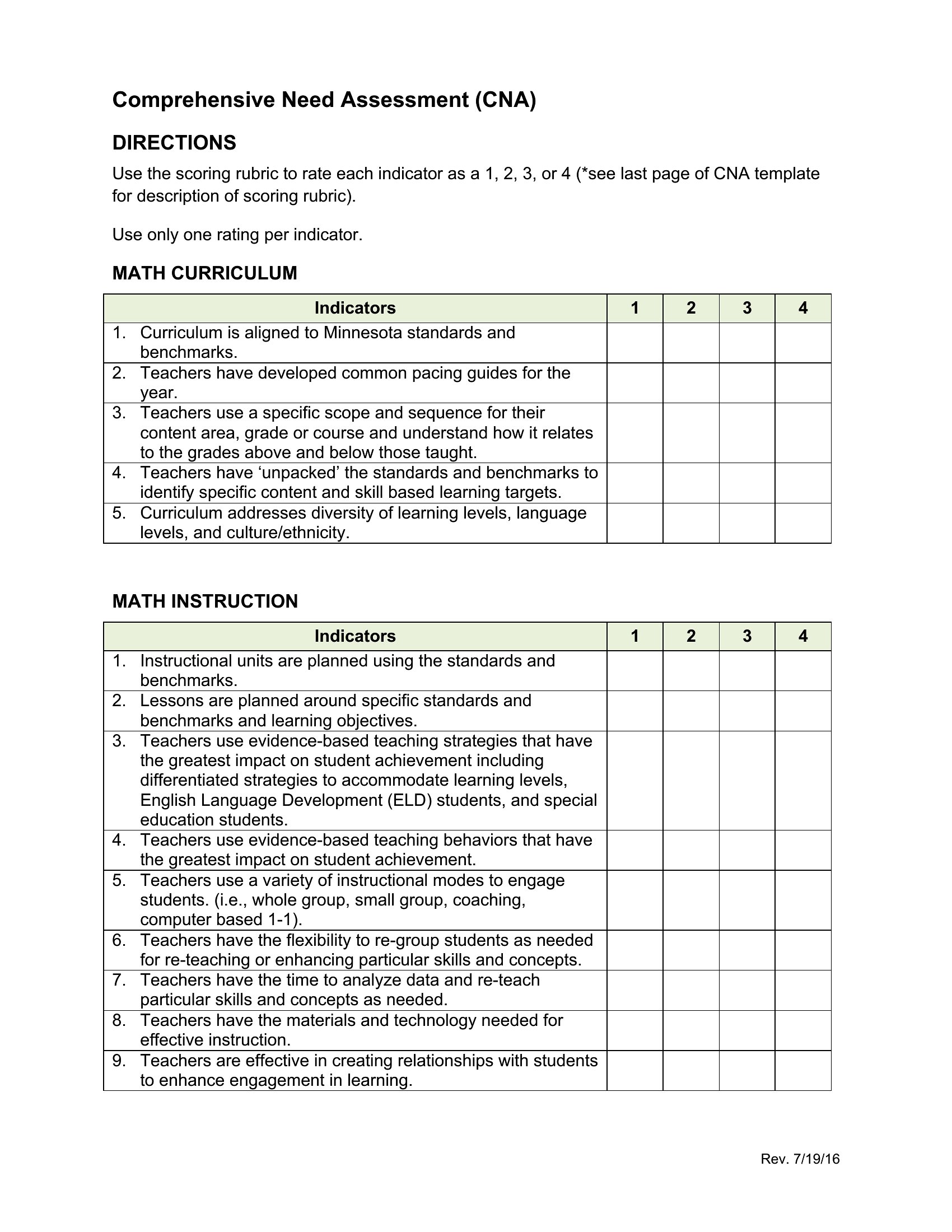
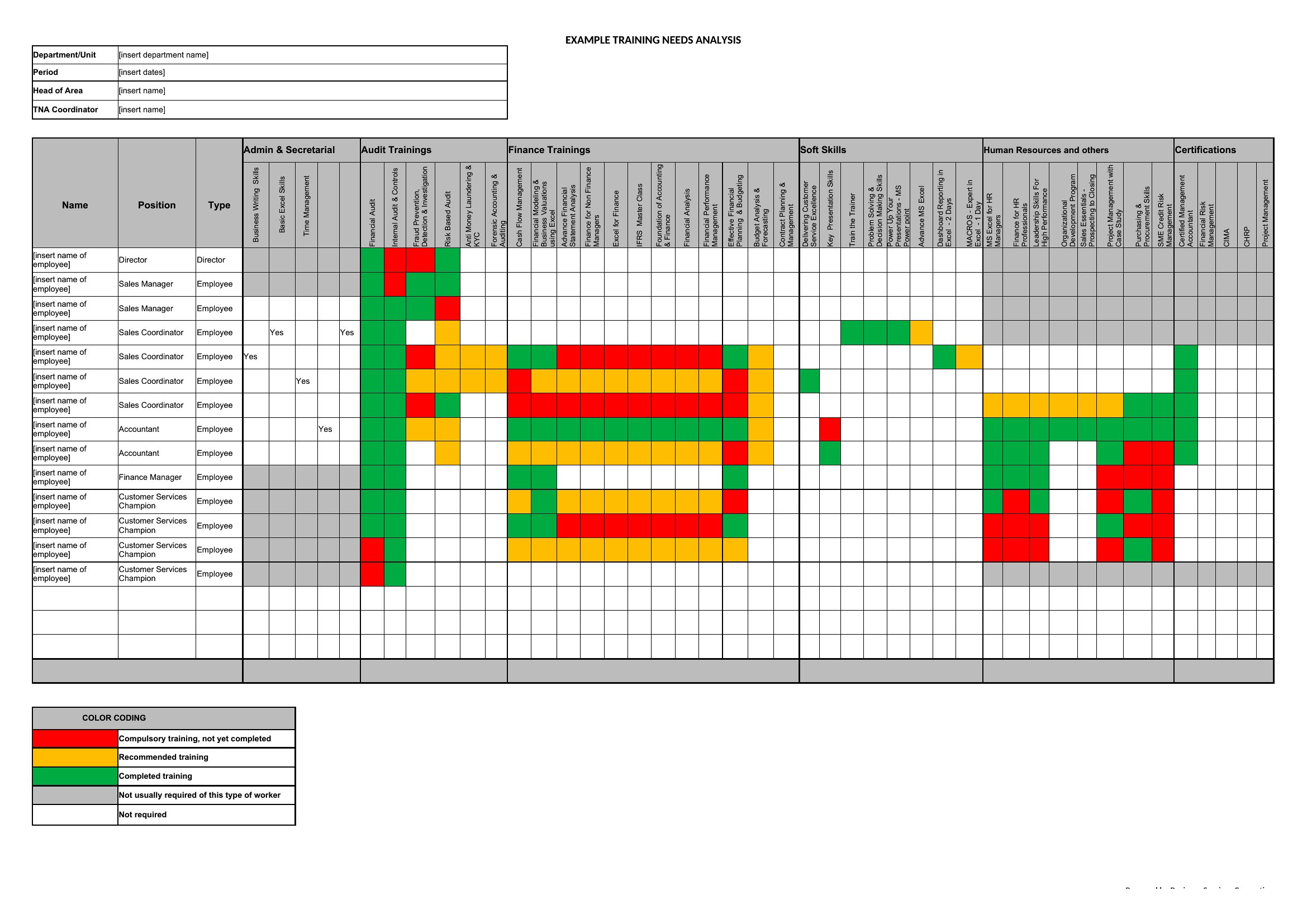
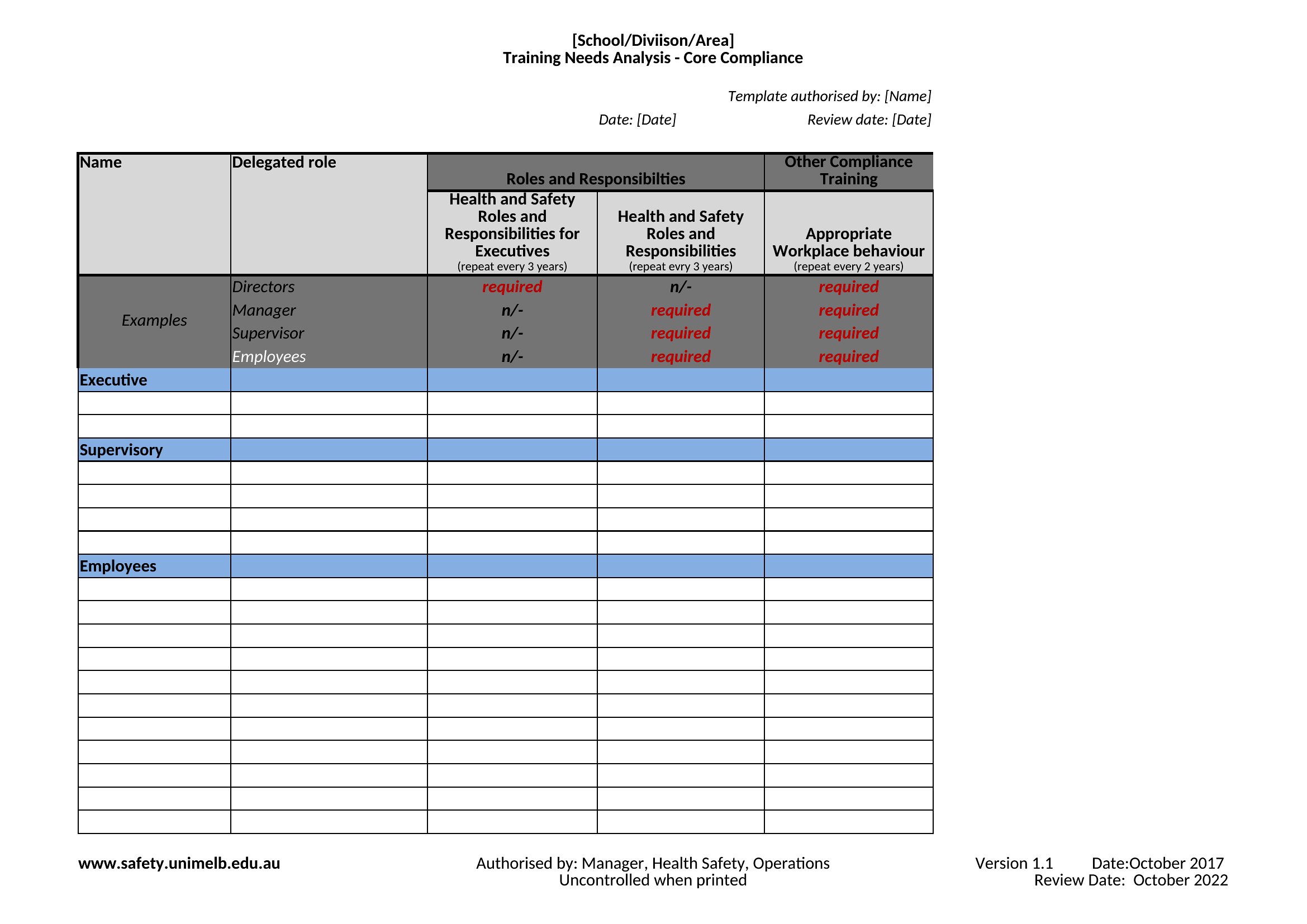
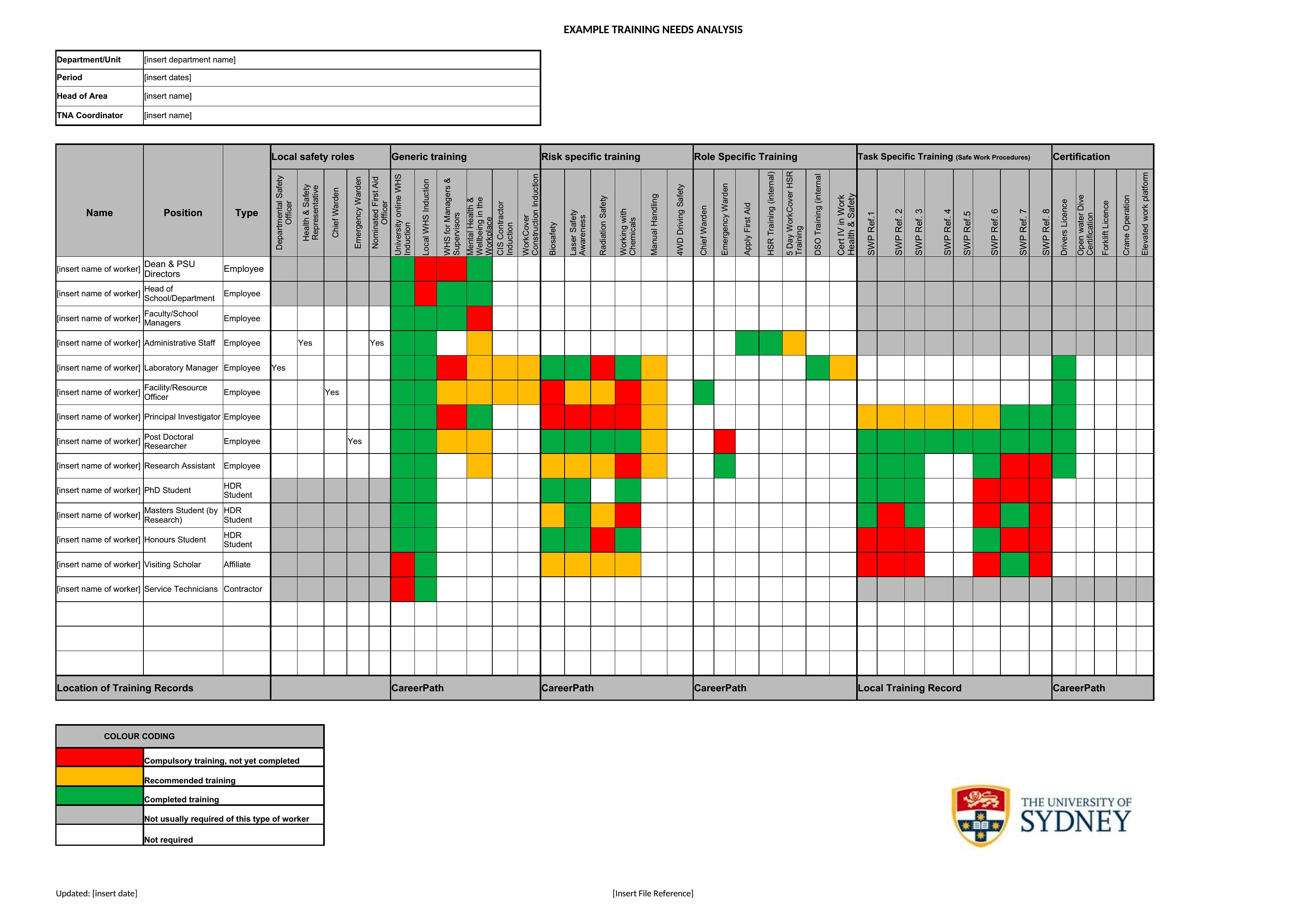
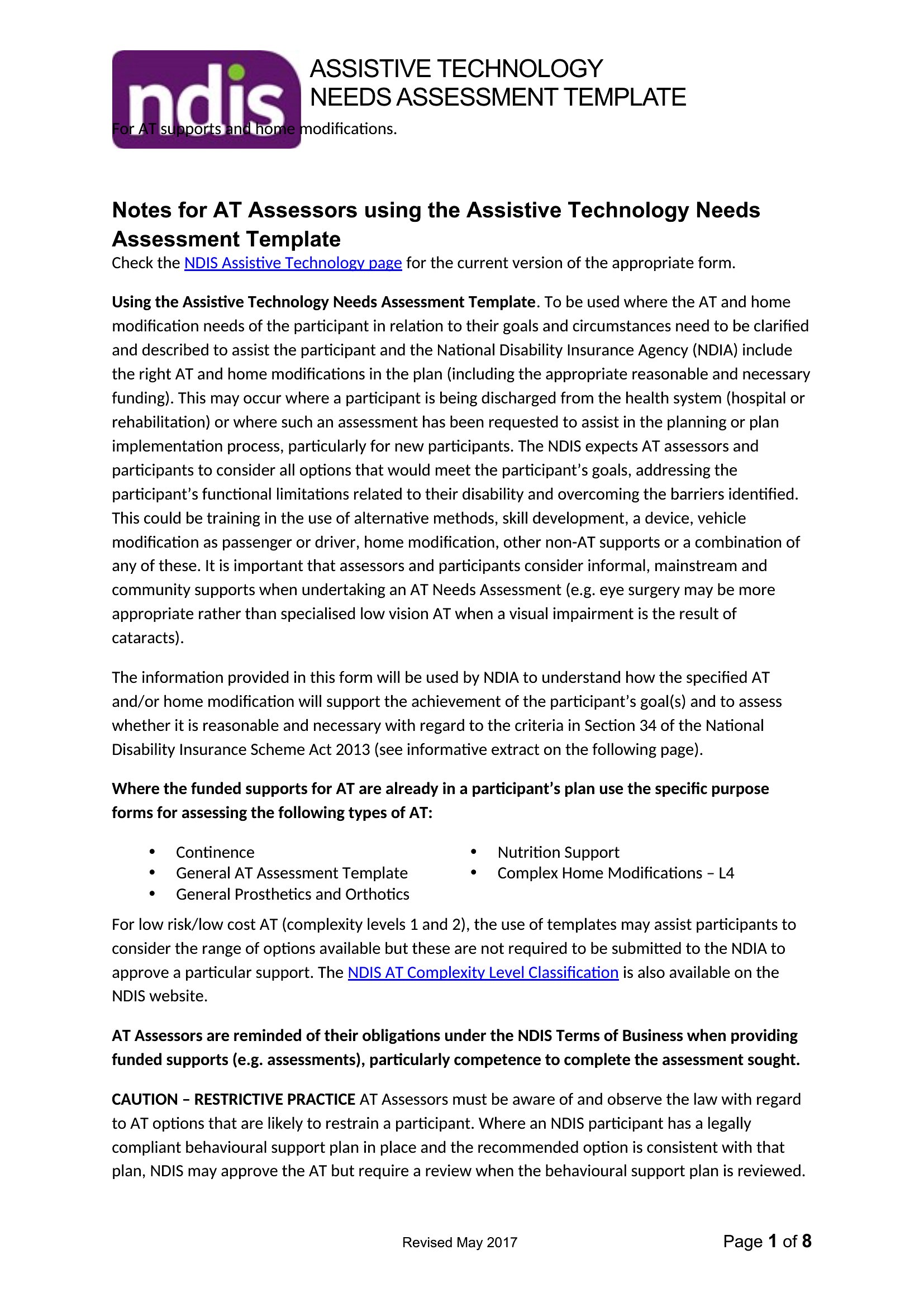
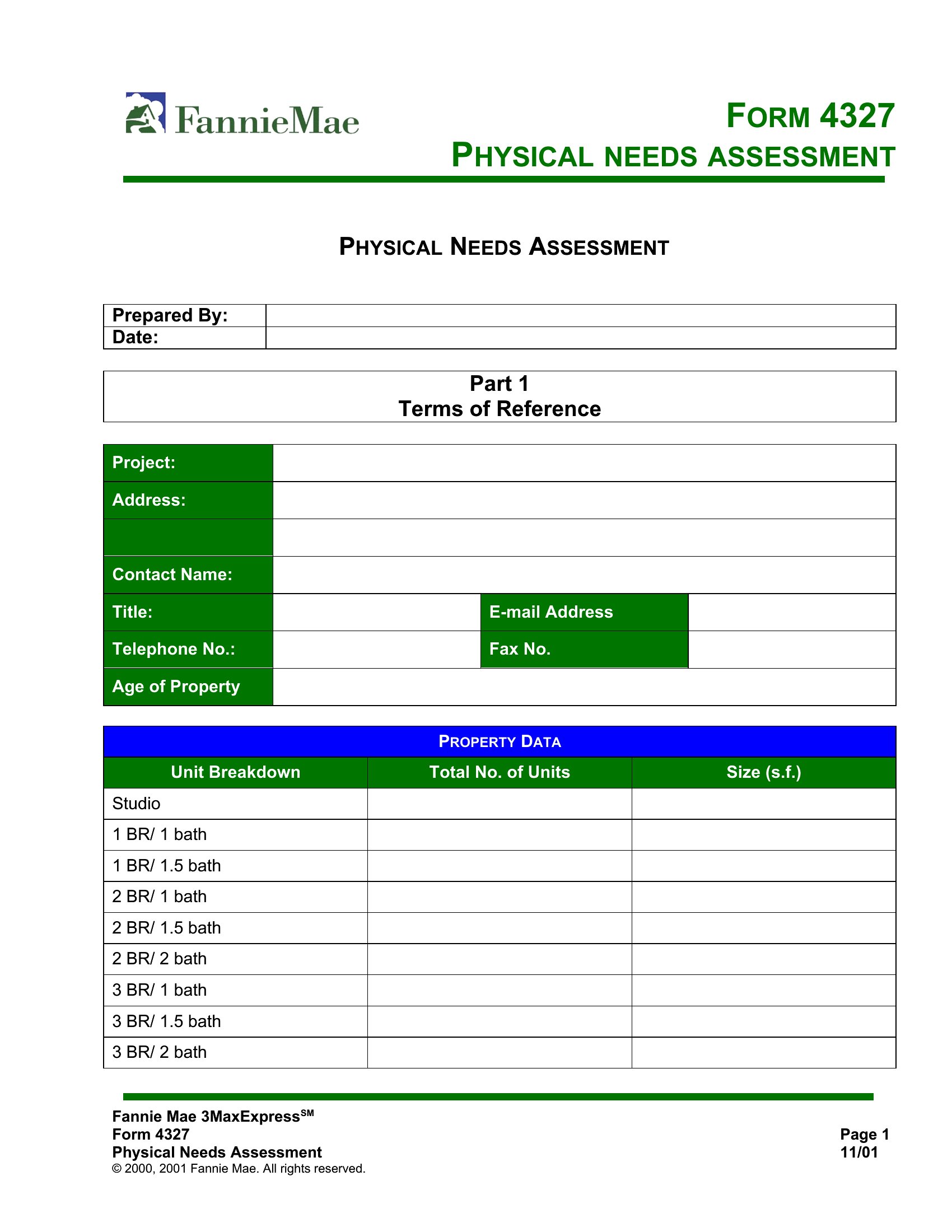
Choose Word when you need to embed questions with explanatory text, visual diagrams, or open-ended response boxes for focus groups—ideal for qualitative data like interviews or stakeholder feedback. Excel works best for quantified needs assessments, like ranking department priorities by numerical impact scores or tracking survey responses across multiple locations. The Excel format also lets you sort, filter, and graph data directly, which helps justify decisions to funding committees. For mixed-method approaches (e.g., combining survey data with narrative input), start with Word for the initial gathering phase, then transfer key findings into Excel for analysis.
Choose from 49 Needs Assessment Templates
How to use this Needs Assessment template
How do I decide which needs to prioritize when the assessment reveals multiple urgent issues?
Use the Excel format’s sort-and-filter tools to rank needs by criteria like cost per impact, feasibility, or alignment with organizational goals. Word templates often include weighted-scoring sections—assign points to urgency, resources needed, and potential outcomes, then let stakeholders review the ranked list to reach consensus. This ensures transparency in decision-making without overlooking less obvious but critical gaps.
Can these templates help us involve people who aren’t comfortable with digital tools?
Yes. The Word documents can be printed as worksheets with clear instructions, then collected by hand or scanned. For remote or low-literacy groups, use the Word format to create a simplified, one-page version with checkboxes or smiley-face scales. Pair this with a verbal explanation or small-group discussion to ensure everyone’s input is captured accurately. The goal is to adapt the template, not force participants into a specific format.
What’s the best way to use these templates if our team is spread across time zones?
Start with the Word version to draft a shared needs assessment questionnaire, then distribute it via email or a collaboration tool like Google Docs (exported from Word). Collect responses in a centralized Excel file, where you can use data validation to standardize answers (e.g., drop-down menus for priority levels). Schedule a virtual workshop to review findings together, or record a video walkthrough explaining the Excel analysis to remote teams. This keeps everyone aligned without requiring simultaneous meetings.
Comments
Join the conversation
Sign in to share your thoughts and leave a comment on this resource.