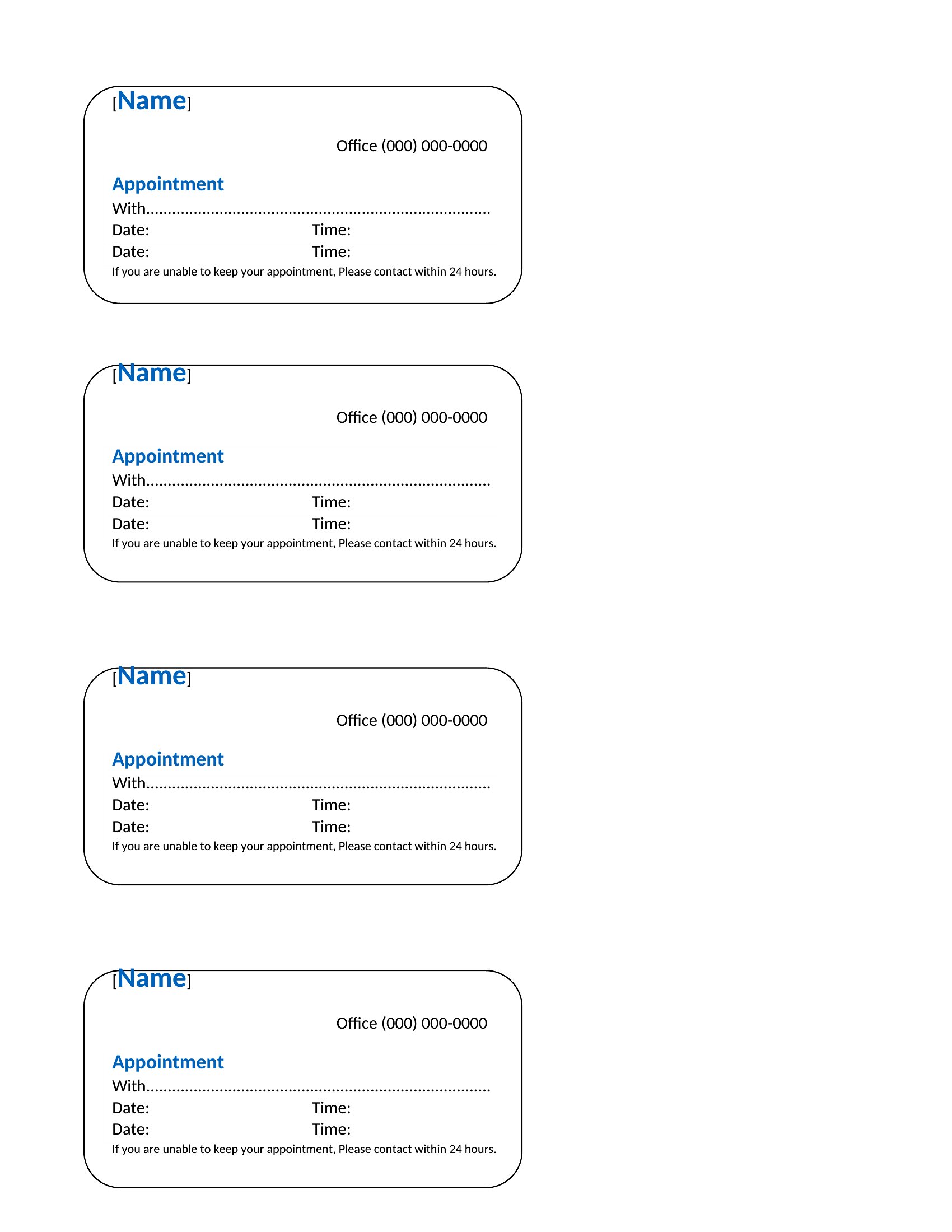
Printable Appointment Card Templates (Word, Excel)
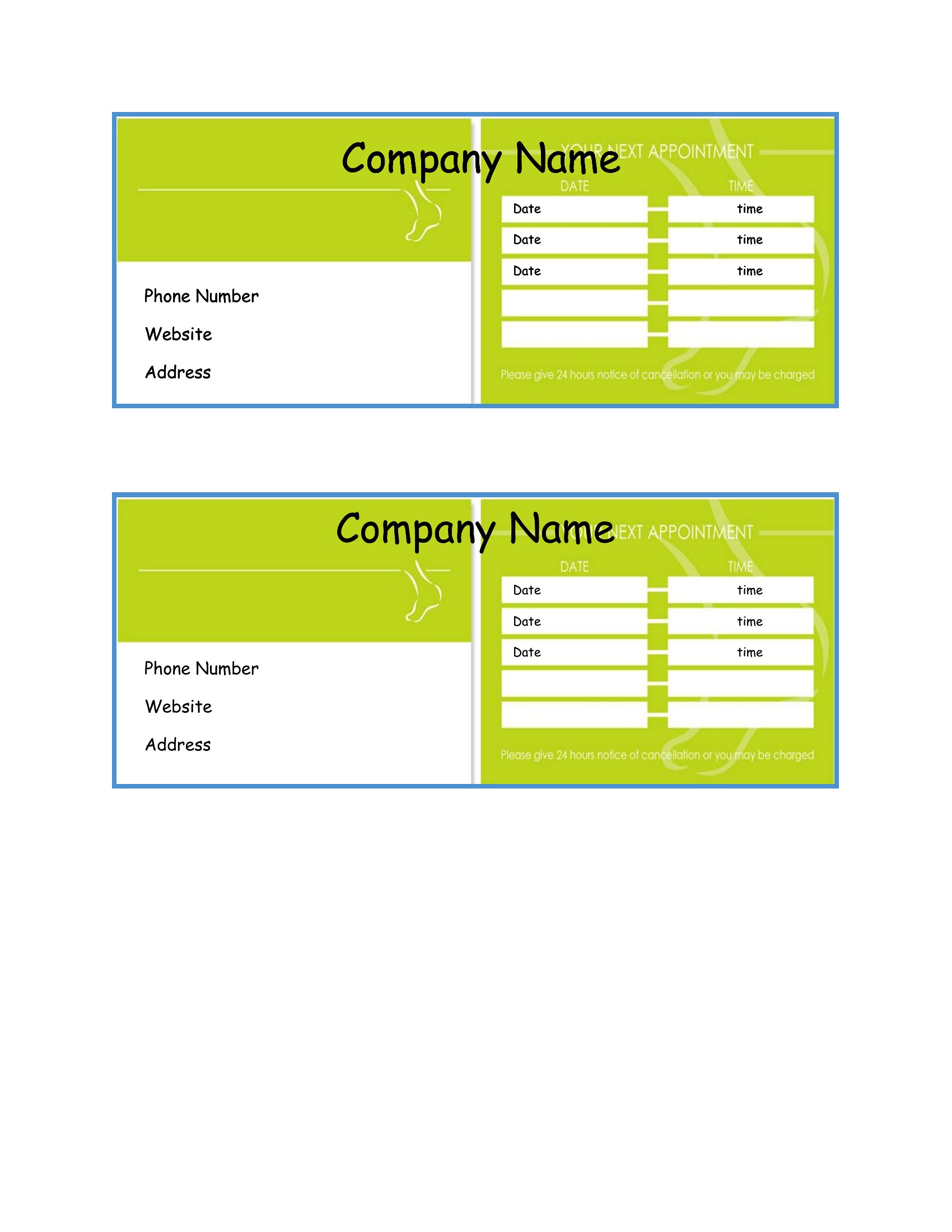
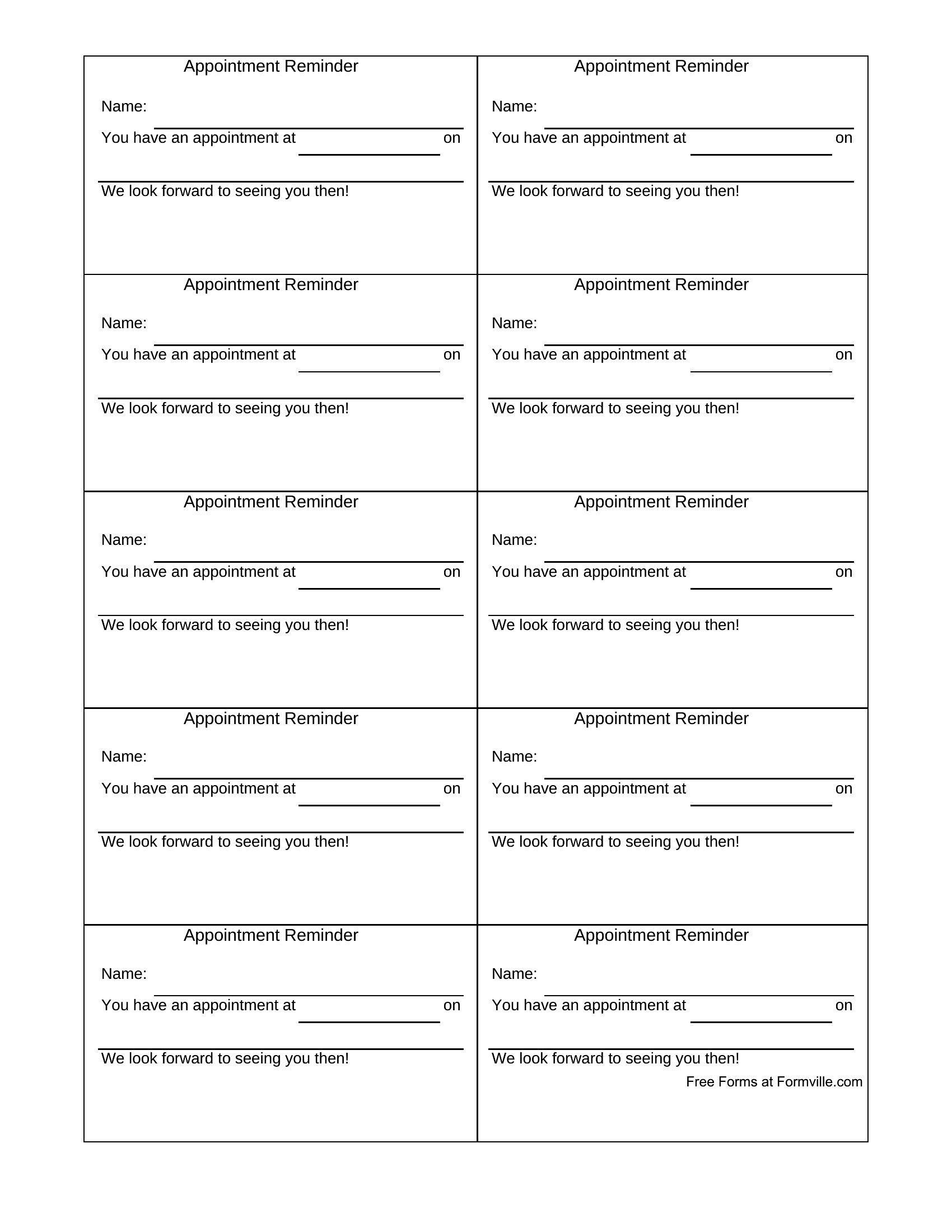
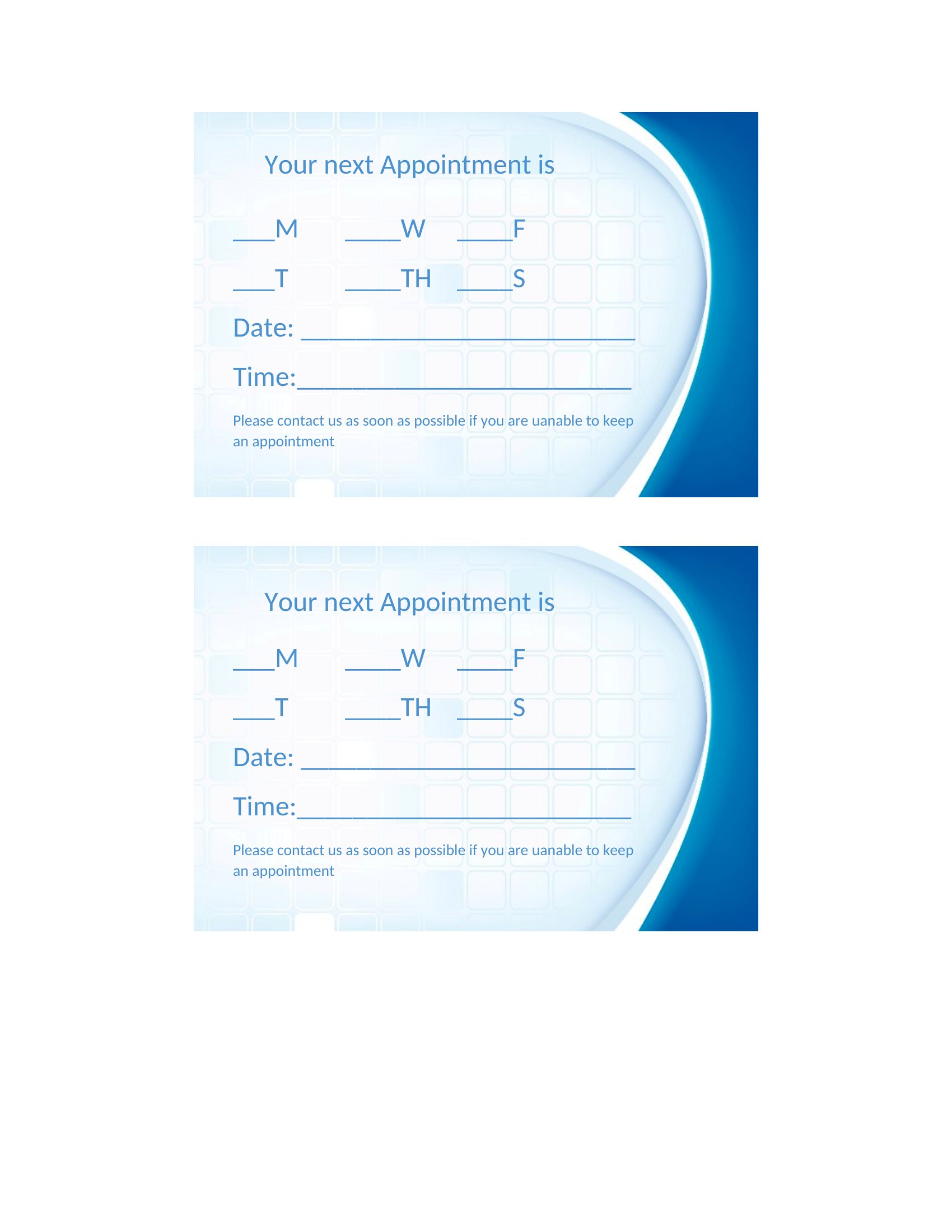
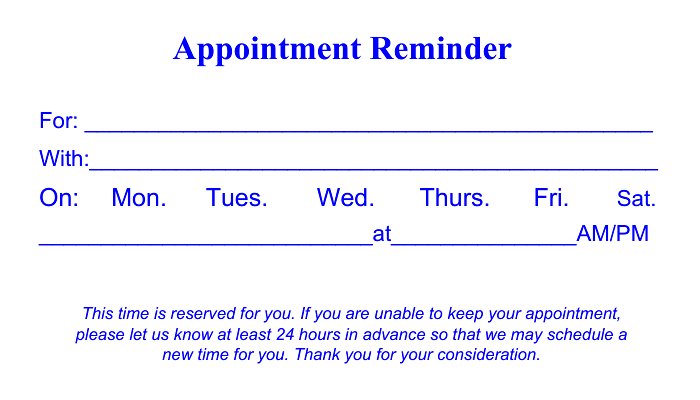
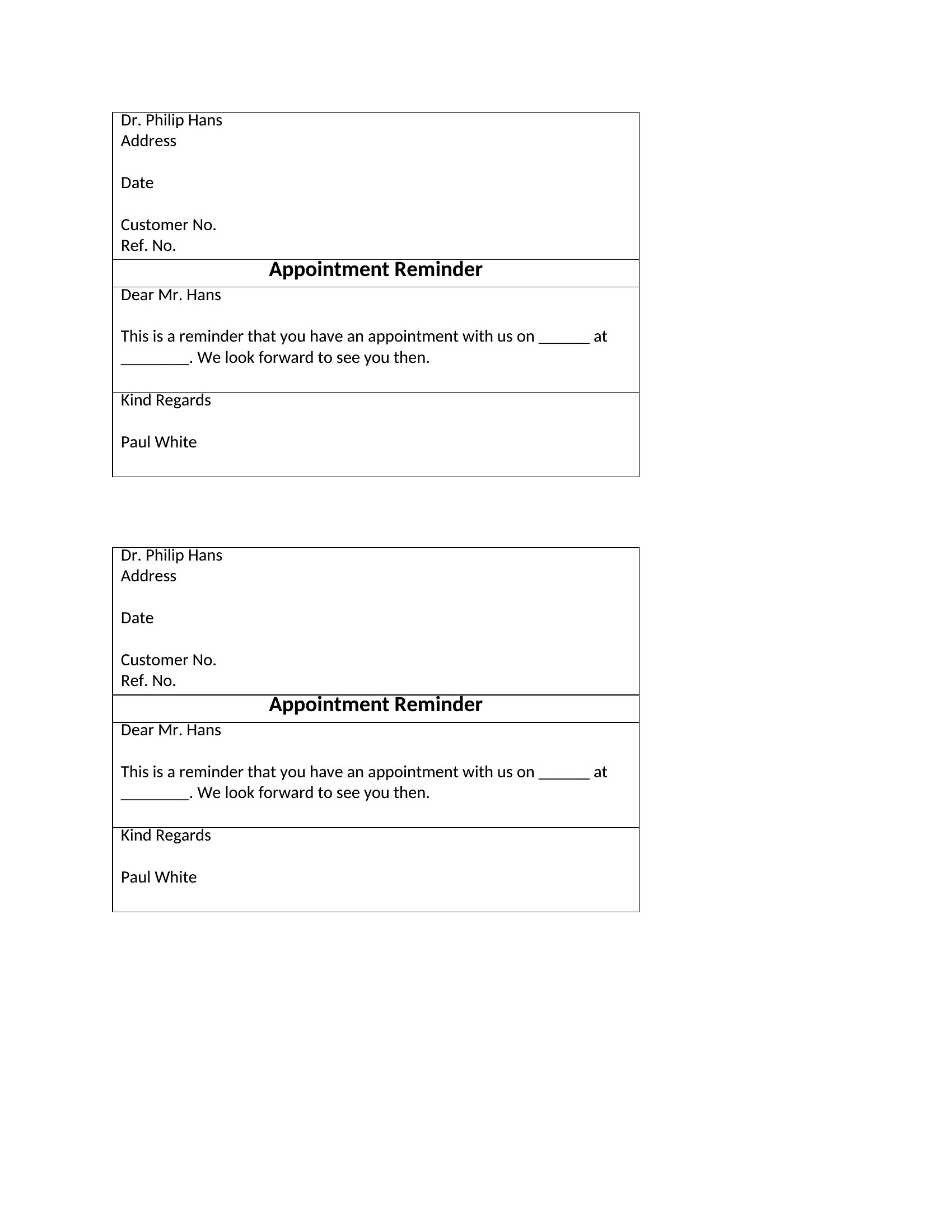
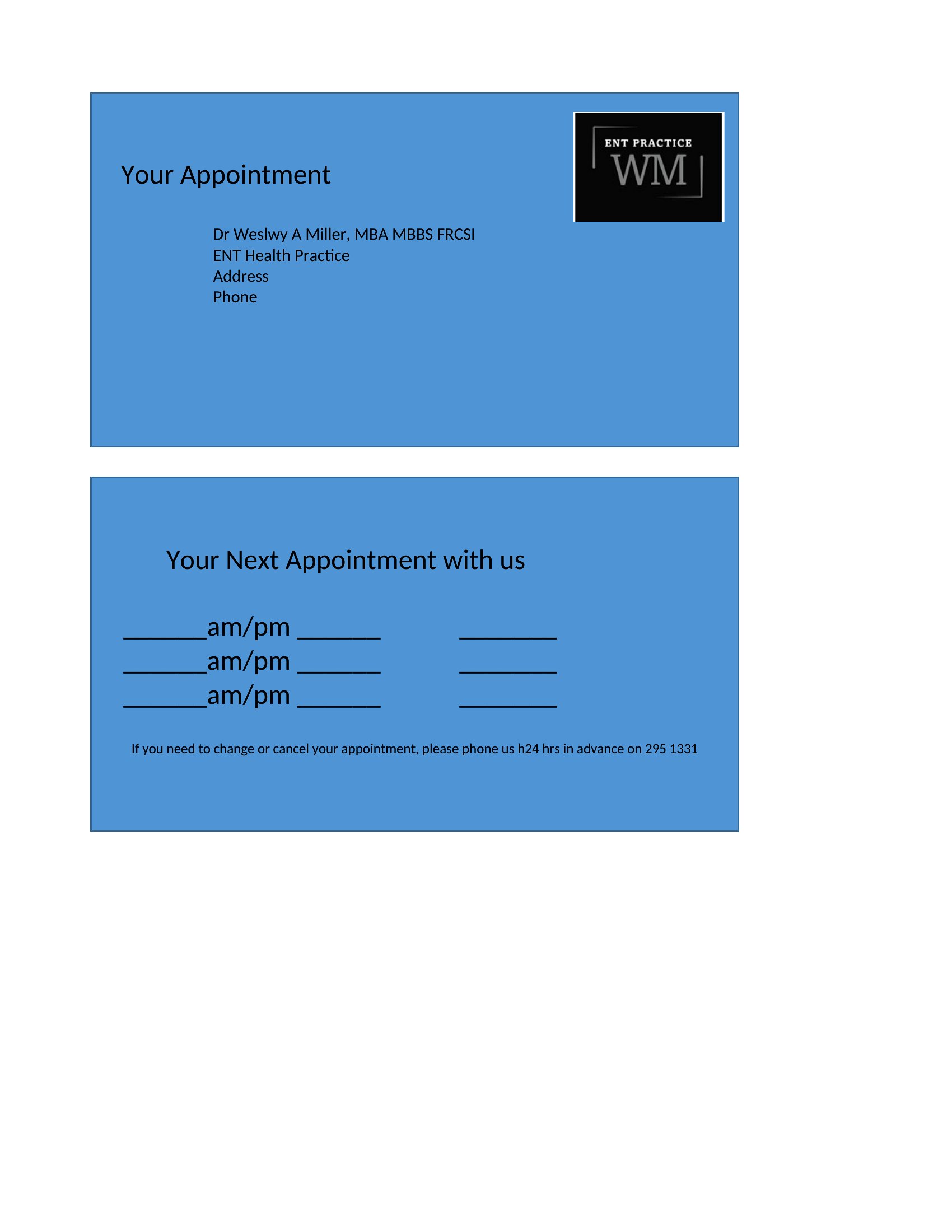
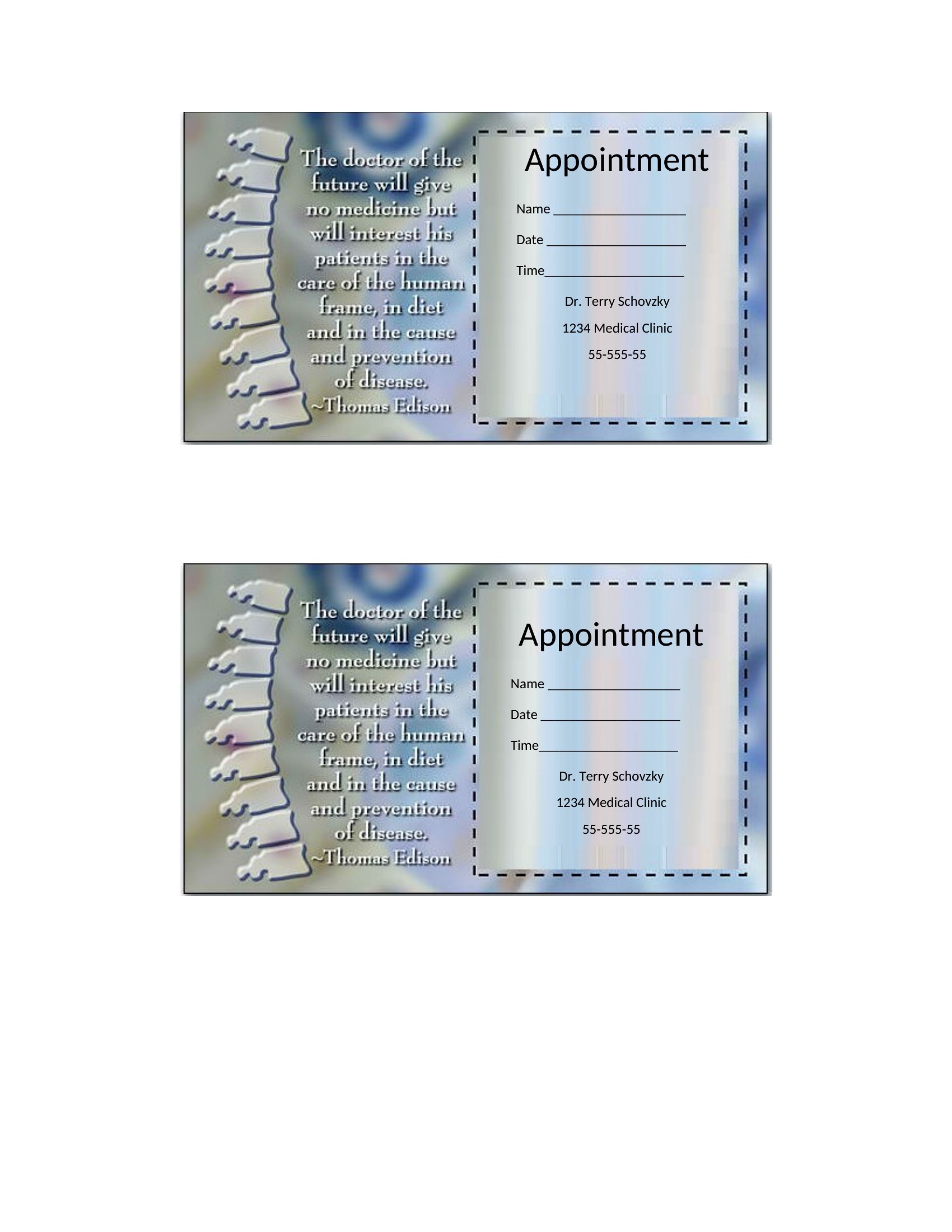
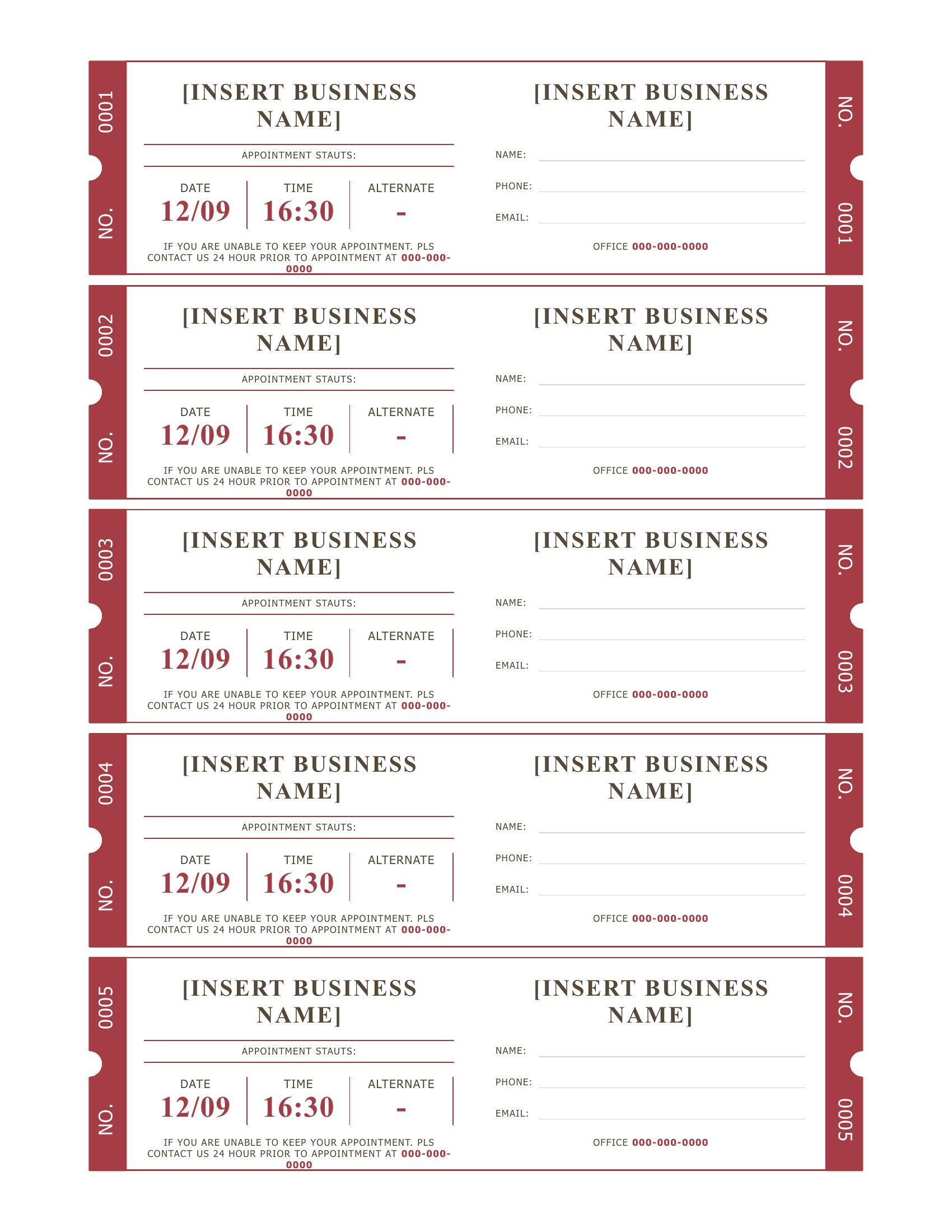
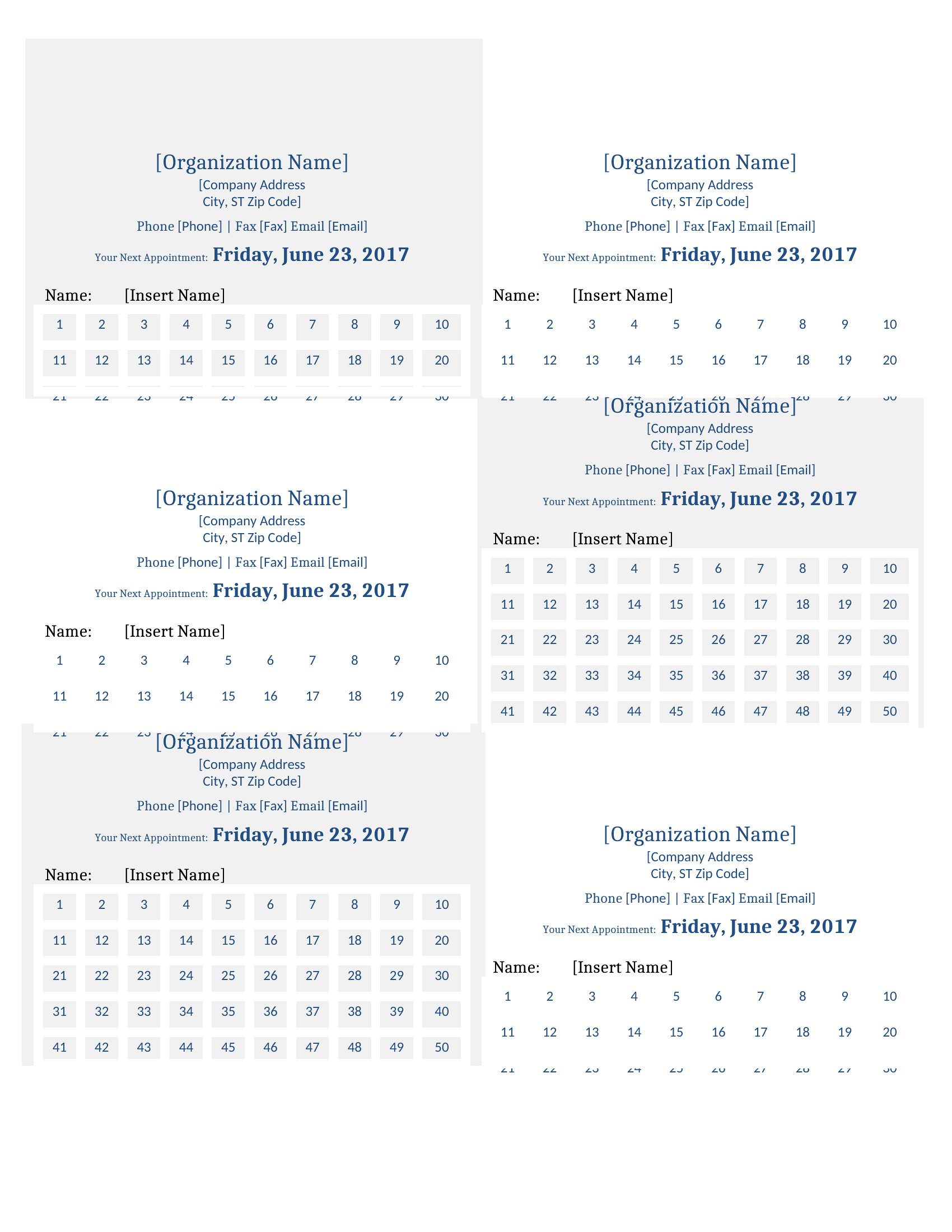
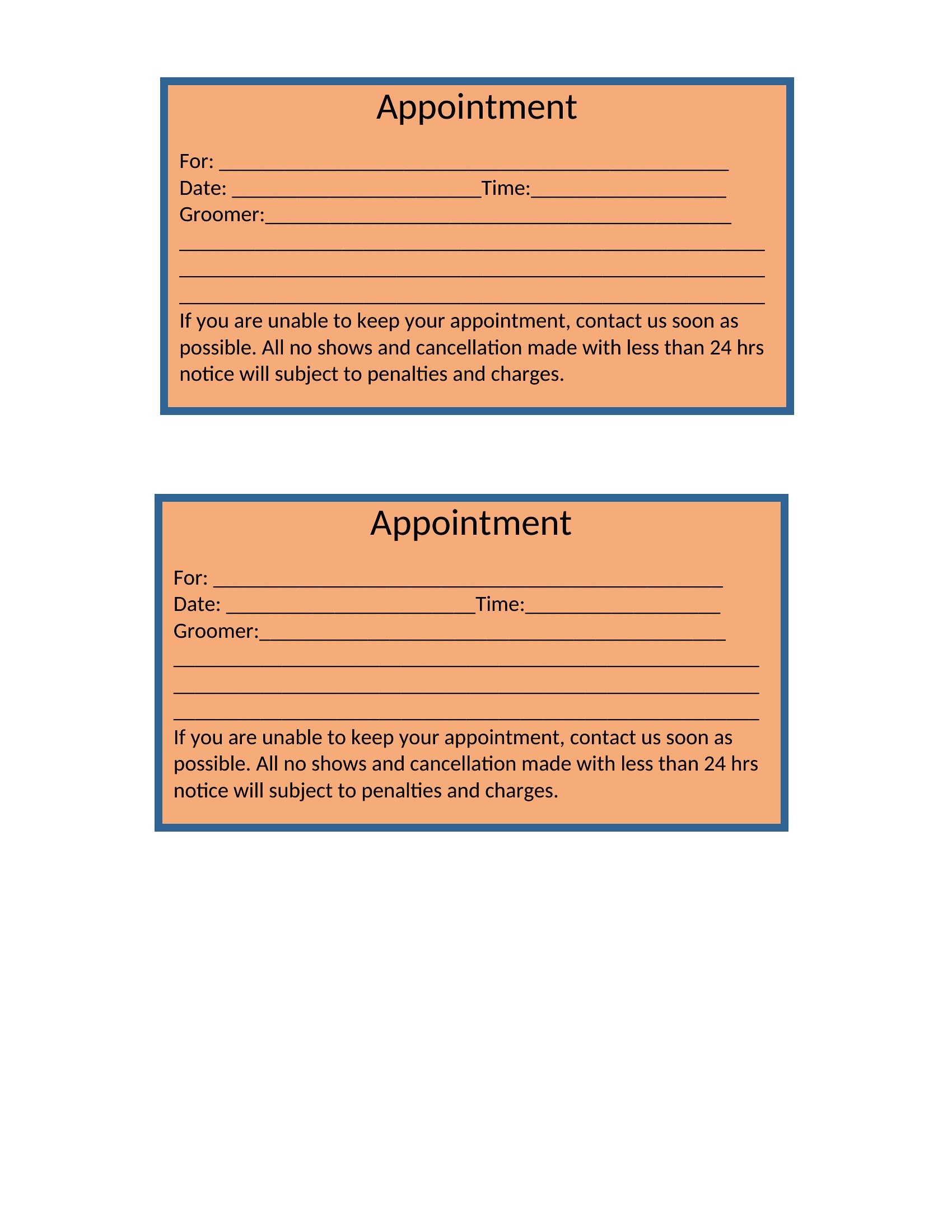
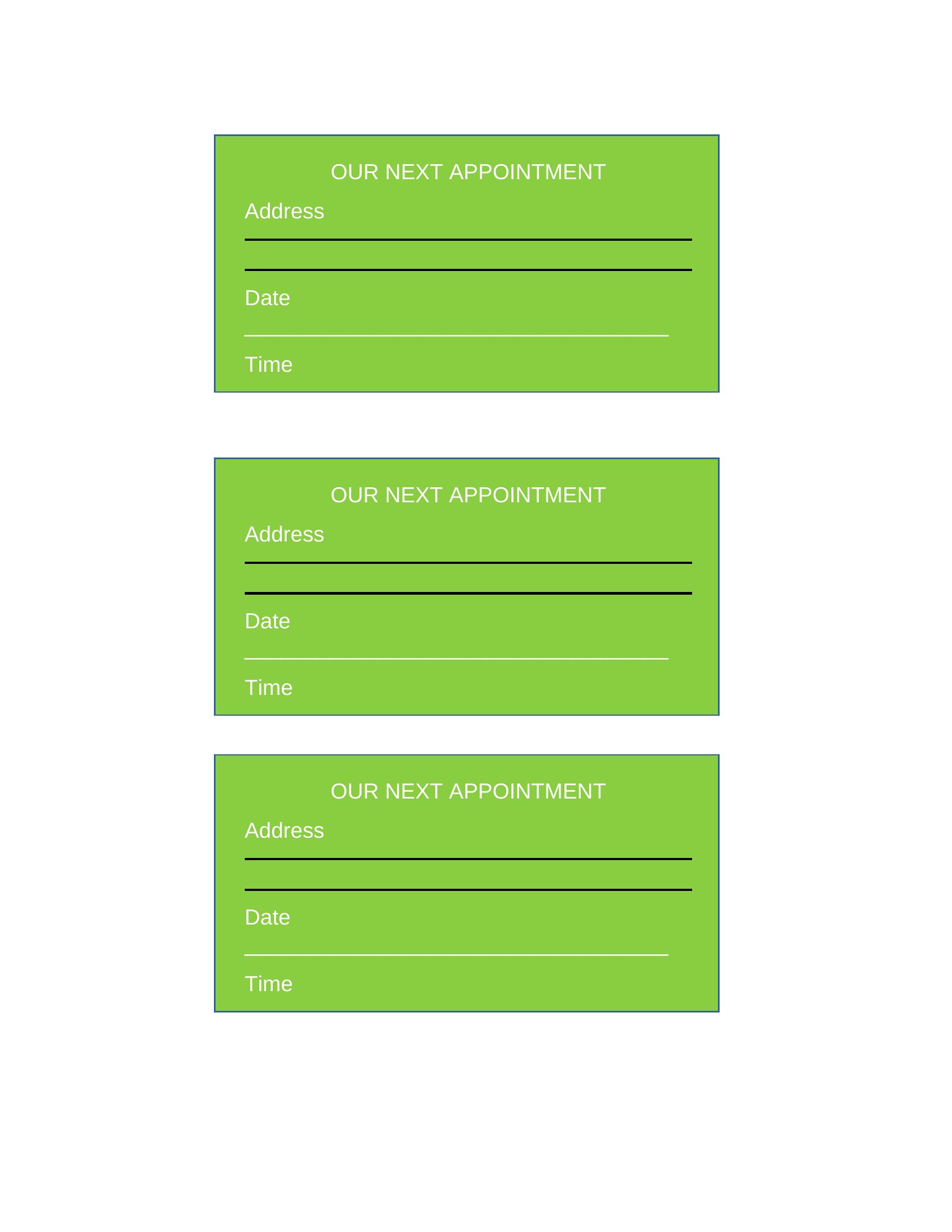
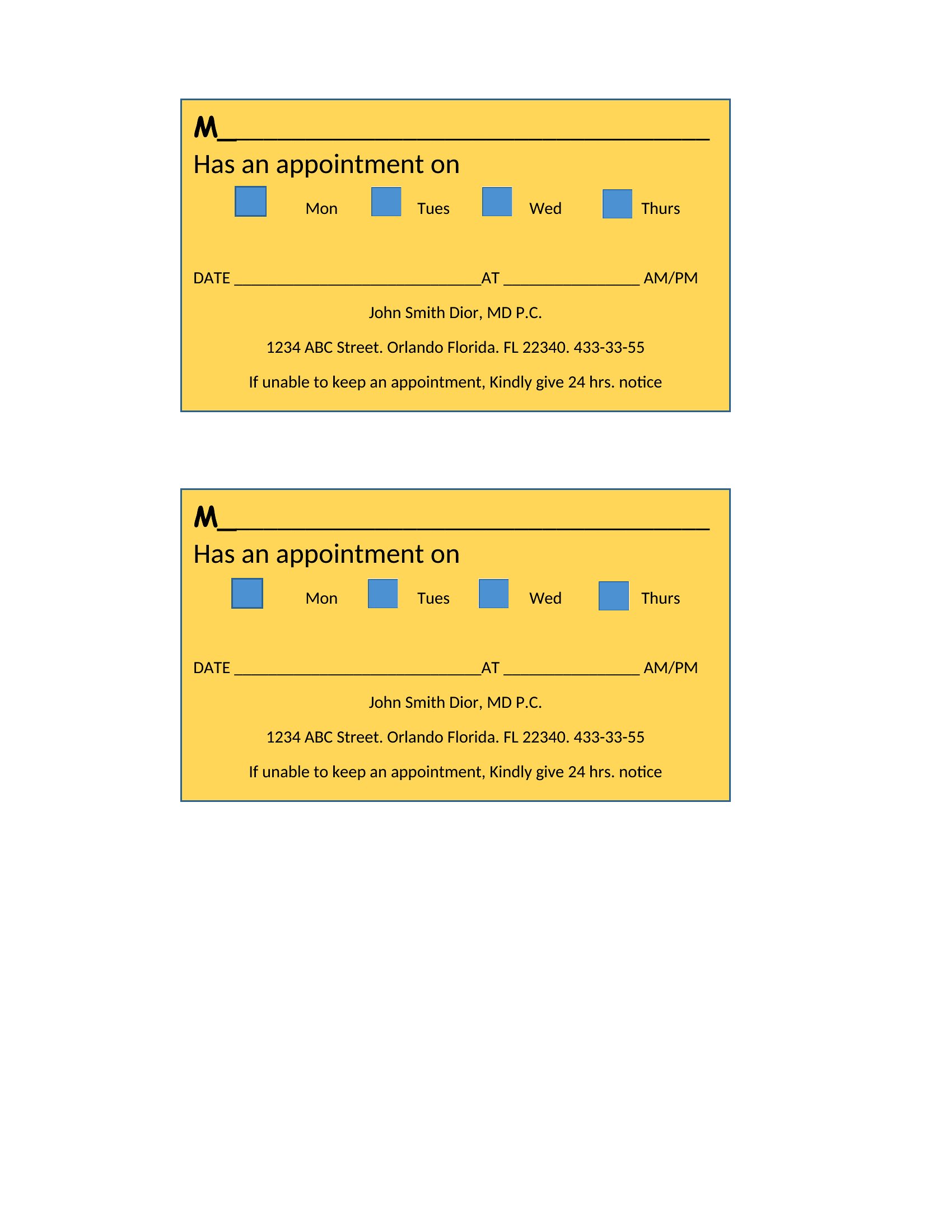
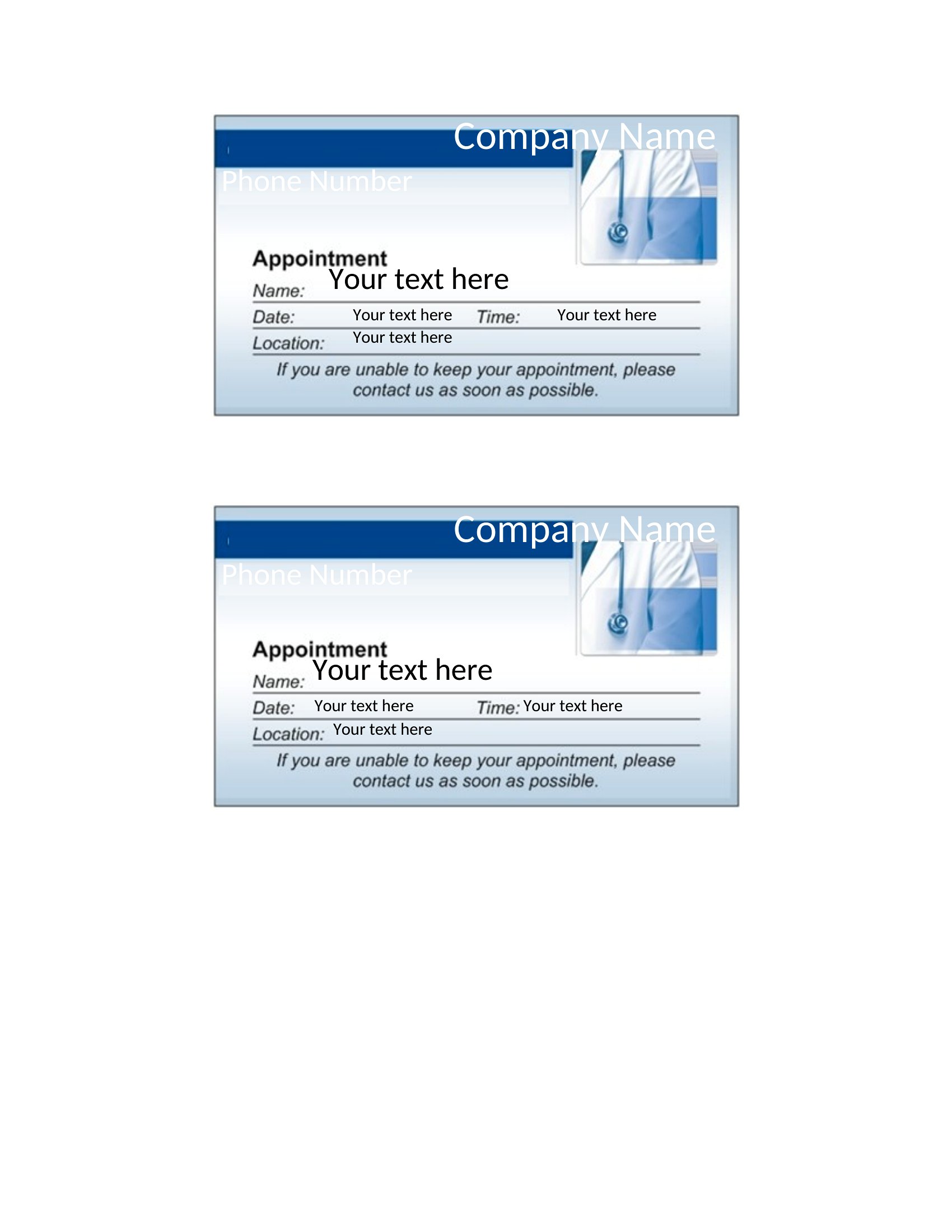
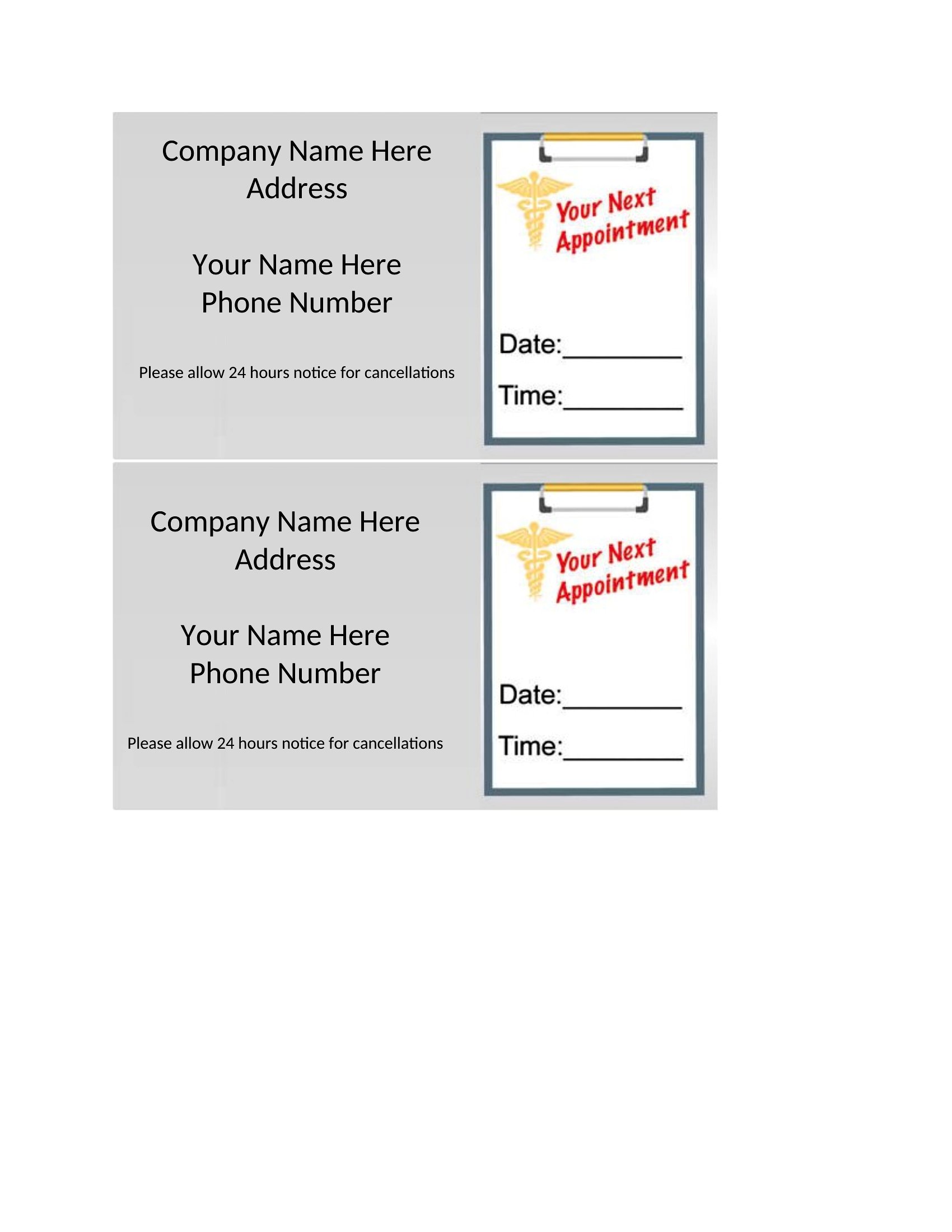
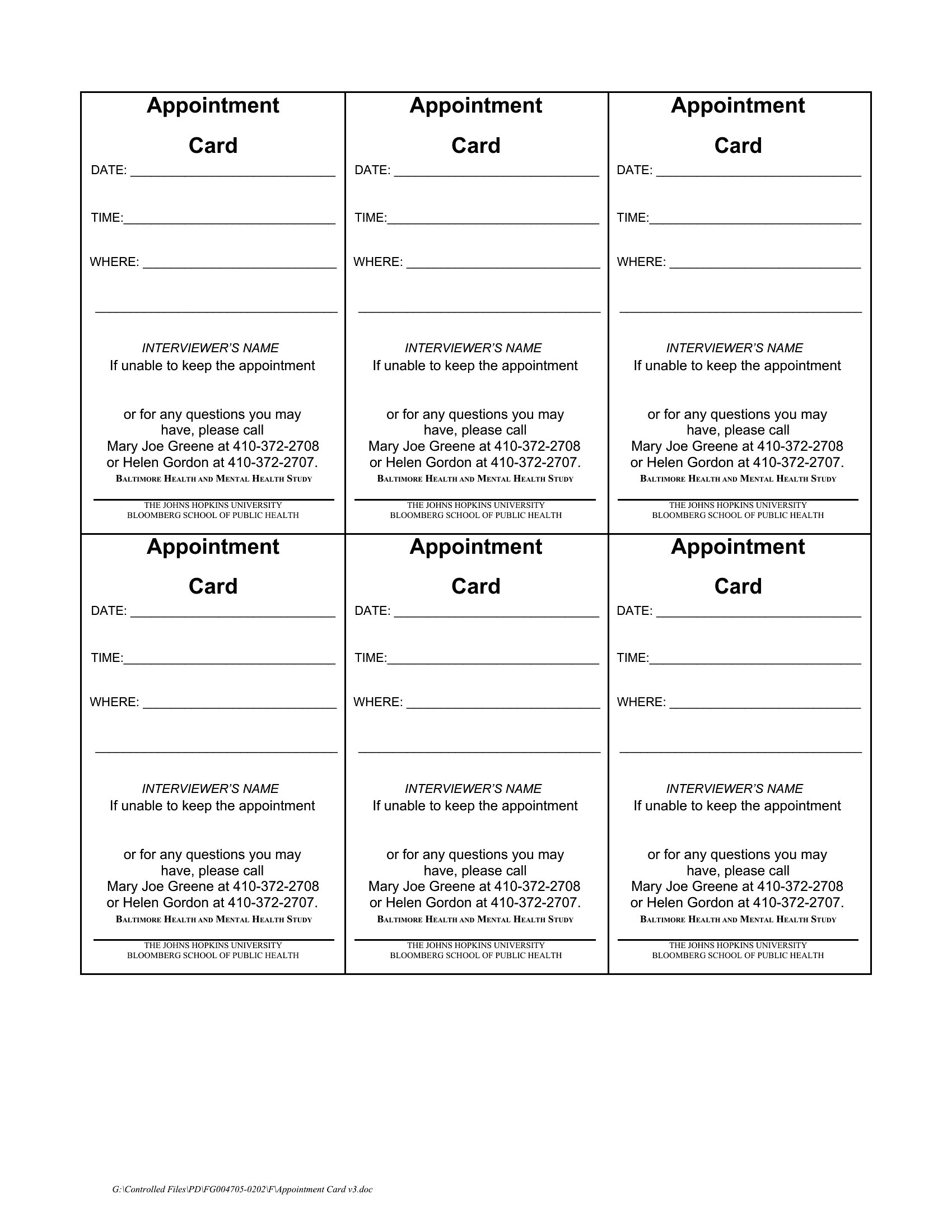
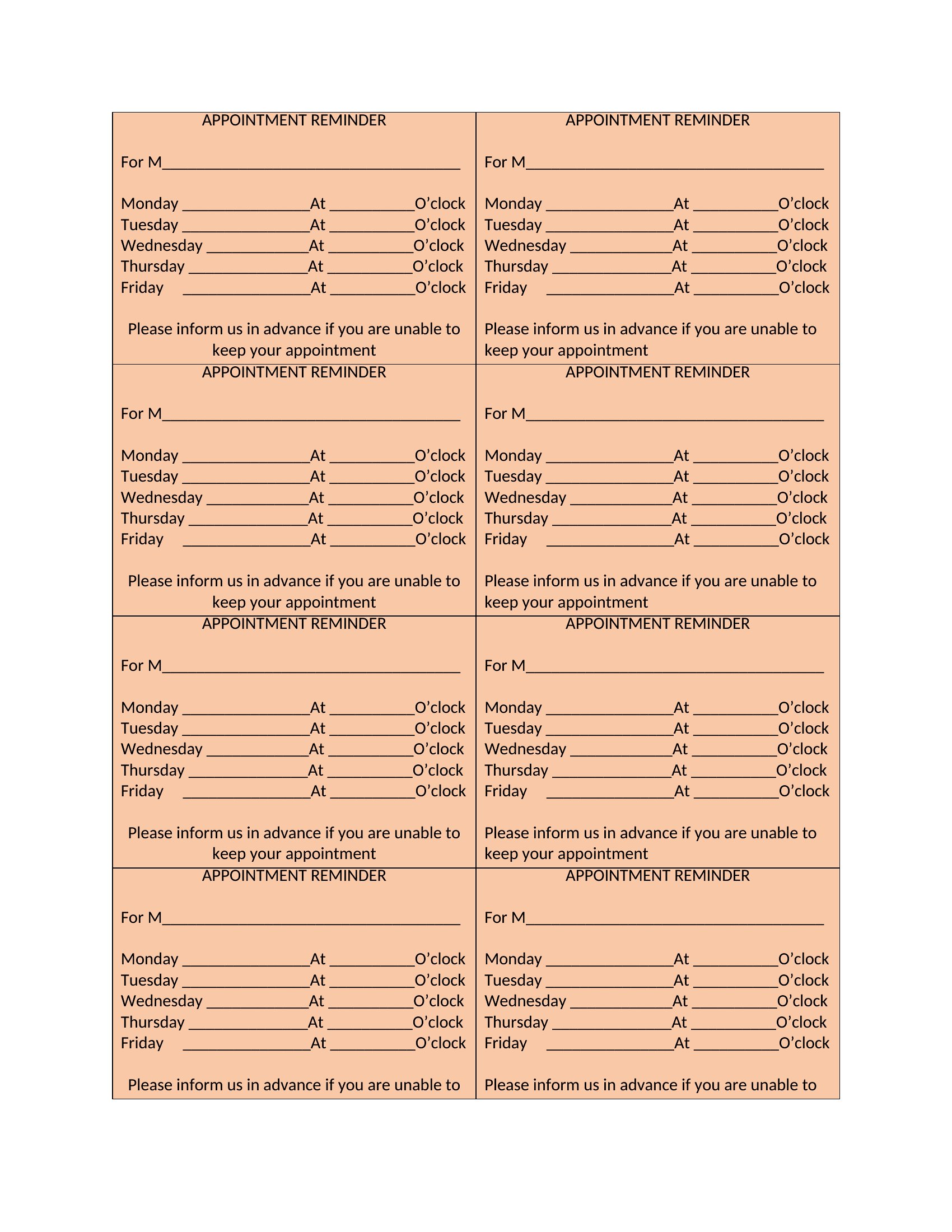
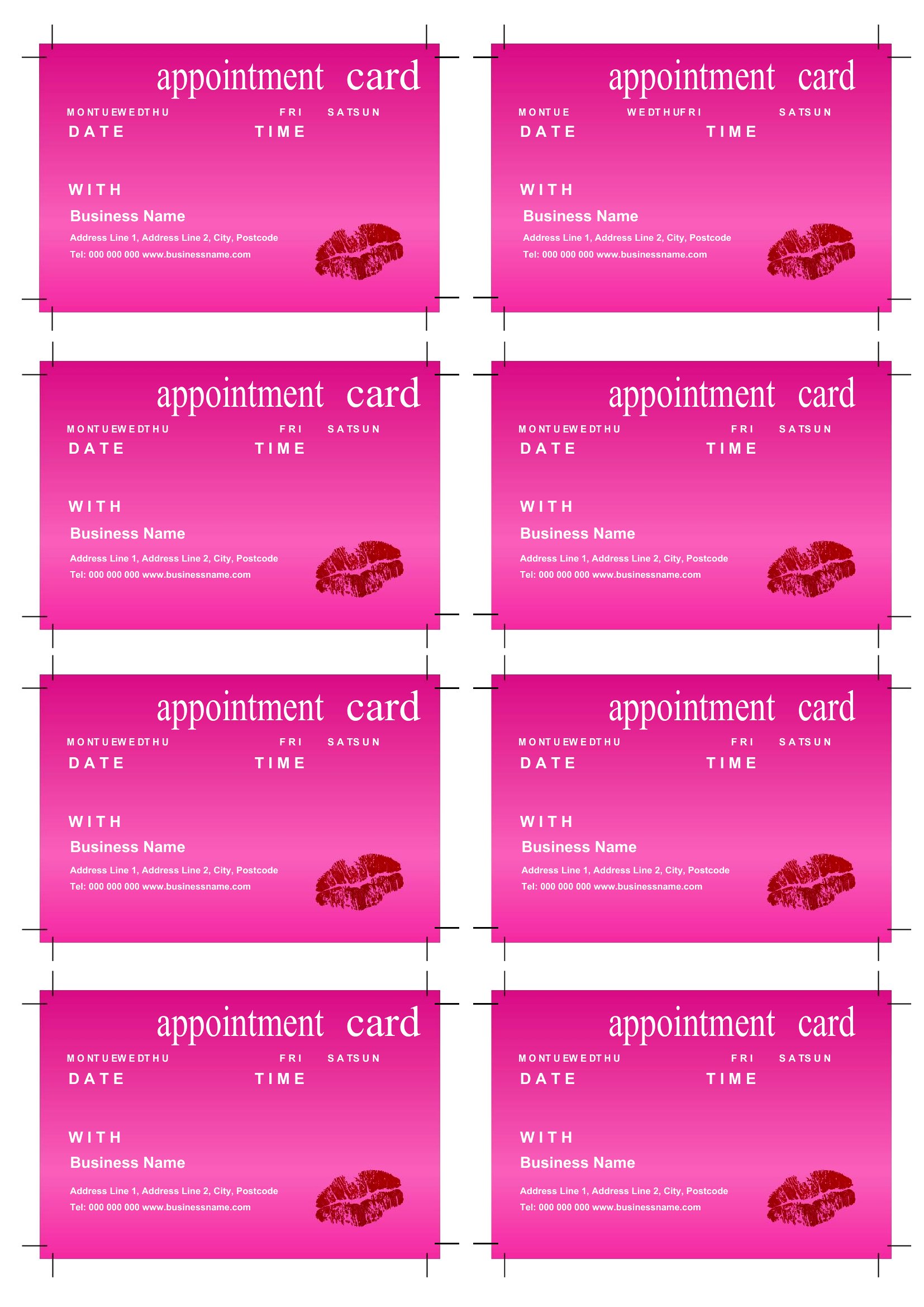
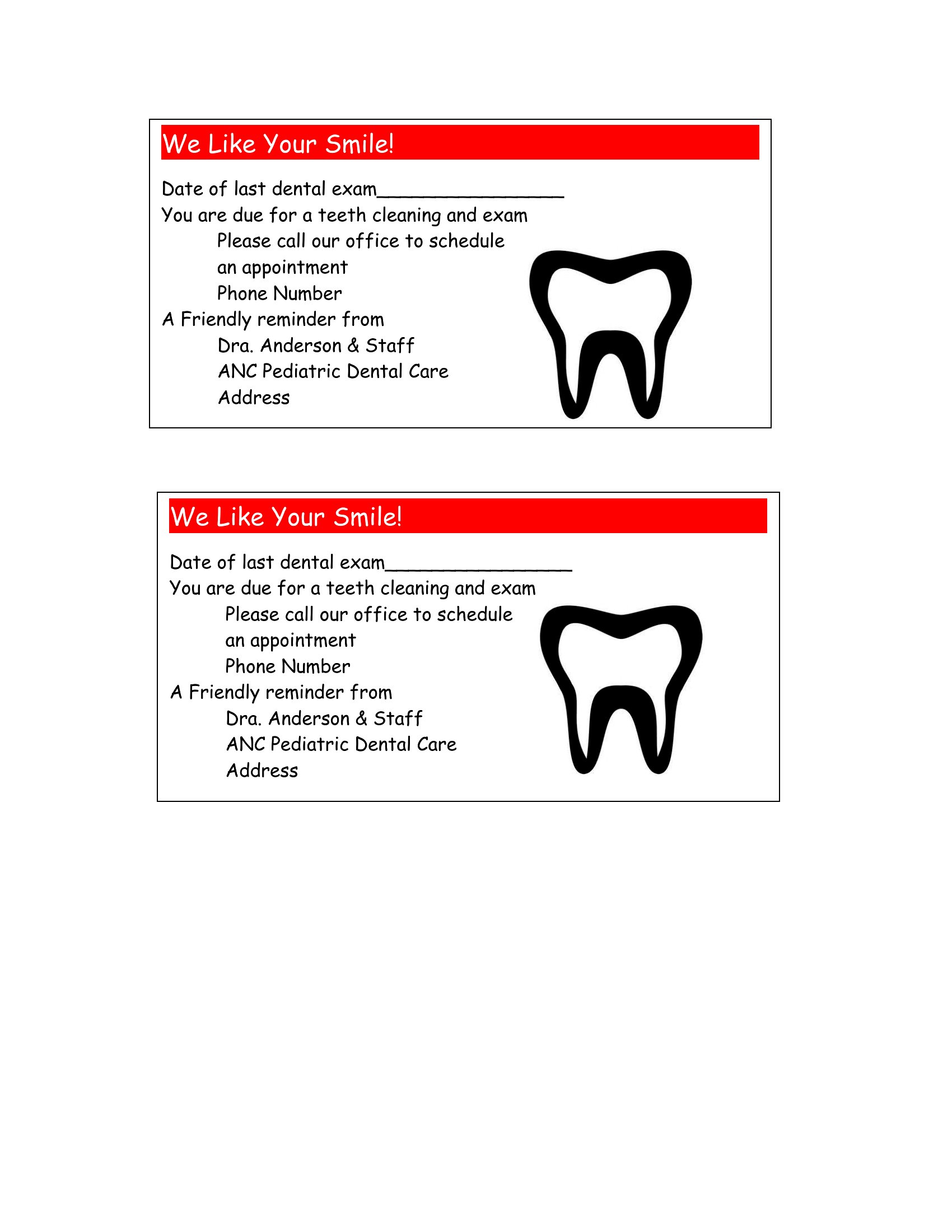
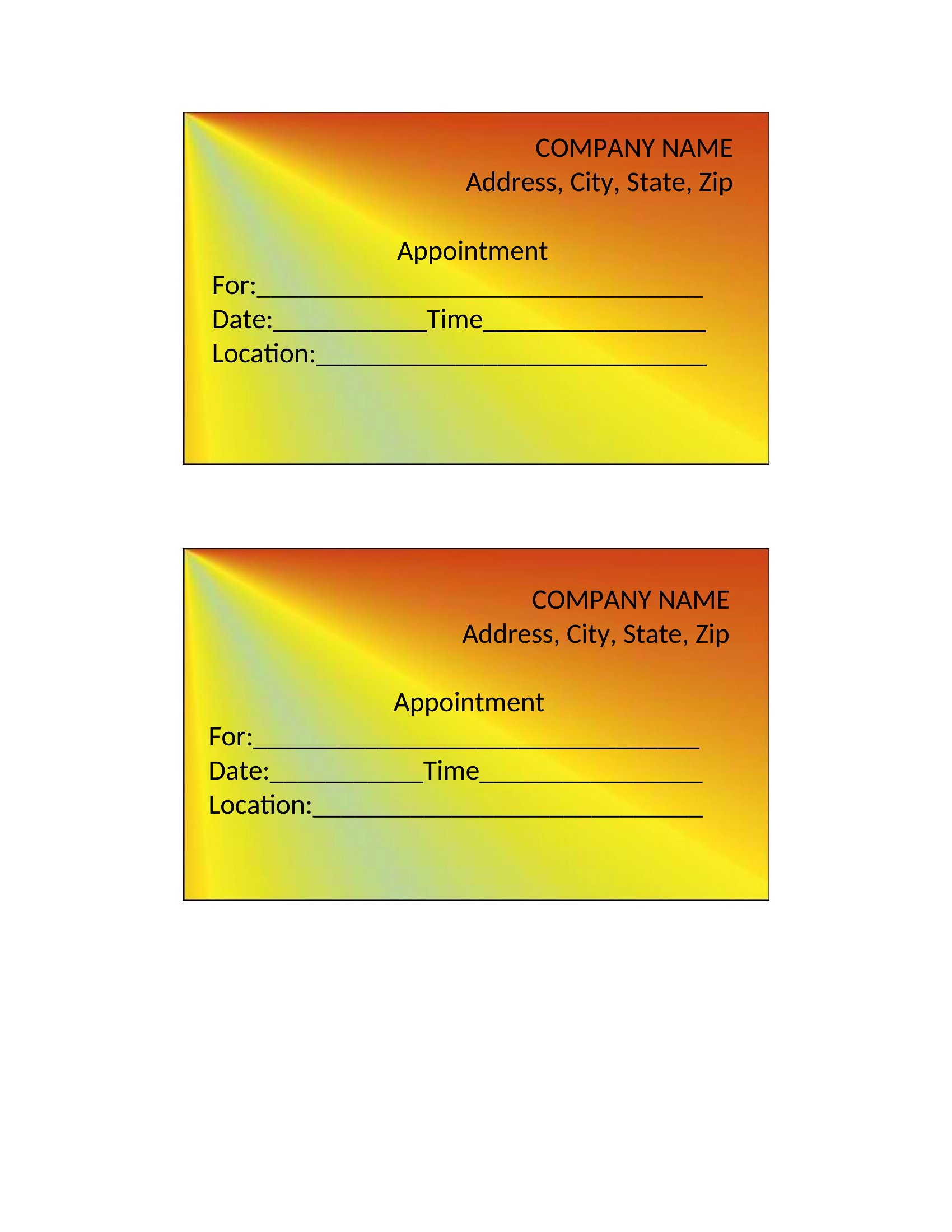
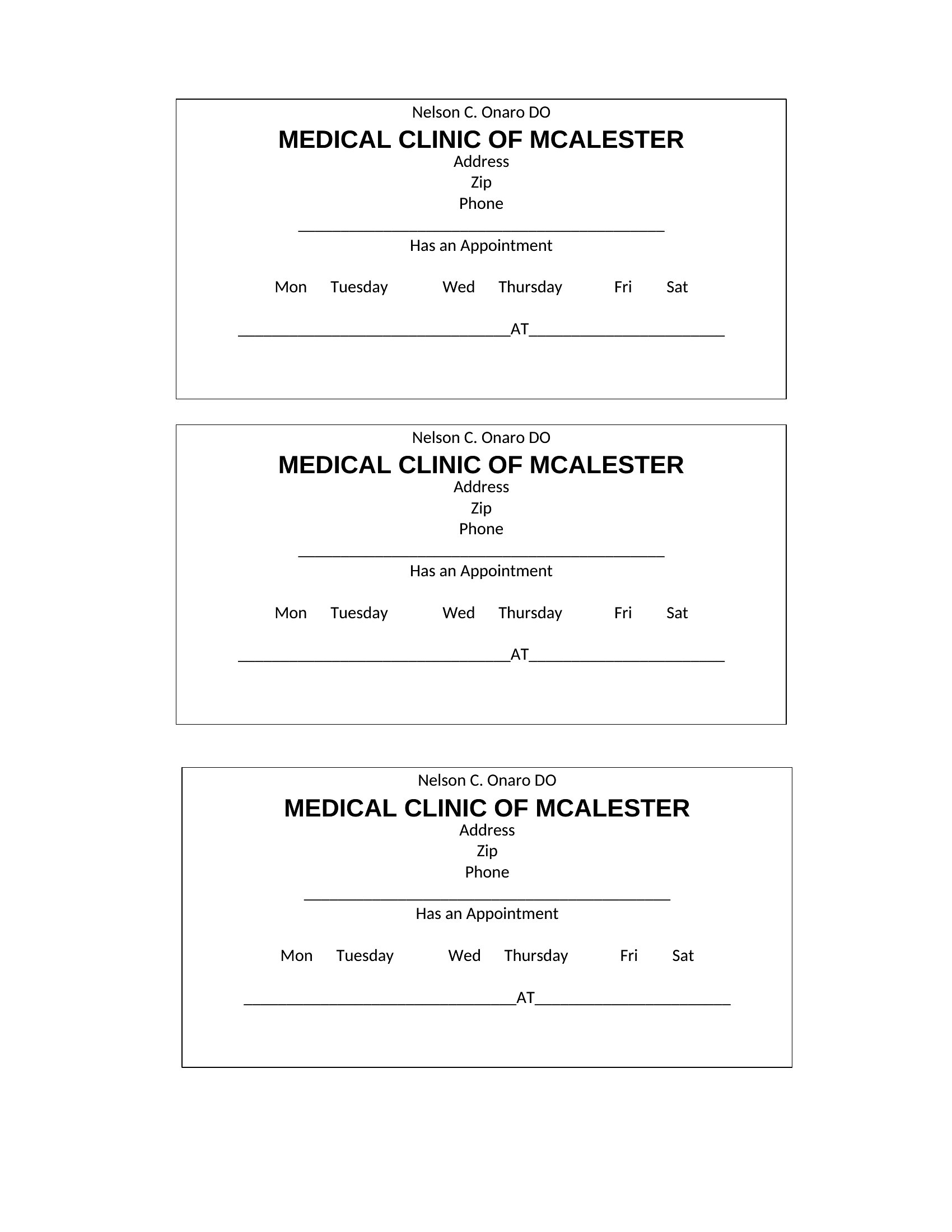
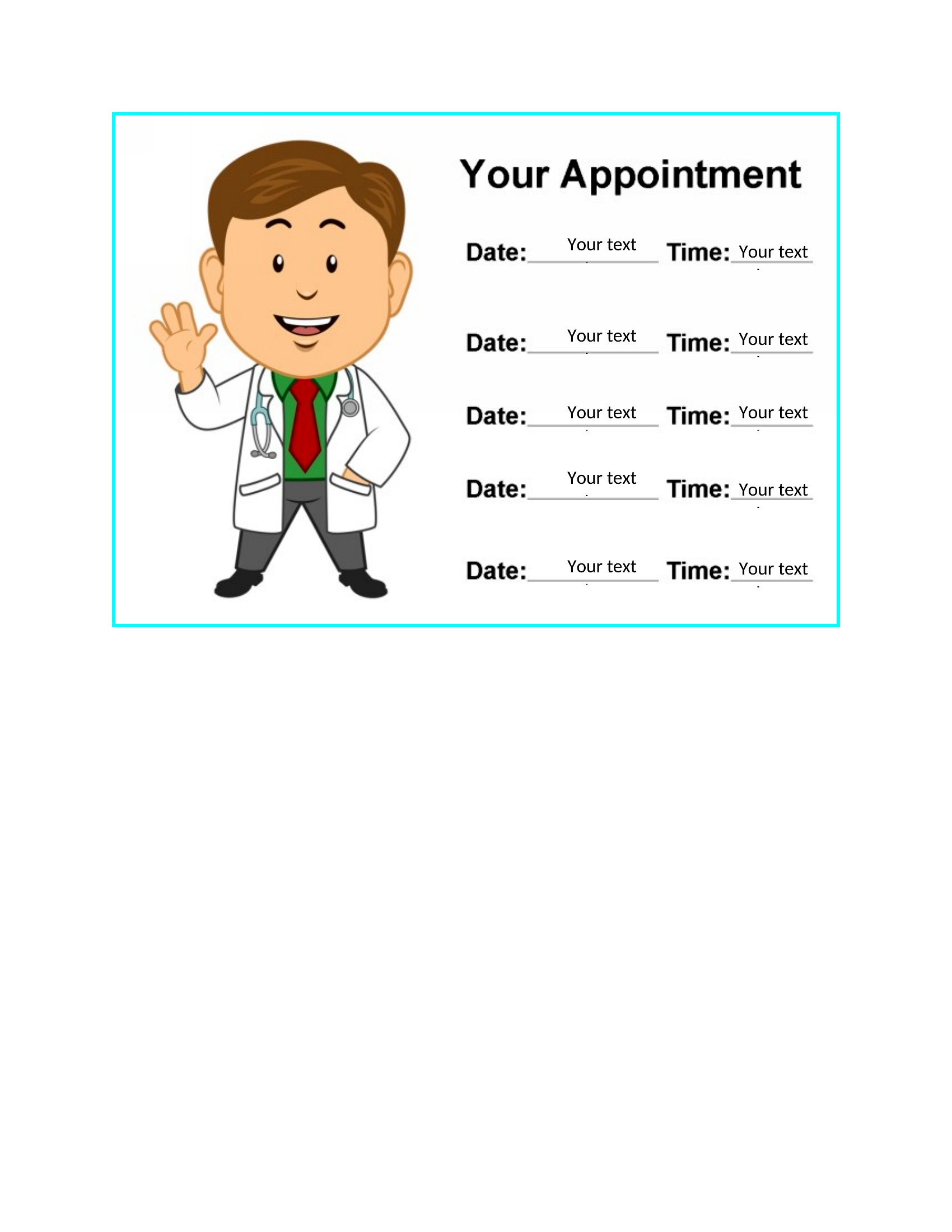
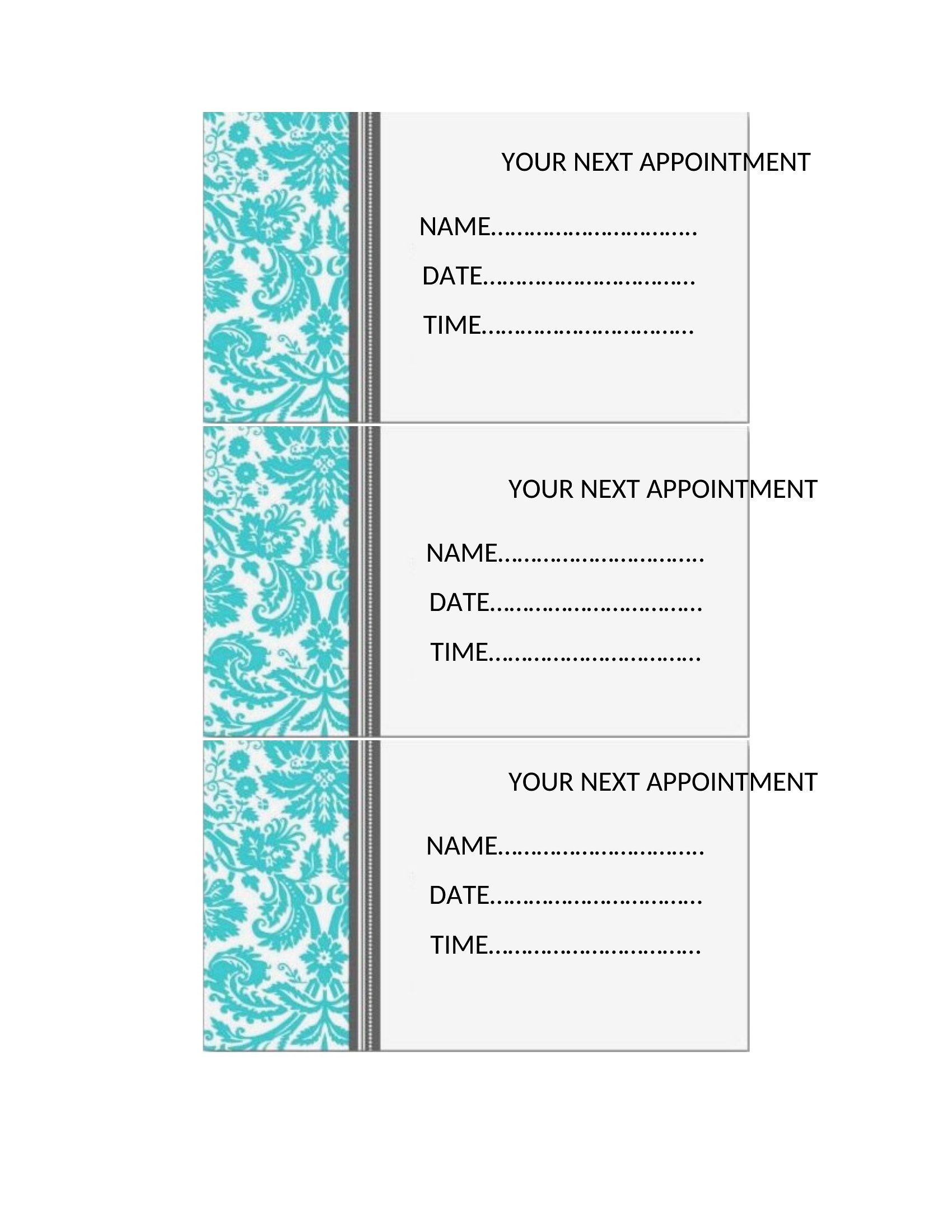
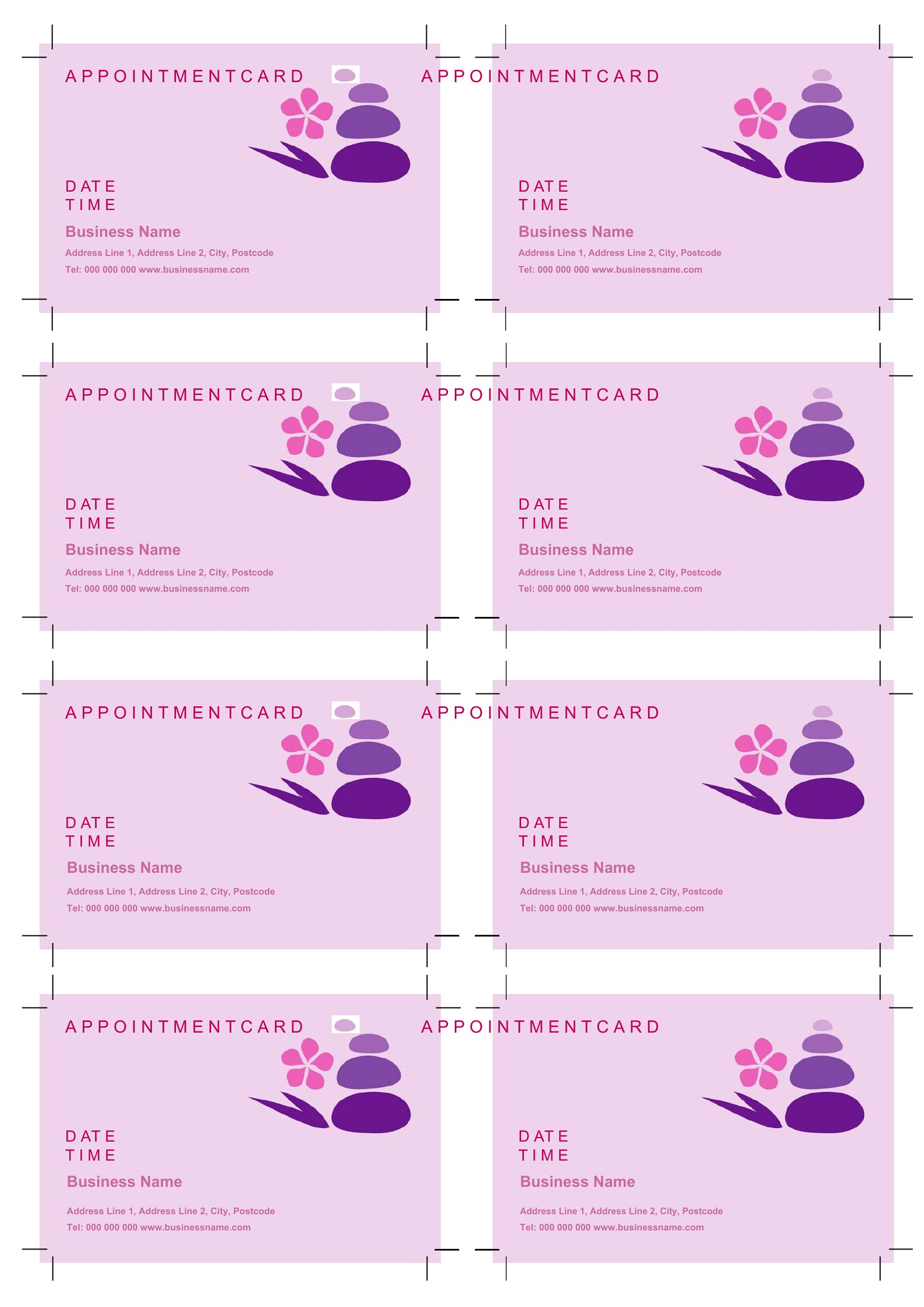
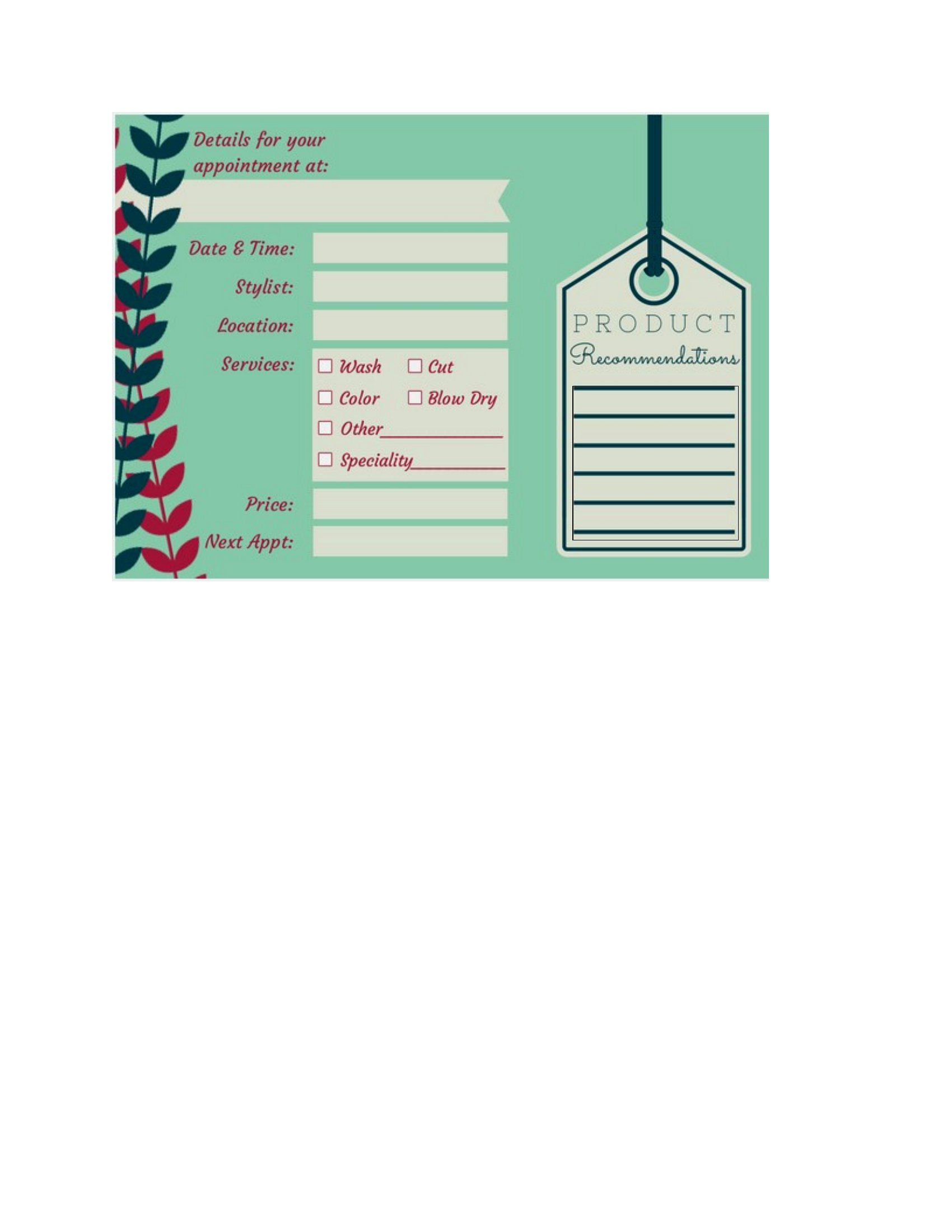
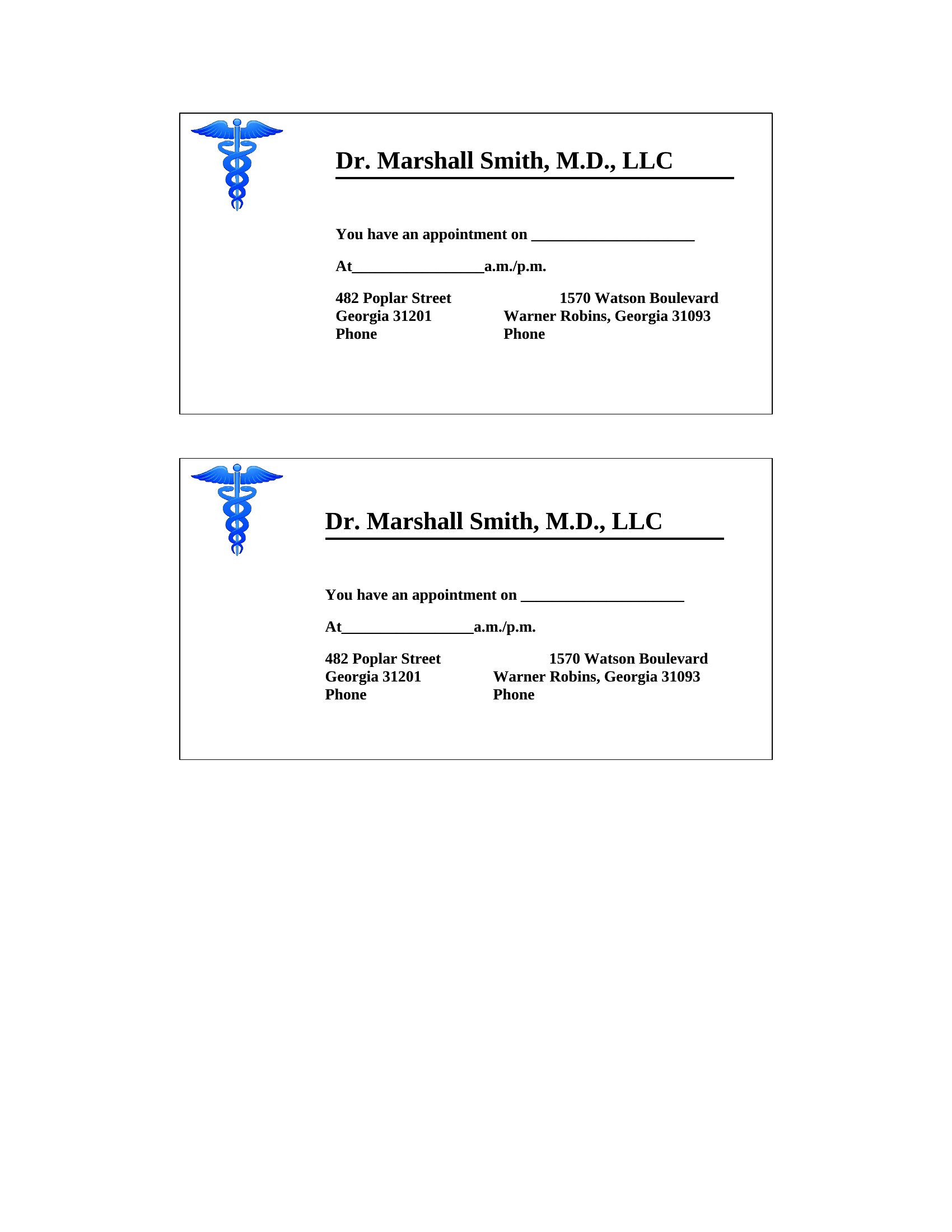
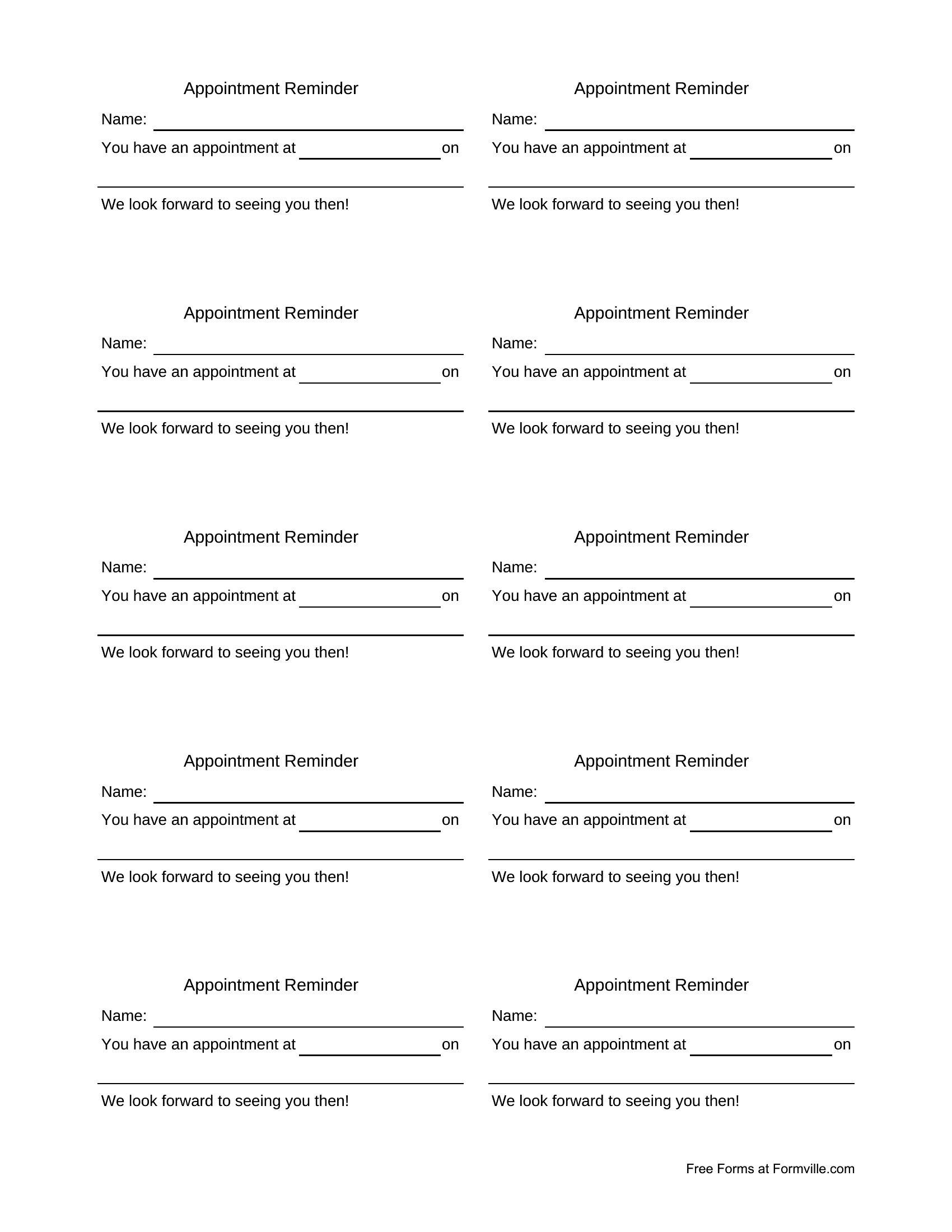
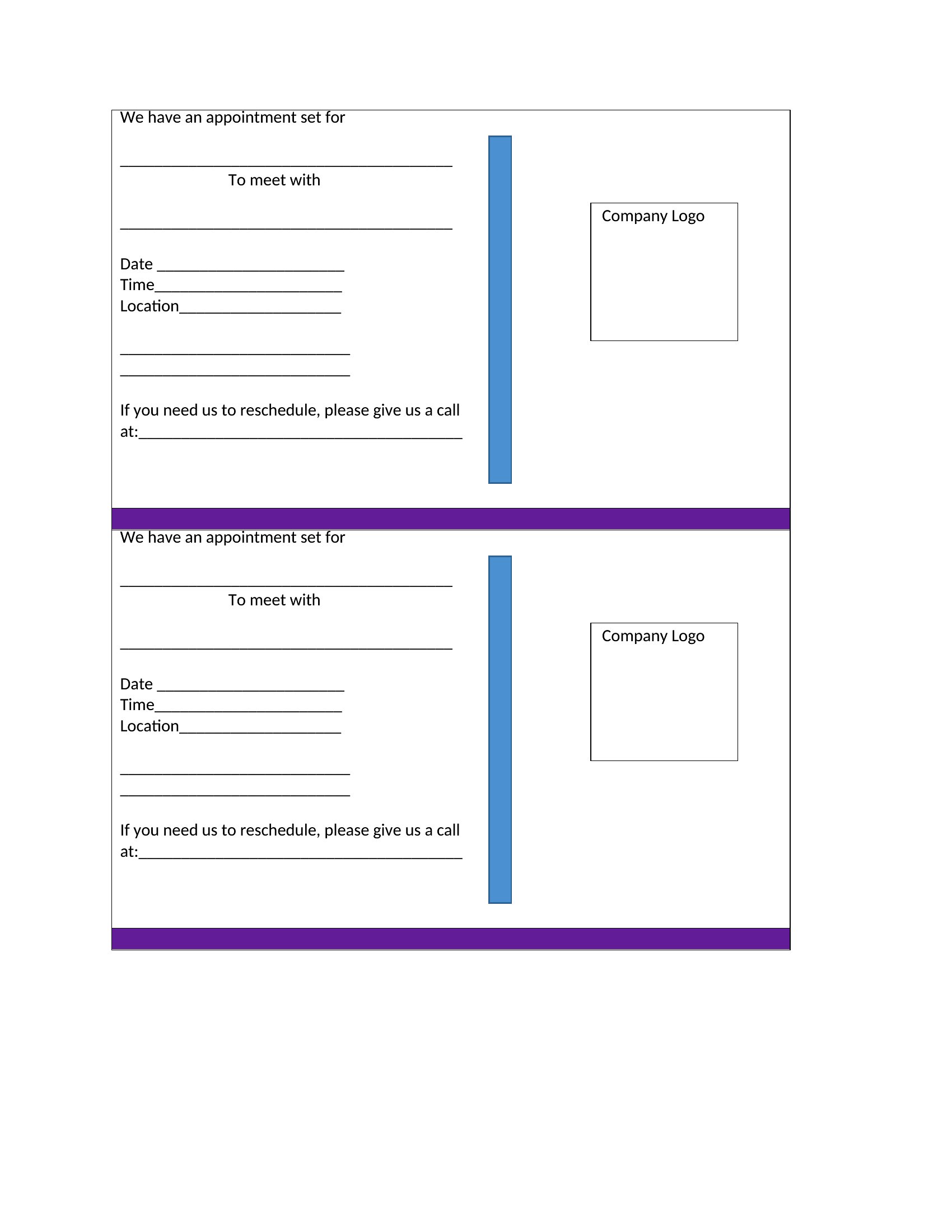
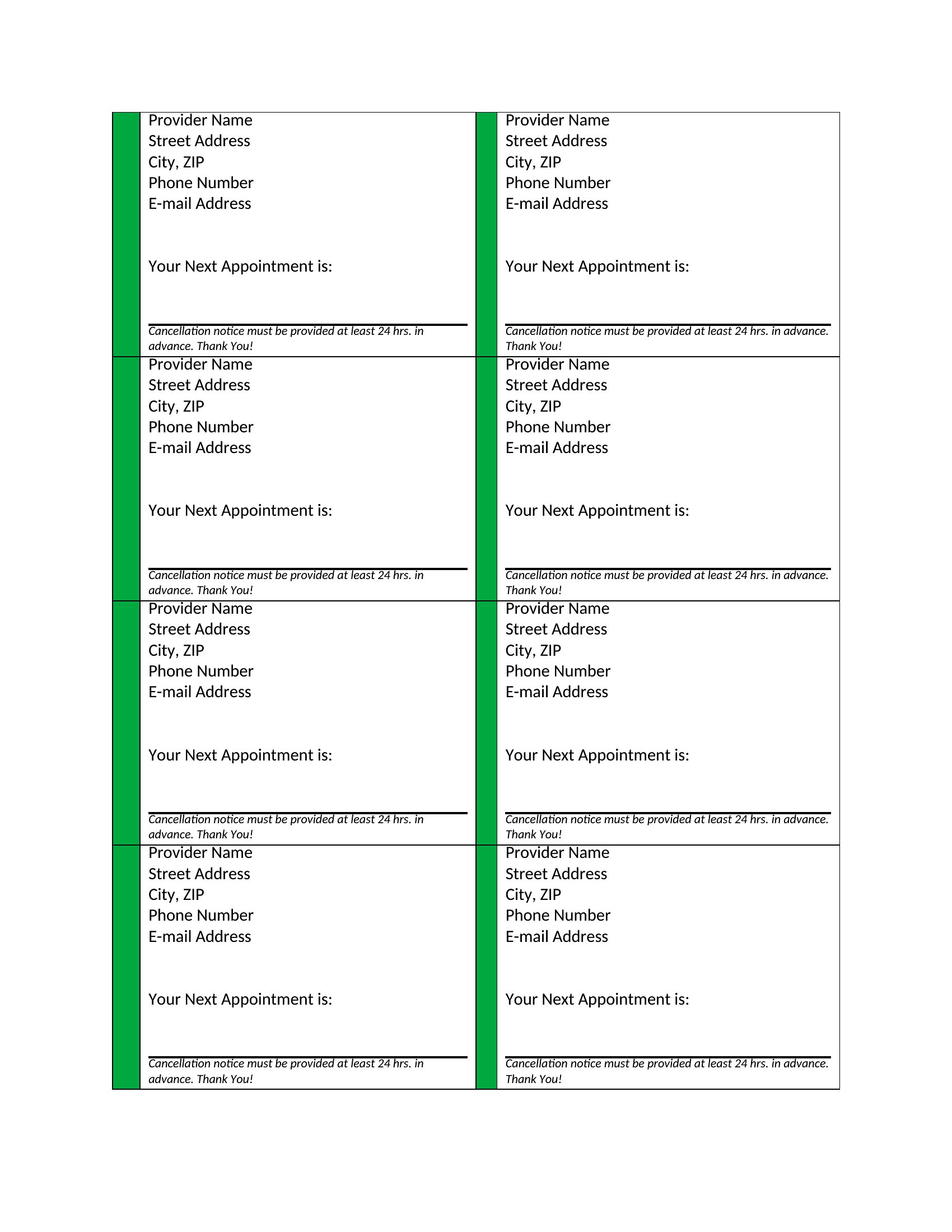
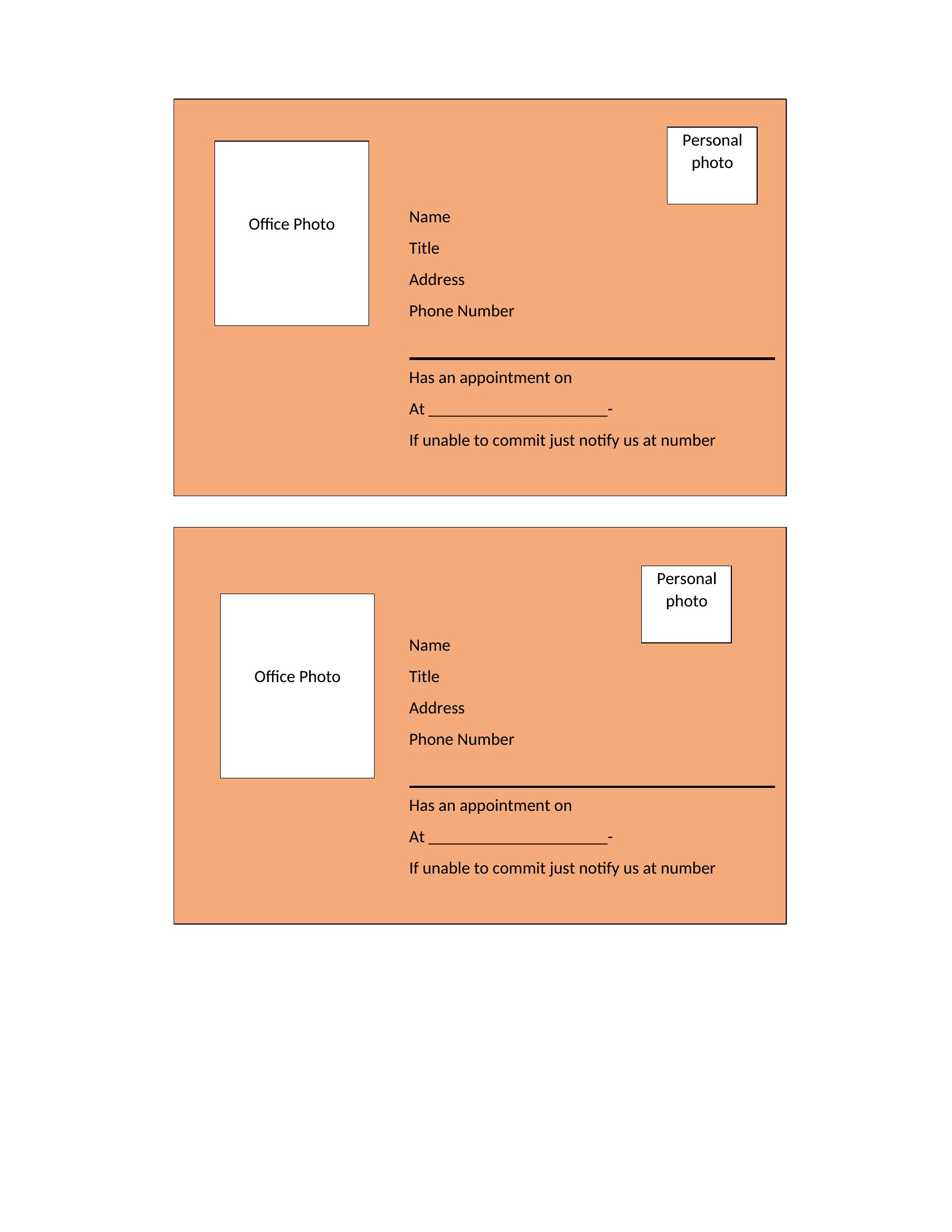
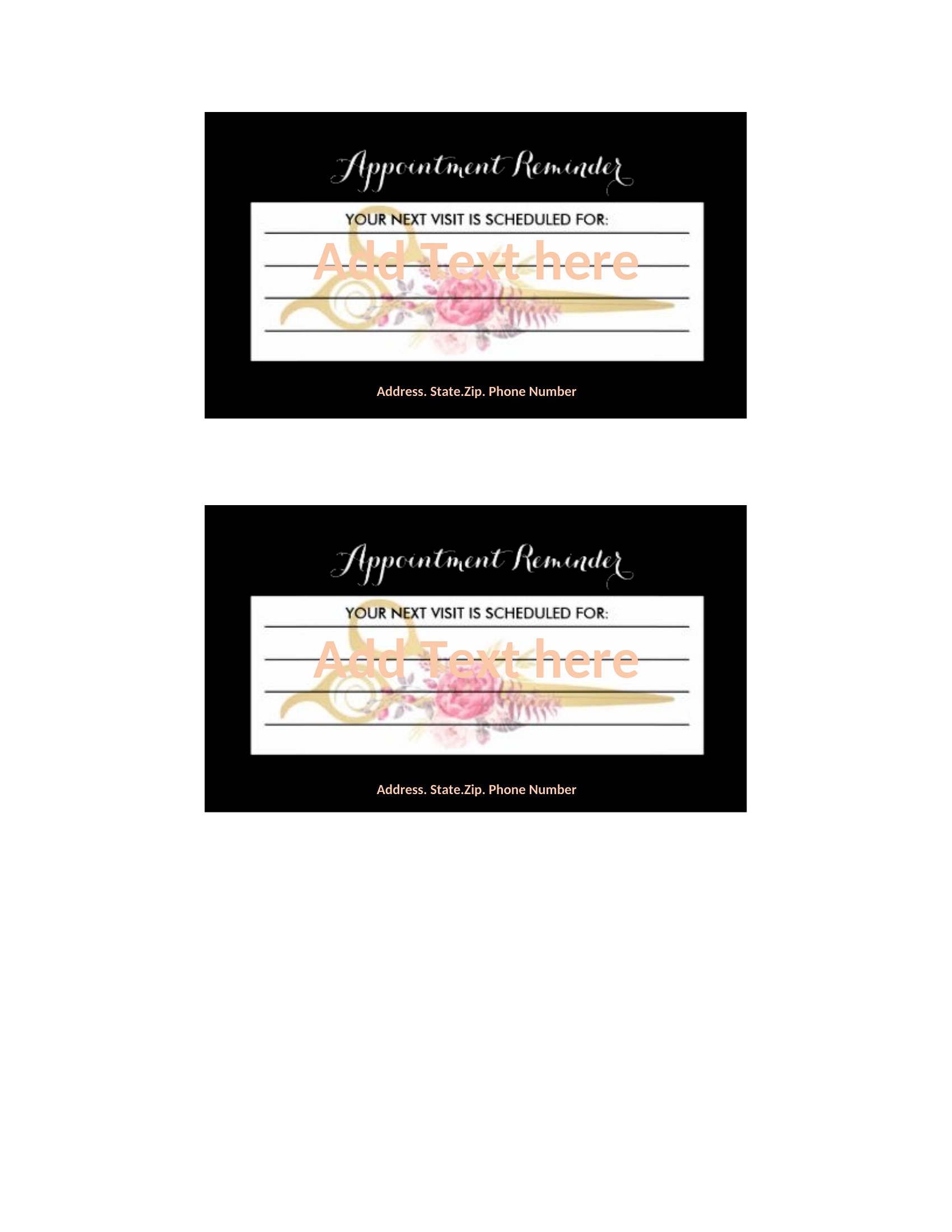
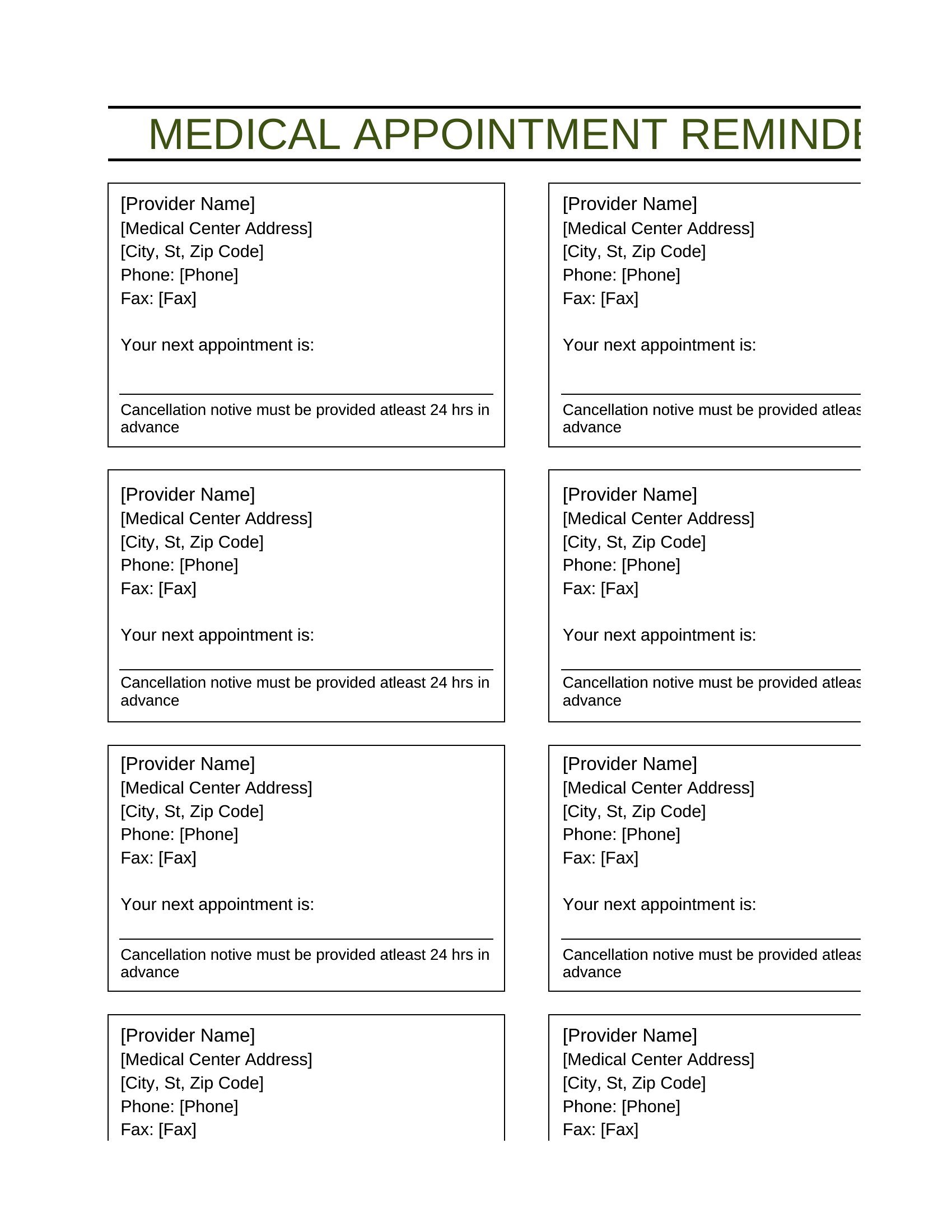
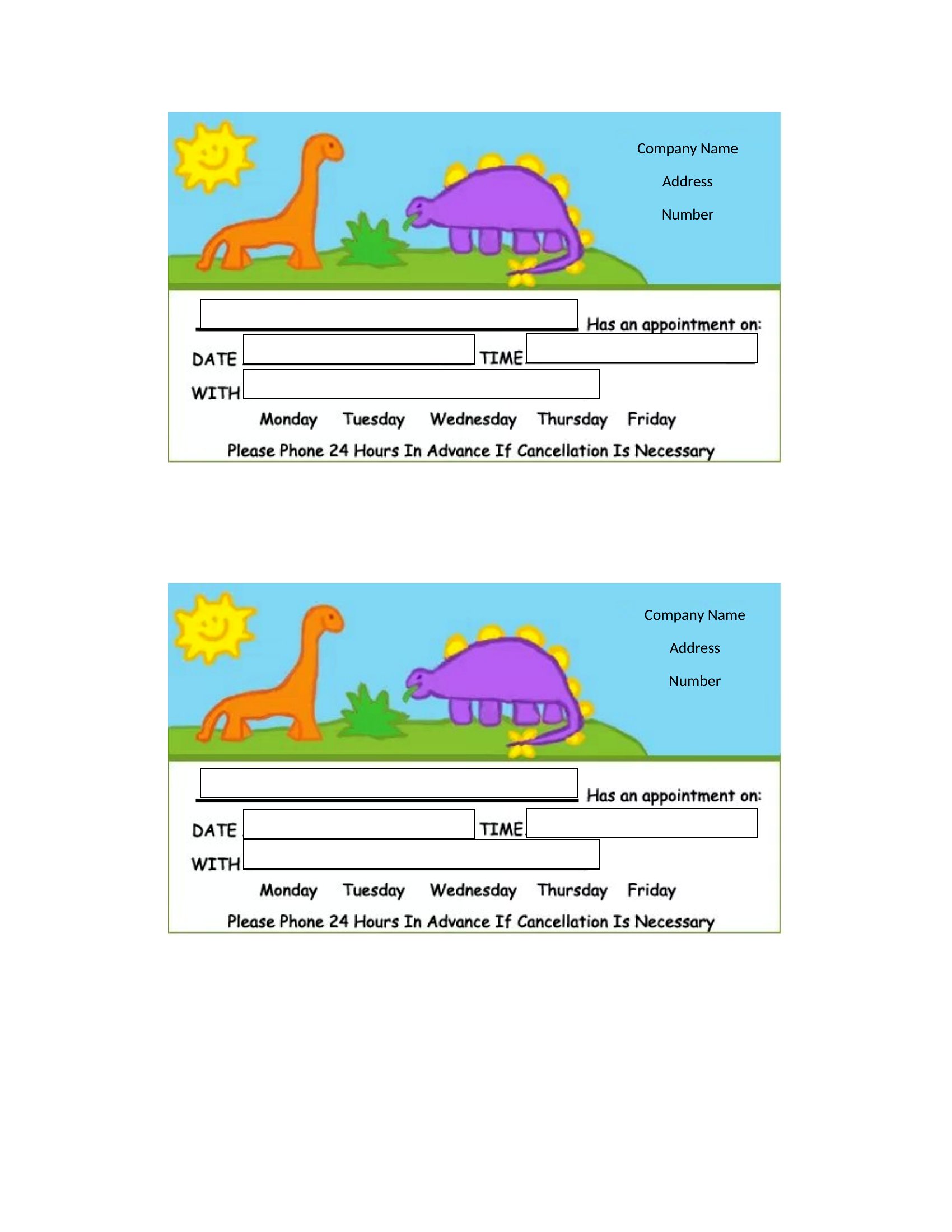
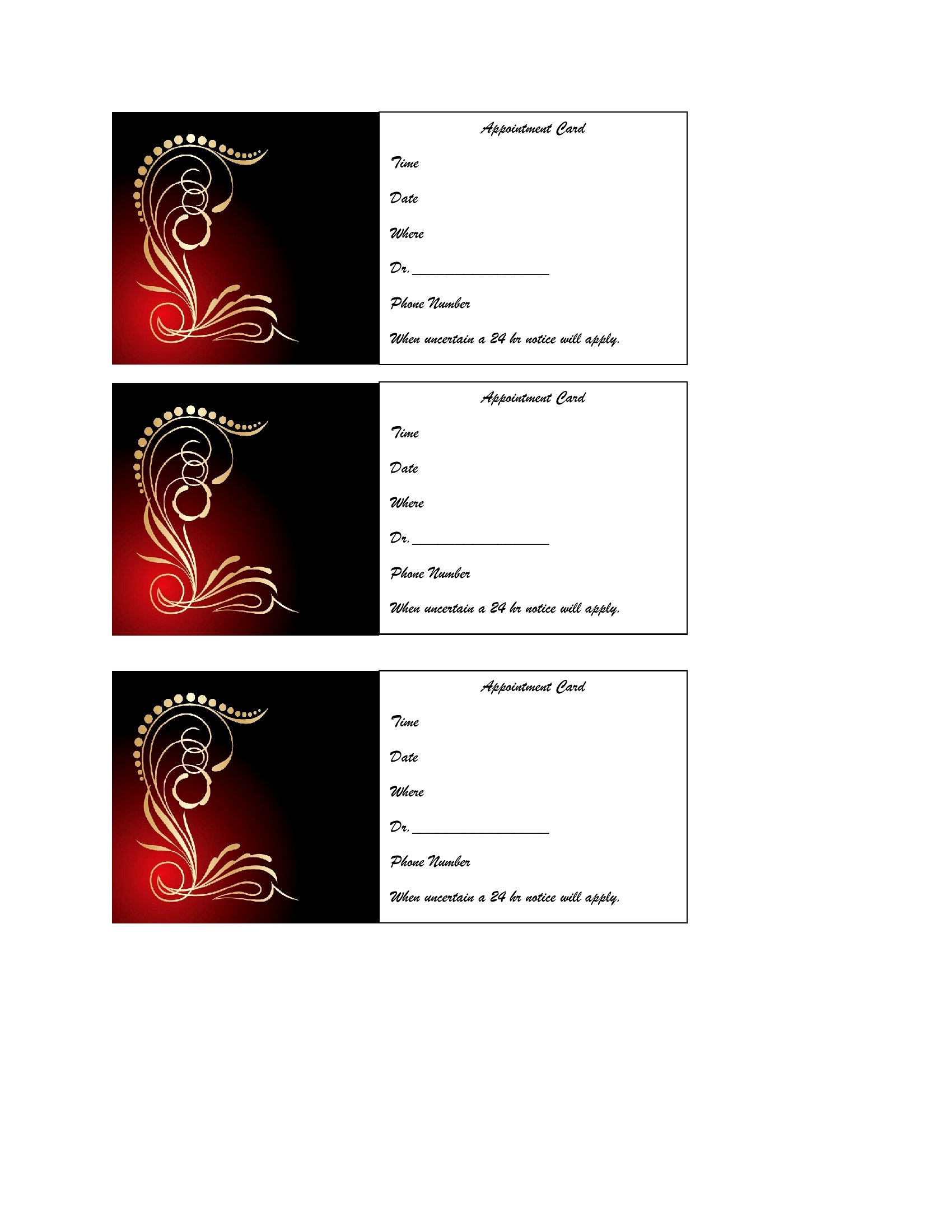
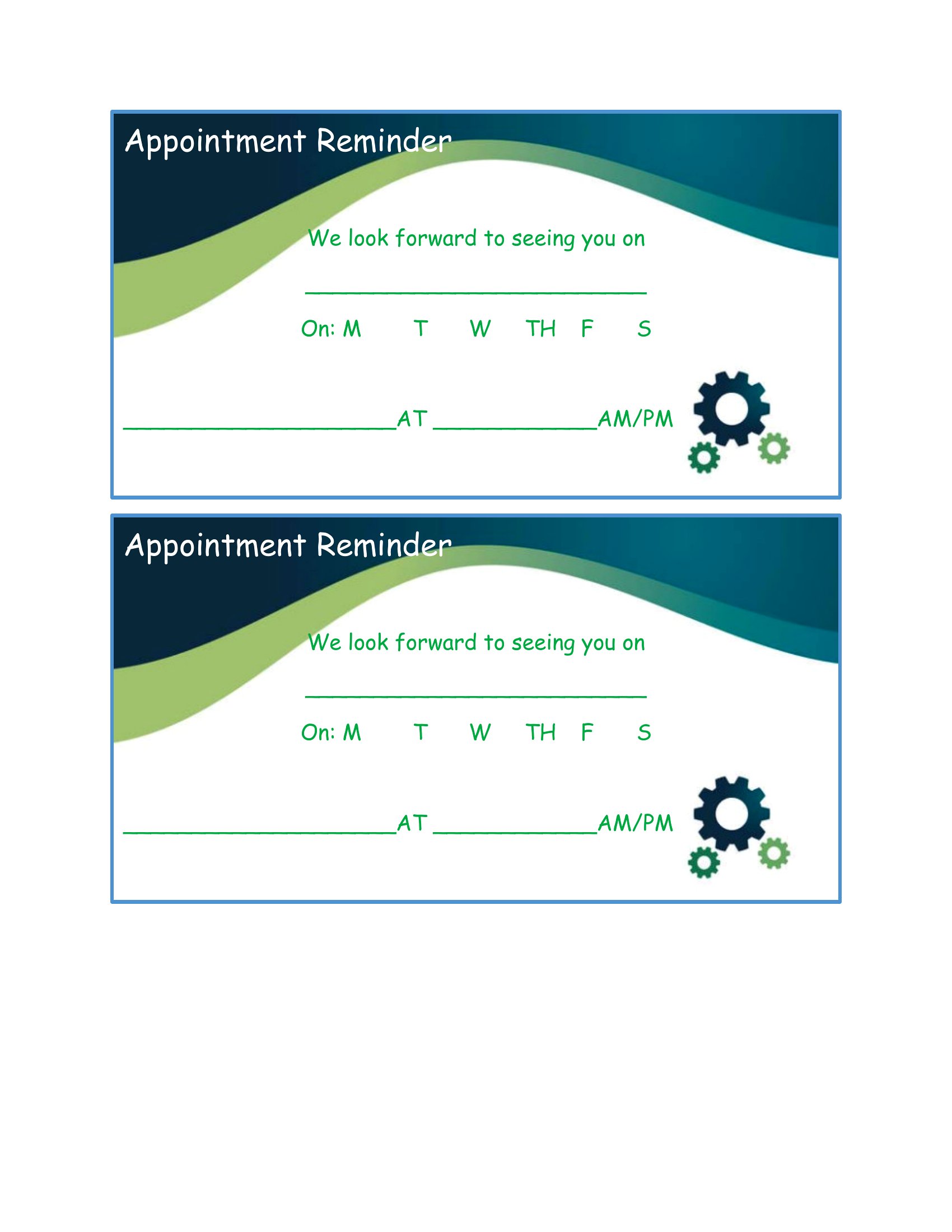
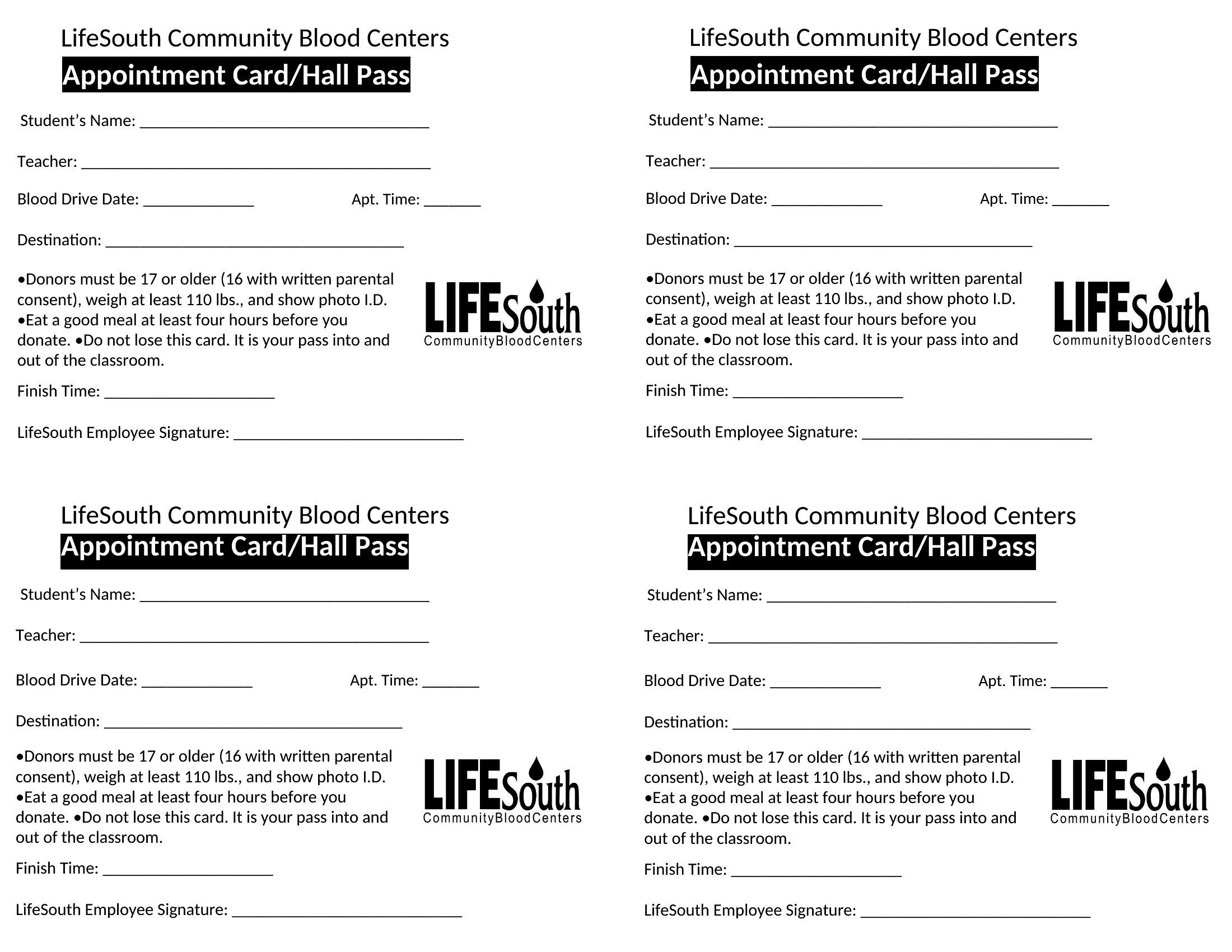
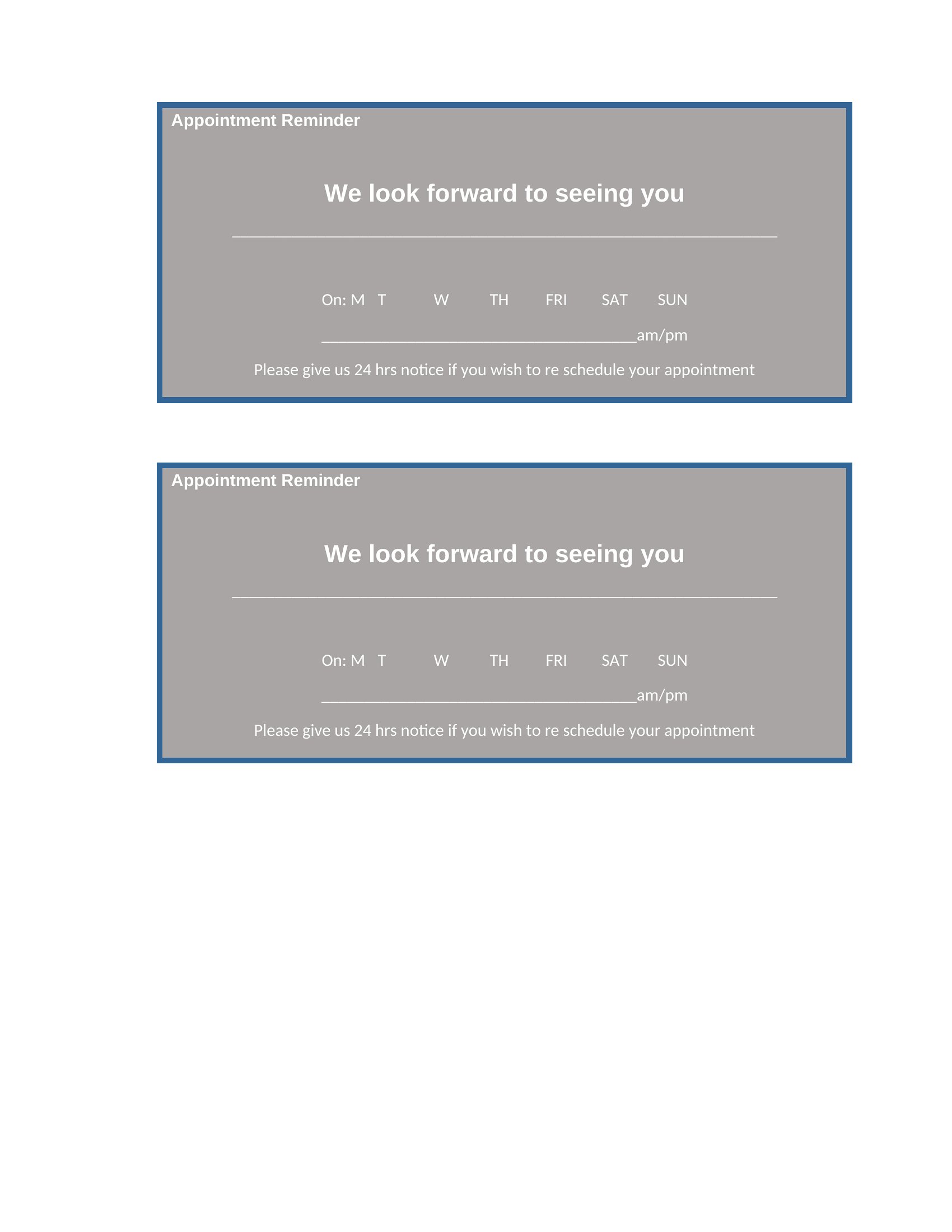
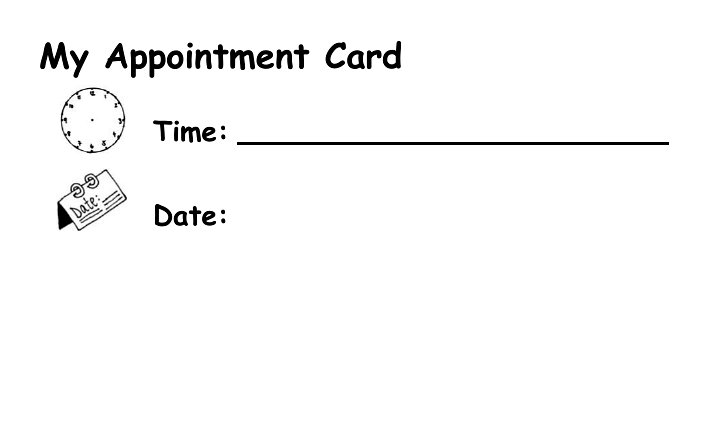
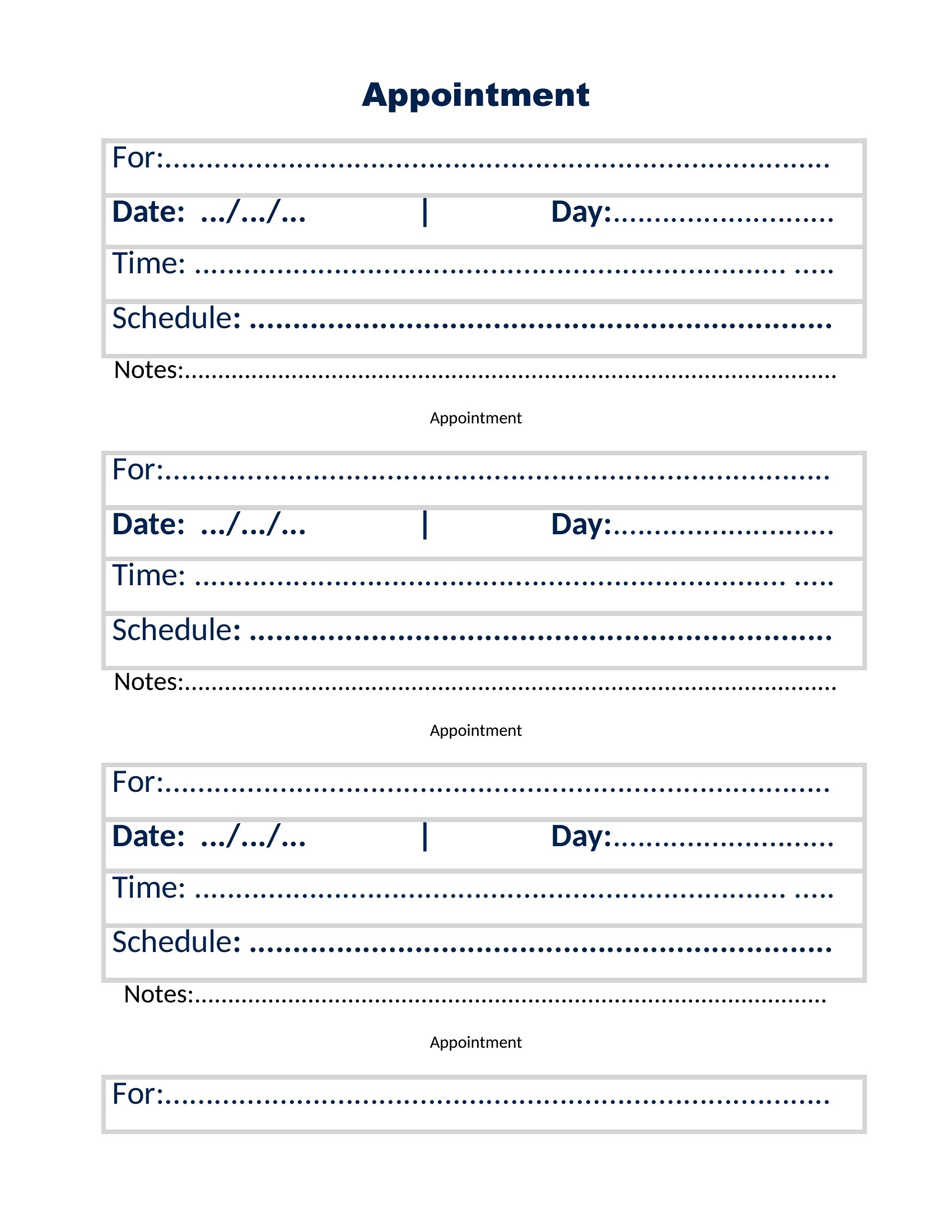
ApplicationsA simple appointment card cuts down on no-shows by giving people something to stick on the fridge. This set of 44 appointment card templates suits clinics, salons, dentists, and any office that books ahead, with space for the date, time, and a few reminders. Front-desk staff and solo practitioners can hand clients a tidy card in seconds.
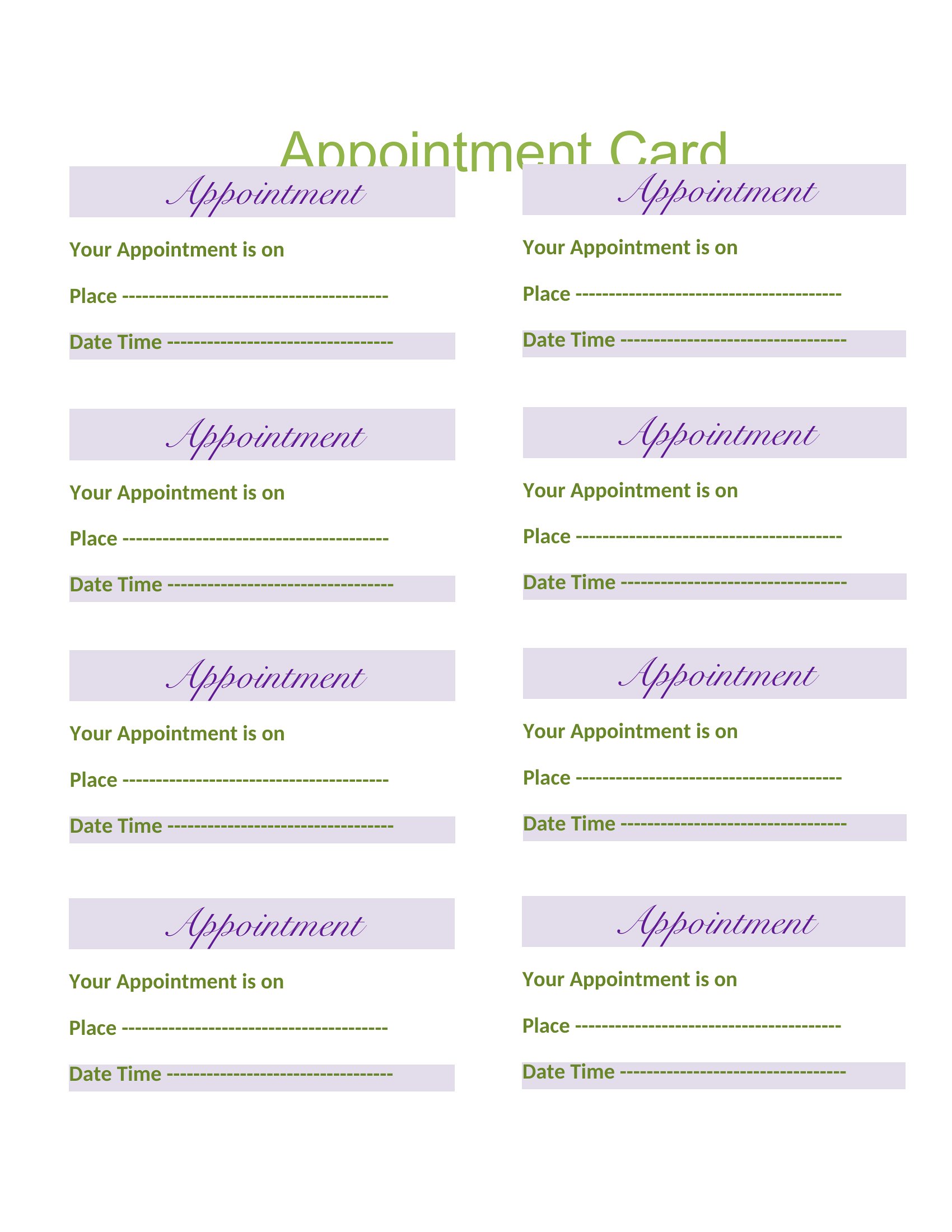
Use the Word versions for quick edits or the Excel layouts when you want to print a sheet of cards at once. Add your business name and details, print, and cut them apart; no design skills required. Download the format that fits your practice and keep your schedule running smoothly.
When to use this Appointment Card template
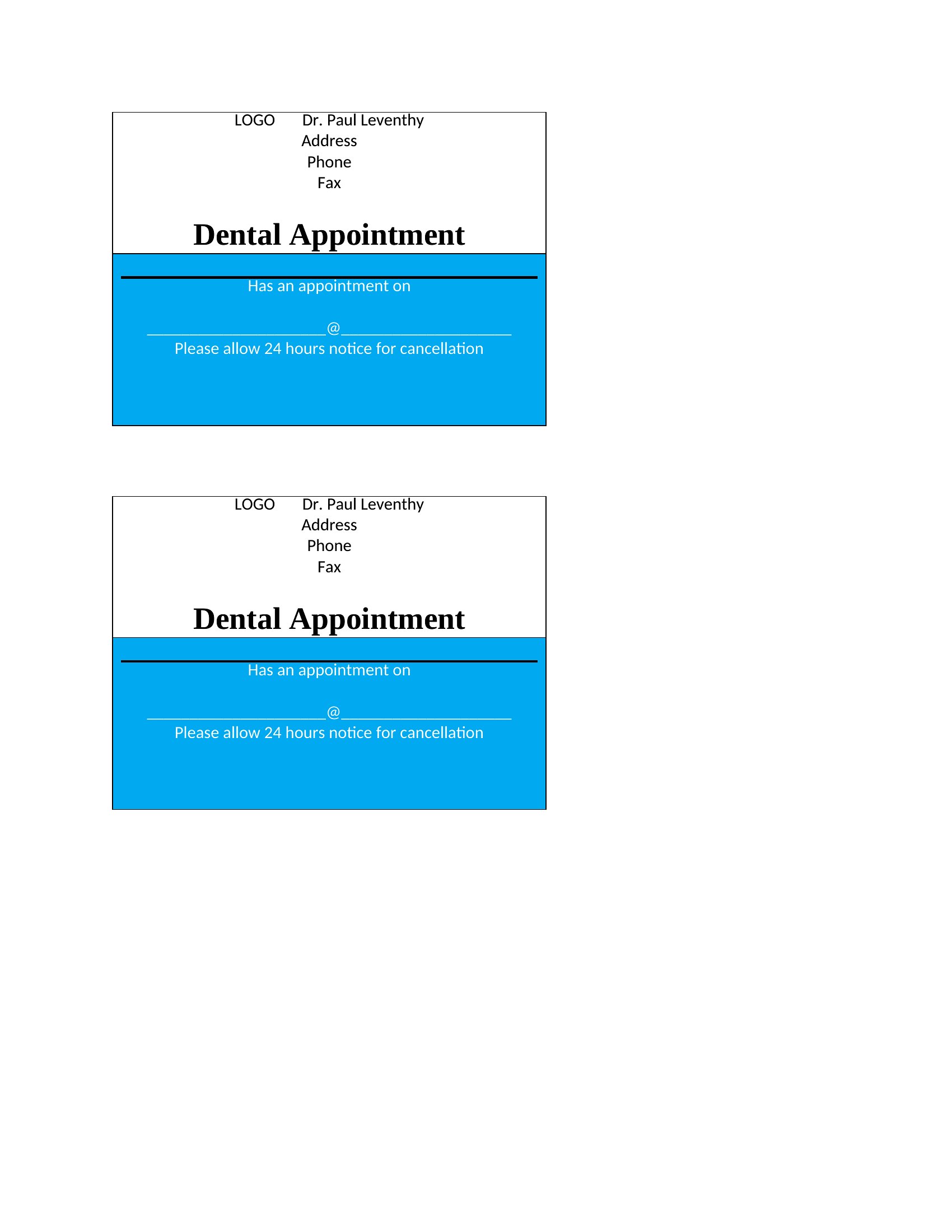
- A small dental practice owner uses these cards to remind patients of their bi-annual cleanings, including the time slot and a friendly note about preparing for the visit.
- A freelance esthetician prints these cards to hand to clients after booking a treatment, listing the appointment details and a reminder to arrive 10 minutes early.
- A physical therapy clinic mails these cards to new patients a week before their first session, with space to note the therapist’s name and any prep instructions.
- A veterinary practice includes these with pet owners’ appointment confirmations, using the back to jot down the pet’s name, breed, and any pre-visit fasting requirements.
Which format should I download?
Choose Word for templates that need frequent updates—like adding a clinic’s logo, adjusting font sizes for accessibility, or tweaking reminder text for each visit type. Excel works best when you’re organizing appointment schedules alongside the cards or need to embed formulas (e.g., calculating wait times between bookings). For most users, Word is the clearer pick because it mirrors common editing habits and supports straightforward formatting for quick distribution.
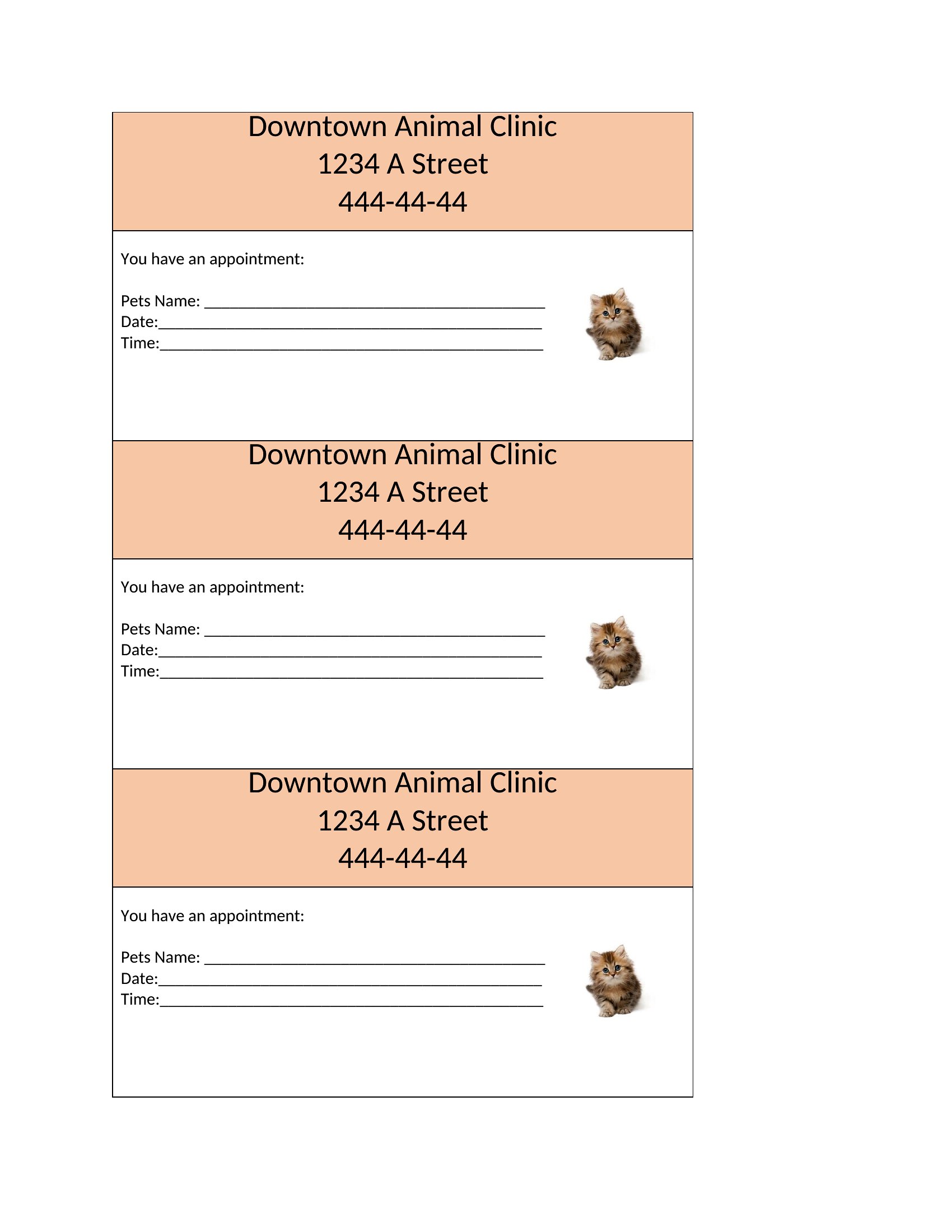
Choose from 44 Appointment Card Templates
How to use this Appointment Card template
Can I add a QR code linking to a calendar invite or payment portal to these cards?
Yes, you can include a QR code in the design space, especially in the Word versions. Use a QR generator tool to create one linking to your booking system or payment link, then insert it as an image. Test the scan function on a smartphone before printing to ensure it works smoothly for clients.
How do I ensure the reminders on the card are clear for non-native English speakers?
Pick a template with ample white space and use simple, bolded text for key reminders like ‘Arrive 15 minutes early’ or ‘Bring your ID.’ For languages other than English, consider adding a small flag icon or using translation tools to reword the text while keeping the same layout. Avoid crowding the card with too many instructions.
Are there templates that work well for same-day walk-in appointments where no prep is needed?
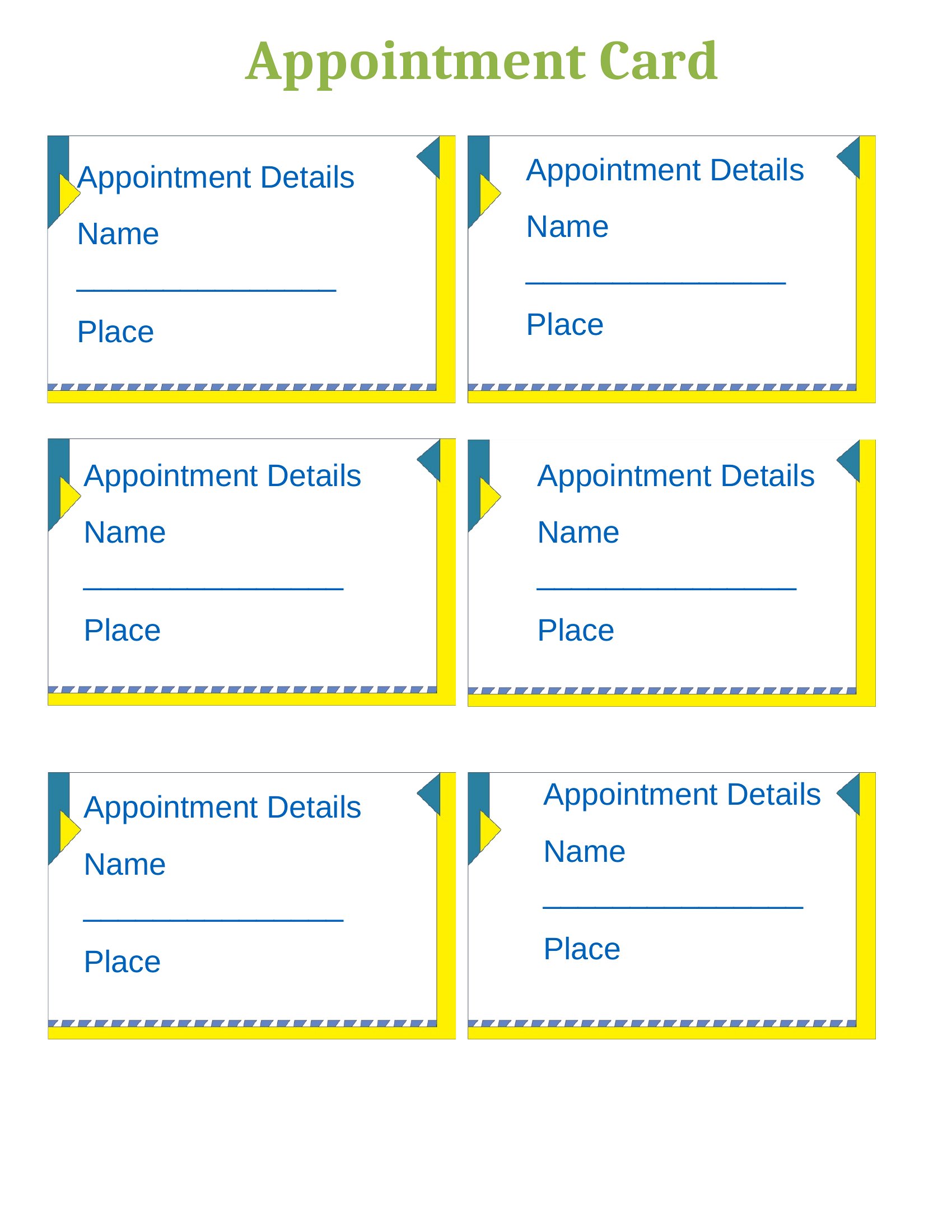
Yes, look for minimalist designs with just the essentials: date, time, provider name, and location. Skip sections for prep instructions or fasting requirements, and use the extra space for a friendly note like ‘We’re happy to see you today!’ These templates focus on clarity and reduce visual clutter for quick, informal visits.
Comments
Join the conversation
Sign in to share your thoughts and leave a comment on this resource.