Free Business Budget Templates (Excel)
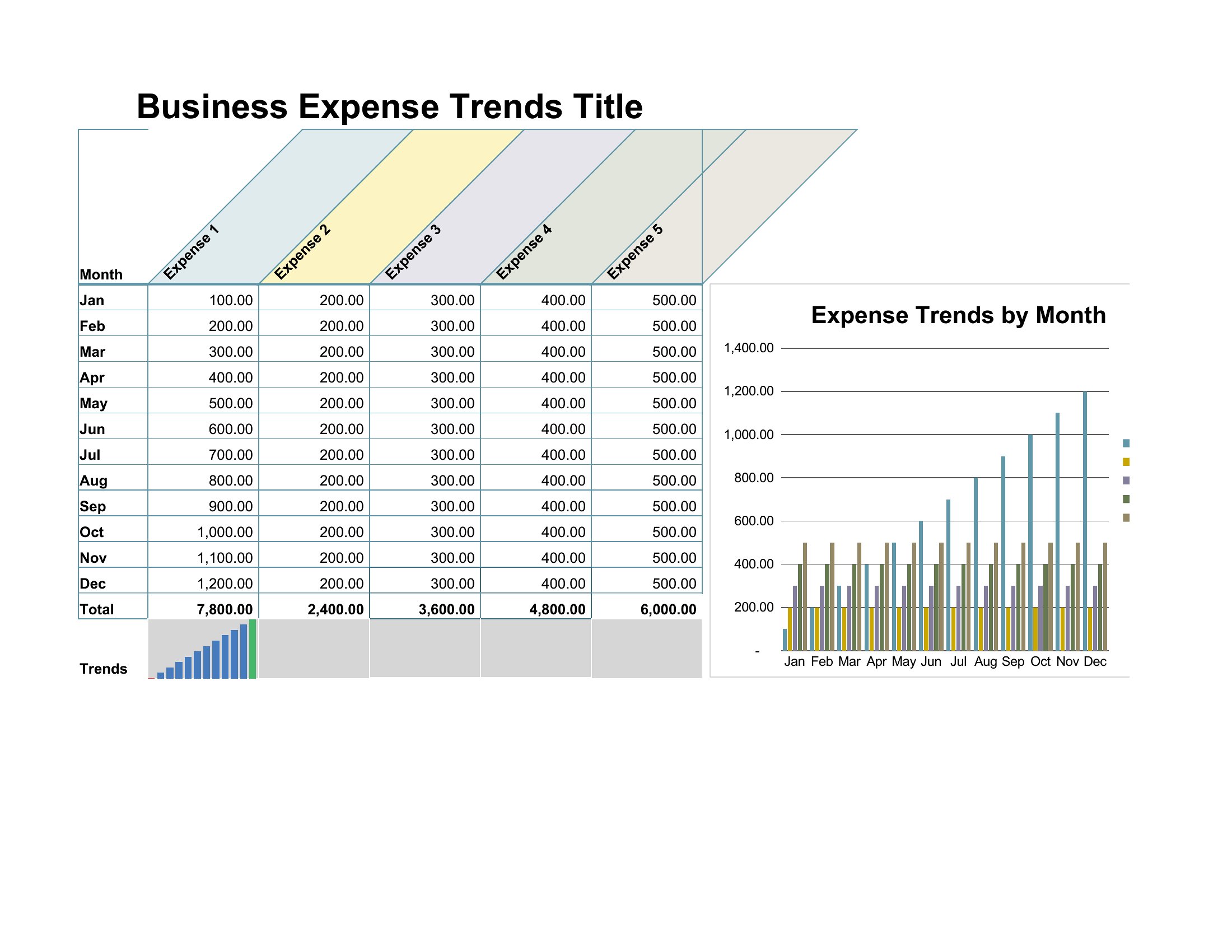
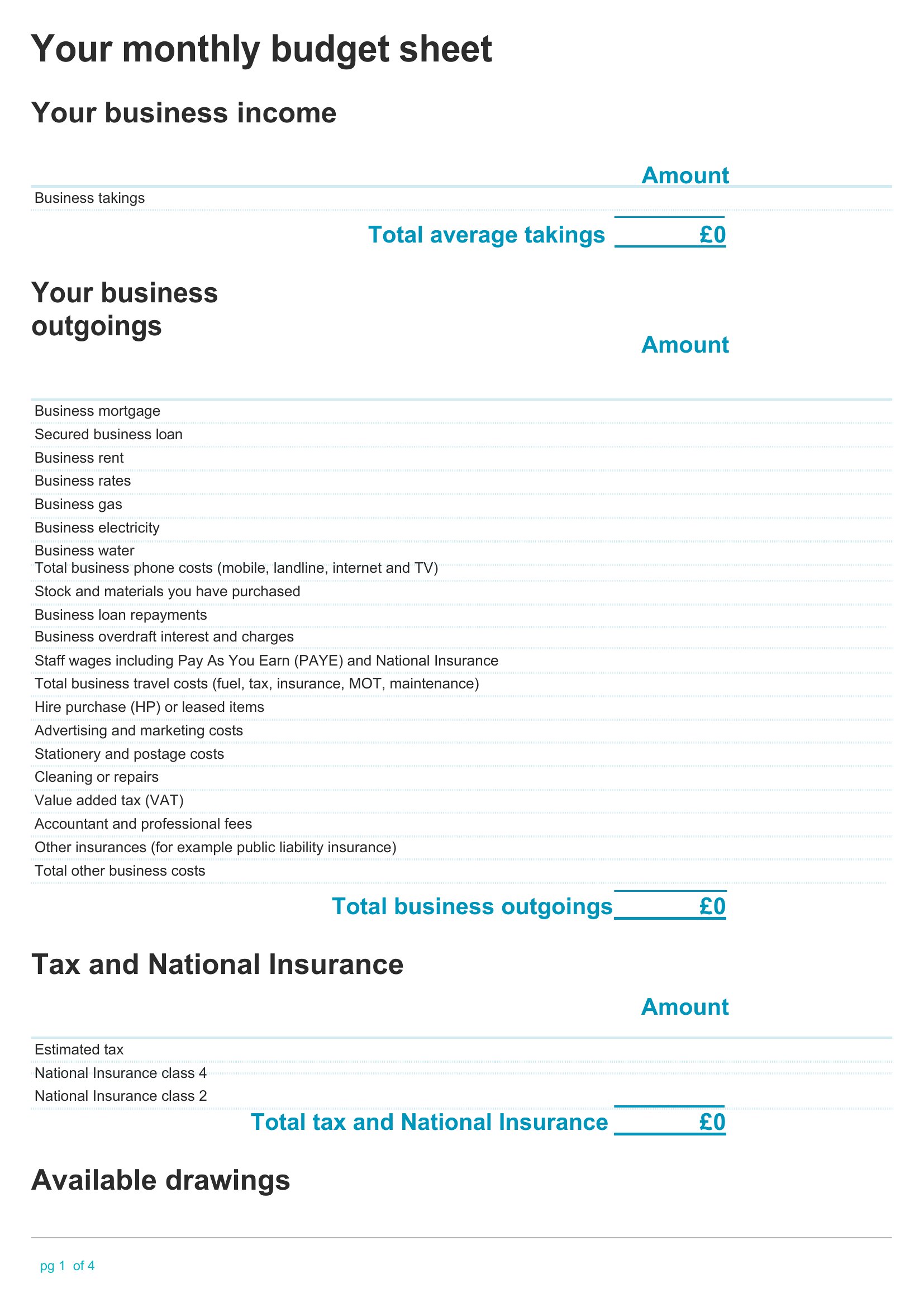
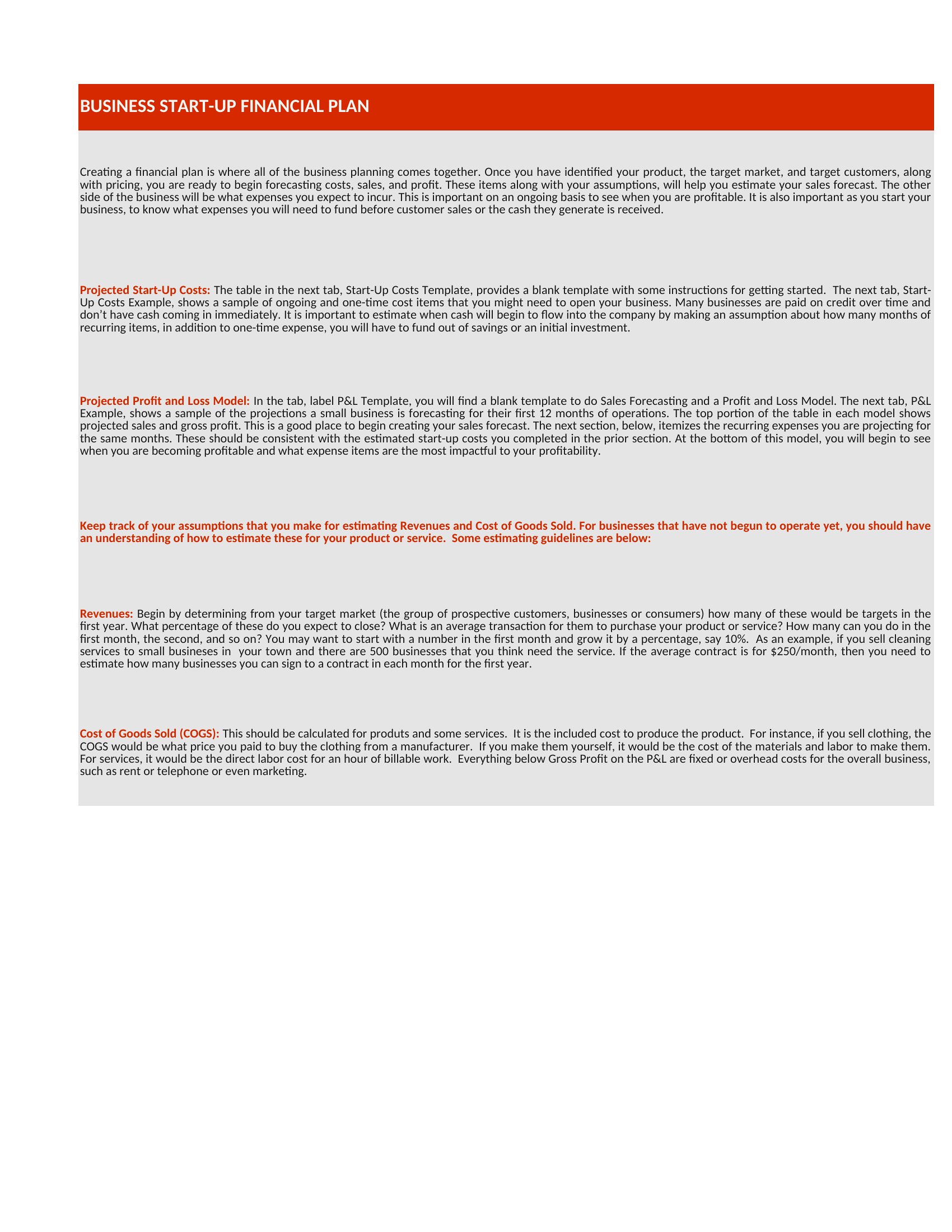
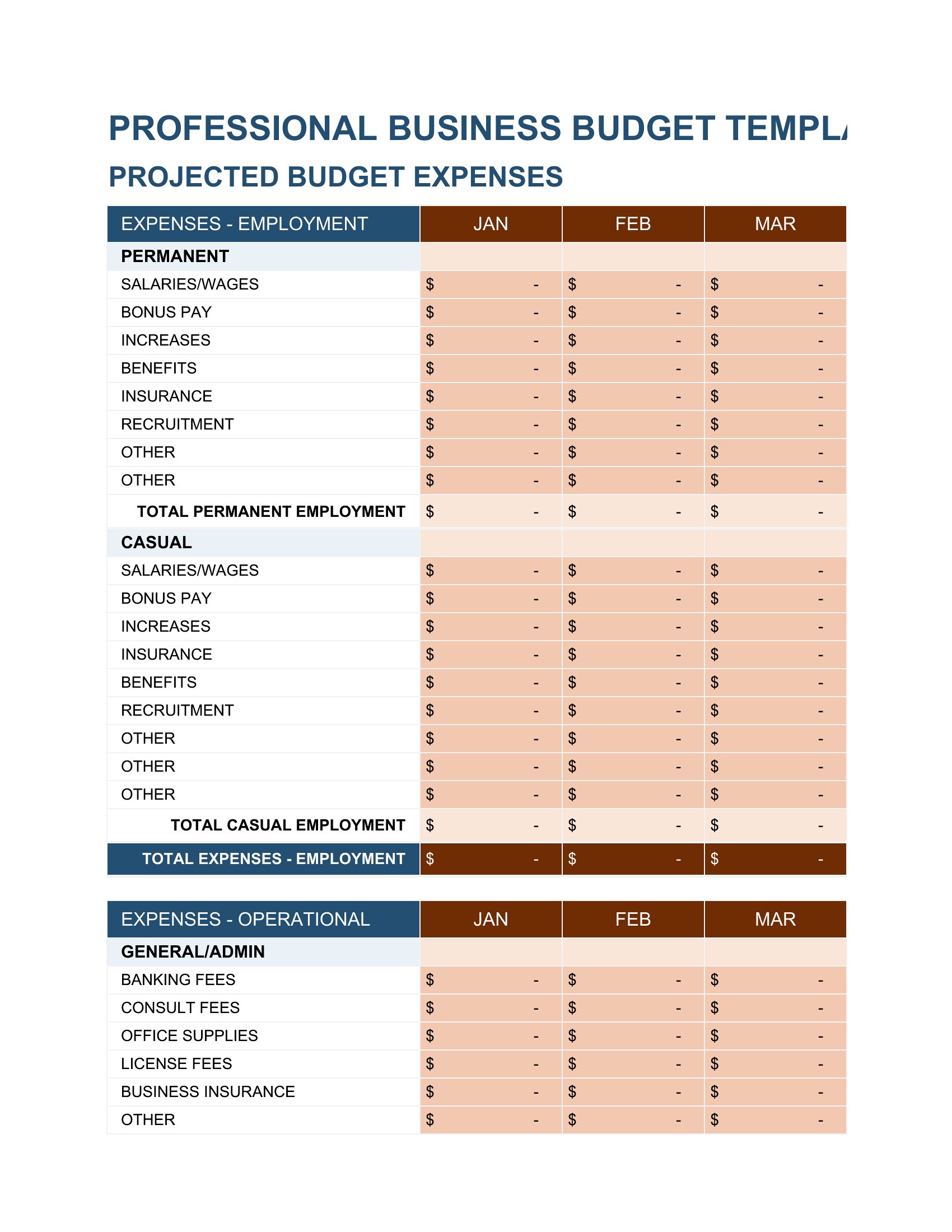
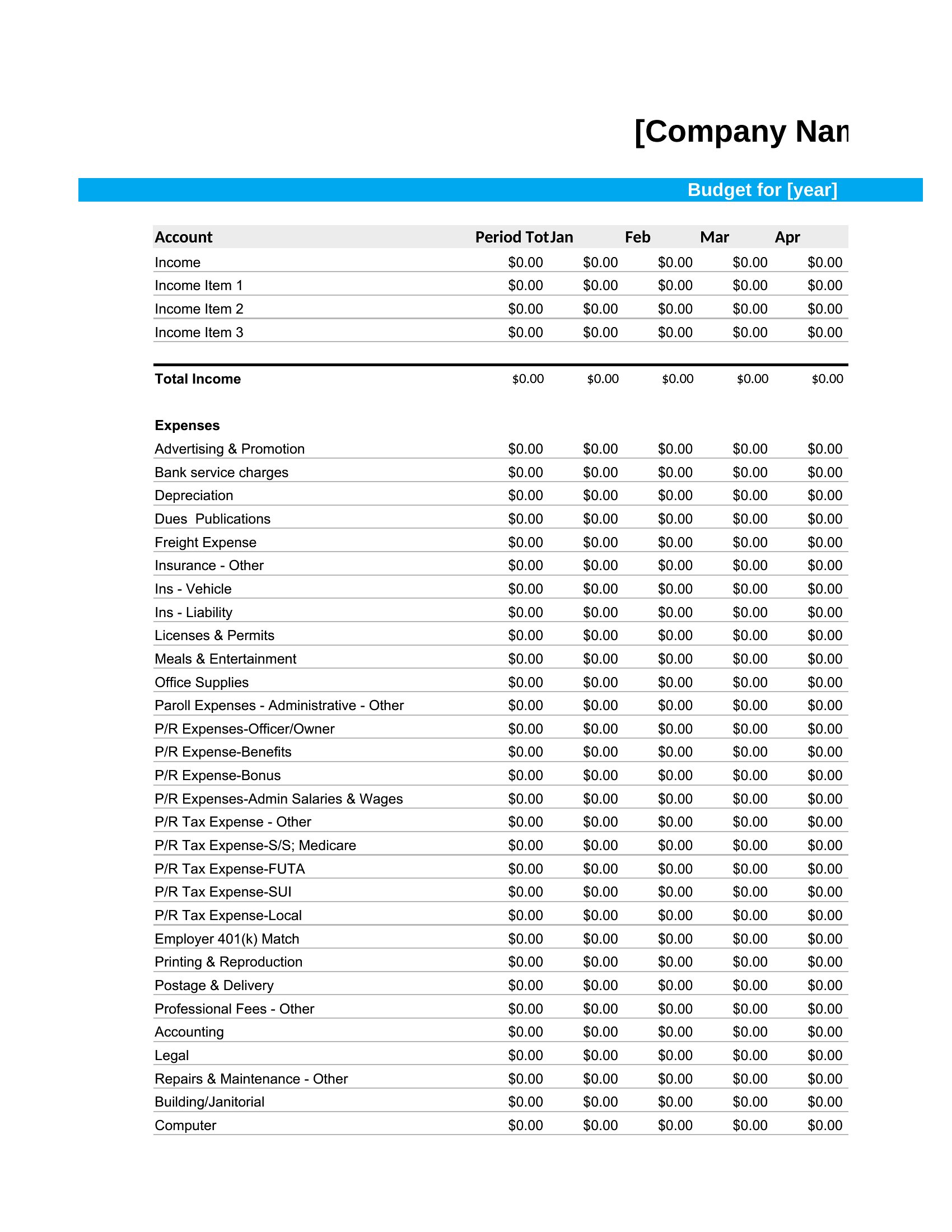
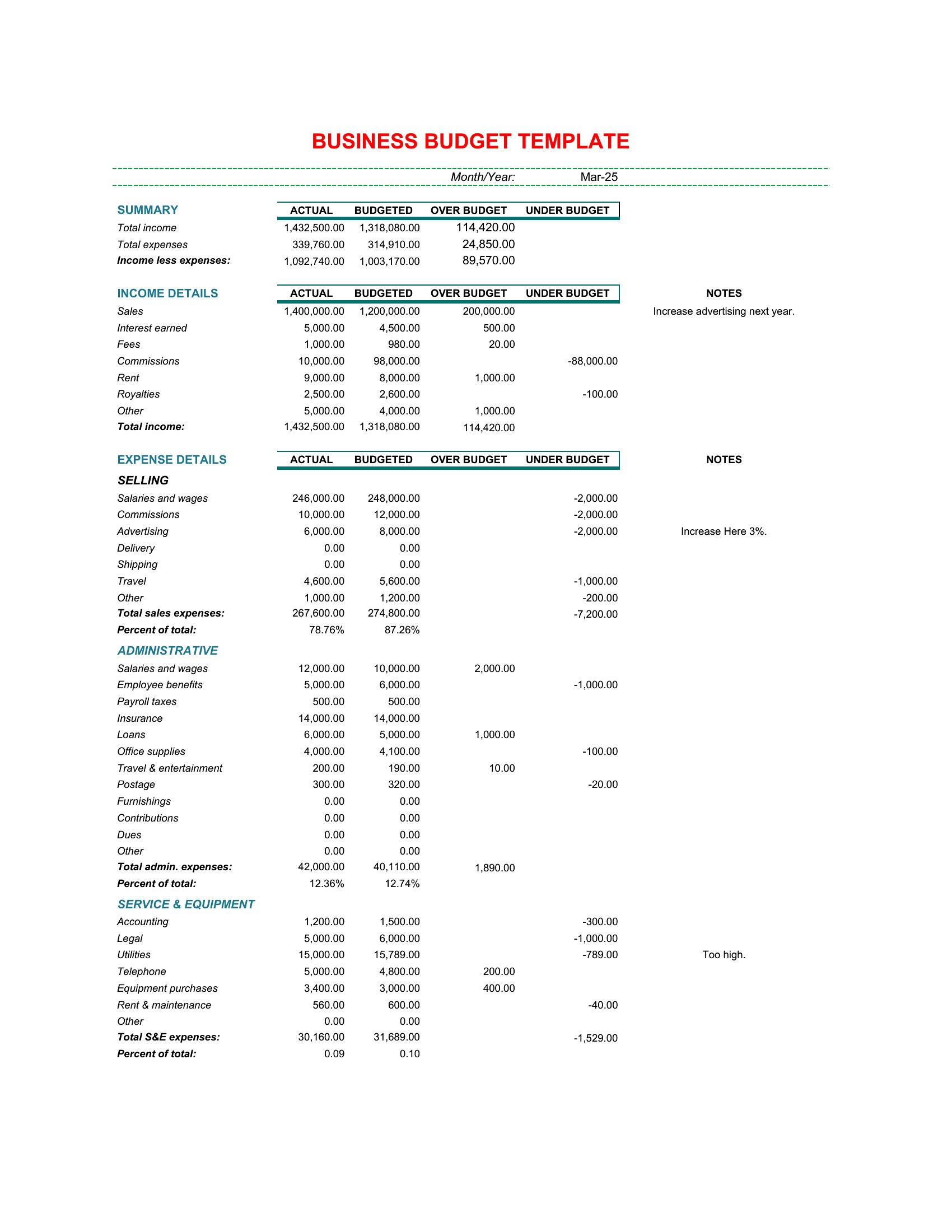
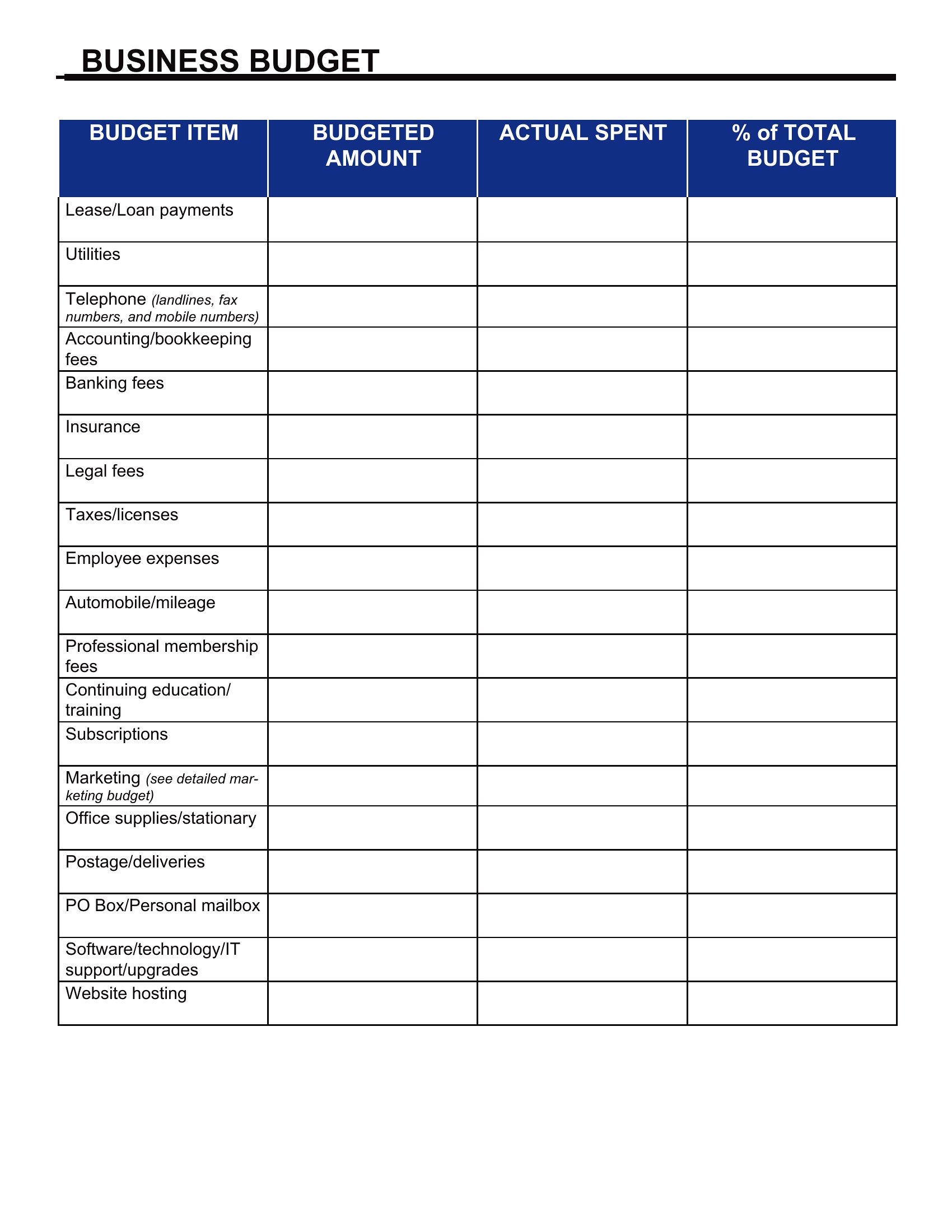
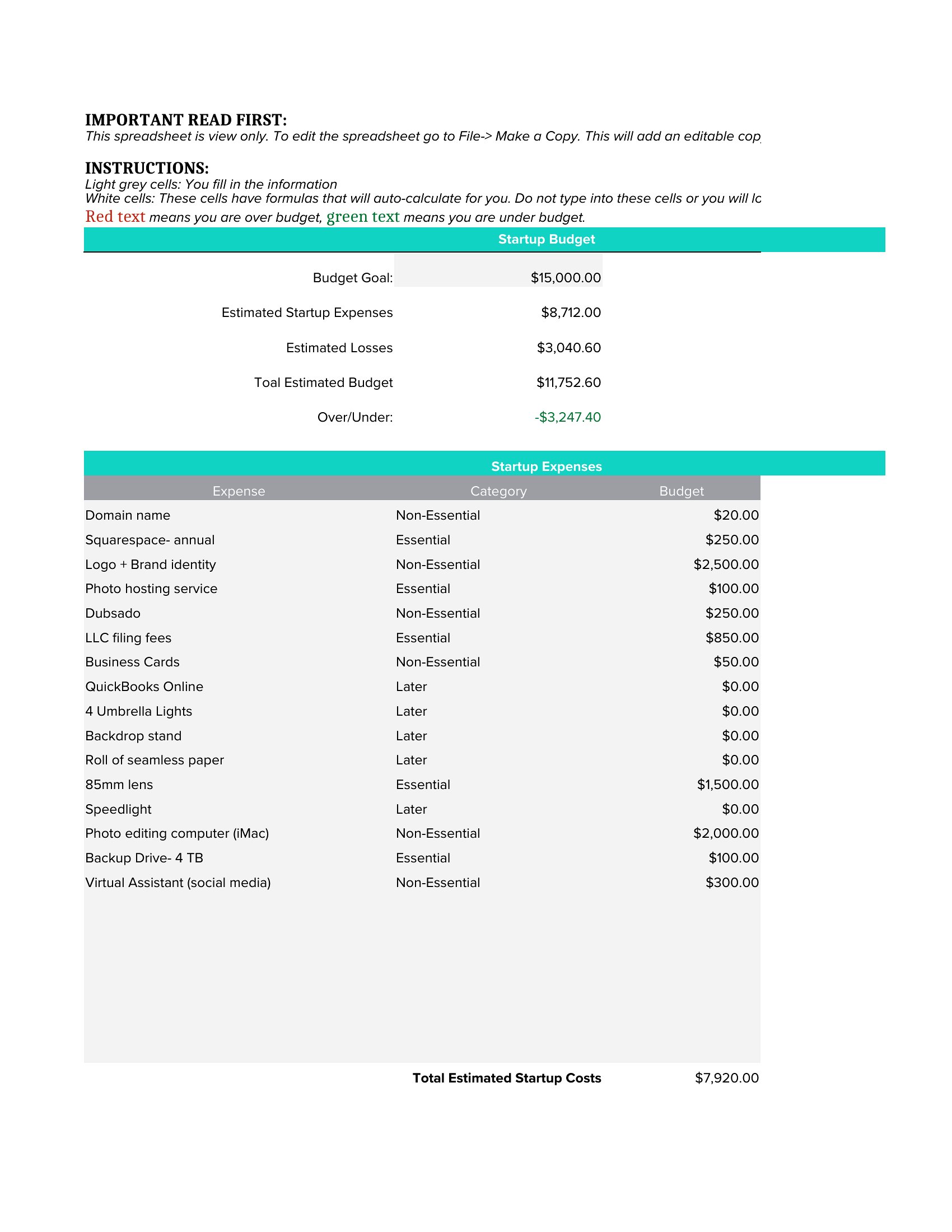
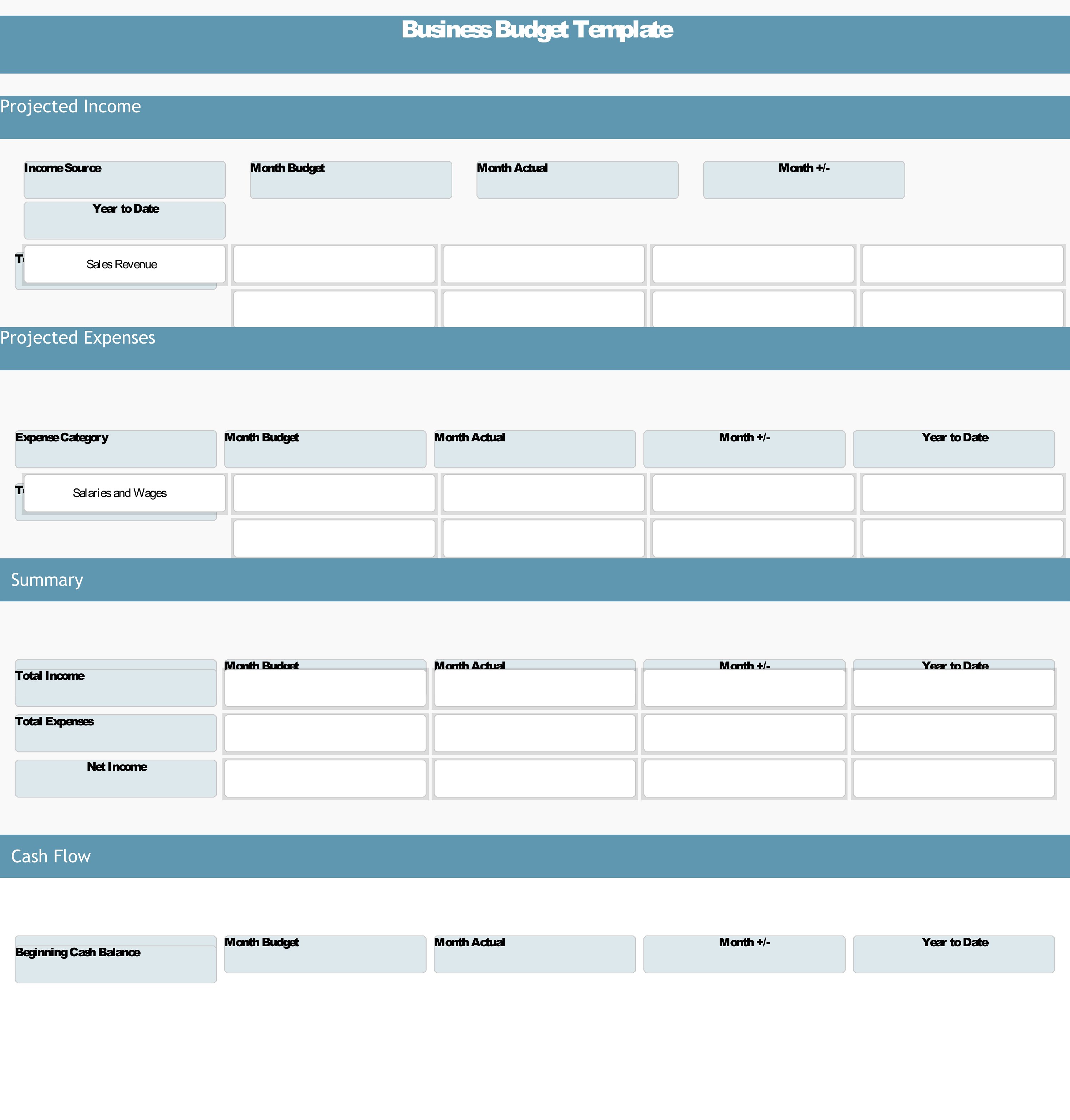
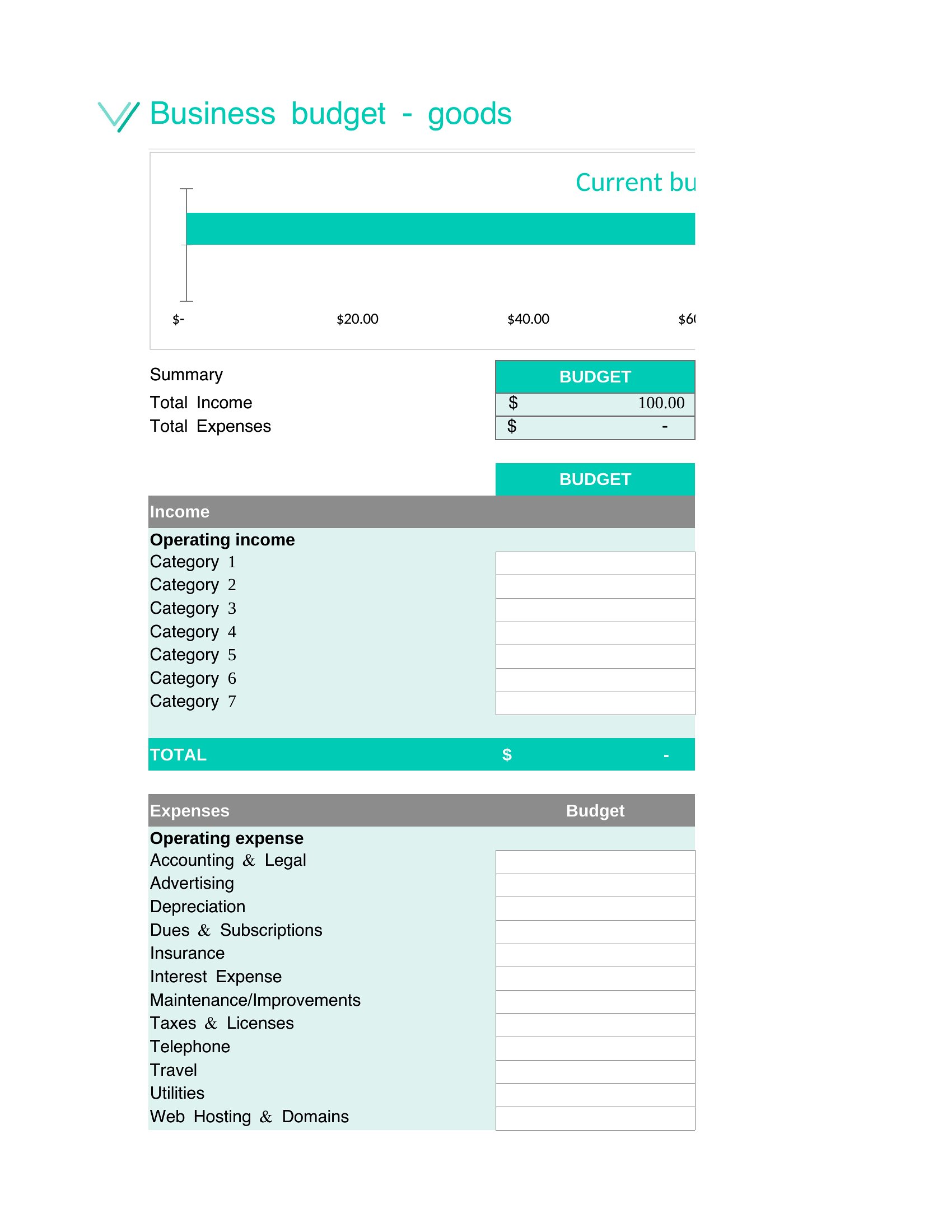
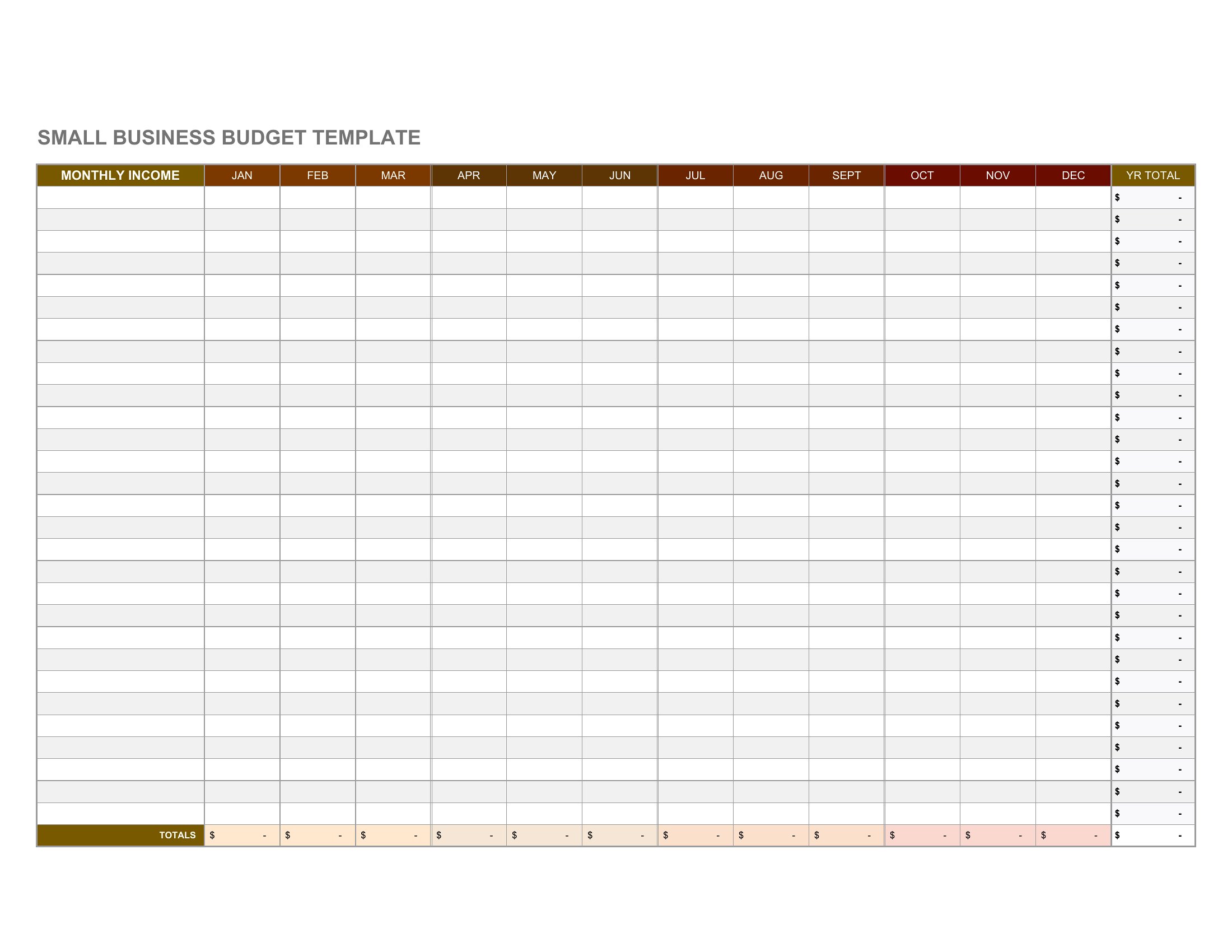
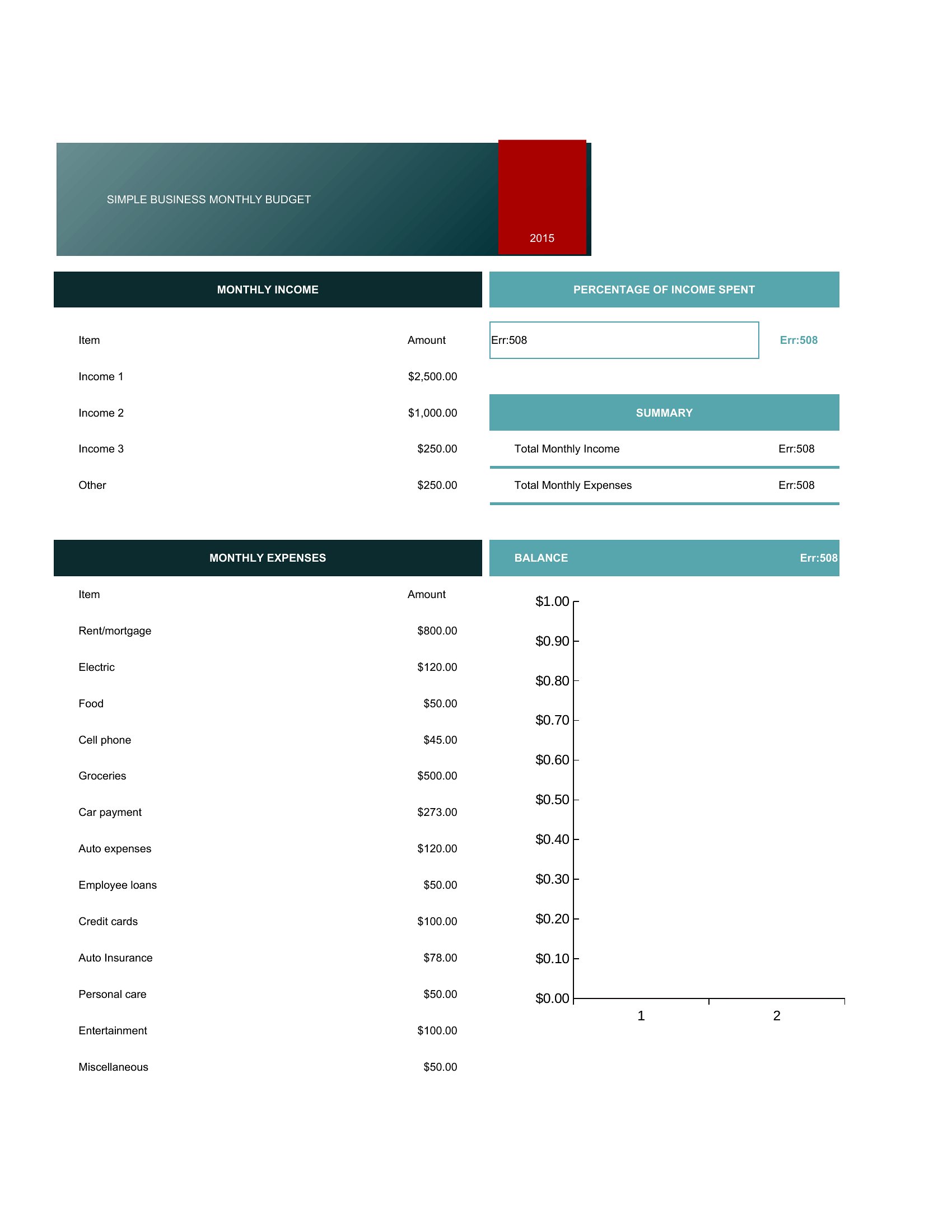
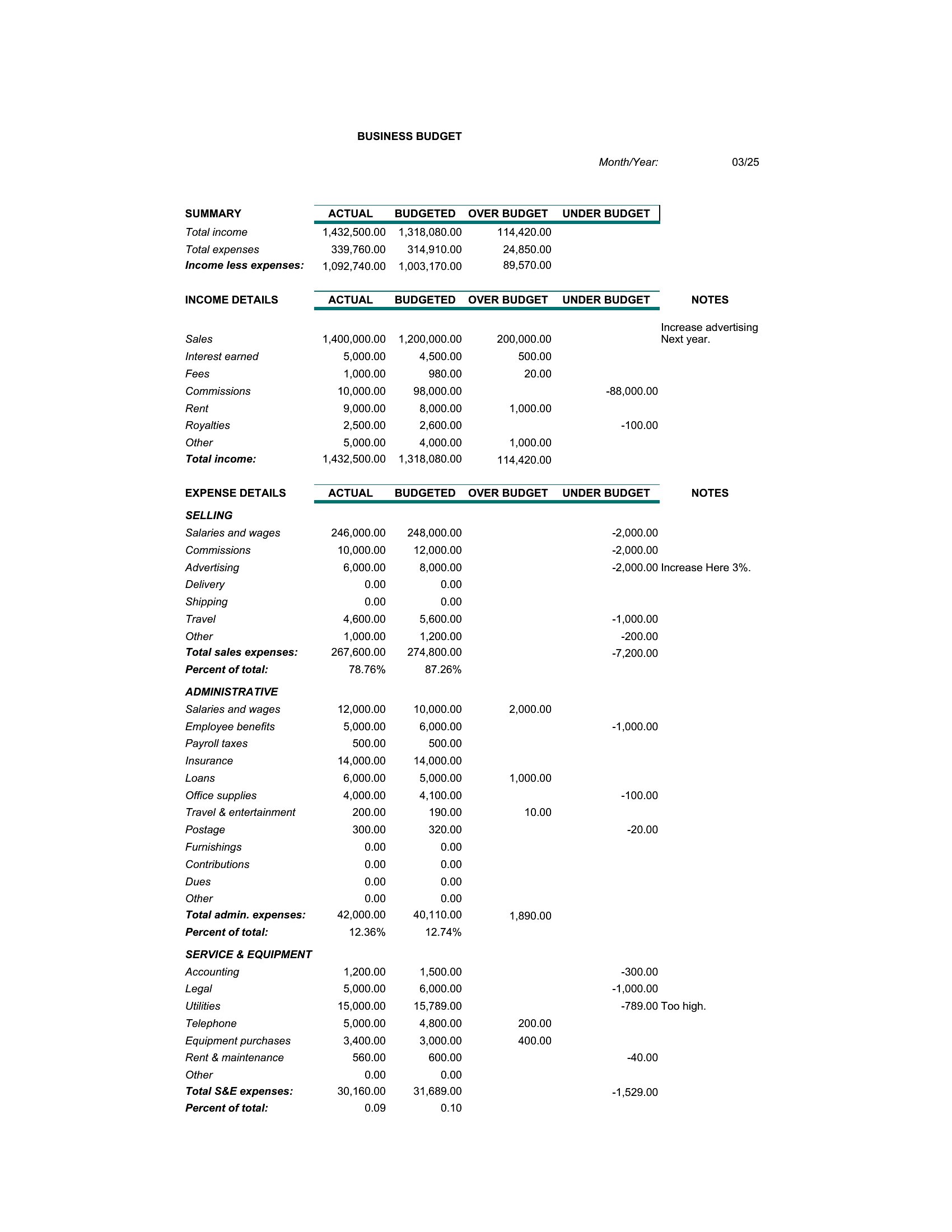
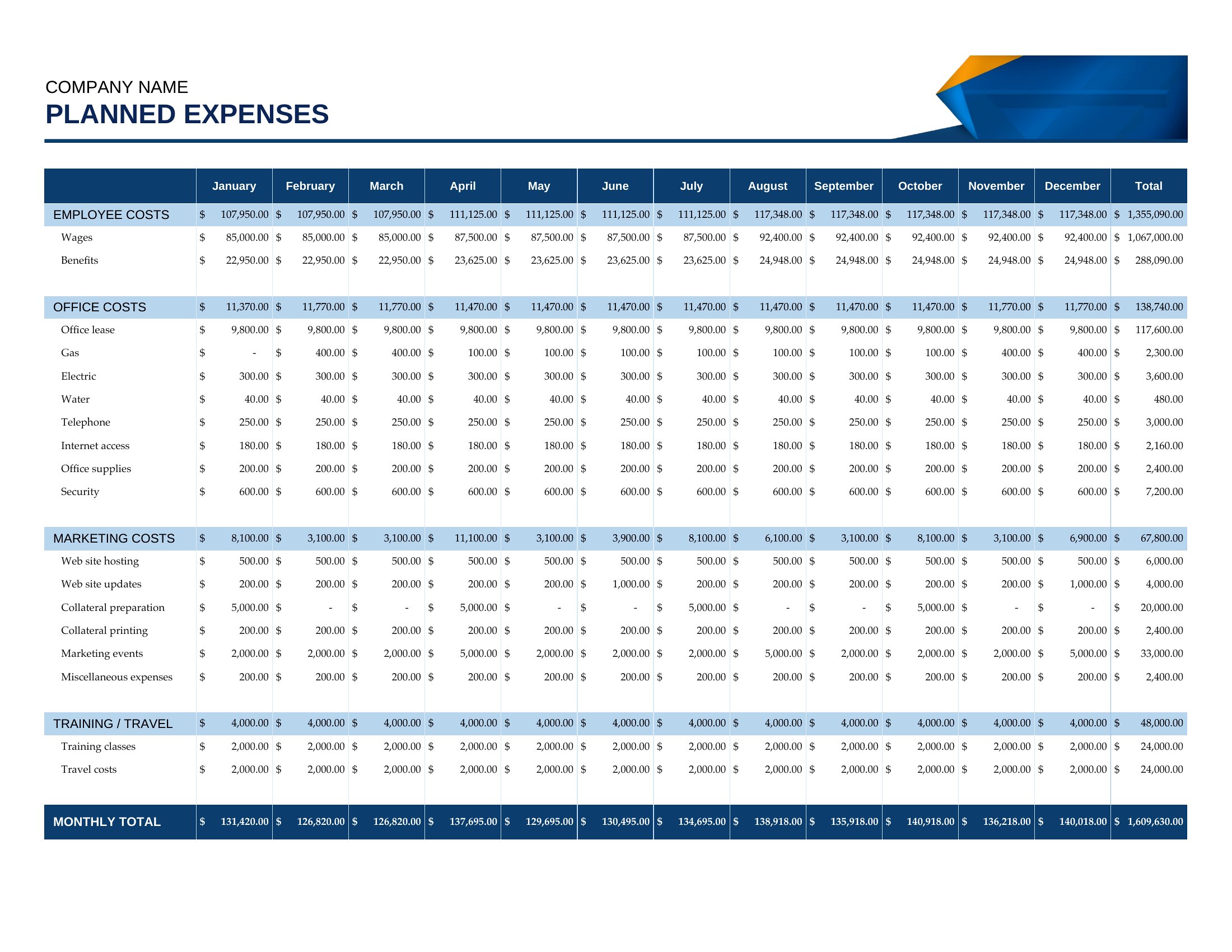
DataA business budget maps out the money coming in and going out so you can plan, cut costs, and avoid nasty surprises. This set of 32 templates helps small-business owners, startups, and freelancers track revenue, expenses, and profit across the month or year. See where every dollar is headed and make decisions based on real numbers instead of guesswork.
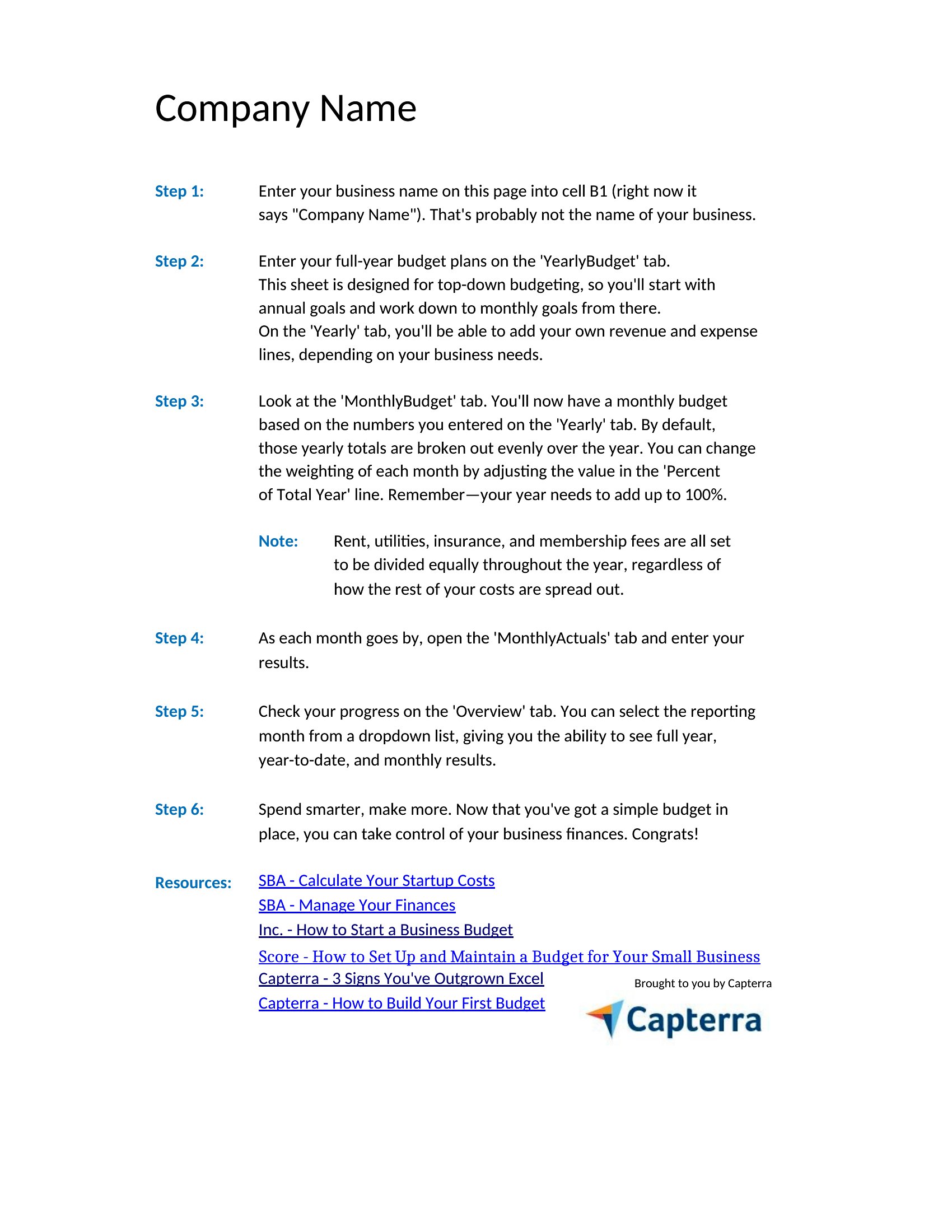
The templates come in Word for simple layouts and Excel sheets that total income and expenses automatically as you type. Plug in your figures, adjust the categories to fit your business, and watch the bottom line update on its own. Treat the projections as planning estimates, then download the budget that fits your needs and take control of the finances.
When to use this Business Budget template
- A freelance graphic designer with fluctuating client payments needs to compare quarterly income against fixed expenses like software subscriptions and tax savings, so they can adjust project rates mid-year without overcommitting.
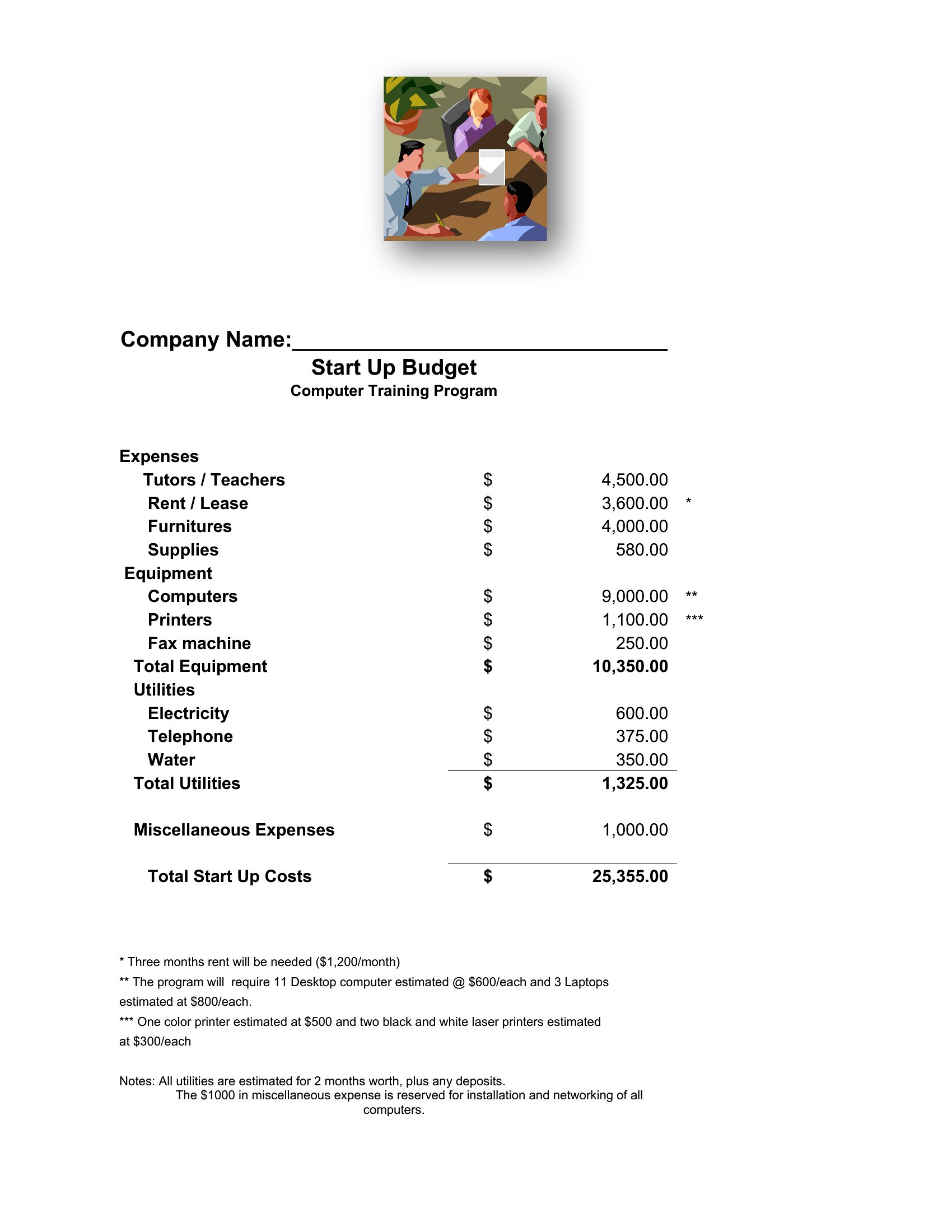
- A startup founder launching a SaaS product wants to allocate seed funding across development, marketing, and operational costs—while leaving a 15% buffer for unexpected delays—so they can pitch investors with a transparent, data-backed spending plan.
- The owner of a local coffee shop needs to reconcile monthly revenue from sales, catering orders, and loyalty programs against ingredient costs, rent, and payroll, so they can identify which menu items are actually profitable before the holiday season.
- A nonprofit event organizer must track ticket sales, sponsorship pledges, and vendor payments in real time to ensure they don’t overspend on venue upgrades, so they can reallocate funds to scholarships if early projections fall short.
Which format should I download?
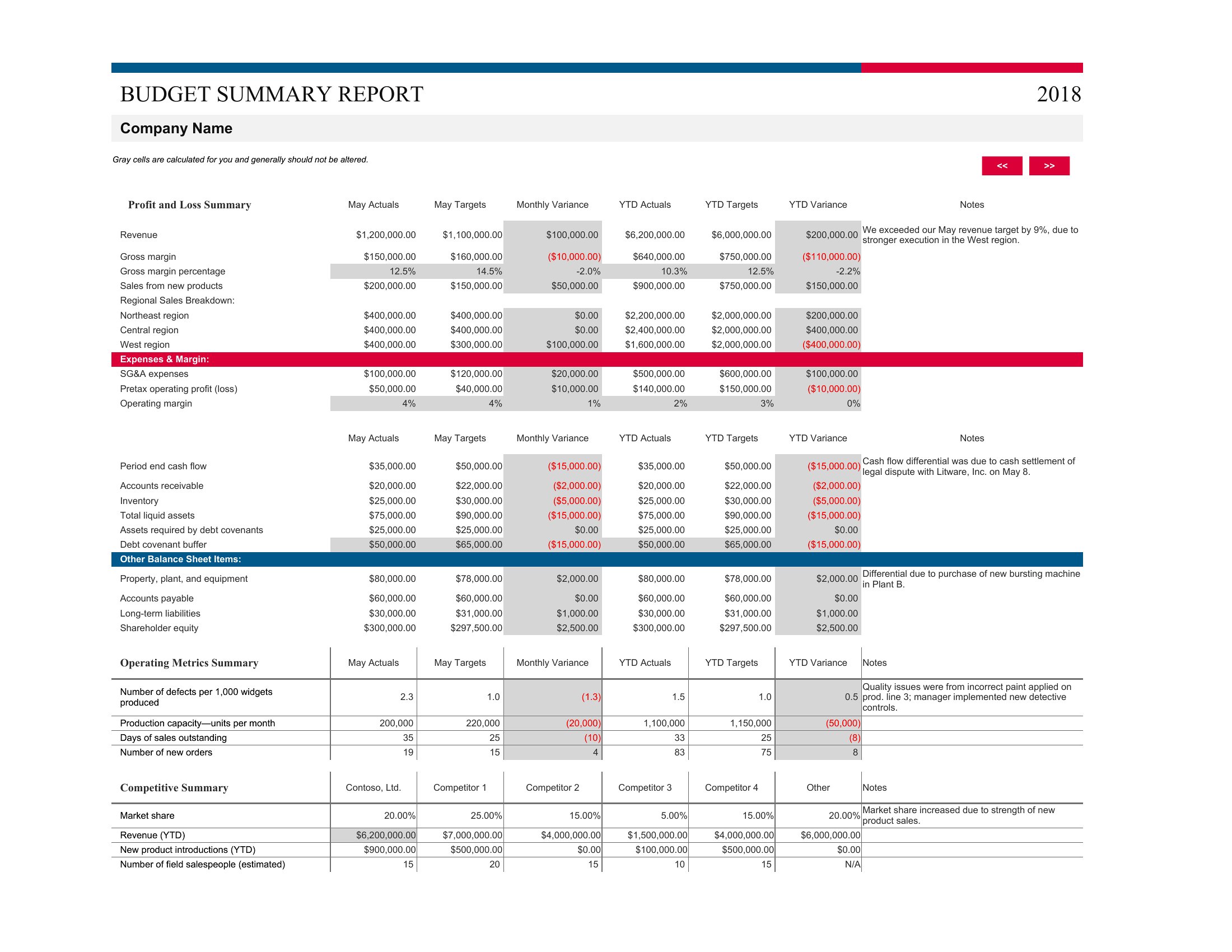
Use the Word templates when you need a polished, shareable document to present your budget to stakeholders, investors, or employees—especially if you’ll be explaining assumptions or justifying spending decisions in a meeting. The clean layouts work well for annual reports or grant applications where visuals support narrative. Choose Excel when you’re doing ongoing tracking, forecasting, or need formulas to auto-calculate profit margins, variance percentages, or cash flow projections month to month. The Excel formats are ideal for startups or freelancers who update figures frequently and want conditional formatting to flag over-budget categories instantly.
Choose from 32 Business Budget Templates
How to use this Business Budget template
Can these templates help me reconcile discrepancies between my actual spending and the budget I set?
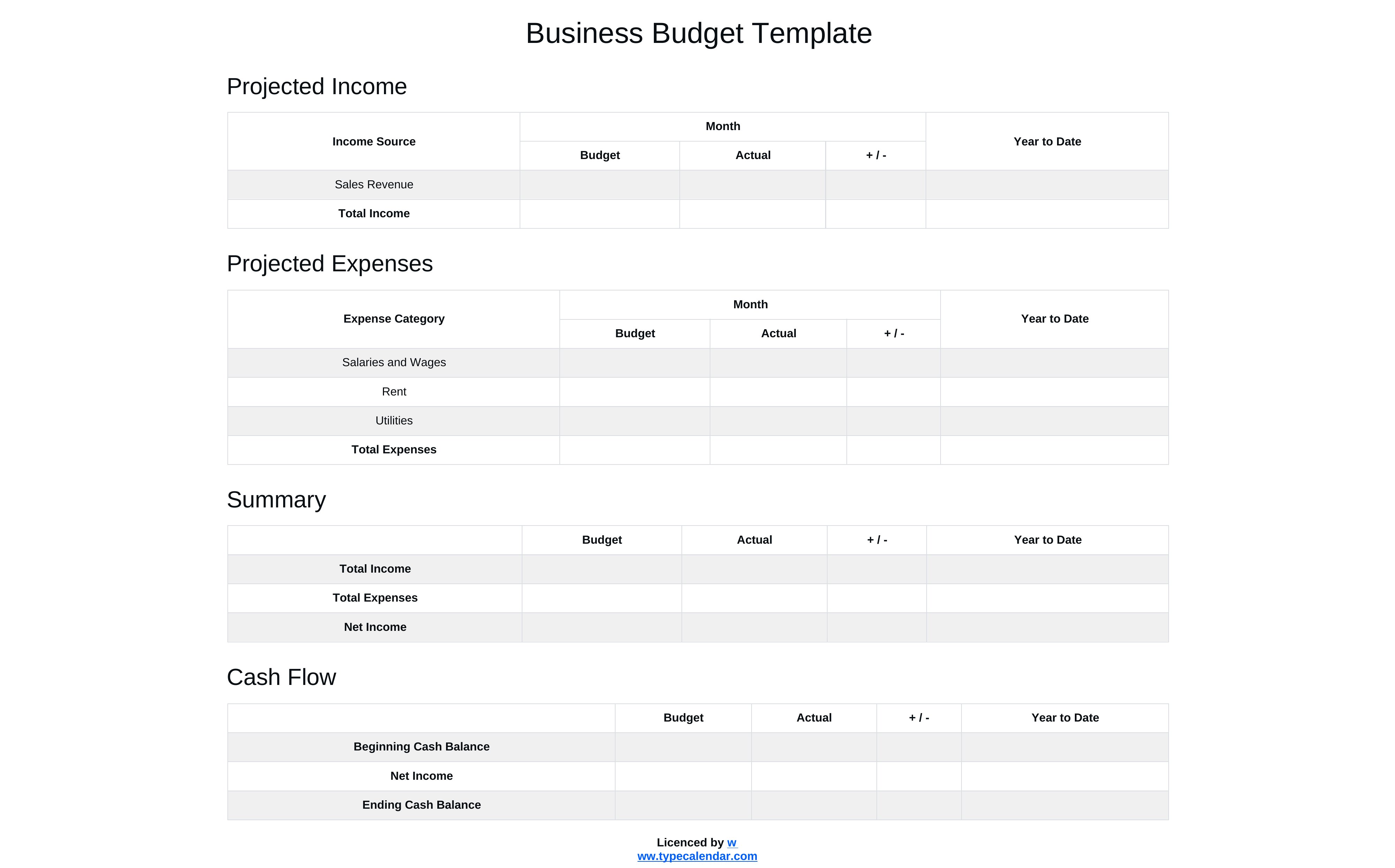
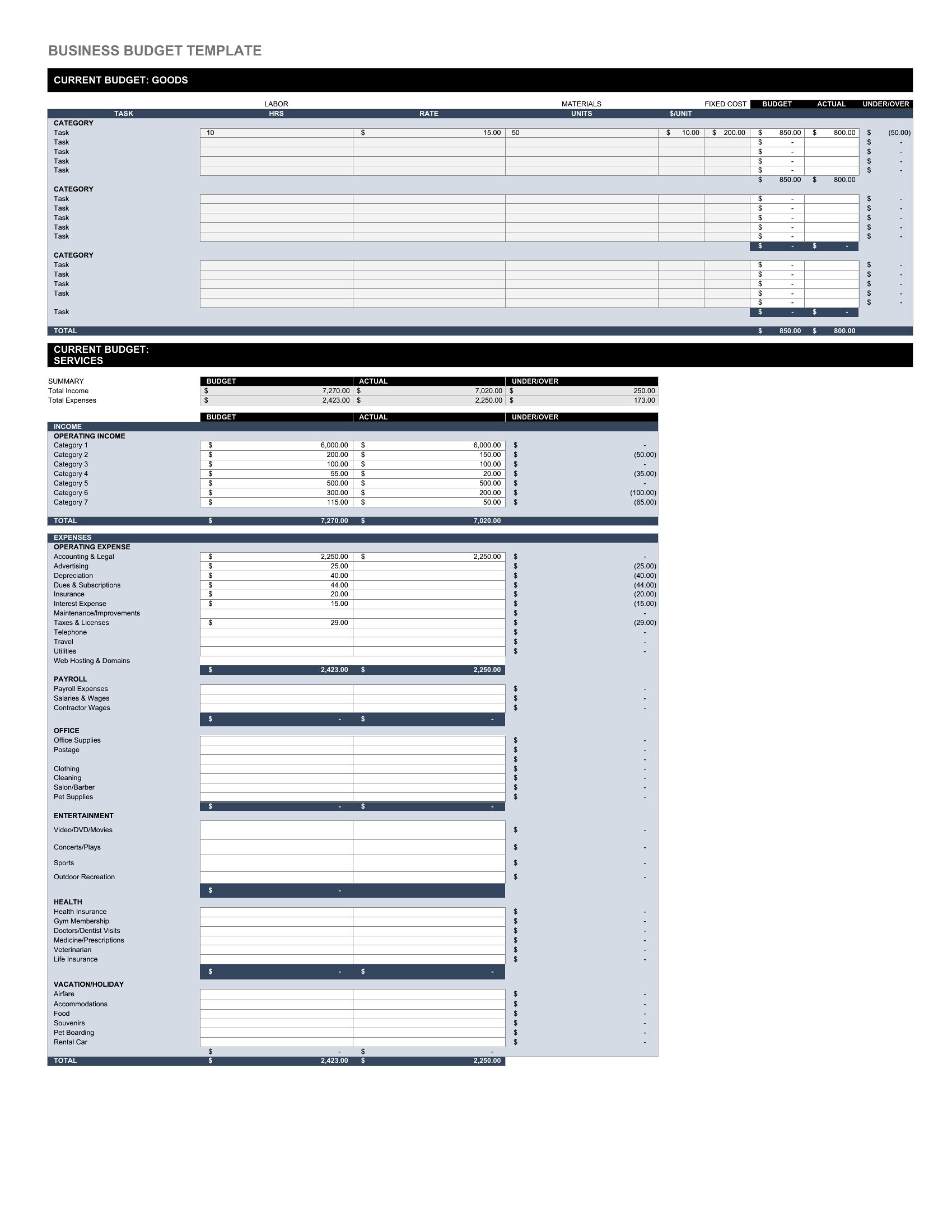
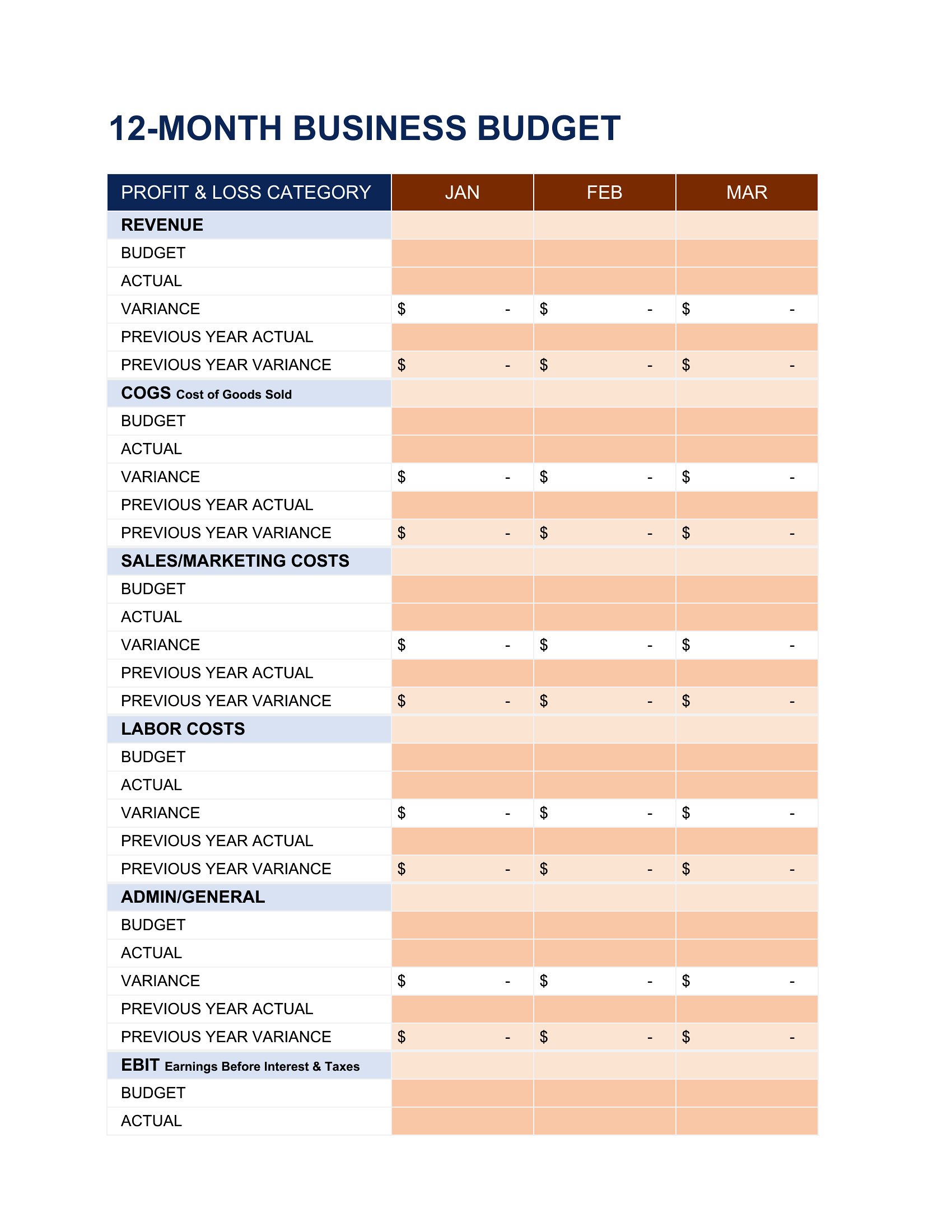
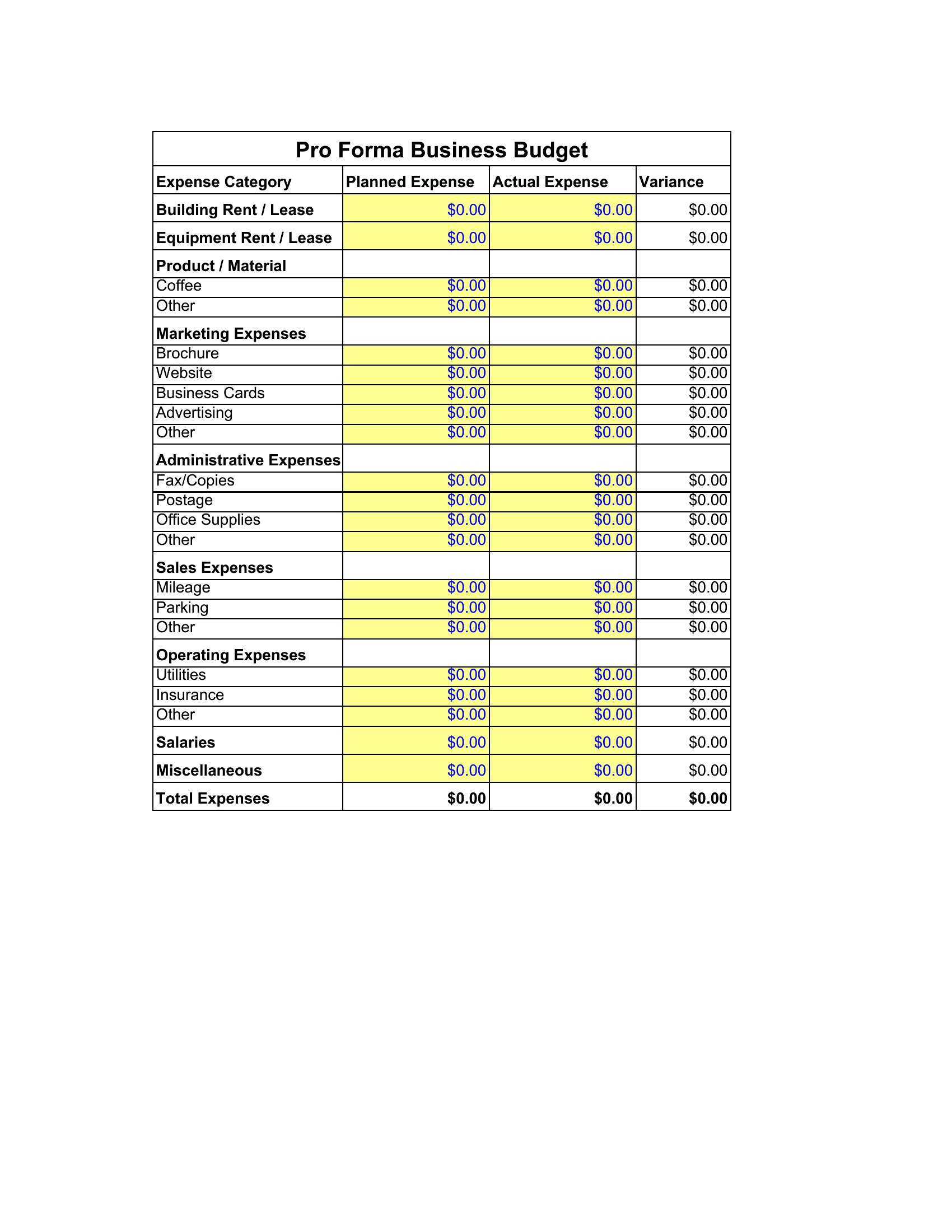
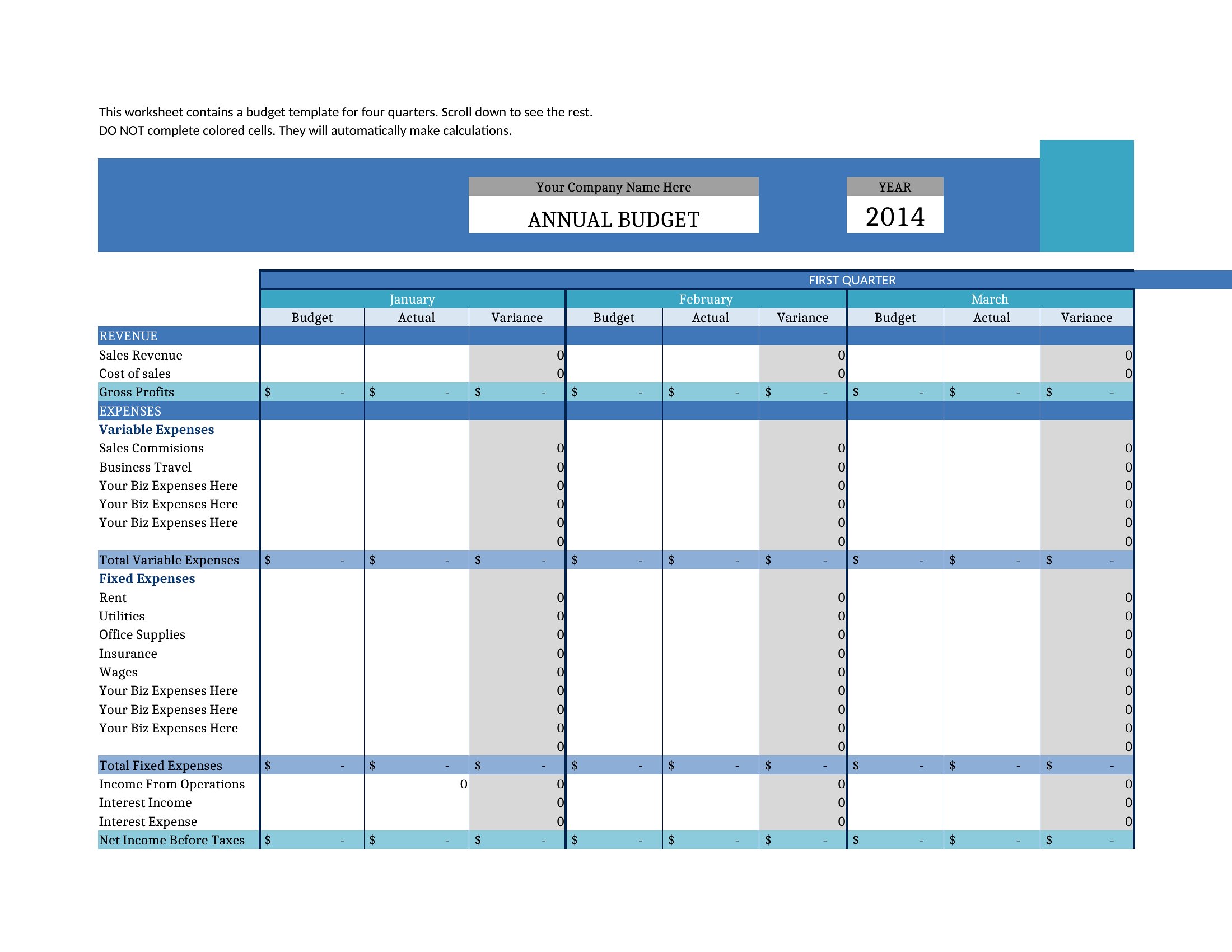
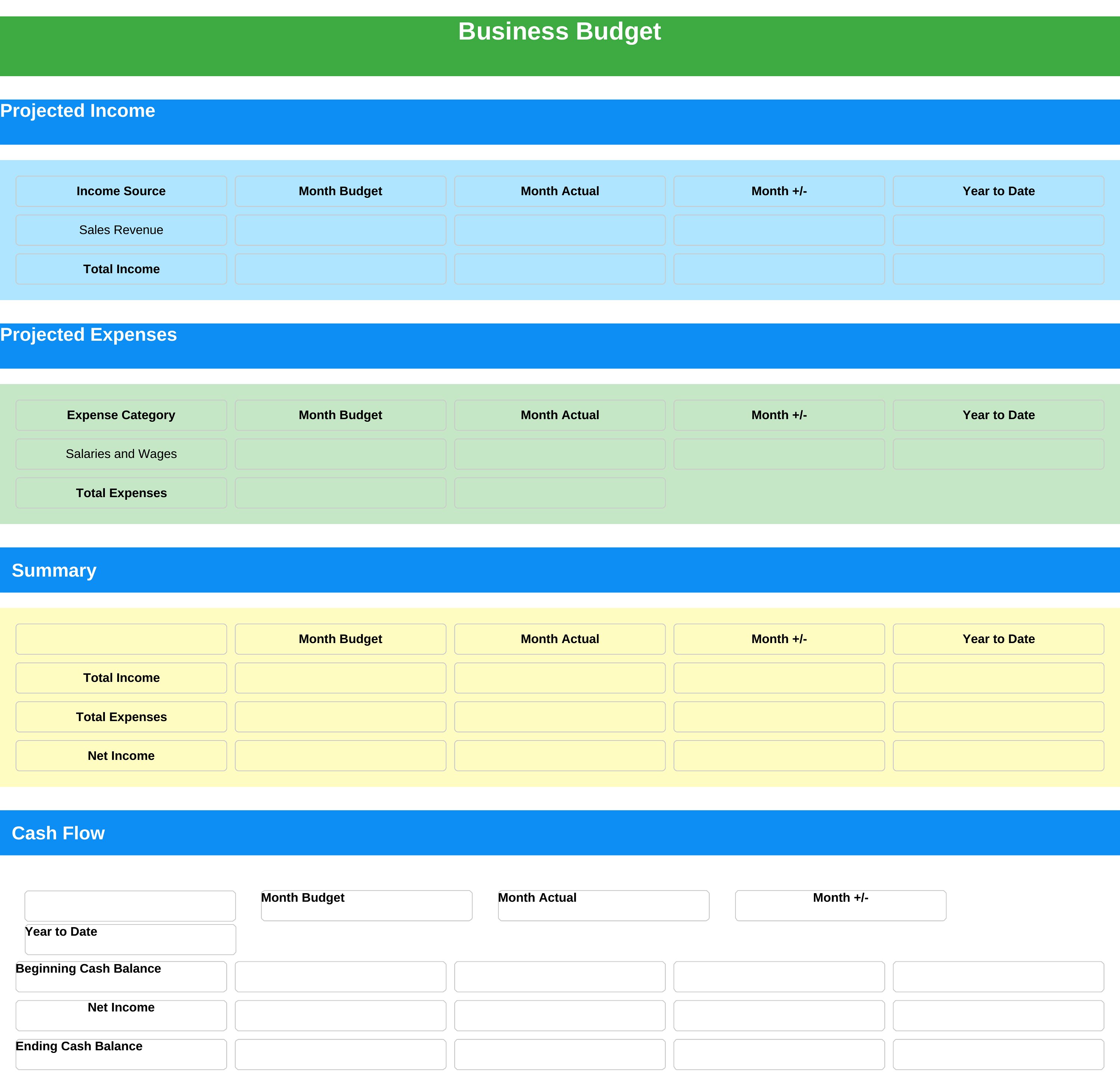
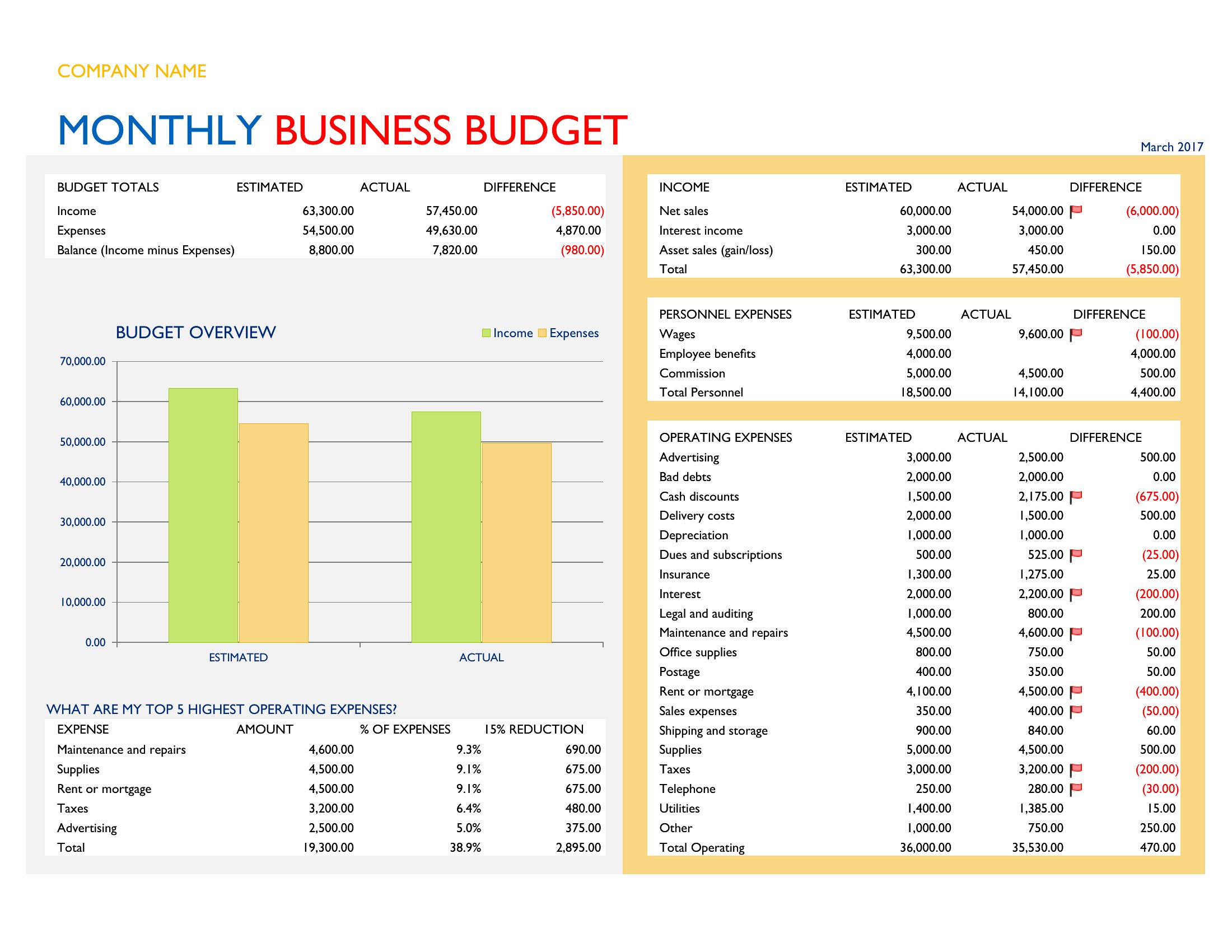
Yes, the Excel templates include sections for tracking actual income and expenses alongside your projections, with variance columns to highlight where you’re over or under budget. For example, if your marketing budget is $10K but you’ve already spent $12K on ads, the template will flag that difference so you can adjust future allocations. In Word, you’ll need to manually input and compare figures, but the layouts make it easy to spot trends at a glance.
What’s the best way to adapt these templates if my business has irregular revenue, like seasonal sales or project-based income?
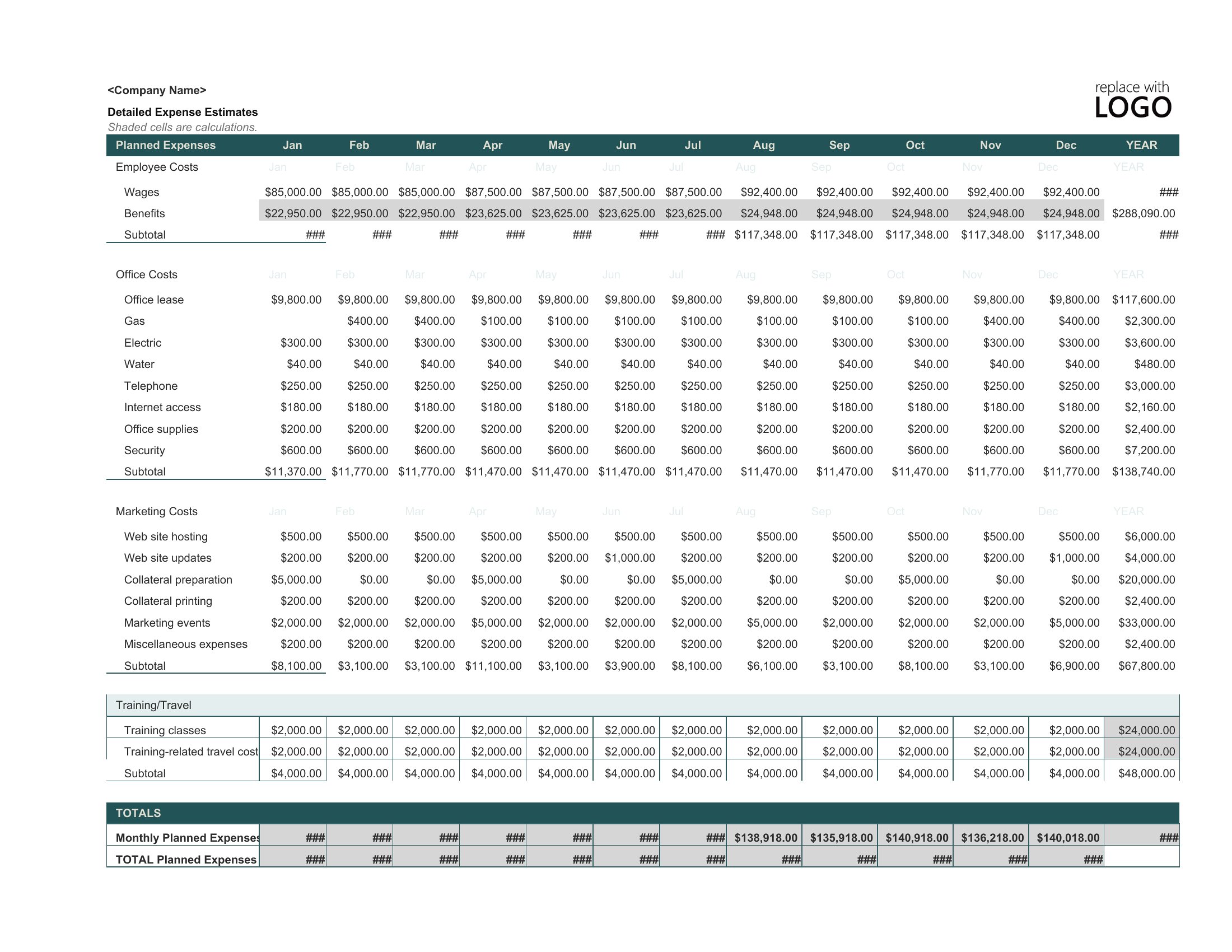
In Excel, use the monthly breakdowns to set baseline minimums for lean months and maximums for peak periods, then apply conditional formatting to cells with variable income. For Word, duplicate a section for each revenue stream (e.g., “Holiday Sales” and “Off-Season Retainers”) and insert a summary page to compare totals. Both formats let you customize categories, but Excel’s formulas will simplify recalculating totals when your income fluctuates.
How should I handle one-time expenses, like equipment purchases or legal fees, in these budget templates?
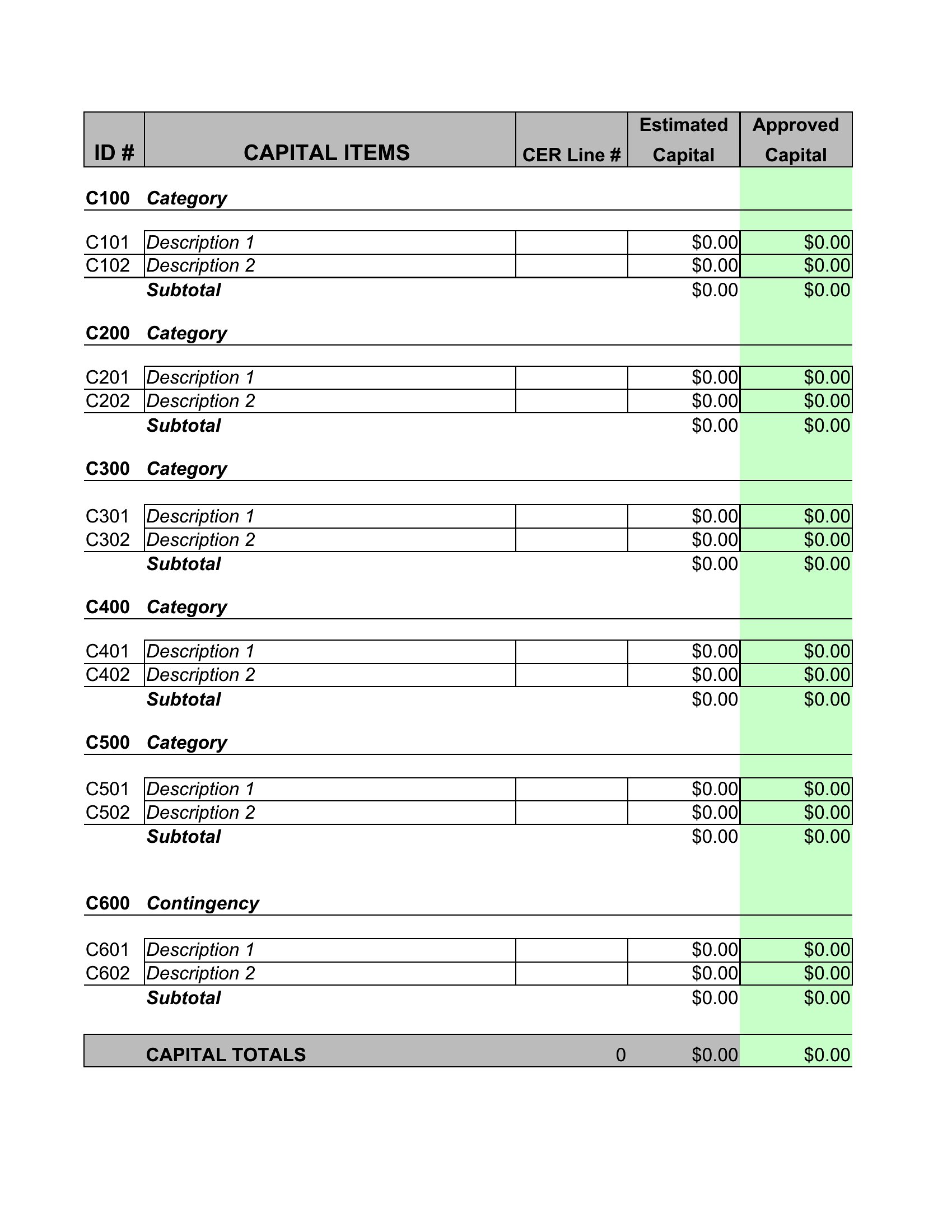
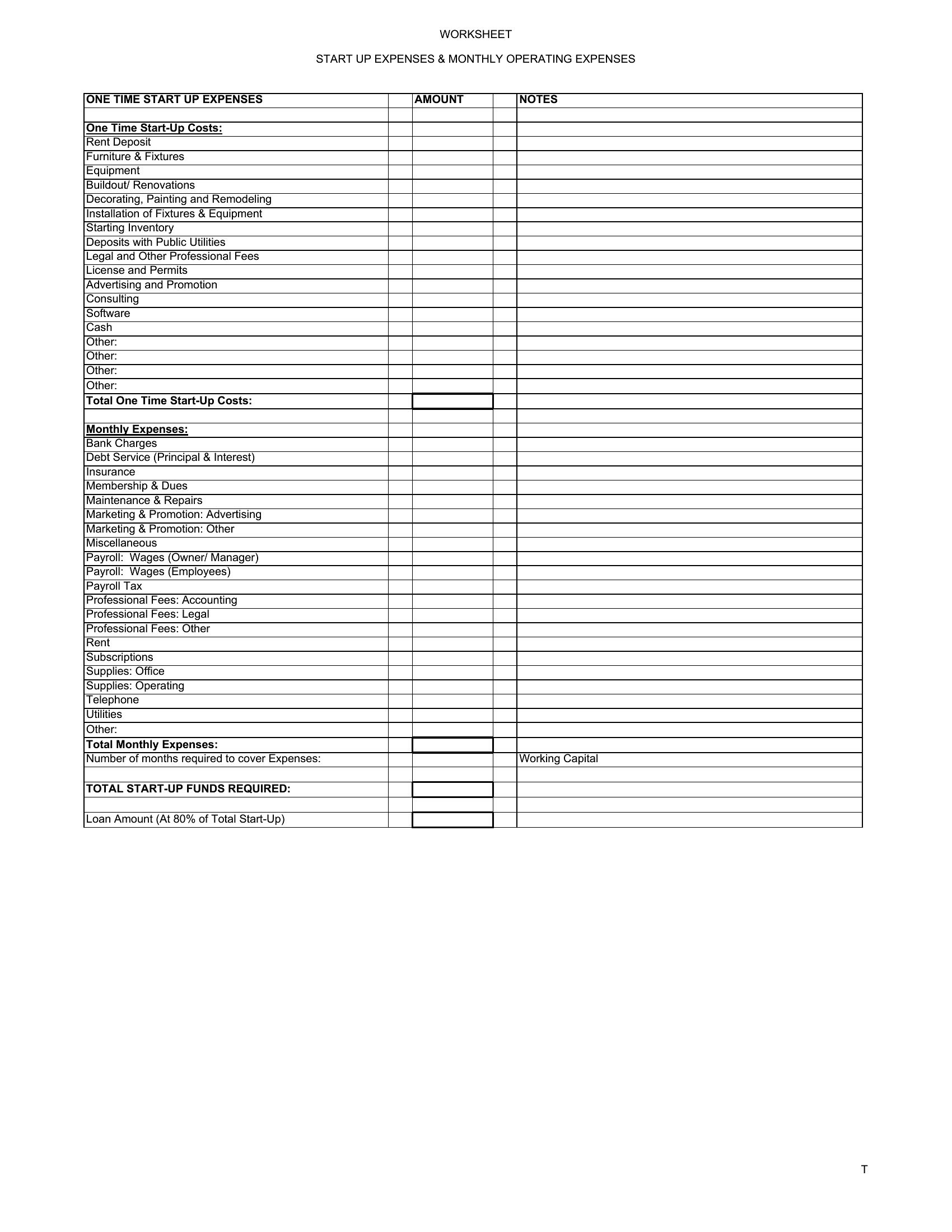
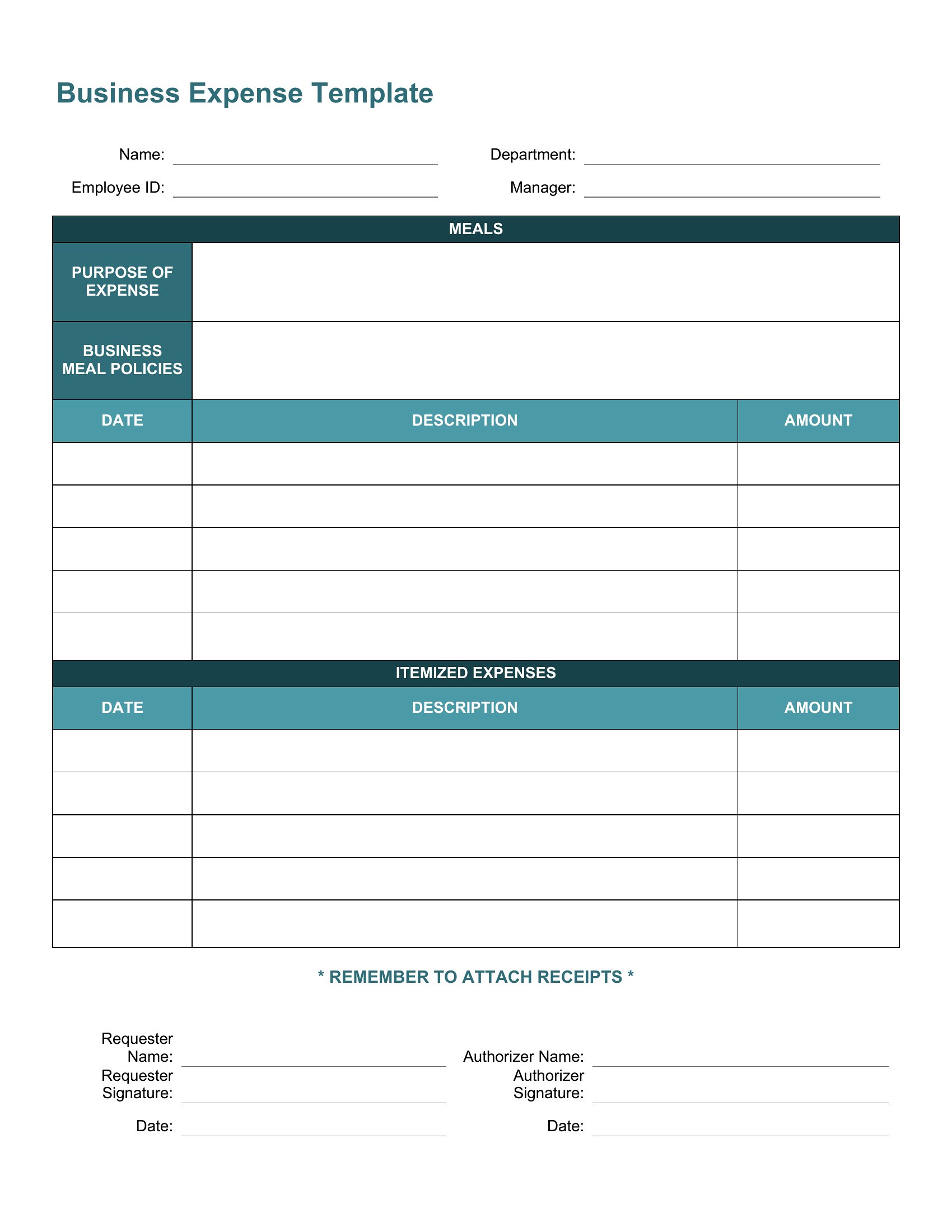
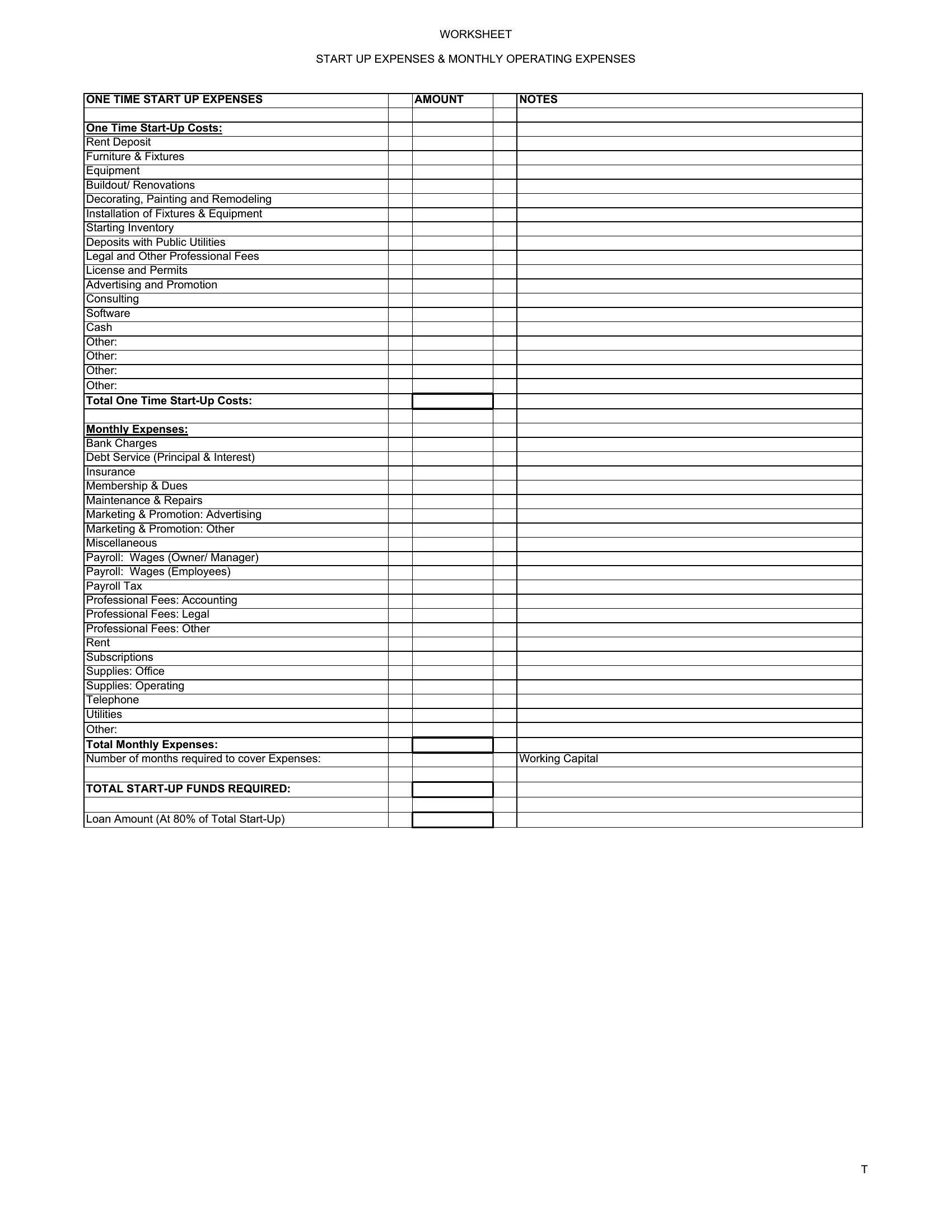
Add a separate category labeled “Capital Expenditures” or “Non-Recurring Costs” in the expense section of your template, then allocate funds from your projected profit or a designated reserve. In Excel, you can use a dropdown menu to classify these items so they don’t skew your monthly averages. In Word, simply list them under a dedicated heading and note the month they’re expected to occur—this keeps them visible but separate from recurring operational costs.
Comments
Join the conversation
Sign in to share your thoughts and leave a comment on this resource.