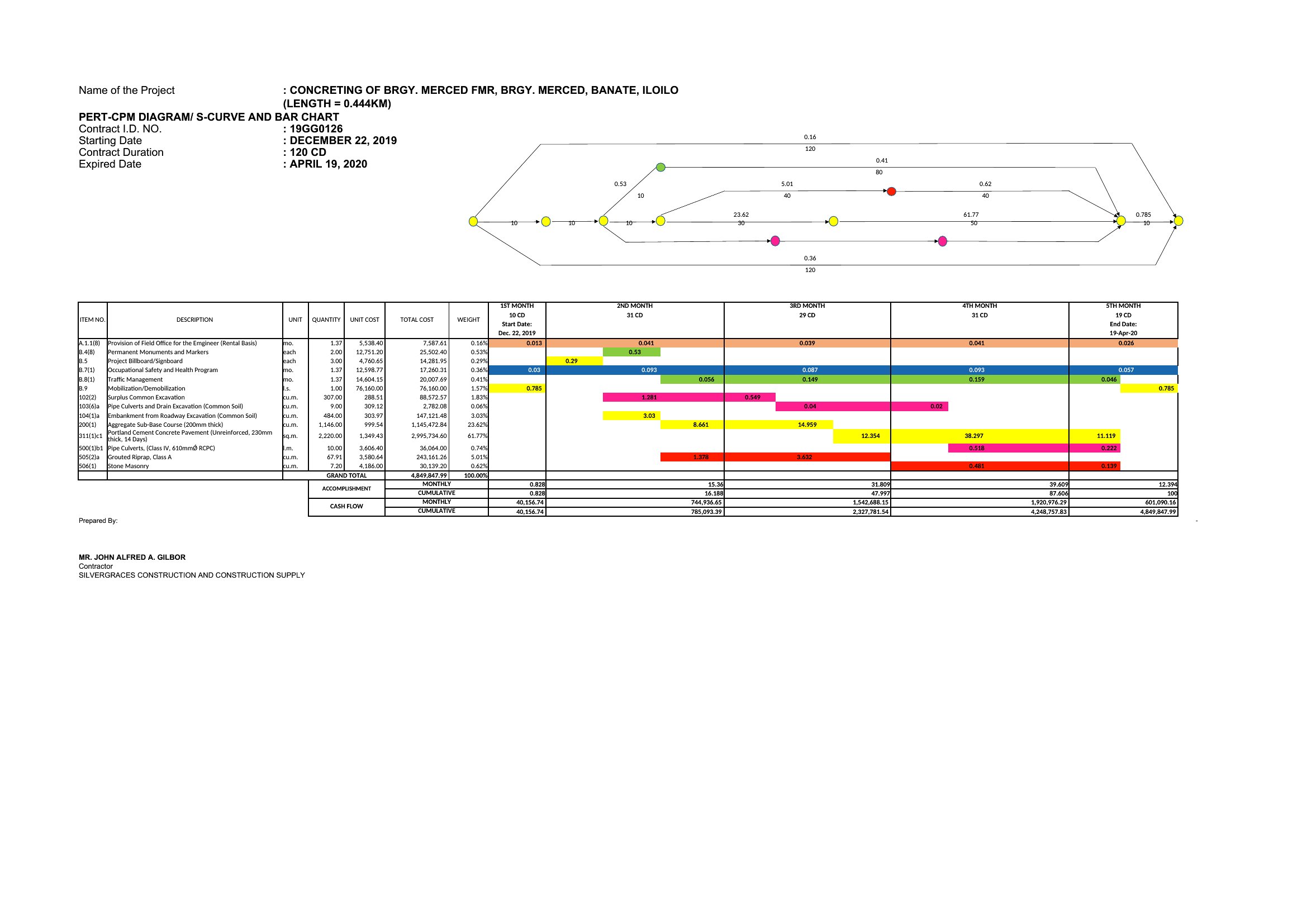
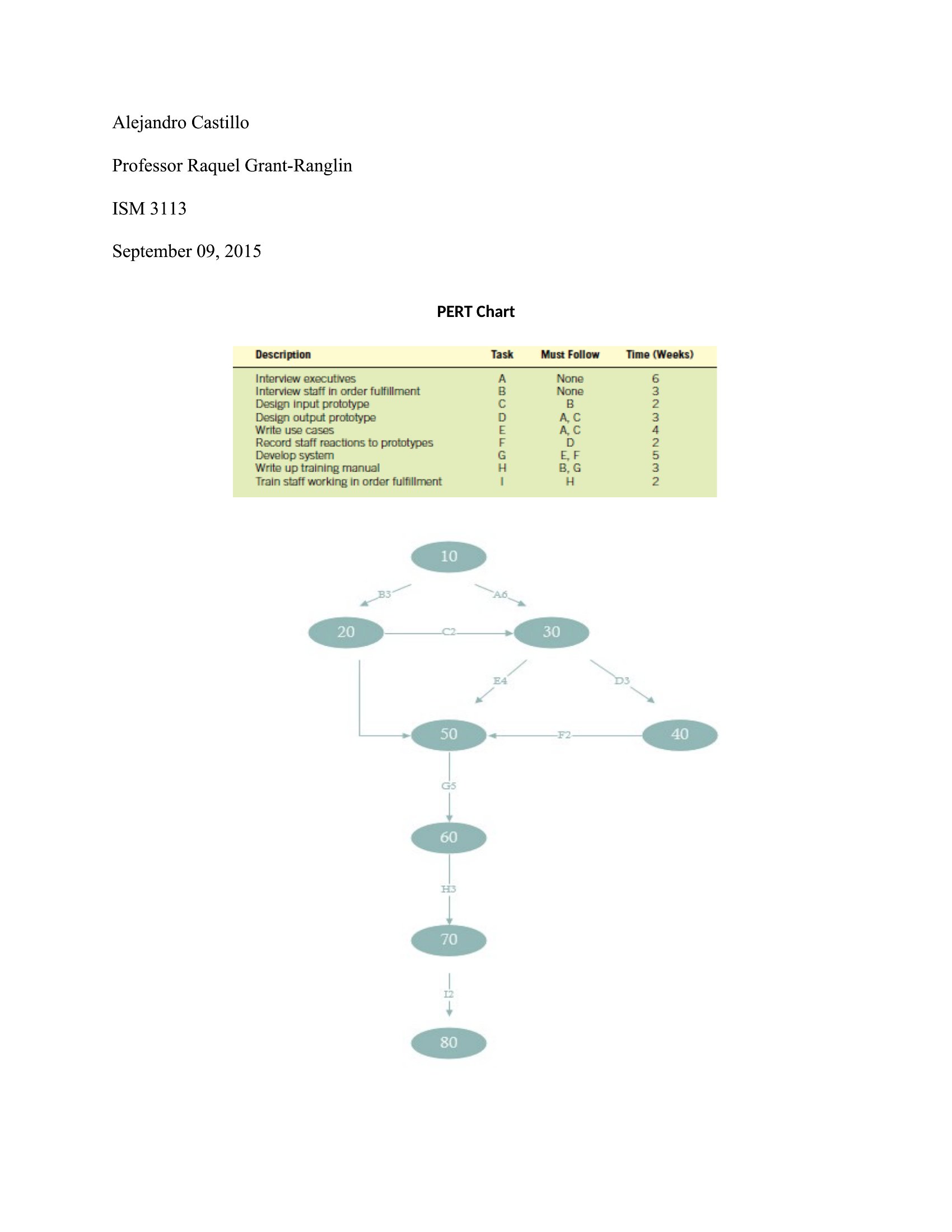
Free PERT Chart Templates (Word, Excel, PDF)
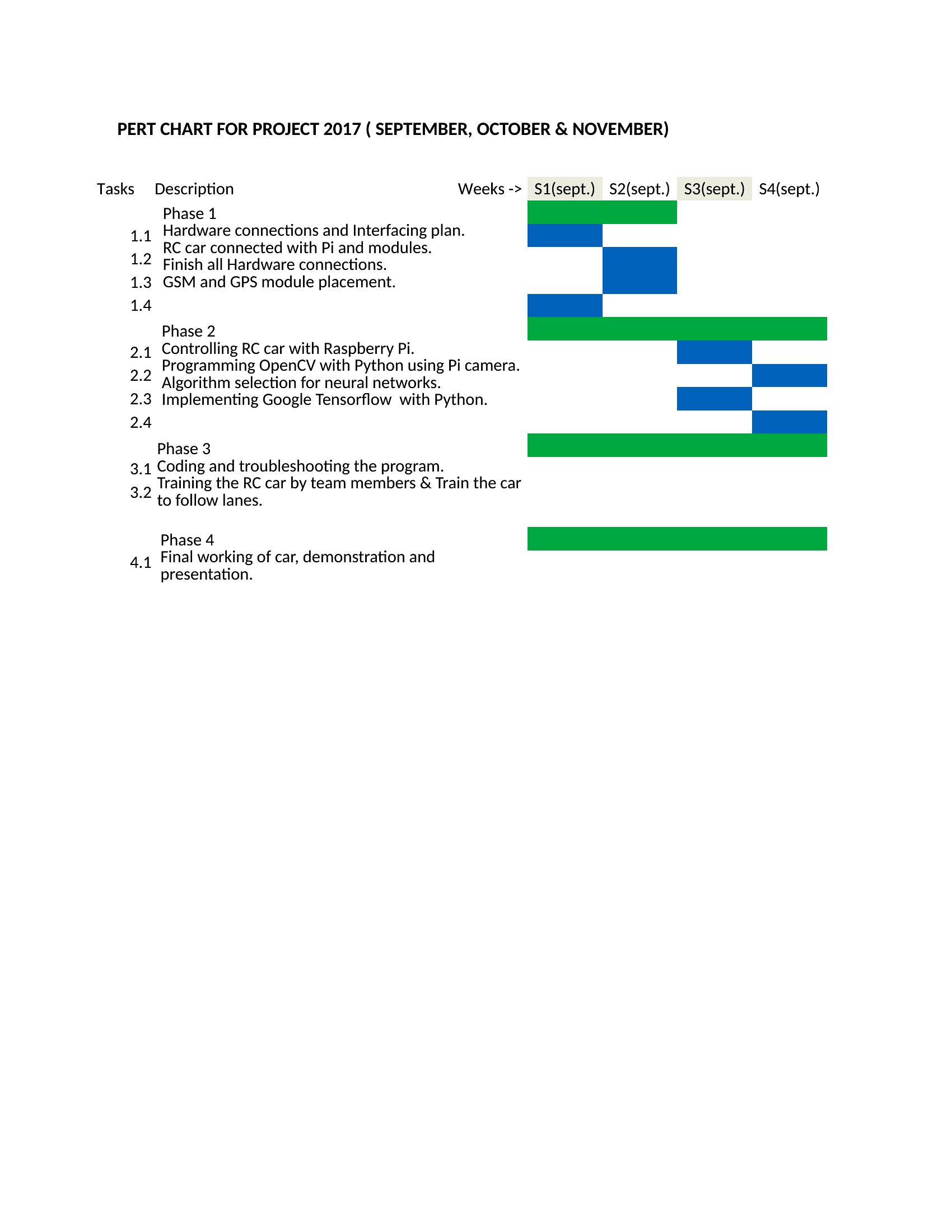
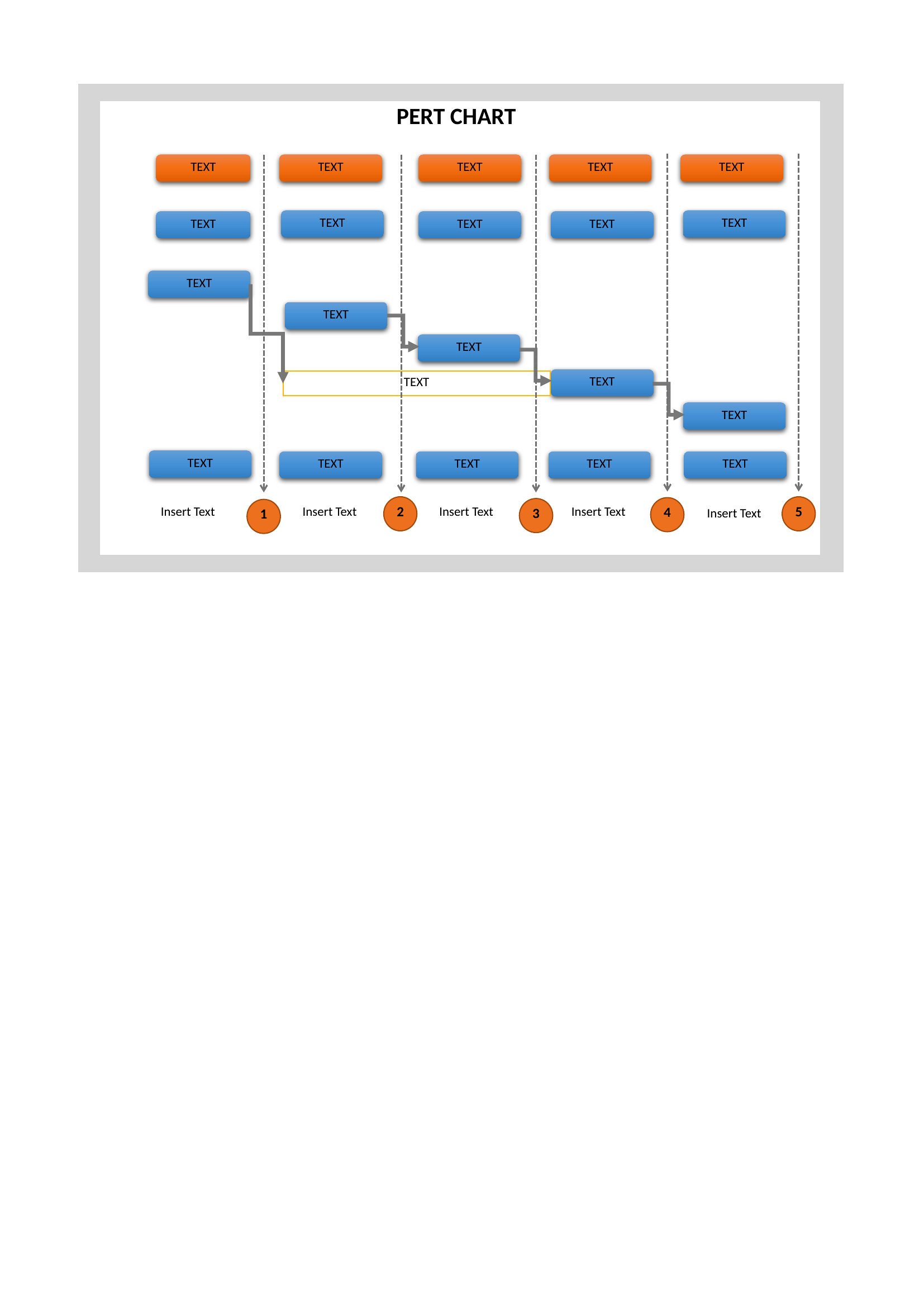
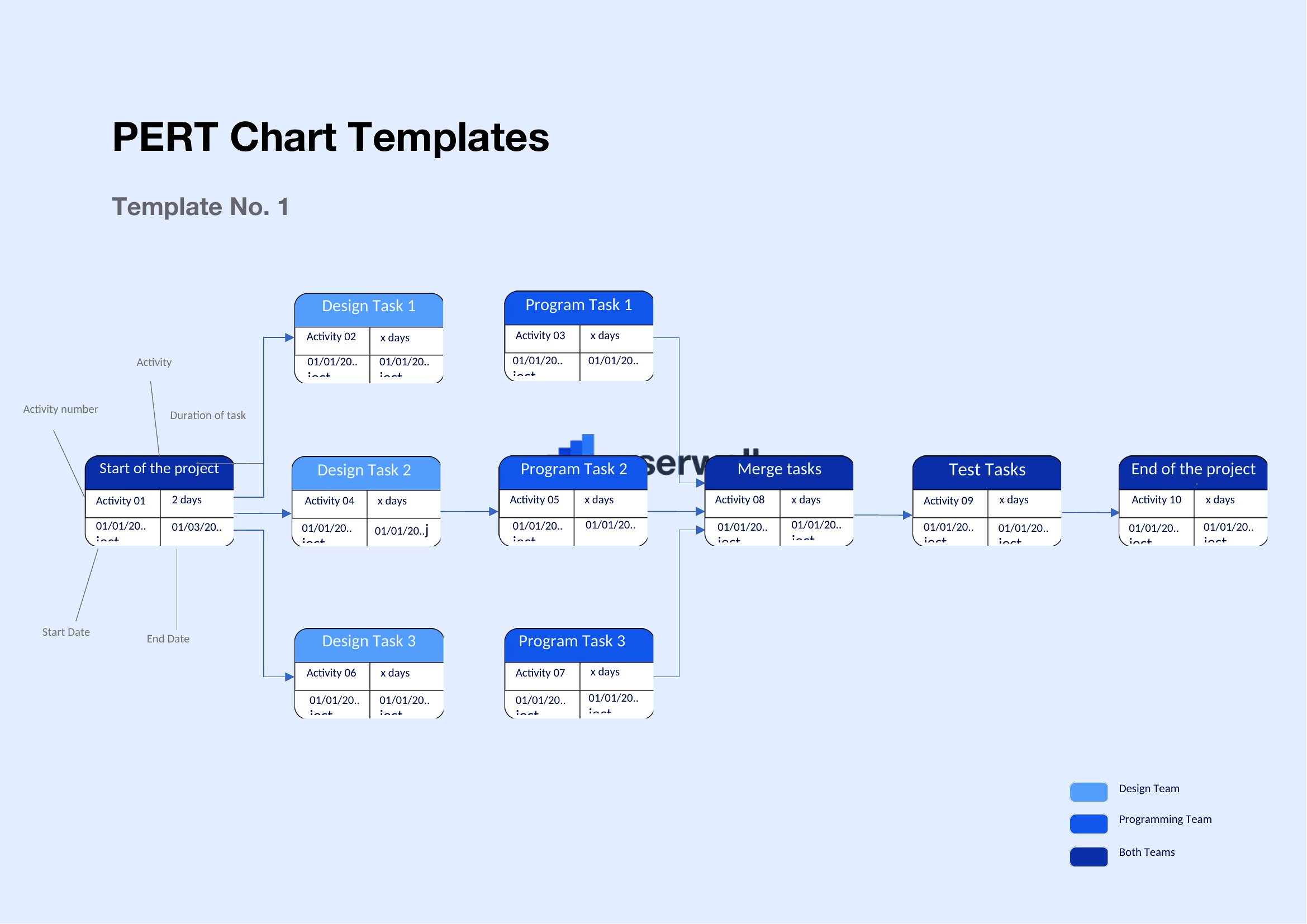
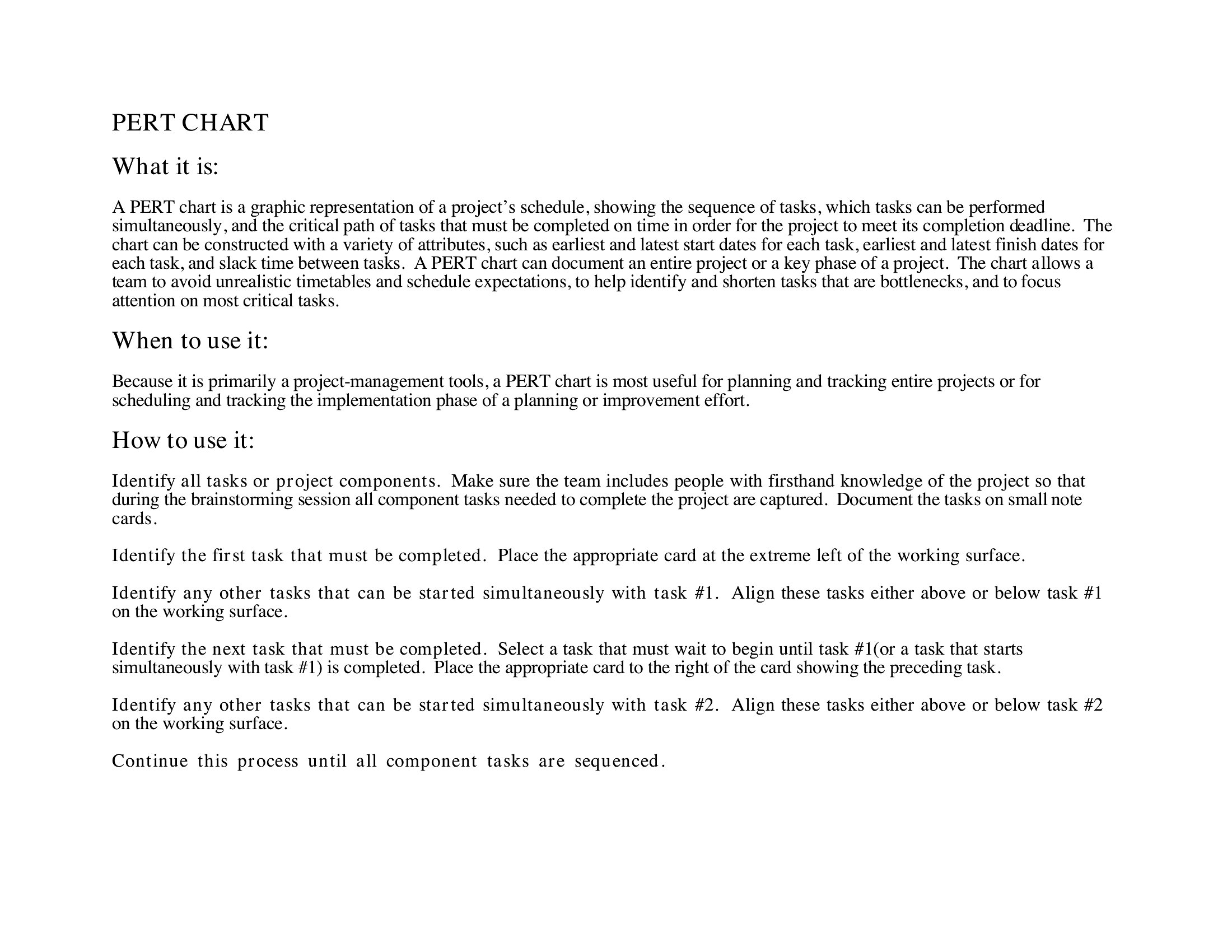
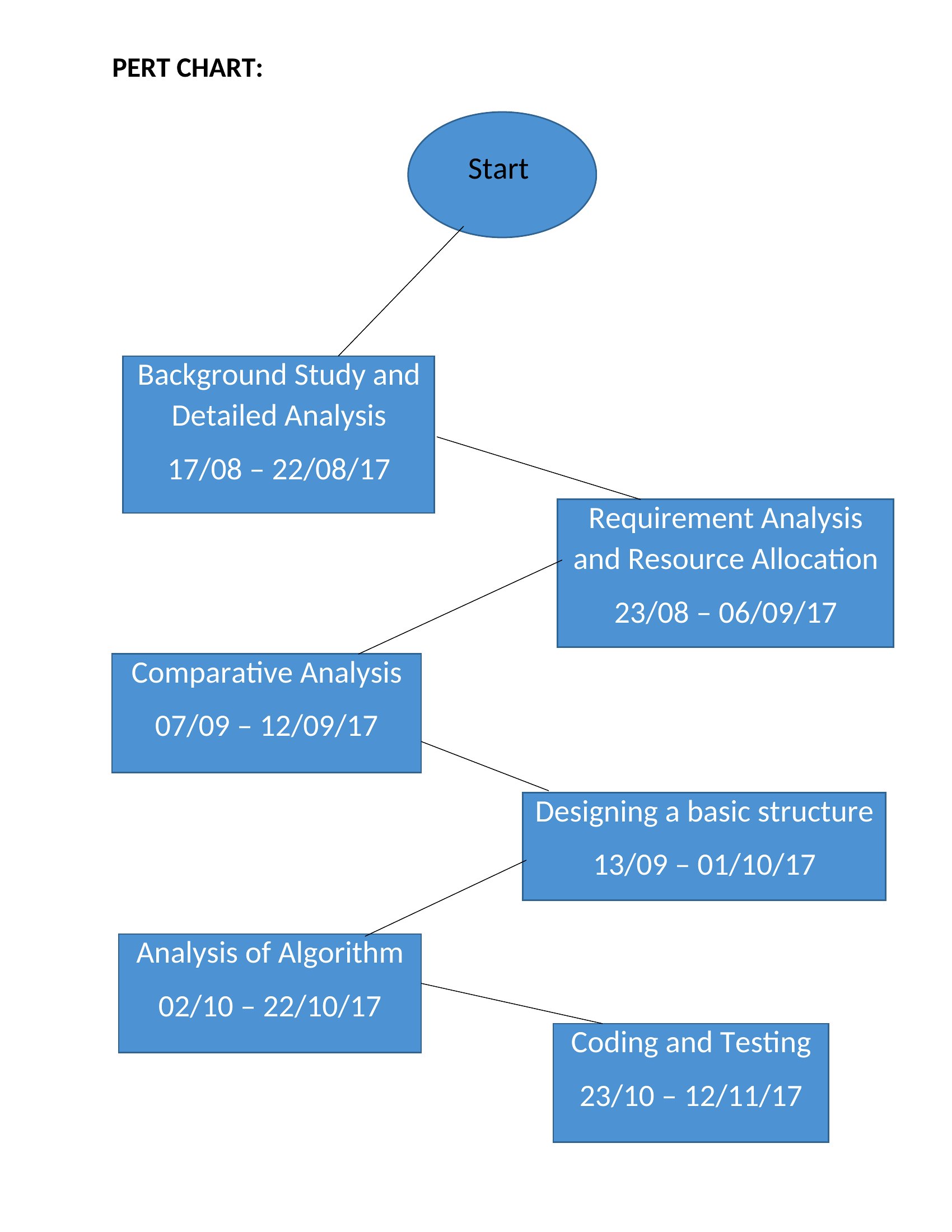
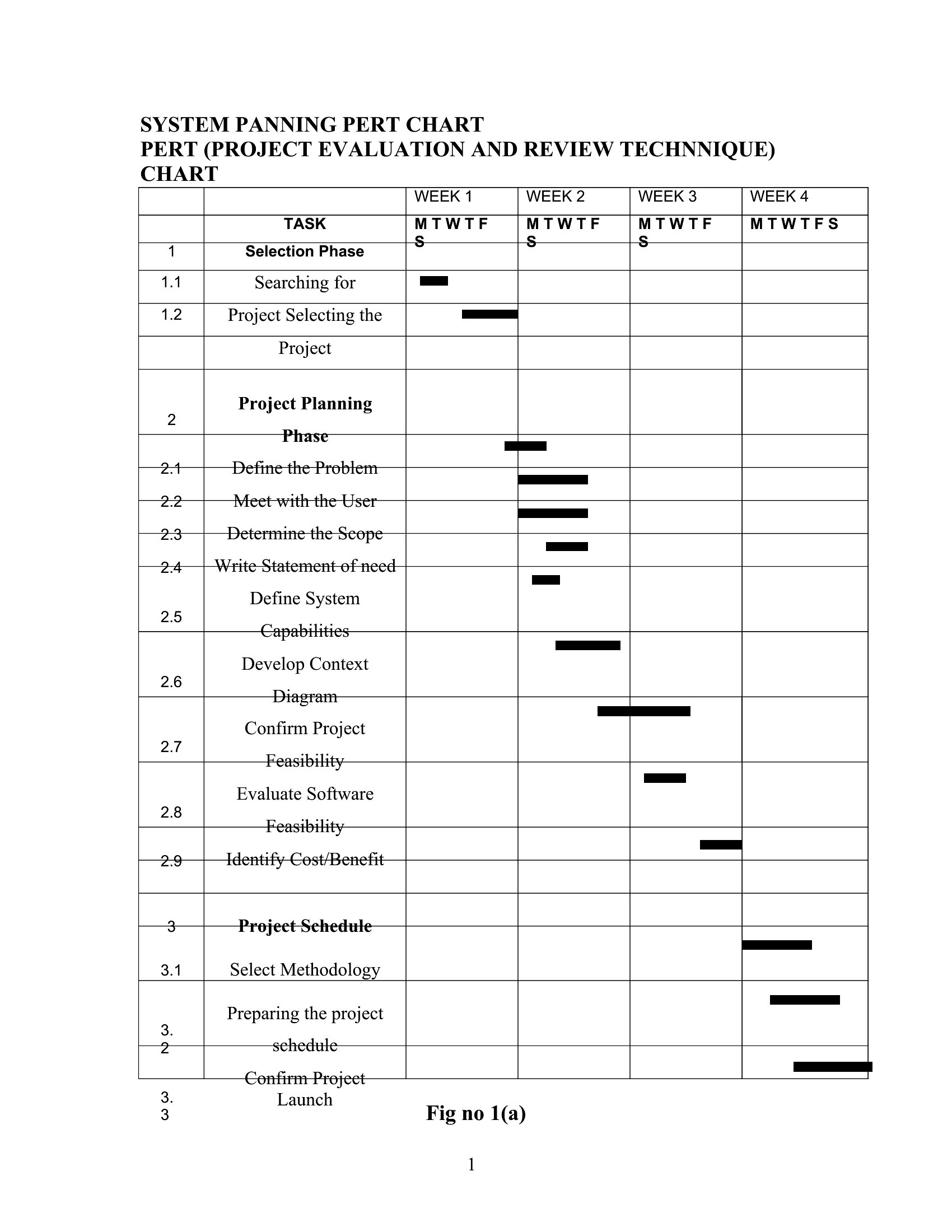
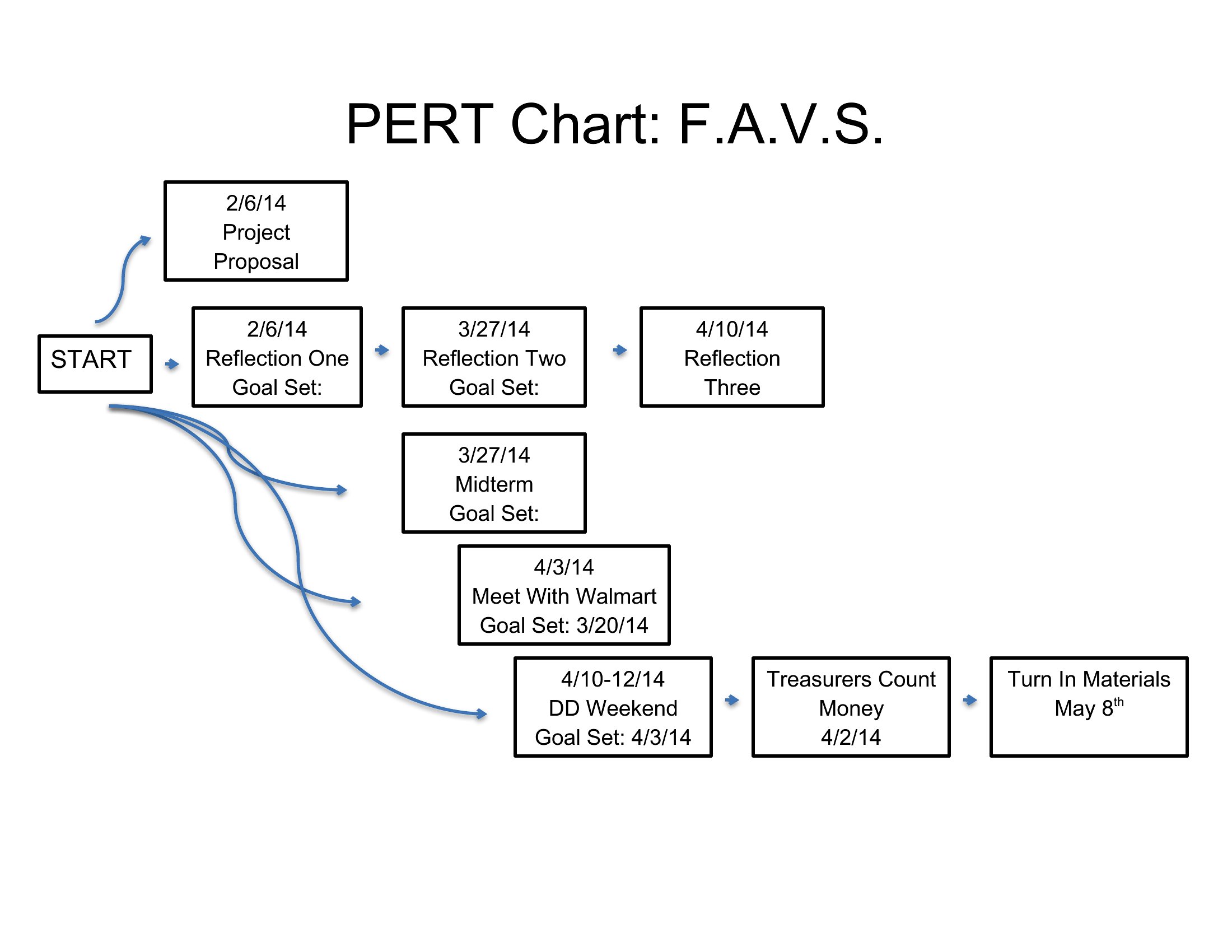
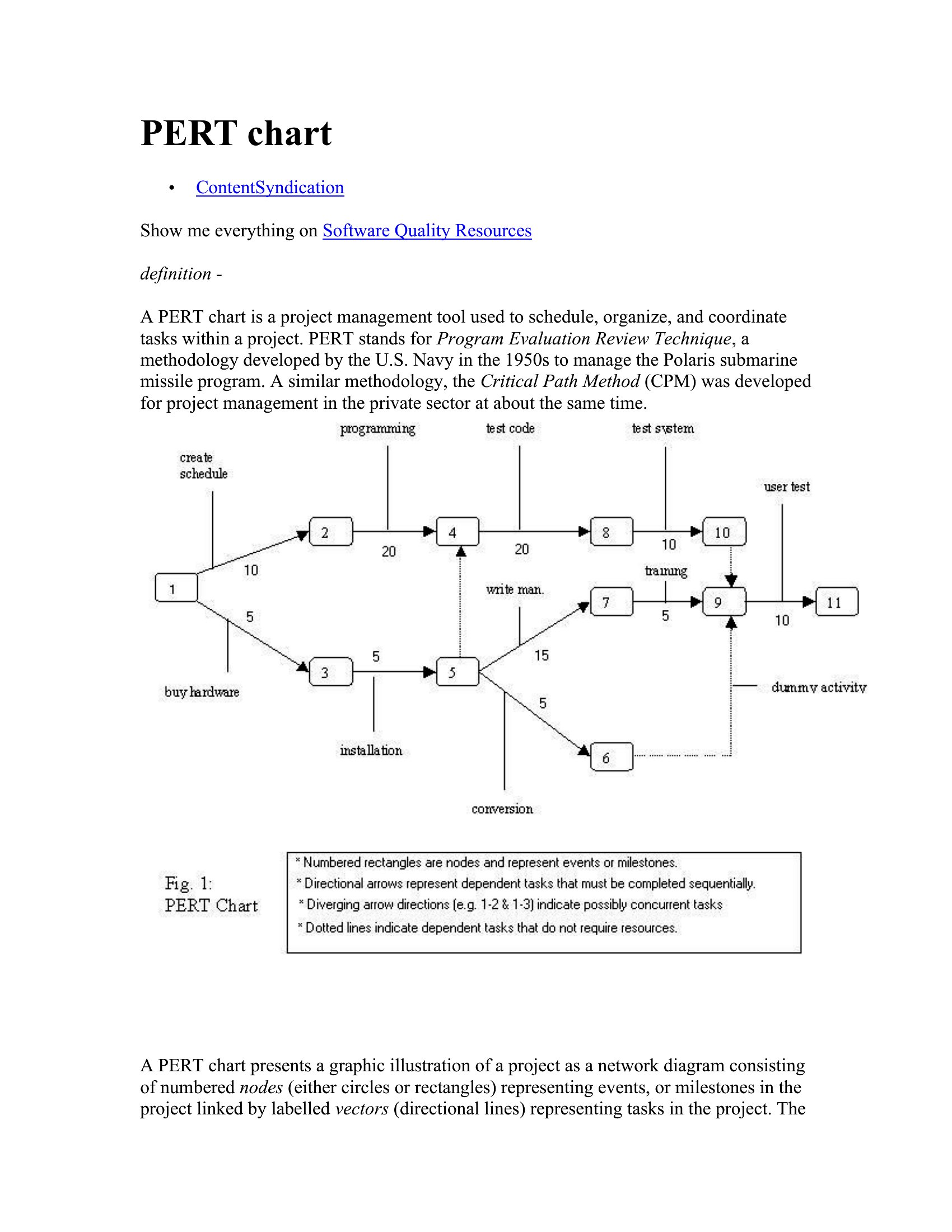
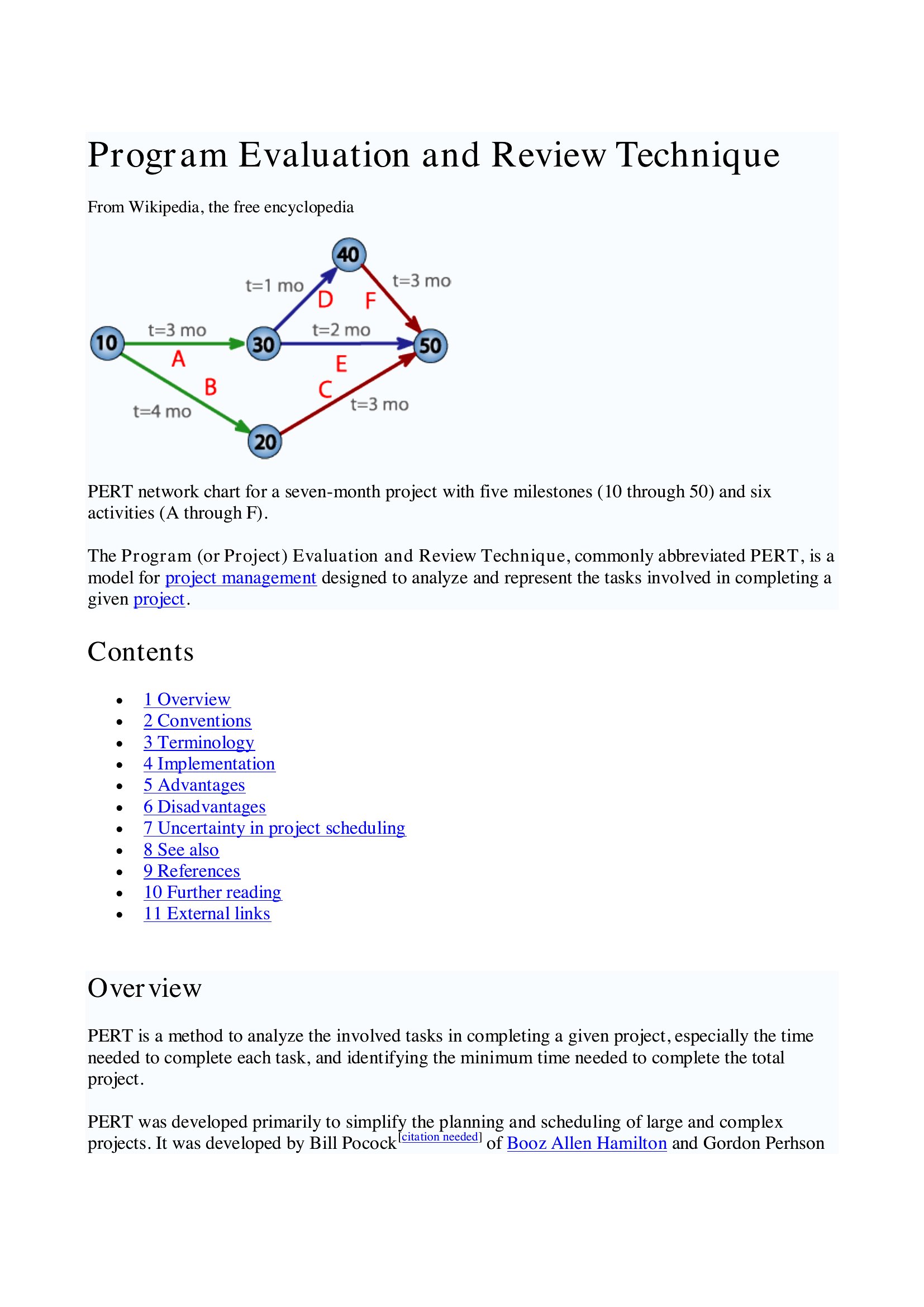
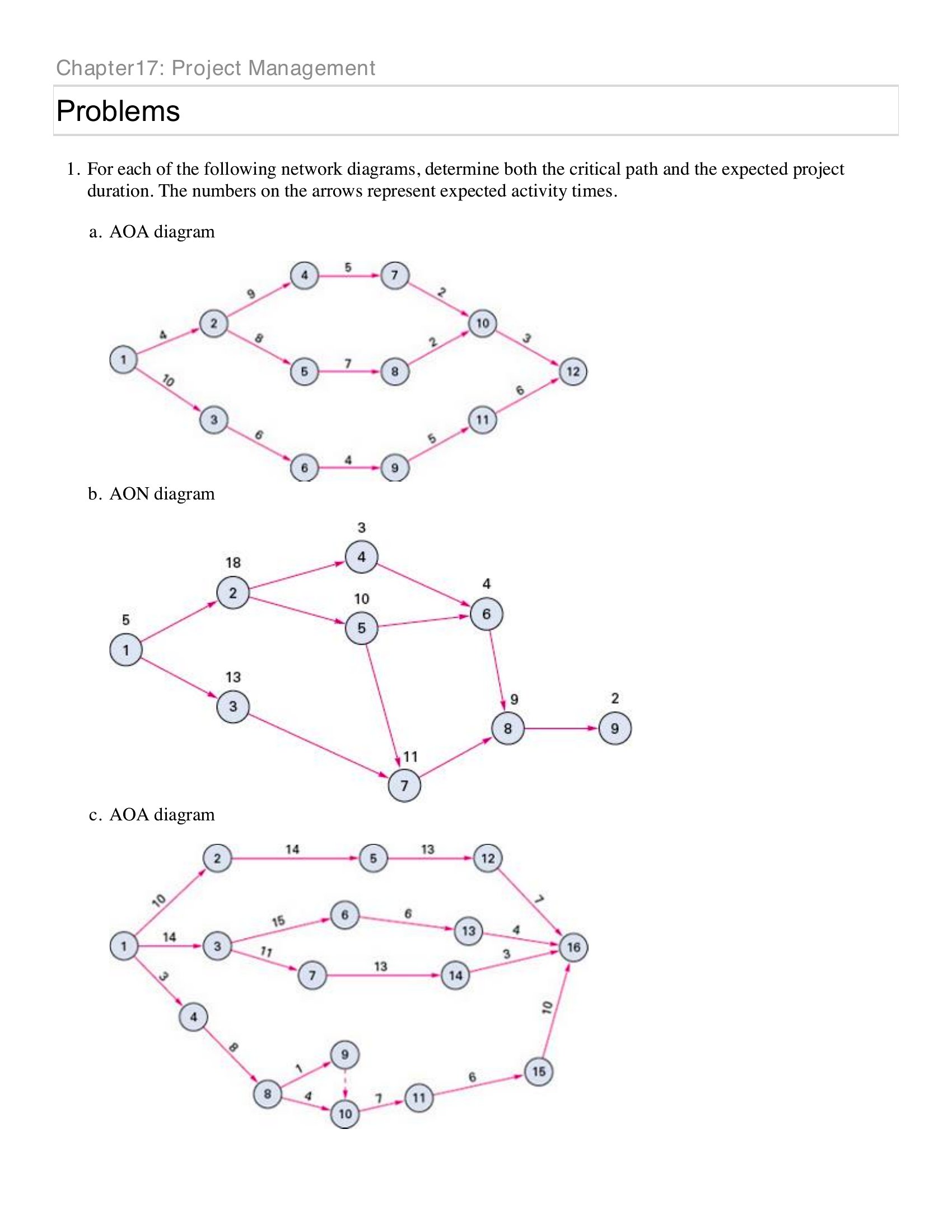
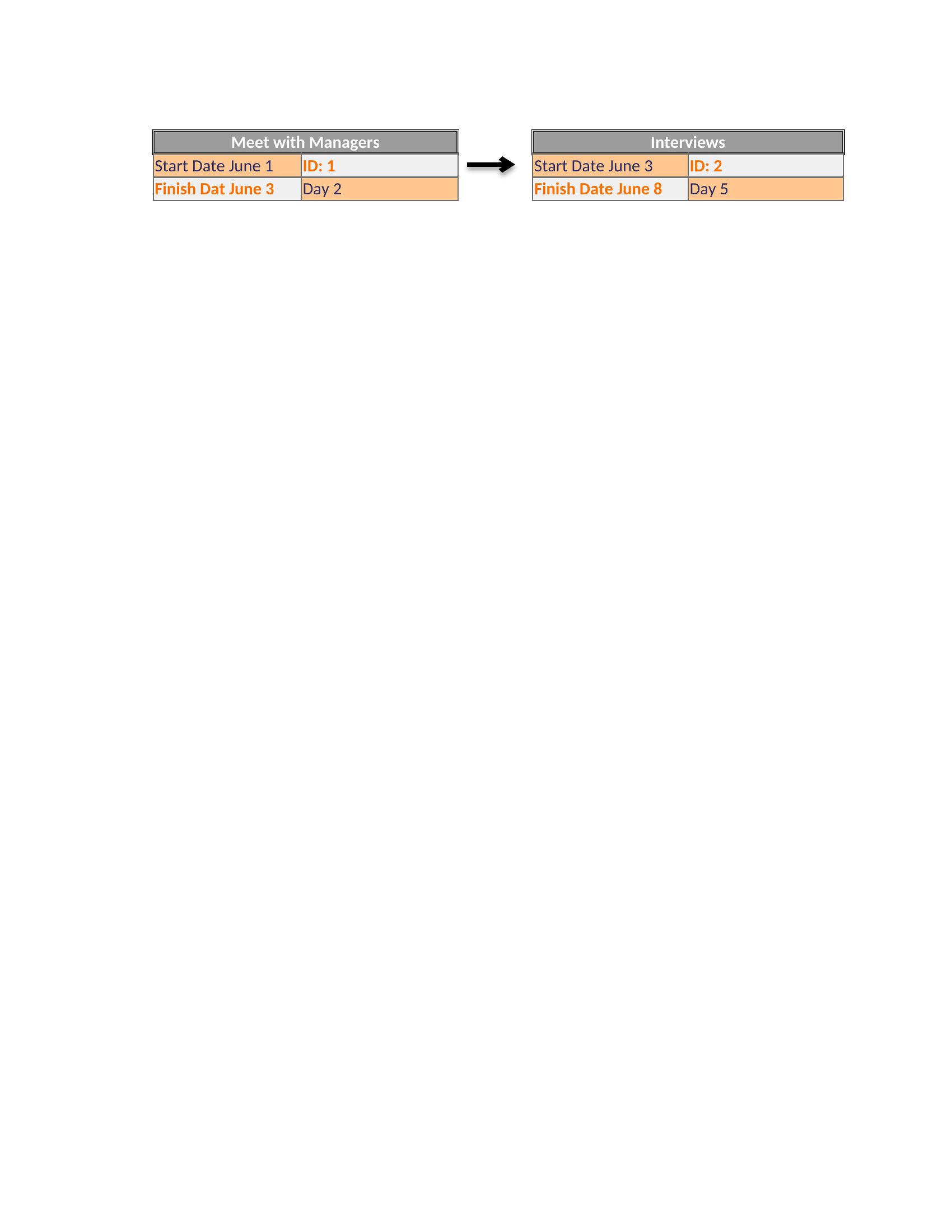
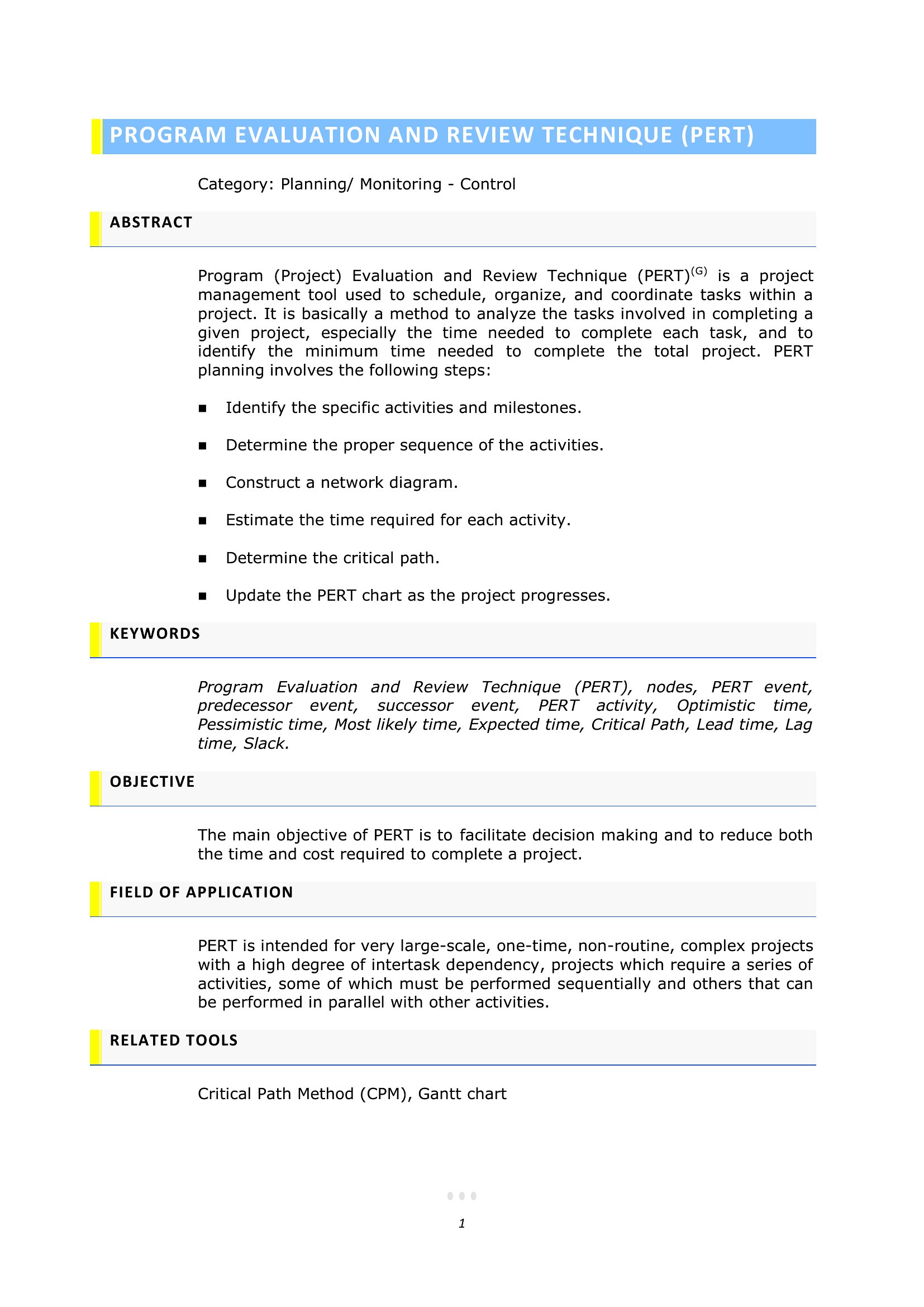
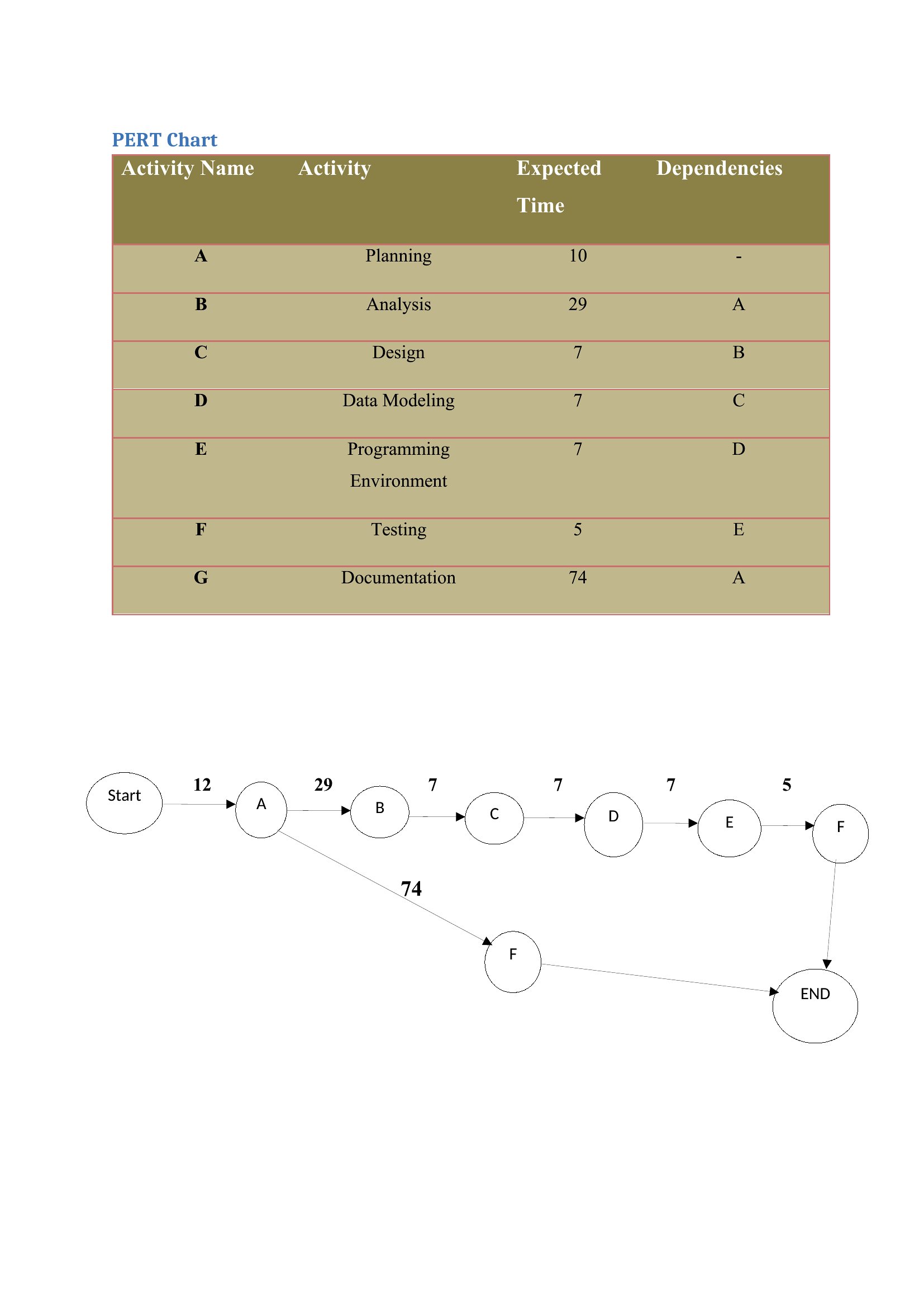
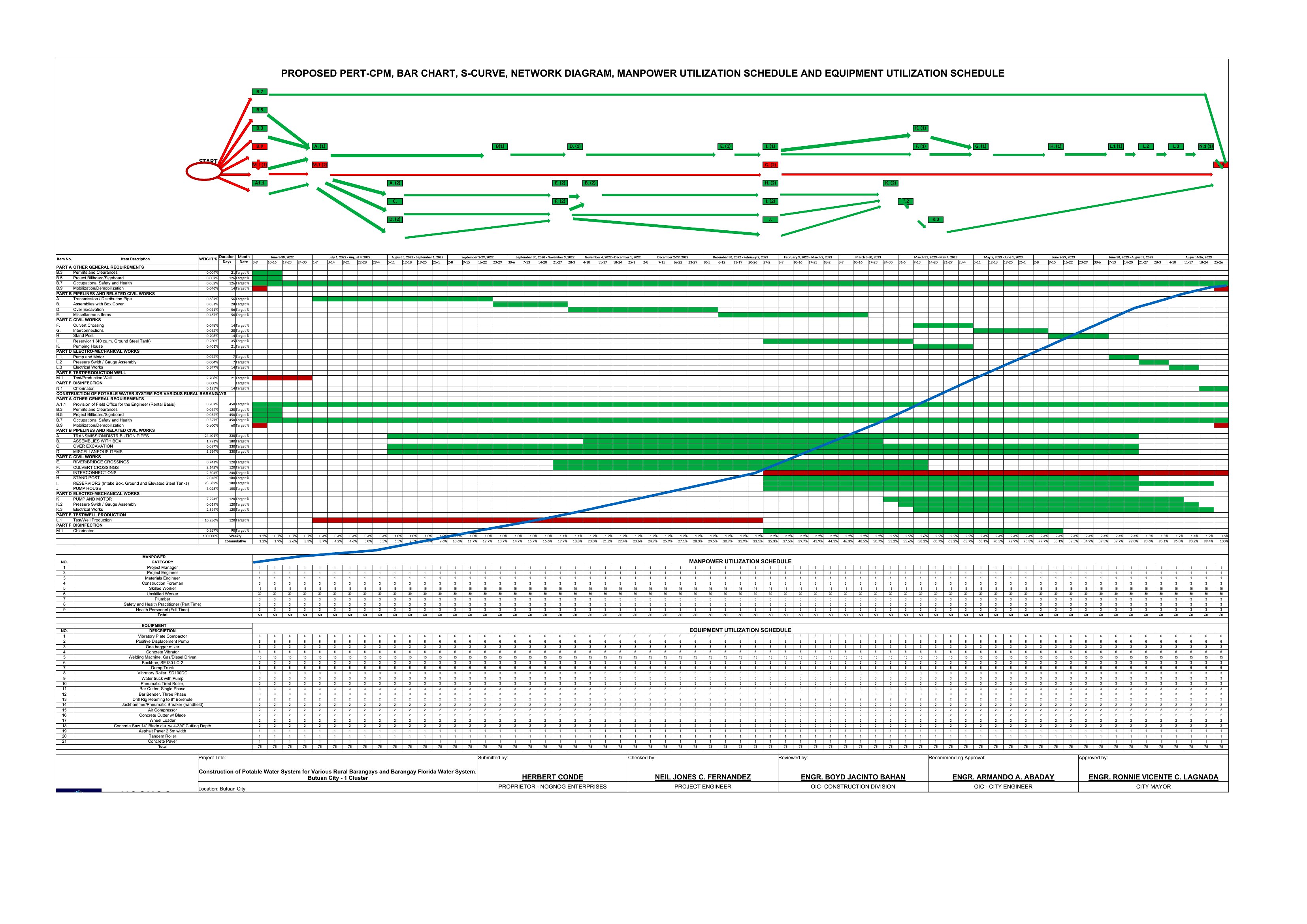
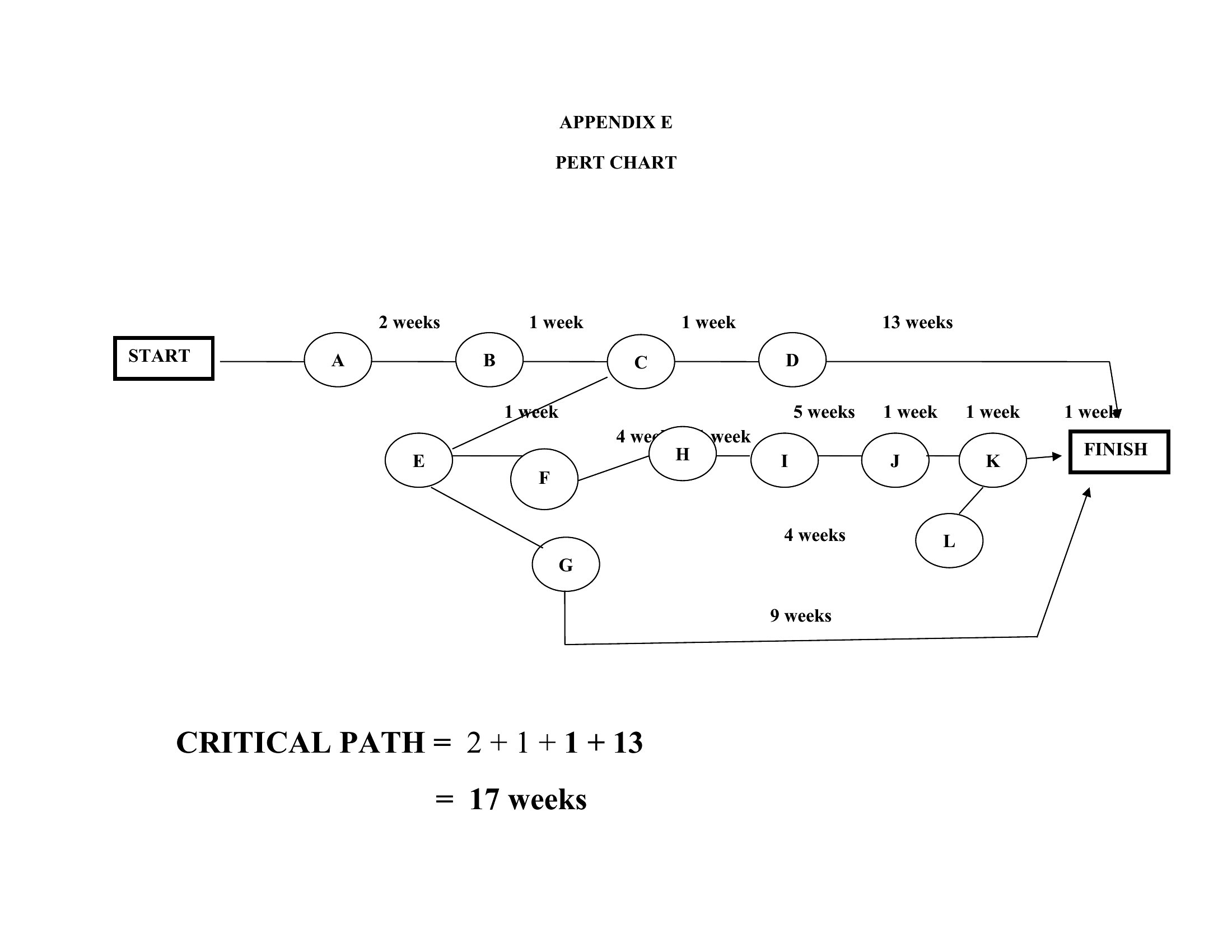
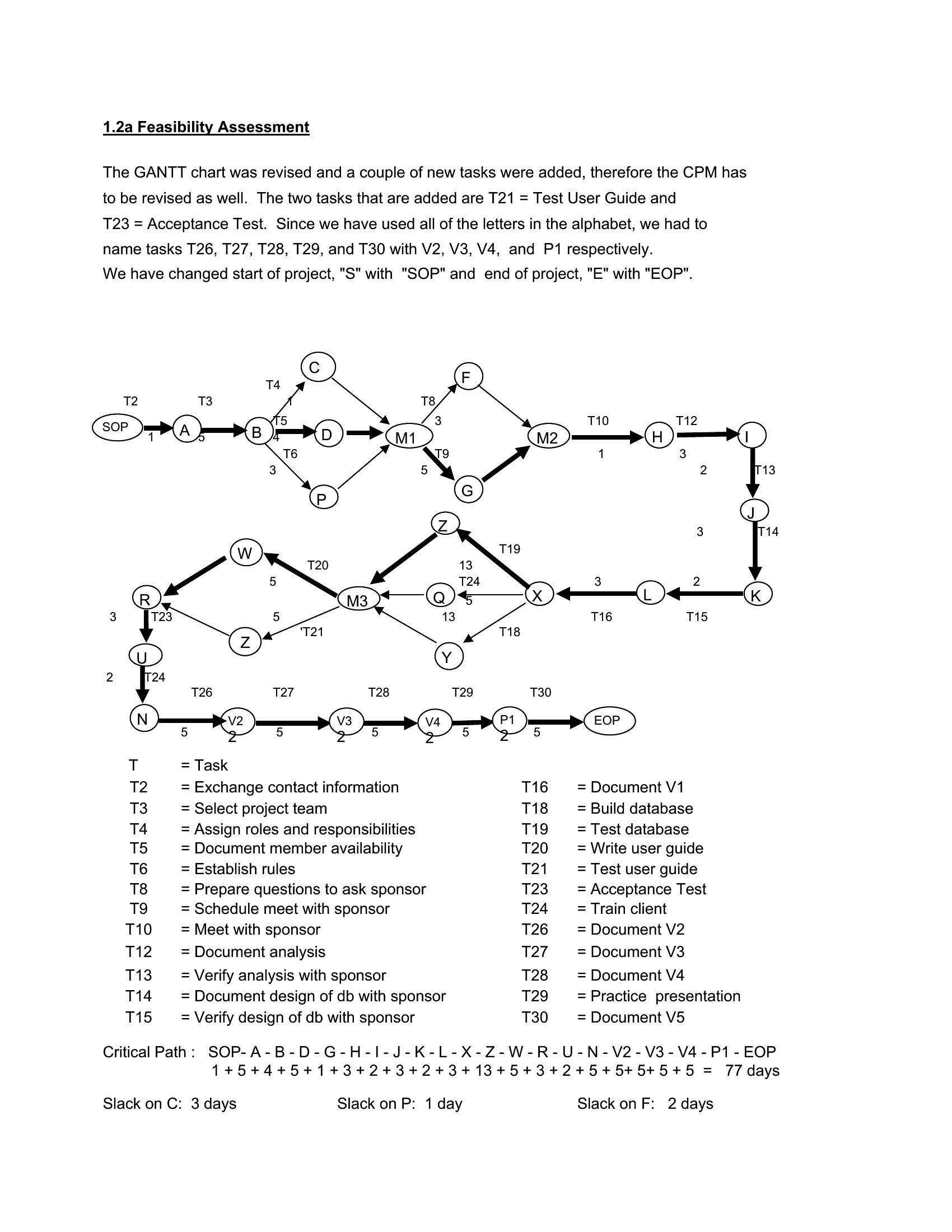
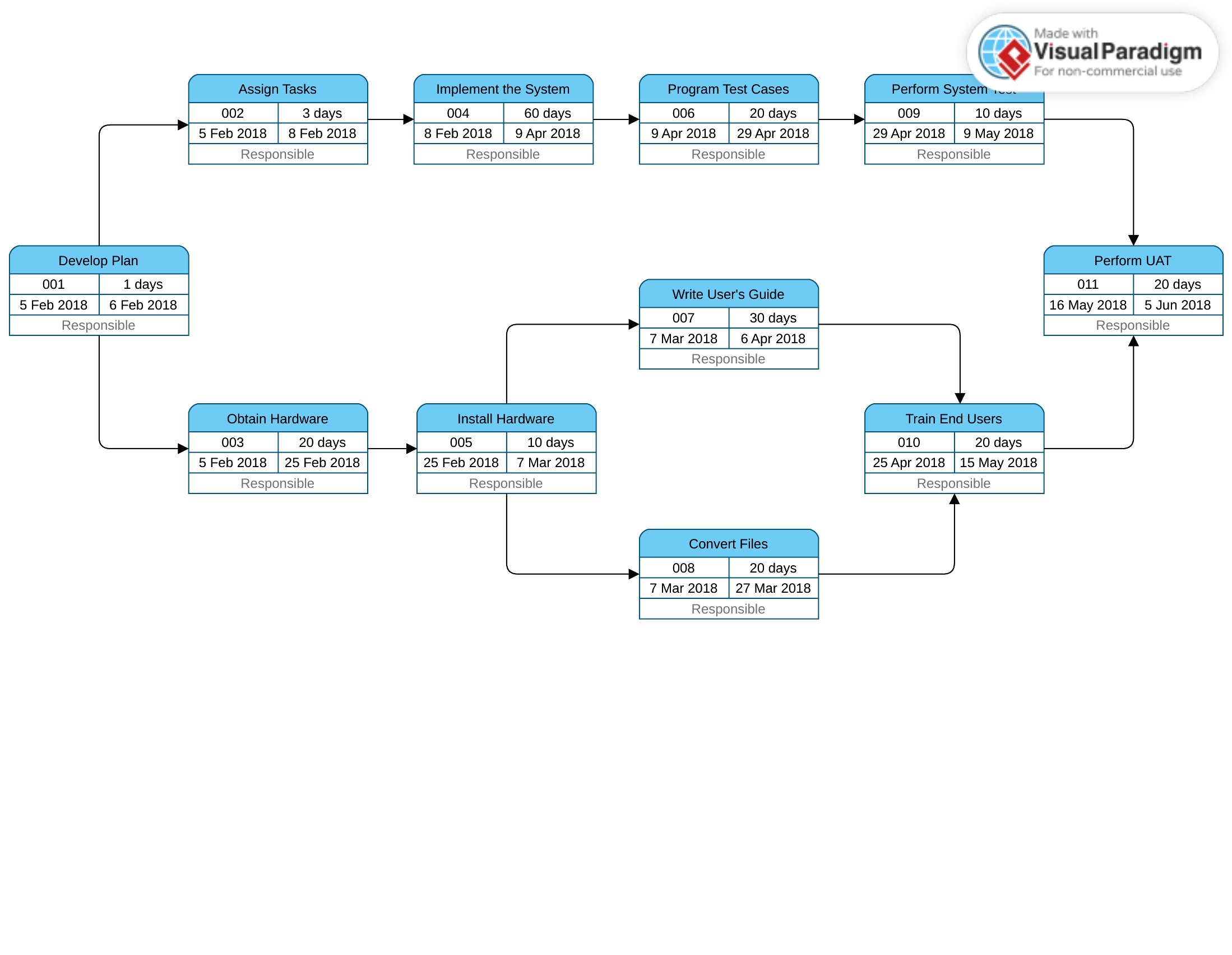
DiagramsA PERT chart maps the tasks in a project and how they depend on one another, making it easier to spot the critical path and plan around it. This set of 26 templates helps you lay out activities, durations, and sequences without drawing boxes by hand. Project managers, engineers, and students use them to schedule work and estimate timelines.
You'll find editable Word and Excel versions plus print-ready PDFs, so you can add tasks, link dependencies, and adjust estimates as the plan firms up. Fill in your activities, connect the nodes, and read off the longest path to completion. Pick the format that fits your project and start charting the workflow.
When to use this PERT Chart template
- Project managers at construction firms use PERT charts to visualize complex build phases, dependencies between subcontractors, and weather-related delays to adjust timelines proactively.
- Engineering teams planning software development sprints apply these charts to map testing phases, code integration tasks, and stakeholder review cycles for precise milestone tracking.
- College students in operations management courses create PERT charts to break down group research projects into deliverables, like data collection, analysis, and presentation rehearsals, ensuring accountability.
- Event planners organizing conferences use PERT templates to align vendor contracts, venue bookings, and AV setup tasks, highlighting which steps must start early to avoid last-minute bottlenecks.
Which format should I download?
Choose Word if you need to embed the PERT chart into a detailed project proposal or report, where text explanations alongside tasks will clarify dependencies. Opt for Excel when you require dynamic calculations—adjusting task durations automatically updates the critical path and timeline. Select PDF for sharing a finalized, uneditable version with clients or team members who lack editing software. The Excel format is ideal here because it combines visual mapping with numerical flexibility, making it the most versatile for iterative planning.
Choose from 26 PERT Chart Templates
How to use this PERT Chart template
Can I use a PERT chart template to track tasks with uncertain durations?
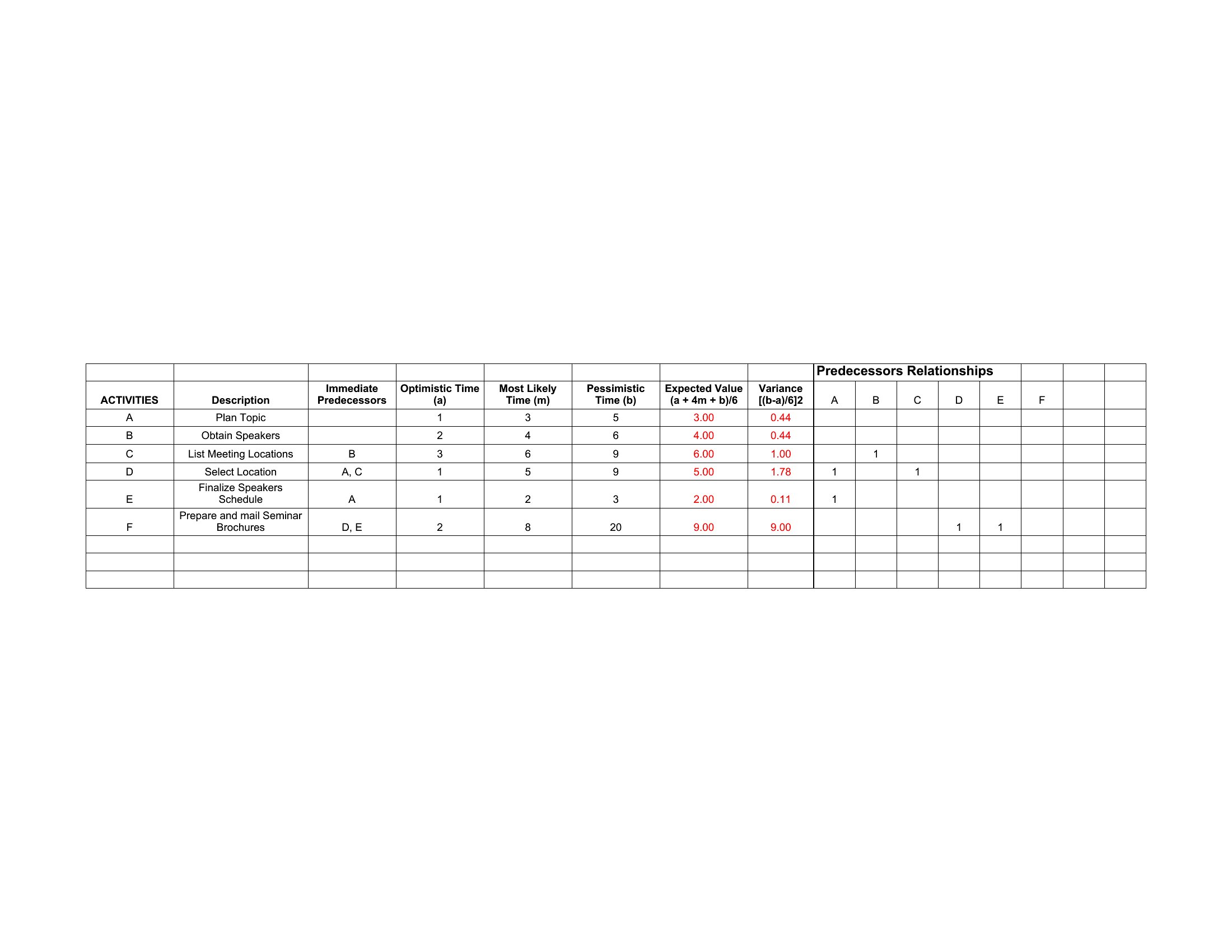
Yes, PERT charts are designed for projects with variable task durations. Use the three-time estimates (optimistic, most likely, pessimistic) fields in Excel templates to calculate a weighted average duration, helping you account for uncertainty in scheduling.
How do I update a PERT chart if a task is delayed but not yet completed?
In Excel, adjust the duration field for the delayed task and recalculate the critical path. The chart will automatically shift dependent tasks forward, showing the new timeline. In Word or PDF, manually update the timeline bars and arrows to reflect the delay, then reprint.
Are these templates suitable for tracking both internal and external project dependencies?
Yes, PERT charts can map dependencies involving both internal teams and external vendors. Label tasks with external stakeholders clearly and use the notes section in Excel or Word to document communication timelines or contract milestones tied to those dependencies.
Comments
Join the conversation
Sign in to share your thoughts and leave a comment on this resource.