











FAQ
Can I add a unique seal or watermark to these certificates for my organization?
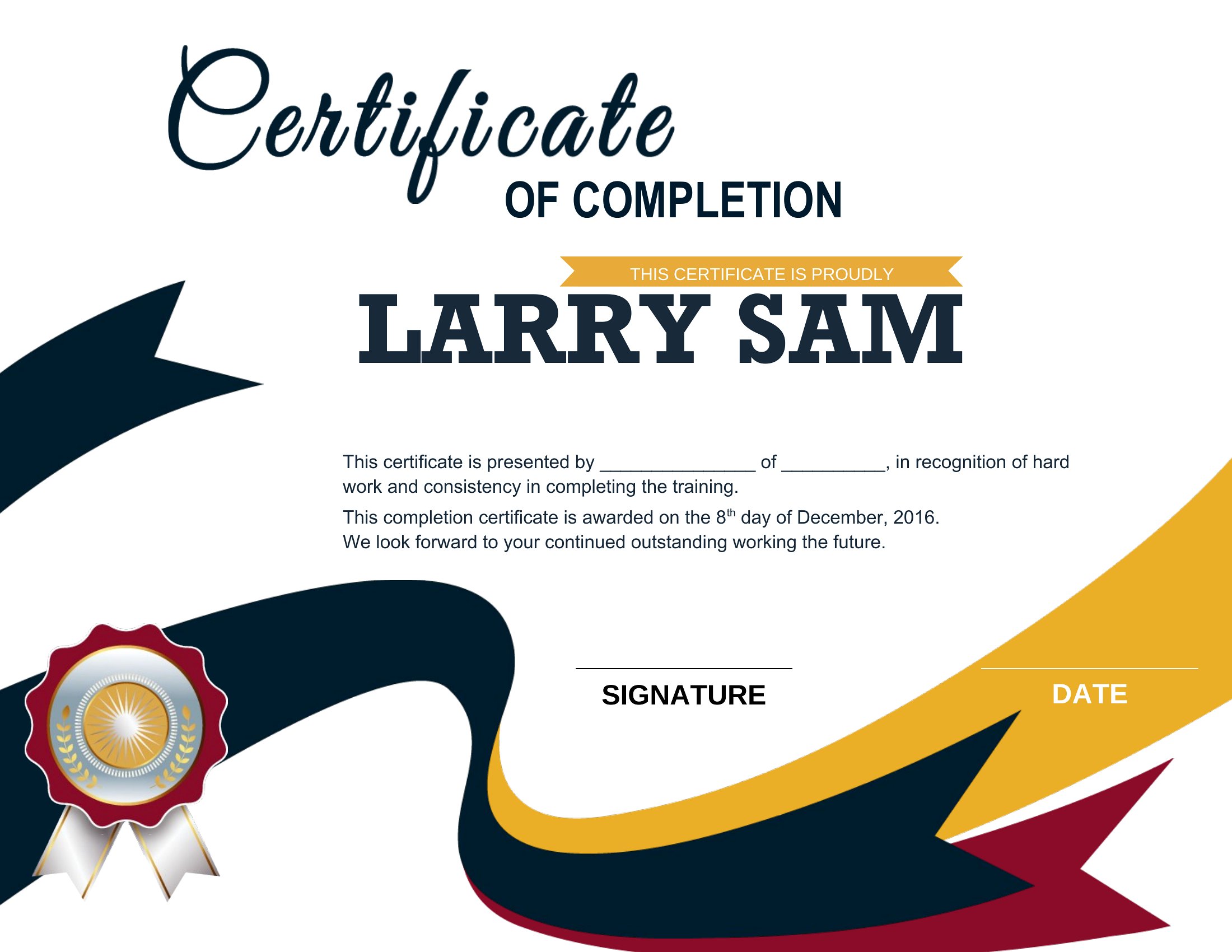
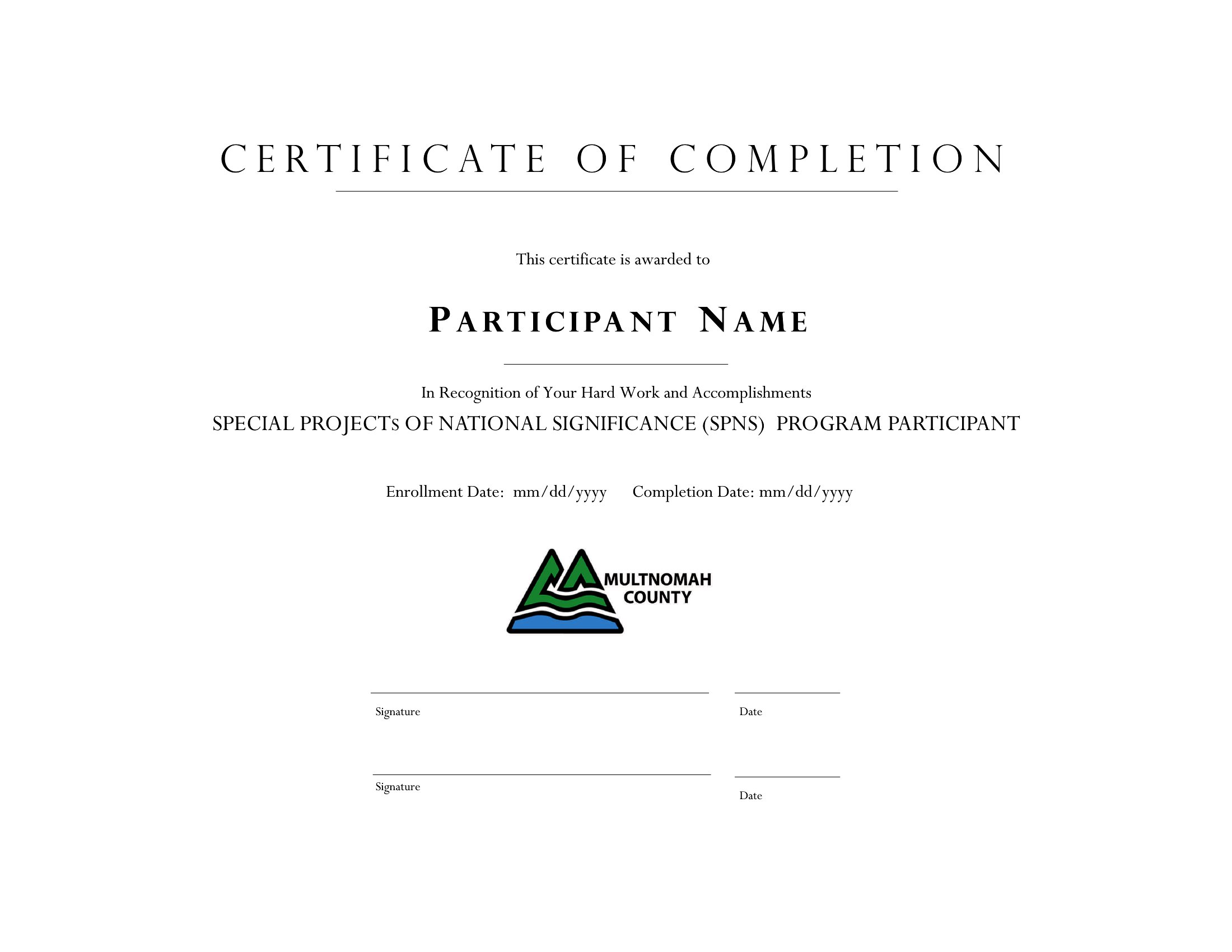
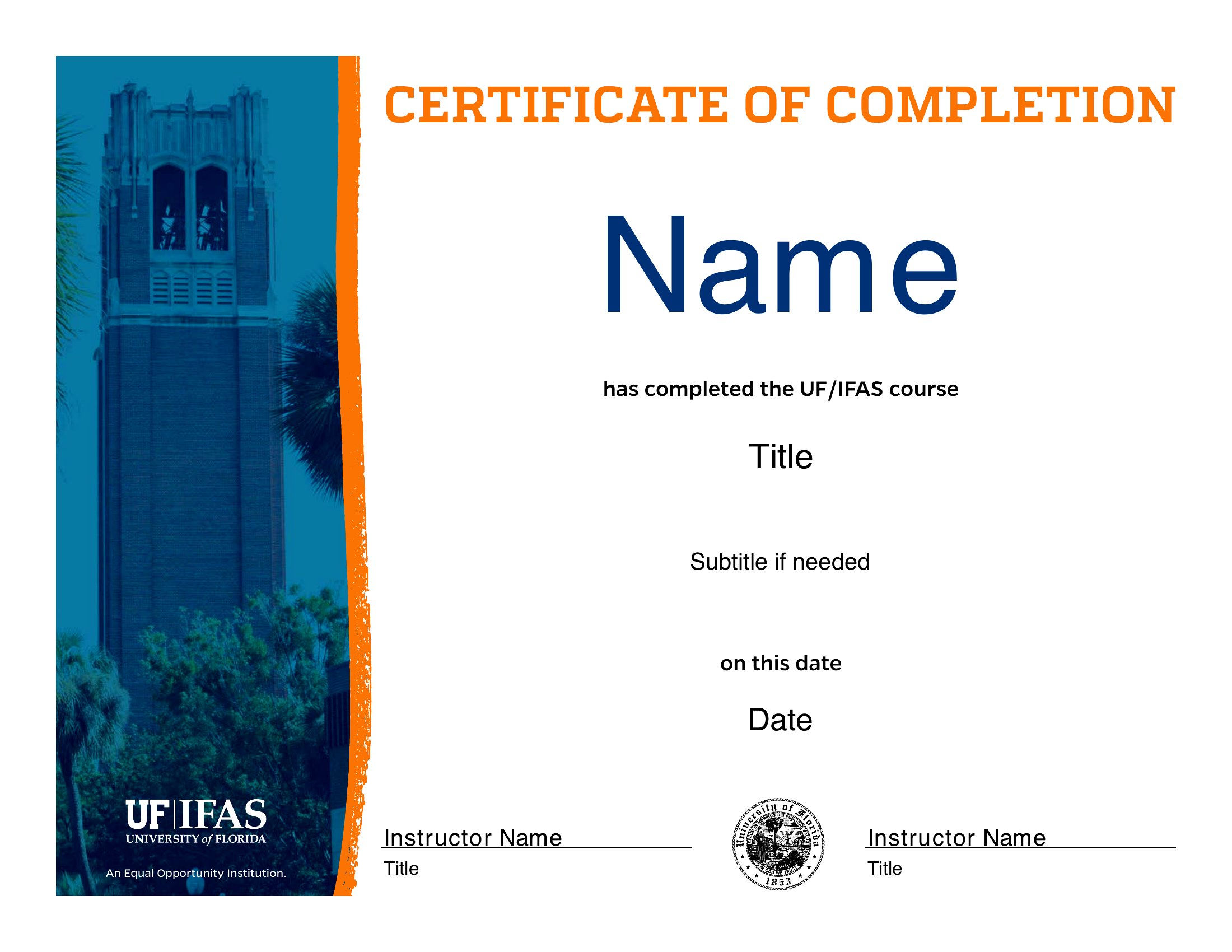
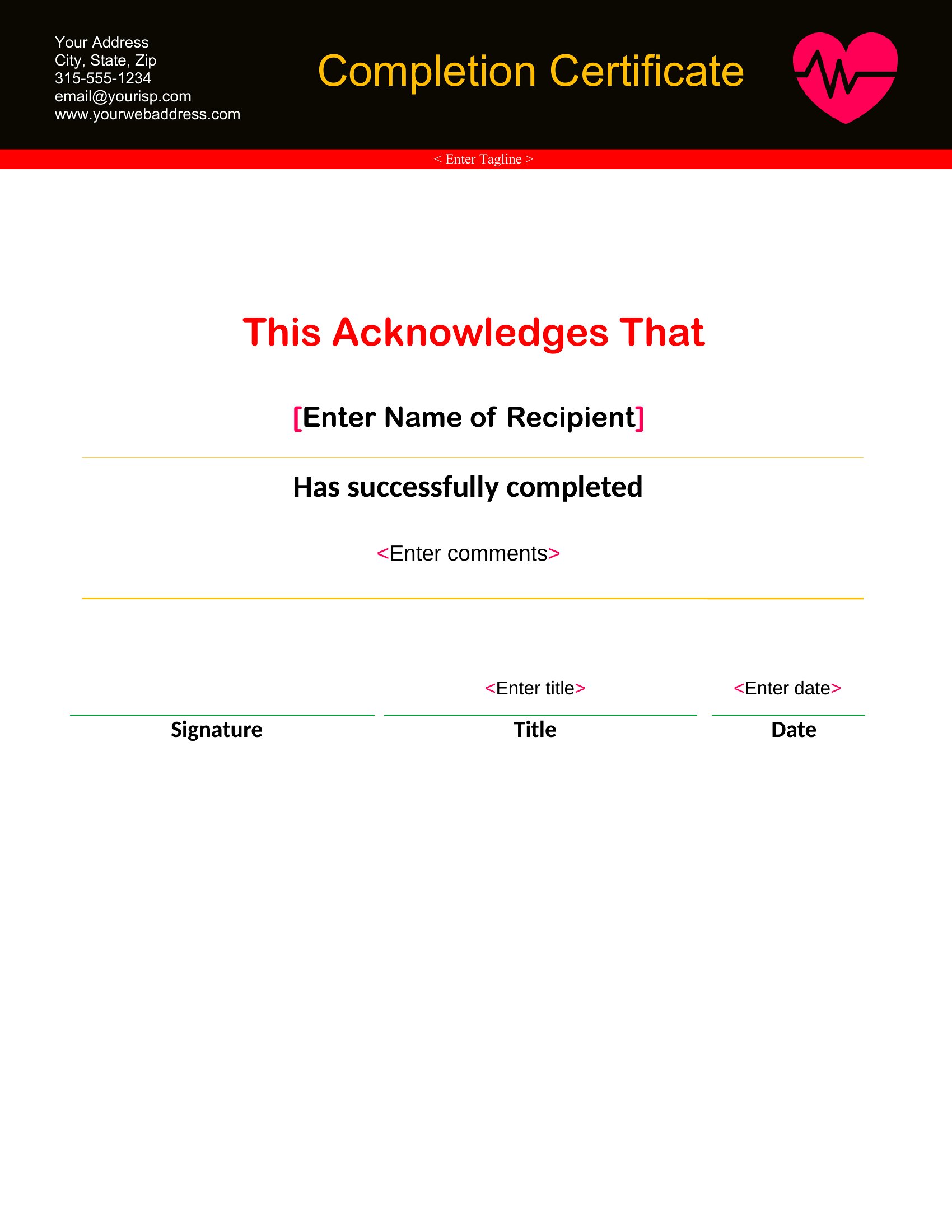
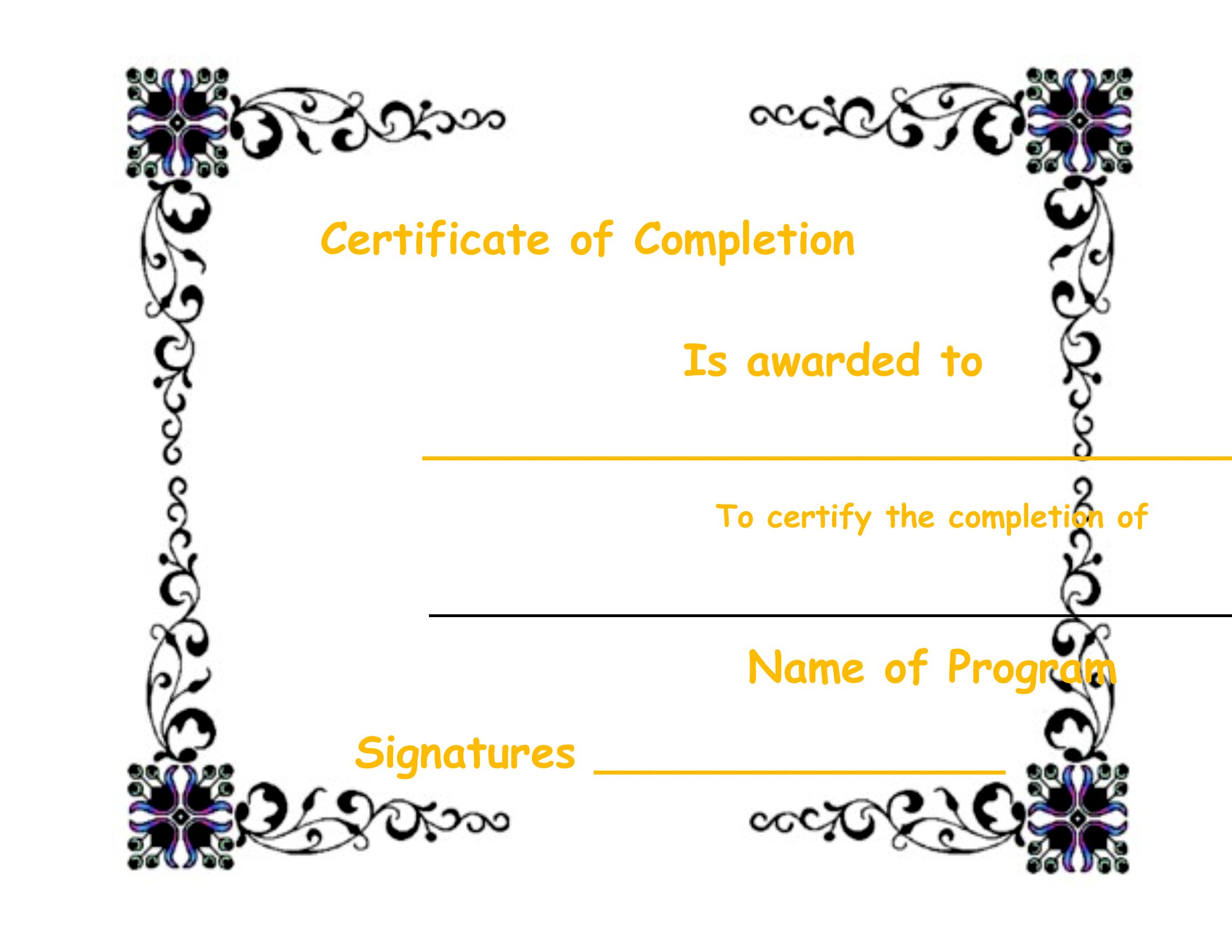
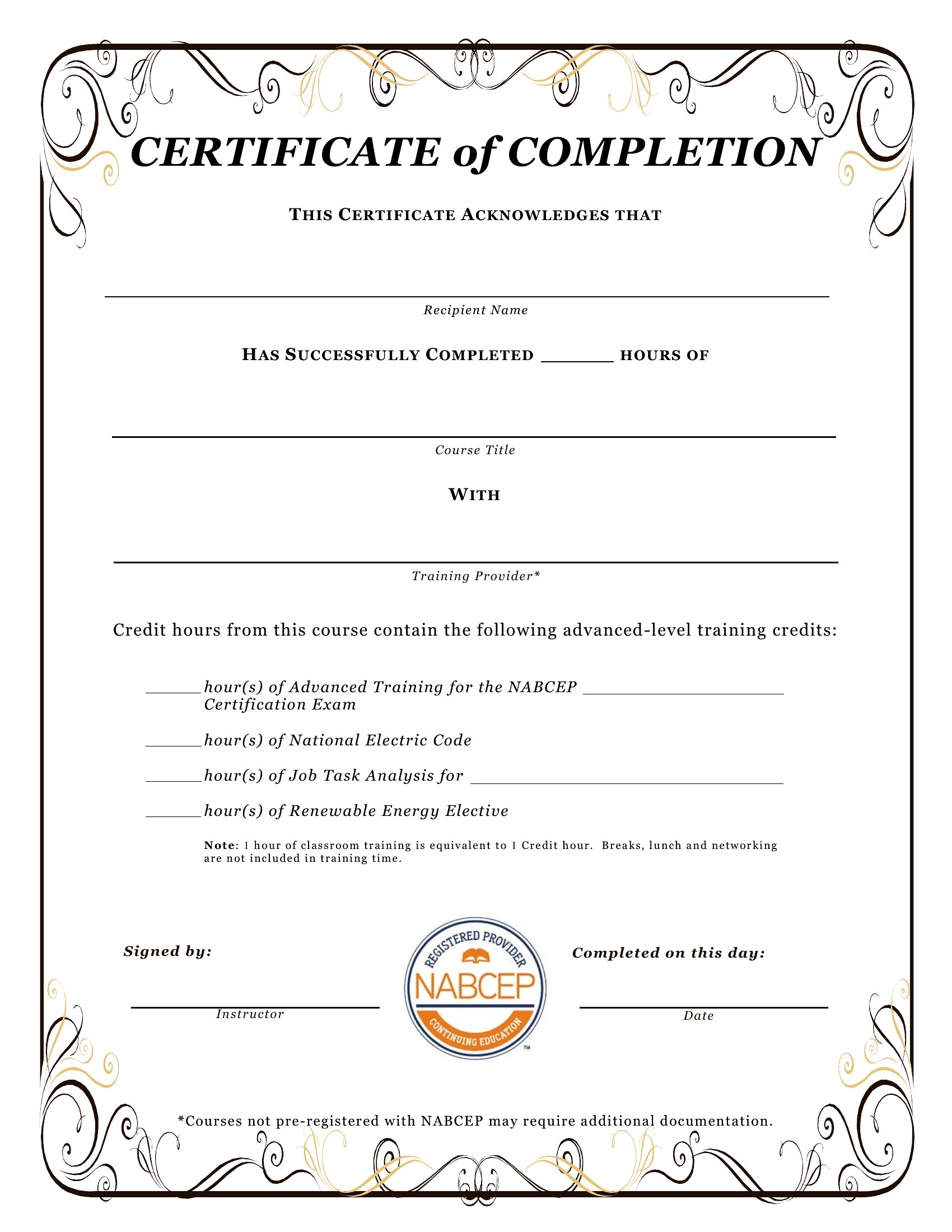
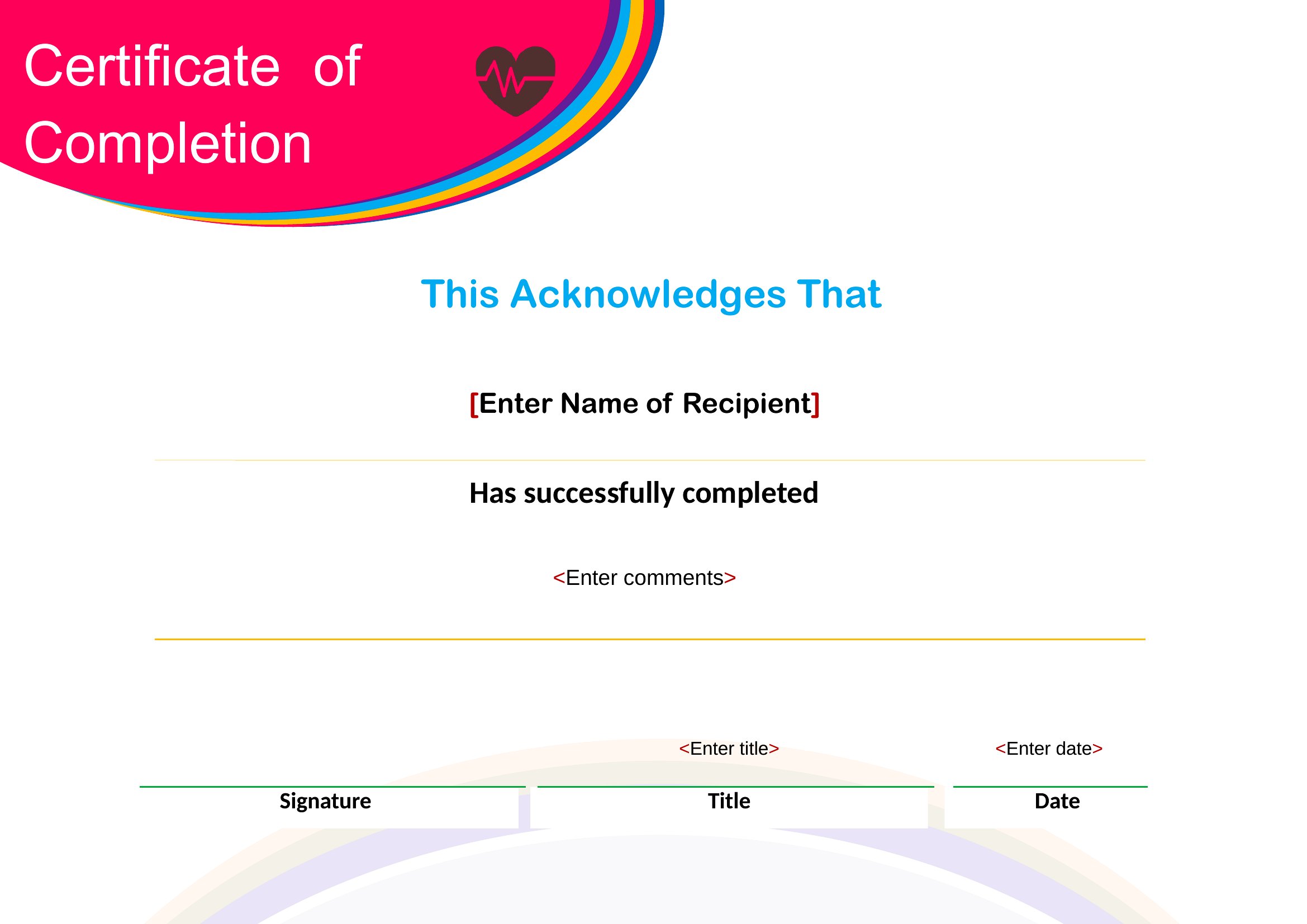
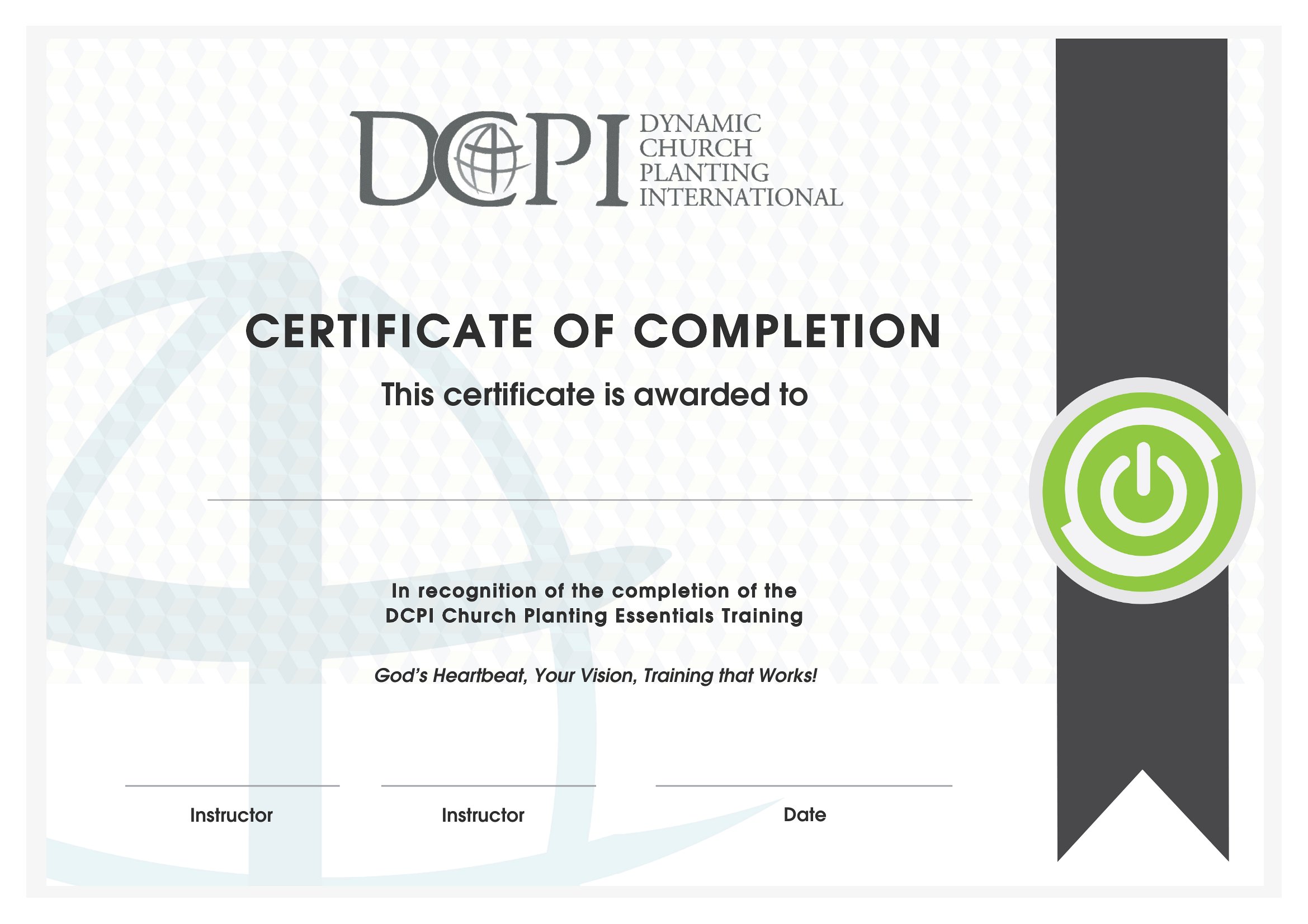
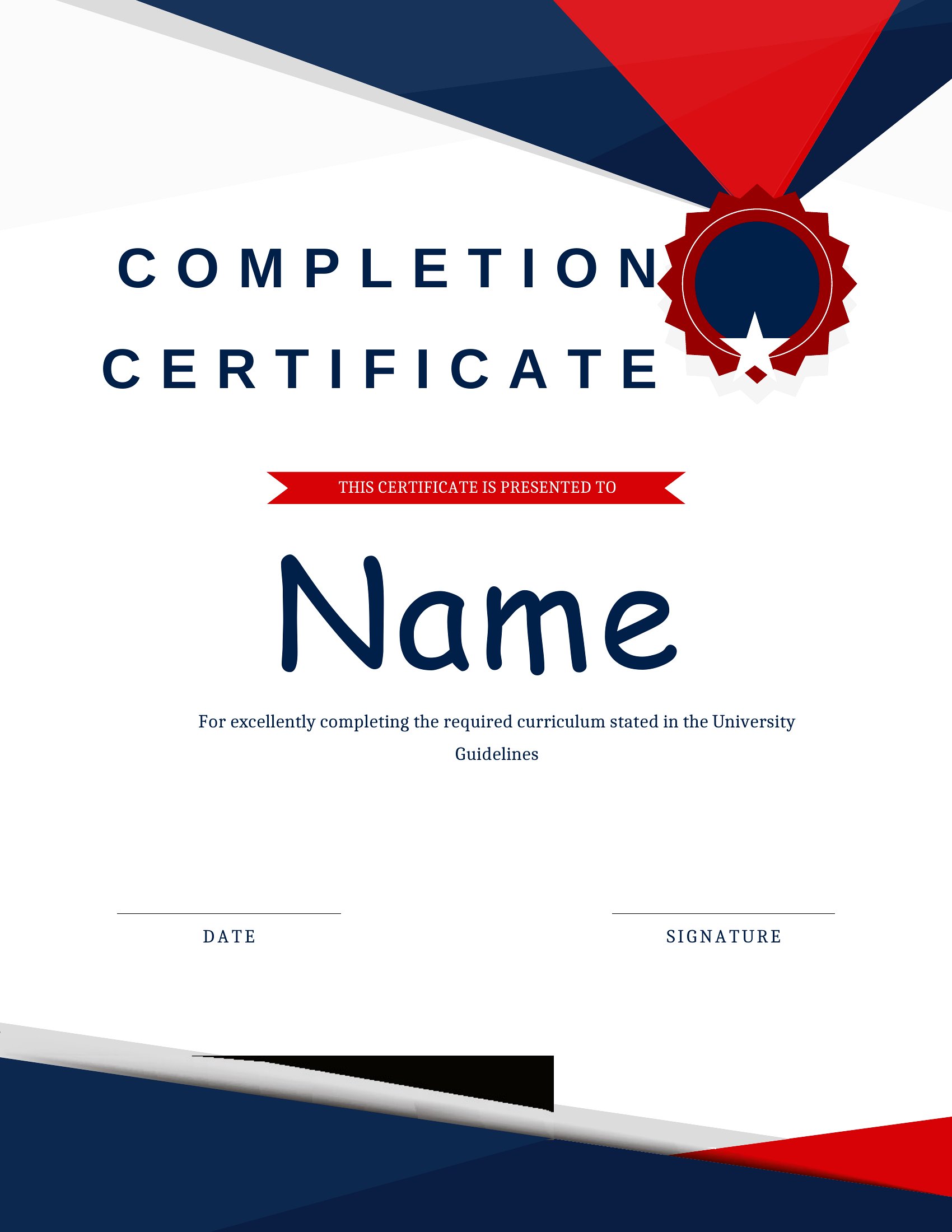
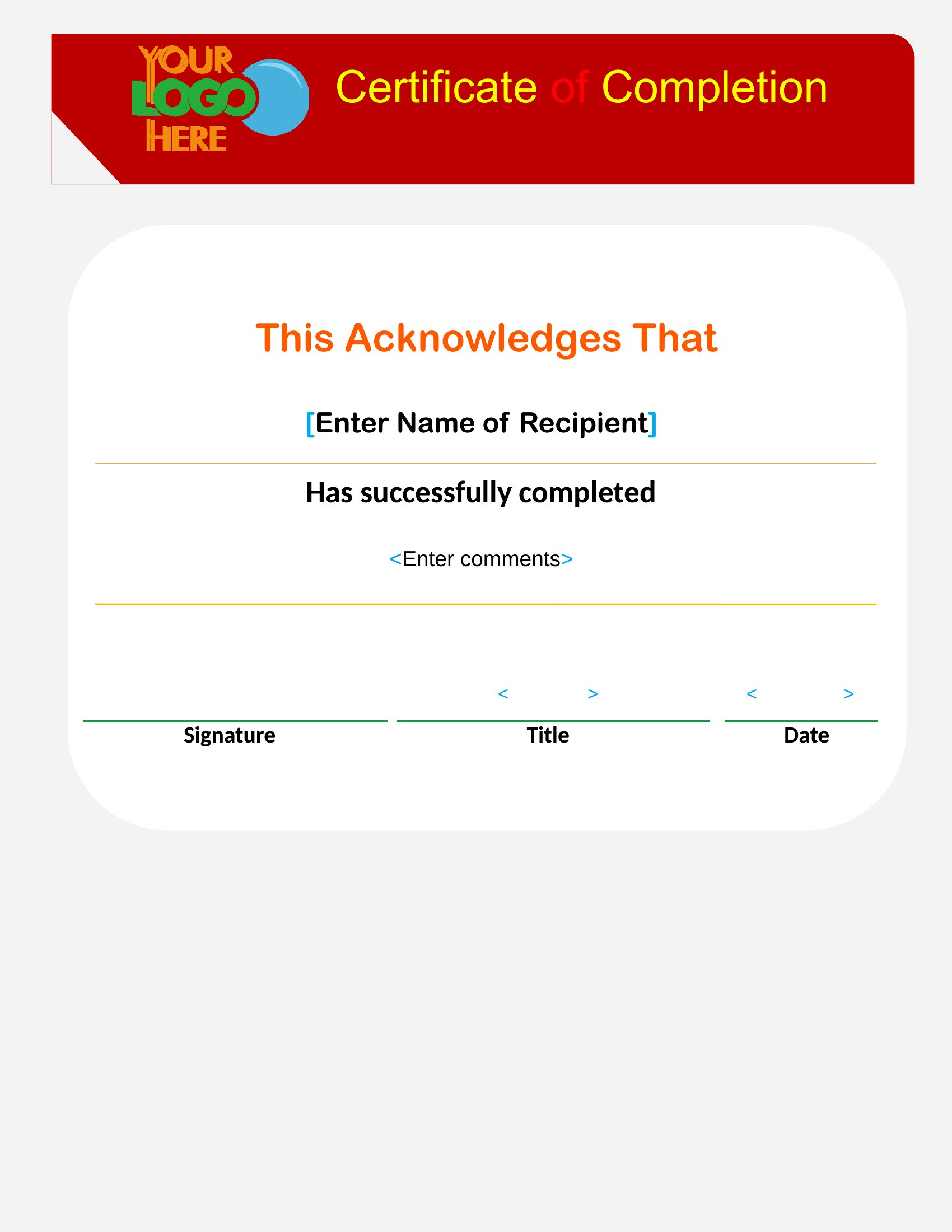
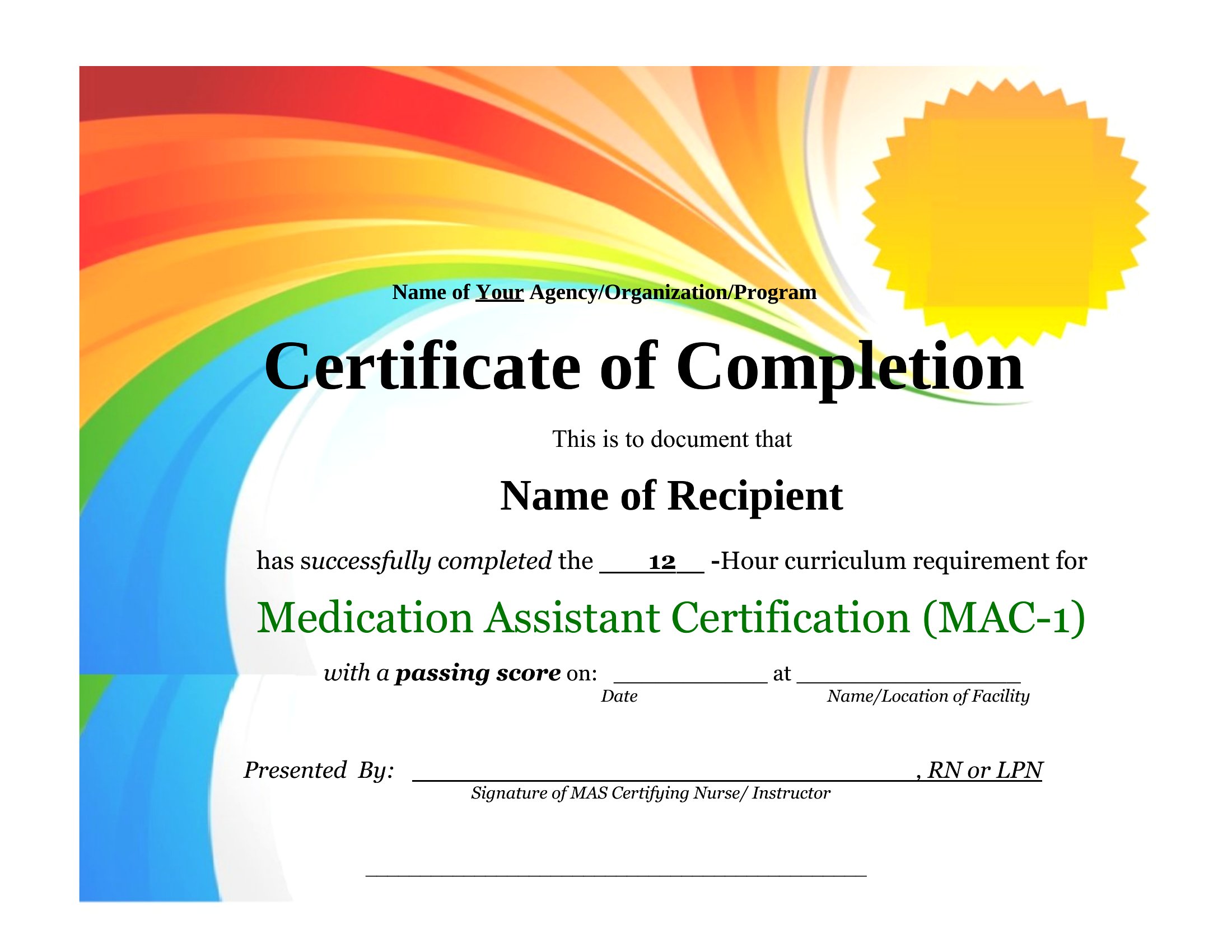
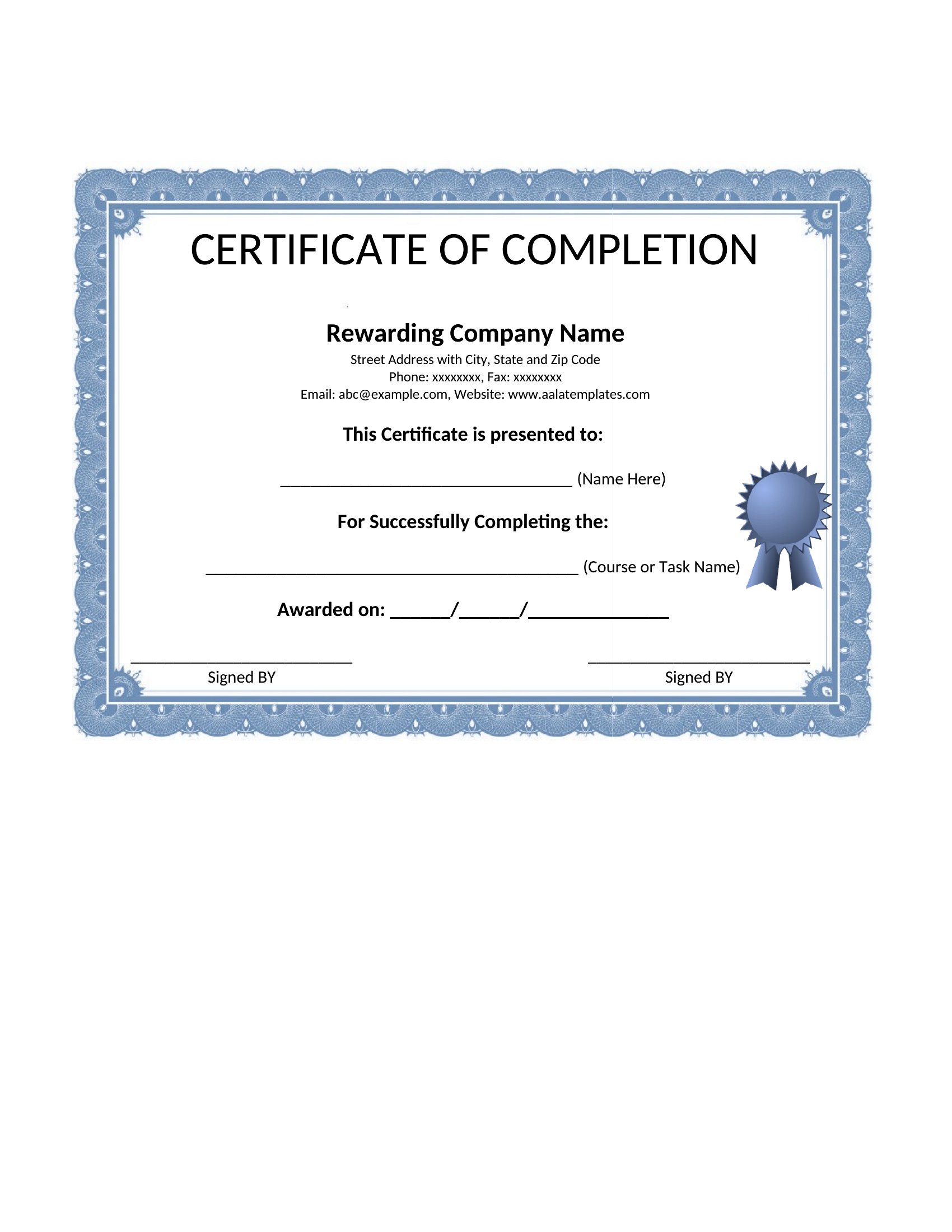
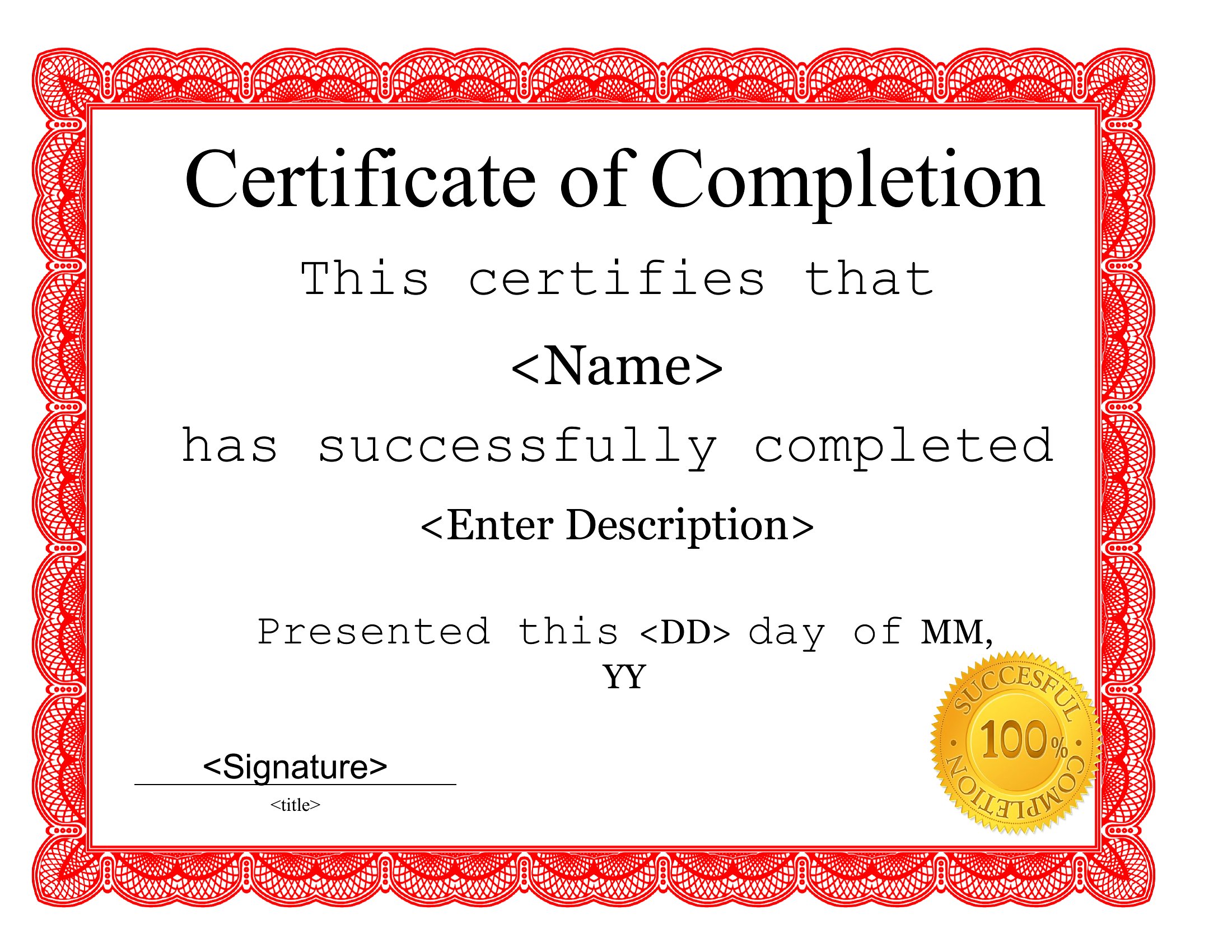
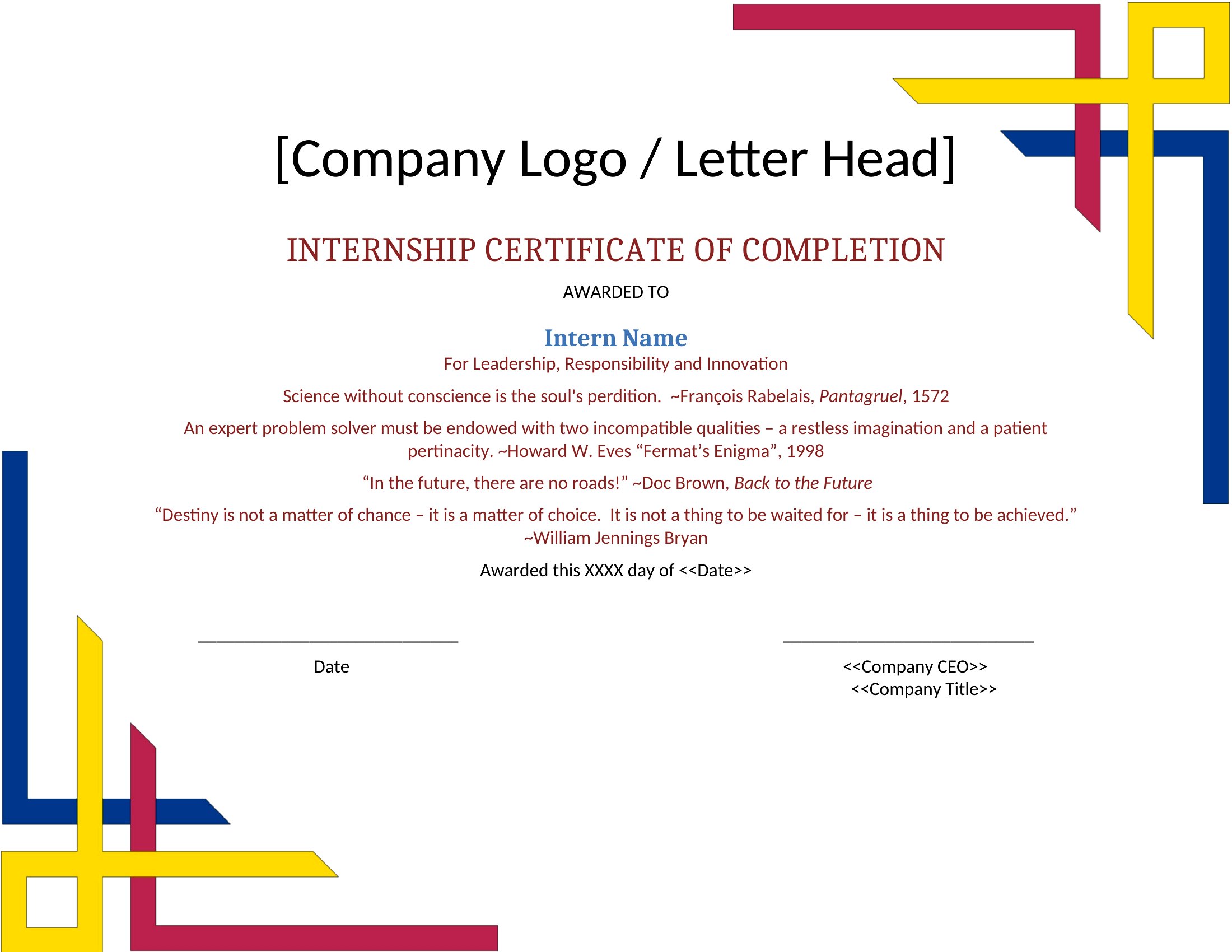
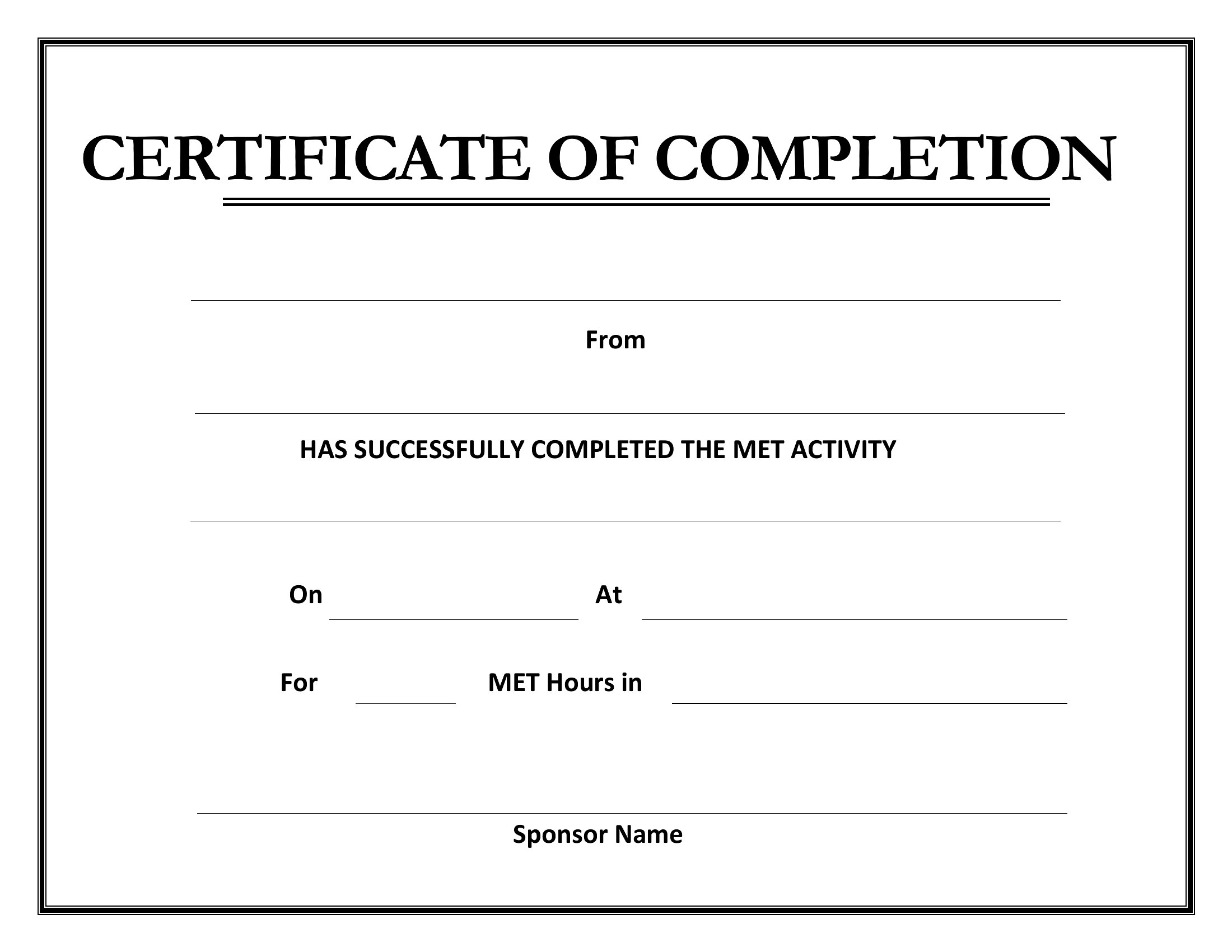
Yes, all templates are fully editable in Word, so you can insert logos, seals, or watermarks to personalize them for your institution or business. For a polished look, use a high-resolution image and position it near the top or bottom of the certificate. PDFs, once generated, will retain these custom additions.
How do I ensure the certificate looks professional if I don’t have design experience?
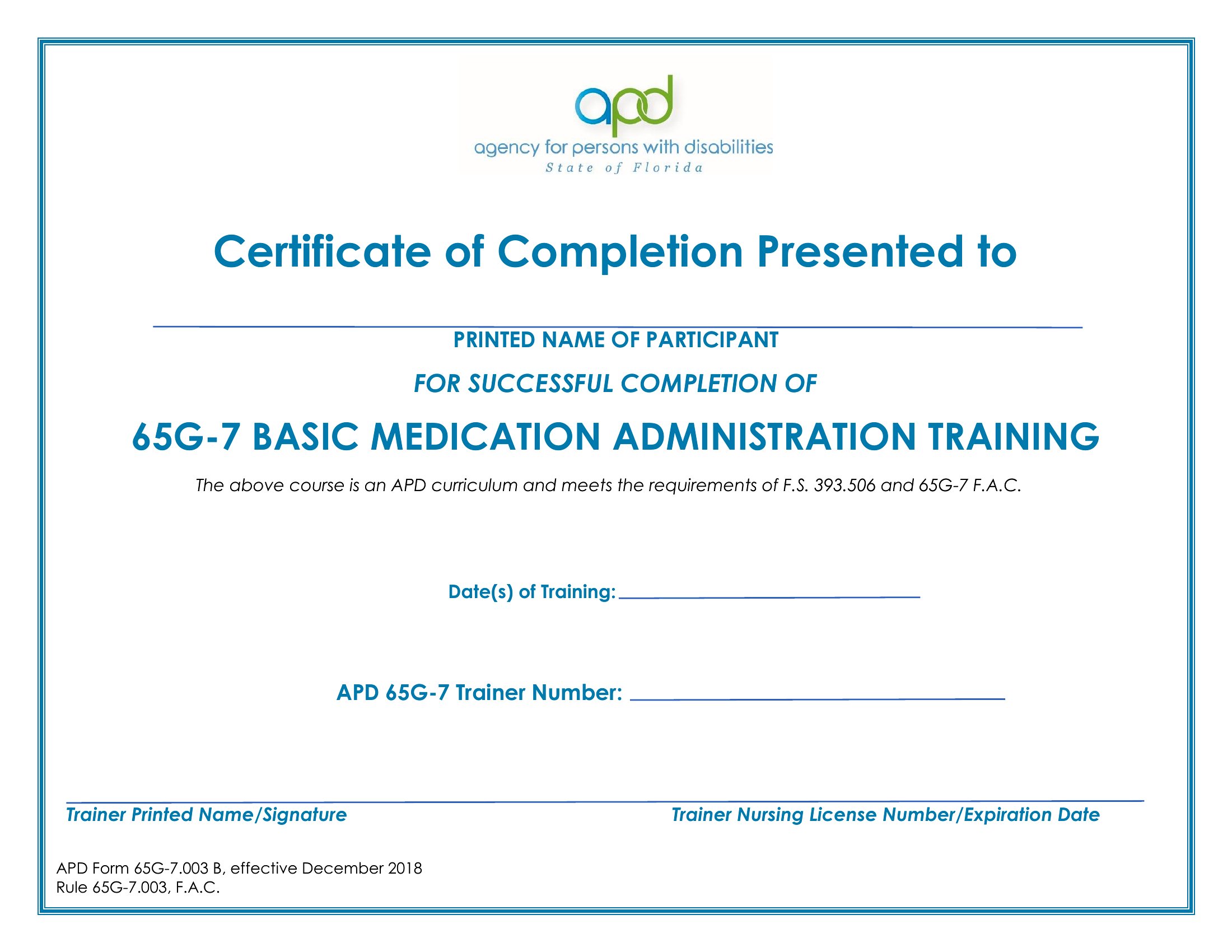
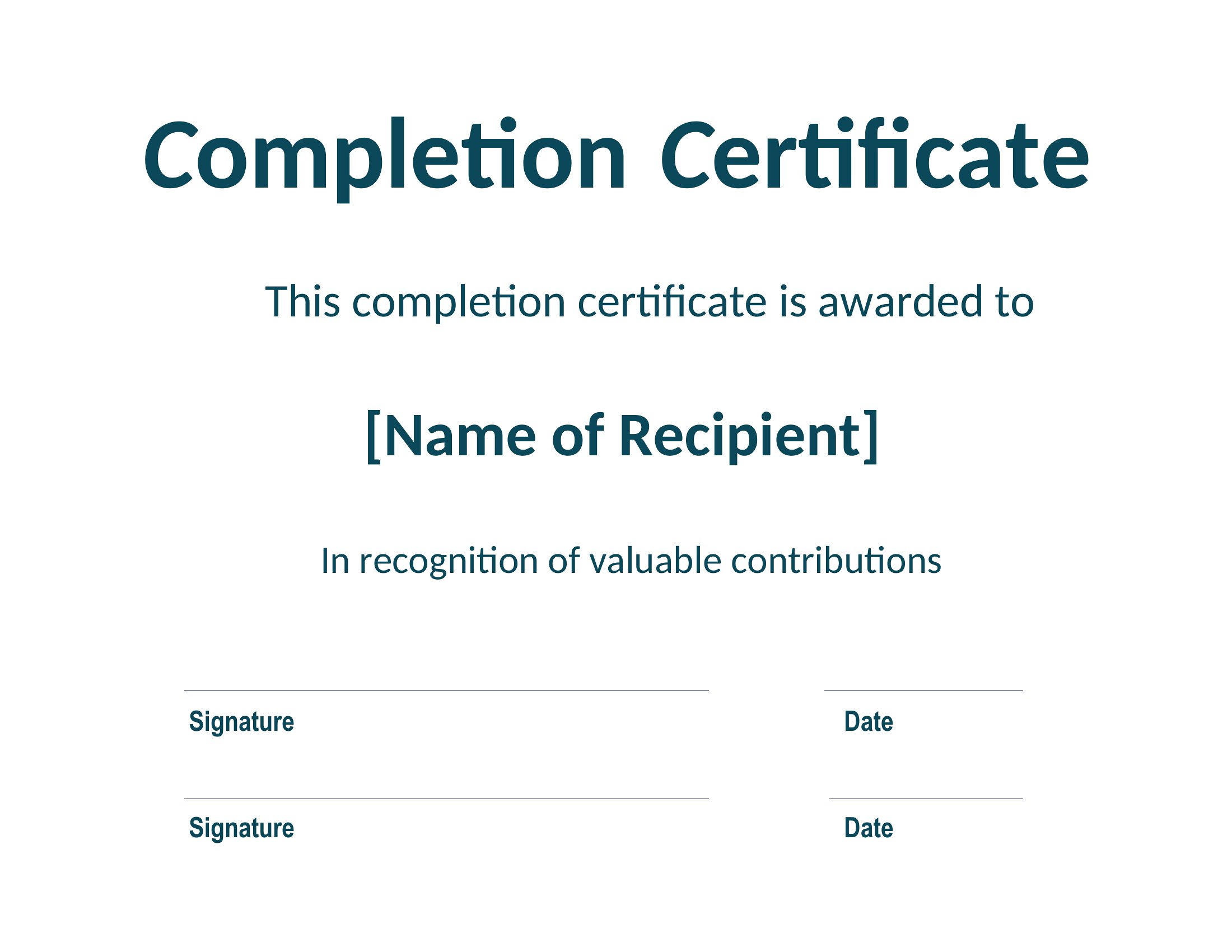
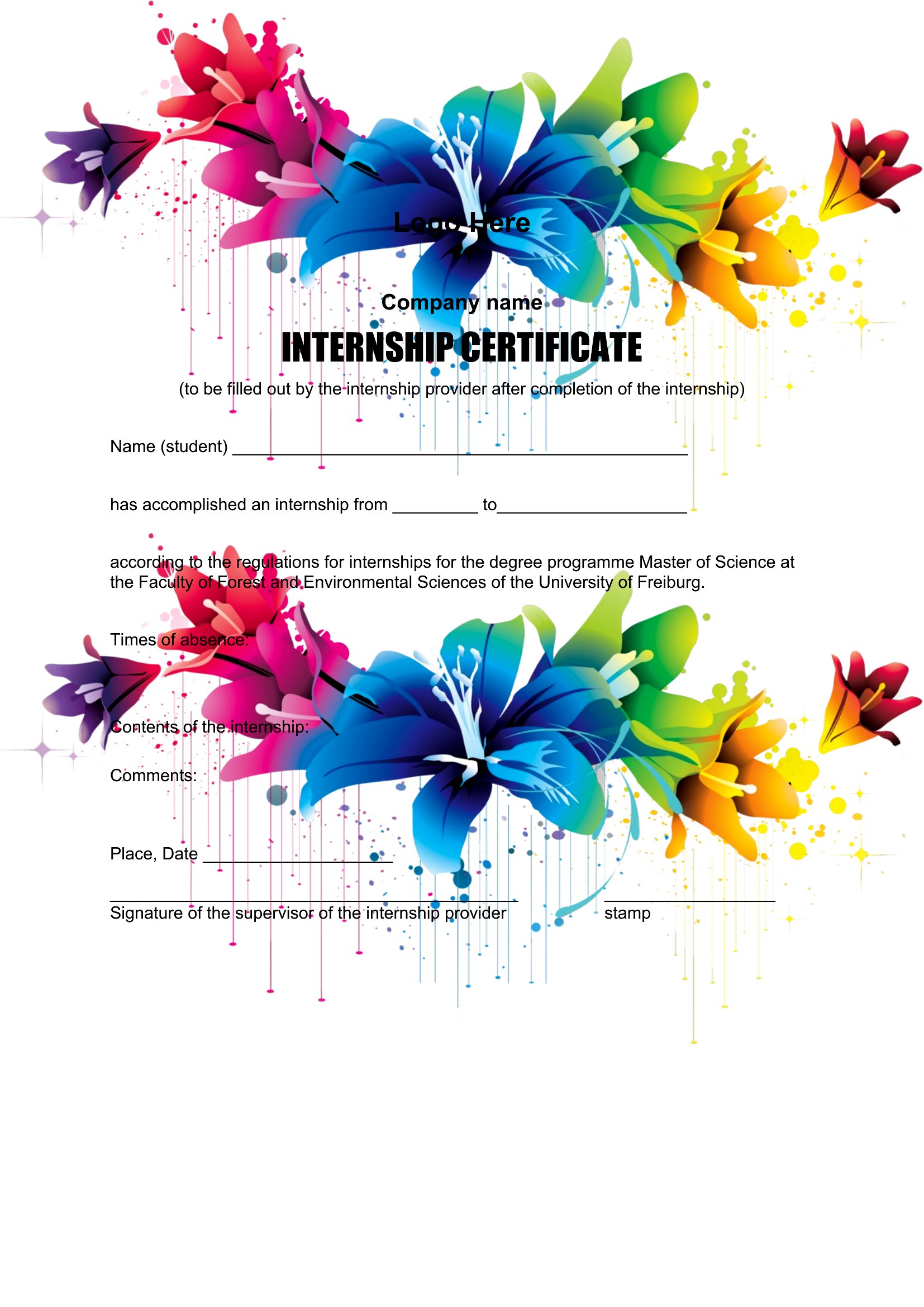
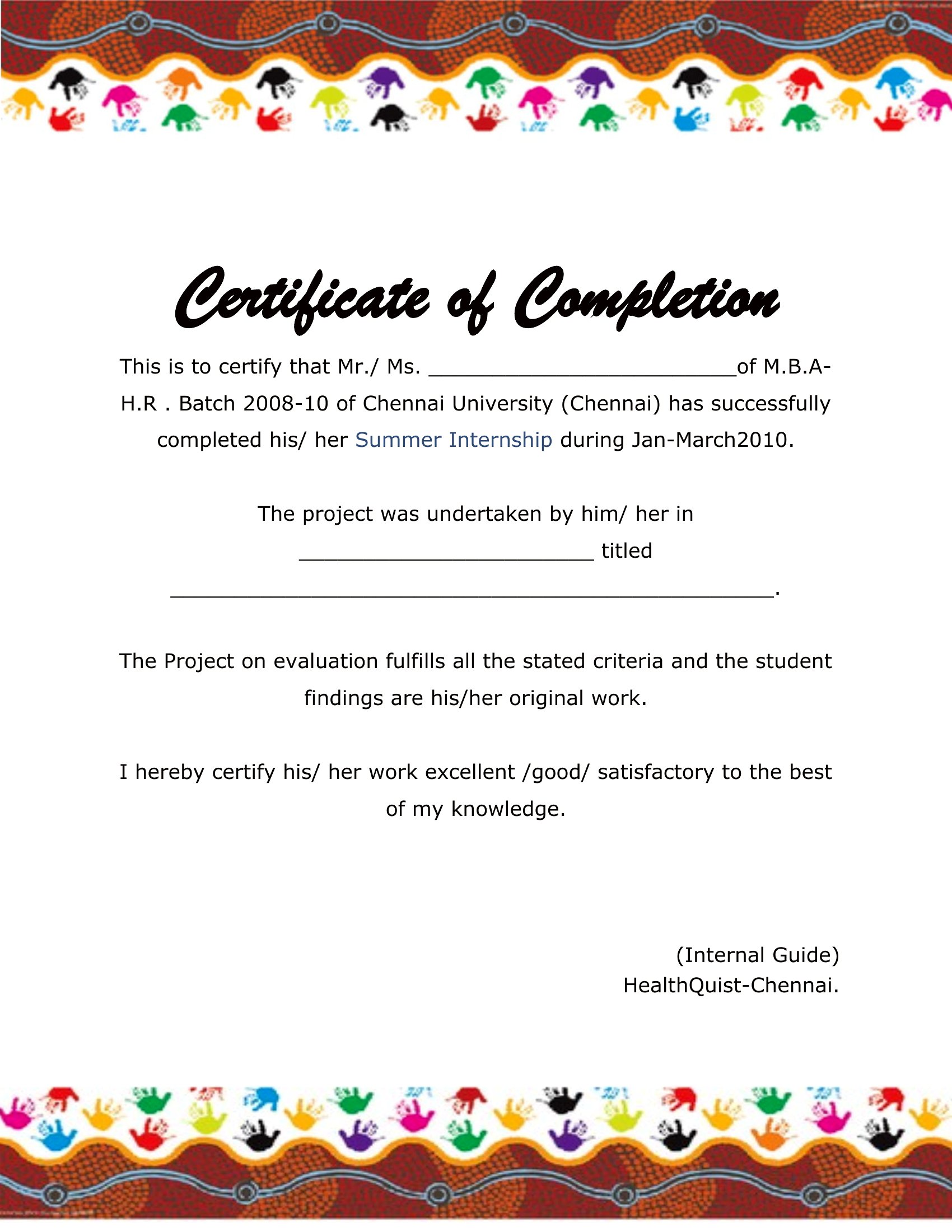
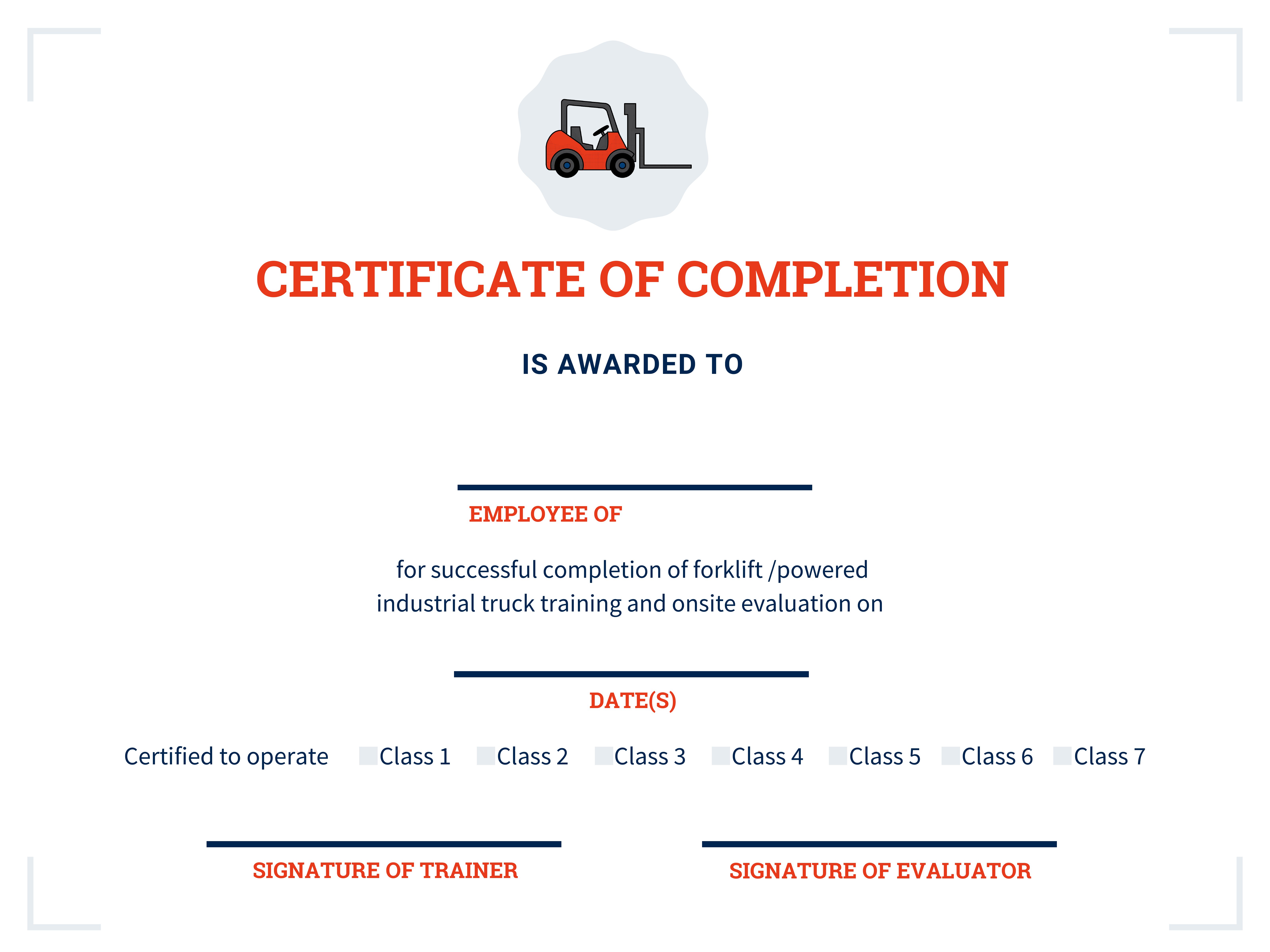
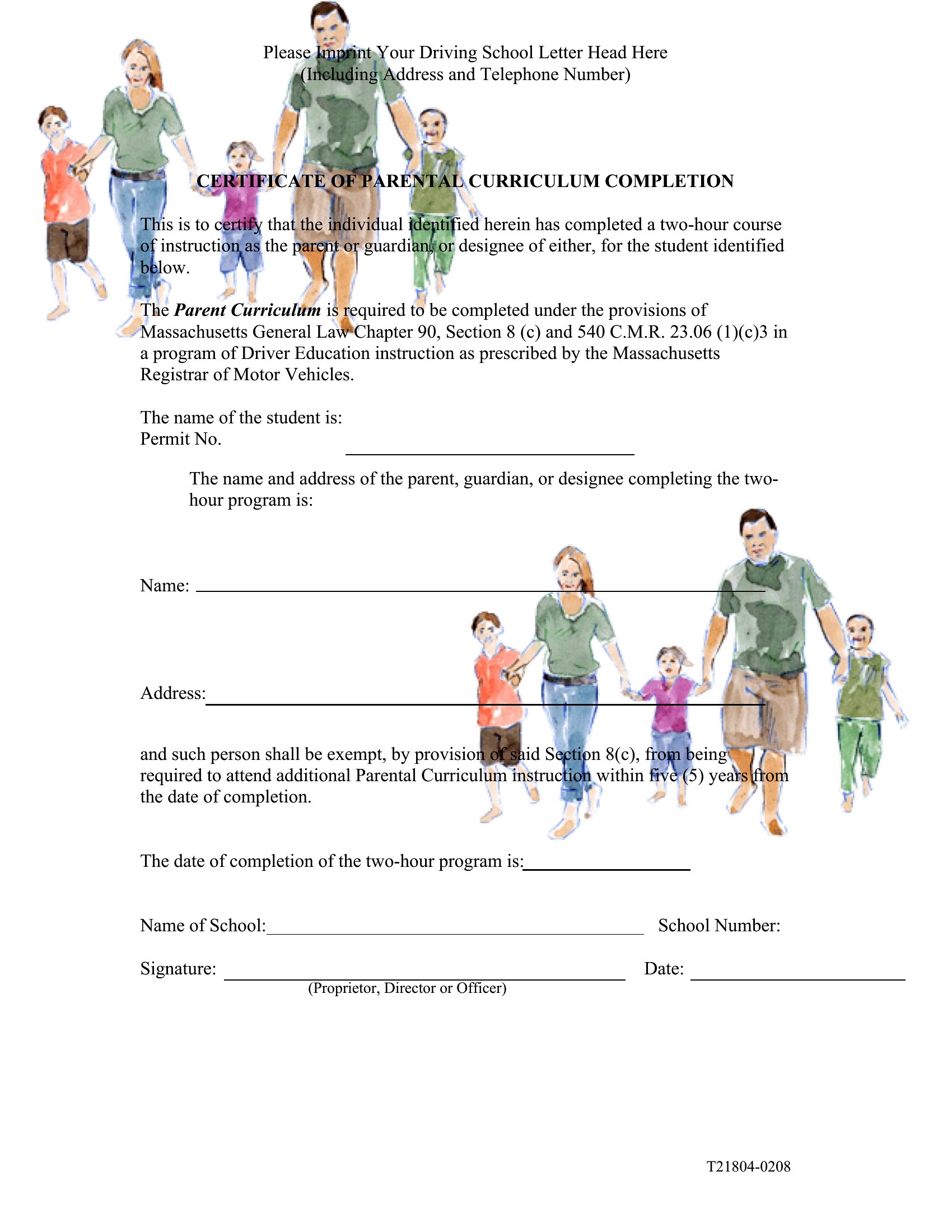
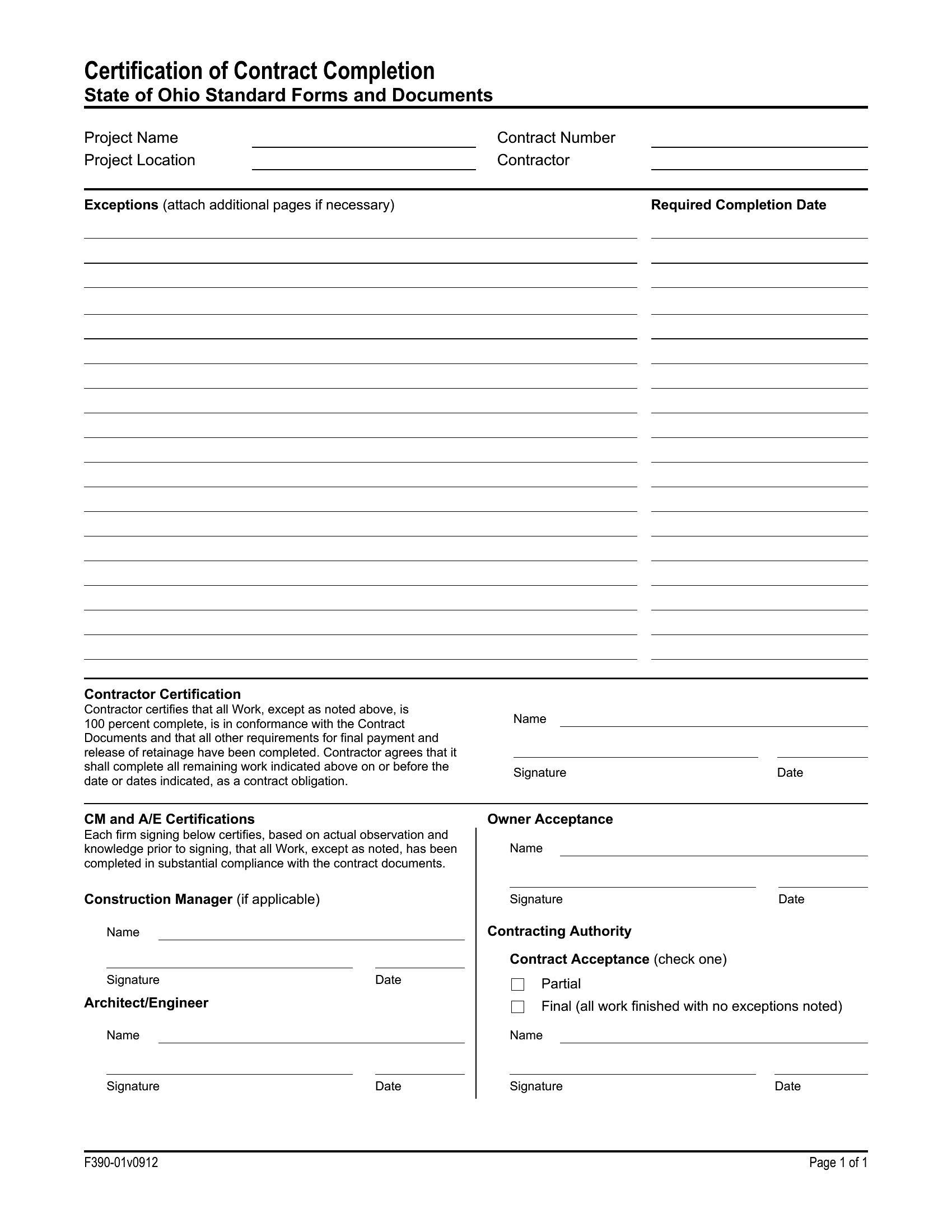
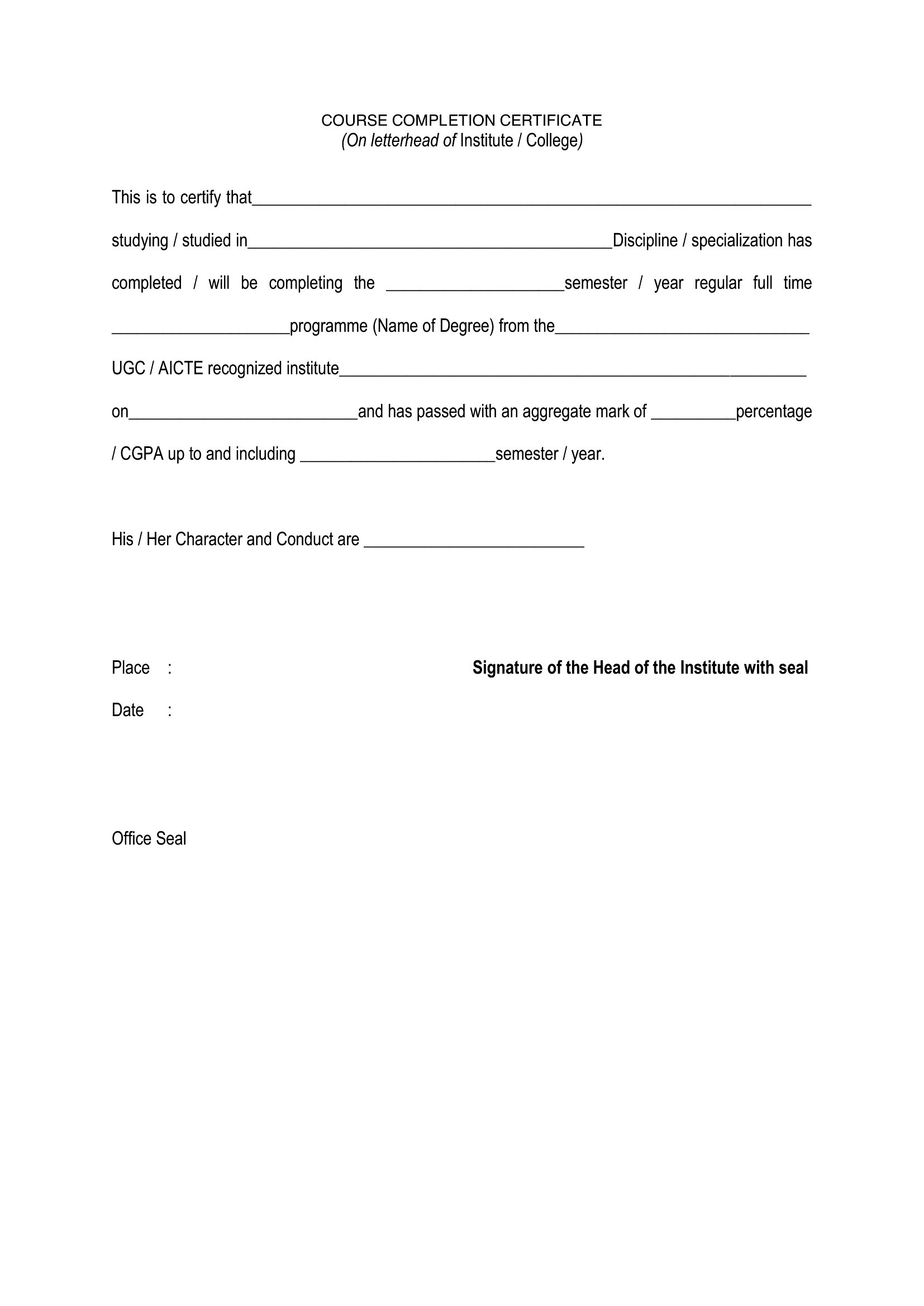
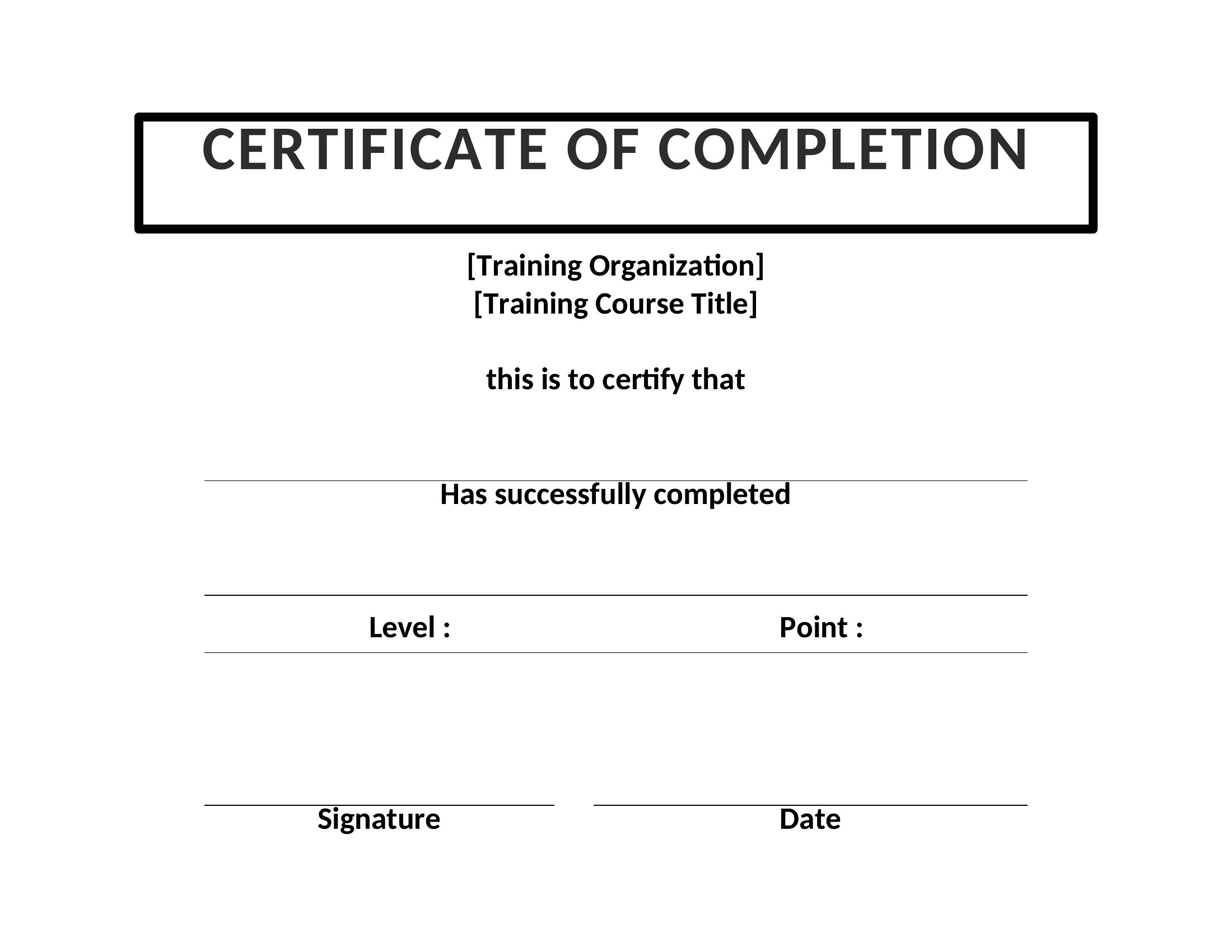
Start with a template that already includes clean layouts, subtle borders, and professional typography—these are designed to look polished without needing advanced skills. Stick to one or two colors for branding, use a readable font, and leave ample white space. Avoid cluttering the design with unnecessary graphics or text.
What details should I include to make the certificate legally defensible for training records?
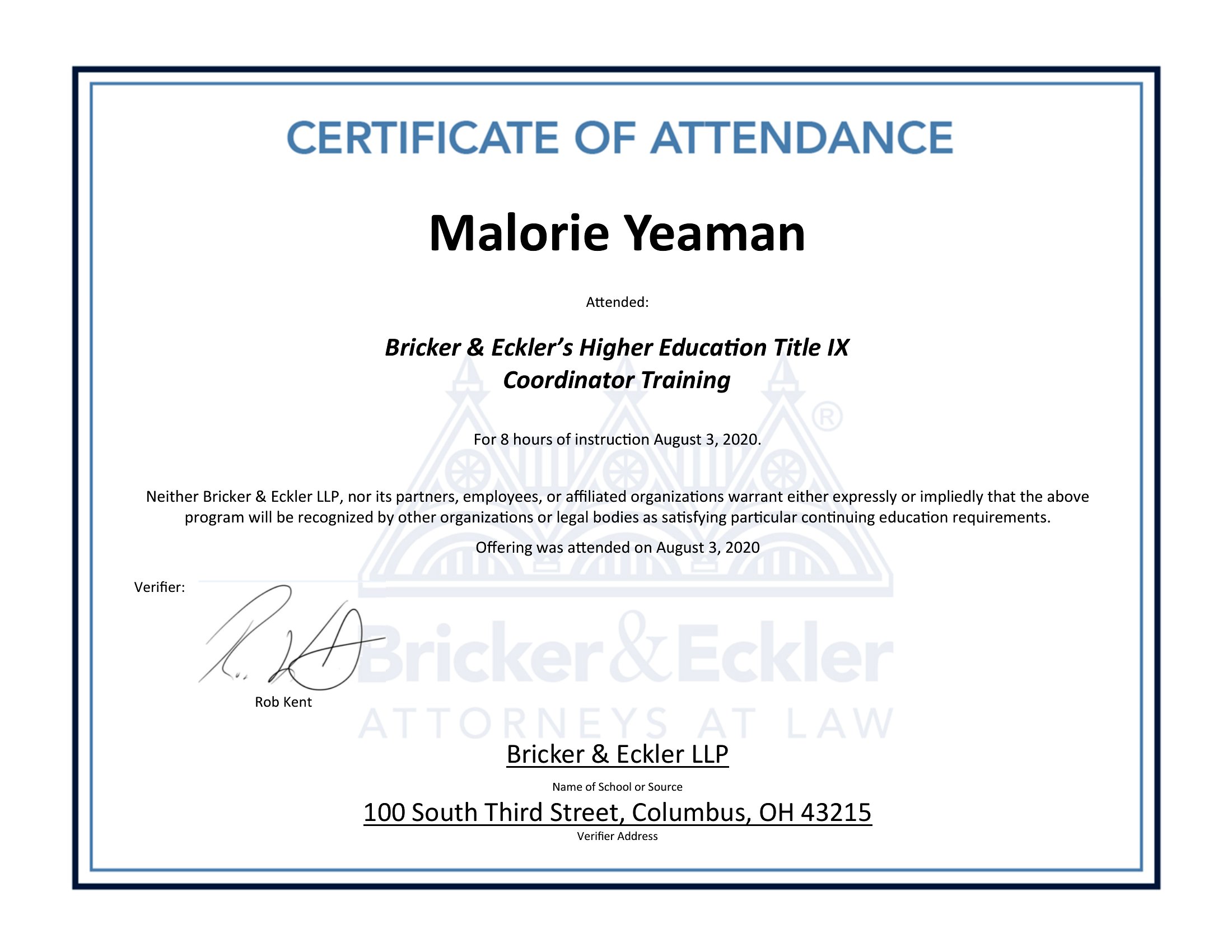
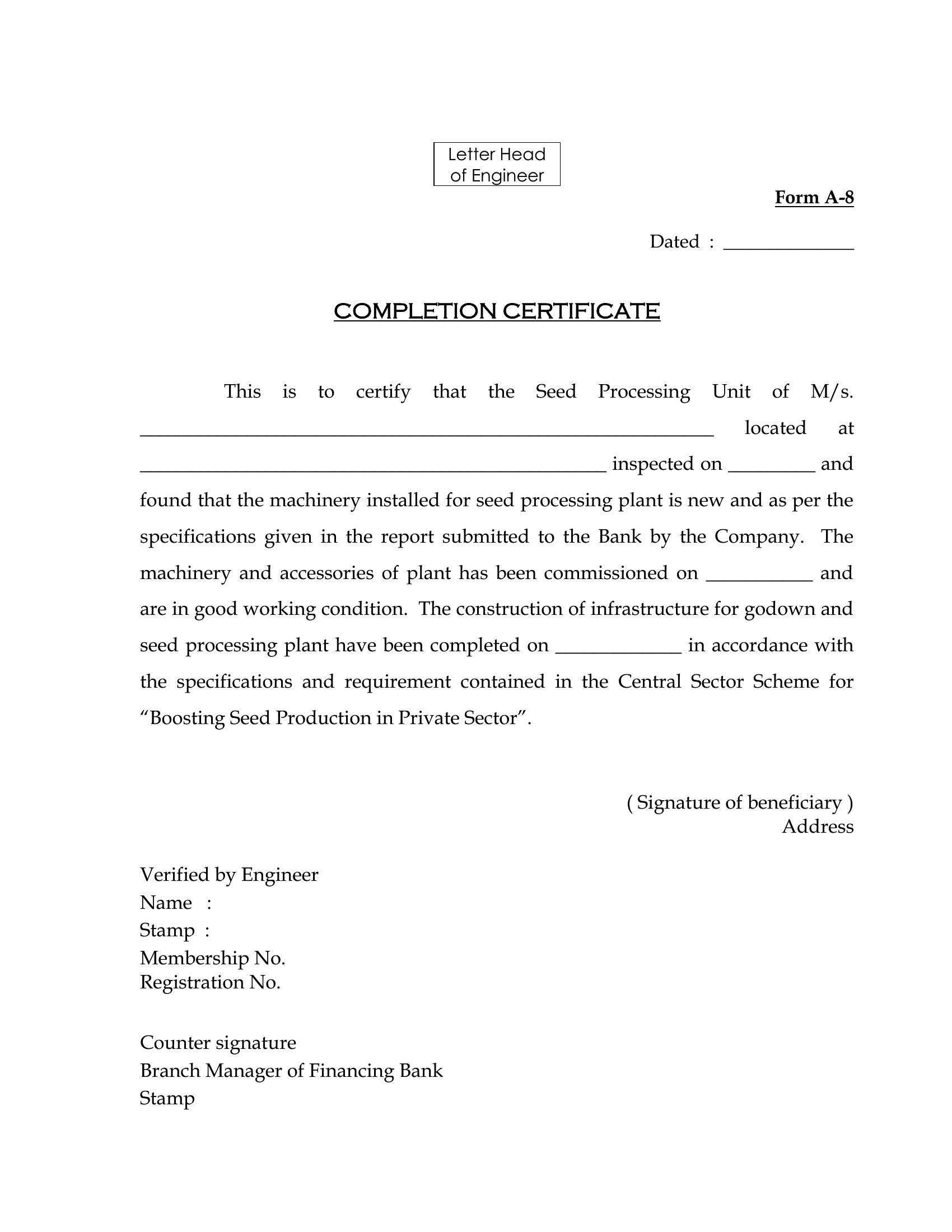
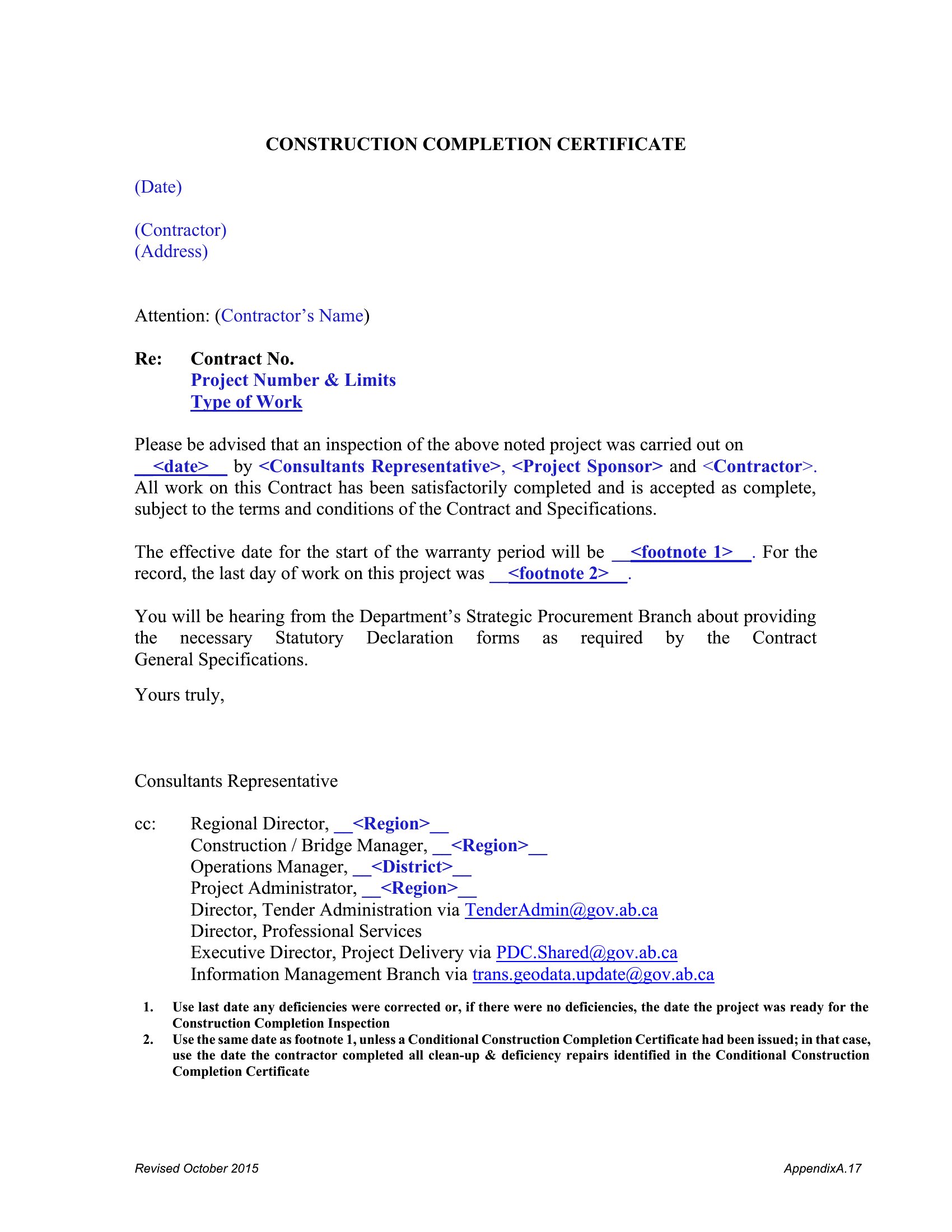
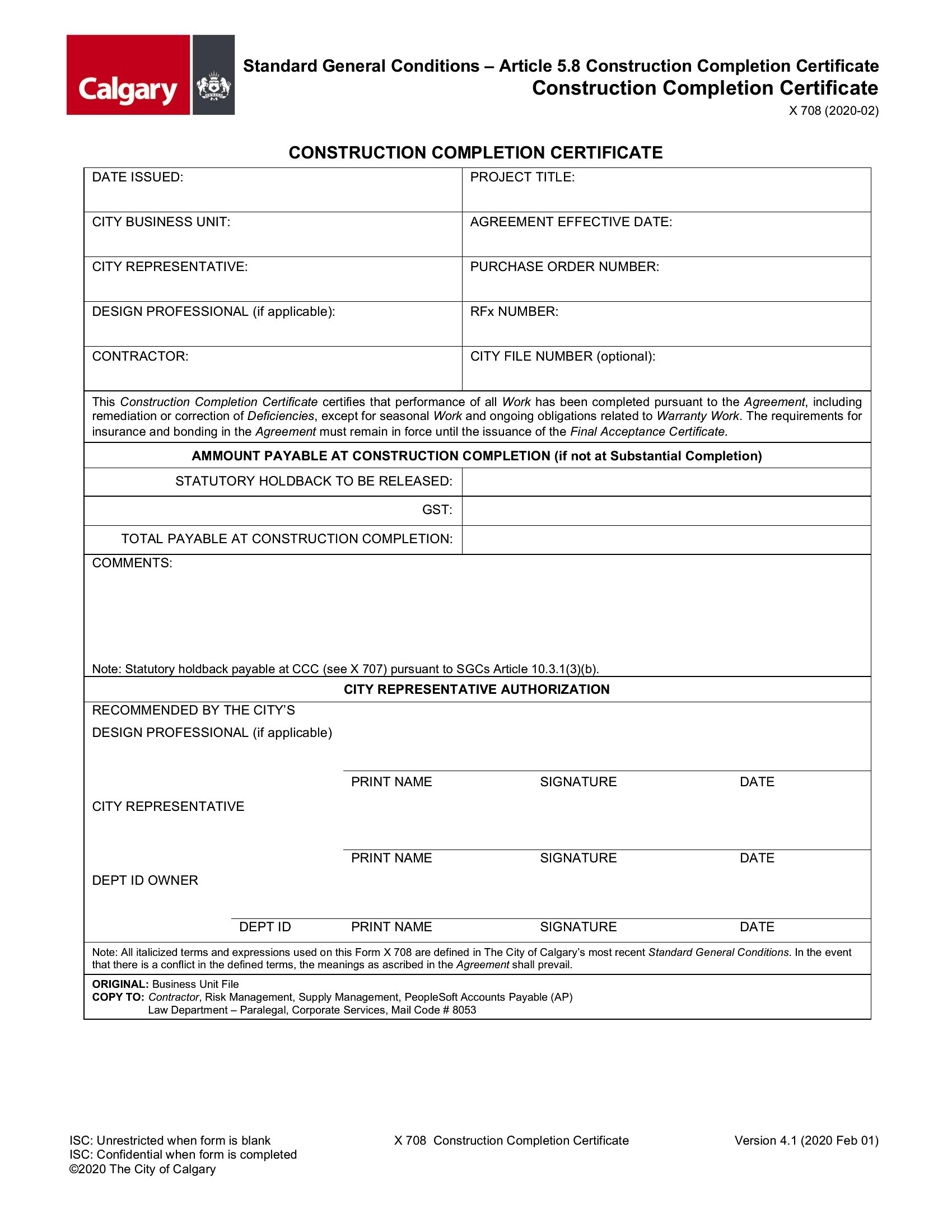
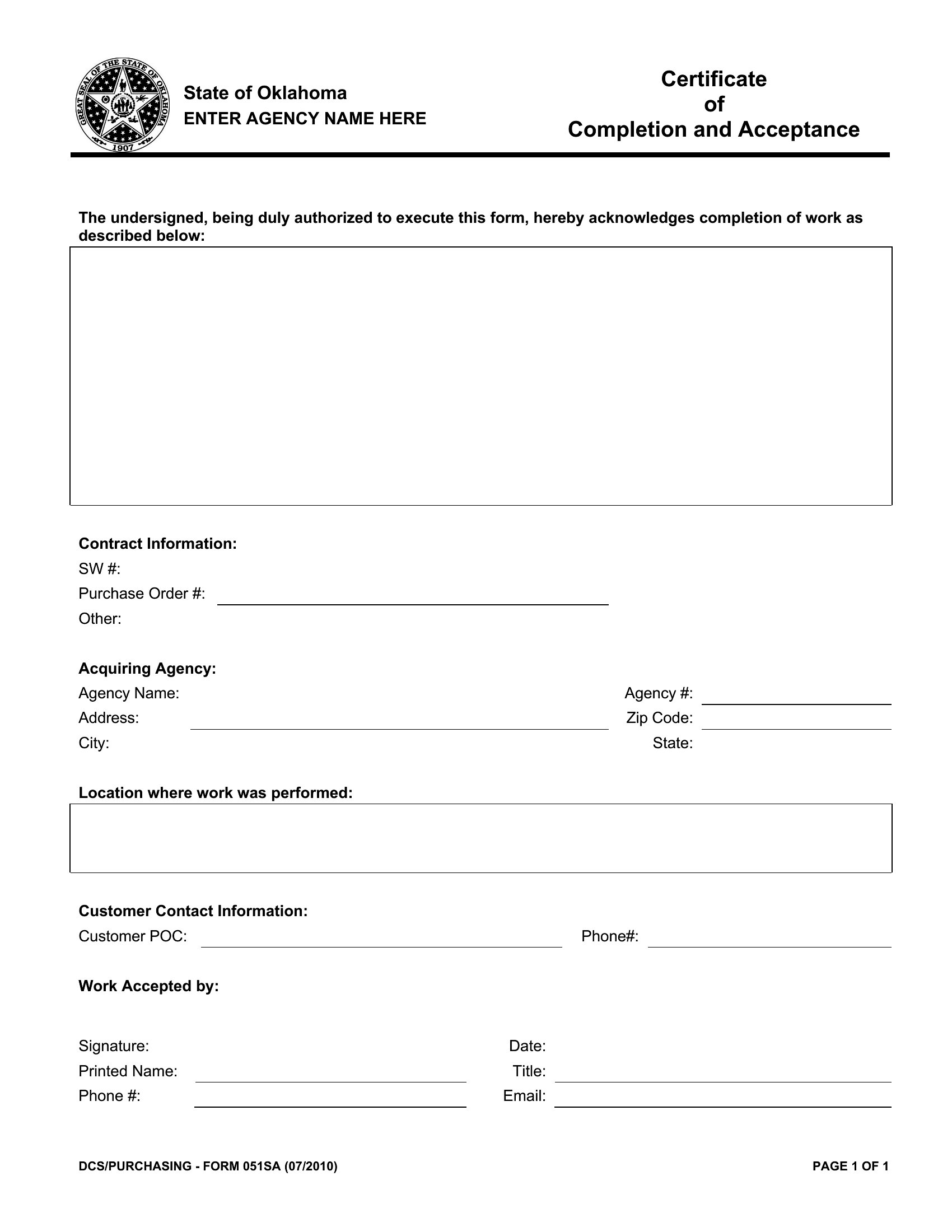
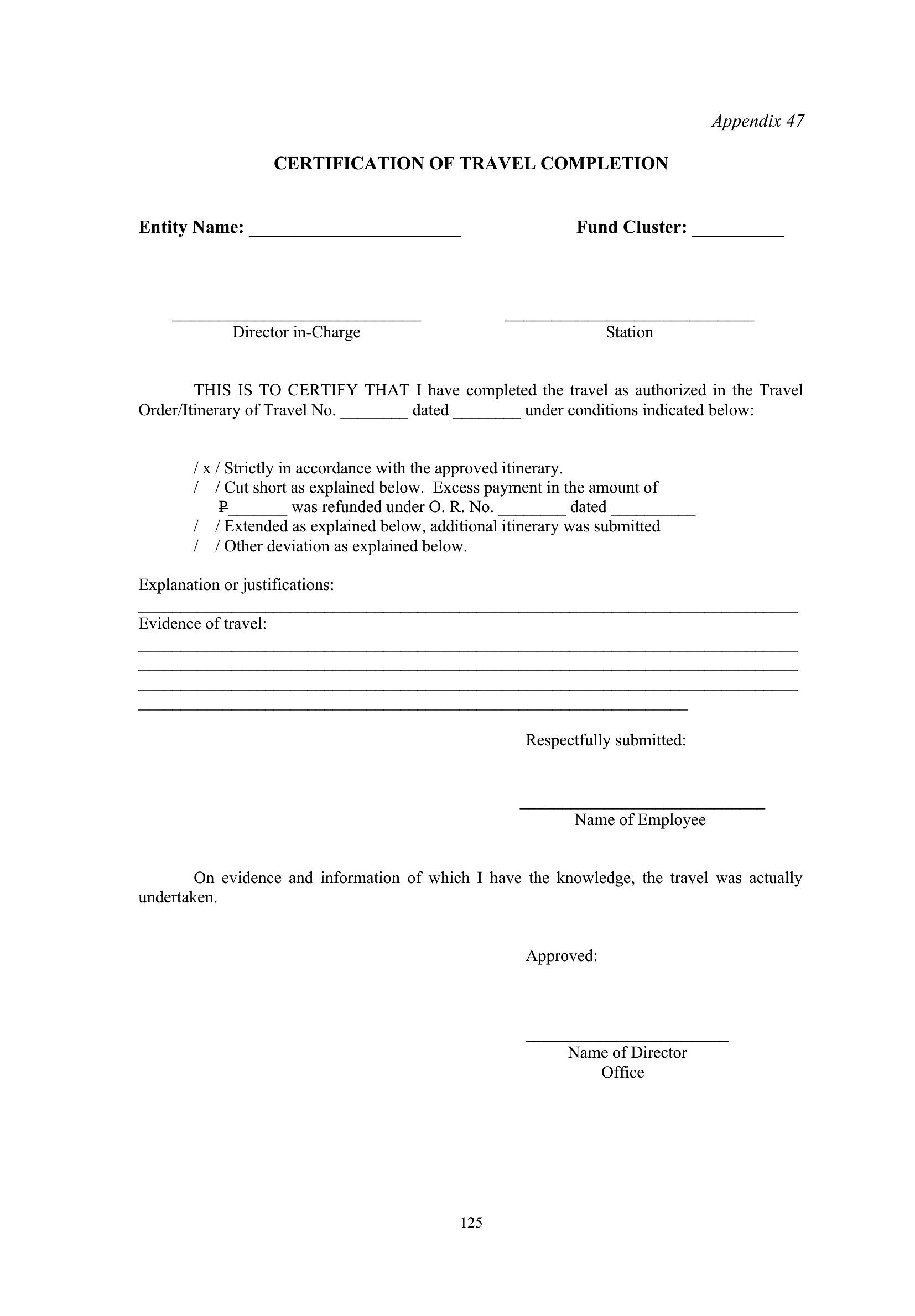
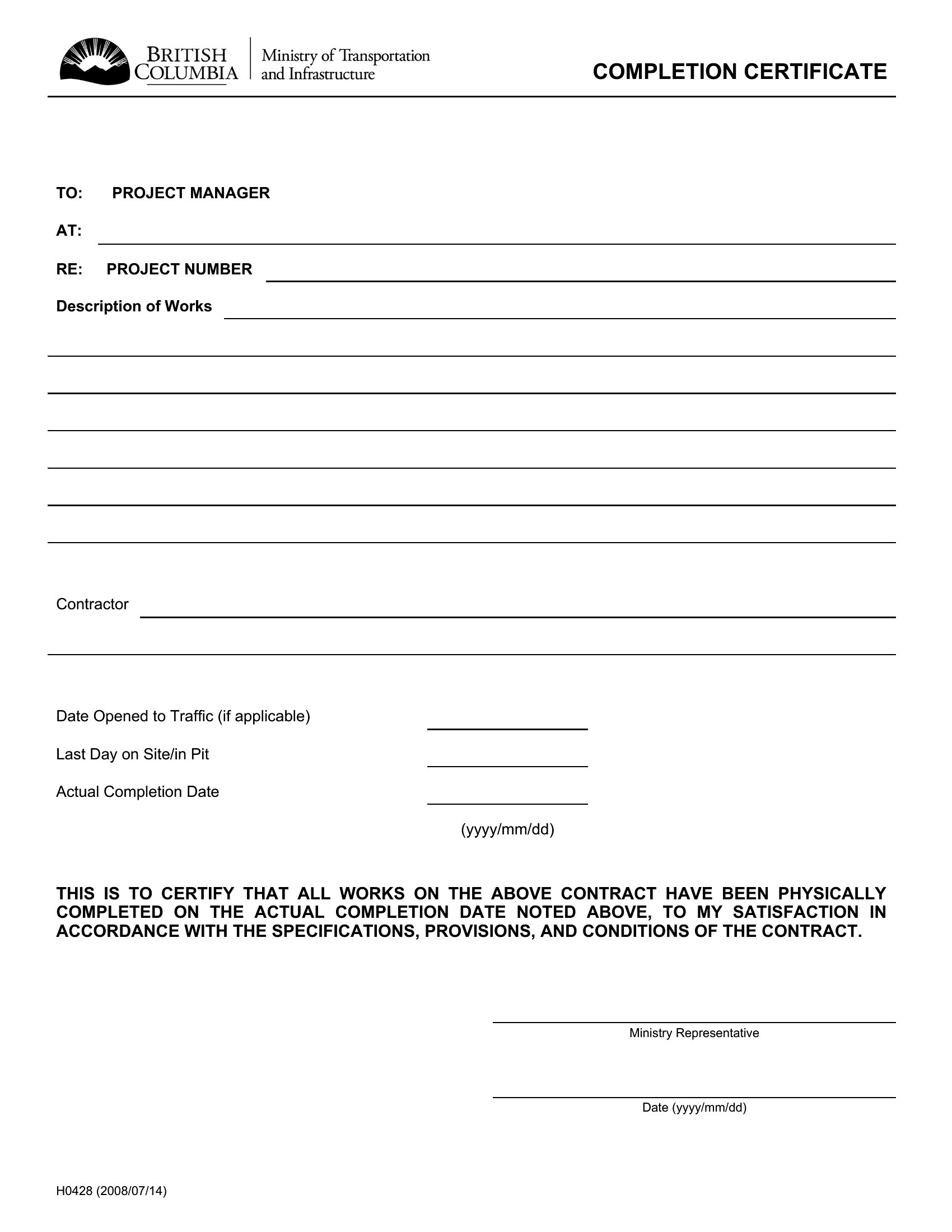
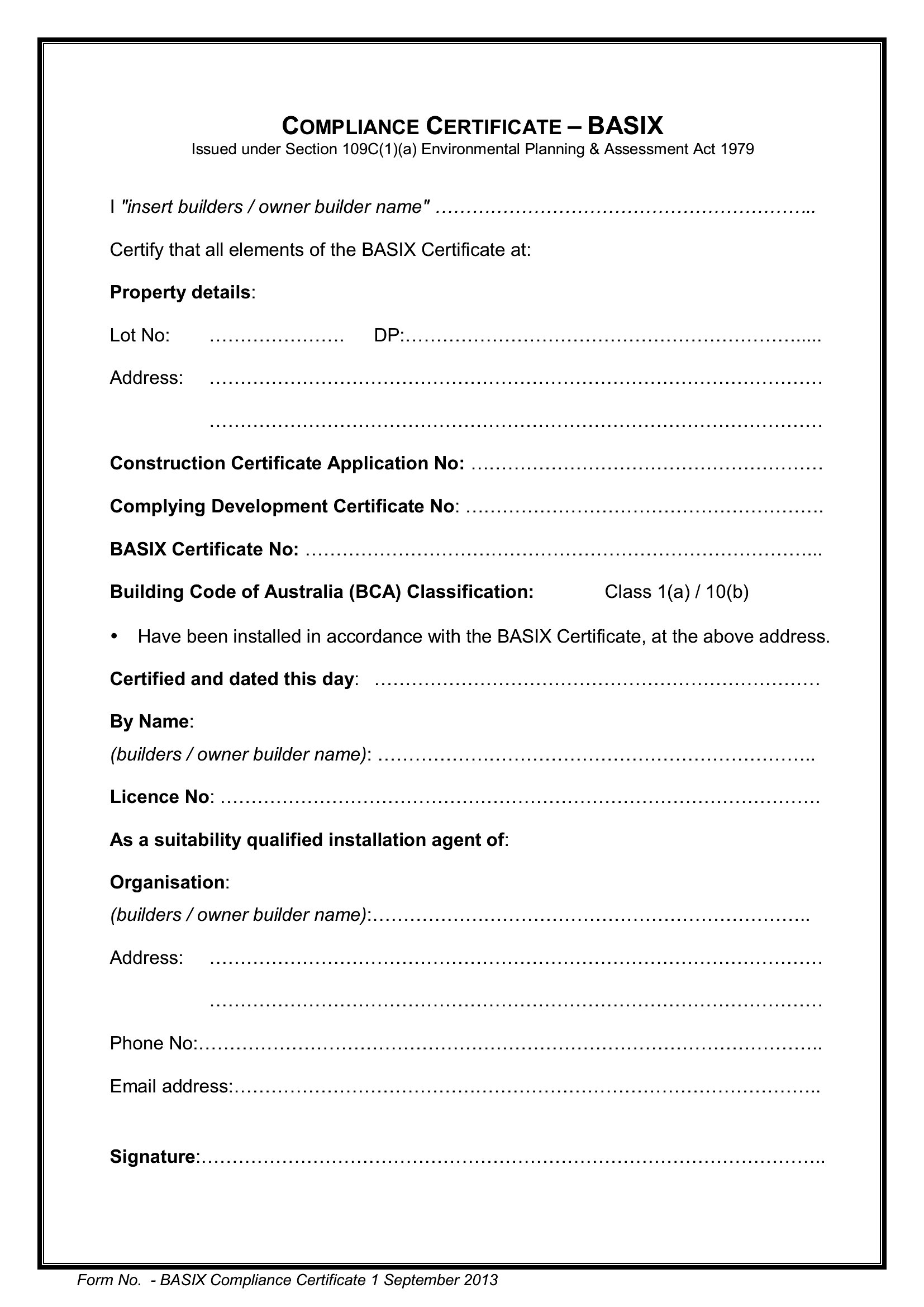
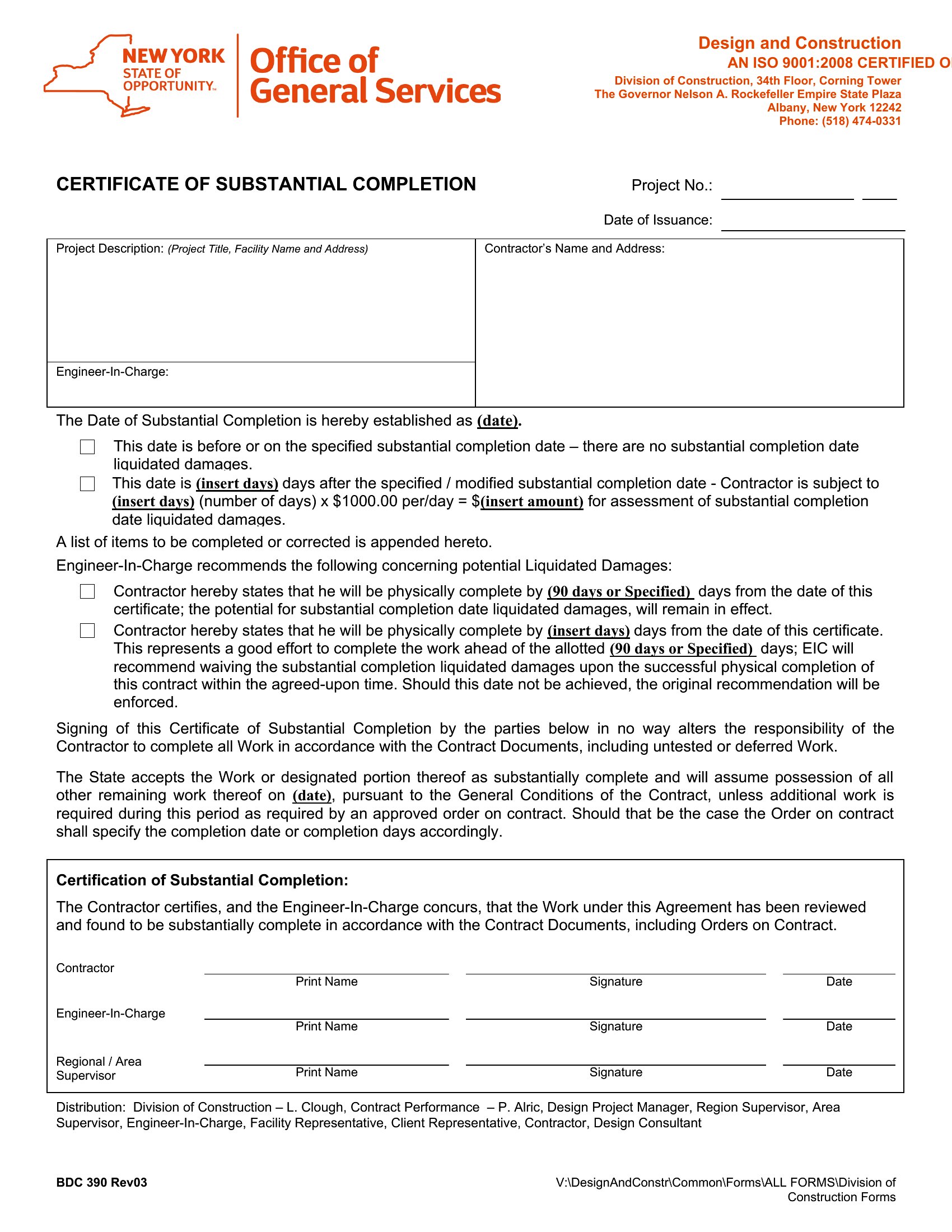
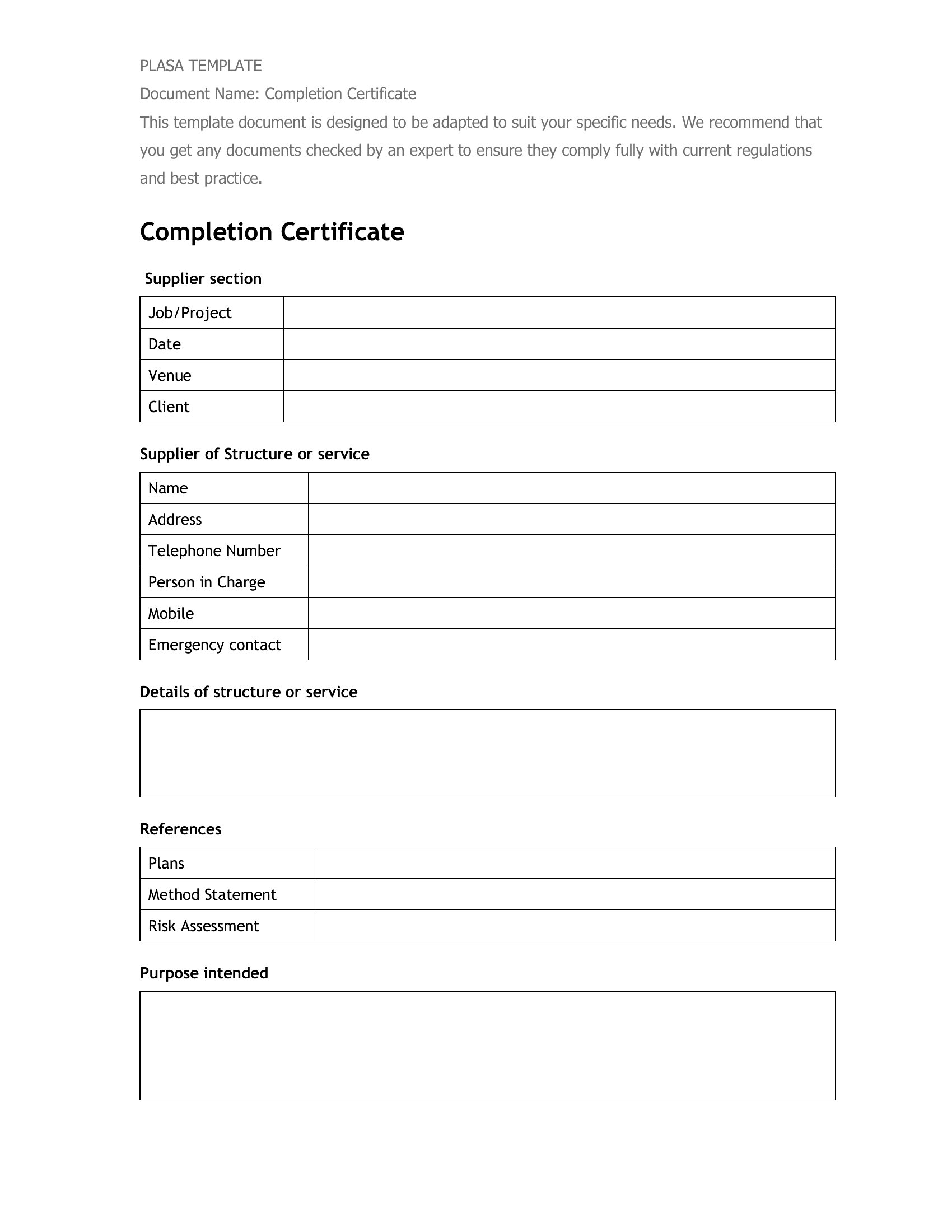
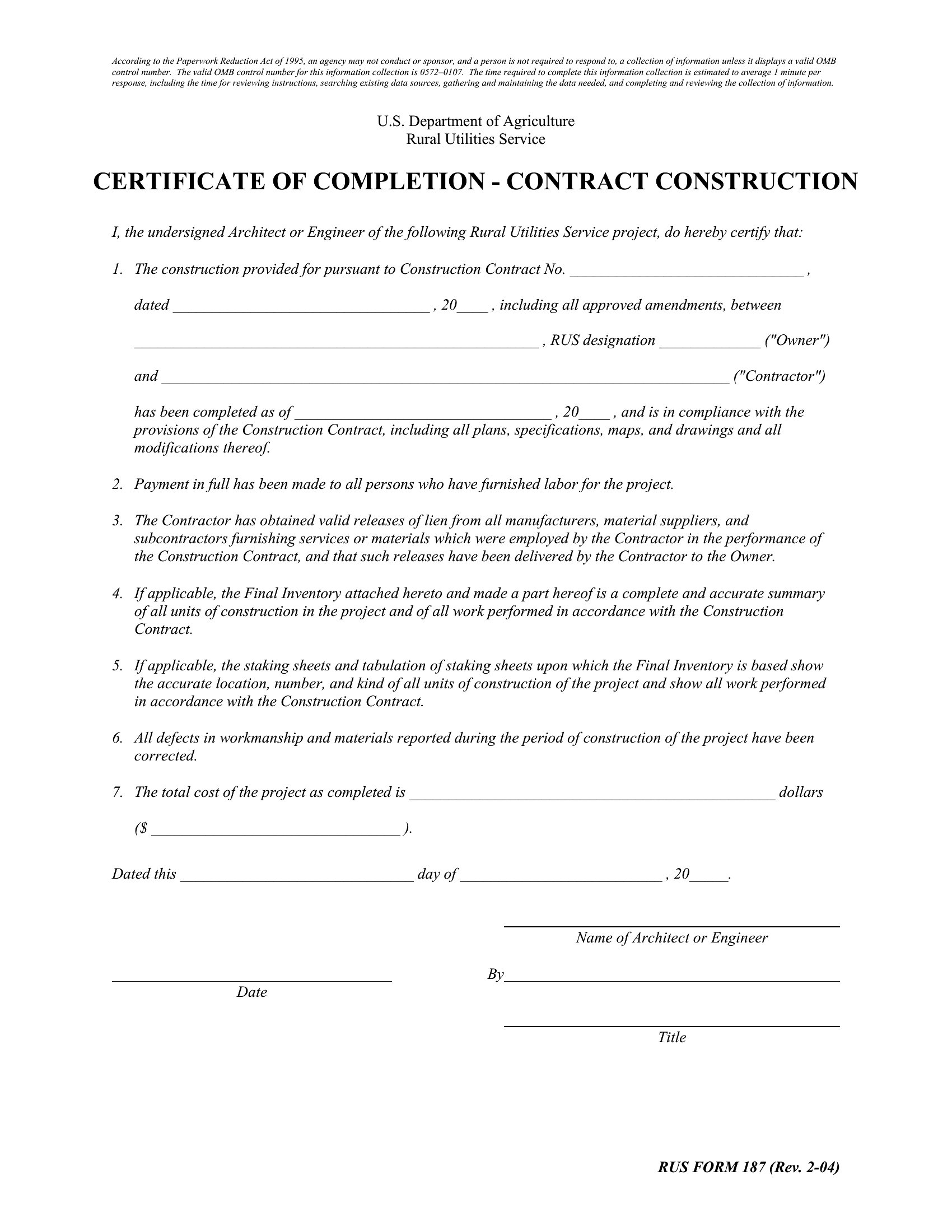
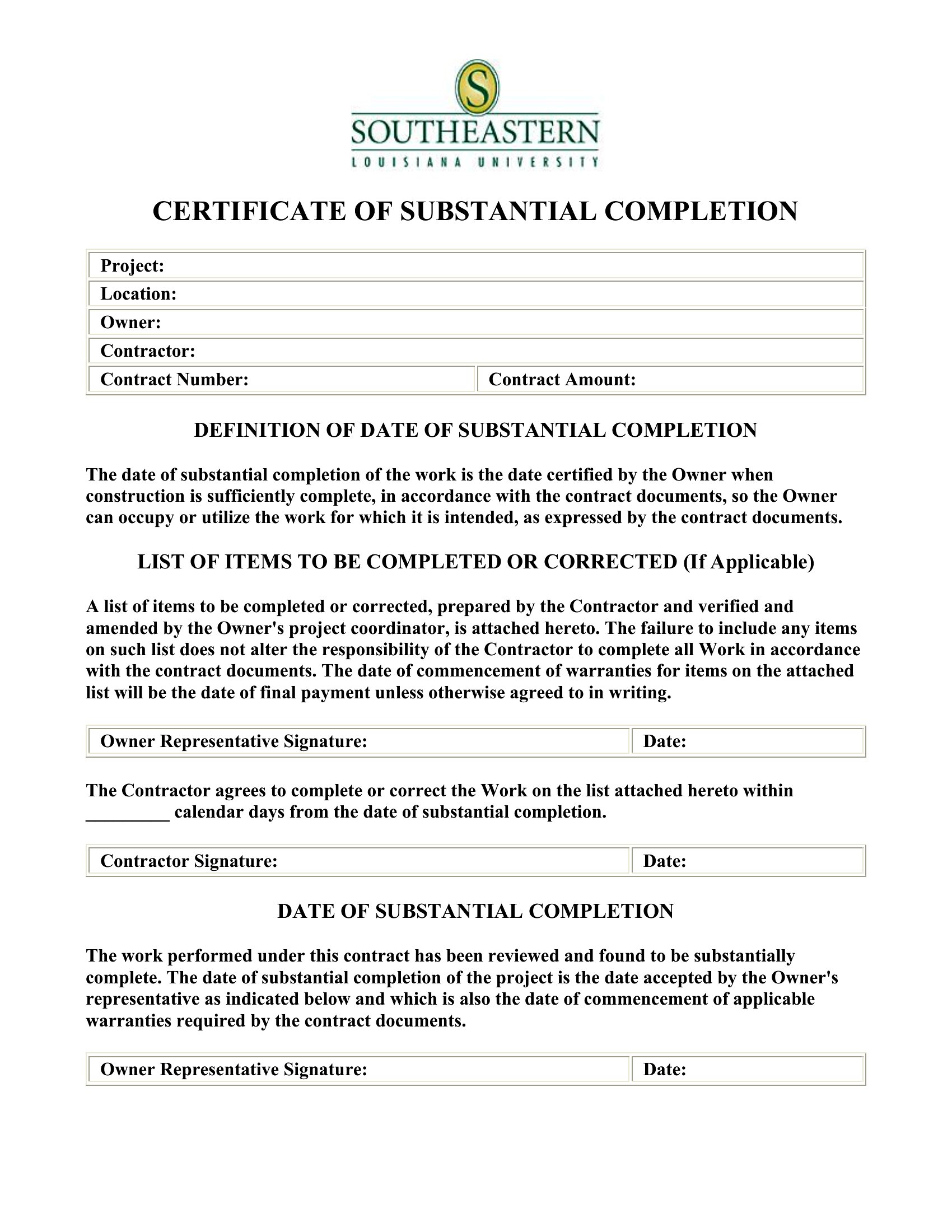
For credibility, include the participant’s full name, the exact name of the program or course, the date of completion, and the name or title of the issuing organization. Adding a unique certificate number or a signature line for an authorized person strengthens its validity. Note that these templates are starting points—always consult legal or HR experts to ensure compliance with your specific requirements.
Comments
Join the conversation
Sign in to share your thoughts and leave a comment on this resource.