


Skip to content
50% off this one-time $1.99 pack with HALFOFF — or unlimited with Pro.HALFOFF
Premium

Certificate of Completion Templates (Word, PDF)

Life
olivialahti by olivialahti
Updated 0 downloads Quality-checked template

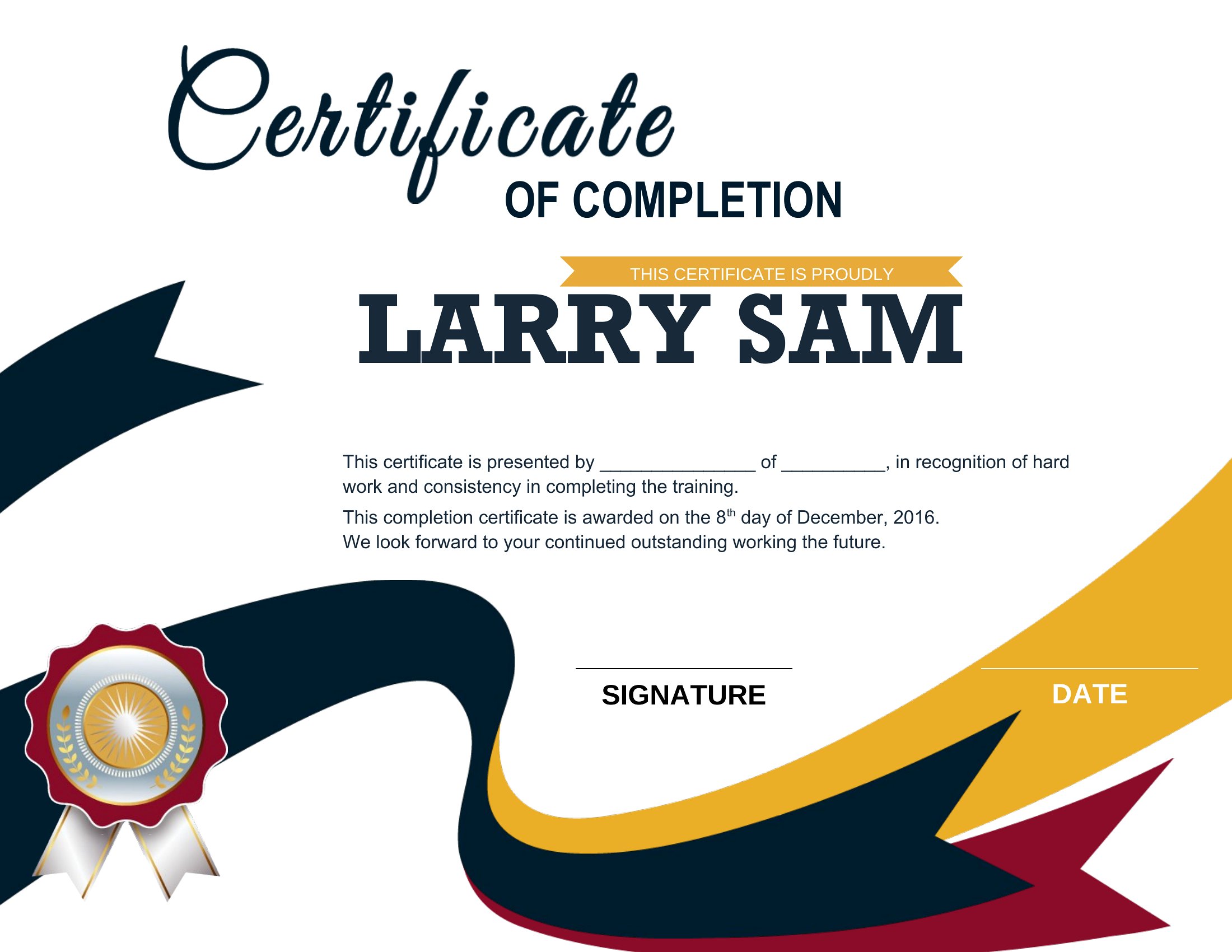
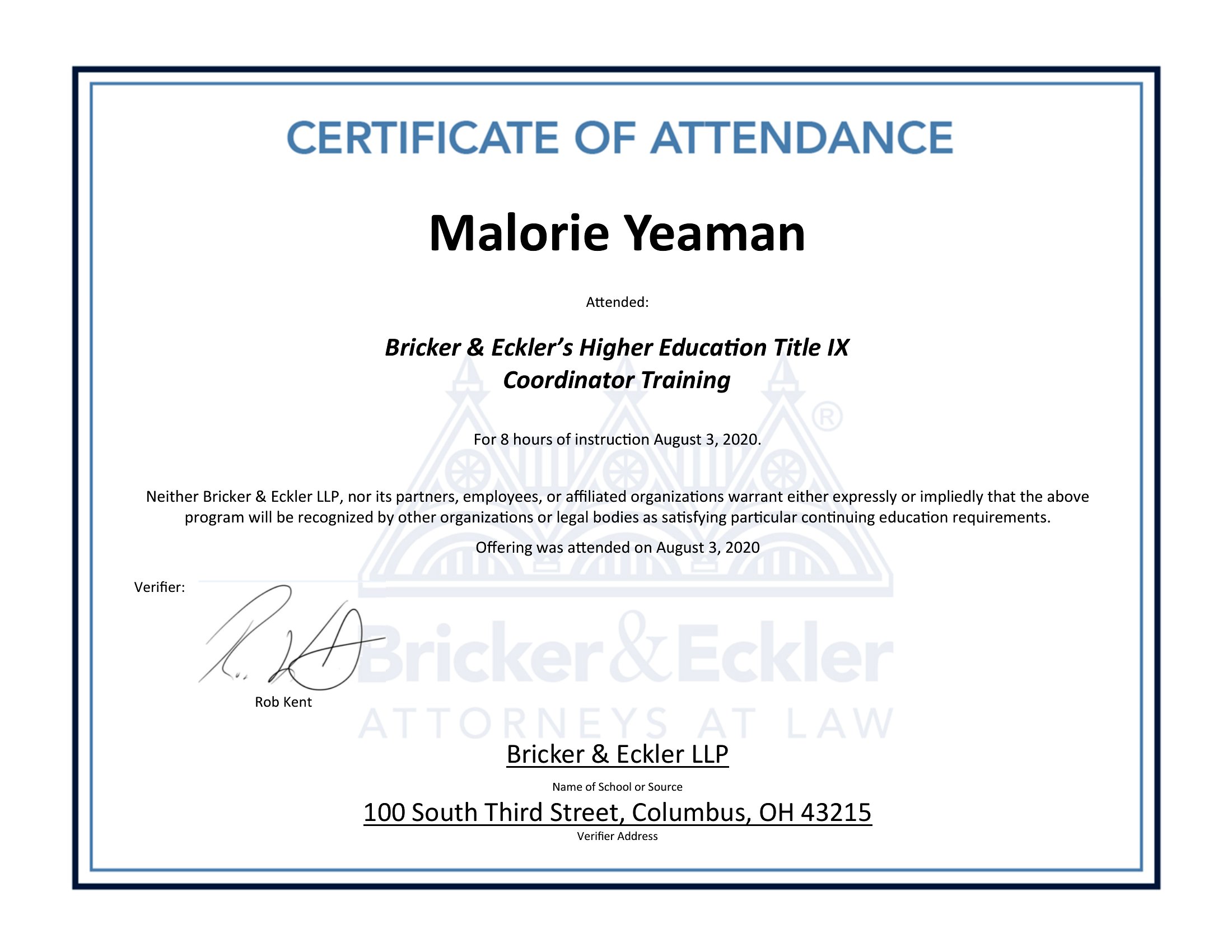
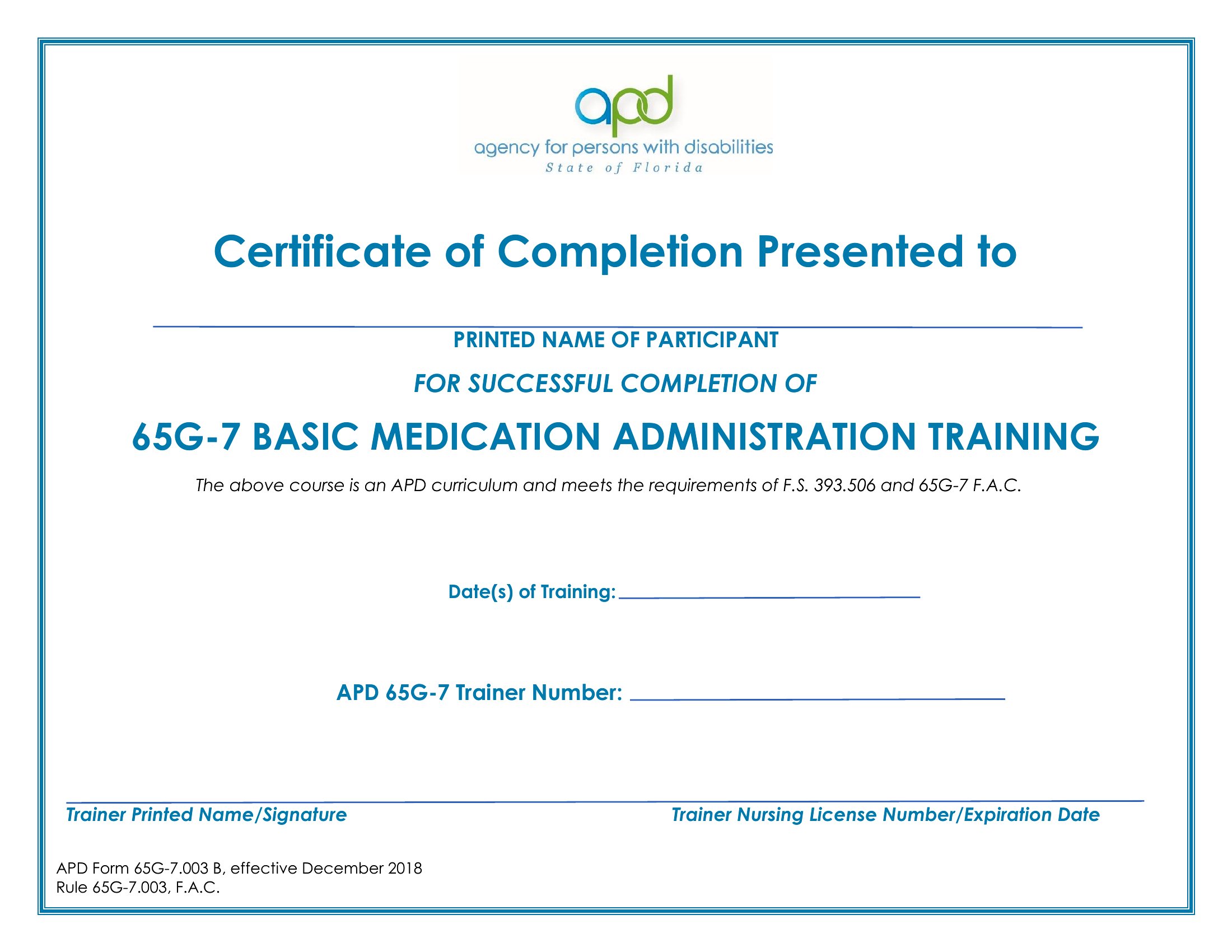
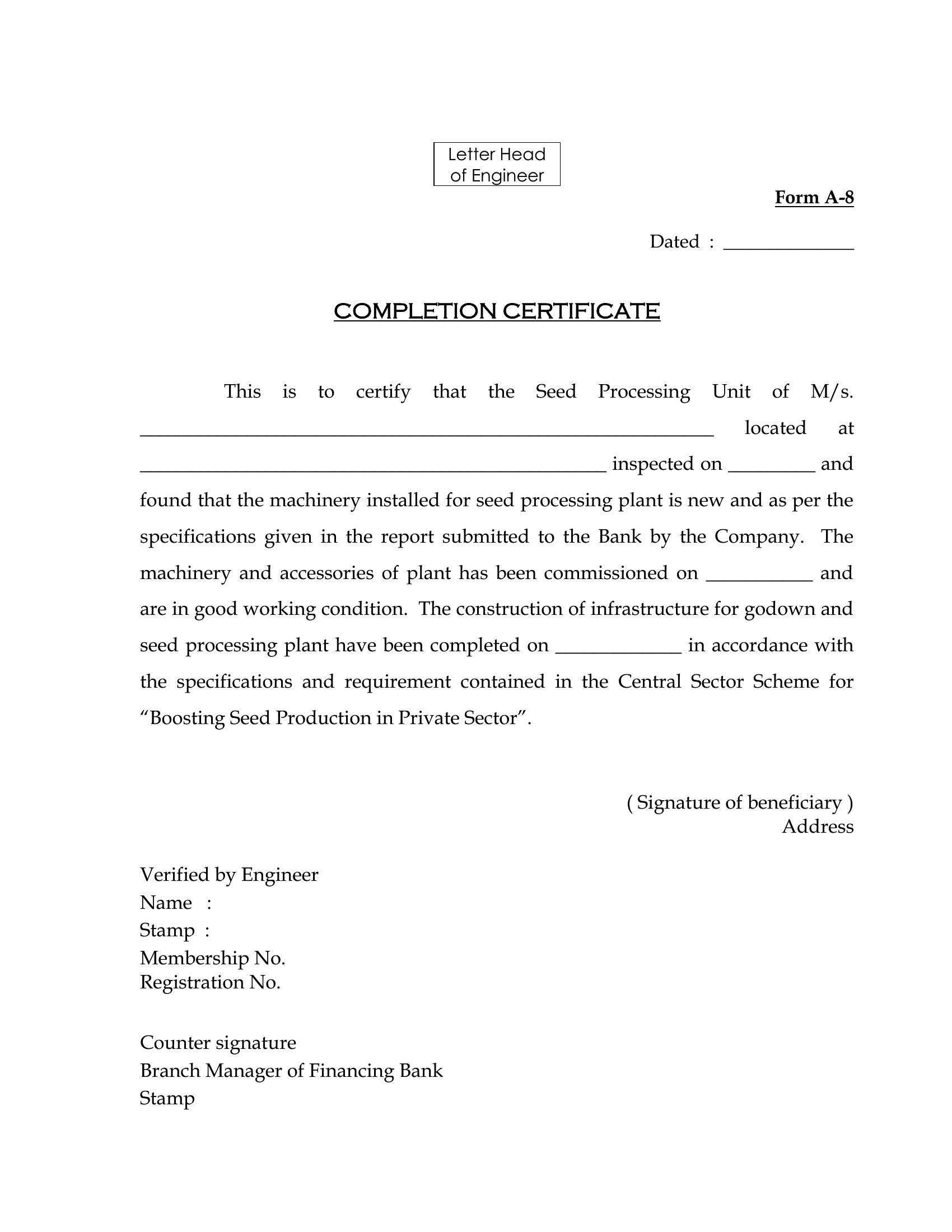
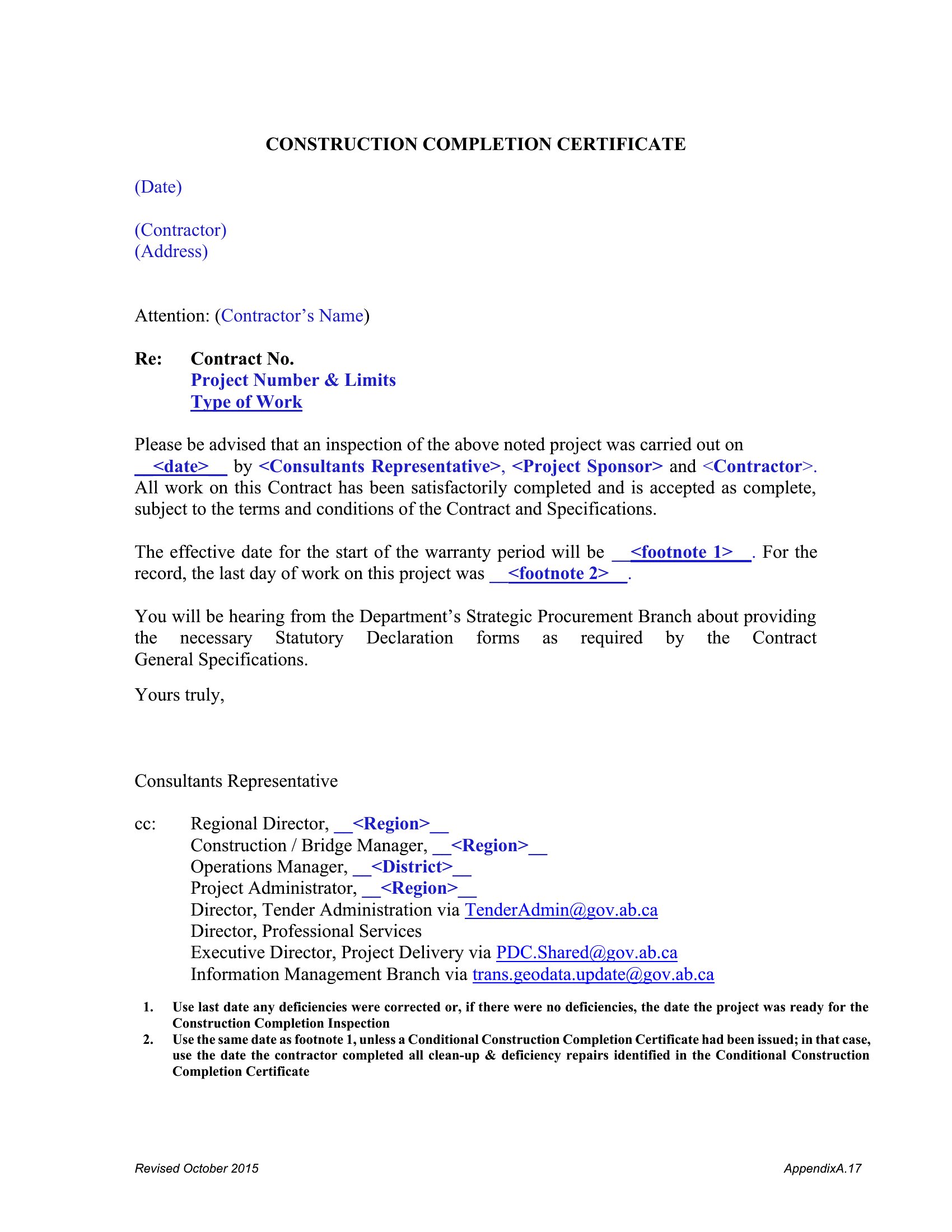
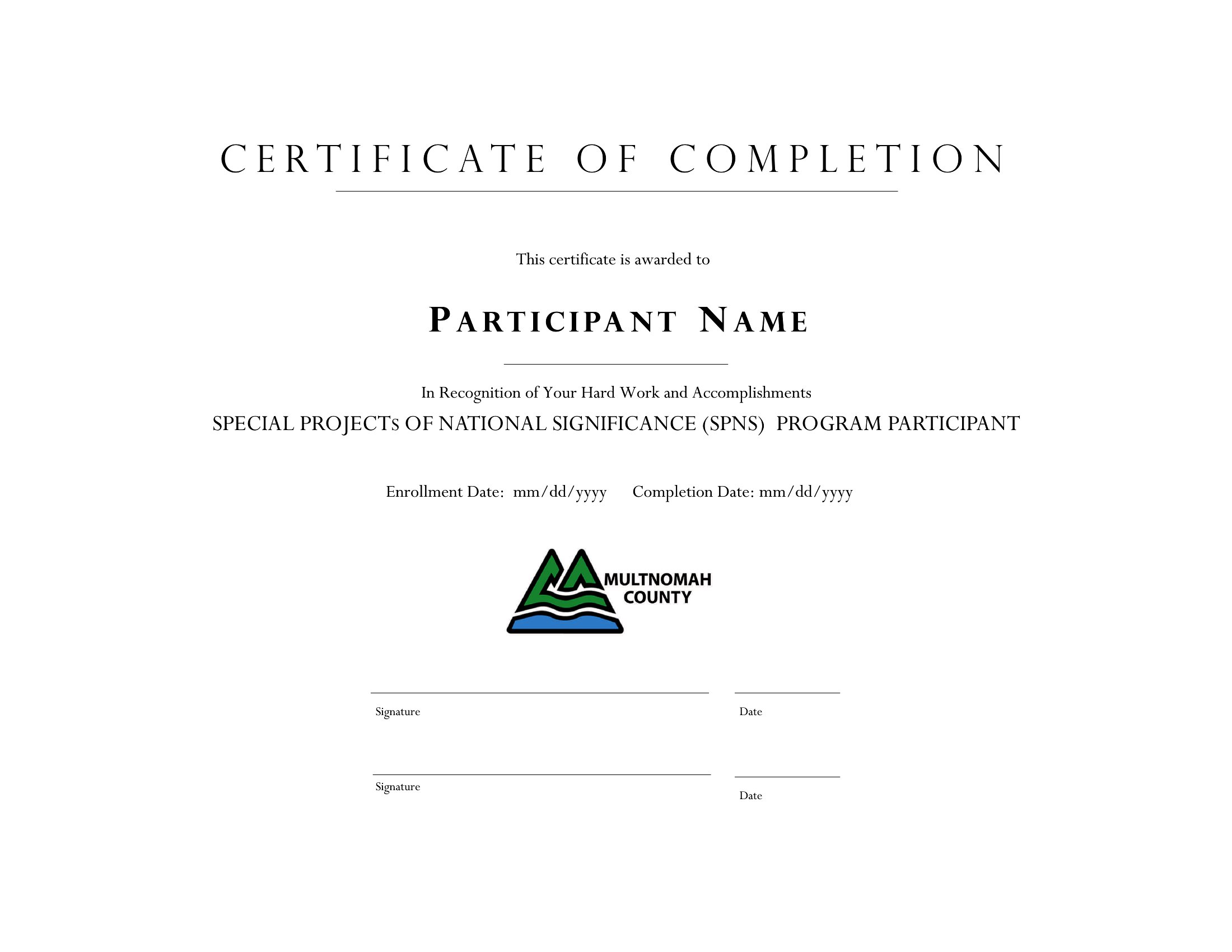
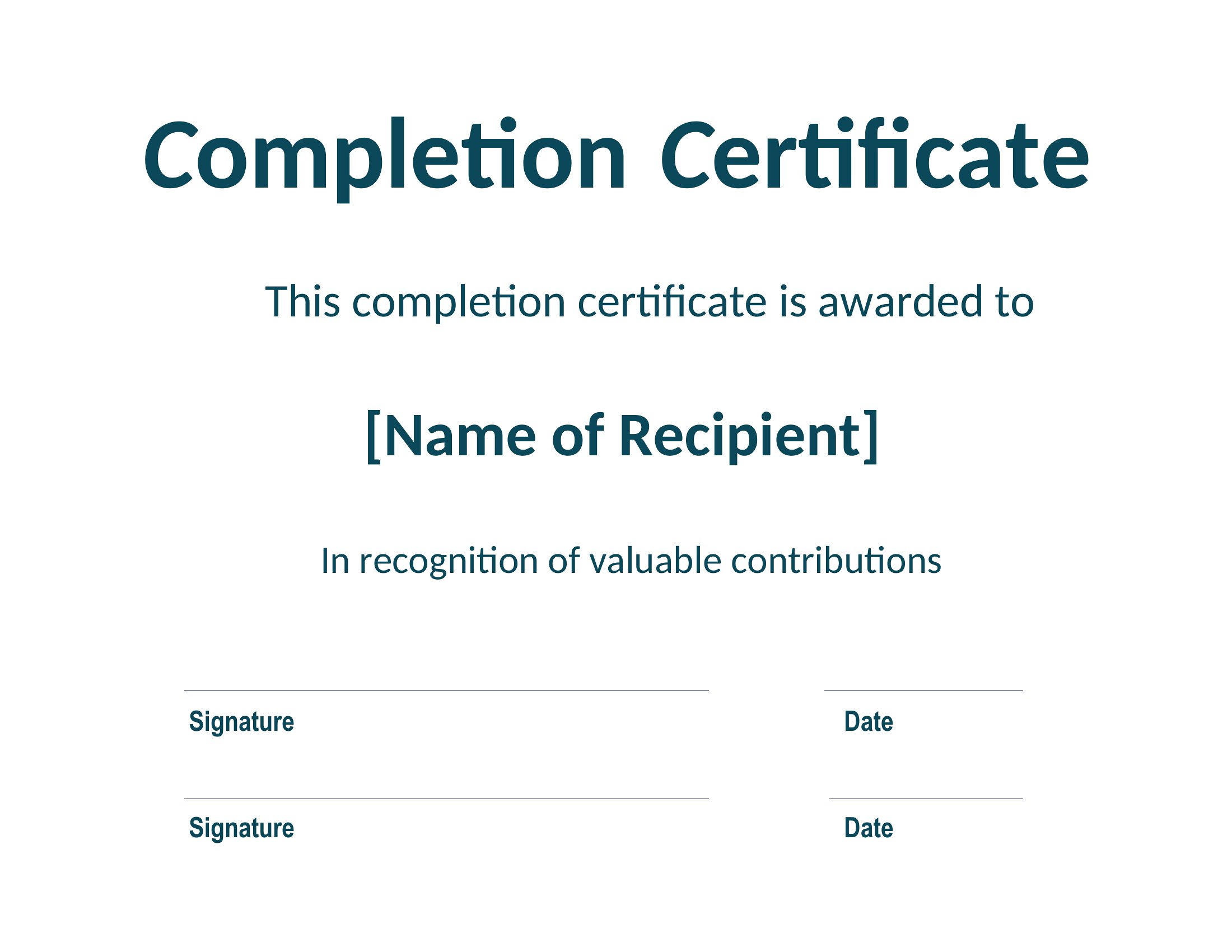
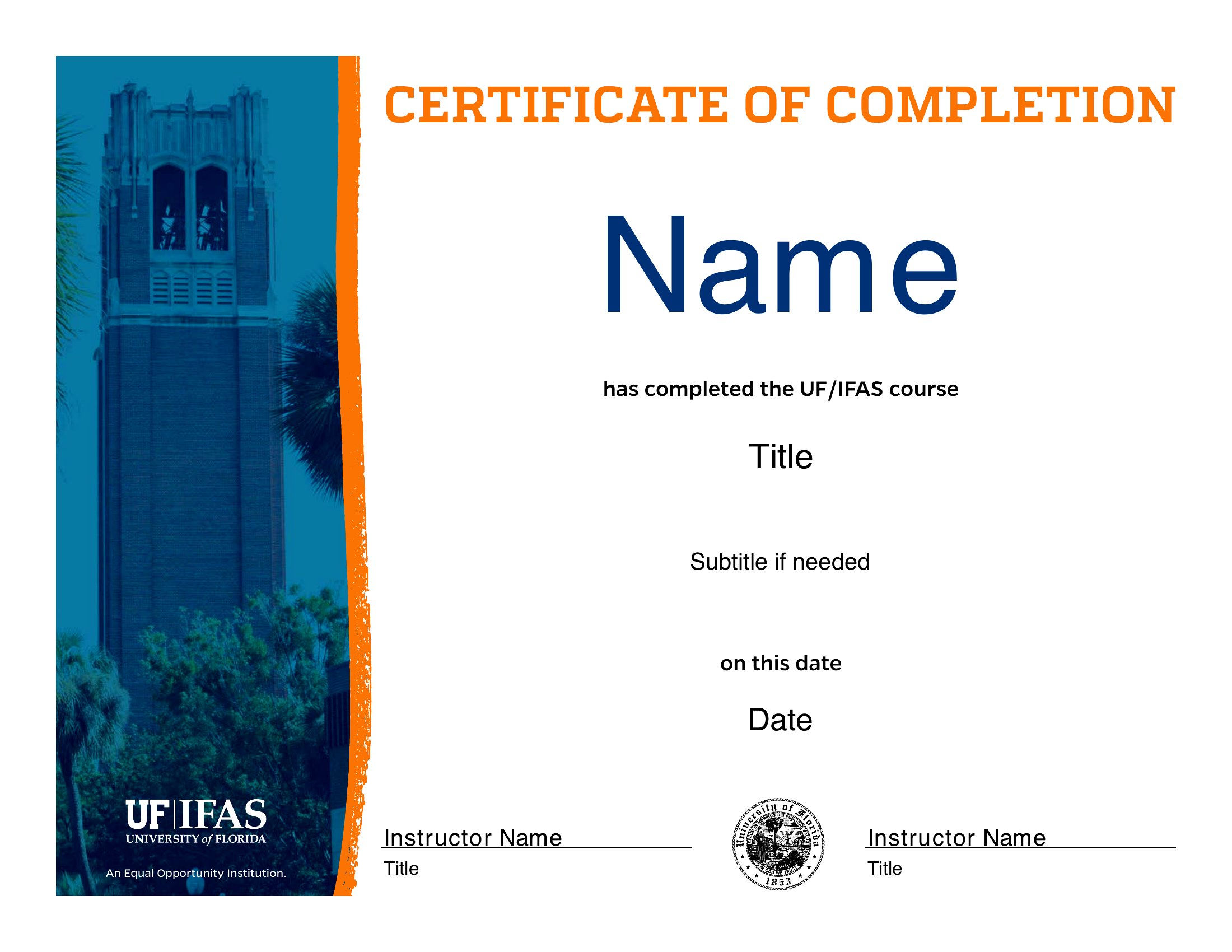
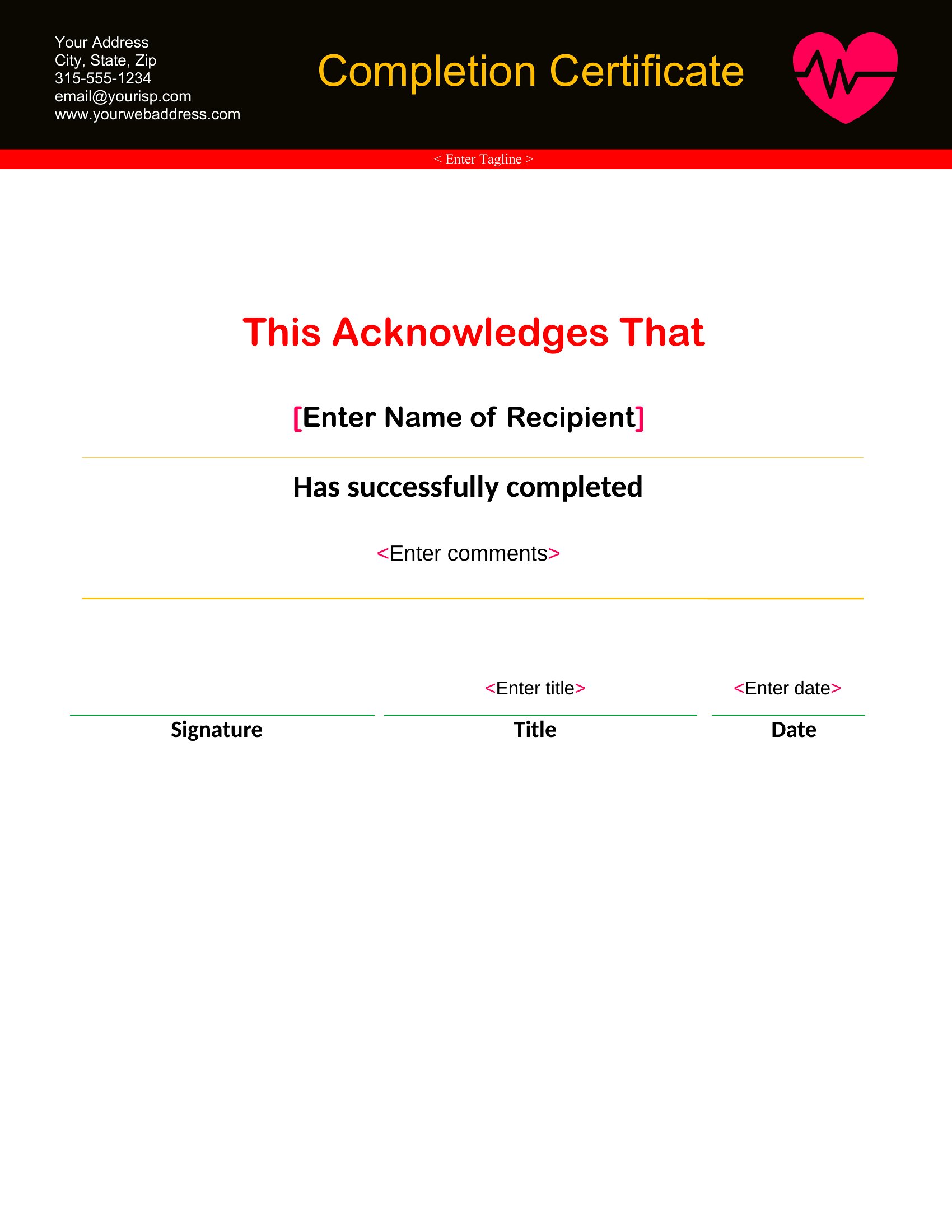
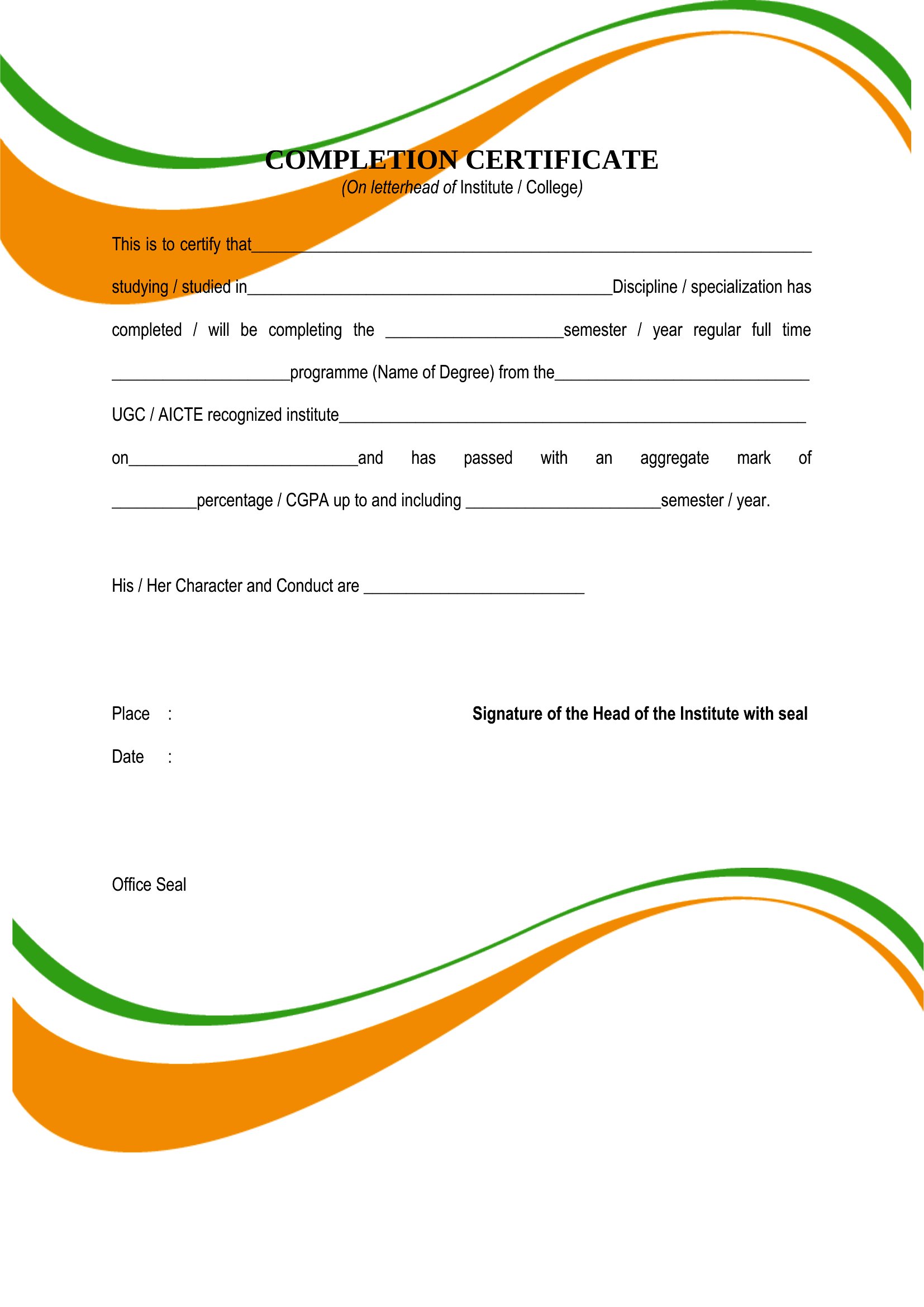
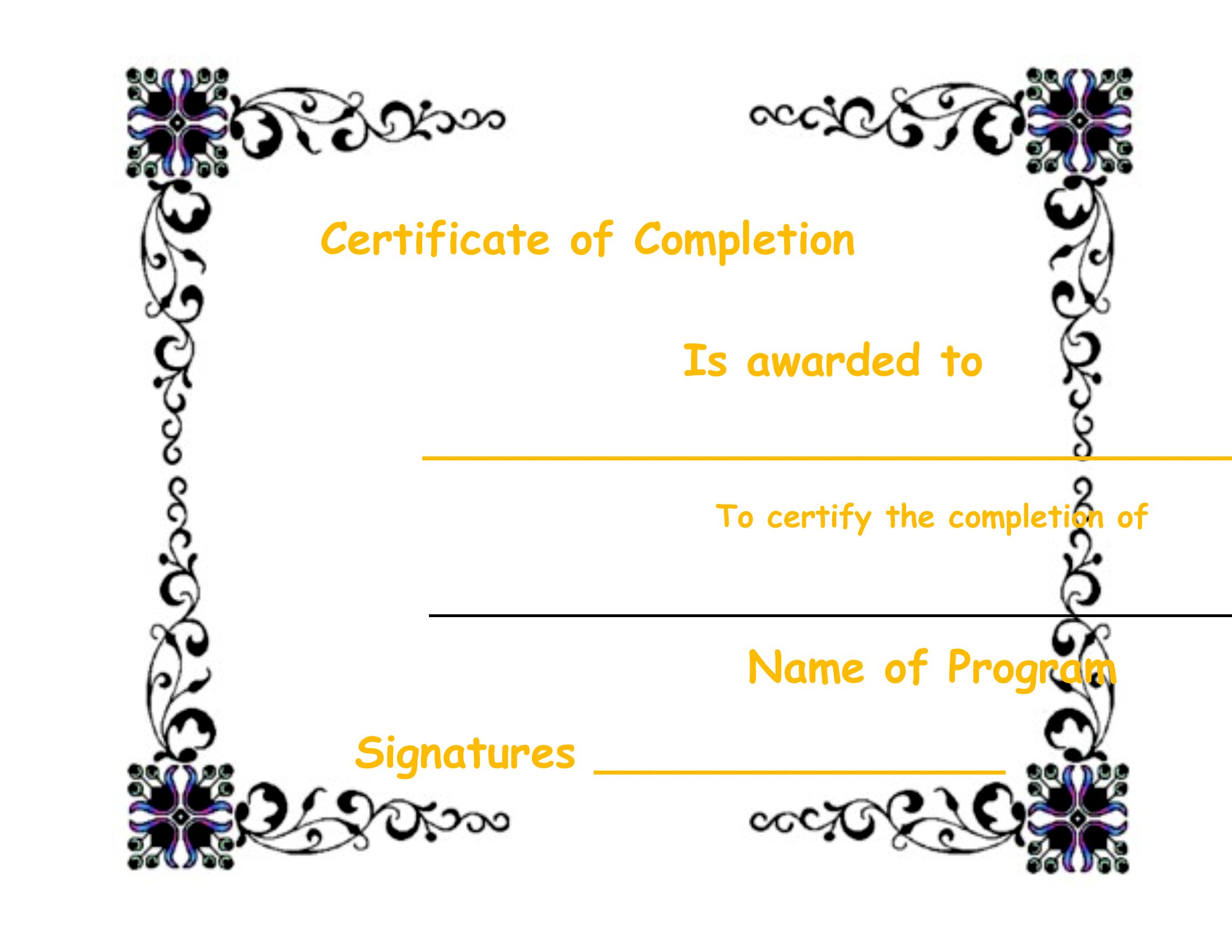
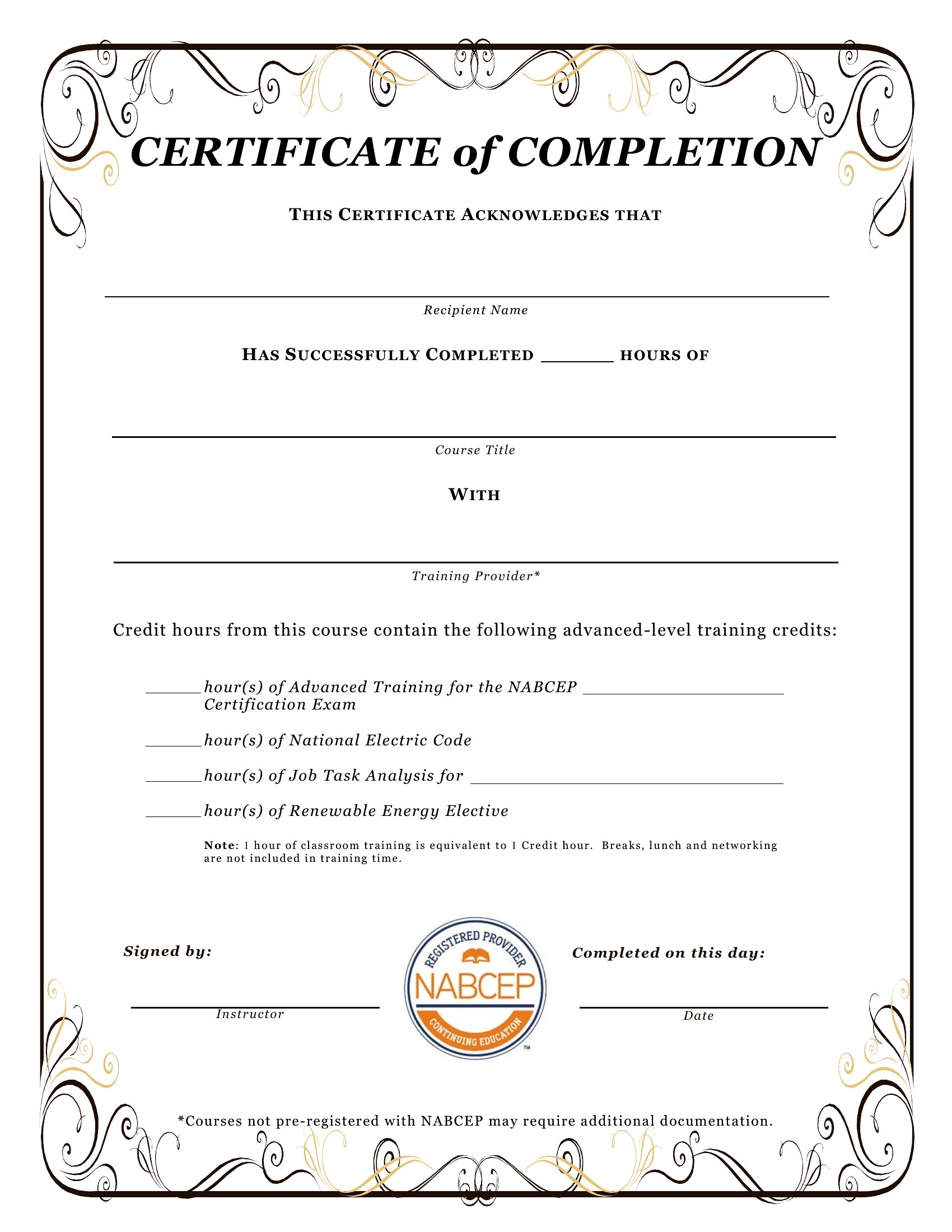
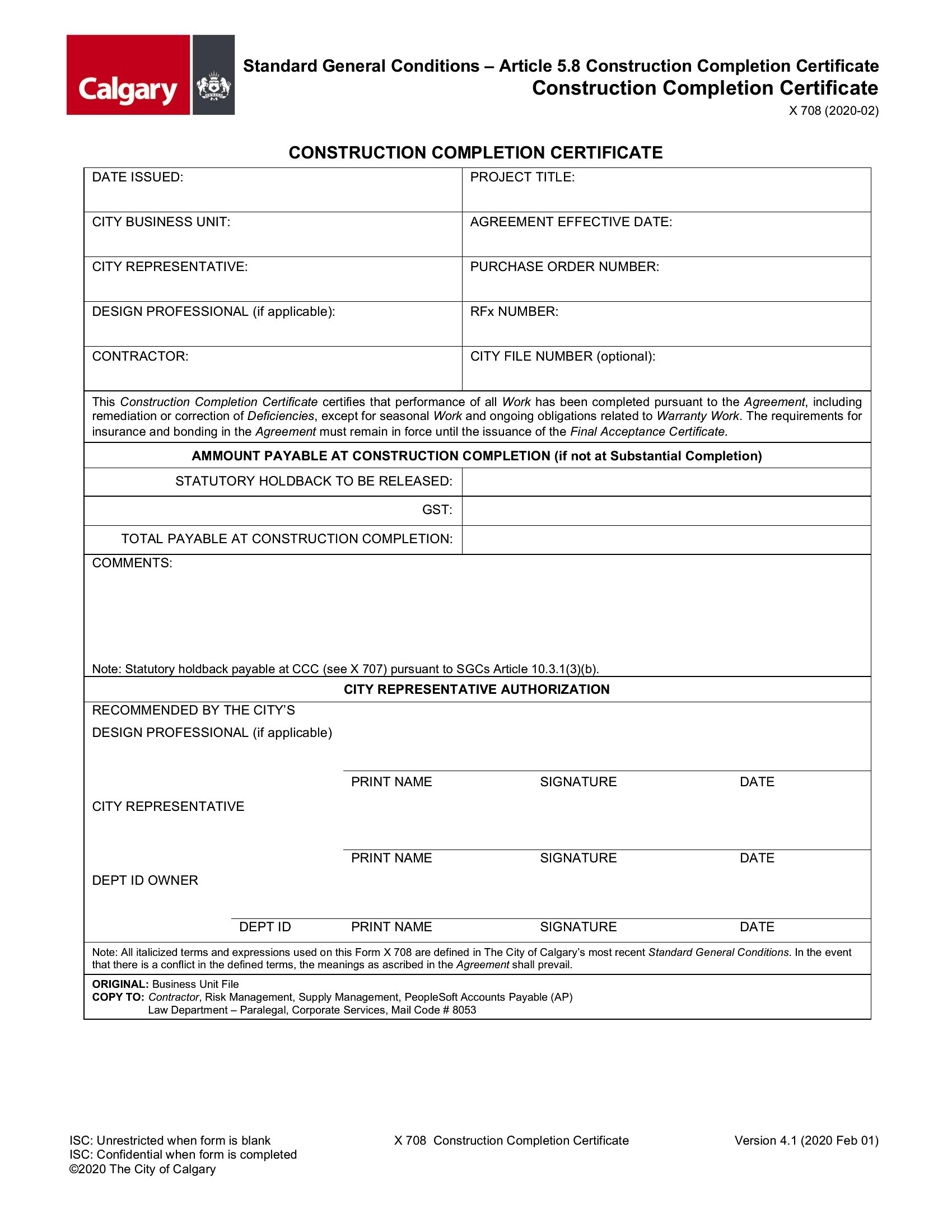
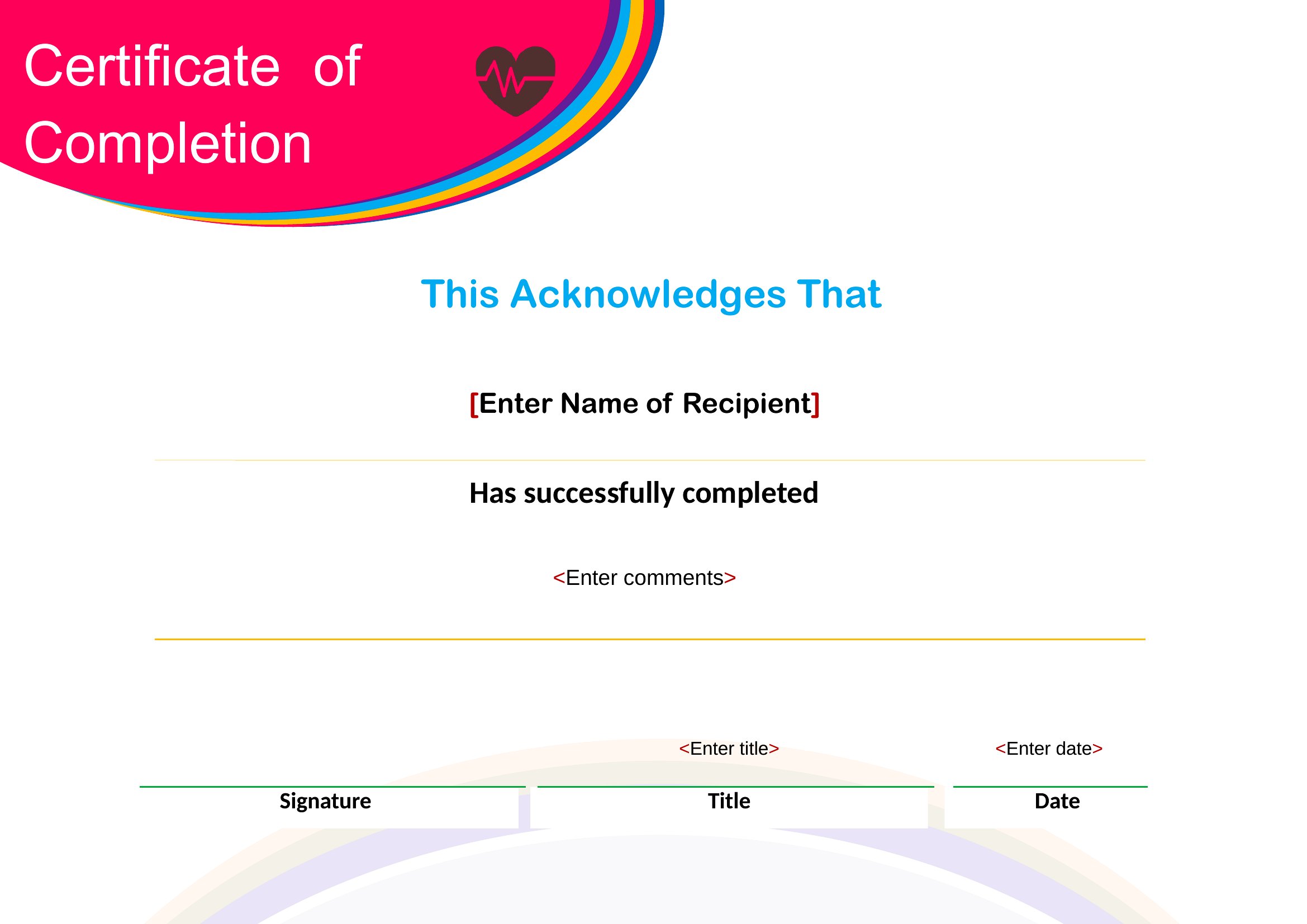
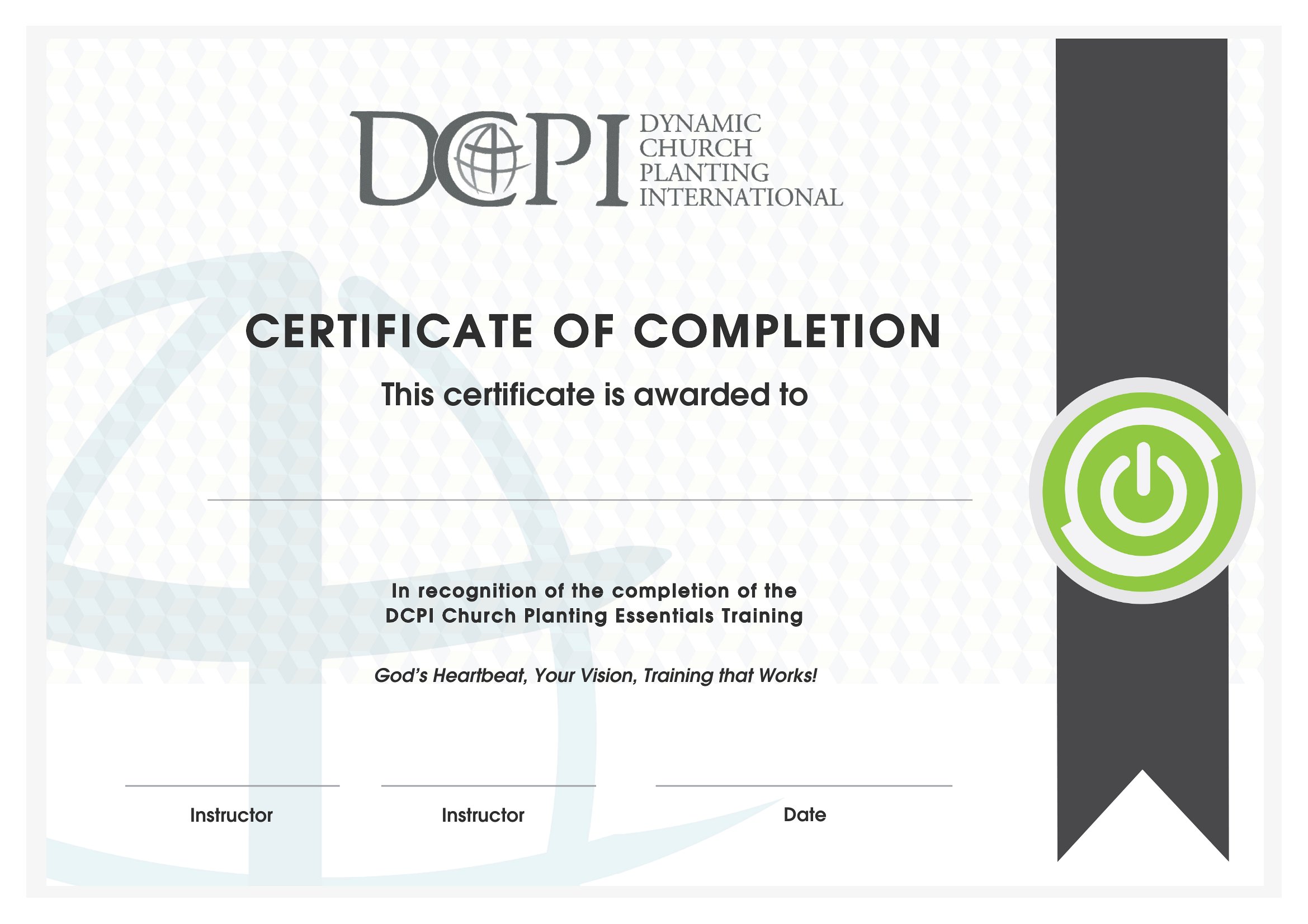
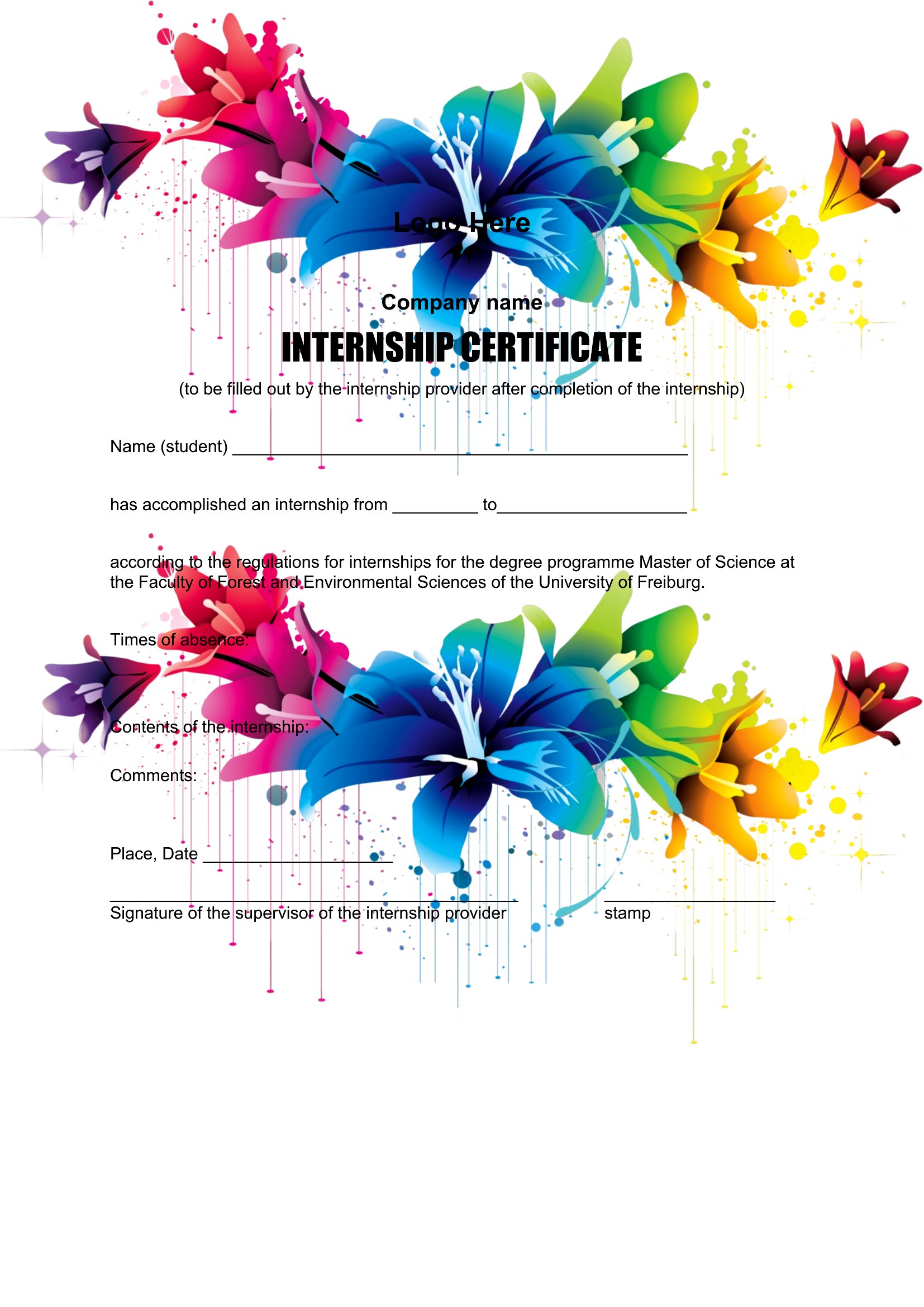
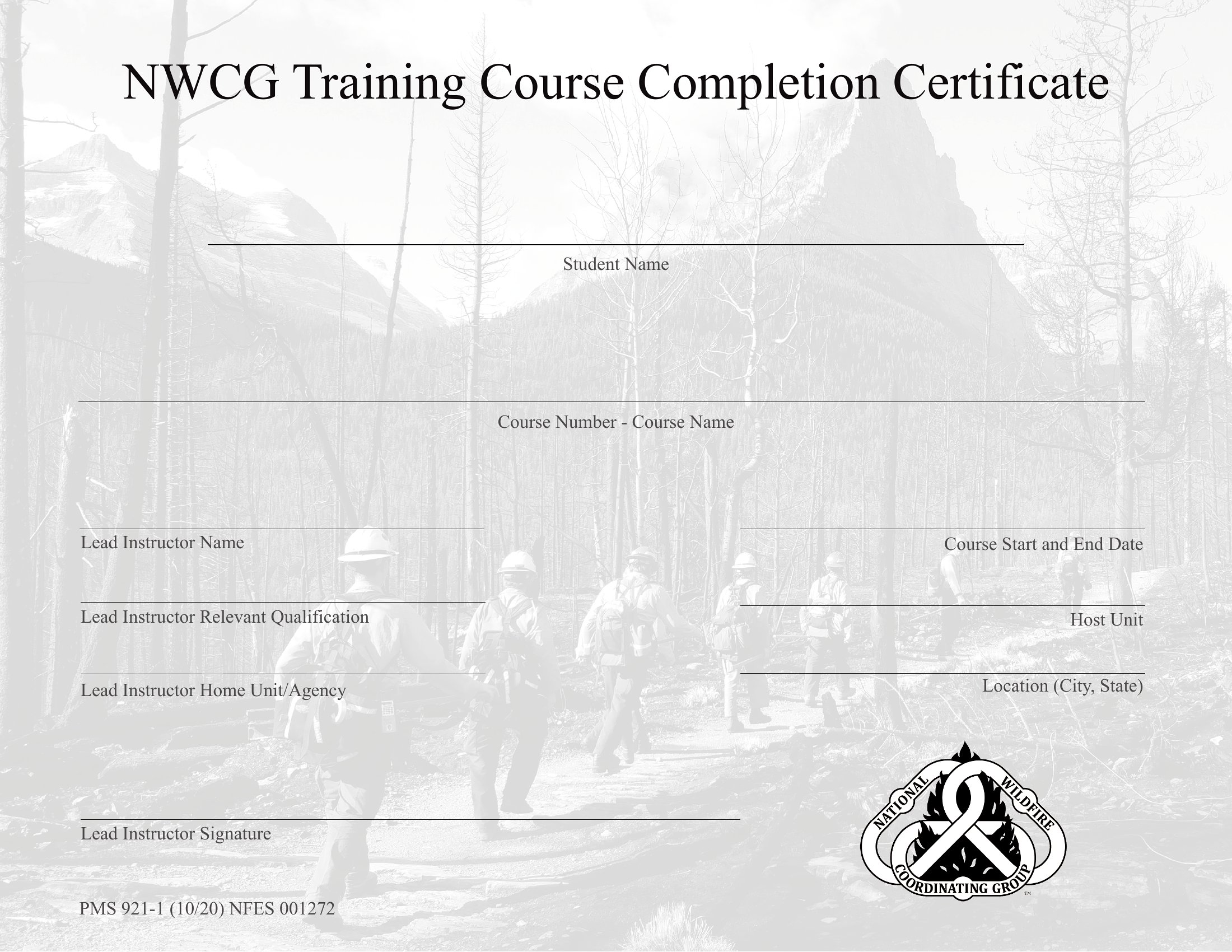
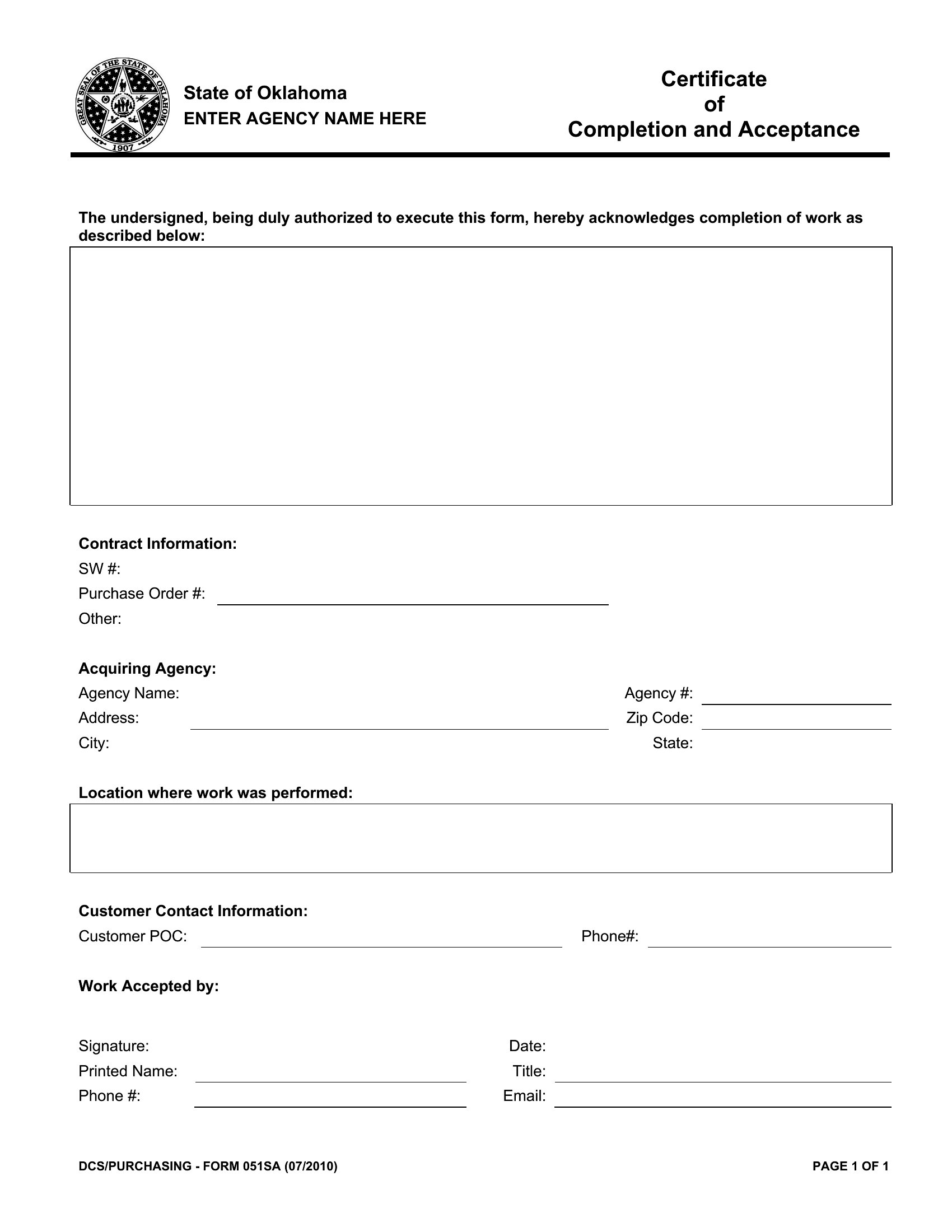
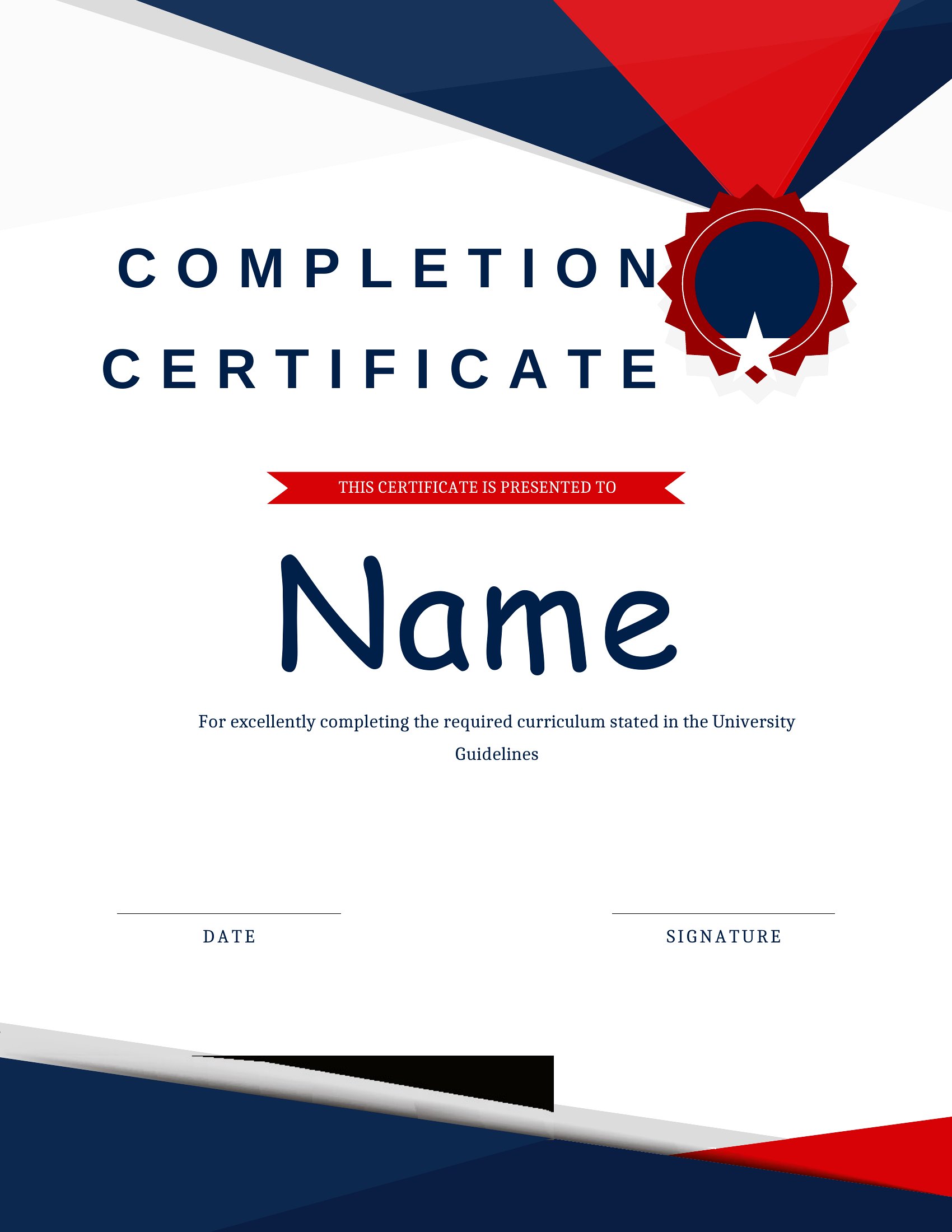
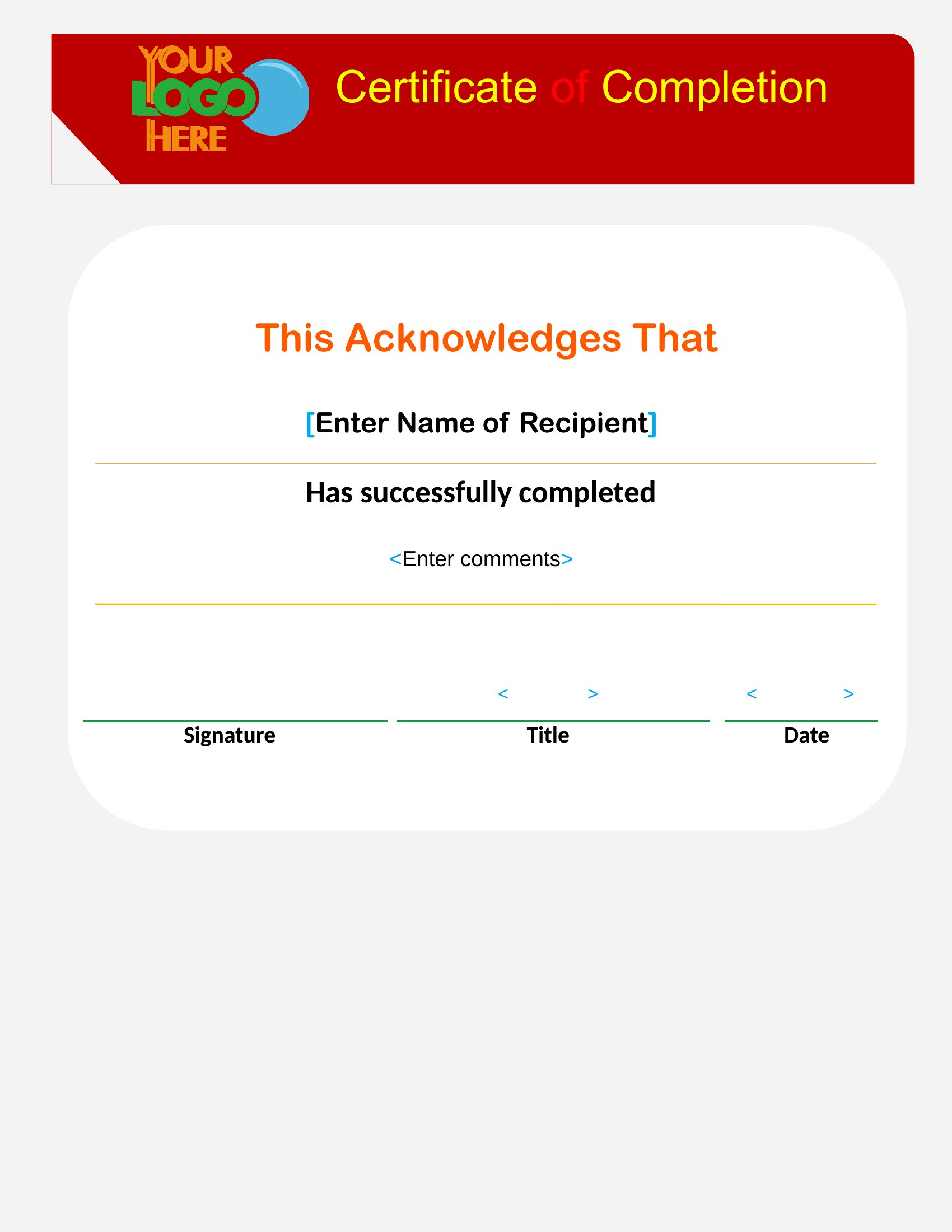
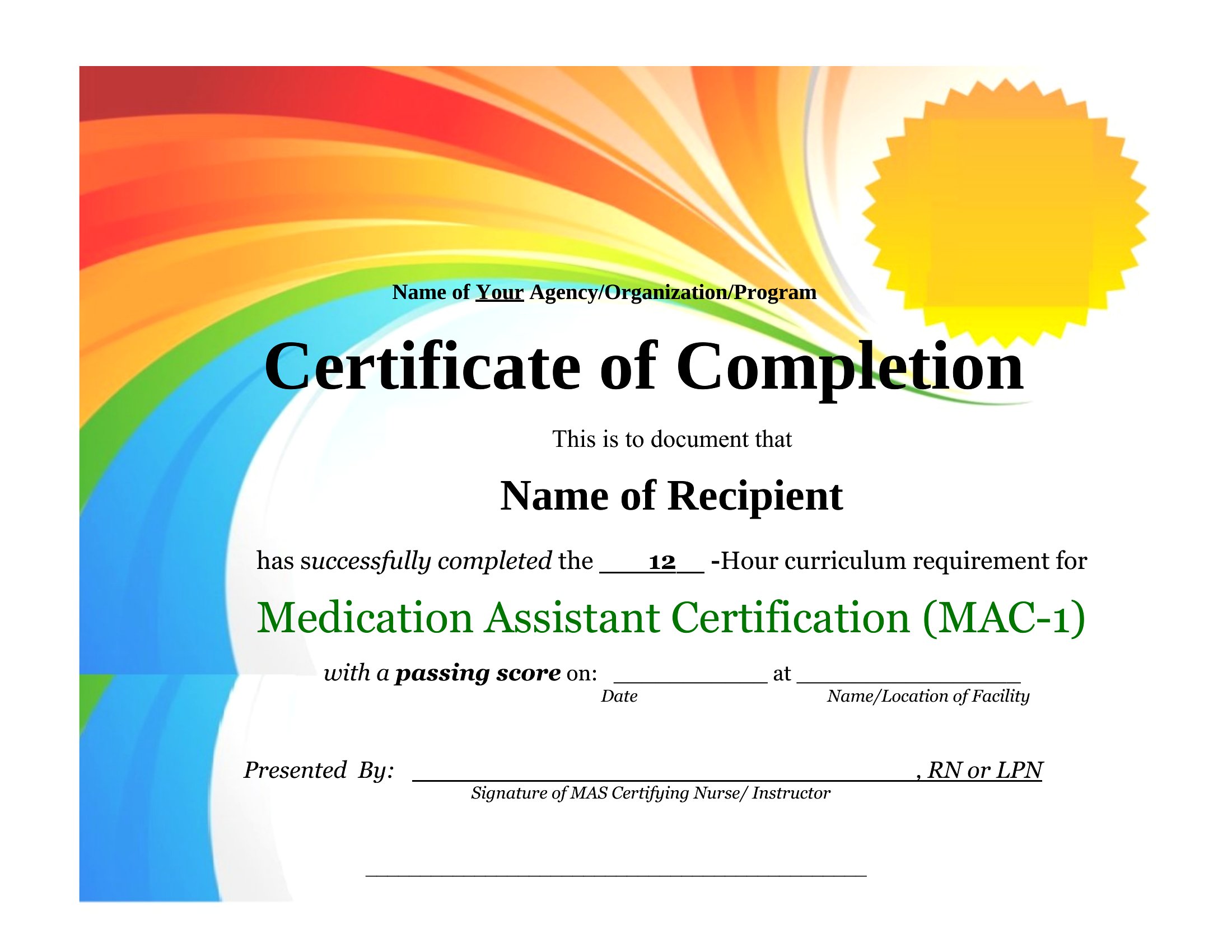
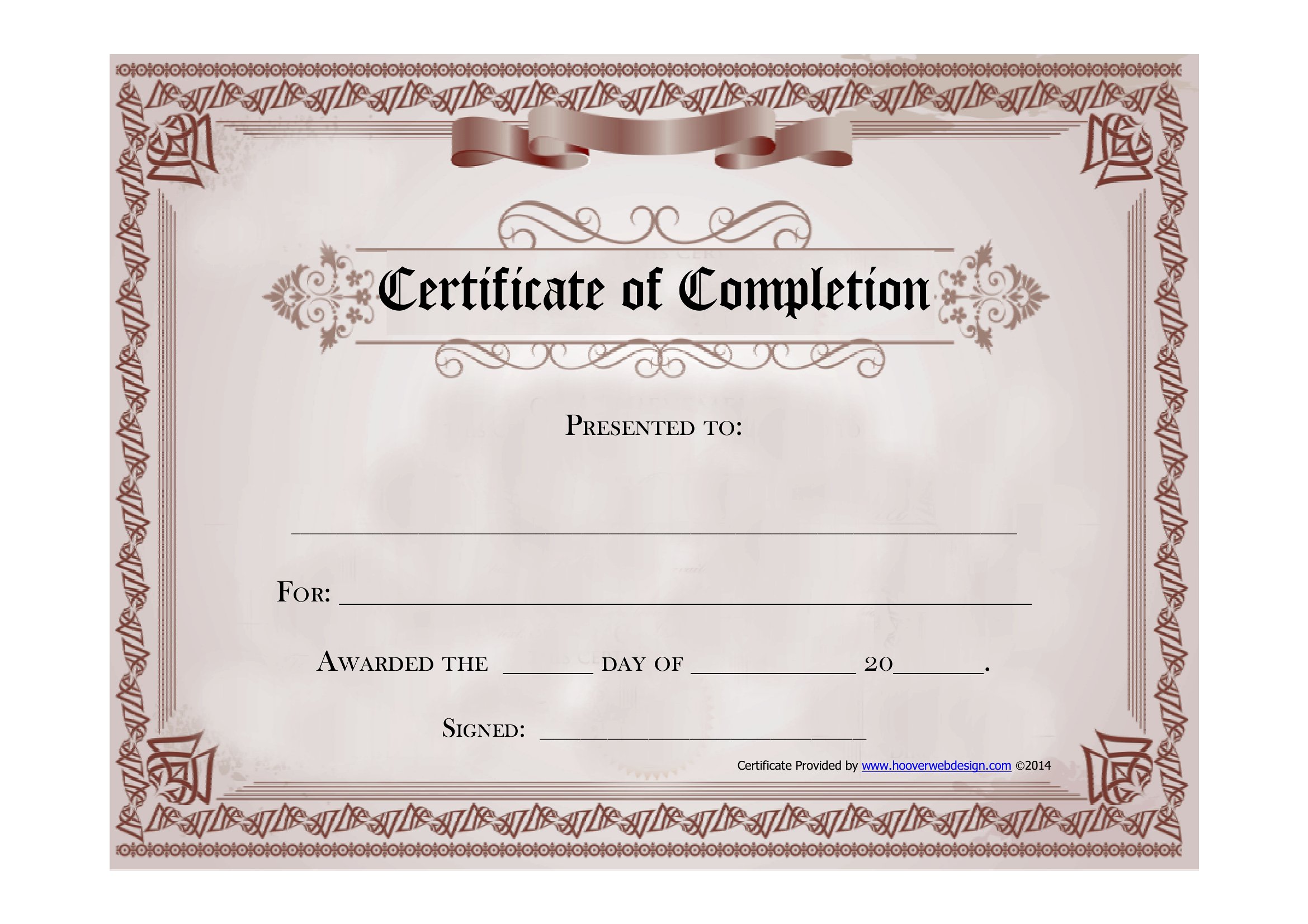
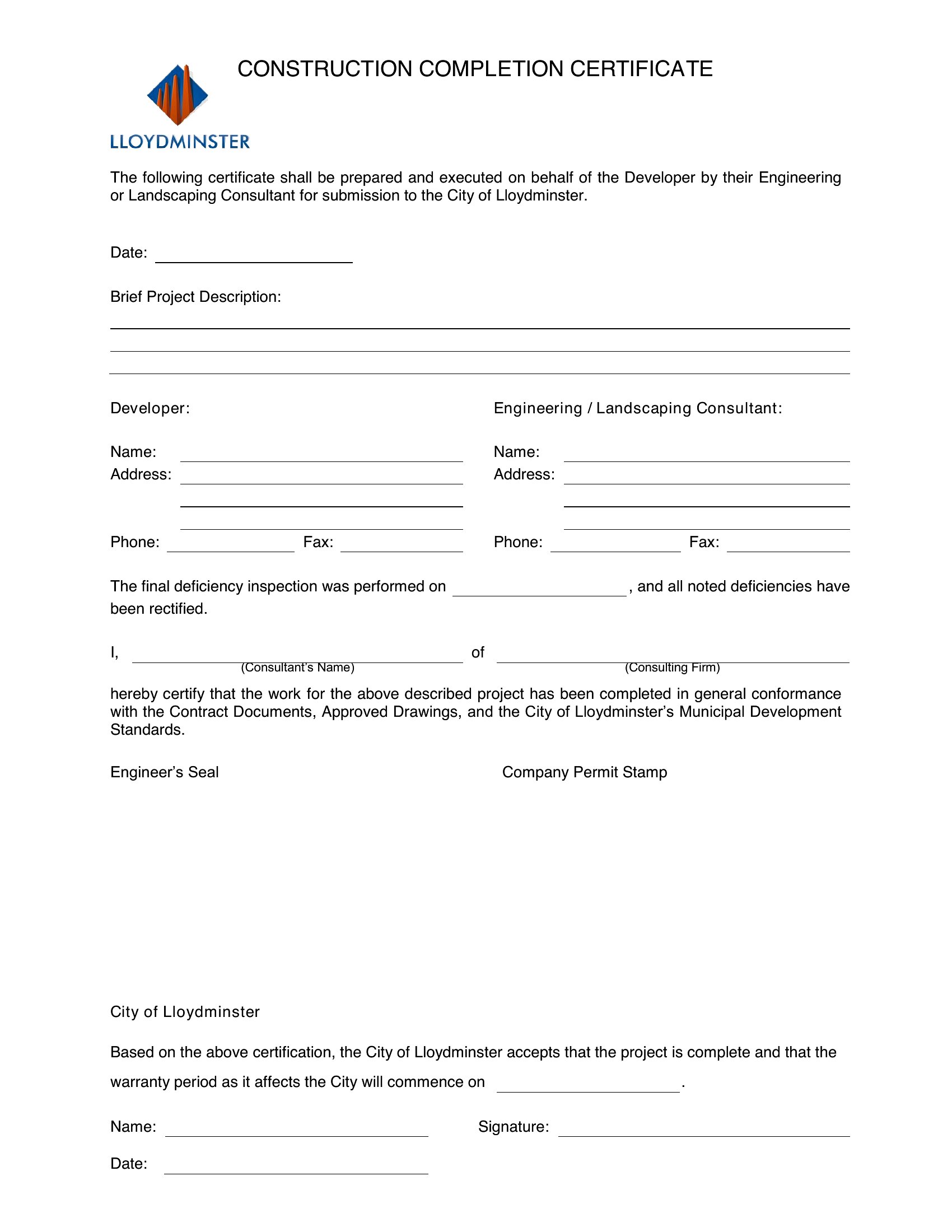
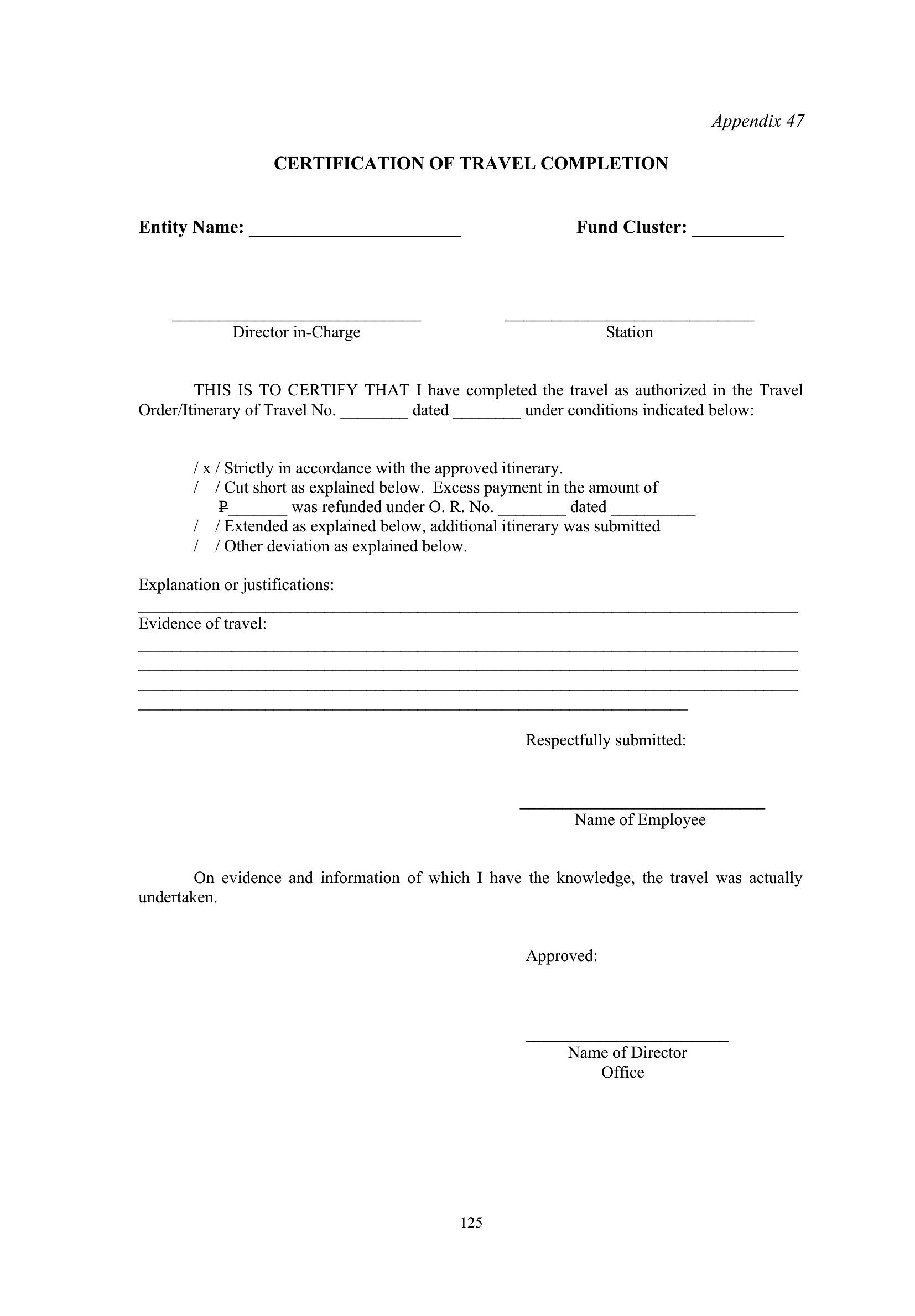
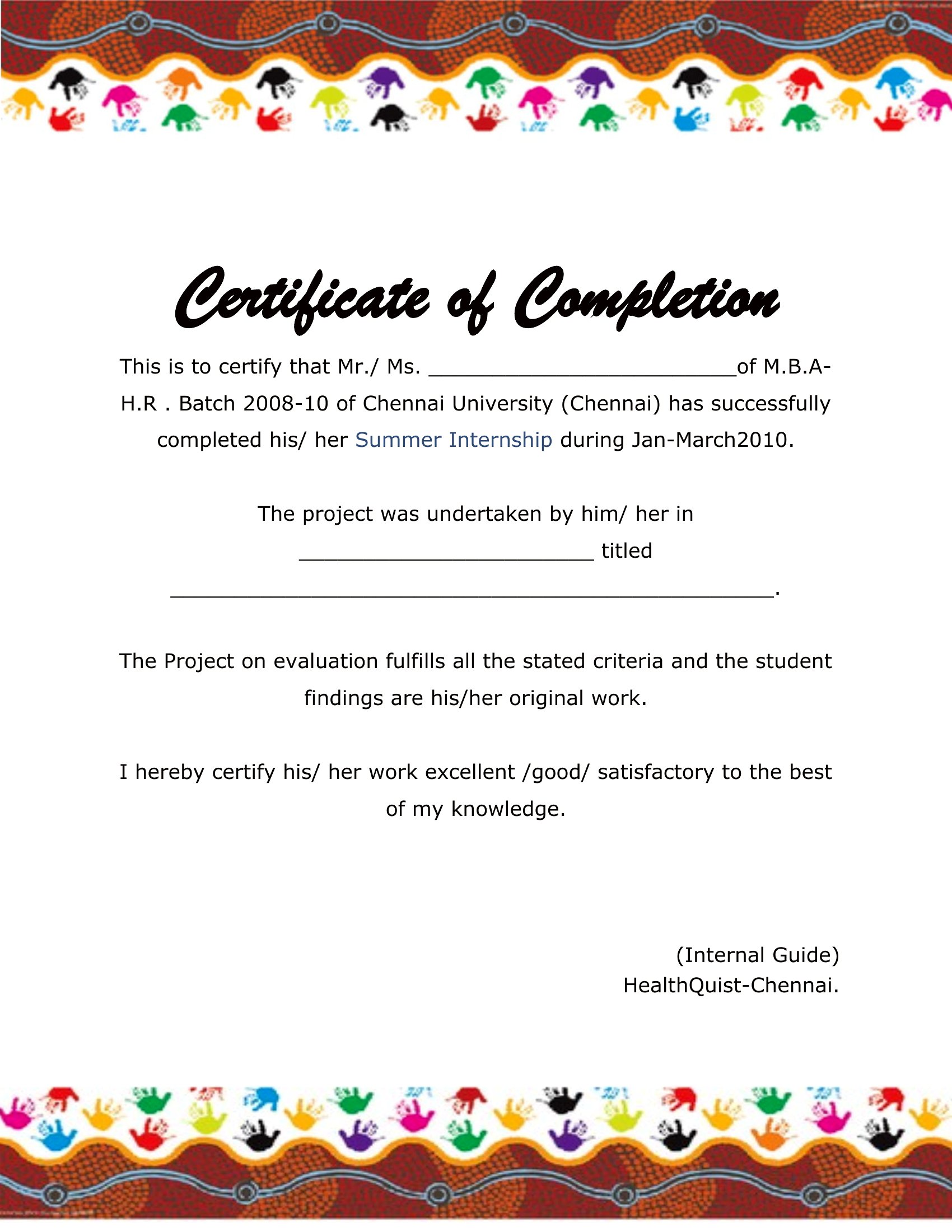
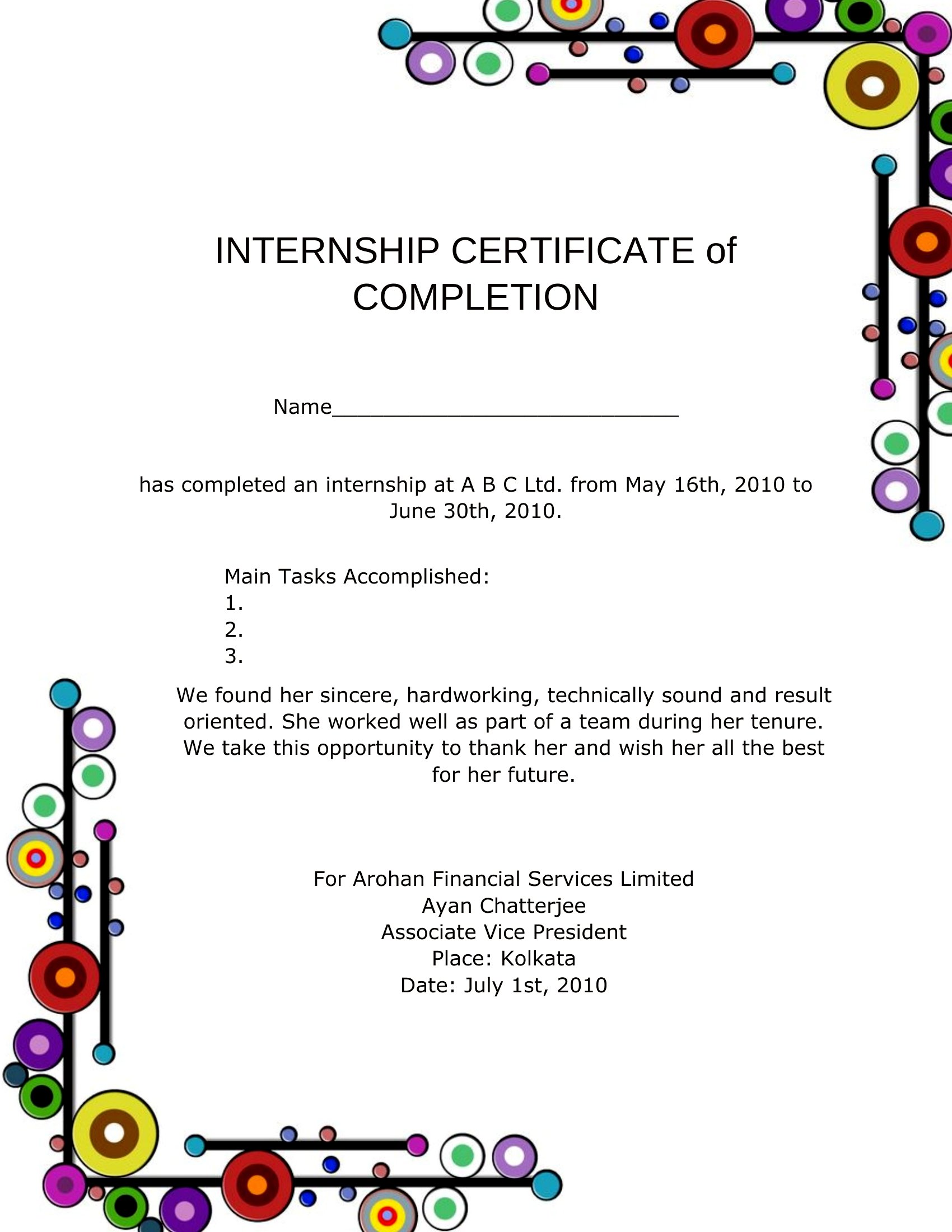
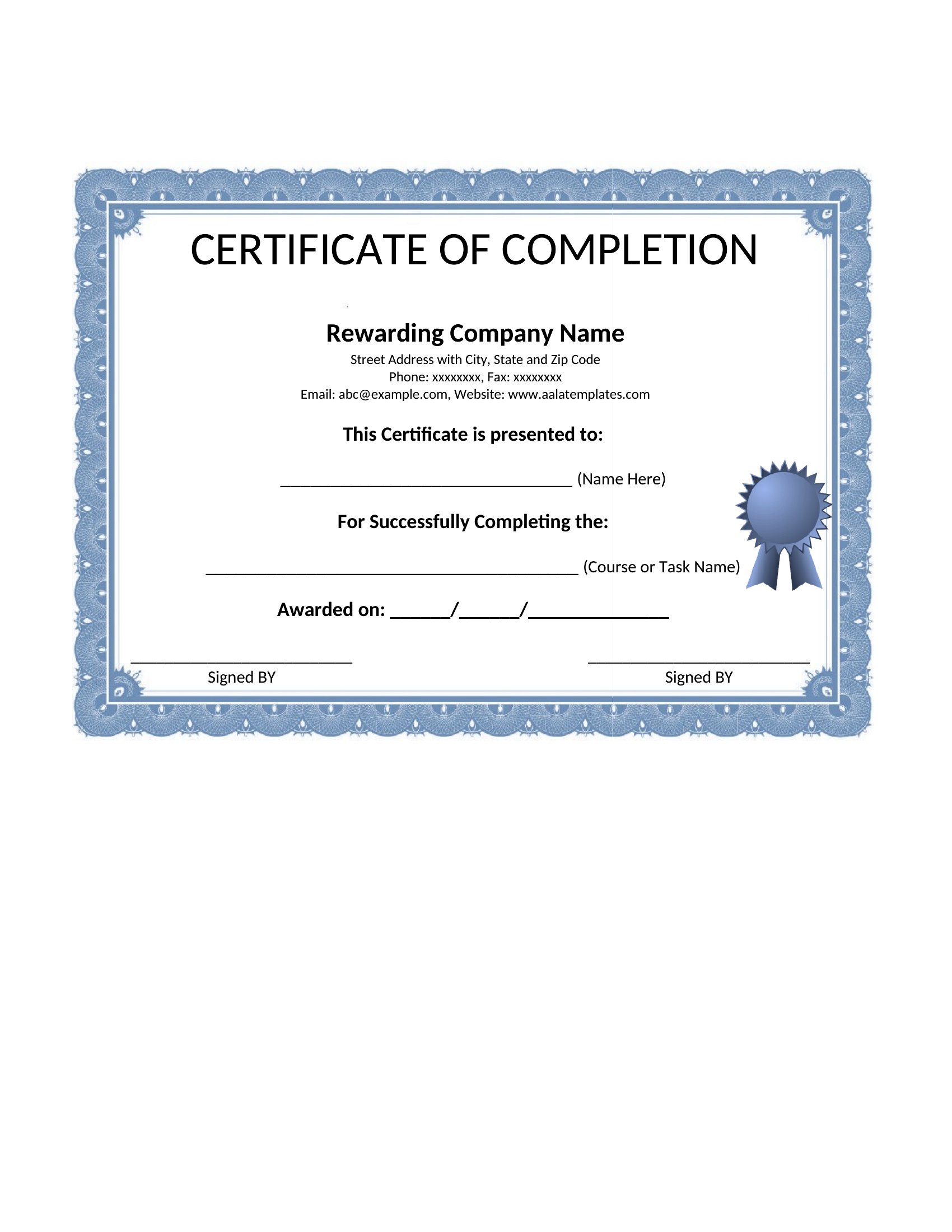
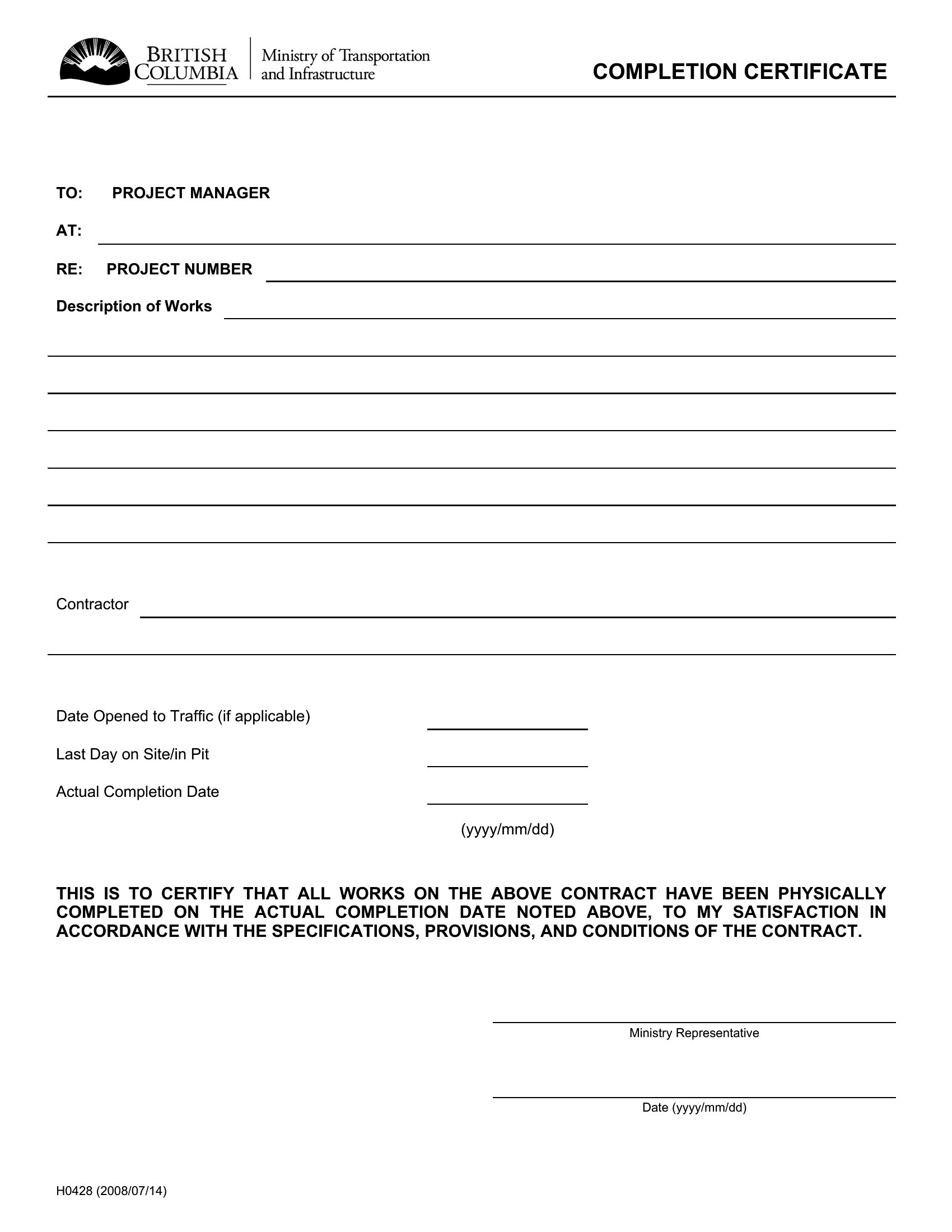
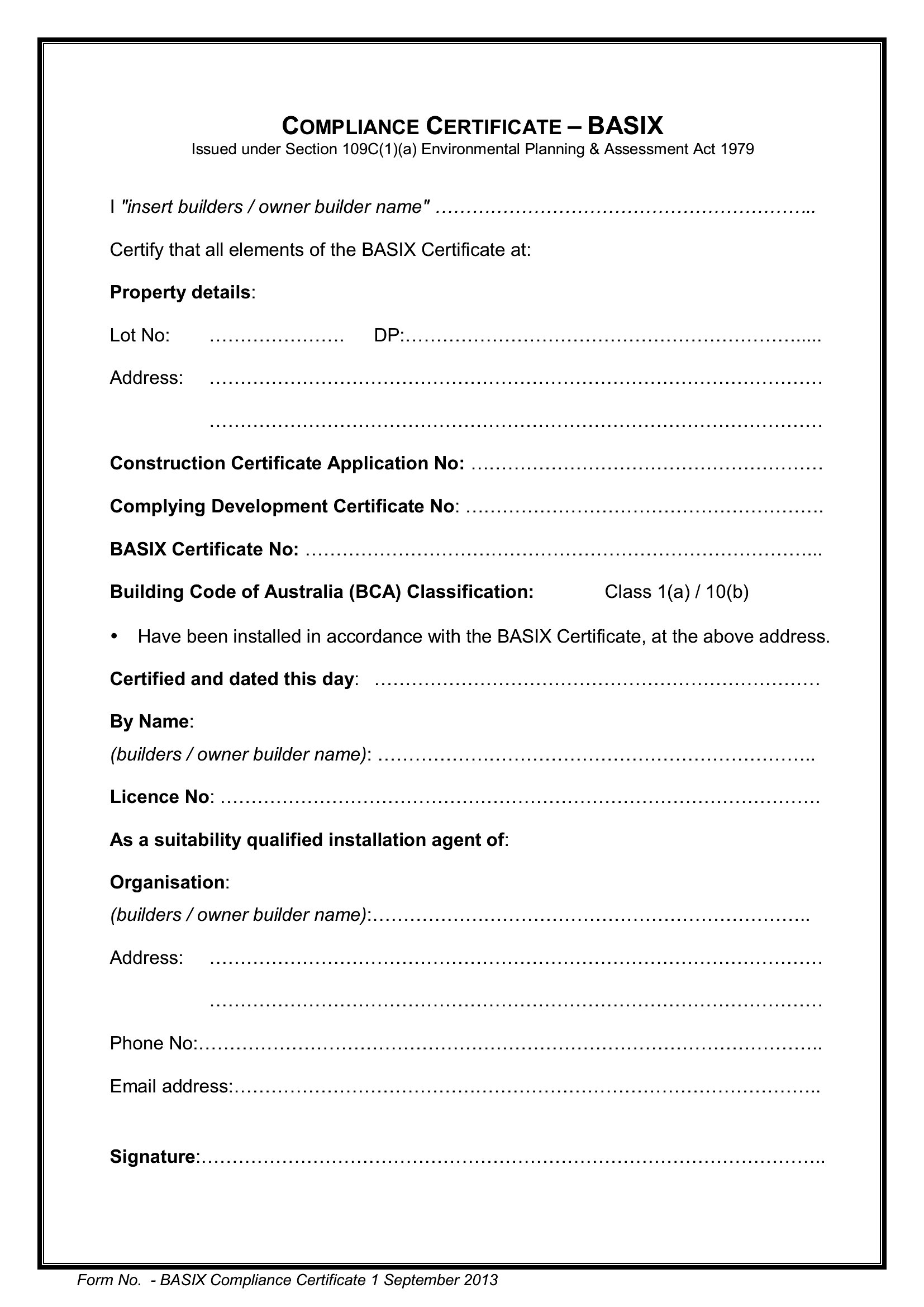
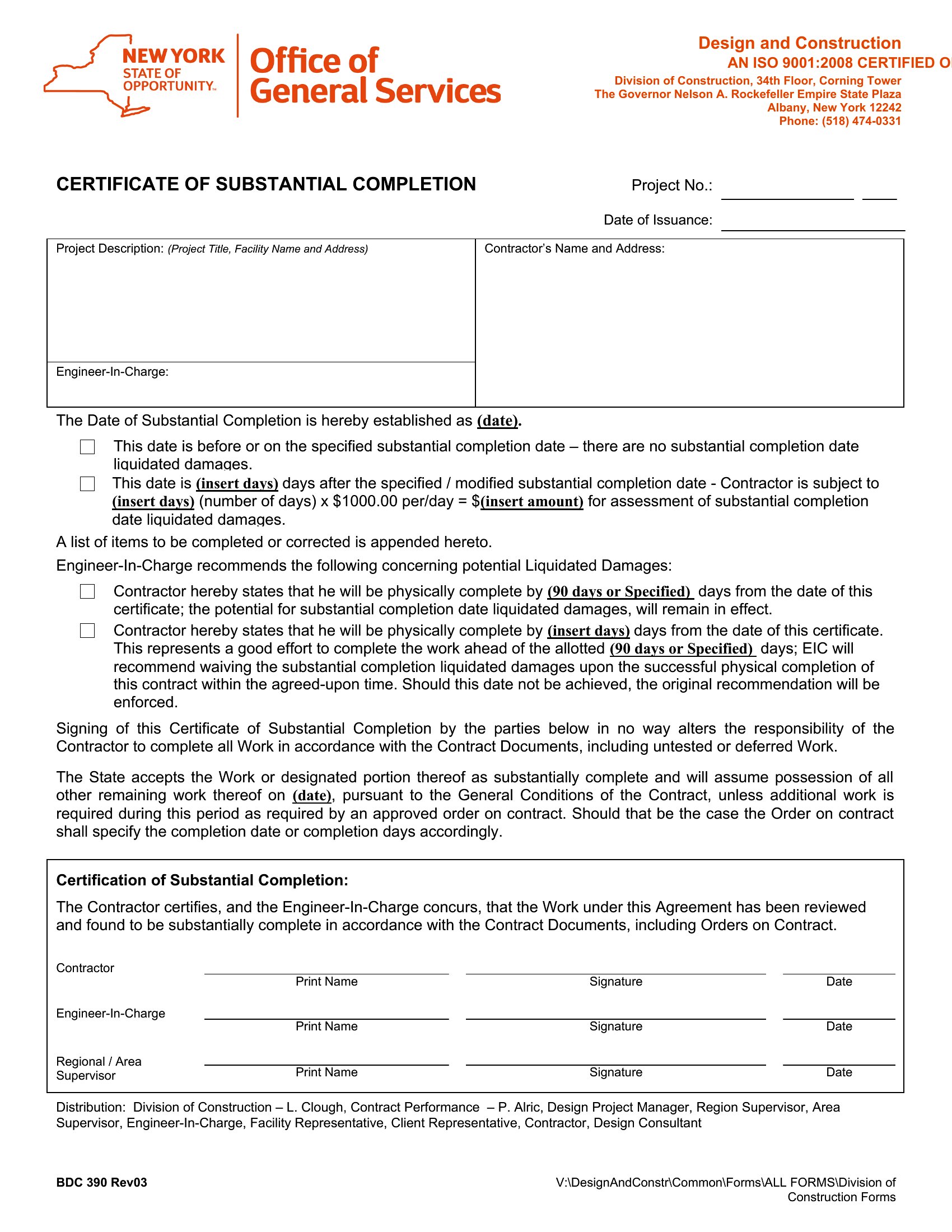
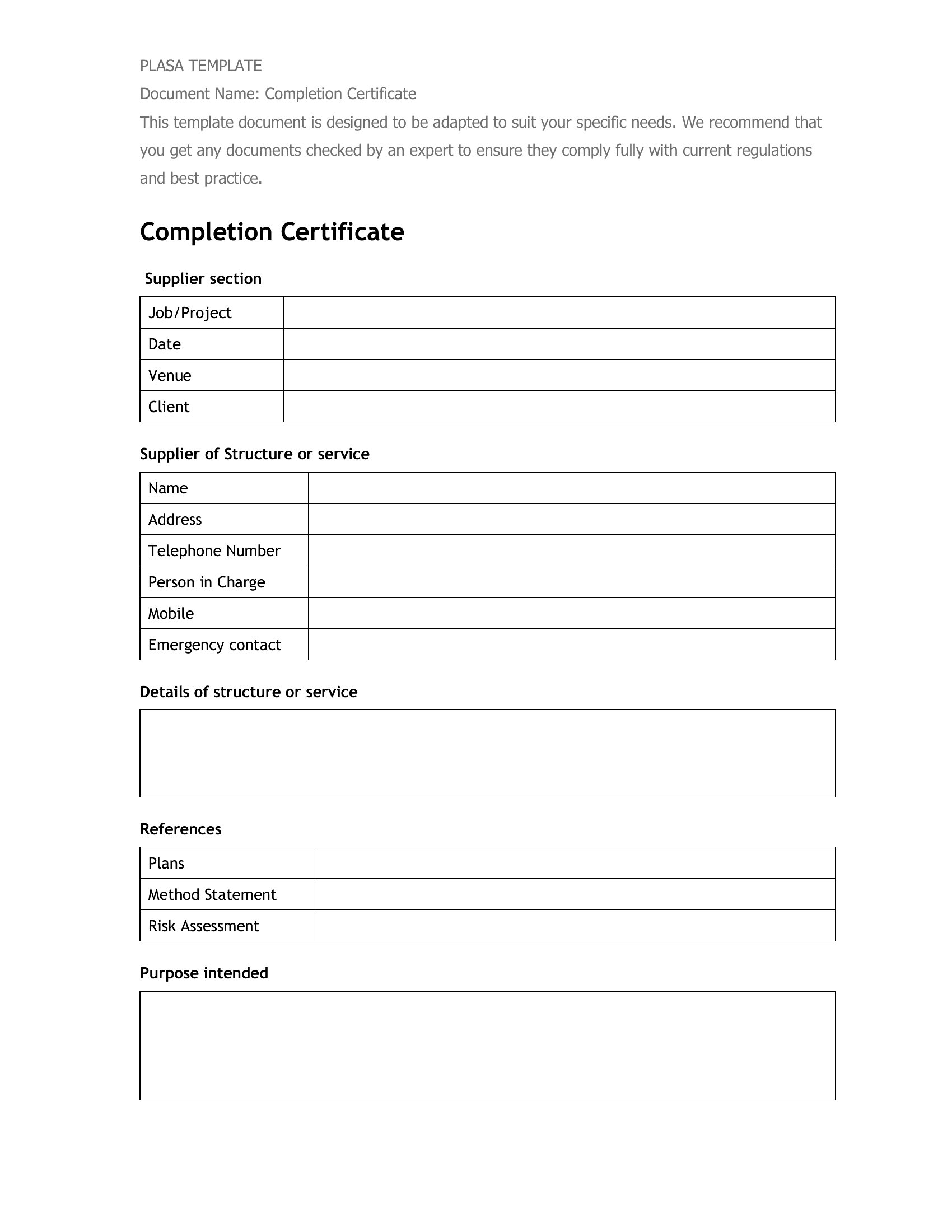
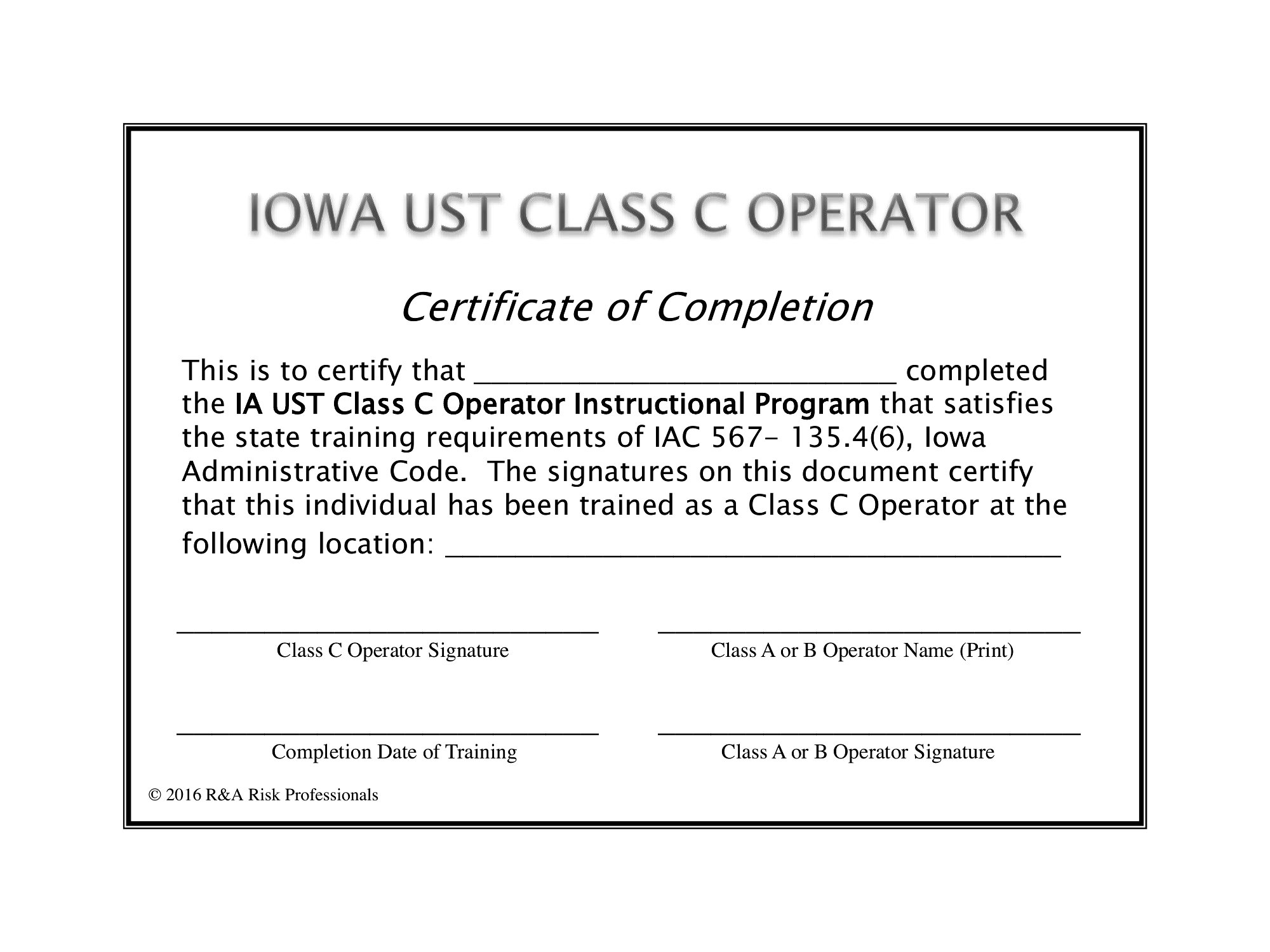
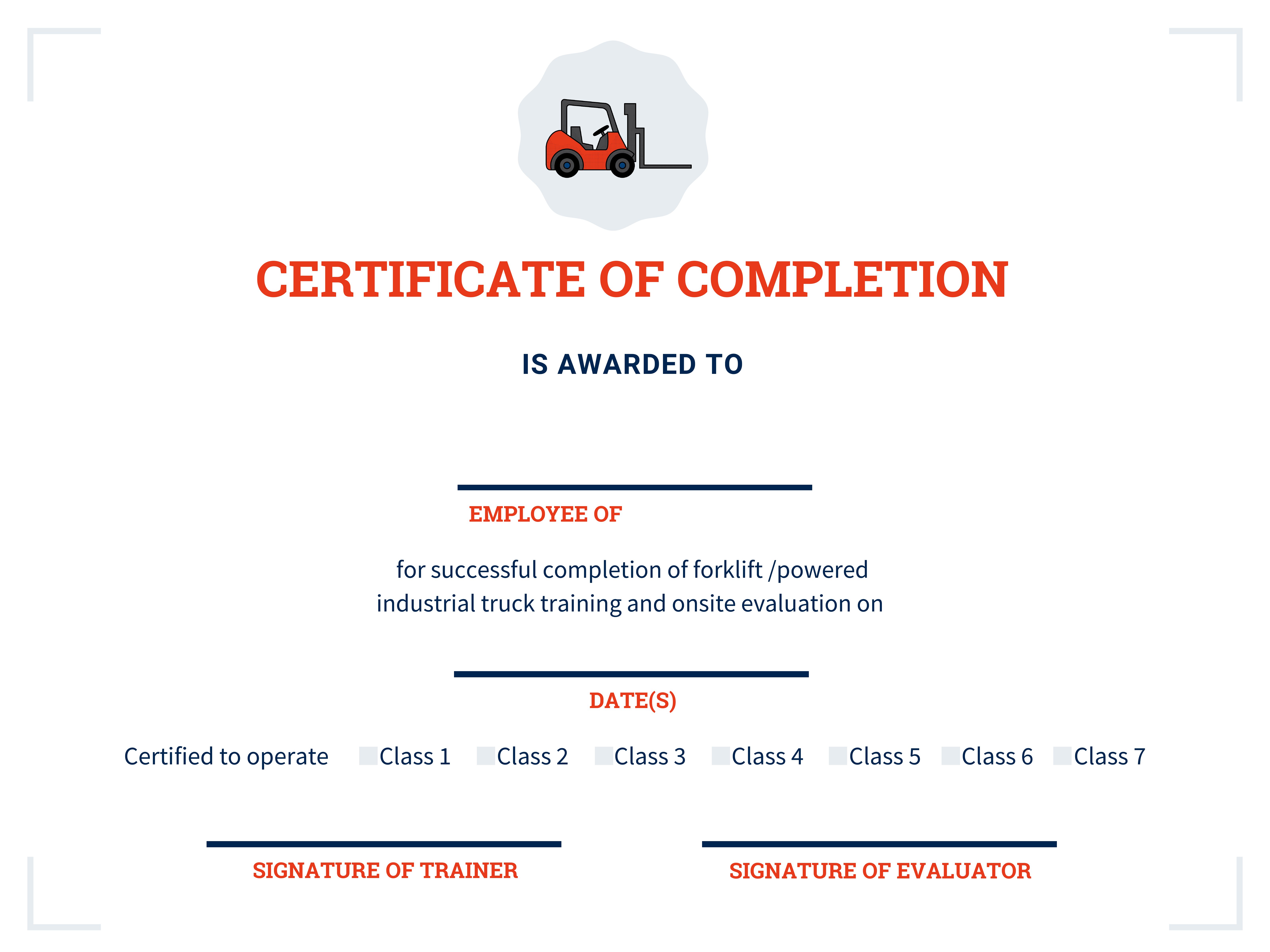
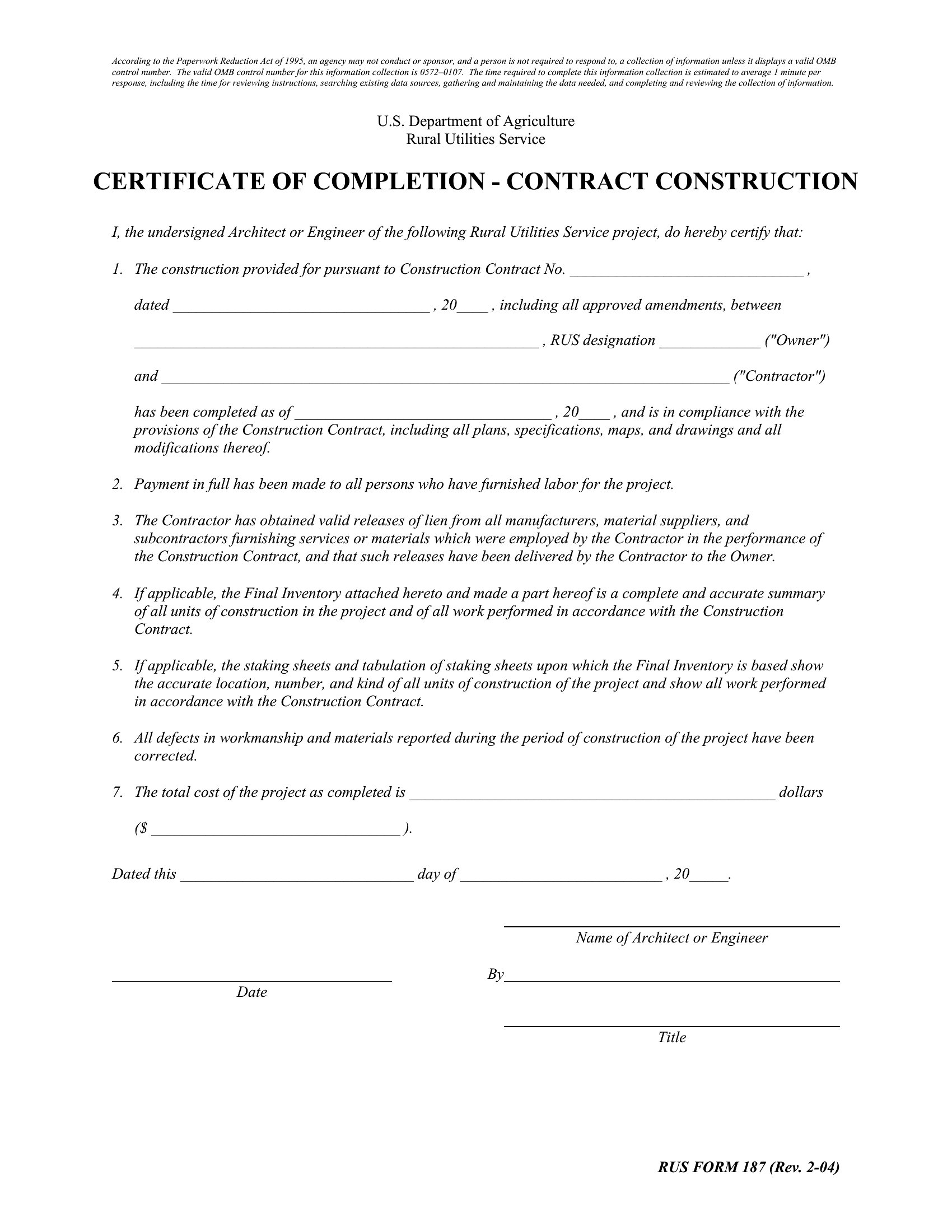
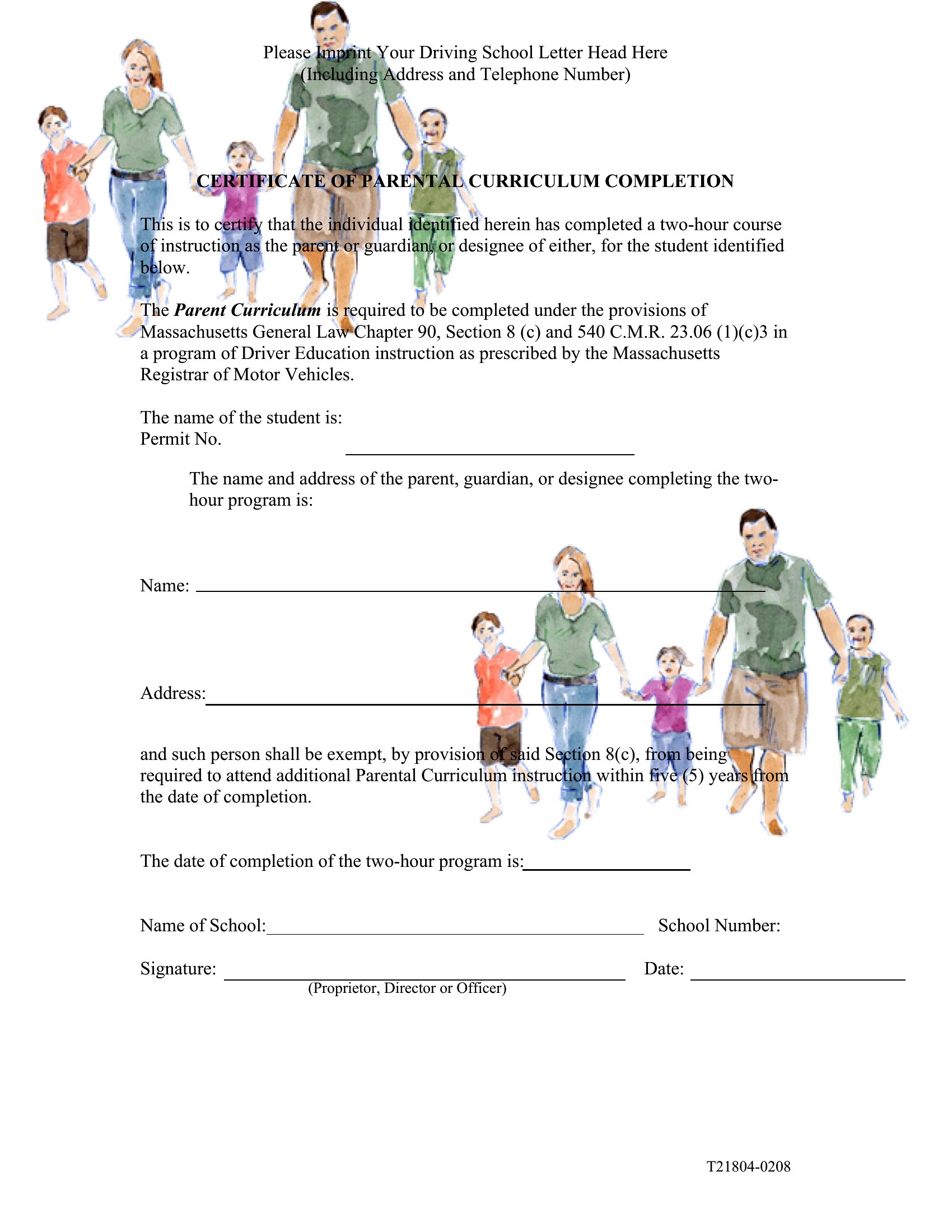
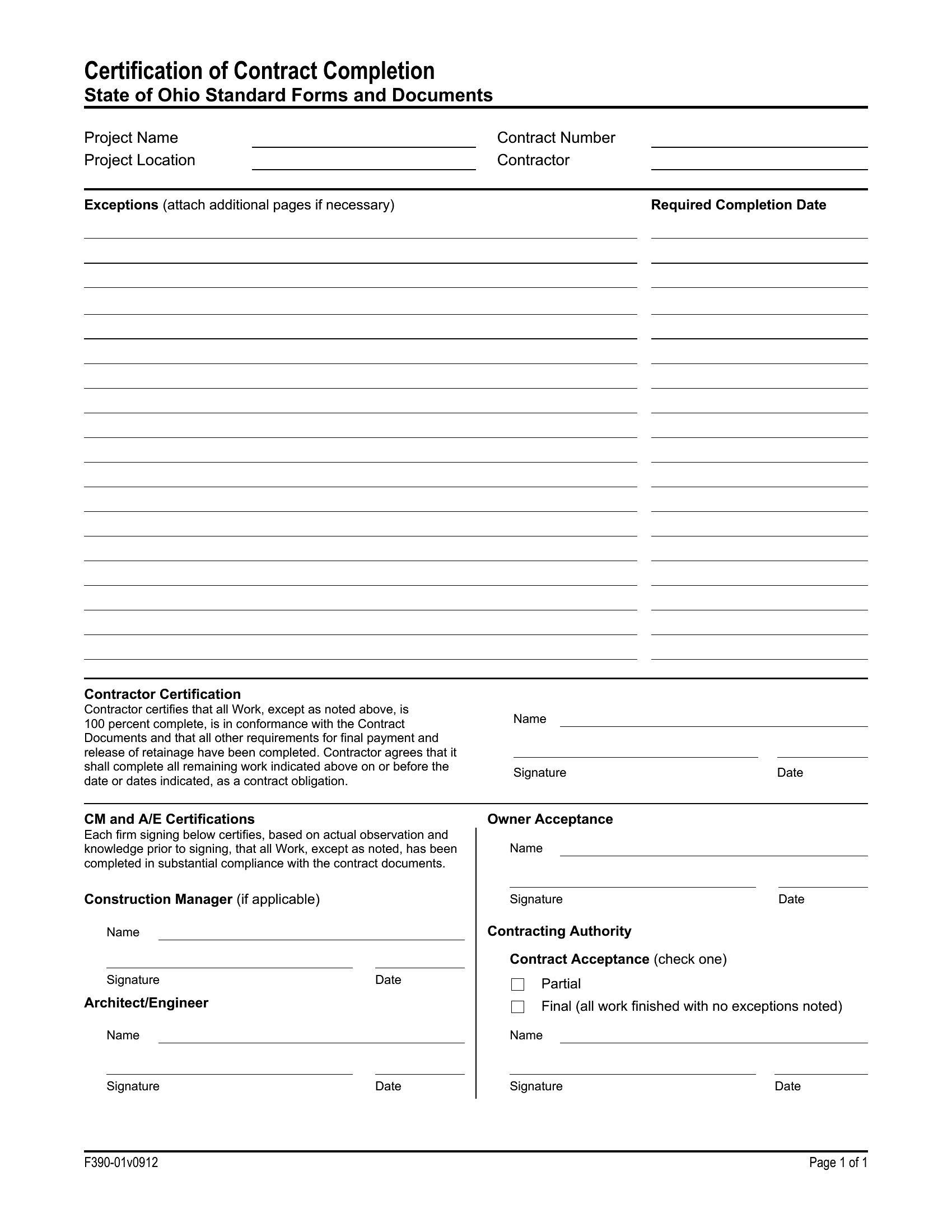
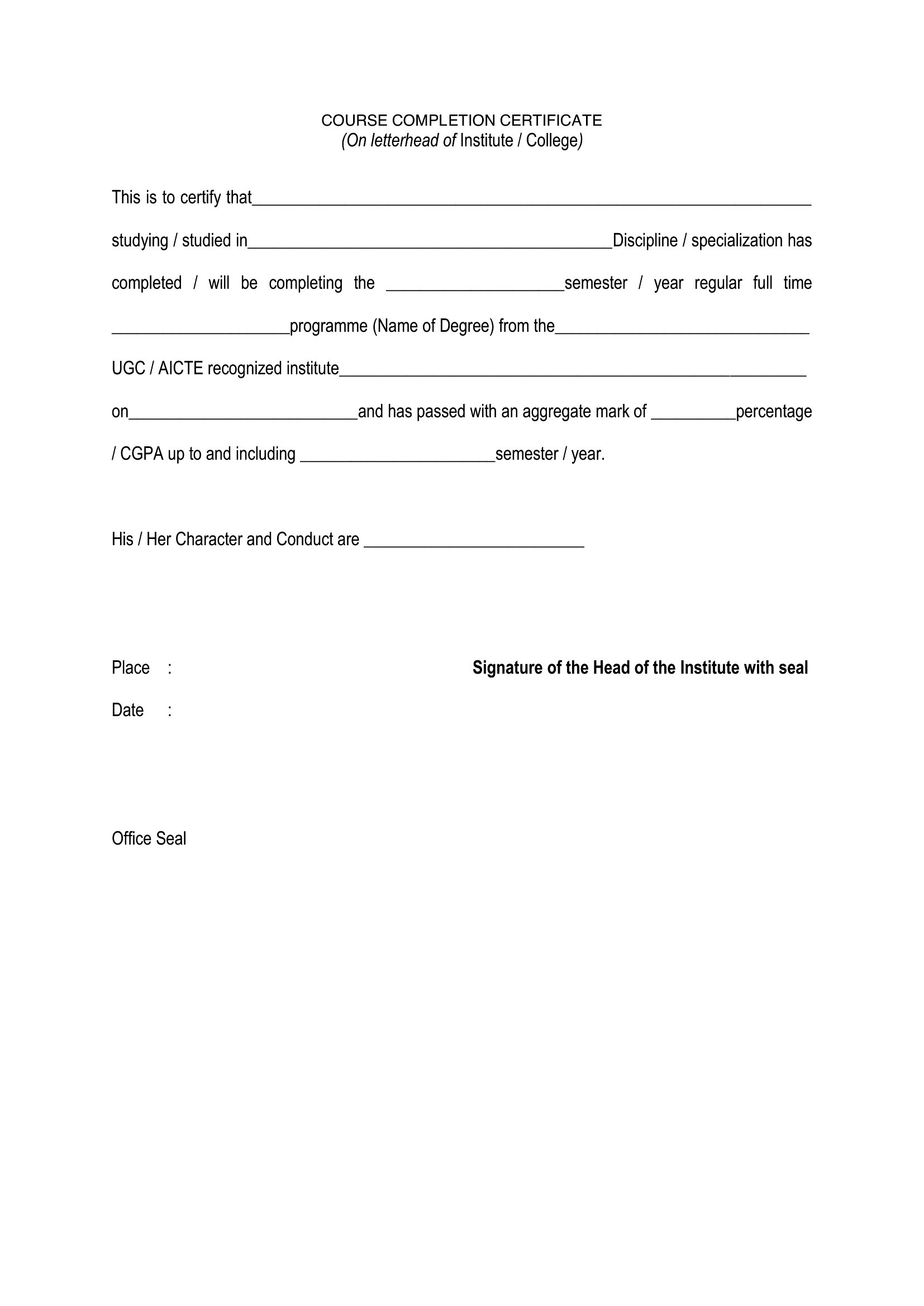
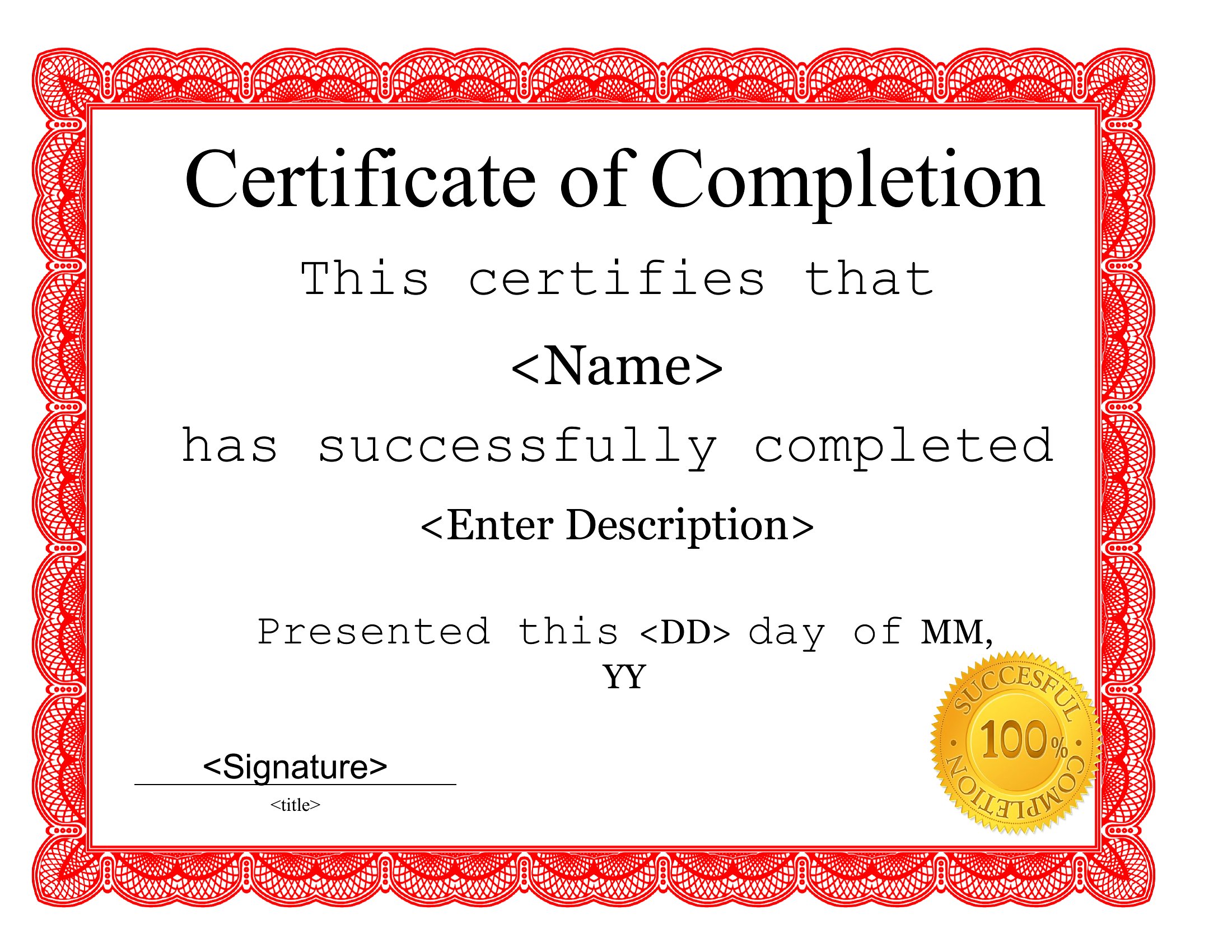
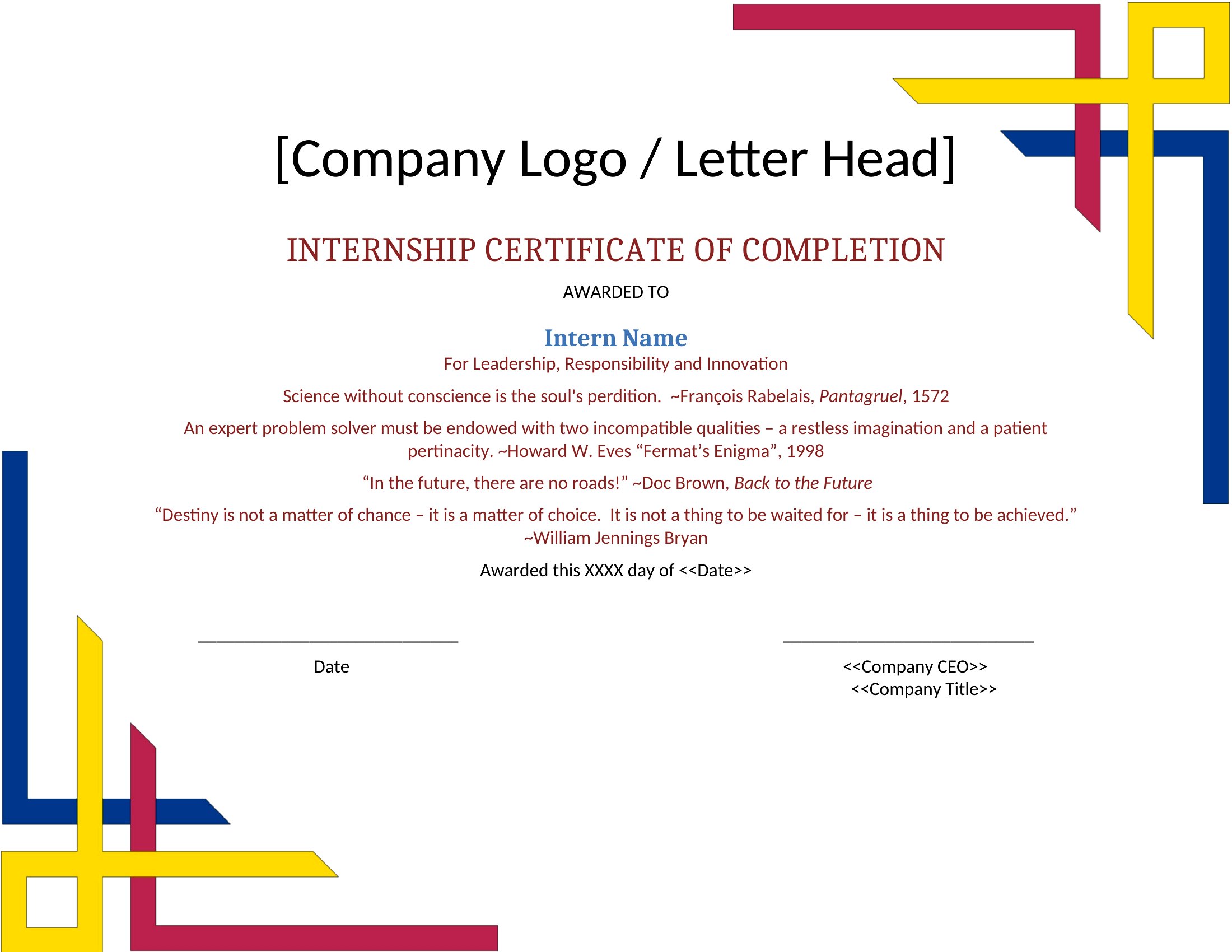
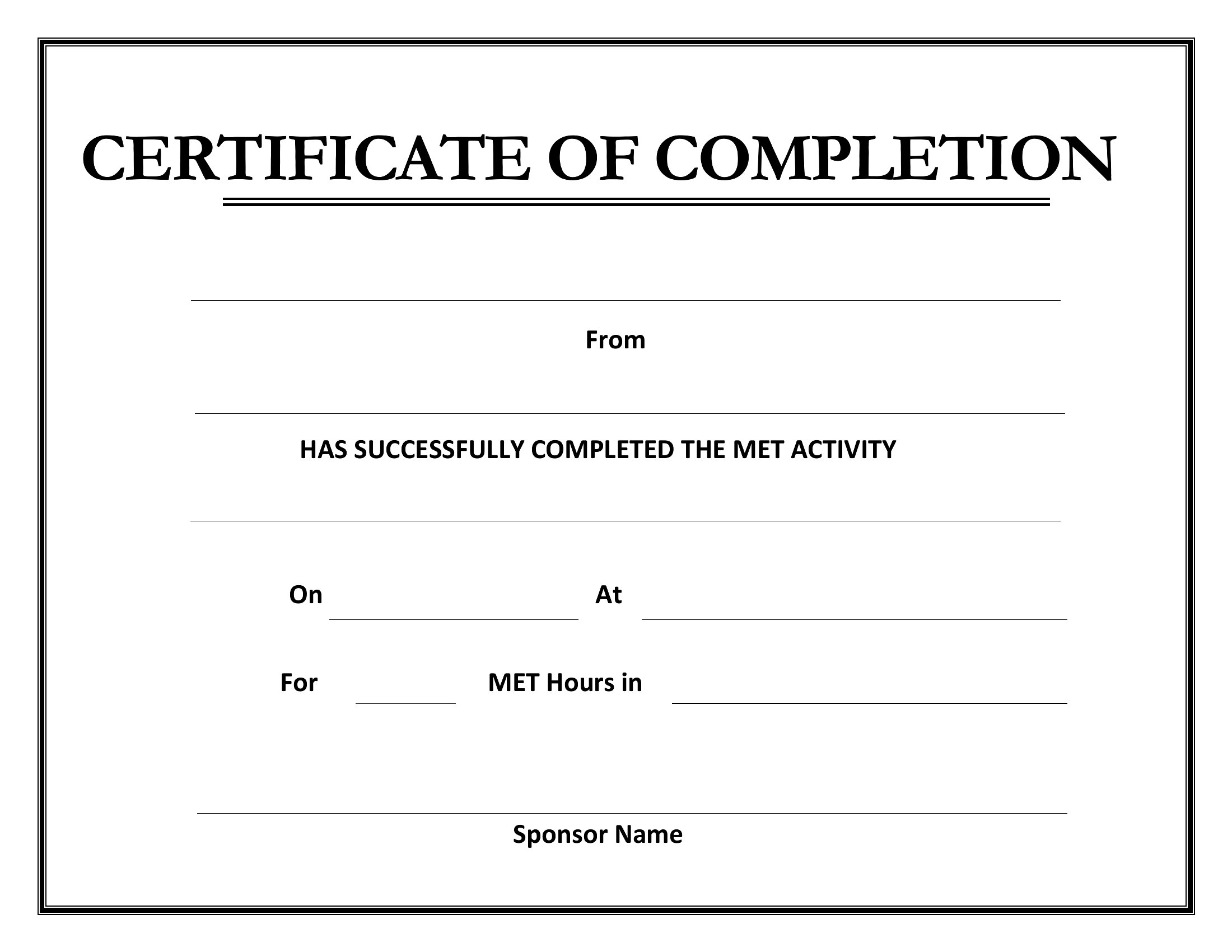
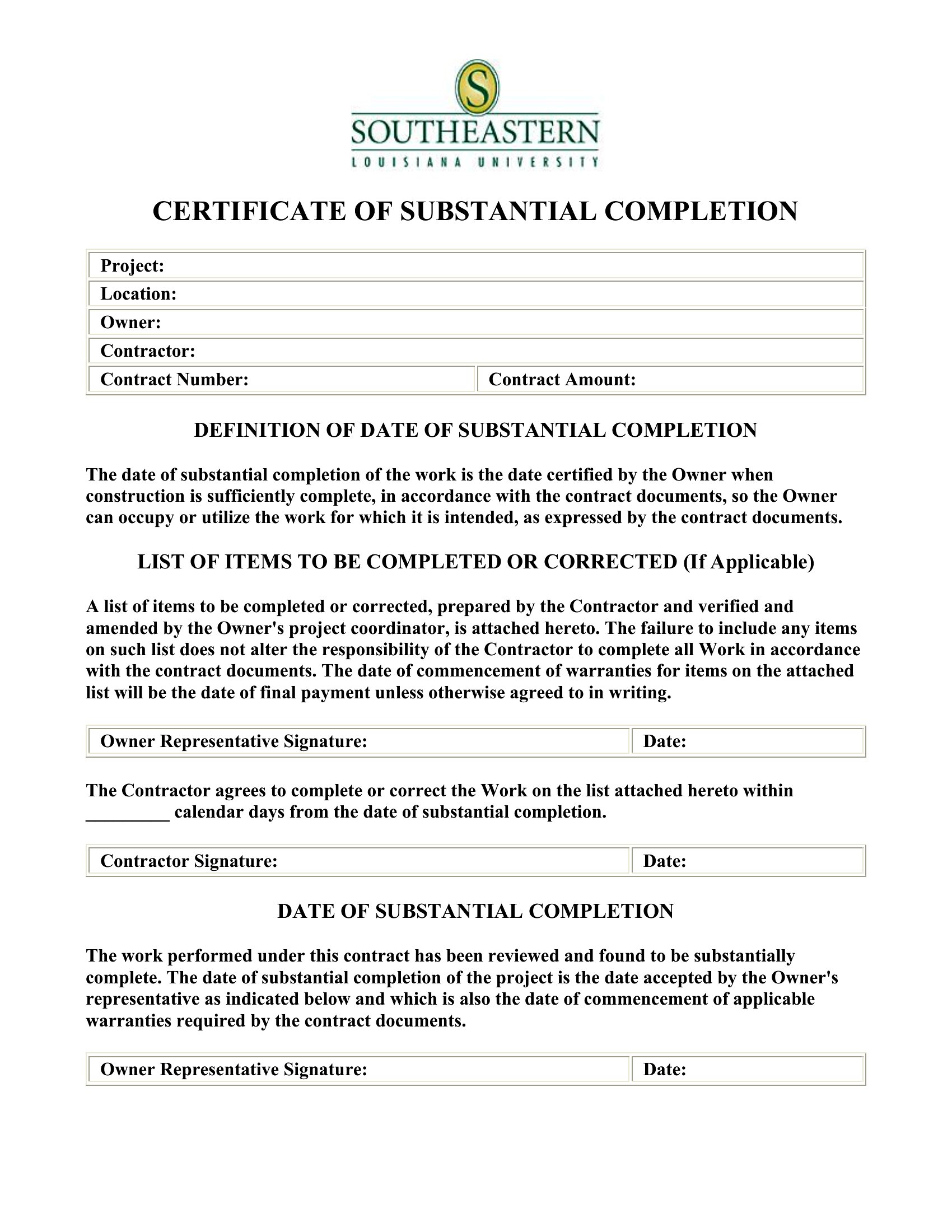
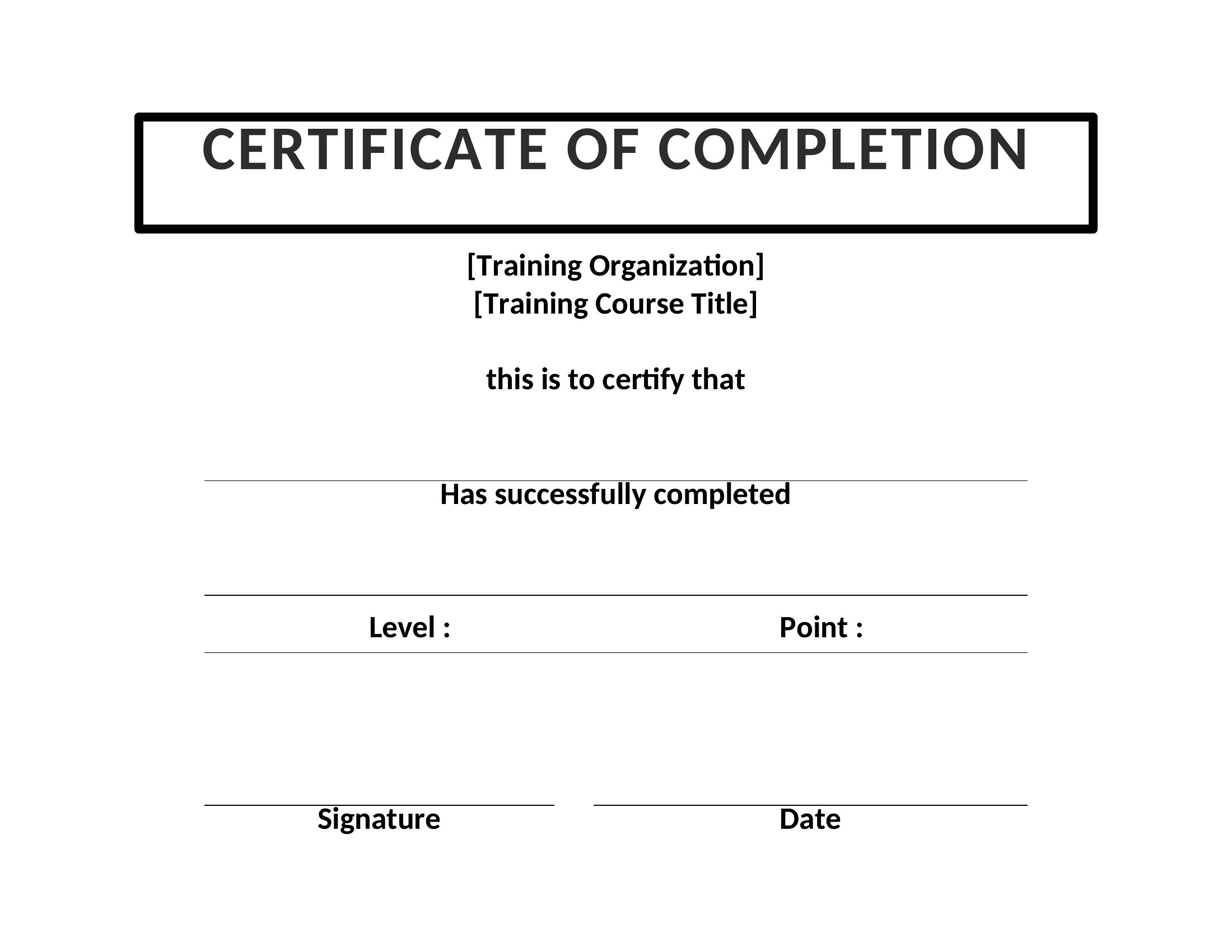
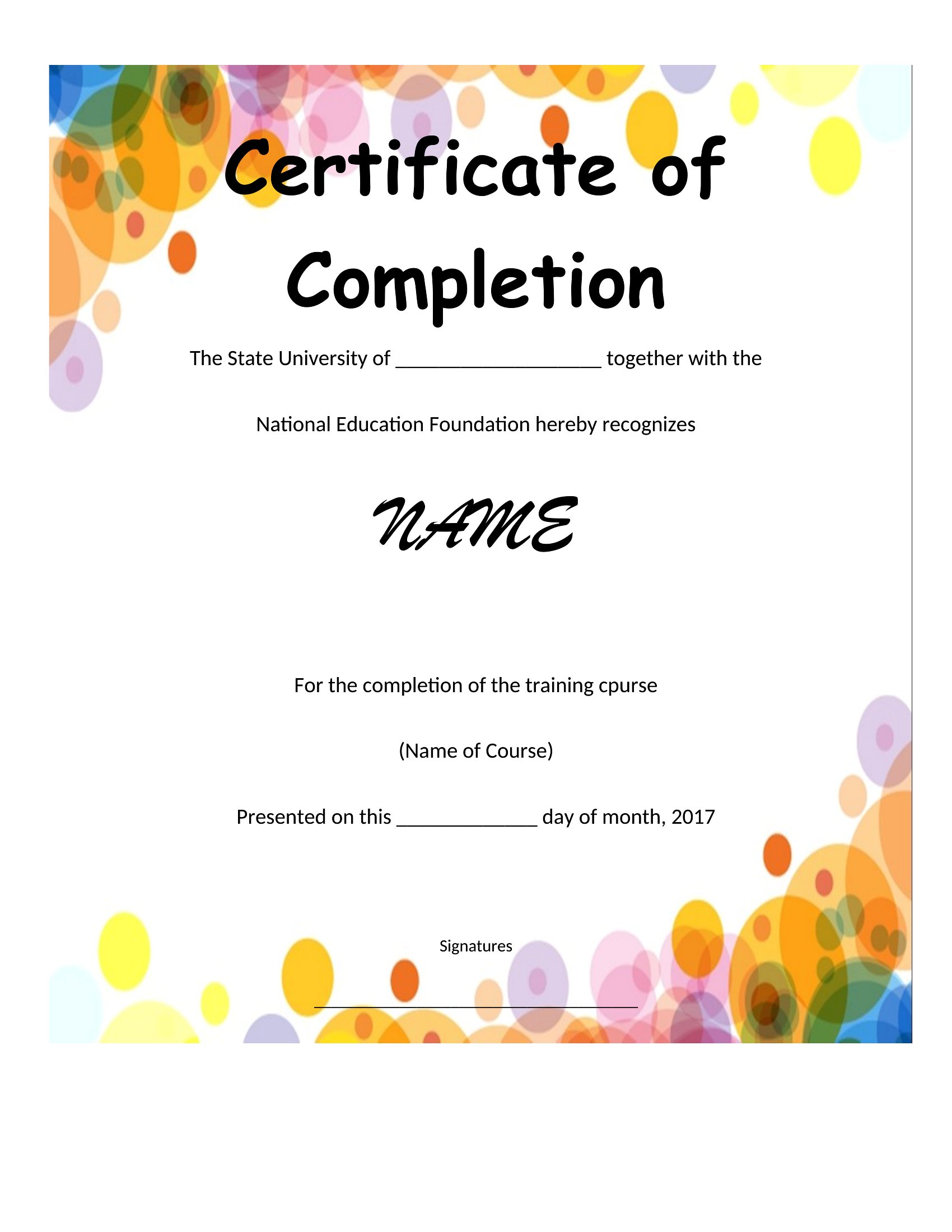
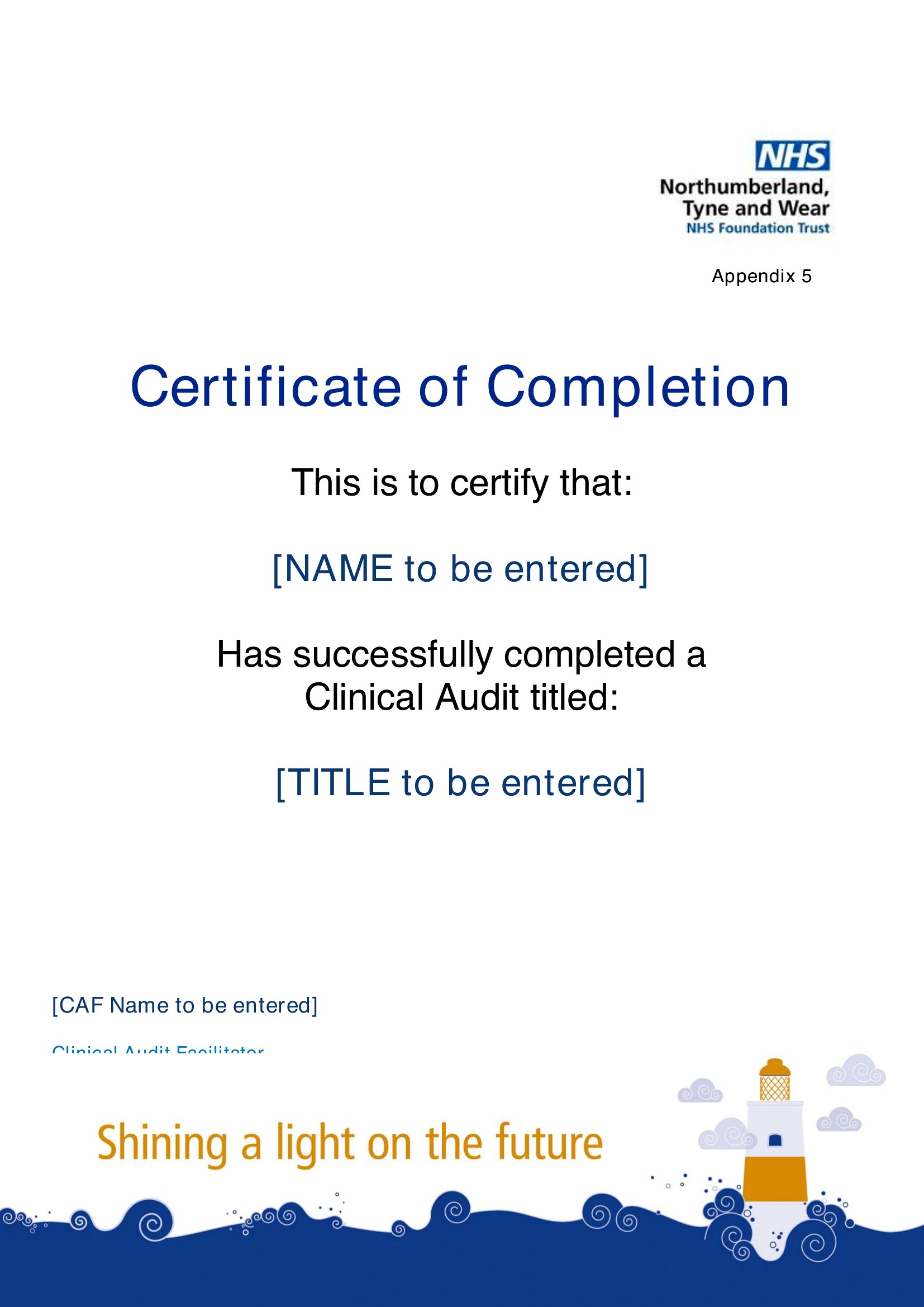
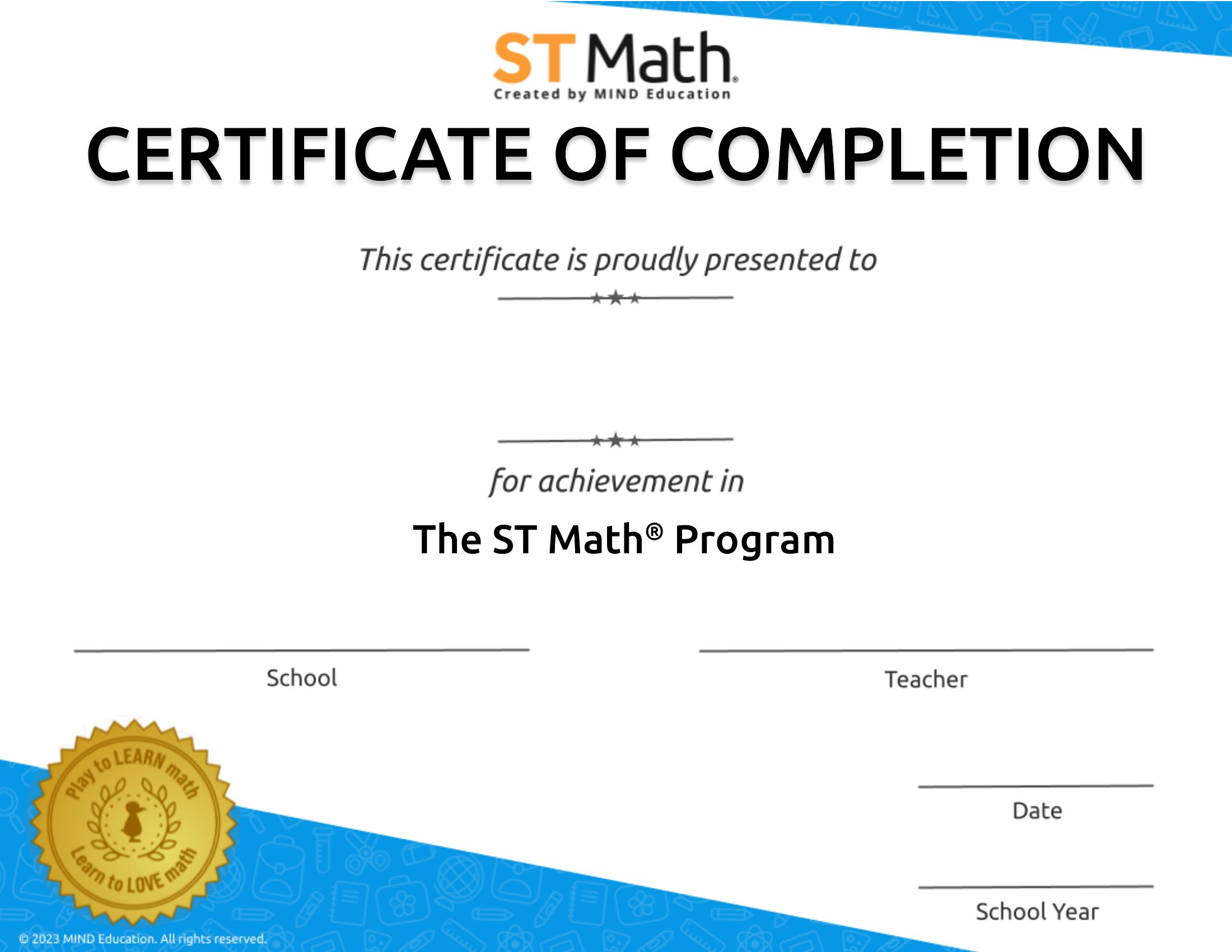
Finishing a course, a training, or a safety program deserves something to show for it, and a certificate of completion does the job. This set of 49 templates gives trainers and teachers a clean way to recognize the accomplishment with a name, program, and date. Schools, employers, and workshop leaders hand them out to mark a job done.

Each certificate is editable in Word and ready as a PDF for crisp printing, so you can add your wording, a logo, and a signature line. Run them on heavier paper for a more official feel and award one to each participant. Choose a design, fill in the details, and print as many as you need.

When to use this Certificate of Completion template

  • A corporate HR manager needs to award employees after finishing a compliance training program, ensuring official recognition with company branding and a signature line.
  • An online course instructor wants to provide students with a professional certificate to share on LinkedIn, including the course name, completion date, and instructor details.
  • A community college advisor must issue certificates to adult education students after completing a short-term certification program, with space for instructor verification.
  • A nonprofit volunteer coordinator wants to give participants a polished certificate after a 10-hour workshop, reinforcing their commitment and skills learned.

Which format should I download?

WordPDF

Choose Word format if you’ll need to edit details like names, logos, or dates frequently—it’s ideal for batch printing or customization before sharing. Opt for PDF when you’re finalizing the design and need a static, professional file to distribute digitally or print without further edits. The PDF format preserves formatting perfectly, making it the best choice for official records or widely shared downloads.

How to use this Certificate of Completion template

Can I add a unique seal or watermark to these certificates for my organization?

Yes, all templates are fully editable in Word, so you can insert logos, seals, or watermarks to personalize them for your institution or business. For a polished look, use a high-resolution image and position it near the top or bottom of the certificate. PDFs, once generated, will retain these custom additions.

How do I ensure the certificate looks professional if I don’t have design experience?

Start with a template that already includes clean layouts, subtle borders, and professional typography—these are designed to look polished without needing advanced skills. Stick to one or two colors for branding, use a readable font, and leave ample white space. Avoid cluttering the design with unnecessary graphics or text.

What details should I include to make the certificate legally defensible for training records?

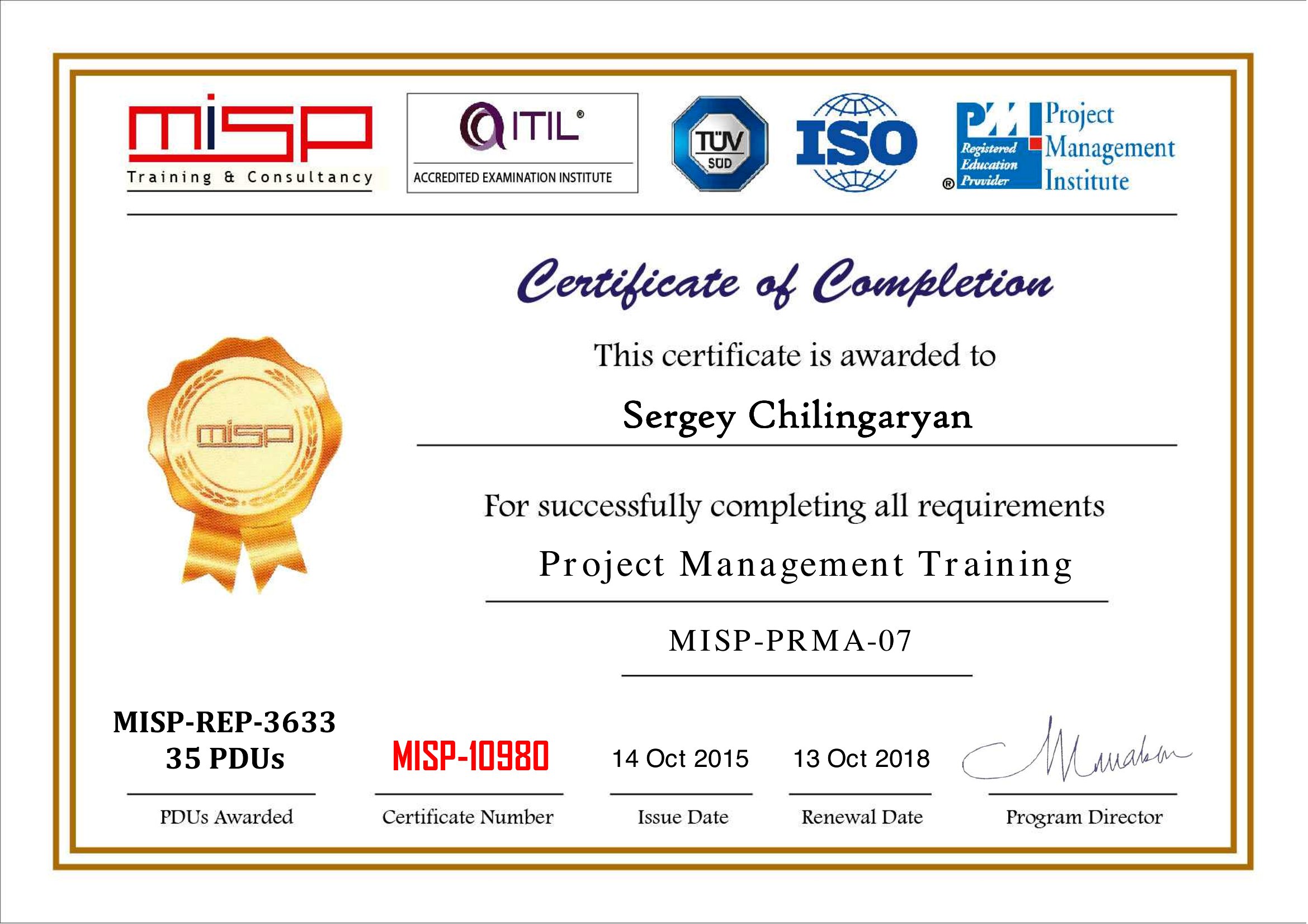
For credibility, include the participant’s full name, the exact name of the program or course, the date of completion, and the name or title of the issuing organization. Adding a unique certificate number or a signature line for an authorized person strengthens its validity. Note that these templates are starting points—always consult legal or HR experts to ensure compliance with your specific requirements.

Comments

Join the conversation

Sign in to share your thoughts and leave a comment on this resource.

Newsletter

Get Weekly Design Updates

Join our community to receive curated resources and inspiration.

Weekly Tips Resources Early Access

We respect your privacy. Confirmation email required. Privacy Policy