



FAQ
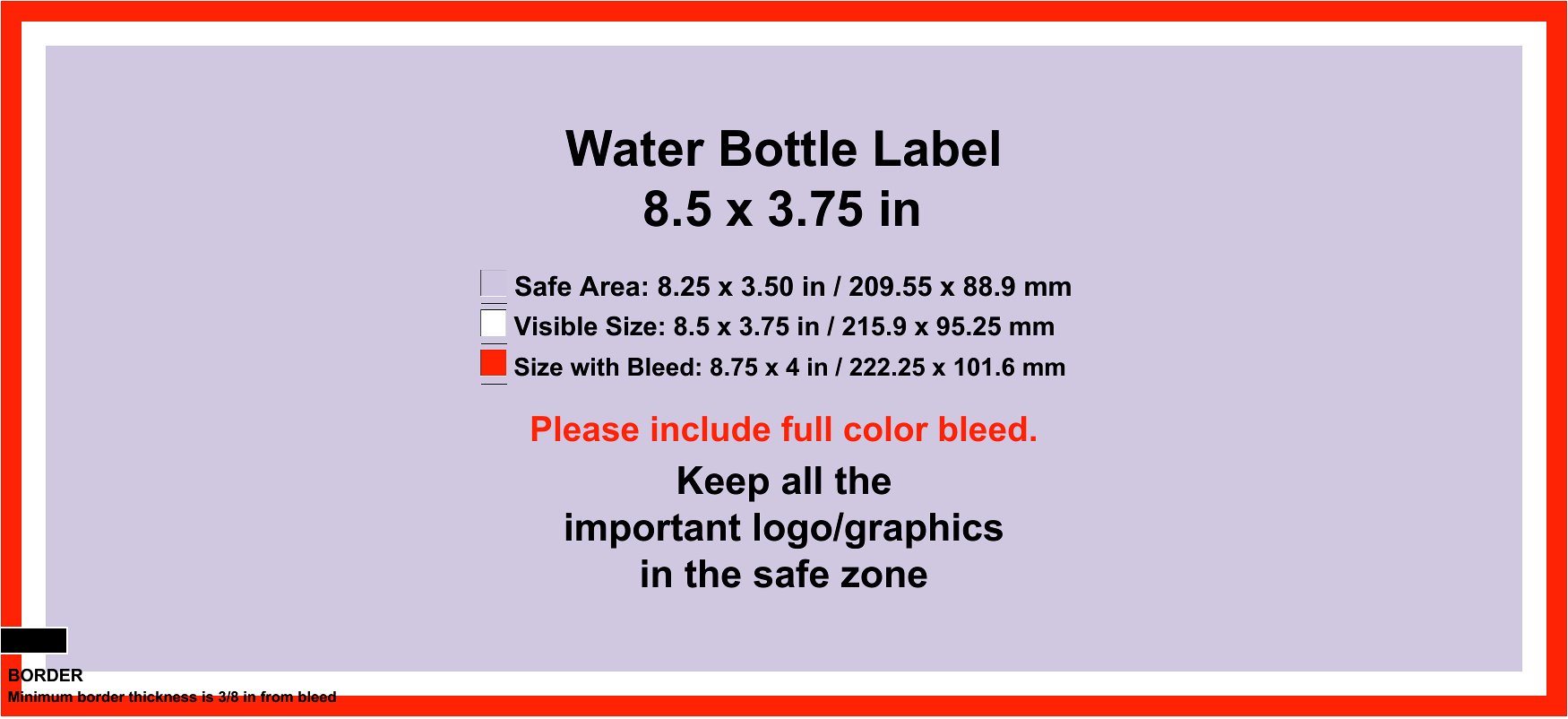
Can I resize these labels to fit different bottle sizes?
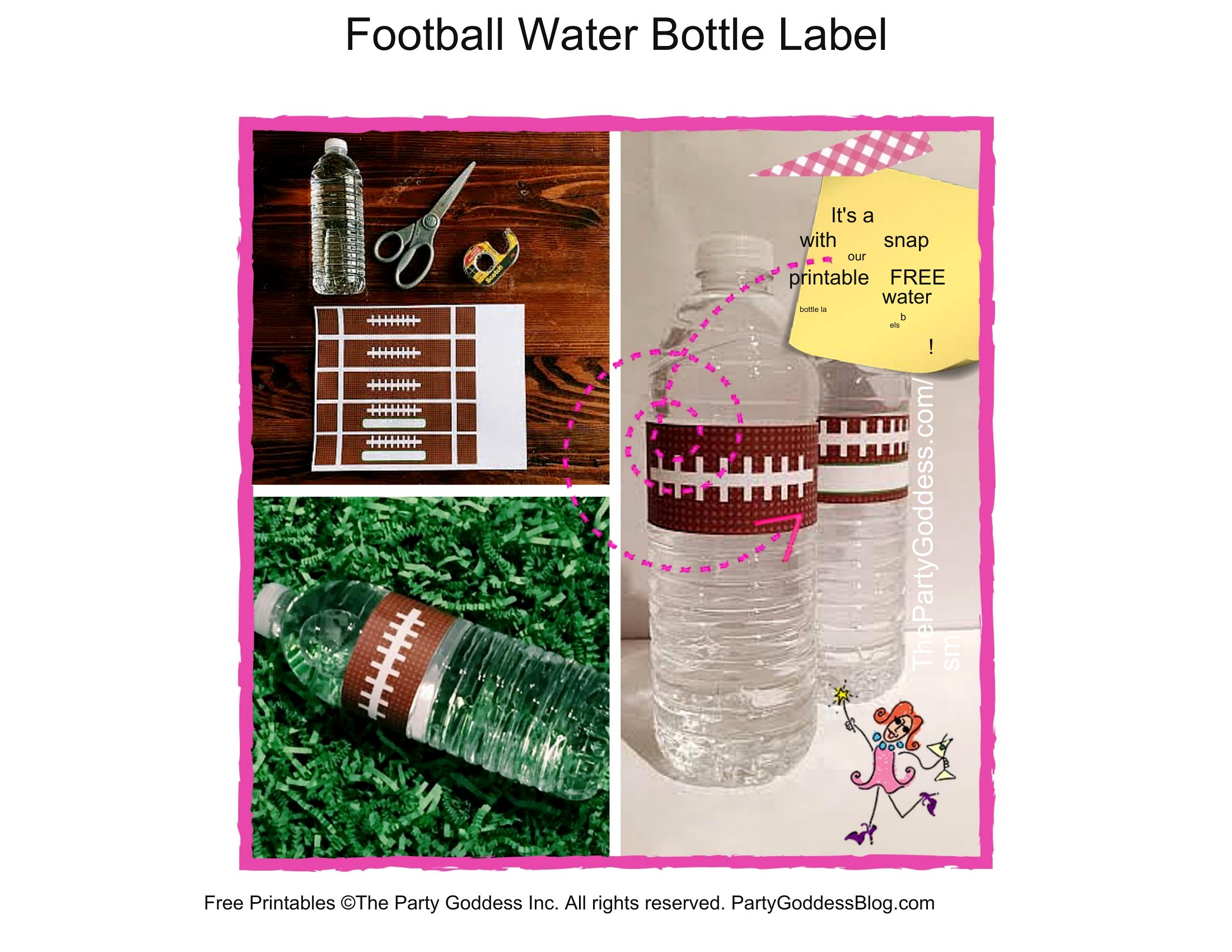
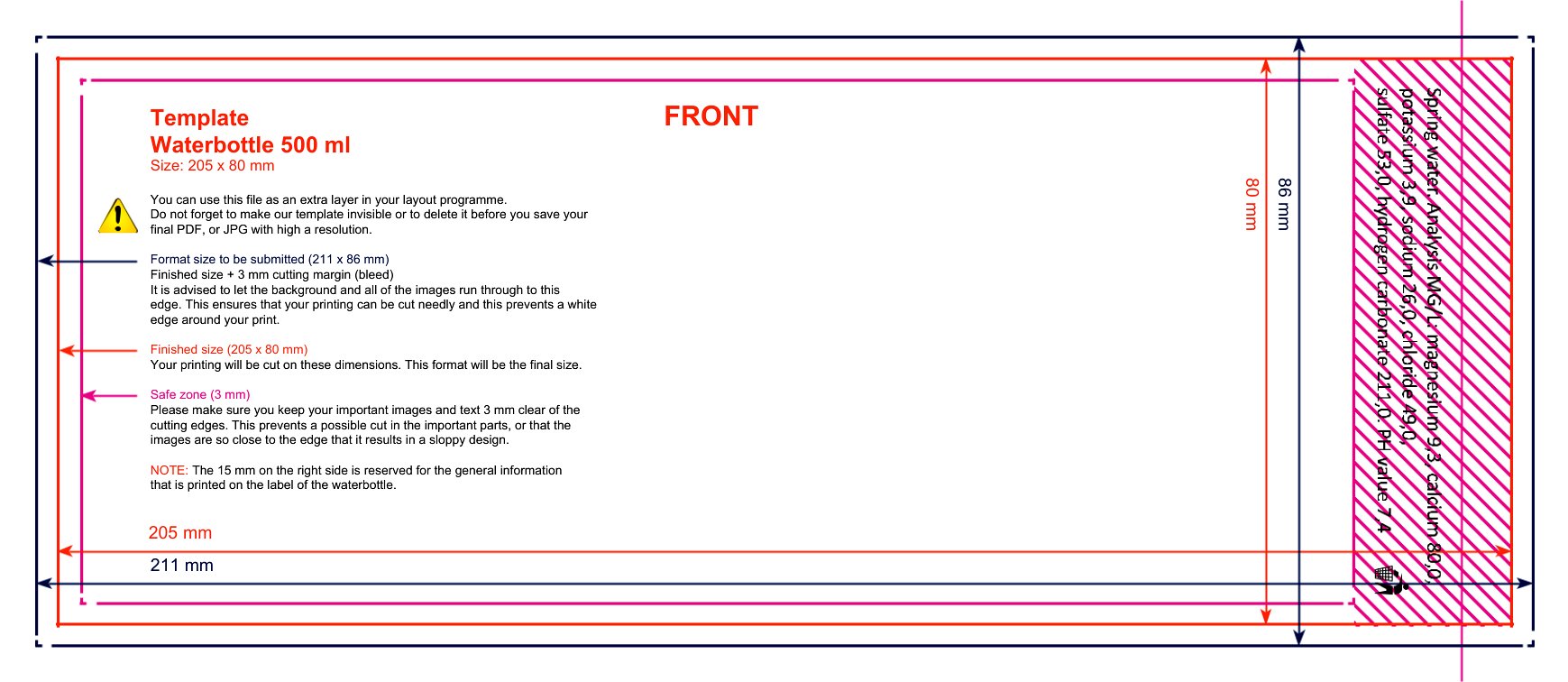
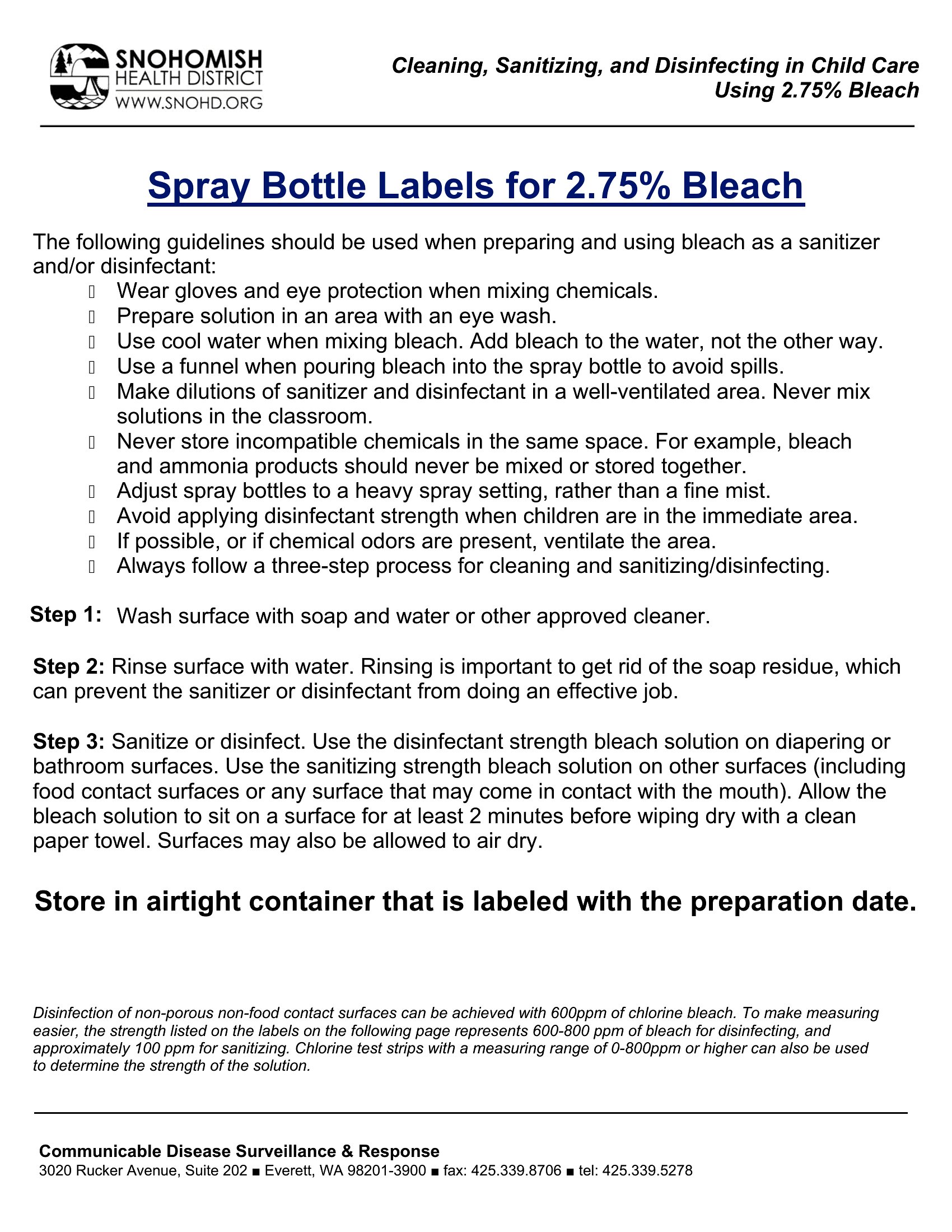
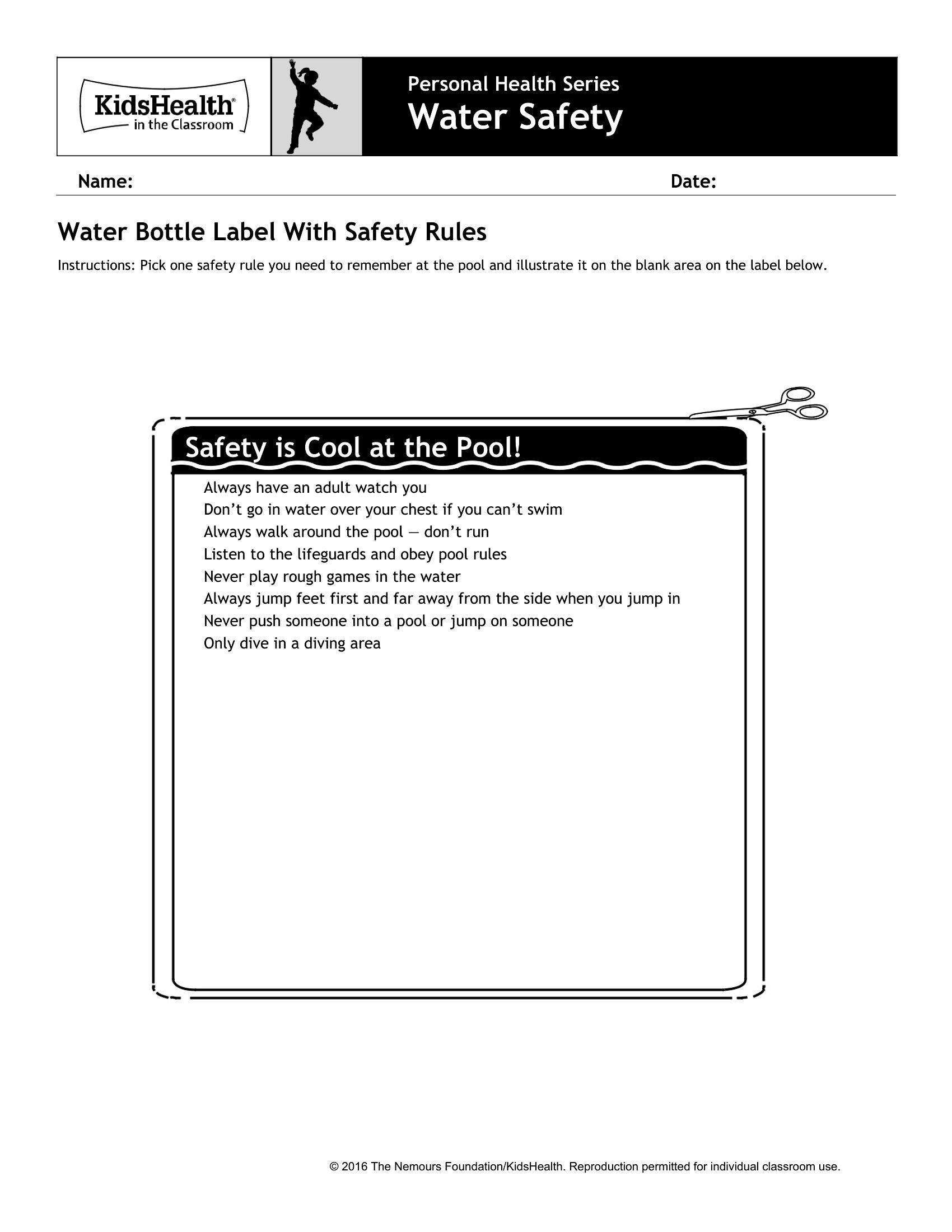
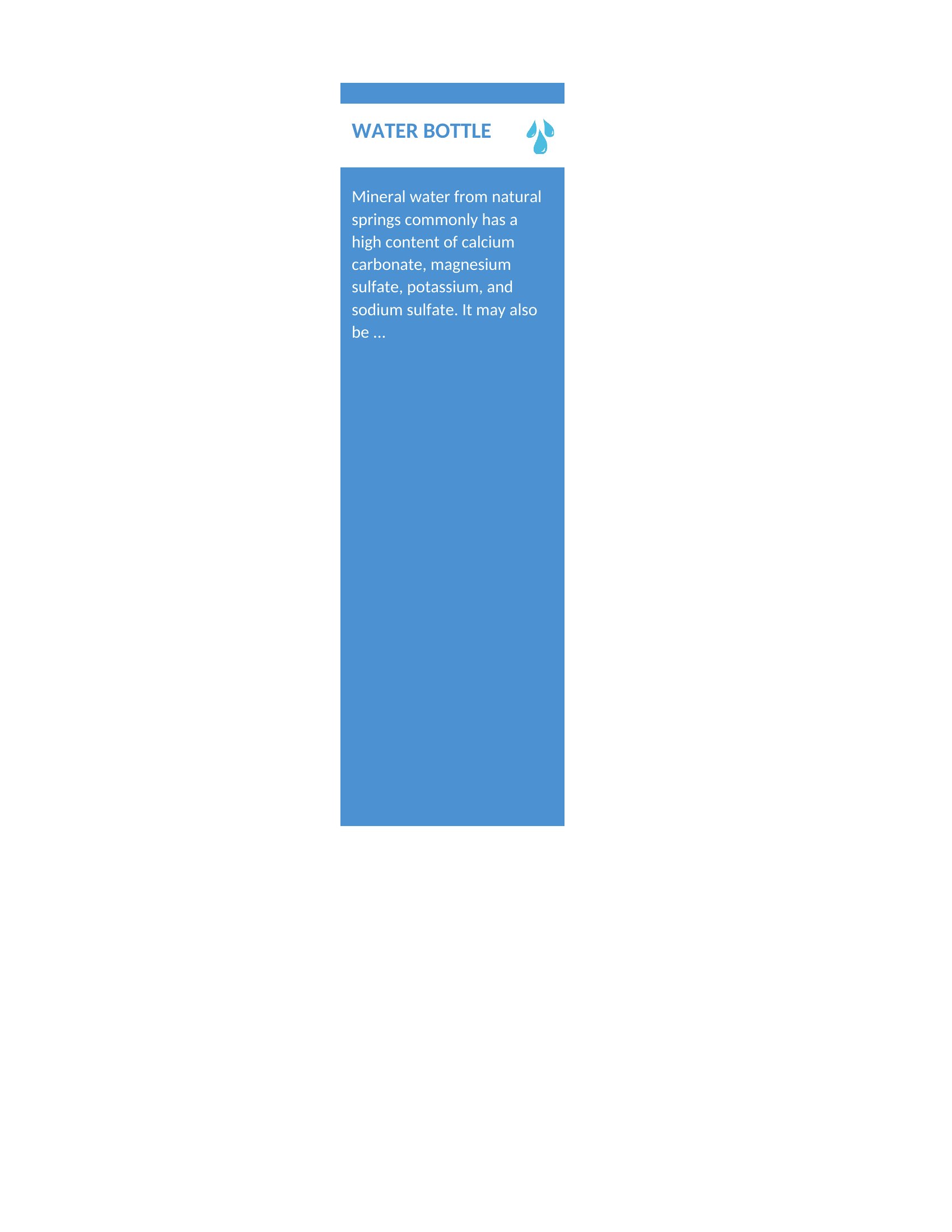
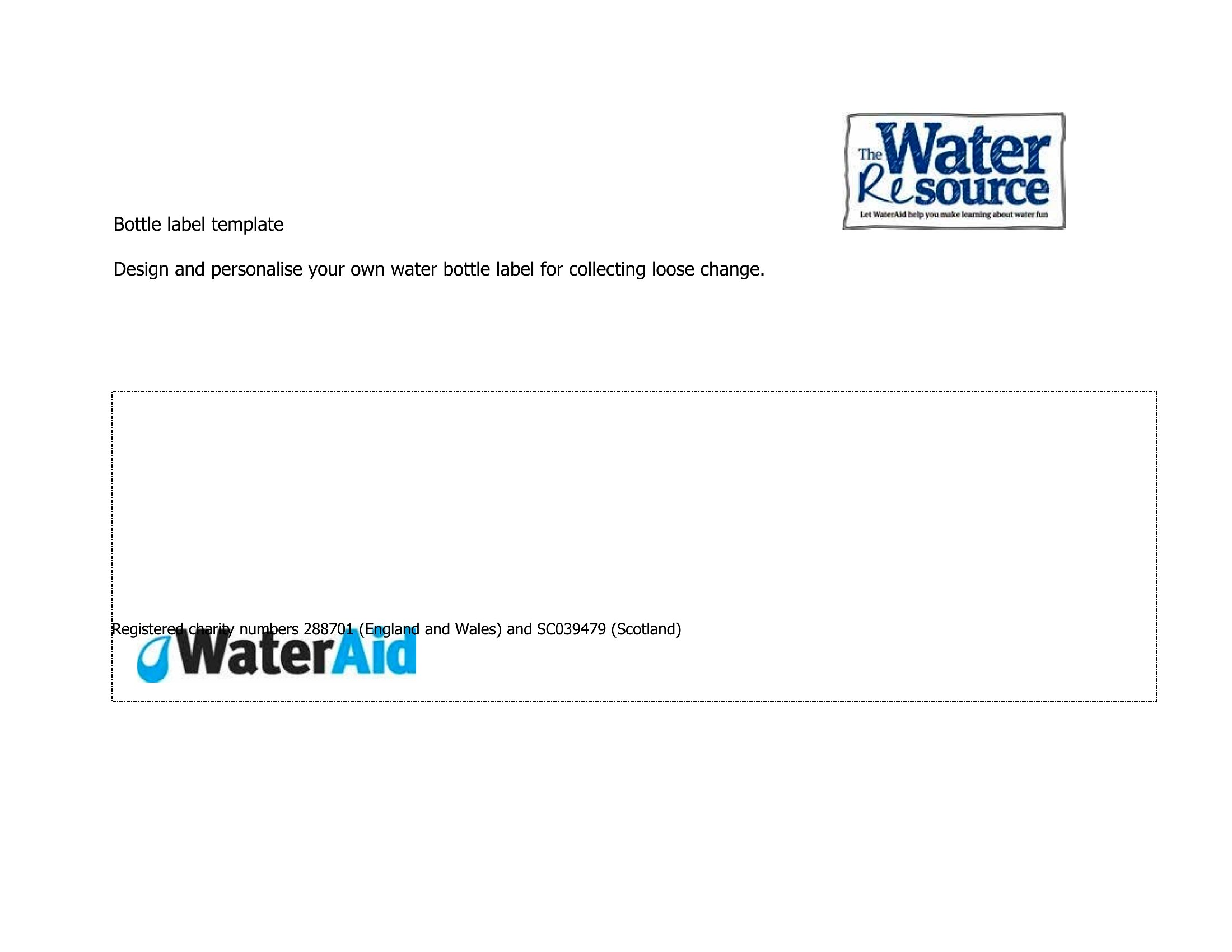
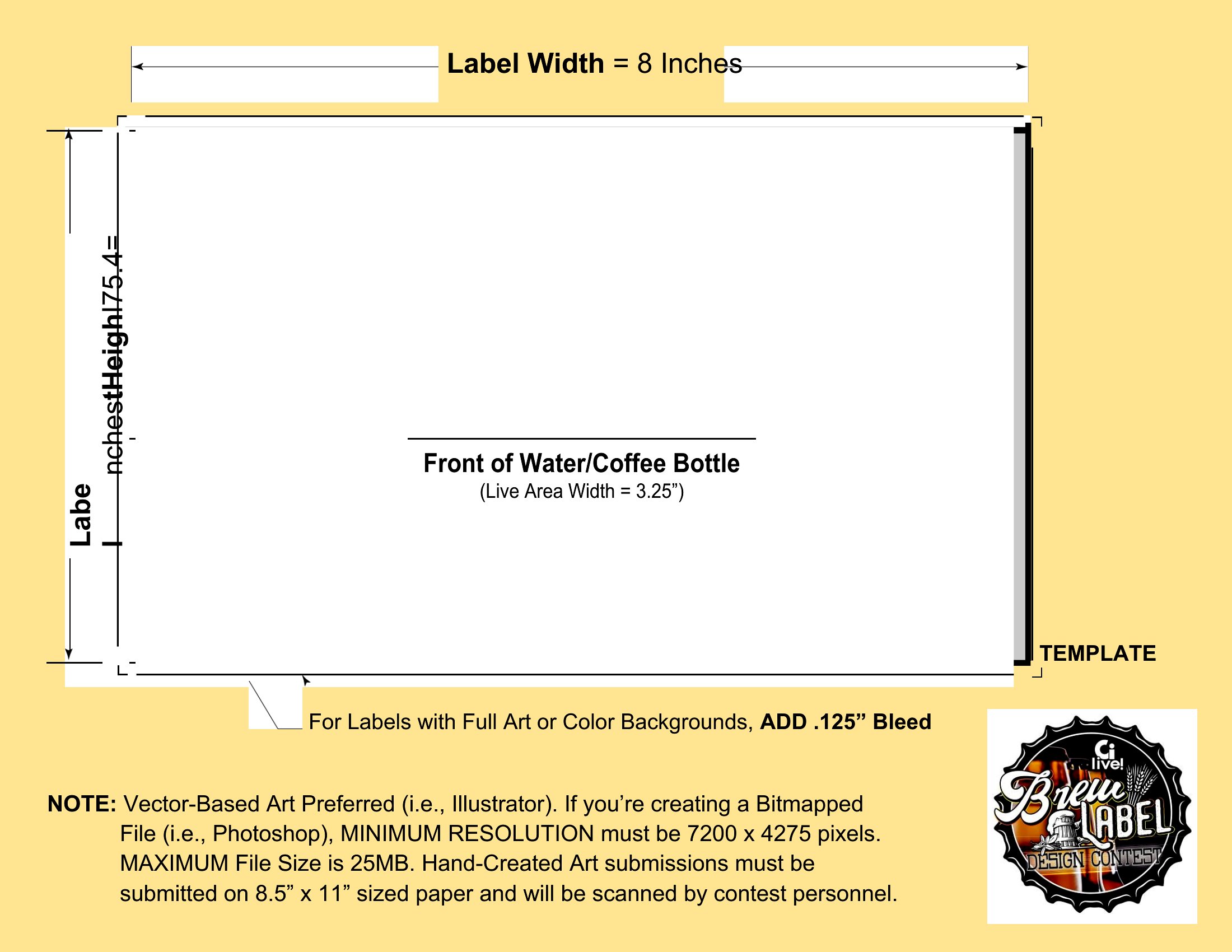
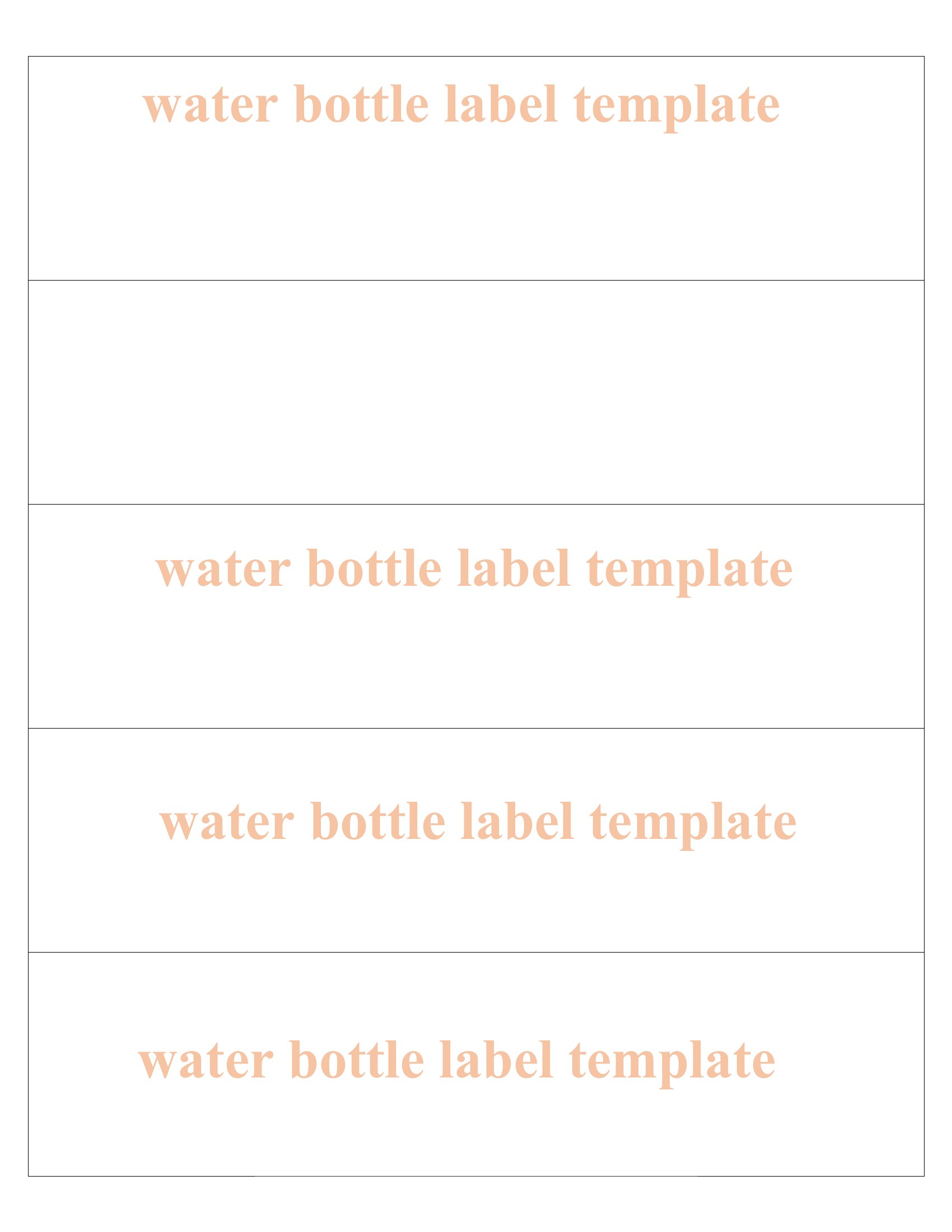
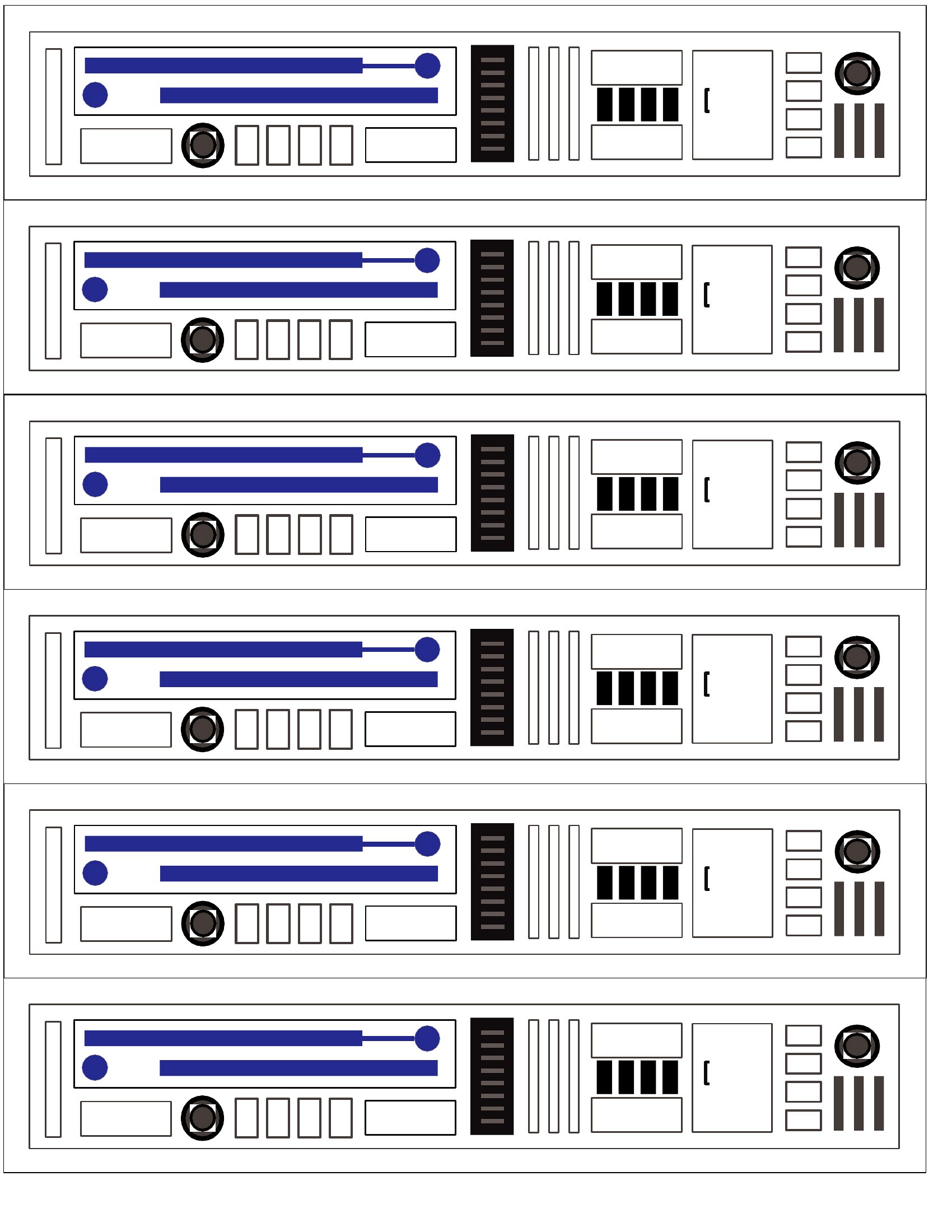
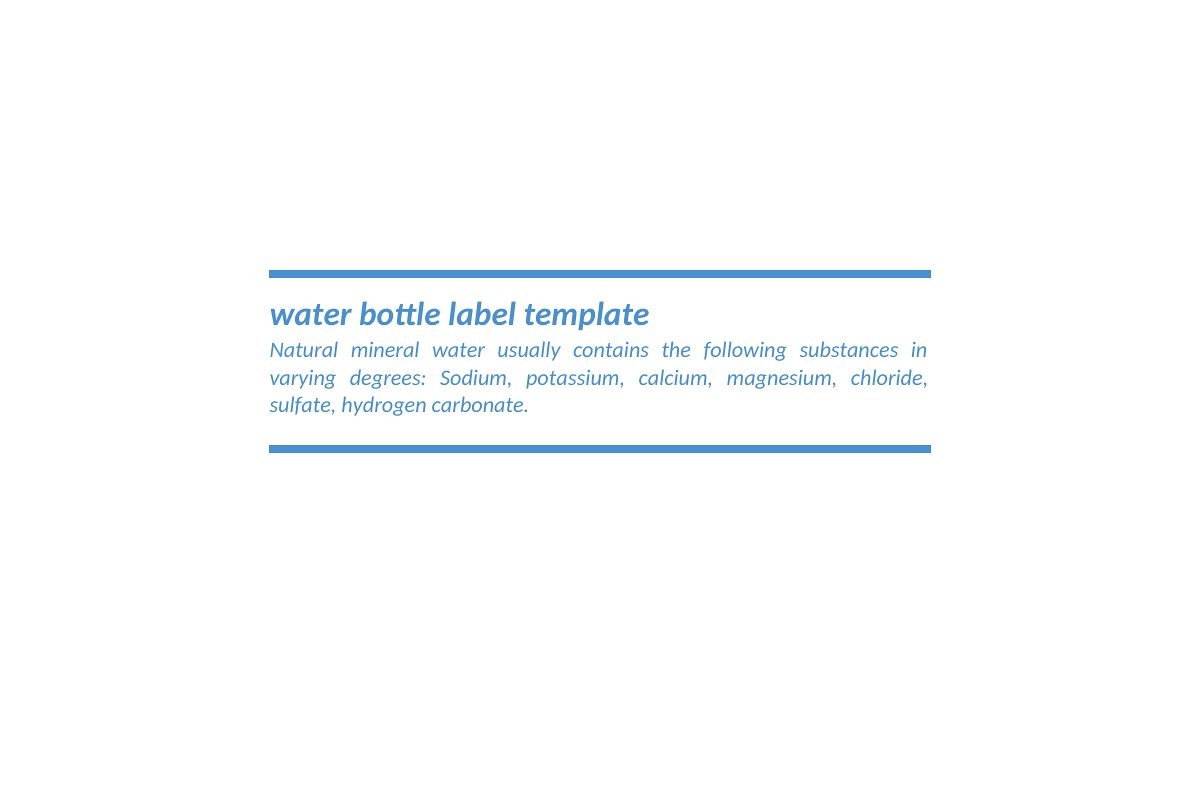
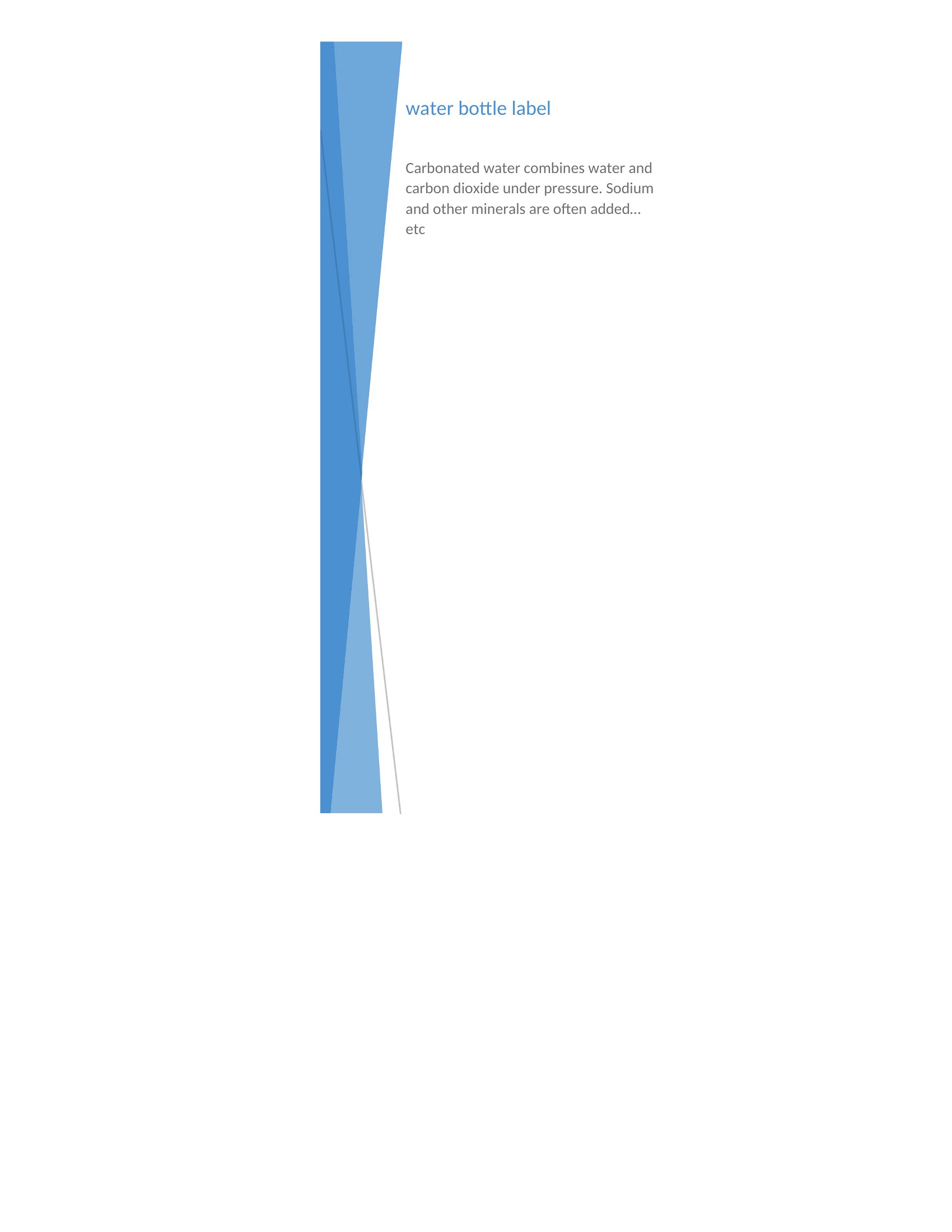
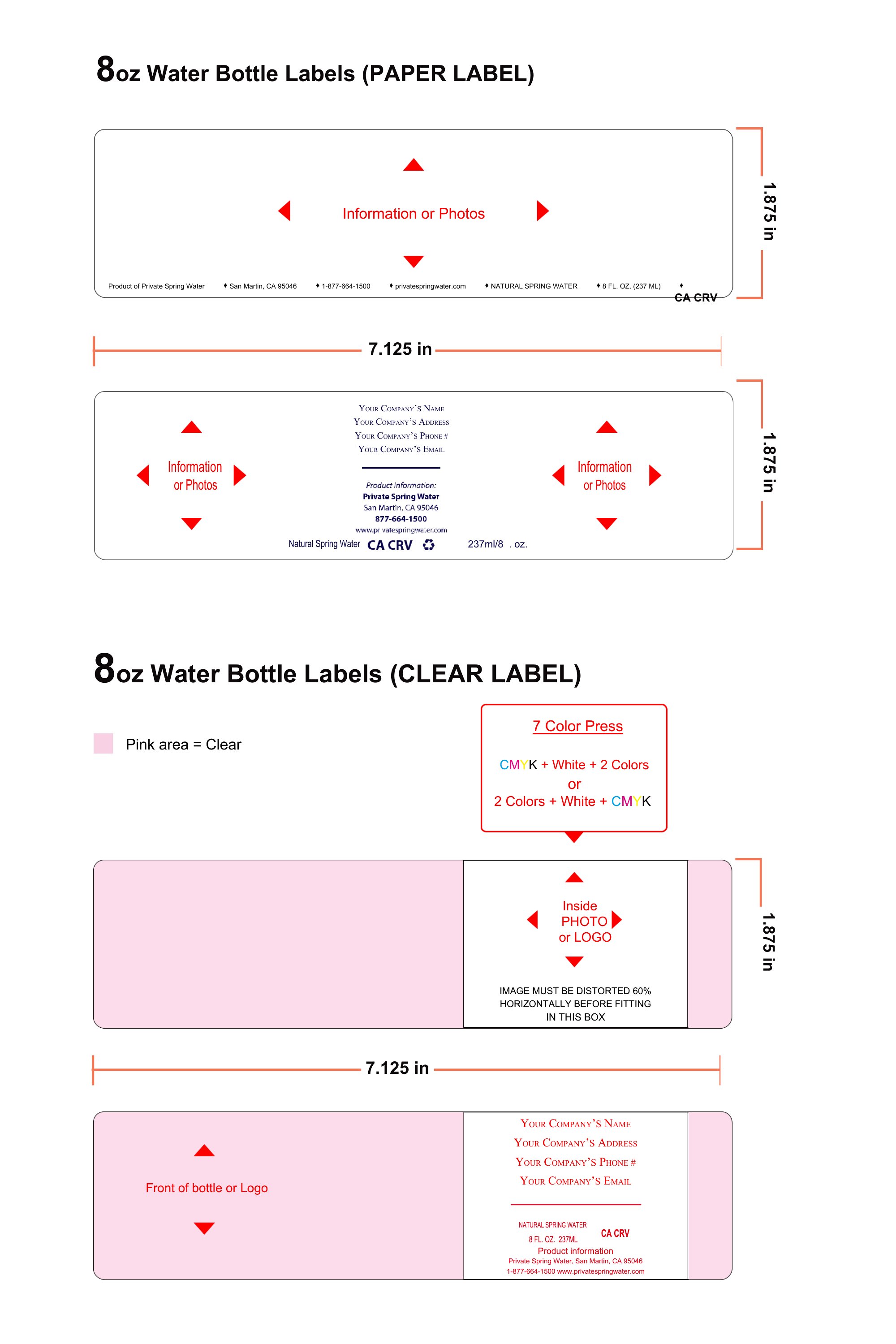
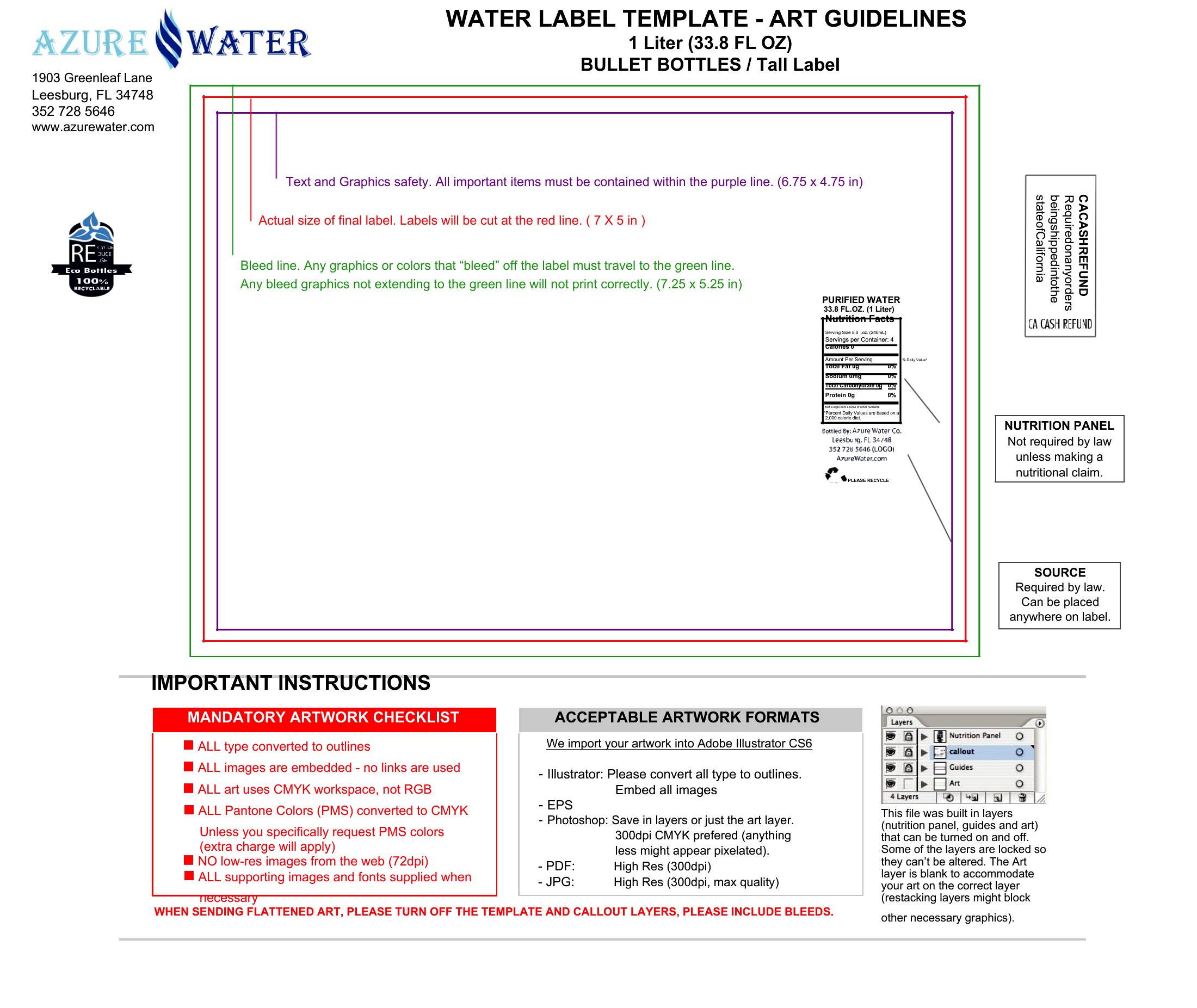
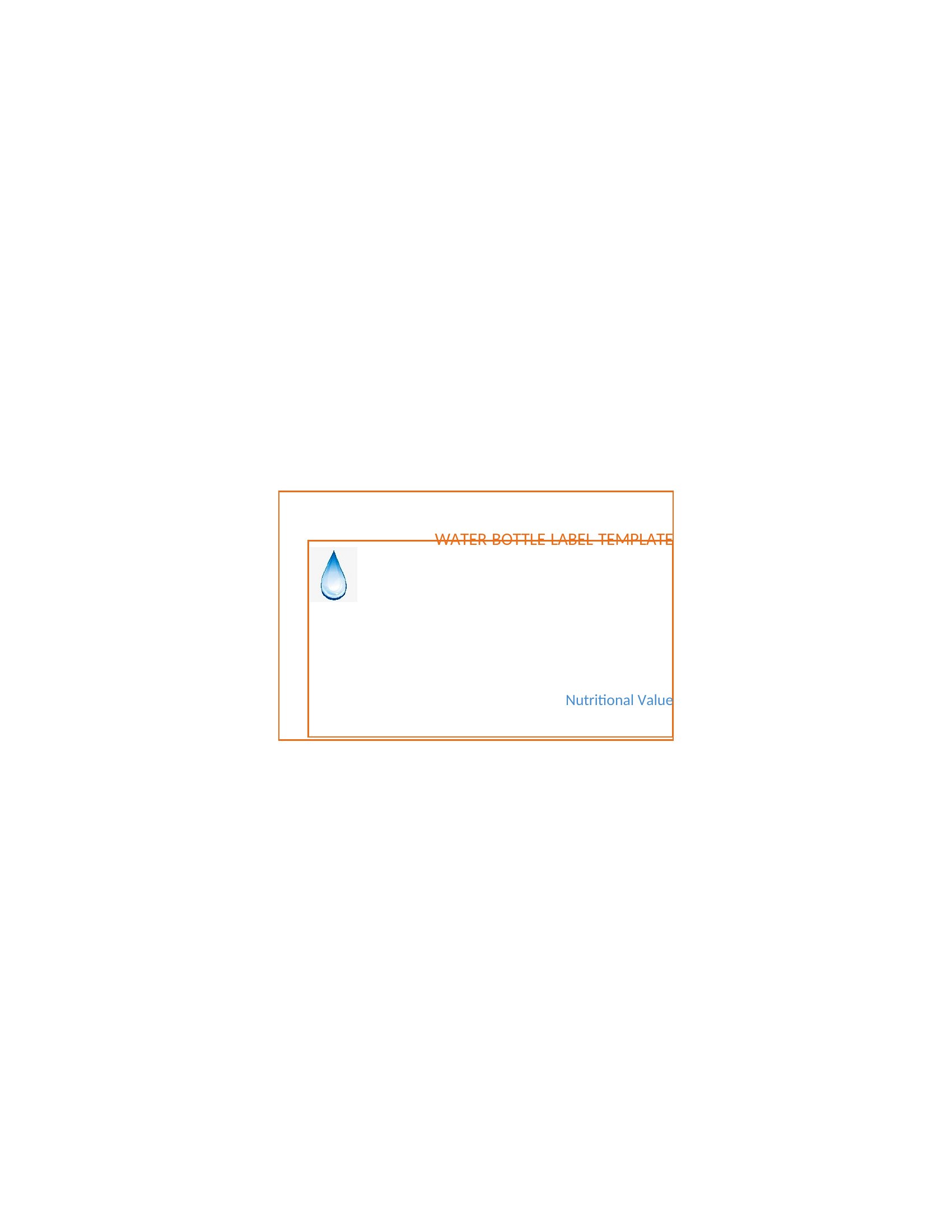
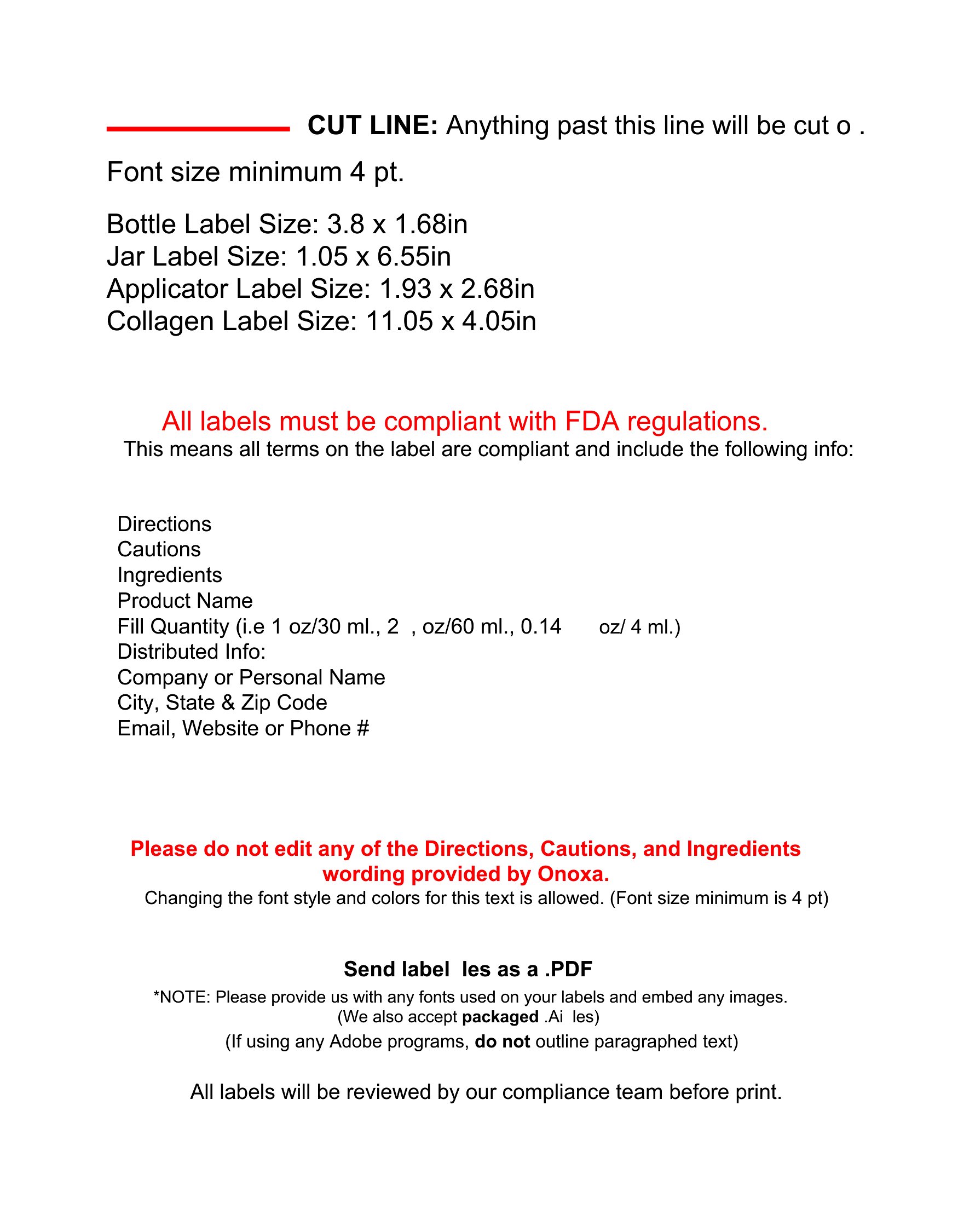
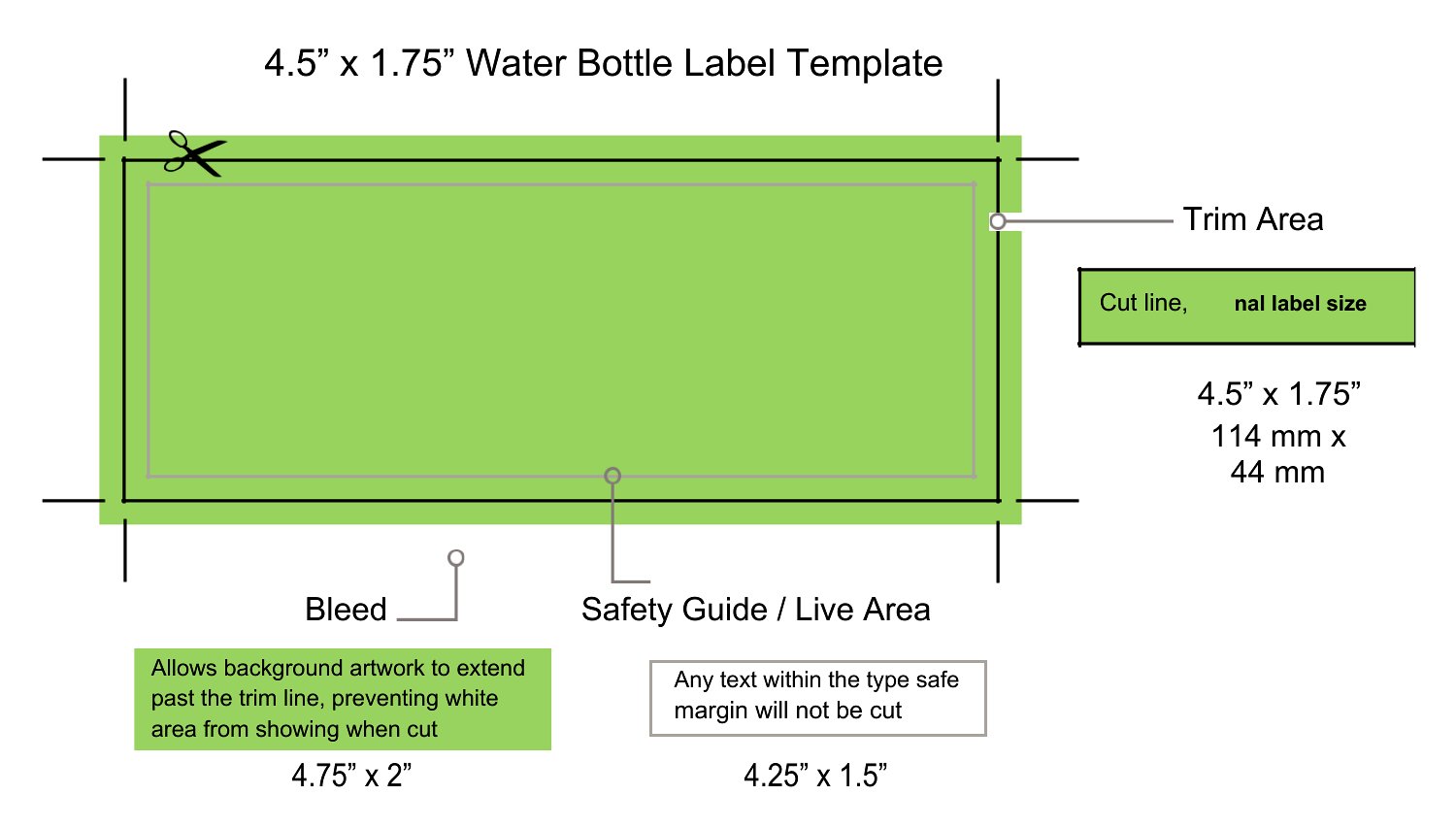
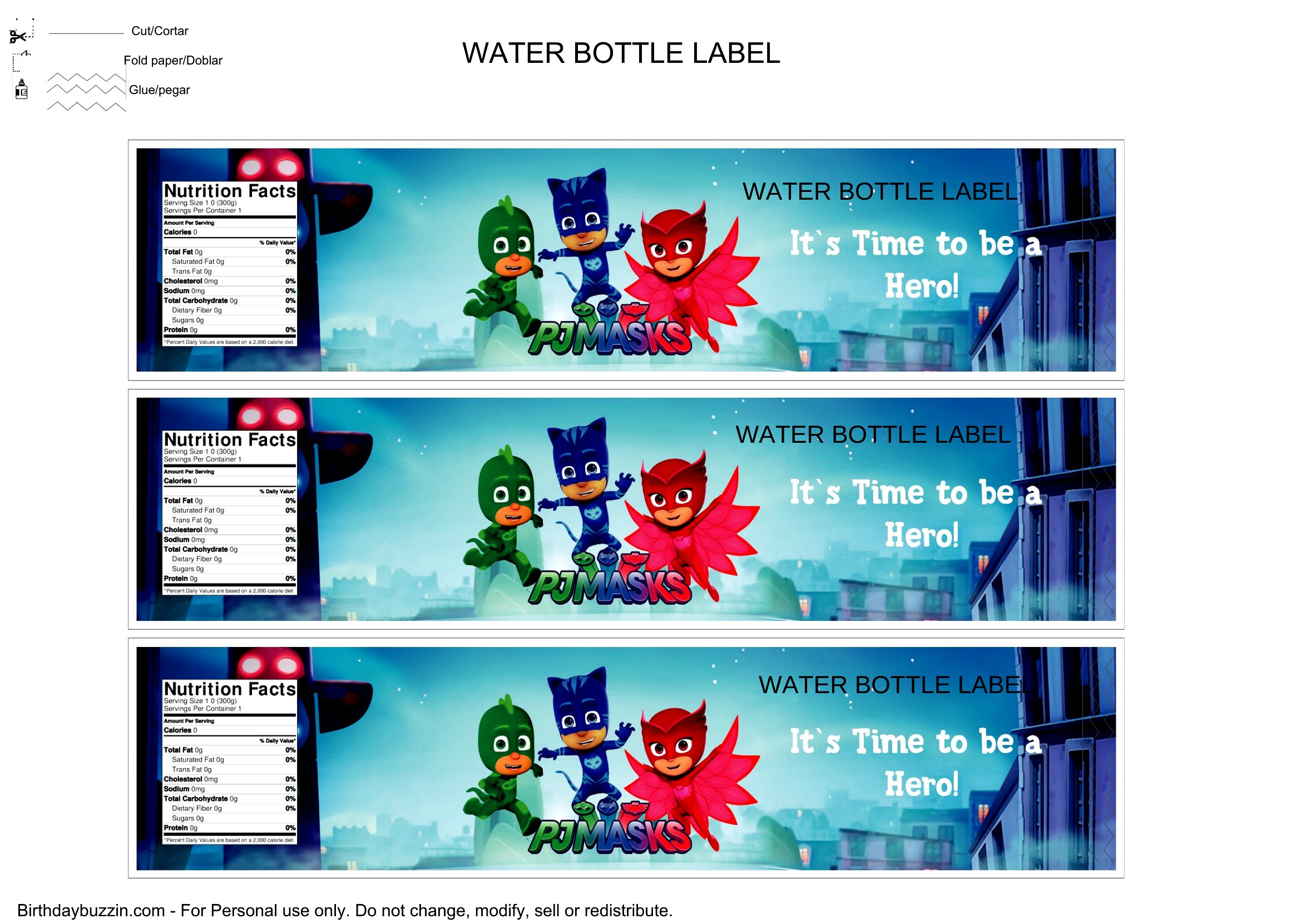
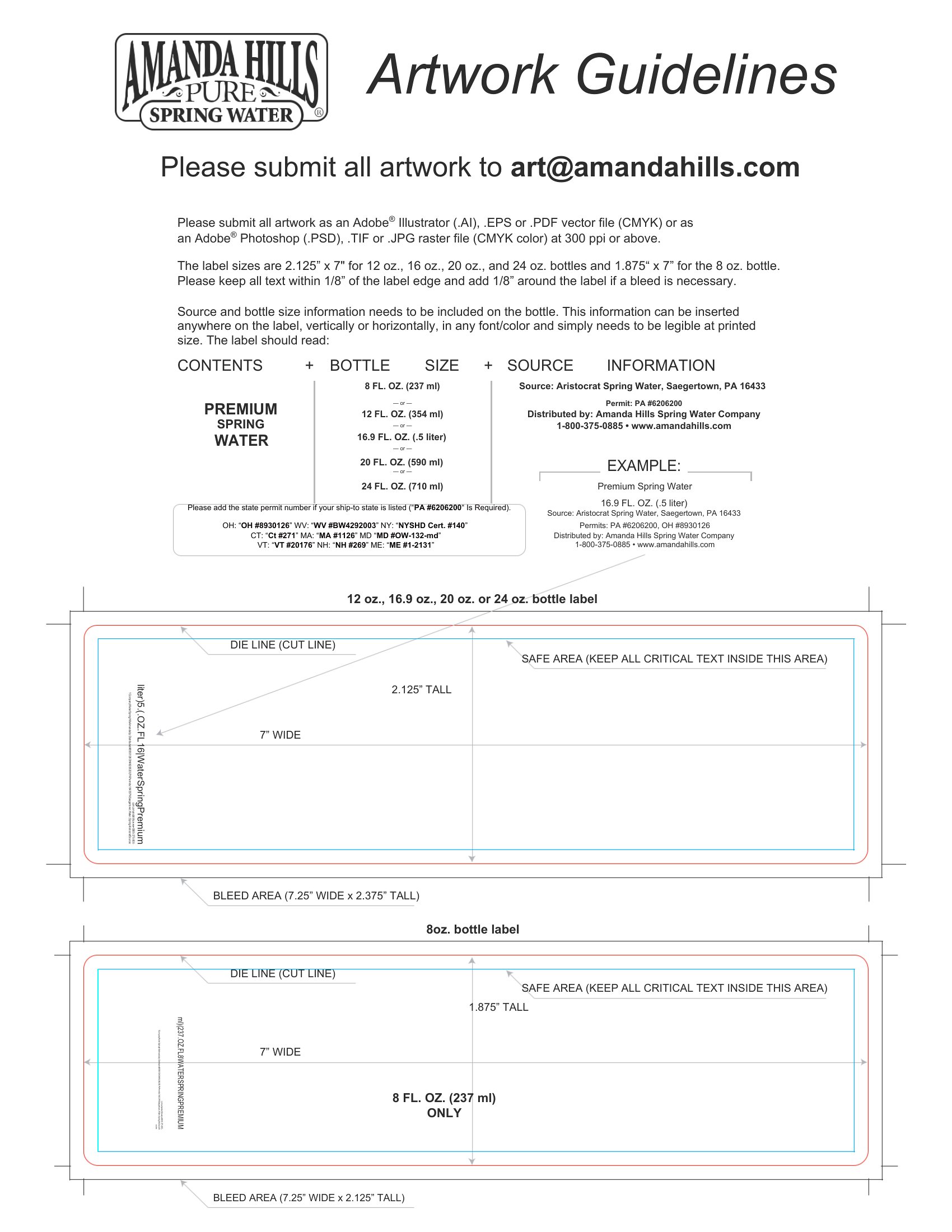
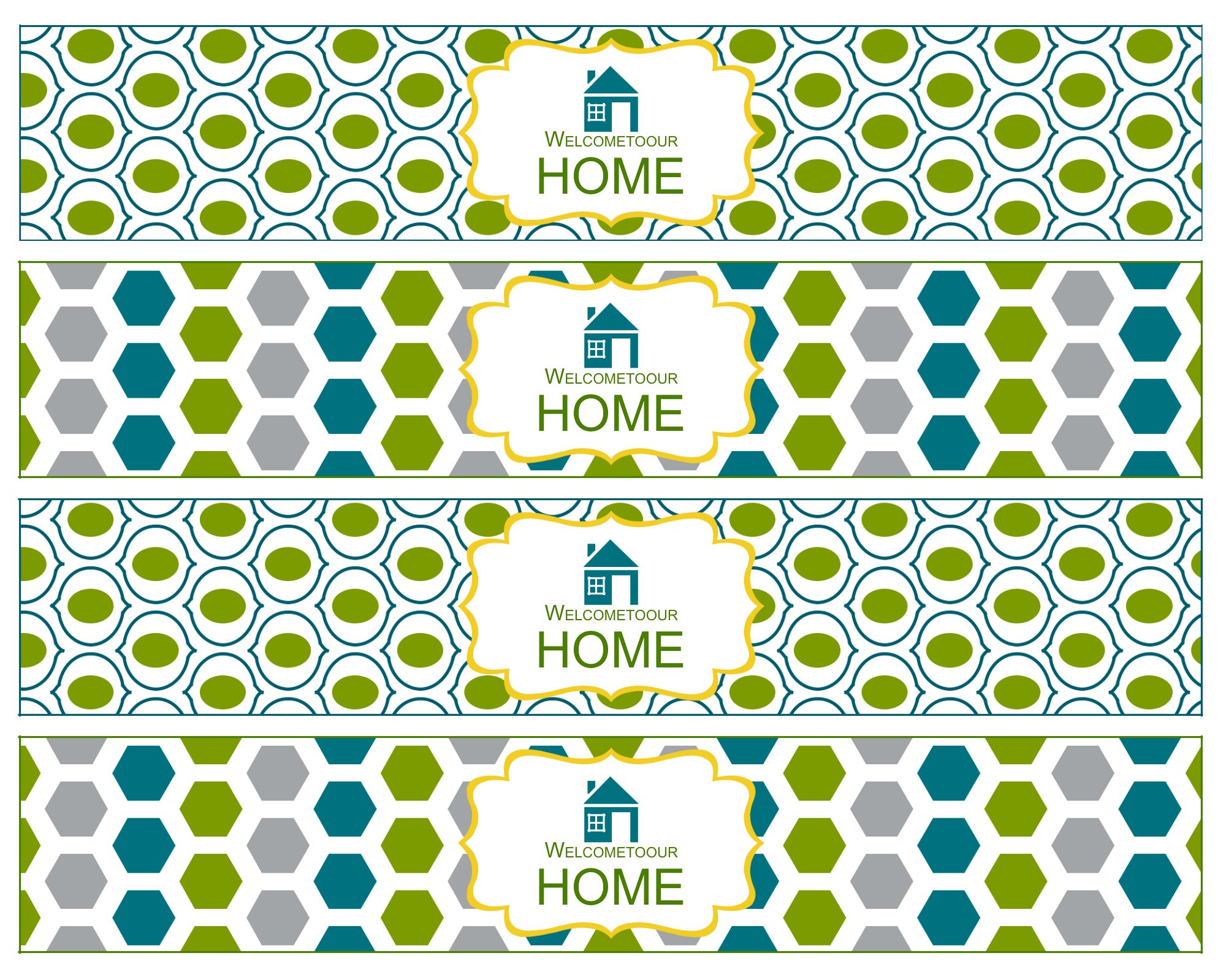
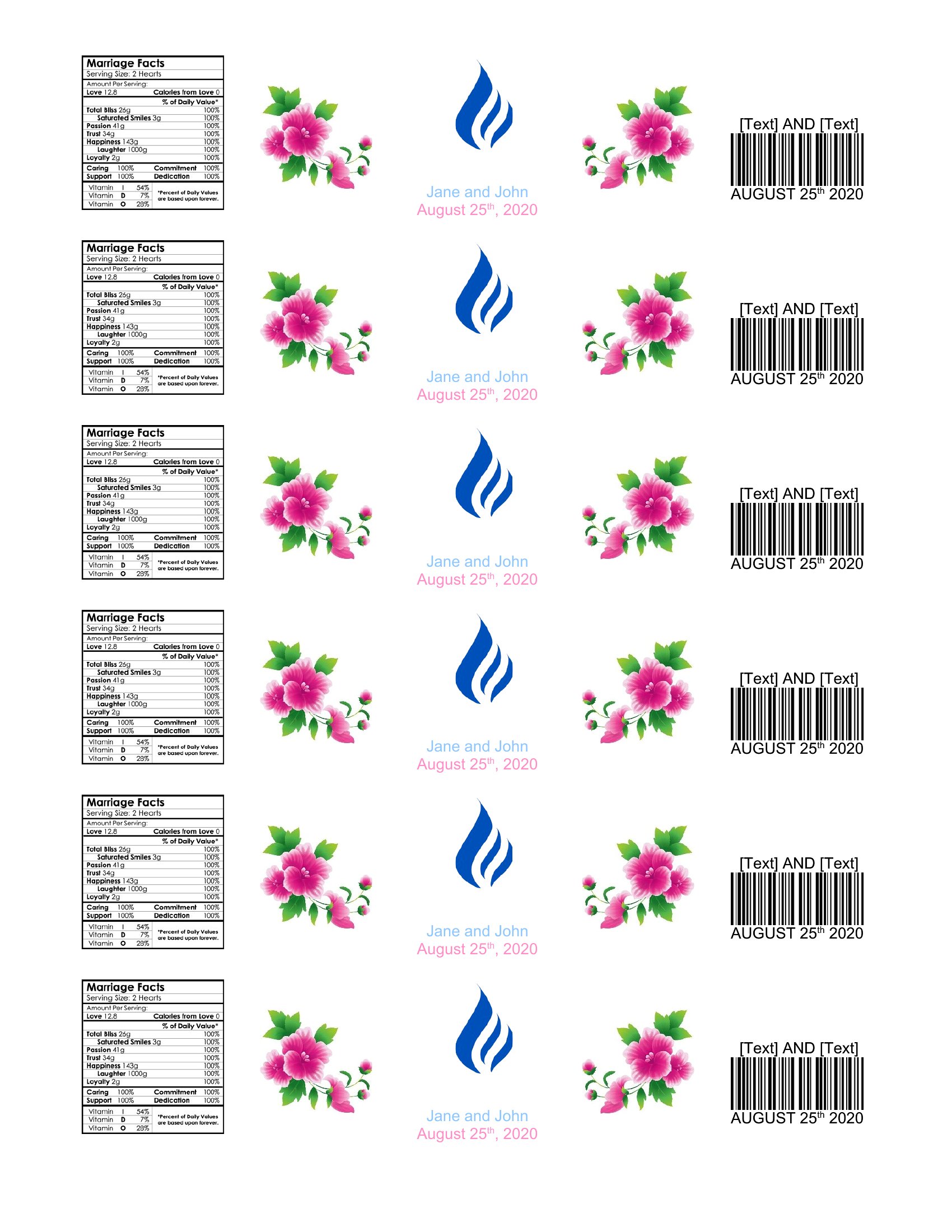
Yes, the Word templates are fully editable, so you can adjust the label dimensions to fit most standard water bottle sizes. However, test-print a sample first to ensure the design scales properly without distortion. For non-standard shapes, you may need to manually redraw the label borders in Word’s drawing tools.
How do I ensure the text stays centered on curved bottle surfaces?
Word’s text boxes can be rotated or wrapped to follow curves, but for best results, print the labels on adhesive paper and carefully apply them to avoid wrinkles. Pre-printing on a textured background (like kraft paper) can also help the labels adhere smoothly to curved surfaces.
Are these templates suitable for food-safe labeling if I’m adding flavor descriptions?
These templates are designed for decorative or informational labeling, not regulatory compliance. If you’re labeling flavored water or beverages for sale, consult local food safety guidelines and use a template specifically designed for FDA/USDA-compliant labels. These are best for events or personal use where safety standards aren’t a concern.
Comments
Join the conversation
Sign in to share your thoughts and leave a comment on this resource.