Free Printable Wine Label Templates (Word, PDF)
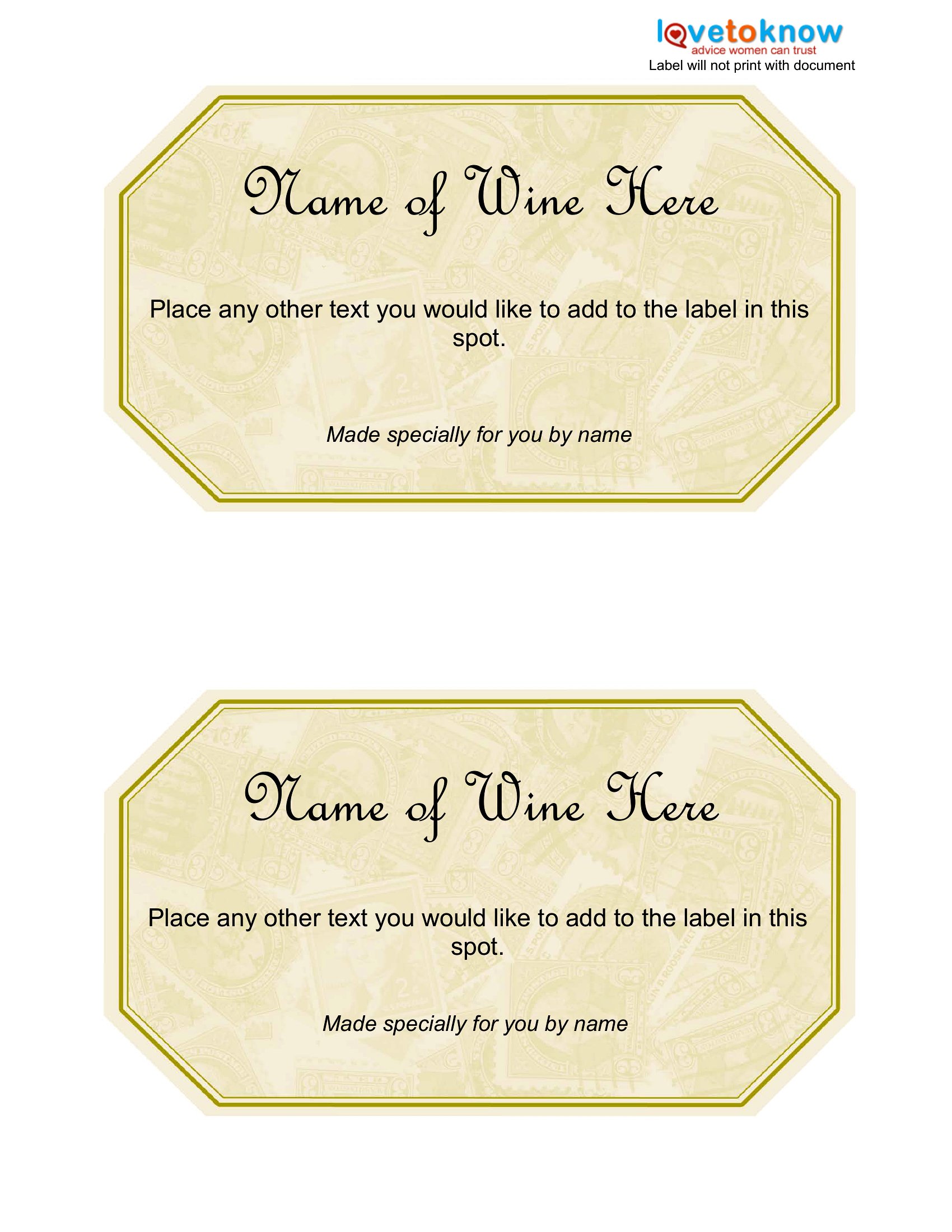
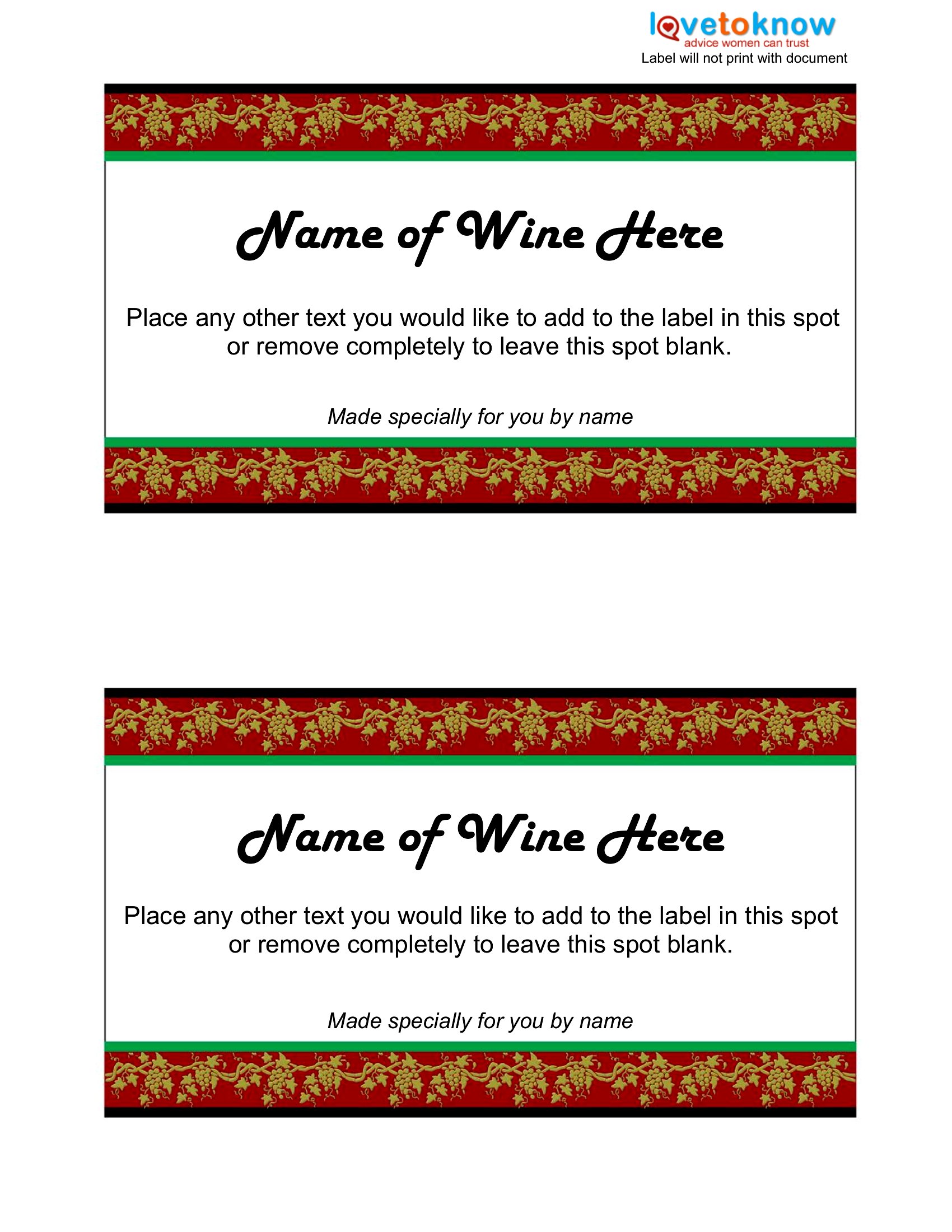
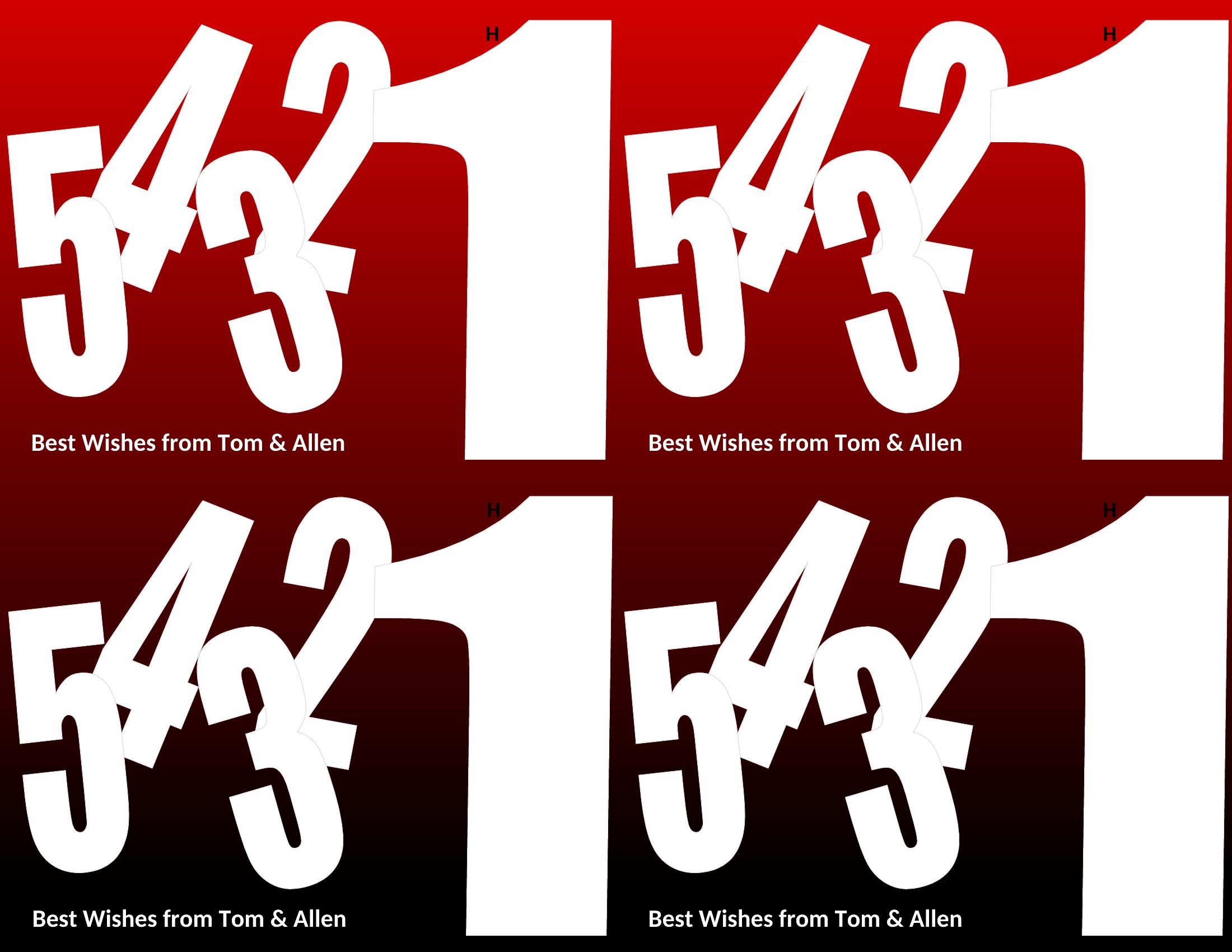
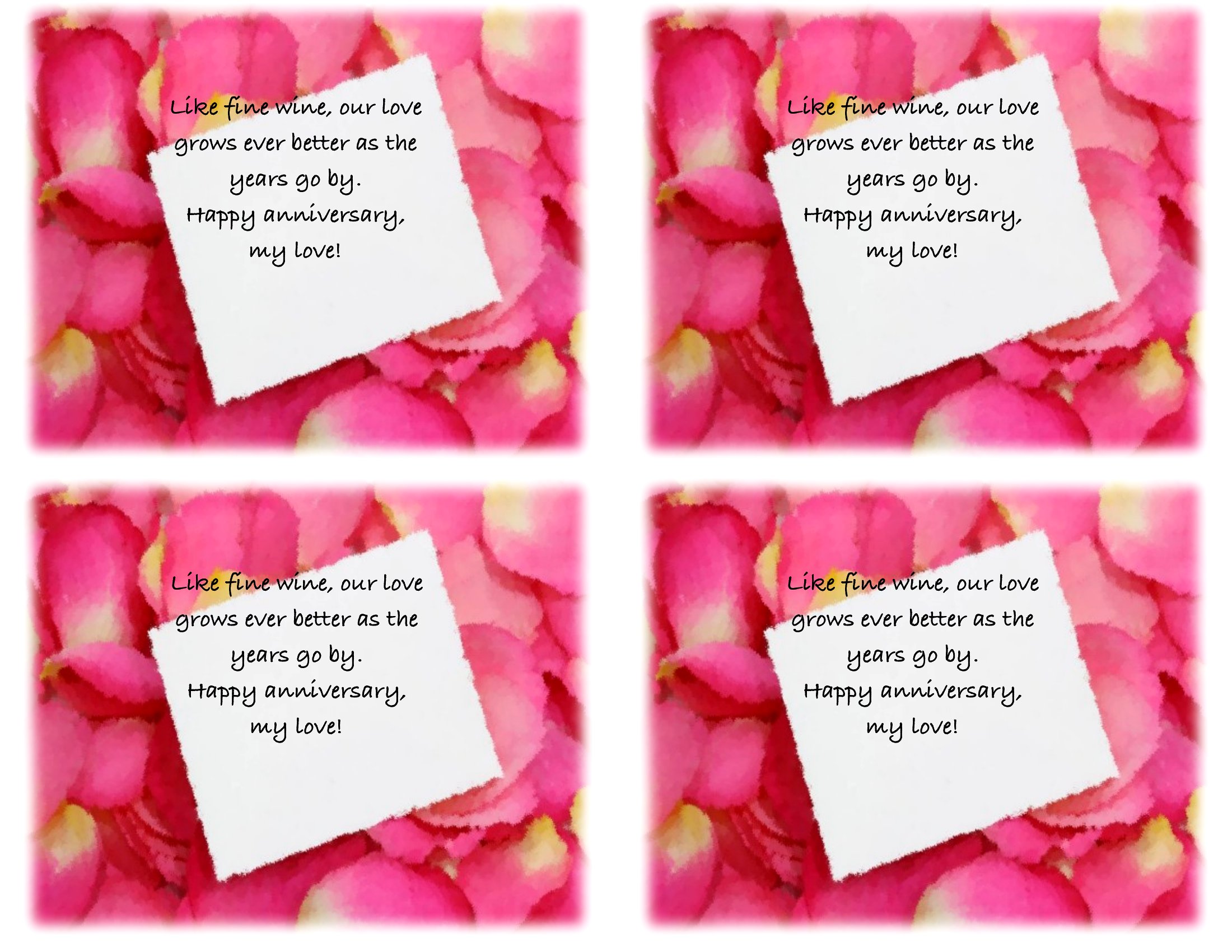
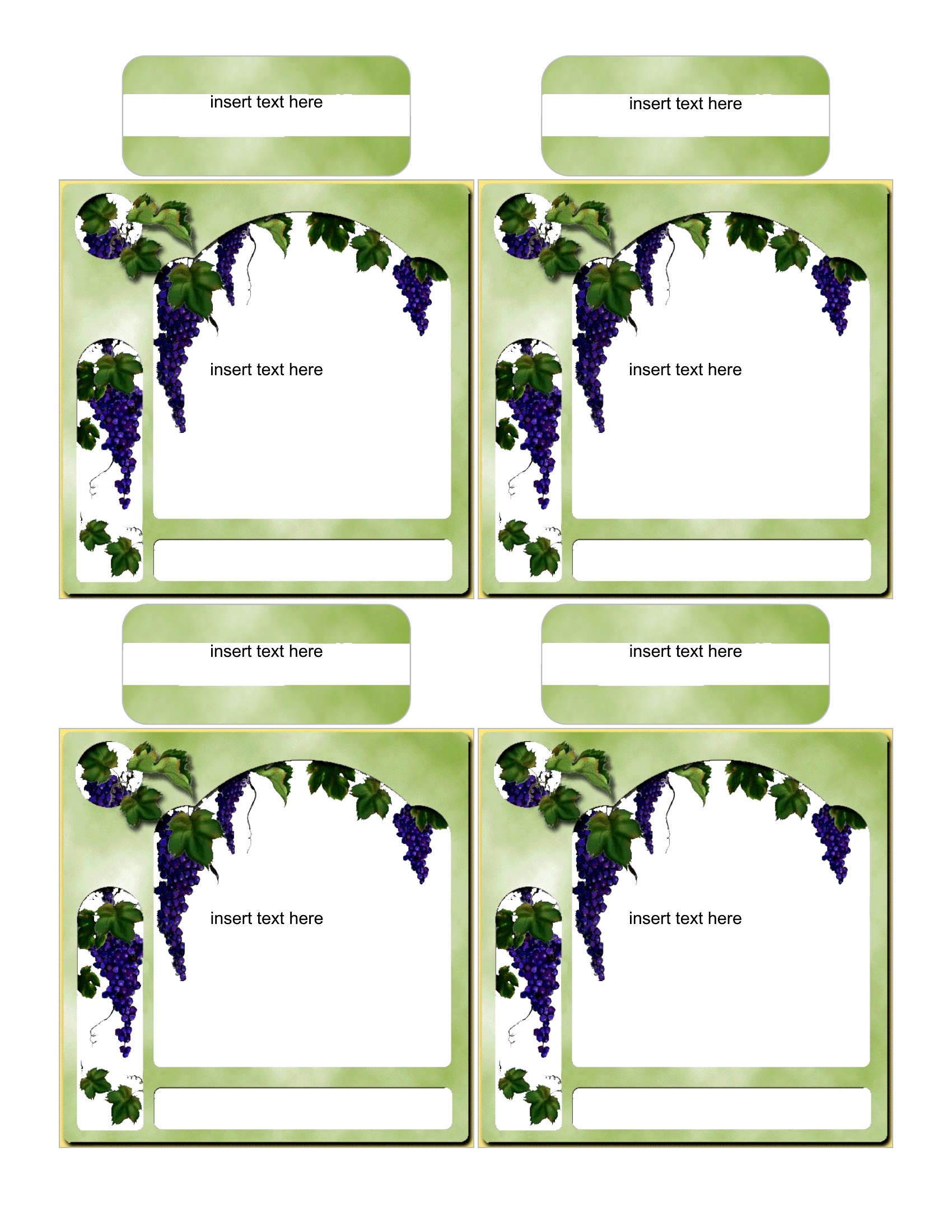
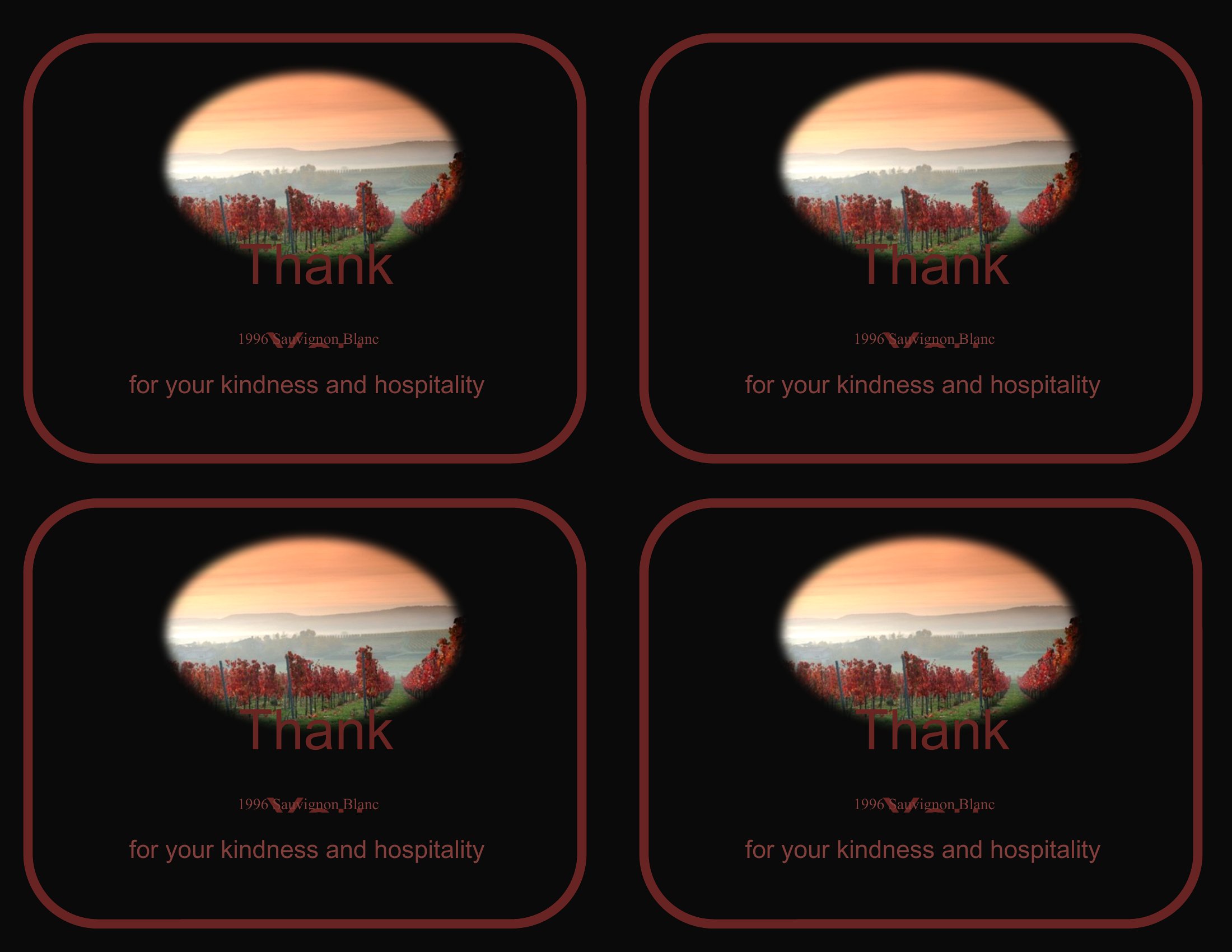
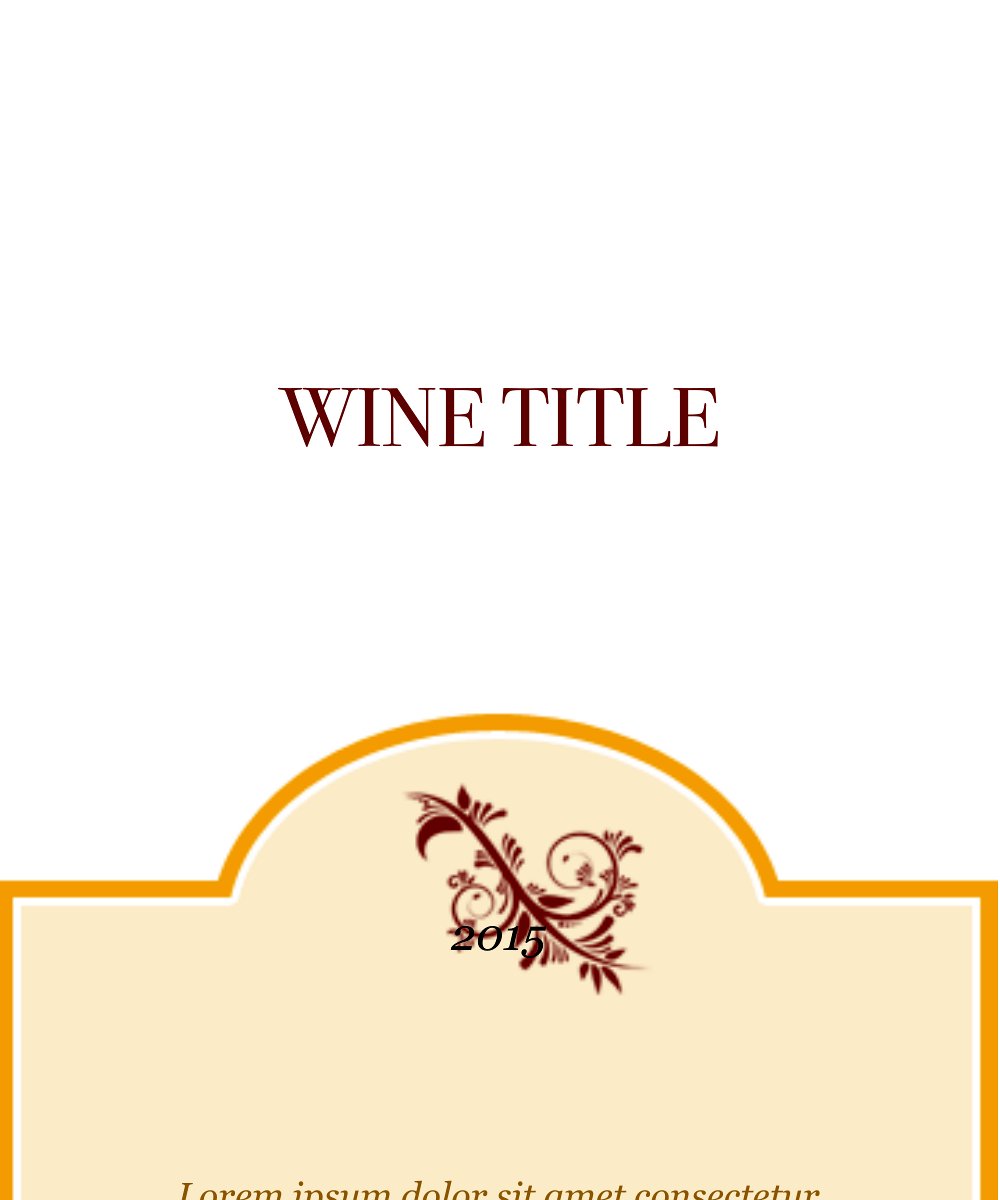
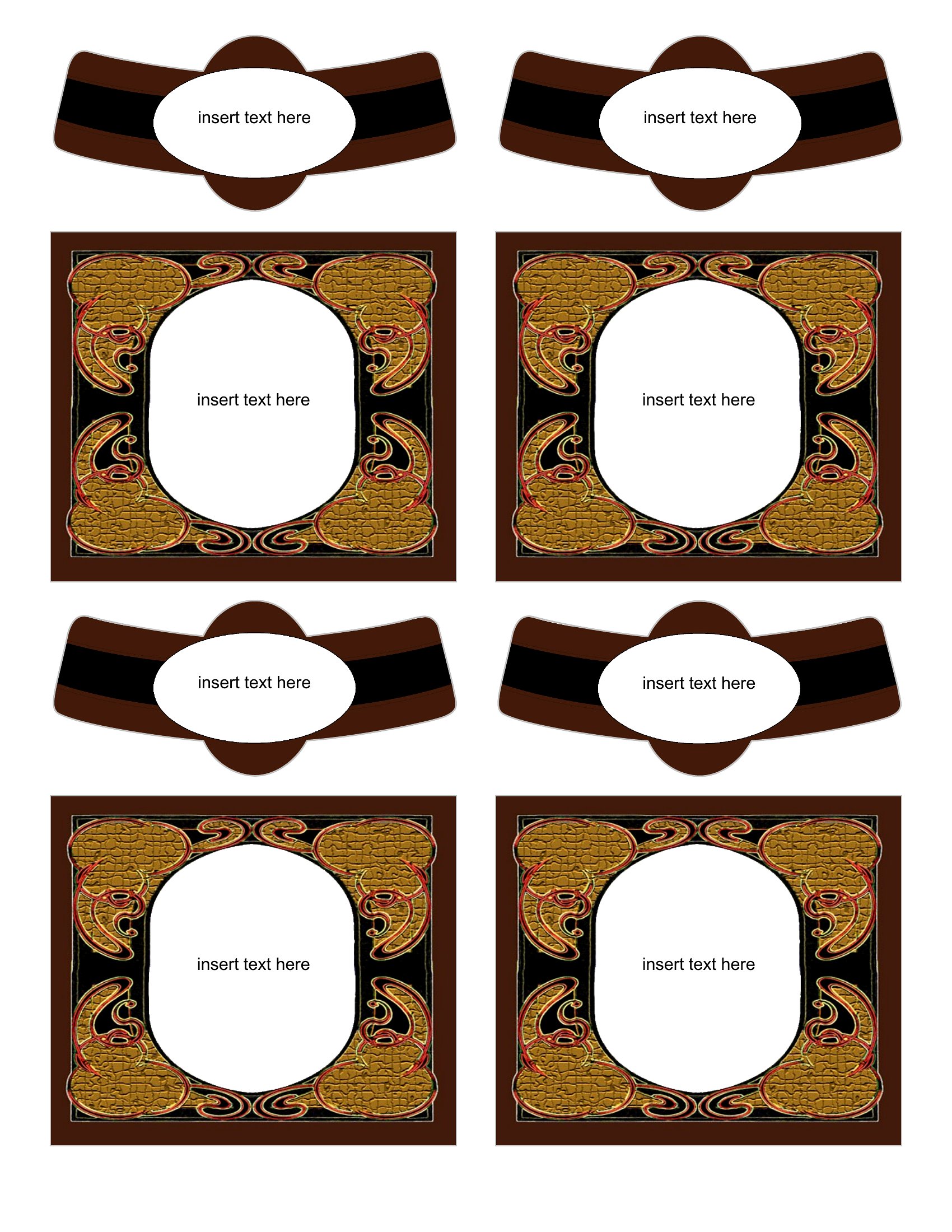
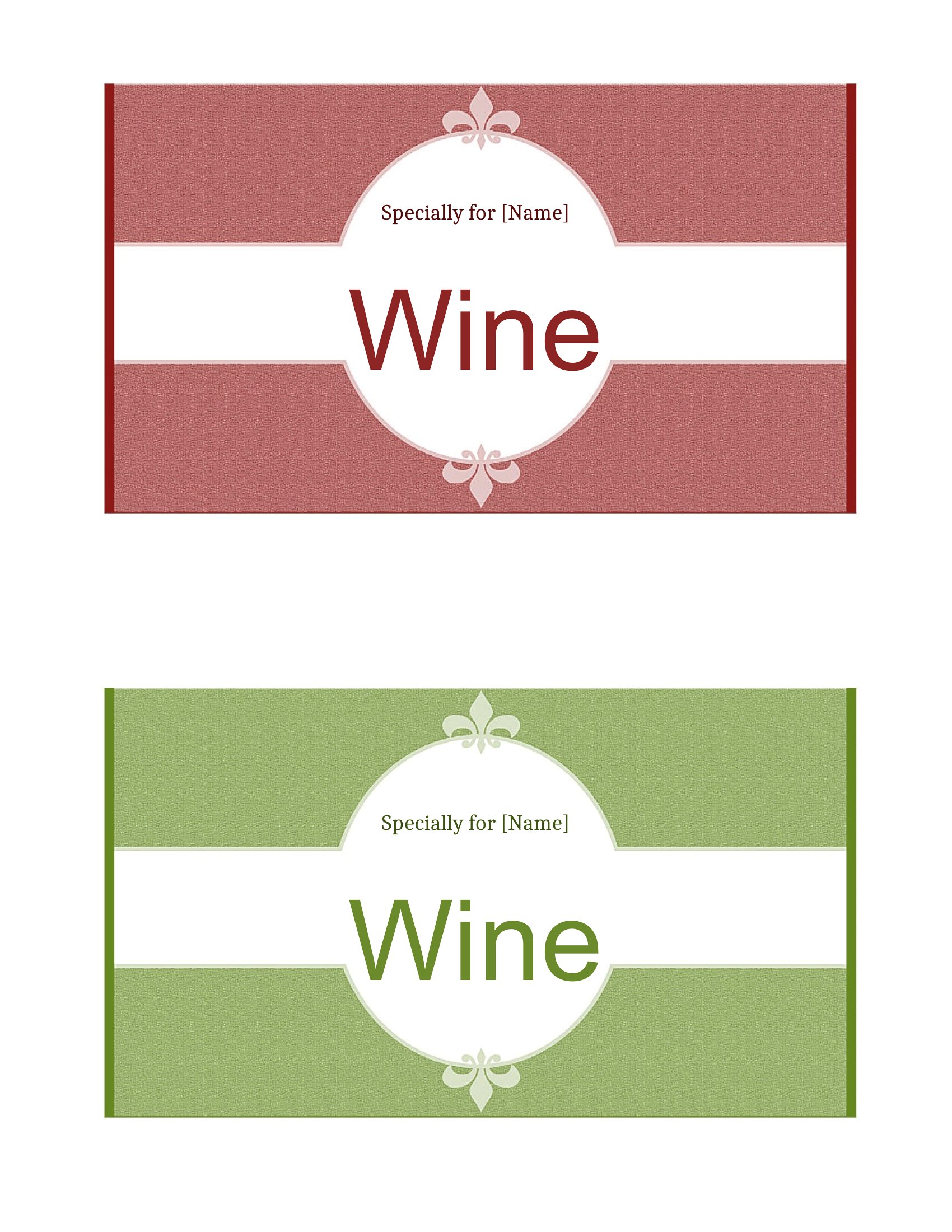
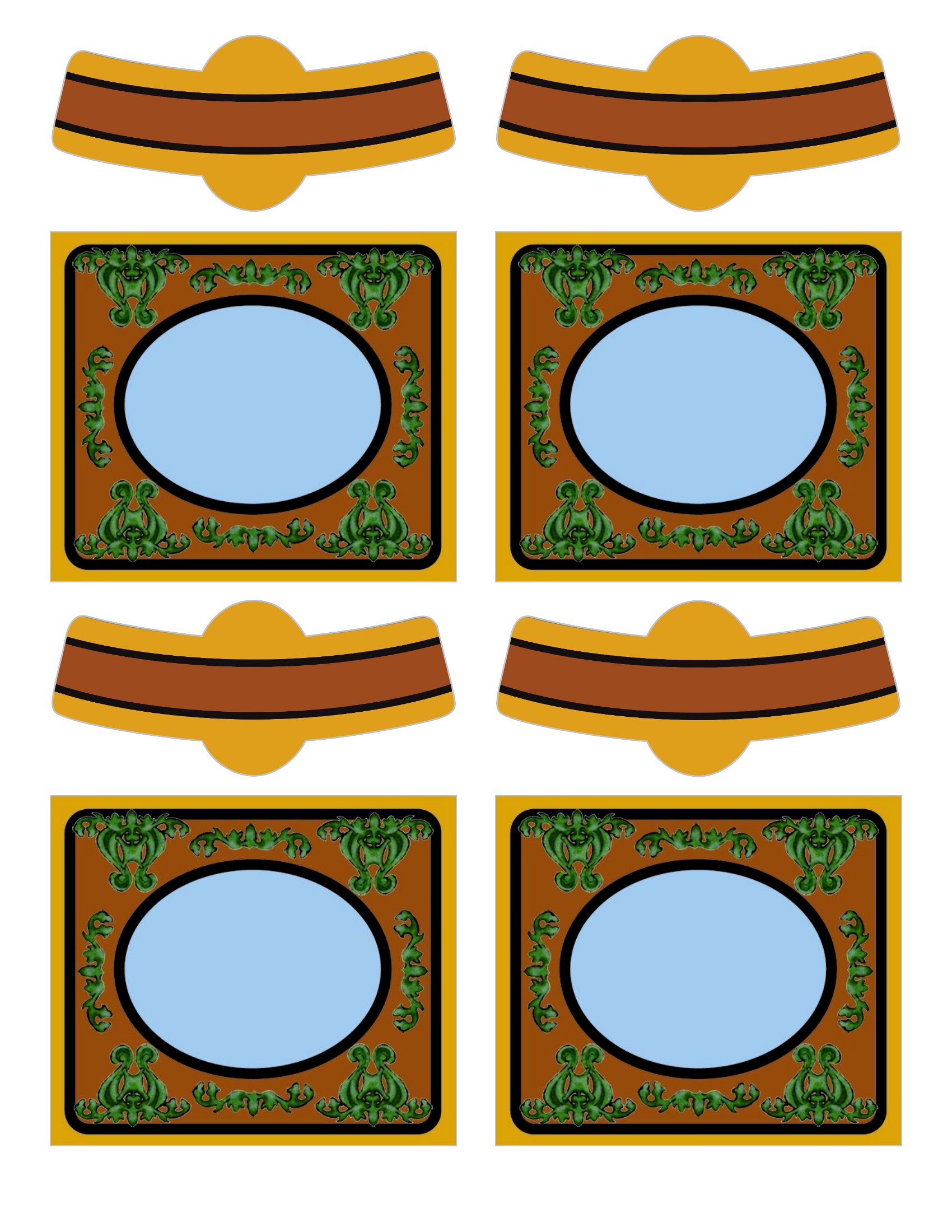
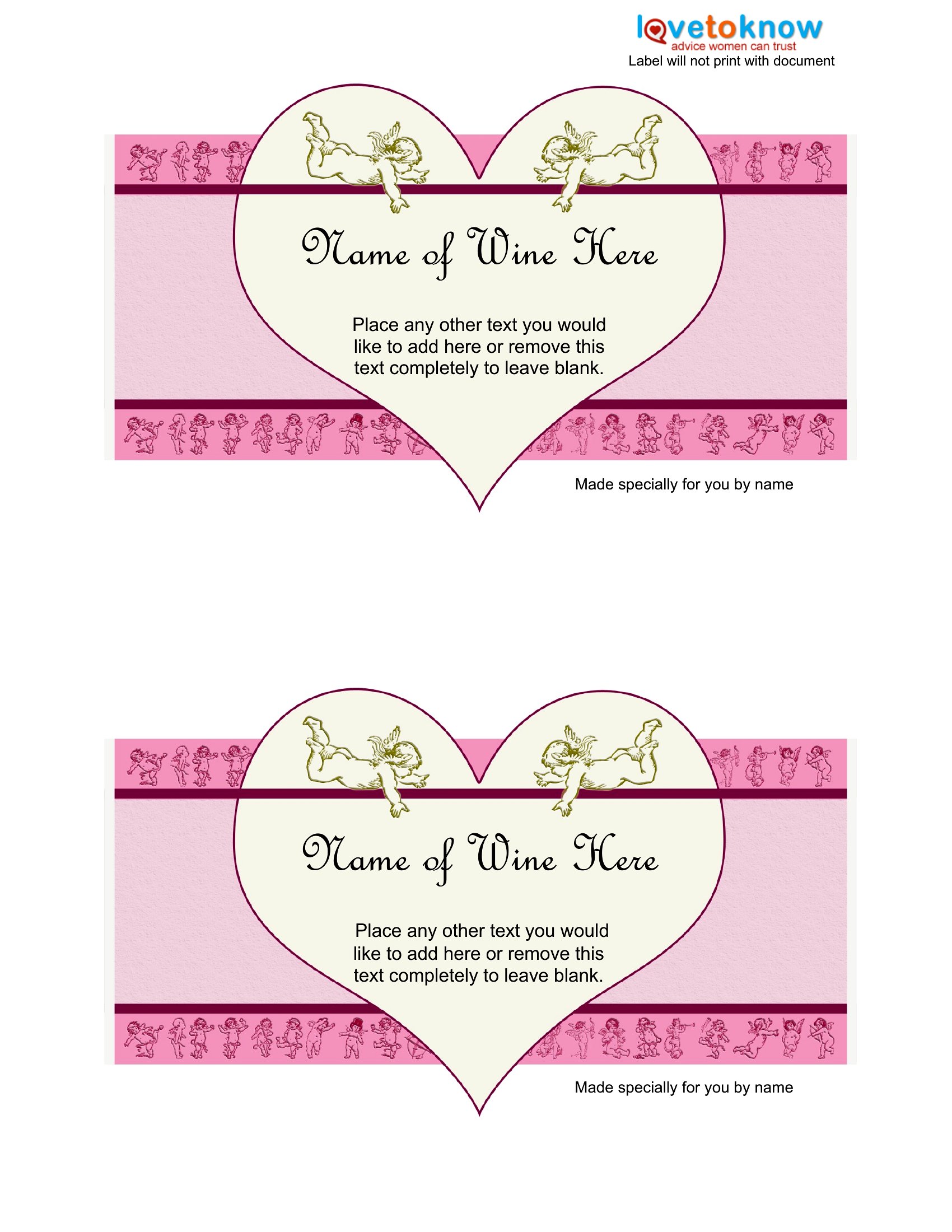
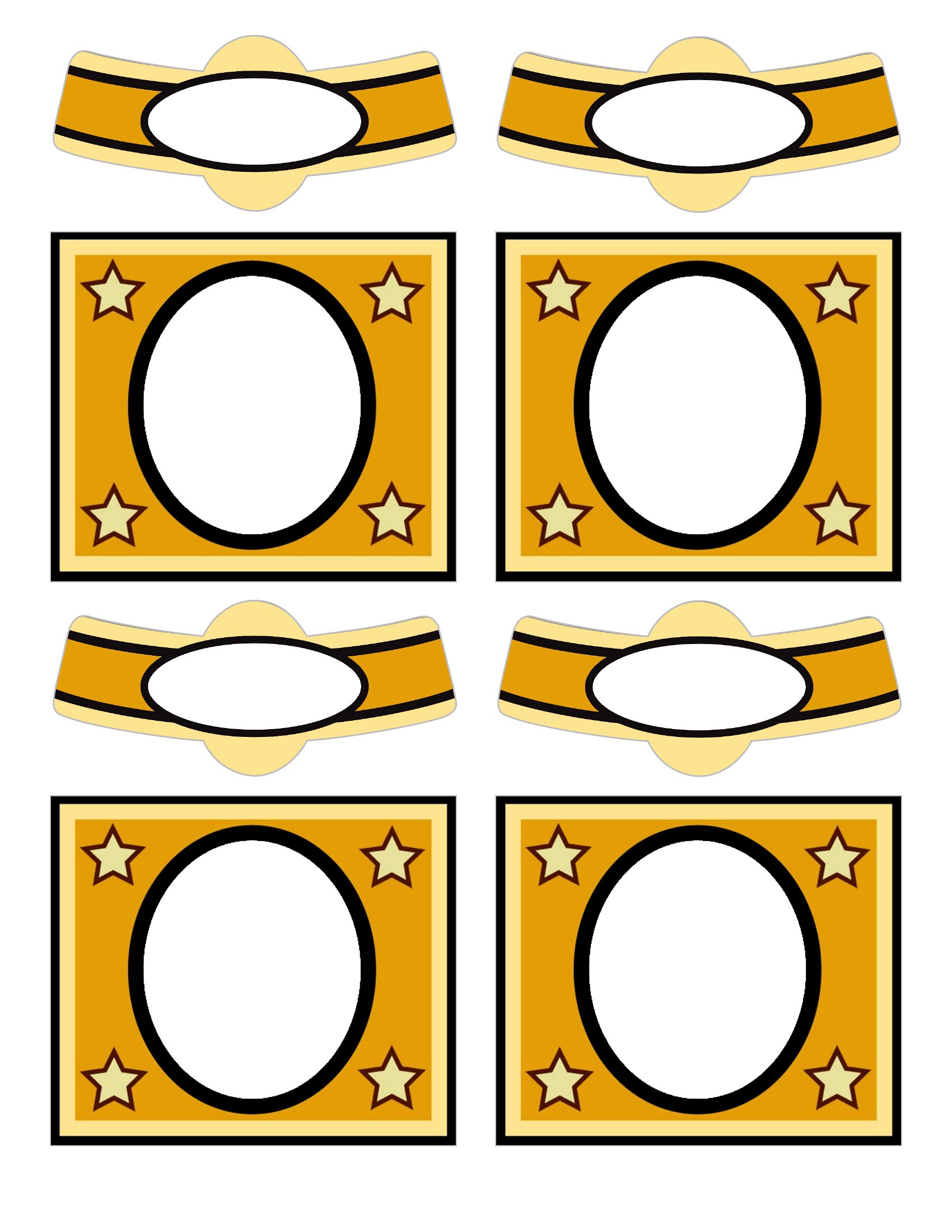
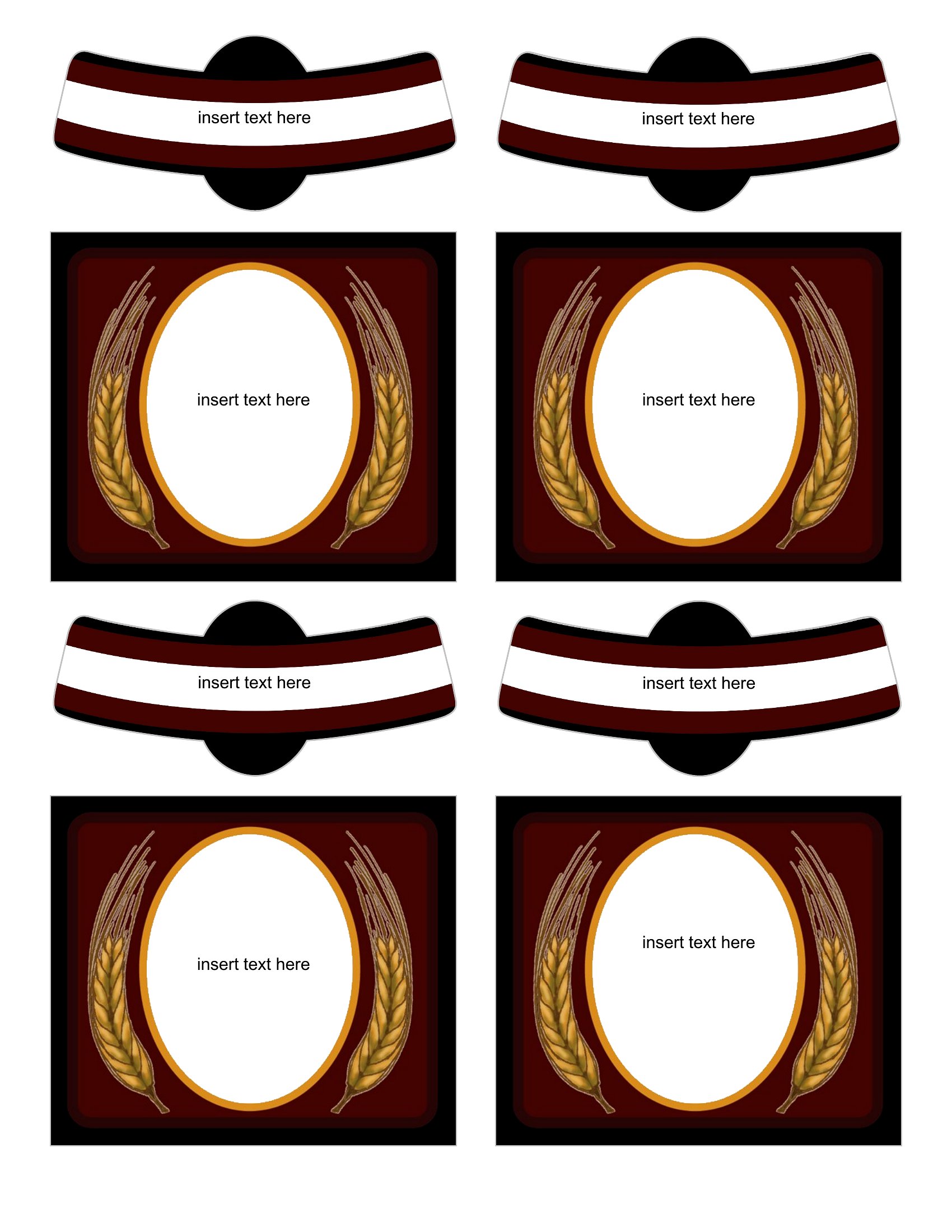
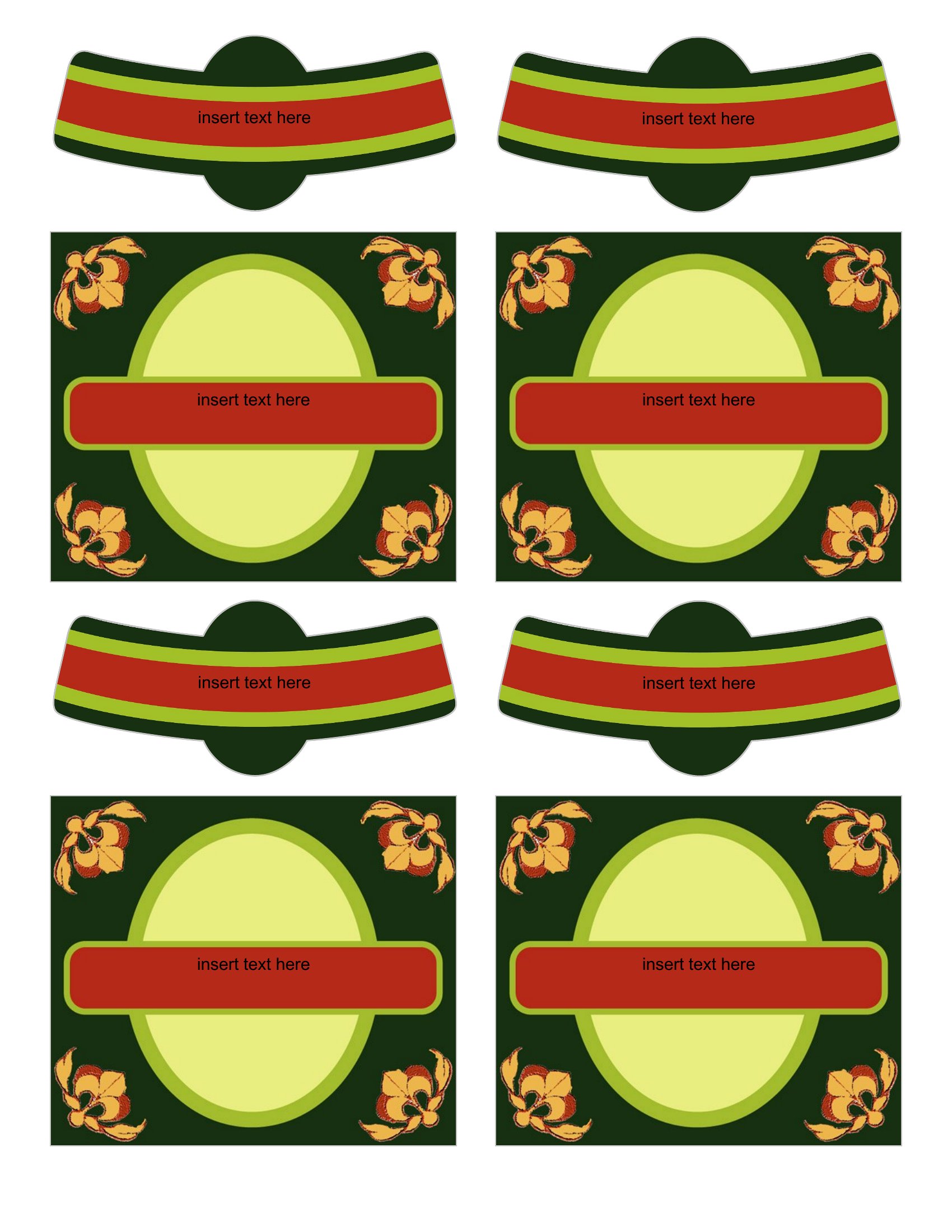
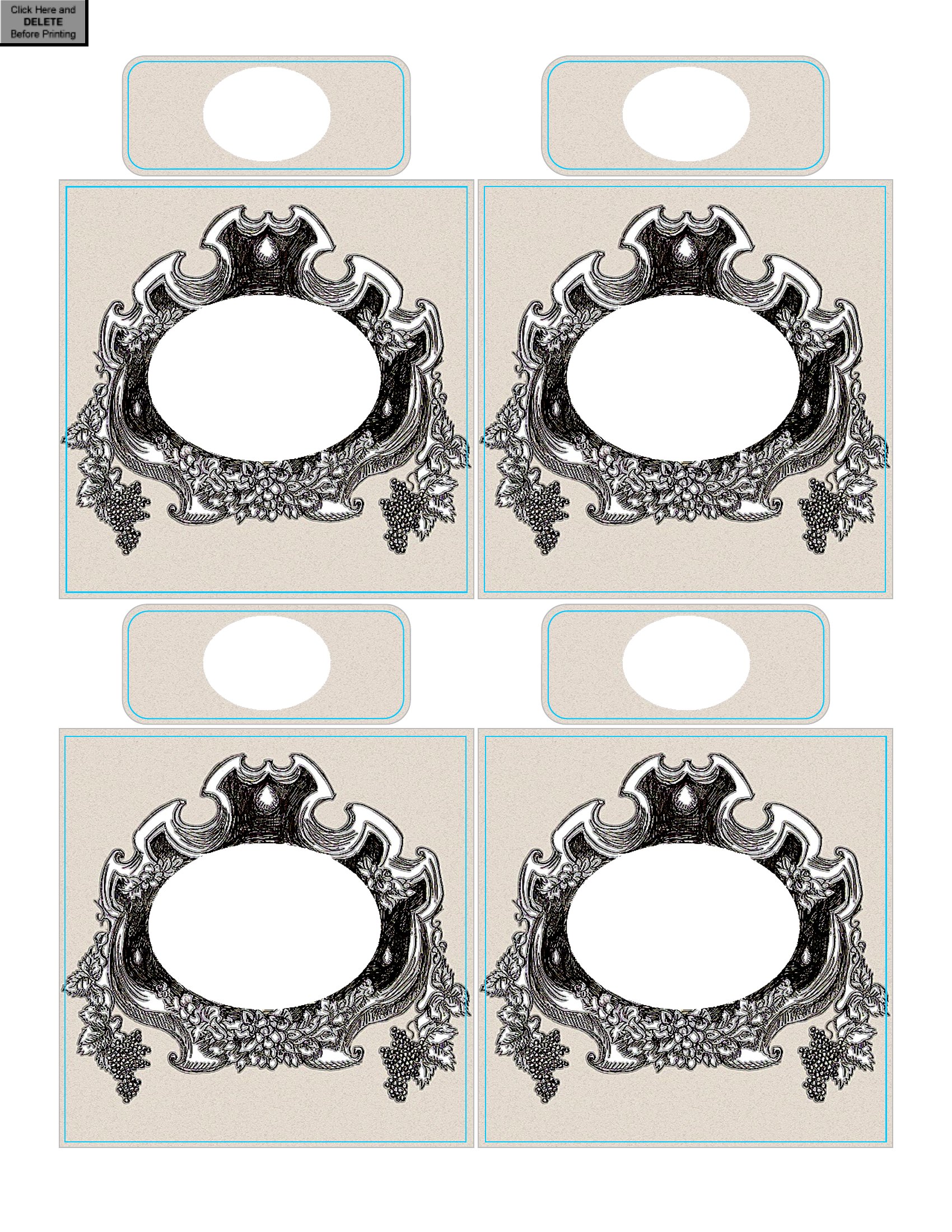
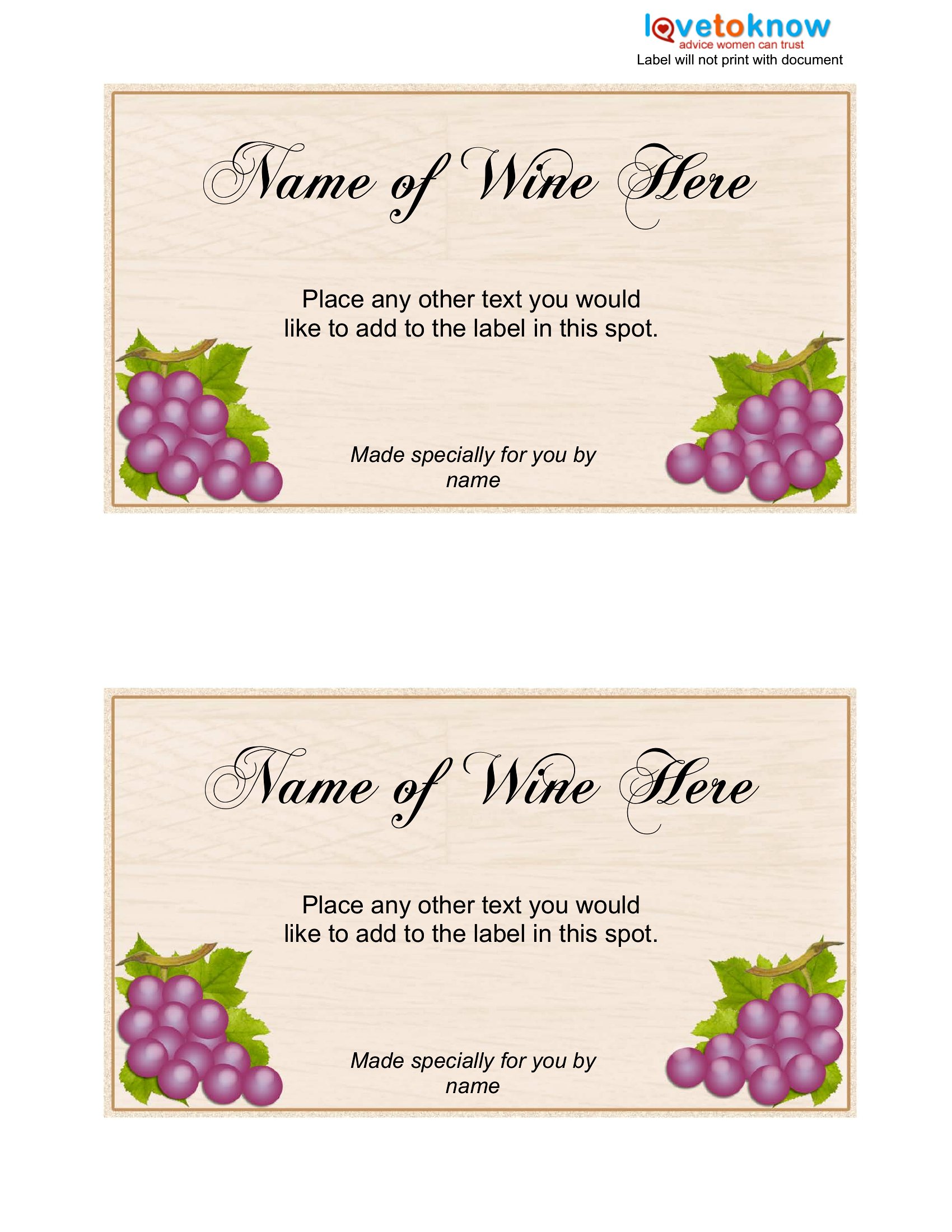
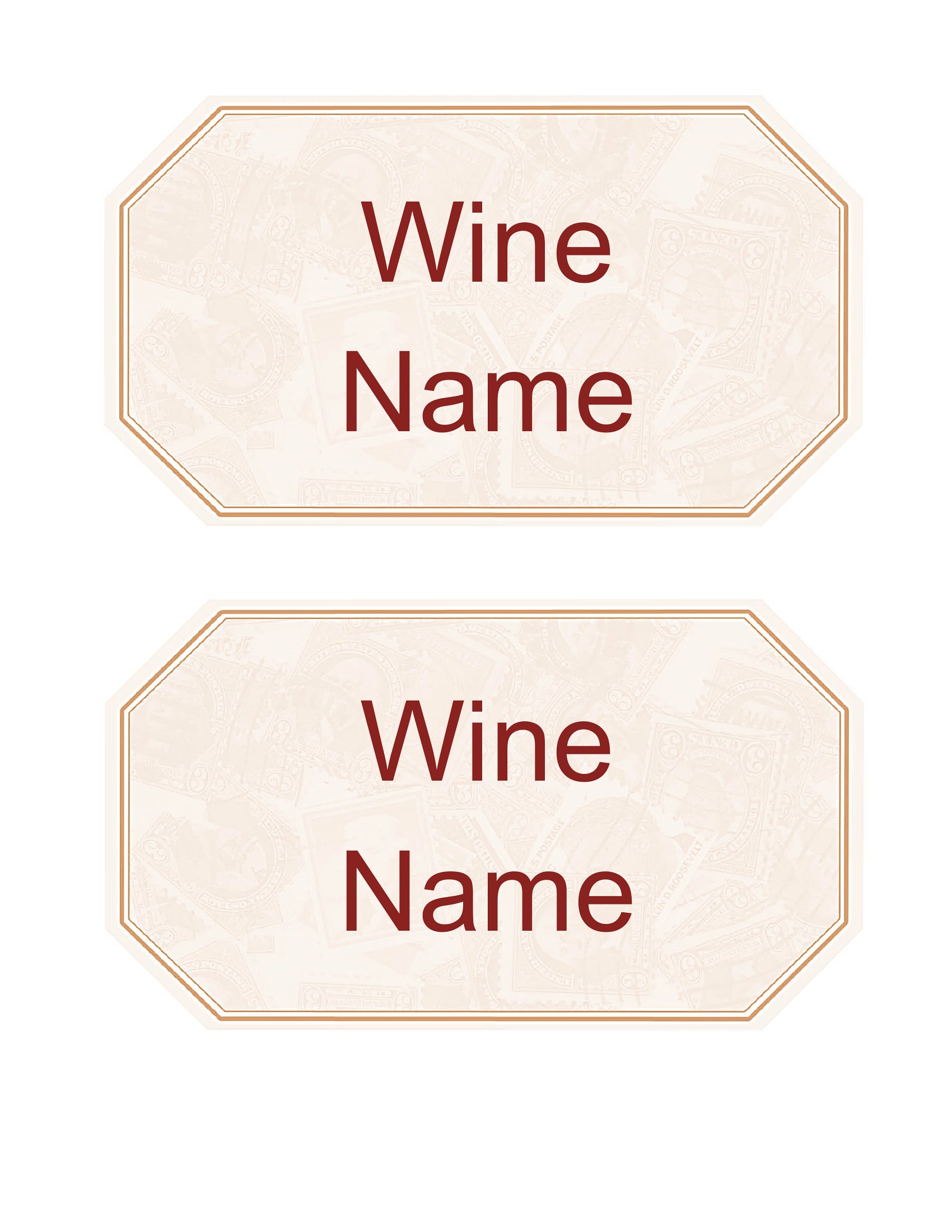
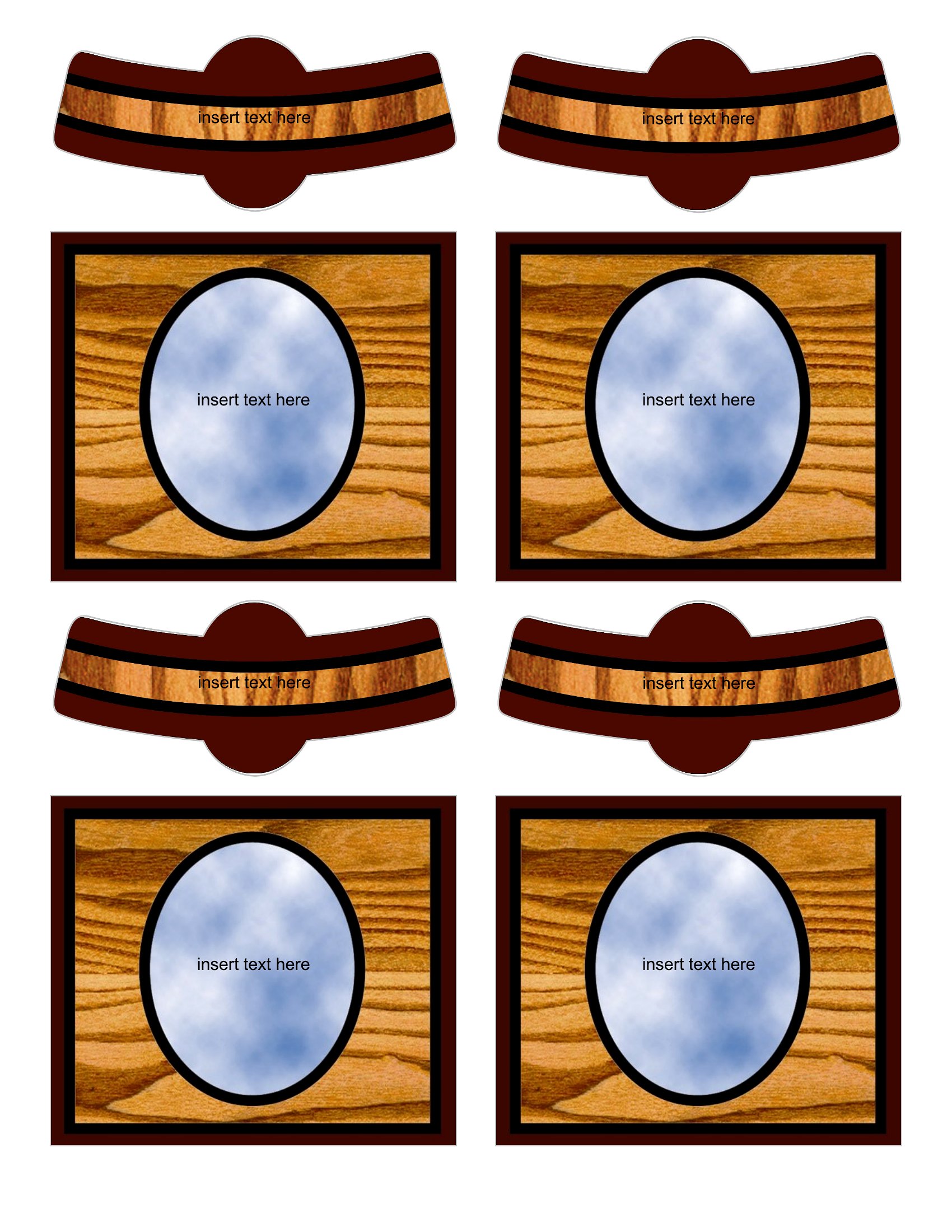
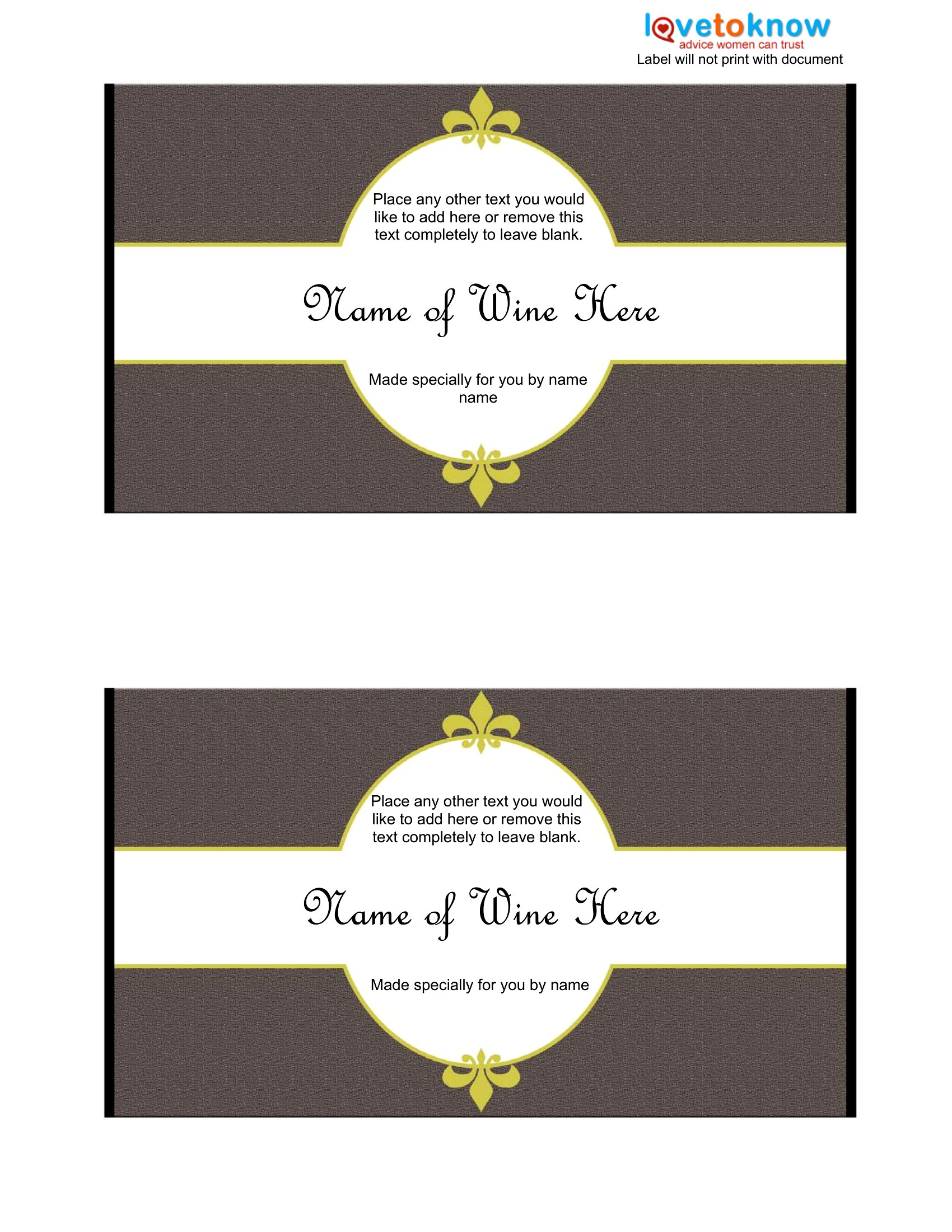
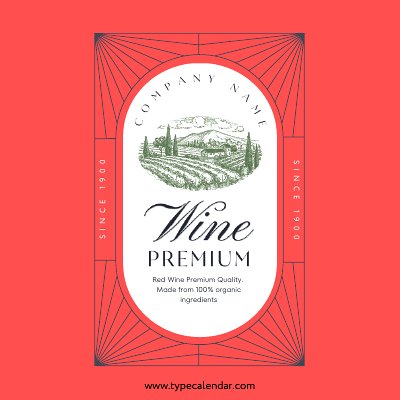
LifeA custom wine label turns an ordinary bottle into a personal gift or a polished touch for a celebration. This collection of 41 wine label templates lets home winemakers, party hosts, and gift-givers add names, dates, and artwork for weddings, holidays, birthdays, and homemade batches. It's an easy way to make a bottle feel intentional rather than picked off a shelf.
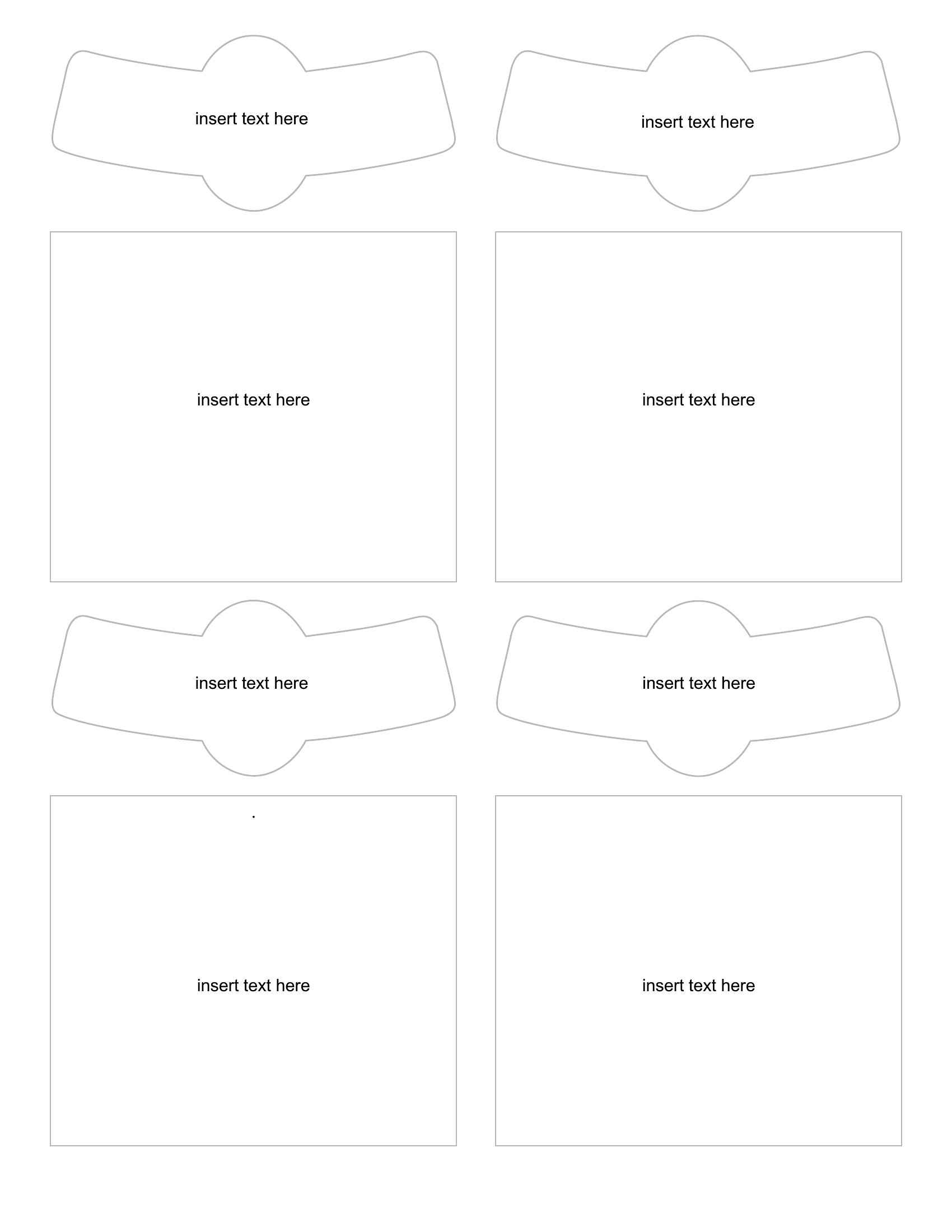
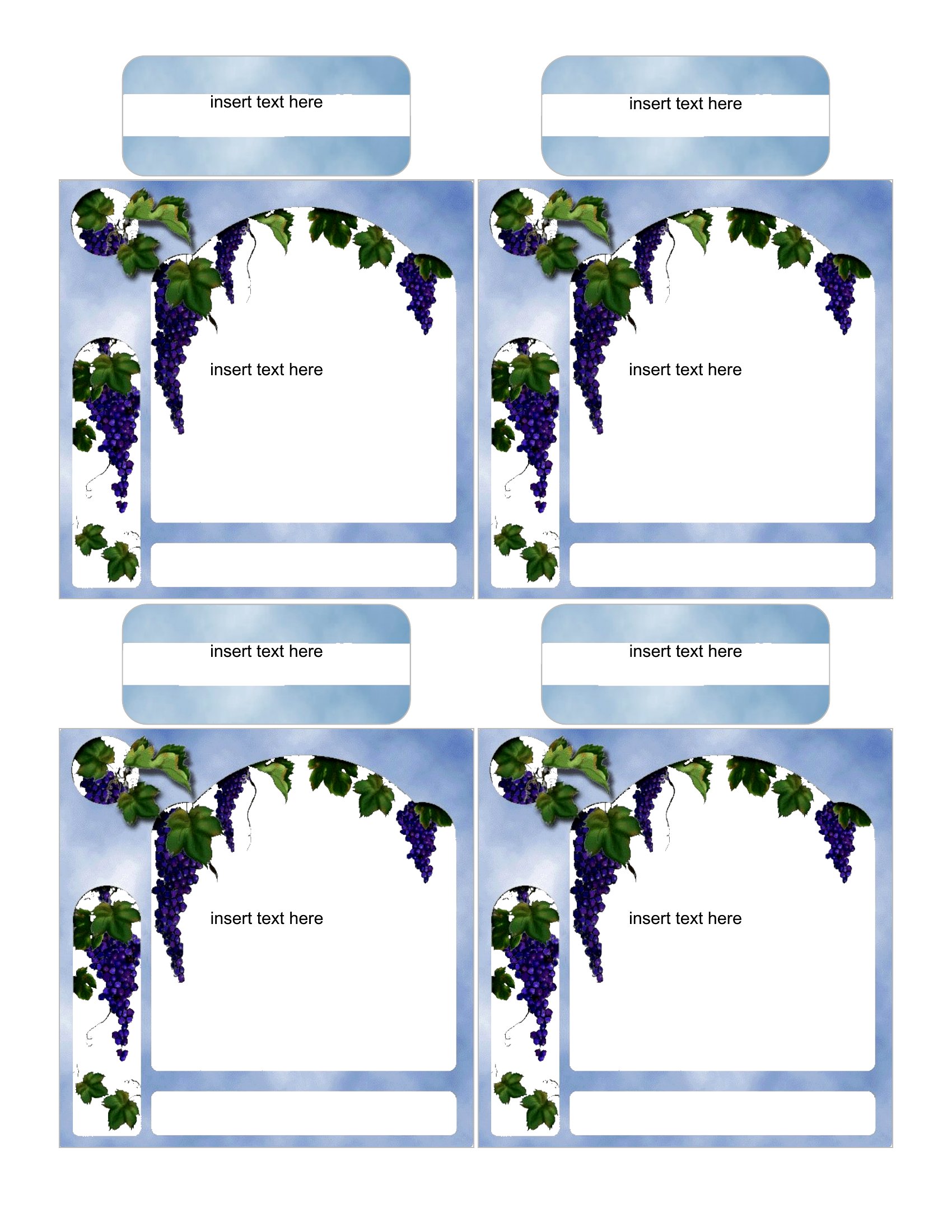
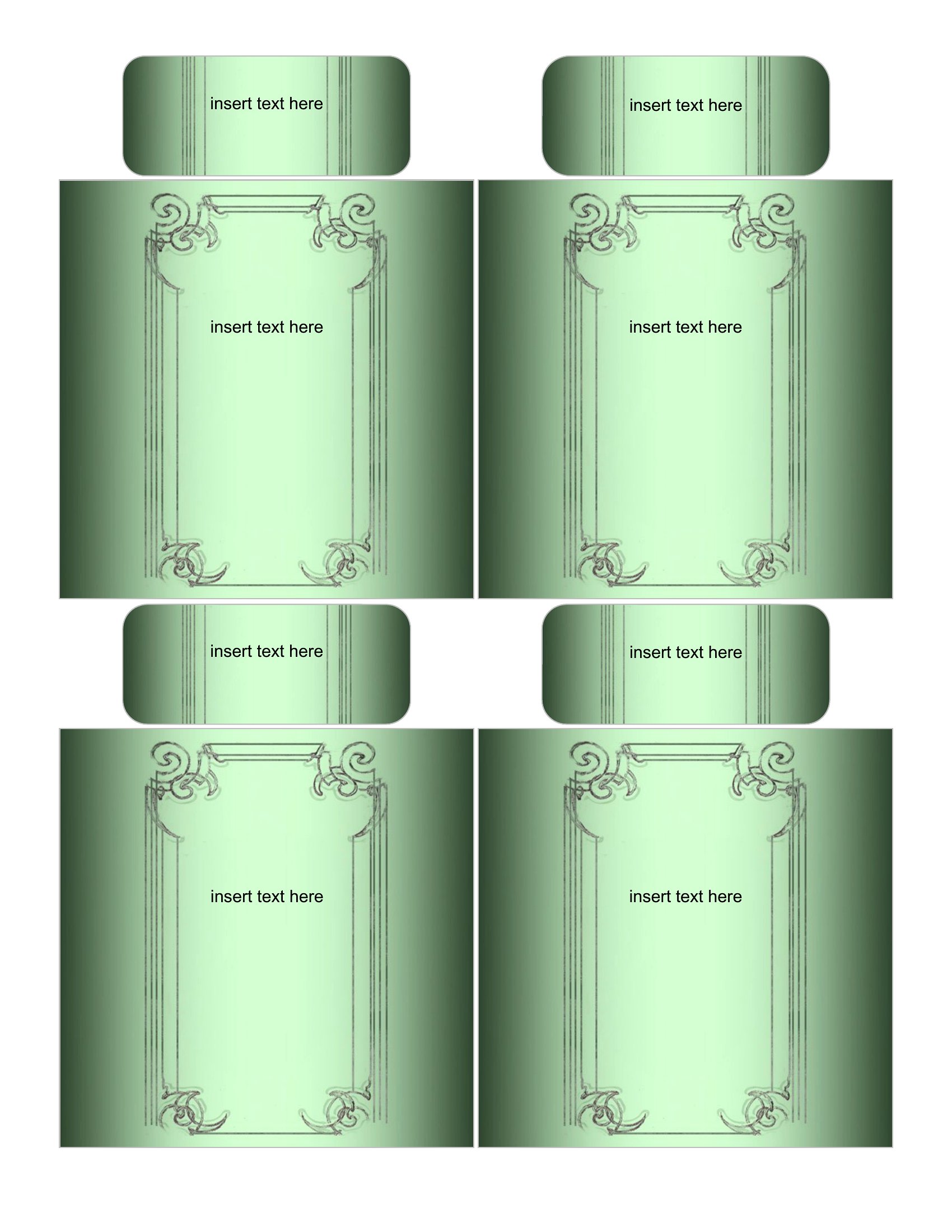
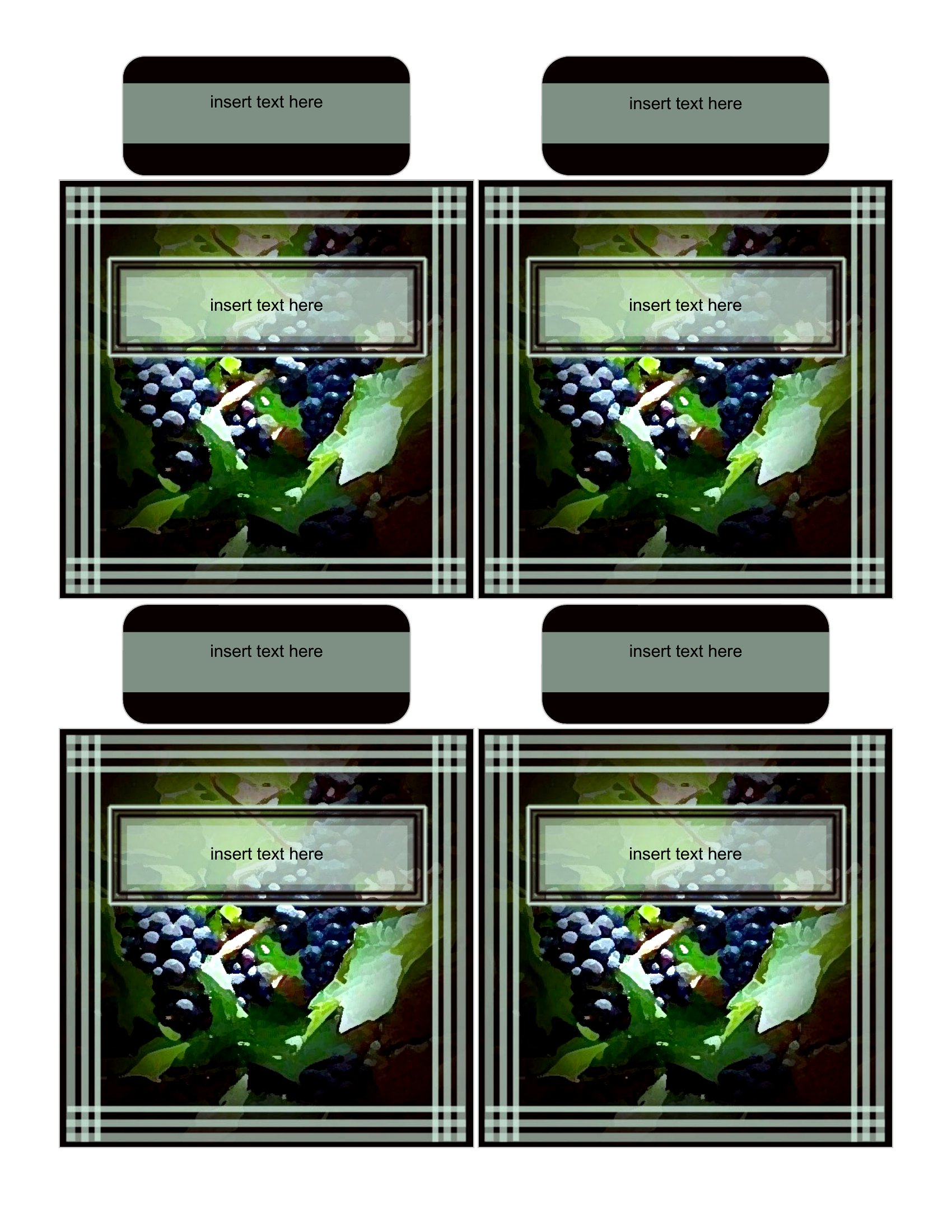
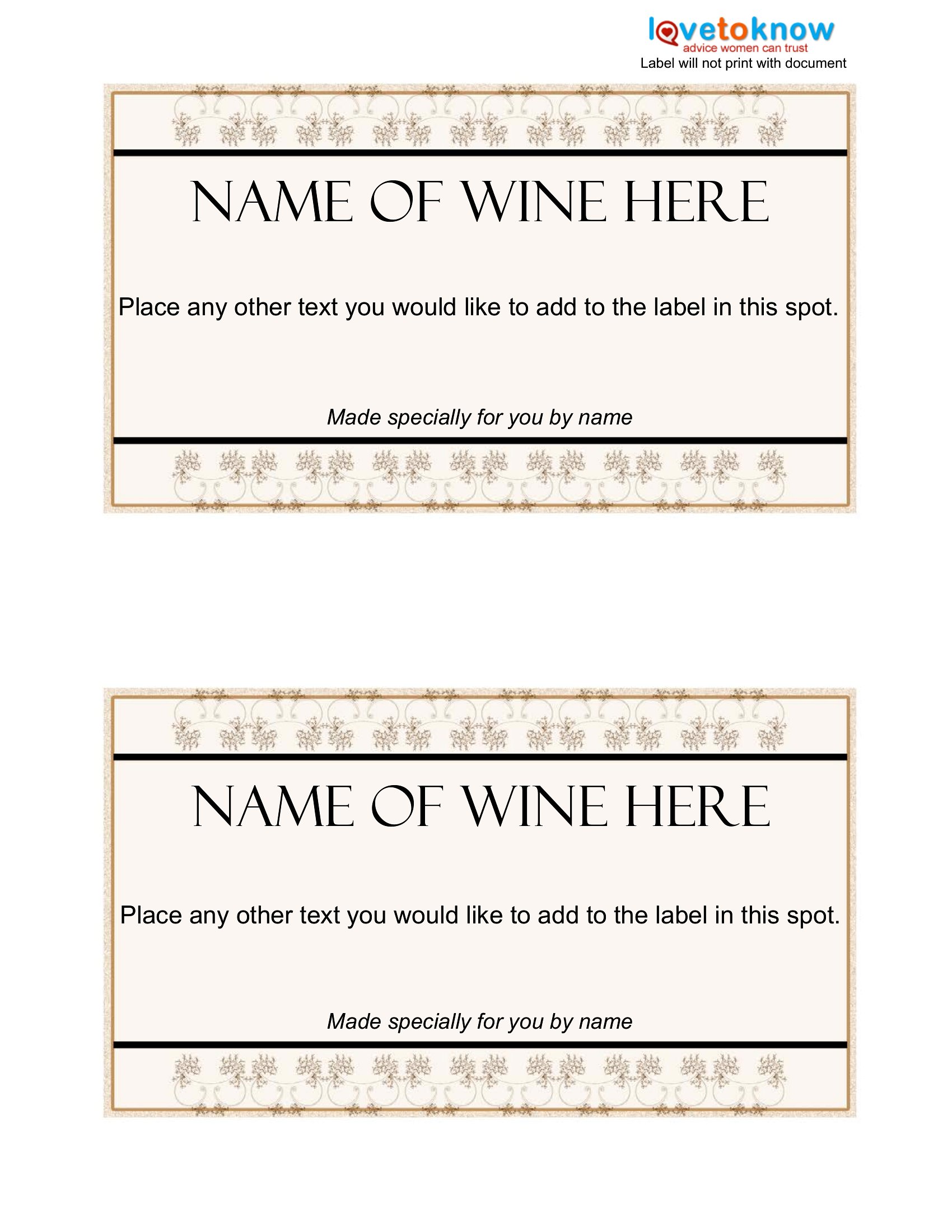
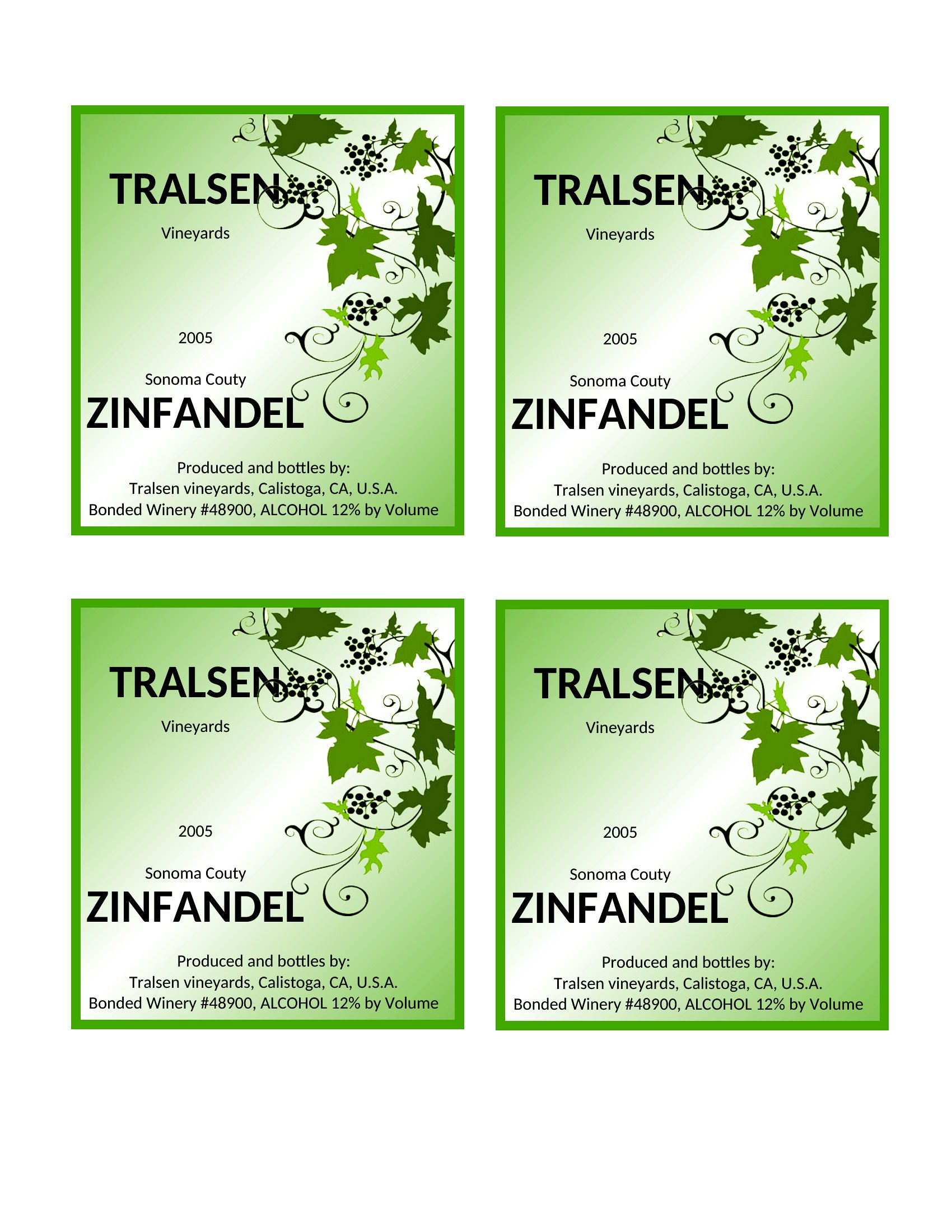
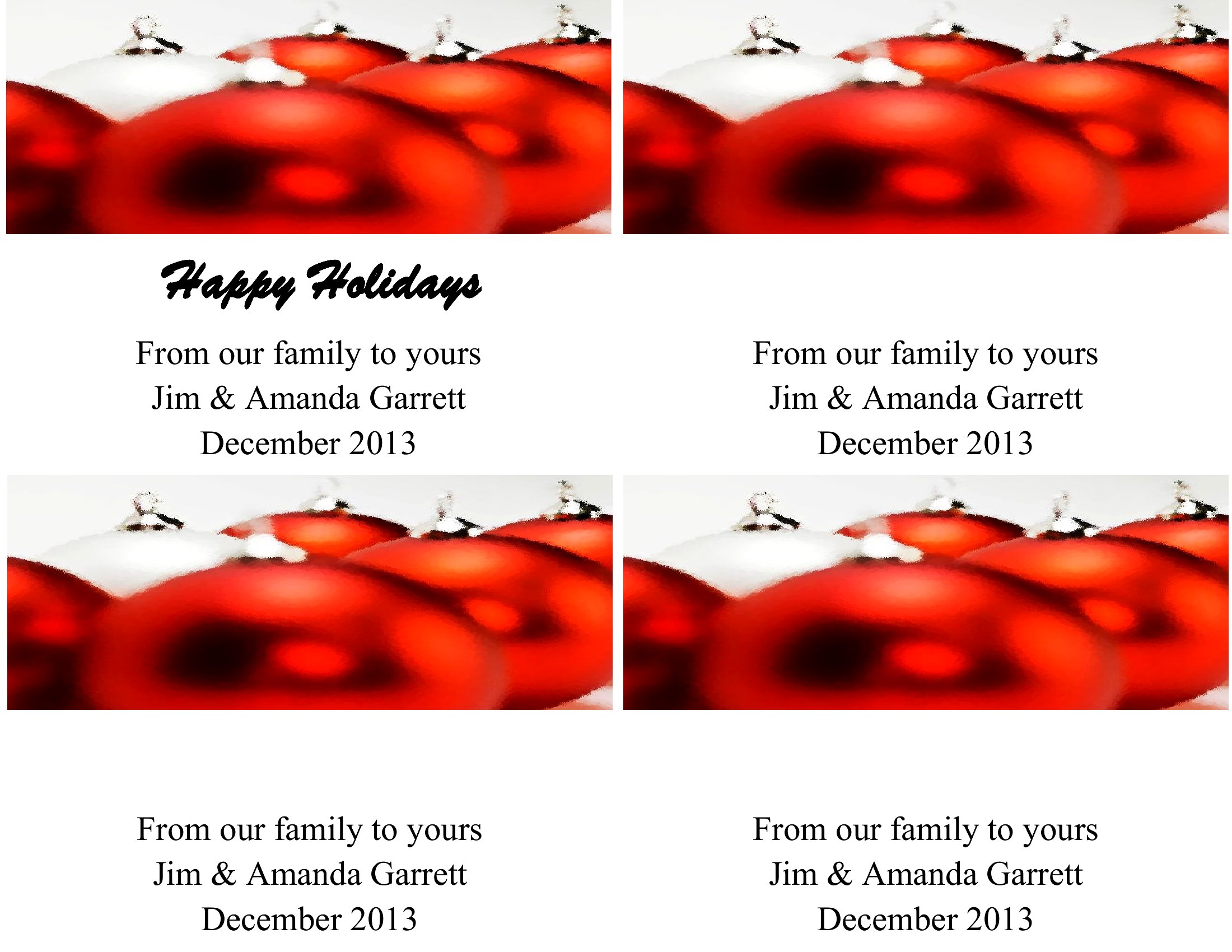
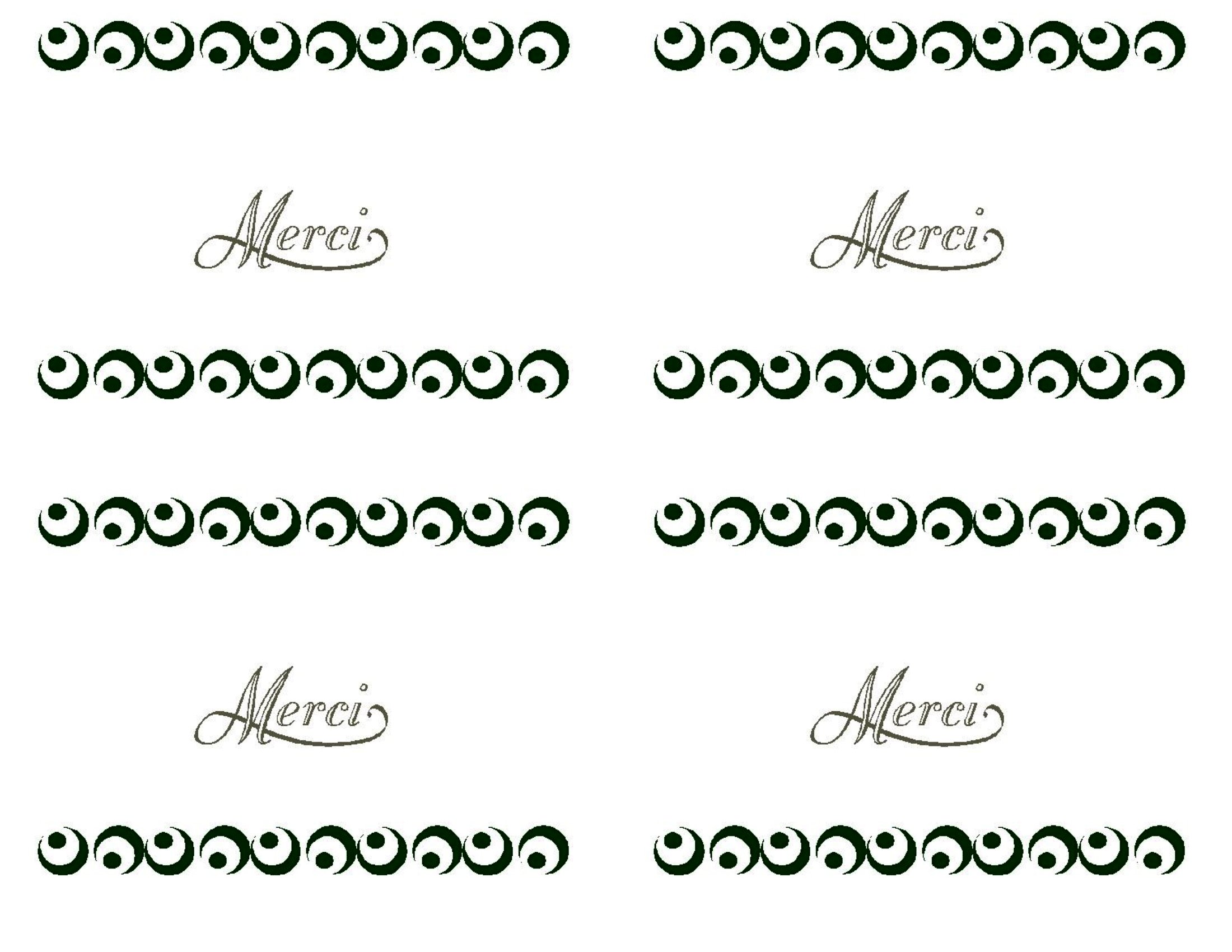
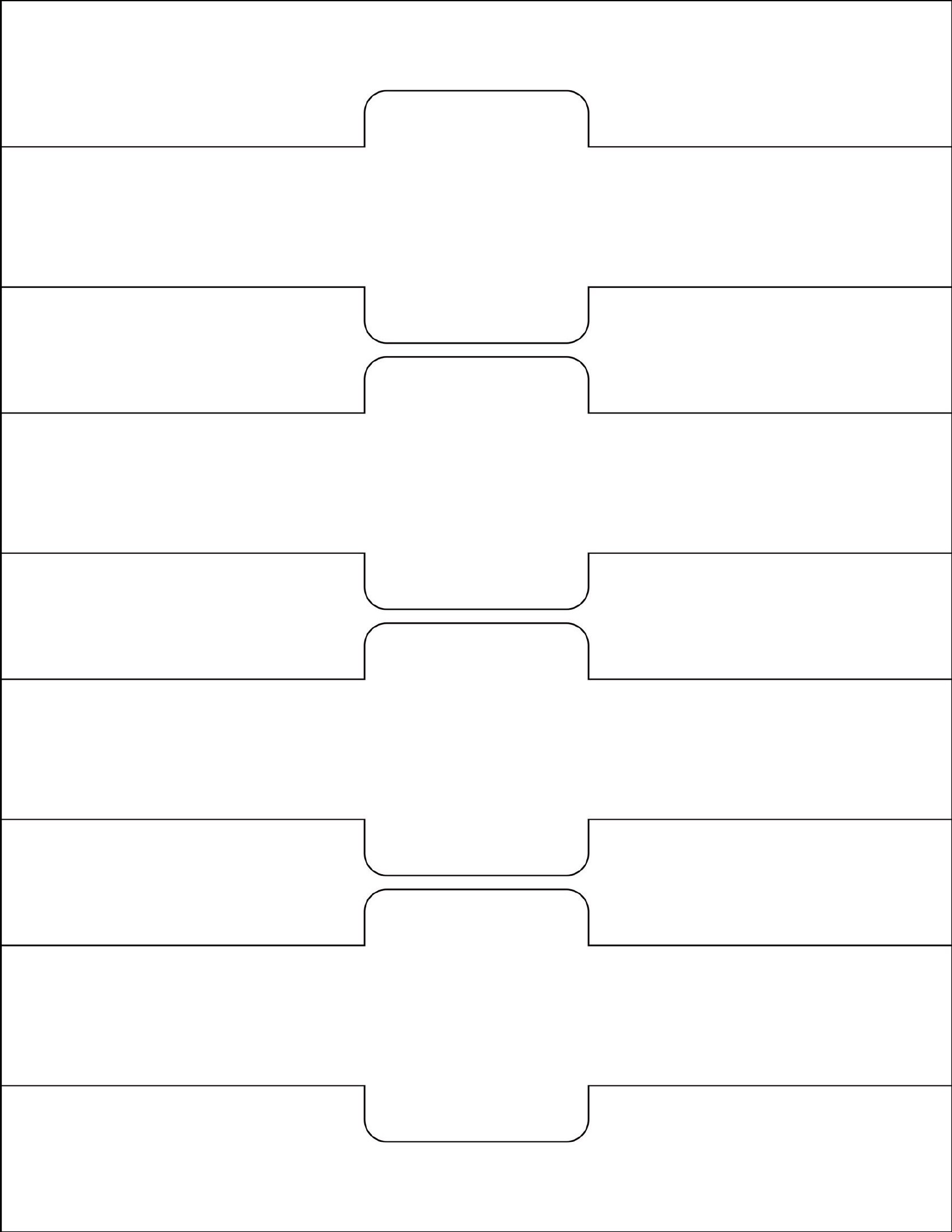
The designs open in Word so you can change the text and colors, and the print-ready PDFs are sized to wrap neatly around standard bottles. Print on label paper or sticker sheets, cut along the guides, and apply to a clean, dry bottle. Many layouts fit several labels per page to save material. Pick a style that suits the occasion and dress up your bottles for the next event.
When to use this Wine Label template
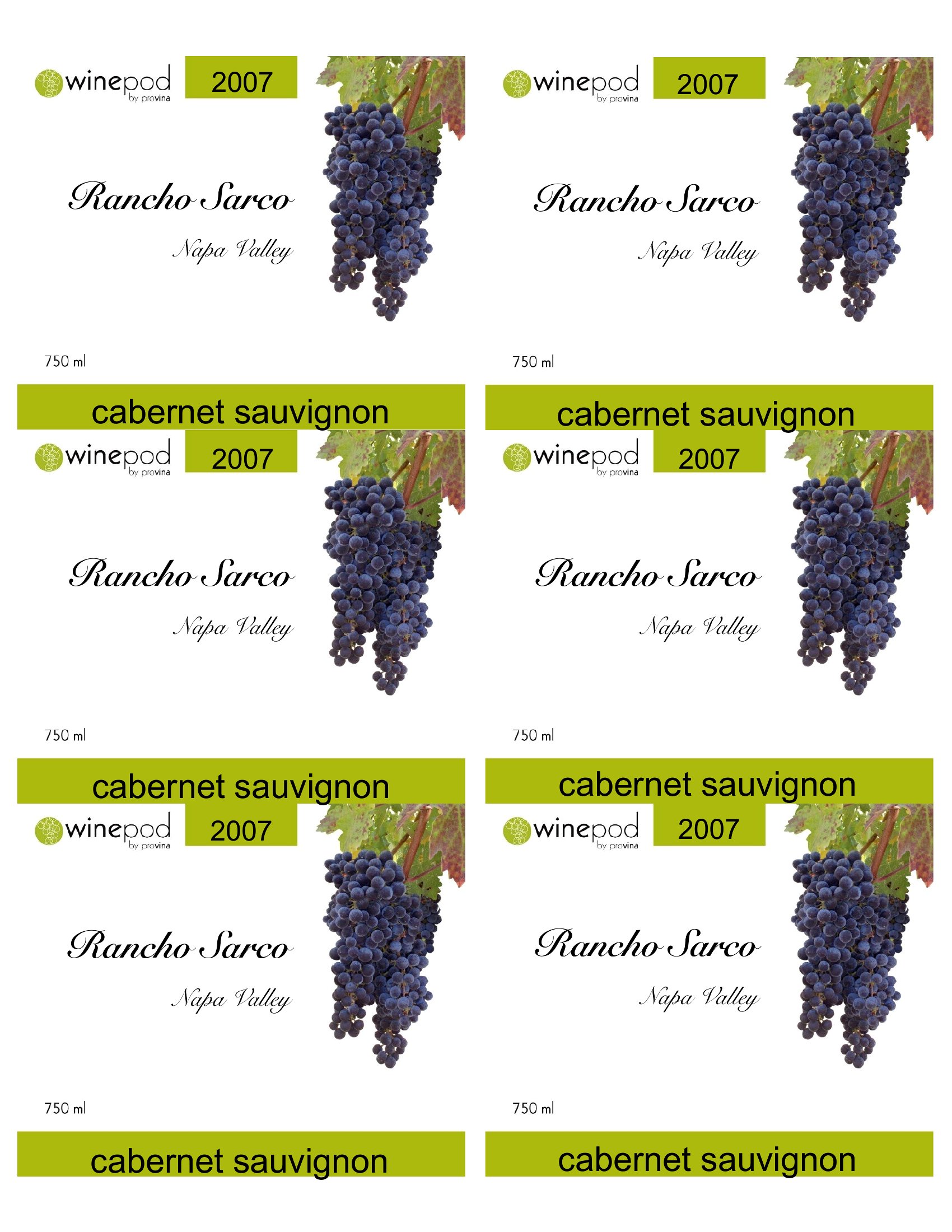
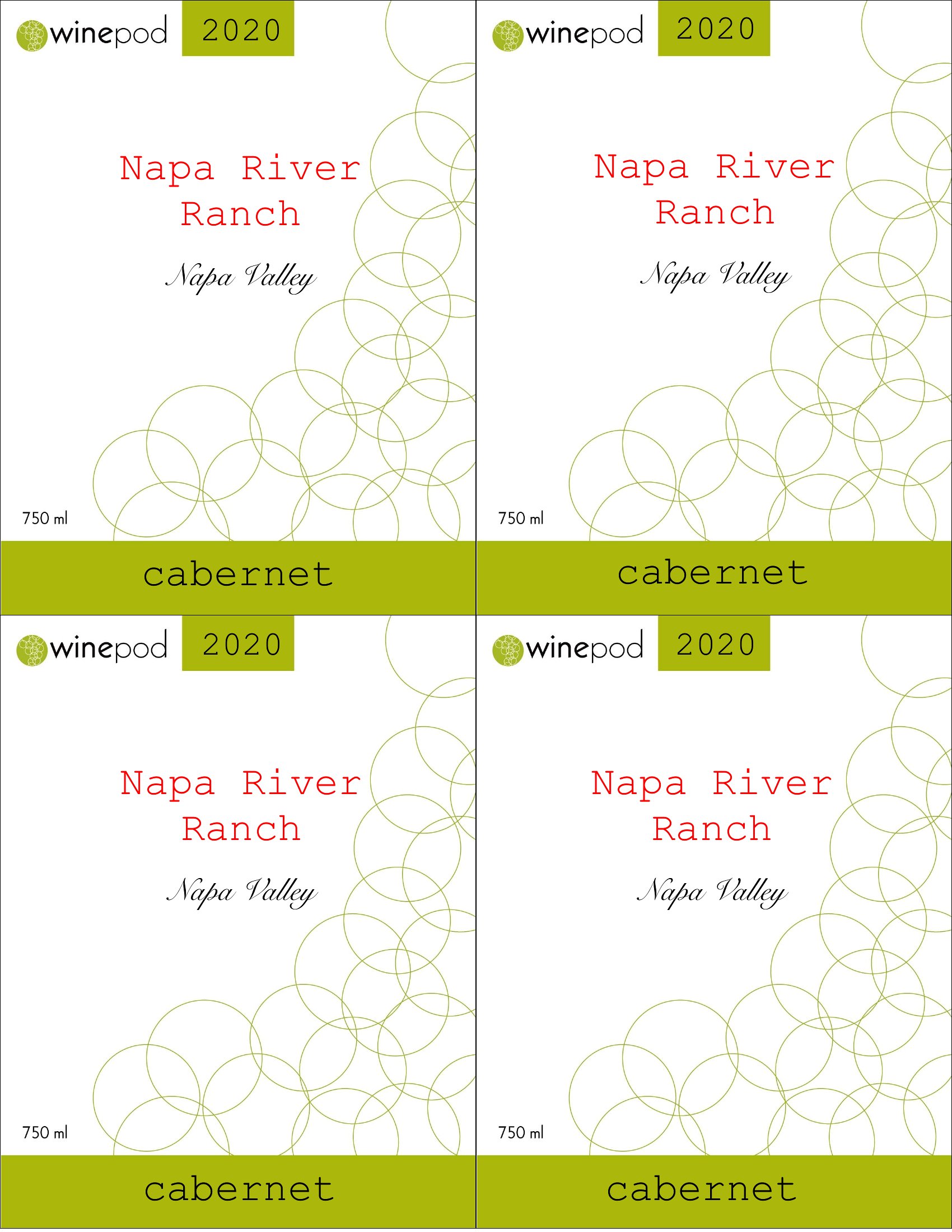
- A home winemaker bottling their first batch of cabernet for a holiday gift needs a clean, professional label that highlights the year and grape variety to impress friends.
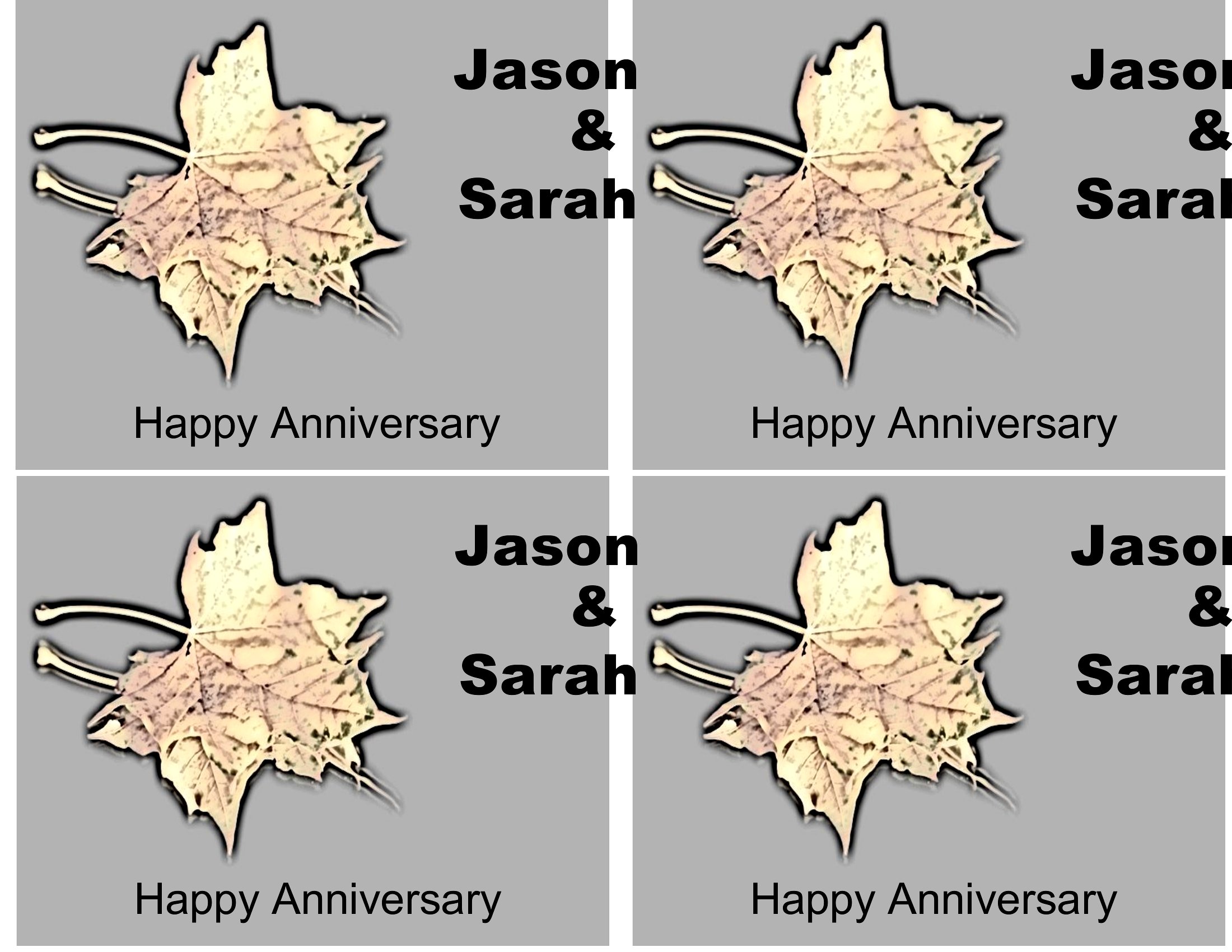
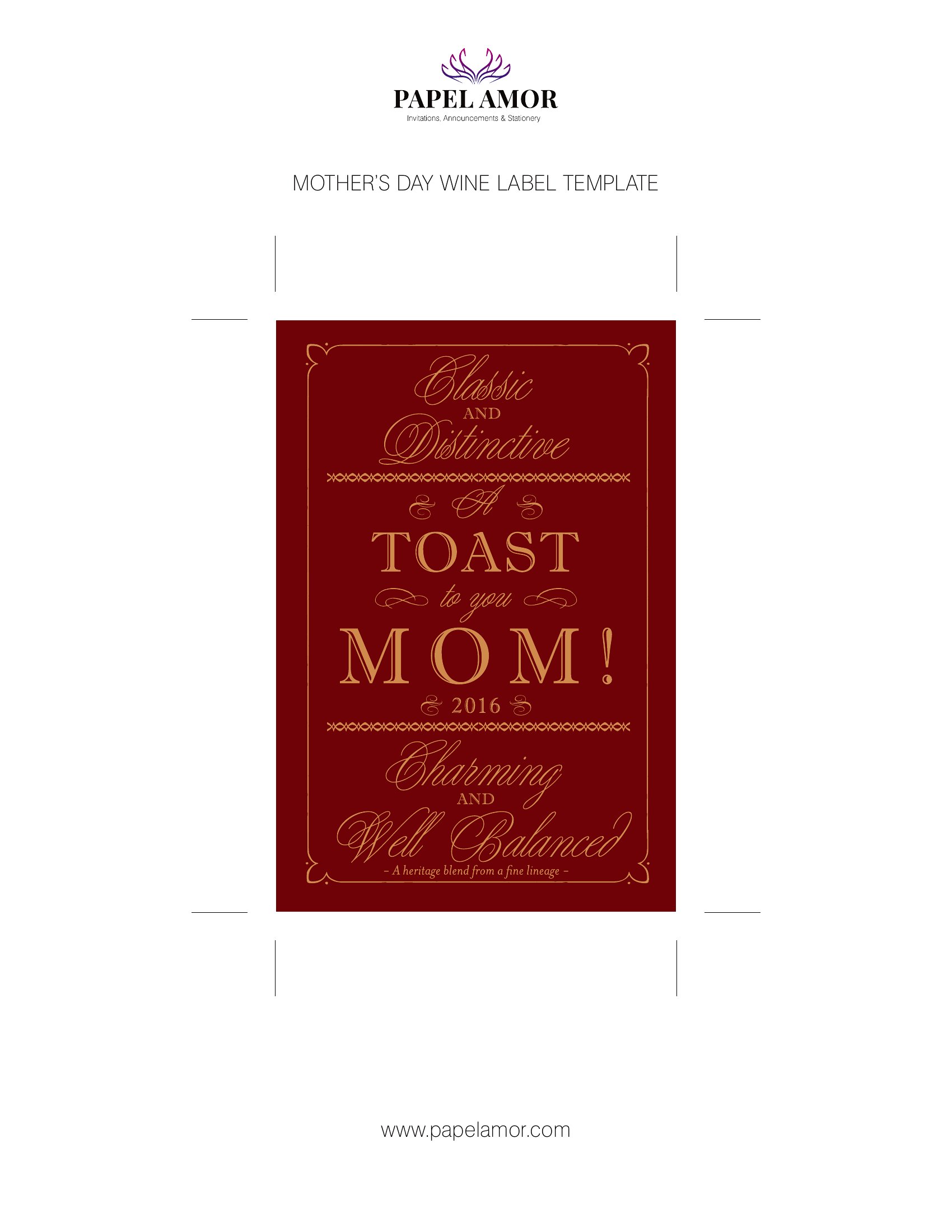
- A wedding planner wants to create personalized wine labels for a bridal shower to match the event’s color scheme and include the couple’s names for a cohesive keepsake.
- A small-batch brewery owner testing flavors needs quick, customizable labels to test-market different designs before investing in professional printing for their final product.
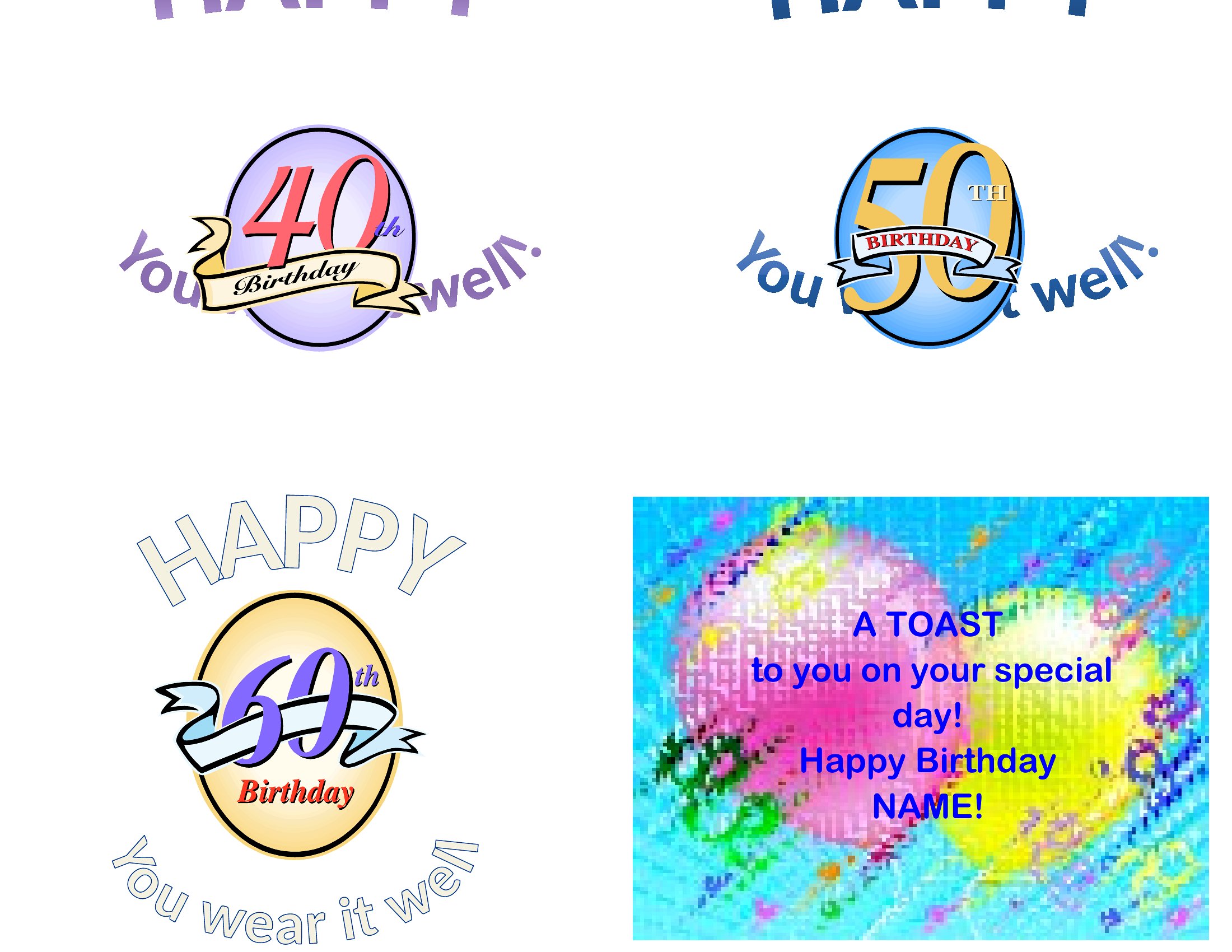
- A birthday party host organizing a DIY wine-tasting activity for guests wants pre-made label templates to print on-site, saving time and keeping the event’s theme consistent.
Which format should I download?
Choose Word if you need to edit text, resize elements, or adjust the layout before printing—it’s ideal for personalization and repeated use. Opt for PDF if you want a finalized, print-ready design that locks in formatting for direct printing or sharing with a professional printer. PDF is best for one-time use or when you don’t need further edits.
Choose from 41 Wine Label Templates
How to use this Wine Label template
What information should a custom wine label include?
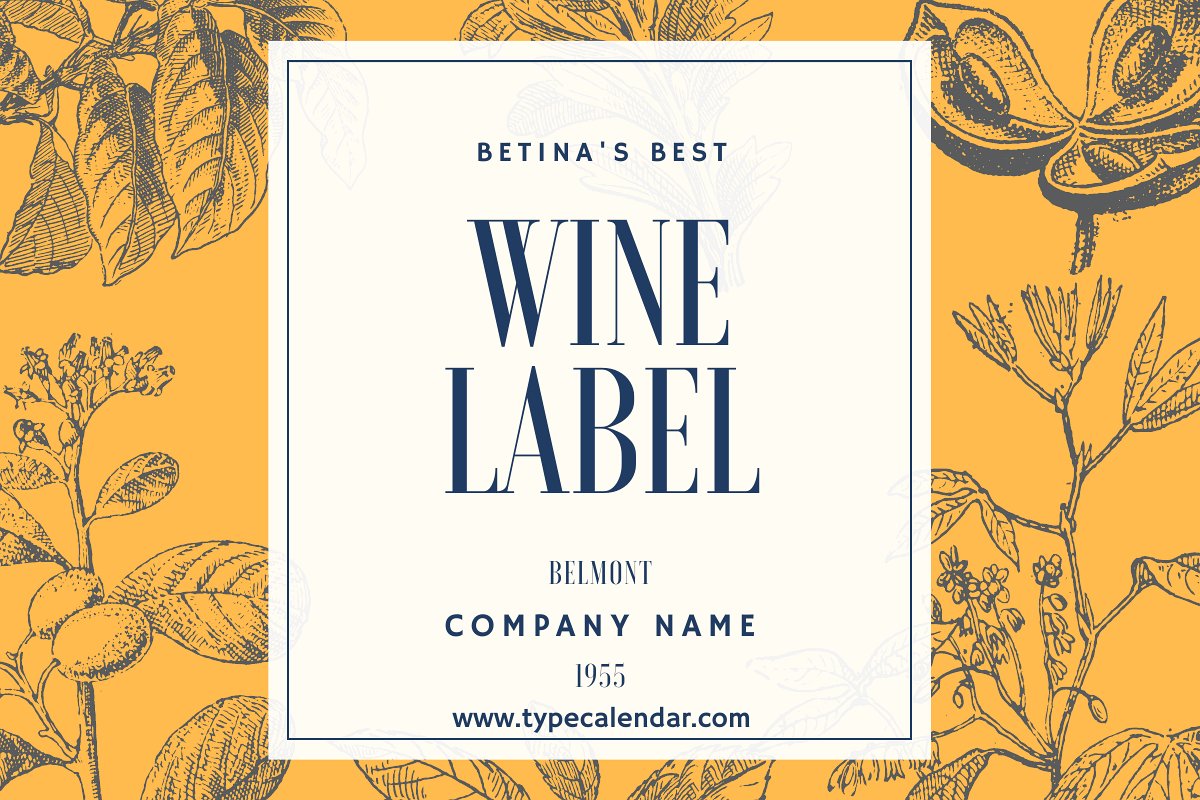
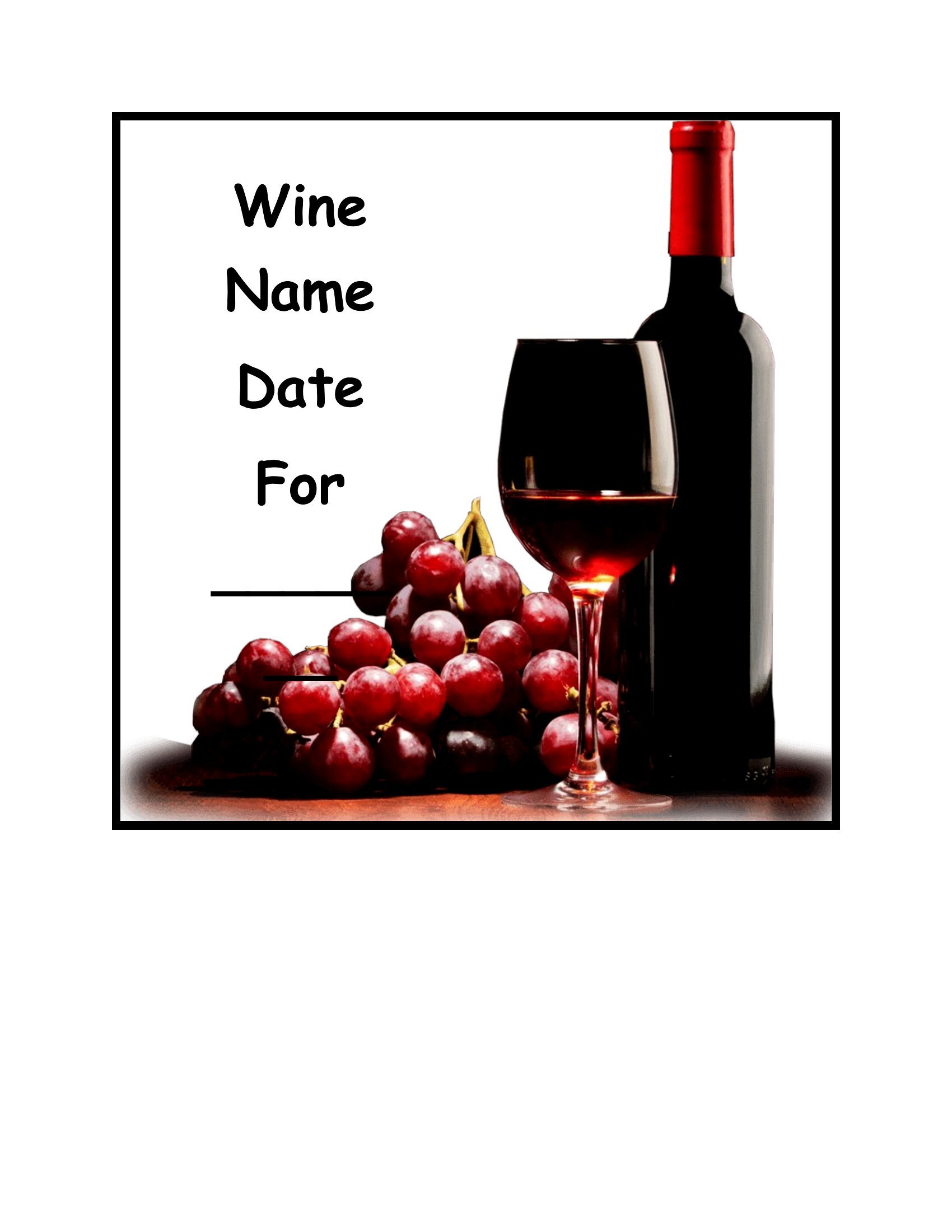
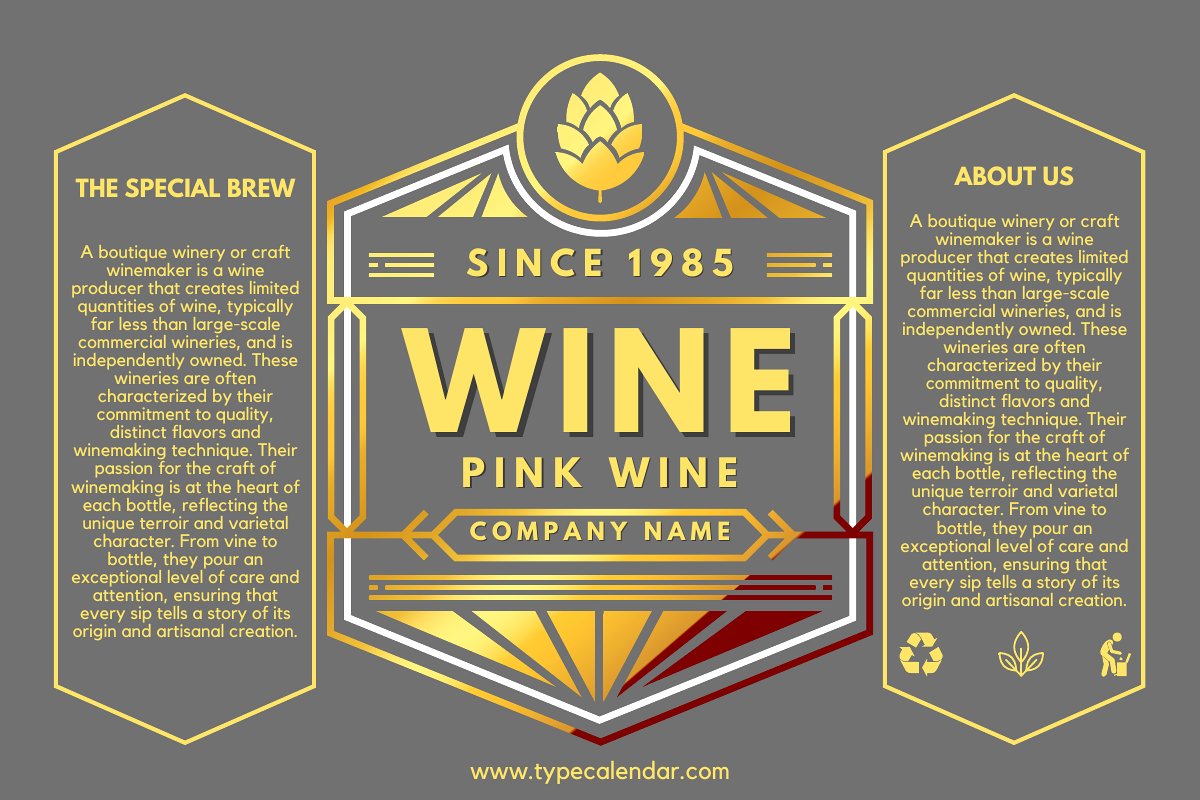
A wine label typically shows the wine name or batch, the maker or family name, the vintage or date, and the occasion. Personalized labels for gifts may add a message, names, or artwork. Homemade batches often note grape type or alcohol content for reference.
How do you design a wine label for a wedding or gift?
Choose a layout that matches the event, then add the names, date, and a short message or artwork. Keep text readable against the bottle color, use a consistent font, and leave a margin so the label sits centered. Print on adhesive or waterproof paper for durability.
What size should a wine label be for a standard bottle?
Standard wine bottle labels are commonly around three to four inches wide and four inches tall, though sizes vary by bottle shape. Measure the flat front area of your bottle before printing, leave a small margin on each side, and test placement so the label sits straight and centered.
Comments
Join the conversation
Sign in to share your thoughts and leave a comment on this resource.