FAQ
How can I make sure the 90-day review covers both strengths and areas for growth without sounding overly critical?
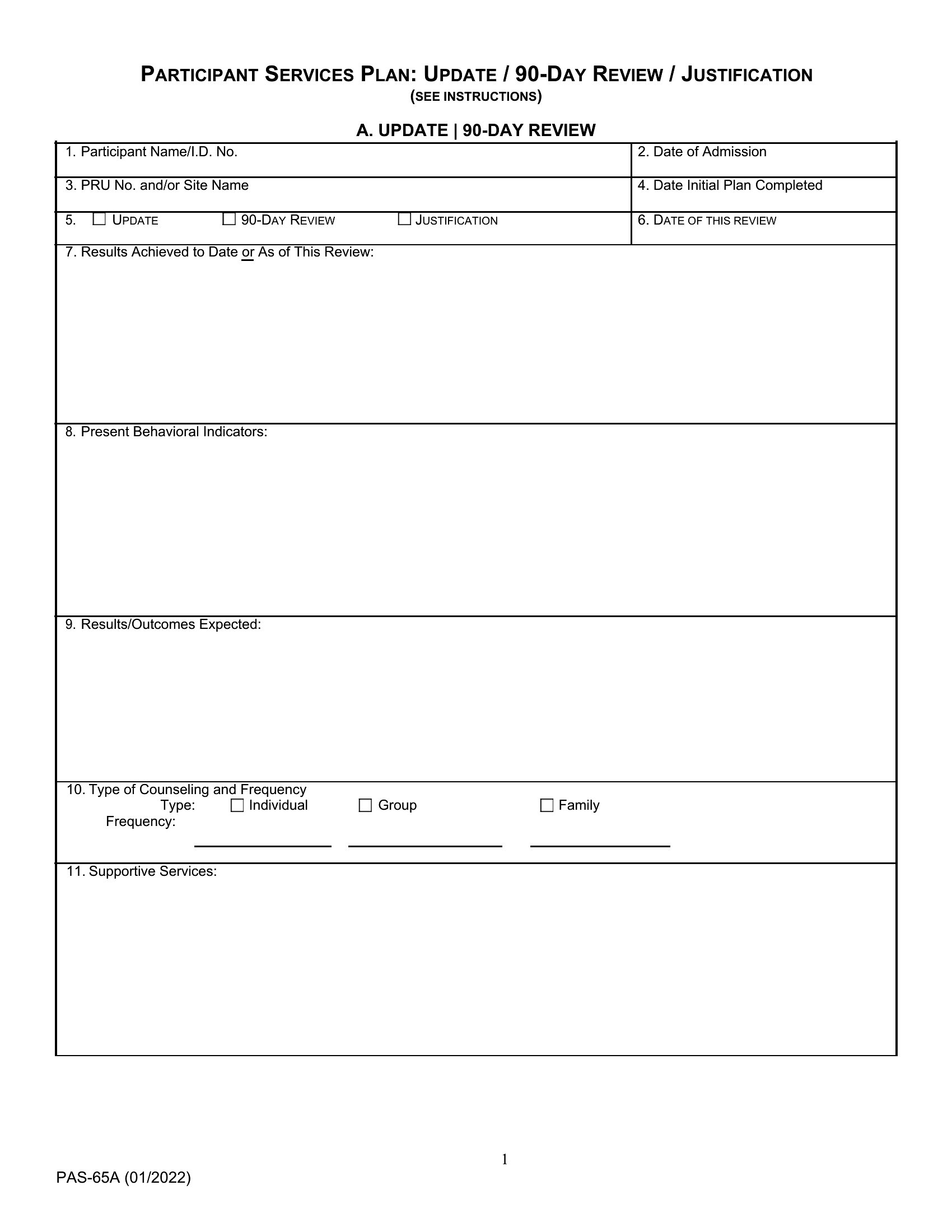
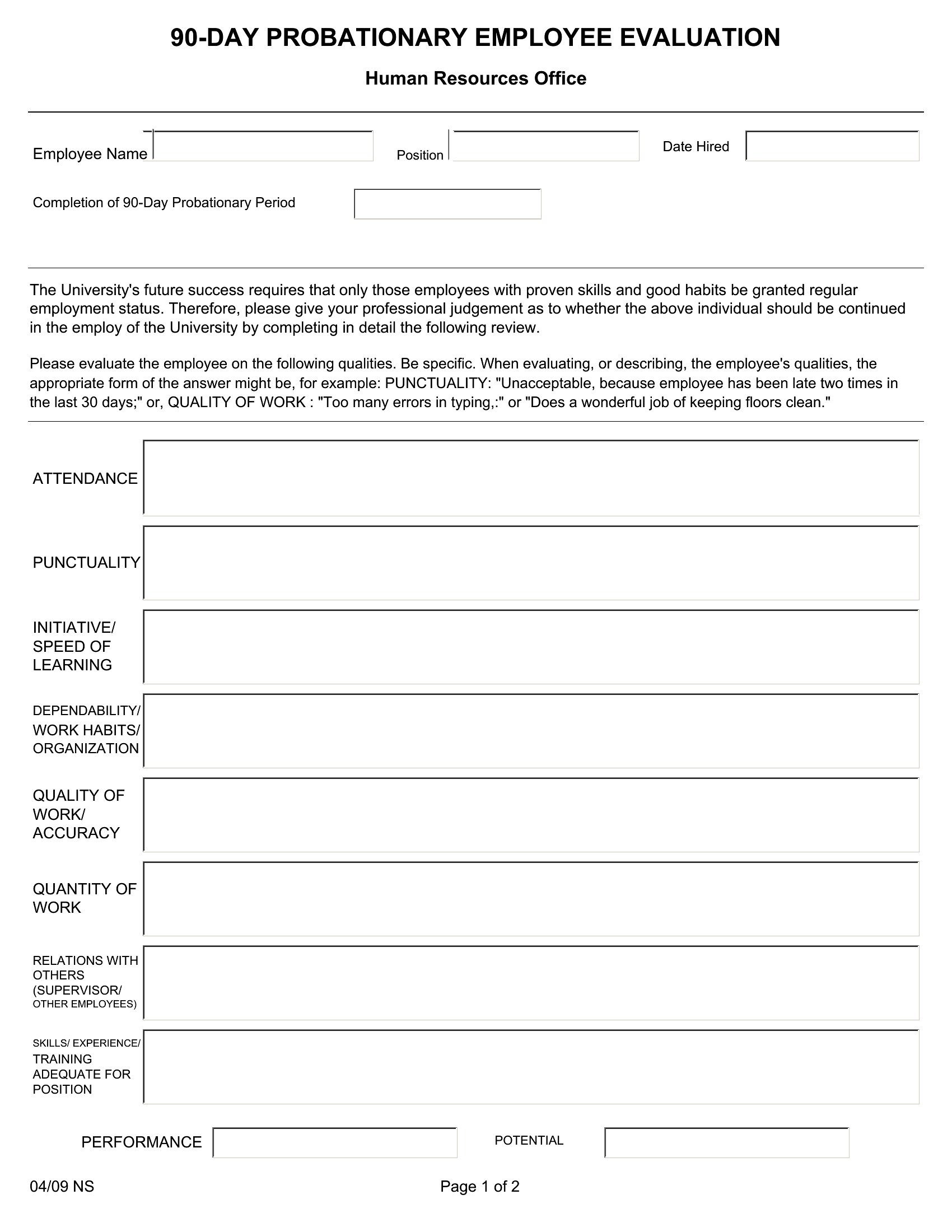
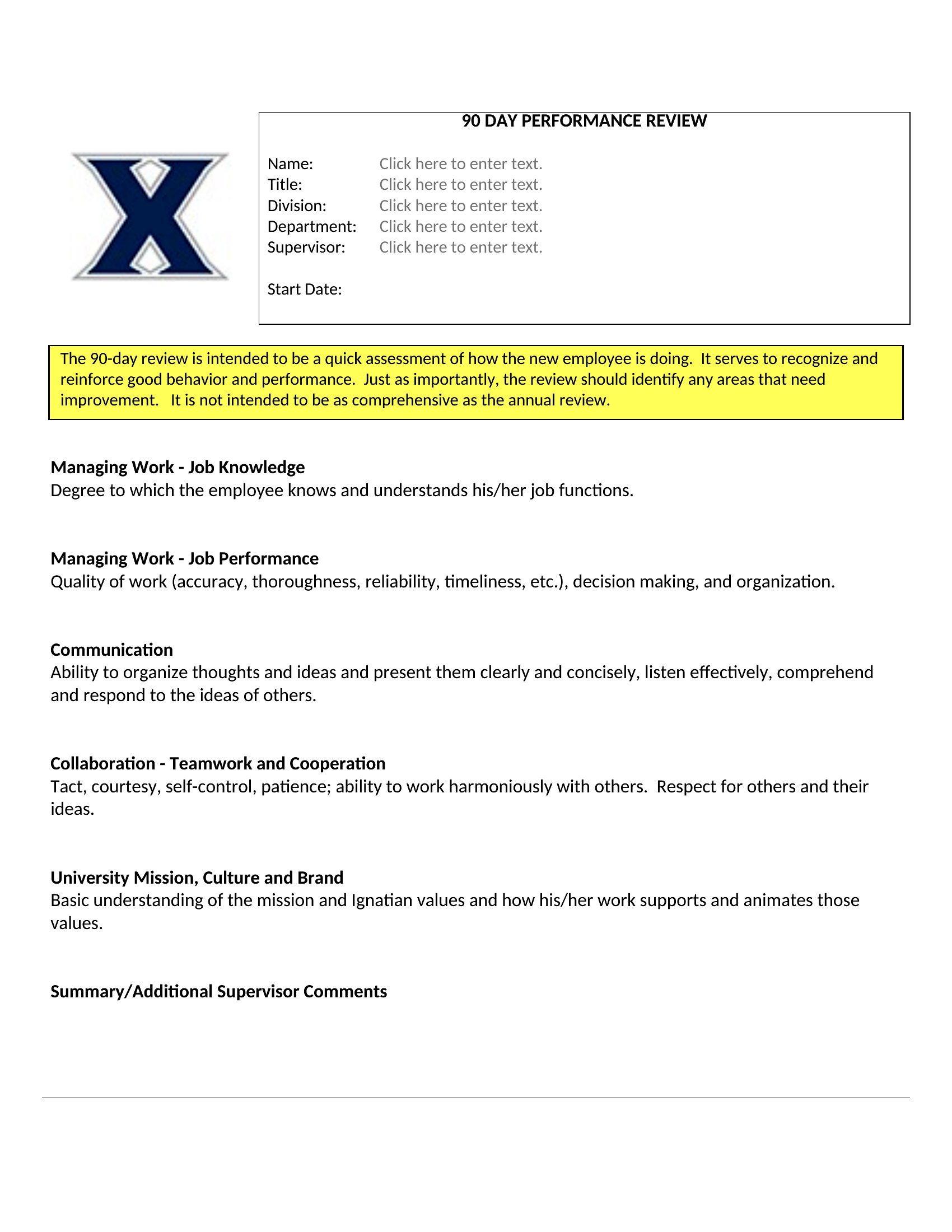
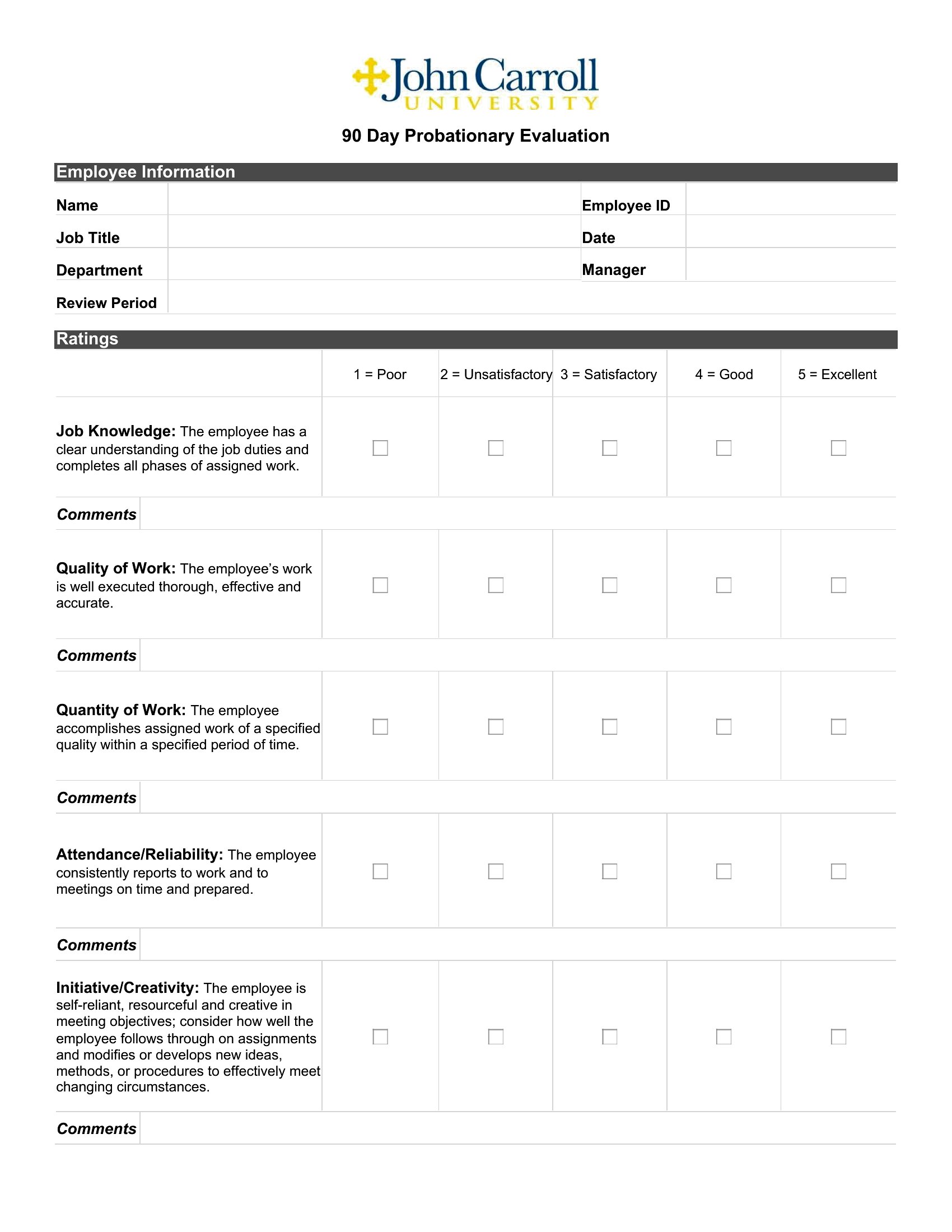
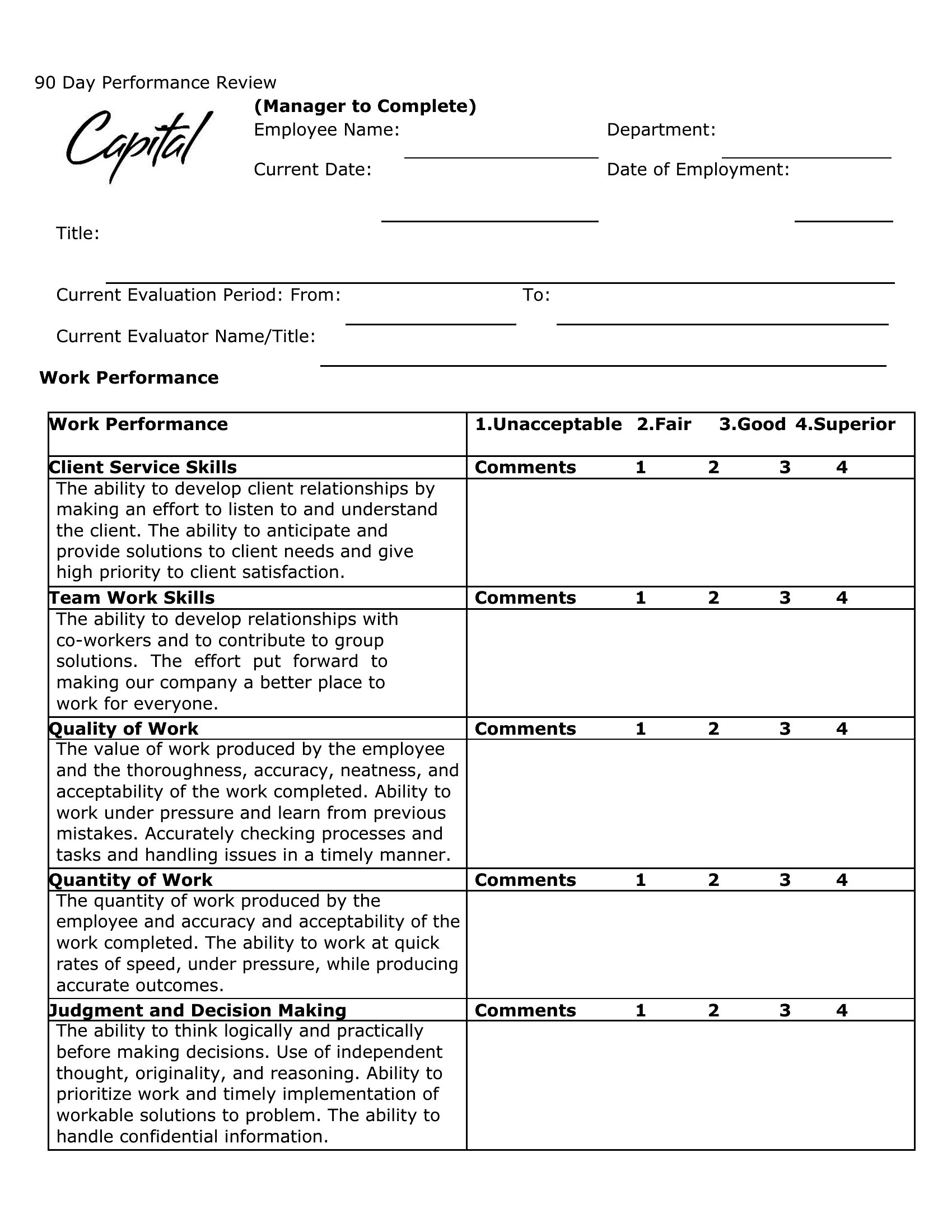
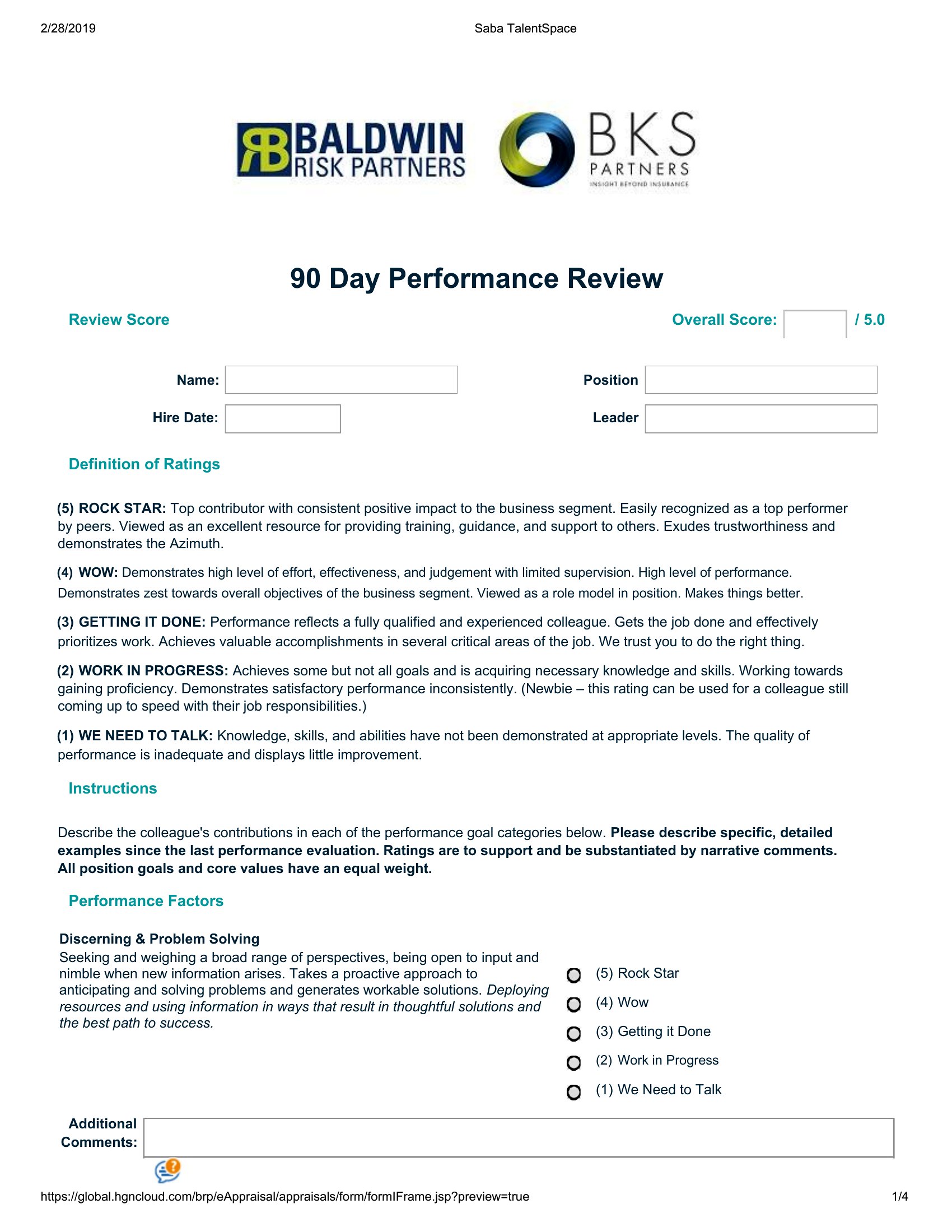
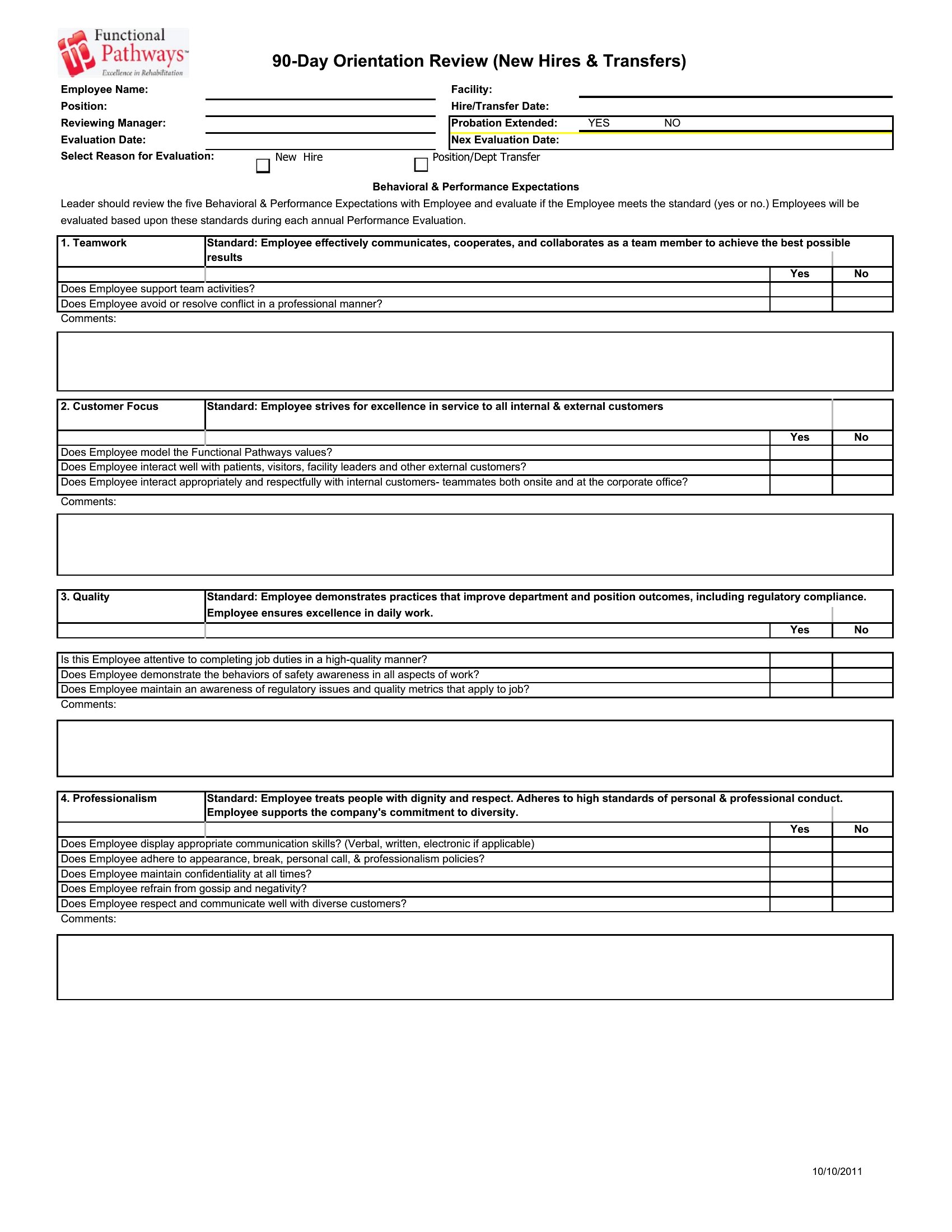
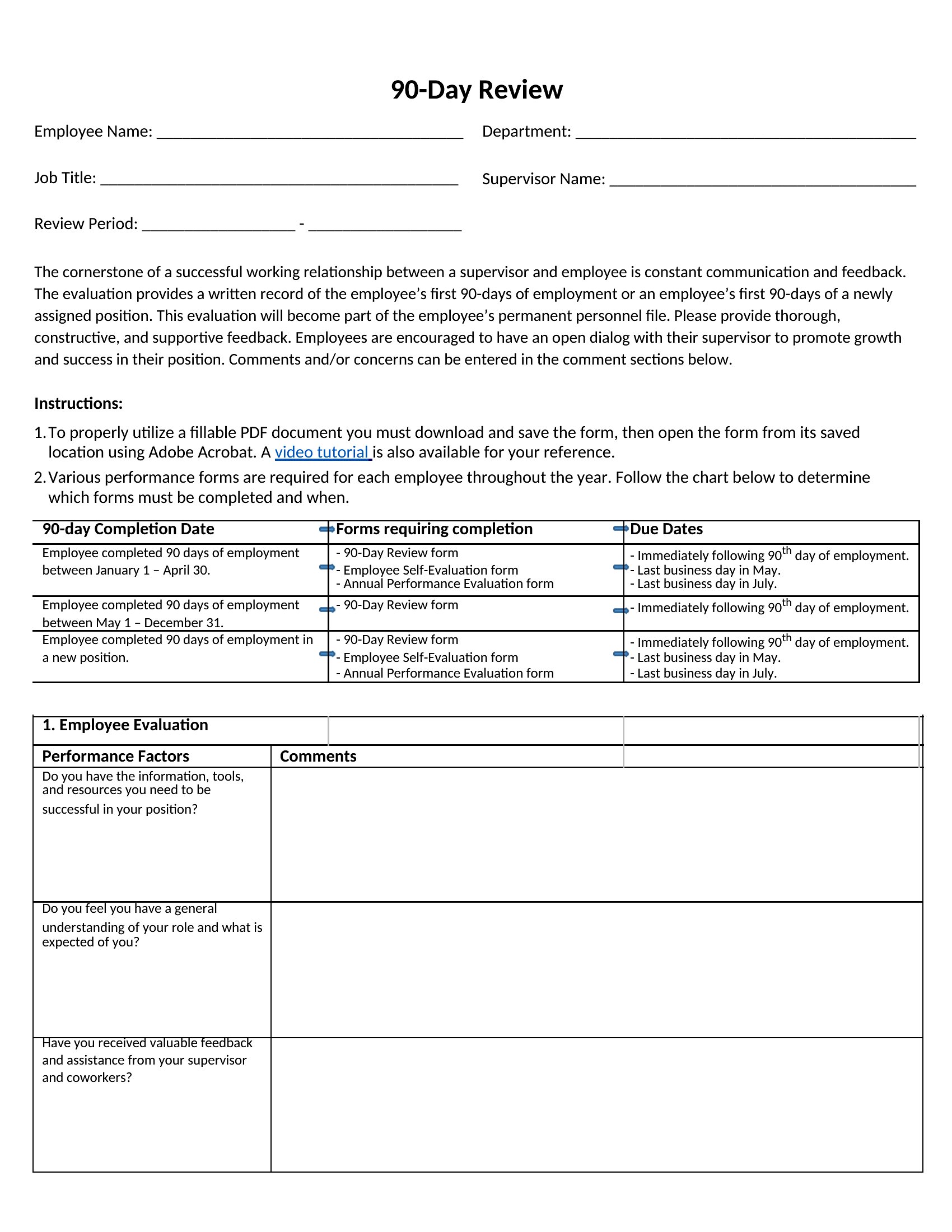
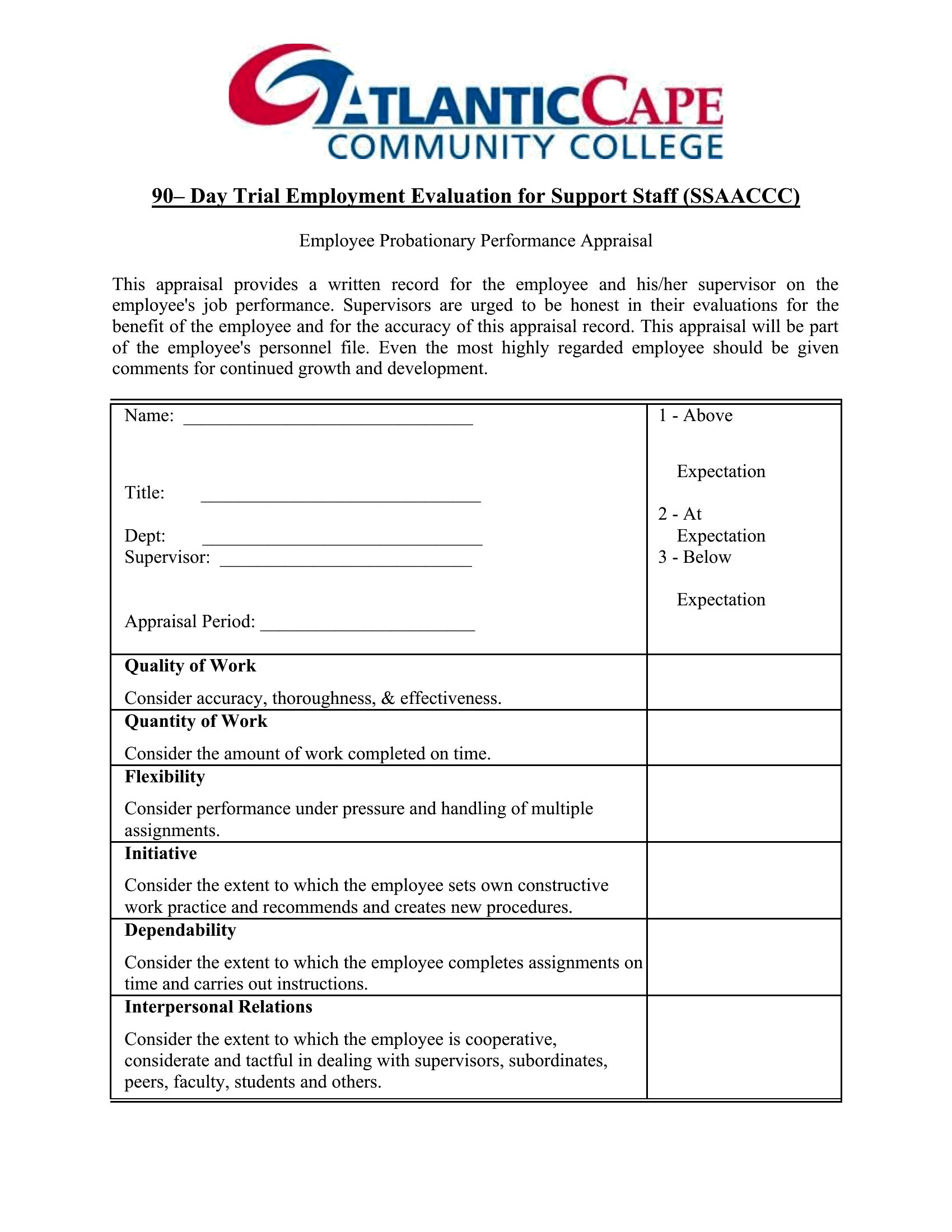
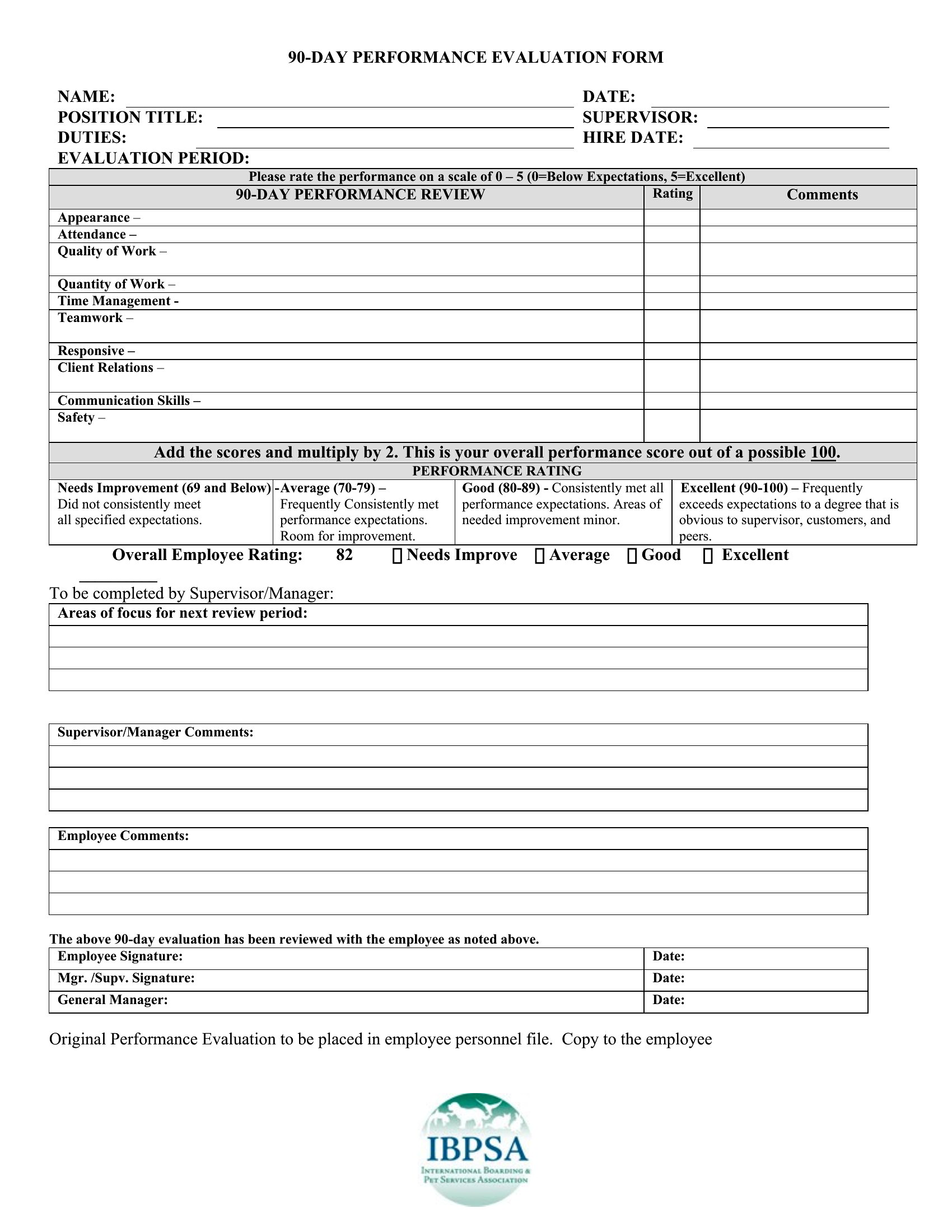
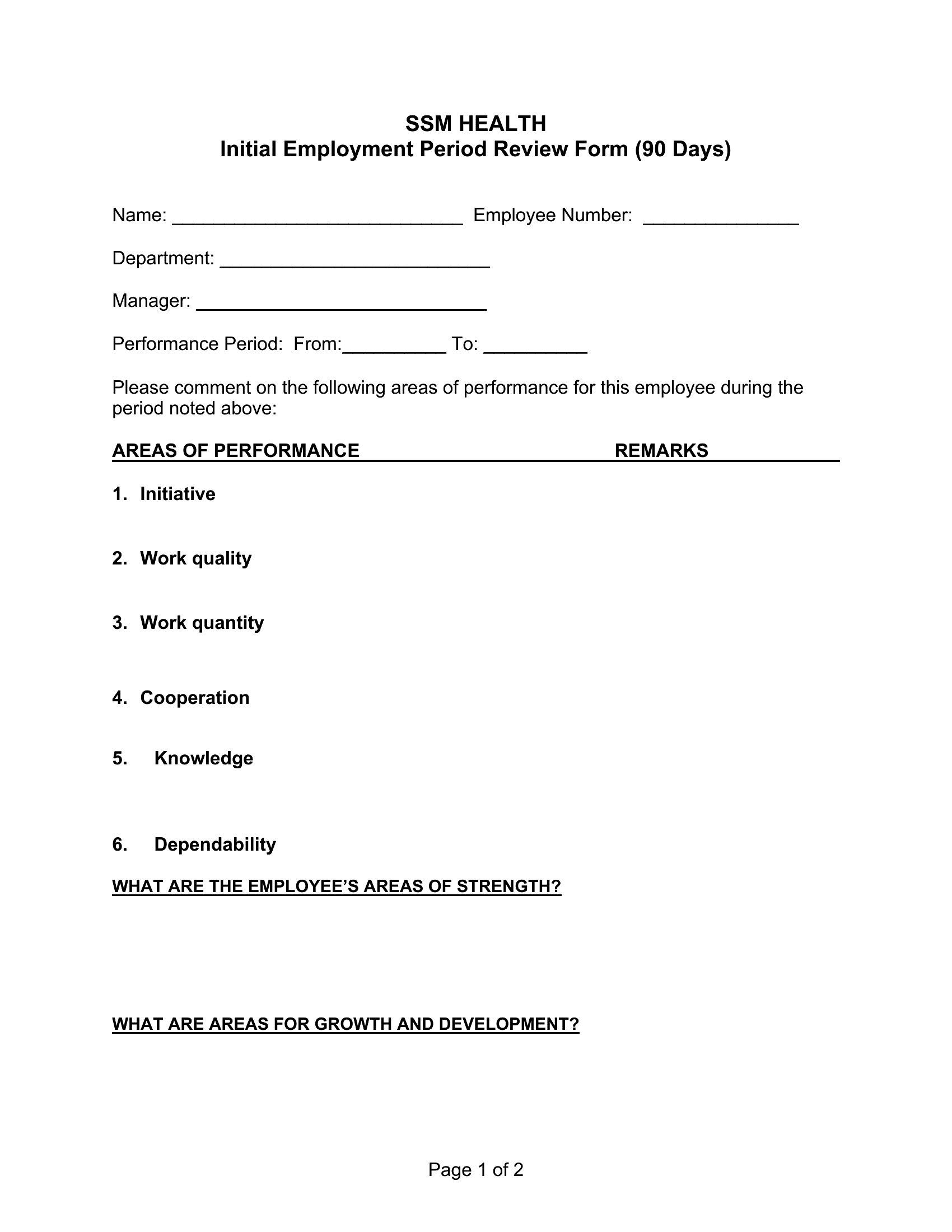
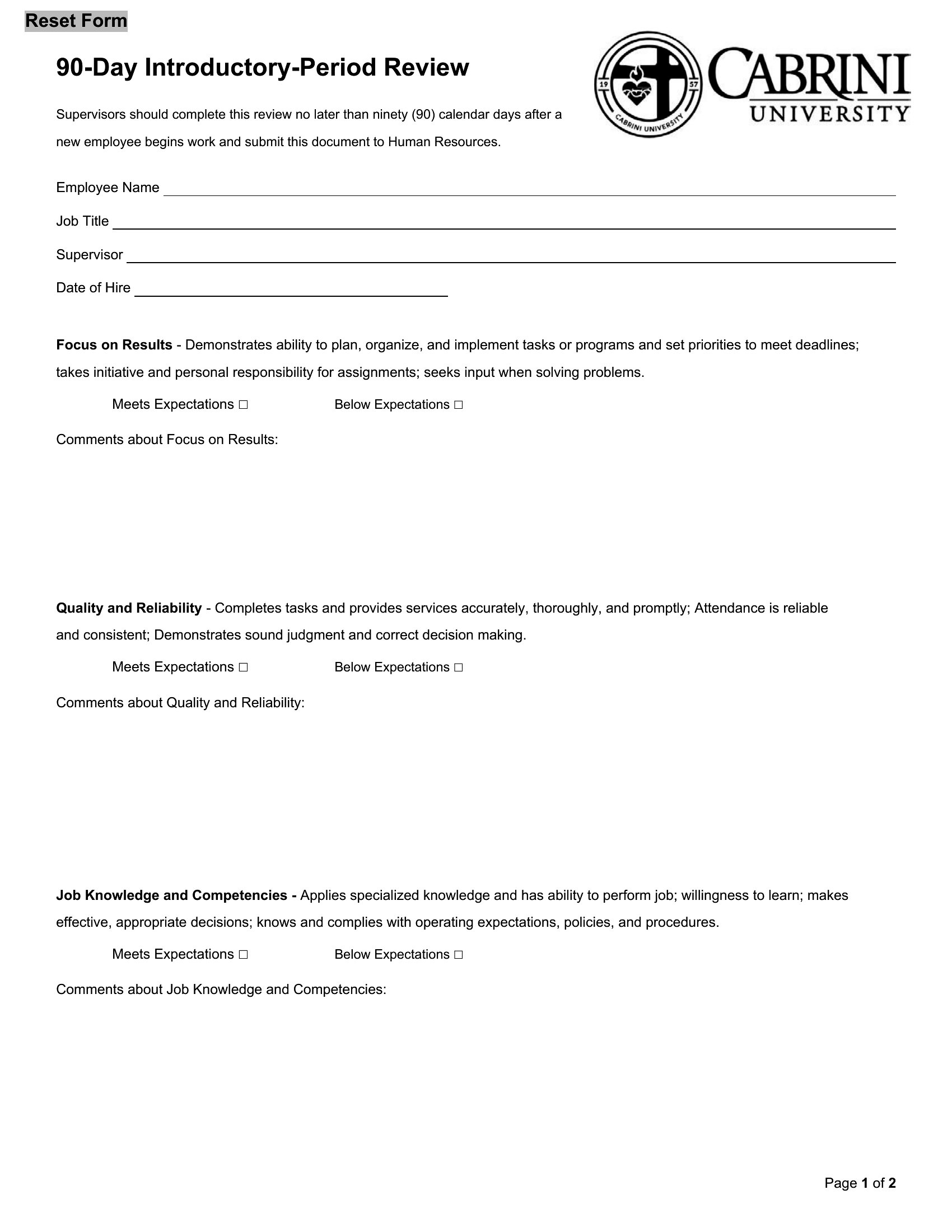
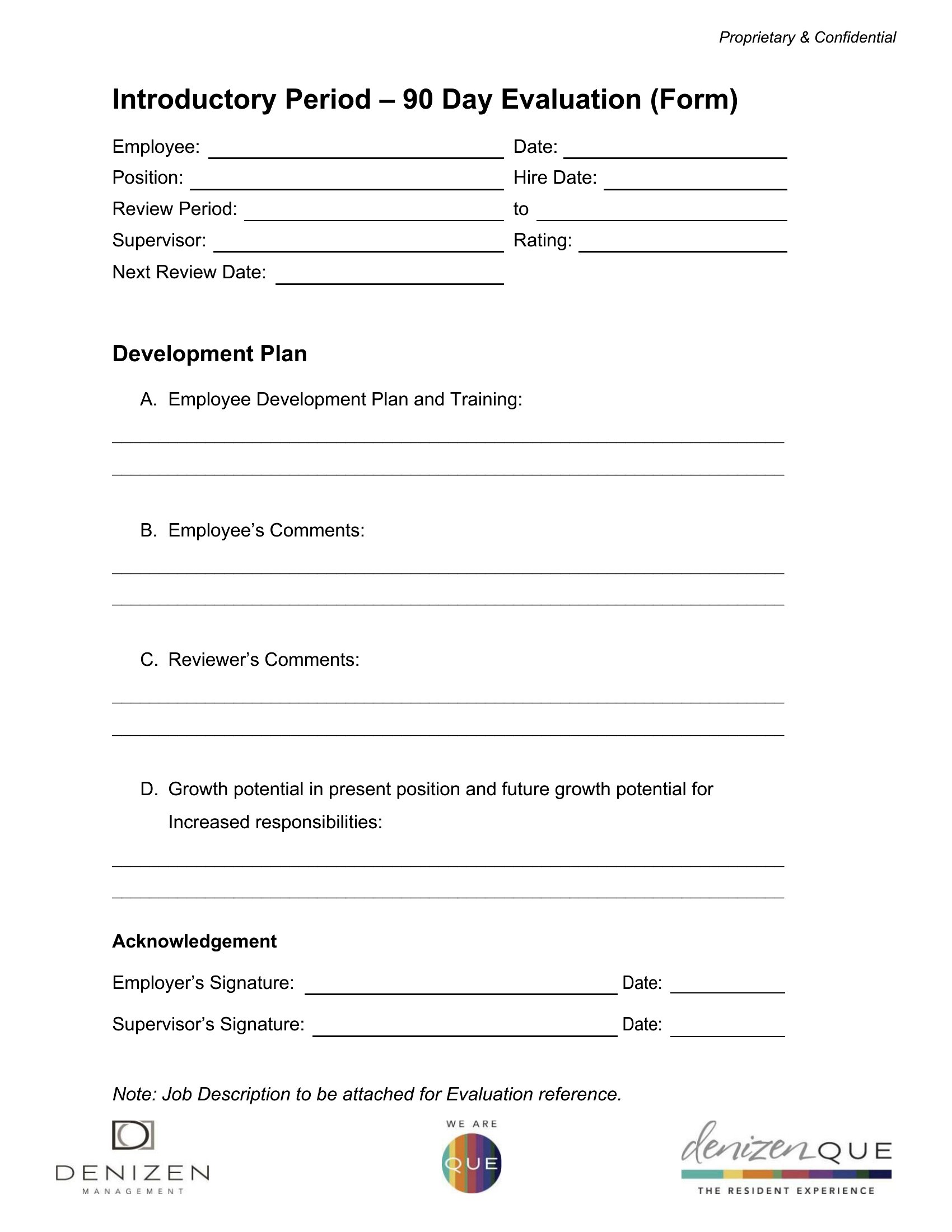
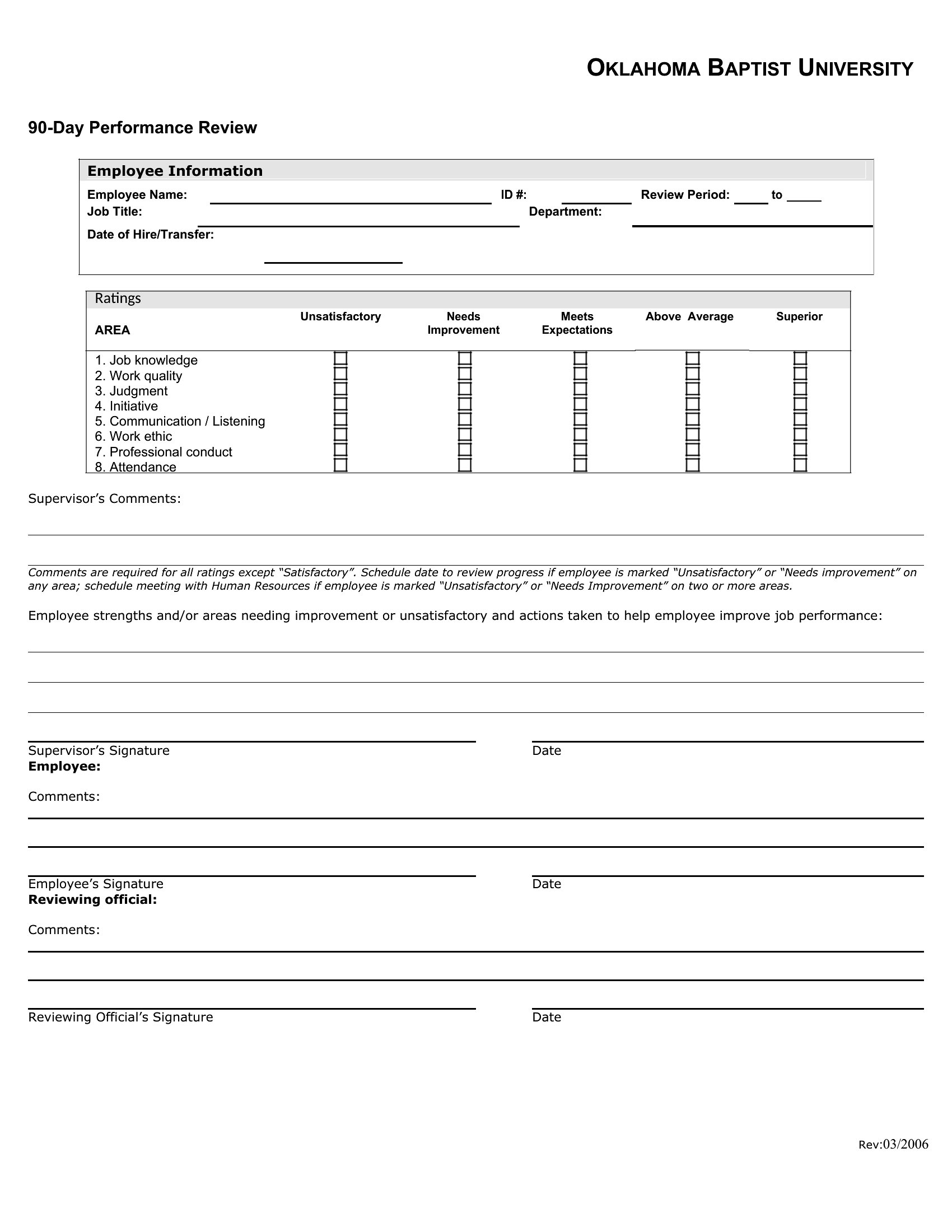
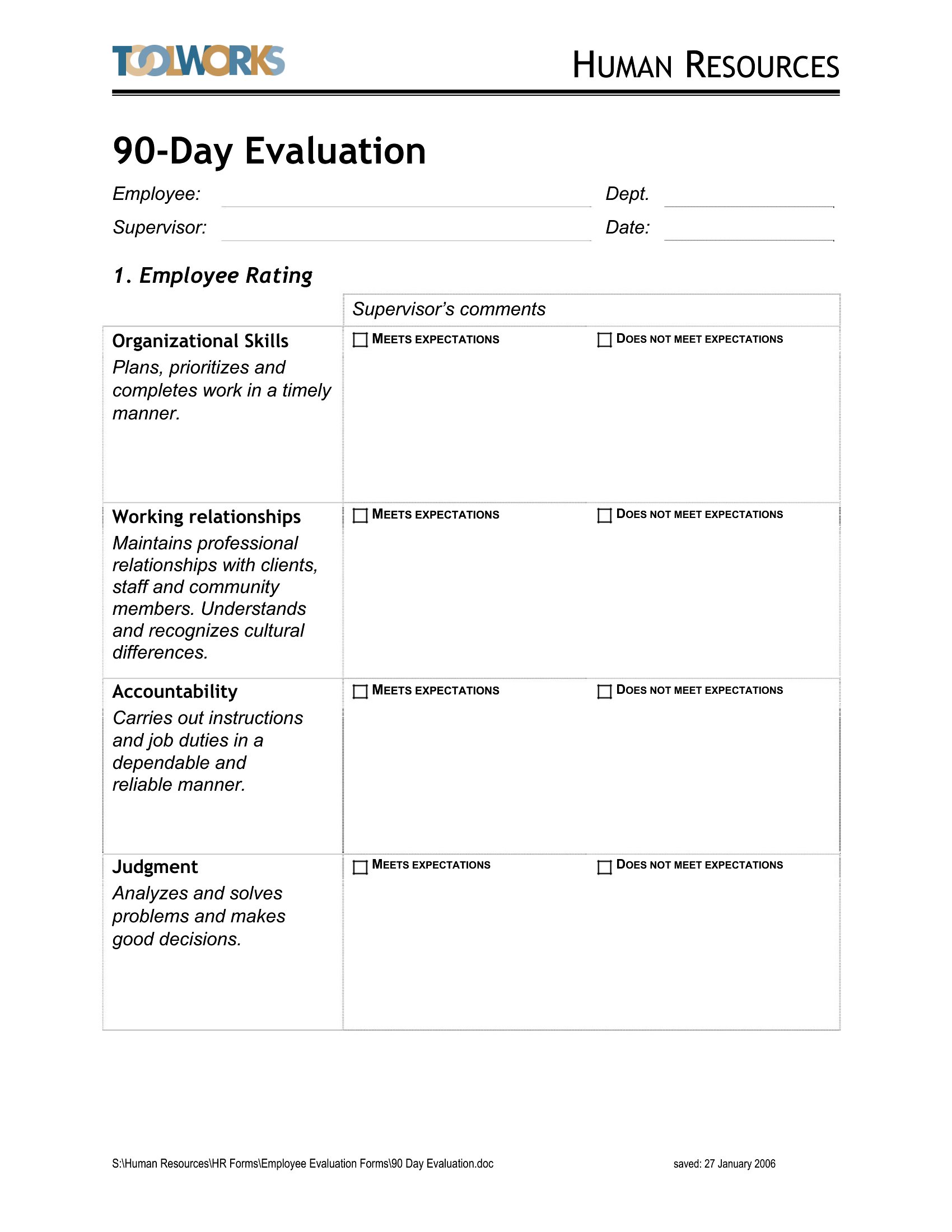
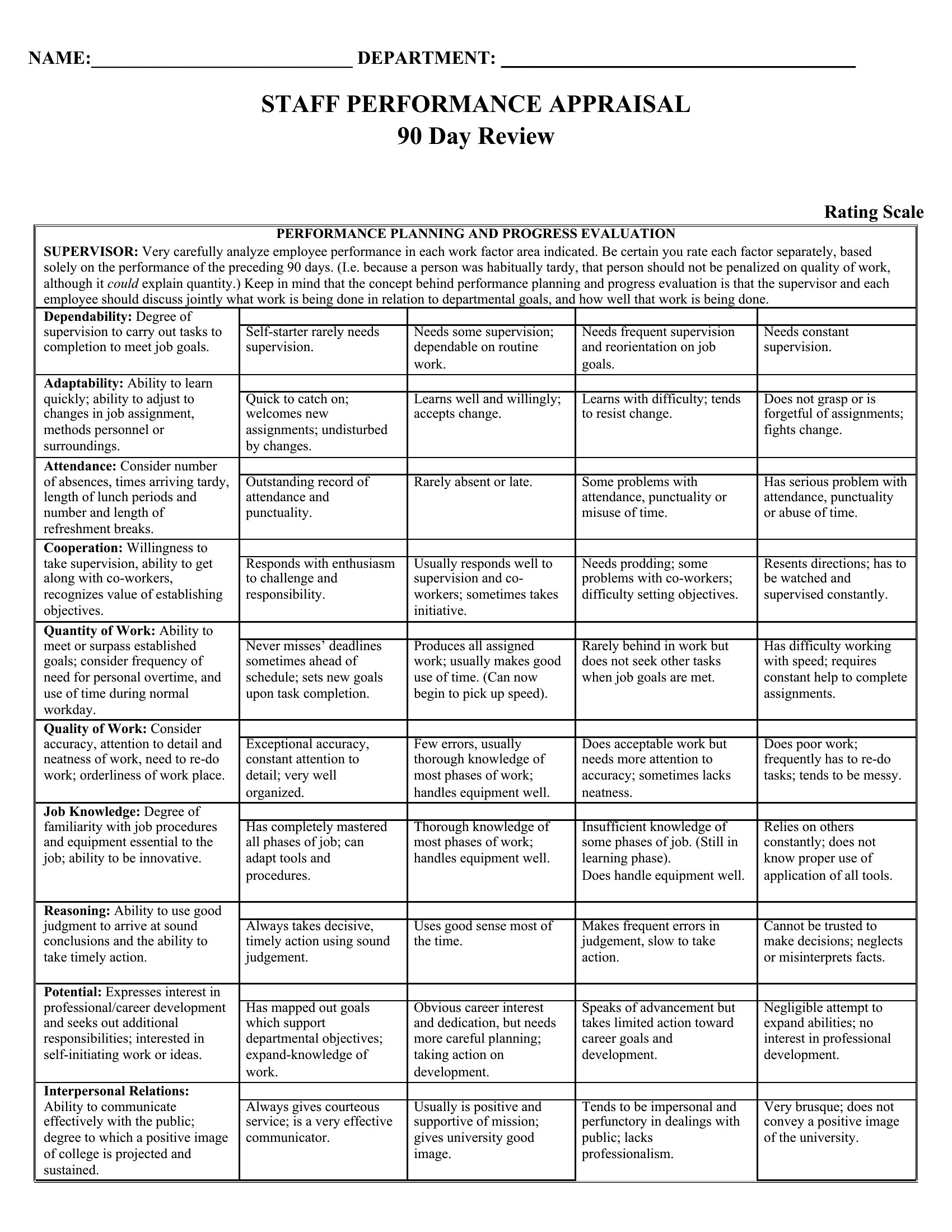
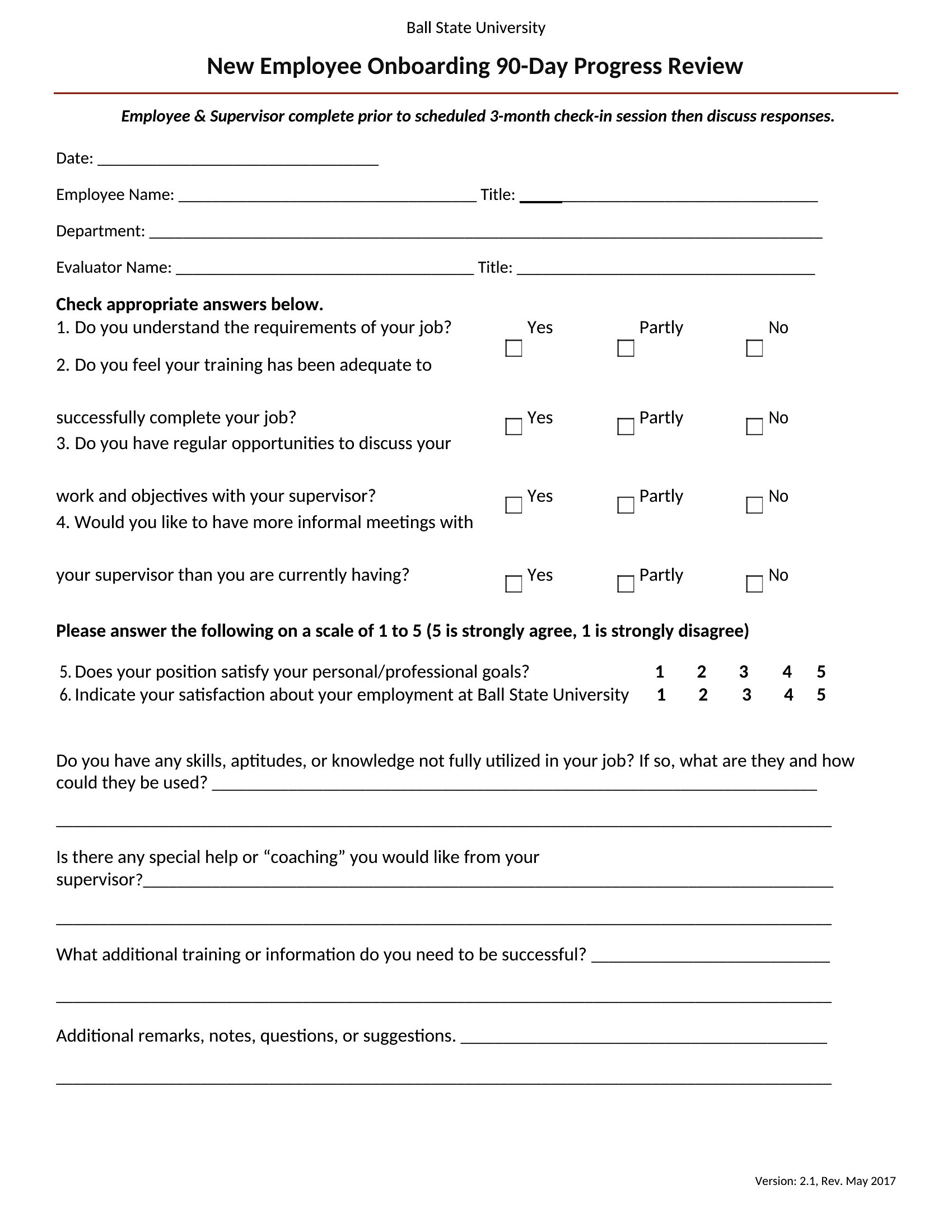
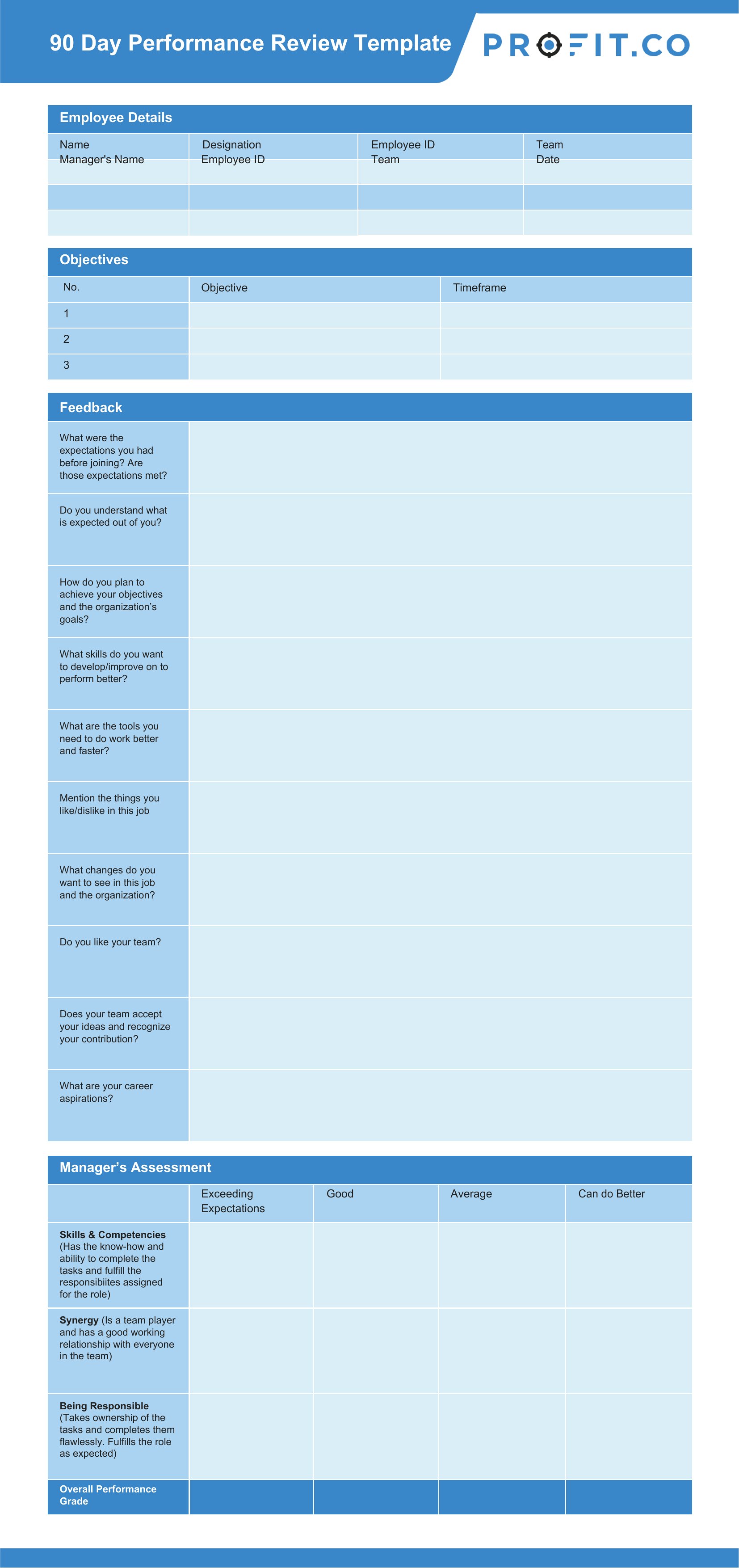
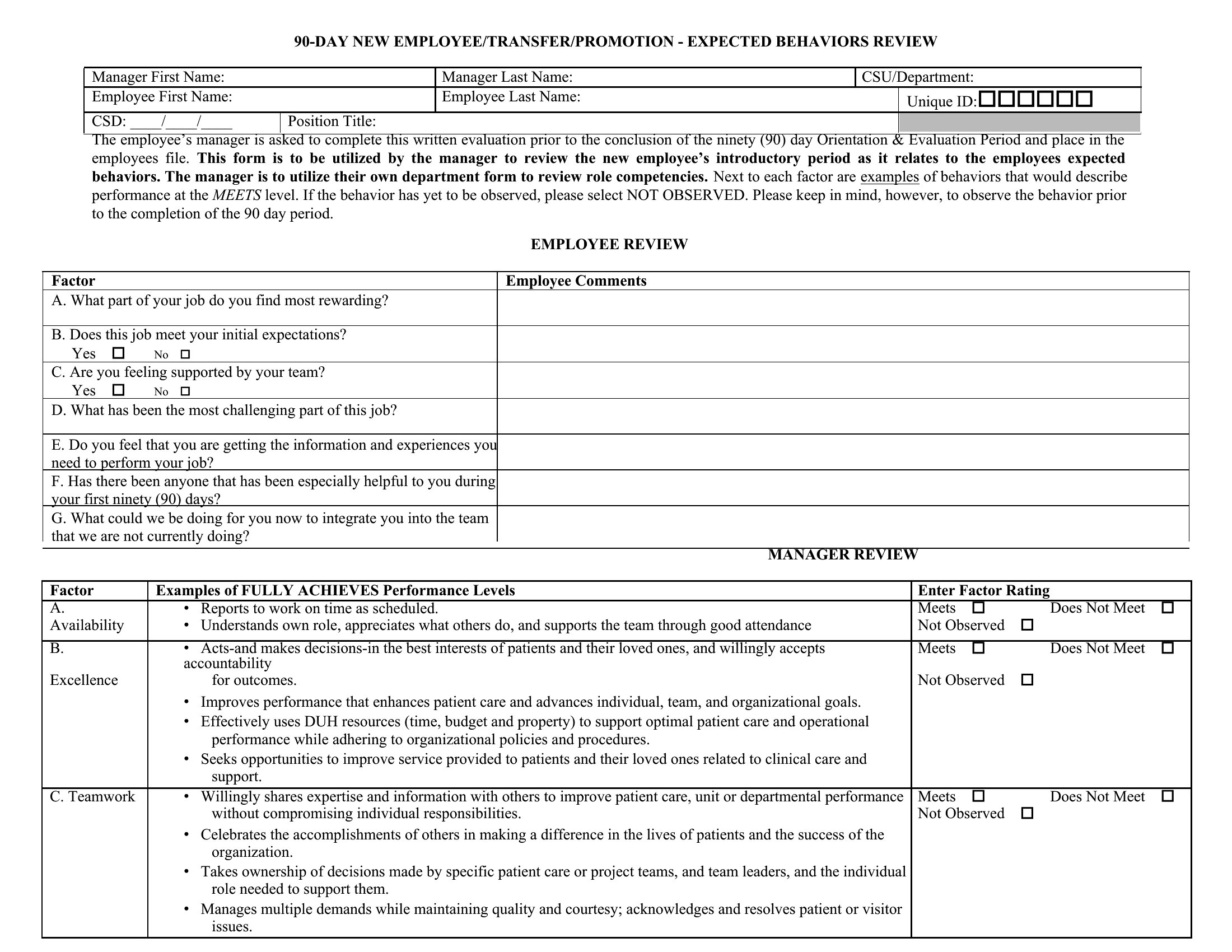
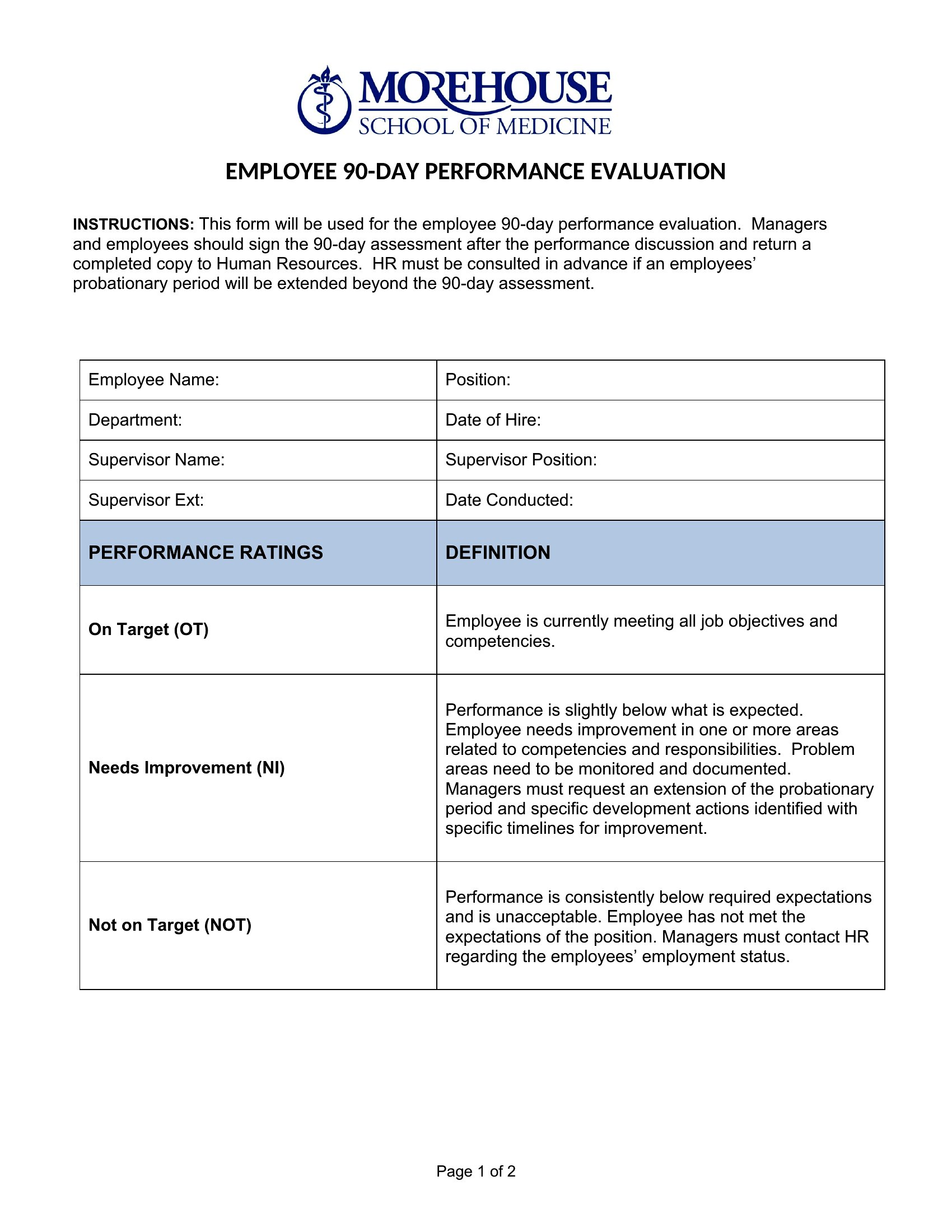
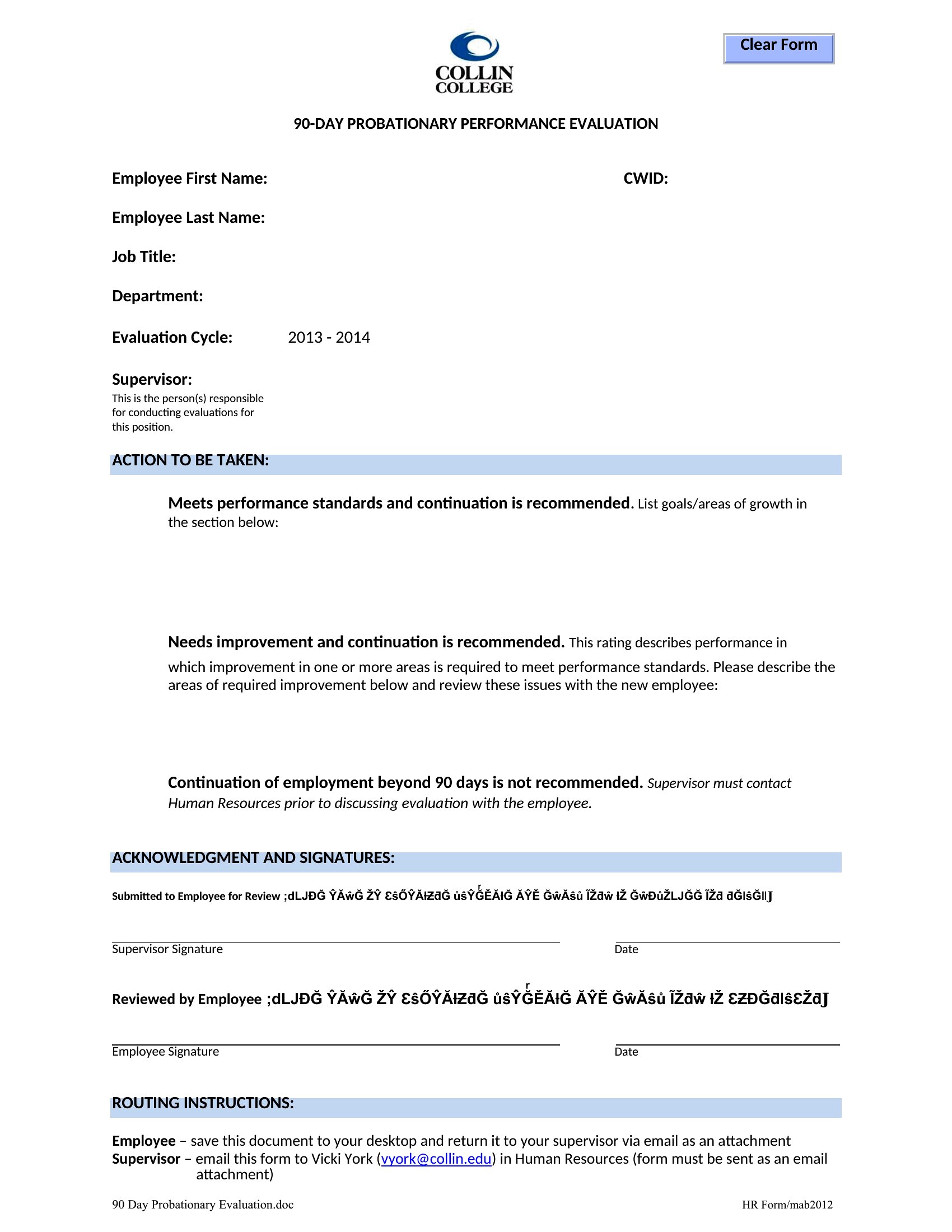
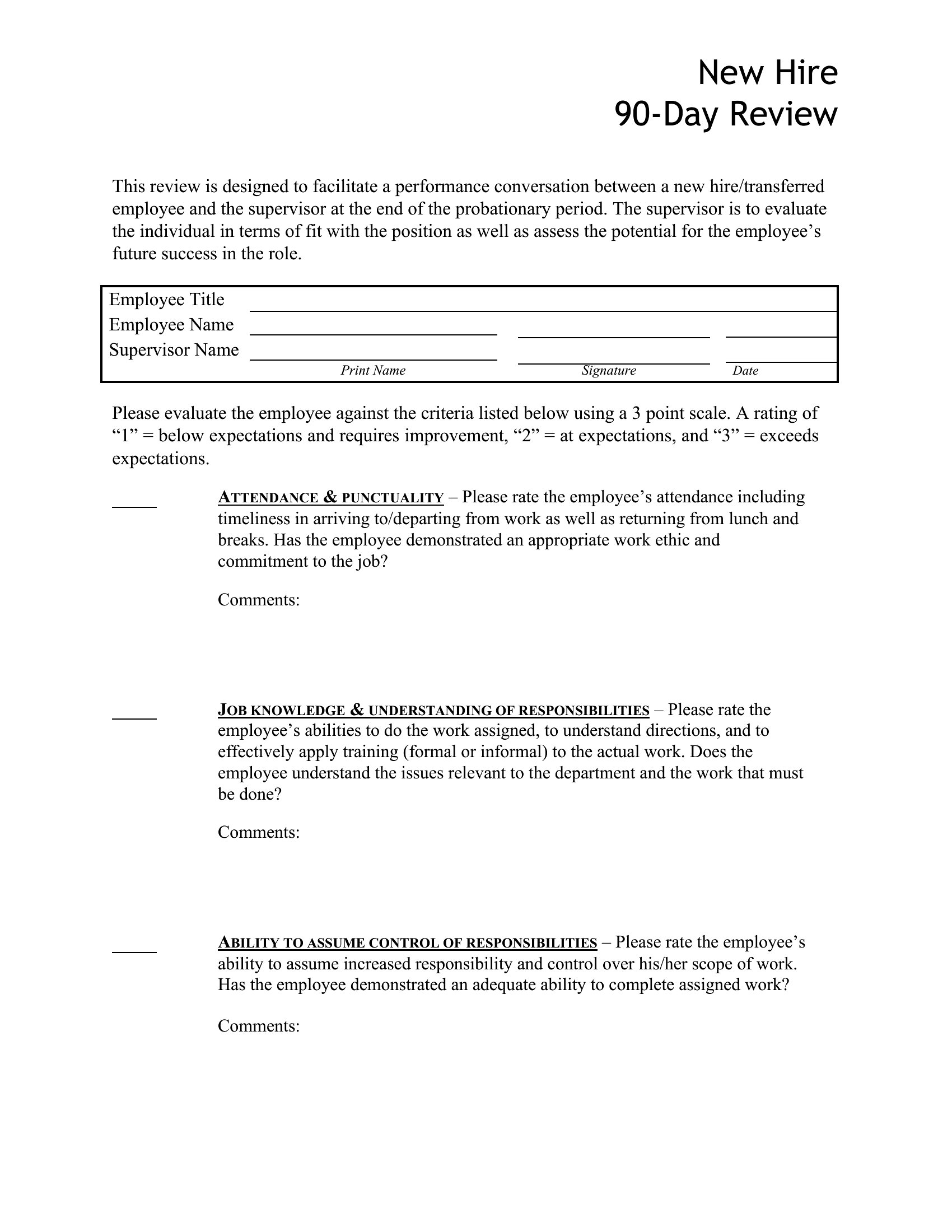
Use a balanced template with separate columns for accomplishments (e.g., ‘Goals Met’) and development areas (e.g., ‘Opportunities for Improvement’). Frame feedback constructively by pairing specific examples with actionable next steps, like linking a missed deadline to training resources. Avoid vague language—compare performance to measurable expectations (e.g., ‘Client satisfaction scores were 20% below target’). The Word templates include space for both positive reinforcement and growth plans to keep the tone collaborative.
What’s the best way to document feedback from peers or direct reports during a 90-day review?
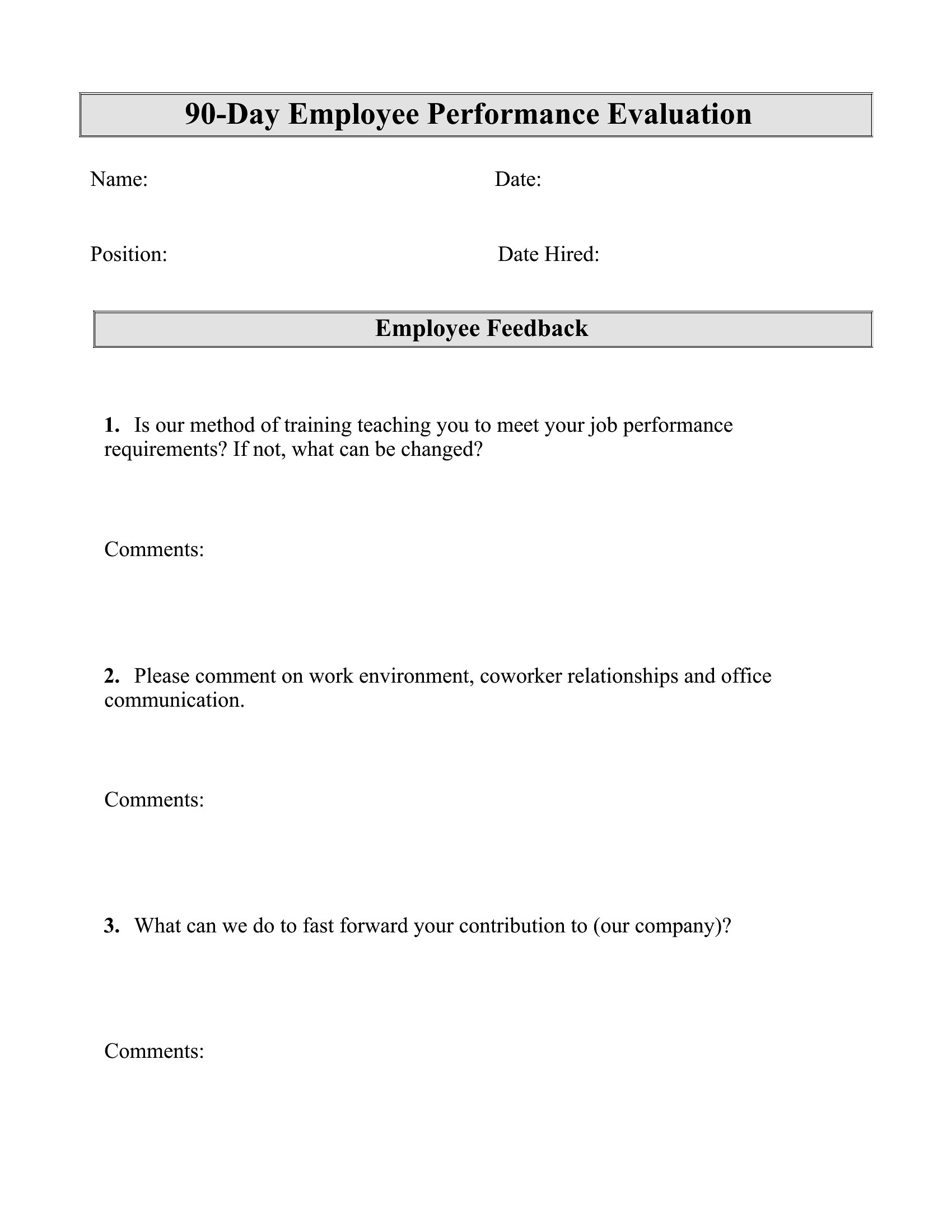
Add a ‘360-Degree Feedback’ section to the template with prompts for colleagues or team members to share observations on collaboration, communication, or initiative. Keep it concise—limit to 2–3 bullet points per reviewer—and include a space for the employee’s reflection on the feedback. For new hires, this adds context beyond managerial observations. In Word, you can insert a table to organize feedback by category (e.g., ‘Teamwork,’ ‘Technical Skills’) for clarity.
Should I include salary adjustments or promotions in the 90-day review template, or keep that discussion separate?
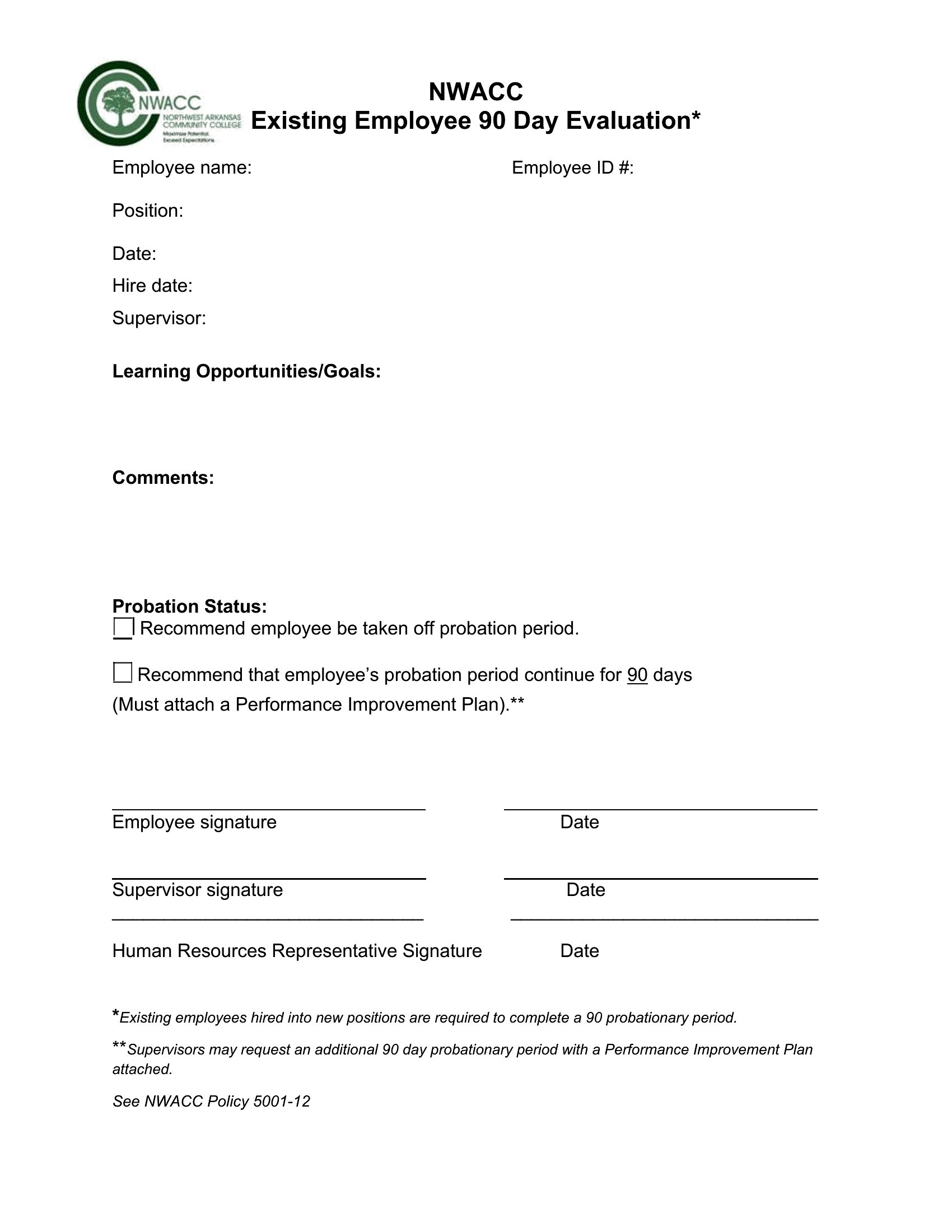
The review itself should focus on performance metrics and developmental next steps, not compensation. Use a separate ‘Recommendations’ or ‘Next Steps’ section to note whether the employee is on track for raises or promotions based on predefined criteria (e.g., ‘Exceeds expectations in X area; eligible for review in Q3’). This keeps the evaluation objective while allowing for future discussions about rewards. The templates provide space for notes like ‘Strong candidate for Level 2 after 6 months’ without mixing assessments with financial decisions.
Comments
Join the conversation
Sign in to share your thoughts and leave a comment on this resource.