Free 90-Day Review Templates (Word)
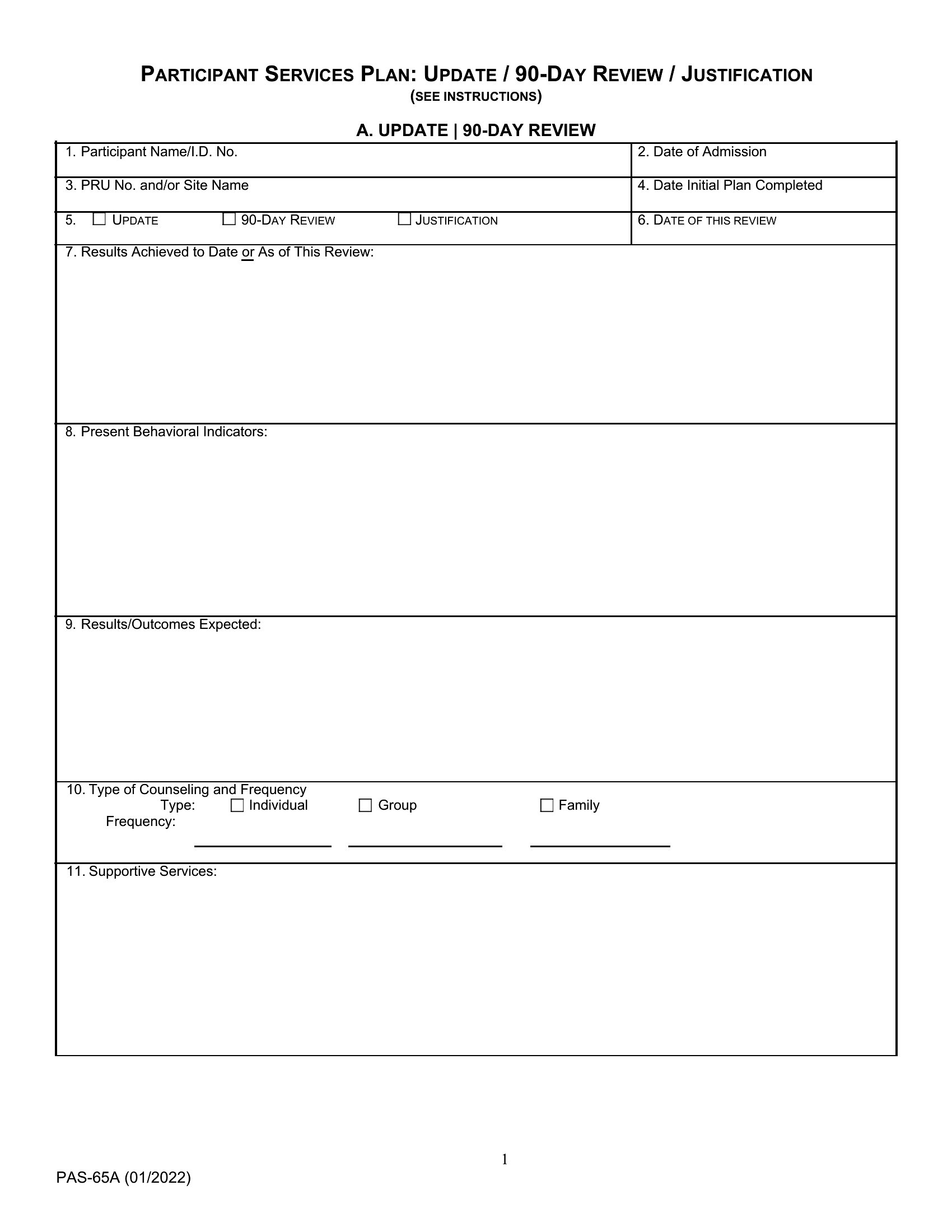
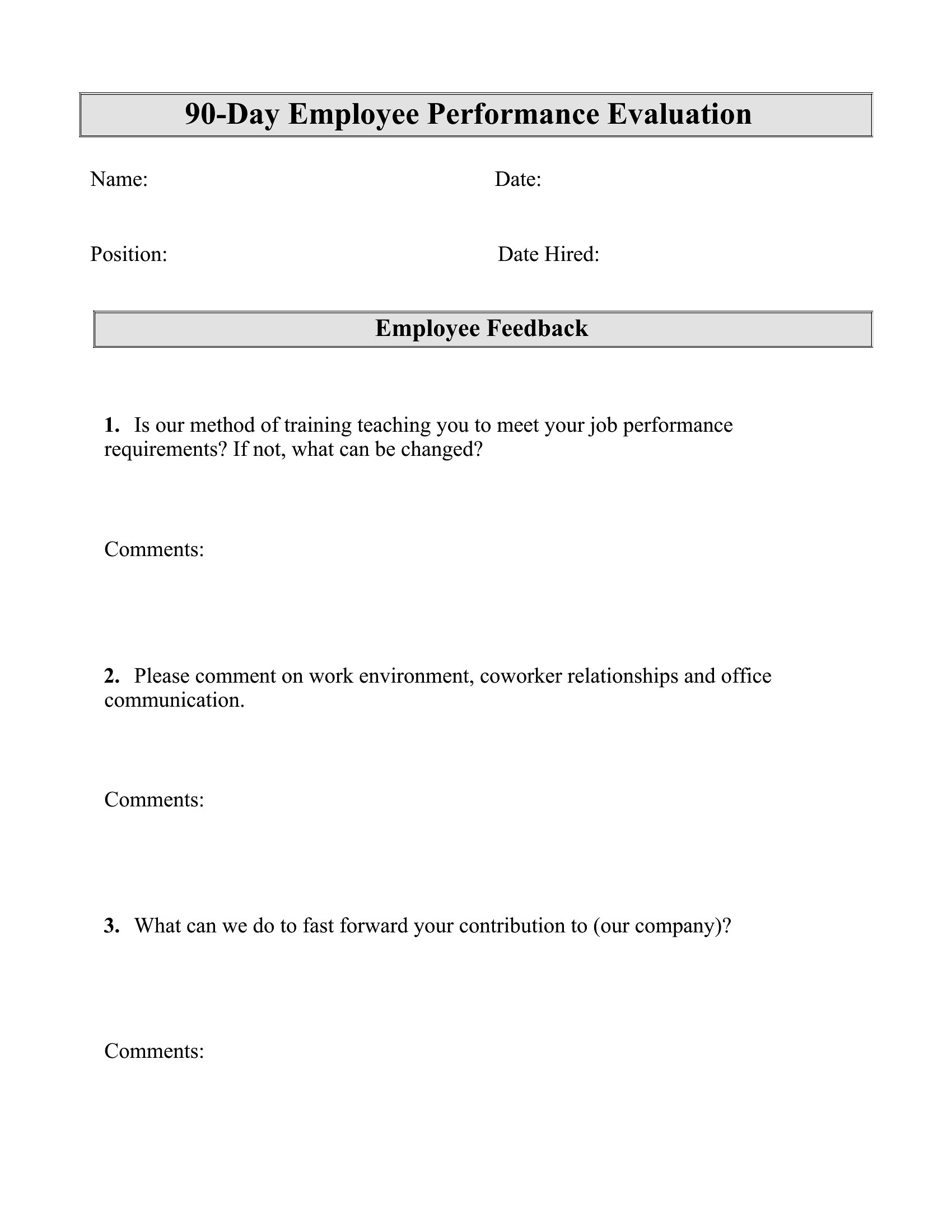
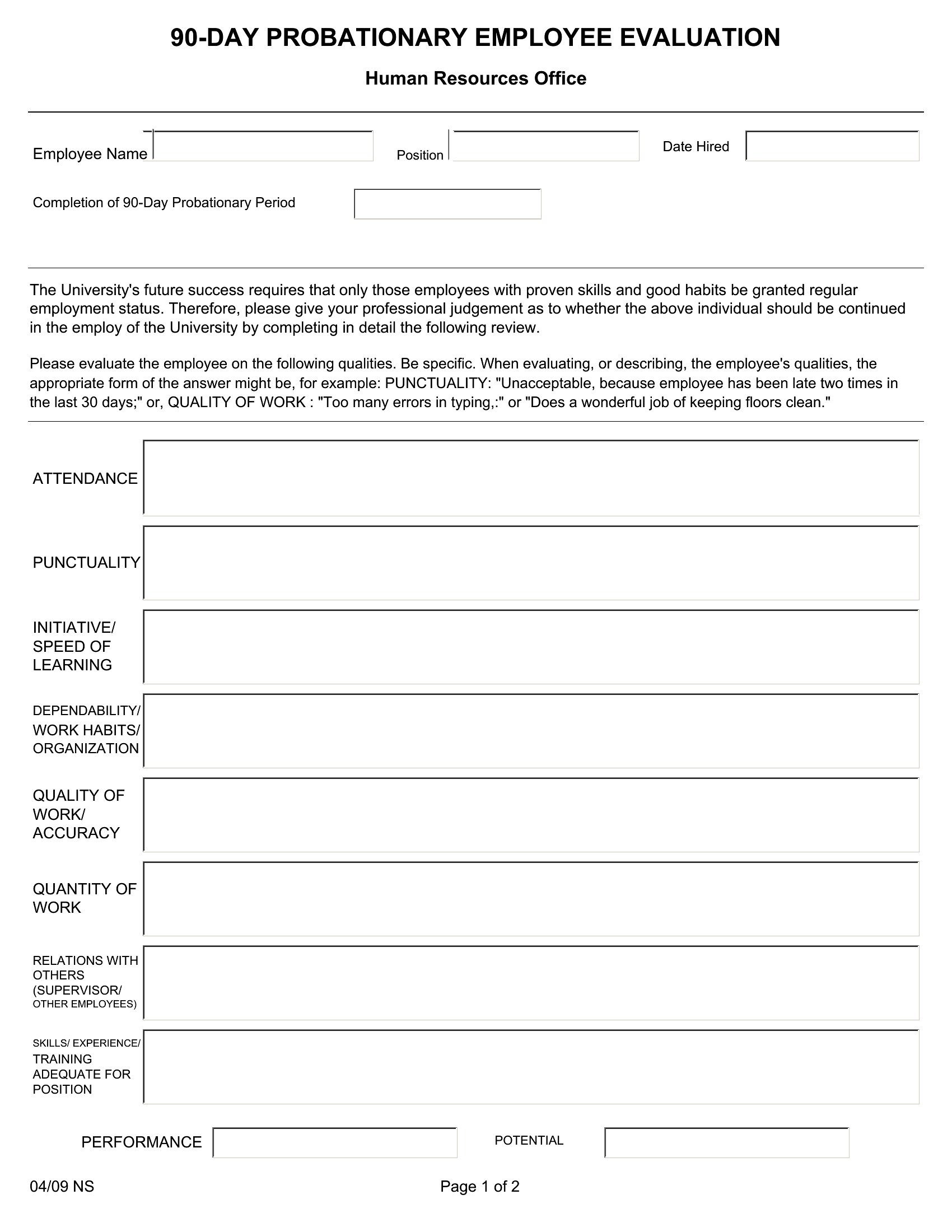
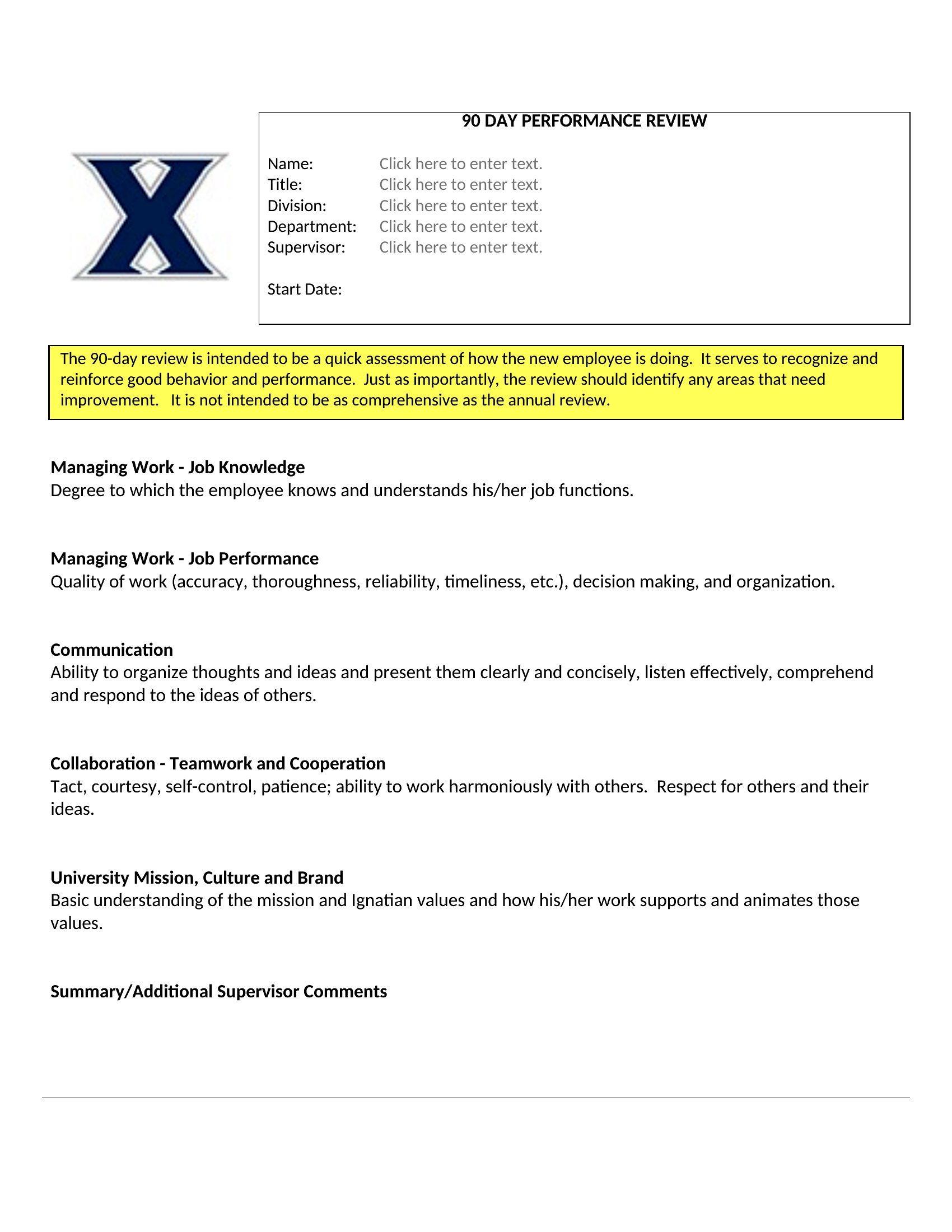
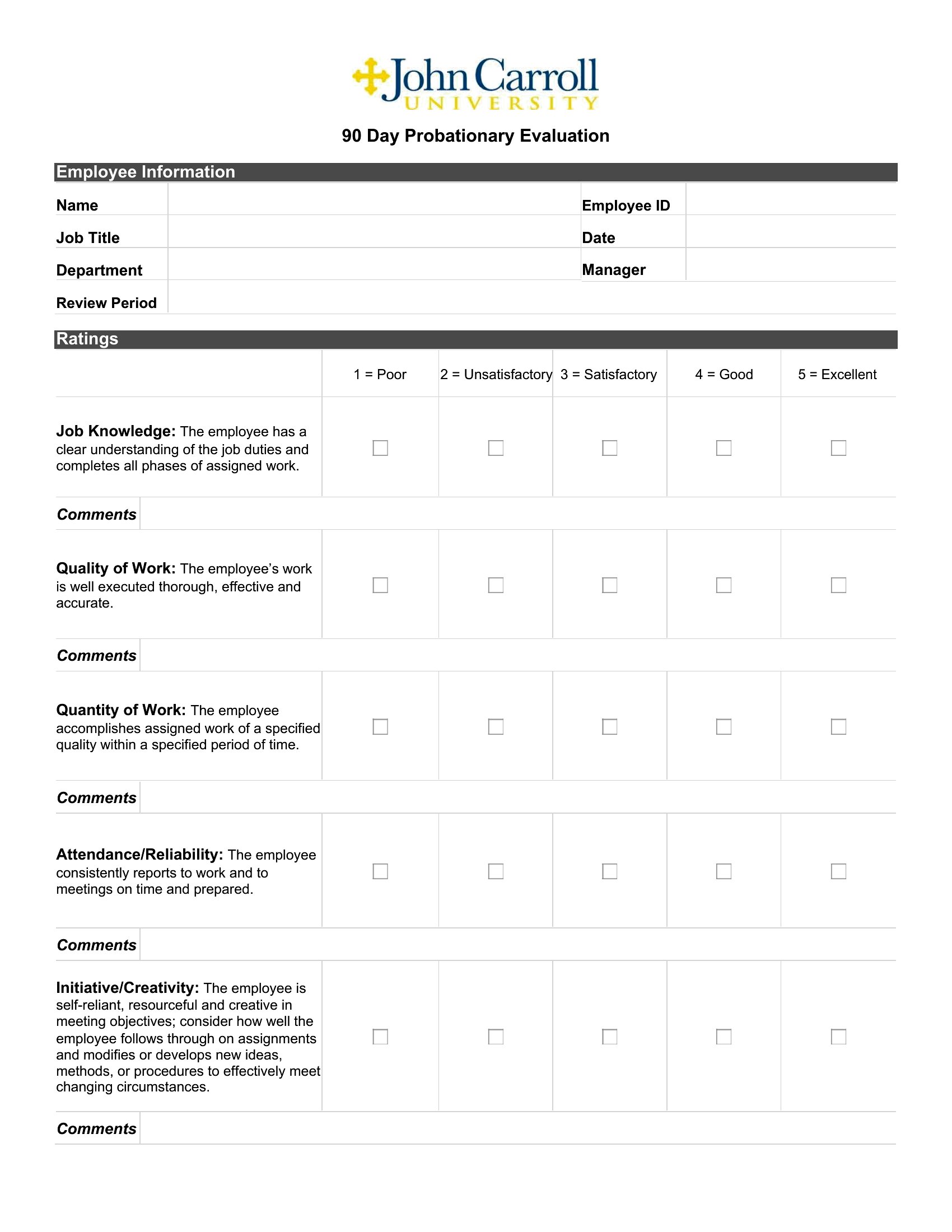
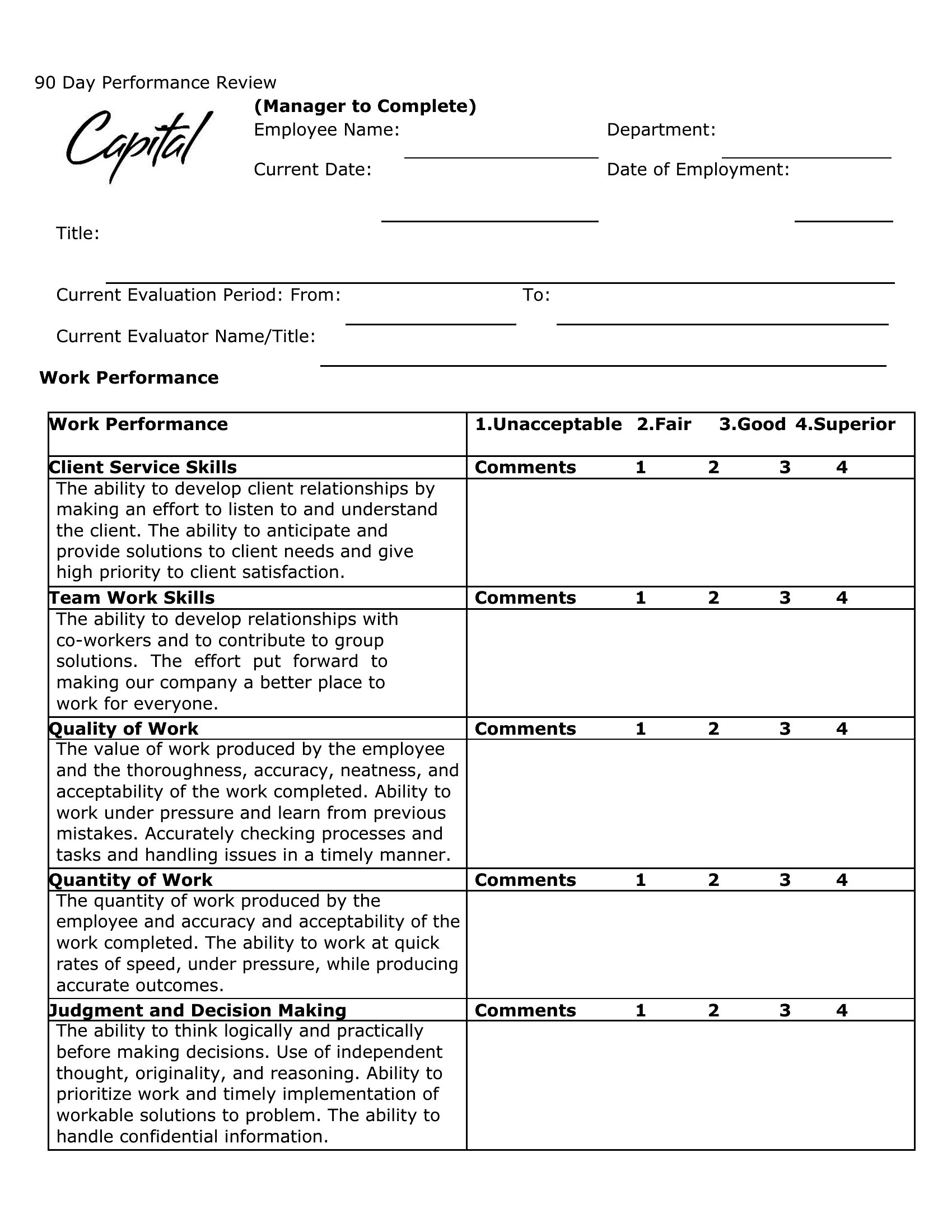
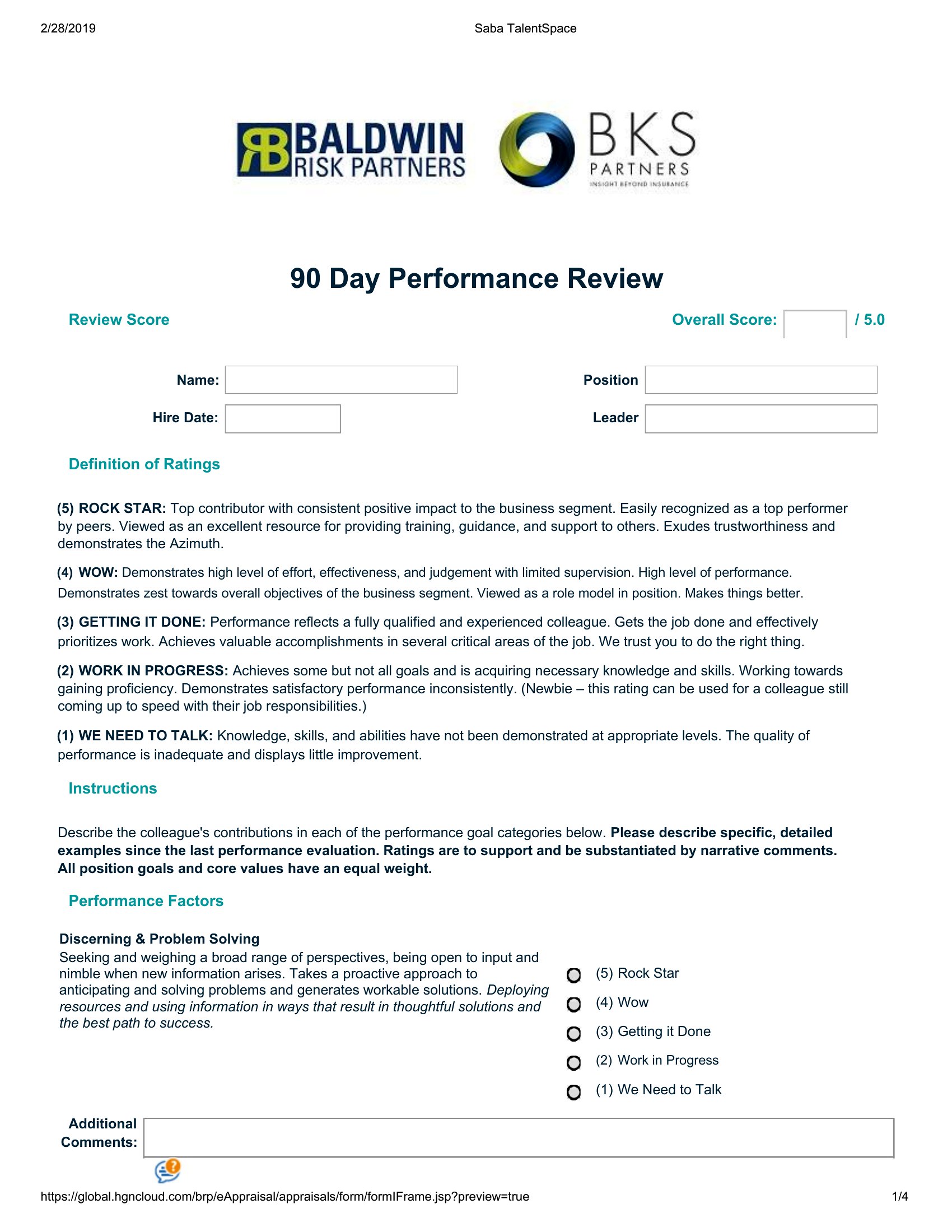
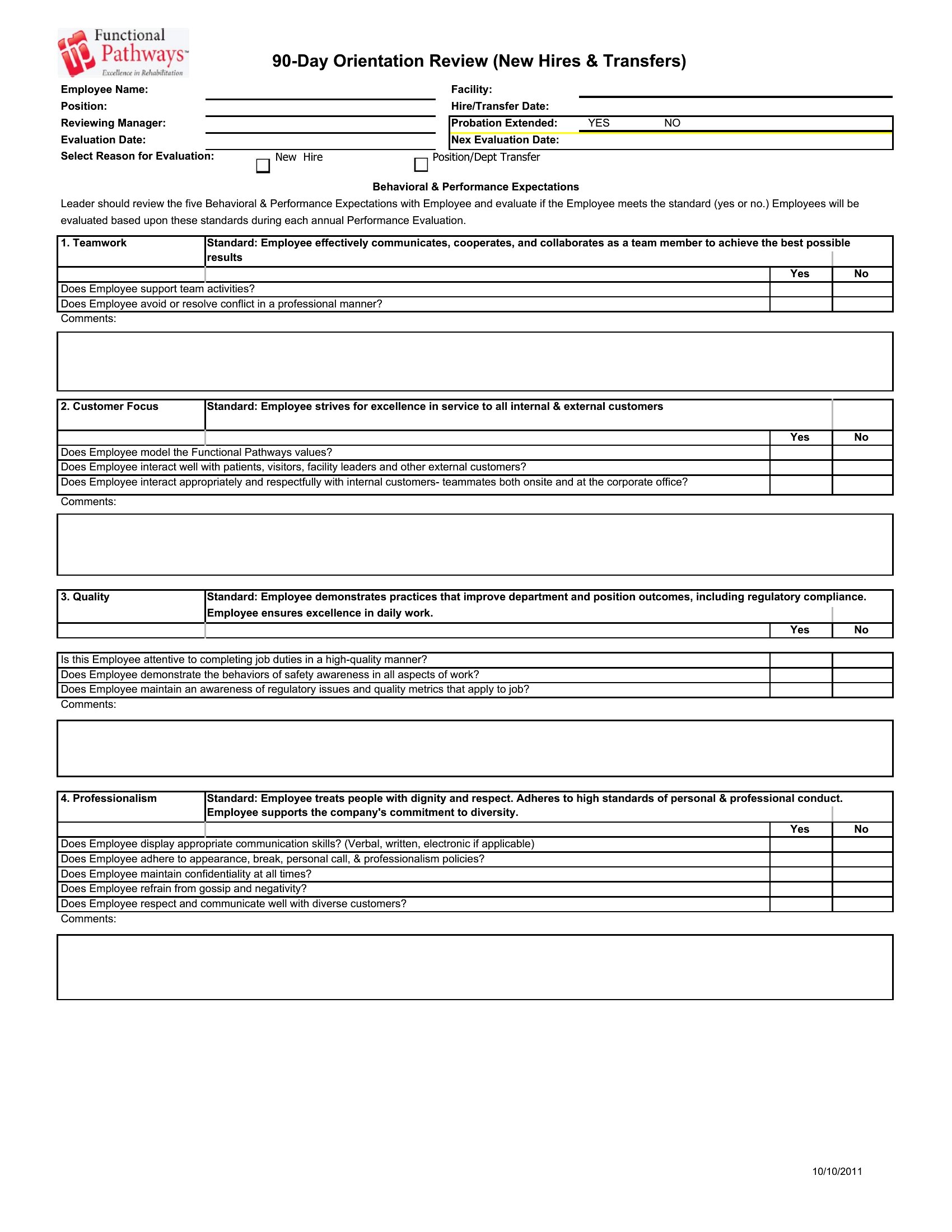
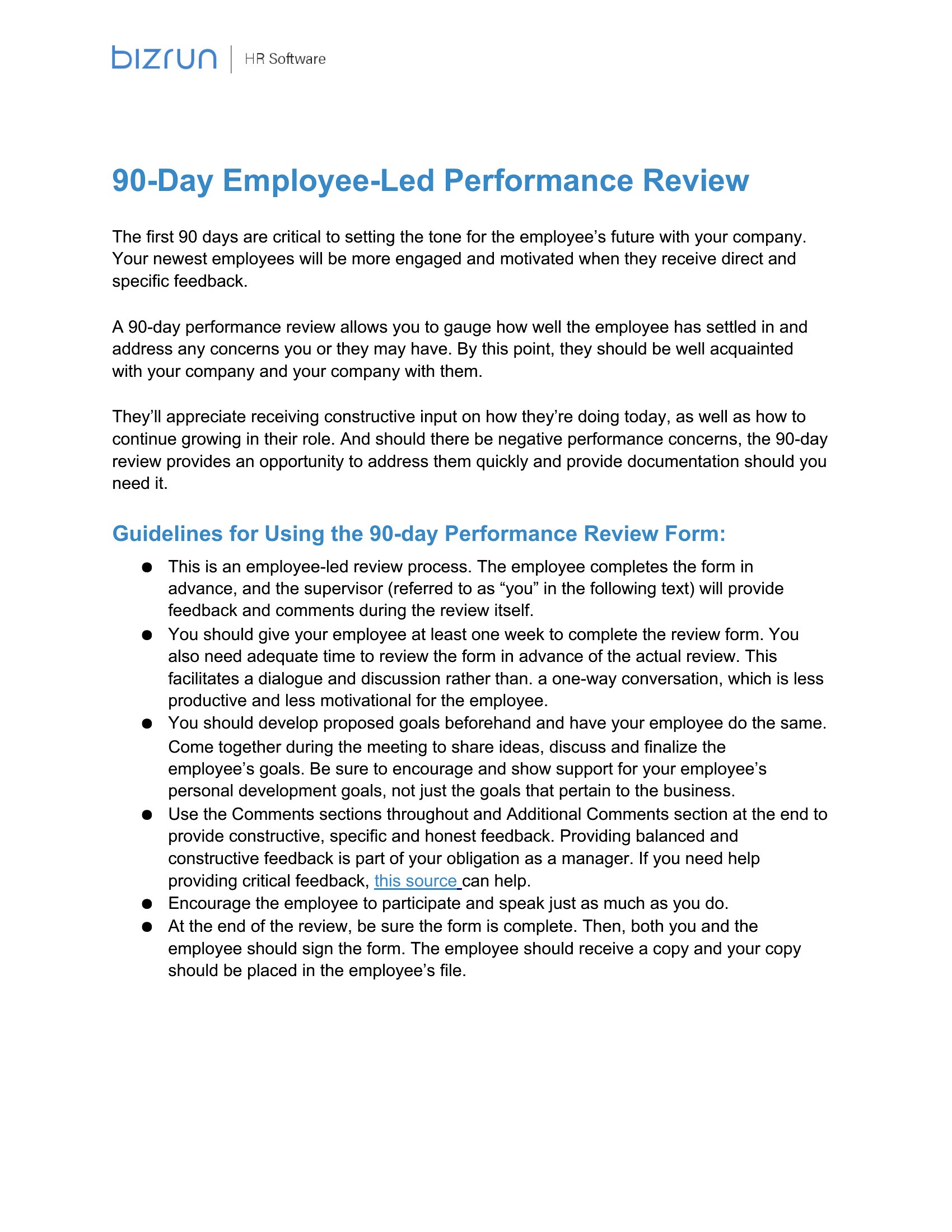
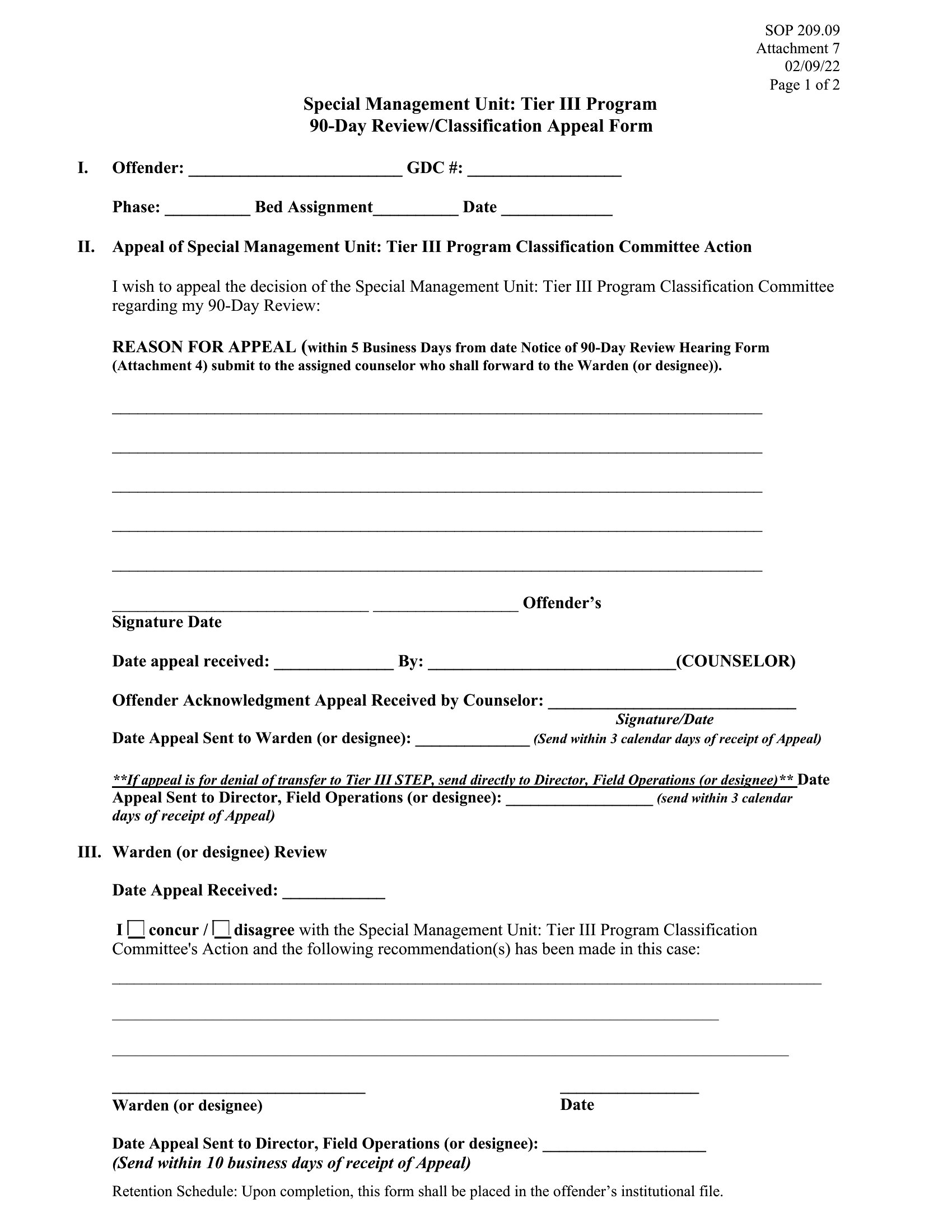
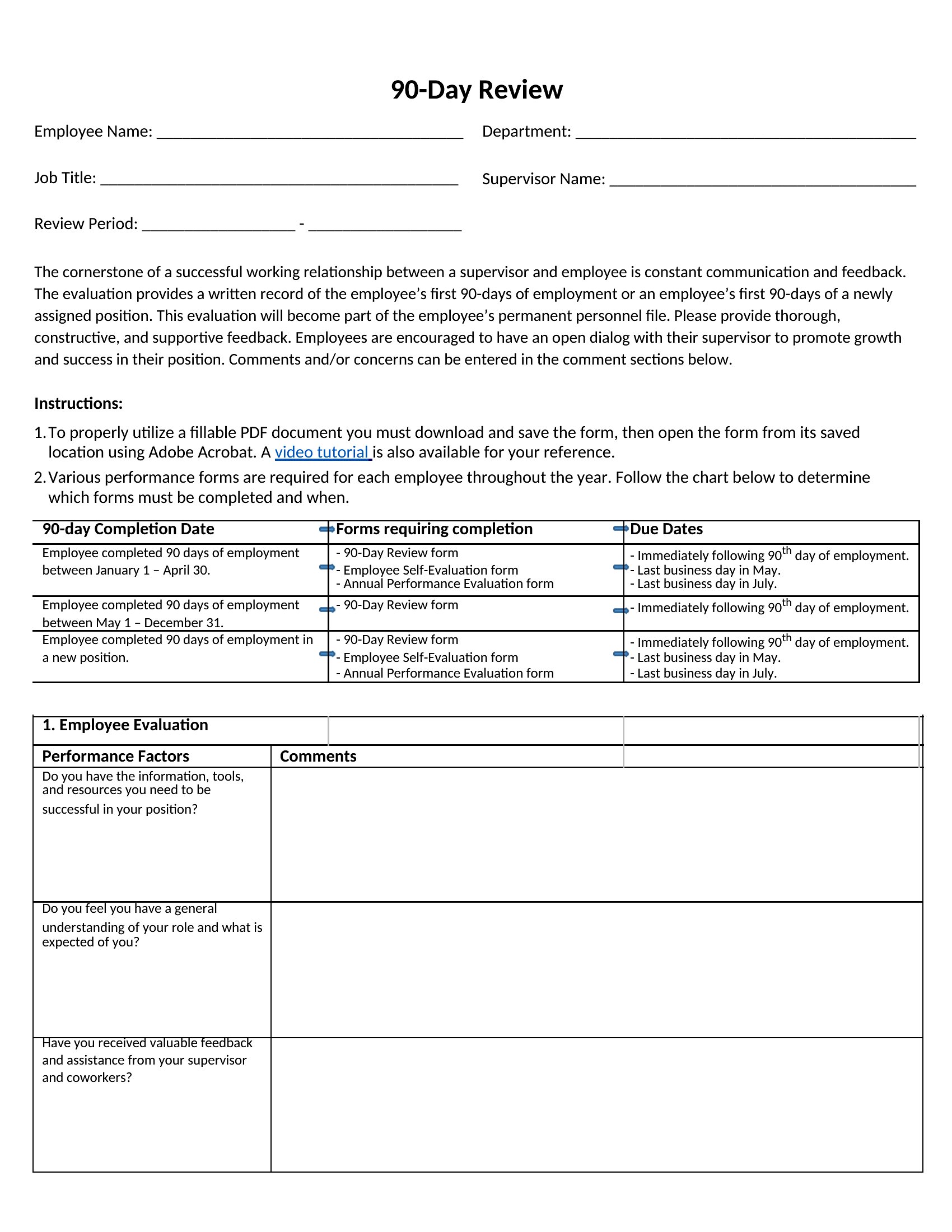
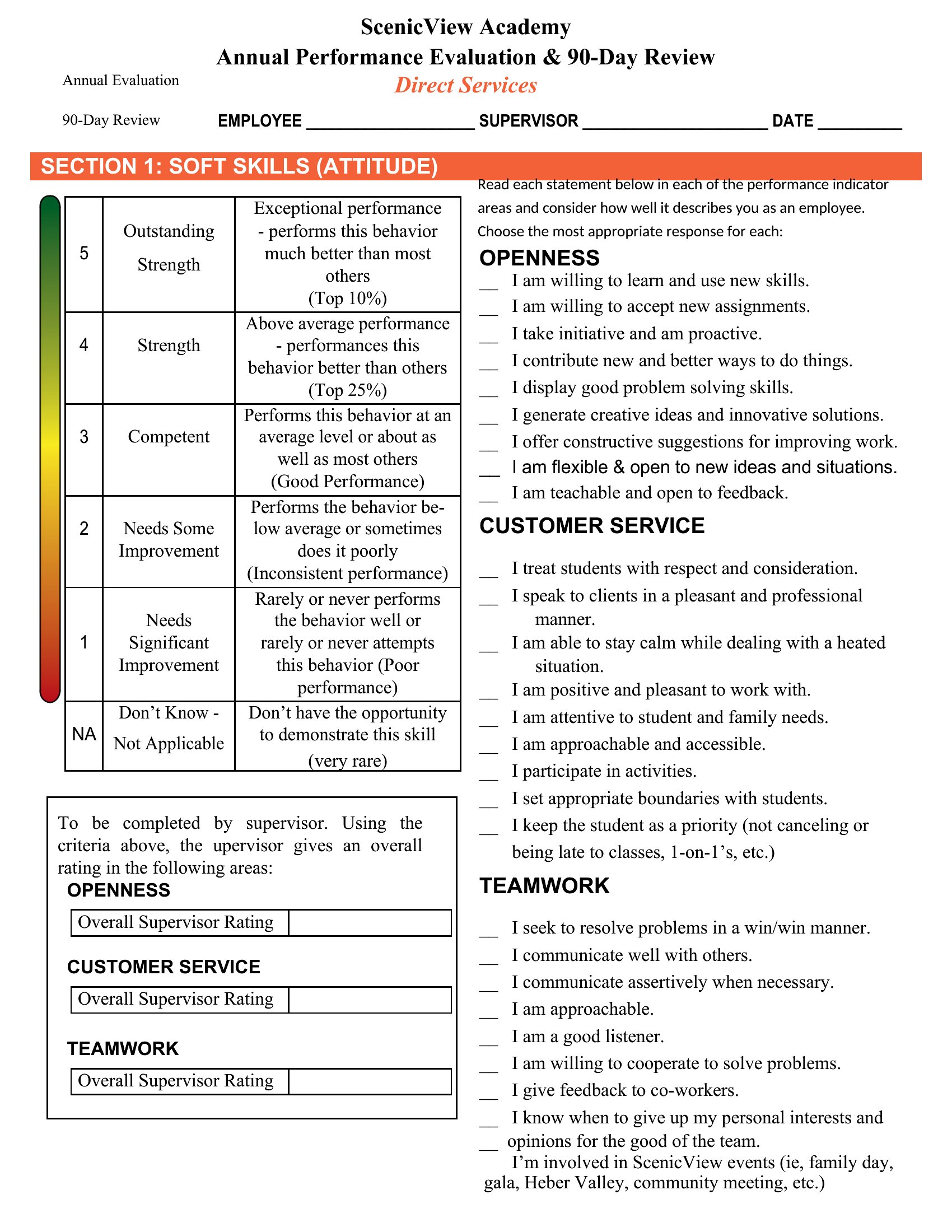
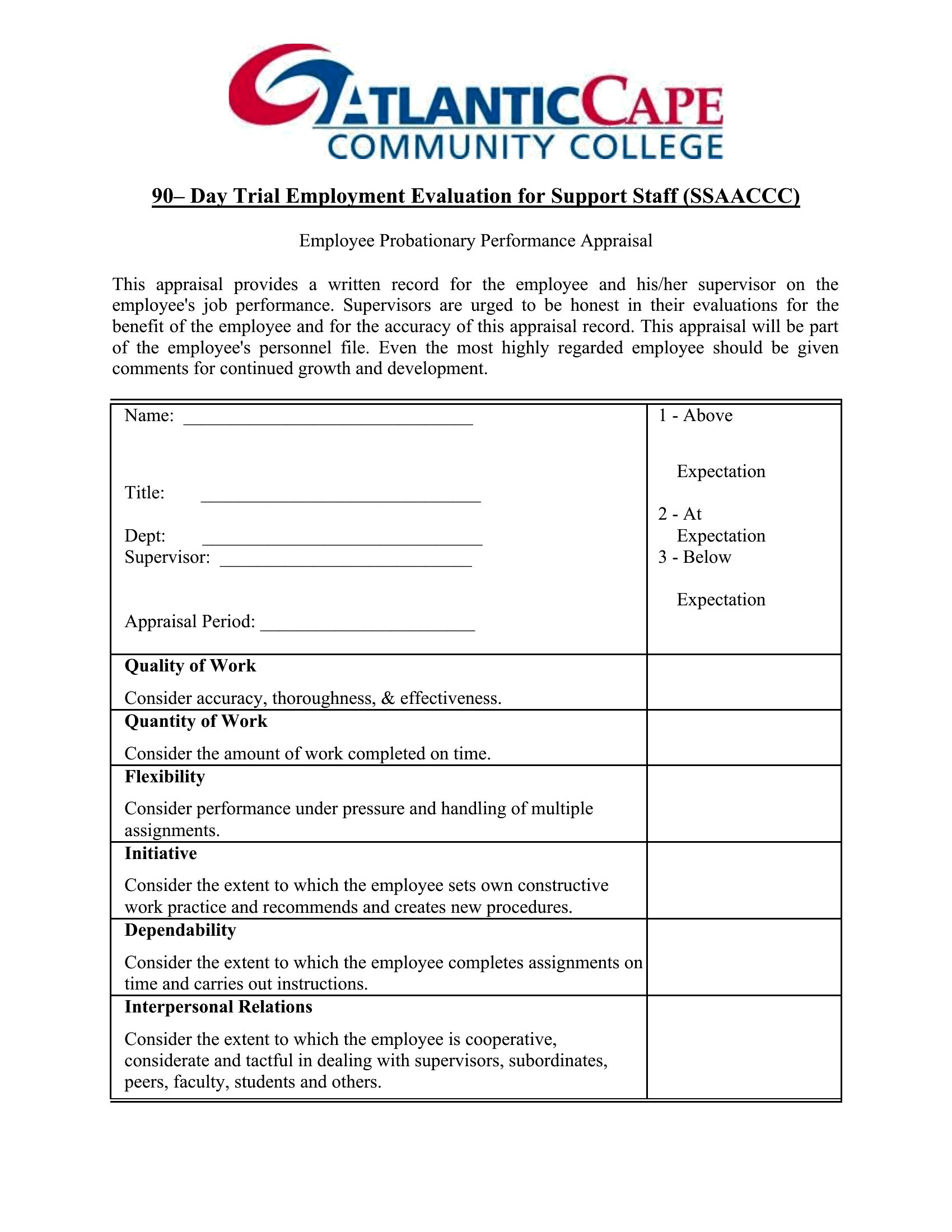
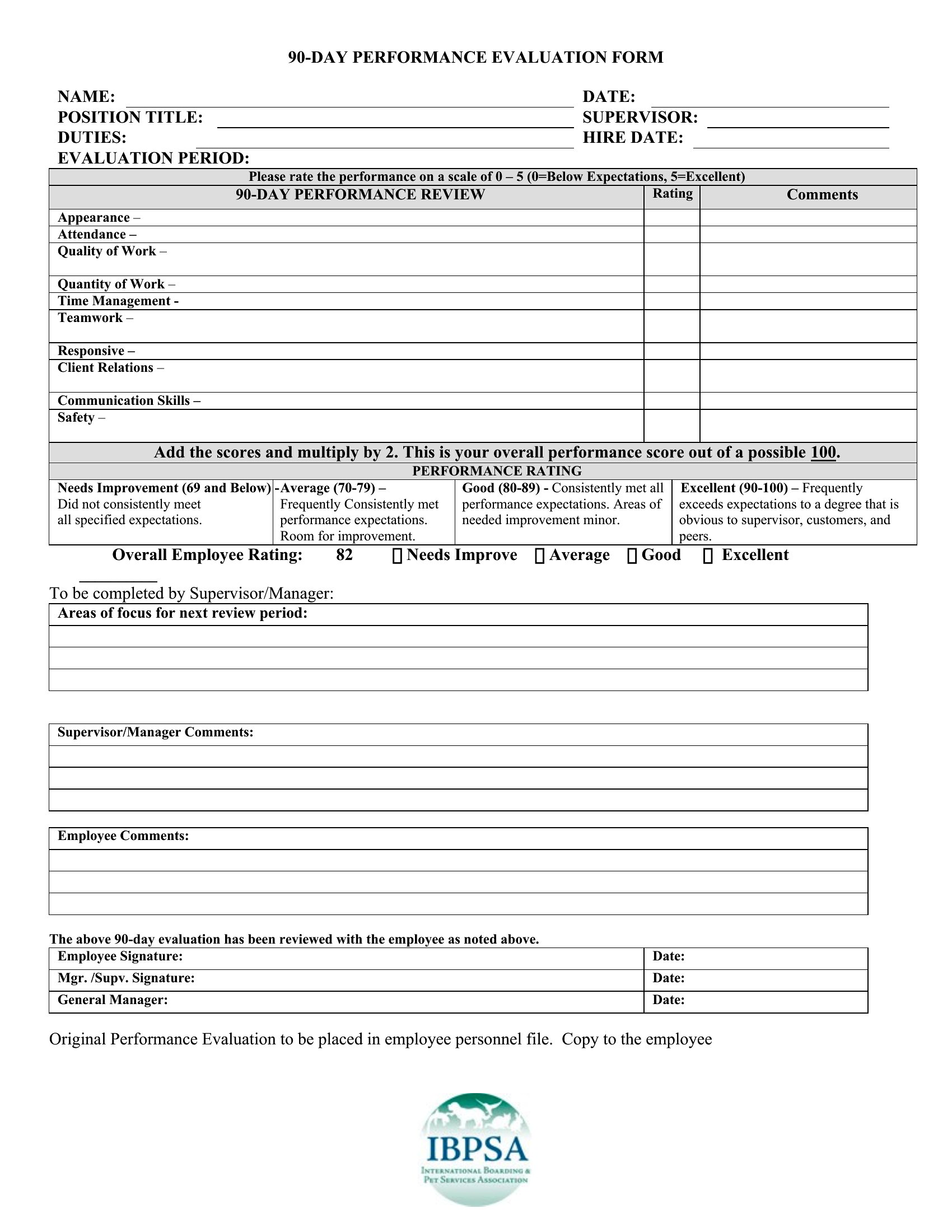
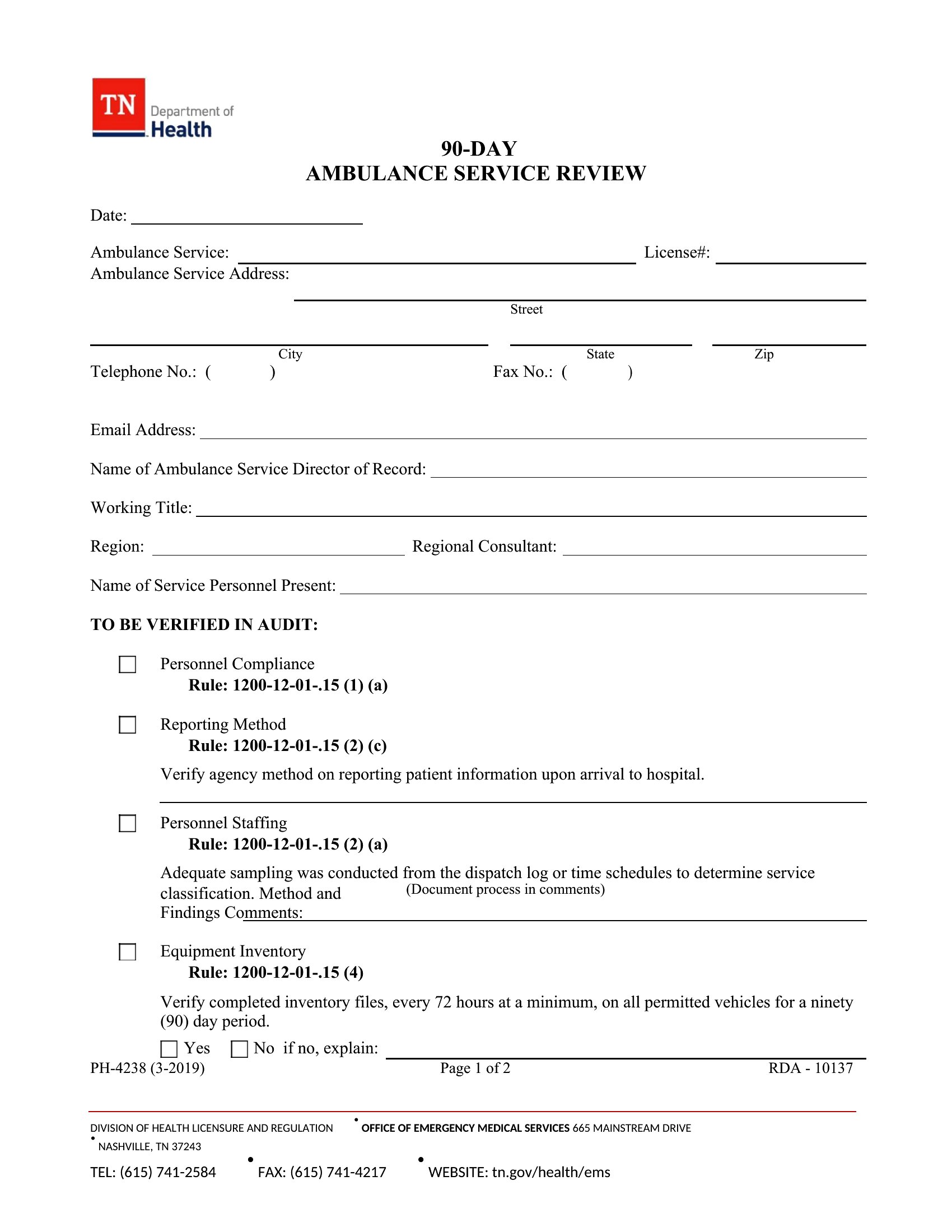
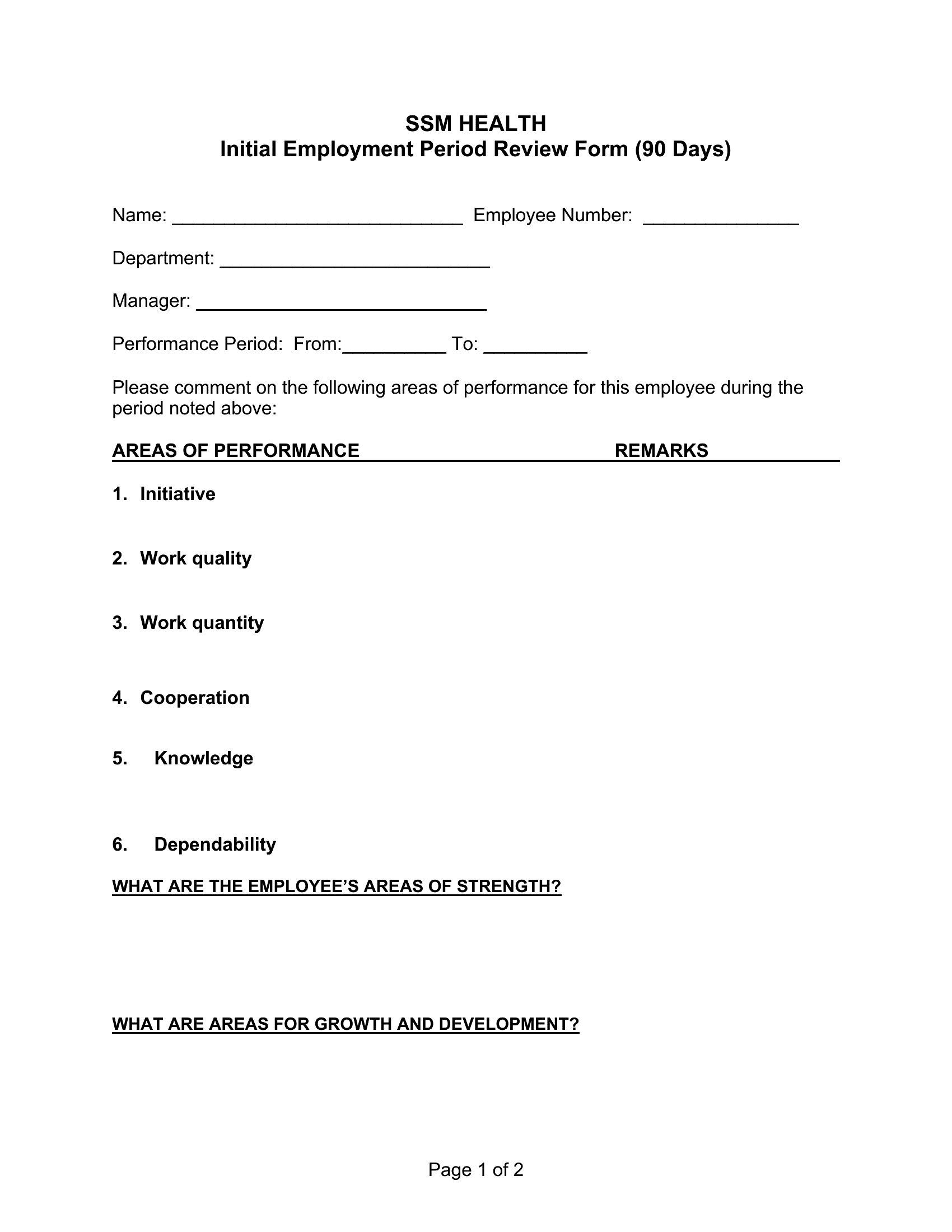
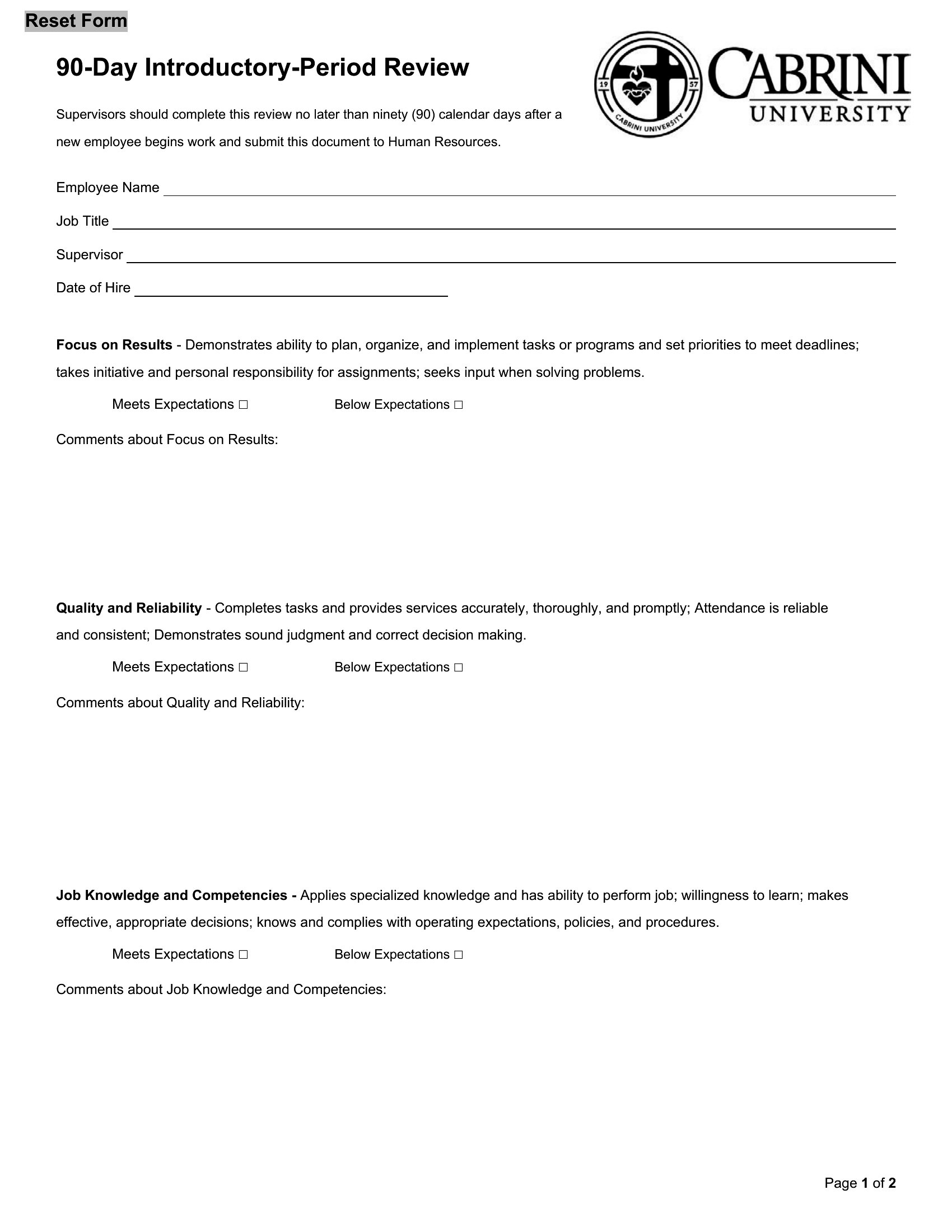
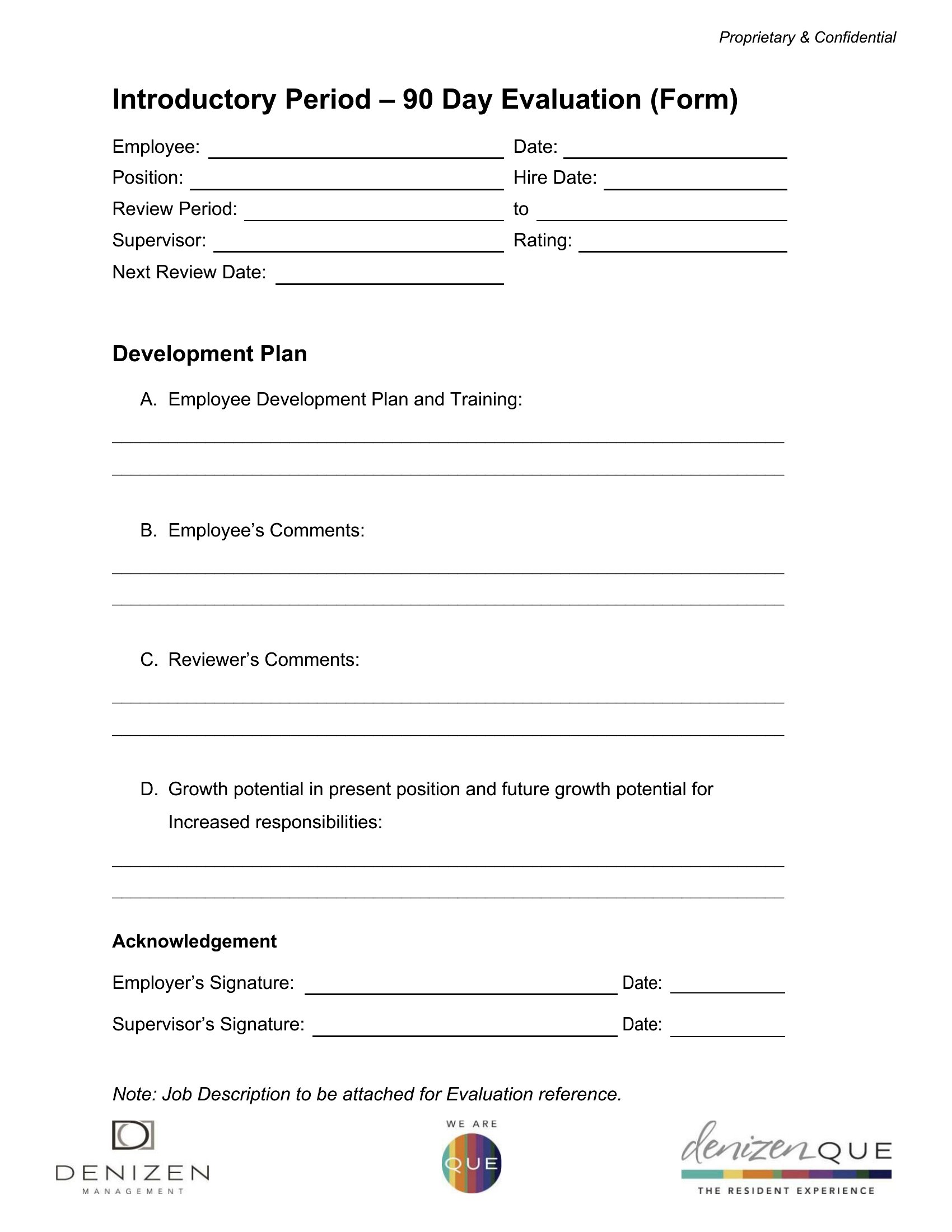
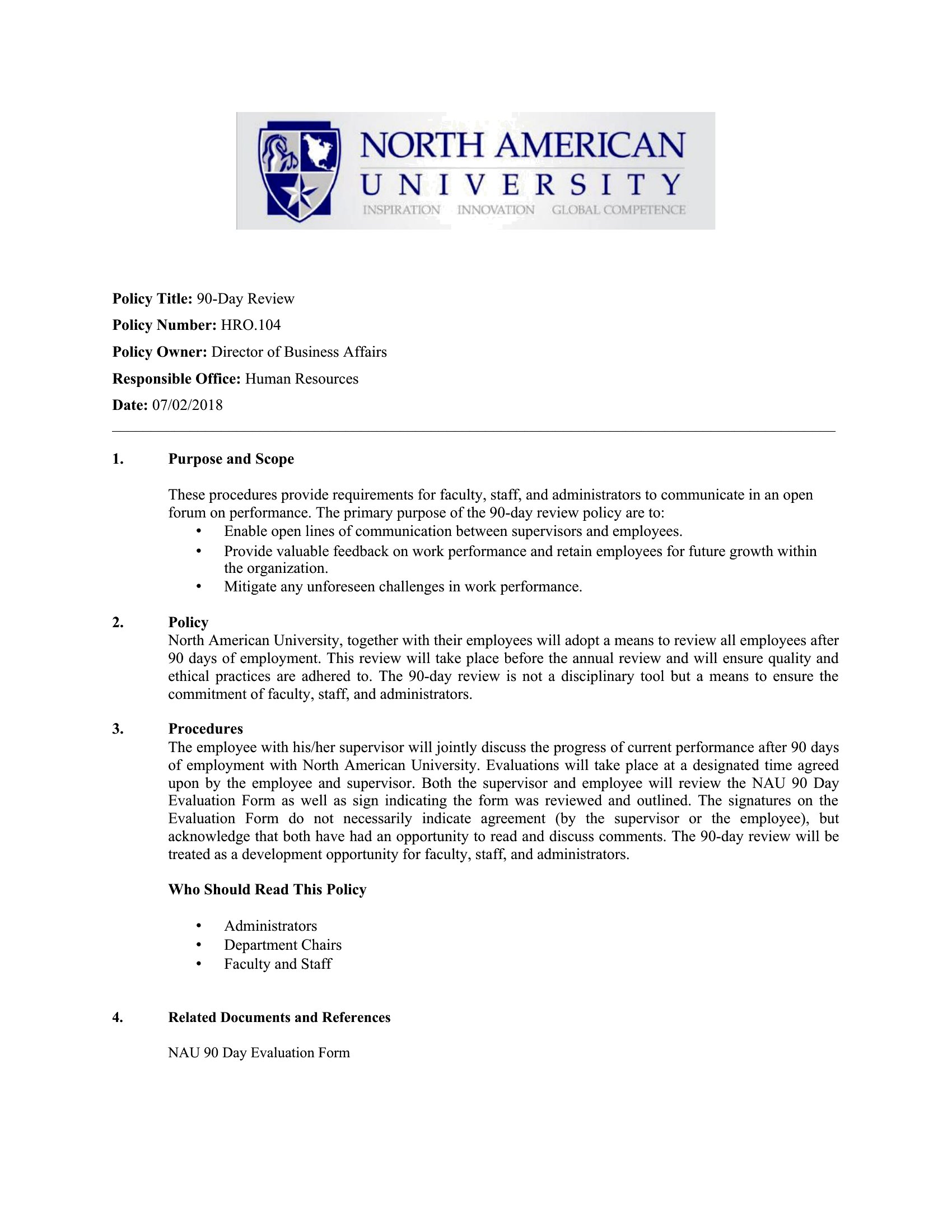
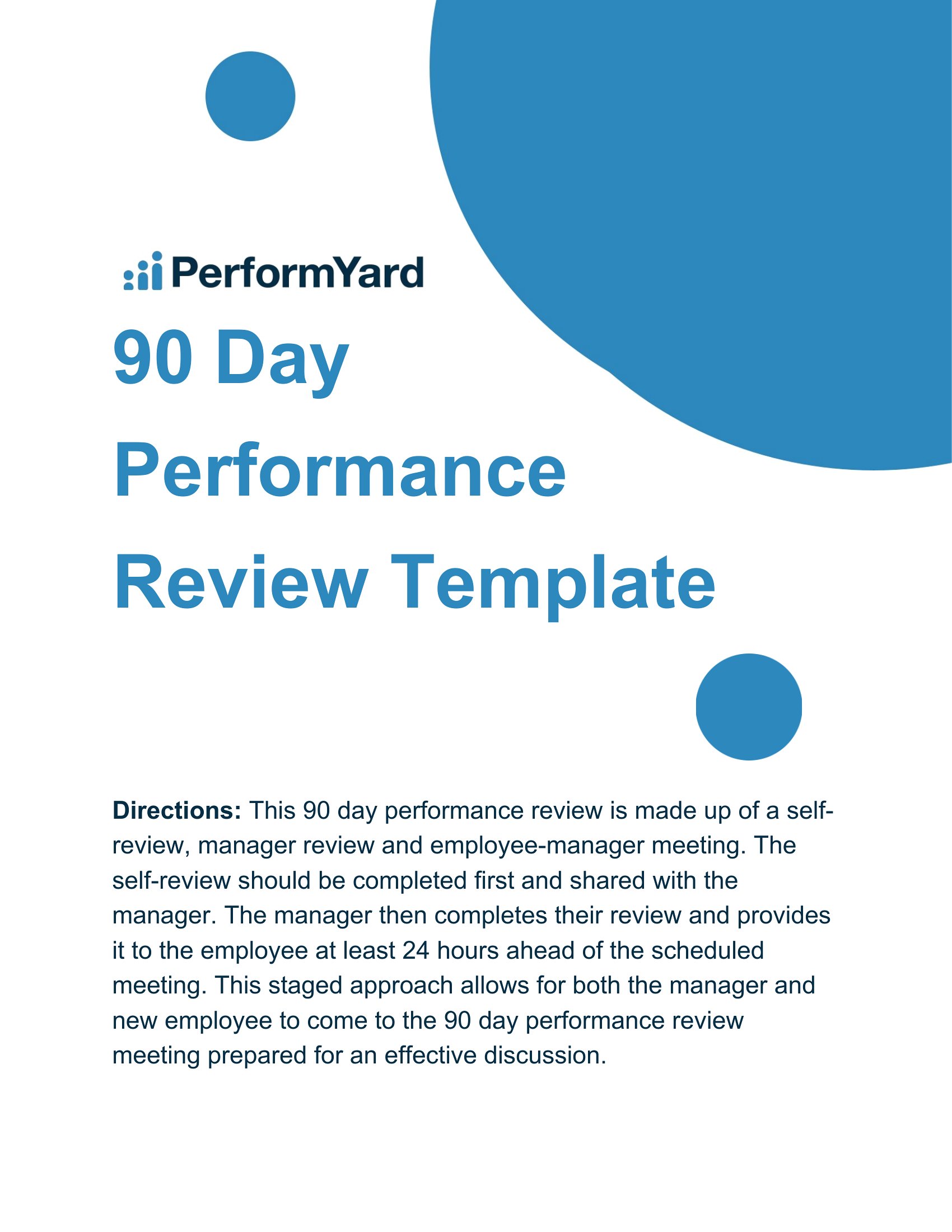
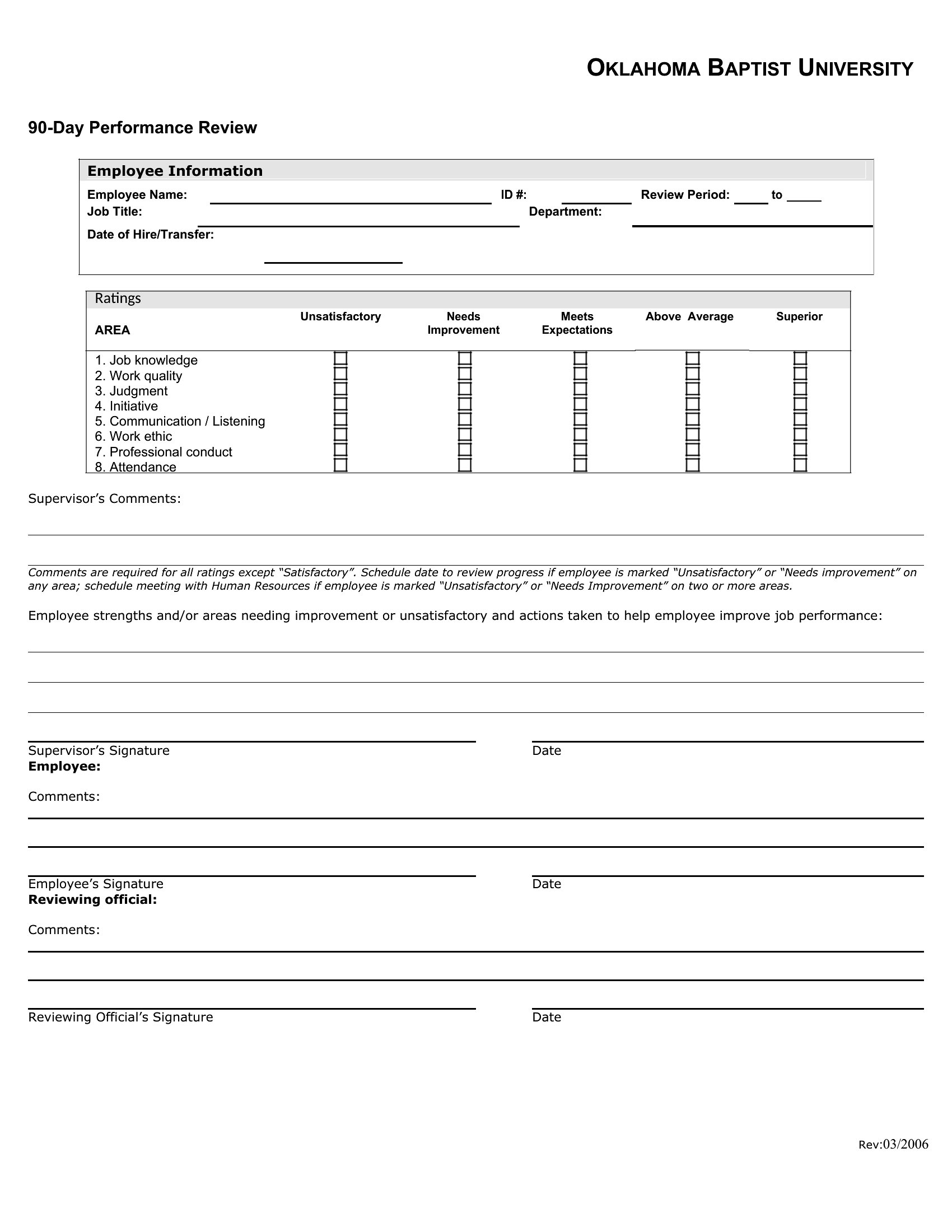
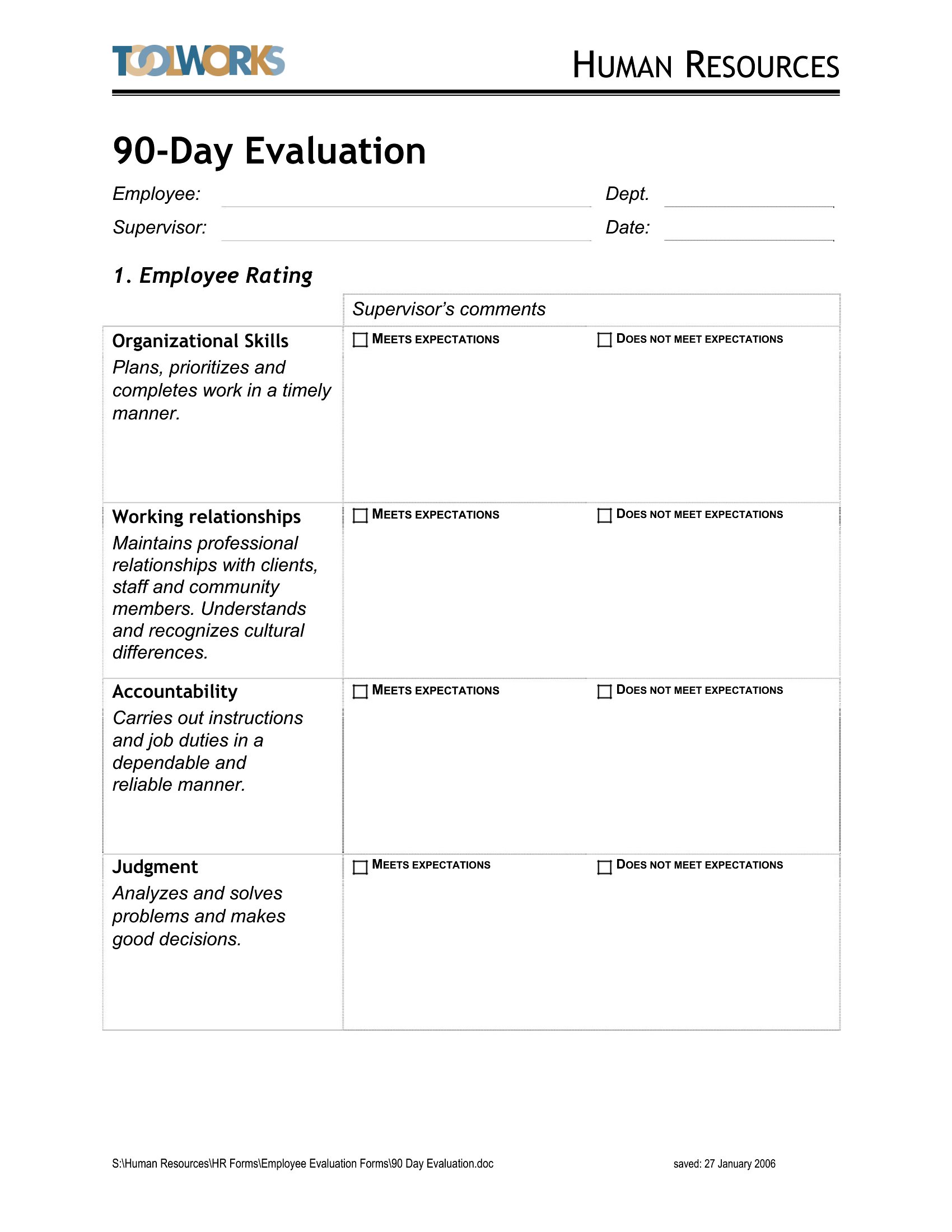
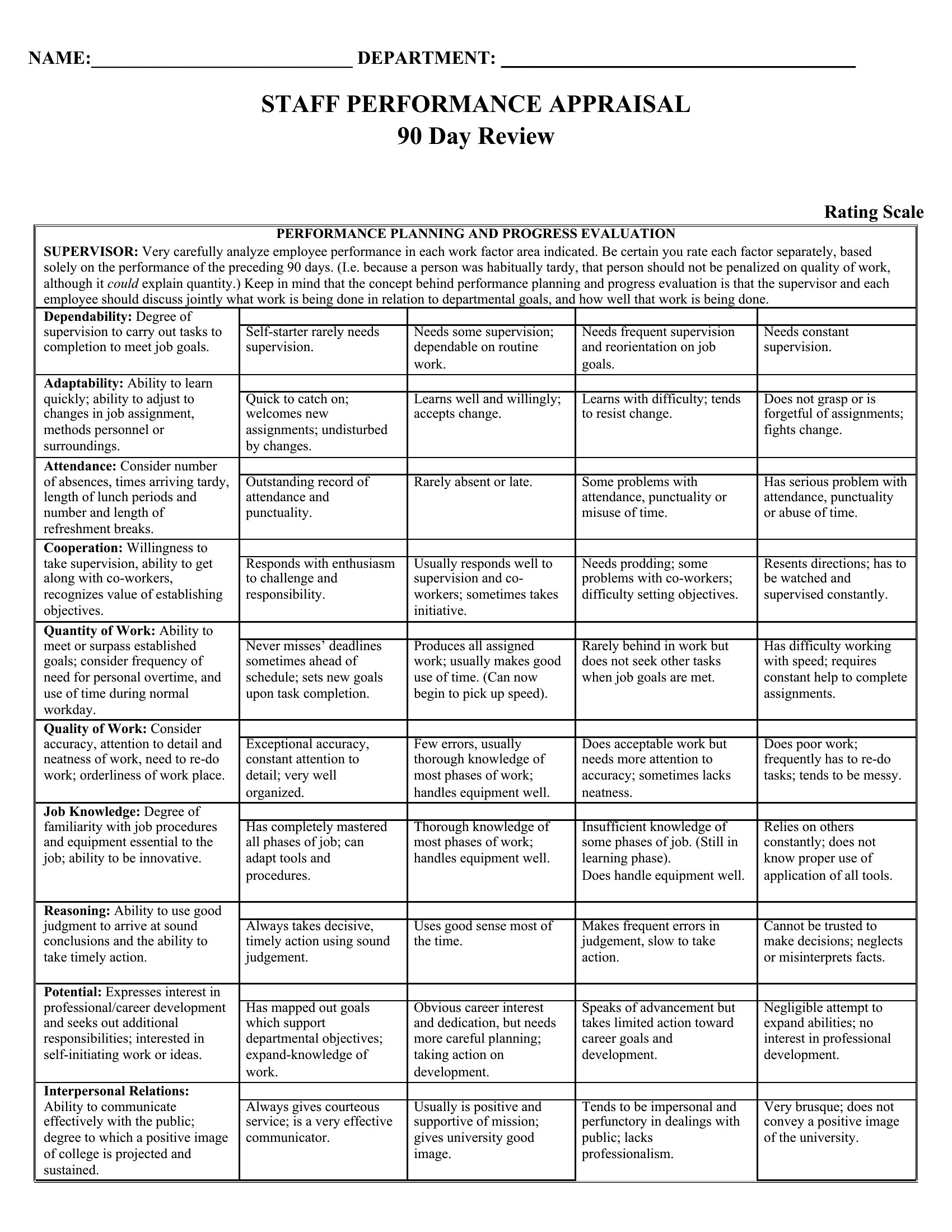
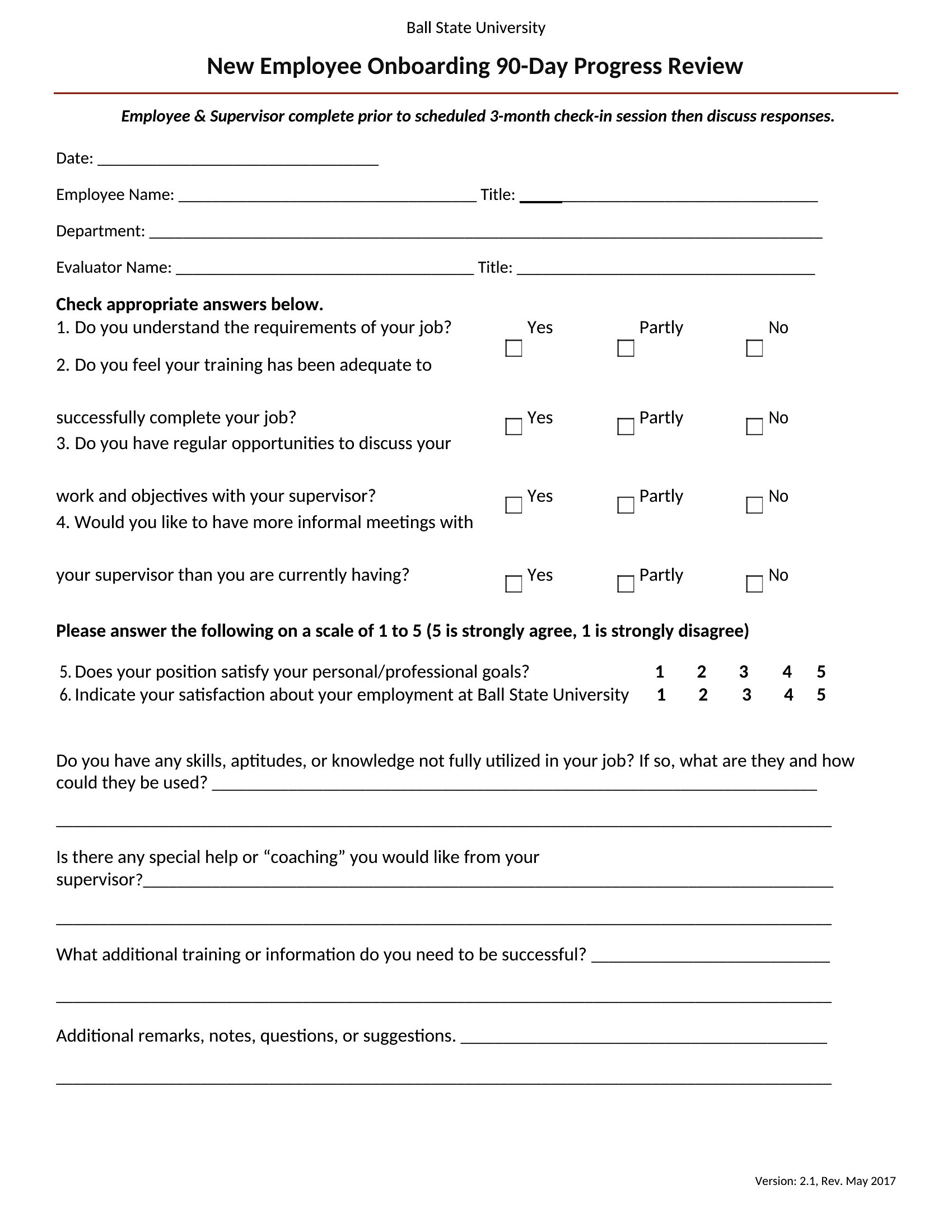
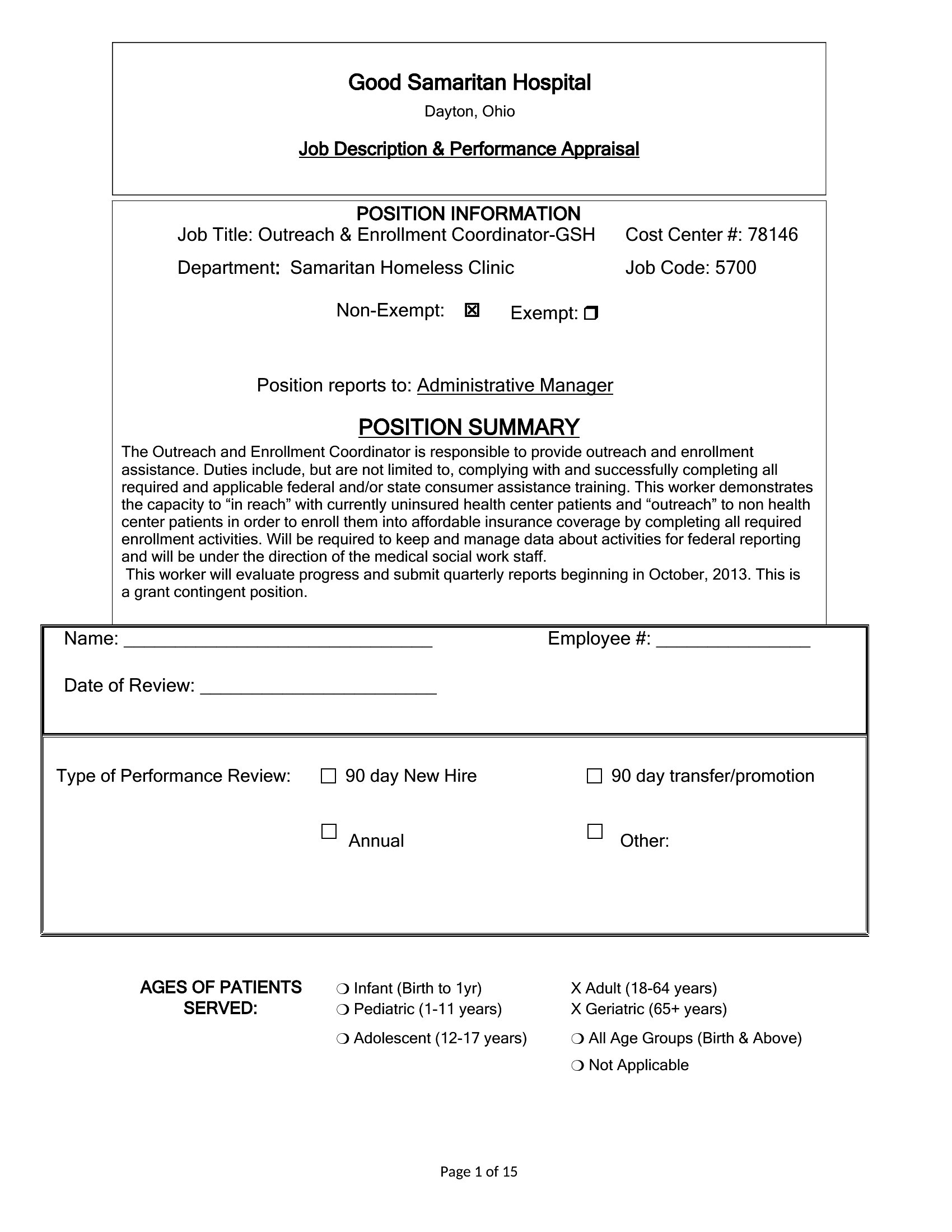
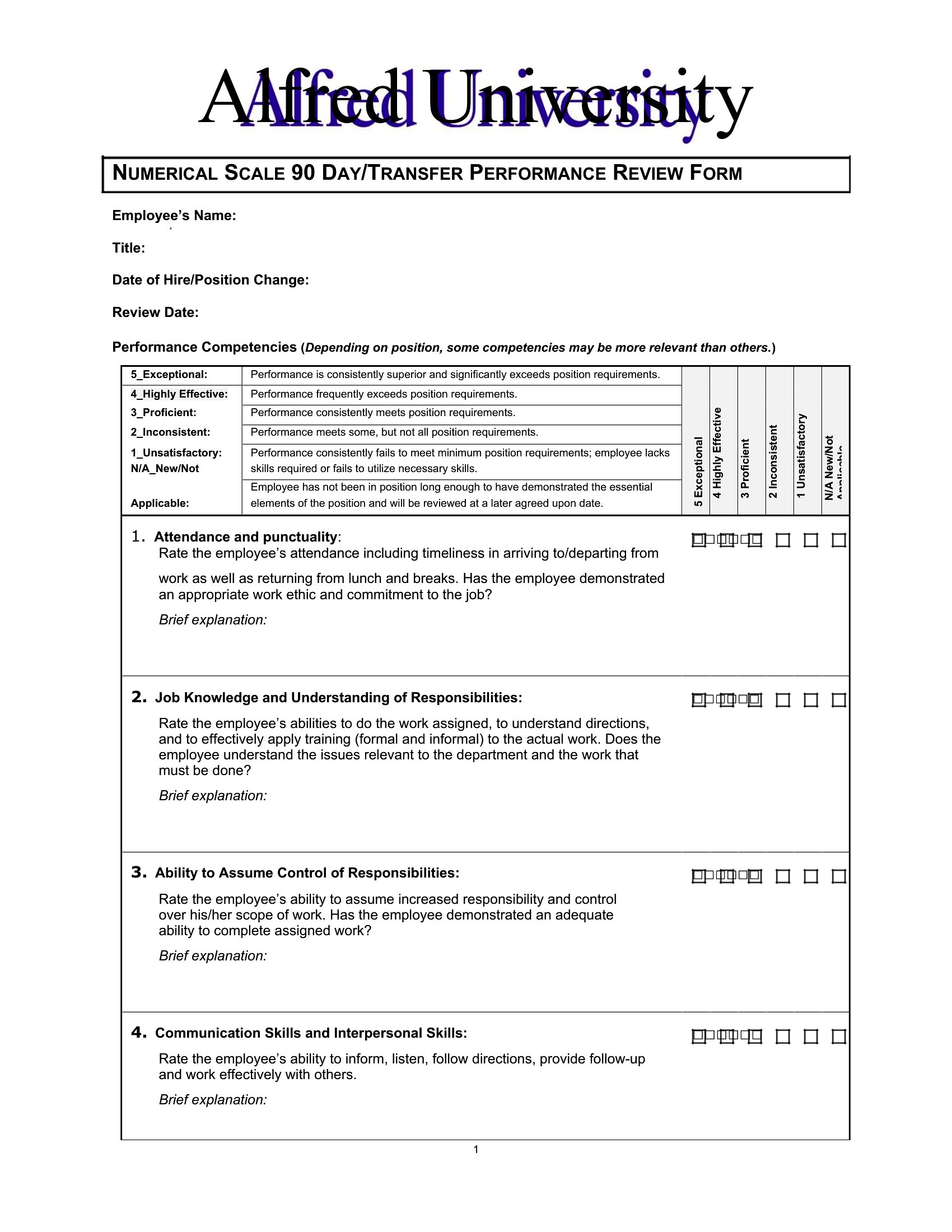
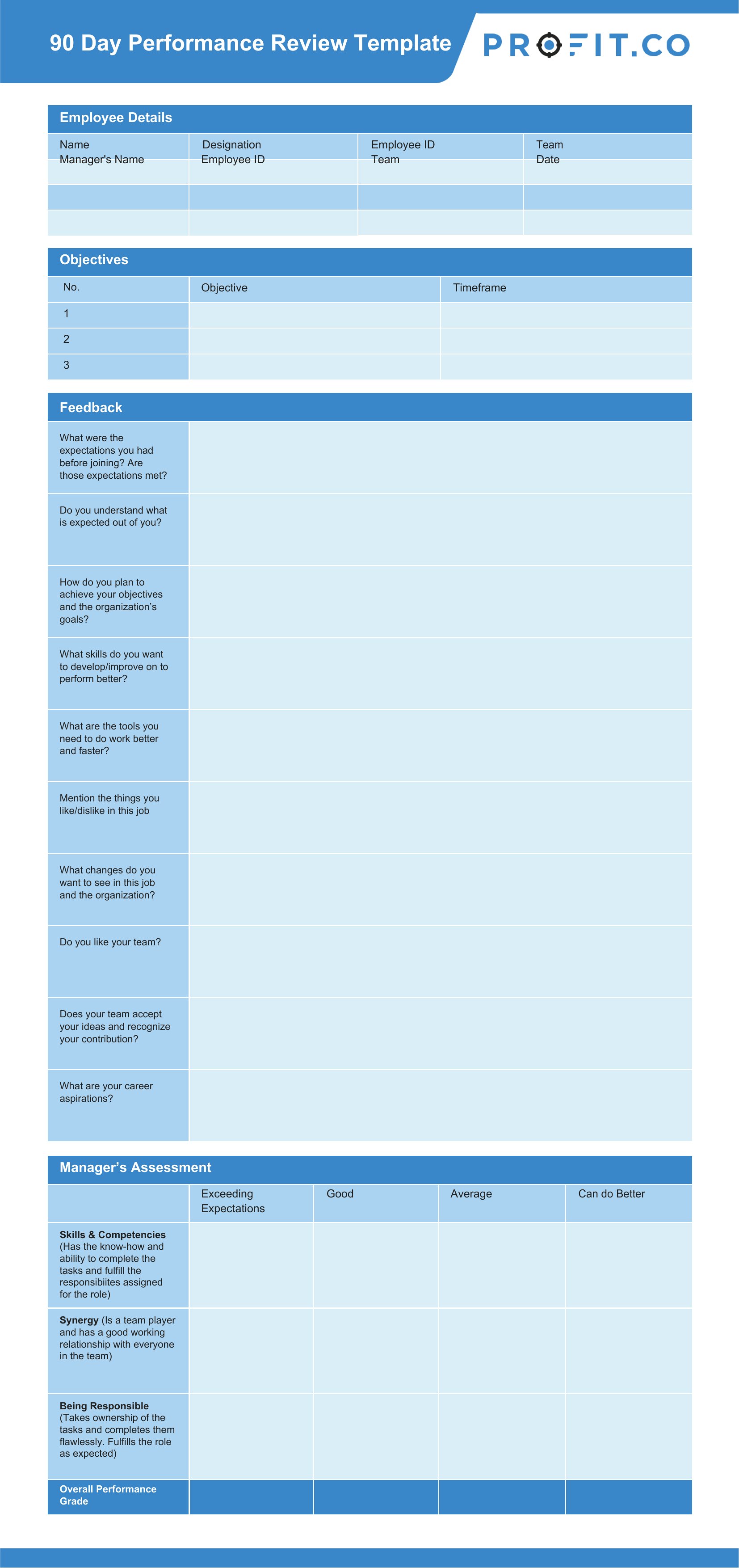
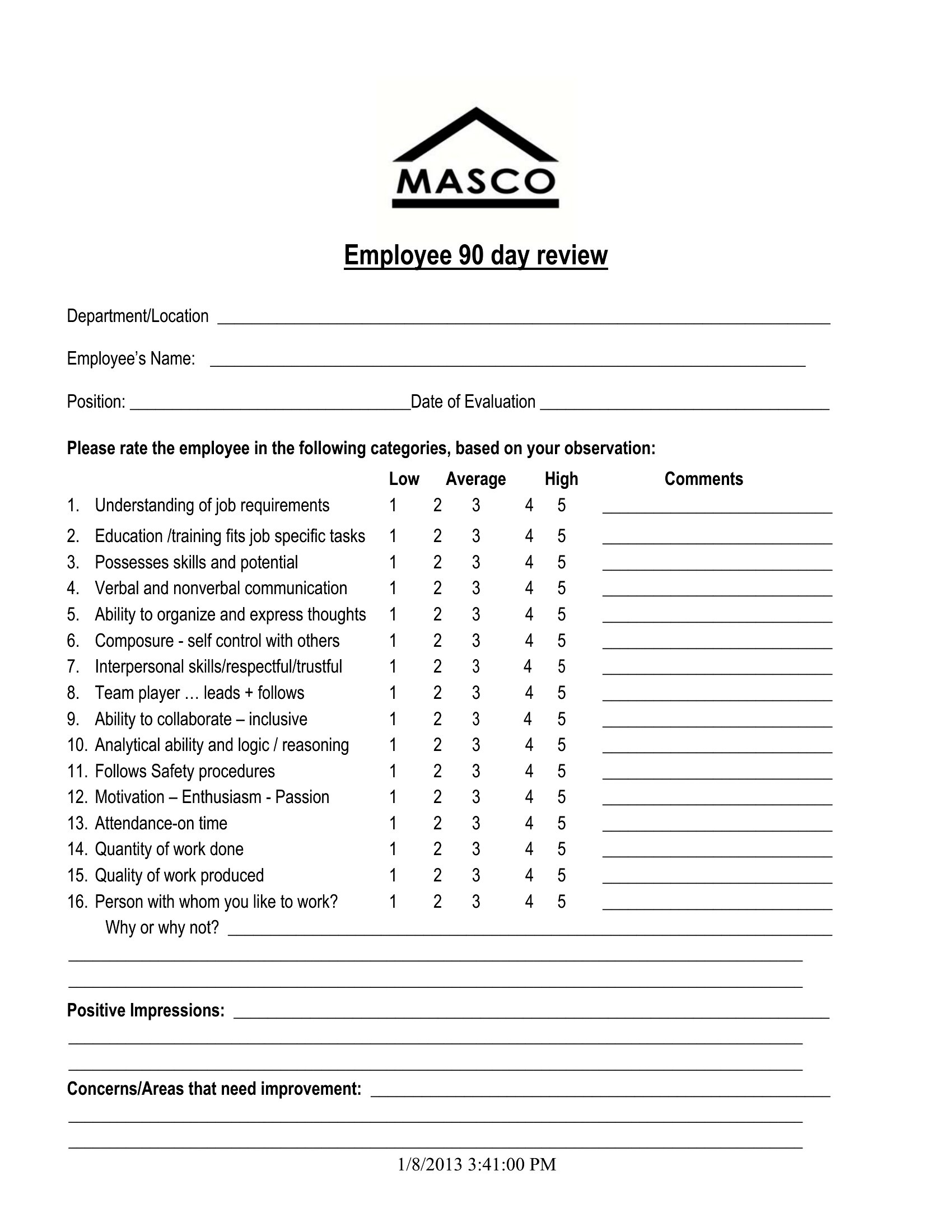
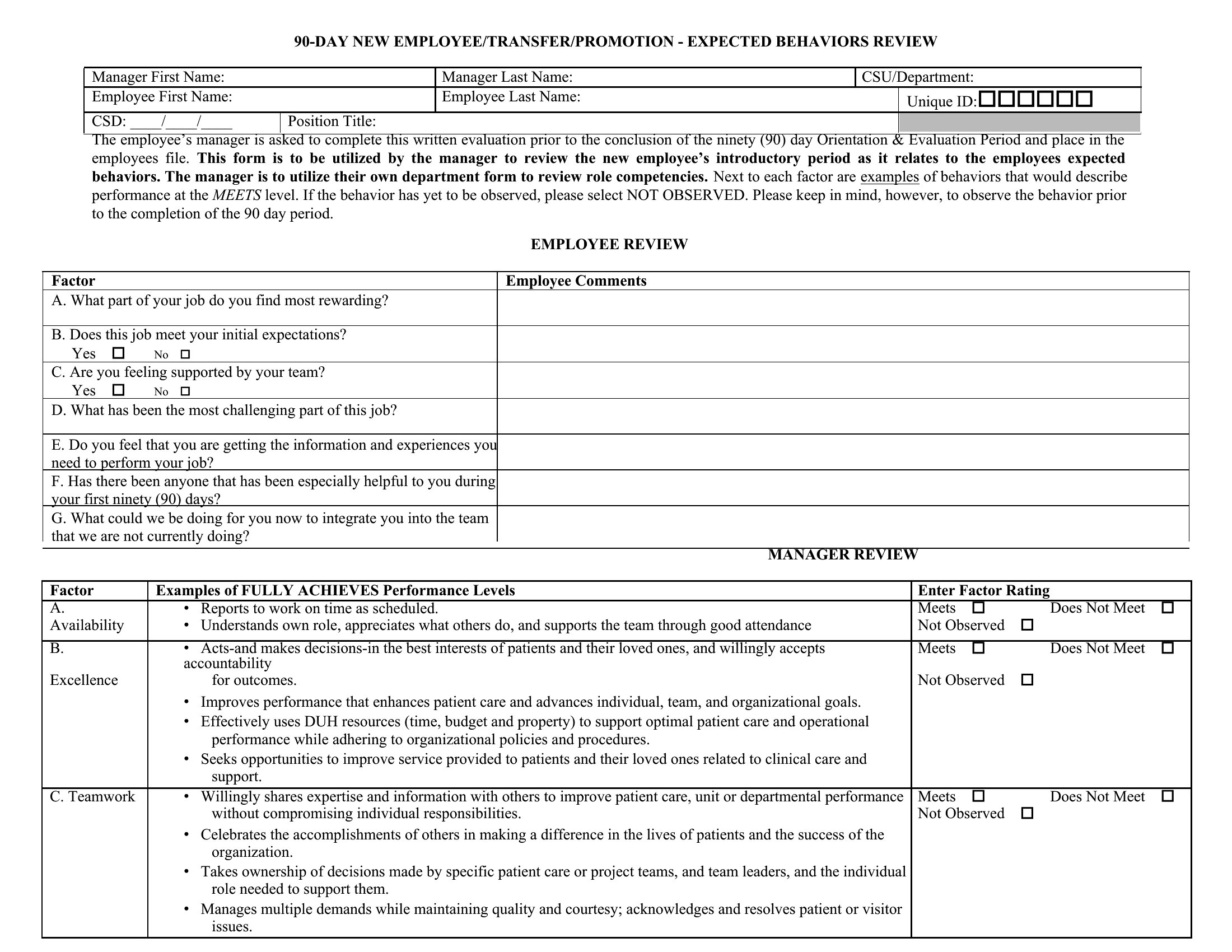
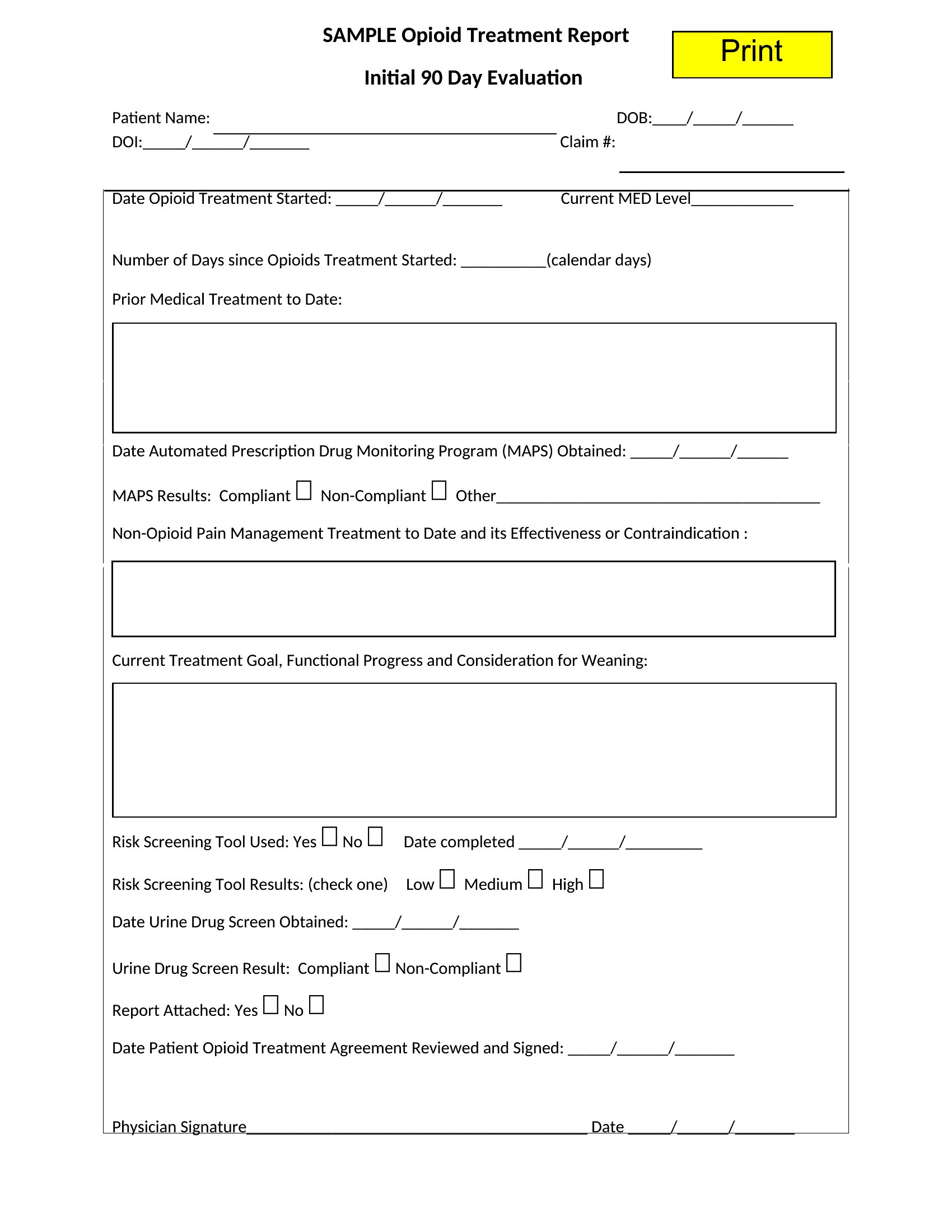
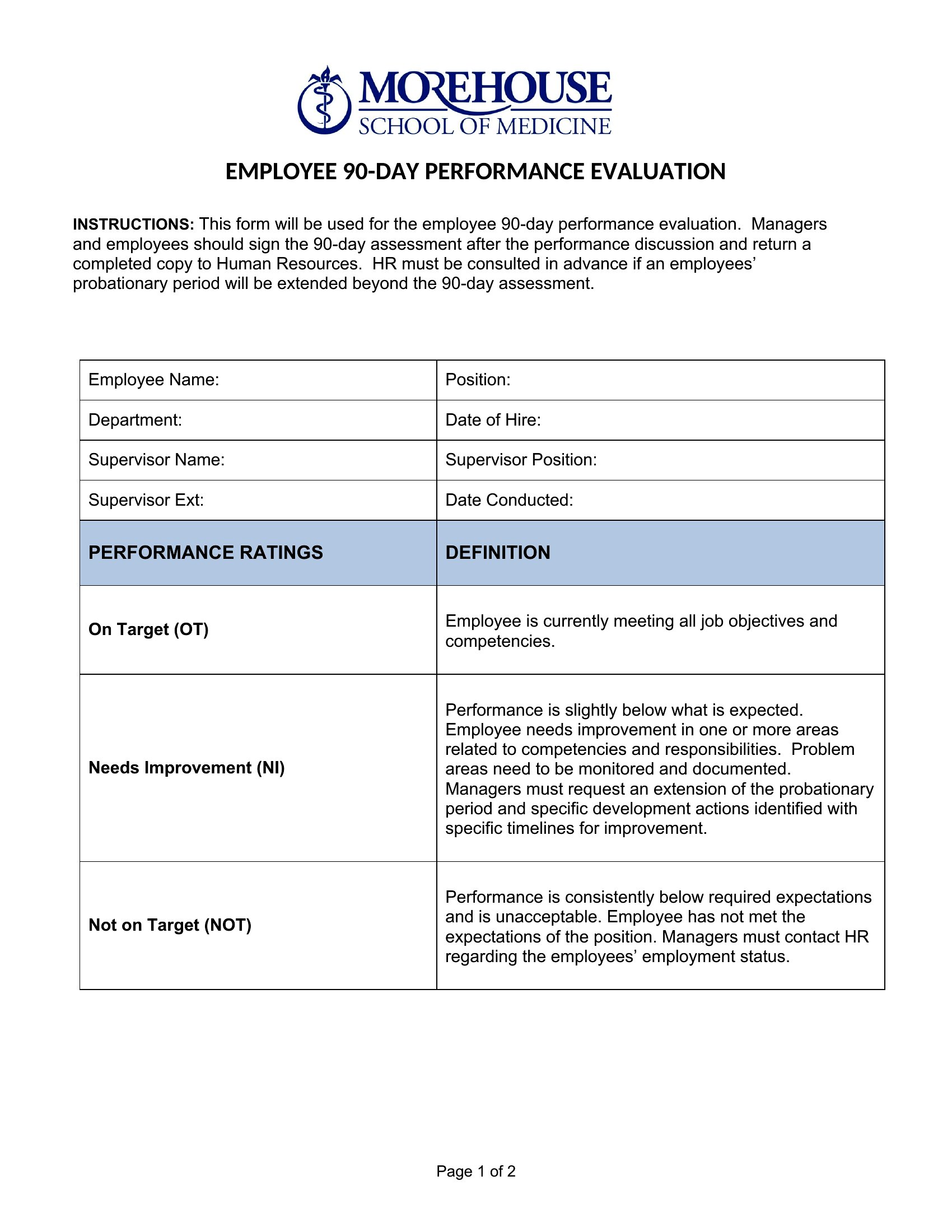
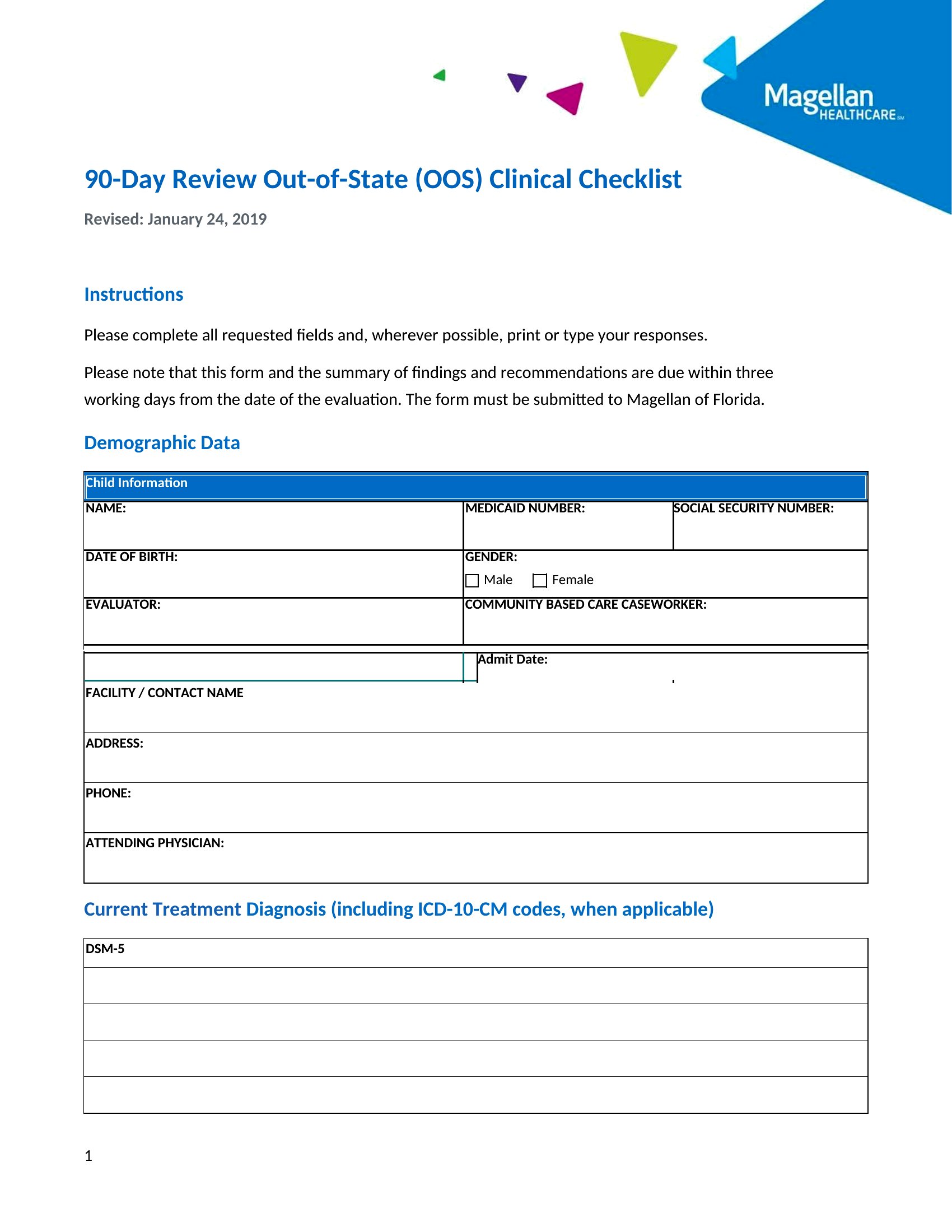
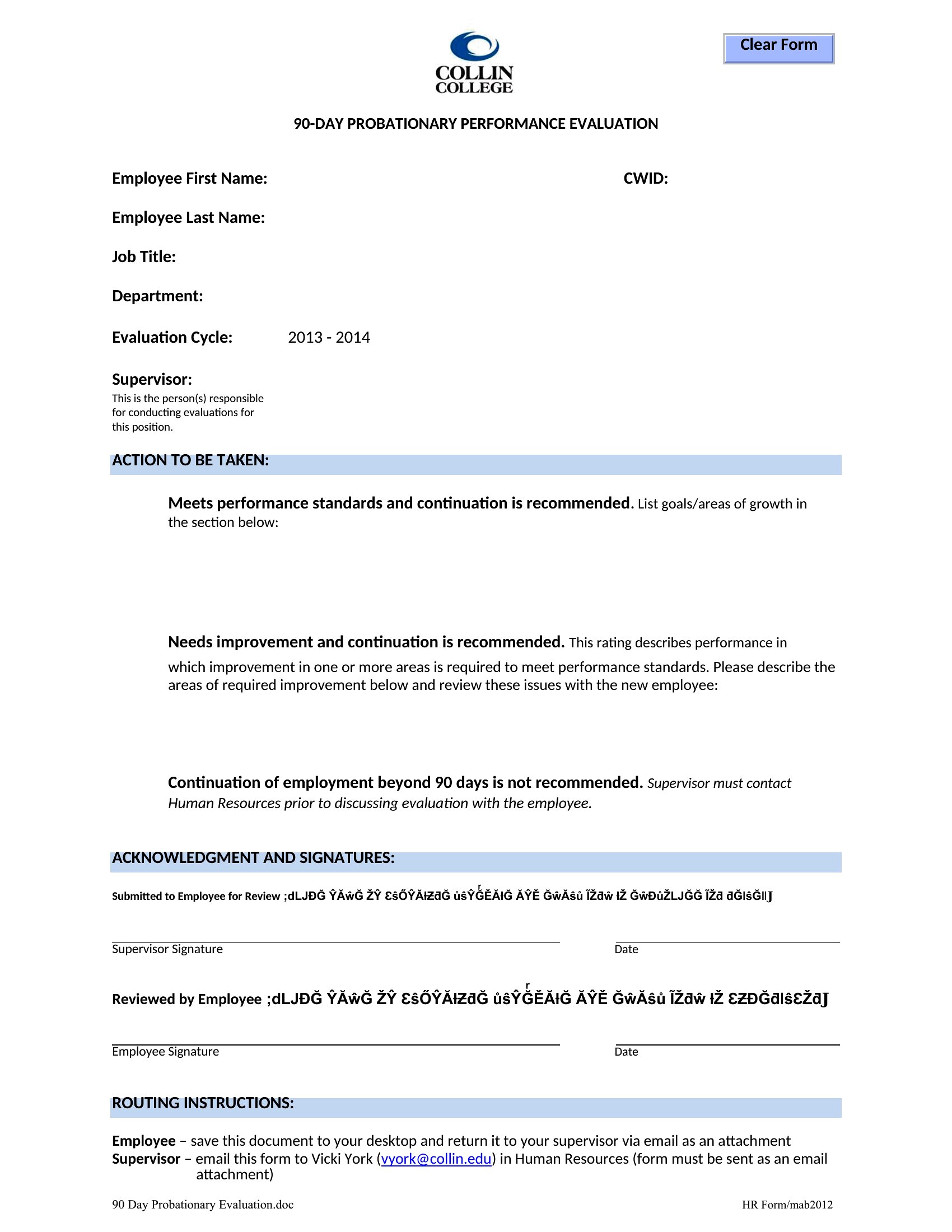
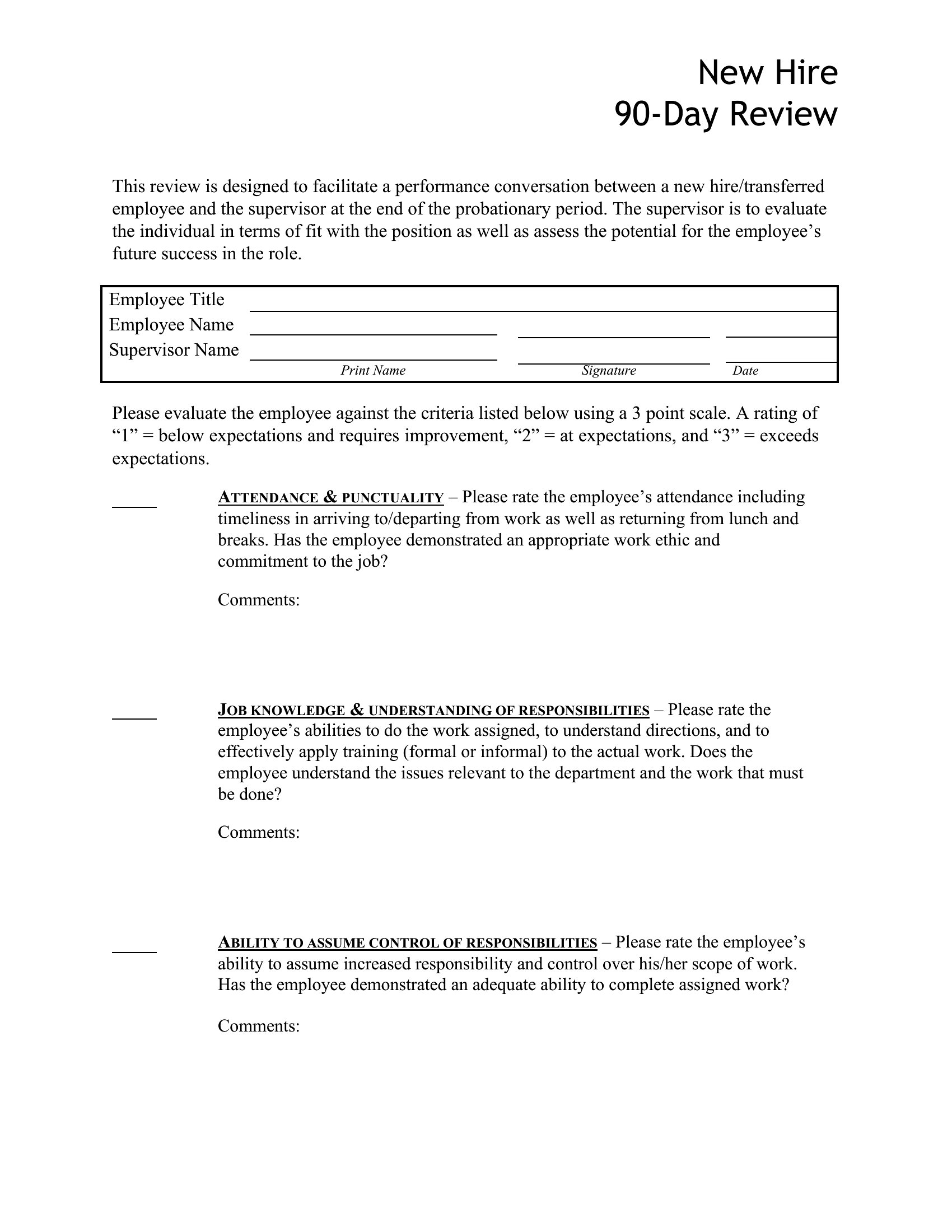
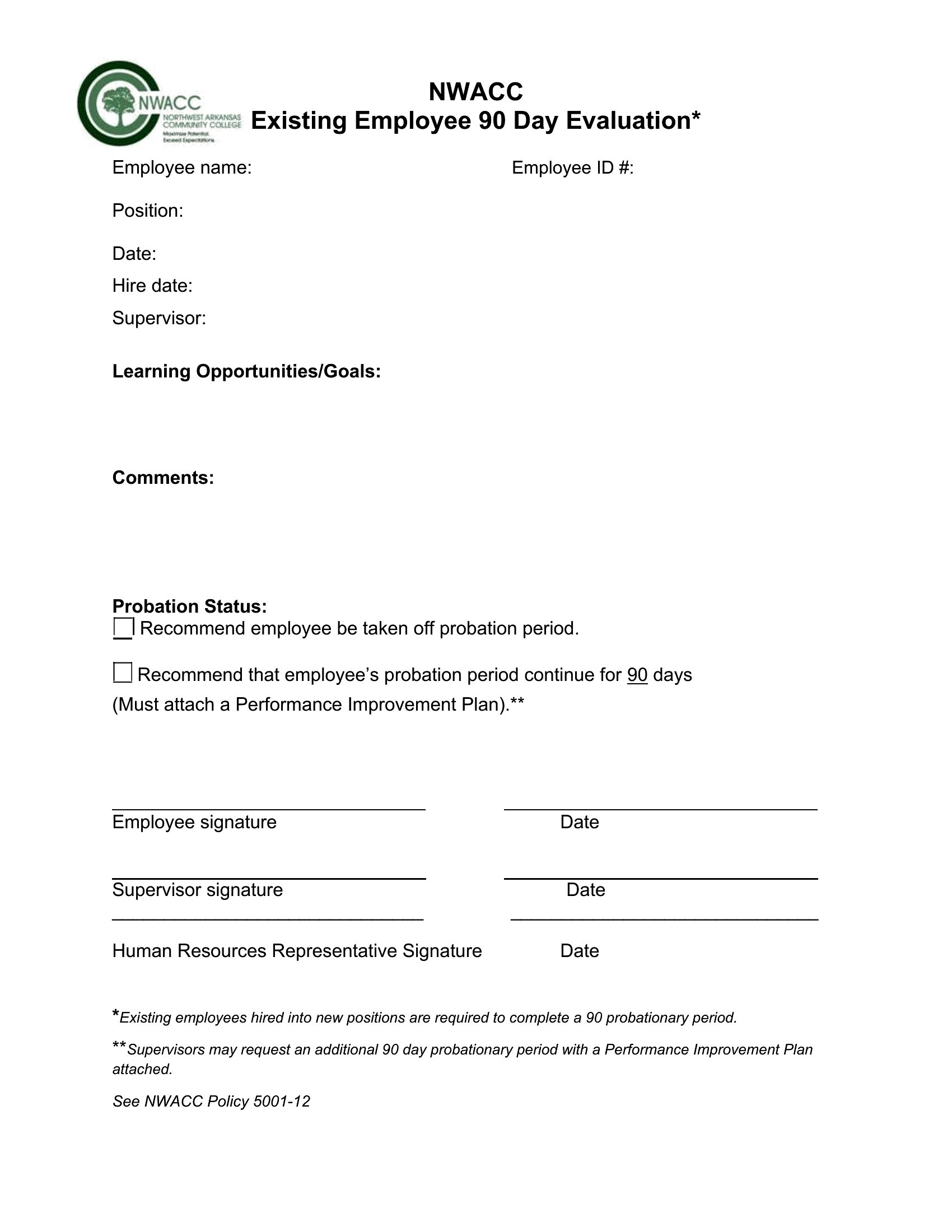
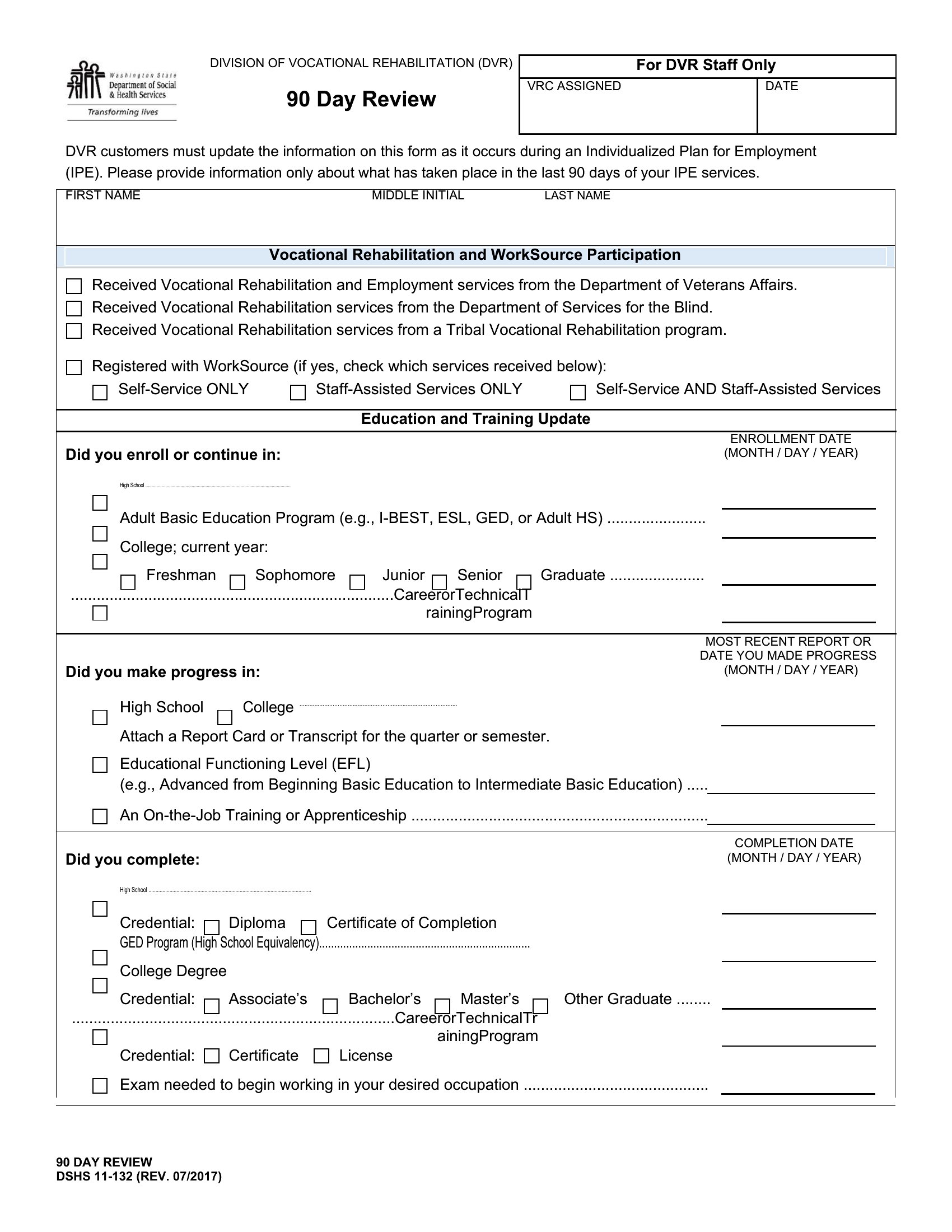
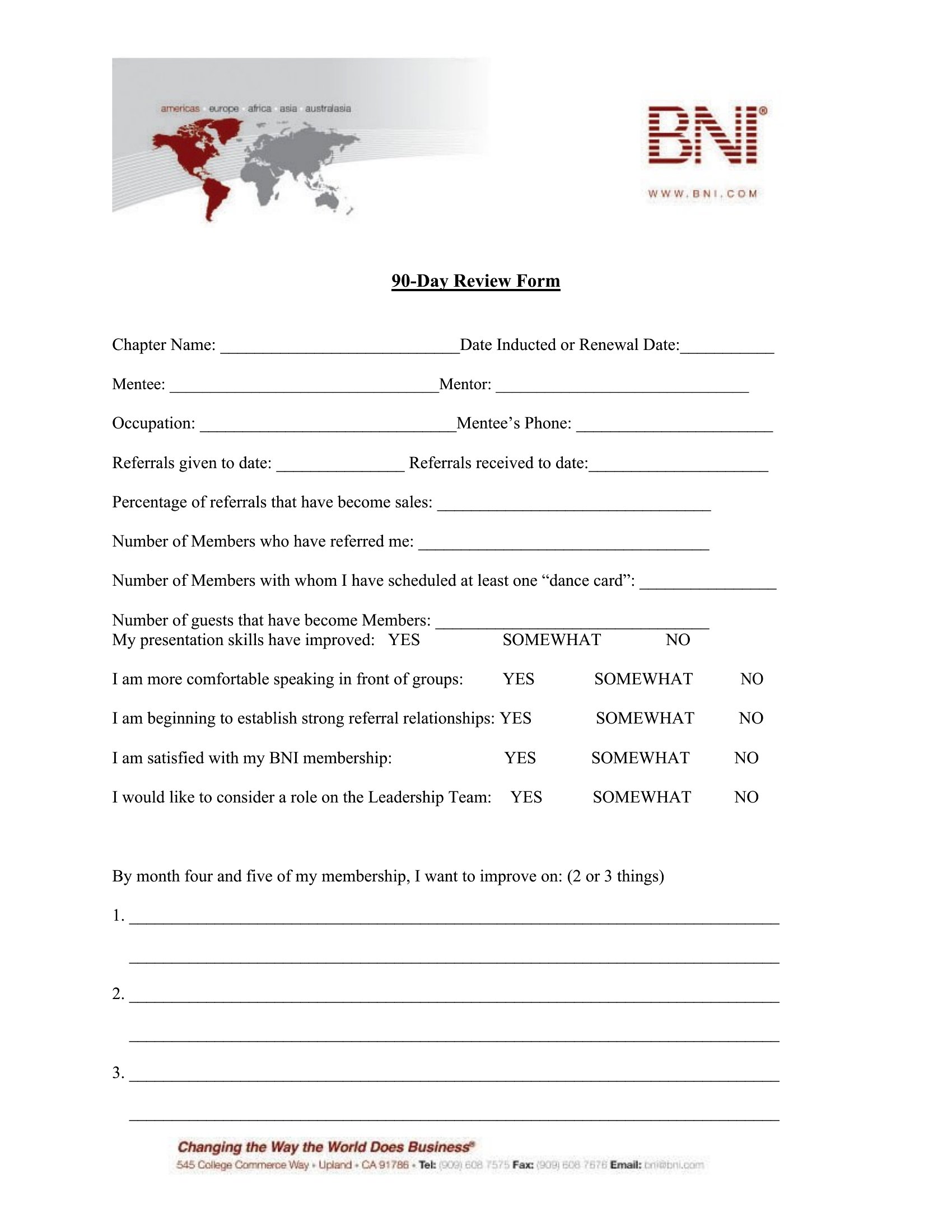
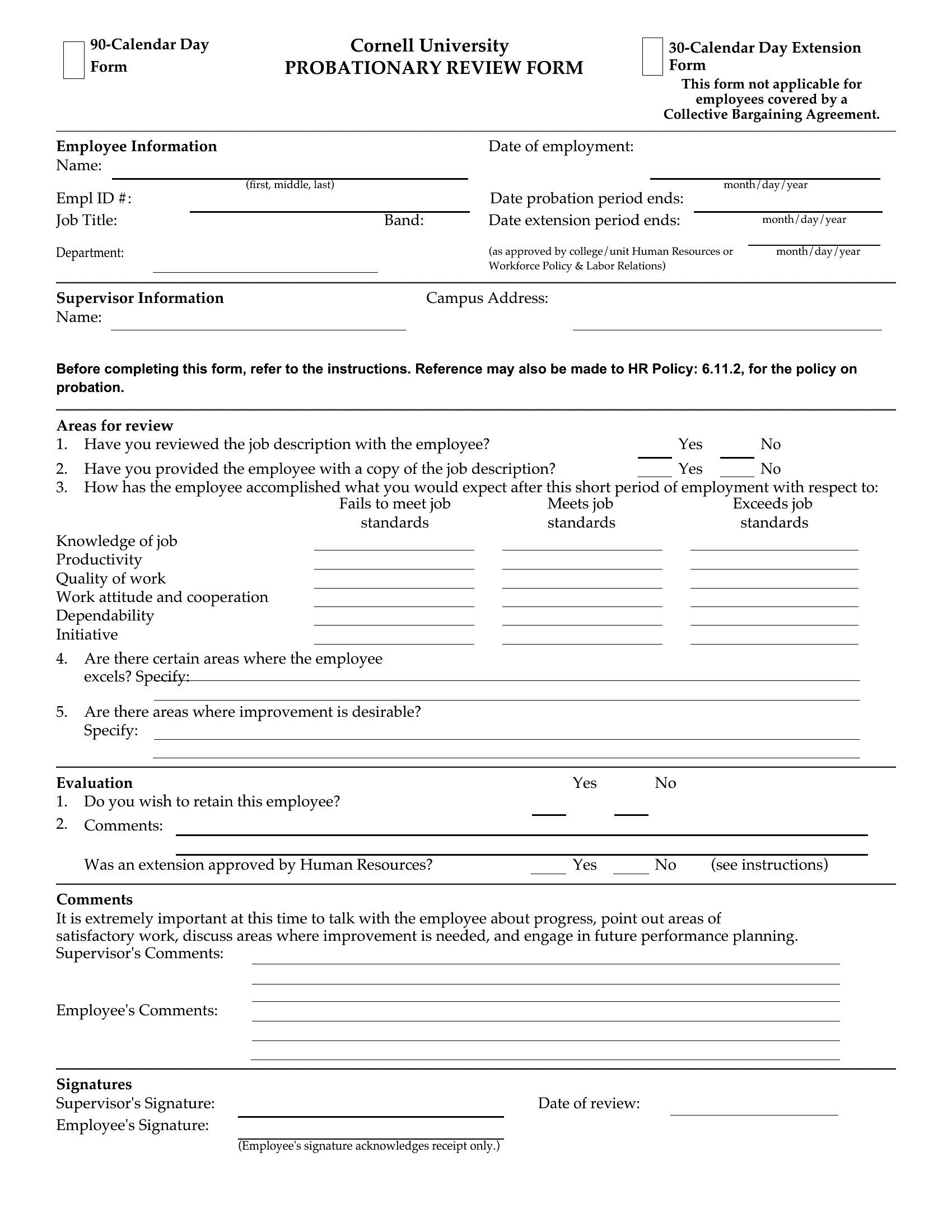
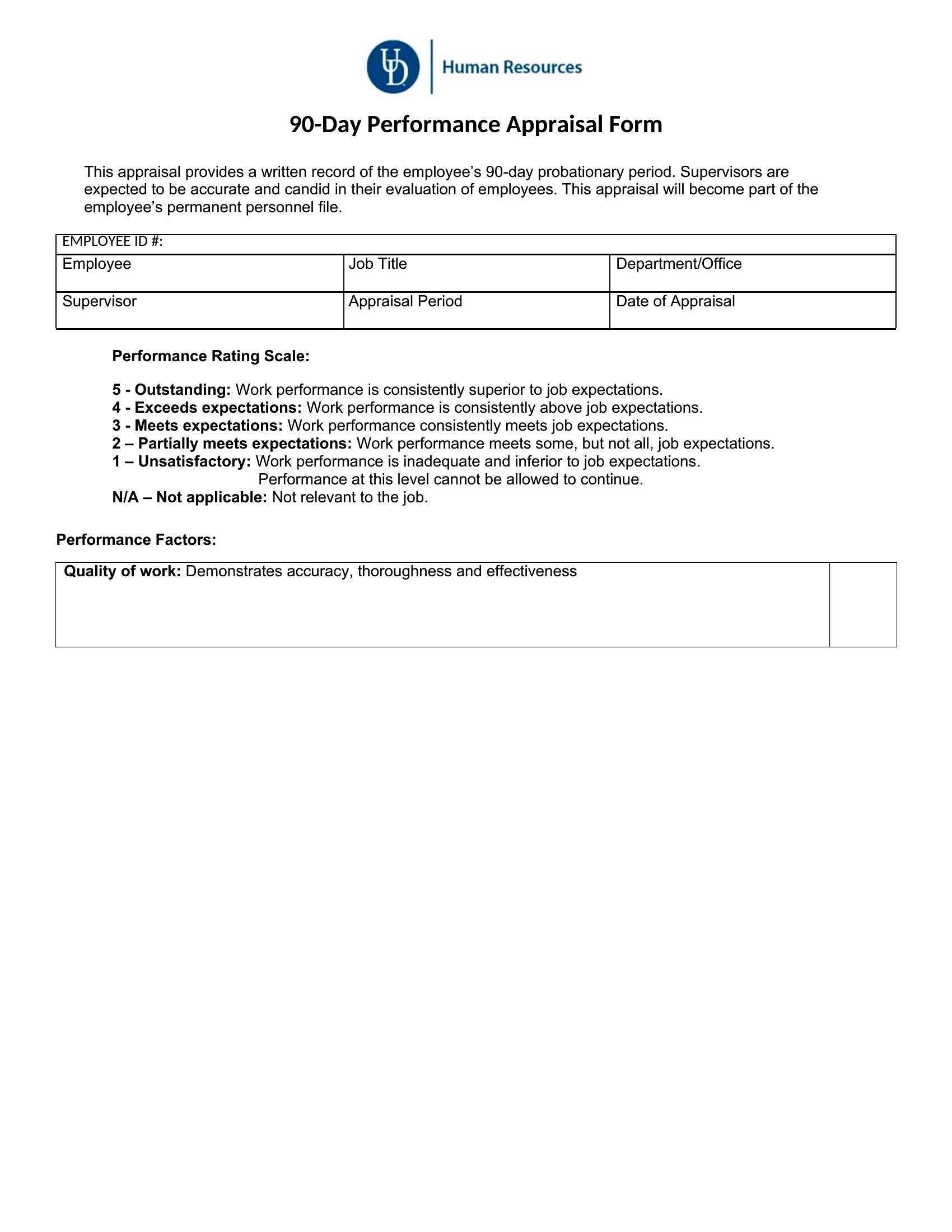
StatusThe first ninety days tell you a lot about a new hire, and a structured review turns gut feeling into a fair, documented assessment. These 40 templates give managers and HR teams a form to rate performance, note goals met, and plan next steps as a probationary period wraps up. Layouts range from quick checklists to detailed evaluations with rating scales and comment space.
Each template is editable in Microsoft Word, so you can adjust the criteria to the role and print a copy for the employee and the file. Walk through it together, set clear goals for the next quarter, and keep the conversation on record. Download the version that fits your team and give new hires honest, useful feedback right on time.
When to use this 90-Day Review template
- A hiring manager needs to document a new sales associate’s performance after 90 days—tracking KPIs like client meetings and revenue contributions—before deciding whether to extend their probation.
- HR teams reviewing interns must assess skills gained, feedback from supervisors, and cultural fit to justify either conversion to full-time or parting ways professionally.
- Small business owners evaluating a mid-level hire’s adaptability use a balanced review to compare their contributions against initial expectations and industry benchmarks.
- Department heads at nonprofits structure 90-day reviews for grant writers by aligning early deliverables (e.g., draft proposals) with long-term funding goals and stakeholder feedback.
Which format should I download?
All templates are in Word format, which is ideal because it’s universally compatible and allows for easy customization of sections like rating scales or open-ended feedback fields. Choose Word for its flexibility—whether you need to add your company’s branding, adjust scoring thresholds, or merge review sections with performance plans. The editable structure lets you tailor assessments to specific roles without losing the original framework. For example, a retail trainer might expand the ‘teamwork’ section to include mentorship metrics, while a tech lead could add a ‘code review’ evaluation column.
Choose from 40 90-Day Review Templates
How to use this 90-Day Review template
How can I make sure the 90-day review covers both strengths and areas for growth without sounding overly critical?
Use a balanced template with separate columns for accomplishments (e.g., ‘Goals Met’) and development areas (e.g., ‘Opportunities for Improvement’). Frame feedback constructively by pairing specific examples with actionable next steps, like linking a missed deadline to training resources. Avoid vague language—compare performance to measurable expectations (e.g., ‘Client satisfaction scores were 20% below target’). The Word templates include space for both positive reinforcement and growth plans to keep the tone collaborative.
What’s the best way to document feedback from peers or direct reports during a 90-day review?
Add a ‘360-Degree Feedback’ section to the template with prompts for colleagues or team members to share observations on collaboration, communication, or initiative. Keep it concise—limit to 2–3 bullet points per reviewer—and include a space for the employee’s reflection on the feedback. For new hires, this adds context beyond managerial observations. In Word, you can insert a table to organize feedback by category (e.g., ‘Teamwork,’ ‘Technical Skills’) for clarity.
Should I include salary adjustments or promotions in the 90-day review template, or keep that discussion separate?
The review itself should focus on performance metrics and developmental next steps, not compensation. Use a separate ‘Recommendations’ or ‘Next Steps’ section to note whether the employee is on track for raises or promotions based on predefined criteria (e.g., ‘Exceeds expectations in X area; eligible for review in Q3’). This keeps the evaluation objective while allowing for future discussions about rewards. The templates provide space for notes like ‘Strong candidate for Level 2 after 6 months’ without mixing assessments with financial decisions.
Comments
Join the conversation
Sign in to share your thoughts and leave a comment on this resource.