
FAQ
How should we structure training milestones for roles that require certification (e.g., food safety, security clearances)?
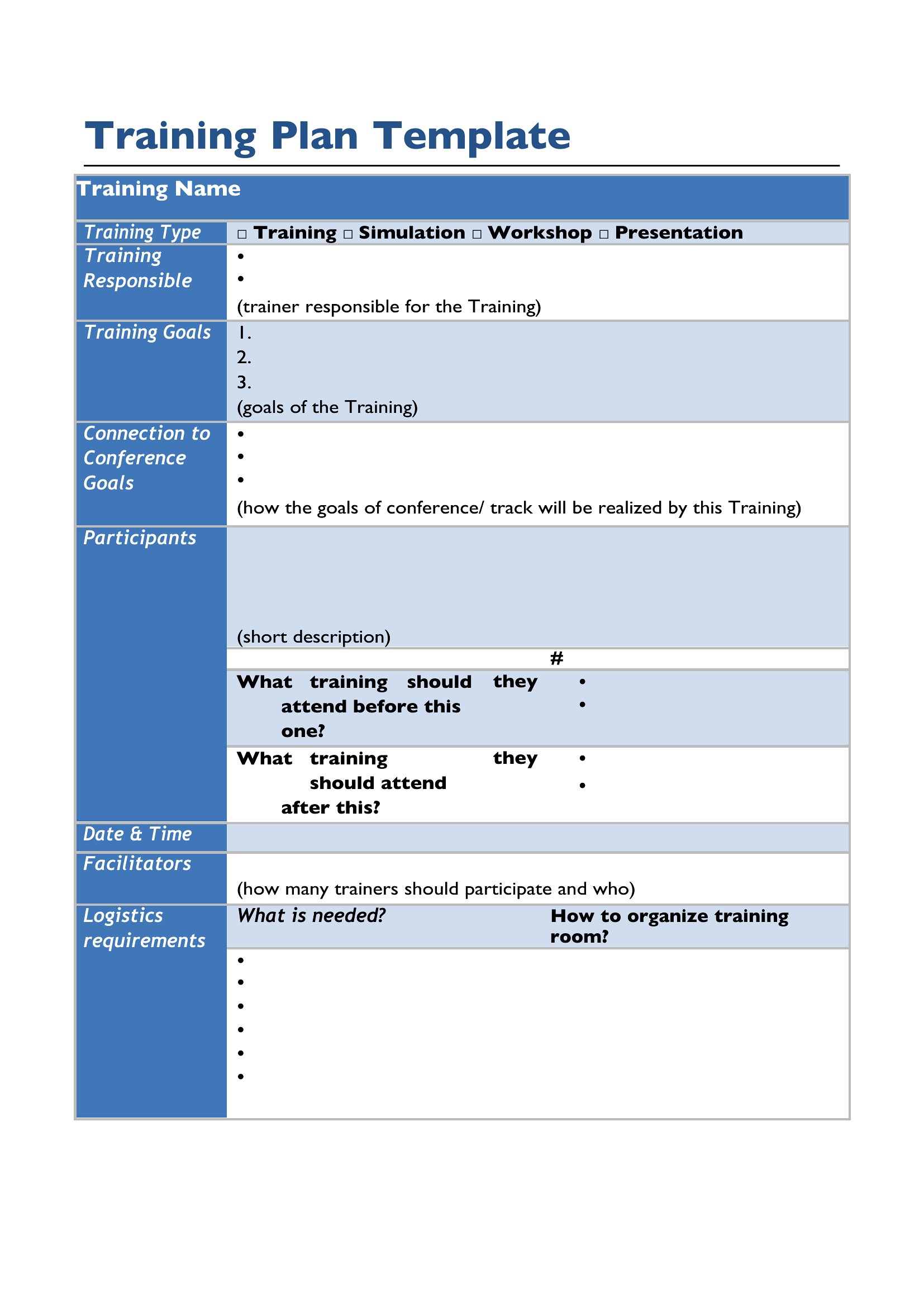
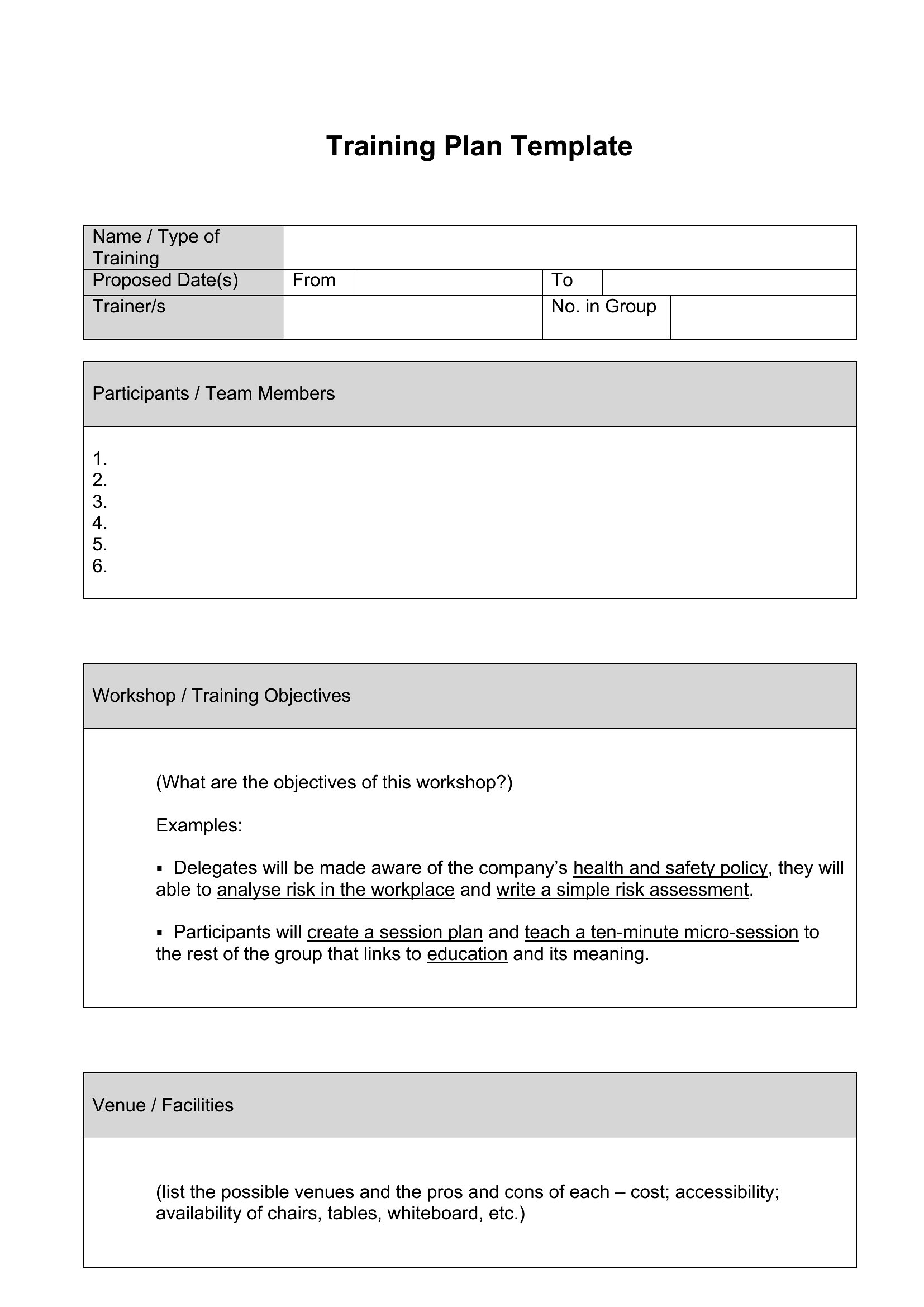
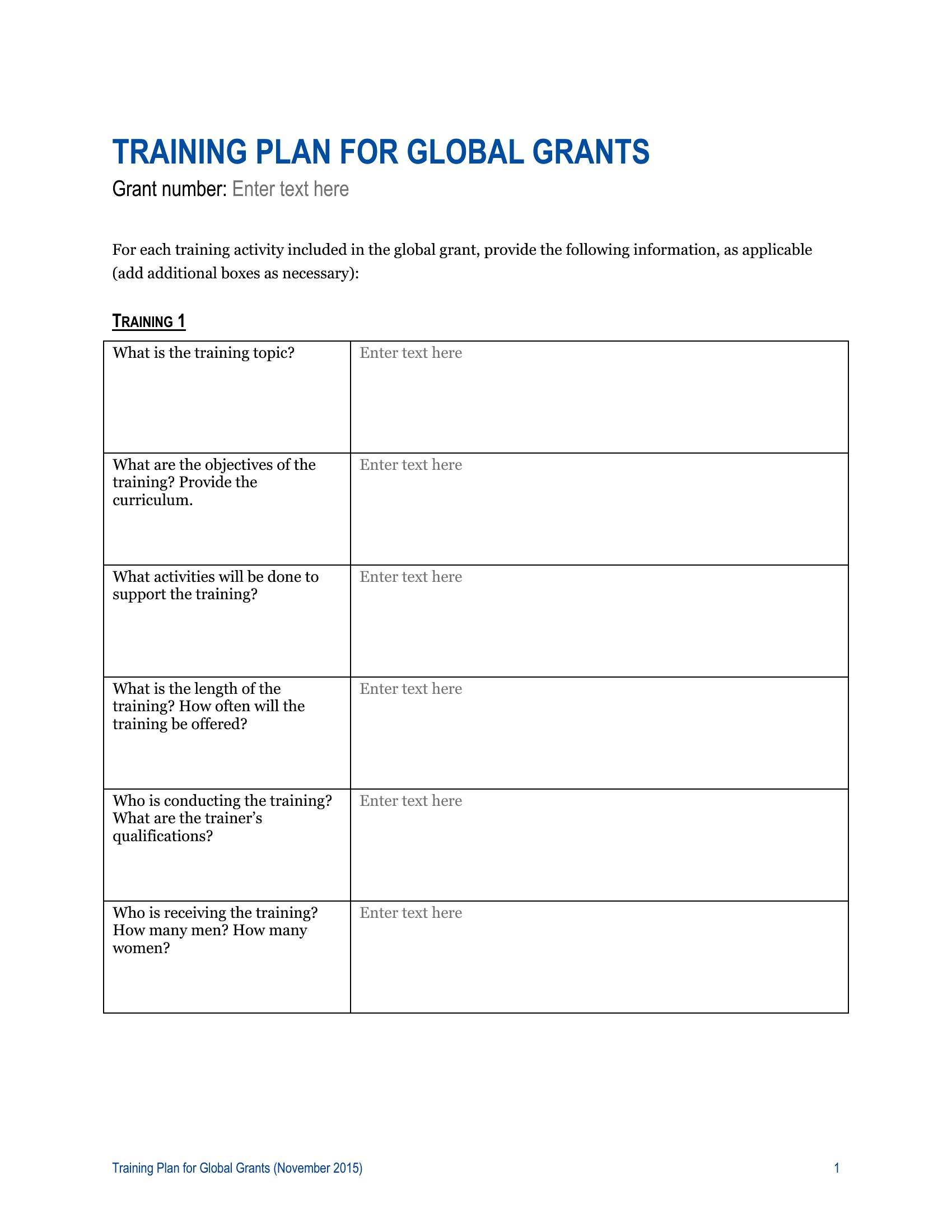
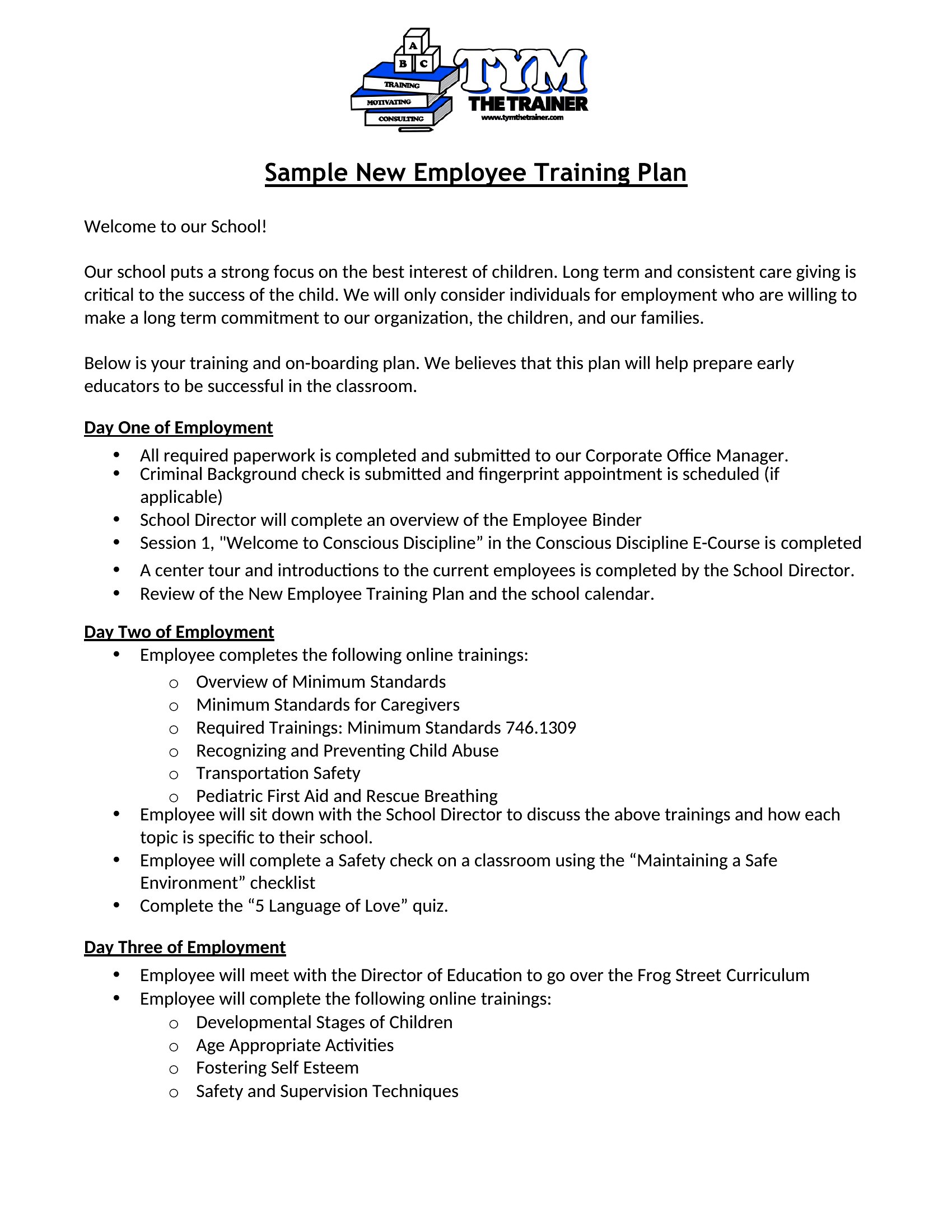
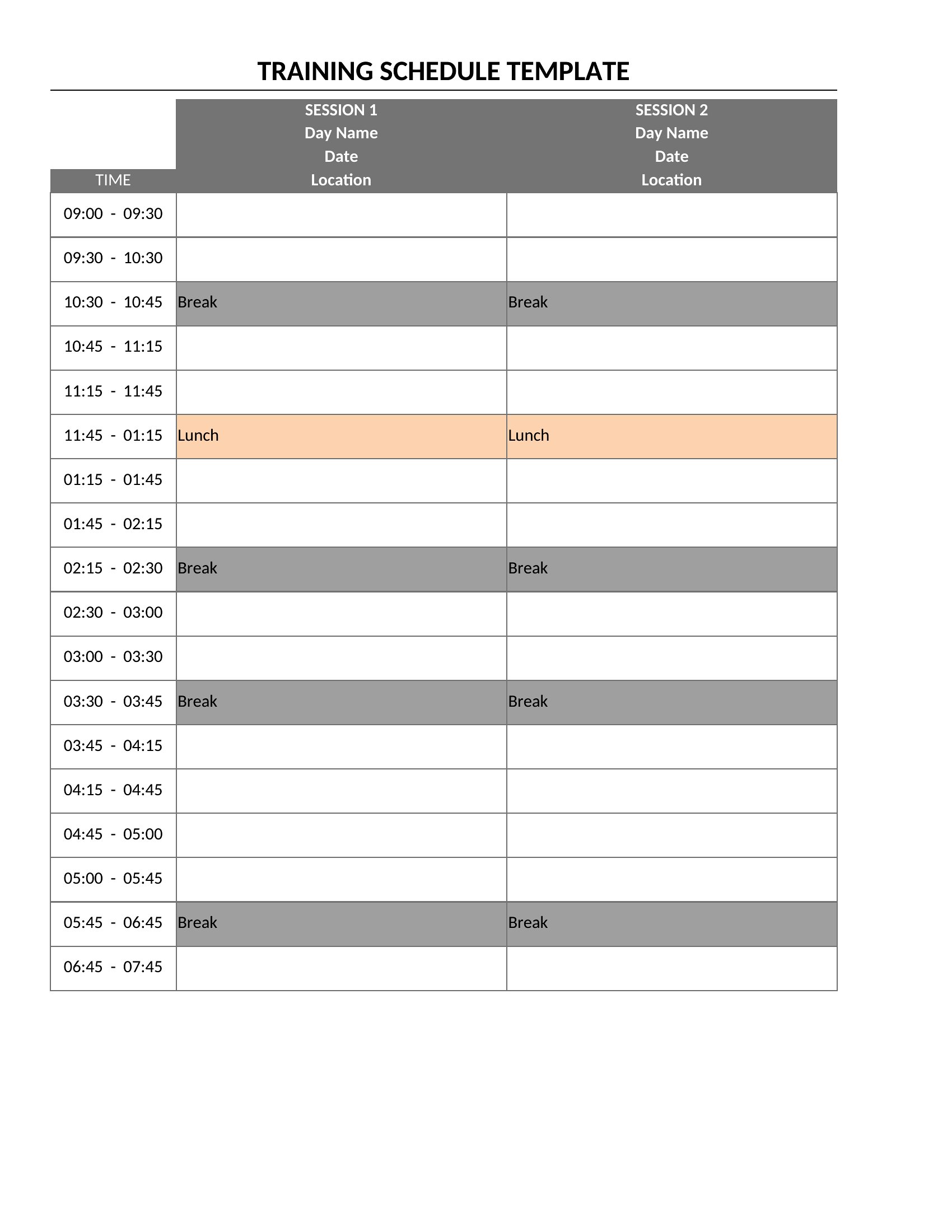
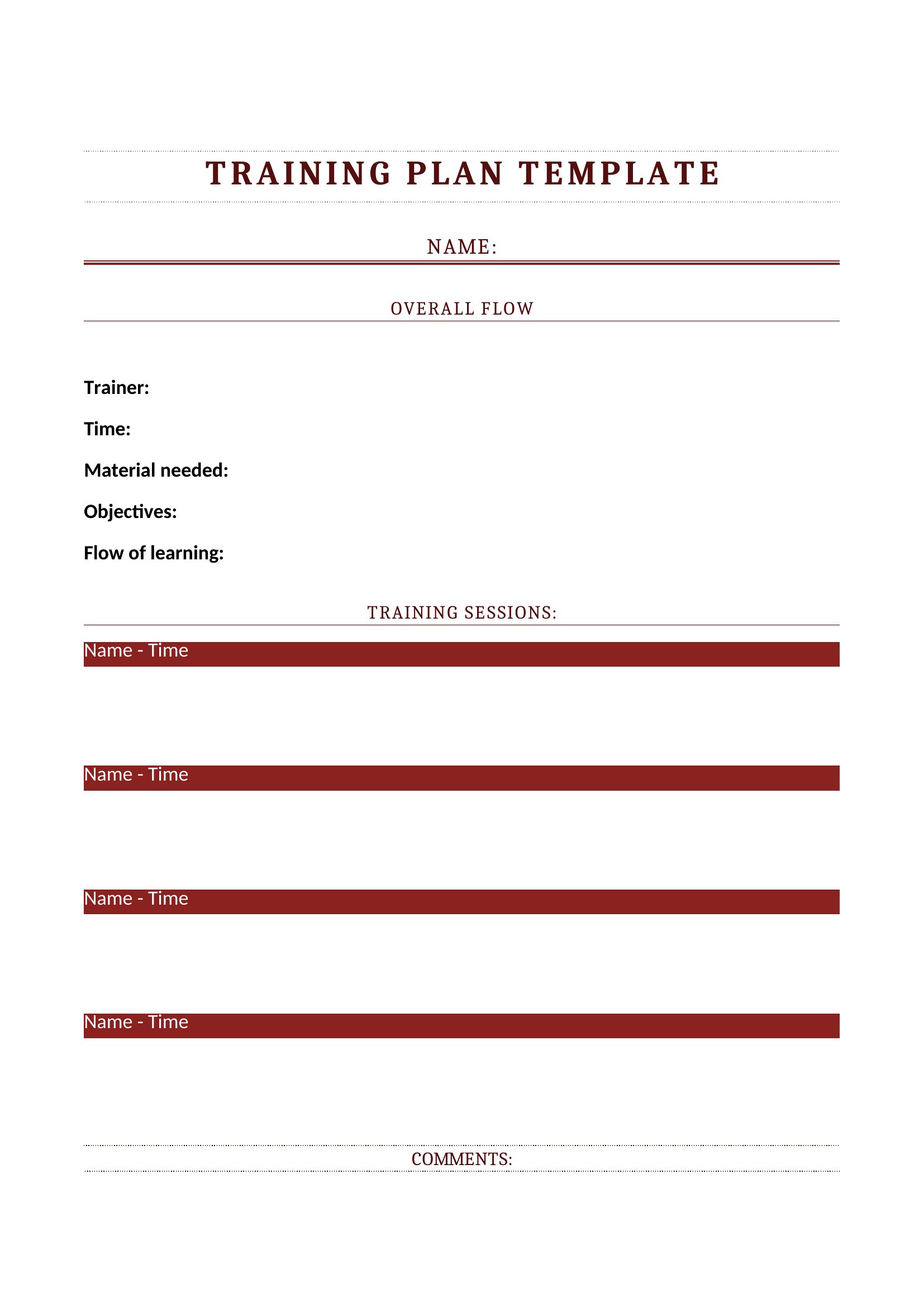
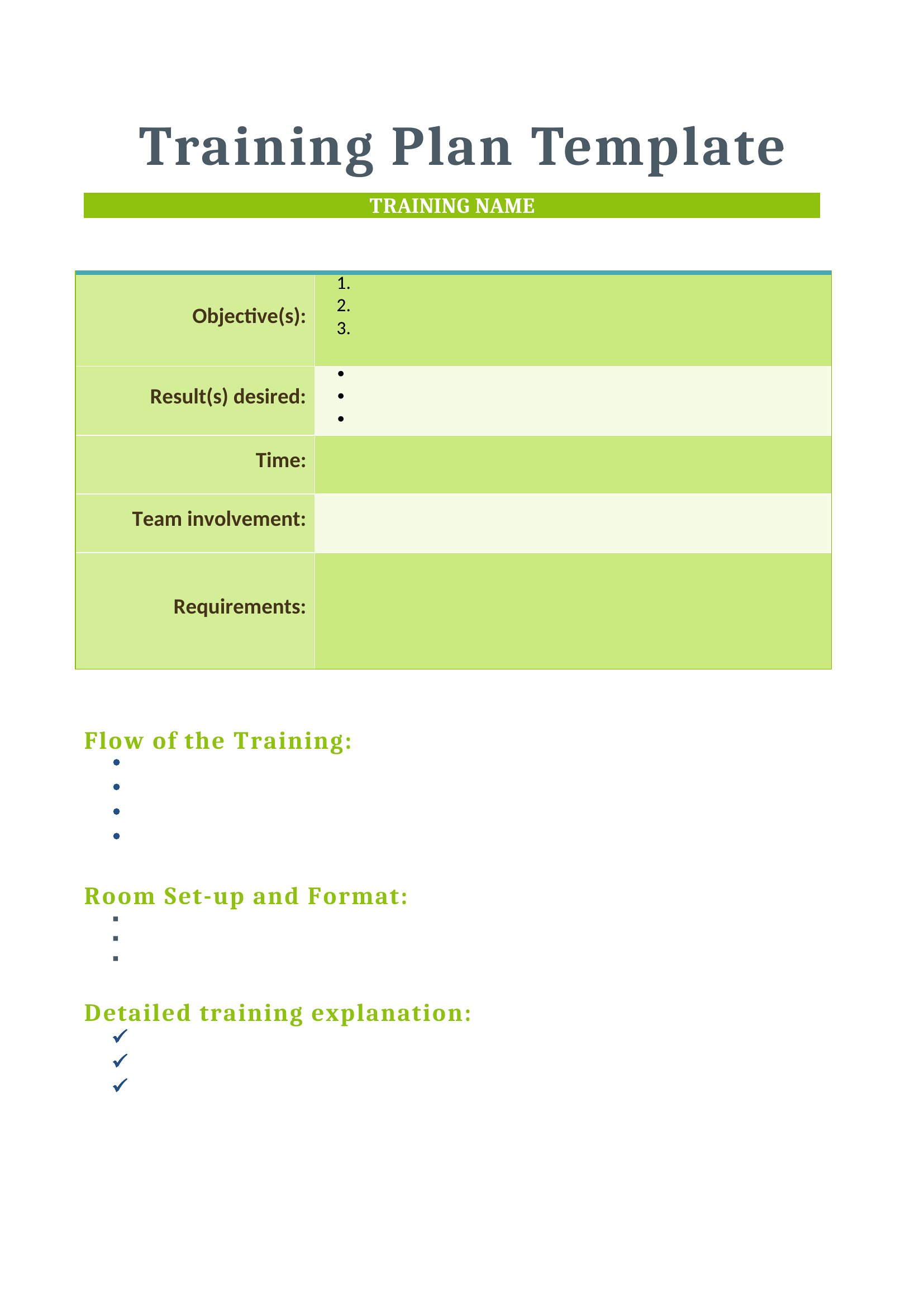
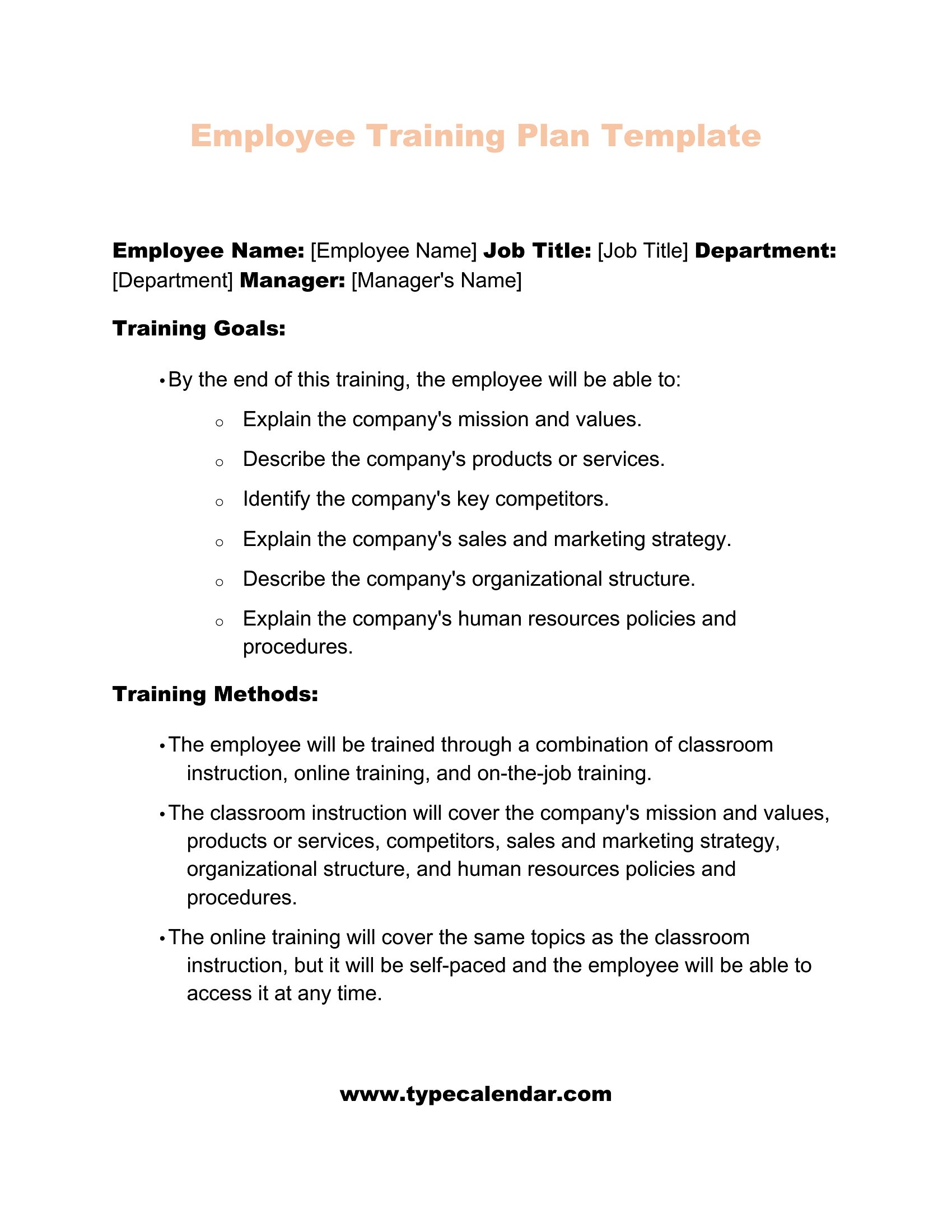
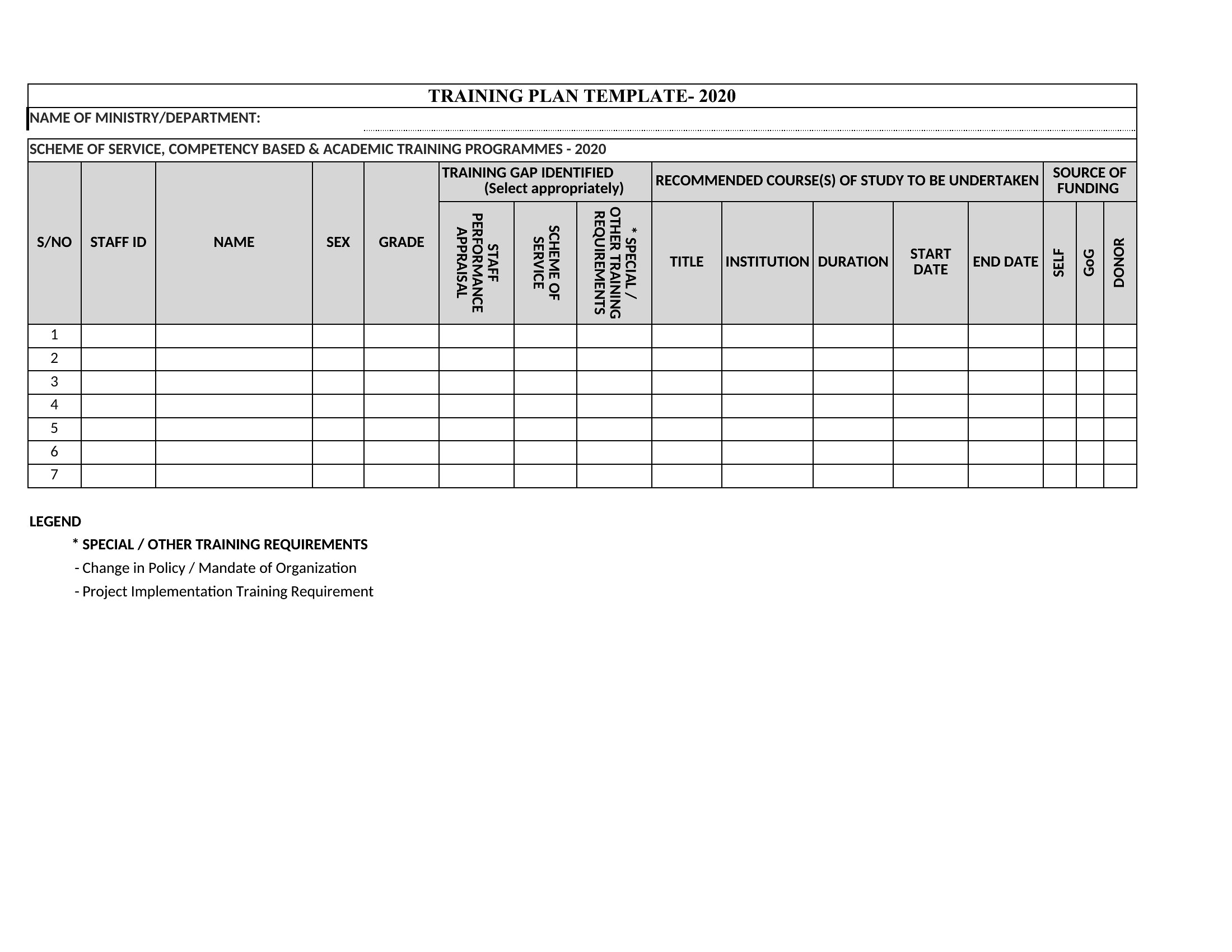
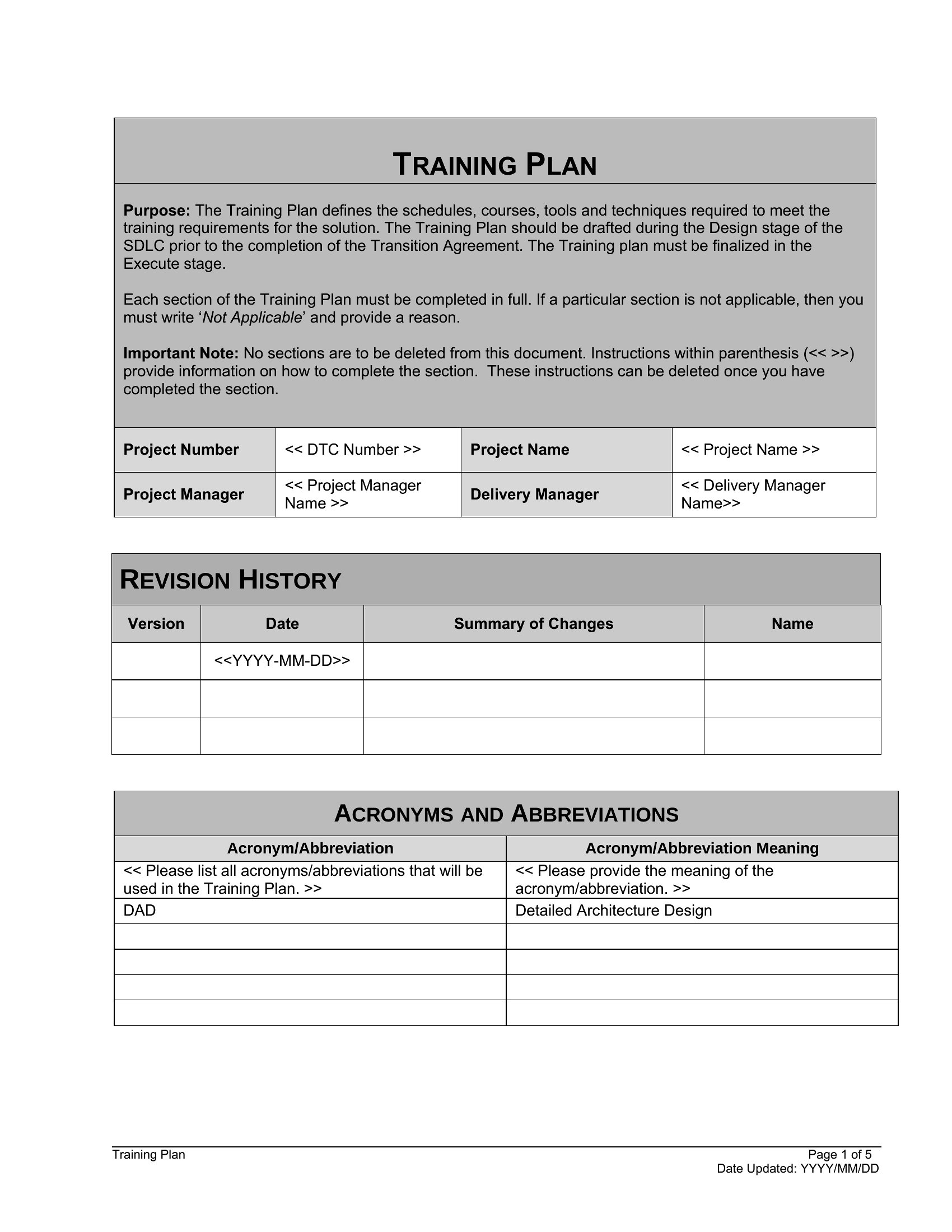
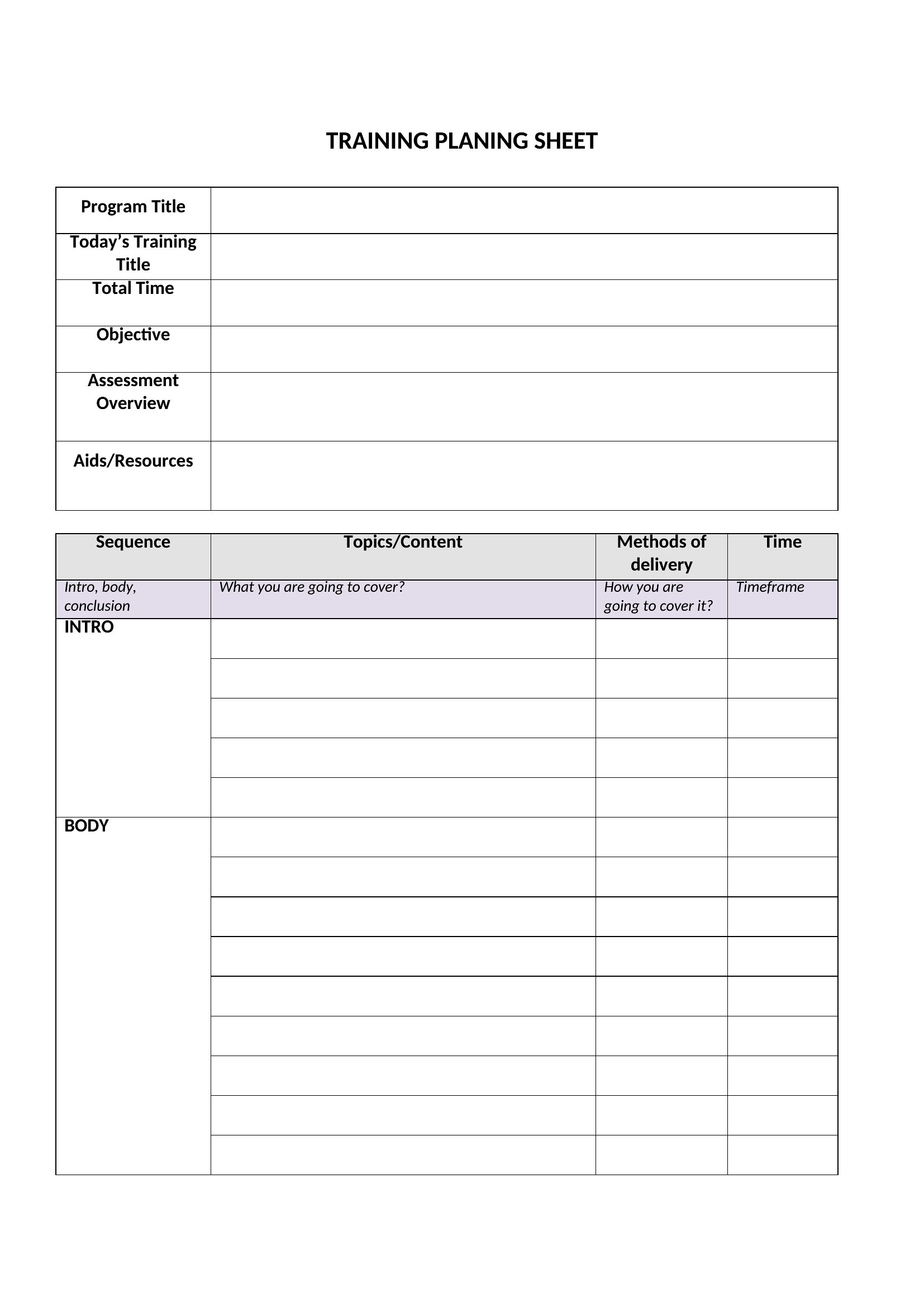
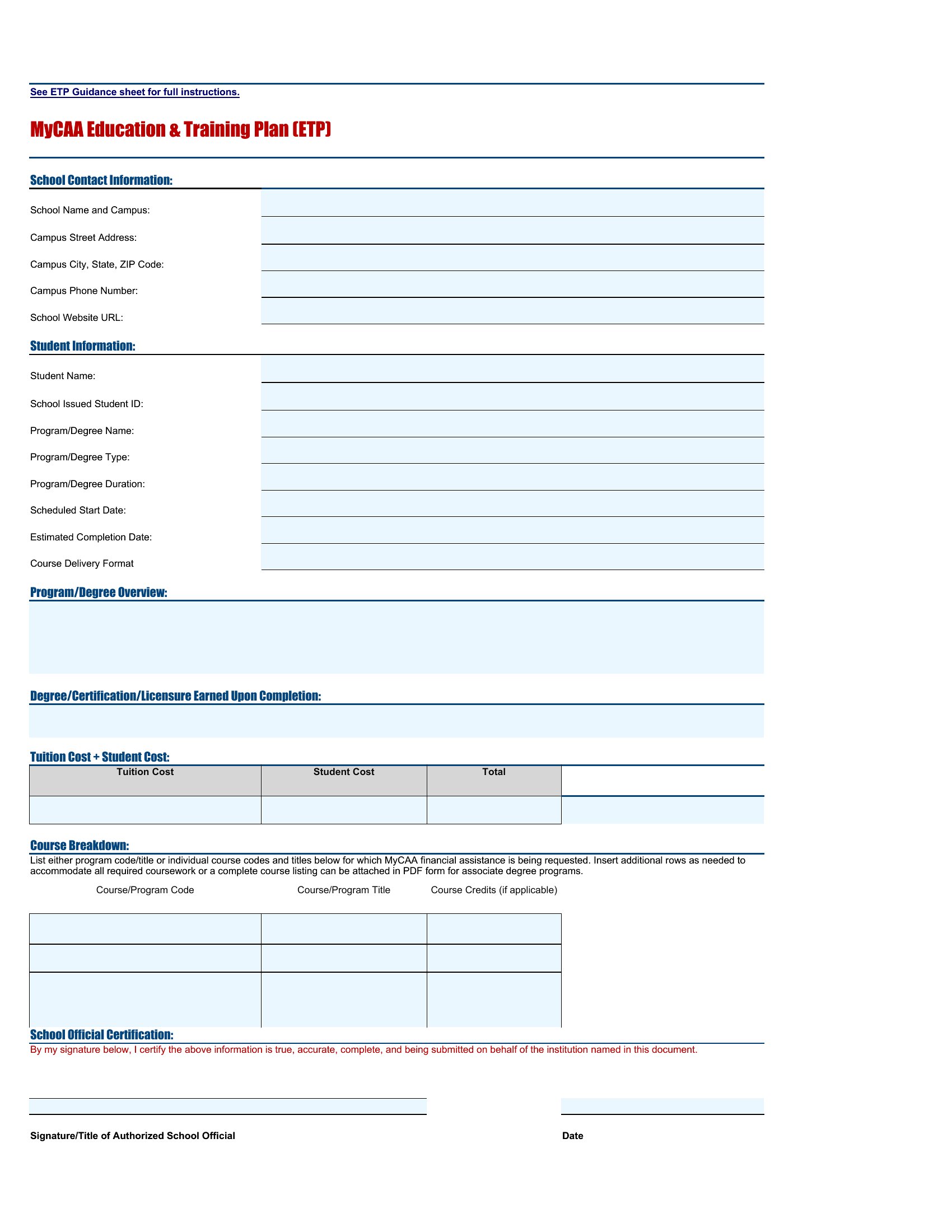
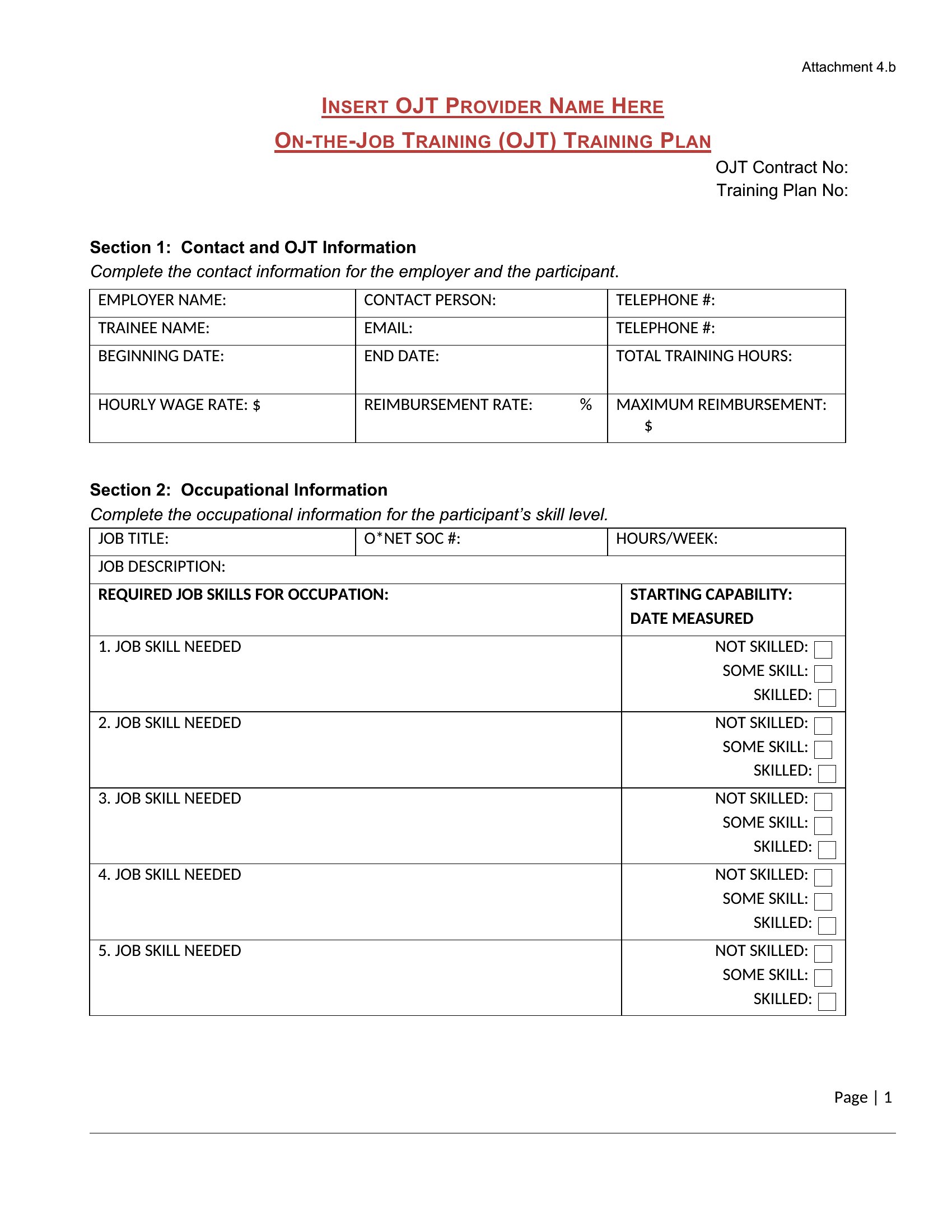
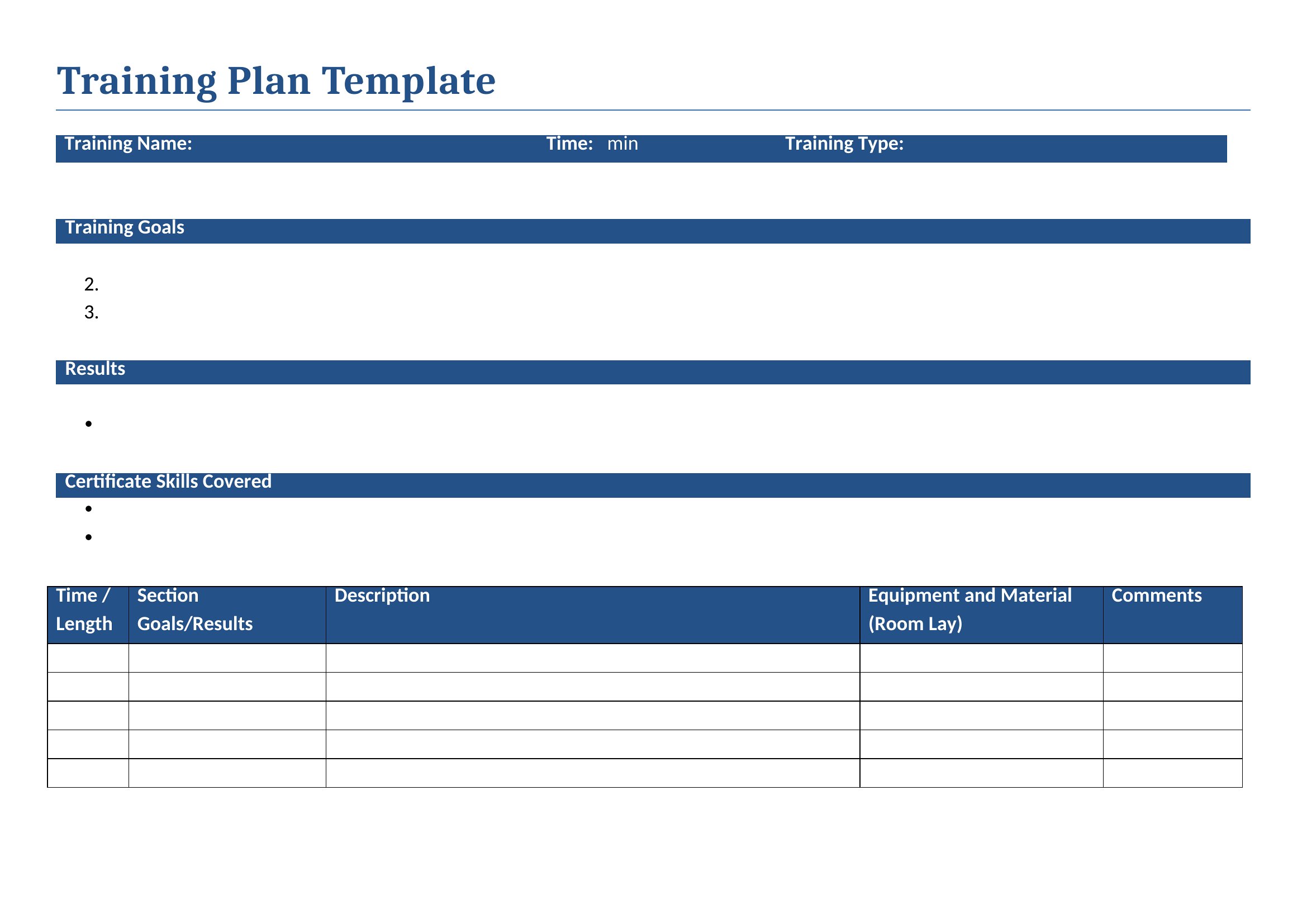
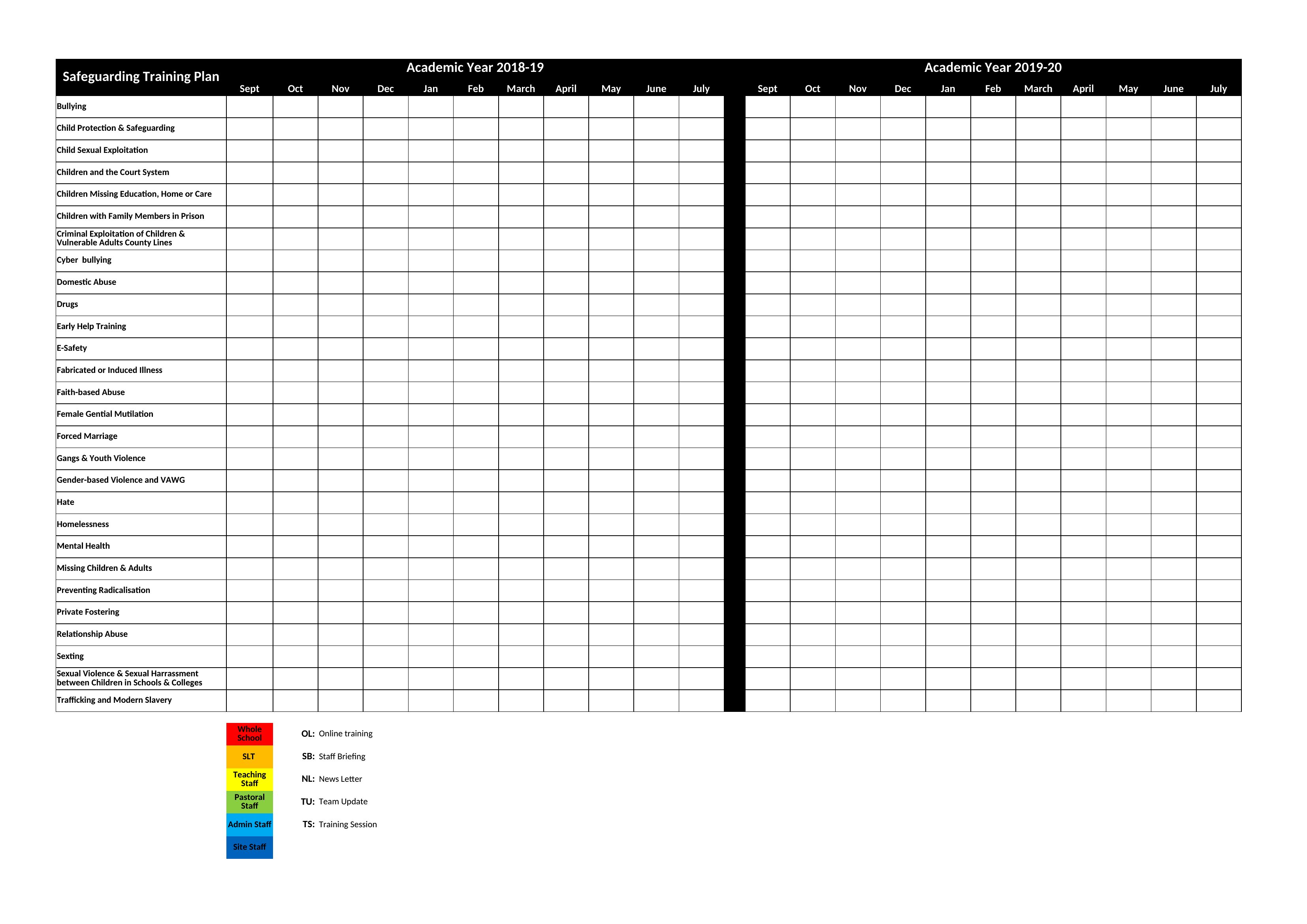
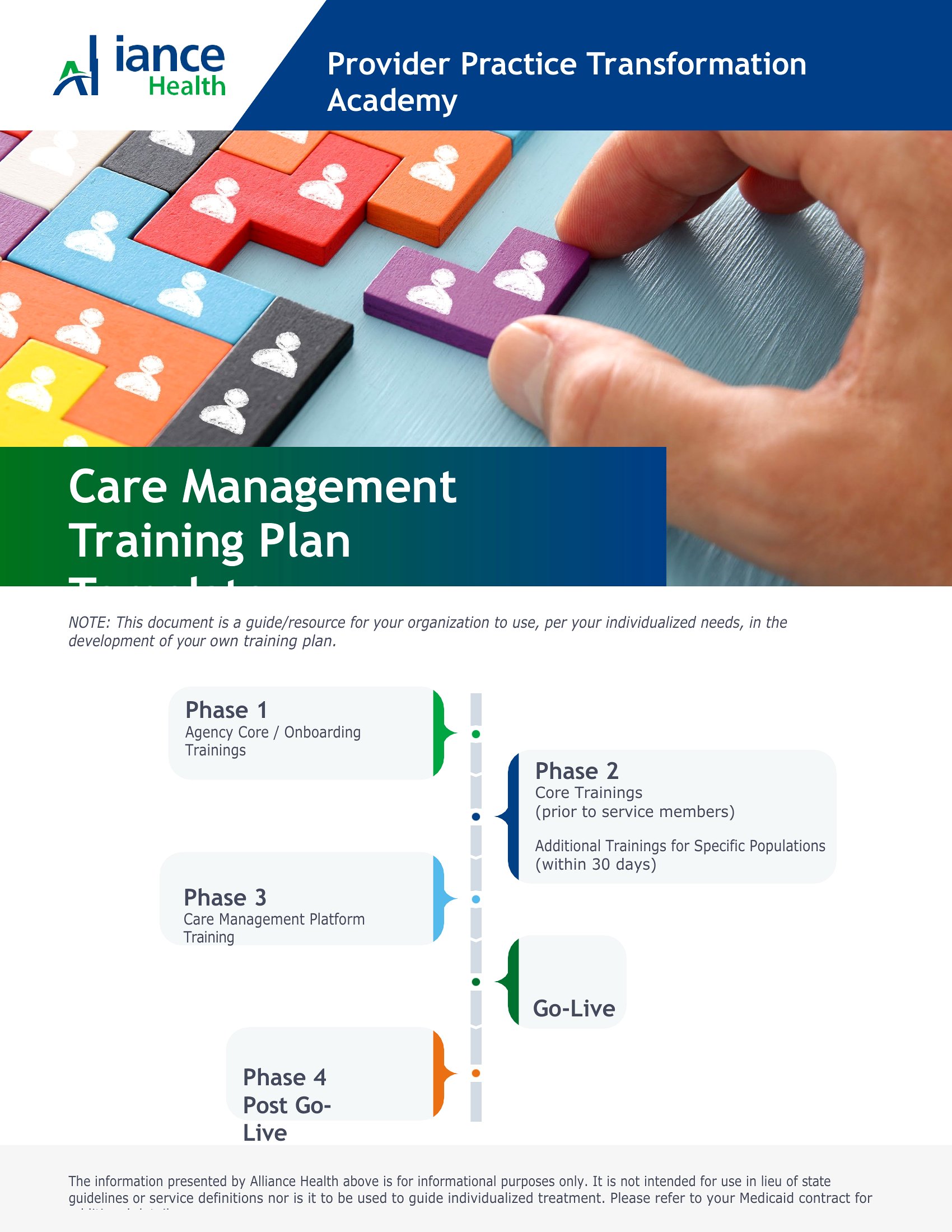
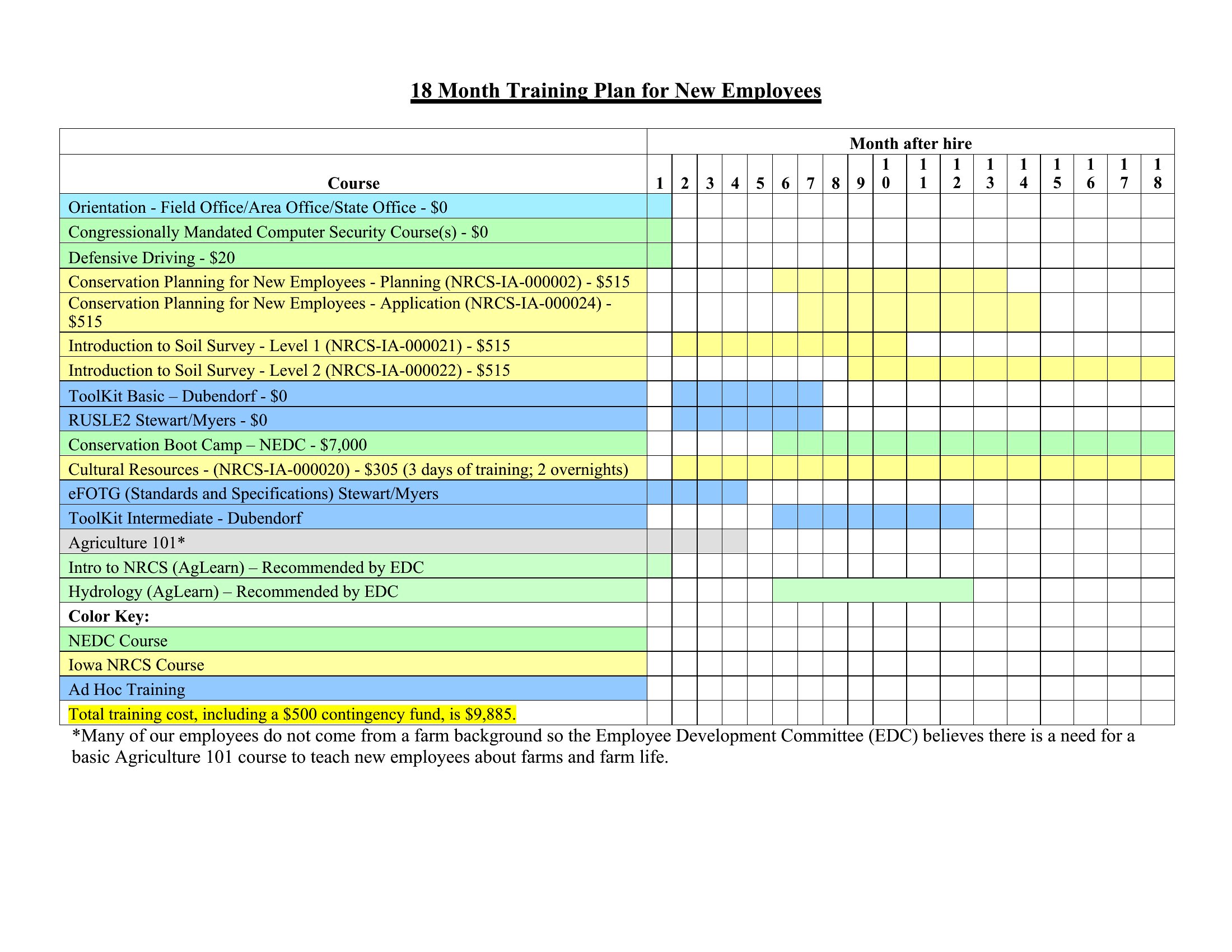
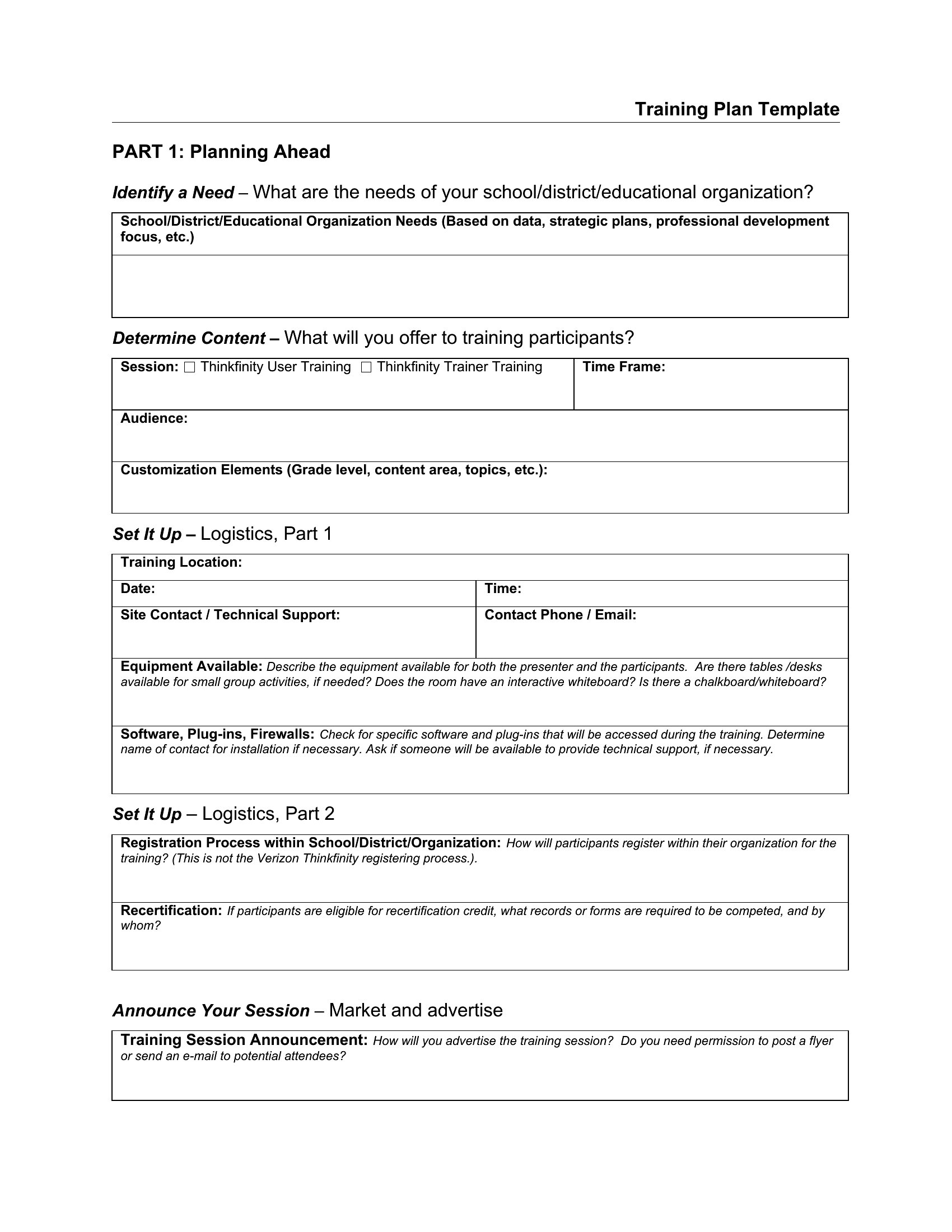
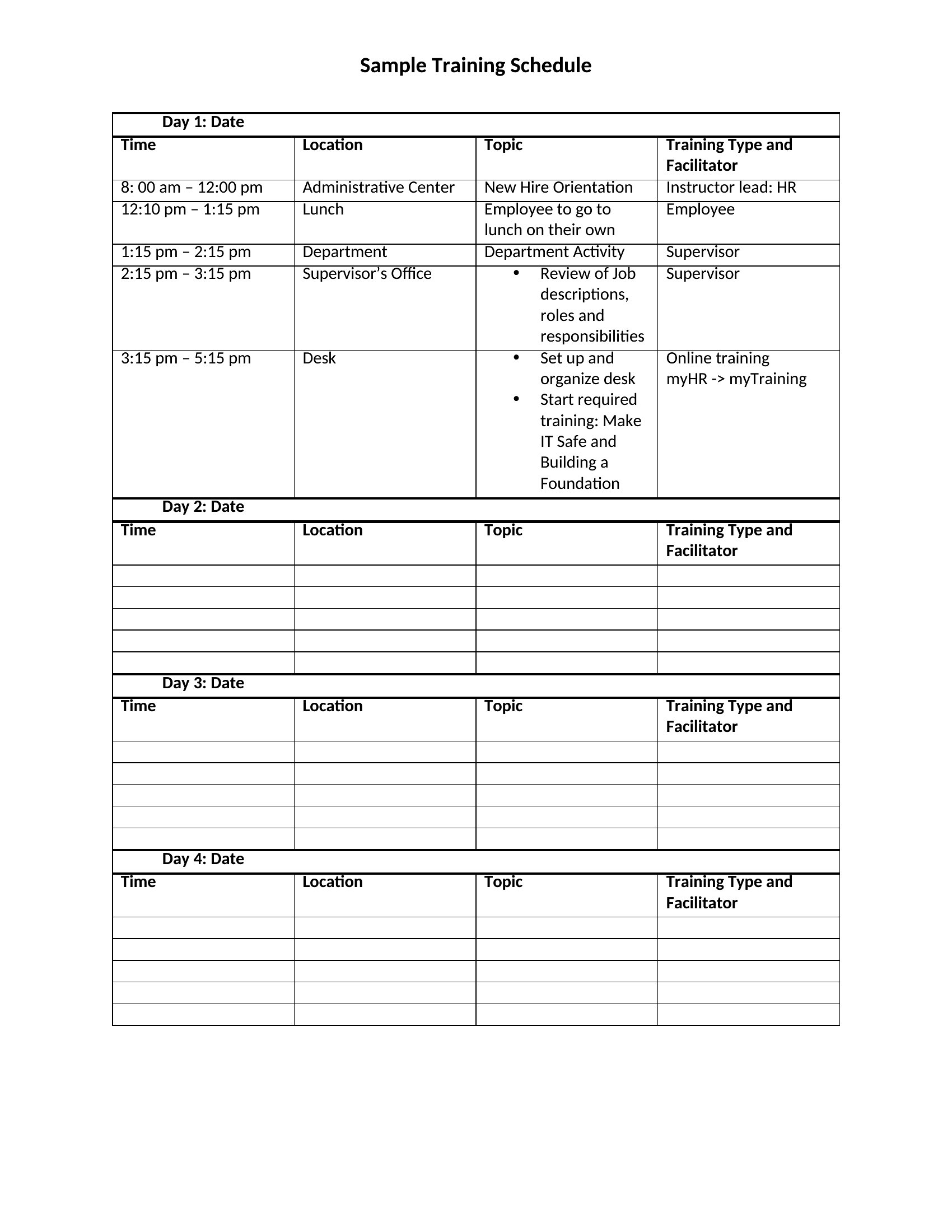
Build a timeline with three phases: prerequisites (e.g., online modules), hands-on practice (e.g., mock drills), and assessment (e.g., observation checklists). Use a Word template to embed conditional logic—like flagging incomplete prerequisites—or an Excel sheet to color-code progress toward certification deadlines.
Can these templates help with cross-training employees during a departmental skills gap?
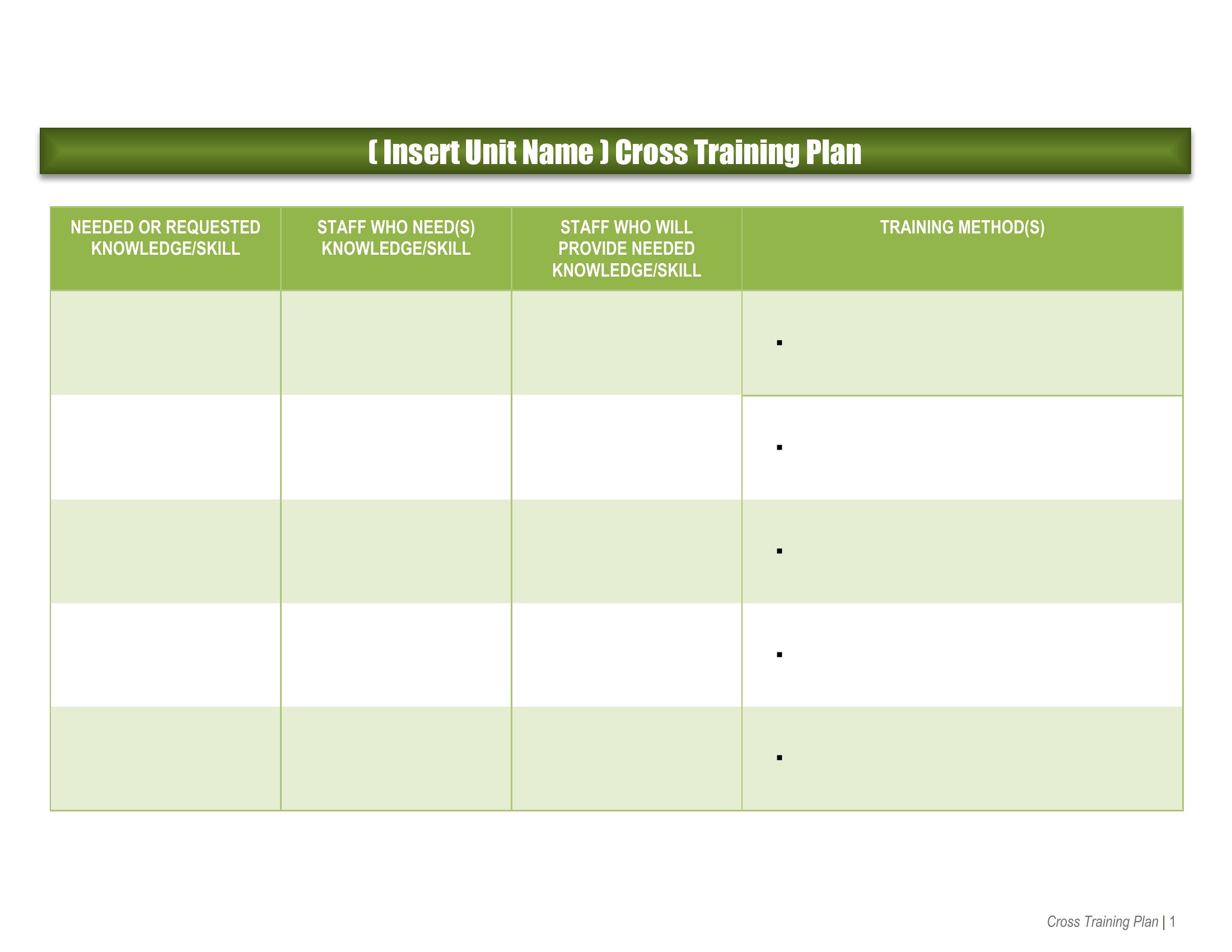
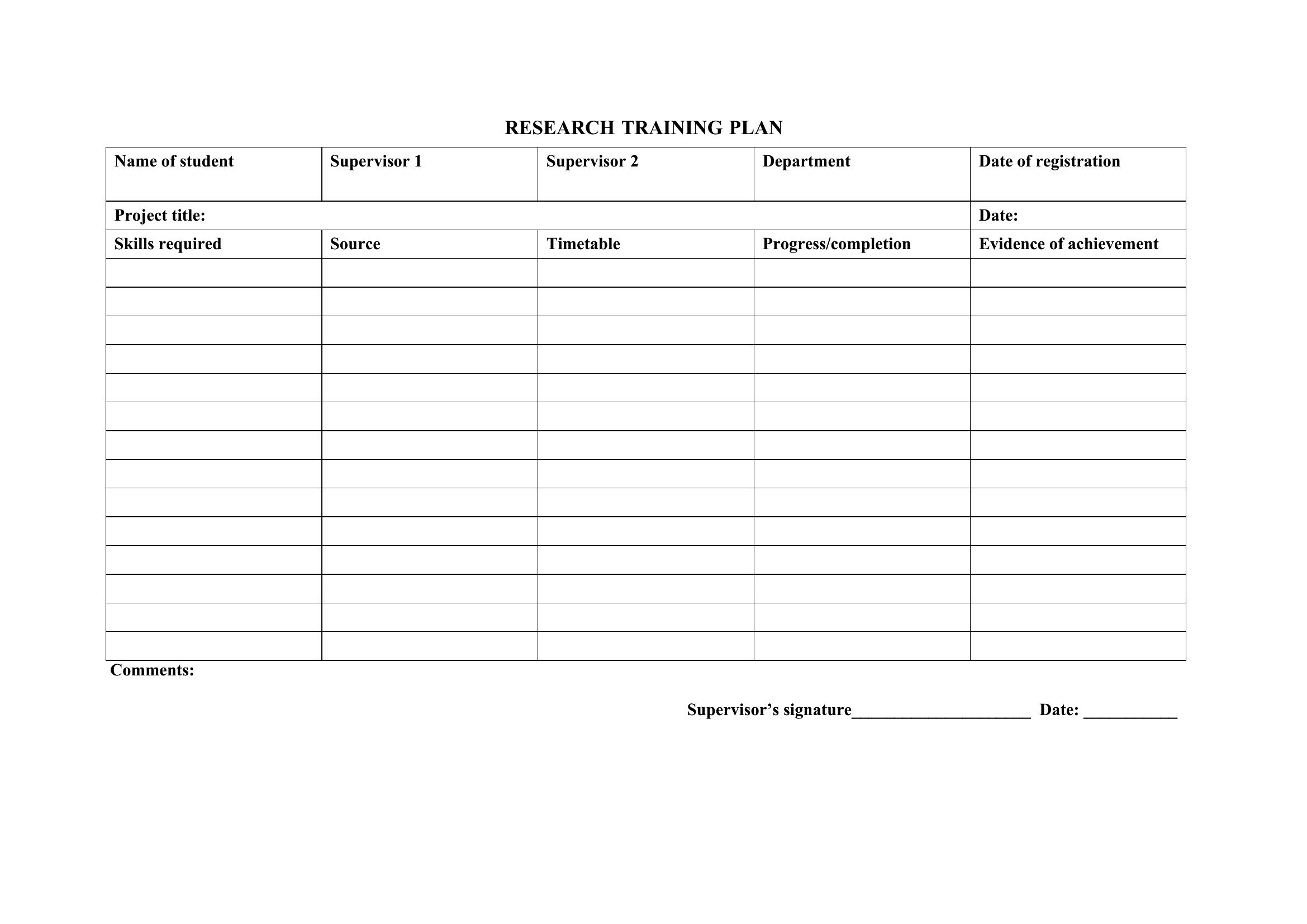
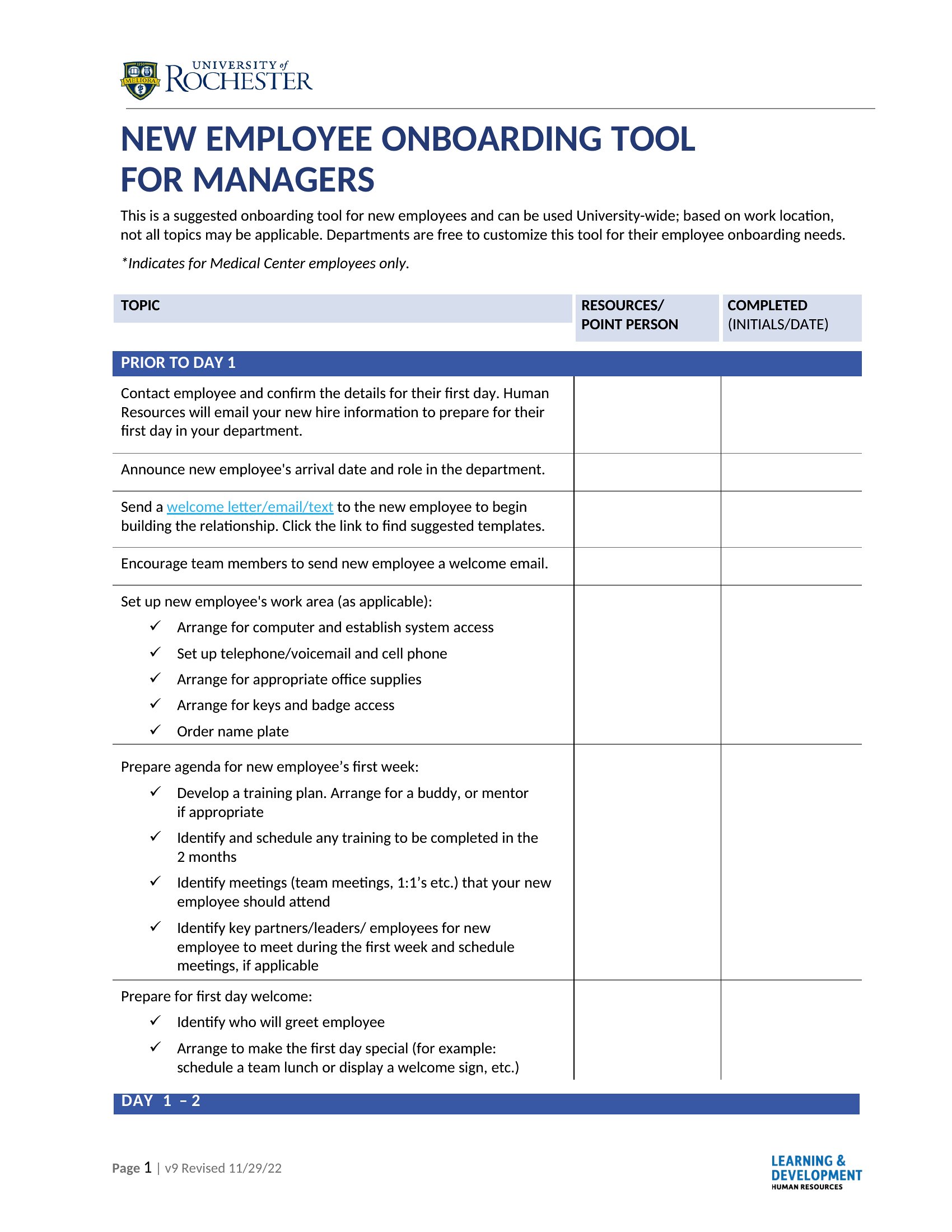
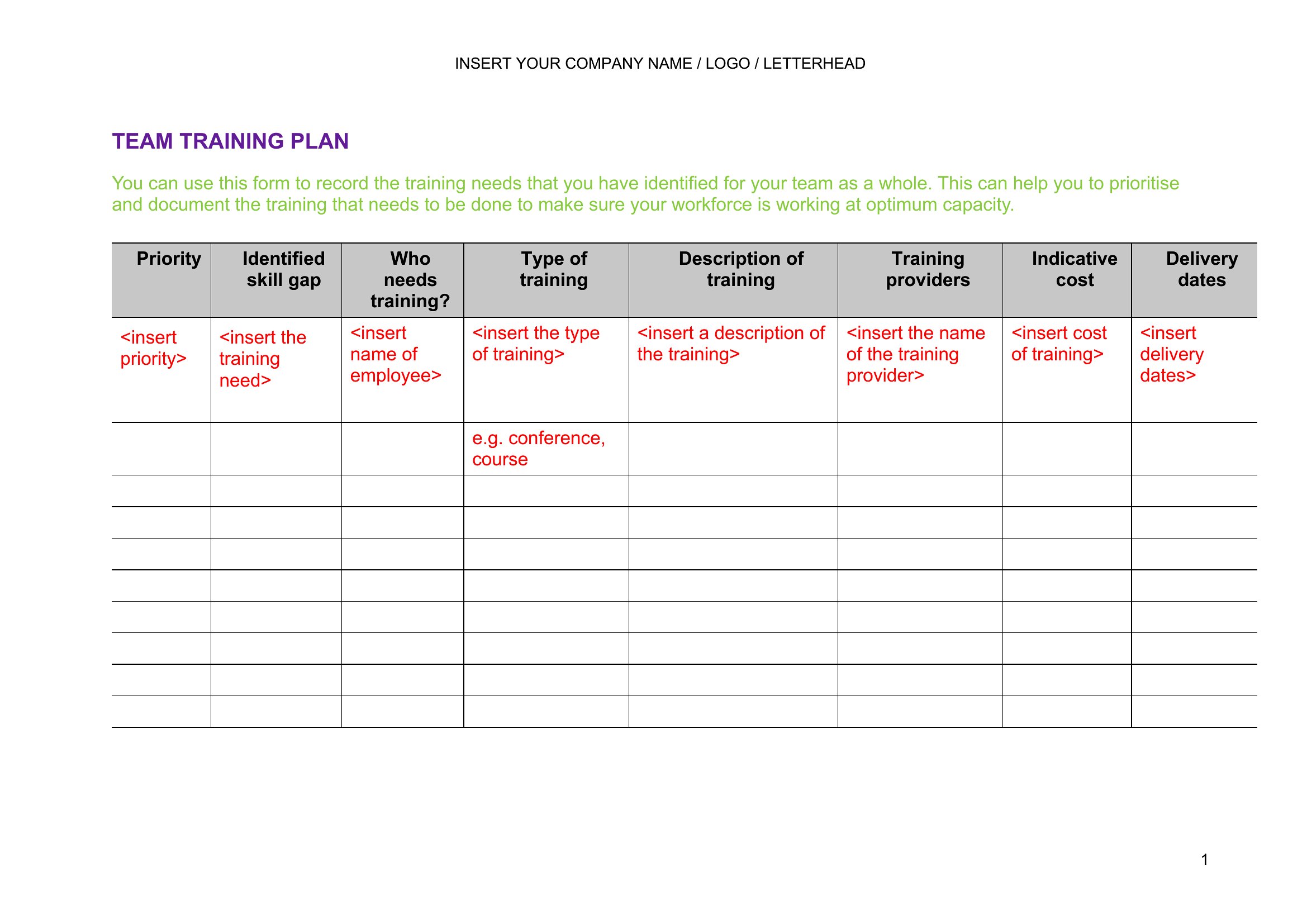
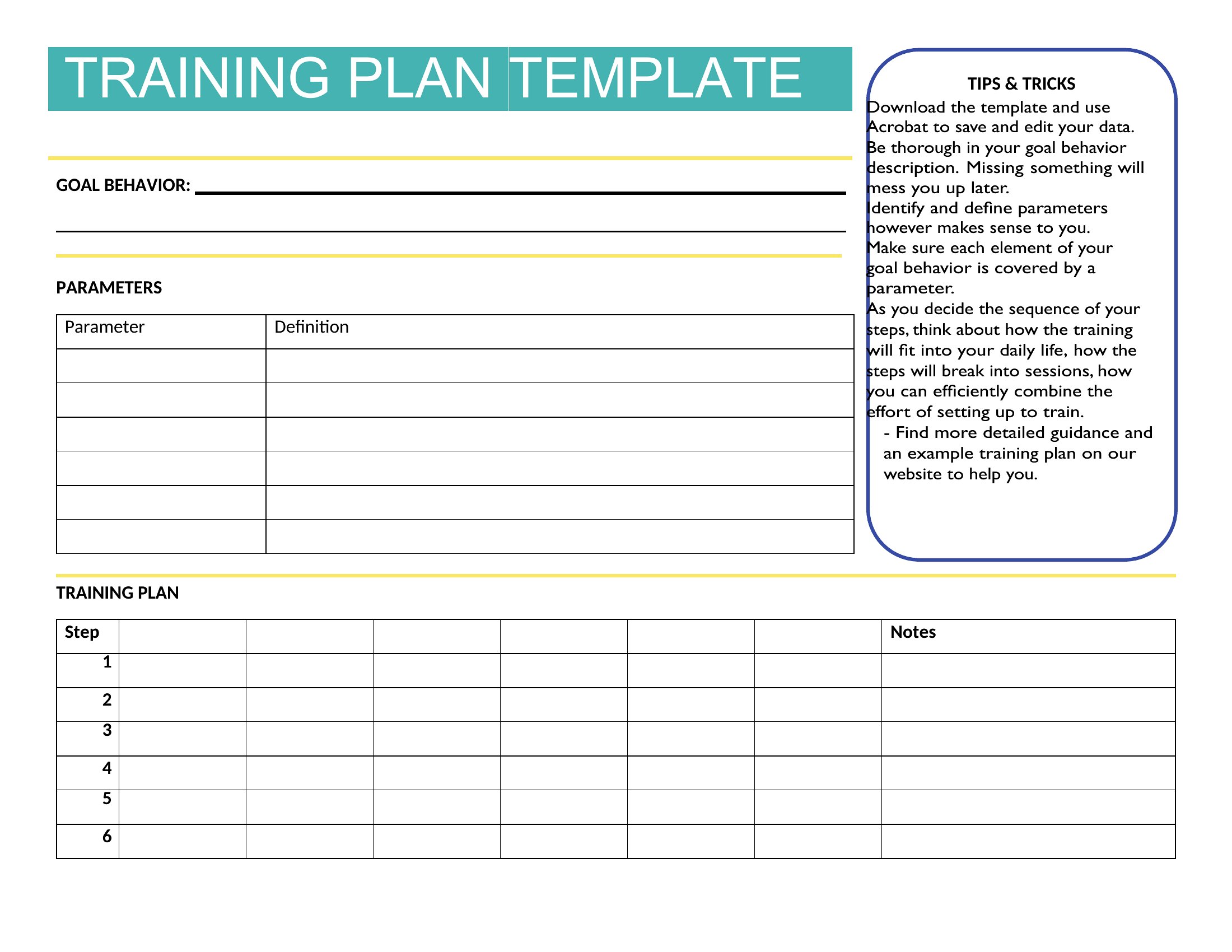
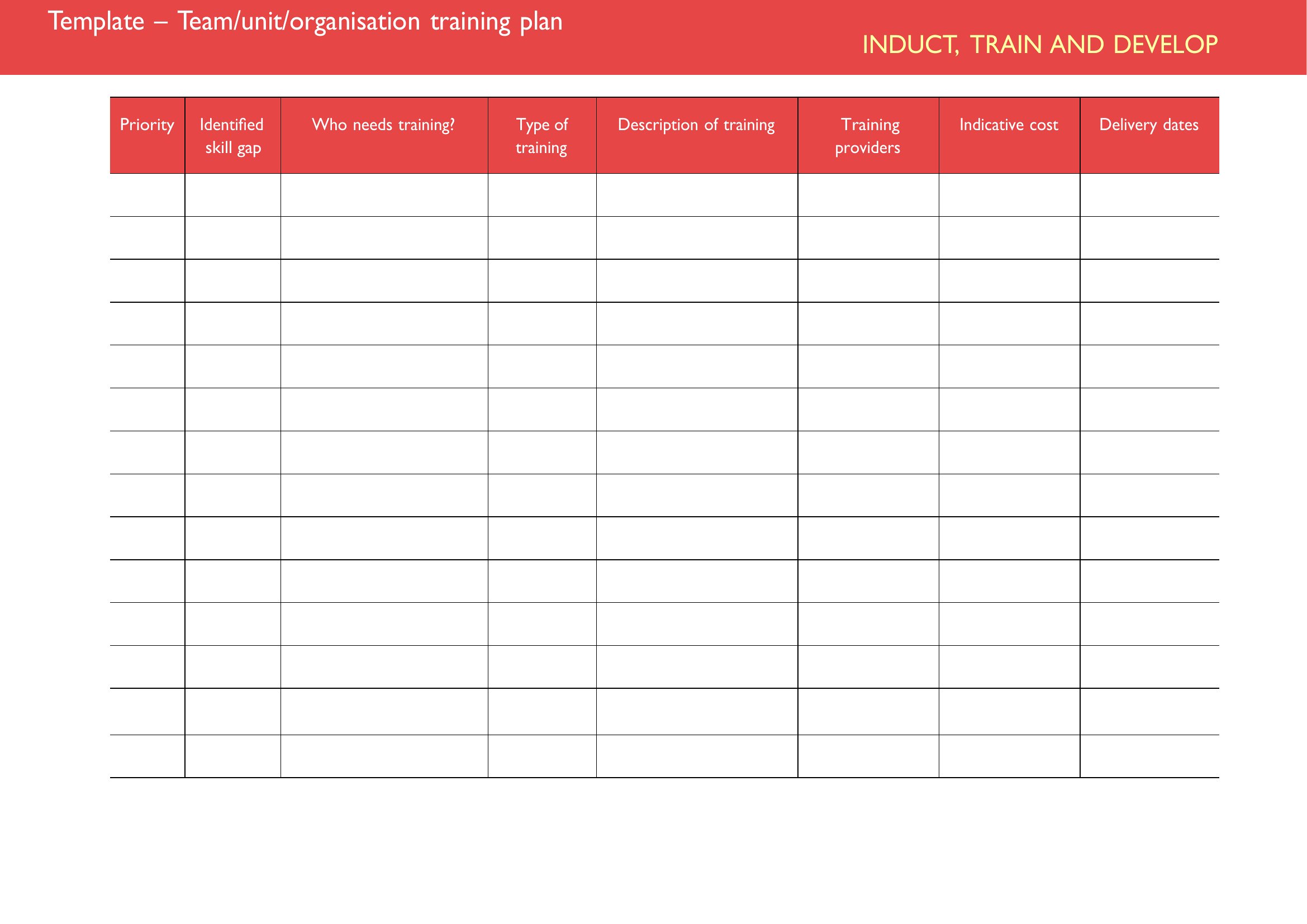
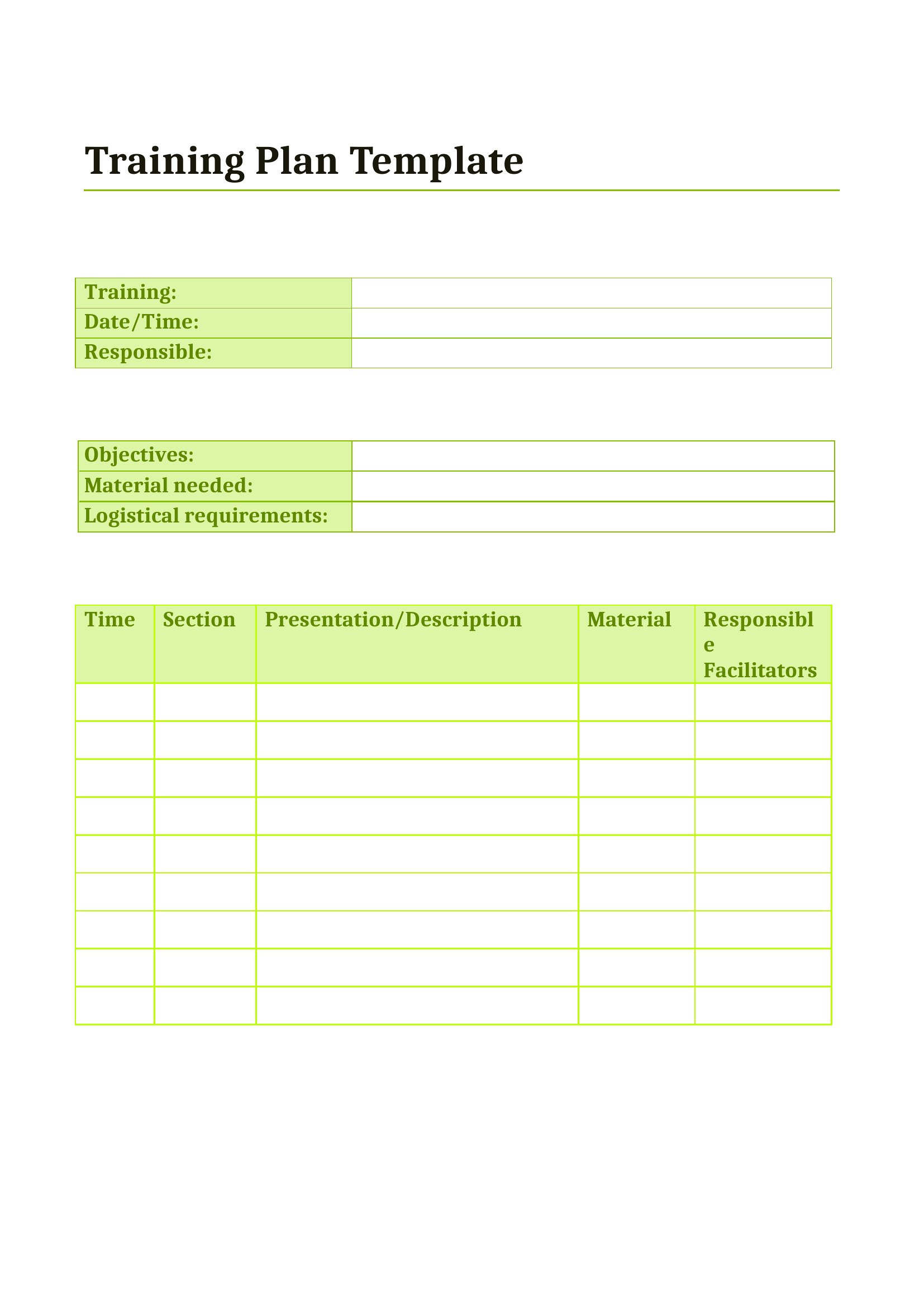
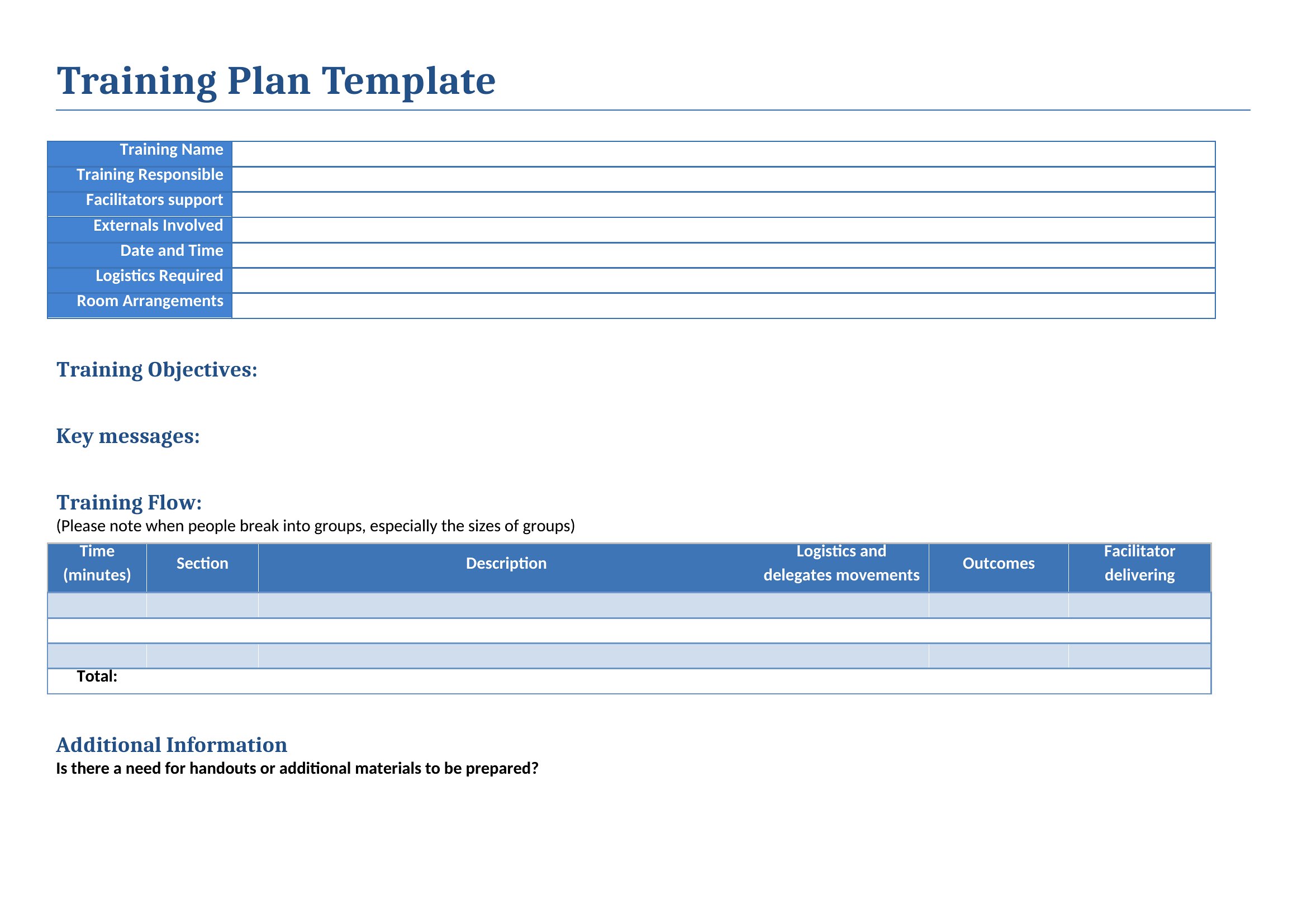
Yes. Start with an Excel grid to map current competencies against gaps, then assign cross-training pairs (e.g., a marketing assistant shadowing the social media lead). In Word, draft a 30/60/90-day plan with shared goals, mentorship schedules, and knowledge-transfer checkpoints.
What’s the best way to track compliance training for remote employees in different regions?
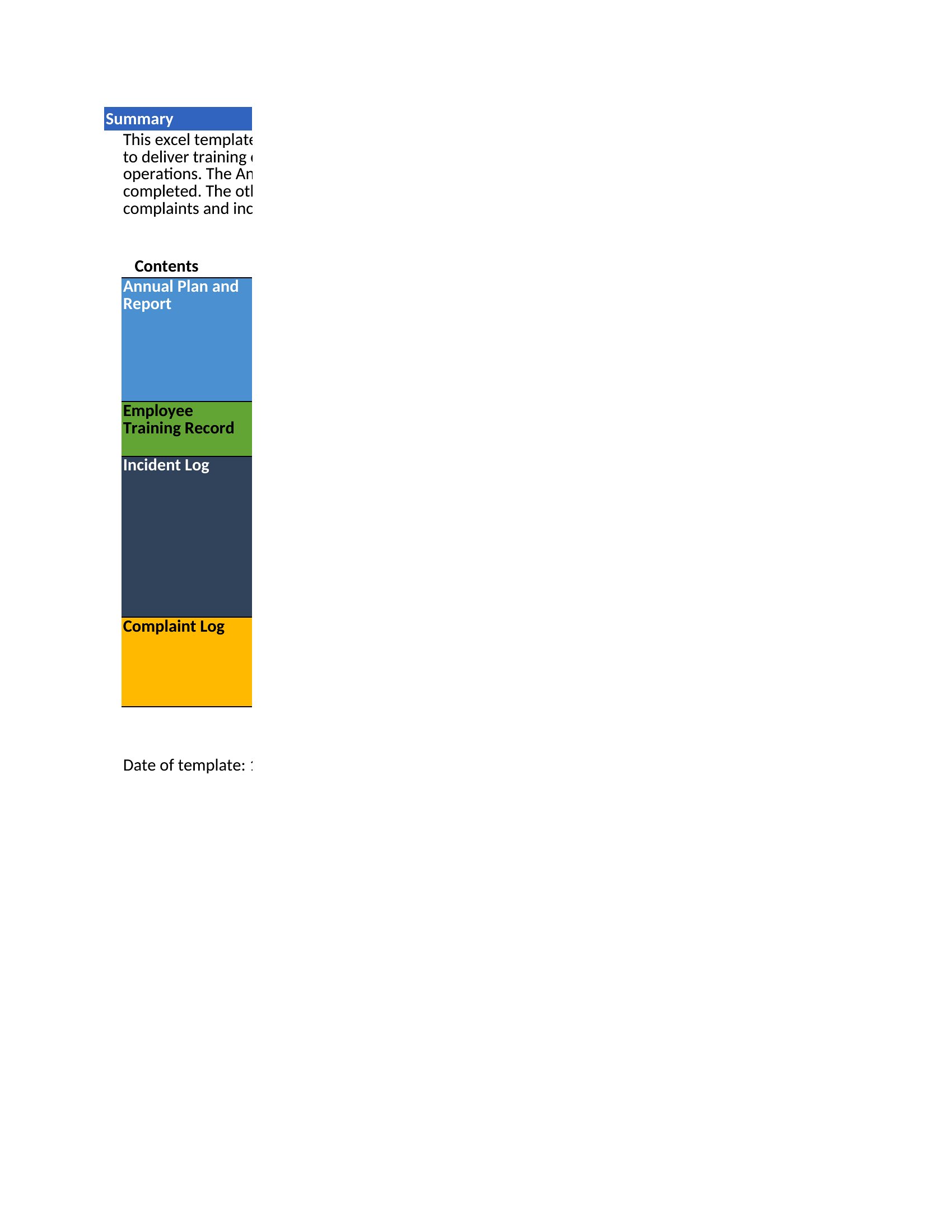
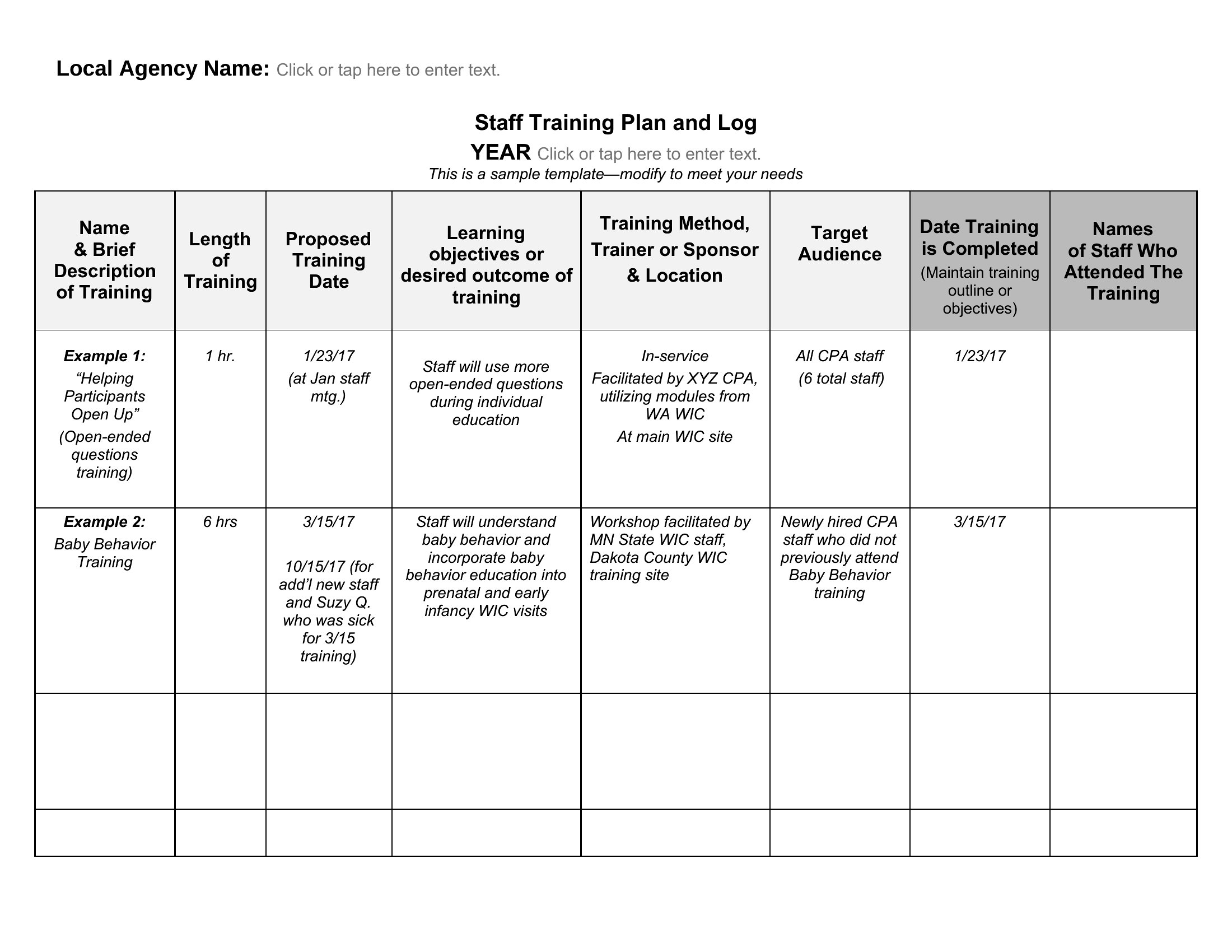
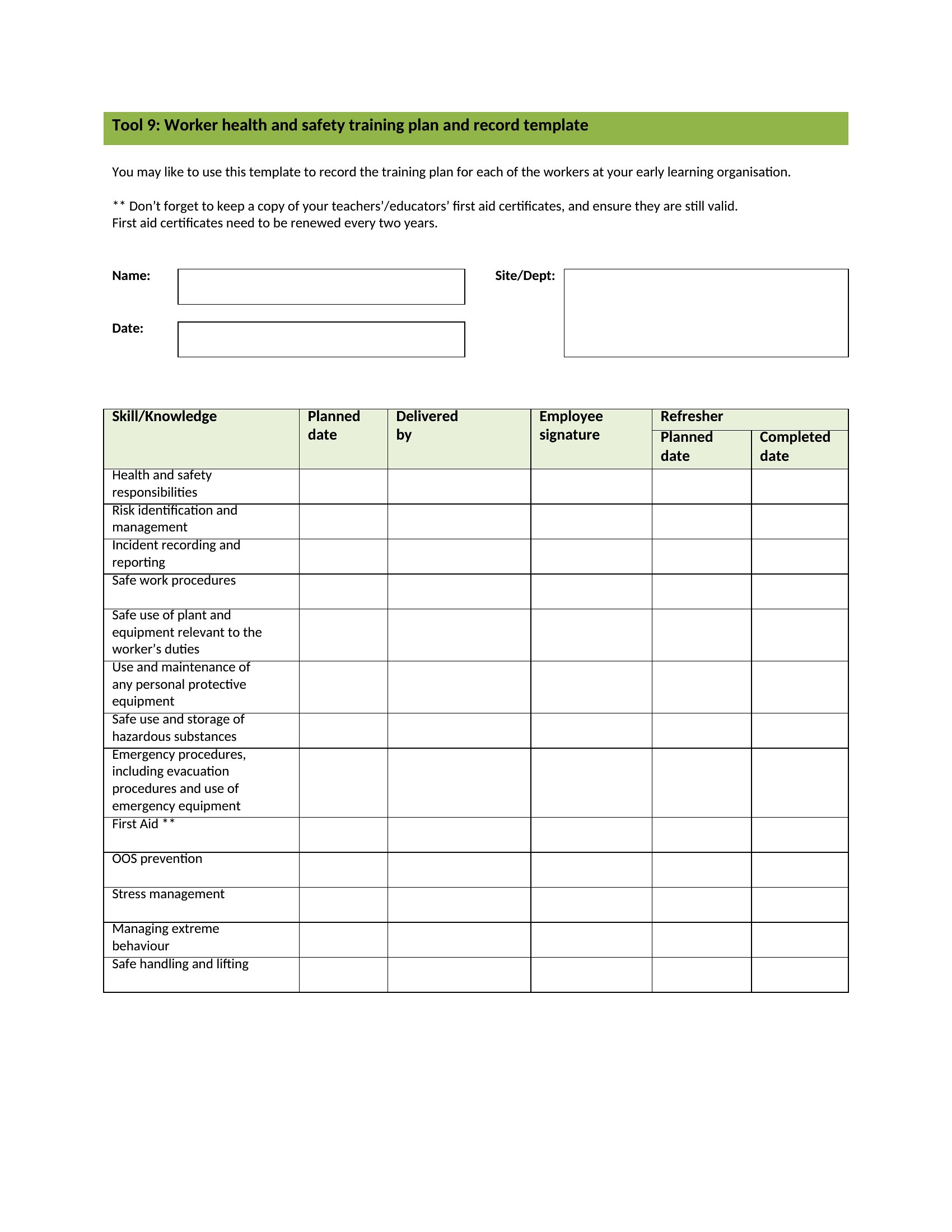
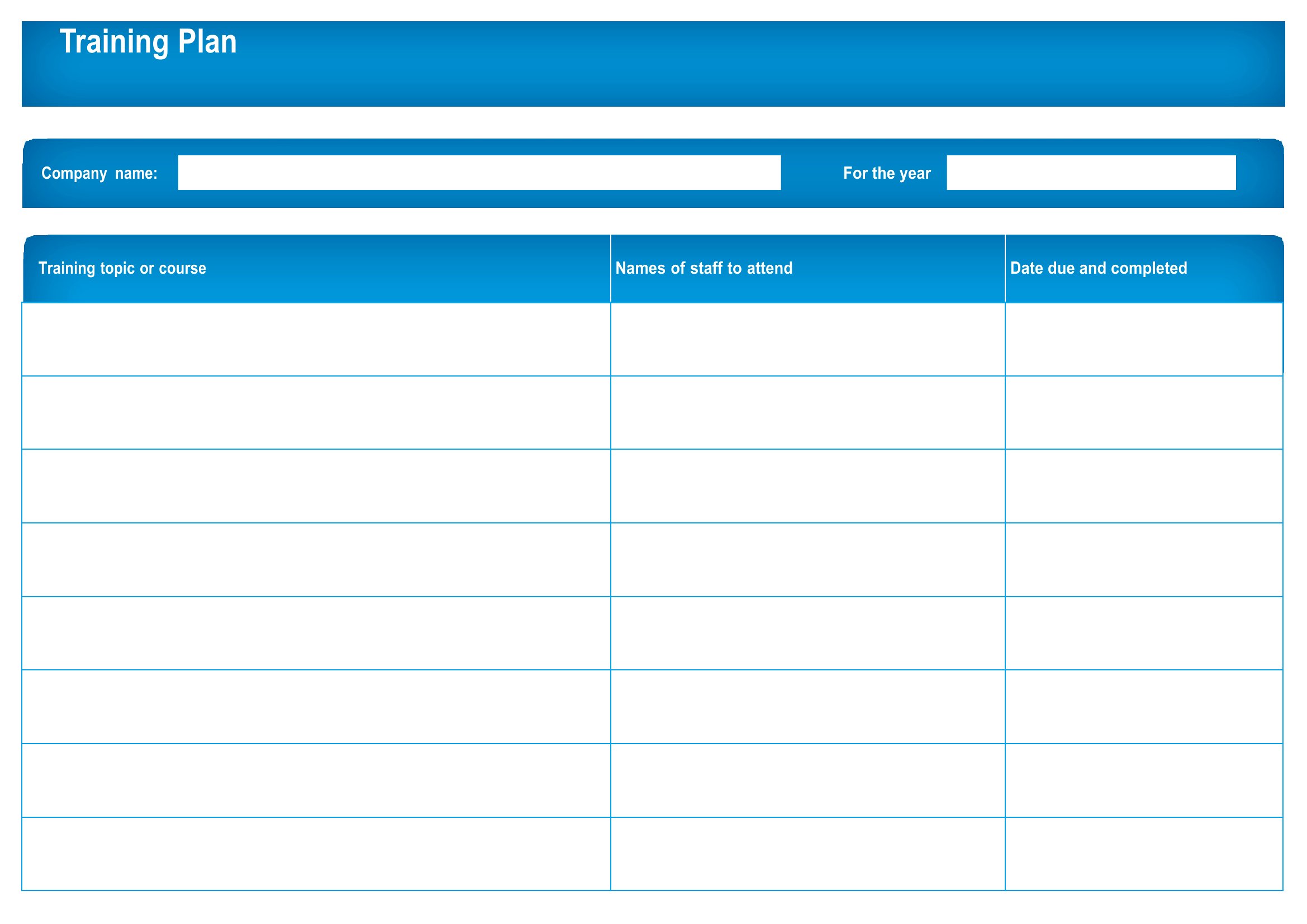
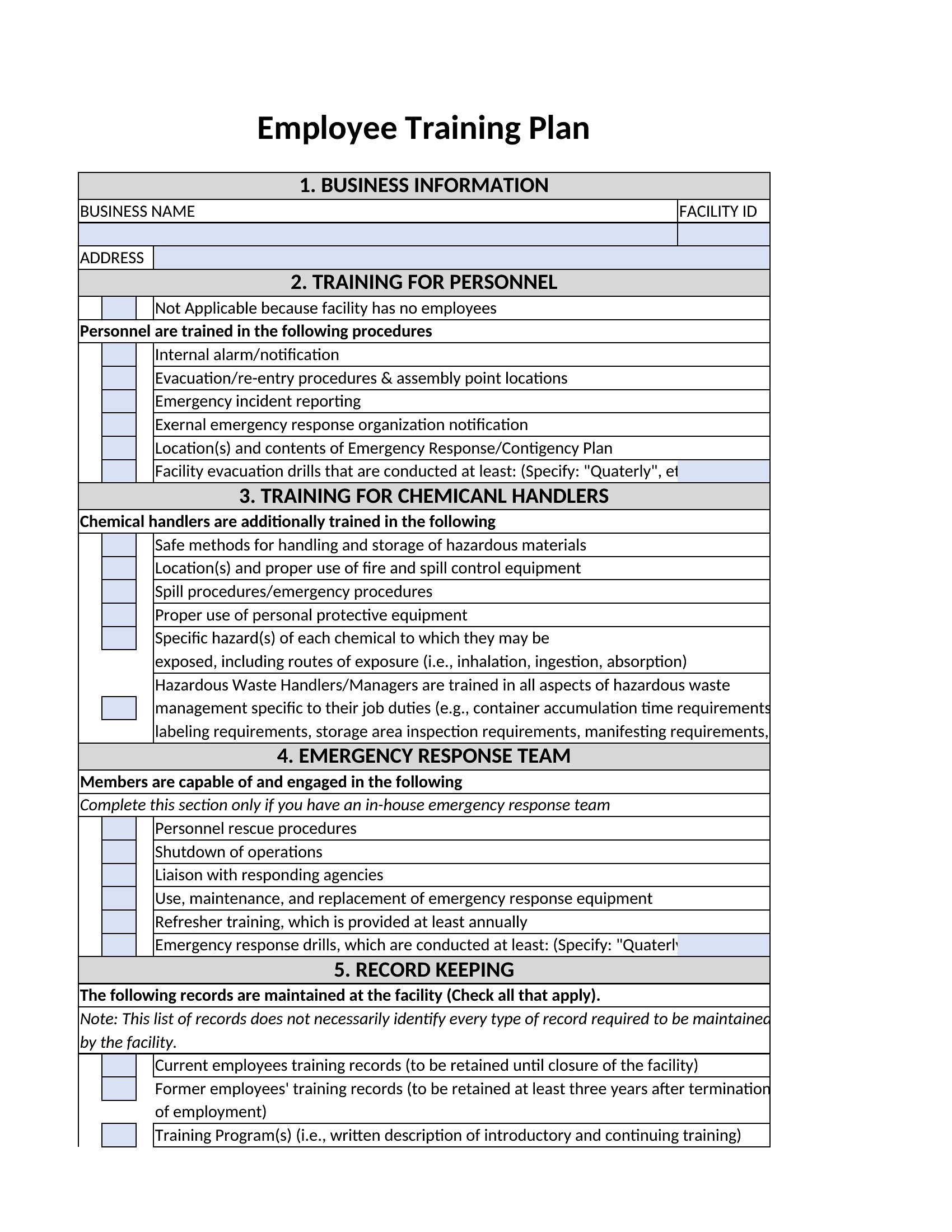
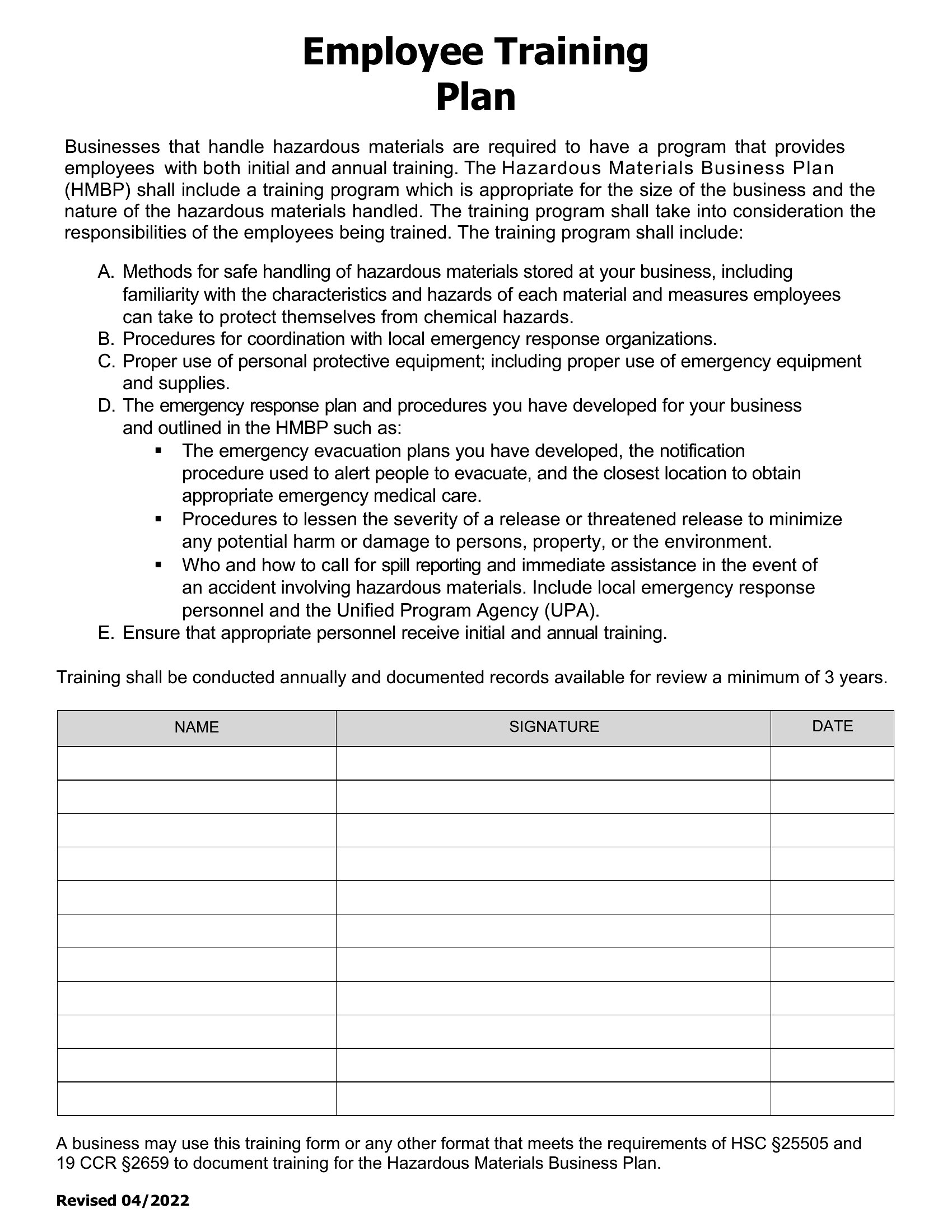
Use Excel for a master log of region-specific requirements (e.g., GDPR vs. CCPA) with automated date reminders. Link to Word documents for training materials, then add a “signed completion” section for each employee to acknowledge review. Export data quarterly for audits.
Comments
Join the conversation
Sign in to share your thoughts and leave a comment on this resource.