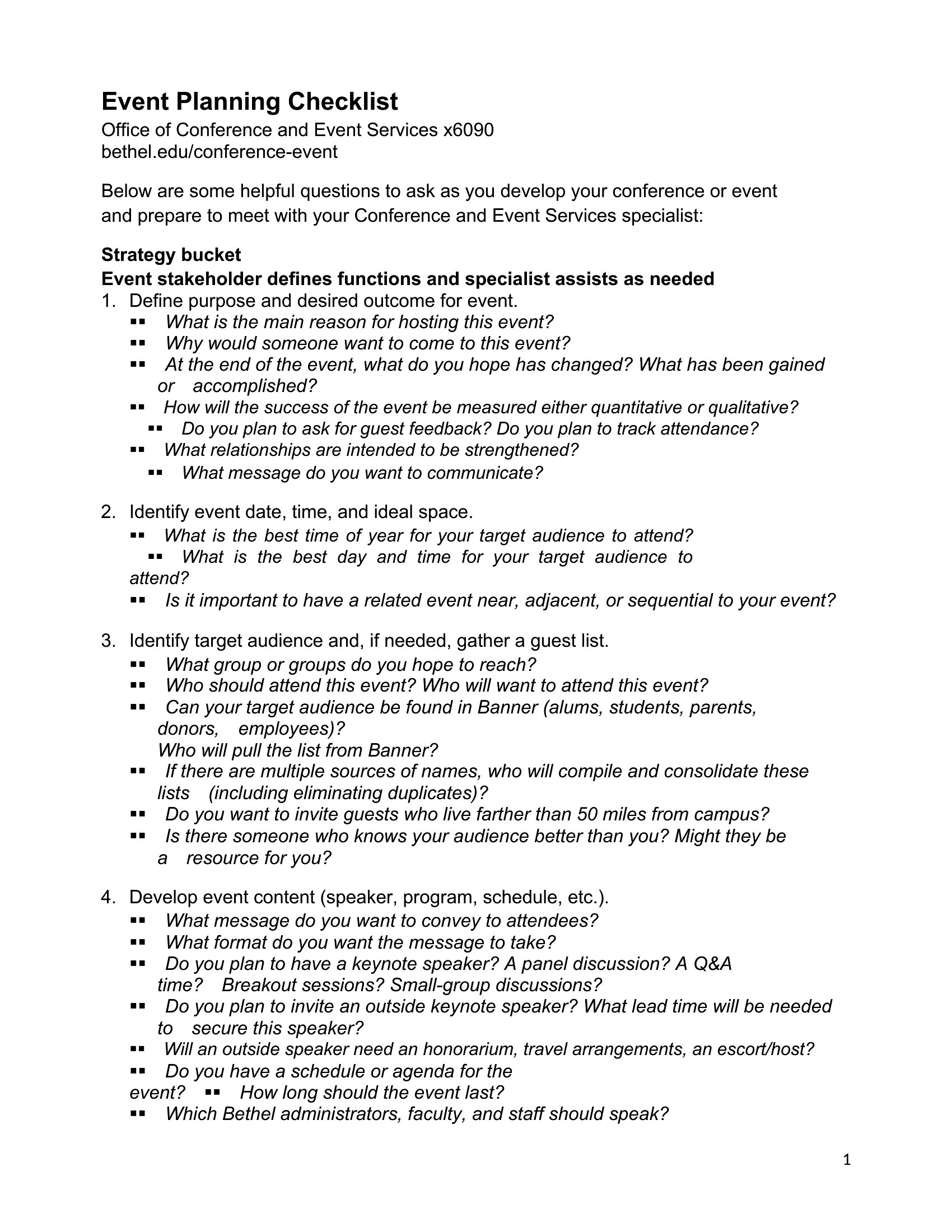
Free Event Planning Templates (Word, PDF)
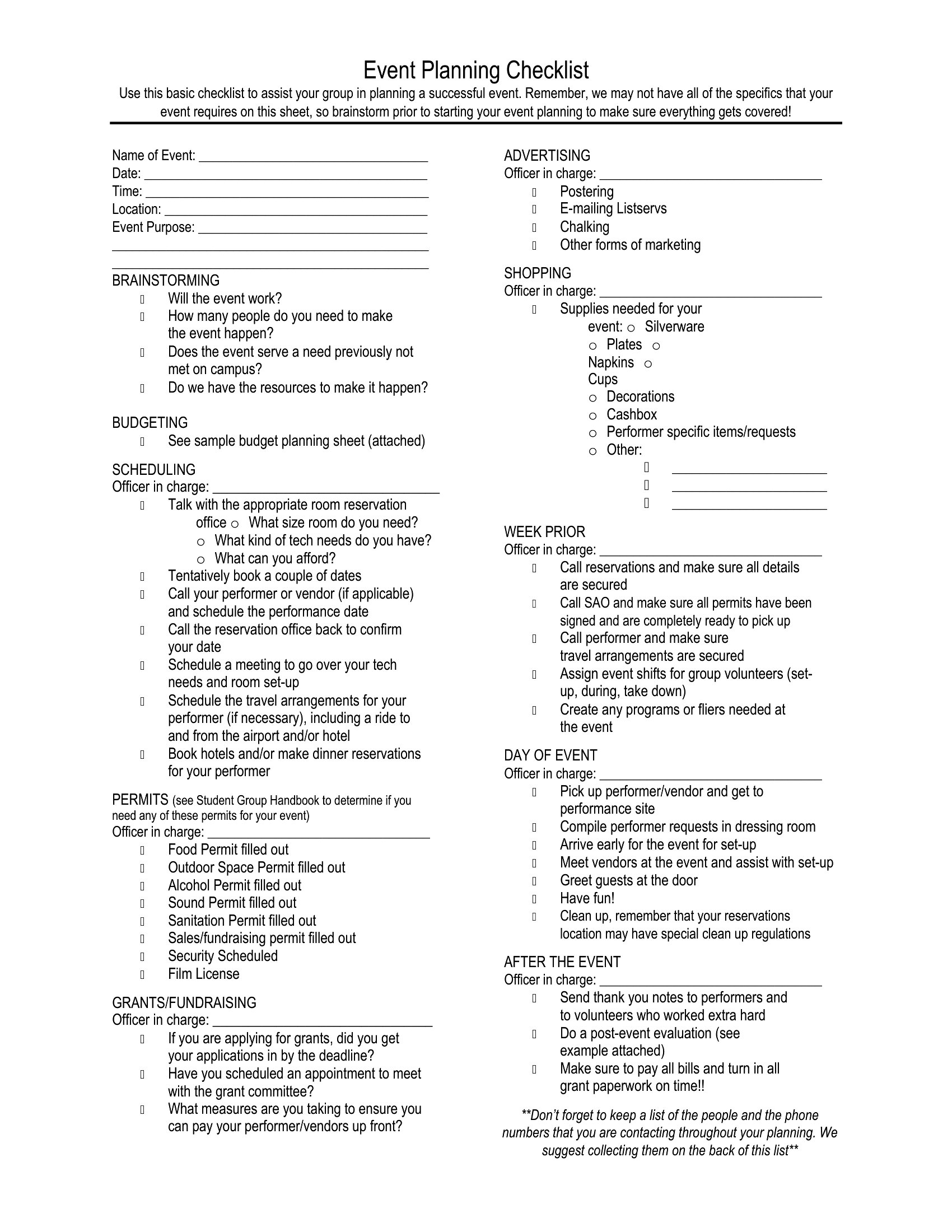
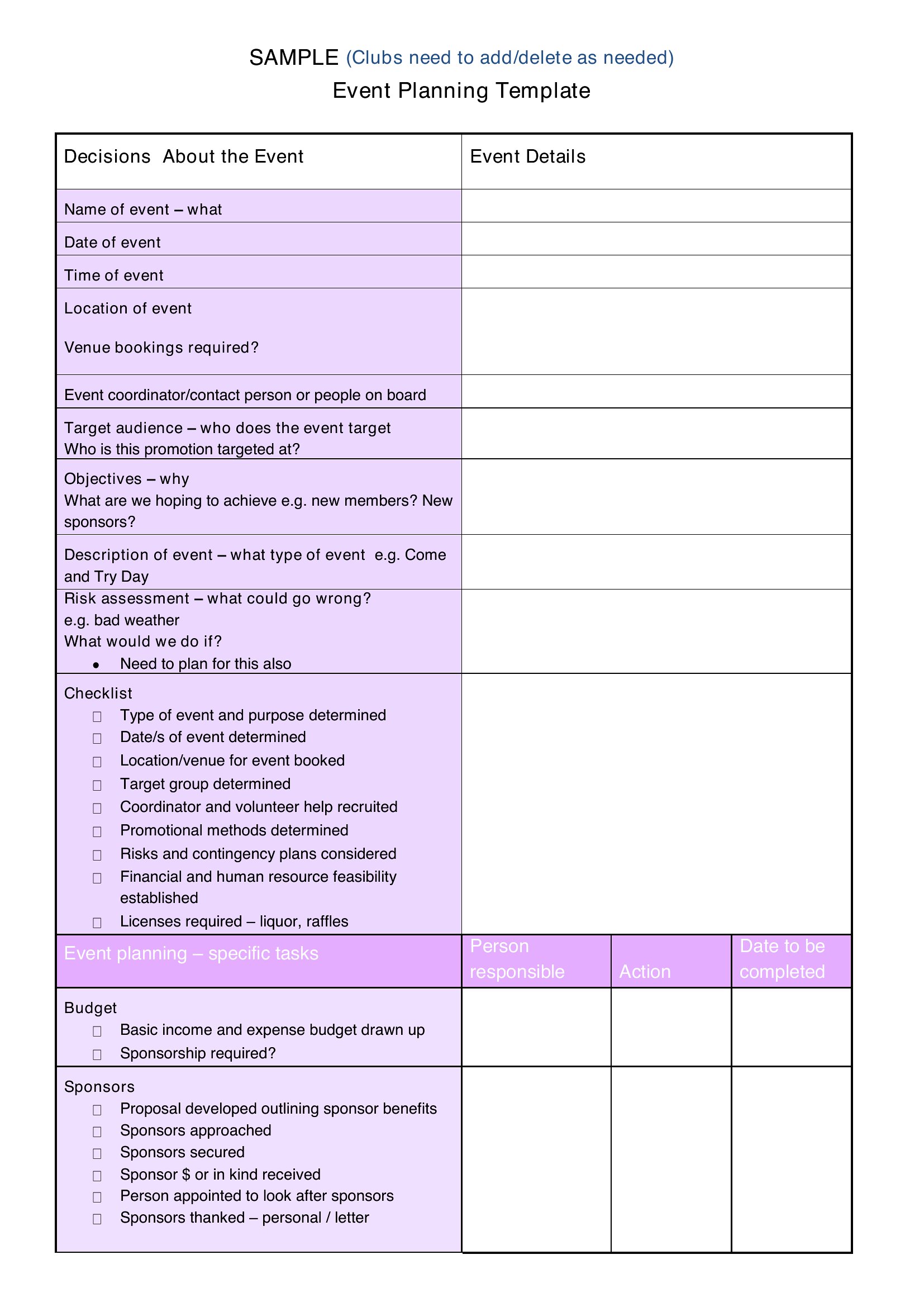
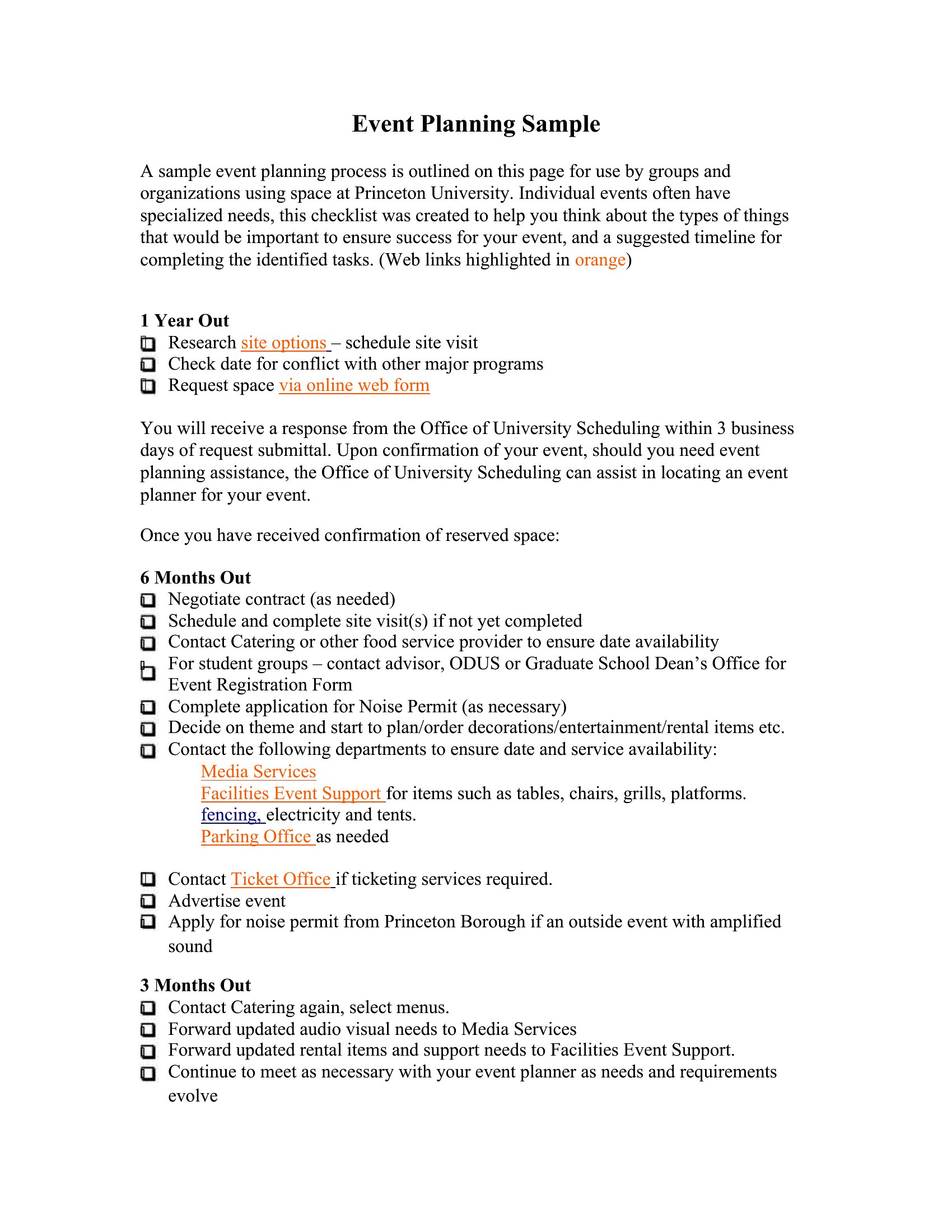
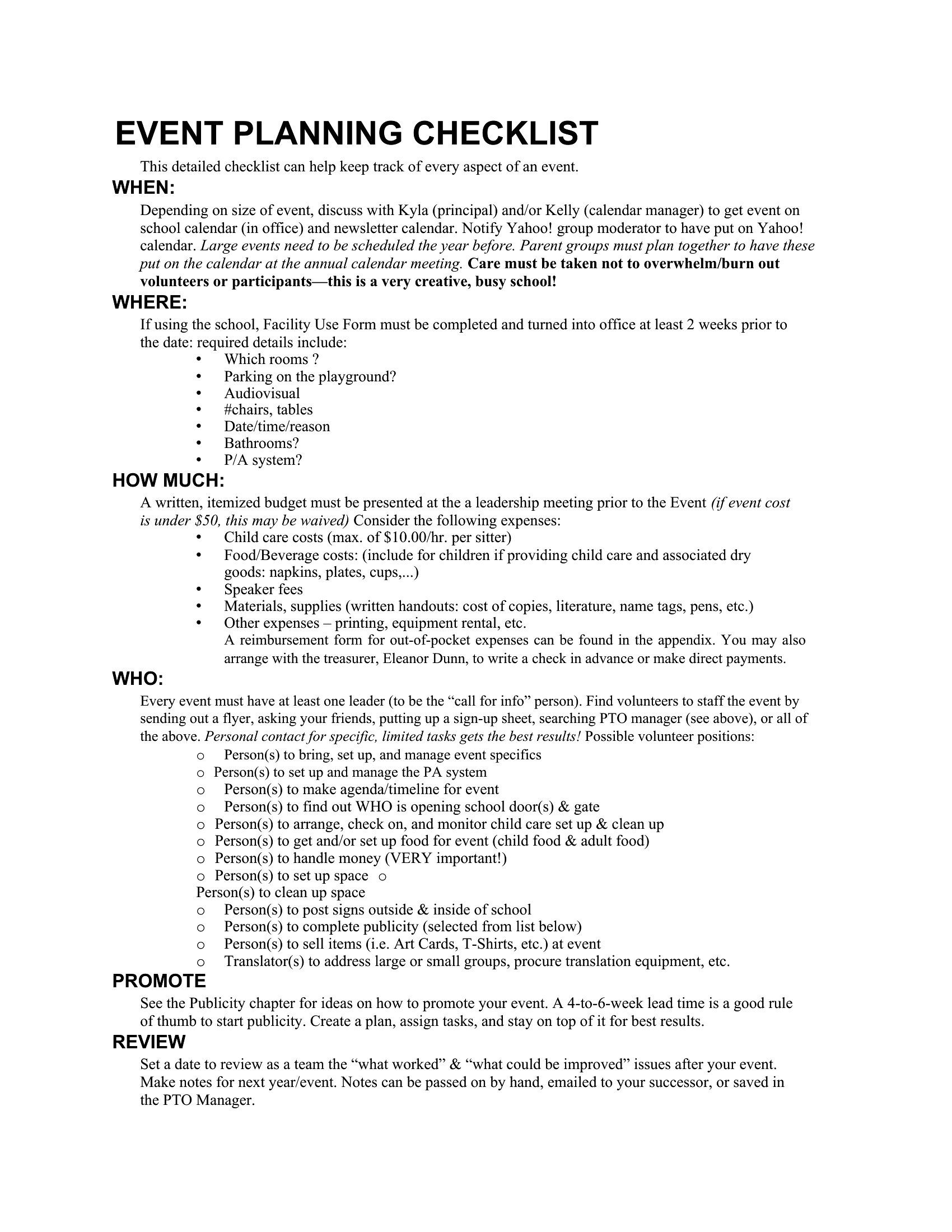
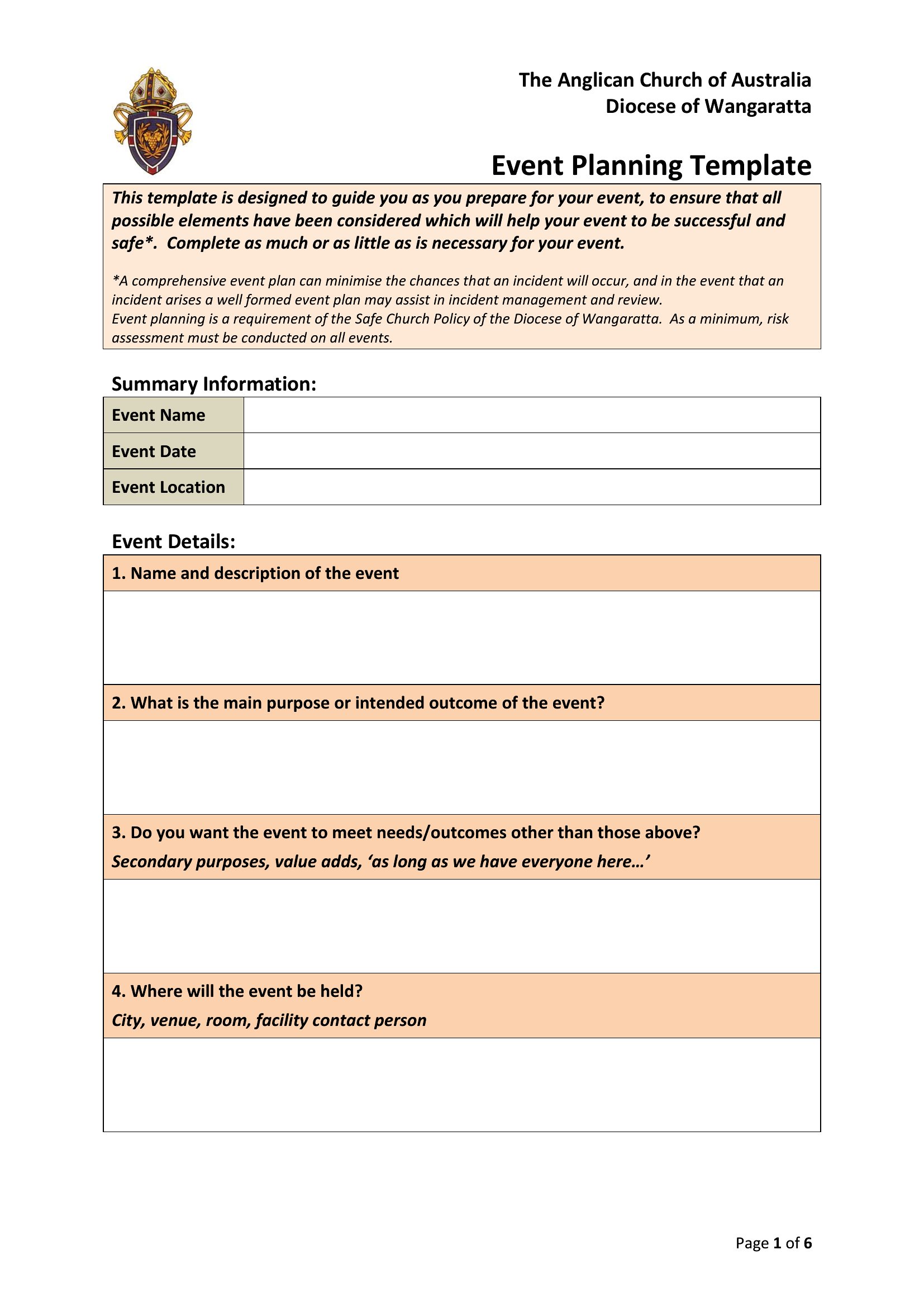
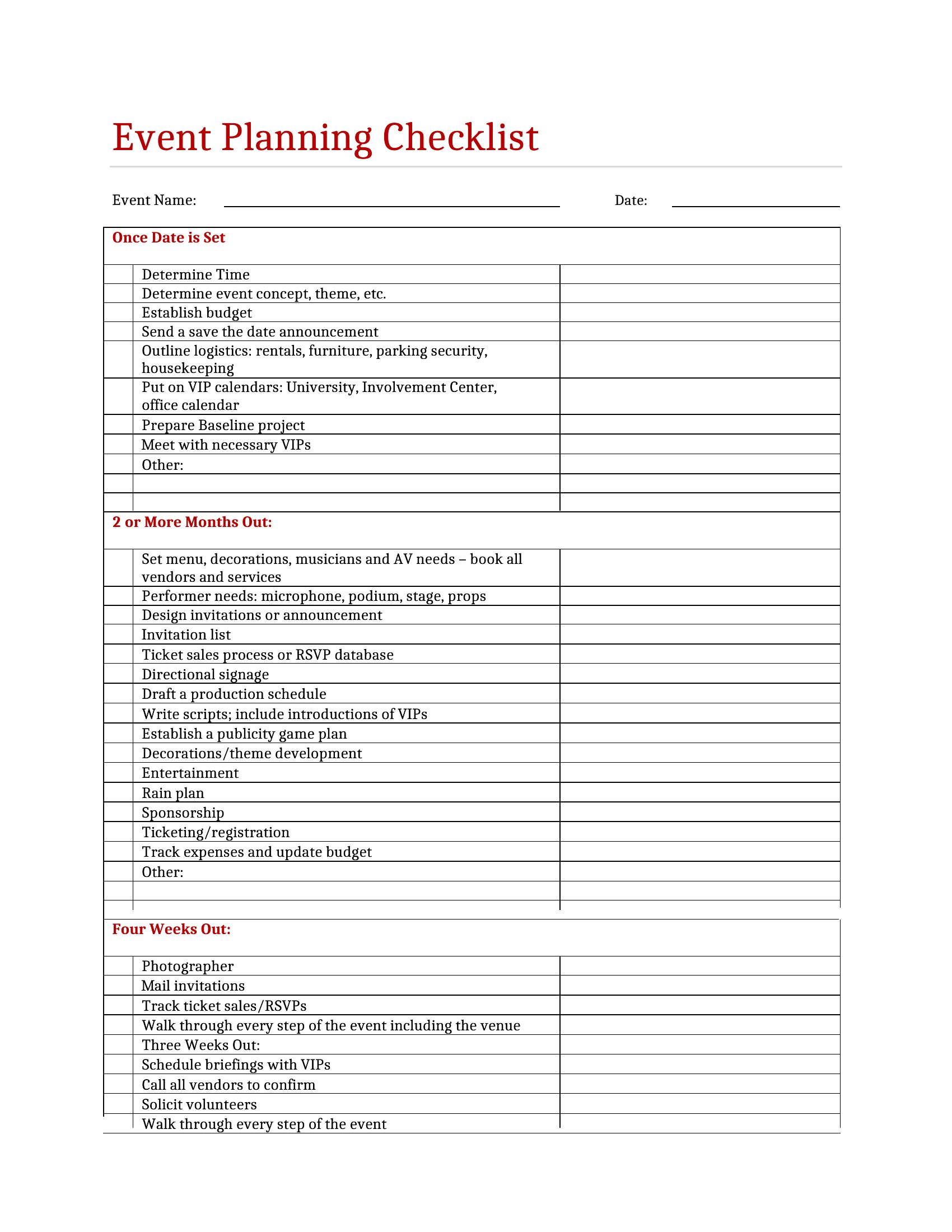
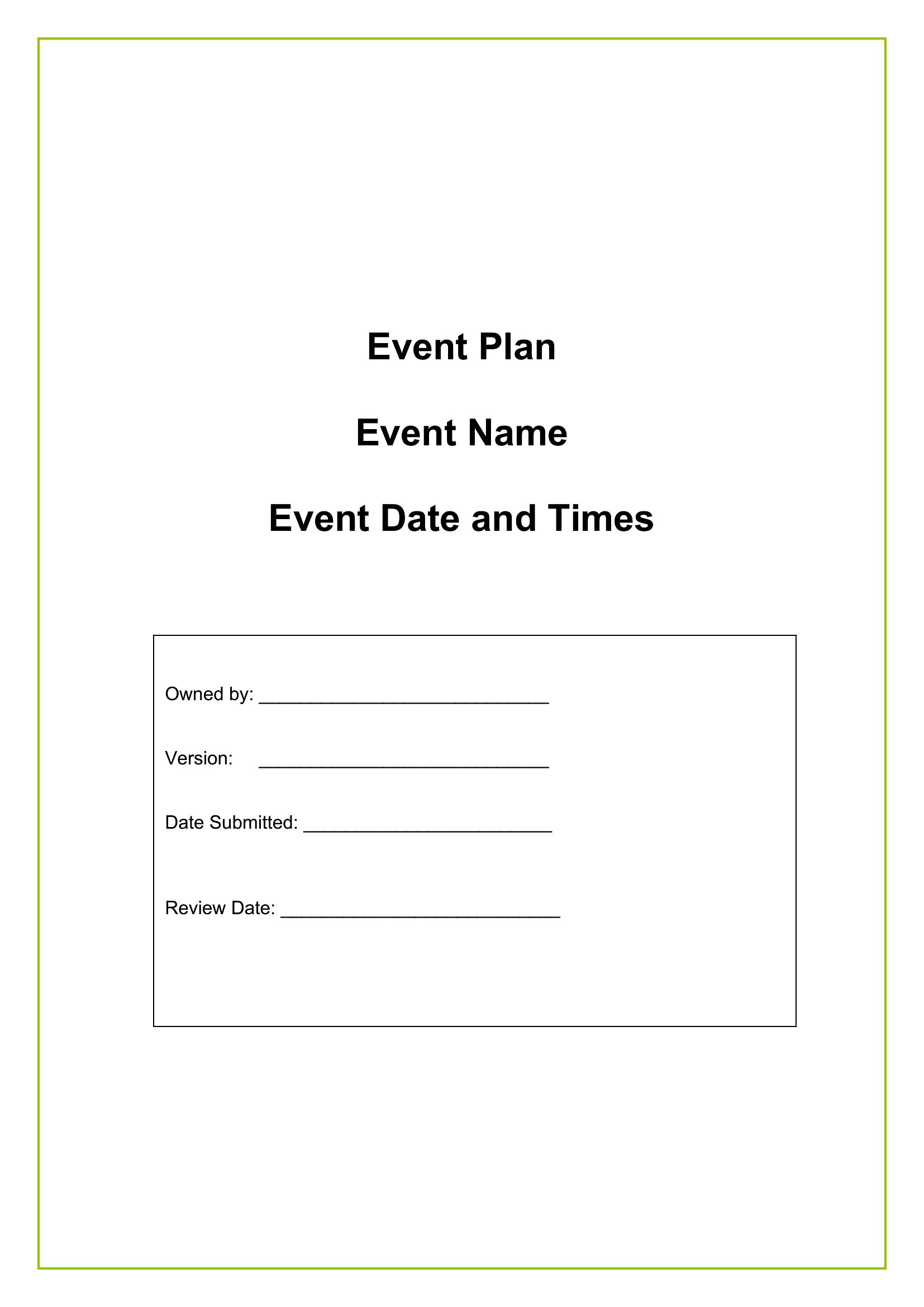
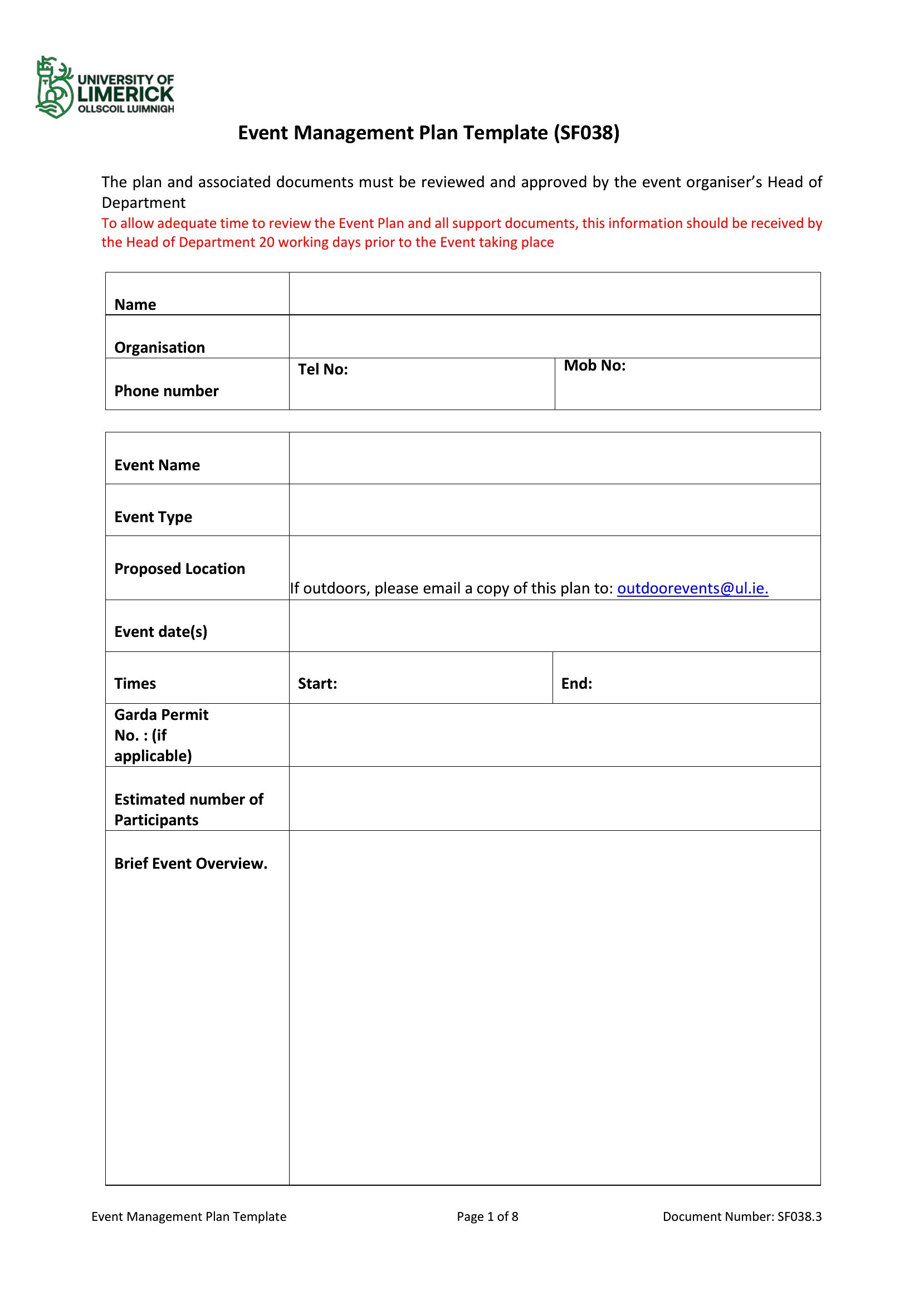
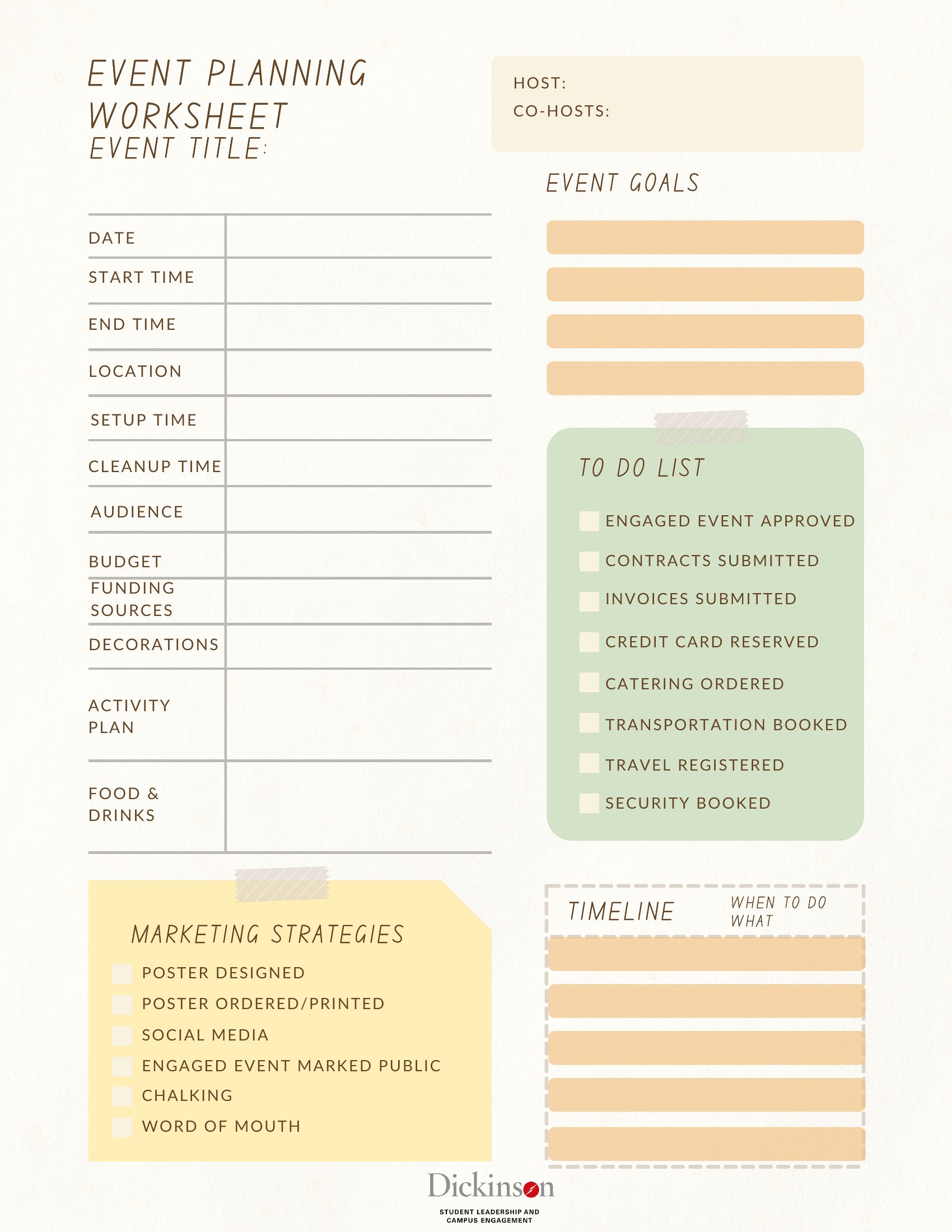
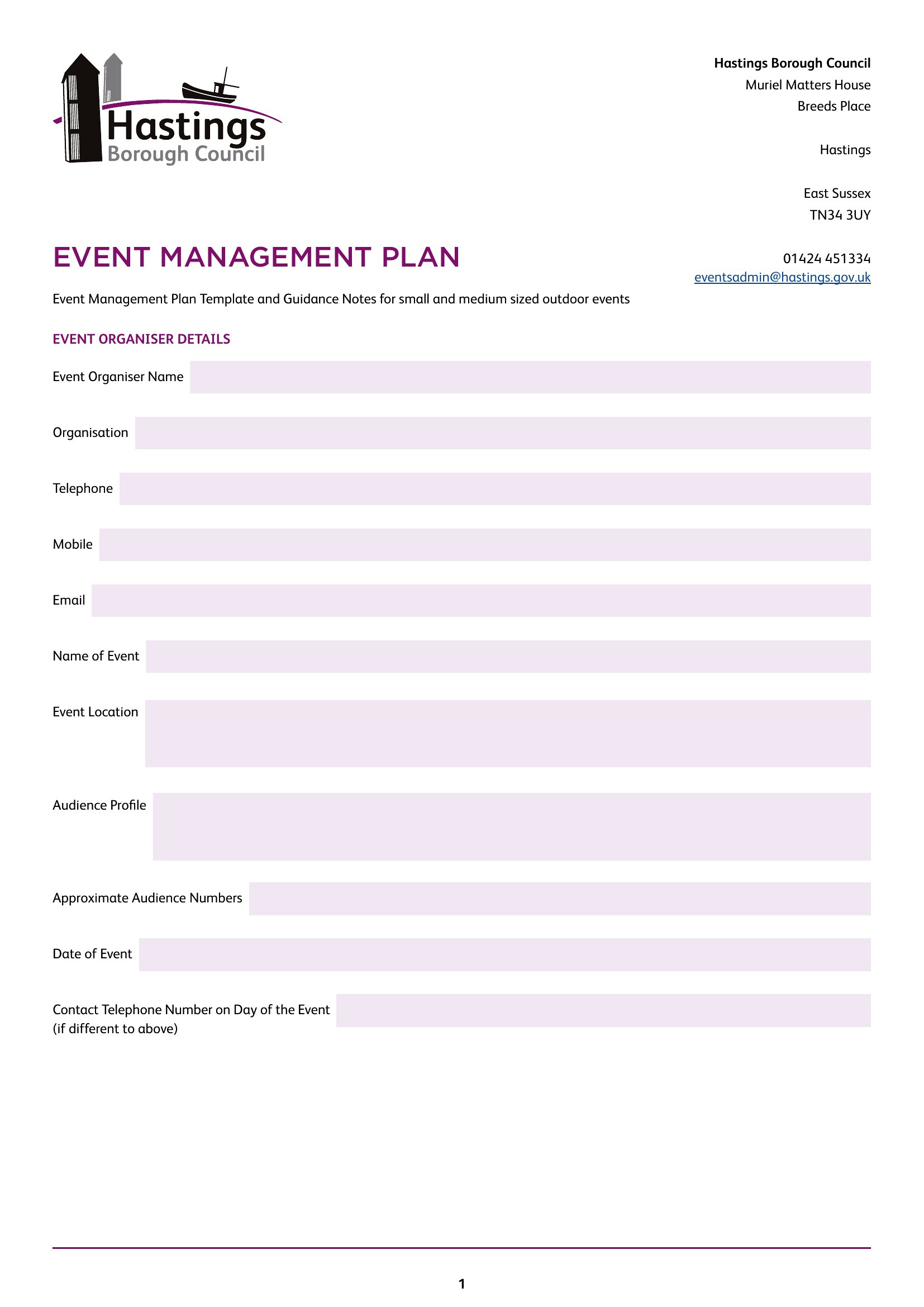
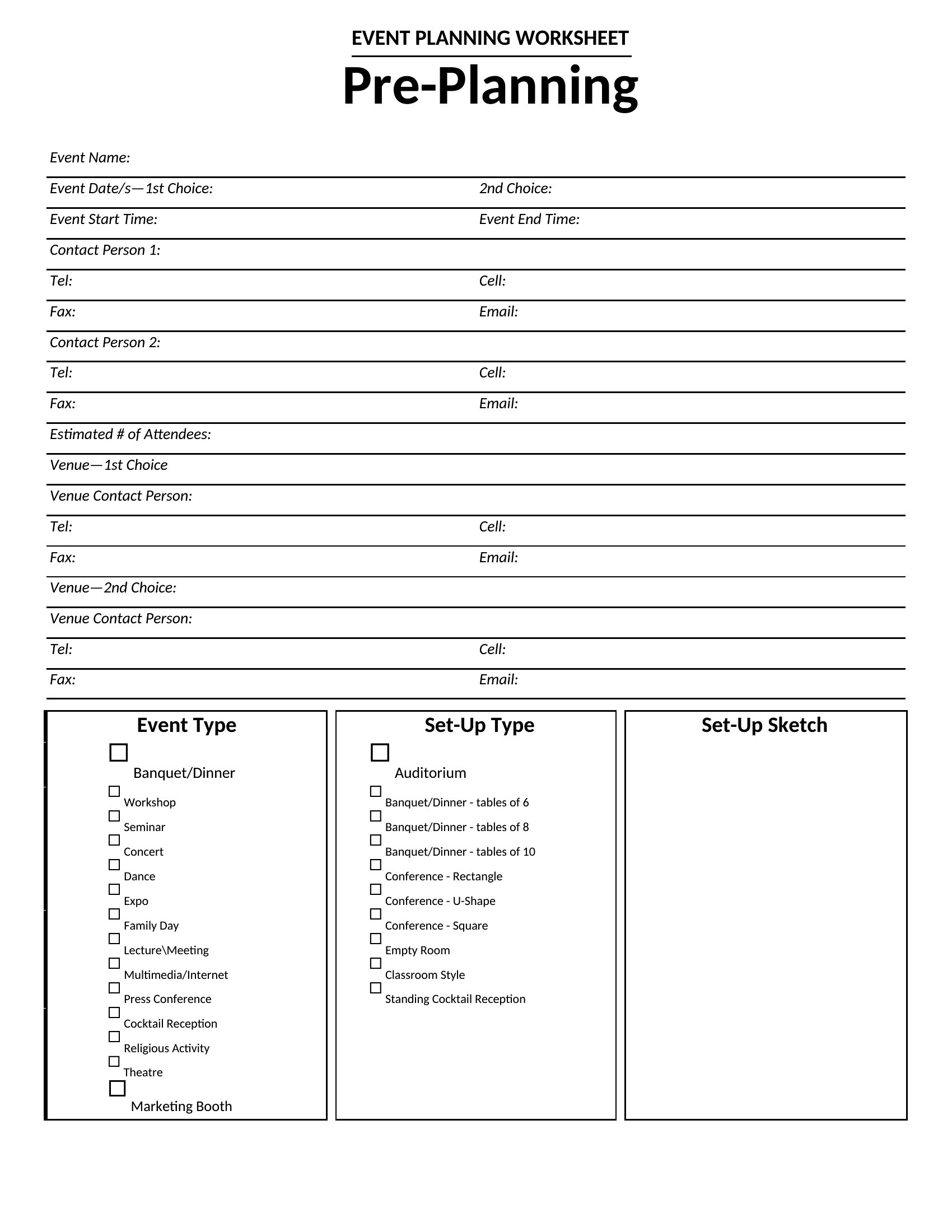
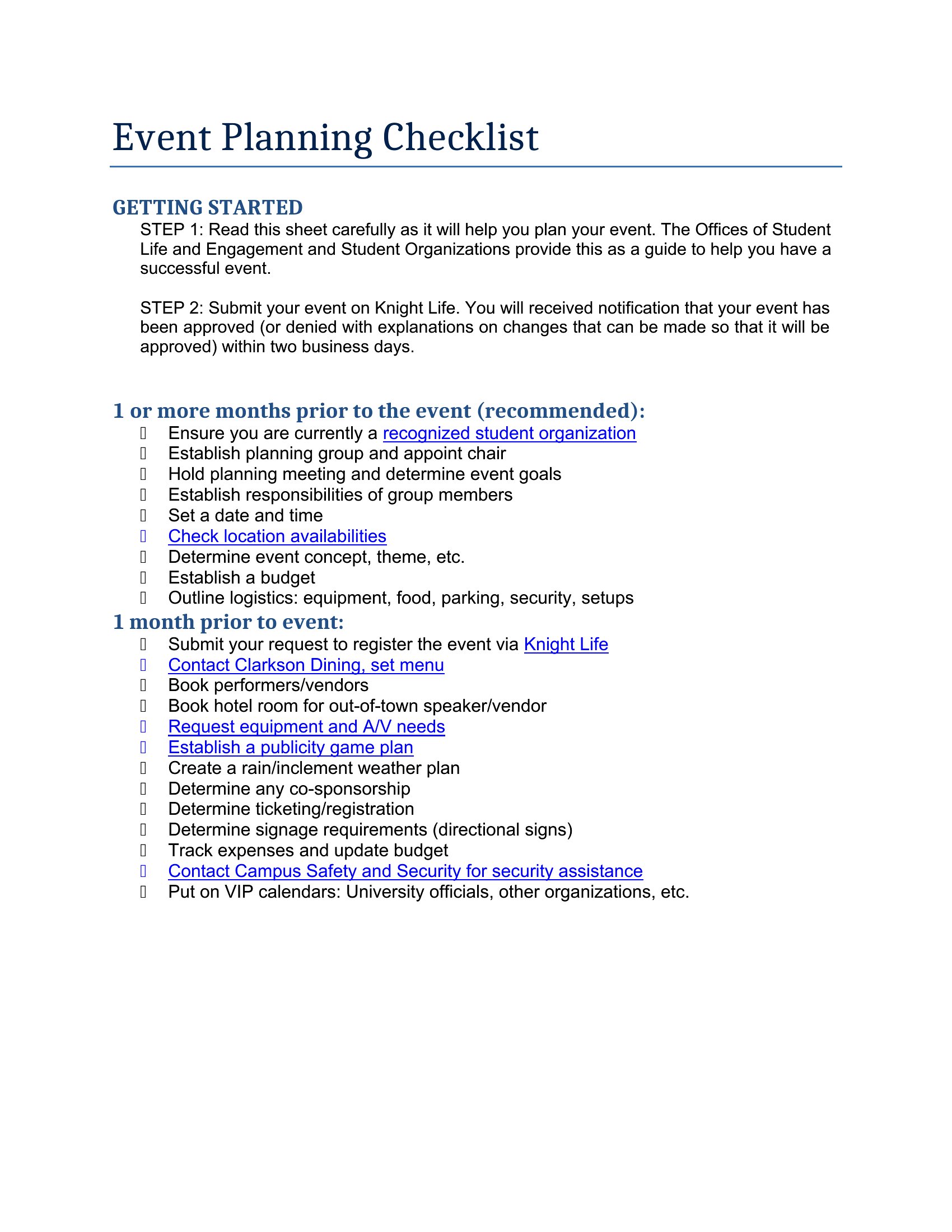
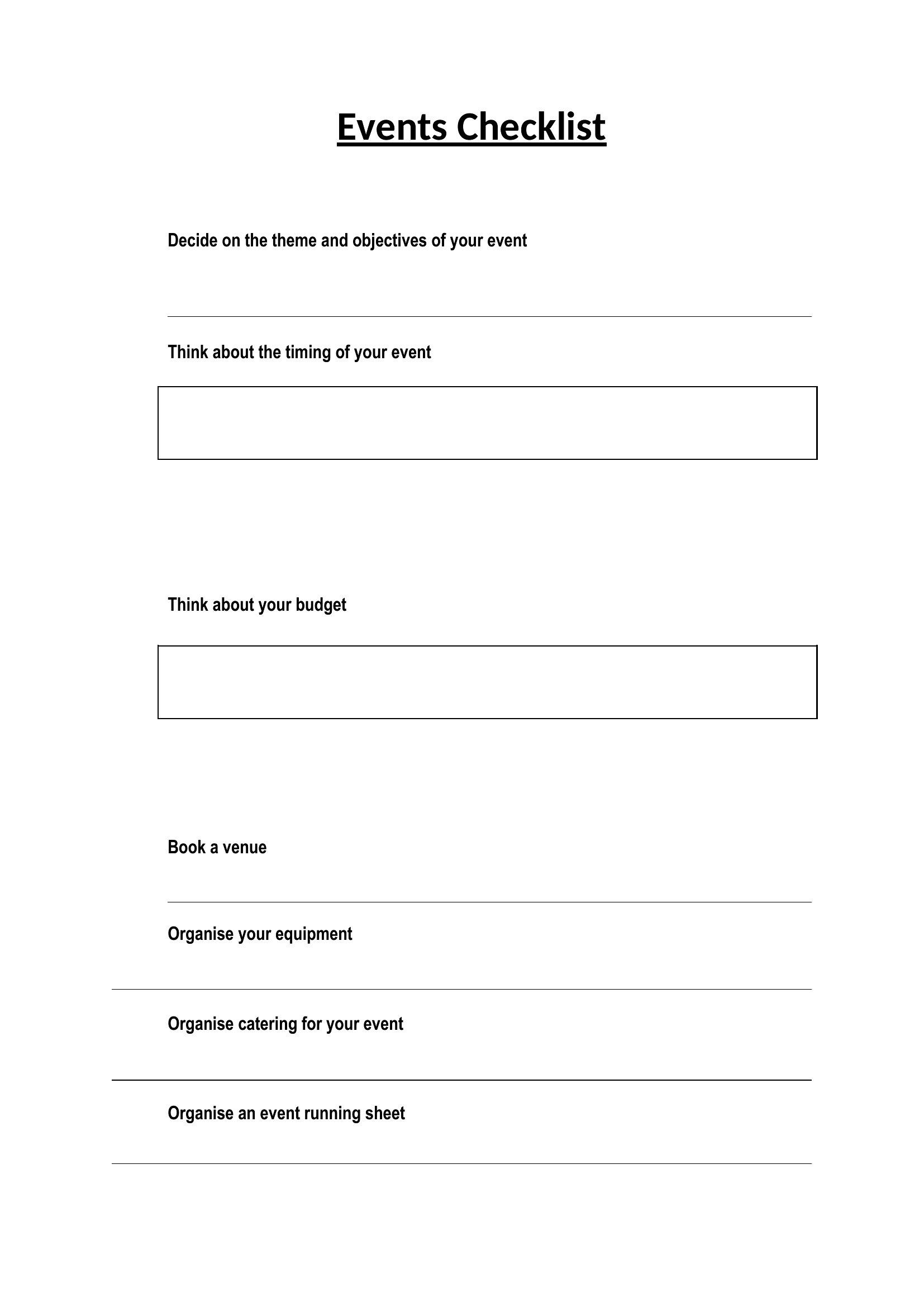
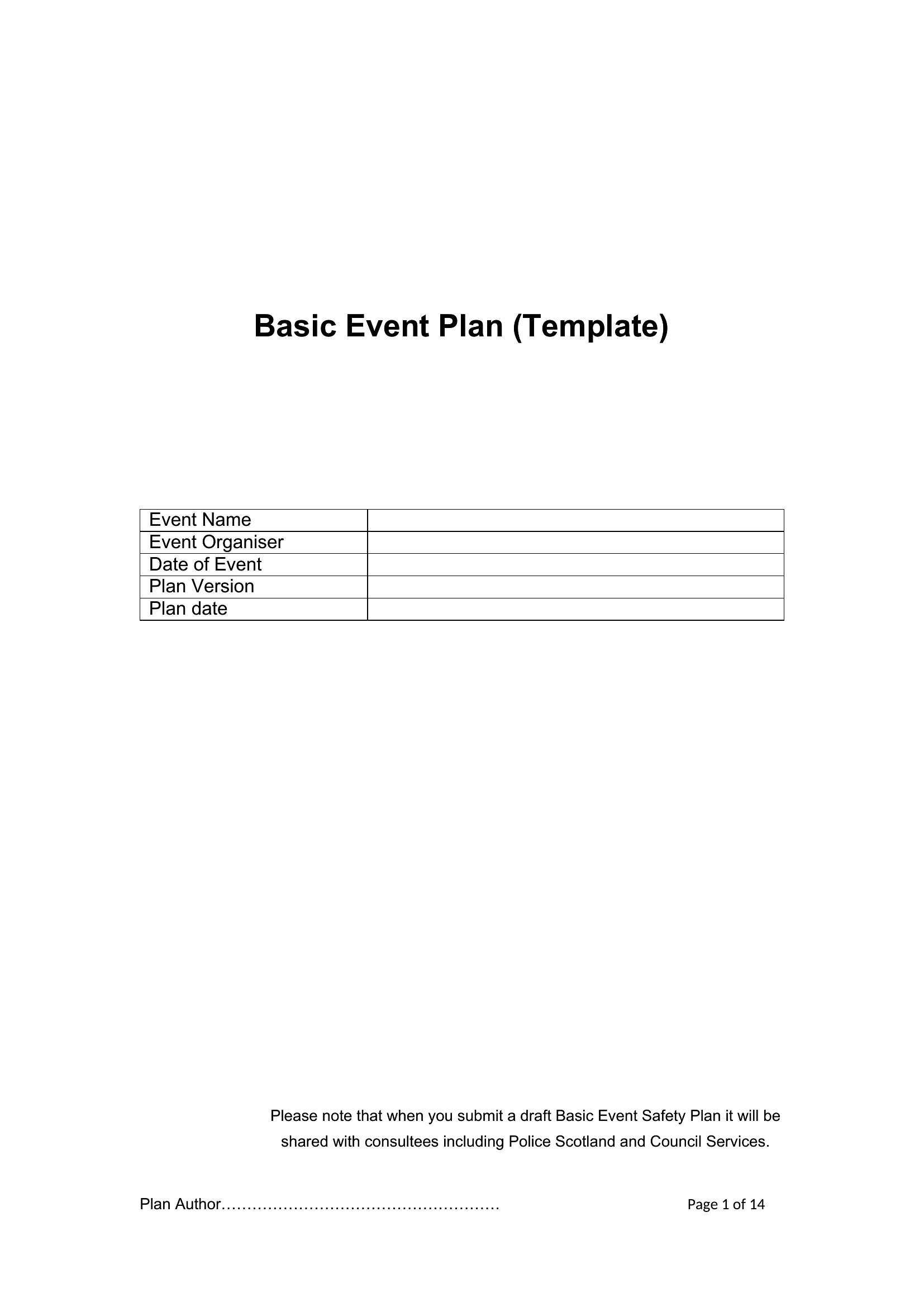
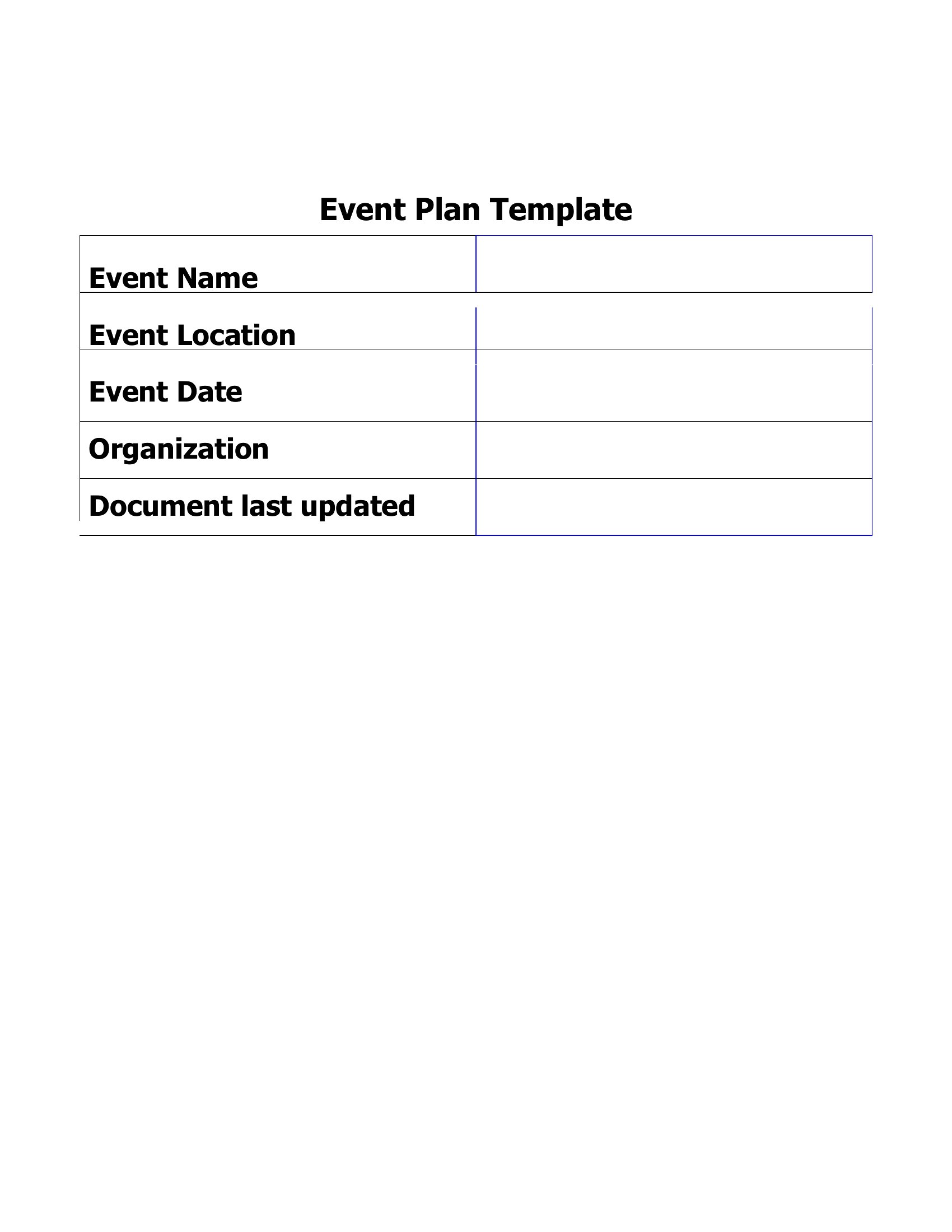
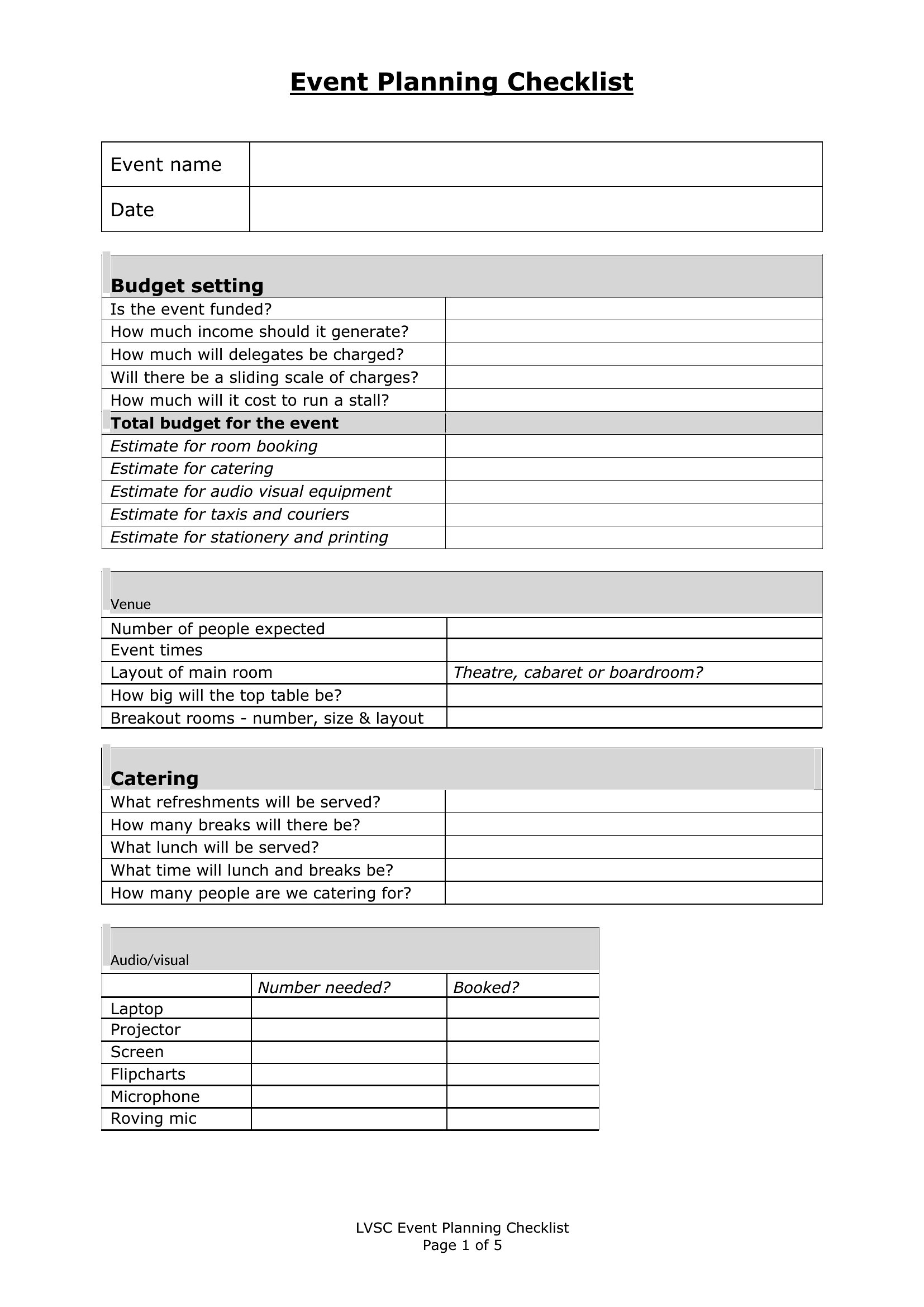
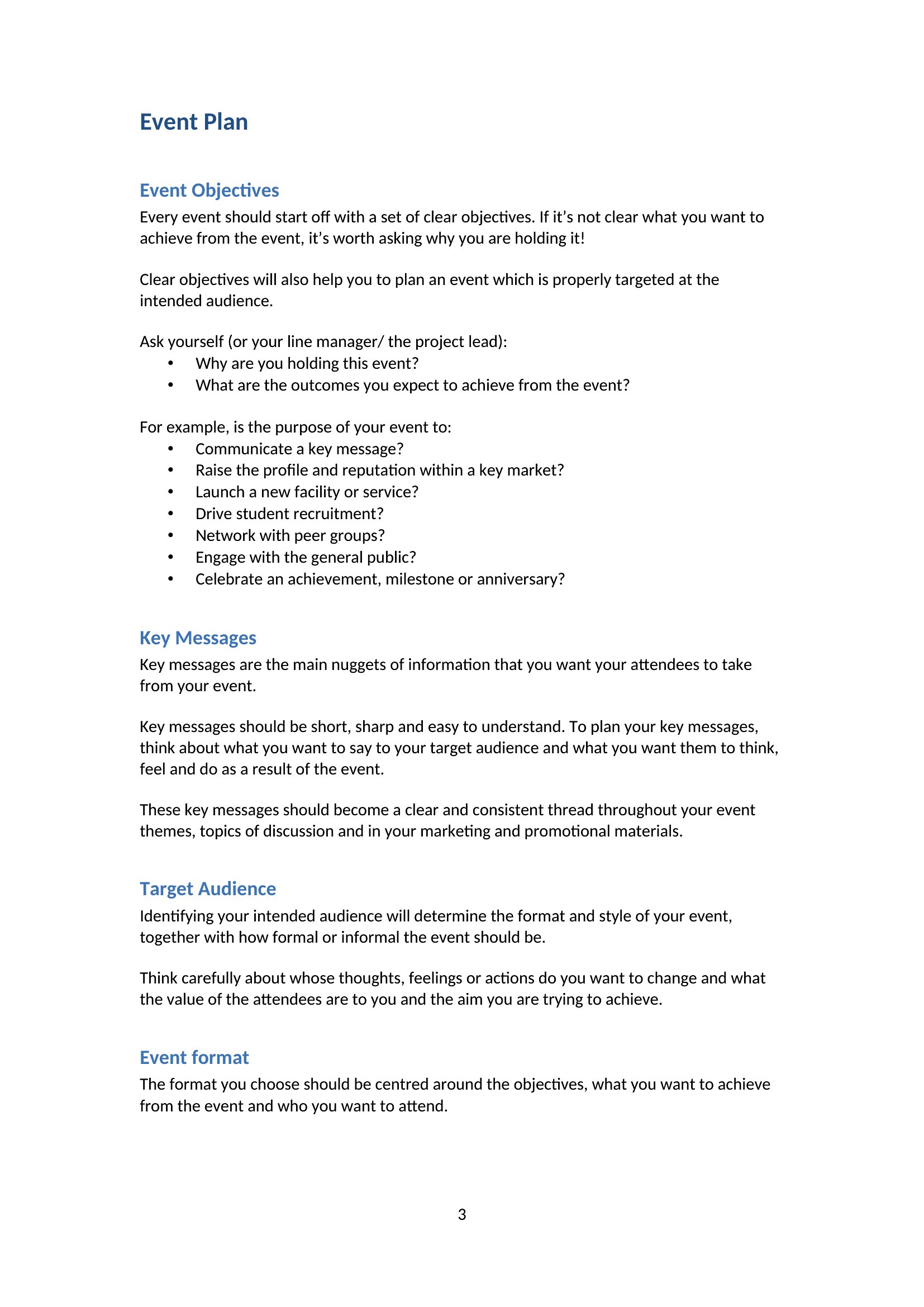
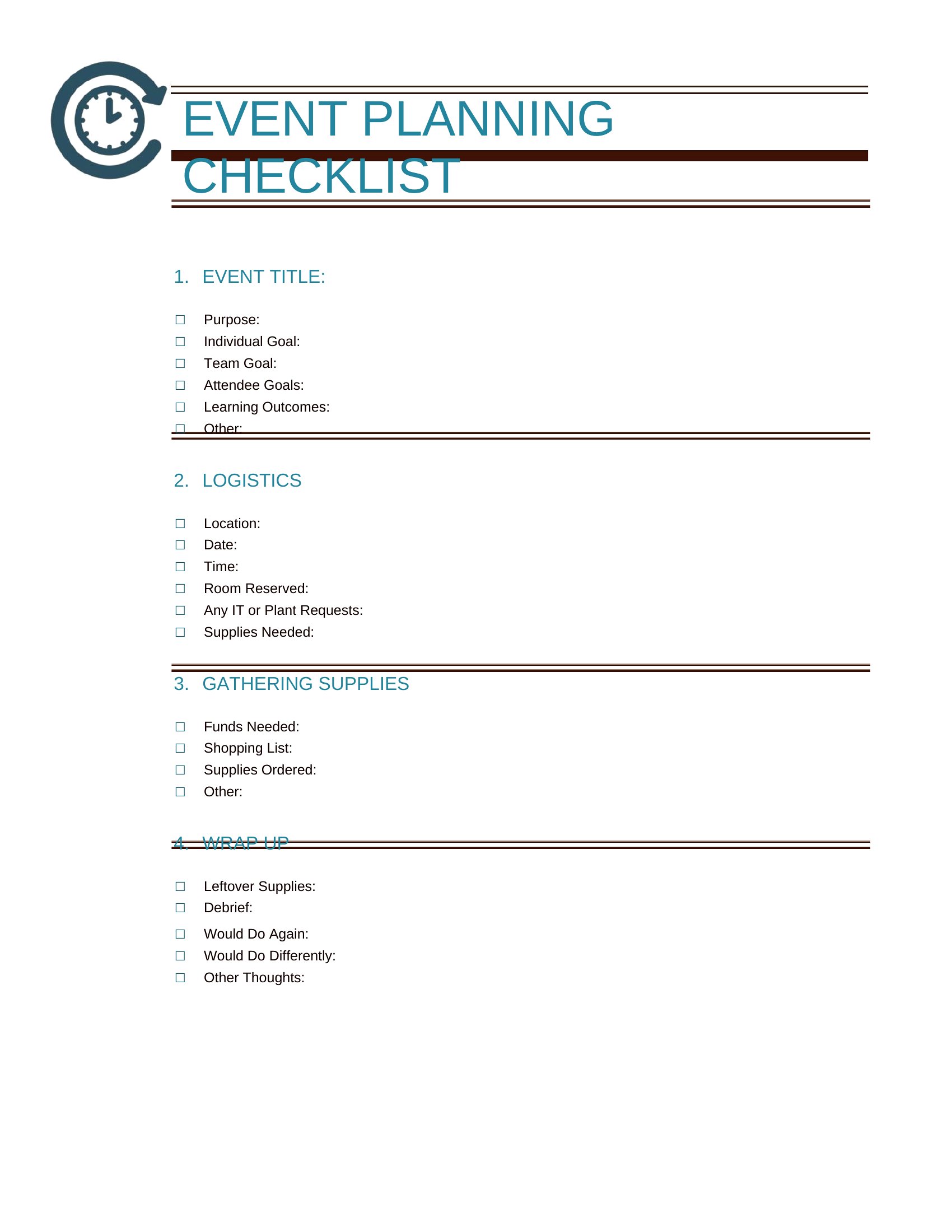
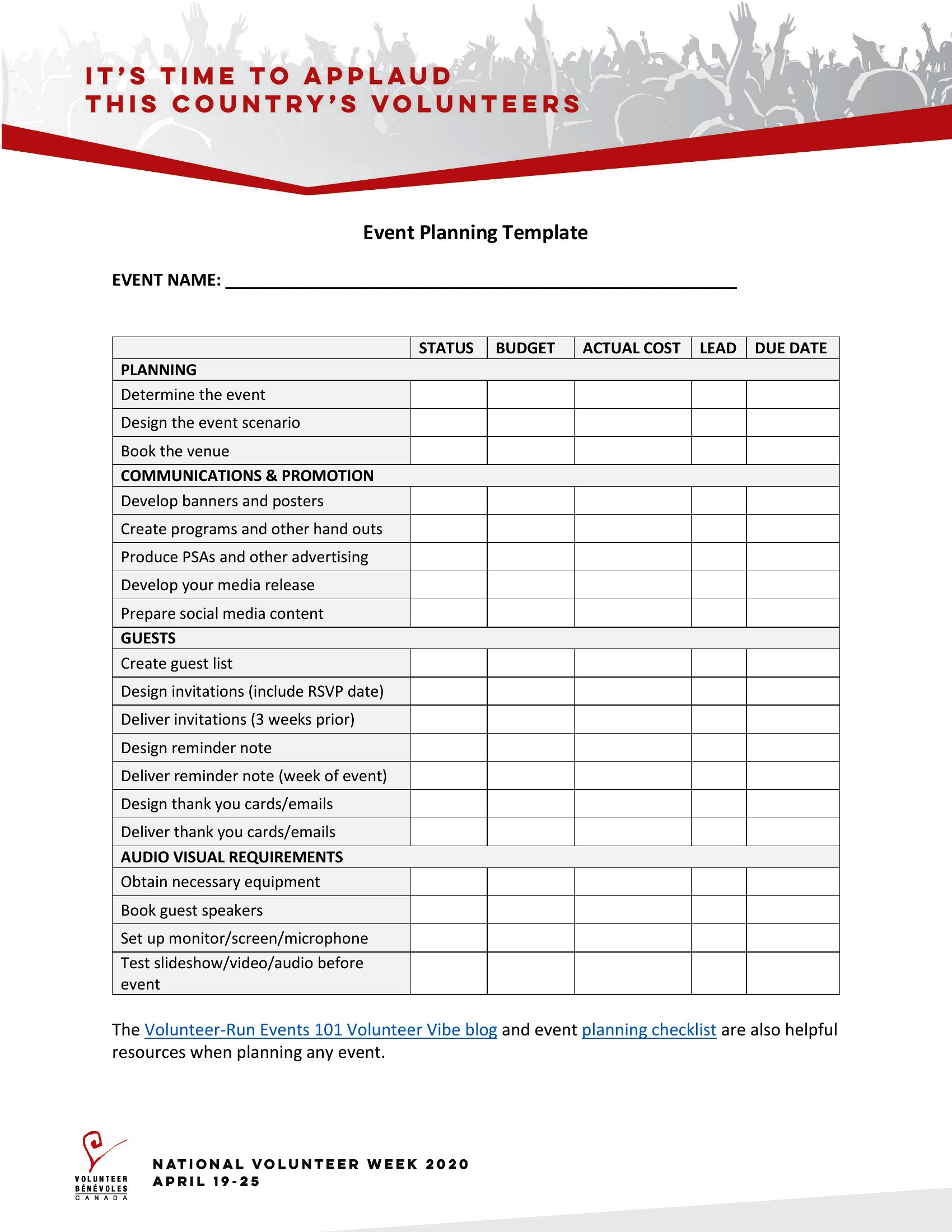
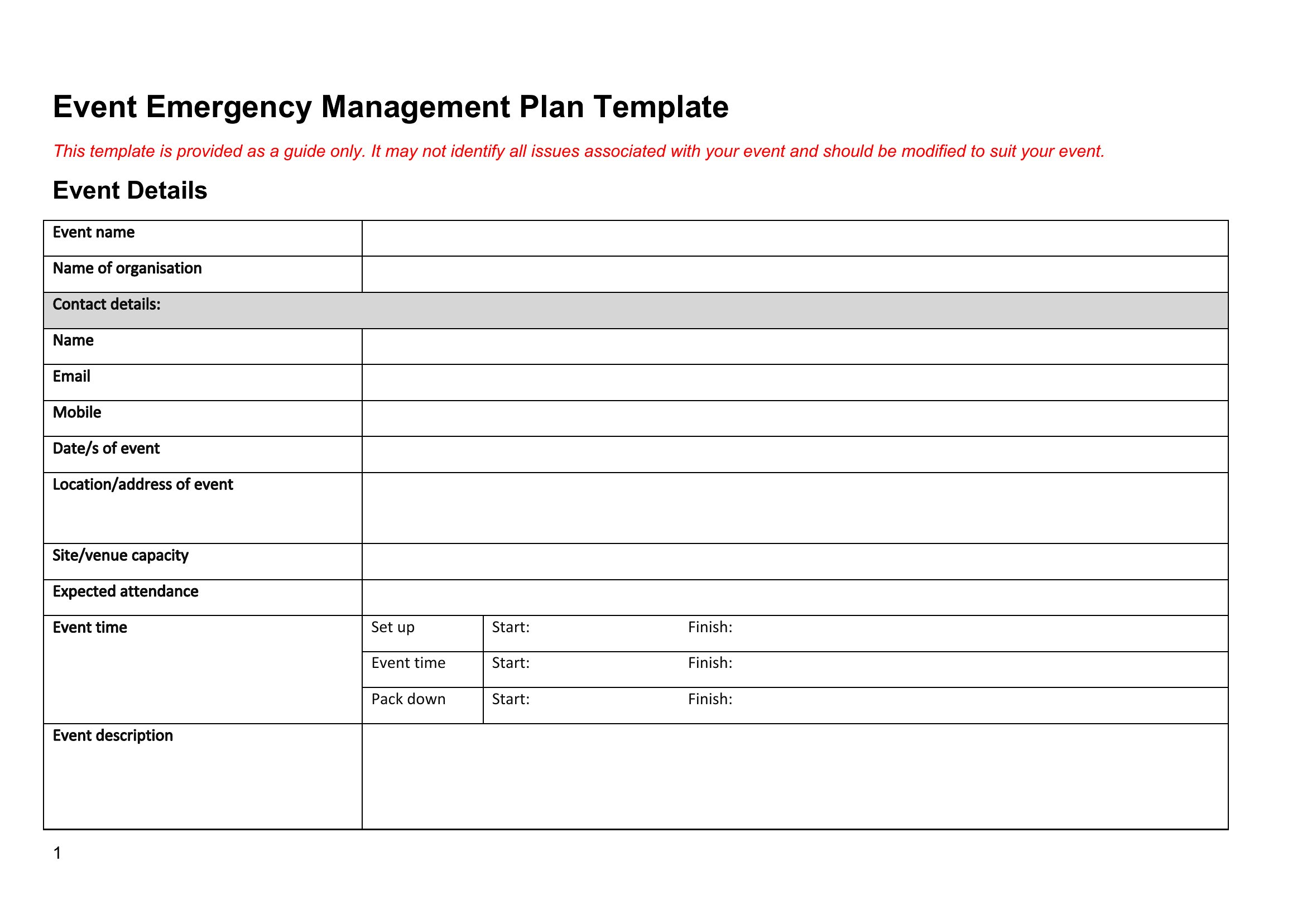
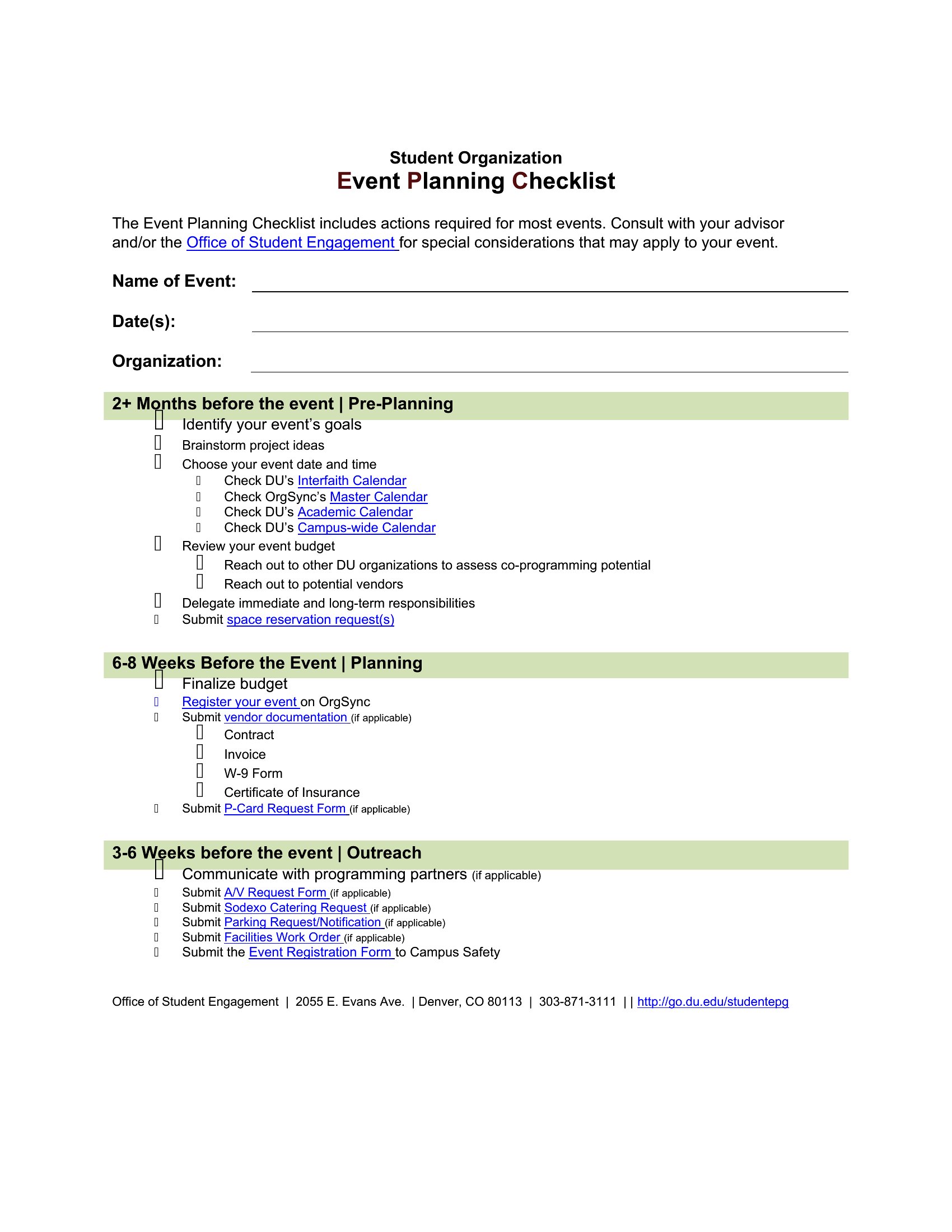
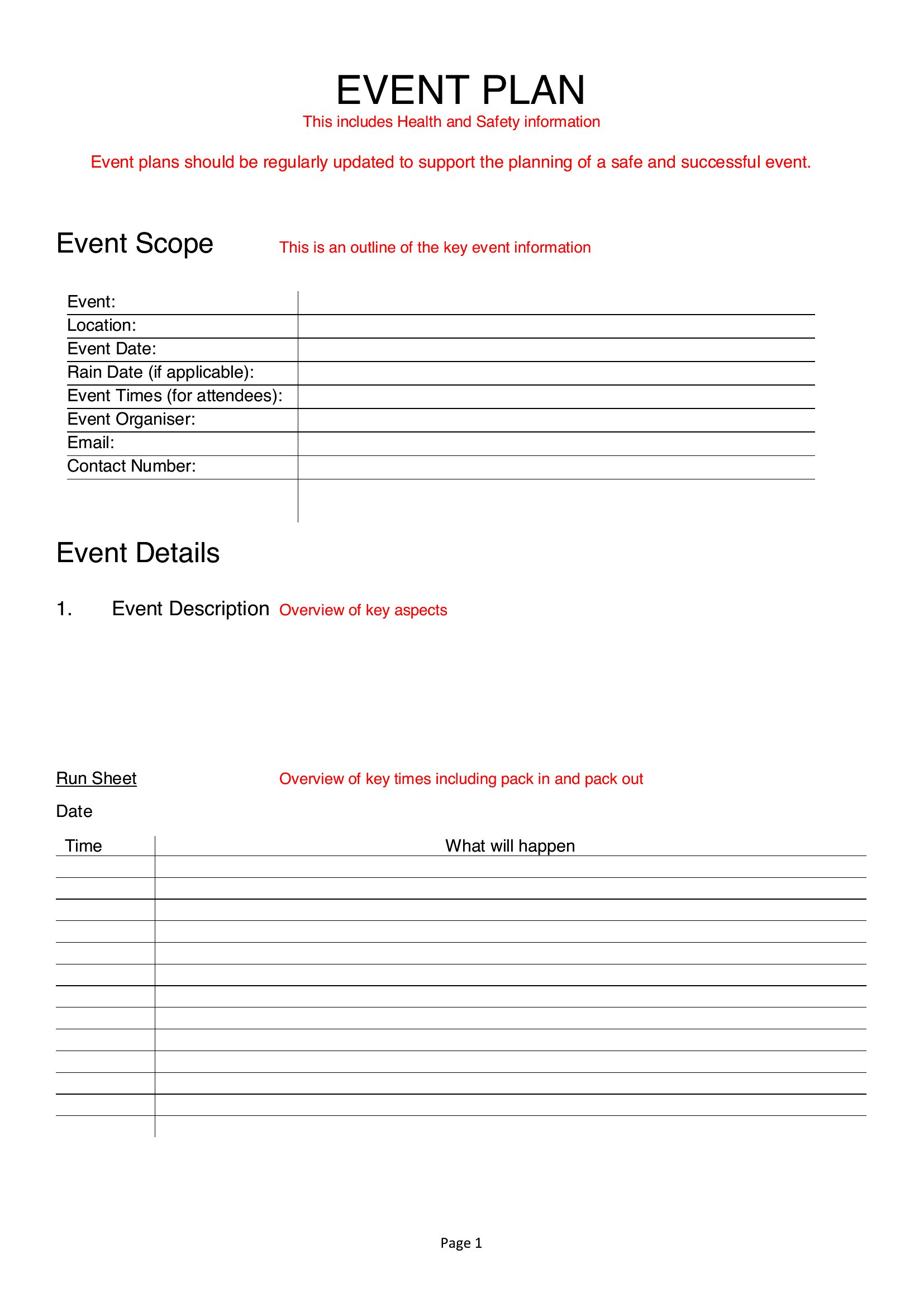
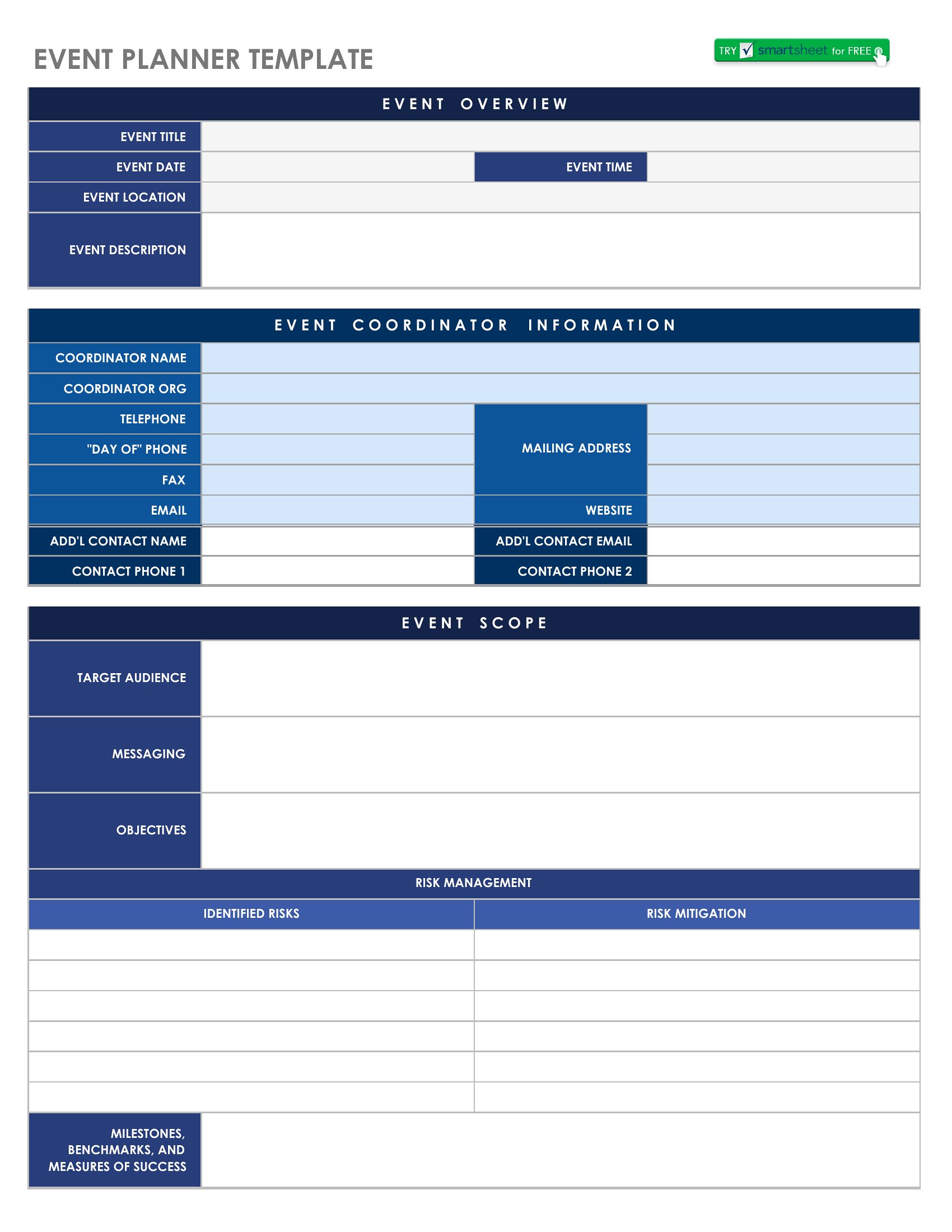
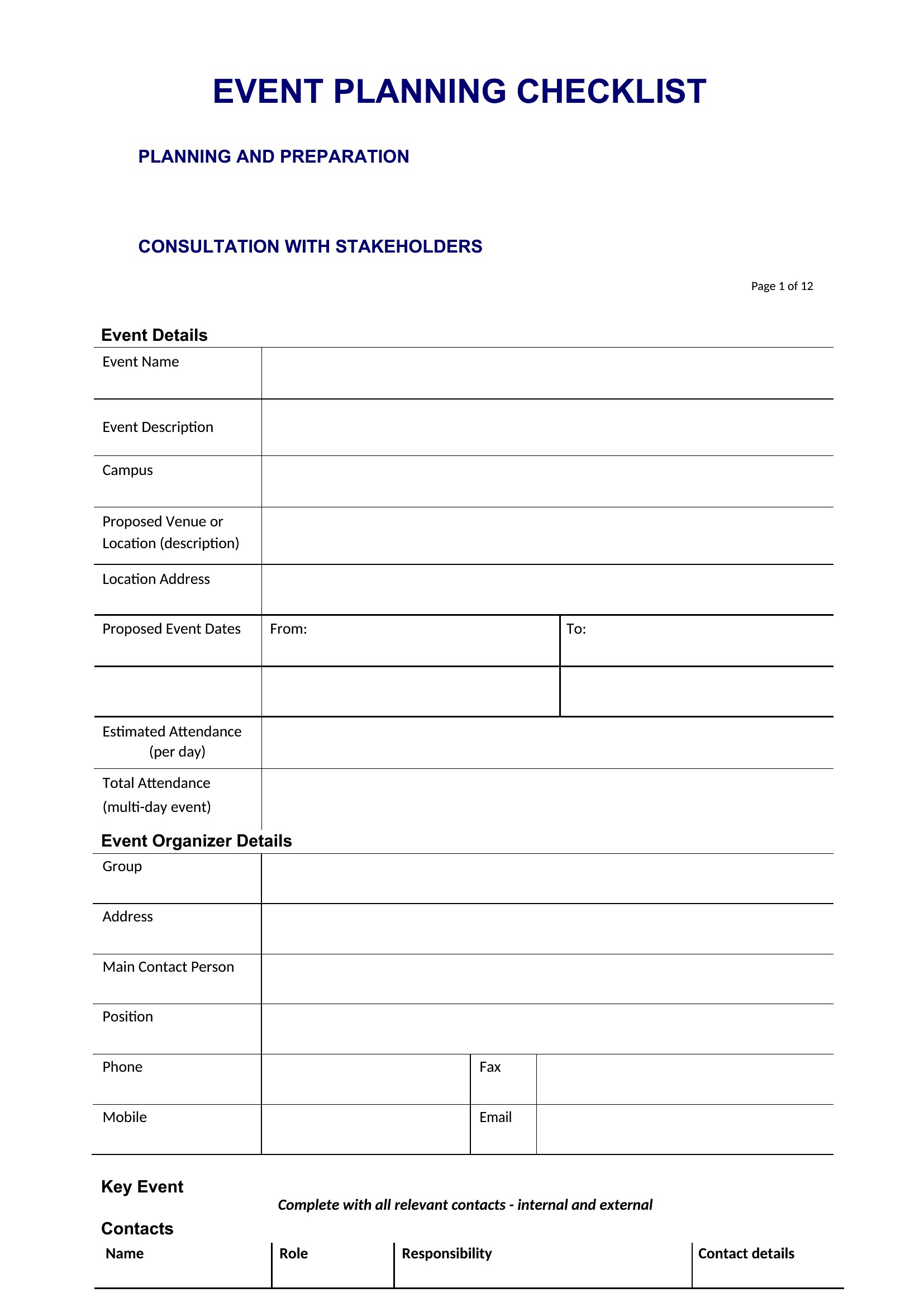
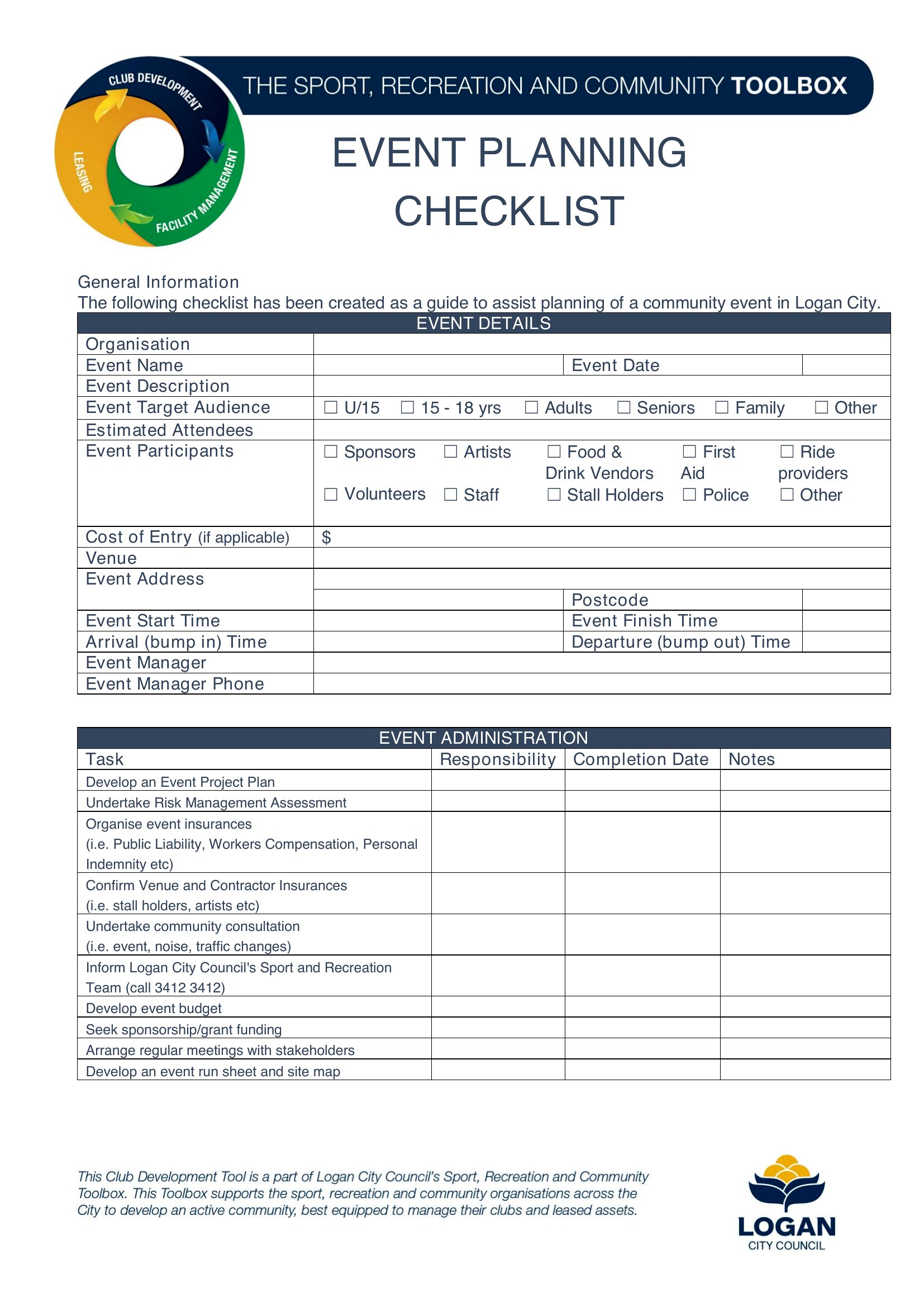
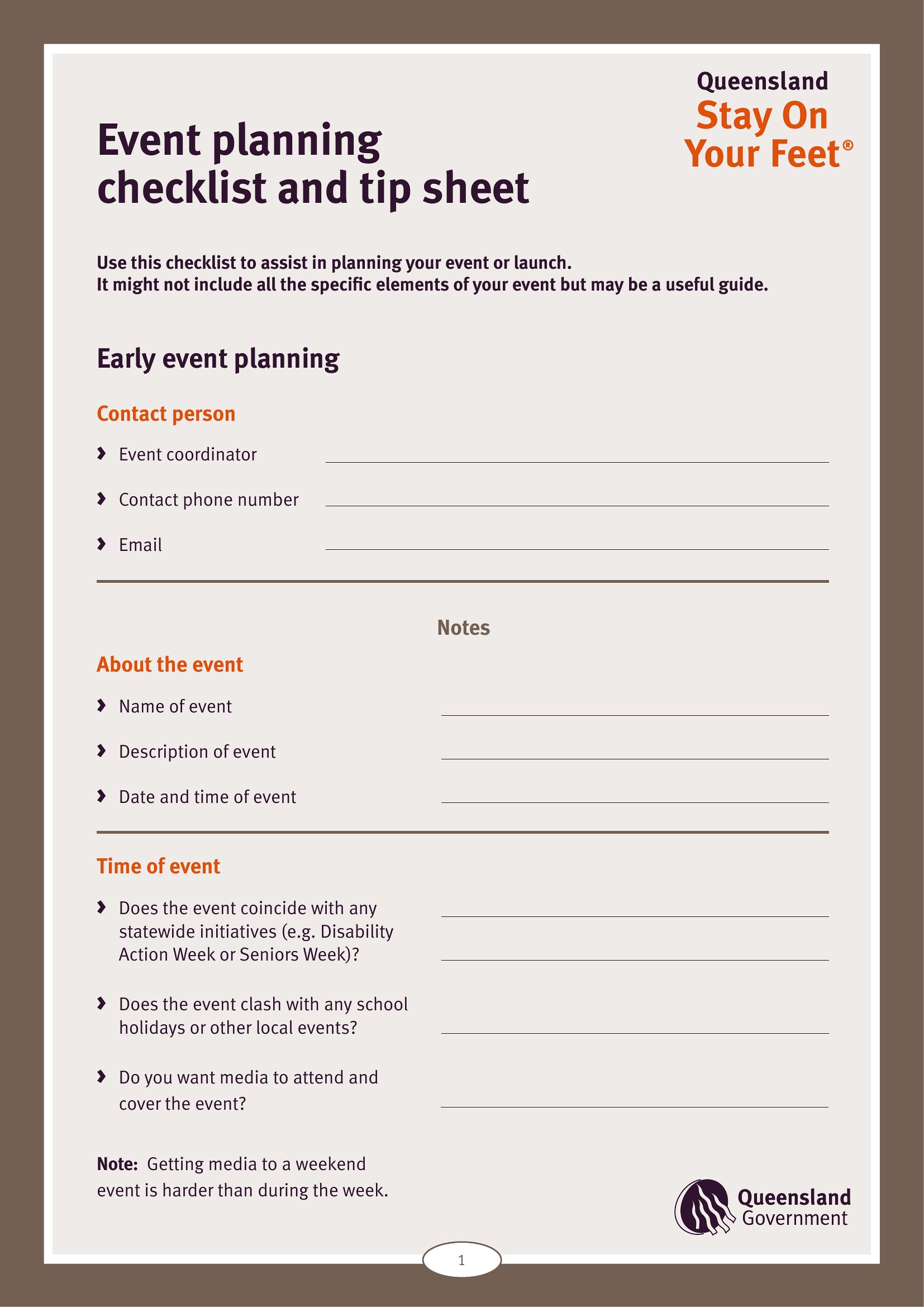
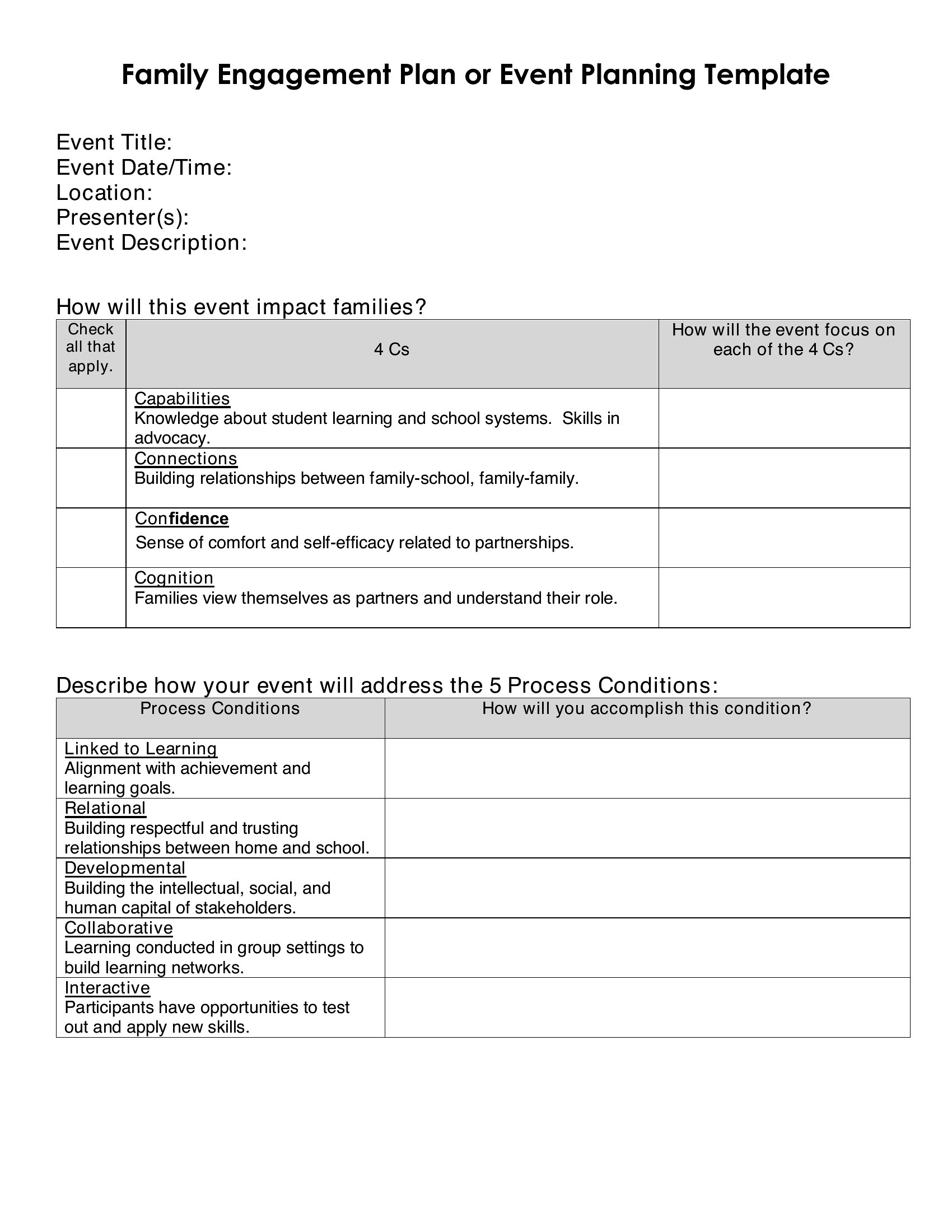
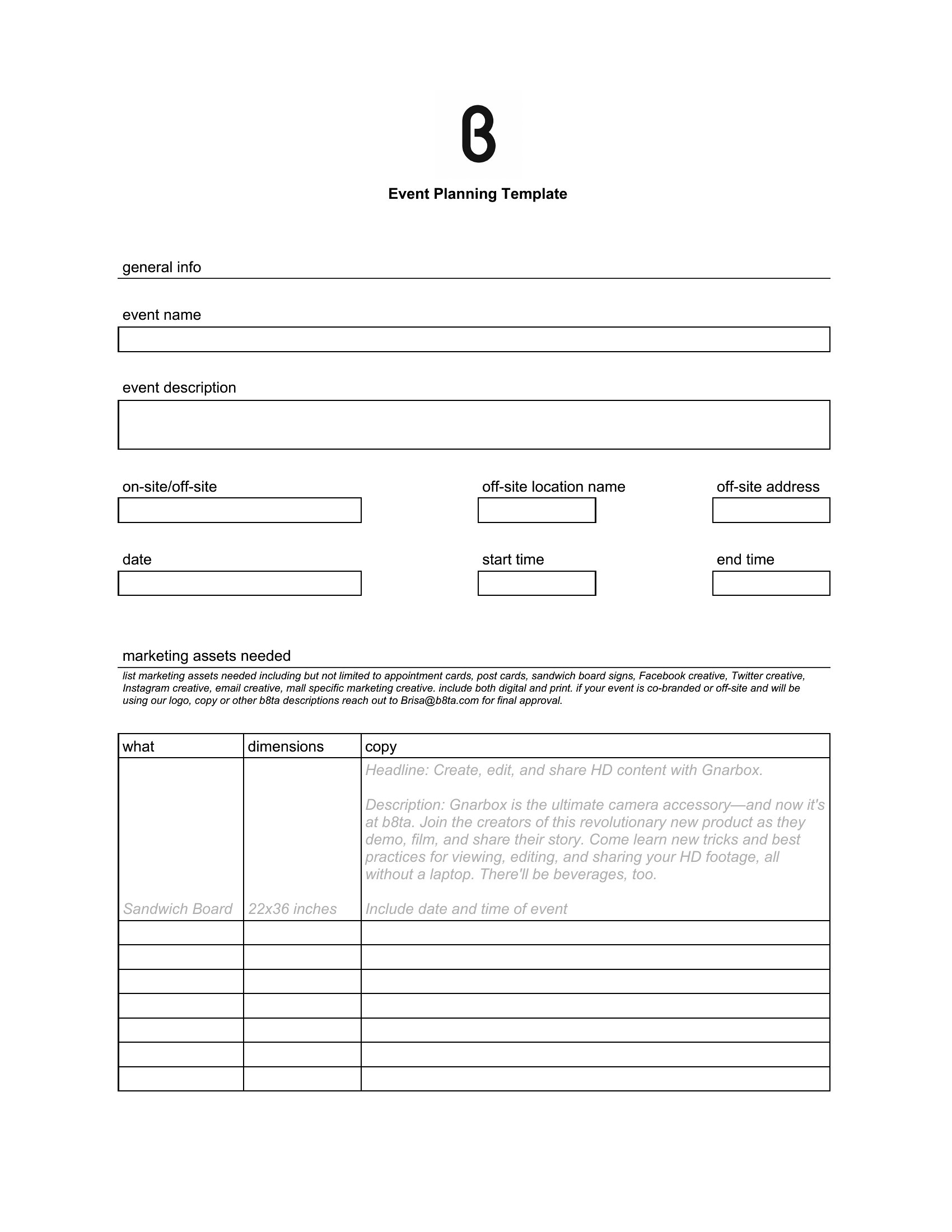
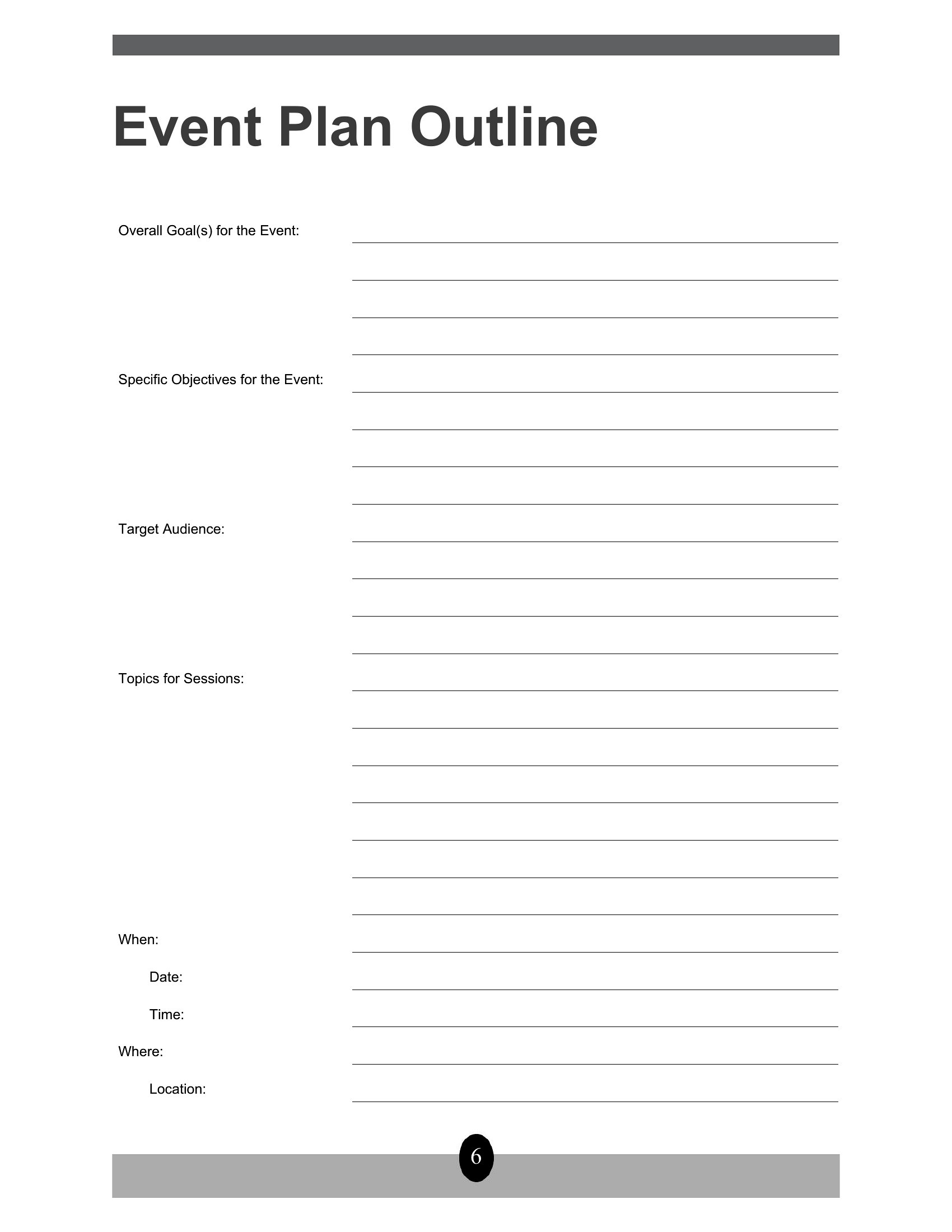
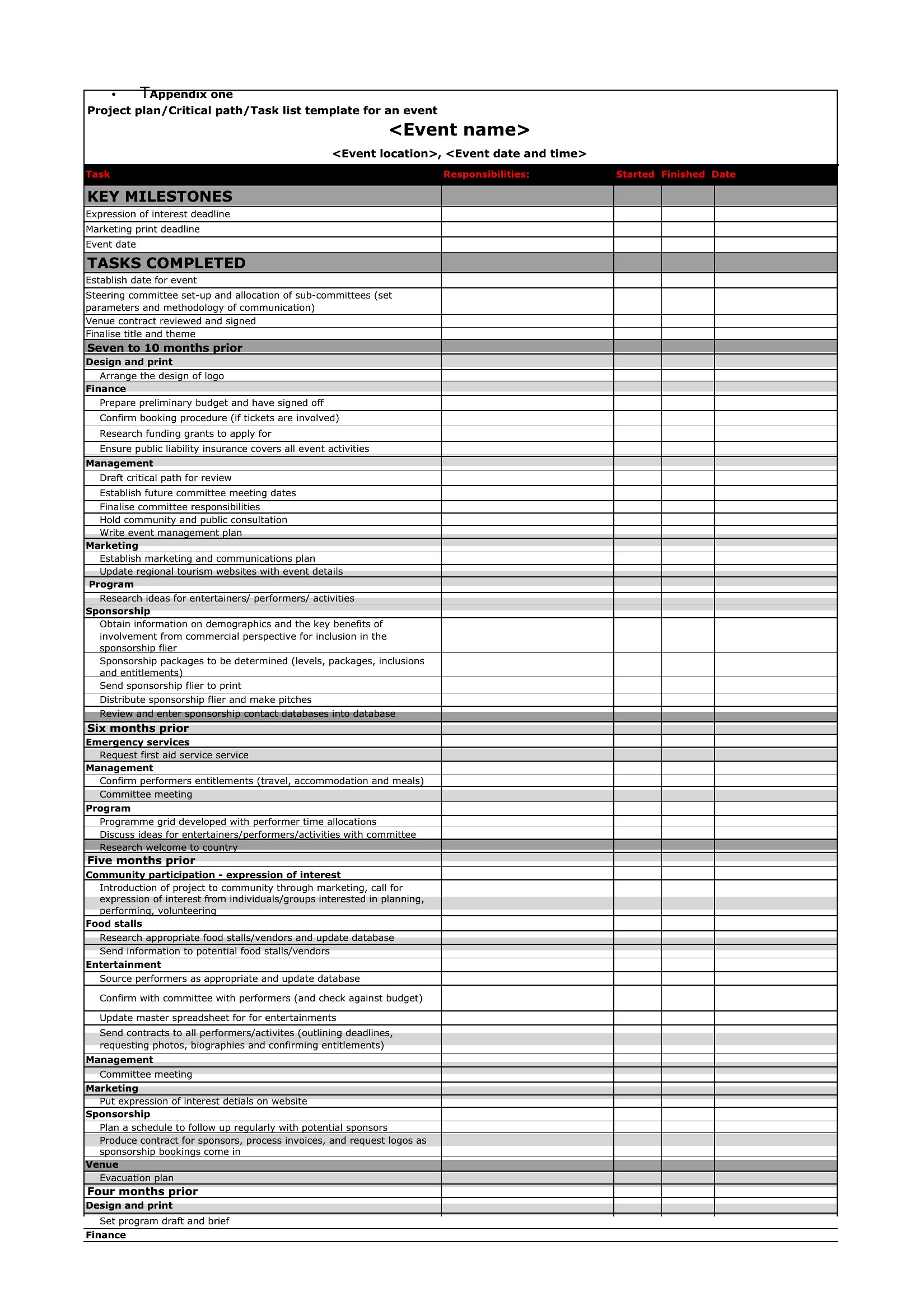
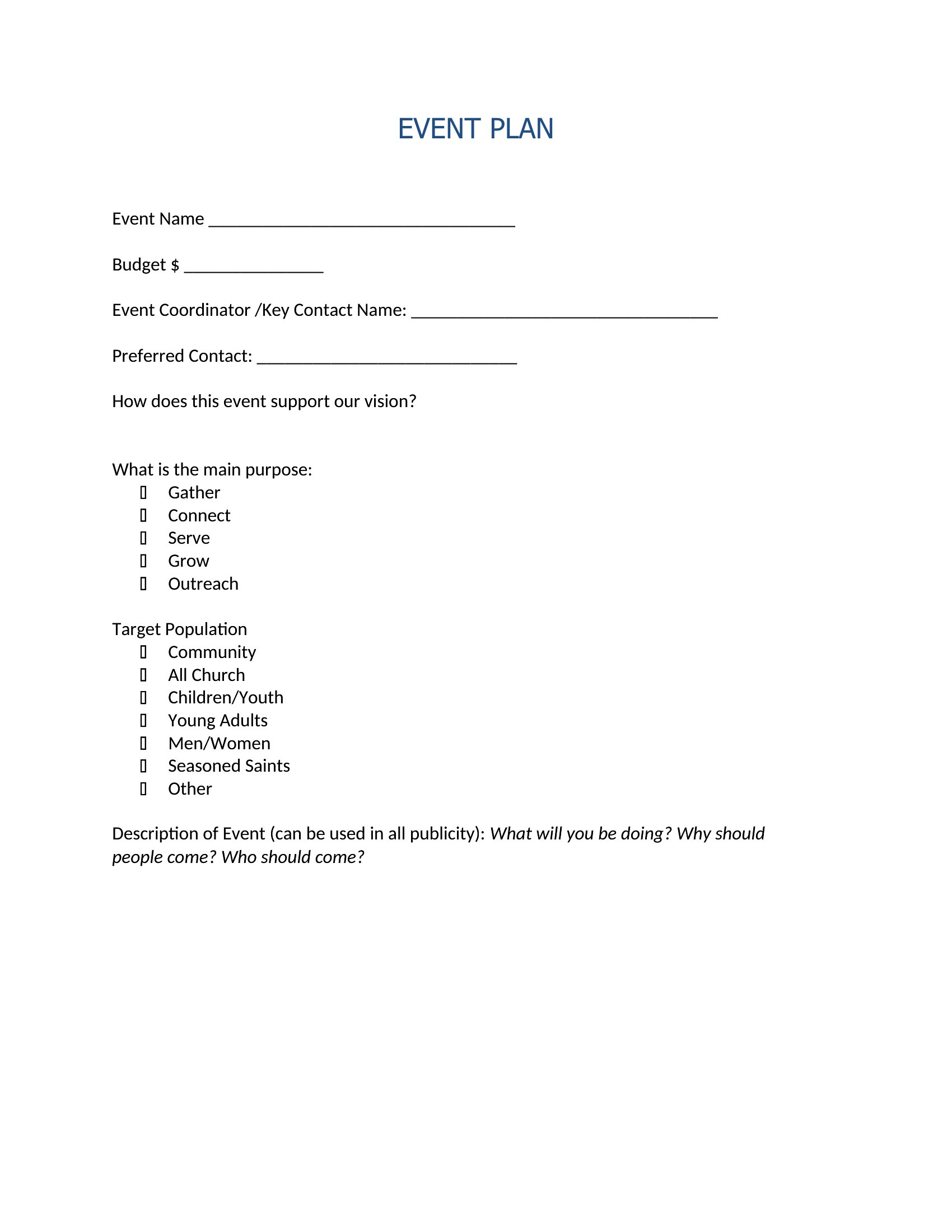
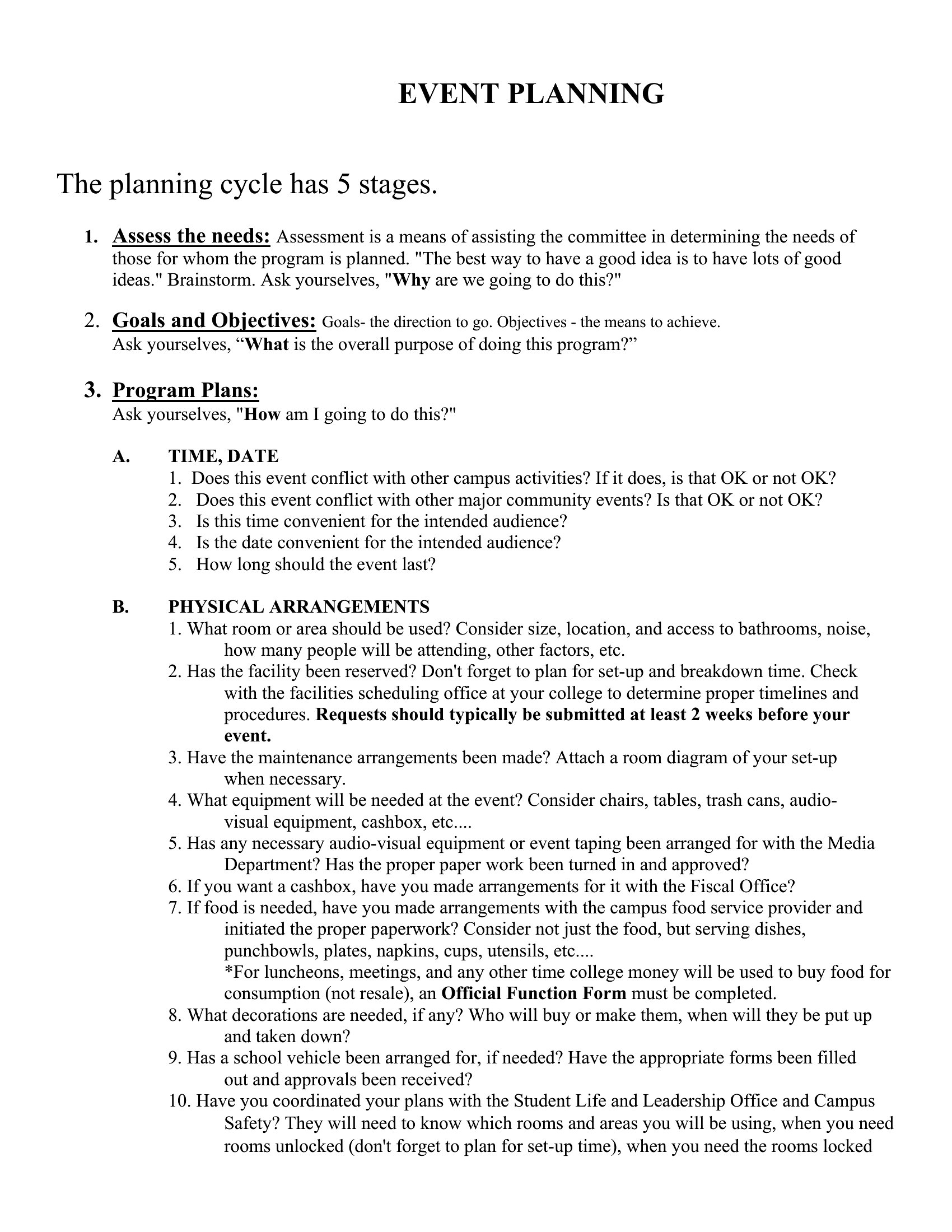
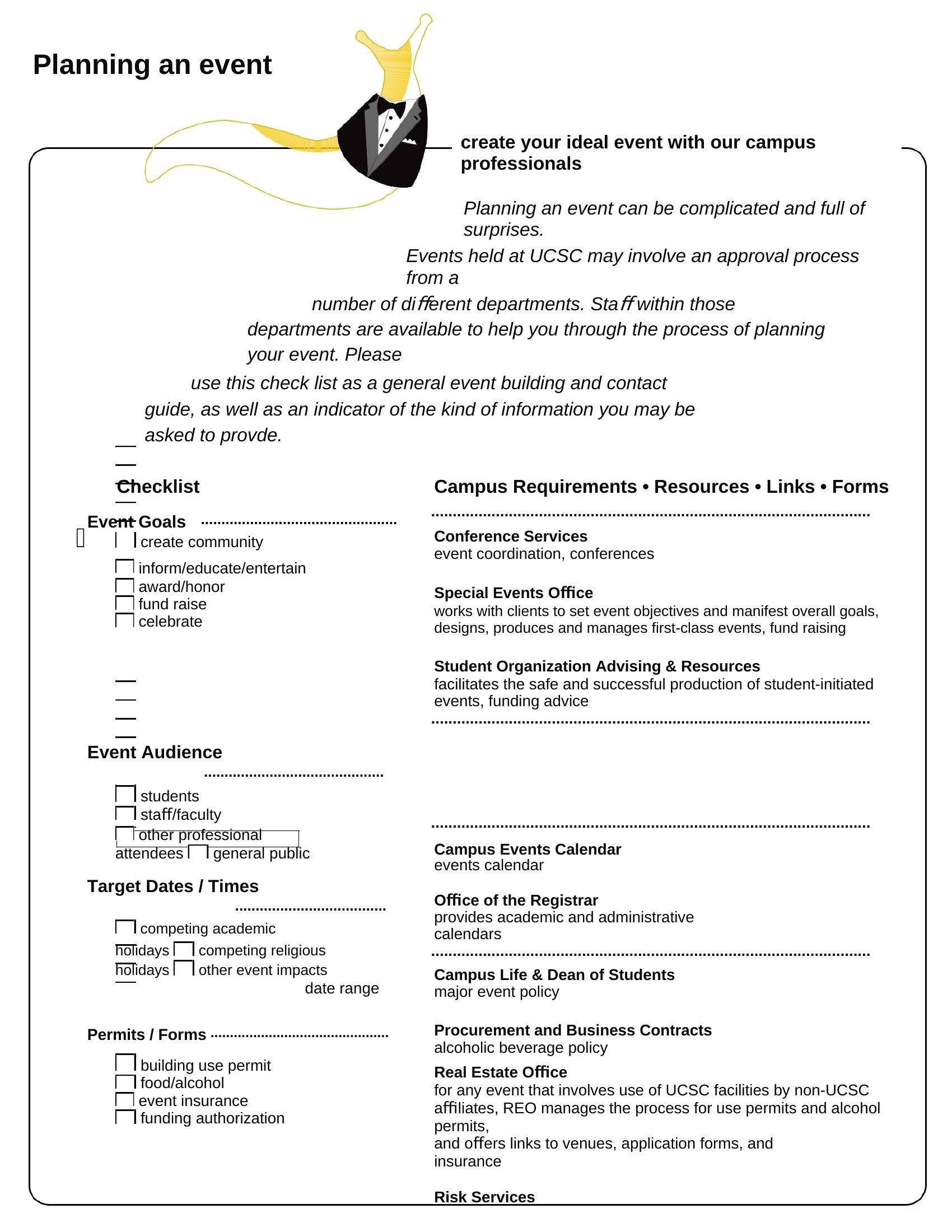
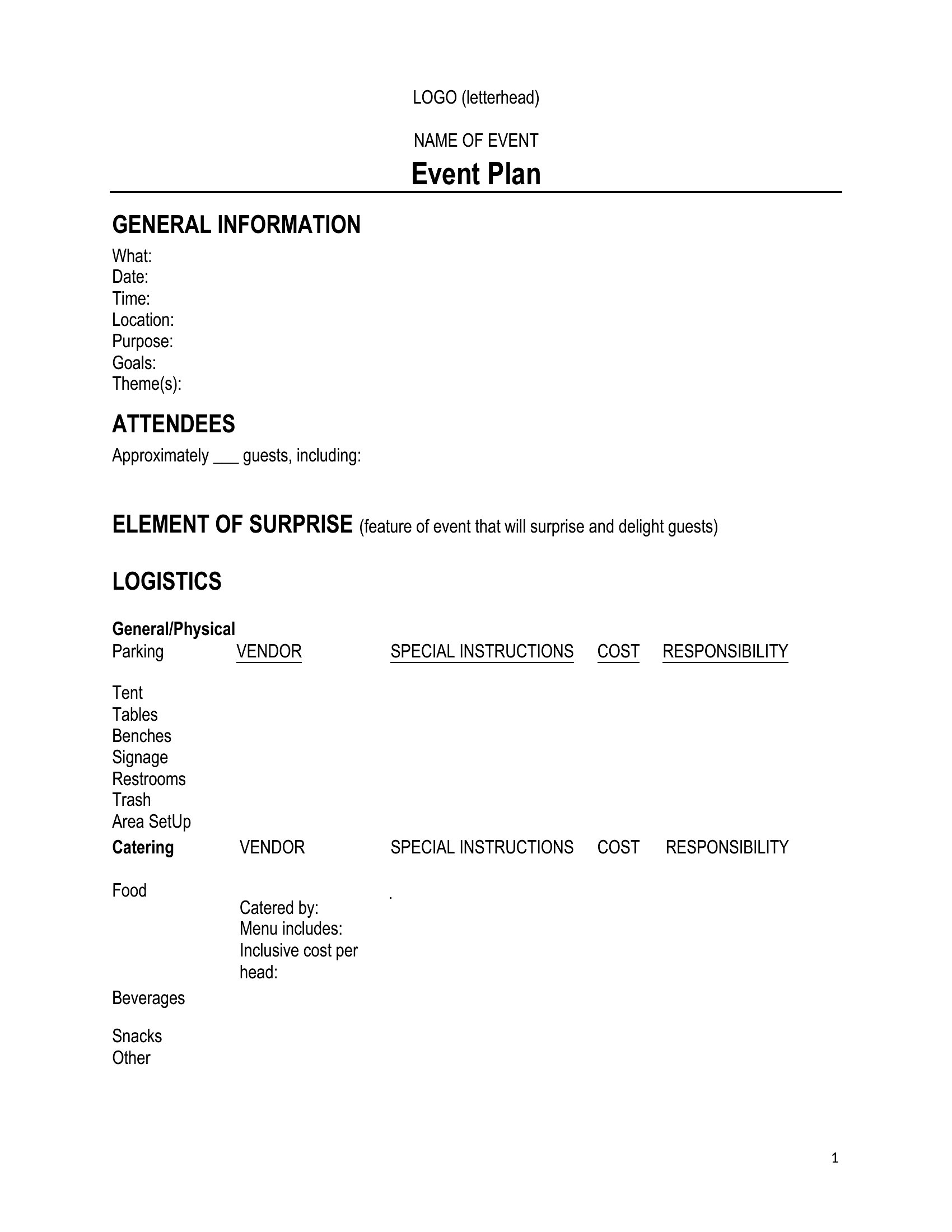
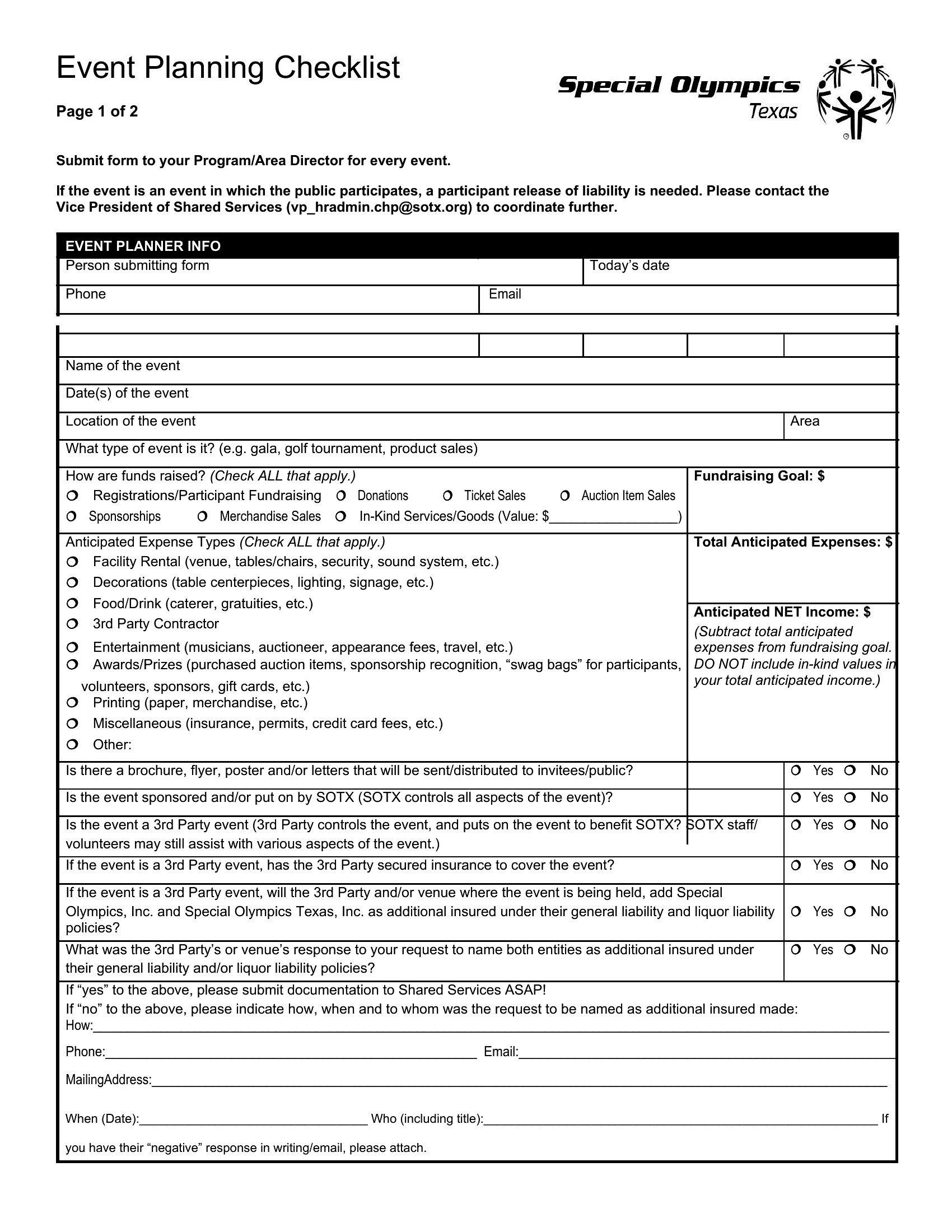
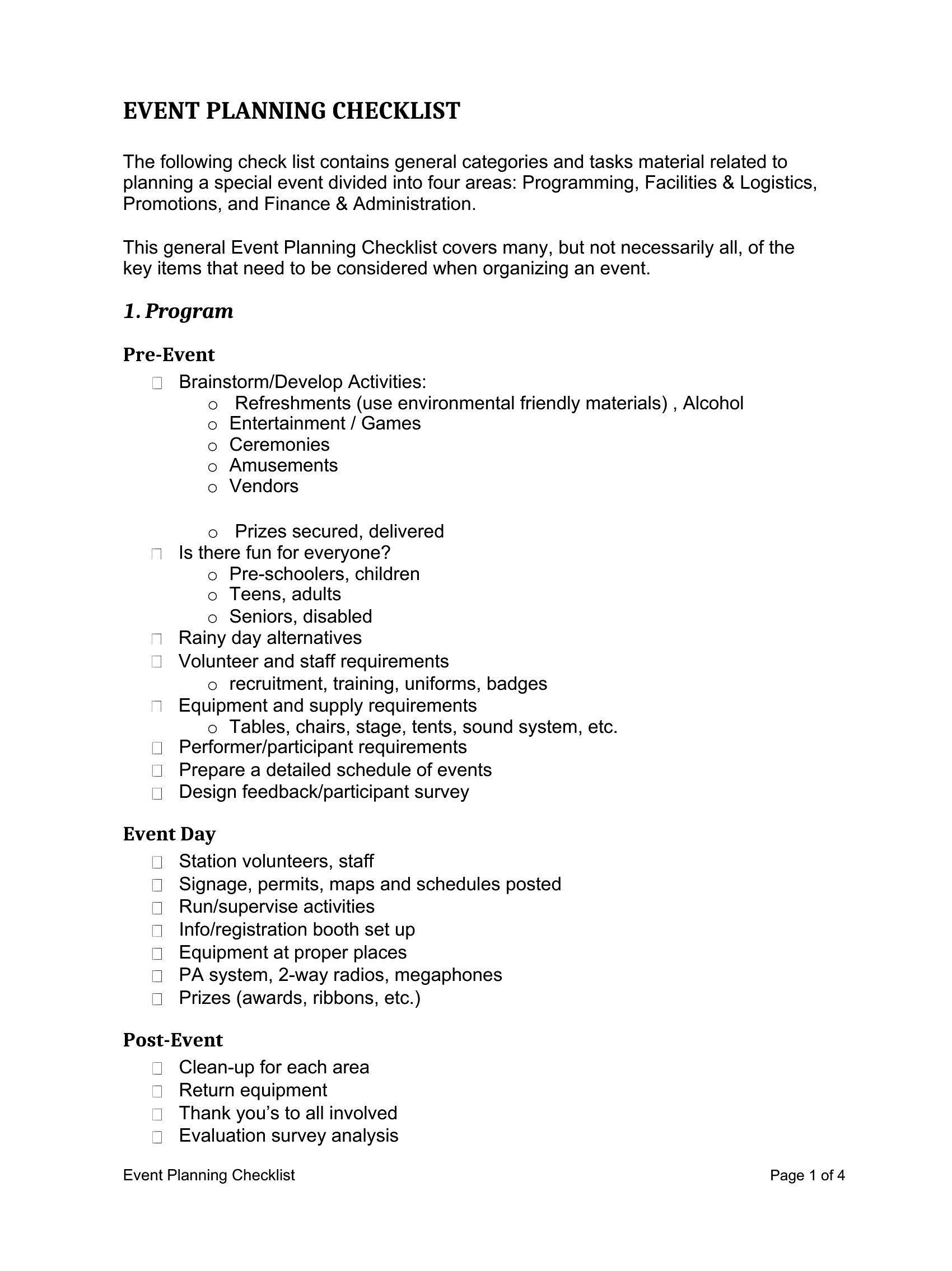
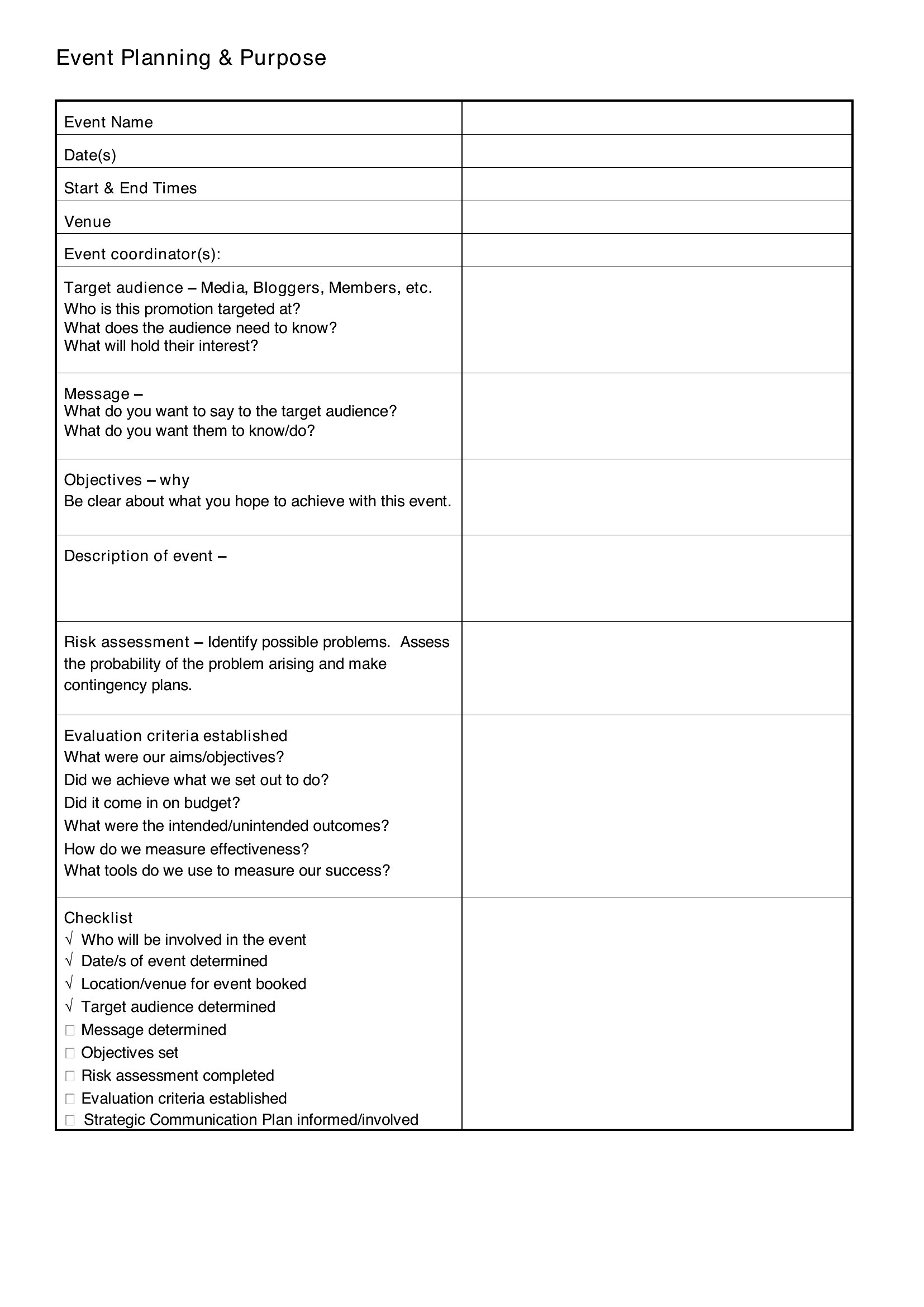
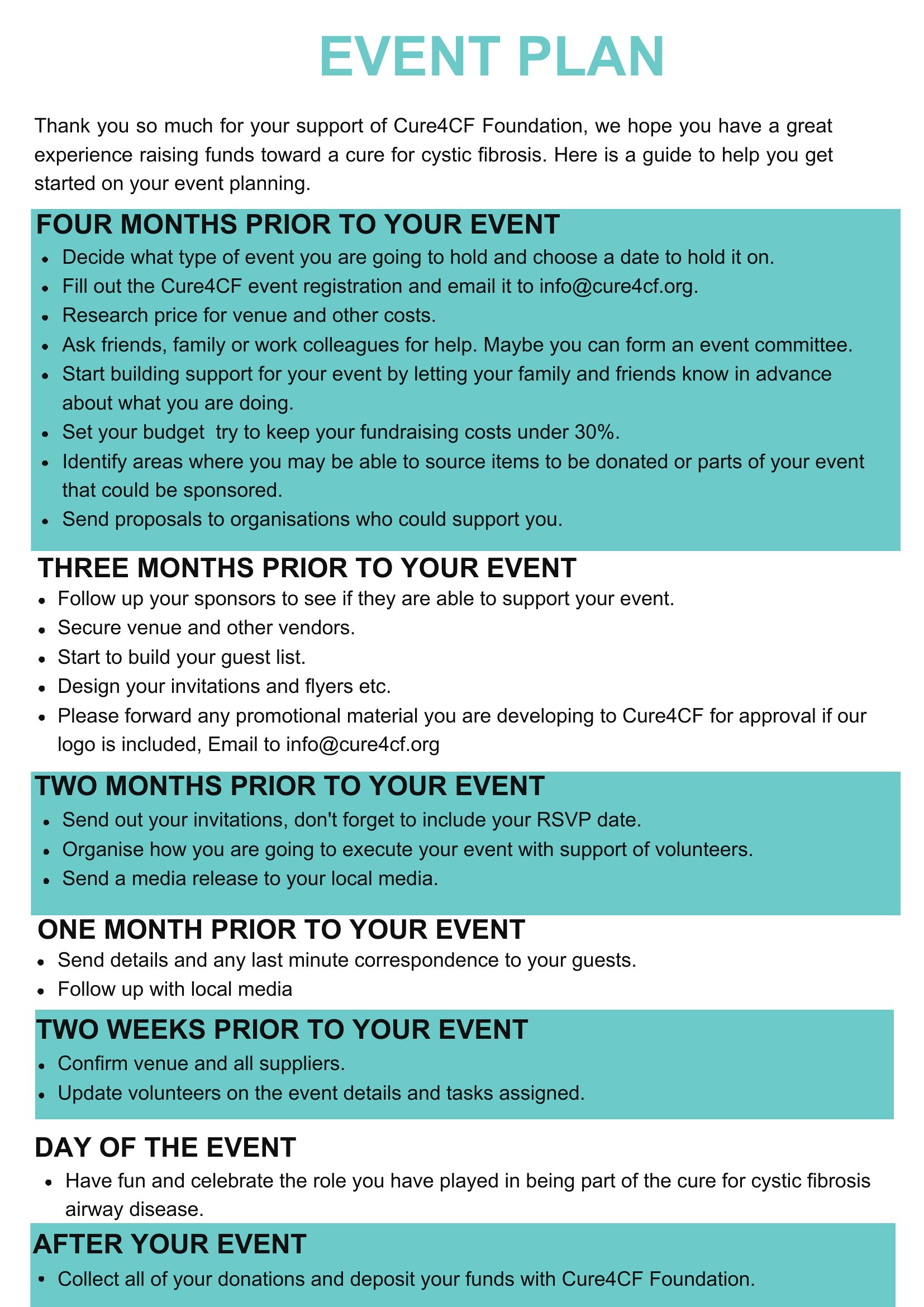
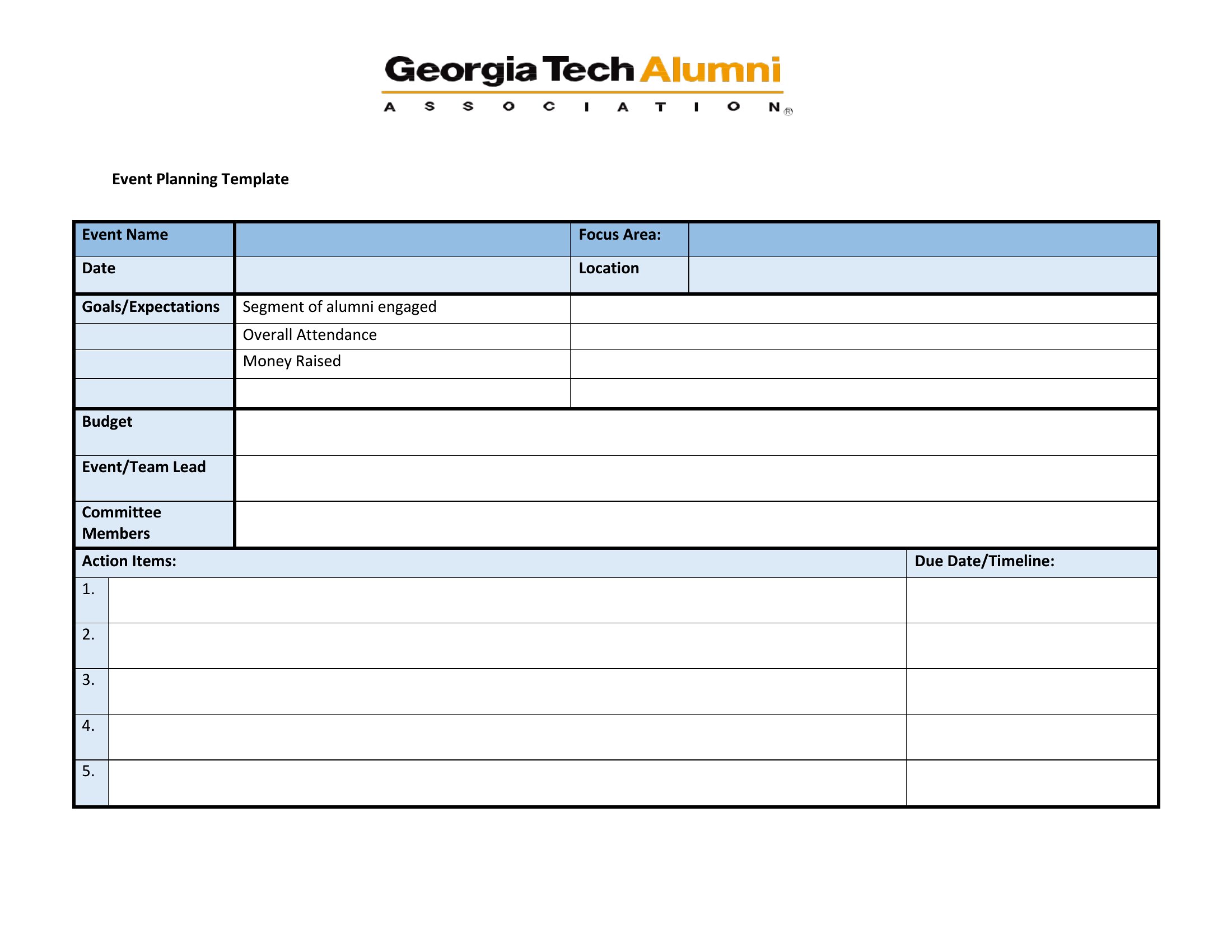
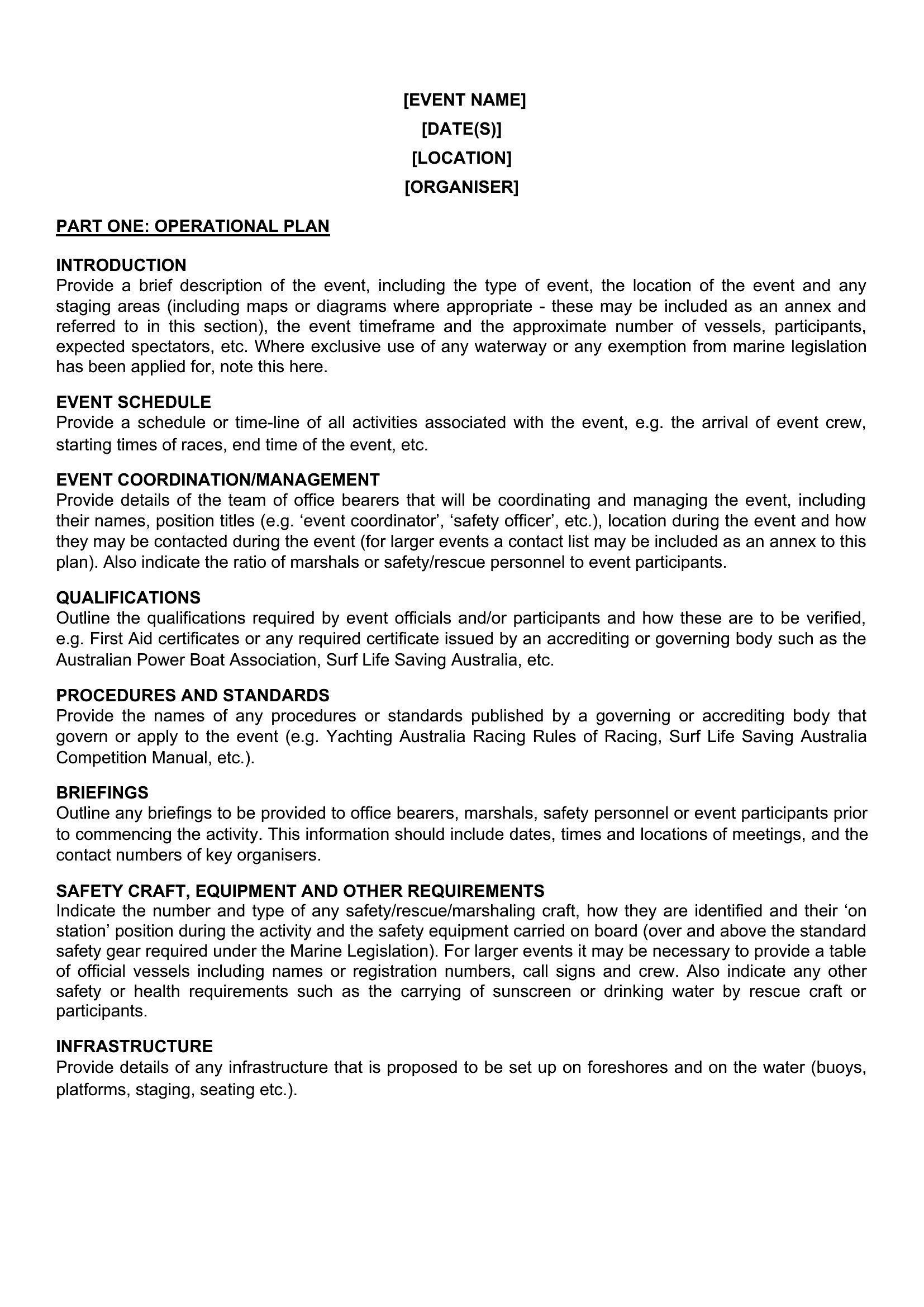
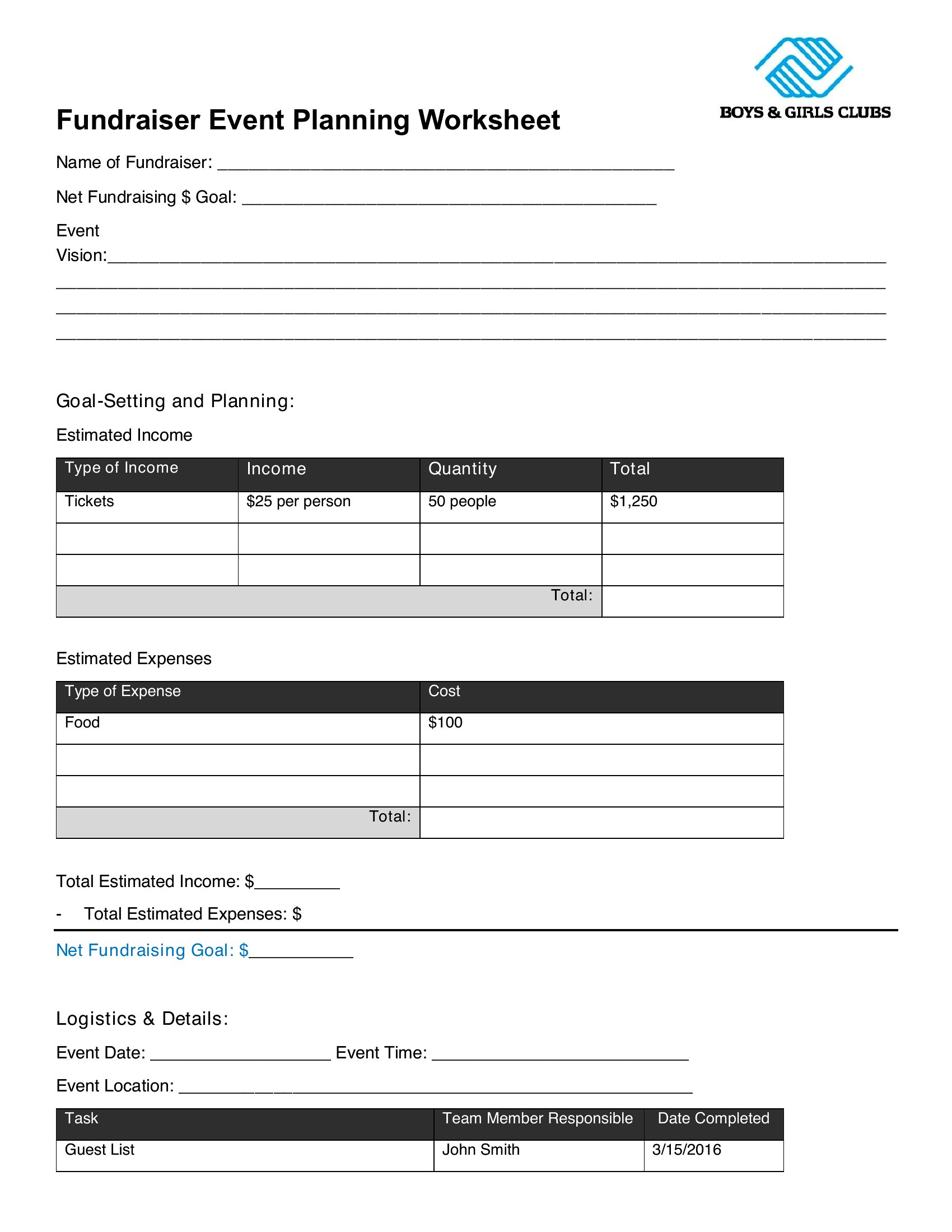
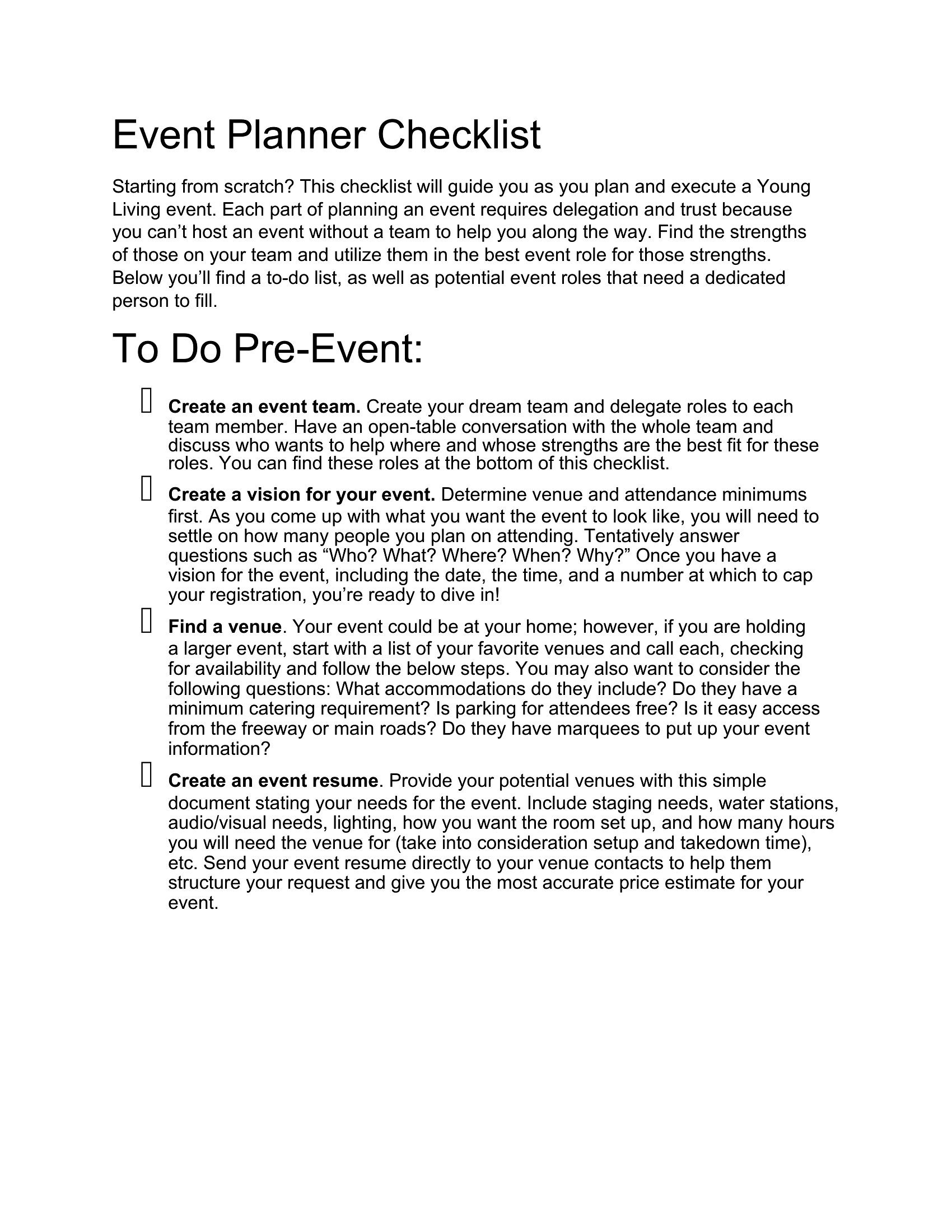
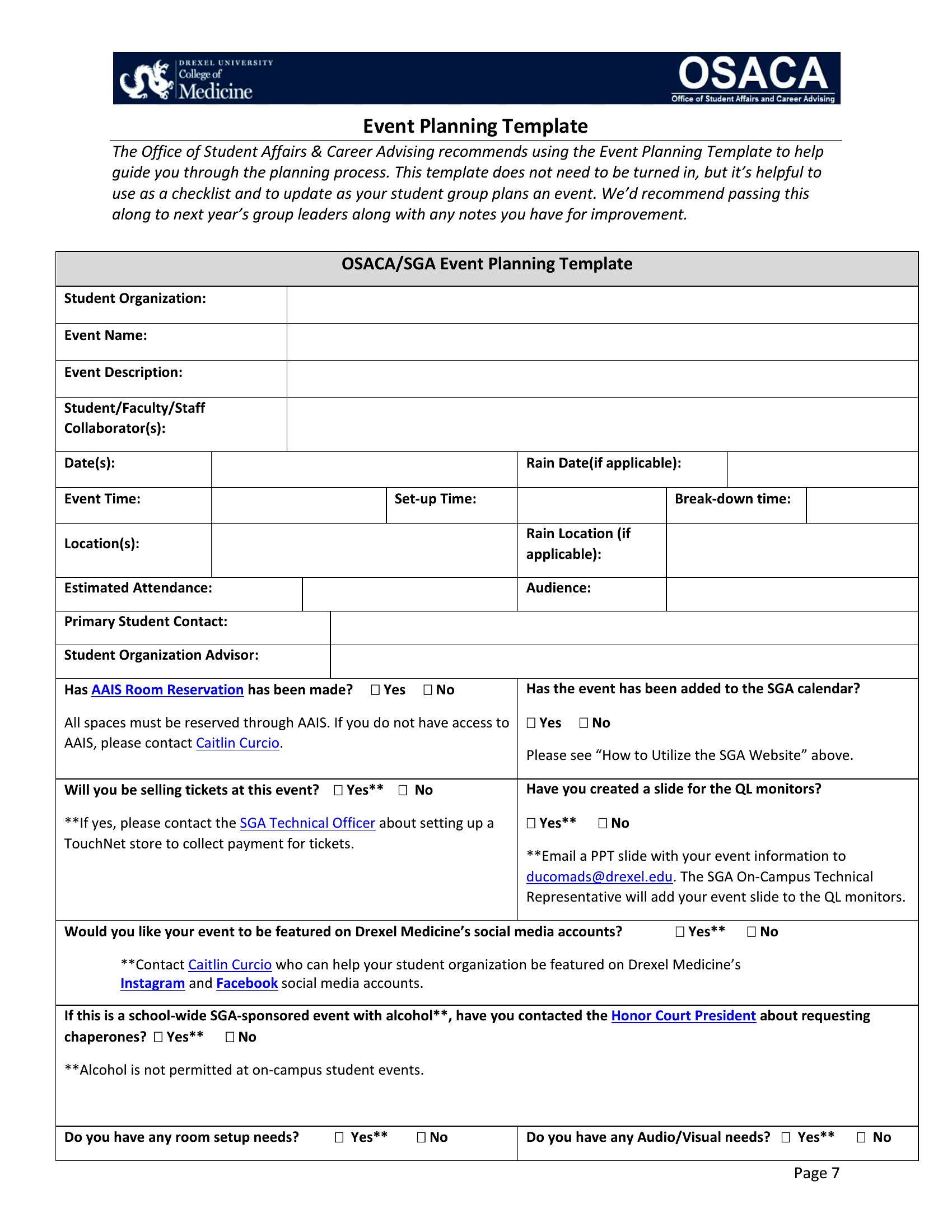
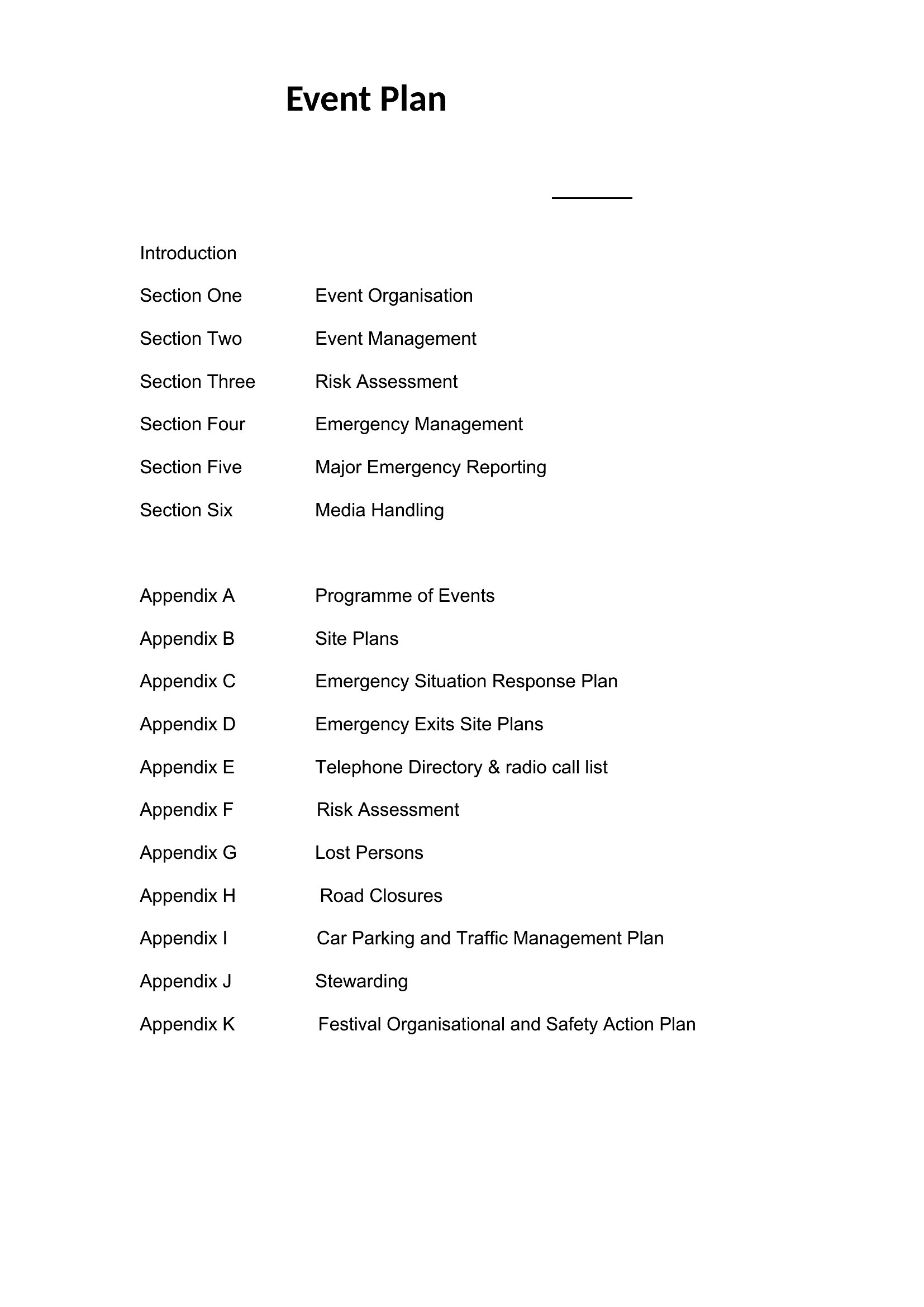
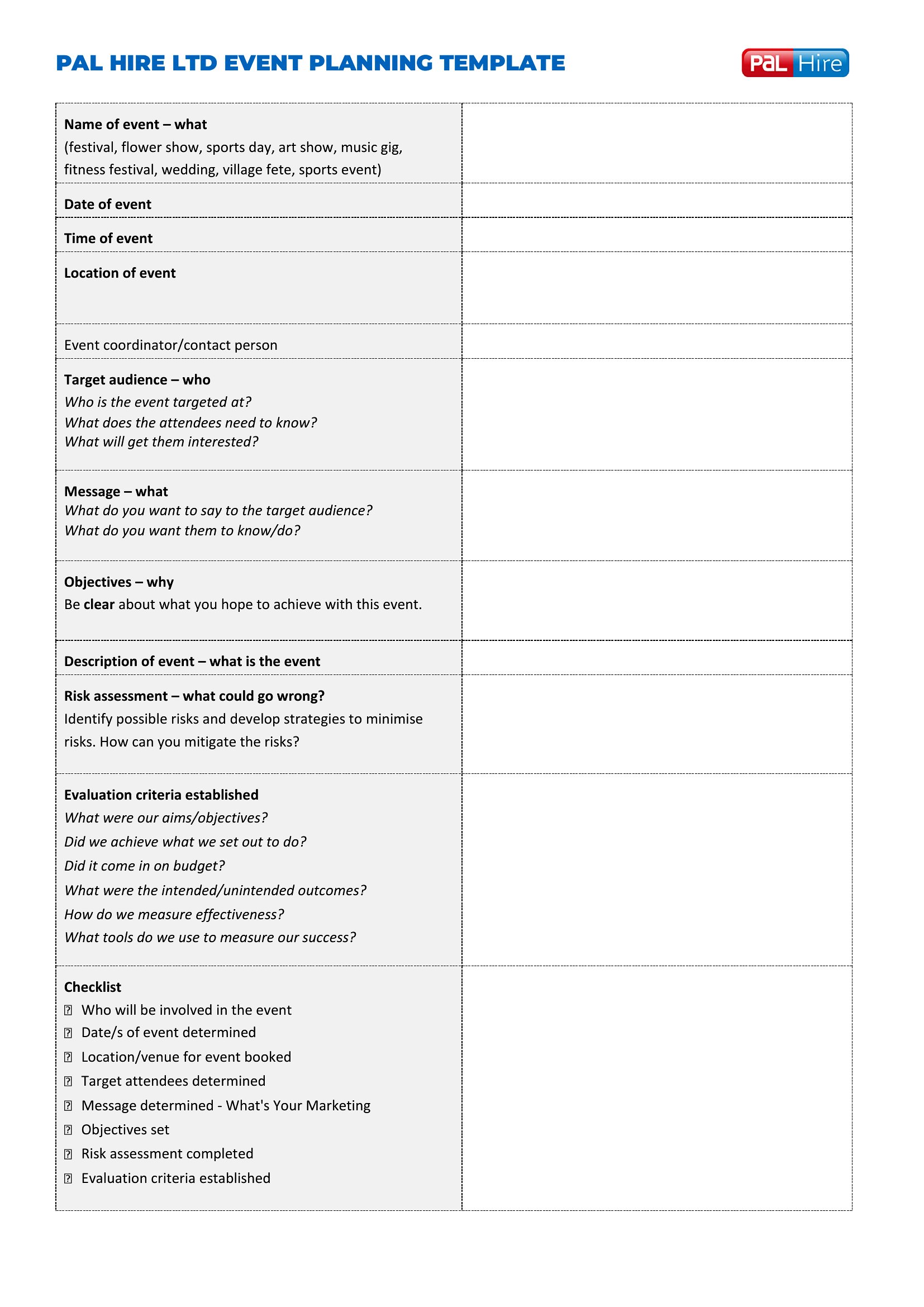
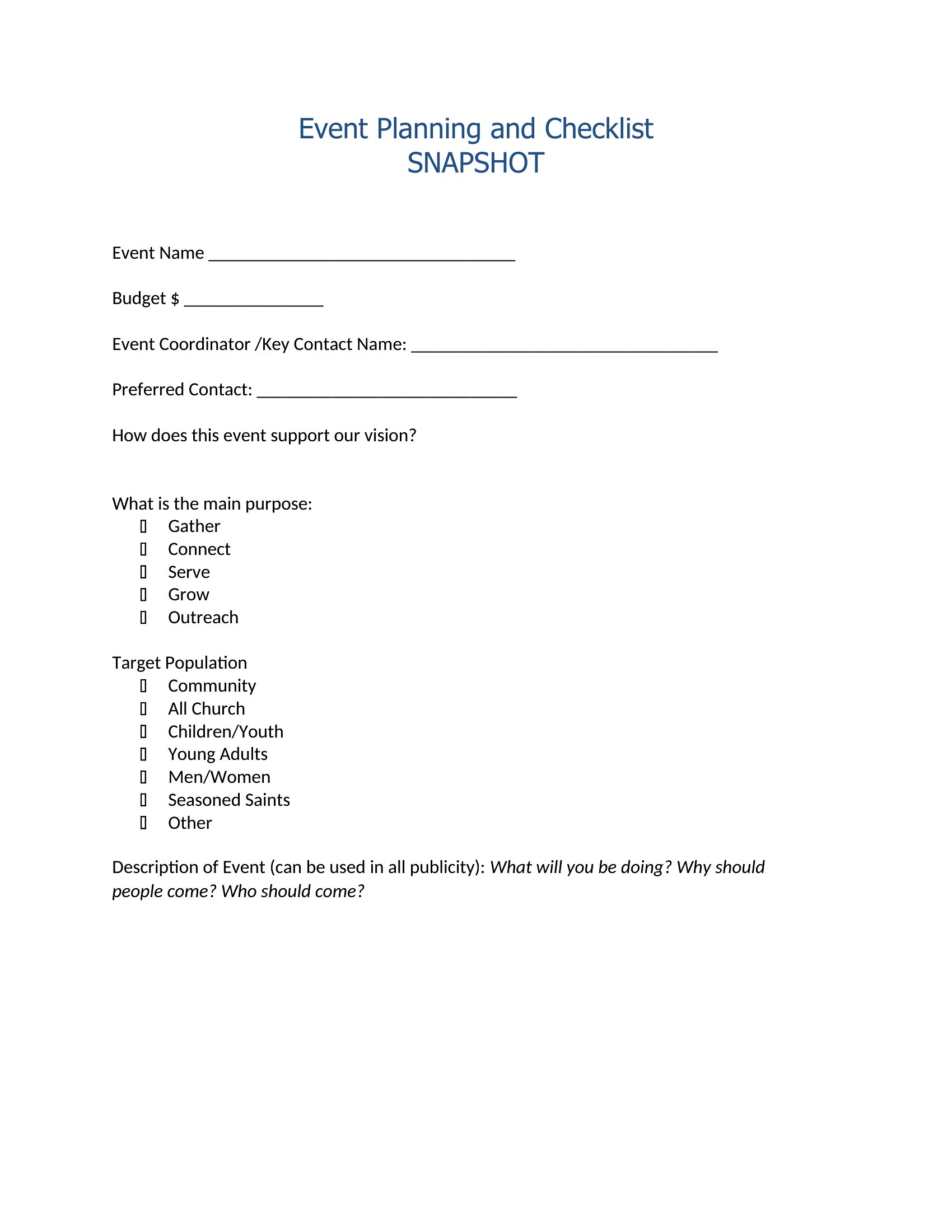
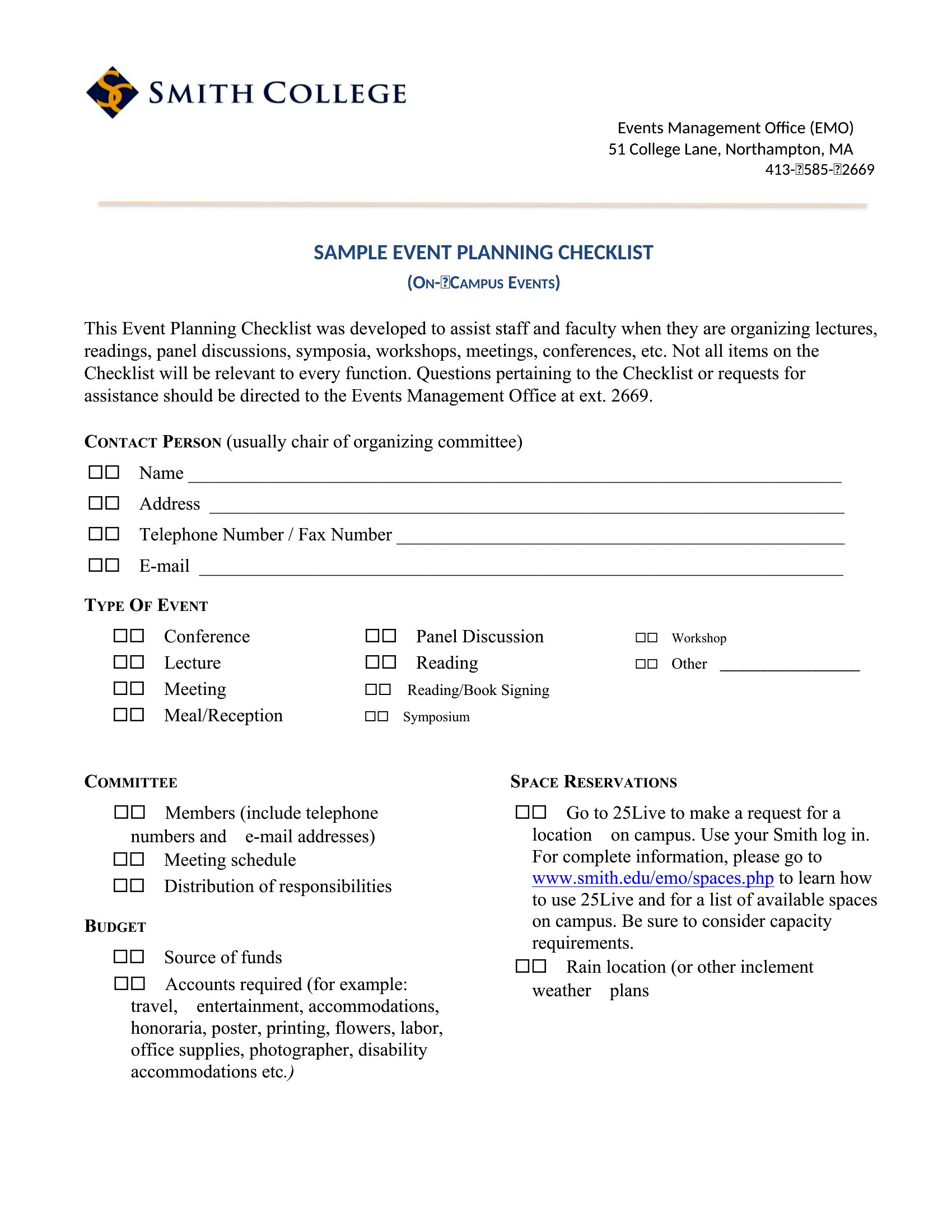
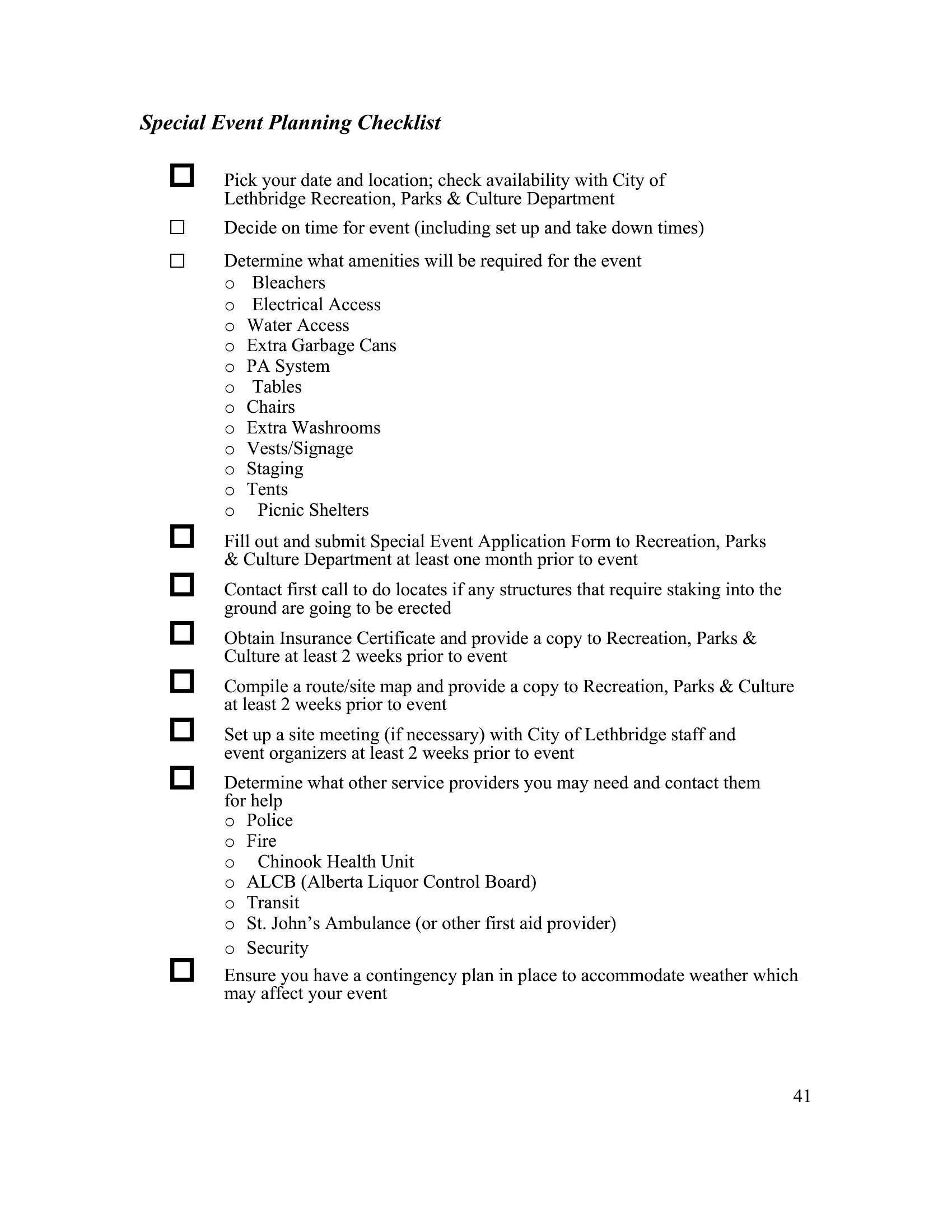
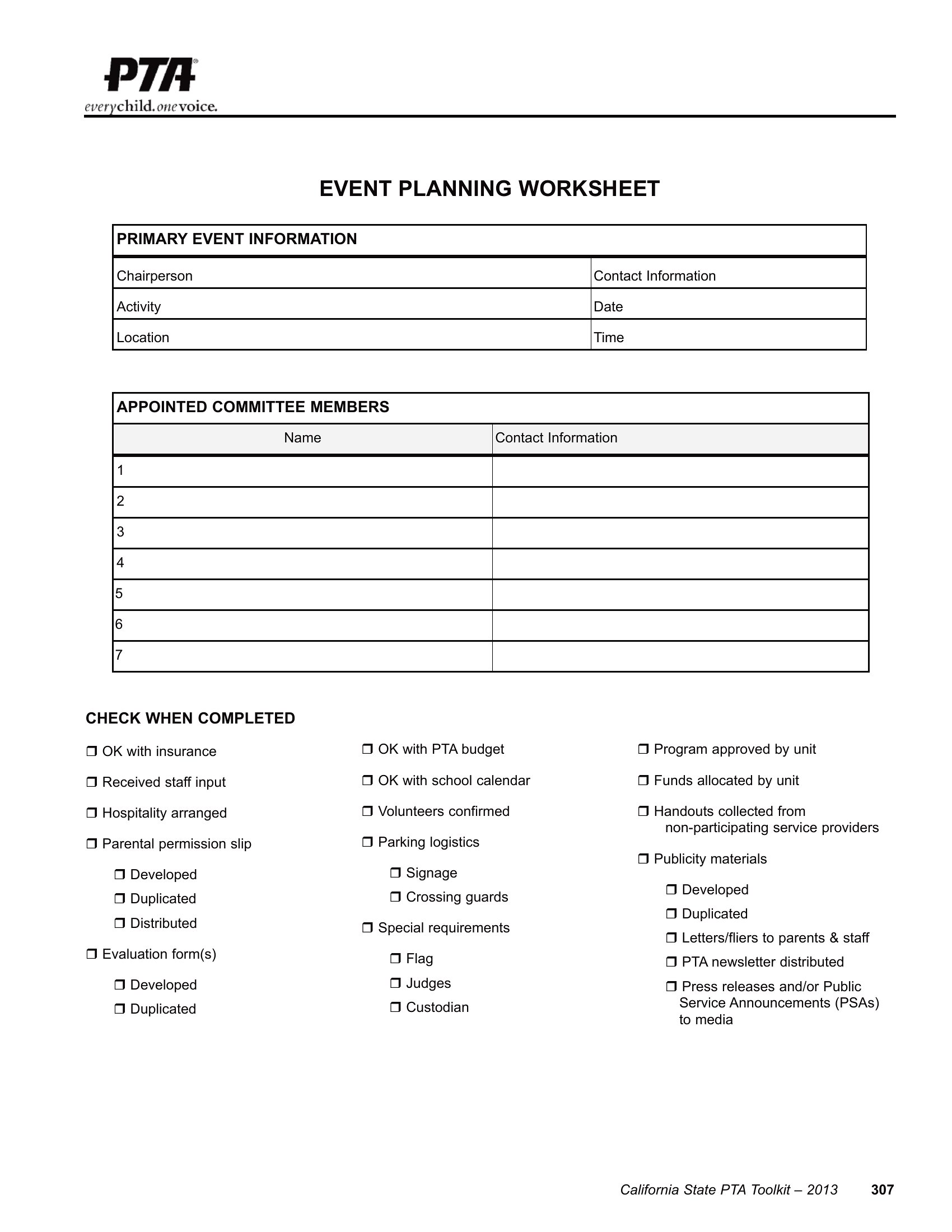
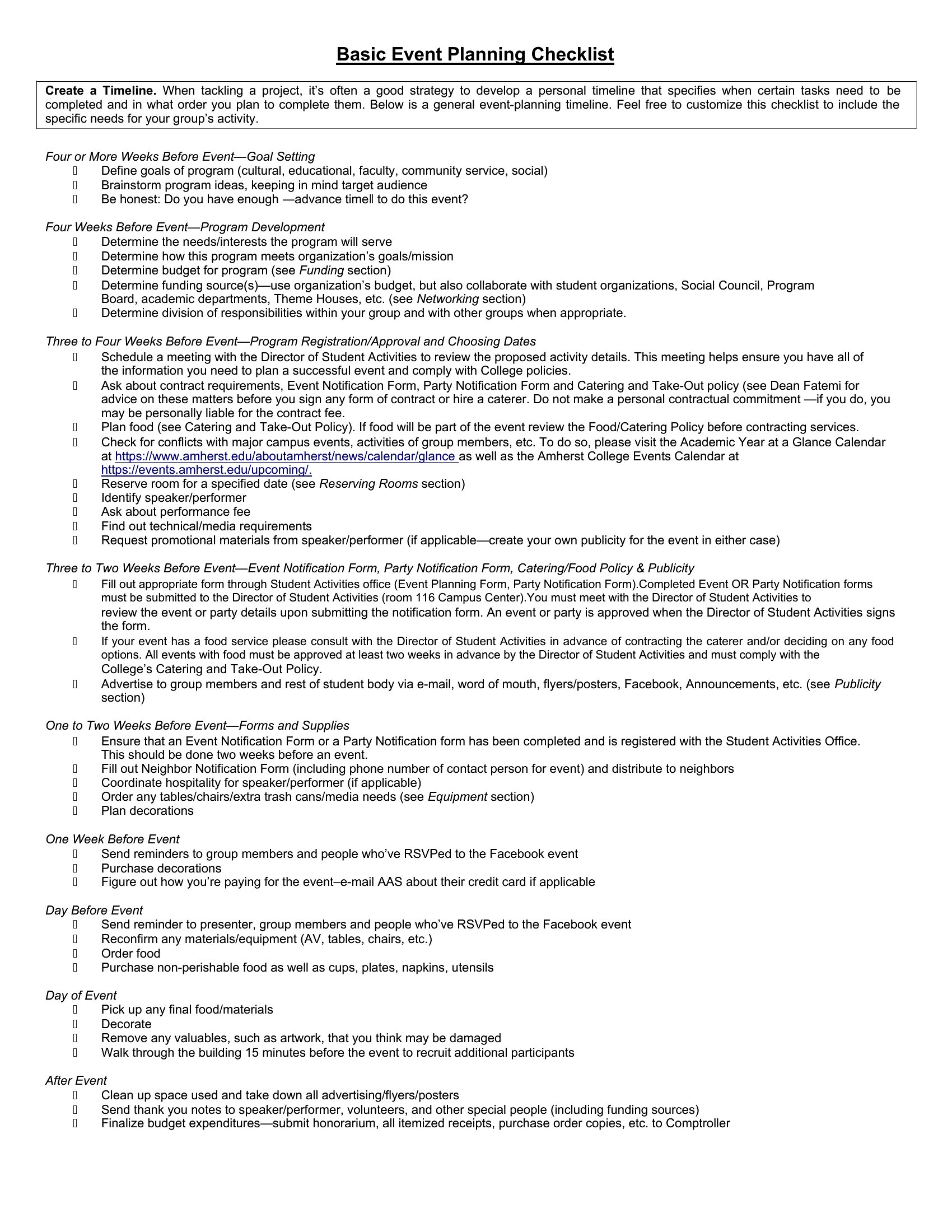
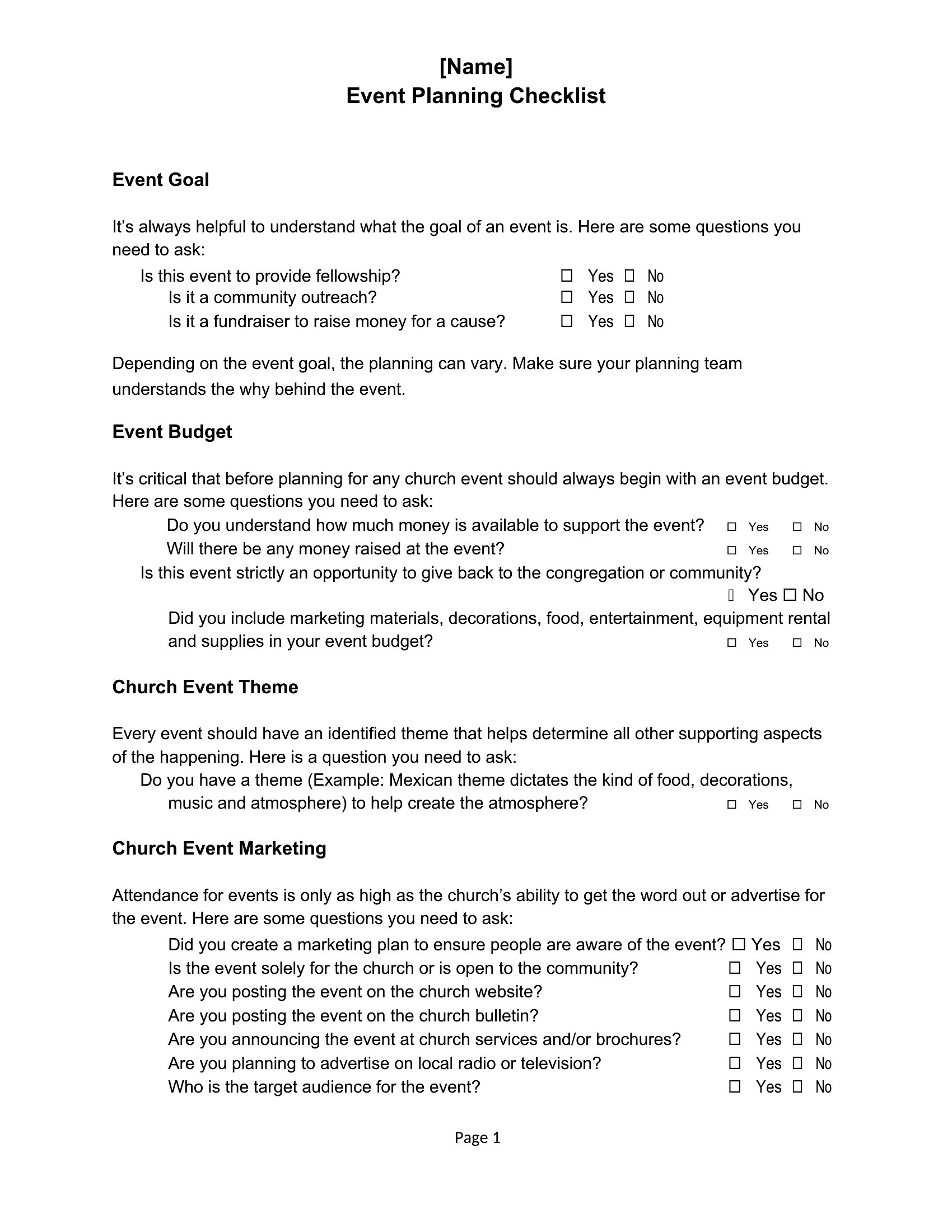
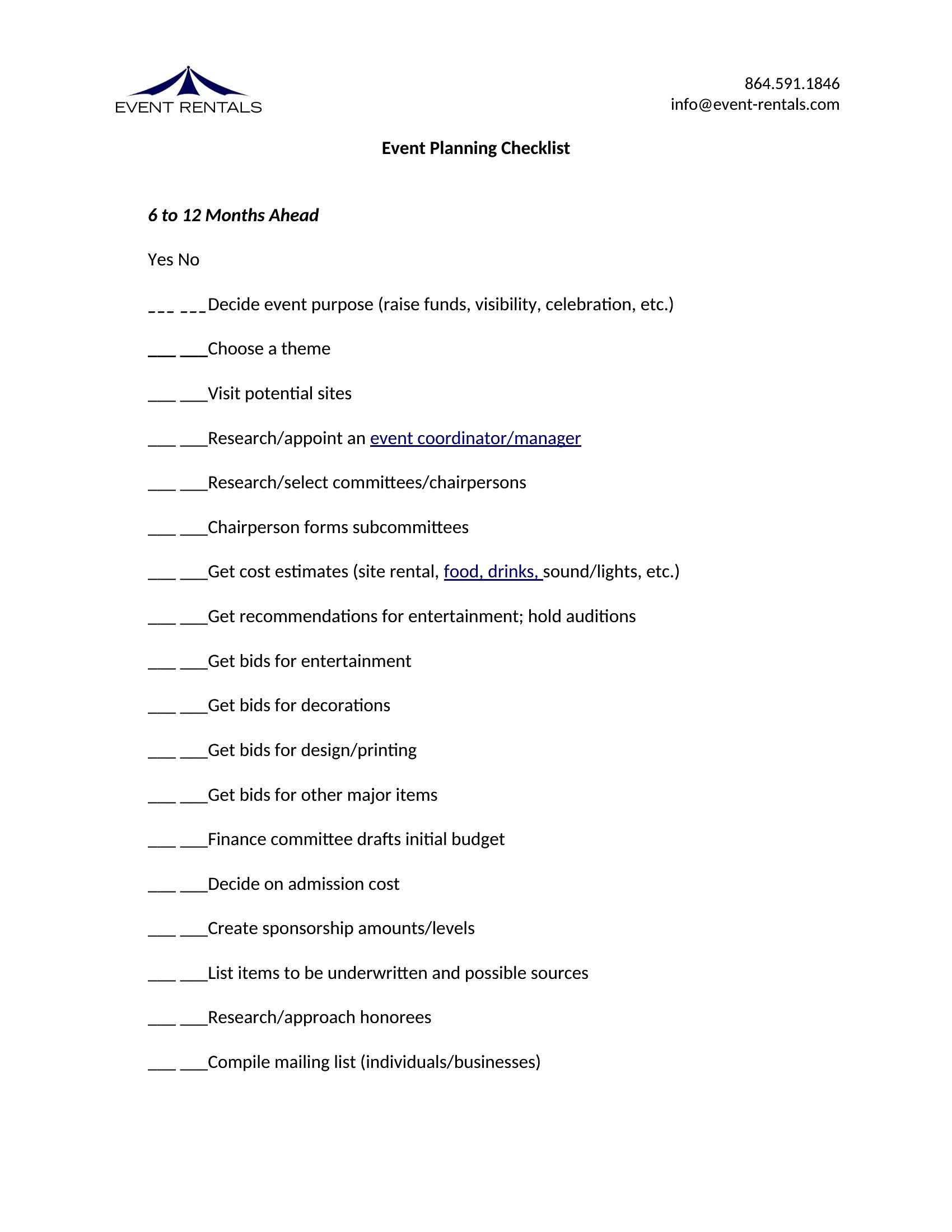
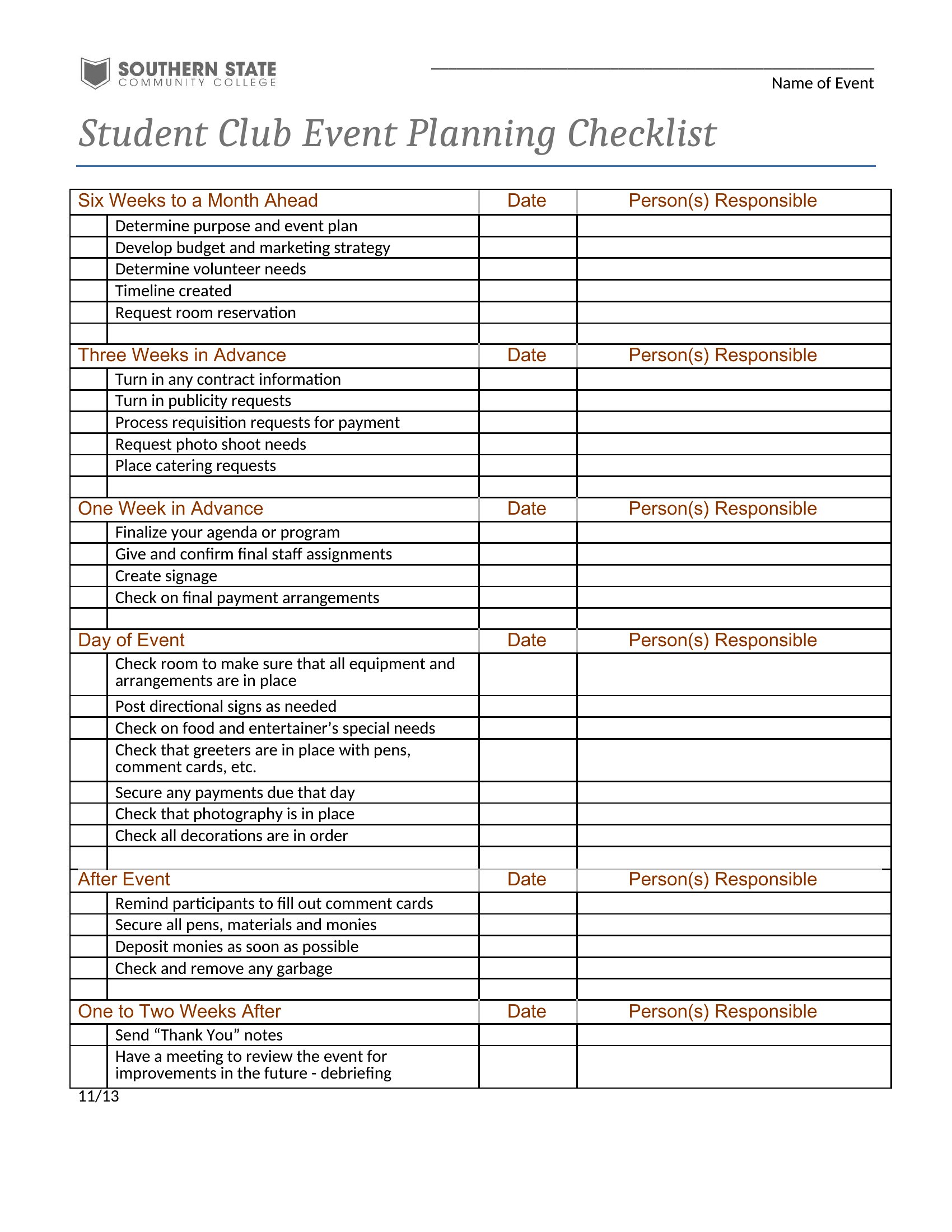
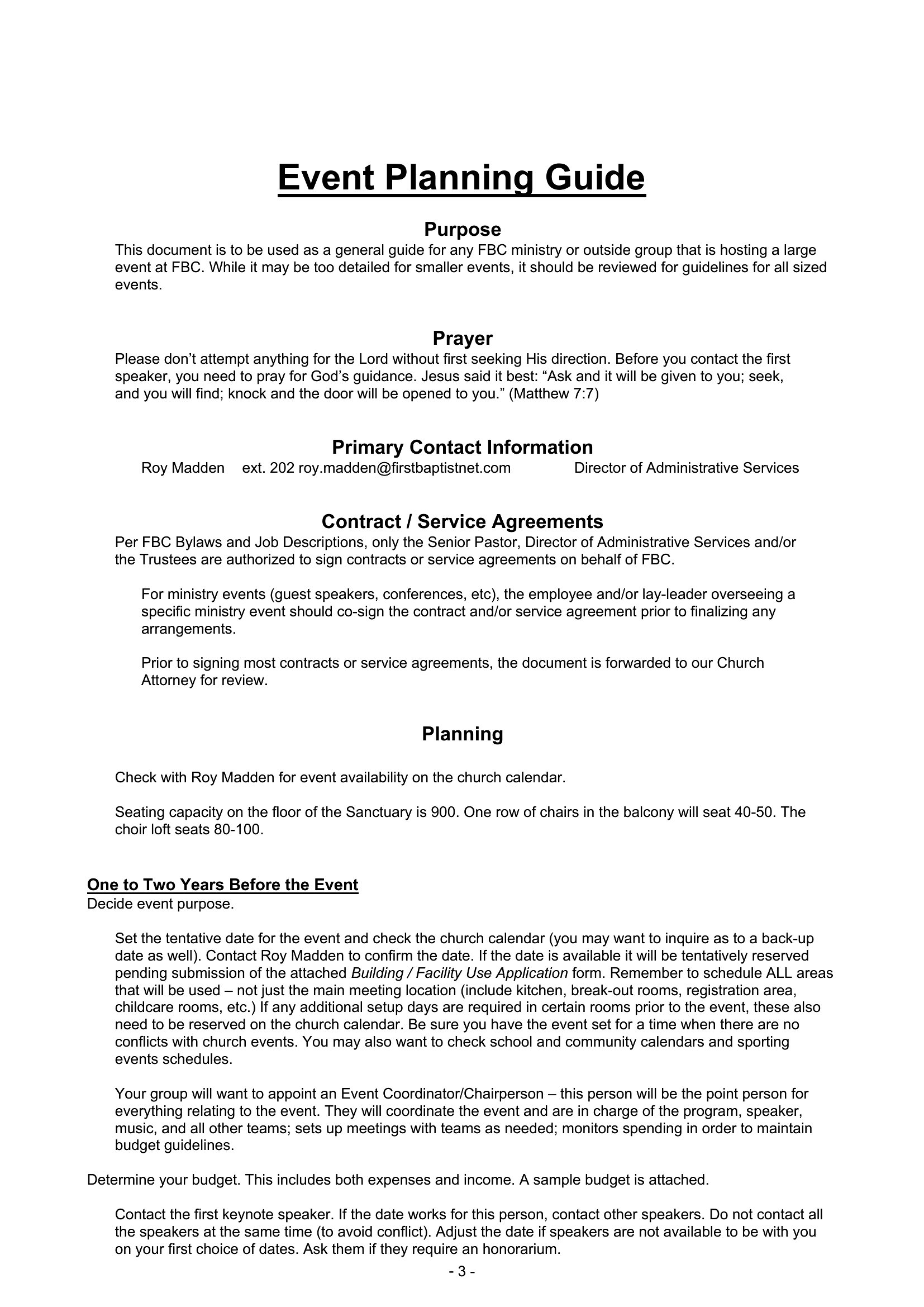
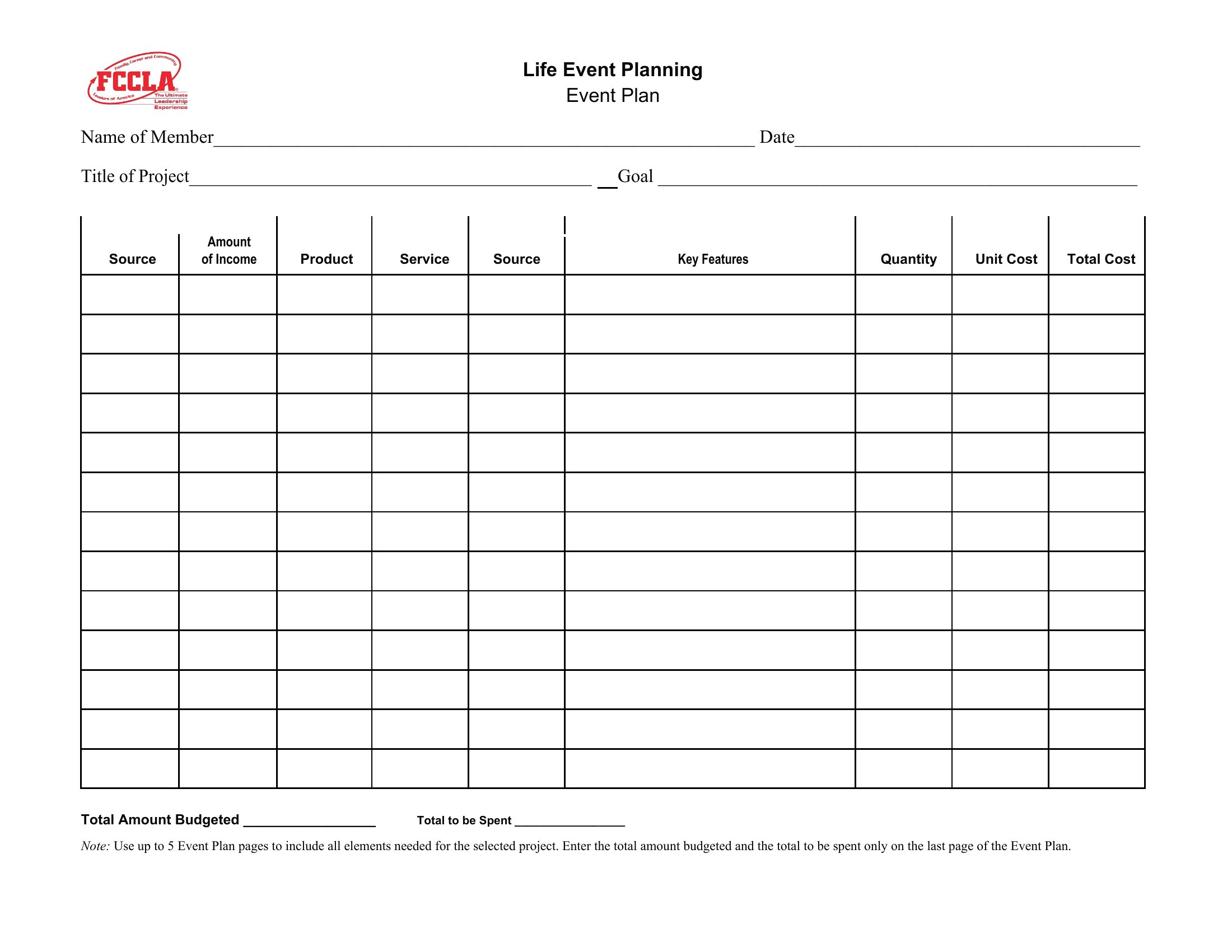
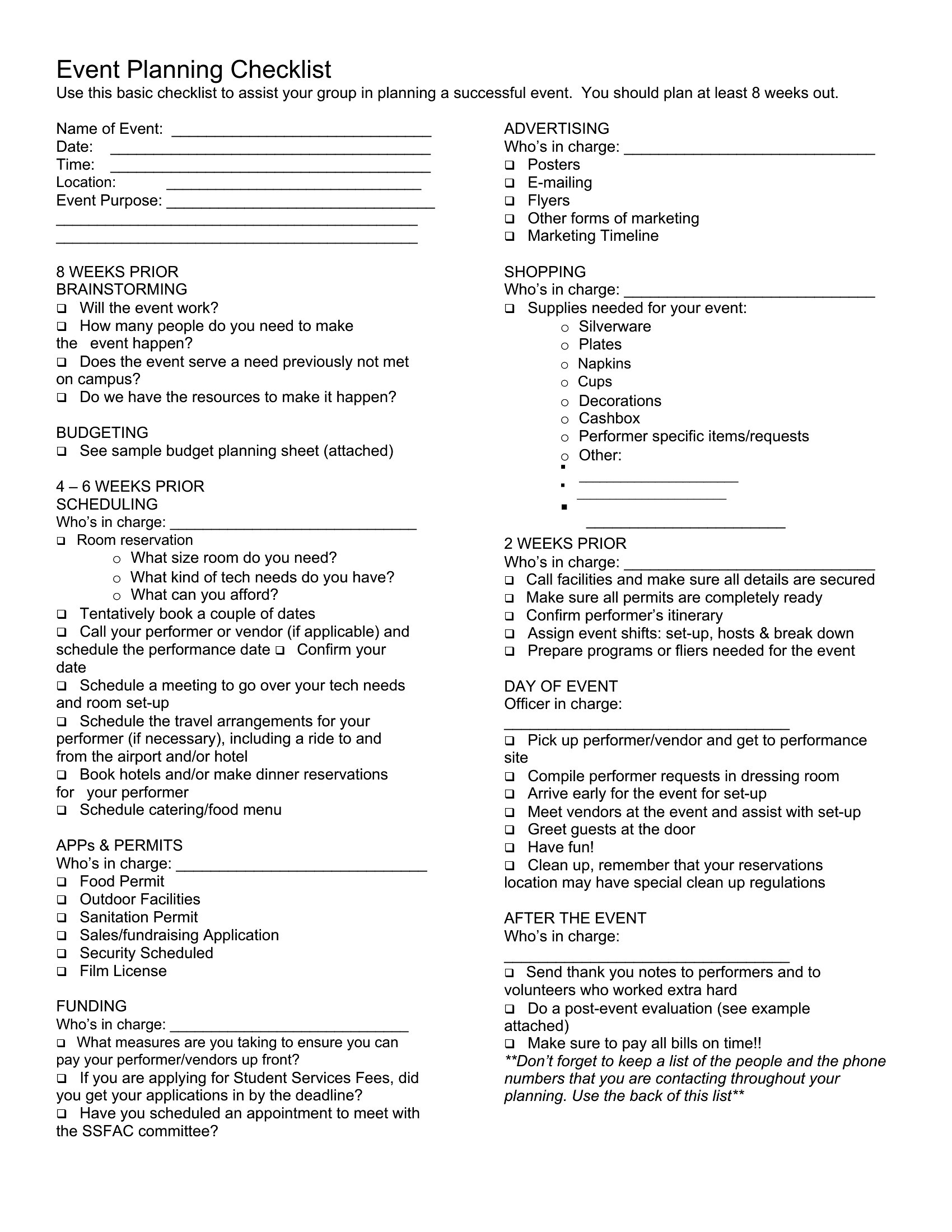
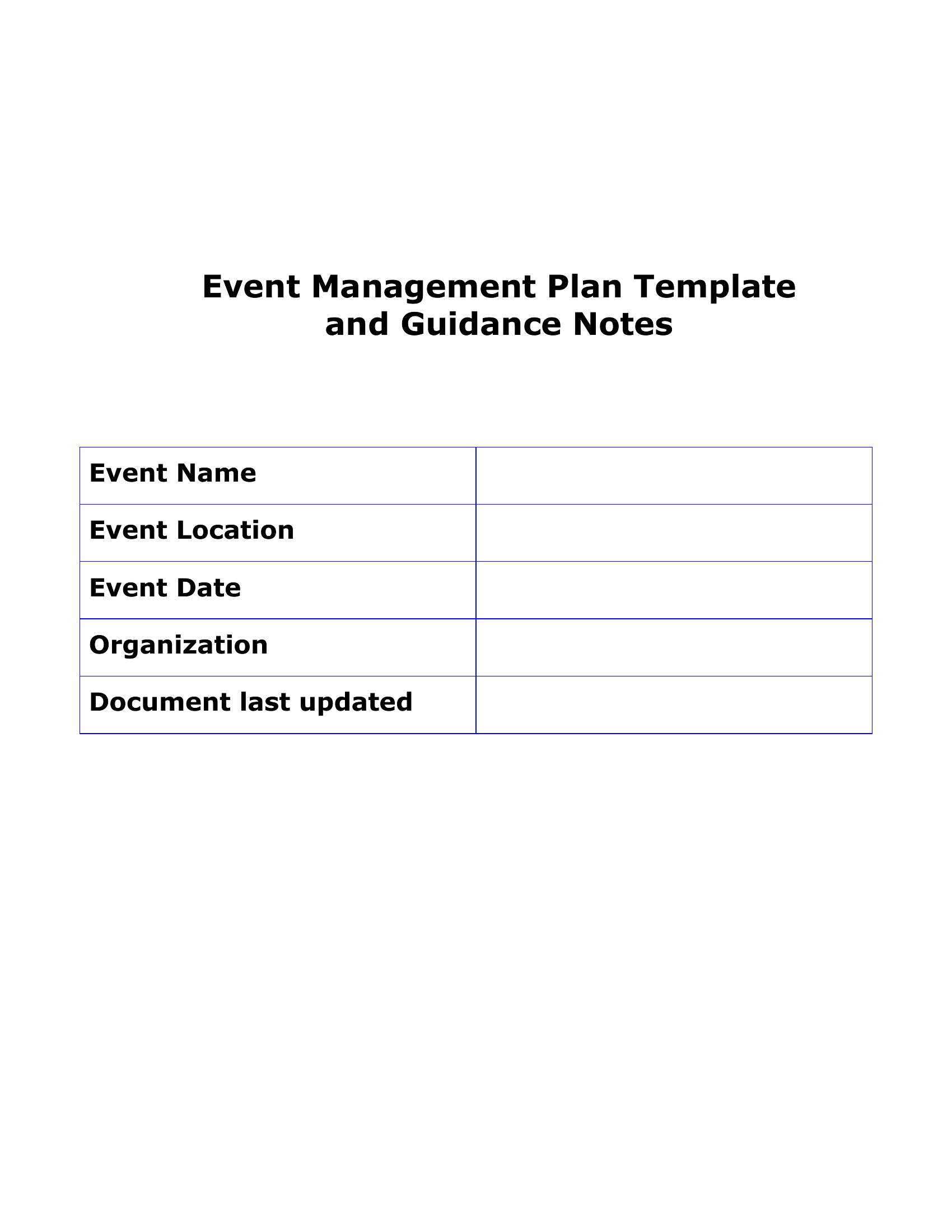
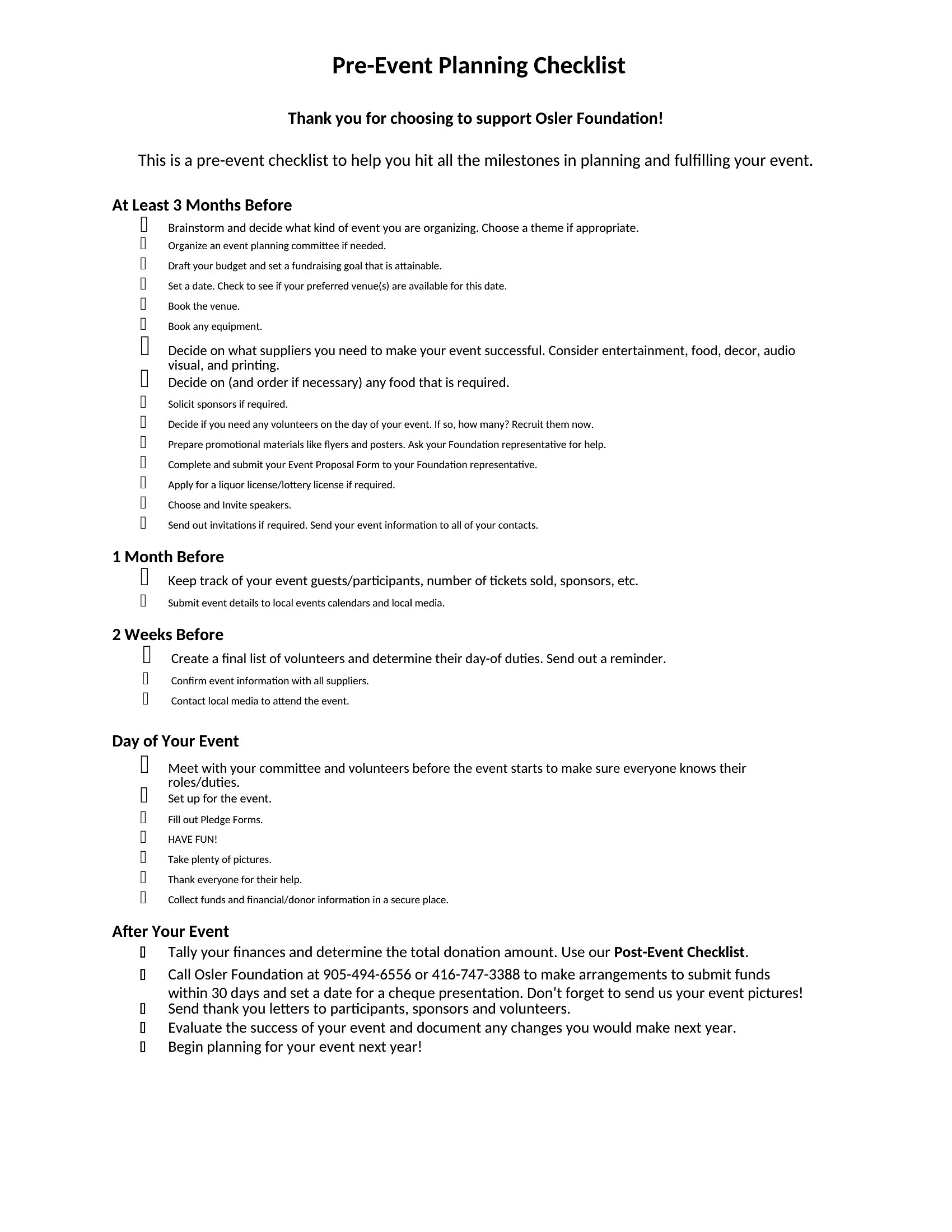
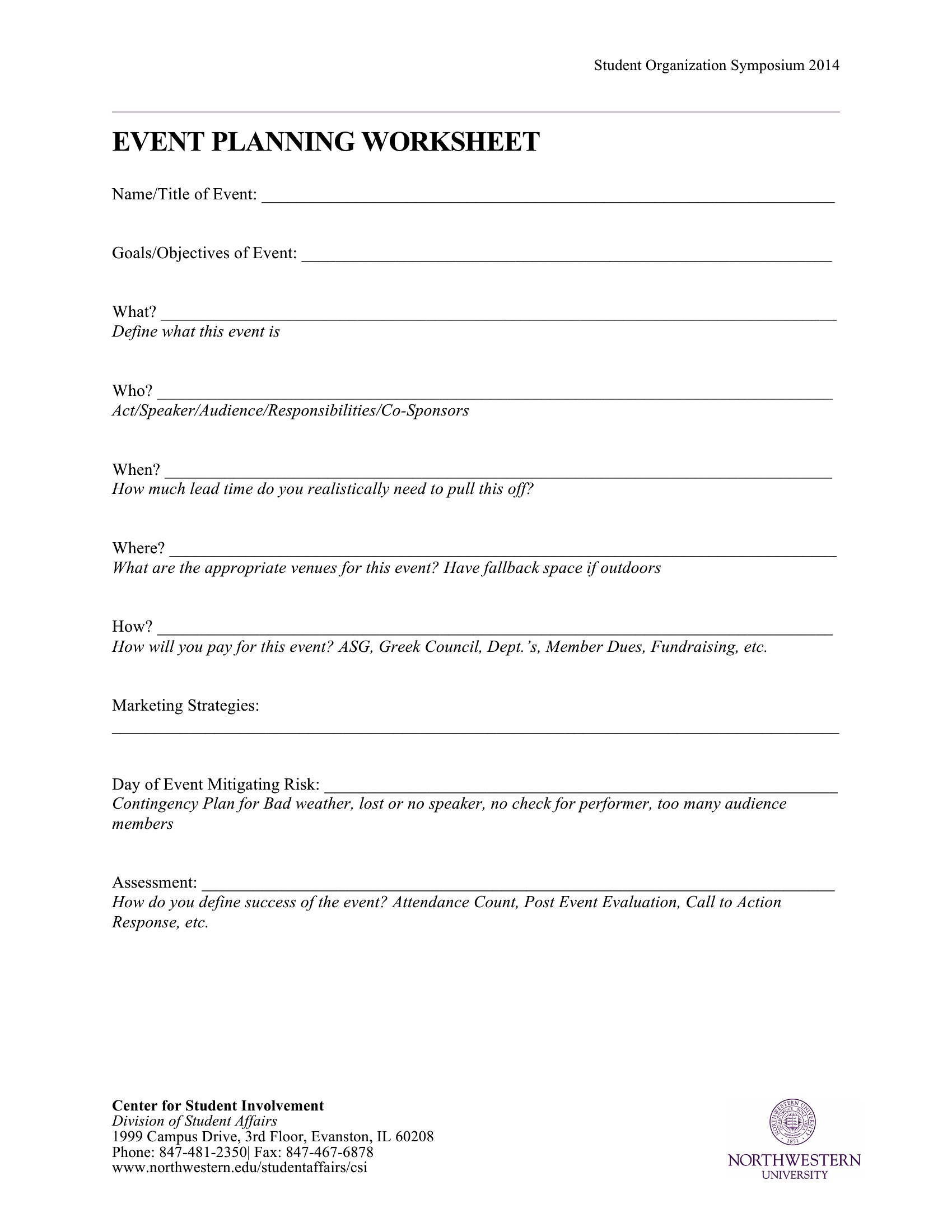
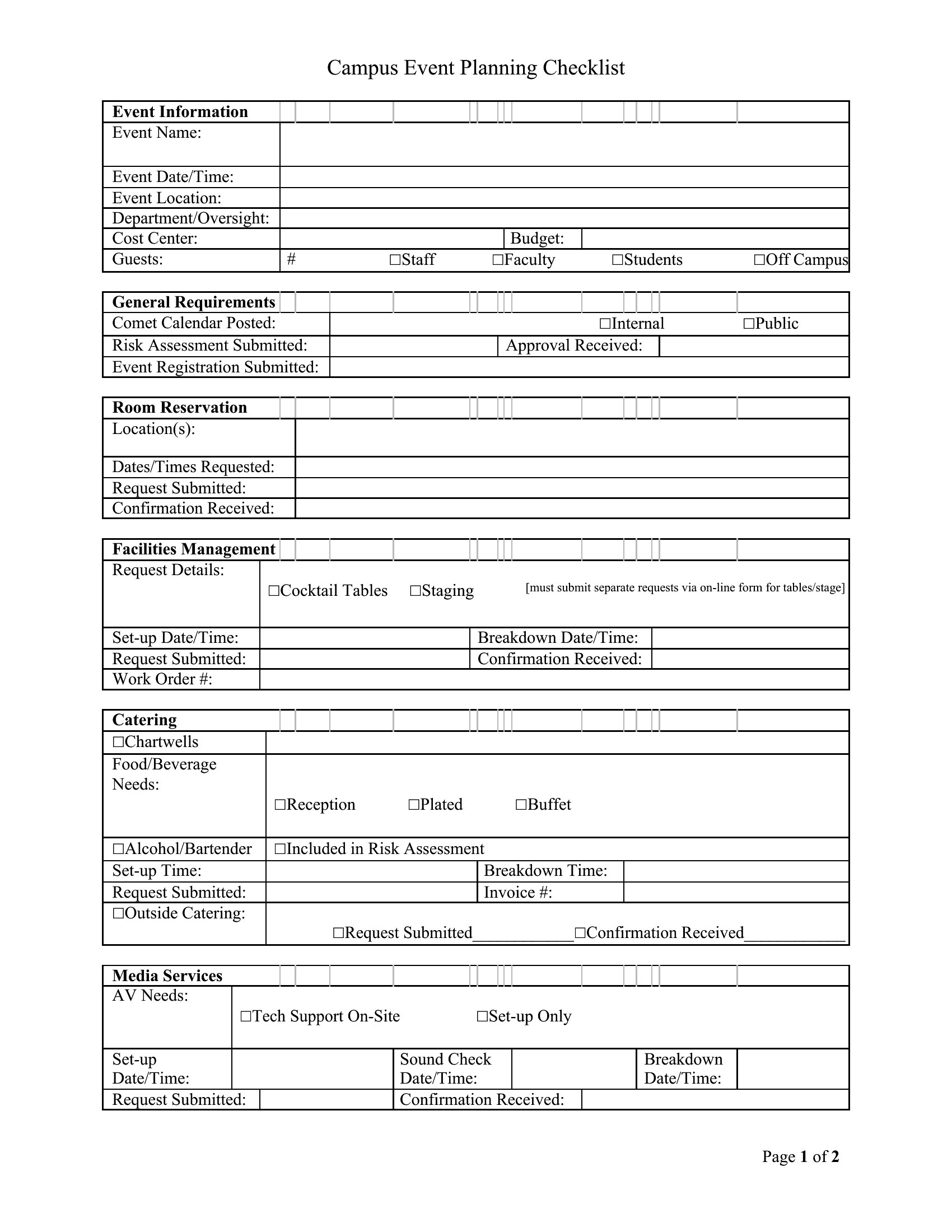
ProjectPulling off an event means juggling vendors, budgets, guest lists, and a timeline that never sits still, and a good worksheet keeps it all in one place. This set of 73 event planning templates supports party hosts, wedding planners, and corporate coordinators from the first brainstorm to the day-of run sheet. You'll find budget trackers, vendor contact logs, seating plans, and detailed timelines.
Editable Word files let you reshape the sections for your event, while the PDFs print neatly for a planning binder or a clipboard at the venue. Map out tasks, assign owners, and check items off as the date approaches. Download the worksheets that match your event and trade last-minute chaos for a plan you can actually follow.
When to use this Event Planning template
- A wedding planner organizing a destination ceremony with multiple vendors and a tight timeline needs a fillable PDF to track contracts, deadlines, and client approvals in one shareable document.
- A nonprofit event coordinator managing a charity gala must balance volunteer schedules, sponsorship agreements, and donor recognition—using editable Word templates to keep all moving parts flexible and editable until the last minute.
- A corporate event team planning a hybrid conference requires a printable seating chart and timeline worksheet to coordinate on-site guests with virtual attendees, ensuring smooth transitions between sessions.
- A party host planning a milestone birthday with dietary restrictions and activity stations uses budget trackers and vendor logs in Word to compare costs and confirm RSVPs before finalizing invitations.
Which format should I download?
Choose PDF when you need a fillable, printable, or shareable template that won’t lose formatting—ideal for seating charts, vendor contracts, or finalized timelines. Opt for Word when you require editable text fields, such as budget spreadsheets or guest lists that may change frequently. Both formats work here, but PDFs are best for static, finalized plans, while Word excels for collaborative, evolving details.
Choose from 73 Event Planning Templates
How to use this Event Planning template
How do I use these templates to align my team if we’re working remotely?
Save the Word templates as editable documents and share them via cloud storage like Google Drive or Dropbox. Assign sections to team members, set a review deadline, and consolidate updates into a master PDF for the final version. Use the timeline templates to track progress against key milestones.
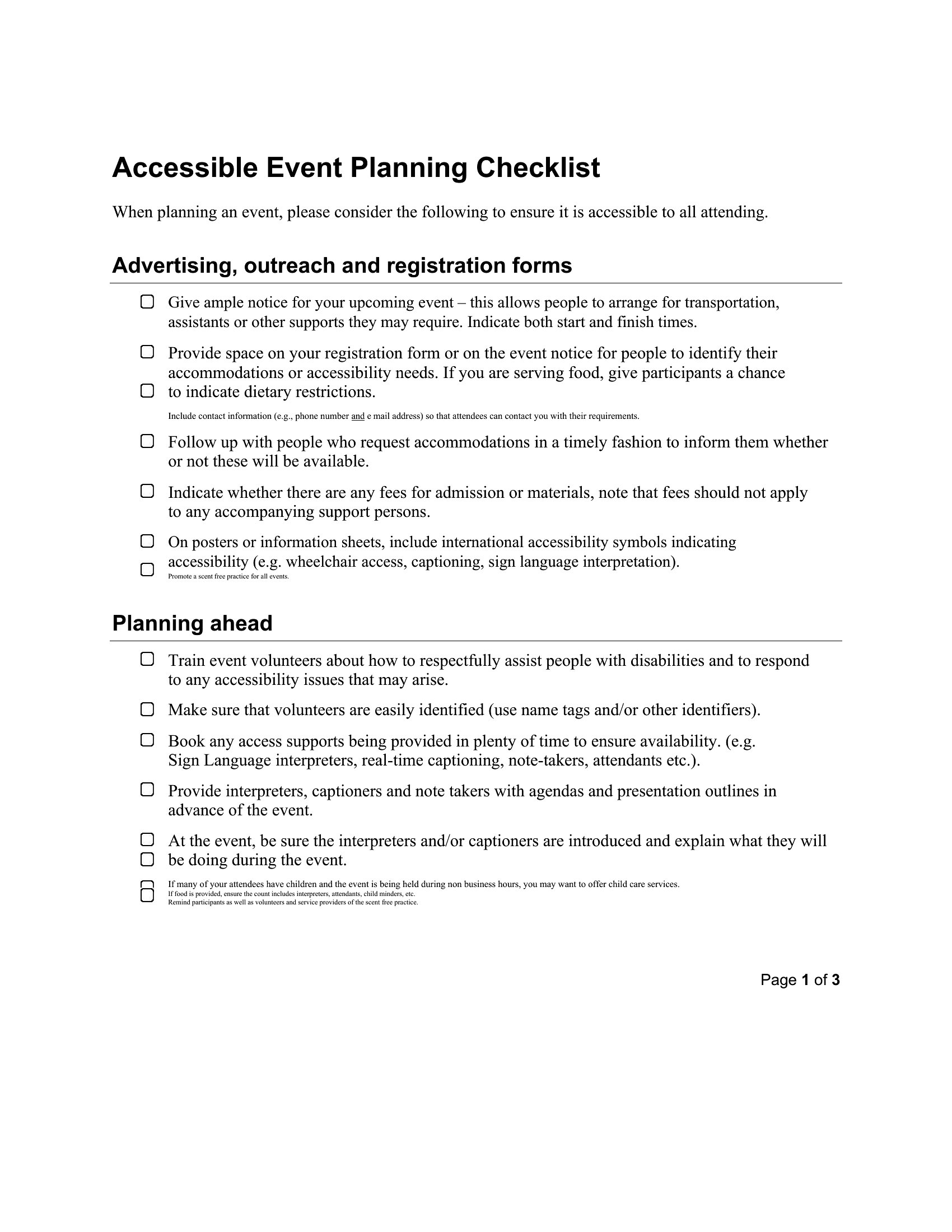
Can I adapt these templates for an event with strict accessibility requirements, like Braille signage or wheelchair seating?
Yes, these templates include seating charts and venue layouts you can modify in Word or PDF. Add notes for accessibility needs (e.g., ‘Wheelchair seating: Row C, Seats 1-4’) and share them with vendors or venue staff. For Braille signage, use the vendor contact log to confirm requirements with printing services.
What’s the best way to track changes if multiple people are updating the same budget or timeline?
Use the Word format for shared budgets or timelines, enabling ‘Track Changes’ in Microsoft Word. This highlights edits so you can review and approve updates before finalizing the PDF. For simpler collaboration, use comments to flag questions or adjustments without altering the original.
Comments
Join the conversation
Sign in to share your thoughts and leave a comment on this resource.