Free Temperature Log Templates (Word, Excel, PDF)
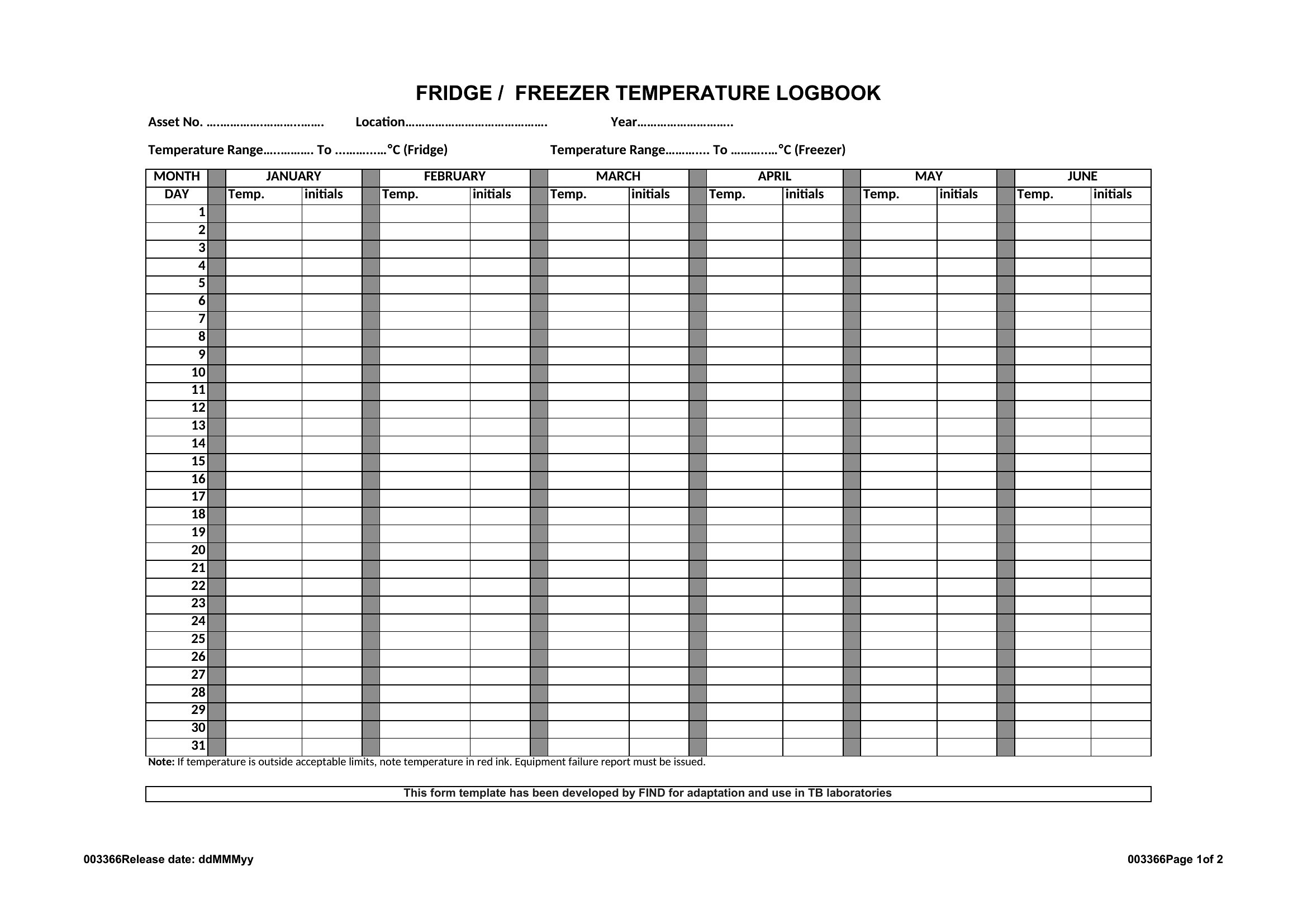
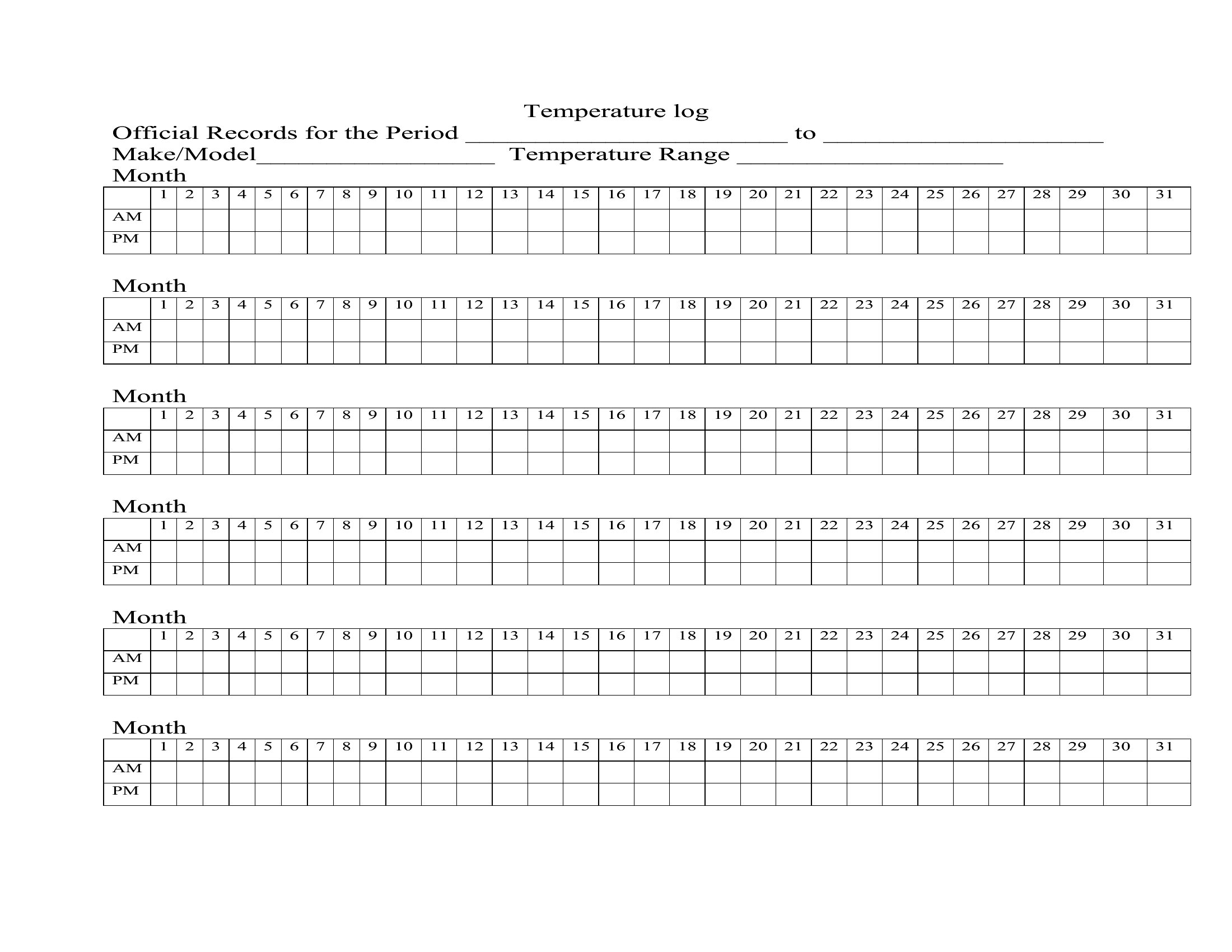
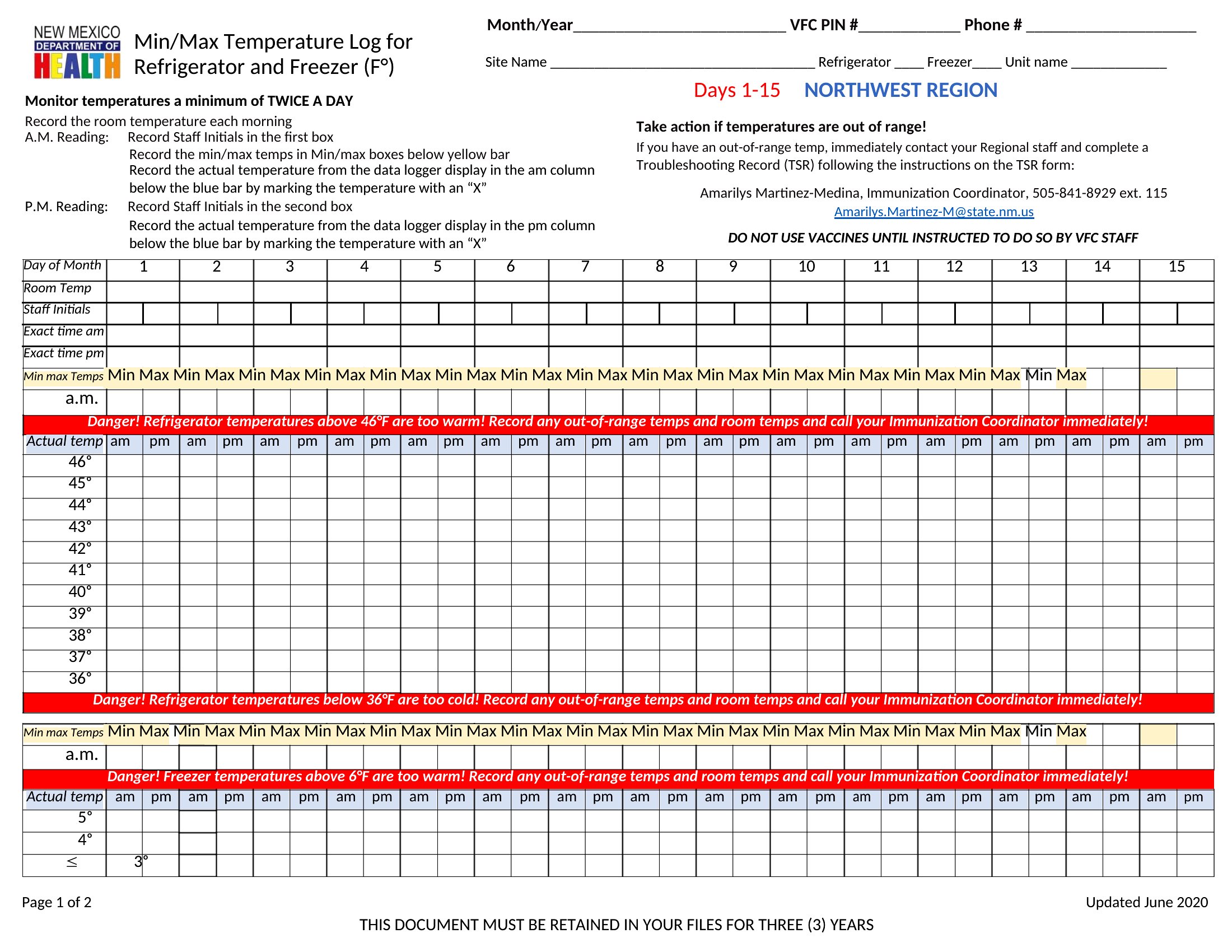
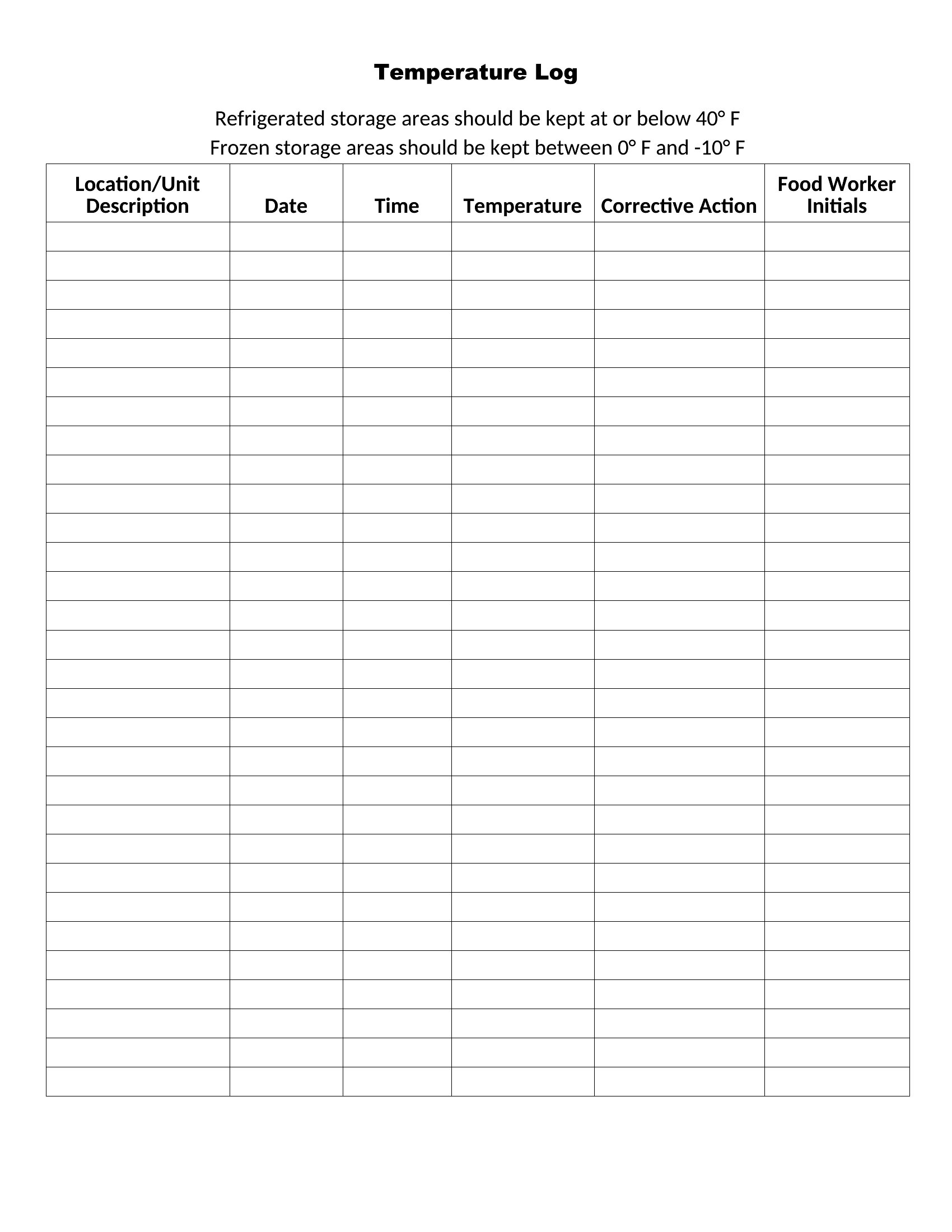
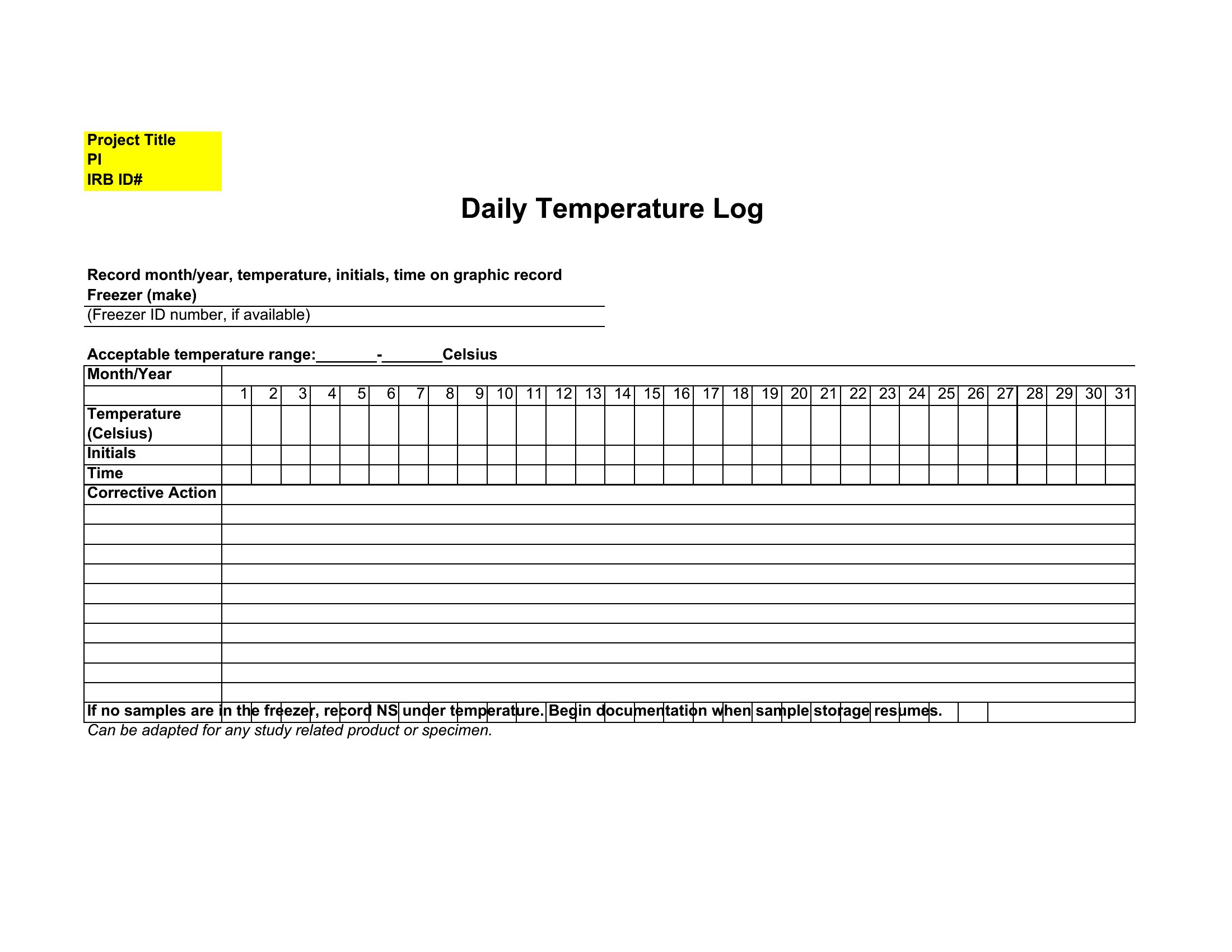
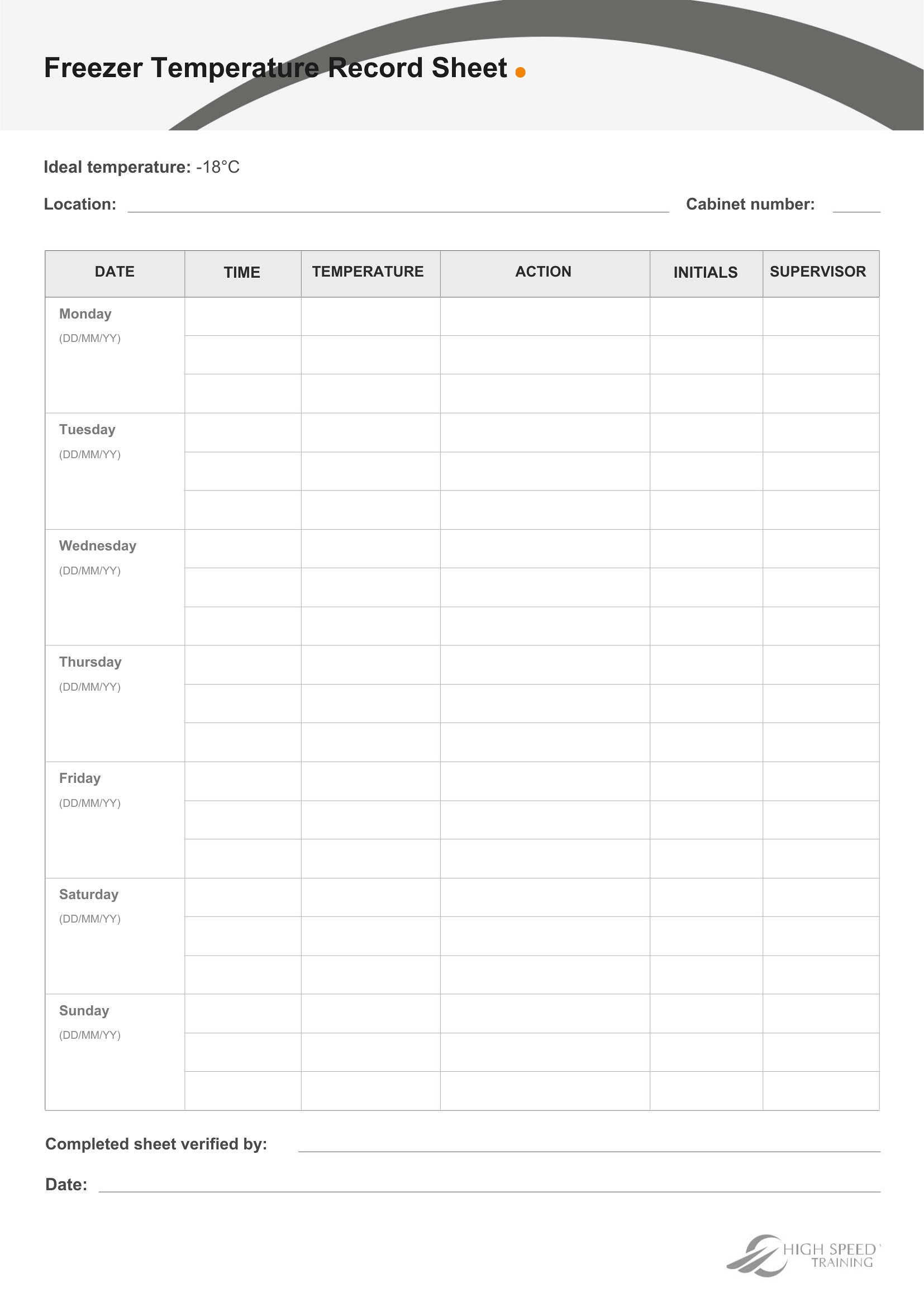
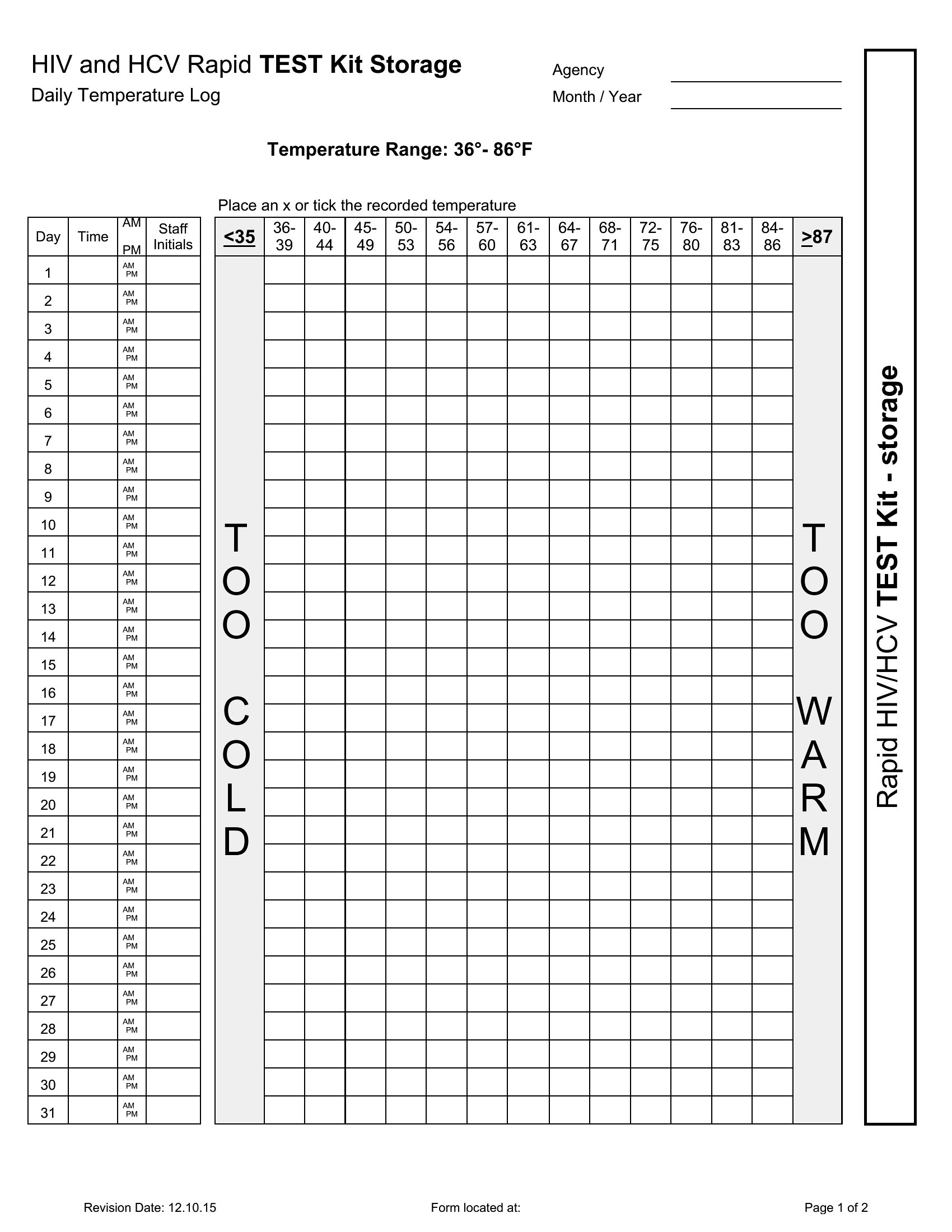
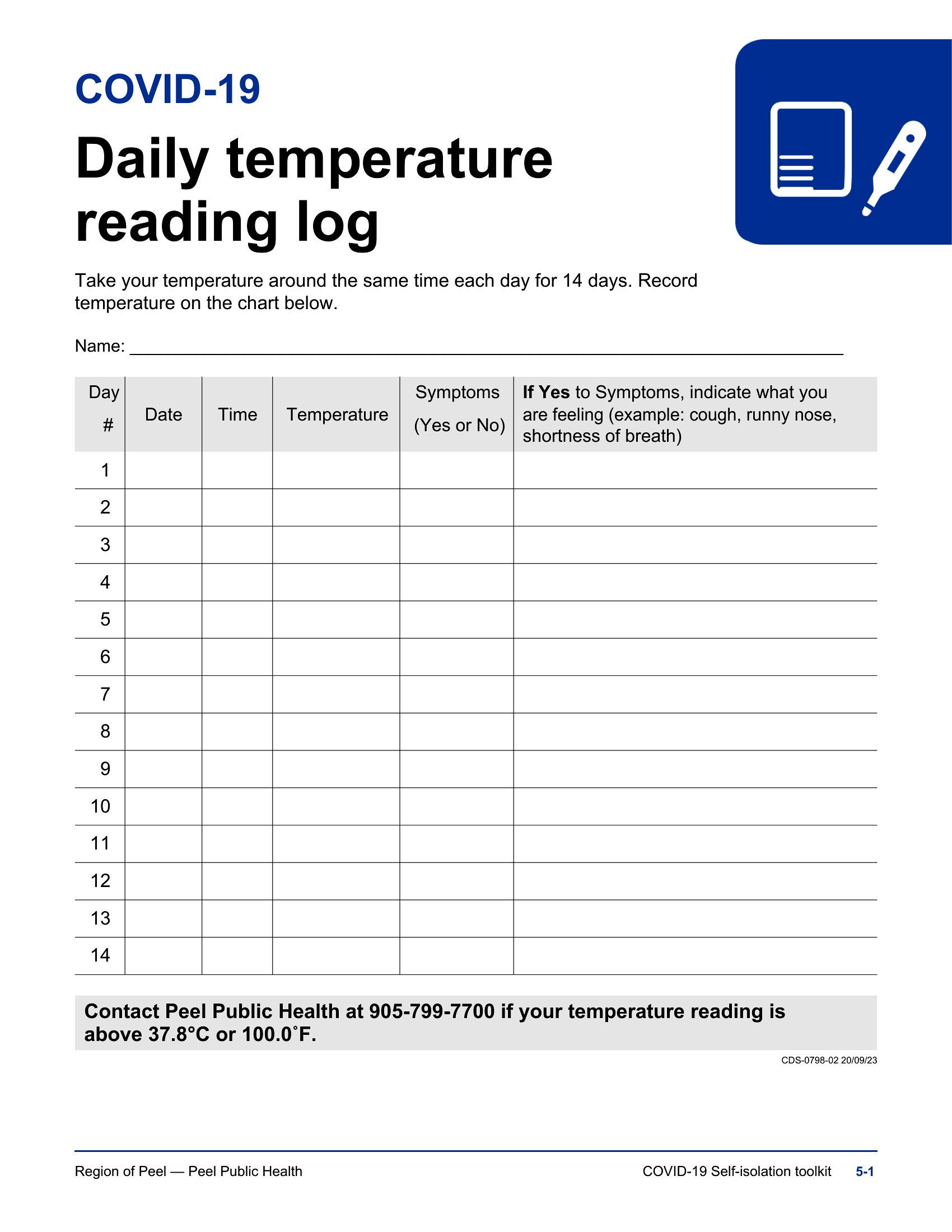
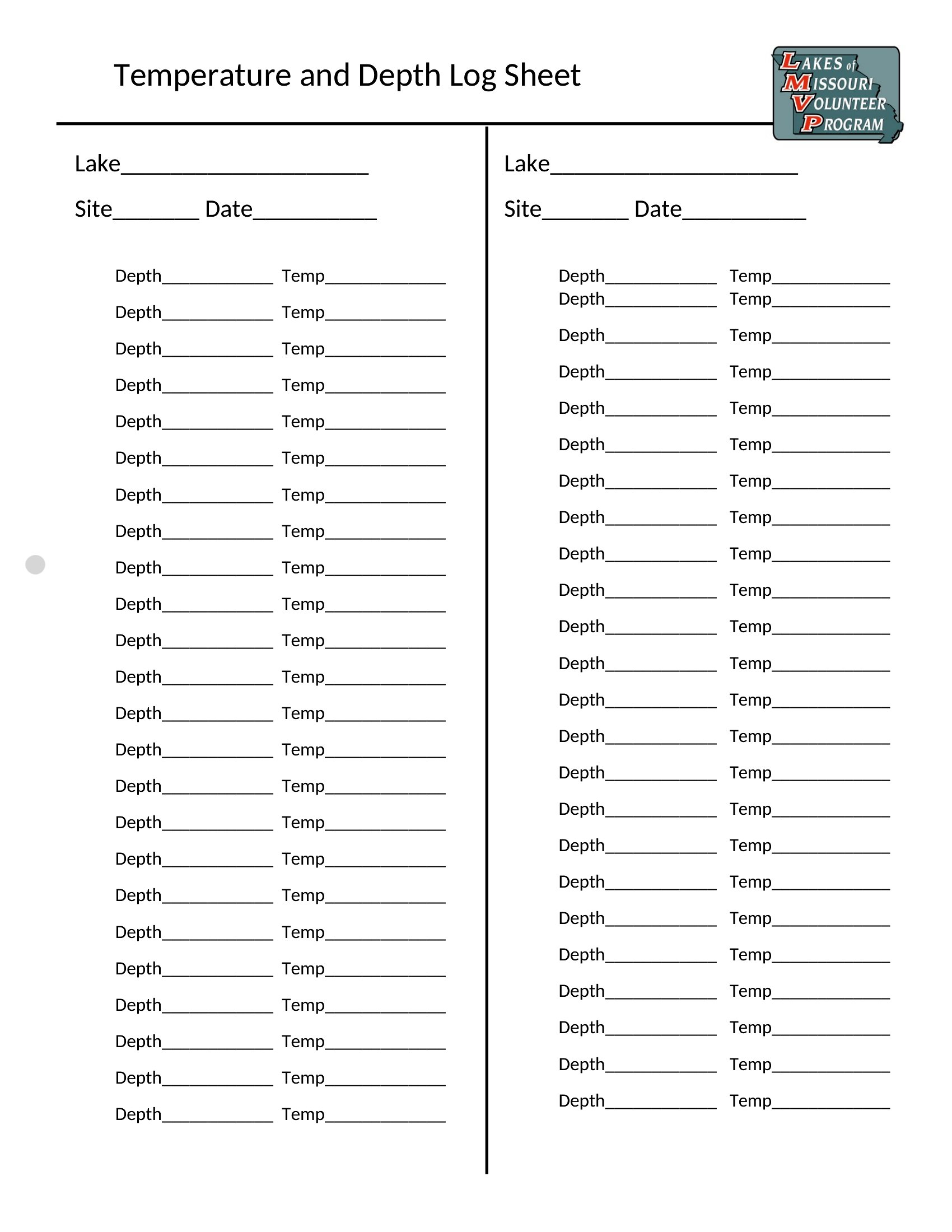
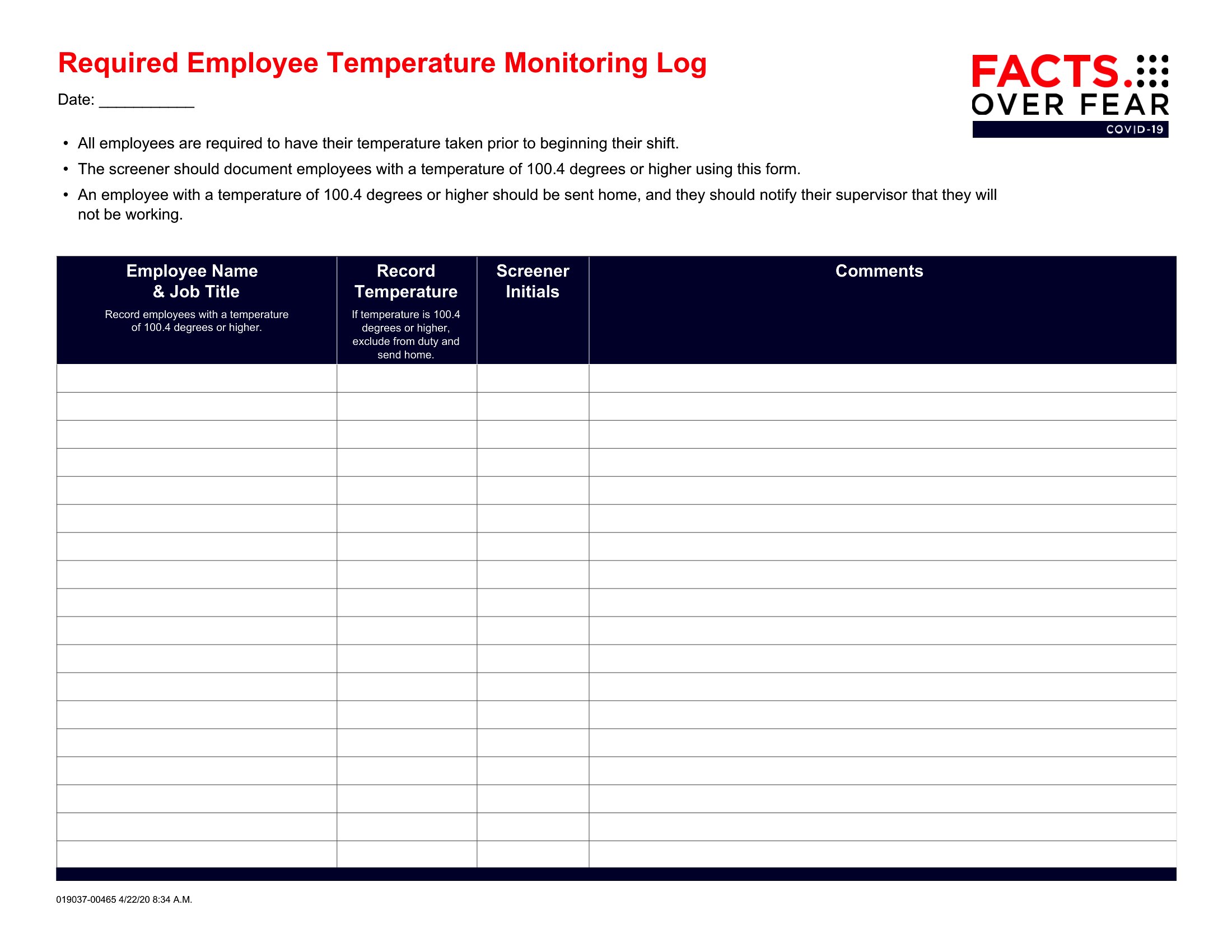
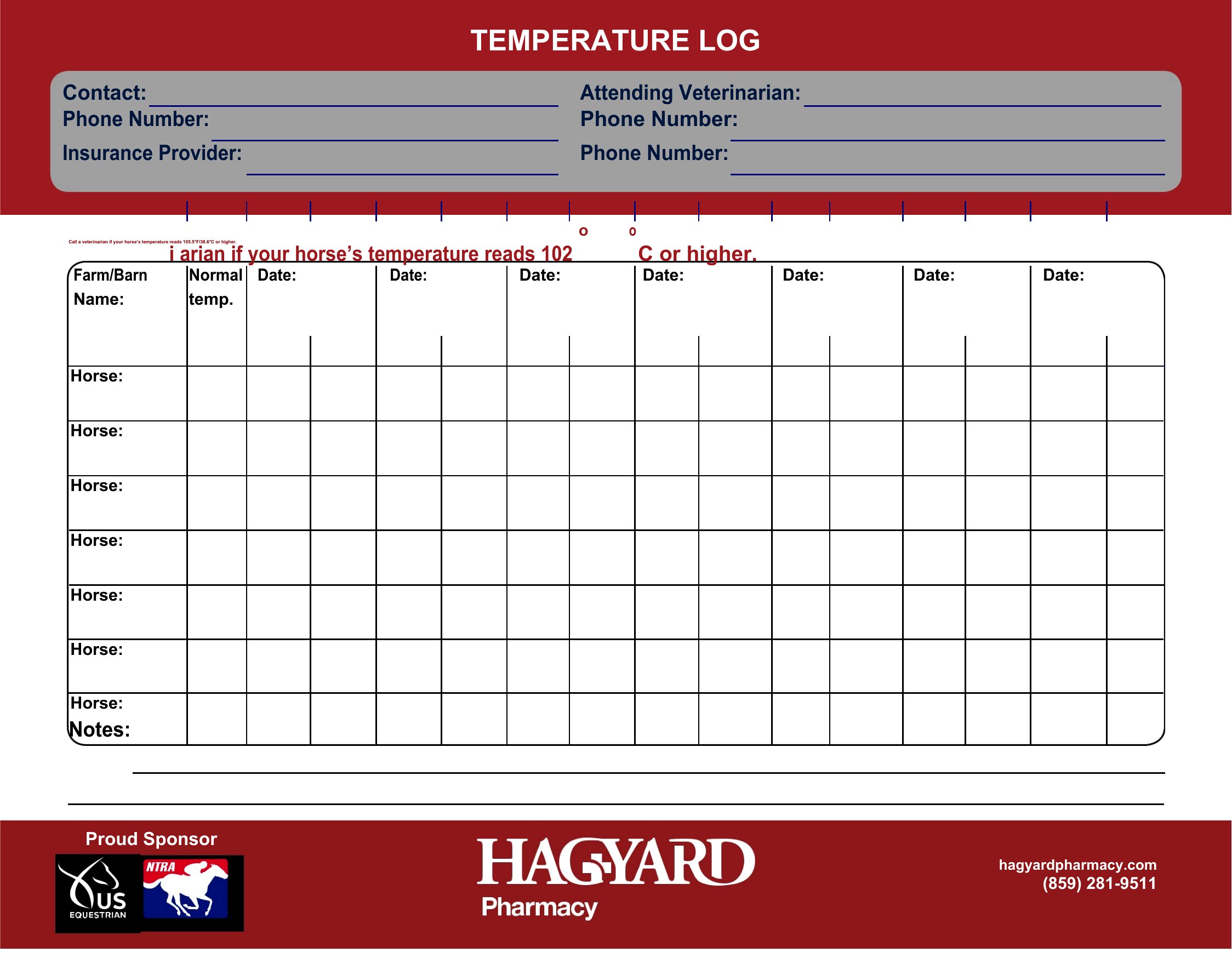
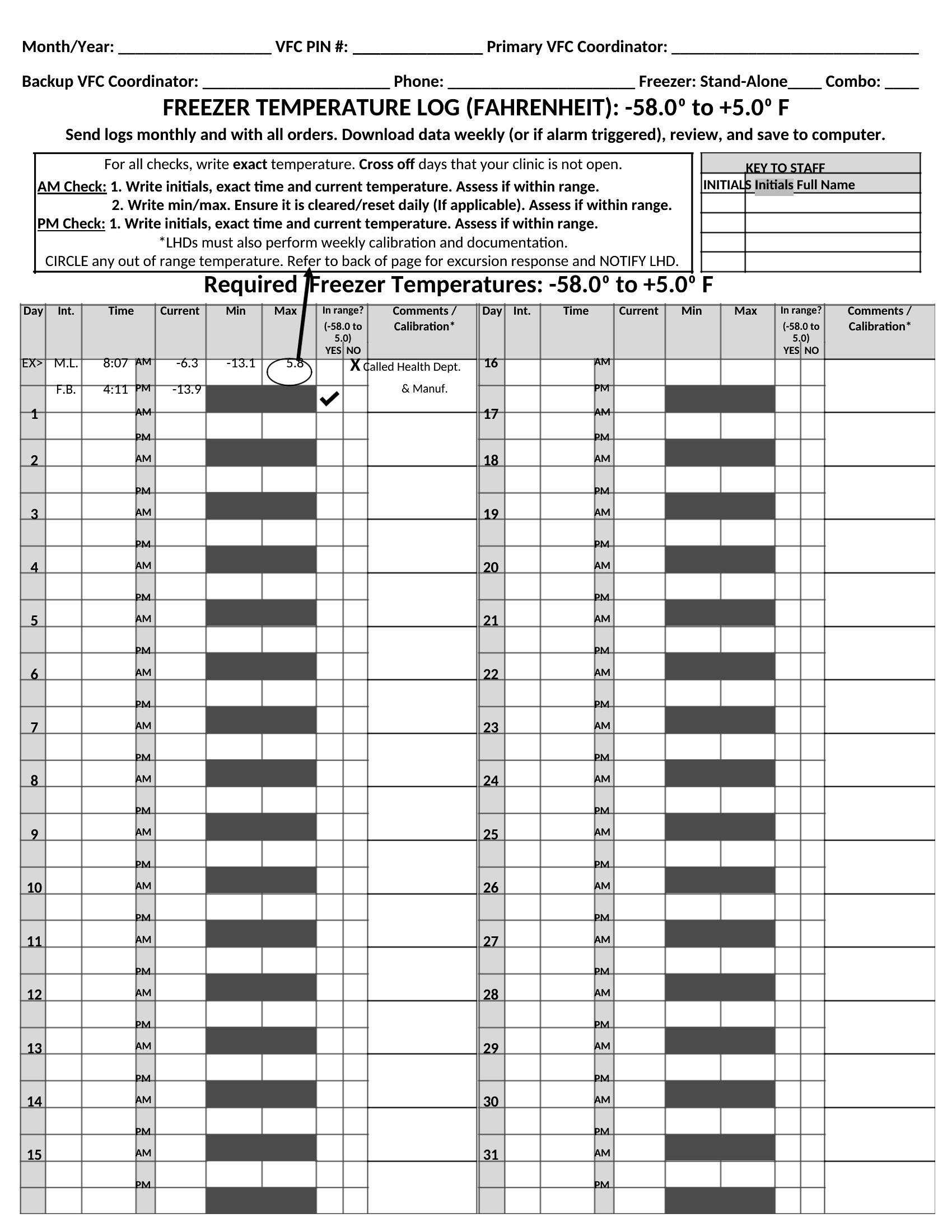
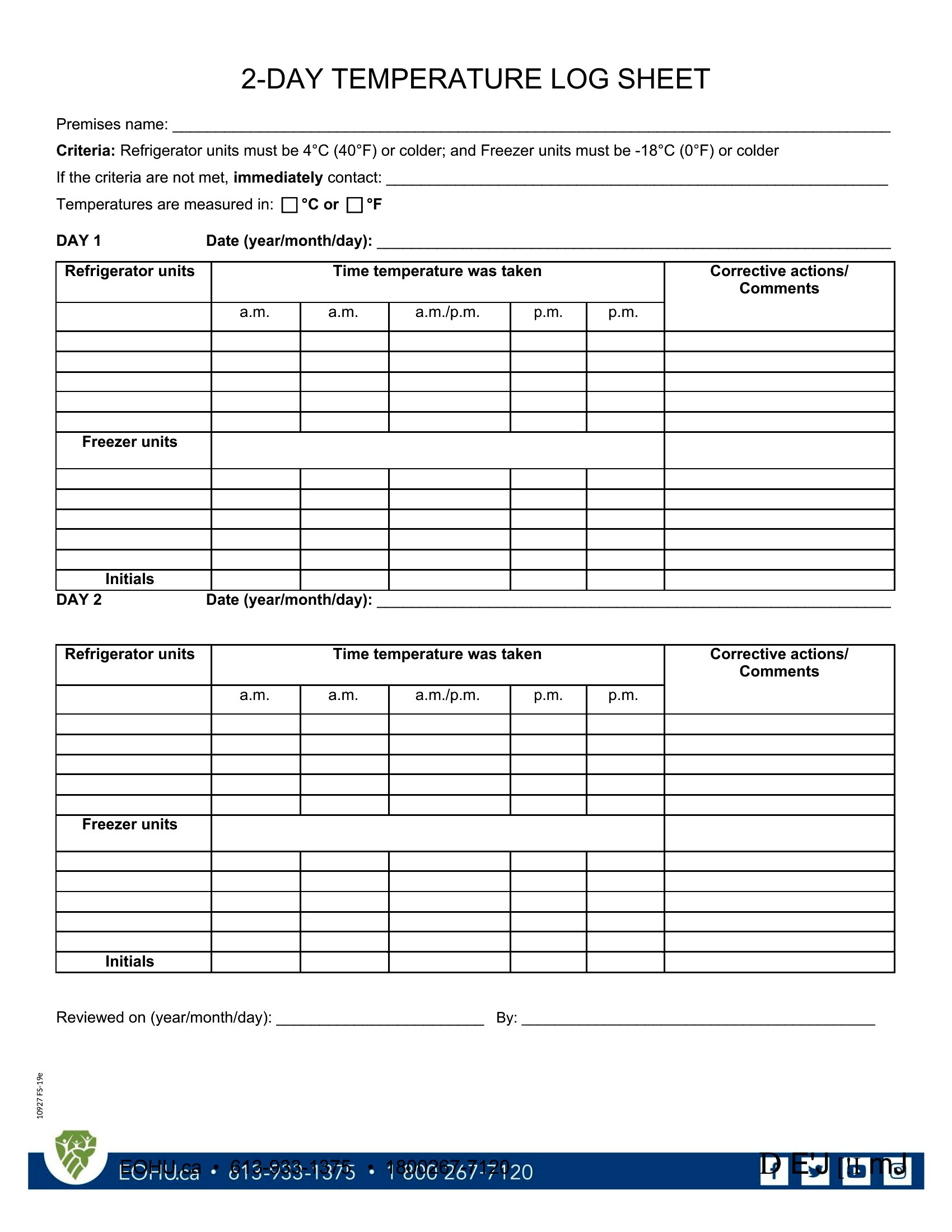
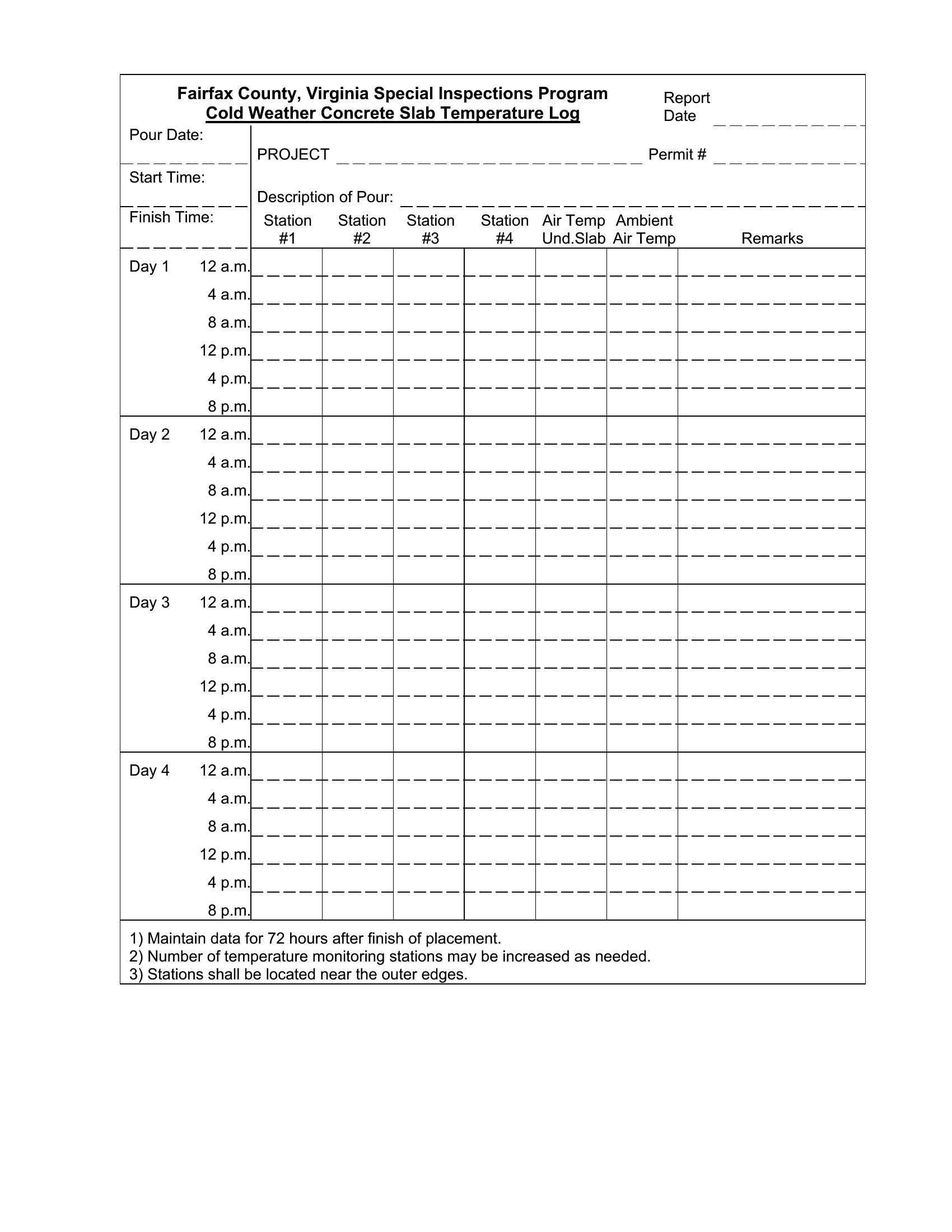
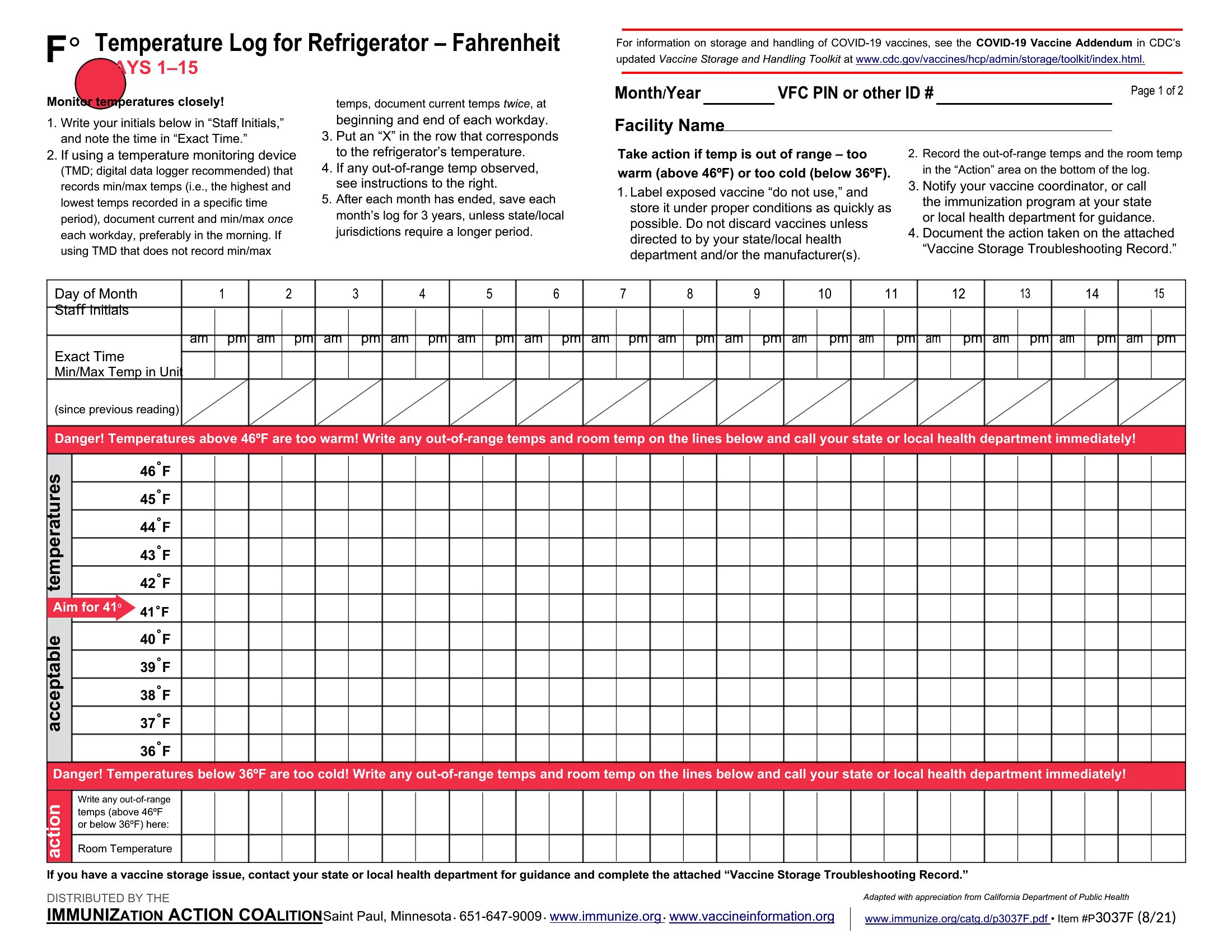
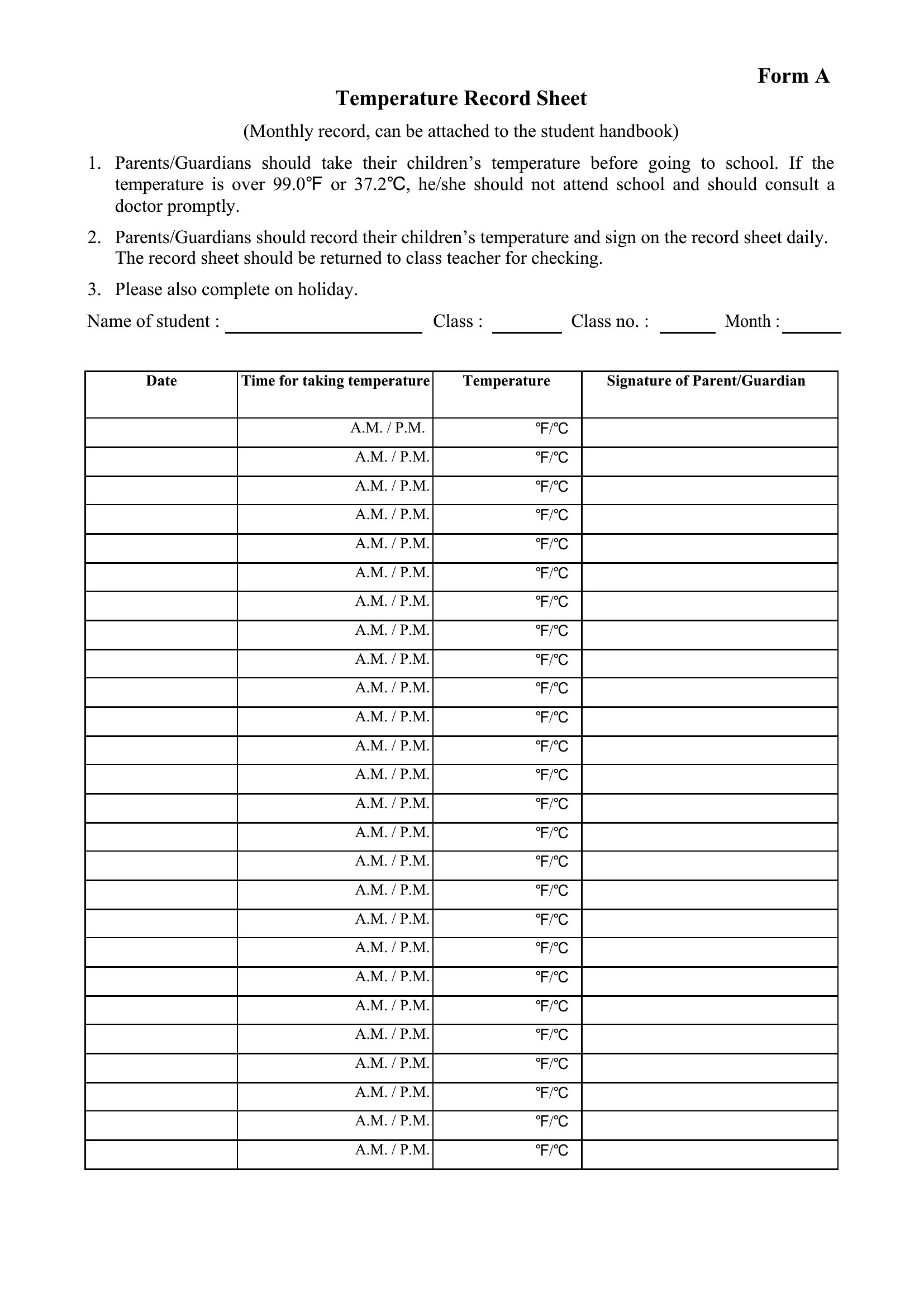
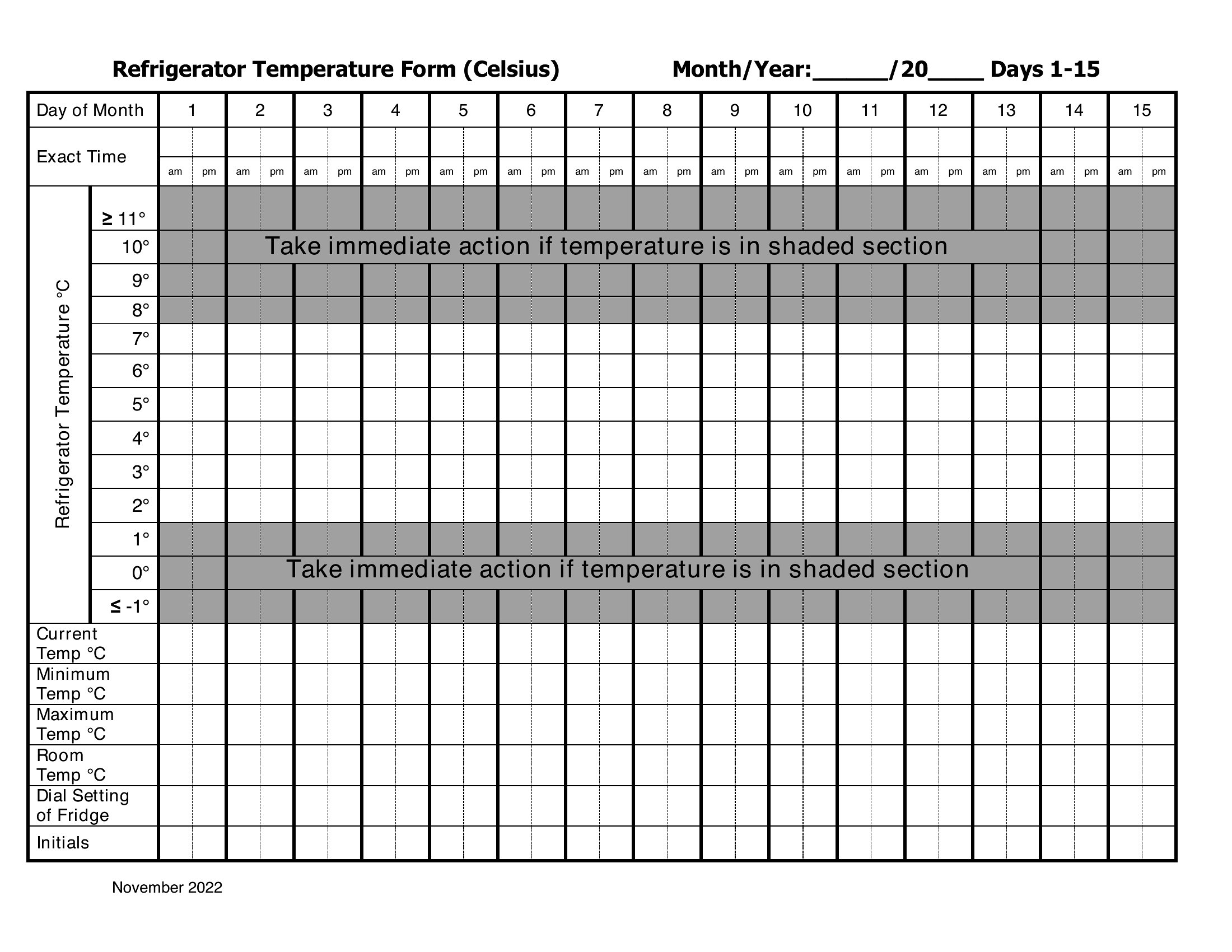
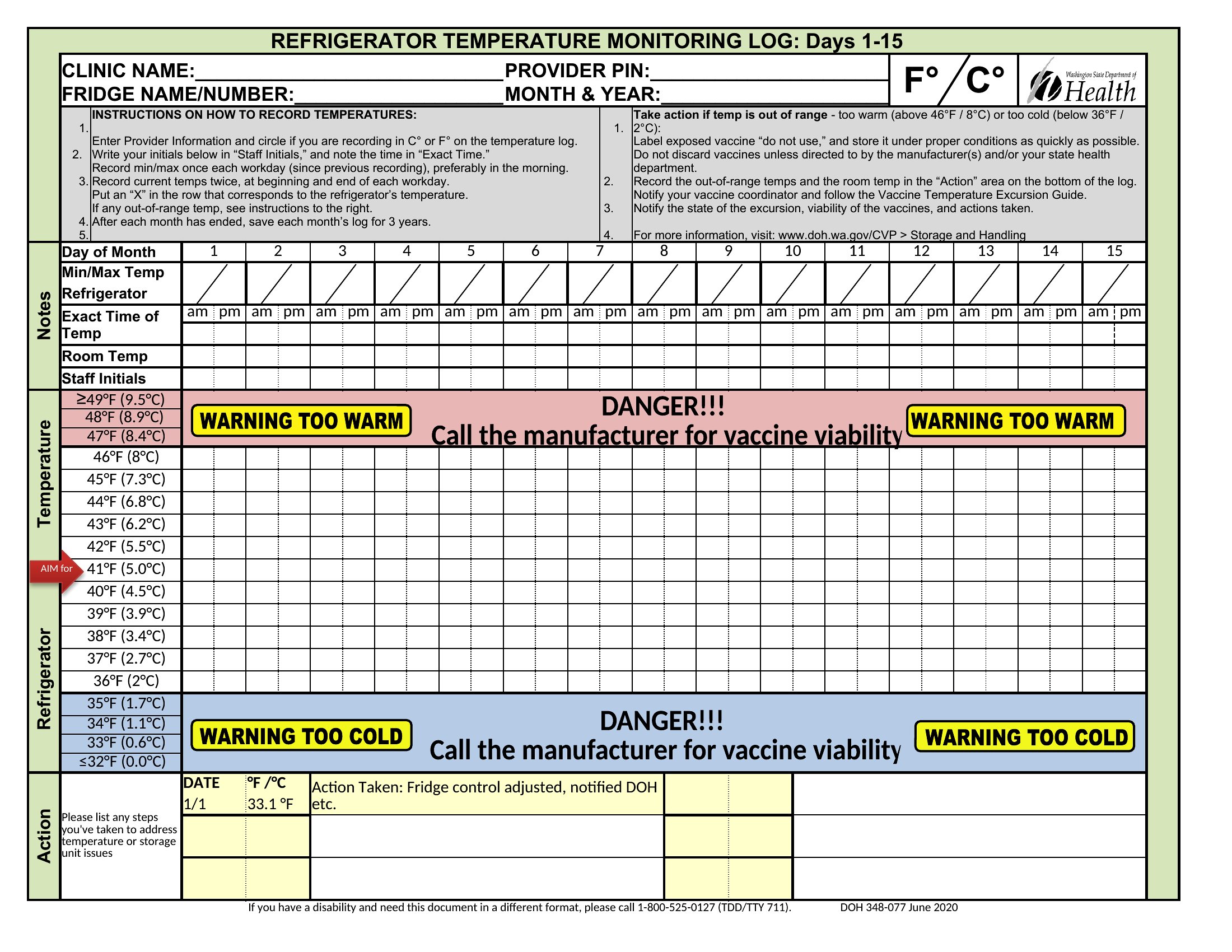
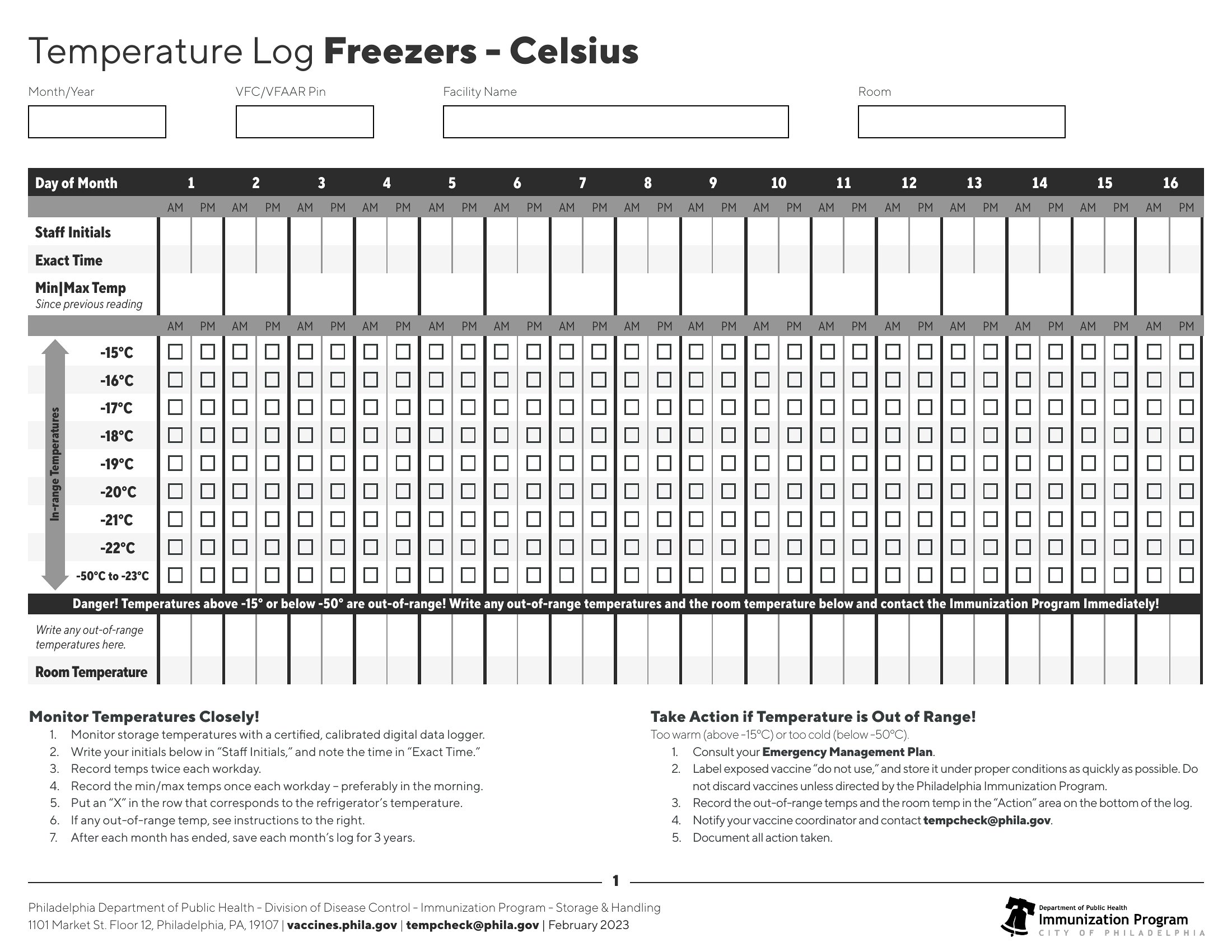
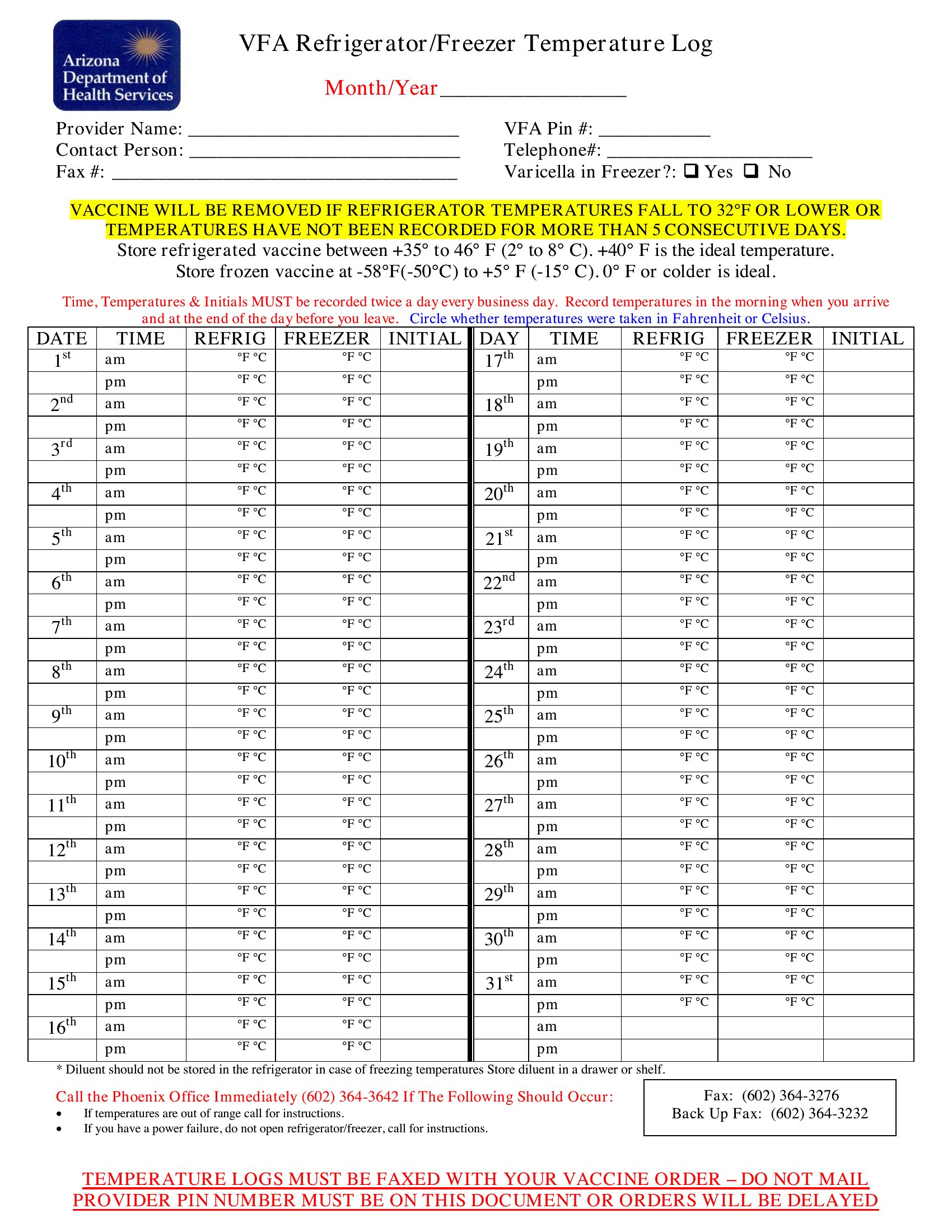
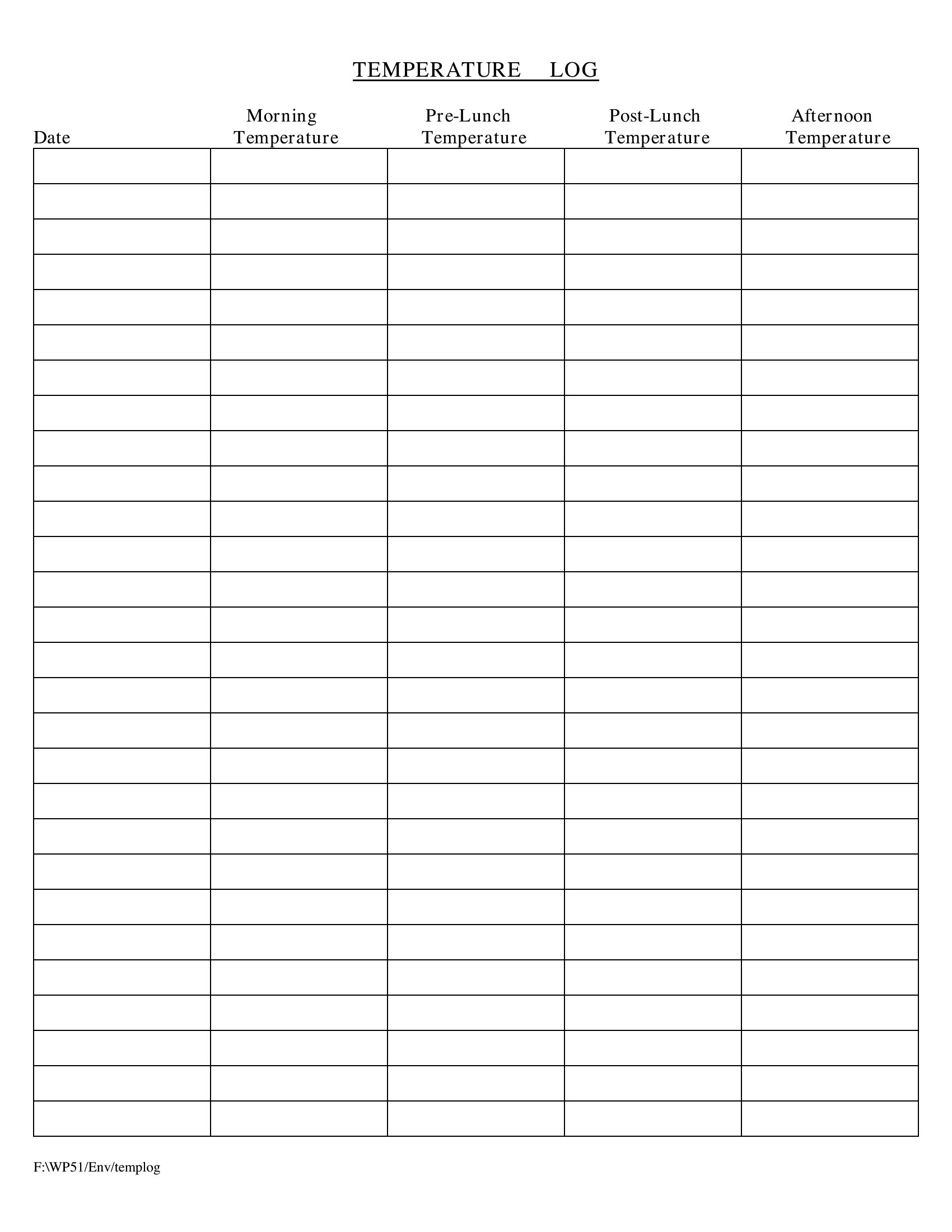
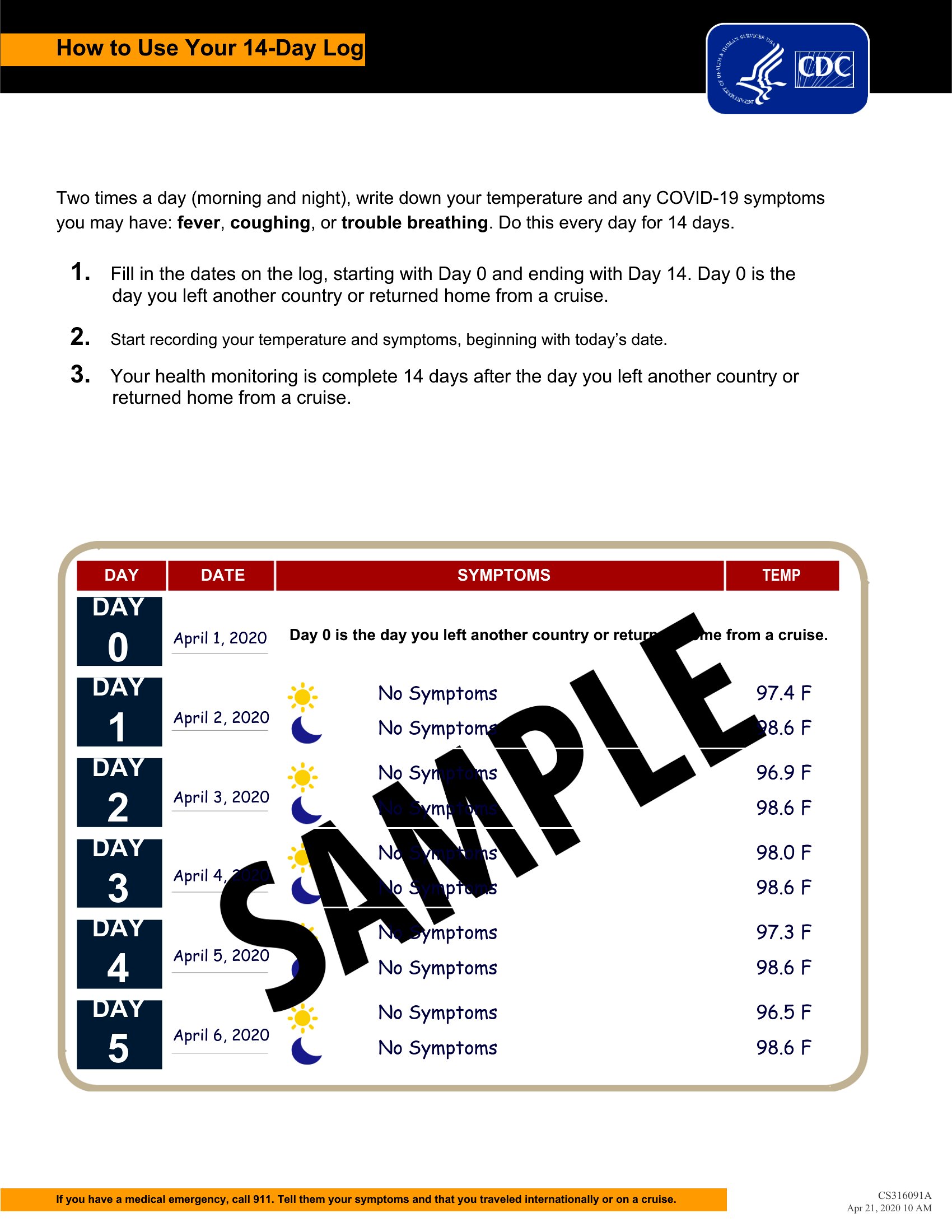
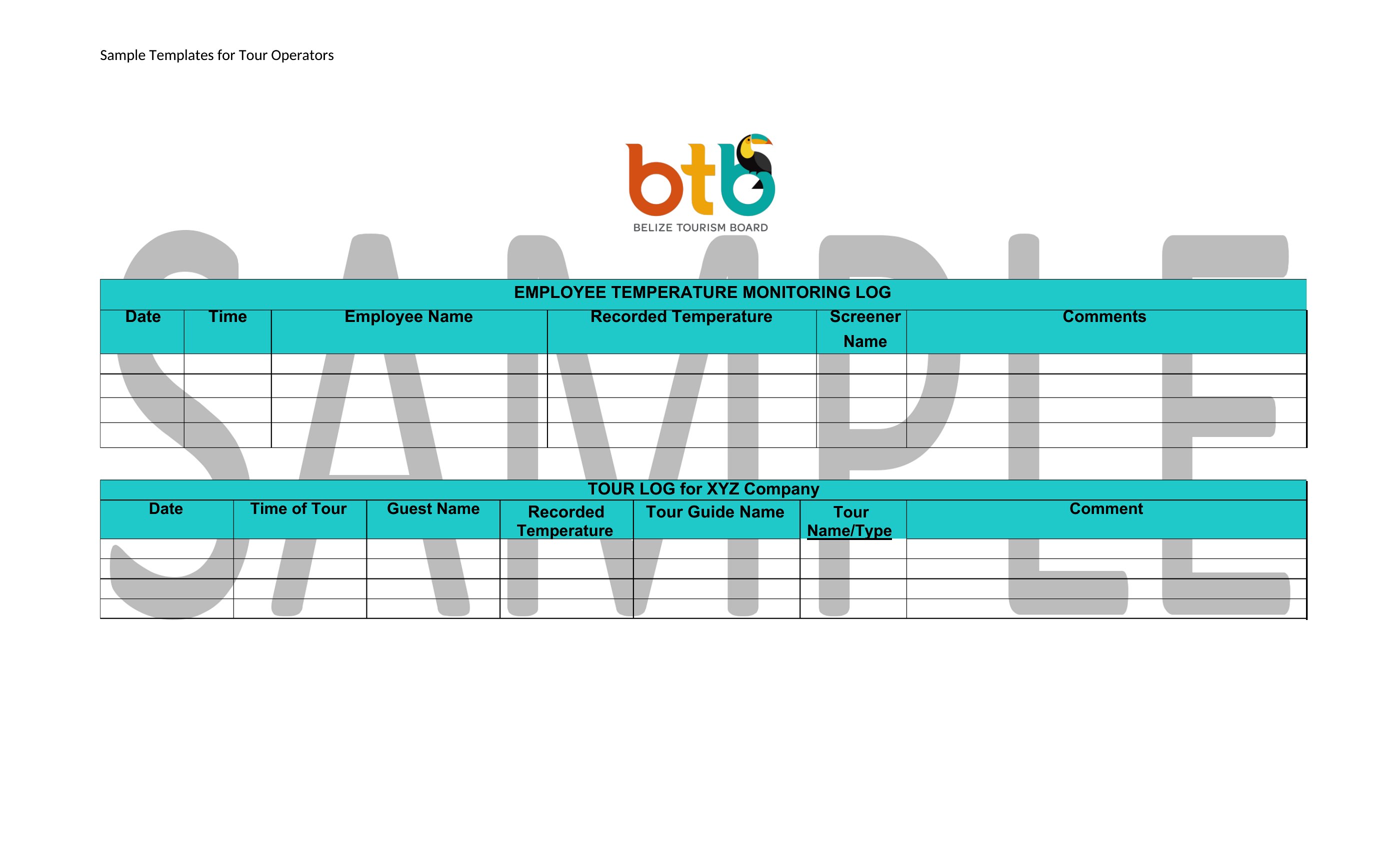
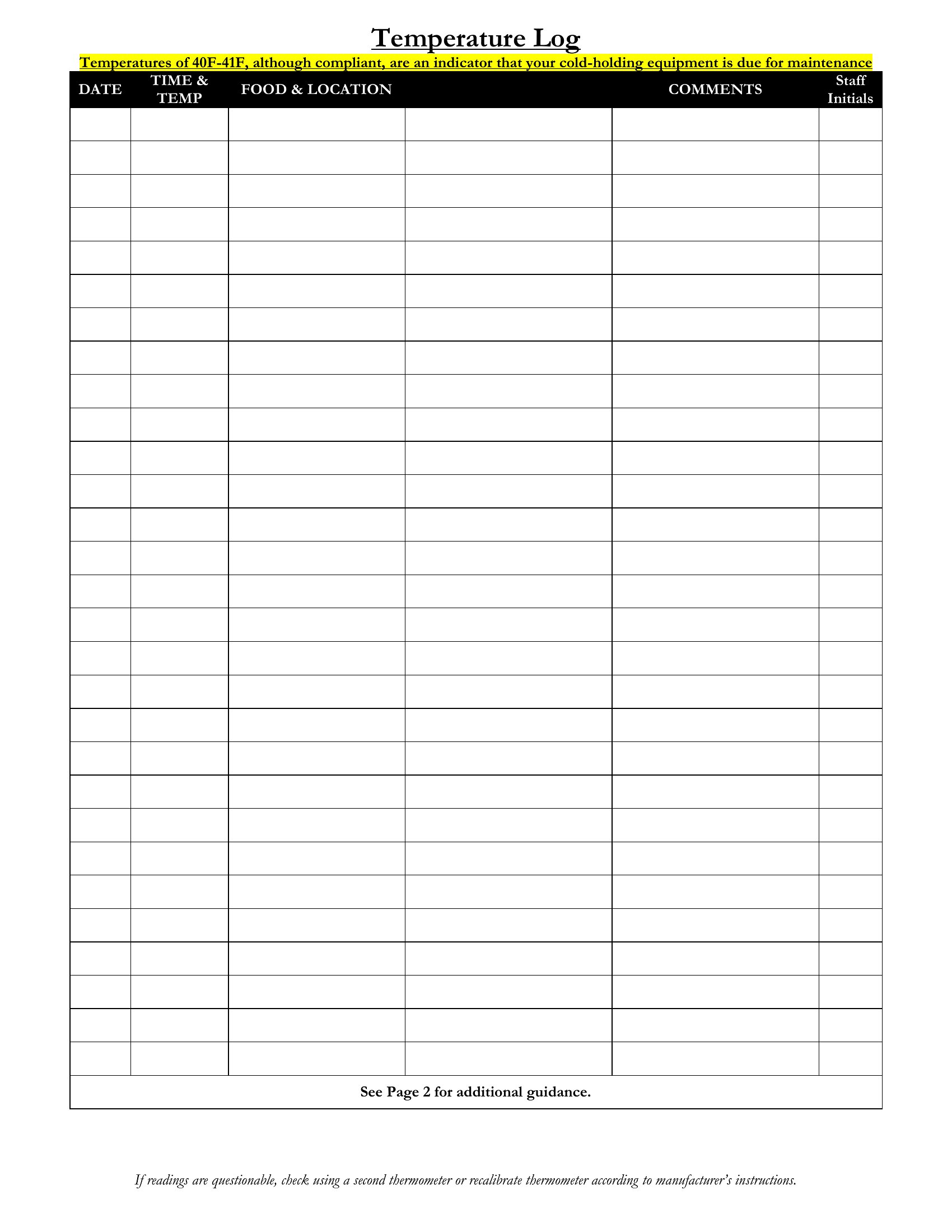
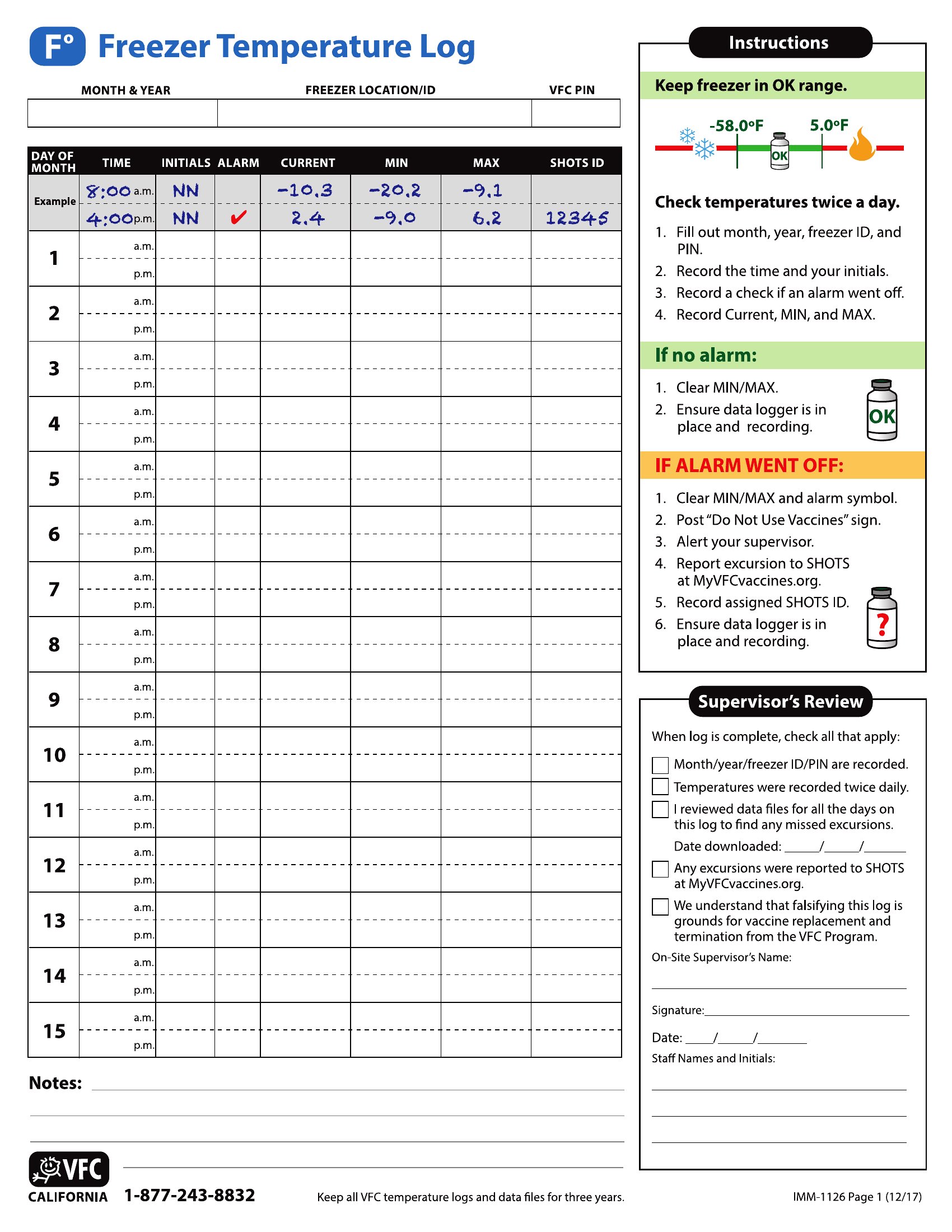
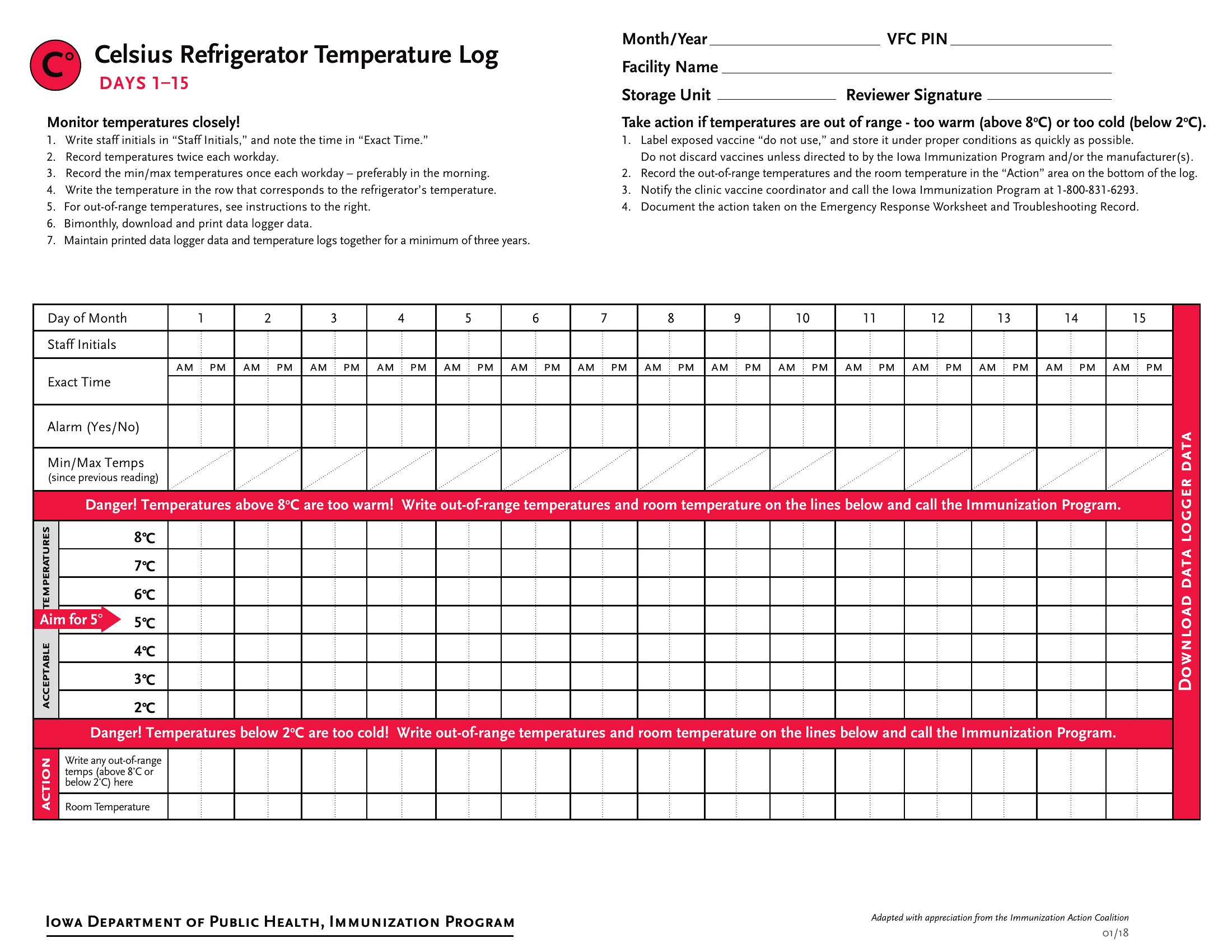
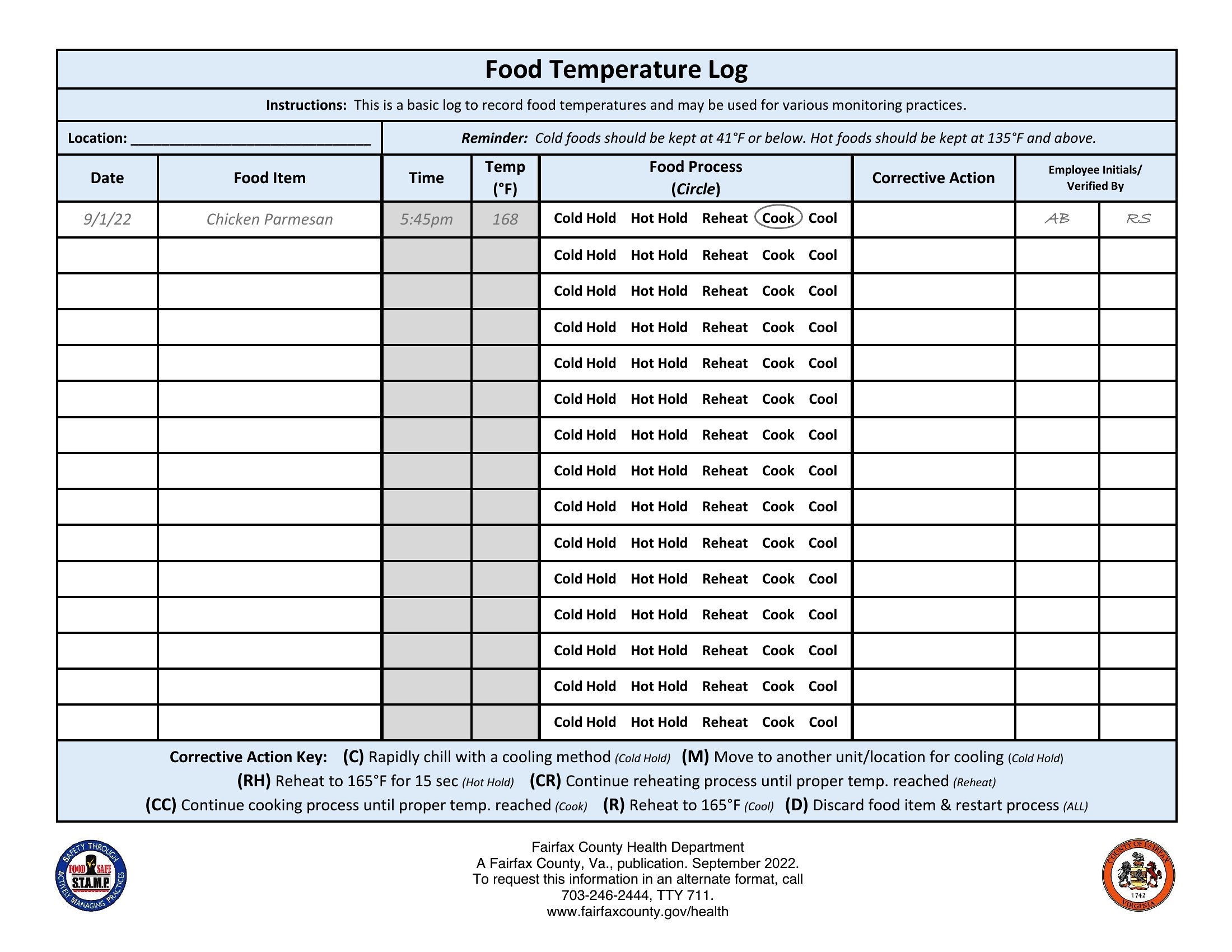
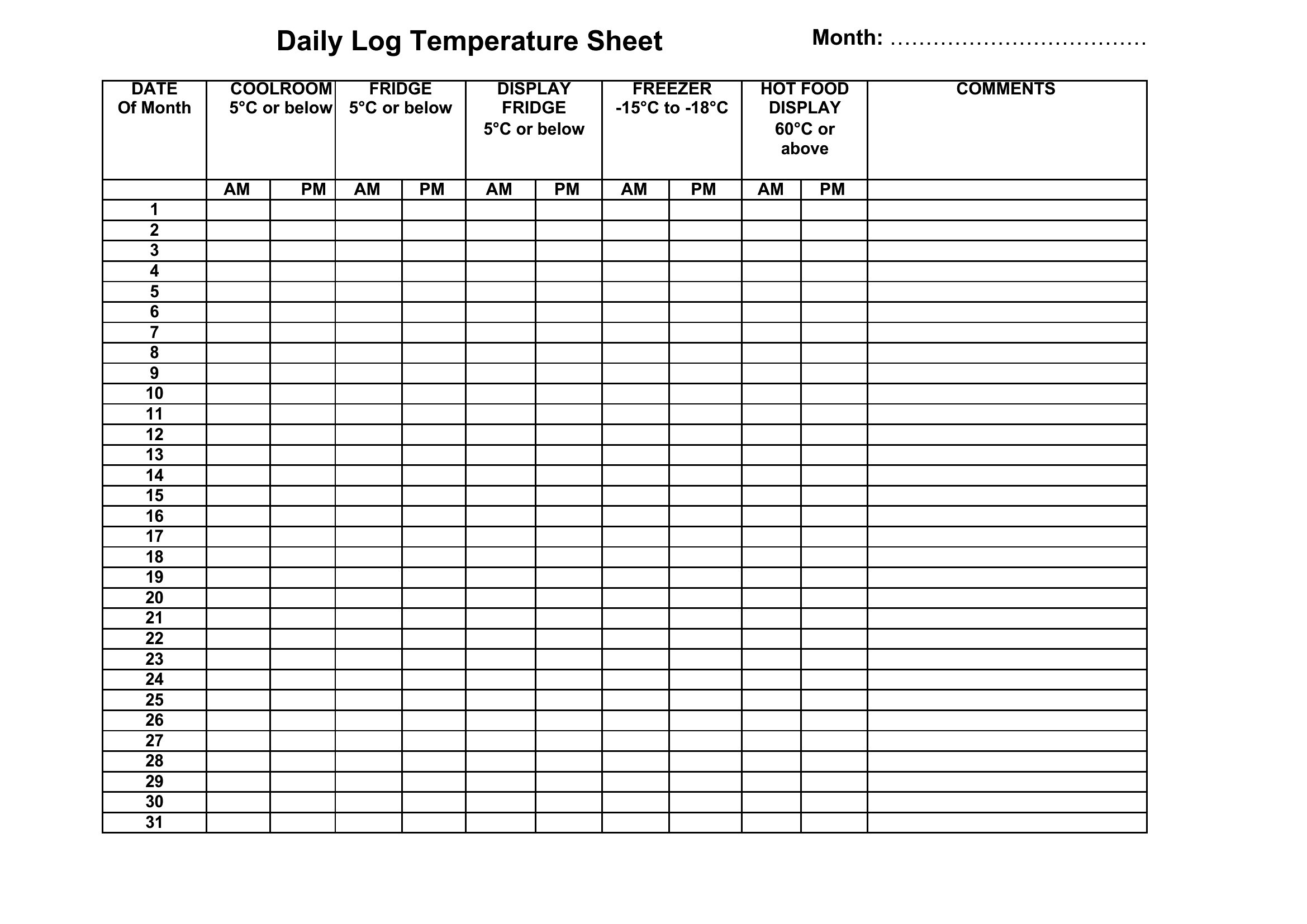
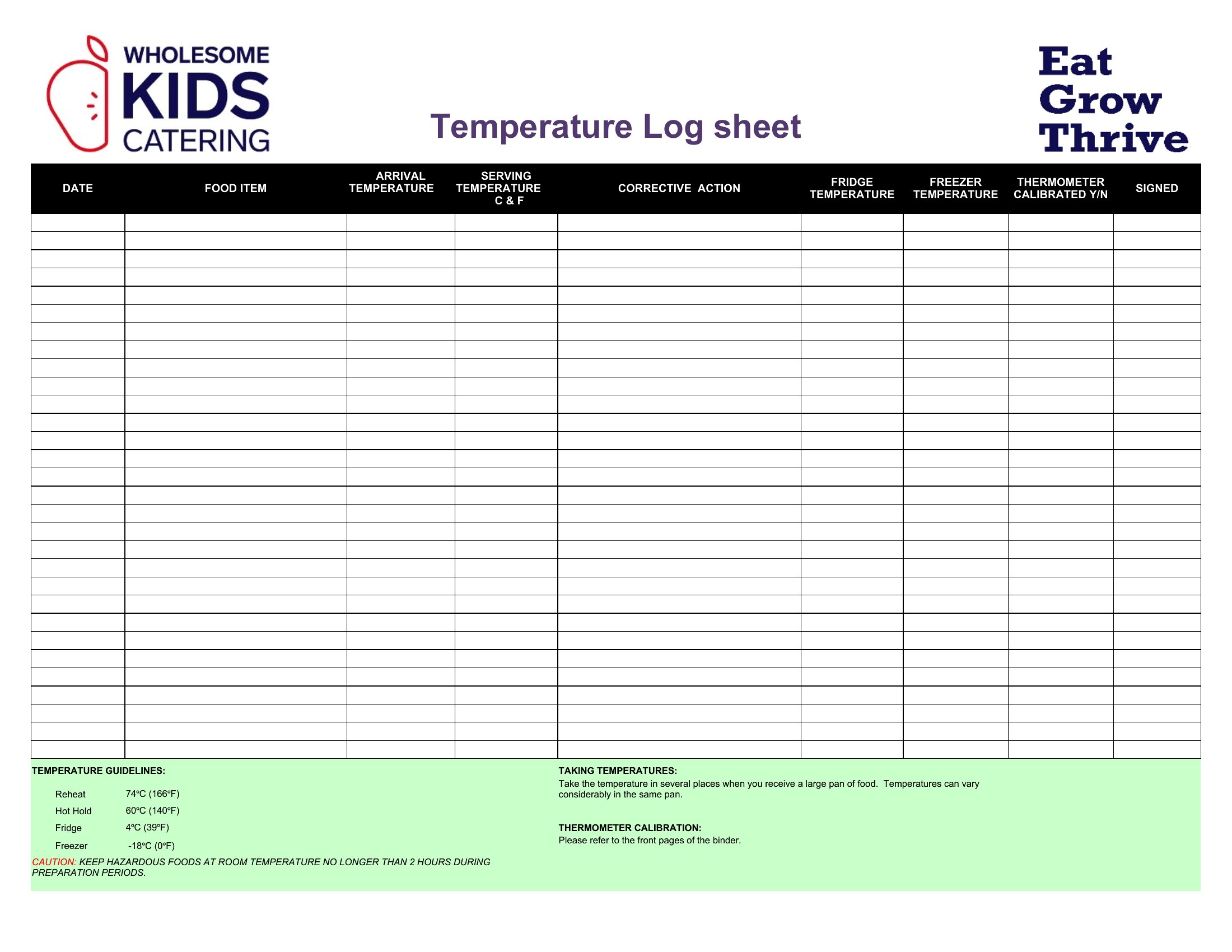
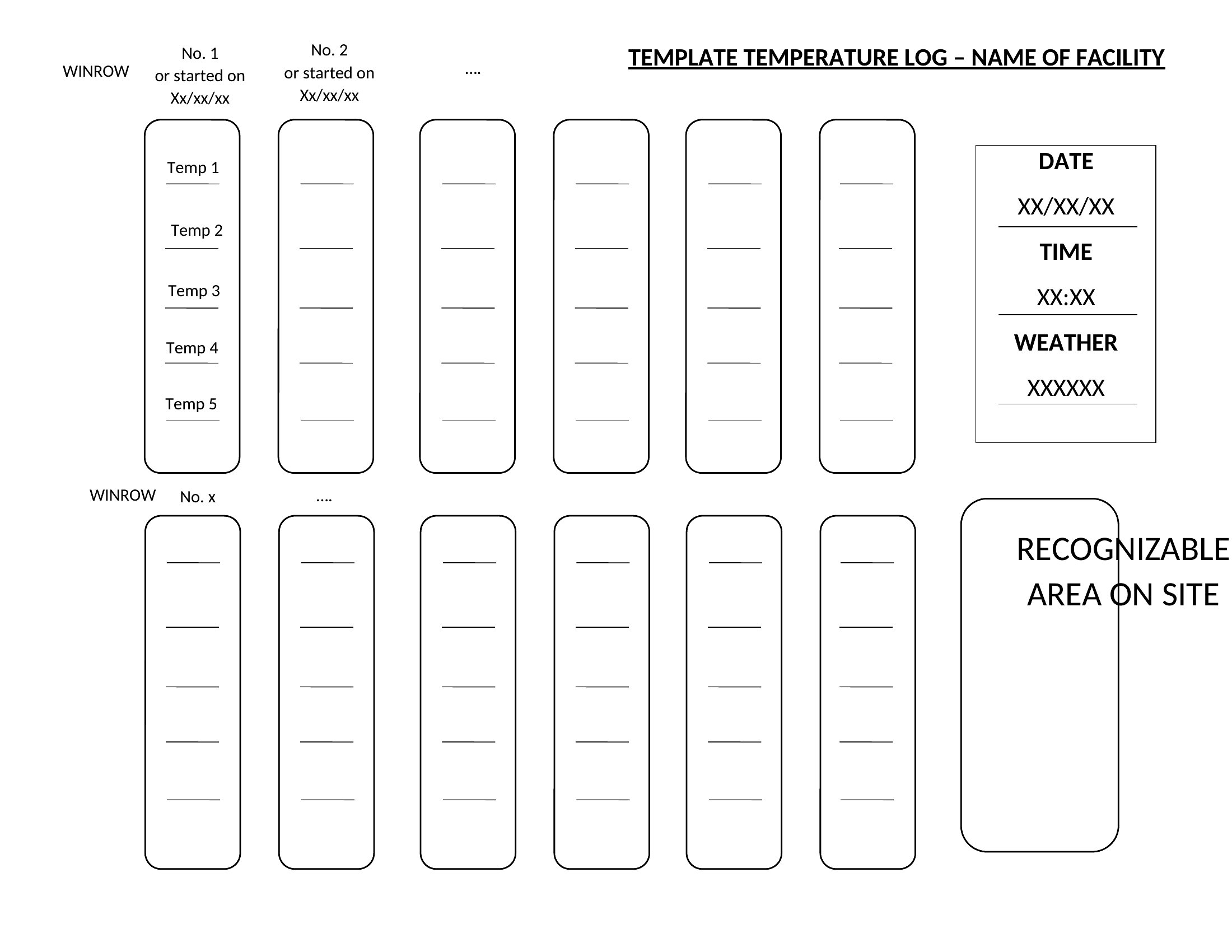
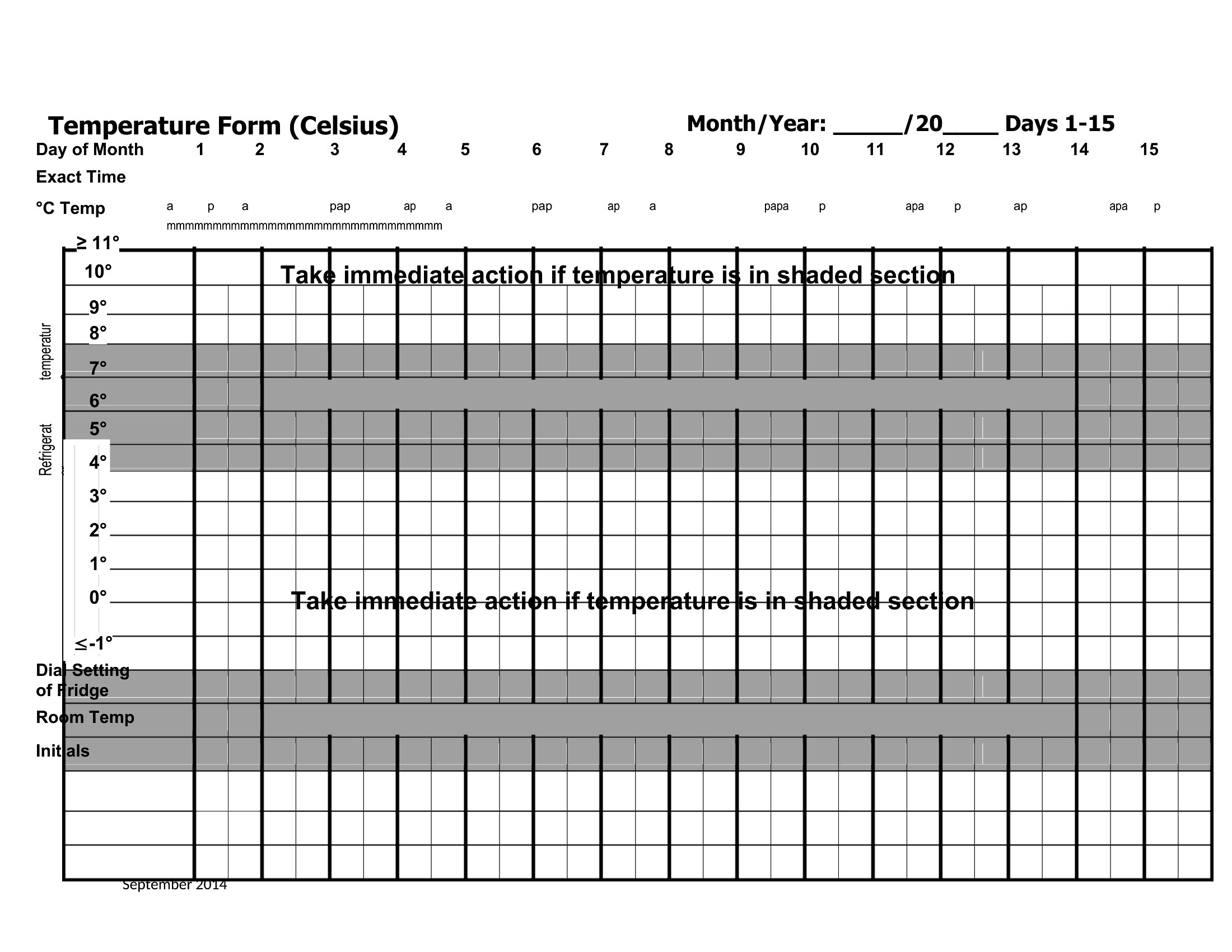
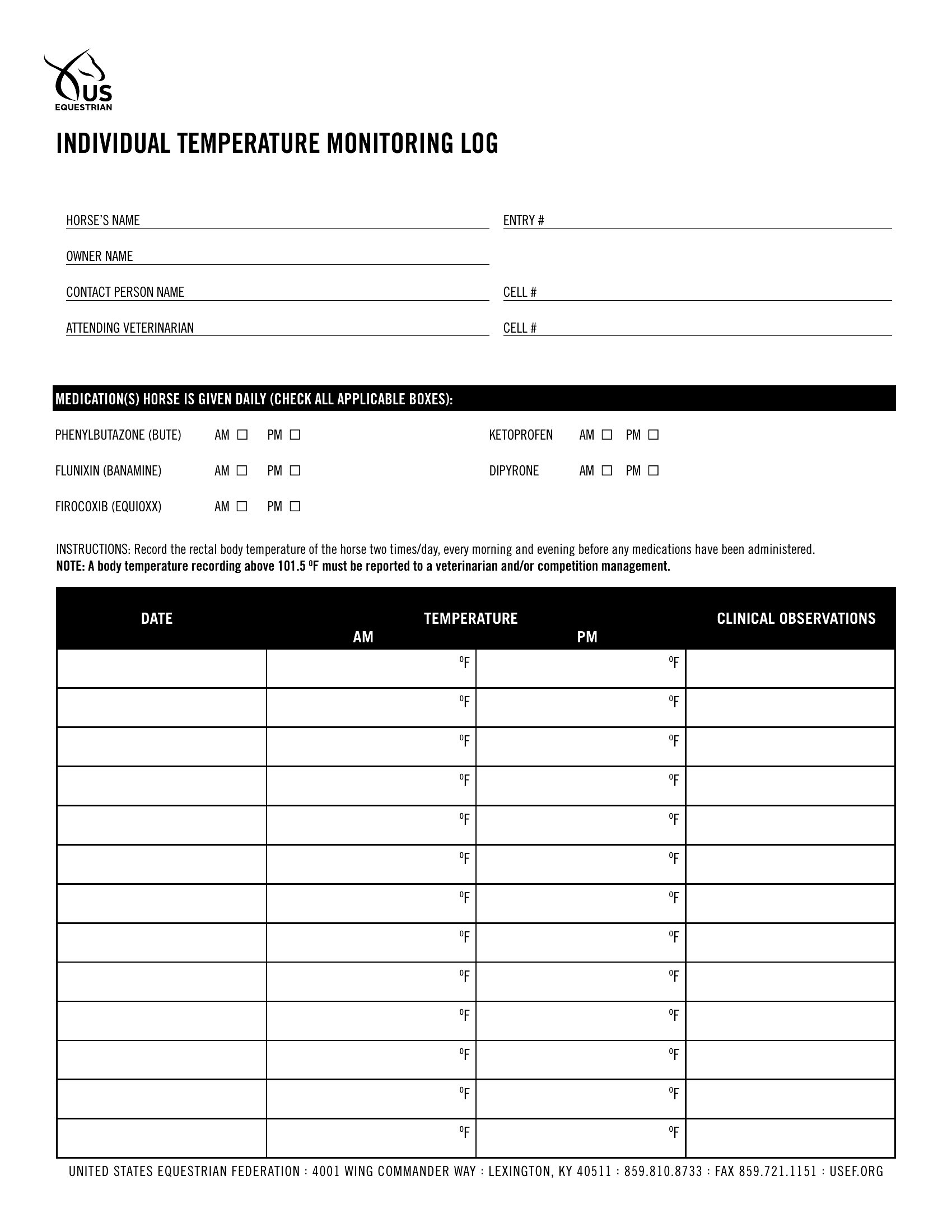
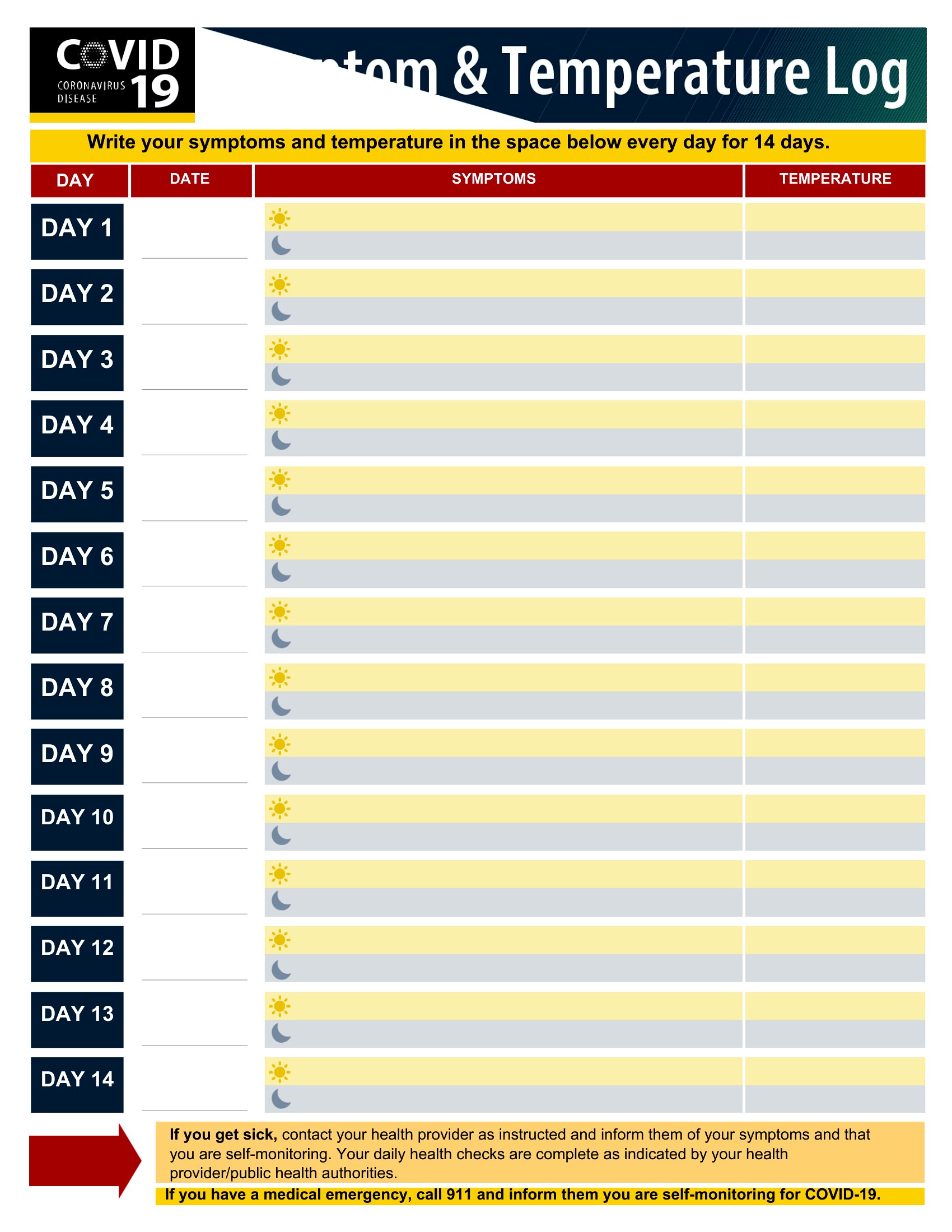
ApplicationsKeeping a temperature log is one of those small habits that prevents big problems, from spoiled food to failed inspections. This set of 49 templates gives restaurants, clinics, labs, and households a simple way to record readings at set times and spot anything out of range early.
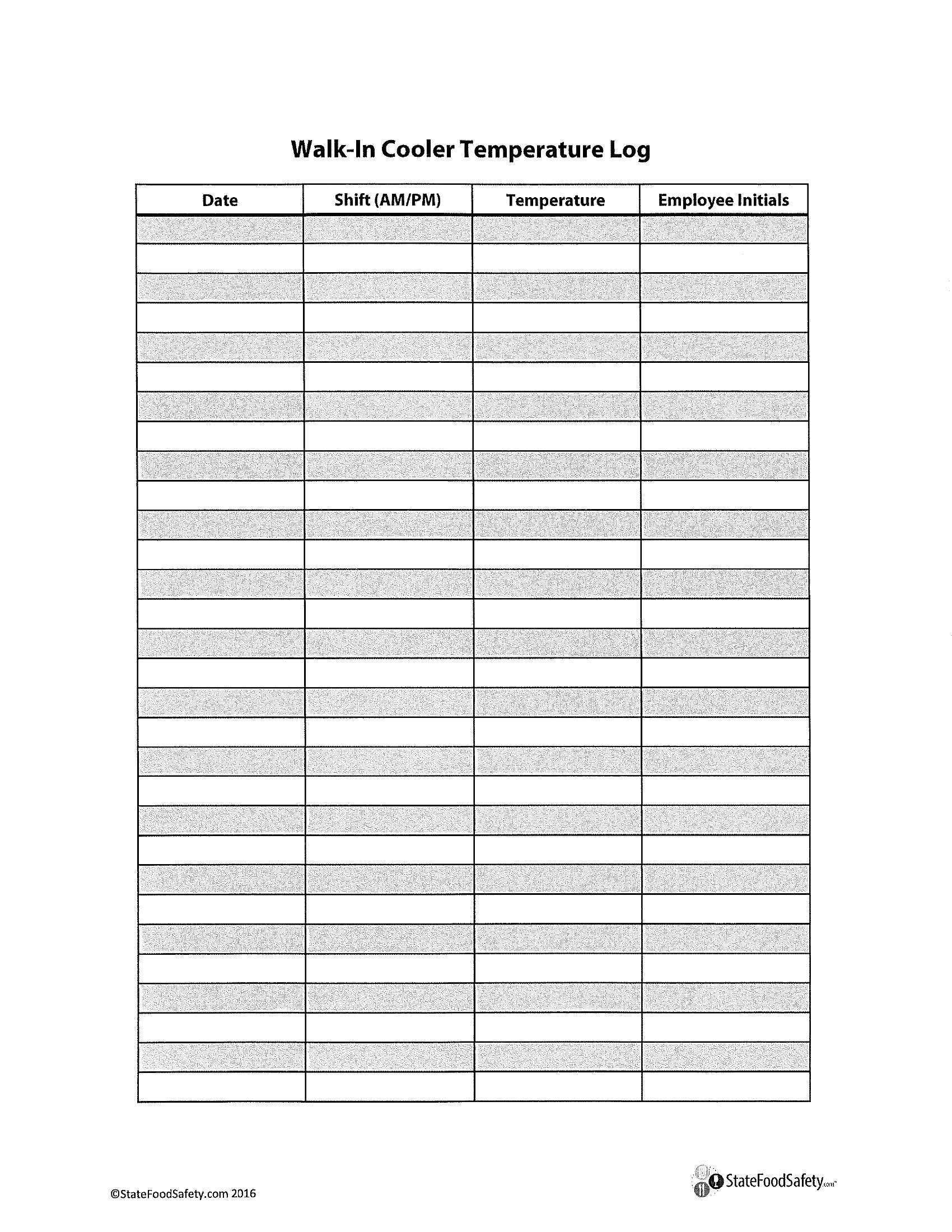
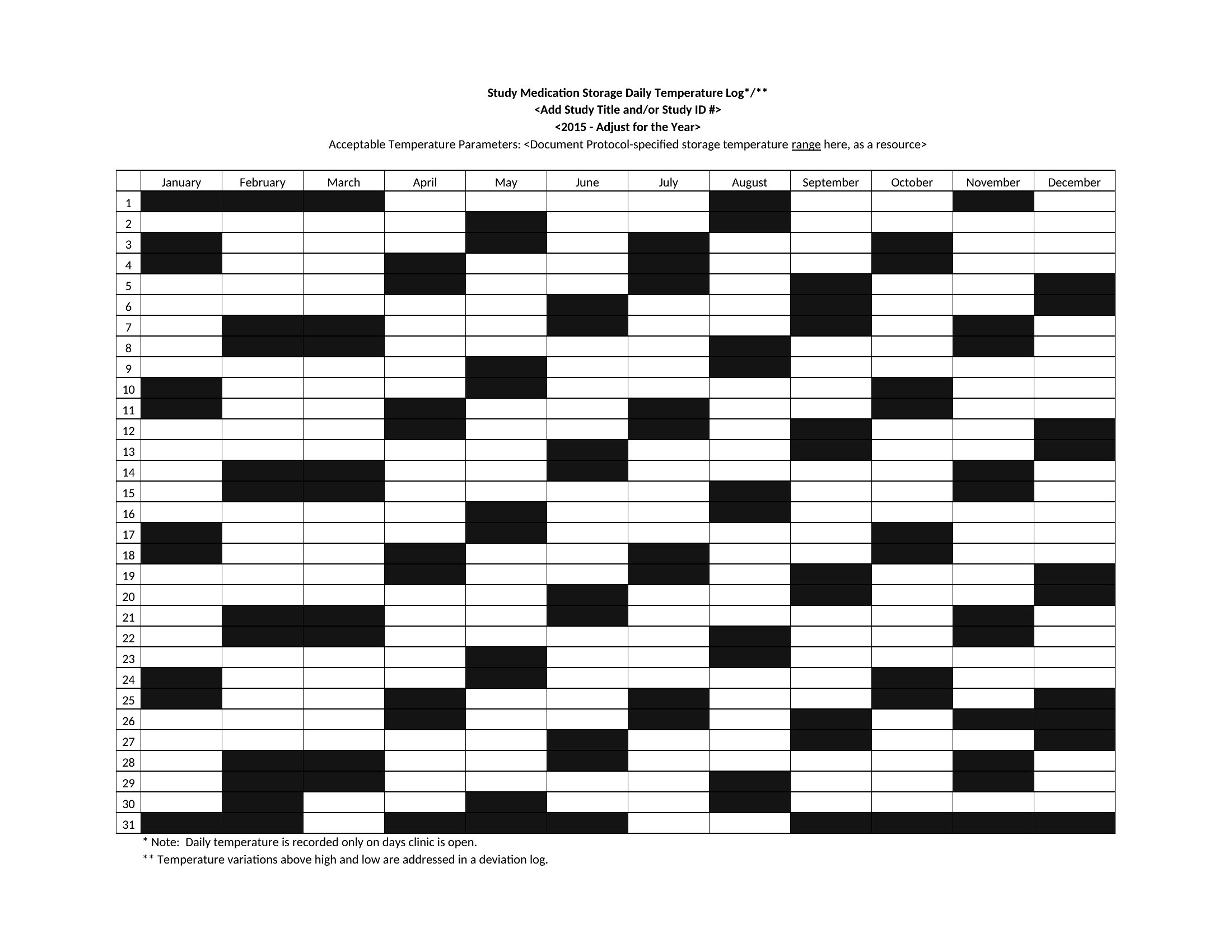
Reach for the Excel versions to log entries and let columns tally automatically, the Word files for a quick custom layout, or the PDFs to print and fill in by hand. Note the date, time, temperature, and who checked, and your records stay audit-ready. It's free and easy to reuse daily. Pick the format that matches your routine and start your first log today.
When to use this Temperature Log template
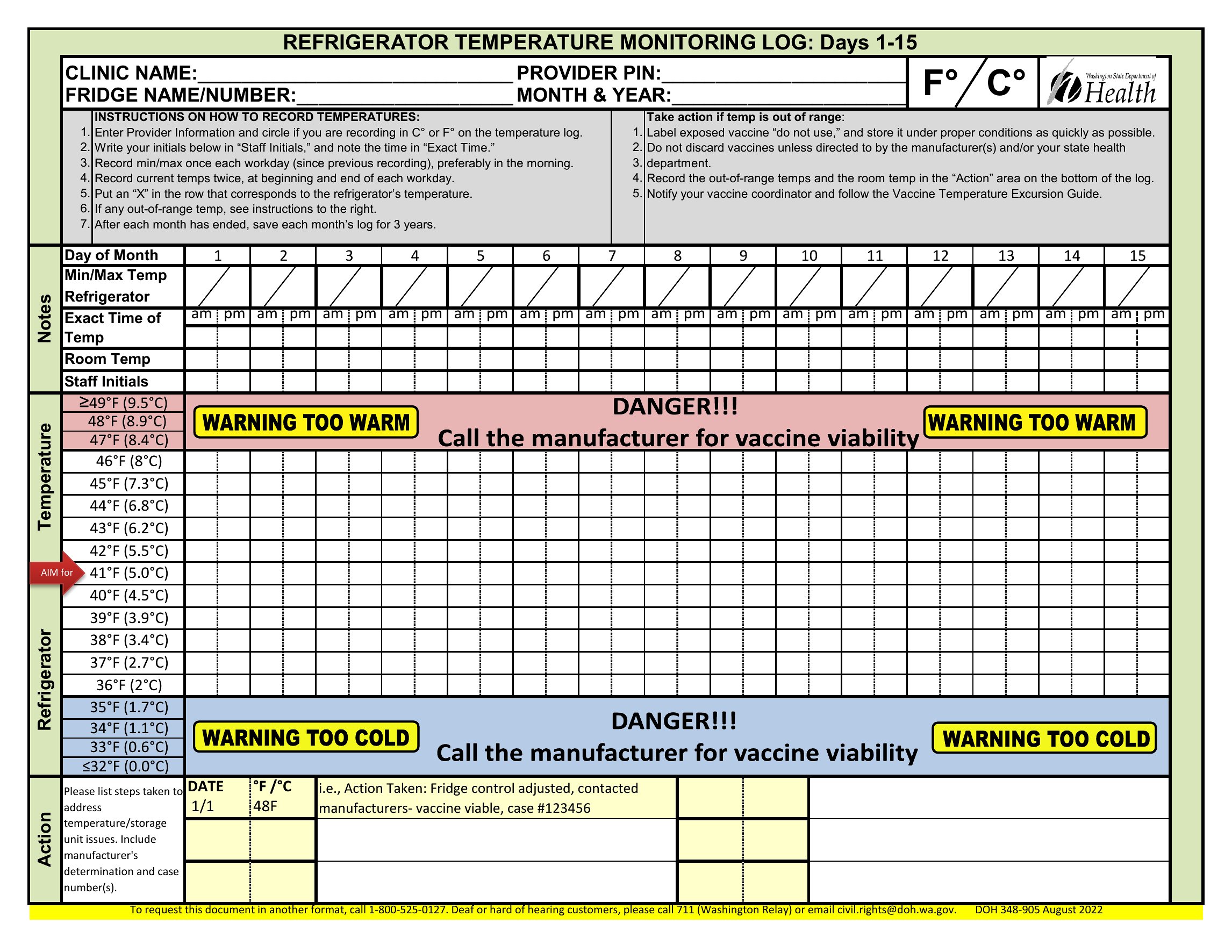
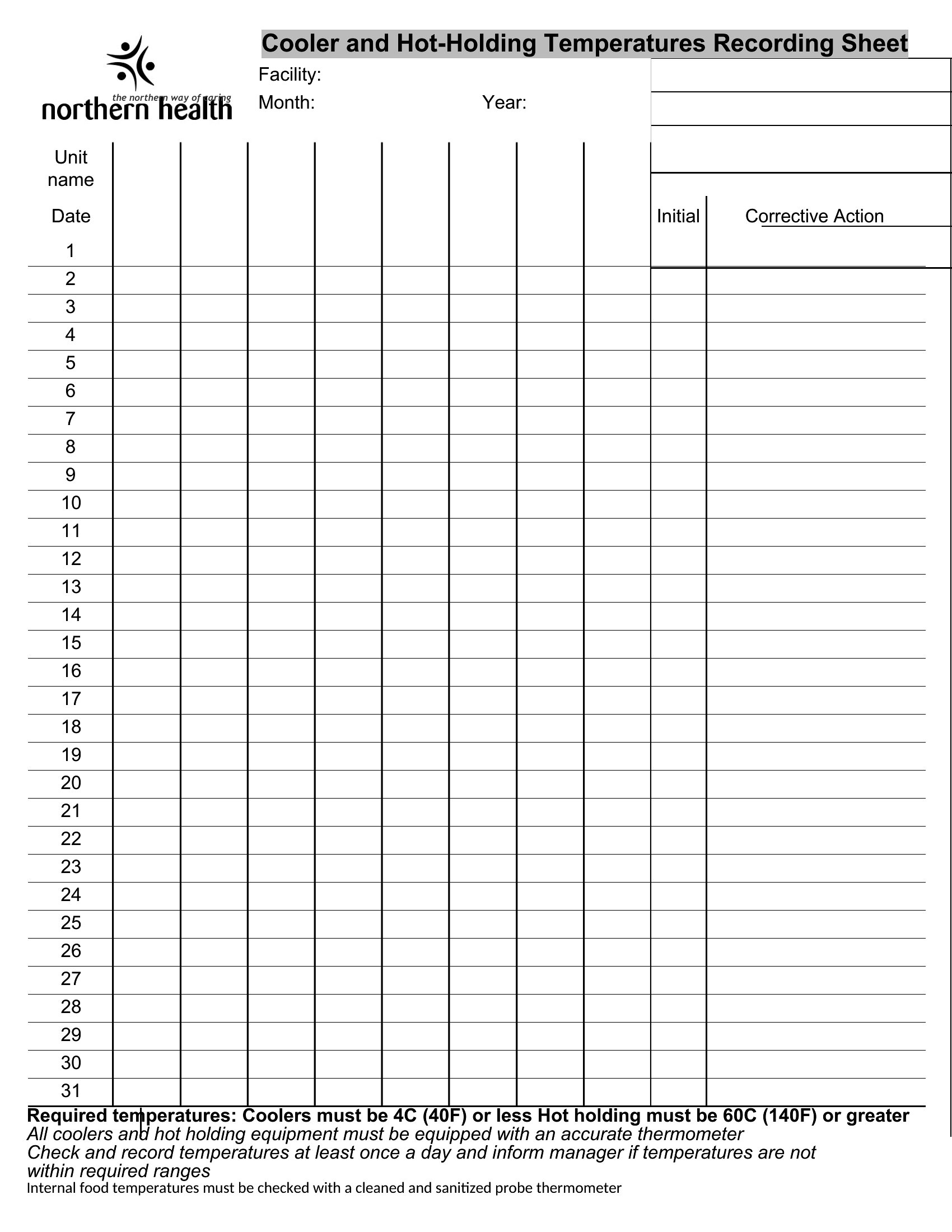
- A food service manager at a small café needs to log walk-in fridge temperatures twice daily to comply with health codes and avoid fines for non-compliance.
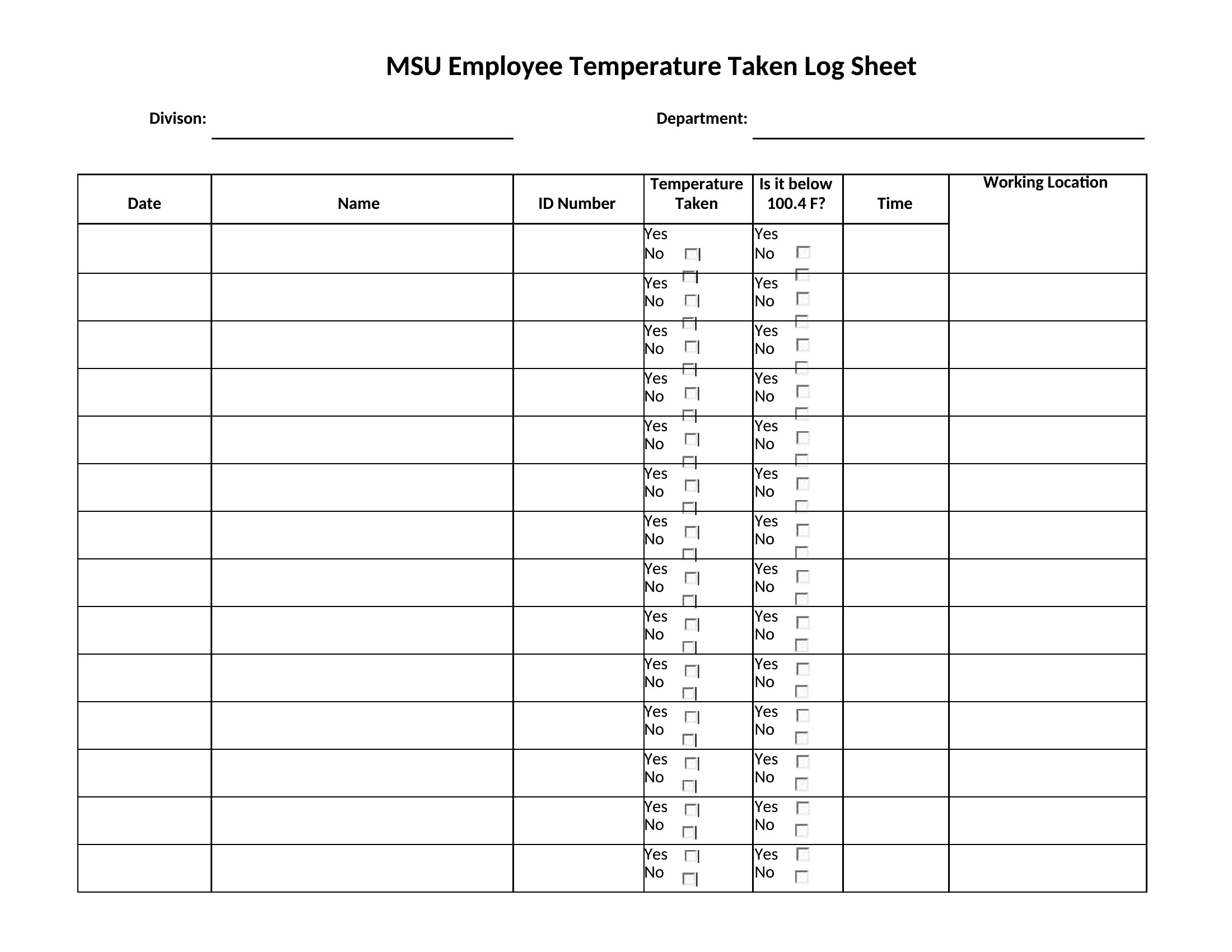
- A pediatric clinic requires a temperature log for each exam room to monitor HVAC efficiency and ensure patient comfort during flu season.
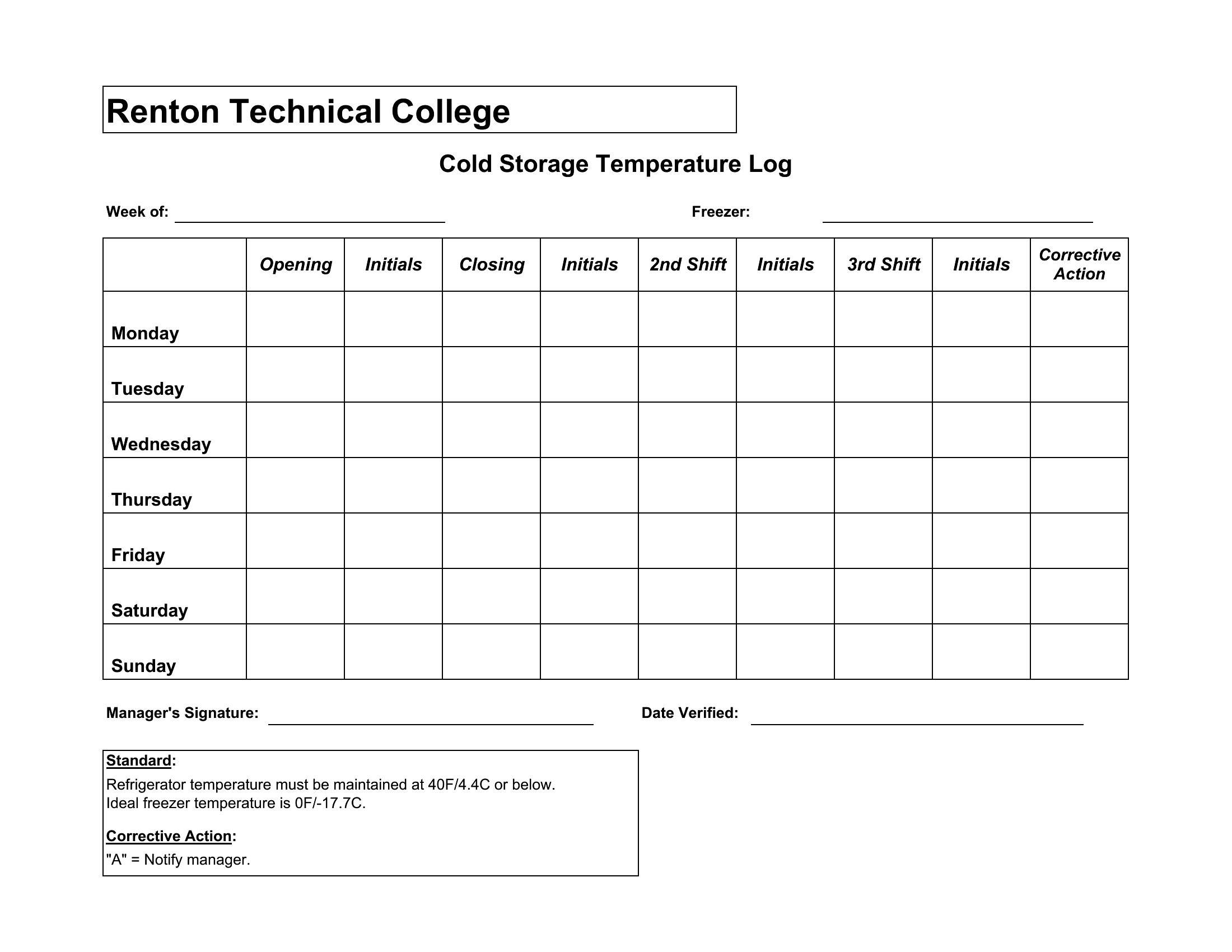
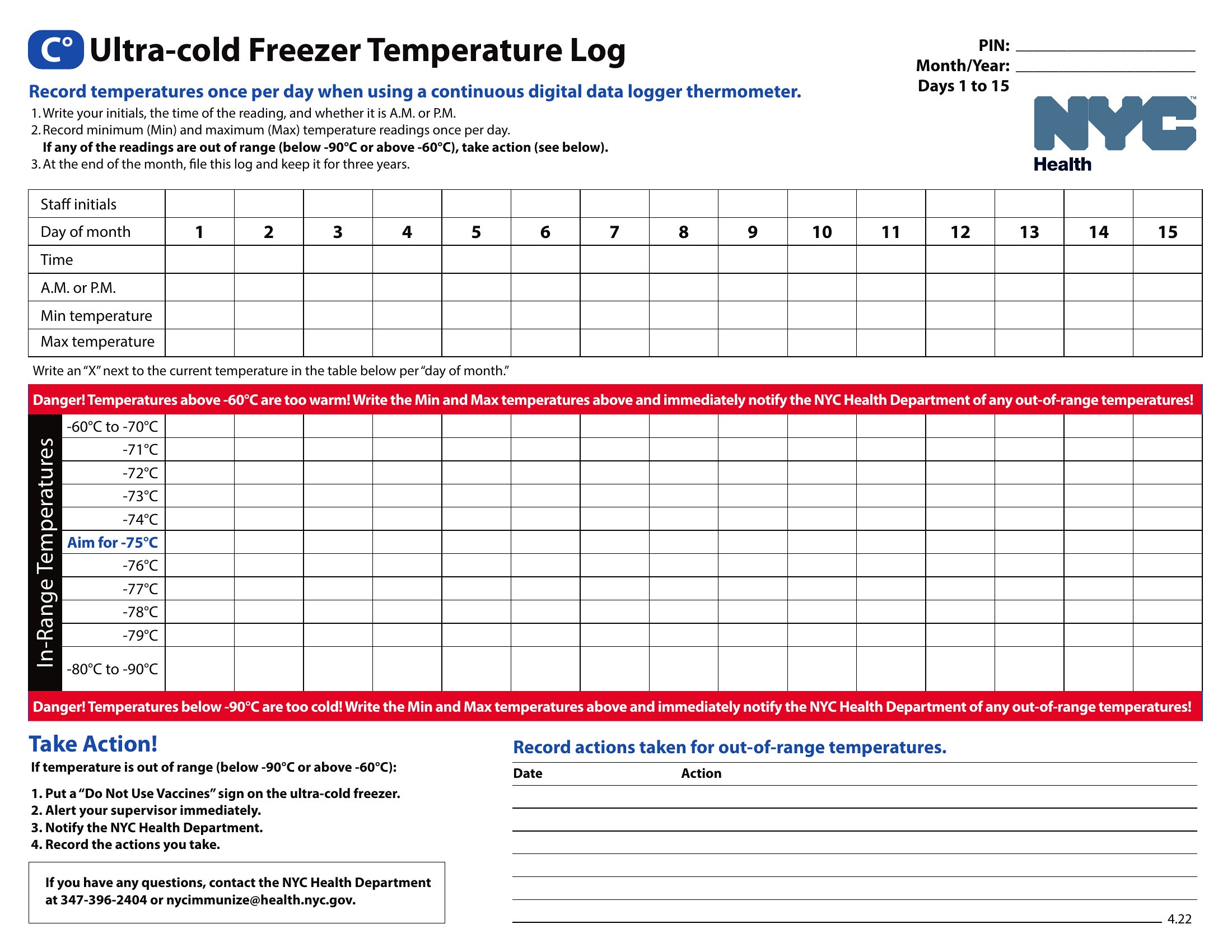
- A food storage facility manager tracks freezer and cooler temperatures hourly to prevent spoilage and document consistency for audits.
- A homeowner maintaining a root cellar logs temperature readings weekly to preserve canned goods and extend shelf life in extreme climates.
Which format should I download?
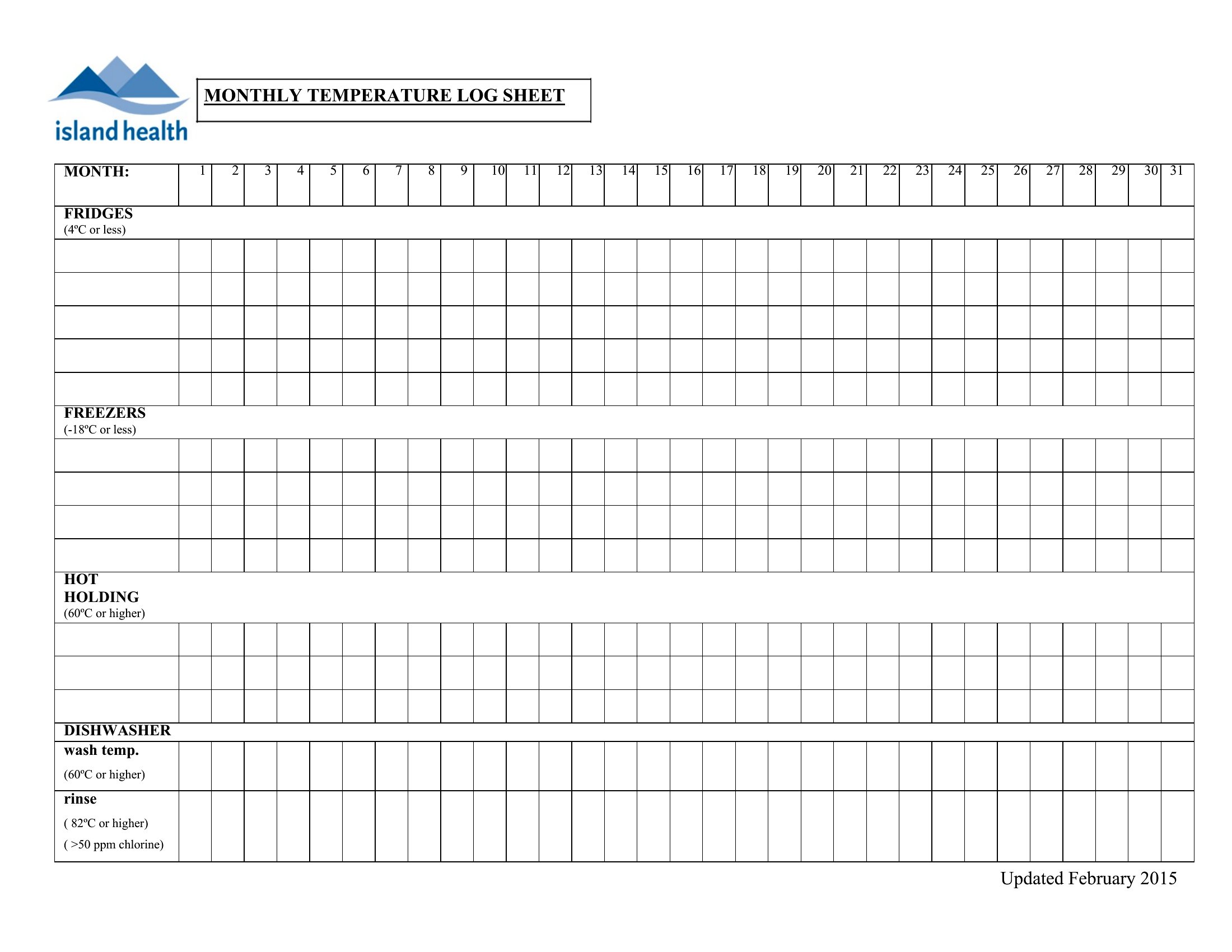
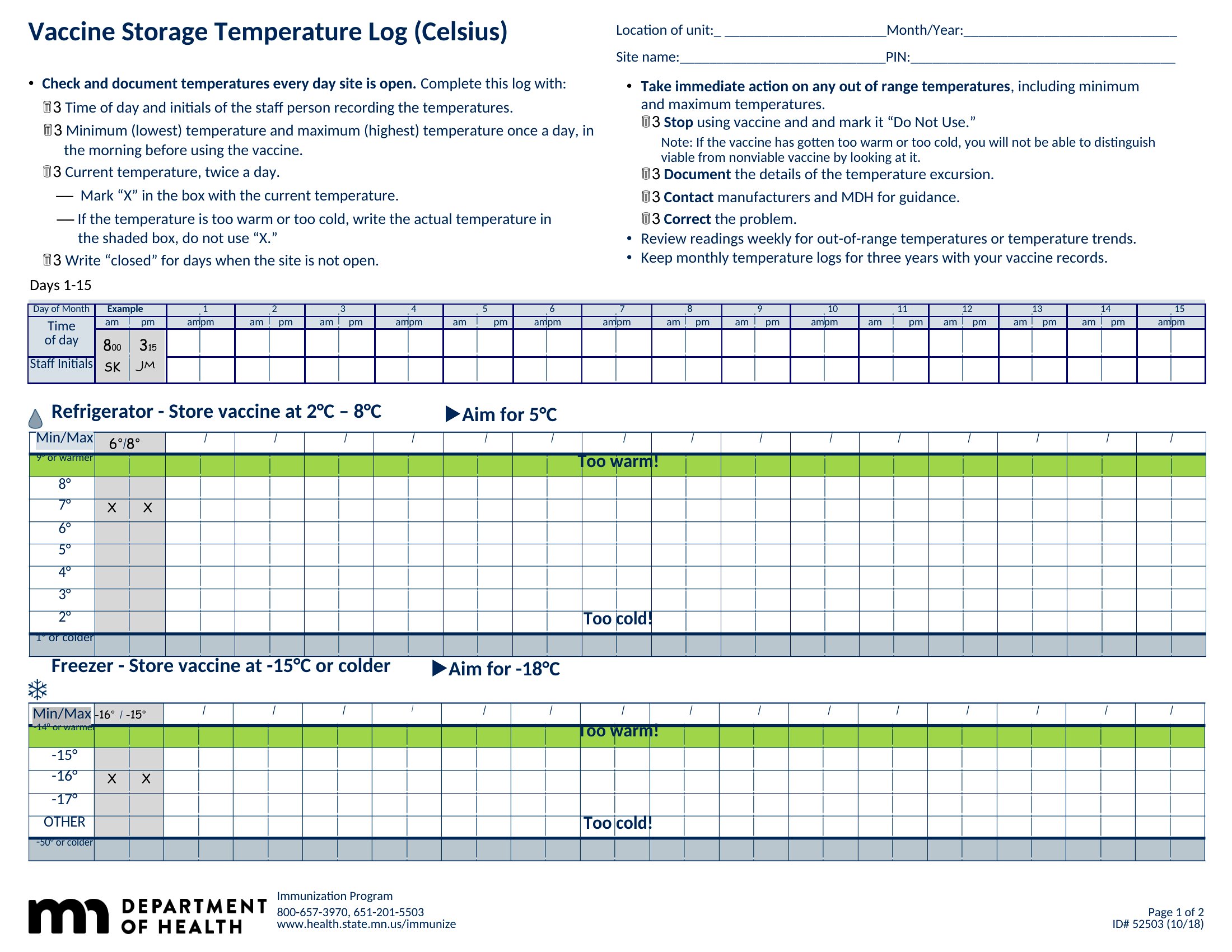
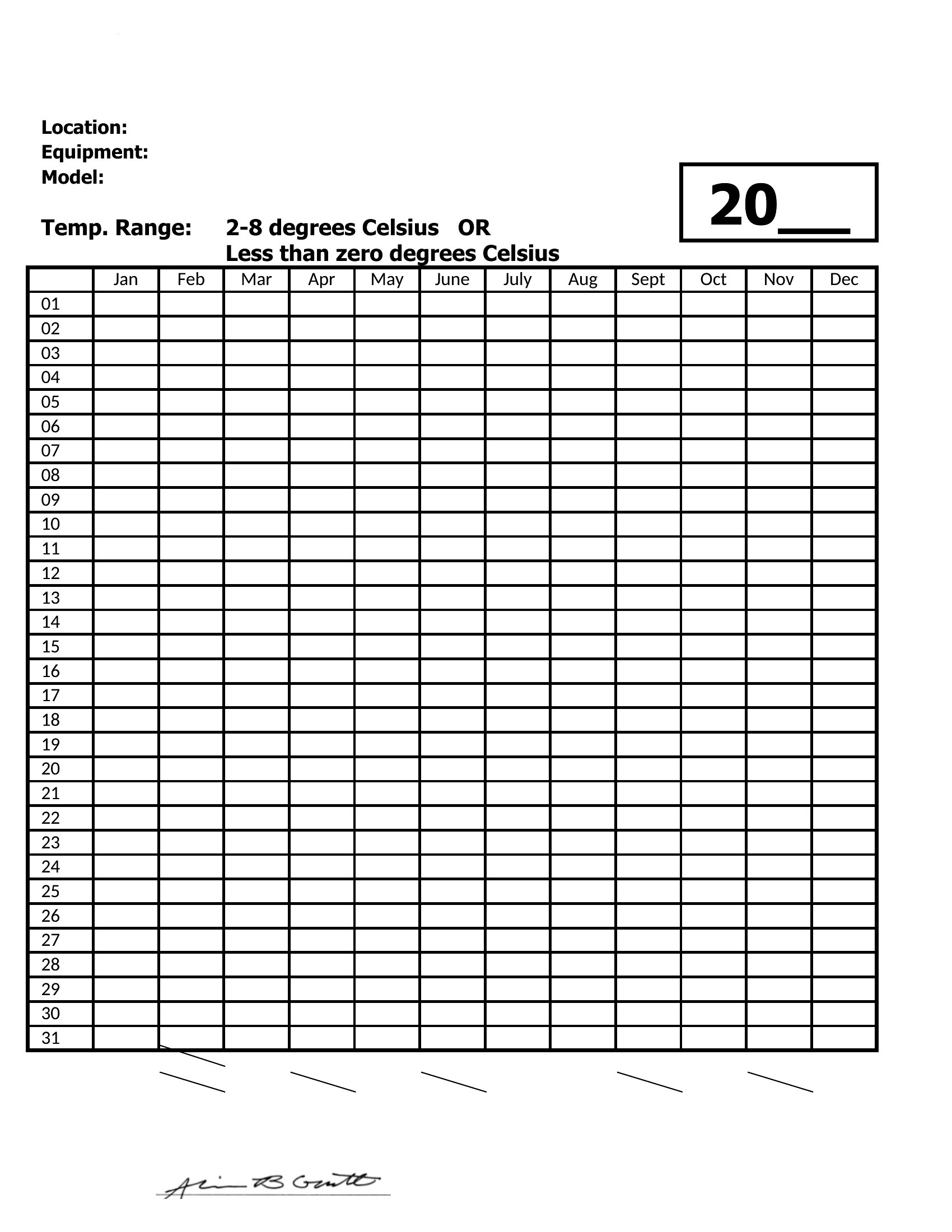
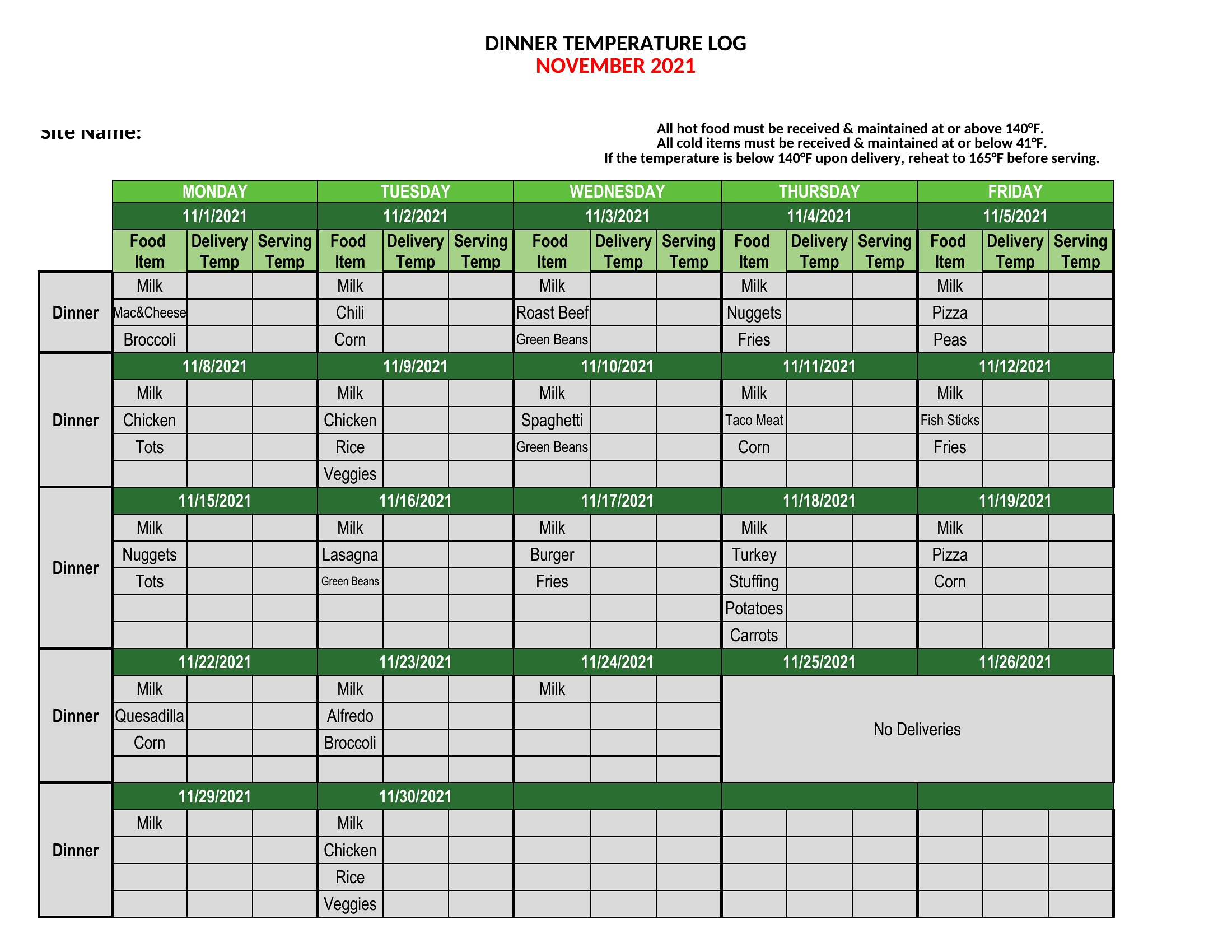
Use the Excel format when you need automated calculations, like daily averages or alert flags for out-of-range readings—ideal for businesses with frequent inspections or compliance needs. Choose Word for a flexible, customizable layout if you’re designing a branded log or need to add notes alongside temperature entries. Opt for PDF when you require a static, printable version to distribute to staff or submit as evidence during audits, as it preserves formatting once filled out.
Choose from 49 Temperature Log Templates
How to use this Temperature Log template
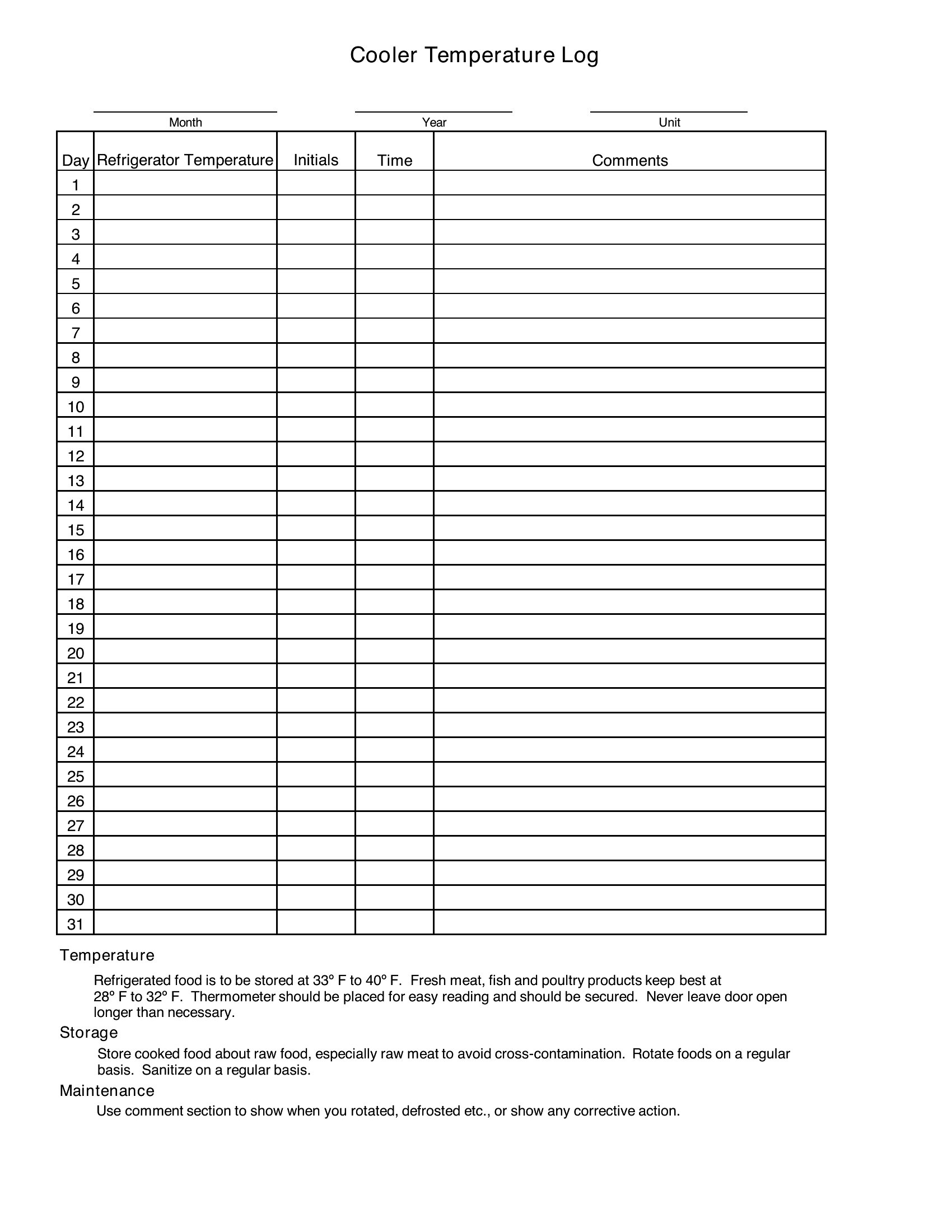
How often should temperatures be logged in a commercial kitchen?
Commercial kitchens typically require temperature logs every four hours for refrigeration units and at least twice daily for freezers. Check local health department guidelines, as some jurisdictions mandate logging during every shift change or after deliveries. These templates include time slots to align with your schedule.
Can I use a temperature log template to track non-food items, like server rooms or medical fridges?
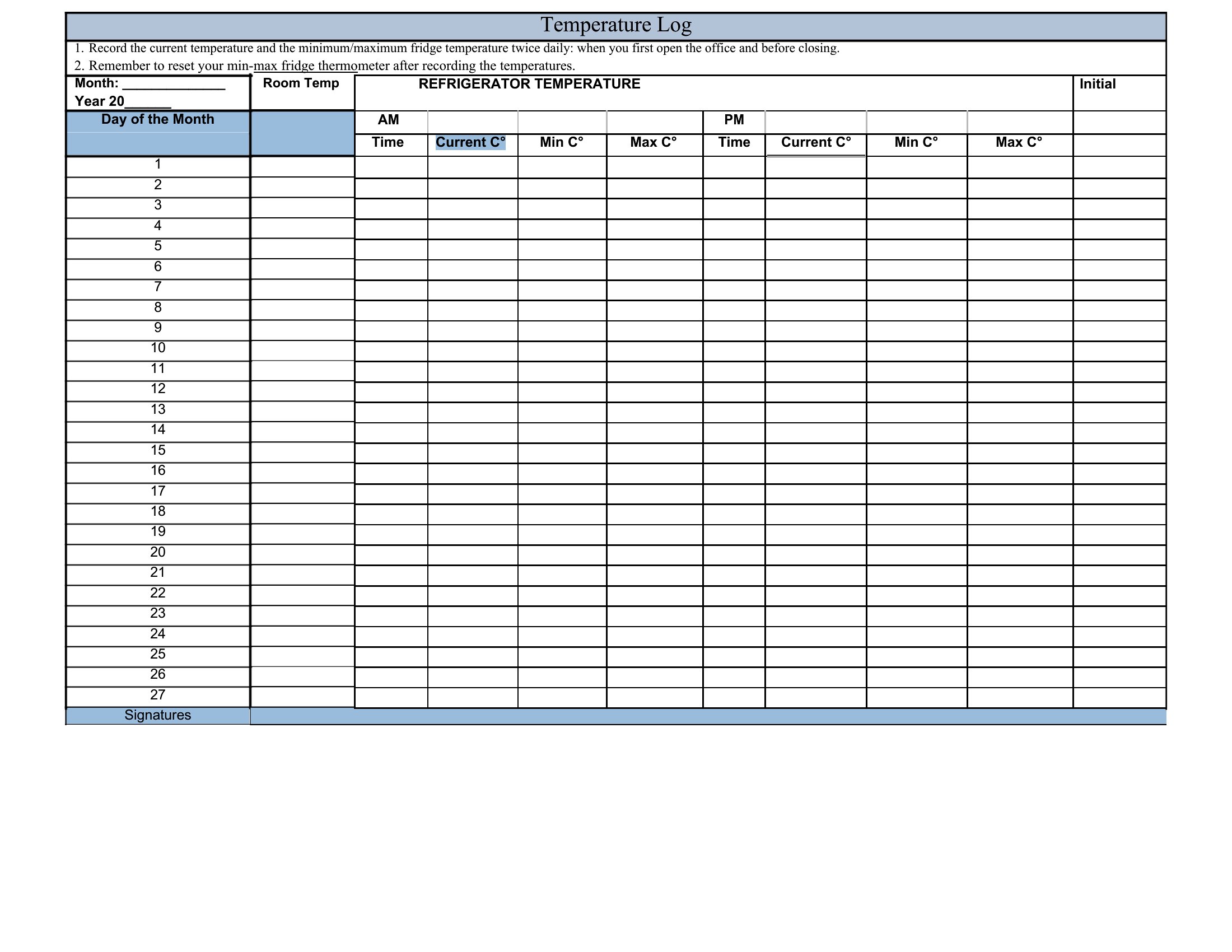
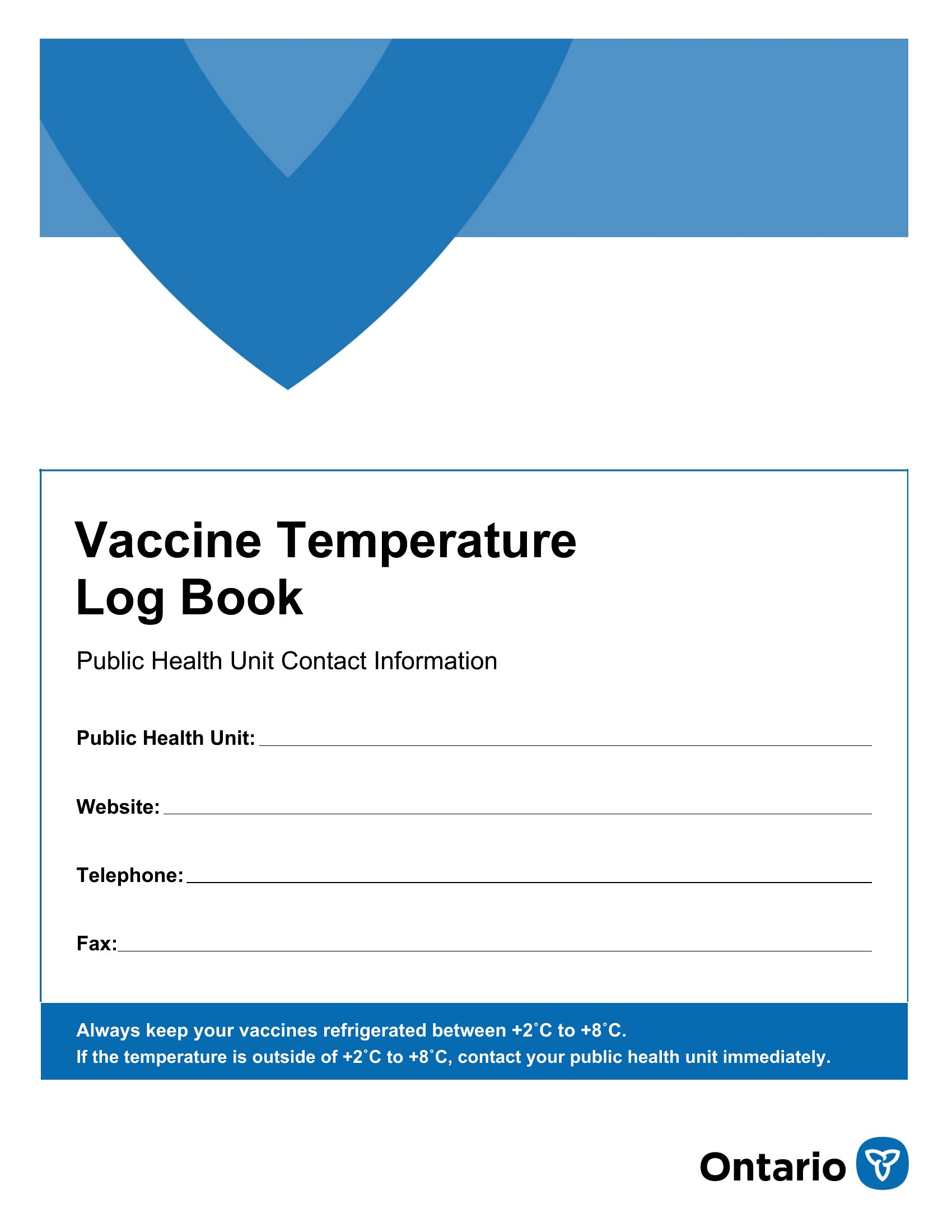
Yes, these templates are adaptable for any environment where temperature control is critical, such as server rooms, medical refrigerators, or laboratory storage. Simply adjust the column headers to reflect the item being monitored and set your own acceptable range. The Excel versions make it easy to modify thresholds for different applications.
What should I do if I notice a repeated temperature spike in my logs?
Document the details in your log, then investigate the cause—such as door openings, malfunctioning units, or improper placement. If the issue persists, contact maintenance or a specialist before continuing operations. Some templates include a section for notes or corrective actions to track your response. For legal or safety-sensitive environments, consult a professional.
Comments
Join the conversation
Sign in to share your thoughts and leave a comment on this resource.