Free Roadmap Templates (Word, Excel, PDF)
ProjectTemplates
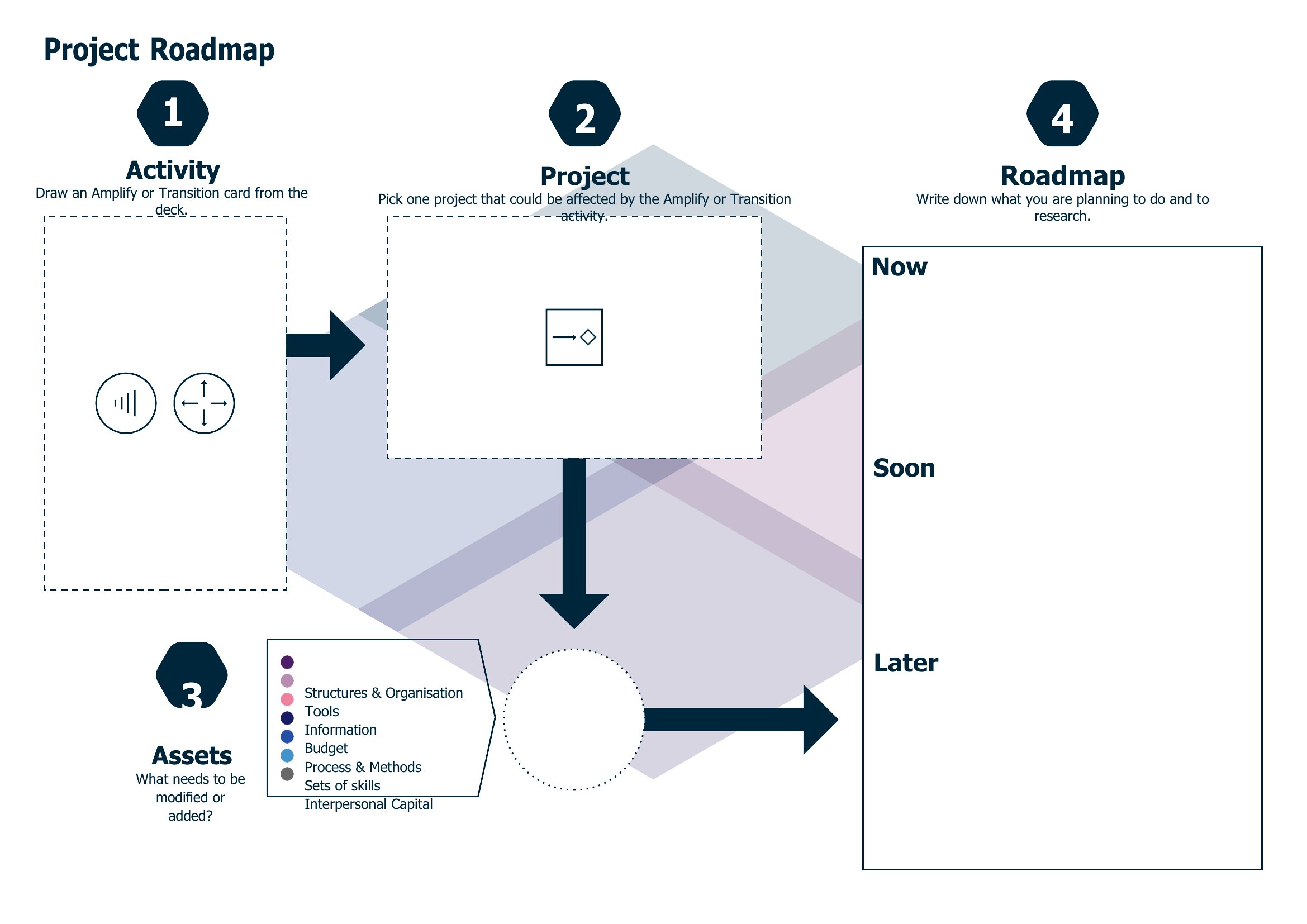
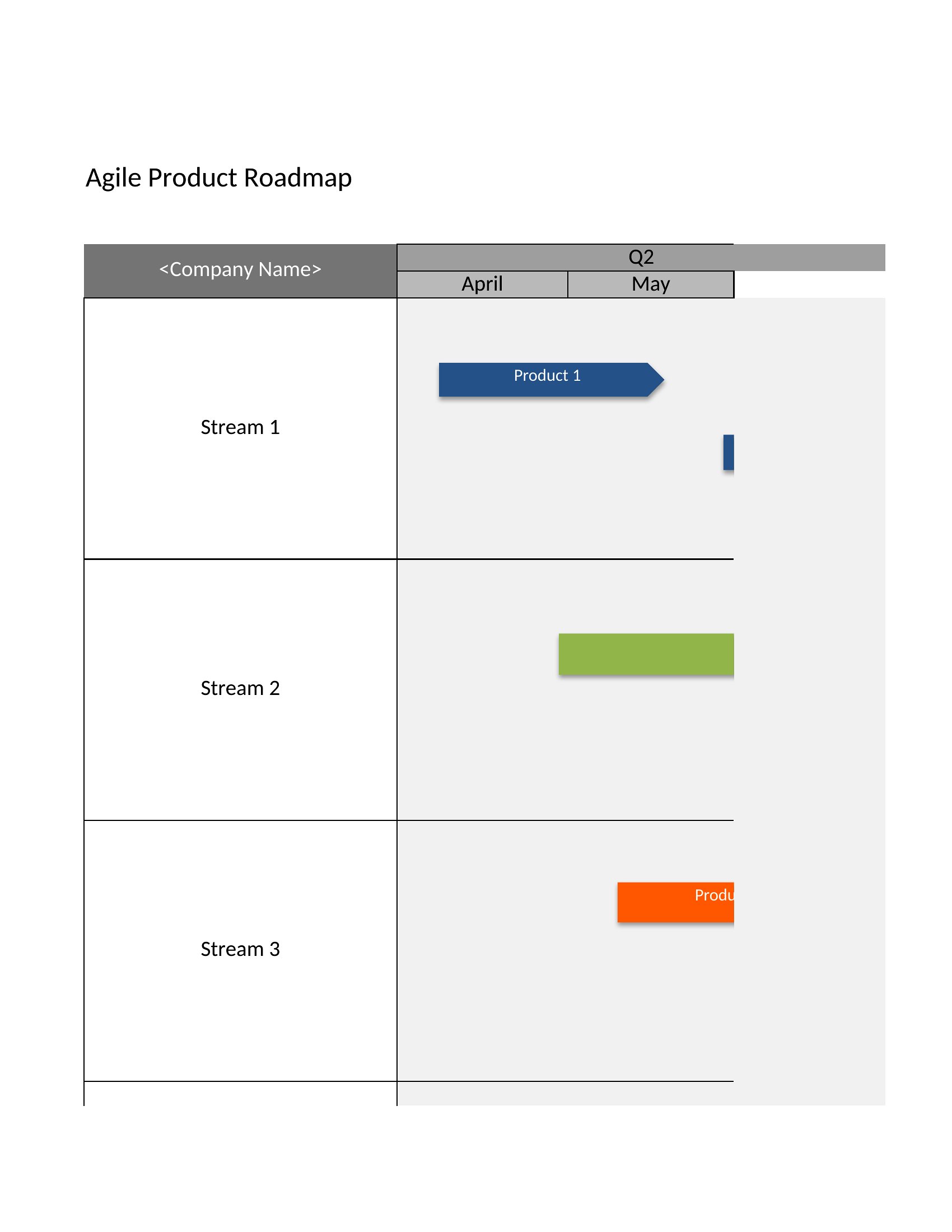
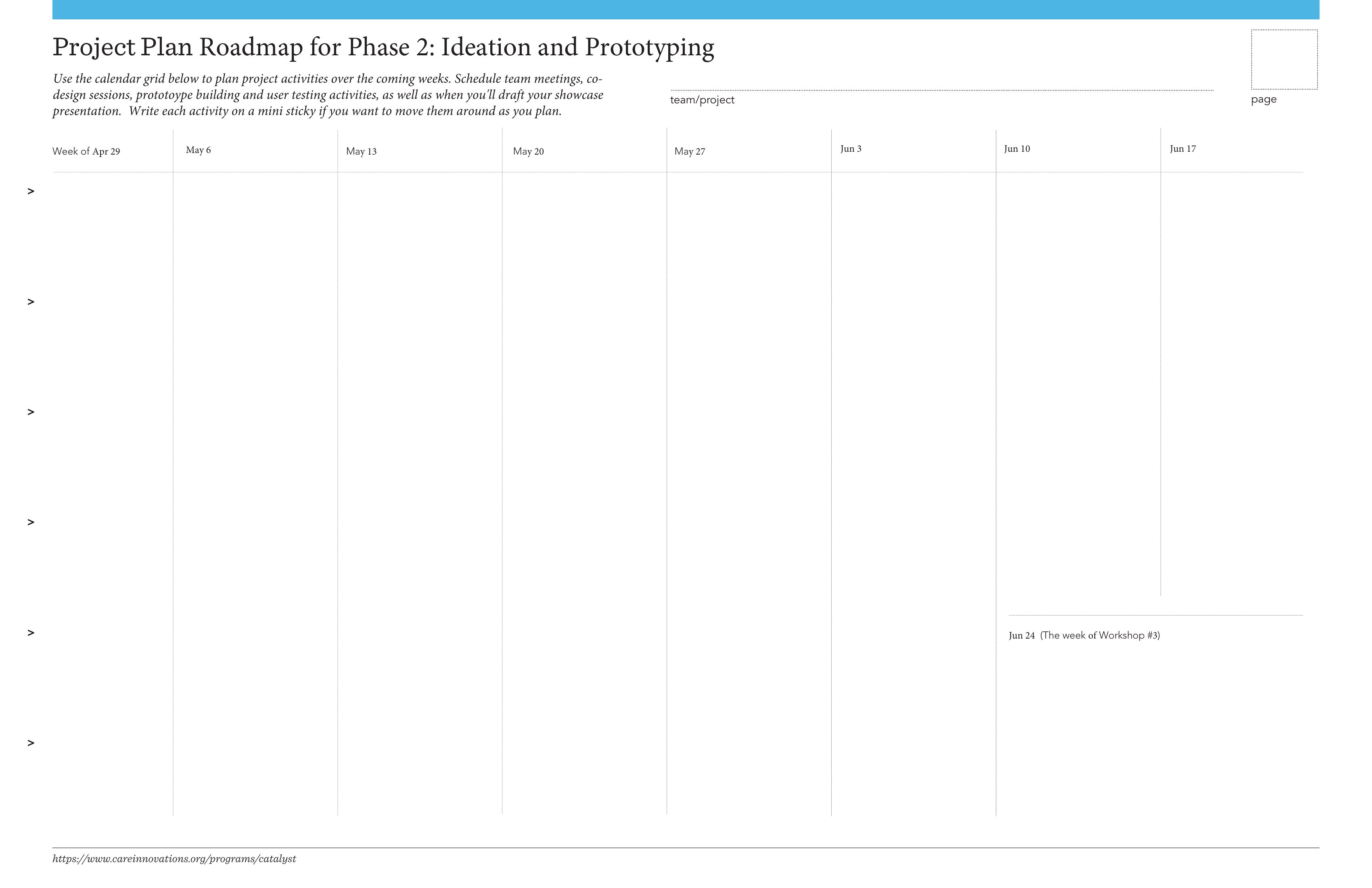
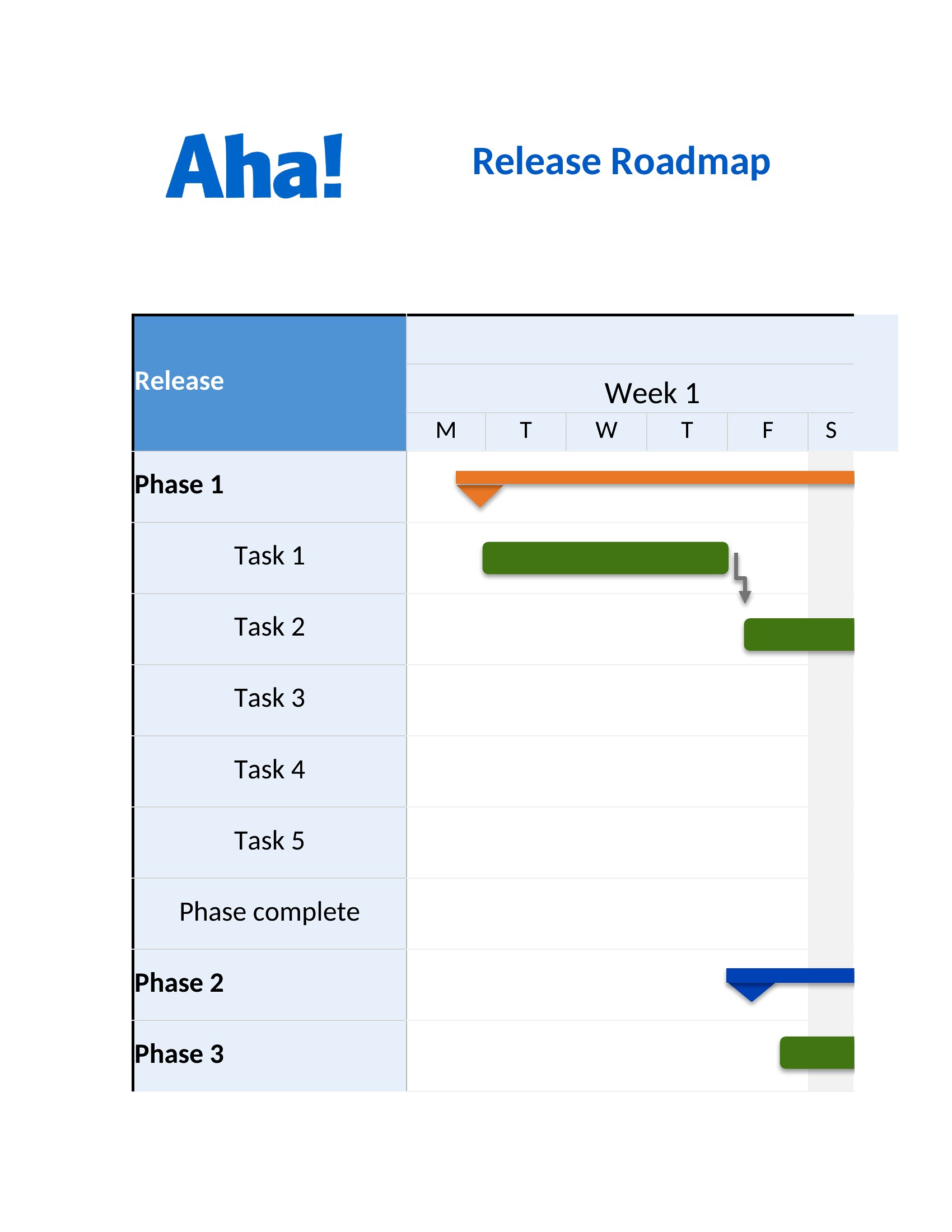
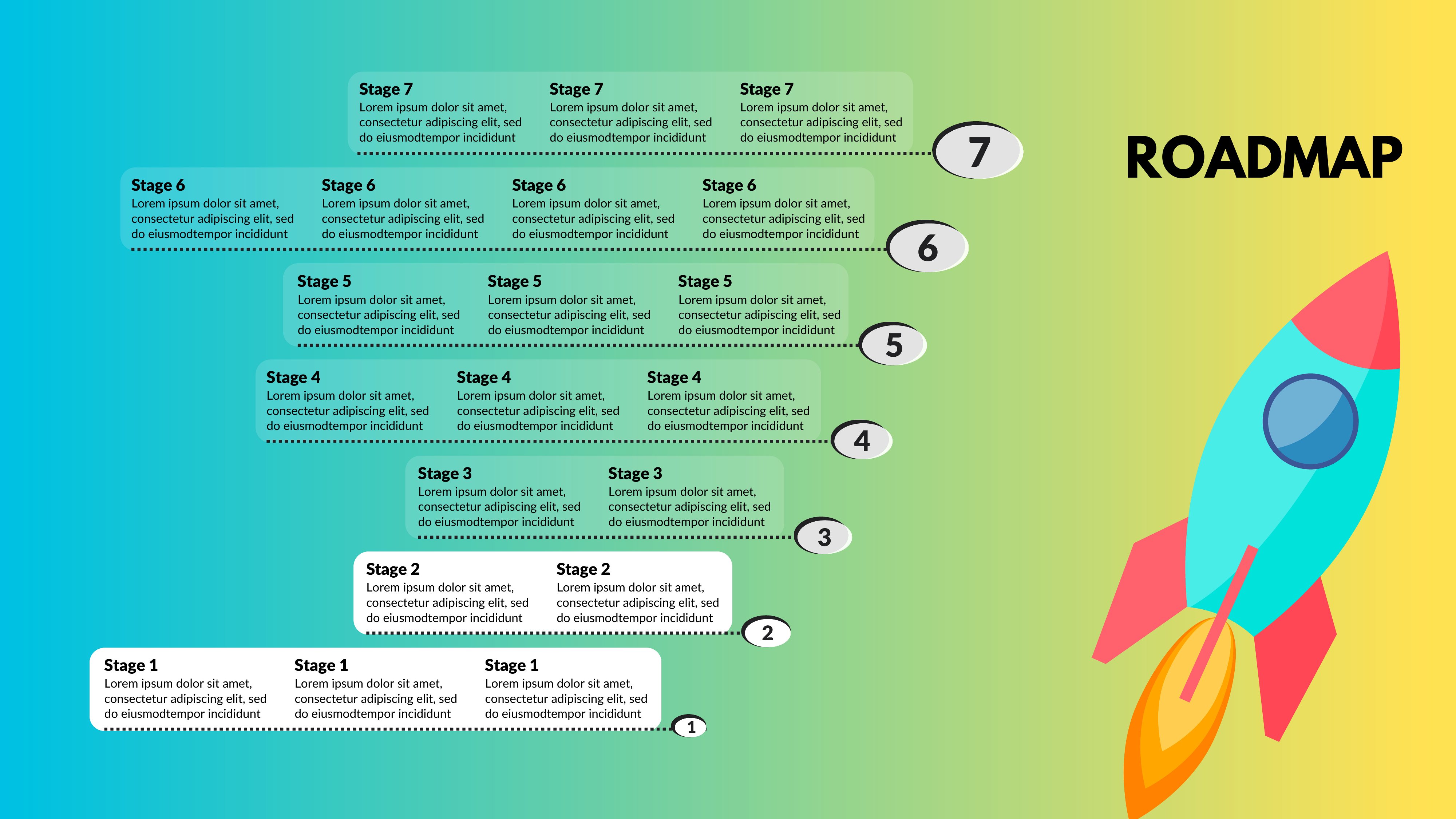
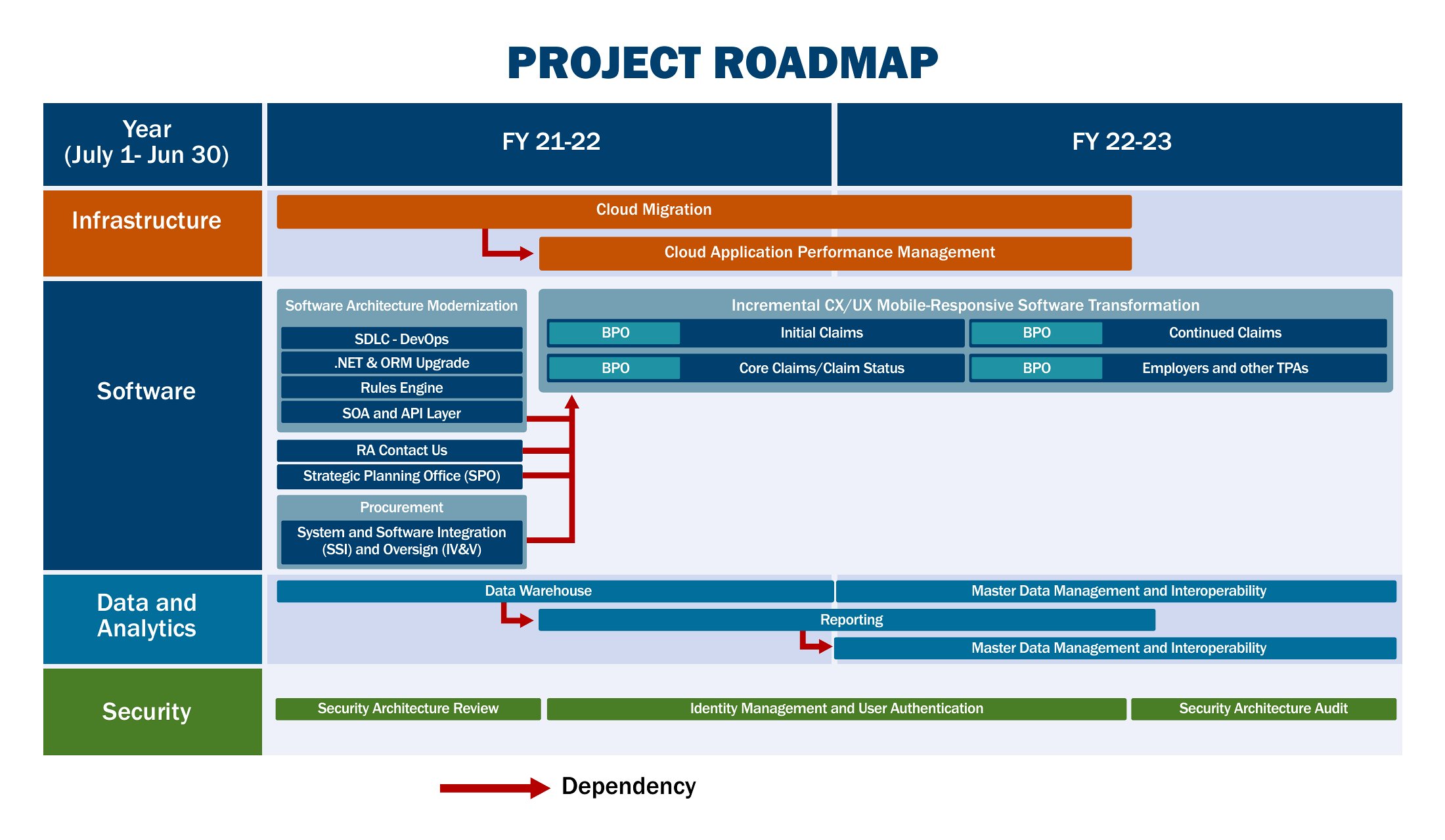
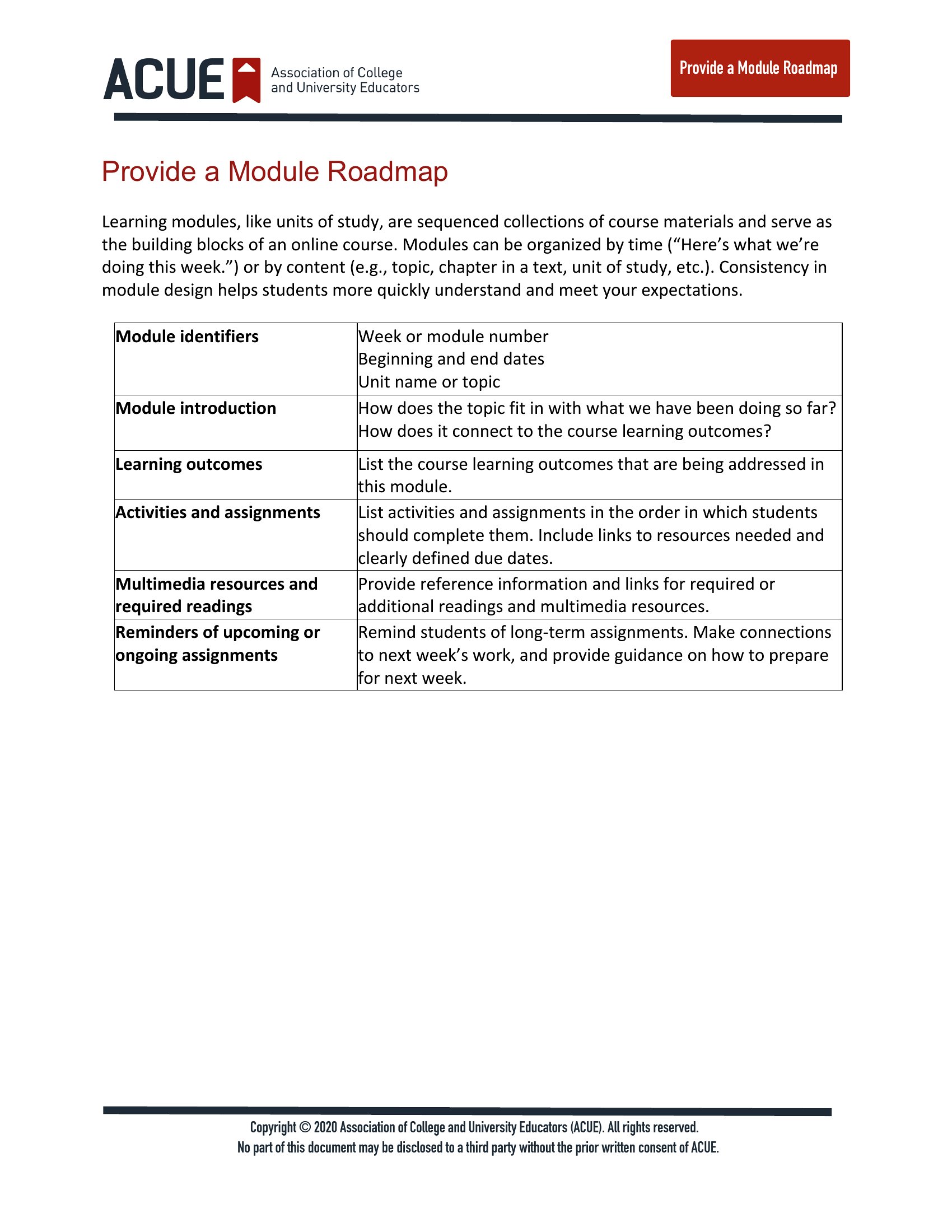
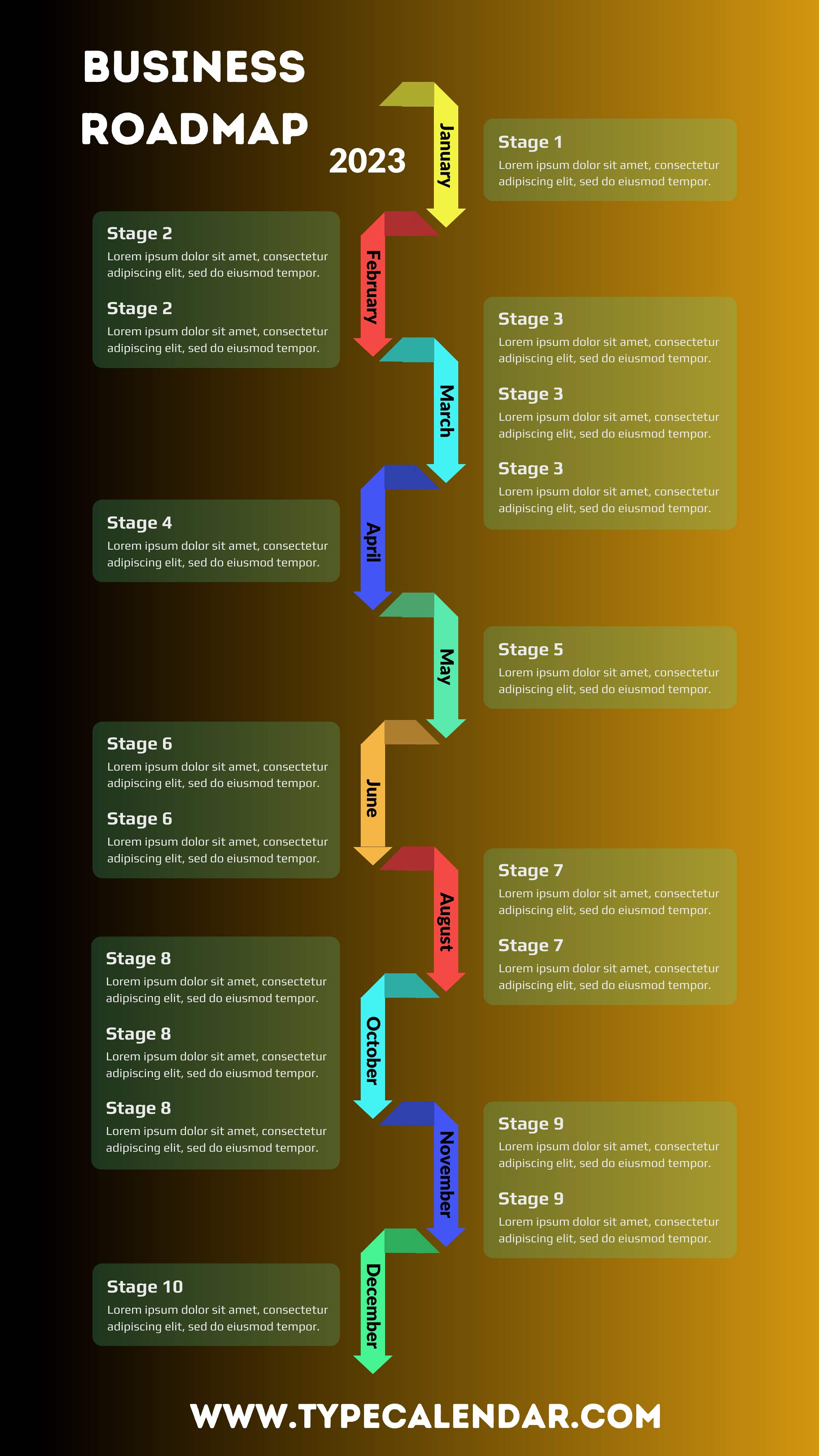
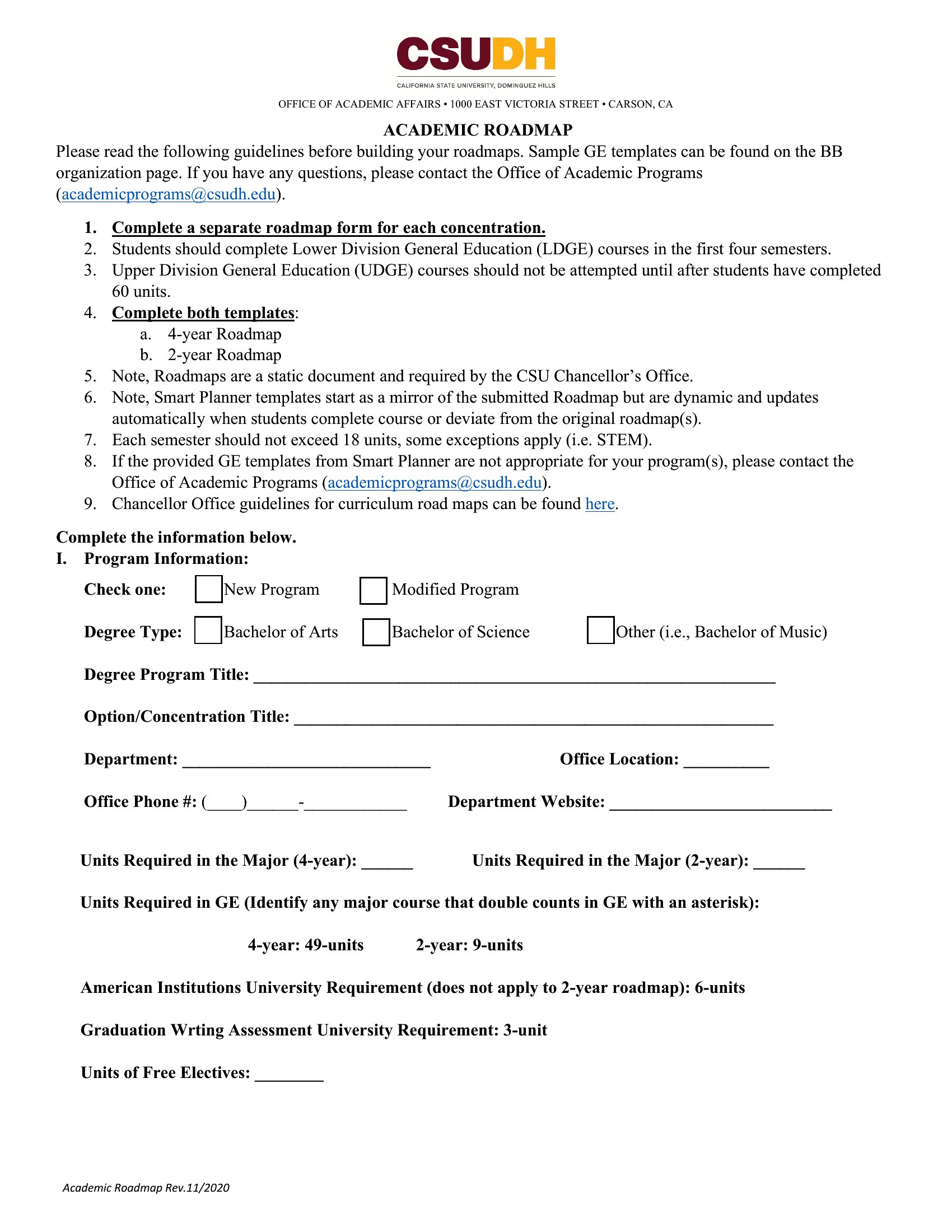
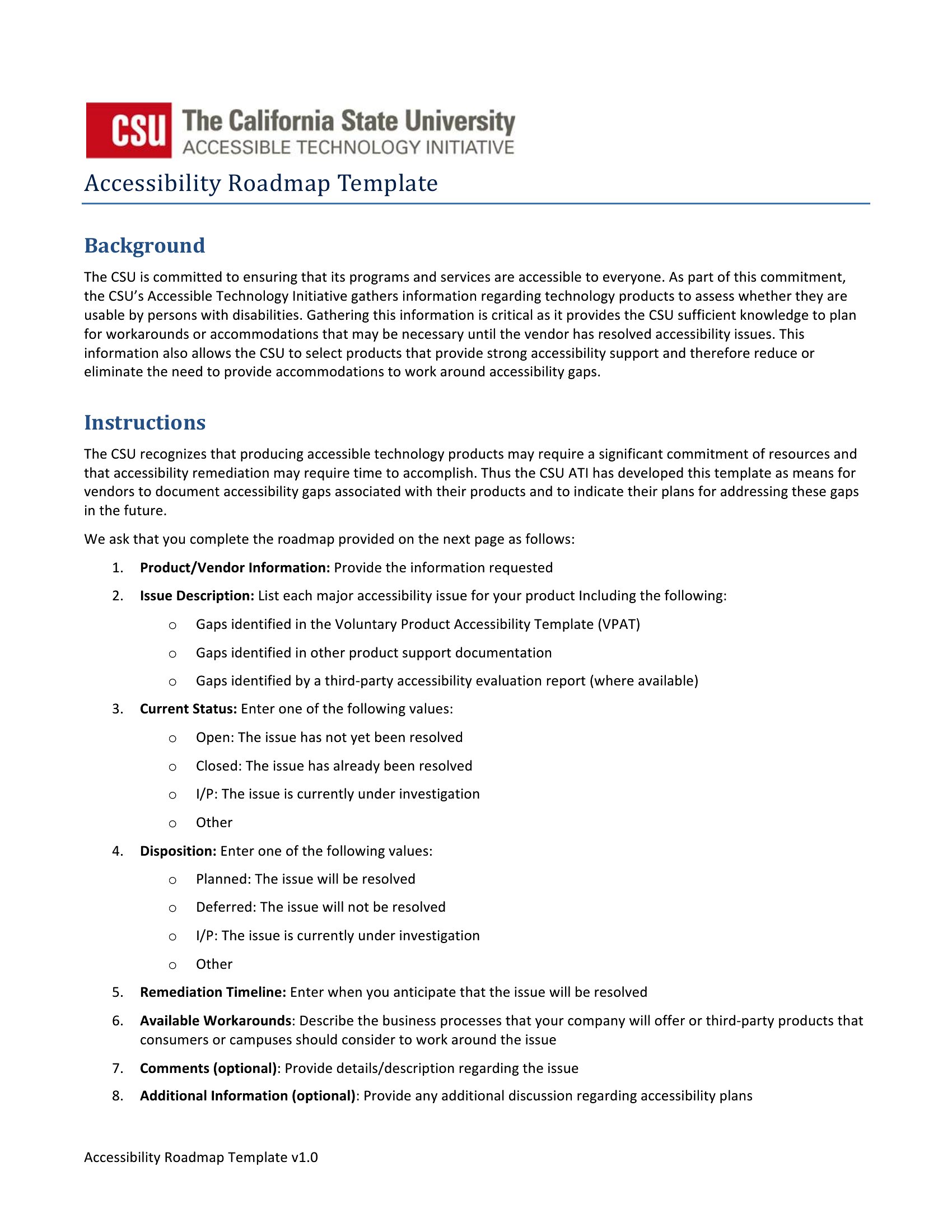
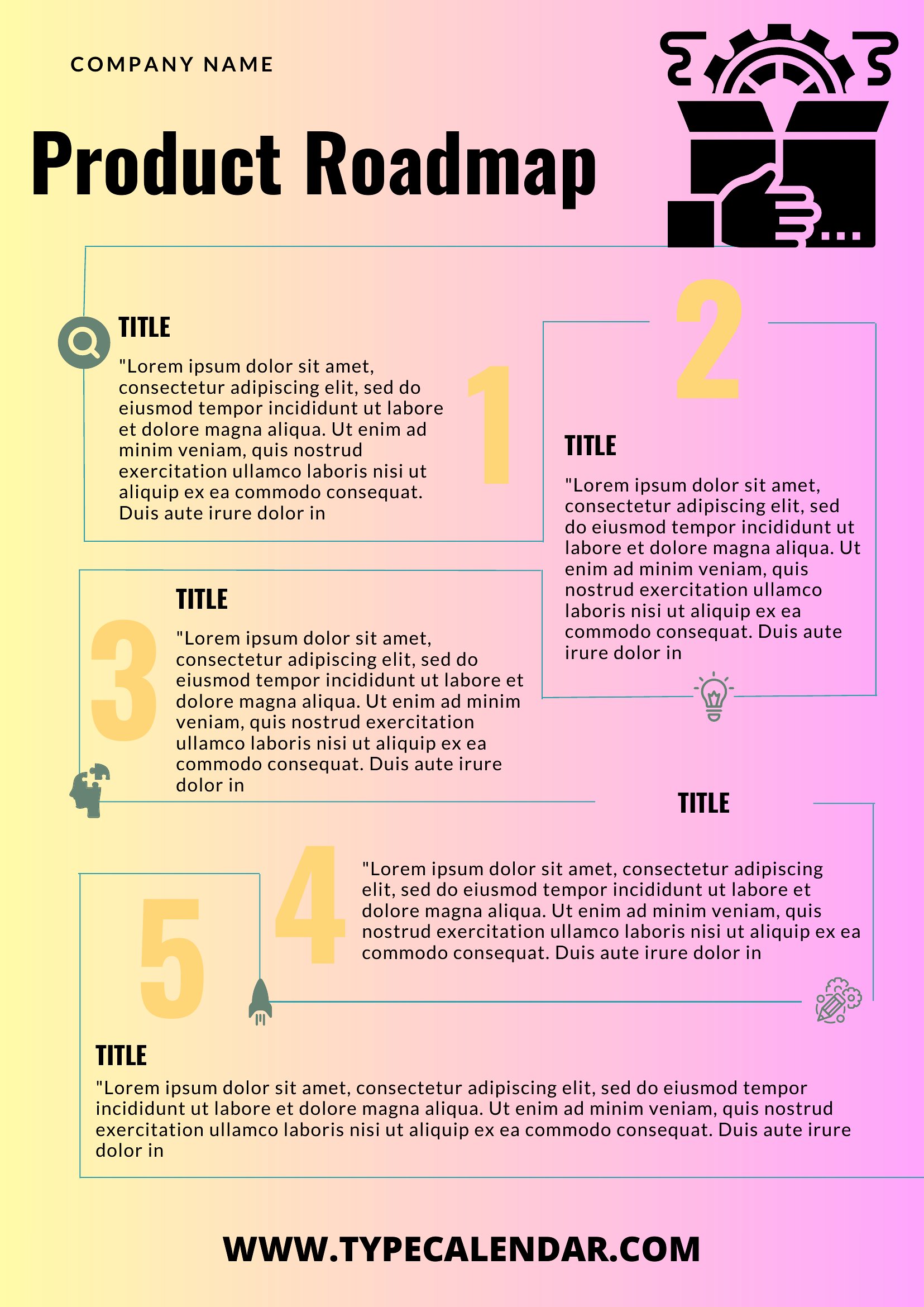
Roadmap Template
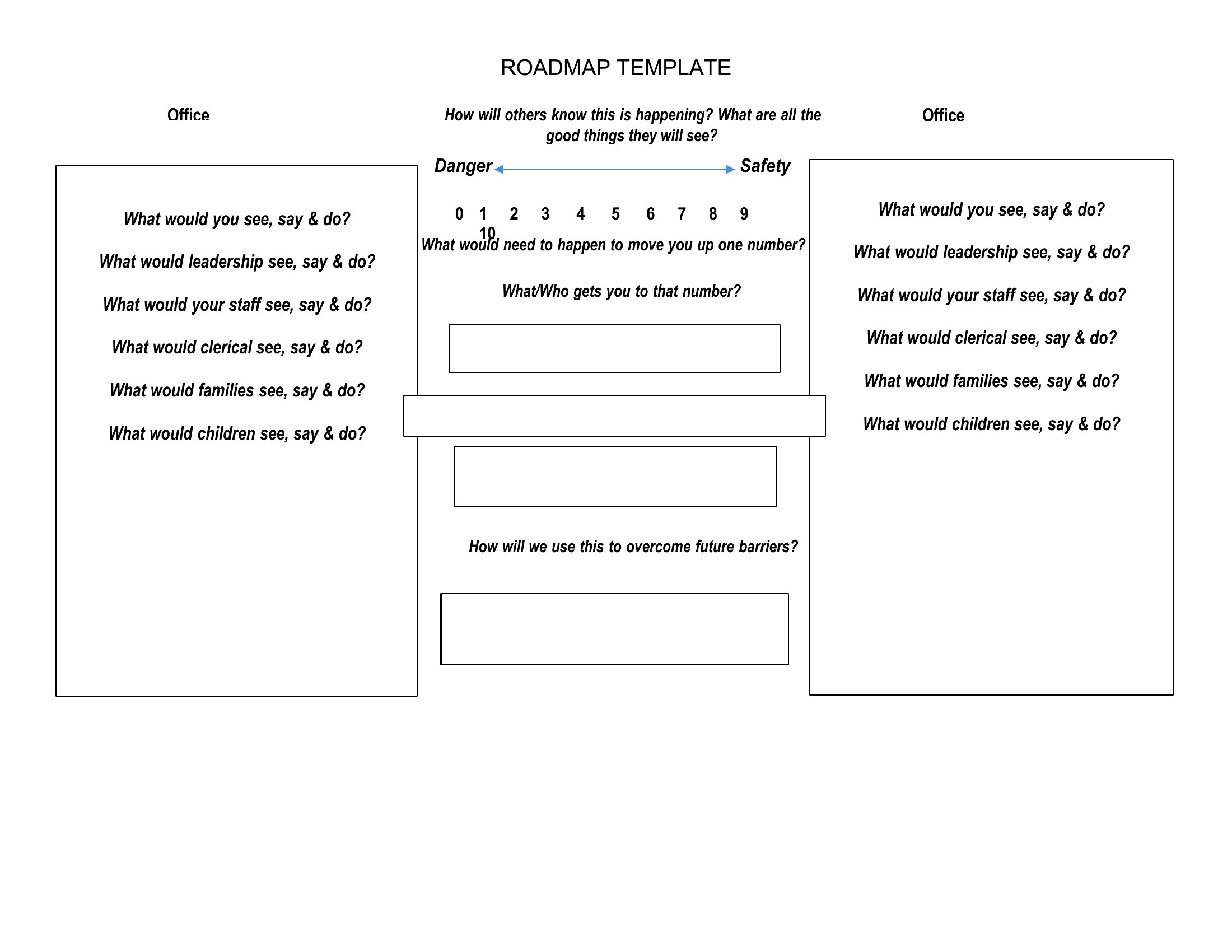
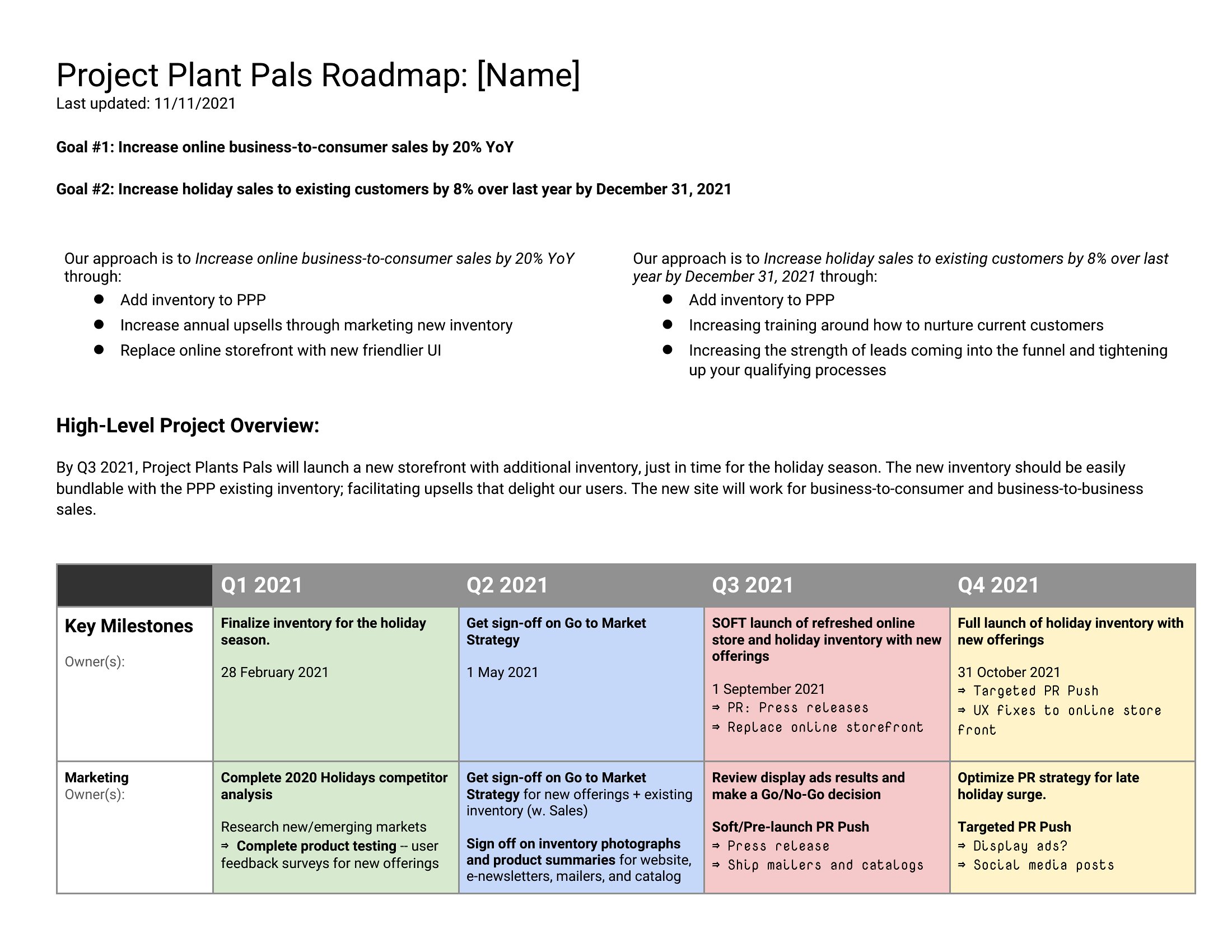
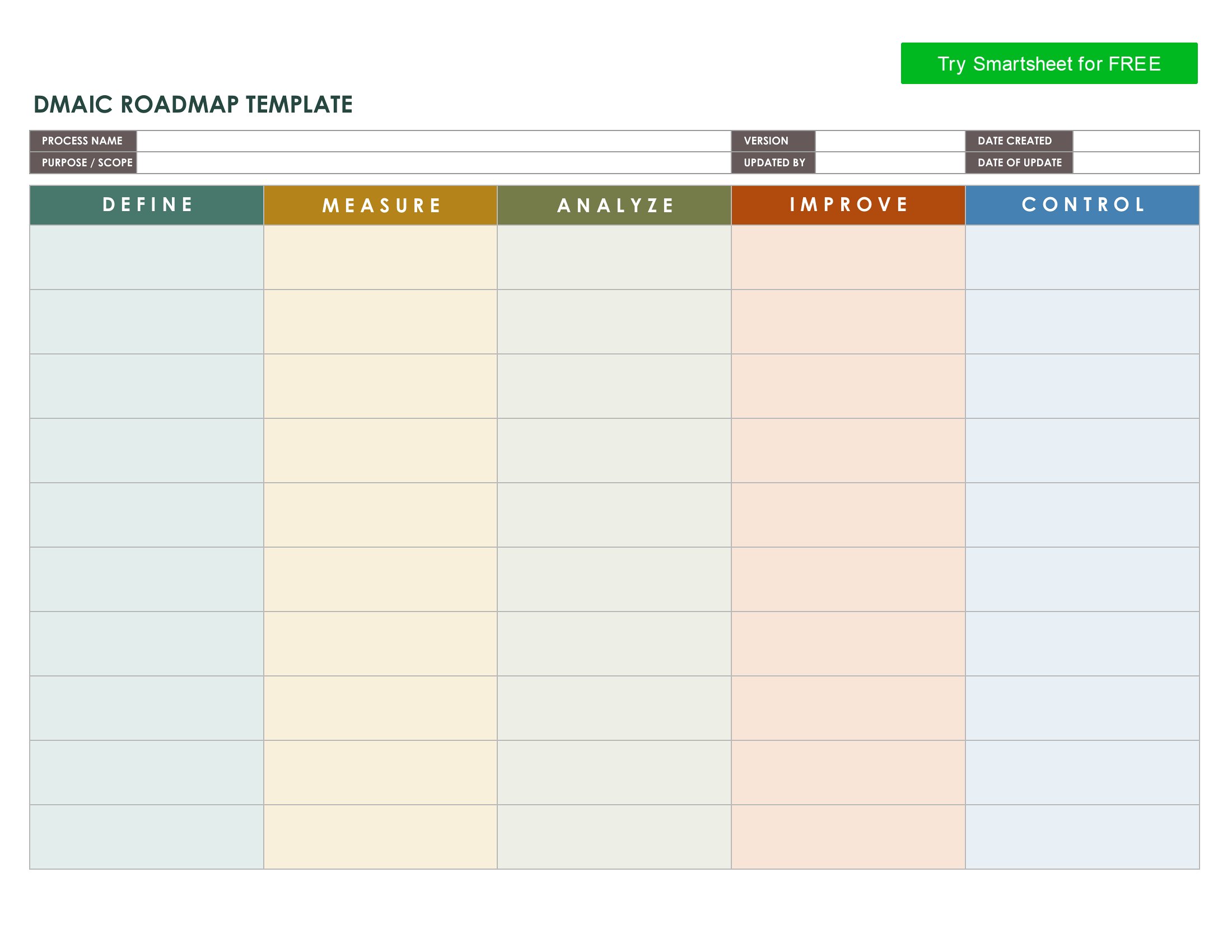
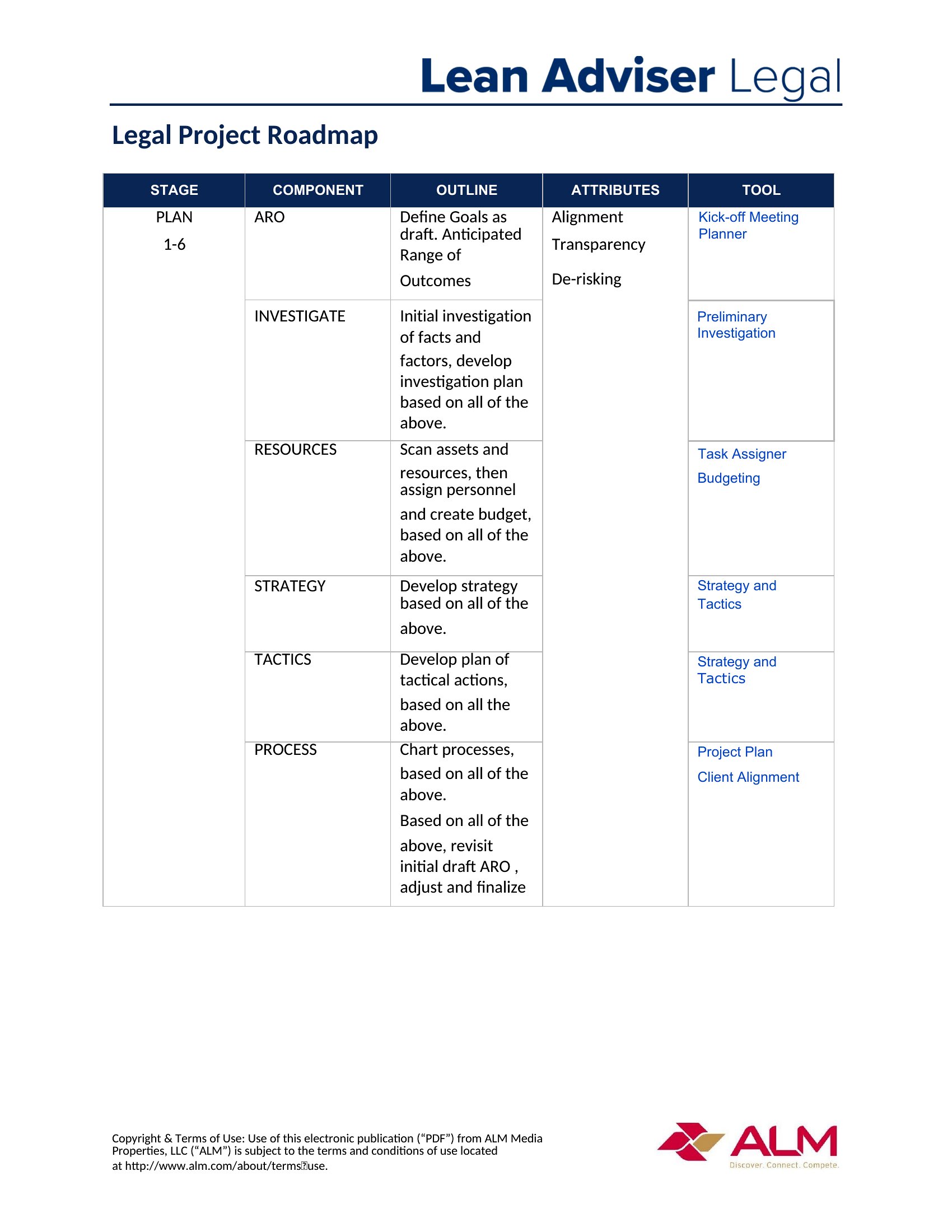
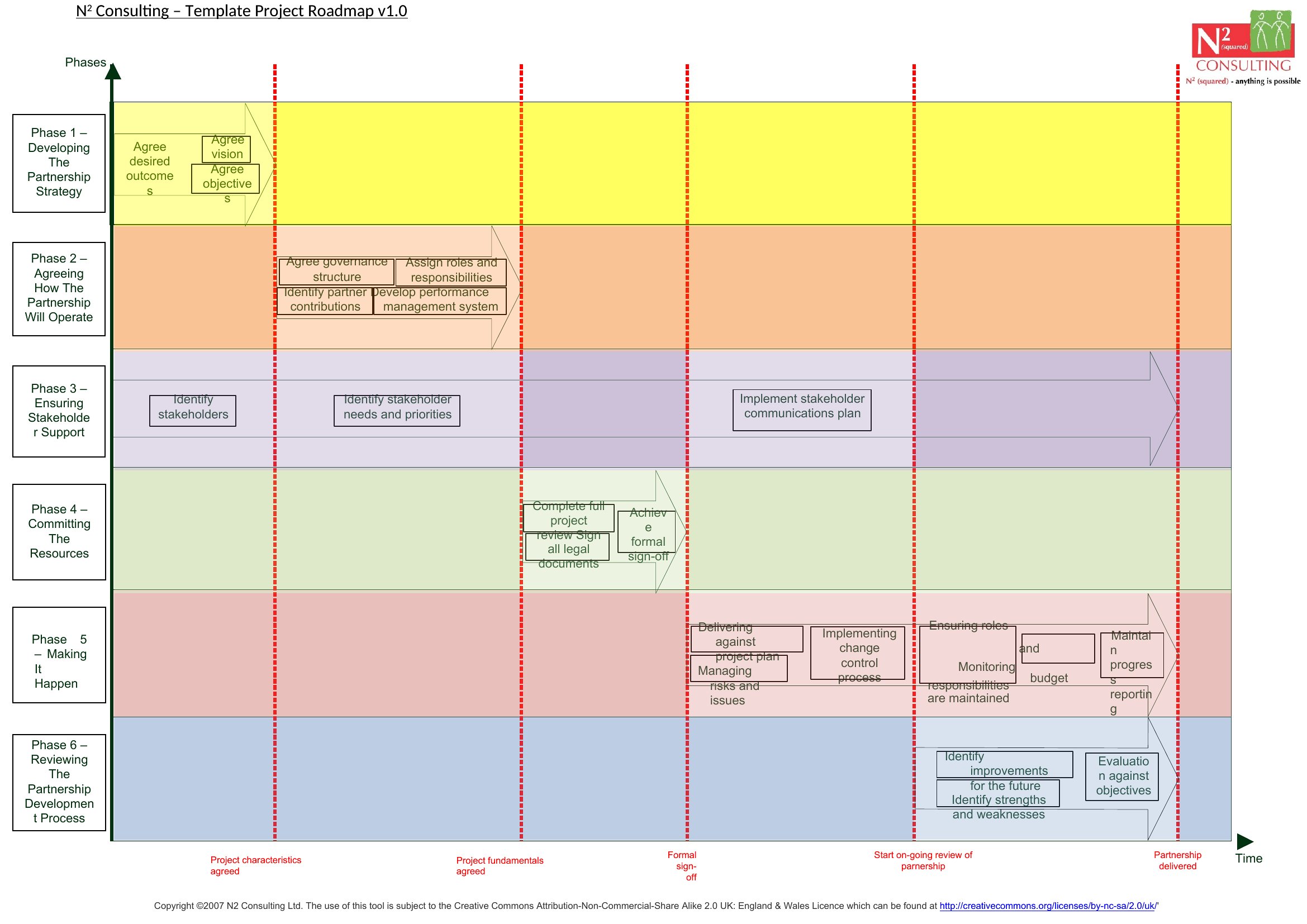
Free Ppt Roadmap
FAQ
Can these roadmap templates help me track dependencies between different projects or teams?
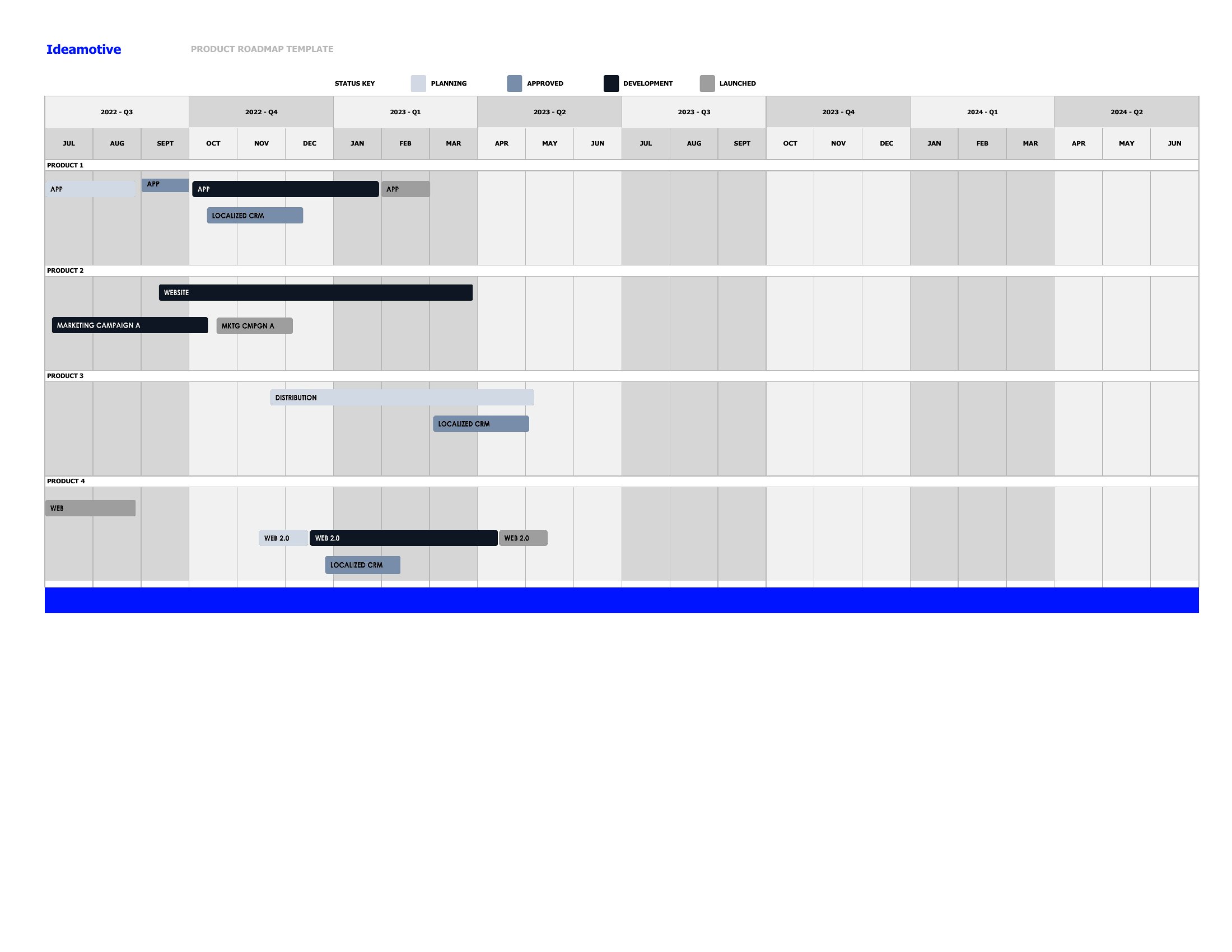
Yes, several templates include sections for cross-project dependencies or team-specific timelines. For example, a product roadmap can note when marketing needs assets from design, or when engineering depends on UX research completion. Use the Excel format to add formulas linking tasks across sheets if your dependencies require dynamic updates. Word and PDF versions work well for visual highlights, but may need manual updates for changing deadlines.
How do I adjust these templates for a non-technical audience, like donors or community members?
Simplify the language and focus on high-level outcomes rather than technical details. Use the PDF or Word templates to replace jargon with plain terms (e.g., ‘launch phase’ instead of ‘beta testing’). Add icons or color-coding to distinguish phases, and include a one-sentence summary of each milestone’s impact. For presentations, export the Word version to PowerPoint to emphasize visuals over text.
What’s the best way to document risks or delays in a roadmap without making it look chaotic?
Add a ‘Risk Log’ section beneath your milestones in Word or Excel to note potential delays (e.g., ‘Vendor delay: +2 weeks’). Use conditional formatting in Excel to highlight at-risk items in red, or include a separate ‘Contingency Plan’ slide in PDF/PPT exports. Keep the main timeline clean but reference the risk log for context—this keeps stakeholders informed without cluttering the visual roadmap.
Comments
Join the conversation
Sign in to share your thoughts and leave a comment on this resource.