



FAQ
Can I use the Business Model Canvas to compare two different business ideas at once?
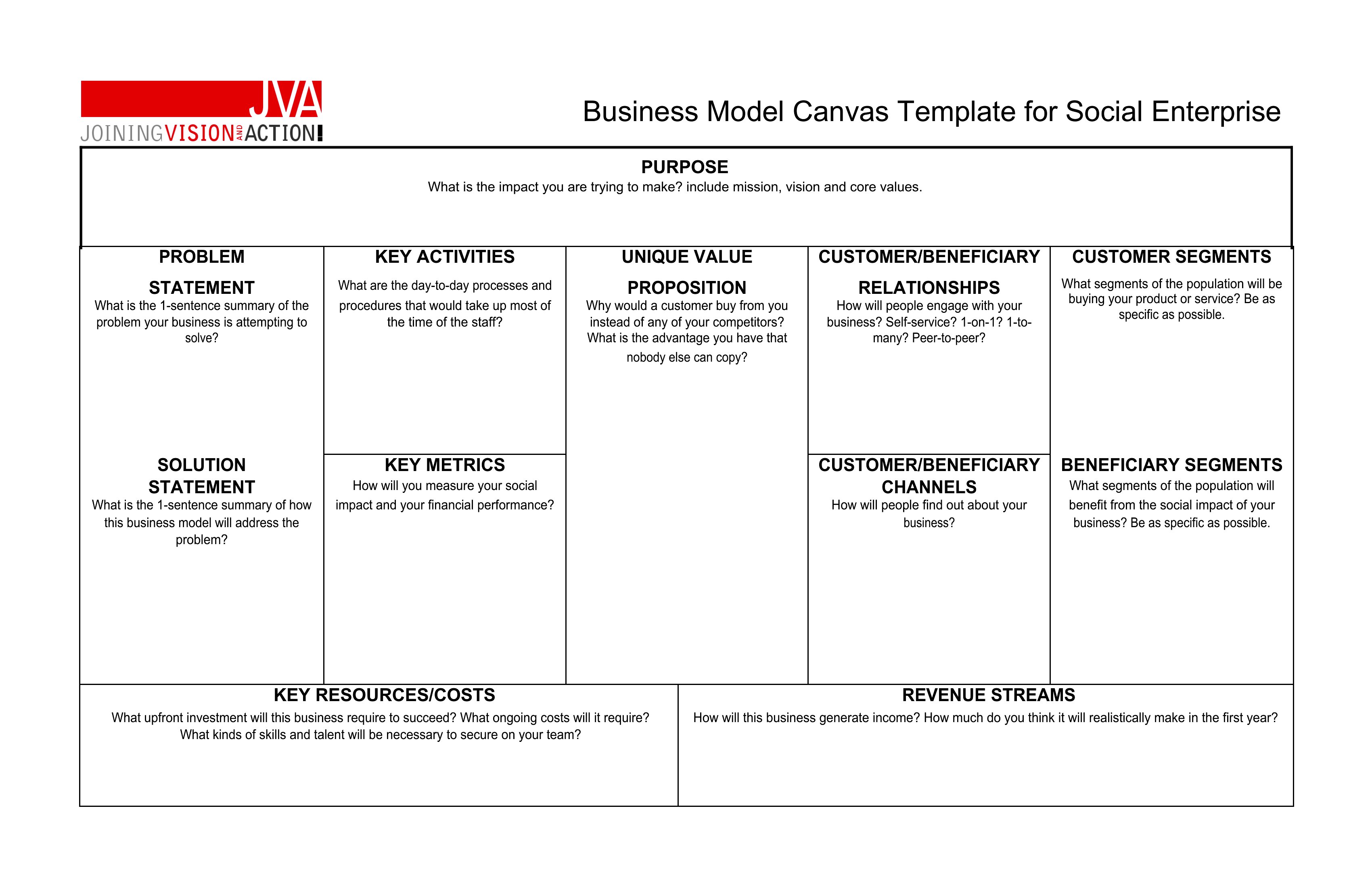
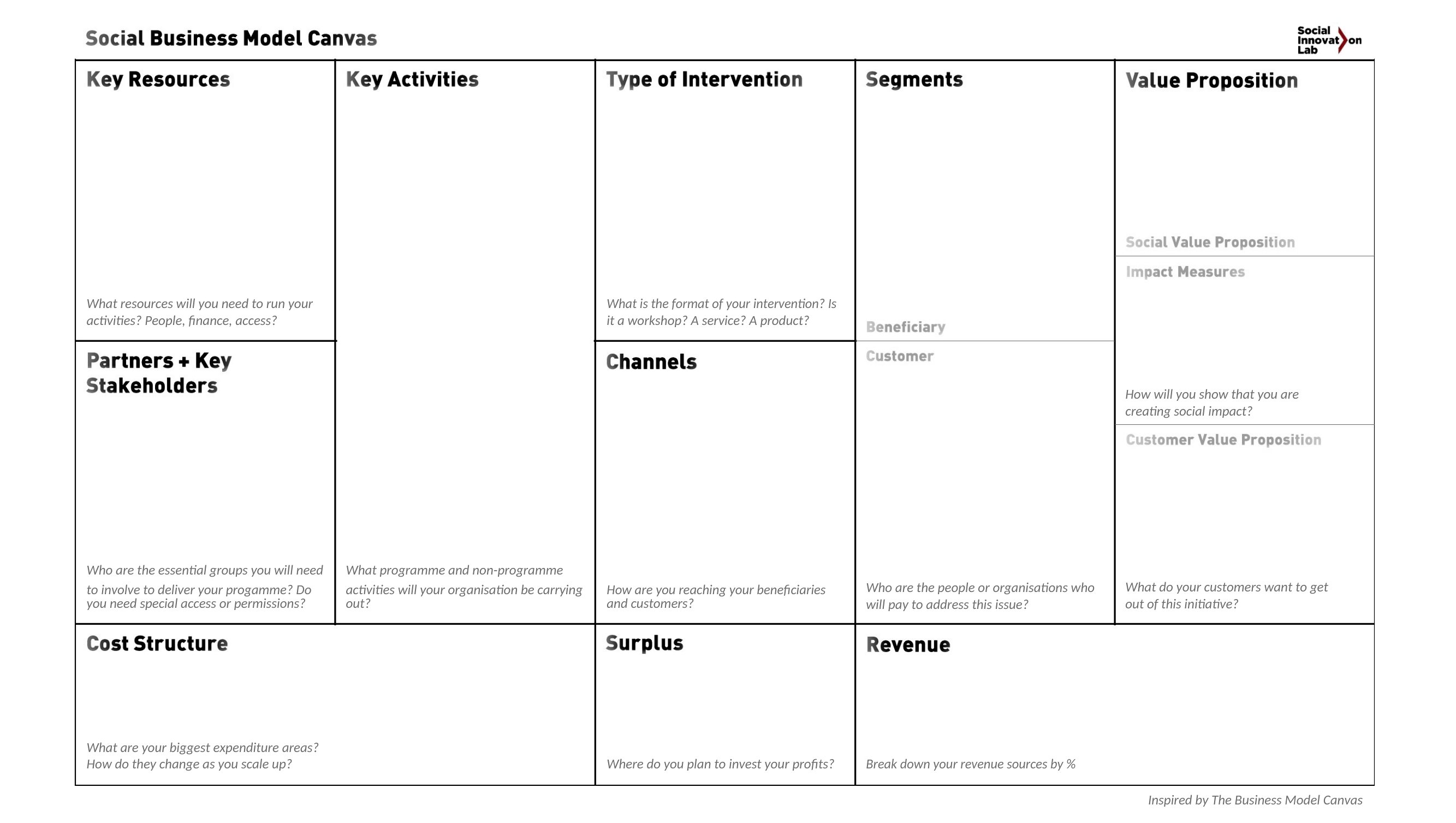
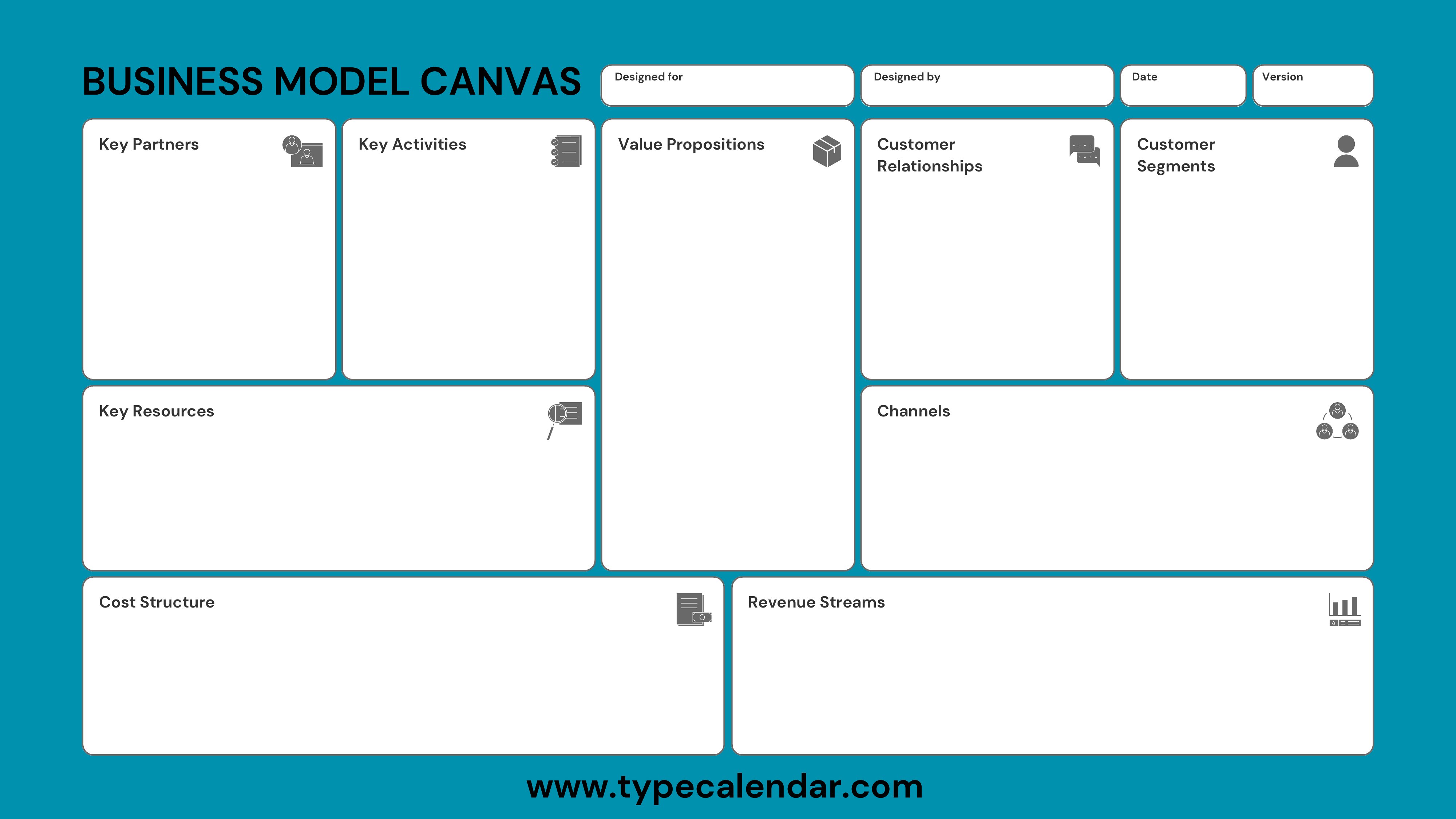
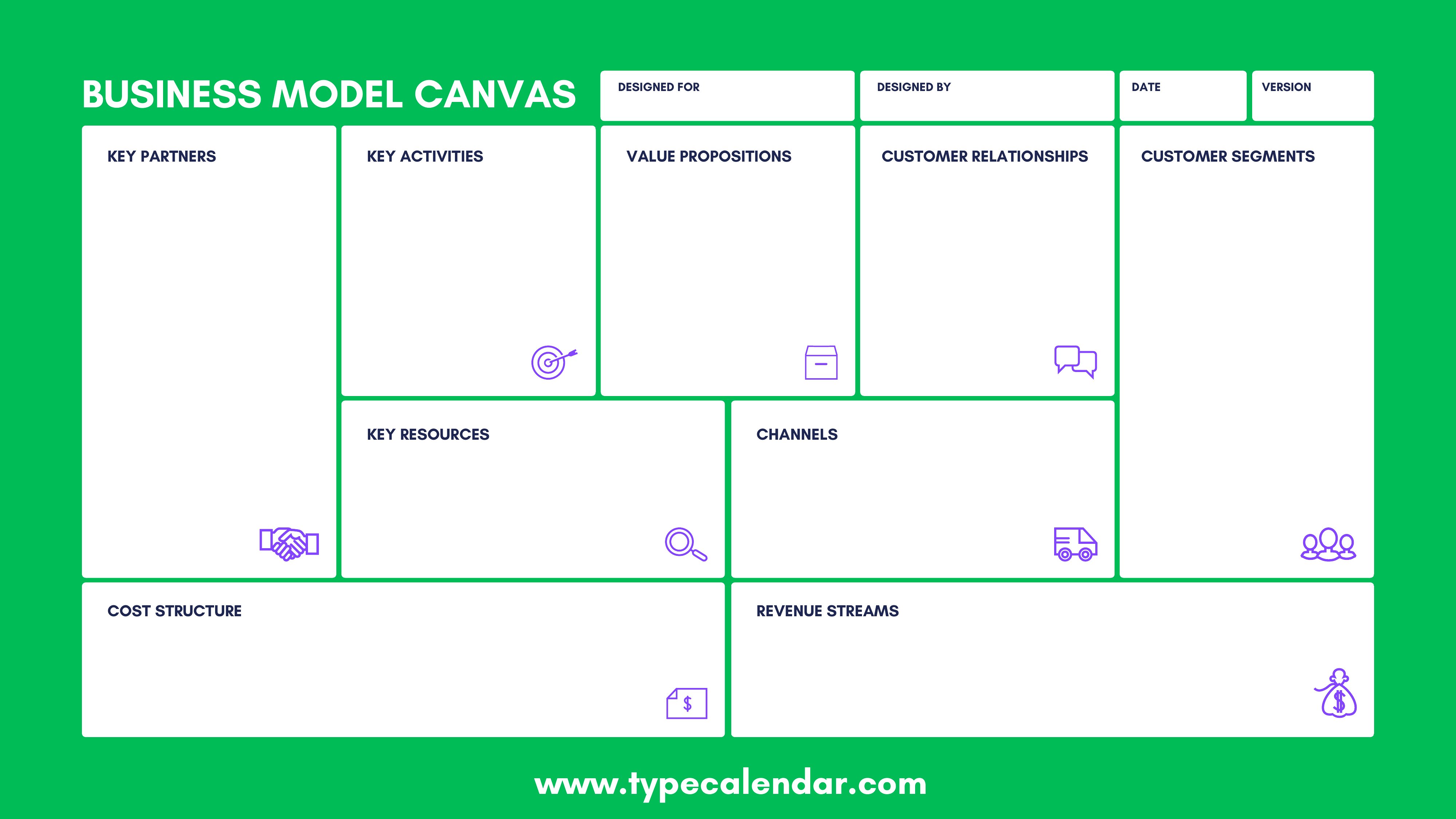
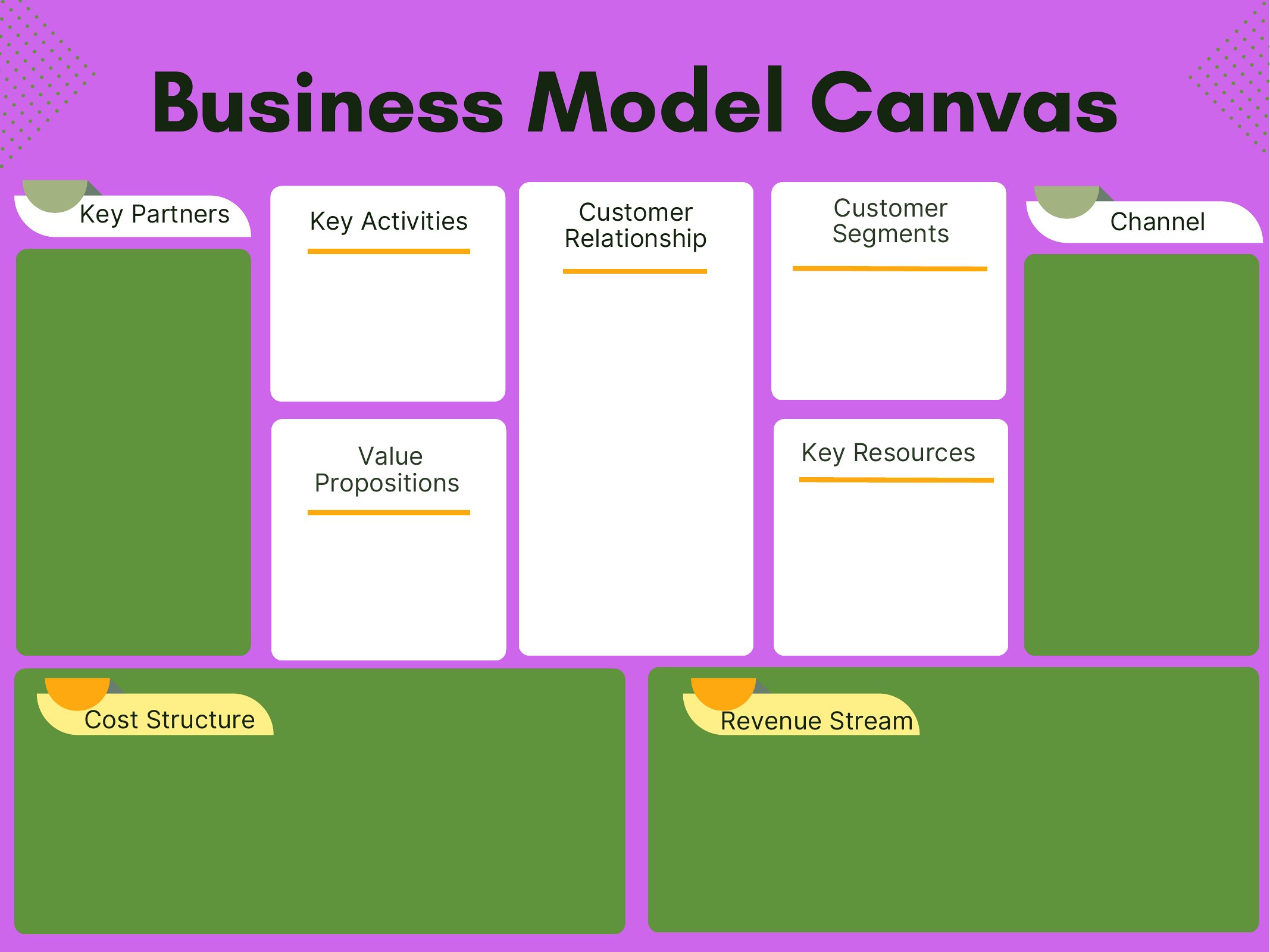
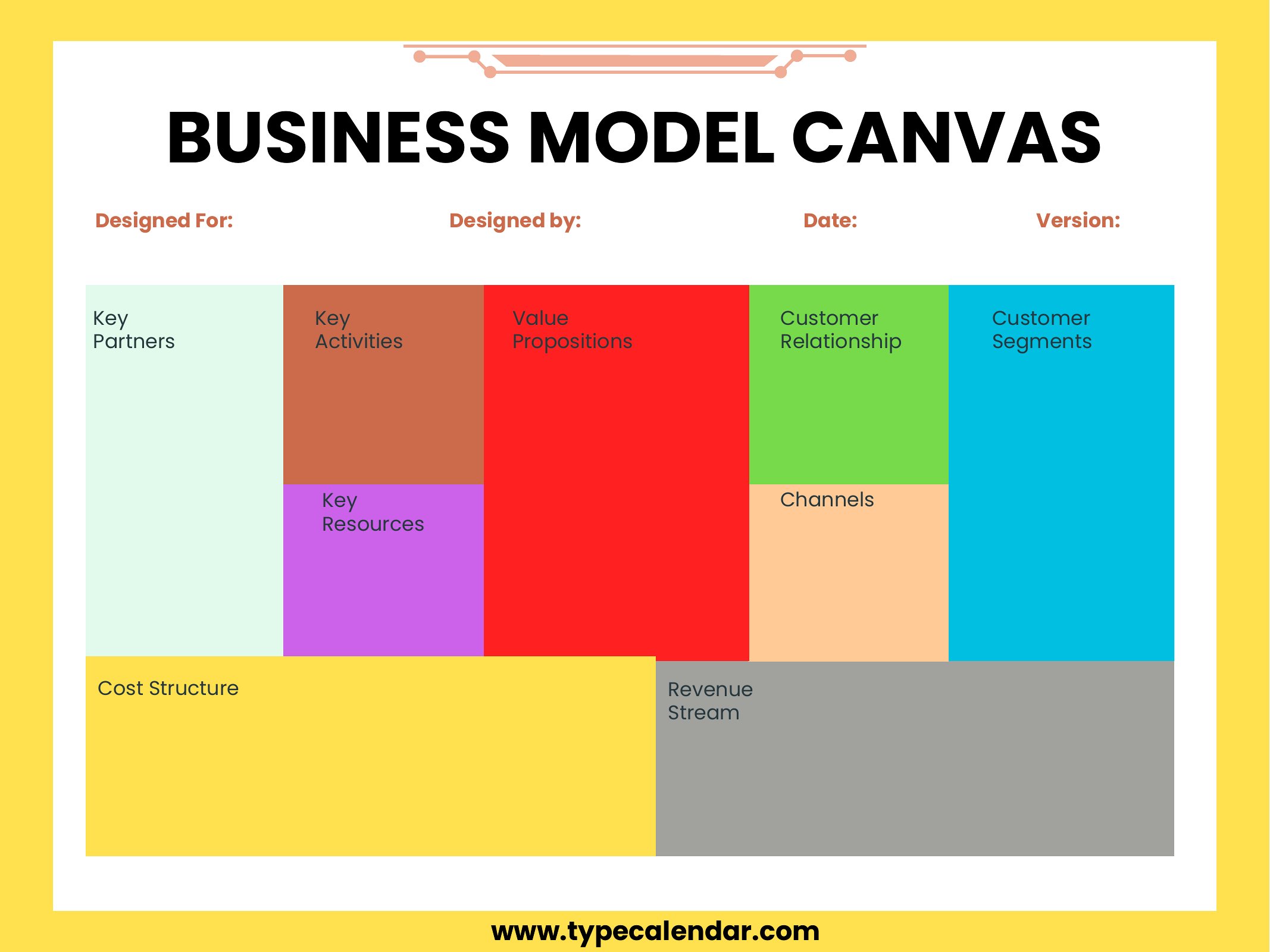
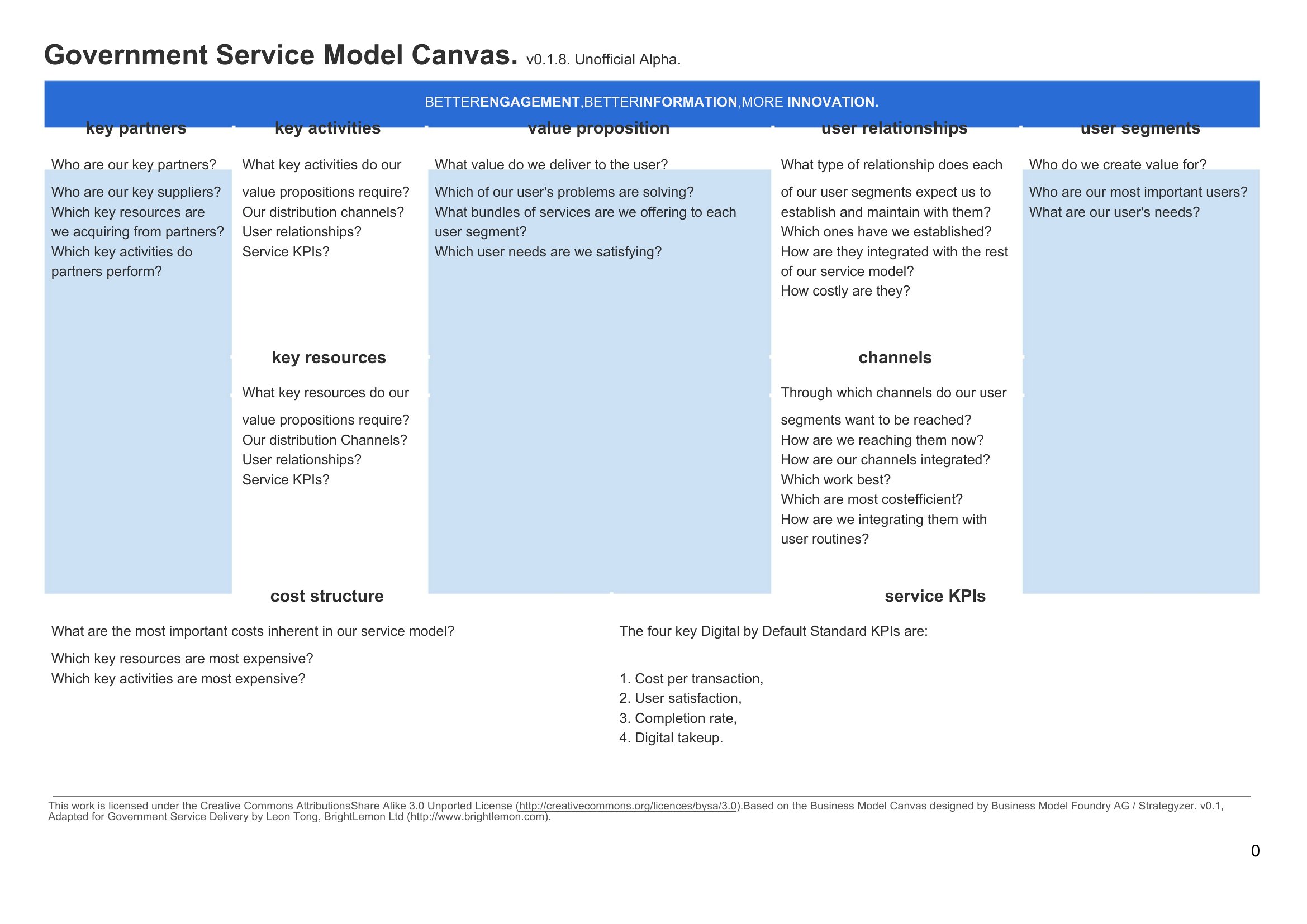
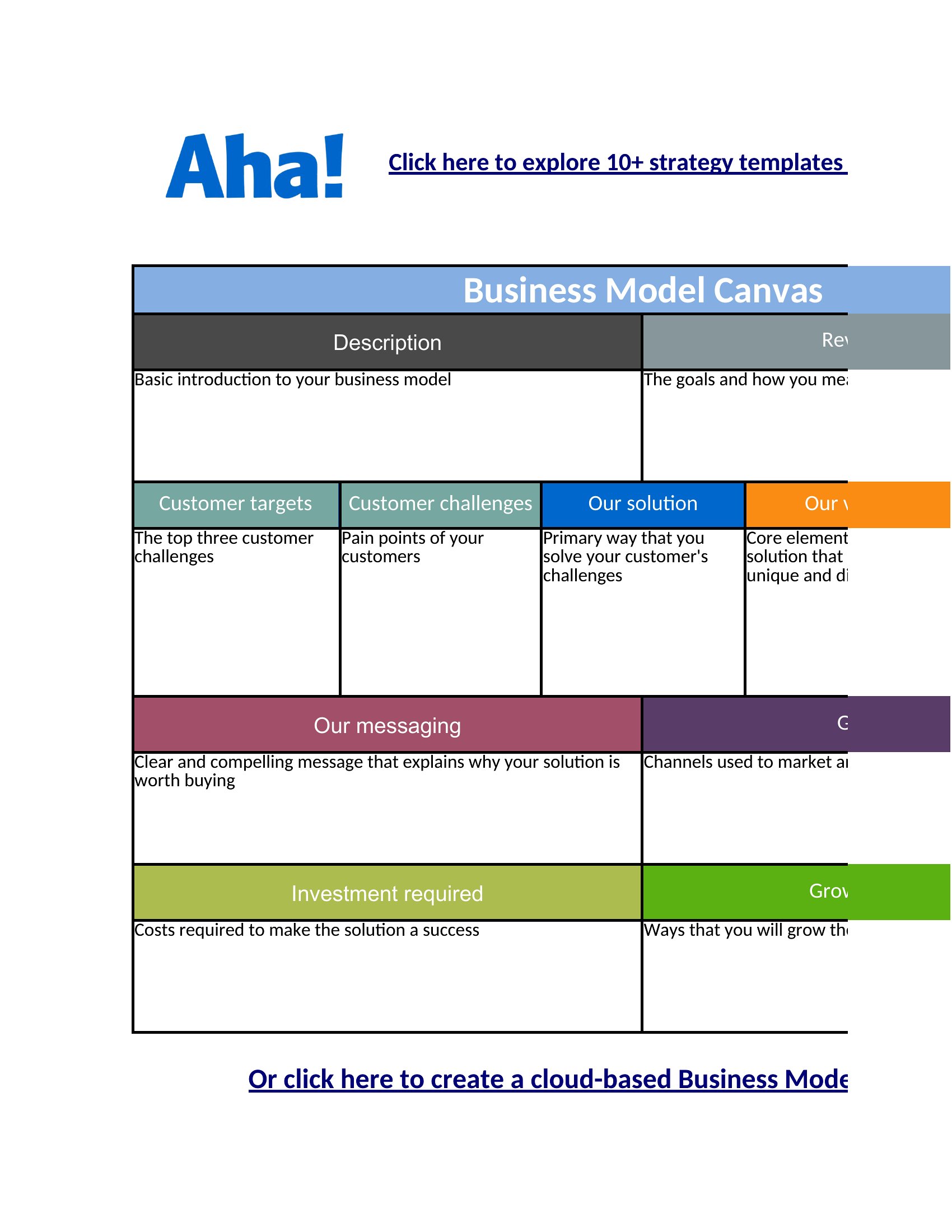
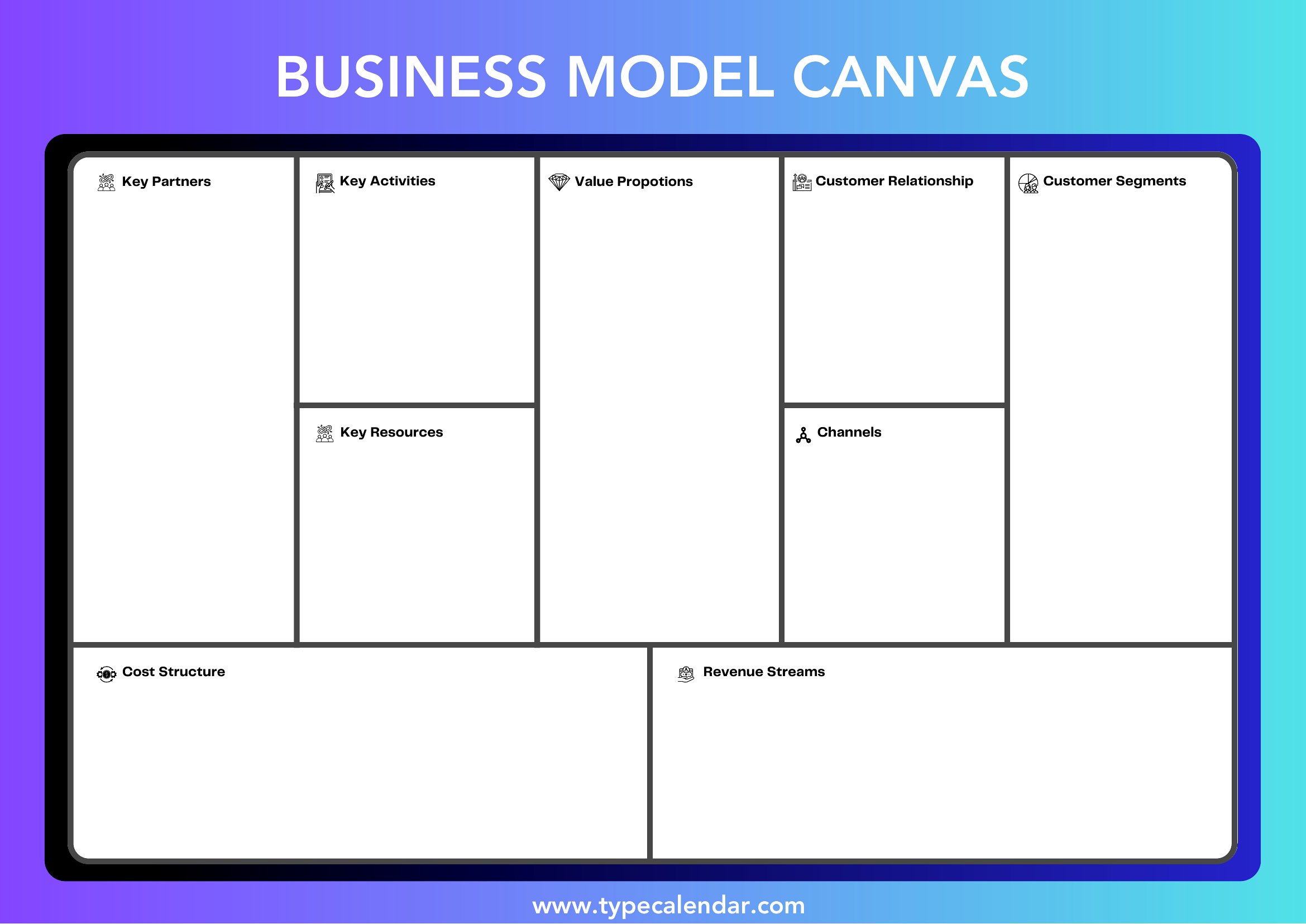
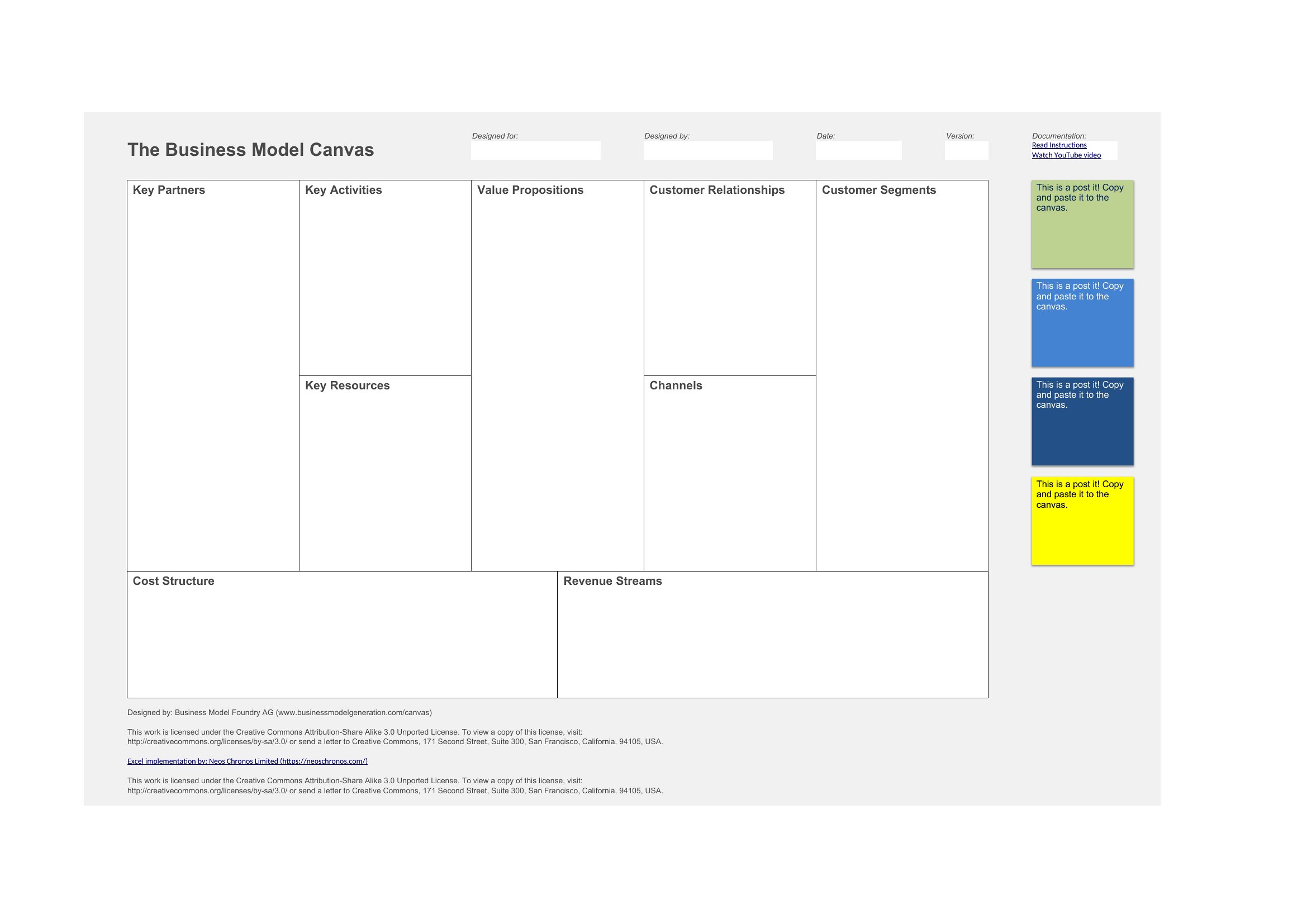
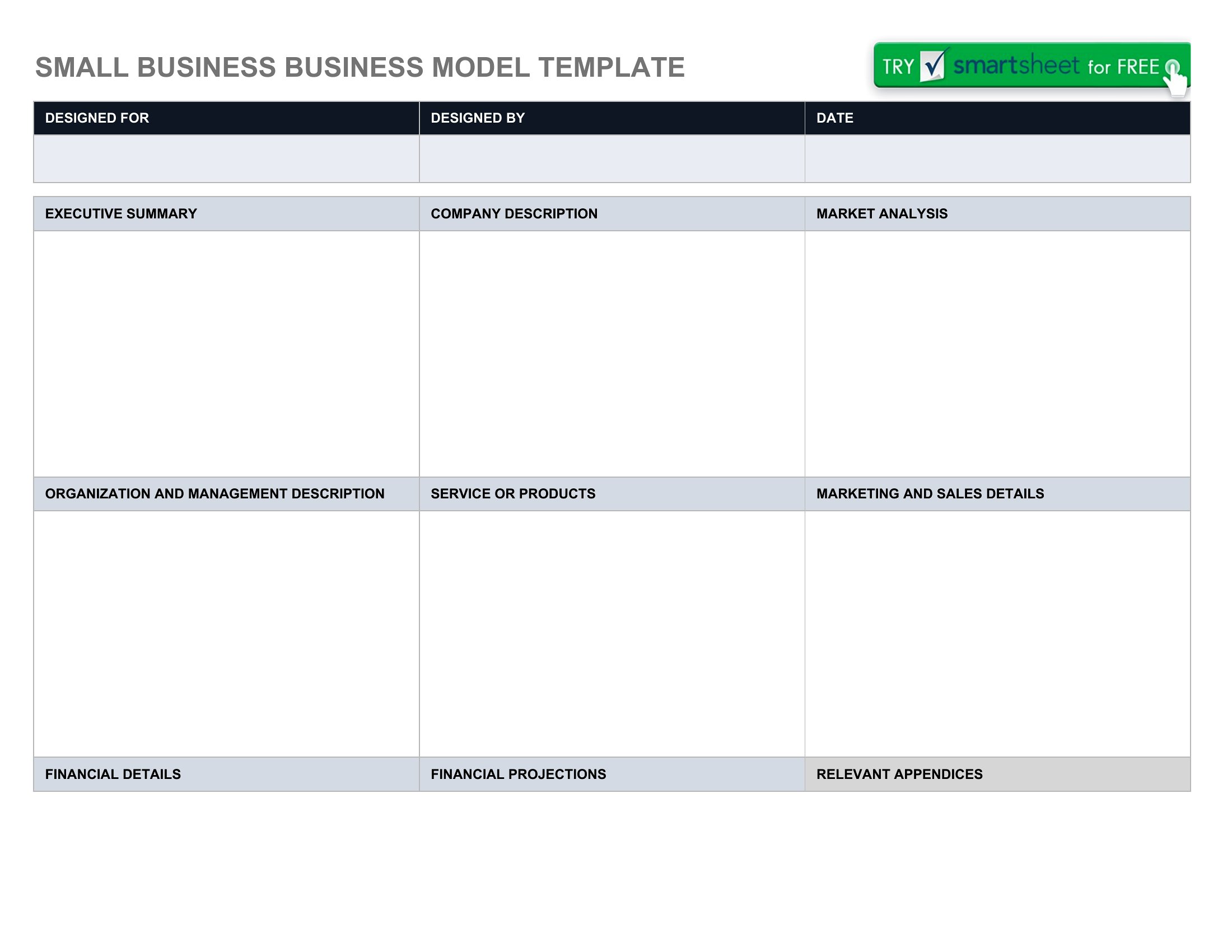
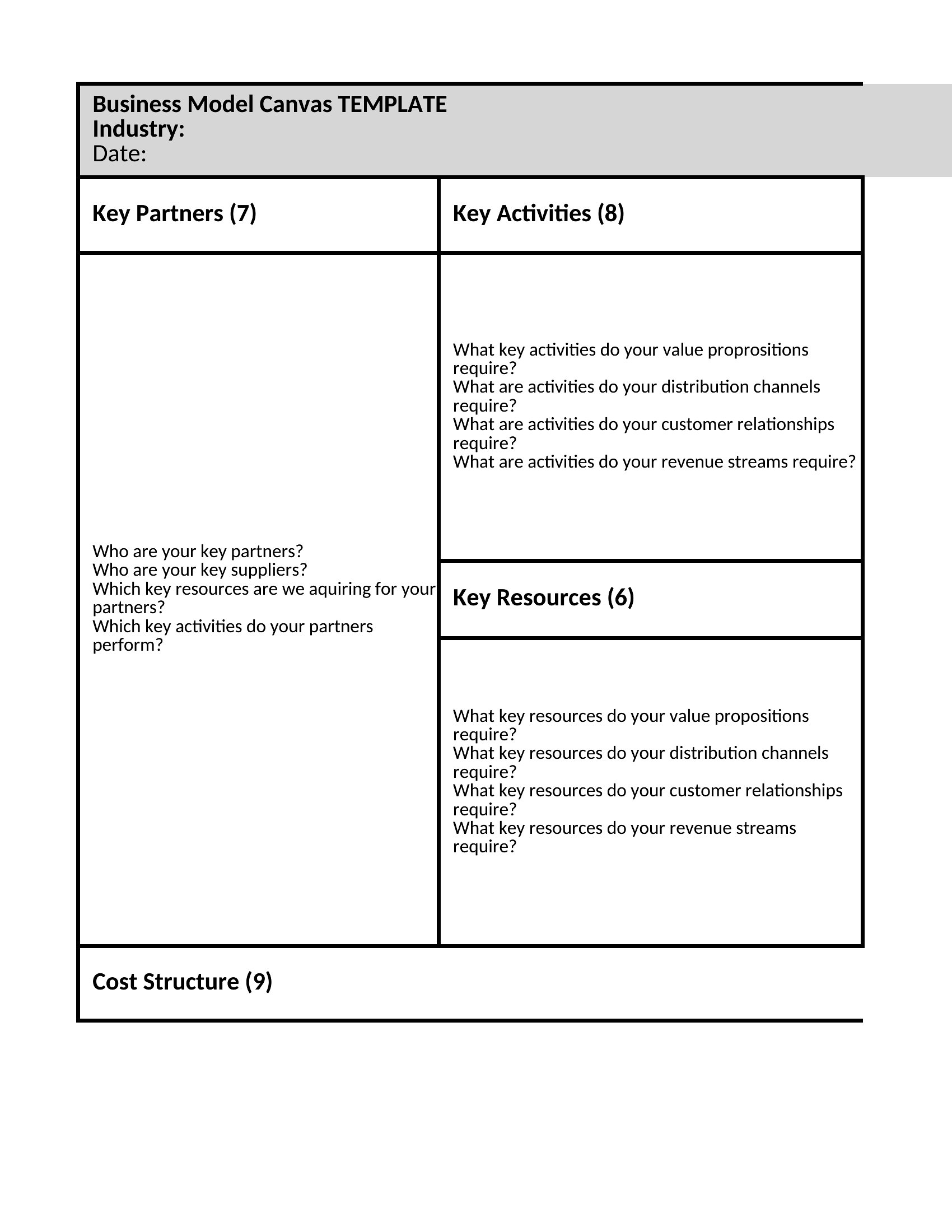
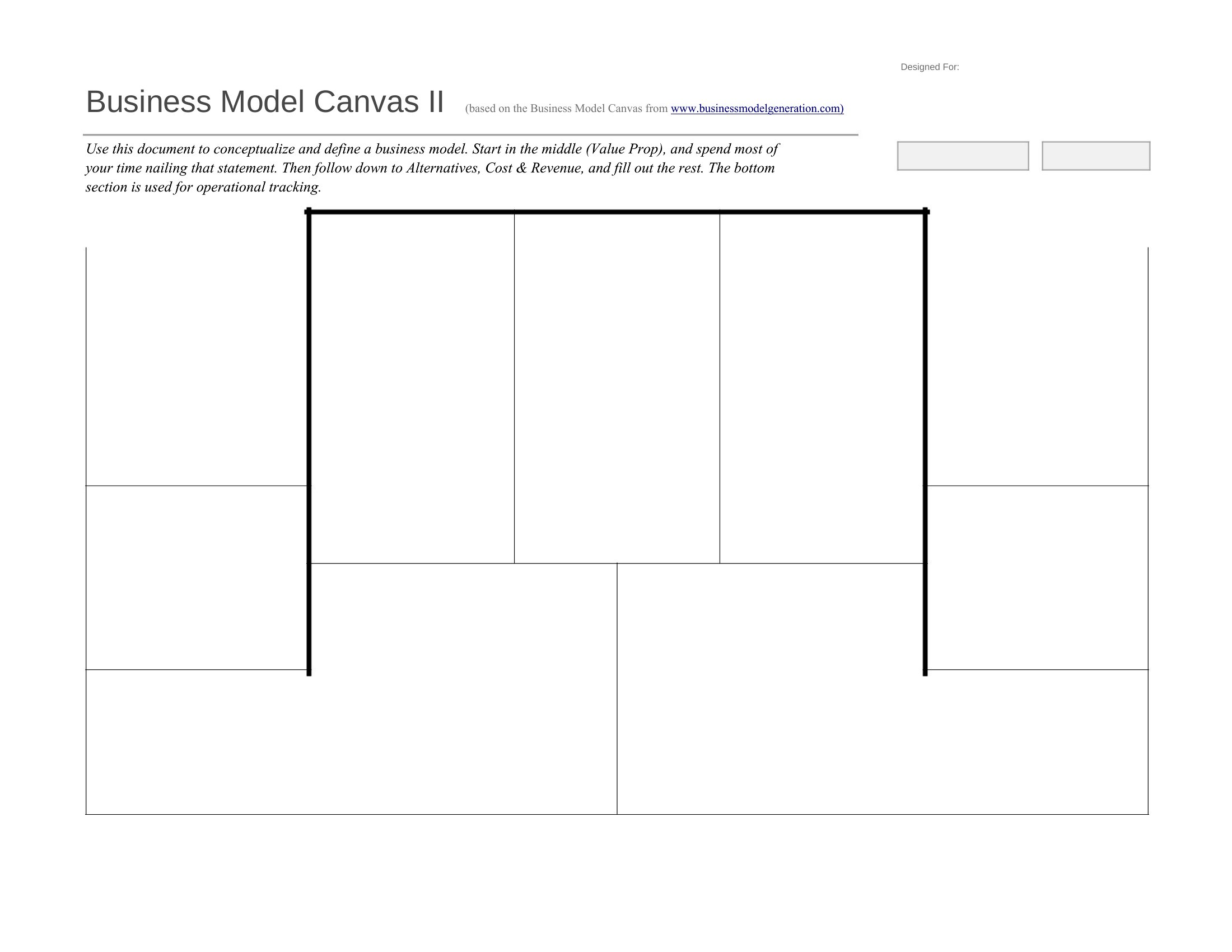
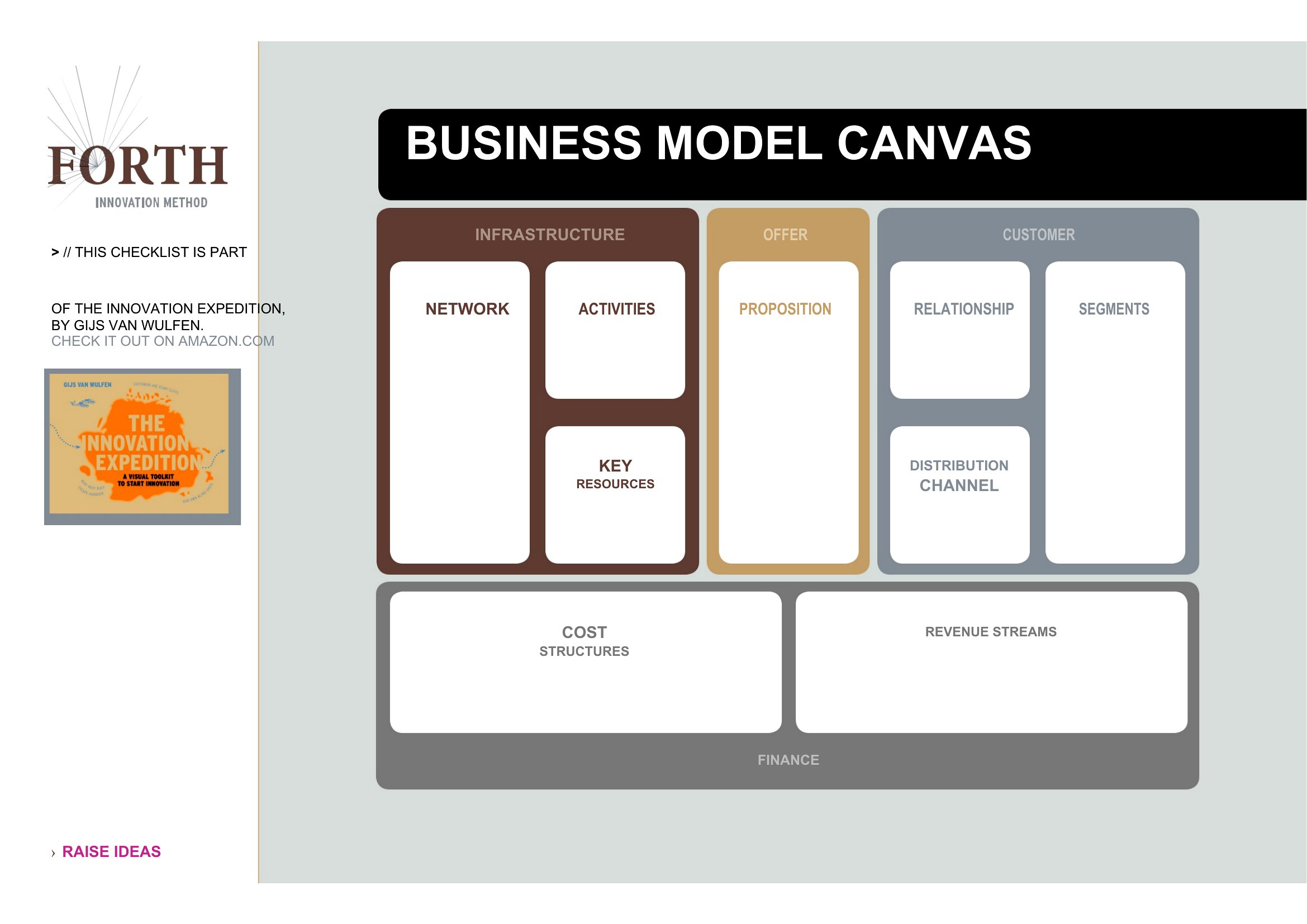
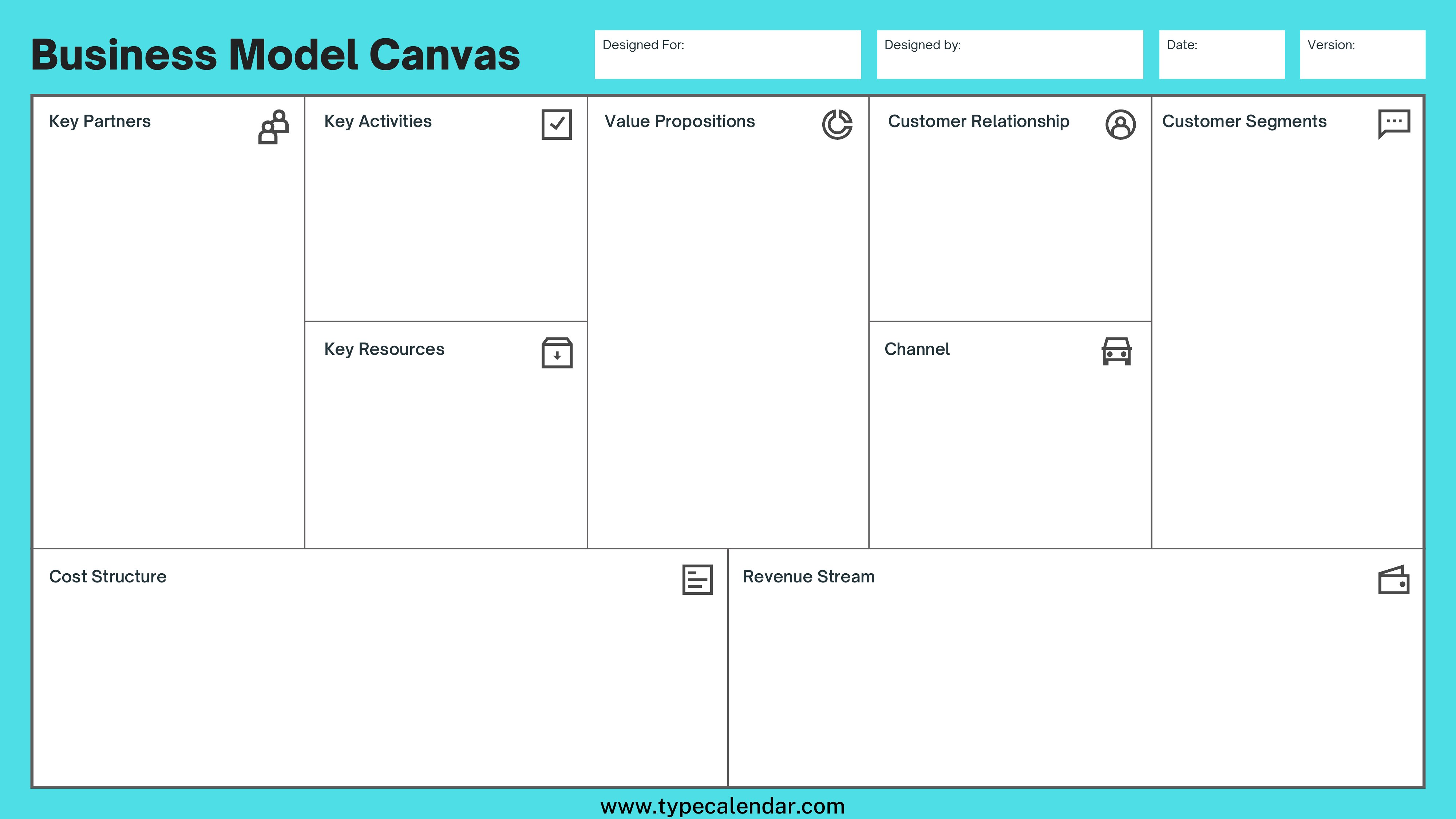
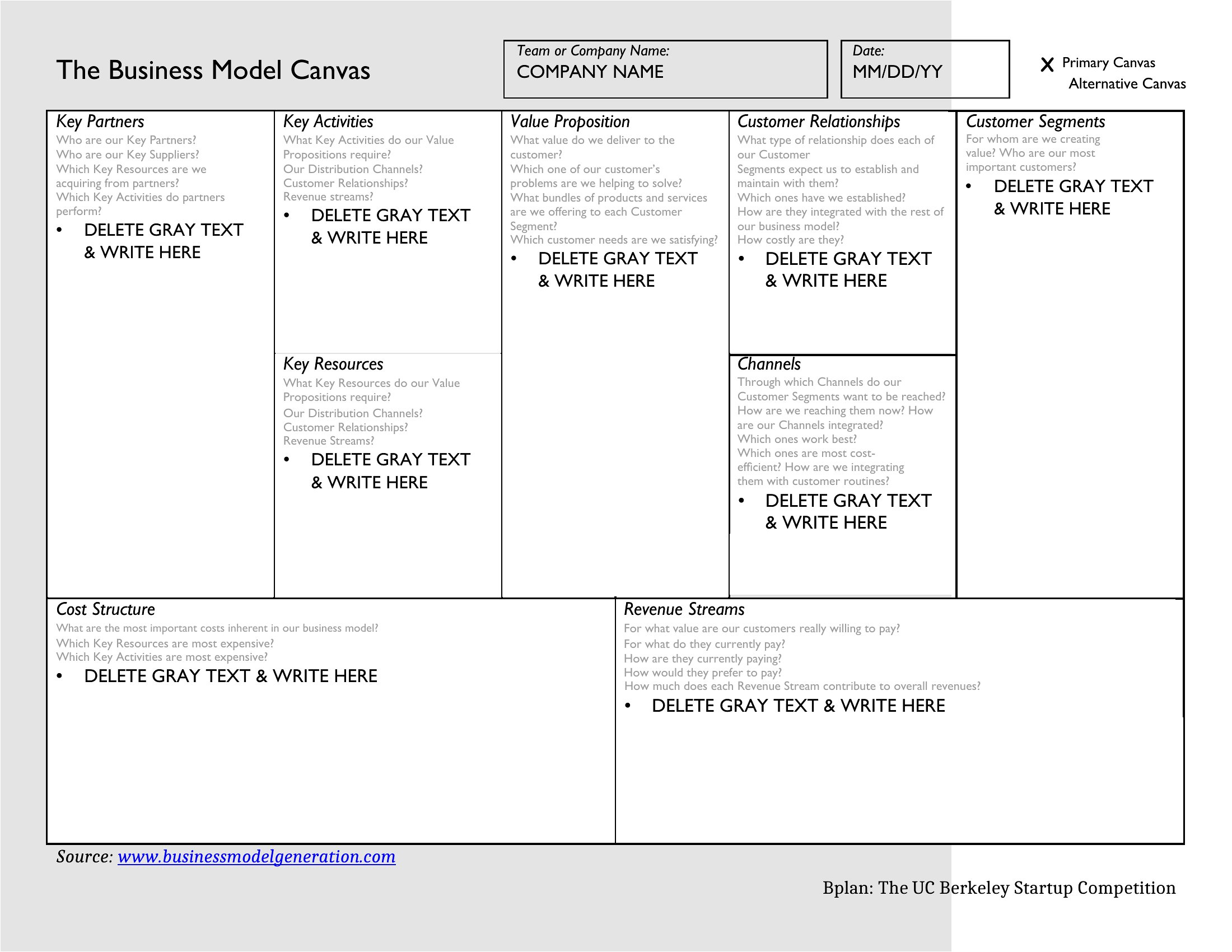
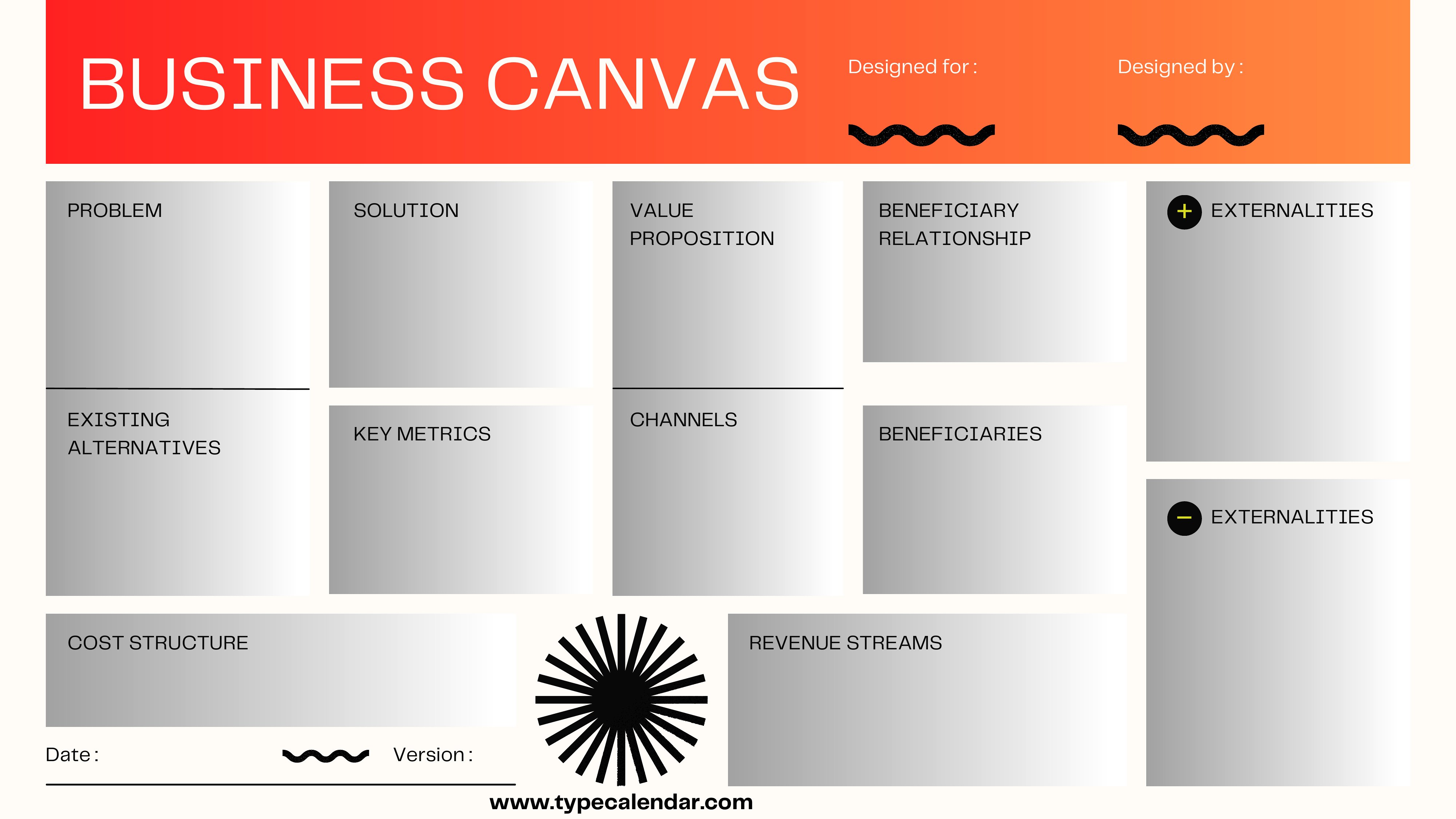
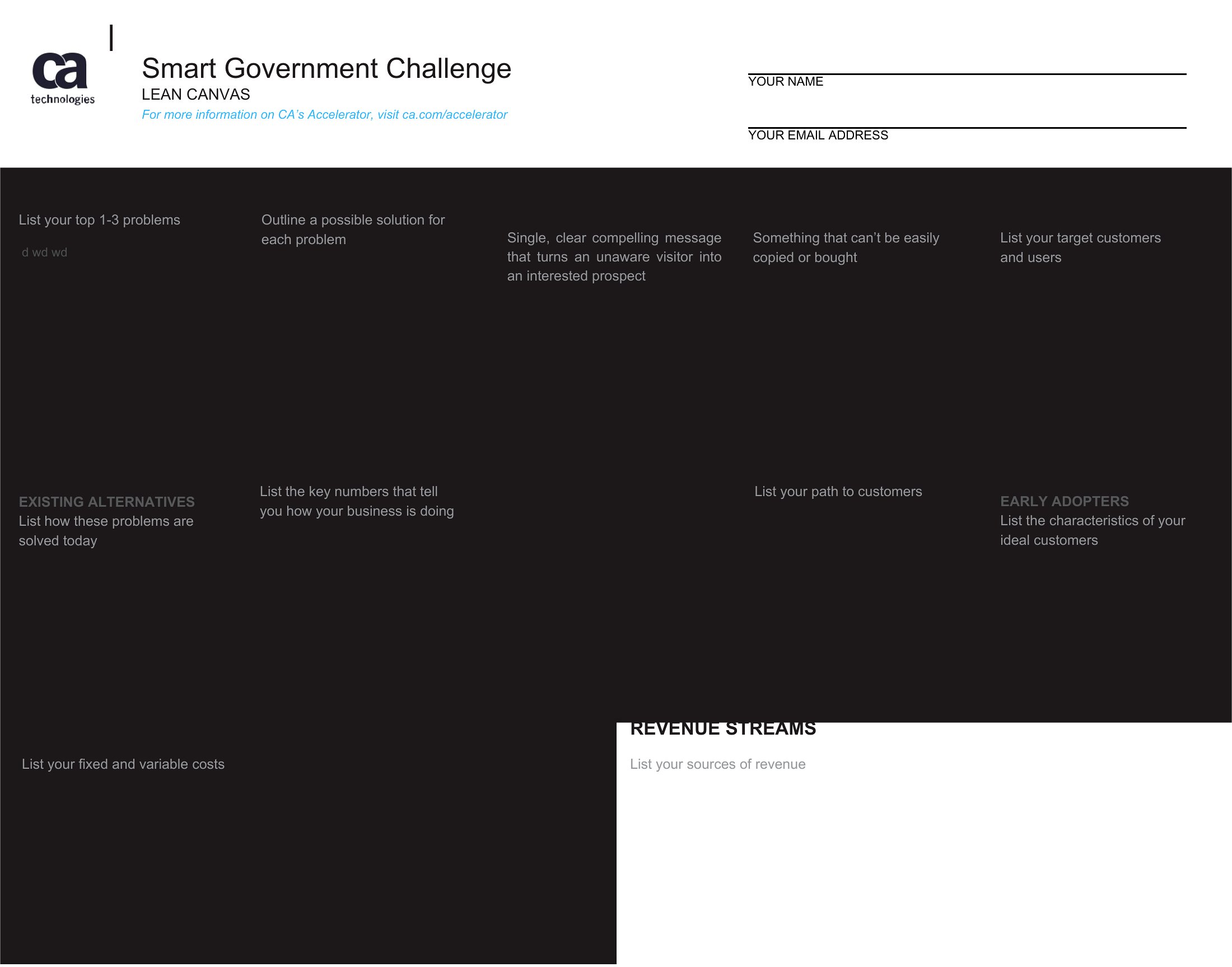
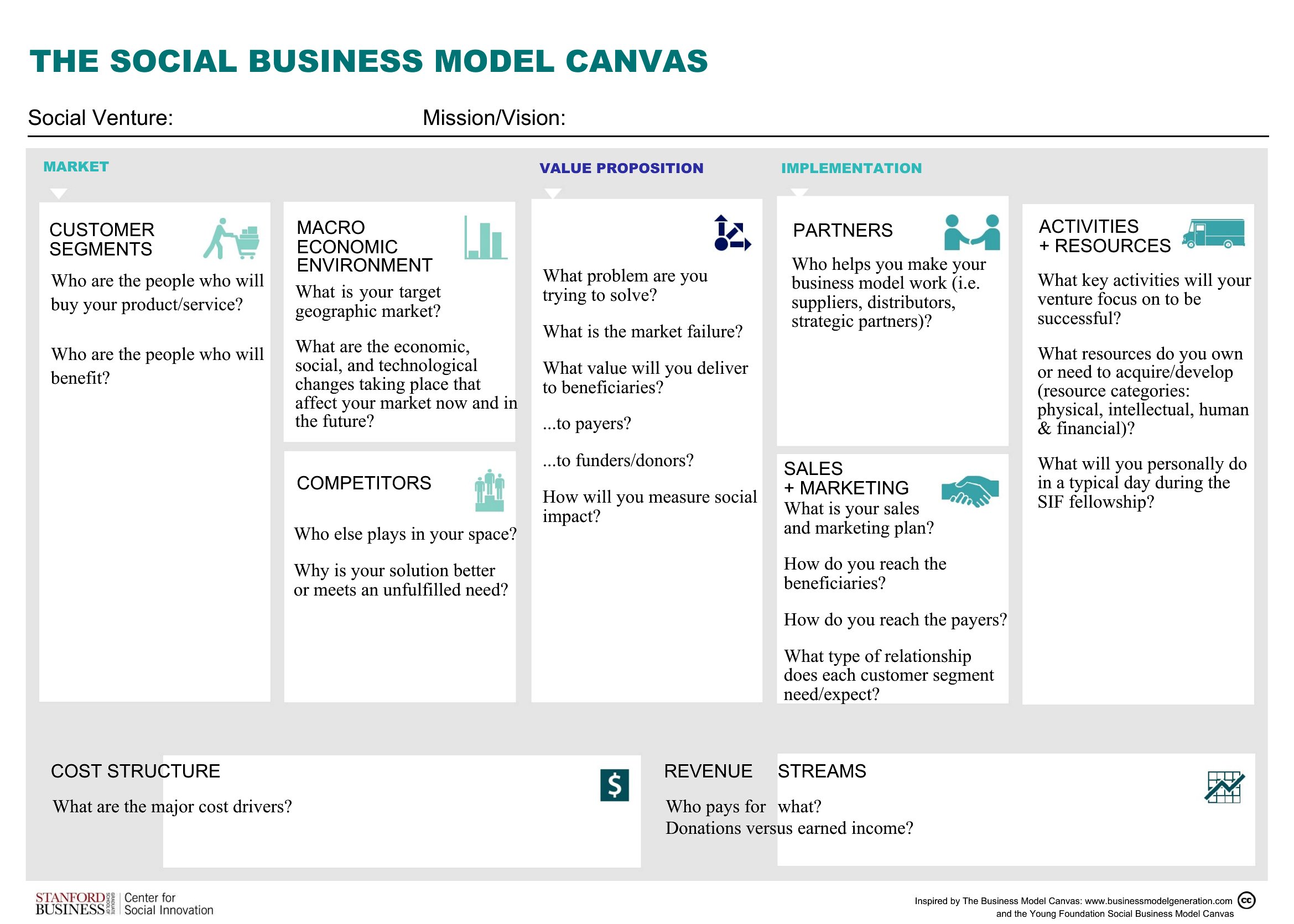
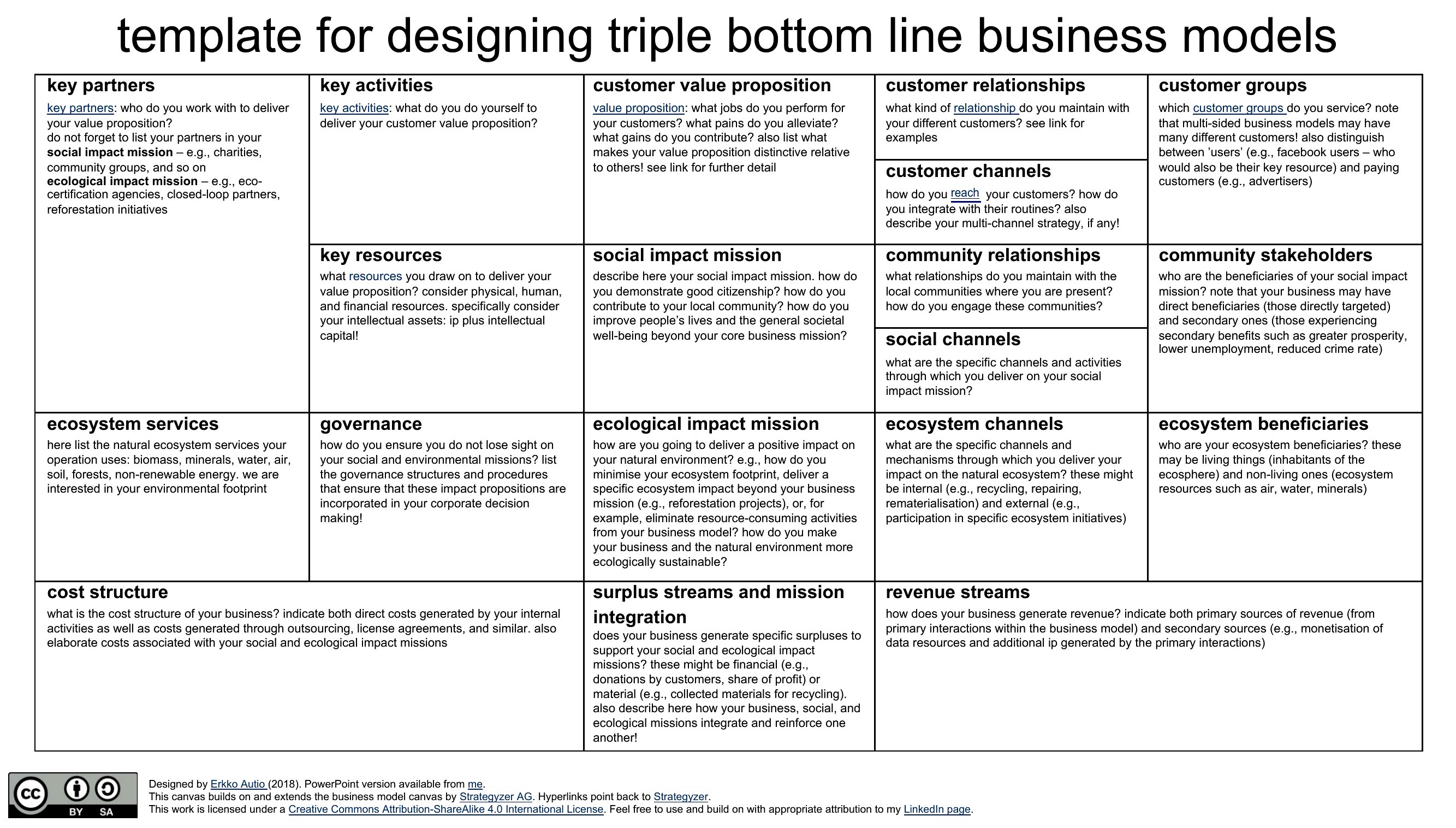
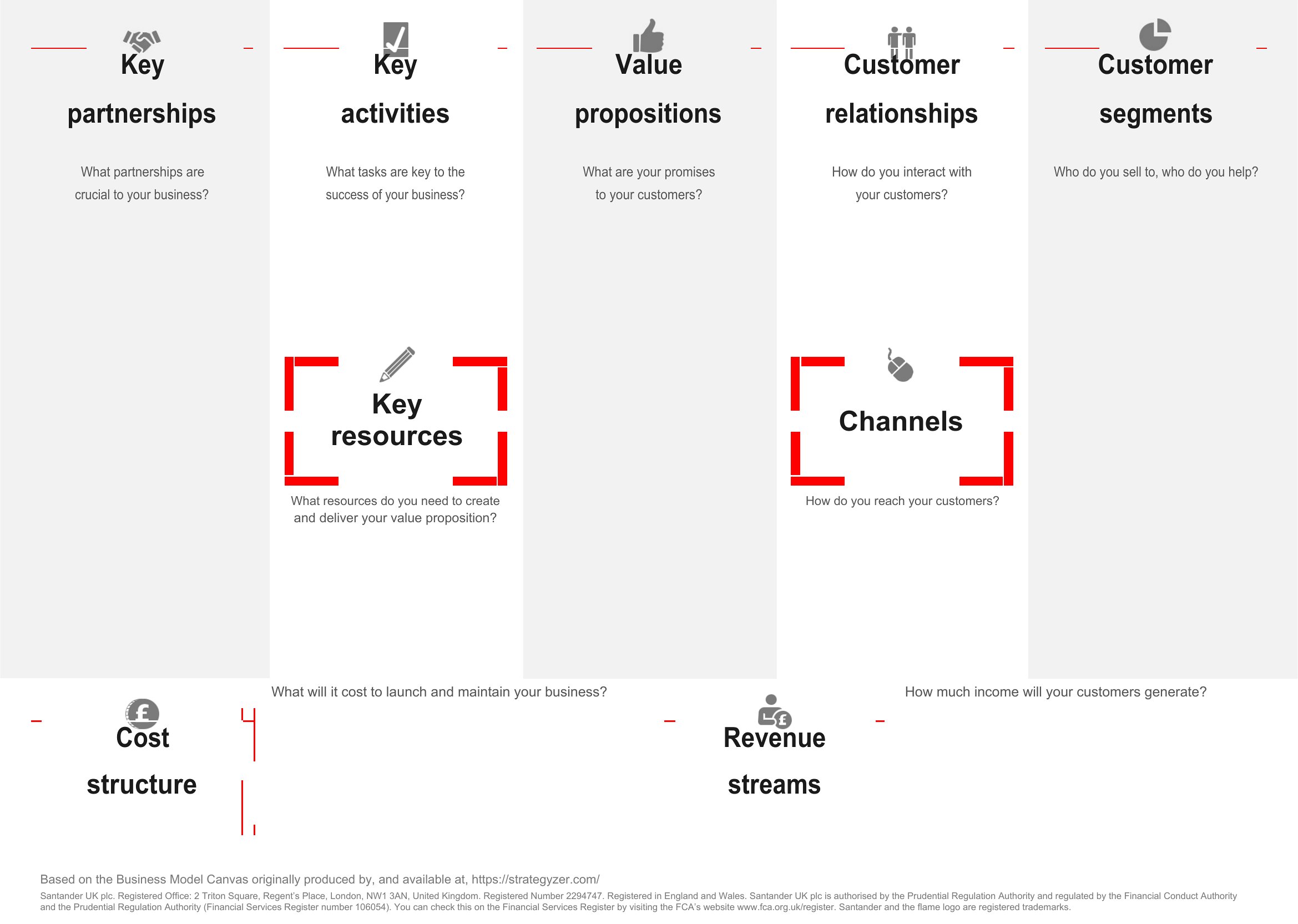
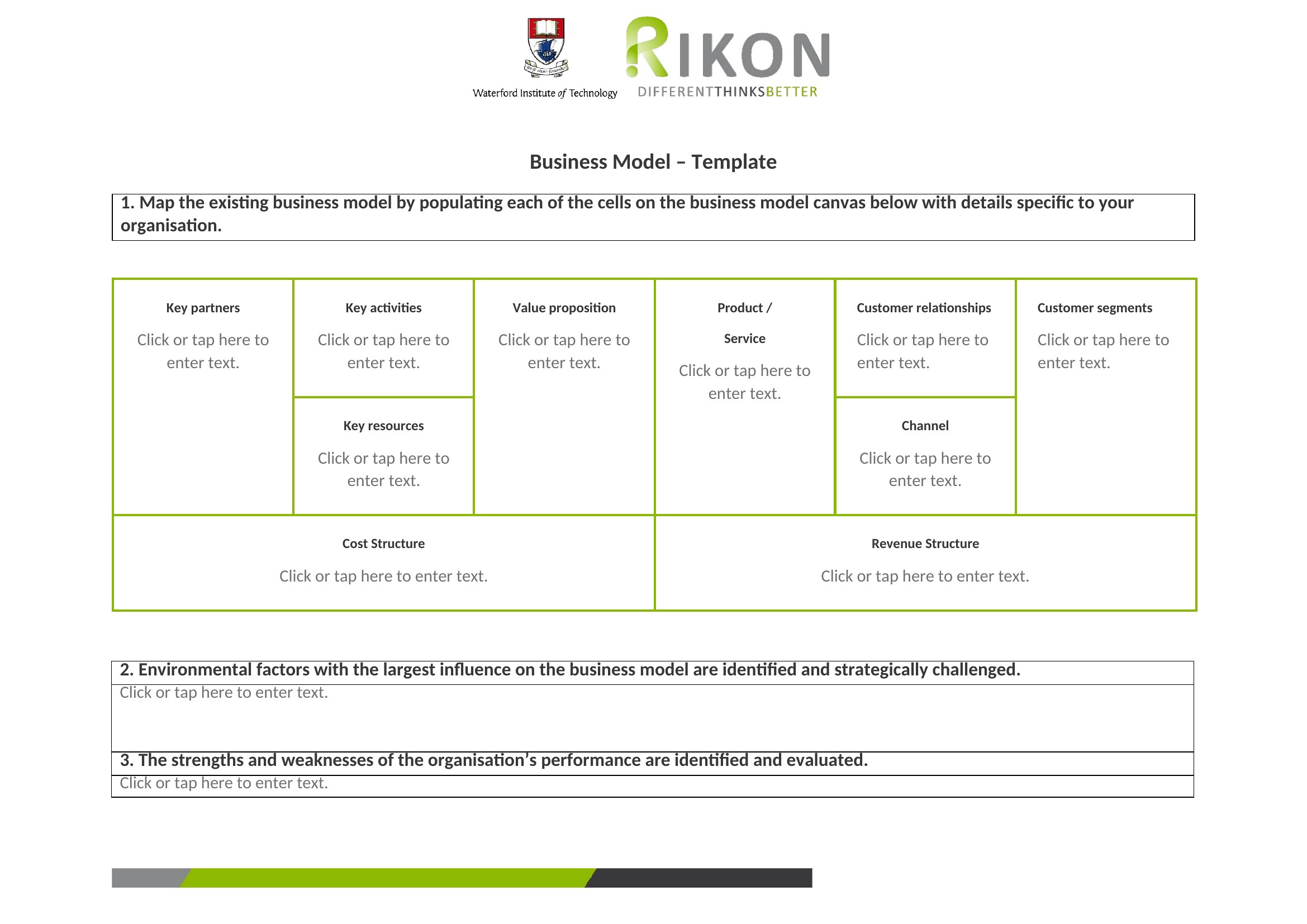
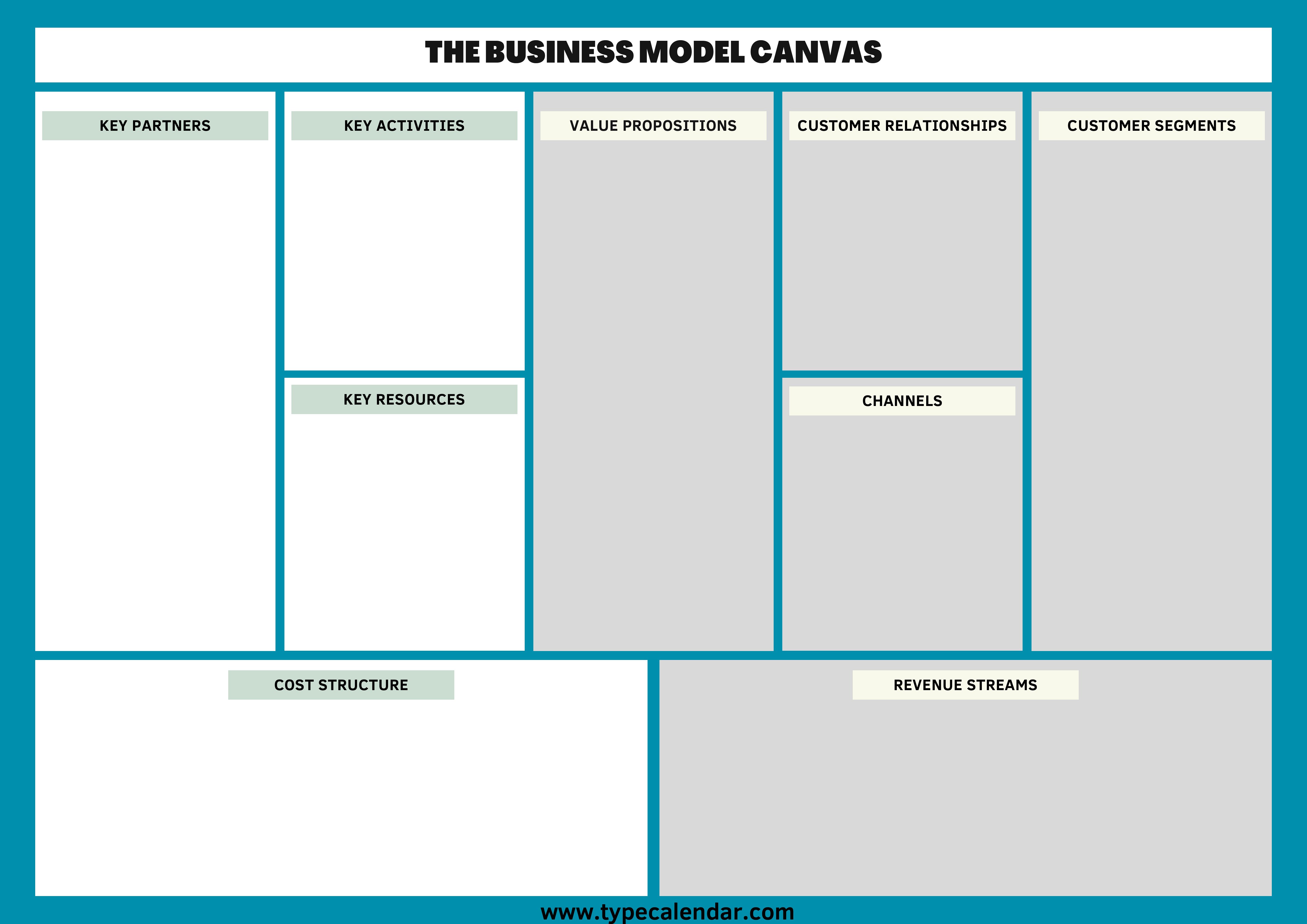
Yes, especially with the Excel format, where you can duplicate the nine-block layout and fill in details for each idea side by side. For visual comparison, print or display two Word or PDF canvases side by side during strategy meetings. However, this approach works best for high-level comparisons rather than granular financial analysis.
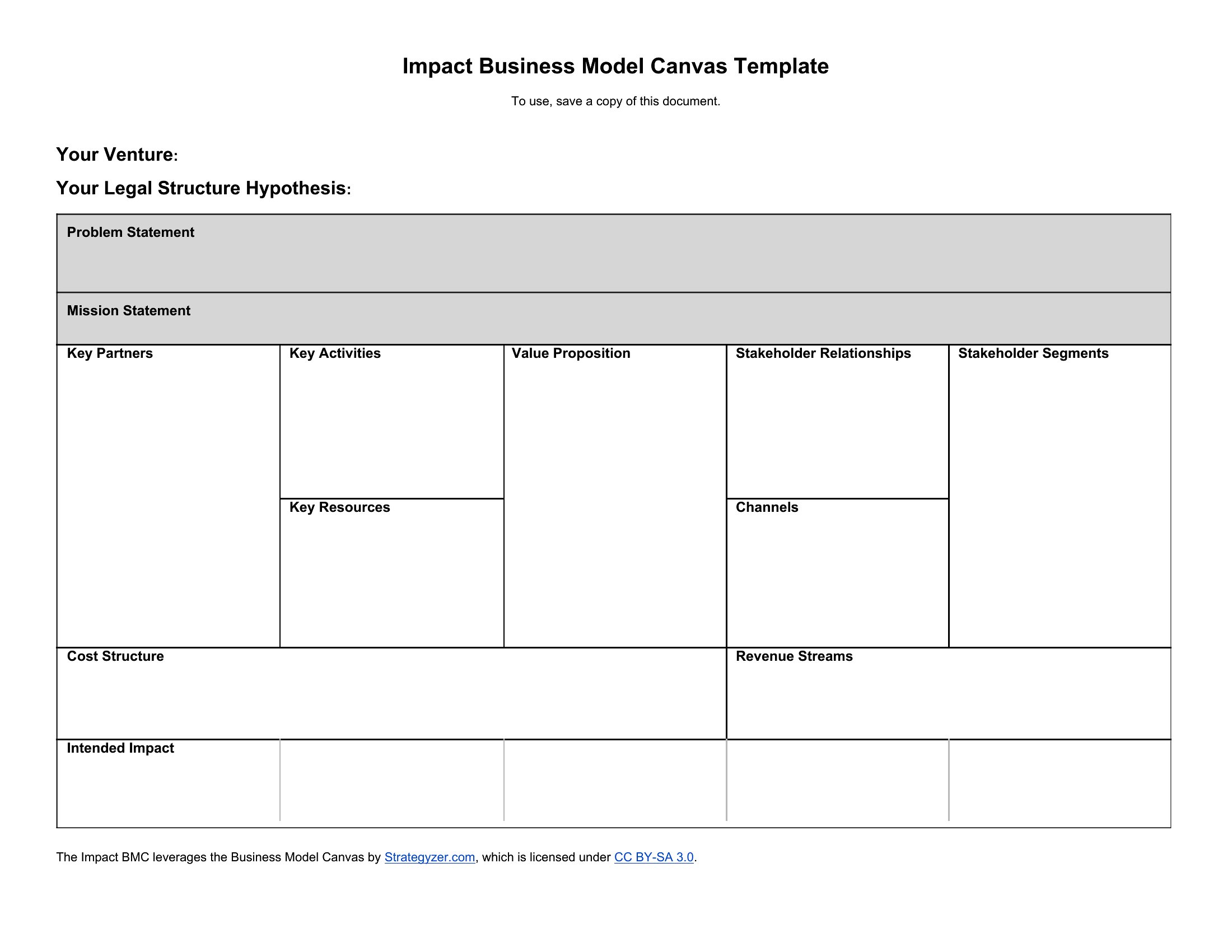
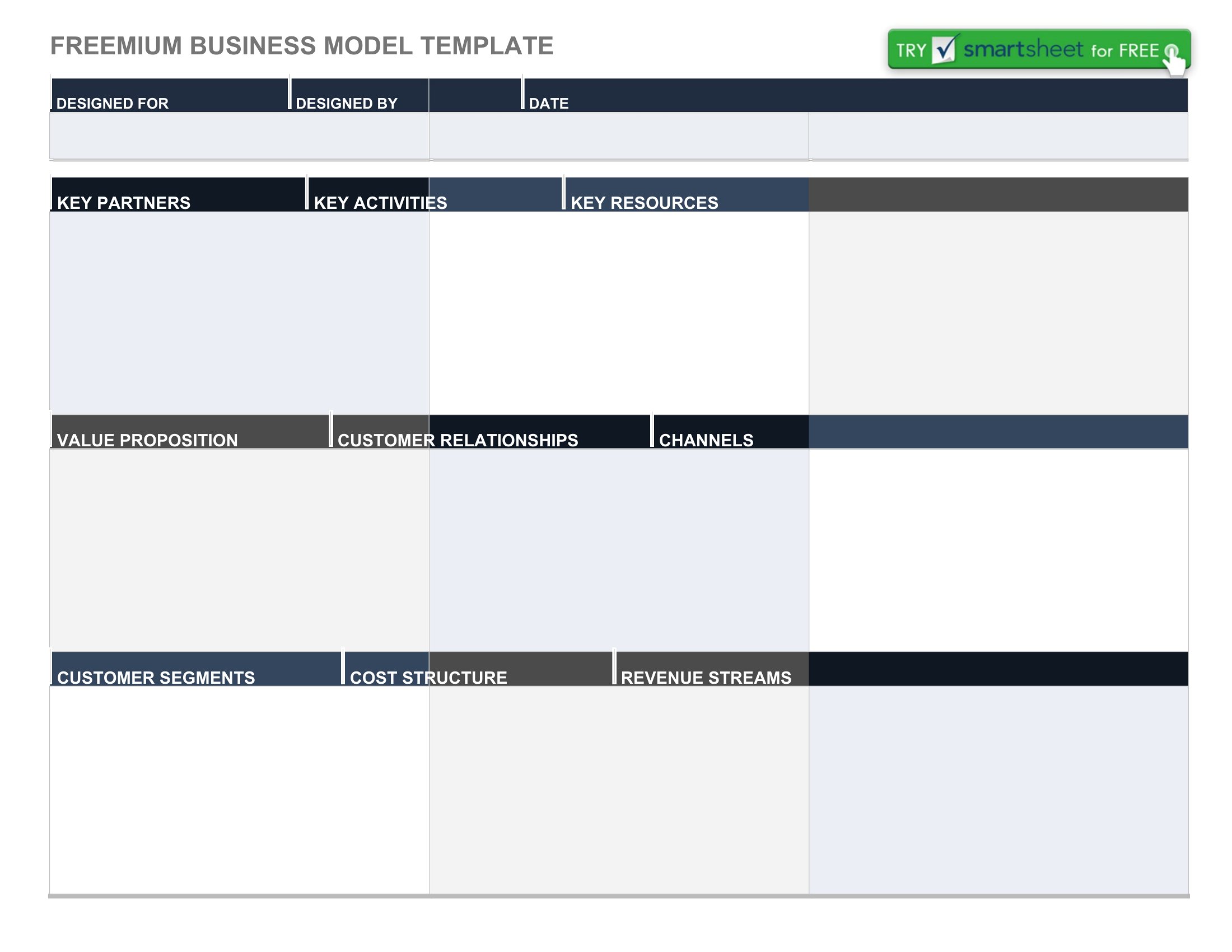
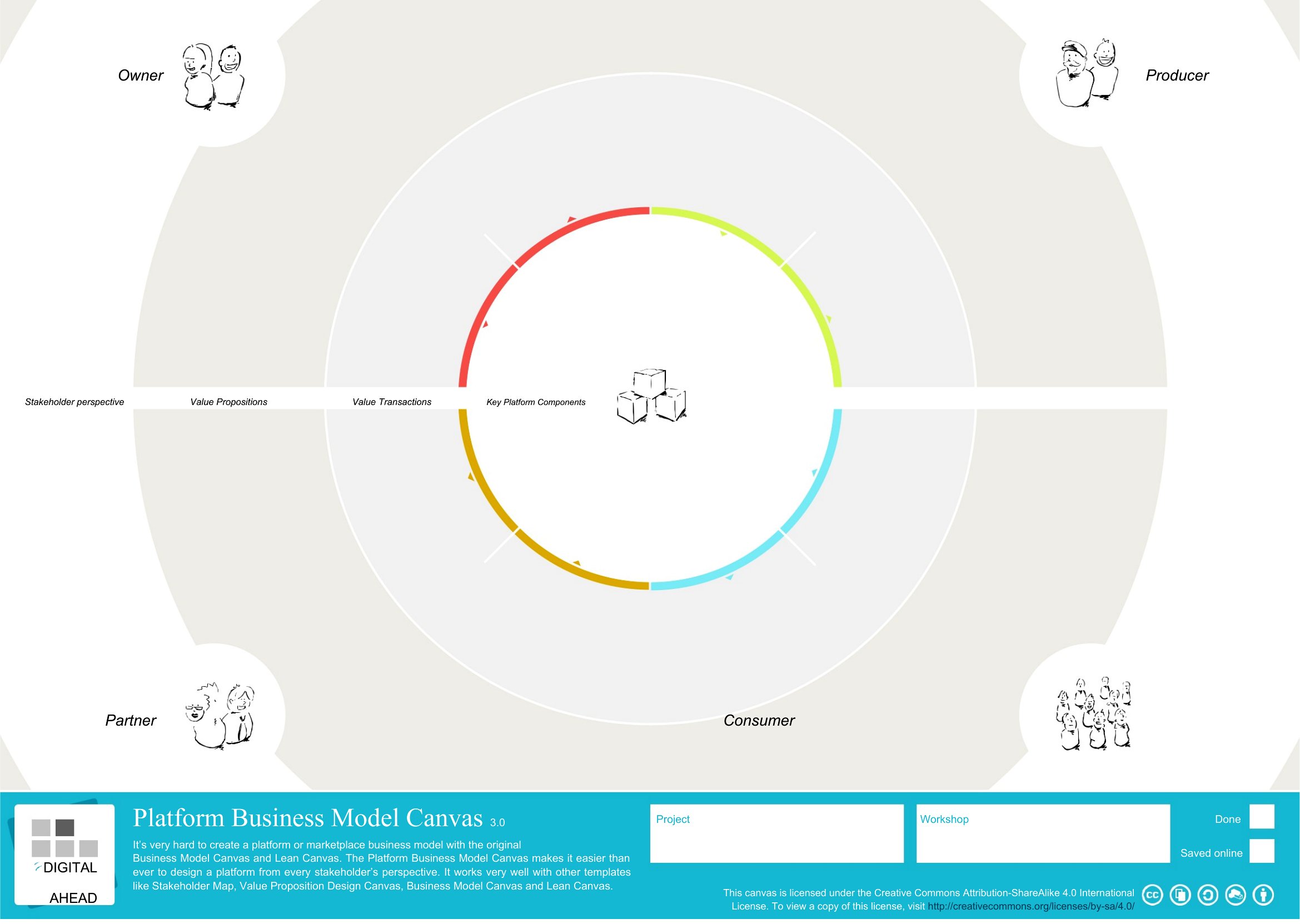
How do I adapt the canvas if my business doesn’t fit neatly into the nine blocks—for example, a subscription-based service with hybrid revenue models?
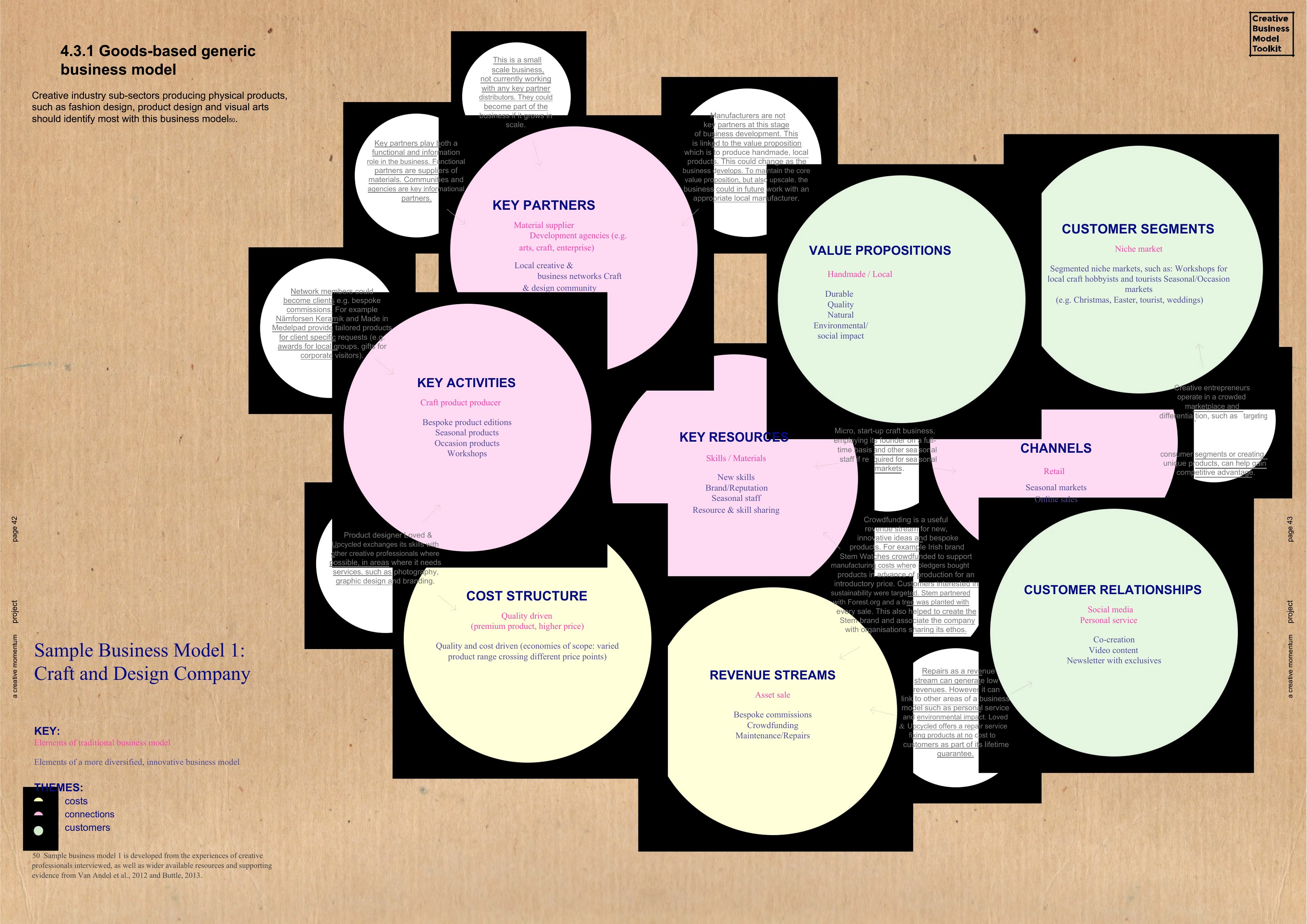
The canvas is flexible: merge blocks like ‘Revenue Streams’ and ‘Customer Relationships’ into a single note if they’re closely linked. Use the ‘Key Resources’ or ‘Key Activities’ sections to describe hybrid elements, then add a brief margin note. These templates are starting points—customize the language to reflect your unique model without forcing it into rigid categories.
Should I fill out the canvas in order (left to right) or start with the block that’s most unclear for my business?
Starting with the block you’re least certain about—often ‘Value Propositions’ or ‘Channels’—can reveal gaps faster. However, for collaborative sessions, begin with ‘Customer Segments’ and ‘Customer Relationships’ to align the team on who you’re serving. There’s no single ‘right’ order, but prioritize ambiguity early to avoid assumptions later in the process.
Comments
Join the conversation
Sign in to share your thoughts and leave a comment on this resource.