Free Requisition Form Templates (Word, PDF)
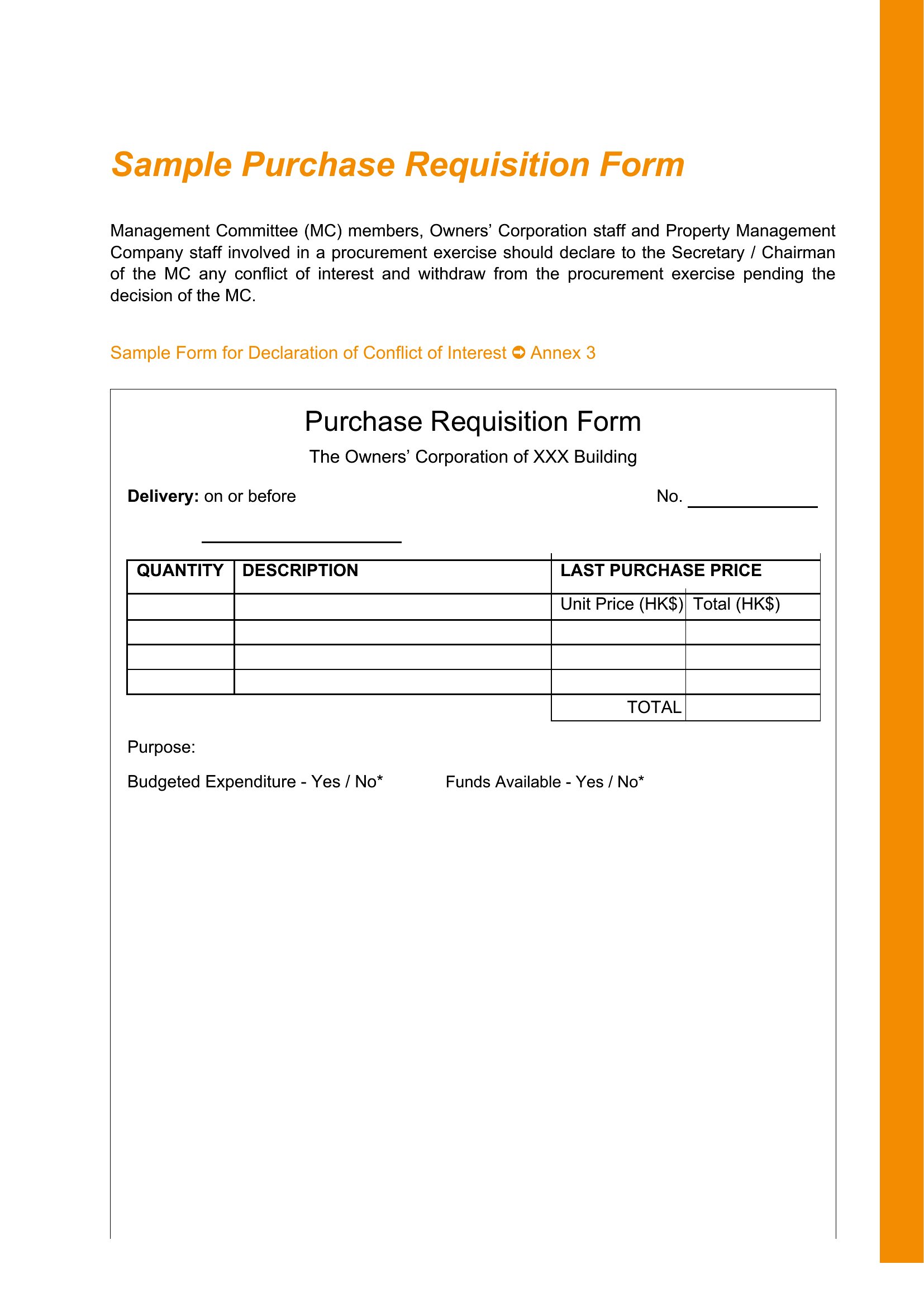
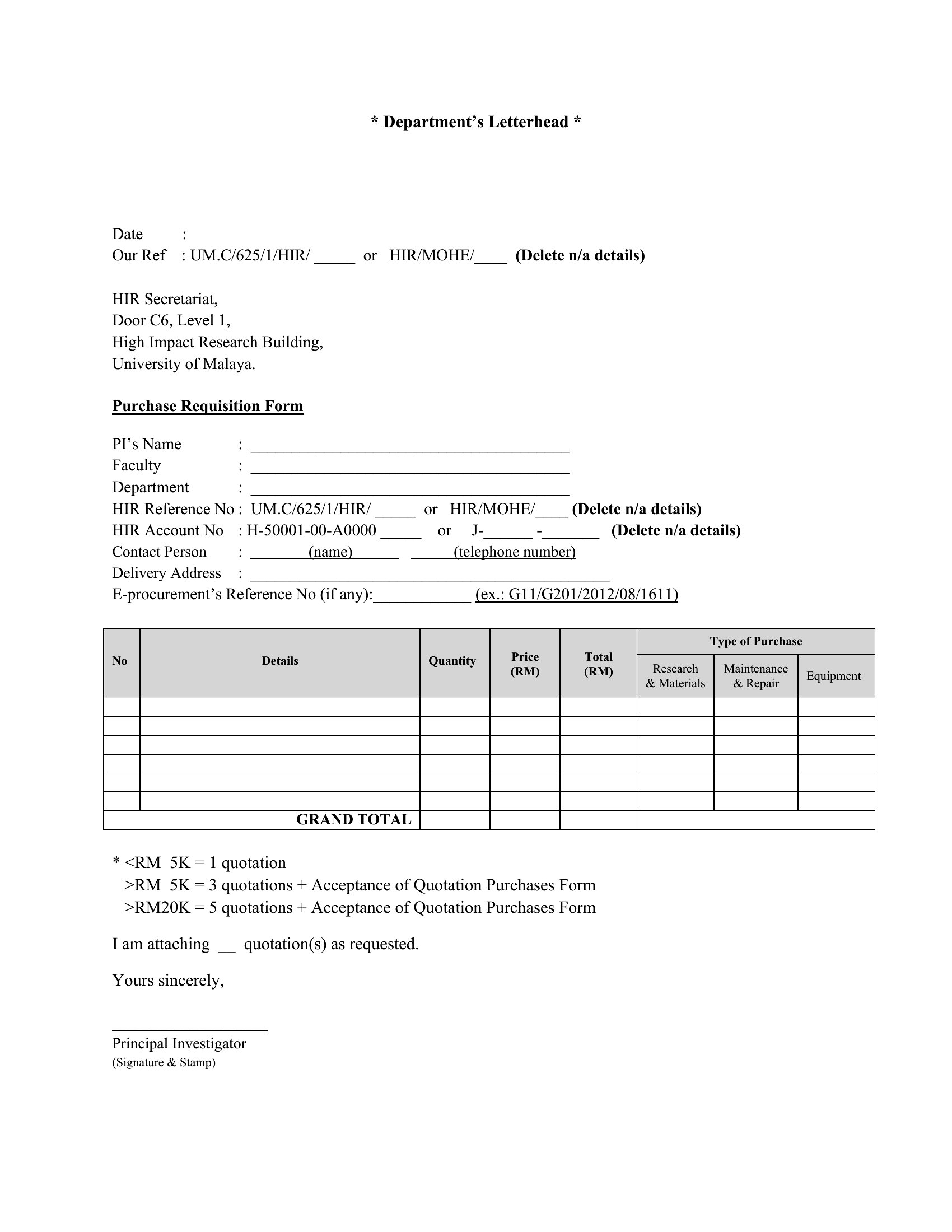
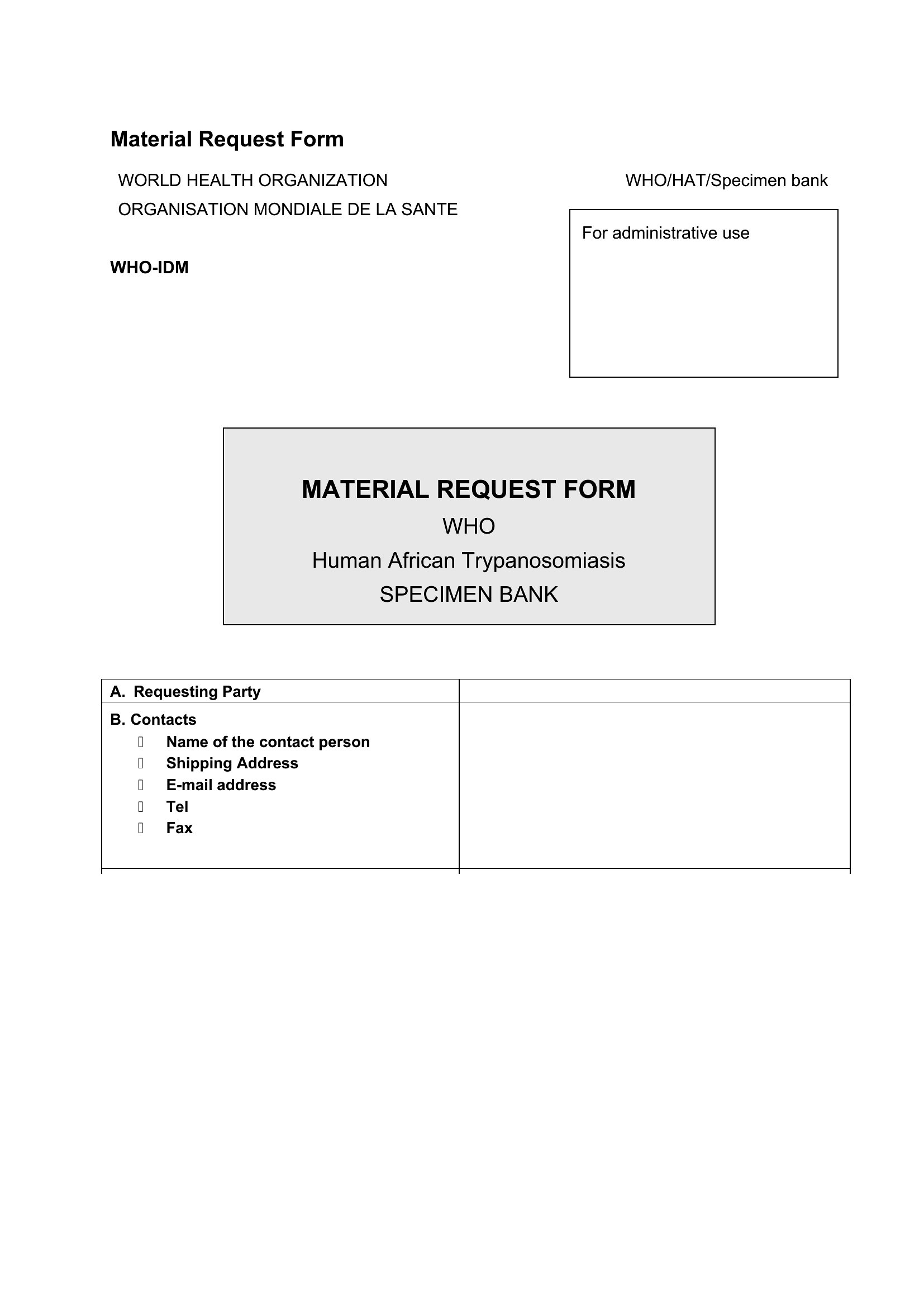
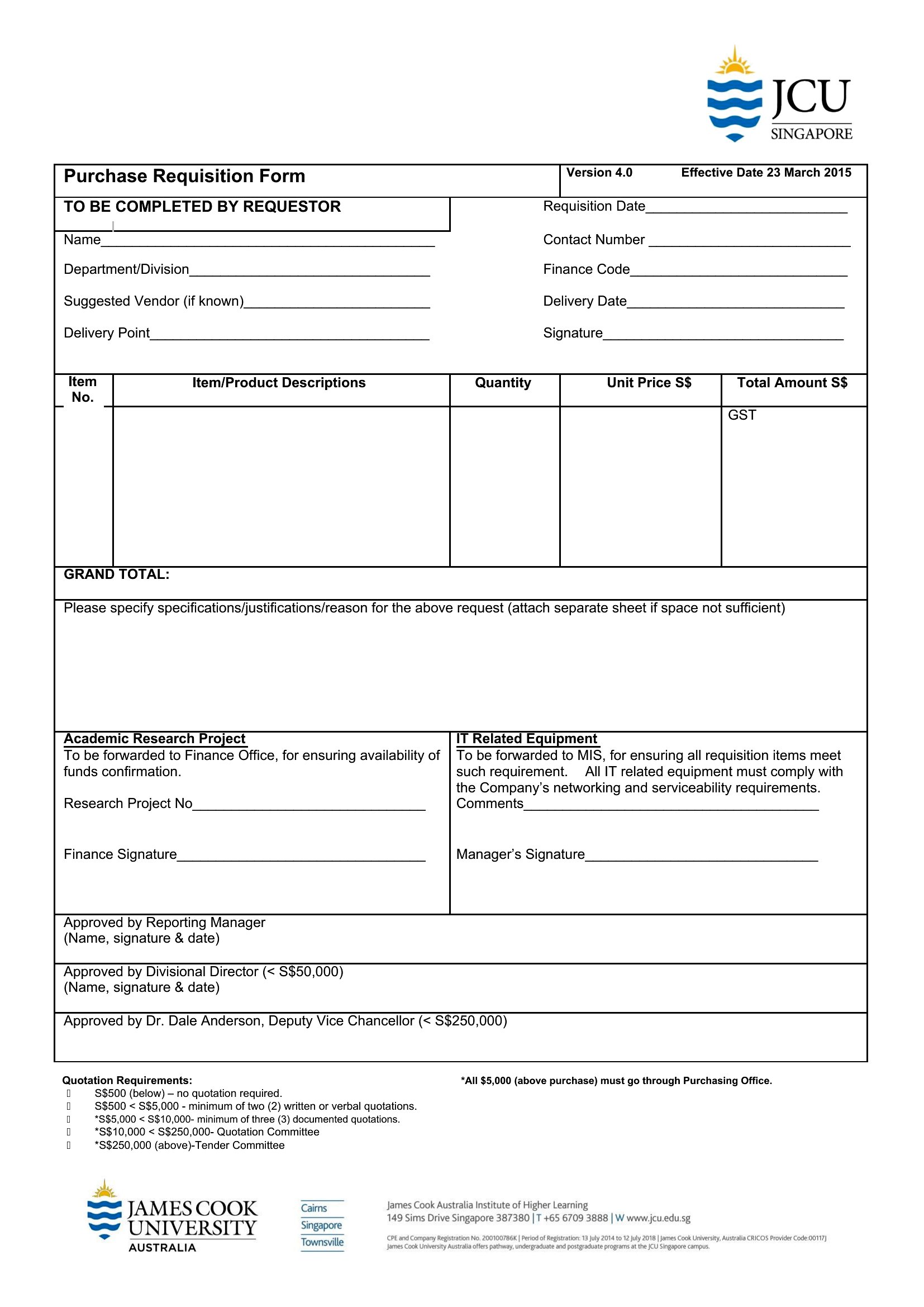
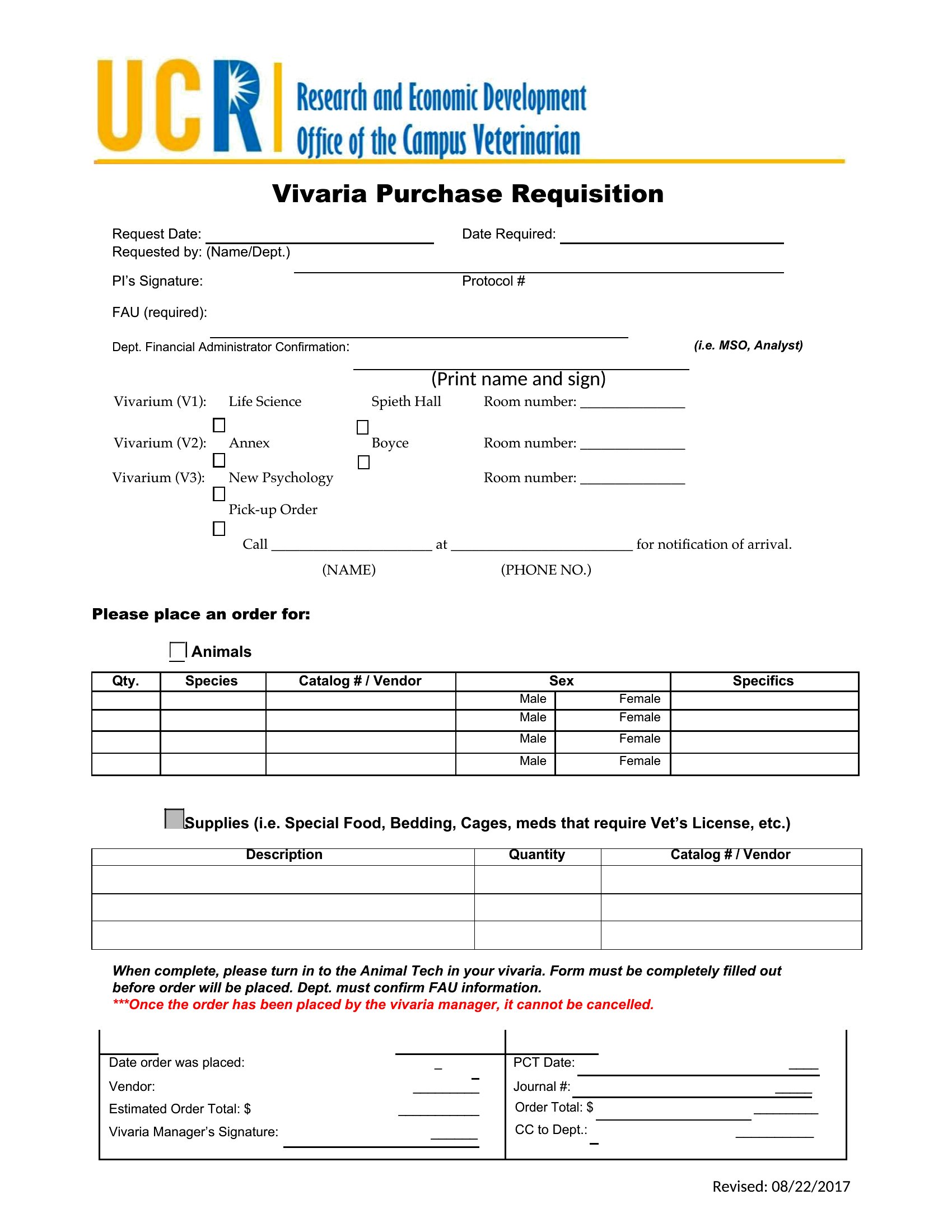
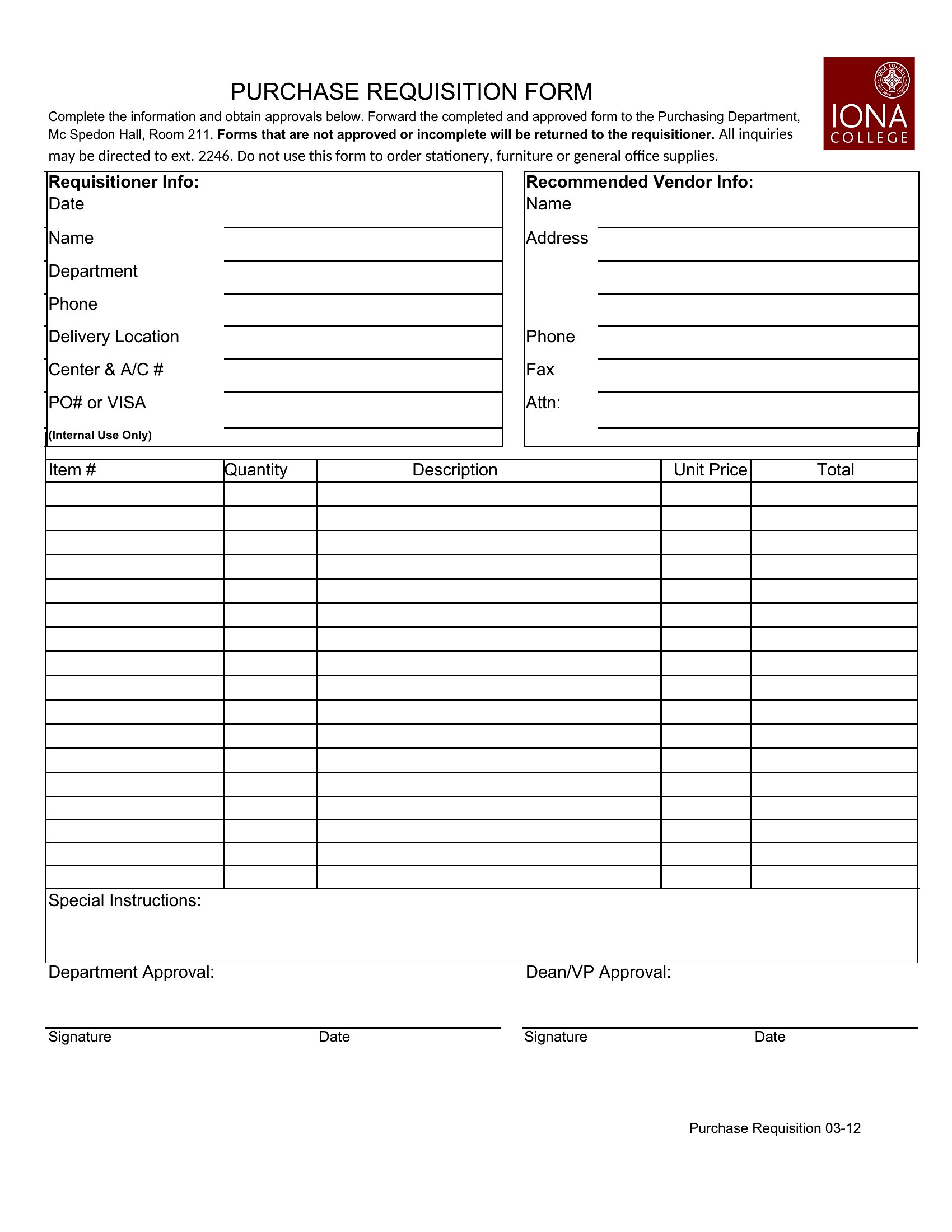
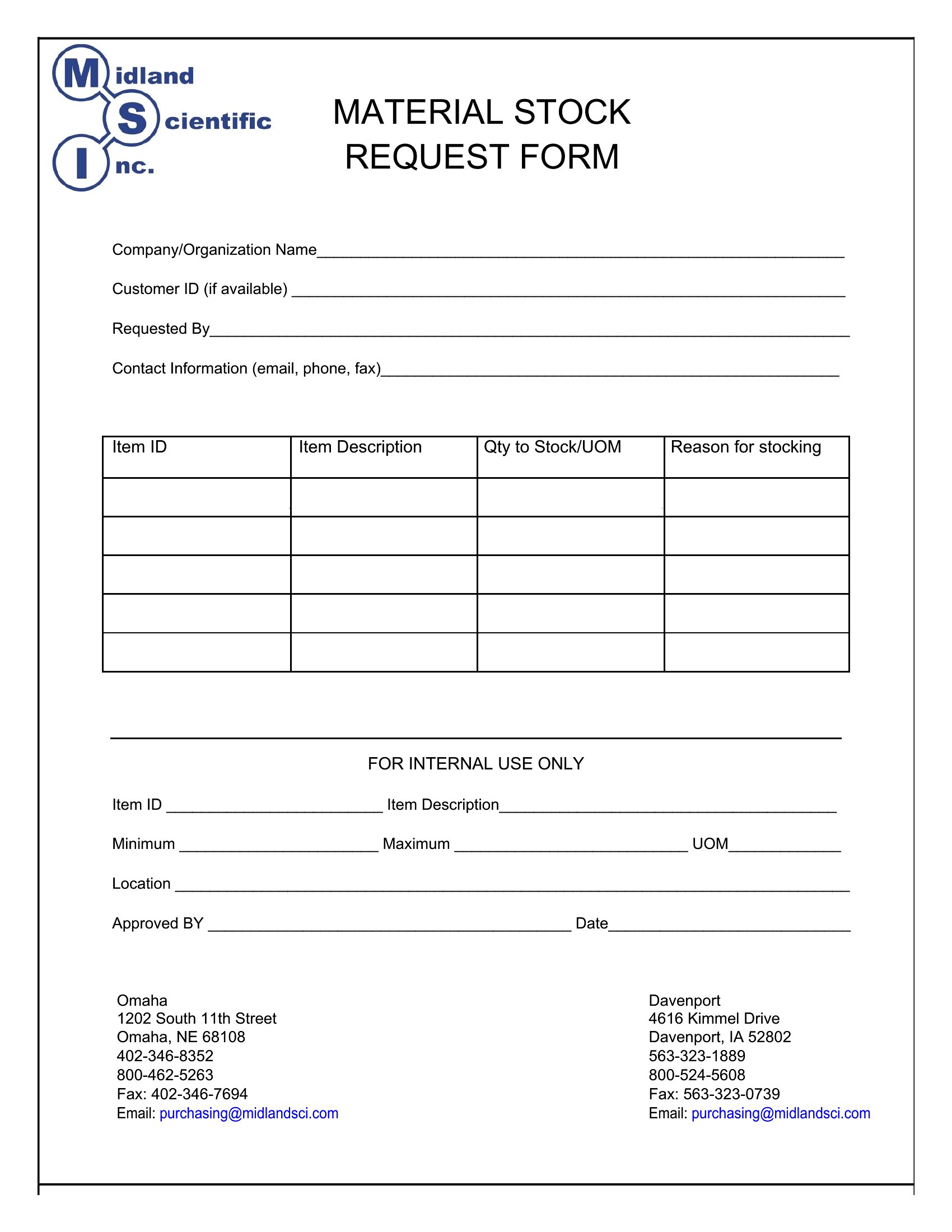
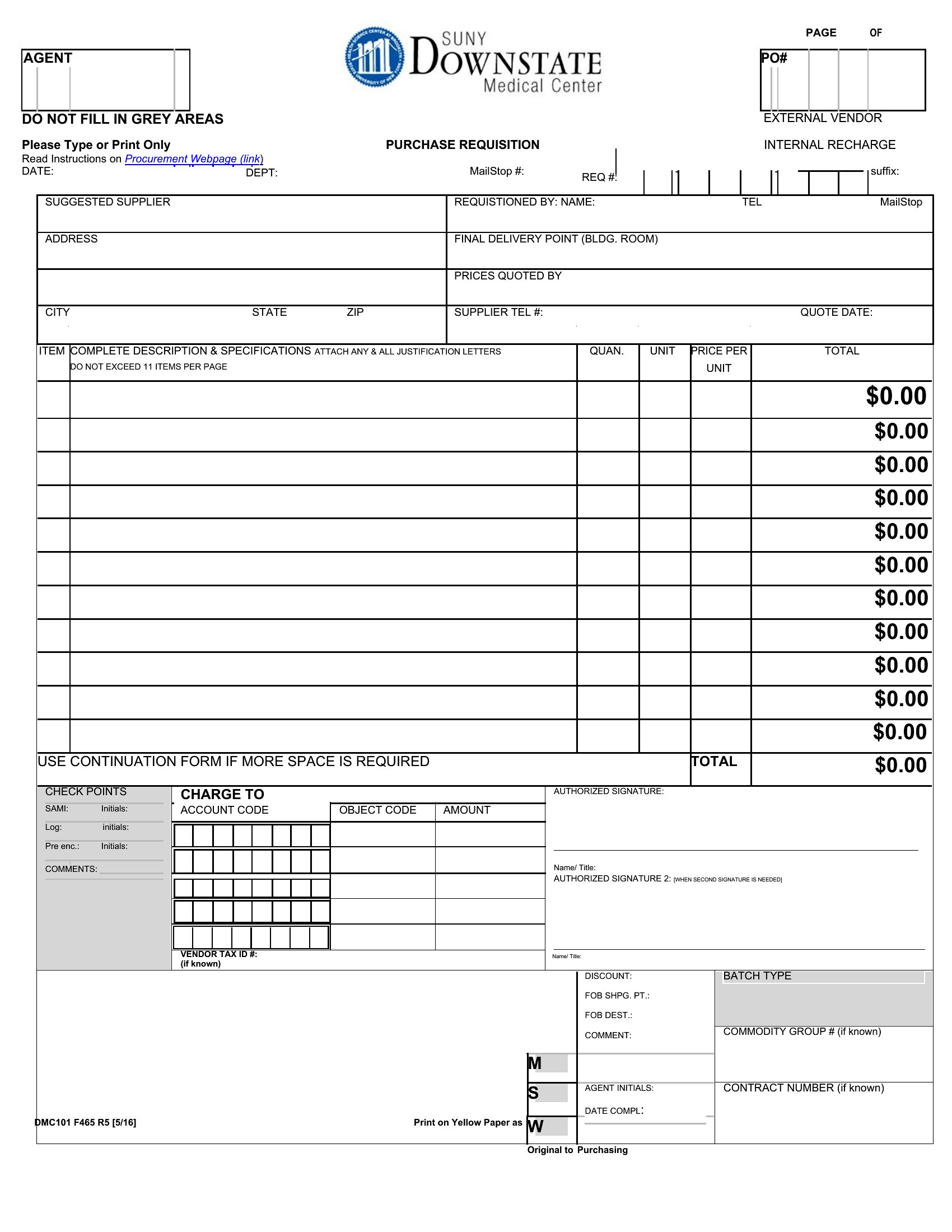
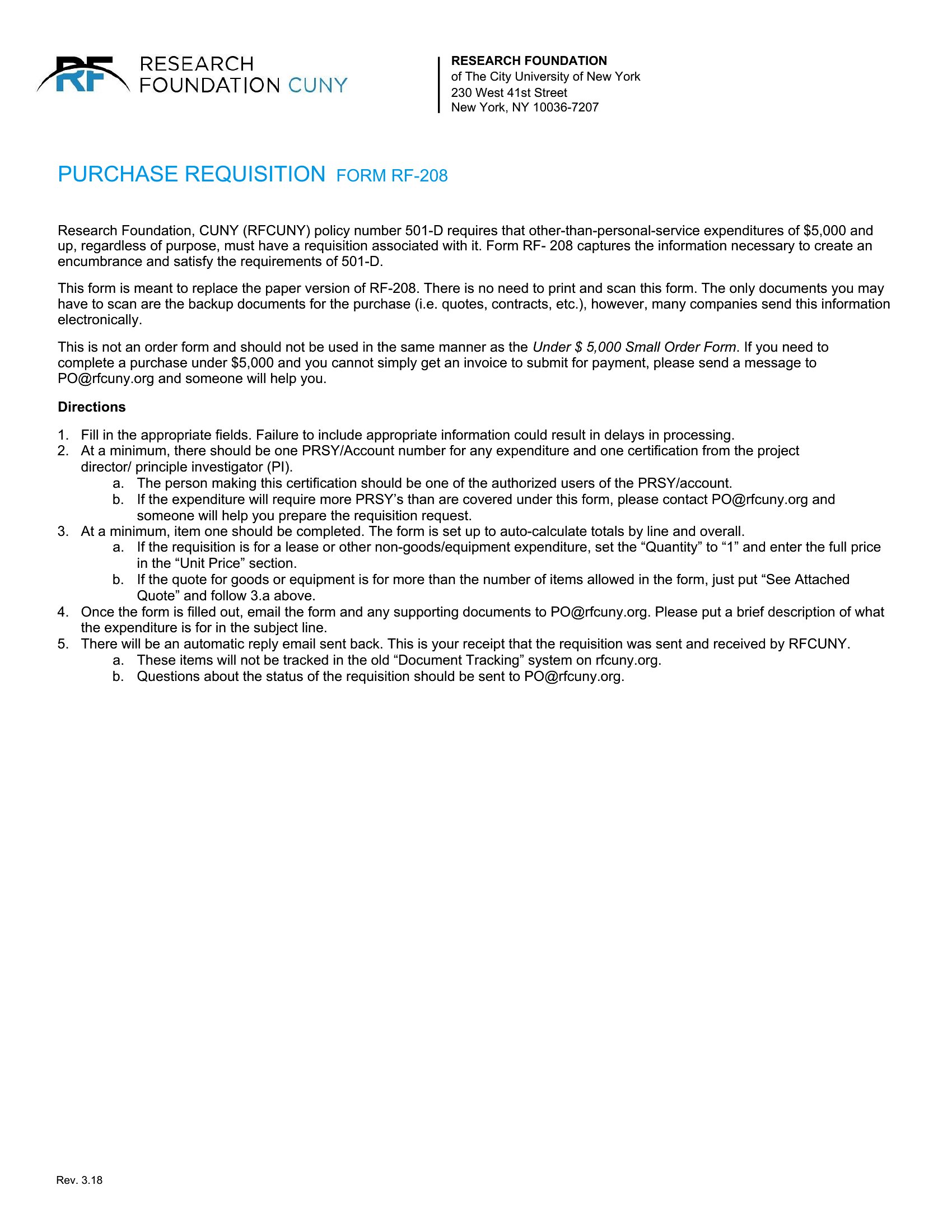
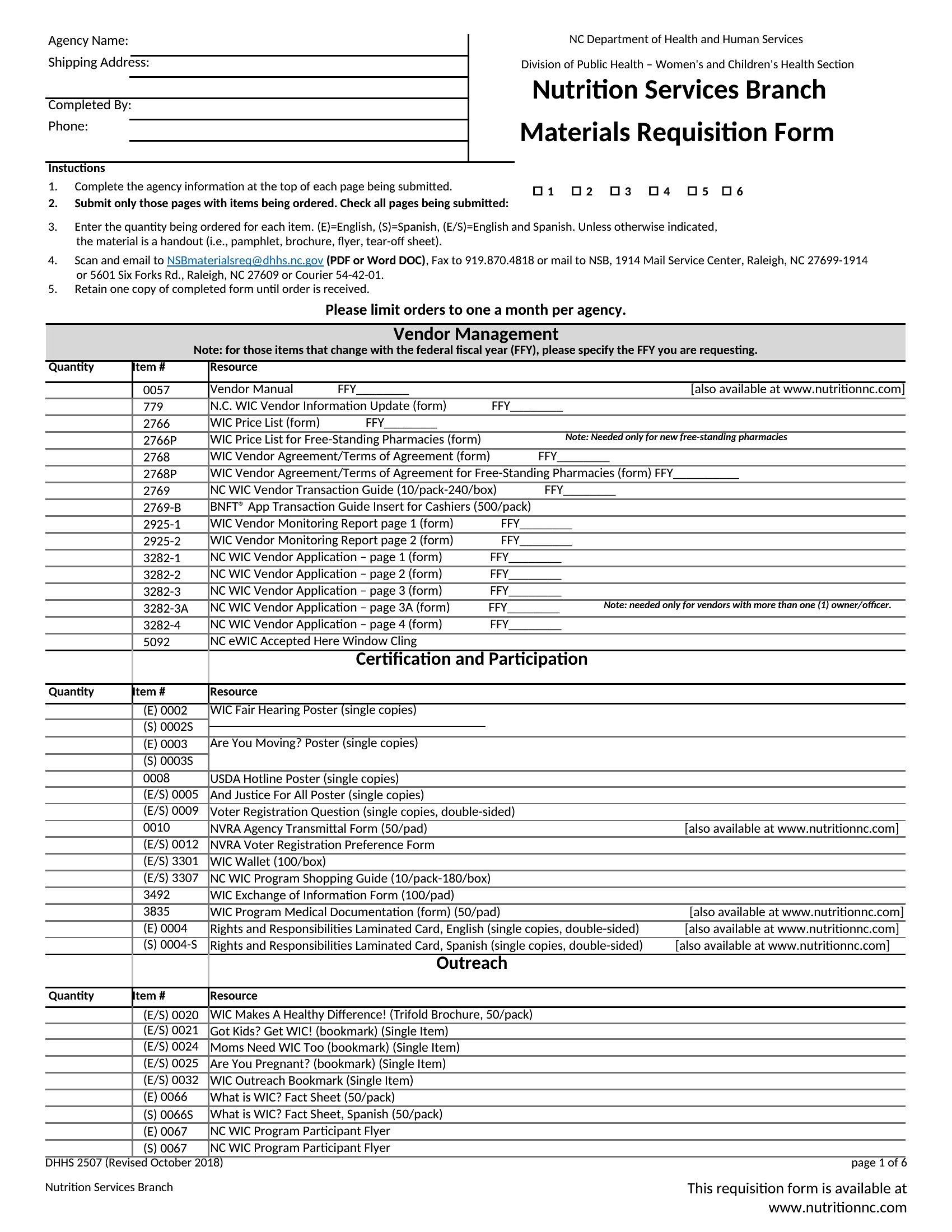
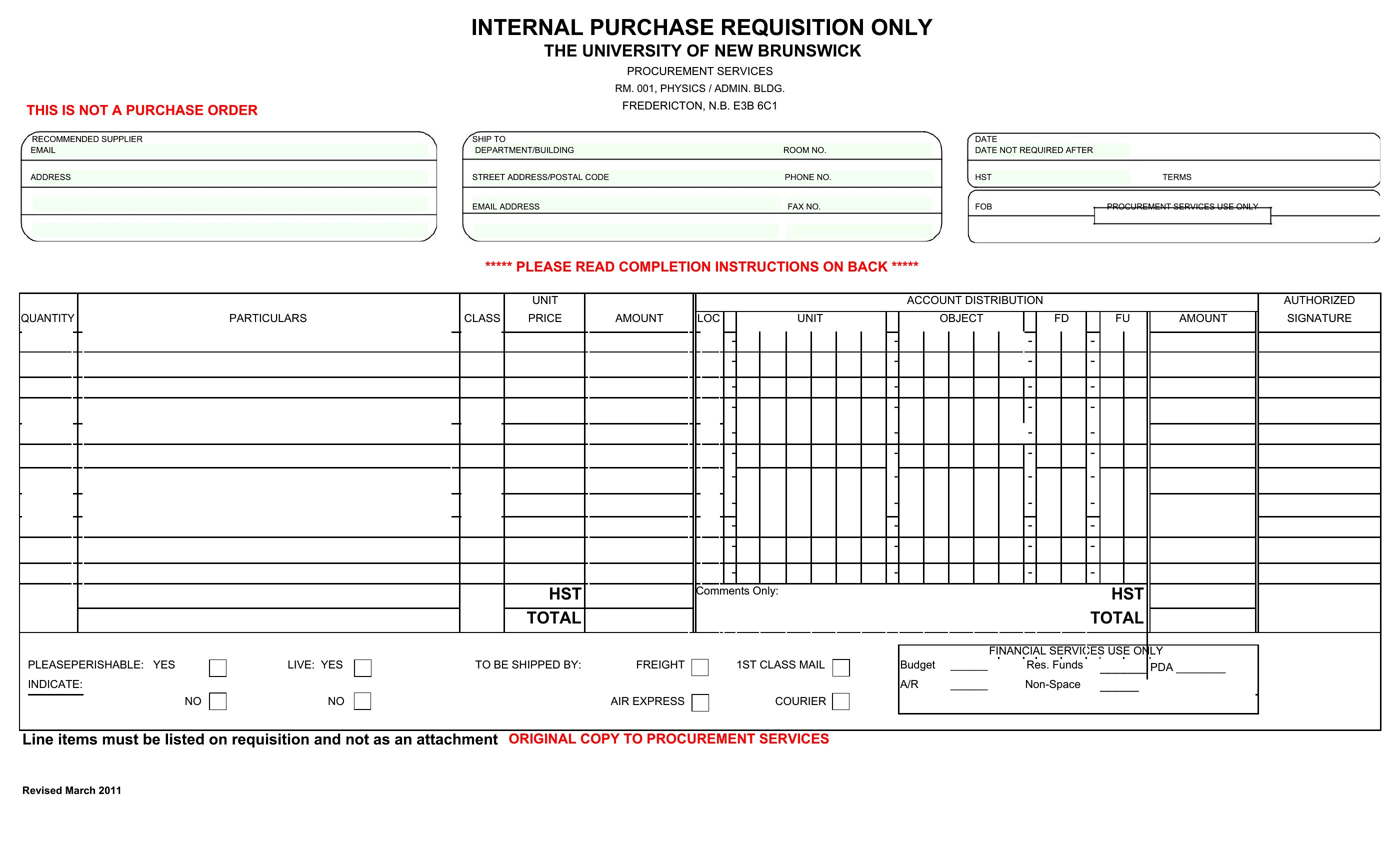
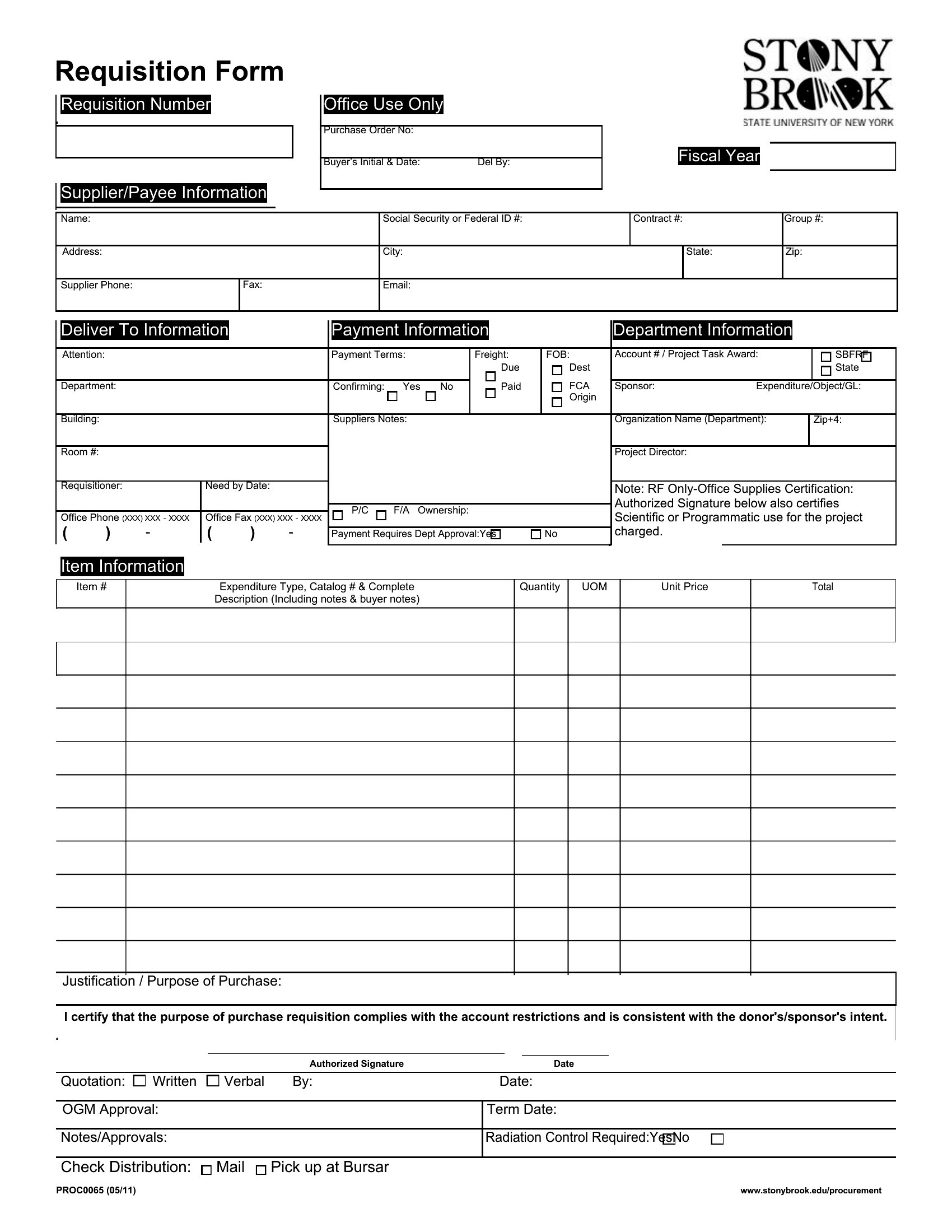
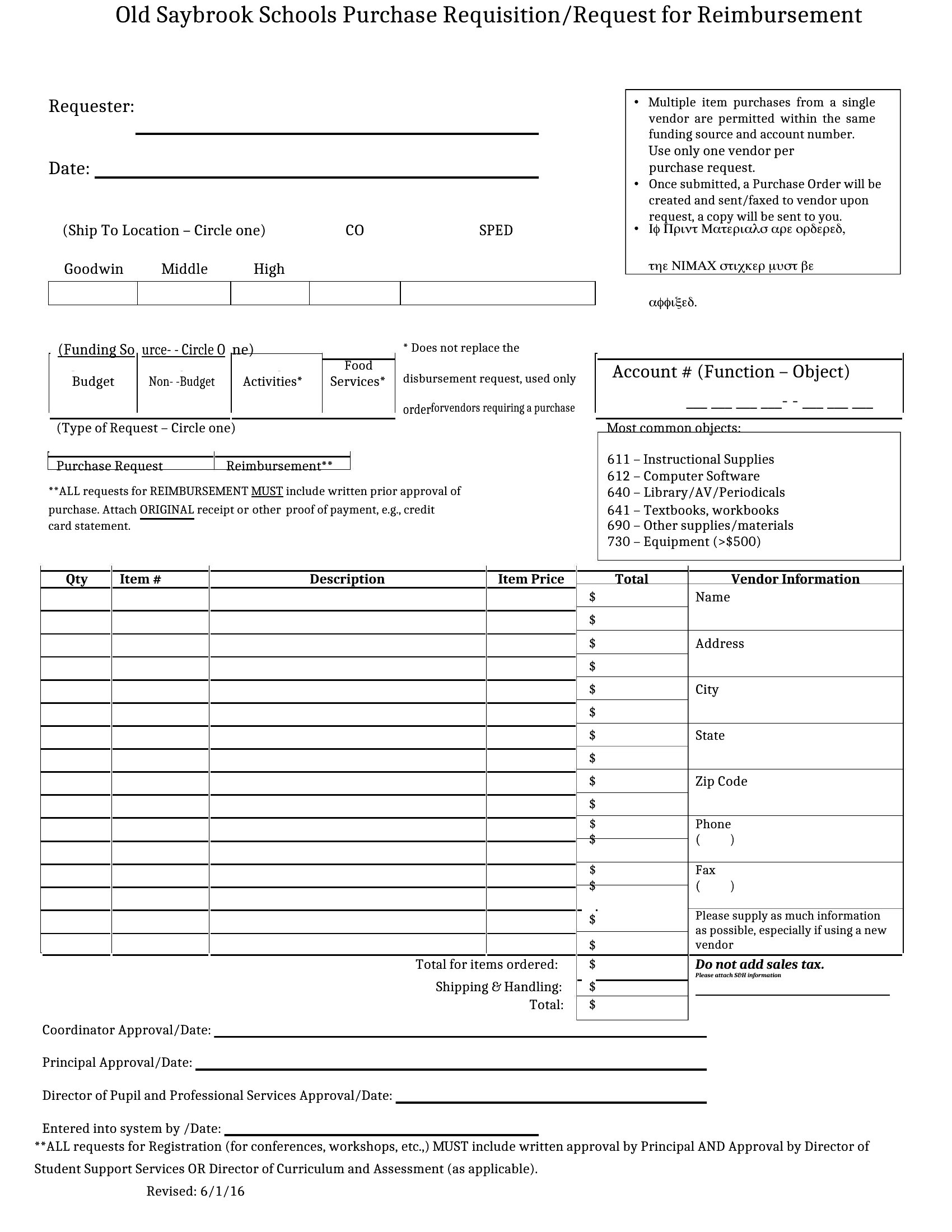
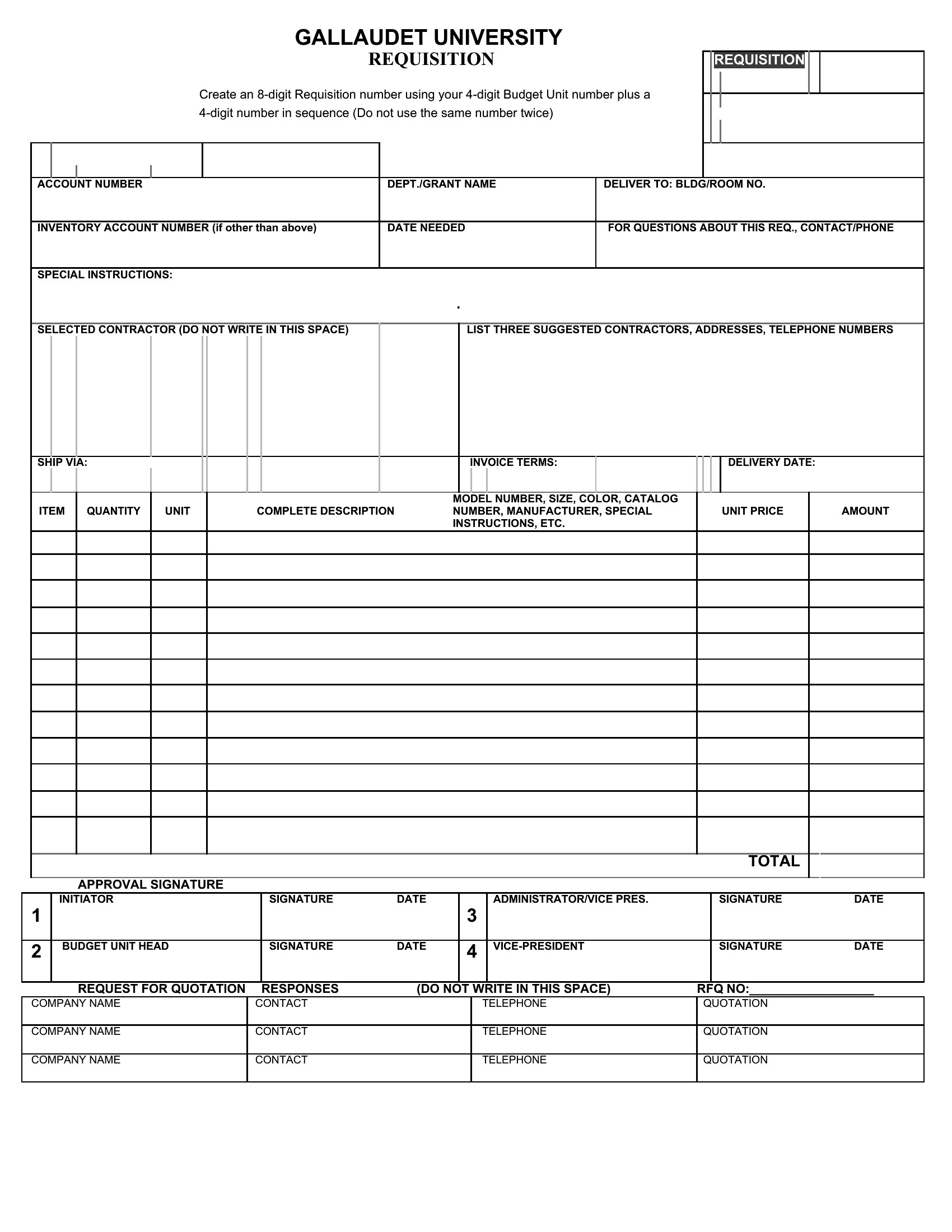
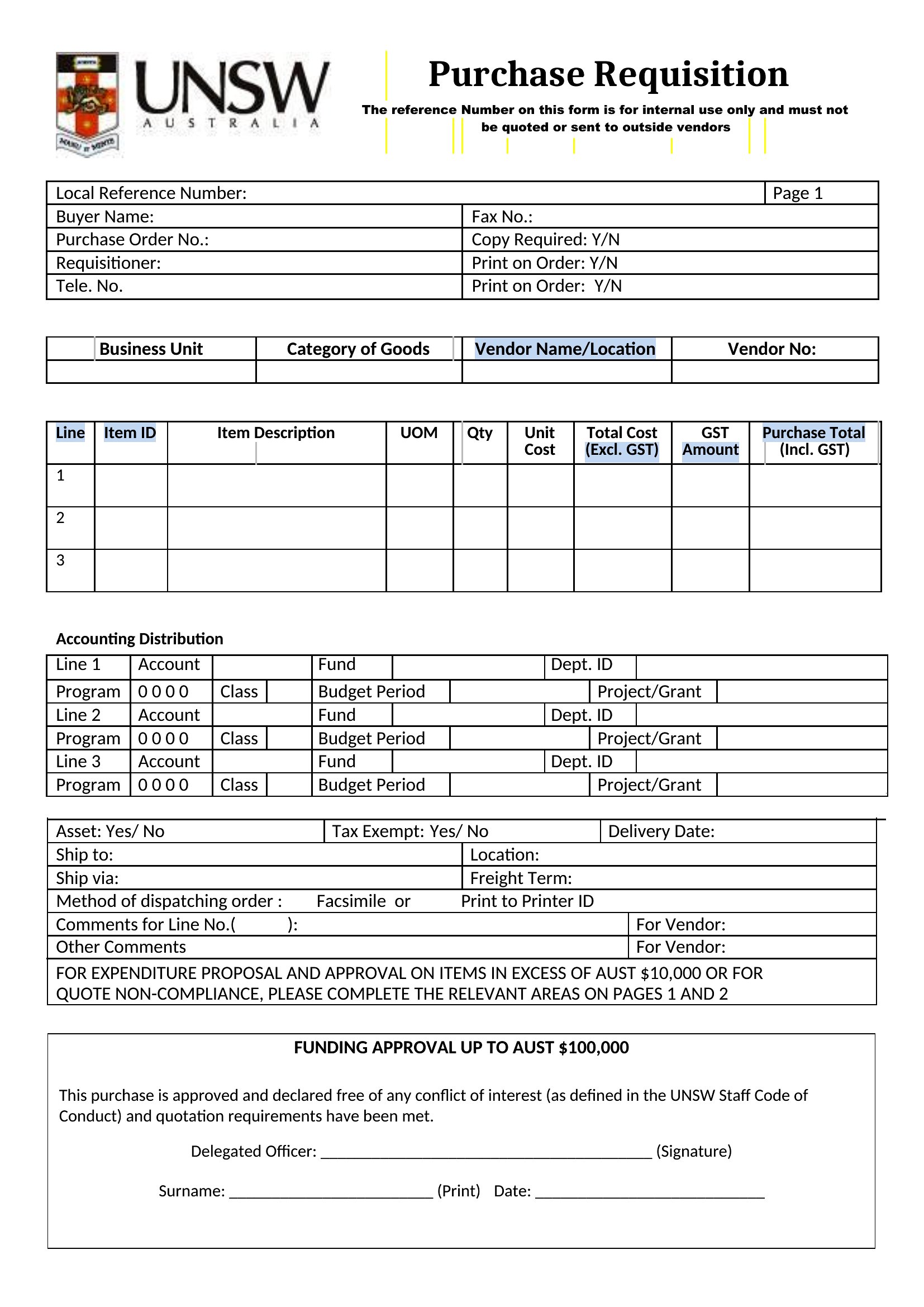
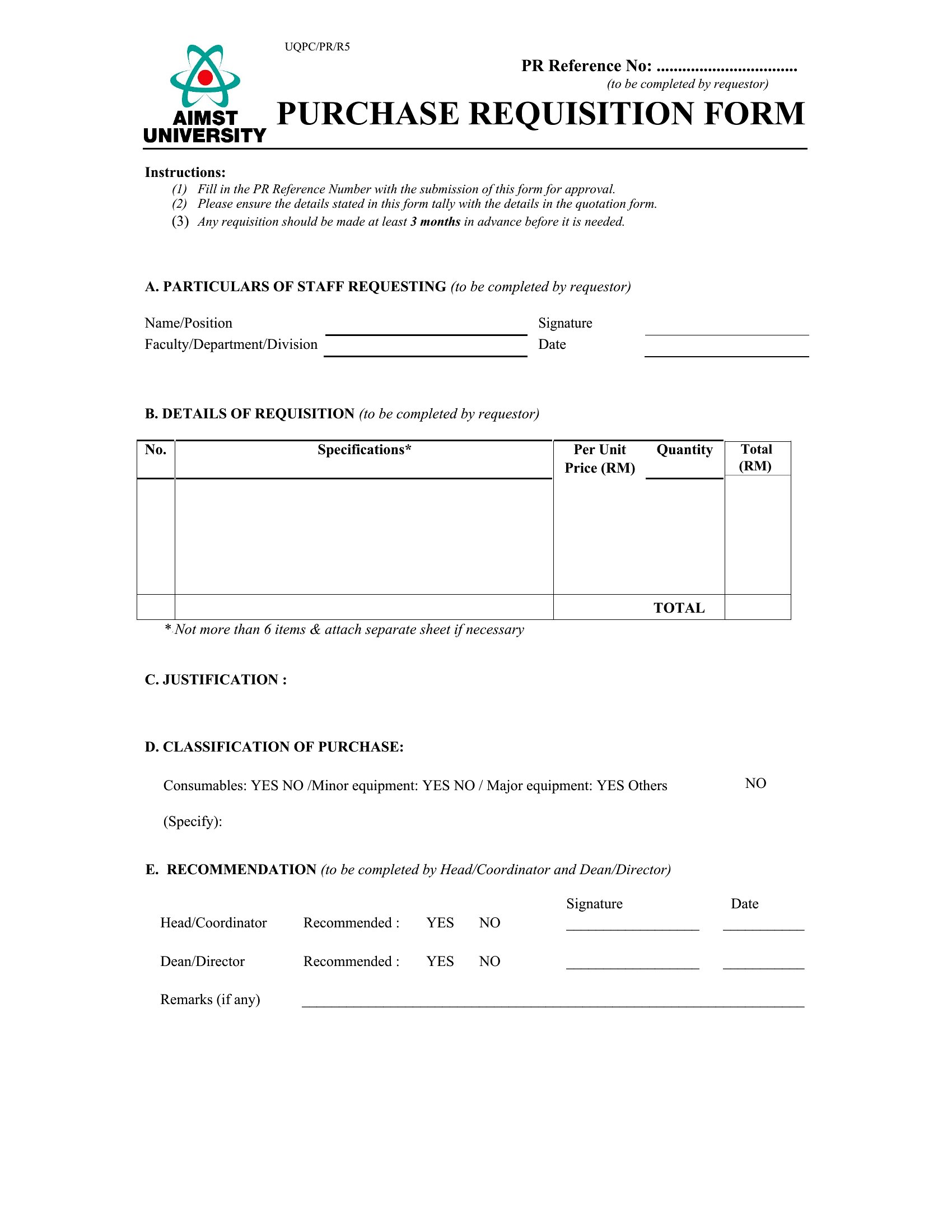
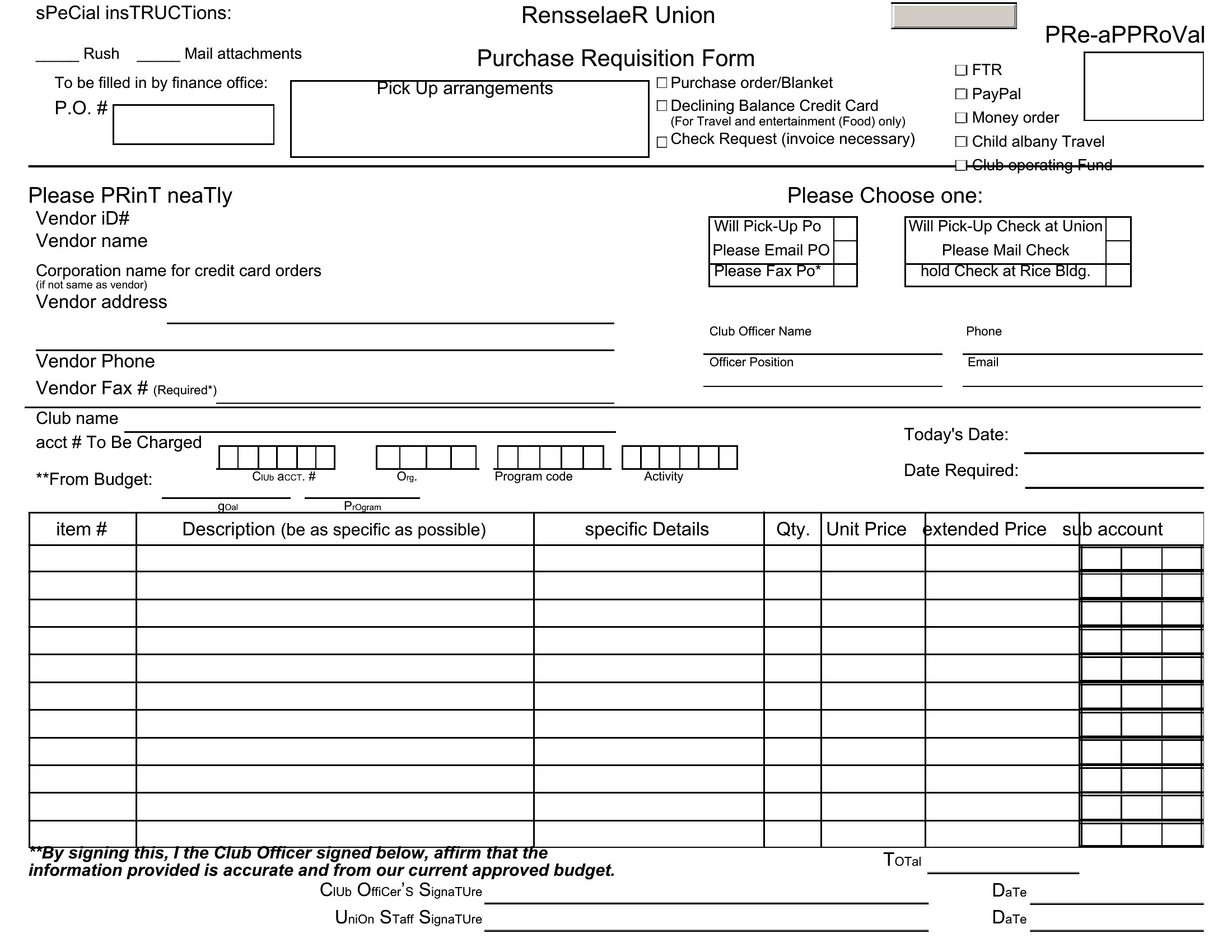
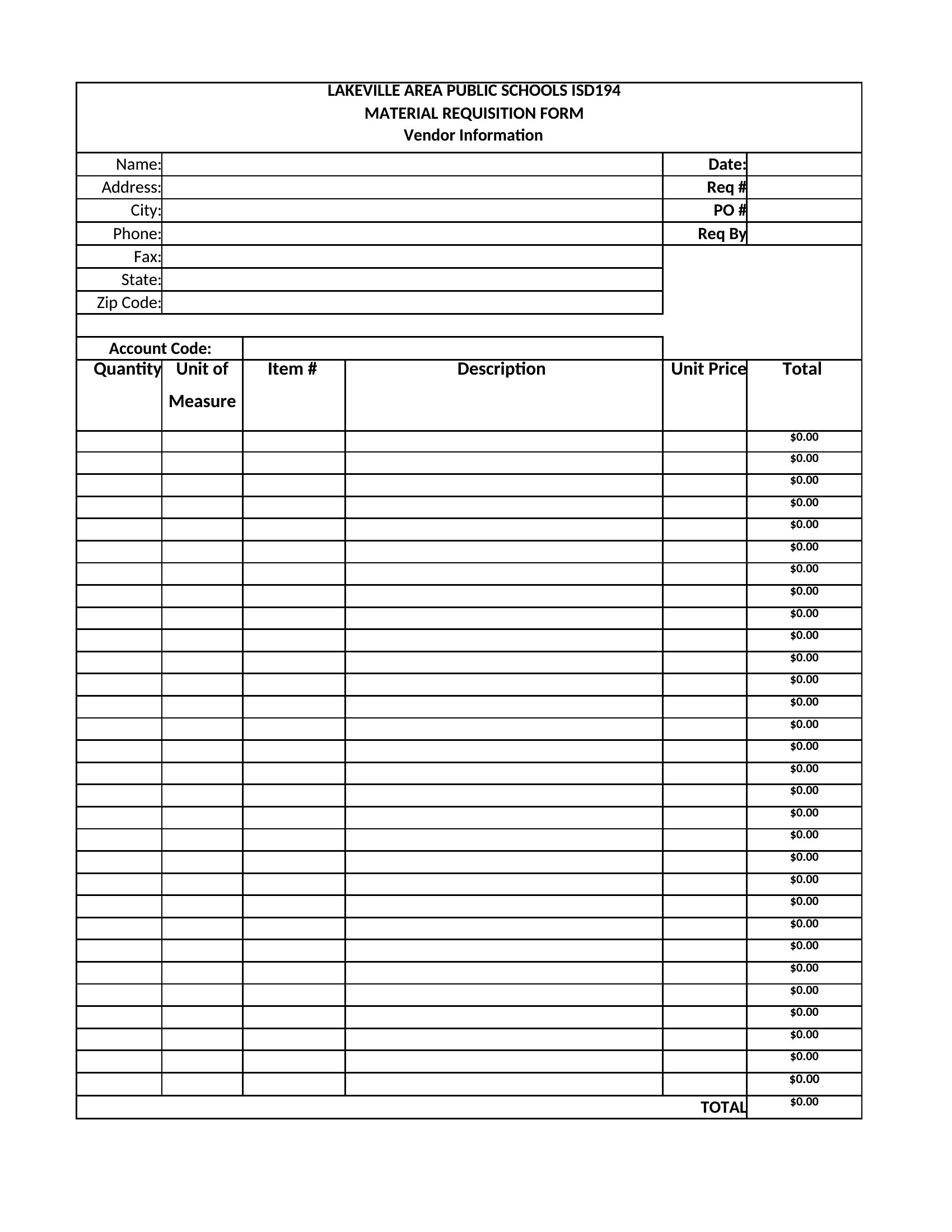
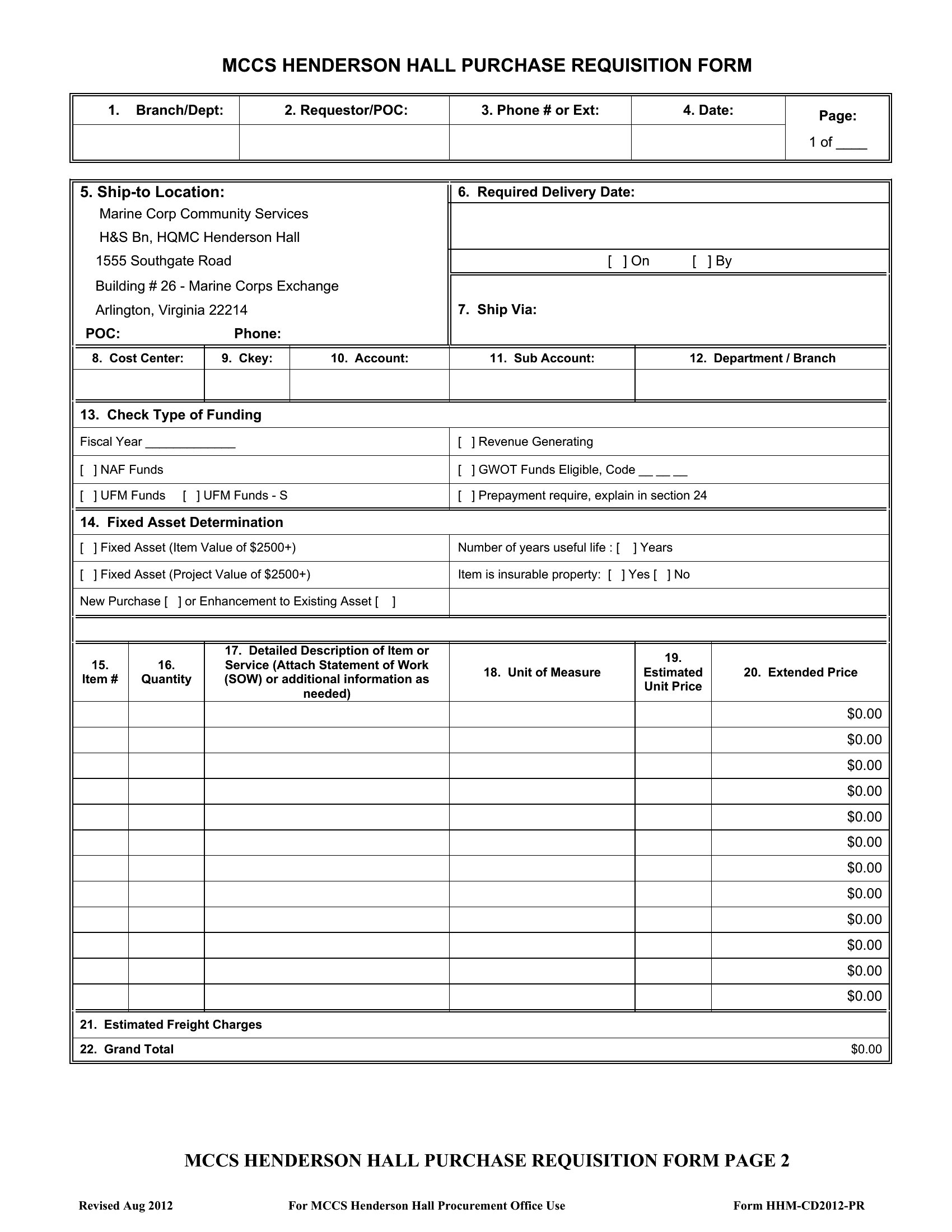
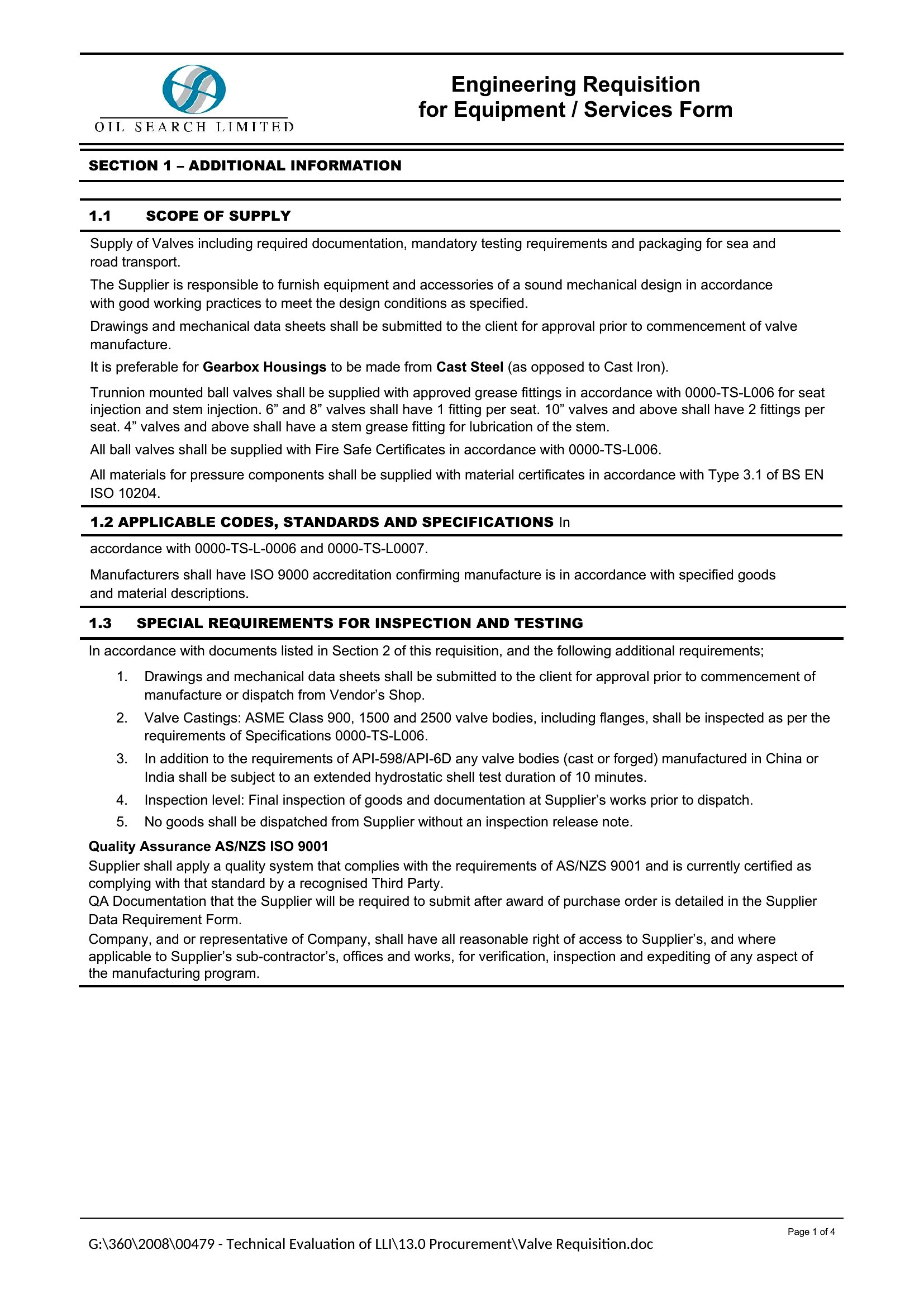
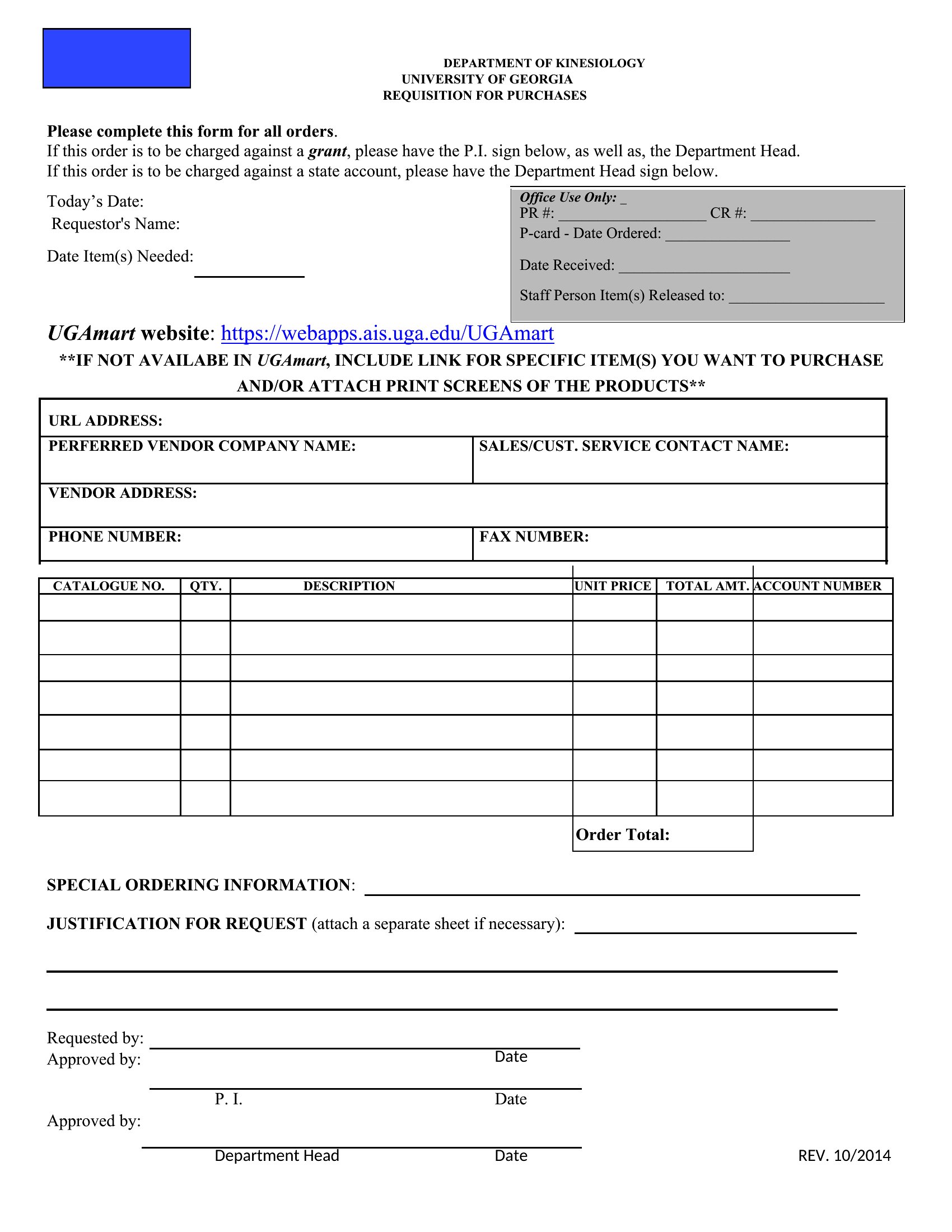
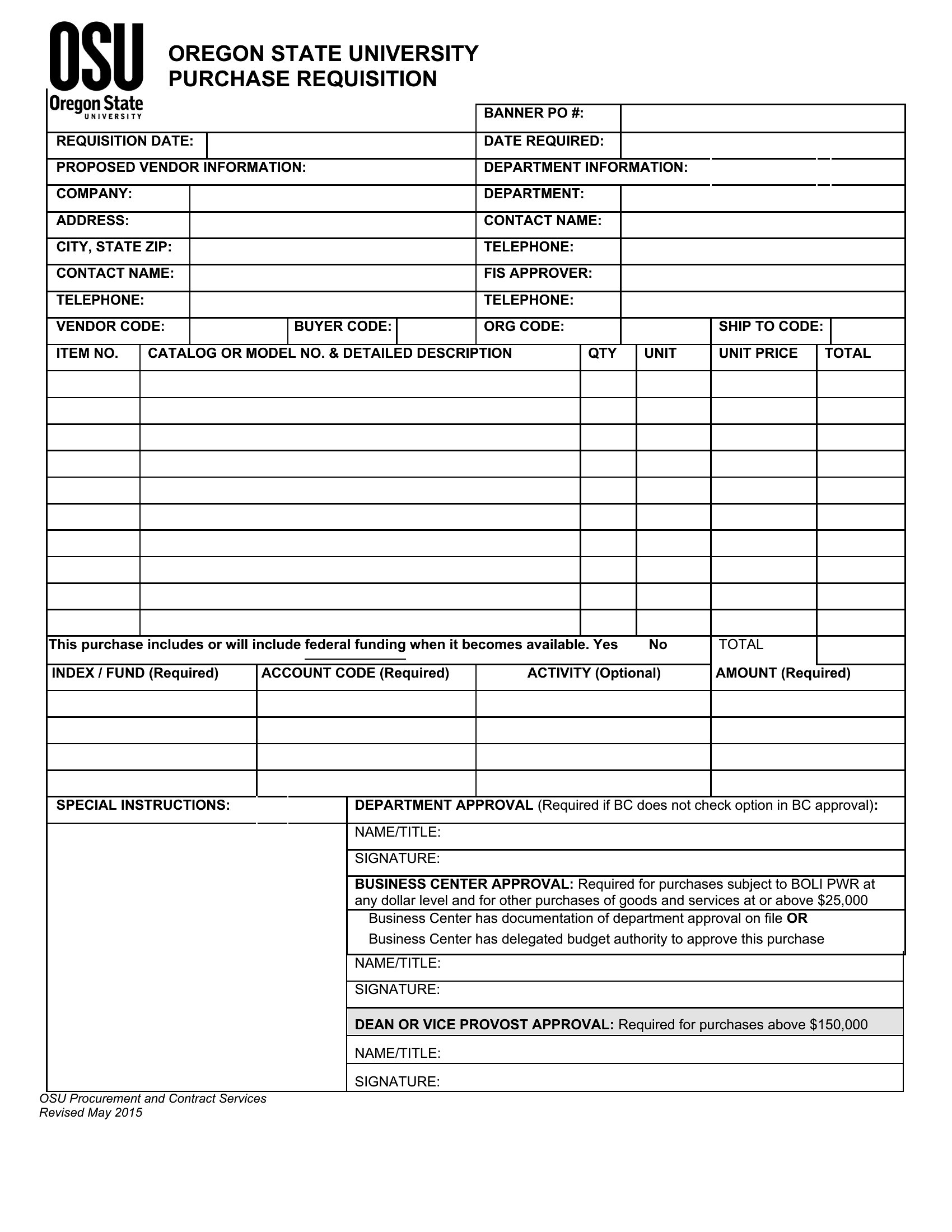
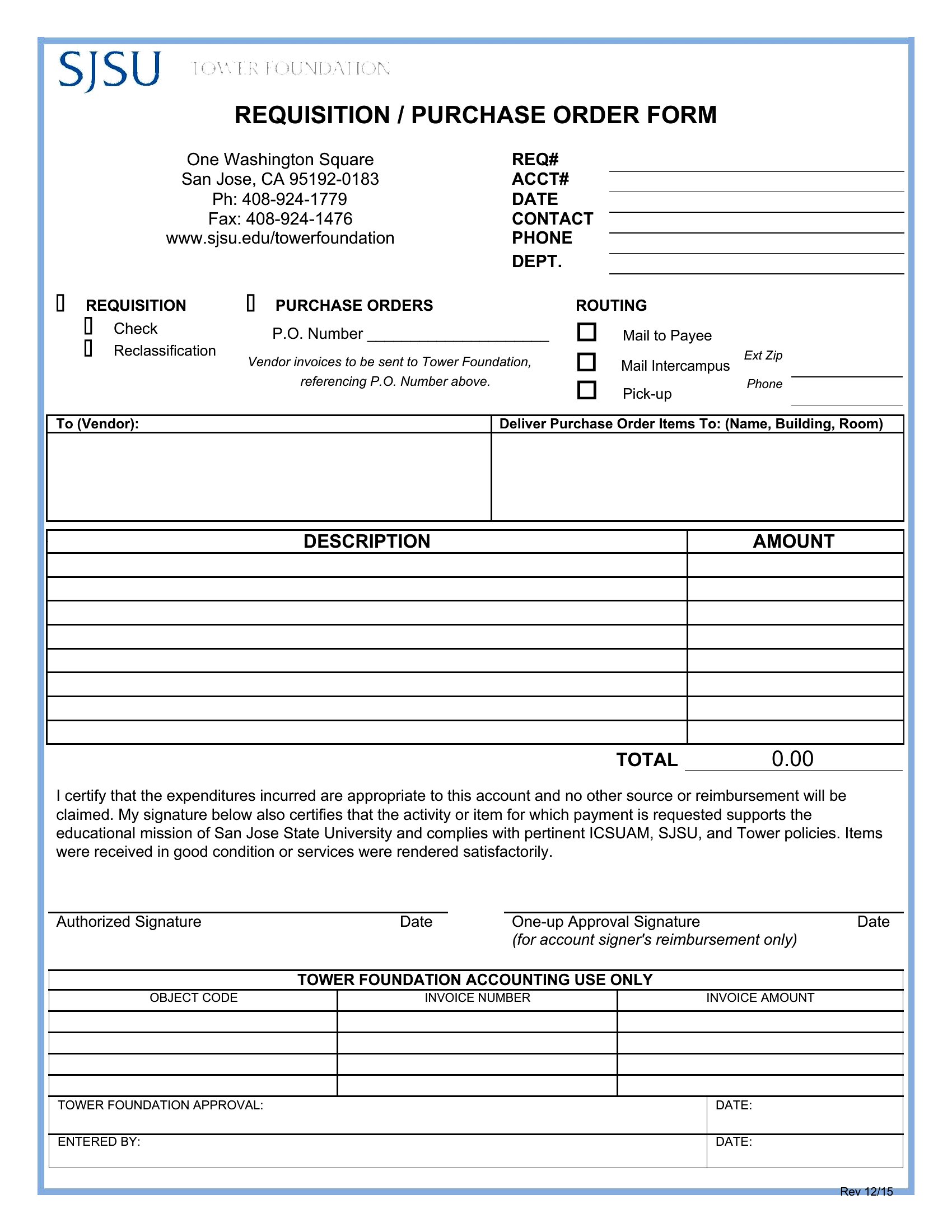
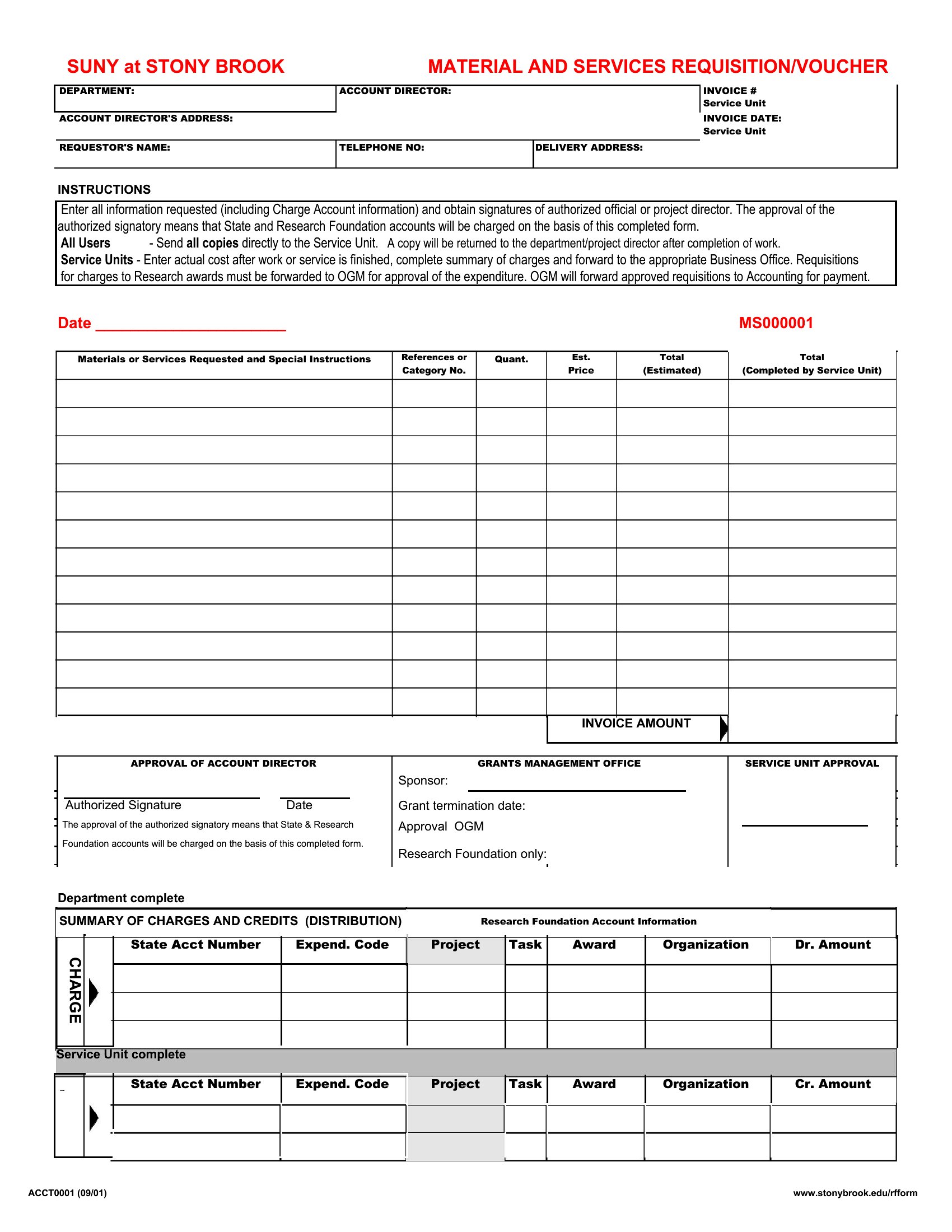
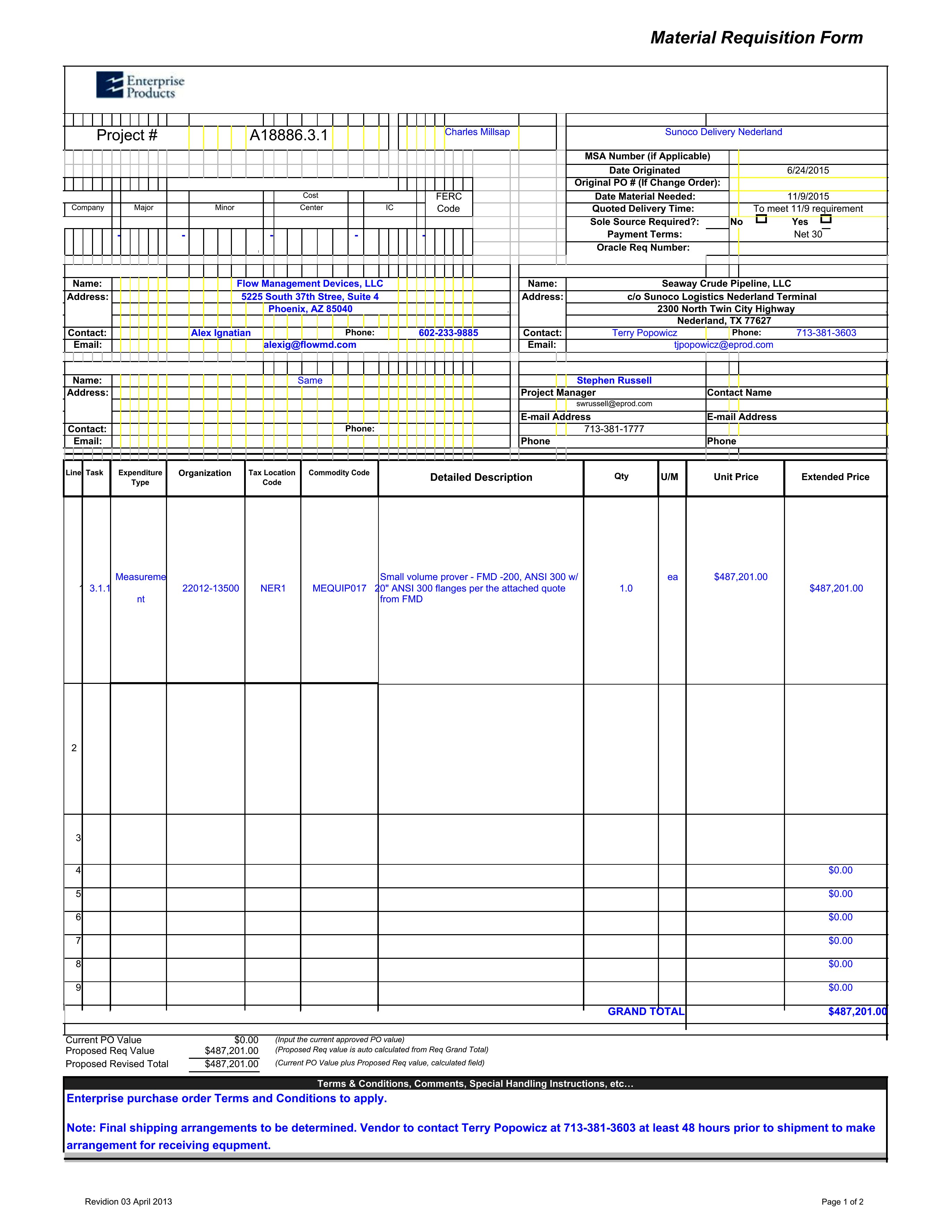
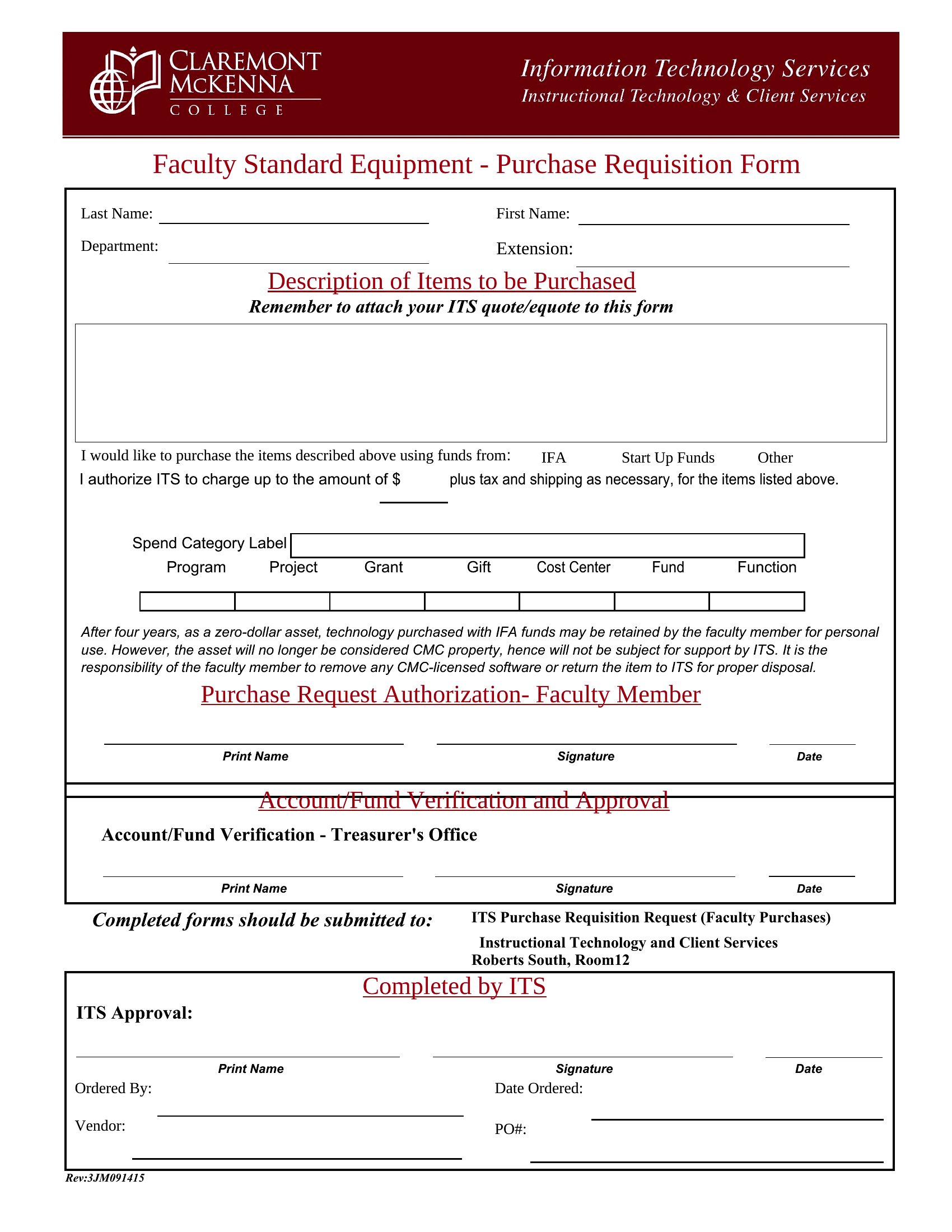
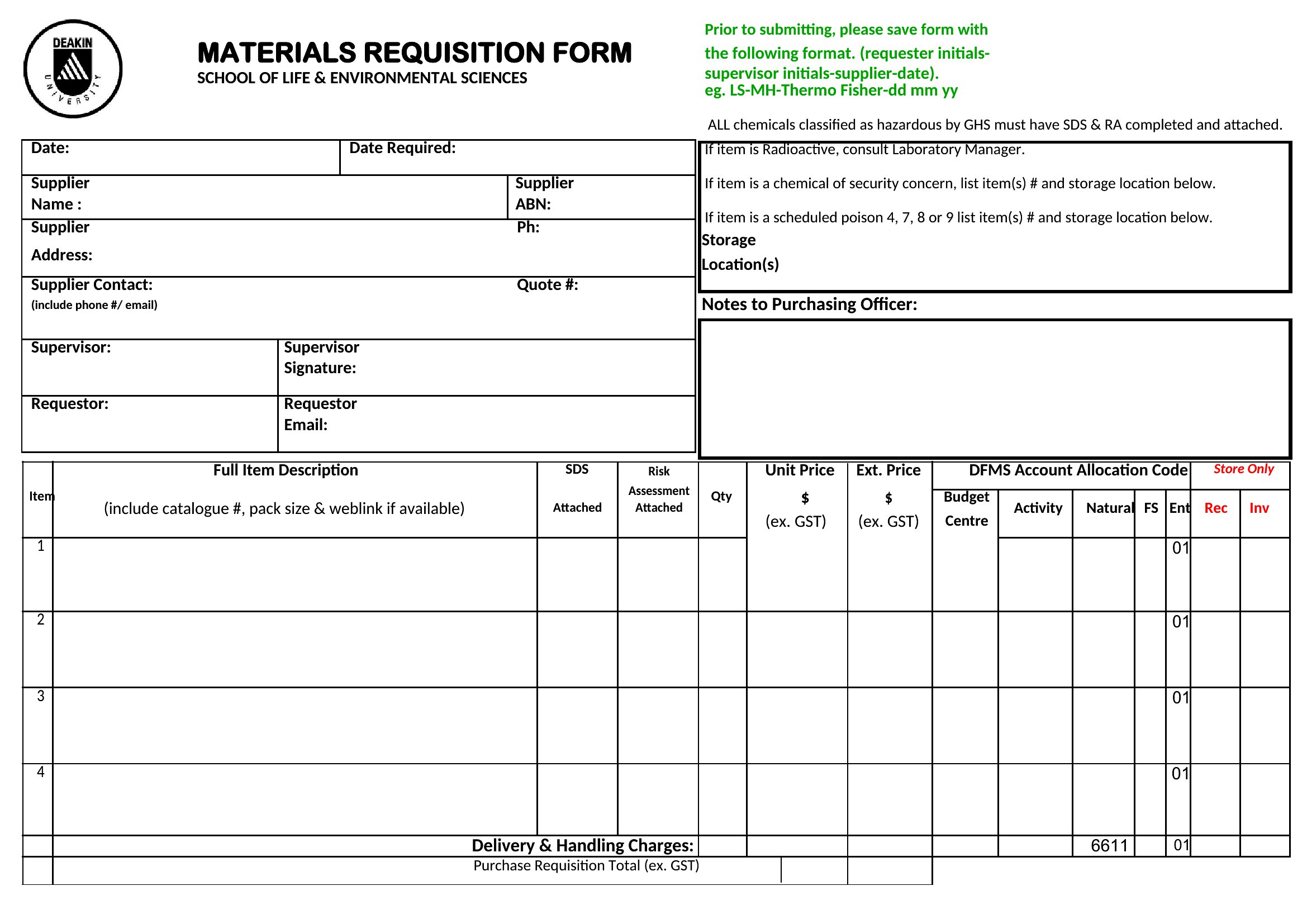
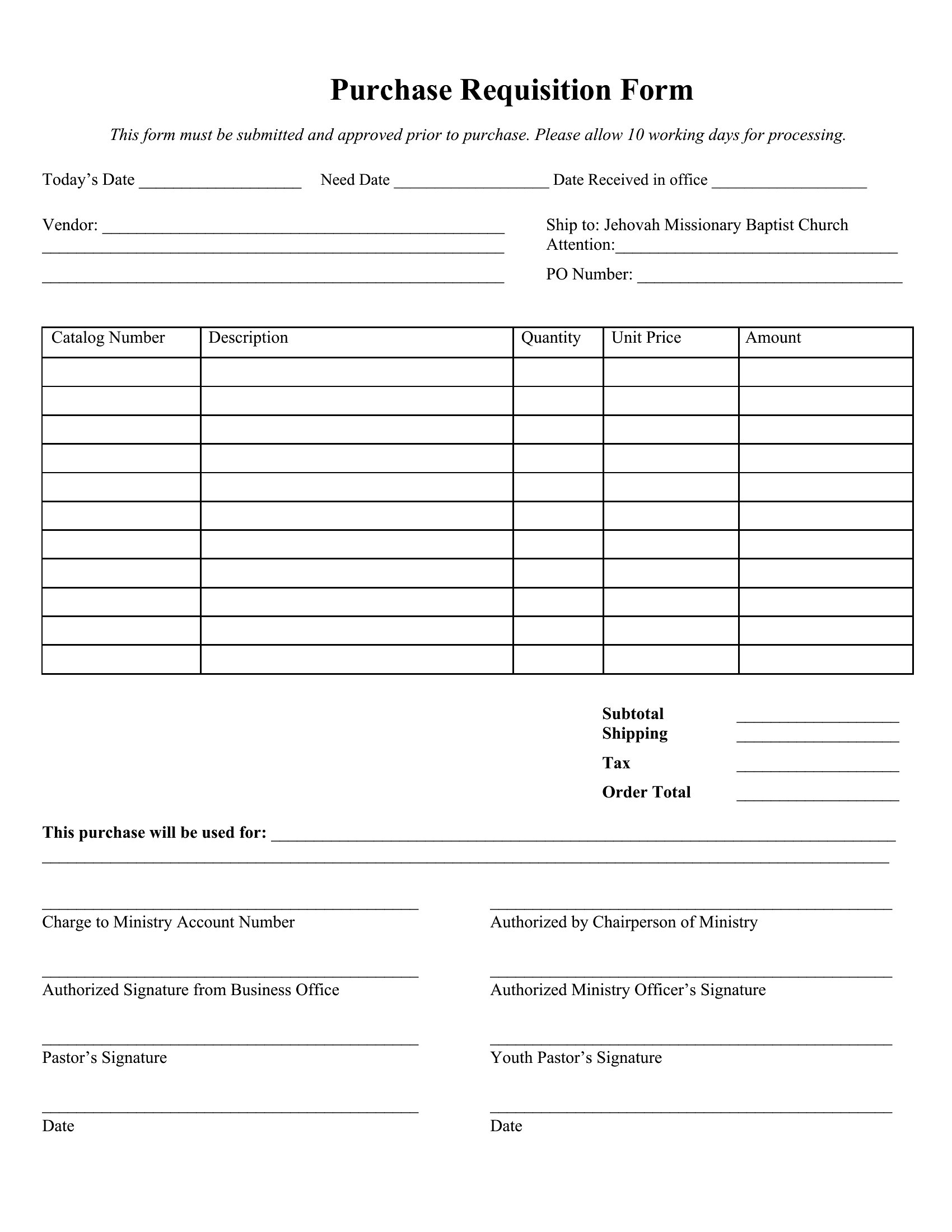
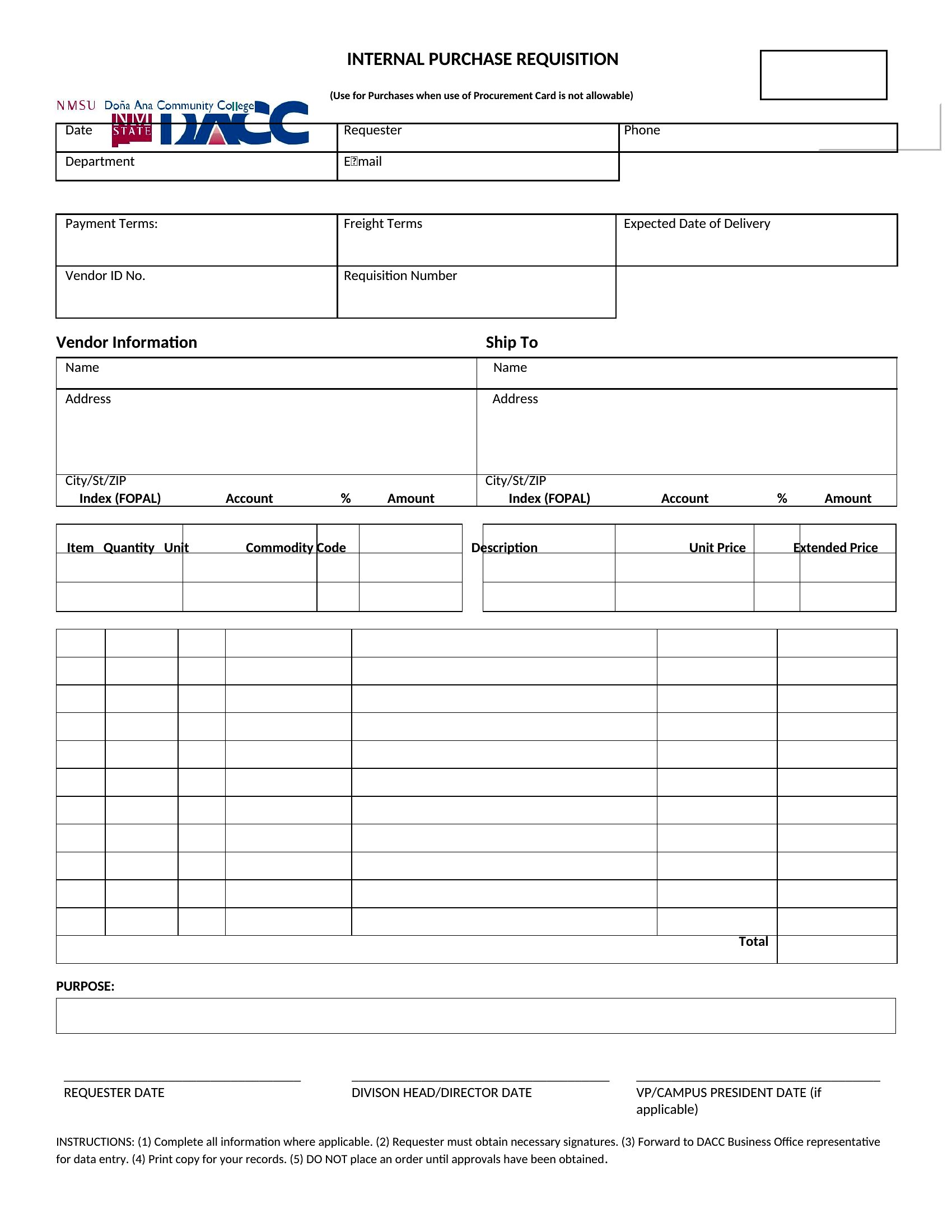
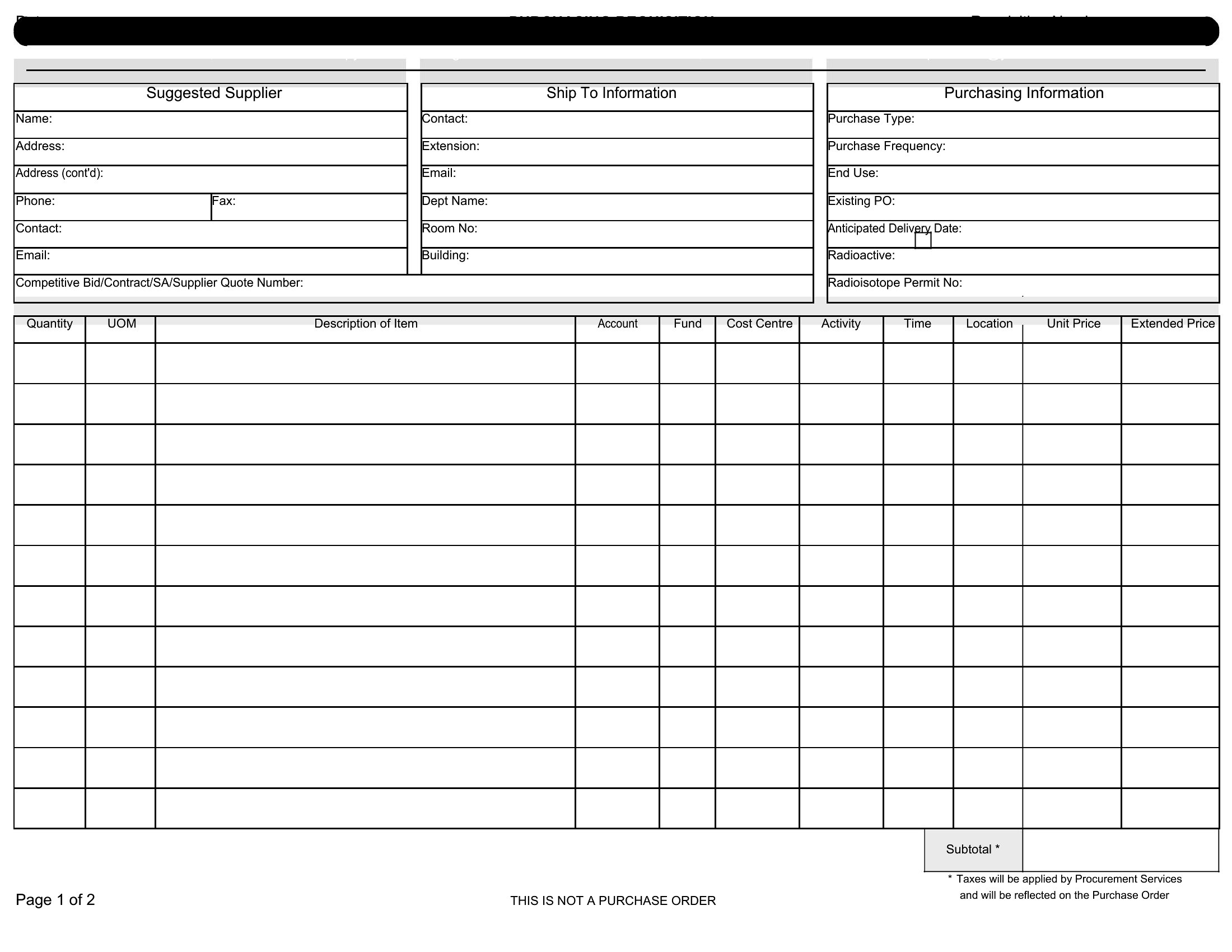
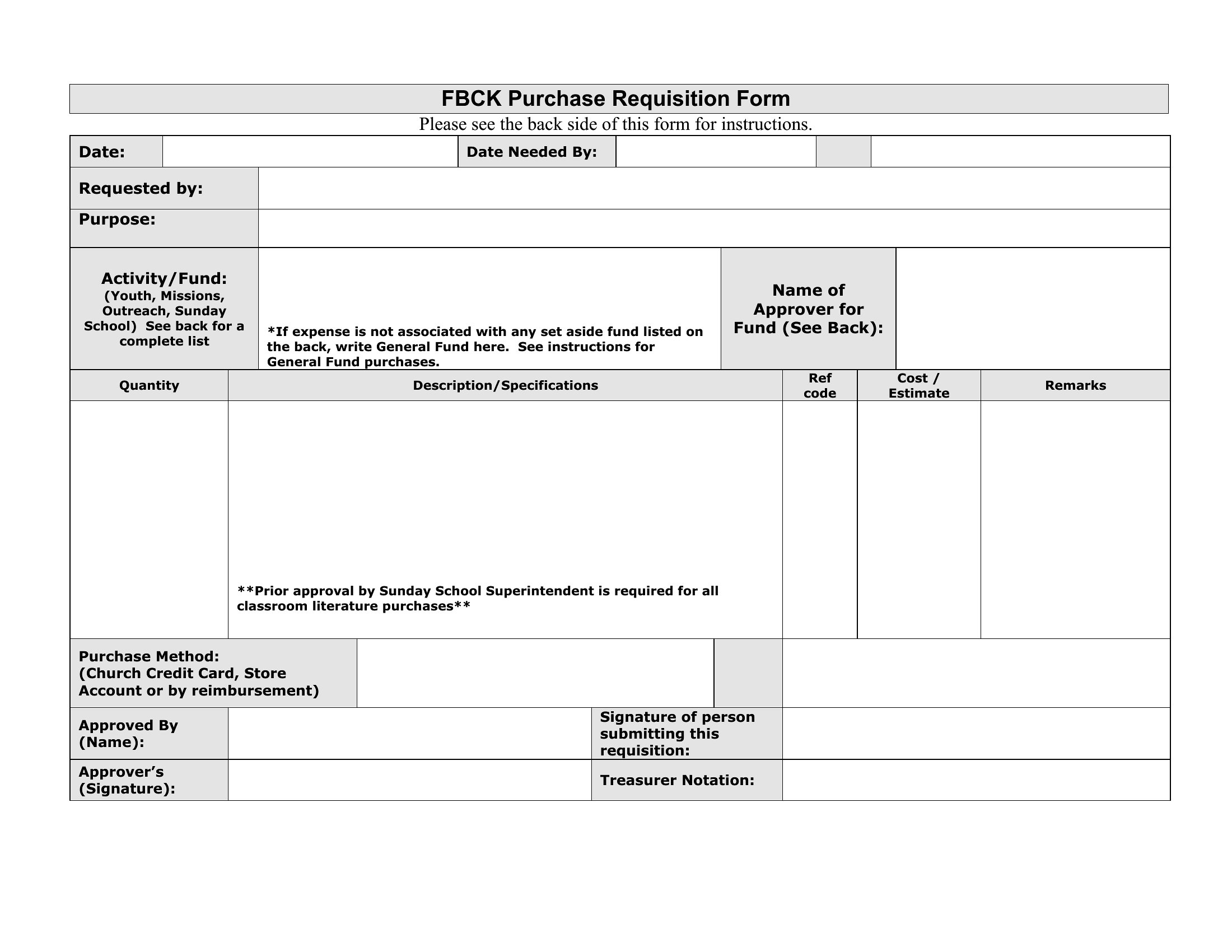
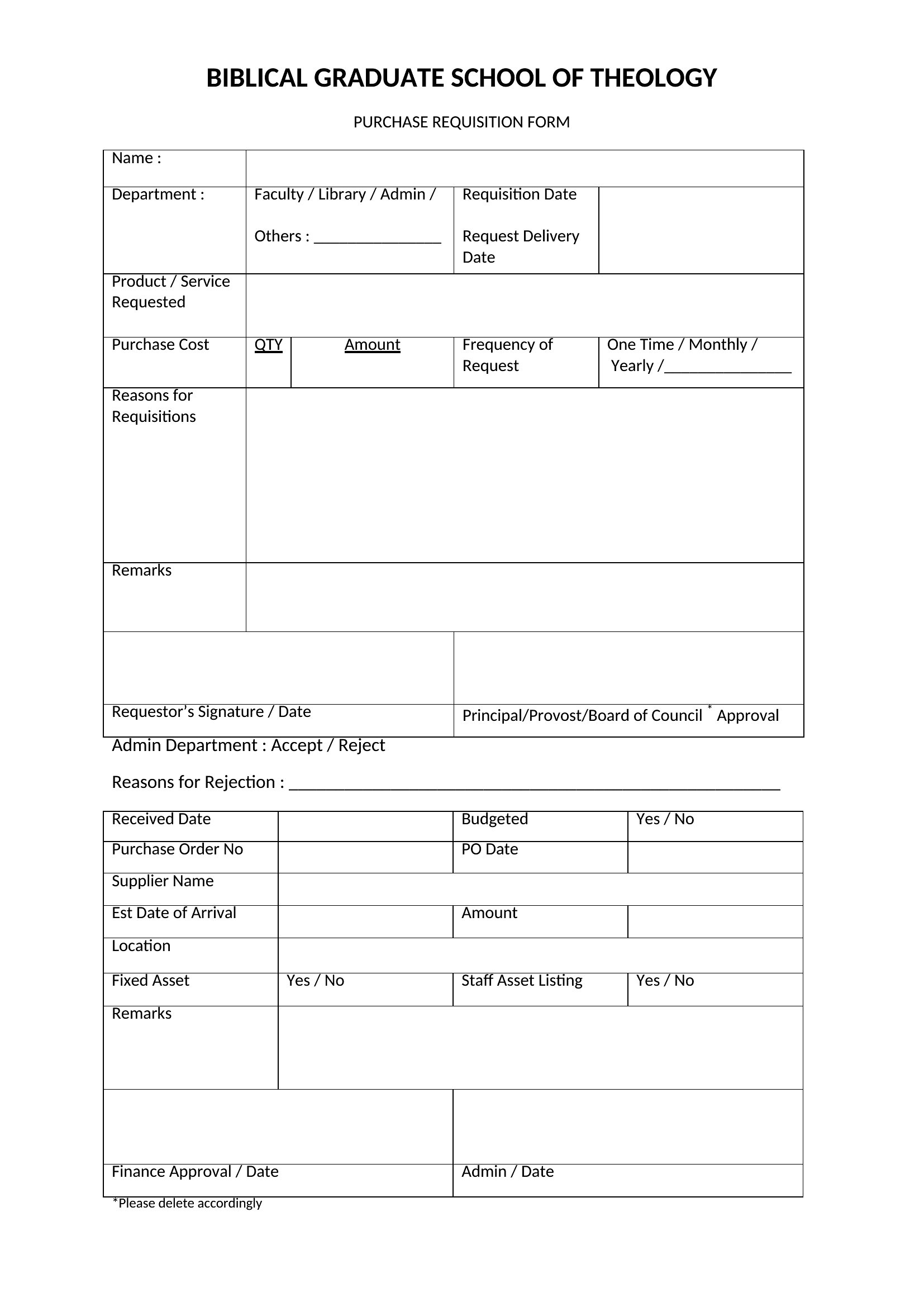
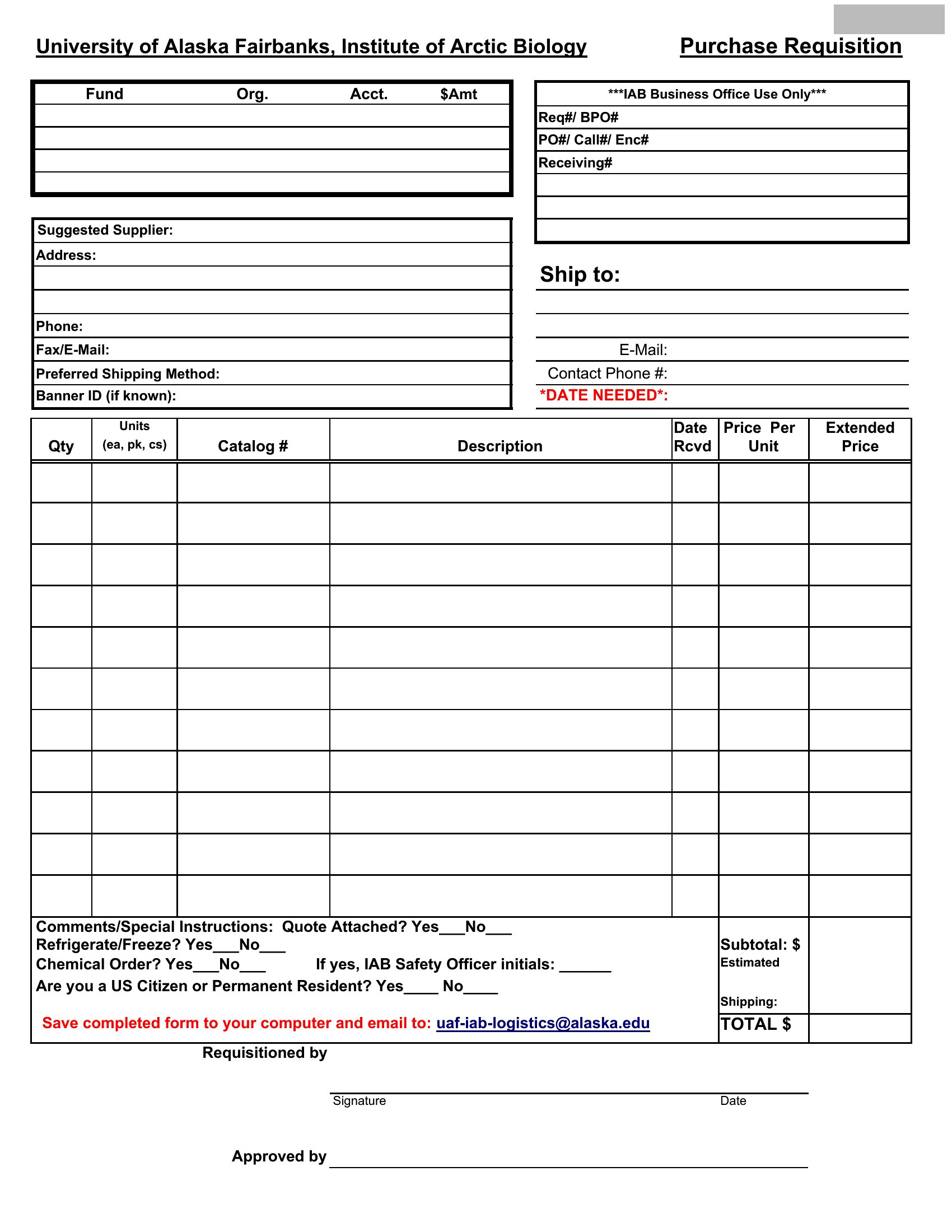
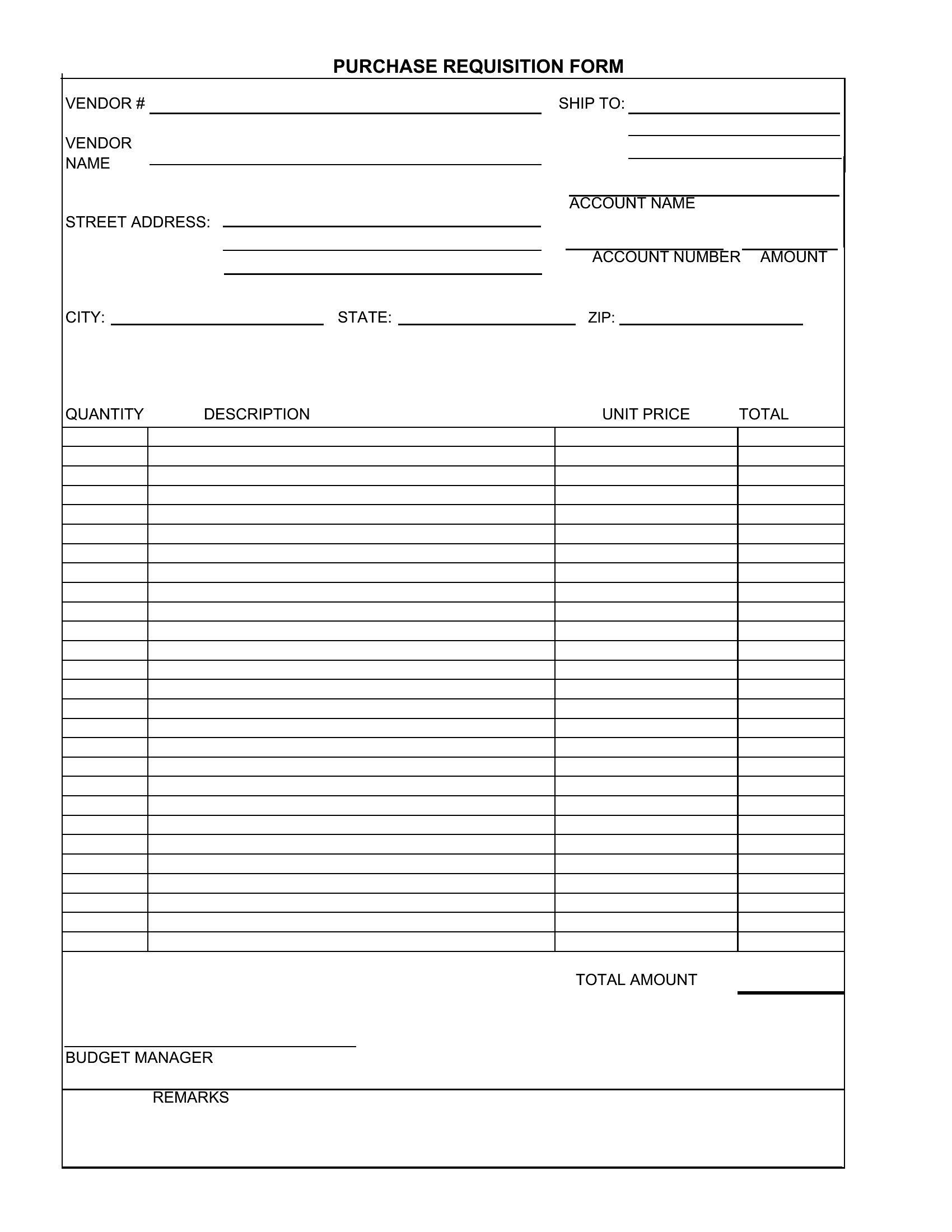
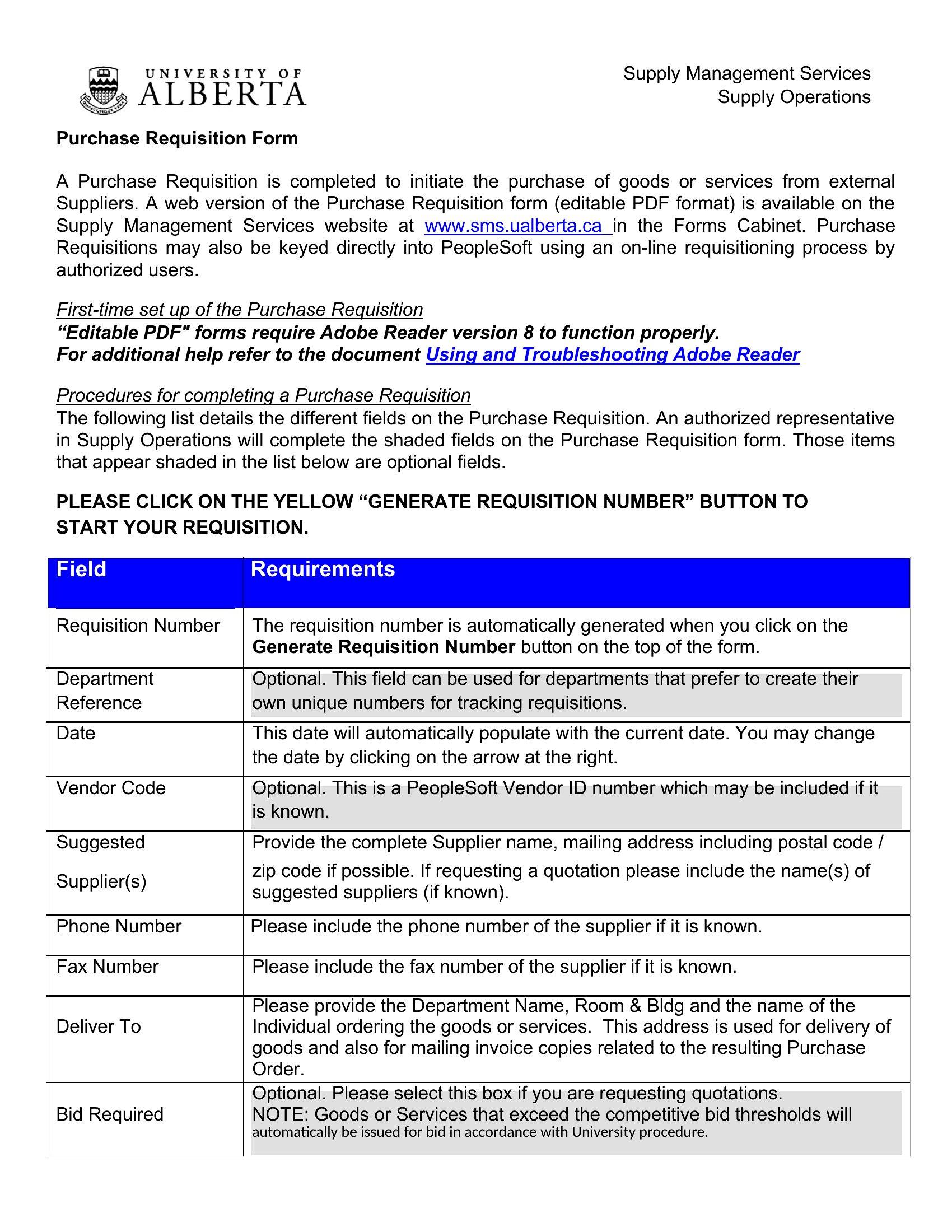
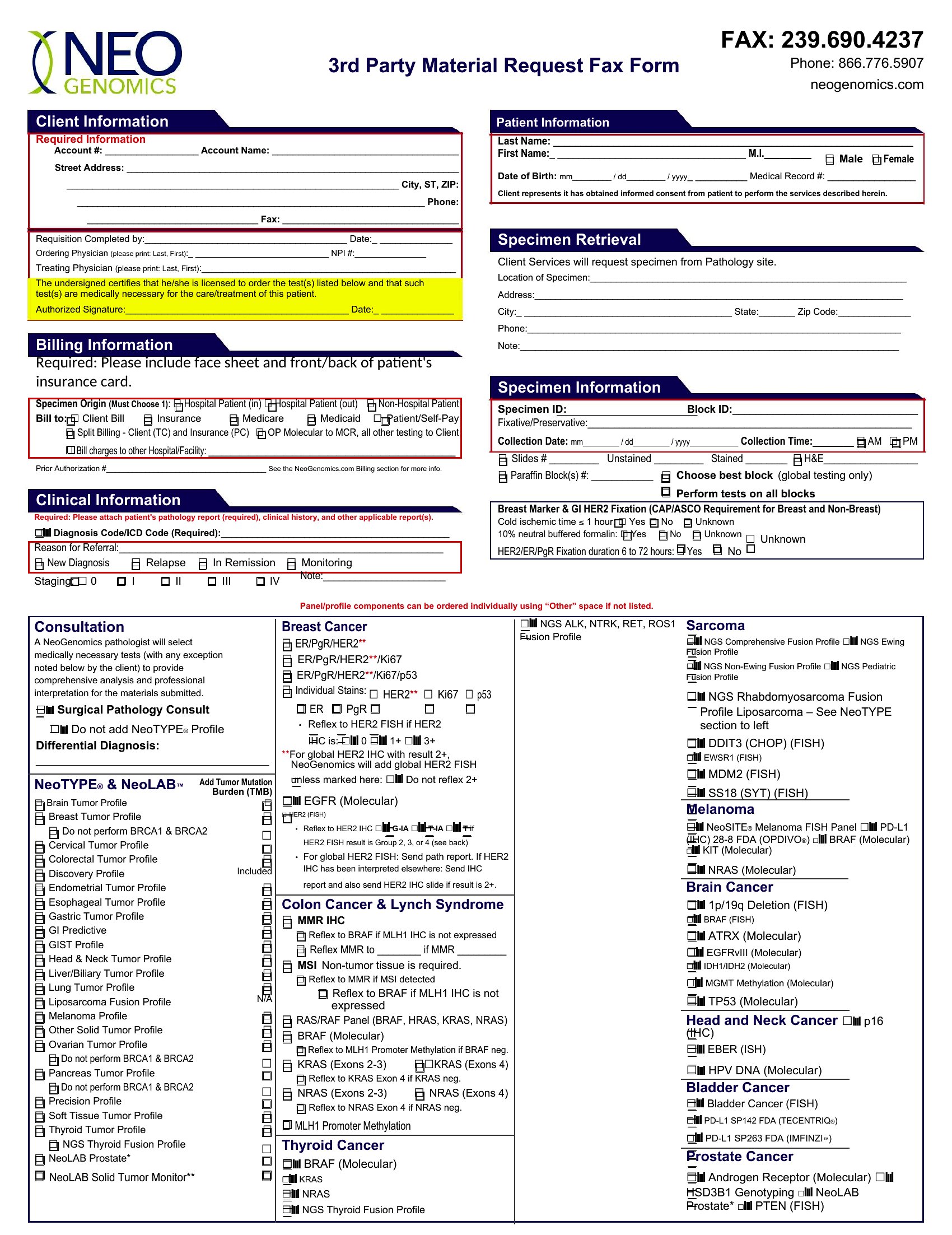
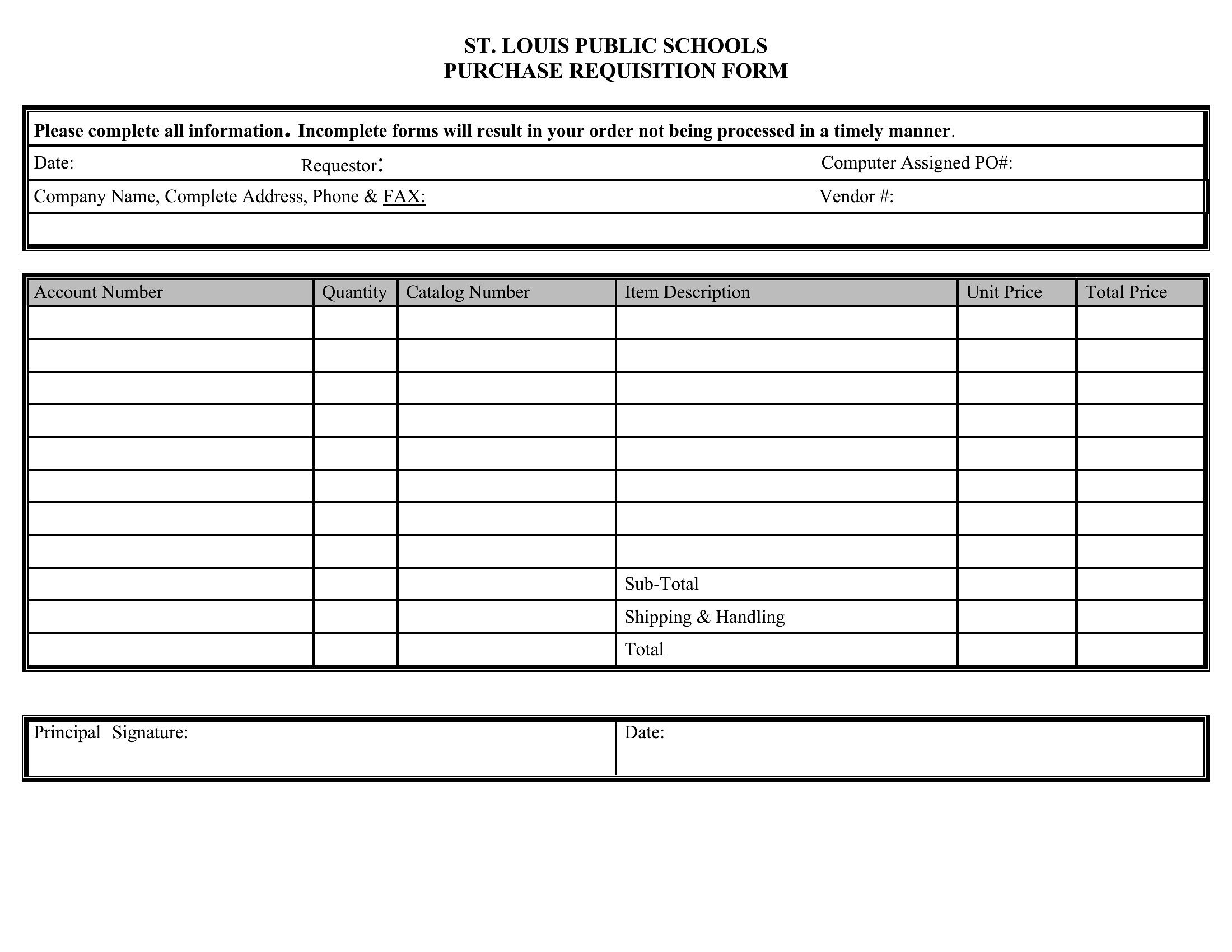
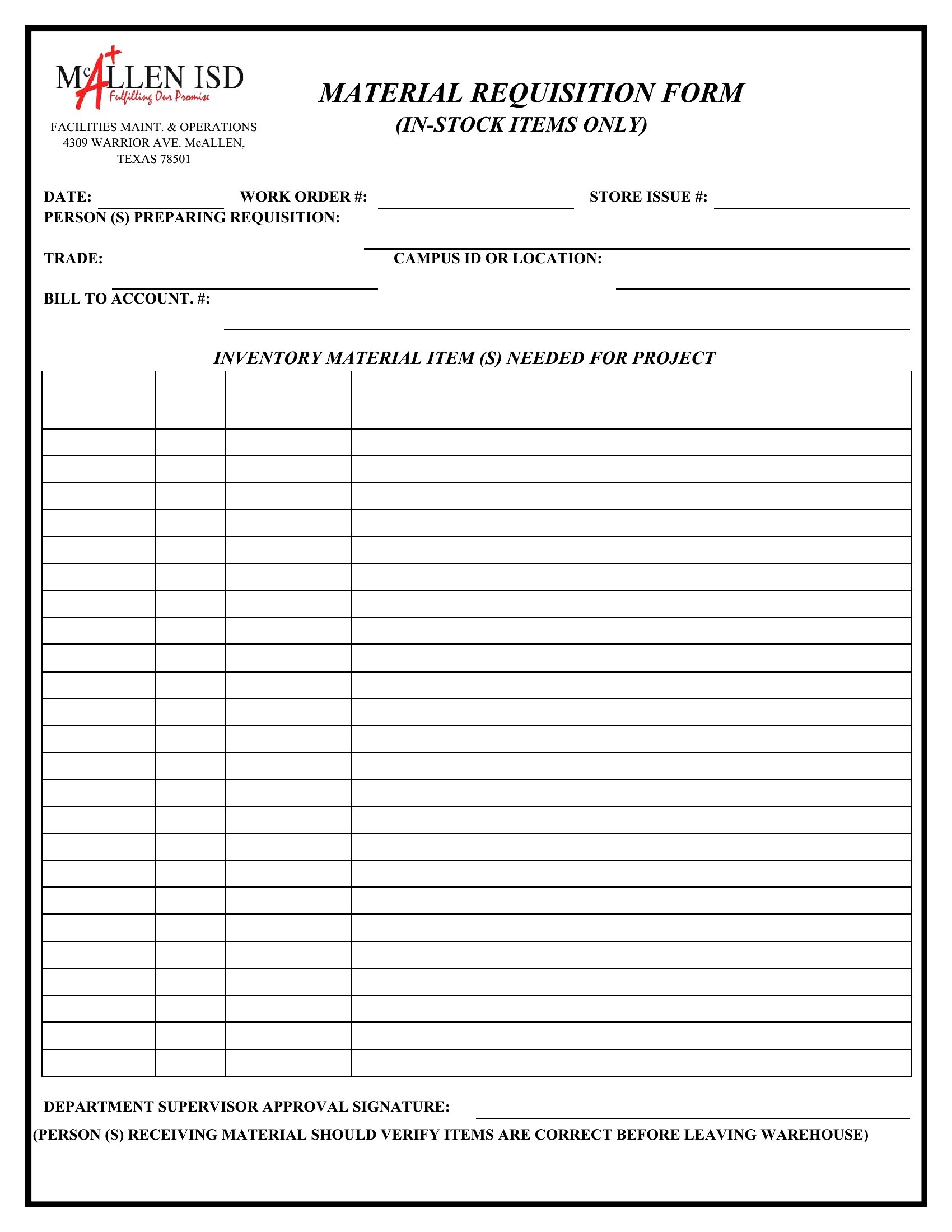
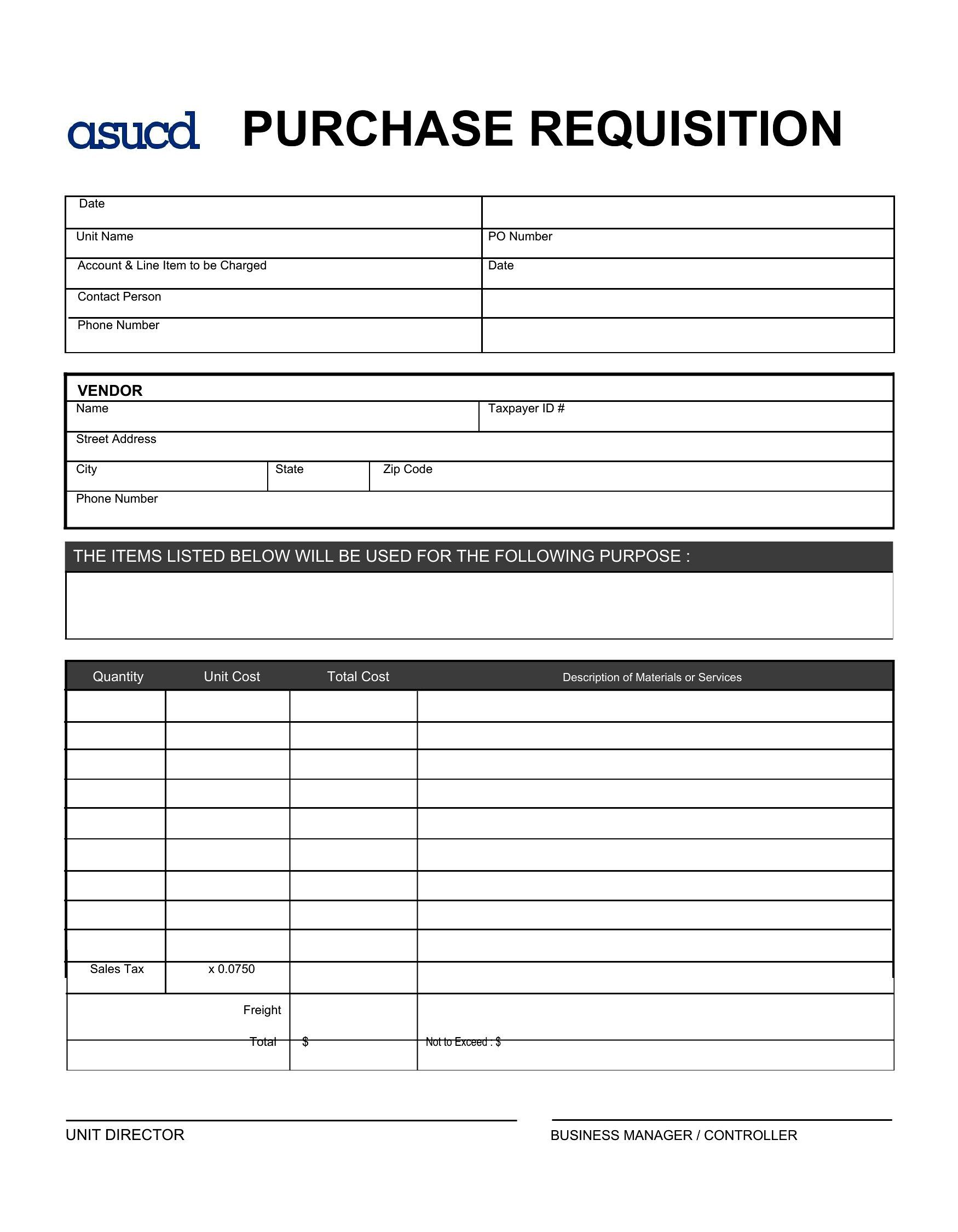
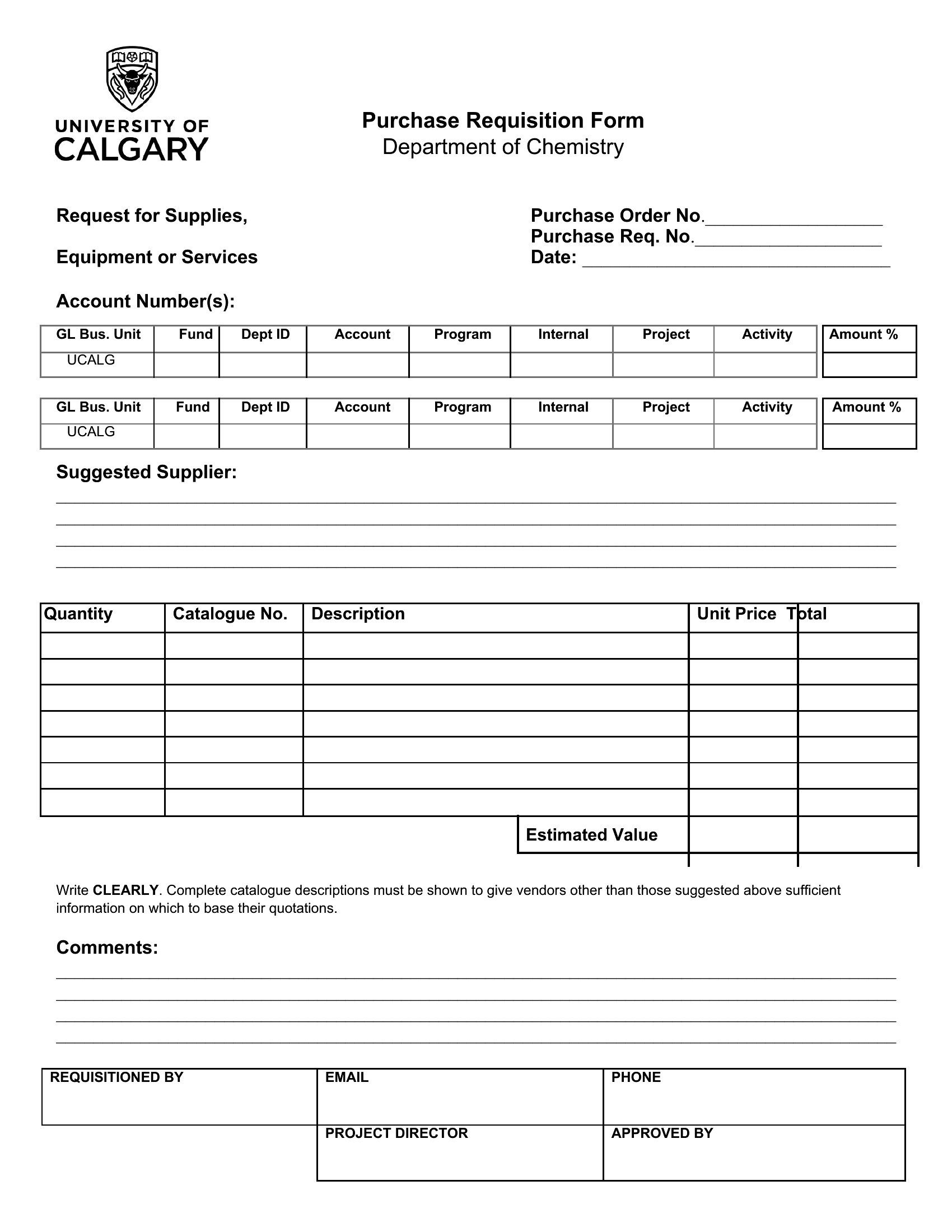
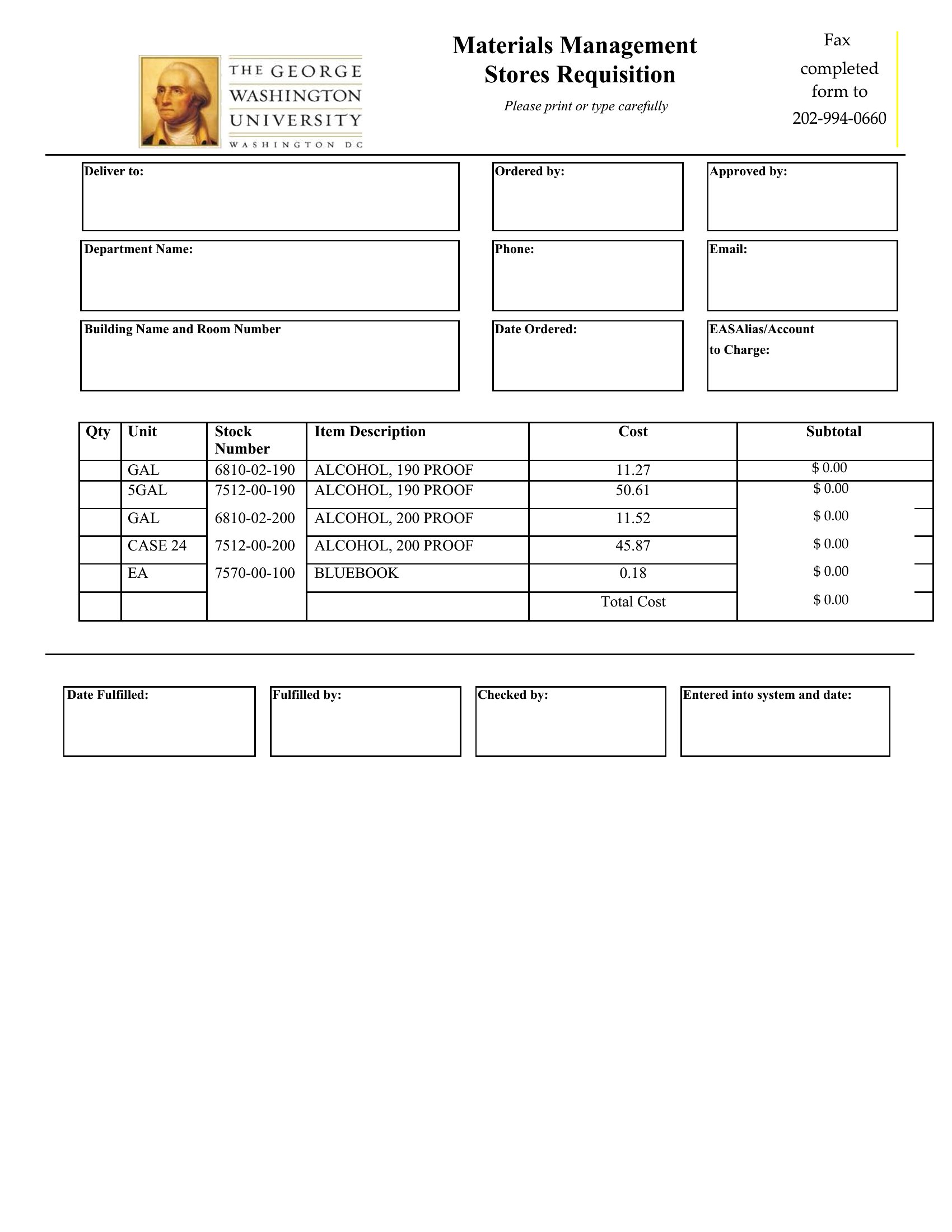
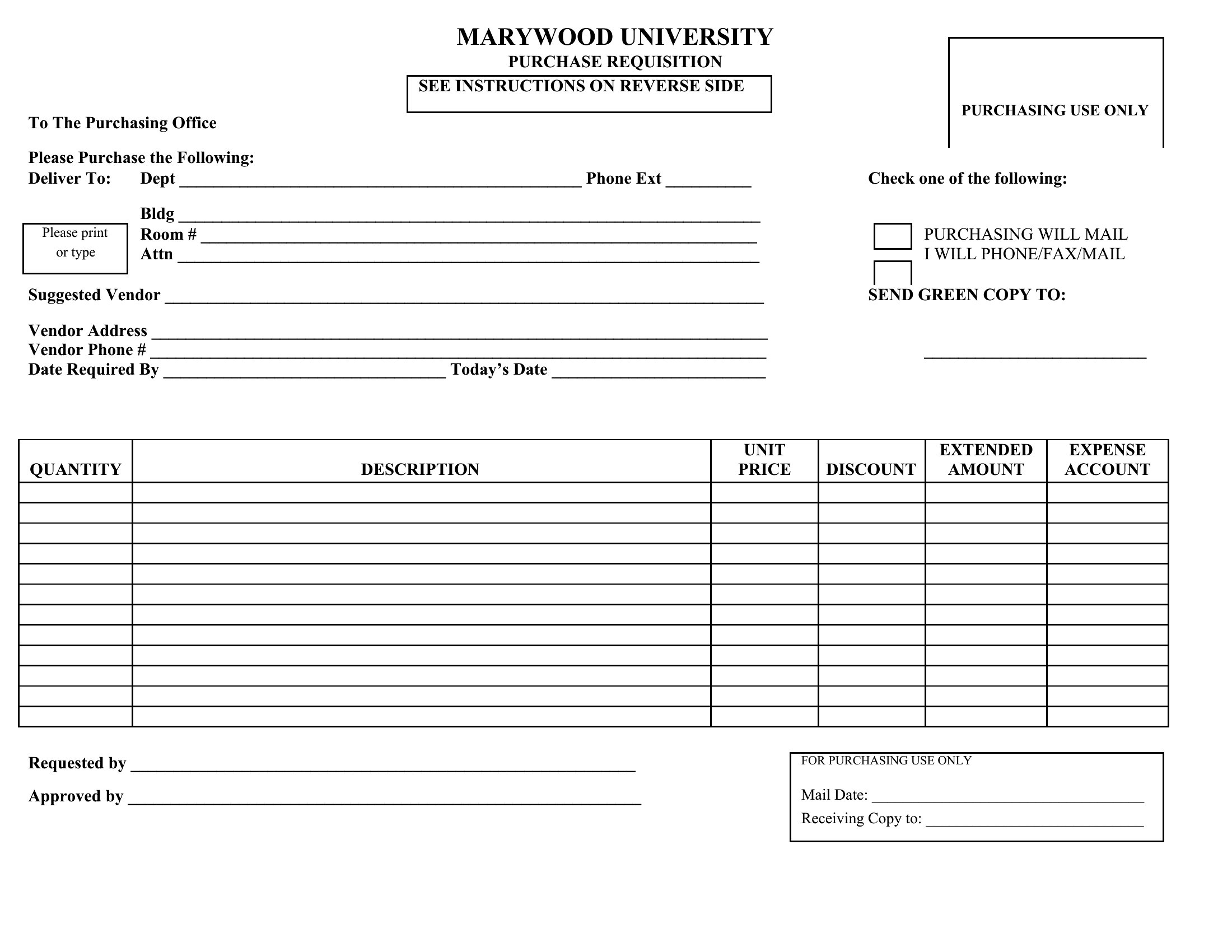
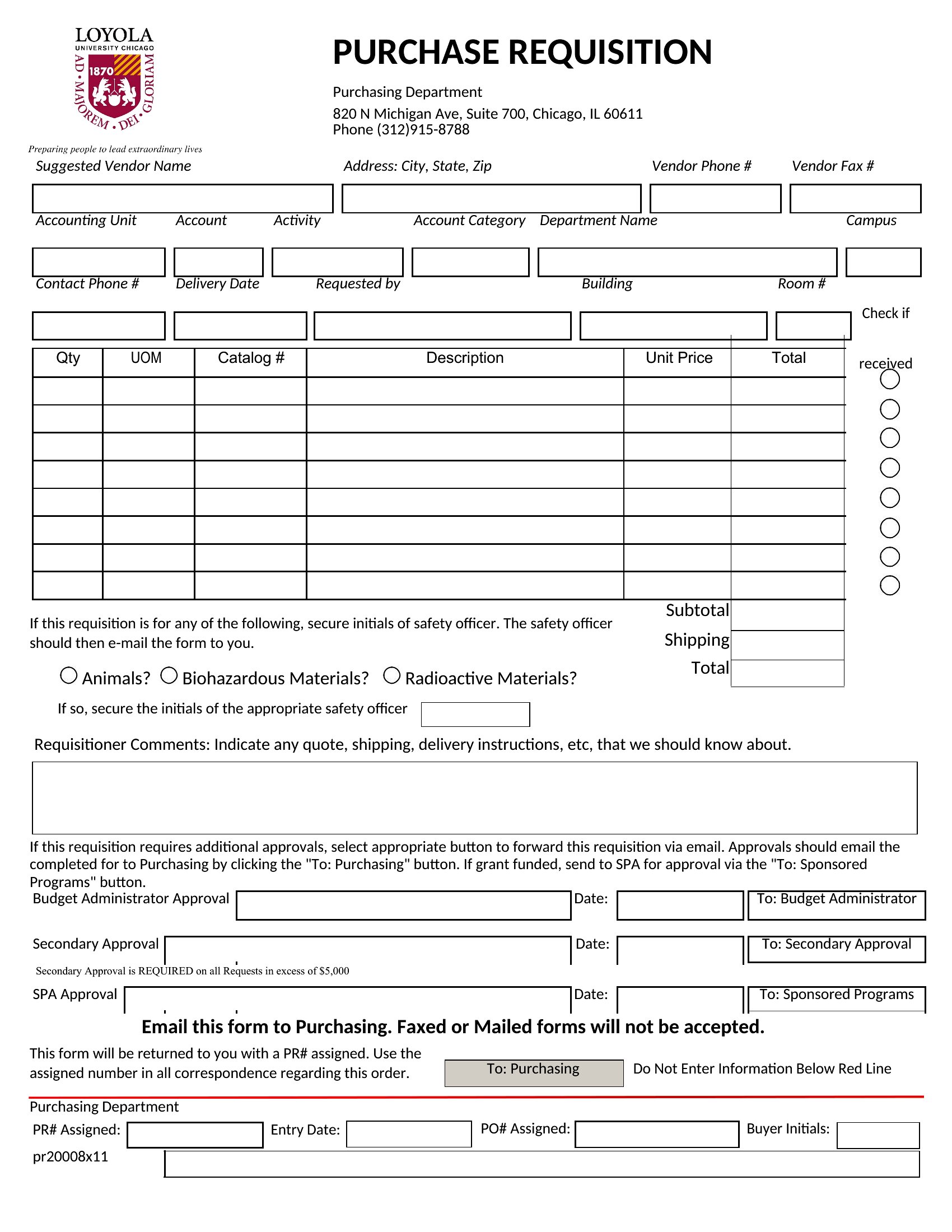
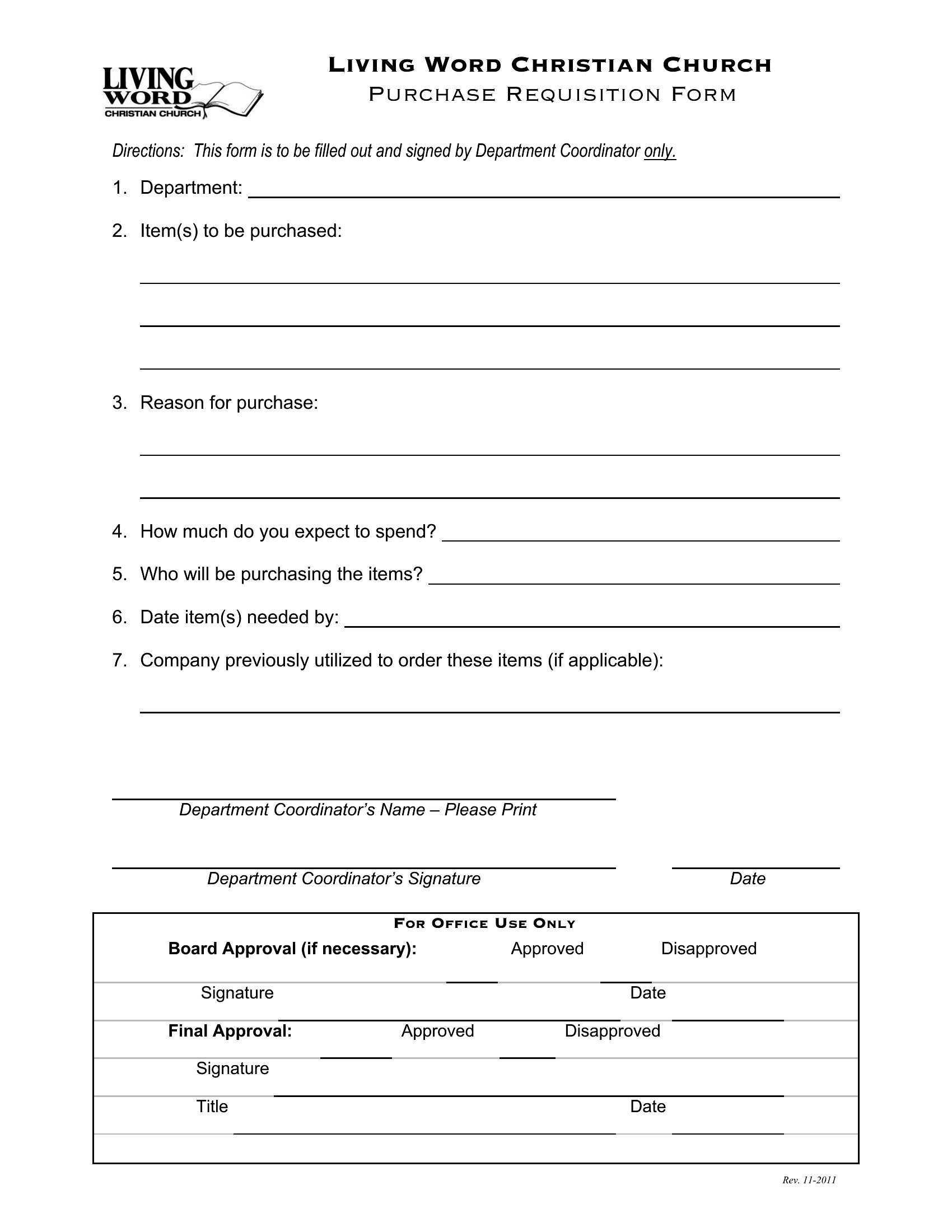
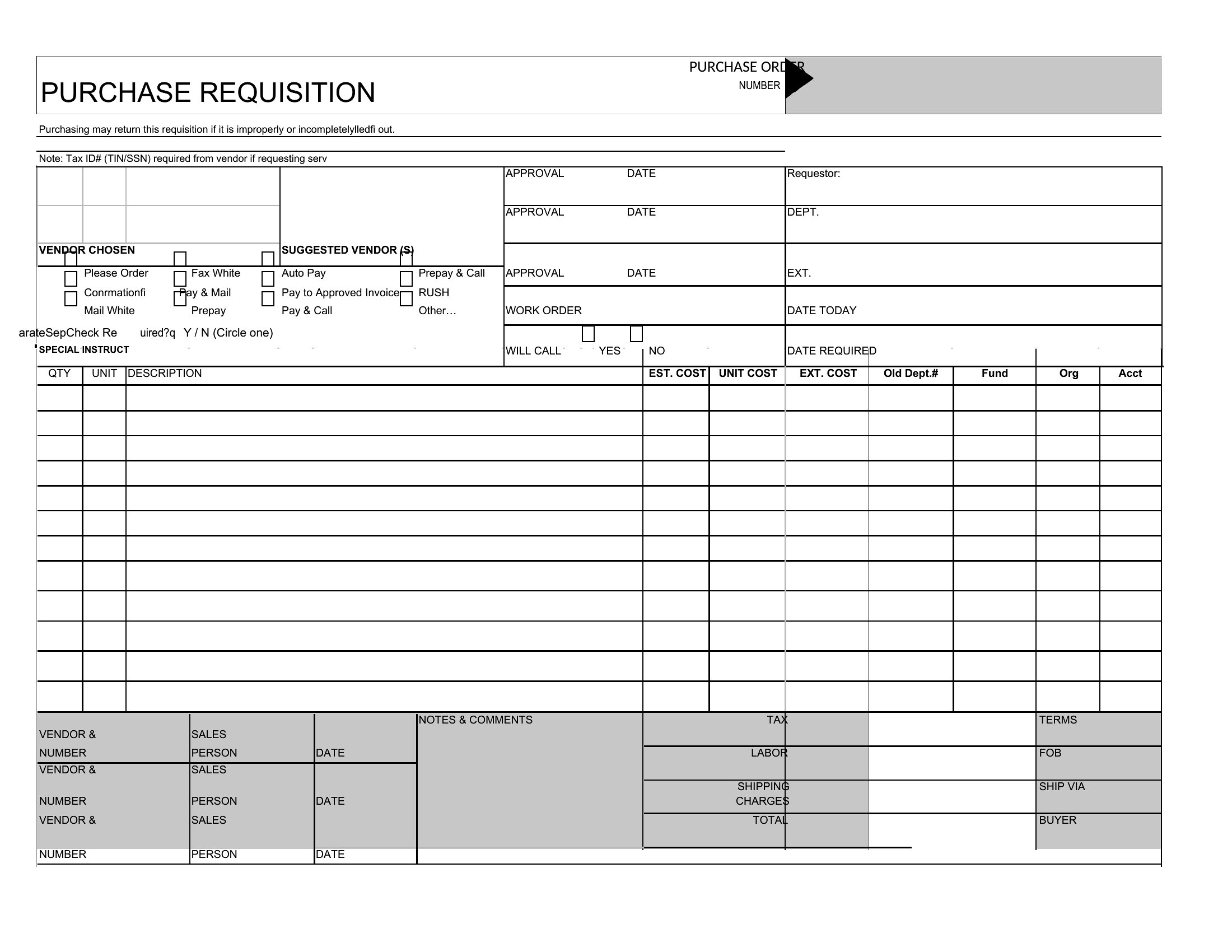
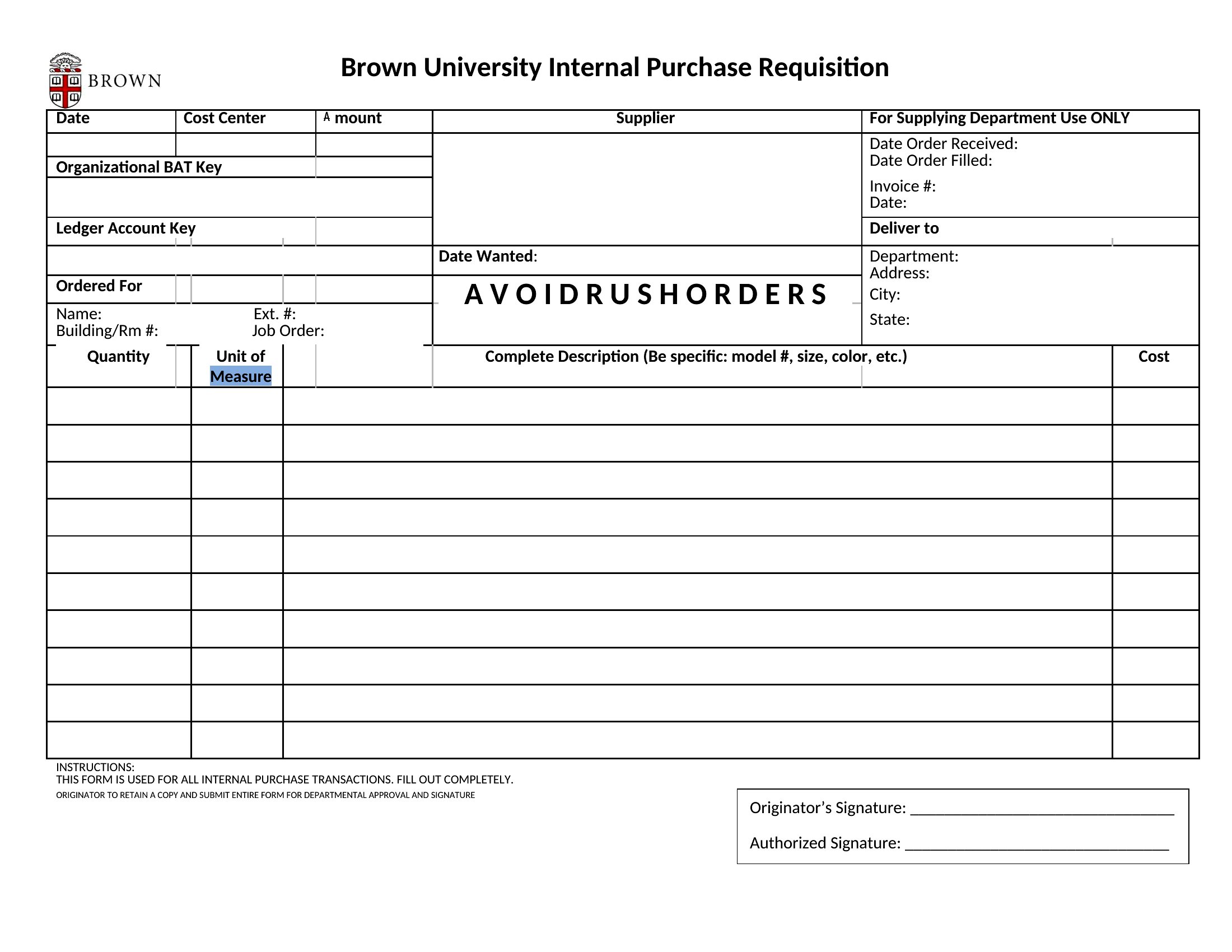
ApplicationsNeed staff to request supplies, lab tests, or purchases without a flood of emails? This collection of 52 requisition form templates gives offices, labs, and warehouses a standard way to capture what's needed, how much, and who approved it. Each one keeps requests organized and creates a paper trail for ordering and budgets.
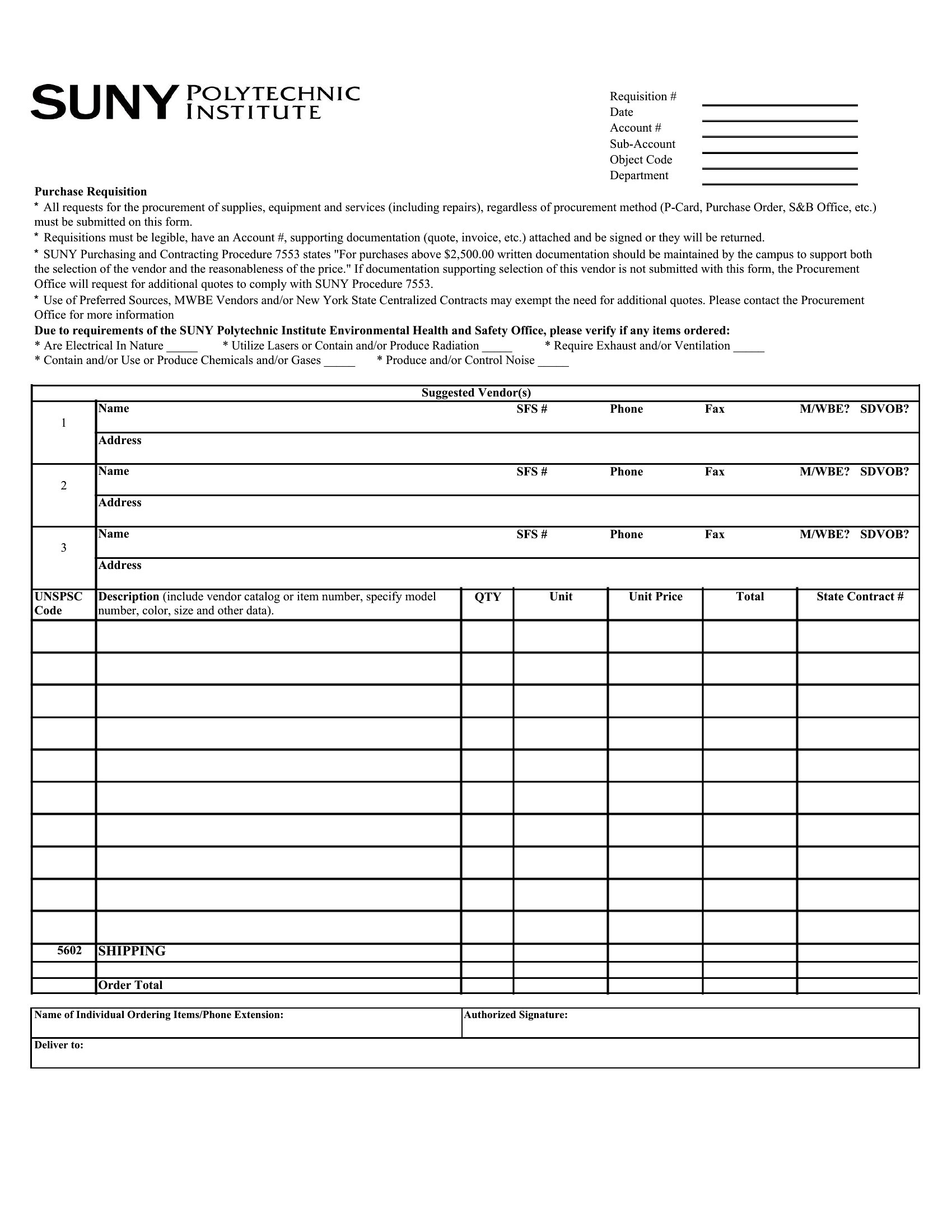
The forms are editable in Word for your fields and approval lines, and ready as PDFs to print and route for signatures. Fill in the items, quantities, and the requester, then send it on for sign-off. Pick the layout that matches your process, whether for purchasing or the lab, and keep your requests consistent.
When to use this Requisition Form template
- A small lab manager coordinating orders for test kits and reagents to ensure inventory stays on track without miscommunication.
- Warehouse foremen submitting weekly requests for replacement parts or safety equipment to purchasing, with approval chains clearly outlined.
- An office administrator consolidating employee requests for office supplies into a single structured form to streamline vendor orders and budget tracking.
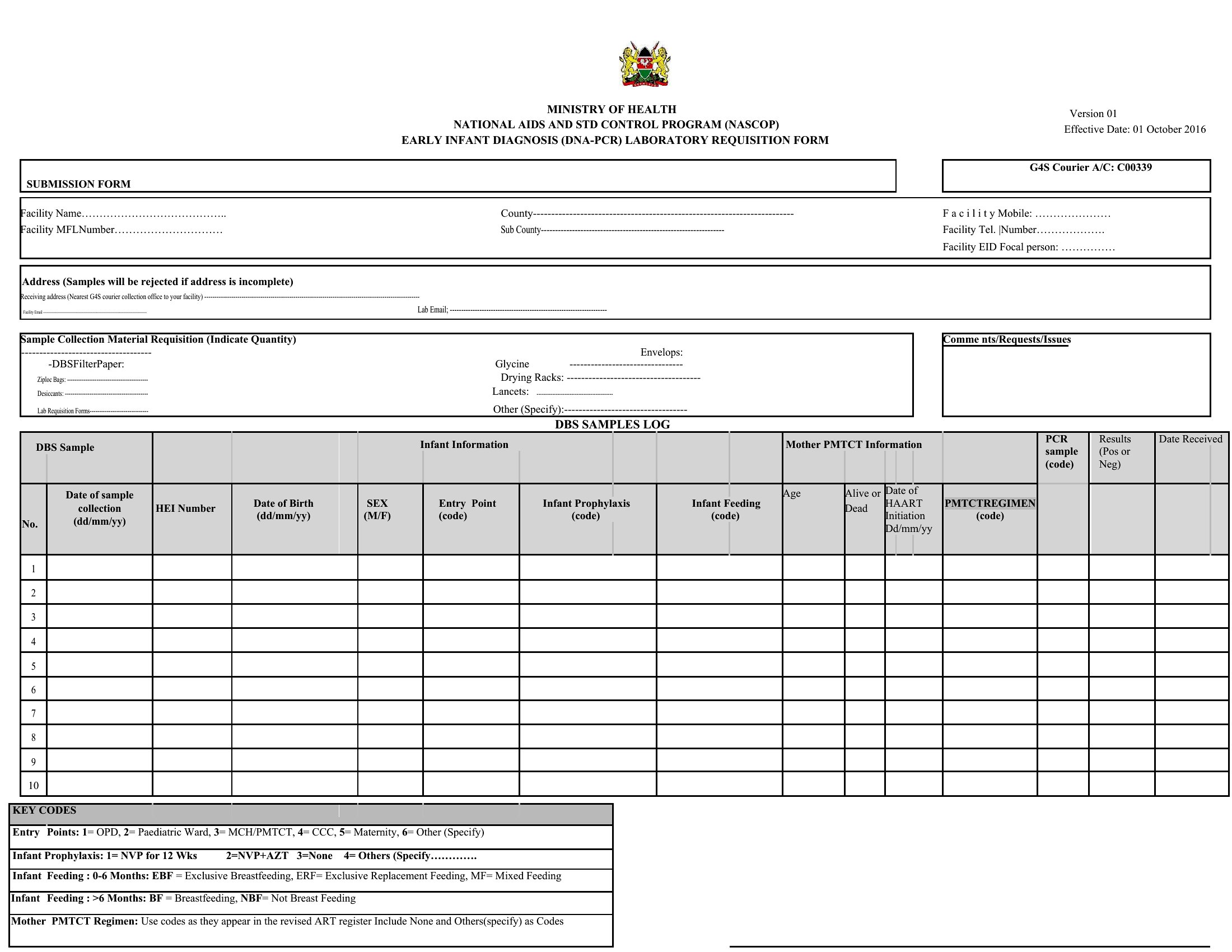
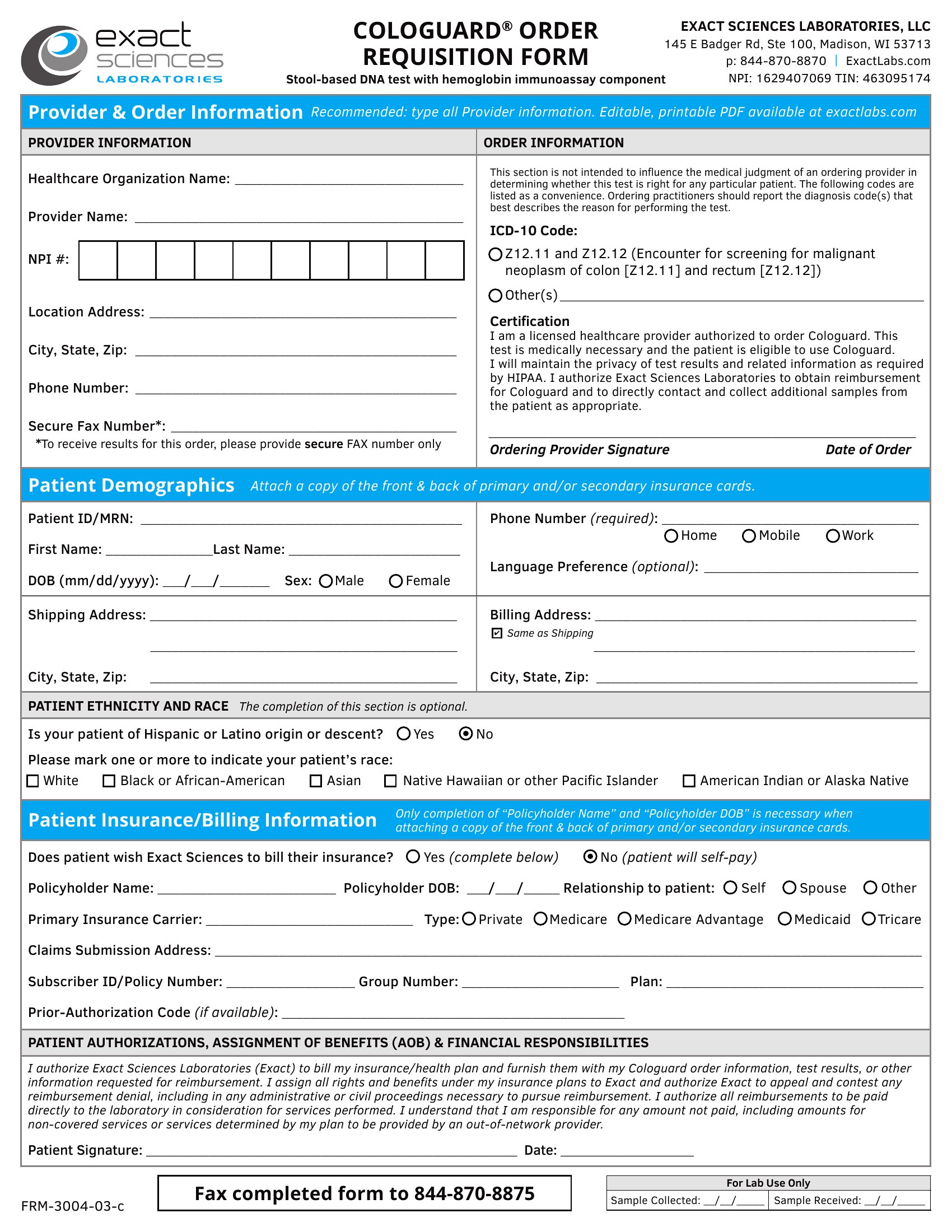
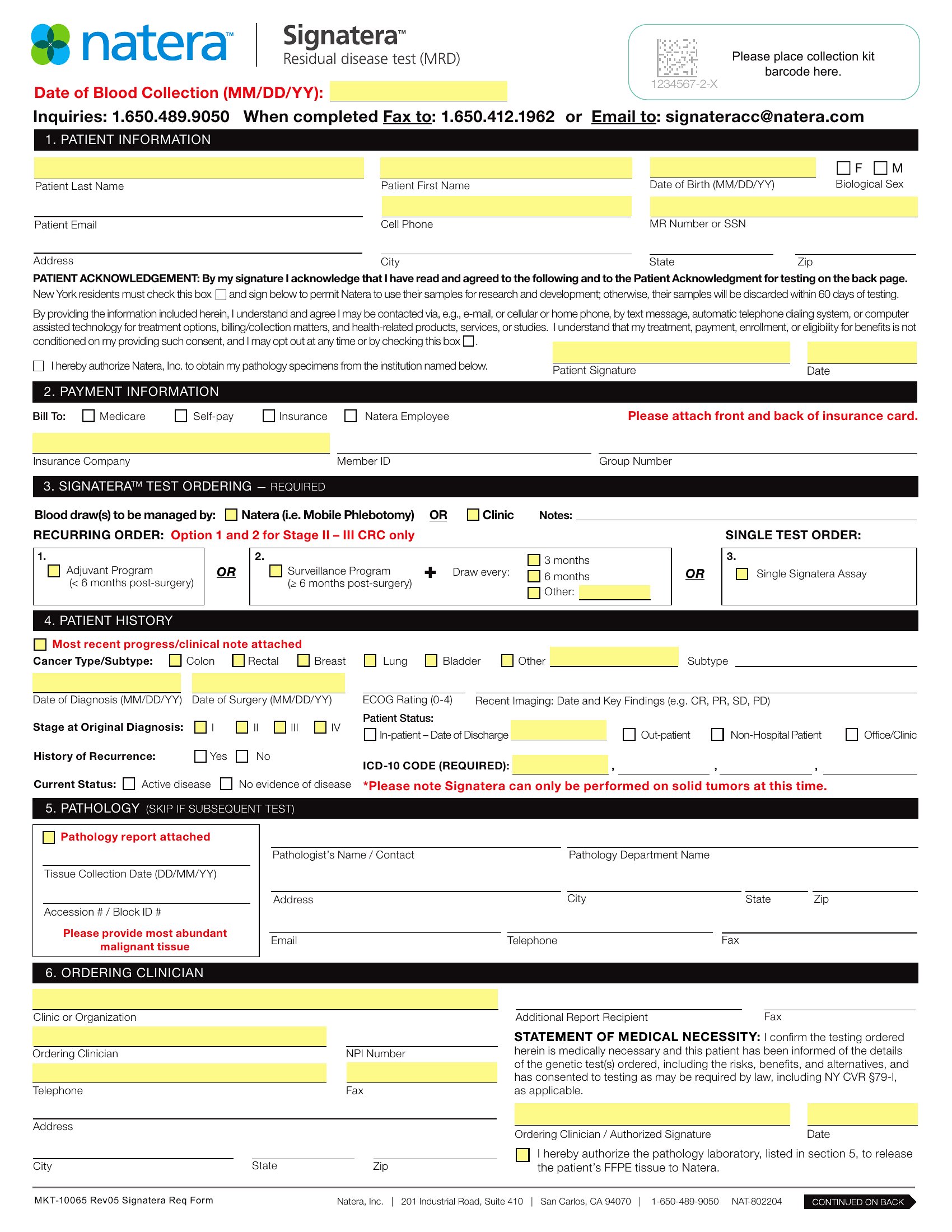
- A nurse in a hospital using a standardized requisition form to document patient lab test orders, ensuring all necessary details are included for lab processing.
Which format should I download?
Choose Word when you need to customize fields, add internal approval workflows, or include dynamic sections like conditional logic for budget thresholds. Select PDF for finalized, shareable forms that lock fields to prevent errors—ideal for submitting to vendors or external departments. PDFs are also better for printing and archiving completed requests. If your team needs both flexibility and finality, start in Word and export to PDF after finalizing the design.
Choose from 52 Requisition Form Templates
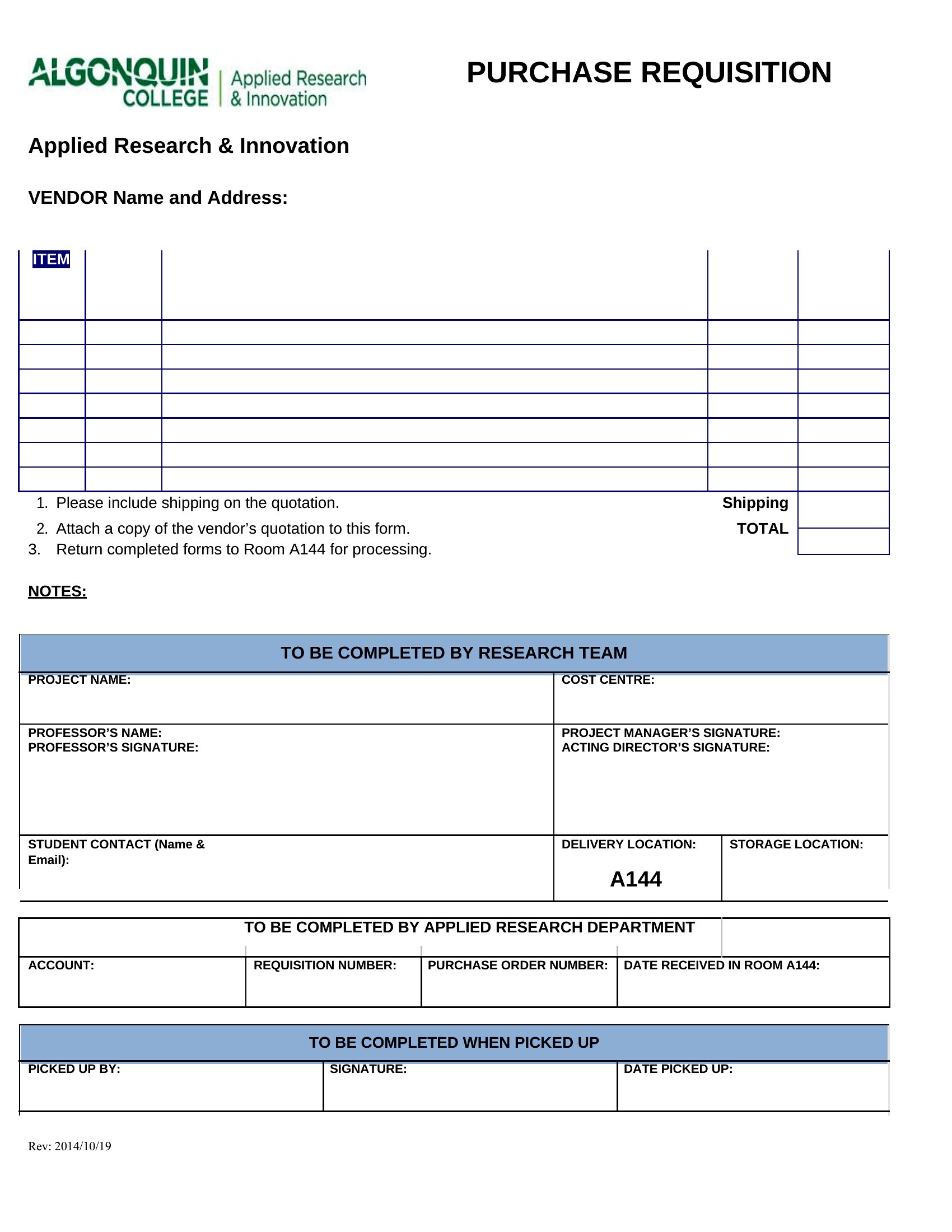
How to use this Requisition Form template
Can I include a section for cost estimates or budget approvals in these templates?
Yes, most templates in this collection have designated areas for budget codes, cost estimates, or approval signatures. The Word versions let you expand these sections further by adding dropdowns for budget categories or conditional formatting to flag over-budget requests. For static PDFs, pre-populate these fields with your standard budget guidelines.
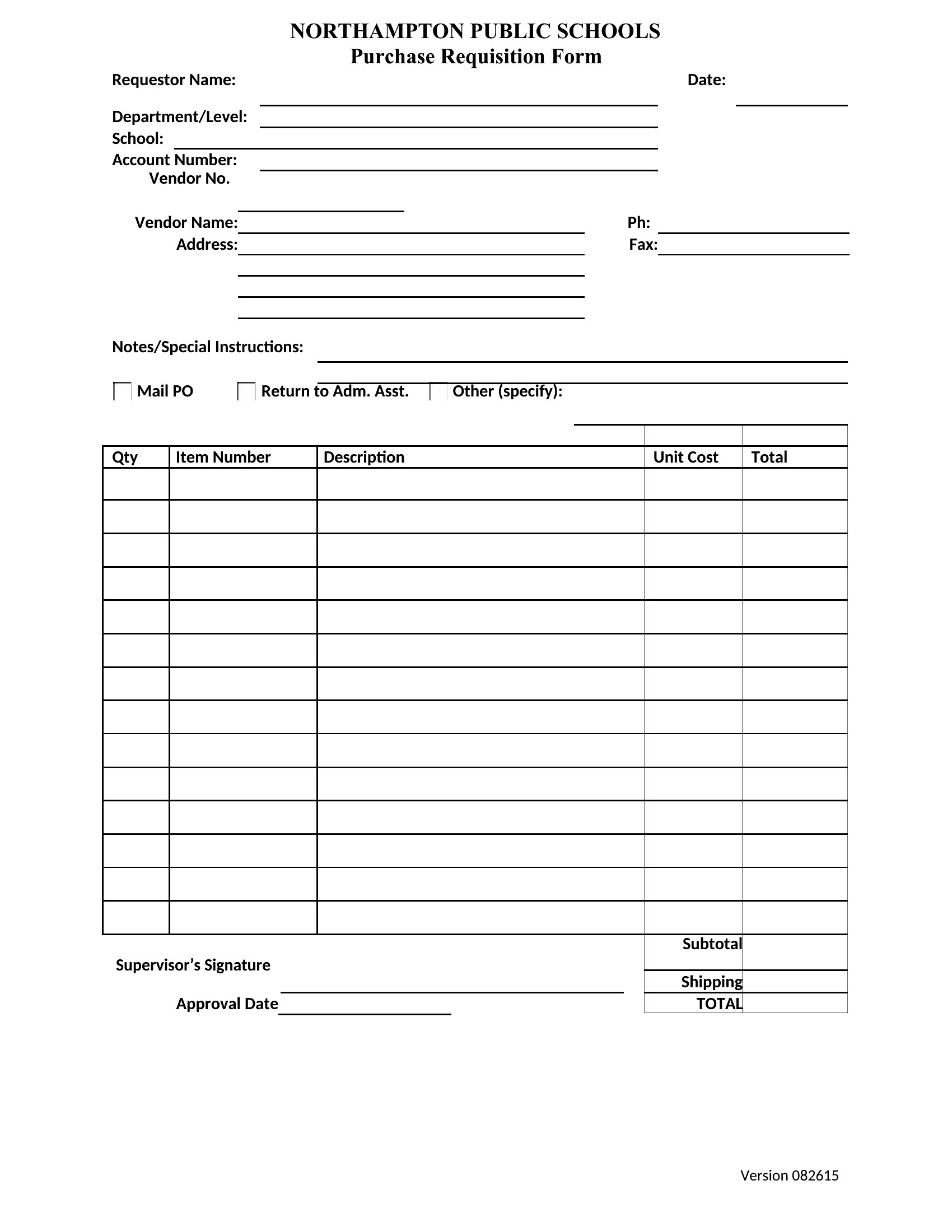
How do I ensure the forms work for both inventory items and service requests, like IT support or facility repairs?
Use the Word templates to create a toggle-able section where staff can select either 'Inventory' or 'Service Request' at the top. This lets you include relevant fields for each type—like part numbers for inventory or service descriptions for repairs—without cluttering the form. Save as PDF once customized to maintain consistency across submissions.
Are these templates HIPAA-compliant for medical or lab requisitions?
These templates provide a framework for secure data collection but require customization to meet HIPAA or other compliance standards. For medical or lab use, add a confidentiality notice, limit personally identifiable information to necessary fields, and ensure forms are stored securely. Consult legal or IT teams to adapt them fully for your specific compliance needs.
Comments
Join the conversation
Sign in to share your thoughts and leave a comment on this resource.