Skip to content
50% off this one-time $1.99 pack with HALFOFF — or unlimited with Pro.HALFOFF
Premium

Free Invoice Templates (Word, PDF)
Invoices
jacobmeyer by jacobmeyer
Updated 0 downloads Quality-checked template

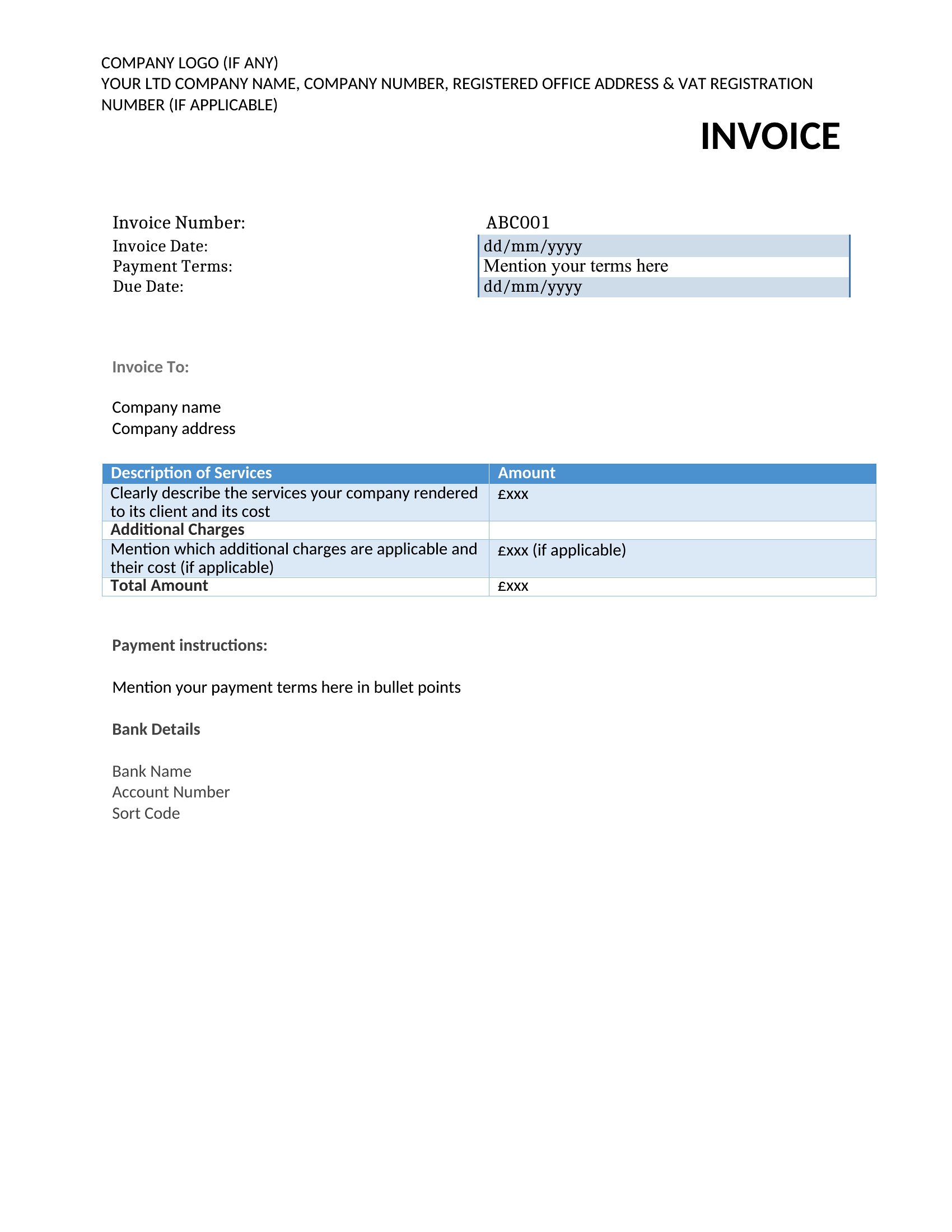
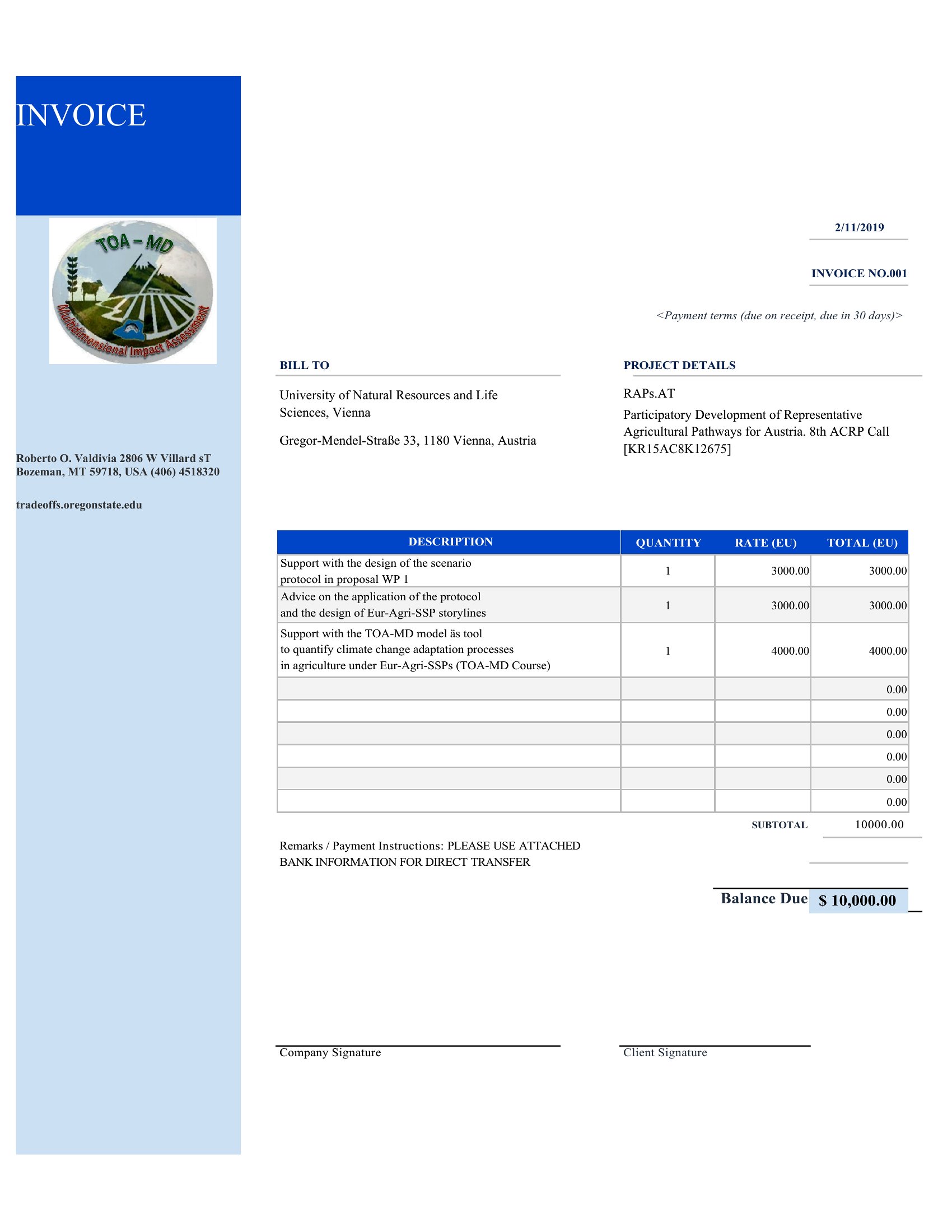
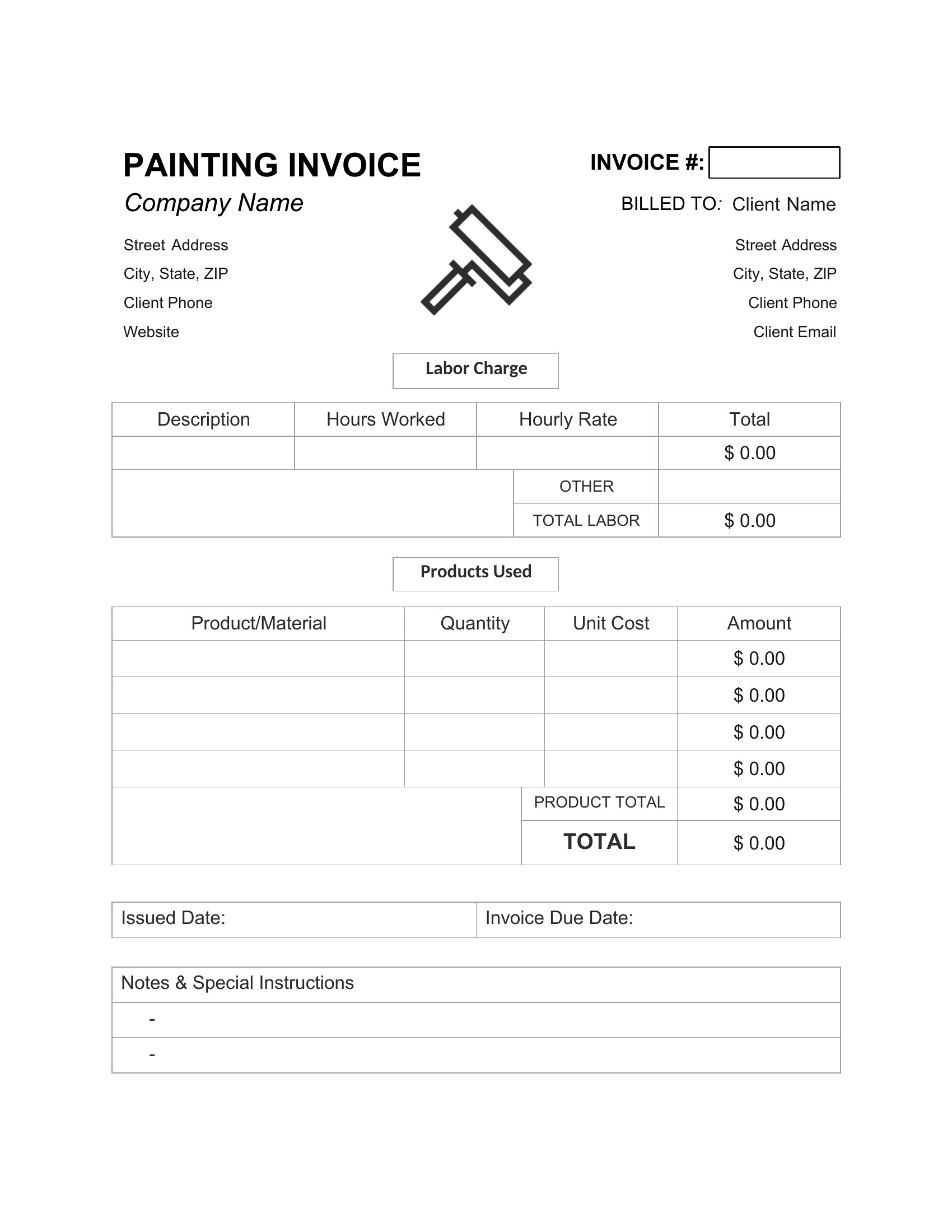
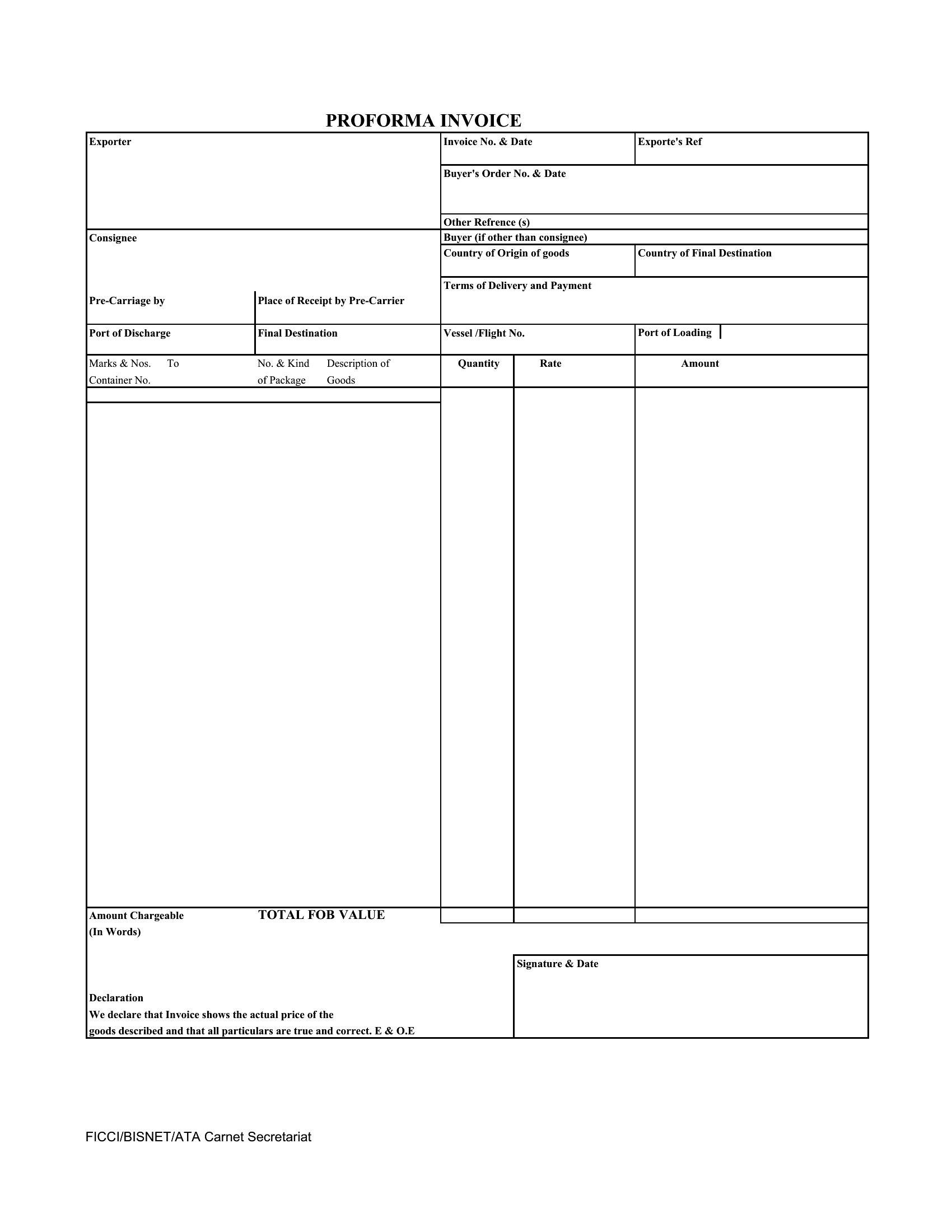
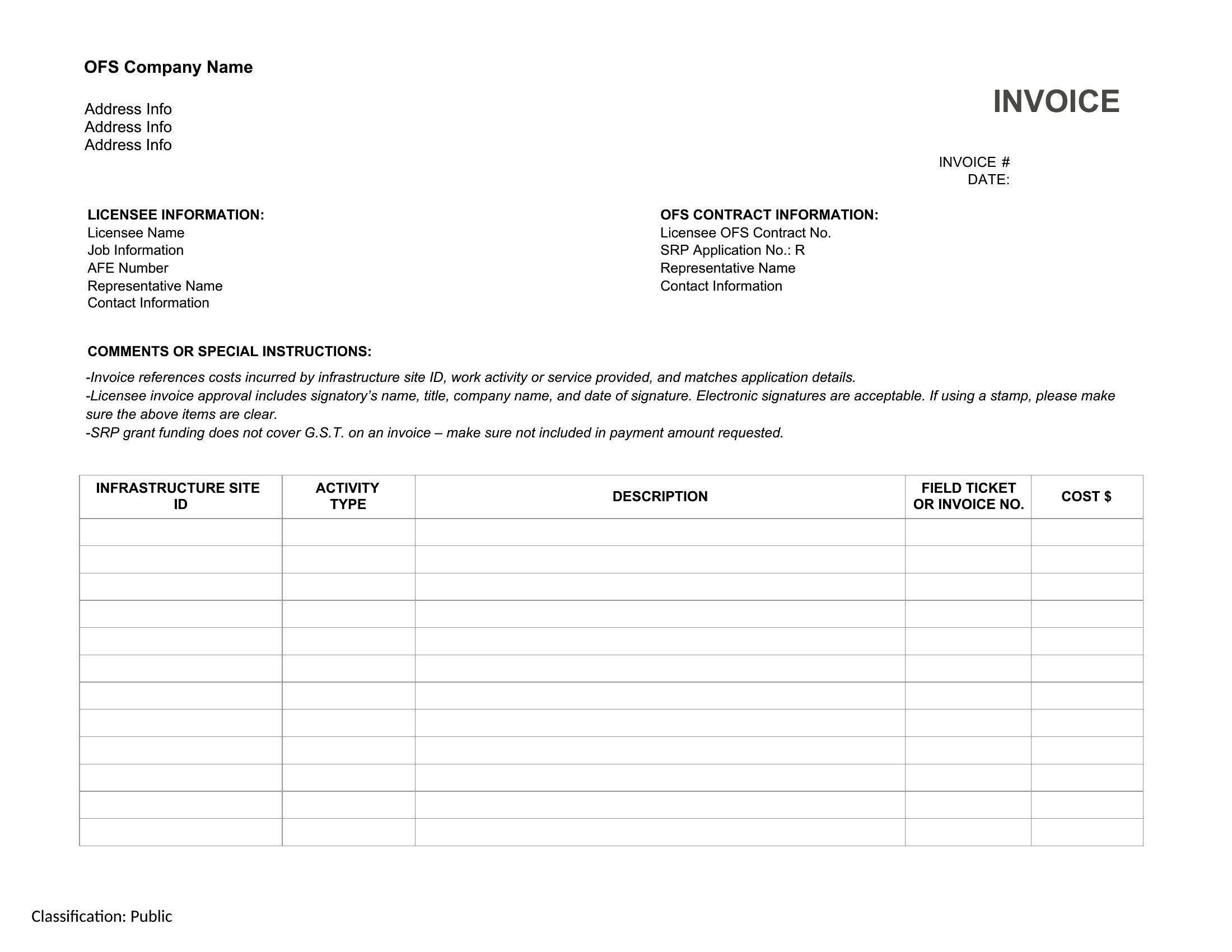
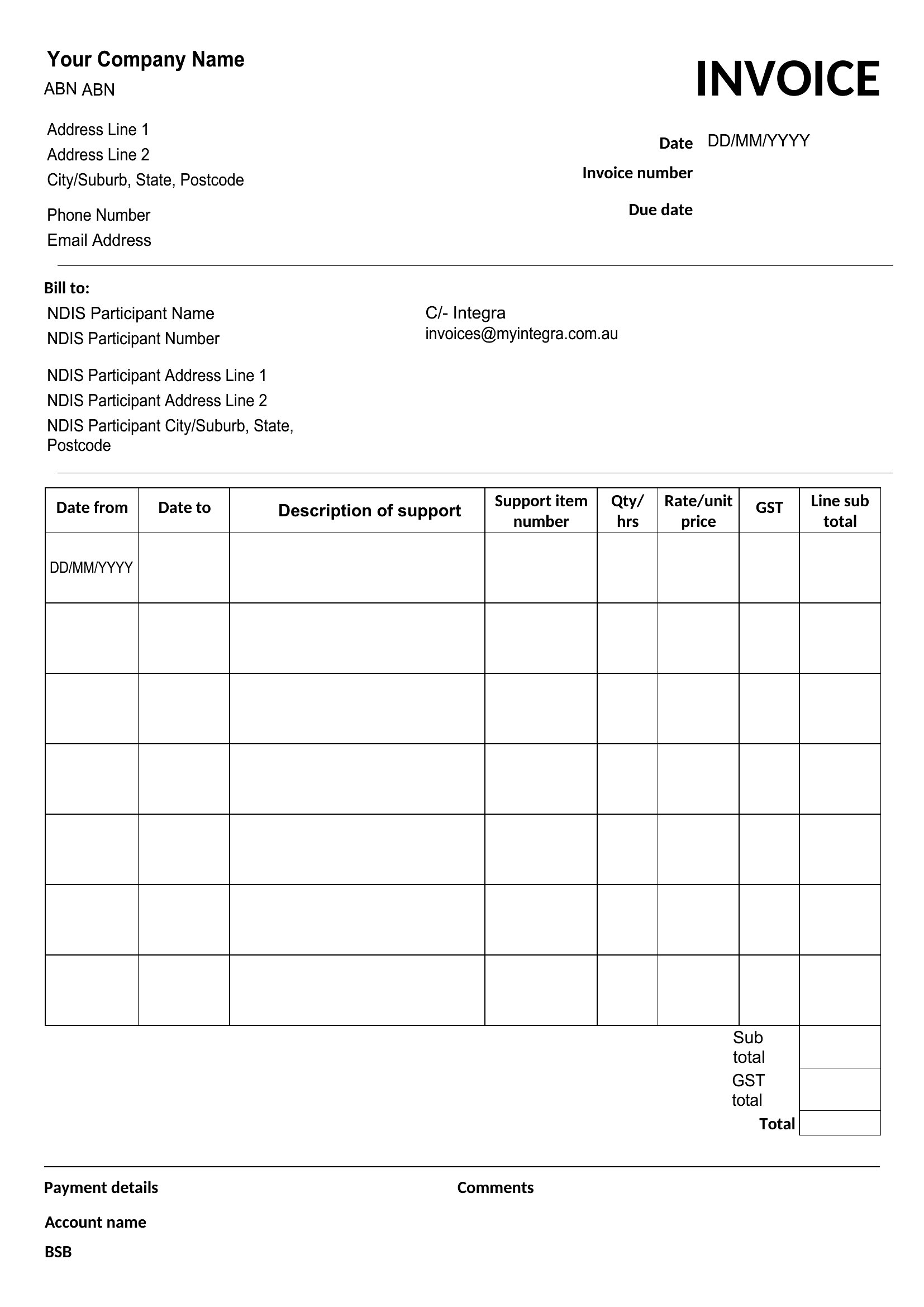
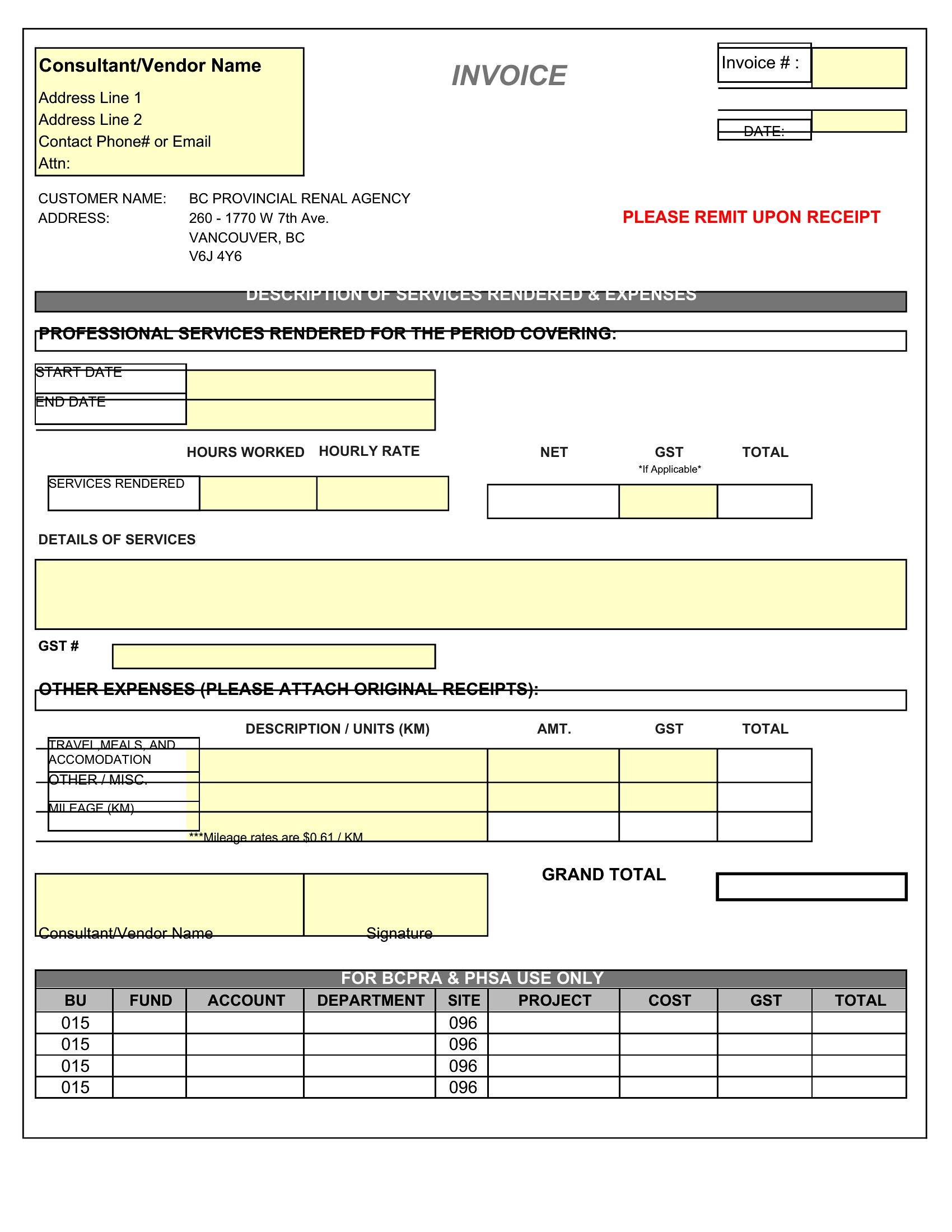
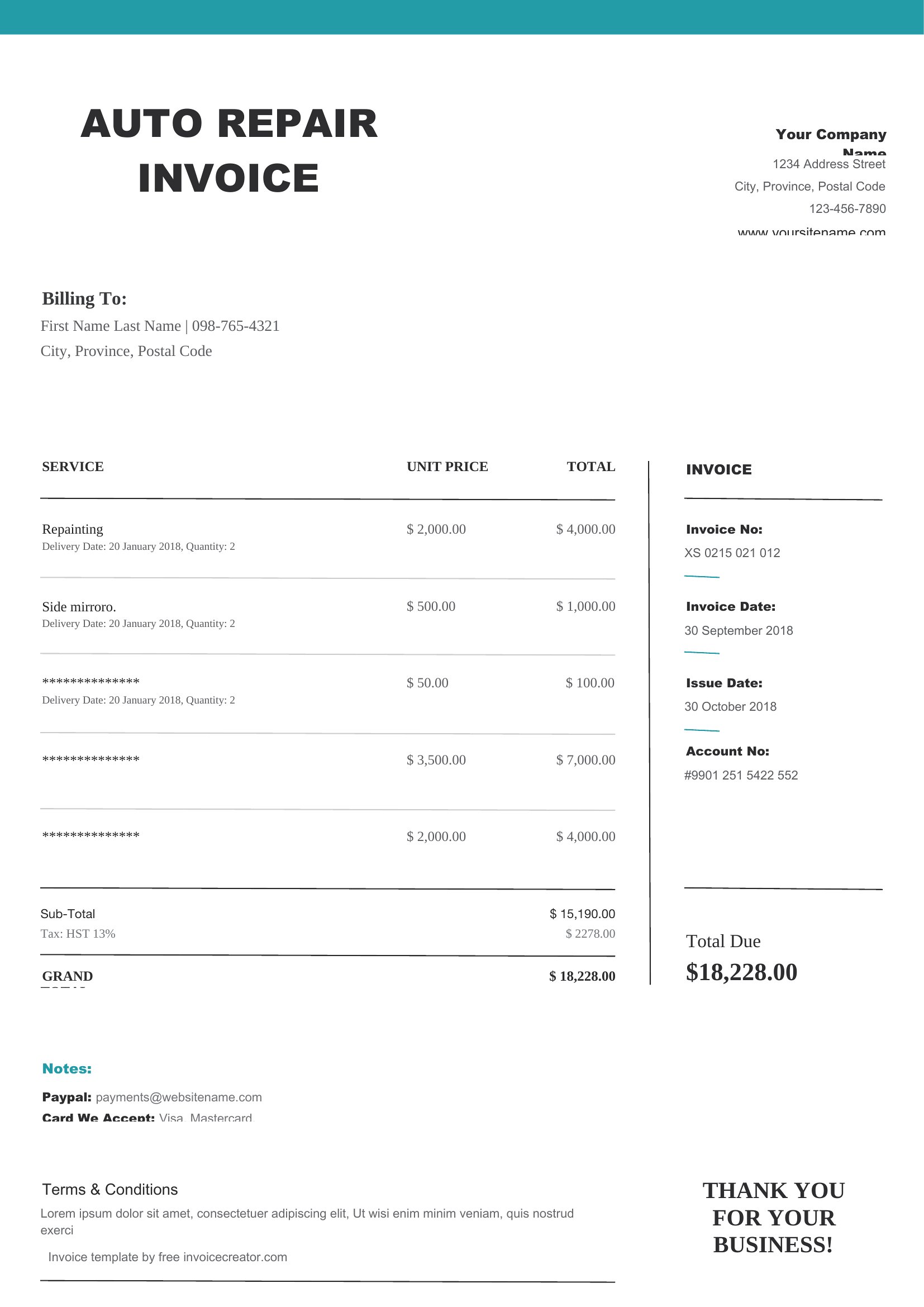
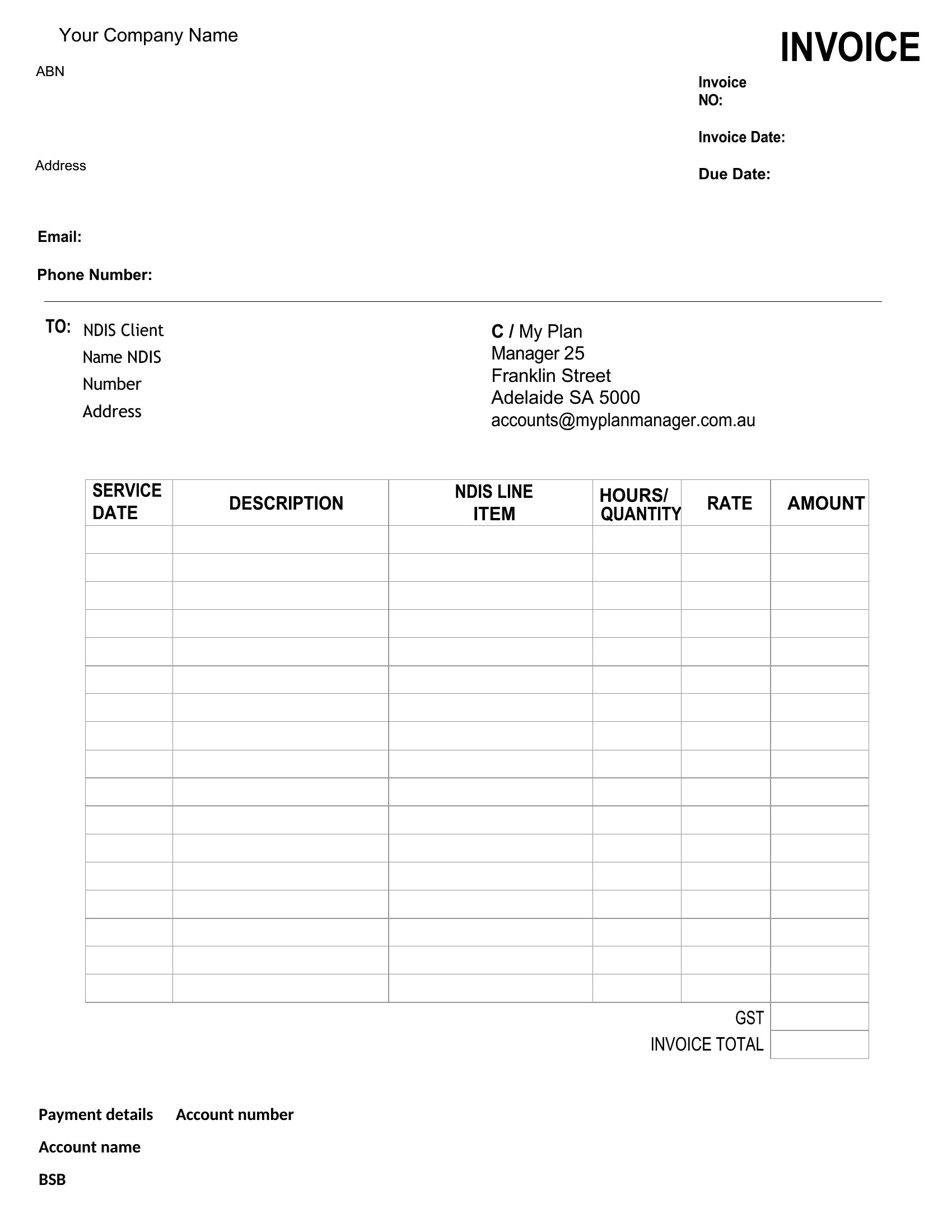
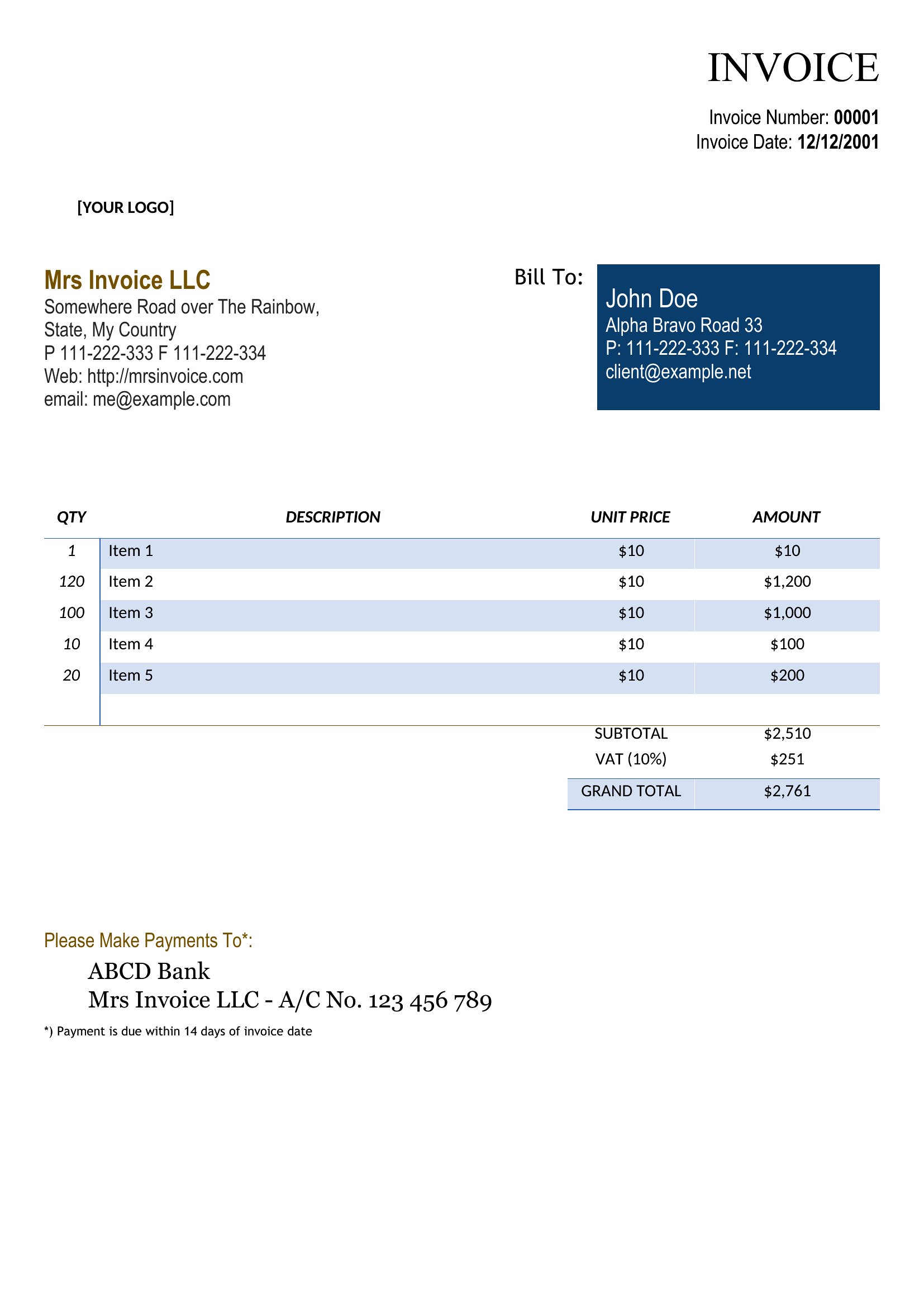
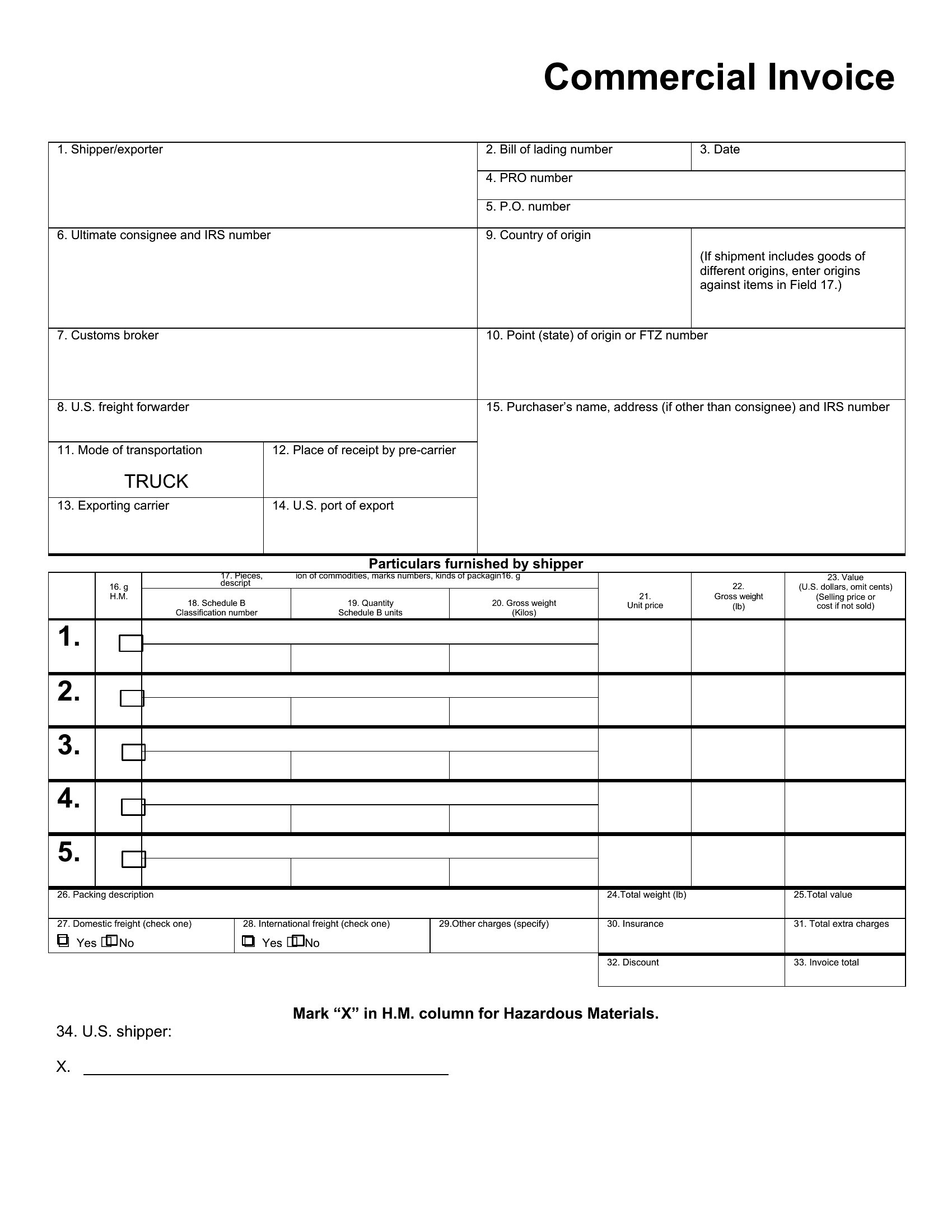
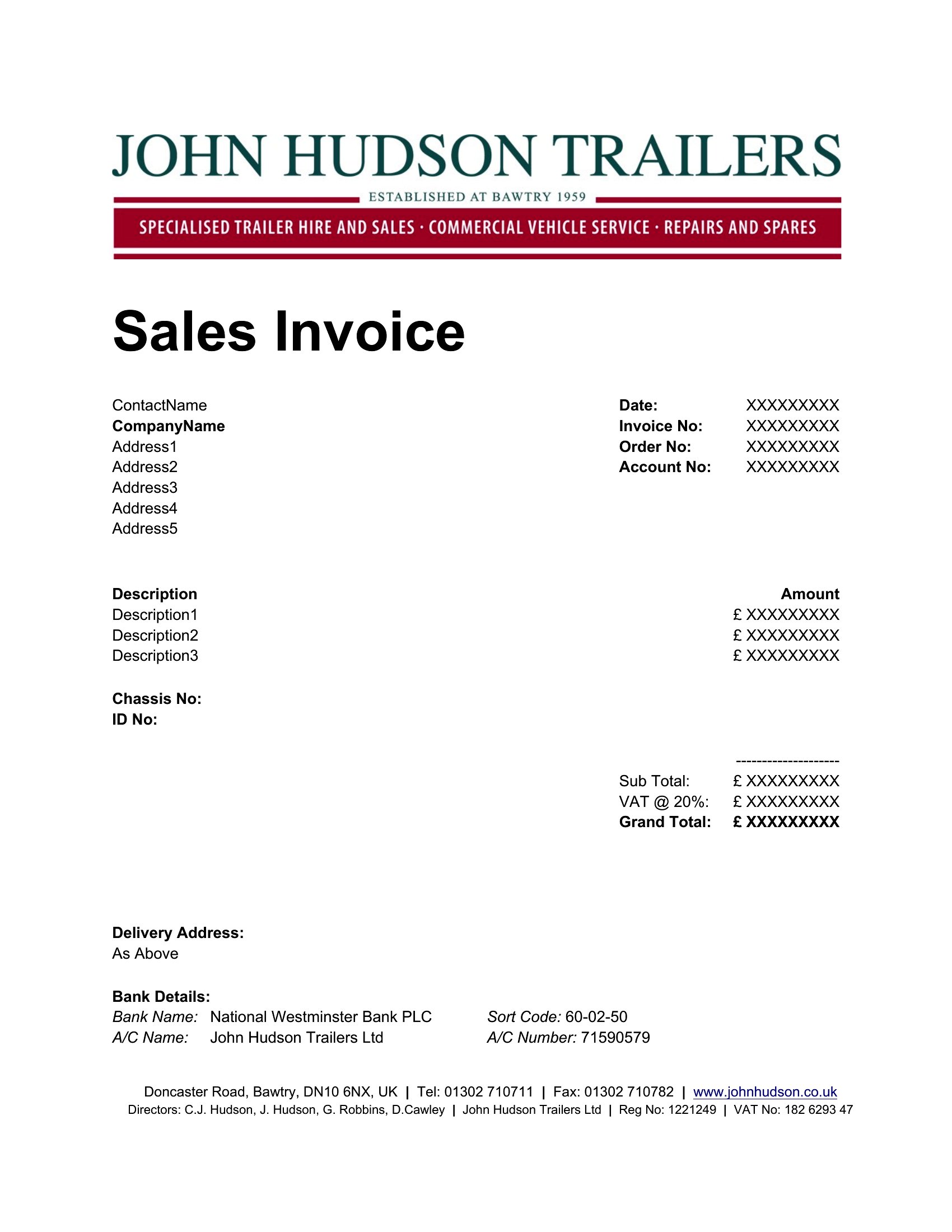
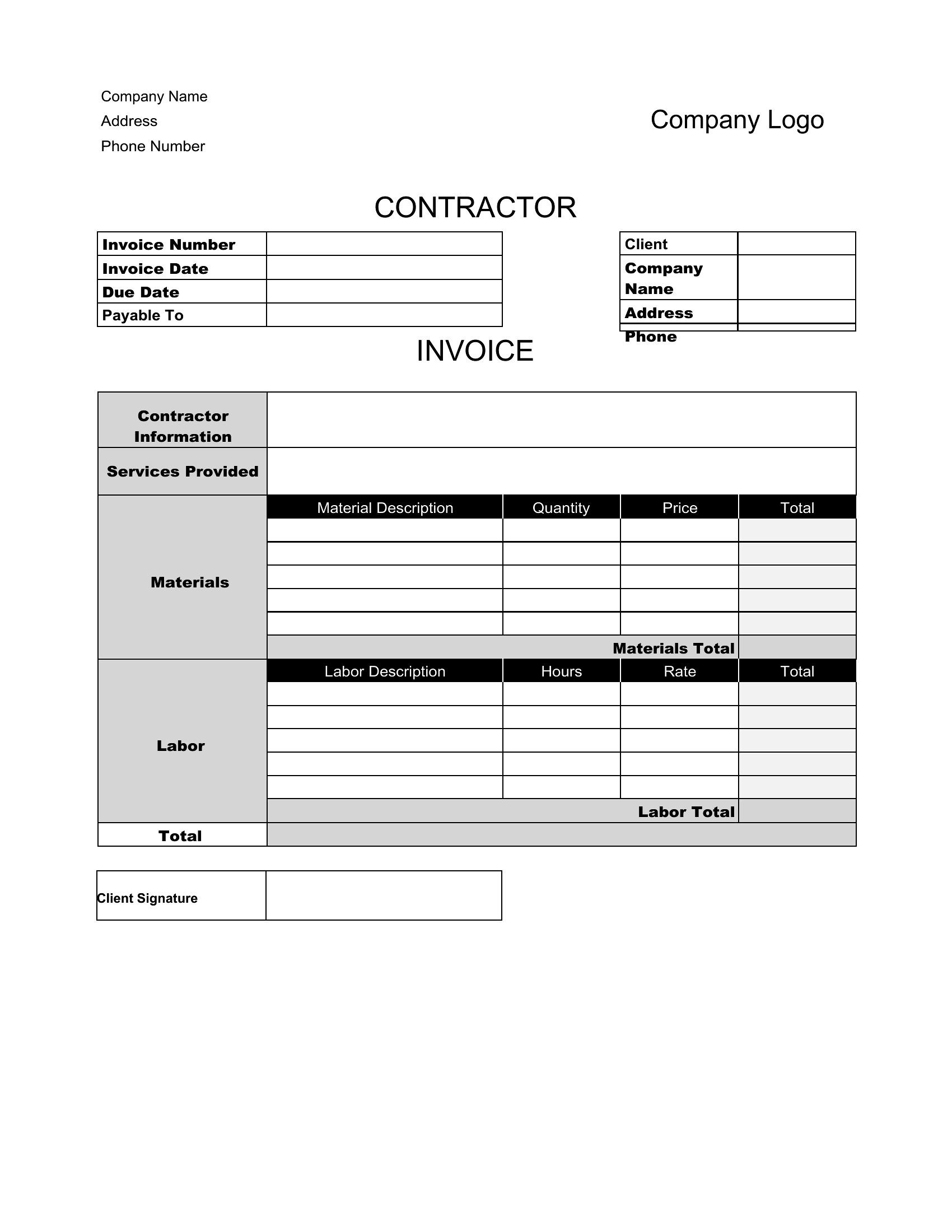
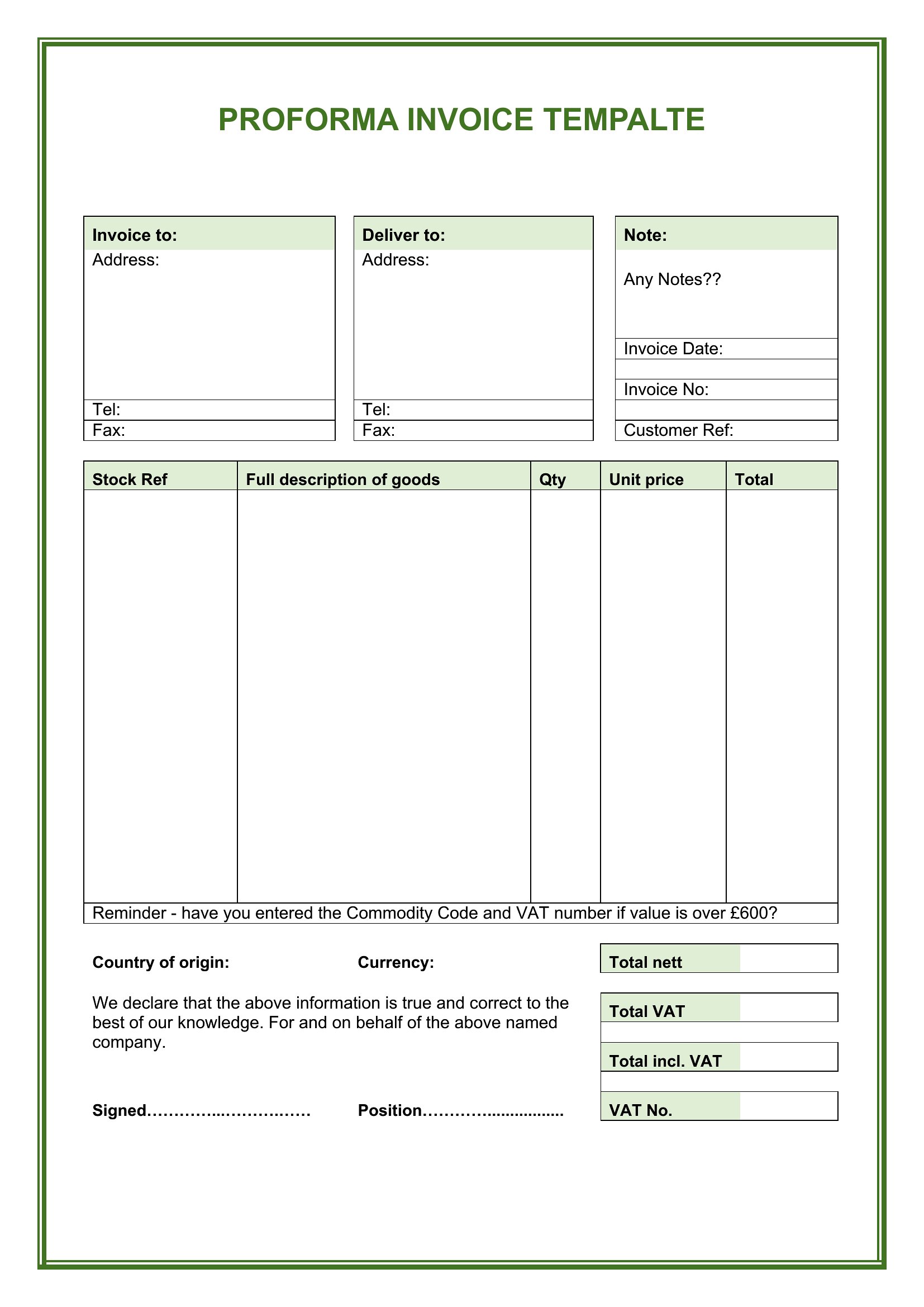
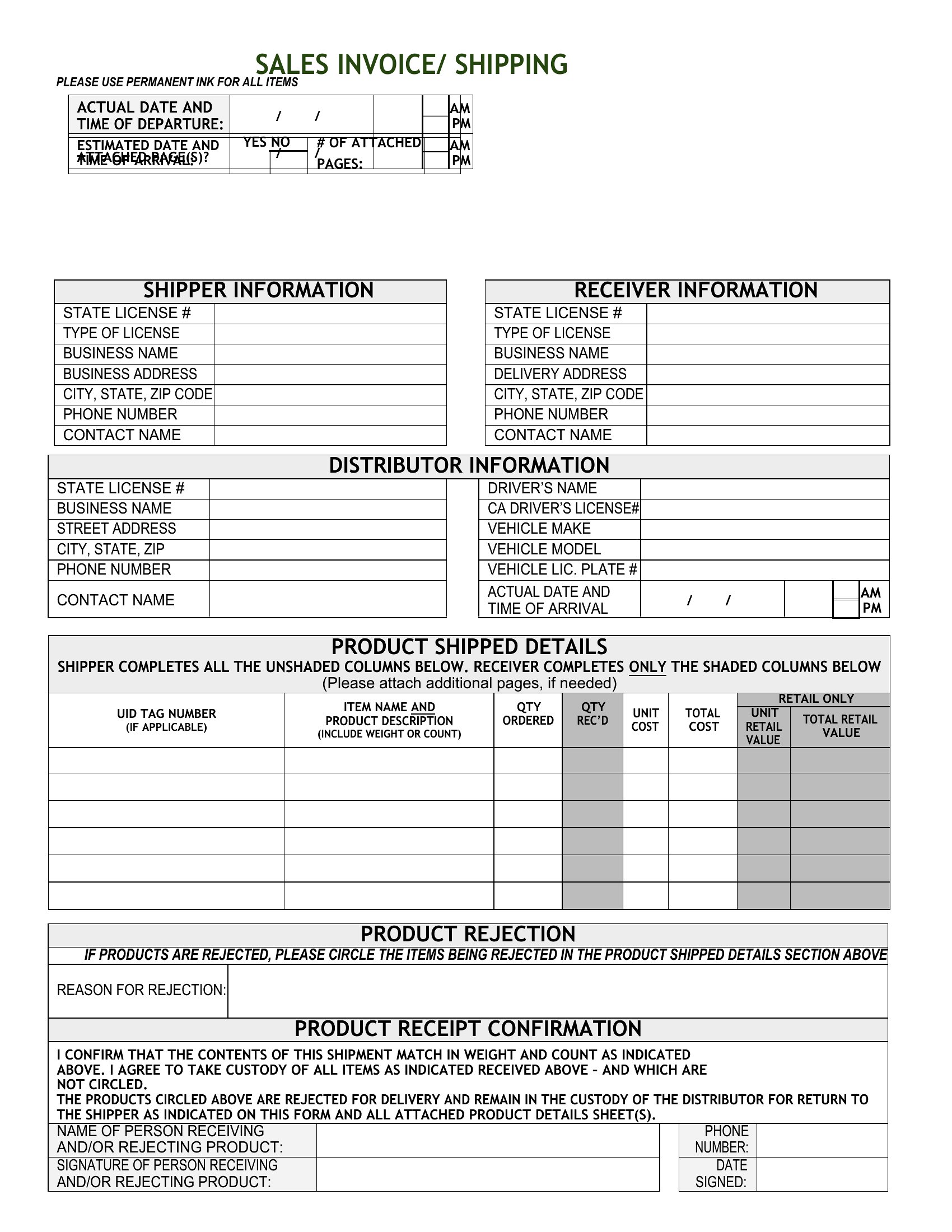
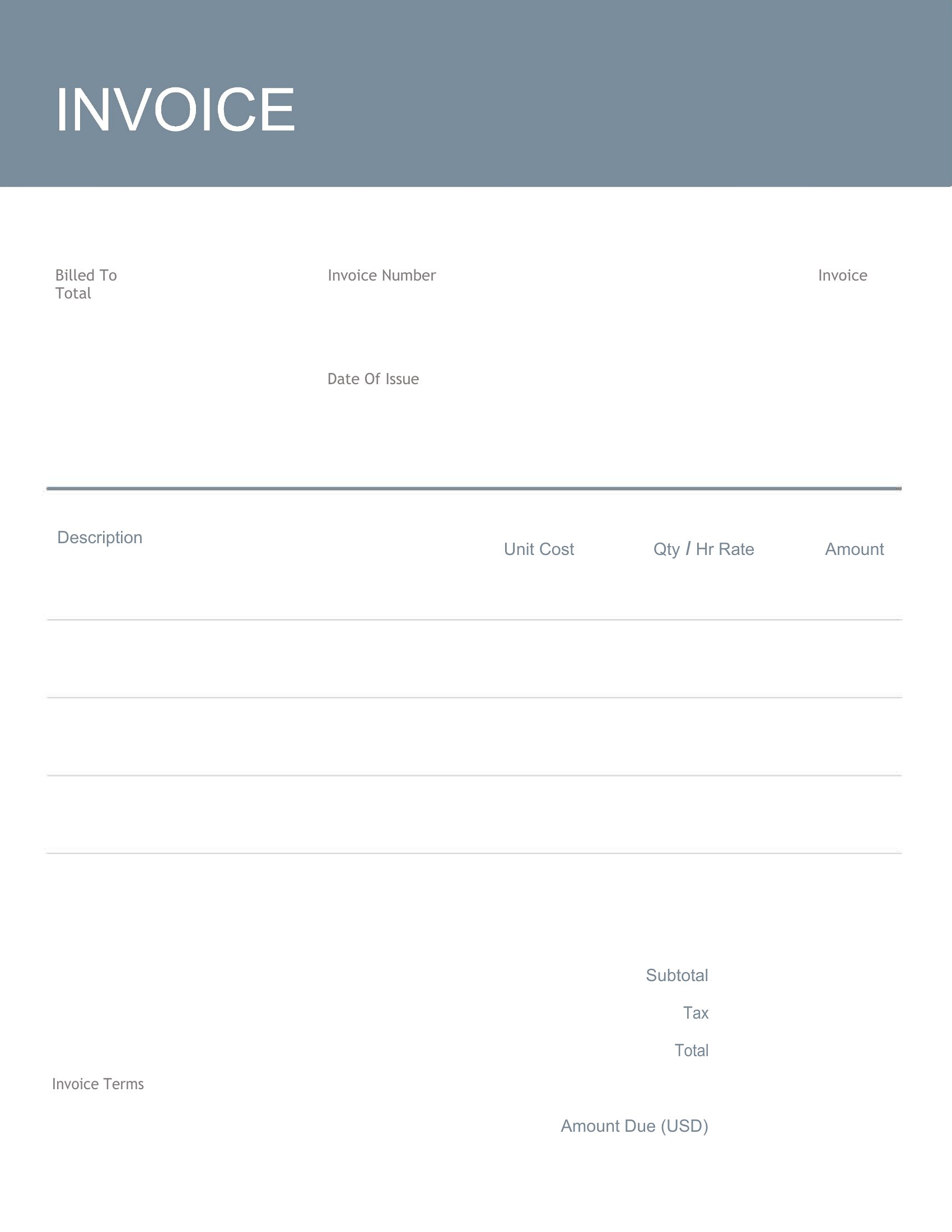
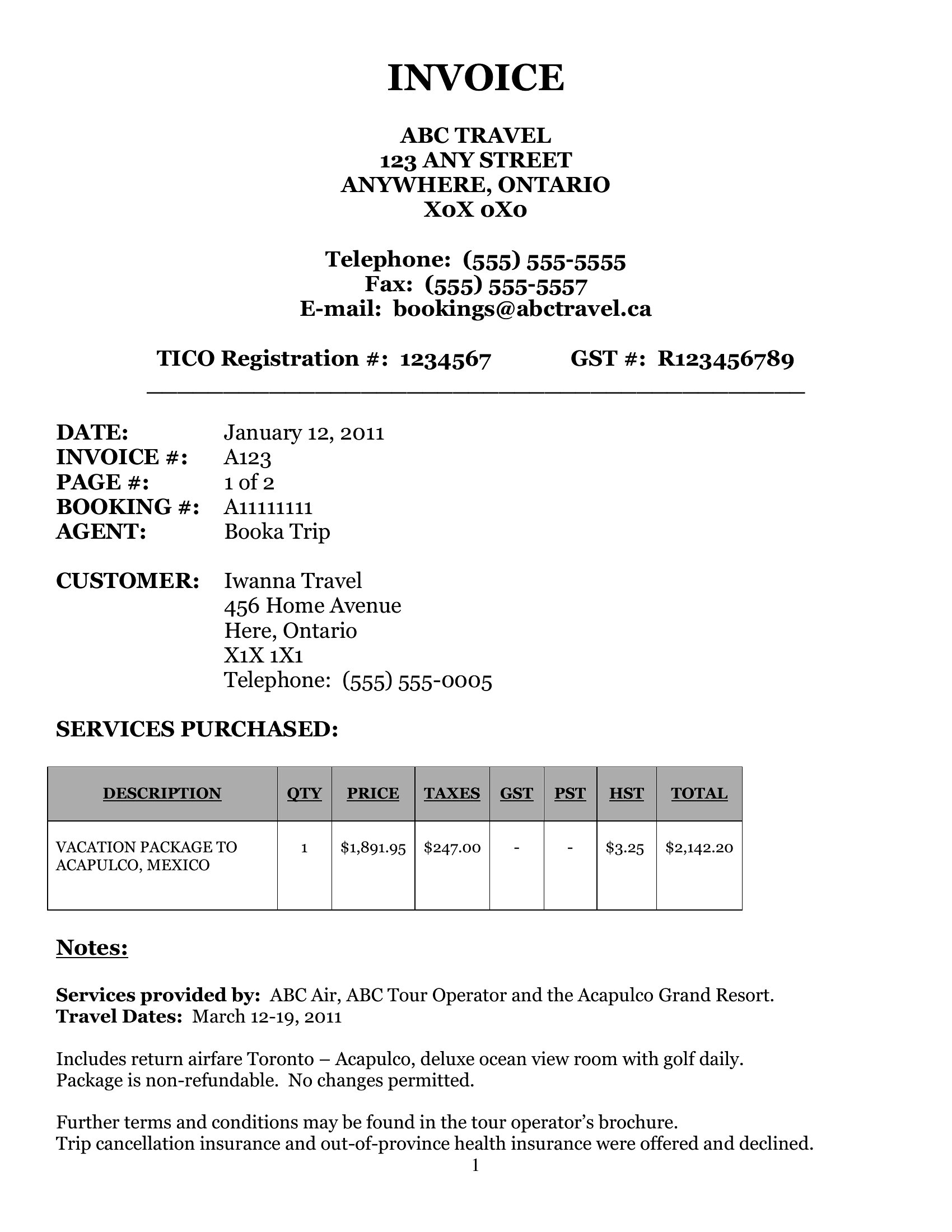
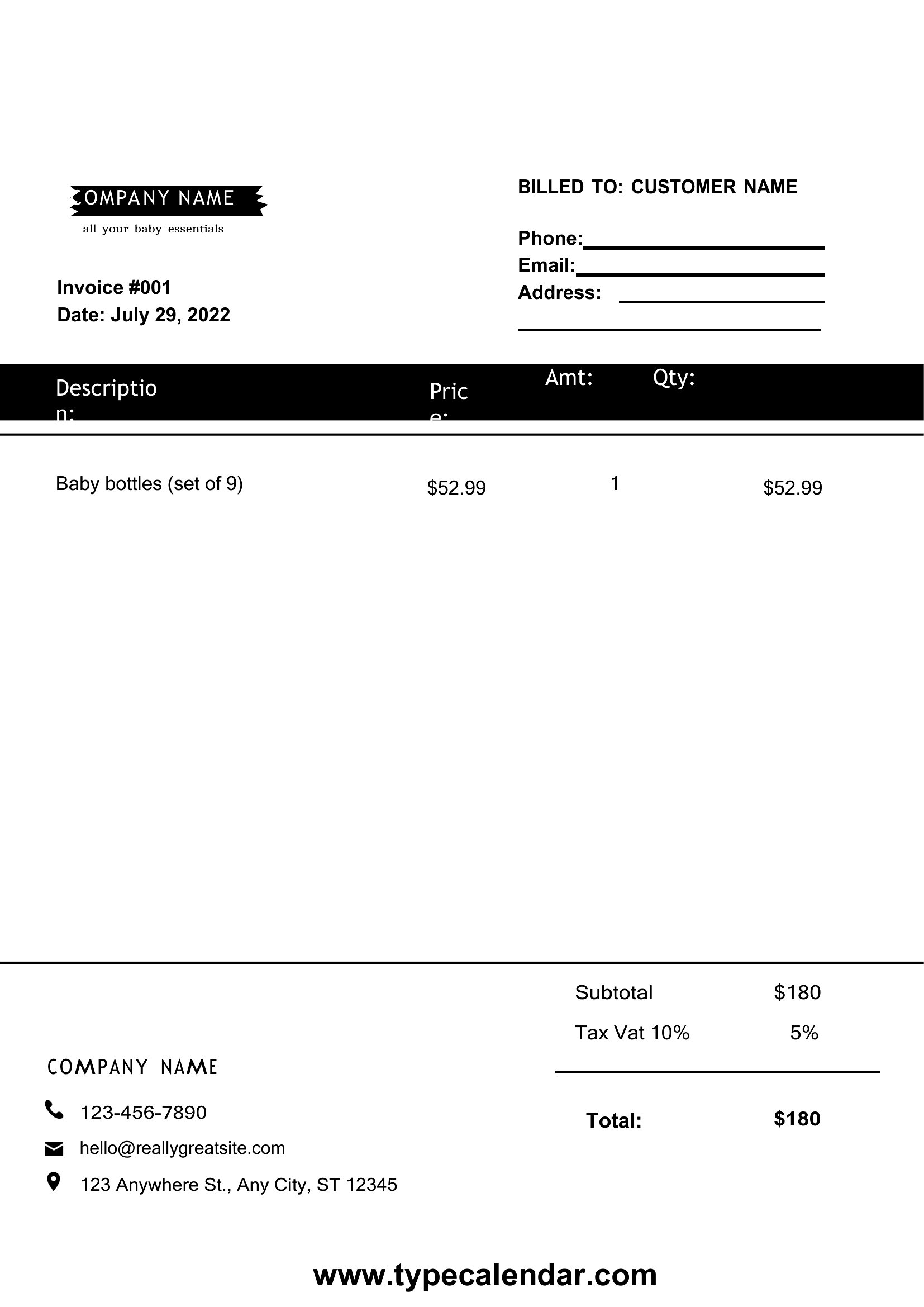
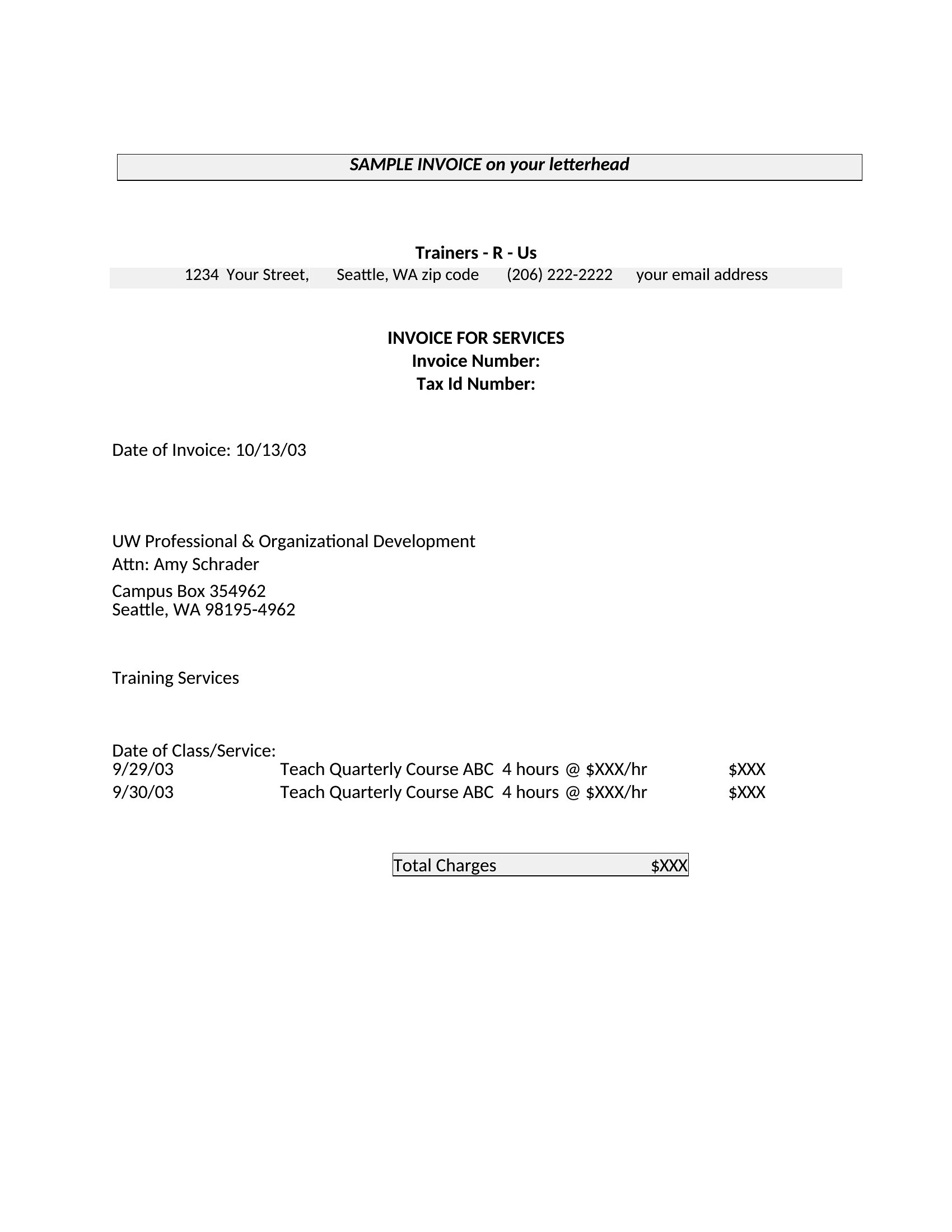
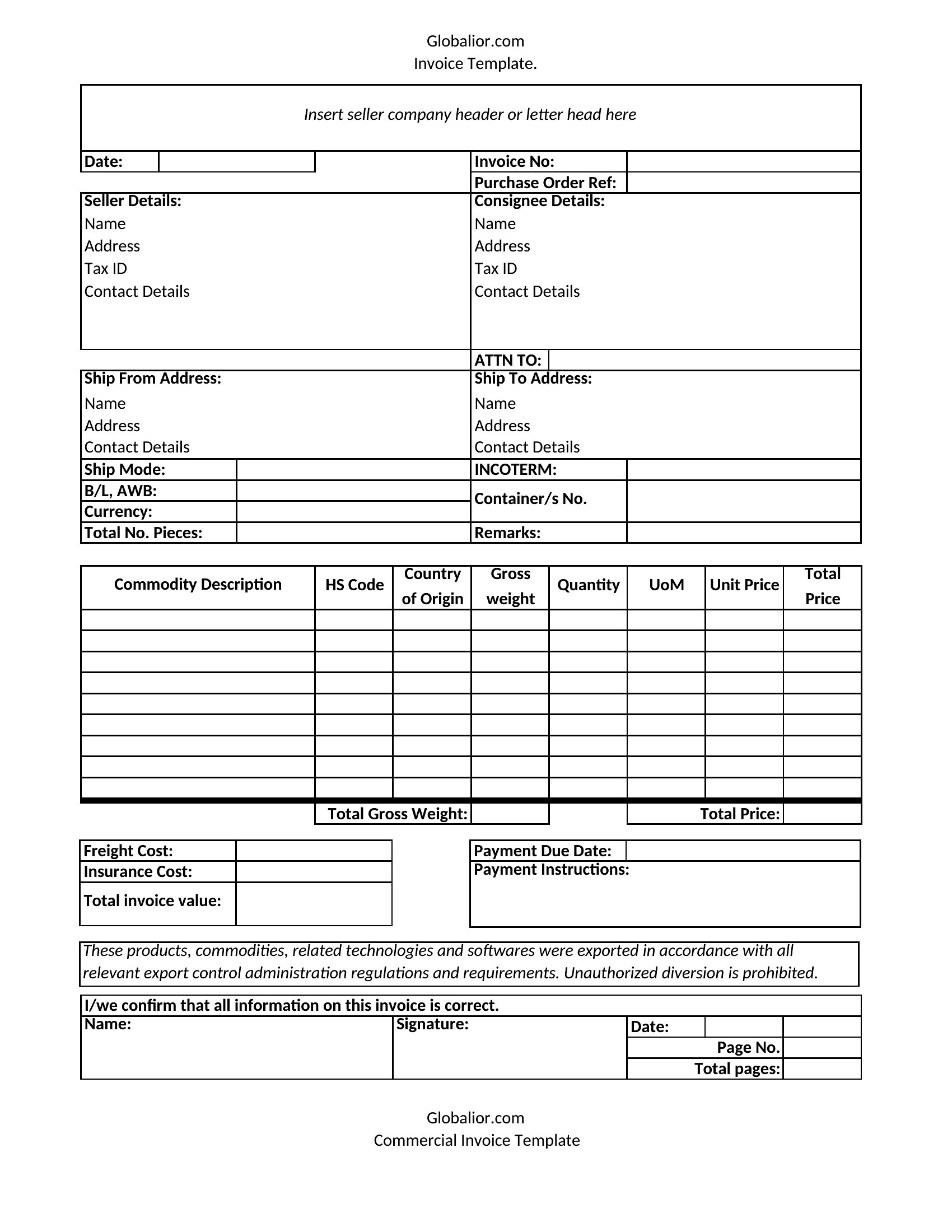
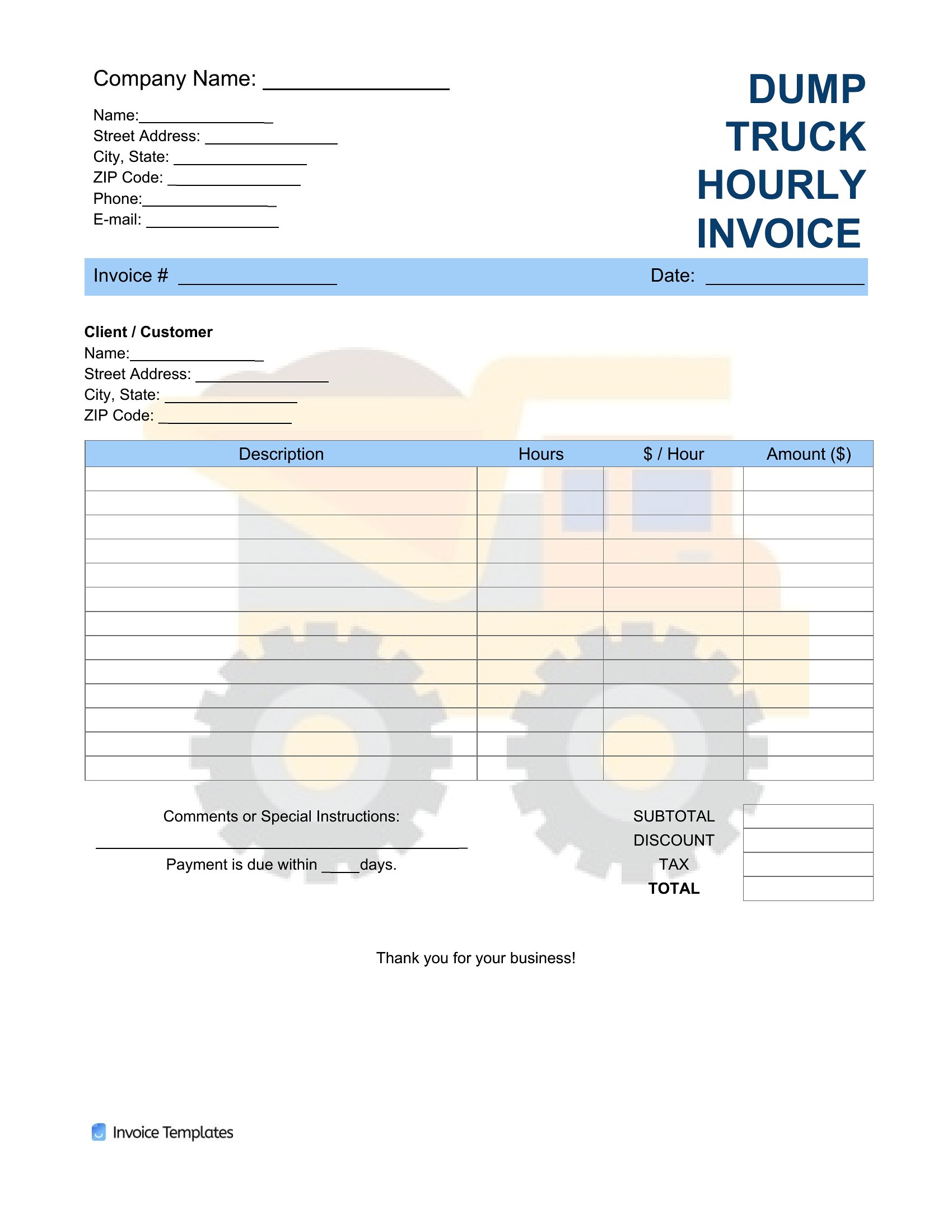
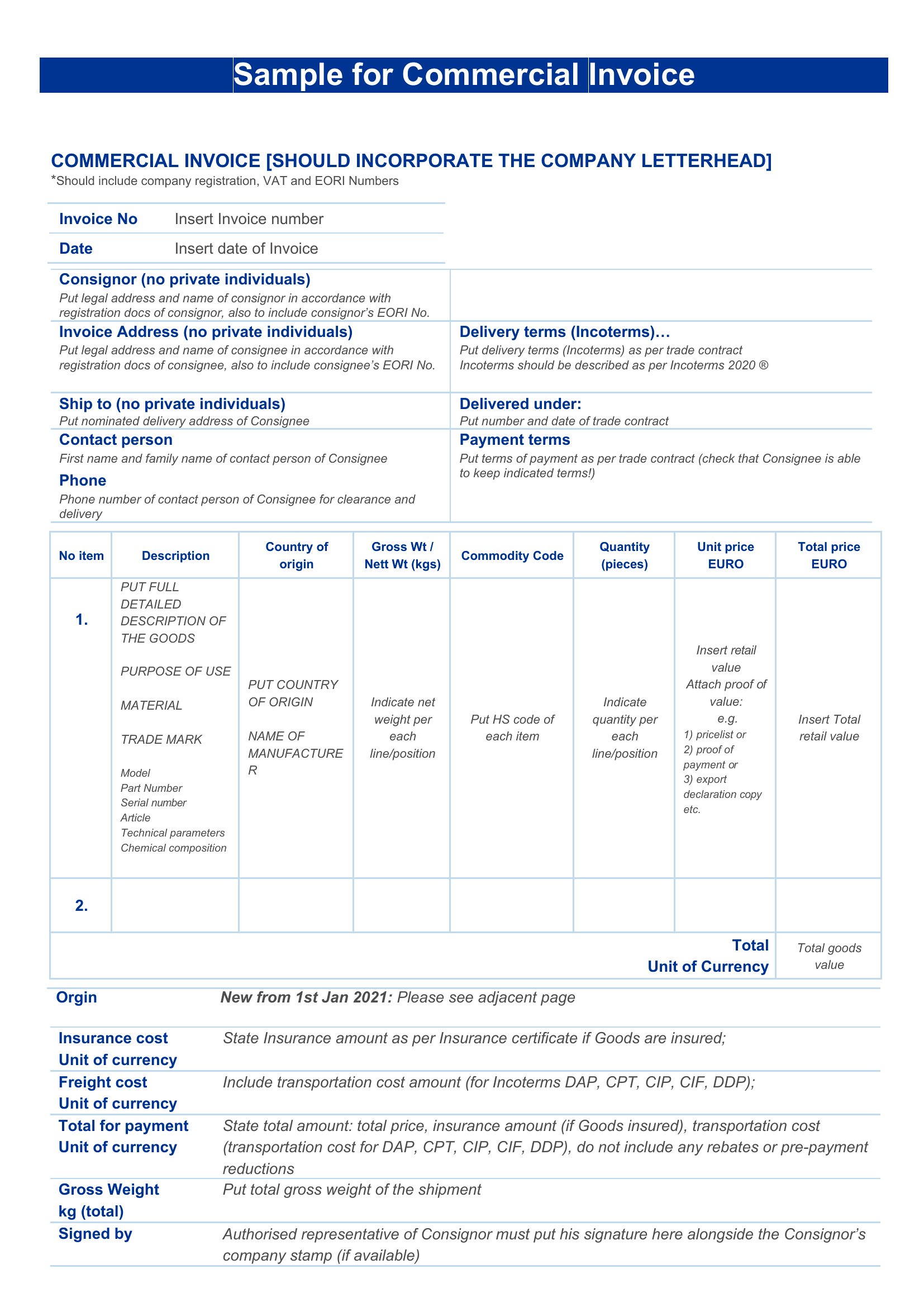
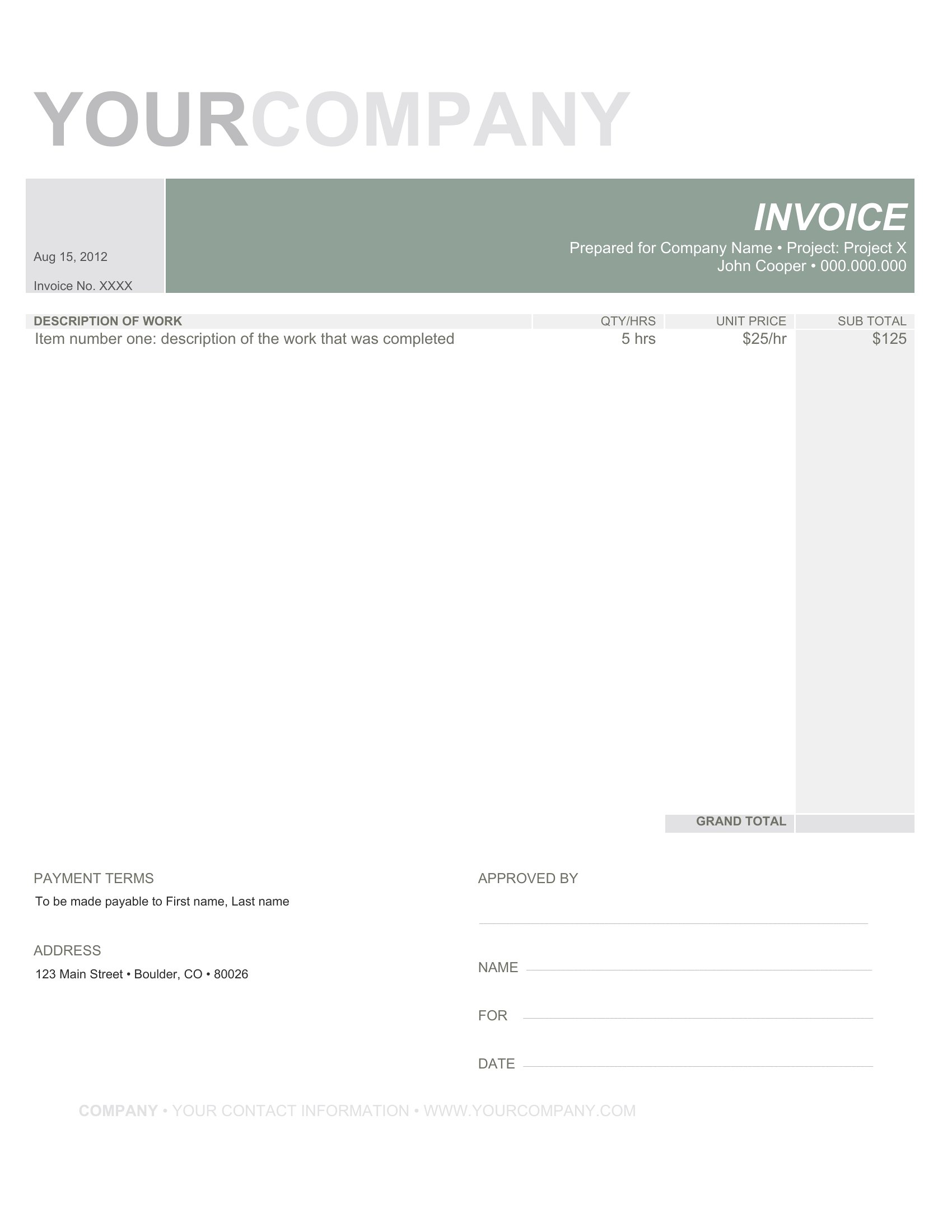
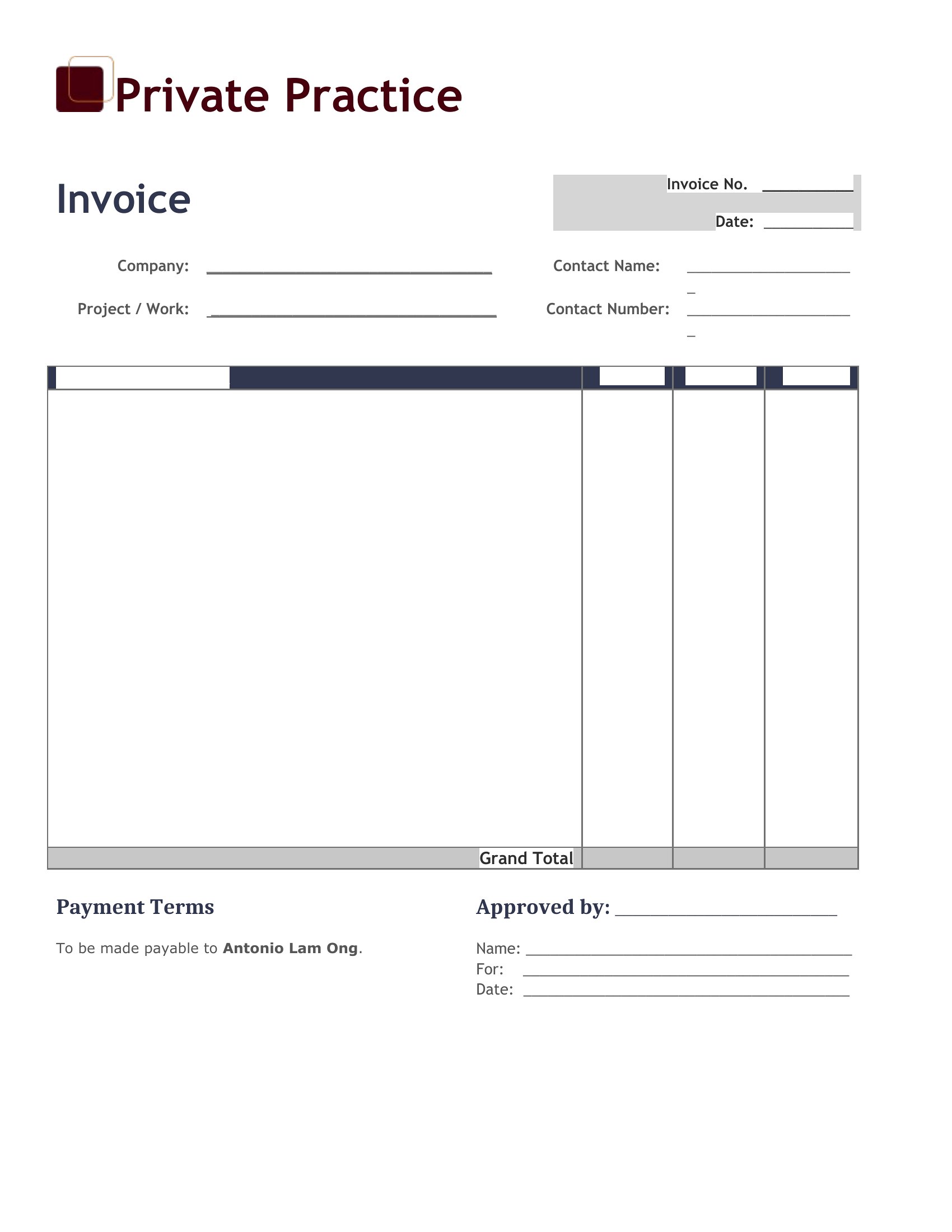
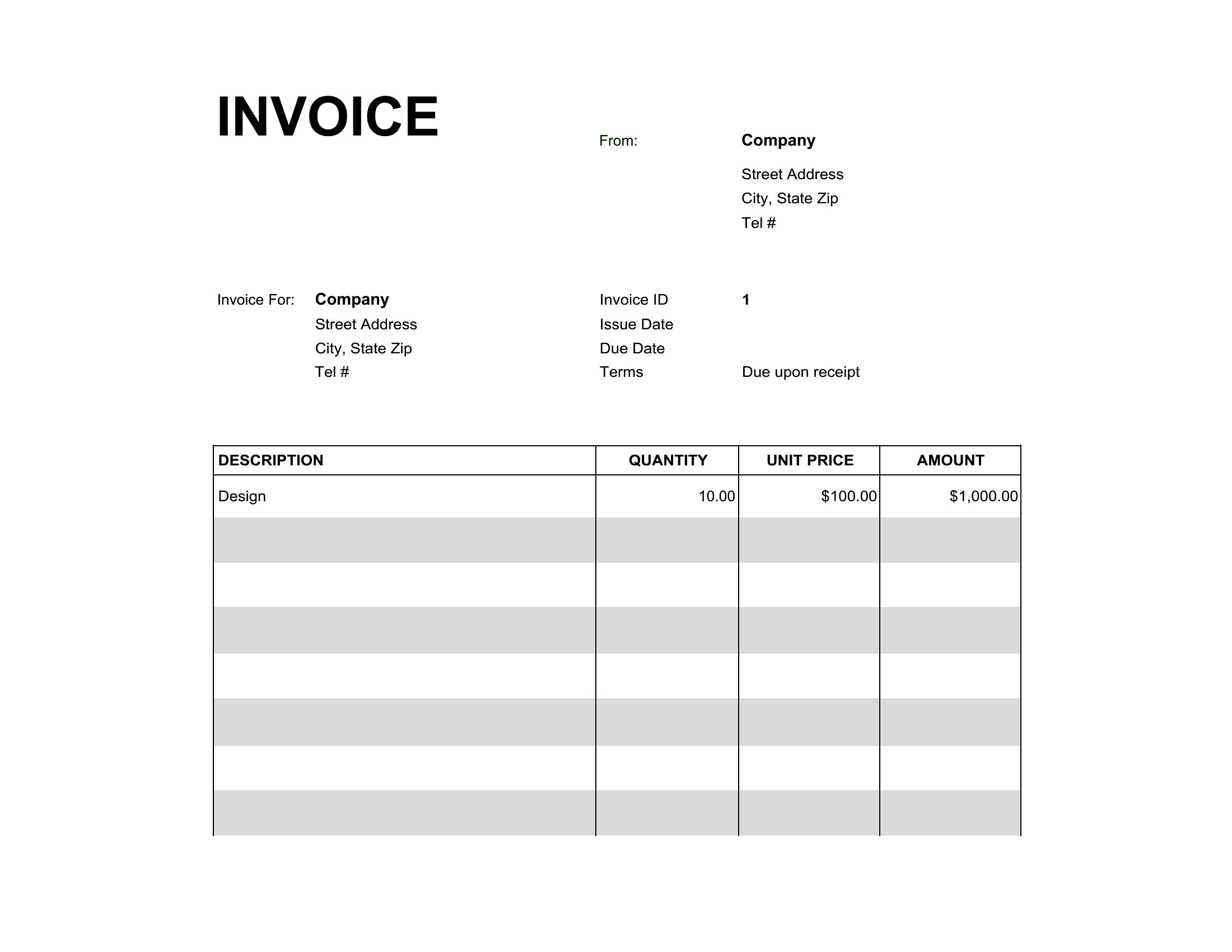
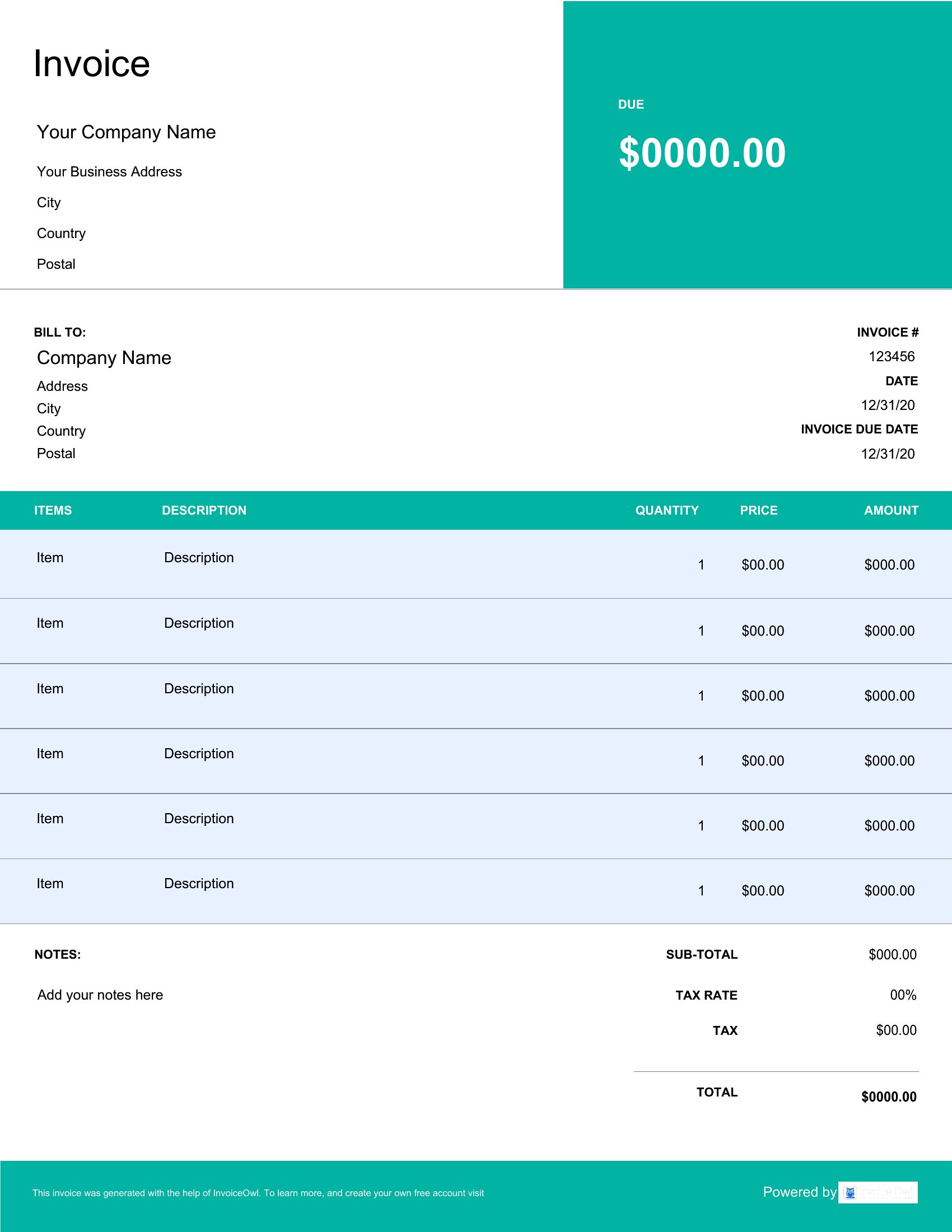
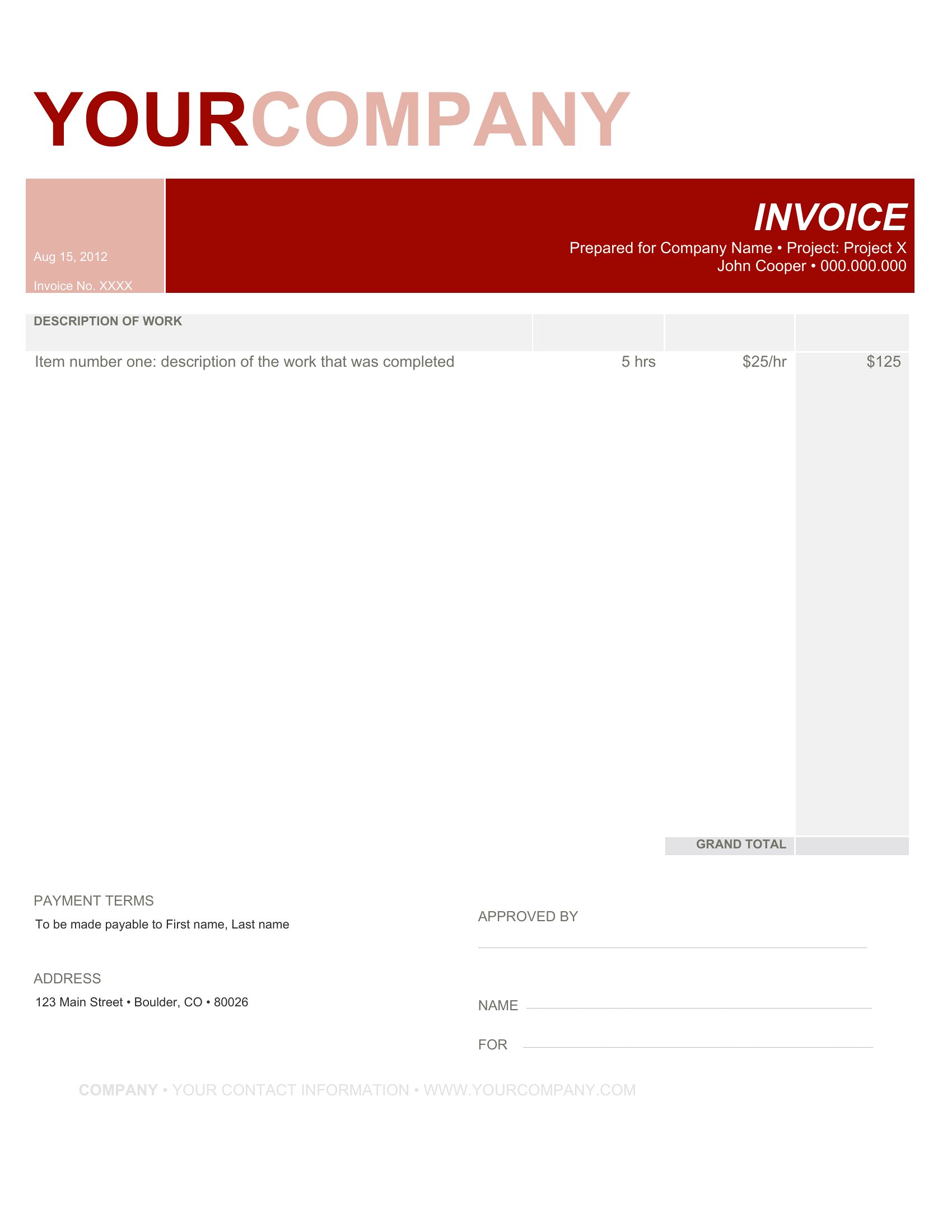
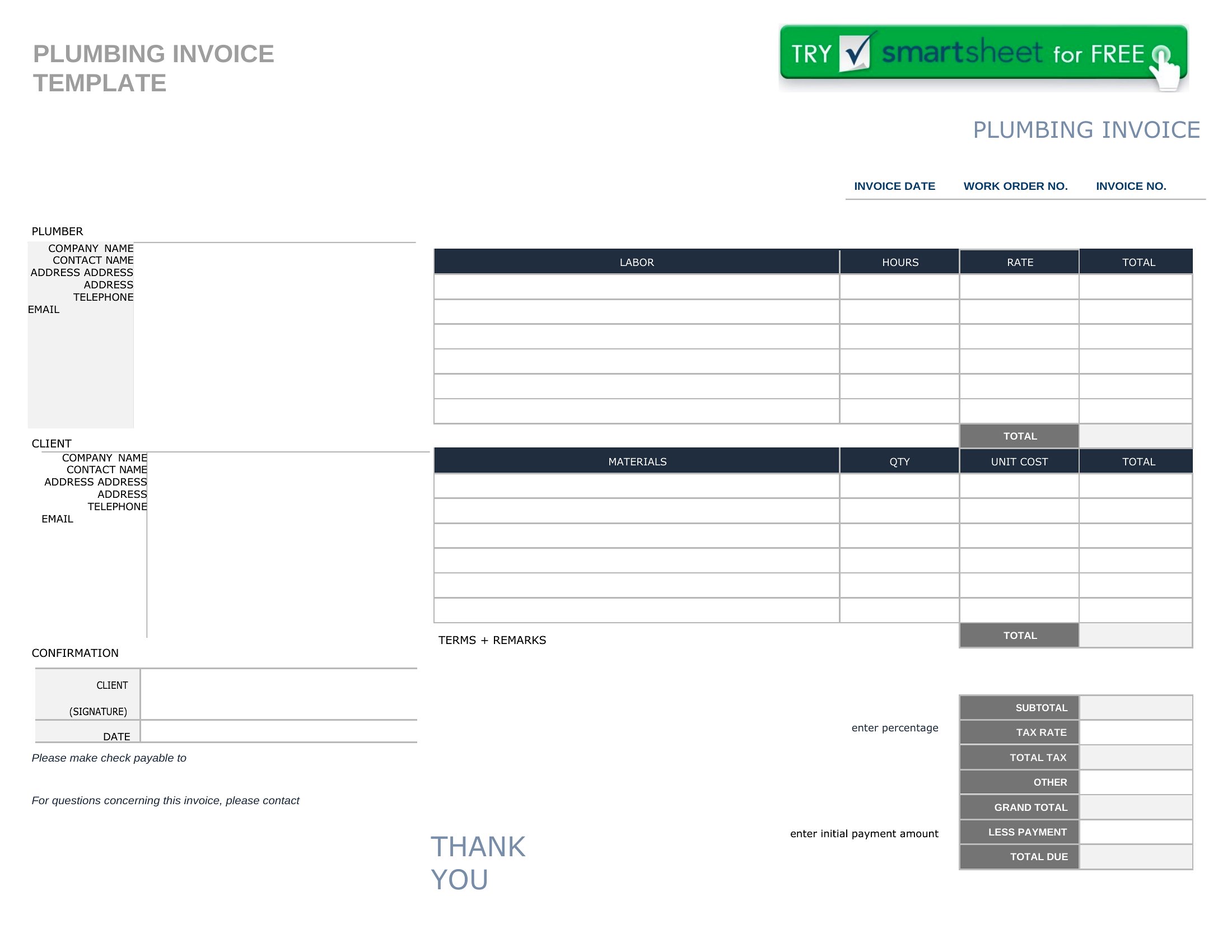
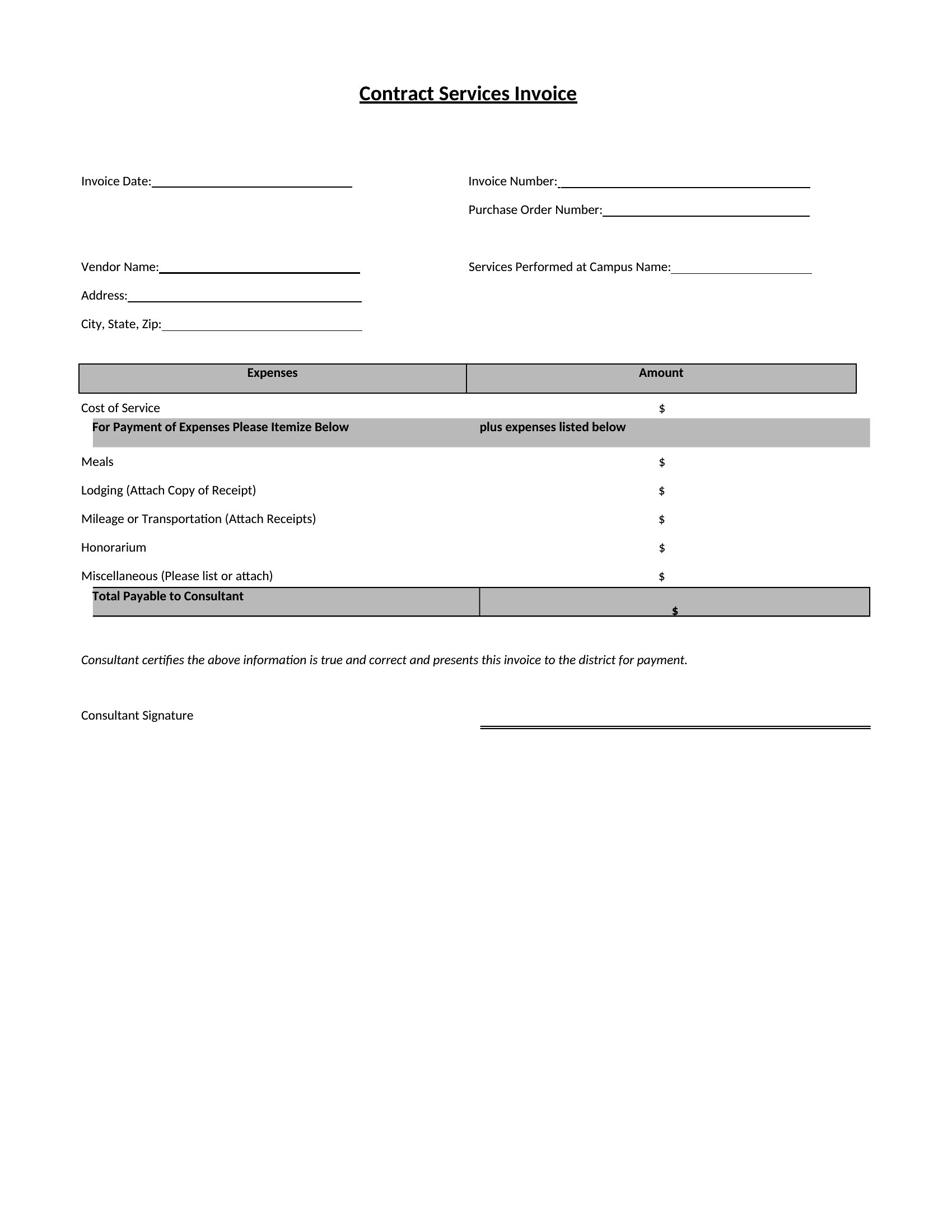
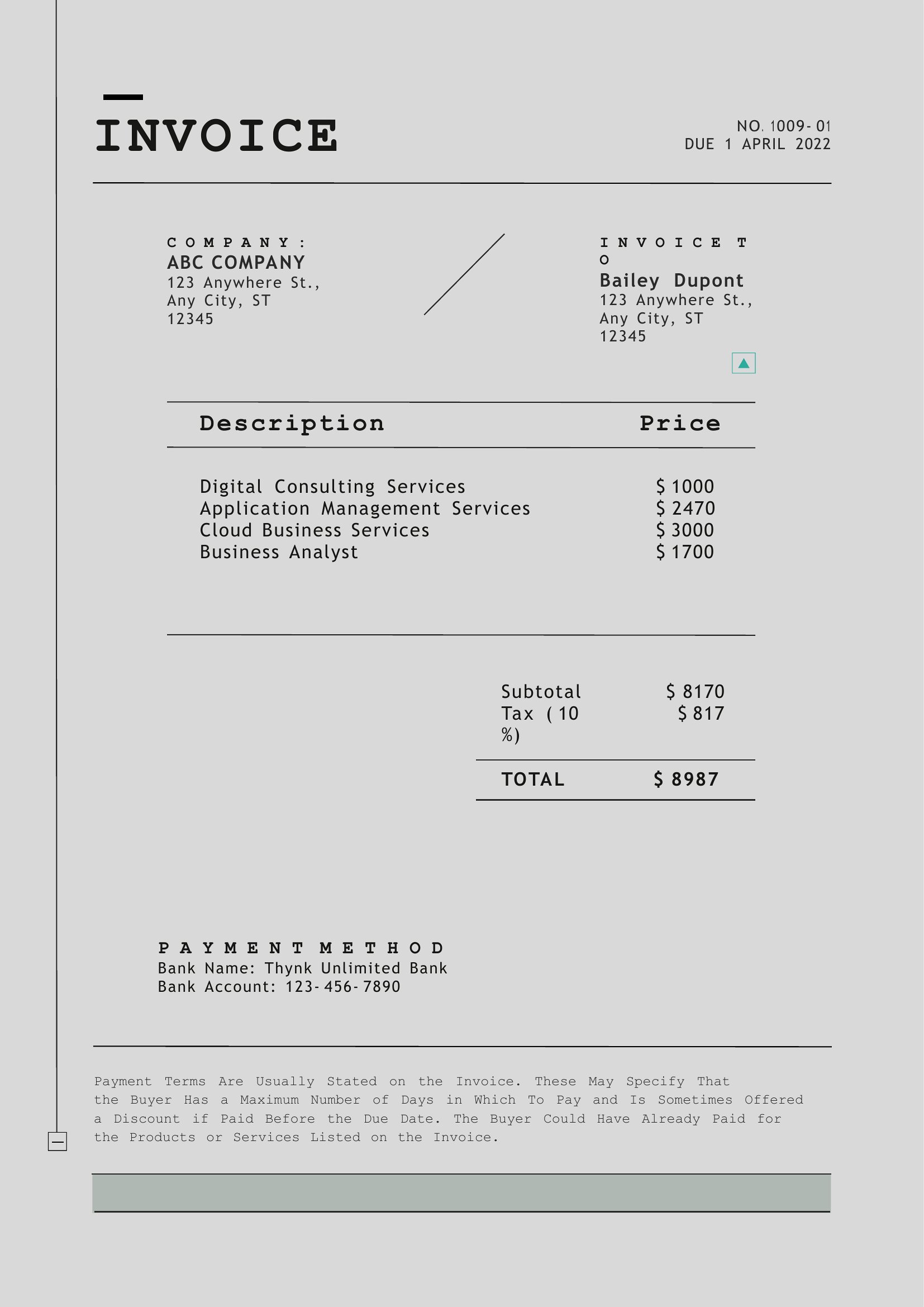
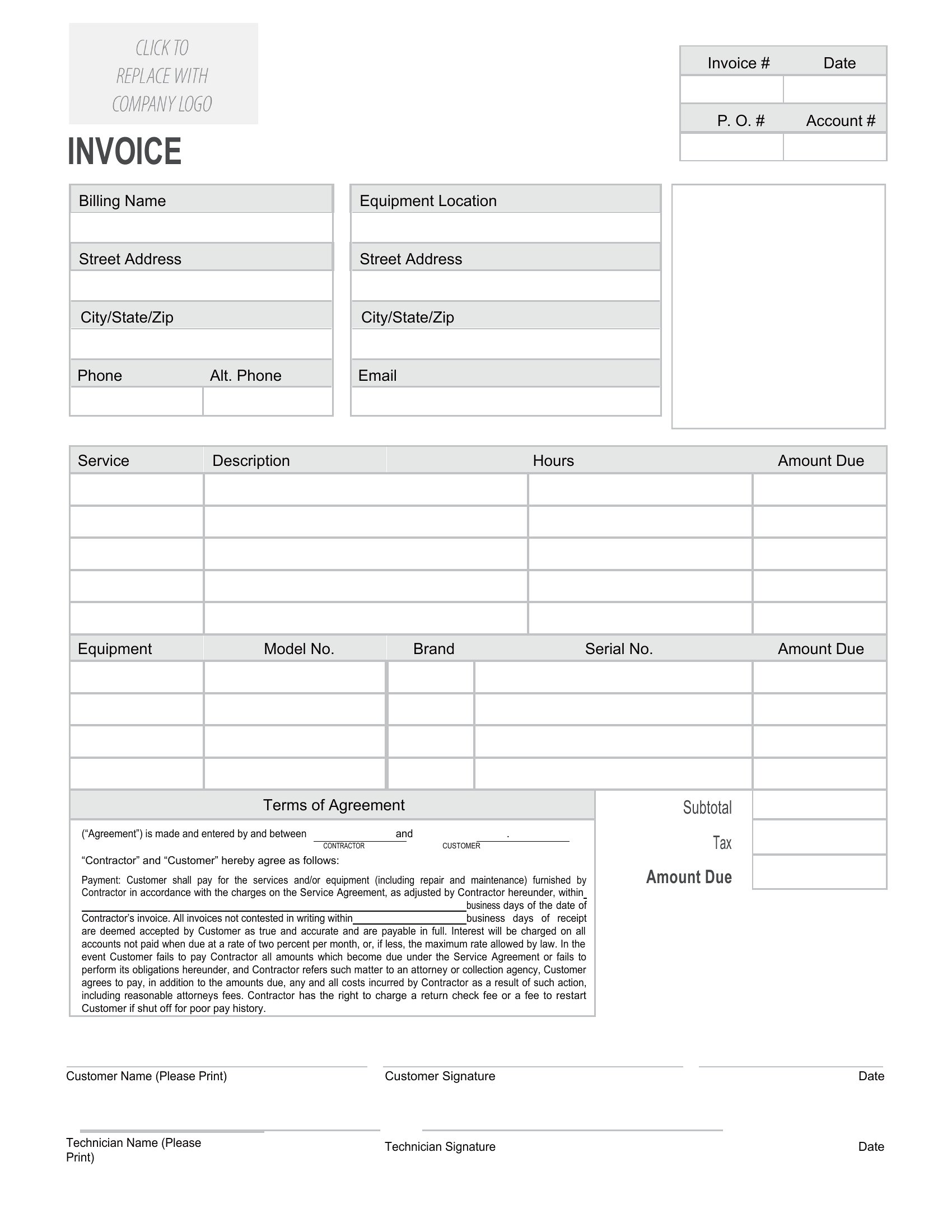
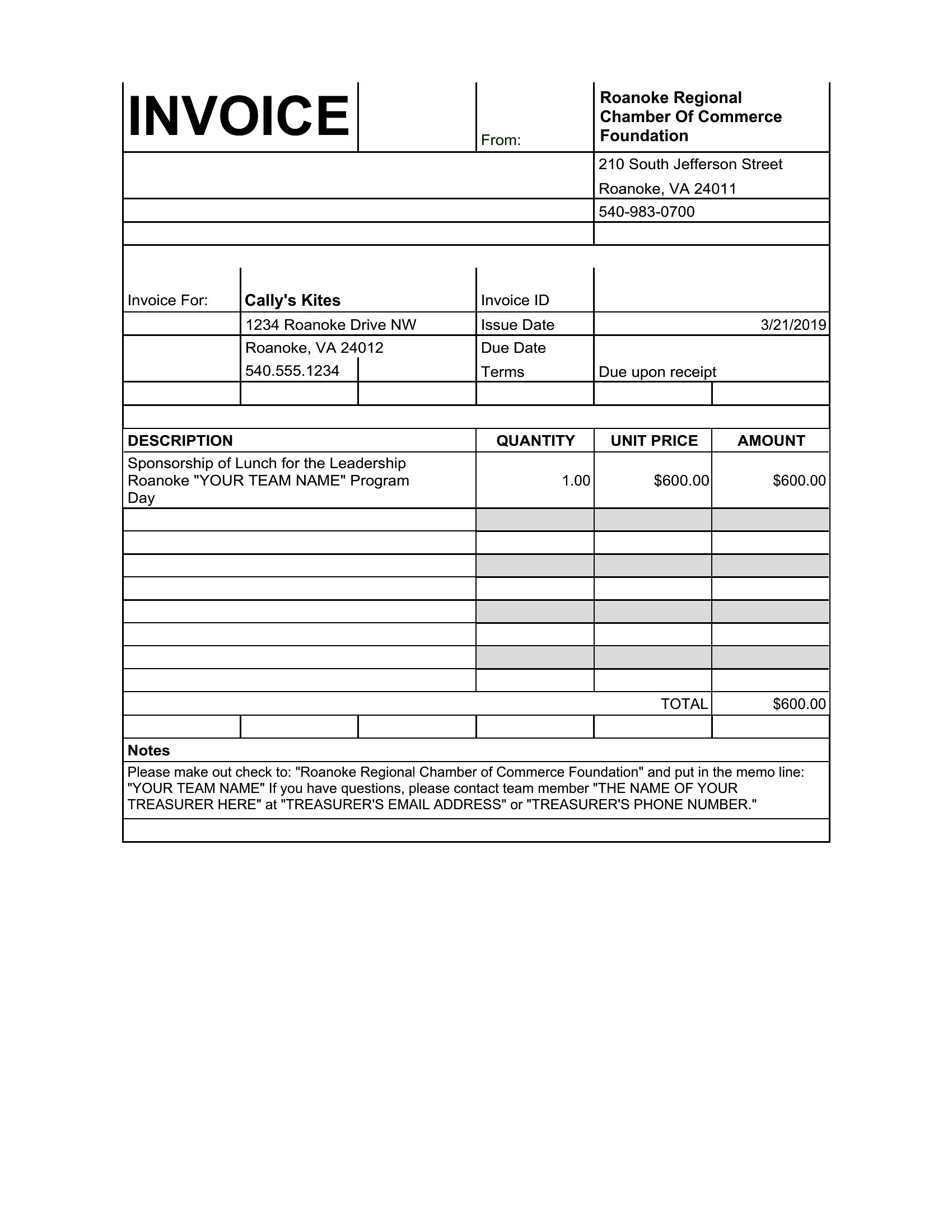
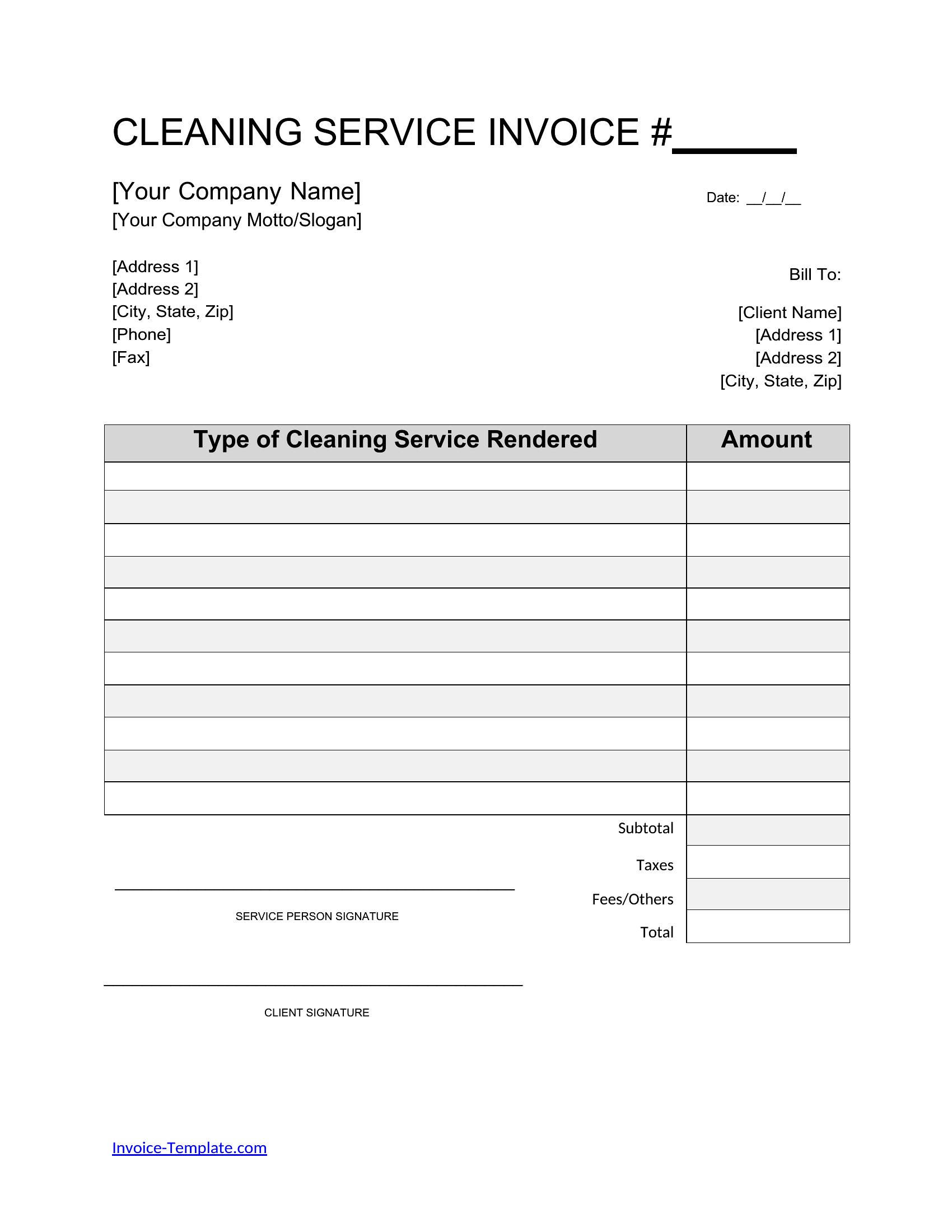
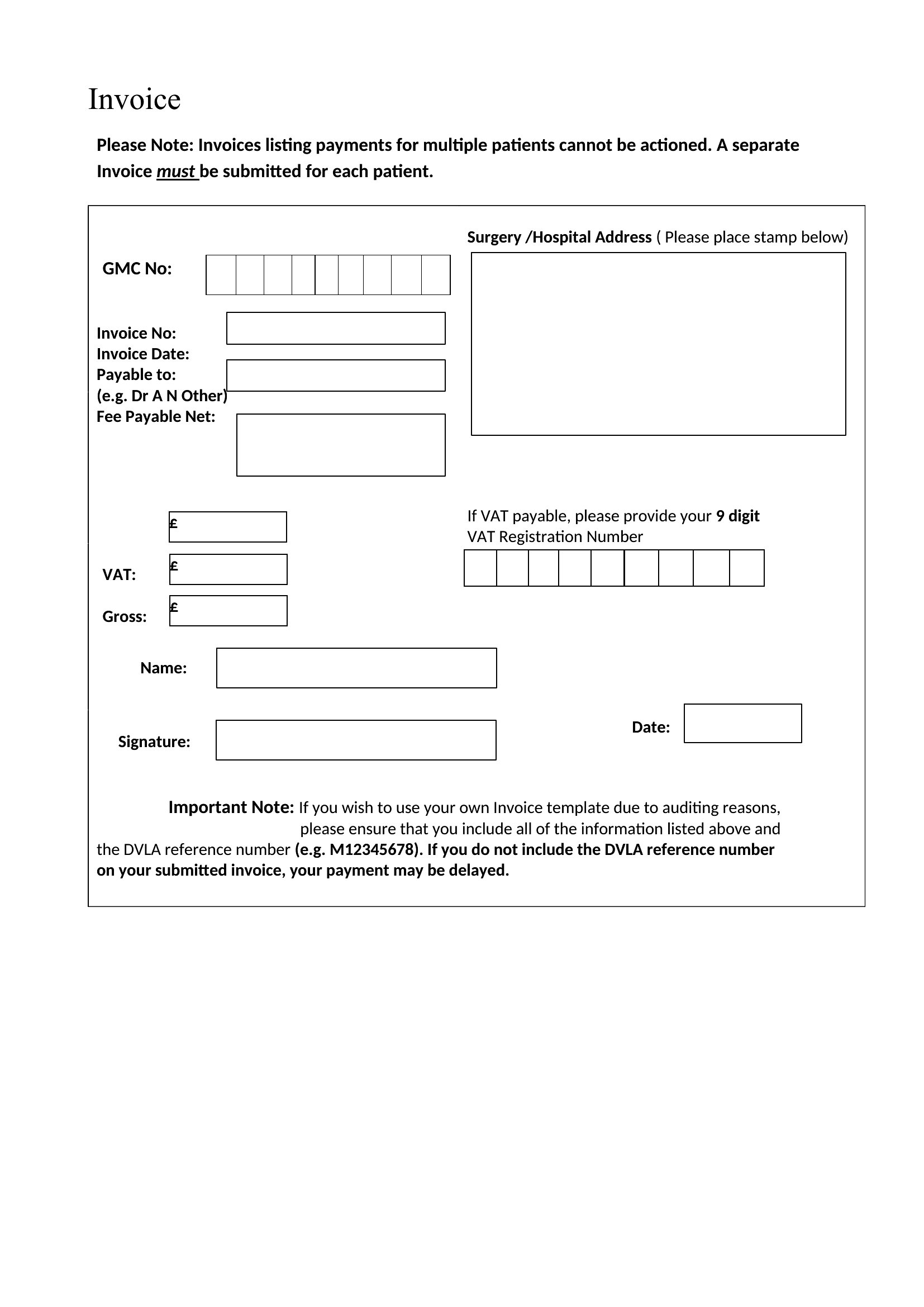
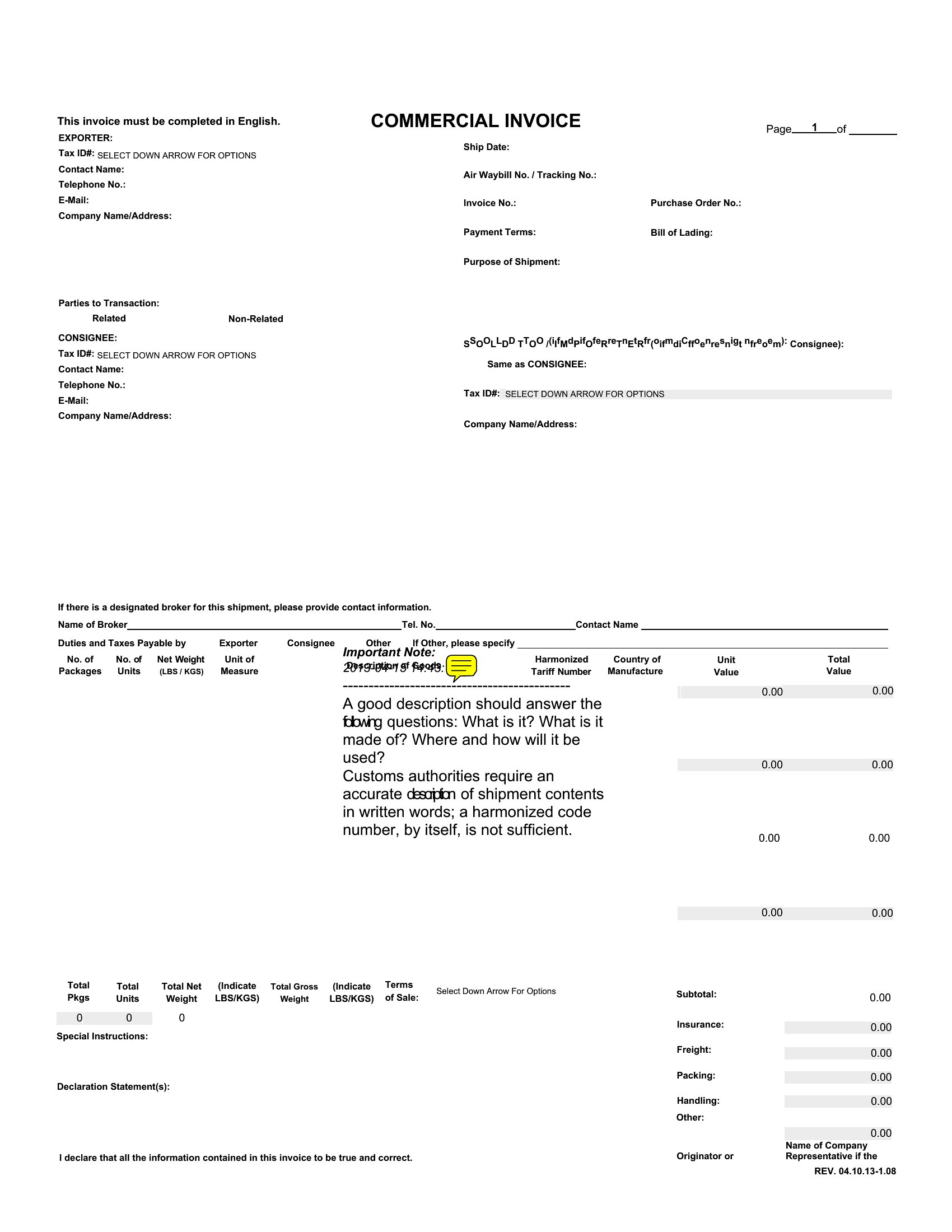
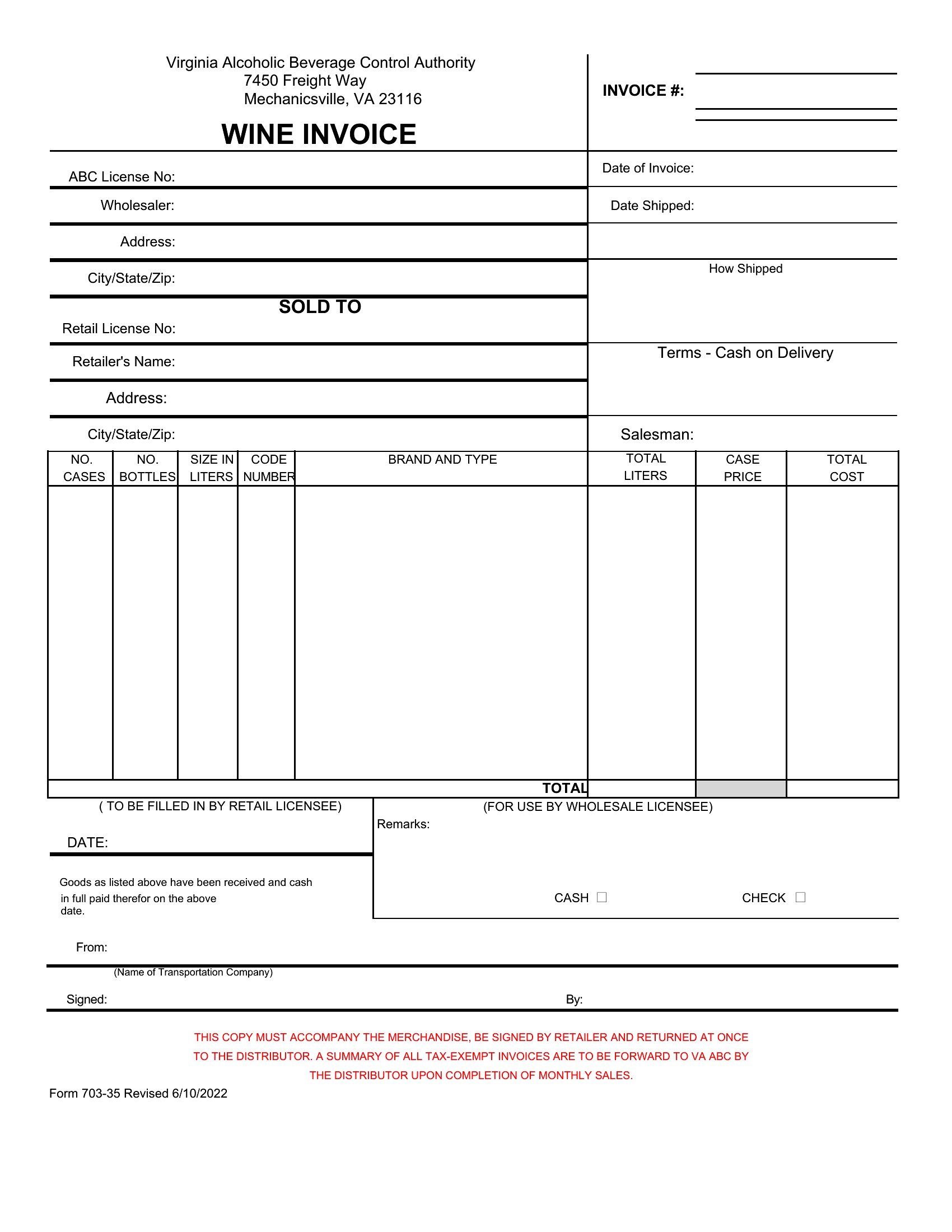
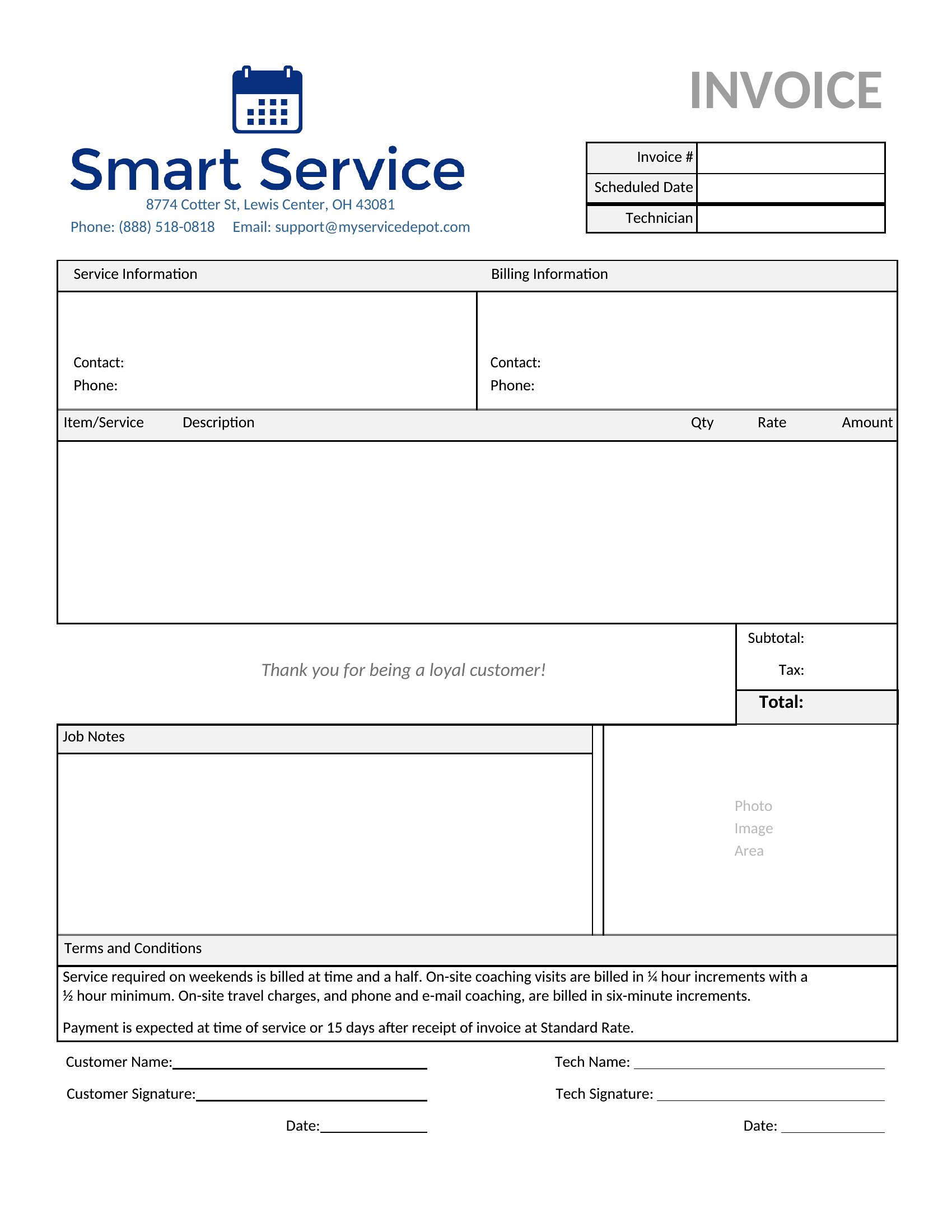
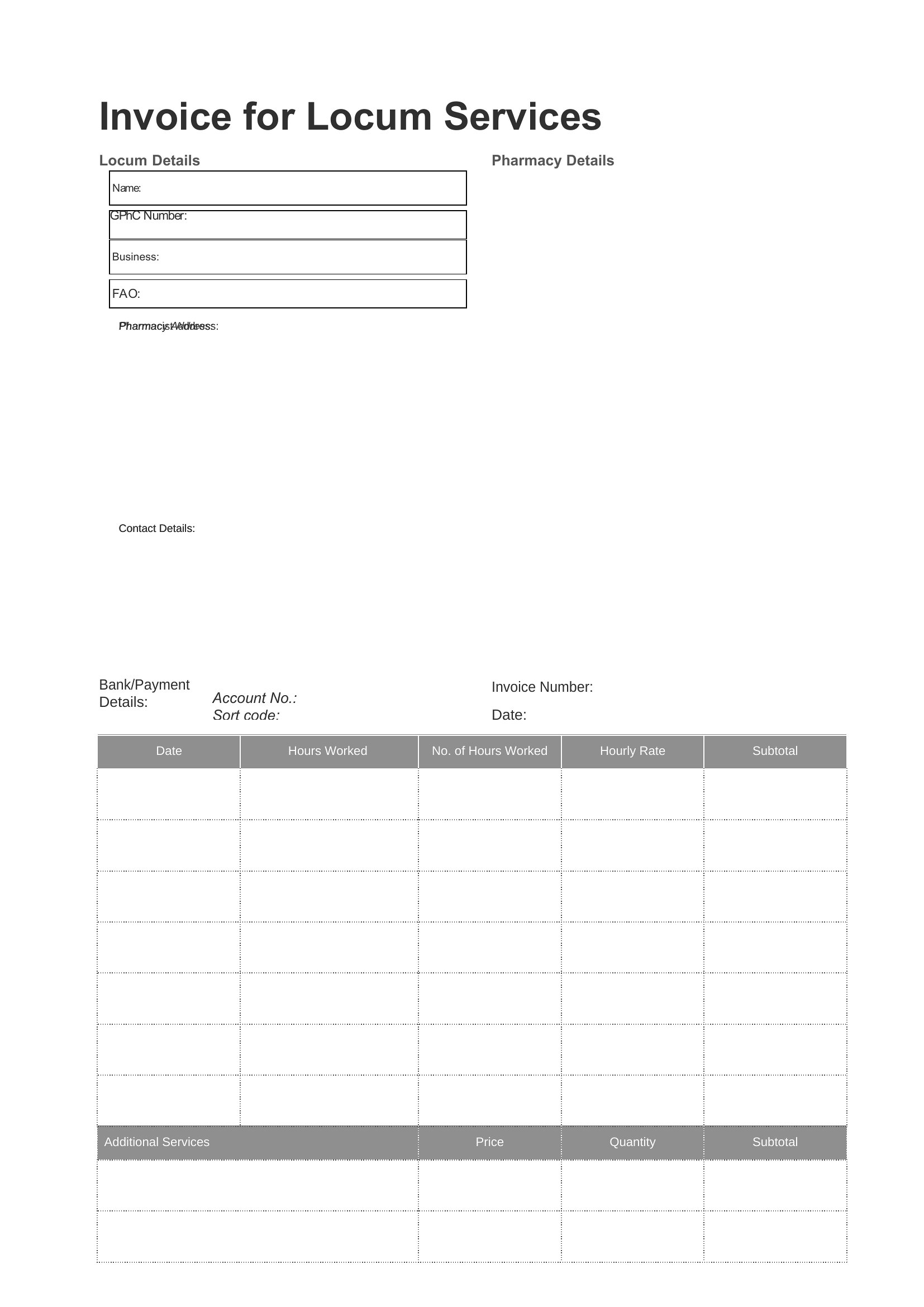
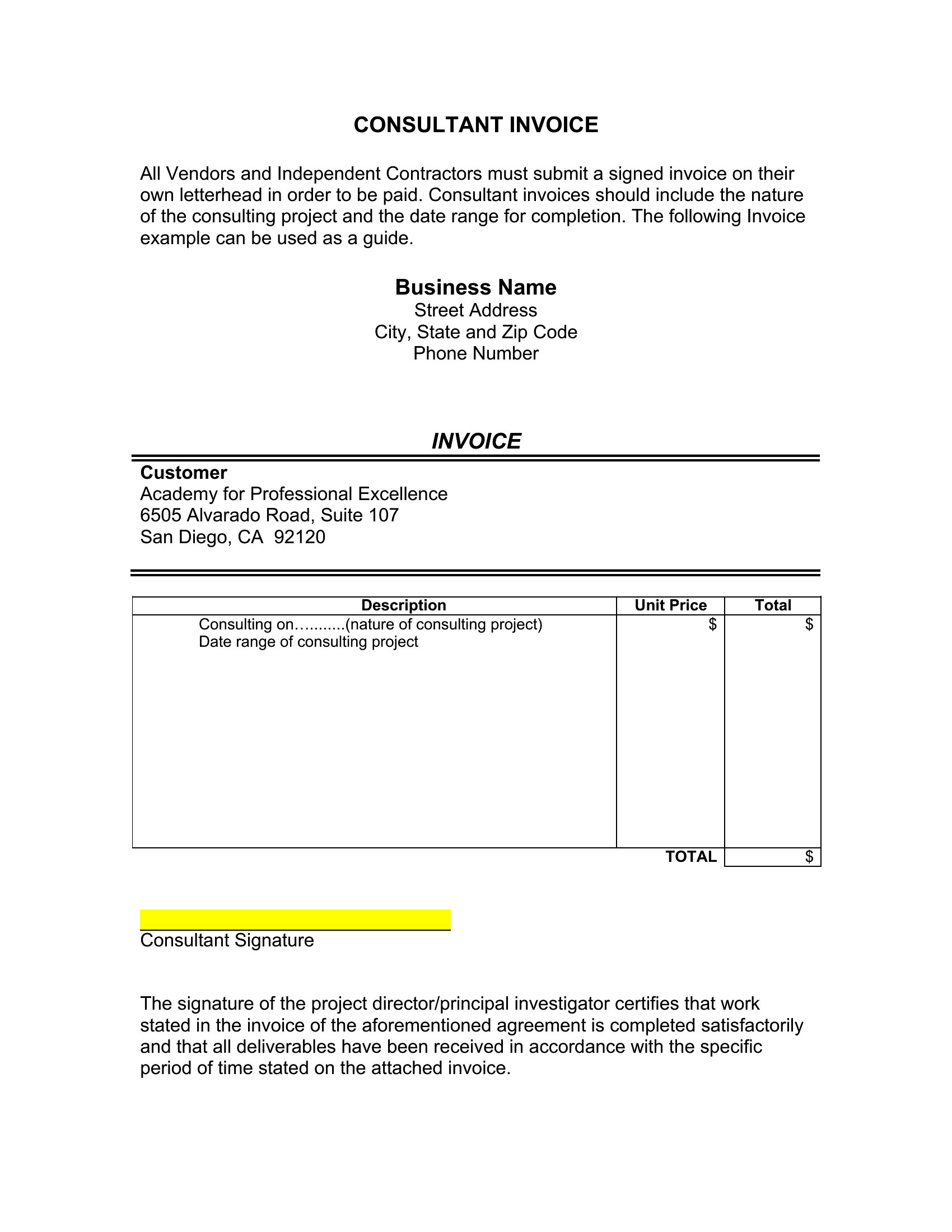
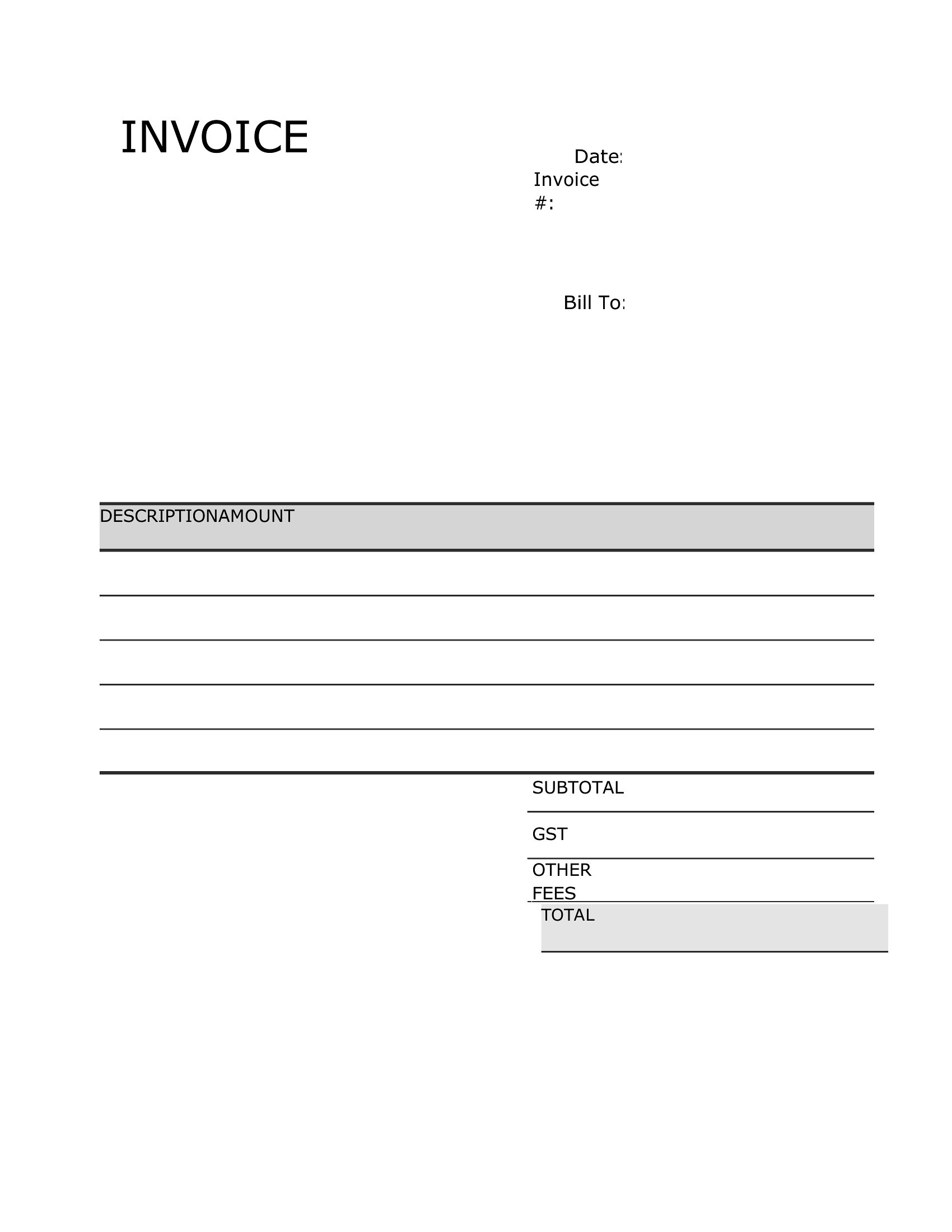
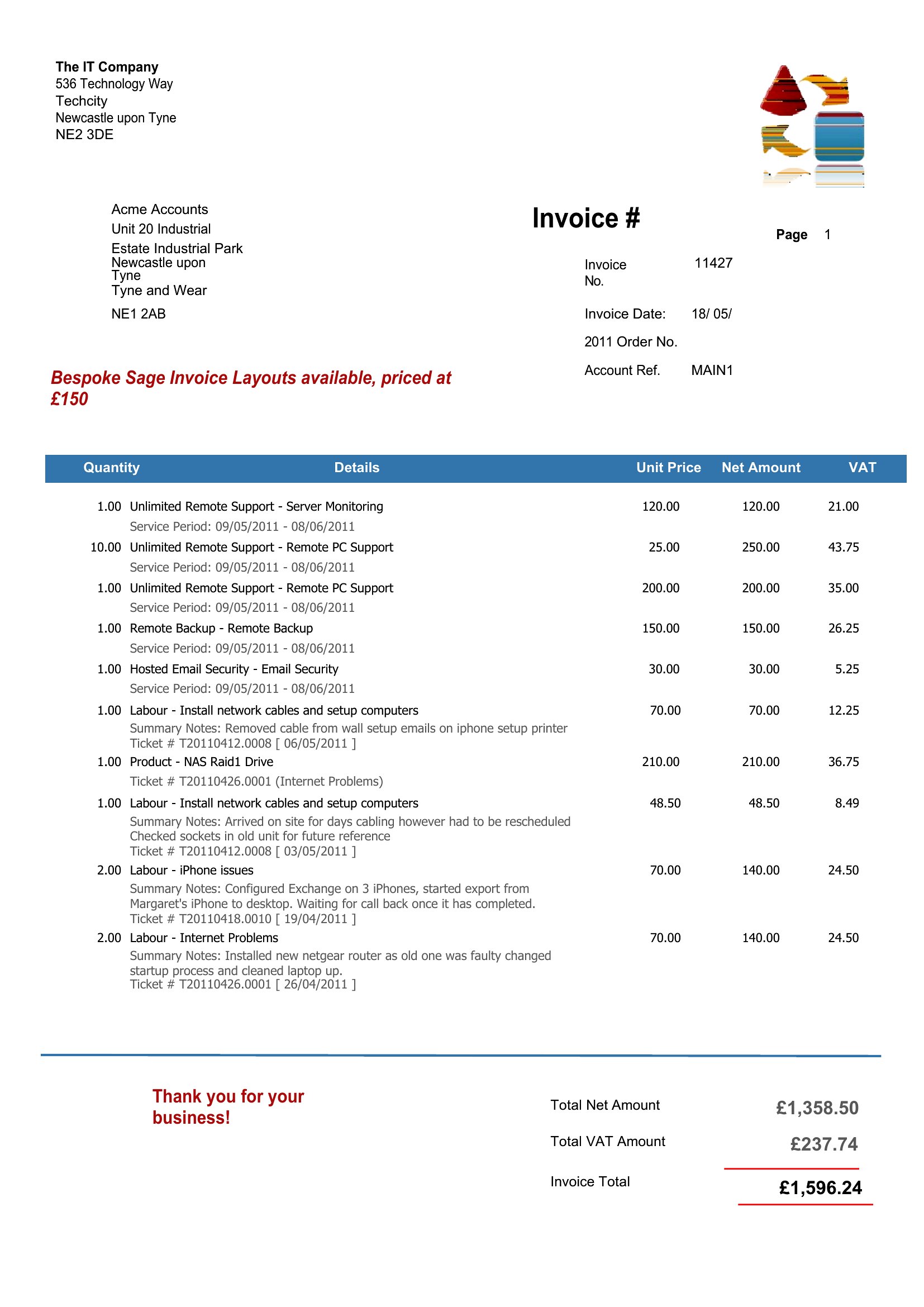
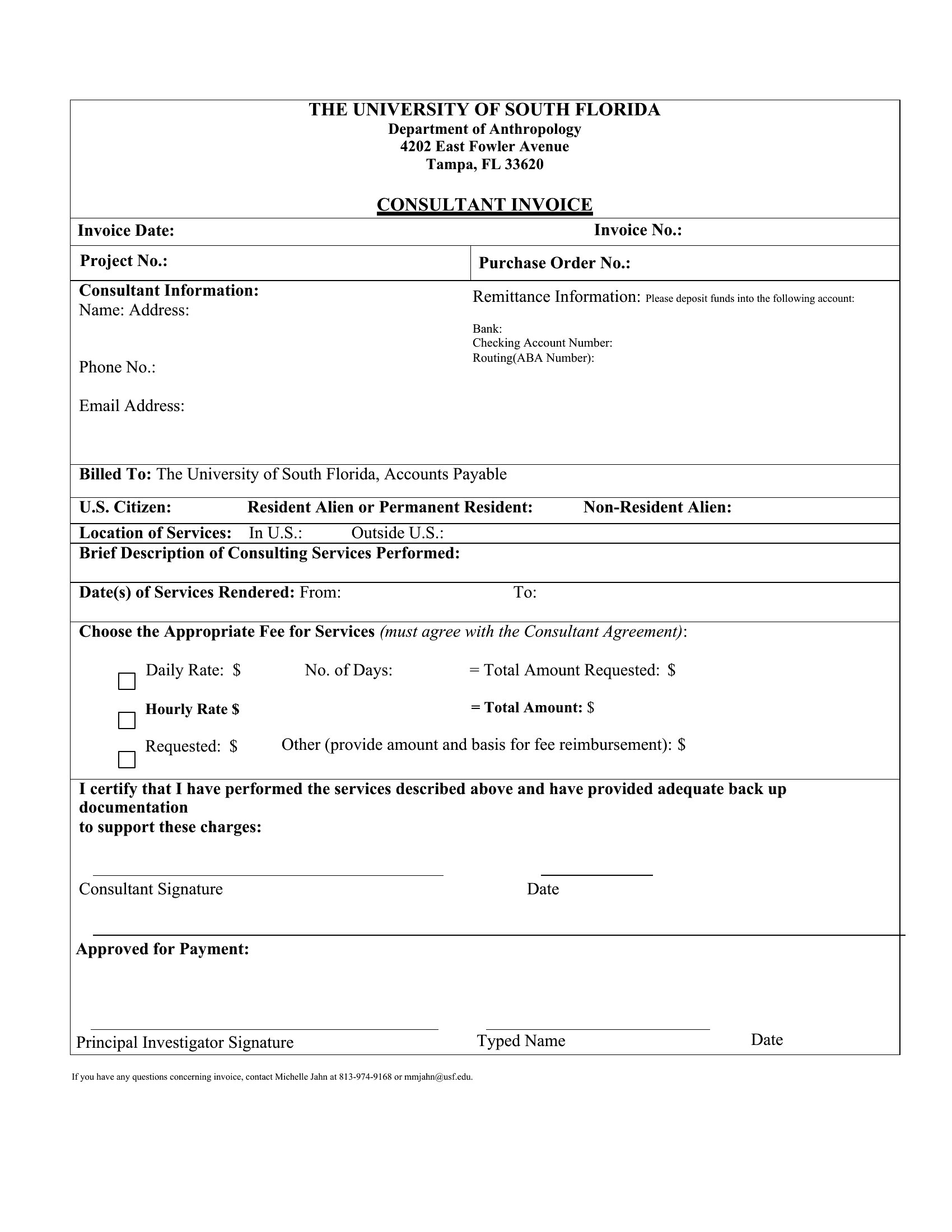
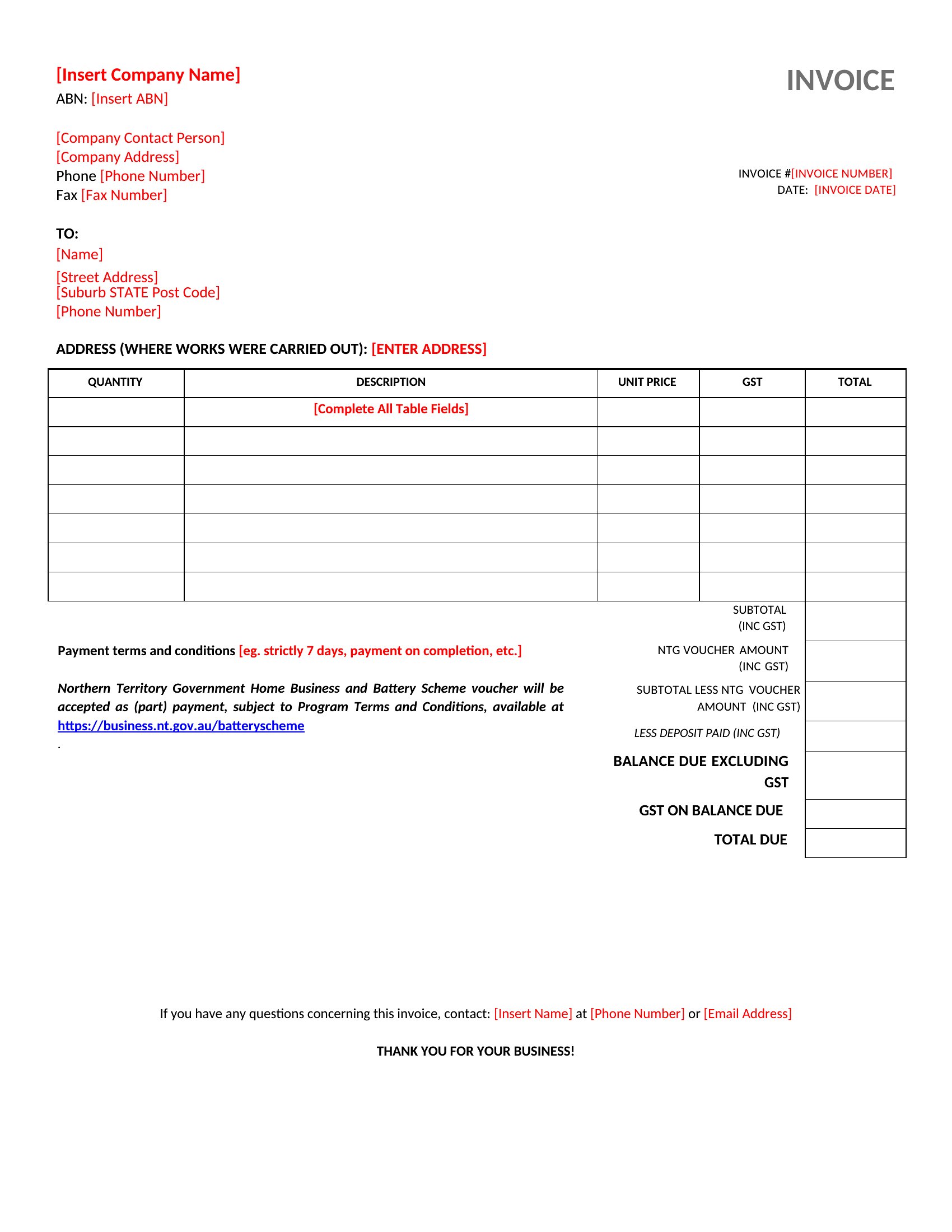
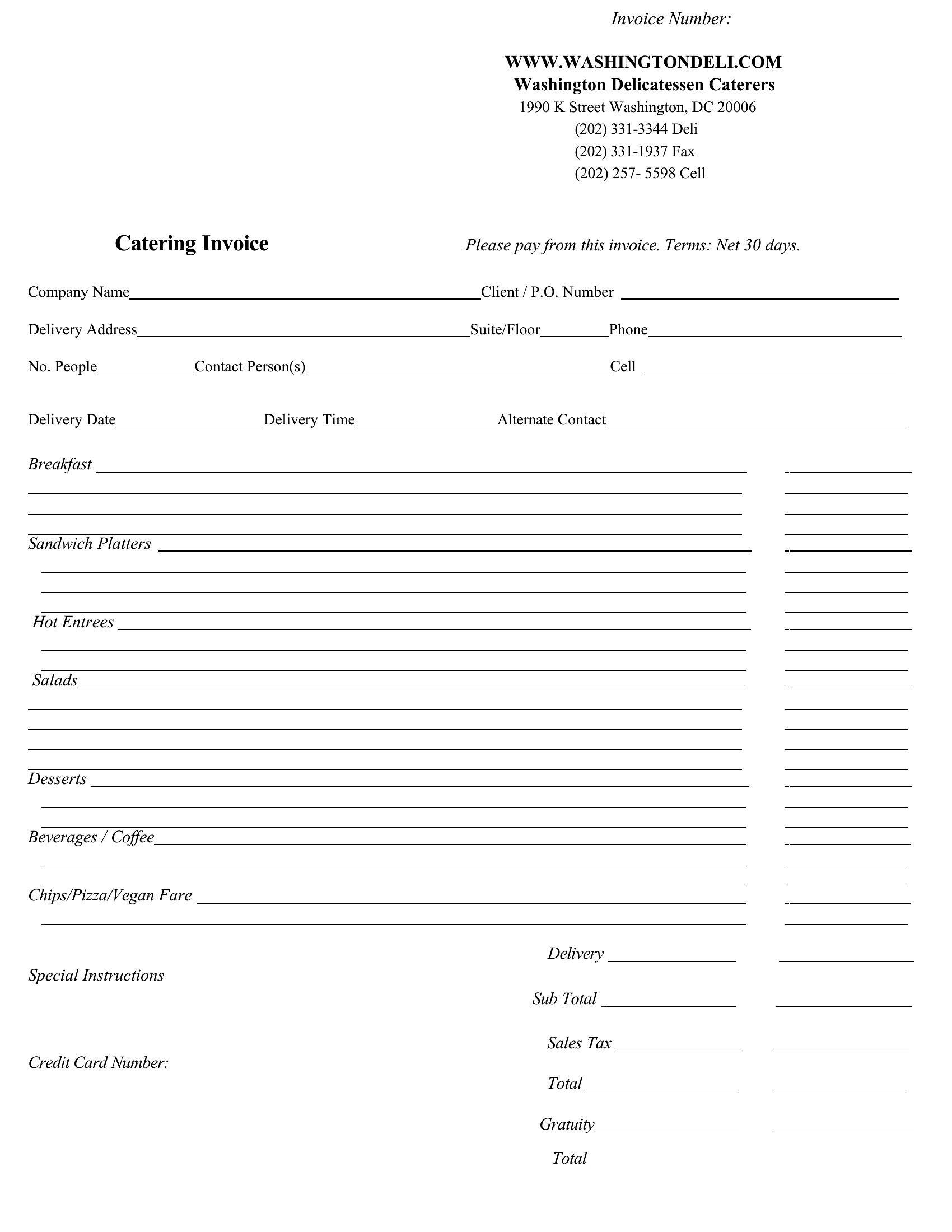
Sending a clear invoice is the difference between getting paid on time and chasing a client next month. This library of 55 invoice templates suits freelancers, contractors, and small businesses who need a professional bill for products, services, or hourly work. Each one has fields for line items, quantities, taxes, and a total, with space for your payment terms and due date.
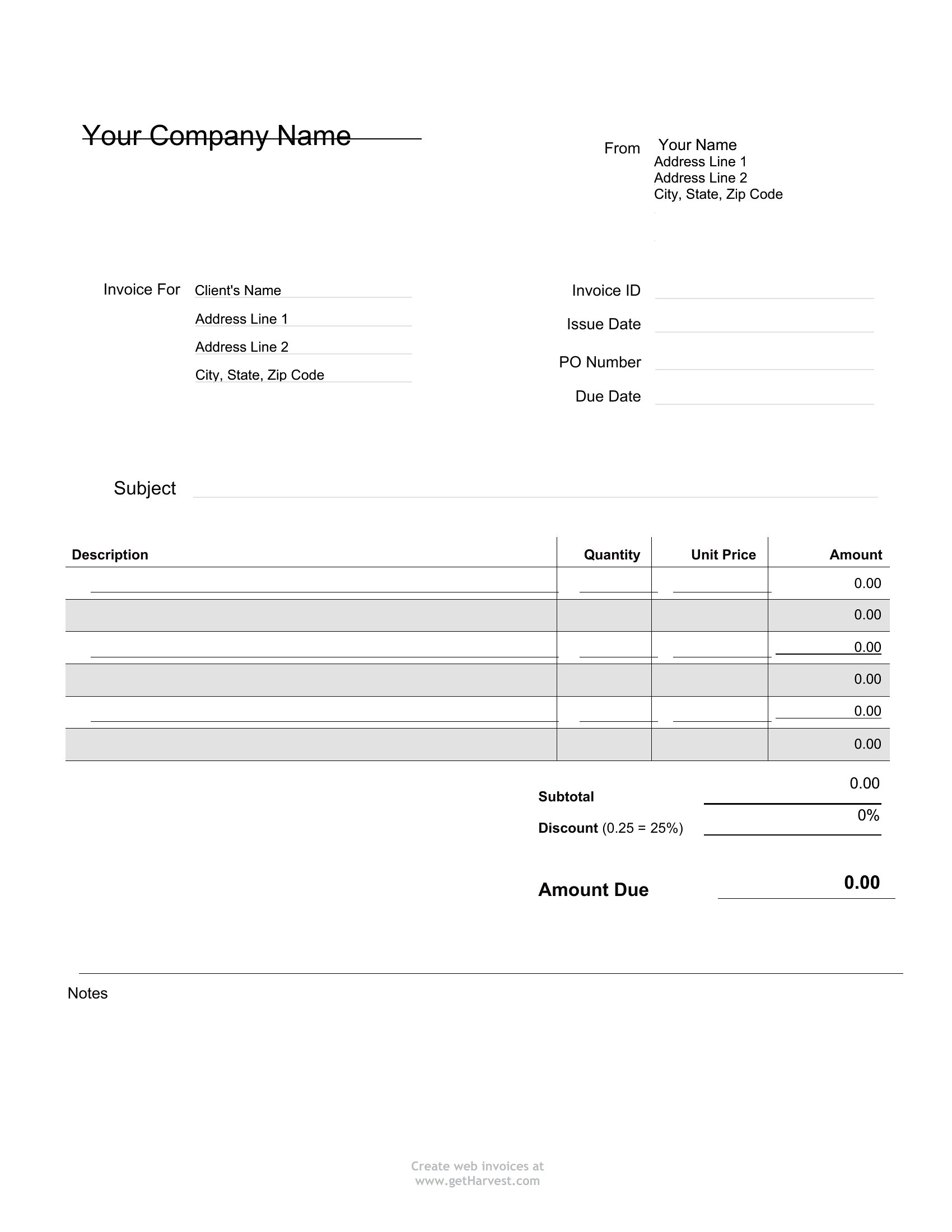
Edit them in Word for quick changes or send a tidy PDF the client can't alter by accident. Add your logo, fill in the work, and the total comes together in a few minutes. Save a master copy and reuse it for every job. Choose the layout that fits your business and send a bill that looks the part.

When to use this Invoice template

  • Freelance designers in mid-project with a client who needs a 30-day payment agreement for partial deliverables can use these to specify milestone payments clearly.
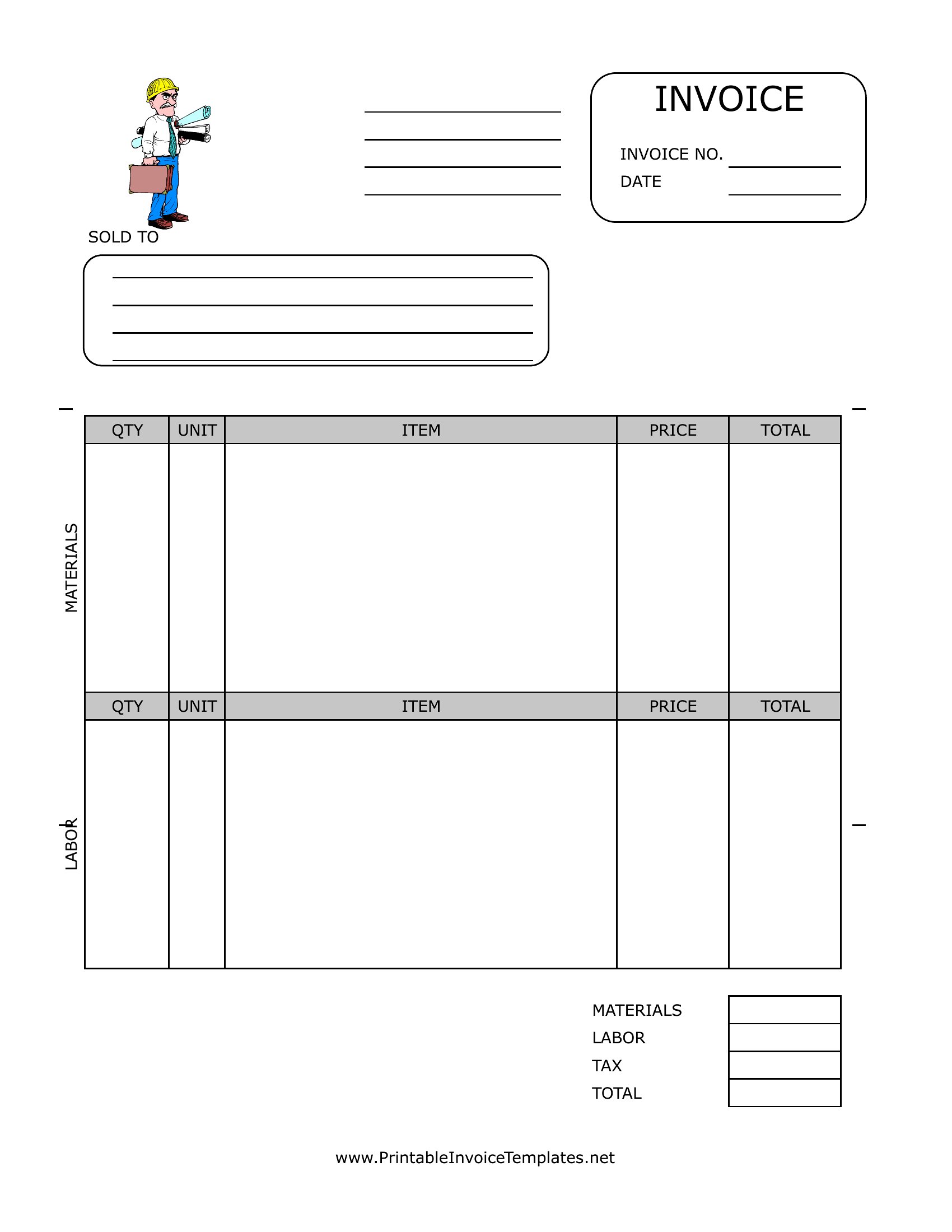
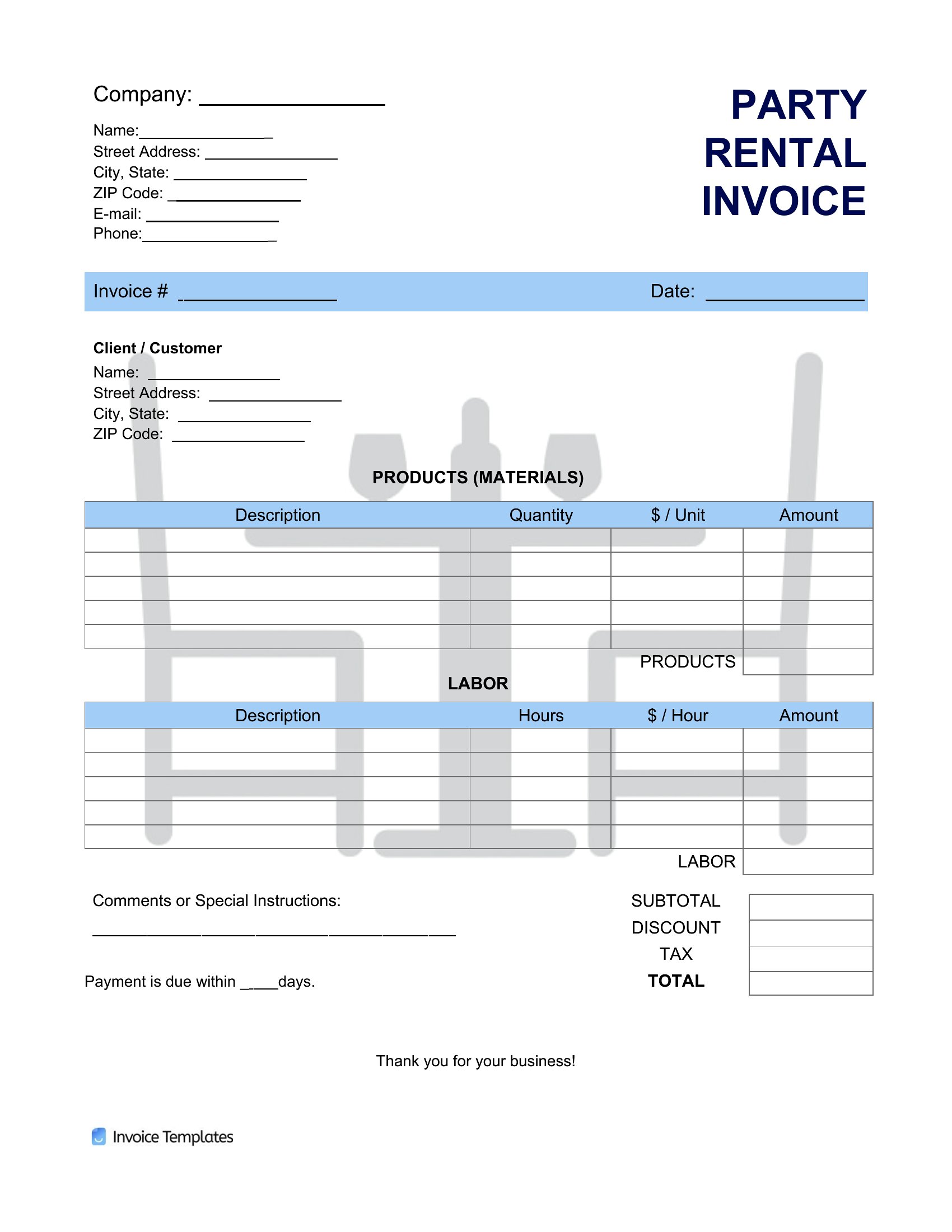
  • Small business owners selling custom furniture to local retailers should select a template with line items for material costs, labor hours, and shipping fees.
  • Contractors handling multiple same-day service calls for different clients can customize a PDF invoice to auto-populate service descriptions and standard hourly rates.
  • Nonprofit organizers coordinating volunteer event sponsorships need a template that includes tax-deductible notes and donor acknowledgment sections for receipts.

Which format should I download?

WordPDF

Choose Word if you need to adjust tax calculations or payment terms frequently, as its editability lets you tweak formulas or add clauses. Opt for PDF when sending finalized invoices to clients, since they can’t be altered once shared, ensuring the numbers and terms you’ve set stay locked in. Both formats support printing, but PDFs preserve formatting perfectly for digital sharing or archiving.

Choose from 55 Invoice Templates
How to use this Invoice template

Can I add a late payment fee notice without making the invoice look unprofessional?

Yes, these templates include a designated section for payment terms where you can add a line like ‘Late fees: 1.5% of the invoice per month’ in a neutral font. Keep it concise and place it near the total to avoid overwhelming the design.
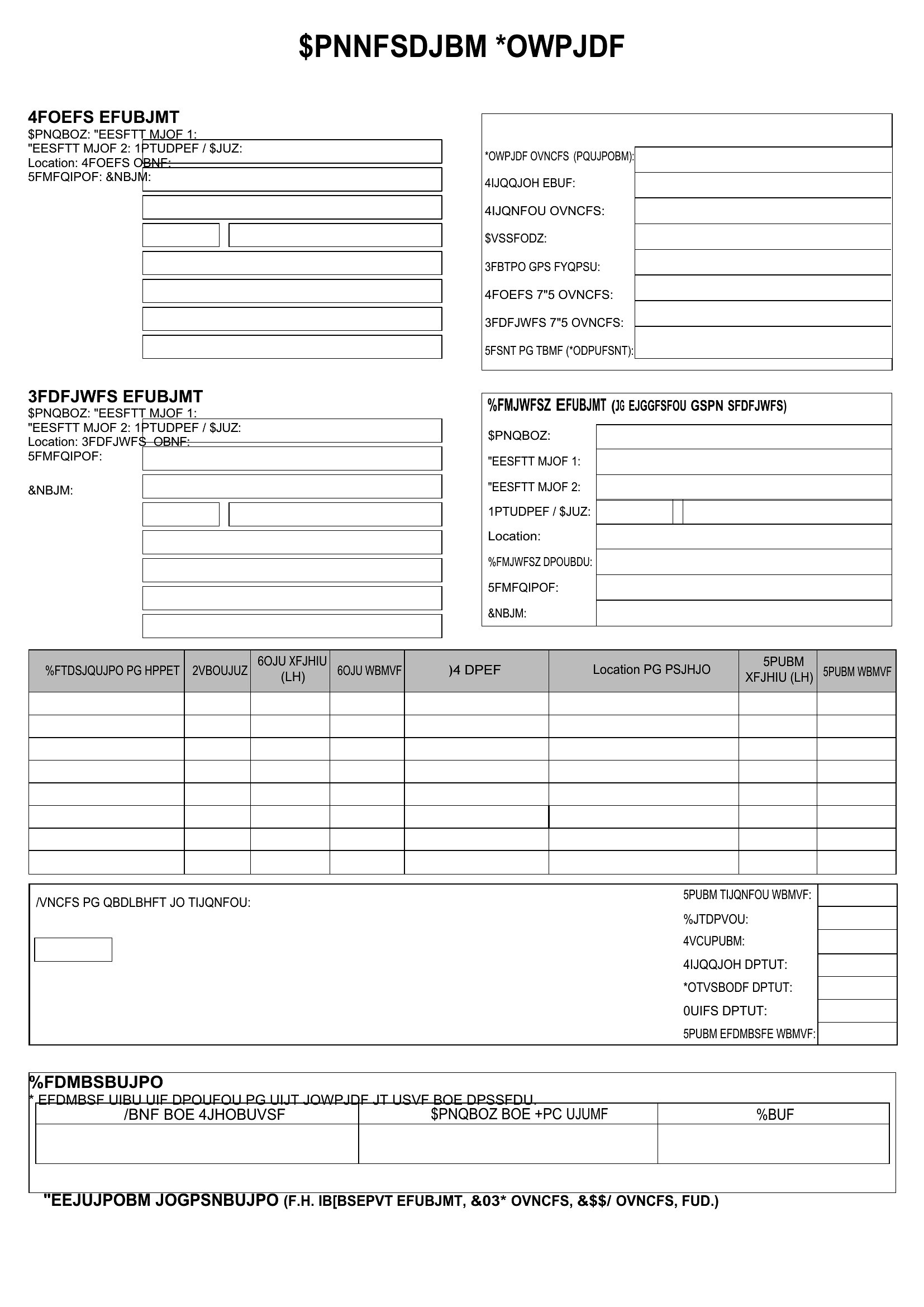
How do I handle invoices for international clients who need their local currency and tax structure?

Select a blank template and manually add fields for ‘Invoice Amount in USD’ and ‘Converted Amount in [Client’s Currency]’ alongside a disclaimer noting tax responsibility lies with the client. Consult a tax professional for compliance with local laws.

What’s the best way to track which templates I’ve already sent to clients to avoid duplicates?
Save each sent invoice in a ‘Sent’ folder with a filename including the client name and date (e.g., ‘SmithDesign_20240515’). Use the PDF format for these copies to prevent accidental edits, and keep a separate spreadsheet with client names, invoice dates, and amounts.

Comments

Join the conversation

Sign in to share your thoughts and leave a comment on this resource.

Newsletter

Get Weekly Design Updates
Join our community to receive curated resources and inspiration.
Weekly Tips Resources Early Access
We respect your privacy. Confirmation email required. Privacy Policy