Free Invoice Templates (Word, PDF)
InvoicesTemplates

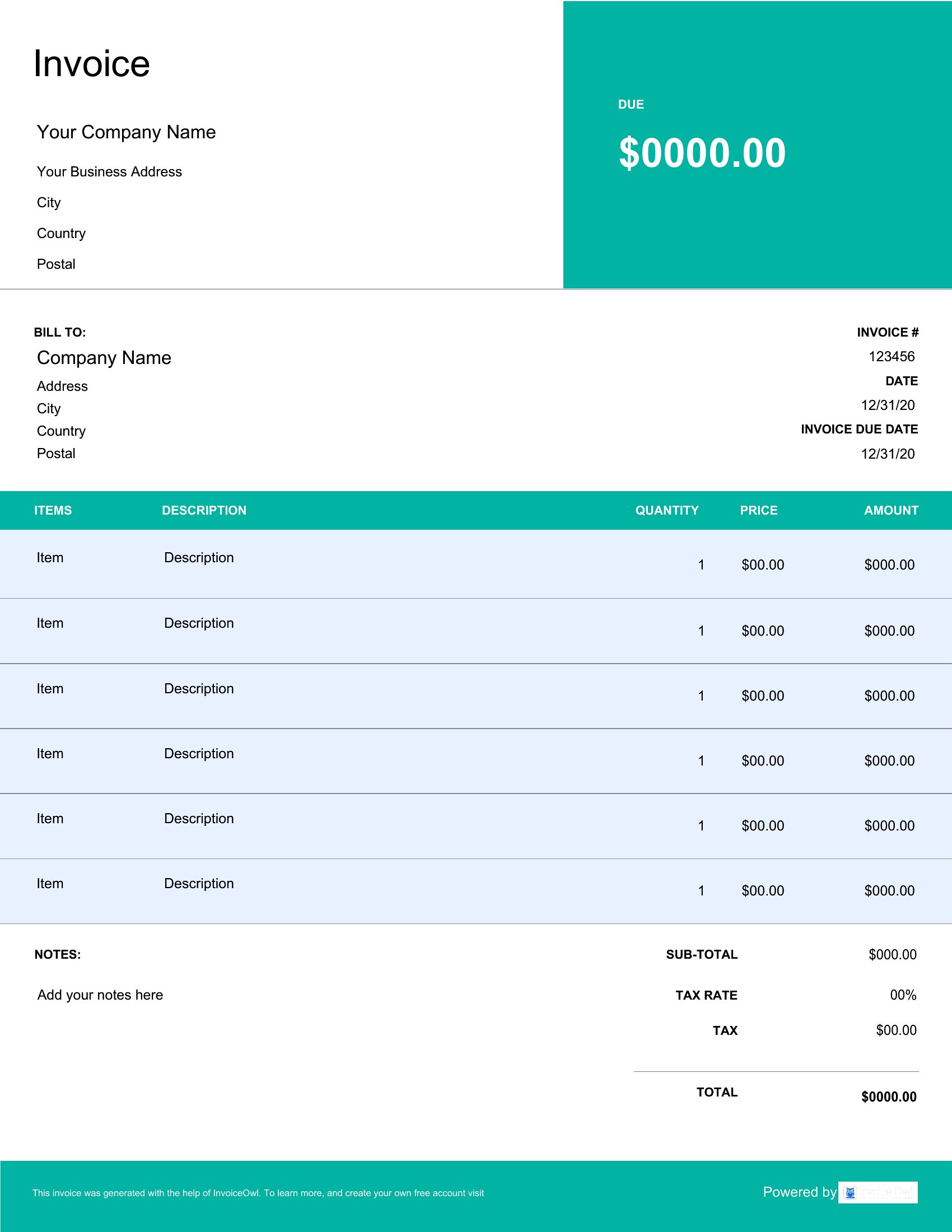
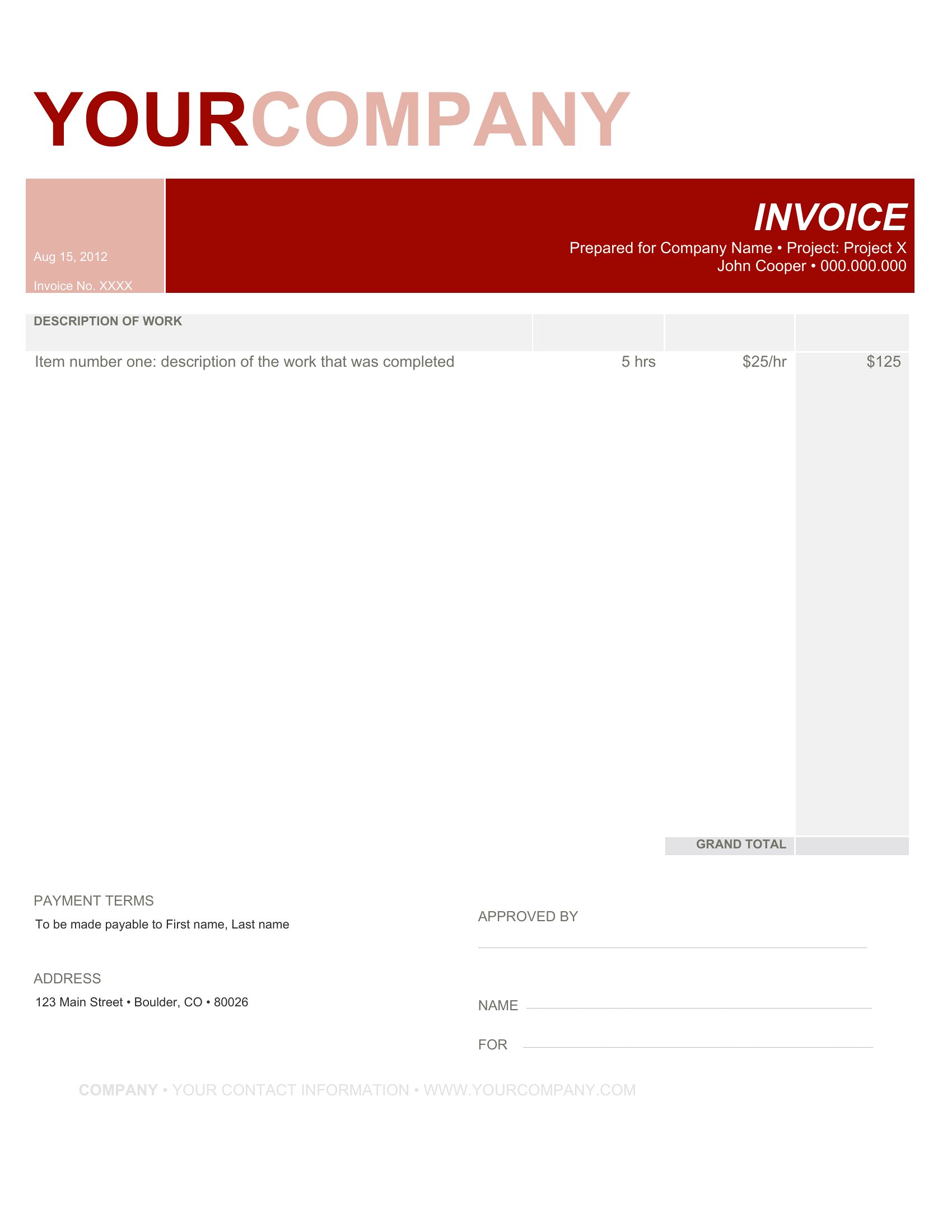
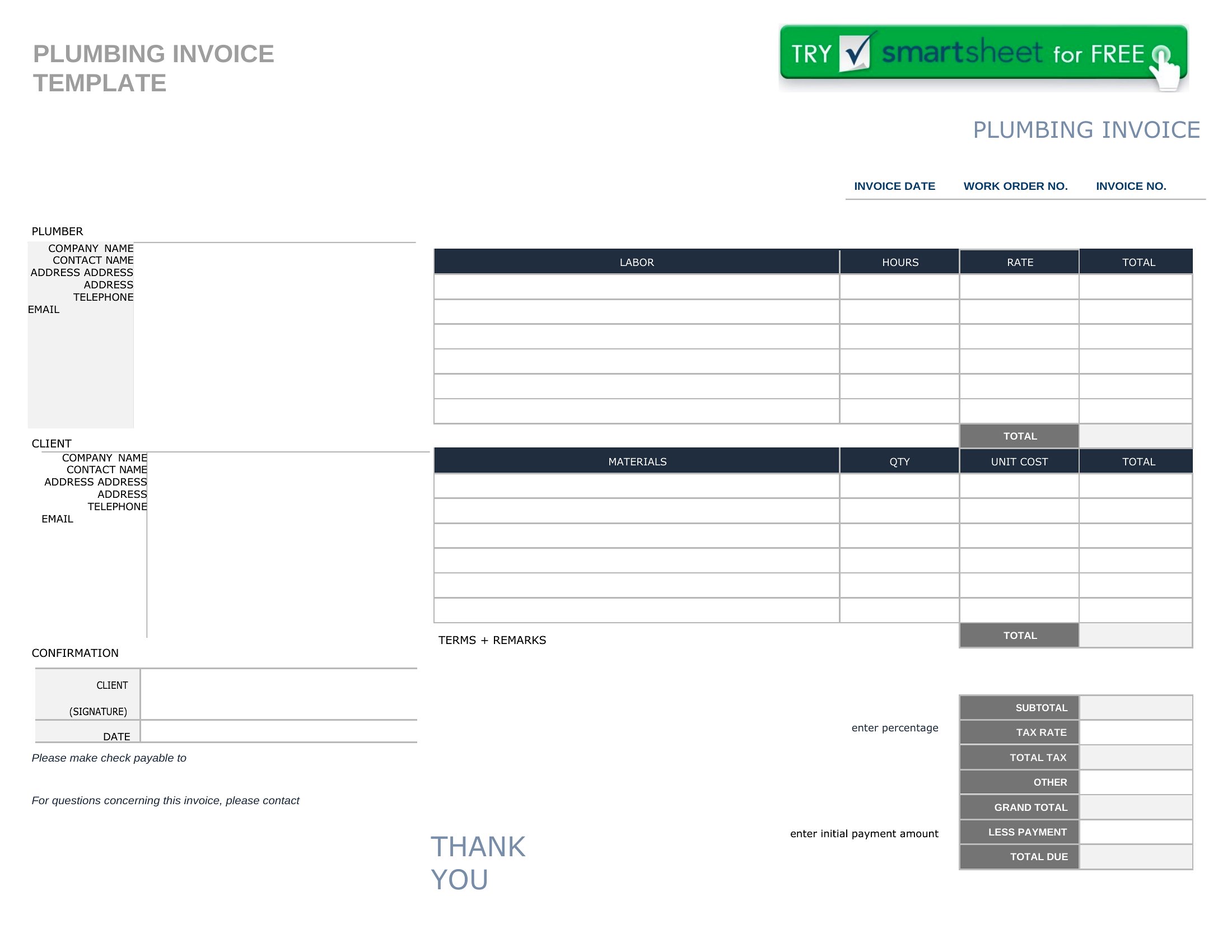
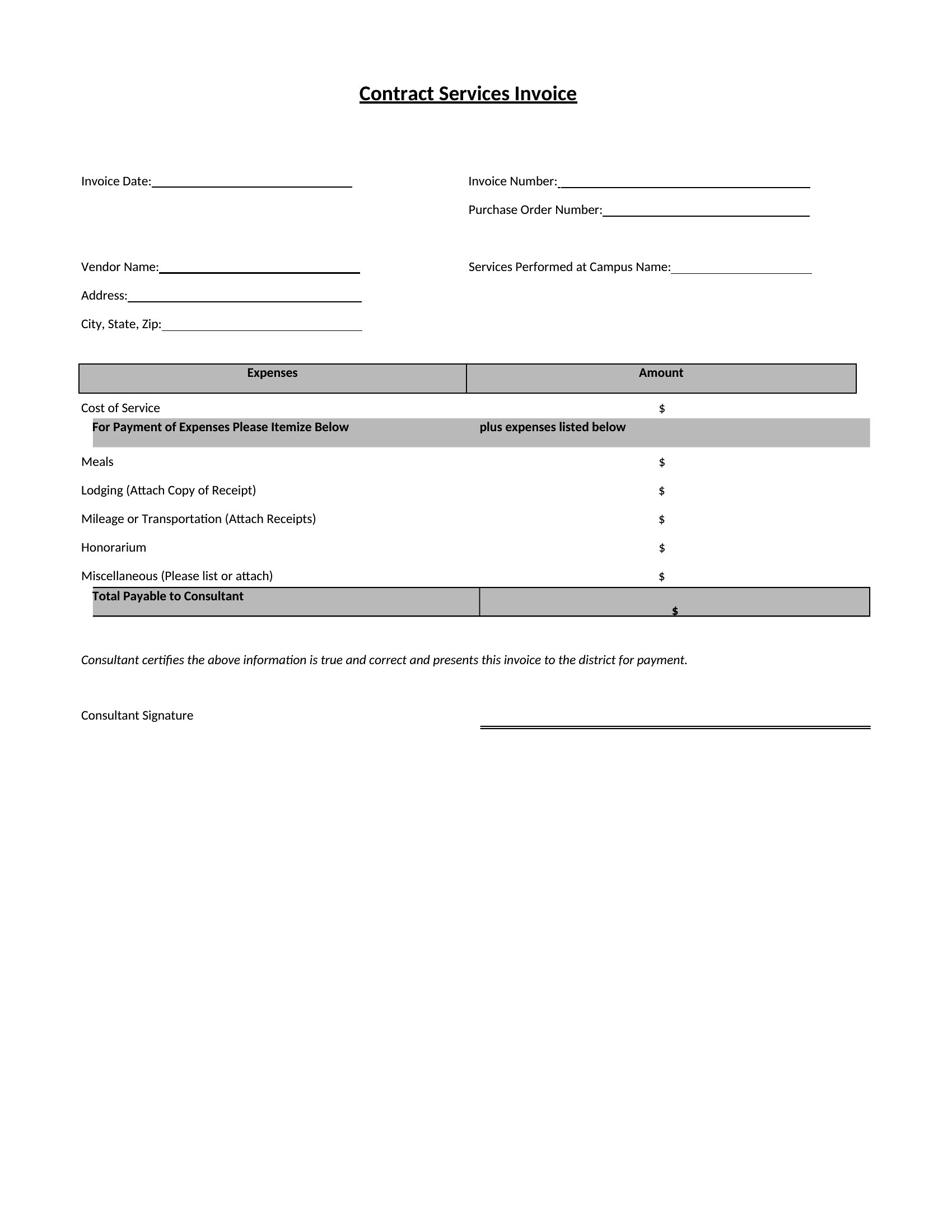
FAQ
Can I add a late payment fee notice without making the invoice look unprofessional?
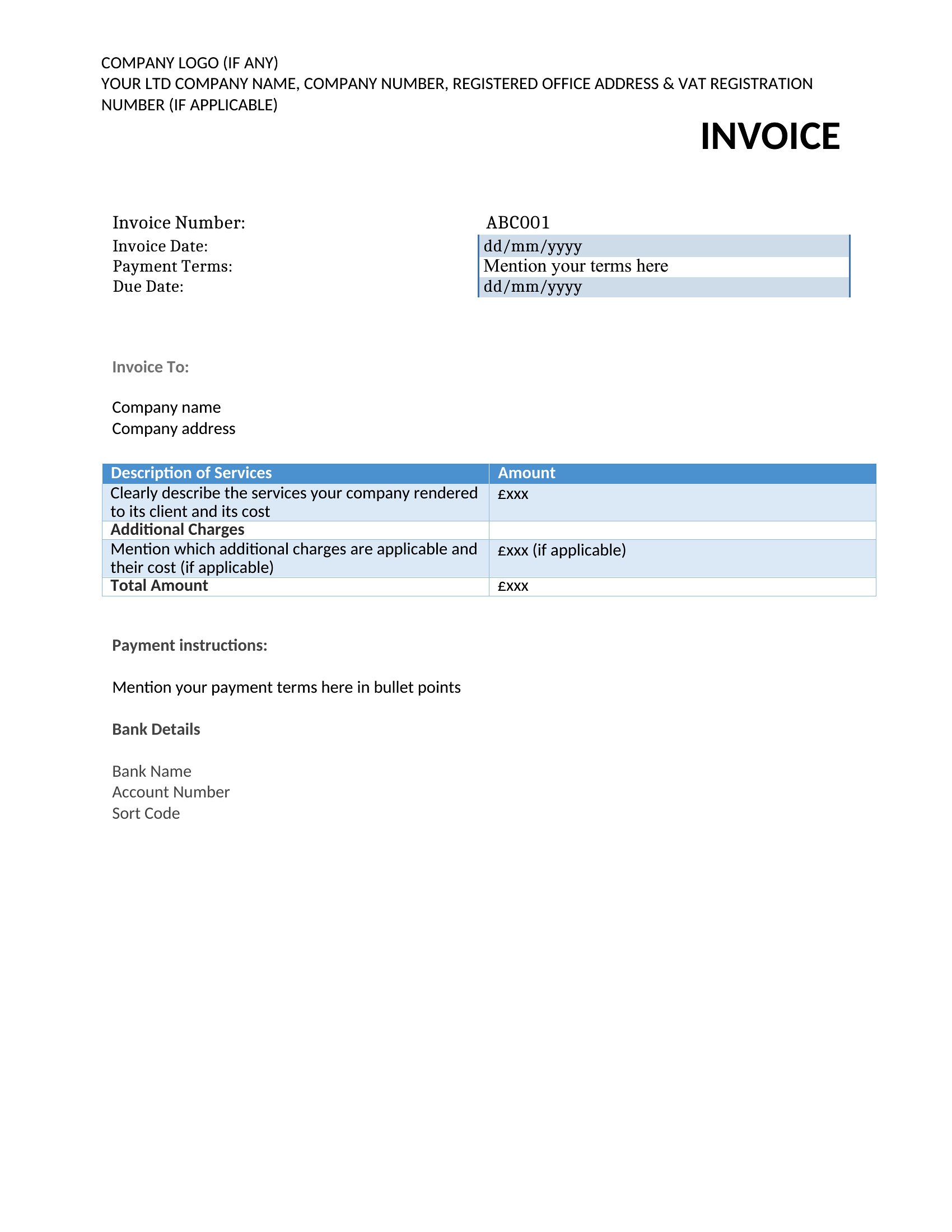
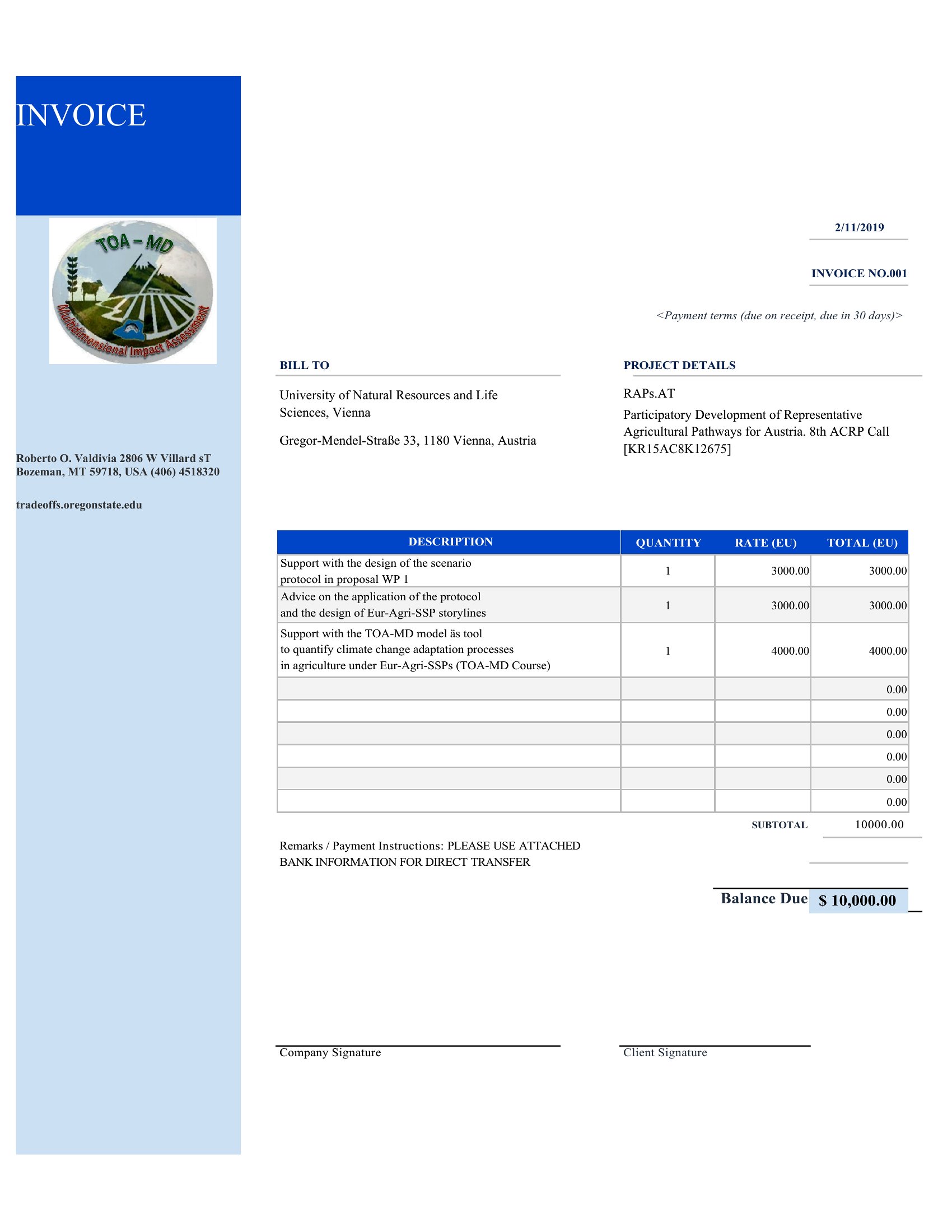
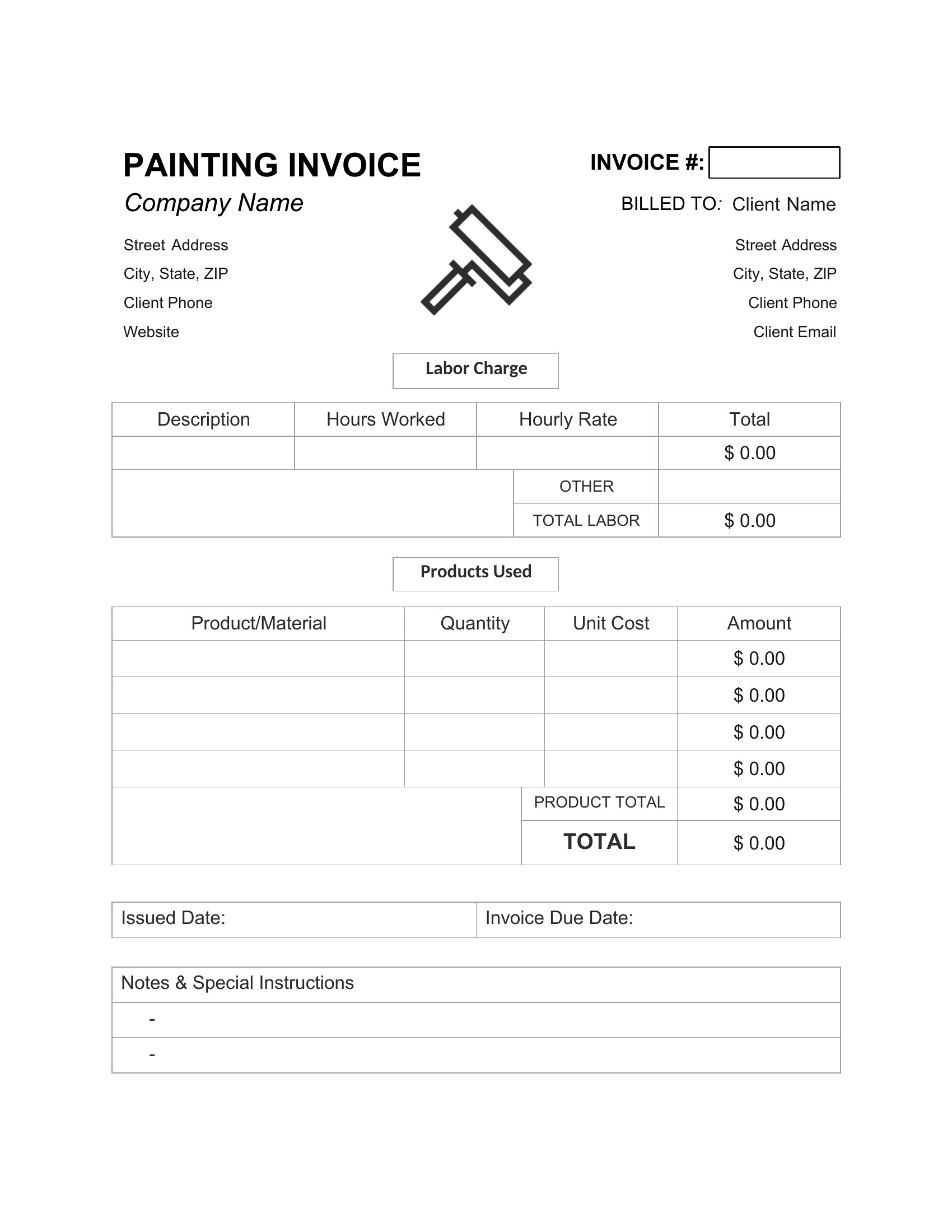
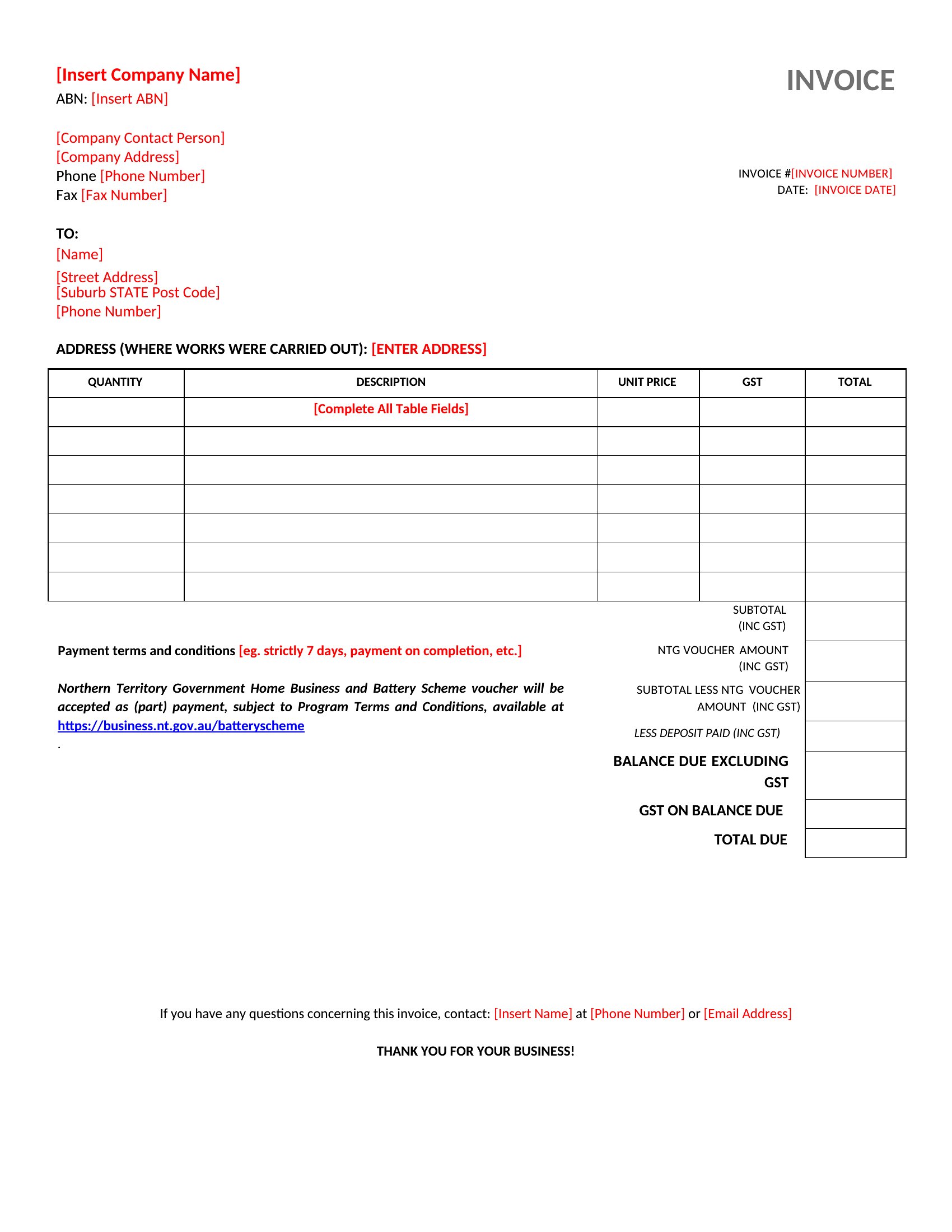
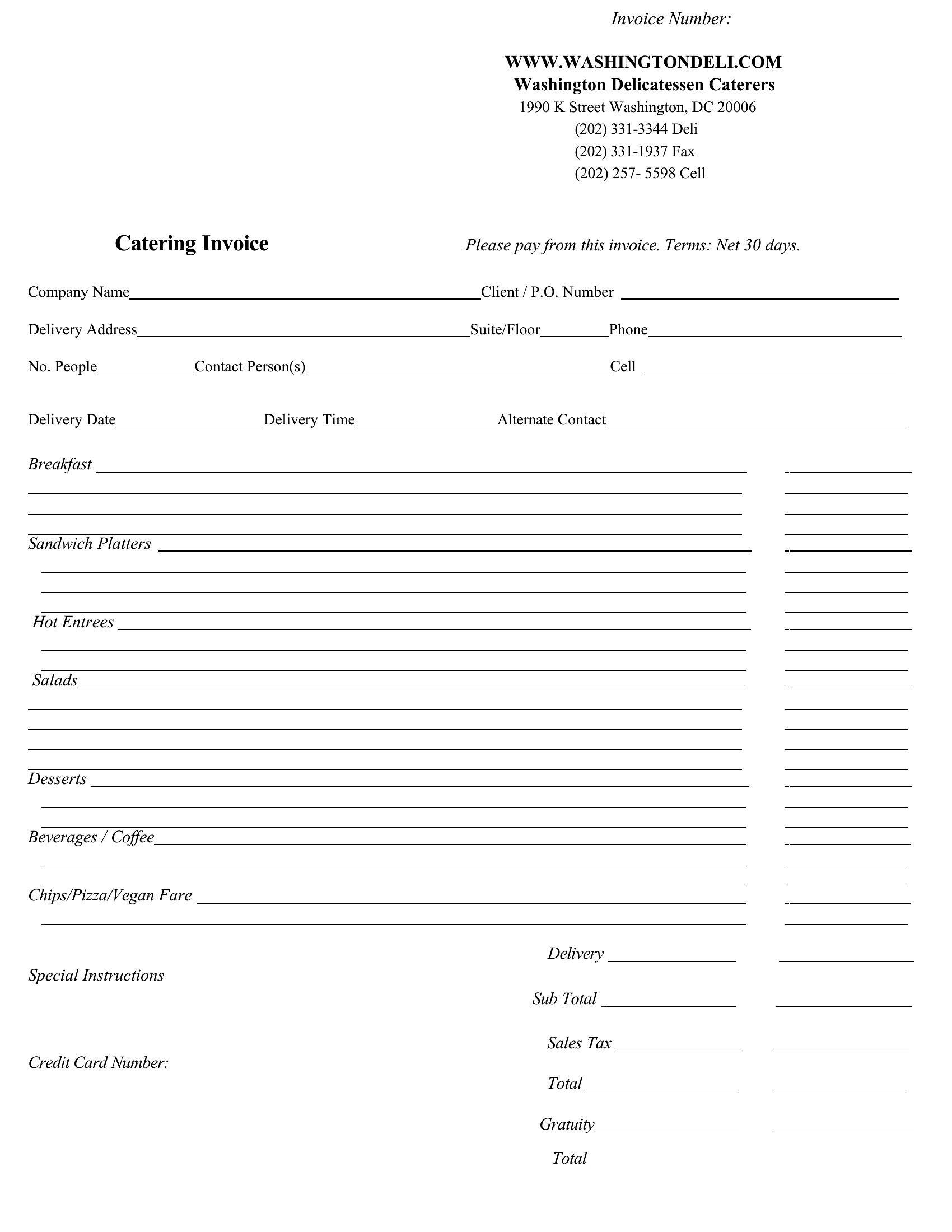
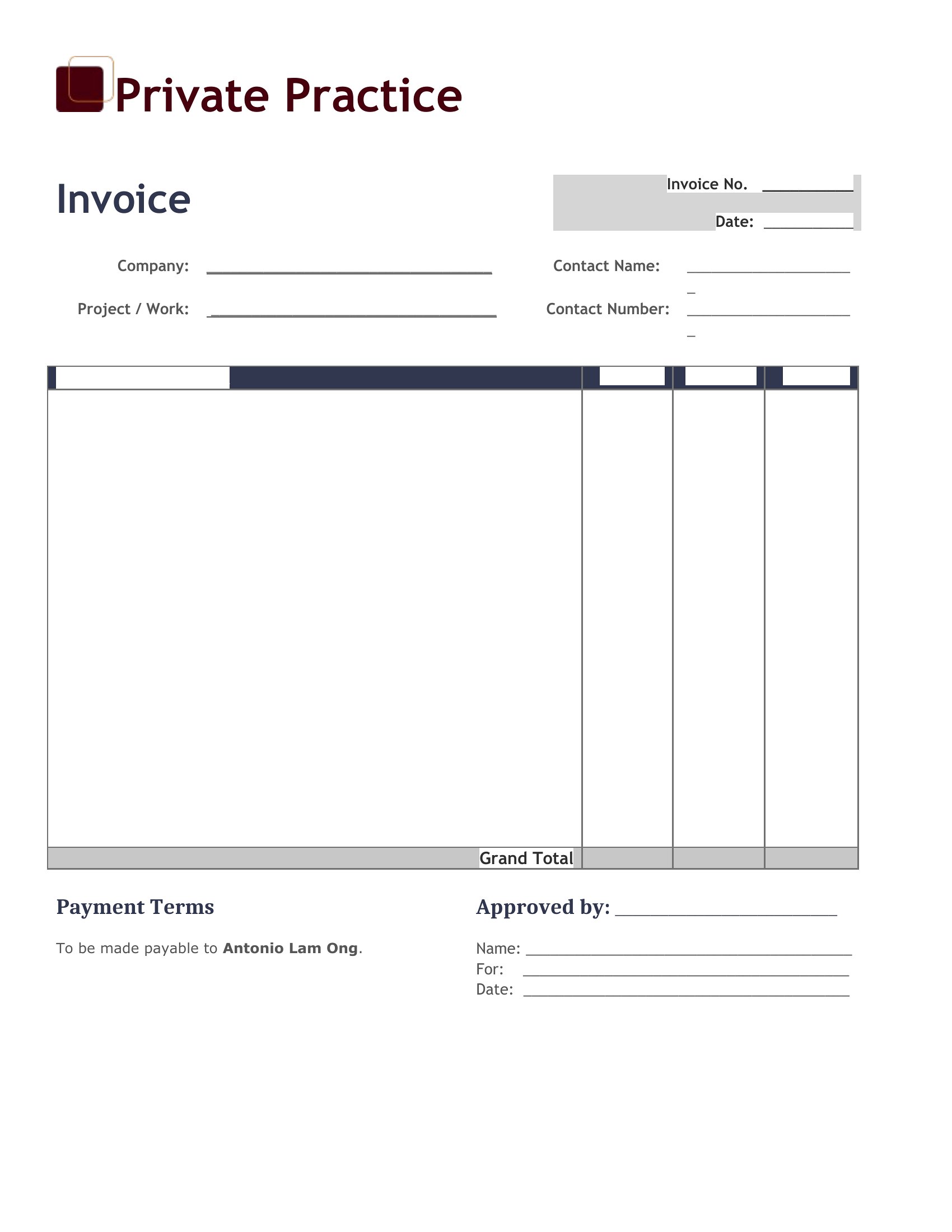
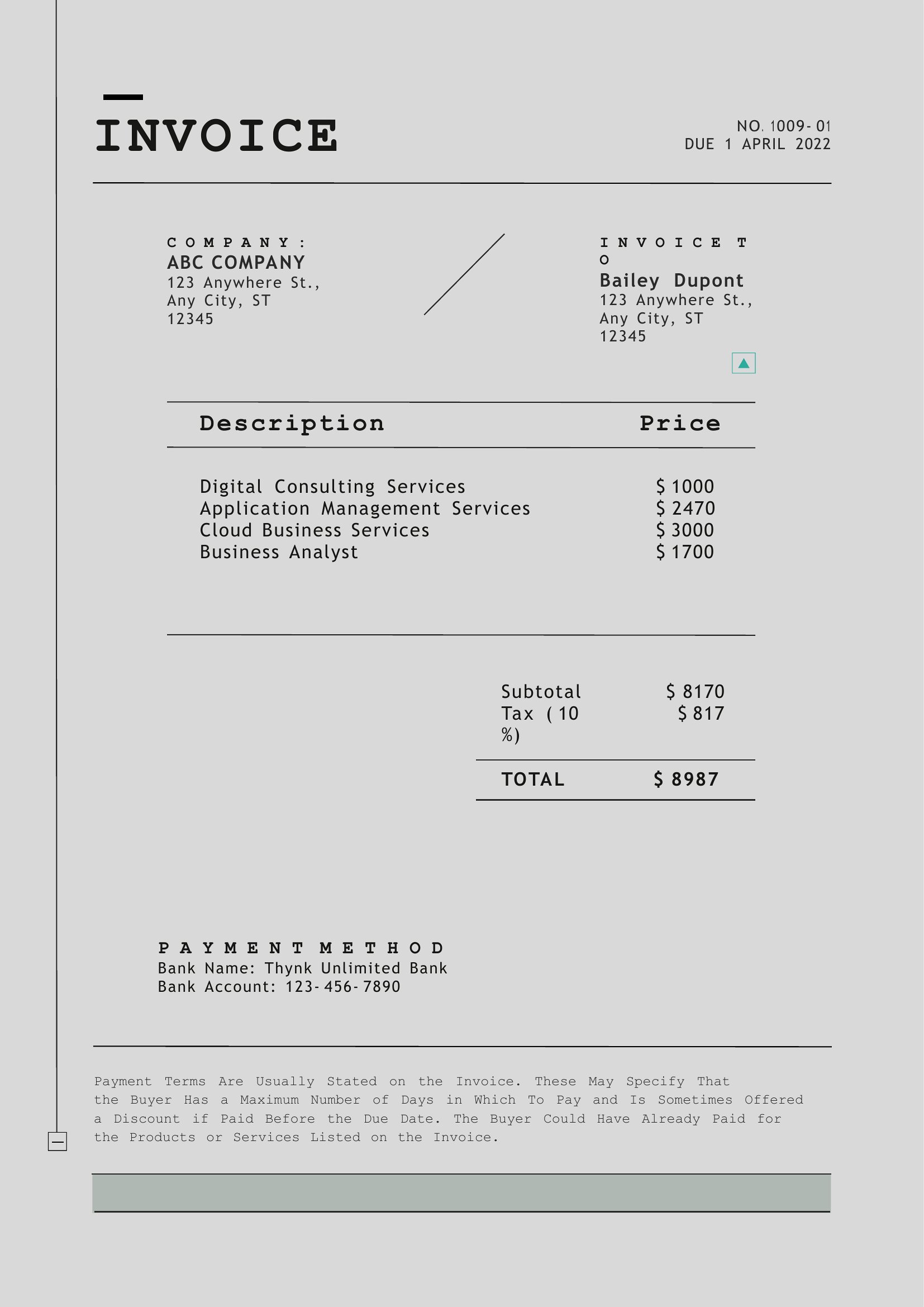
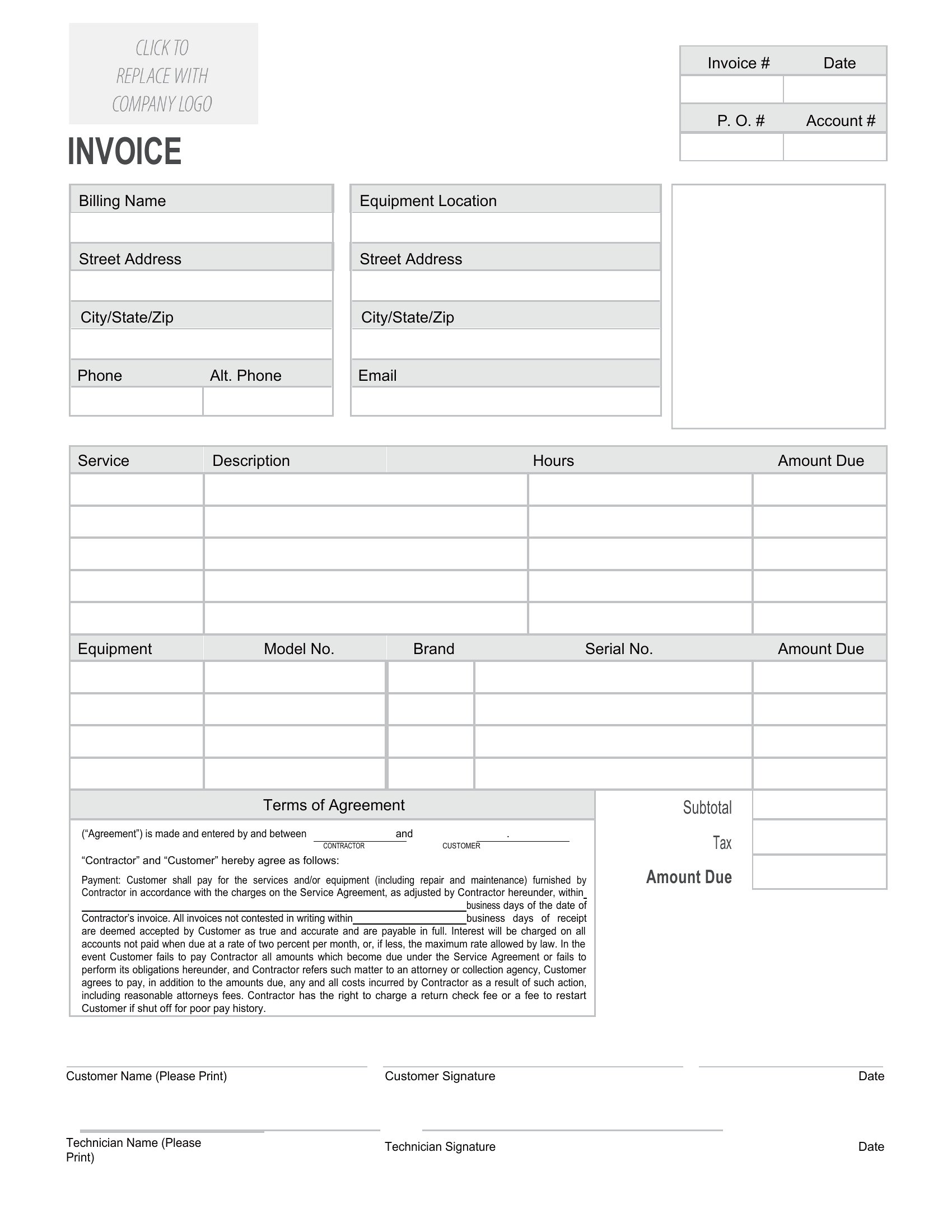
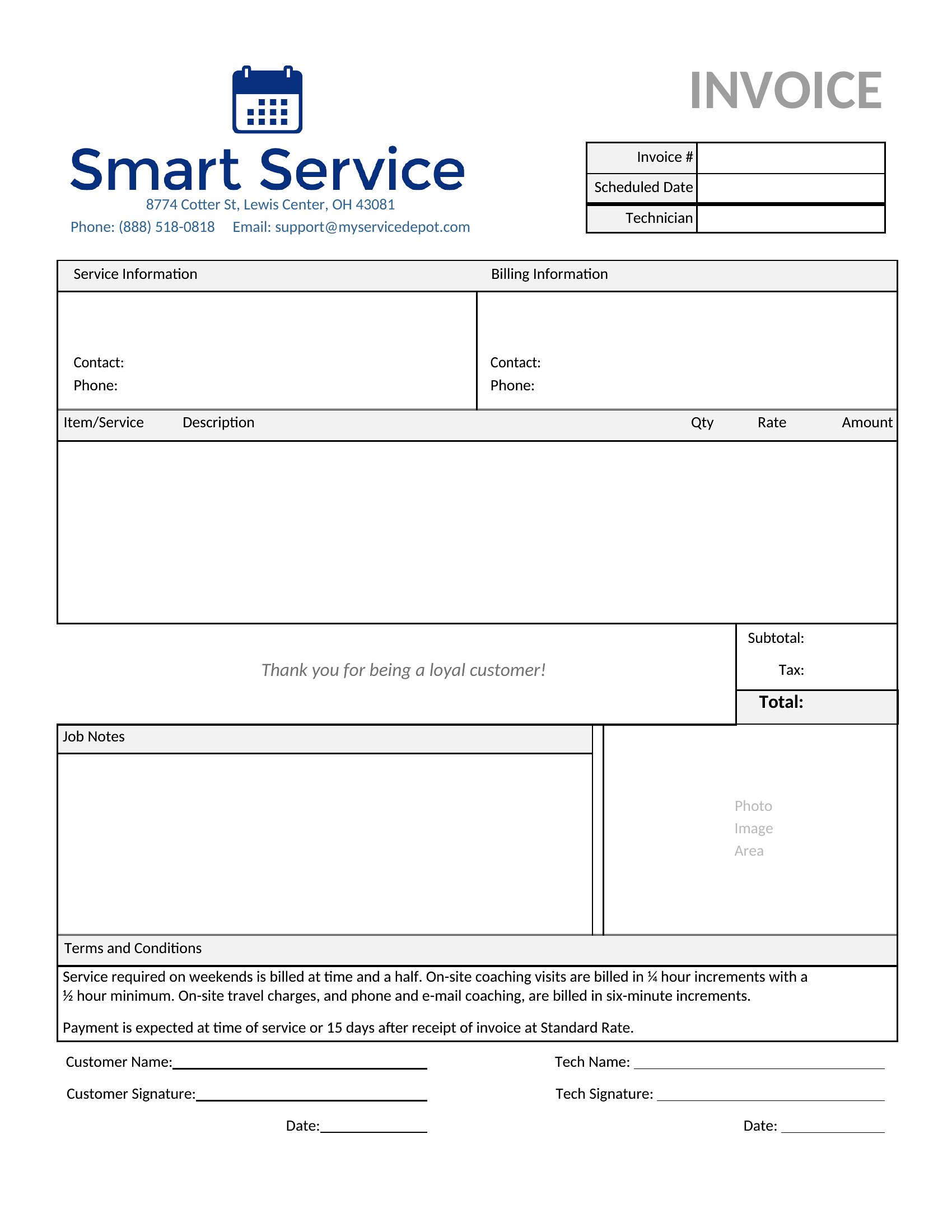
Yes, these templates include a designated section for payment terms where you can add a line like ‘Late fees: 1.5% of the invoice per month’ in a neutral font. Keep it concise and place it near the total to avoid overwhelming the design.
How do I handle invoices for international clients who need their local currency and tax structure?
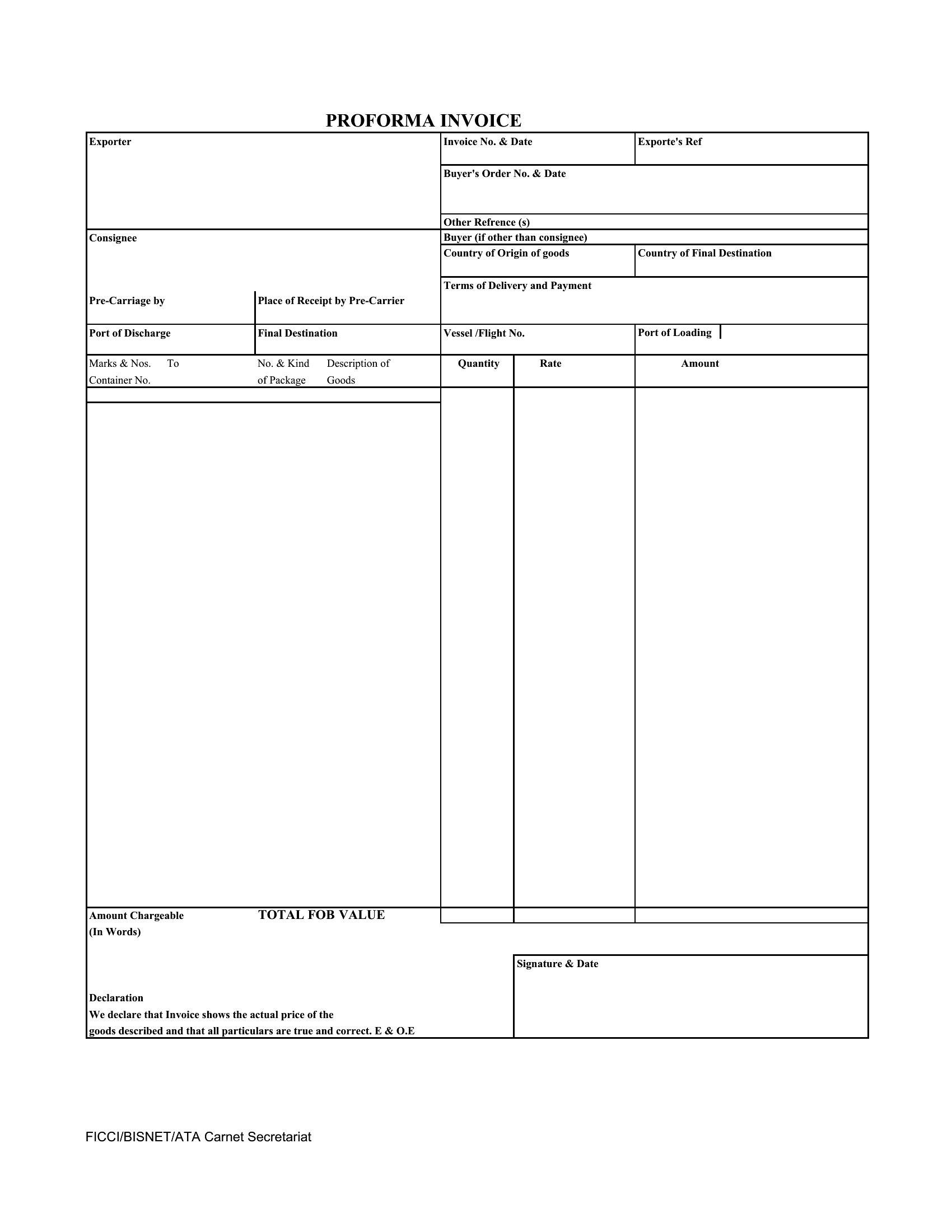
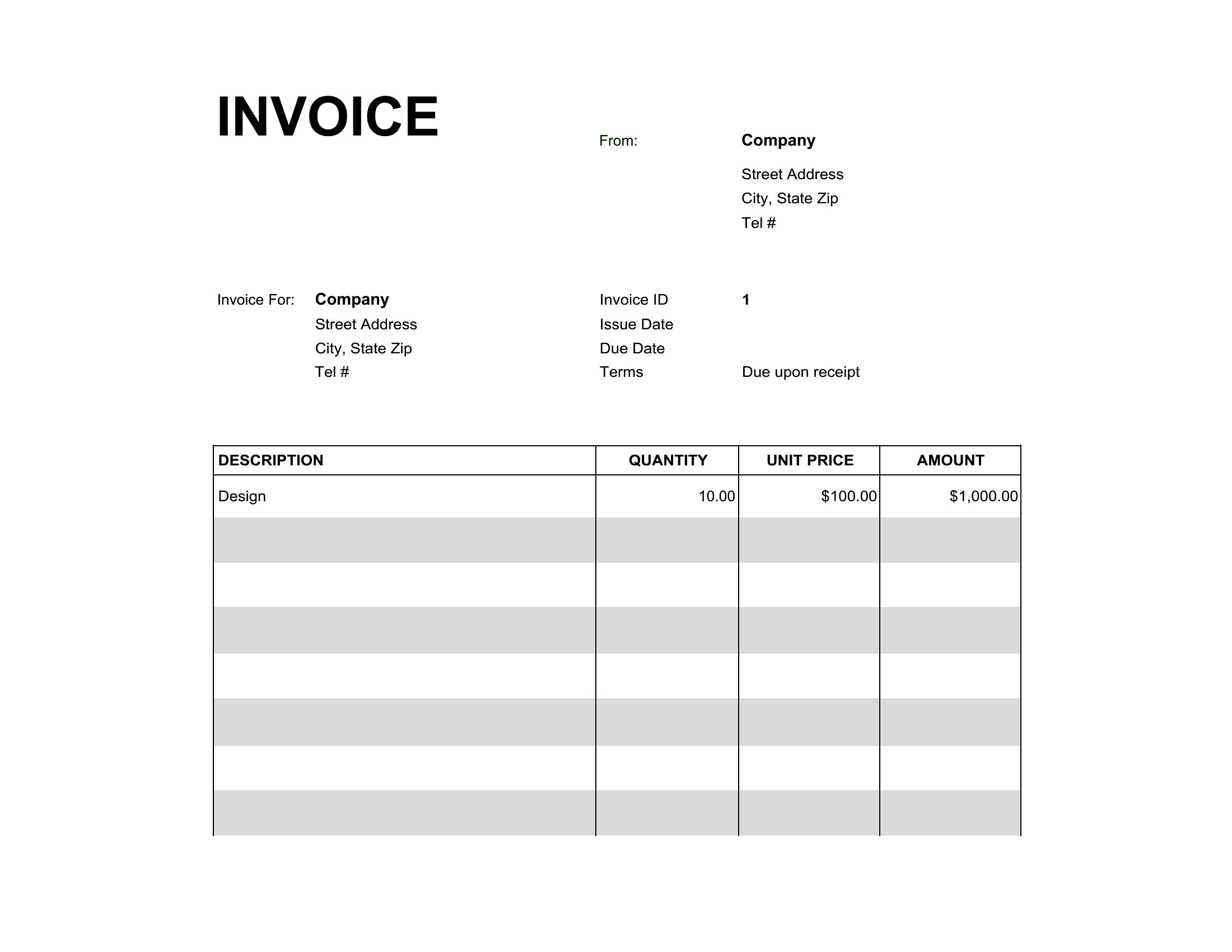
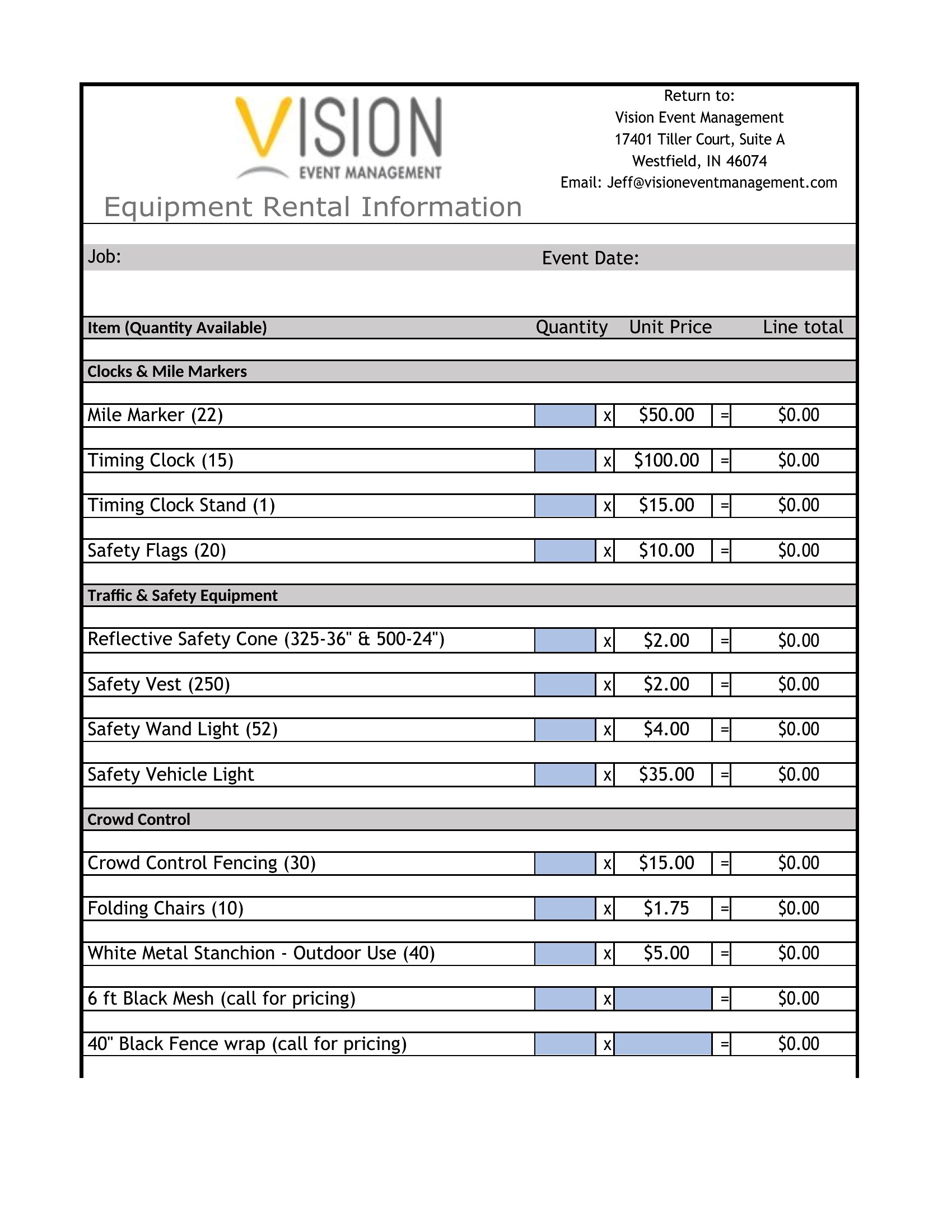
Select a blank template and manually add fields for ‘Invoice Amount in USD’ and ‘Converted Amount in [Client’s Currency]’ alongside a disclaimer noting tax responsibility lies with the client. Consult a tax professional for compliance with local laws.
What’s the best way to track which templates I’ve already sent to clients to avoid duplicates?
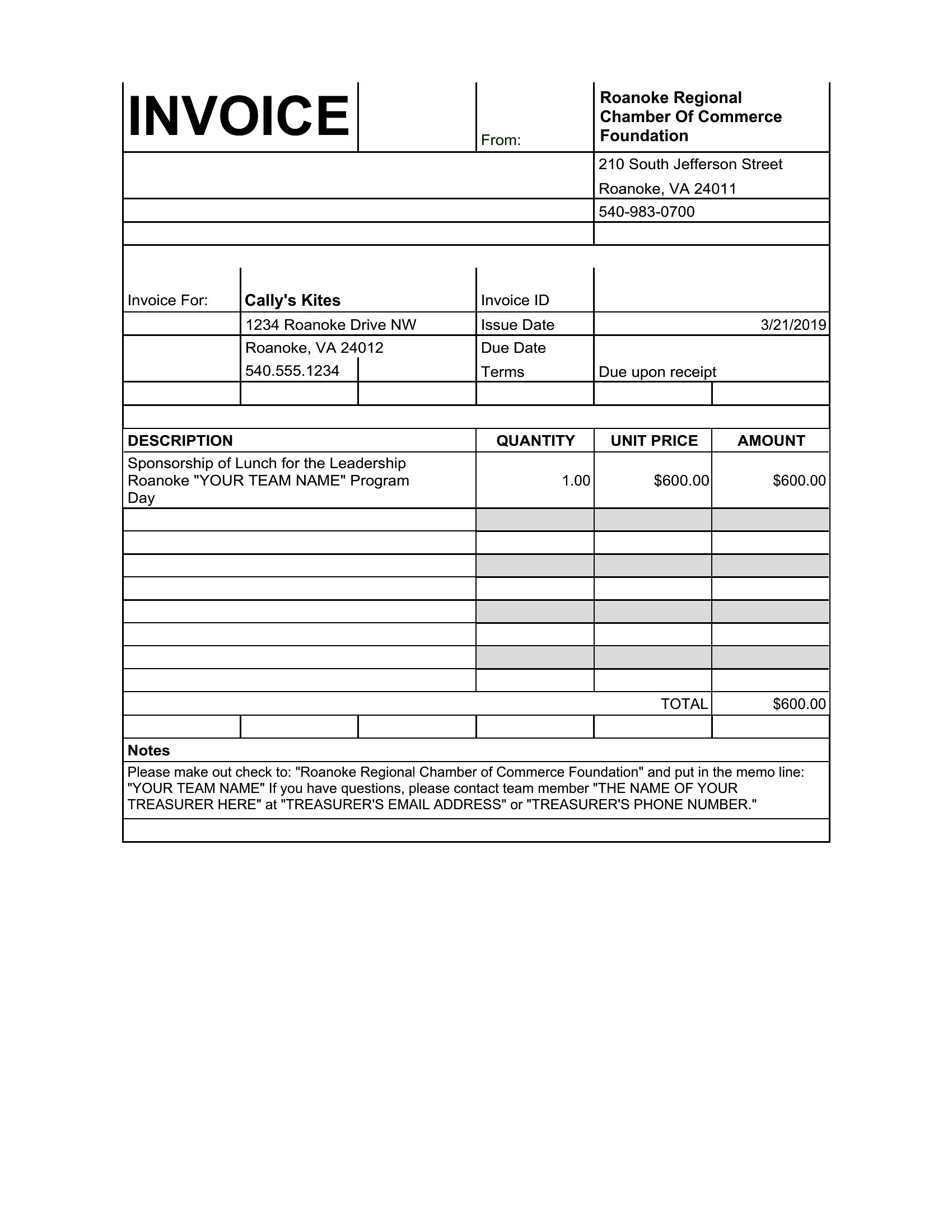
Save each sent invoice in a ‘Sent’ folder with a filename including the client name and date (e.g., ‘SmithDesign_20240515’). Use the PDF format for these copies to prevent accidental edits, and keep a separate spreadsheet with client names, invoice dates, and amounts.
Comments
Join the conversation
Sign in to share your thoughts and leave a comment on this resource.