Free Kanban Board Card Templates (Word, Excel, PDF)
ProjectTemplates
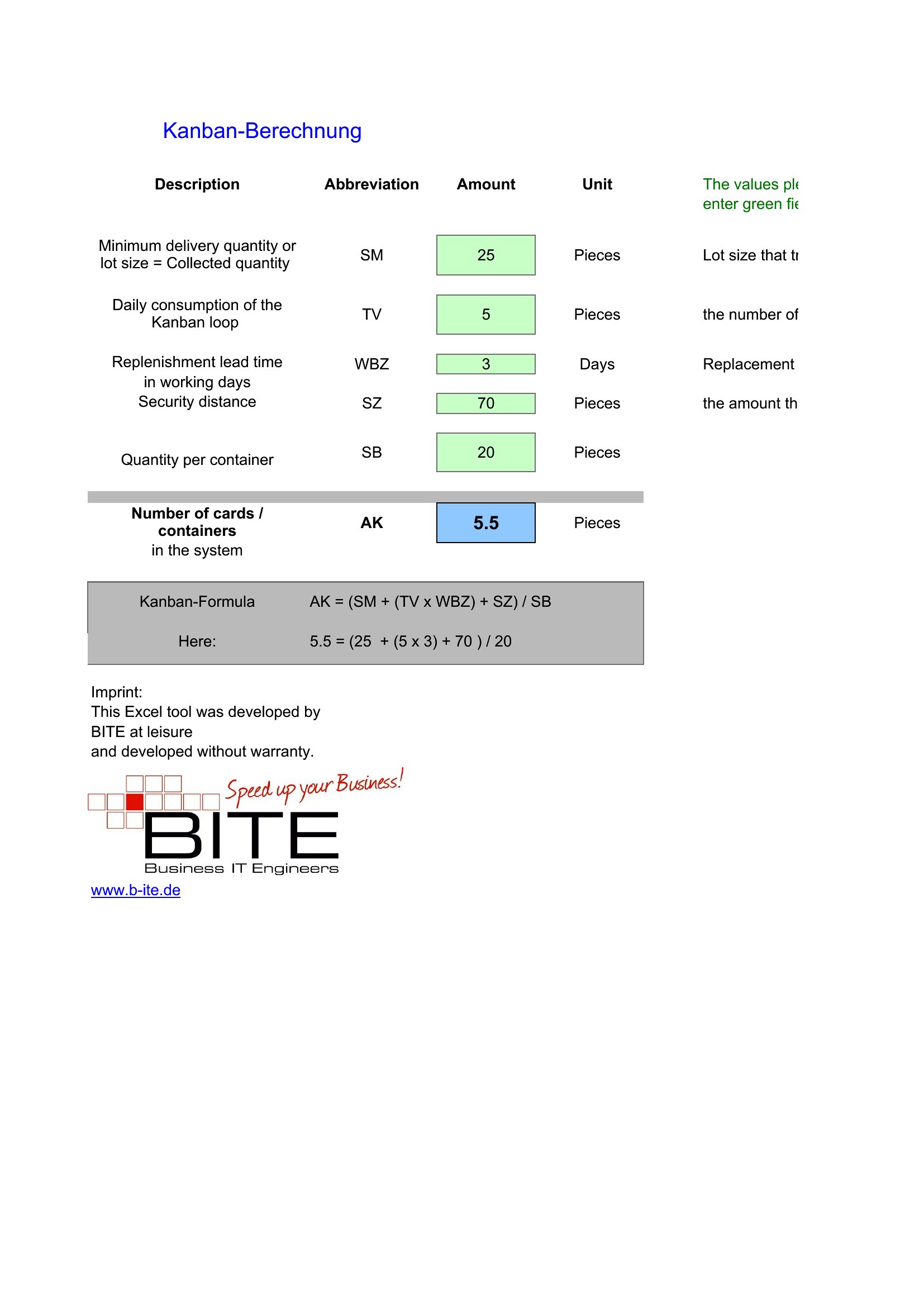
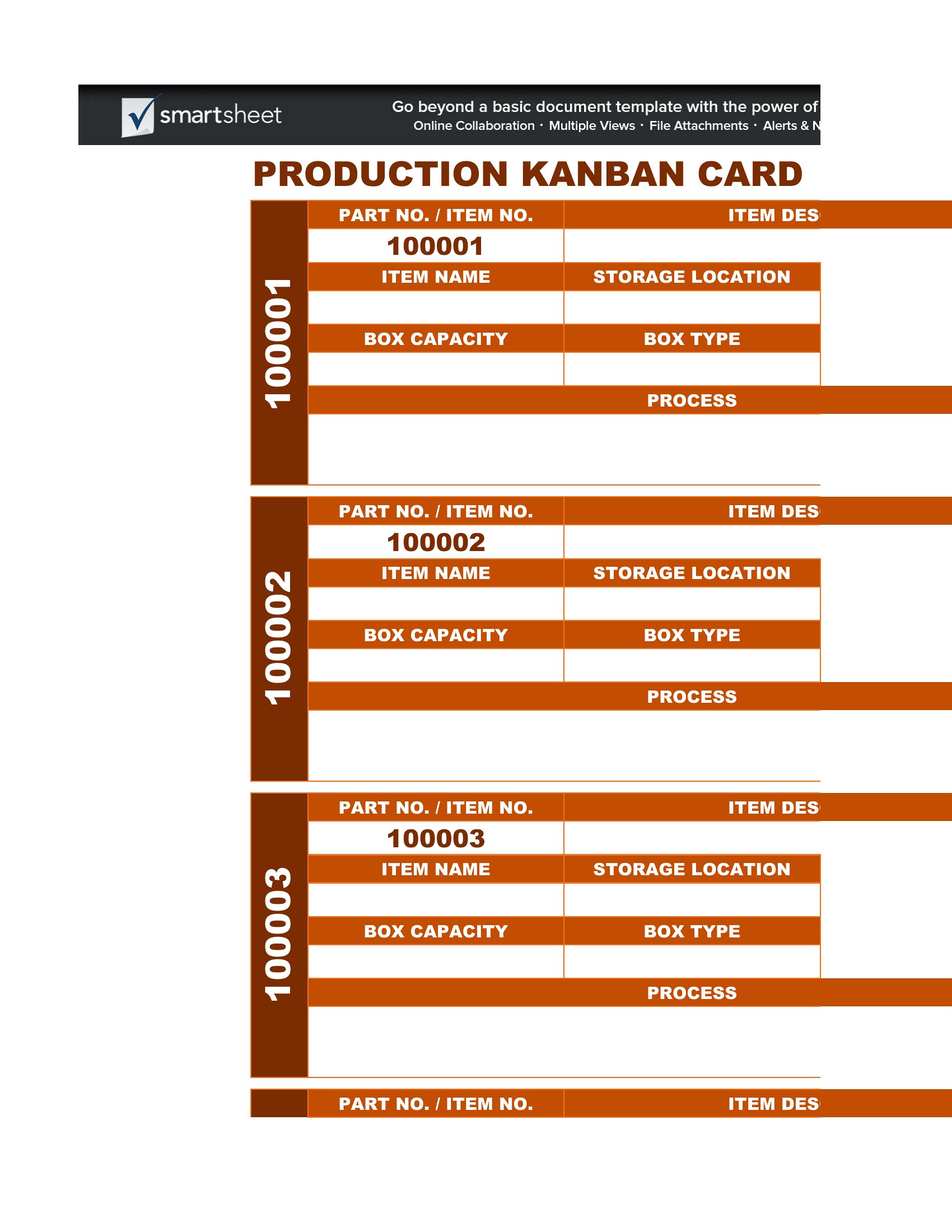
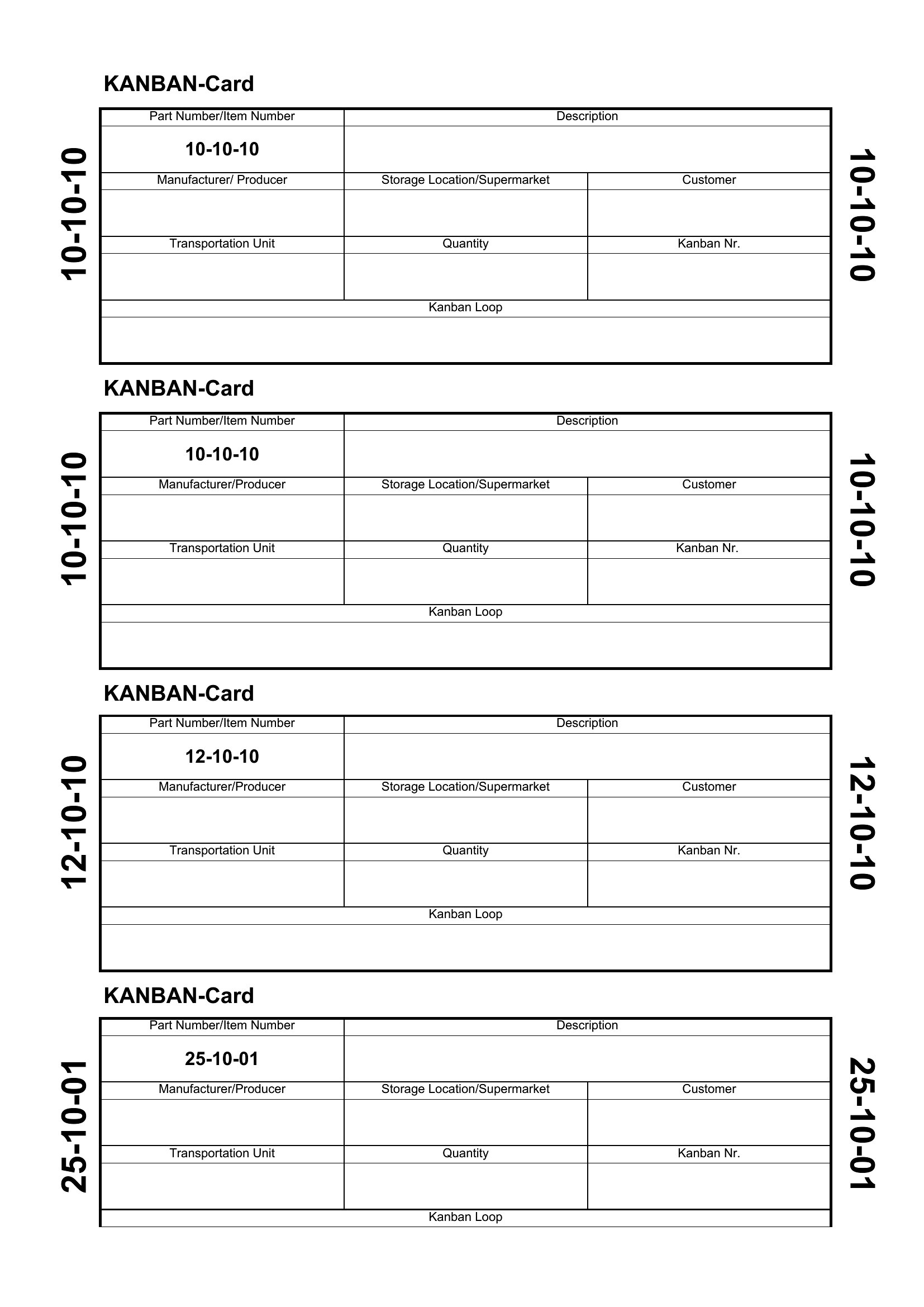
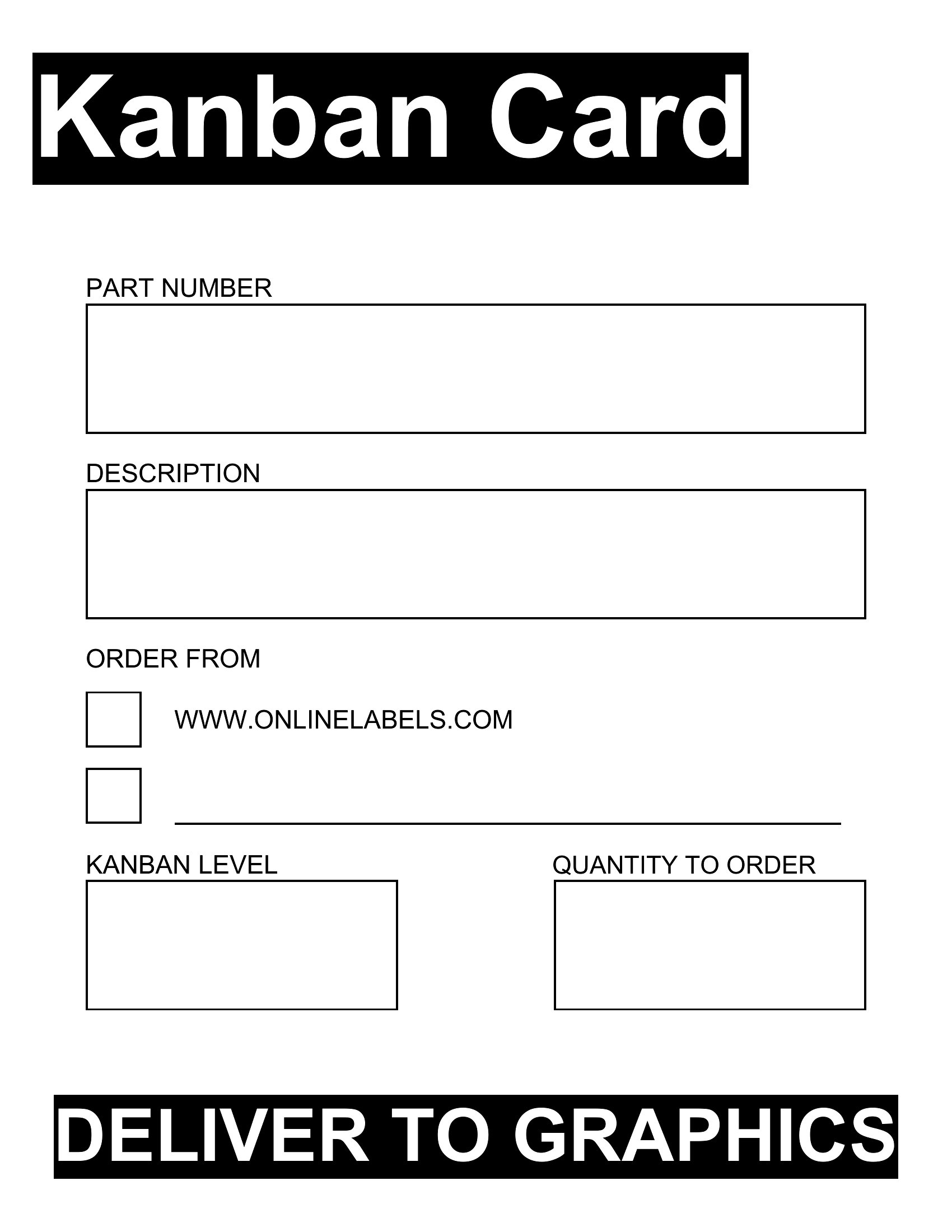
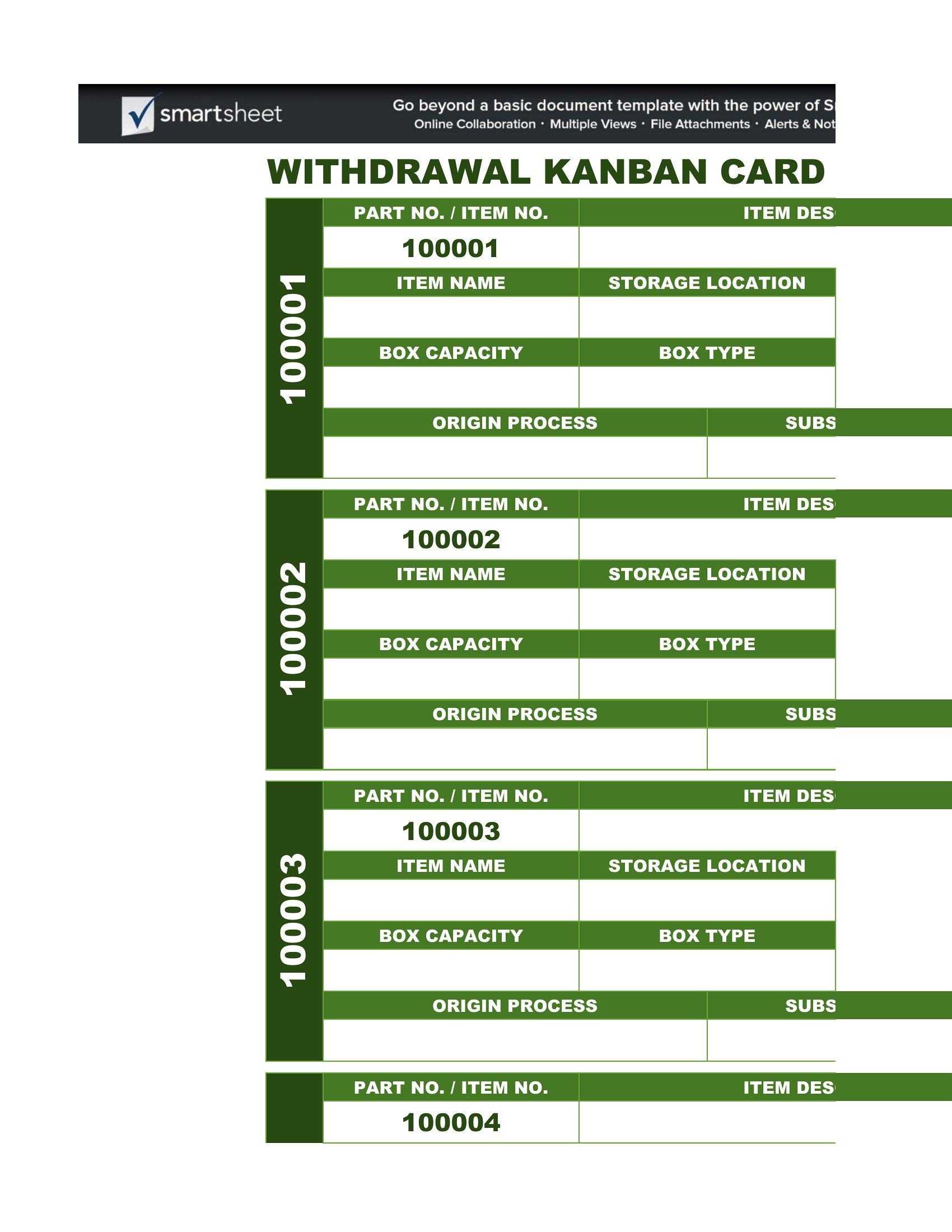
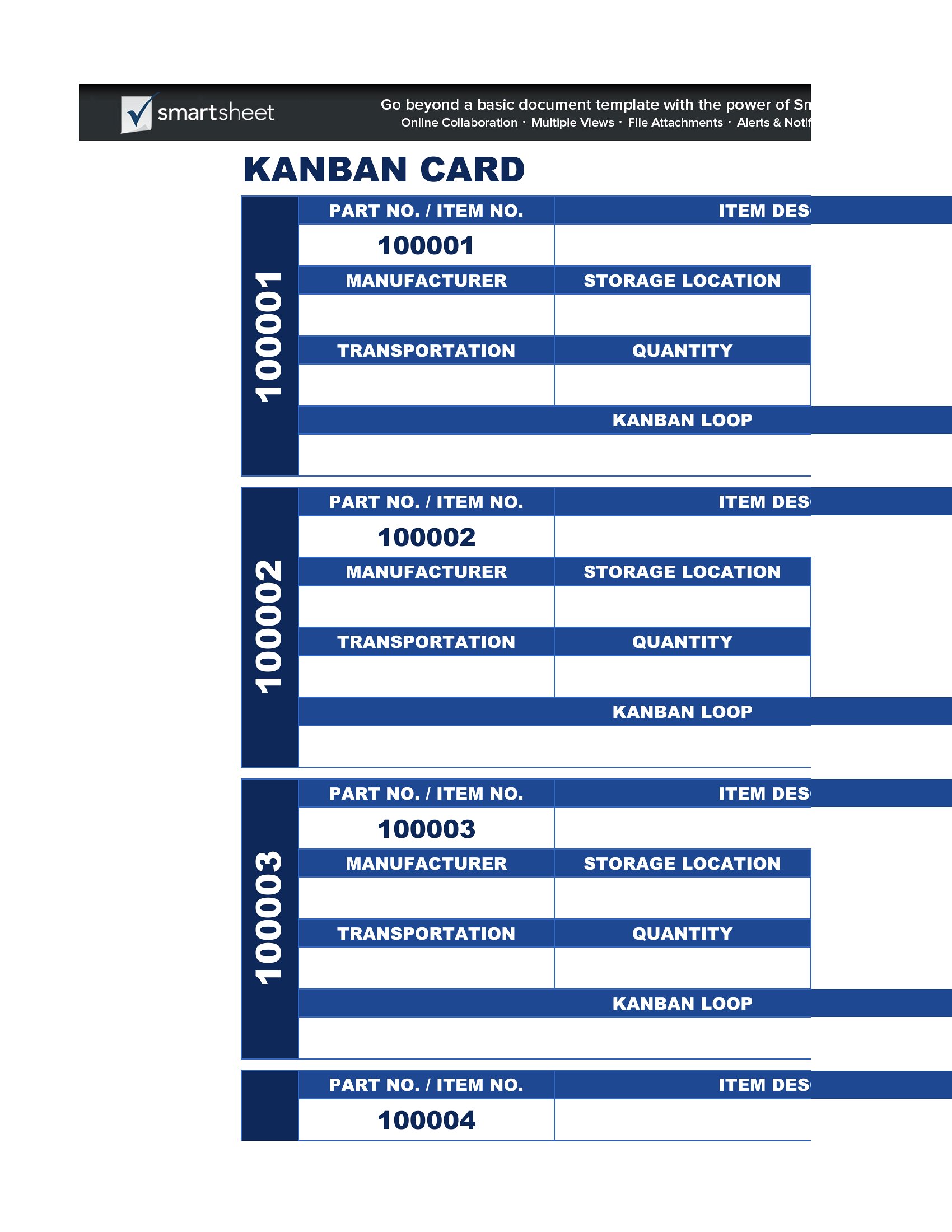
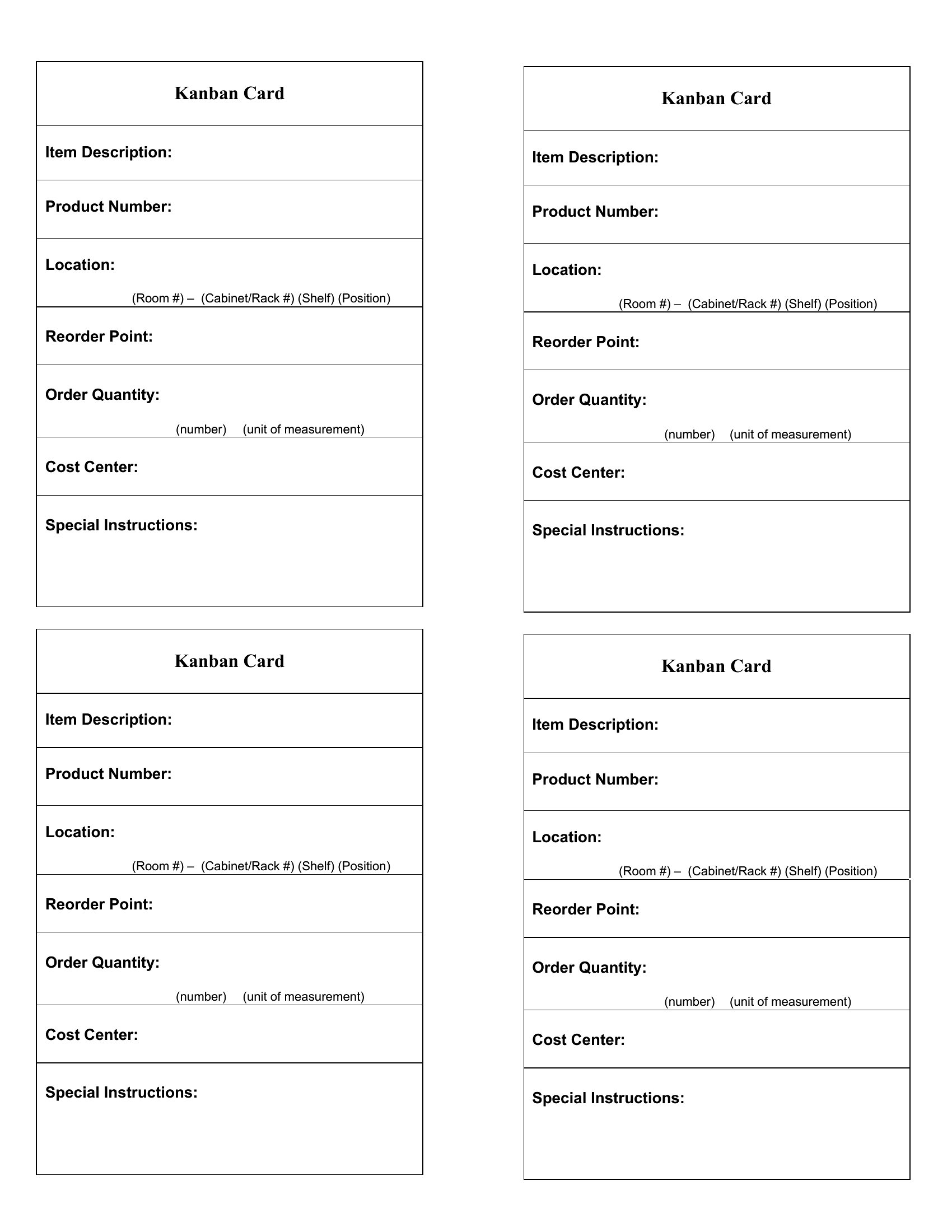
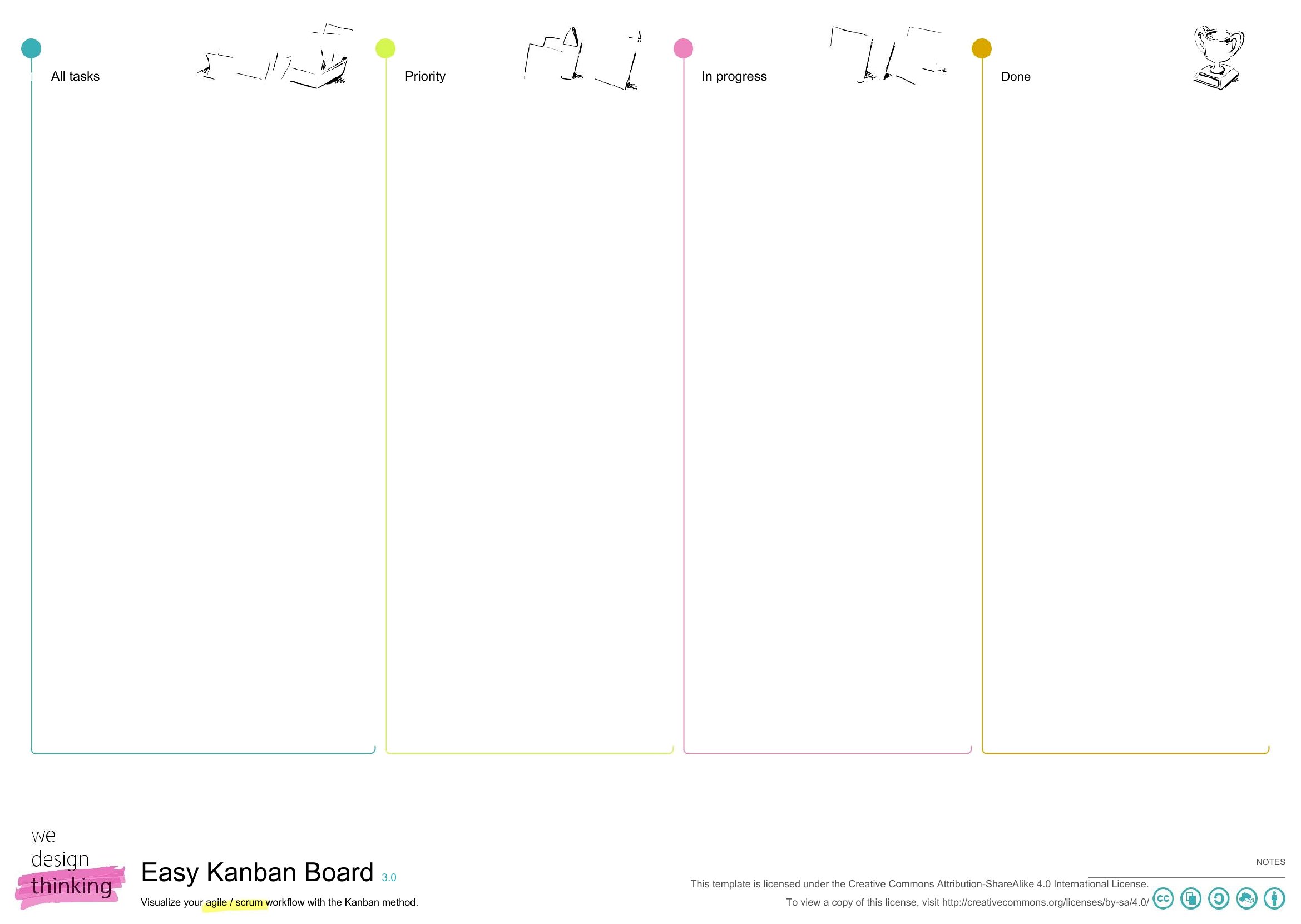
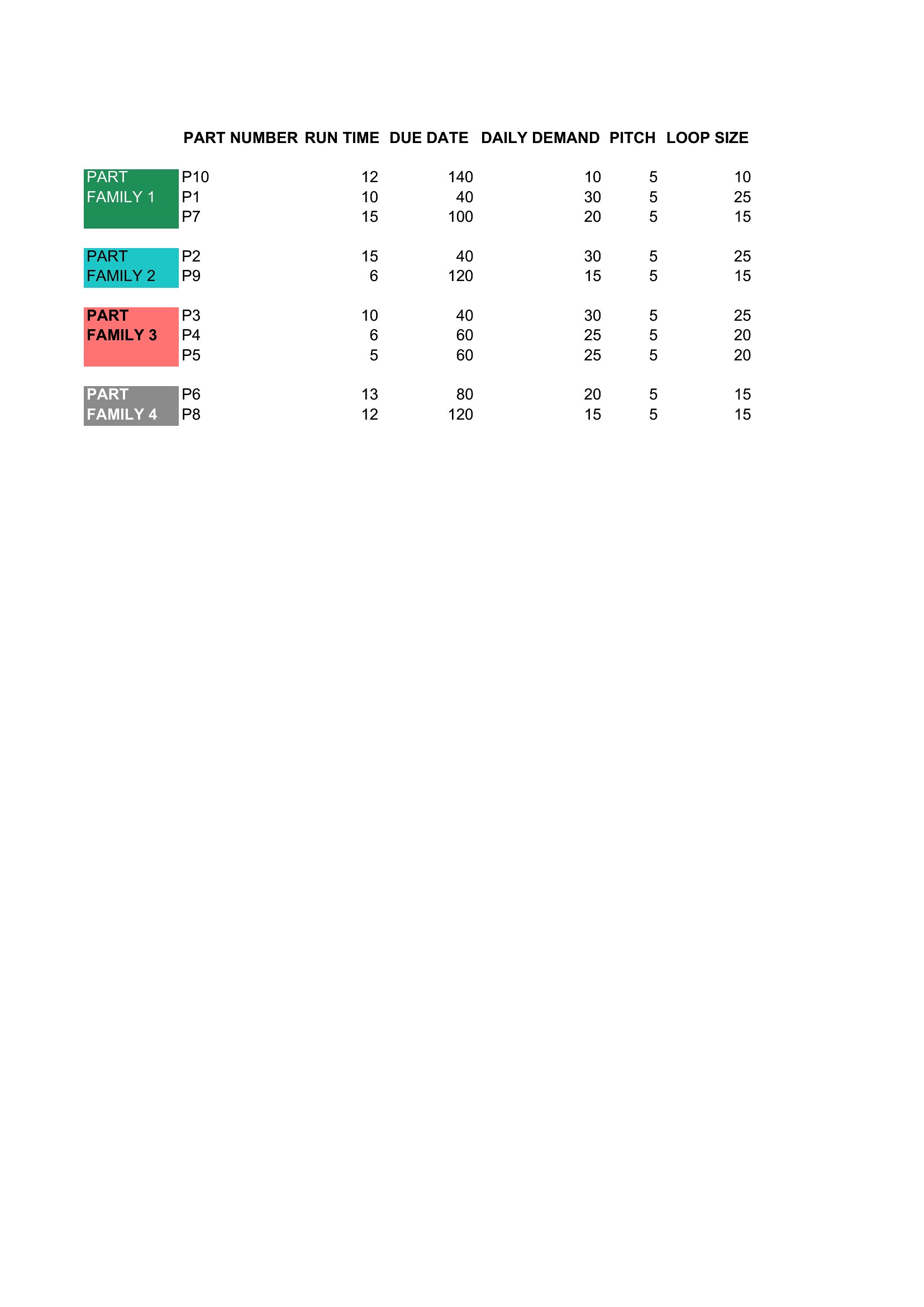
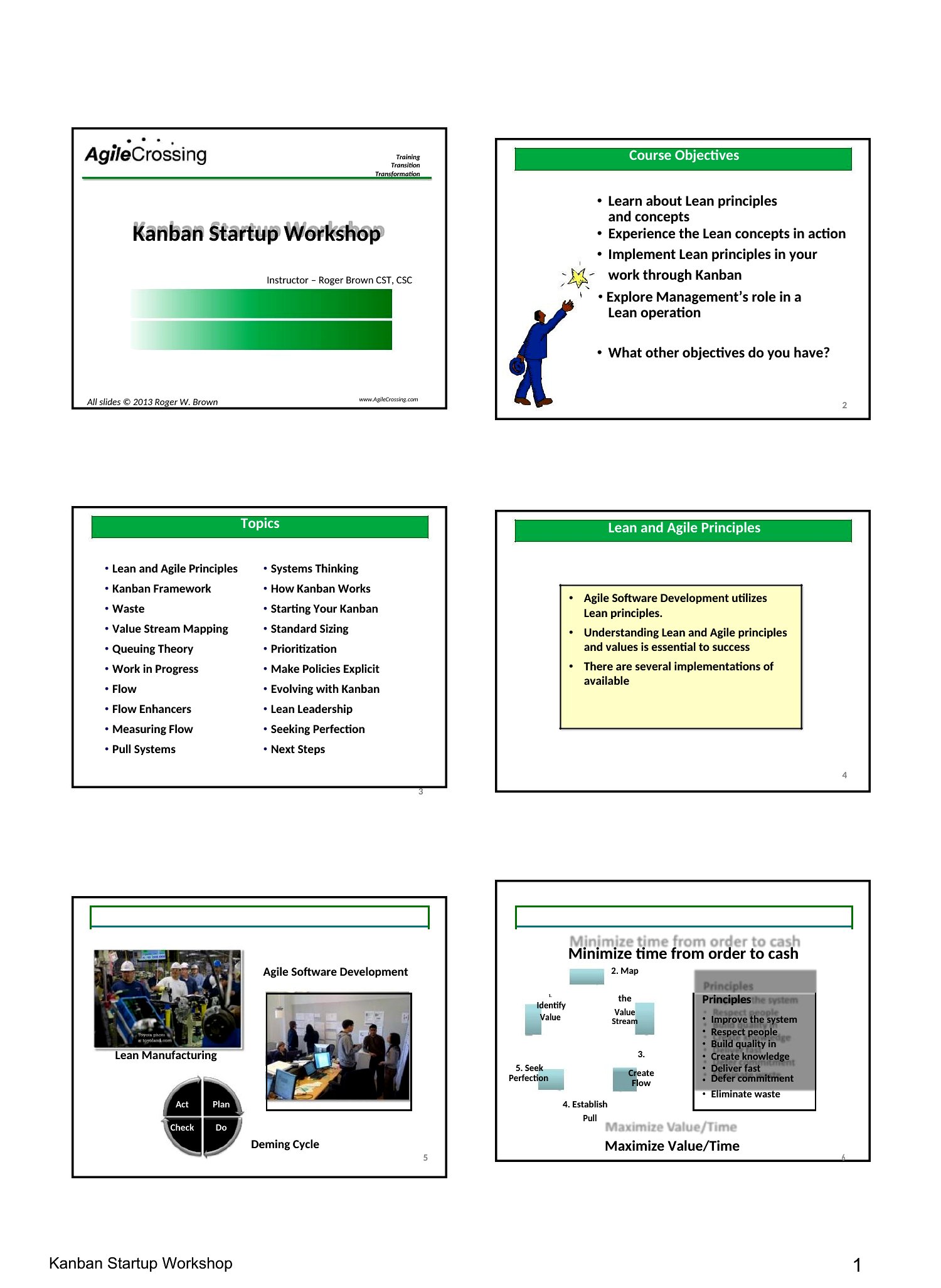
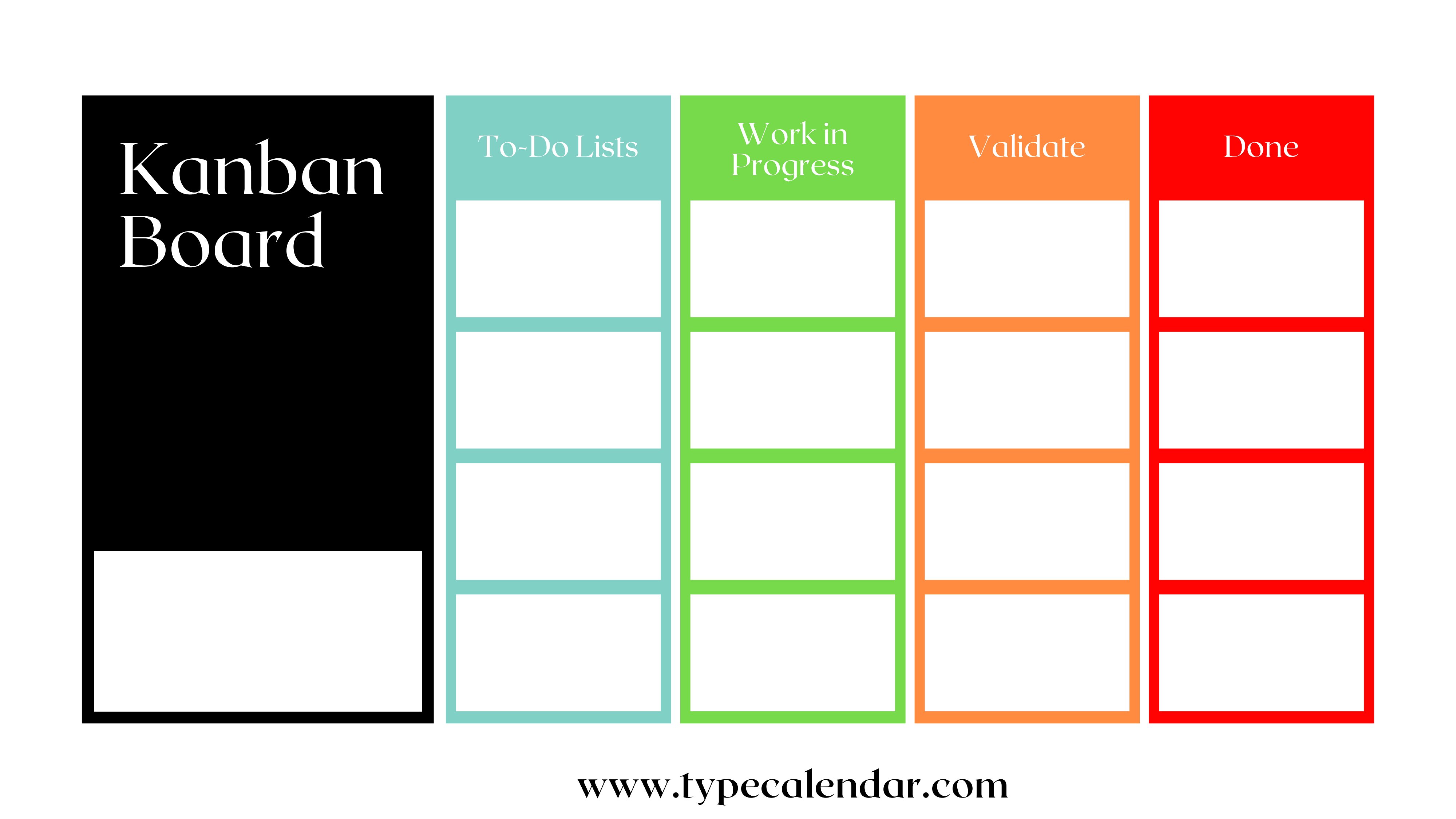
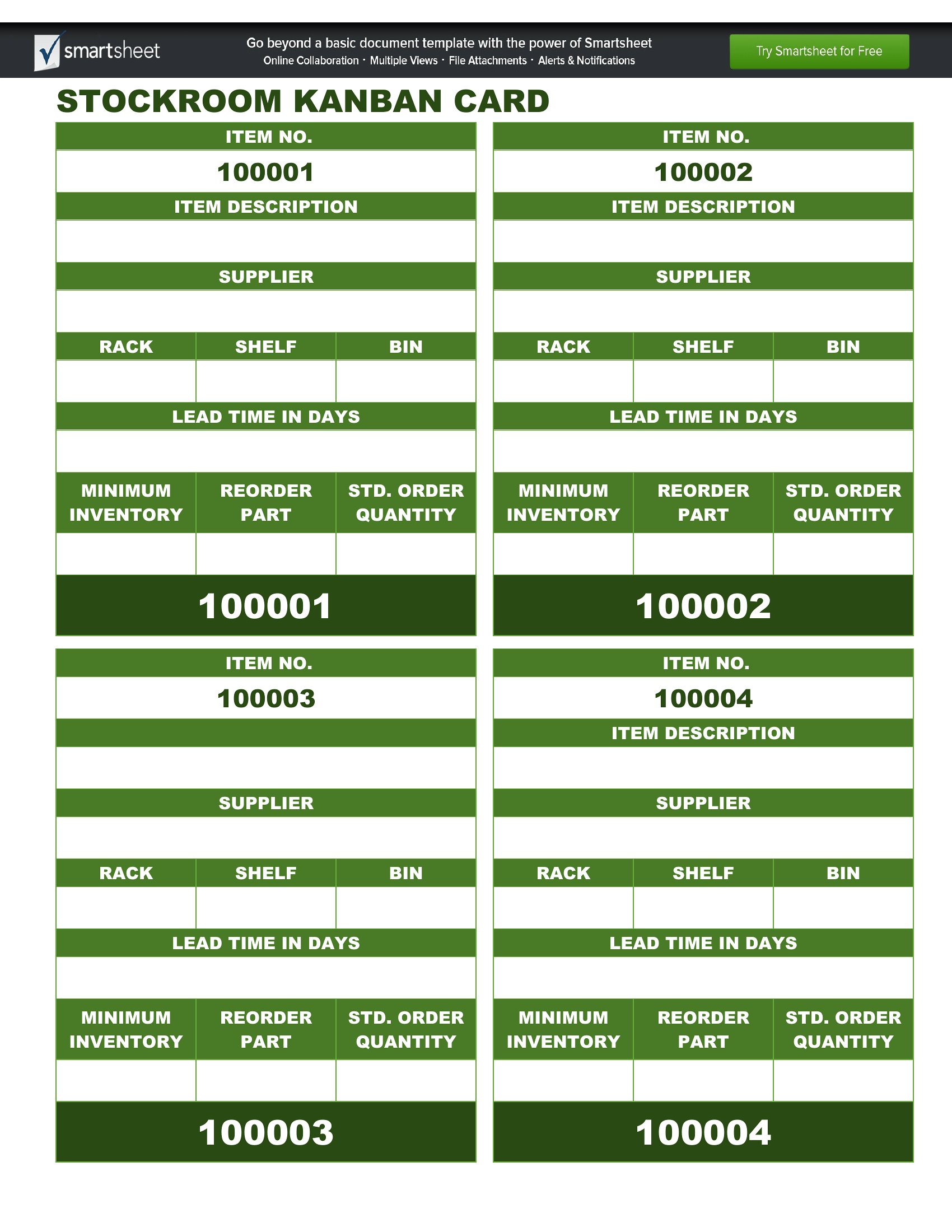
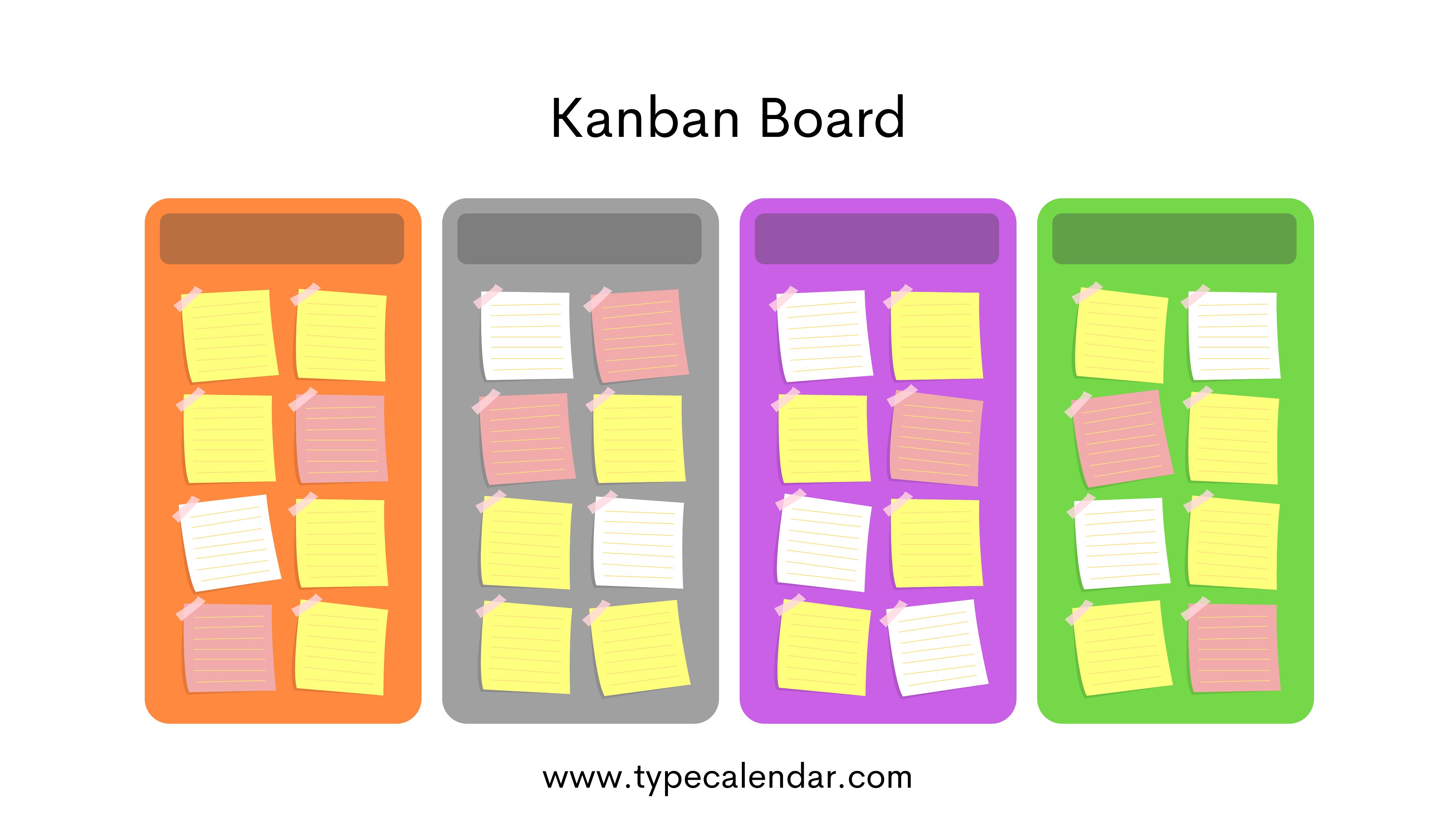
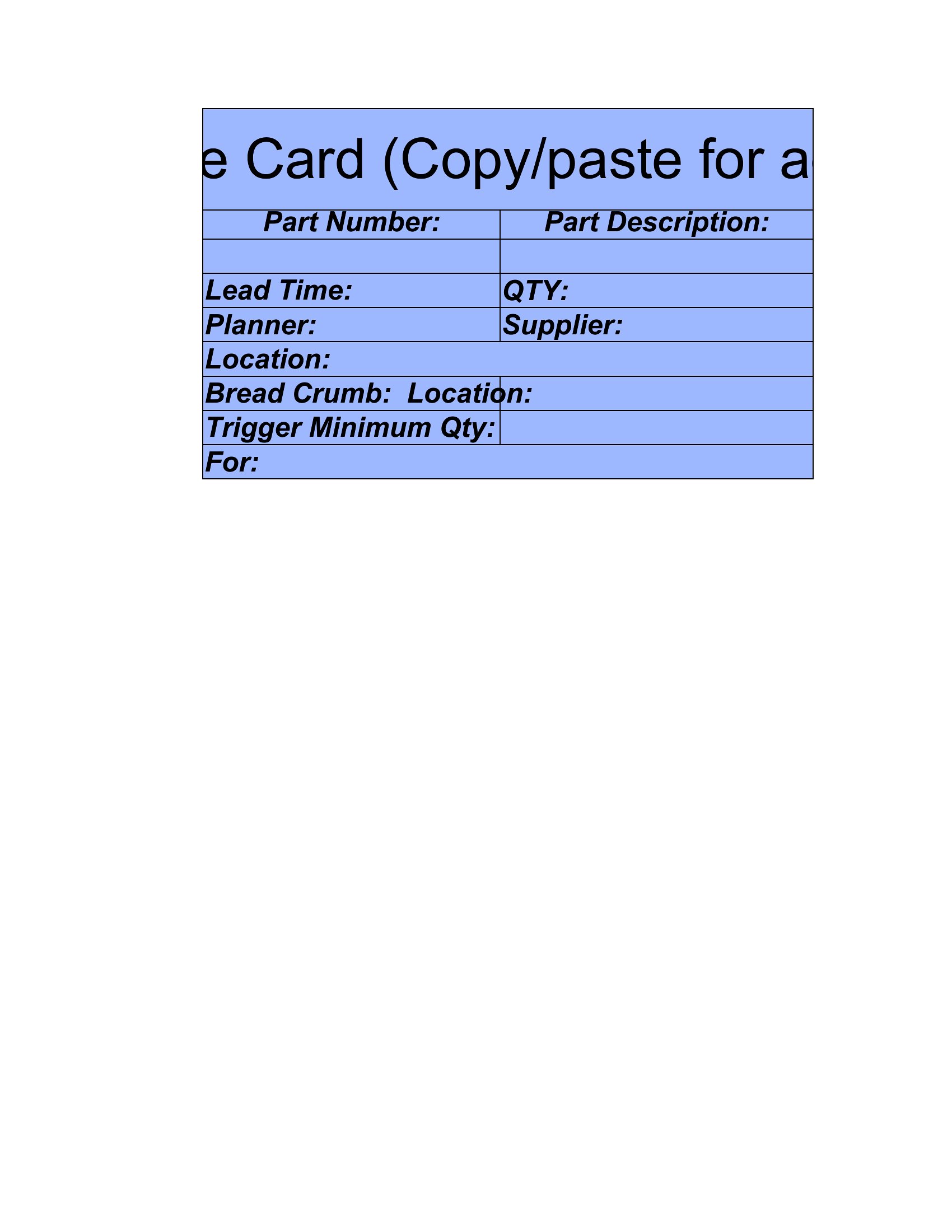

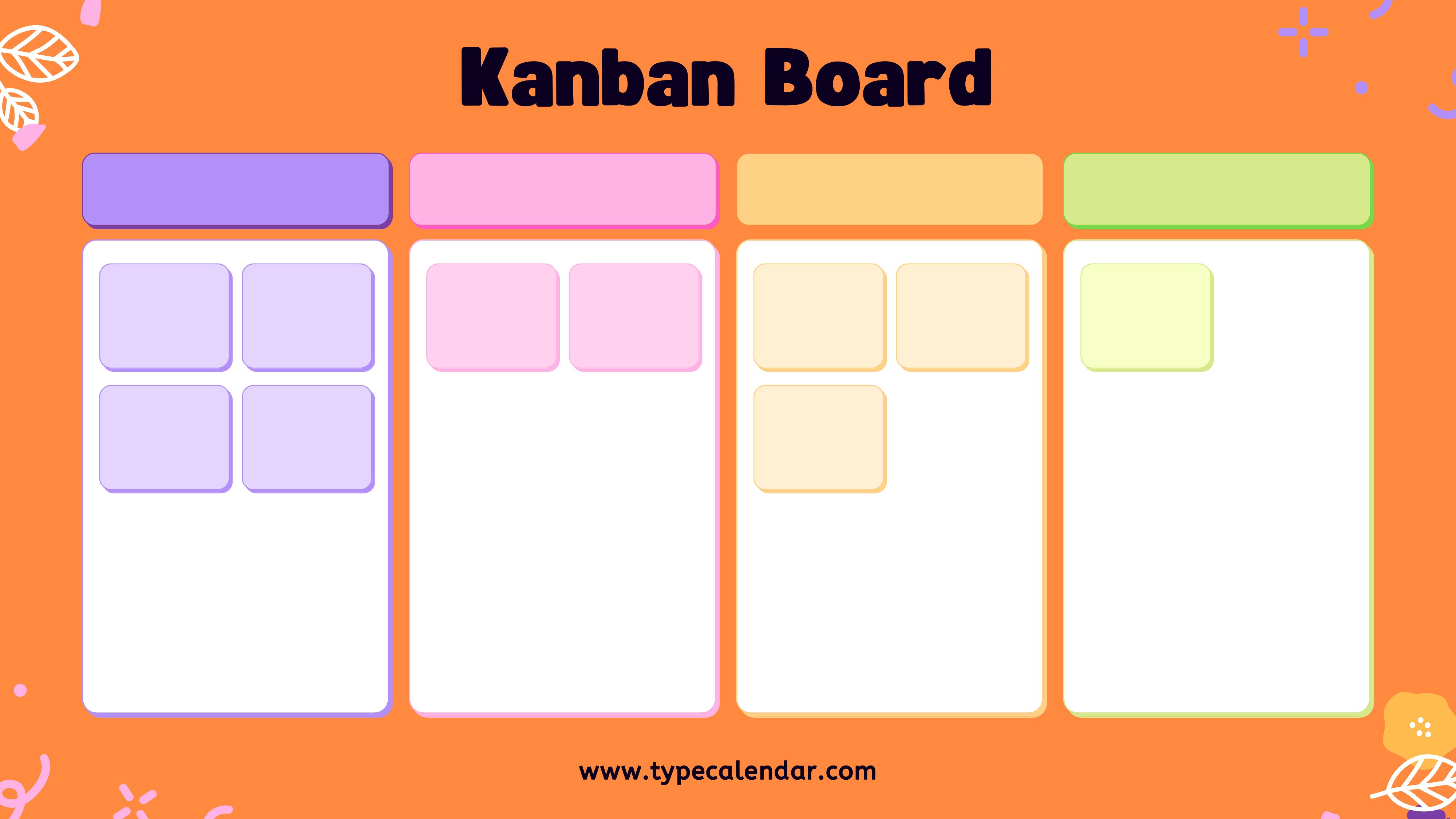
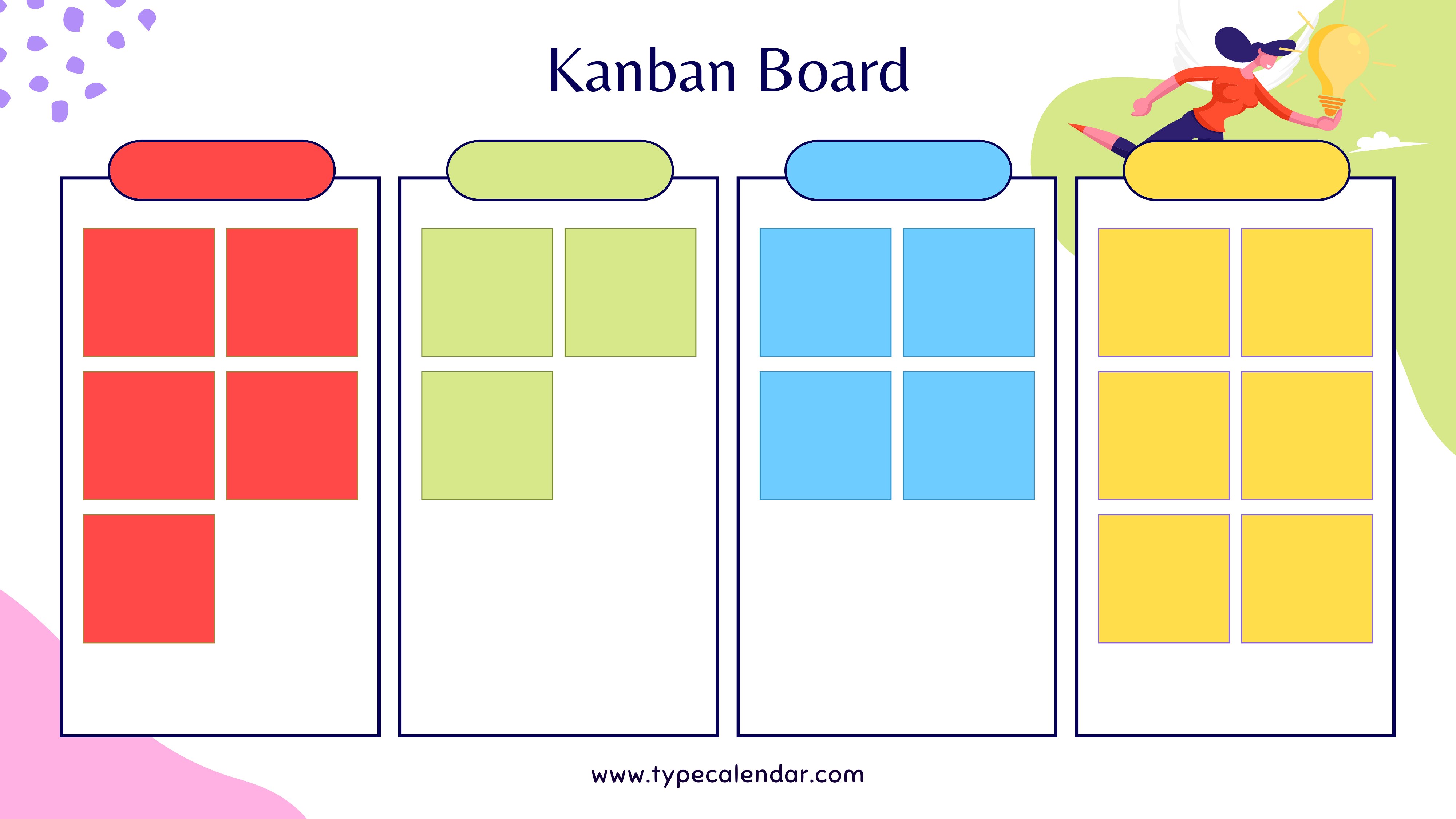
Kanban Board
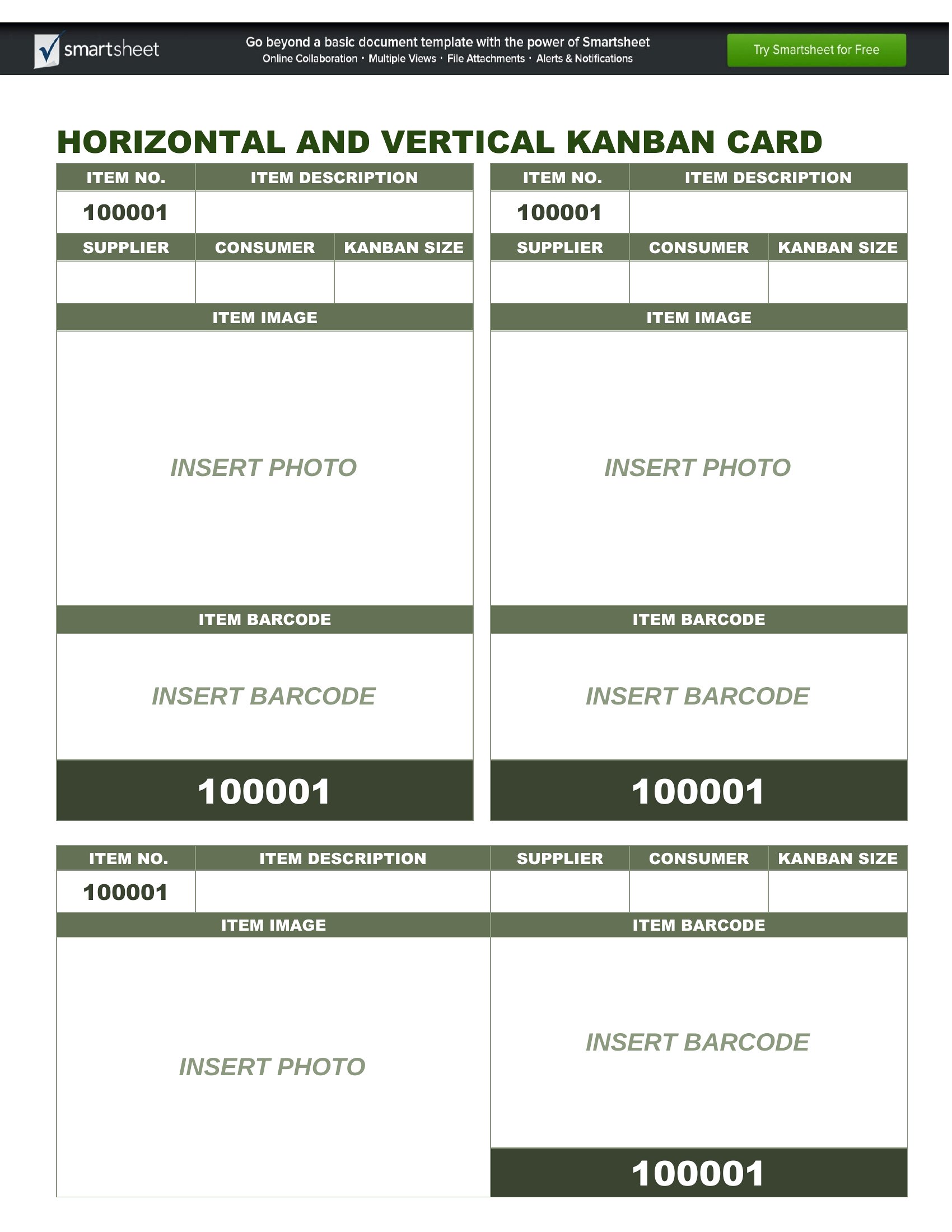
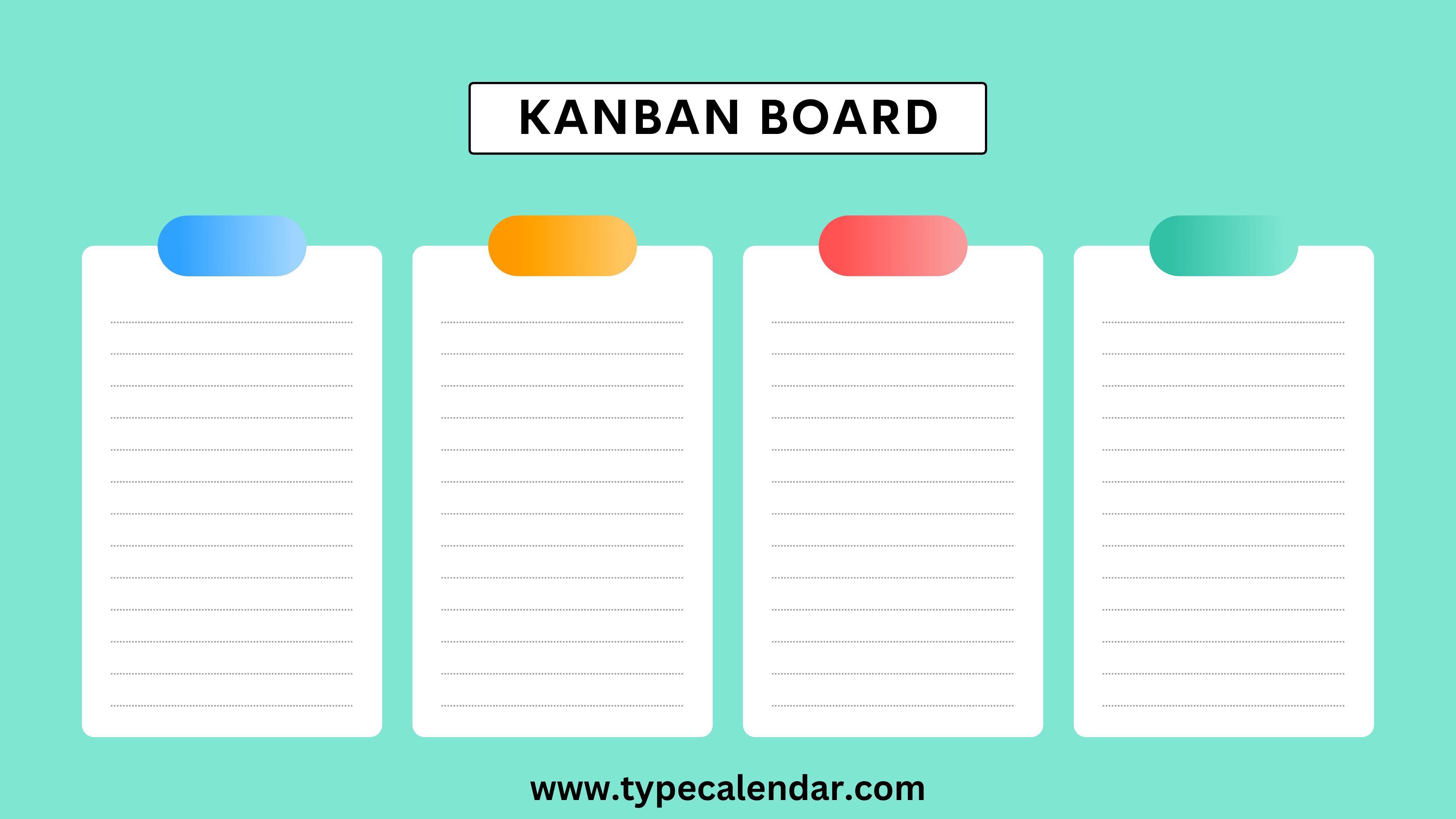
FAQ
Can these Kanban templates help teams compare Agile vs. Scrum workflows?
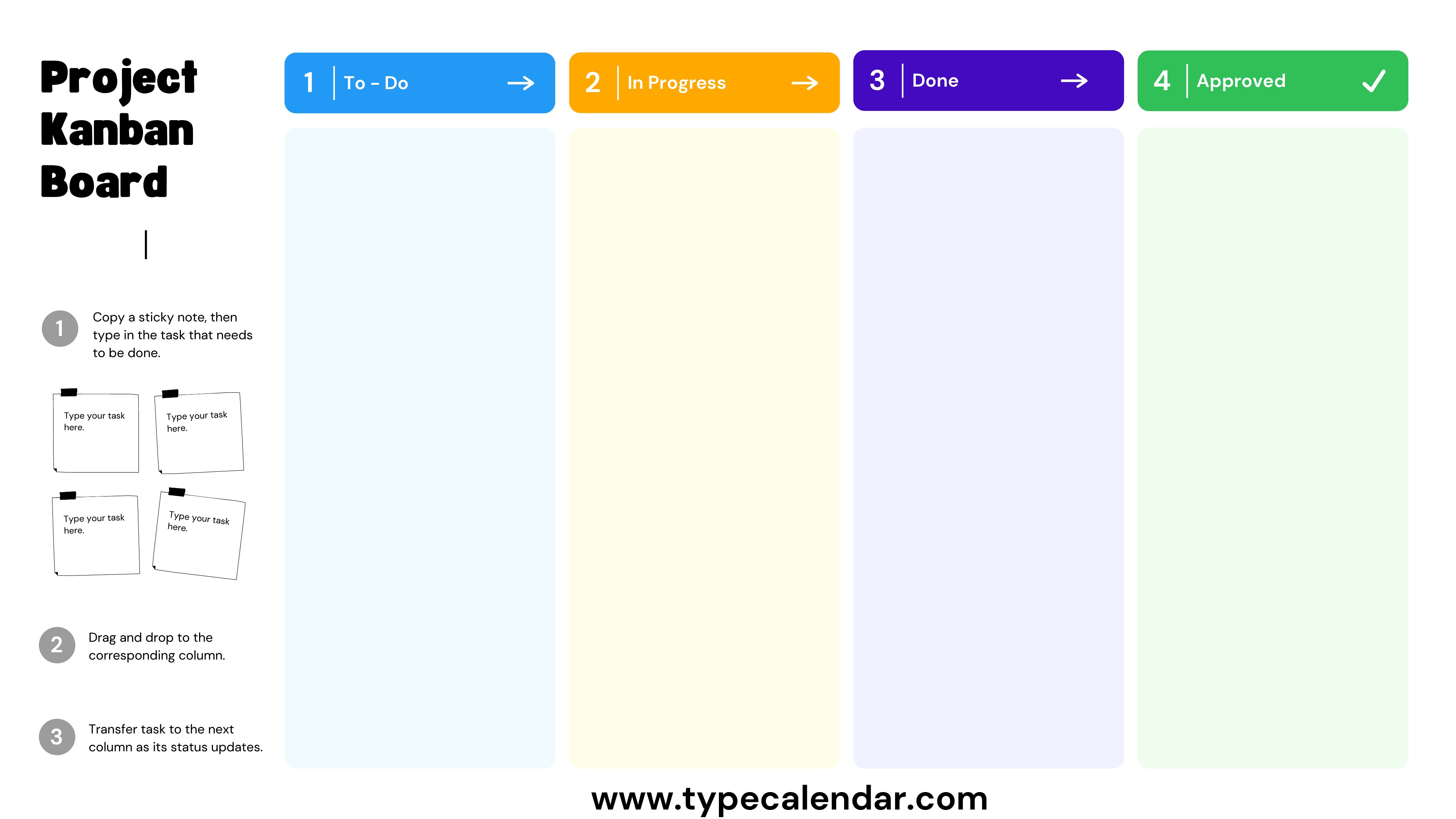
Yes, the templates include side-by-side layouts for Kanban vs. Scrum boards, letting teams overlay both frameworks to spot differences in columns (e.g., ‘To Do,’ ‘In Progress,’ ‘Done’ in Kanban vs. Scrum’s ‘Sprint Backlog’). Useful for training new members but not a replacement for certified Agile coaching.
What’s the best way to adapt these for non-work projects like personal goal tracking?
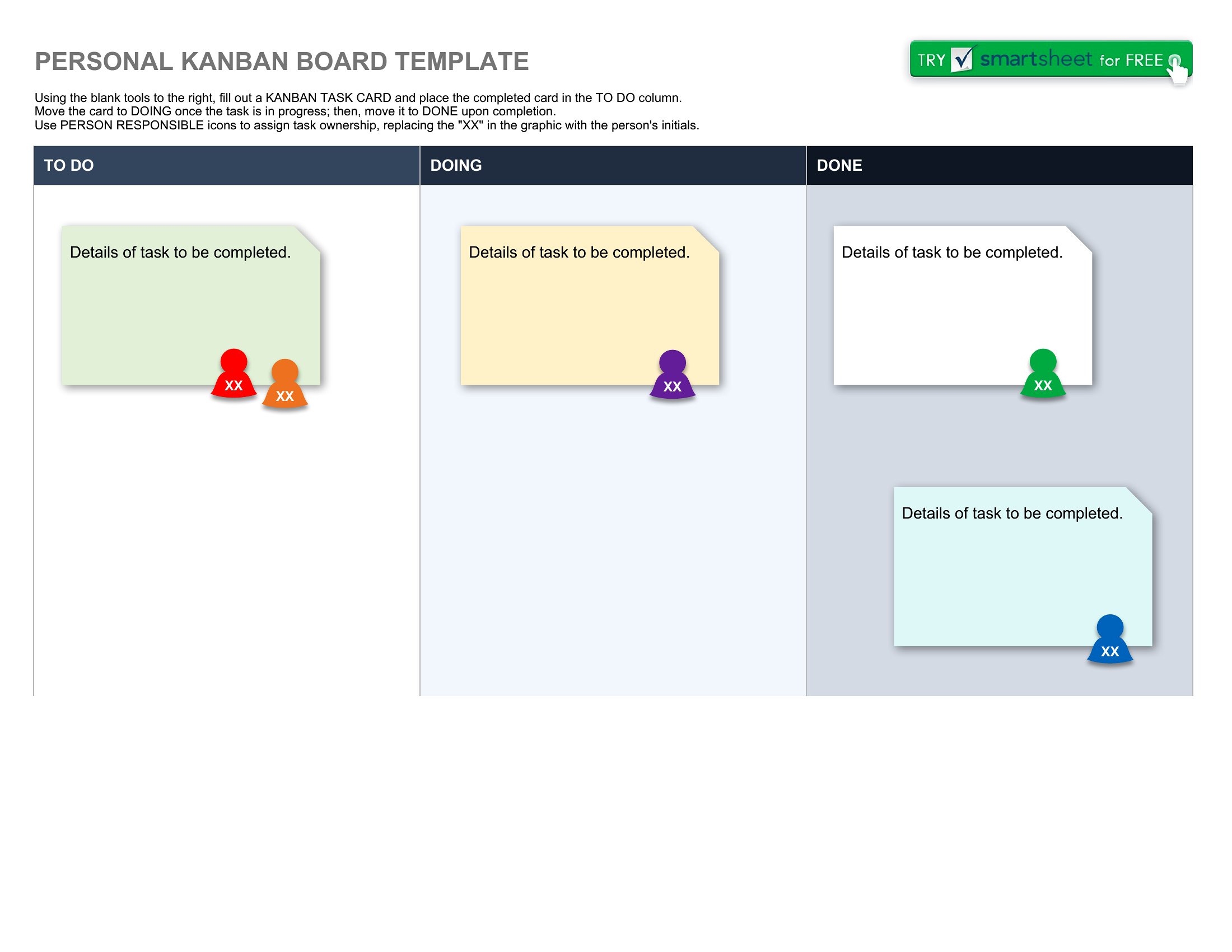
Start with the ‘Kanban Board for Personal Tasks’ Excel template and rename columns to phases like ‘Idea,’ ‘Planning,’ and ‘Completed.’ Add a ‘Motivation’ field to track progress visually. Print as PDF for a physical vision board or keep digital for reminders.
Do these templates include swimlanes for prioritizing tasks by urgency?
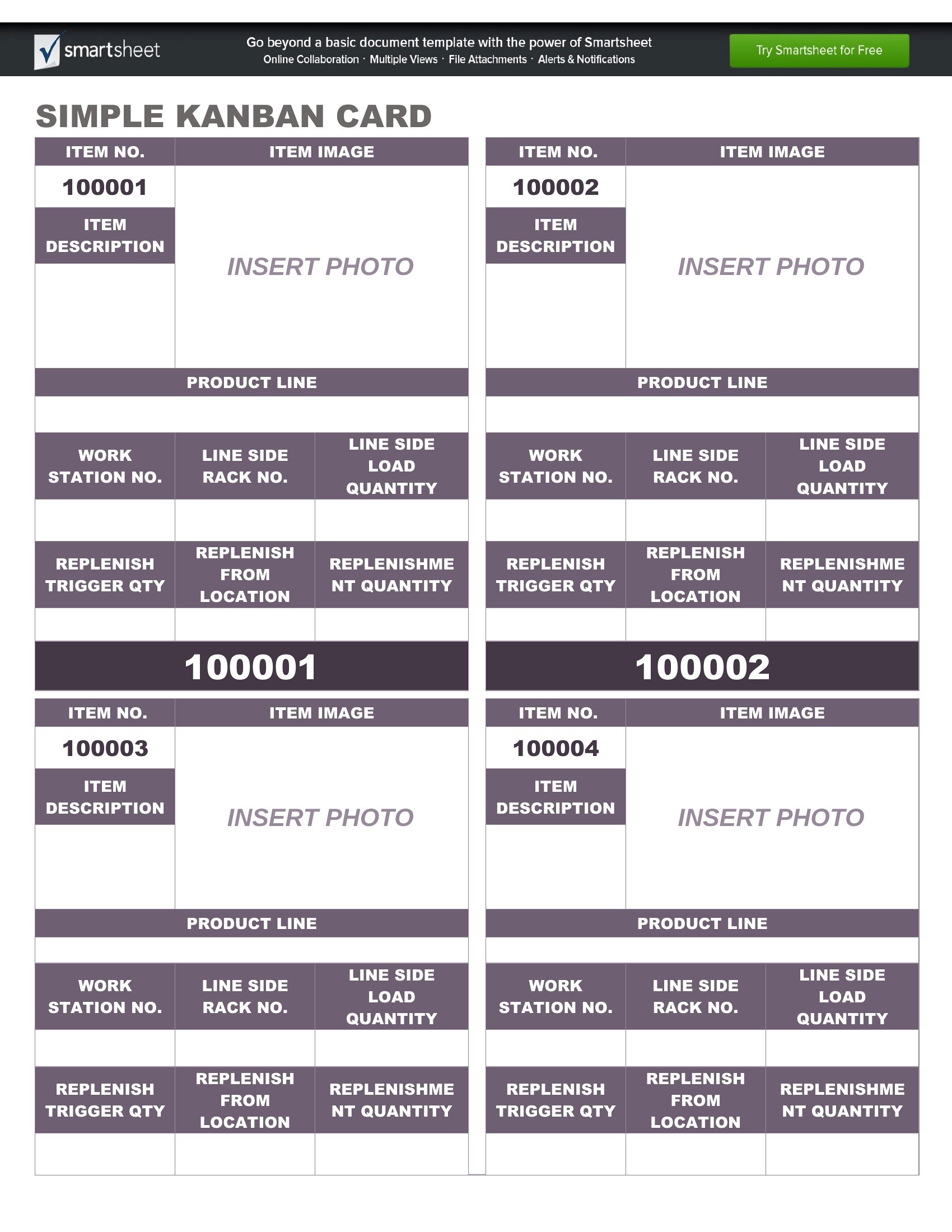
Not natively, but you can modify the Excel or Word templates to add color-coded swimlanes (e.g., red for urgent, yellow for medium) within existing columns. For PDFs, create separate card sets labeled ‘Urgent,’ ‘High Priority,’ and ‘Backlog’ to sort tasks by hand.
Comments
Join the conversation
Sign in to share your thoughts and leave a comment on this resource.