Free Printable Yahtzee Score Sheets (Word, Excel)
Worksheets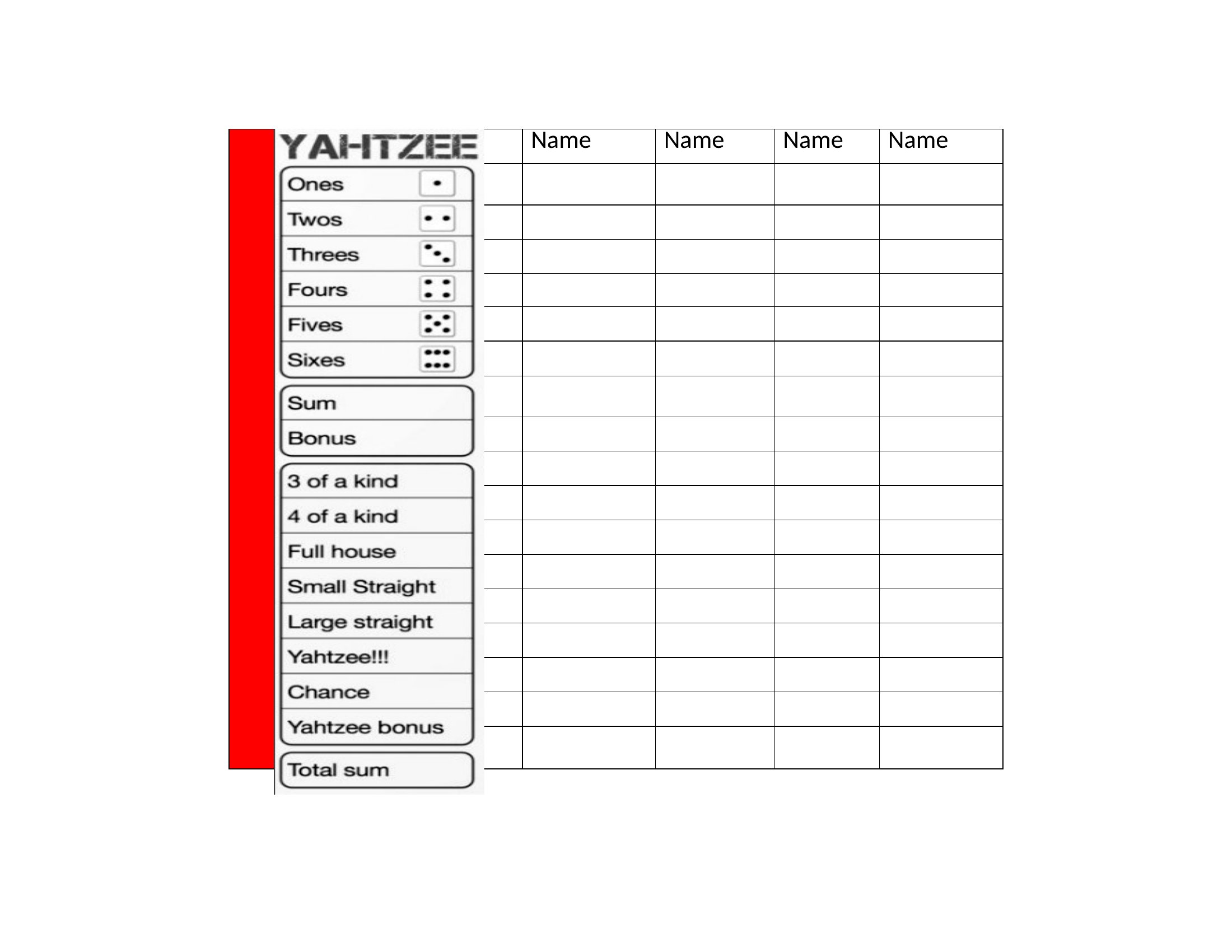
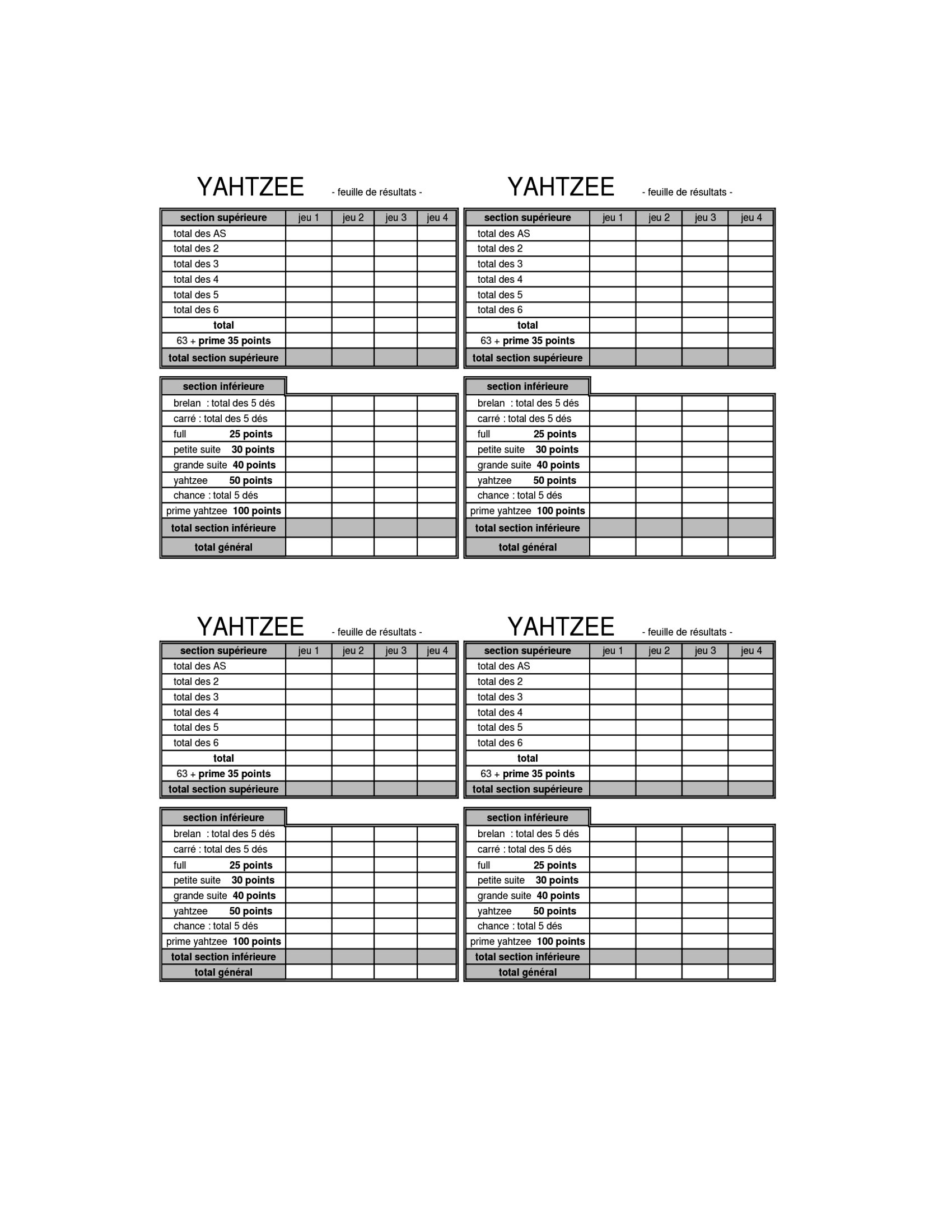
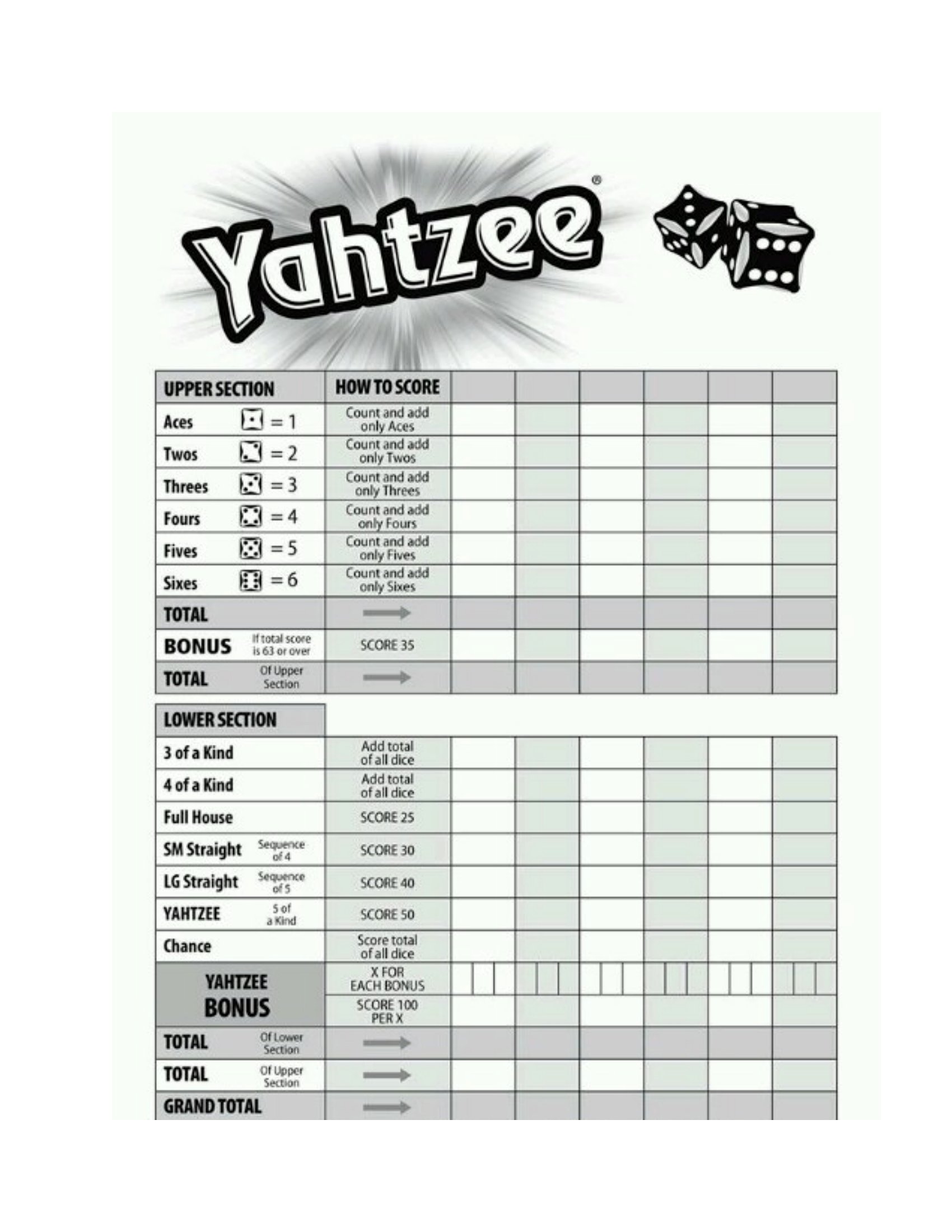
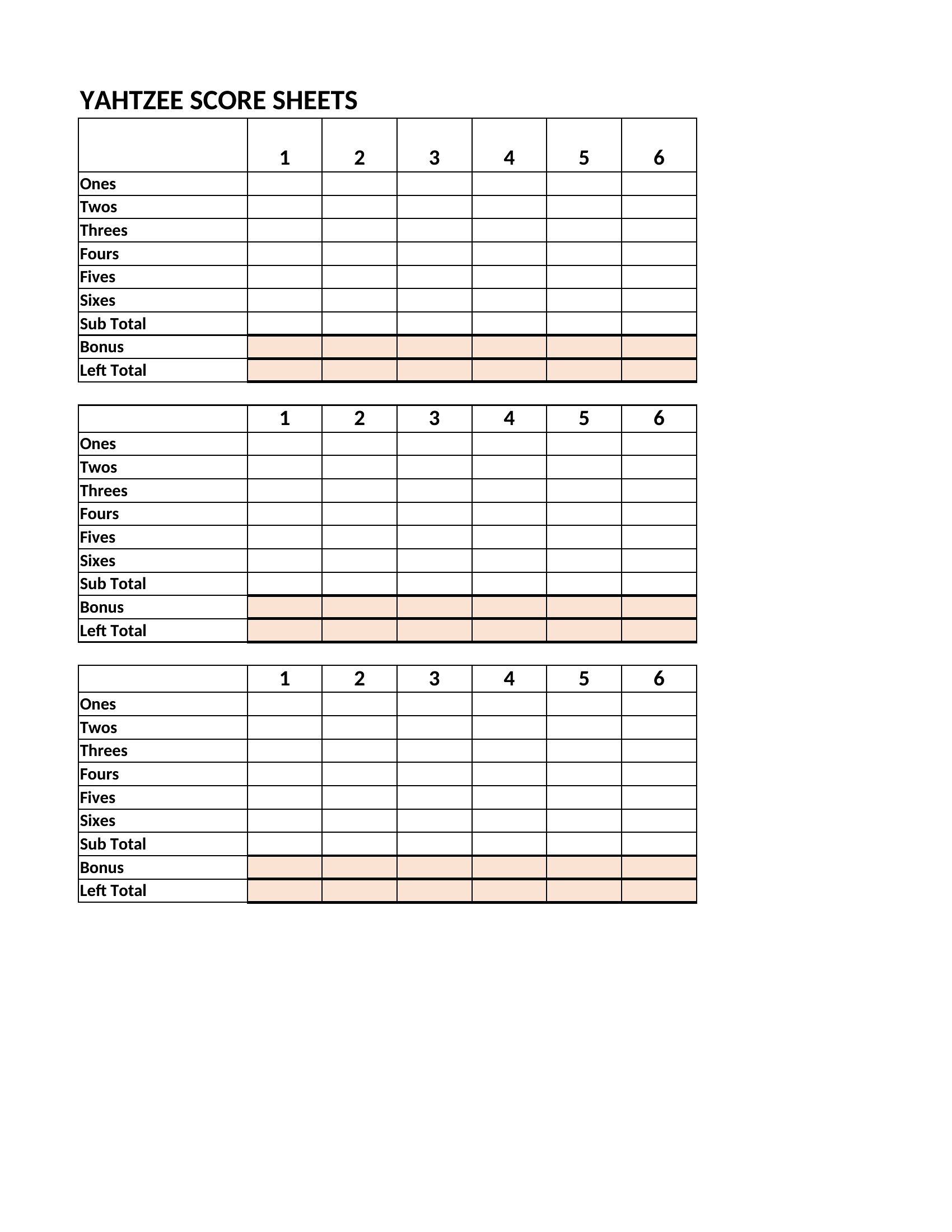
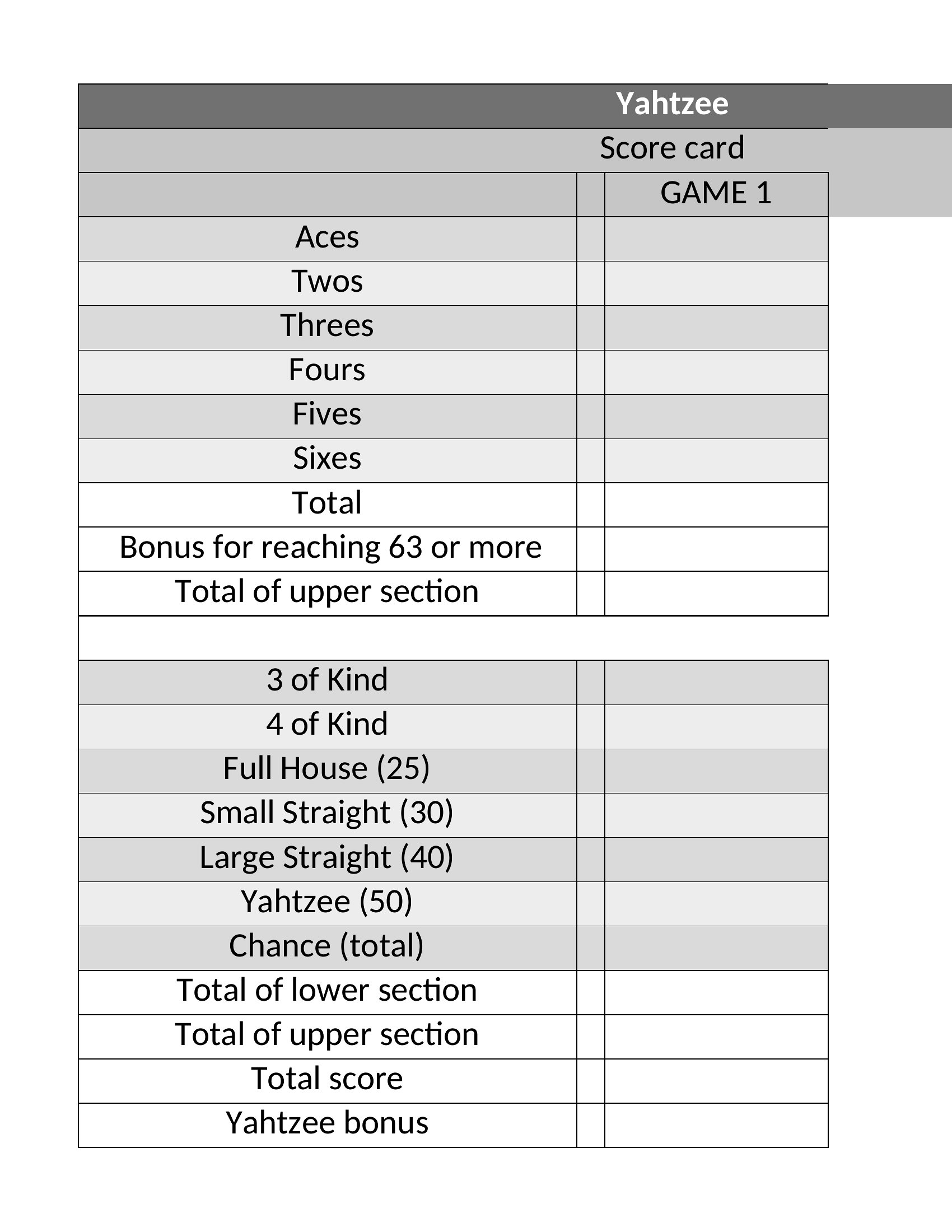
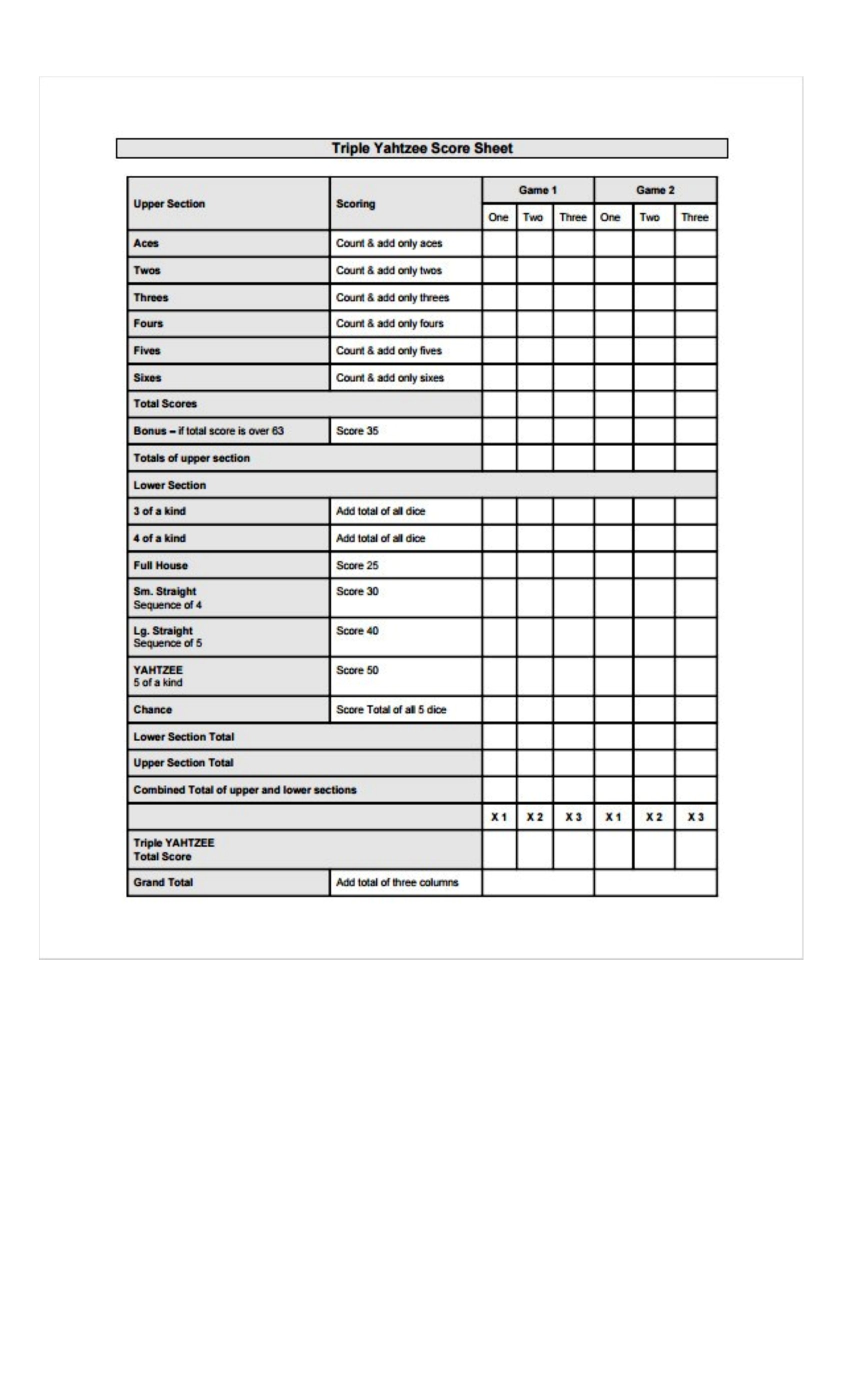
FAQ
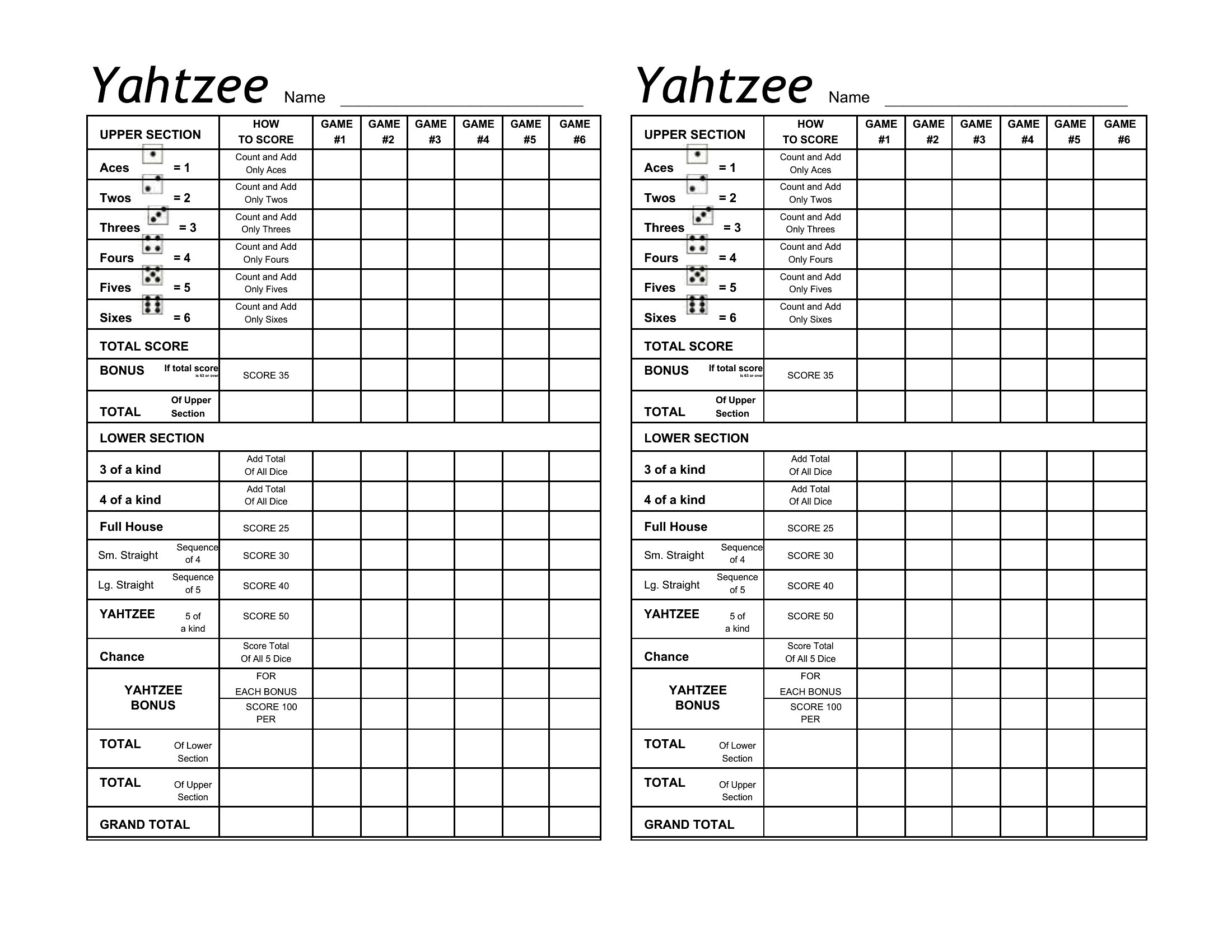
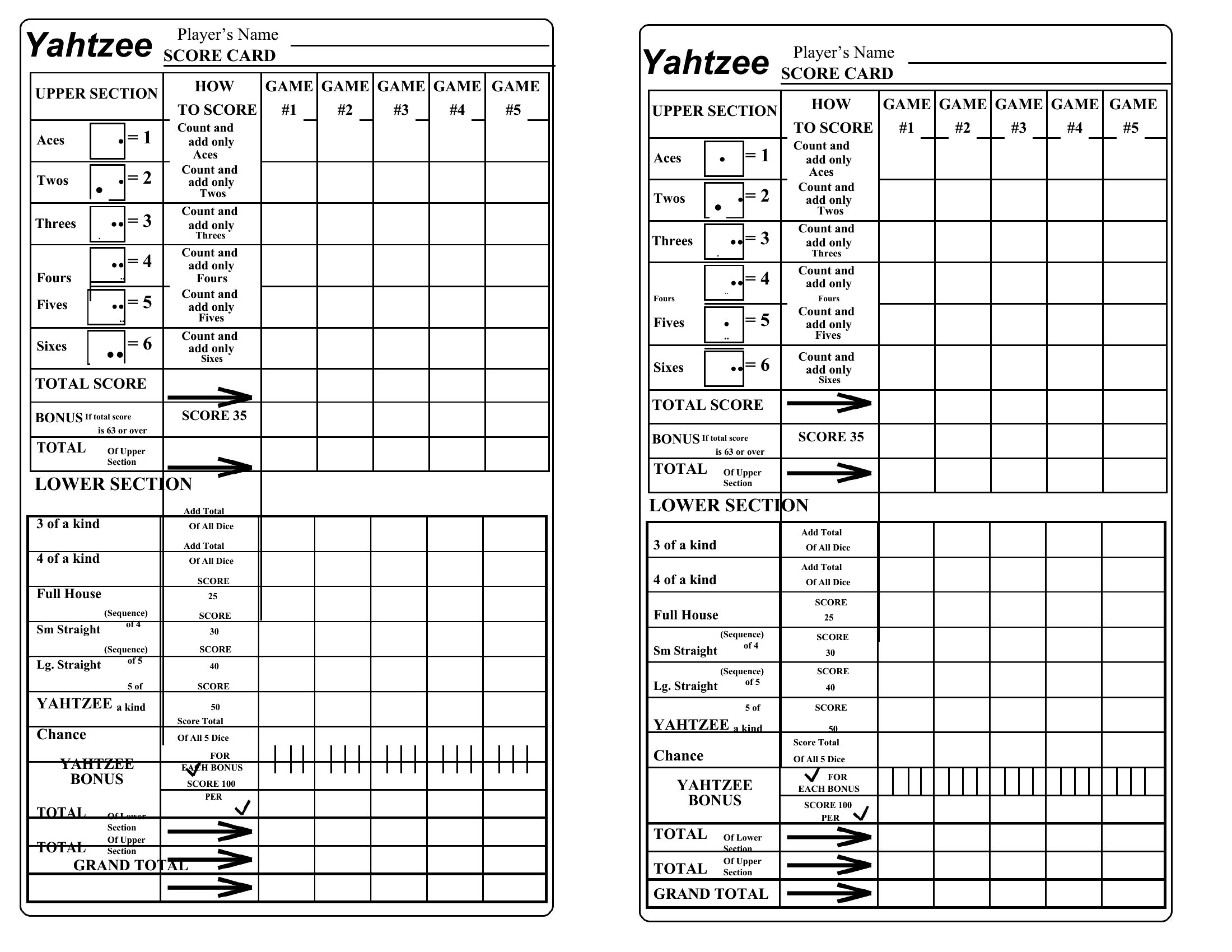
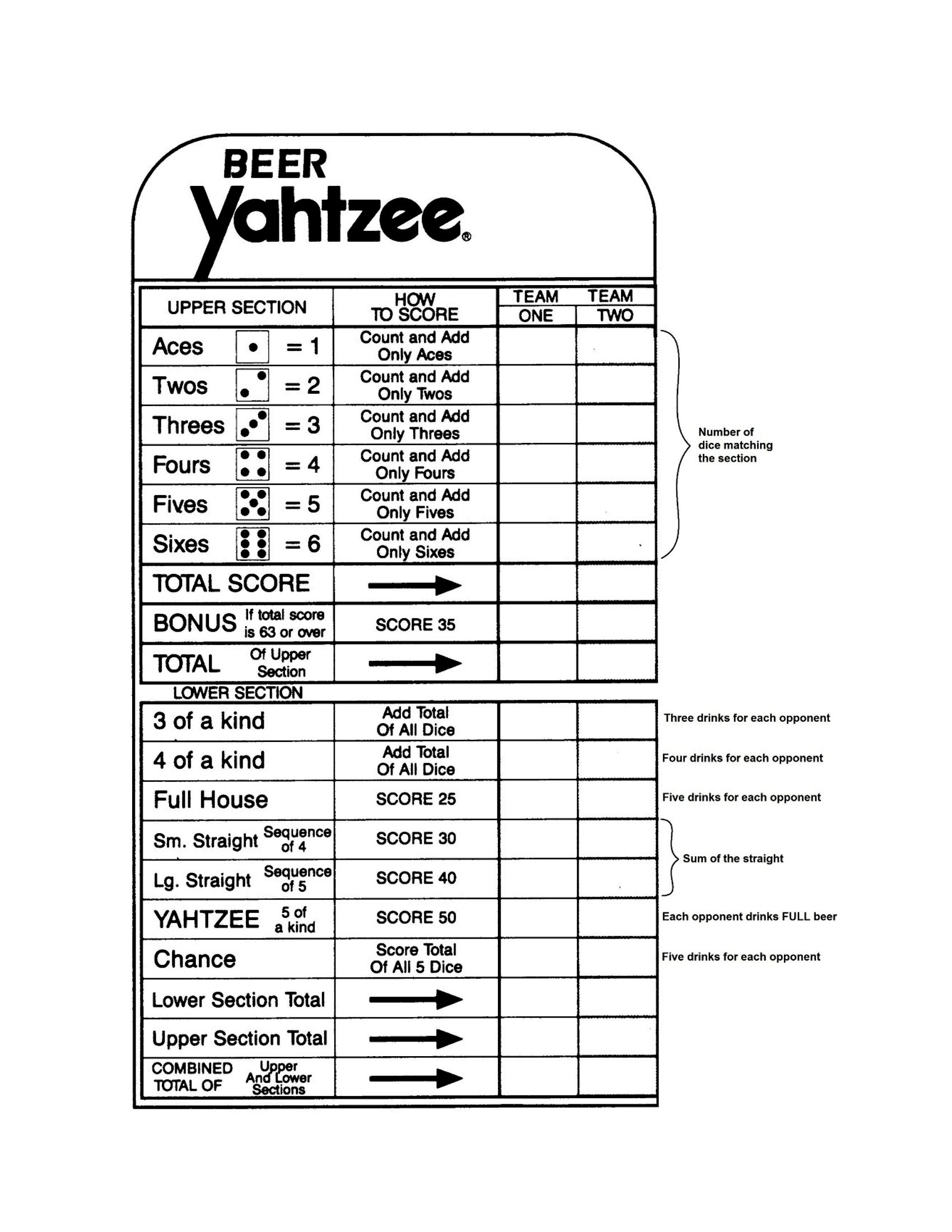
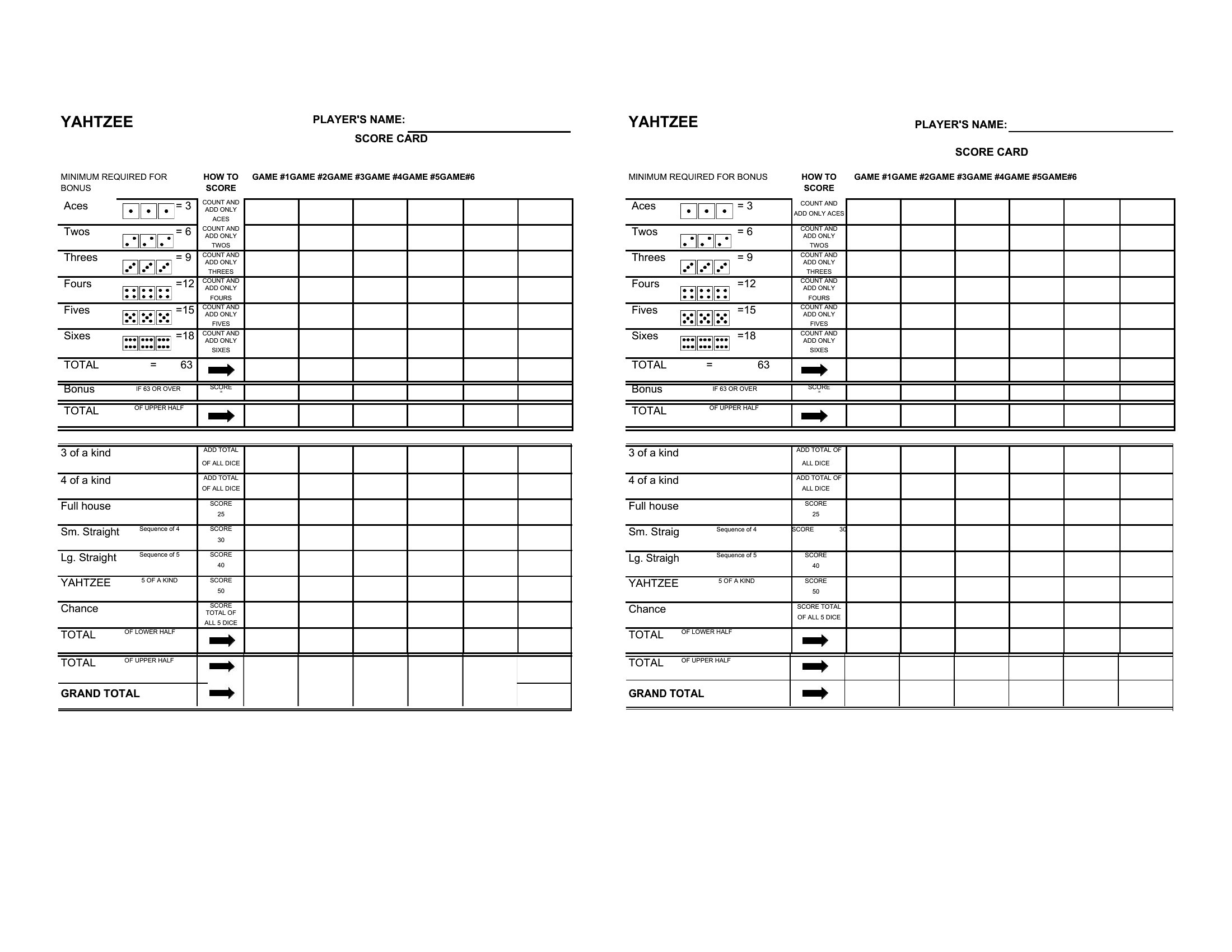
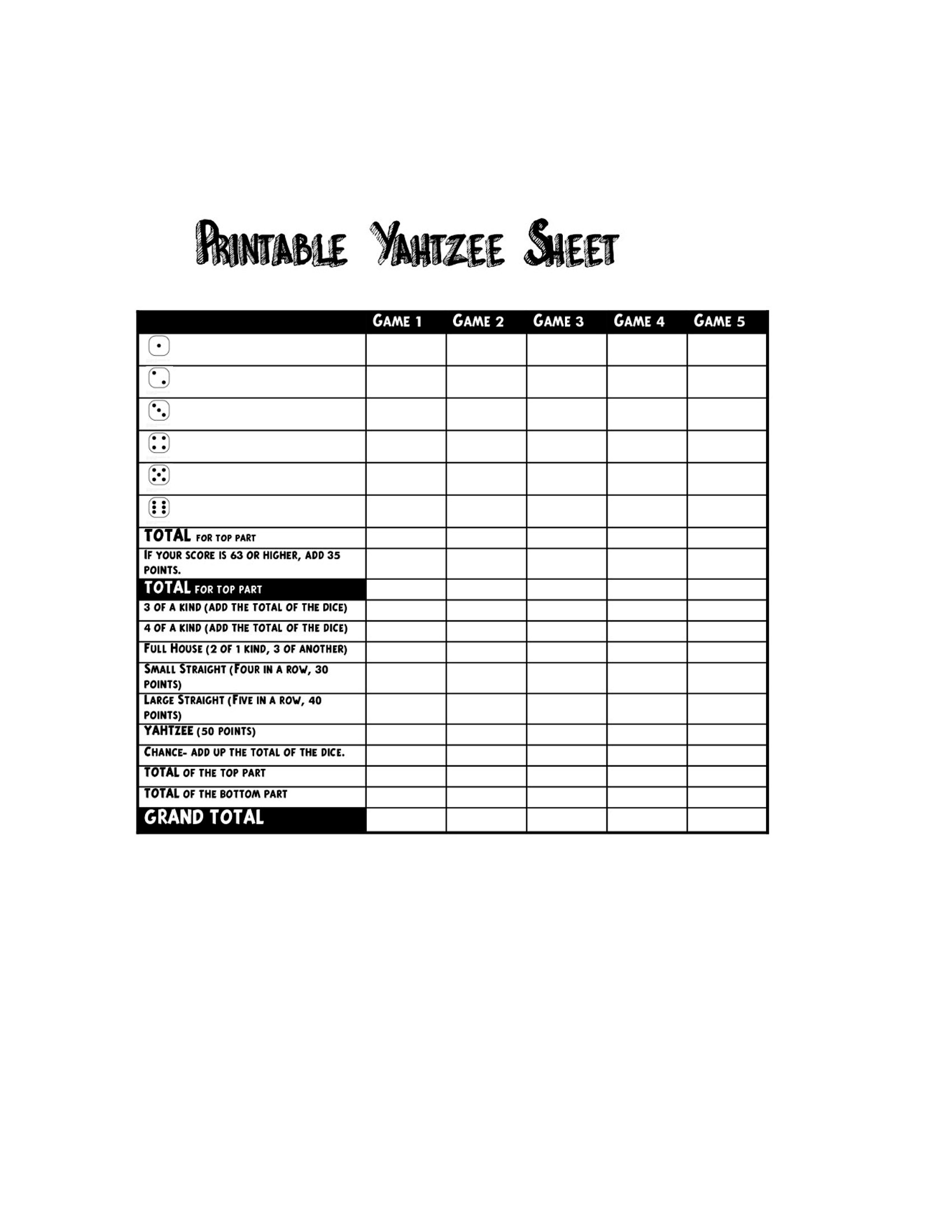
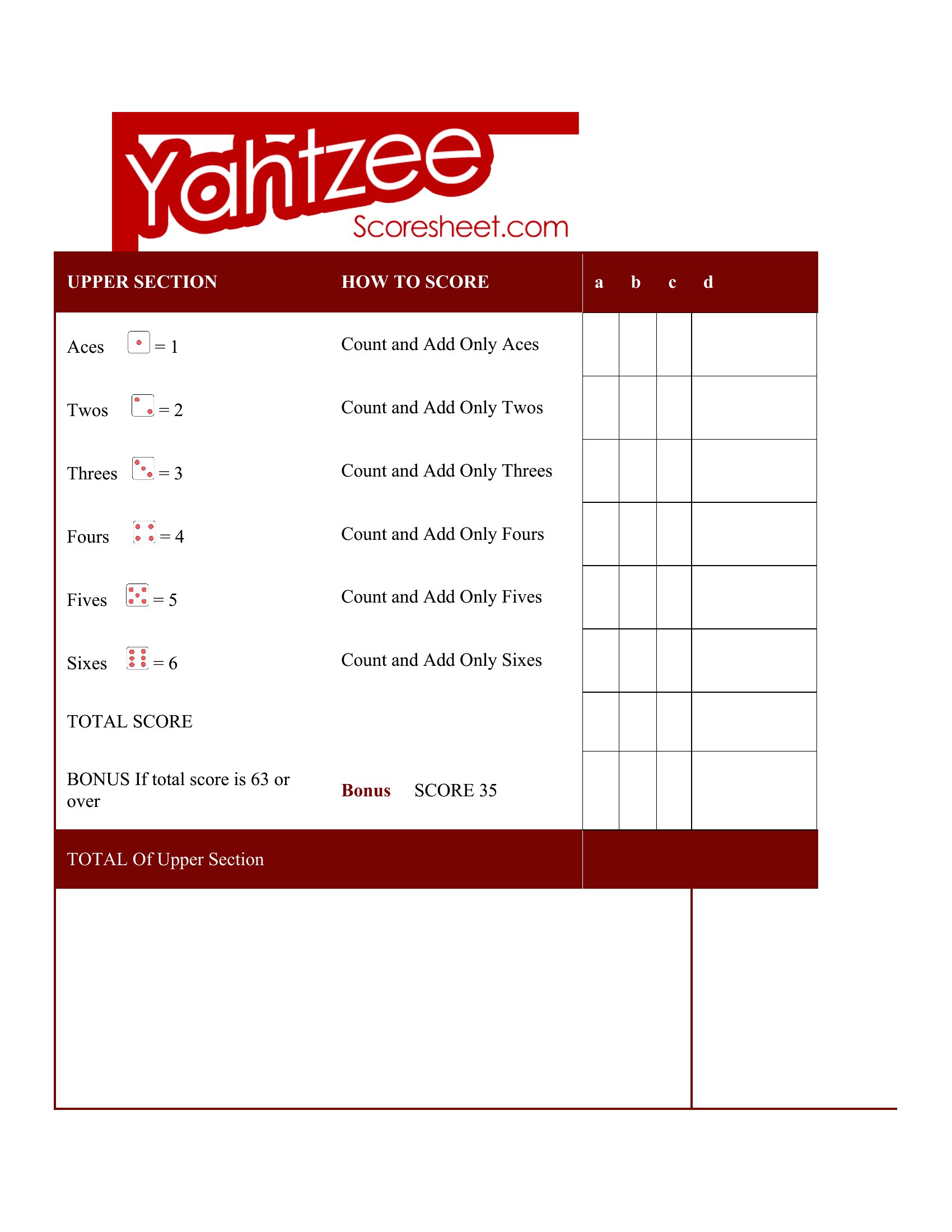
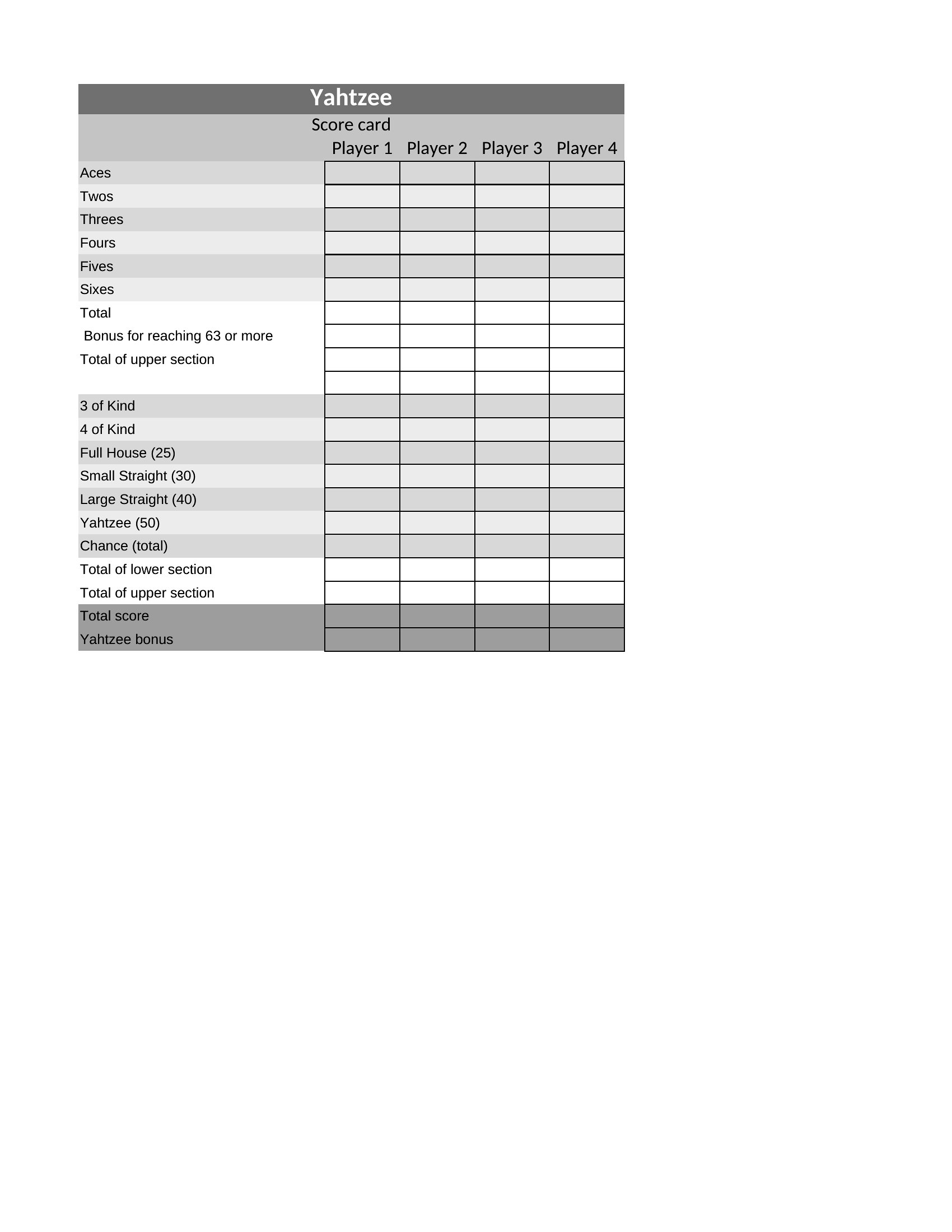
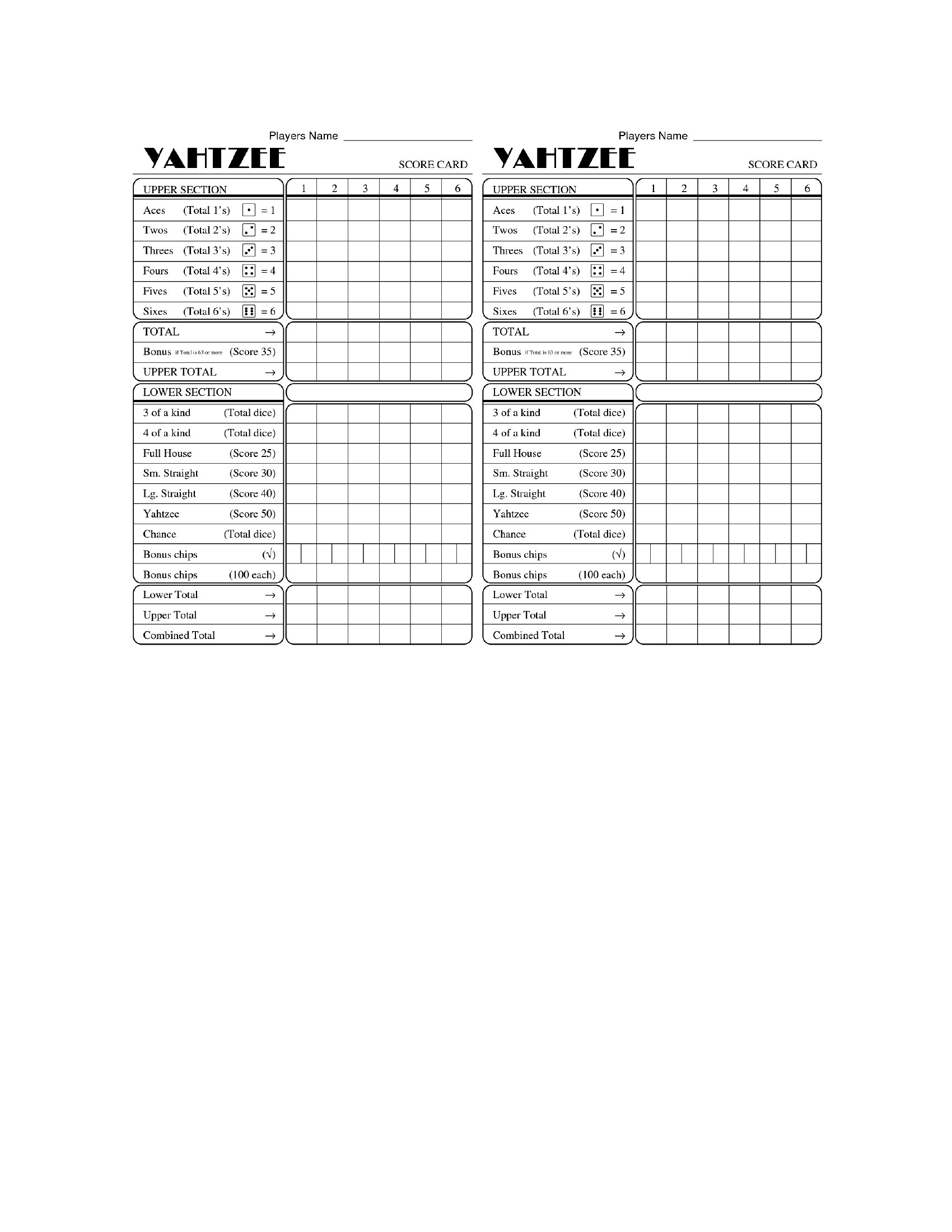
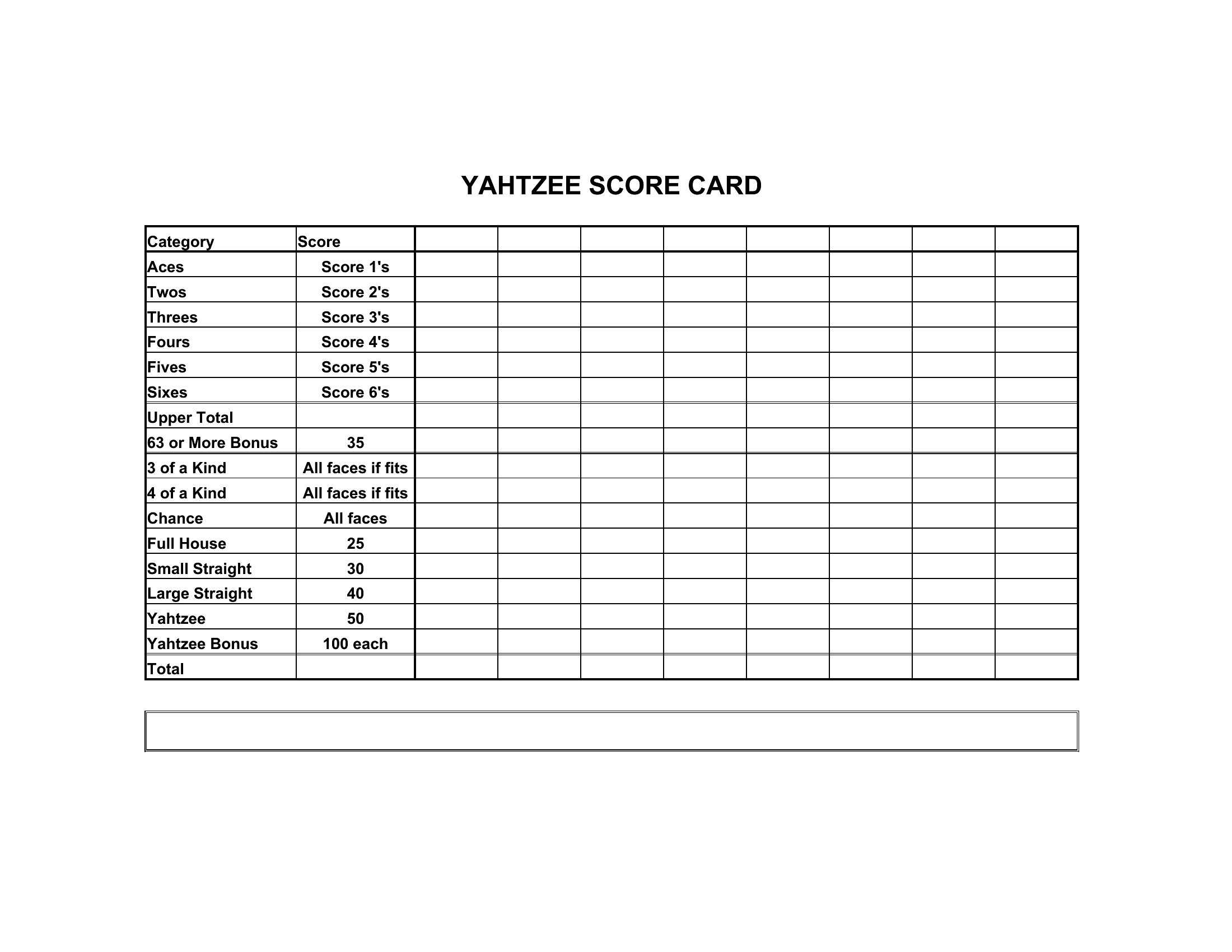
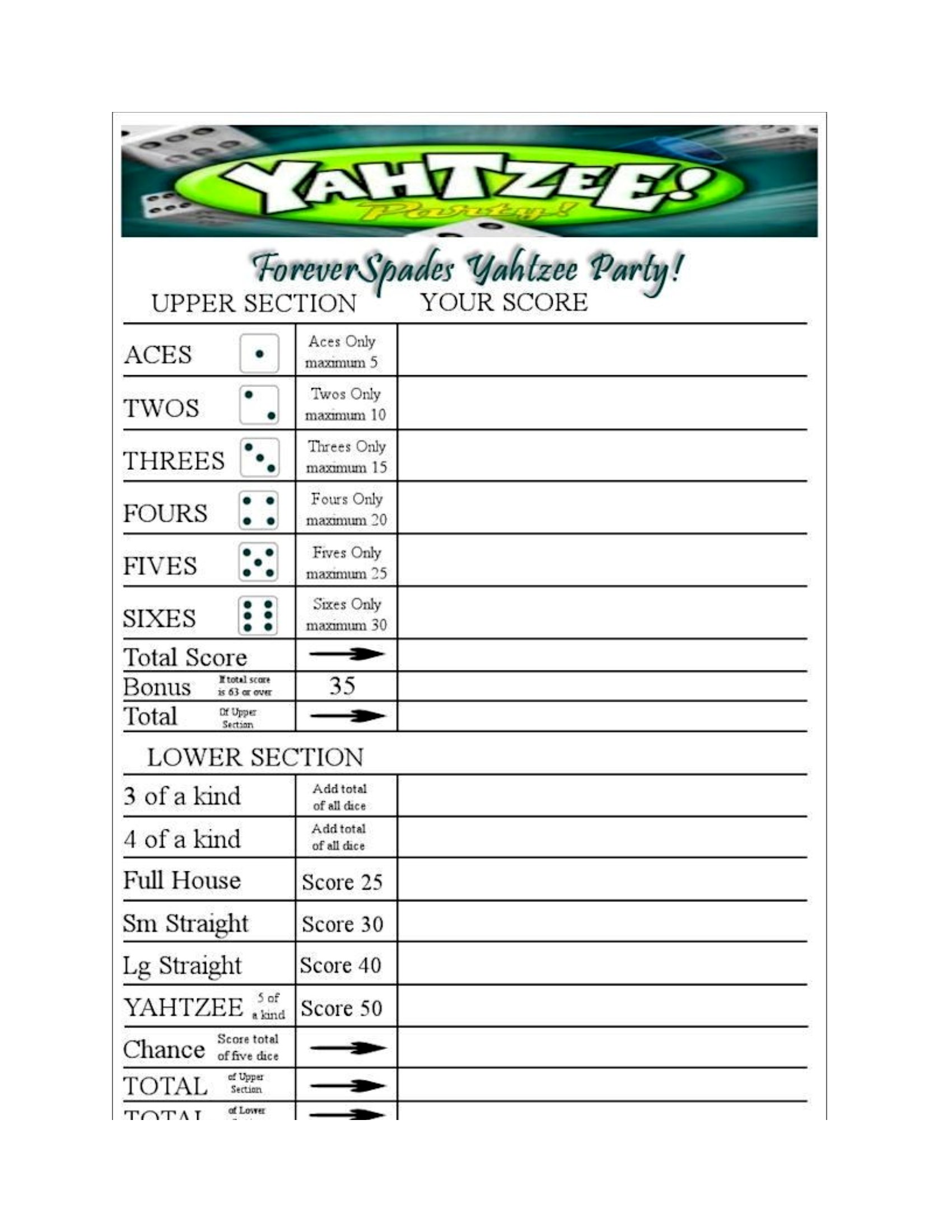
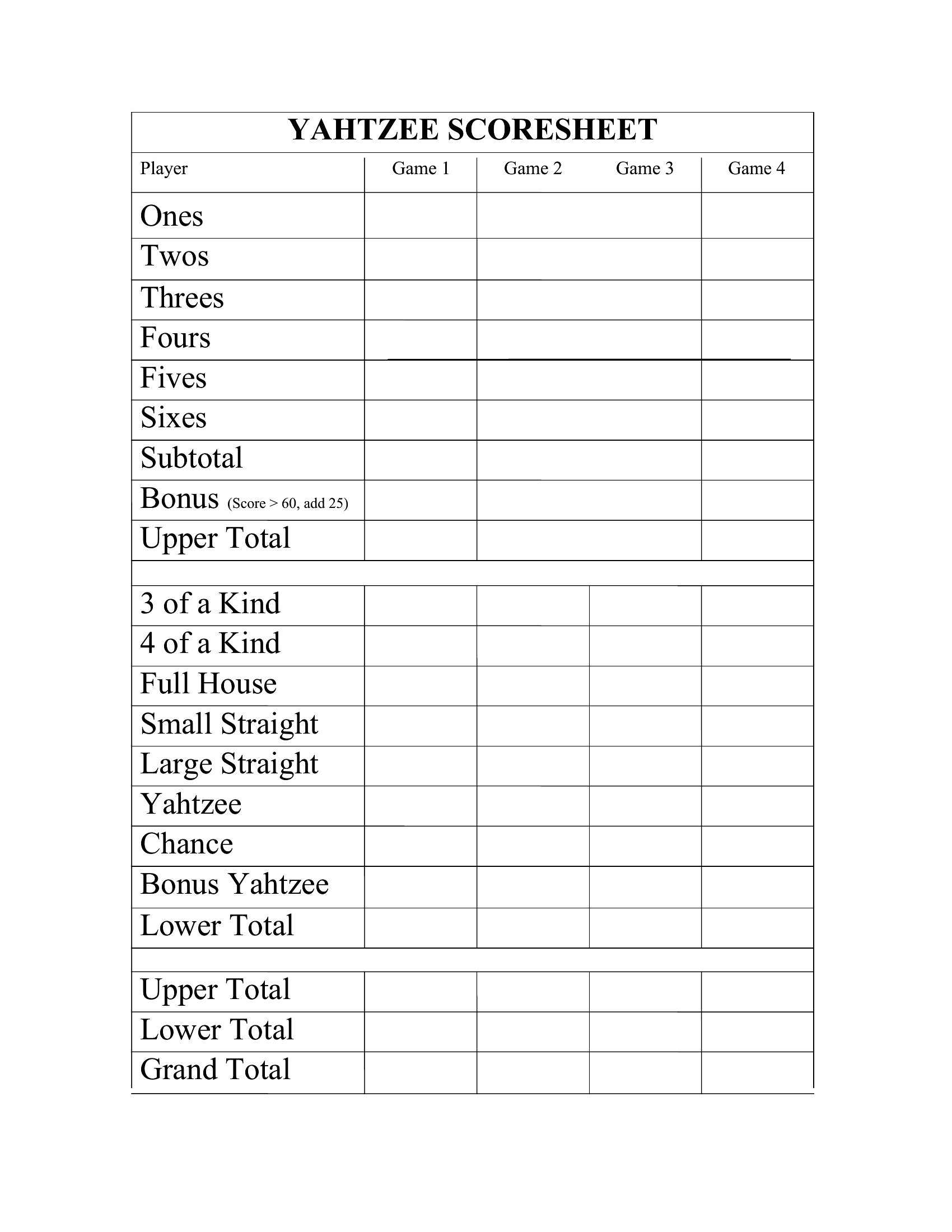
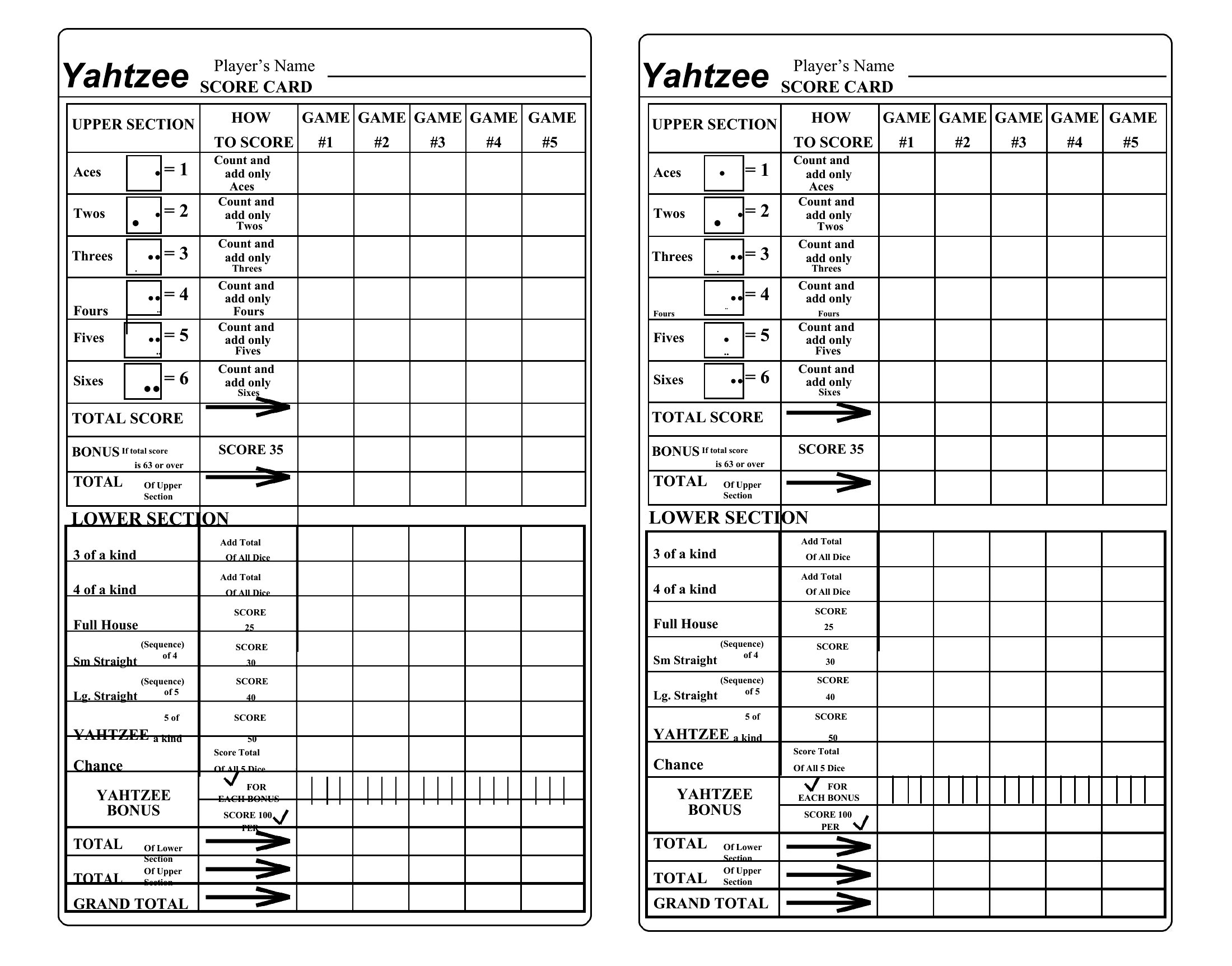
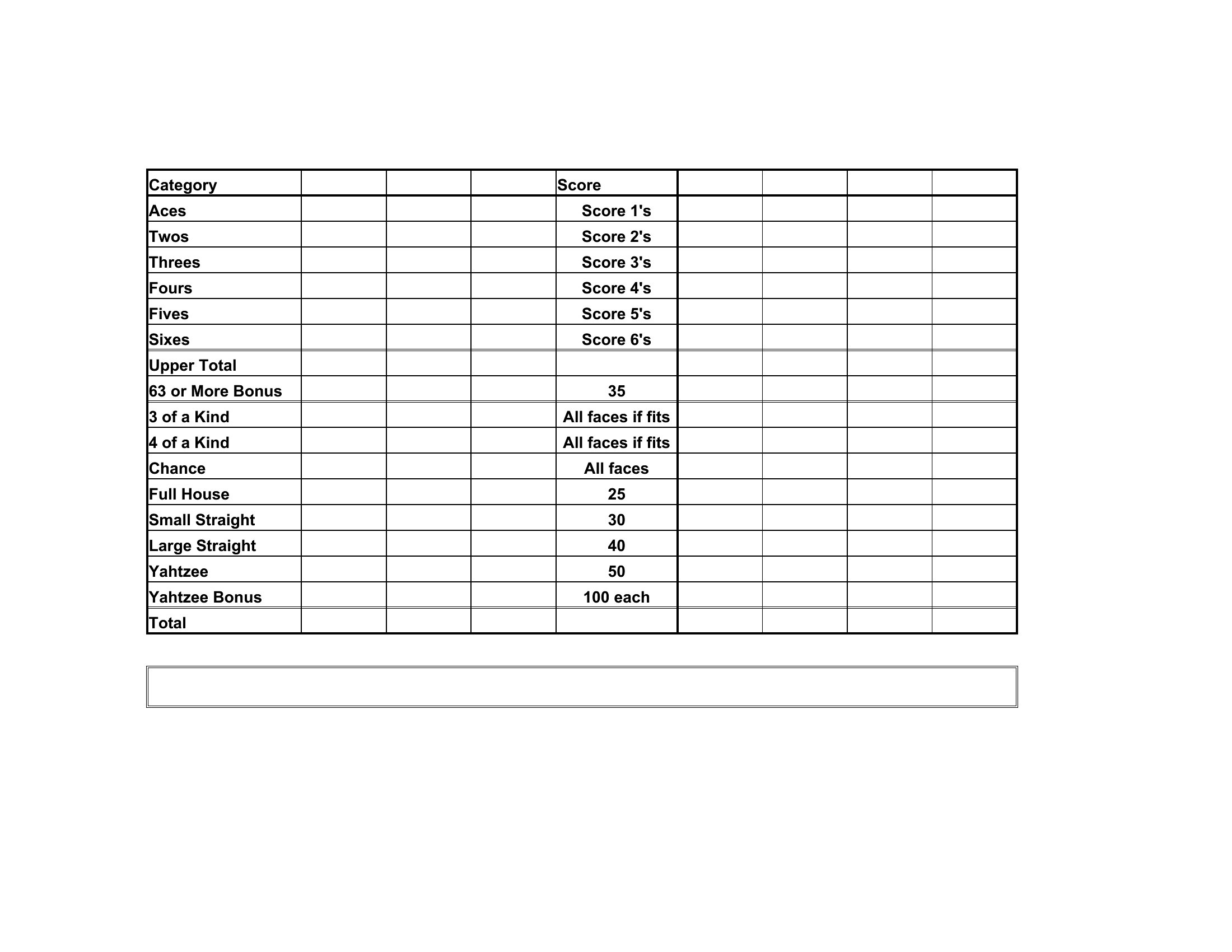
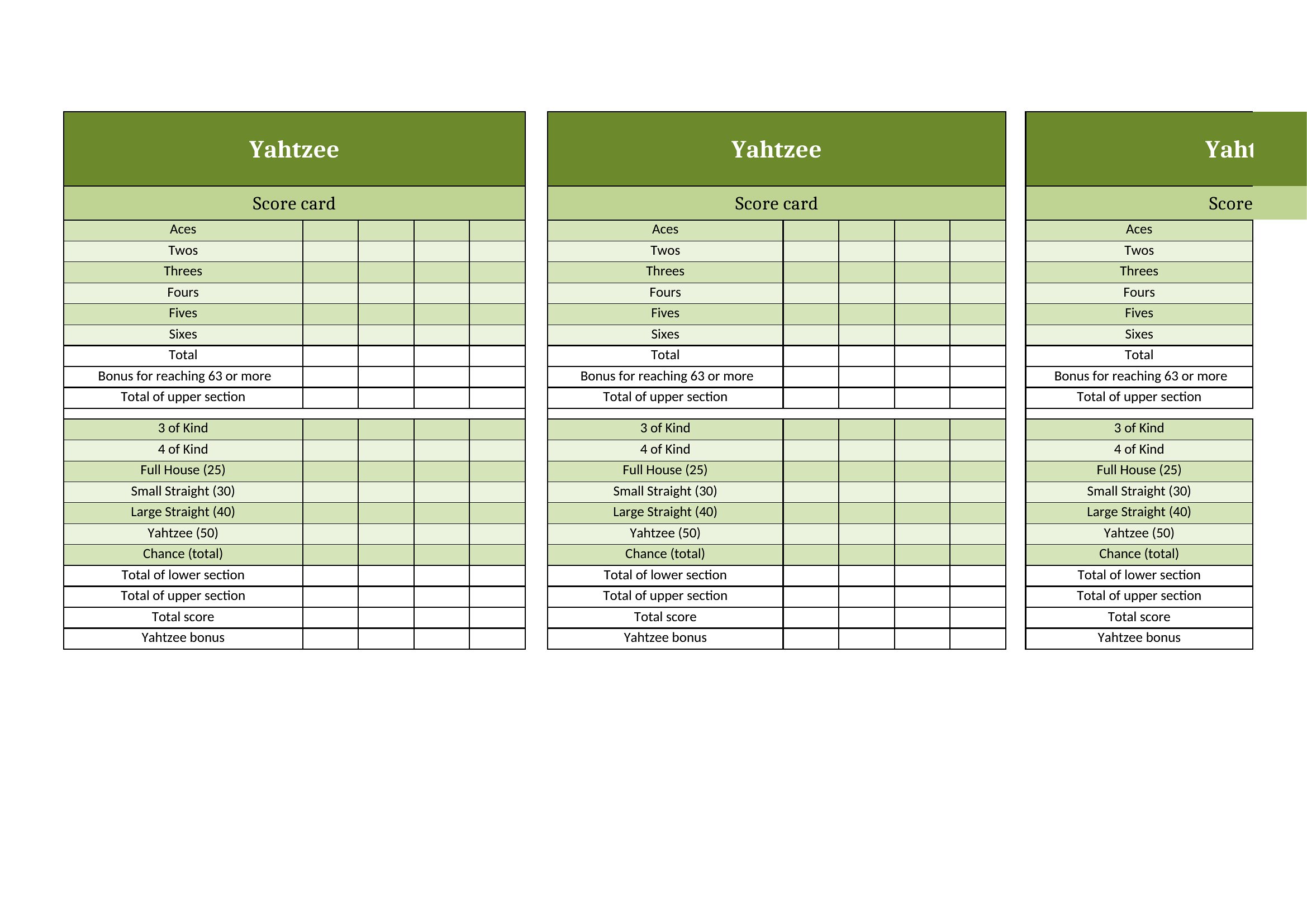
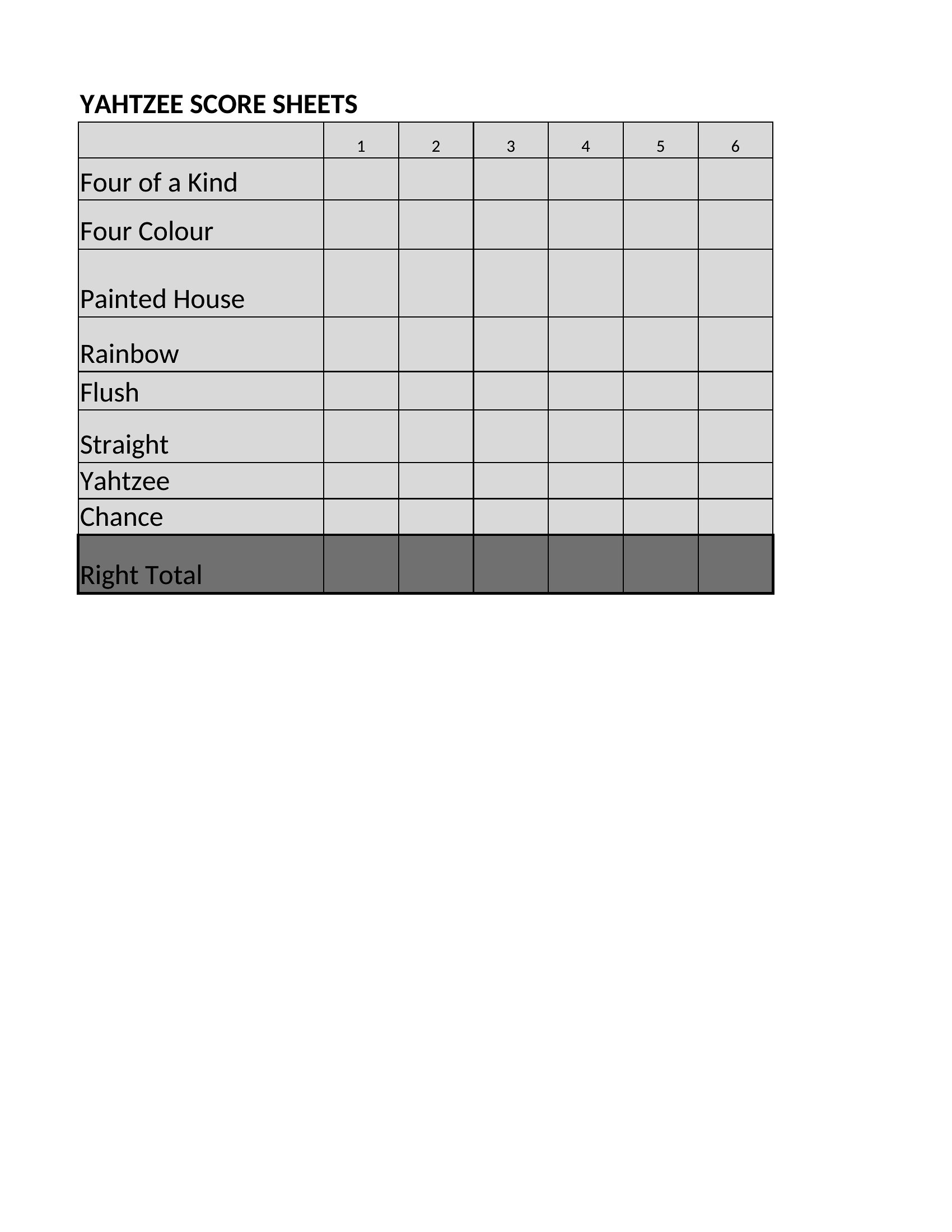
Can I adjust the scoring categories on these sheets to include Yahtzee variants like ‘Yahtzee Bonus’ or ‘Wild Card’?
Yes, both Word and Excel formats allow you to modify the category labels. In Word, simply edit the text boxes directly, while Excel lets you rename column headers and adjust formulas to match custom rules. These templates serve as a starting point—just ensure any changes align with the variant’s official scoring before distributing them to players.
How do I prevent players from accidentally erasing their scores when printing the sheets?
Print the sheets on cardstock for durability, or use a laminator to seal them after writing. For digital play, lock the Excel cells containing the score grid by selecting the range (e.g., A1:G13) and pressing Ctrl+1 > Protection > check ‘Locked’ > OK, then protect the sheet with a password. Word files can’t be locked cell-by-cell, so printing is the best solution for shared use.
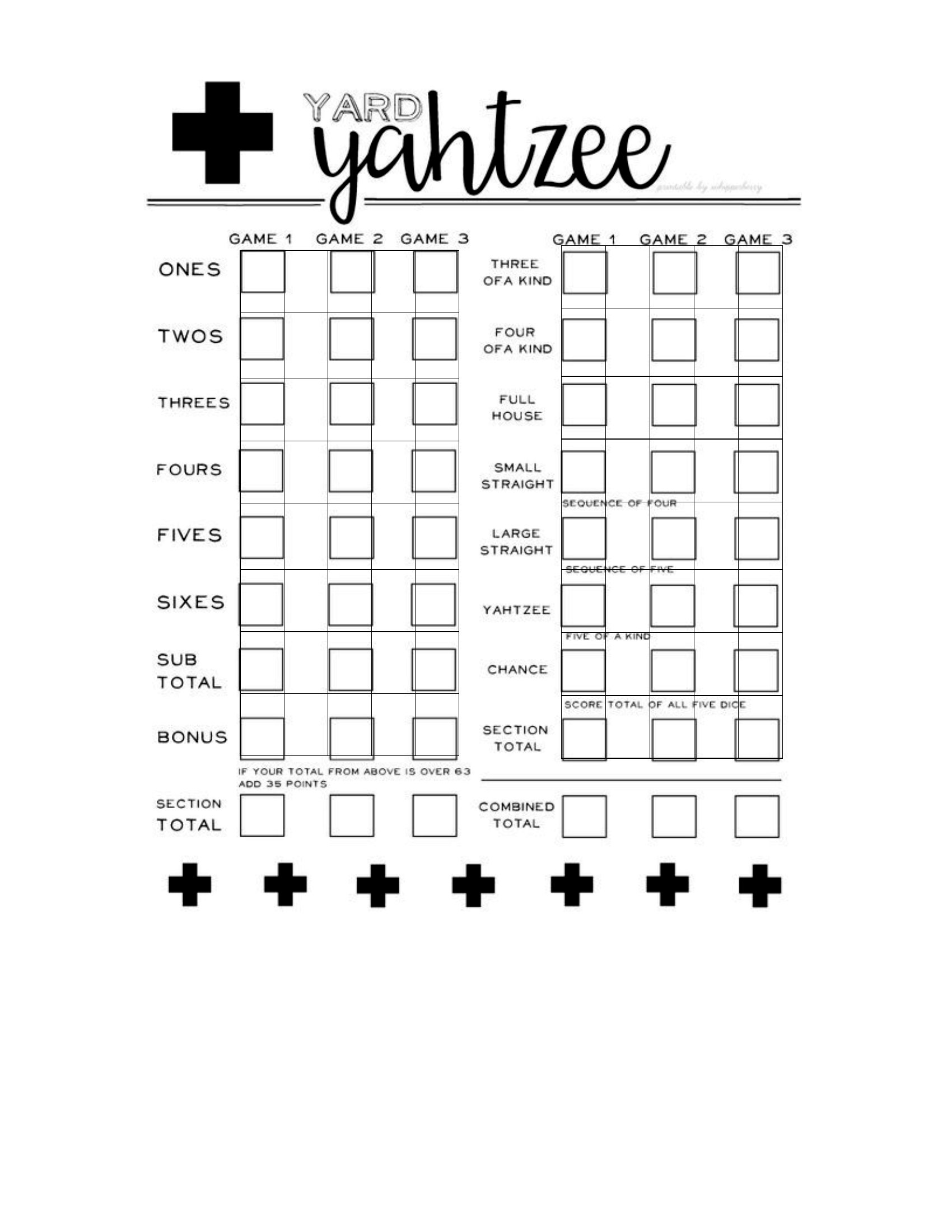
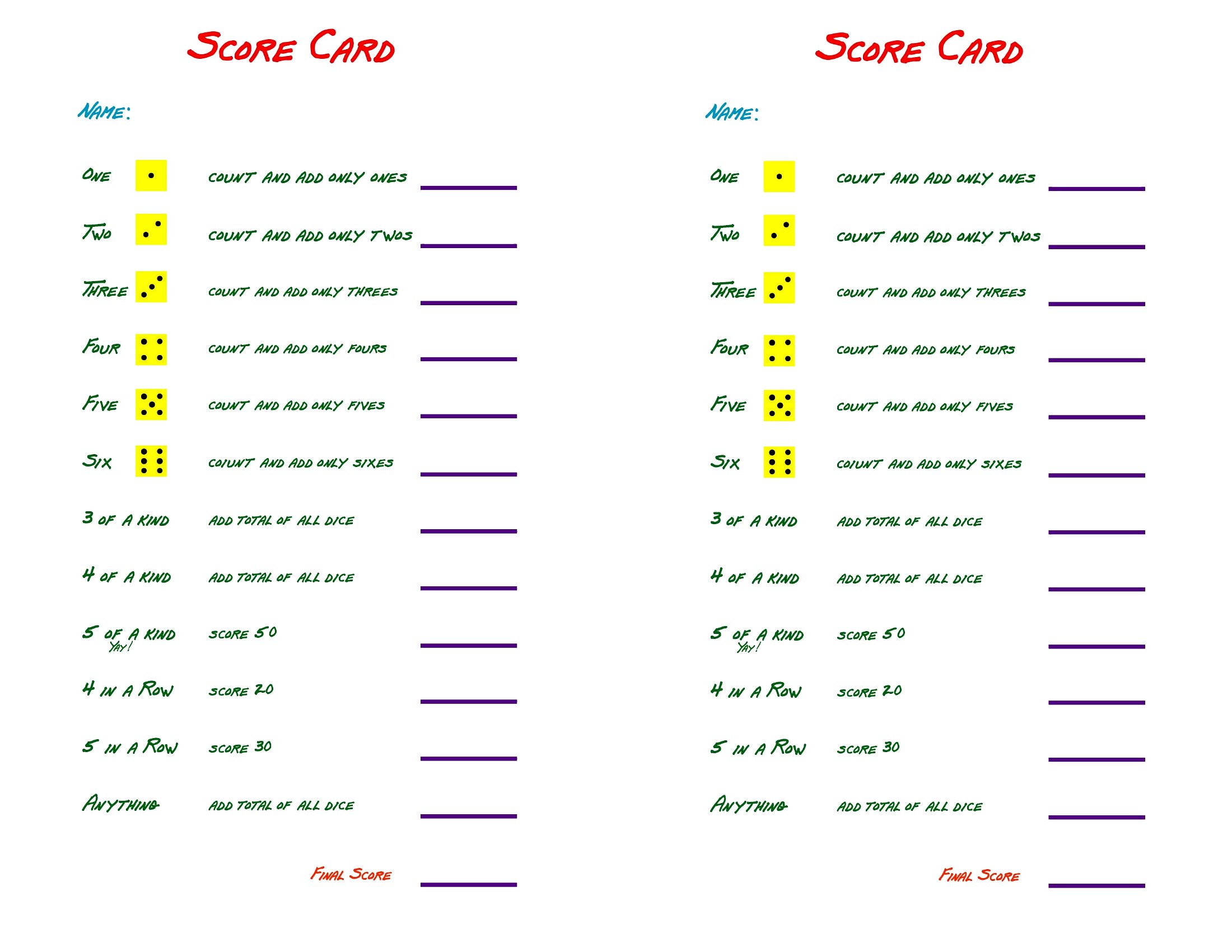
Are these templates suitable for tracking Yahtzee games in languages other than English?
The templates are designed with a clean, text-free layout, making them easy to adapt for non-English use. Replace the category labels (e.g., ‘Ones,’ ‘Full House’) in Word or Excel with translations, and adjust any pre-loaded formulas in Excel to match the new language’s scoring terms. Test the updated sheet with a practice game first to confirm accuracy.
Comments
Join the conversation
Sign in to share your thoughts and leave a comment on this resource.