
Skip to content
50% off this one-time $1.99 pack with HALFOFF — or unlimited with Pro.HALFOFF
Premium

Free Change Order Templates (Word, Excel)

General
carterpatel by carterpatel
Updated 0 downloads Quality-checked template

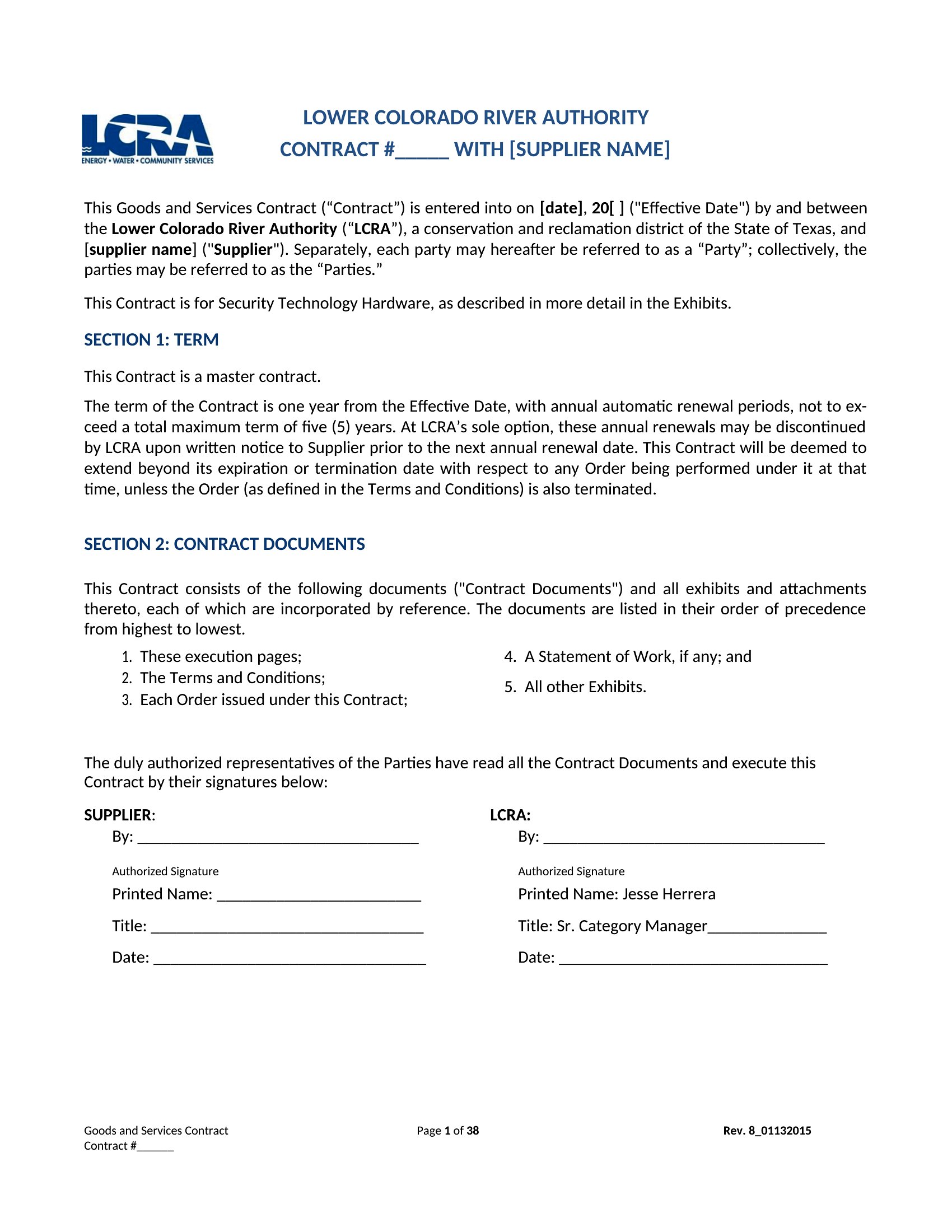
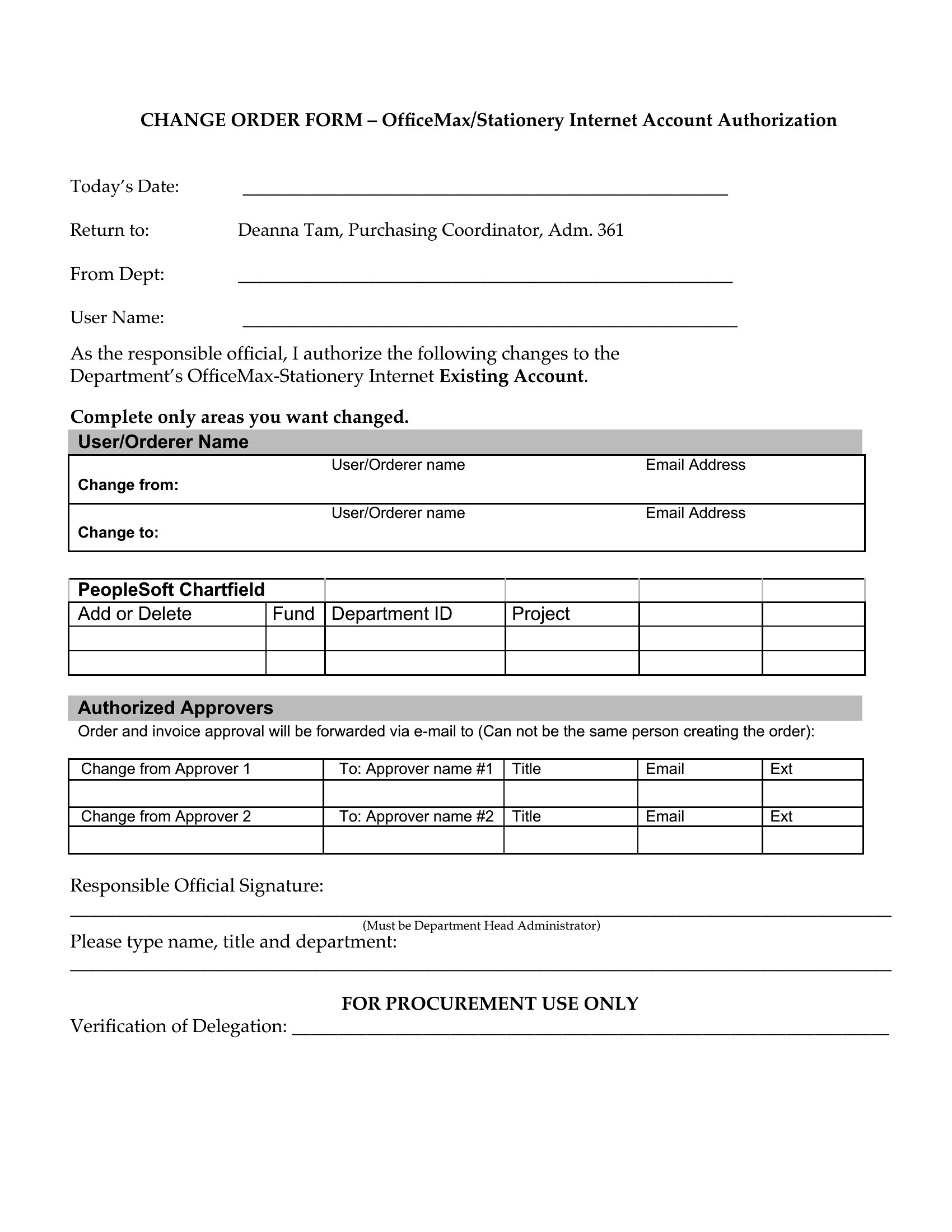
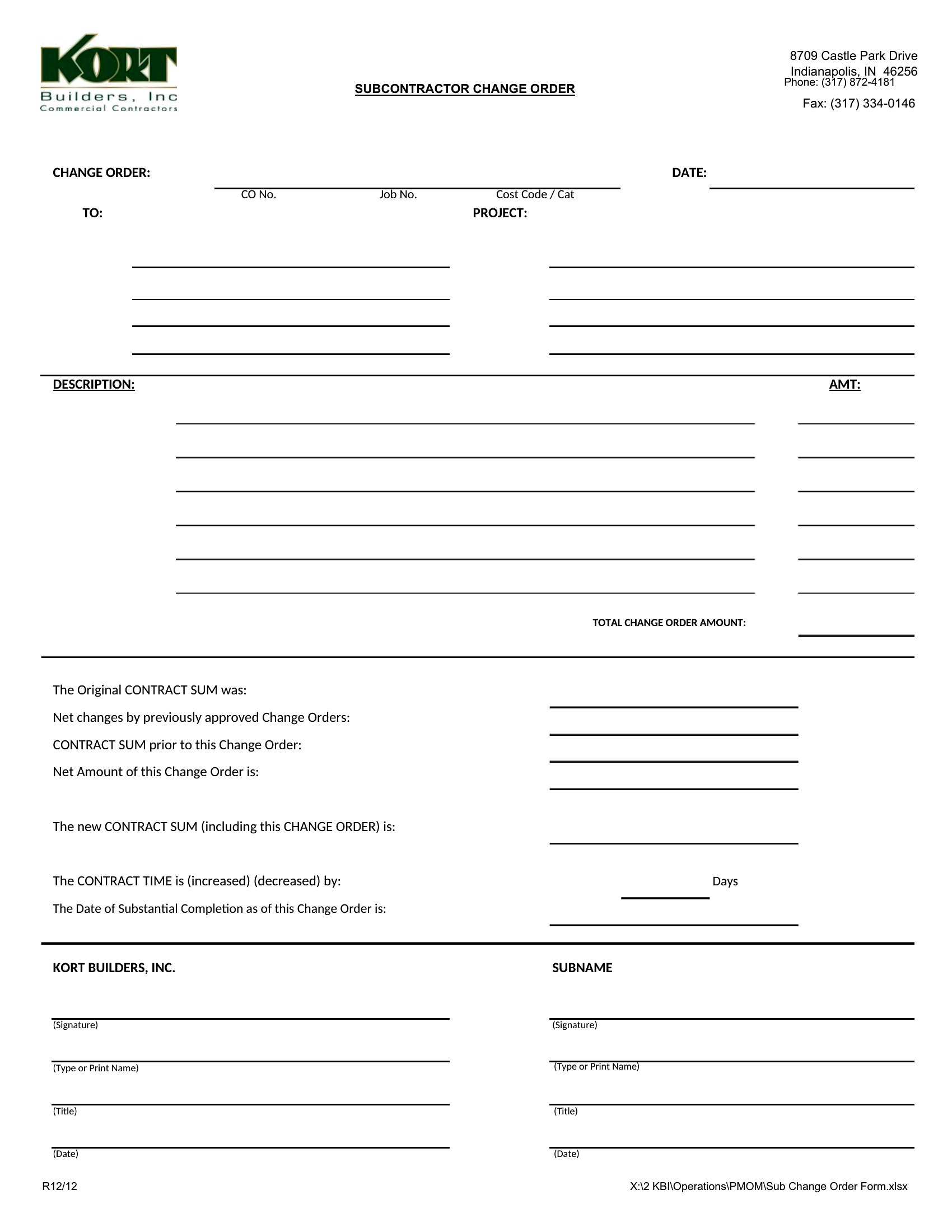
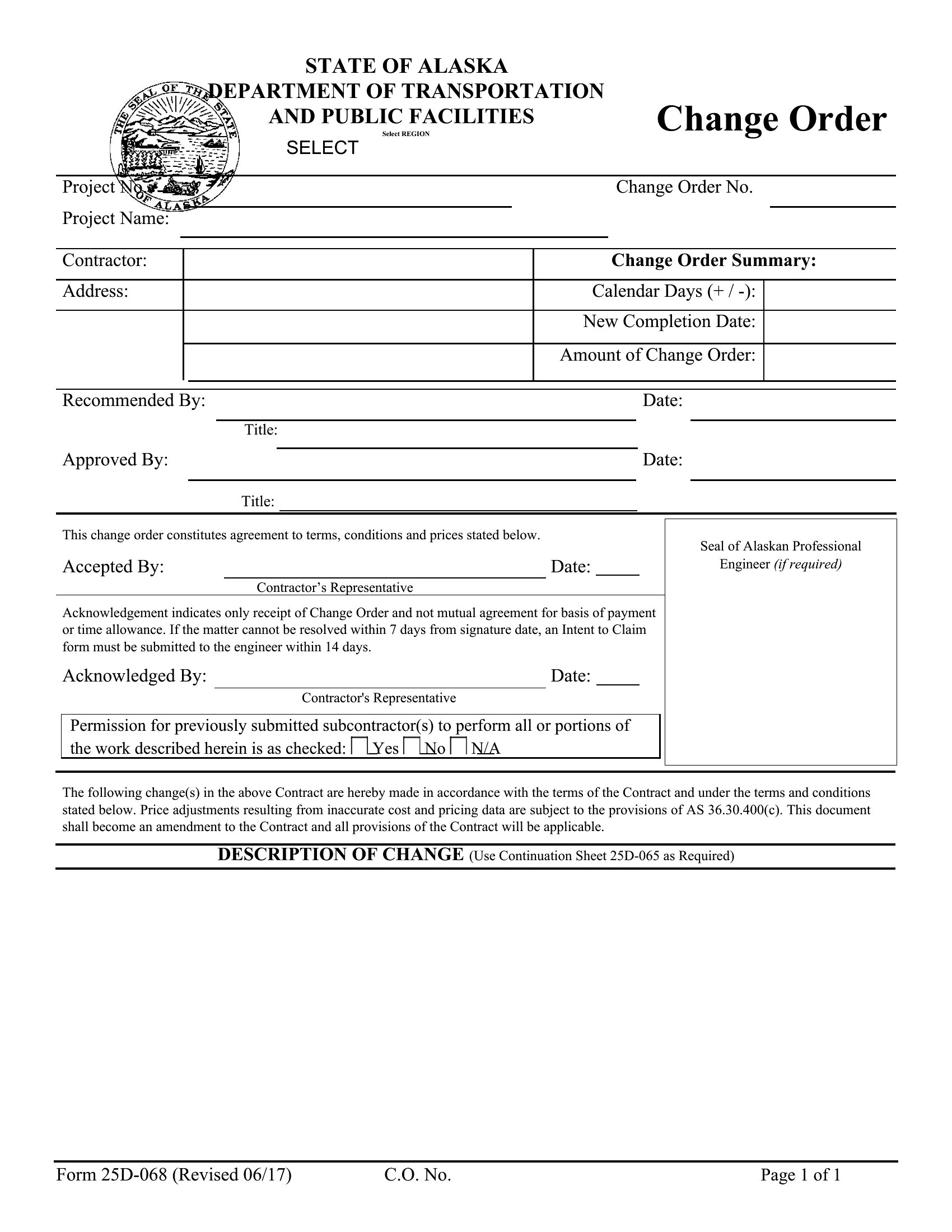
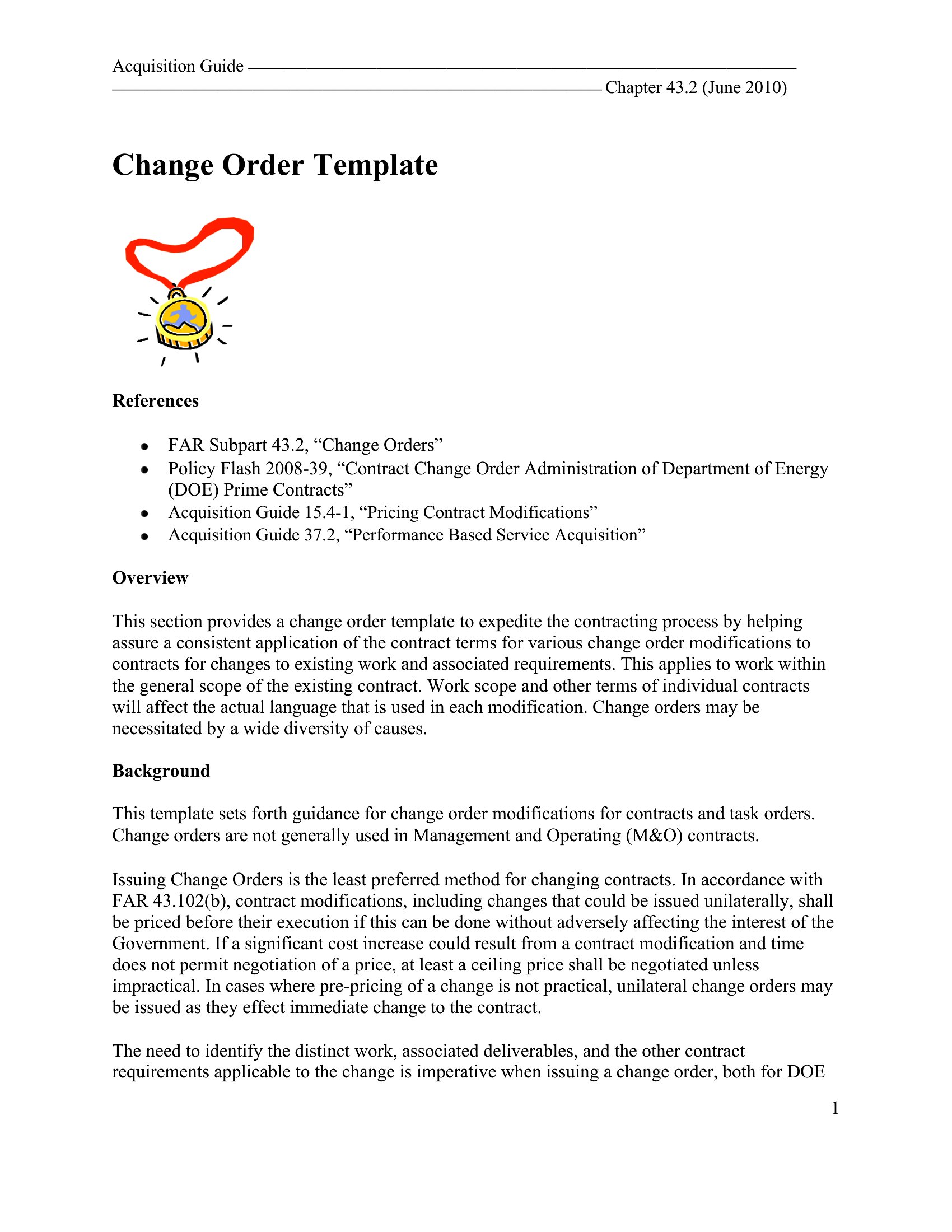
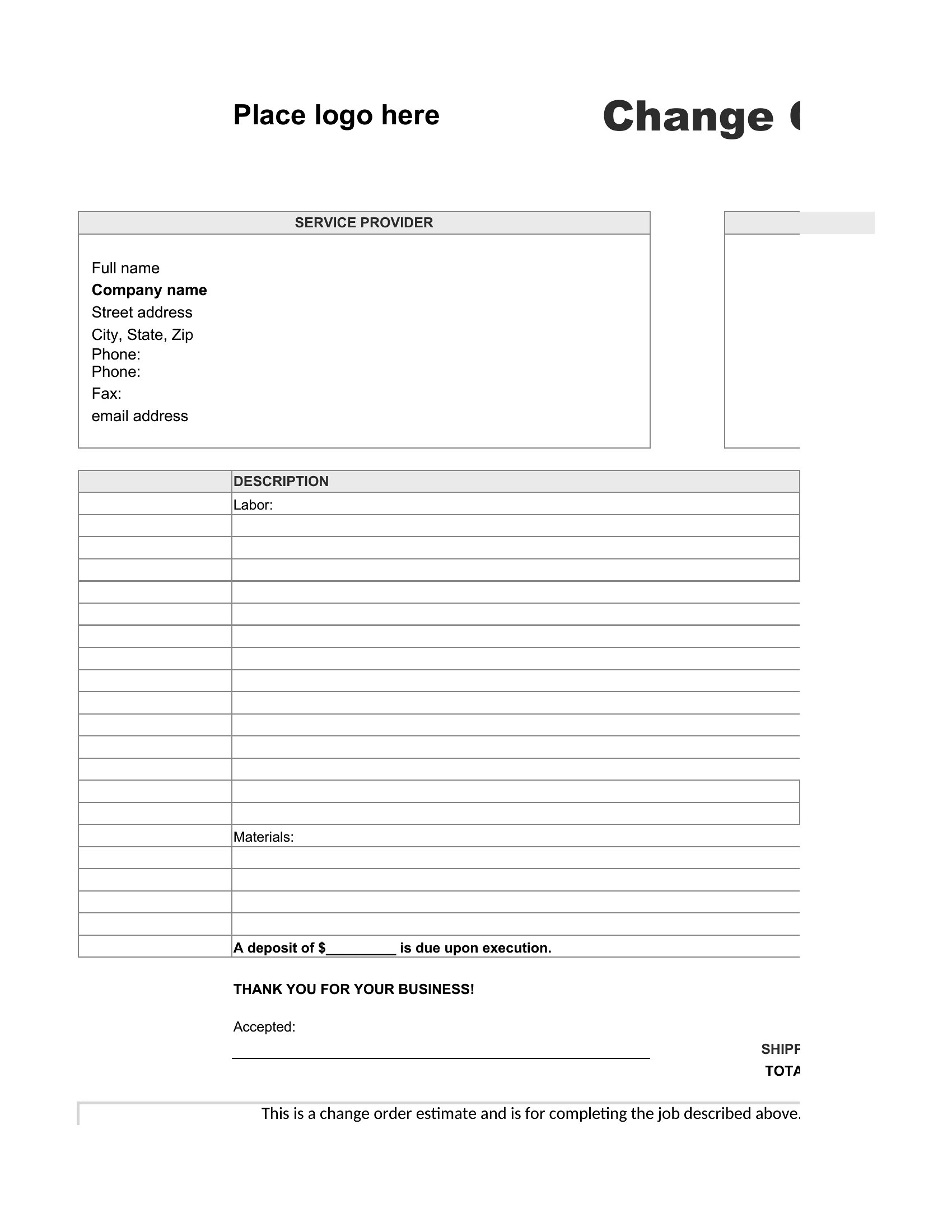
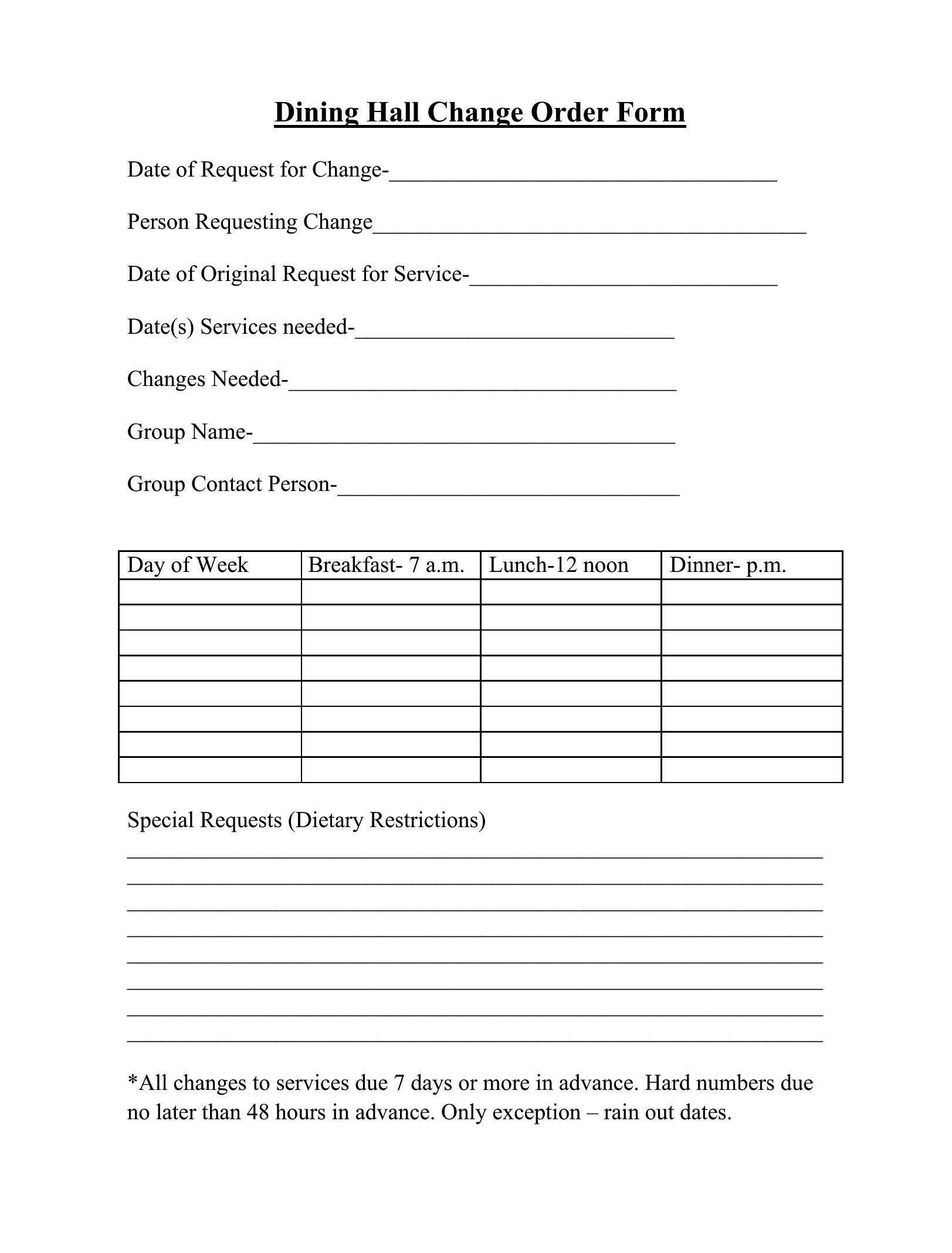
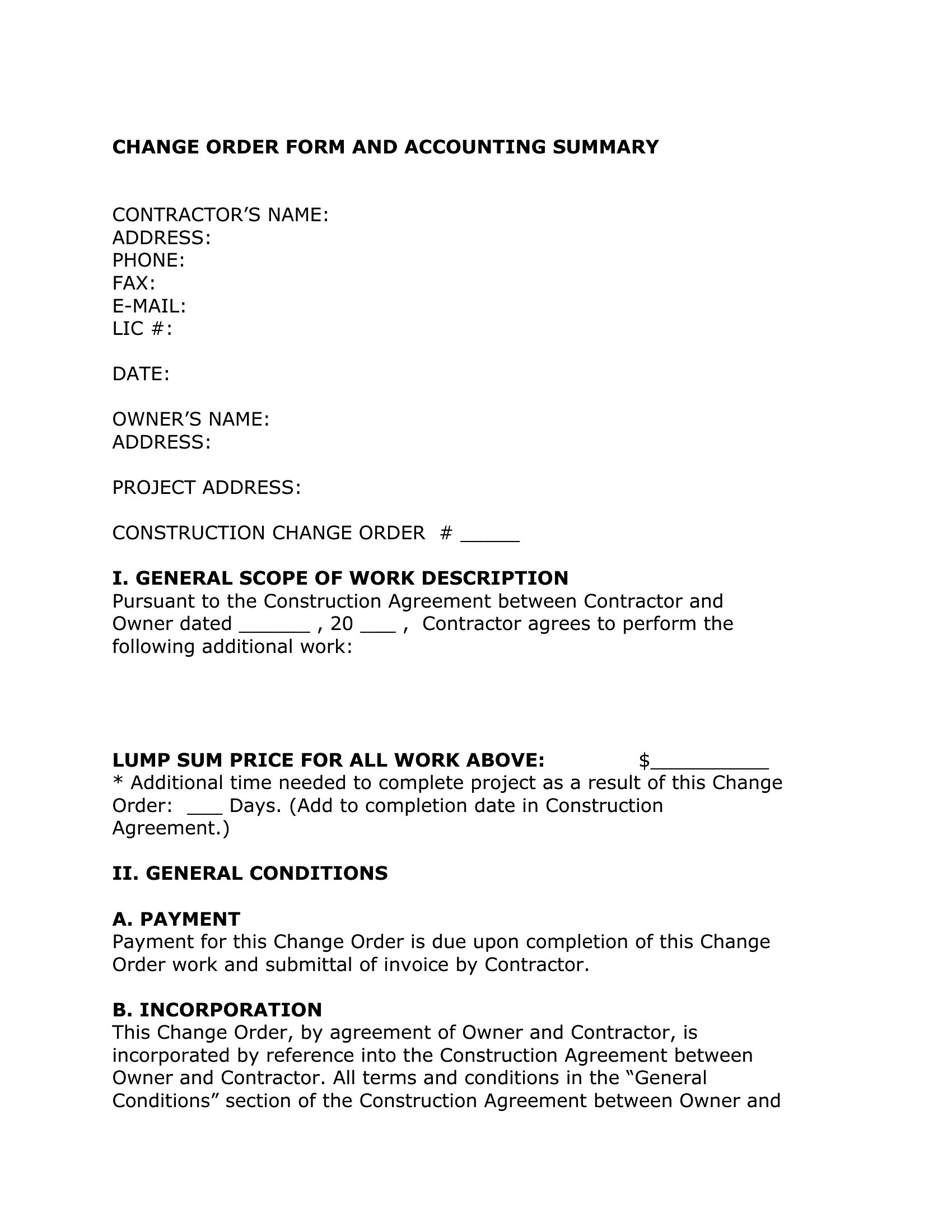
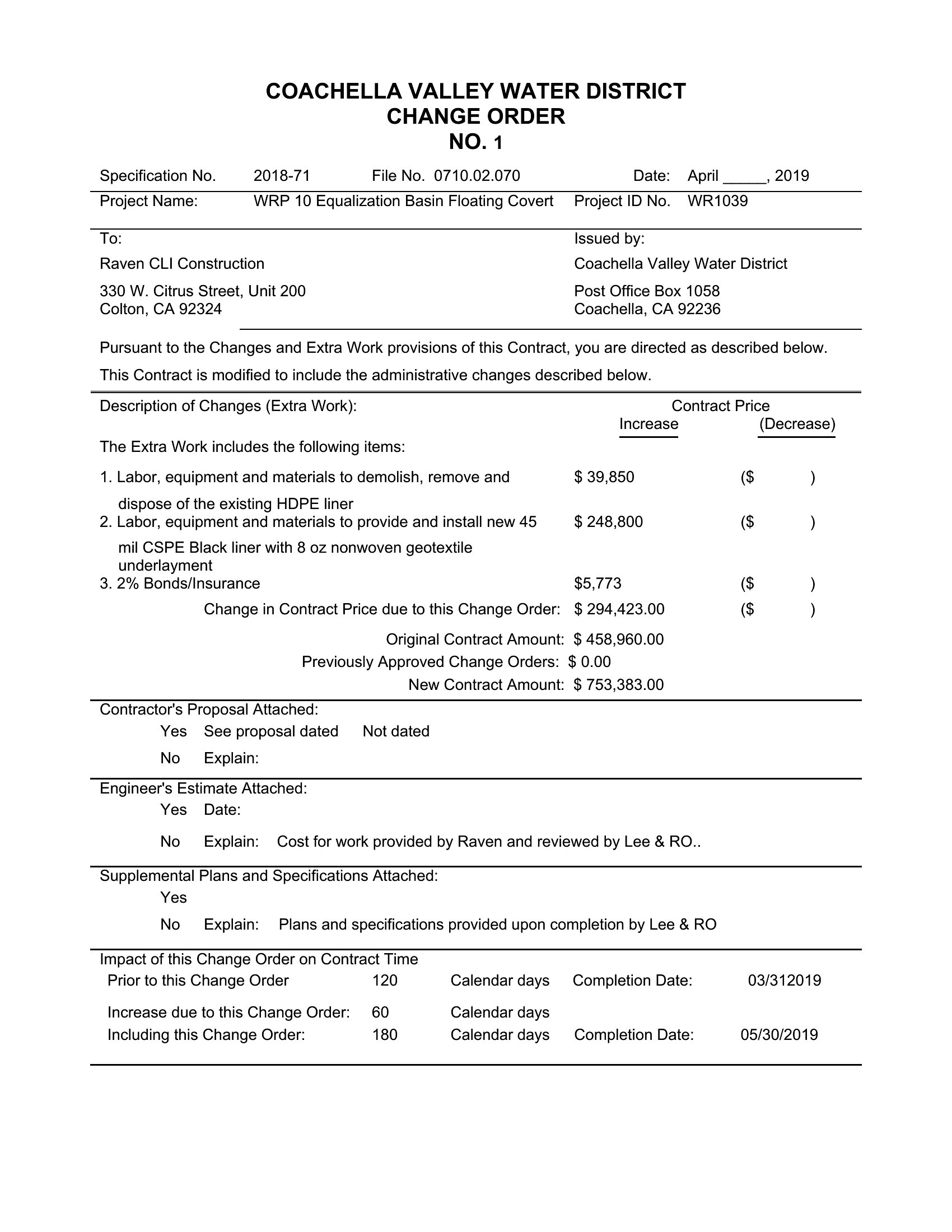
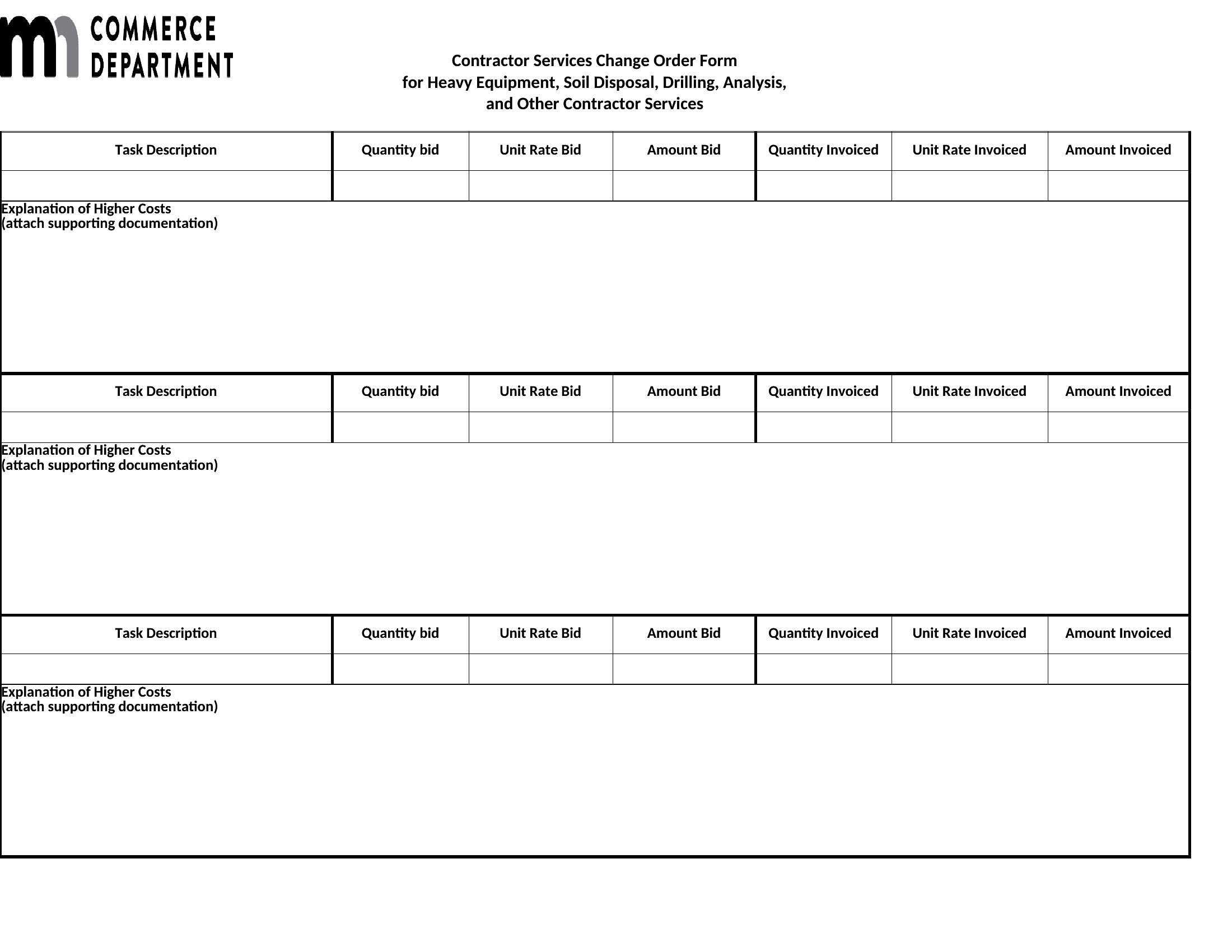
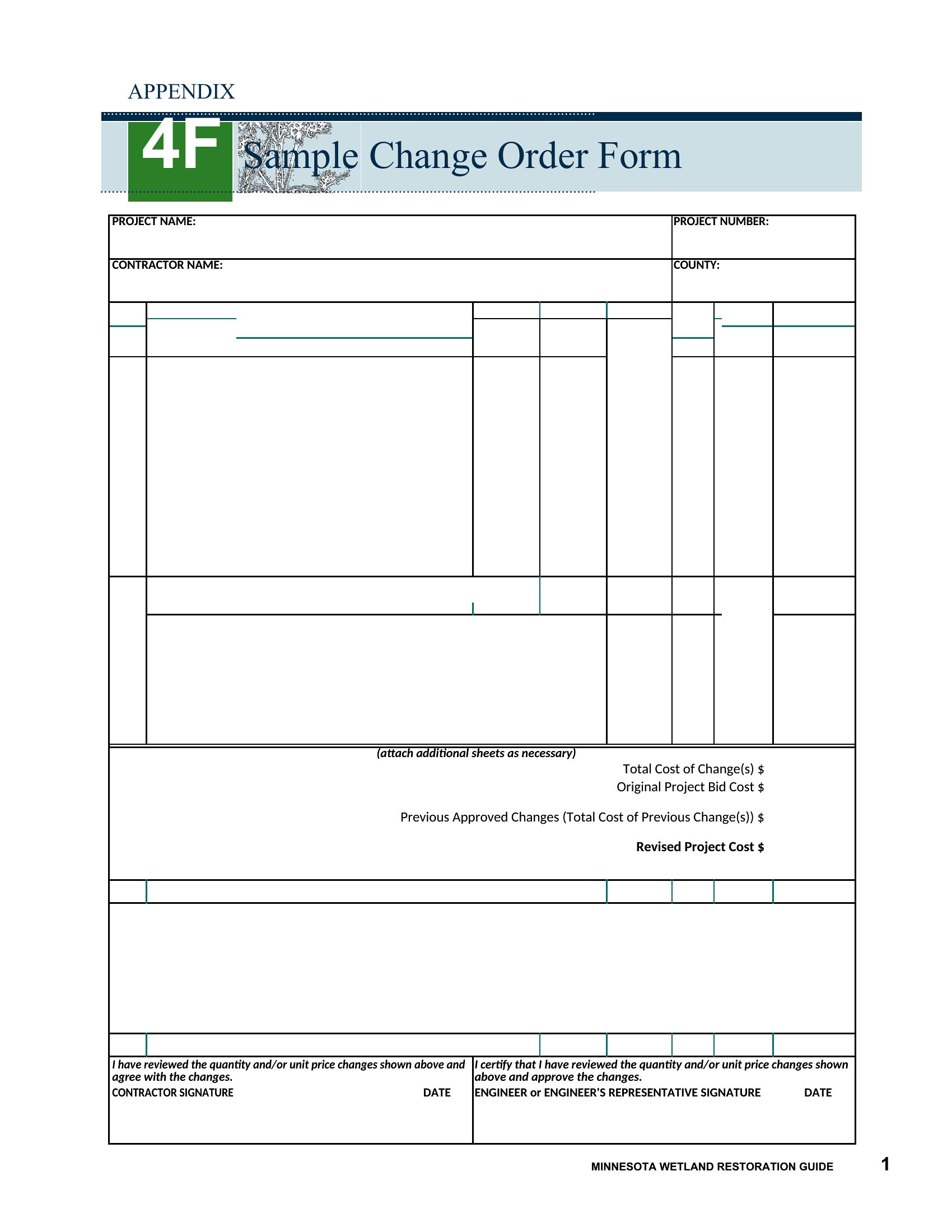
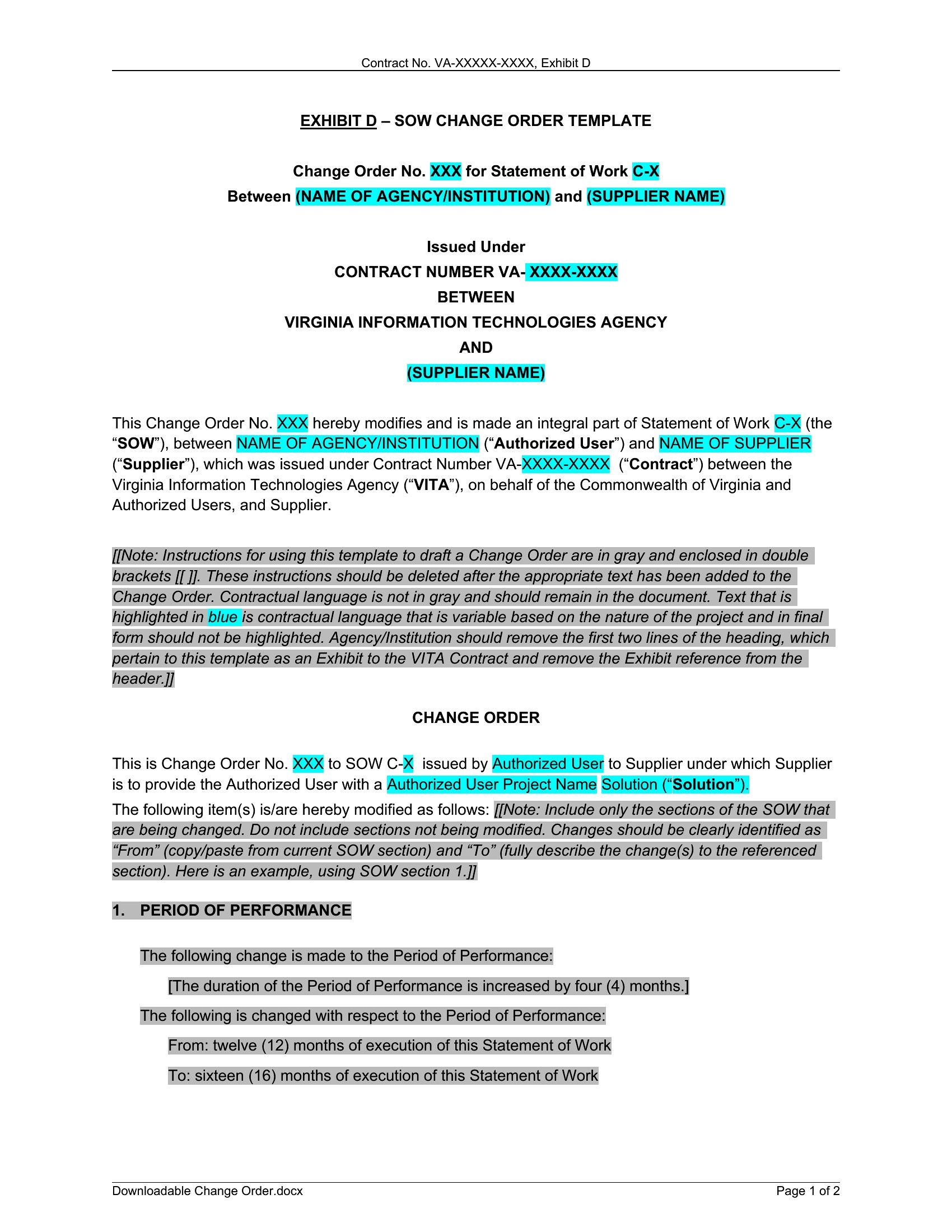
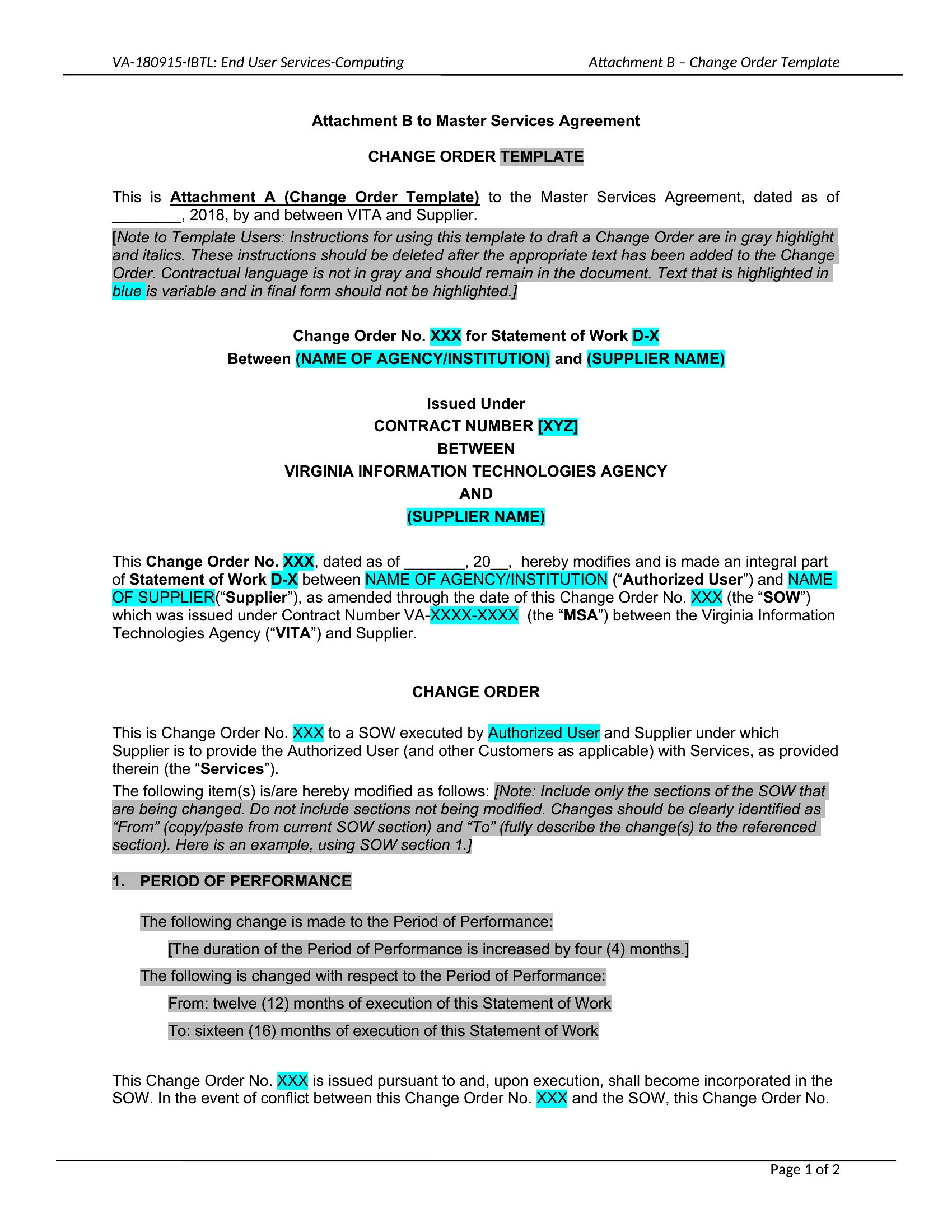
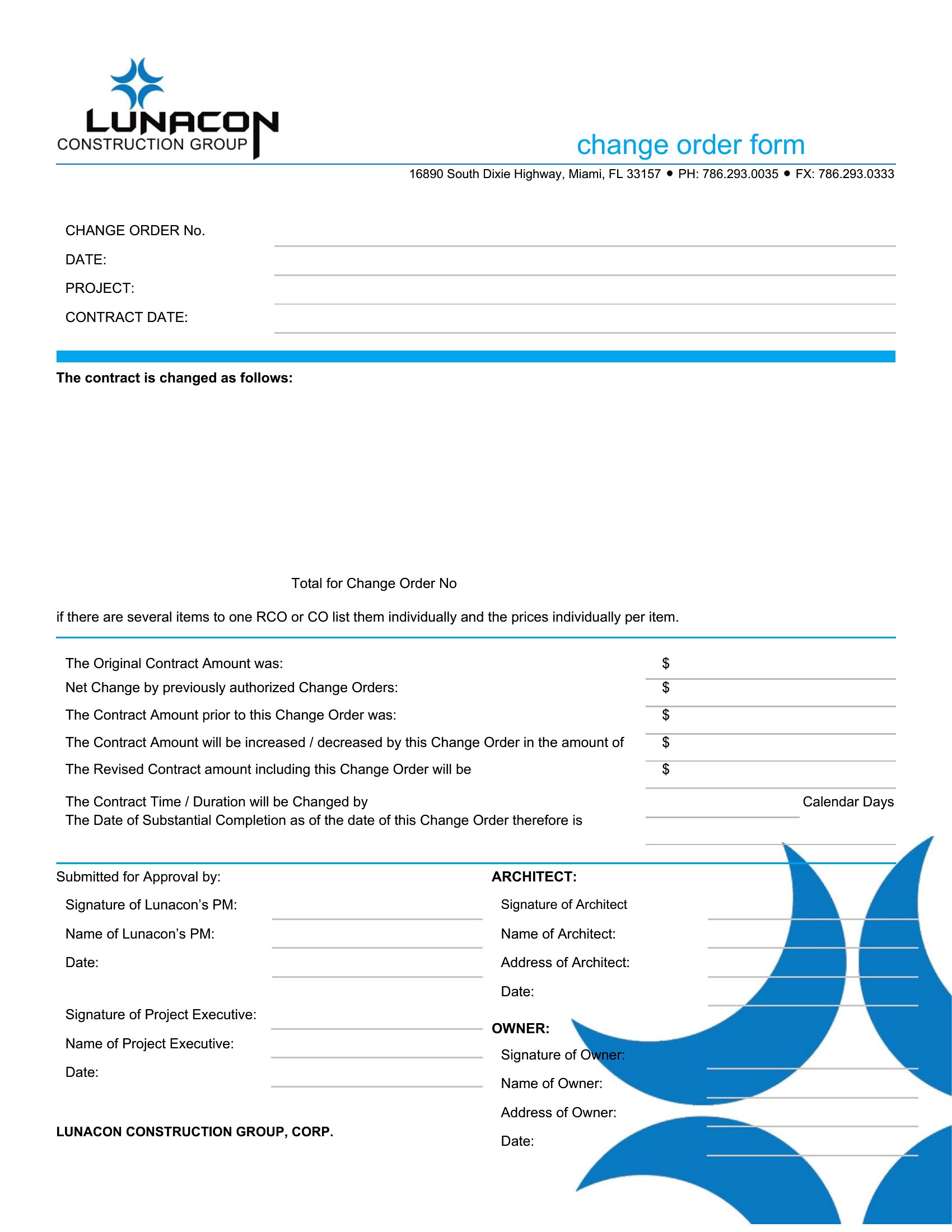
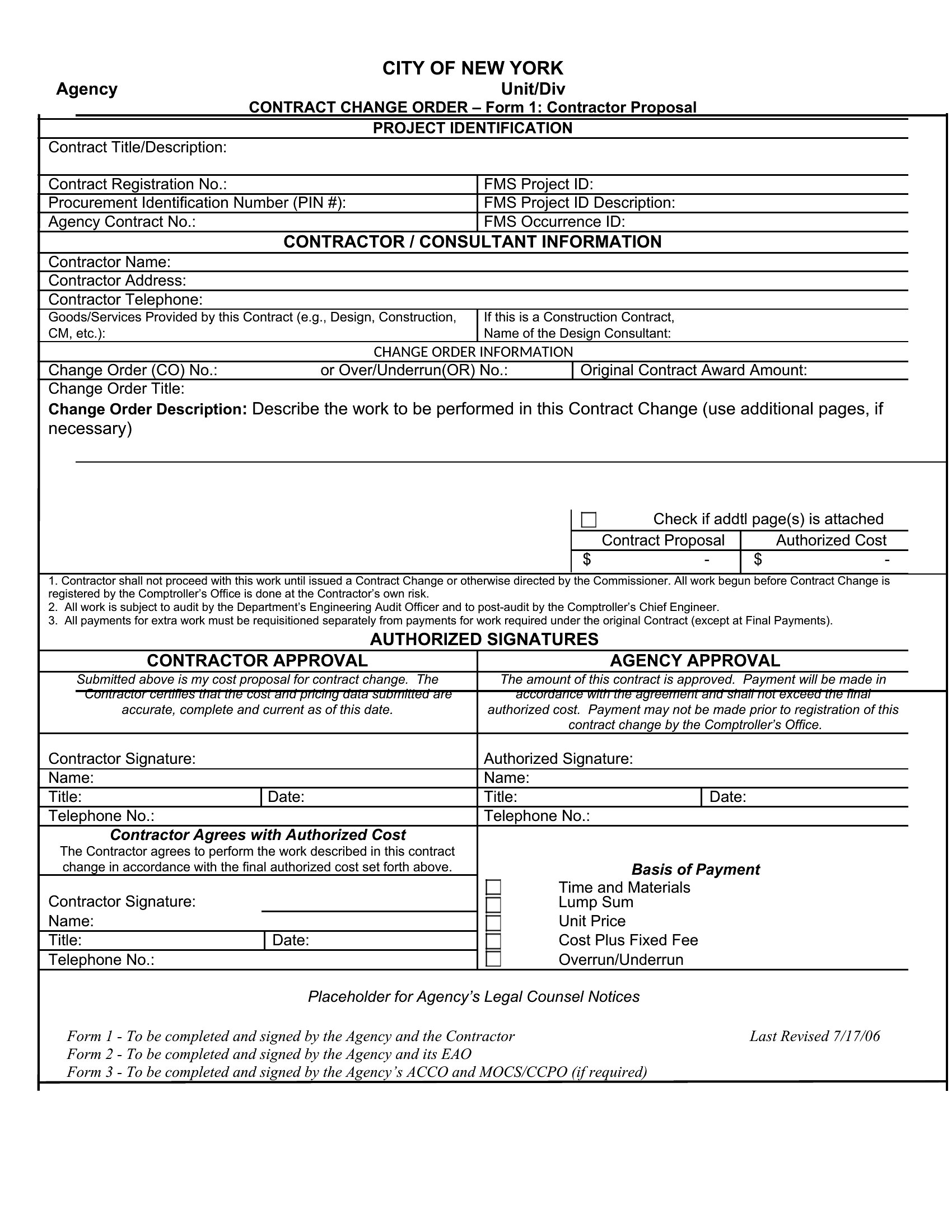
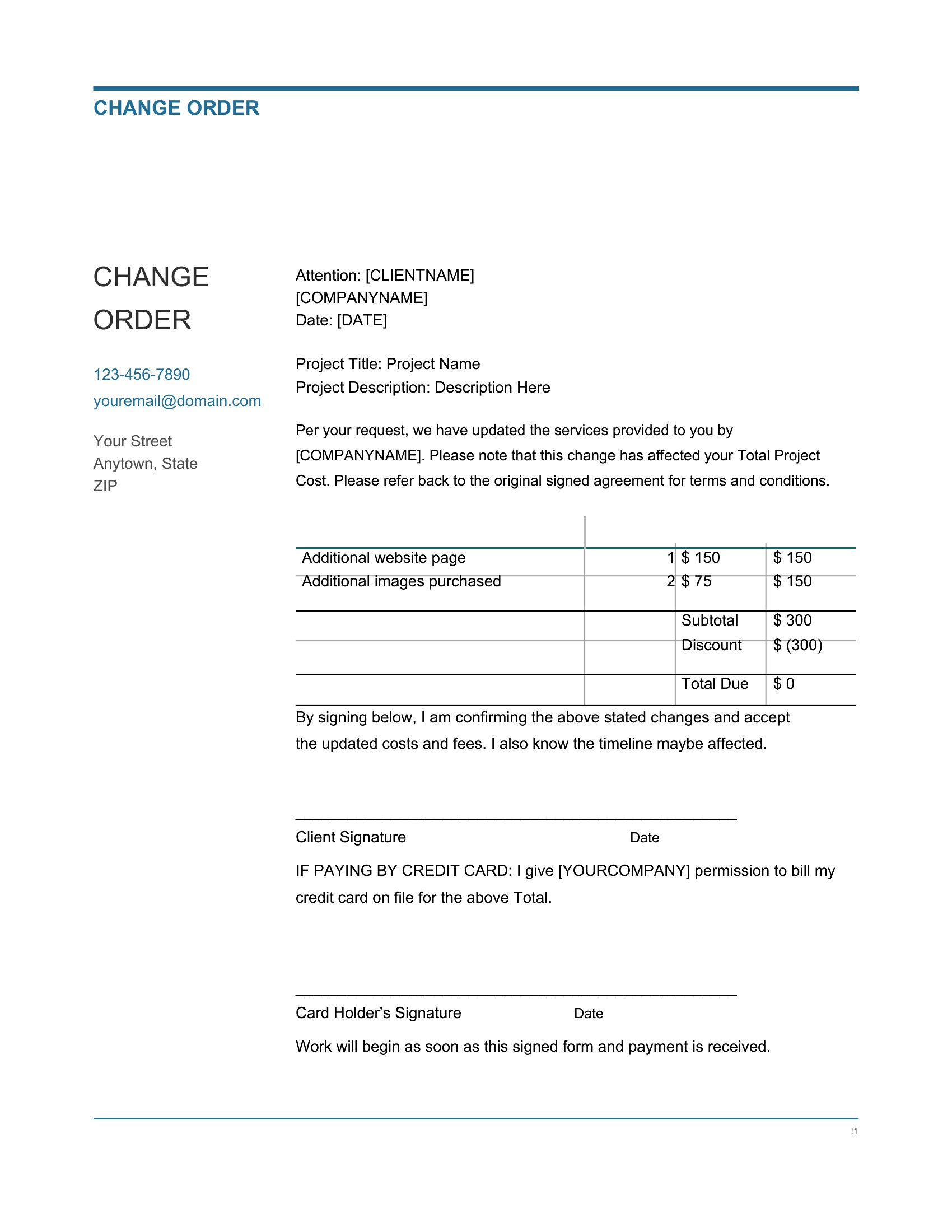
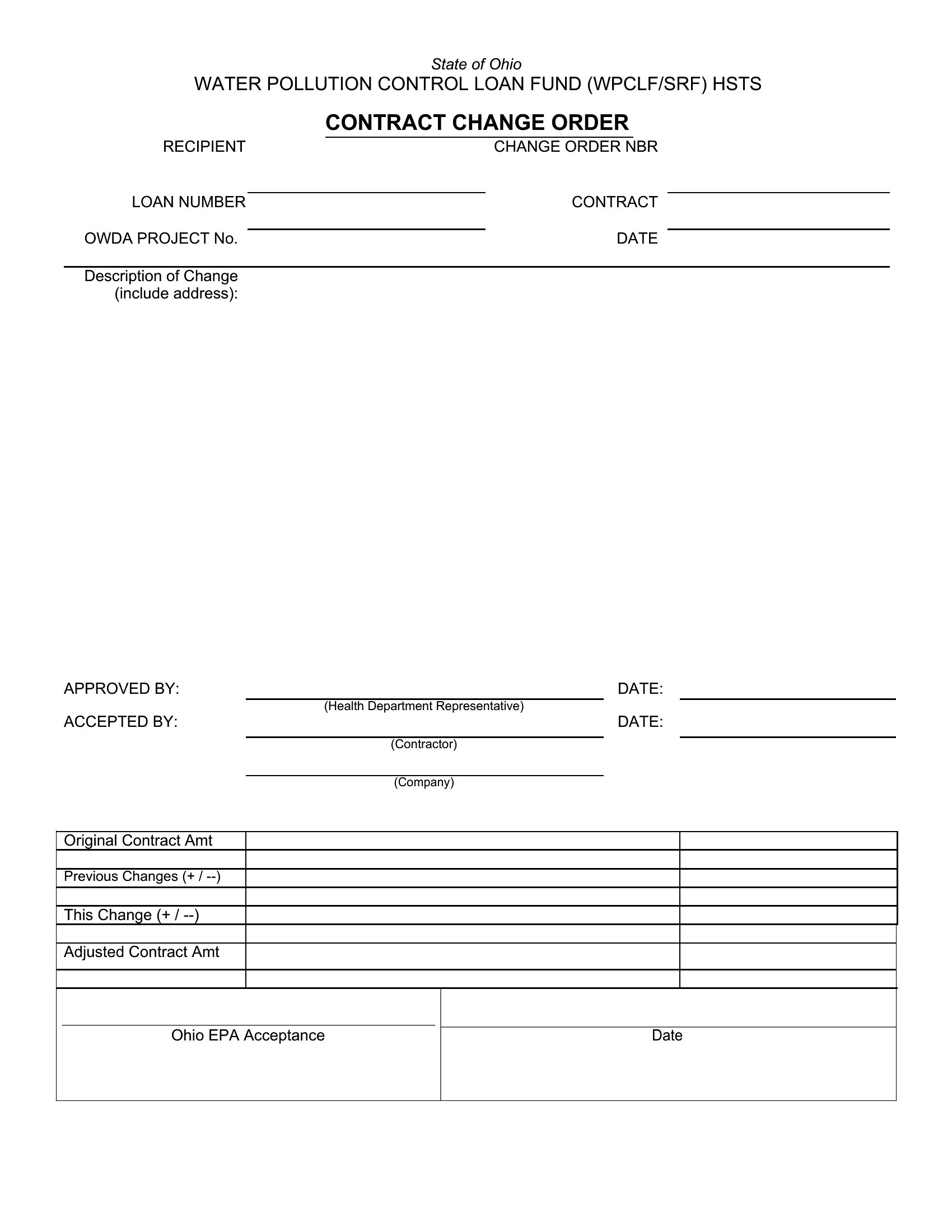
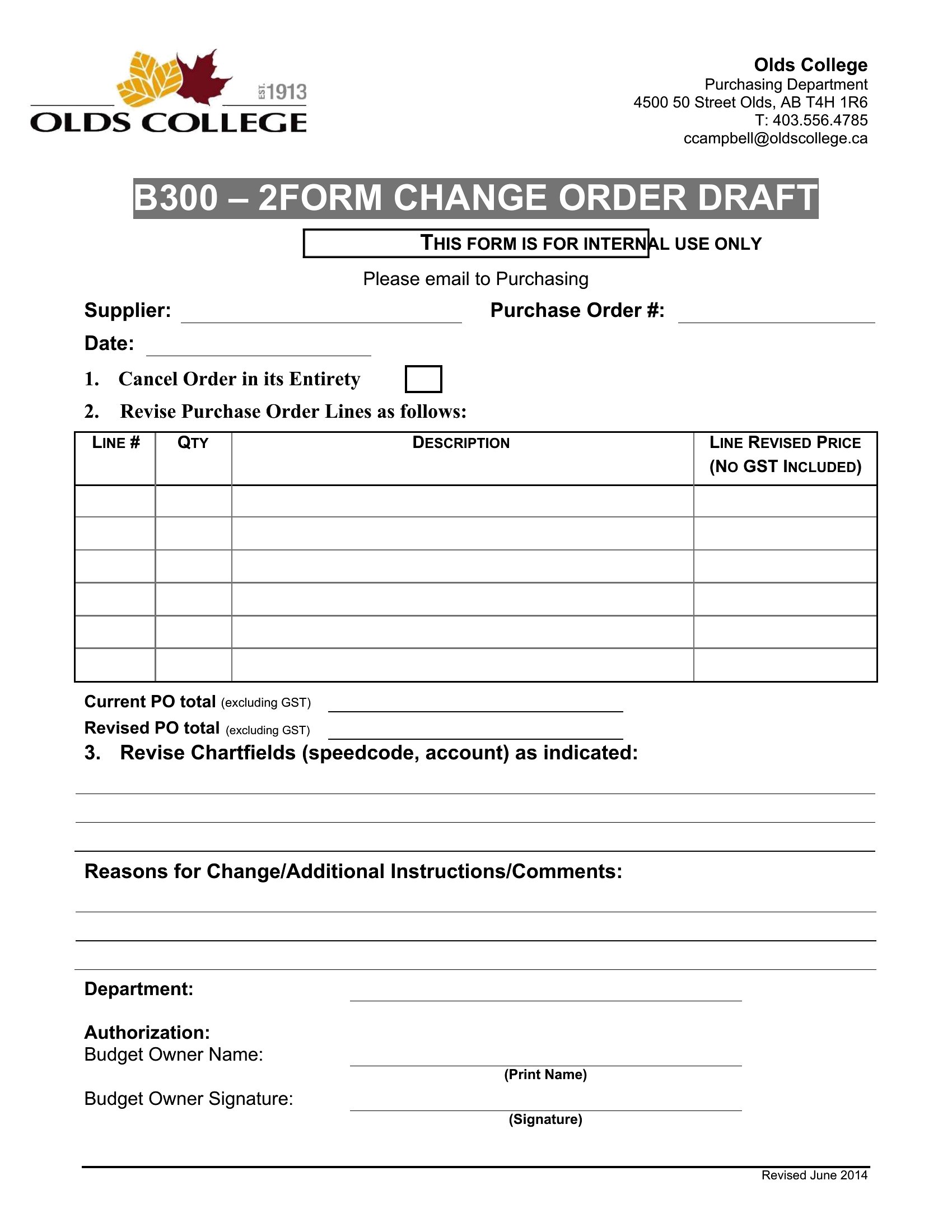
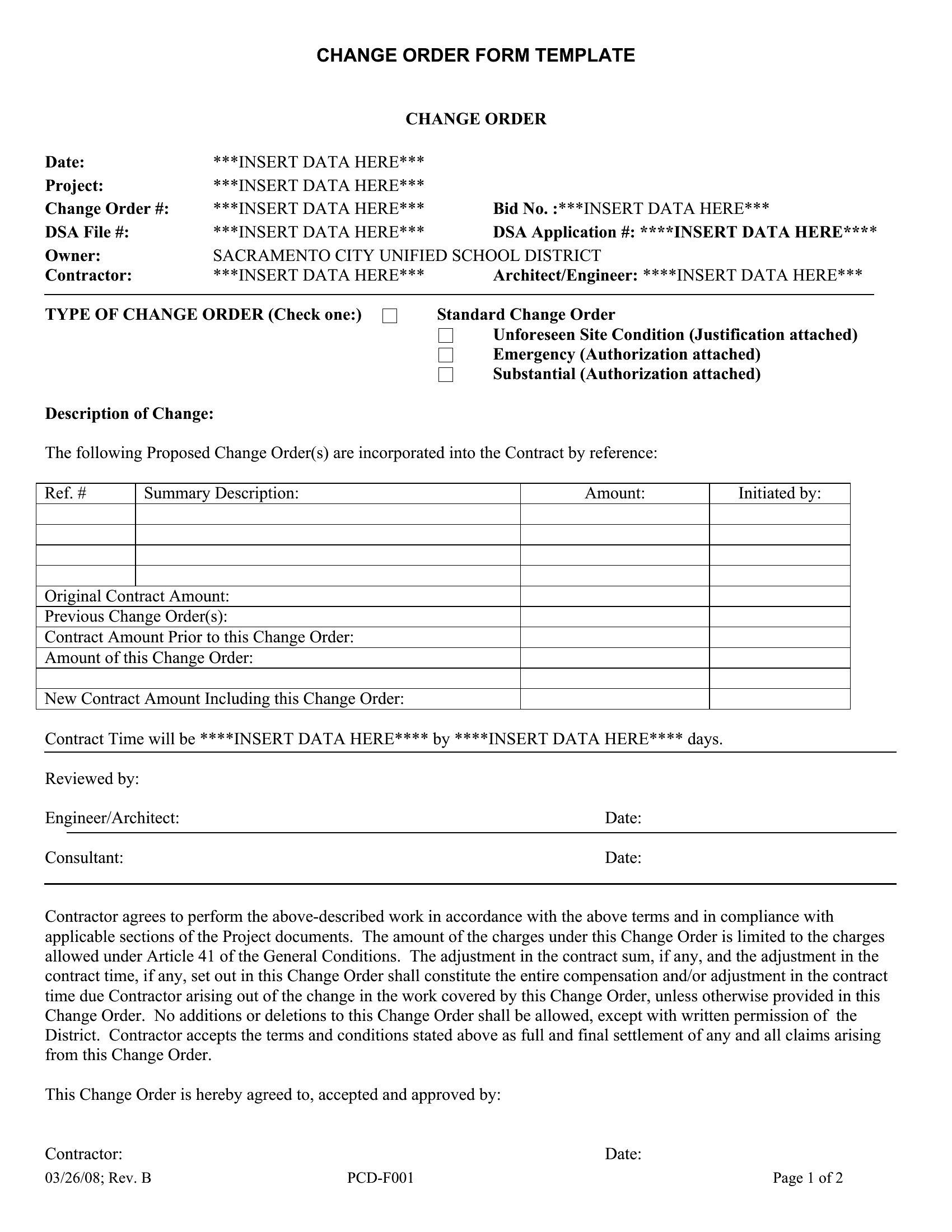
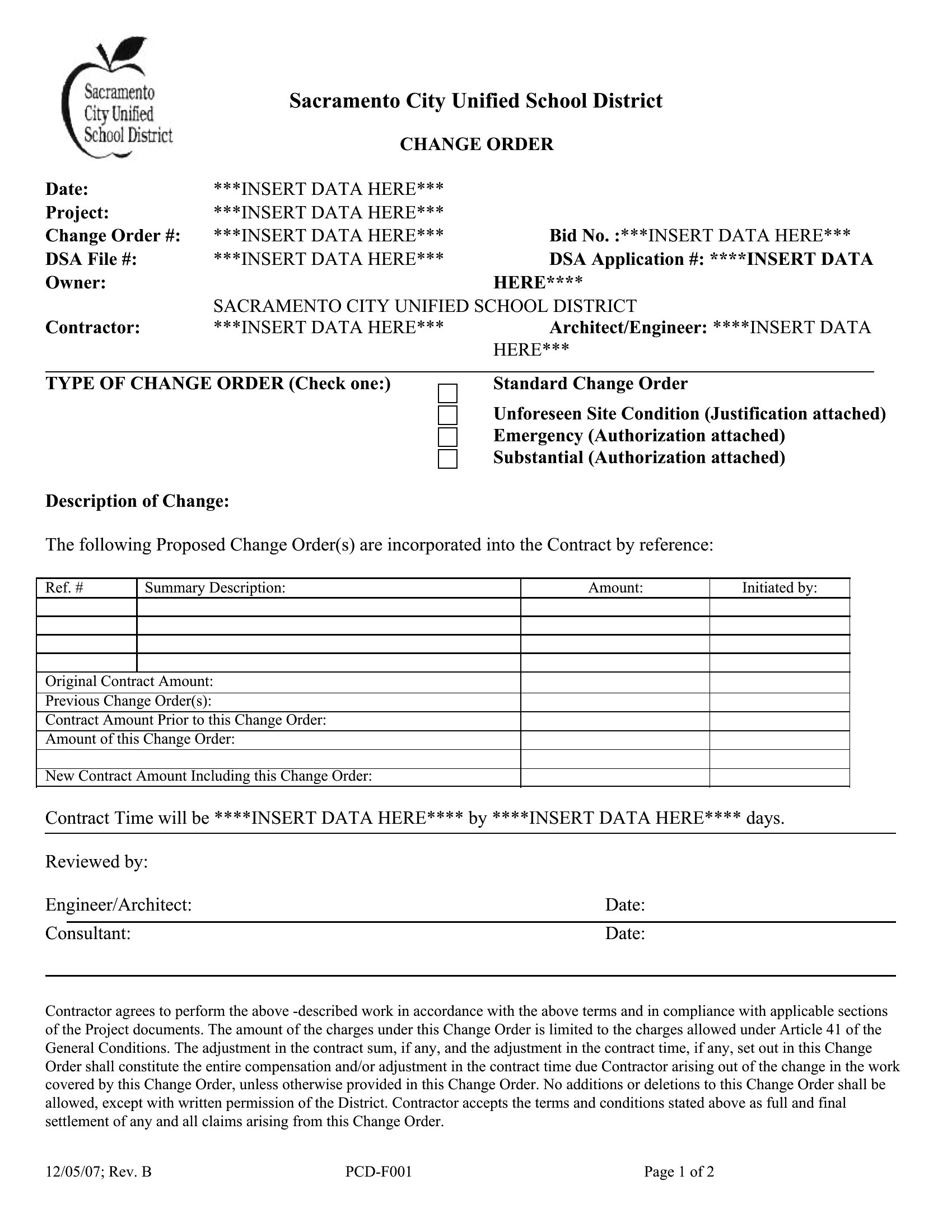
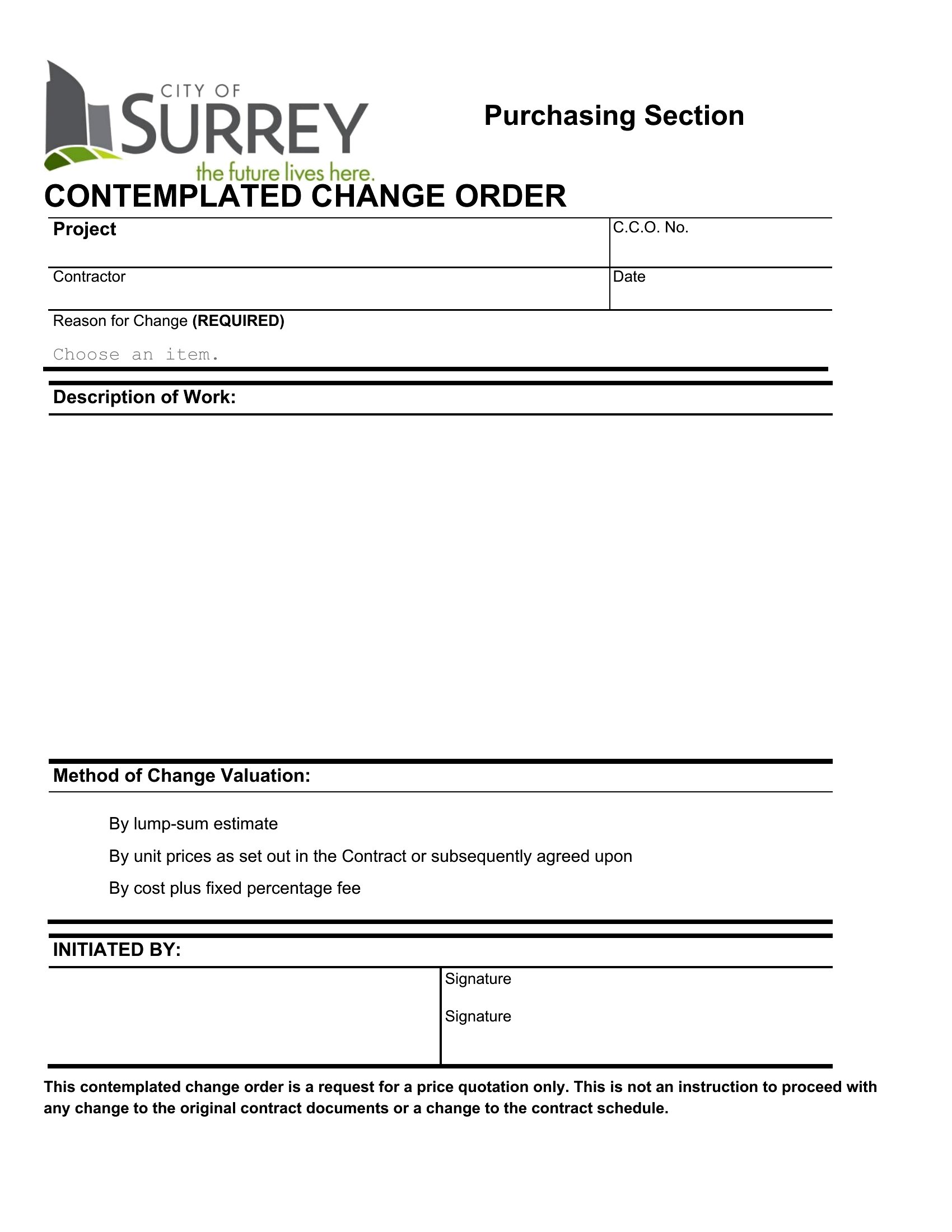
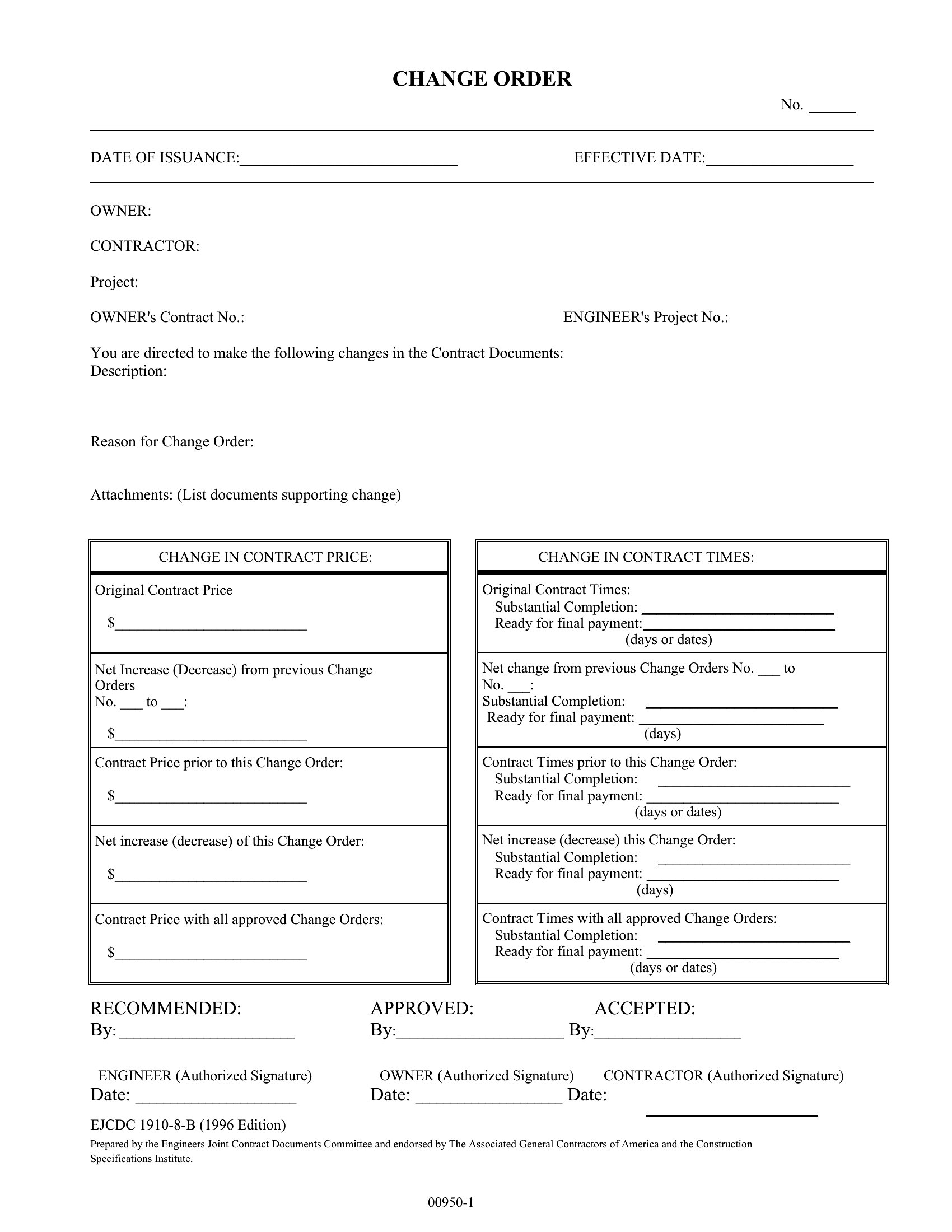
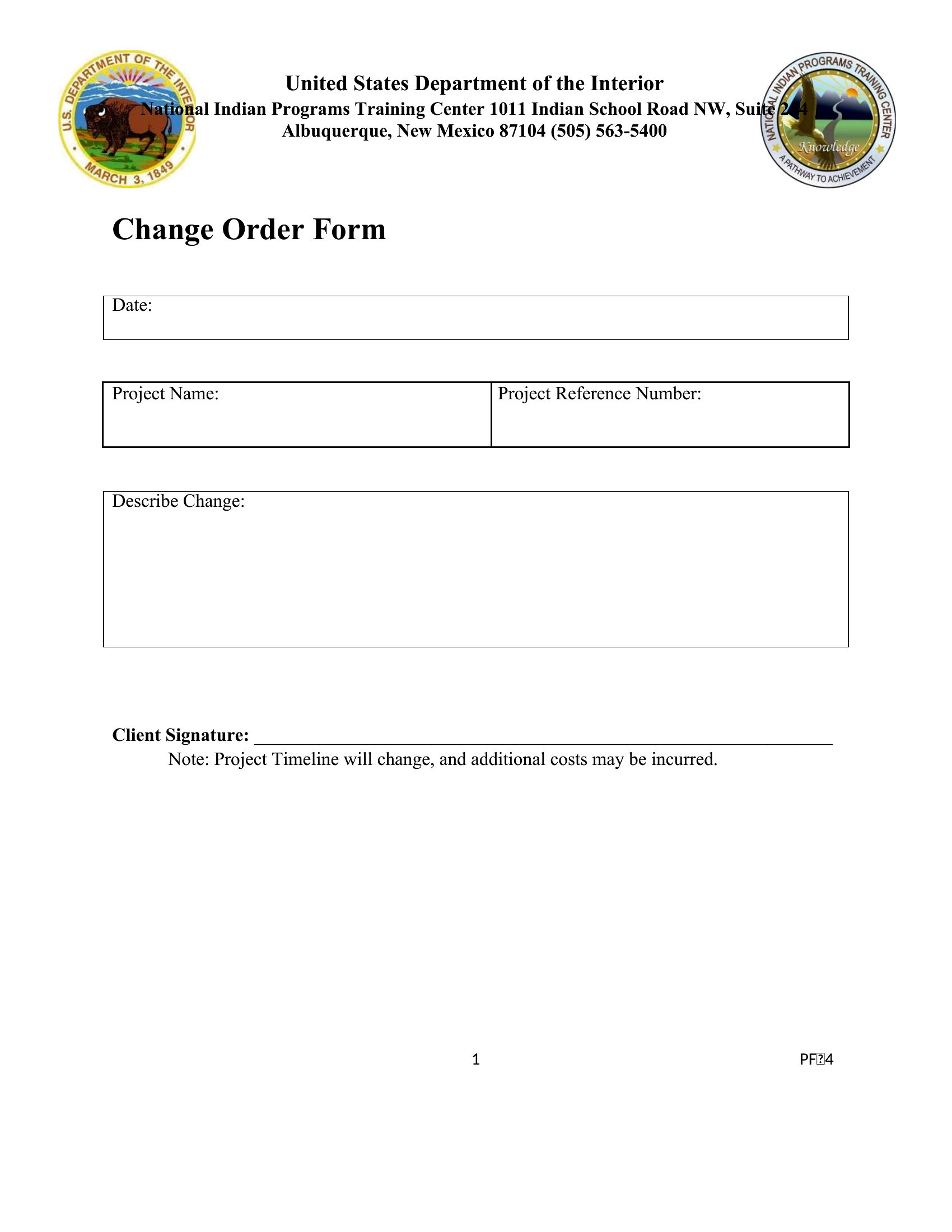
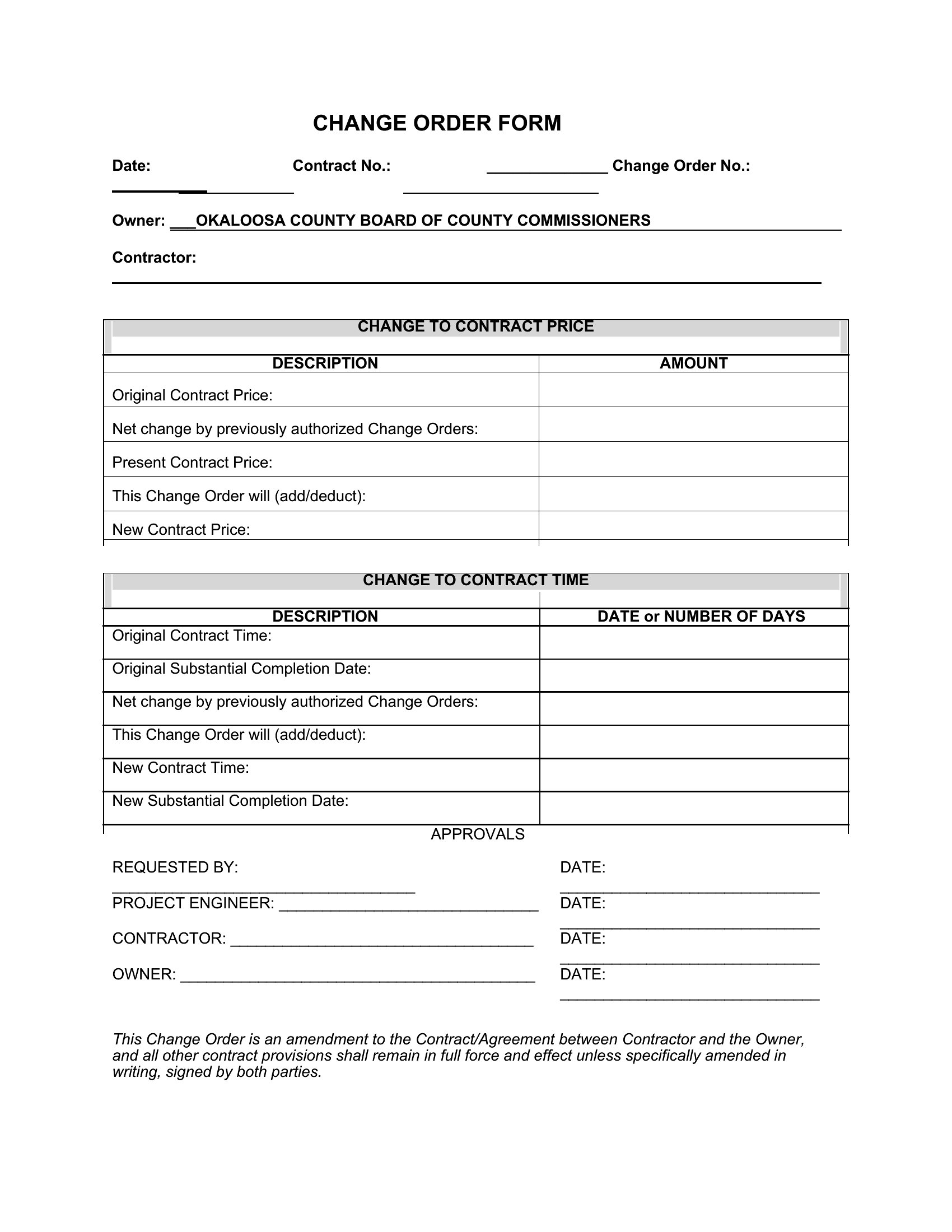
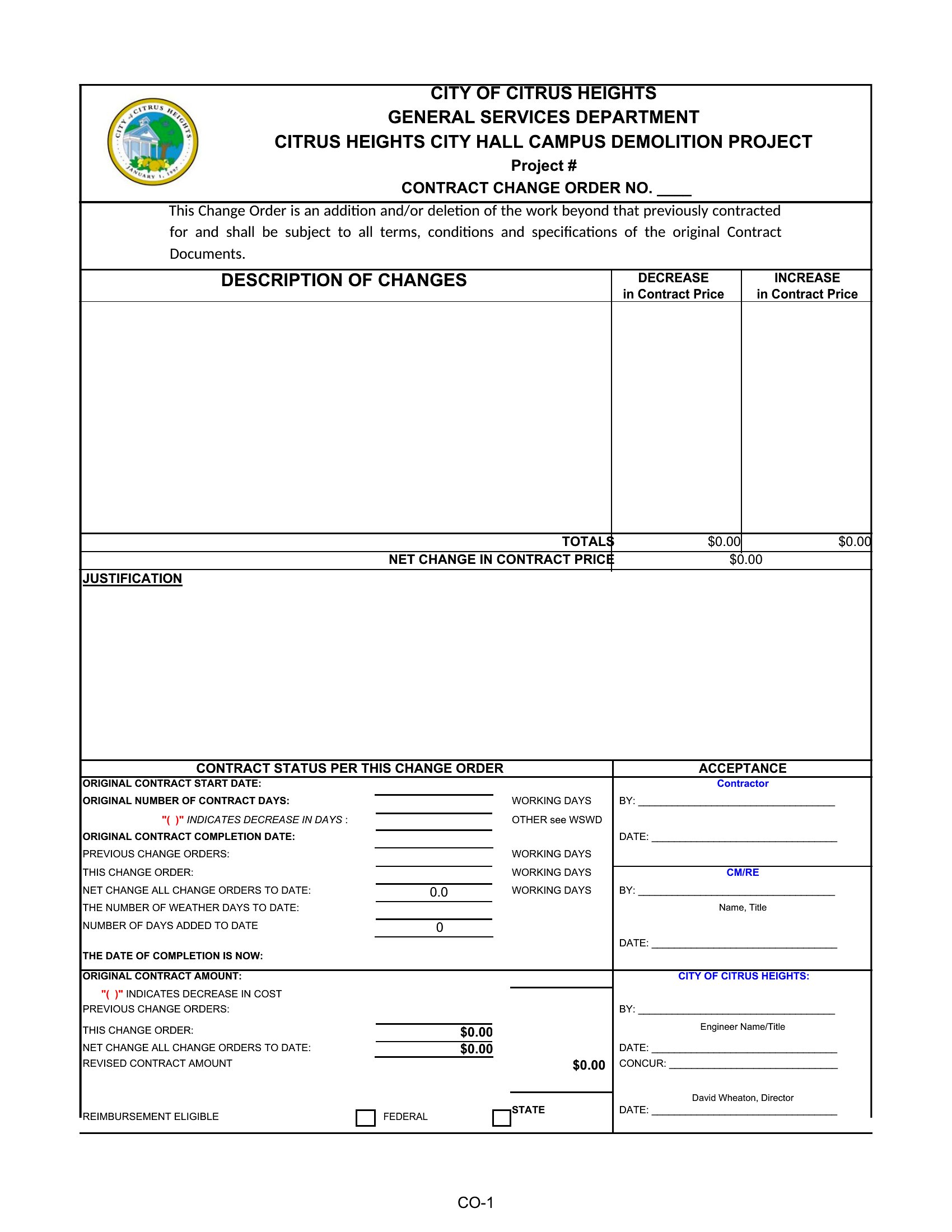
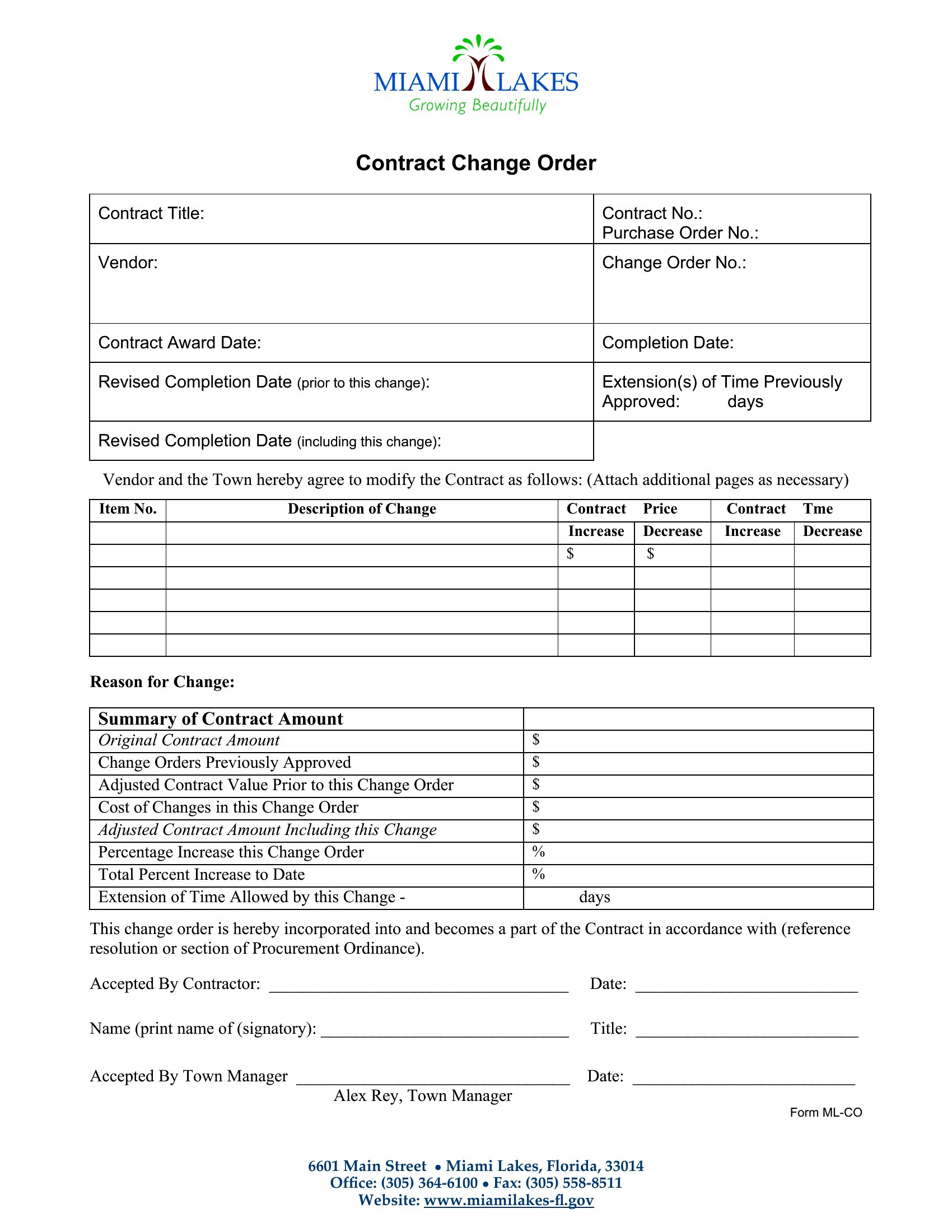
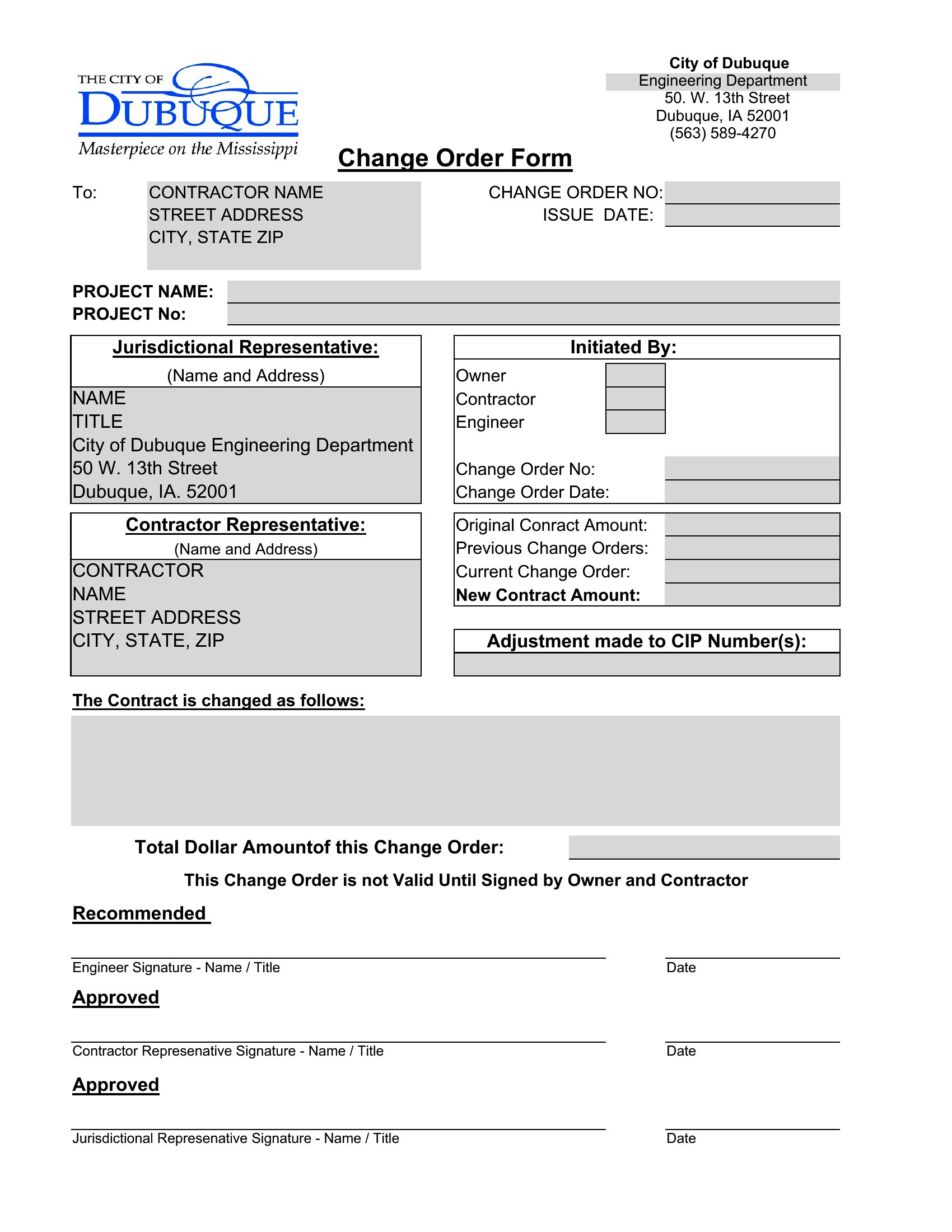
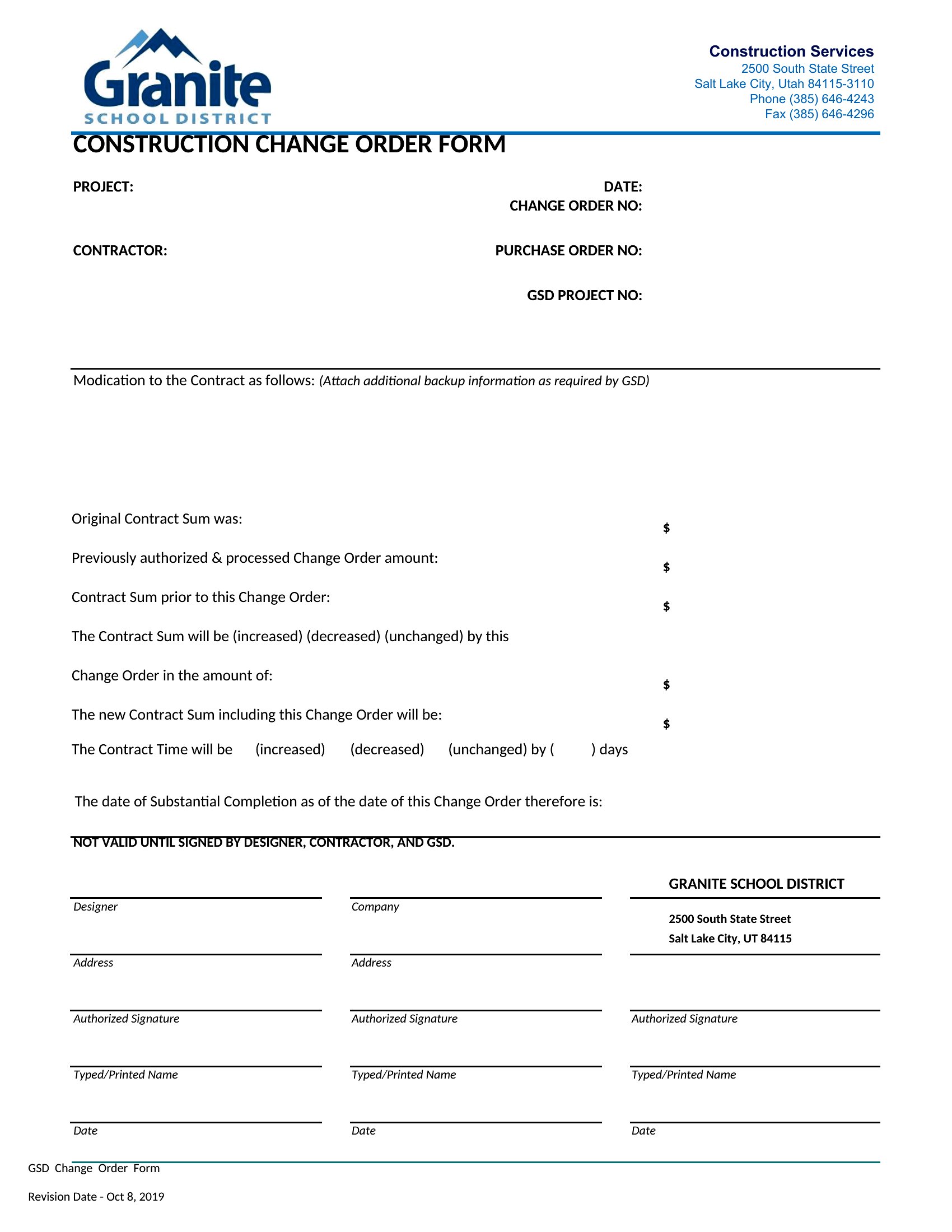
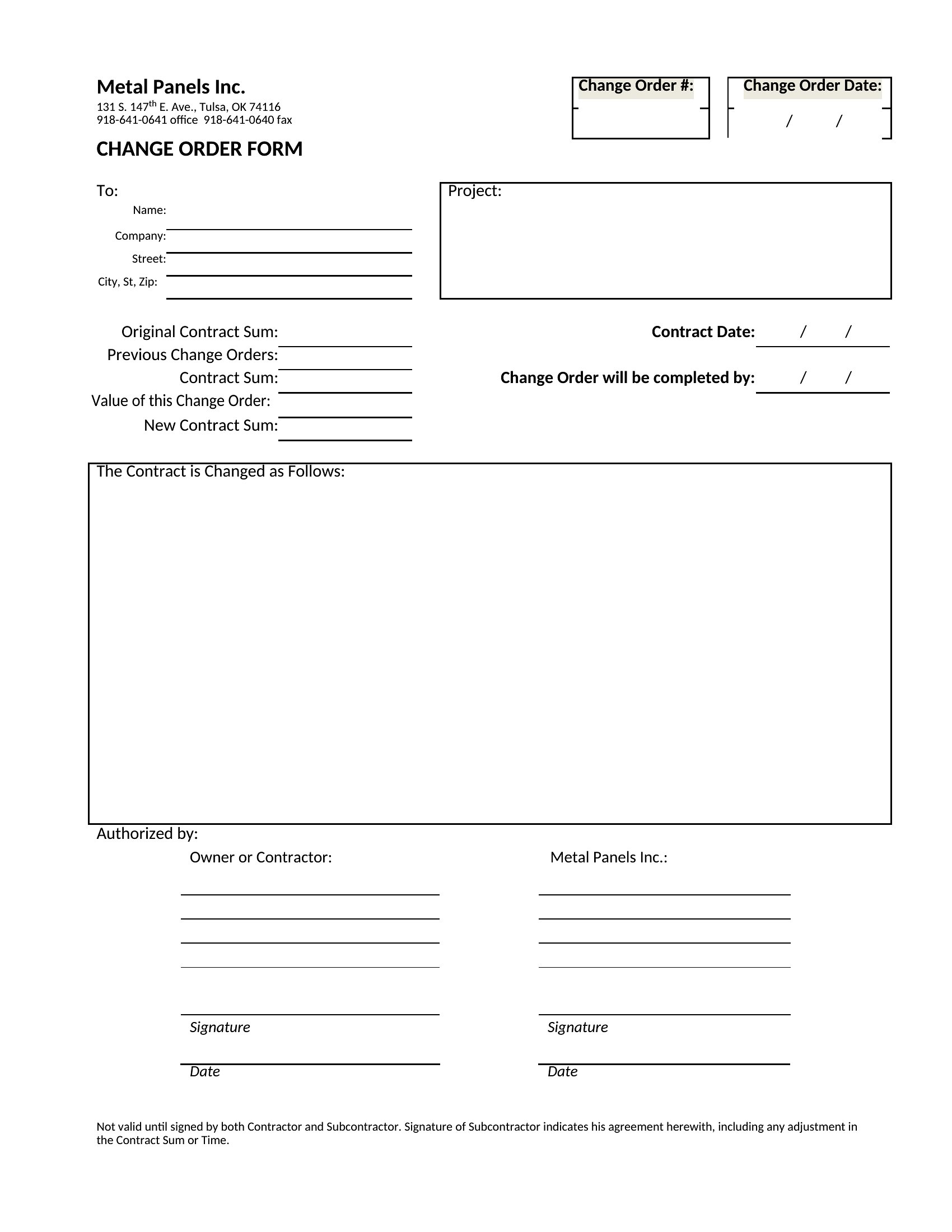
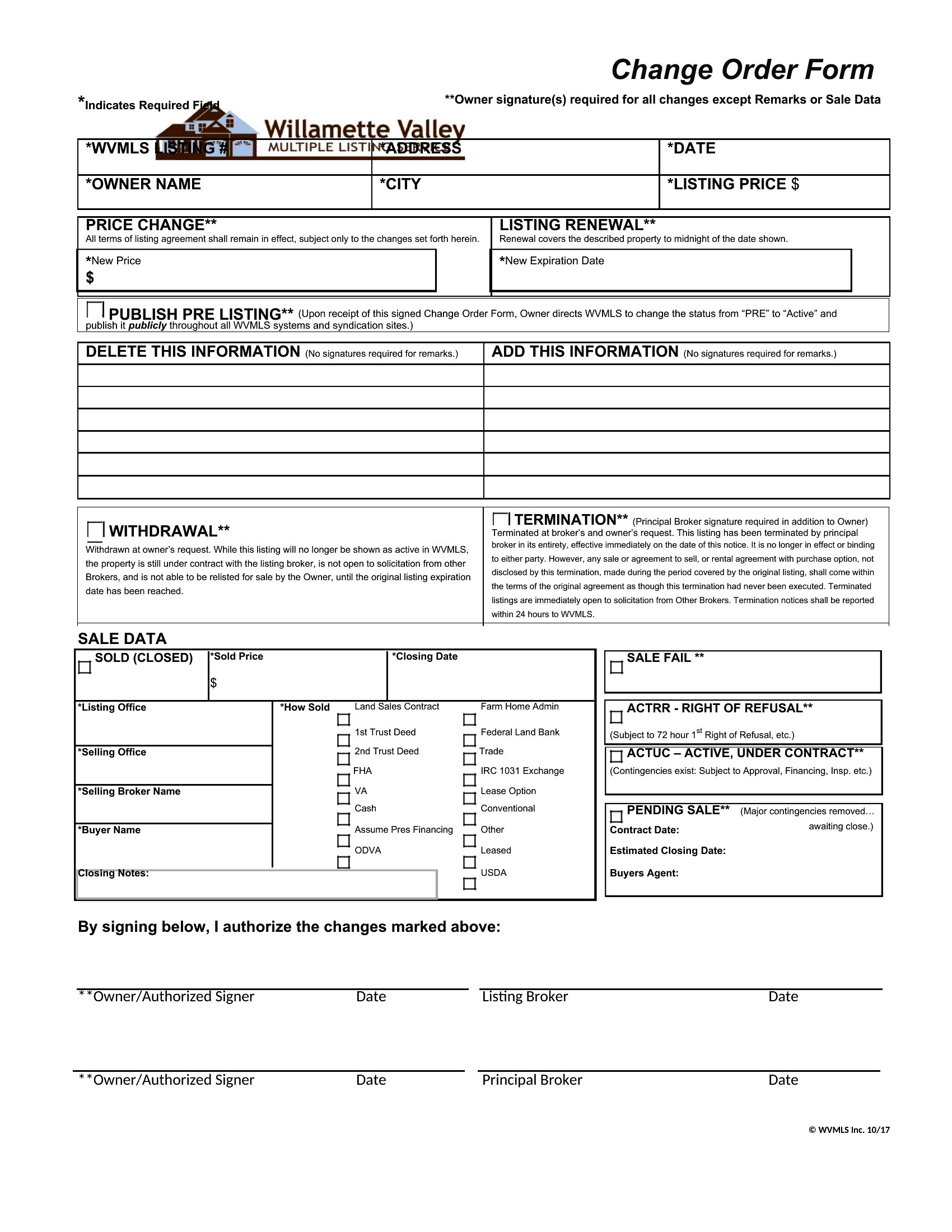
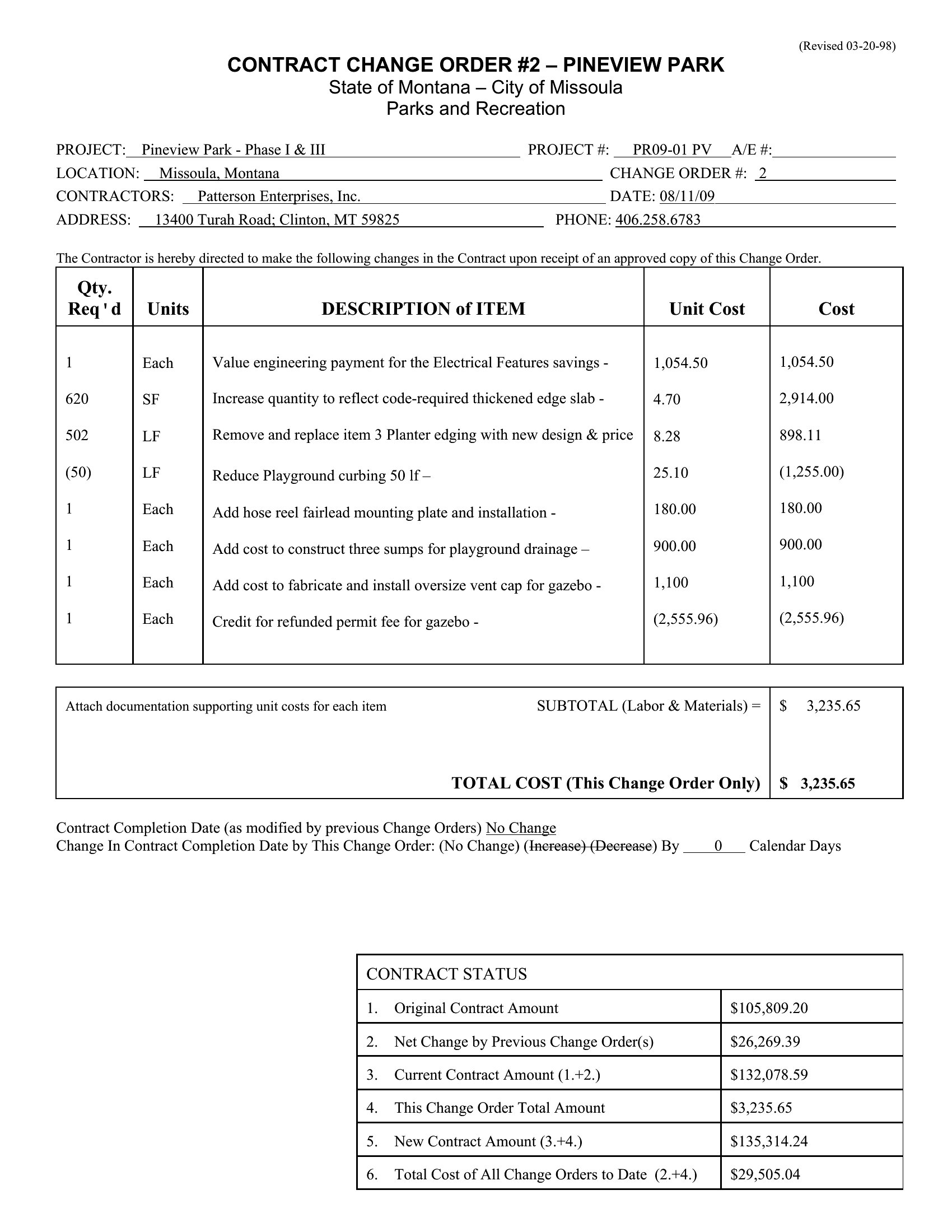
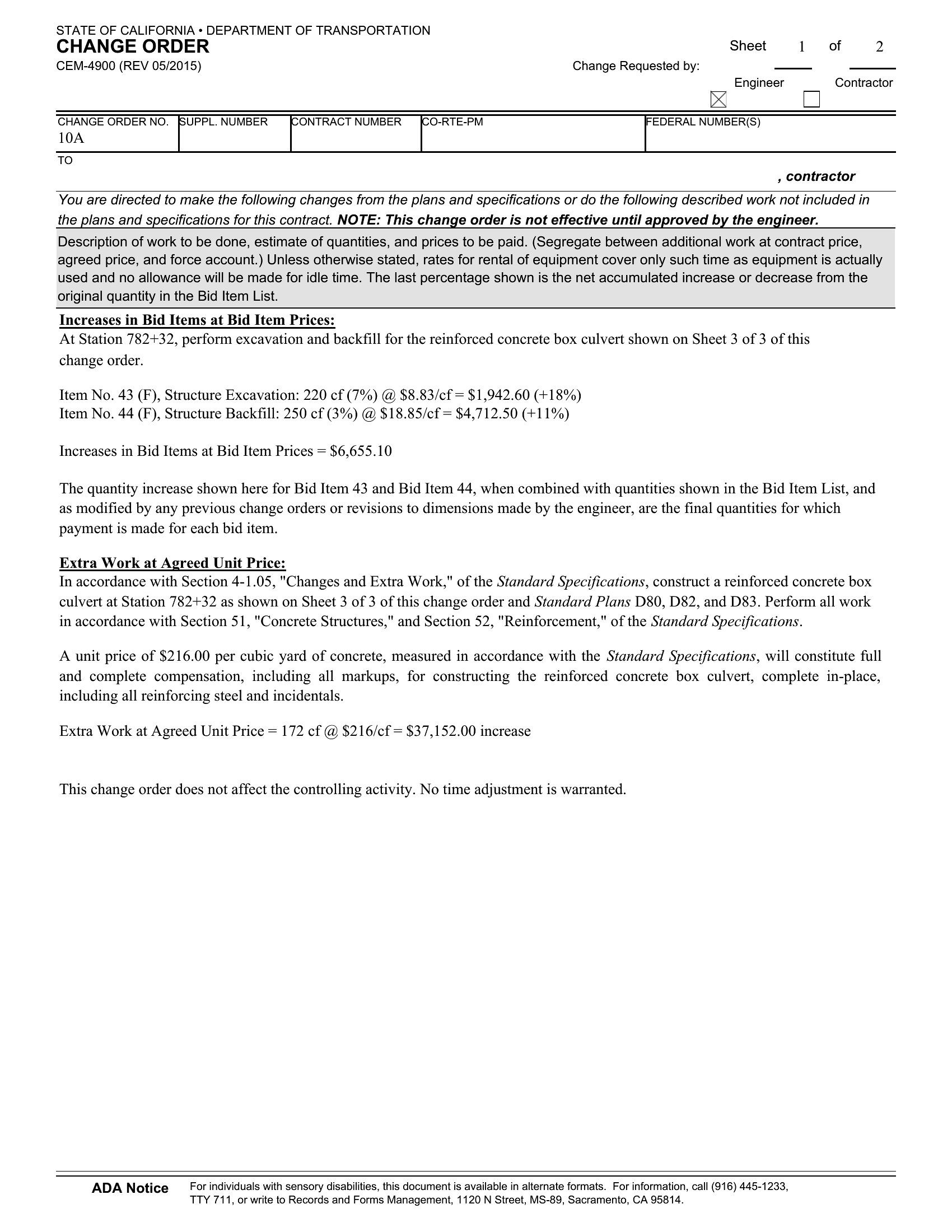
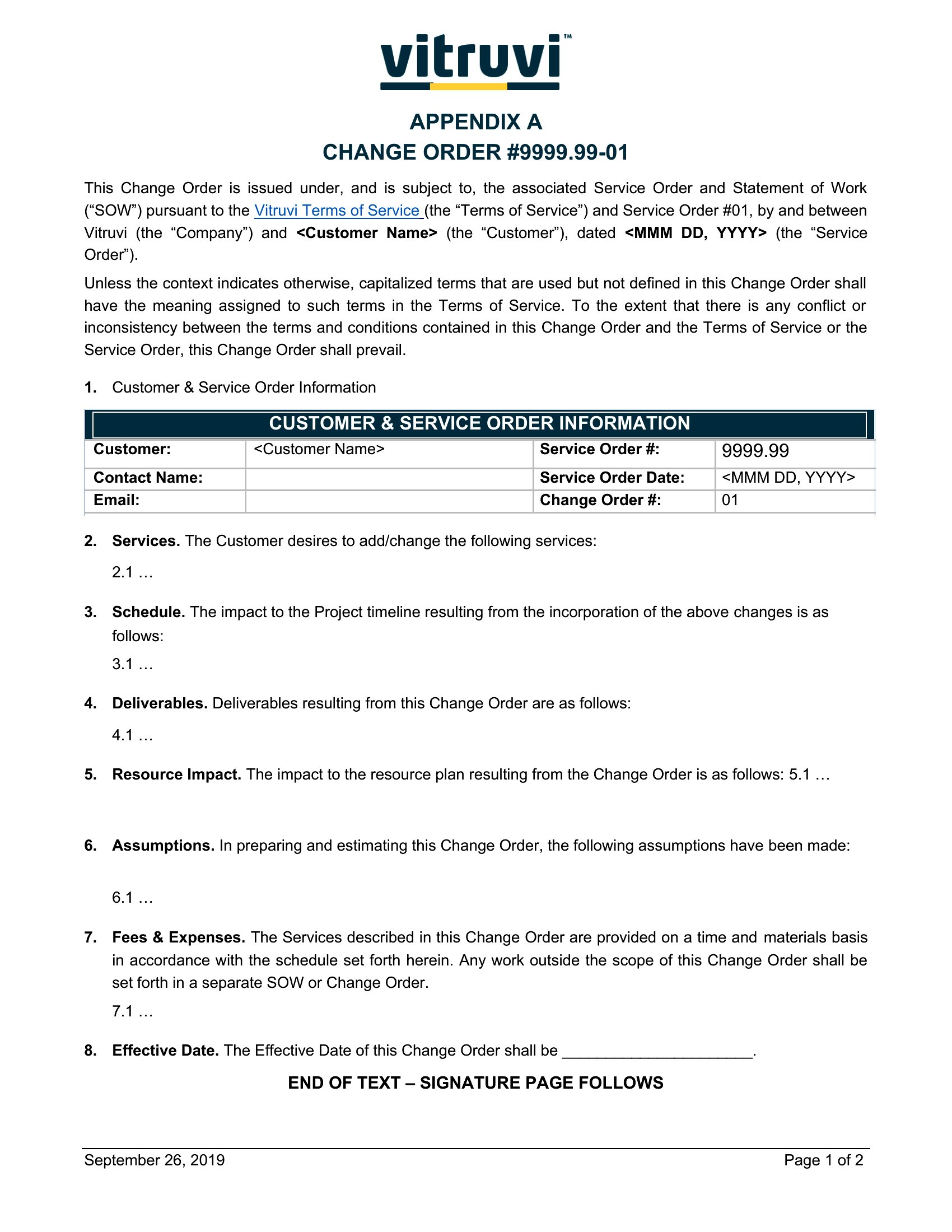
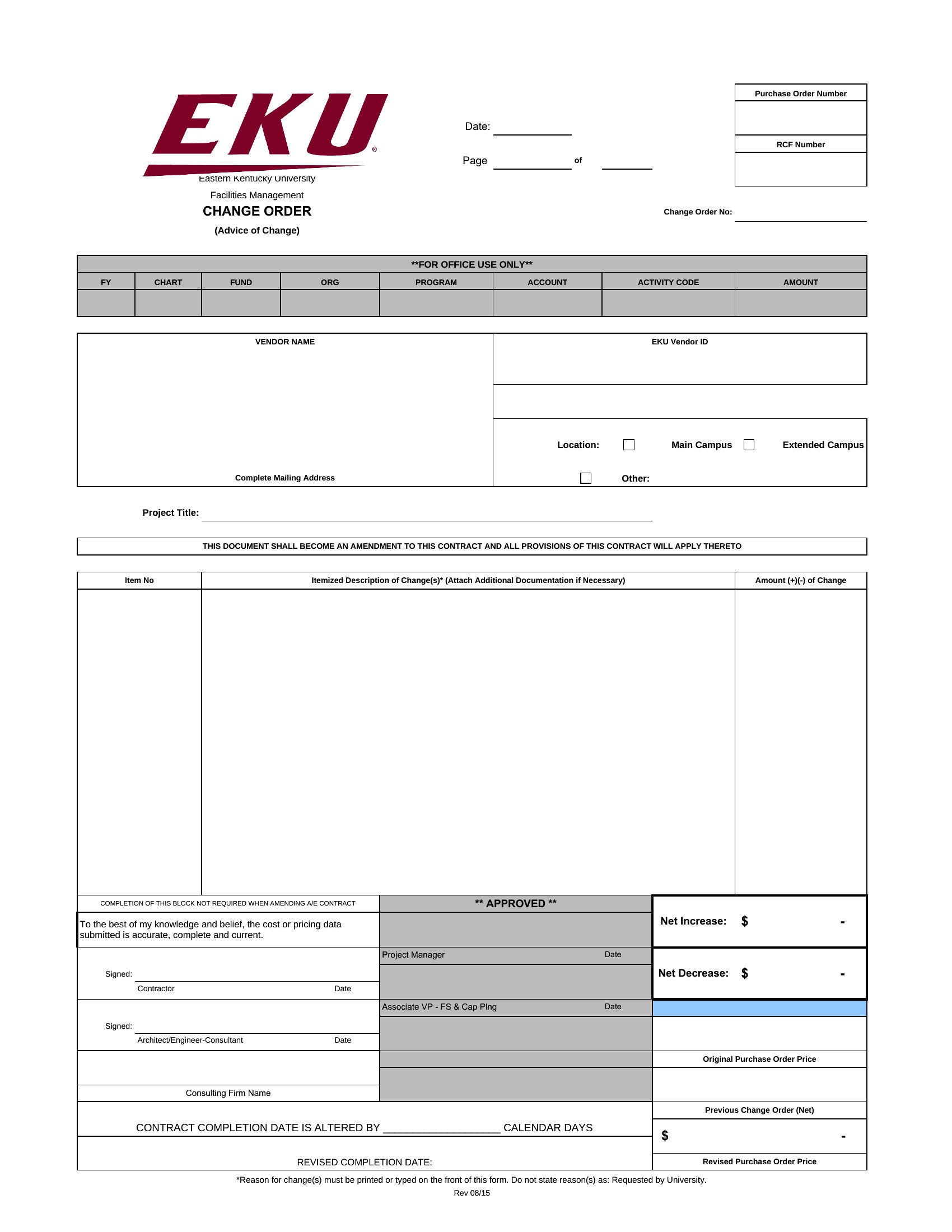
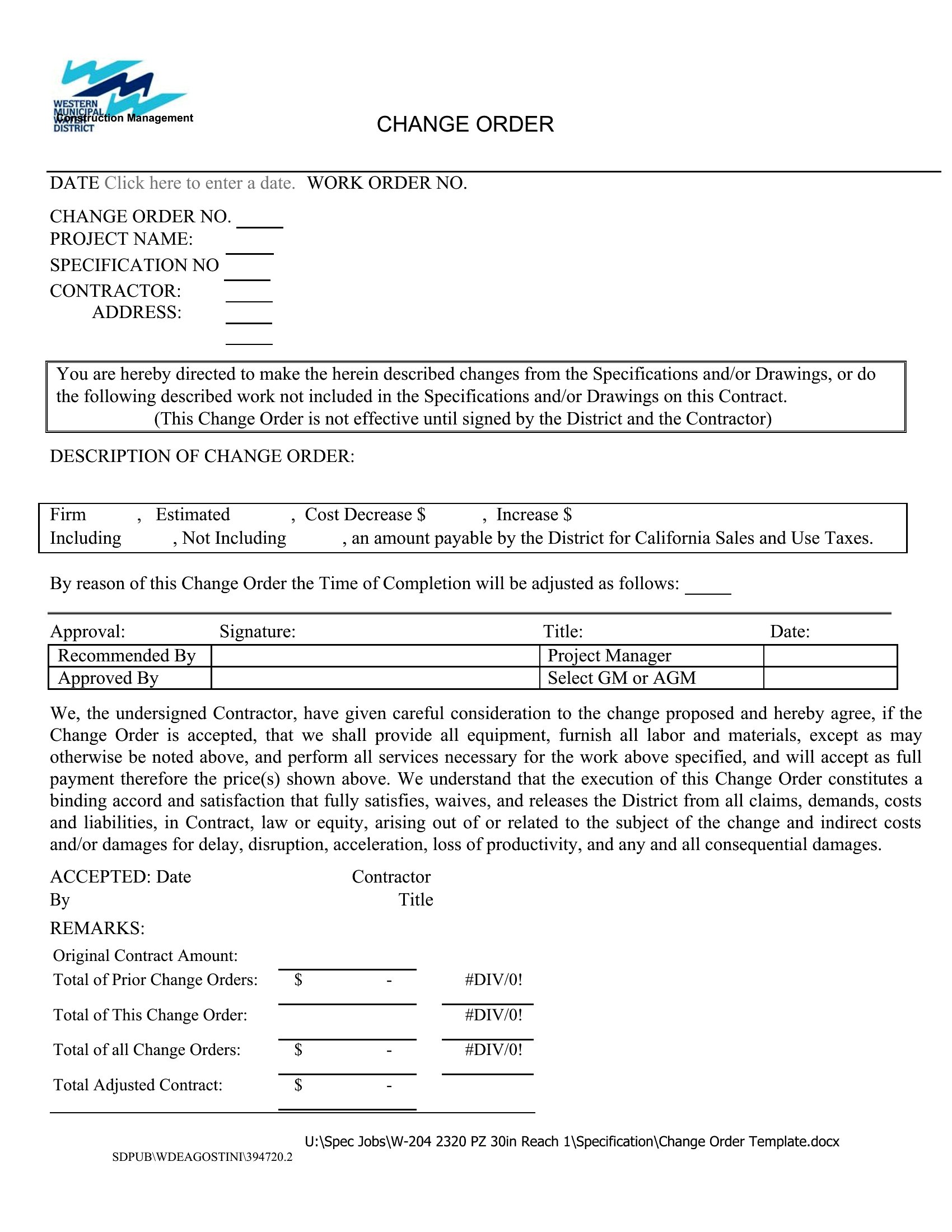
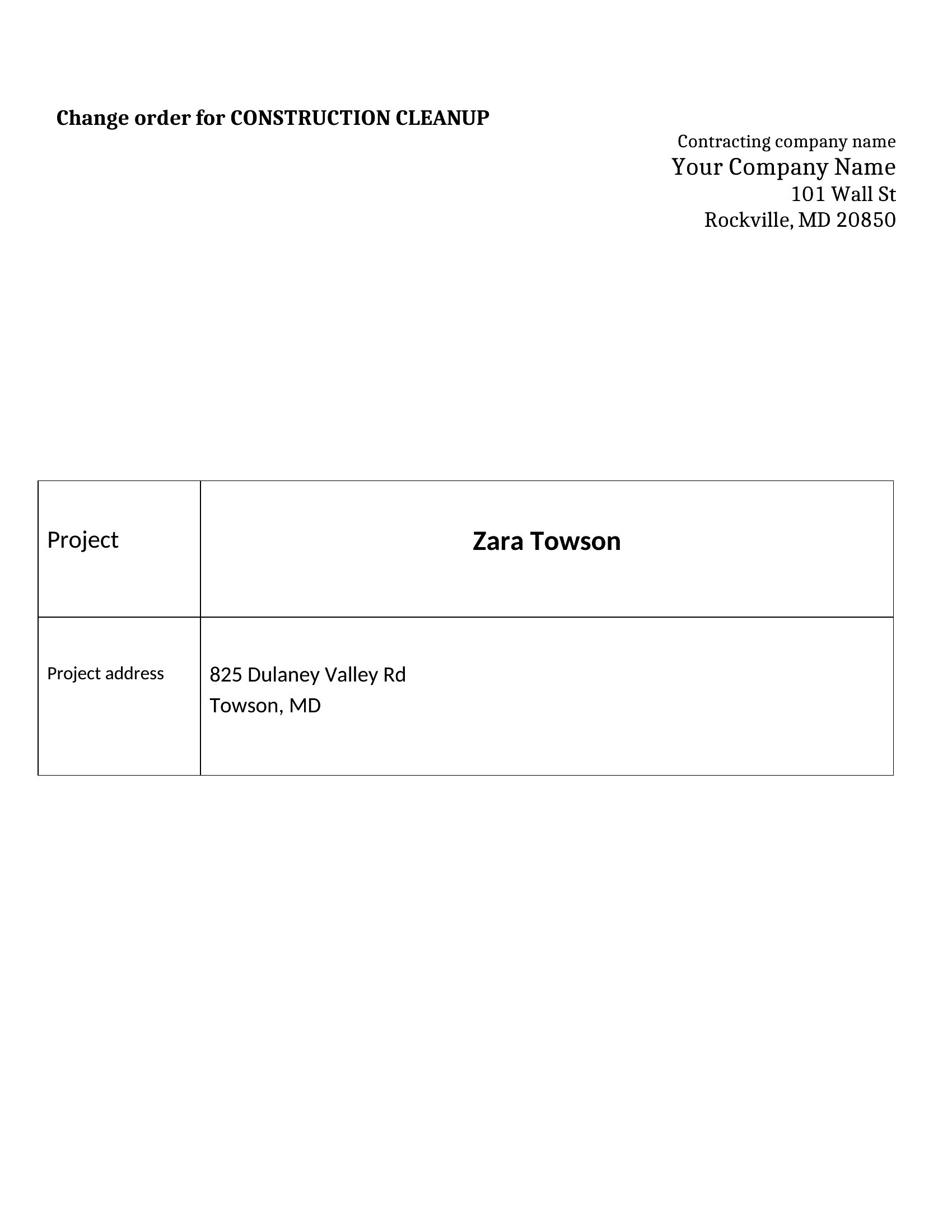
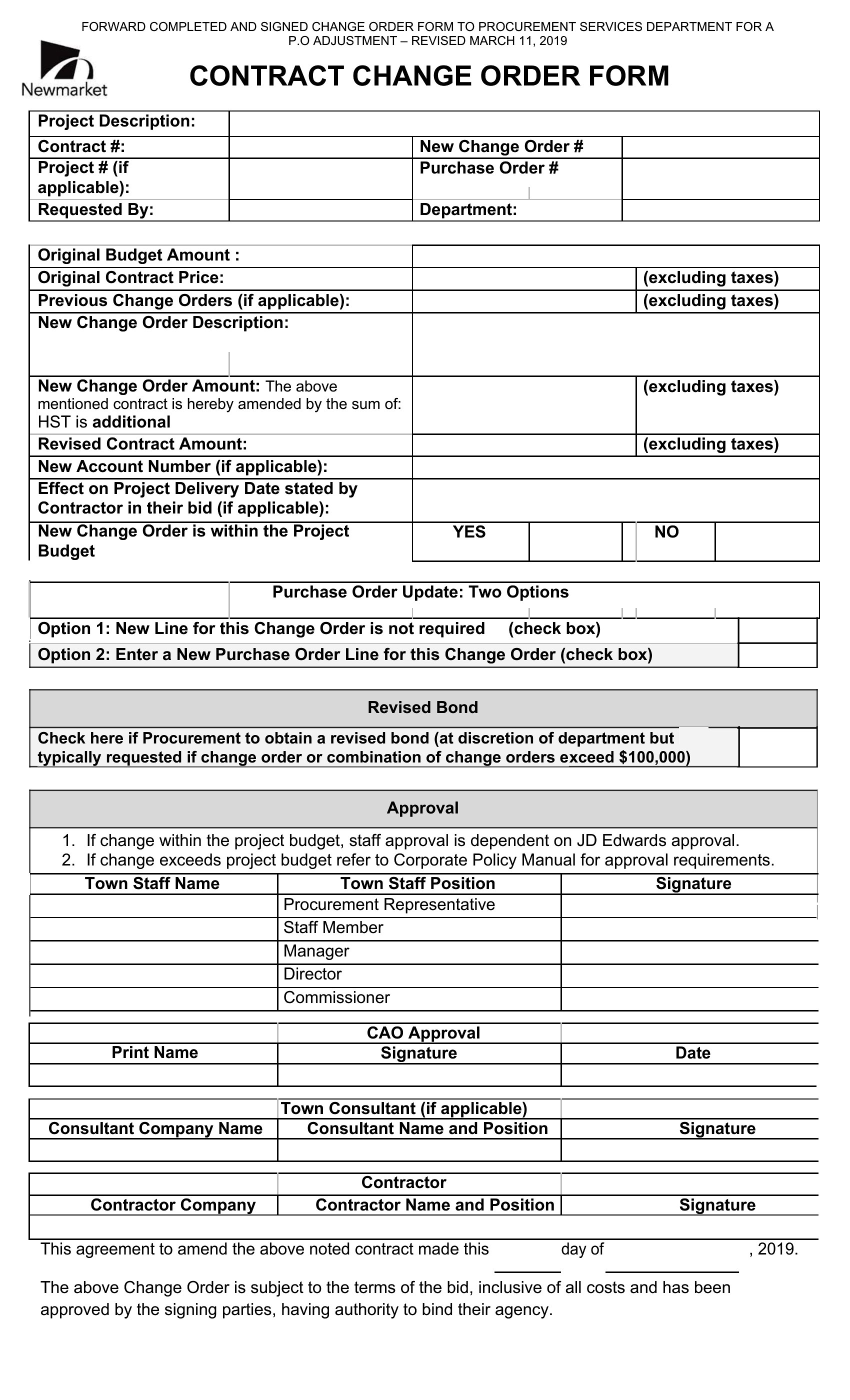
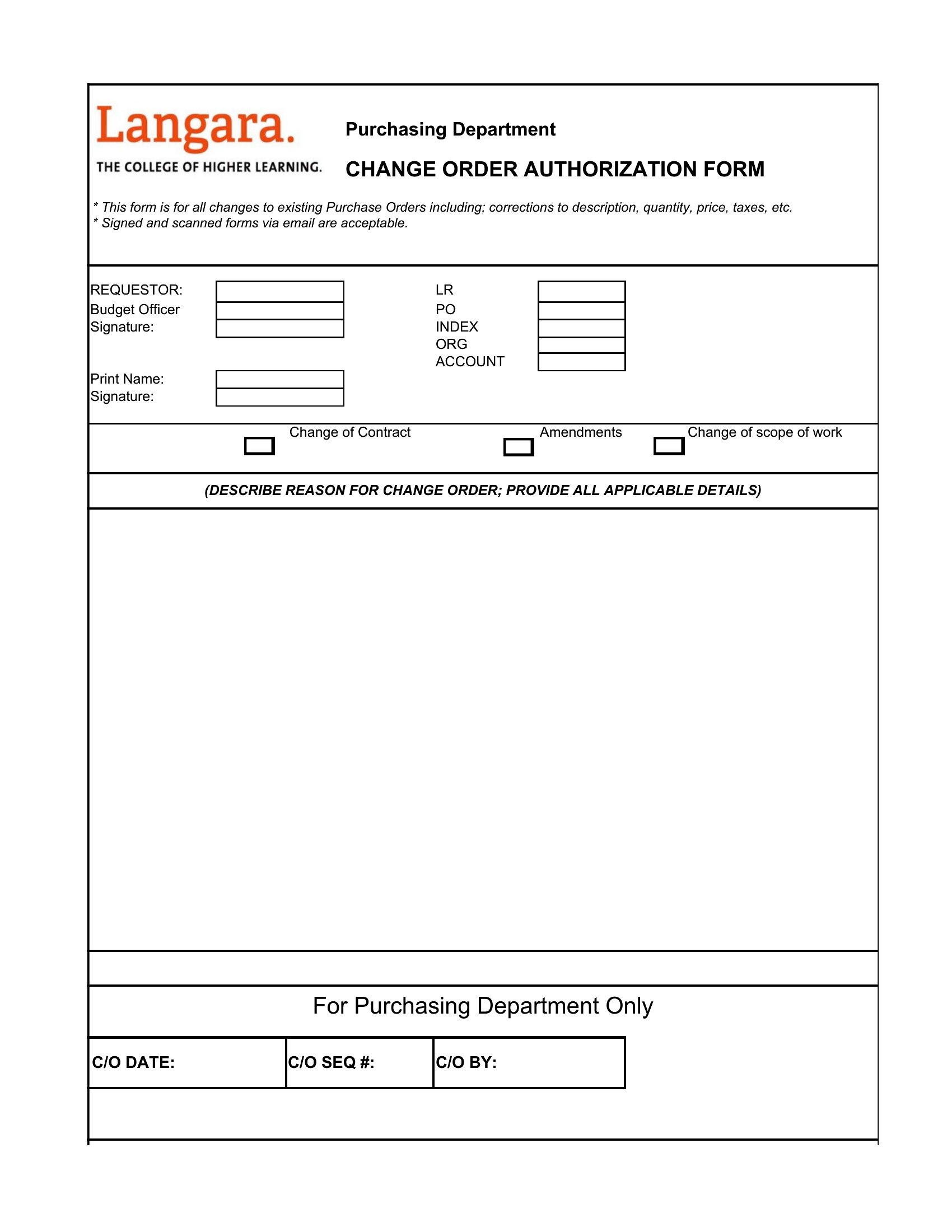
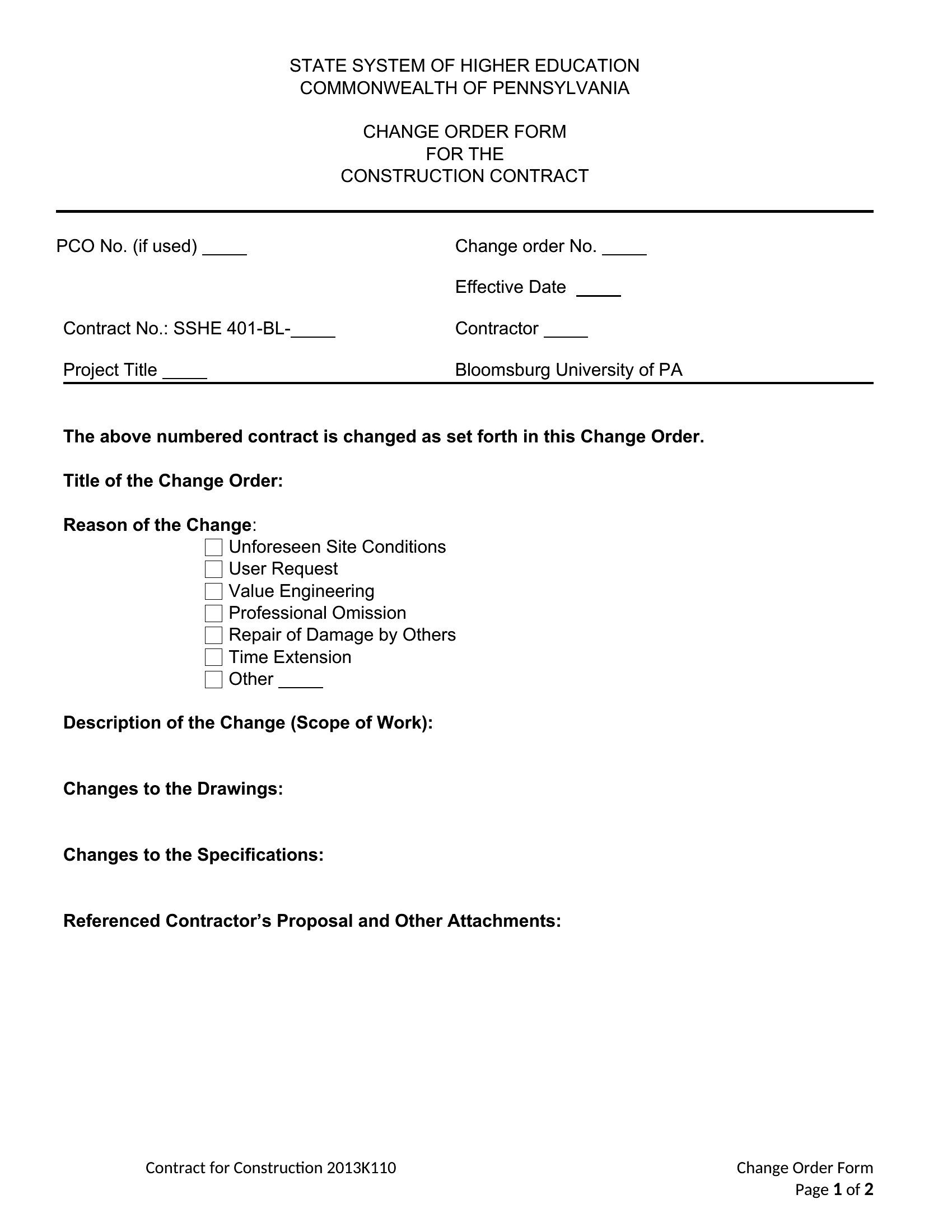
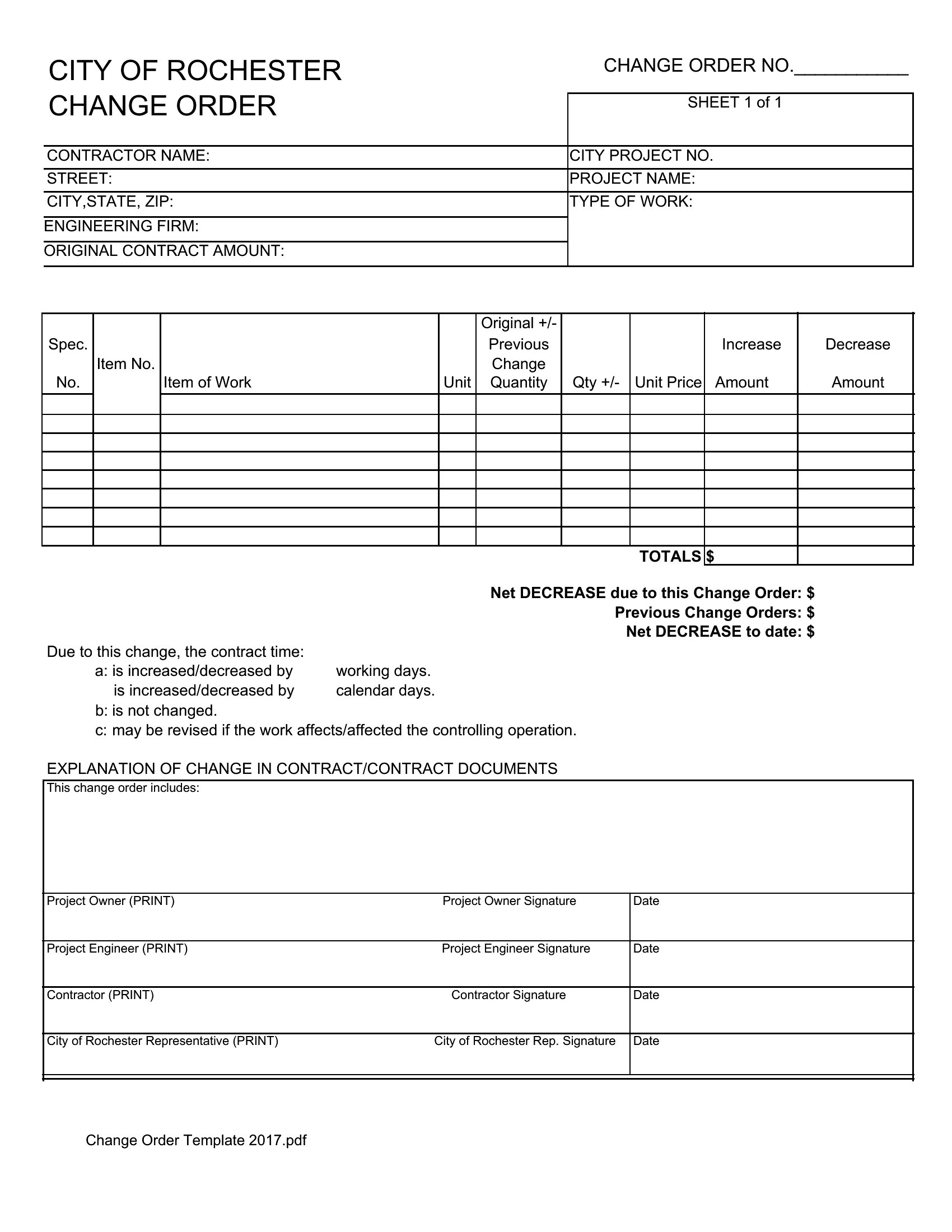
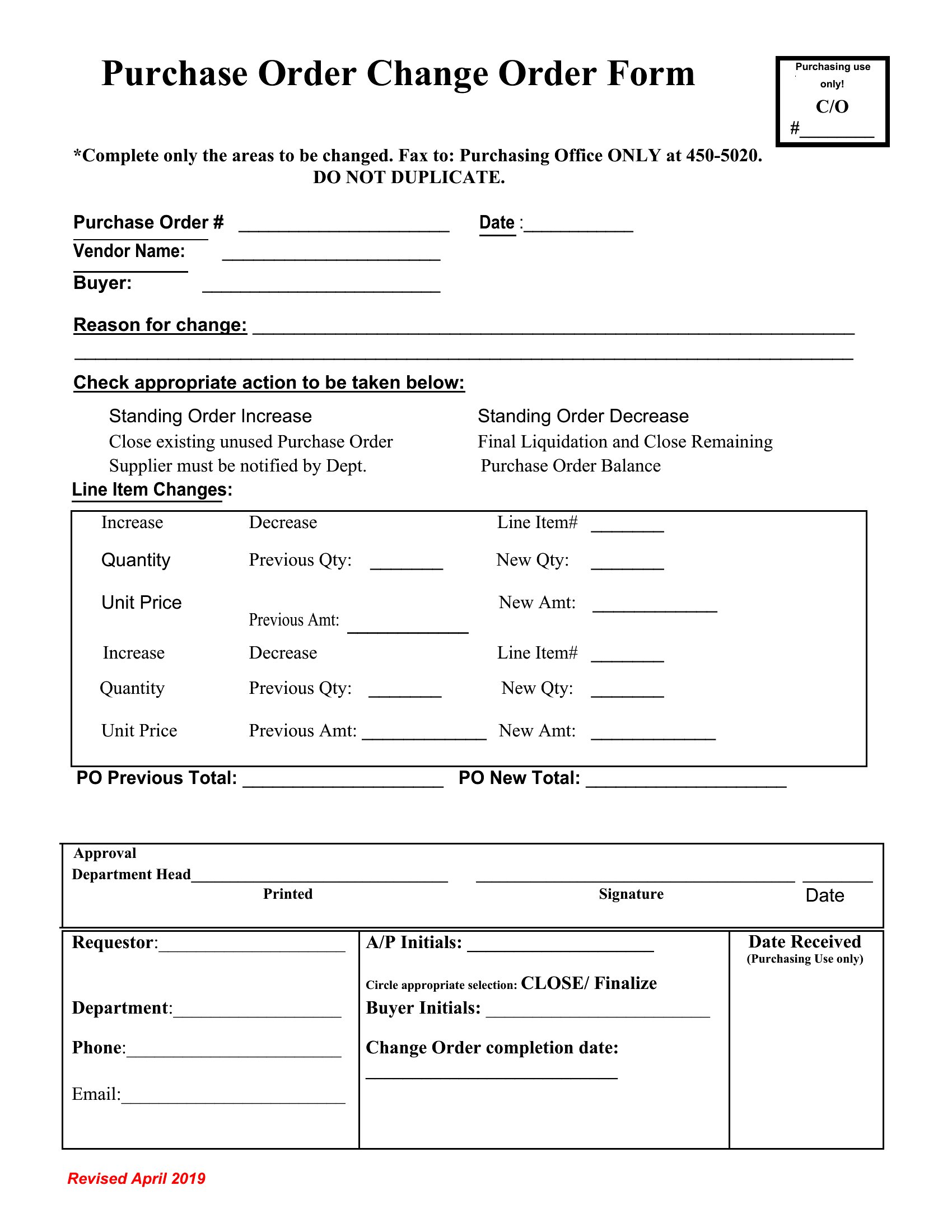
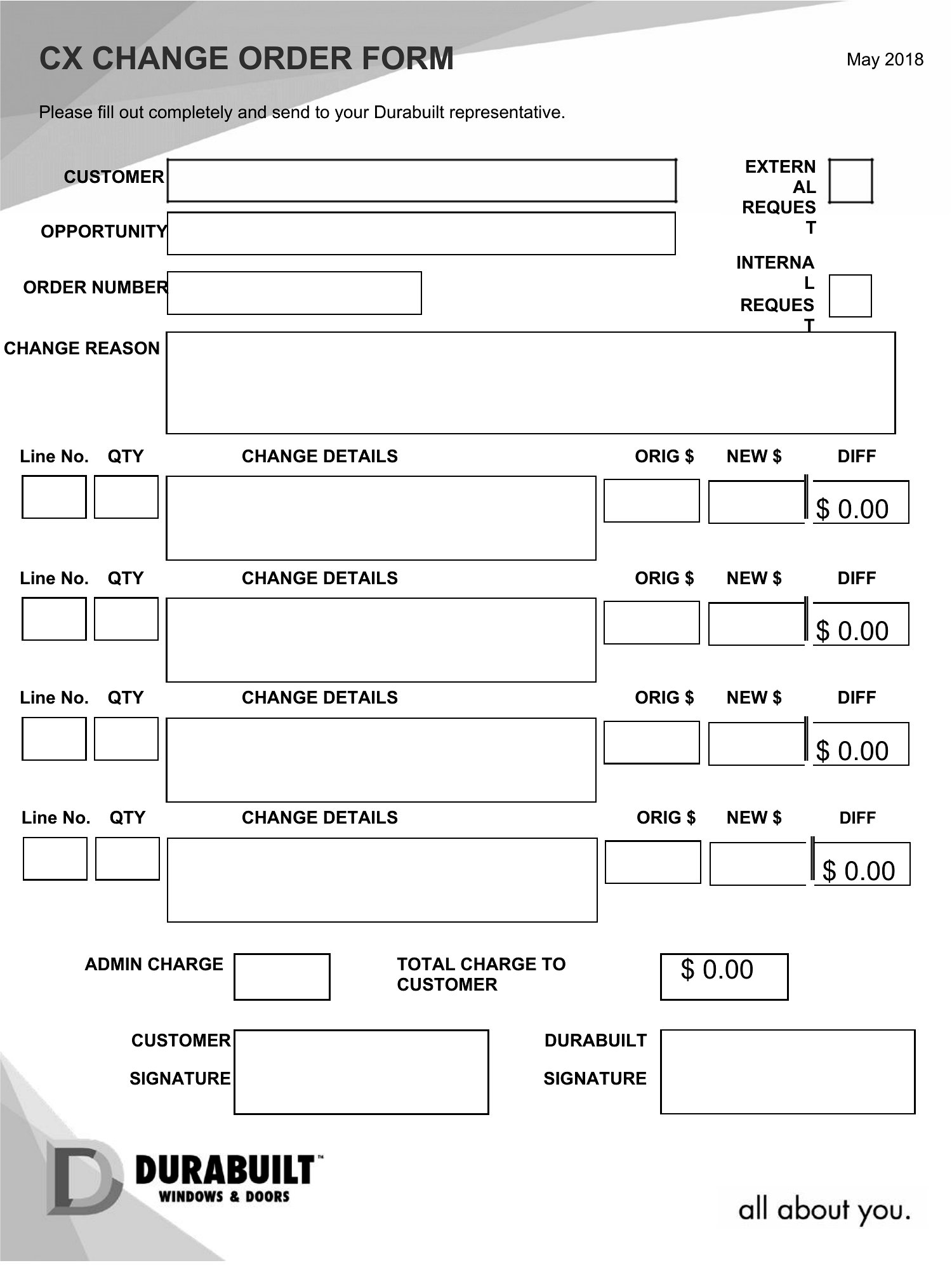
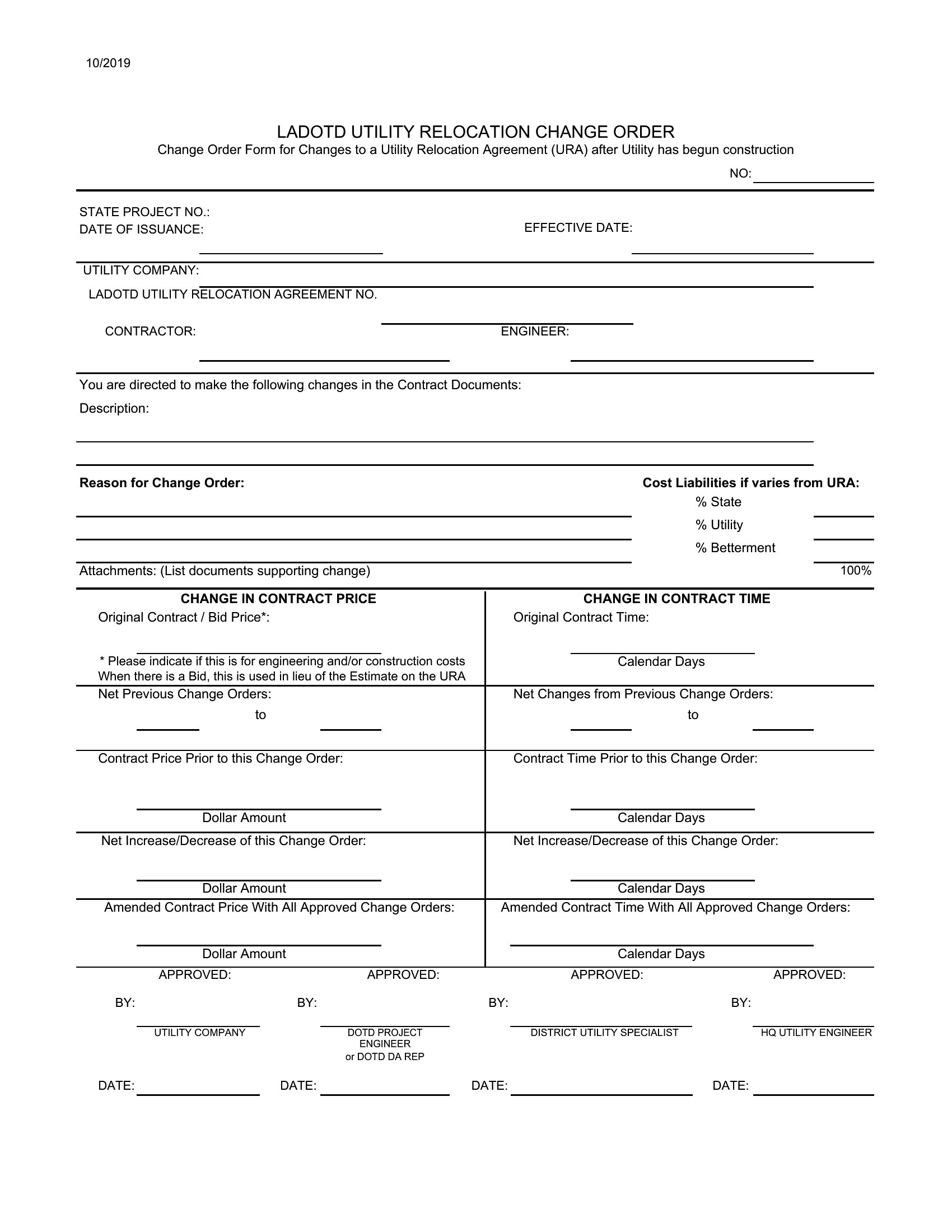
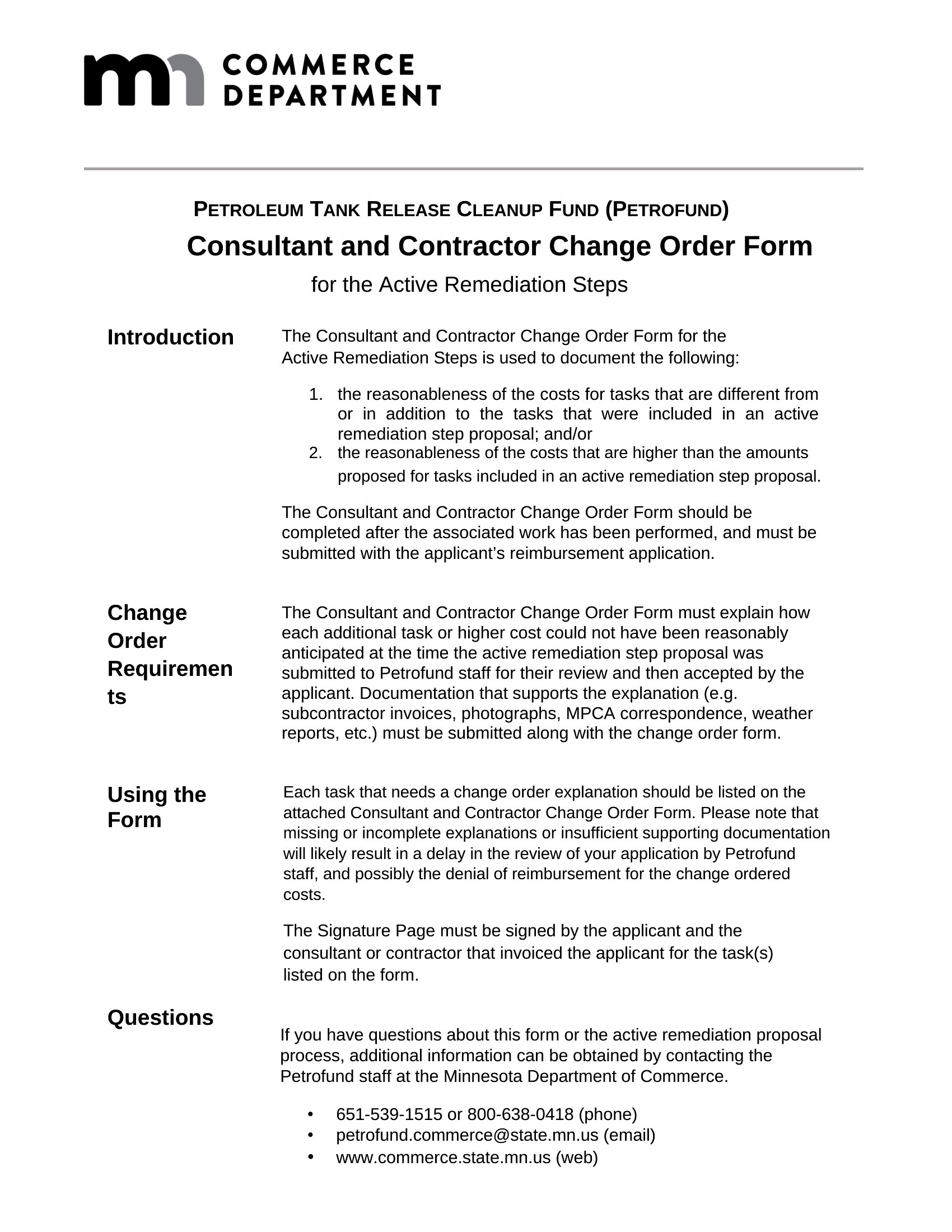
When a construction job changes mid-stream, a written change order keeps everyone on the same page about new costs and deadlines. This collection of 45 change order templates helps contractors, builders, and project owners document added work before it turns into a billing dispute. Each one has space for the original contract amount, the adjustment, and the revised total.

You'll find editable Word documents for clean, signable paperwork and Excel sheets that recalculate the new contract sum as you enter line items. Fill in the project details, note what's being added or removed, and have both parties sign off. Grab the layout that matches your trade and keep your records tidy from the first revision to the last.

When to use this Change Order template

  • A general contractor in the middle of a residential remodel must add a new kitchen backsplash after the client requests a material upgrade—this template clarifies the cost increase and revised timeline before work begins.
  • A commercial construction manager needs to document a client-requested design change for a retail store buildout, ensuring the original contract’s scope and budget adjustments are recorded in writing.
  • A subcontractor working on a custom home addition discovers unforeseen structural adjustments during framing and wants to formally propose the change to the project owner before proceeding.
  • A project owner reviewing a renovation bid realizes they want to exclude a previously included feature and needs a template to formally request the removal without losing the original contract terms.

Which format should I download?

WordExcel

Choose Word for its flexibility if you need to customize clauses, add detailed explanations, or include handwritten notes later—ideal for complex projects with many stakeholders. Opt for Excel when tracking multiple line-item adjustments, comparing original vs. revised costs side-by-side, or sharing a spreadsheet-friendly version with accountants. Both formats include the same core fields, but Excel’s grid is better for financial breakdowns, while Word’s structure suits narrative justifications.

Choose from 45 Change Order Templates

How to use this Change Order template

What should I include in the ‘reasons for change’ section to avoid disputes later?

Stick to objective details like material shortages, code updates, or client-approved revisions. Avoid vague language—specify measurements, quantities, or references to the original contract. For example, write ‘Client requested quartz countertops (replacing original granite) with 3% edge detail’ instead of ‘upgraded countertops.’

Can I use this template if the change increases *or* decreases the project cost?

Yes, these templates accommodate both scenarios. For cost decreases, clearly note the reduction in scope or materials, then recalculate the revised total. Always include a brief explanation (e.g., ‘Removed pre-fabricated shelving unit per client request’) to align expectations. Never leave the ‘adjustment’ field blank—even for $0 changes.

What happens if the other party doesn’t sign the change order right away?

Send a follow-up email or letter referencing the unsigned change order, outlining the impact of delay (e.g., ‘Work cannot proceed without approval by [date]’). Document all communication. If disputes arise, these records help prove you followed proper procedures—but consult a contract lawyer for enforcement steps, as templates alone don’t guarantee compliance.

Comments

Join the conversation

Sign in to share your thoughts and leave a comment on this resource.

Newsletter

Get Weekly Design Updates

Join our community to receive curated resources and inspiration.

Weekly Tips Resources Early Access

We respect your privacy. Confirmation email required. Privacy Policy