
FAQ
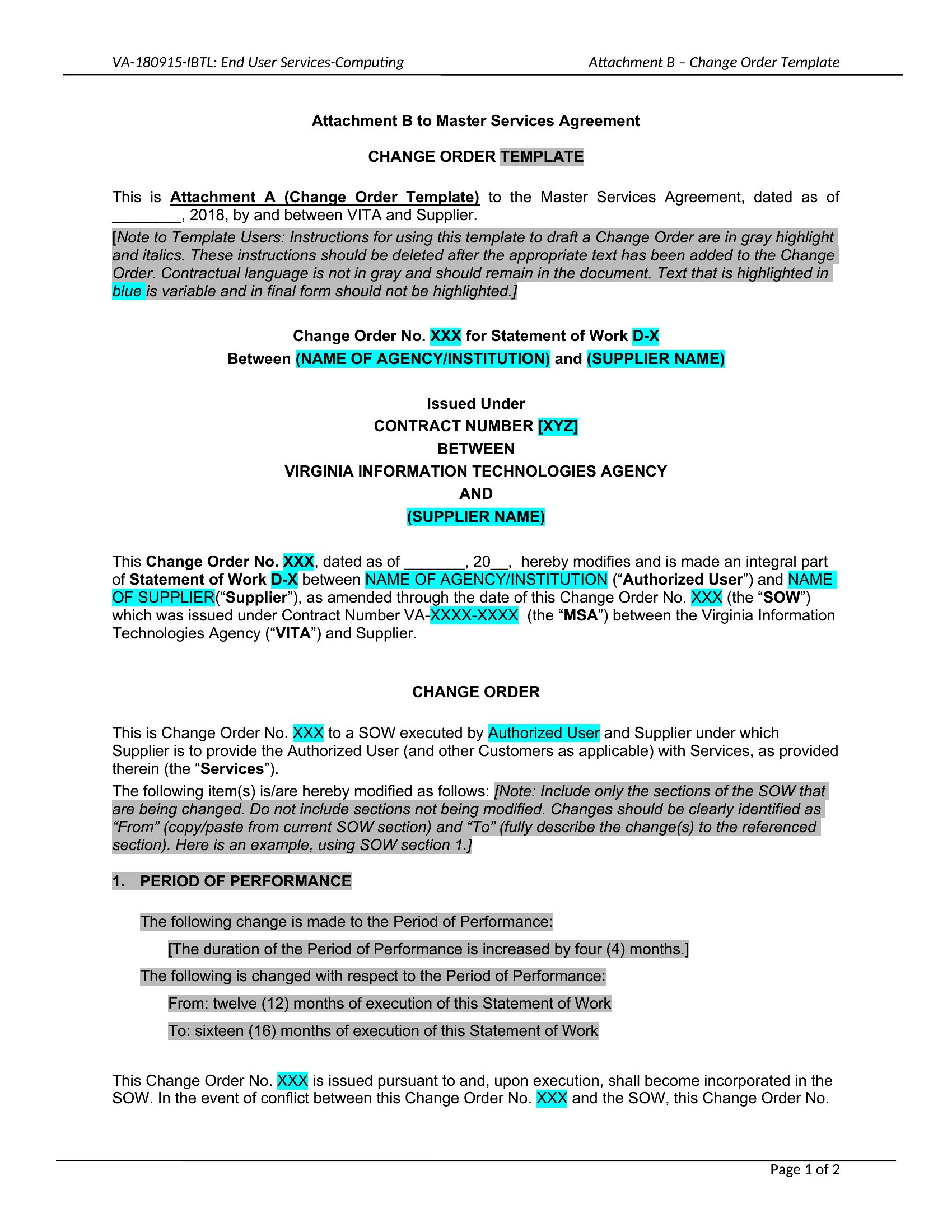
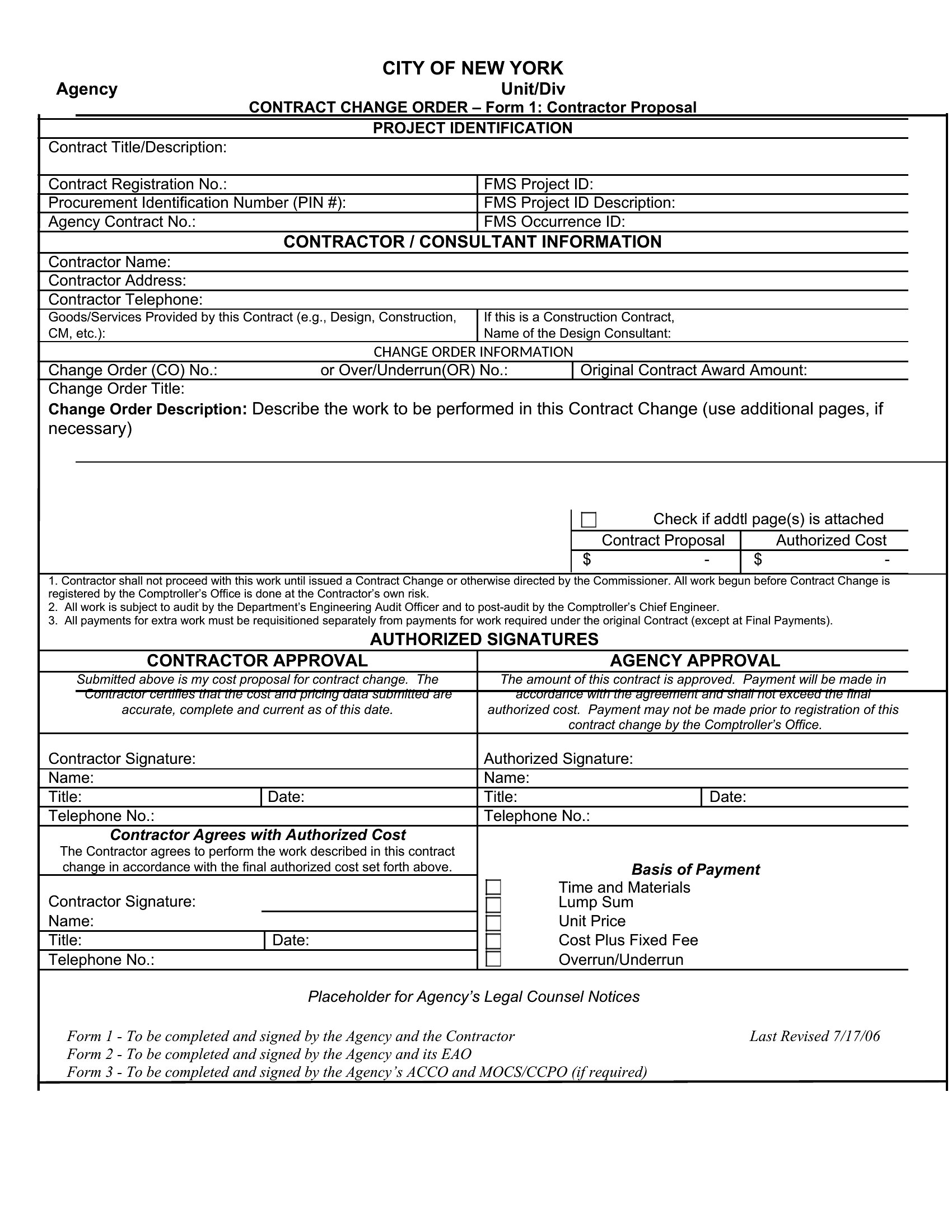
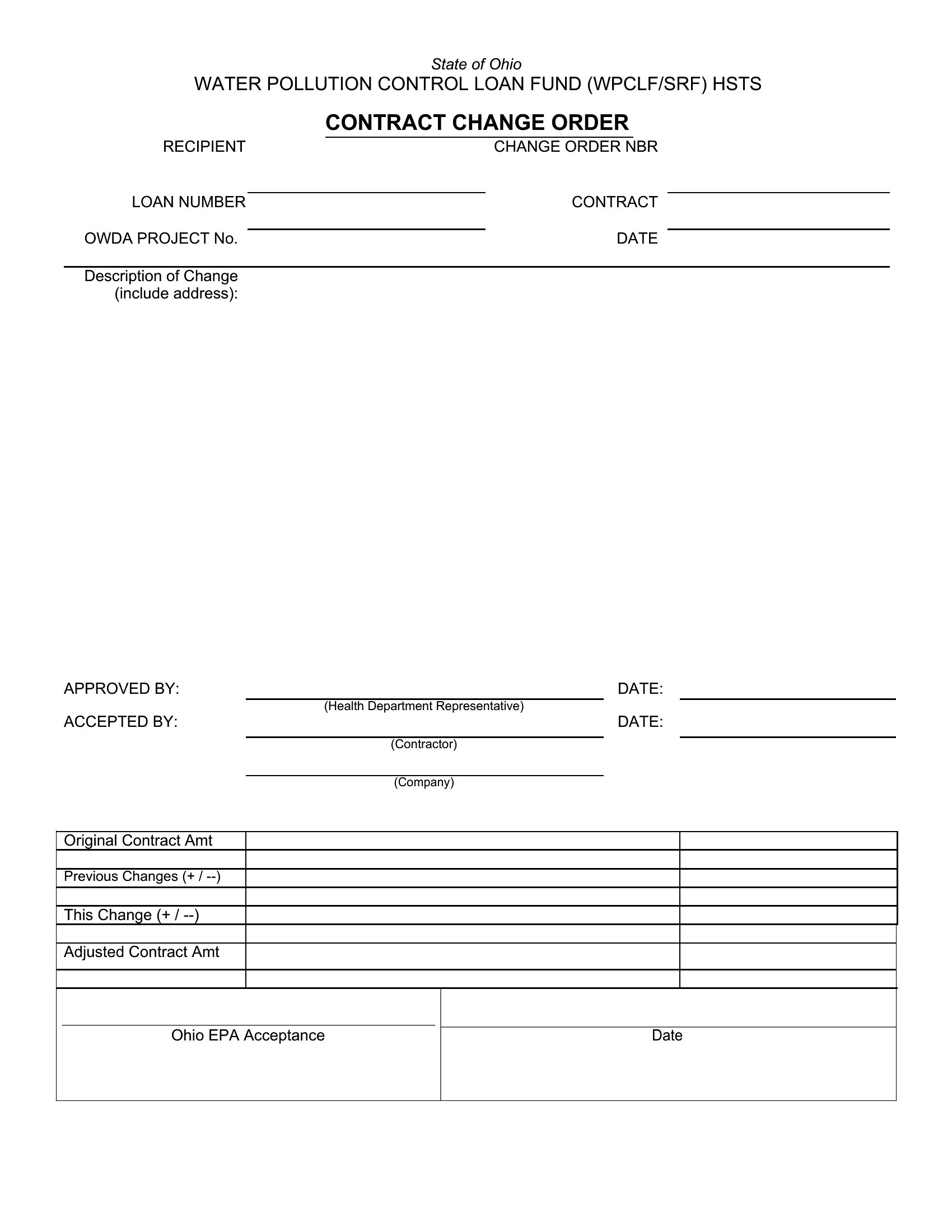
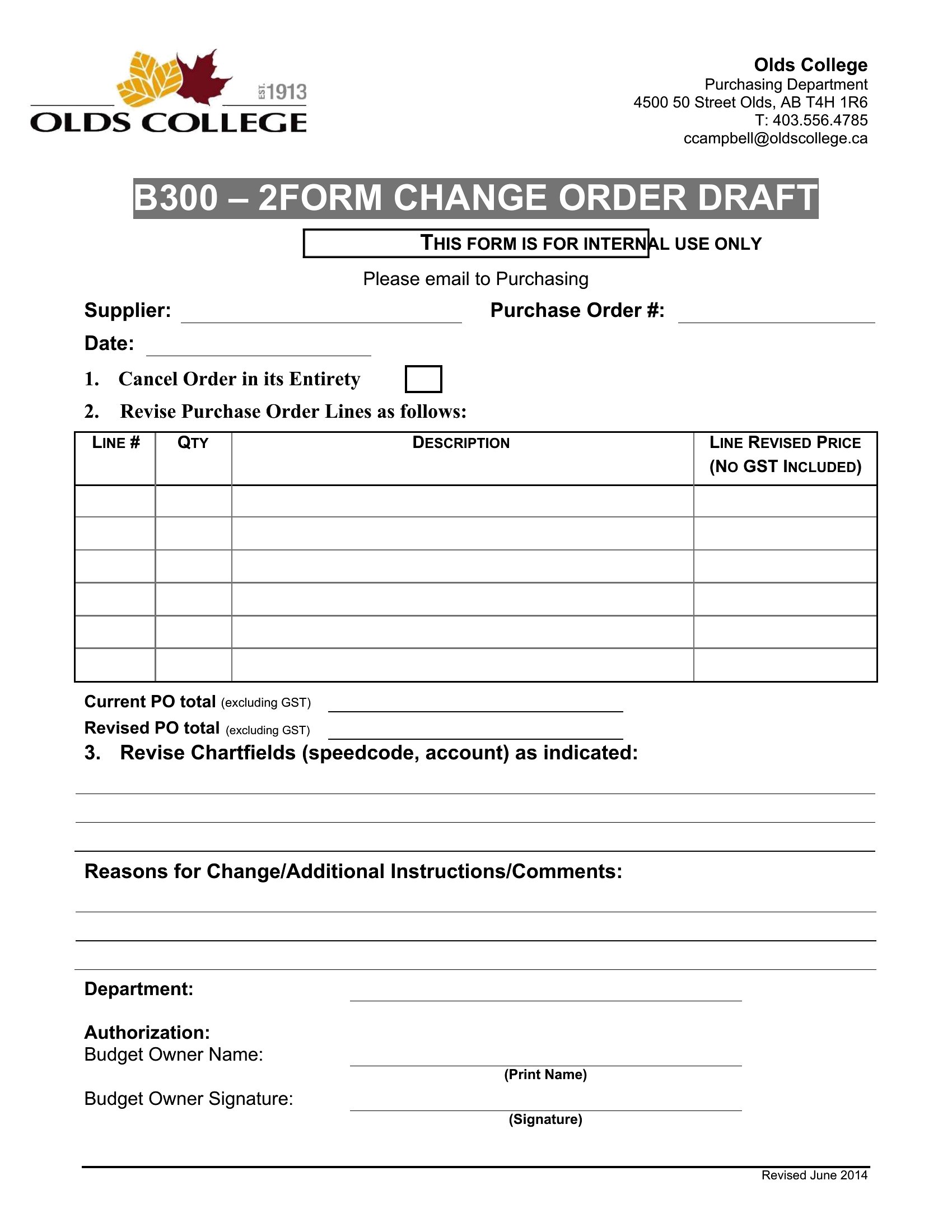
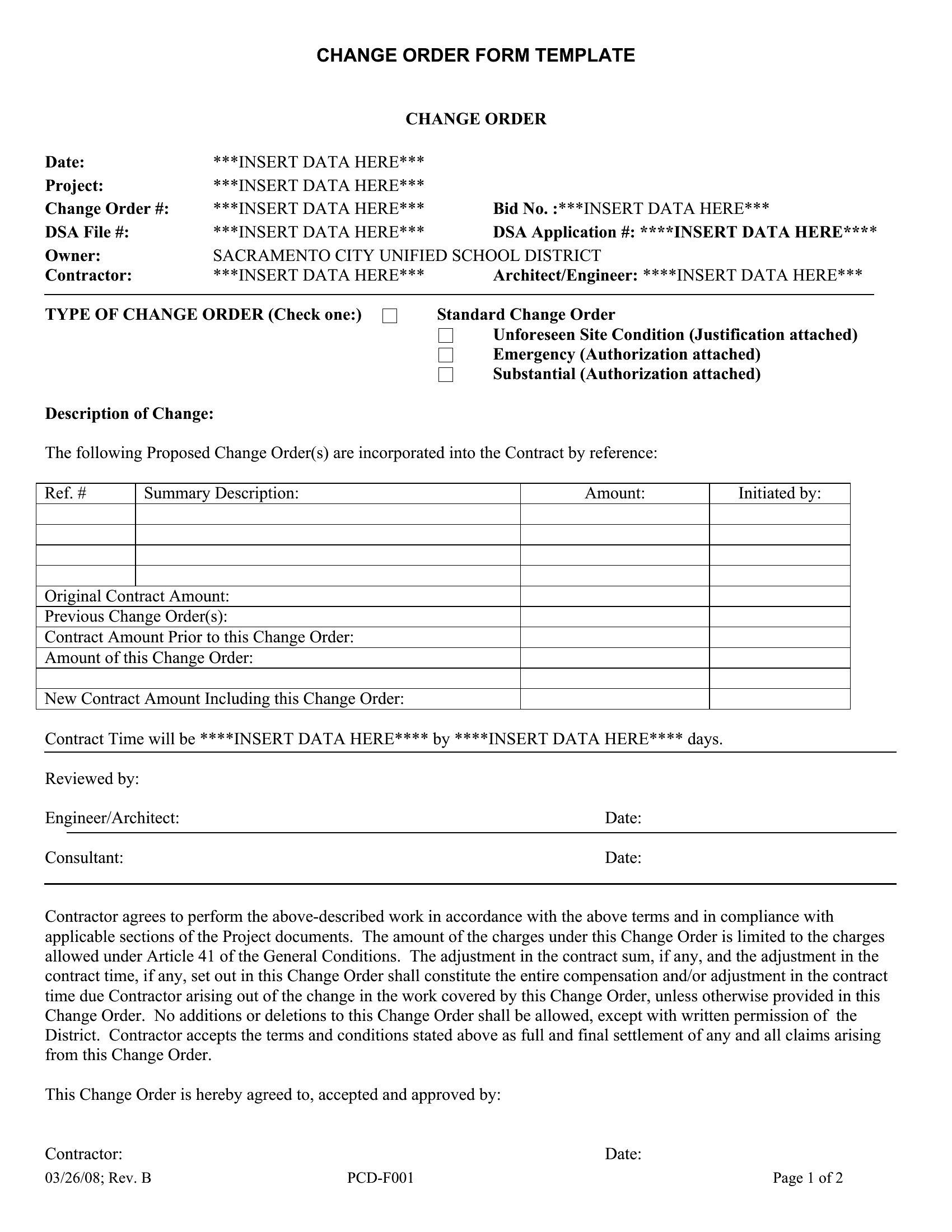
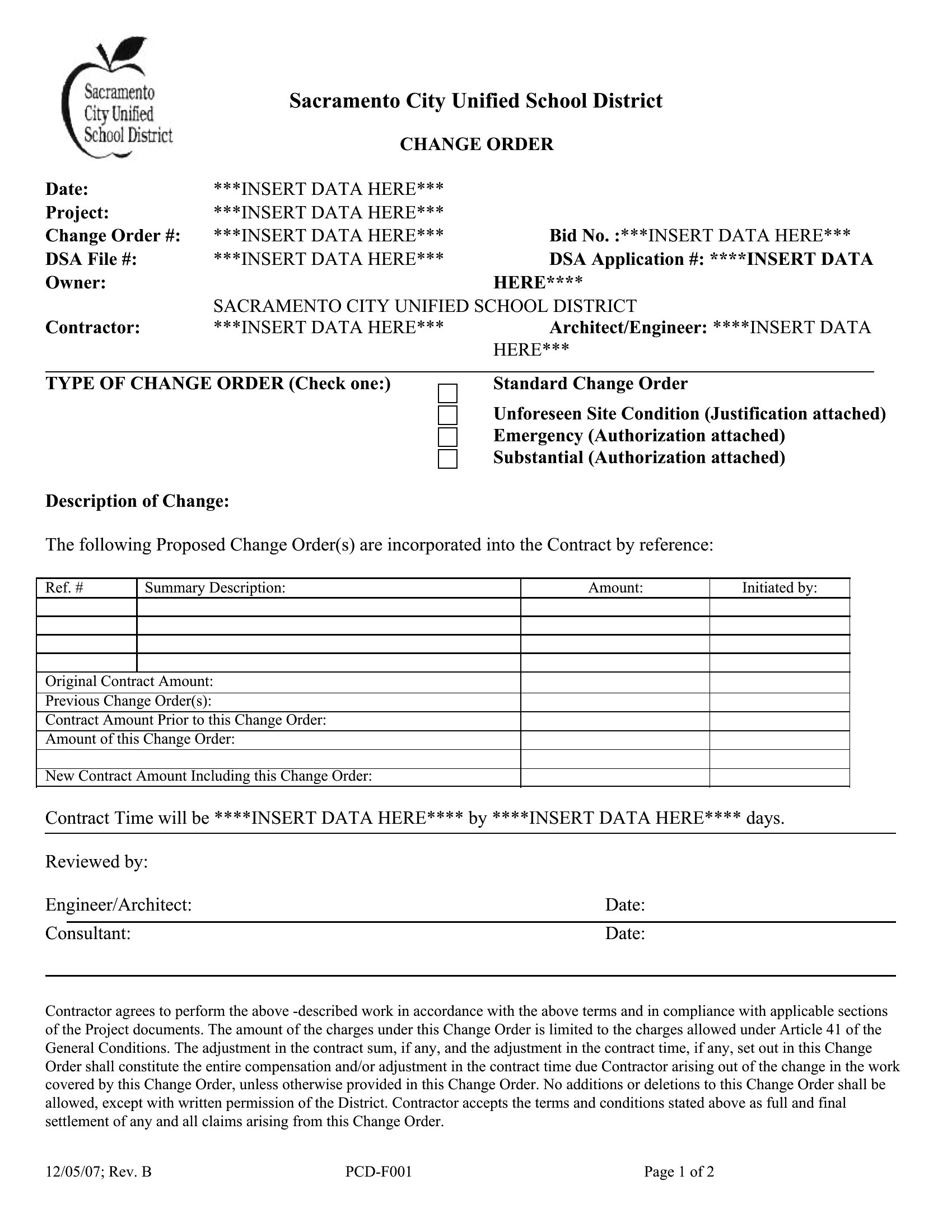
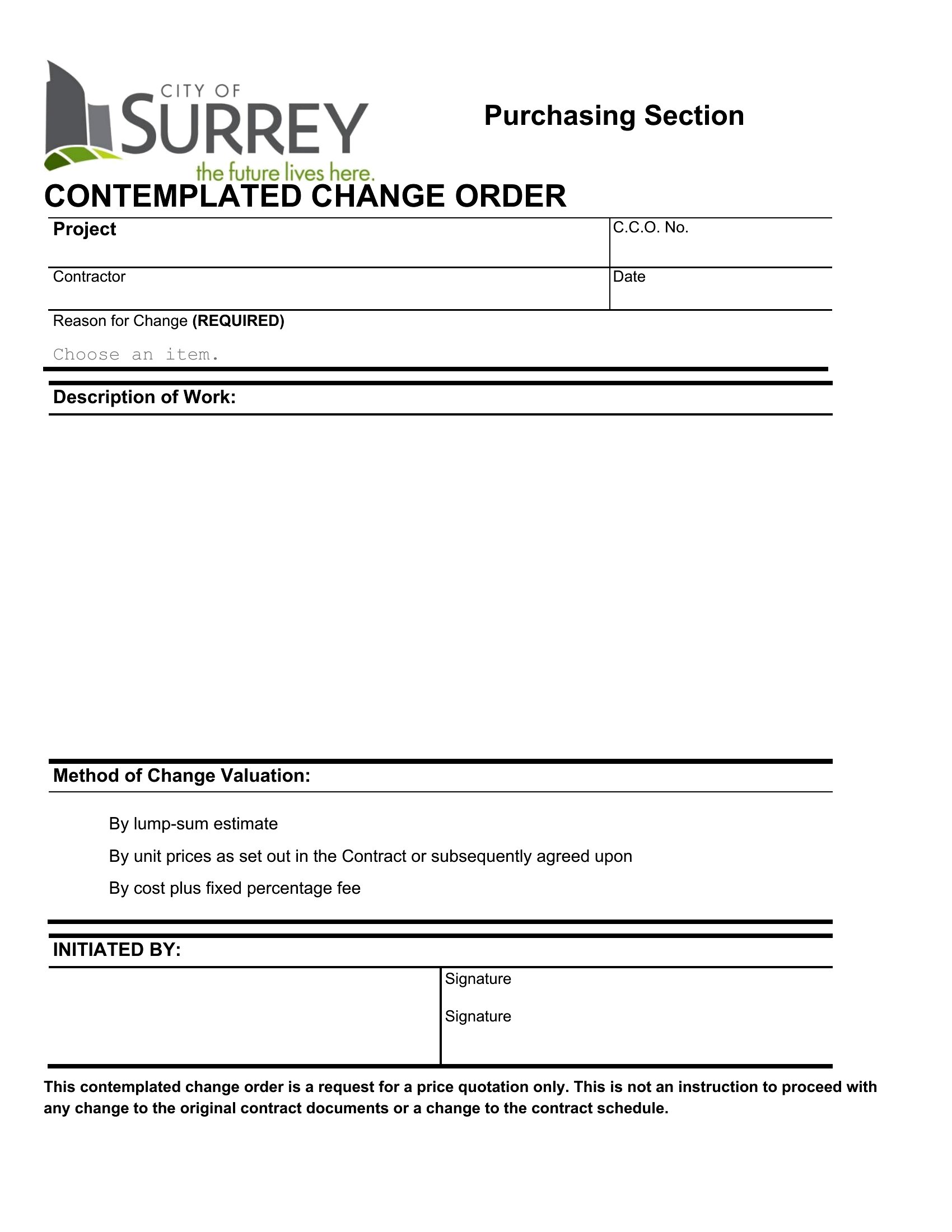
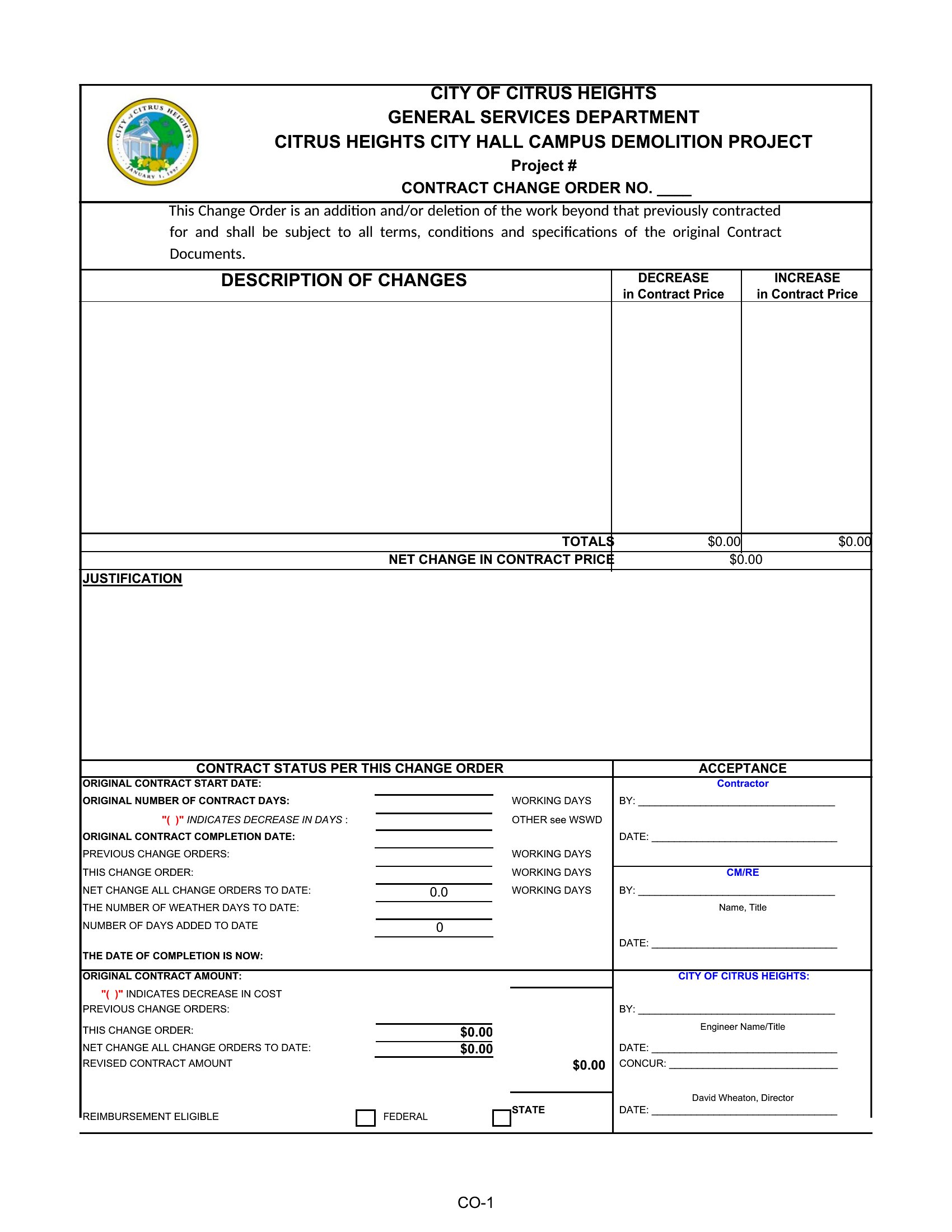
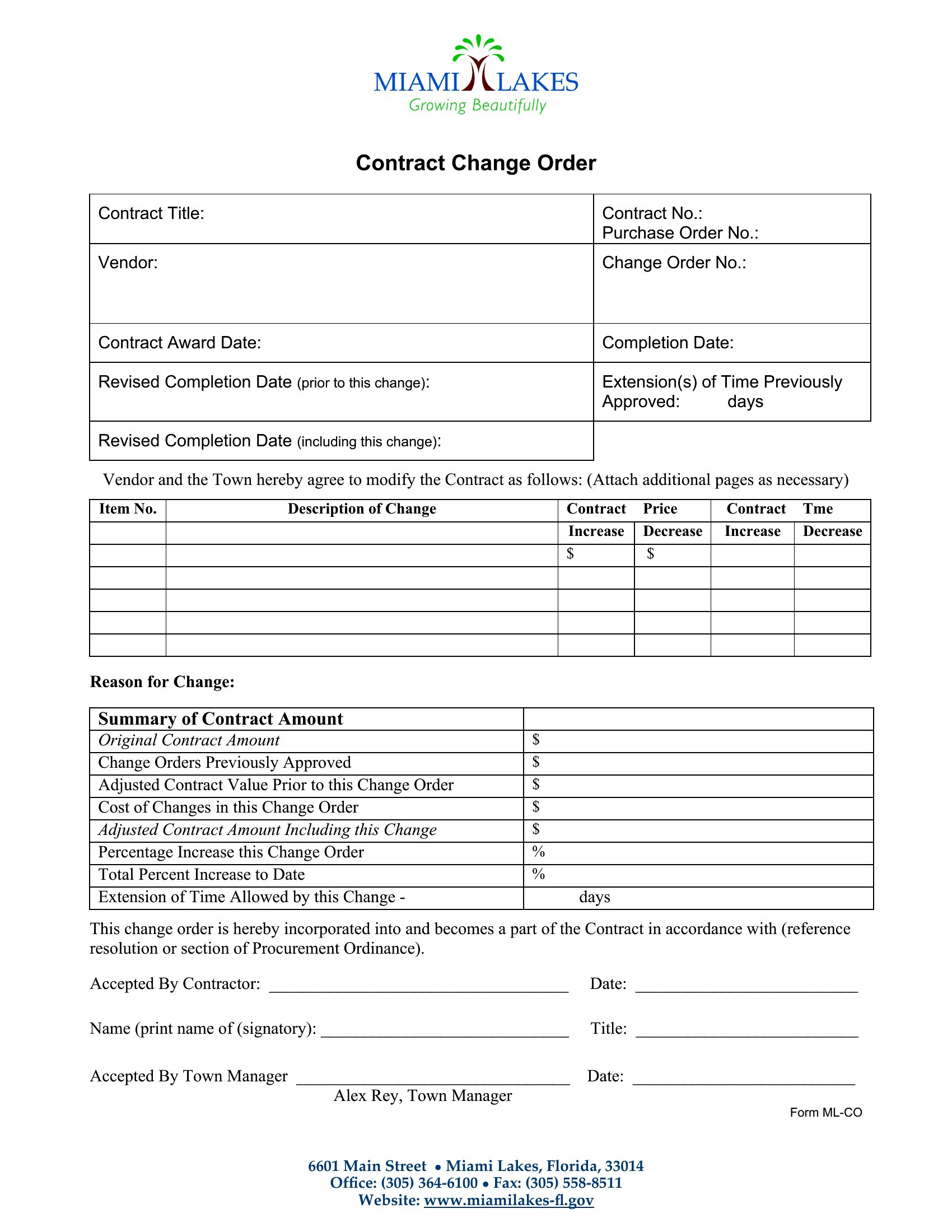
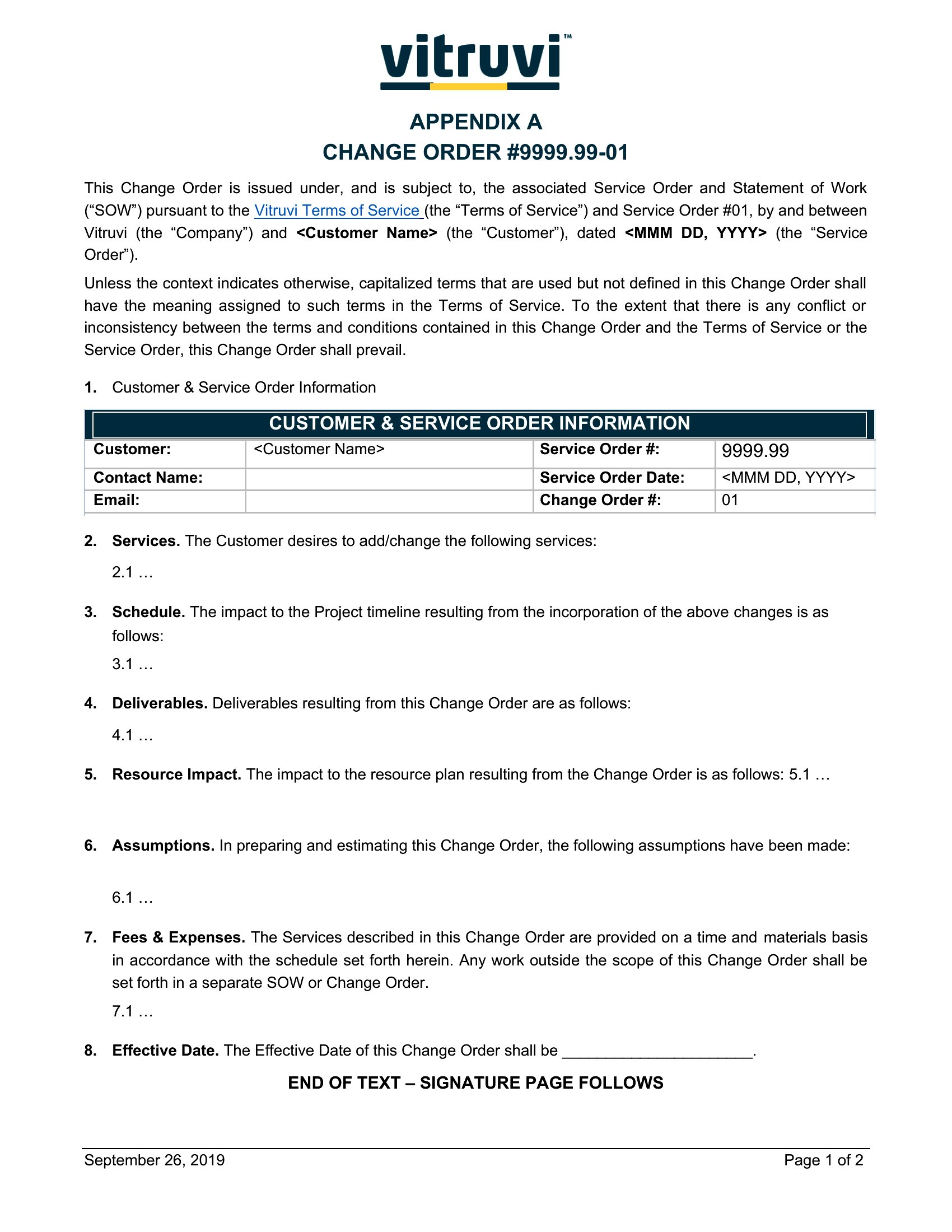
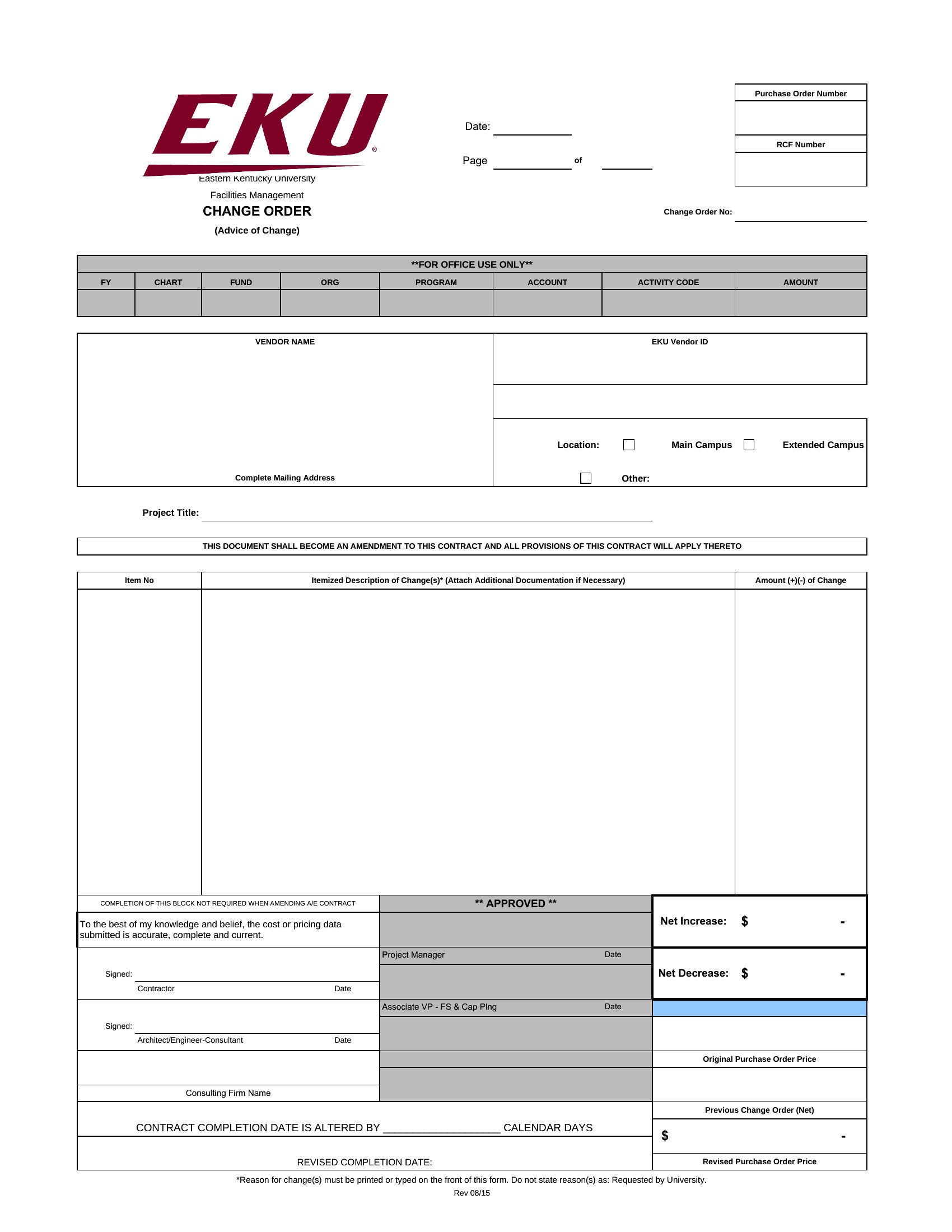
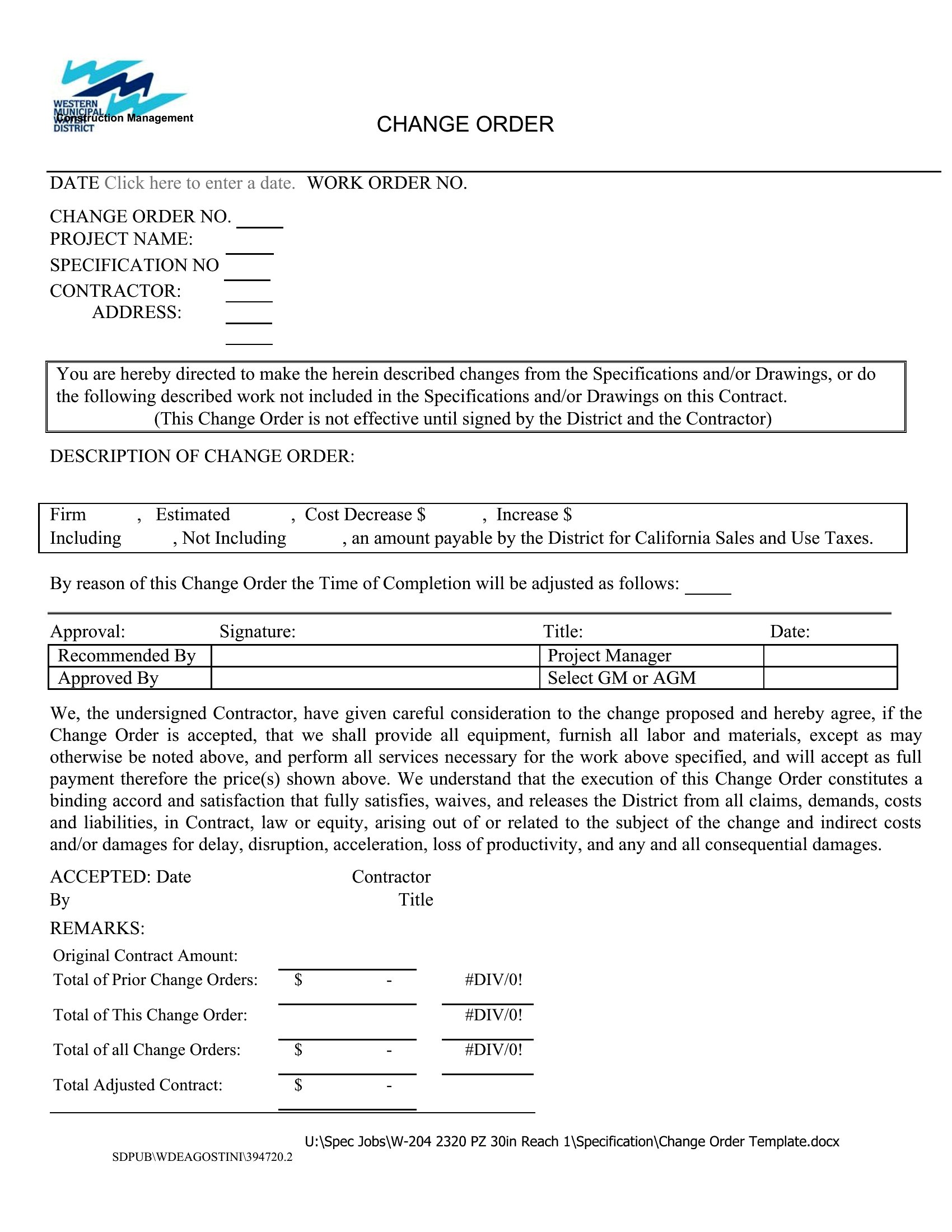
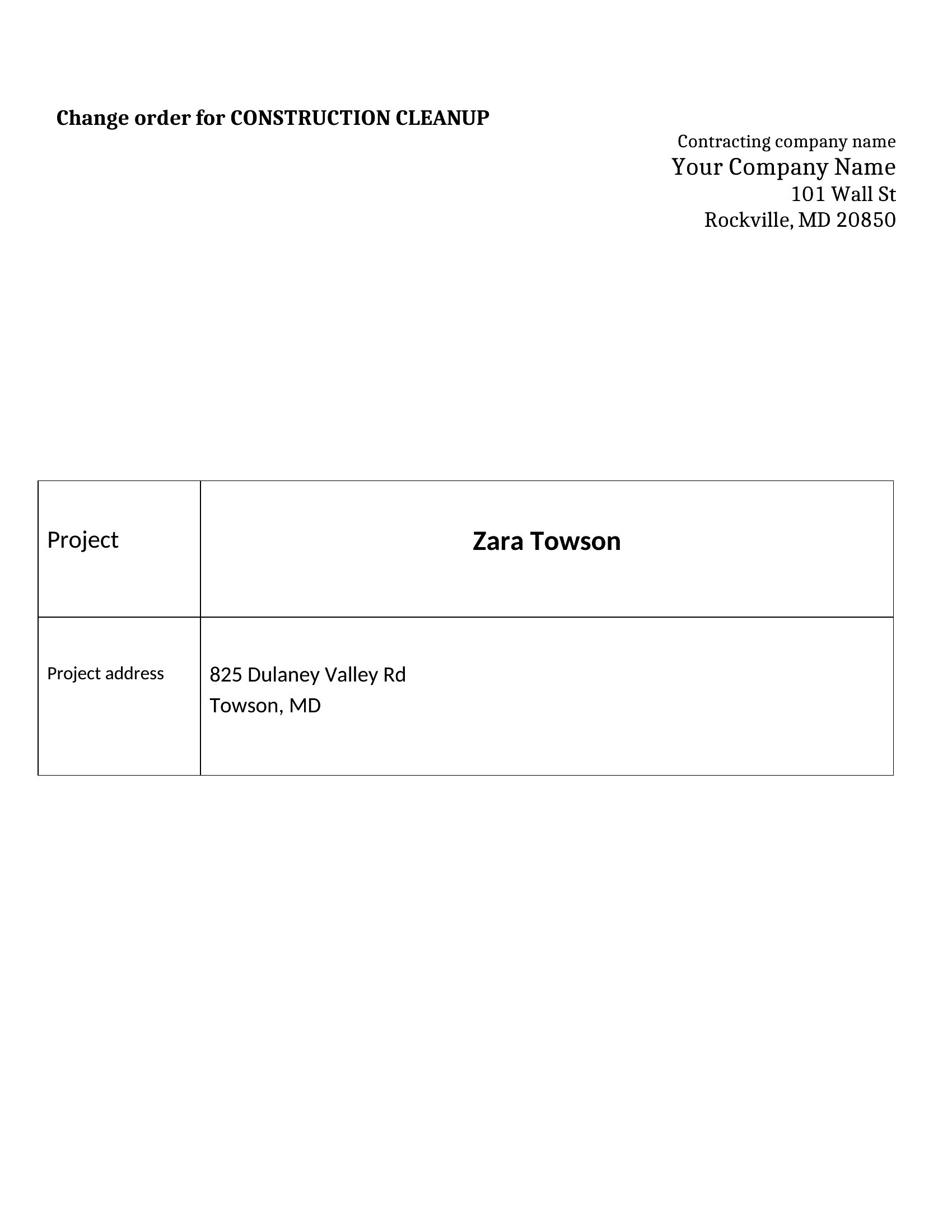
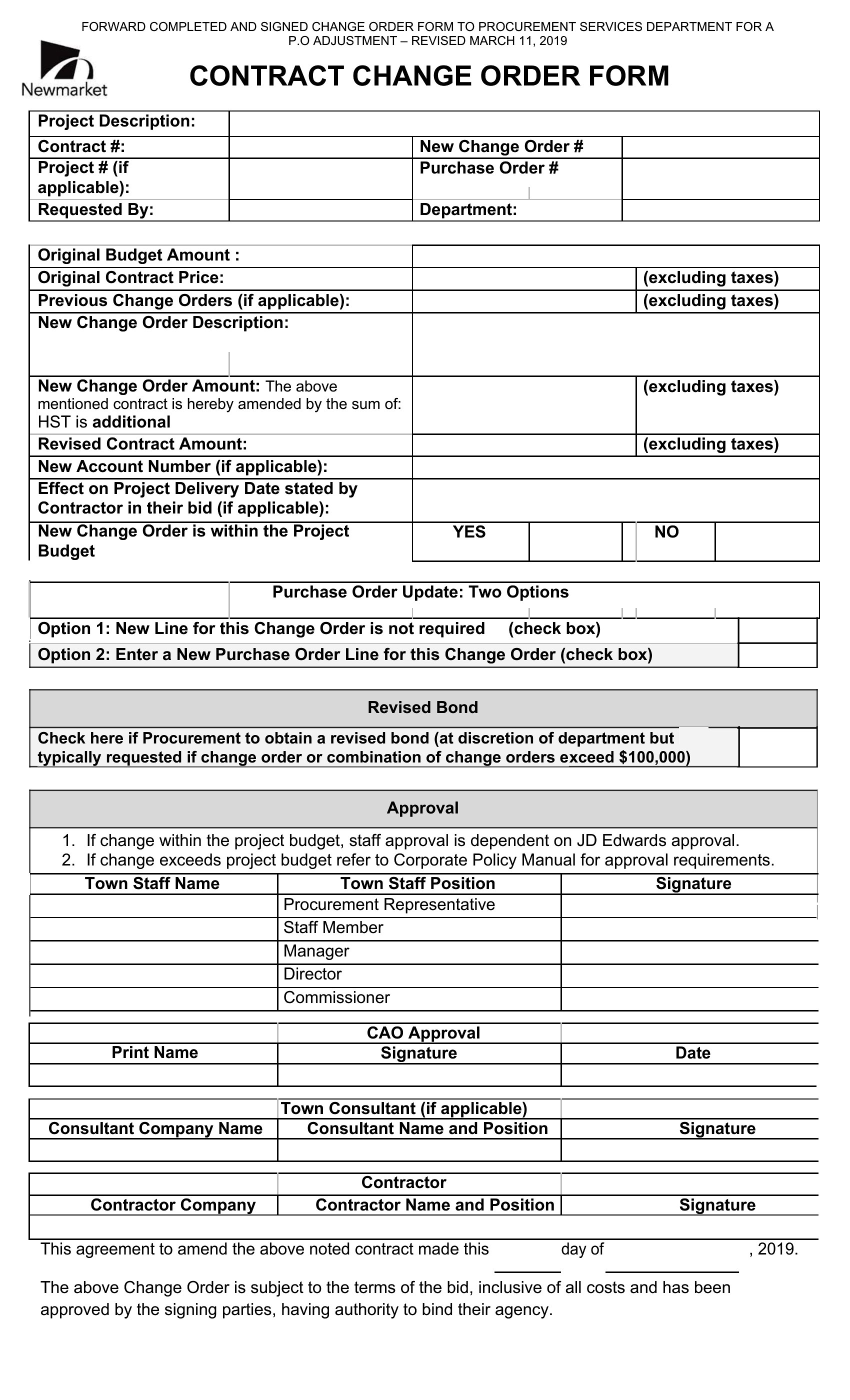
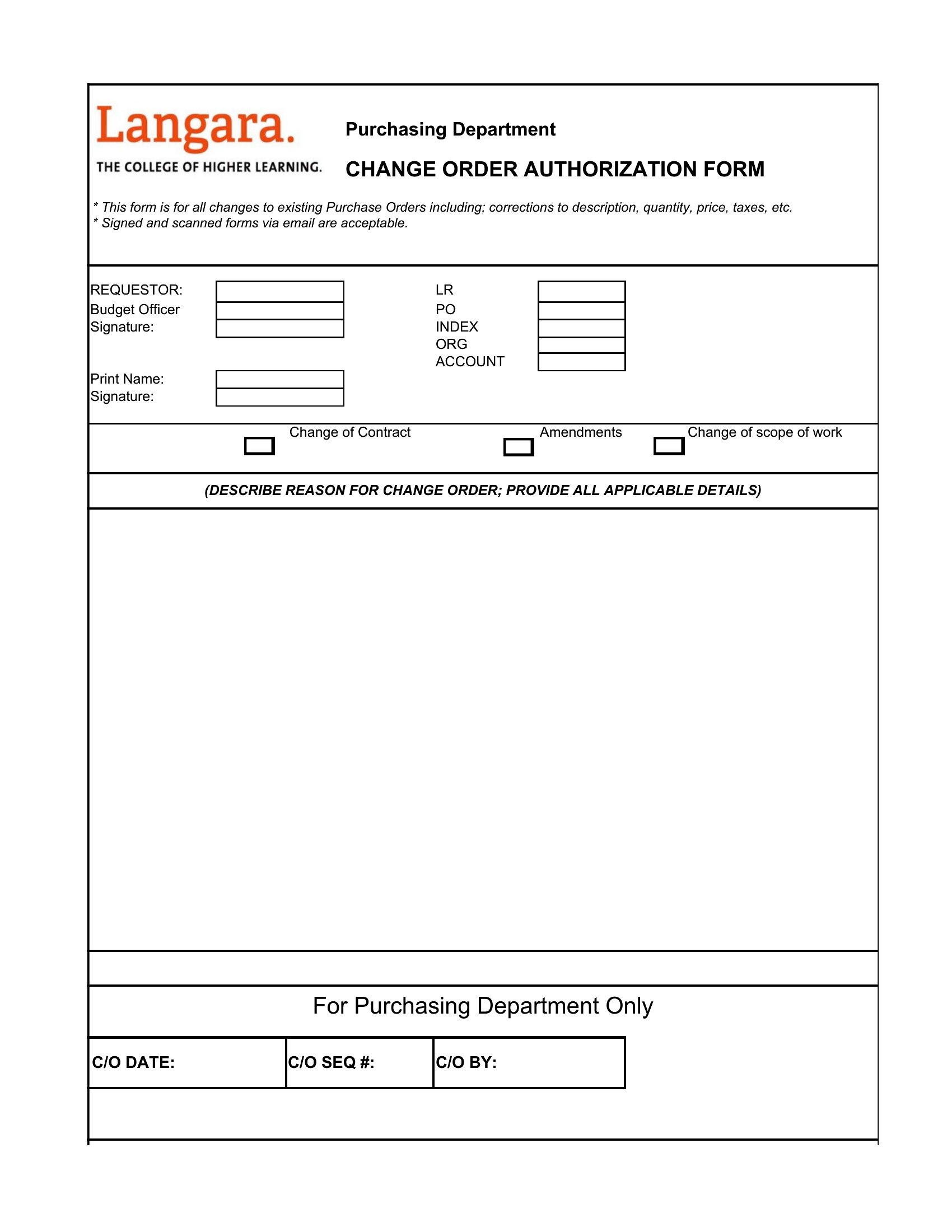
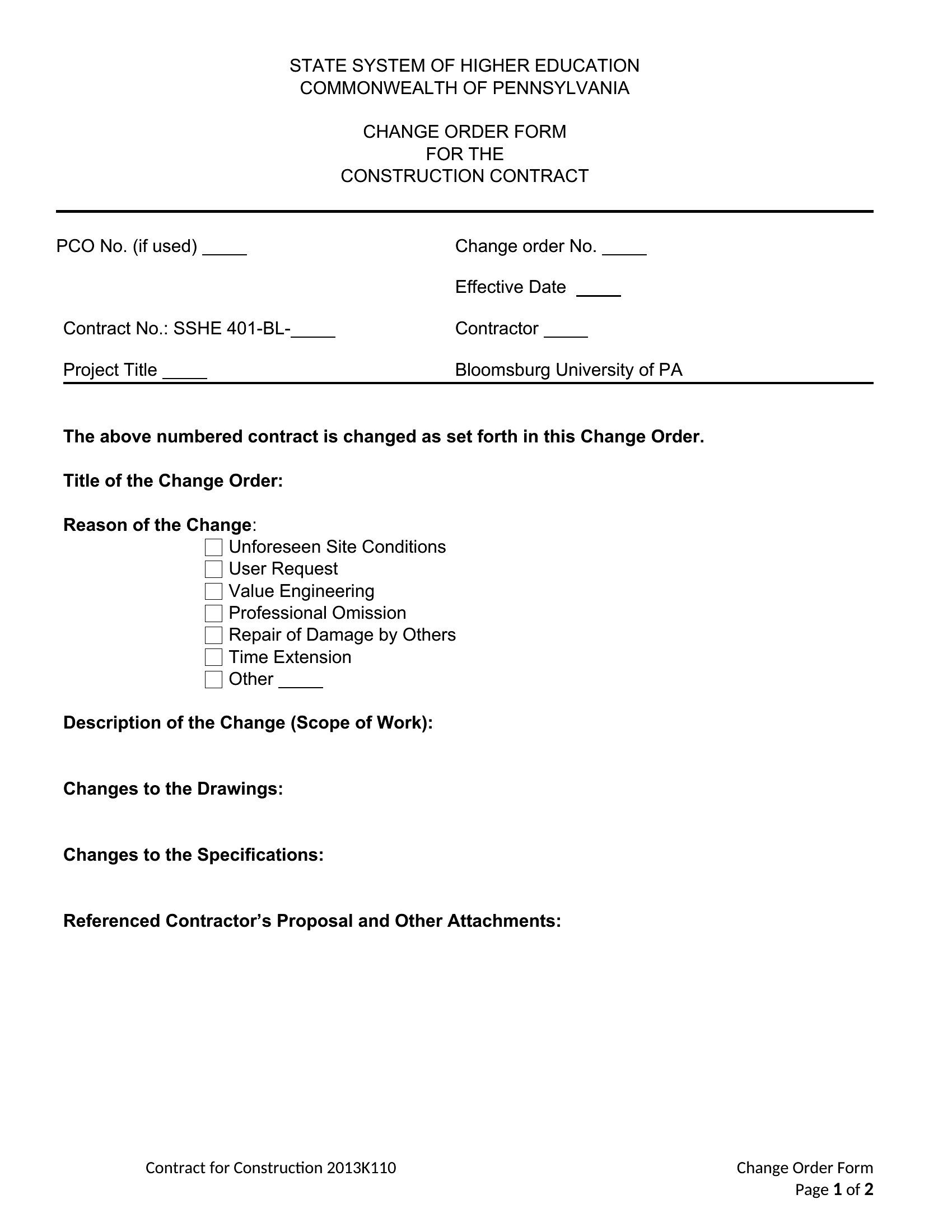
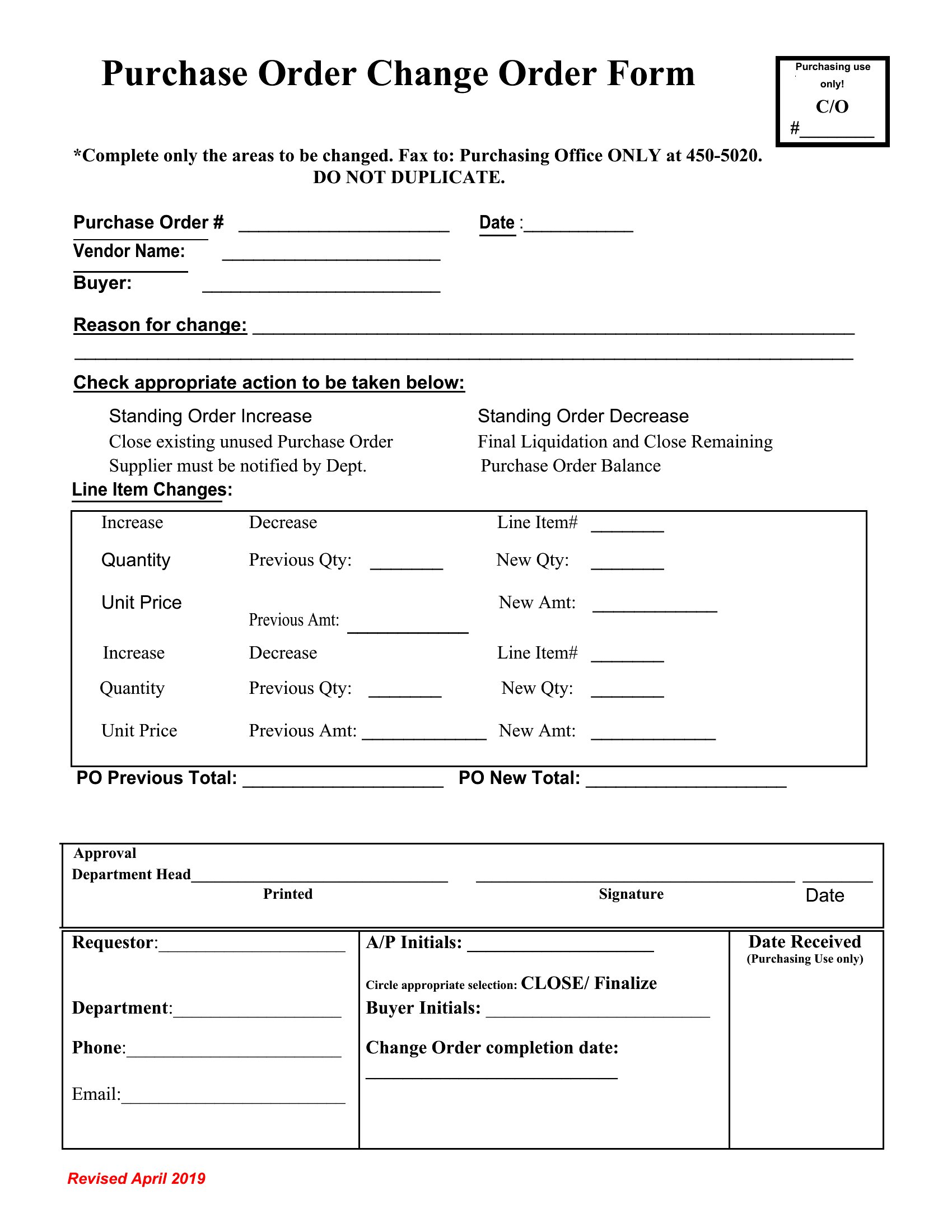
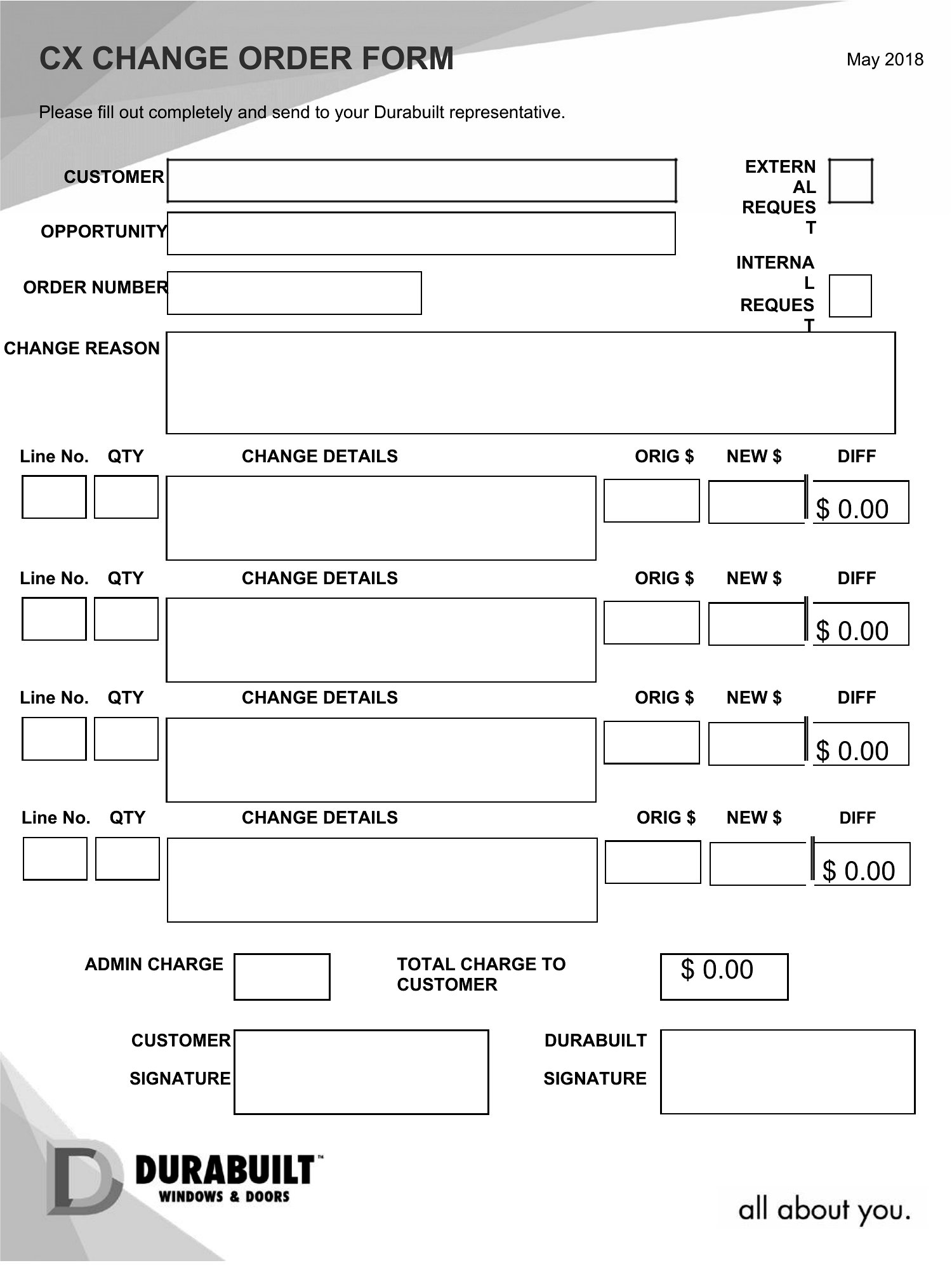
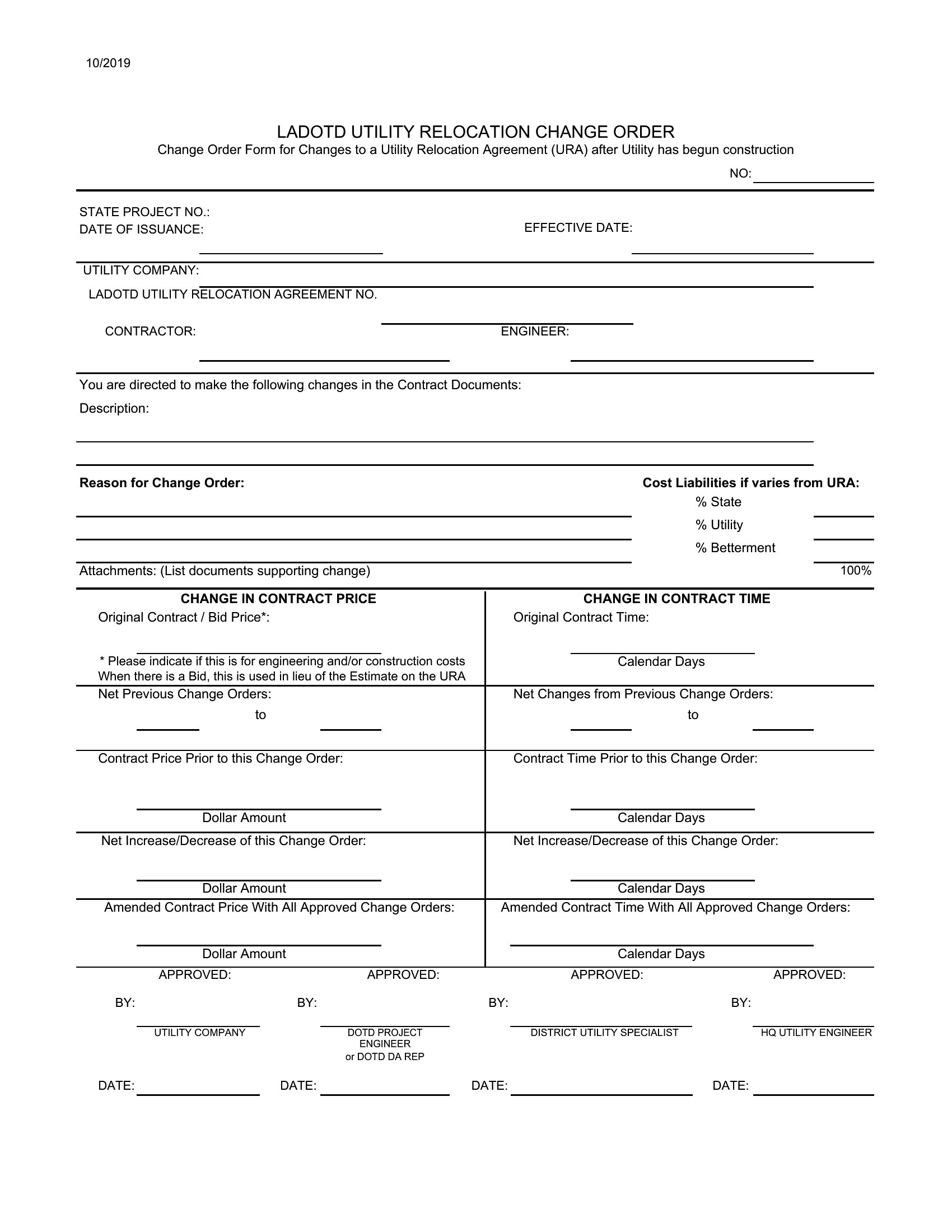
What should I include in the ‘reasons for change’ section to avoid disputes later?
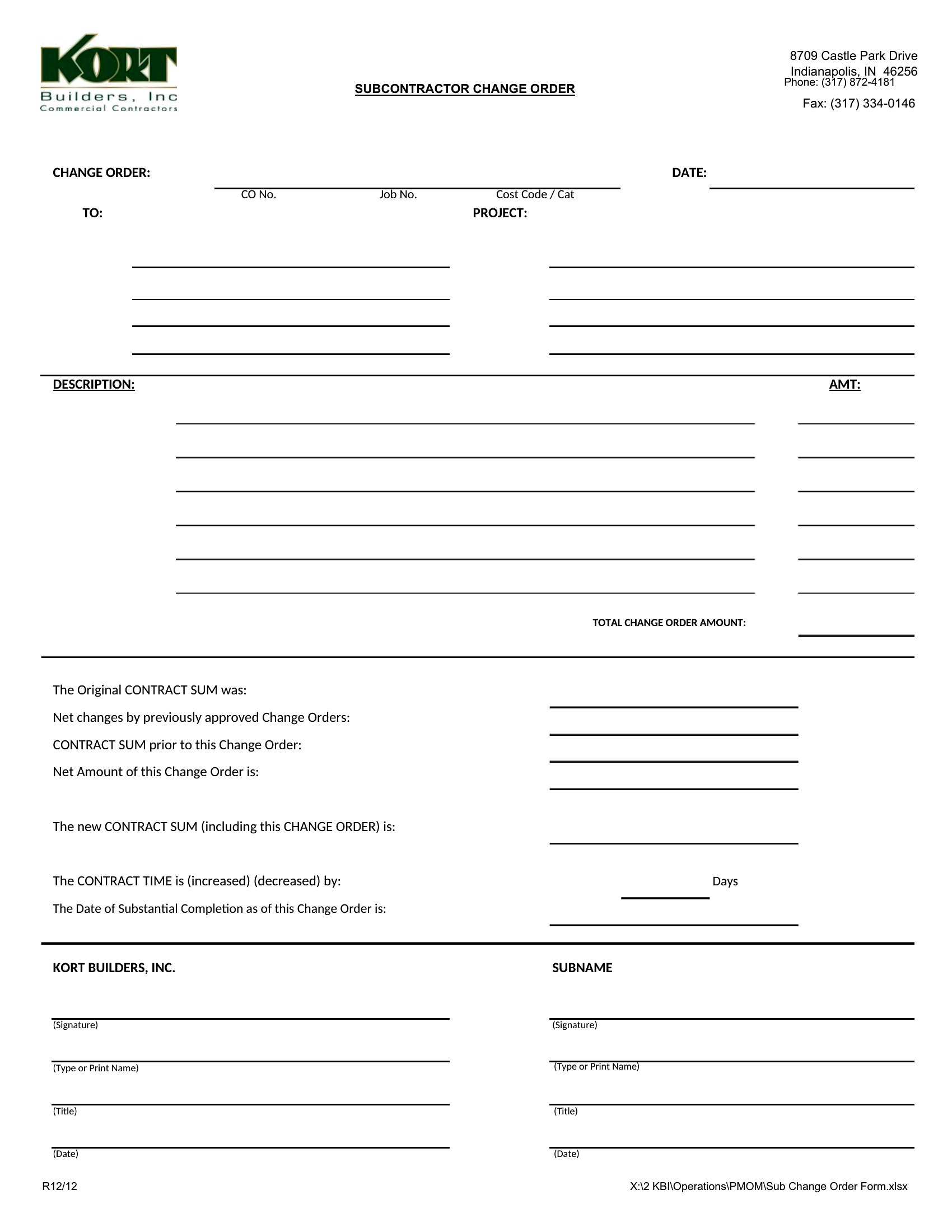
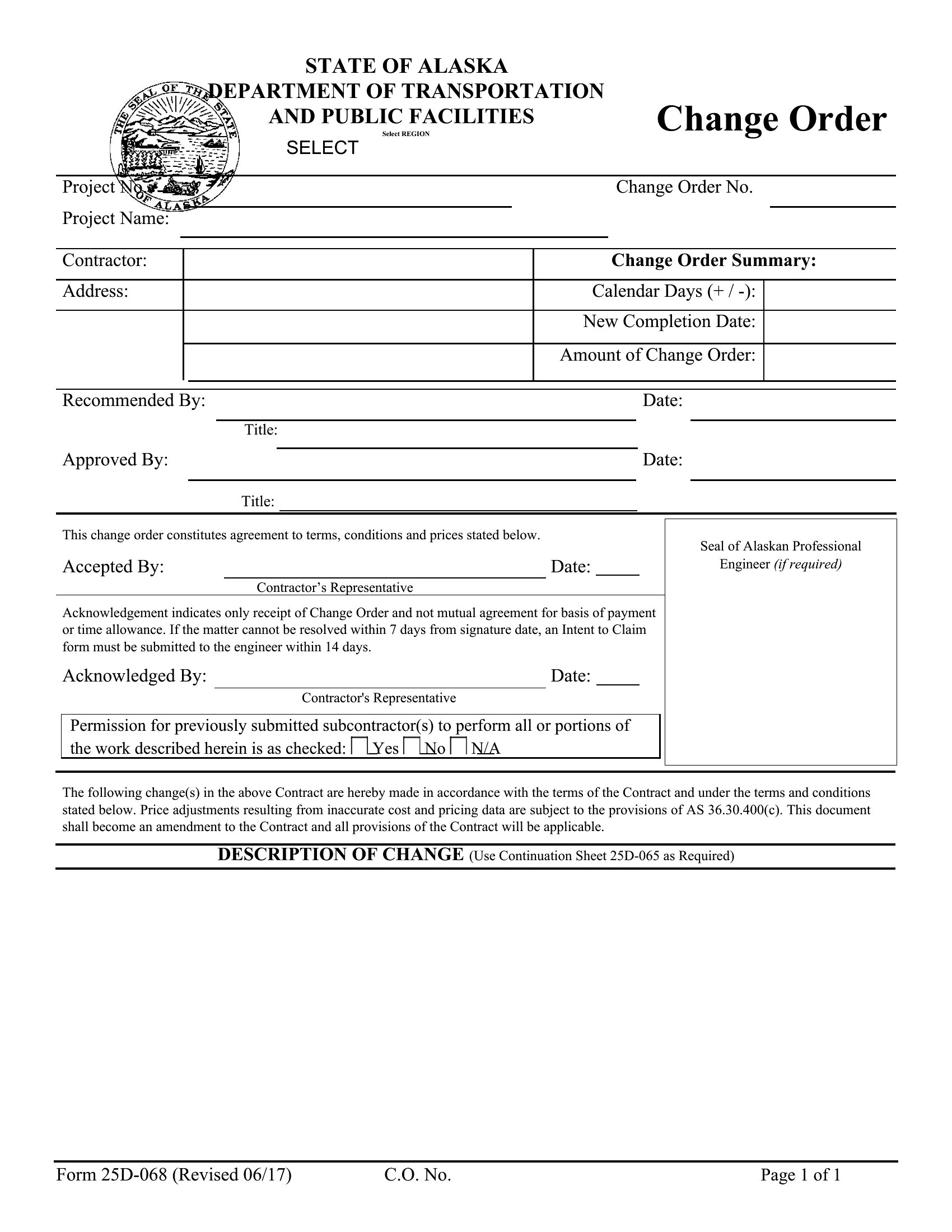
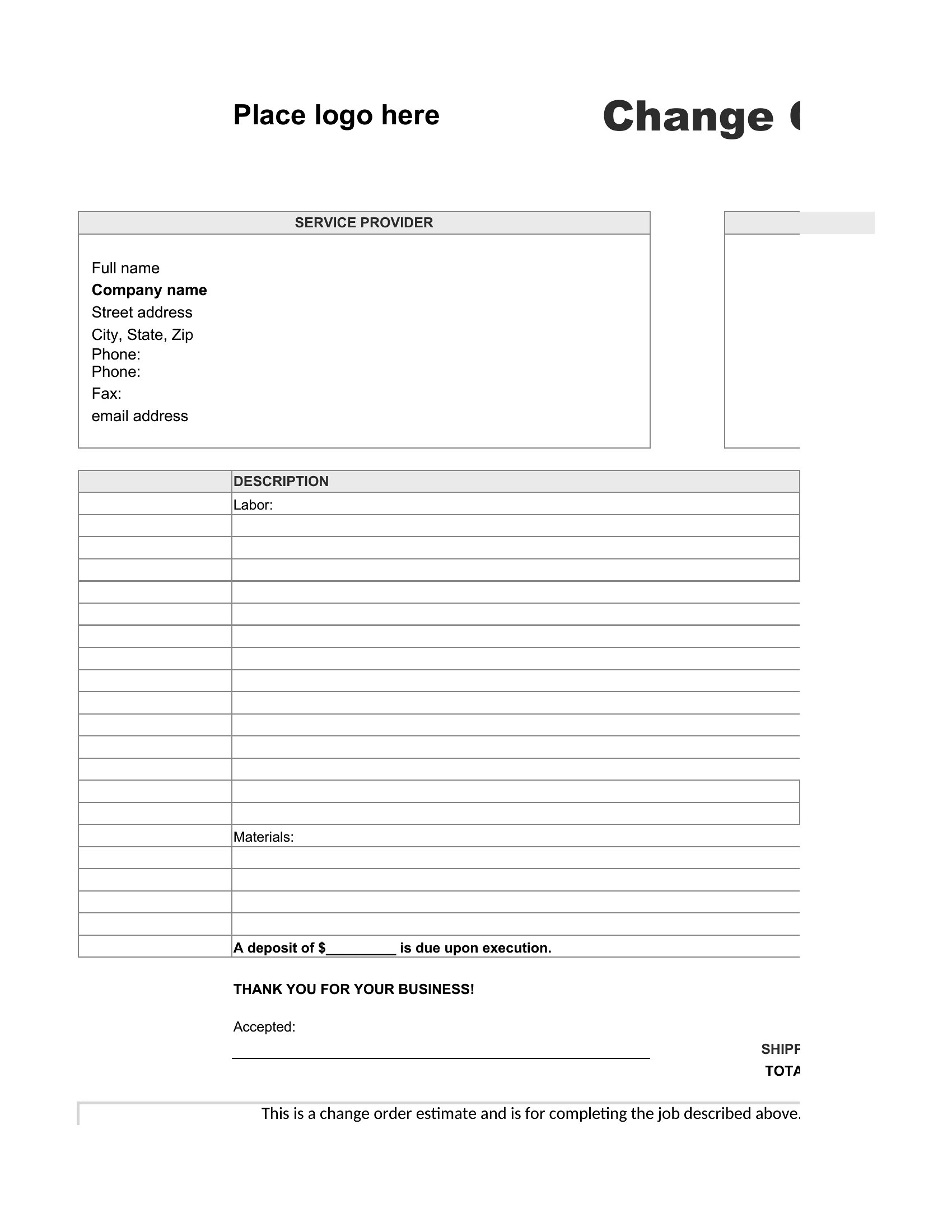
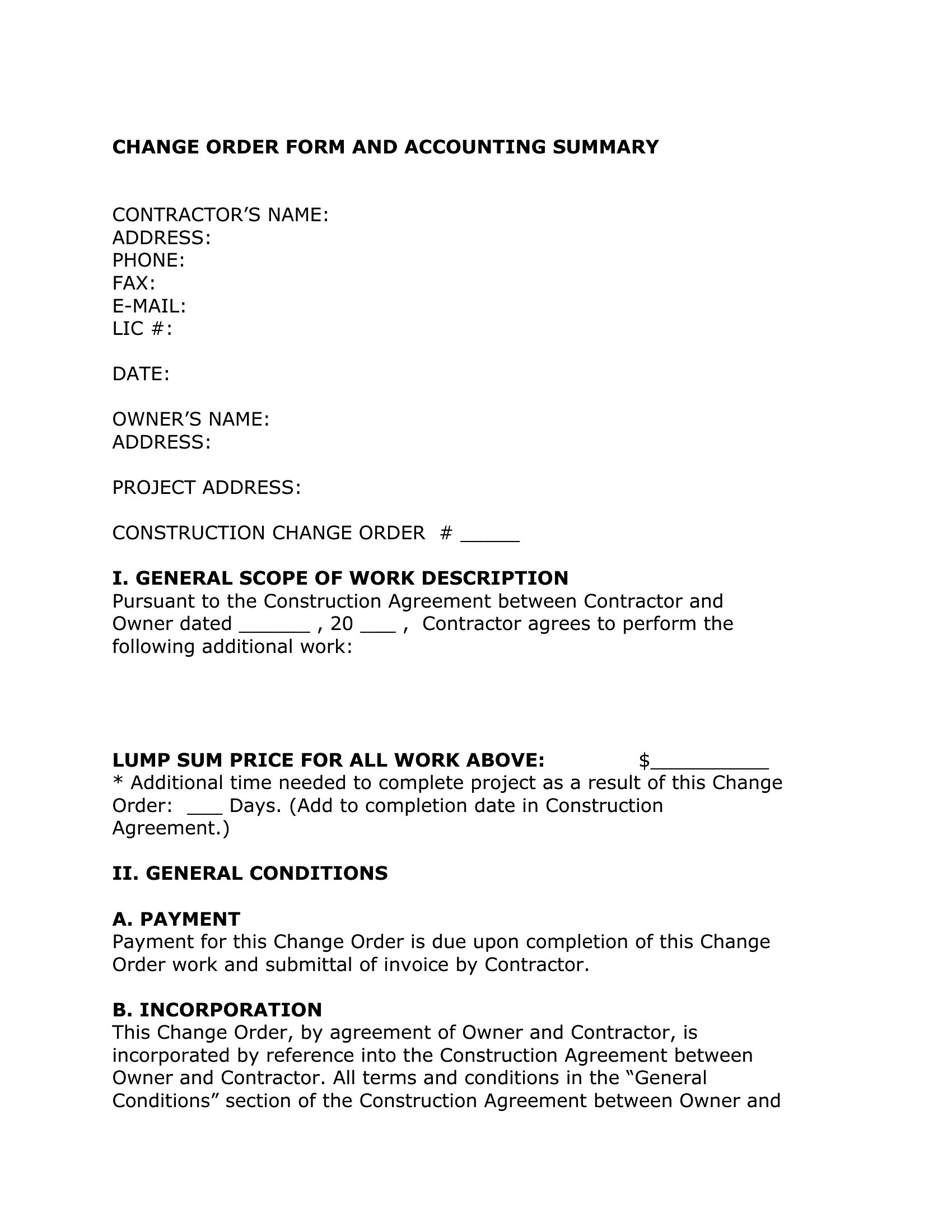
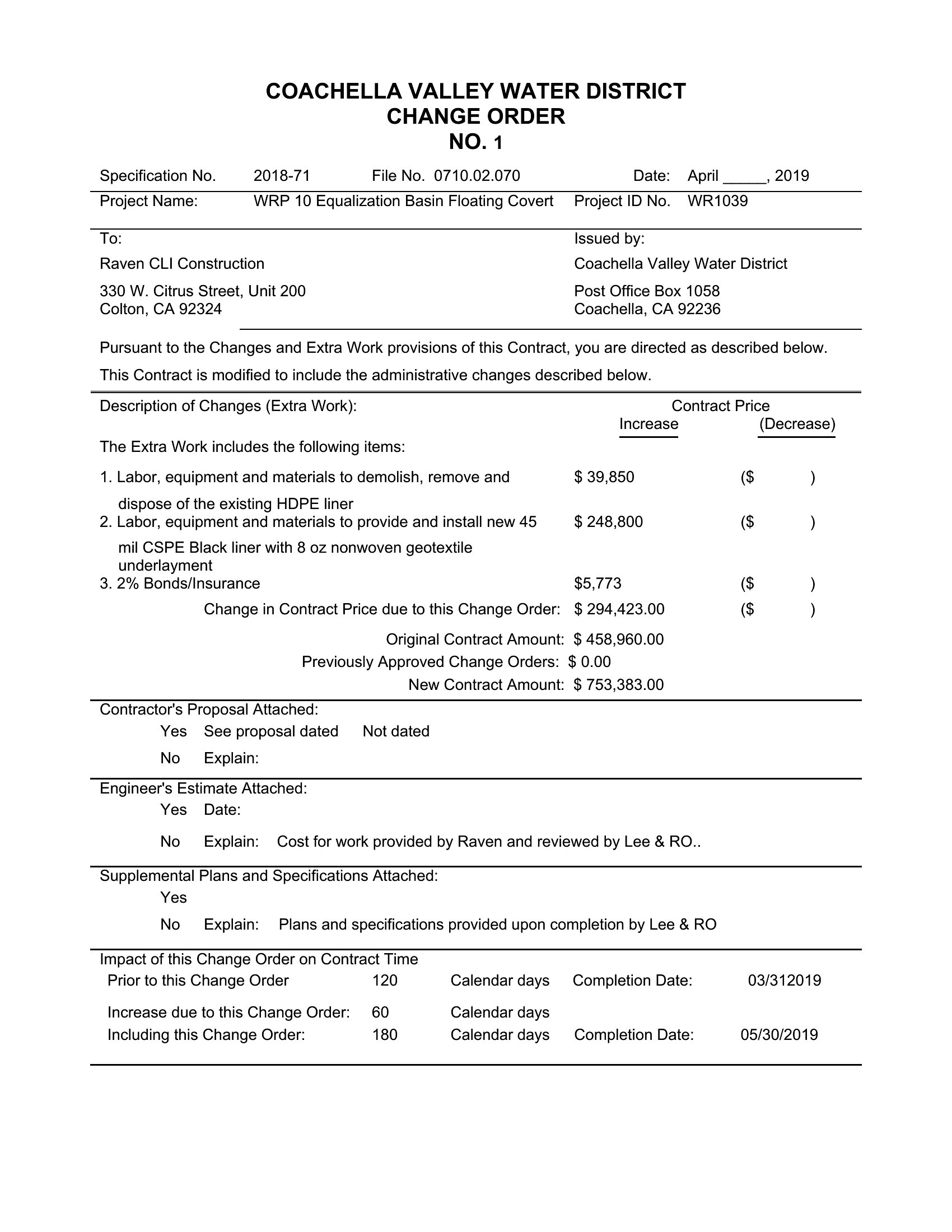
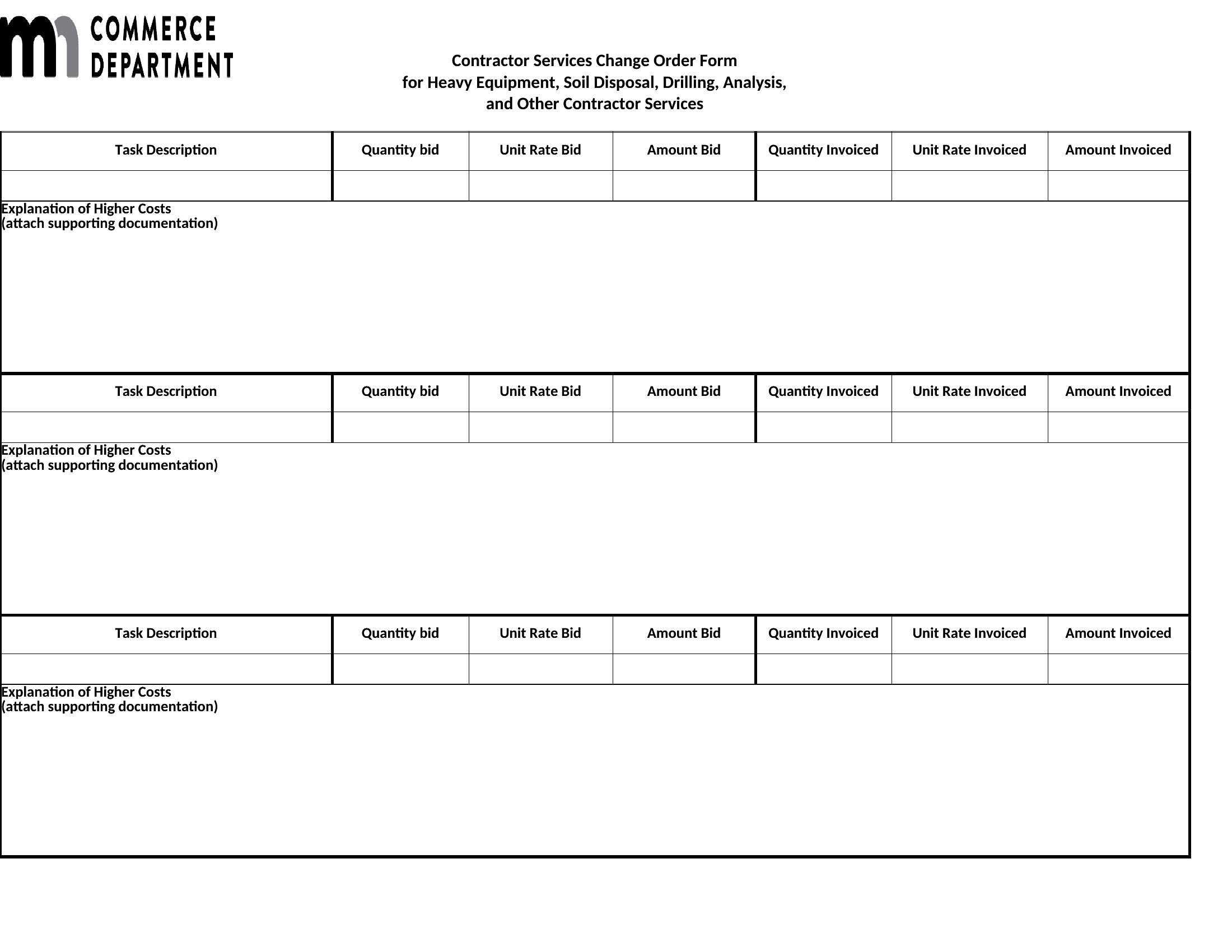
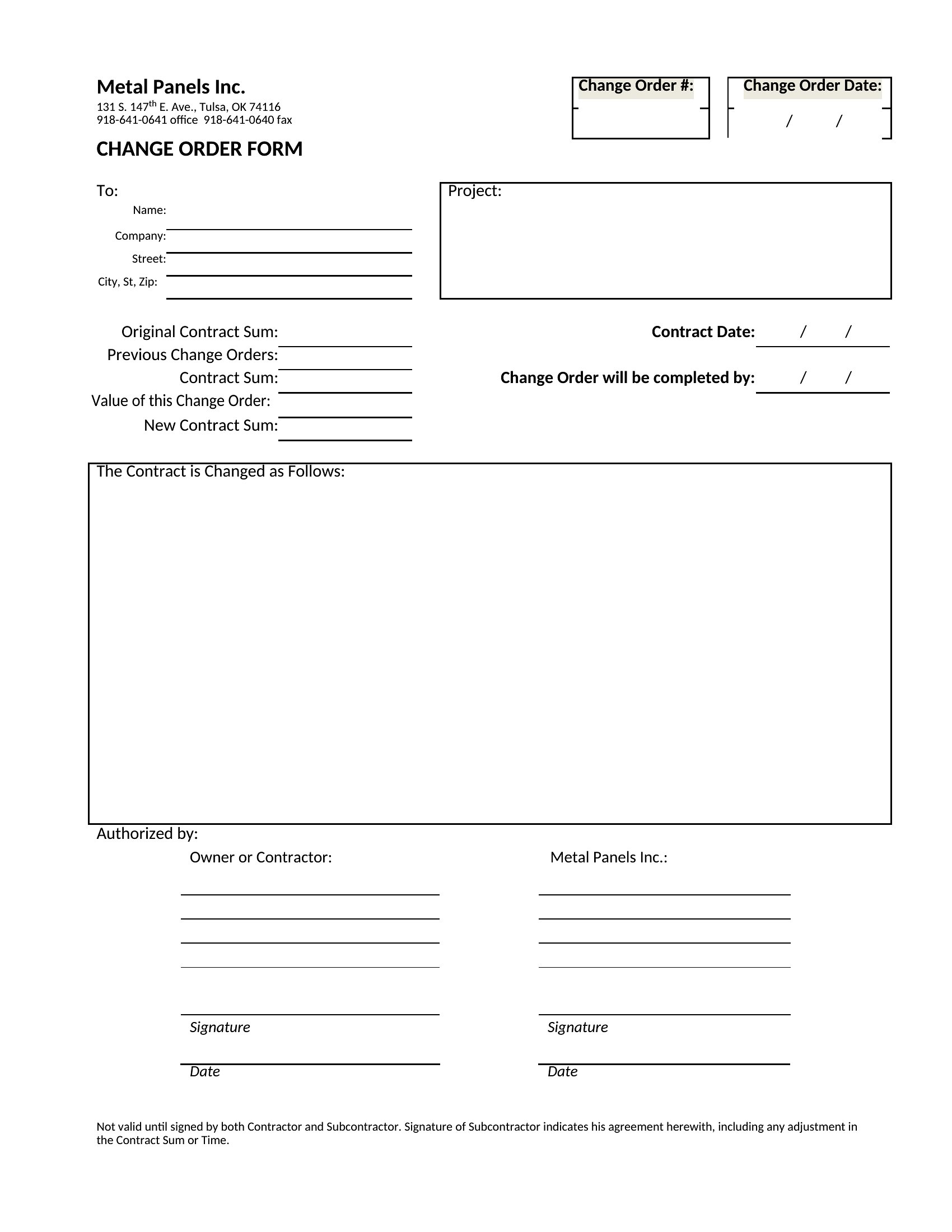
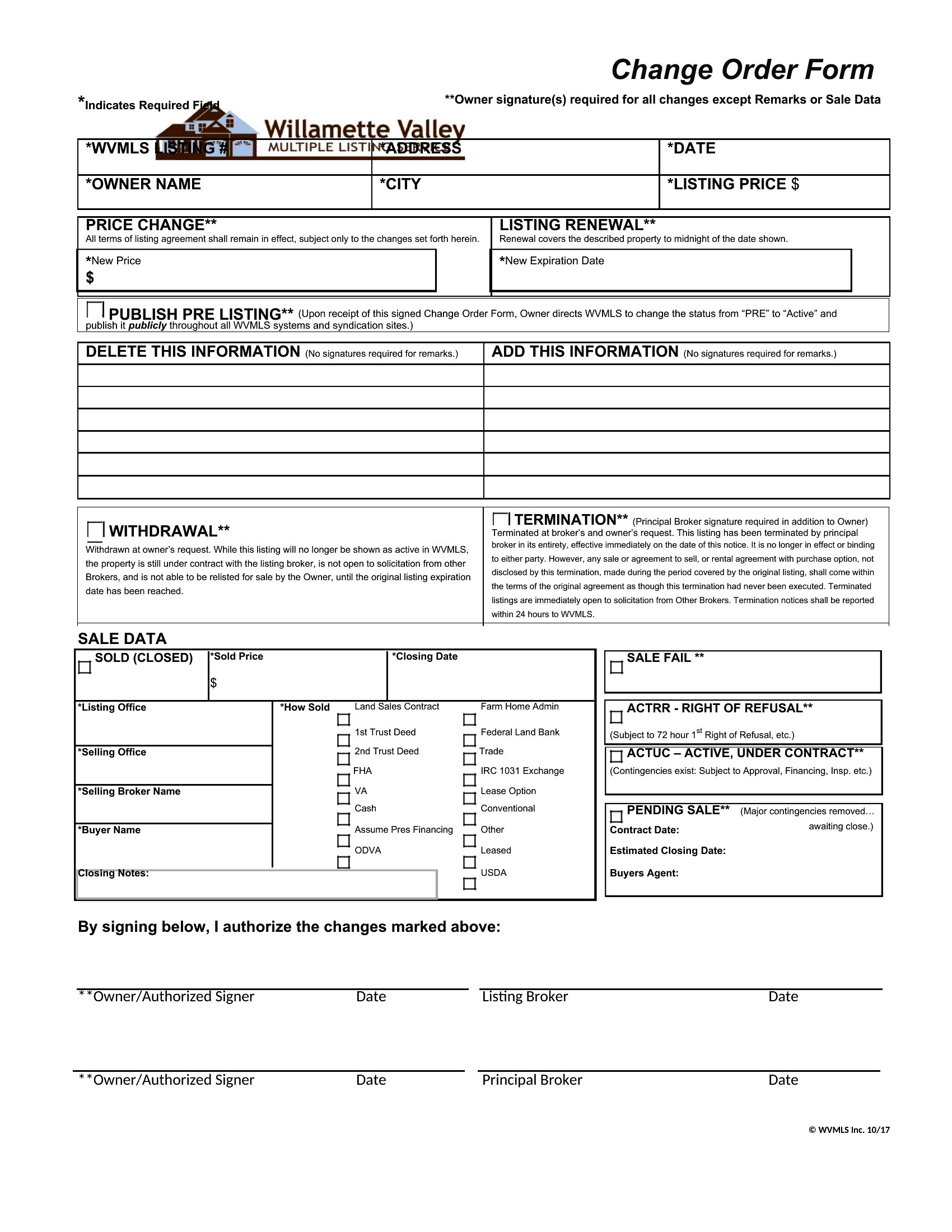
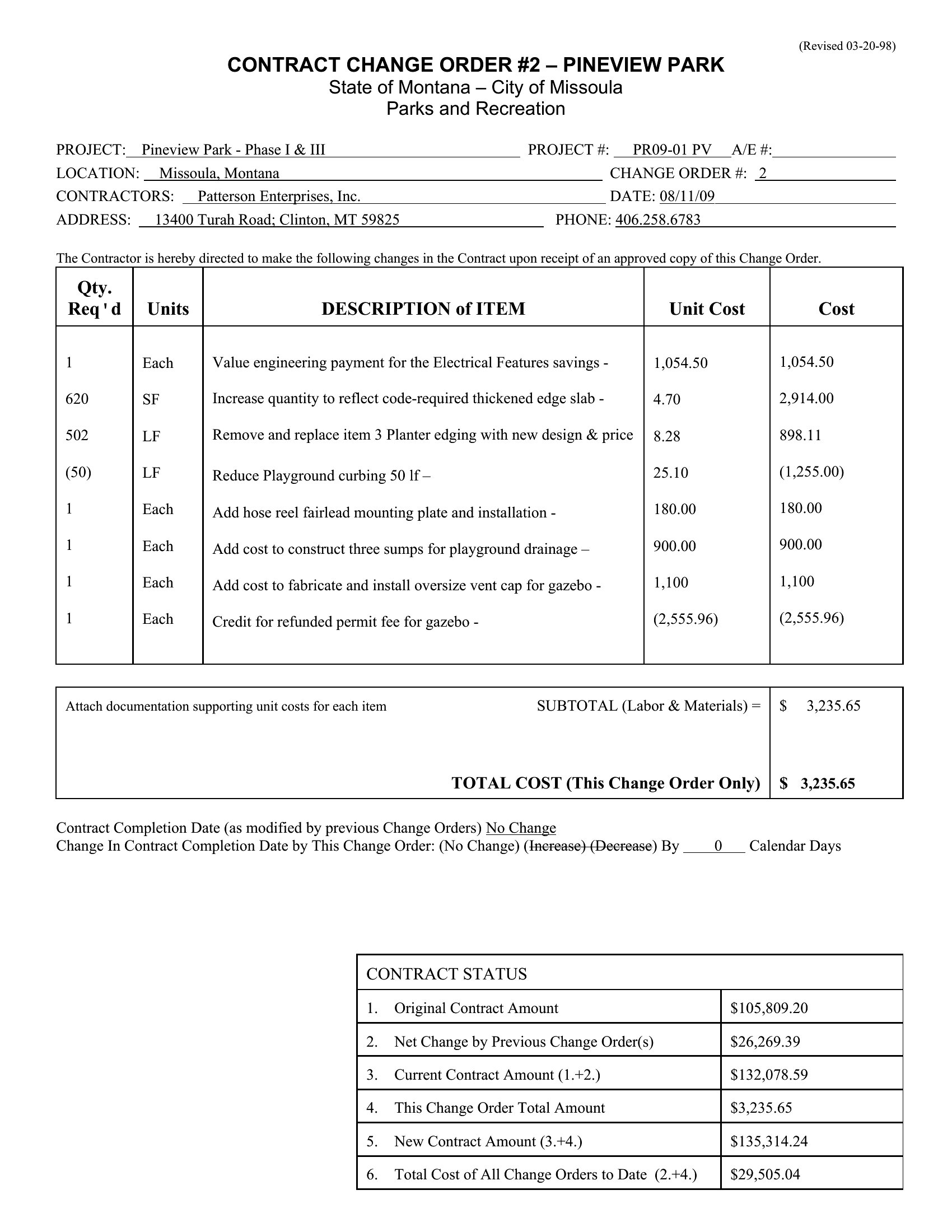
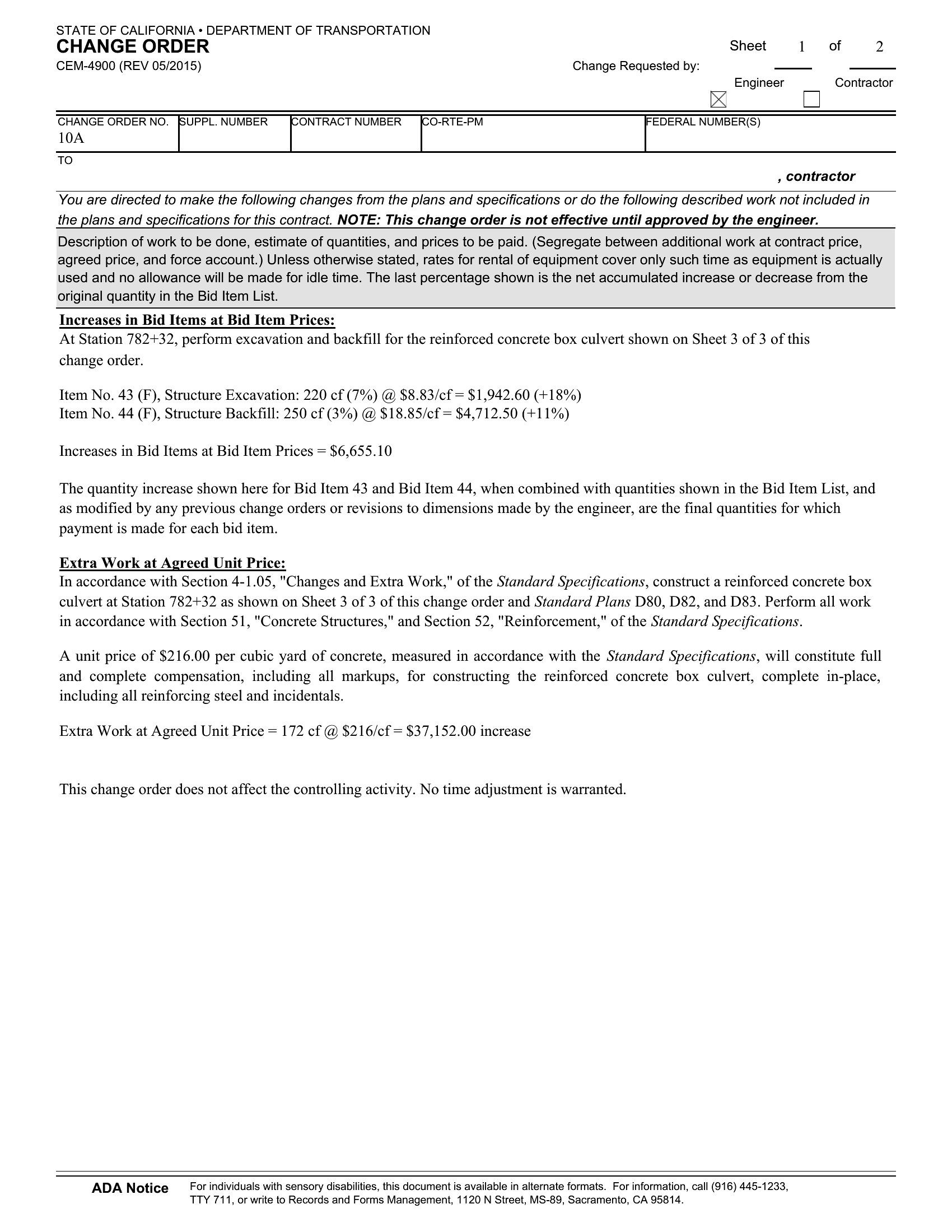
Stick to objective details like material shortages, code updates, or client-approved revisions. Avoid vague language—specify measurements, quantities, or references to the original contract. For example, write ‘Client requested quartz countertops (replacing original granite) with 3% edge detail’ instead of ‘upgraded countertops.’
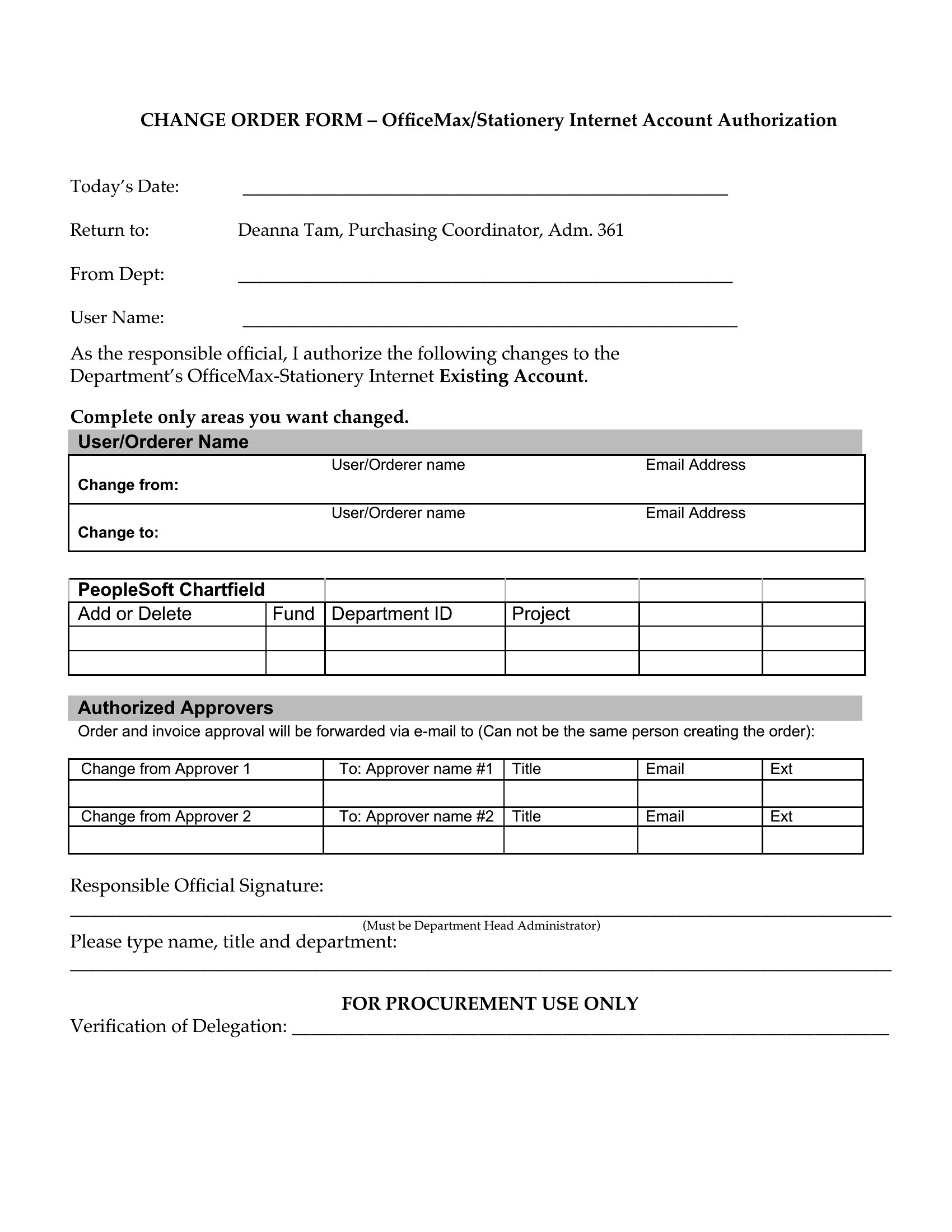
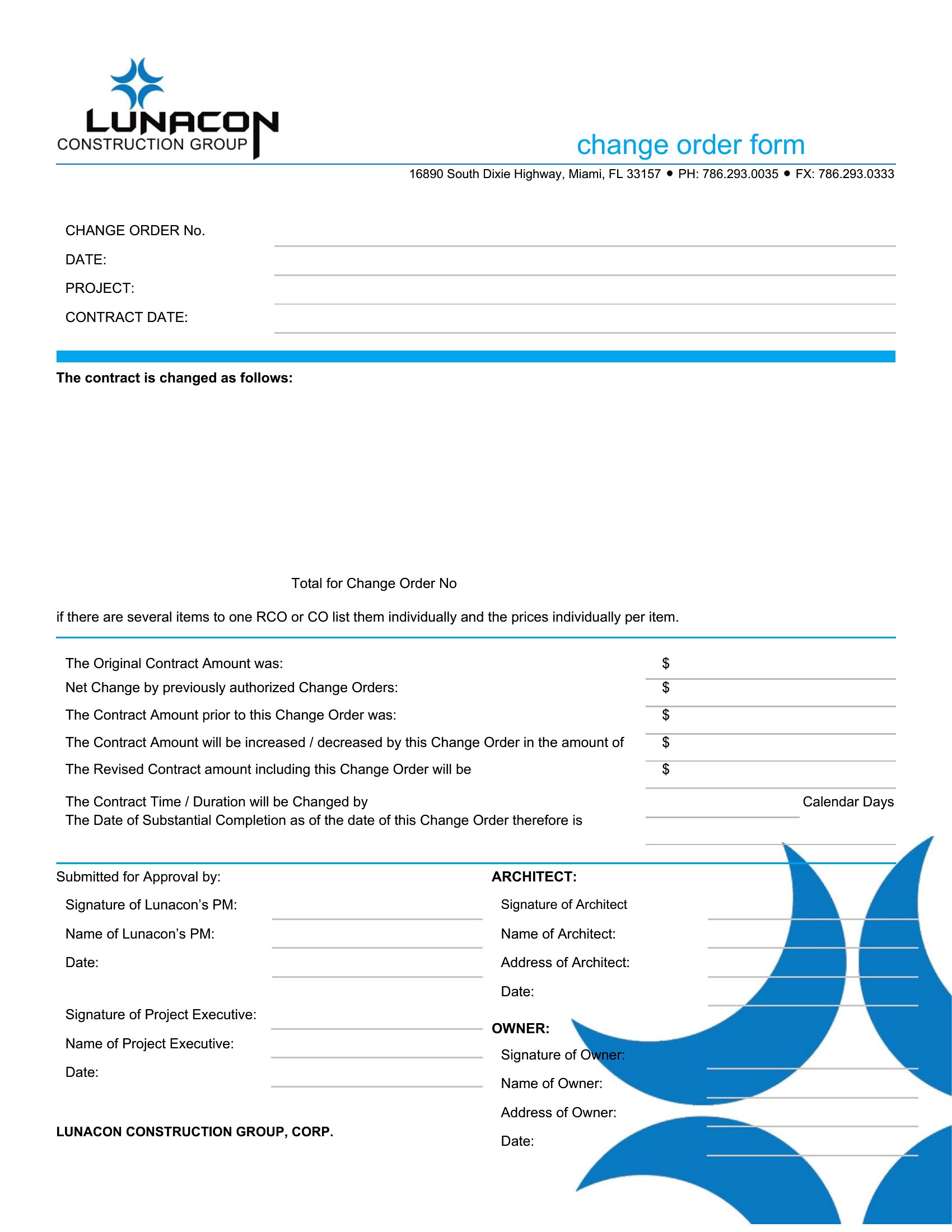
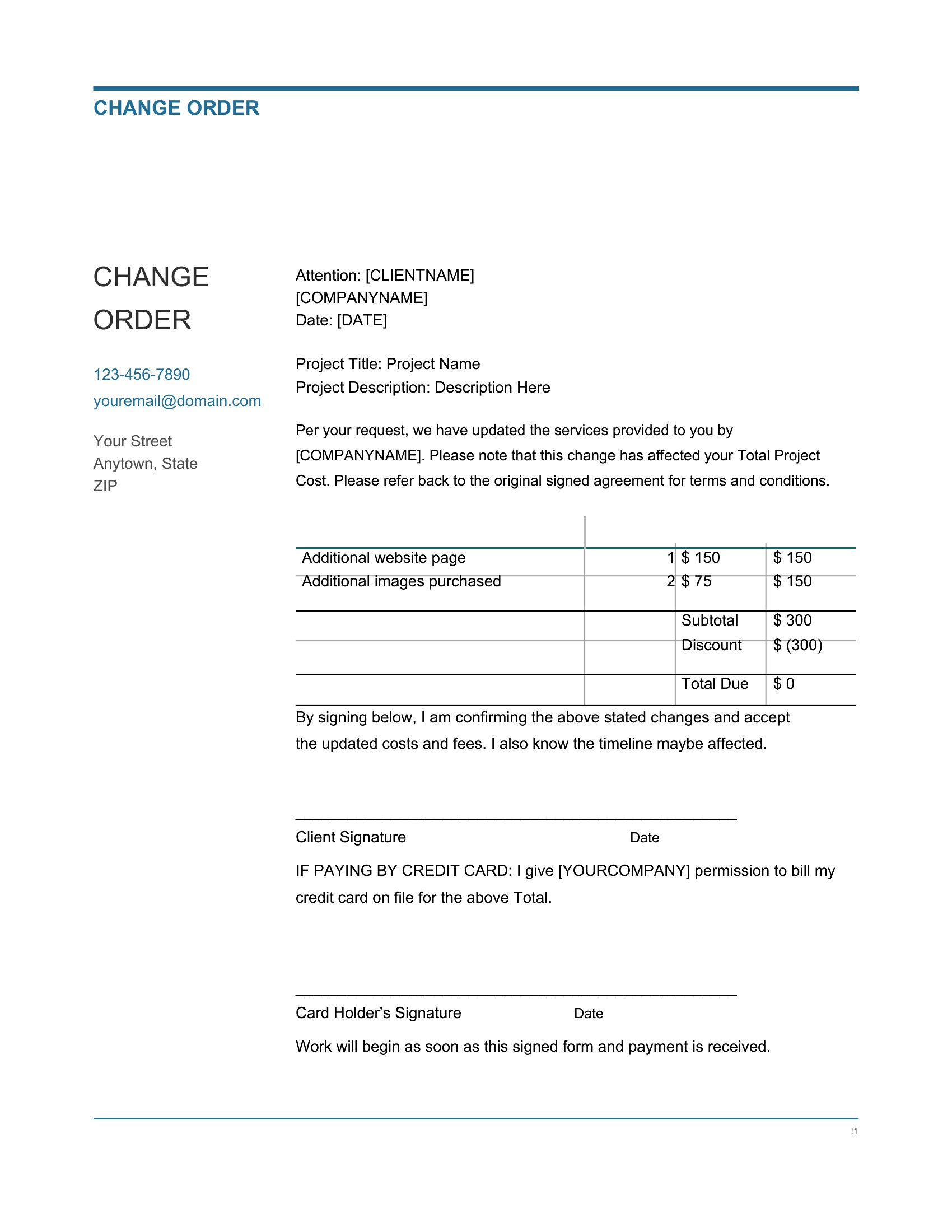
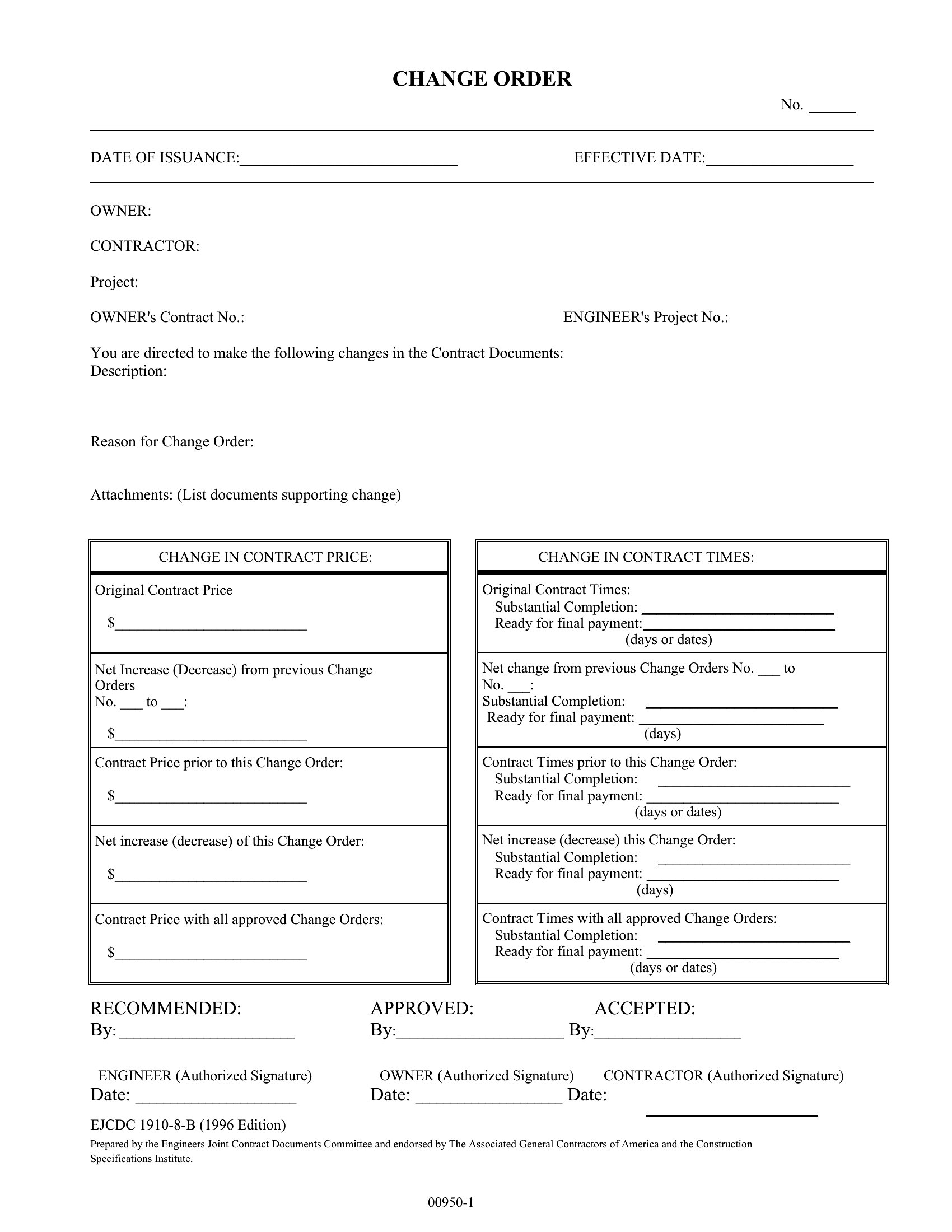
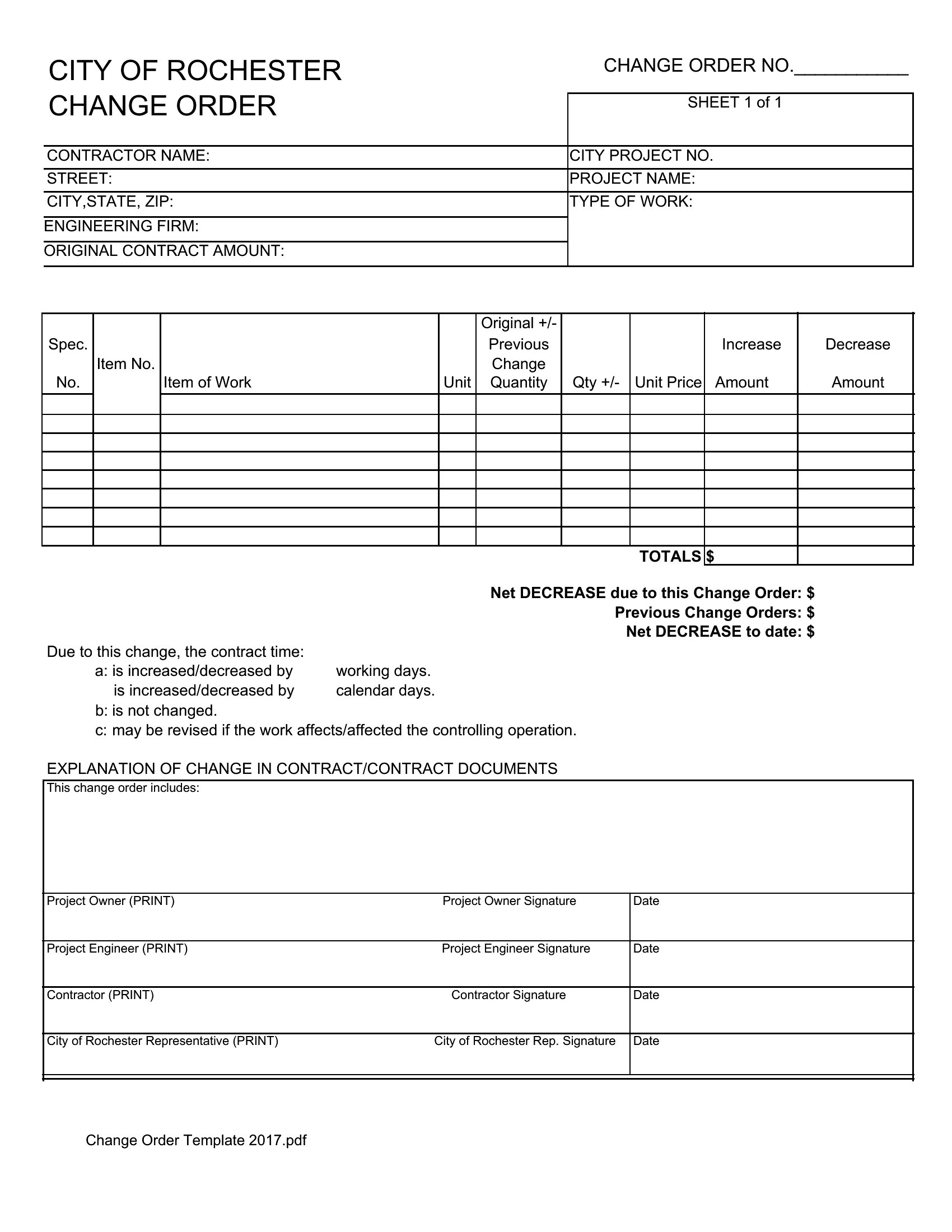
Can I use this template if the change increases *or* decreases the project cost?
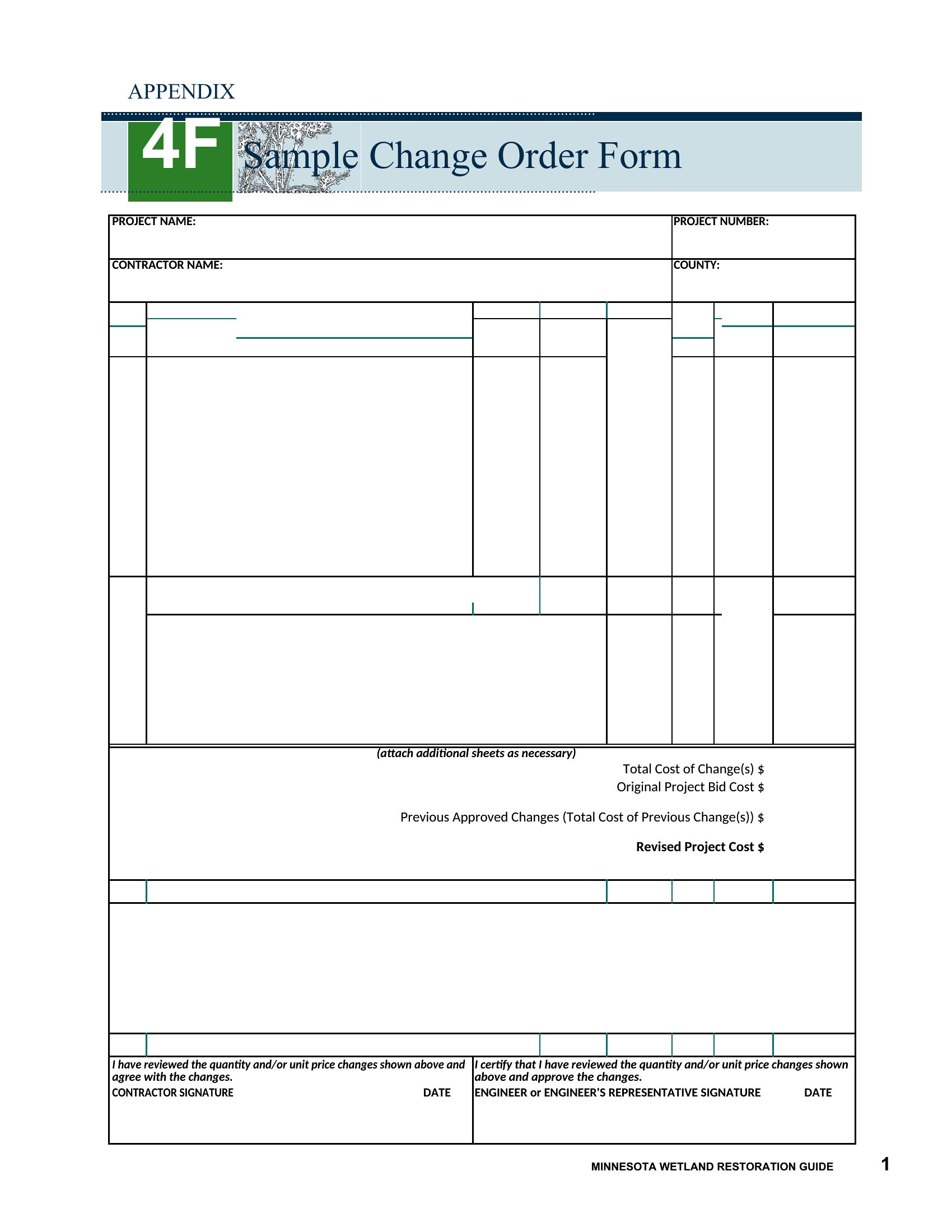
Yes, these templates accommodate both scenarios. For cost decreases, clearly note the reduction in scope or materials, then recalculate the revised total. Always include a brief explanation (e.g., ‘Removed pre-fabricated shelving unit per client request’) to align expectations. Never leave the ‘adjustment’ field blank—even for $0 changes.
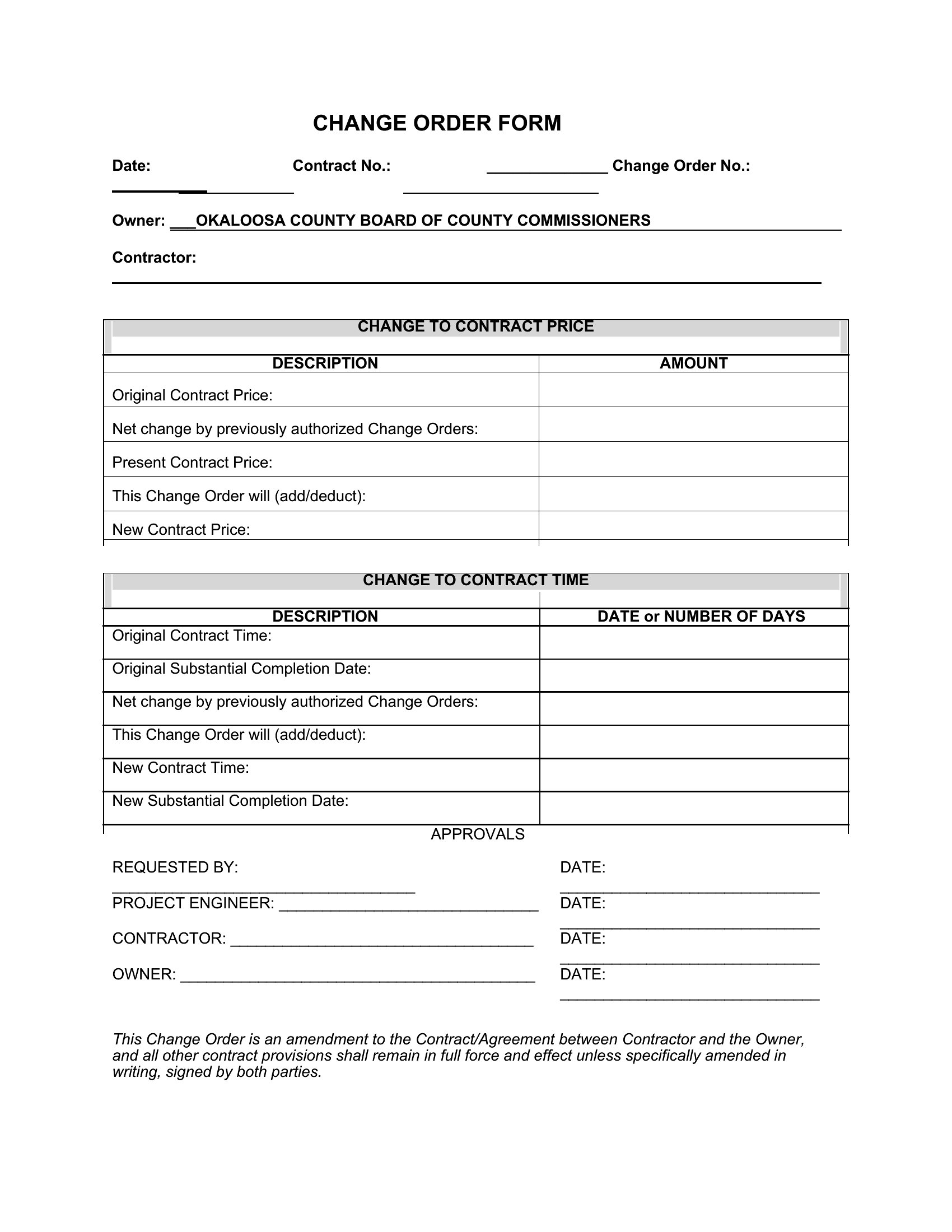
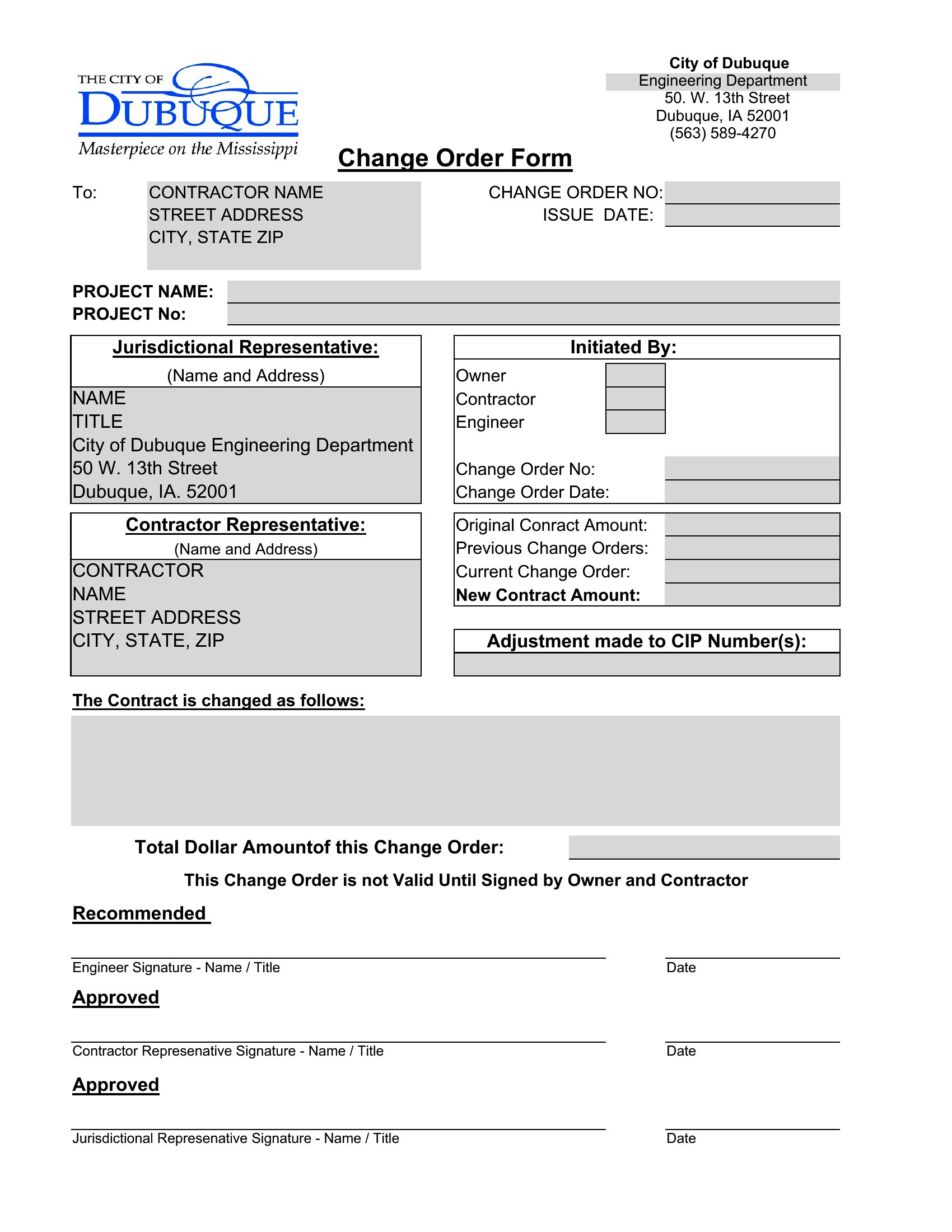
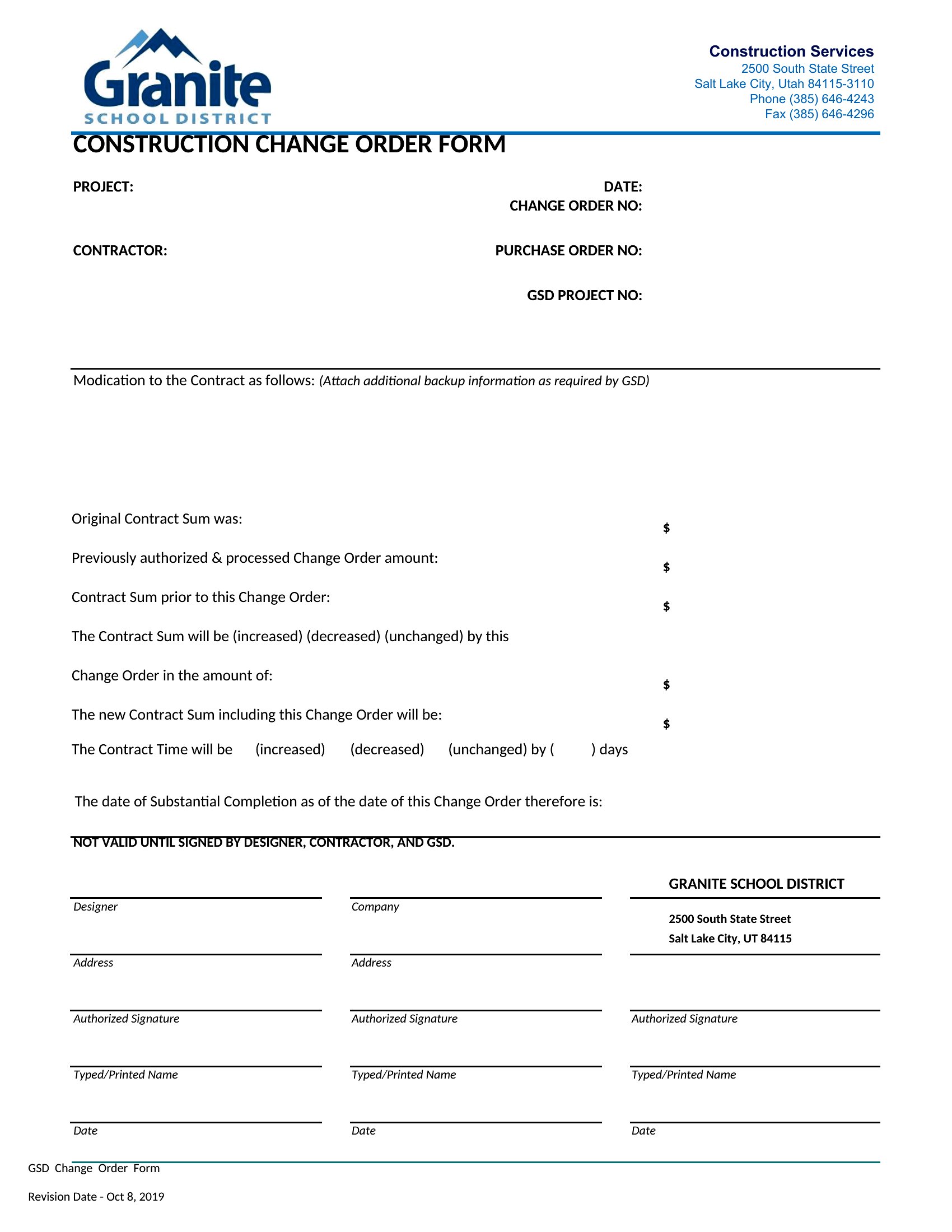
What happens if the other party doesn’t sign the change order right away?
Send a follow-up email or letter referencing the unsigned change order, outlining the impact of delay (e.g., ‘Work cannot proceed without approval by [date]’). Document all communication. If disputes arise, these records help prove you followed proper procedures—but consult a contract lawyer for enforcement steps, as templates alone don’t guarantee compliance.
Comments
Join the conversation
Sign in to share your thoughts and leave a comment on this resource.