Free Vertical Timeline Templates (Word)
Diagrams by ivoroger
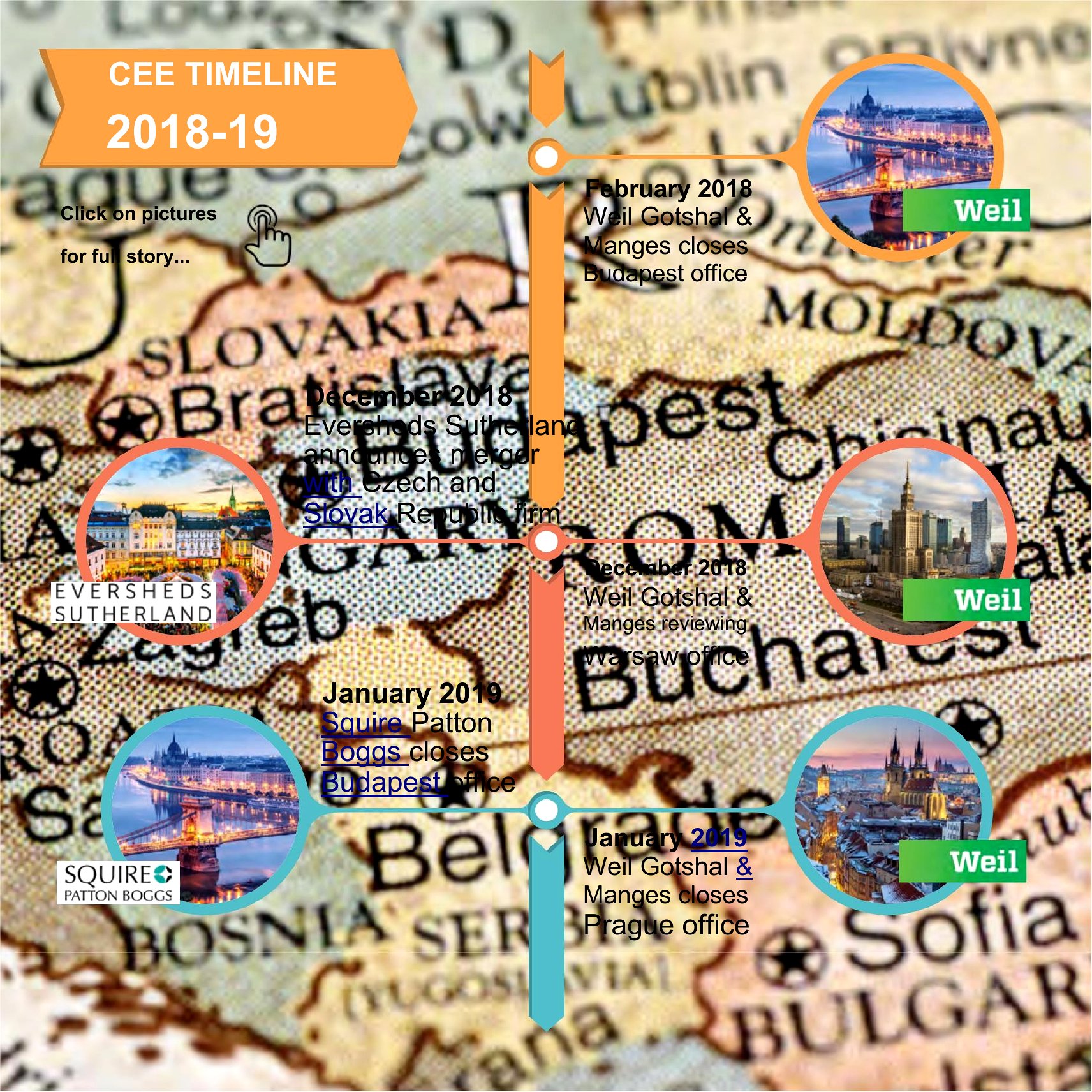
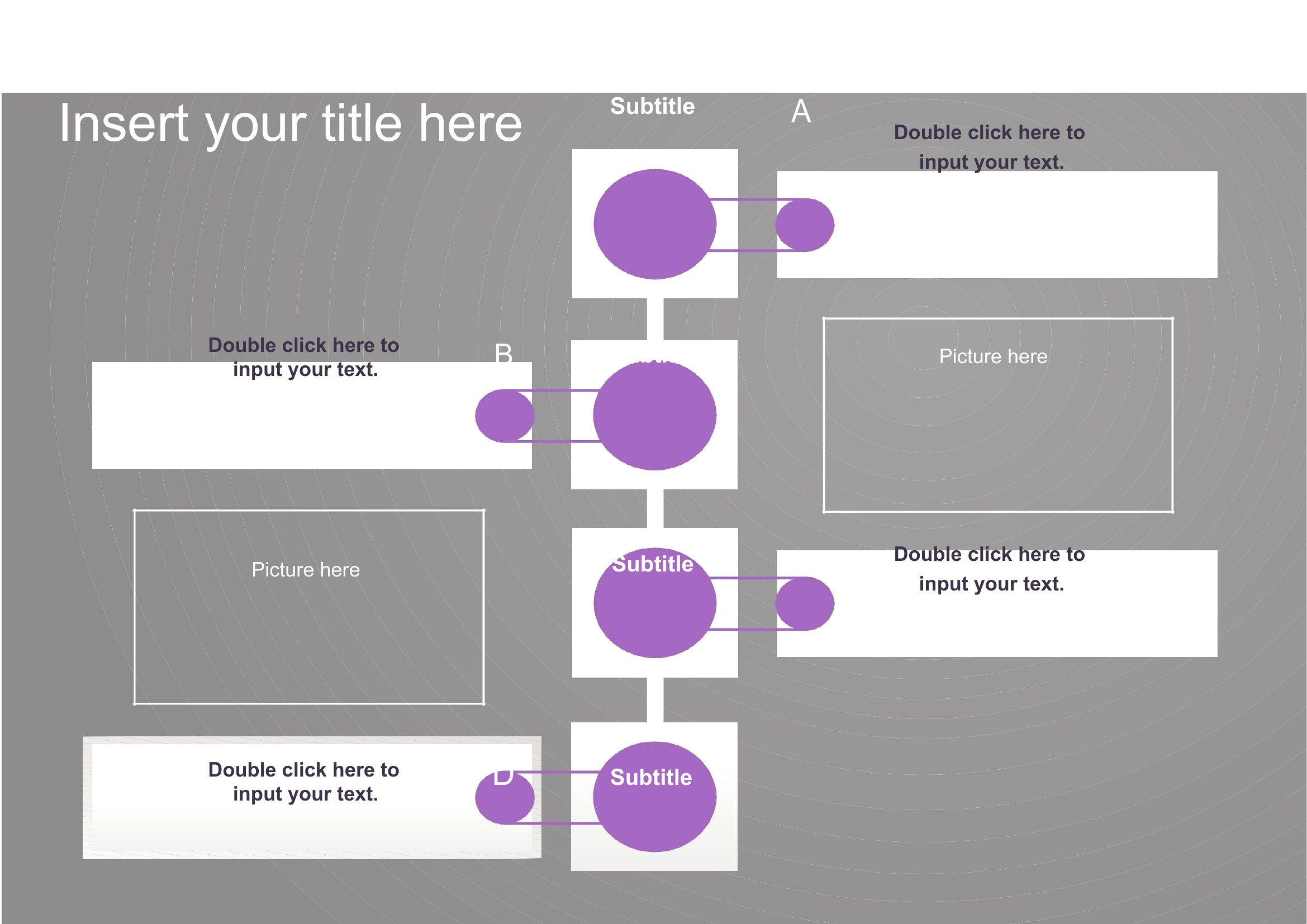
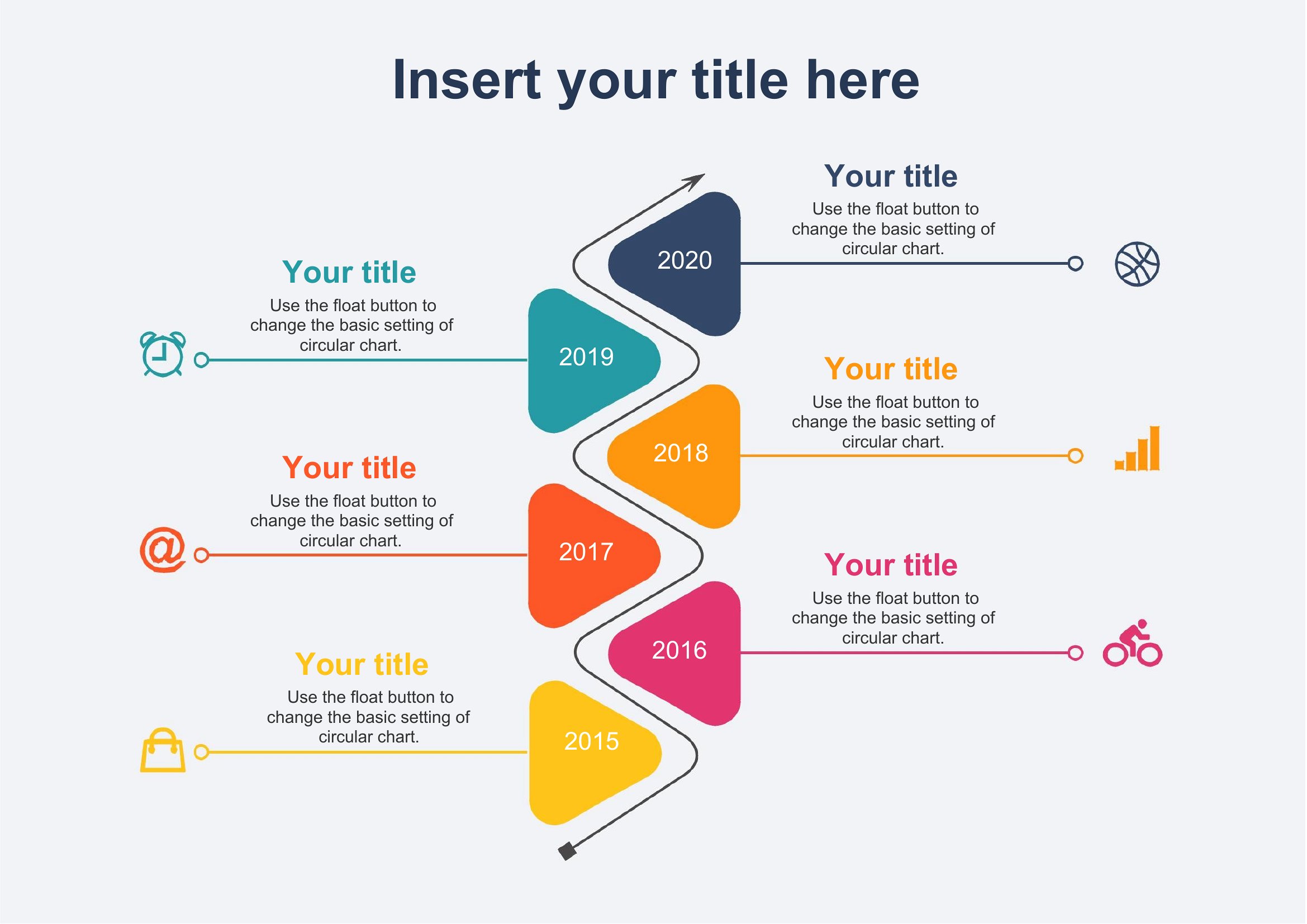
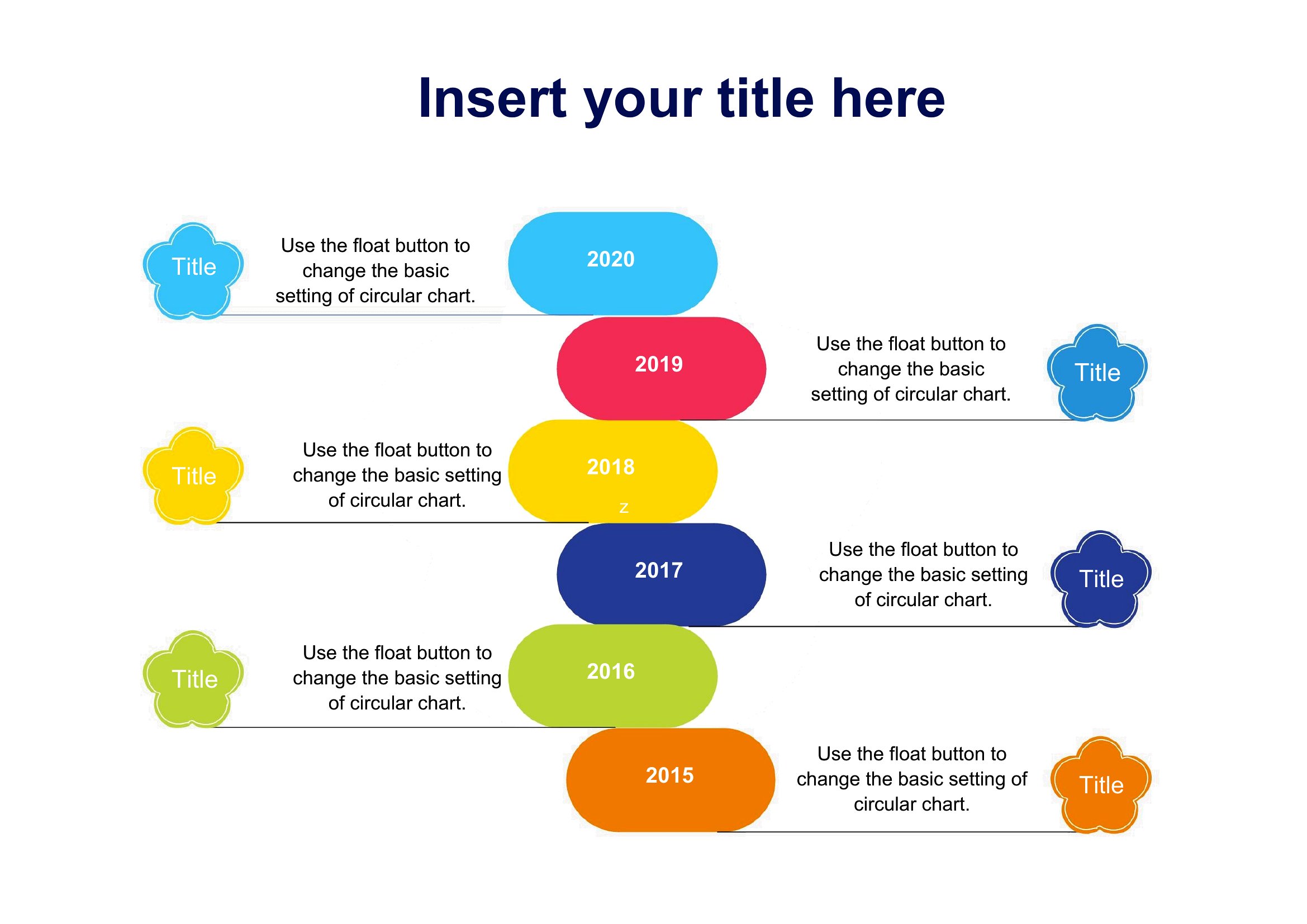
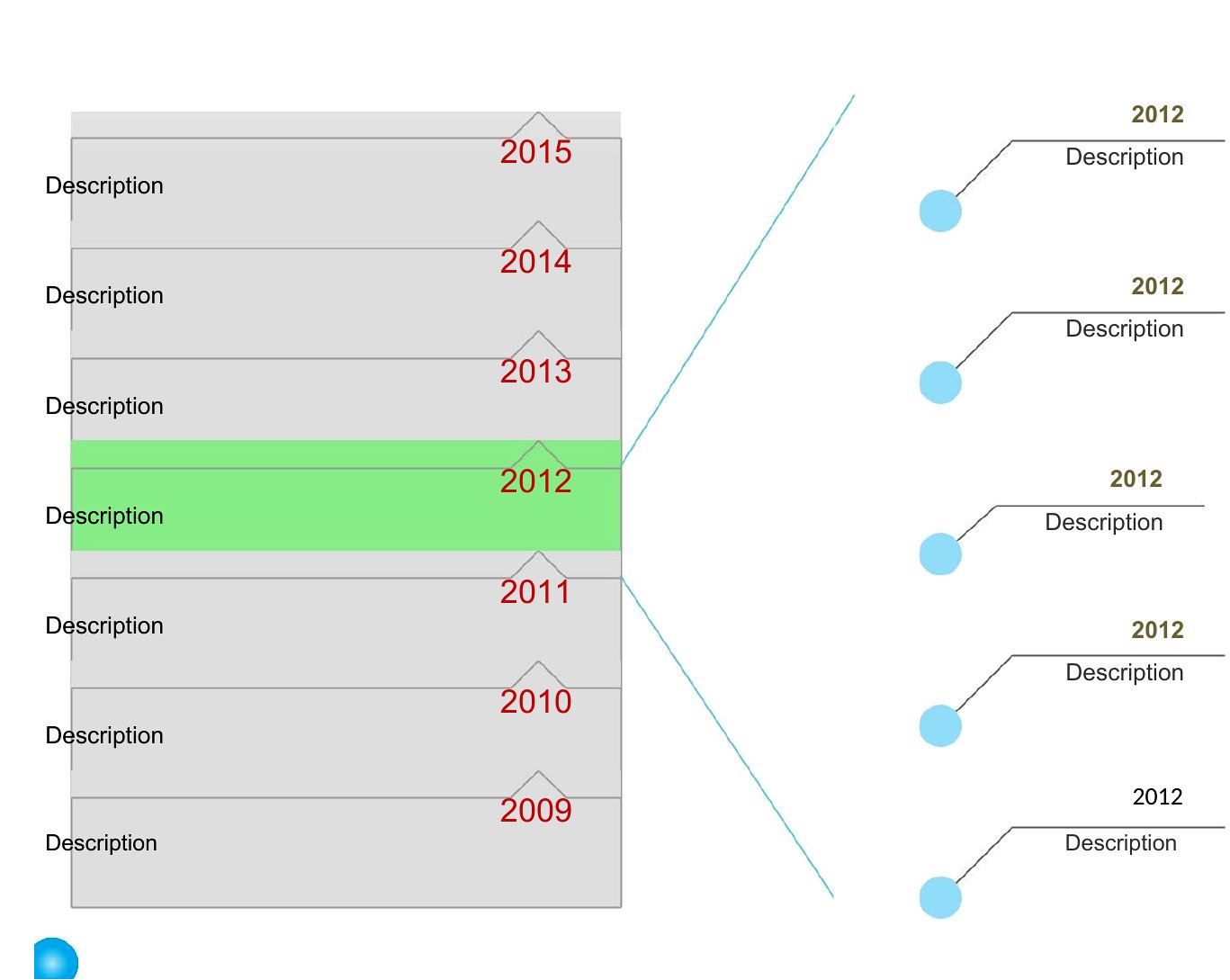
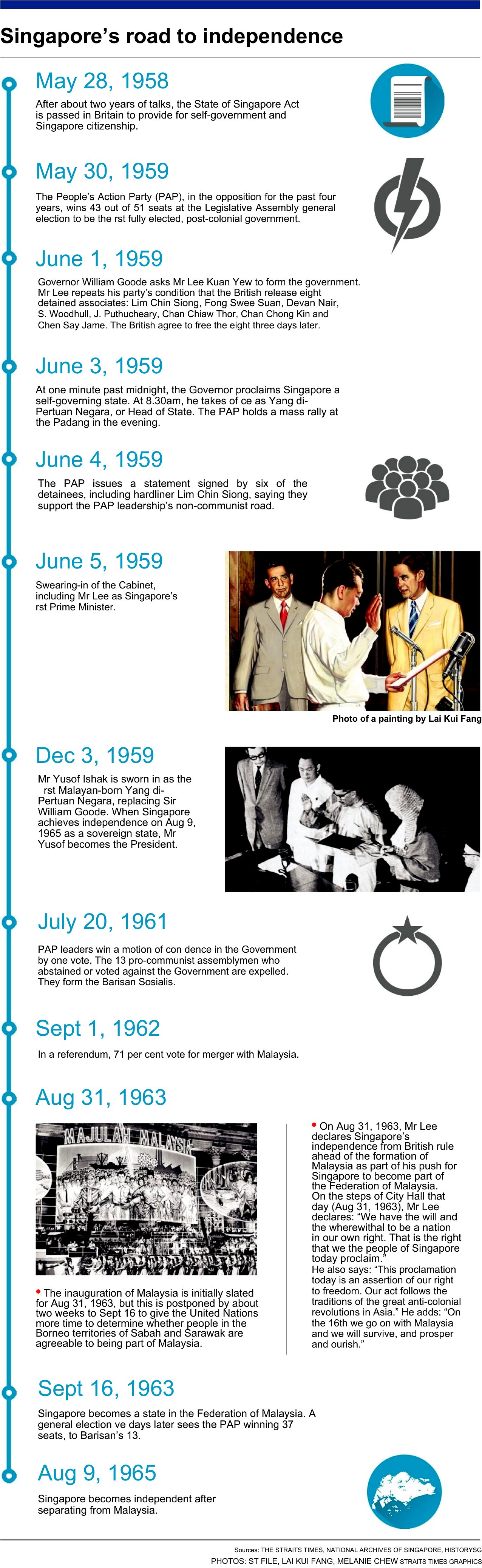
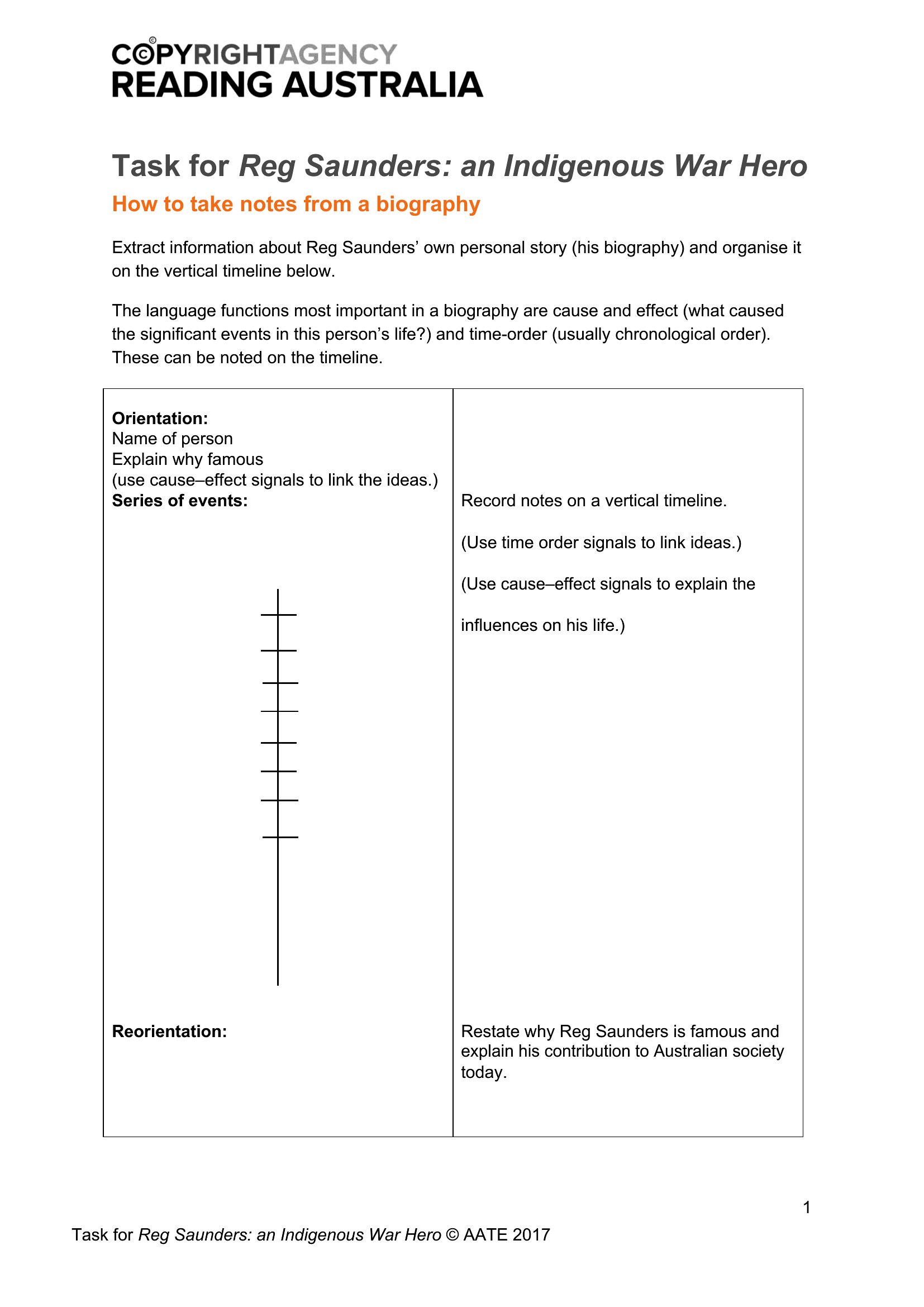
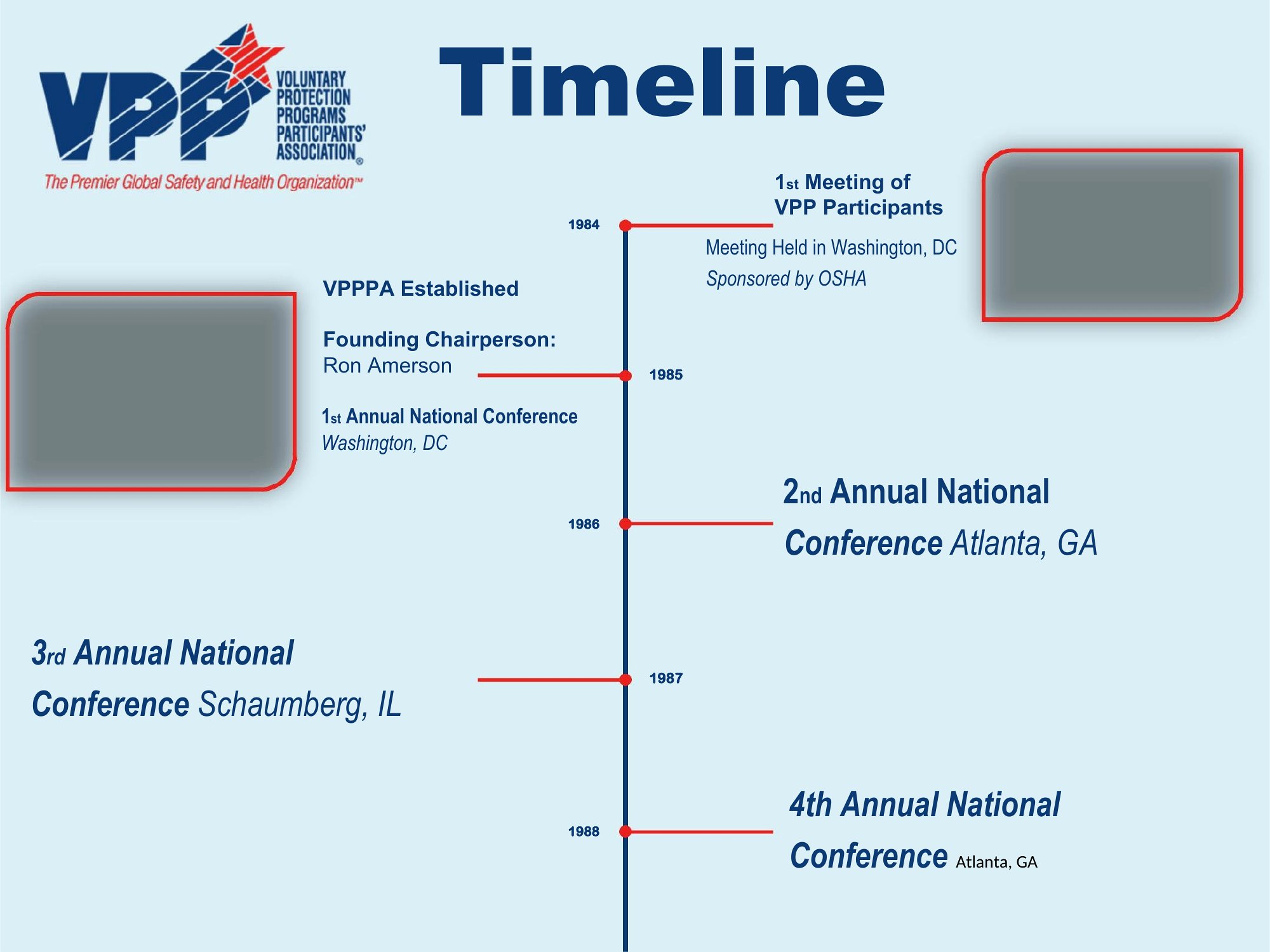
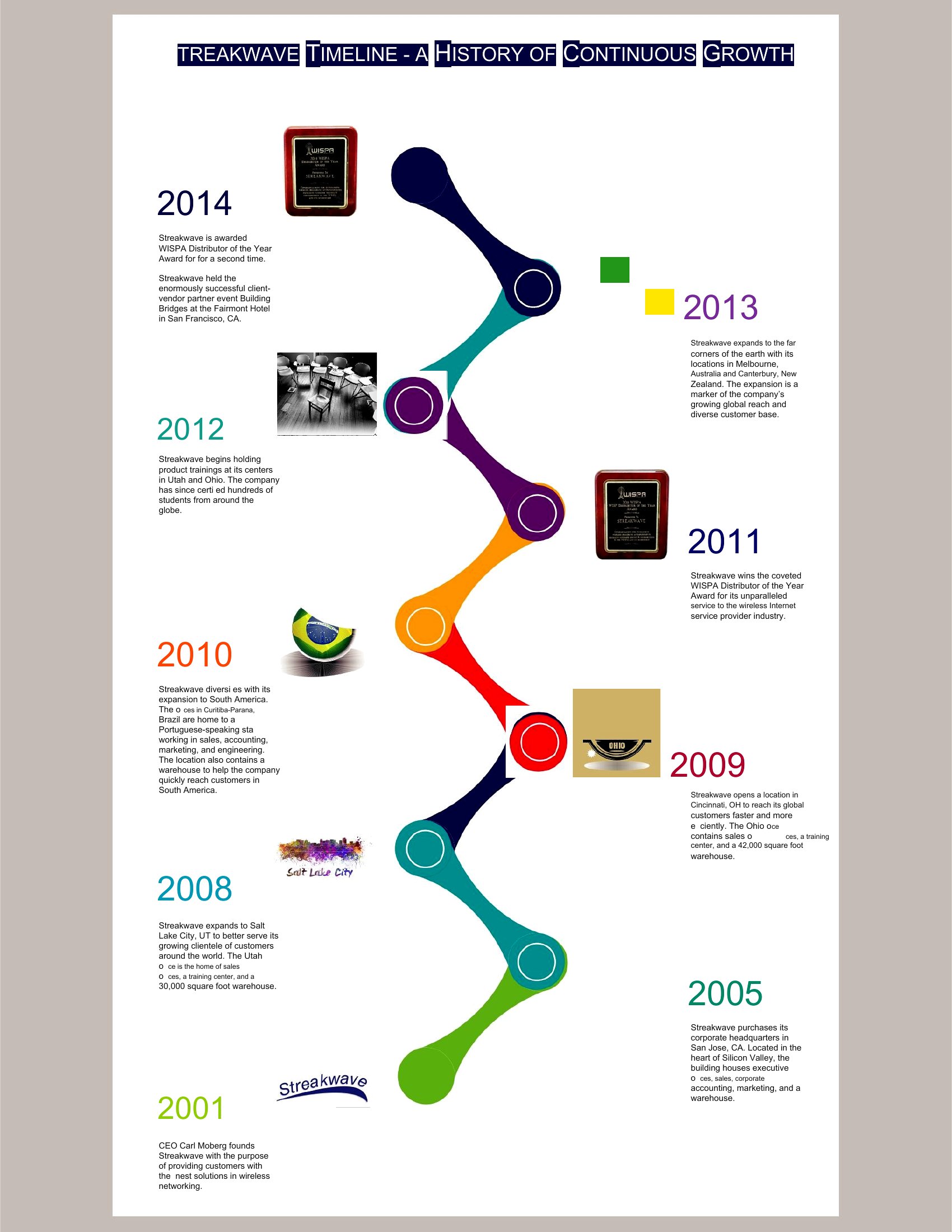
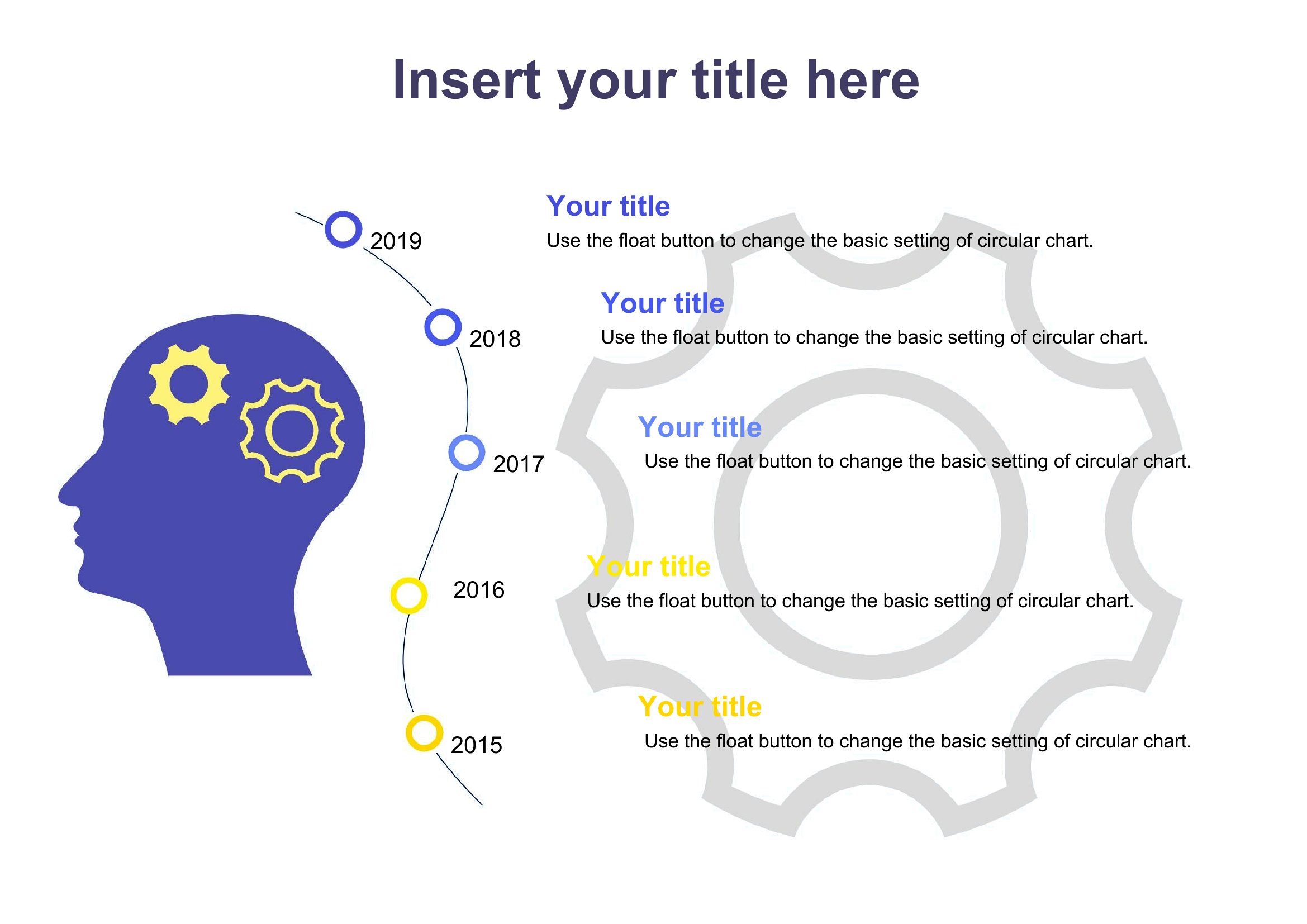
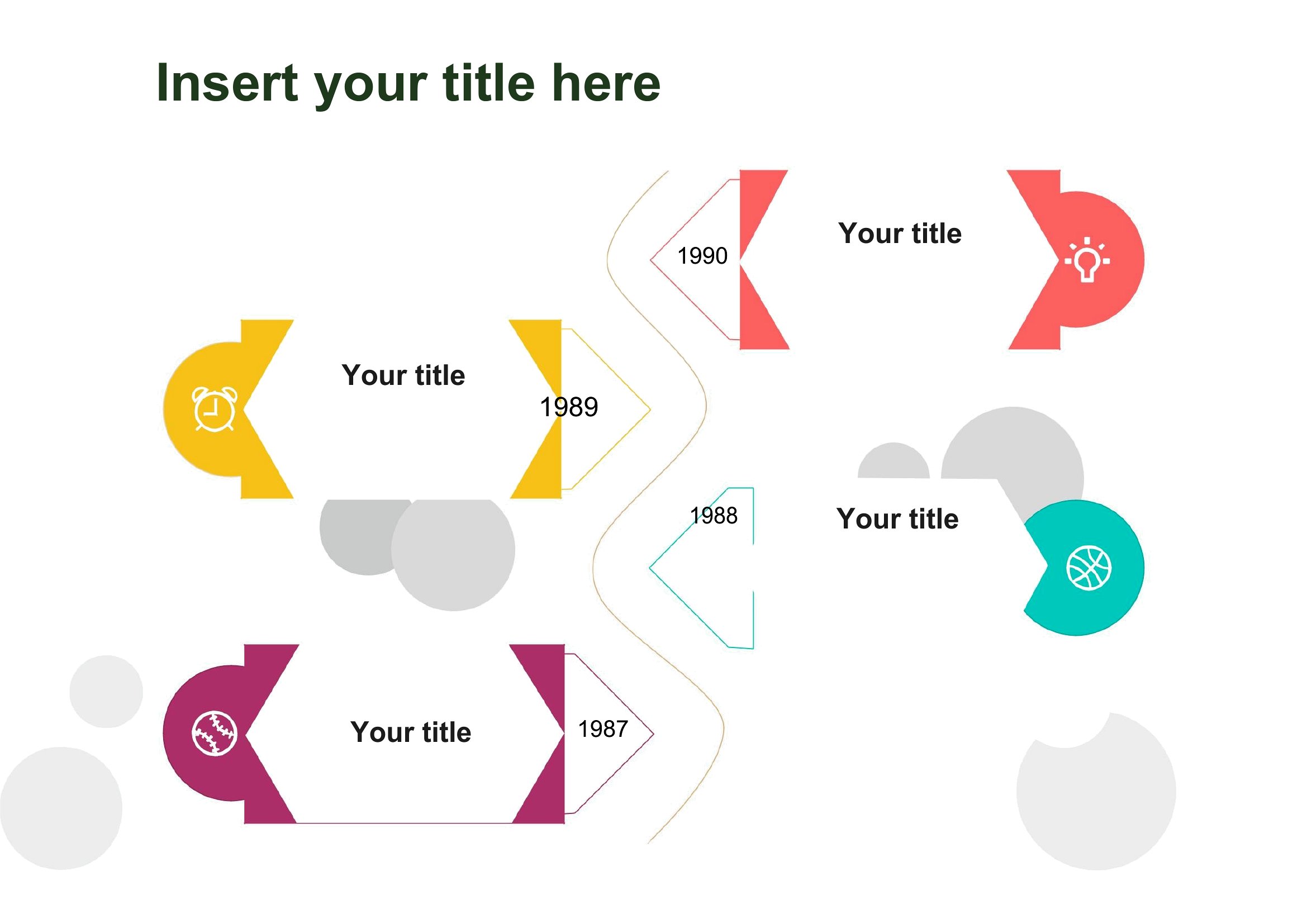
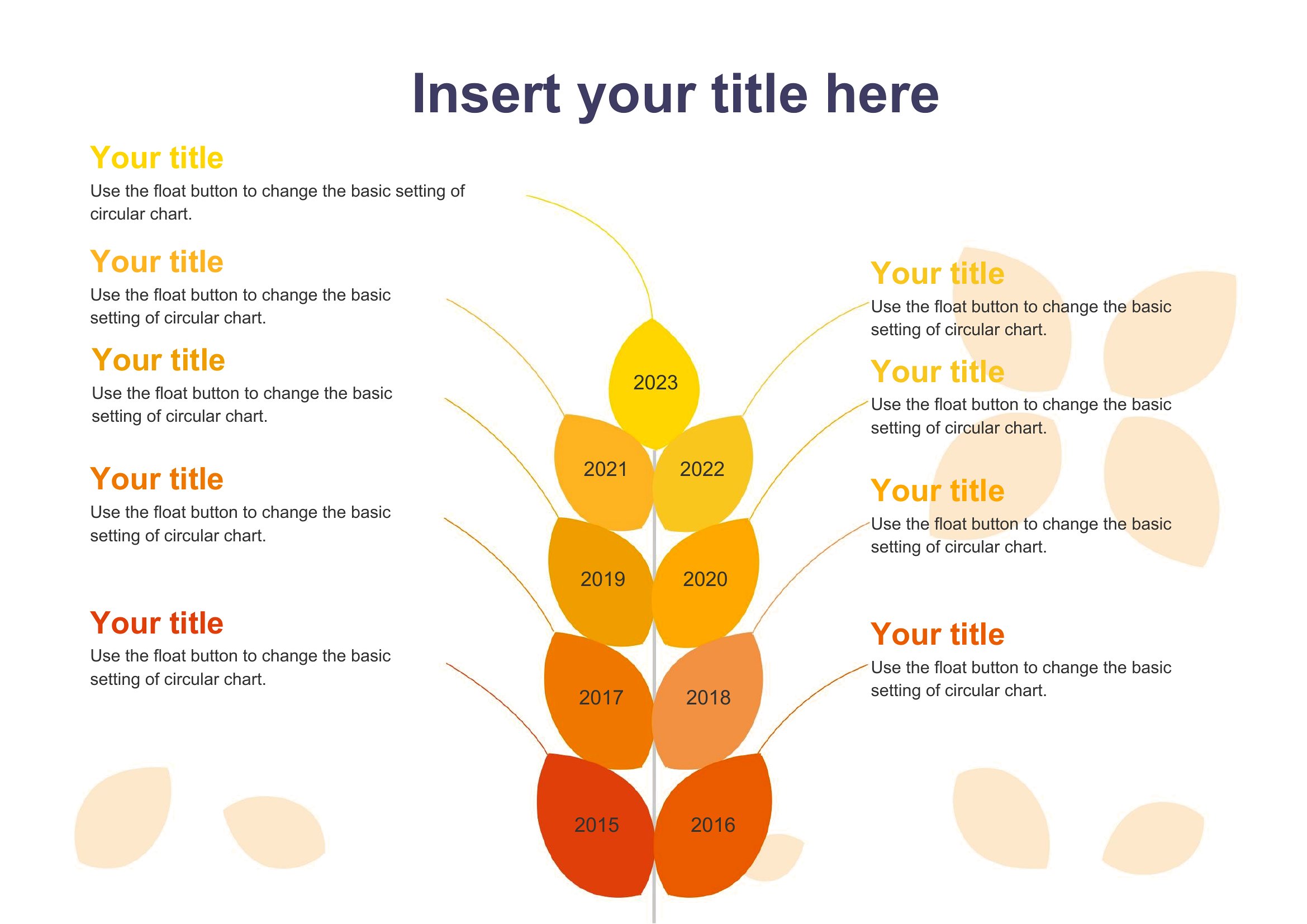
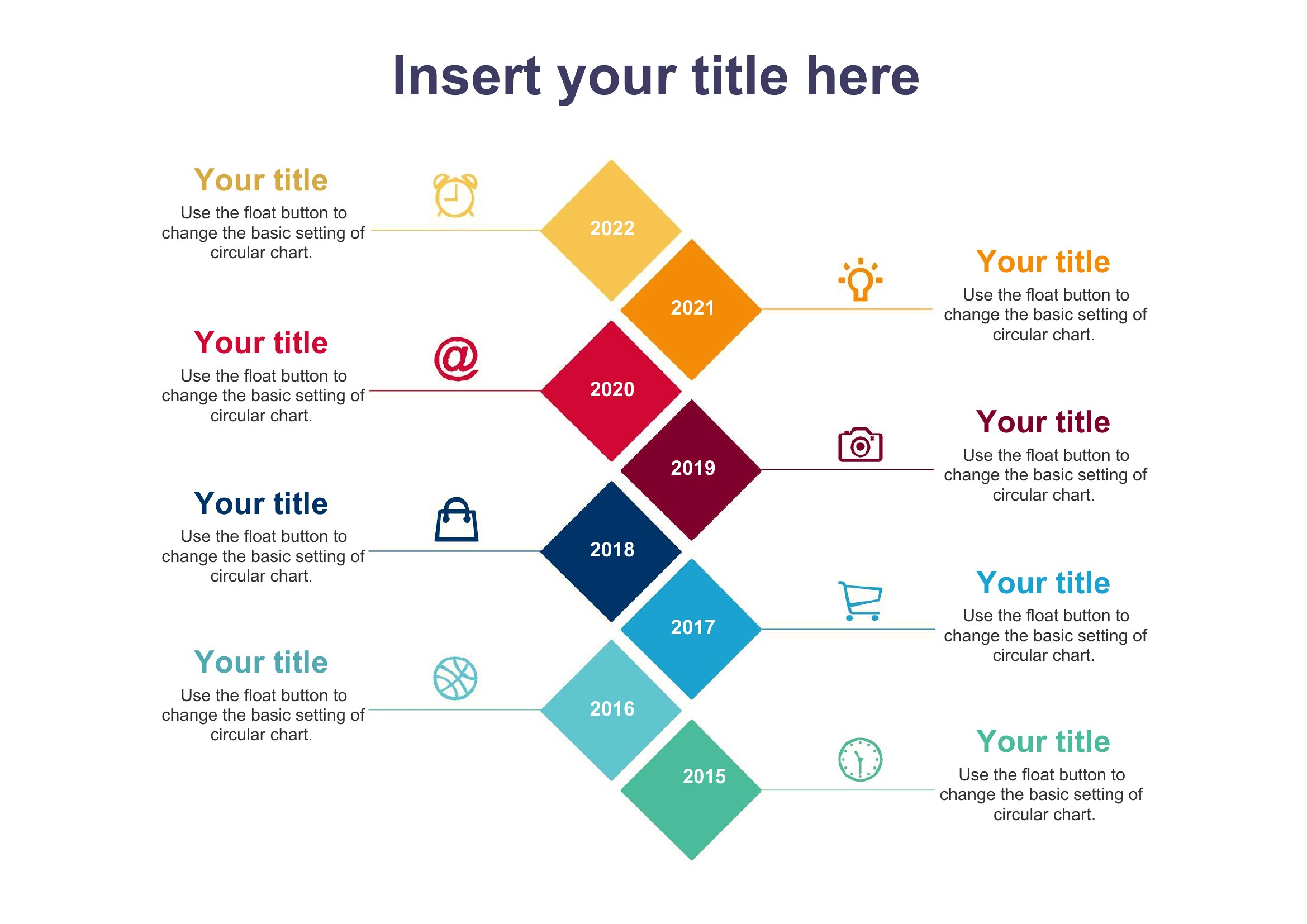
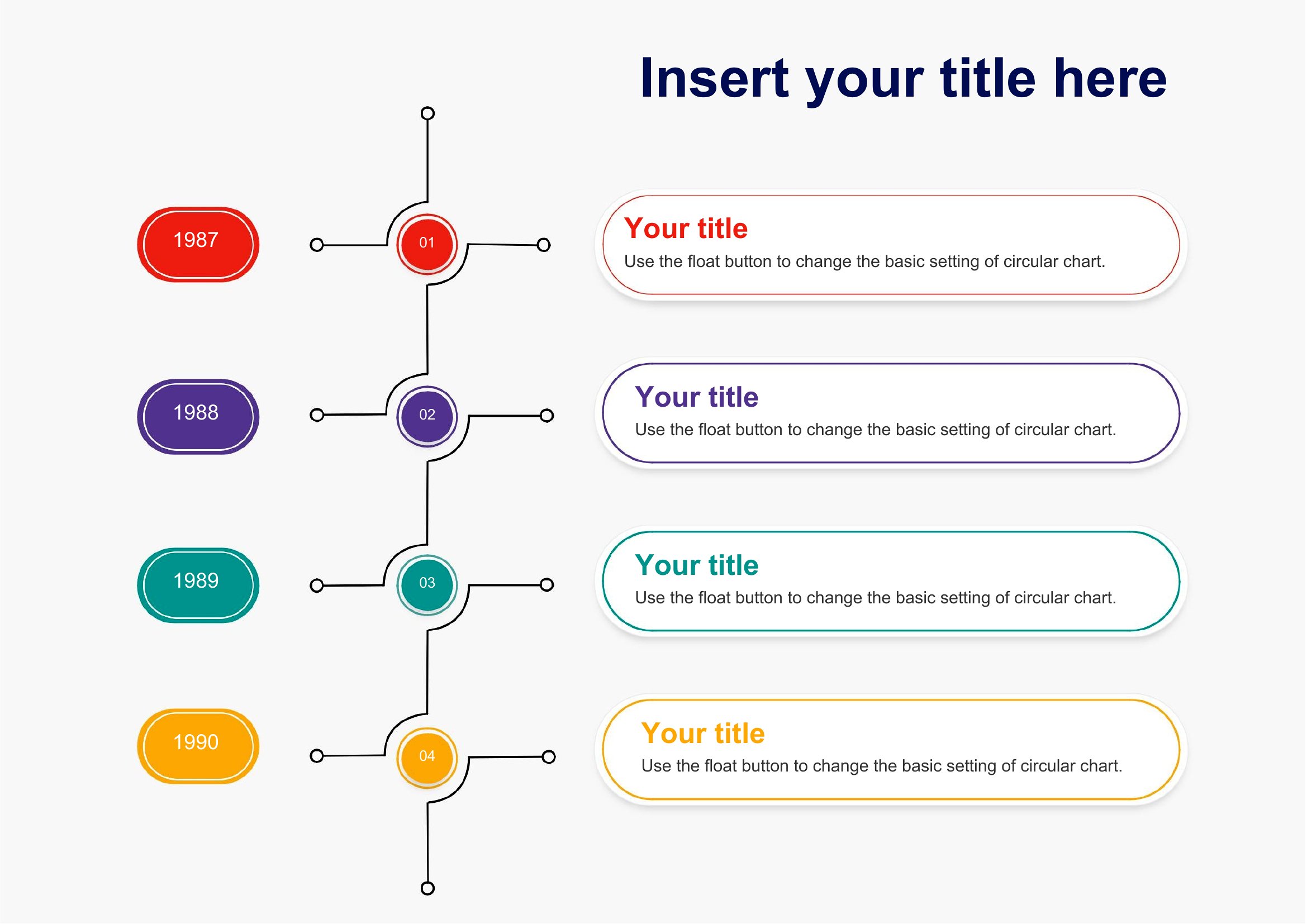
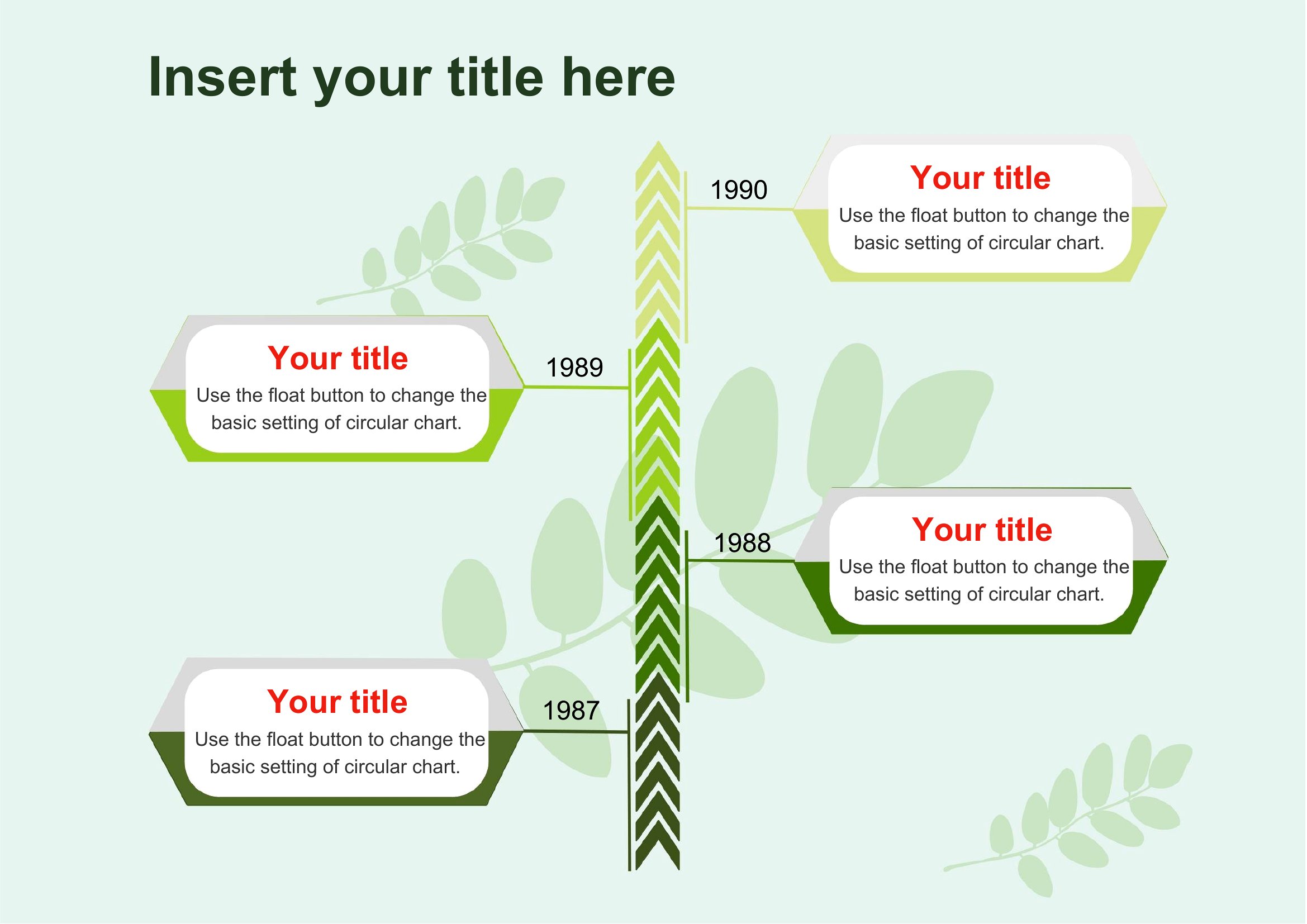
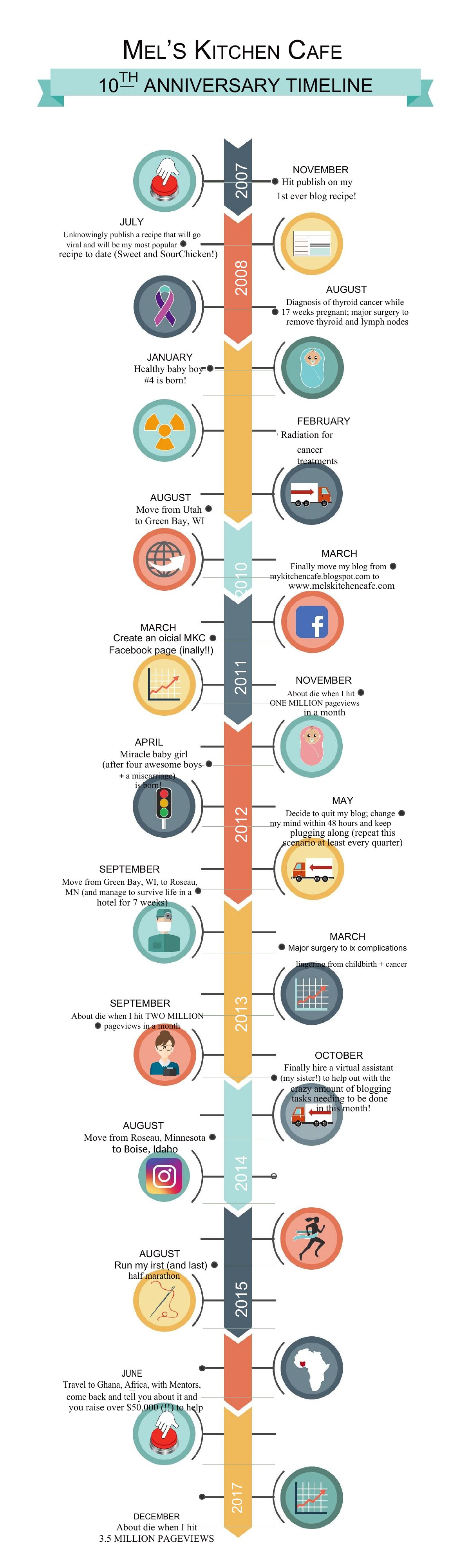
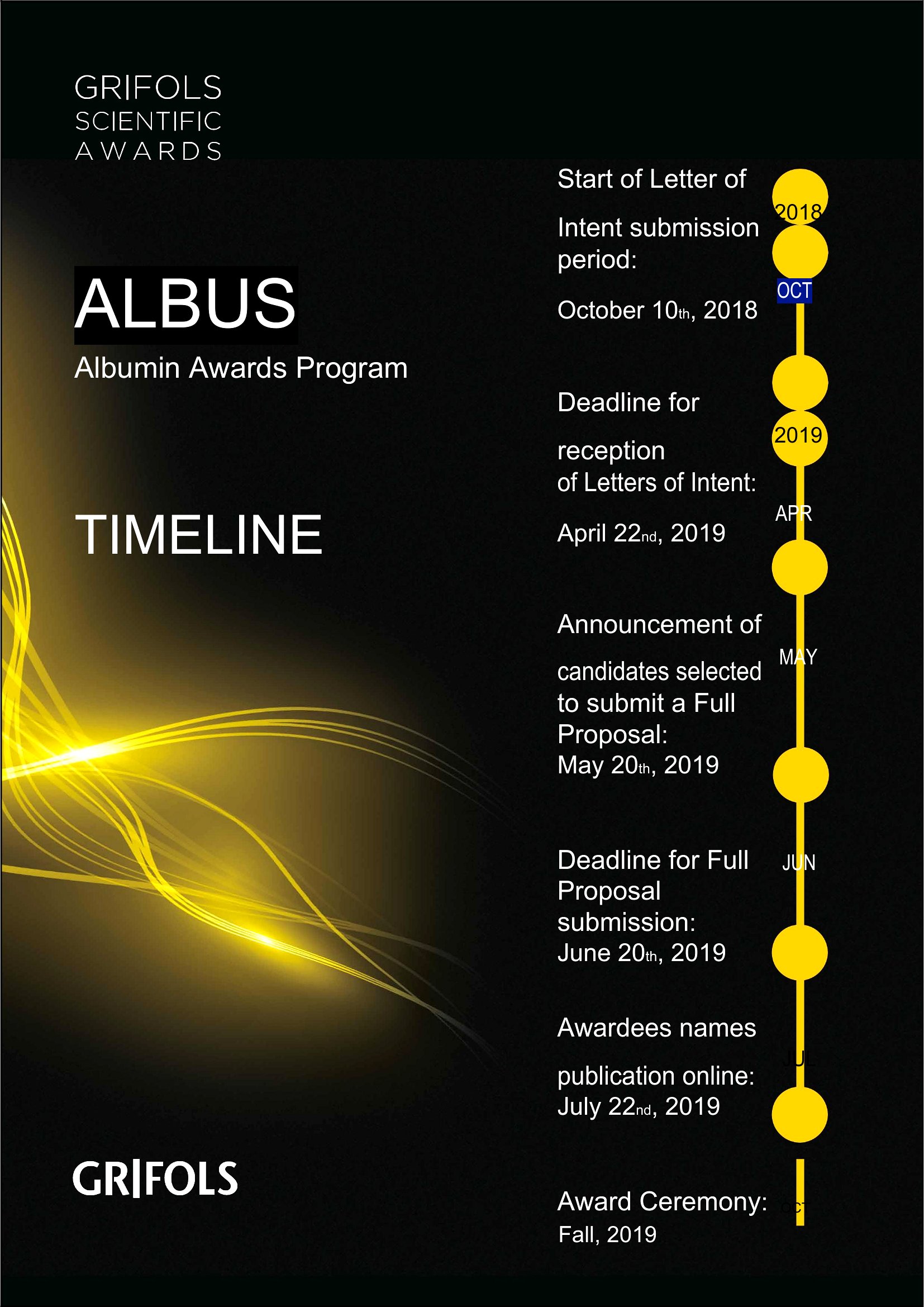
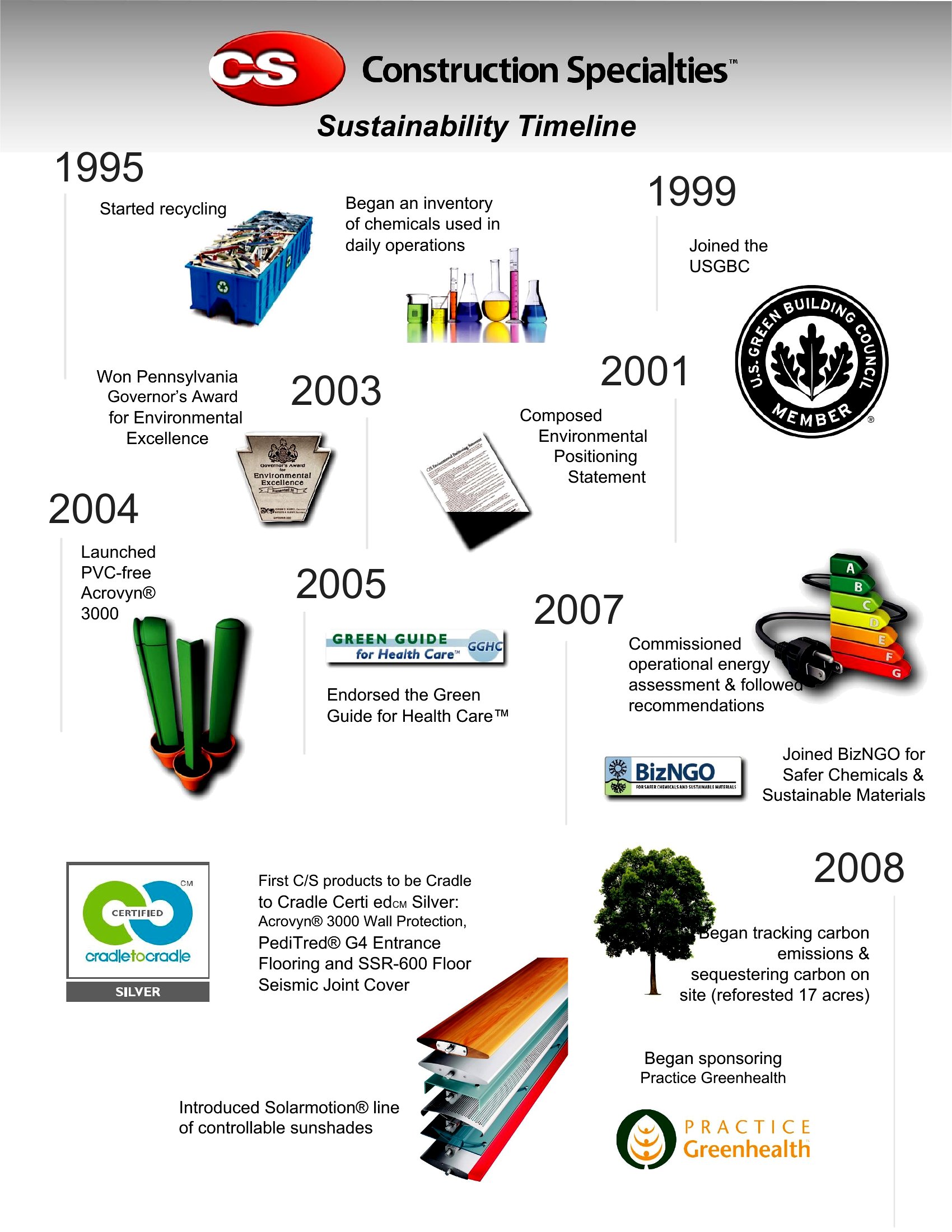
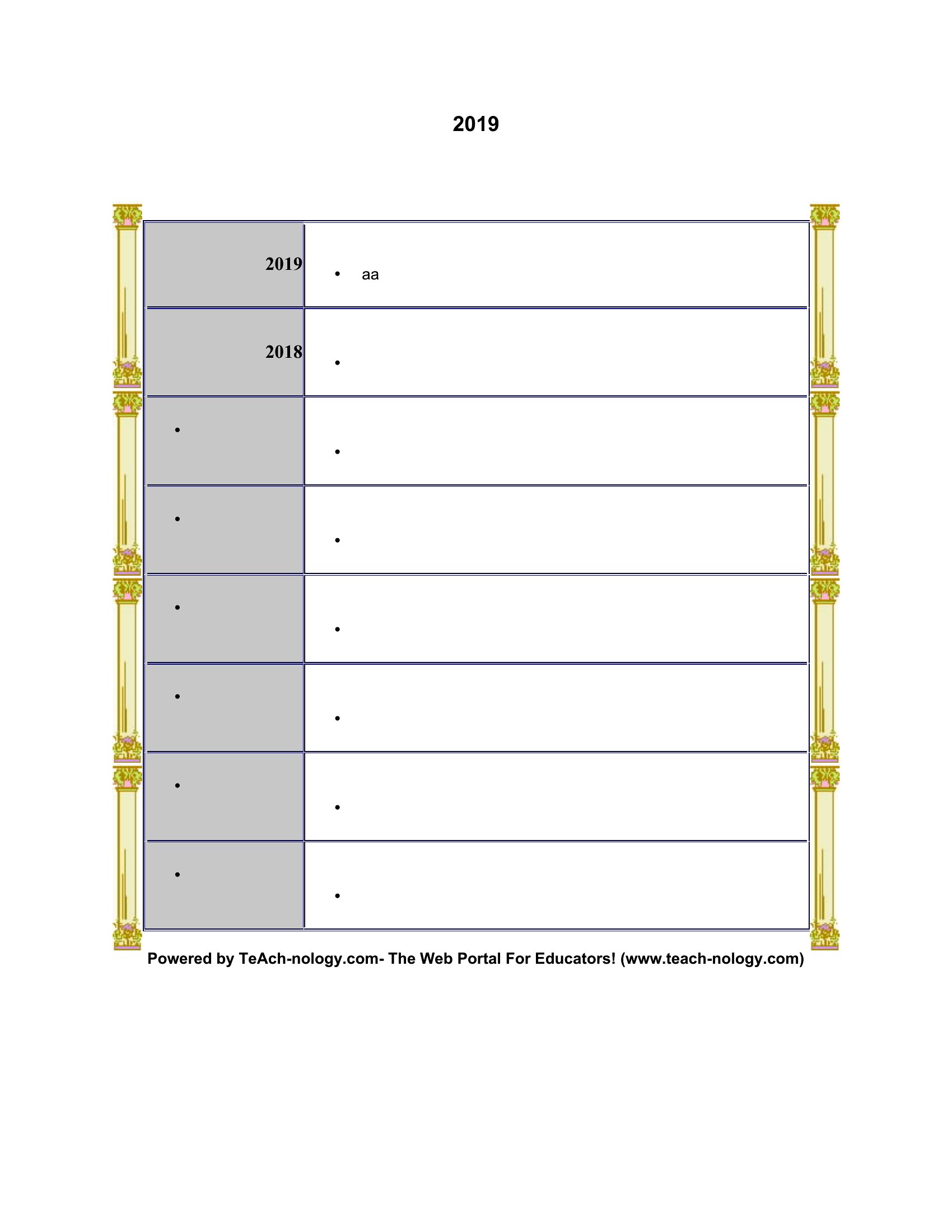
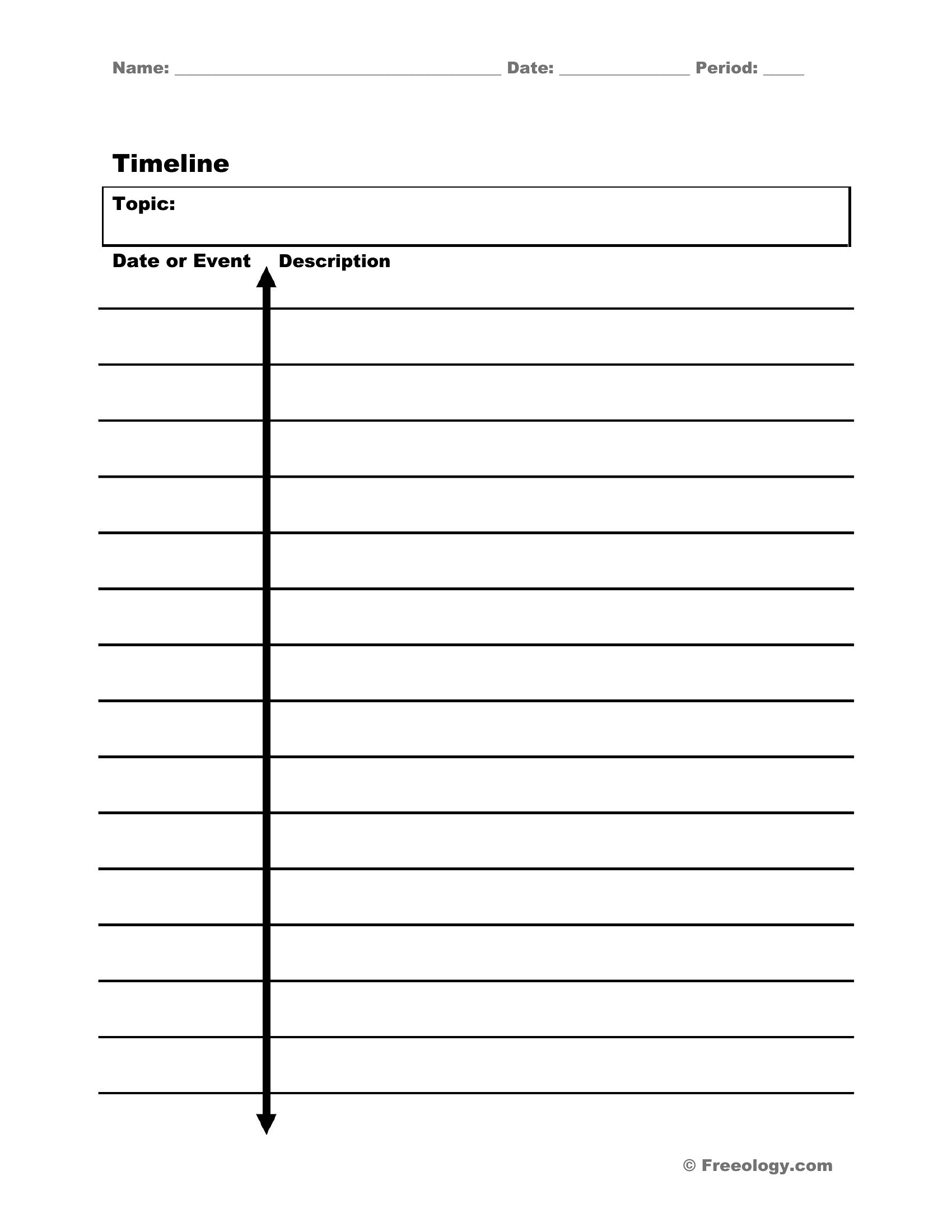
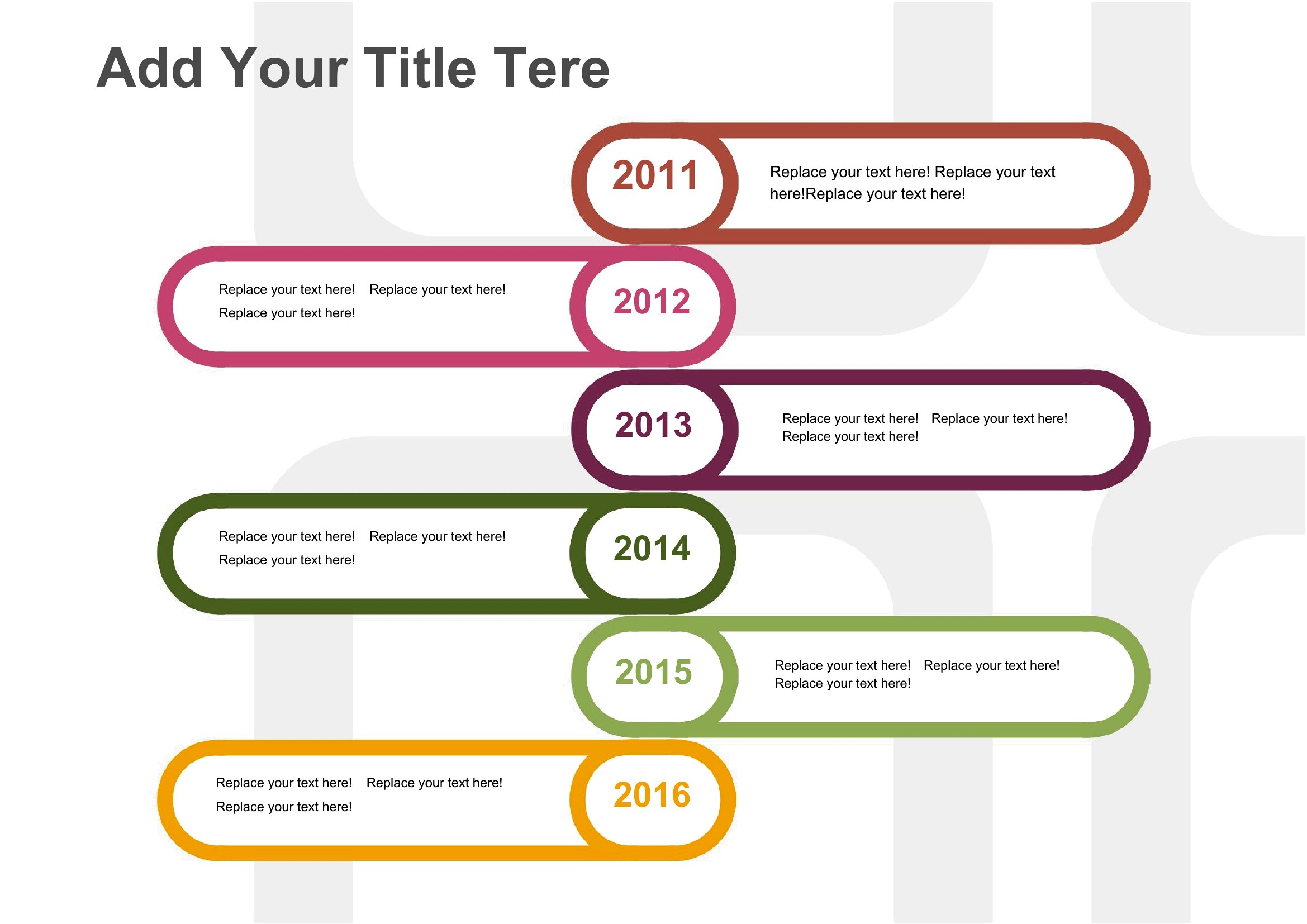
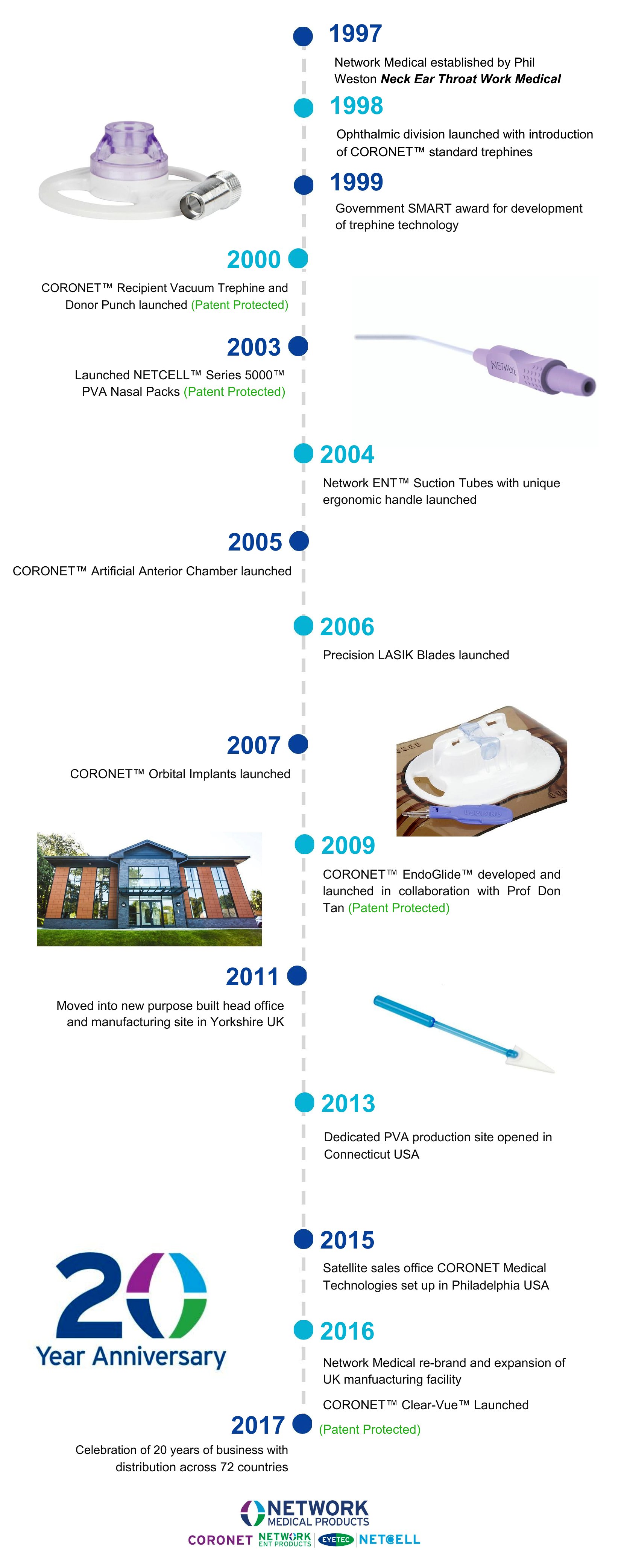
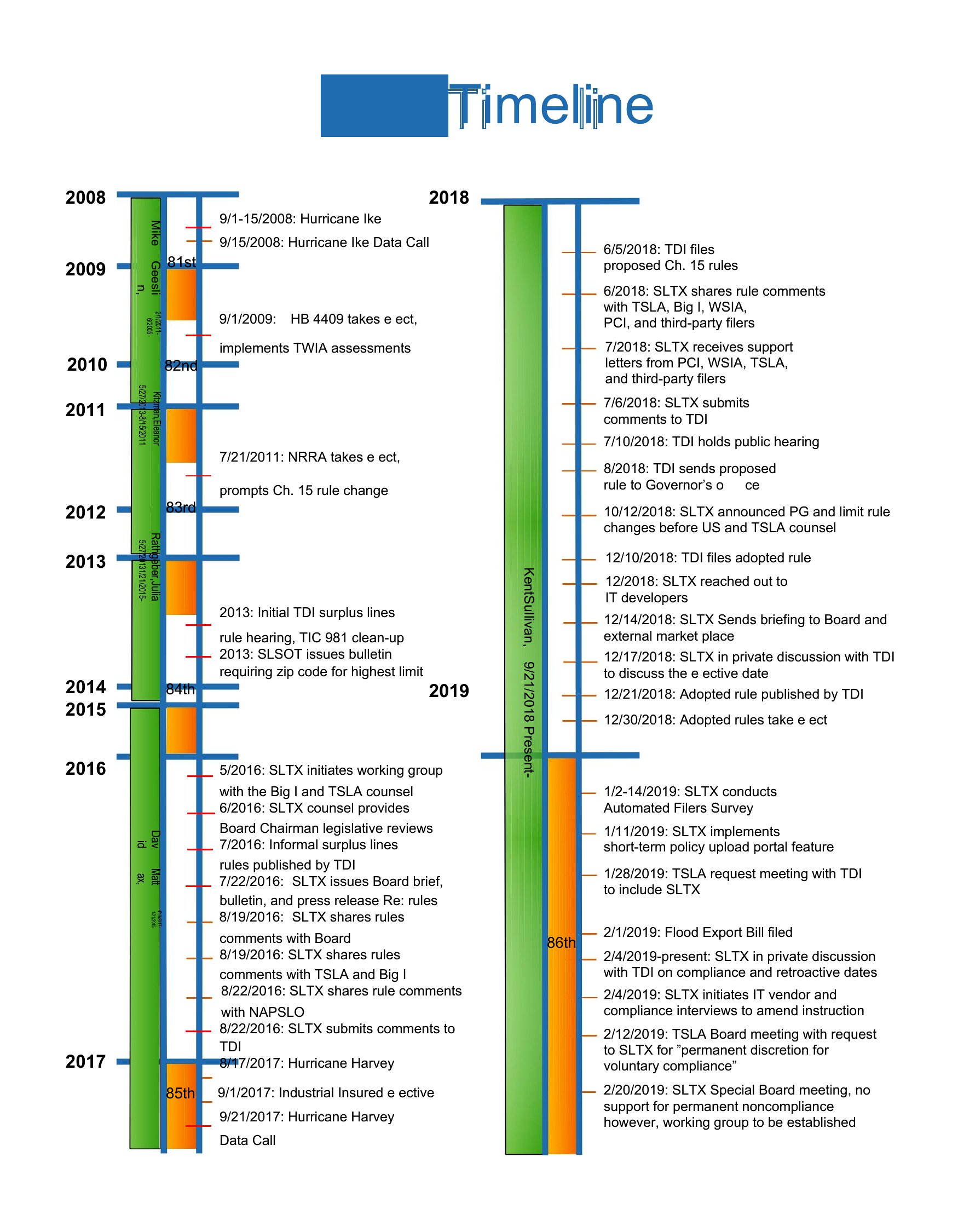
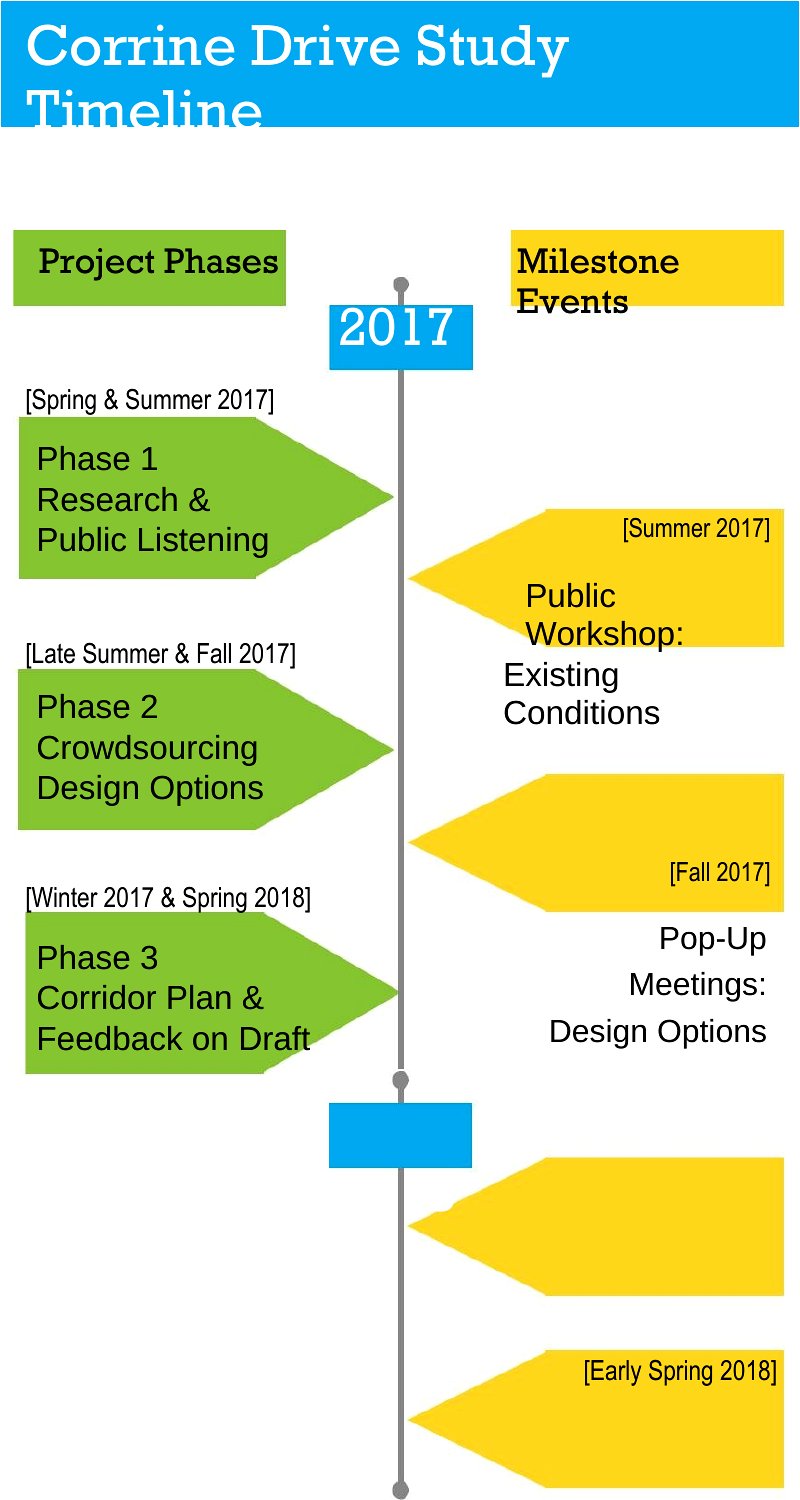
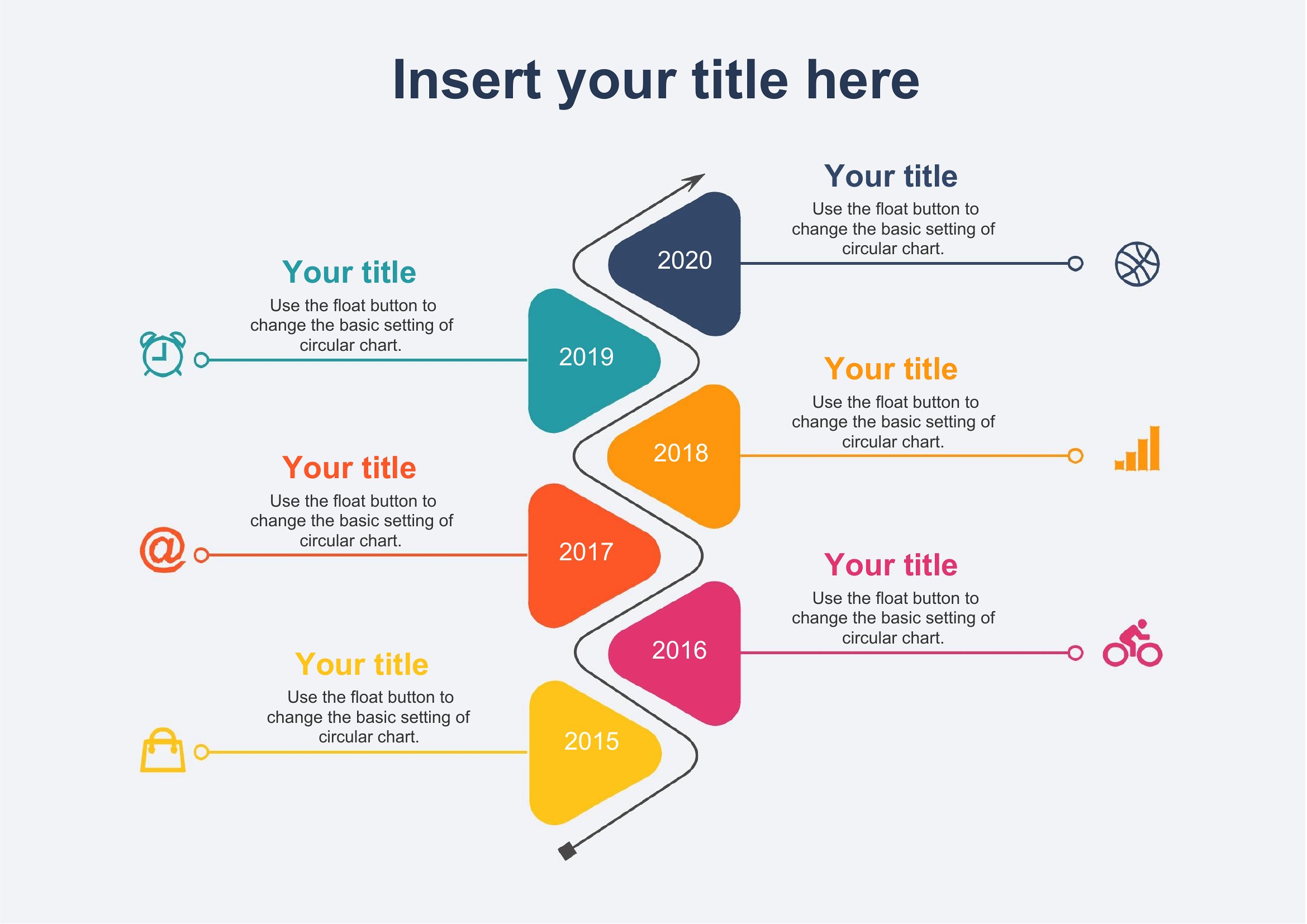
A vertical timeline lays out events in a clean top-to-bottom flow that's easy to follow on a slide or a page. This collection of 33 vertical timeline templates helps students, project managers, and presenters show milestones, history, or a roadmap without wrestling with shapes and lines. The layouts give you balanced markers and space for dates and short descriptions.
The Word files are simple to edit, so you can swap in your own dates, recolor the markers, and adjust the spacing to fit your content. Type your milestones, drop in a few notes, and the timeline comes together quickly. Download the design that suits your topic and have a polished timeline ready for your next report.
Choose from 33 Vertical Timeline Templates
Frequently Asked Questions about Vertical Timeline Templates
Are these Vertical Timeline templates free to download?
Yes. Every Vertical Timeline template in this collection is free to download from TemplateSpark. Just open the template you need, download it, and start editing right away — no subscription required to get started.
What file formats are available for Vertical Timeline templates?
These Vertical Timeline templates are available in Word. Pick the format that matches your workflow — each download keeps the original layout so it looks right whether you open, print, or share it.
Can I edit these Vertical Timeline templates?
Yes. The editable files open in Microsoft Word (and compatible apps like Google Docs or LibreOffice), so you can change the text, colors, and layout to fit your needs, then save or export the finished Vertical Timeline document.
How many Vertical Timeline templates can I choose from?
This page collects 33 Vertical Timeline templates so you can compare styles and layouts in one place. Browse the options, open the one that fits your purpose best, and download it in your preferred format.
Can I use Vertical Timeline templates for commercial purposes?
In most cases, yes — these Vertical Timeline templates are intended for both personal and business use. Check the license note on the template before redistributing or reselling, and avoid sharing the source files as your own product.
What is a vertical timeline best used for?
A vertical timeline arranges events in a top-to-bottom sequence, making it ideal for slides, documents, and mobile screens where space is narrow. It suits roadmaps, project phases, company history, and study notes. The flowing layout is easy to scan and works well when listing many dated milestones.
How do you organize events on a vertical timeline?
List events in chronological order, with the earliest at the top and the latest at the bottom, or reverse it for recent-first updates. Give each entry a date, short title, and brief description. Keep spacing consistent and limit text so the progression stays clear and readable.
When should you choose a vertical timeline over a horizontal one?
Choose a vertical timeline when you have many milestones, longer descriptions, or are presenting on a page or phone screen. Vertical layouts scroll naturally and fit narrow spaces. Horizontal timelines work better for wide slides and shorter sequences where you want to show overall span at a glance.
Comments
Join the conversation
Sign in to share your thoughts and leave a comment on this resource.