Free Flow Chart Templates (Word, PDF)
Diagrams by veetikarvonen
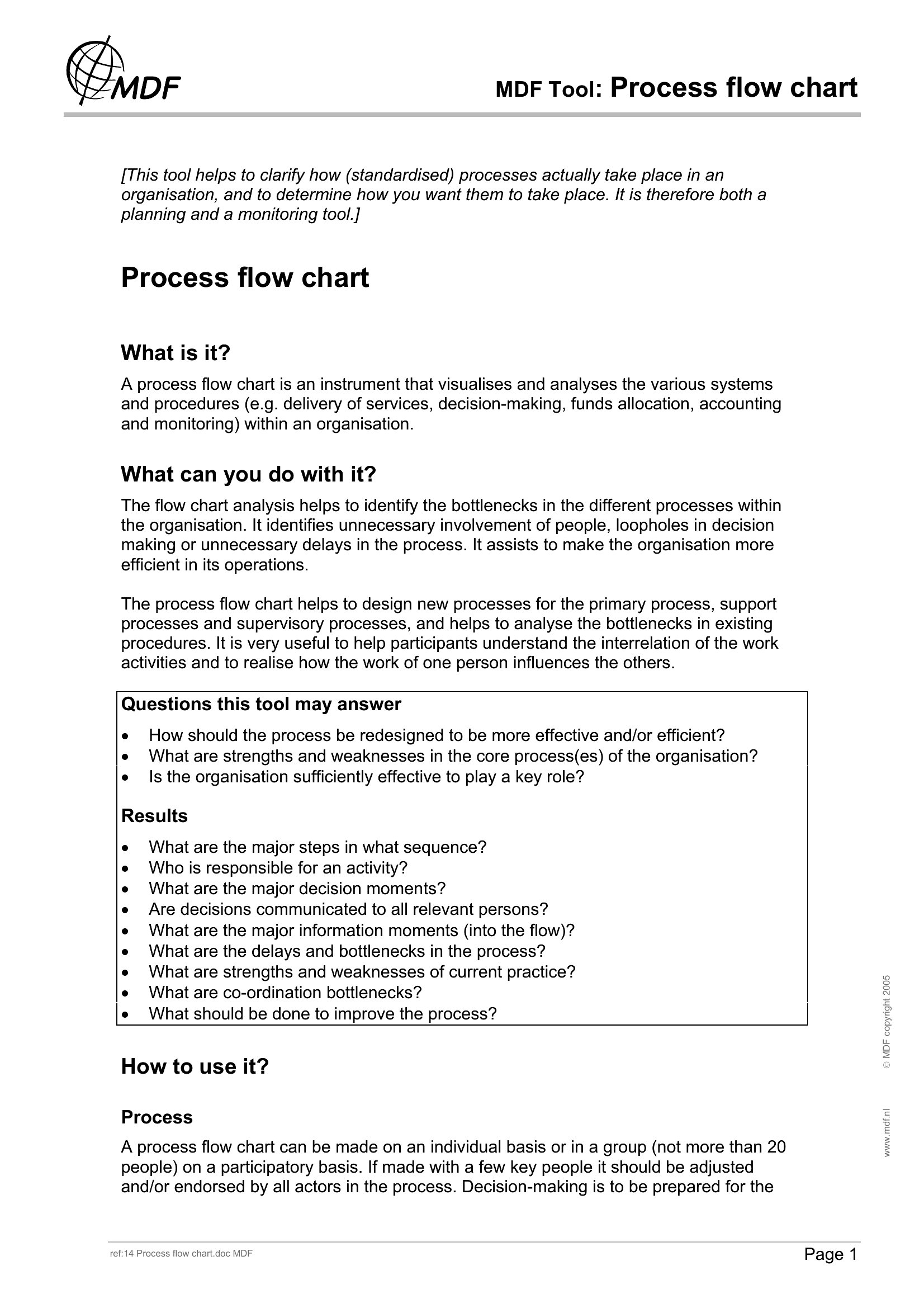
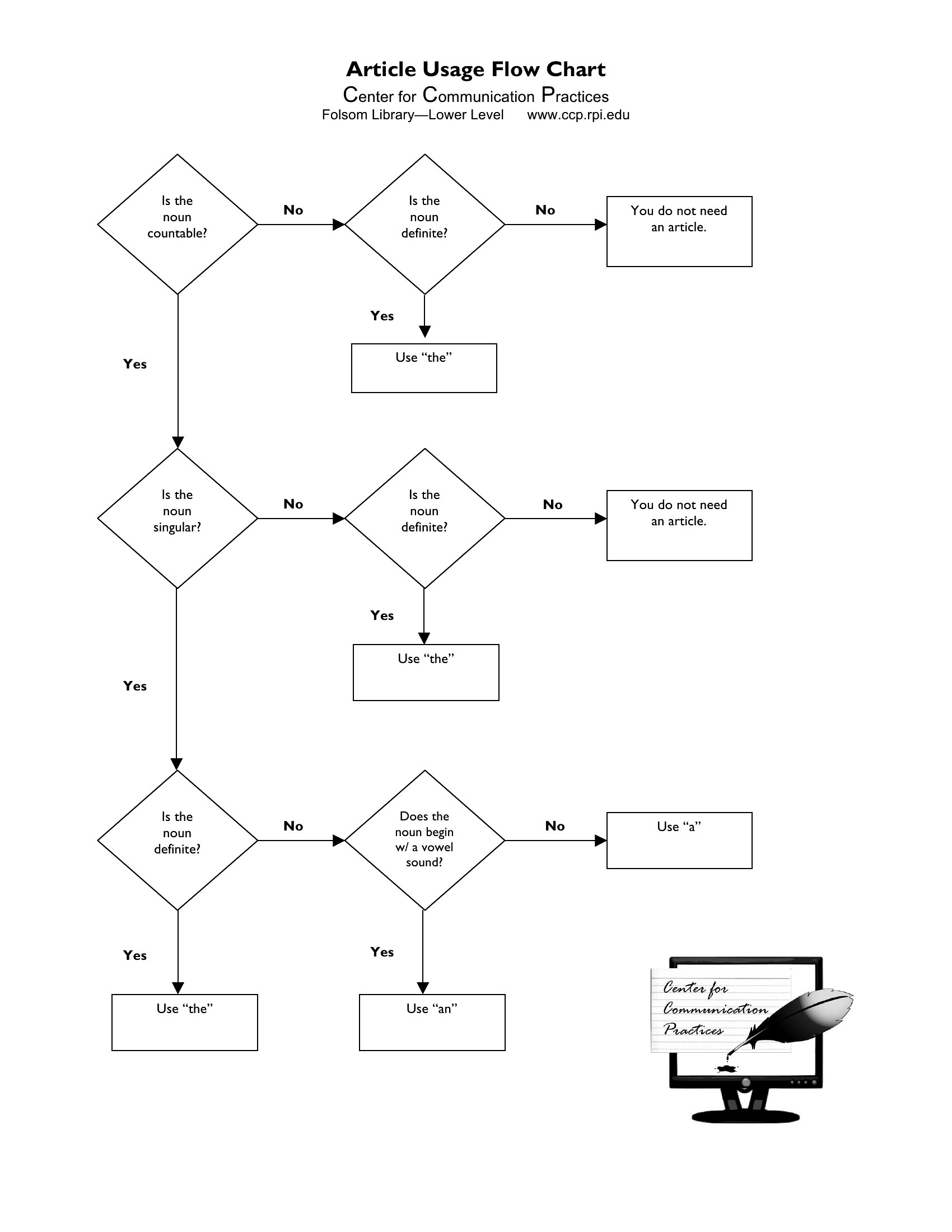
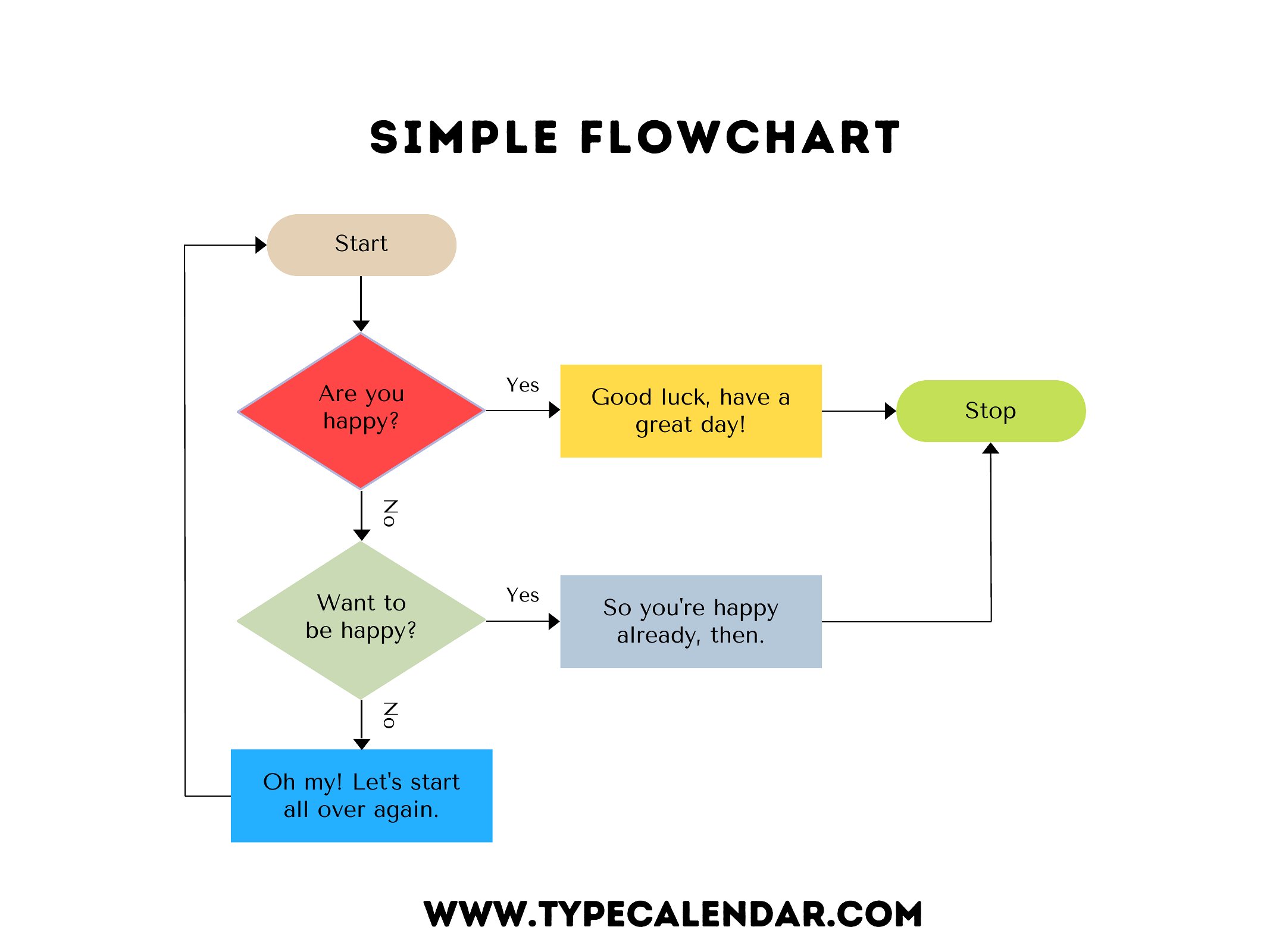
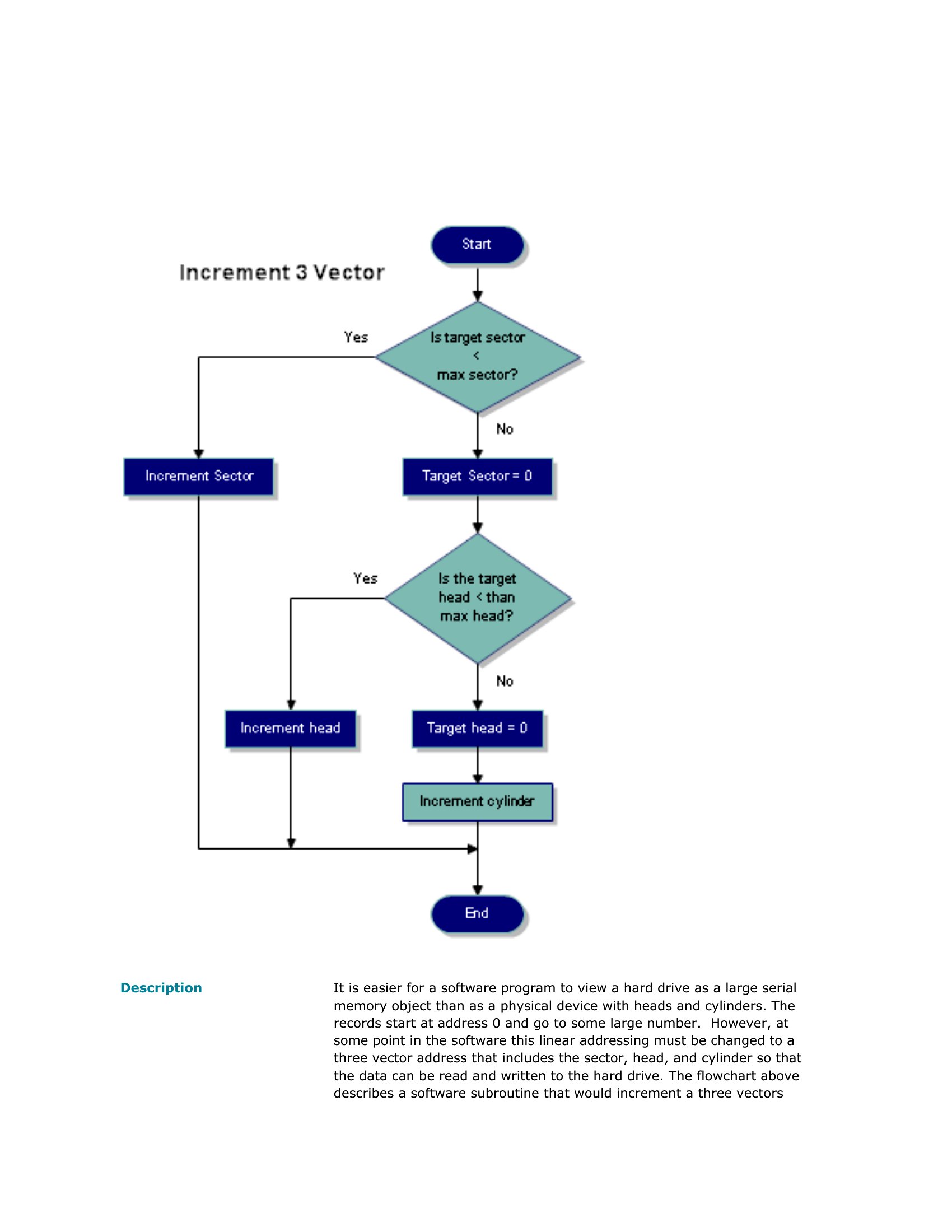
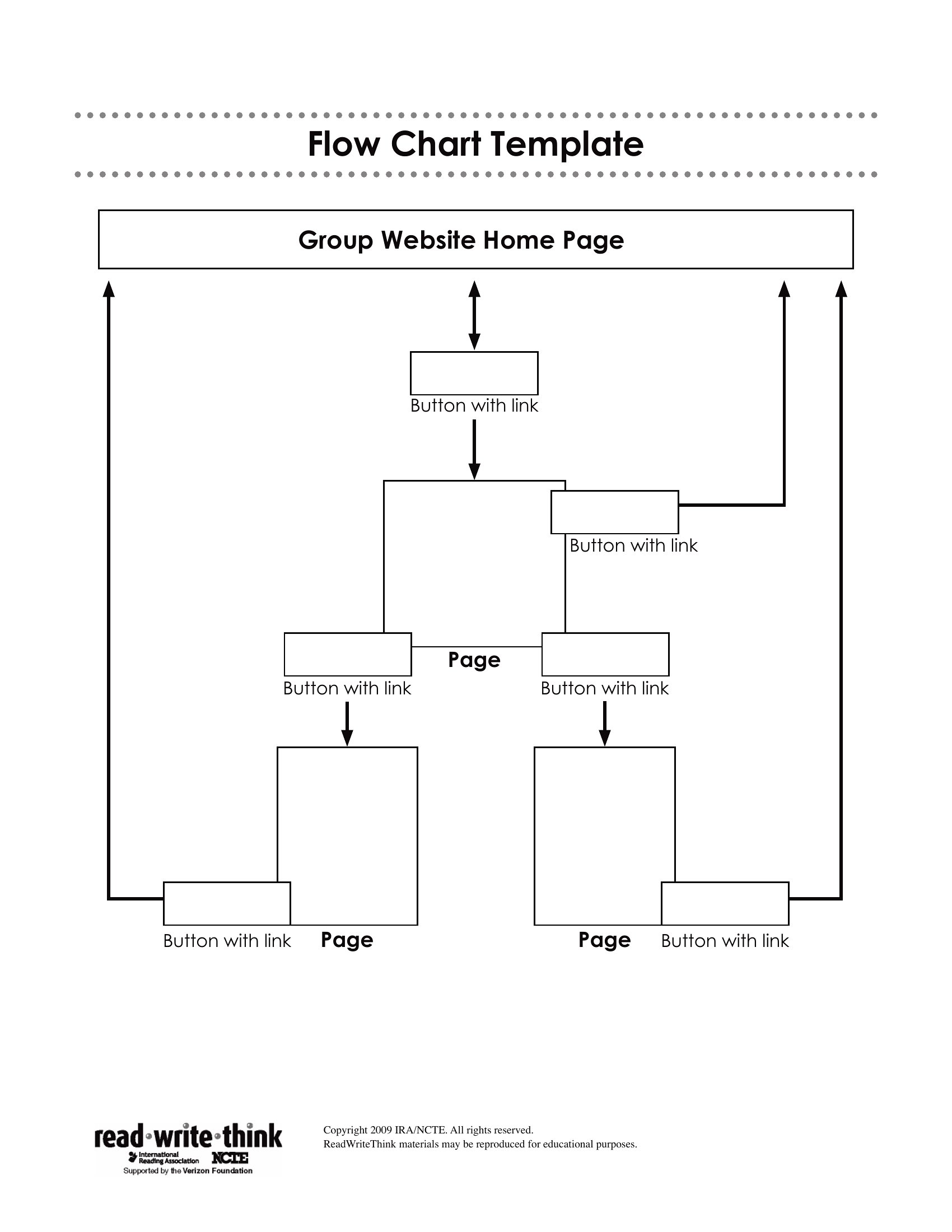
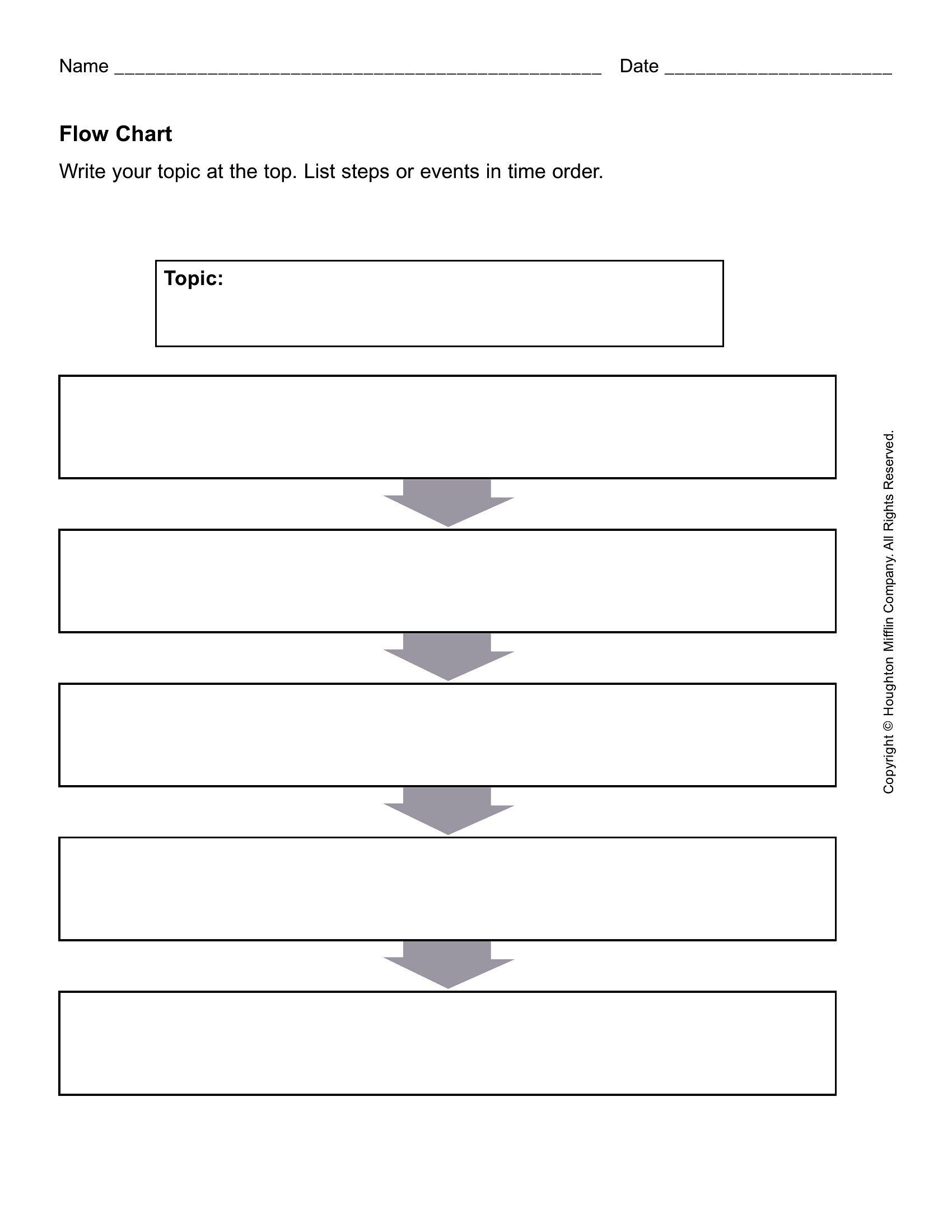
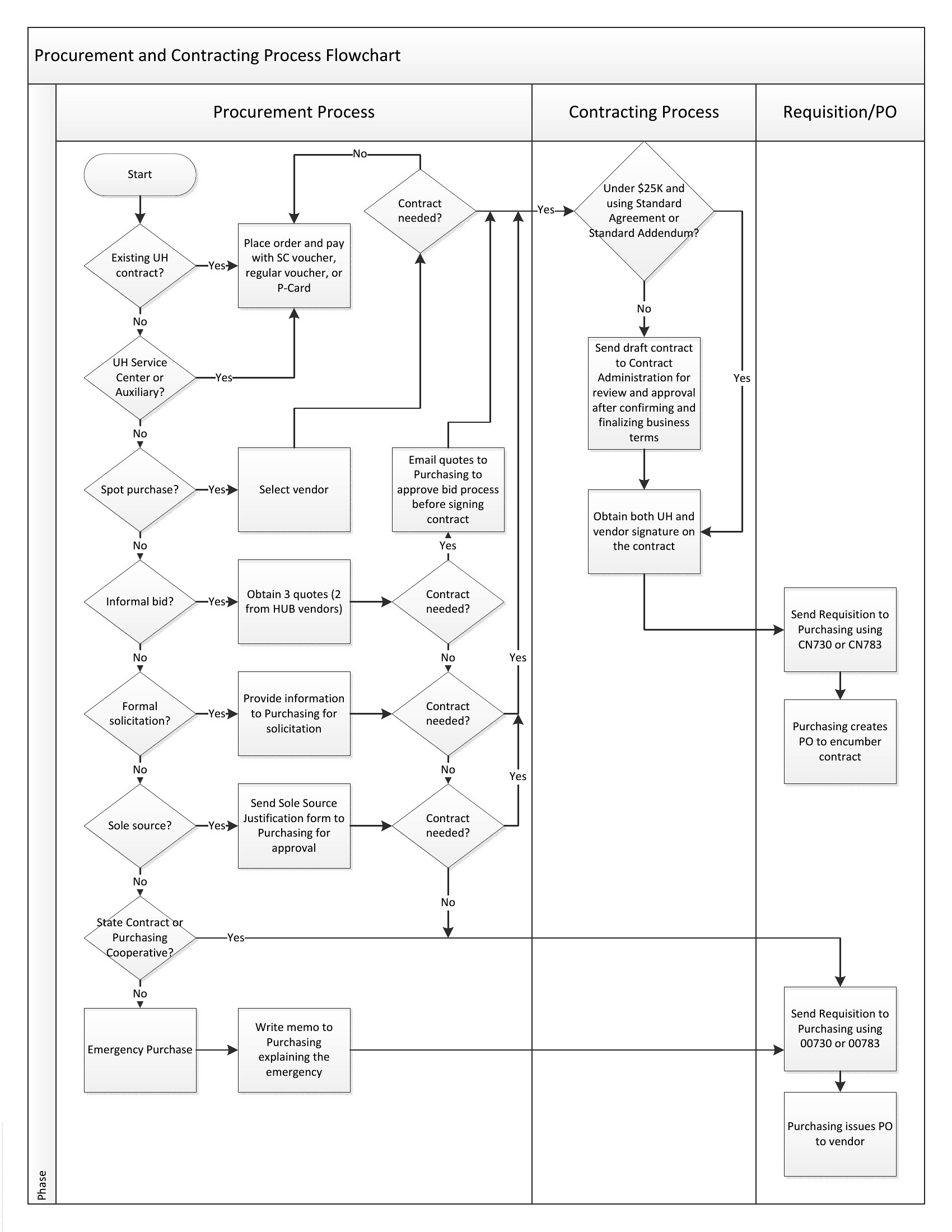
Mapping a process step by step makes bottlenecks obvious and gets a team on the same page fast. This set of 26 flow chart templates gives you ready-made layouts for workflows, decision trees, and process maps, complete with the boxes, diamonds, and arrows already arranged. Project managers, analysts, and students can drop in their own steps instead of fiddling with shapes and connectors.
You'll find editable Word versions for quick changes plus clean PDFs for printing and sharing. Rename the steps, adjust the branches, and your diagram is ready for a report, a presentation, or a wall. No special software is needed and there's no learning curve. Download the layout that matches your process and start charting.
Choose from 26 Flow Chart Templates
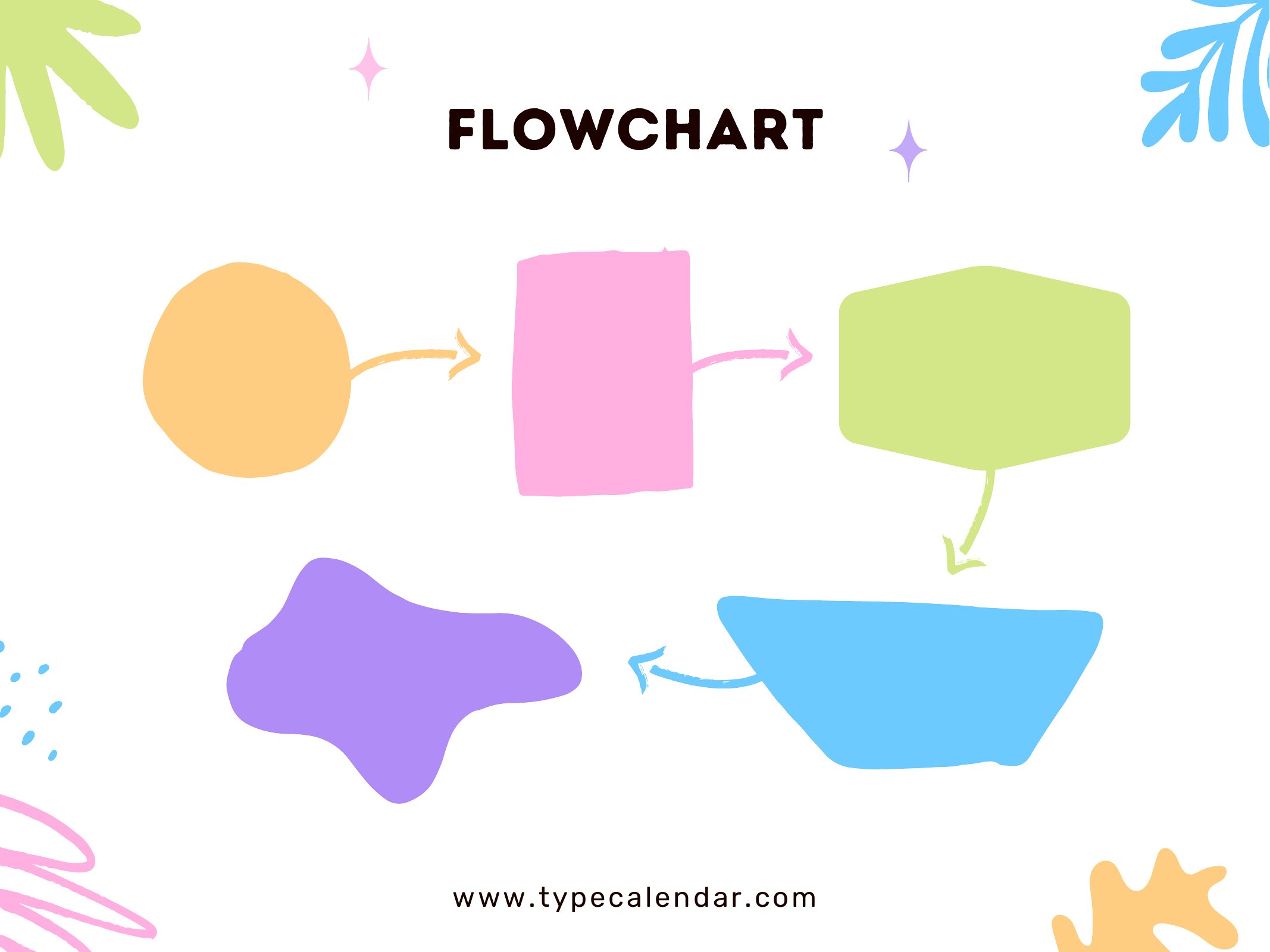
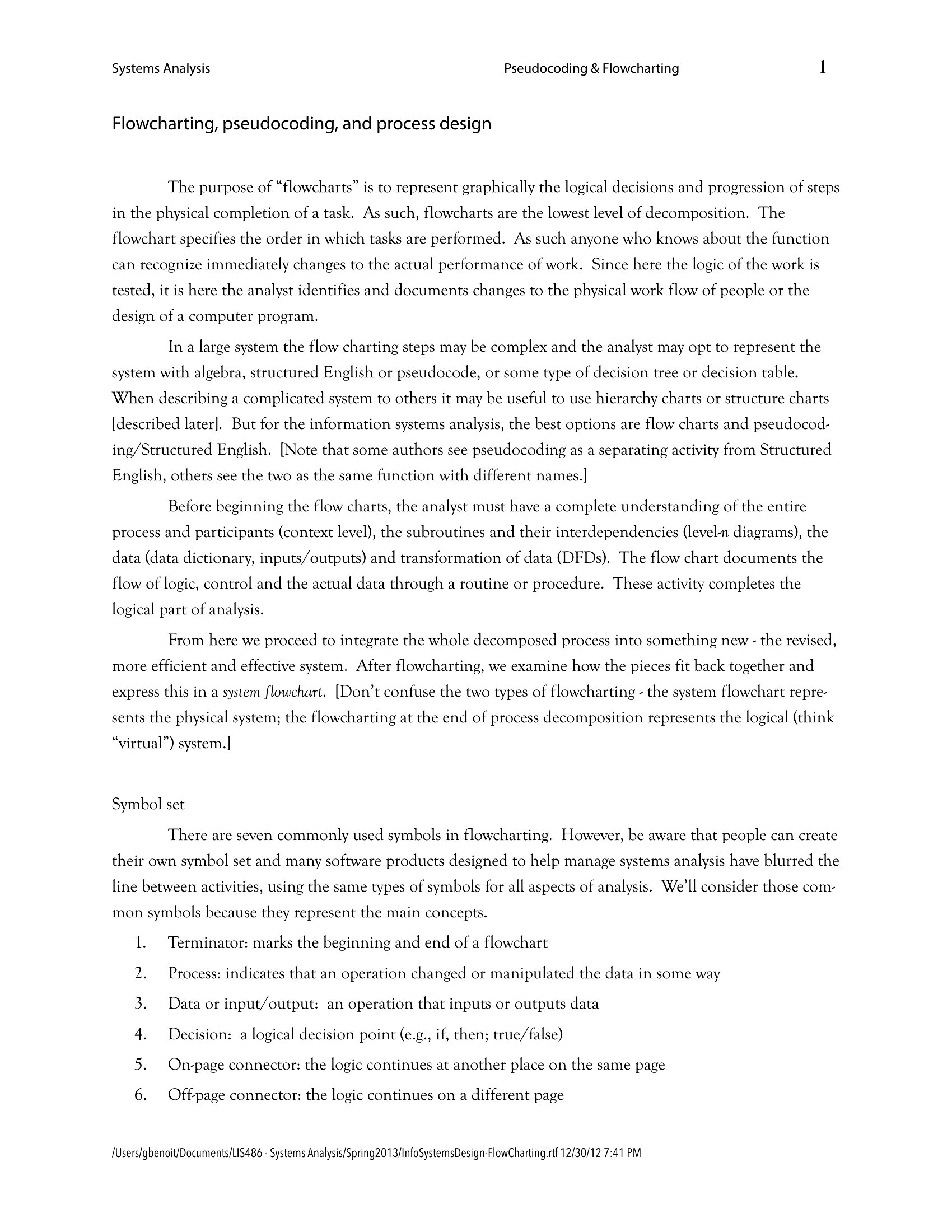
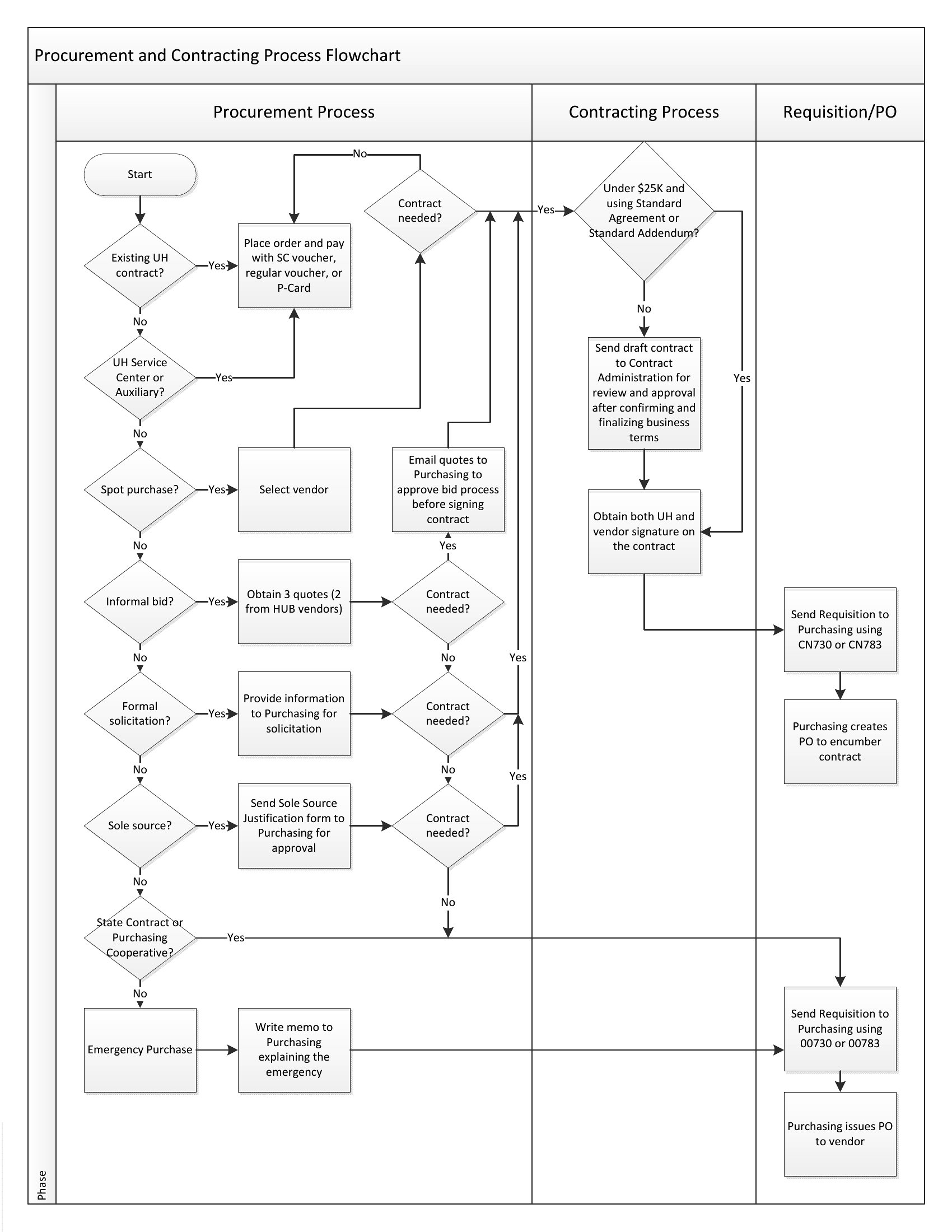
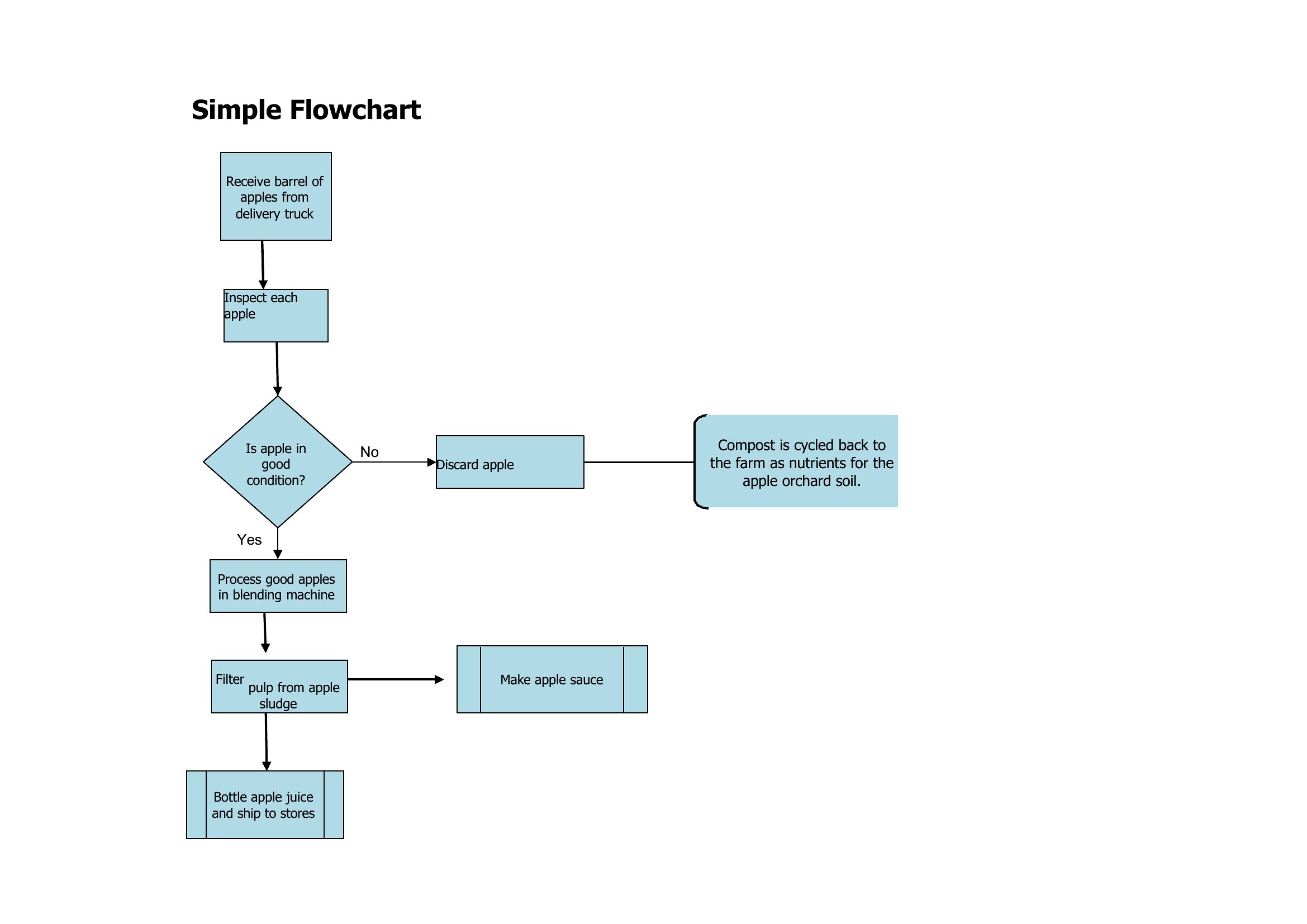
Free Flow Chart
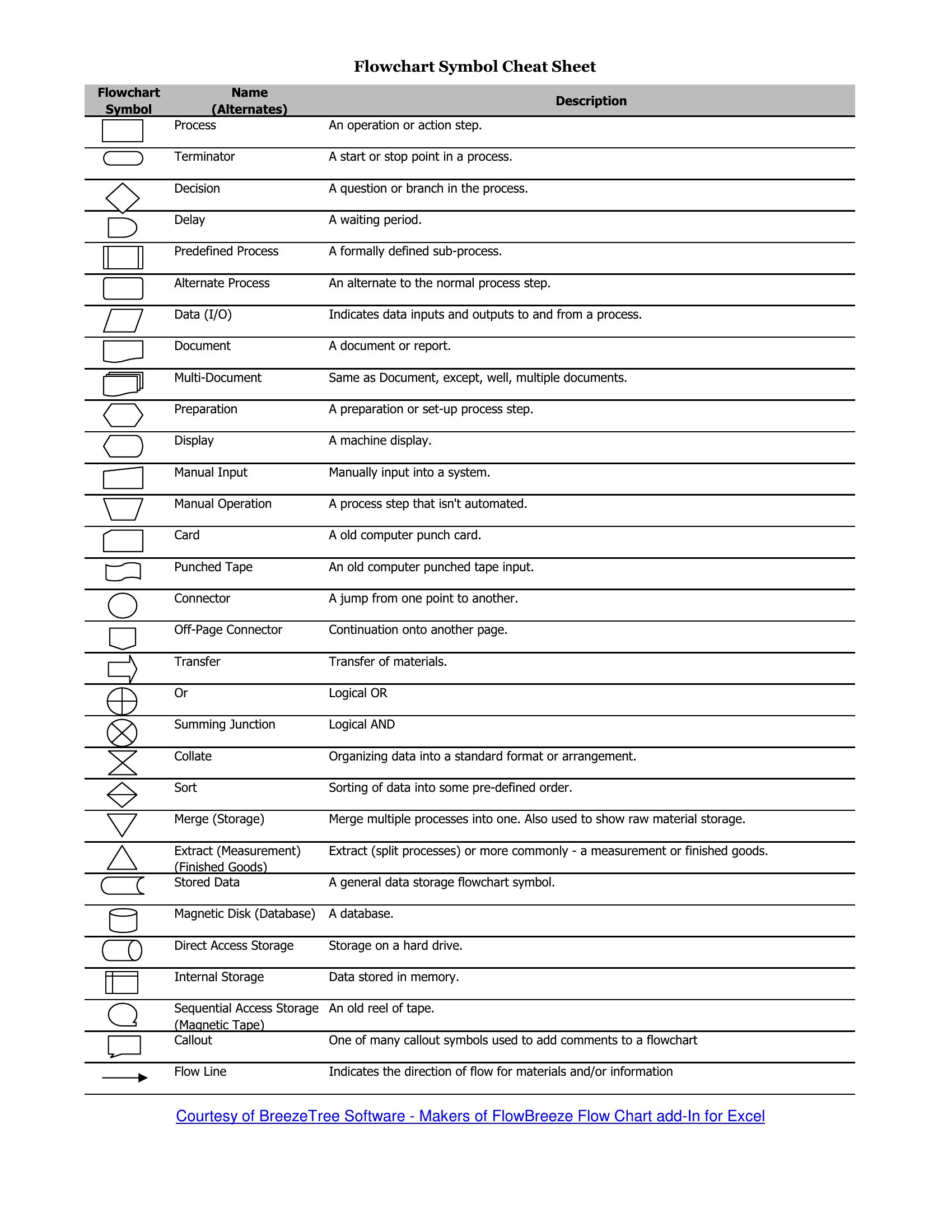
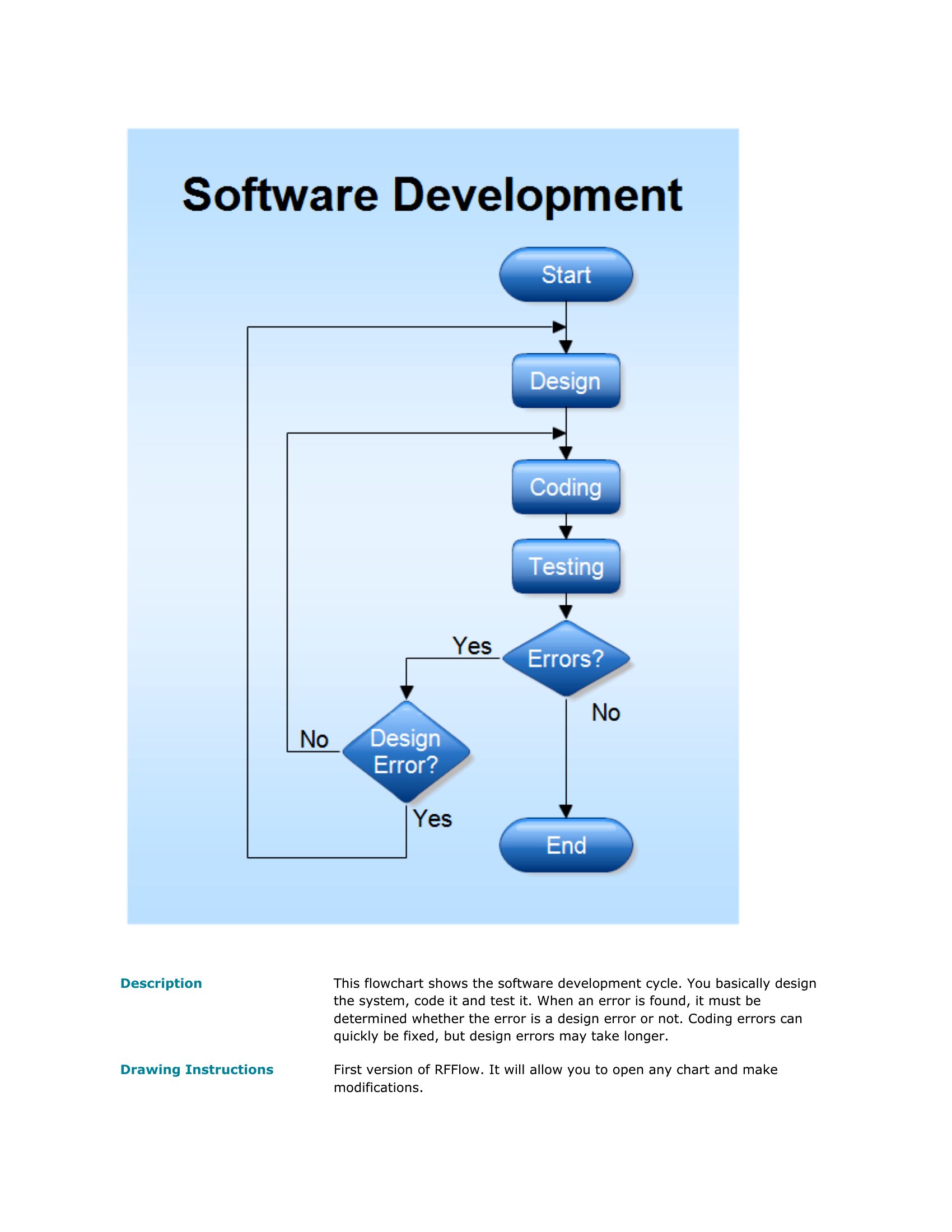
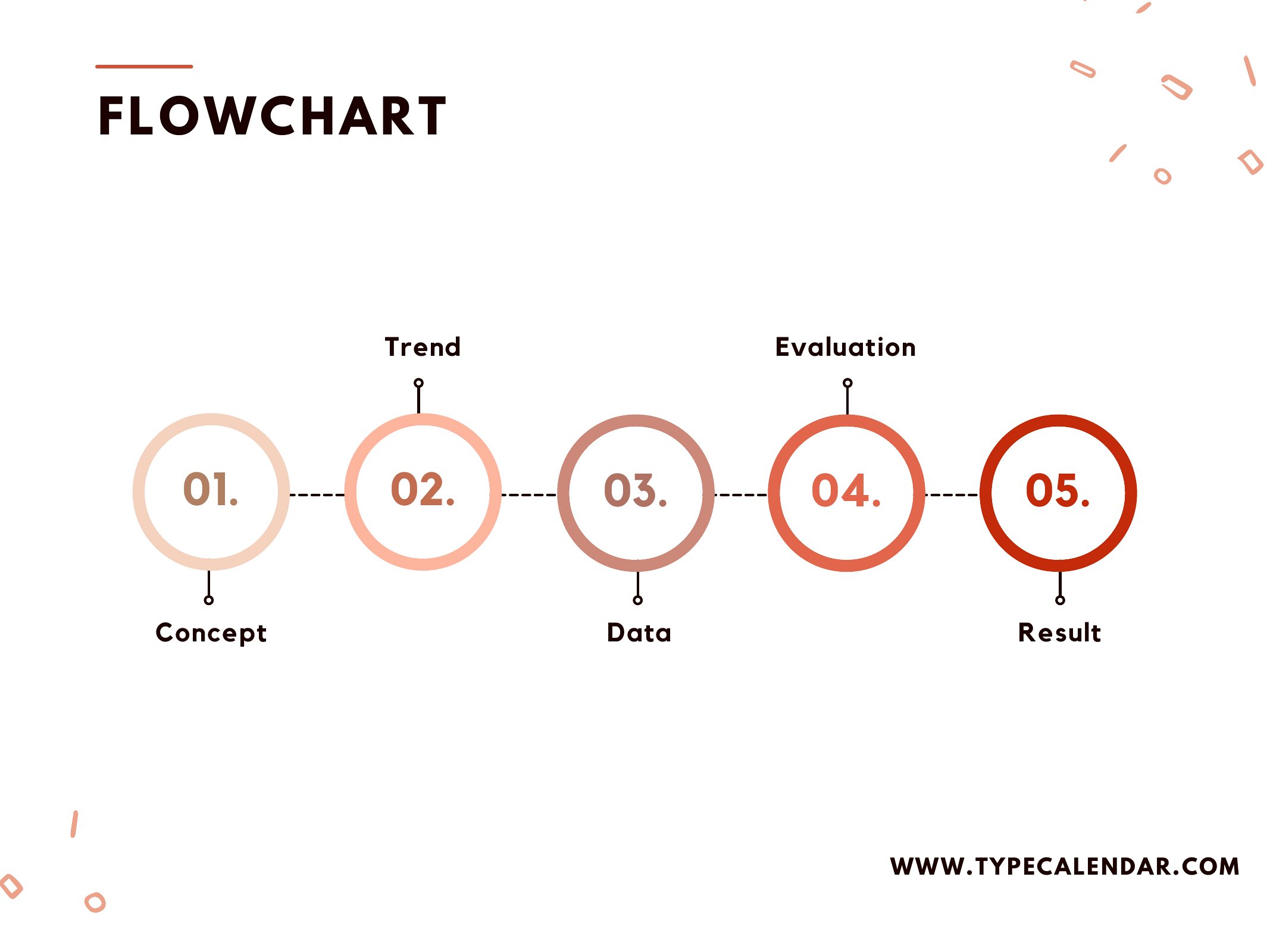
Flow Chart Maker
Flower Chart
Flow Charts
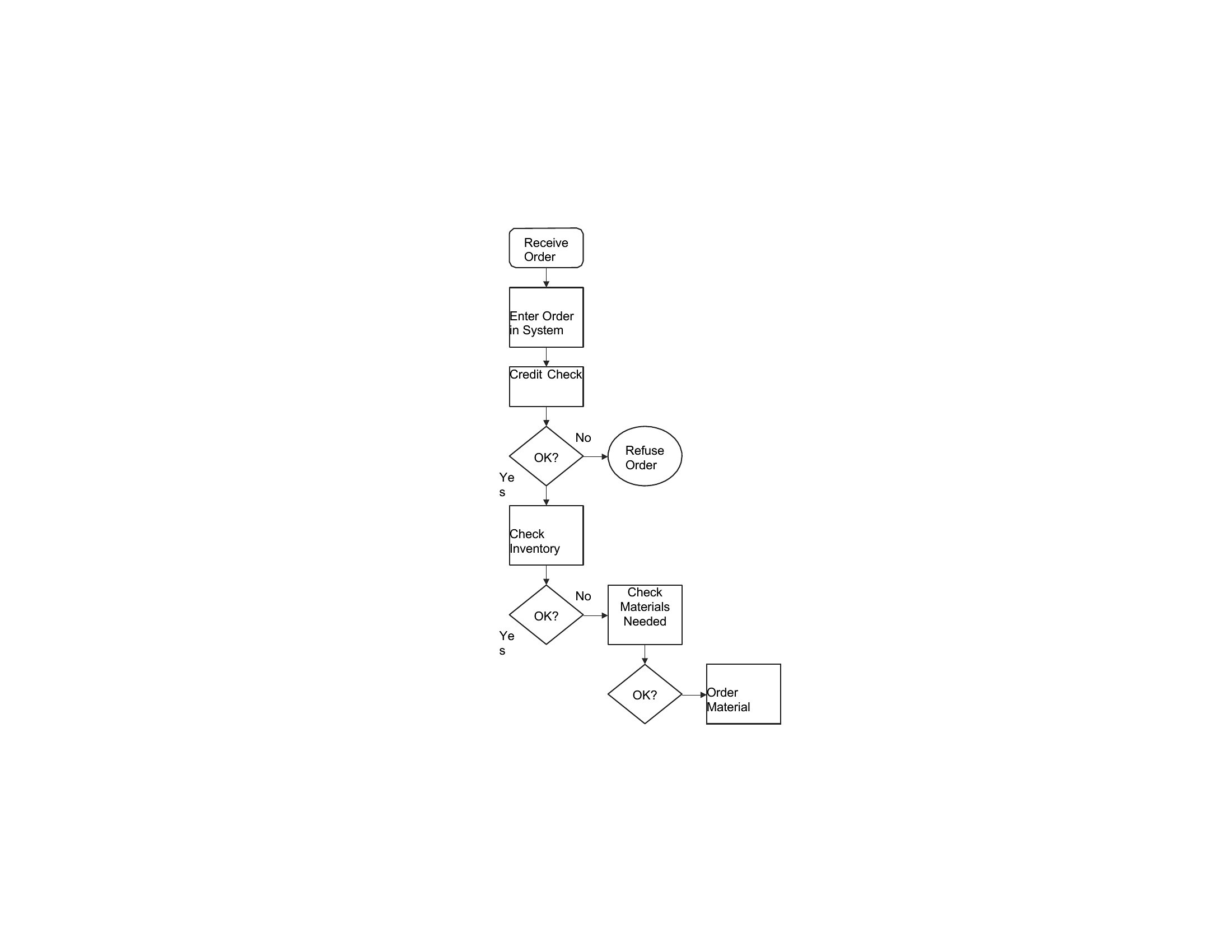
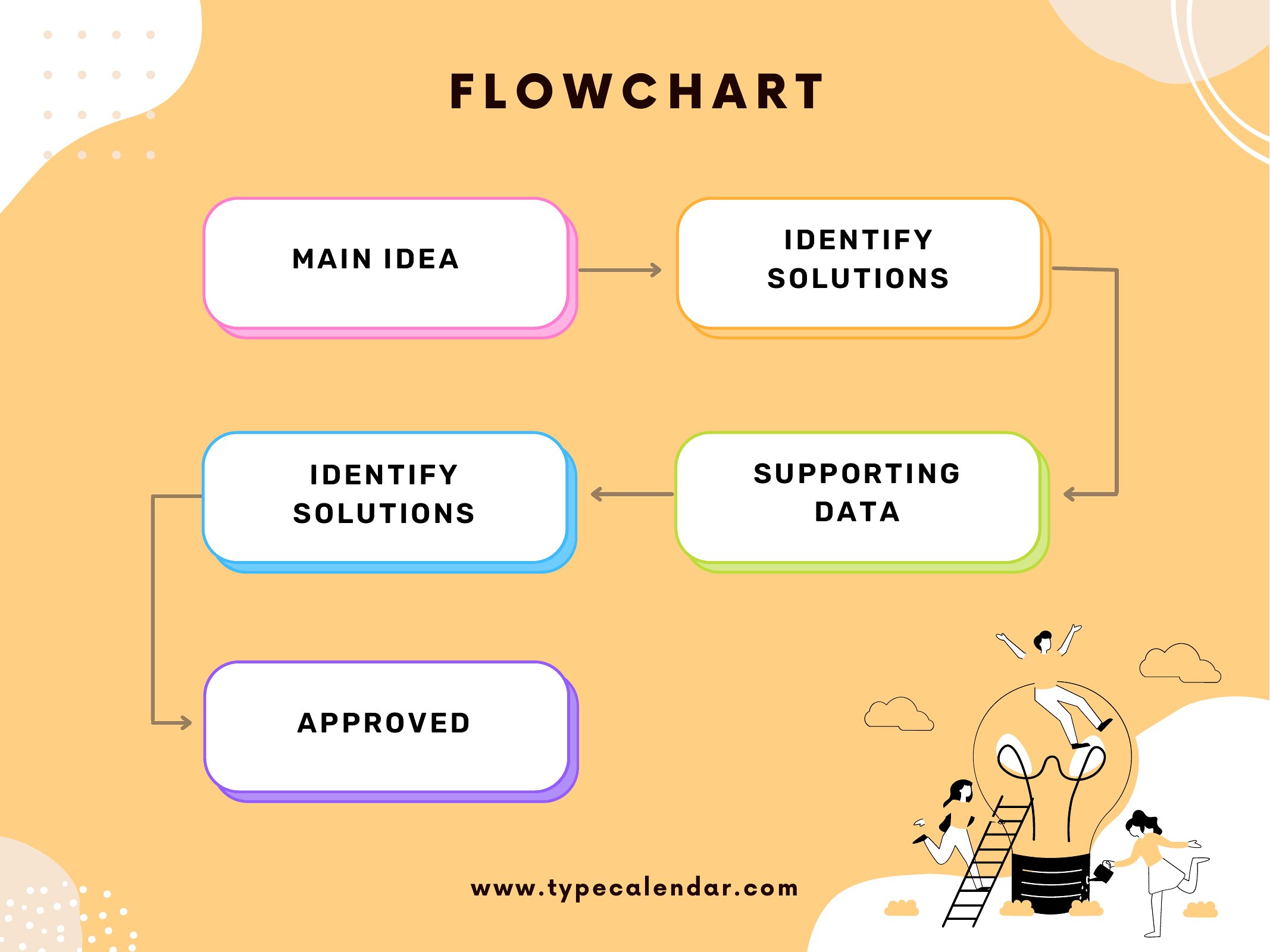
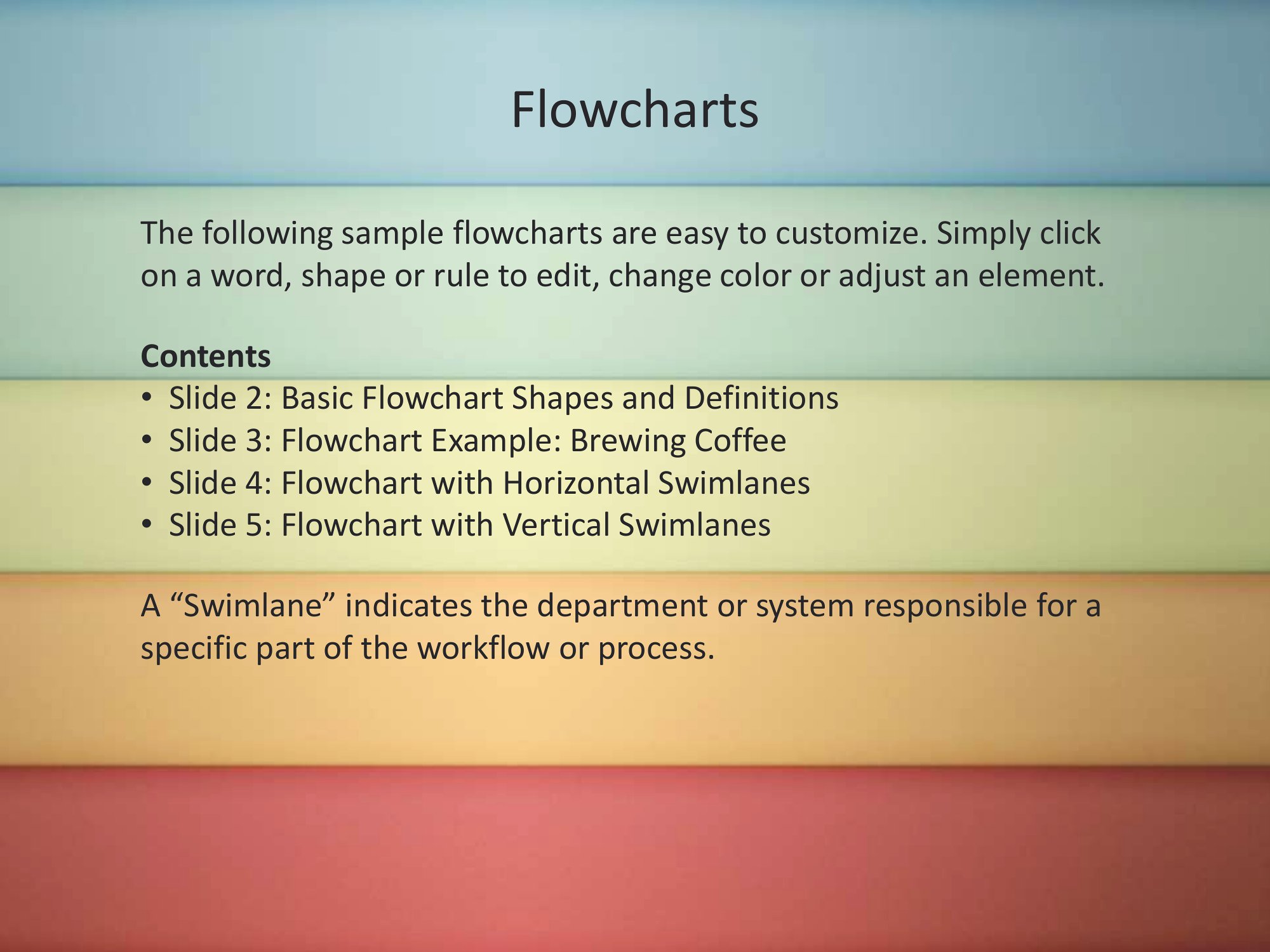
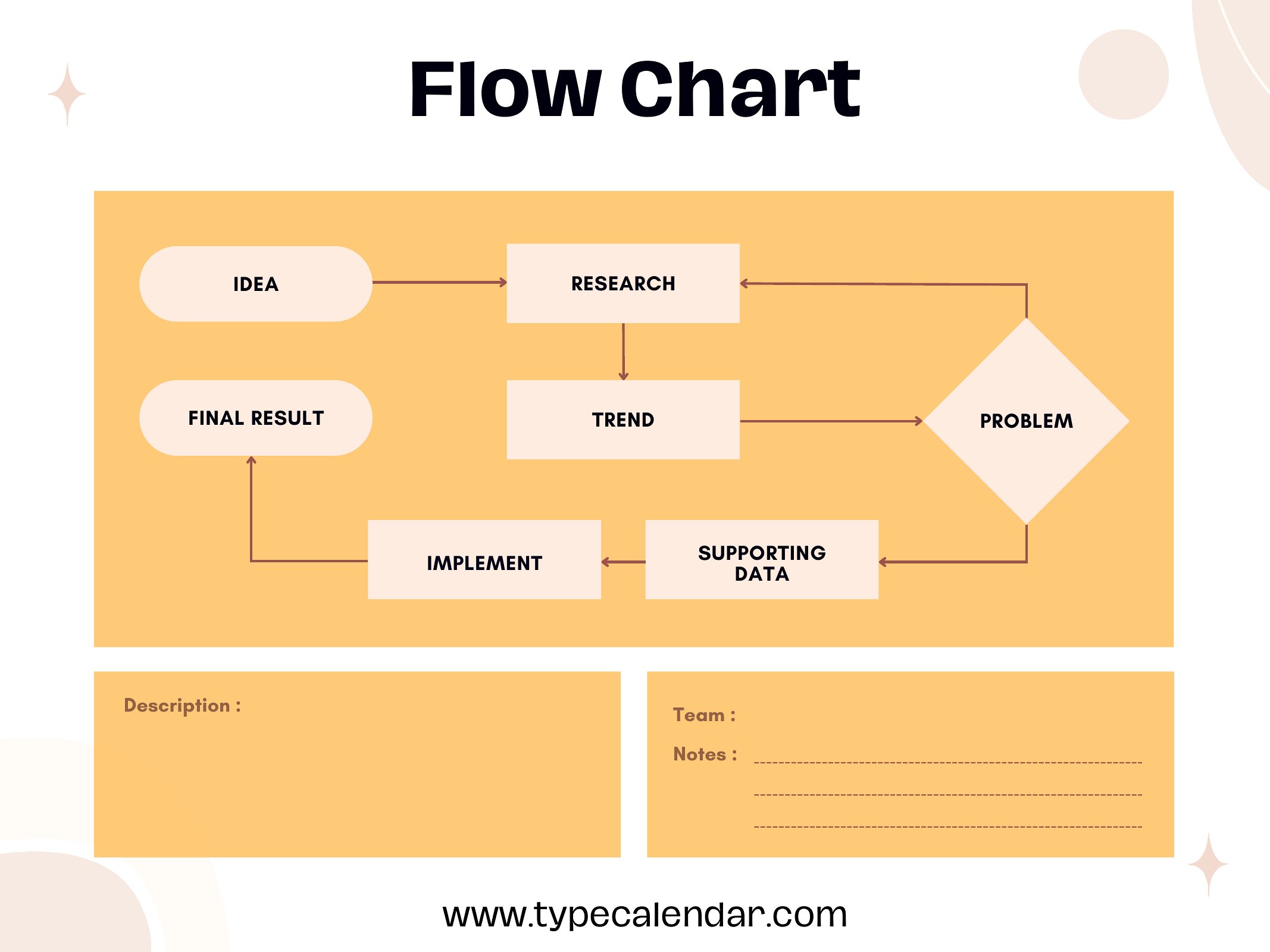
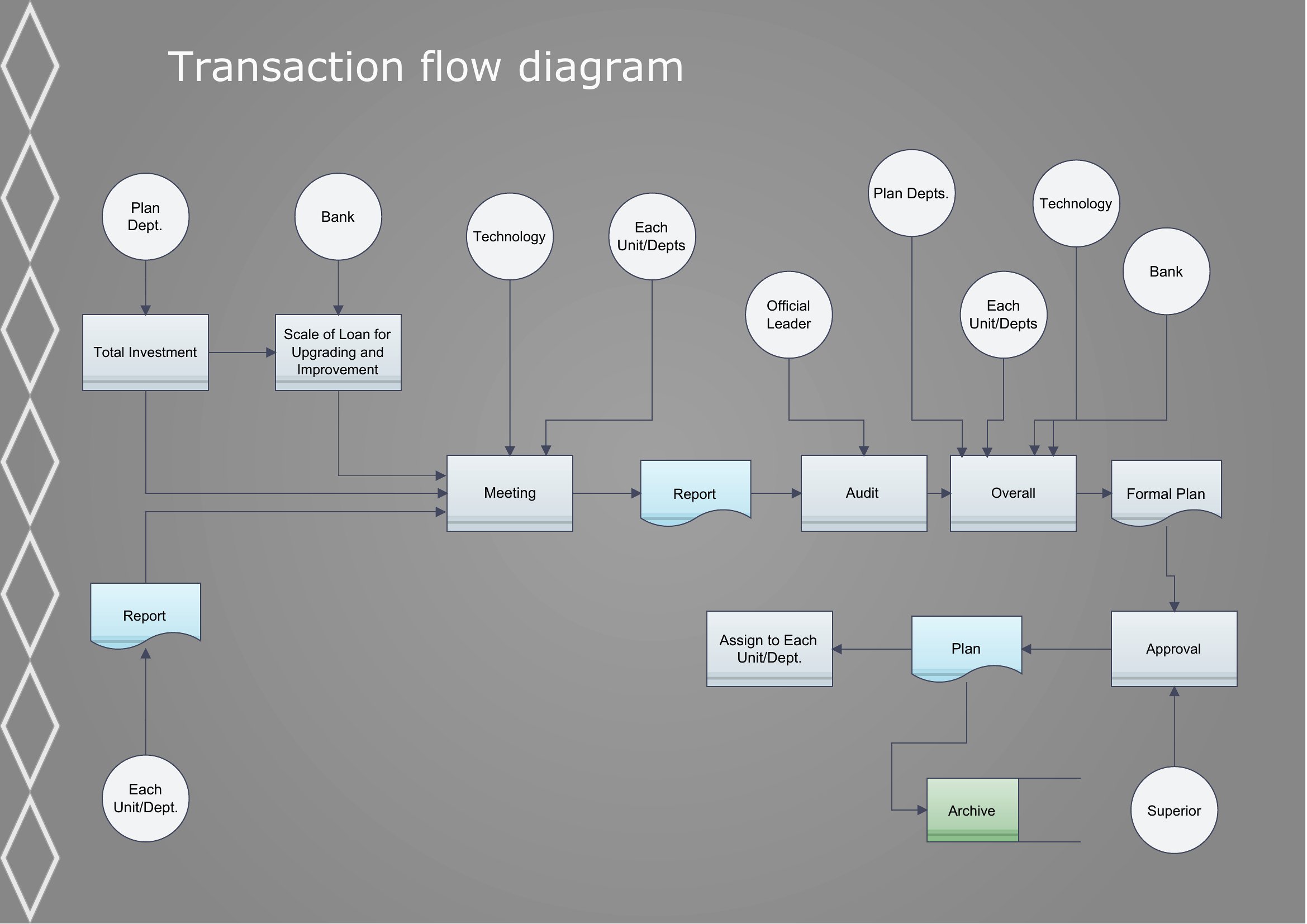
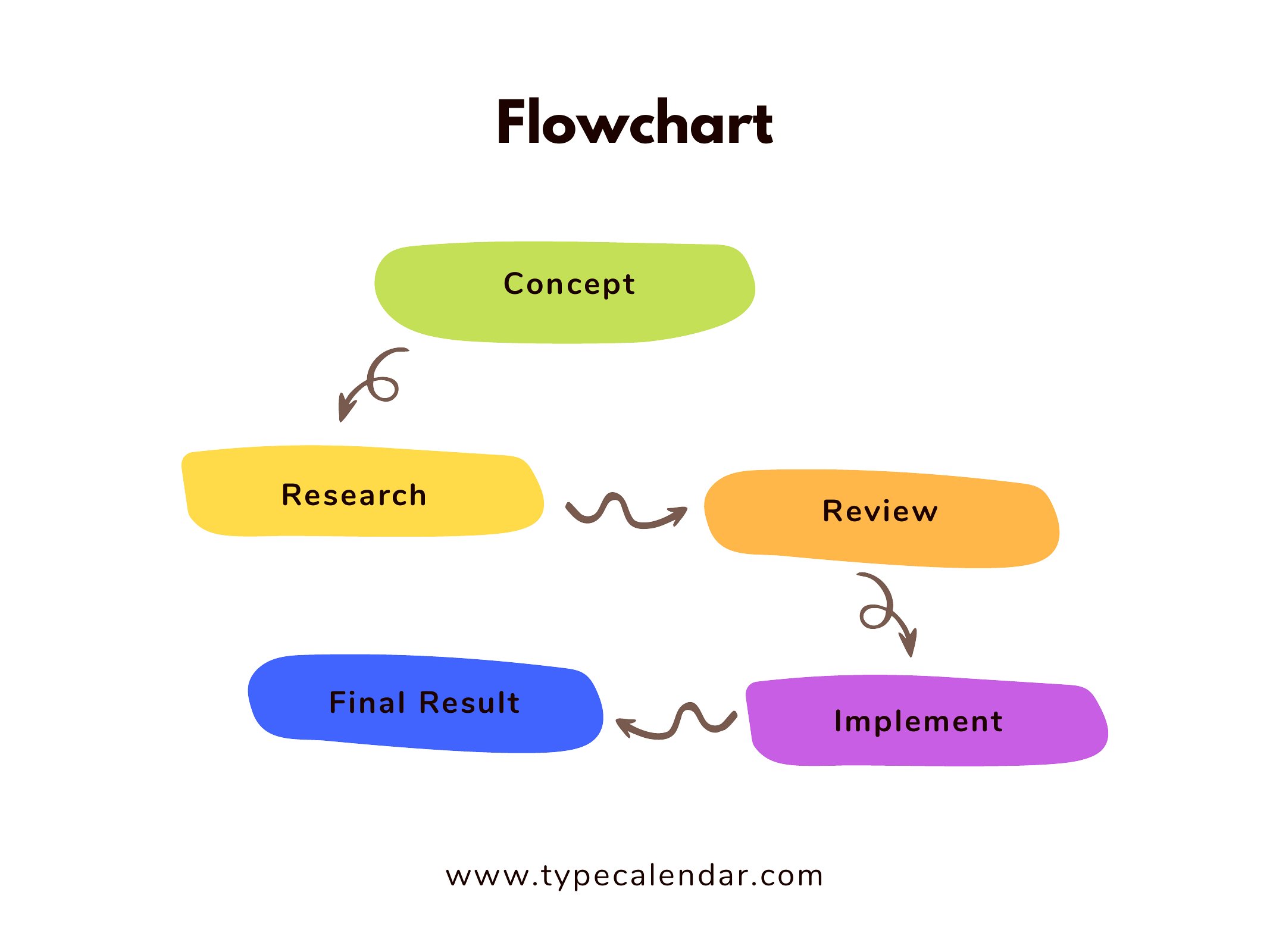
Flow Chart
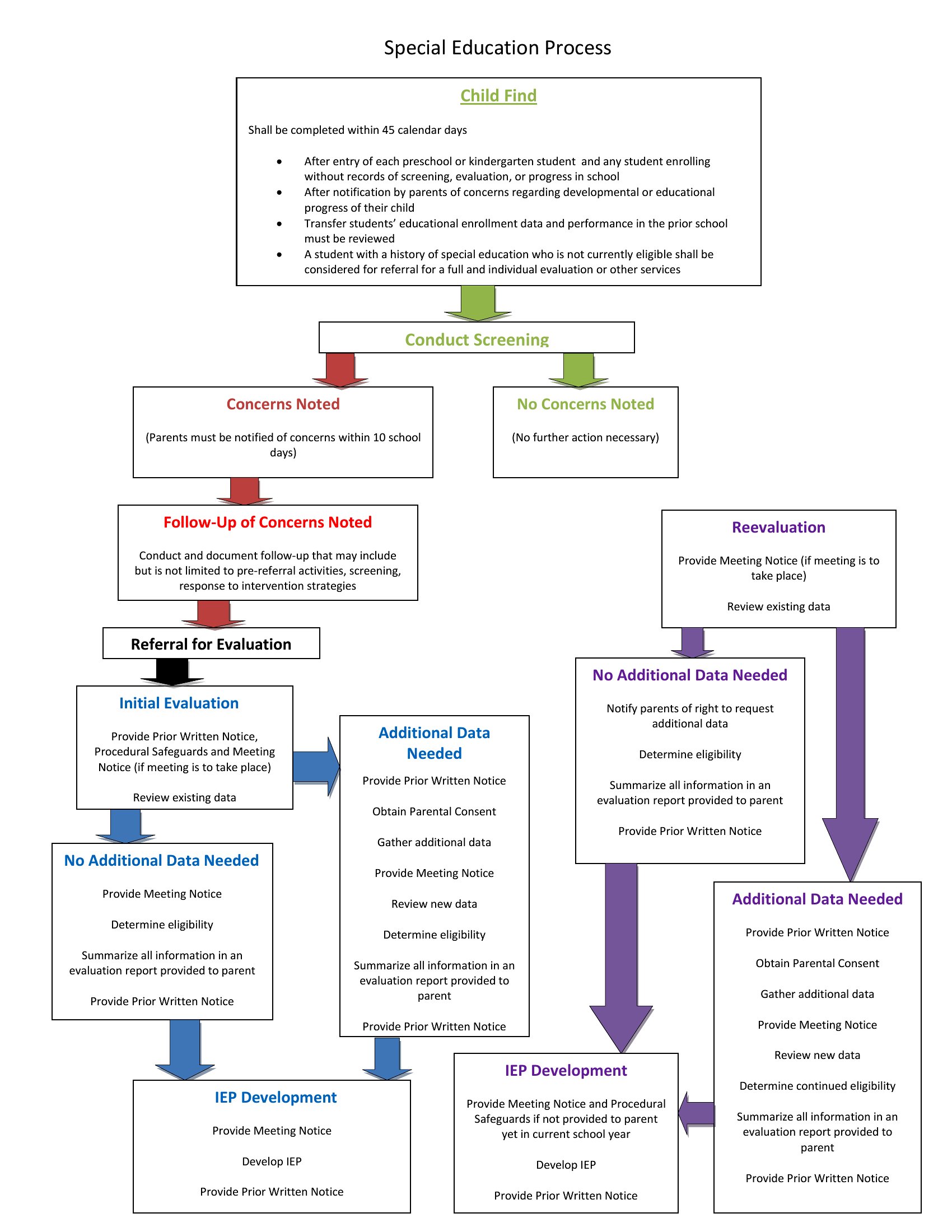
Work Flow Chart
Frequently Asked Questions about Flow Chart Templates
Are these Flow Chart templates free to download?
Yes. Every Flow Chart template in this collection is free to download from TemplateSpark. Just open the template you need, download it, and start editing right away — no subscription required to get started.
What file formats are available for Flow Chart templates?
These Flow Chart templates are available in Word and PDF. Pick the format that matches your workflow — each download keeps the original layout so it looks right whether you open, print, or share it.
Can I edit these Flow Chart templates?
Yes. The editable files open in Microsoft Word (and compatible apps like Google Docs or LibreOffice), so you can change the text, colors, and layout to fit your needs, then save or export the finished Flow Chart document.
How many Flow Chart templates can I choose from?
This page collects 26 Flow Chart templates so you can compare styles and layouts in one place. Browse the options, open the one that fits your purpose best, and download it in your preferred format.
Can I use Flow Chart templates for commercial purposes?
In most cases, yes — these Flow Chart templates are intended for both personal and business use. Check the license note on the template before redistributing or reselling, and avoid sharing the source files as your own product.
What do the different shapes in a flow chart mean?
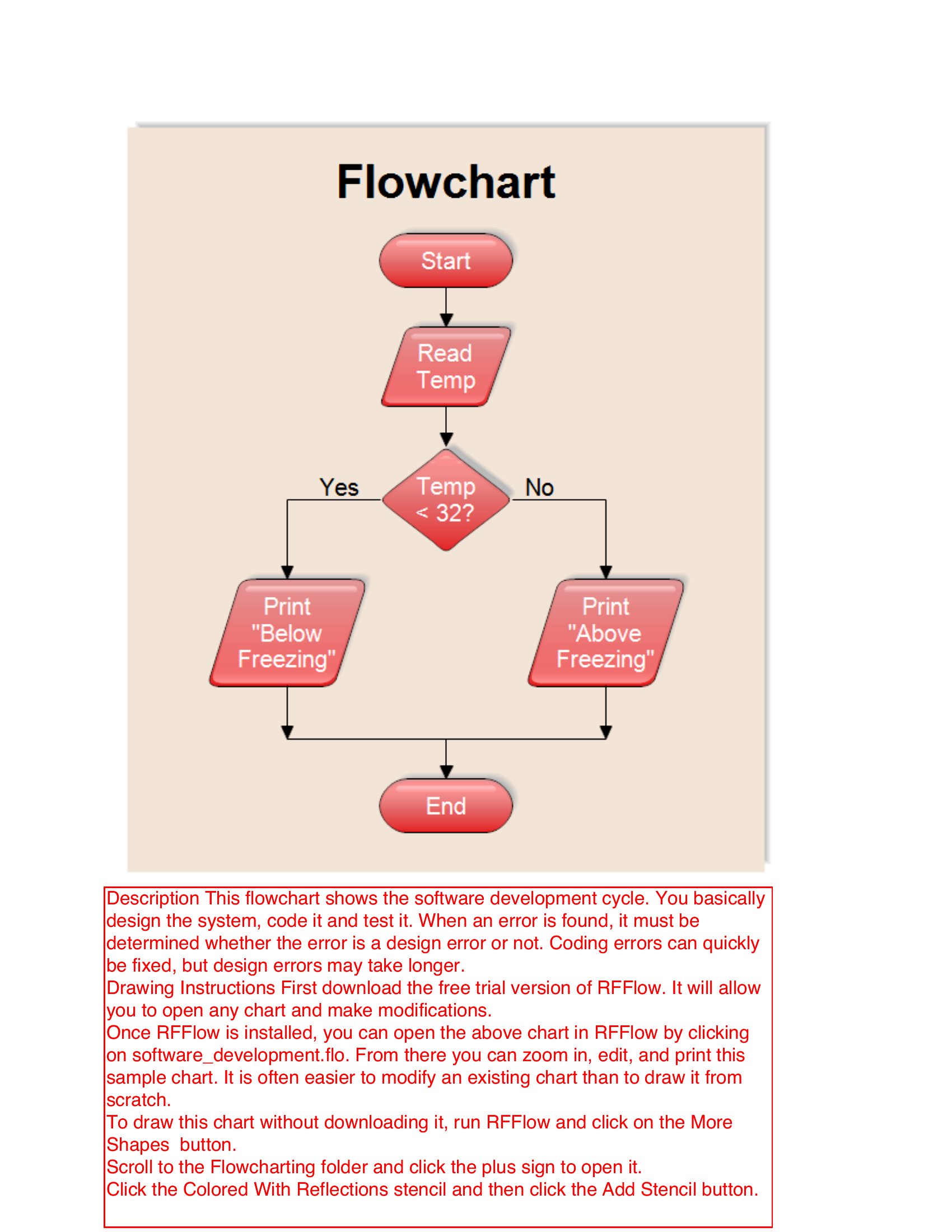
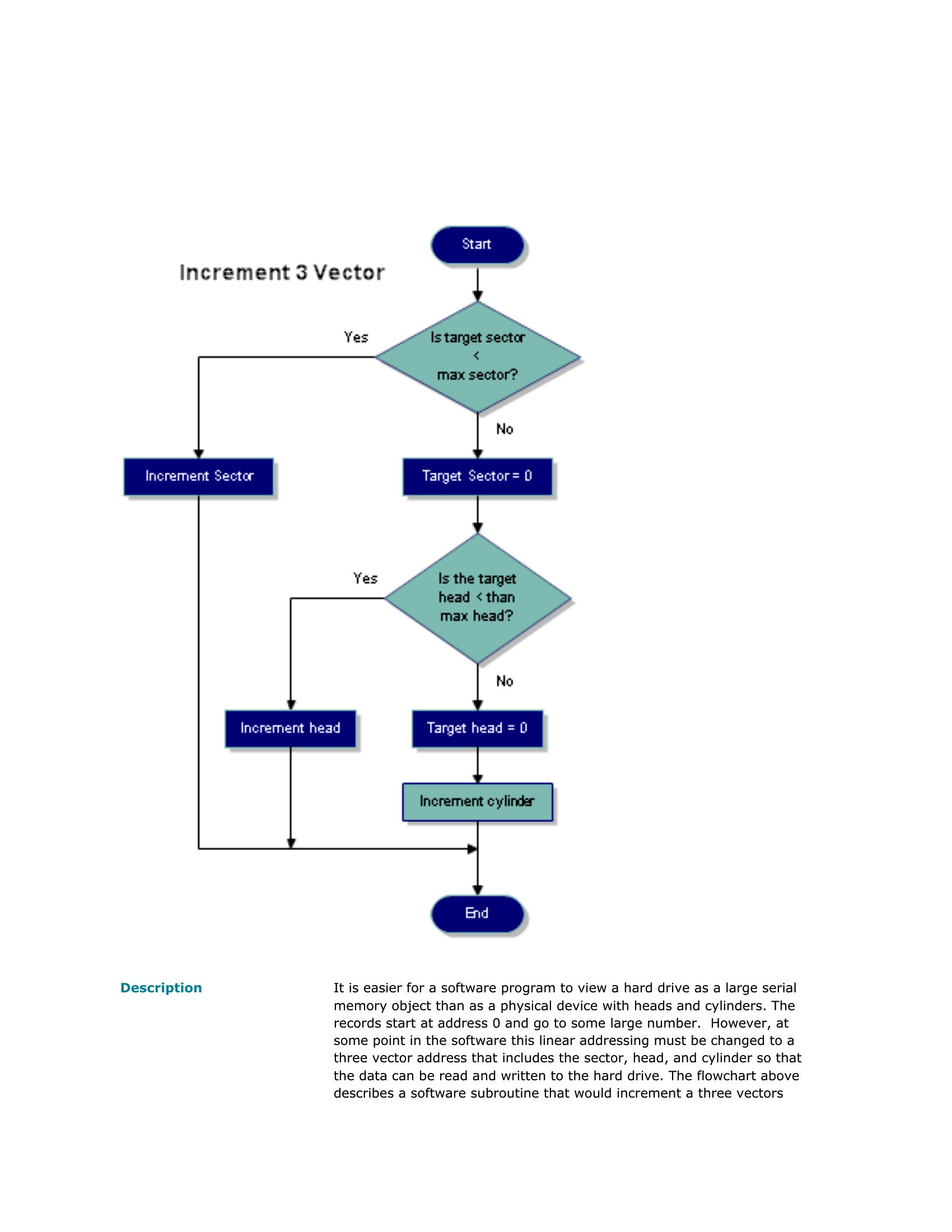
Standard symbols carry set meanings: ovals mark the start and end, rectangles show process steps, diamonds represent decisions with yes or no branches, and arrows show the flow direction. Using shapes consistently lets anyone read the chart and follow the process without a separate legend.
How do you create a flow chart for a process?
Define the start and end points, list each step in order, and identify where decisions split the path. Place steps in rectangles, decisions in diamonds, and connect them with arrows. Review the flow with people who do the work to confirm it matches reality.
What is the difference between a flow chart and a decision tree?
A flow chart maps an entire process including actions and decisions from start to finish, while a decision tree focuses on branching choices and their possible outcomes. Decision trees emphasize options and consequences, whereas flow charts show the full sequence of steps in a workflow.
Comments
Join the conversation
Sign in to share your thoughts and leave a comment on this resource.