
Free Maintenance Report Templates (Word)
Diagrams by jessewillis
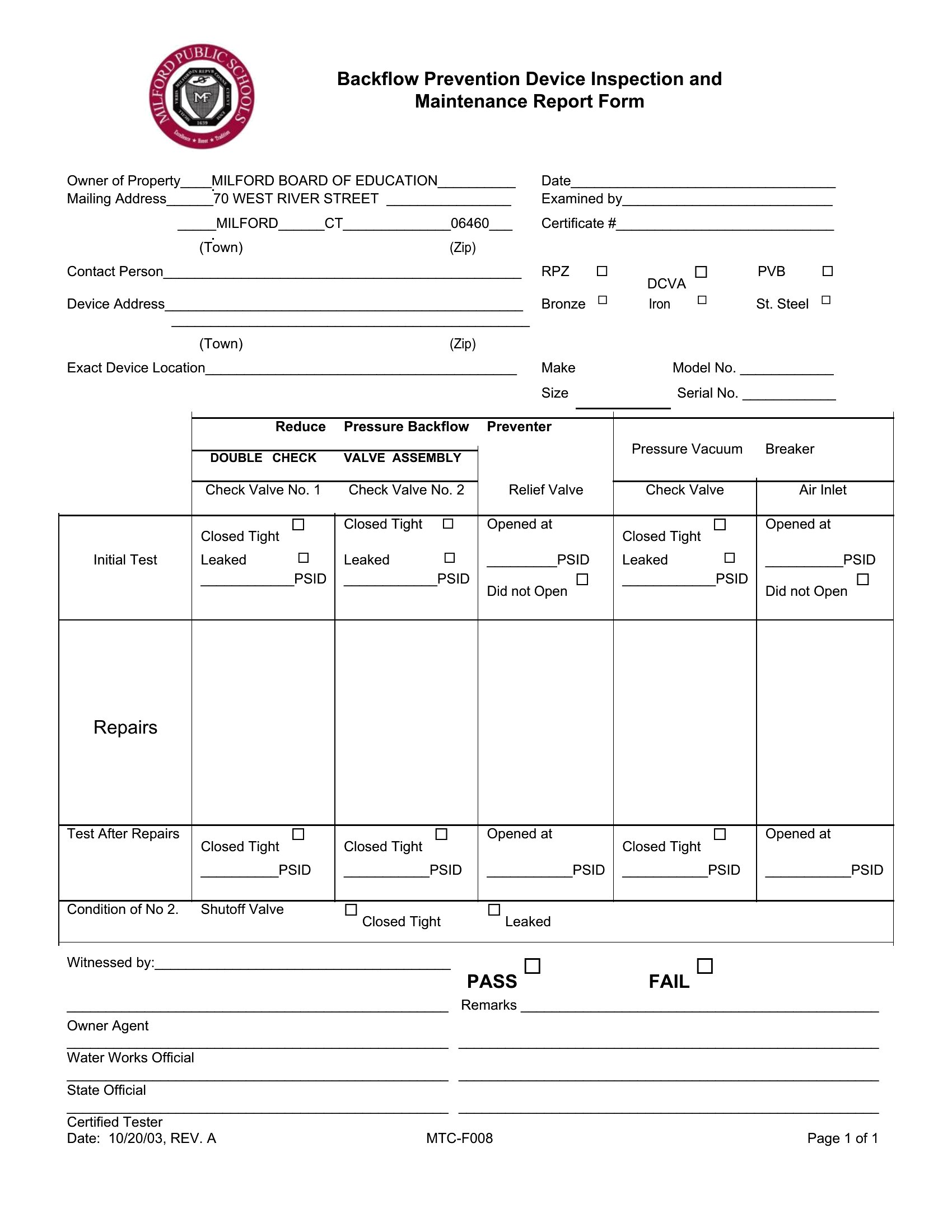
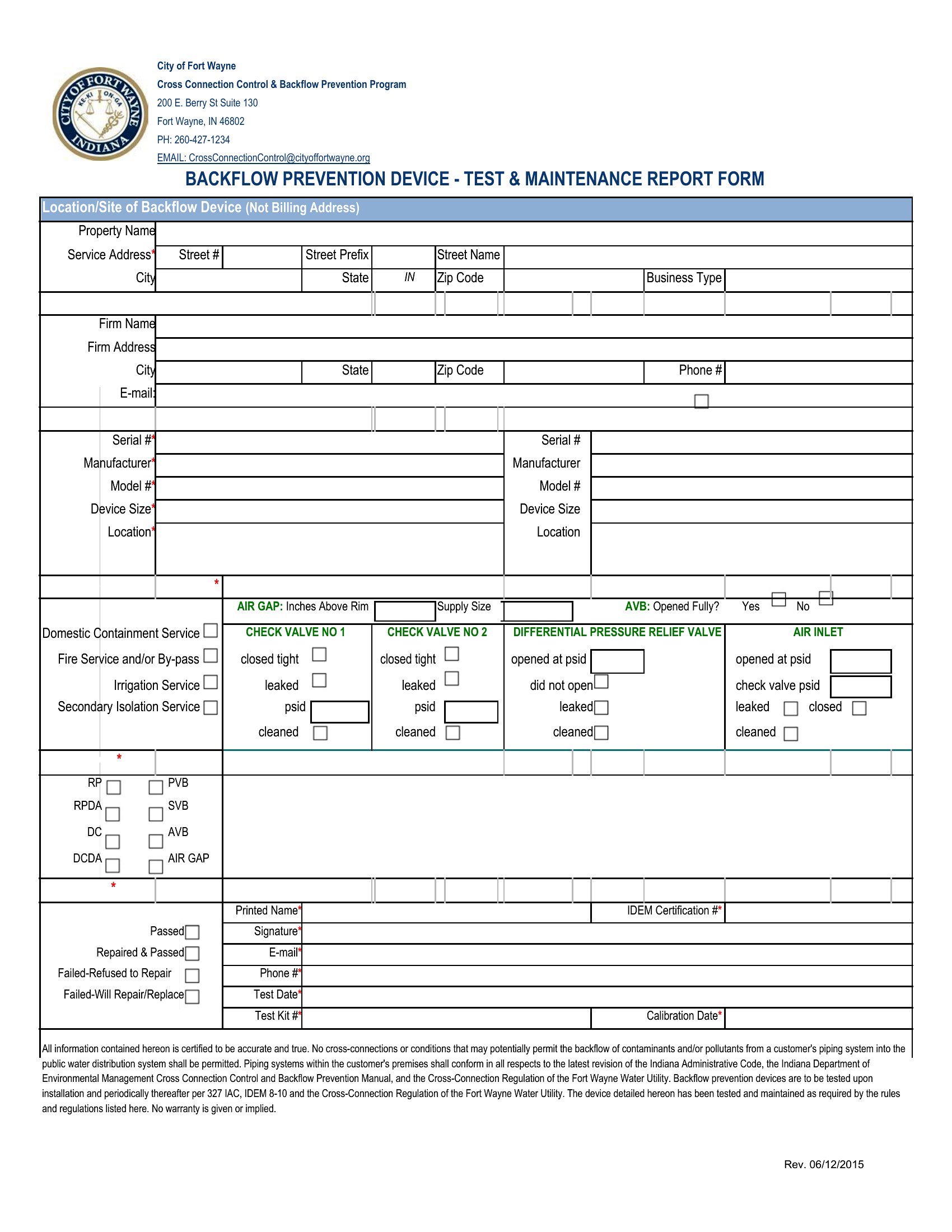
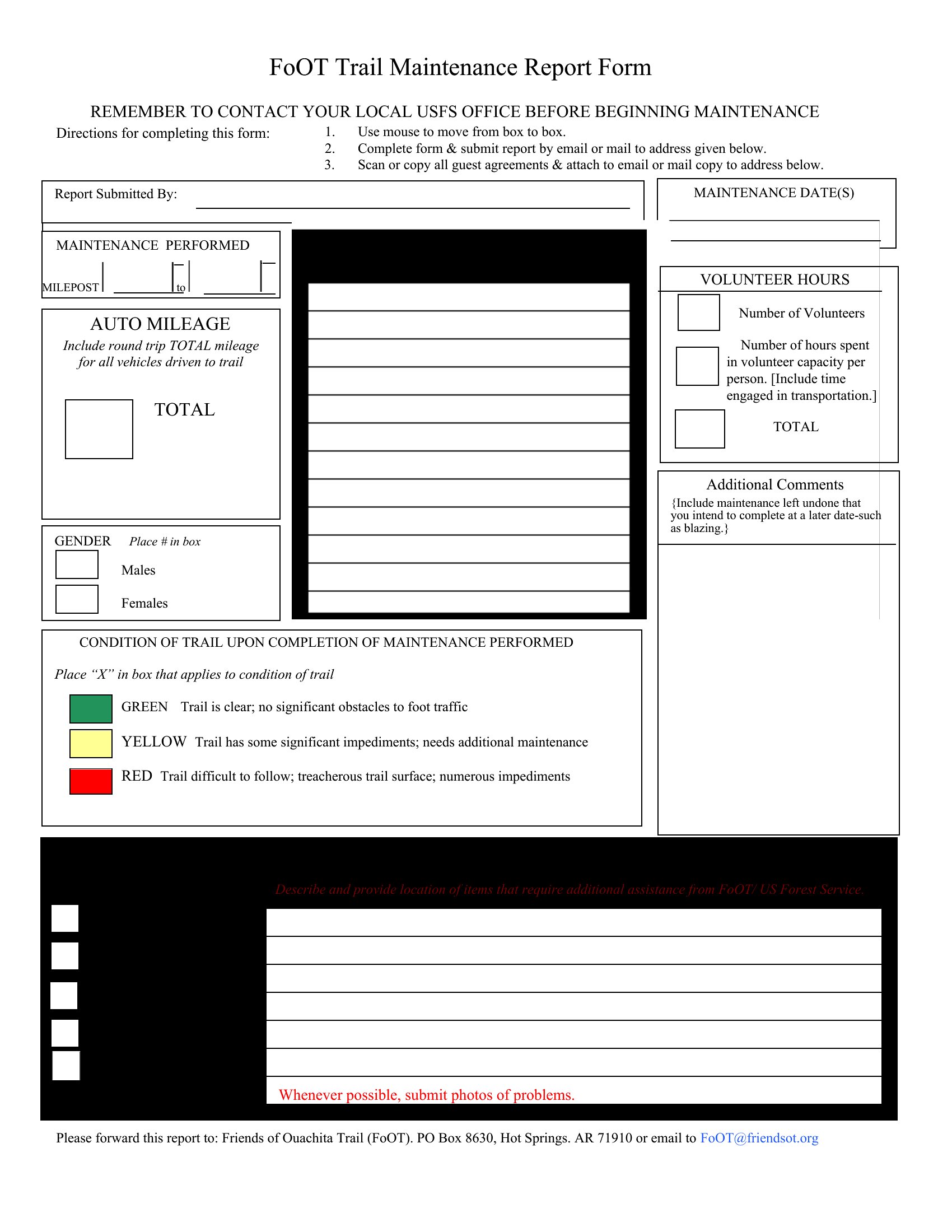
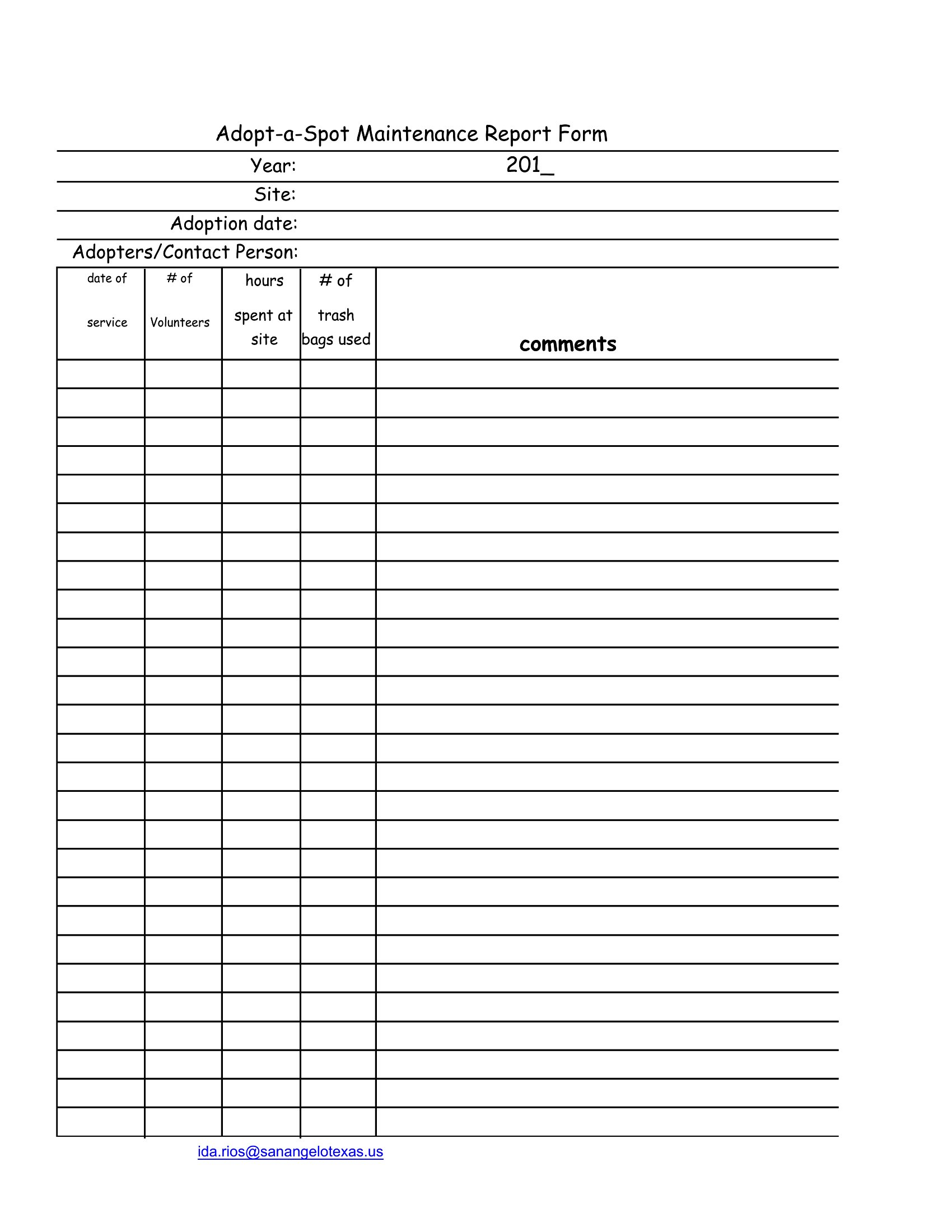
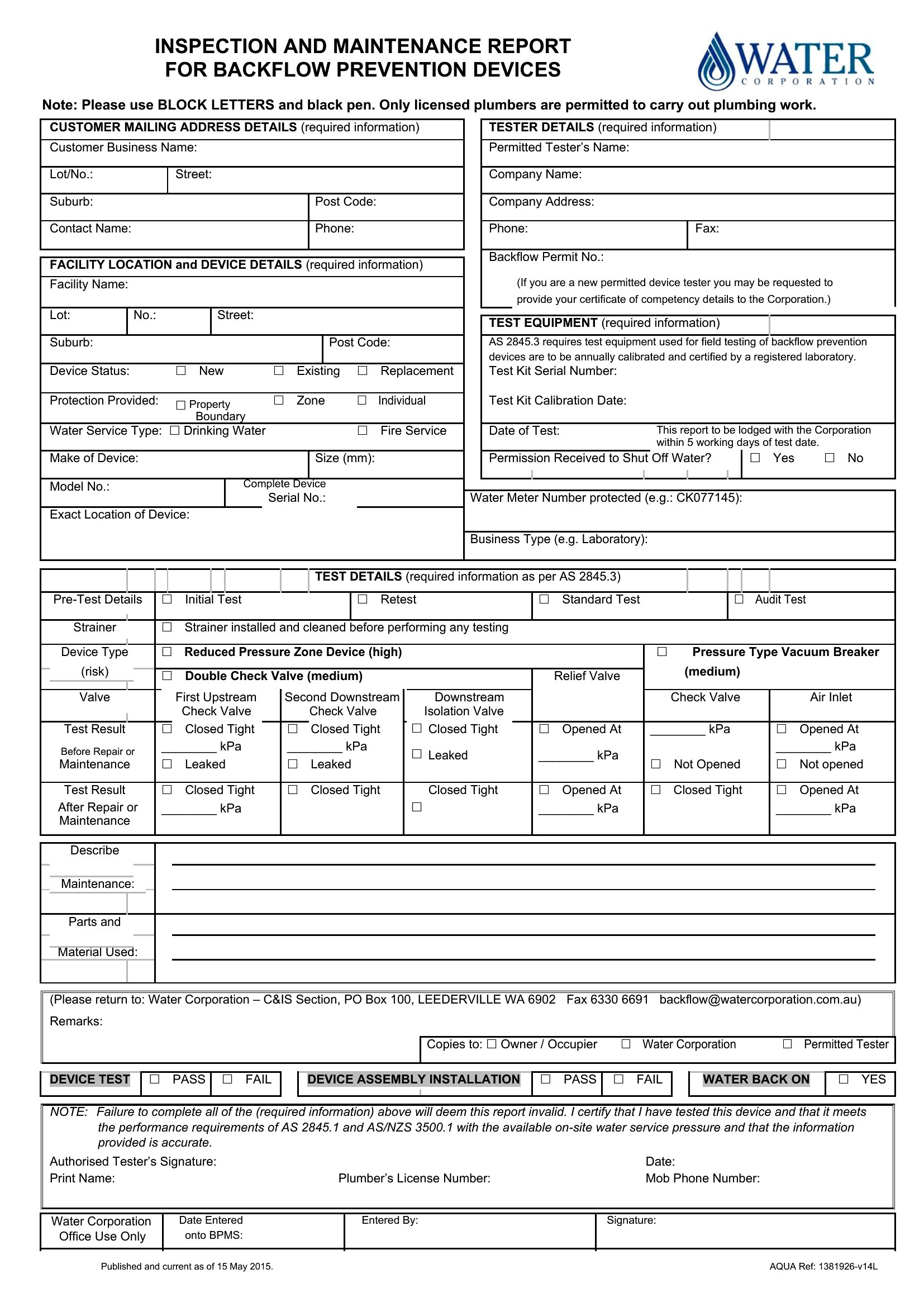
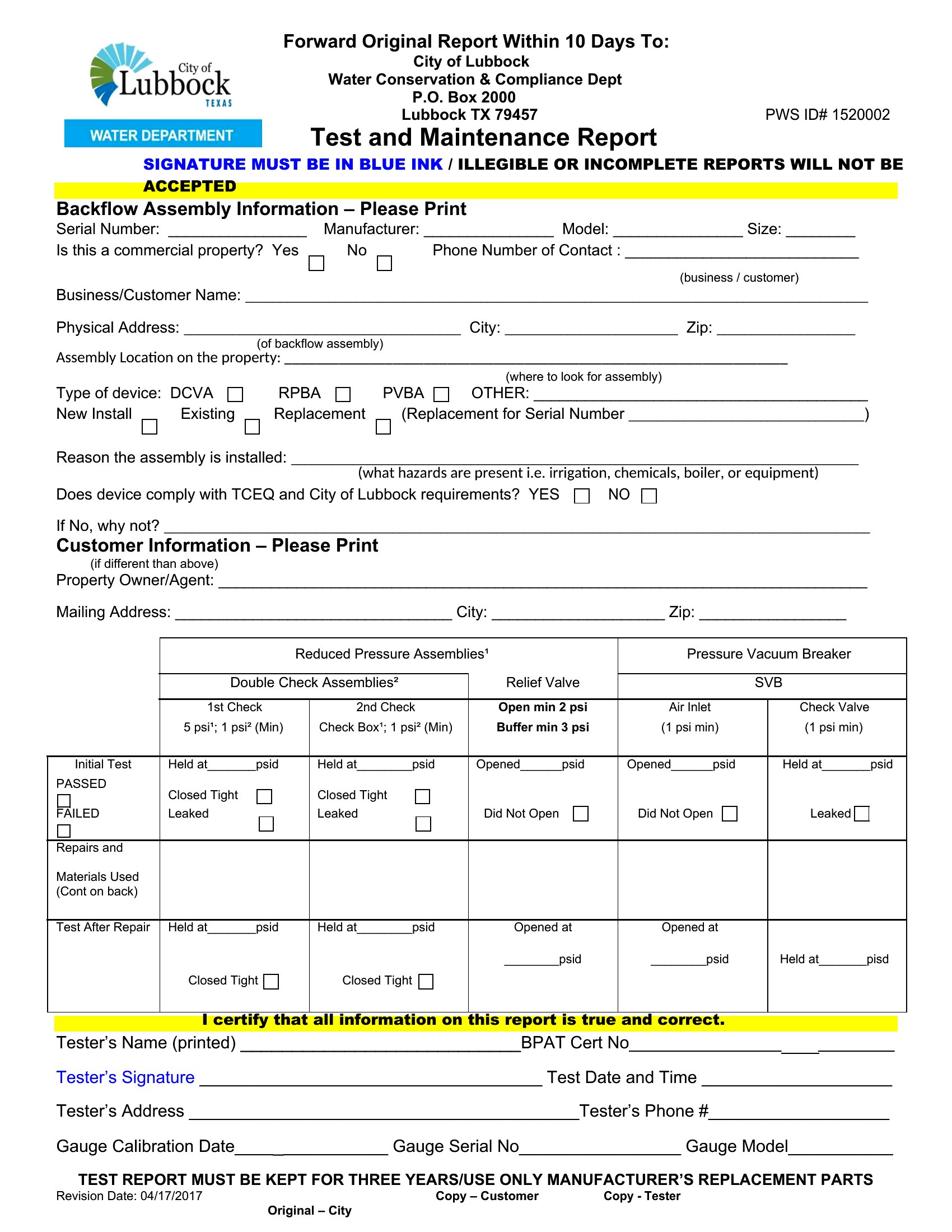
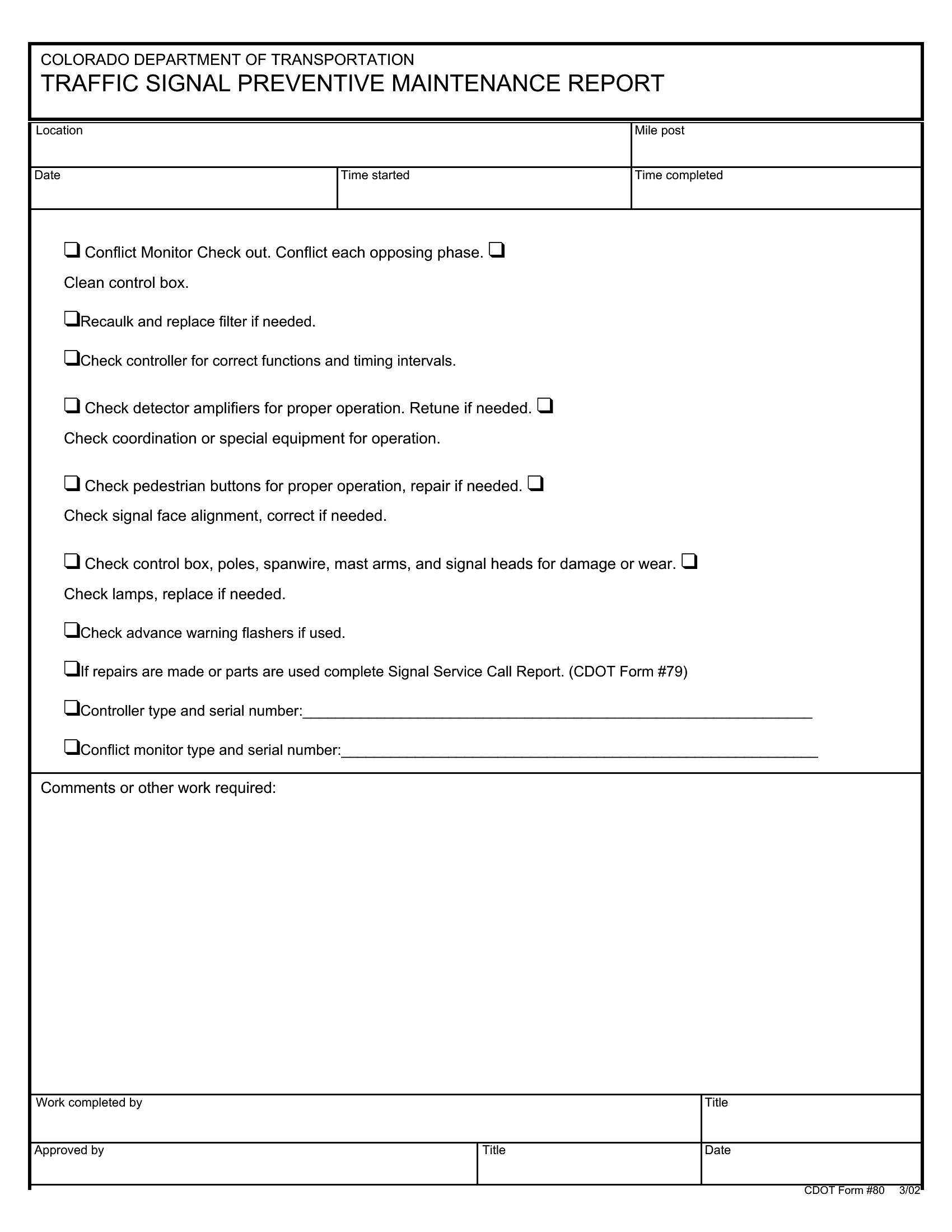
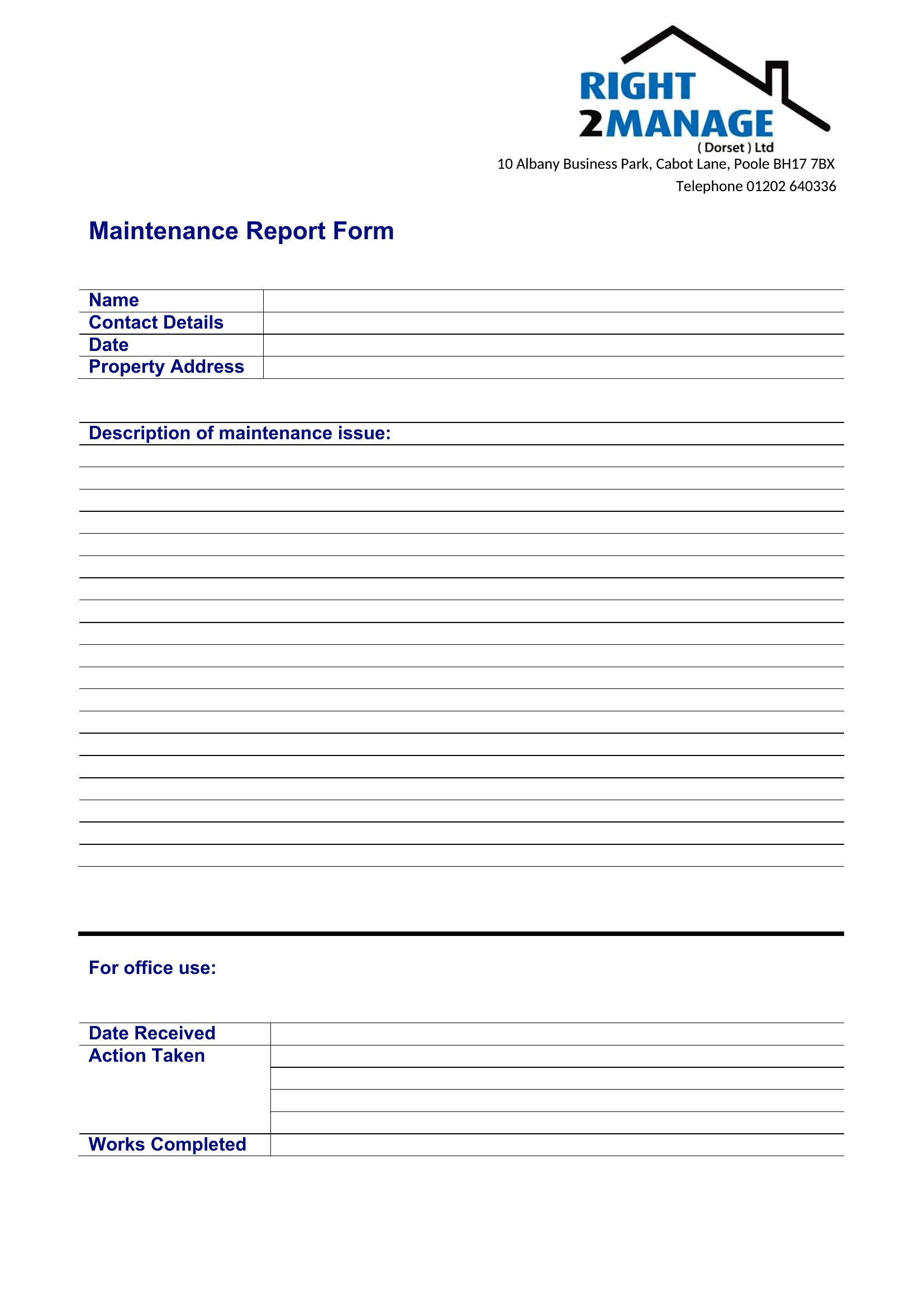
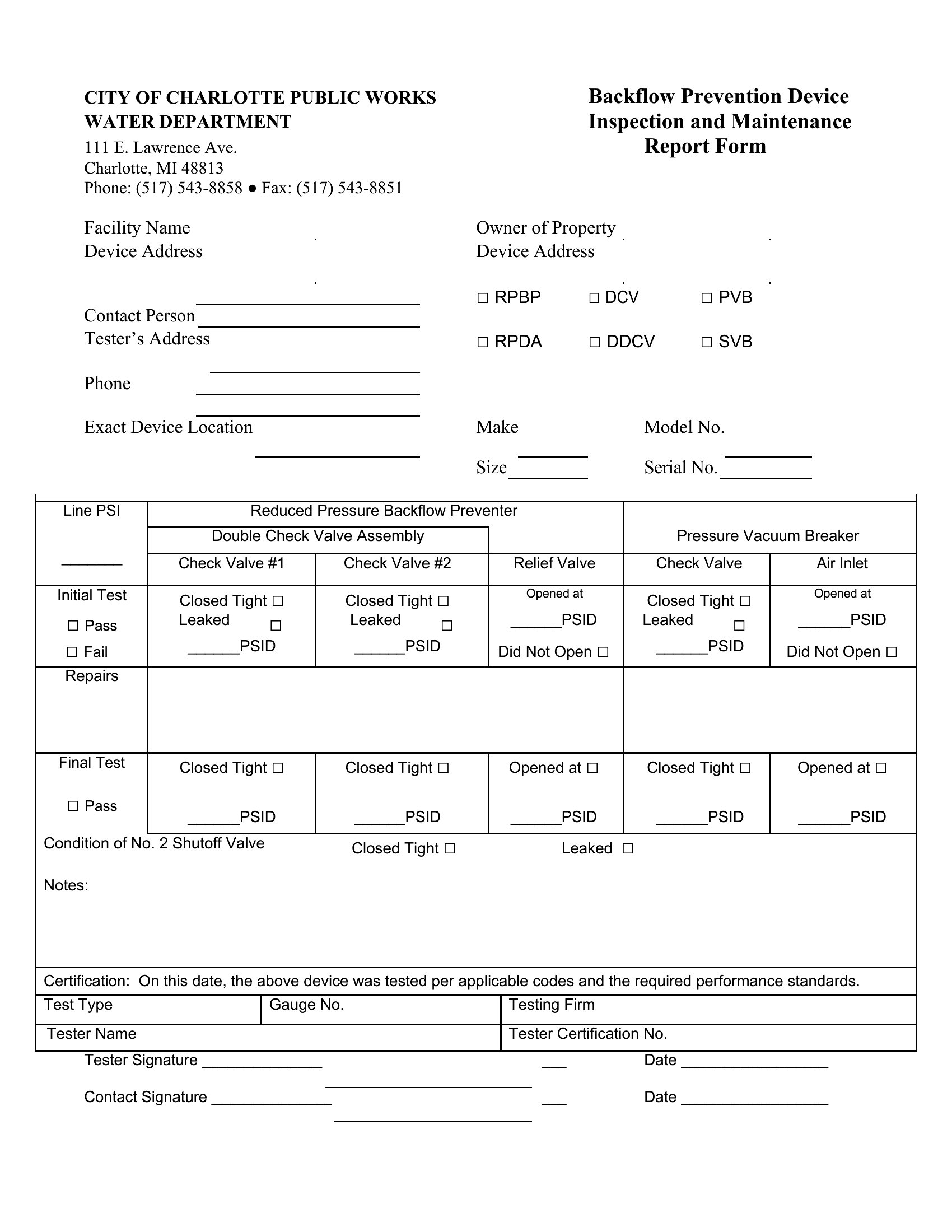
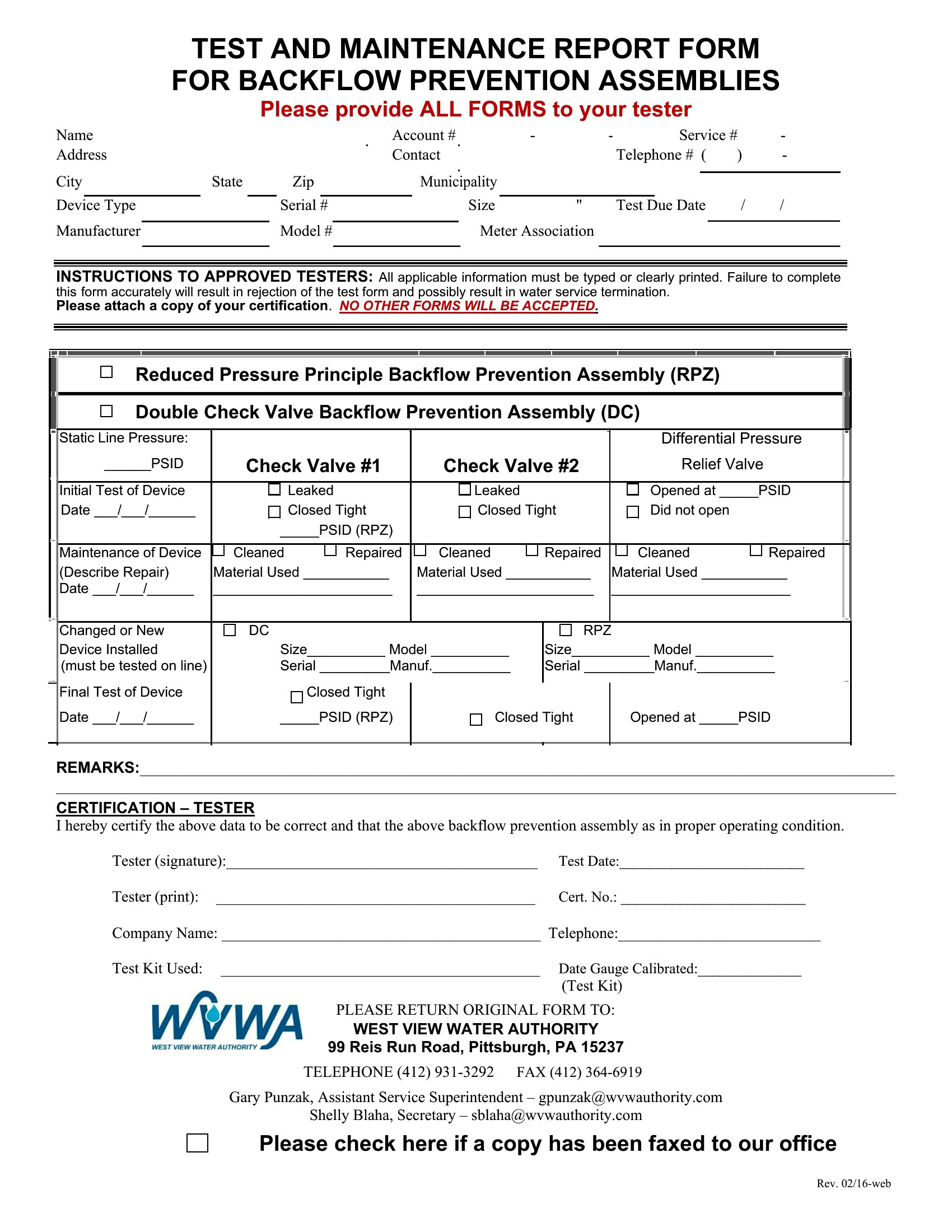
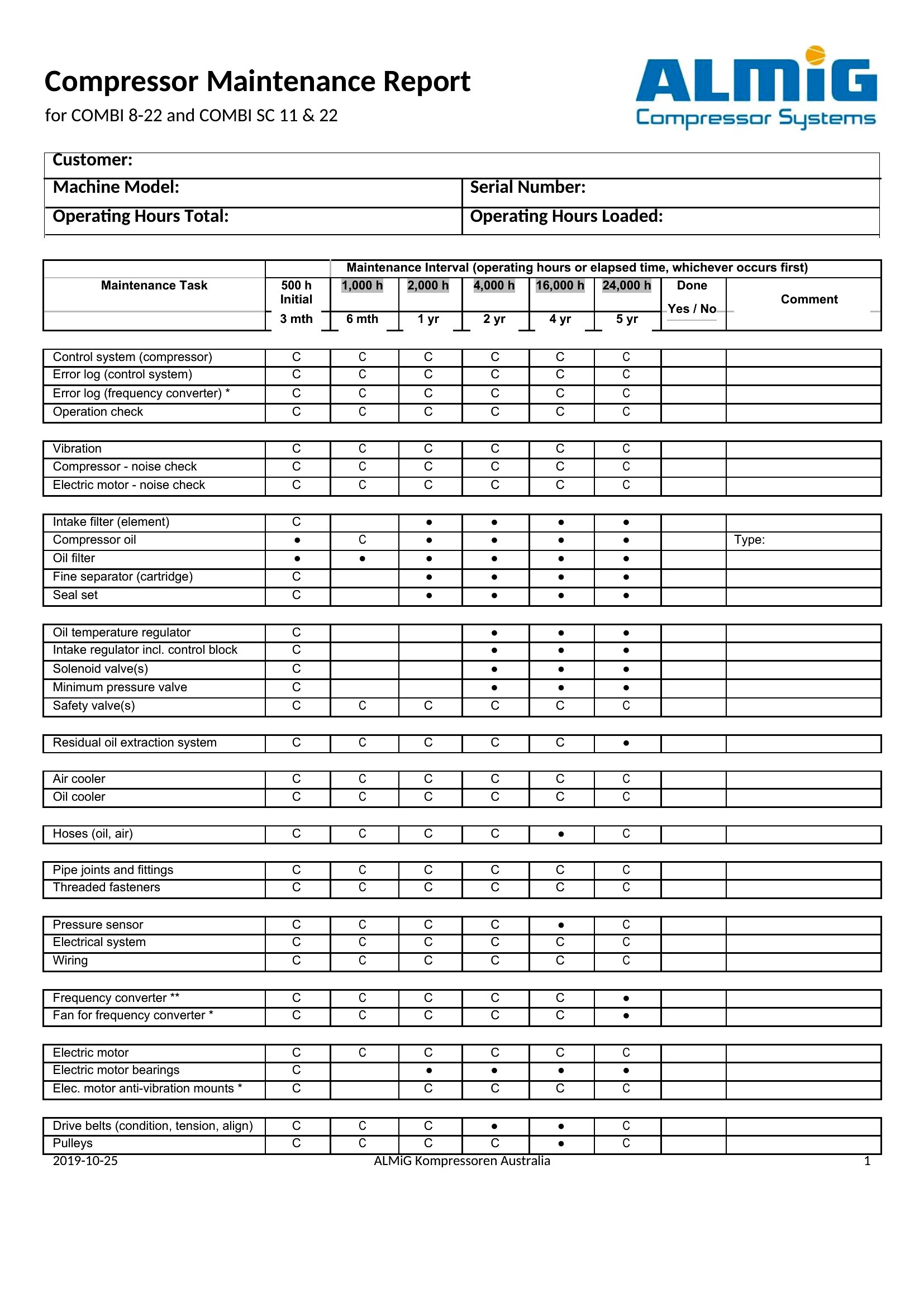
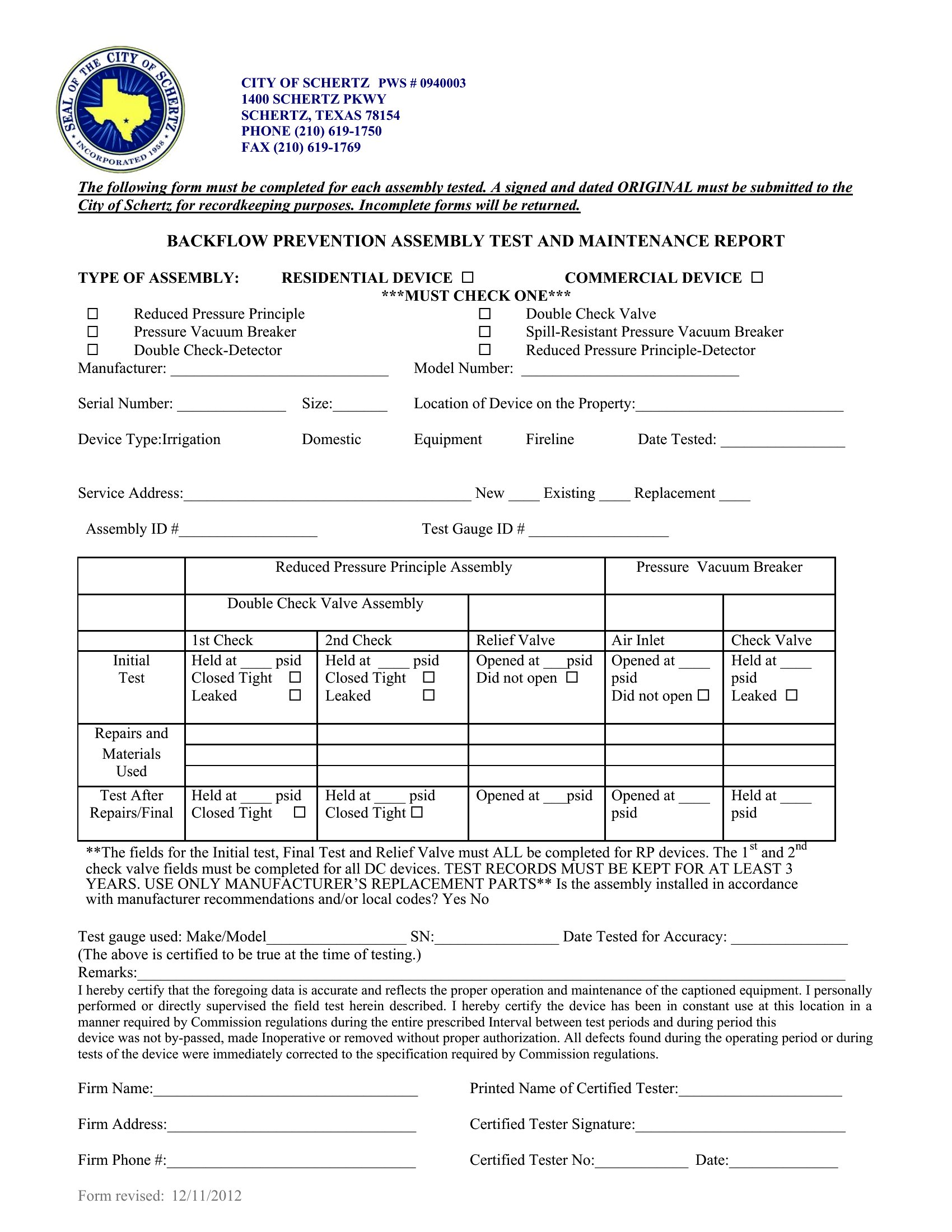
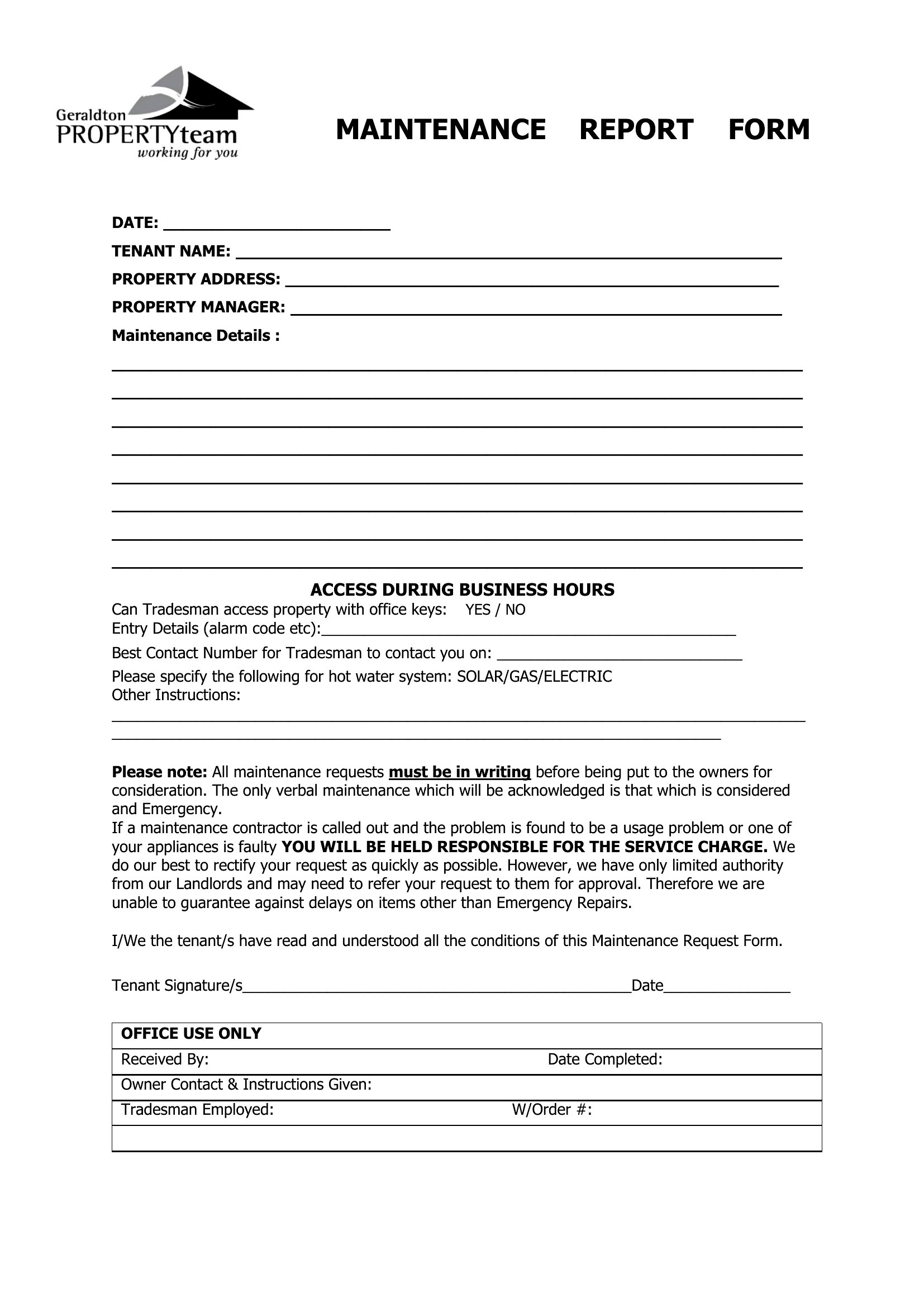
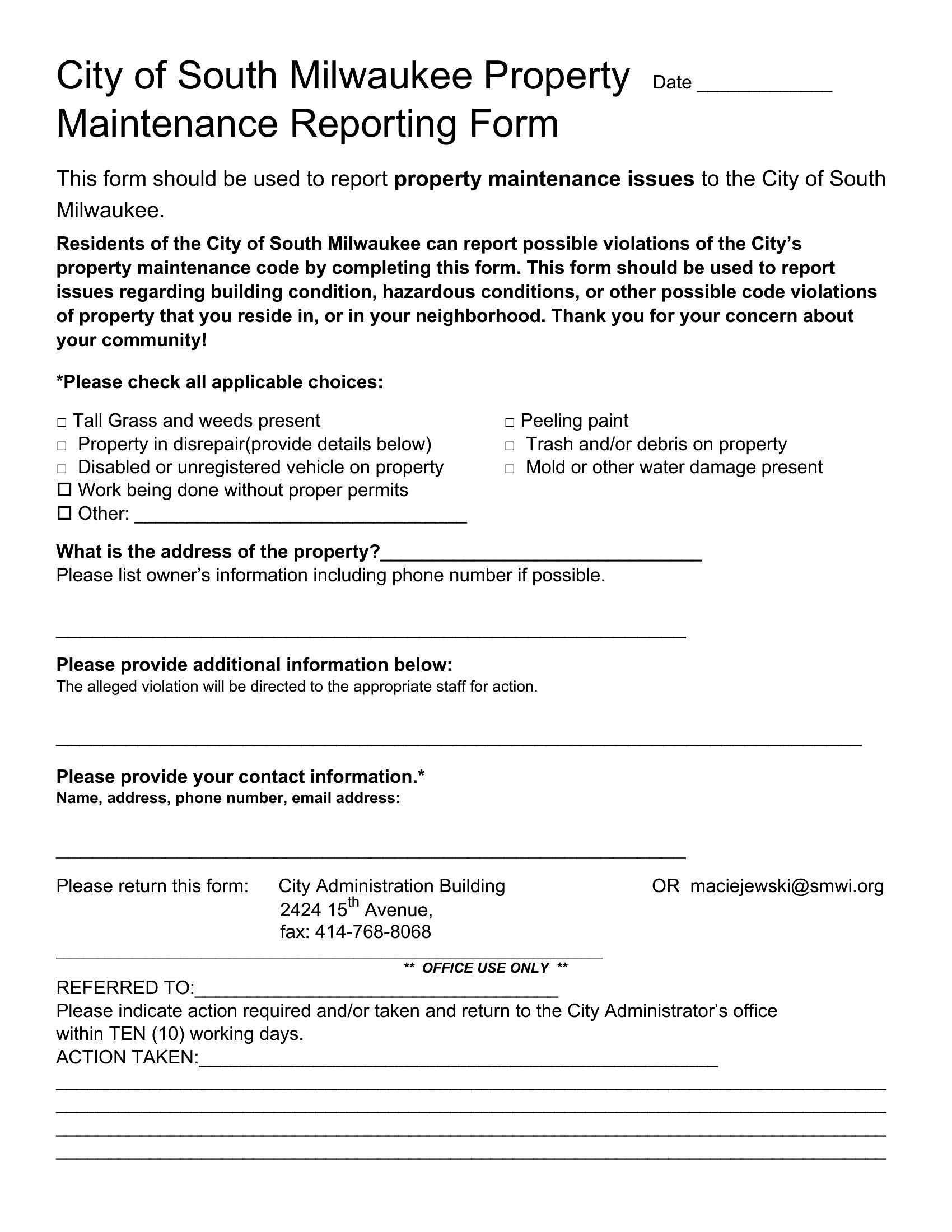
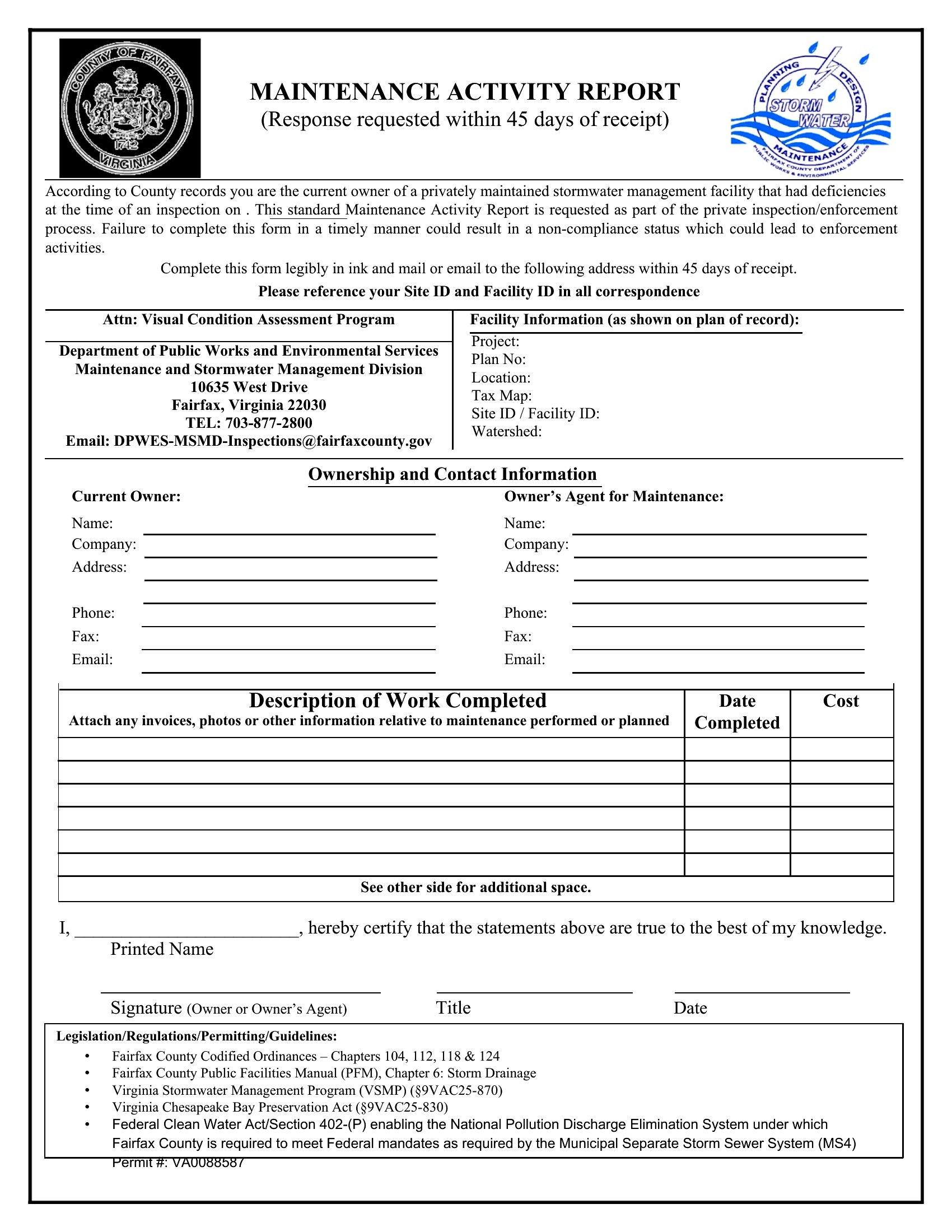
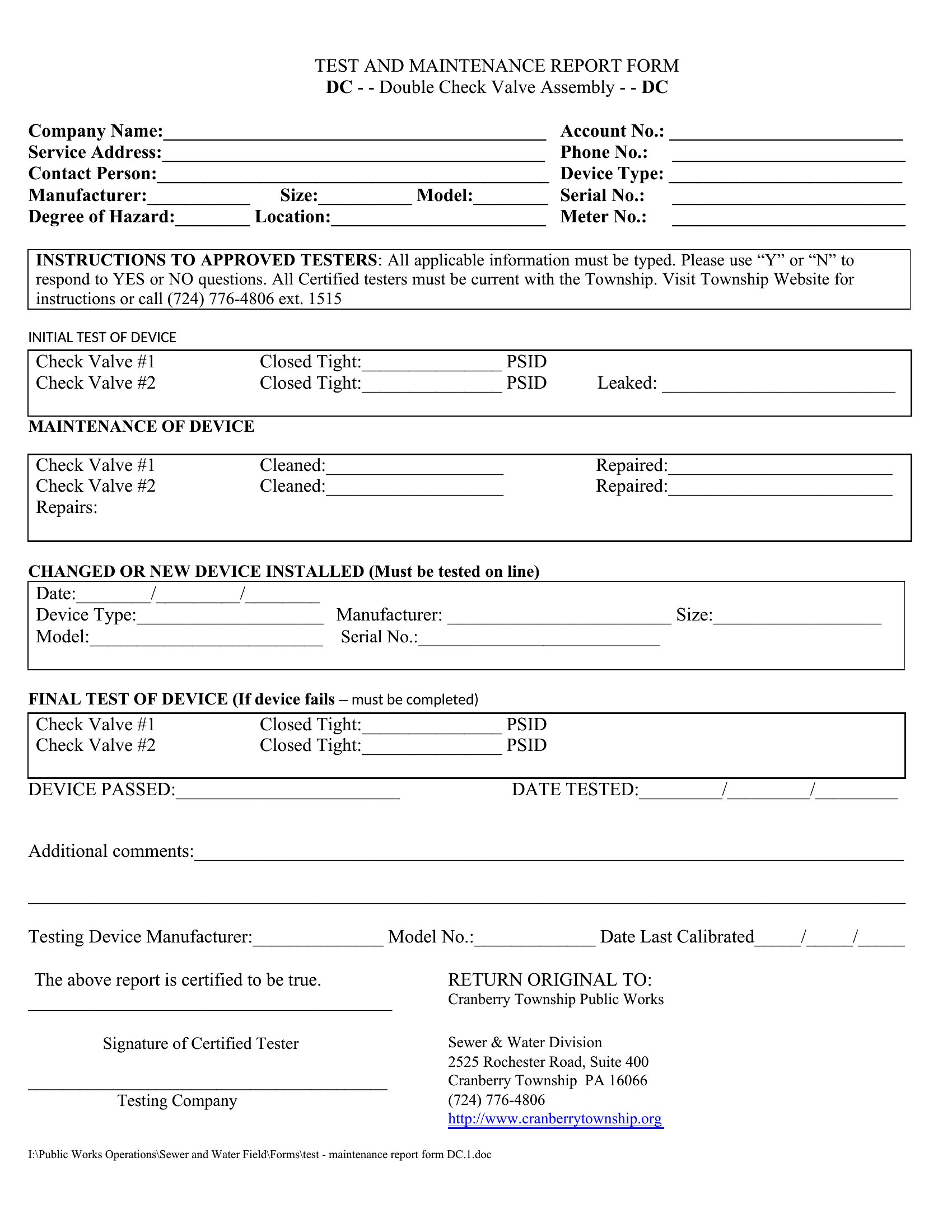
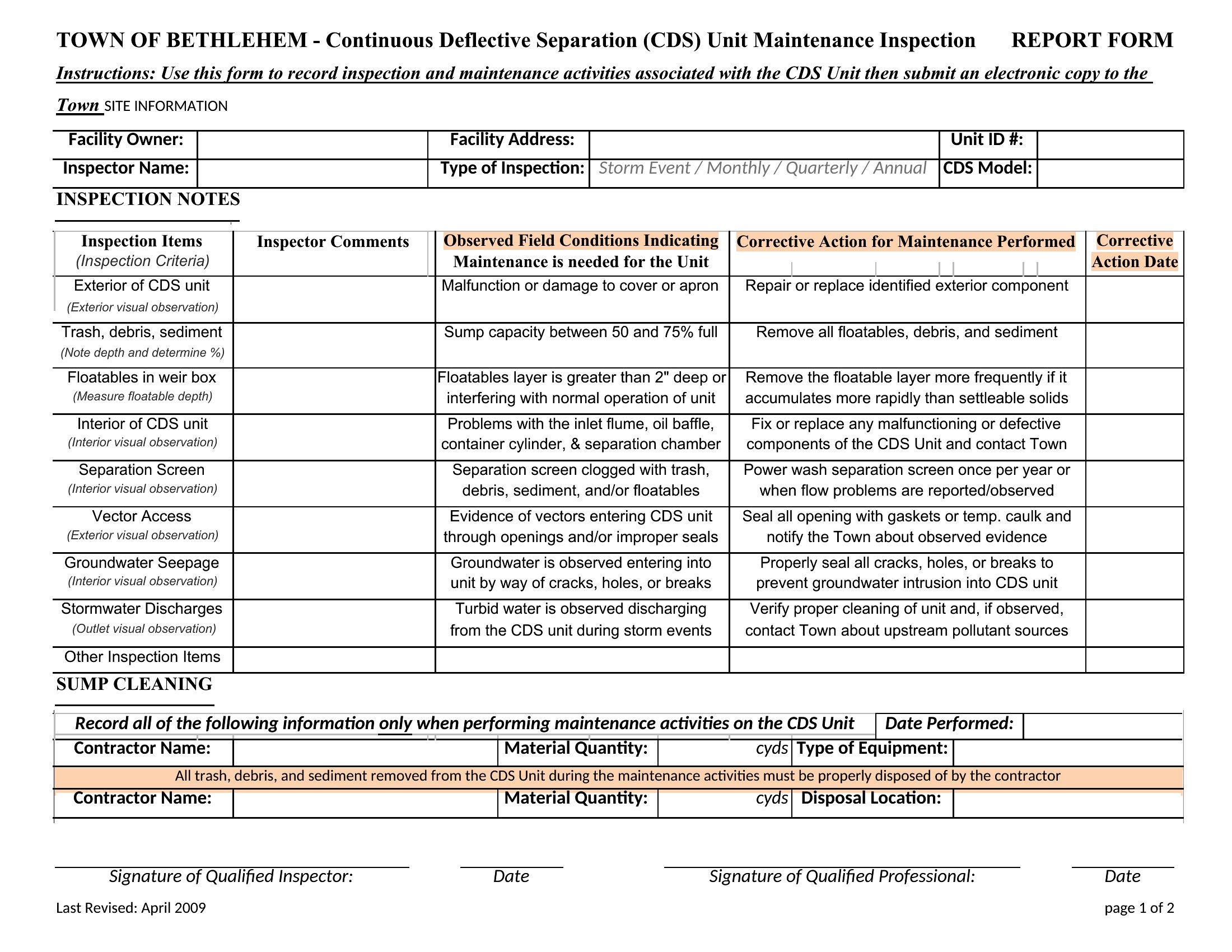
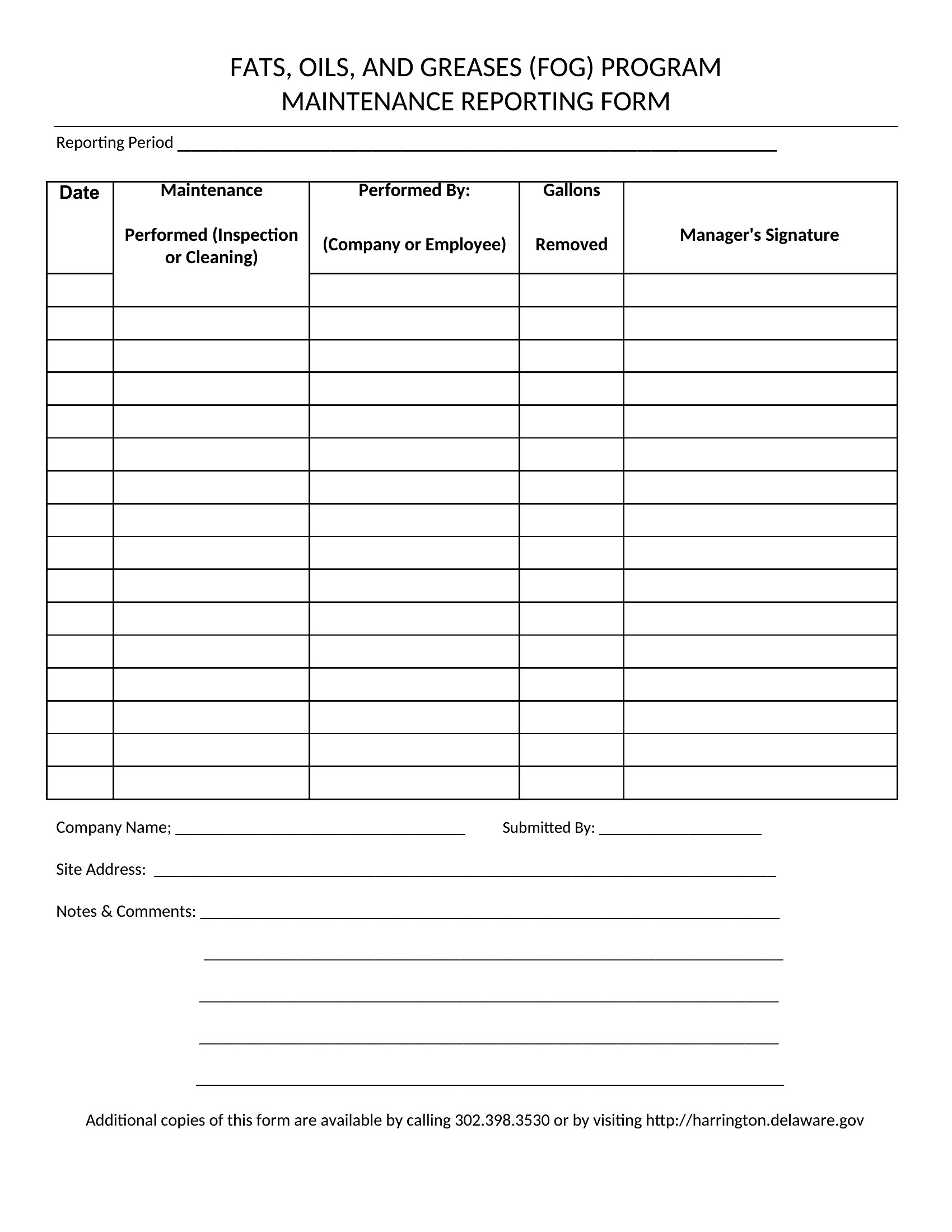
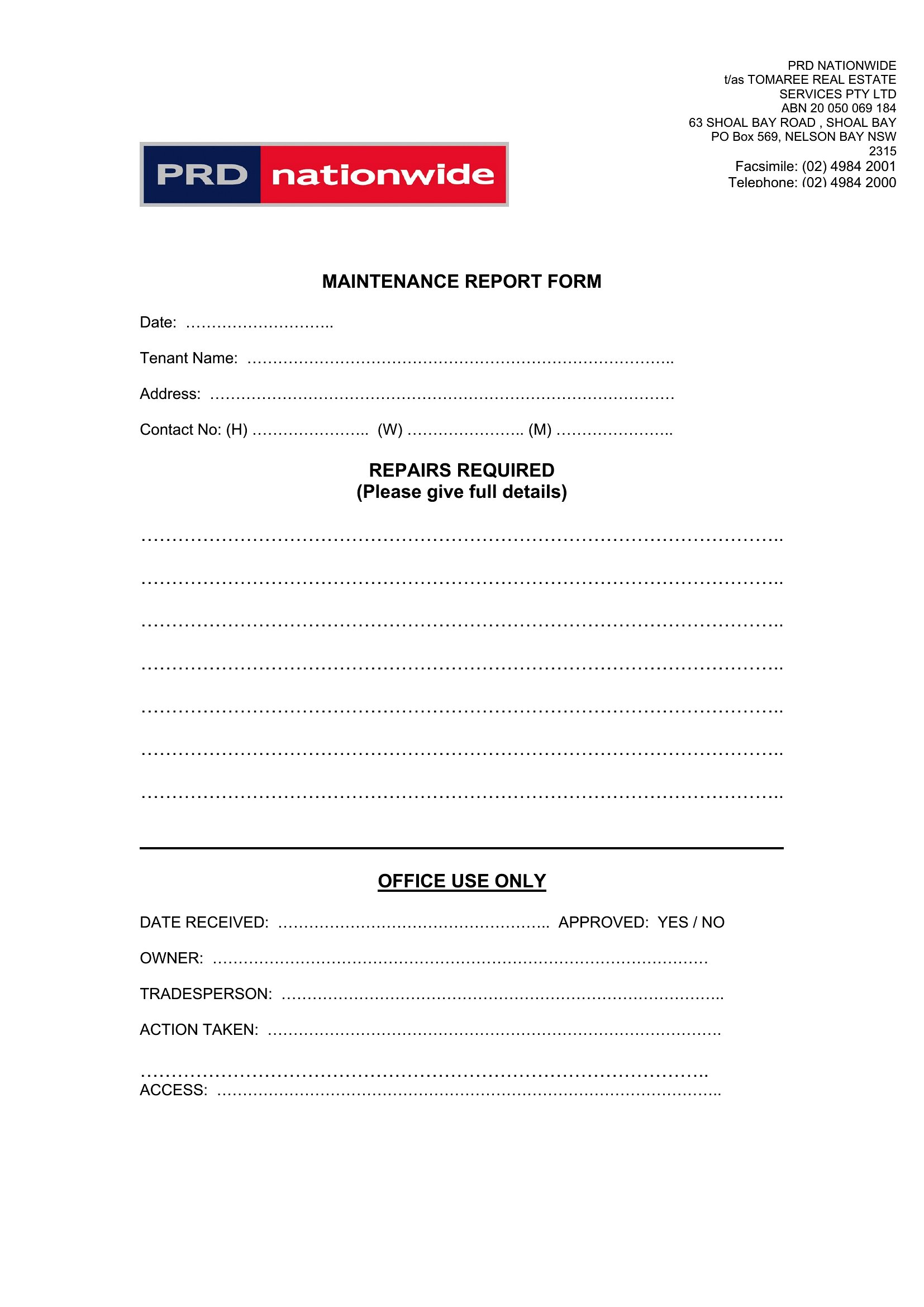
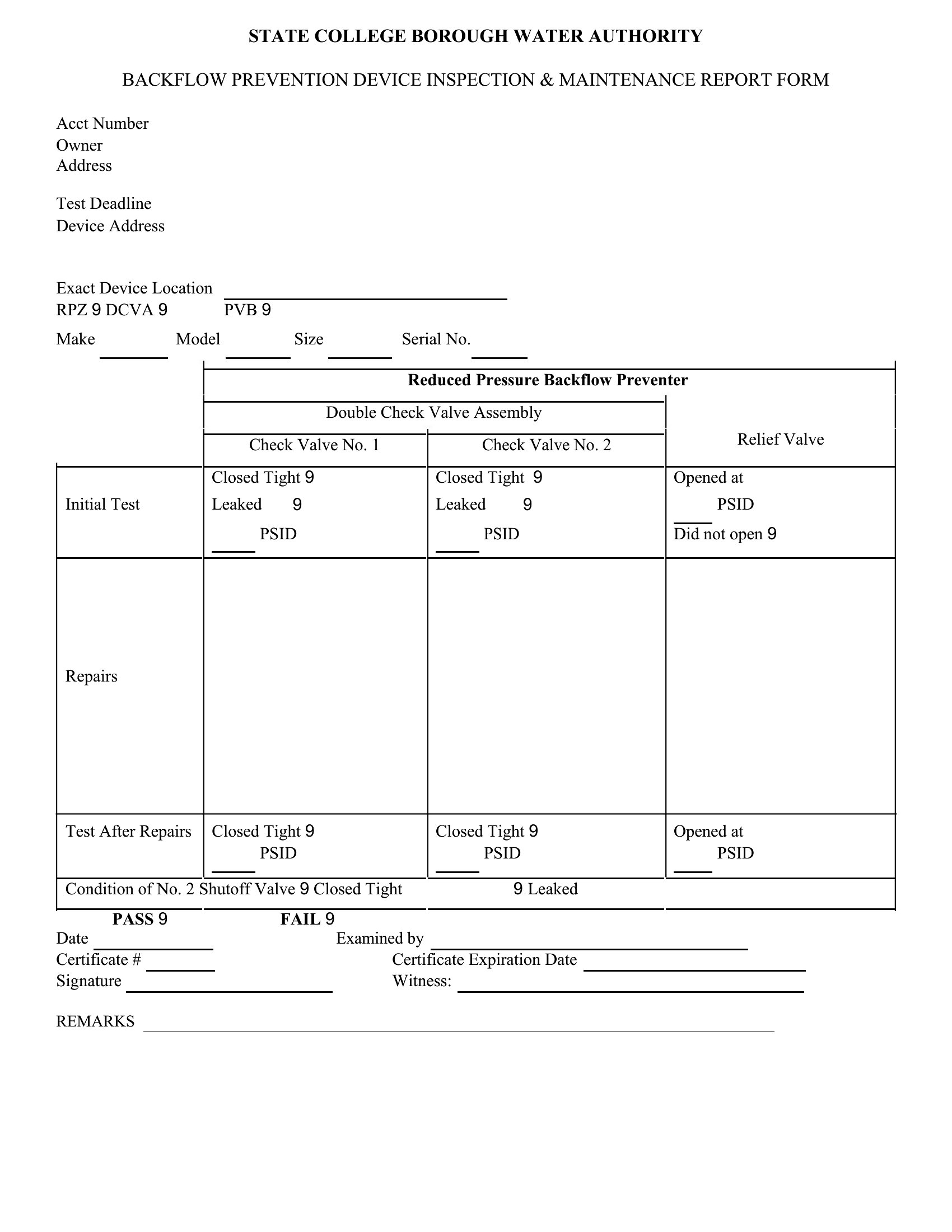
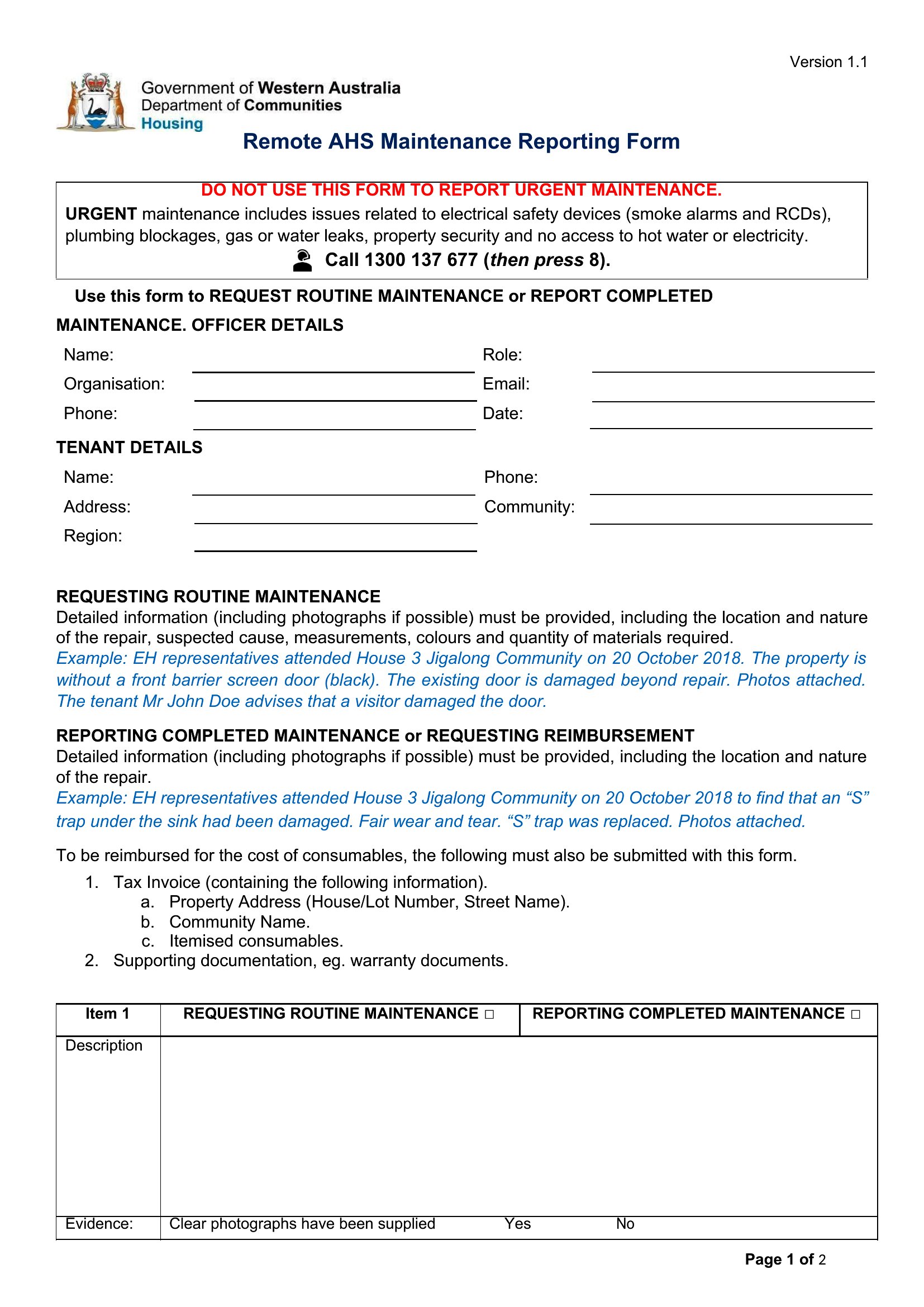
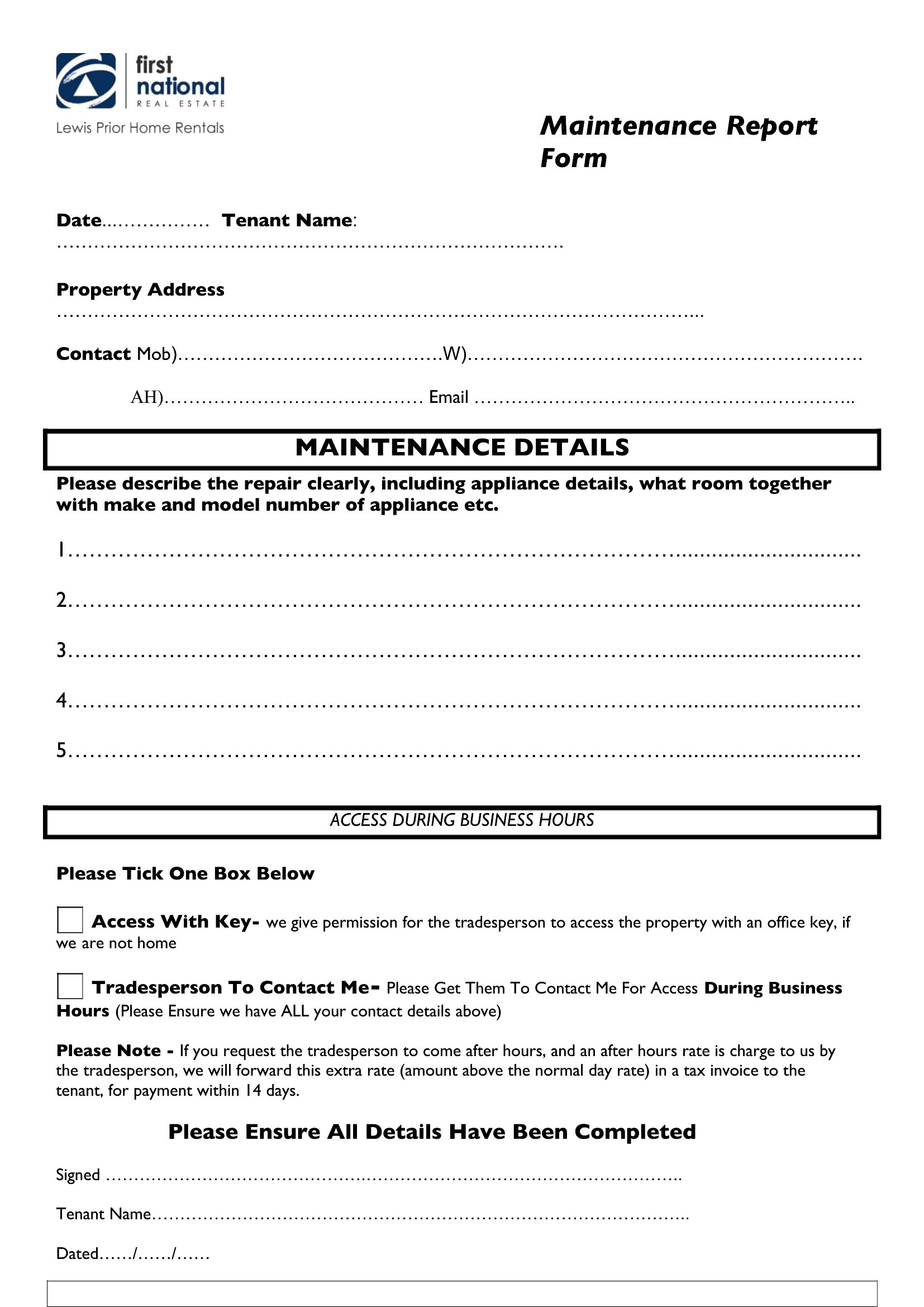
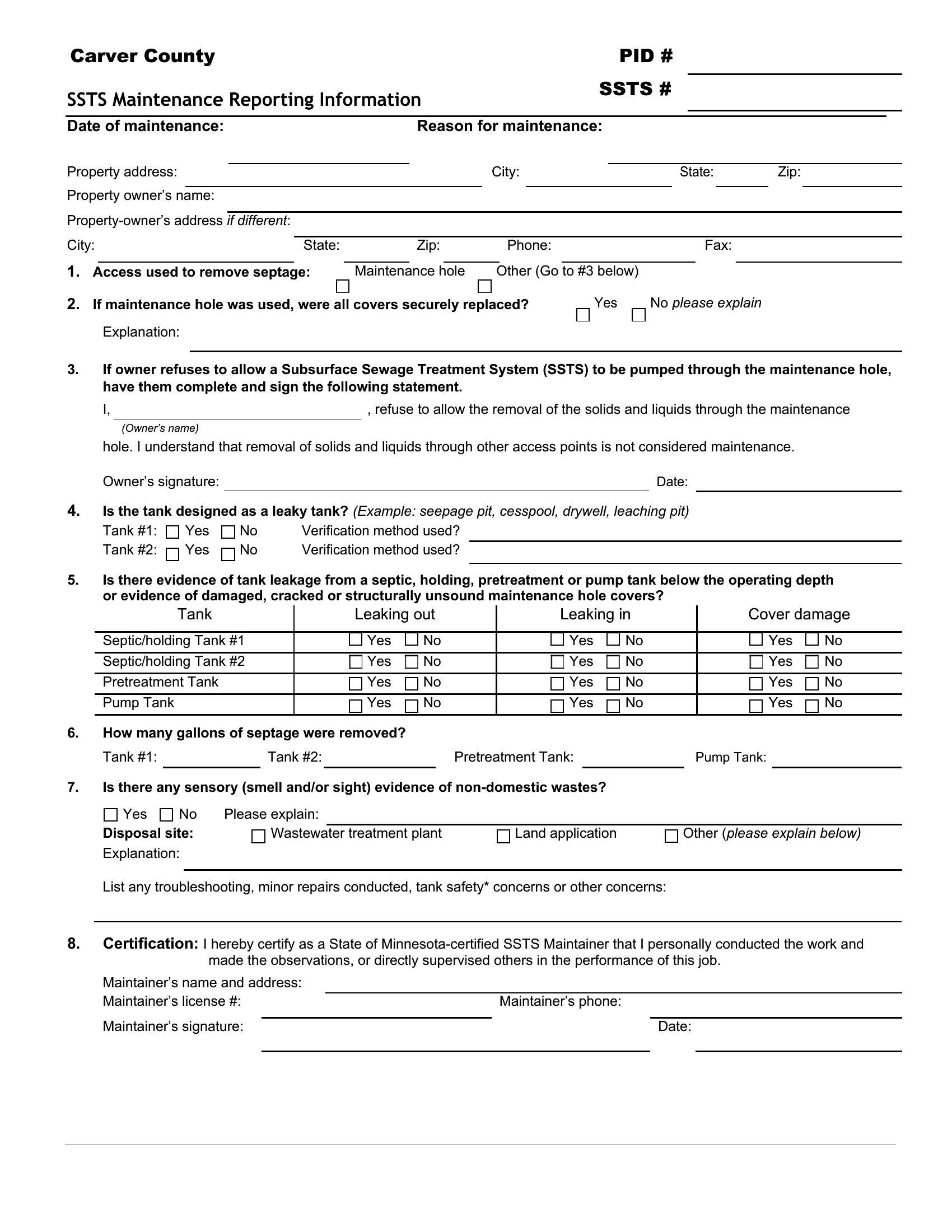
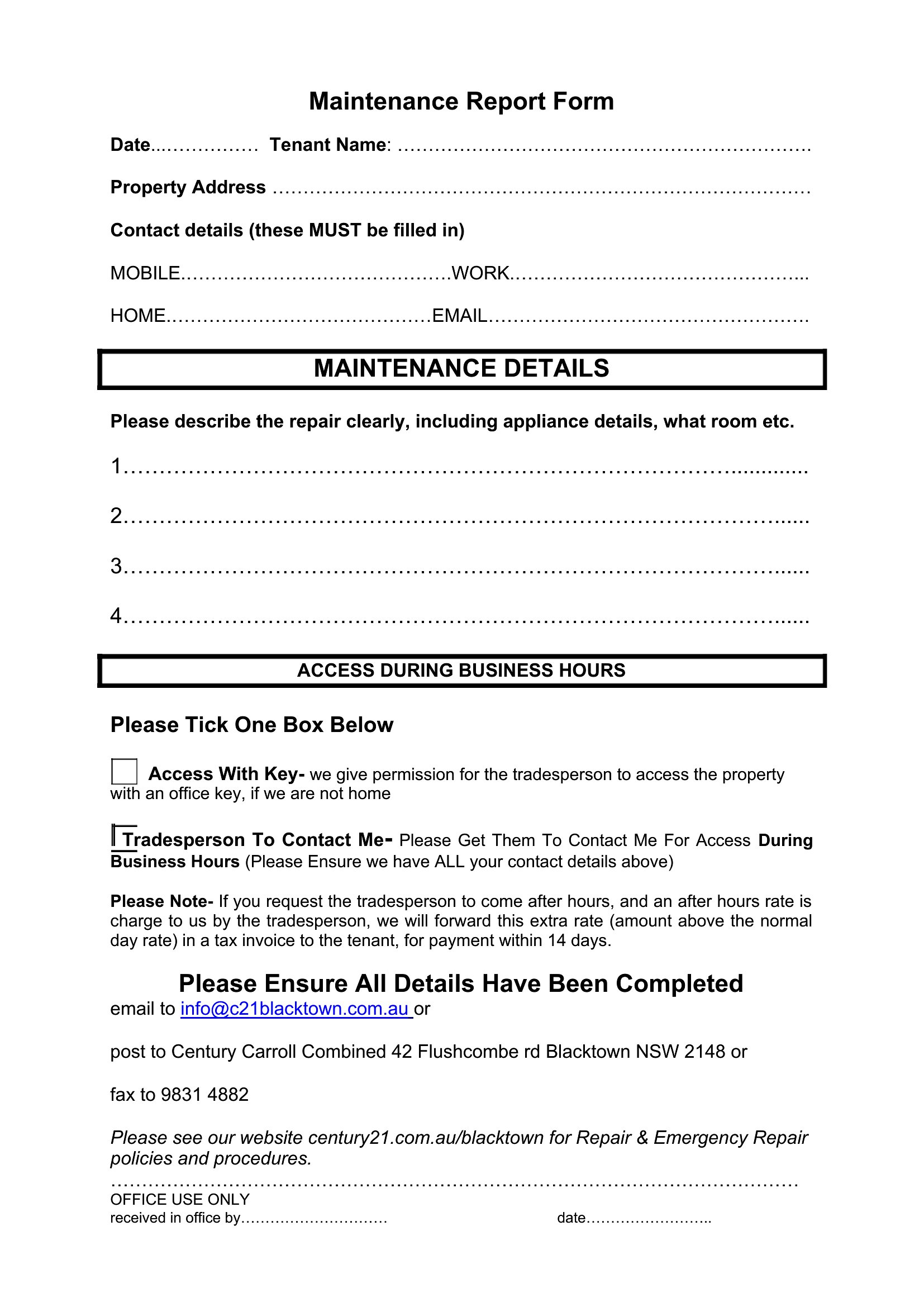
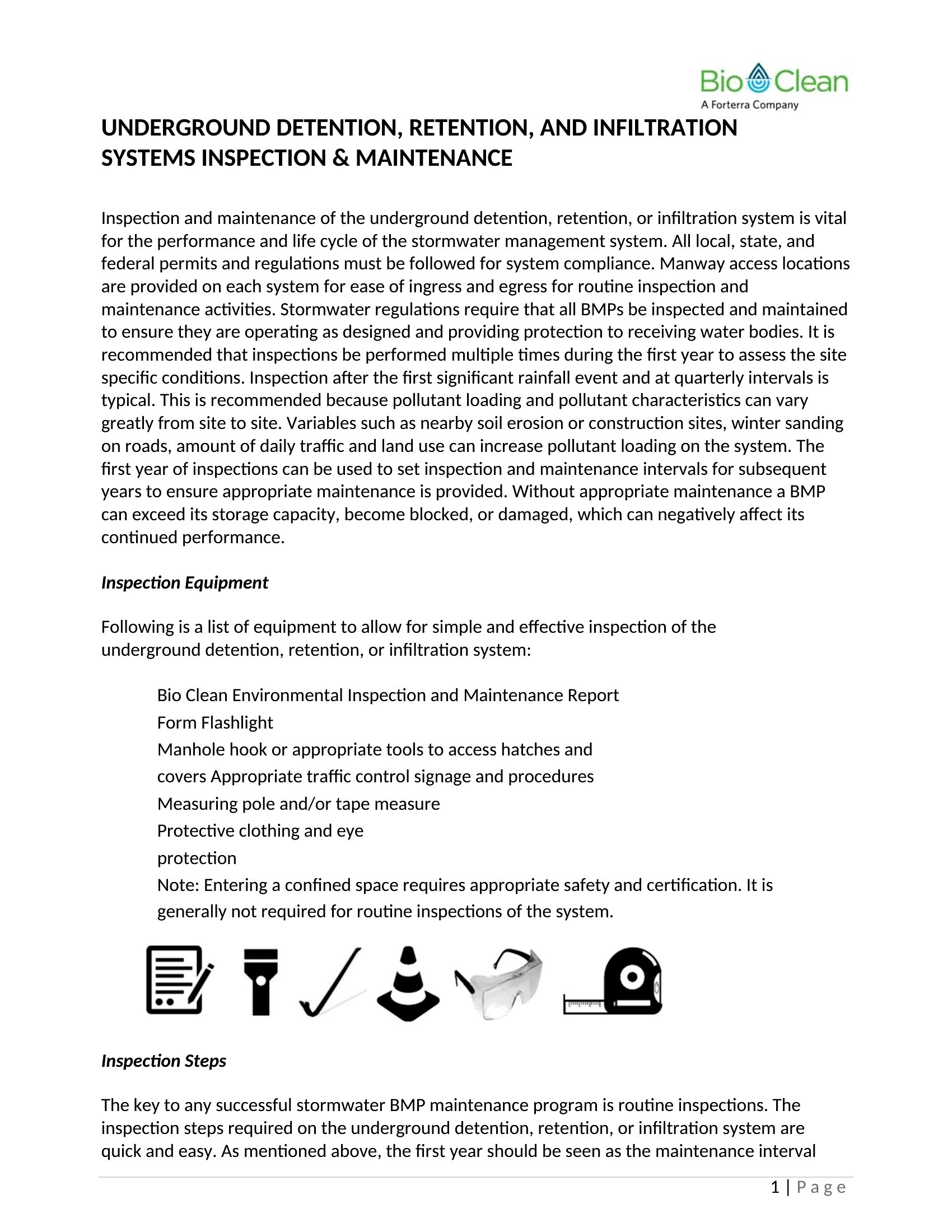
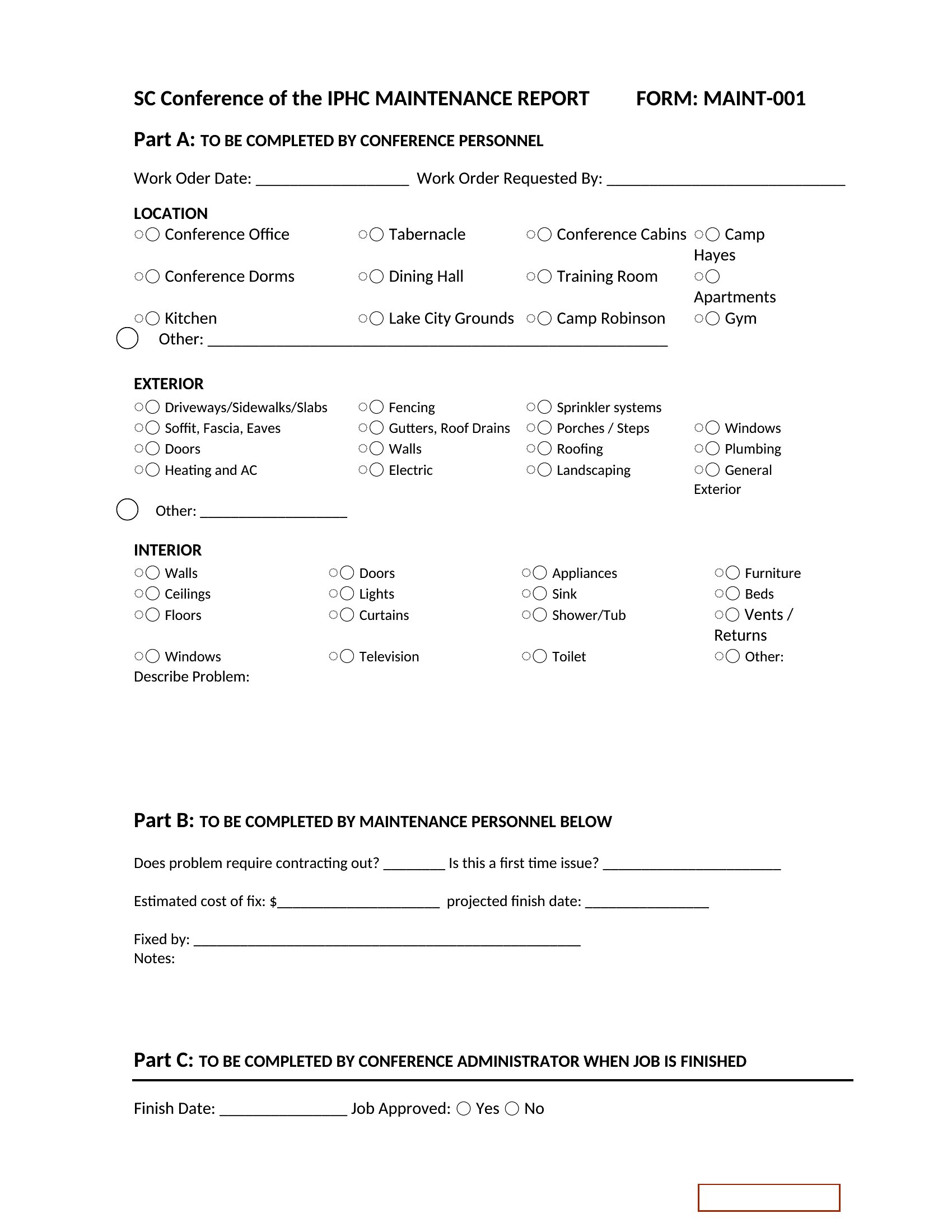
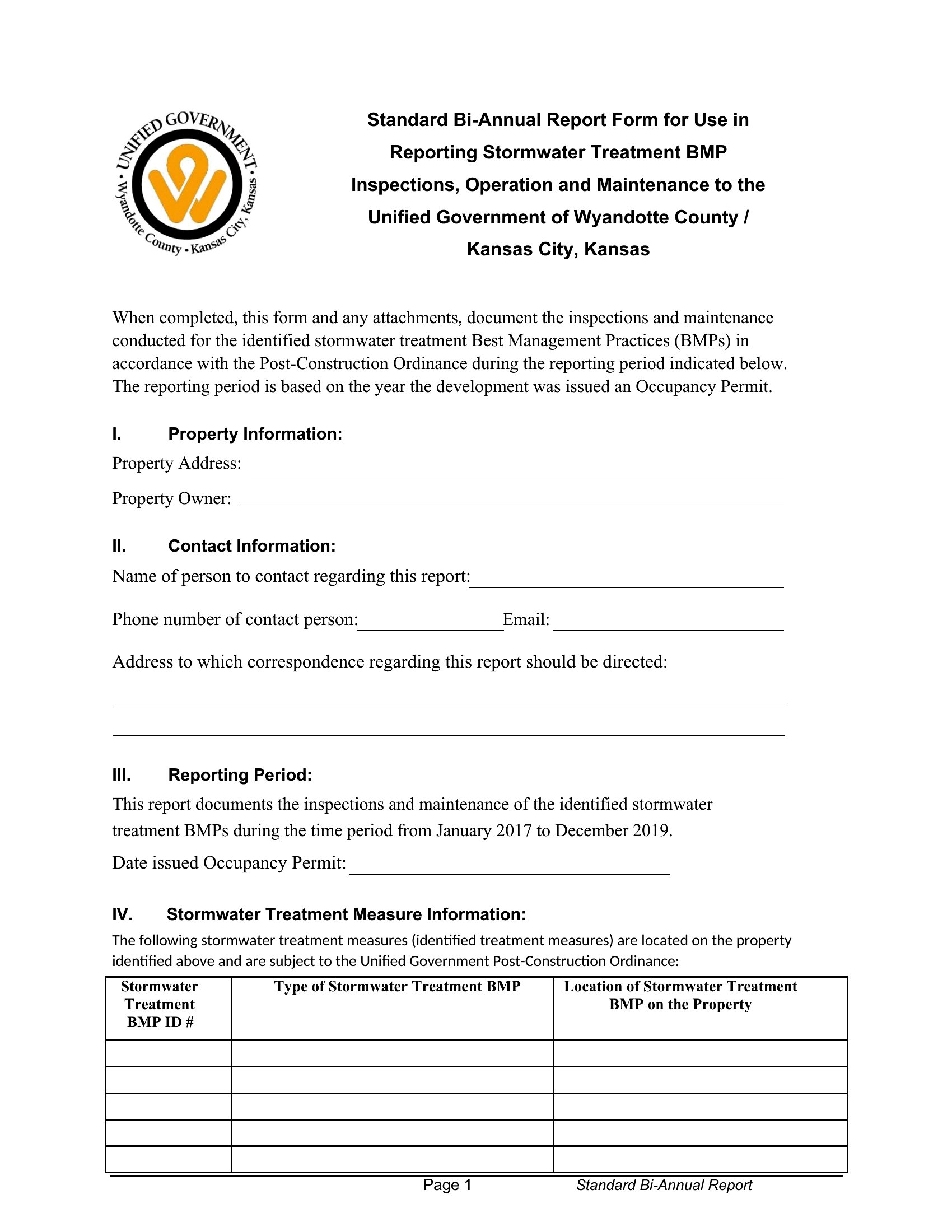
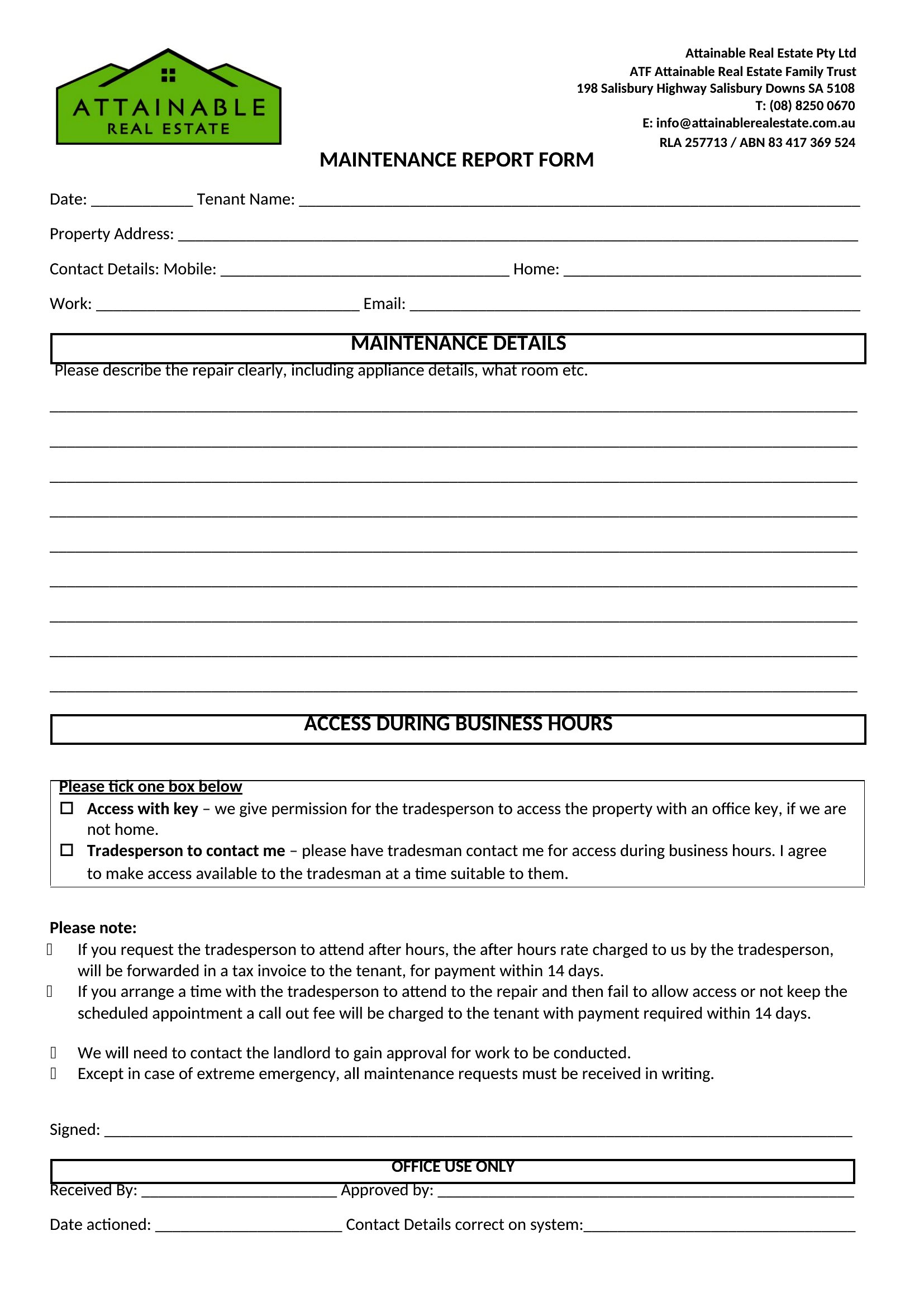
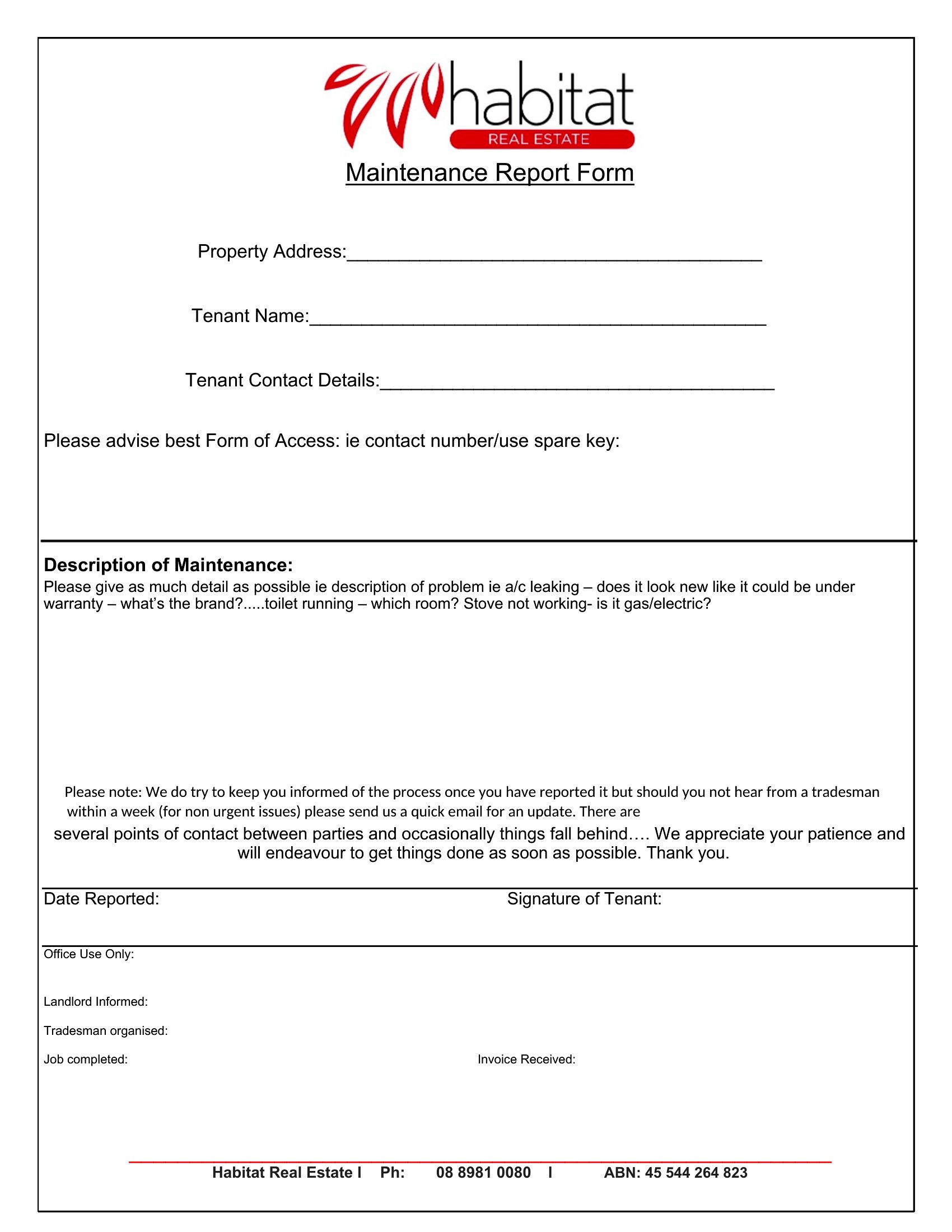
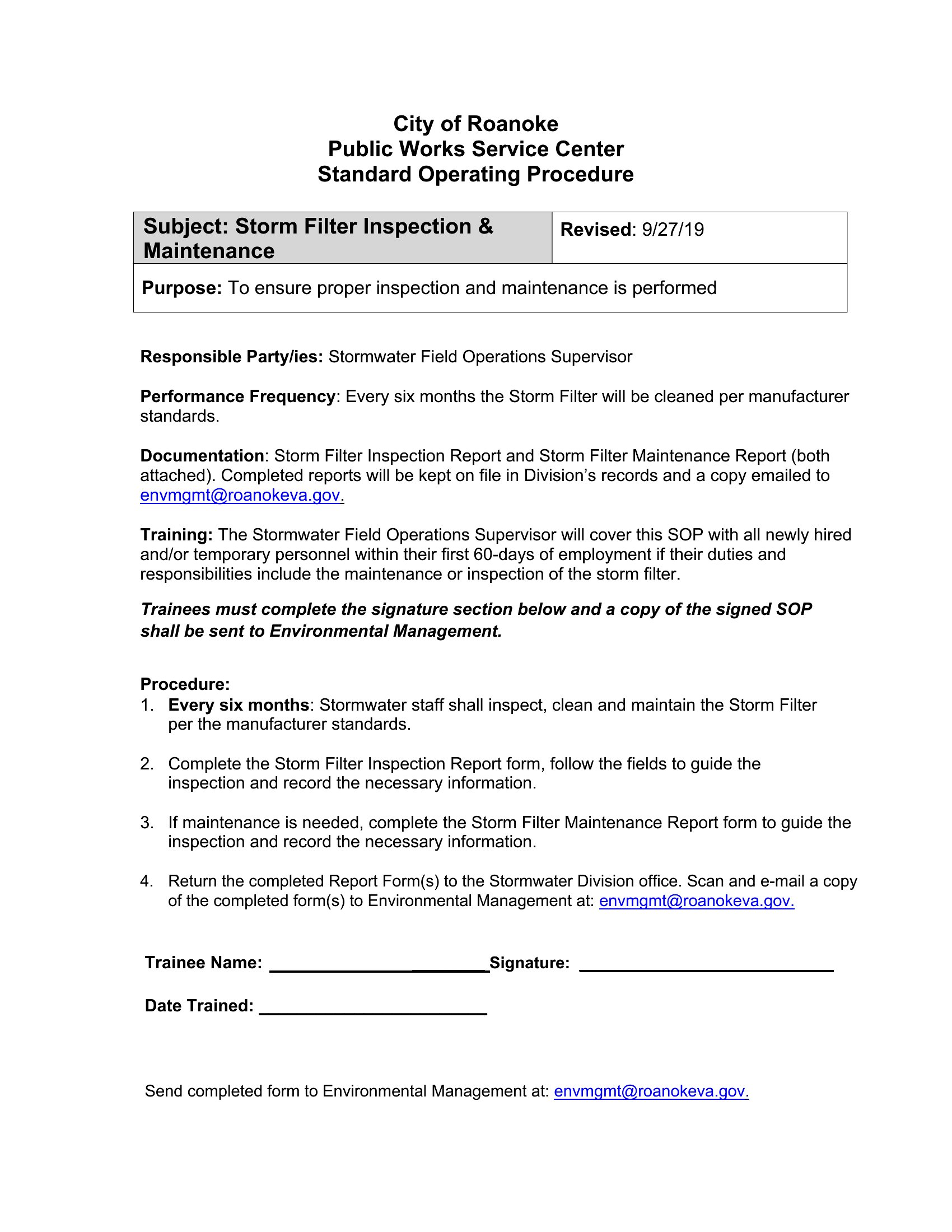
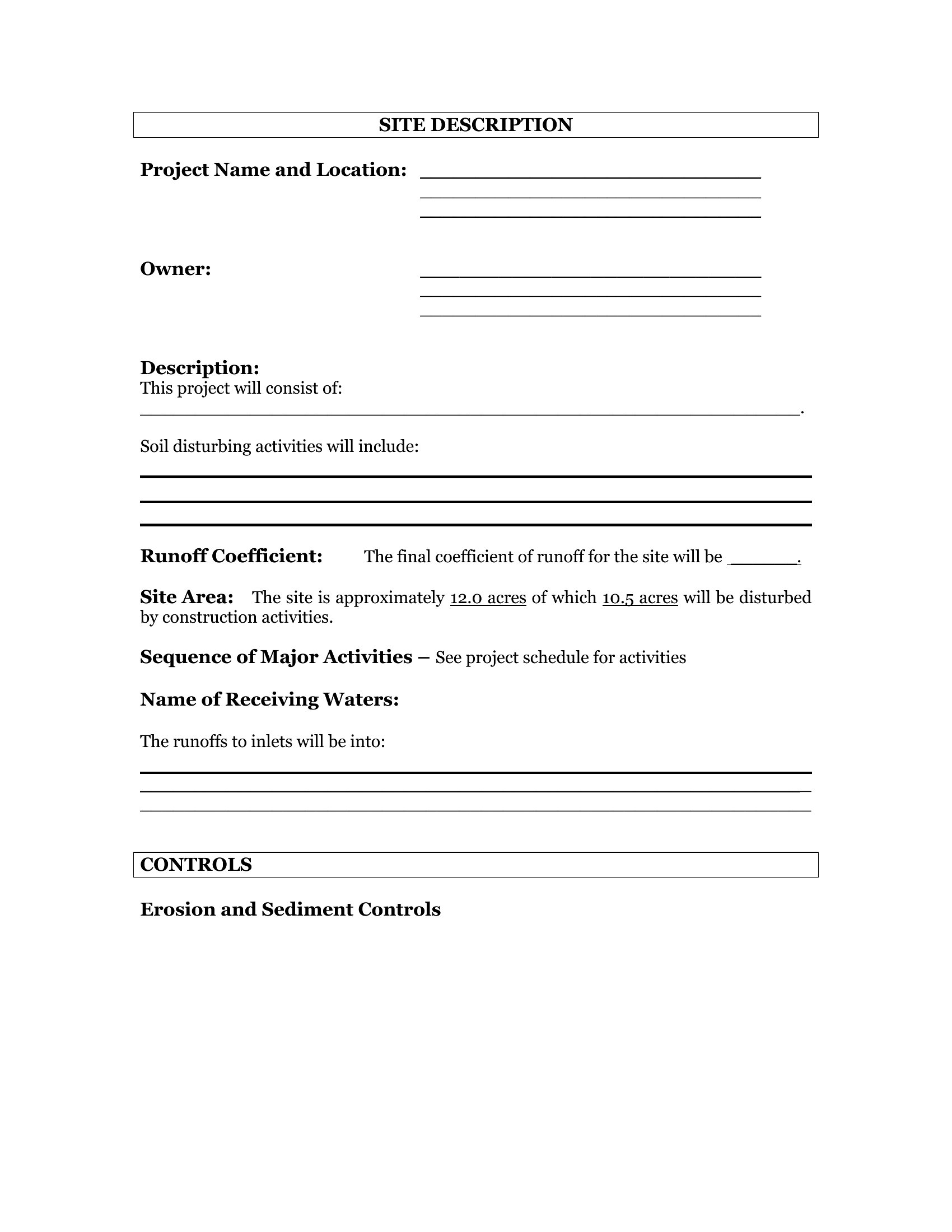
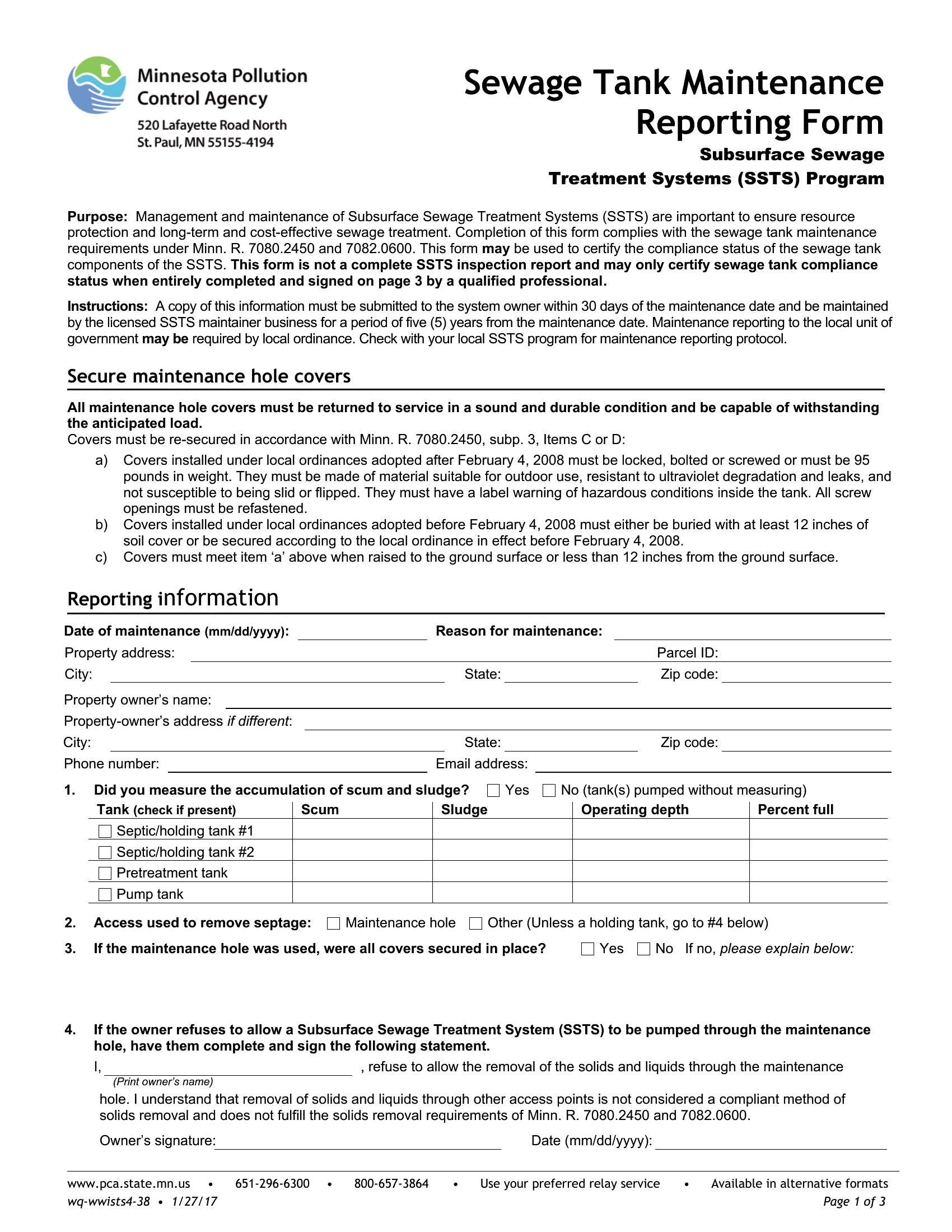
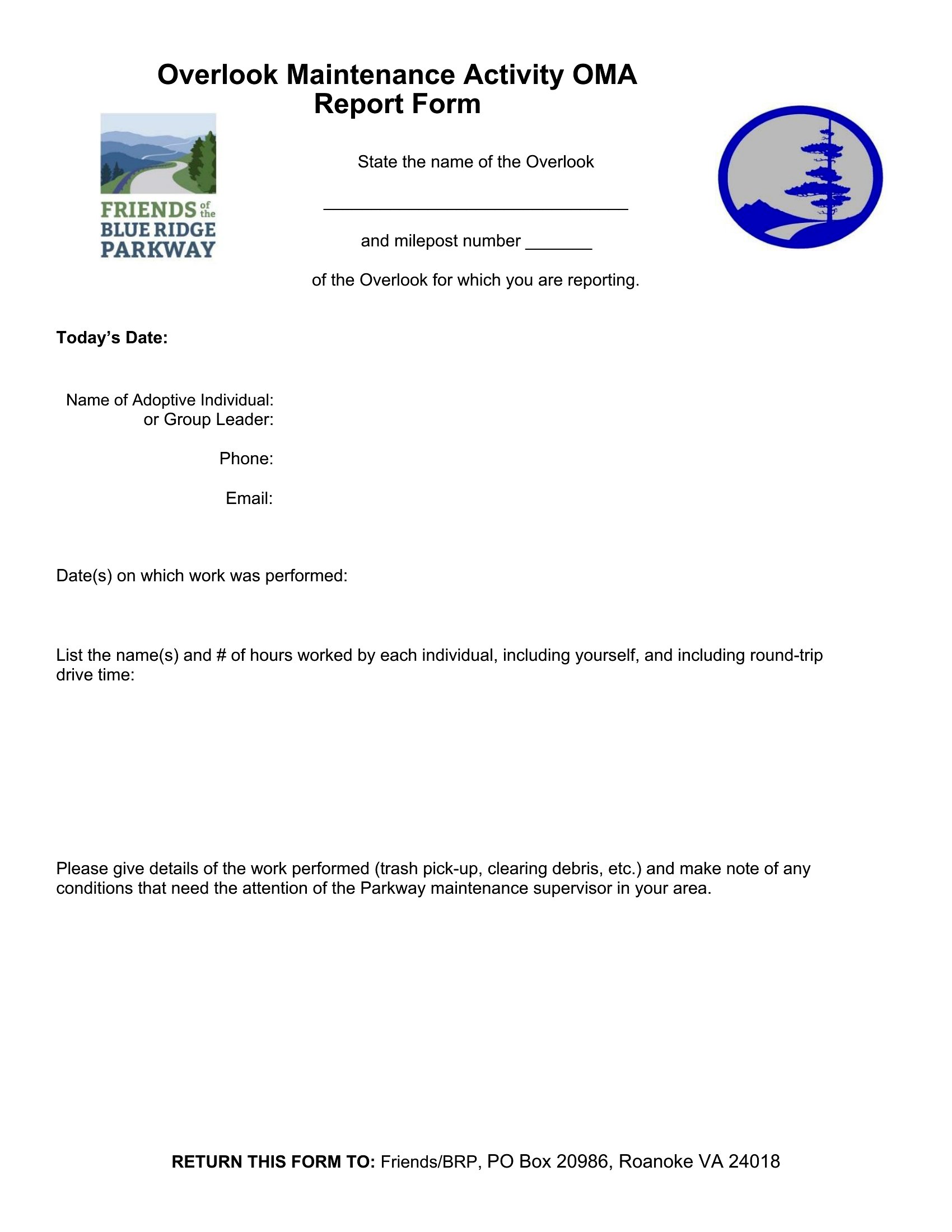
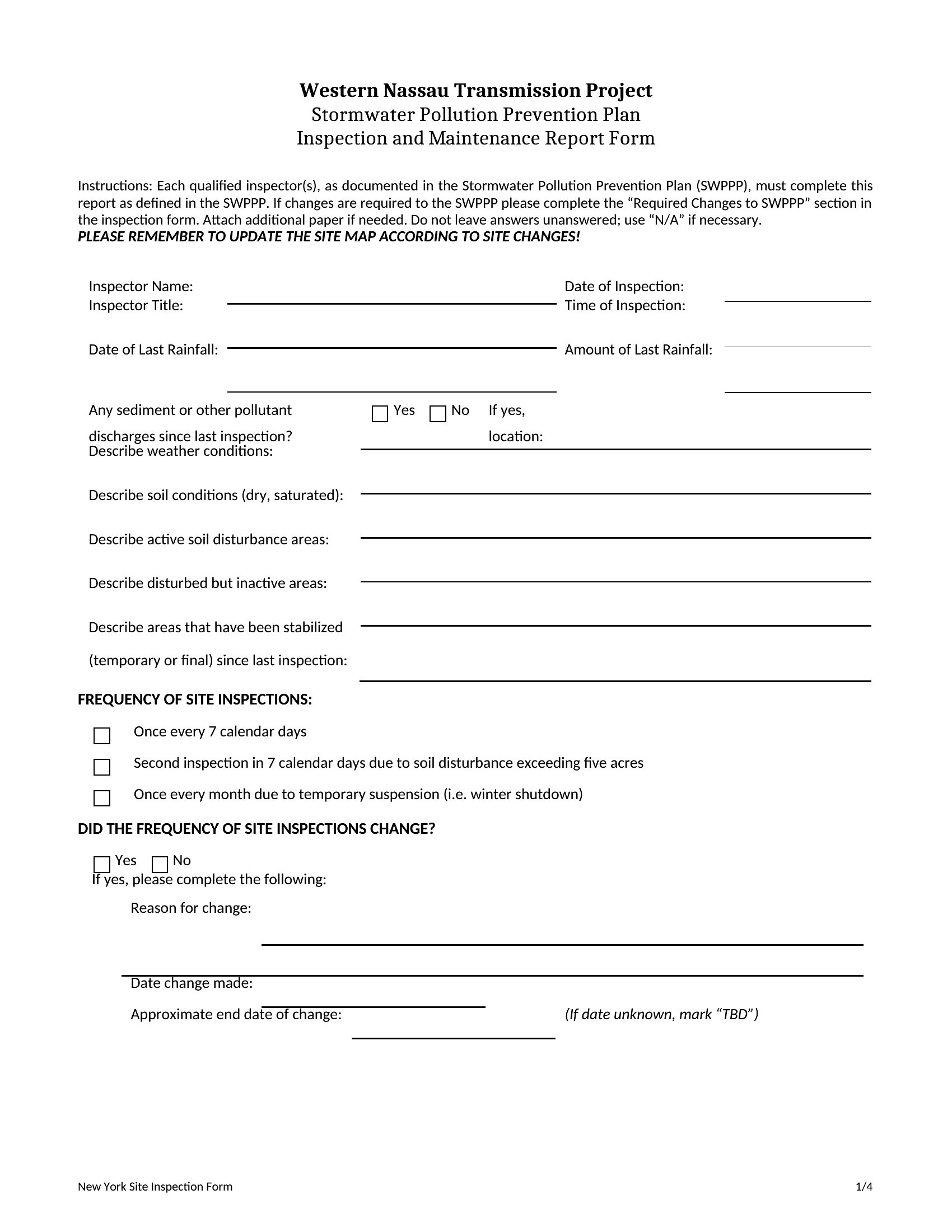
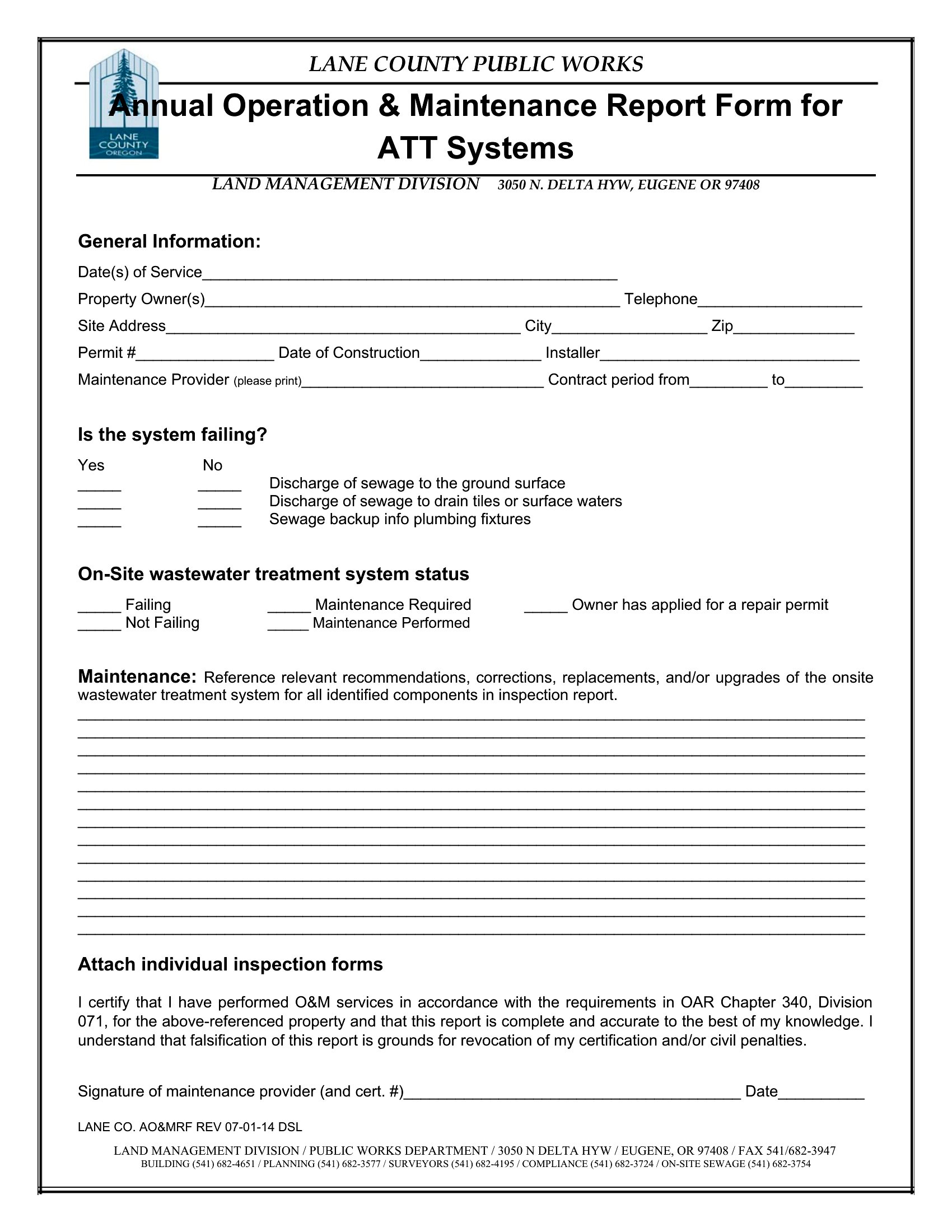
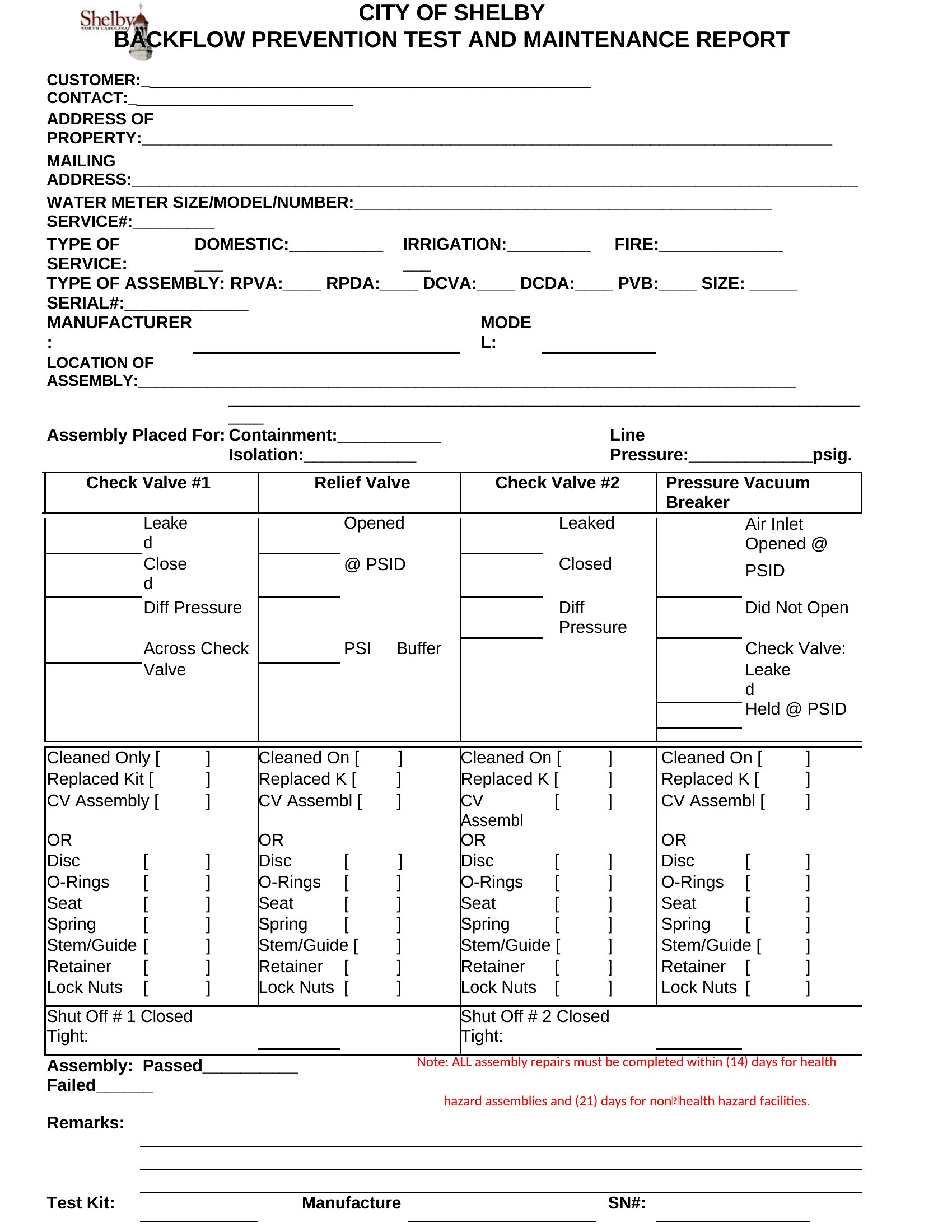
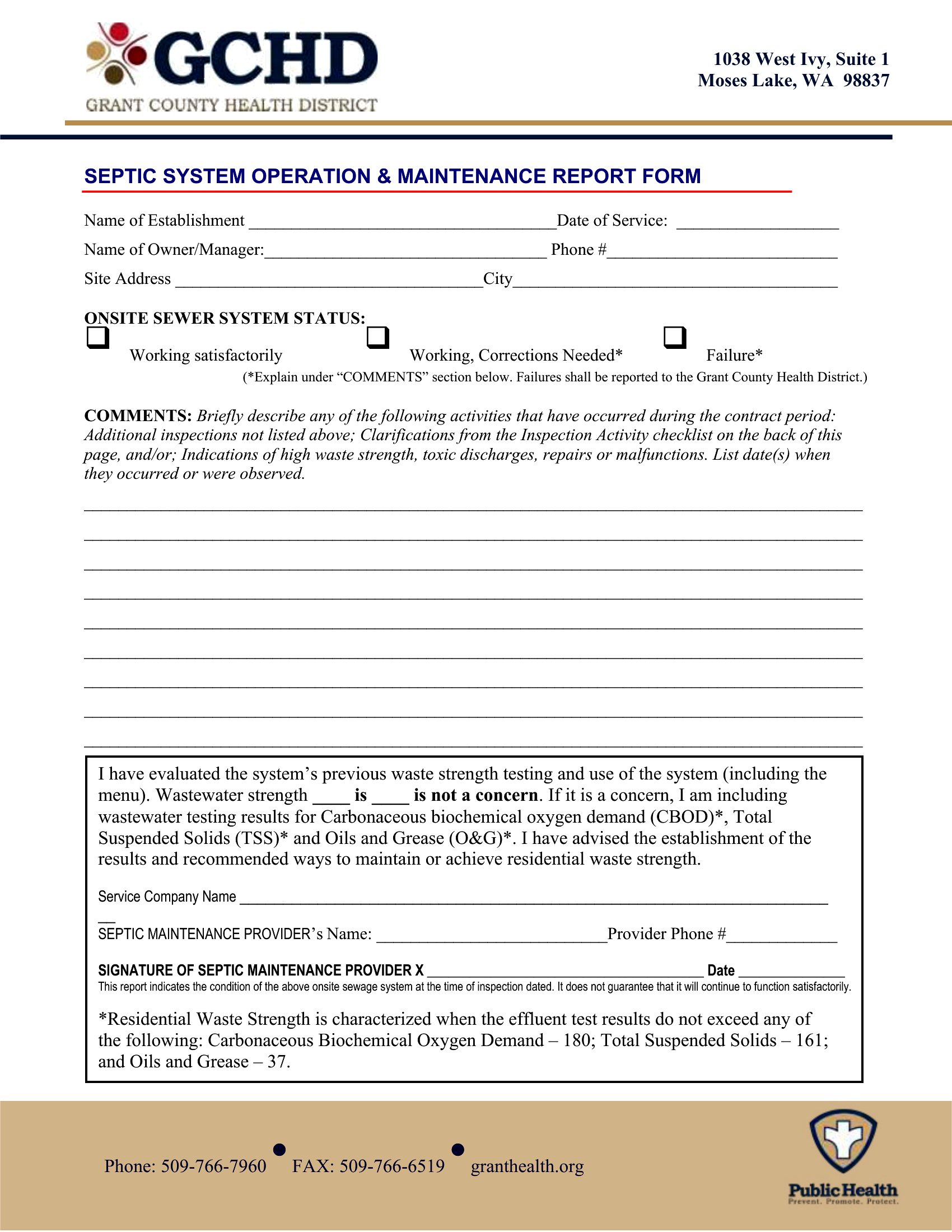
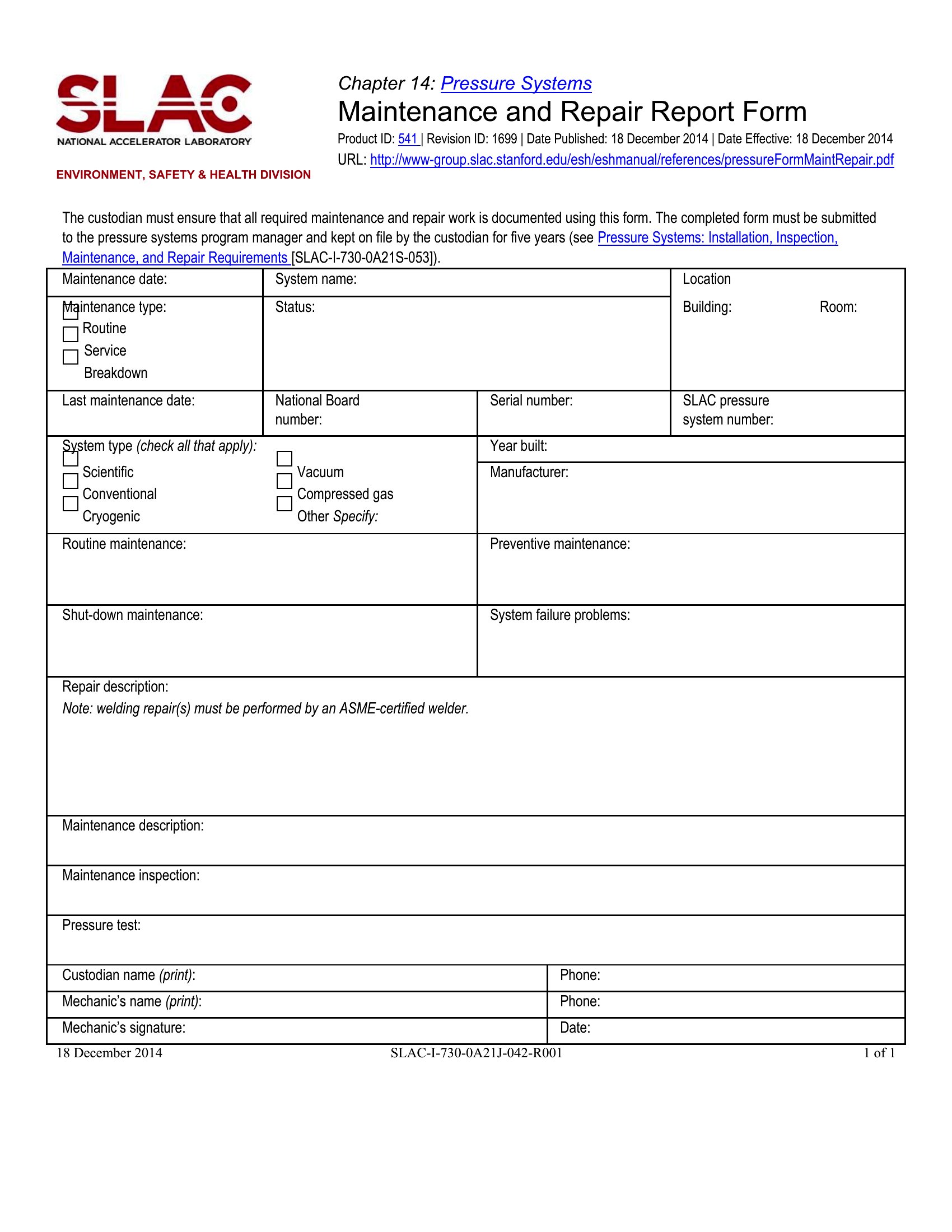
Keeping equipment and buildings running depends on knowing what was checked, what failed, and what got fixed, and a maintenance report captures all of it. These 48 templates suit facilities staff, fleet managers, and technicians logging routine inspections, repairs, and the condition of vehicles, machinery, or property.
The templates are editable in Microsoft Word, so you can record dates, parts, labor, and follow-up actions in a consistent format your team will recognize. Fill them on a computer or print blanks for the shop floor. Pick the report that matches the work you track and keep a clear maintenance history without building a form yourself.
When to use this Maintenance Report template
- Facility managers at a manufacturing plant use these reports to document weekly HVAC system inspections, ensuring compliance with OSHA safety standards and tracking small failures before they escalate into costly breakdowns.
- A municipal public works team relies on these templates to log streetlight maintenance, recording bulb replacements, voltage tests, and weather-related damage to justify budget requests and prioritize repairs in high-traffic areas.
- Mechanical engineers in a hospital maintenance department fill out these reports after servicing MRI machines or emergency generators, detailing calibration logs, lubrication checks, and parts replacements to maintain FDA compliance records.
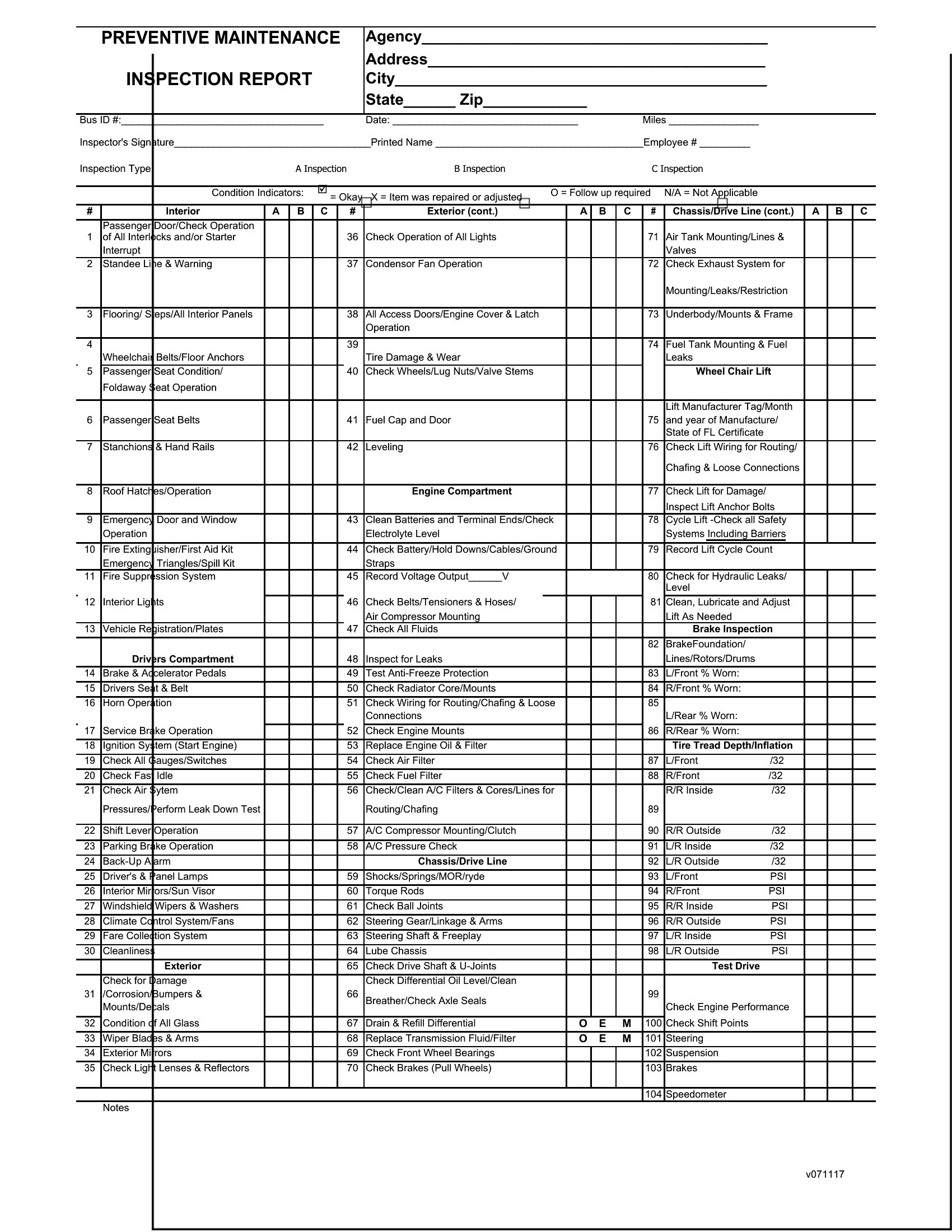
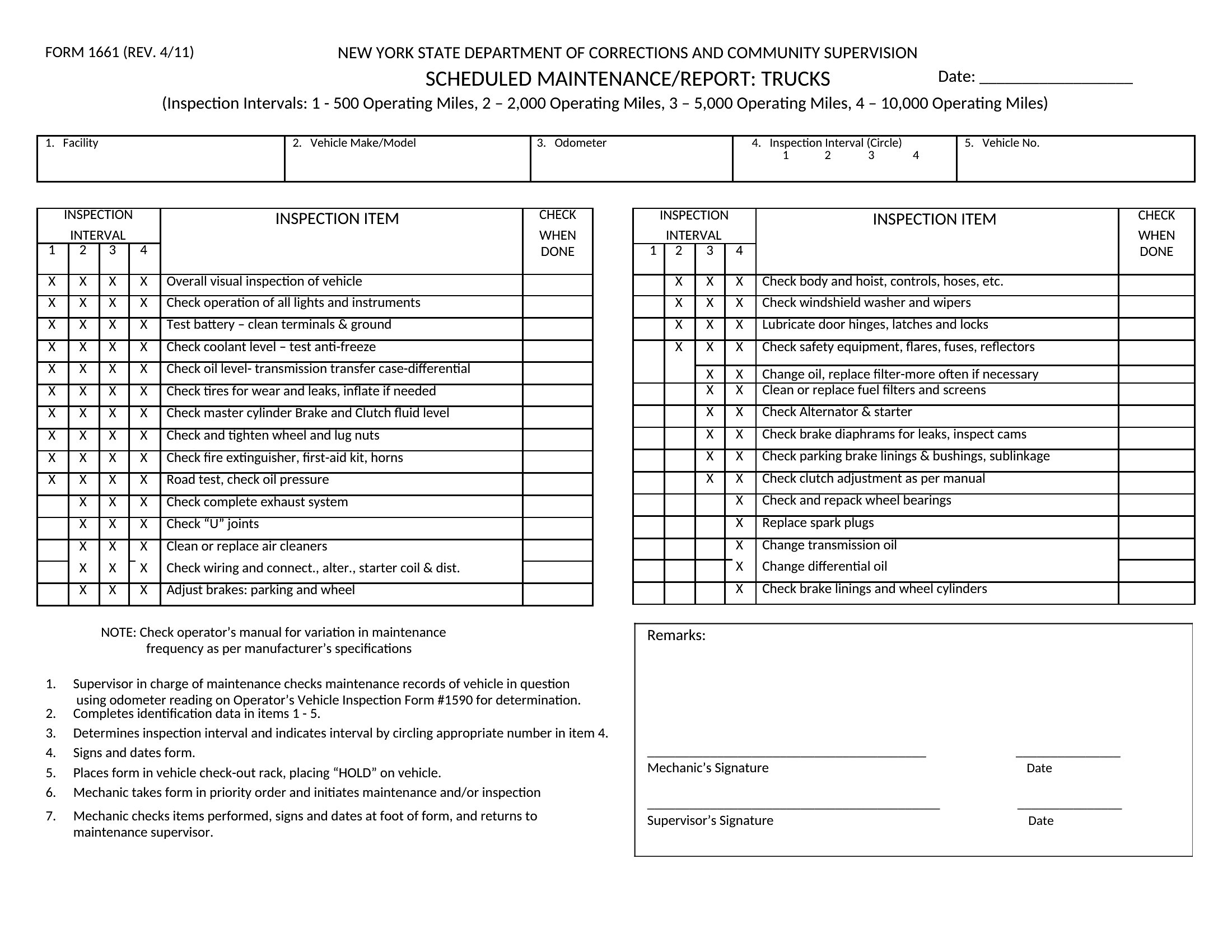
- A small-town fleet manager tracks vehicle maintenance—oil changes, tire rotations, and brake inspections—for a school district’s buses, using the reports to schedule preventive work and extend vehicle lifespans while keeping insurance premiums low.
Which format should I download?
Microsoft Word is the only format here, and it’s the best choice for maintenance reports because it’s widely used across industries for its flexibility. The editable structure lets technicians quickly fill in timestamps, part numbers, and inspection findings without needing specialized software. Word also supports tables for detailed logs and comments, making it easy to attach photos or notes if your organization uses scanned handwritten reports as a backup. For teams already using Microsoft 365, these templates integrate seamlessly with SharePoint or Outlook for sharing and version control.
Choose from 48 Maintenance Report Templates
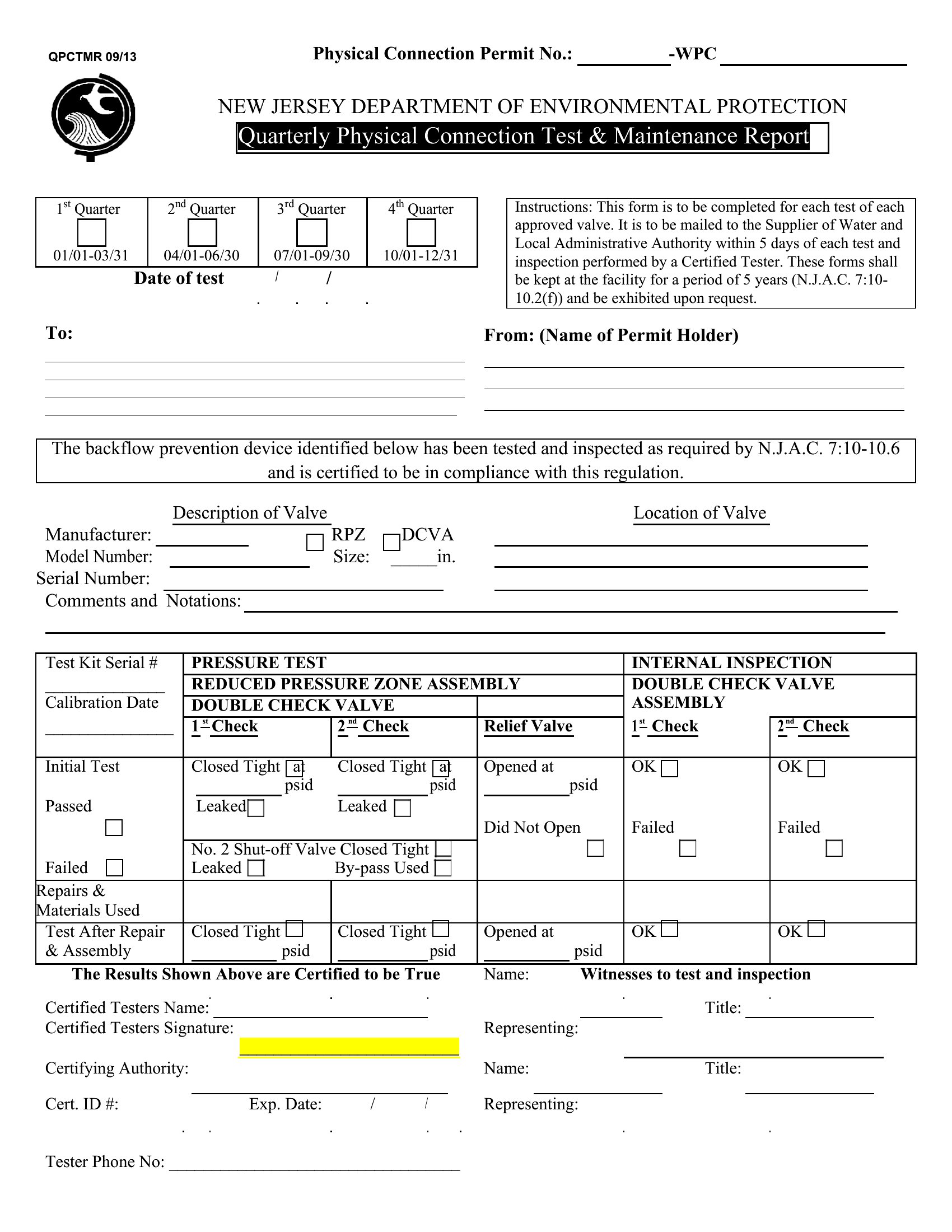
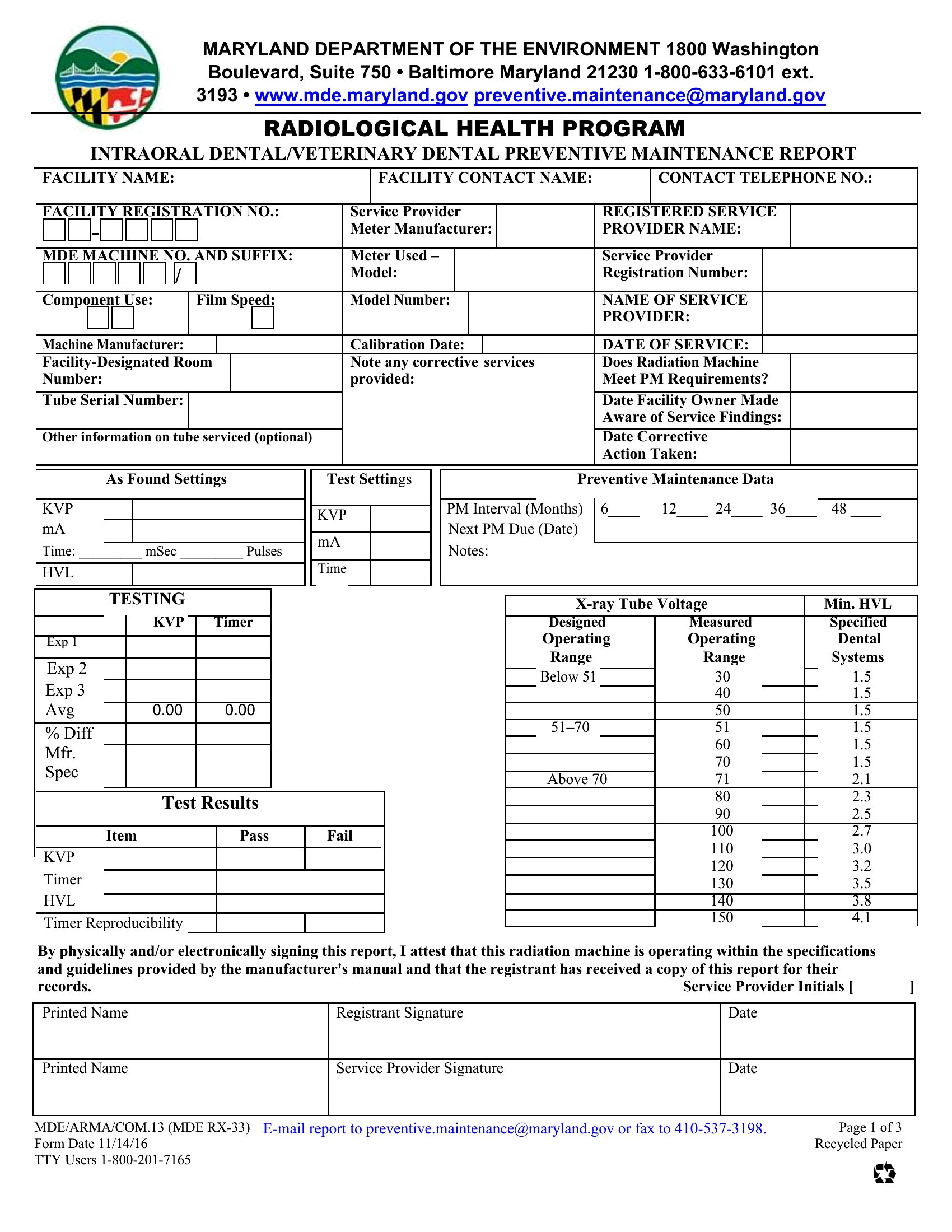
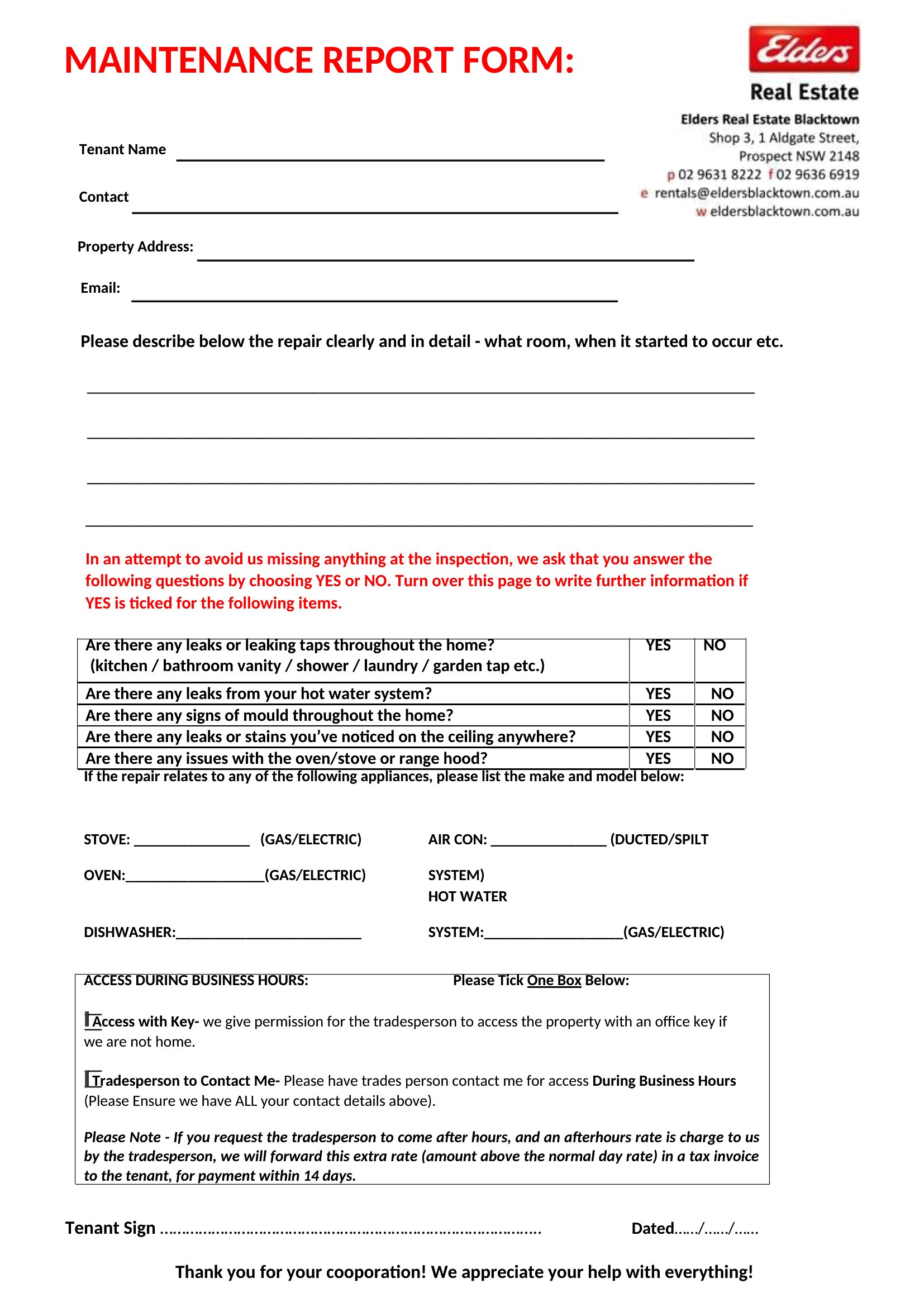
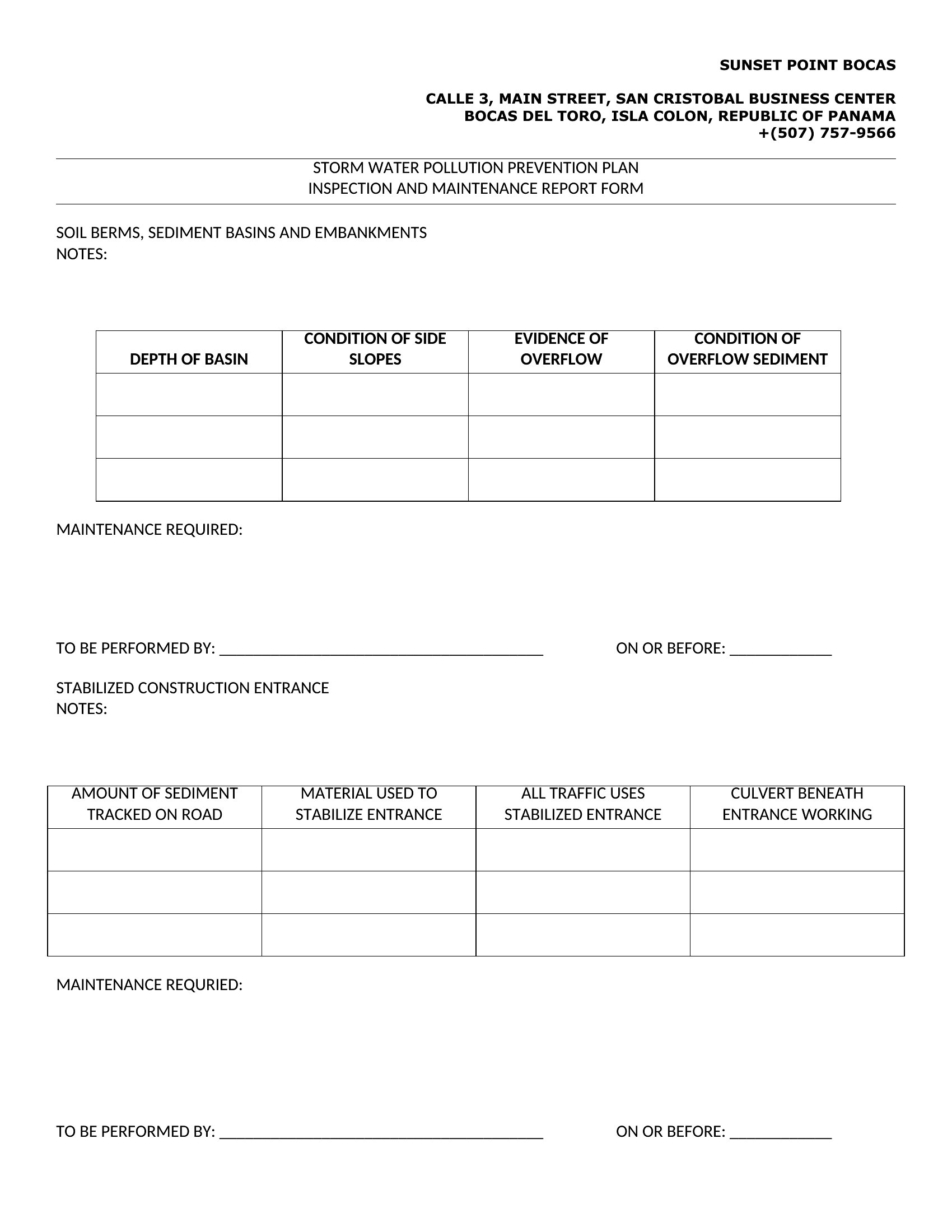
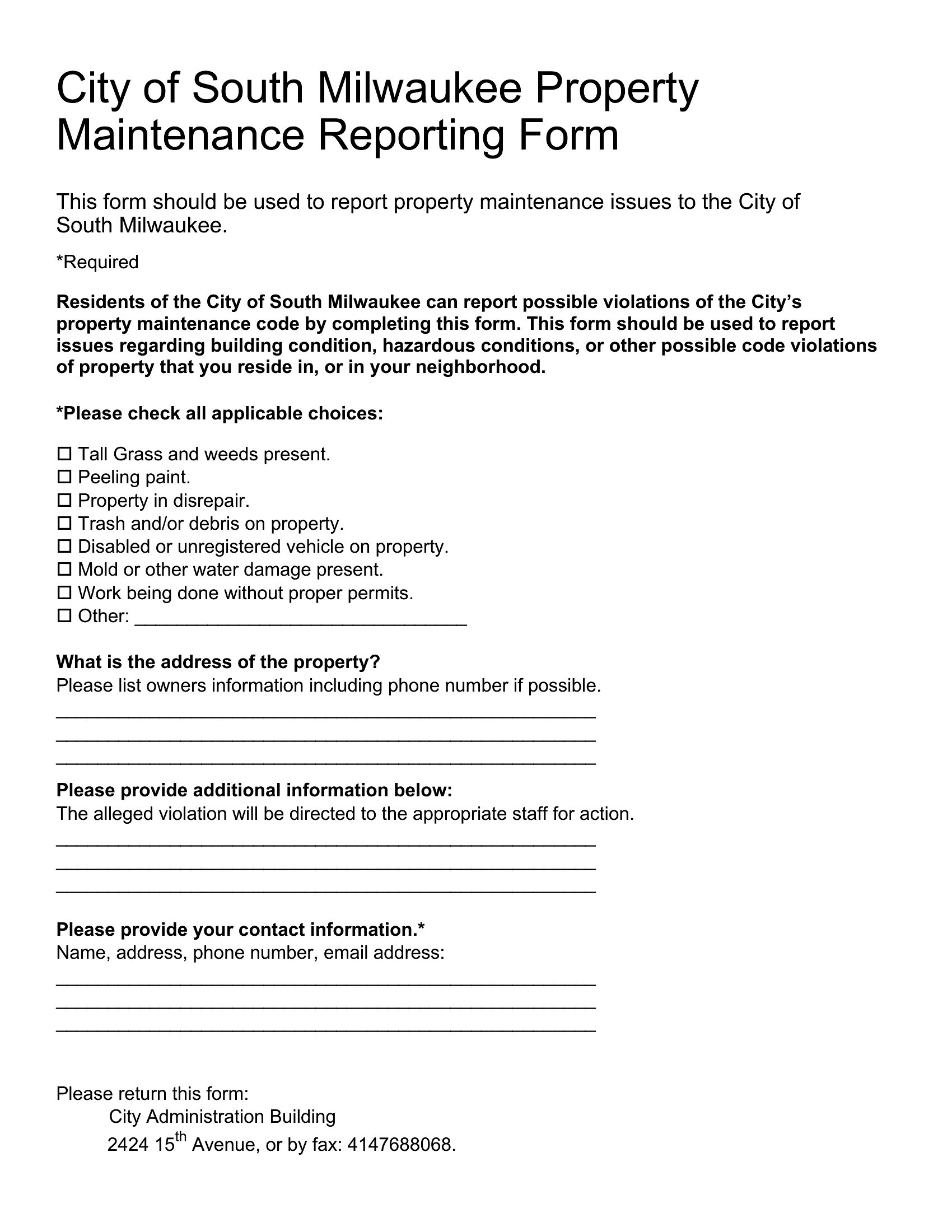
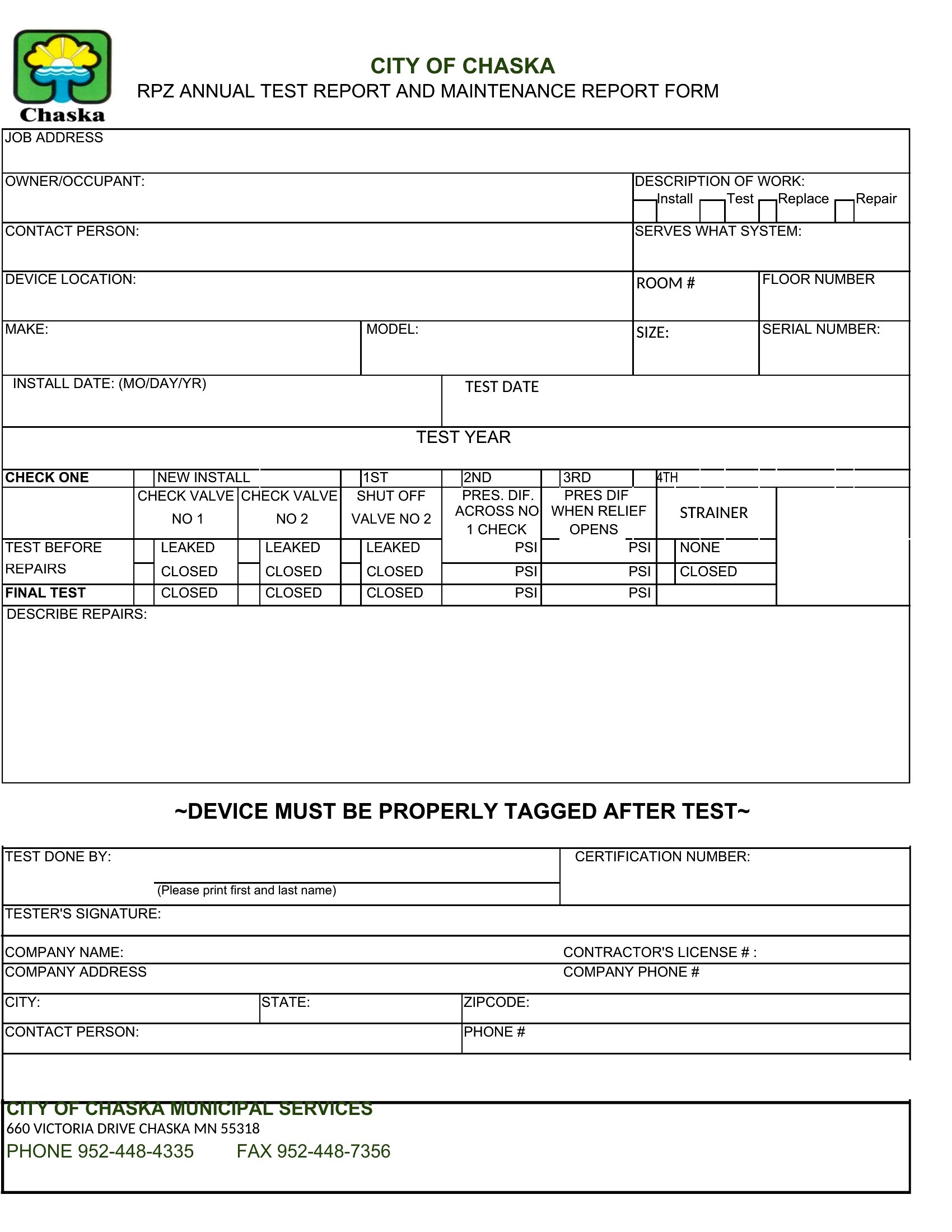
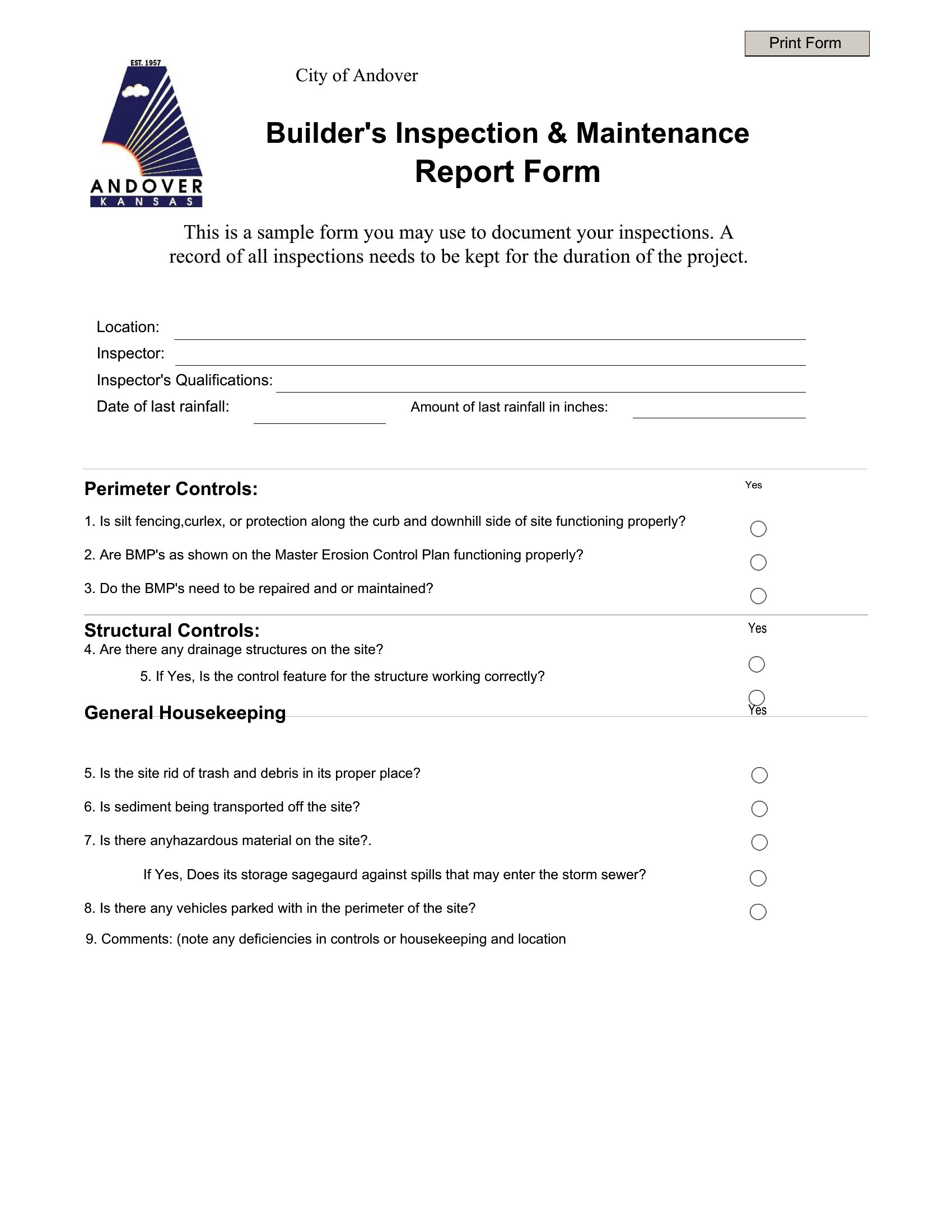
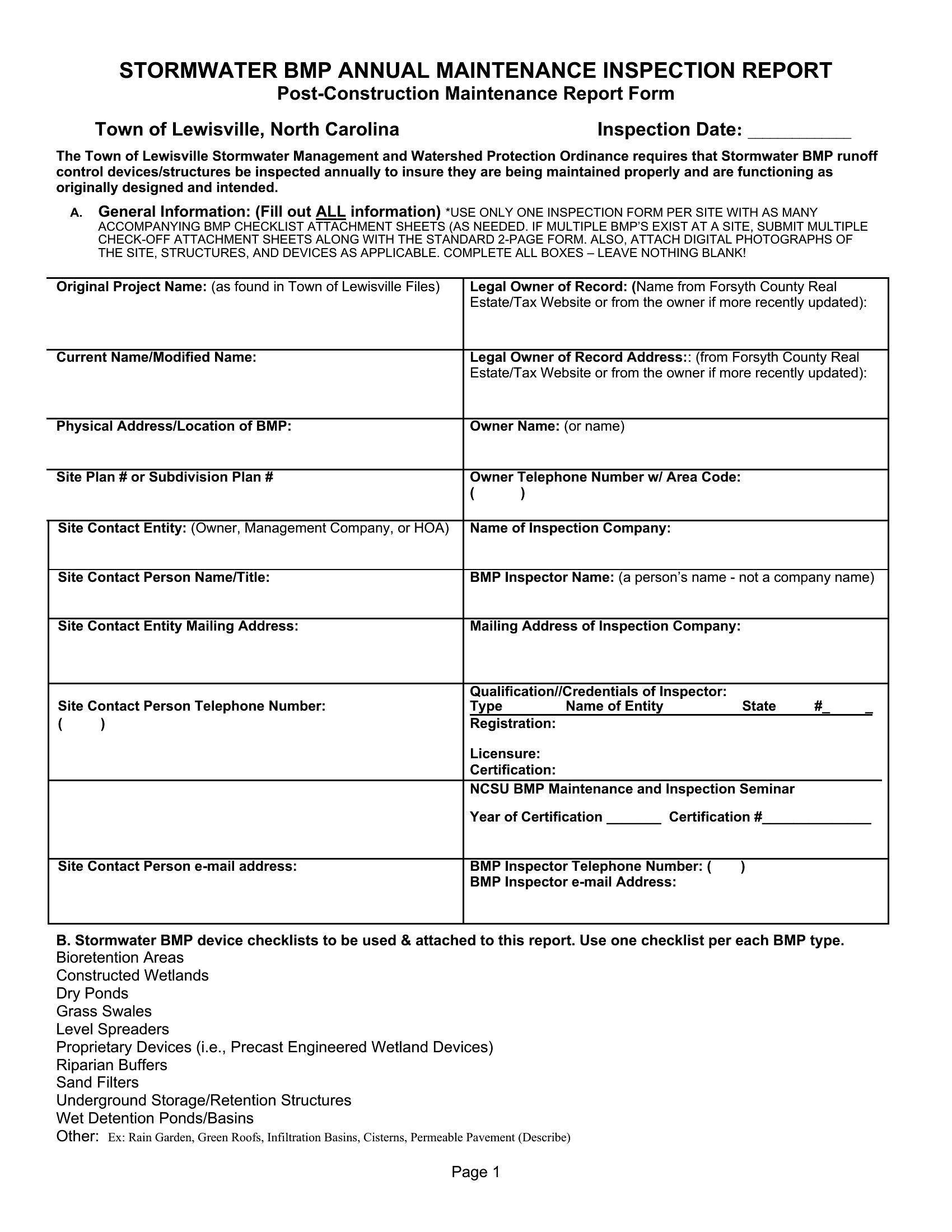
How to use this Maintenance Report template
How detailed should I be when describing a maintenance issue in the report?
Include enough detail to help future technicians diagnose the problem without assuming they’ll inspect the equipment firsthand. For example, instead of ‘motor is noisy,’ write ‘bearing emits a grinding sound at 1,200 RPM with visible vibration in the housing.’ Avoid vague terms like ‘not working’—specify error codes if applicable, and note any environmental factors, like humidity or unusual wear patterns.
Can I use these templates to track both preventive and corrective maintenance in the same report?
Yes, but structure your entries clearly by adding columns like ‘Maintenance Type’ (e.g., ‘Preventive’ or ‘Corrective’) and ‘Root Cause’ (e.g., ‘Worn belt’ or ‘Lubrication neglect’). Some templates here include sections for scheduled tasks, so you can list routine checks—like filter replacements—alongside unscheduled repairs. Just ensure dates and responsible parties are always recorded to distinguish between planned and reactive work.
What’s the best way to organize maintenance reports if I’m managing multiple locations or equipment types?
Use a standardized naming convention for your Word files (e.g., ‘2024_BranchA_HVAC_Weekly_Report.docx’) and save them in a shared folder by location or equipment category. For high-volume teams, add a ‘Summary’ section at the end of each report to highlight recurring issues or cost trends. Some templates here include a ‘Parts Replacement Log’ tab—consolidate those into a master spreadsheet linked to the report for easier tracking across sites.
Comments
Join the conversation
Sign in to share your thoughts and leave a comment on this resource.