Free Time Tracking Spreadsheets (Word, Excel)
Data by meirepires
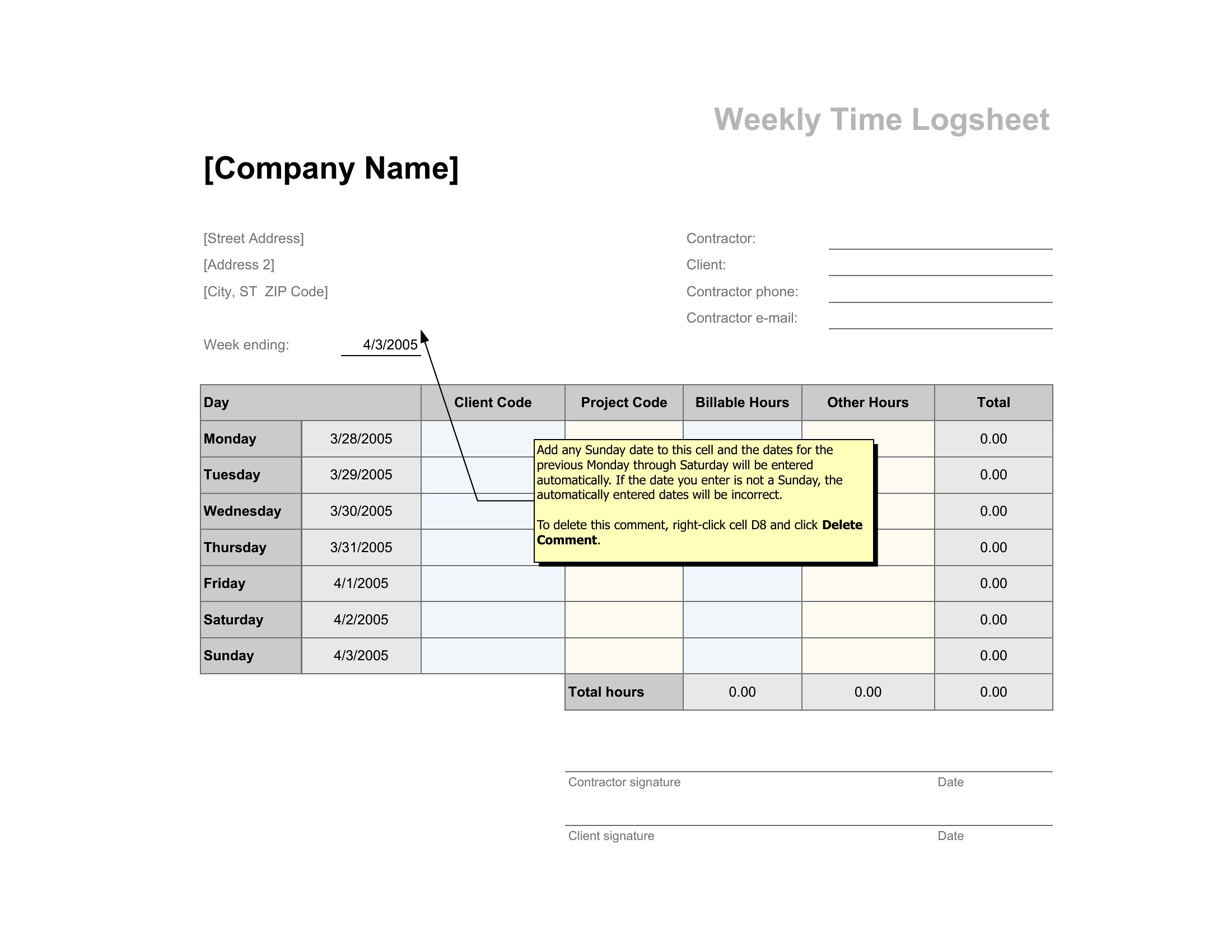
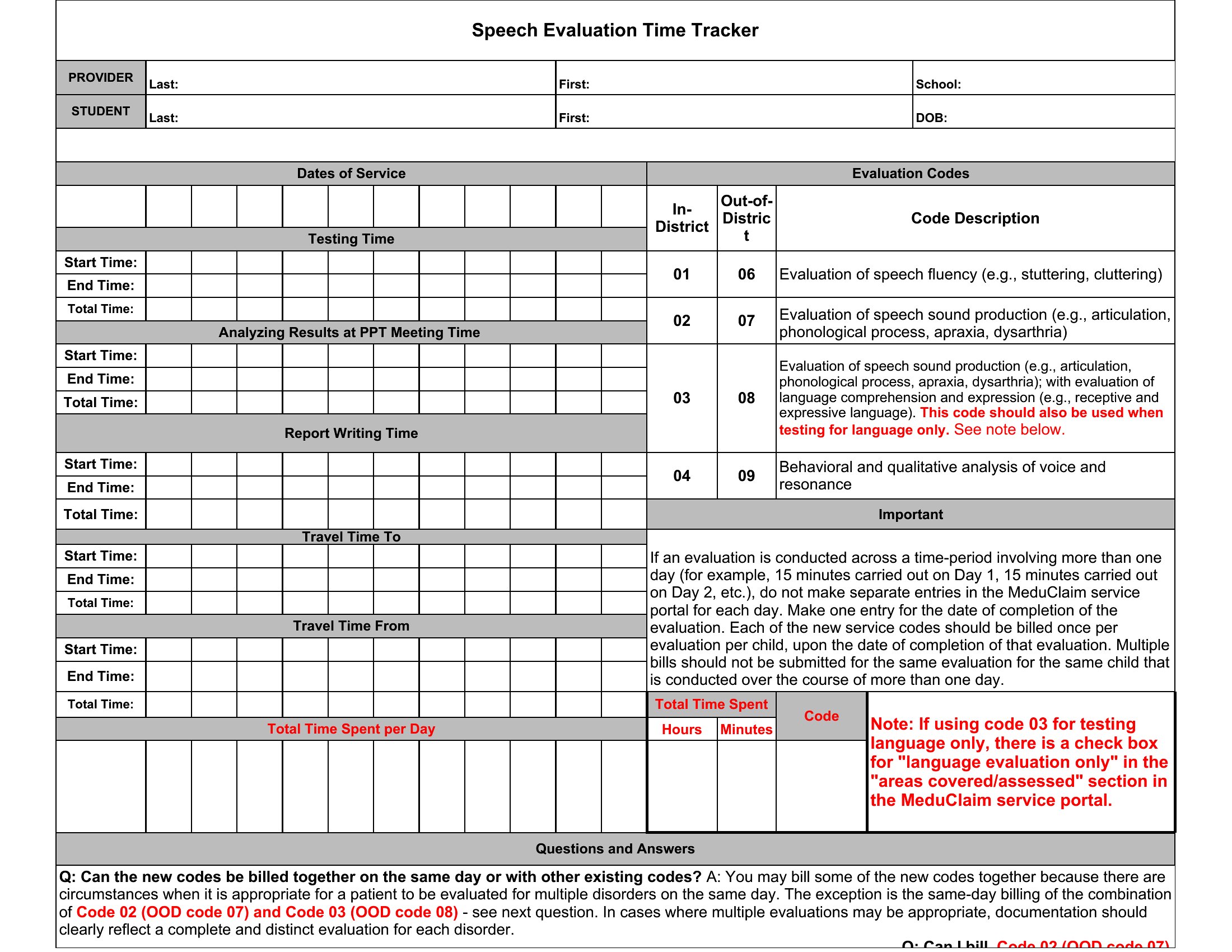
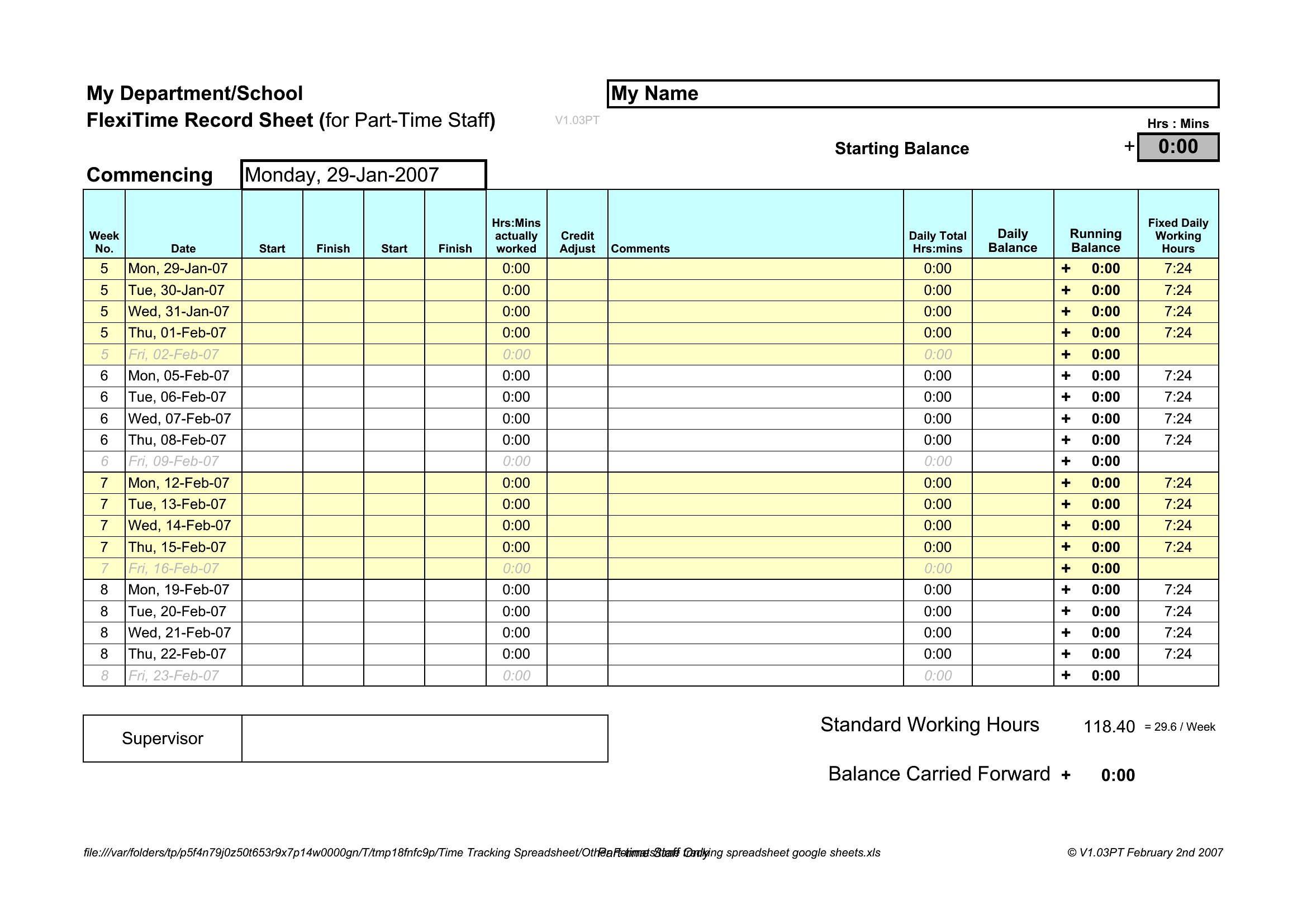
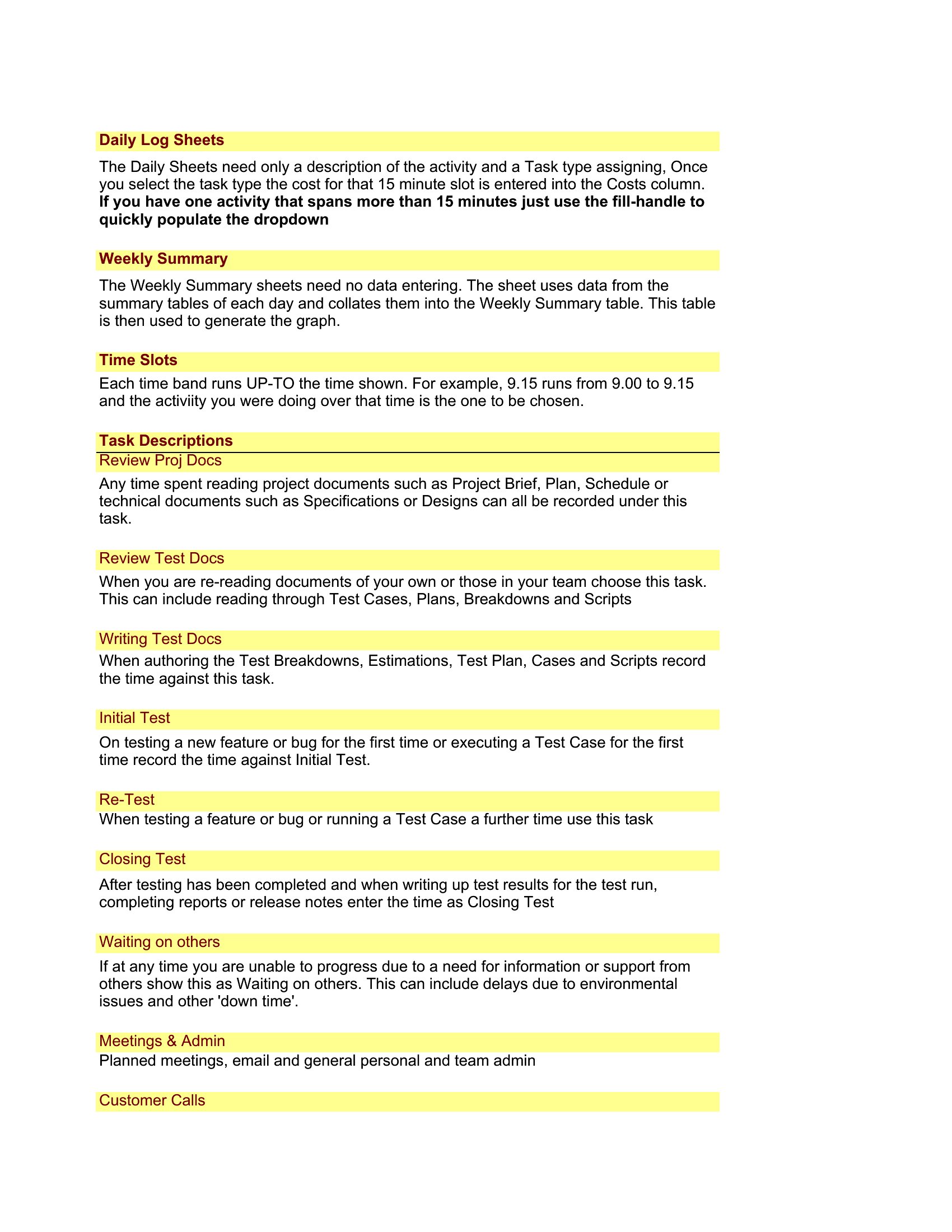
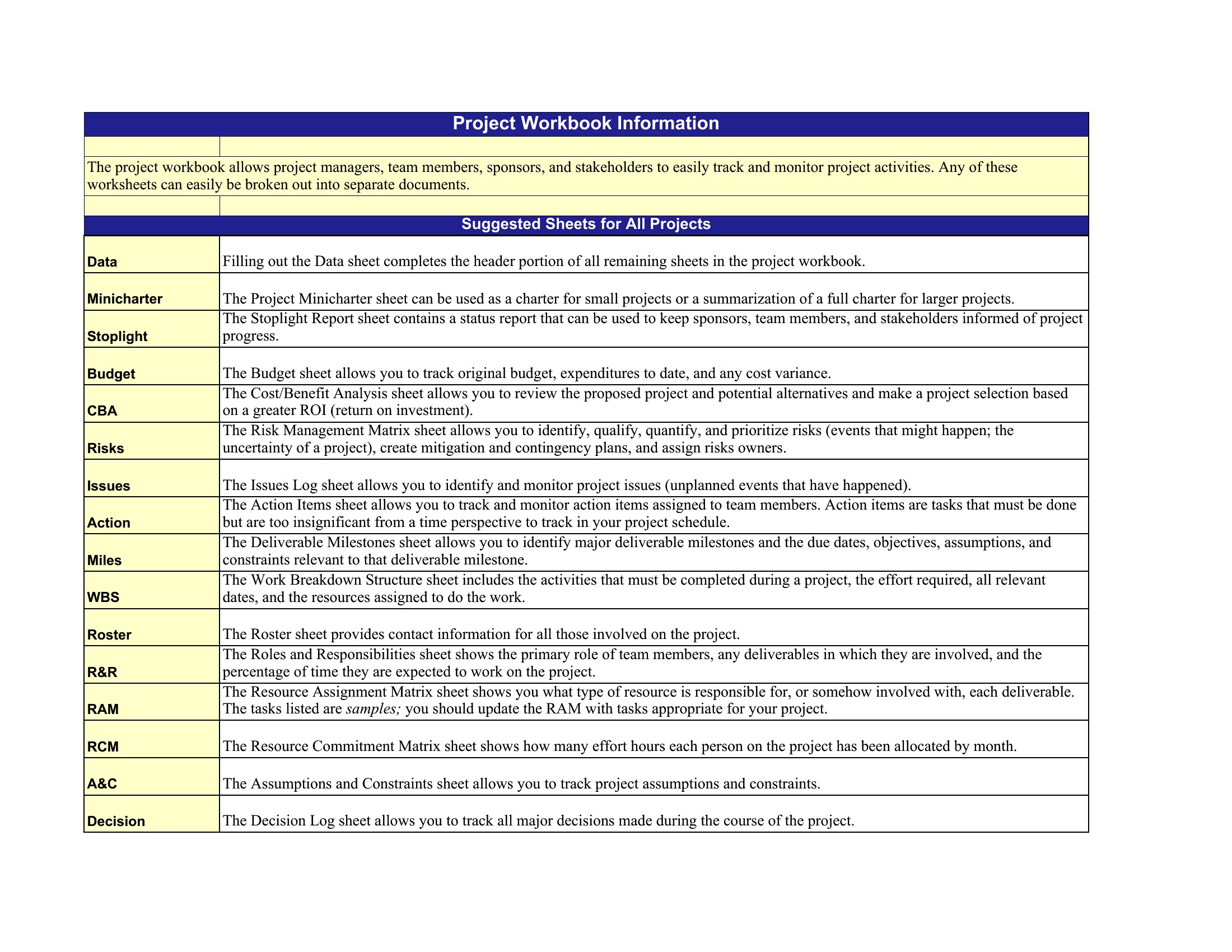
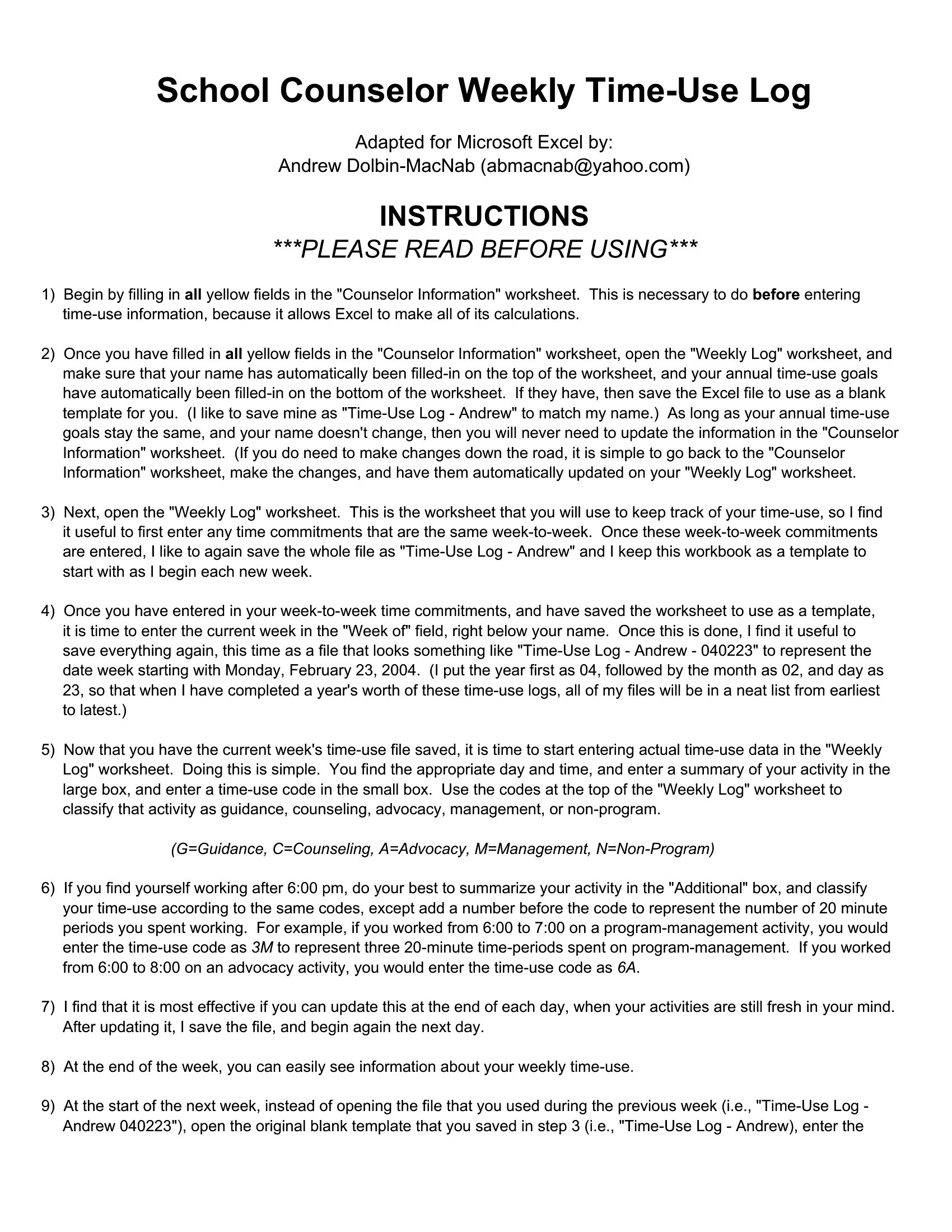
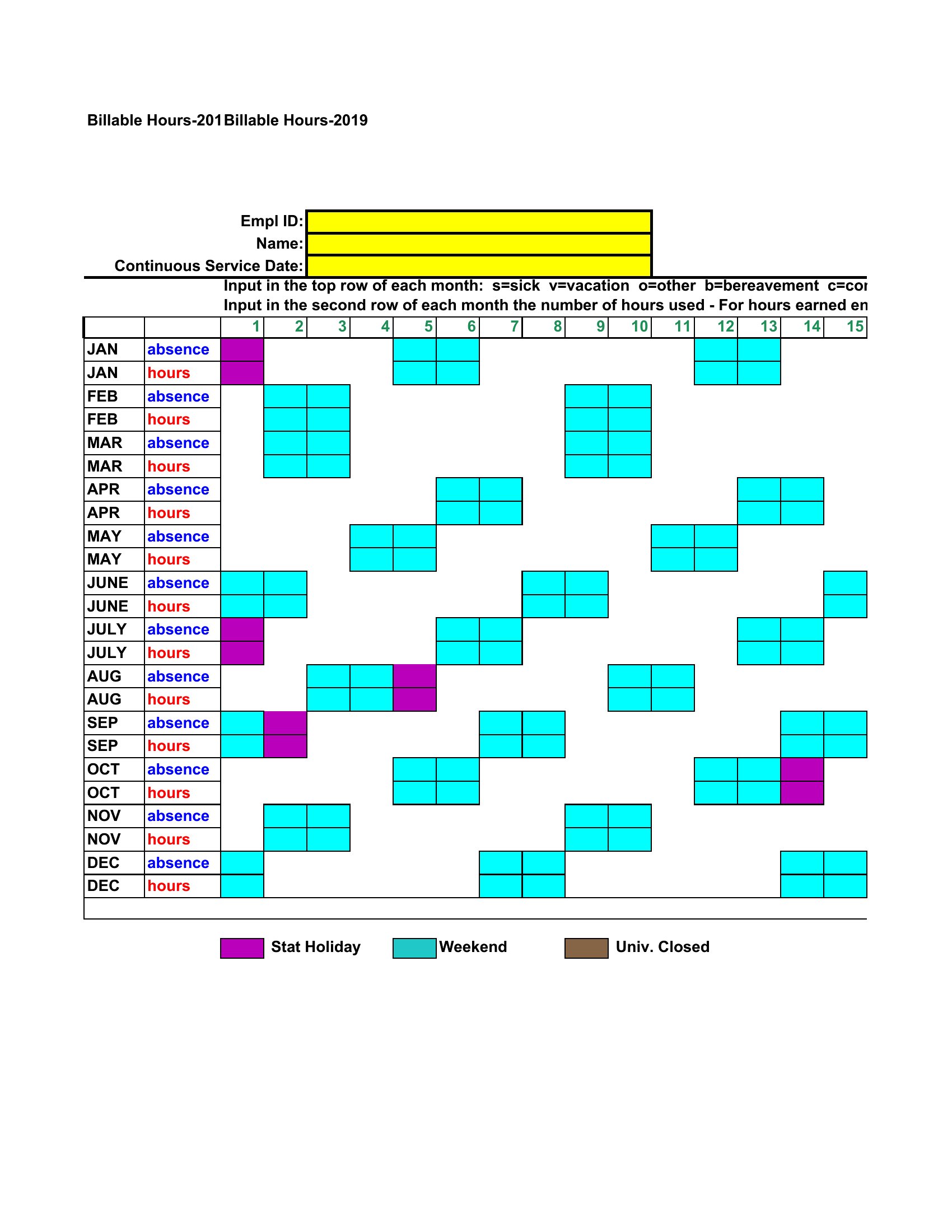
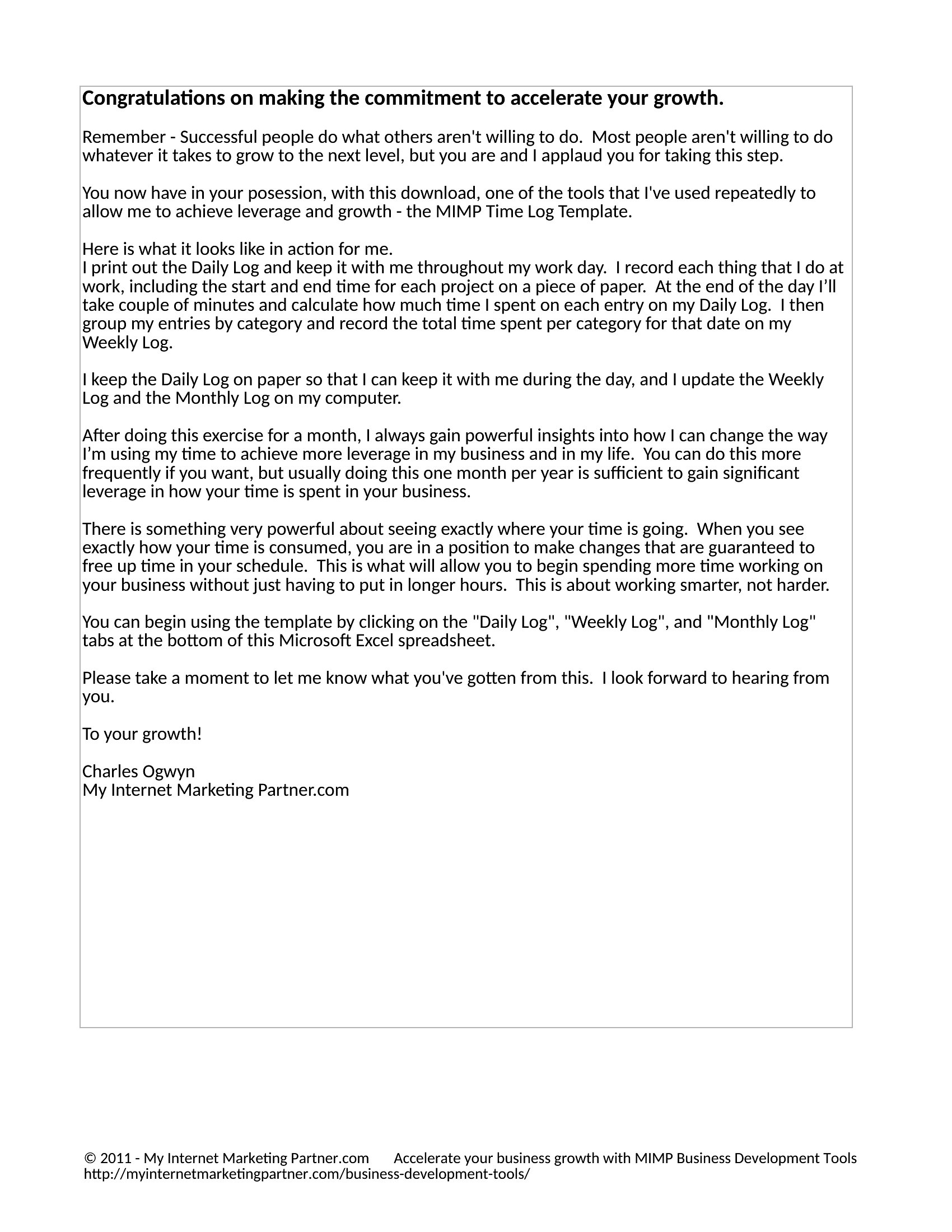
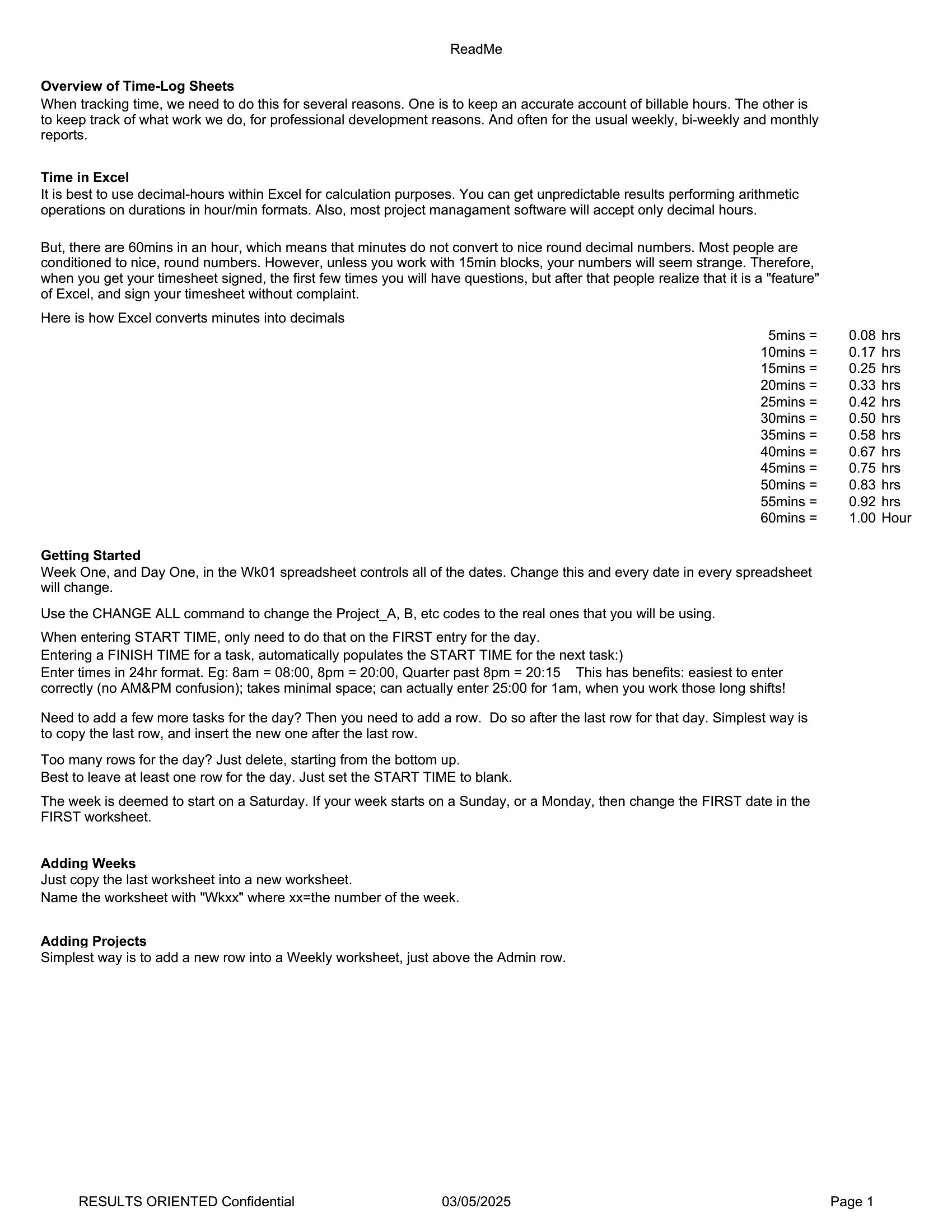
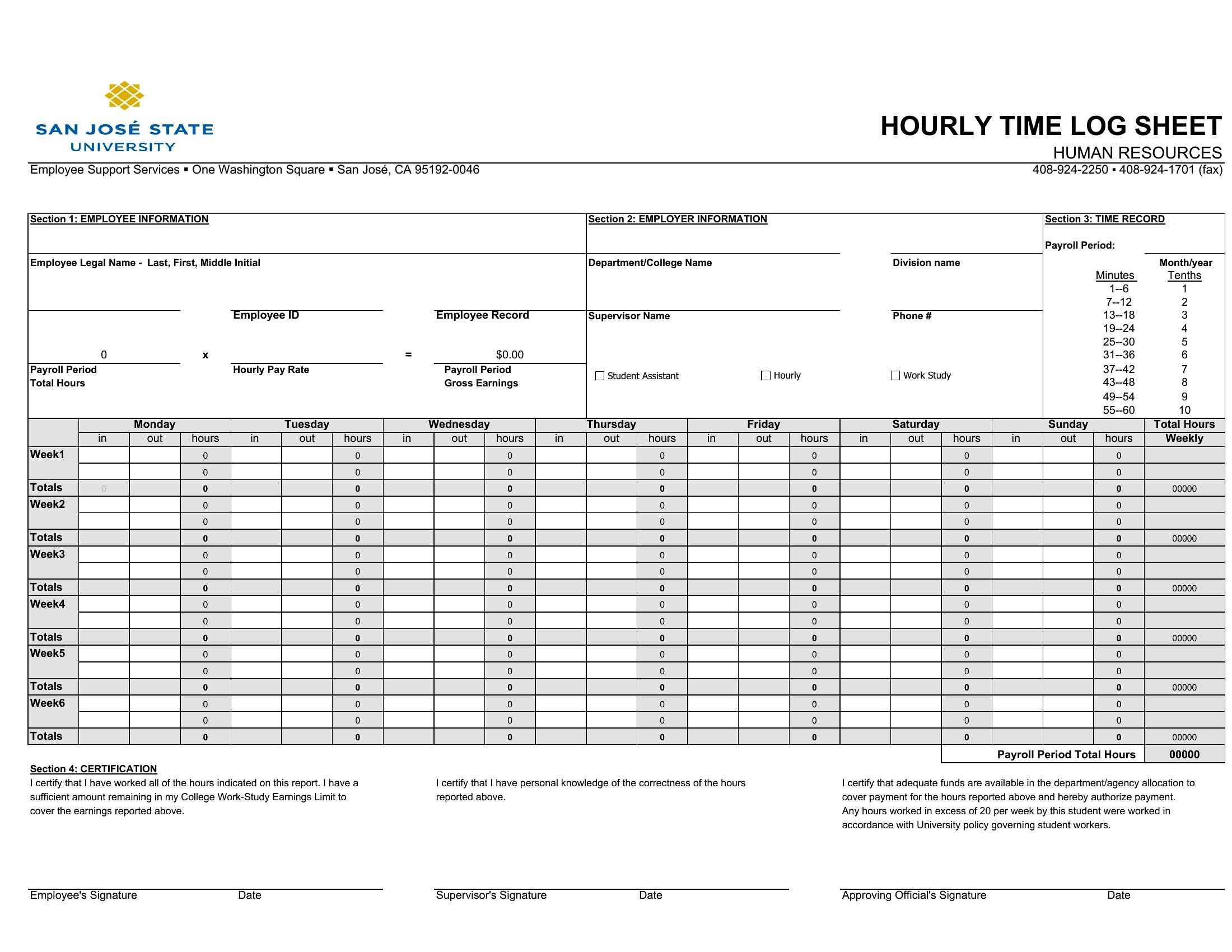
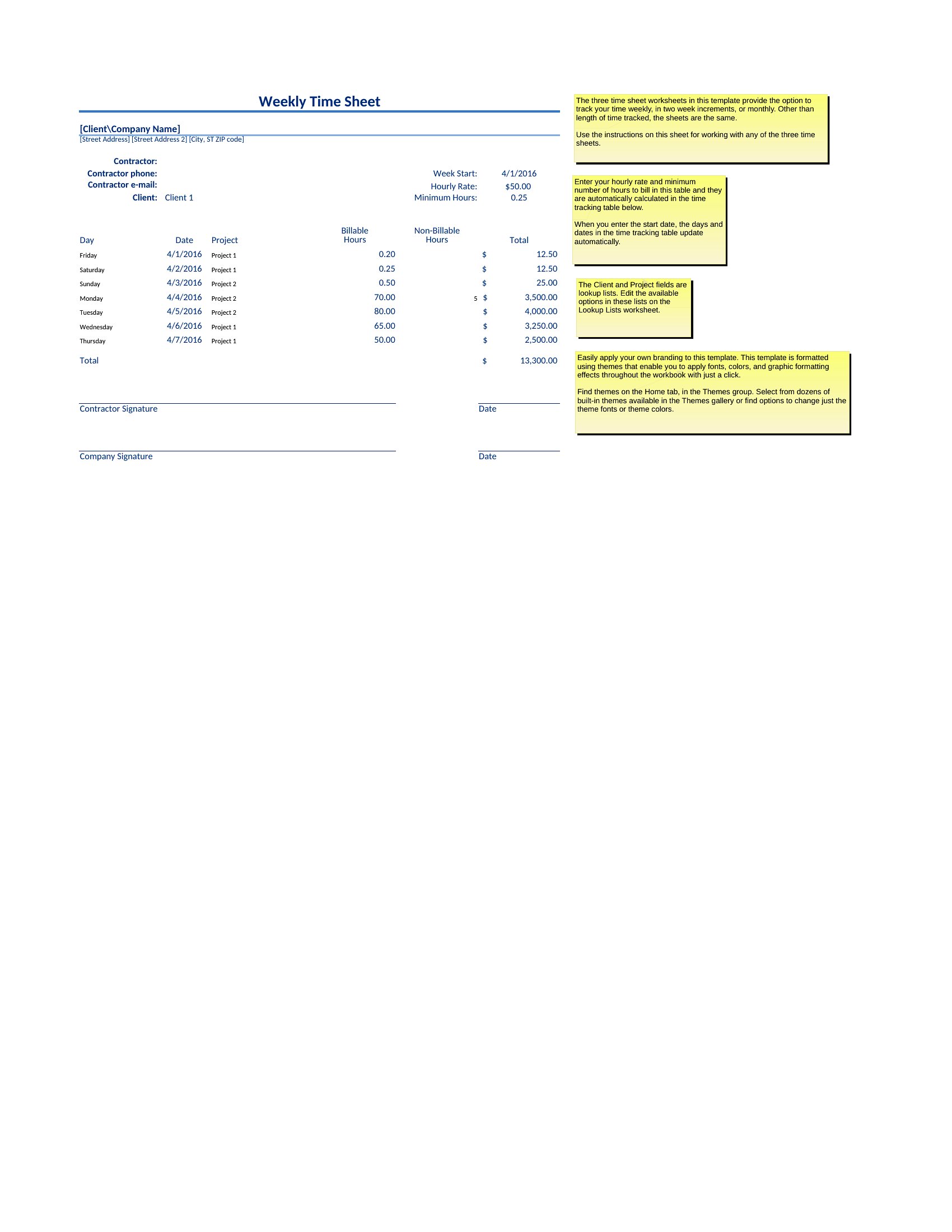
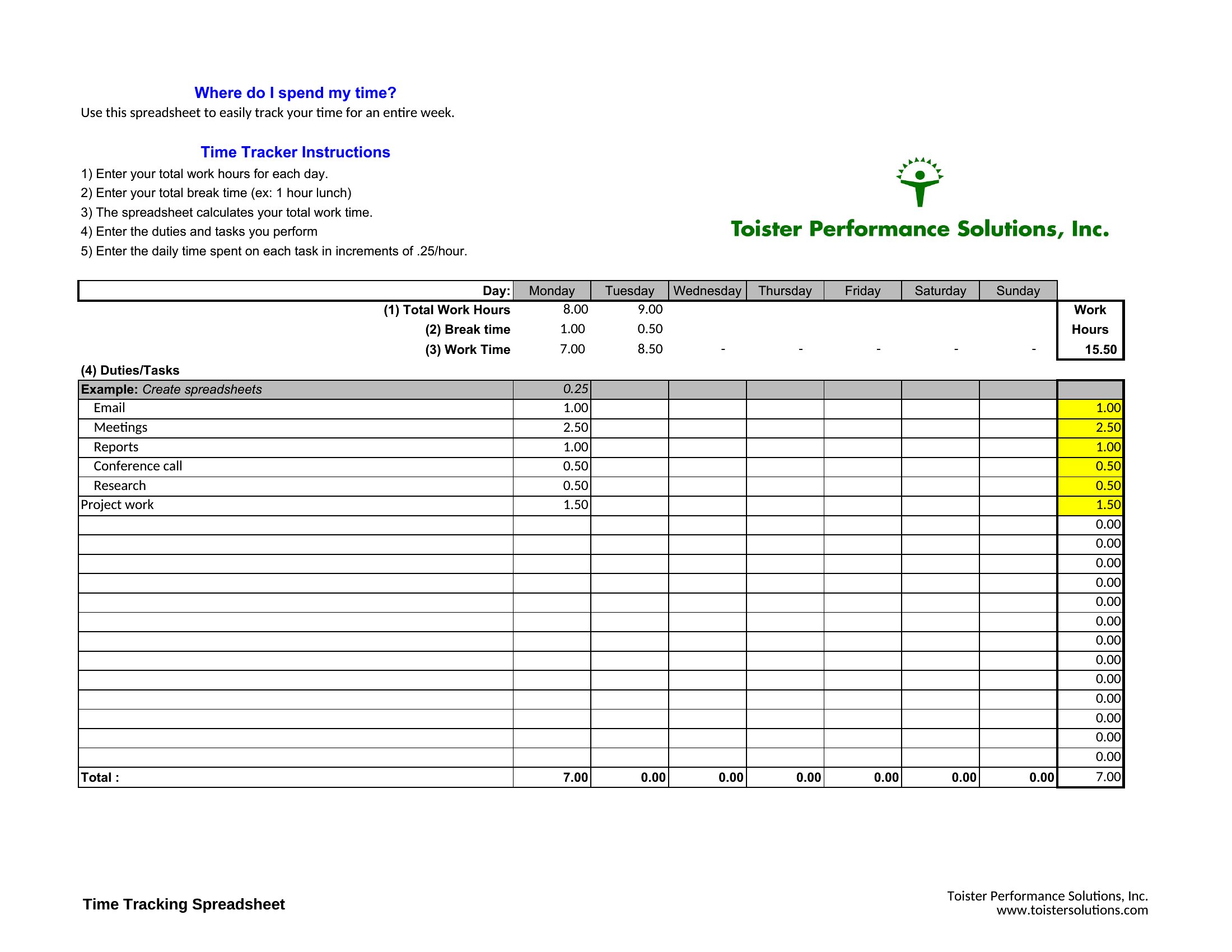
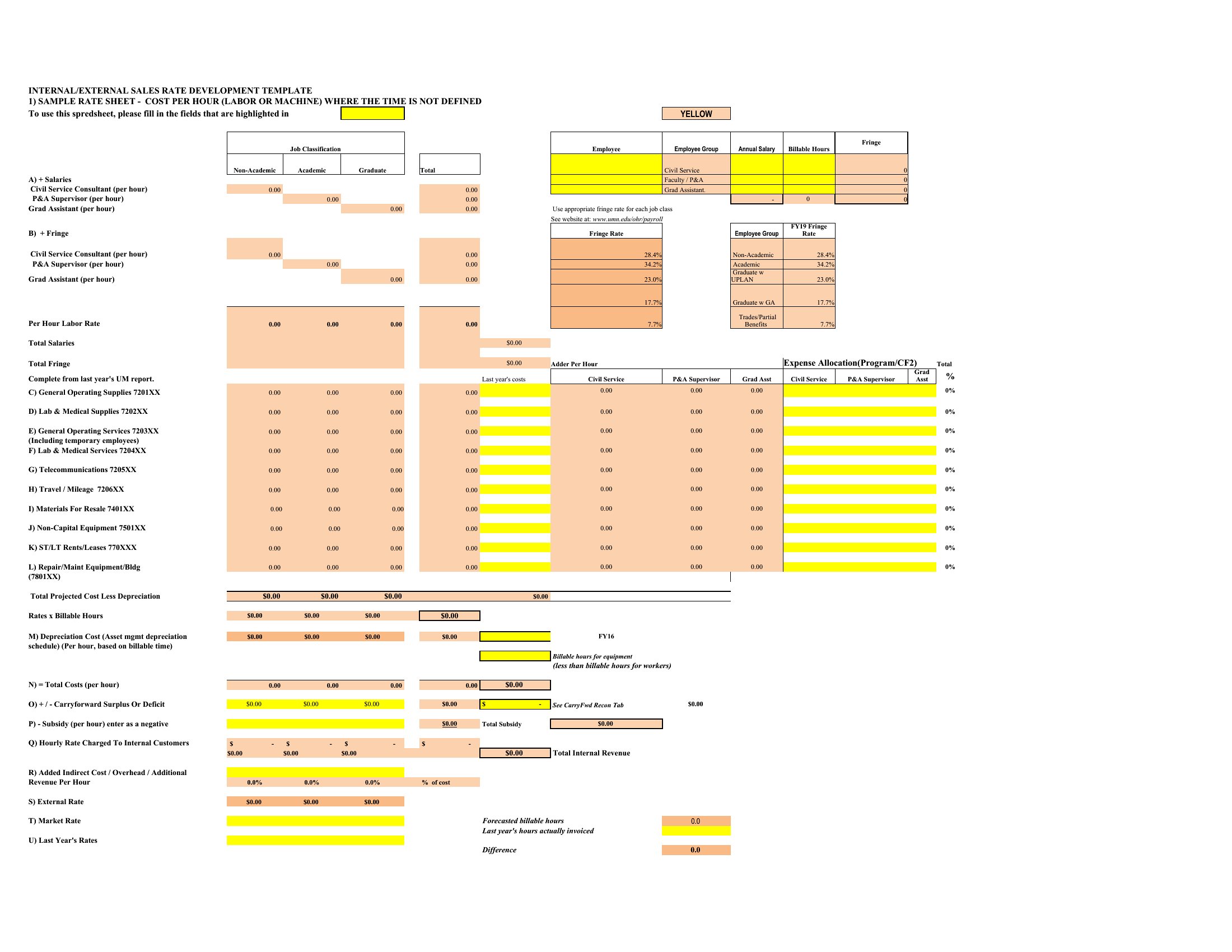
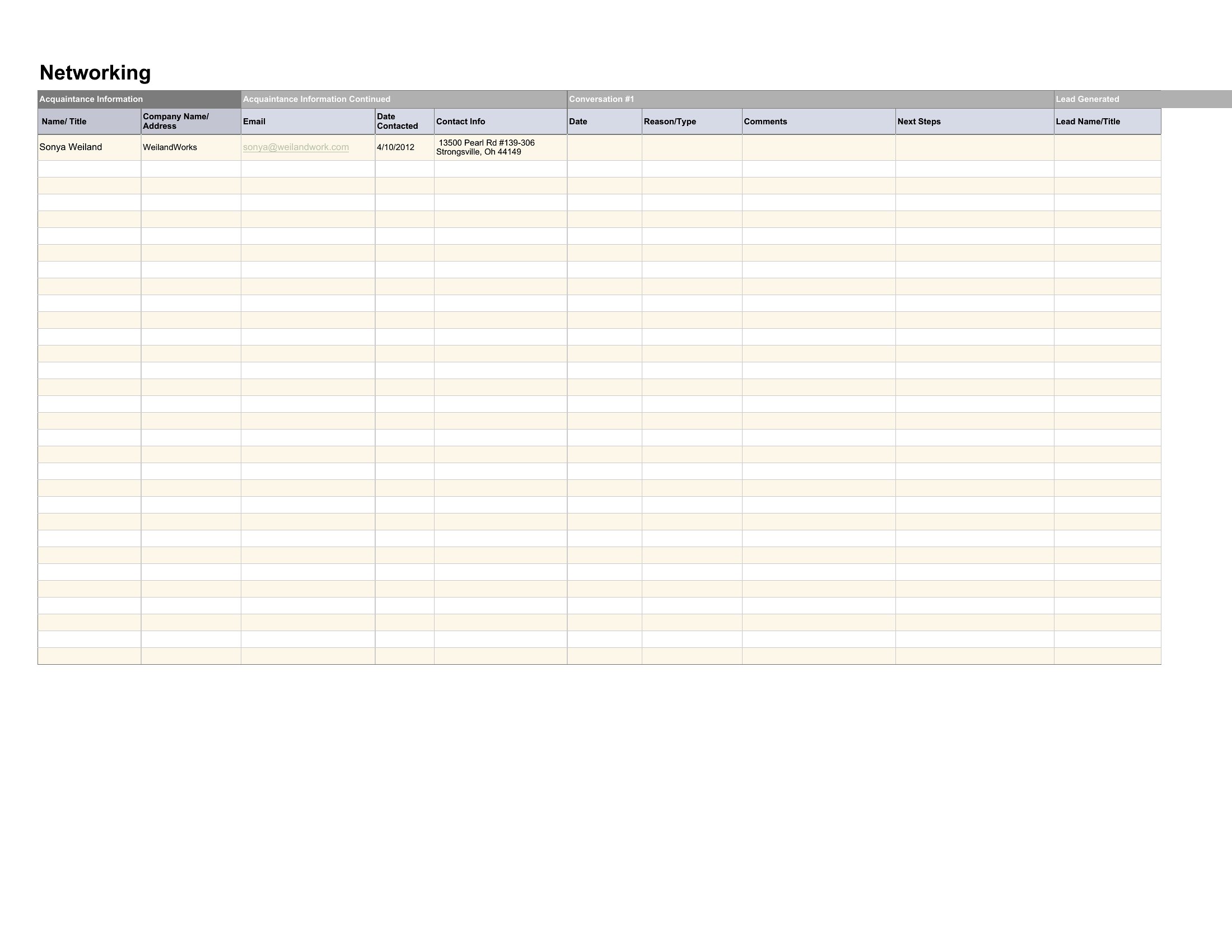
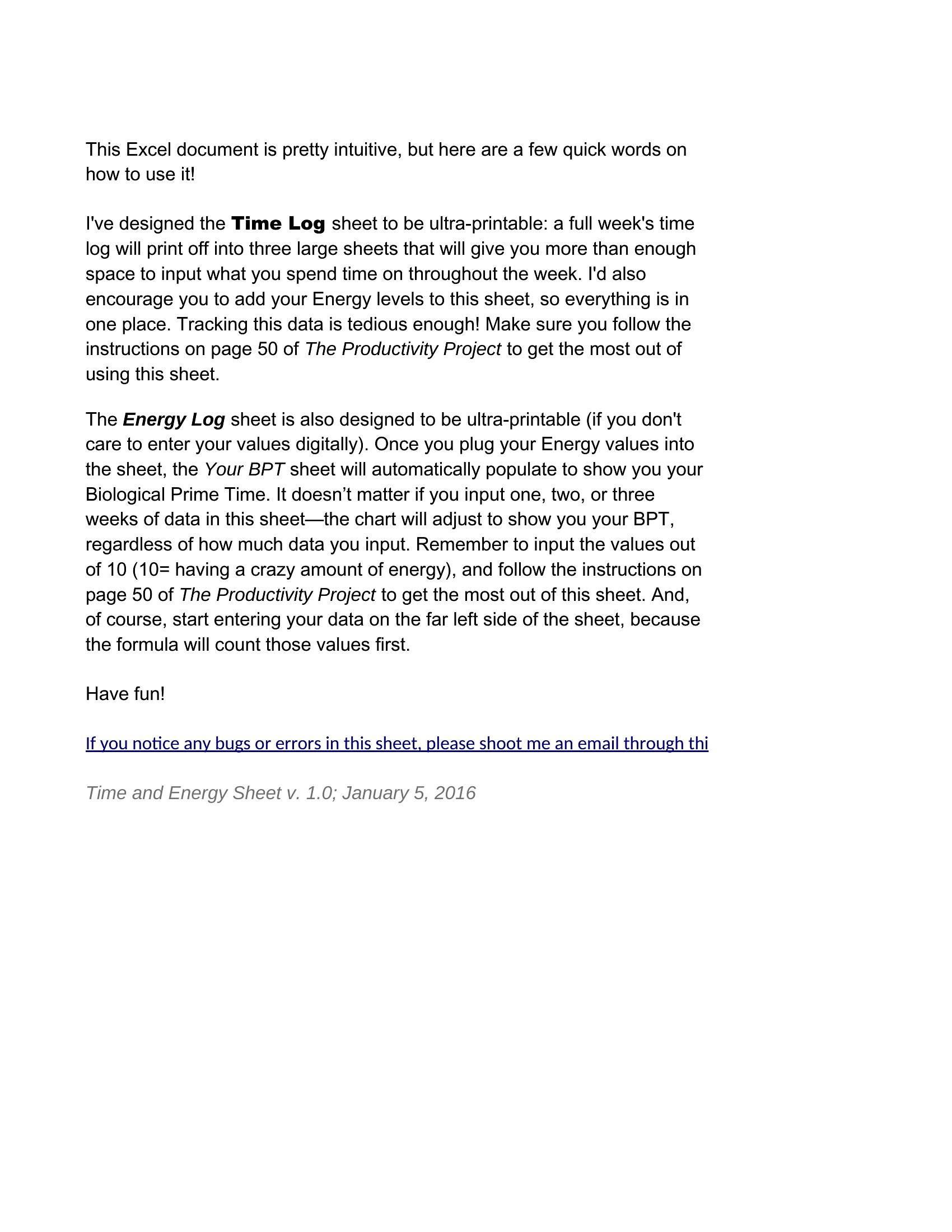
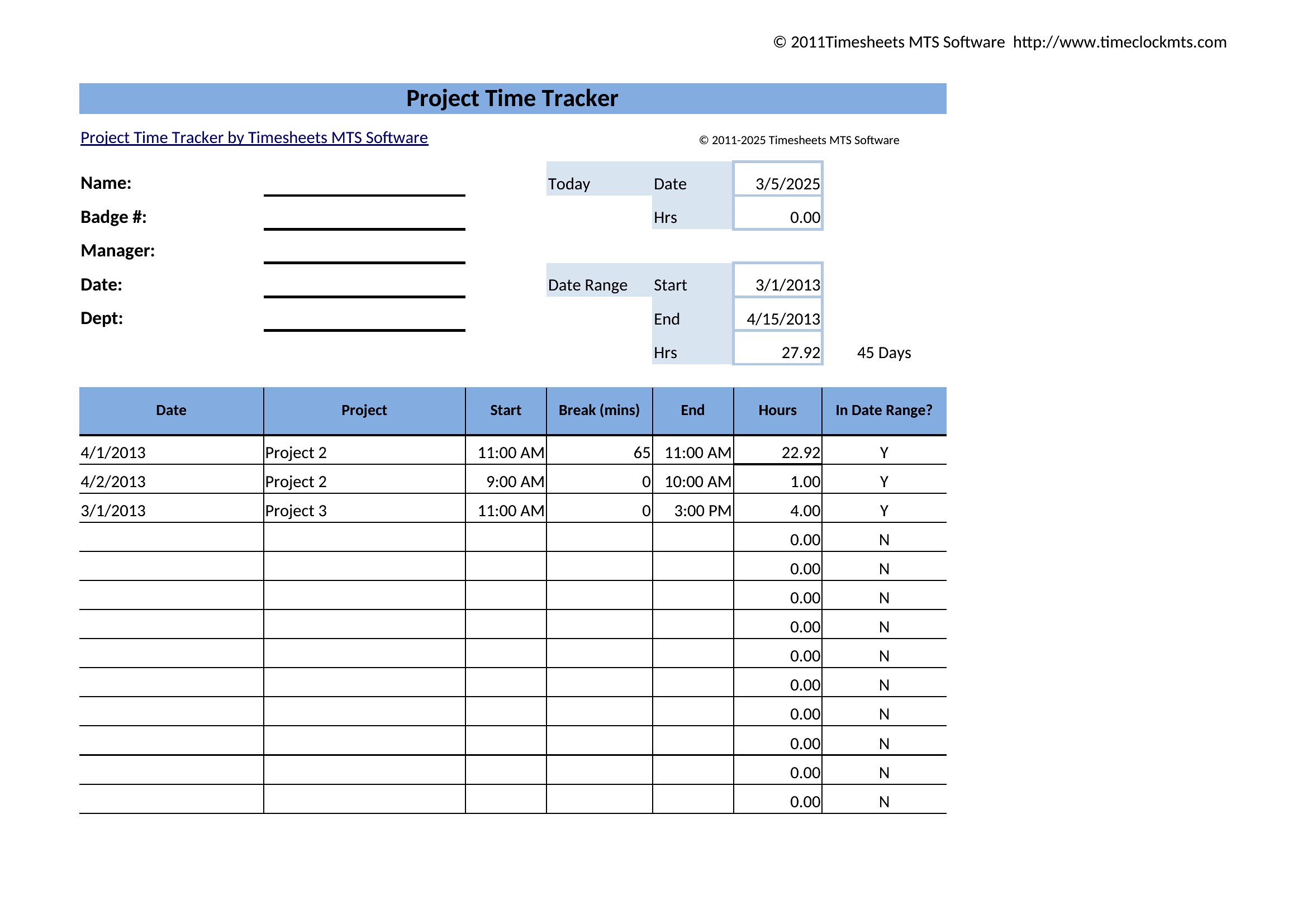
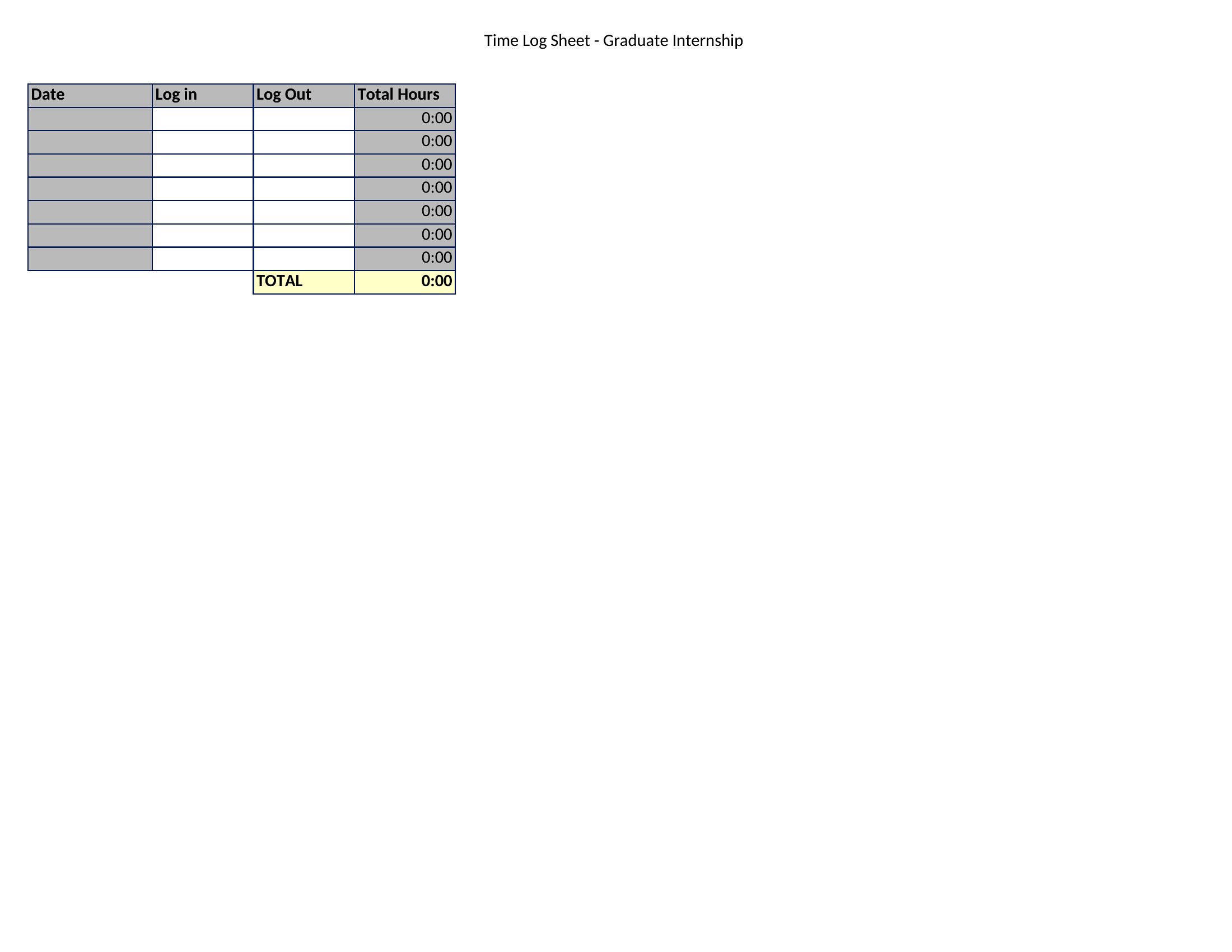
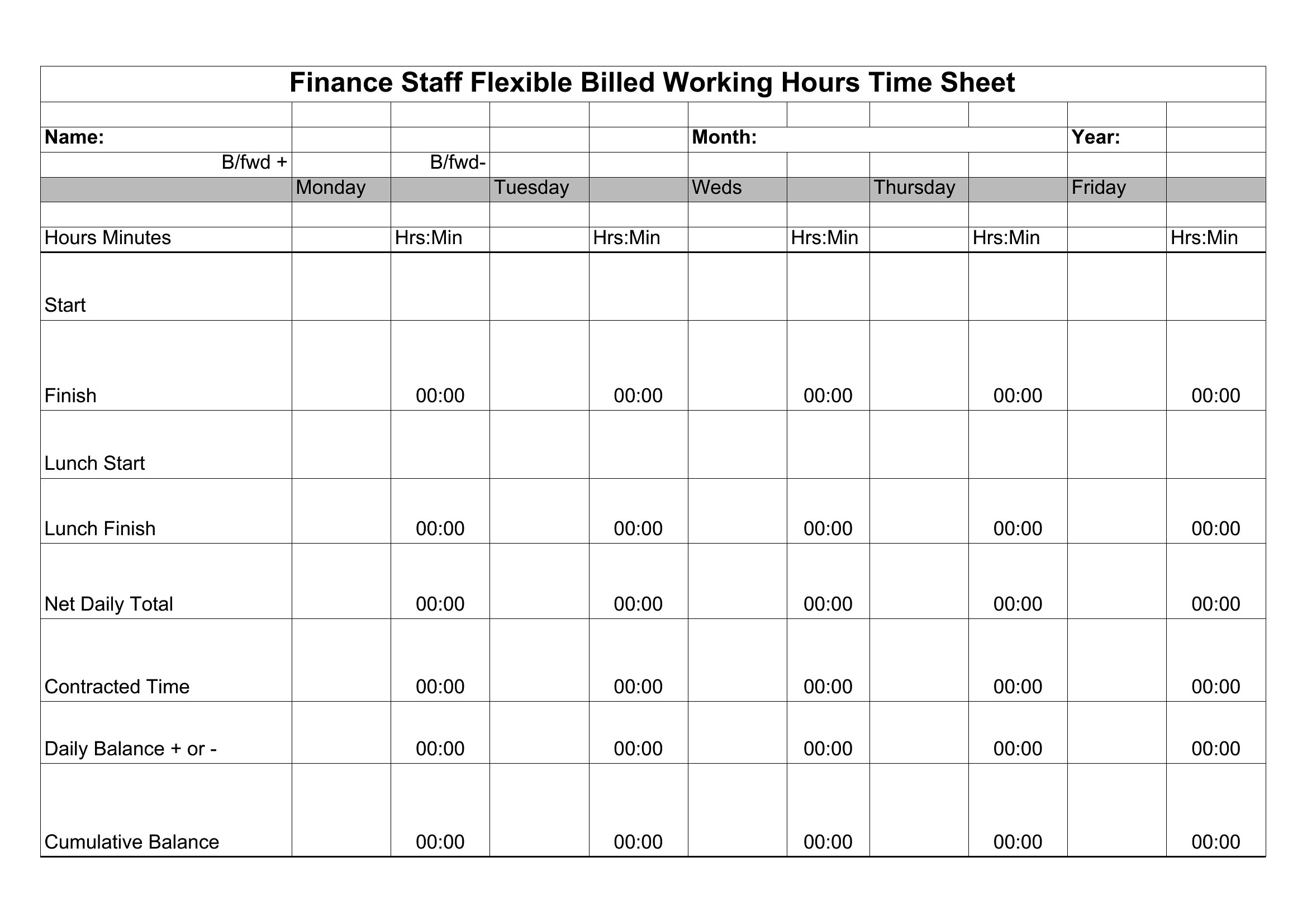
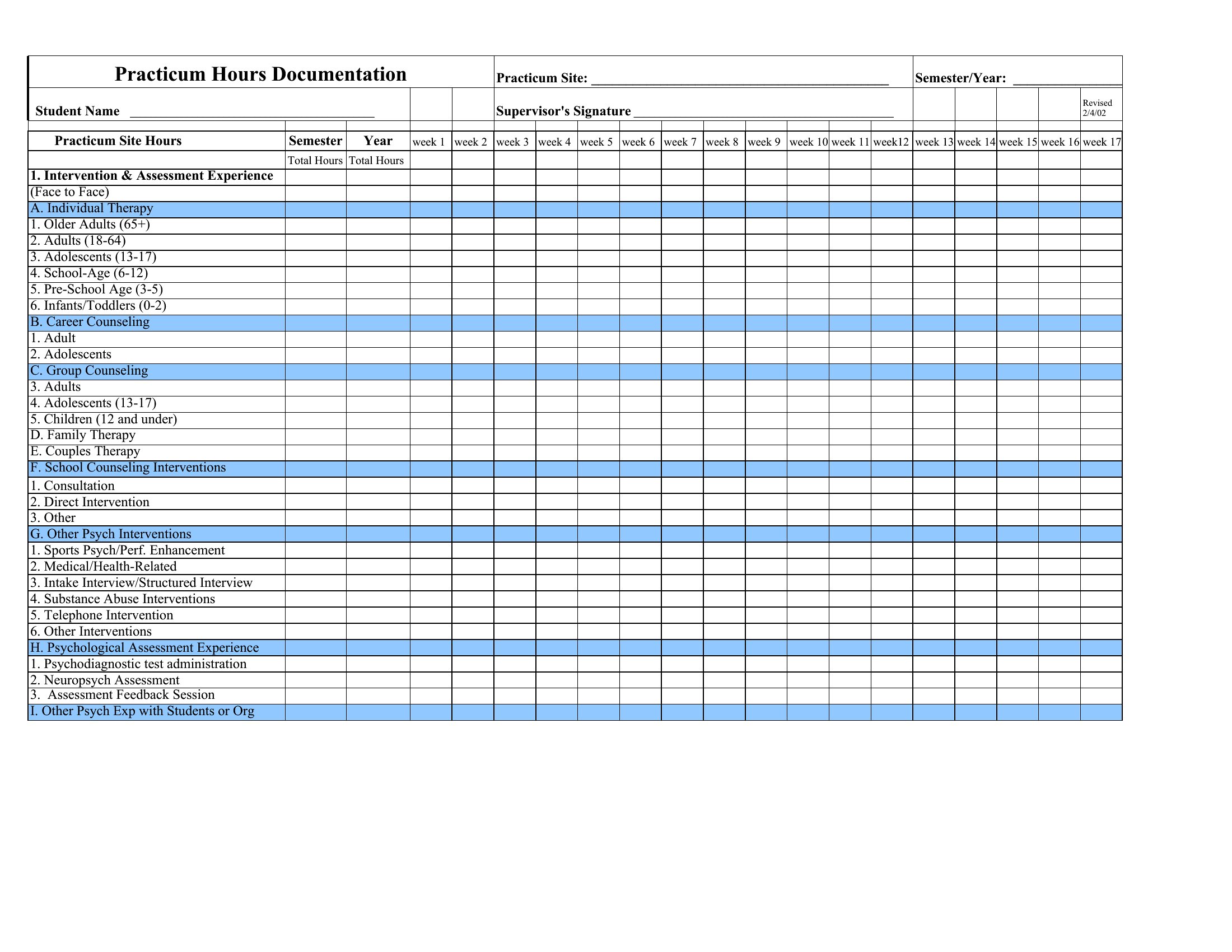
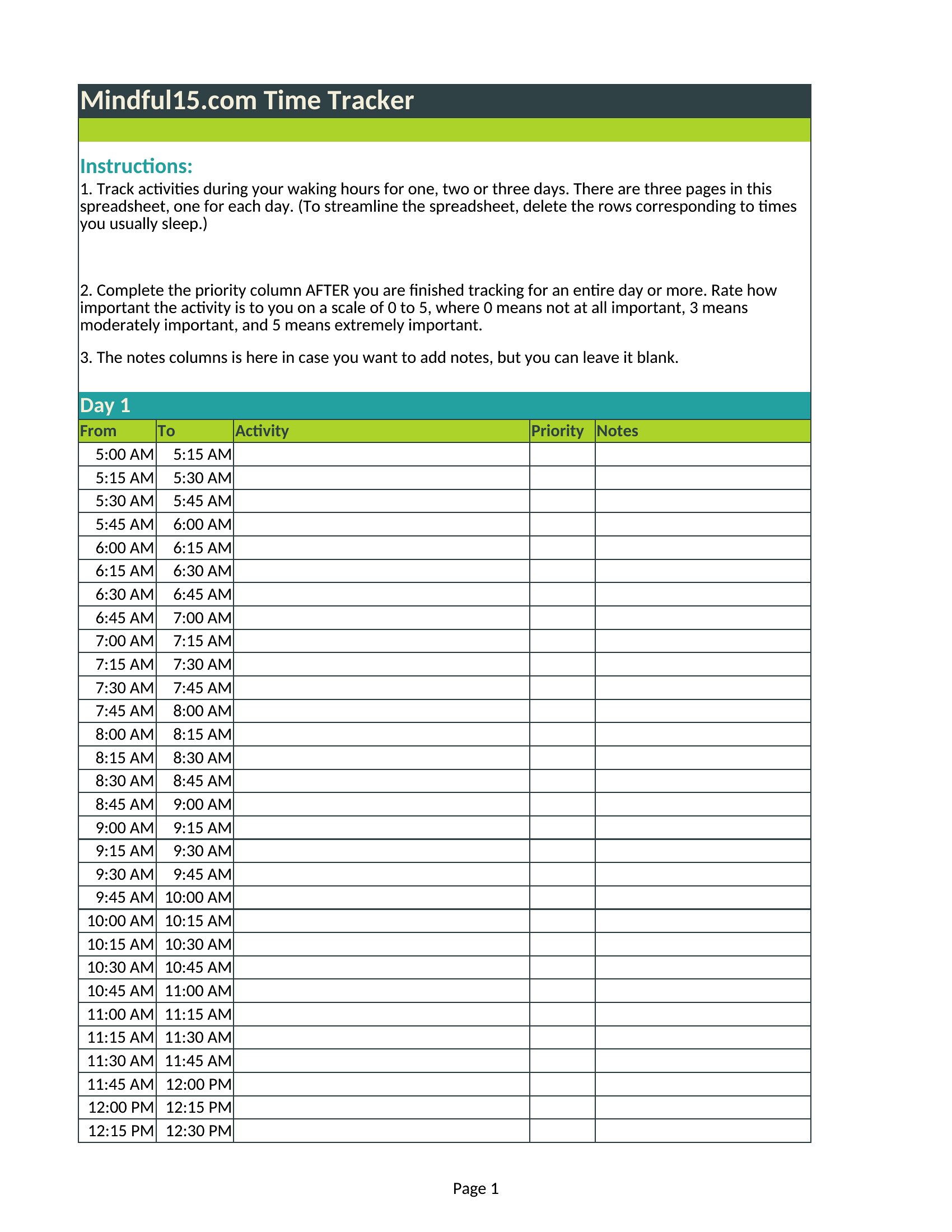
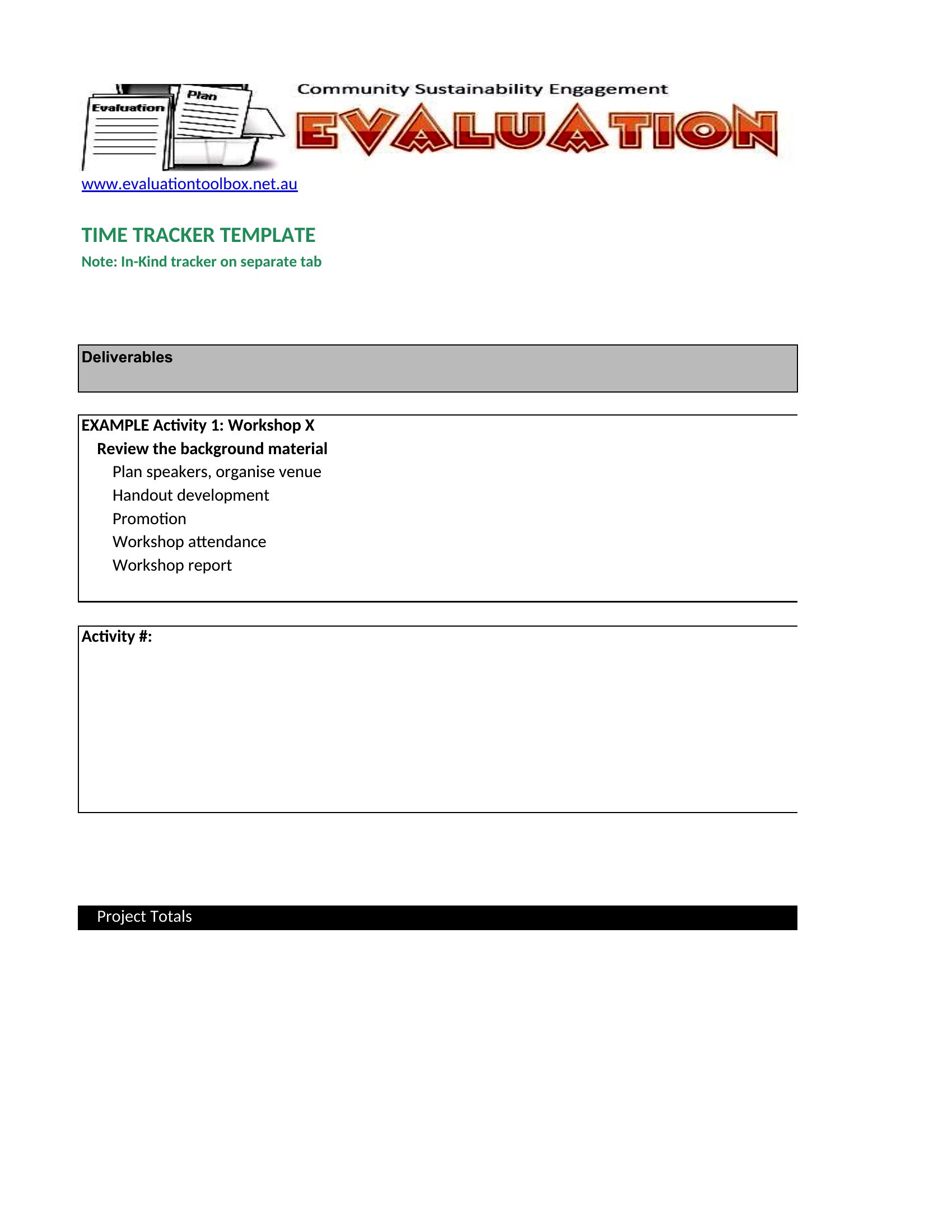
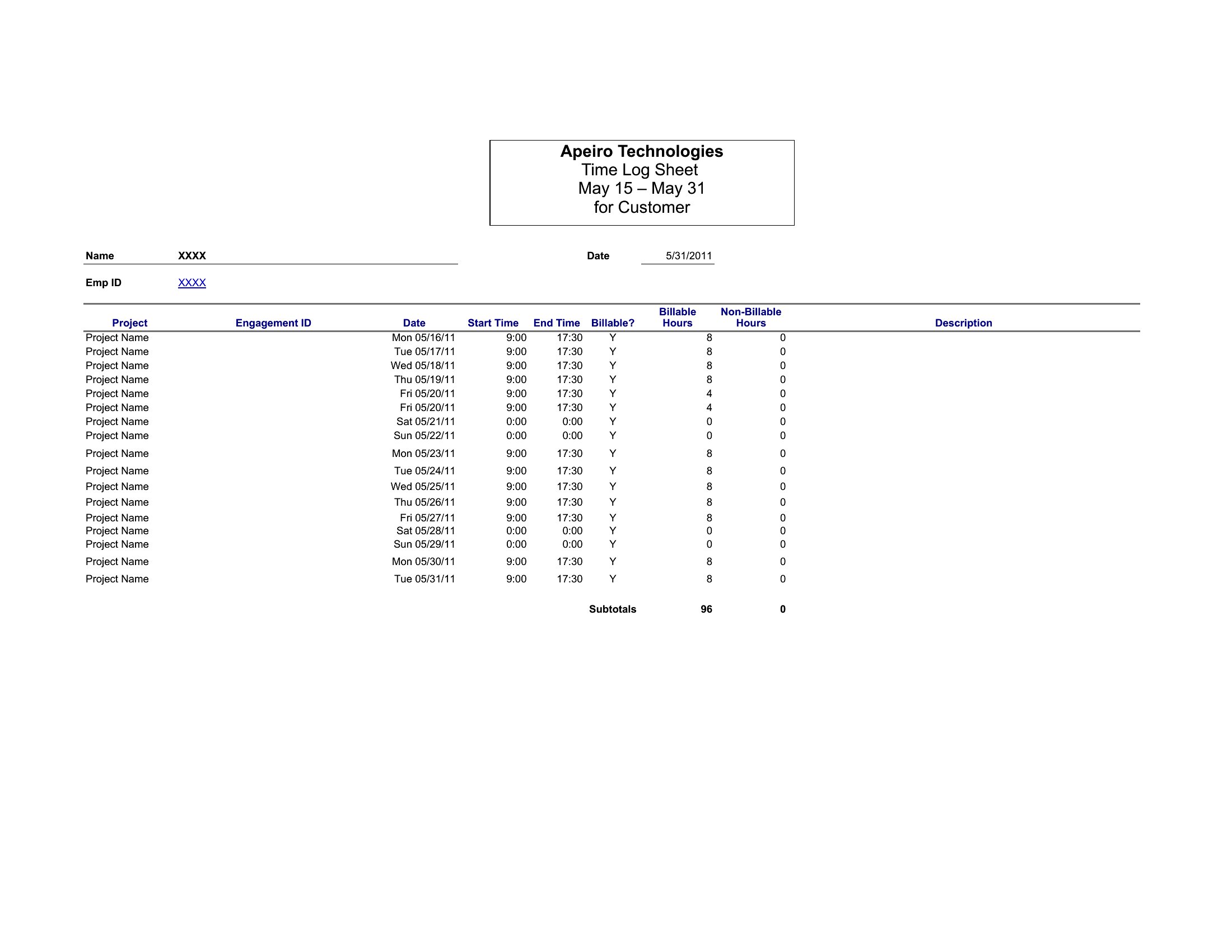
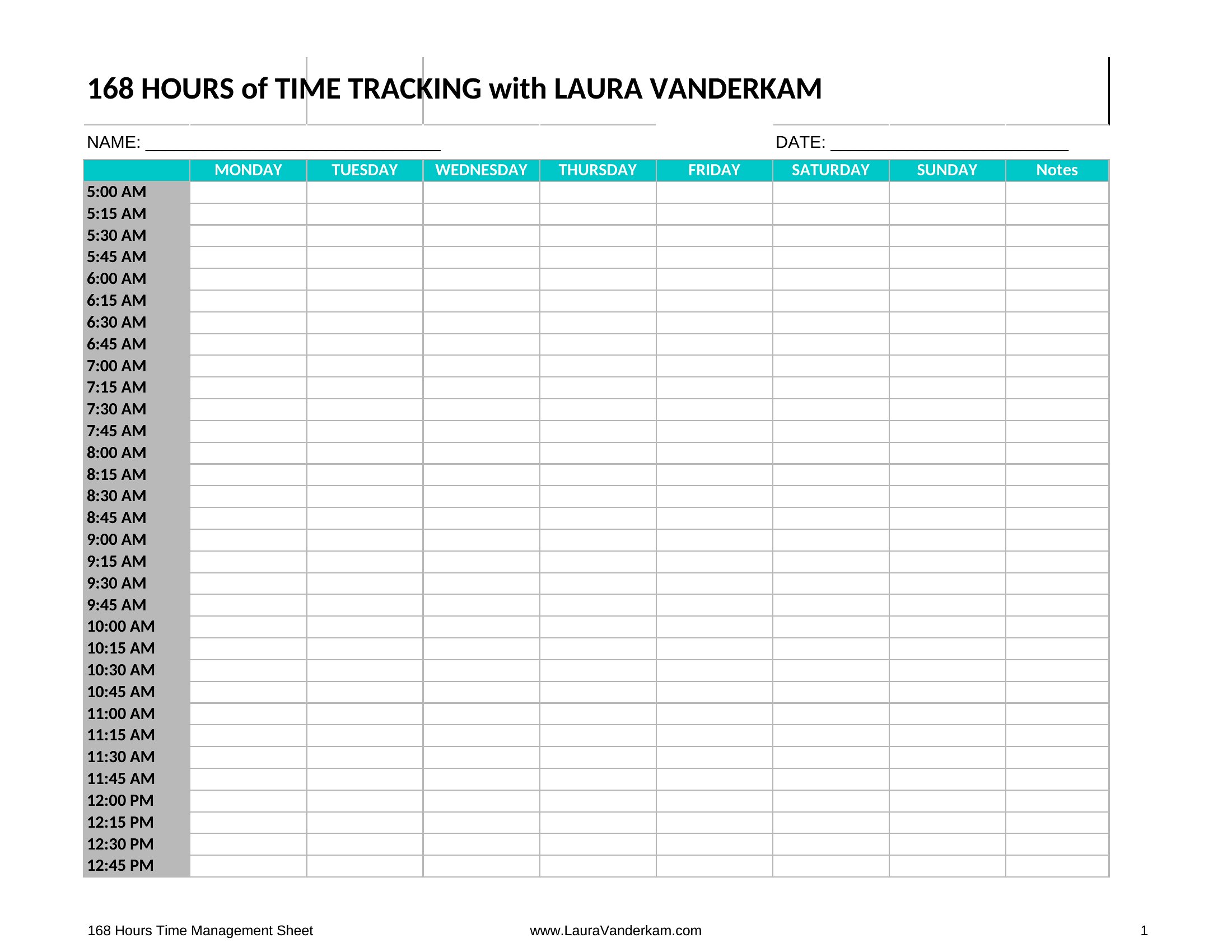
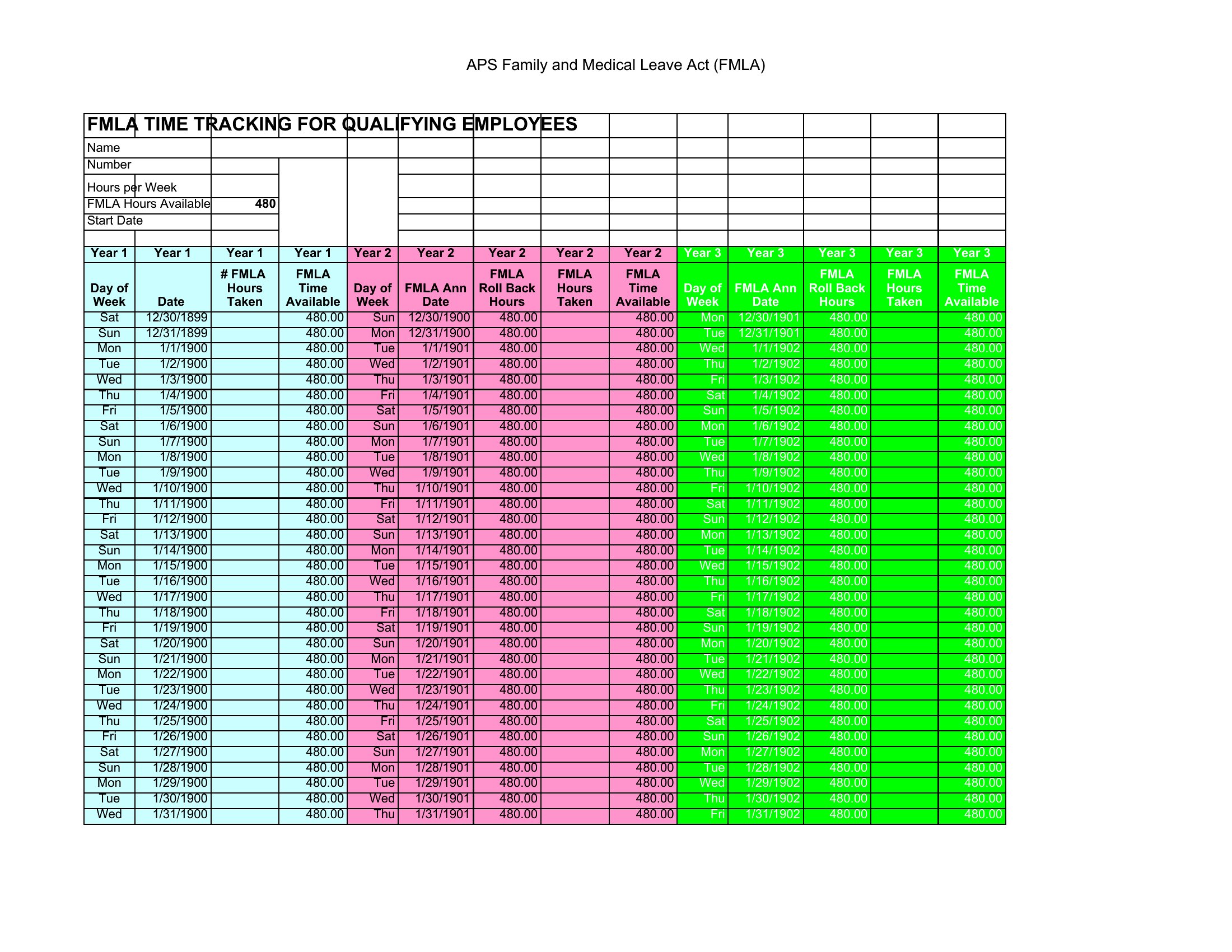
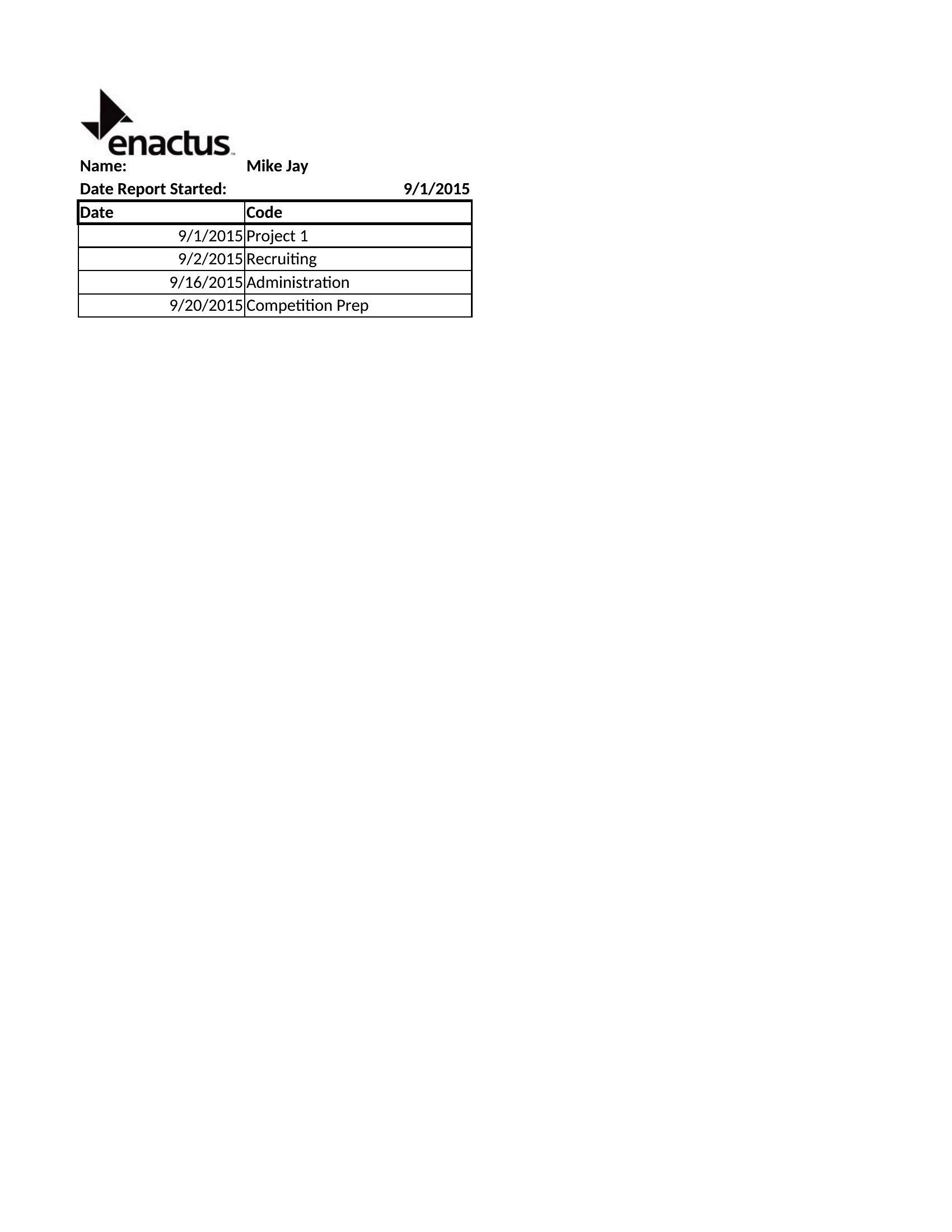
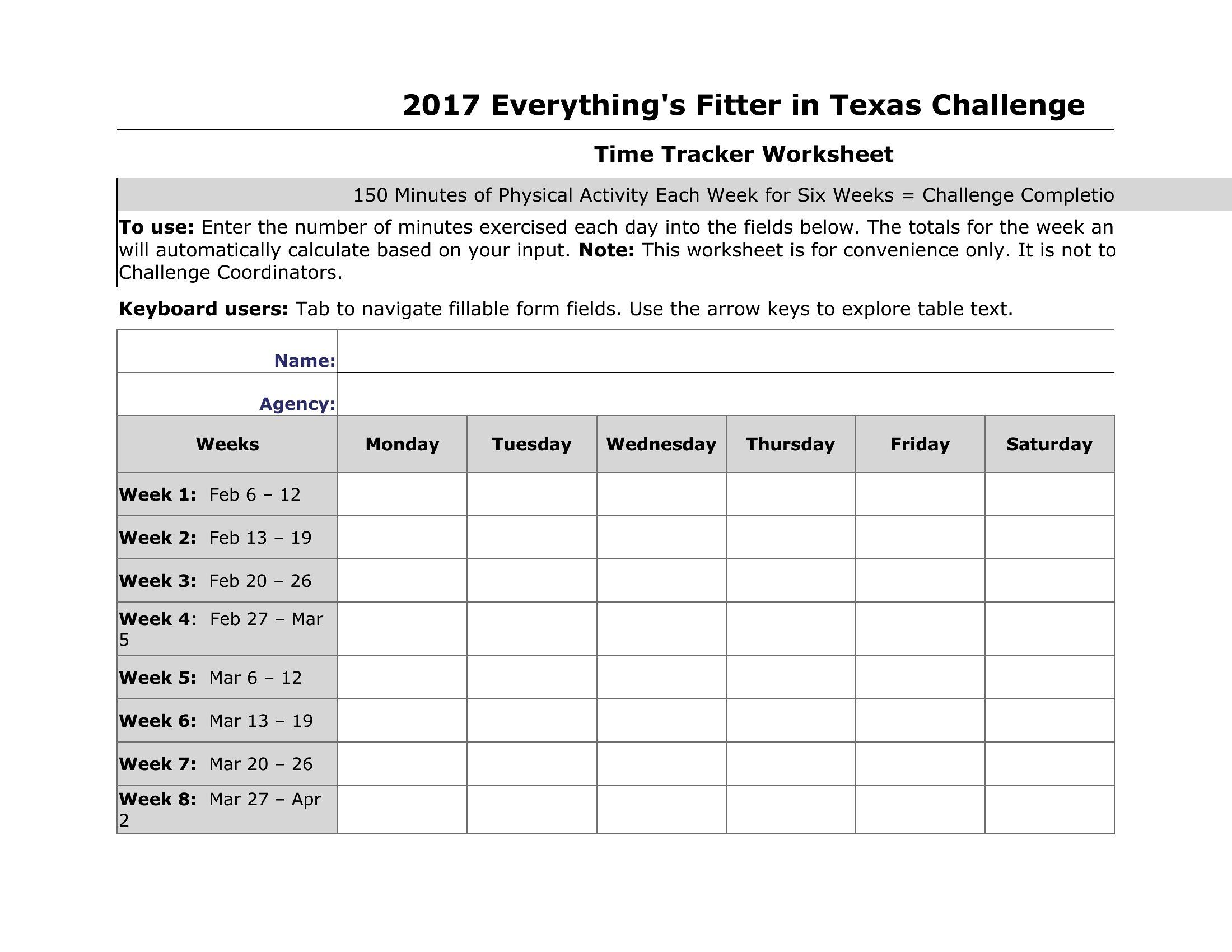
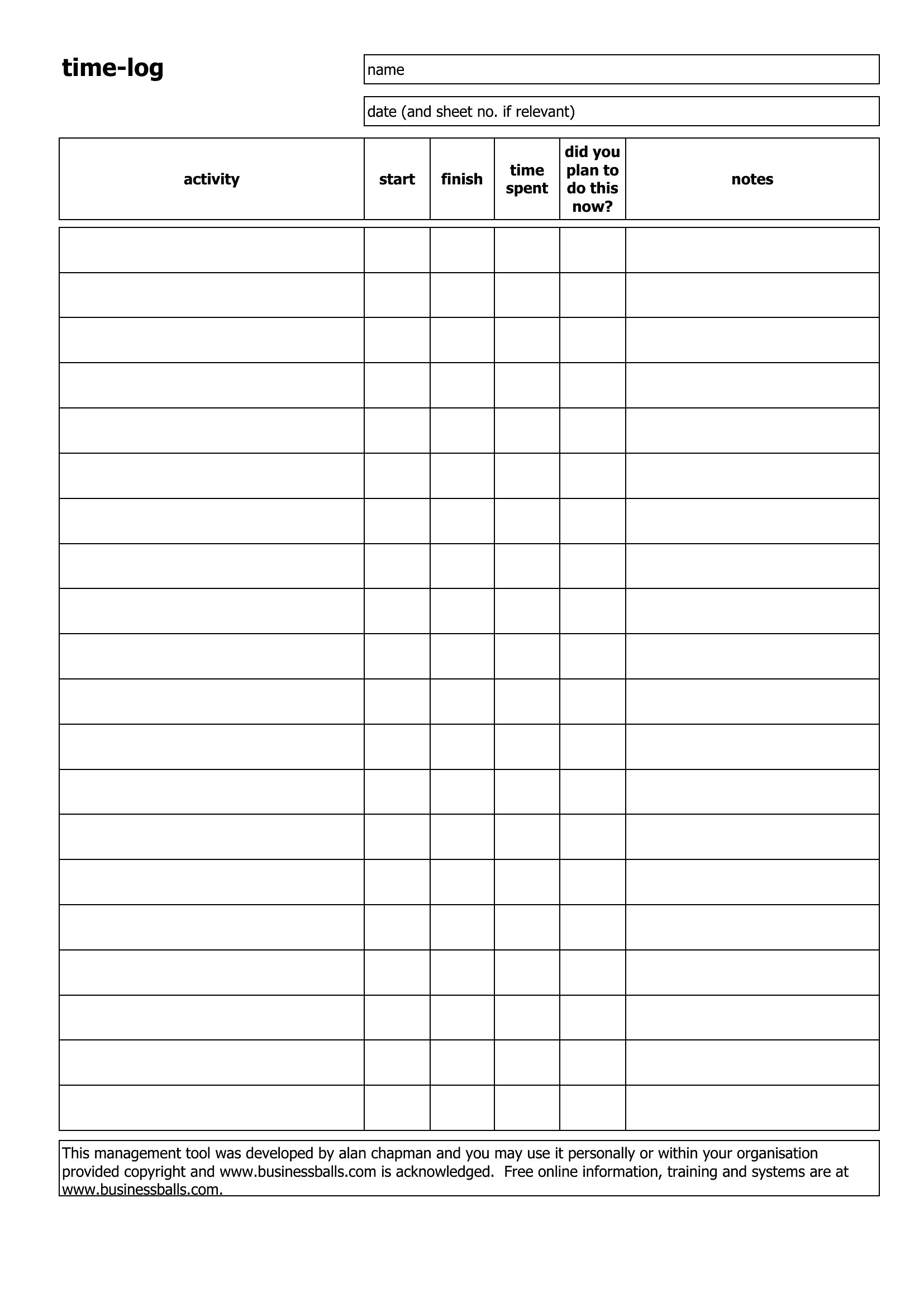
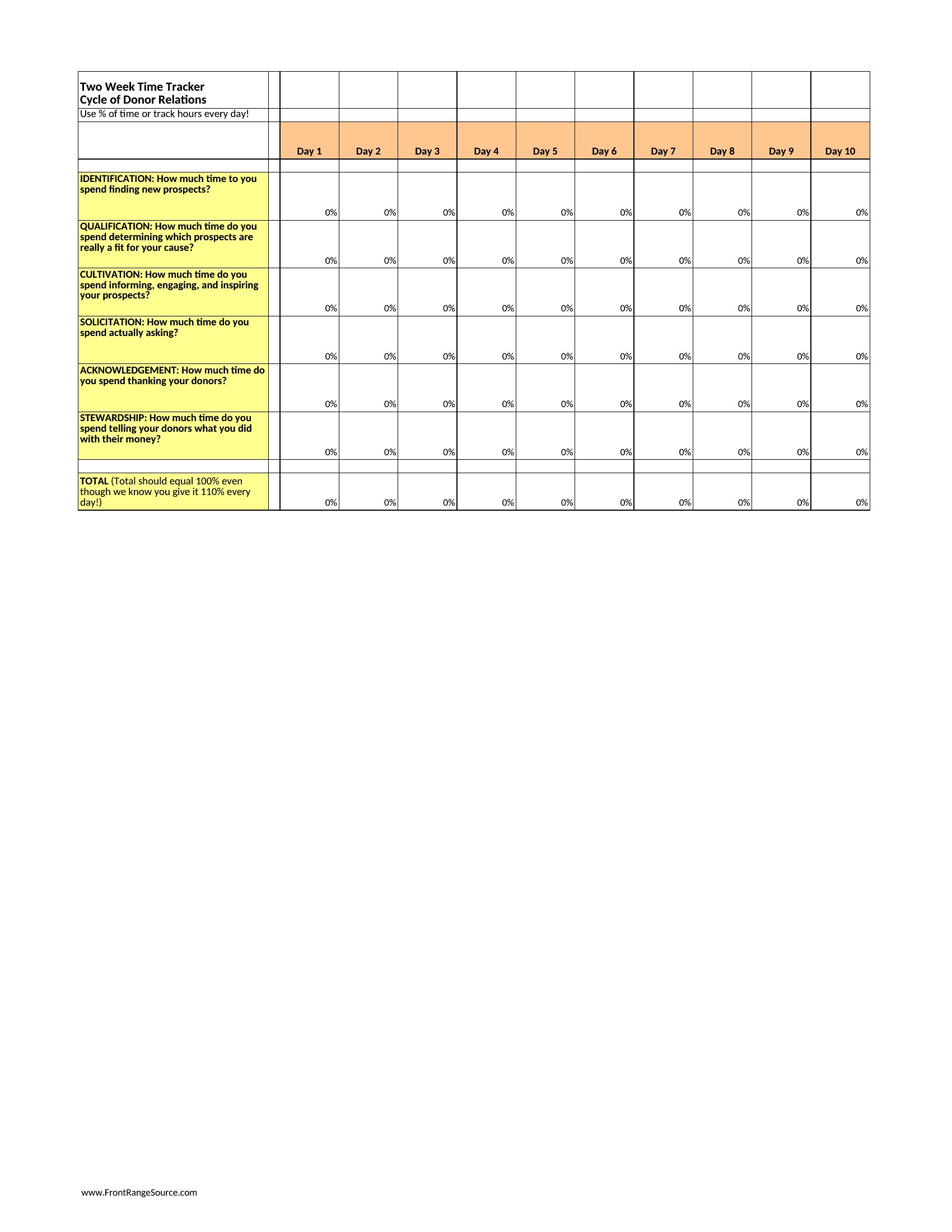
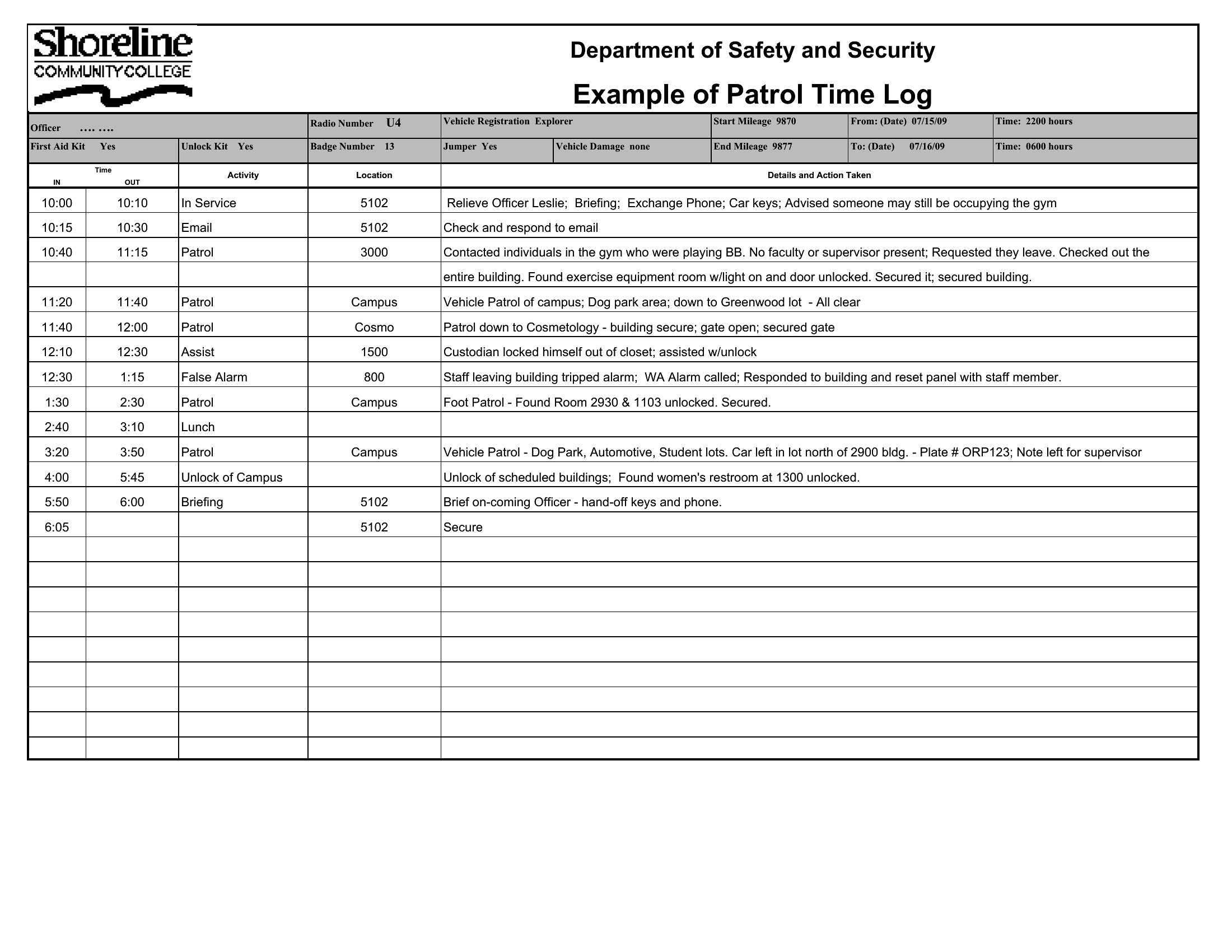
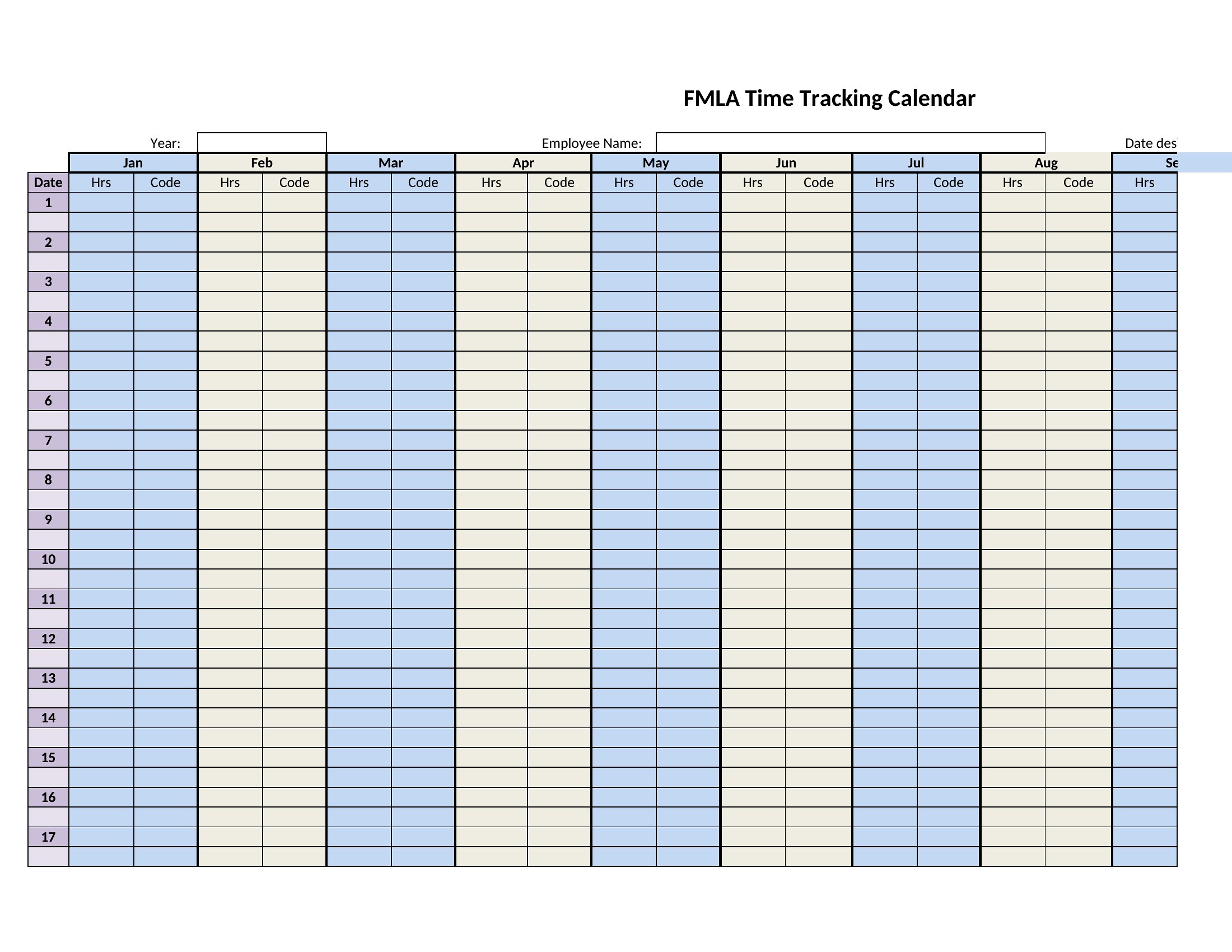
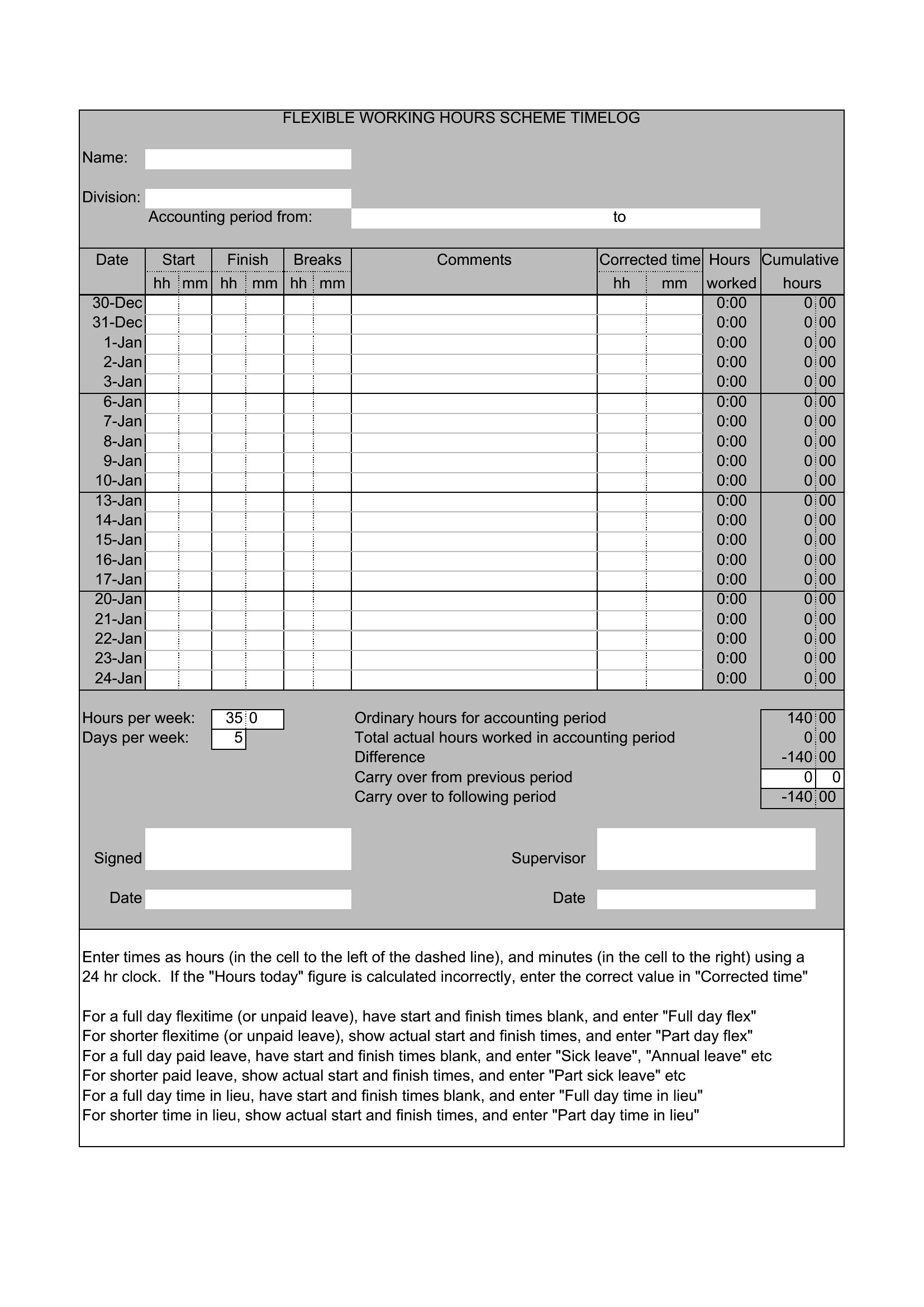
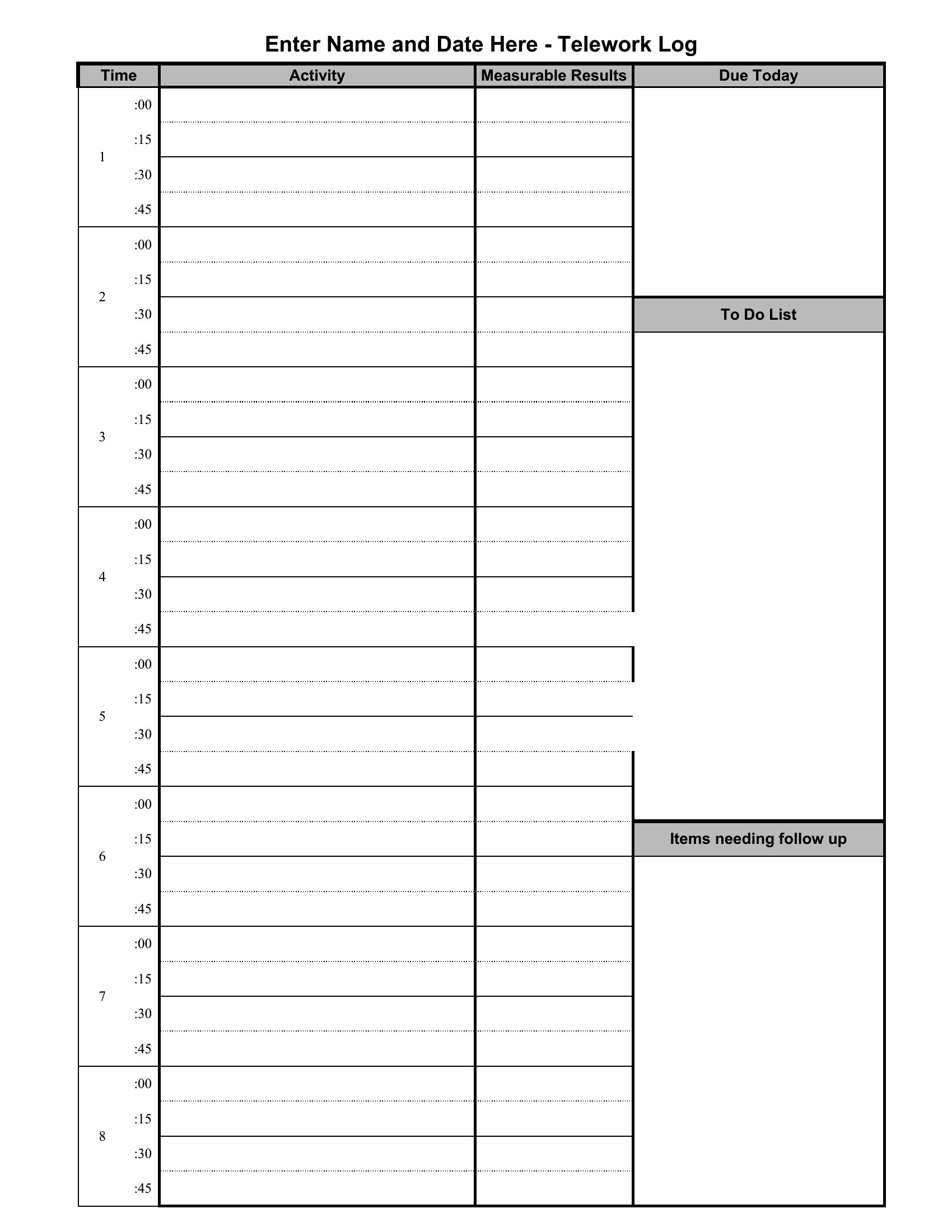
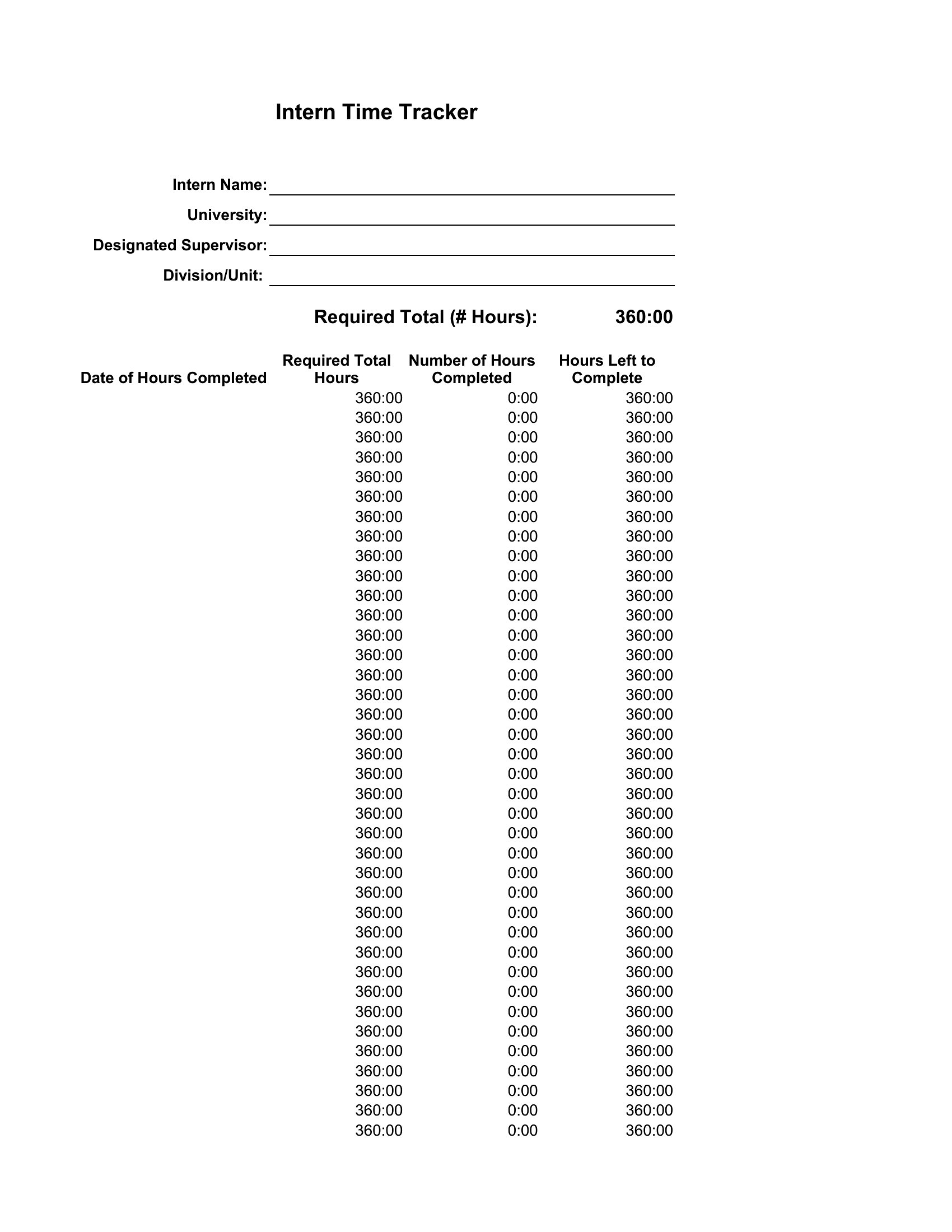
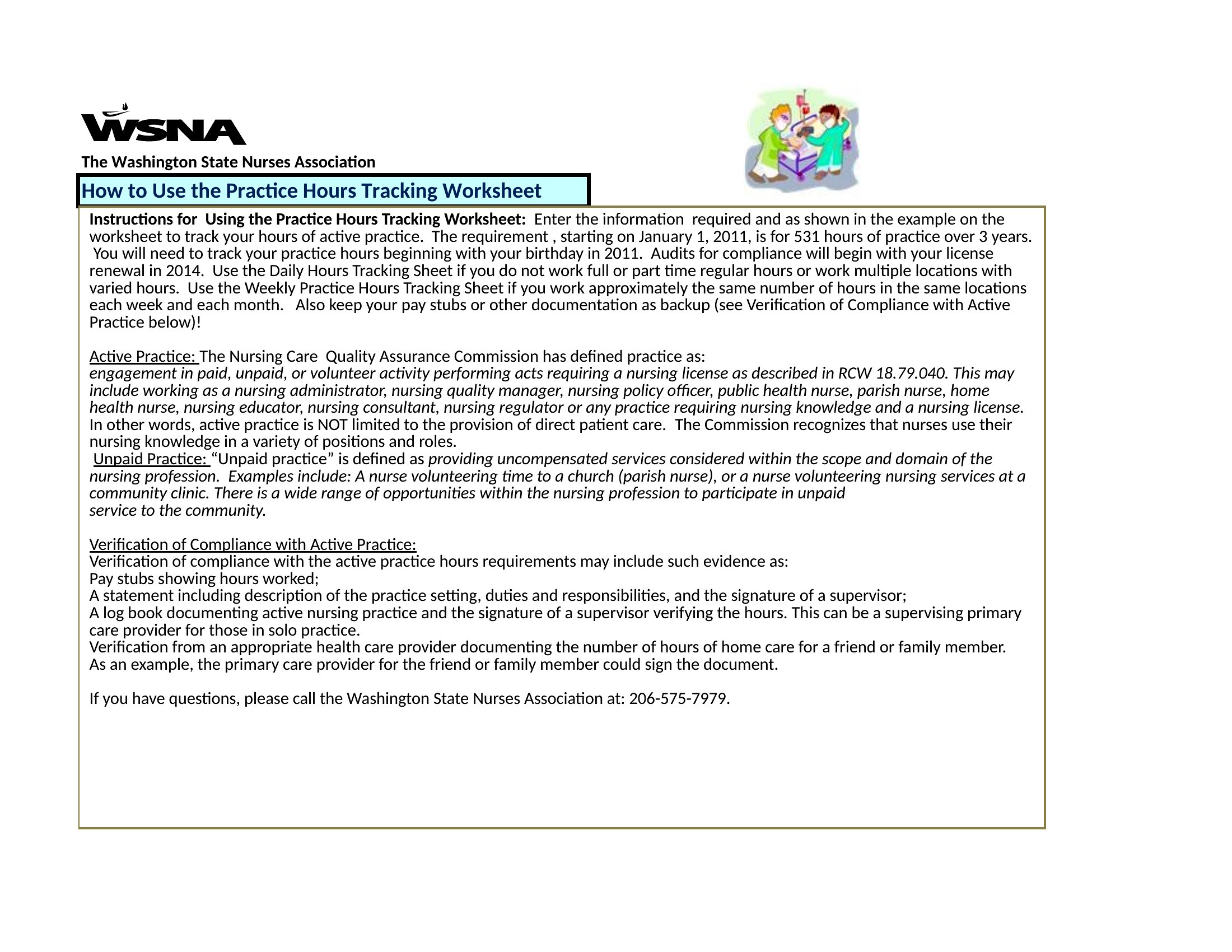
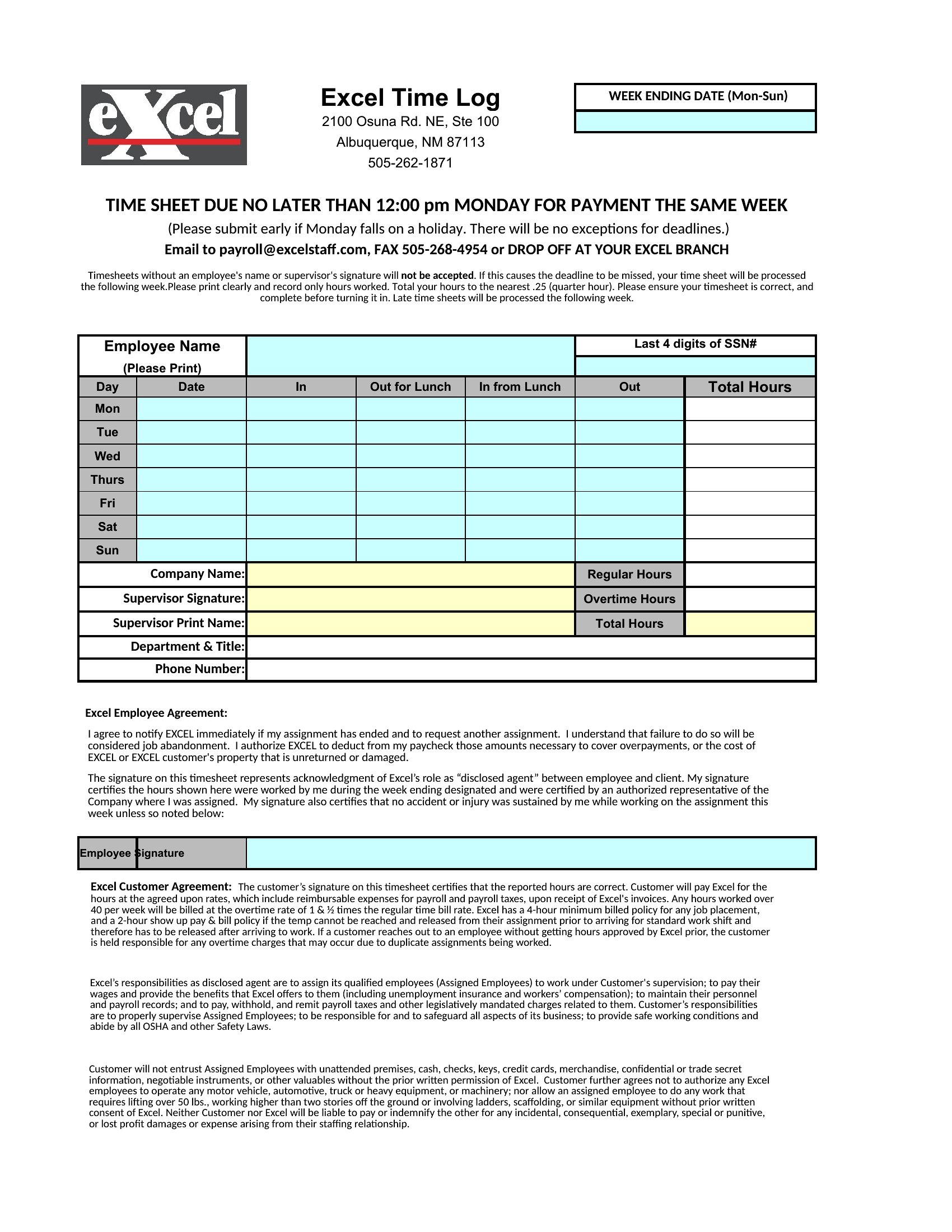
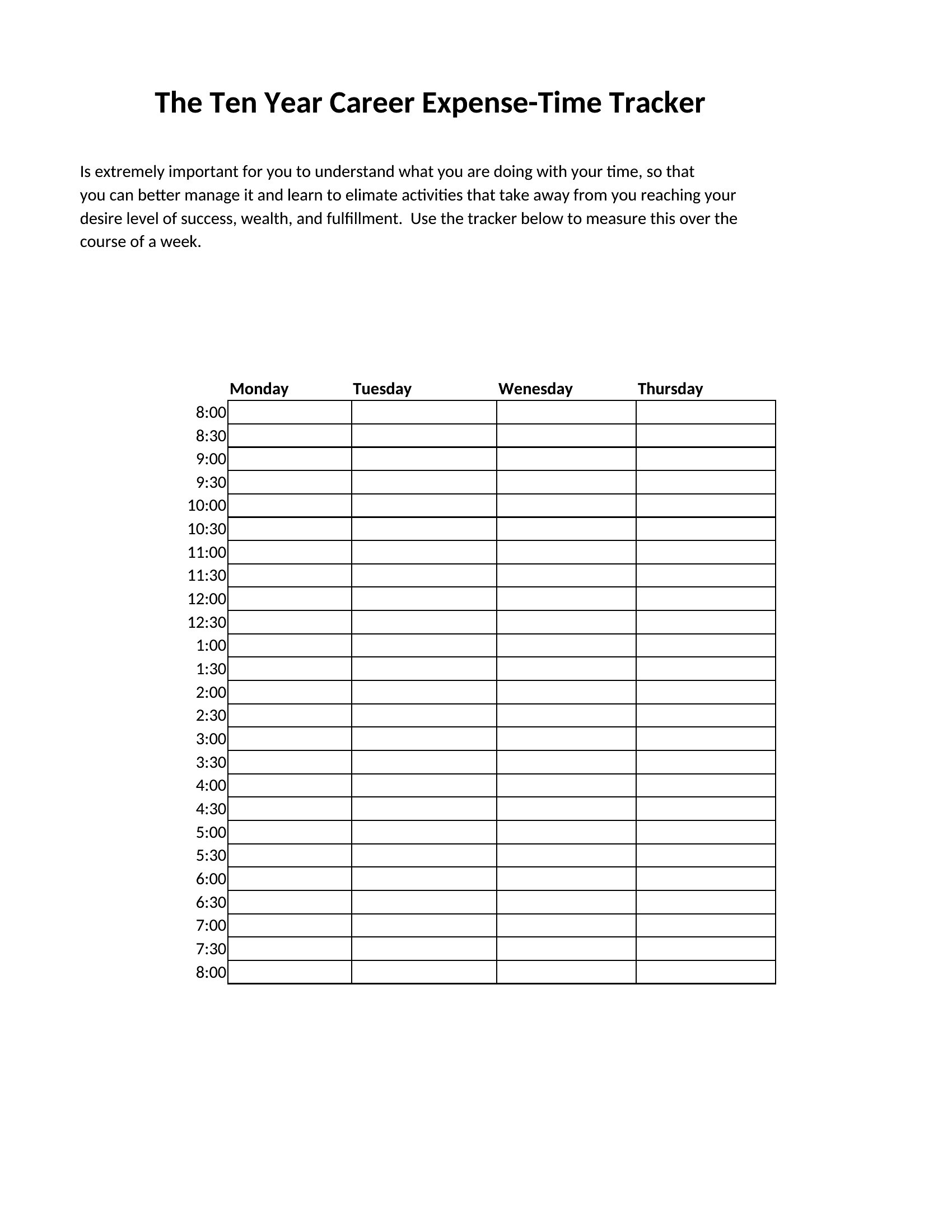
Knowing exactly where the hours go is the first step to billing accurately and spotting where time slips away. This set of 48 time tracking spreadsheets covers daily and weekly logs, project hours, employee timesheets, and paid-time-off tracking. Freelancers, managers, and small teams can record hours cleanly and turn them into invoices or payroll without a separate app.
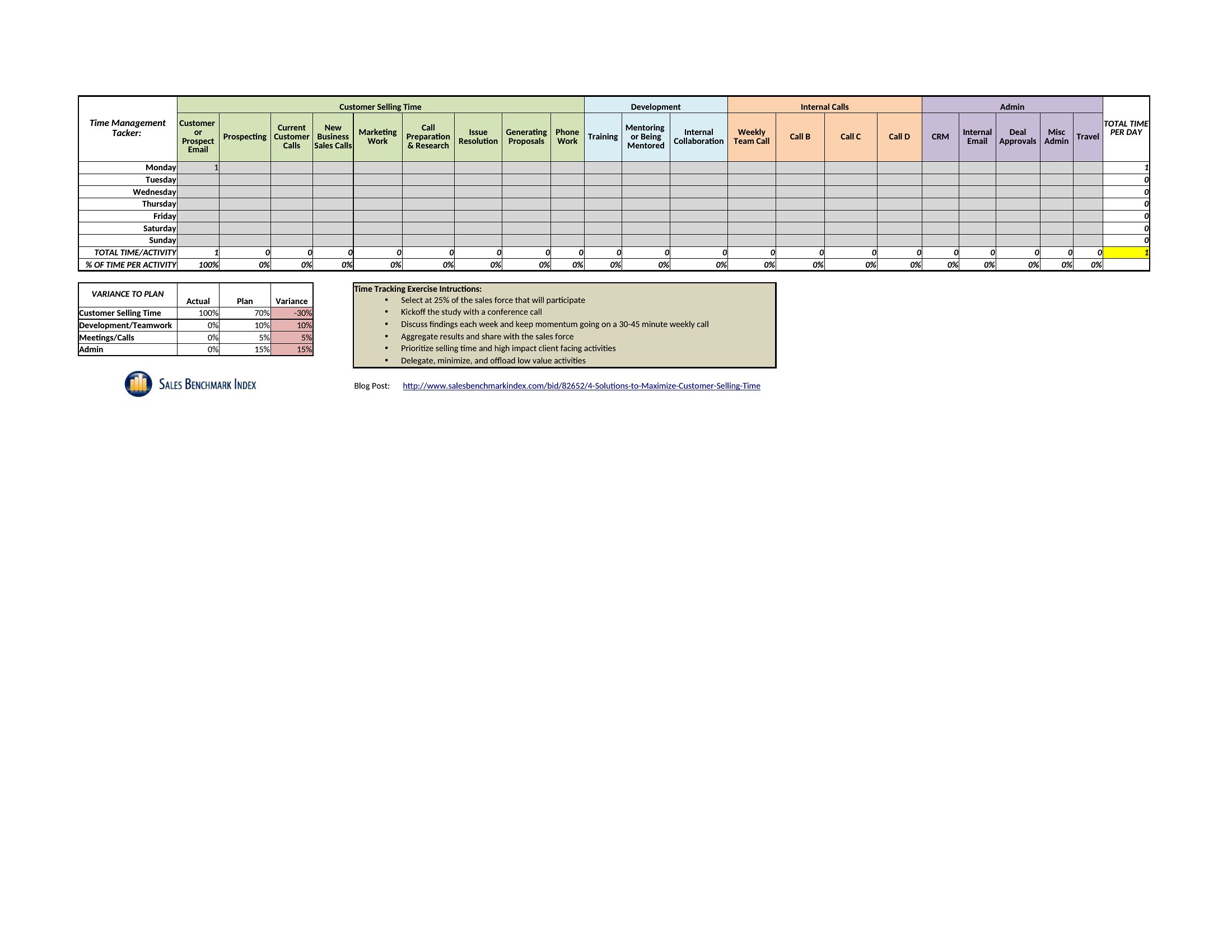
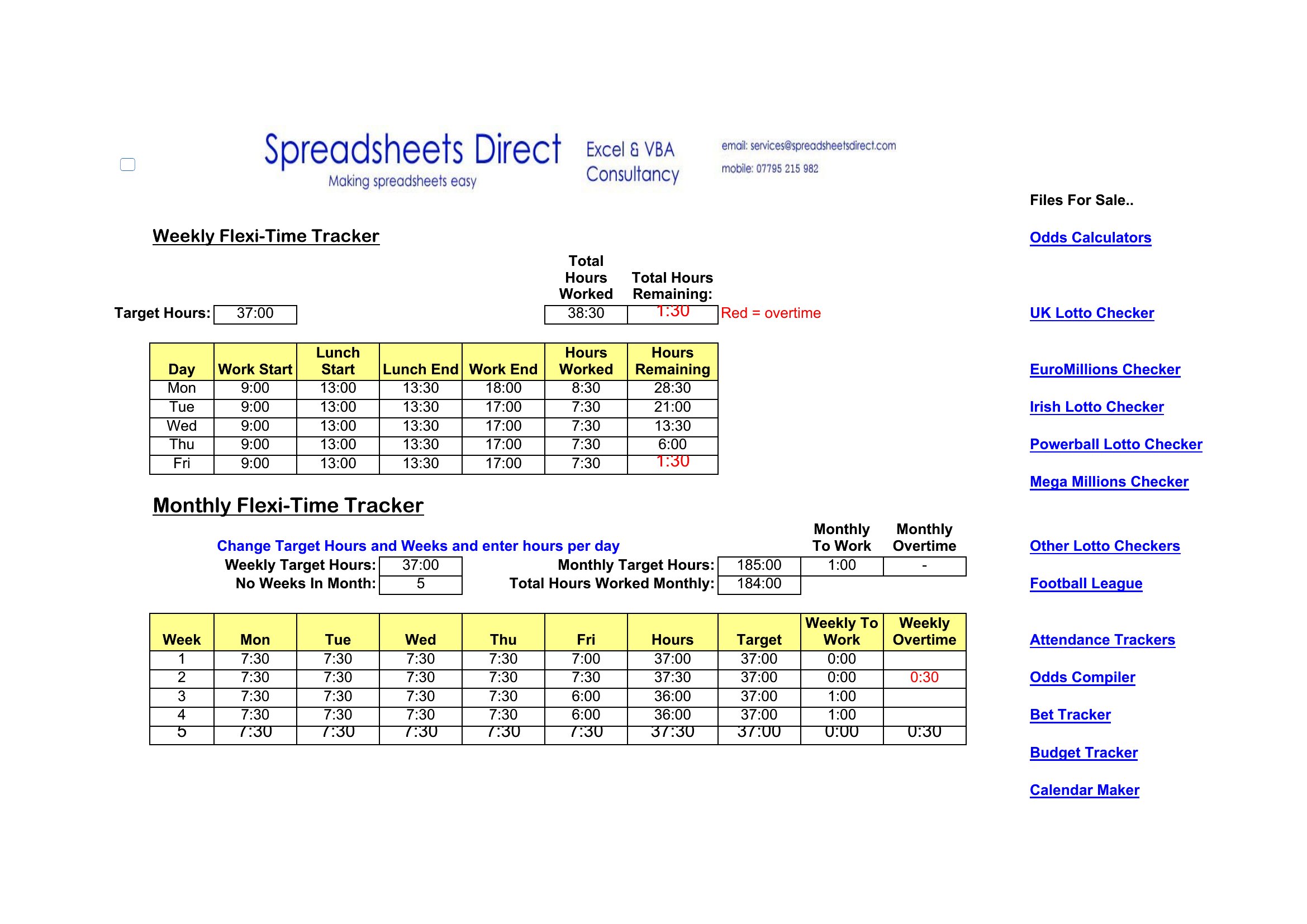
Most versions are Excel sheets that total hours and calculate pay or project time automatically as you type, with Word layouts for simpler printed logs. Enter your hours, let the formulas do the math, and export or print the summary. Adjust the columns to fit your rates and projects. Download the tracker that suits your workflow and take control of your time.
Choose from 48 Time Tracking Spreadsheet Templates
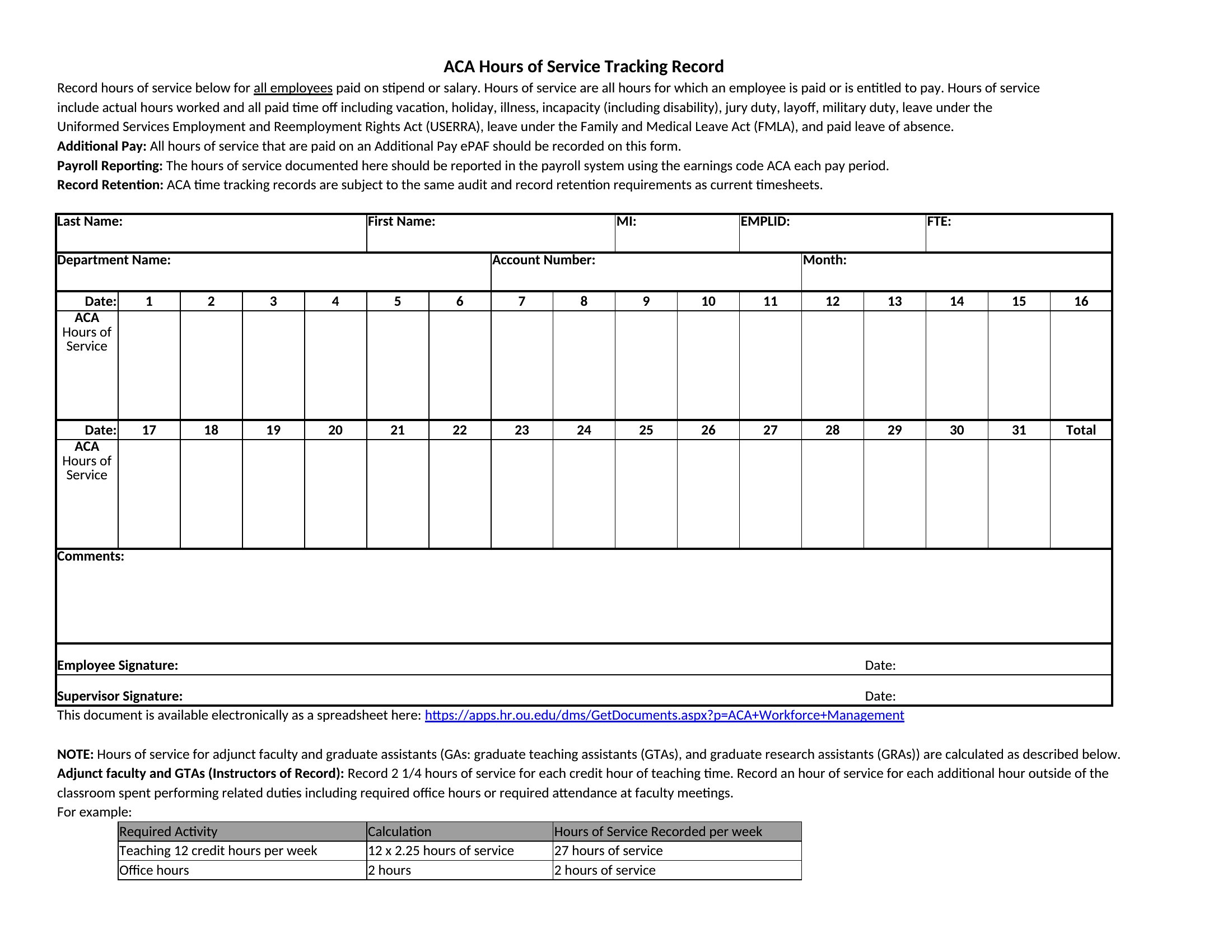
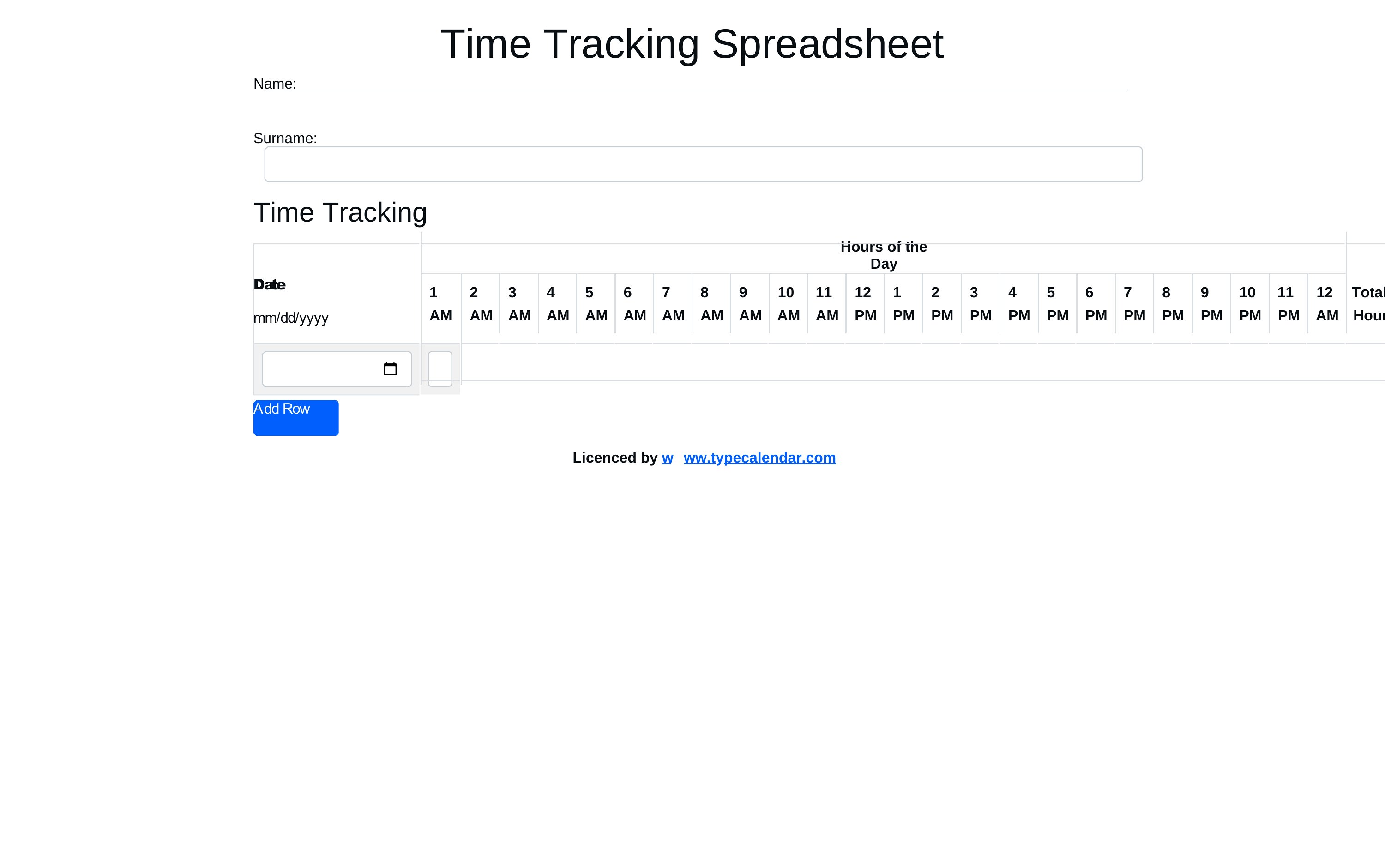
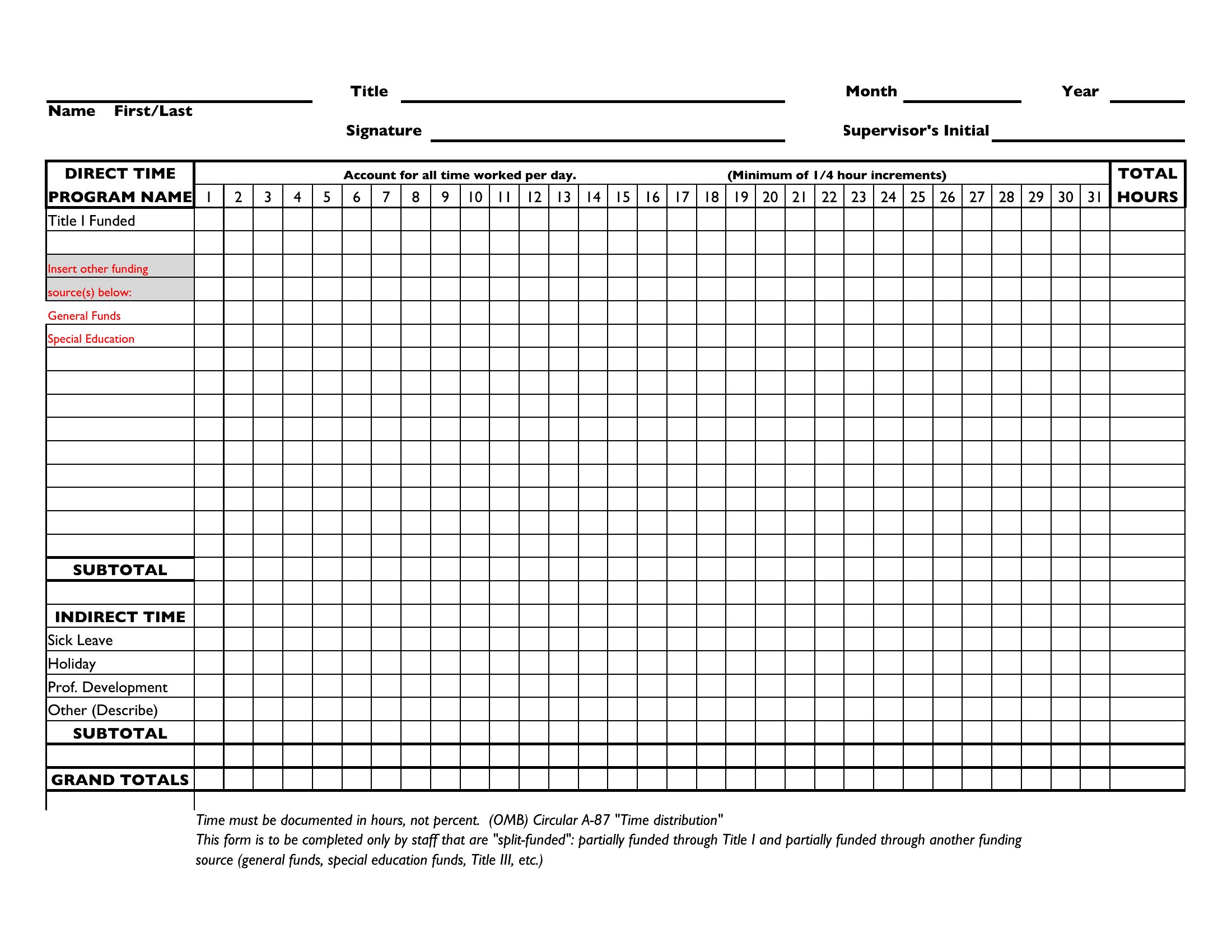

Frequently Asked Questions about Time Tracking Spreadsheet Templates
Are these Time Tracking Spreadsheet templates free to download?
Yes. Every Time Tracking Spreadsheet template in this collection is free to download from TemplateSpark. Just open the template you need, download it, and start editing right away — no subscription required to get started.
What file formats are available for Time Tracking Spreadsheet templates?
These Time Tracking Spreadsheet templates are available in Word and Excel. Pick the format that matches your workflow — each download keeps the original layout so it looks right whether you open, print, or share it.
Can I edit these Time Tracking Spreadsheet templates?
Yes. The editable files open in Microsoft Word (and compatible apps like Google Docs or LibreOffice), so you can change the text, colors, and layout to fit your needs, then save or export the finished Time Tracking Spreadsheet document.
How many Time Tracking Spreadsheet templates can I choose from?
This page collects 48 Time Tracking Spreadsheet templates so you can compare styles and layouts in one place. Browse the options, open the one that fits your purpose best, and download it in your preferred format.
Can I use Time Tracking Spreadsheet templates for commercial purposes?
In most cases, yes — these Time Tracking Spreadsheet templates are intended for both personal and business use. Check the license note on the template before redistributing or reselling, and avoid sharing the source files as your own product.
What should a time tracking spreadsheet record?
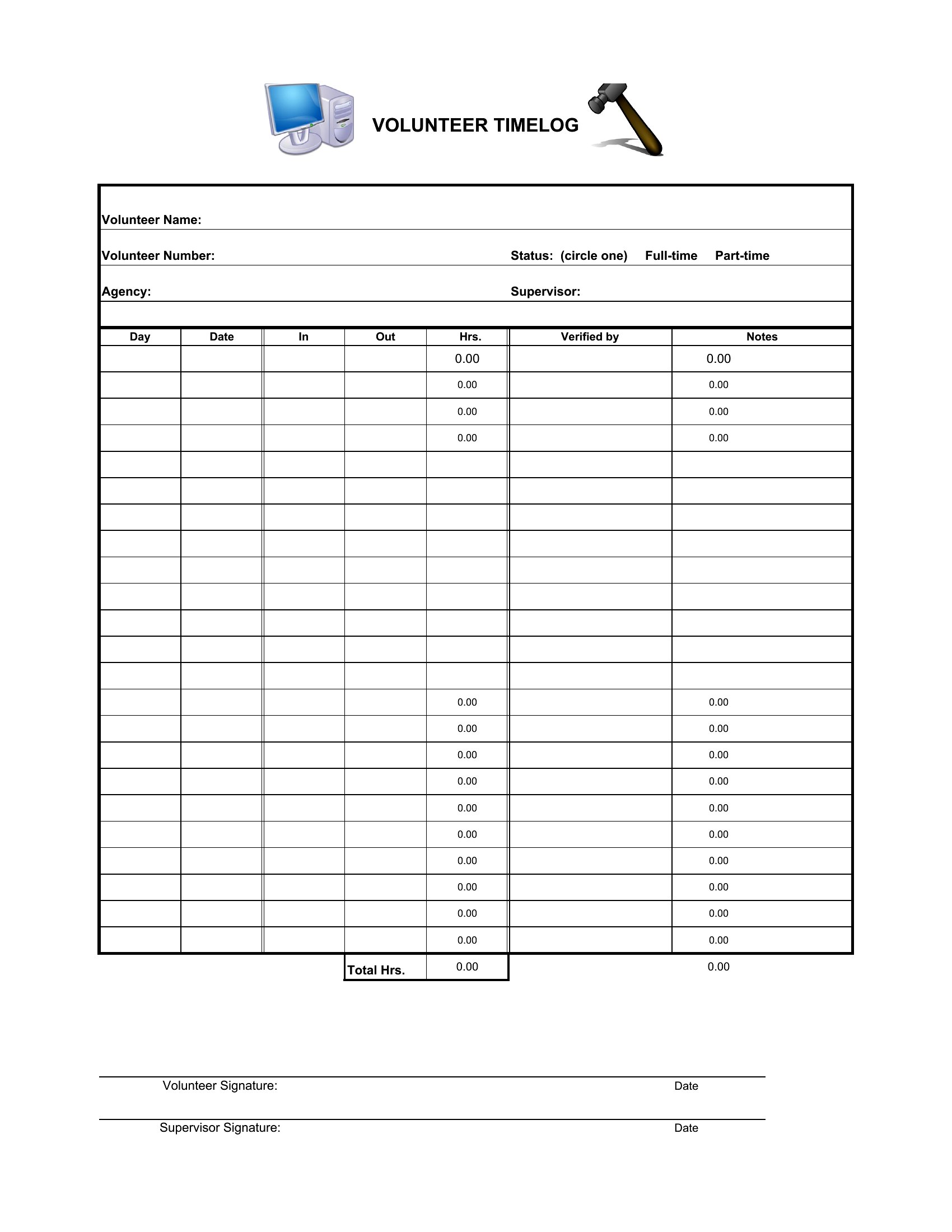
It should capture the date, task or project, start and end times or total hours, and notes, plus categories like billable versus non-billable. Tracking this consistently reveals where time goes, supports accurate billing, and helps spot tasks that take longer than expected.
How does a time tracking spreadsheet improve billing accuracy?
By logging hours against specific tasks and clients as work happens, it replaces guesswork with a clear record. This lets you invoice for the actual time spent, justify charges to clients, and catch unbilled work that would otherwise slip through and reduce earnings.
What is the difference between a daily and weekly time tracking log?
A daily log records hours task by task each day for detailed, real-time accuracy, while a weekly log summarizes time across the week for a broader view. Daily logs suit precise billing, whereas weekly logs are simpler for overviews and timesheet submission.
Comments
Join the conversation
Sign in to share your thoughts and leave a comment on this resource.