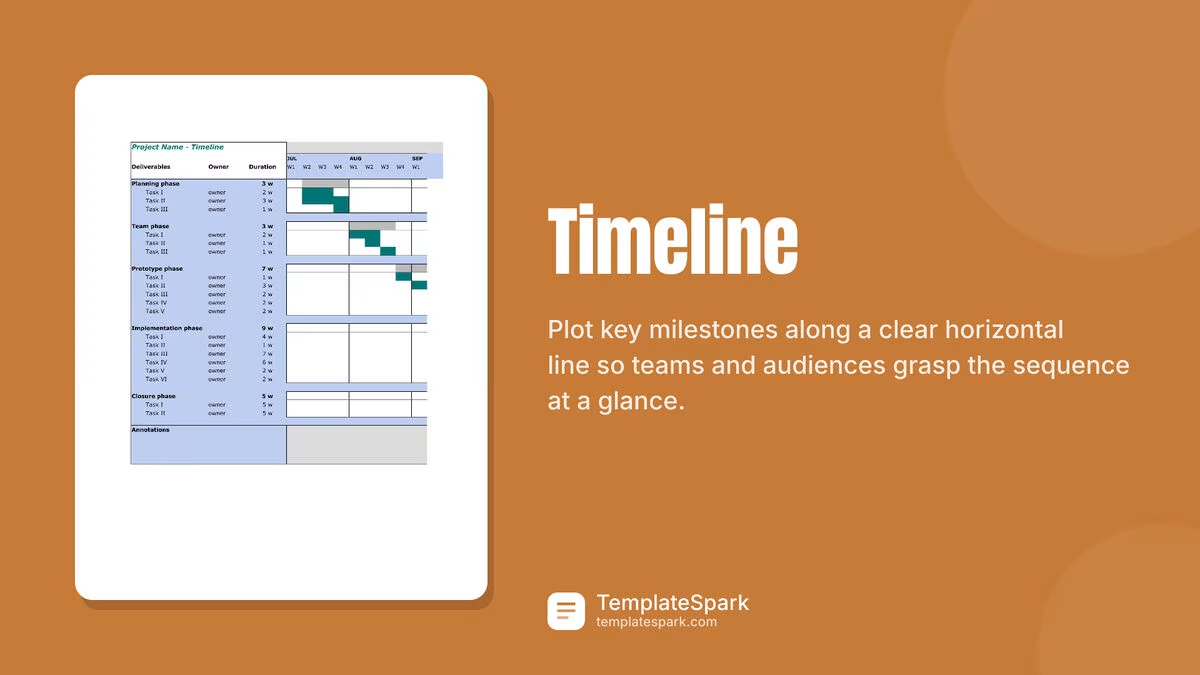
Free Timeline Templates (Word, Excel, PDF)
Project by yanbavrichenko
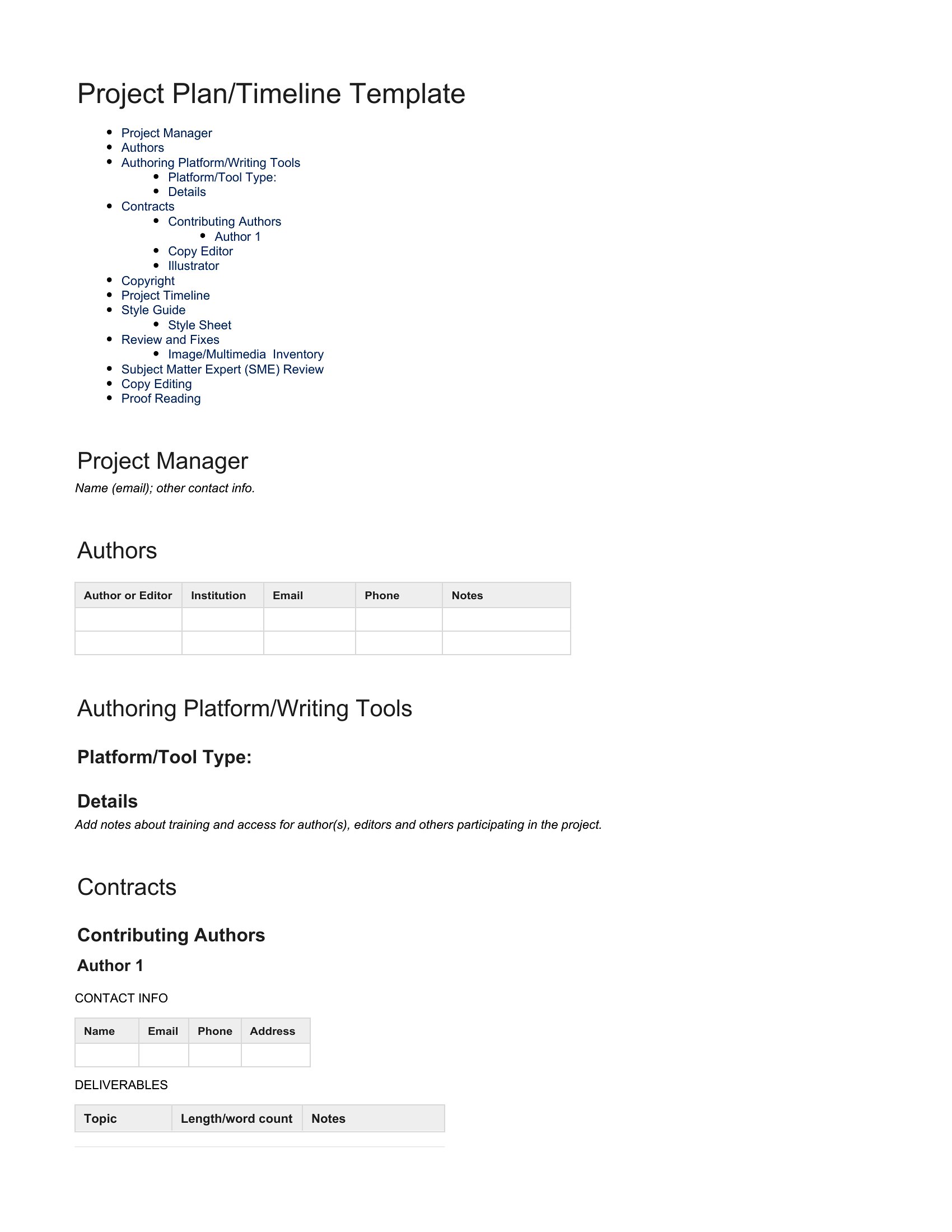
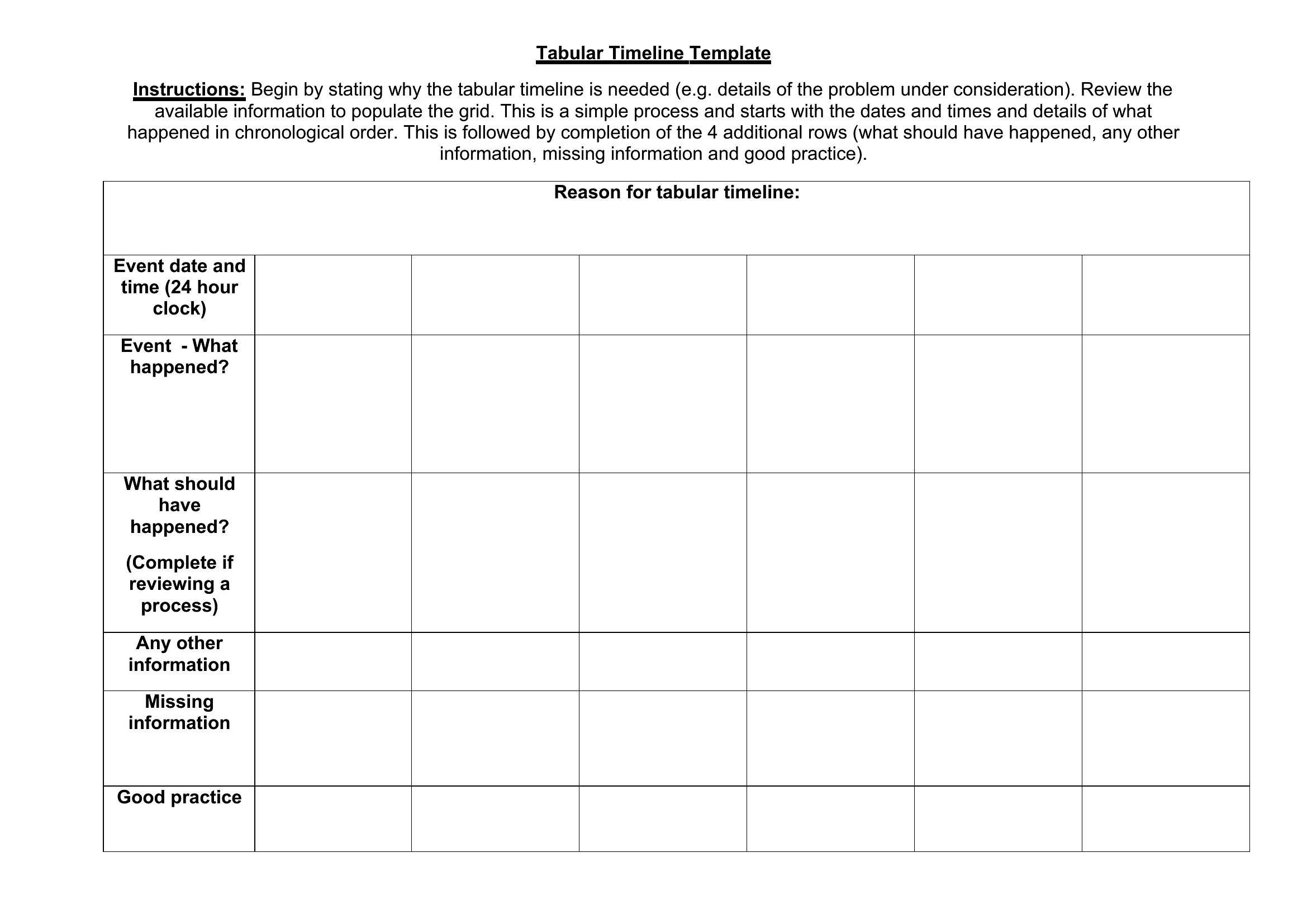
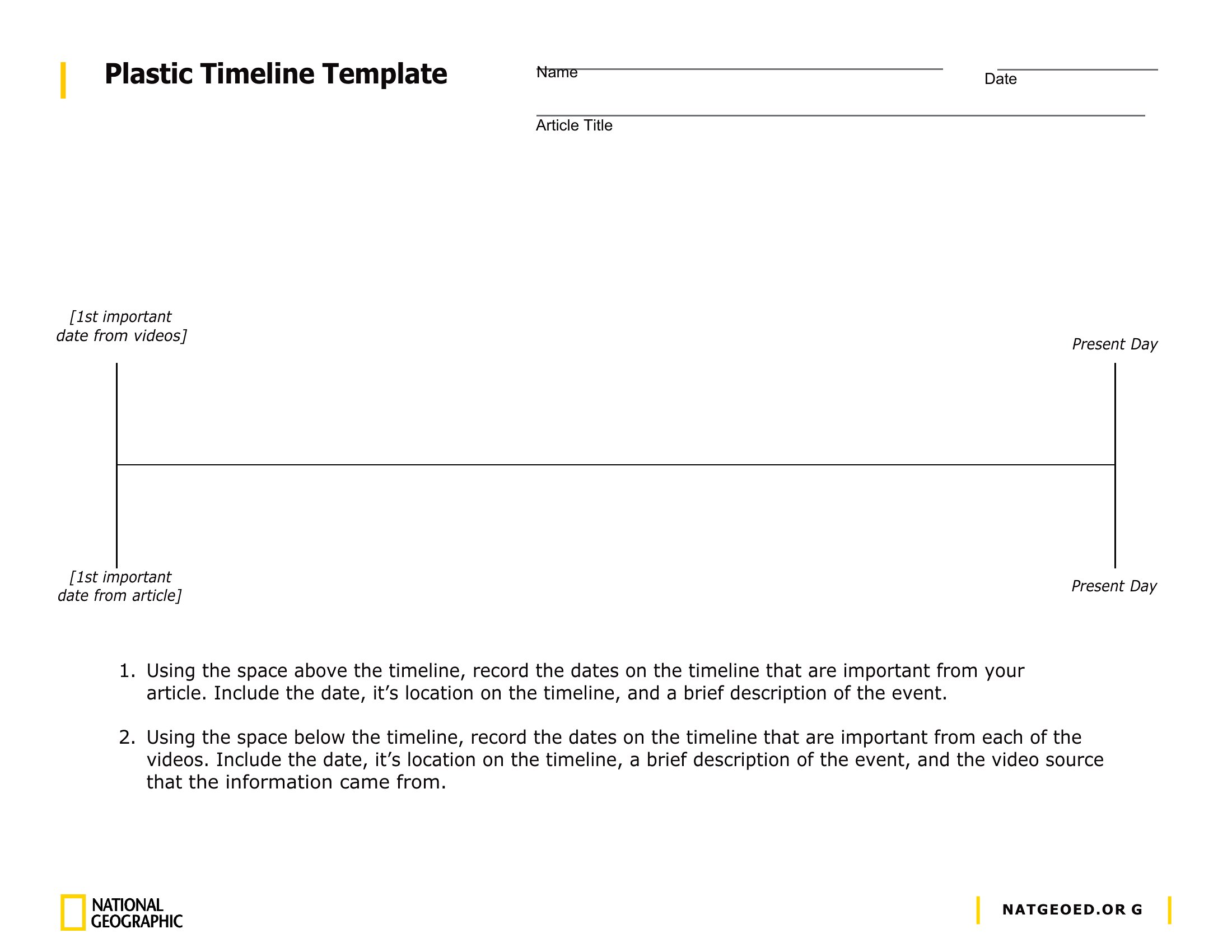
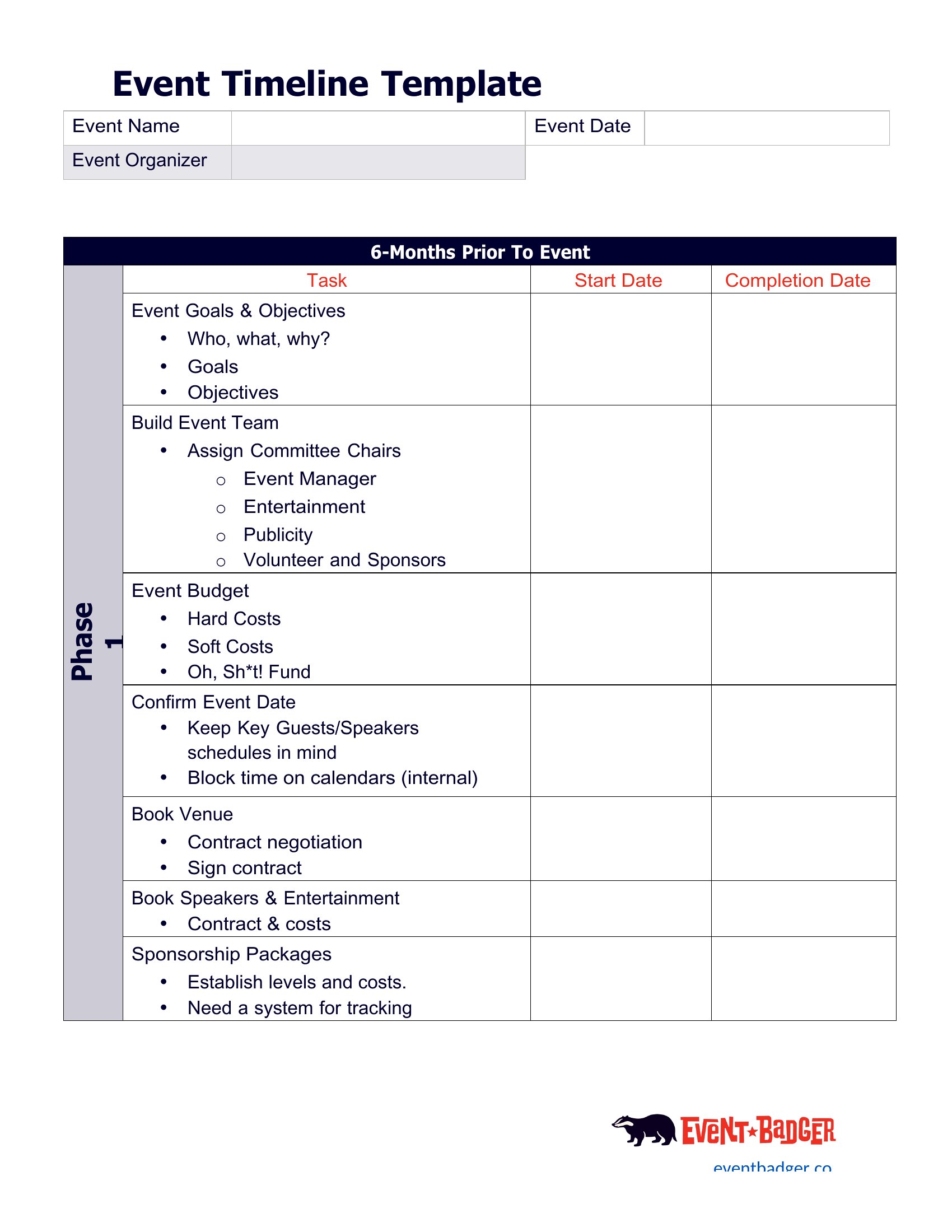
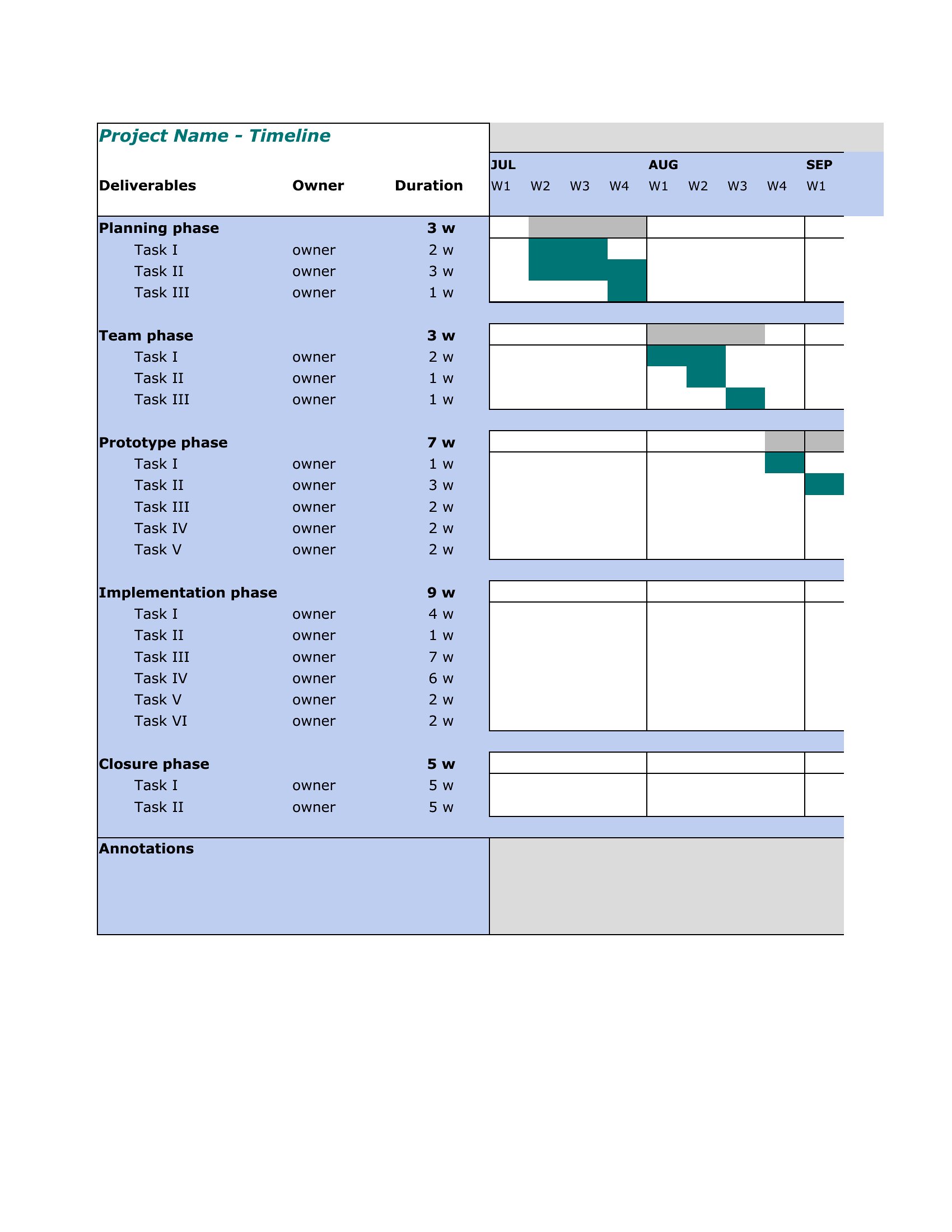
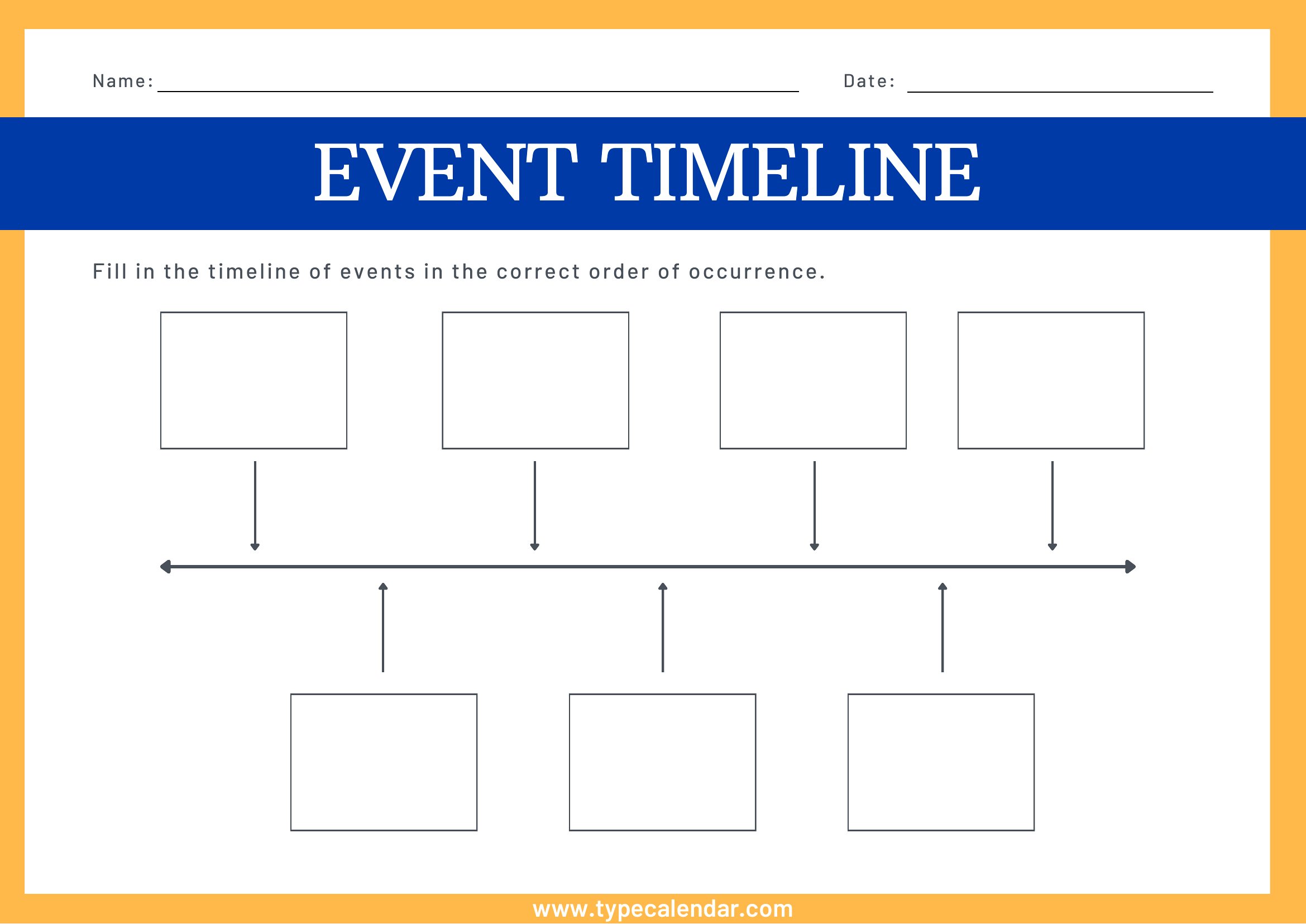
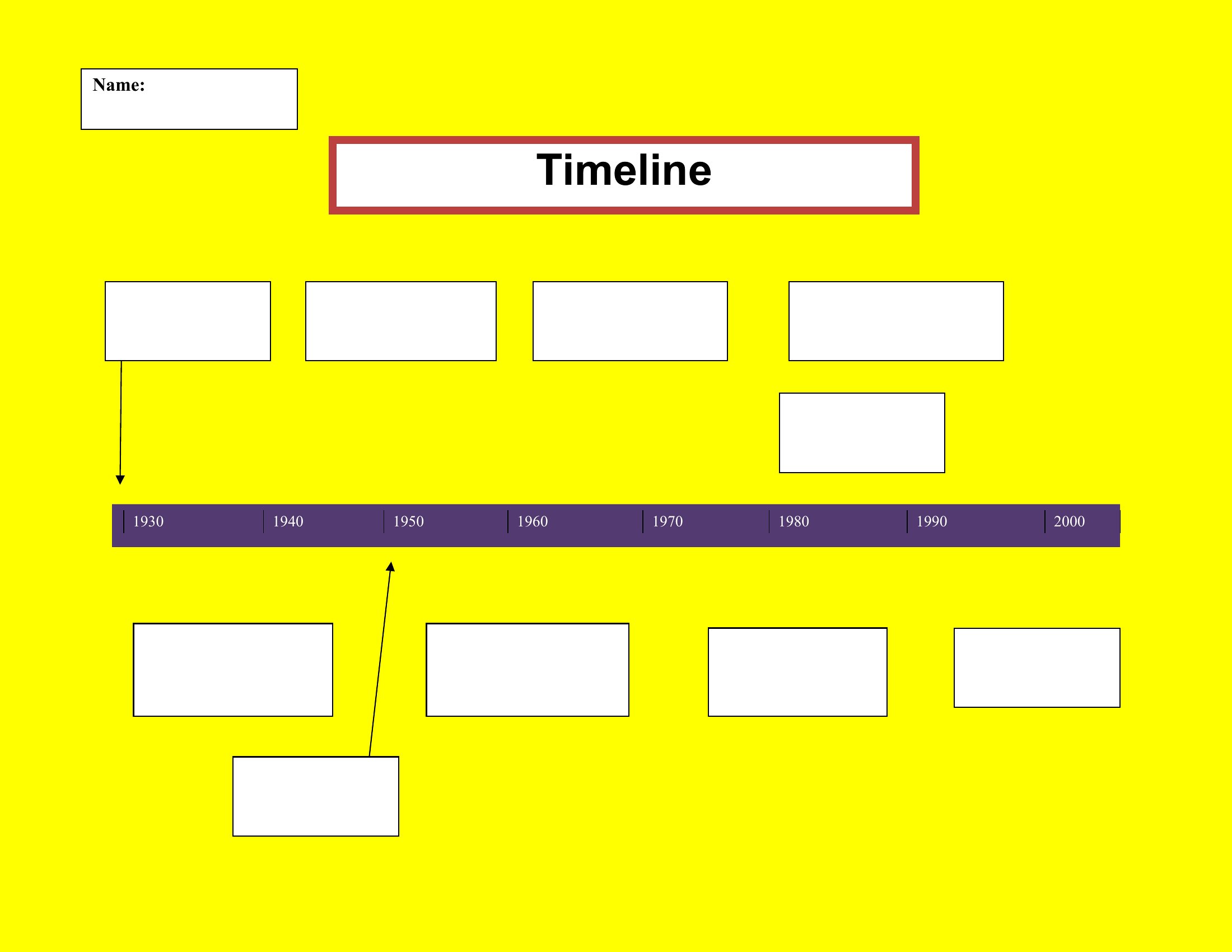
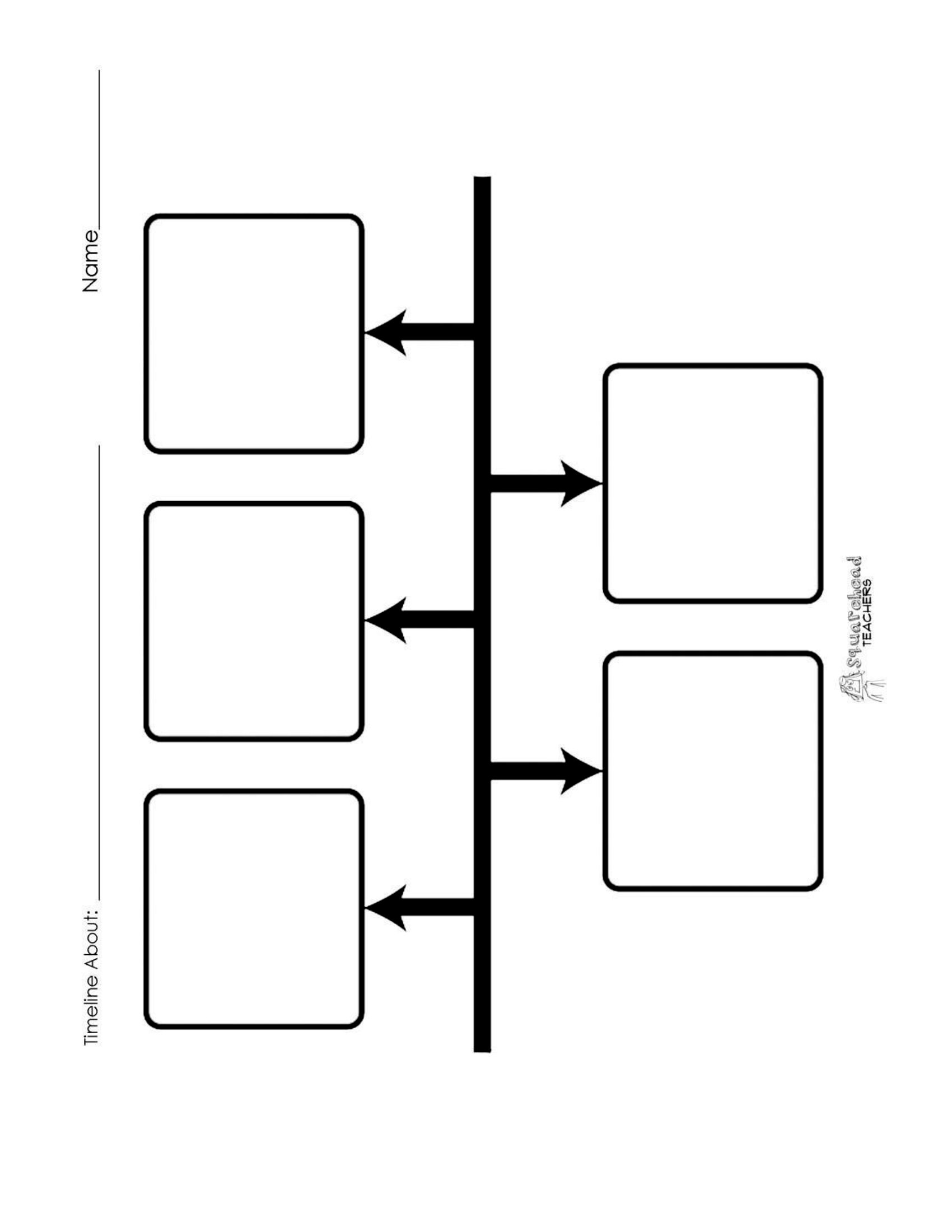
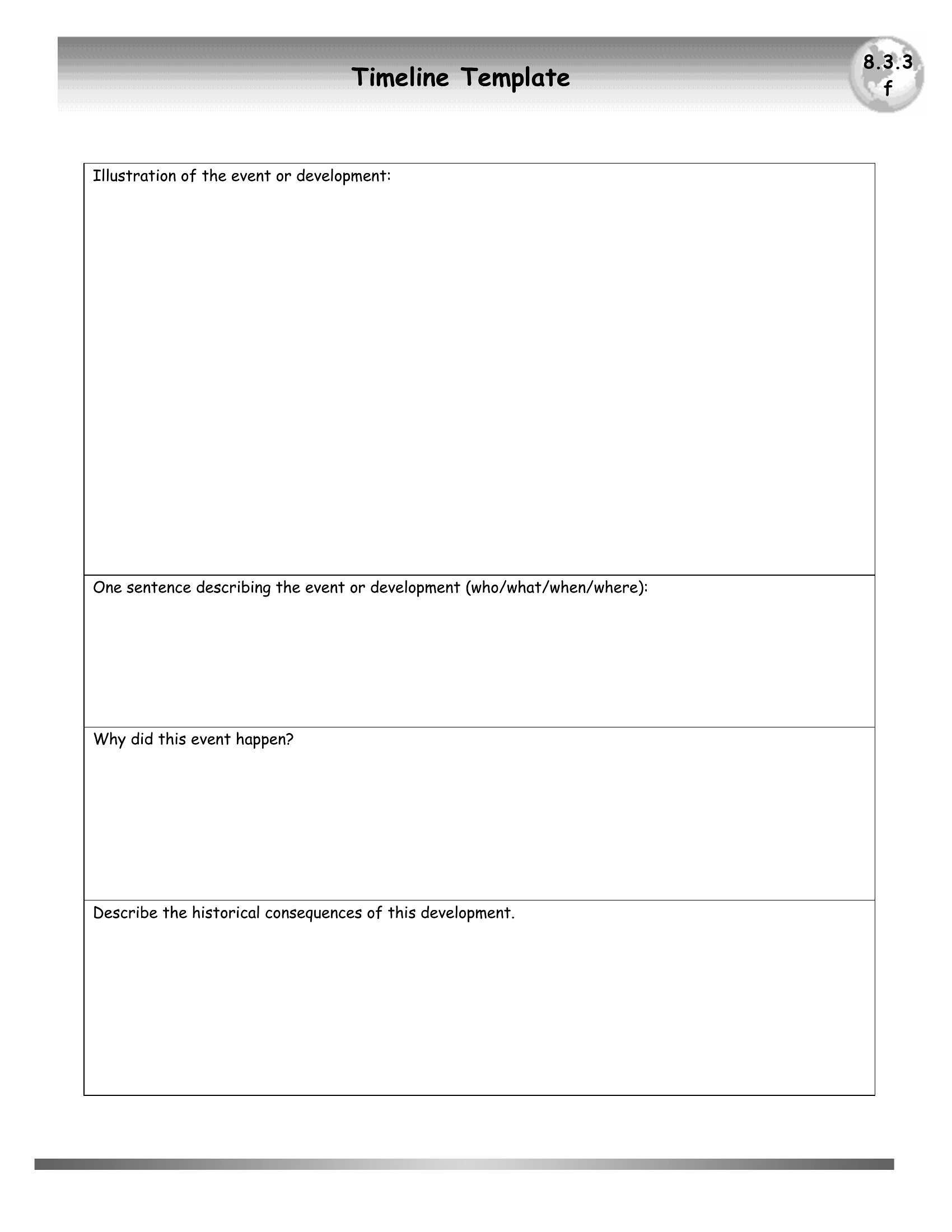
A timeline turns a tangle of dates into a single view everyone can follow, useful for plotting a project, a school report, or a wedding day. This set of 16 templates lays out milestones along a clear track so progress and deadlines stay easy to read. Project managers, students, and event planners reach for them to keep moving parts in order.
You'll find editable Word and Excel versions plus print-ready PDFs, so you can adjust dates, labels, and phases to match your plan. Type in your milestones, stretch the bars to fit, and share or print the result. Pick the format that fits your project and map out the schedule.
Choose from 16 Timeline Templates
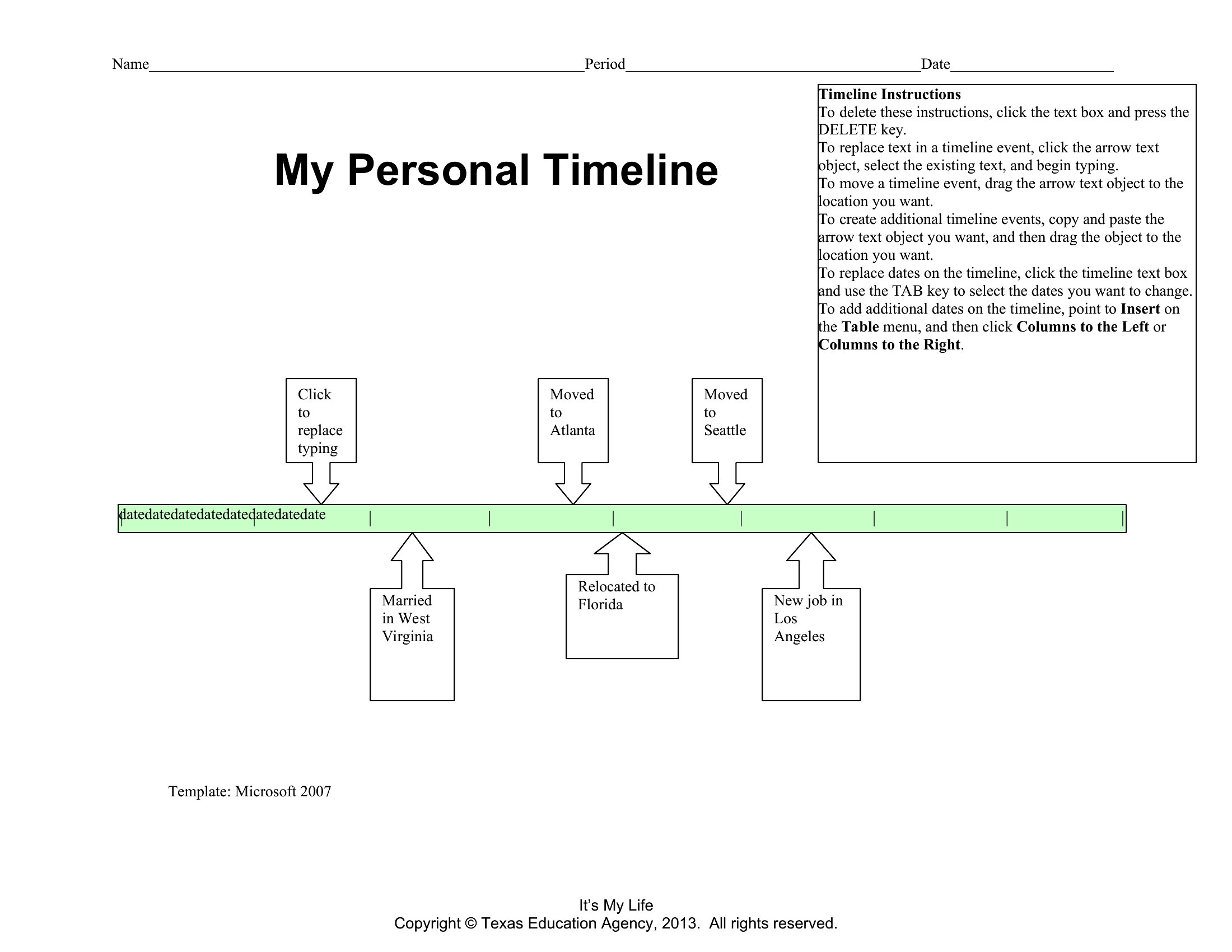
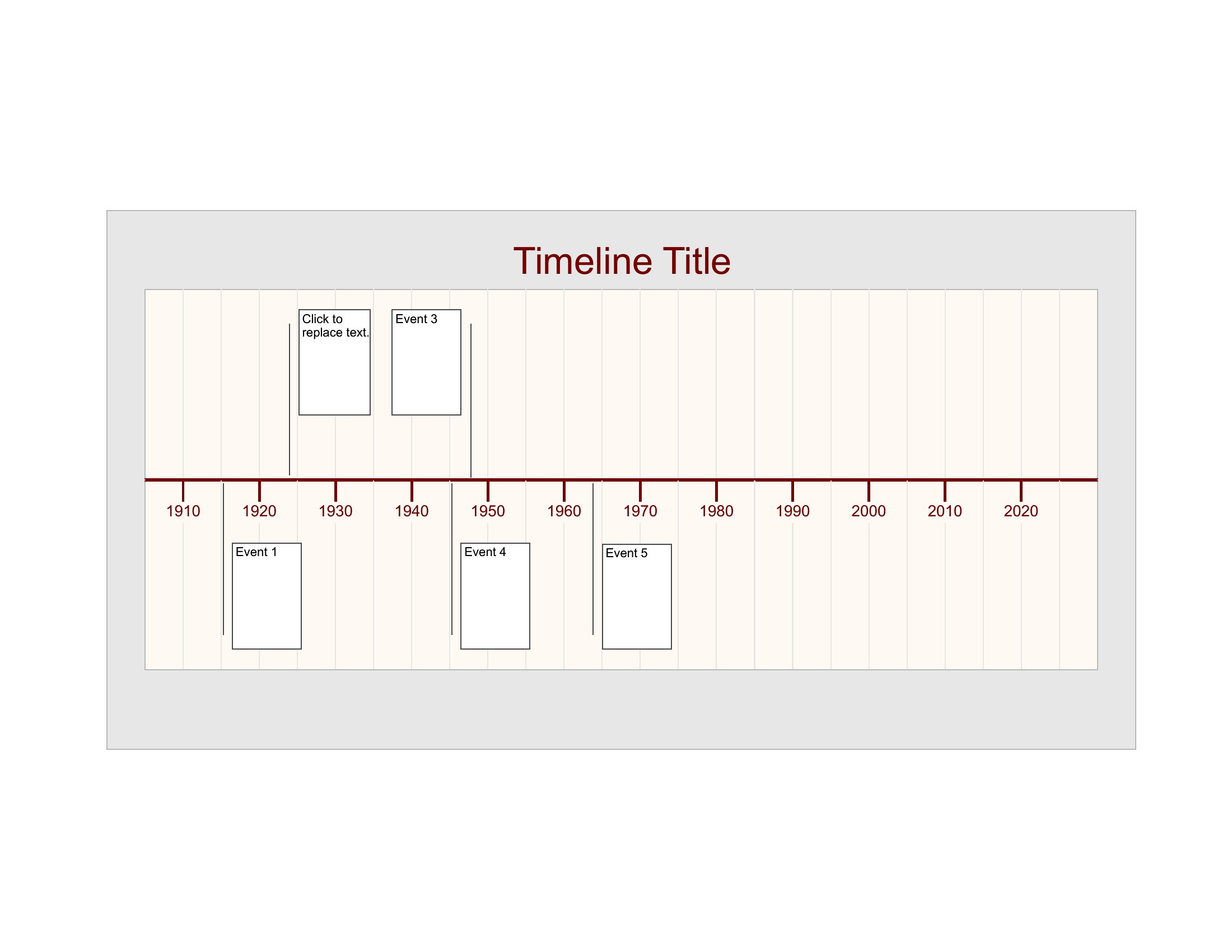
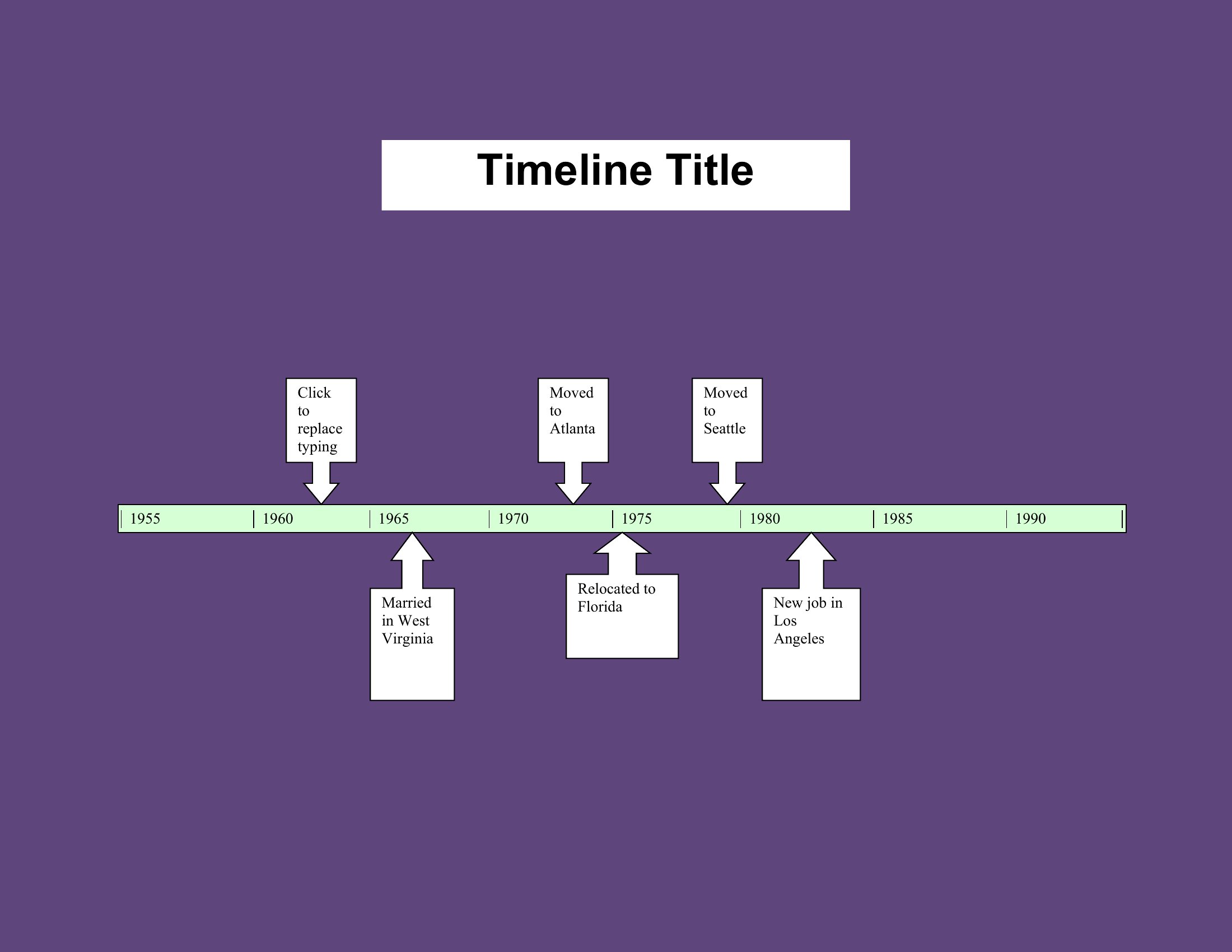
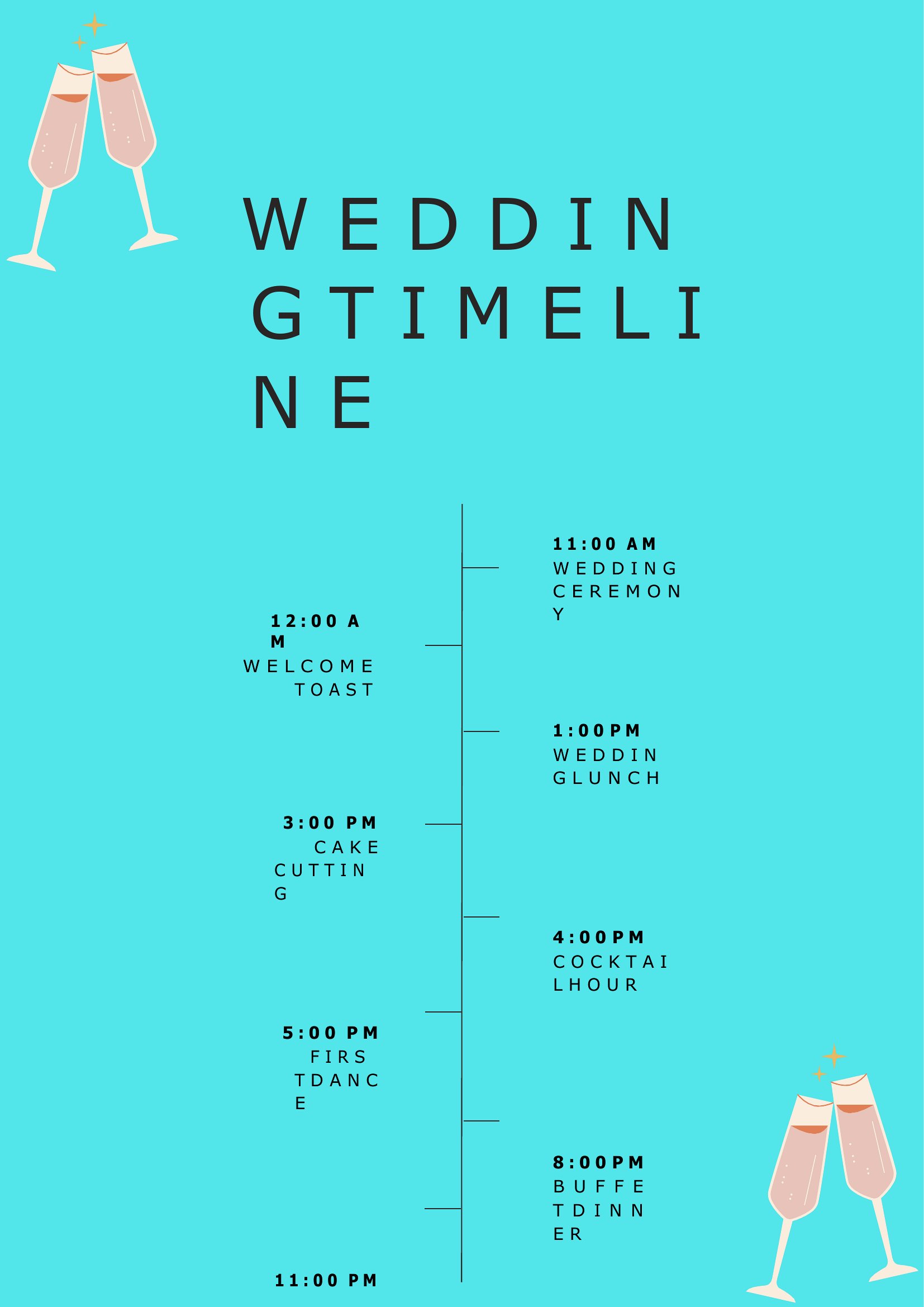
Wedding Timeline
Frequently Asked Questions about Timeline Templates
Are these Timeline templates free to download?
Yes. Every Timeline template in this collection is free to download from TemplateSpark. Just open the template you need, download it, and start editing right away — no subscription required to get started.
What file formats are available for Timeline templates?
These Timeline templates are available in Word, Excel, and PDF. Pick the format that matches your workflow — each download keeps the original layout so it looks right whether you open, print, or share it.
Can I edit these Timeline templates?
Yes. The editable files open in Microsoft Word (and compatible apps like Google Docs or LibreOffice), so you can change the text, colors, and layout to fit your needs, then save or export the finished Timeline document.
How many Timeline templates can I choose from?
This page collects 16 Timeline templates so you can compare styles and layouts in one place. Browse the options, open the one that fits your purpose best, and download it in your preferred format.
Can I use Timeline templates for commercial purposes?
In most cases, yes — these Timeline templates are intended for both personal and business use. Check the license note on the template before redistributing or reselling, and avoid sharing the source files as your own product.
What is a timeline used for in a project?
A timeline arranges dates and milestones along a single track so everyone can follow progress at a glance. It turns scattered deadlines into one clear view, useful for projects, school reports, or events, helping teams see what comes next and stay on schedule.
What elements make up a project timeline?
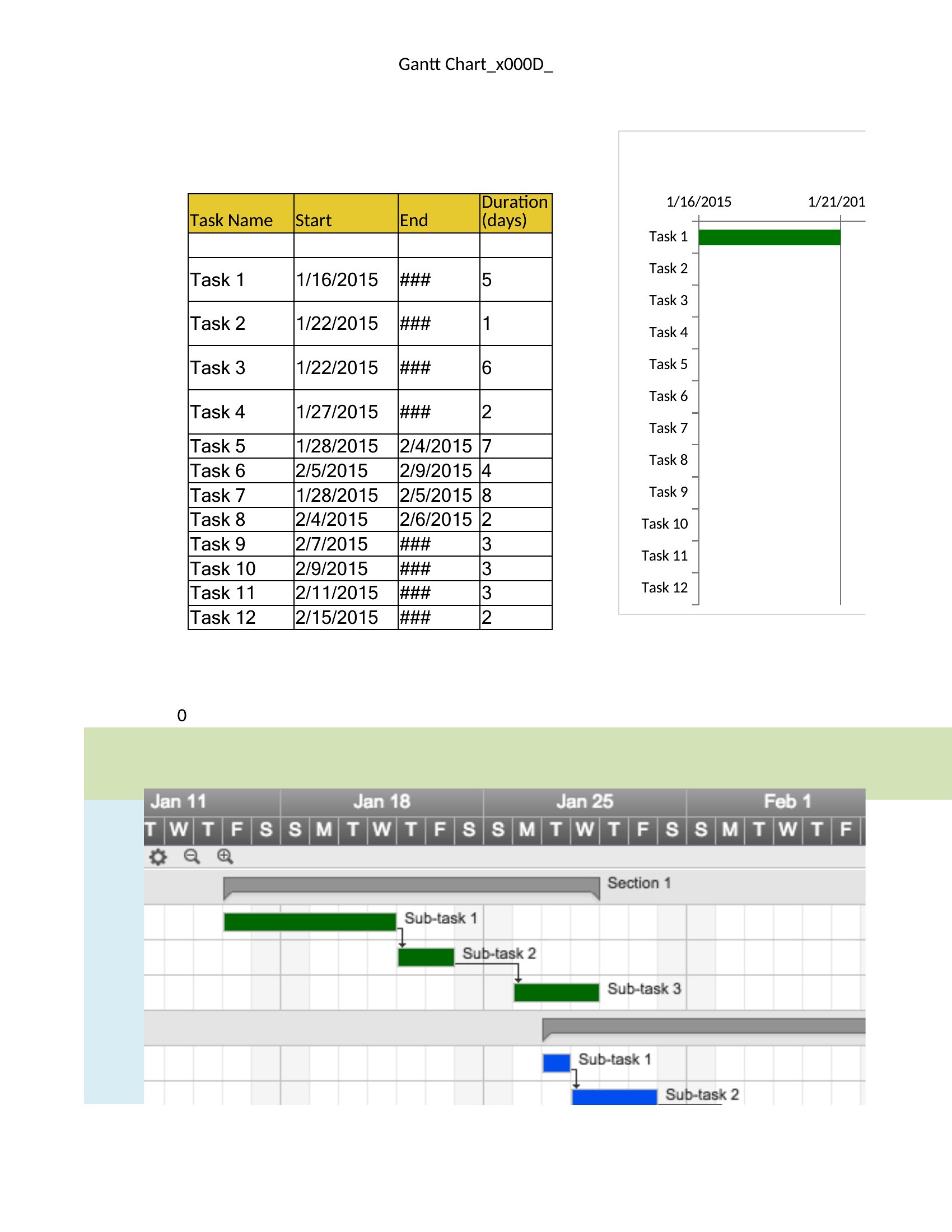
A timeline shows key milestones, start and end dates, and the order tasks occur. Some add durations, dependencies, and responsible owners. Marking phases clearly and spacing events to reflect time helps readers grasp pacing and spot where deadlines cluster or overlap.
How do you create an effective timeline?
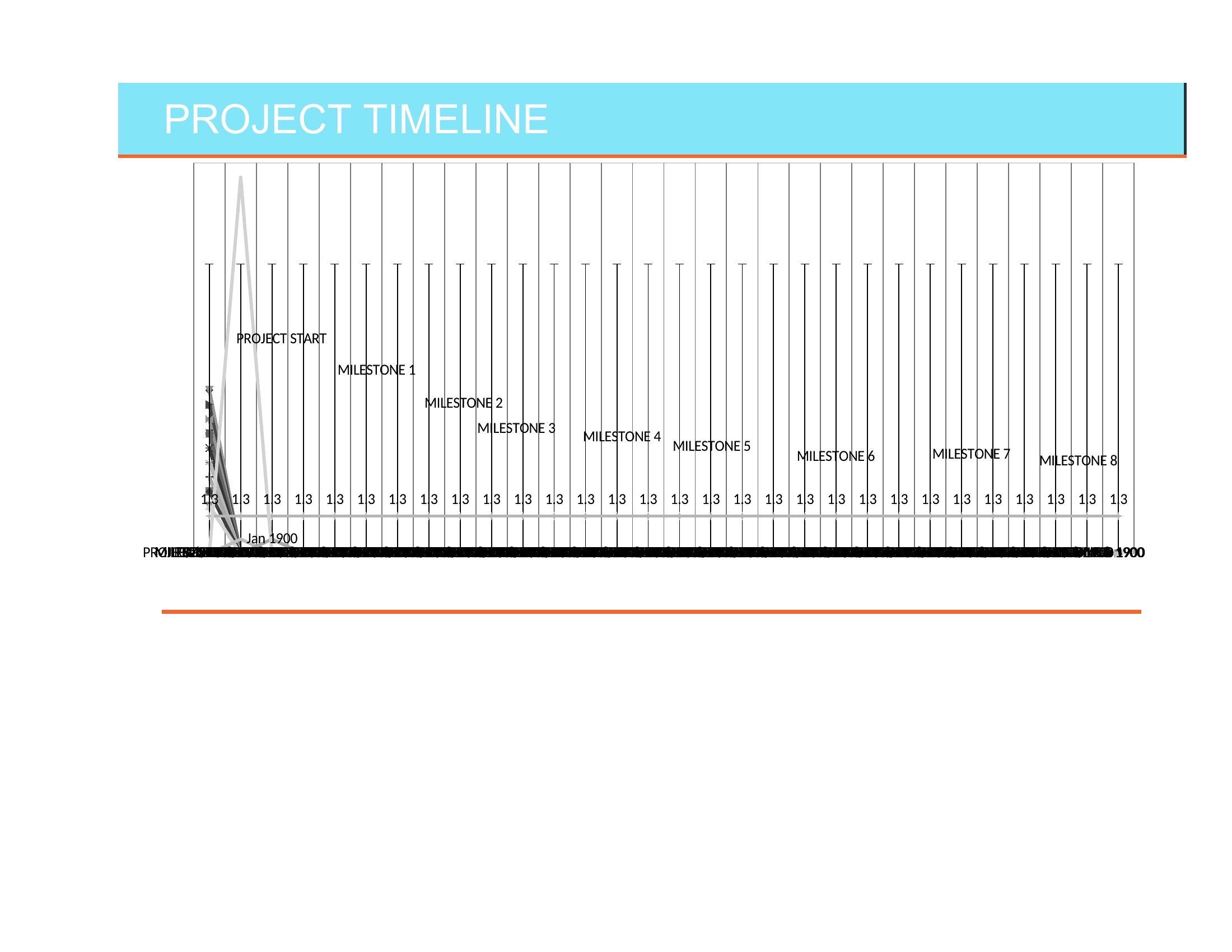
Start by listing every major milestone and its date, then place them in order along a line. Use consistent spacing, label each point clearly, and group related events into phases. Keep it uncluttered by showing only the milestones that matter most to your audience.
Comments
Join the conversation
Sign in to share your thoughts and leave a comment on this resource.