
Free Process Map Templates (Word)
Diagrams by linuskoenen
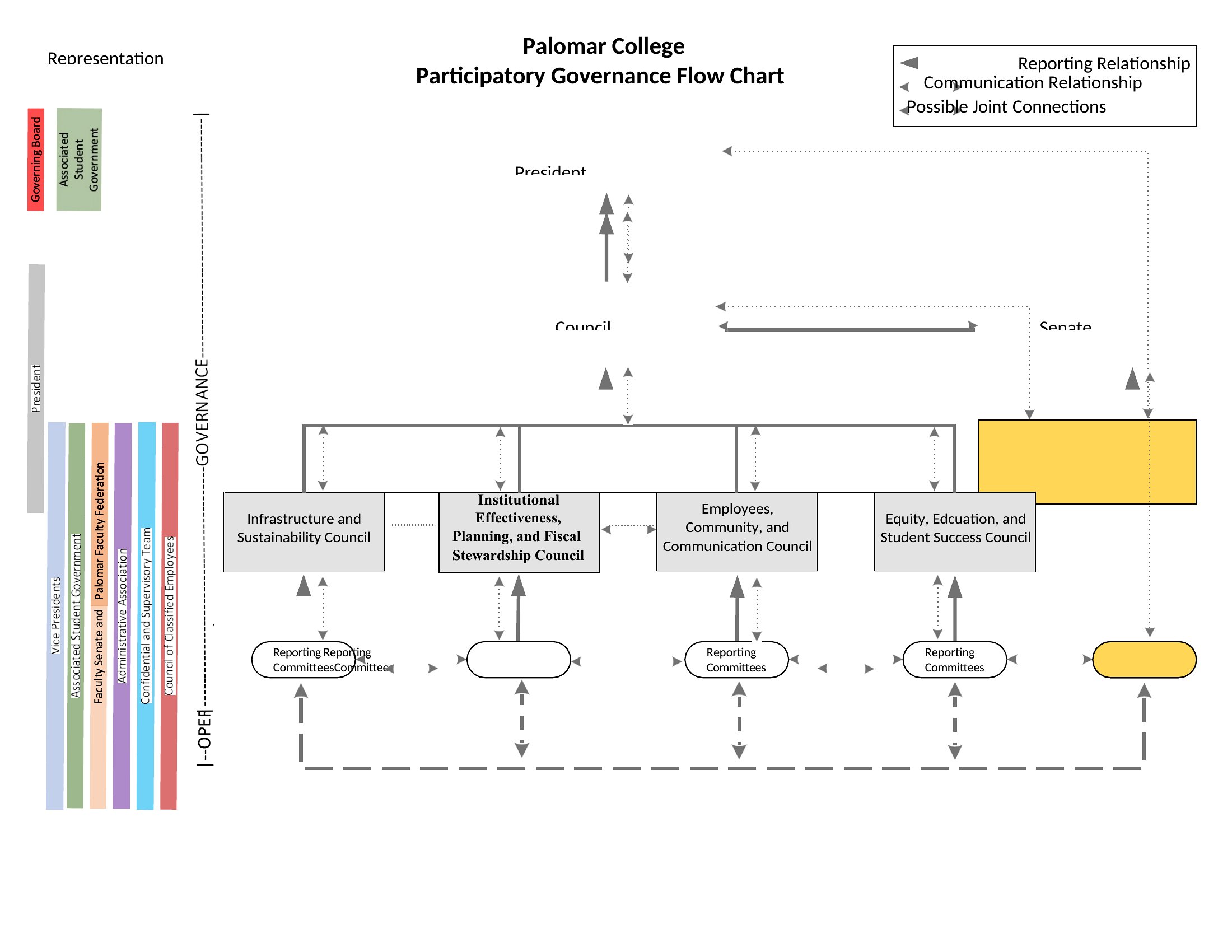
Seeing a workflow drawn out makes it far easier to spot bottlenecks and hand-offs that slow things down. This set of 28 process map templates helps you chart the steps, decisions, and roles in any procedure, from onboarding to order fulfillment. Operations managers, analysts, and teams documenting how work actually flows can start from a clear structure instead of a blank canvas.
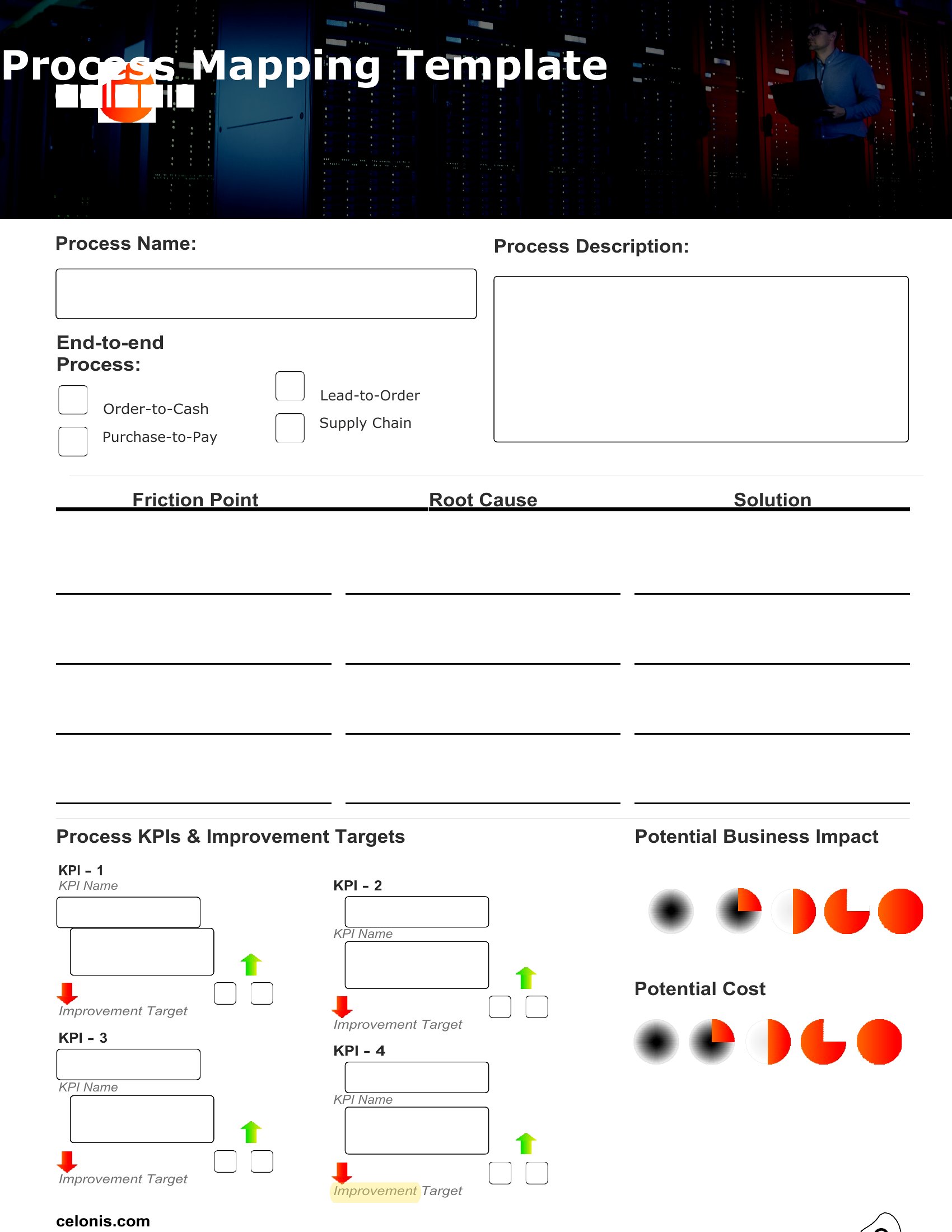
Each template is editable in Word, so you can drag in steps, label decision points, and adjust the flow to match your process. Map the current state, then sketch an improved version to share with the team. A visual map gets everyone aligned faster than a wall of text. Choose the layout that fits your workflow and start mapping it out.
Choose from 28 Process Map Templates
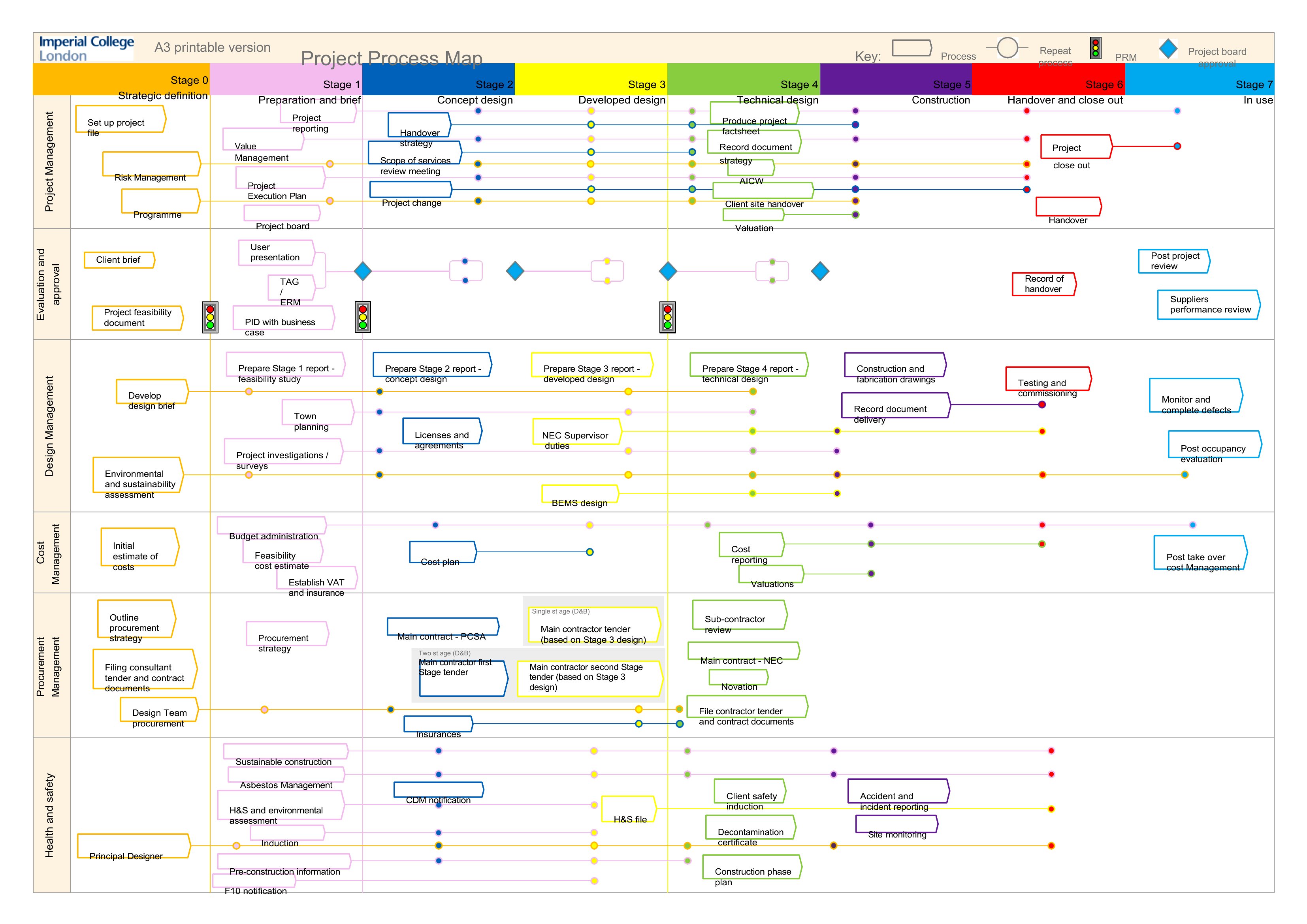
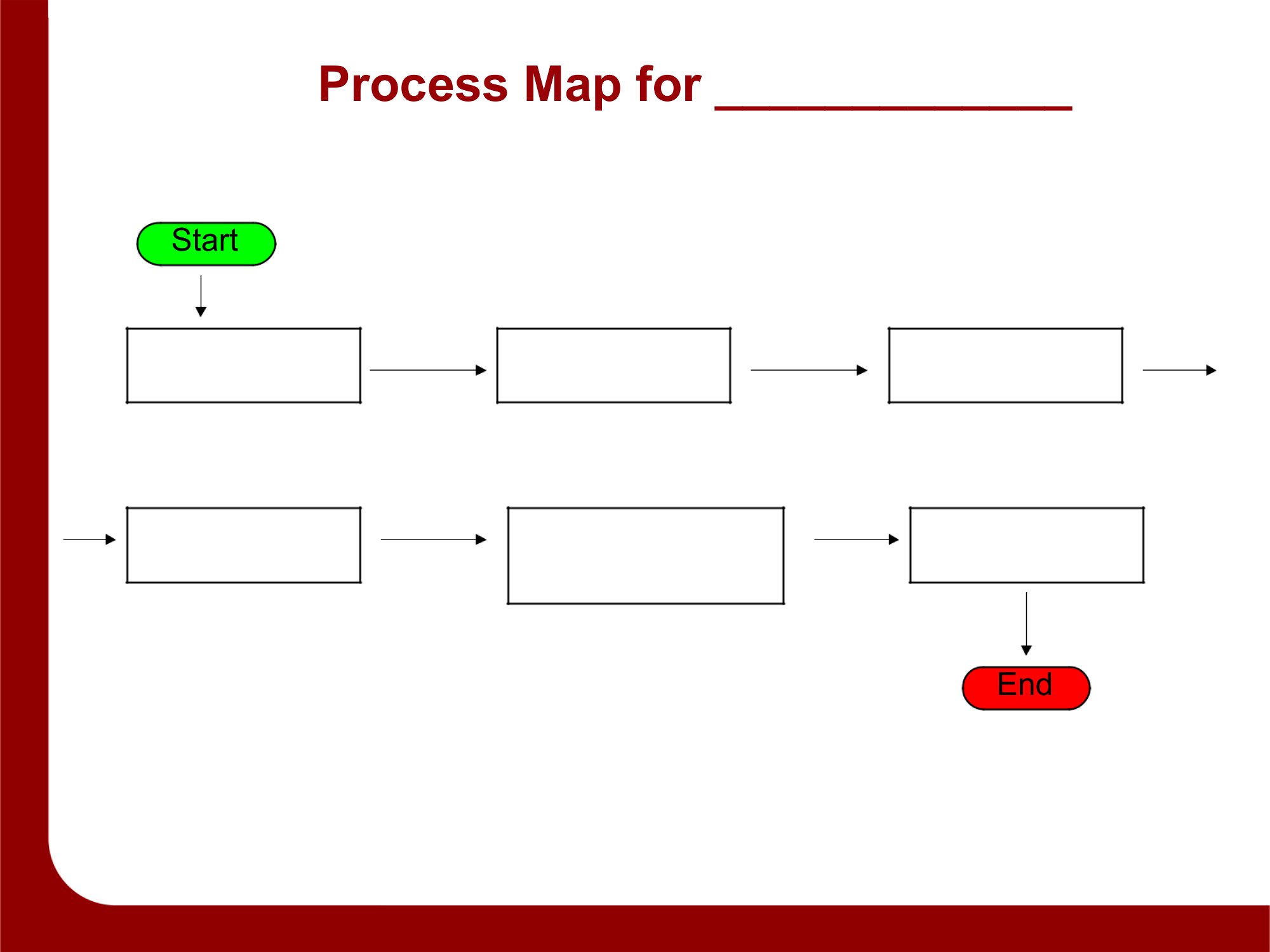
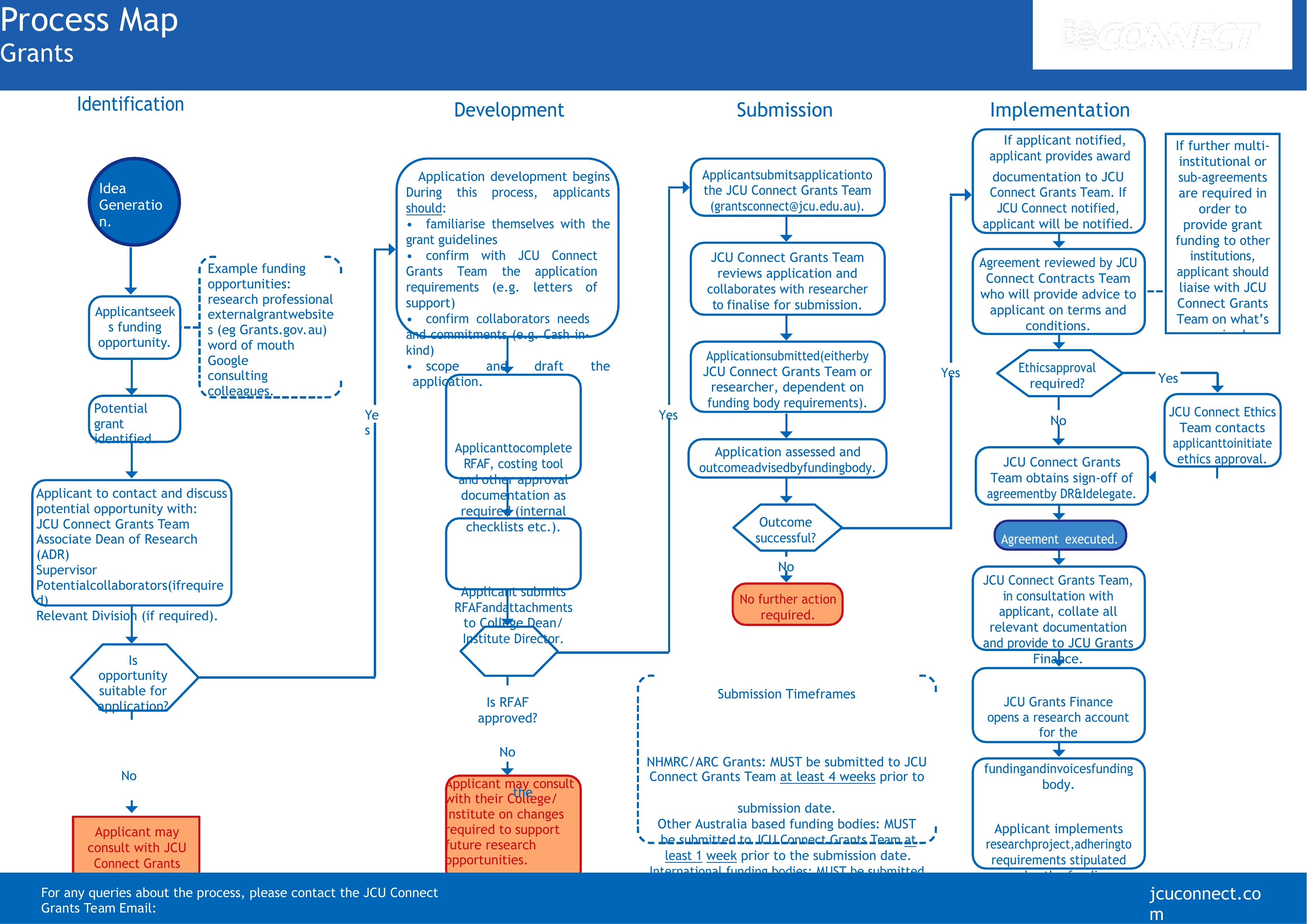
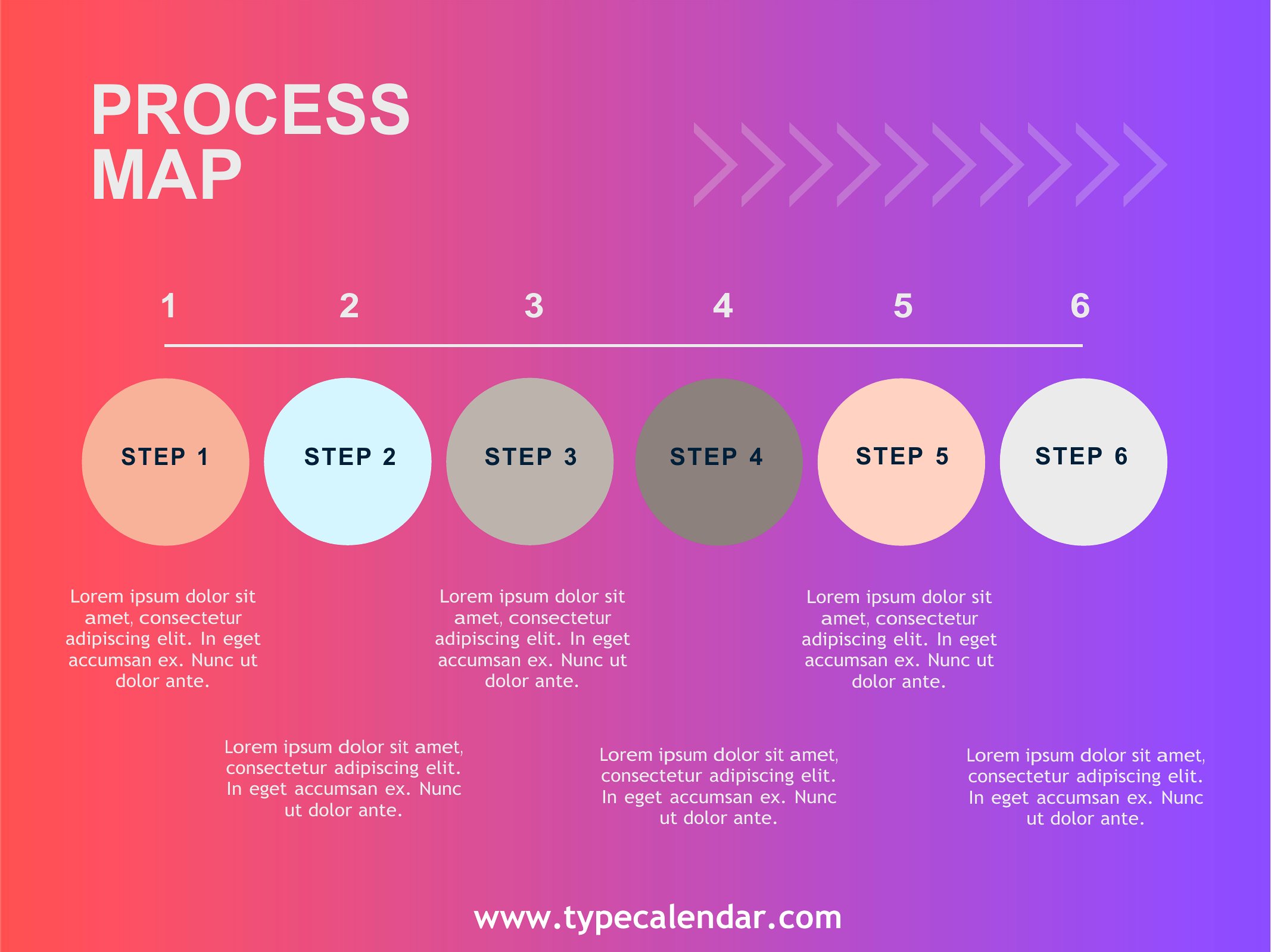
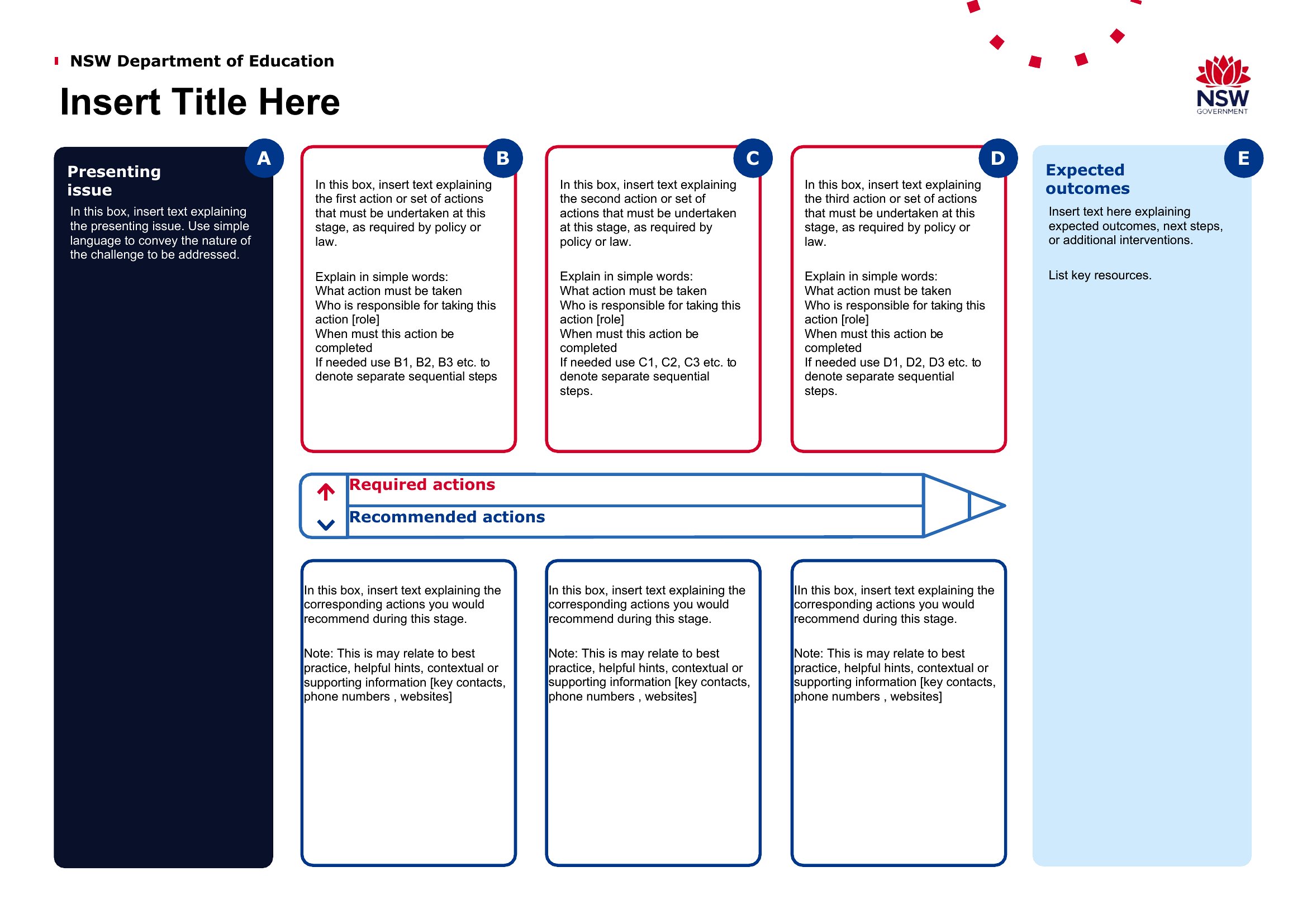
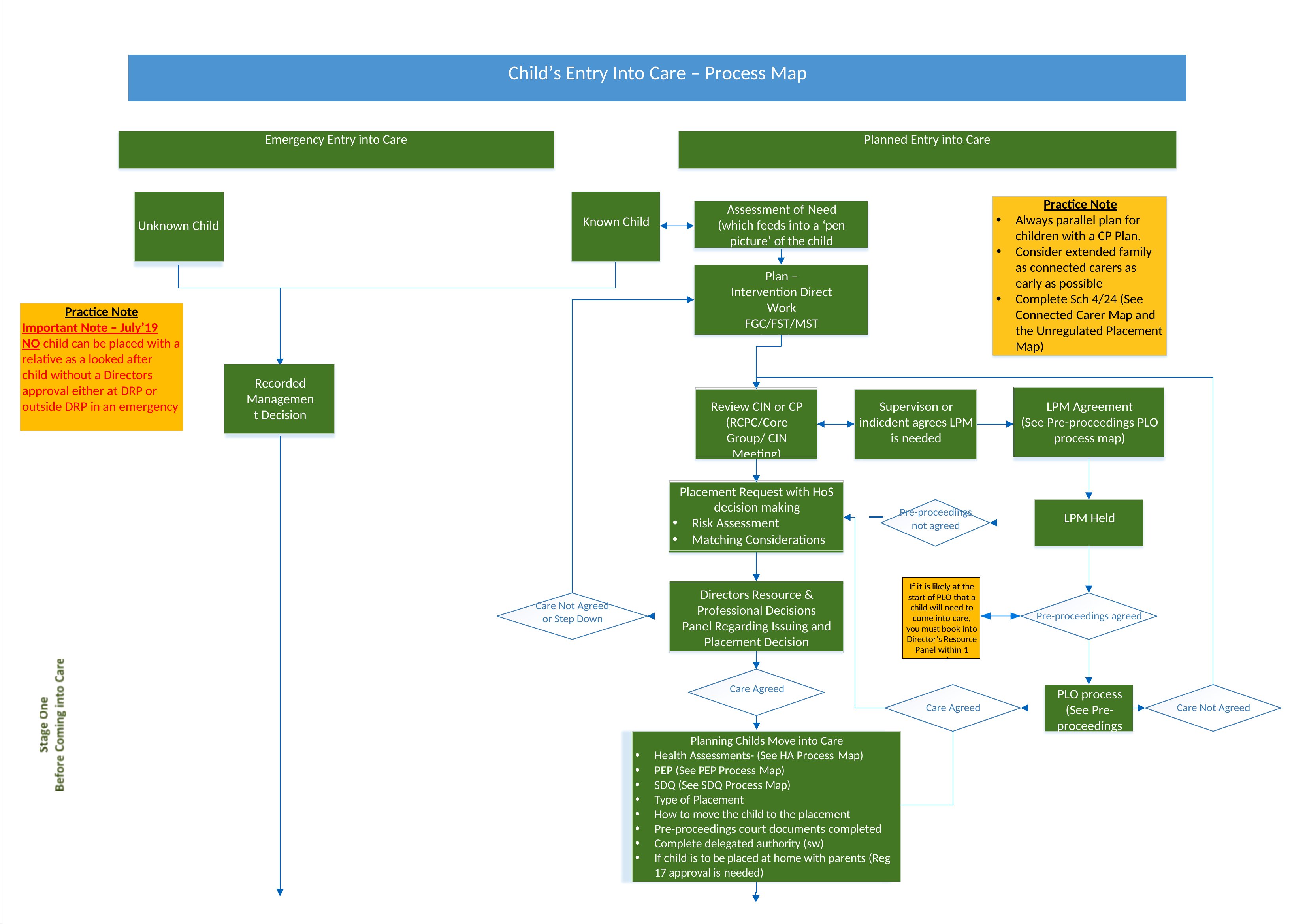
Process Map Pdf
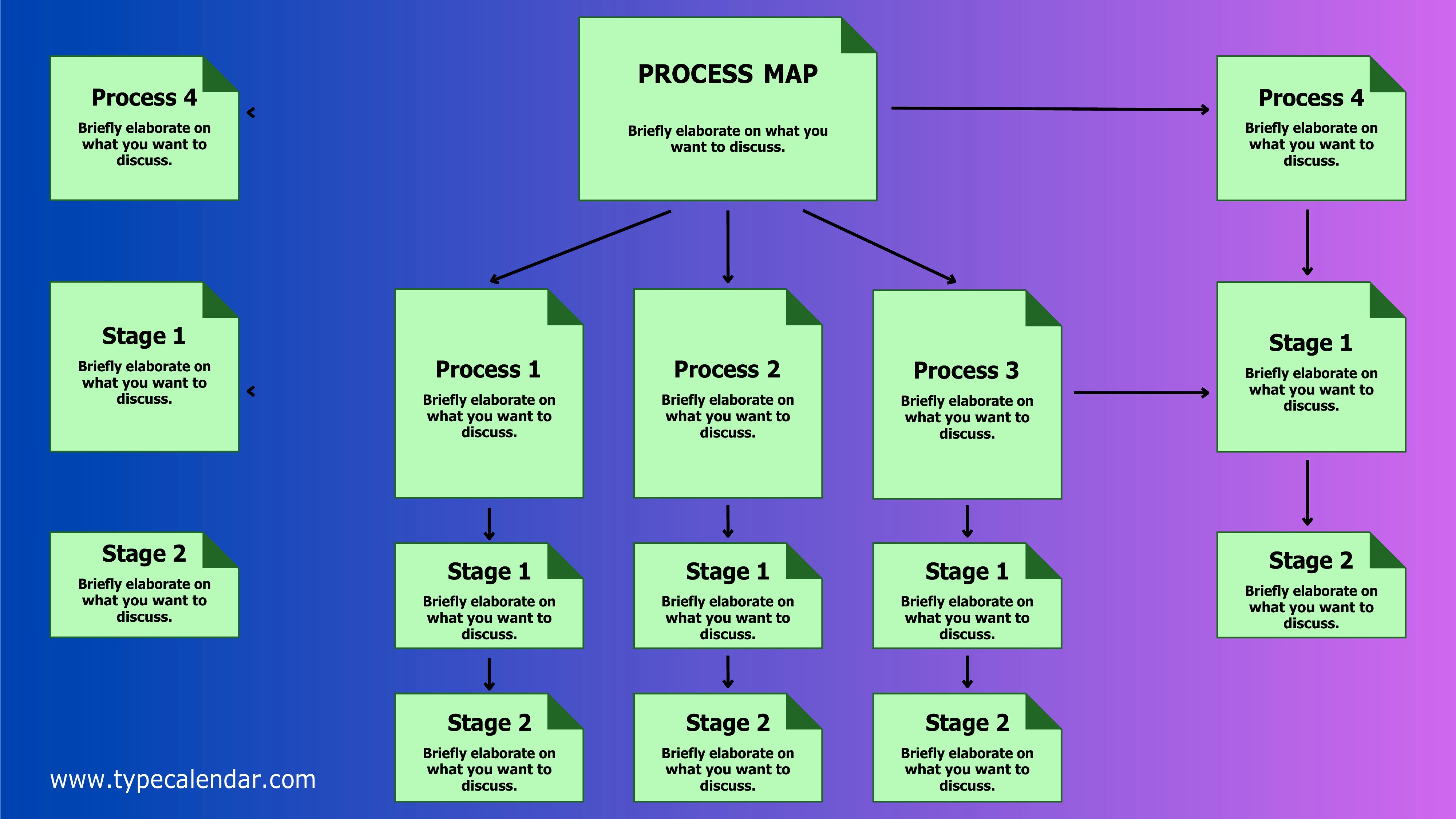
Process Mapping
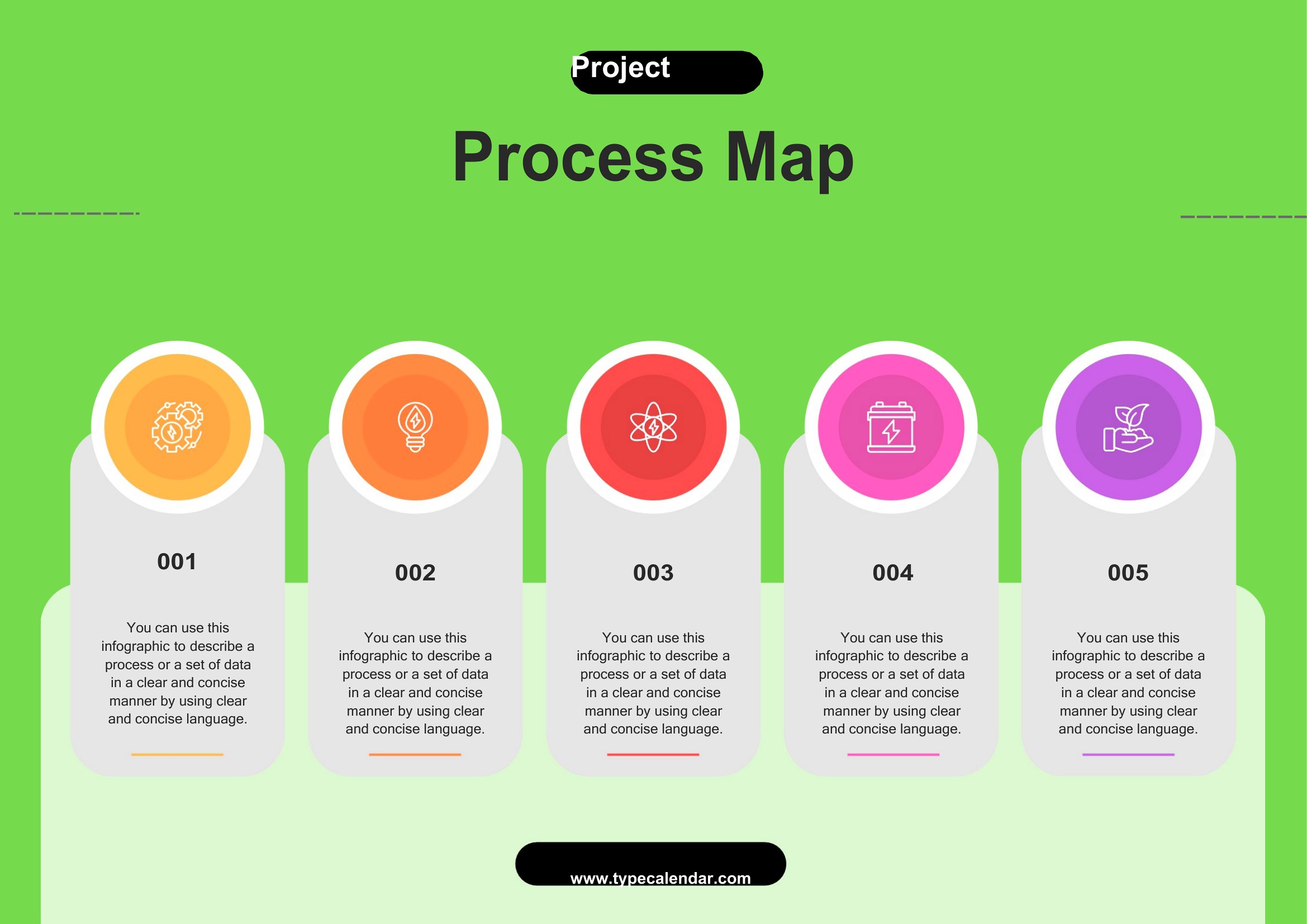
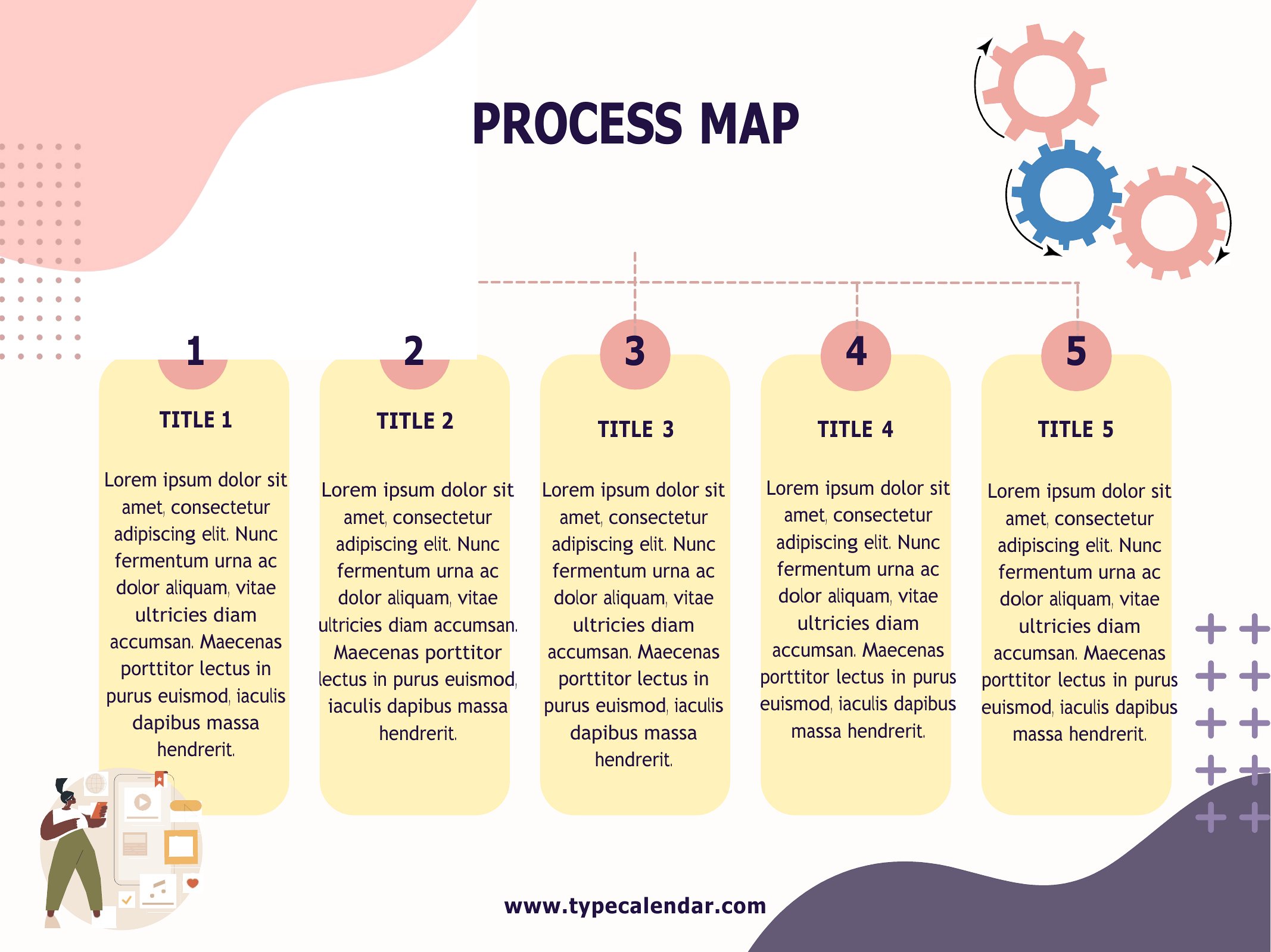
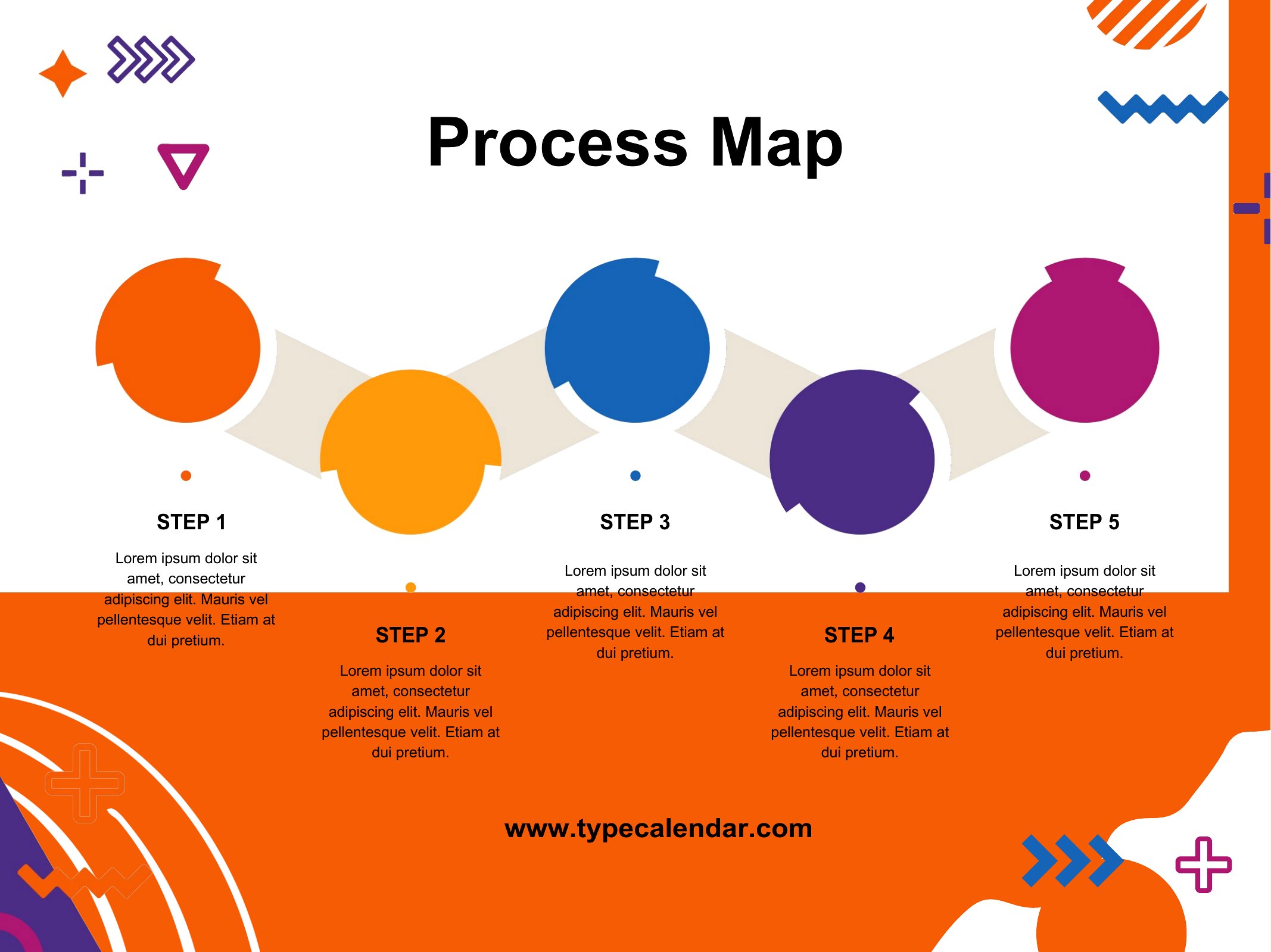
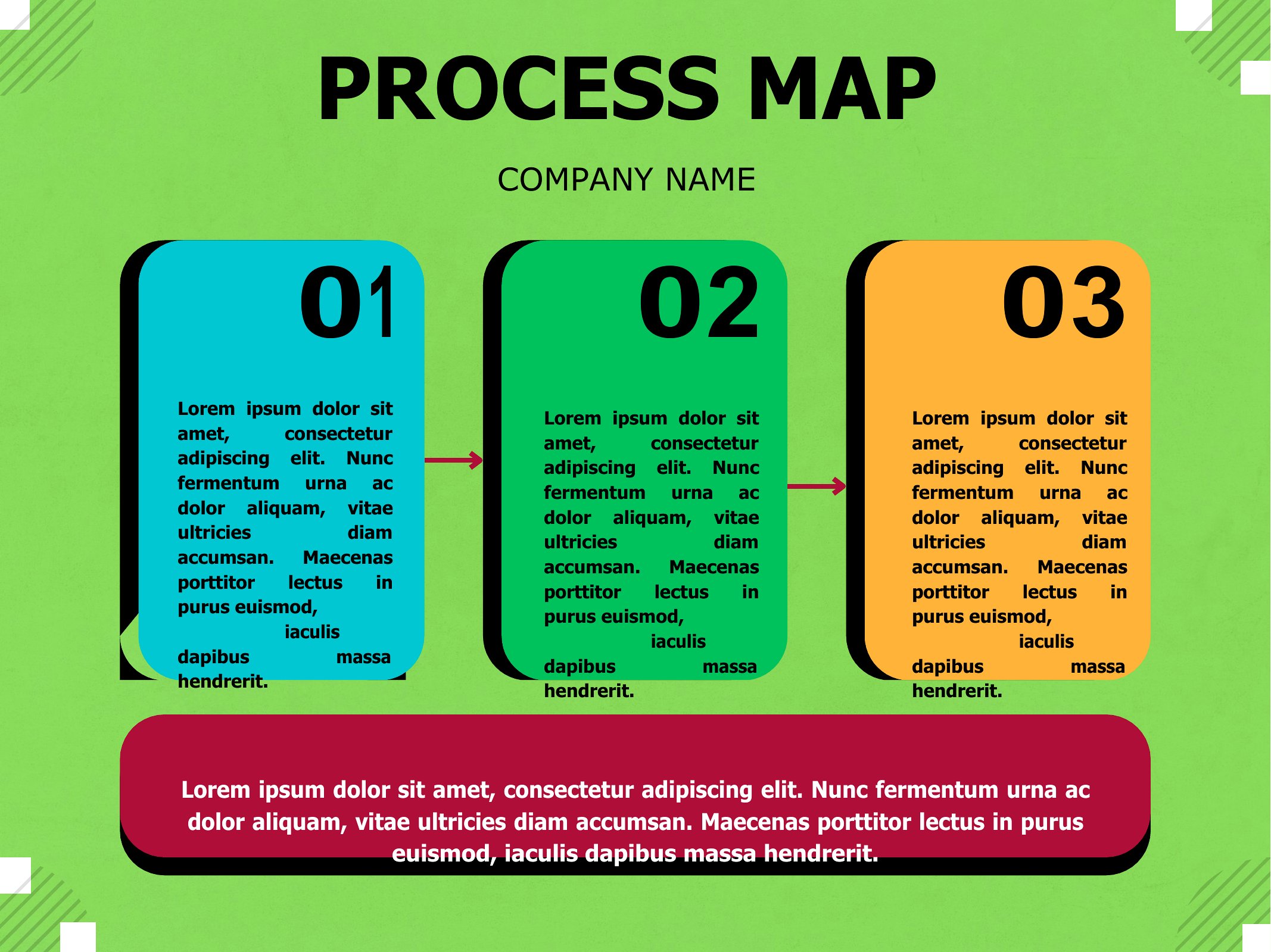
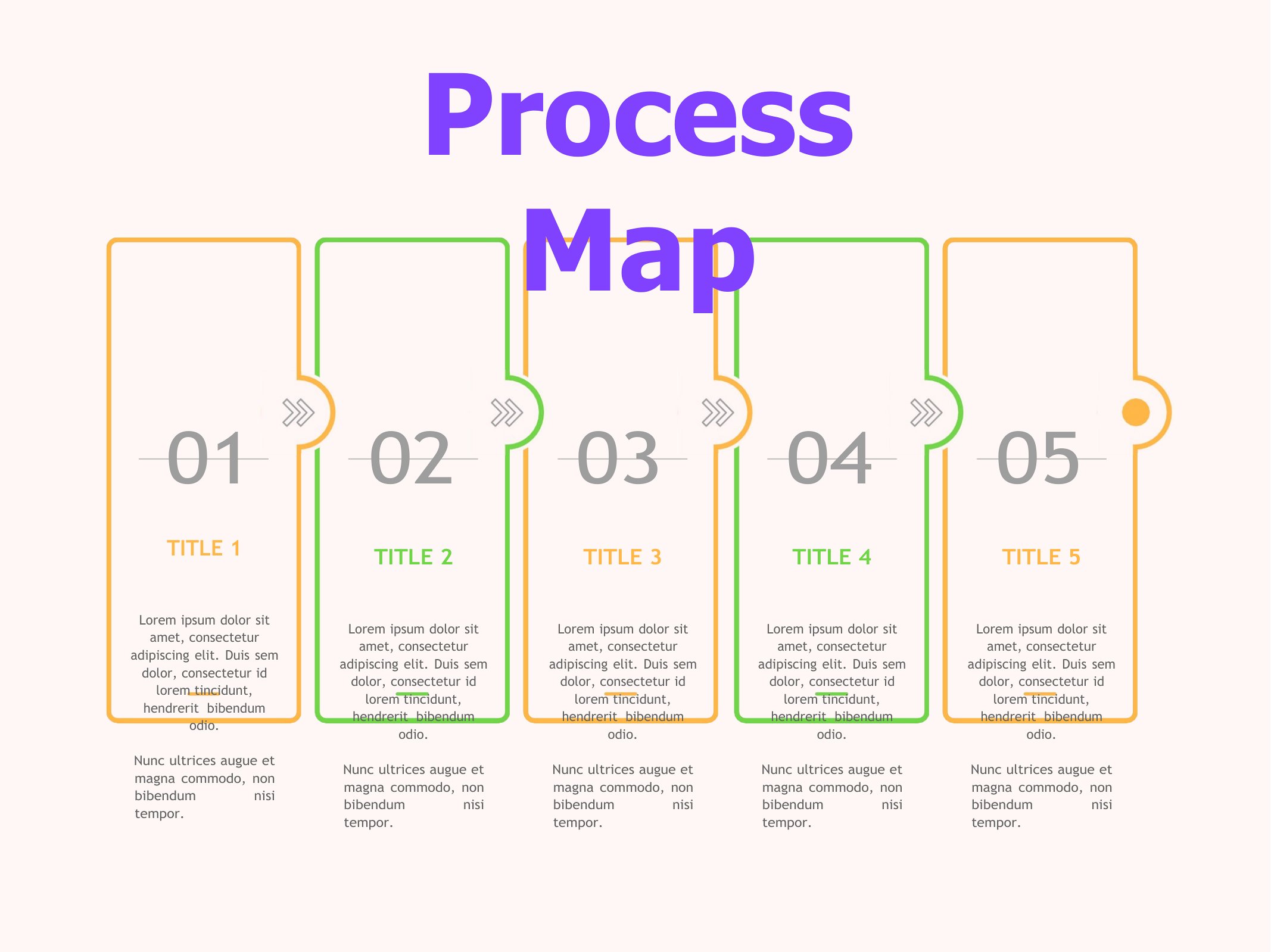
Process Map Template
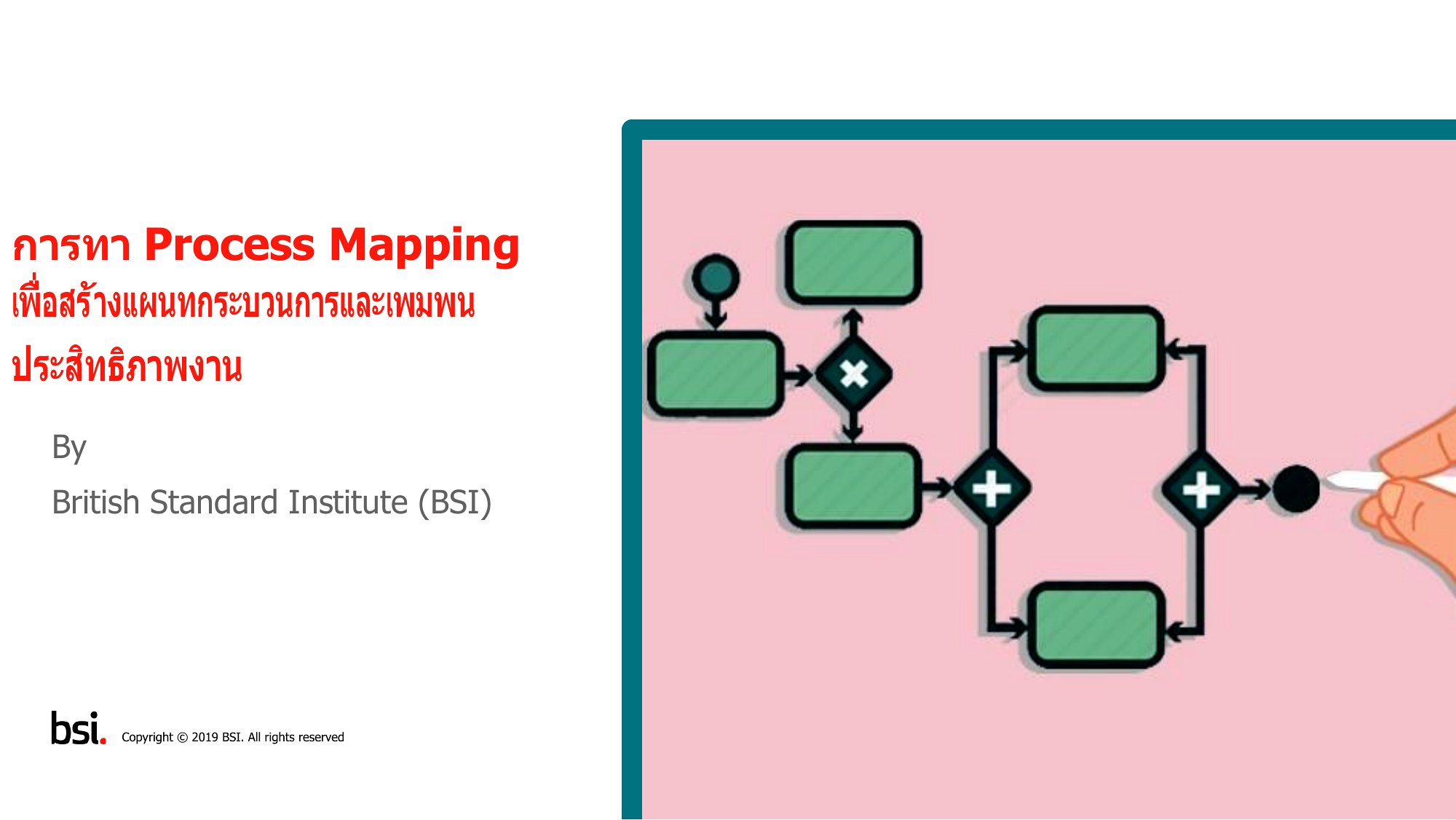
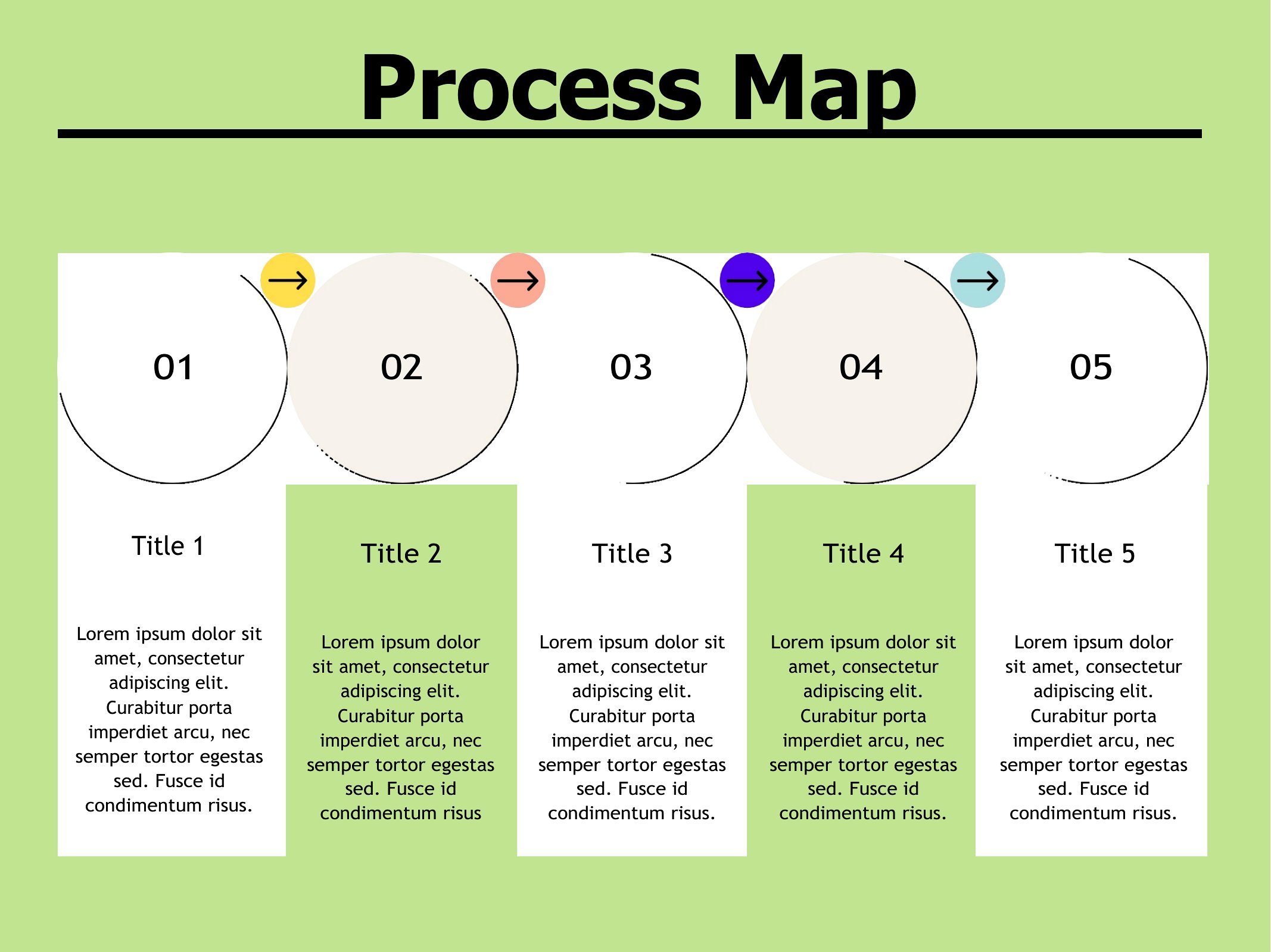
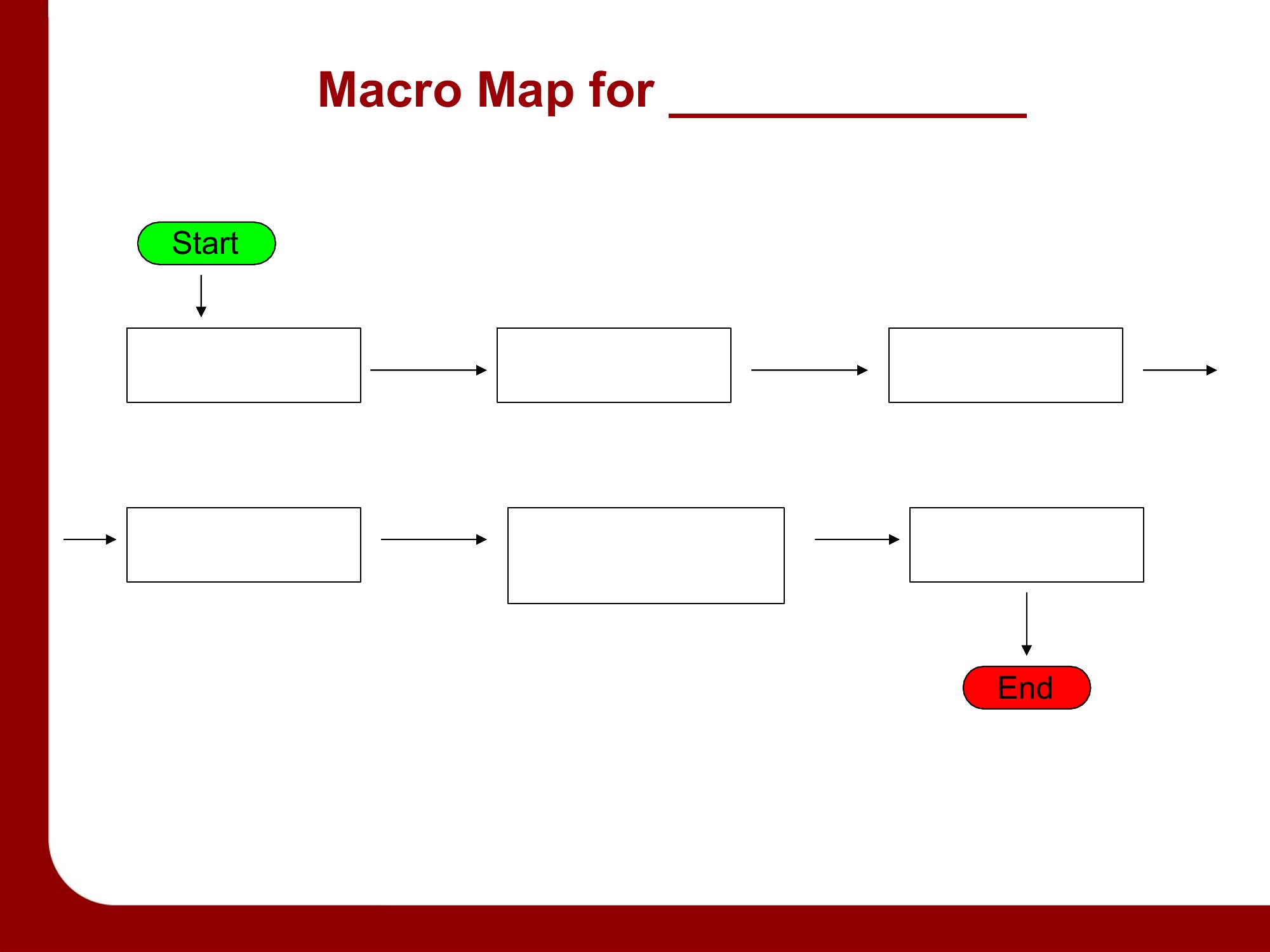
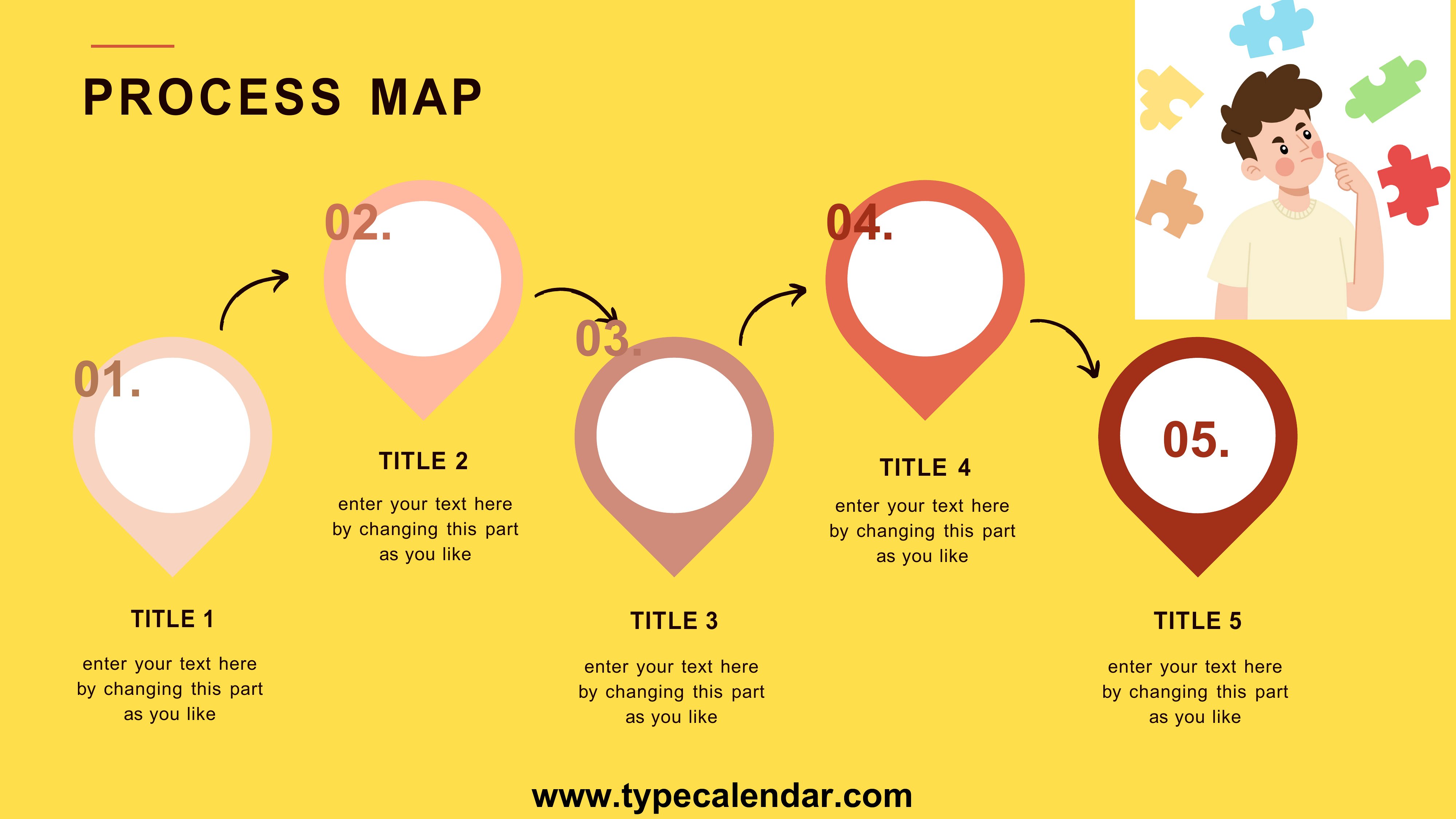
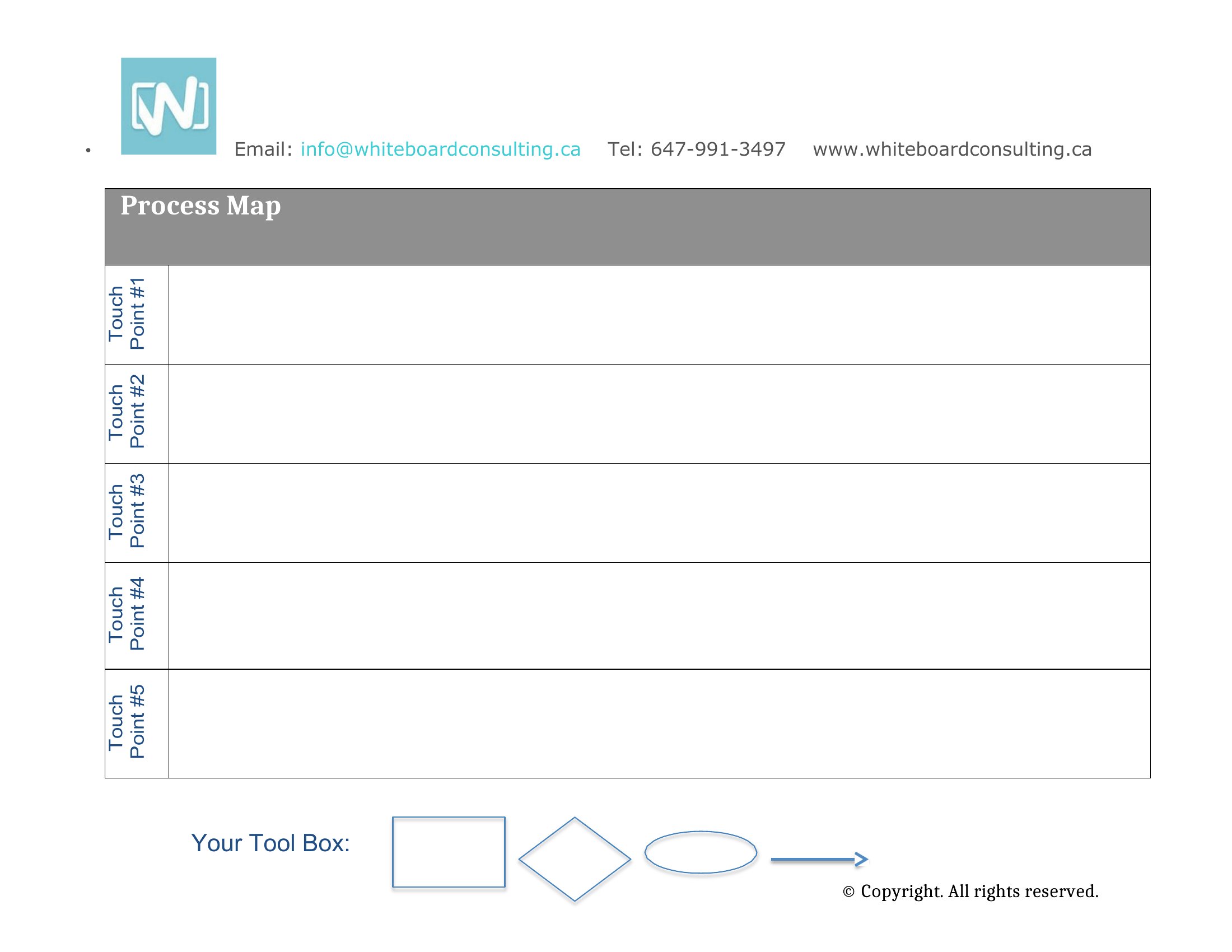
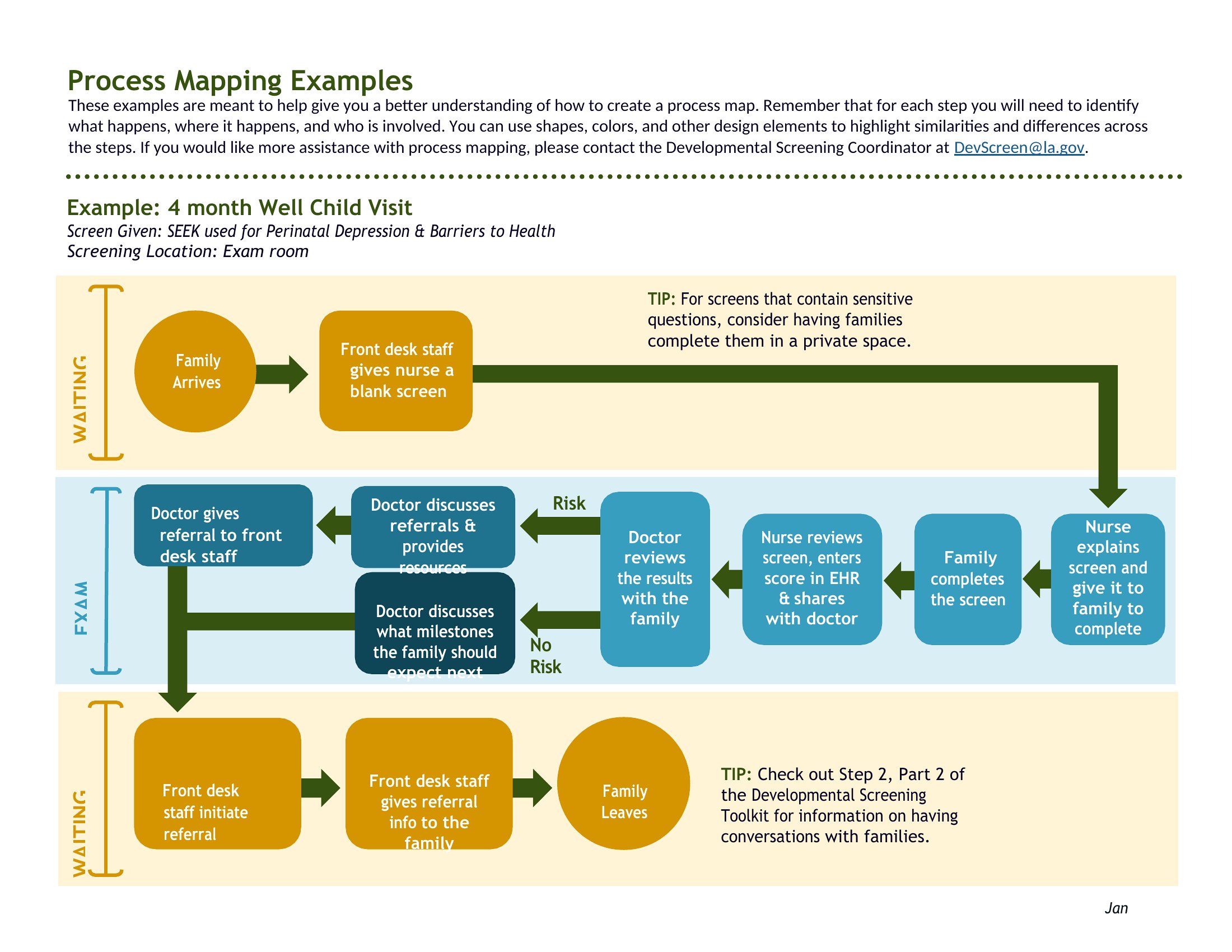
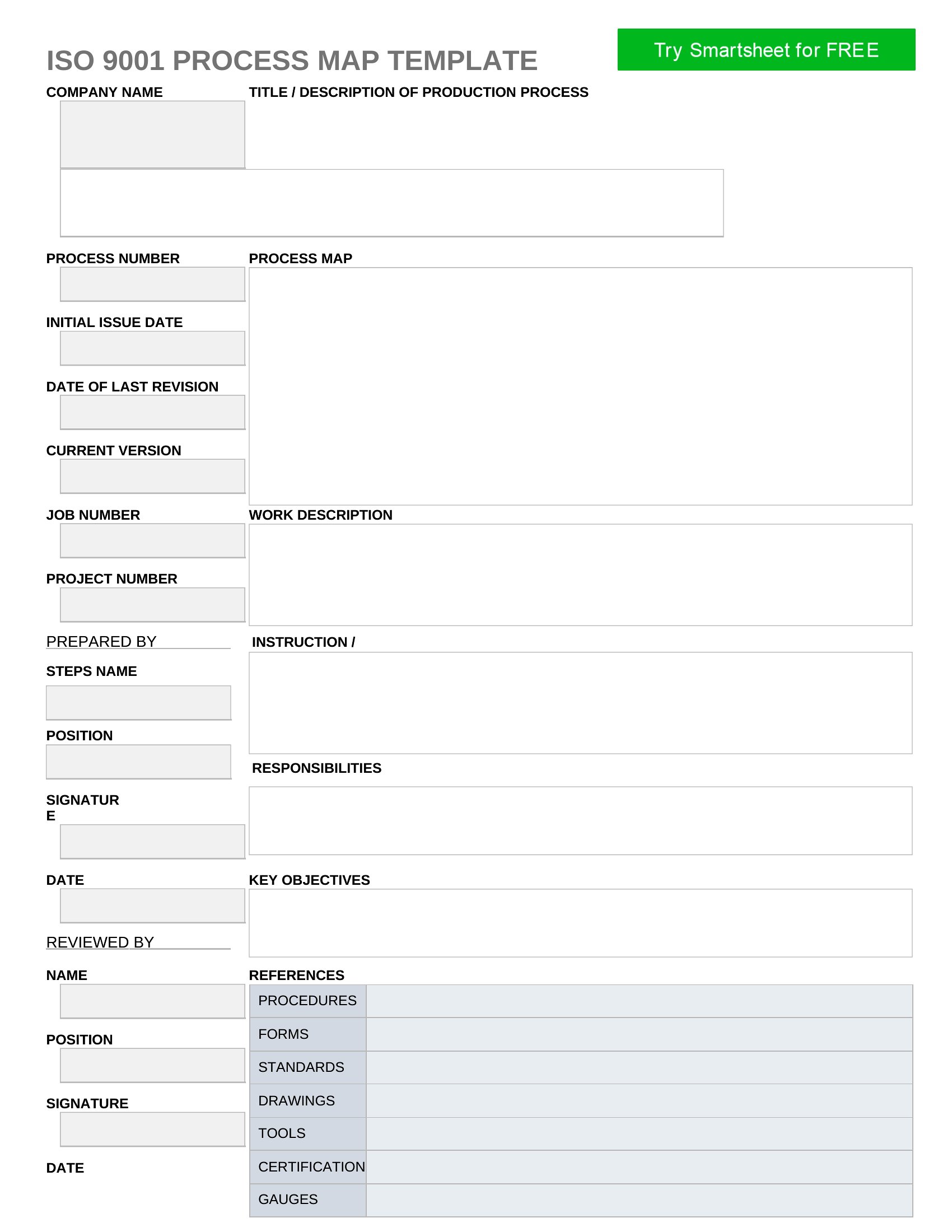
Editable Process Map
Frequently Asked Questions about Process Map Templates
Are these Process Map templates free to download?
Yes. Every Process Map template in this collection is free to download from TemplateSpark. Just open the template you need, download it, and start editing right away — no subscription required to get started.
What file formats are available for Process Map templates?
These Process Map templates are available in Word. Pick the format that matches your workflow — each download keeps the original layout so it looks right whether you open, print, or share it.
Can I edit these Process Map templates?
Yes. The editable files open in Microsoft Word (and compatible apps like Google Docs or LibreOffice), so you can change the text, colors, and layout to fit your needs, then save or export the finished Process Map document.
How many Process Map templates can I choose from?
This page collects 28 Process Map templates so you can compare styles and layouts in one place. Browse the options, open the one that fits your purpose best, and download it in your preferred format.
Can I use Process Map templates for commercial purposes?
In most cases, yes — these Process Map templates are intended for both personal and business use. Check the license note on the template before redistributing or reselling, and avoid sharing the source files as your own product.
What is a process map and what does it show?
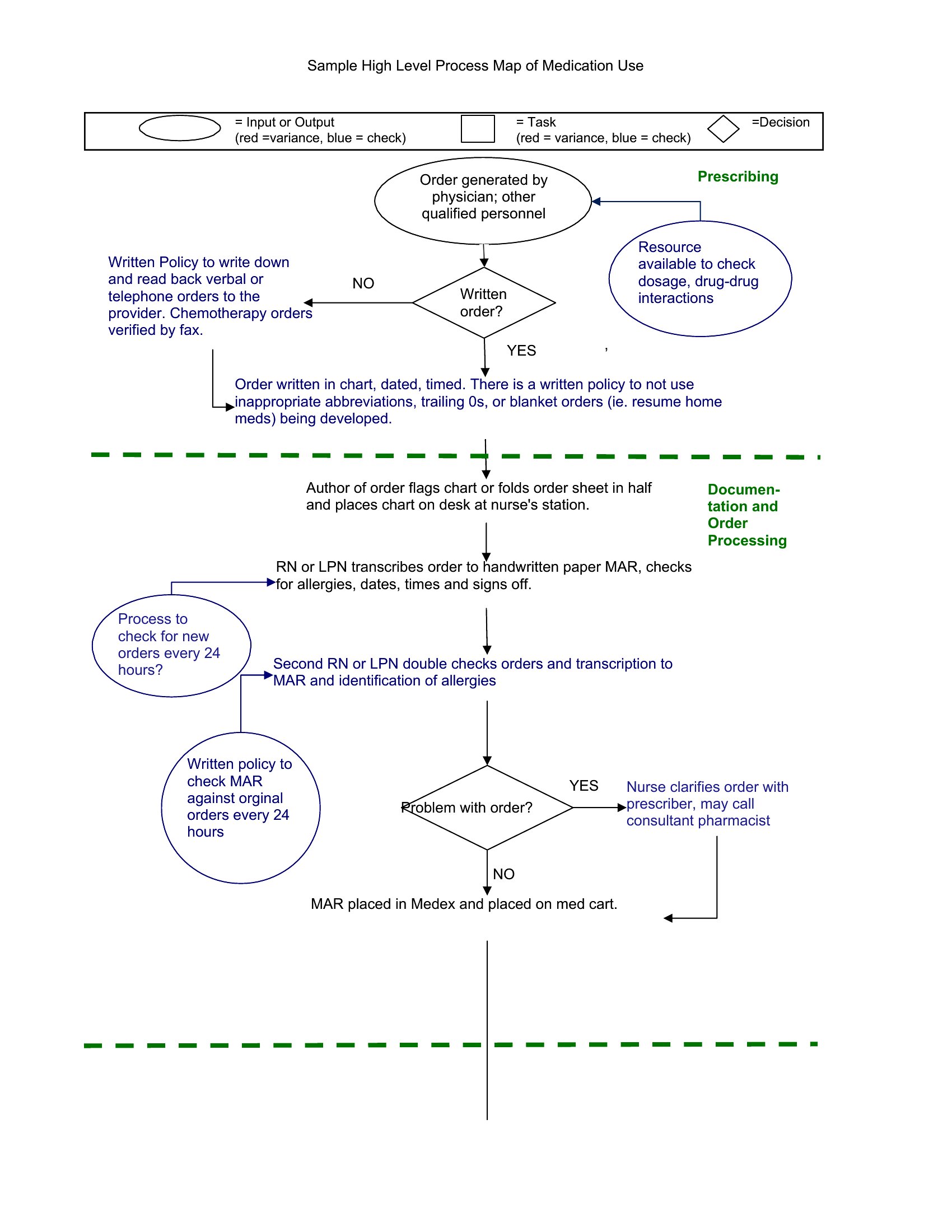
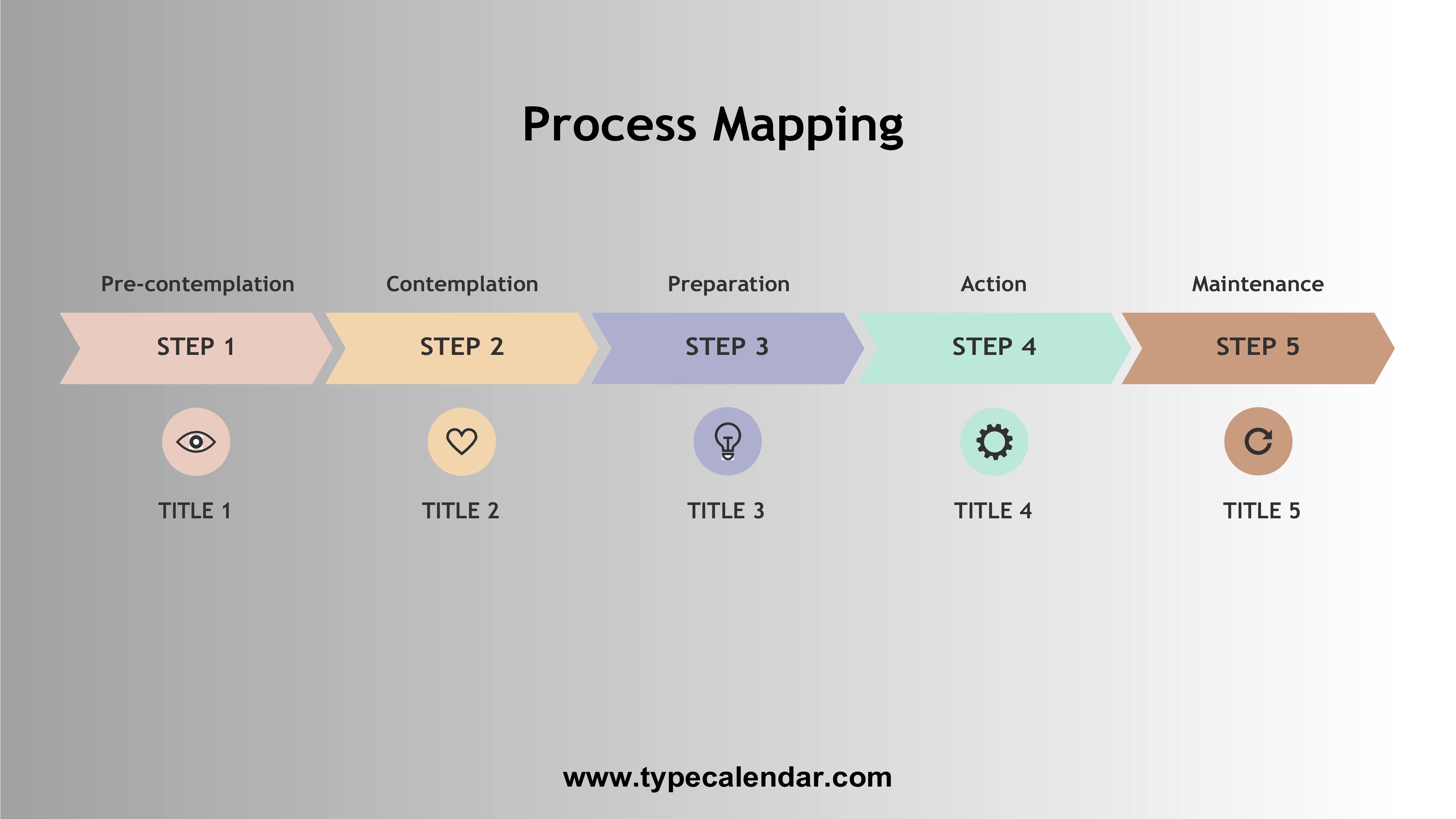
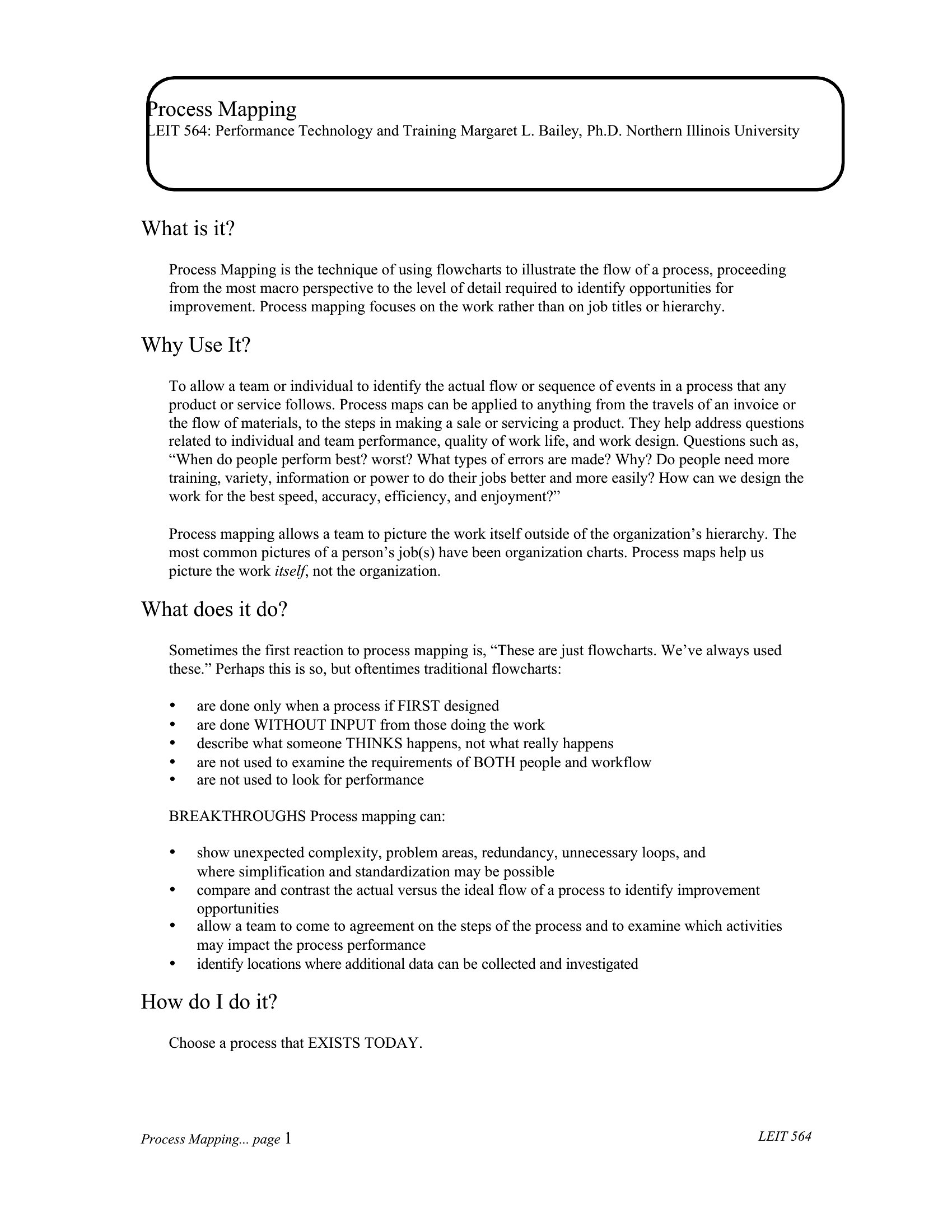
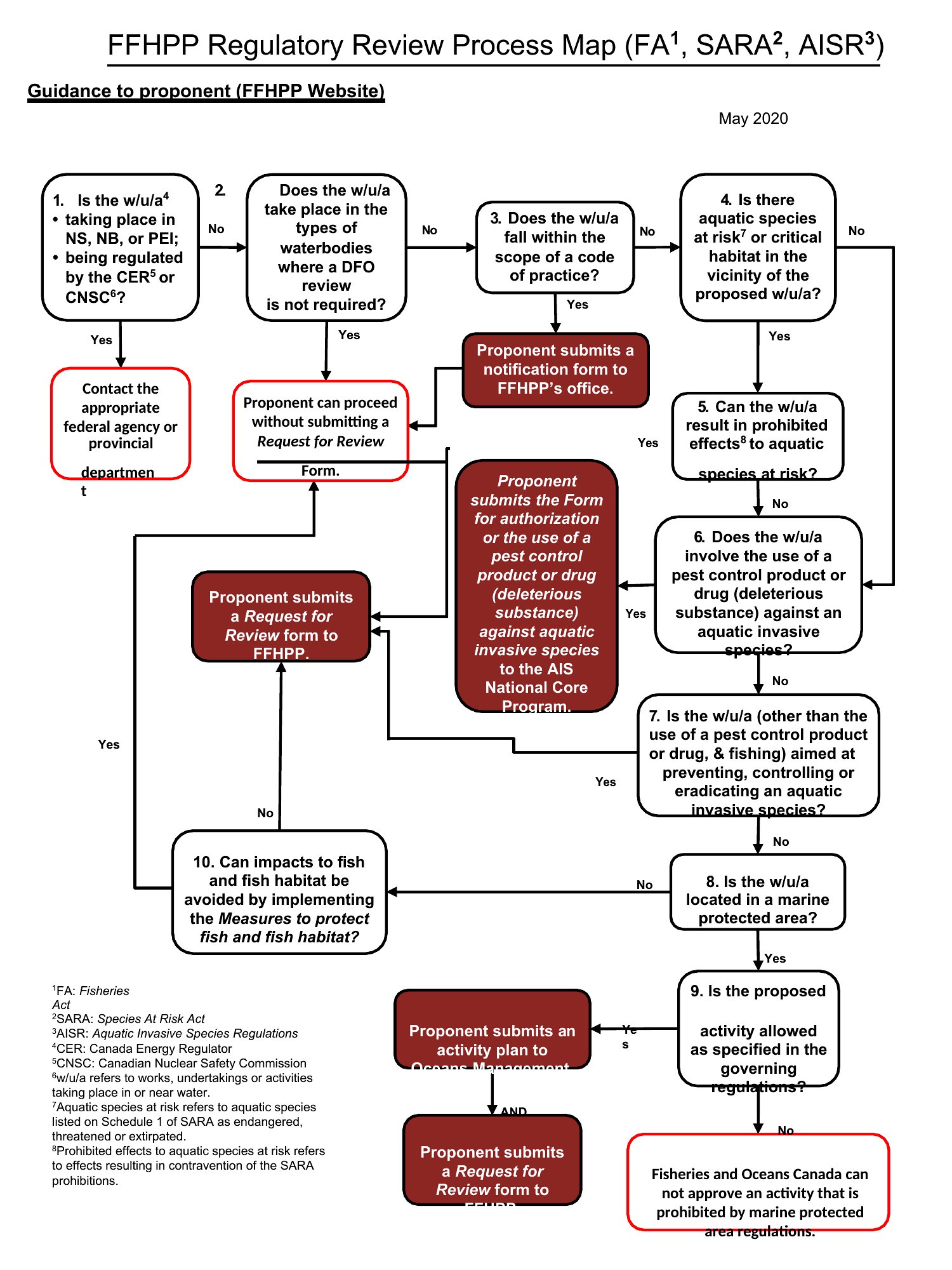
A process map is a visual diagram of the steps, decisions, and roles involved in a workflow. It shows how work flows from start to finish, where hand-offs and decision points occur, and who is responsible, making it easier to understand, analyze, and improve a procedure.
How do you create a process map?
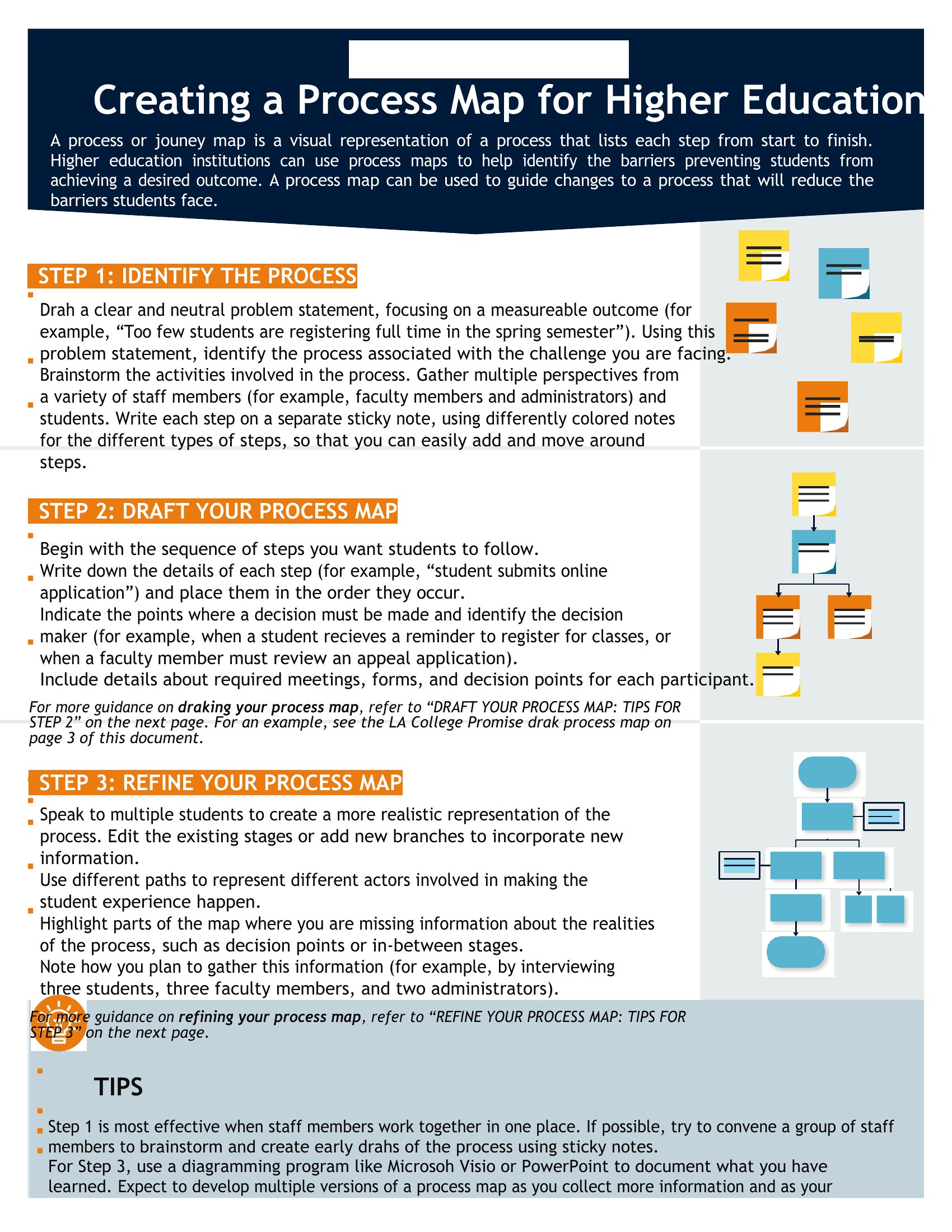
Define the process start and end points, then list each step in sequence. Use standard symbols, such as rectangles for tasks and diamonds for decisions, connect them with arrows showing flow, and assign roles. Review the map with people who do the work to confirm accuracy.
How does a process map help find bottlenecks?
By laying out every step and hand-off, a process map exposes points where work piles up, waits for approval, or passes between teams. Seeing the flow visually makes delays, redundant steps, and unclear ownership obvious, so teams can target those areas for improvement.
Comments
Join the conversation
Sign in to share your thoughts and leave a comment on this resource.