
Free Phone Tree Templates (Word, Excel)
Diagrams by melvinbowman
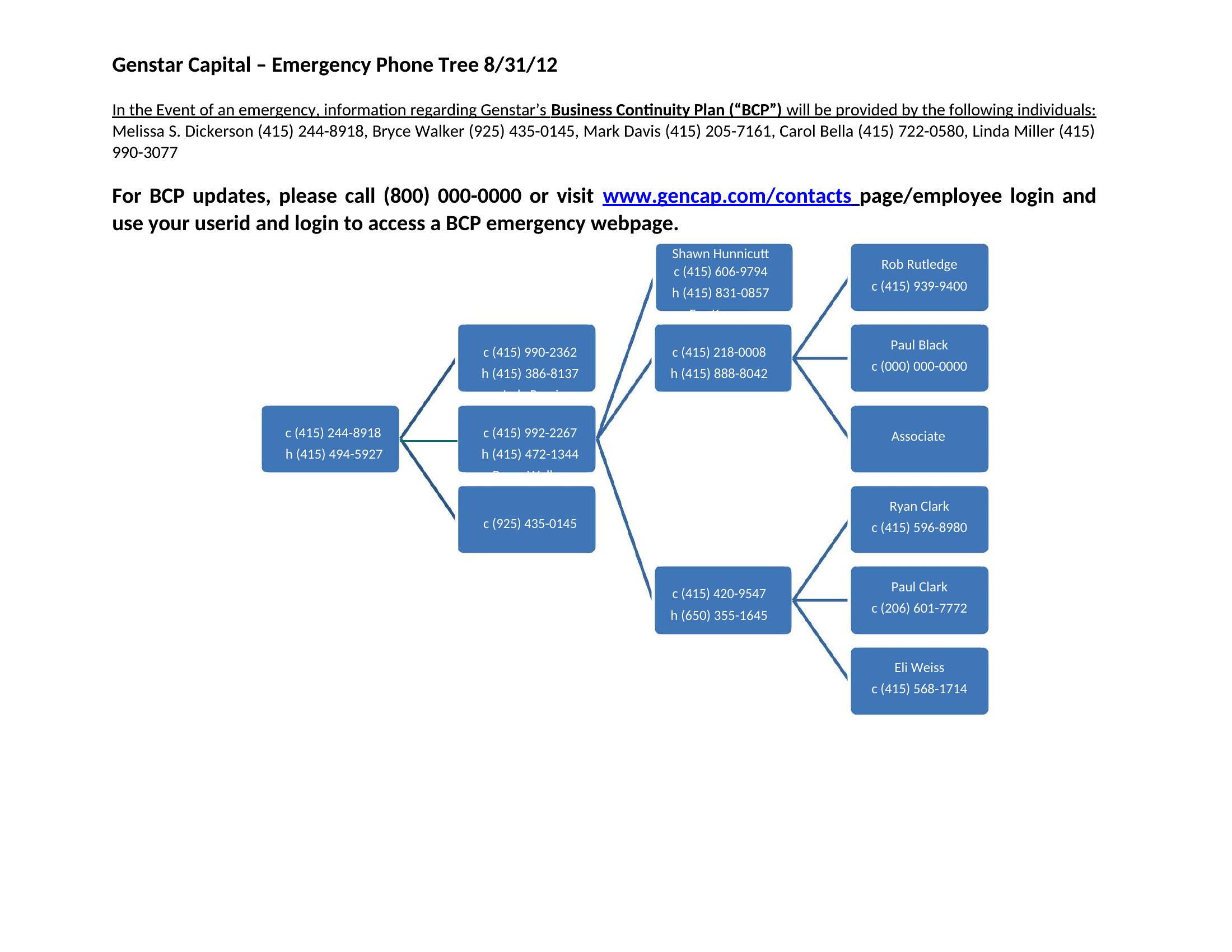
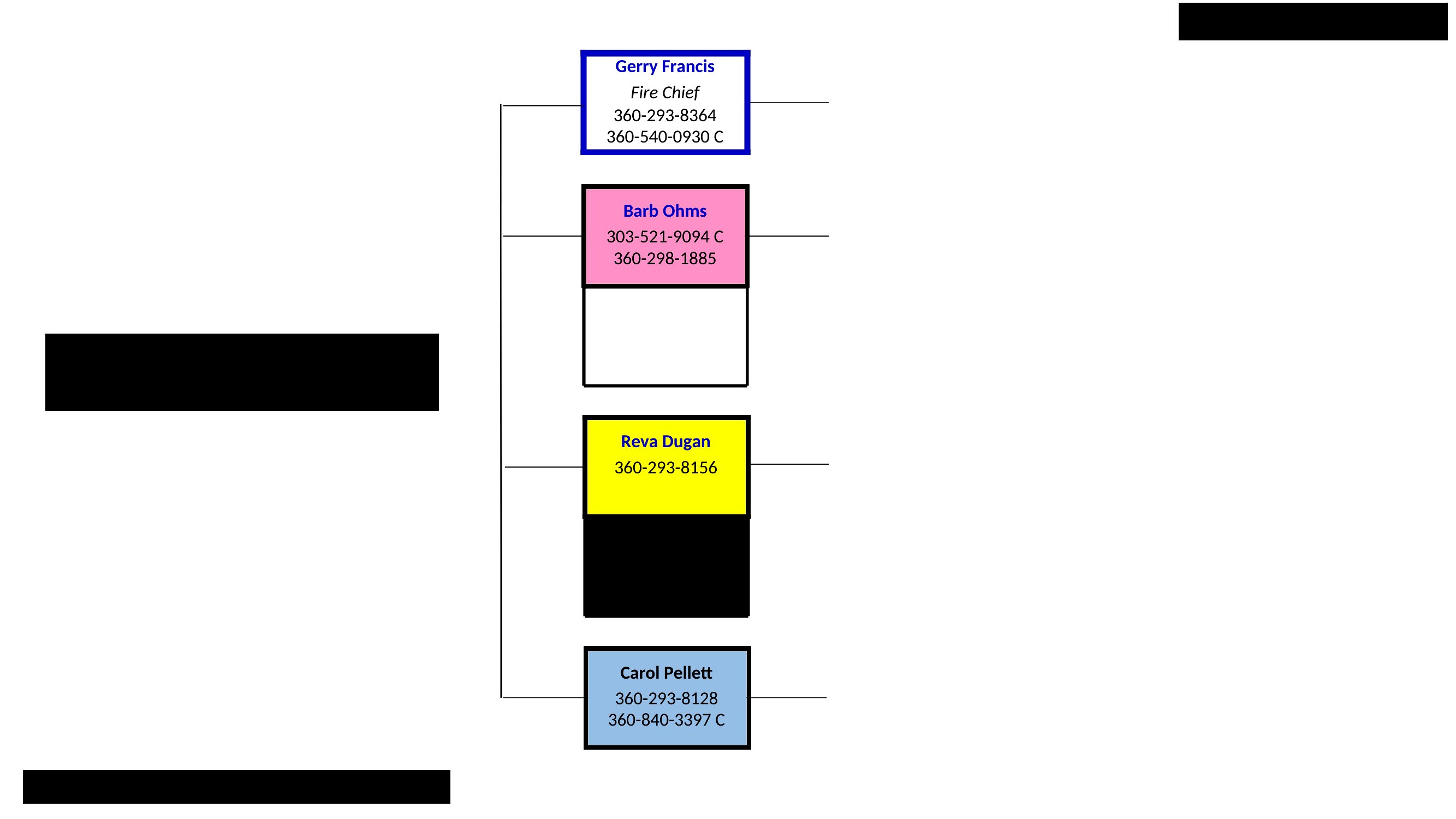
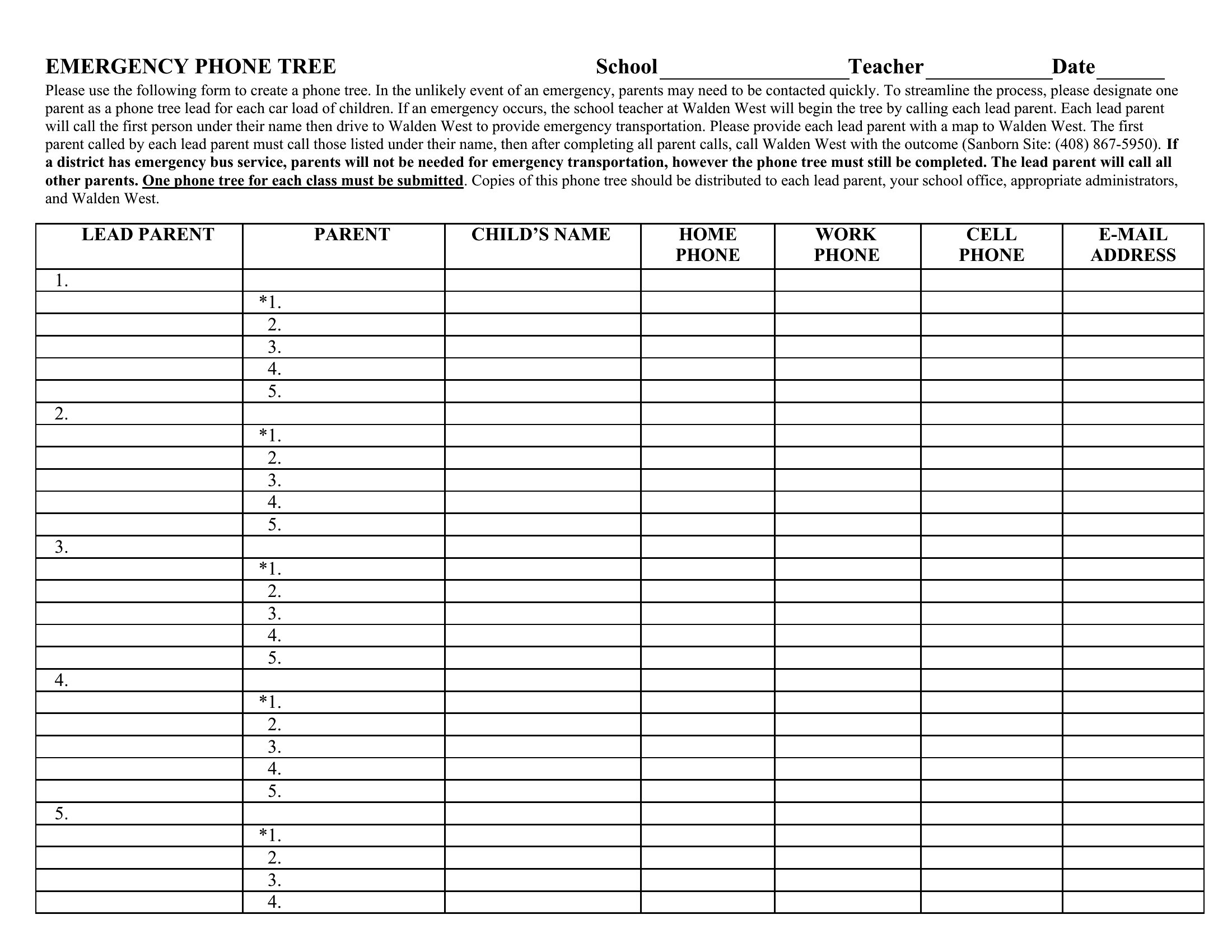
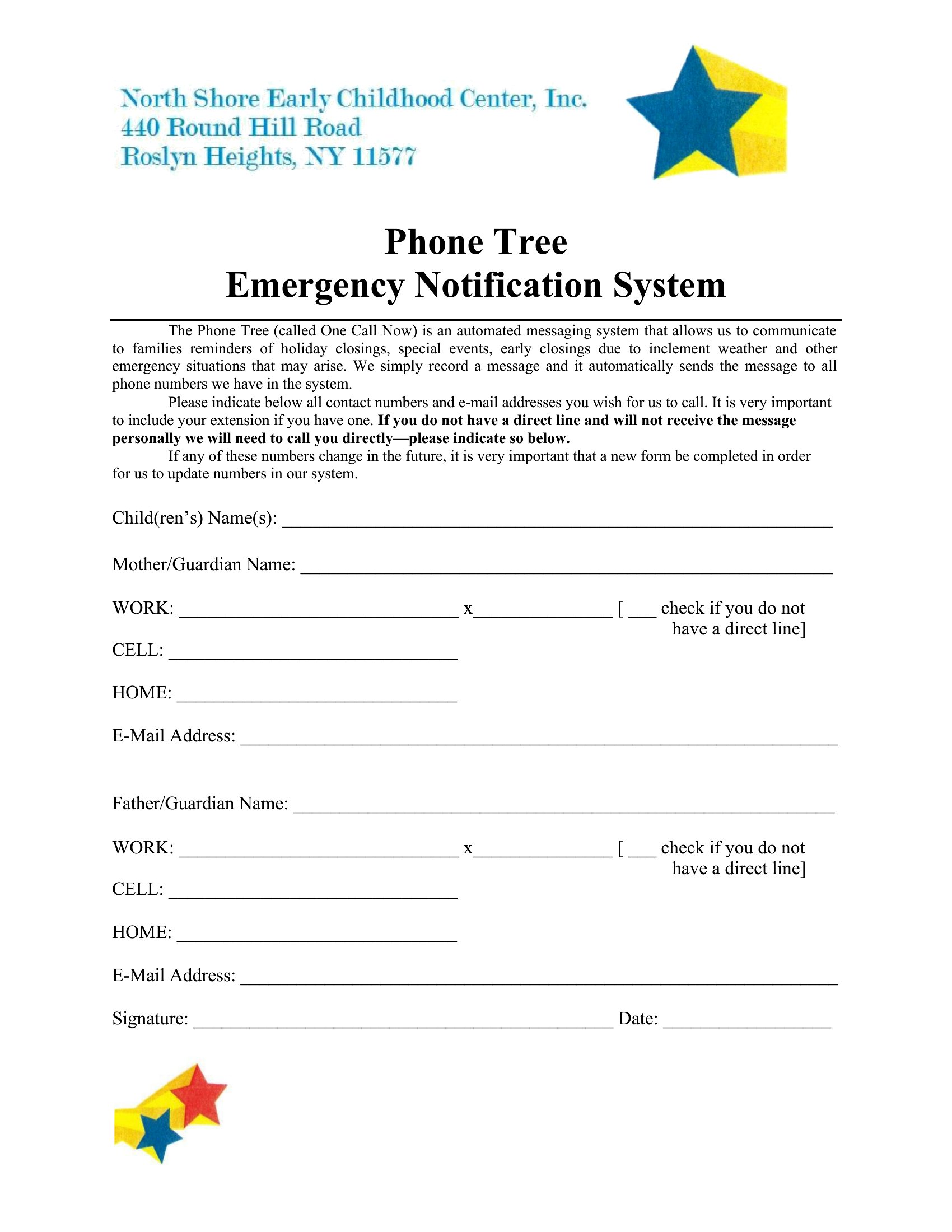
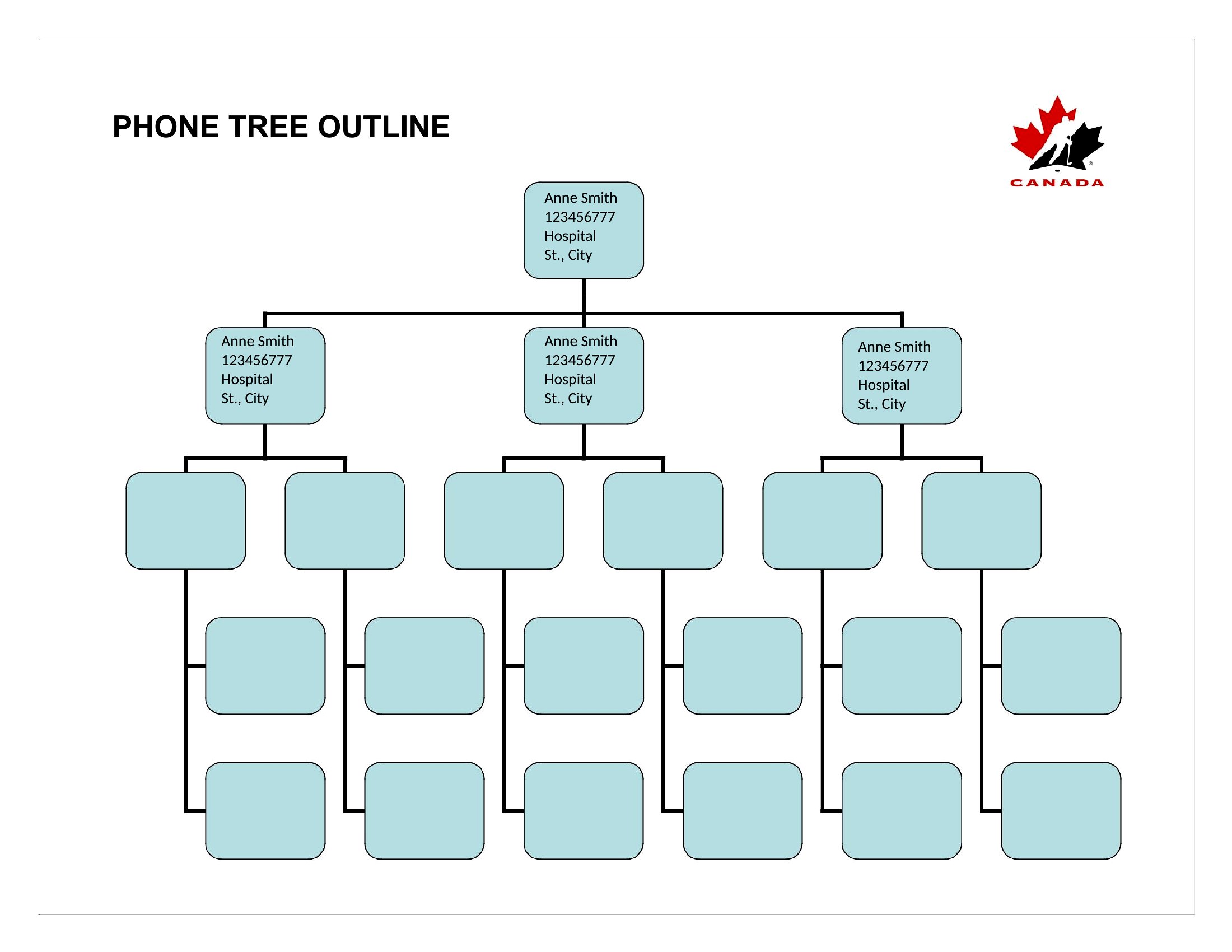
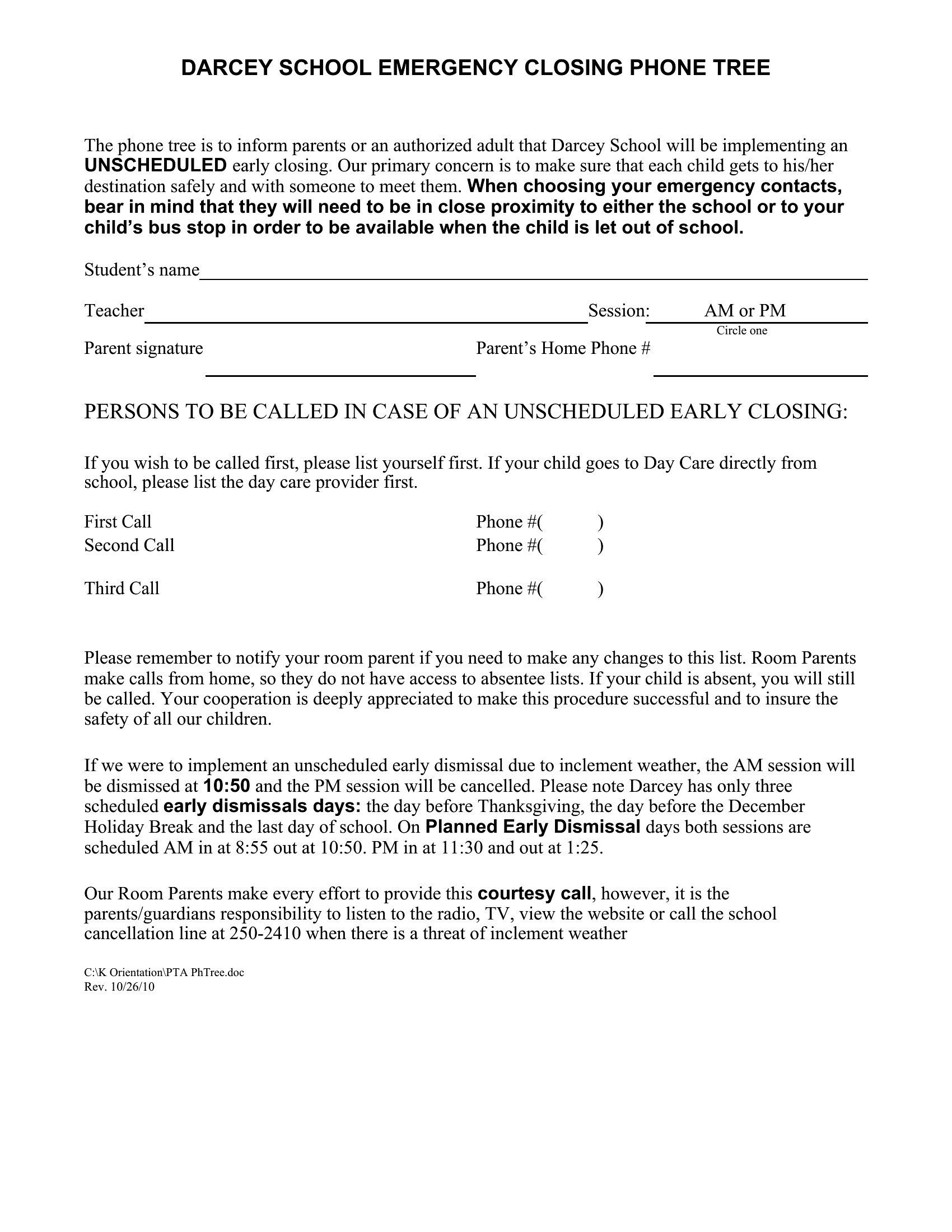
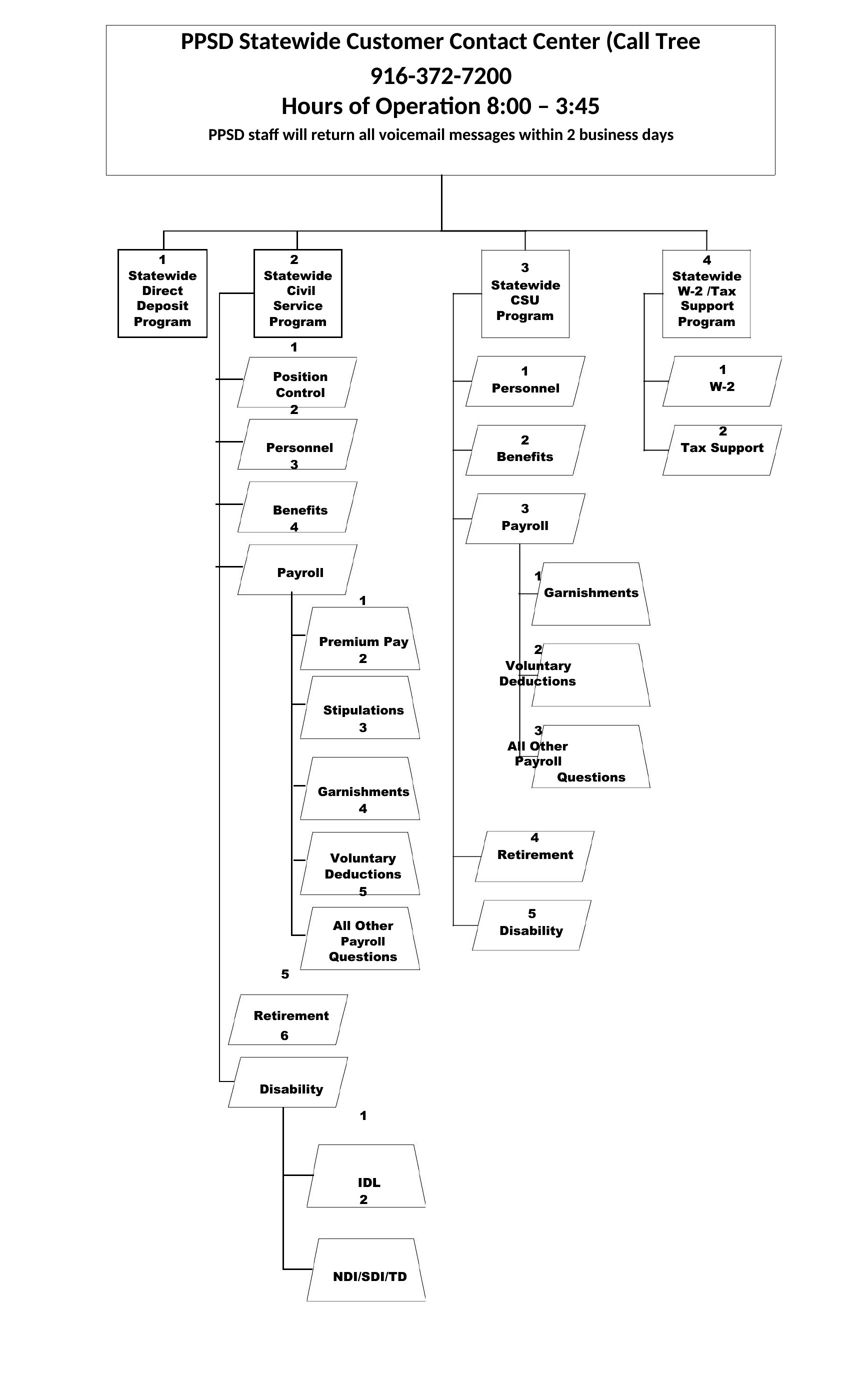
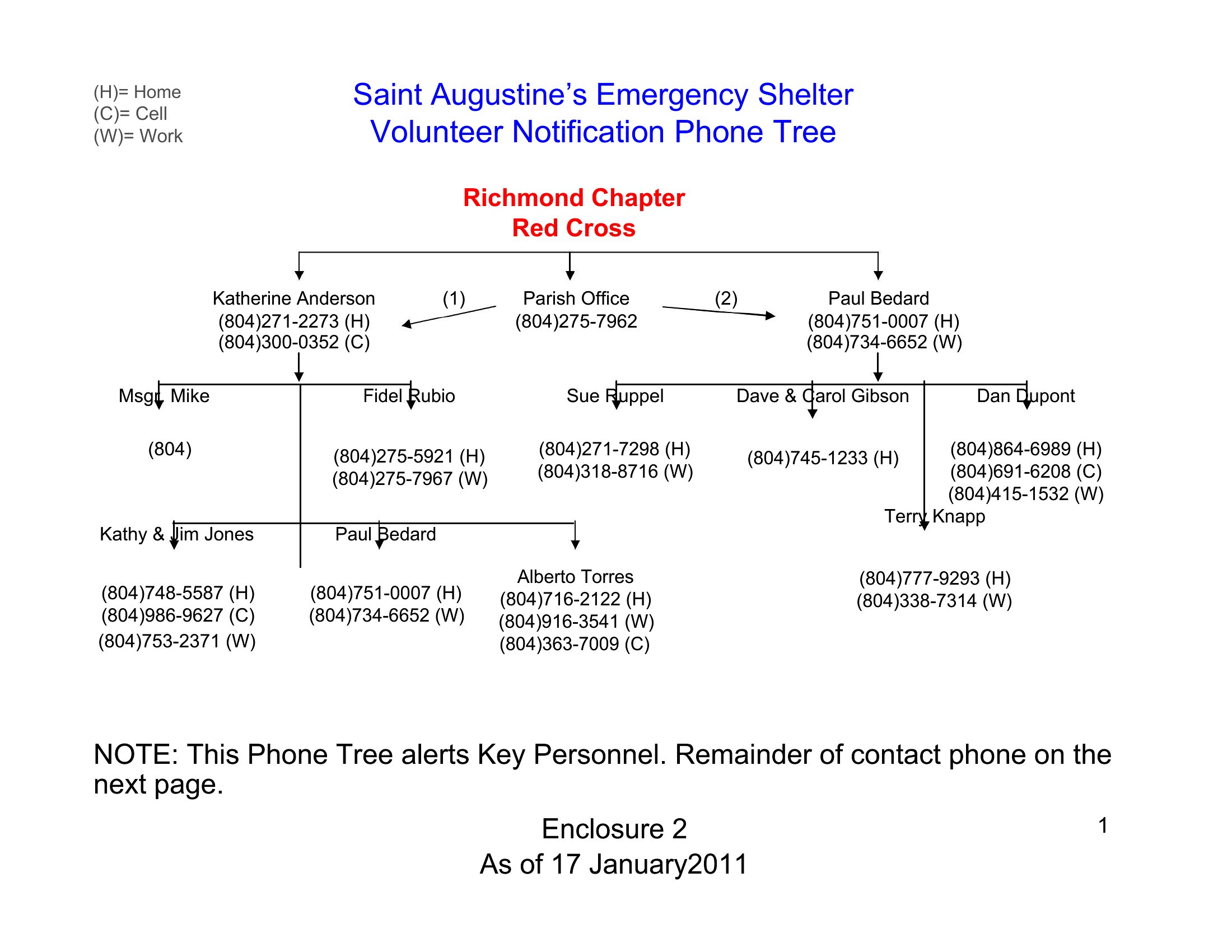
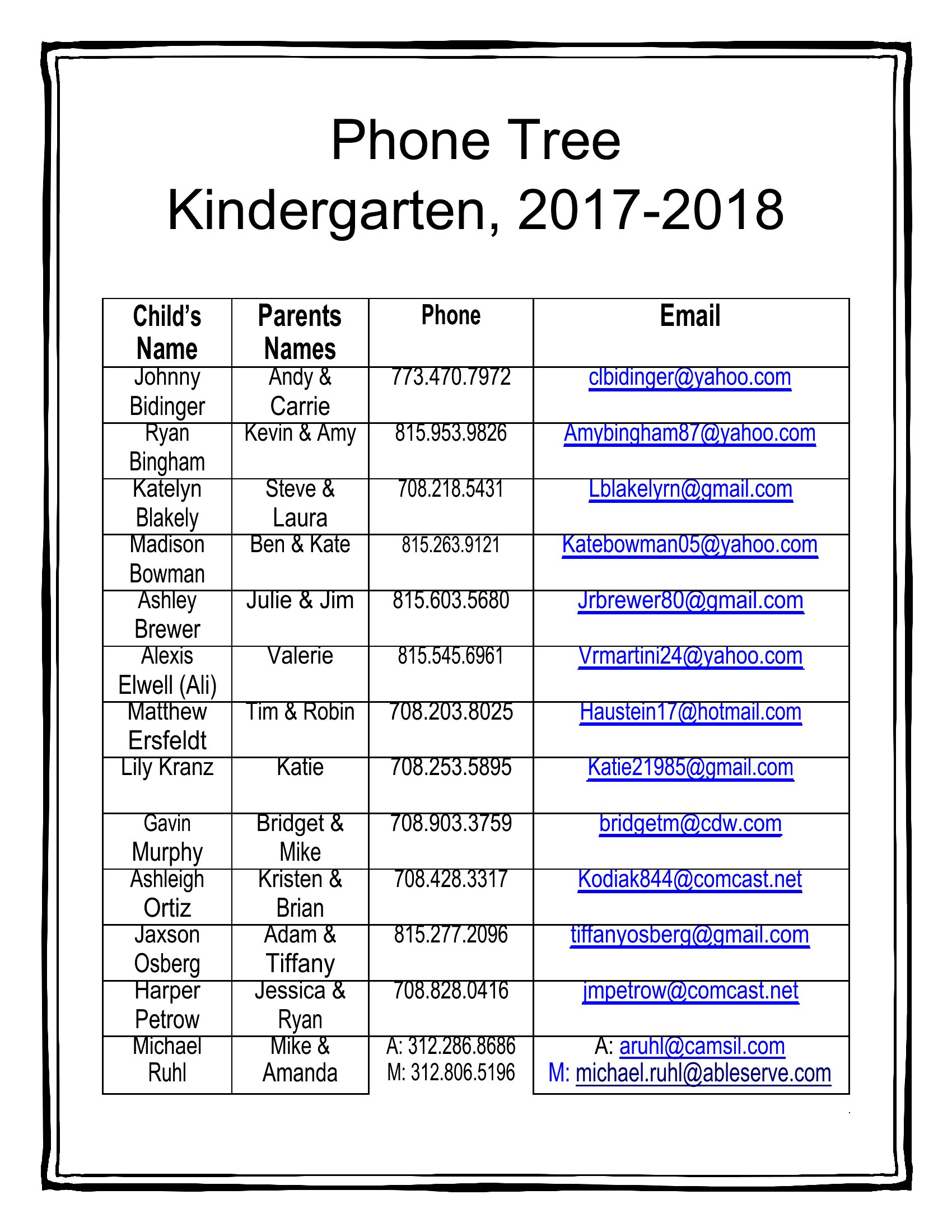
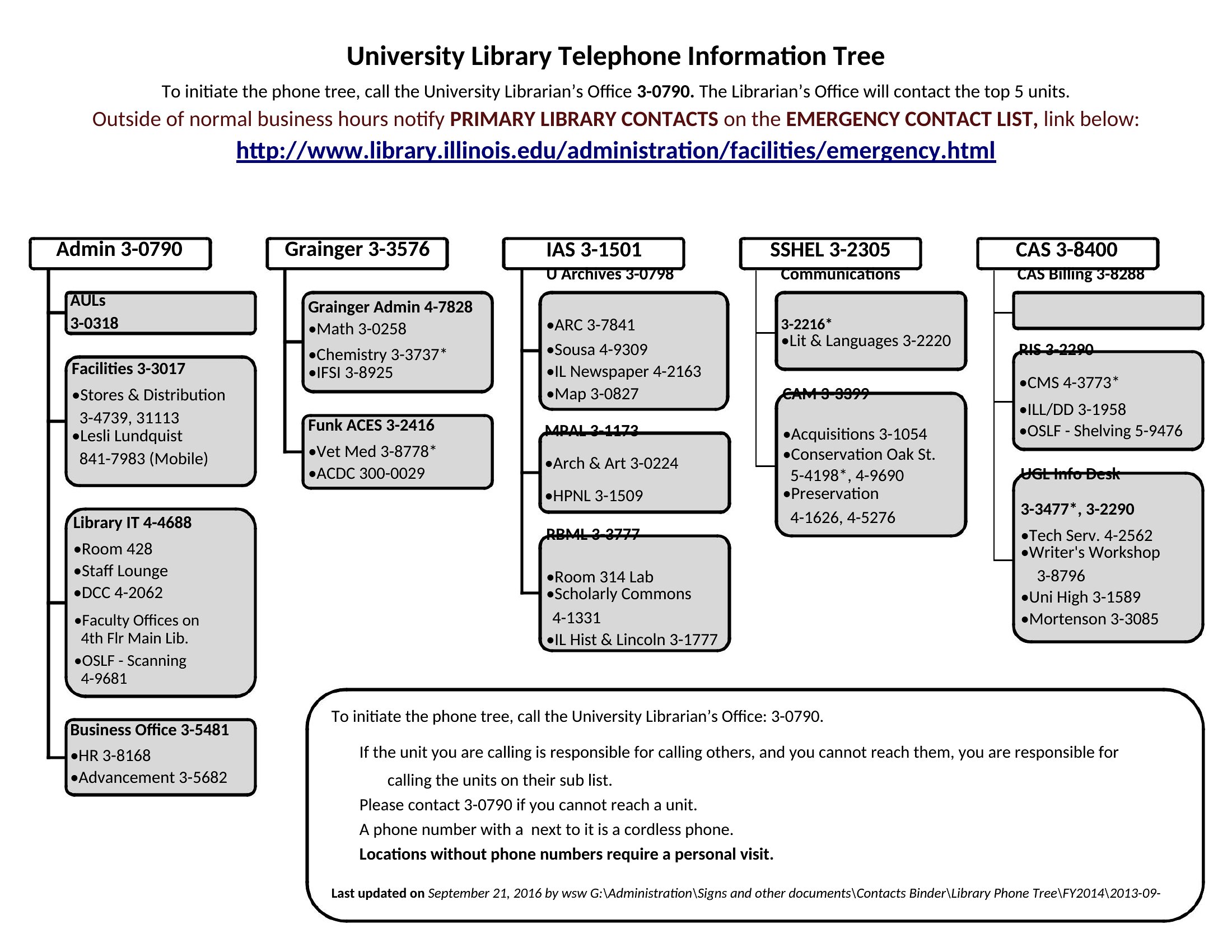
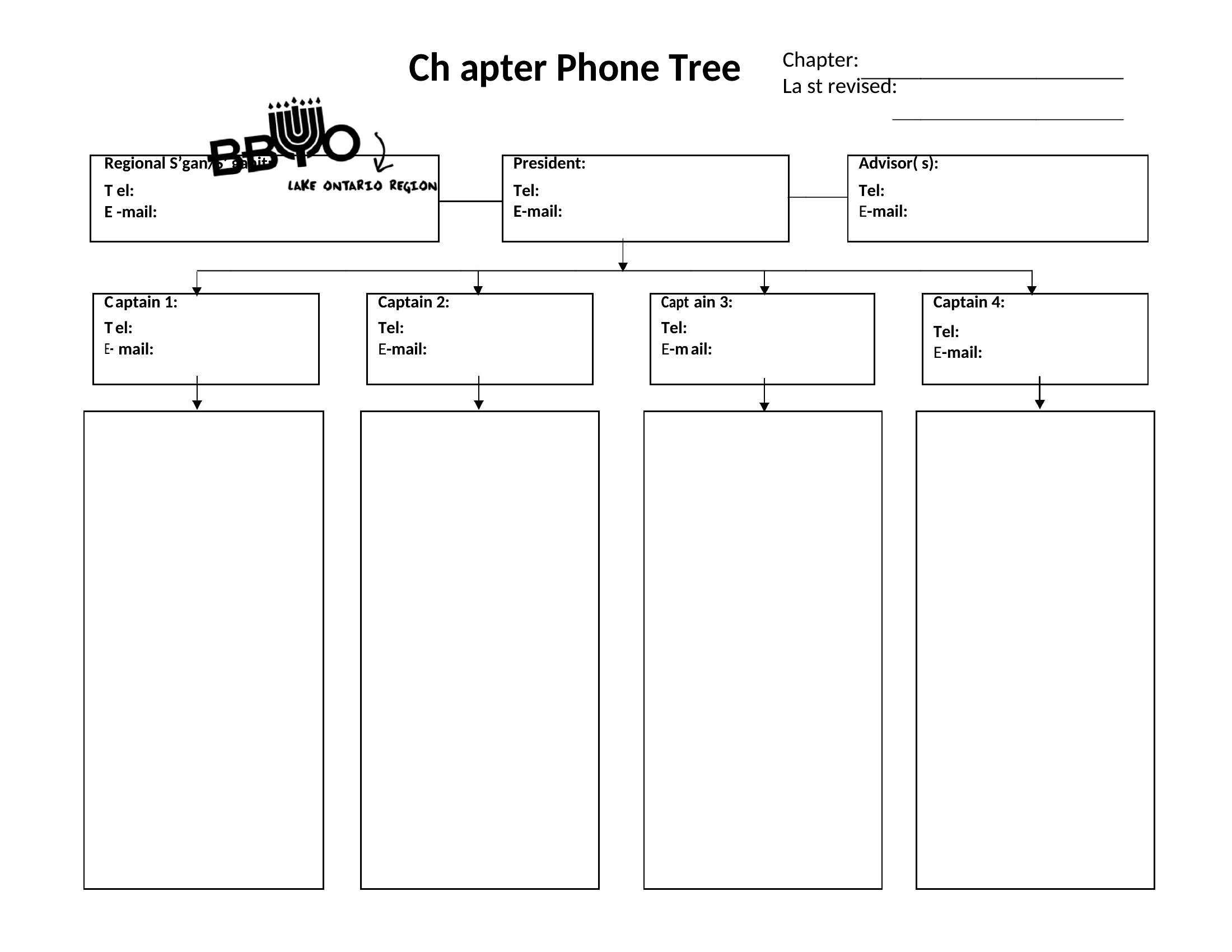
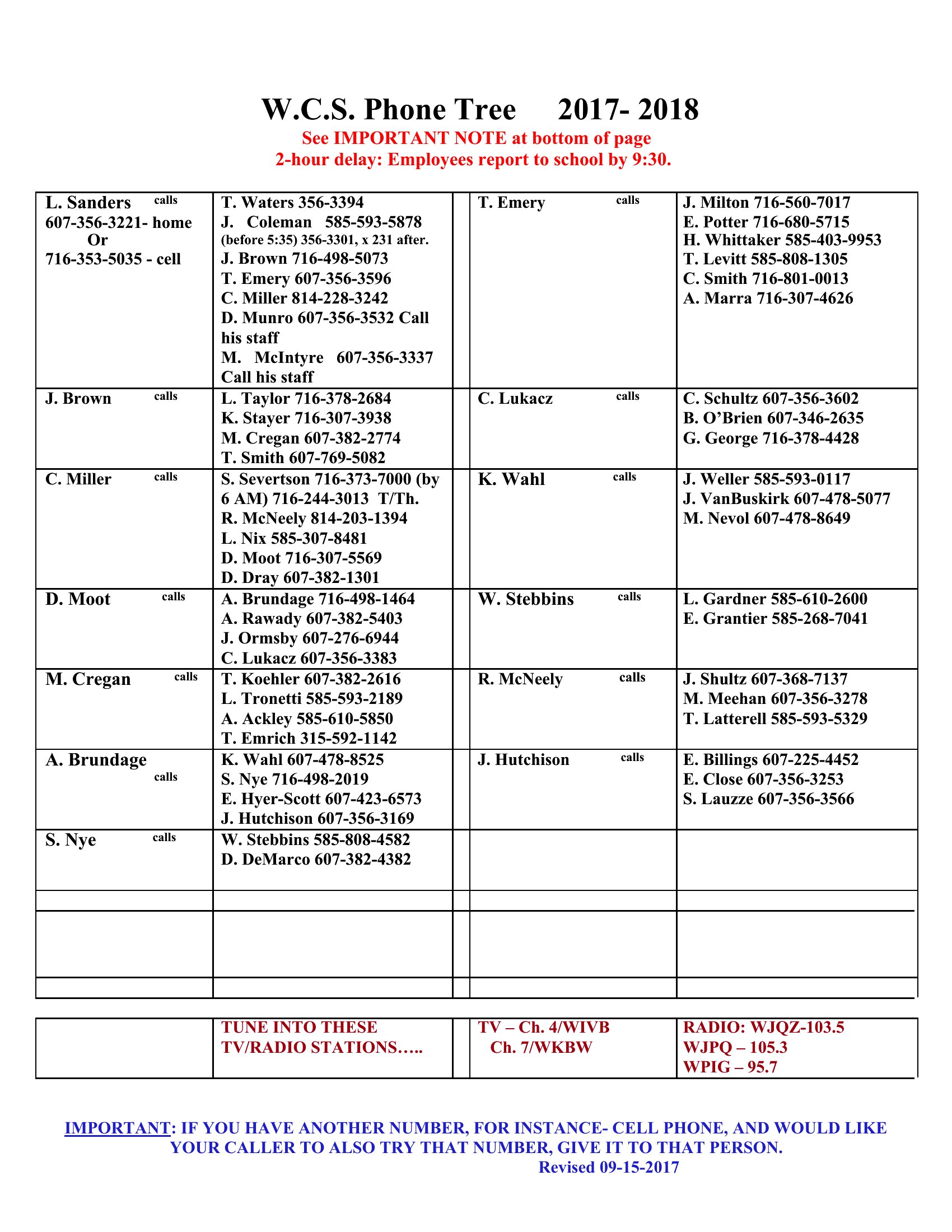
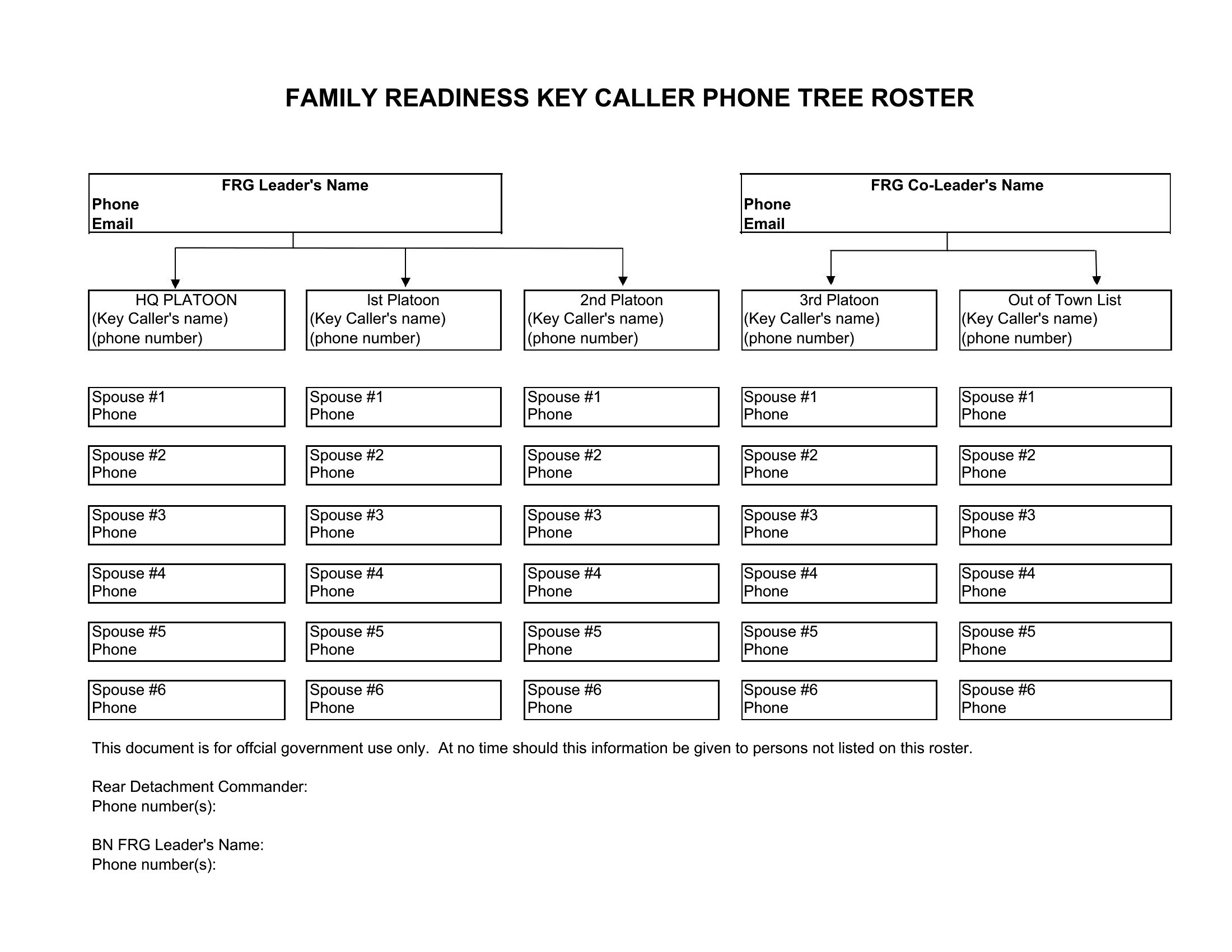
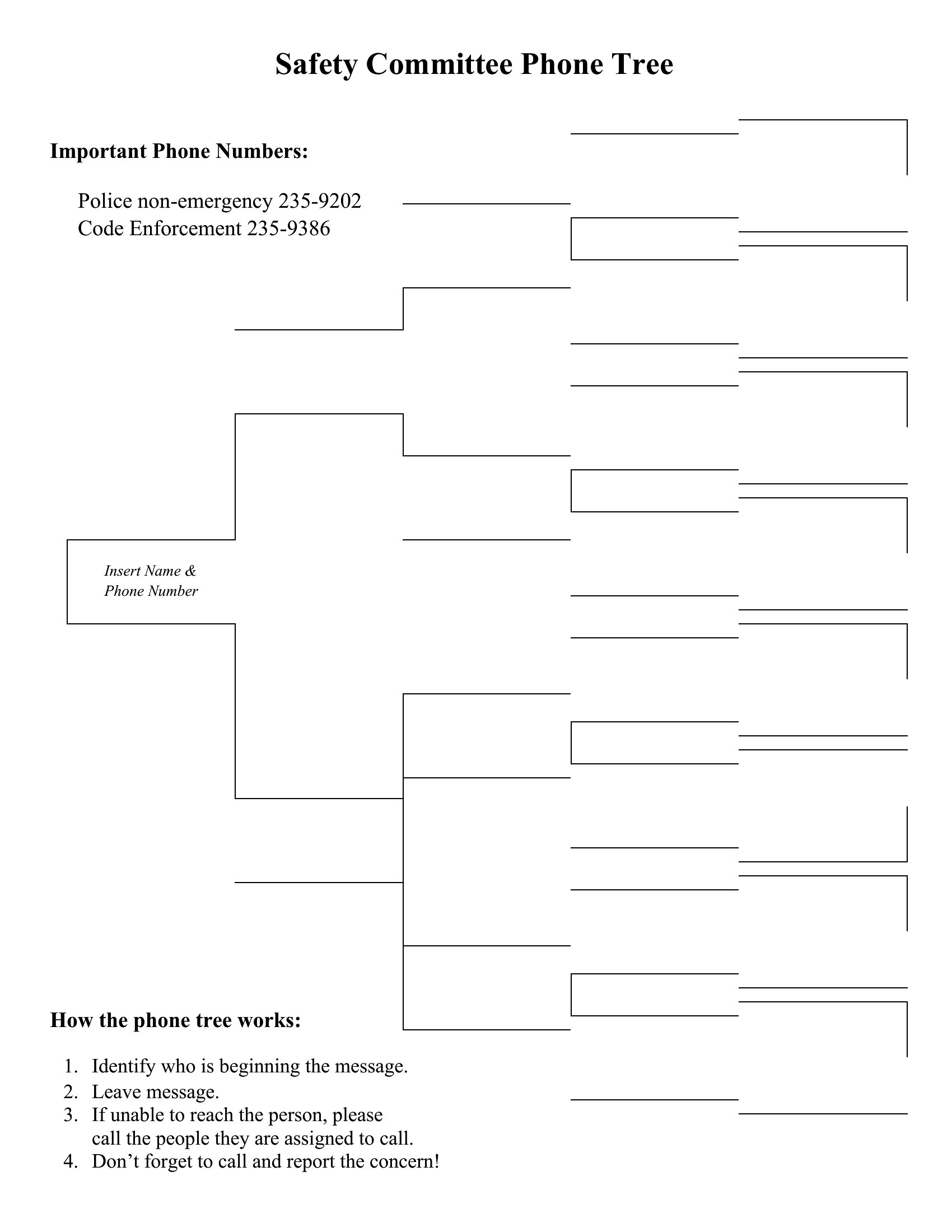
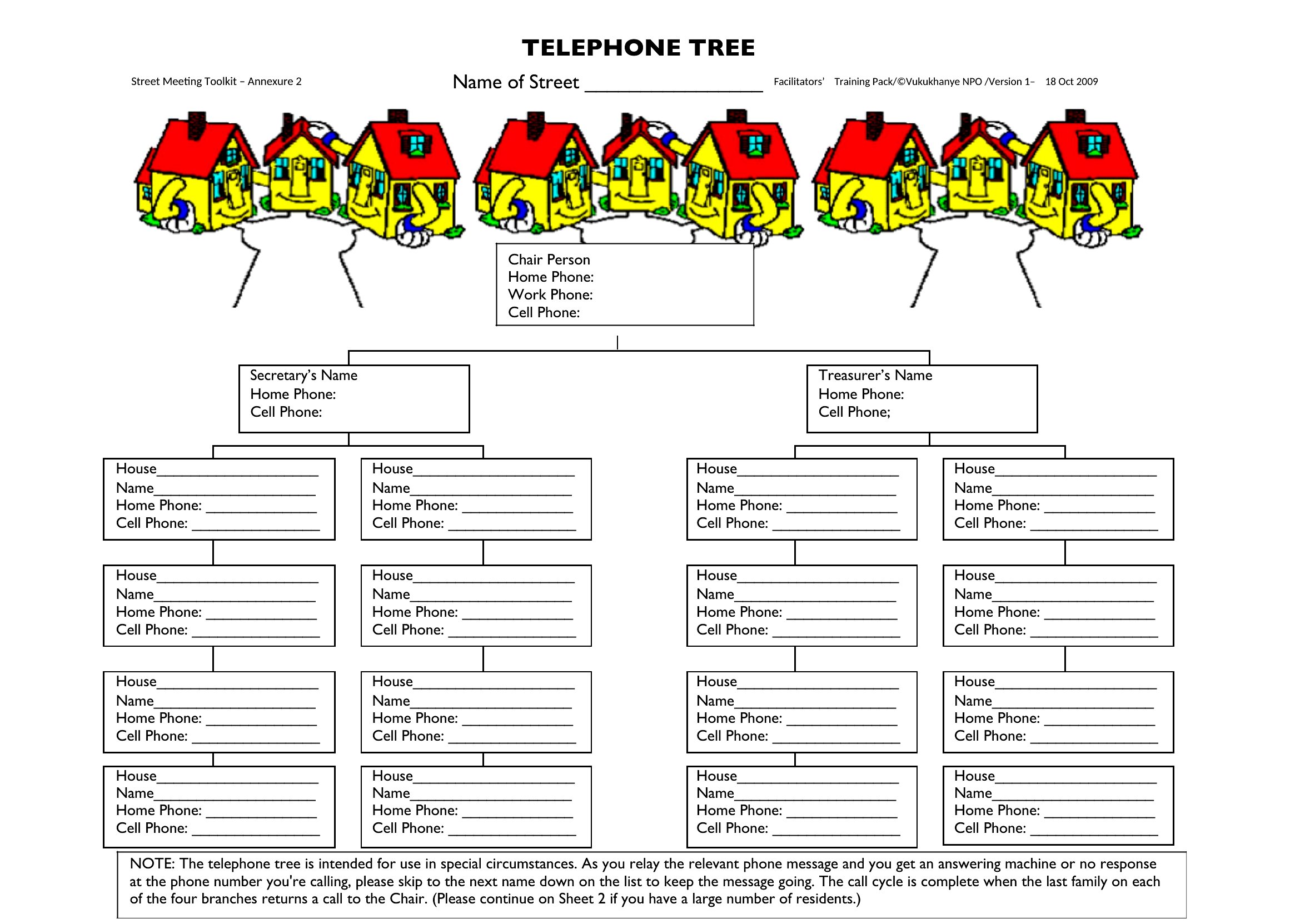
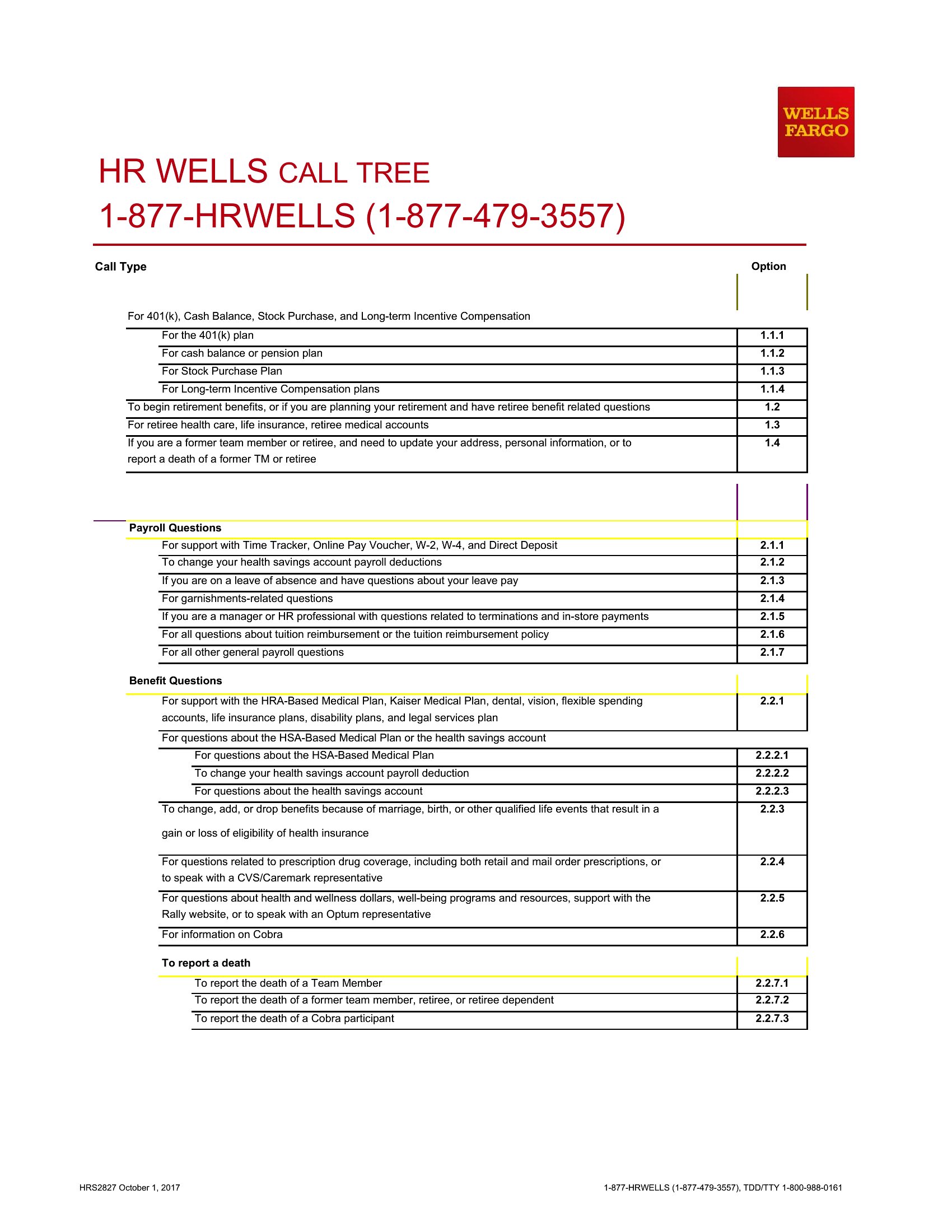
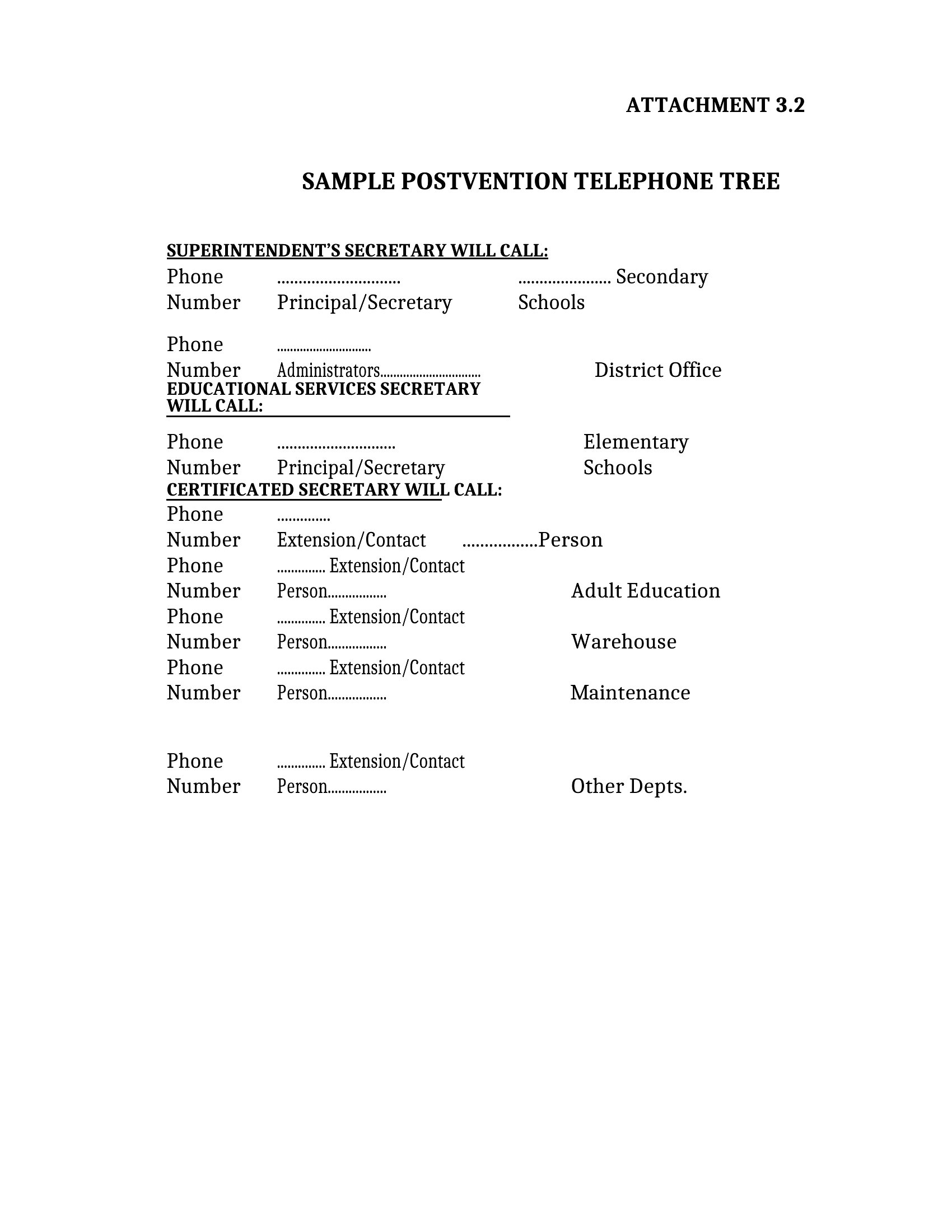
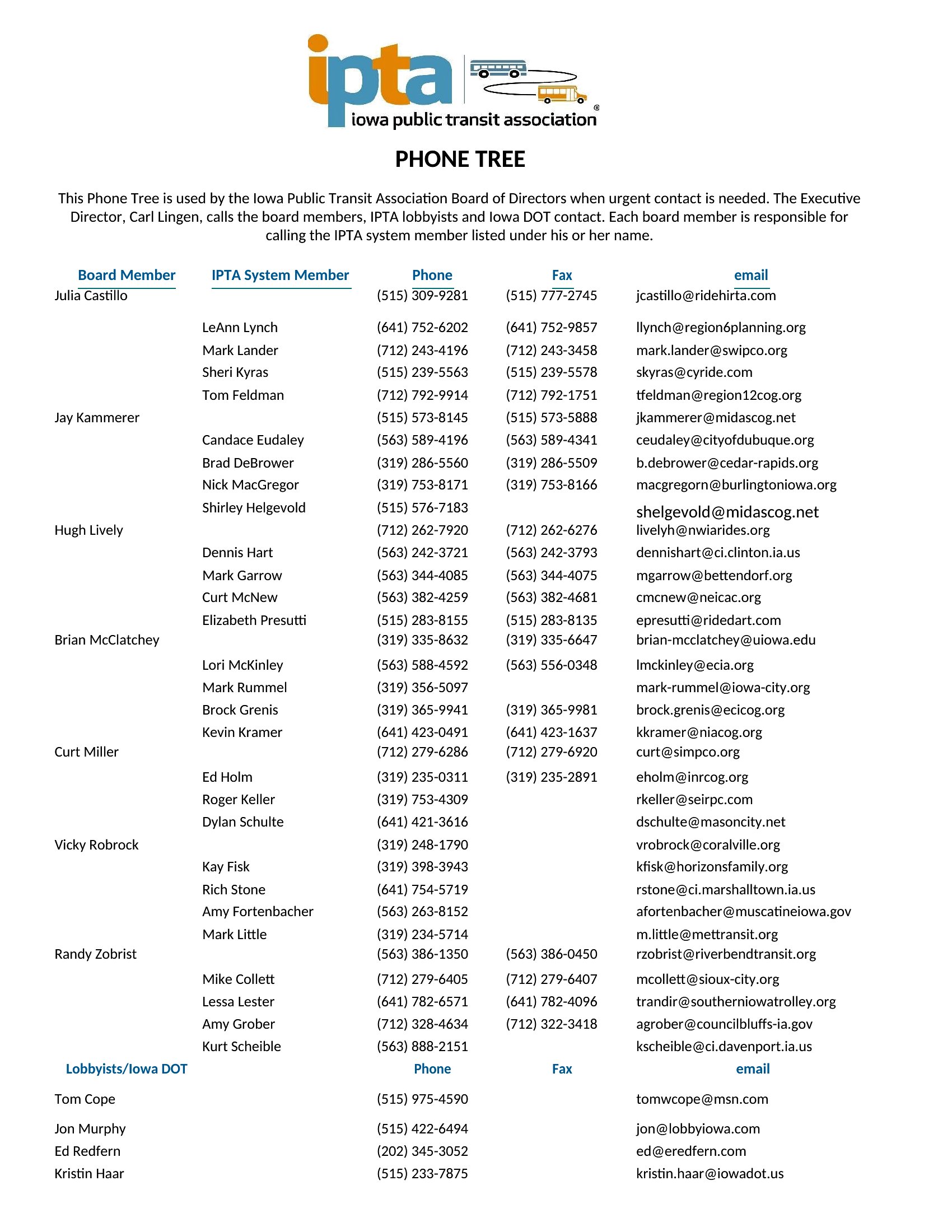
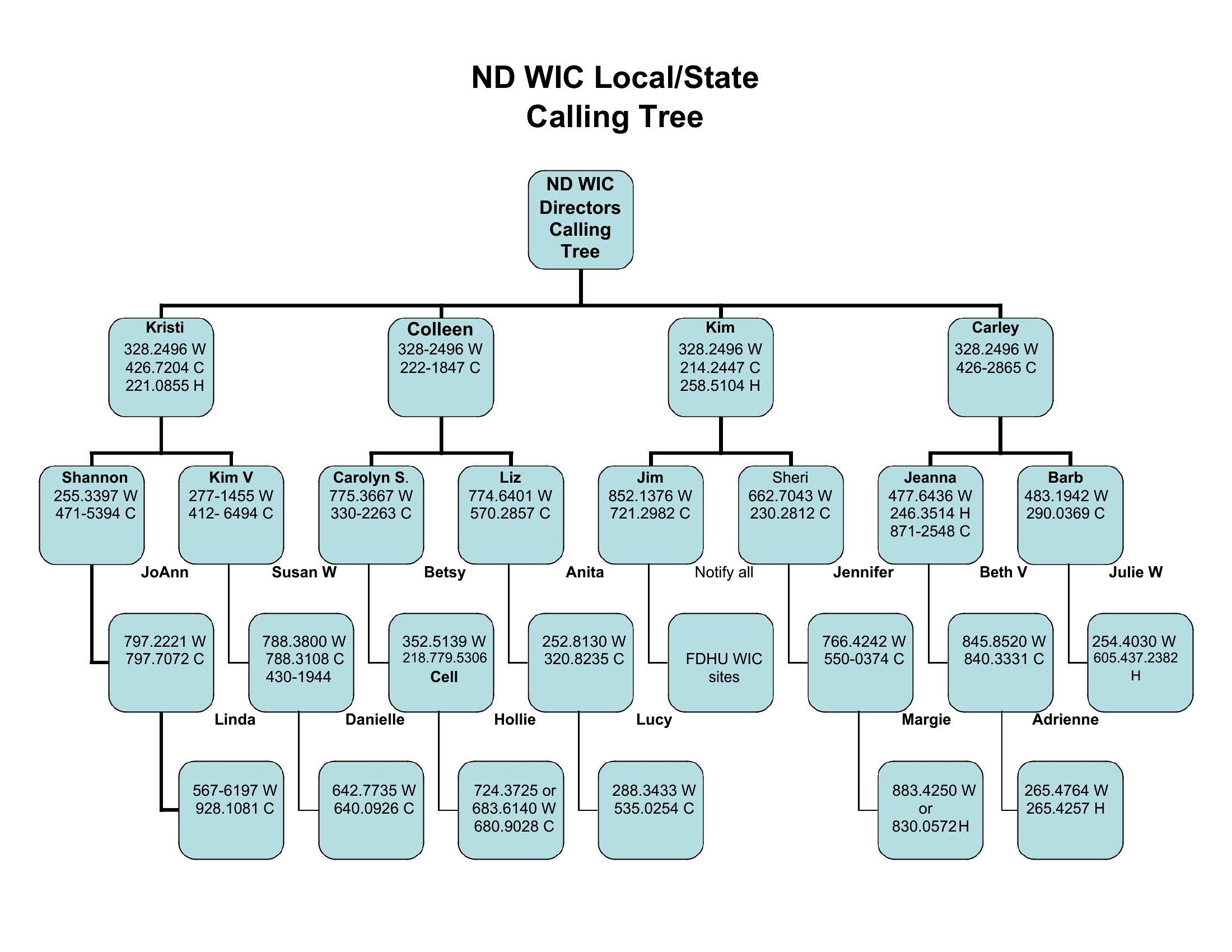
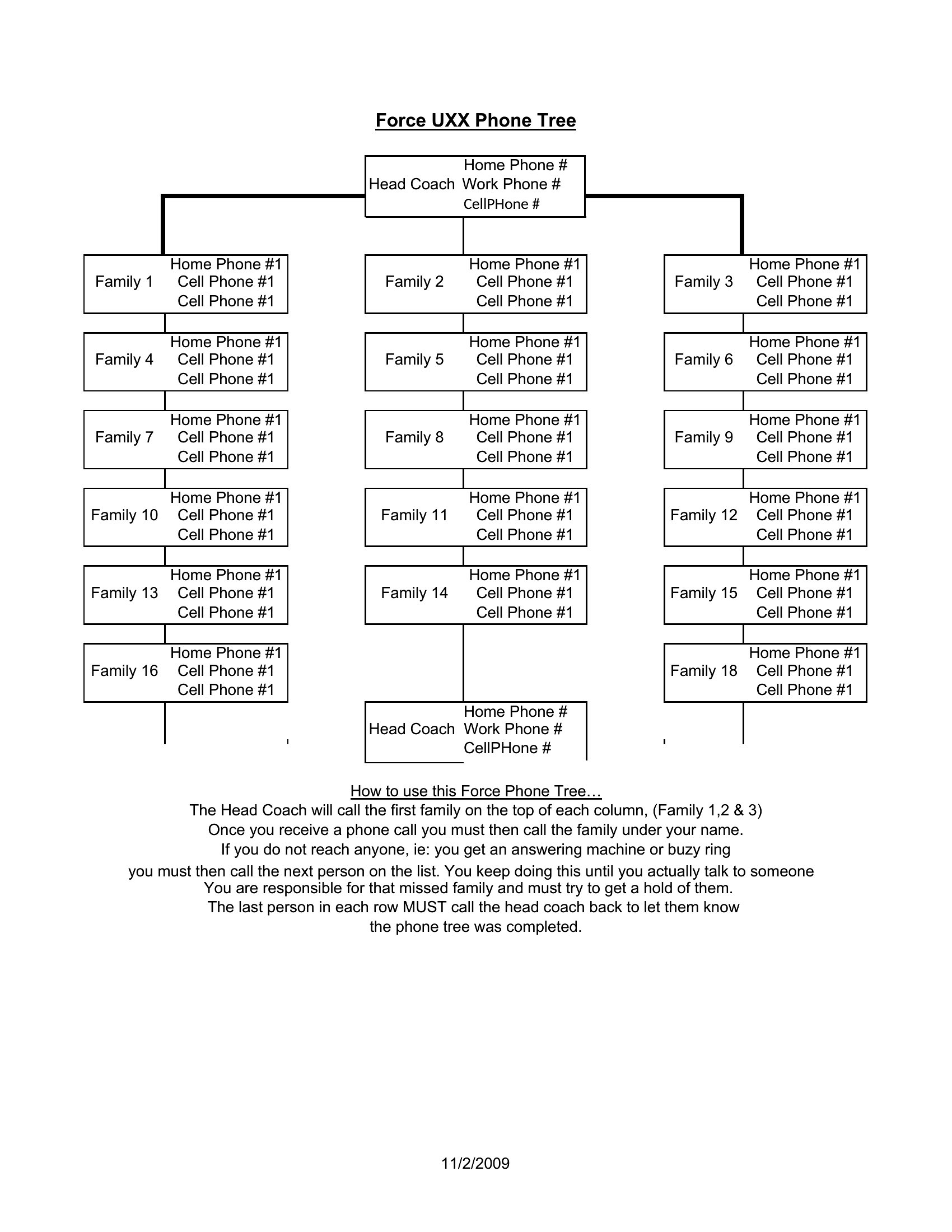
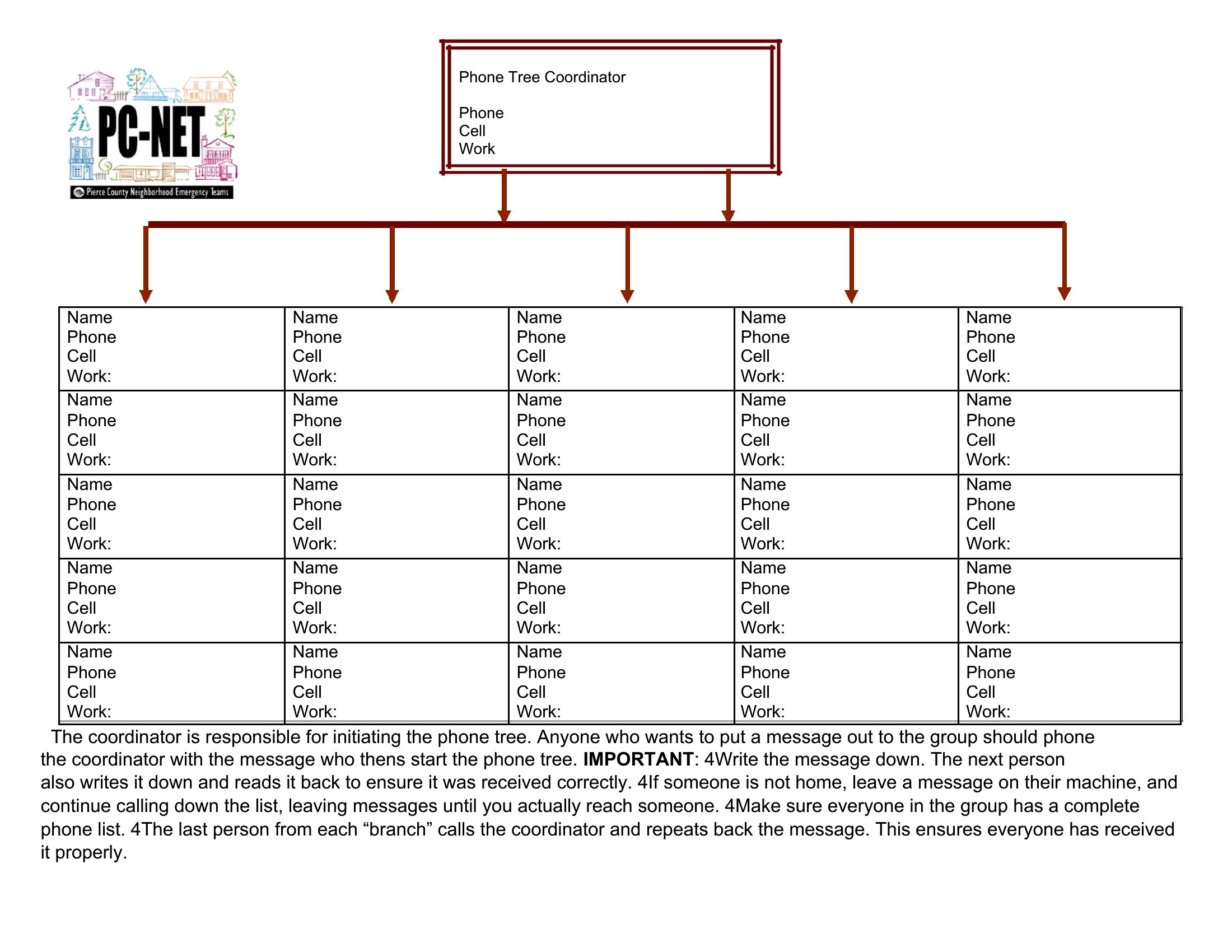
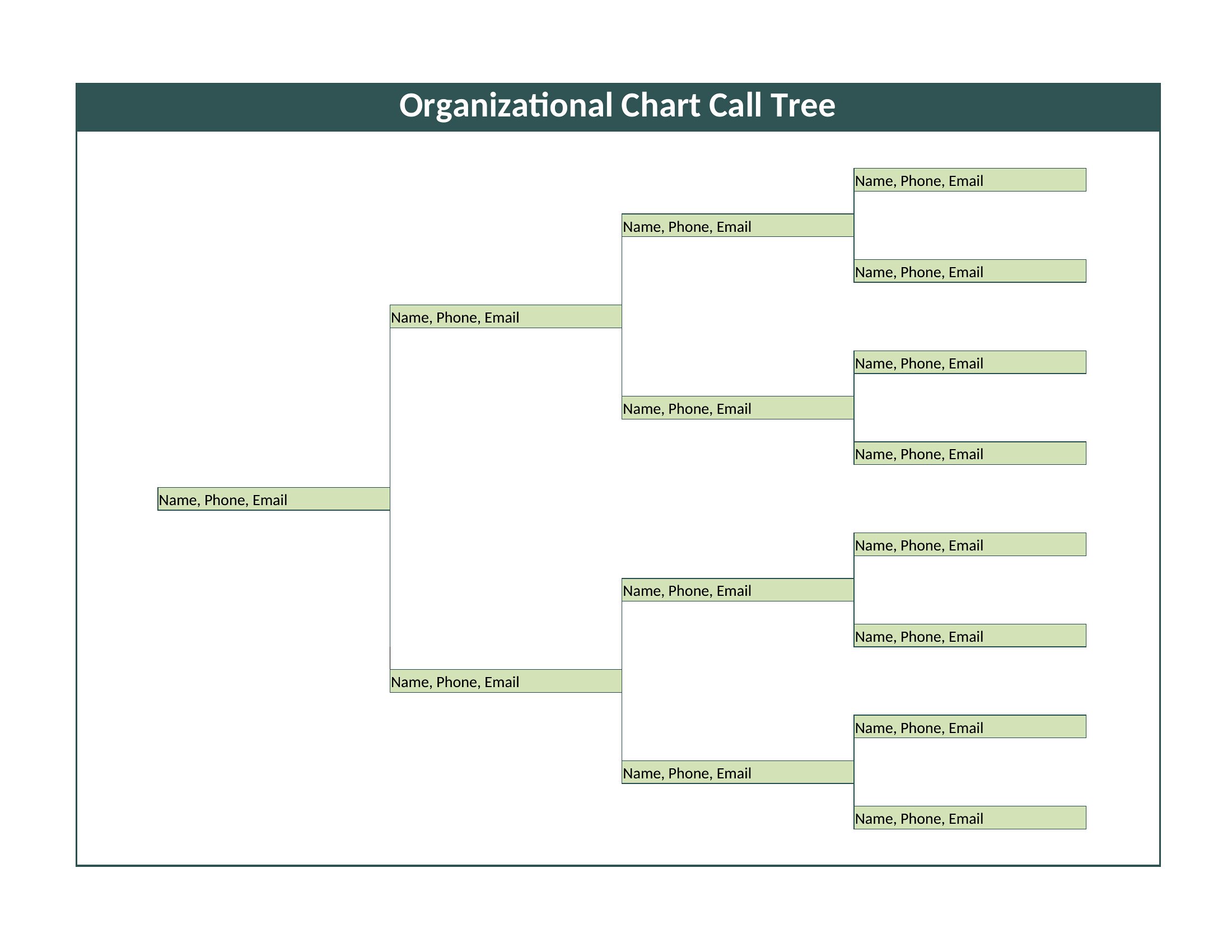
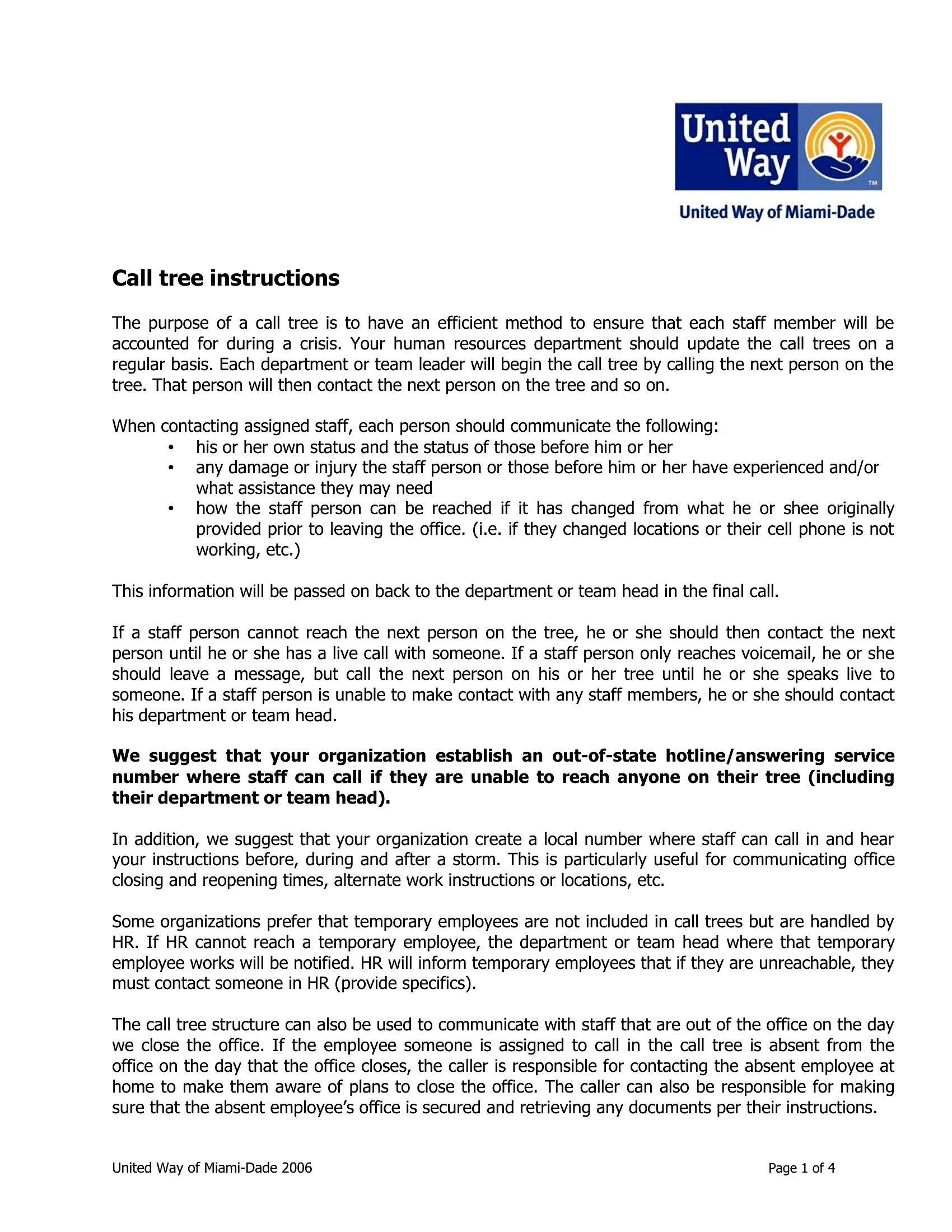
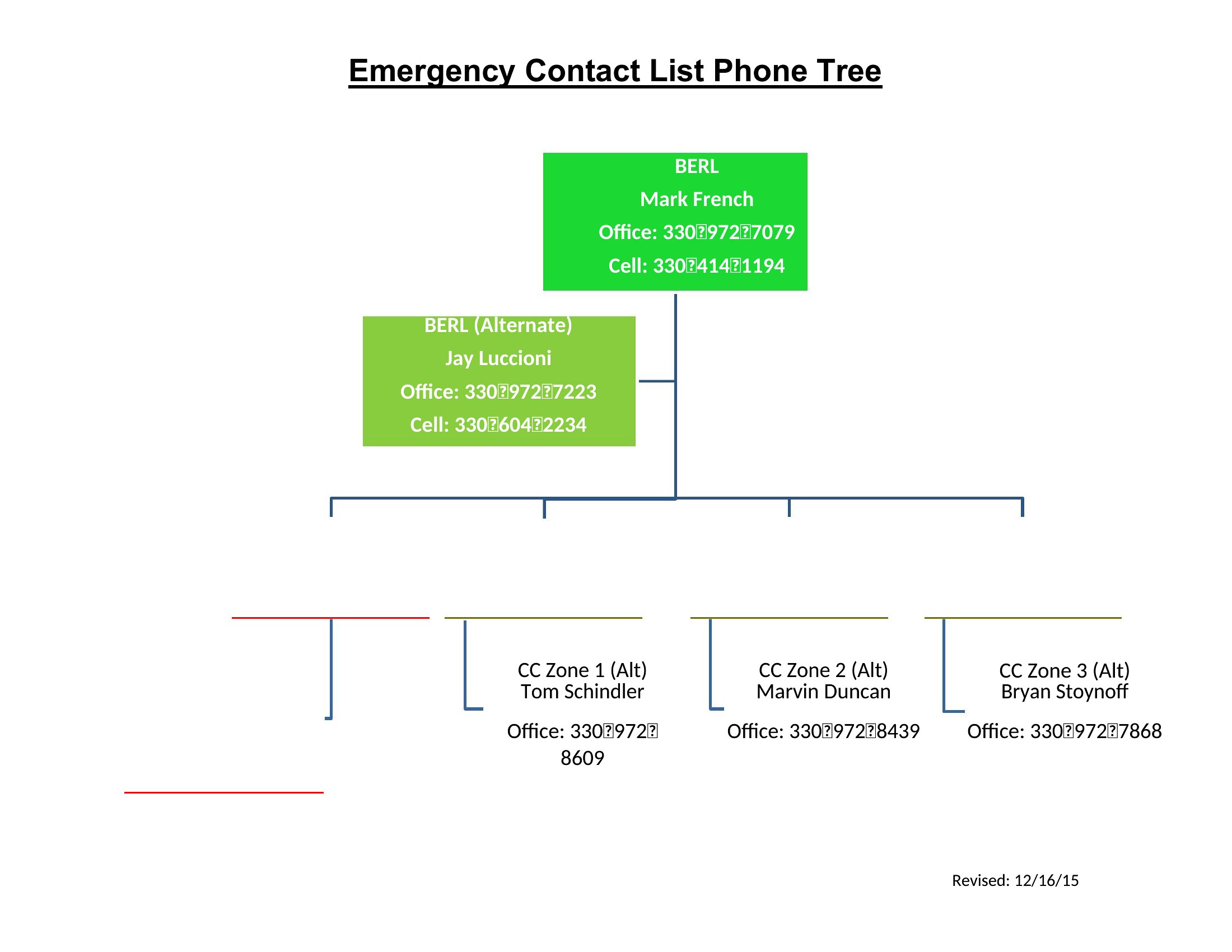
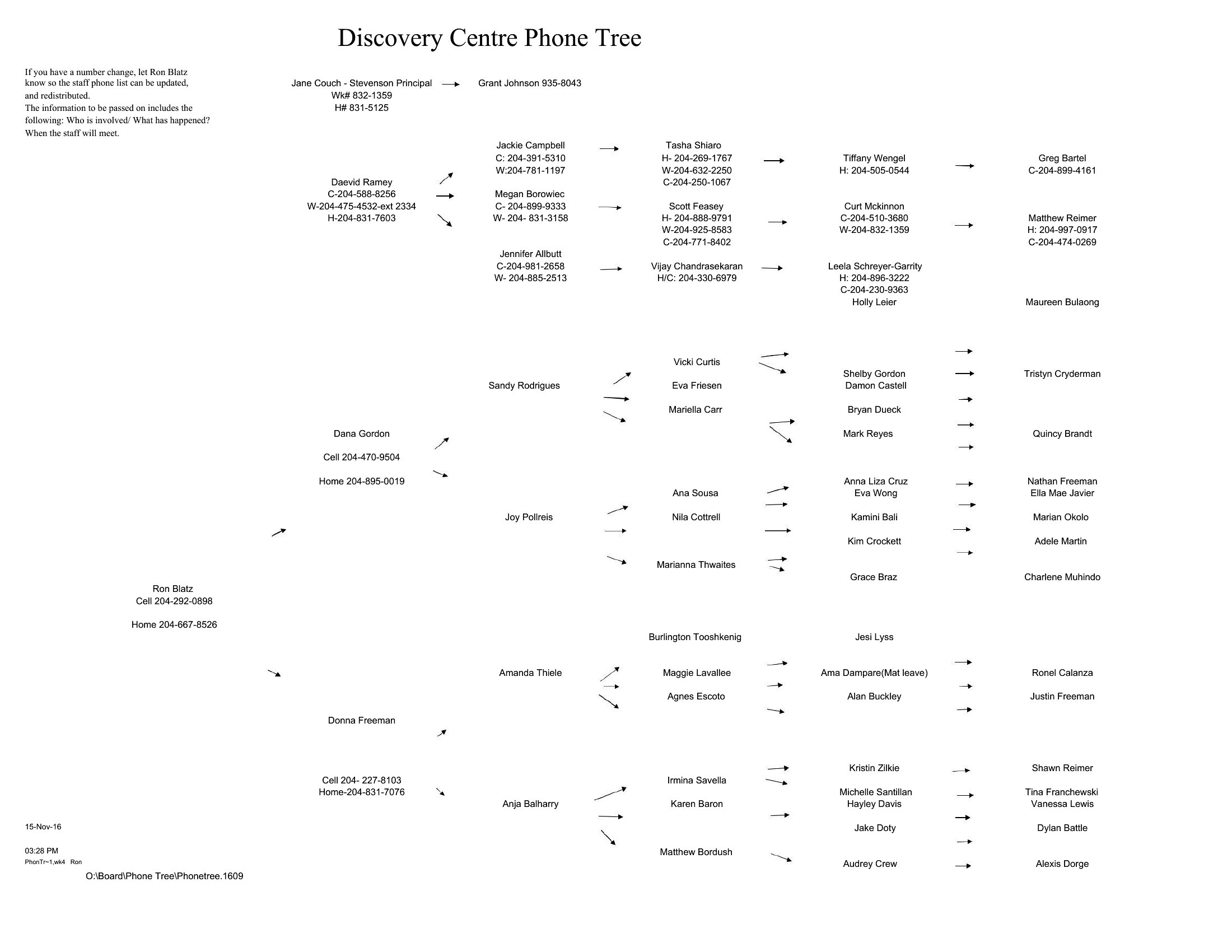
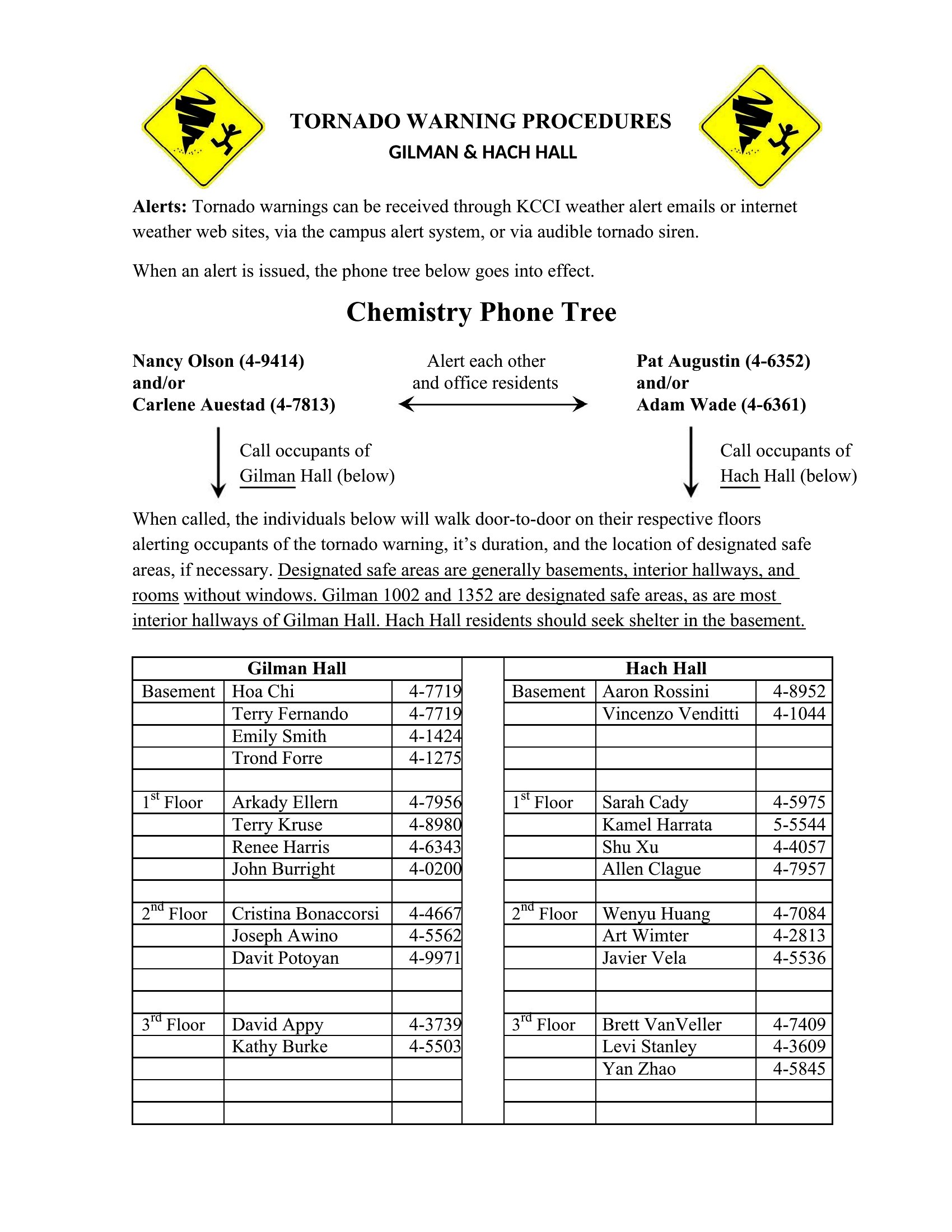
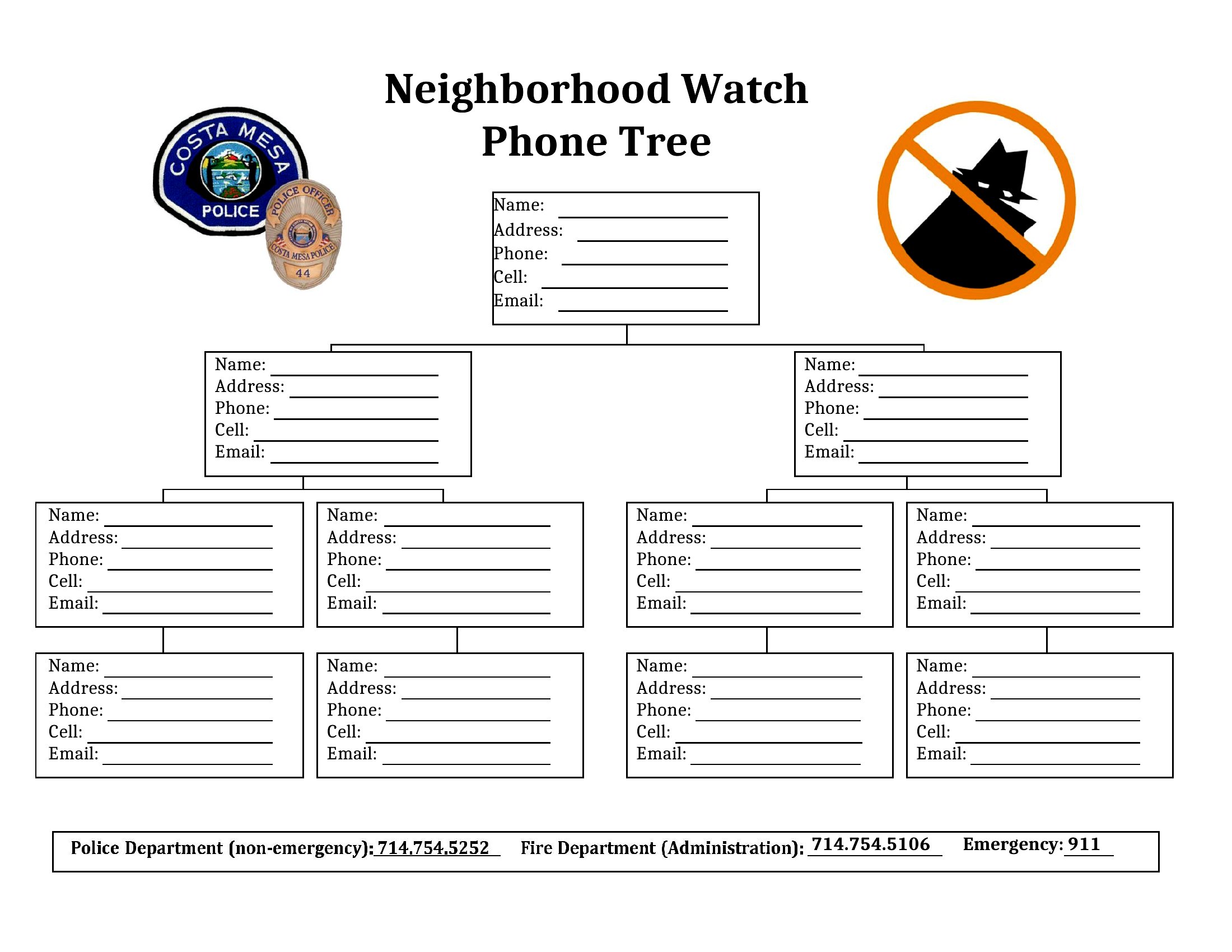
A phone tree spreads an urgent message fast by having each person call the next, so no one is left waiting on a single overwhelmed coordinator. This collection of 50 phone tree templates helps schools, businesses, and community groups map out who calls whom during a closure, emergency, or schedule change. Each layout lays out the chain clearly so the message moves without gaps.
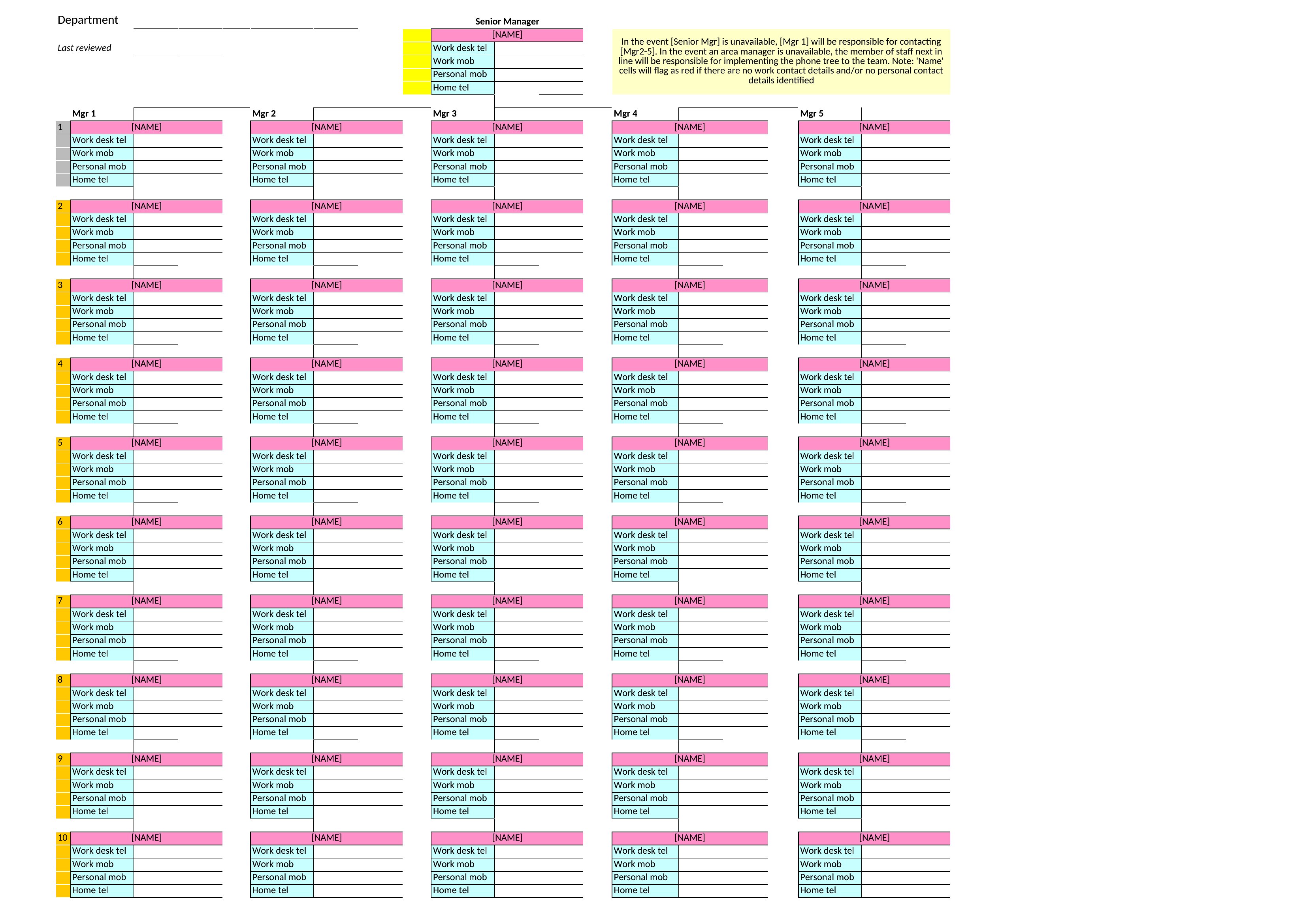
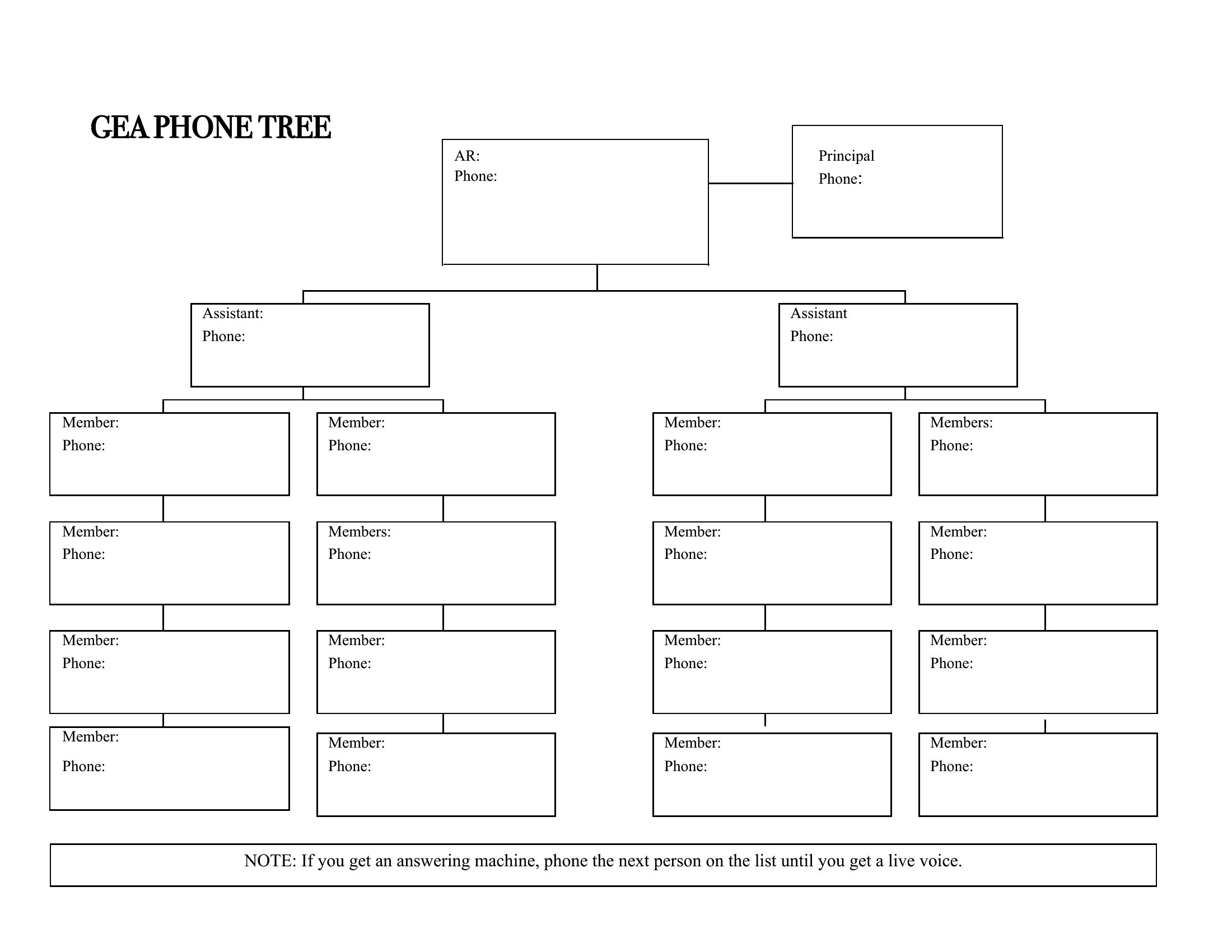
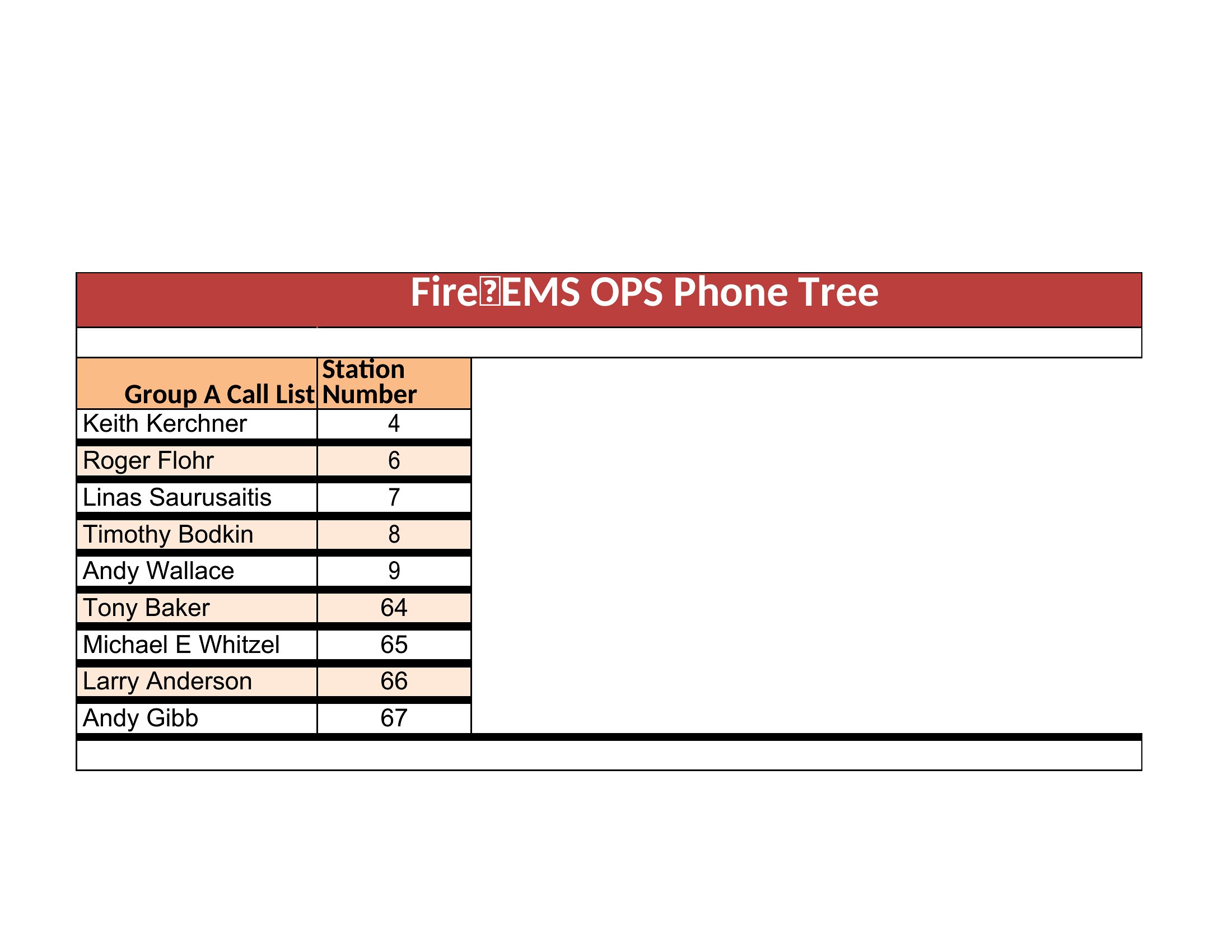
You'll find editable Word documents for simple trees plus Excel versions that handle larger contact lists and branches. Fill in the names and numbers, set the order, and share the chart with everyone on it. Pick the format that matches your group's size and keep an updated copy where people can find it.
When to use this Phone Tree template
- A school principal uses a phone tree during a sudden lockdown to ensure parents are notified in batches—no missed calls or overwhelmed staff.
- A hospital administrator employs a structured phone tree to relay urgent staffing changes to night-shift nurses without relying on group texts.
- A county emergency manager deploys a multi-level phone tree to alert volunteers in a disaster drill, with clear escalation paths for critical updates.
- A small business owner creates a phone tree to announce a same-day supply chain delay to retail partners before customers call to complain.
Which format should I download?
Use Word if you need a text-based version for easy editing and sharing via email or printed copies—ideal for teams that prefer linear contact lists. Opt for Excel if you require a hierarchical, color-coded spreadsheet with conditional formatting to track call statuses and time stamps, helping monitor progress in real time. Excel is best for complex scenarios with multiple levels or departments.
Choose from 50 Phone Tree Templates
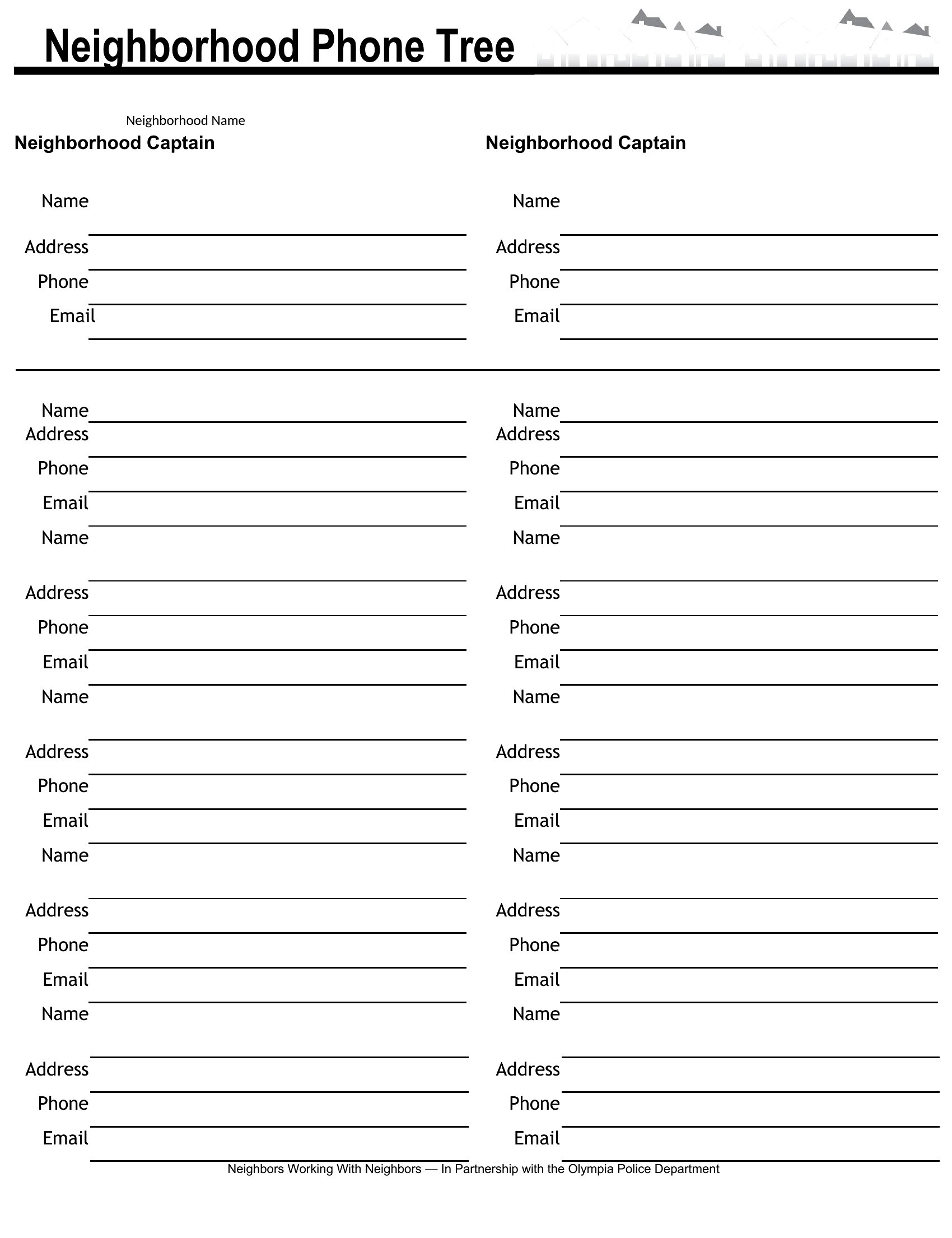
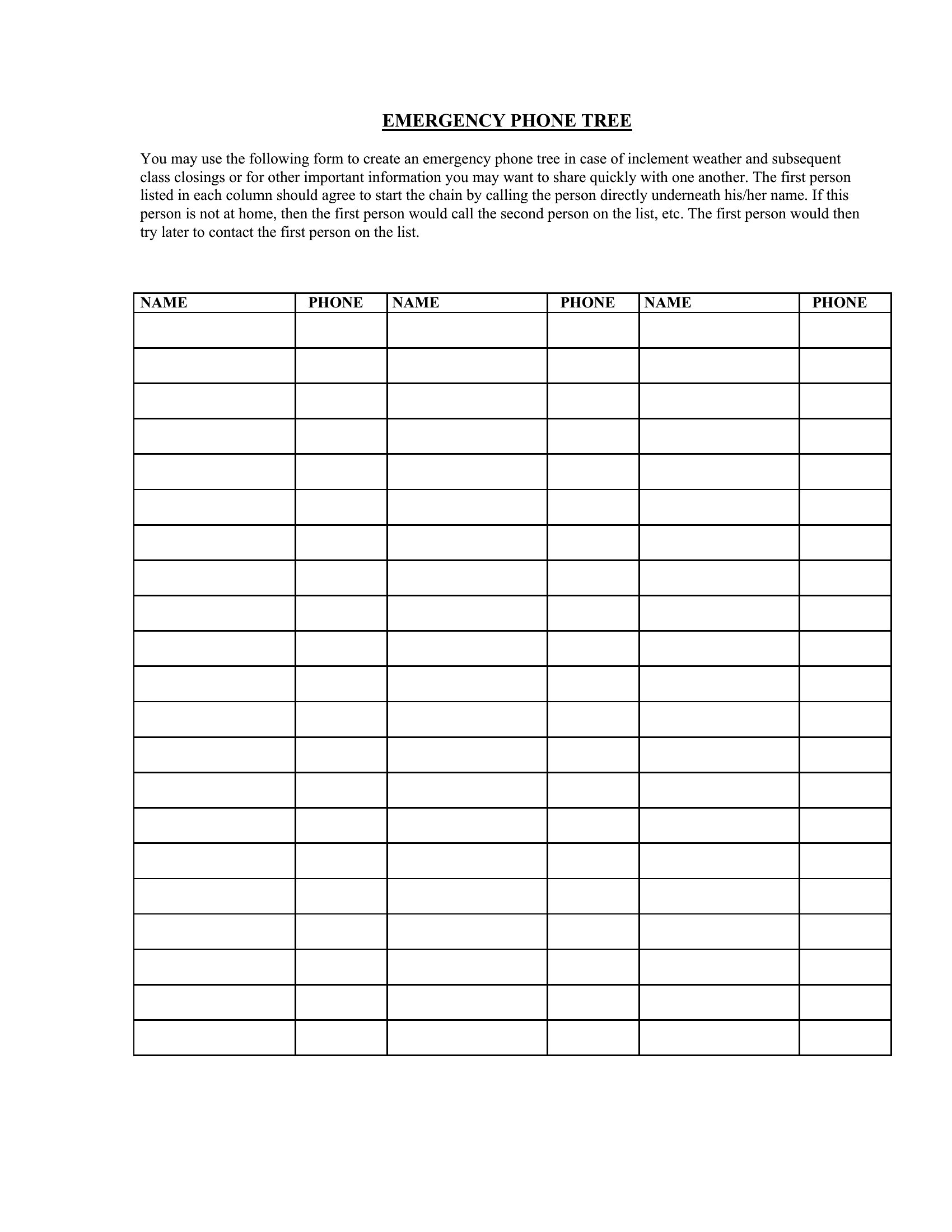
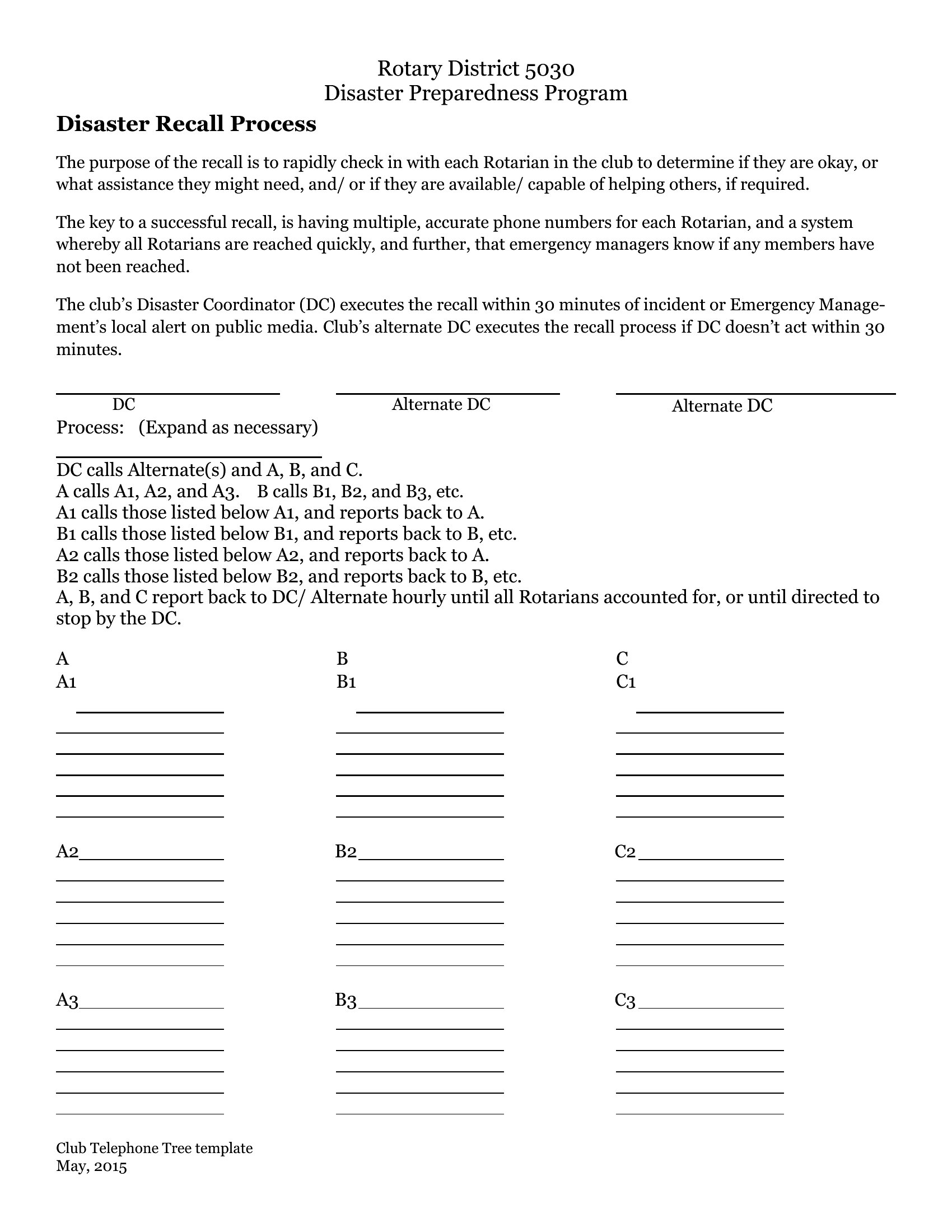
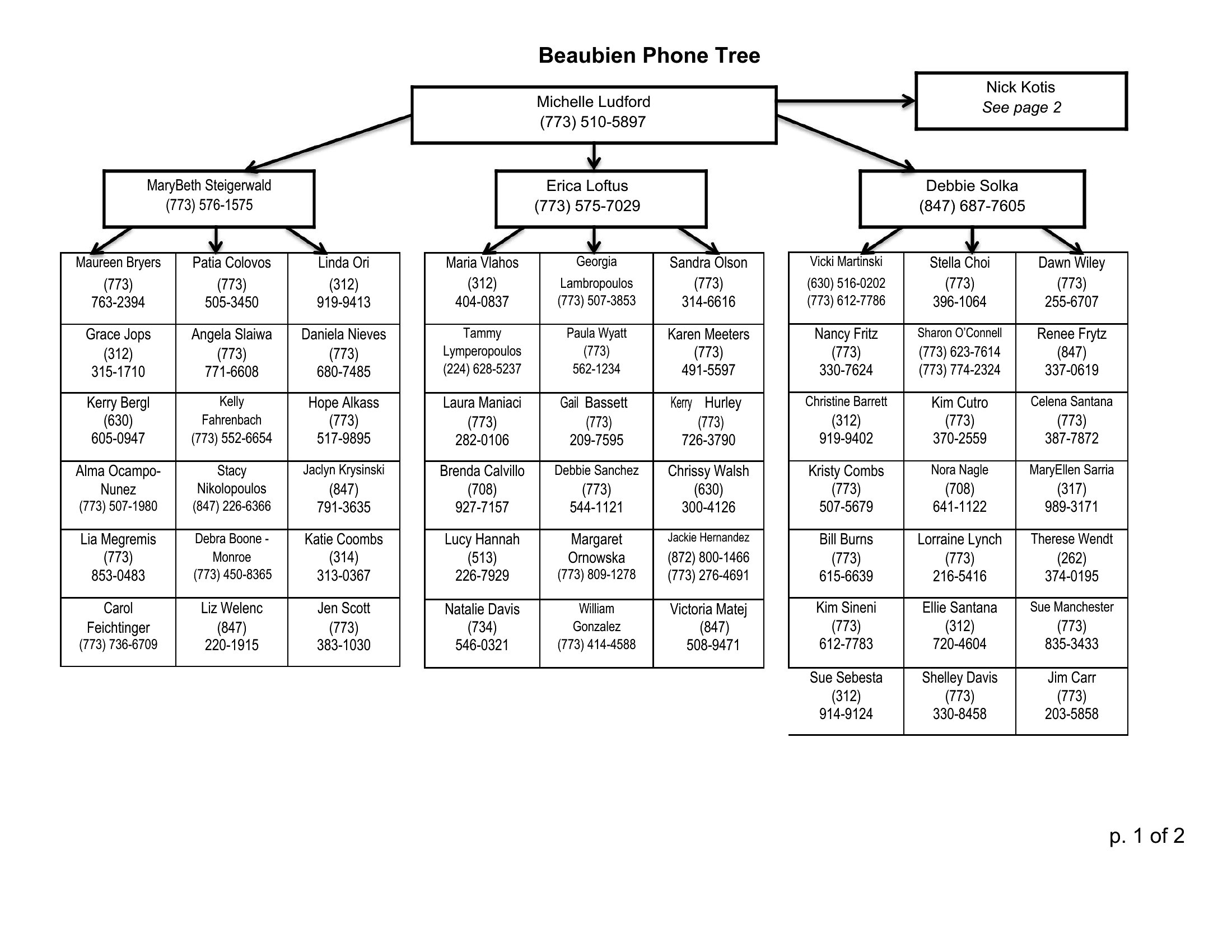
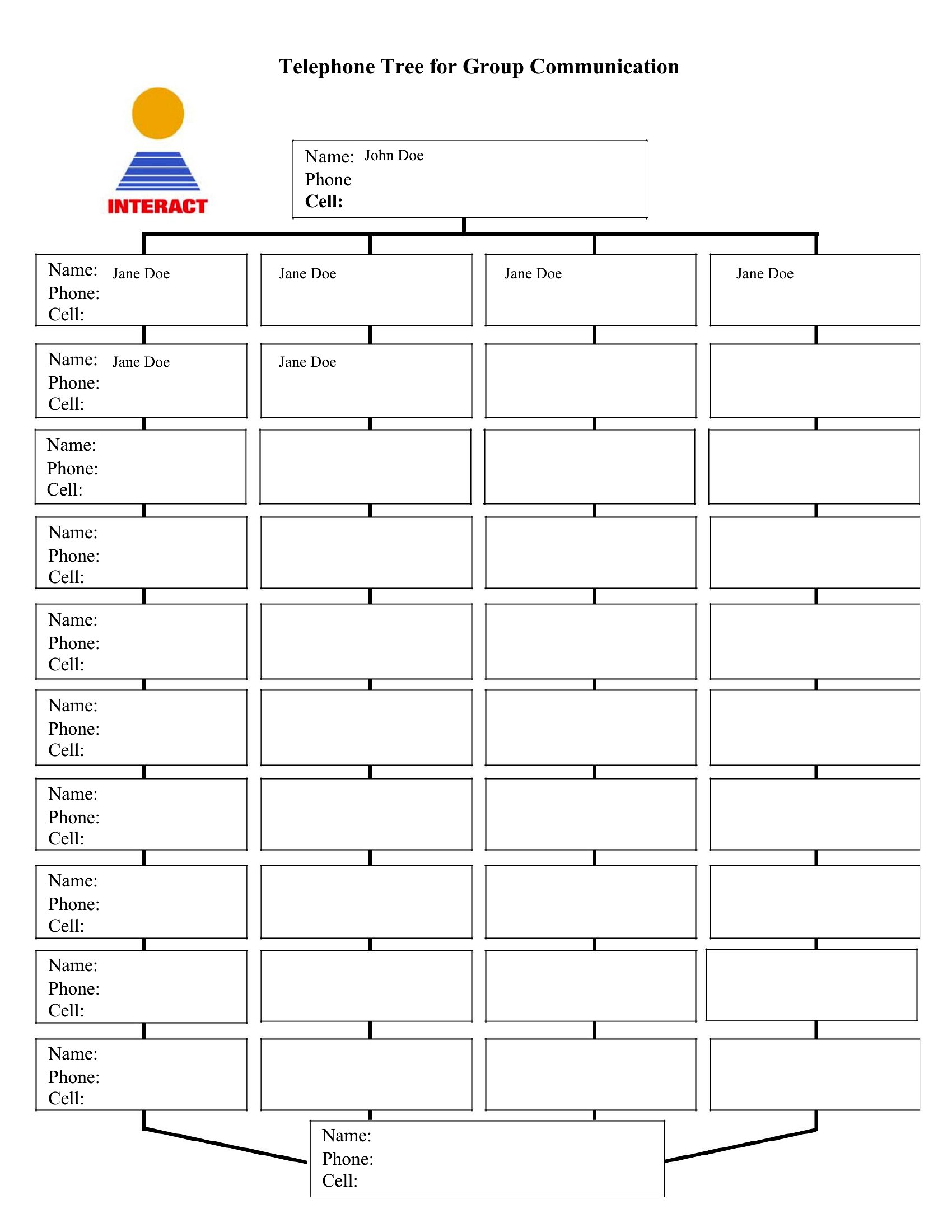
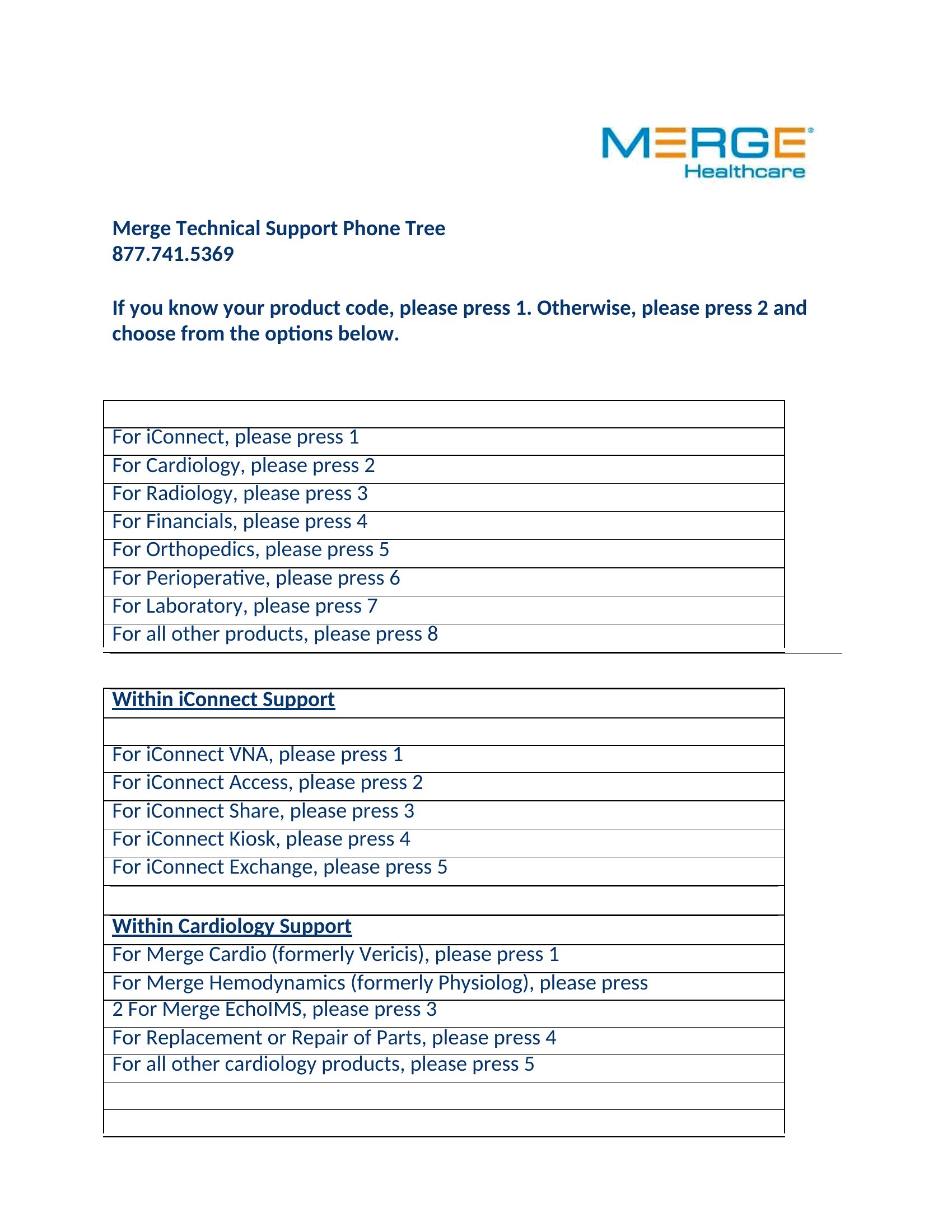
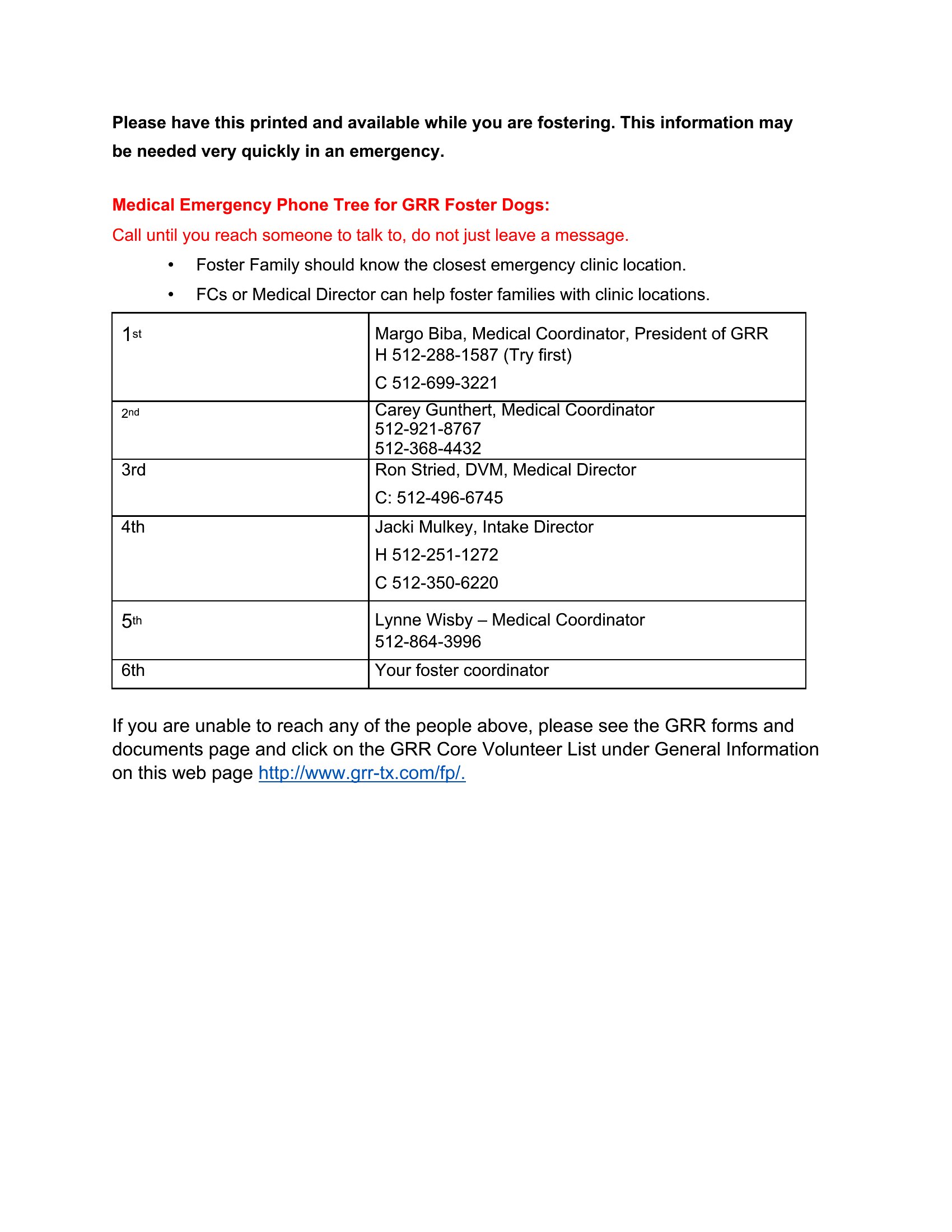
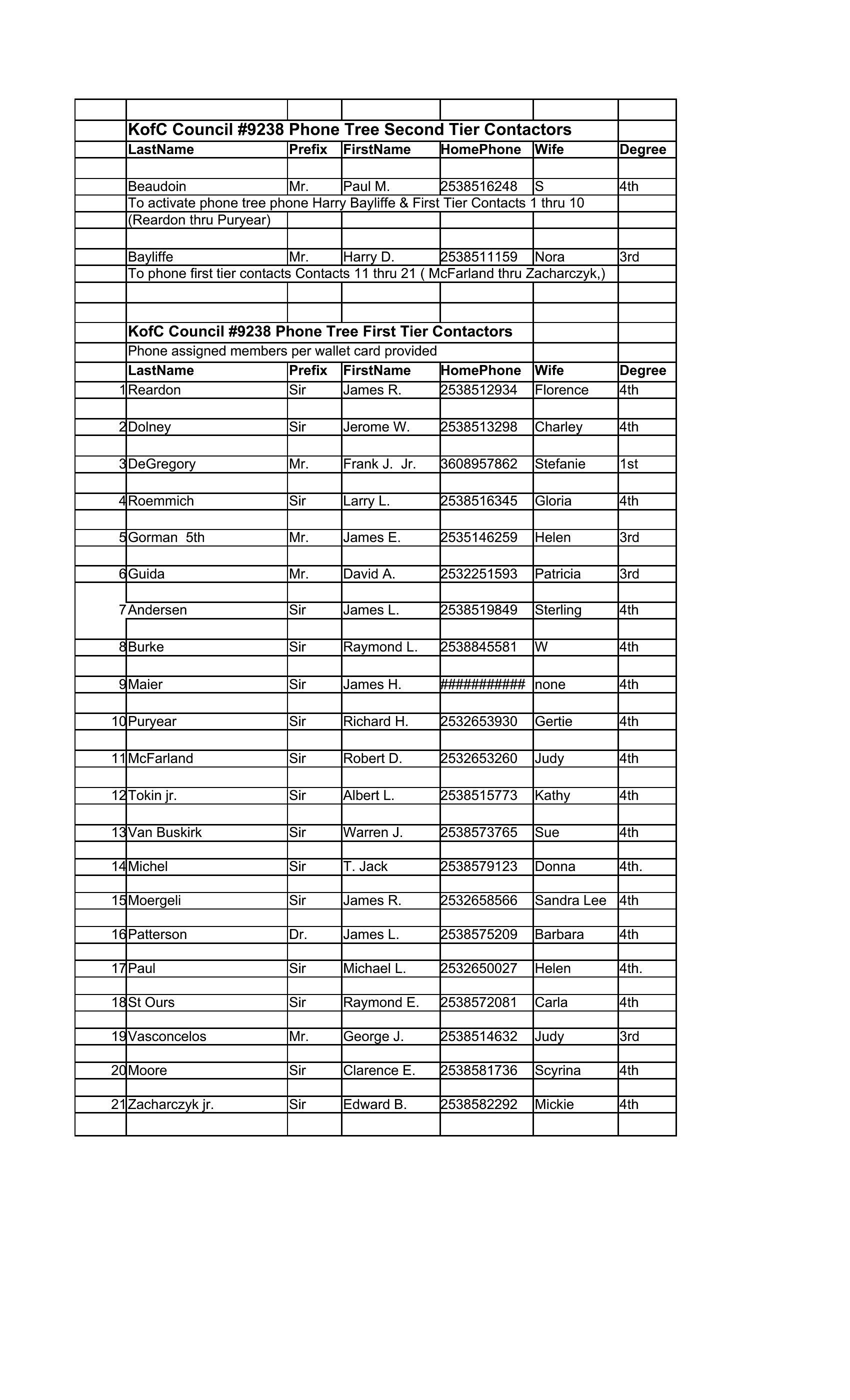
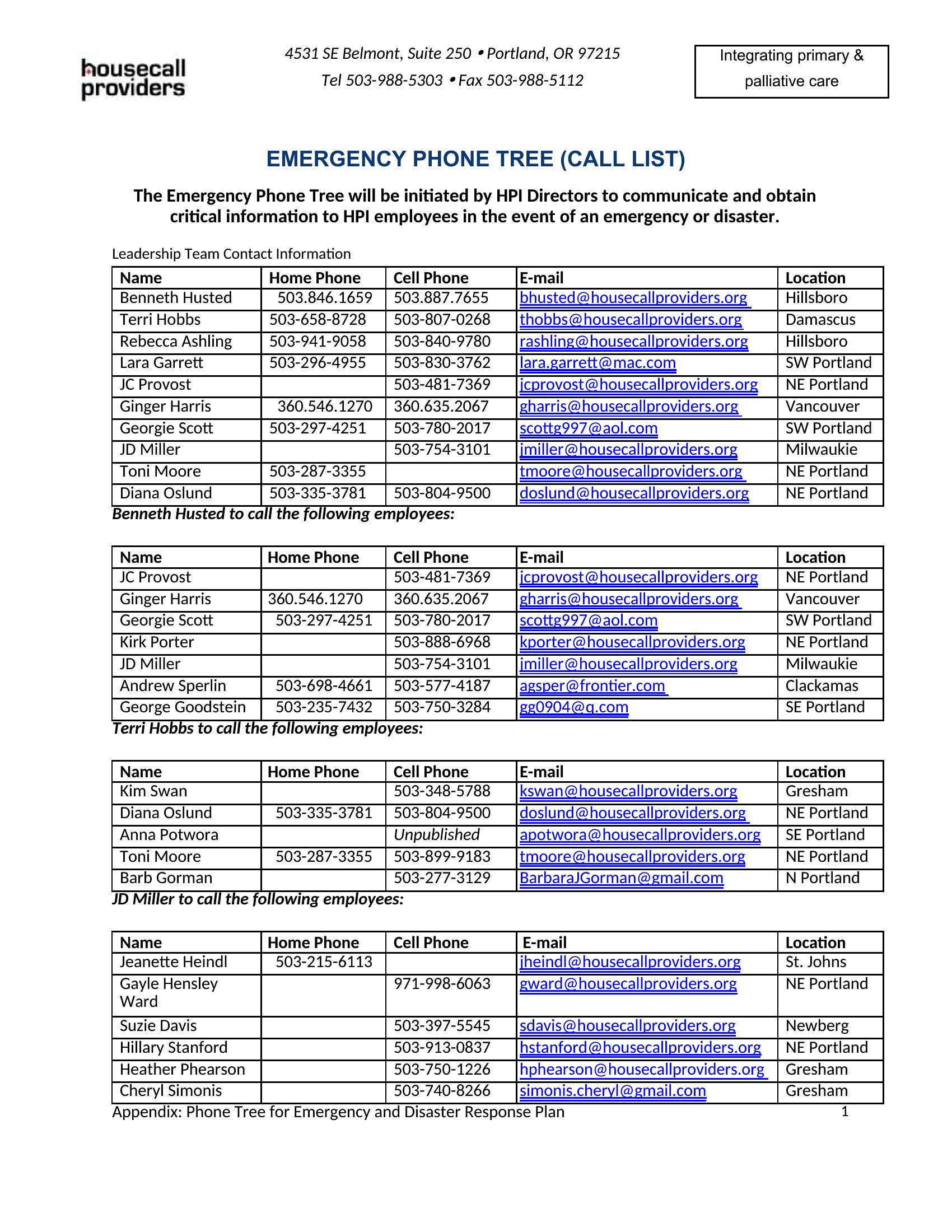
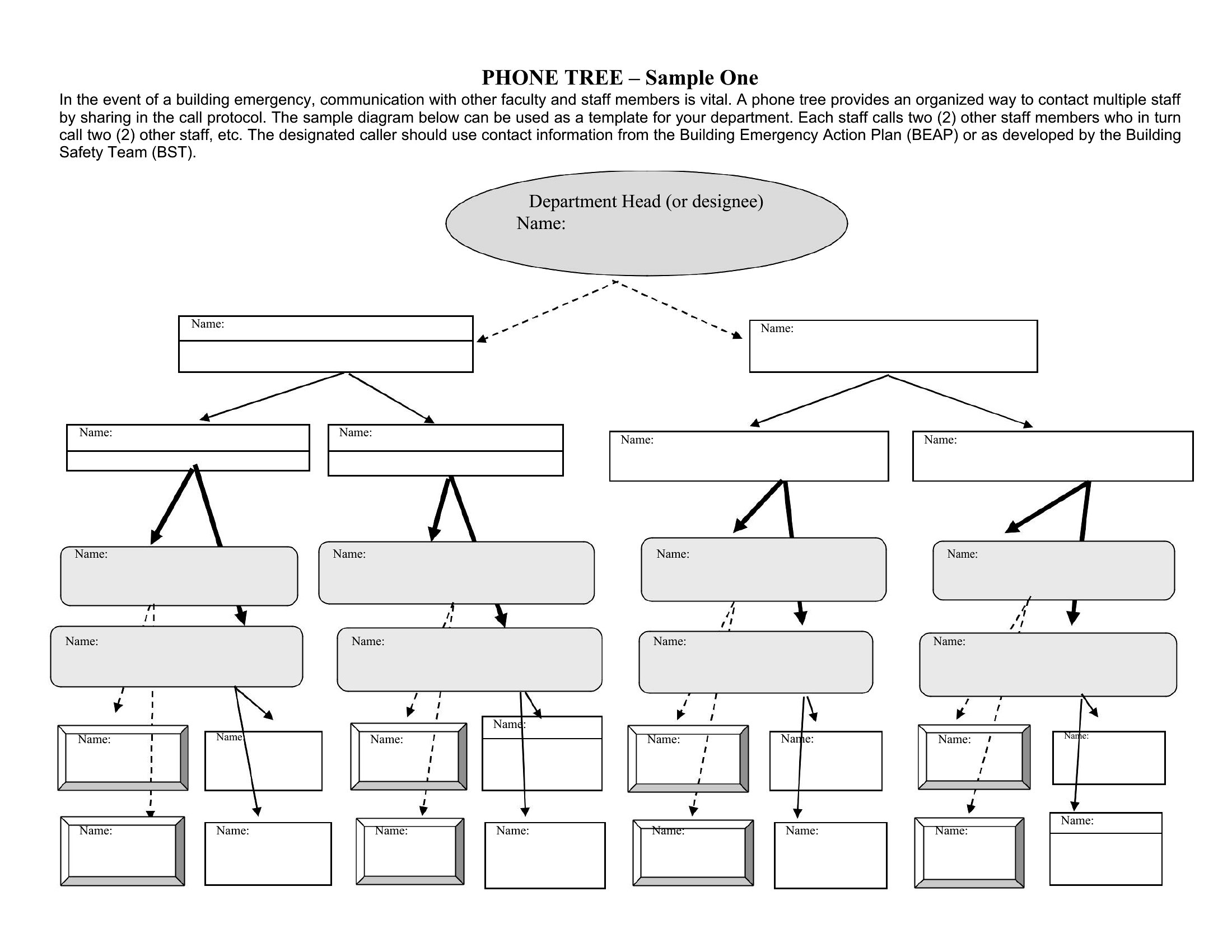
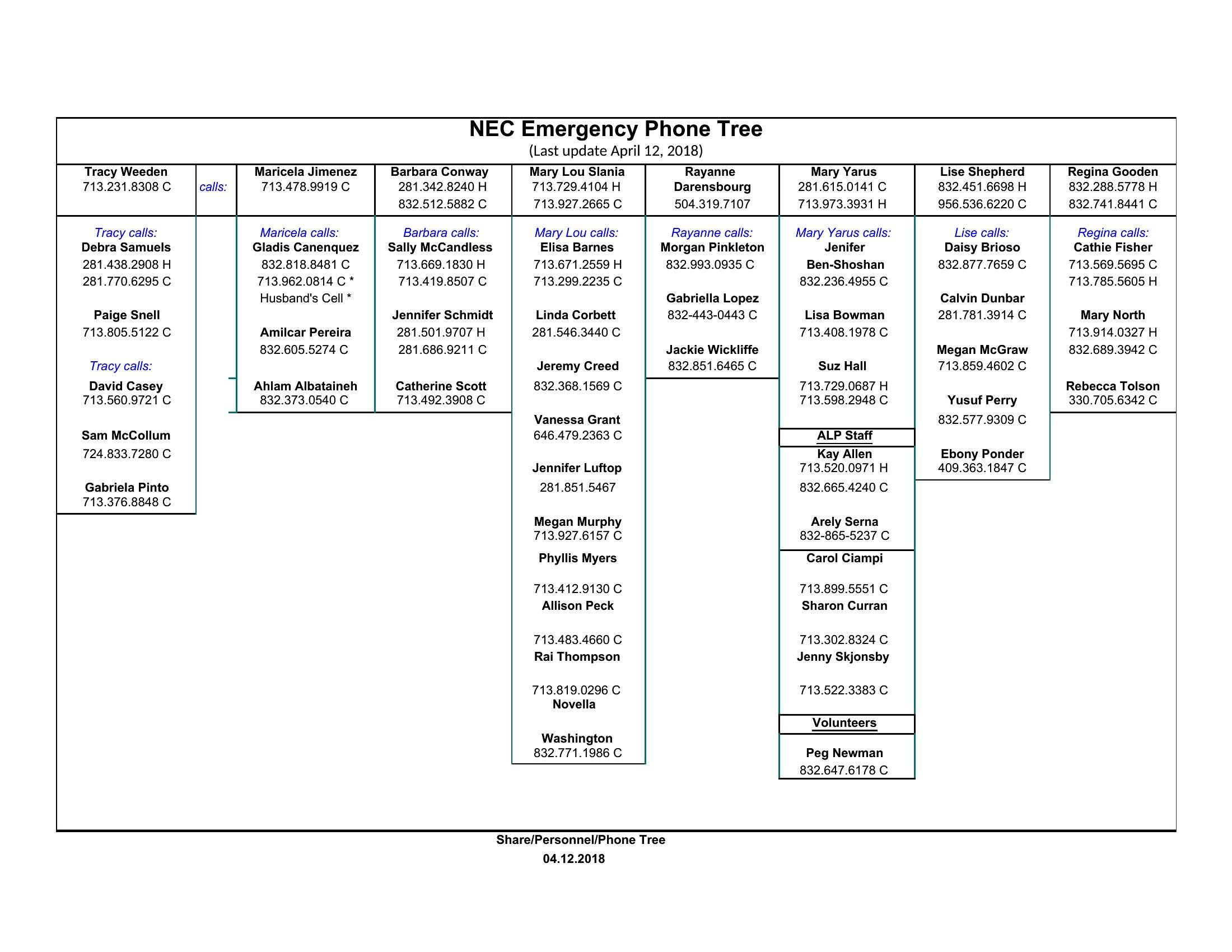
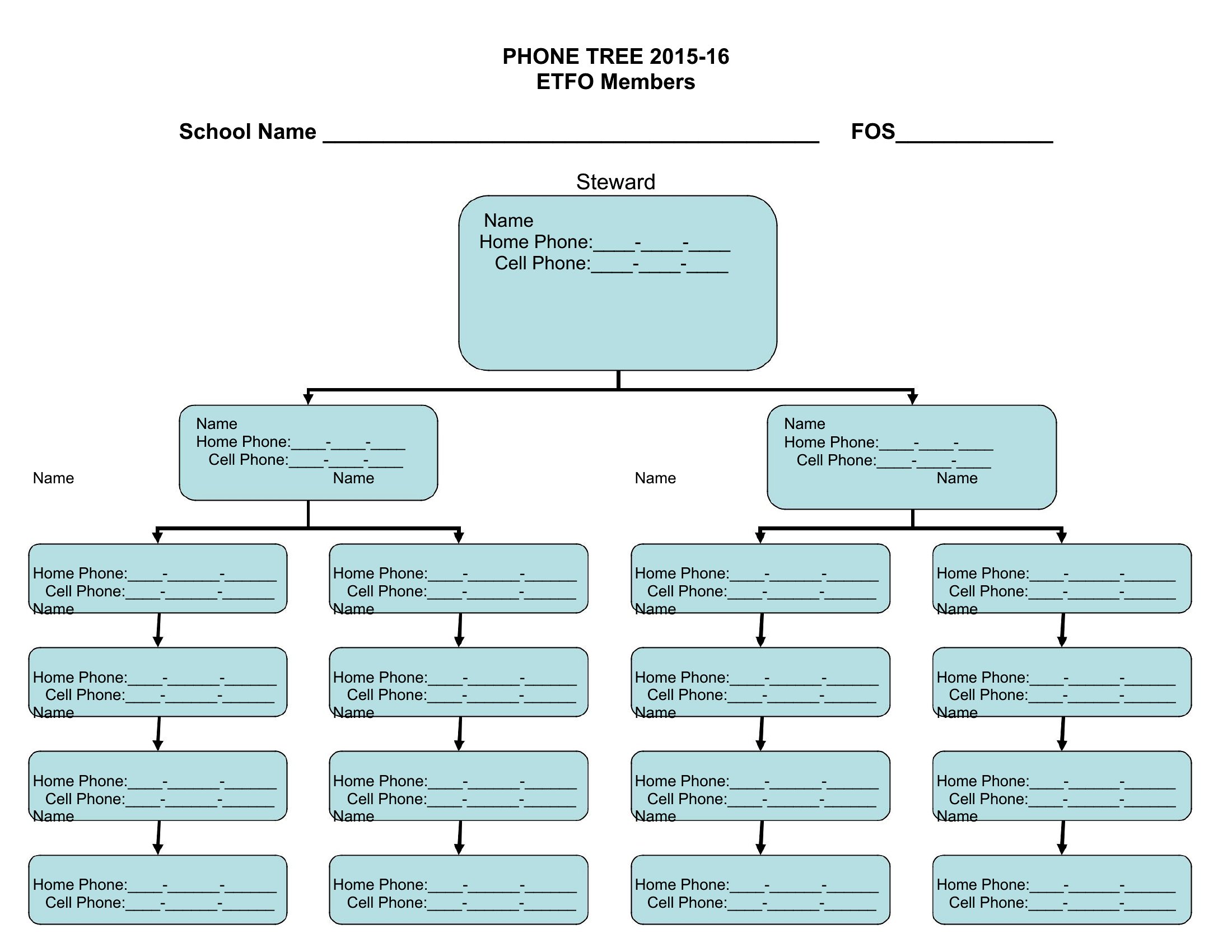
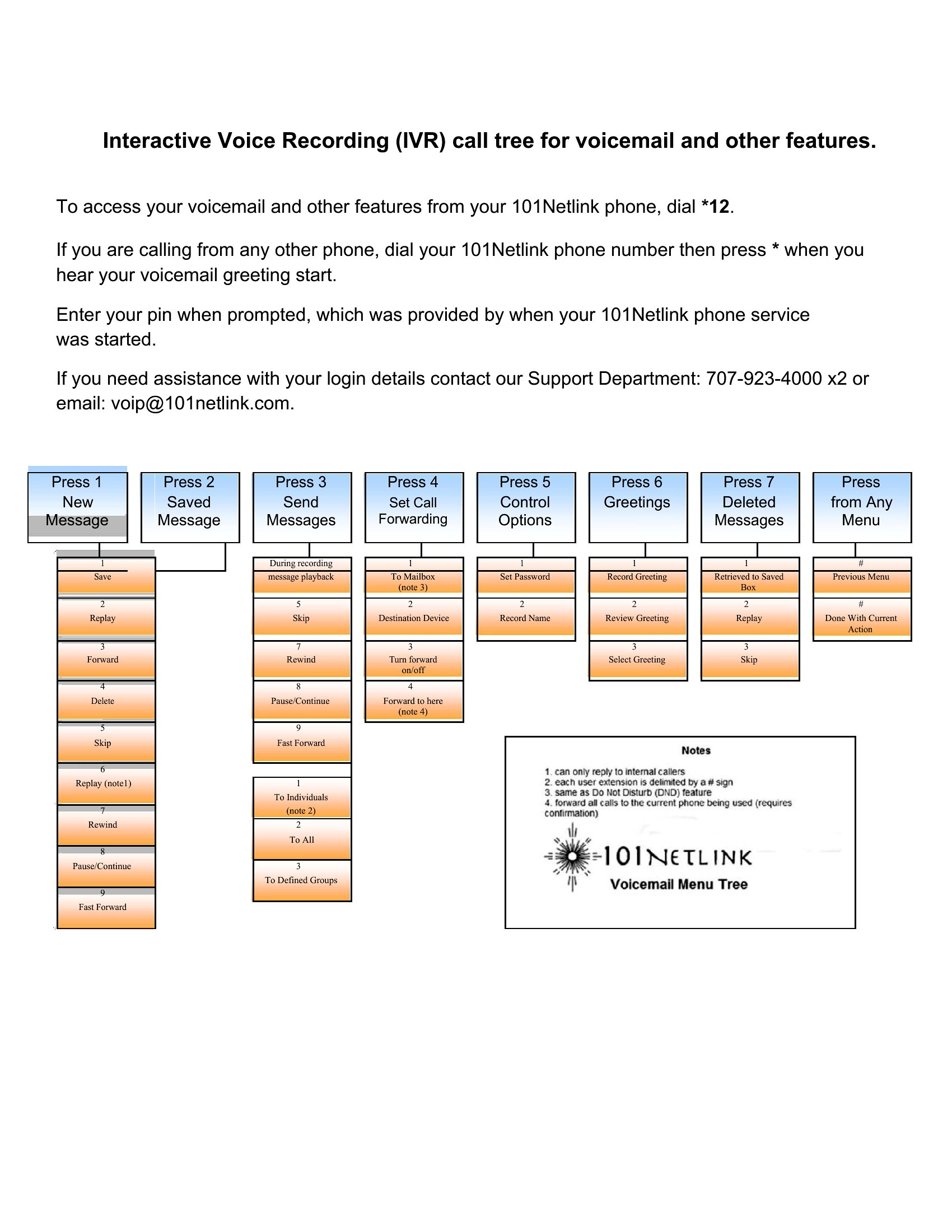
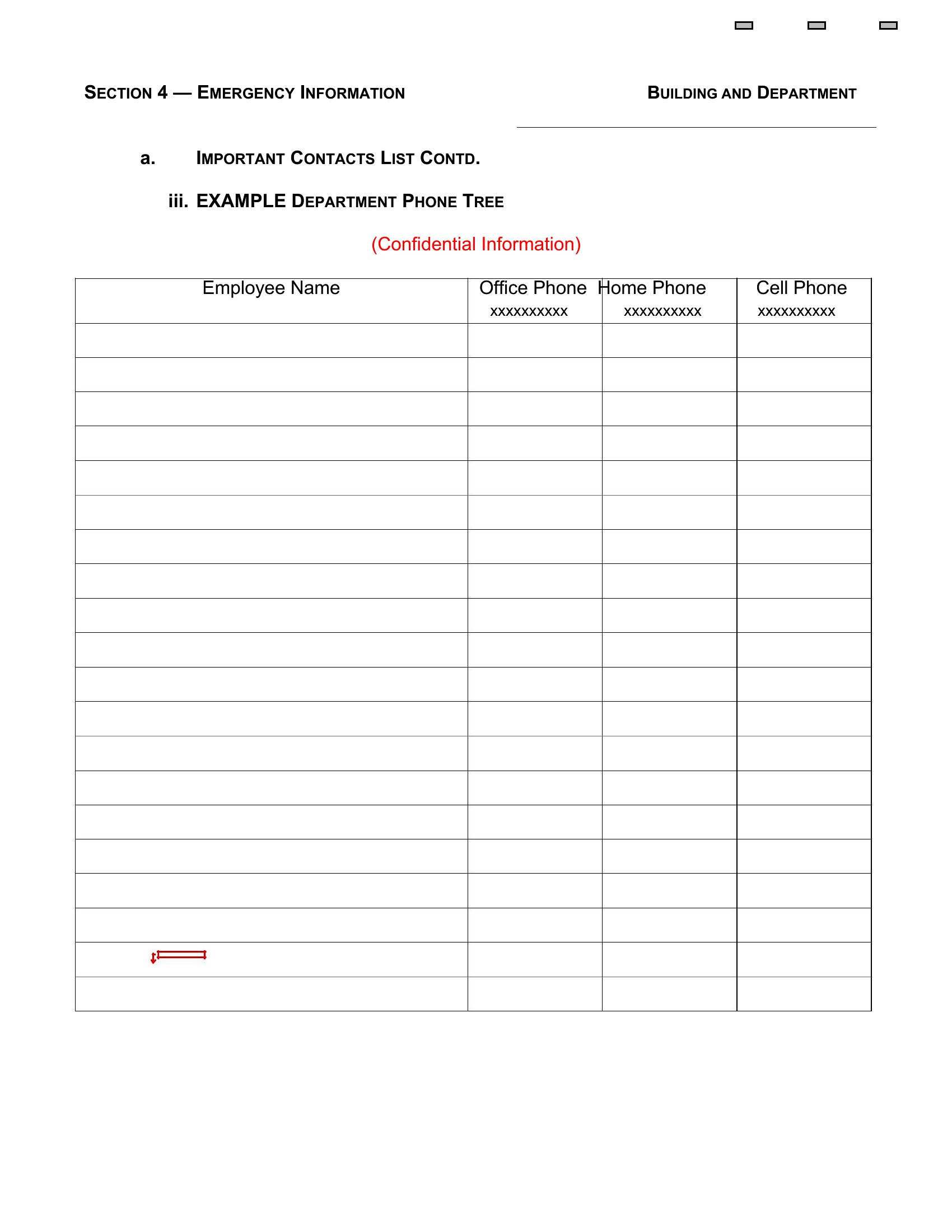
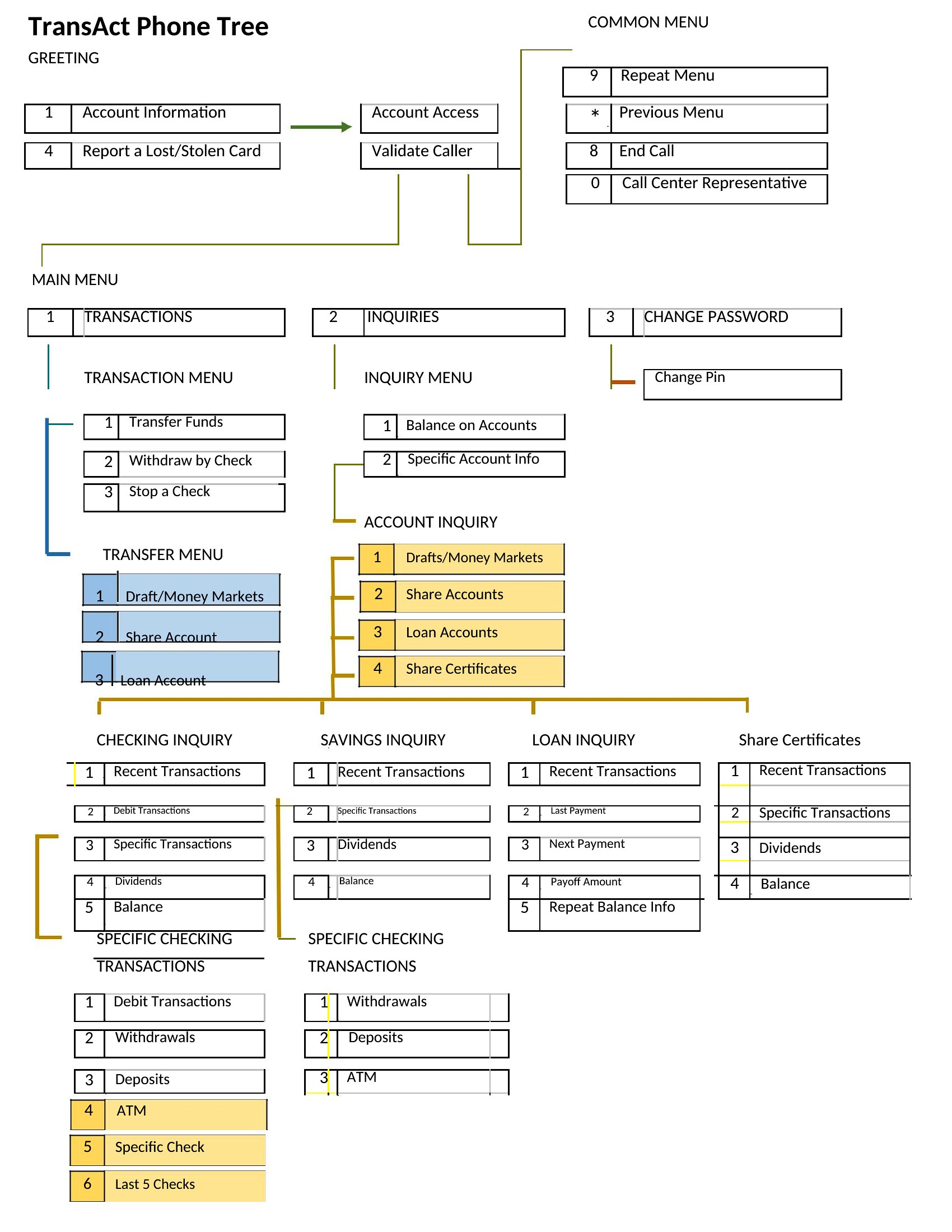
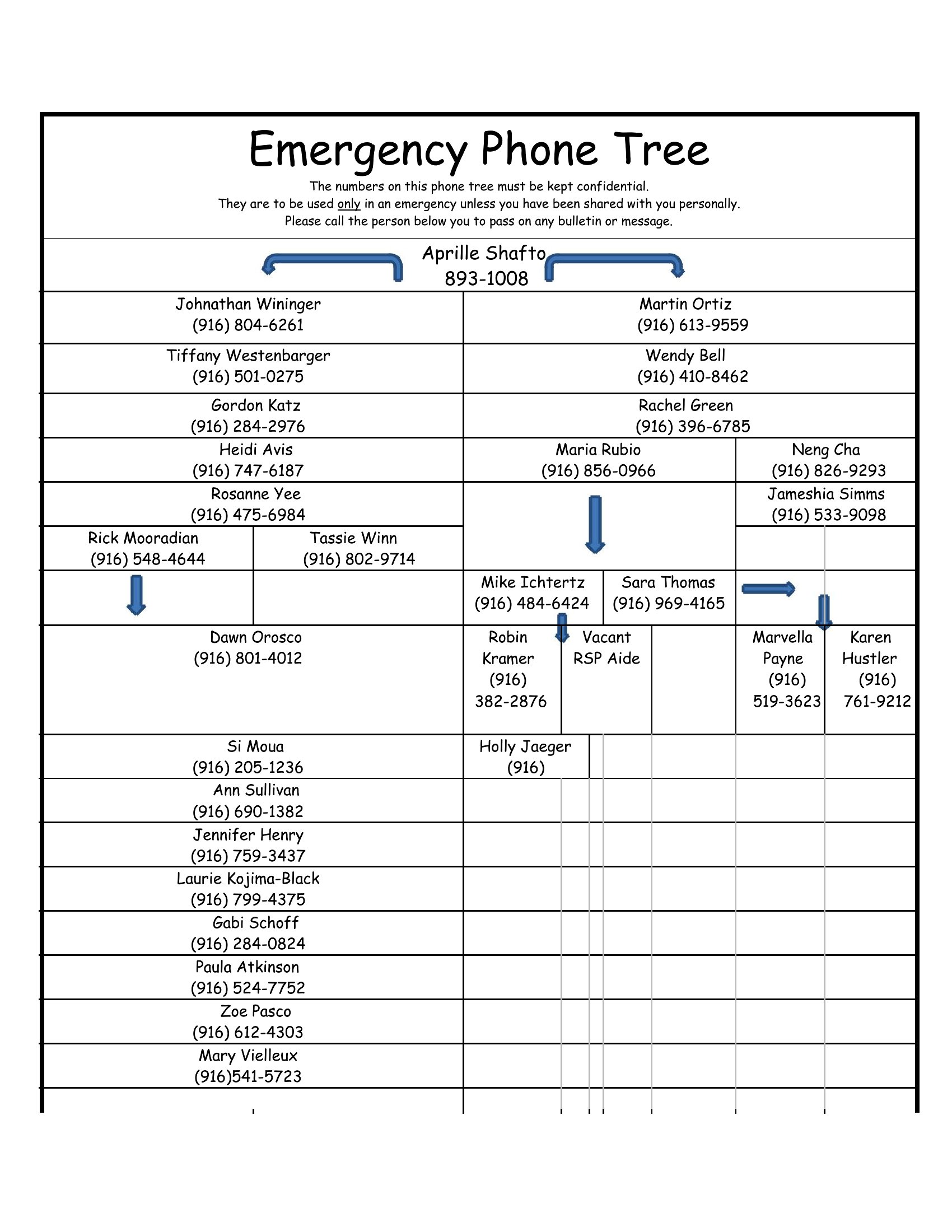
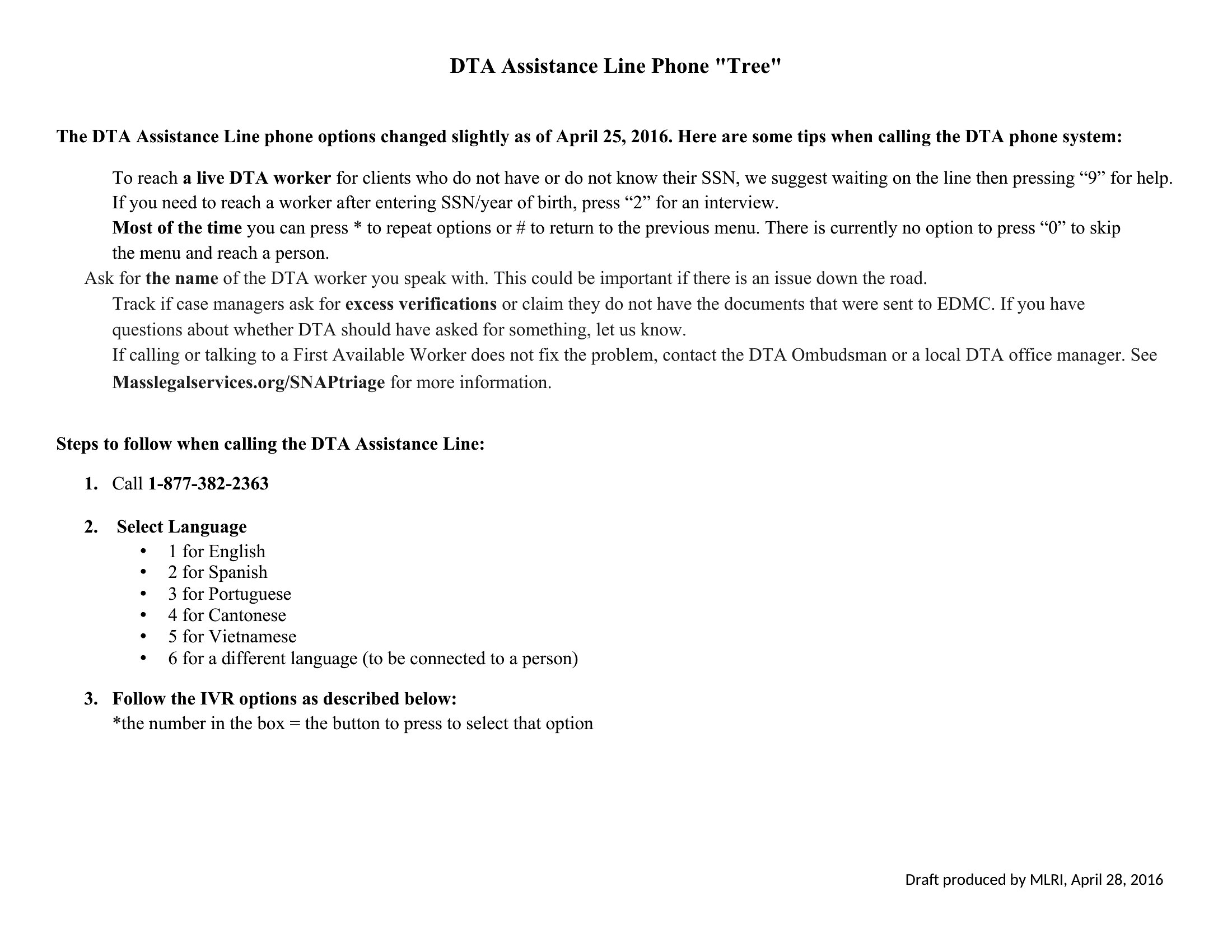
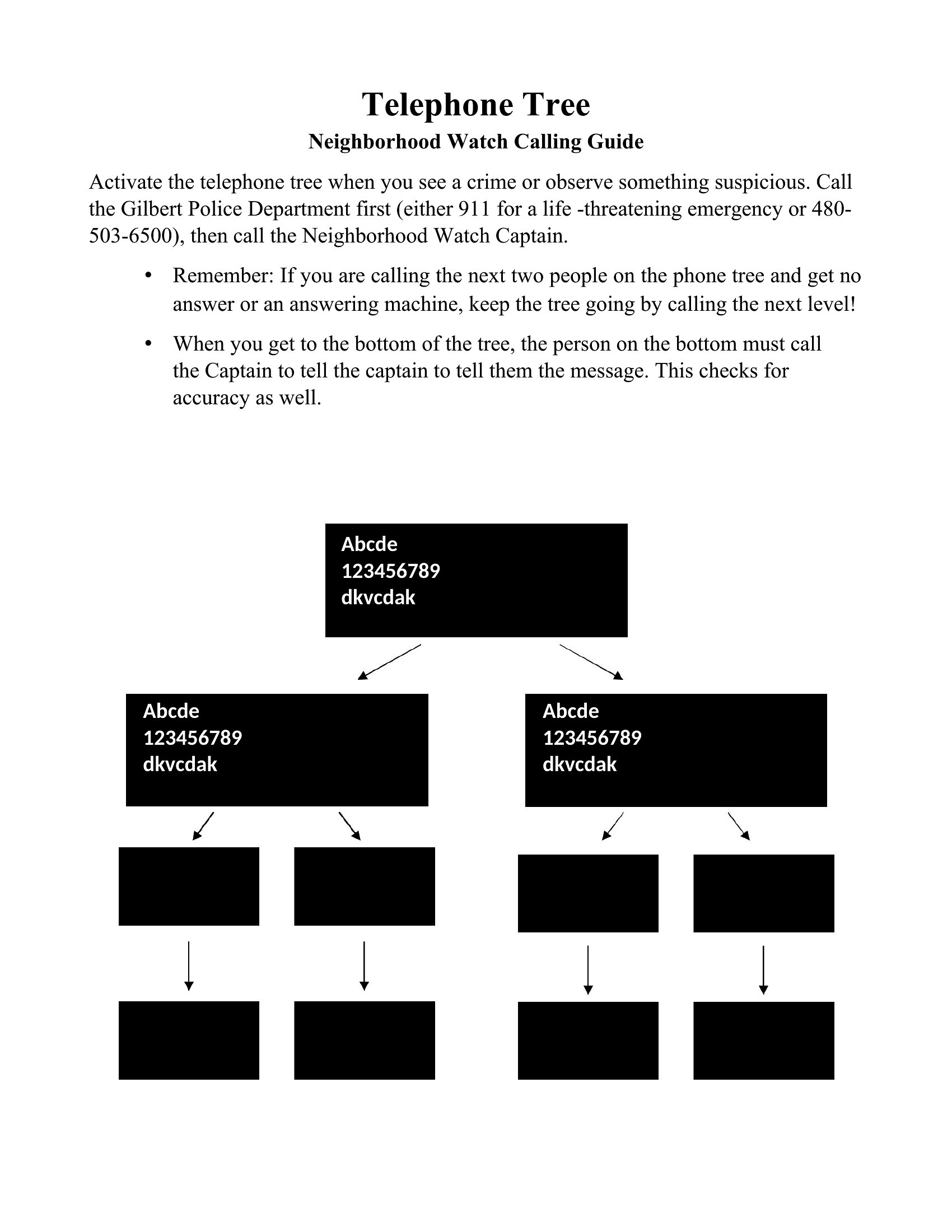
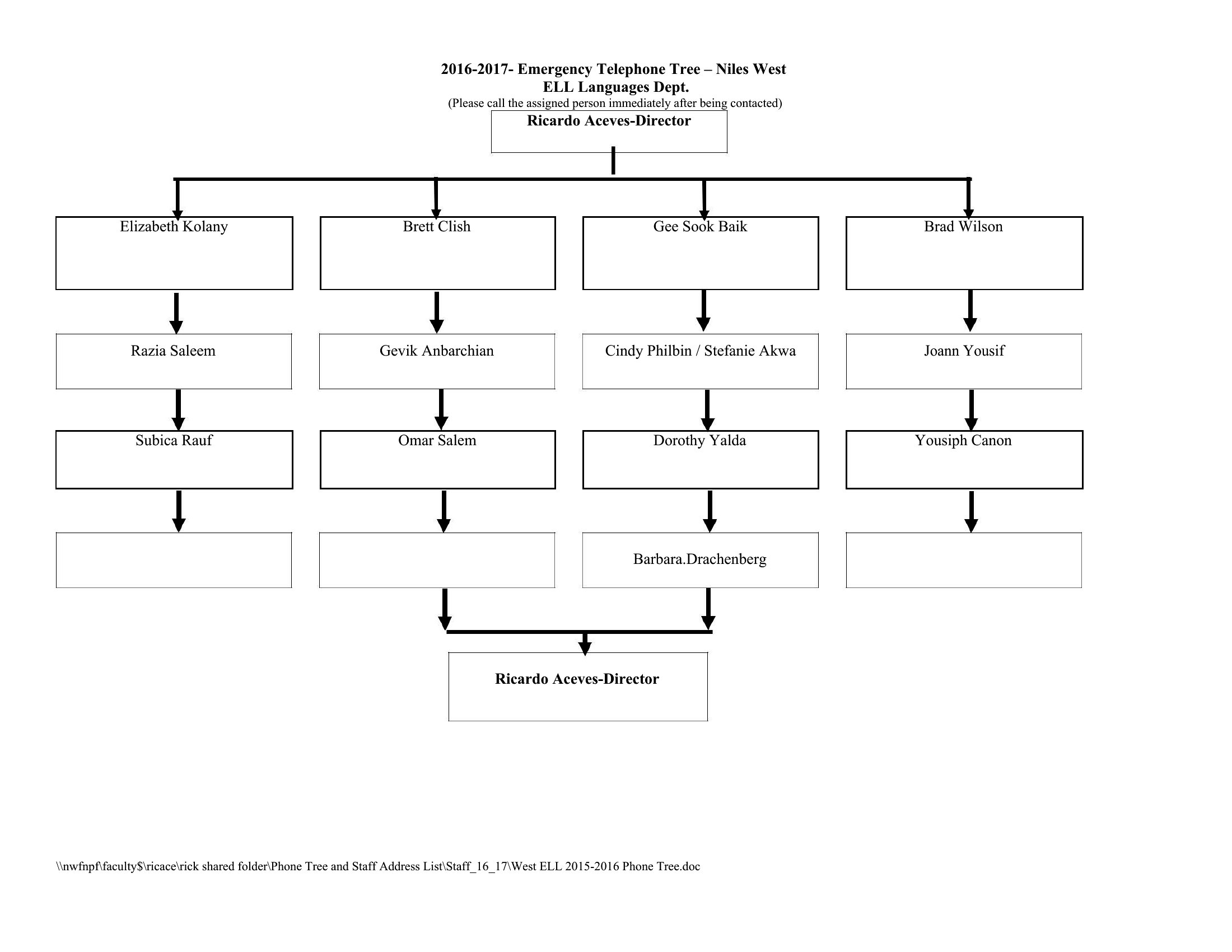
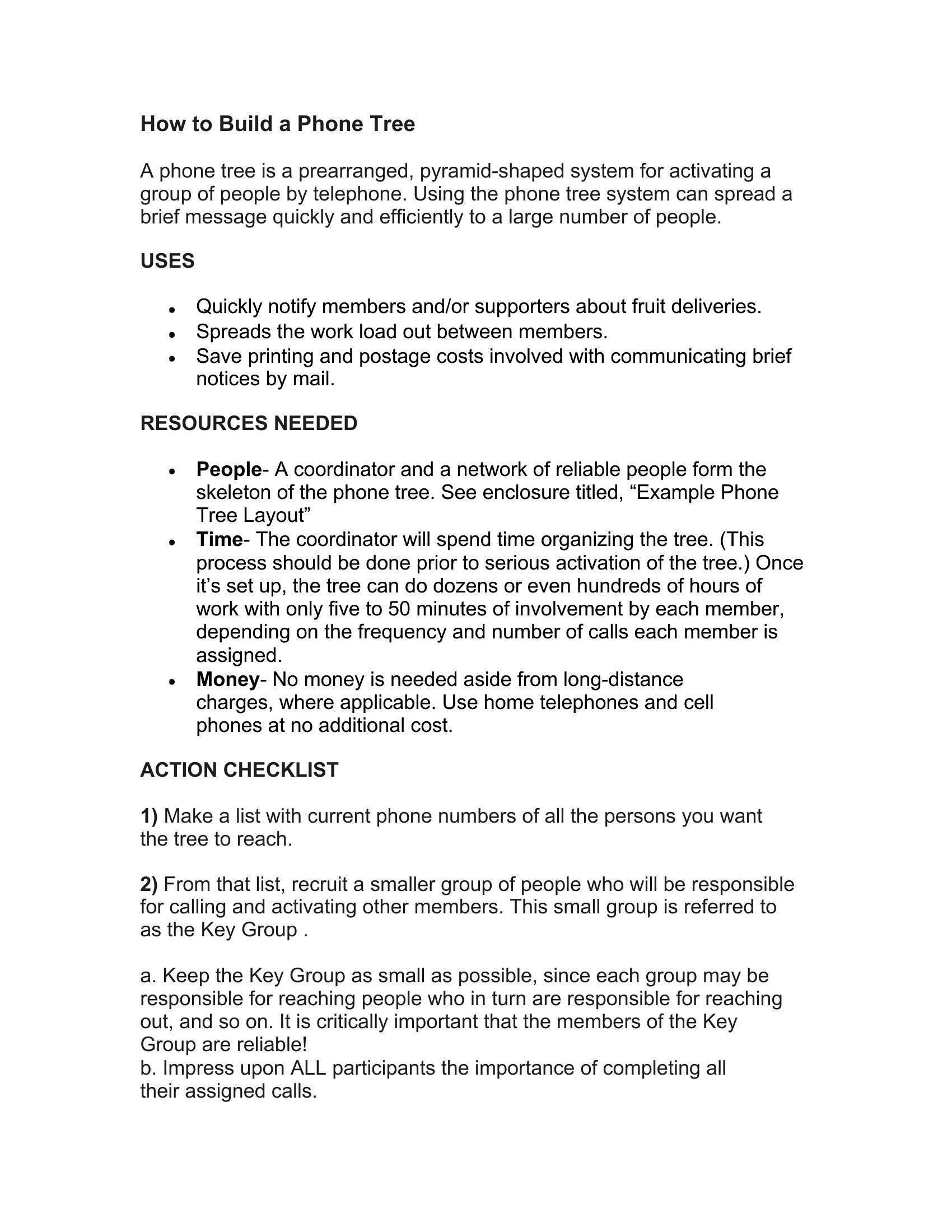
Phone Tree
How to use this Phone Tree template
How do I ensure the phone tree includes everyone who needs to be contacted?
Start by listing all roles or groups that must be notified, then layer them by priority. For example, a school’s tree might begin with parents of elementary students, then high school staff. Use Excel’s nested rows to group related contacts and prevent overlaps. Double-check with department heads for missing stakeholders.
Can I customize the call sequence to account for time zones or shift changes?
Yes. In Excel, assign time stamps or color-code shifts next to each contact’s name to visualize coverage gaps. In Word, add a parallel column for shift hours and manually adjust call order. For example, a retail store’s night crew could be contacted first if a late closure is announced.
What’s the best way to test the phone tree before an actual emergency?
Run a mock drill by having a small group walk through the calls using the template. In Excel, use a separate sheet to log who was reached and when to identify bottlenecks. In Word, print a simplified version for tabletop exercises. Review results to refine the chain—aim for under 30 minutes to contact 90% of your group.
Comments
Join the conversation
Sign in to share your thoughts and leave a comment on this resource.