
Free Decision Tree Templates (Word, Excel, PDF)
Diagrams by olgacampos
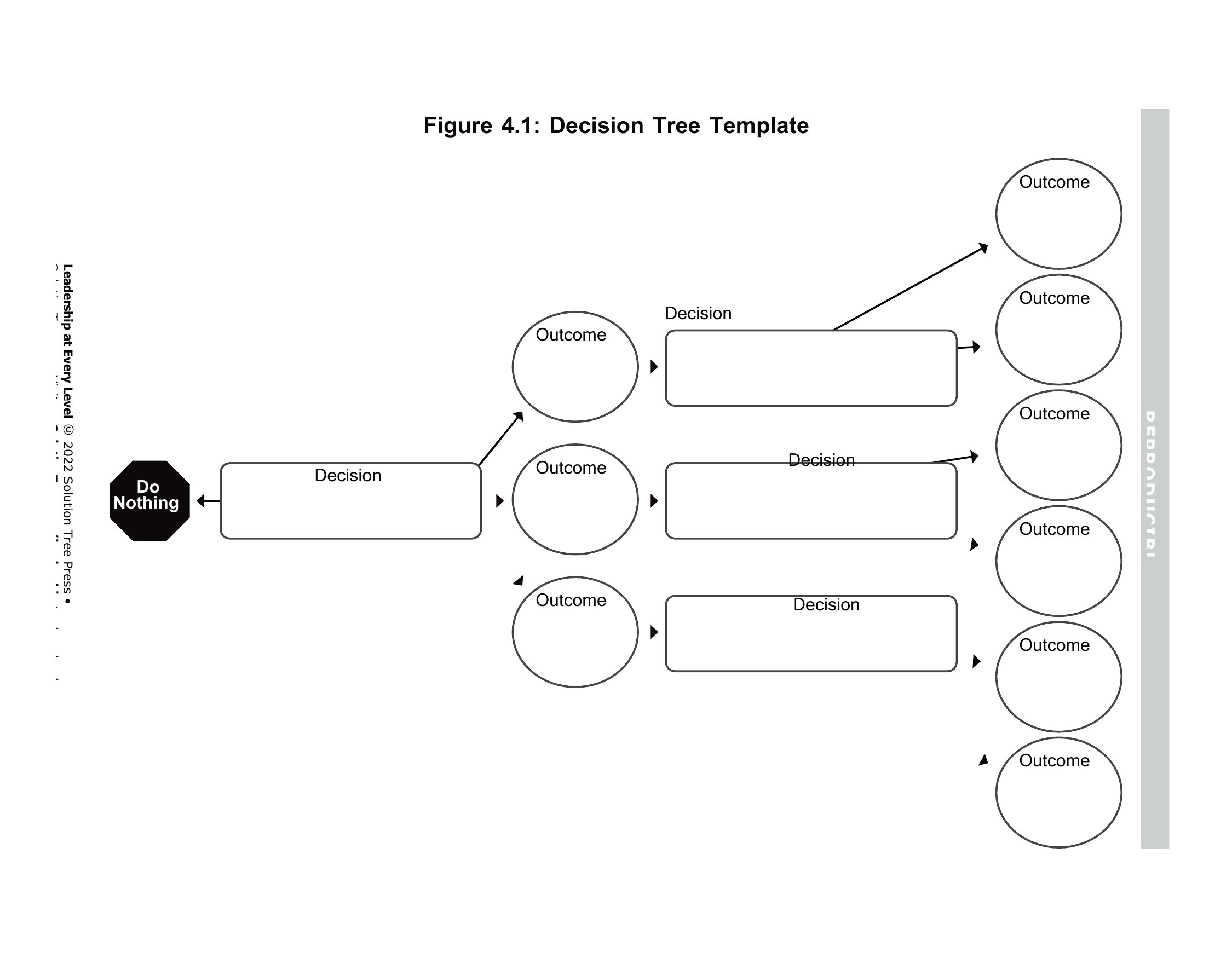
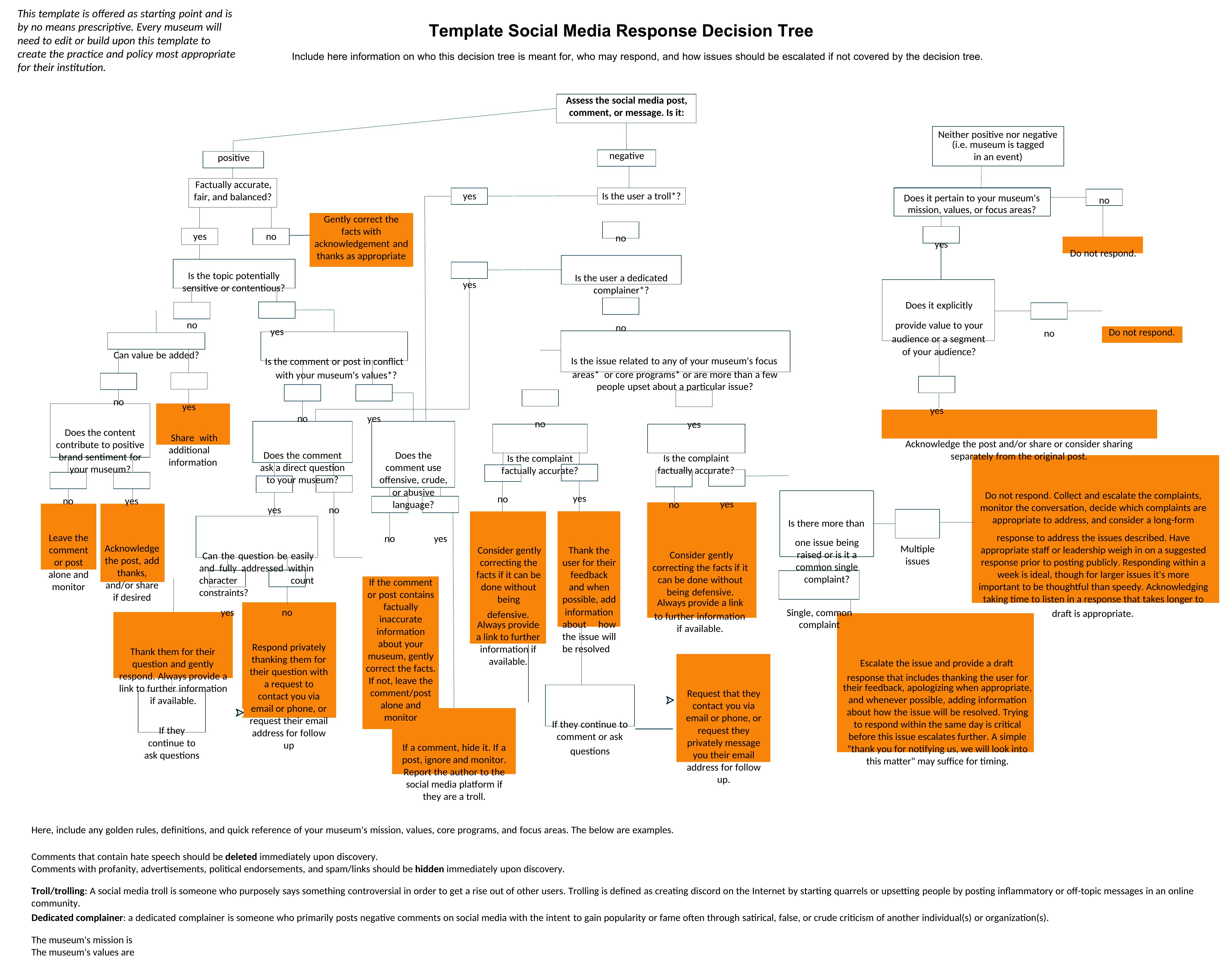
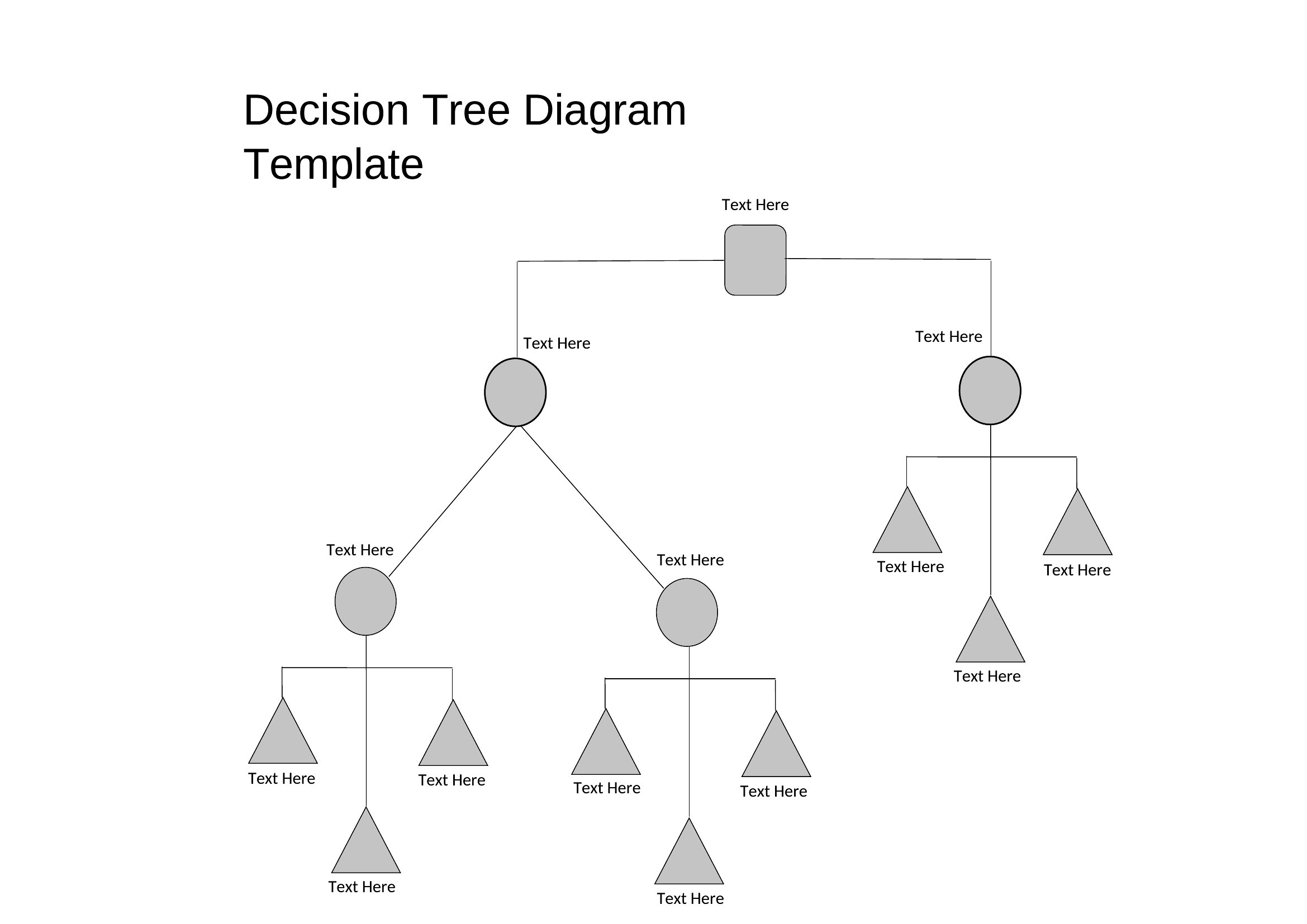
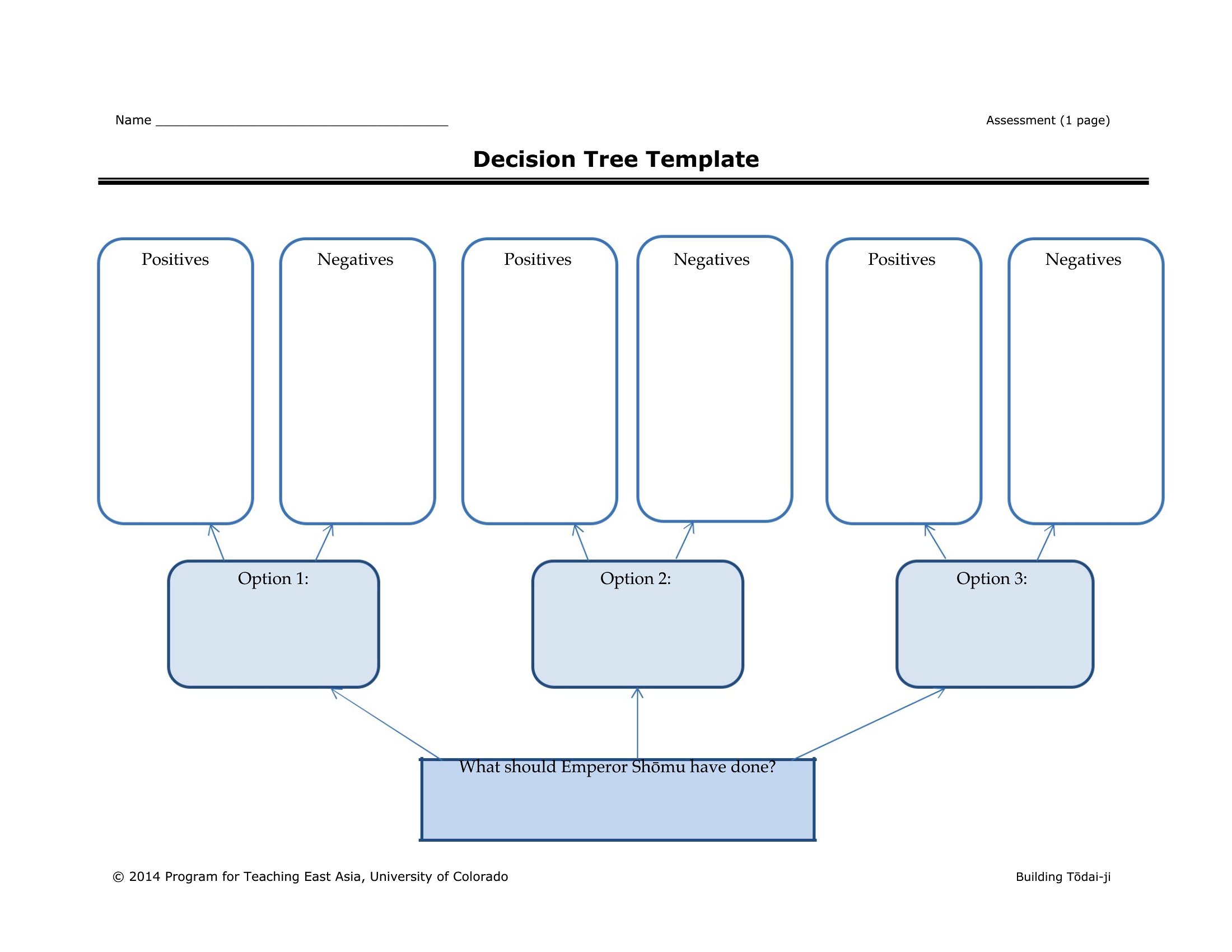
A decision tree lays out choices and their possible outcomes as branches, making it easier to compare options and think through what happens next. This collection of 36 decision tree templates helps analysts, managers, teachers, and students map scenarios without drawing every node and connector by hand. The visual structure is handy for everything from business choices to classroom logic exercises.
The templates come in Word and PDF for clean printable diagrams, plus an Excel option for charts you can adjust as conditions change. Start at the root question, add your branches and outcomes, and label each path clearly. Print a copy to talk through with a team or edit it on screen as the analysis evolves. Pick the layout that fits your problem and map your way to a clearer decision.
When to use this Decision Tree template
- A project manager evaluating whether to pivot a struggling product line—this template helps weigh risks, costs, and potential returns of each alternative in a single visual flow.
- High school math teachers guiding students through multi-step word problems—use printable PDFs to break down solutions into clear decision paths for in-class collaboration.
- A small business owner deciding between leasing or buying equipment—Excel formats let you plug in actual numbers for each option’s monthly impact on cash flow.
- A healthcare administrator designing patient triage protocols—Word templates provide a collaborative way to map out decision points based on symptoms and resource availability.
Which format should I download?
Choose Word for collaborative team projects where decisions need frequent updates or comments, as its editing tools let multiple users refine the tree simultaneously. Opt for Excel when you’re analyzing numeric outcomes tied to each choice—its formulas can automatically calculate probabilities or costs for each branch. Use PDF for finalized, shareable versions meant to be printed or distributed without risk of alteration, such as in training manuals or reports. The PDF format is ideal when presentation (not editing) is the priority, like in client meetings or formal presentations.
Choose from 36 Decision Tree Templates
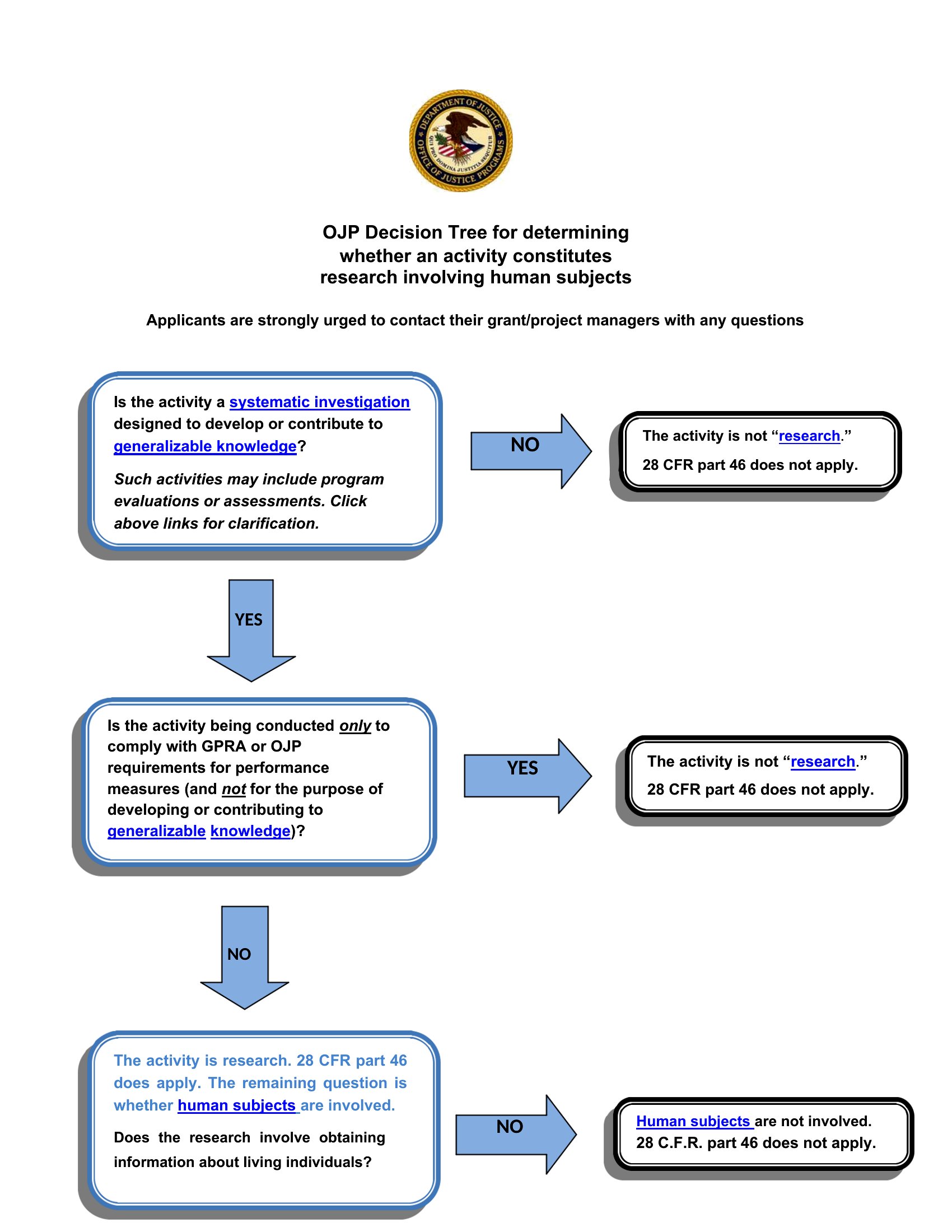
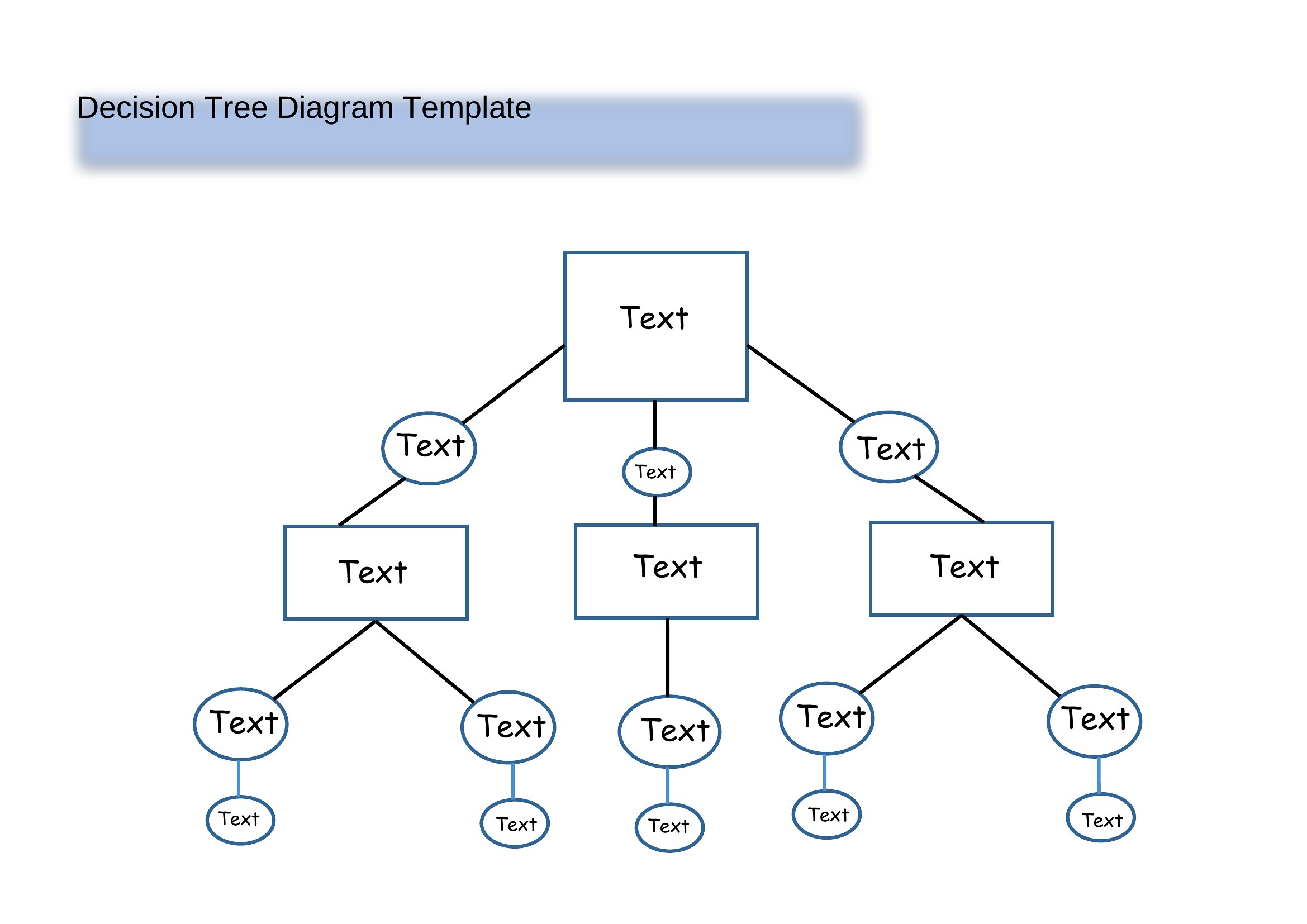
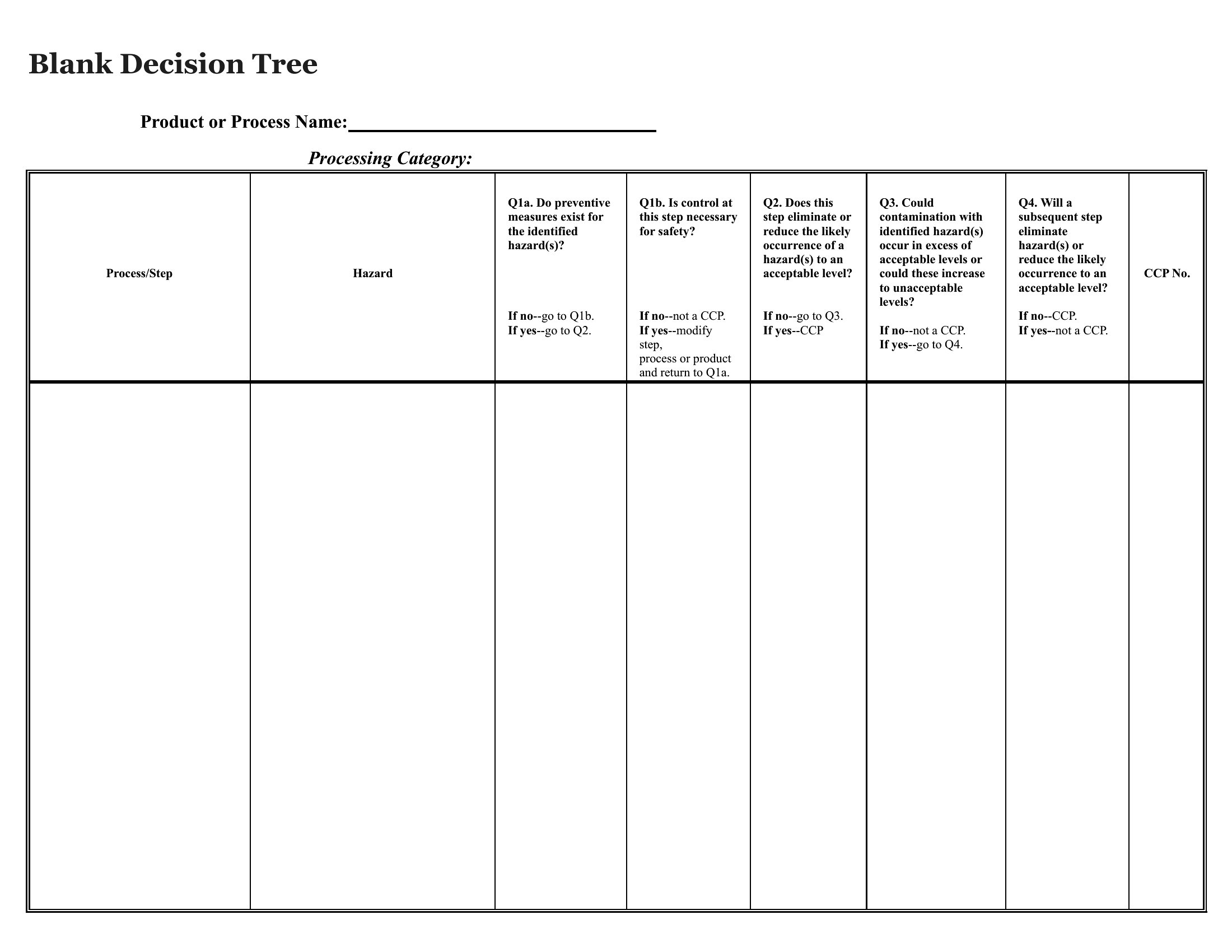
Blank Decision Tree
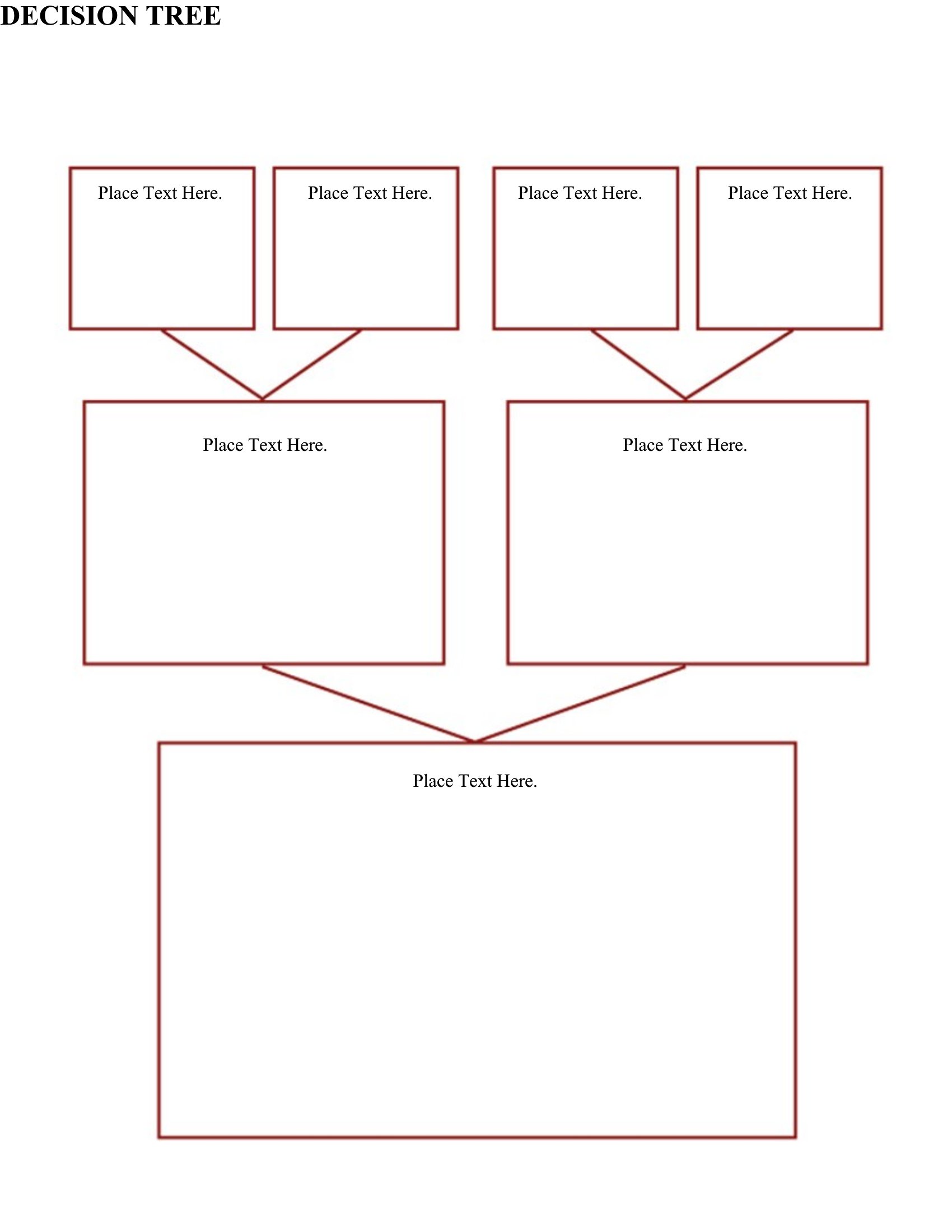
Pdf Decision Tree
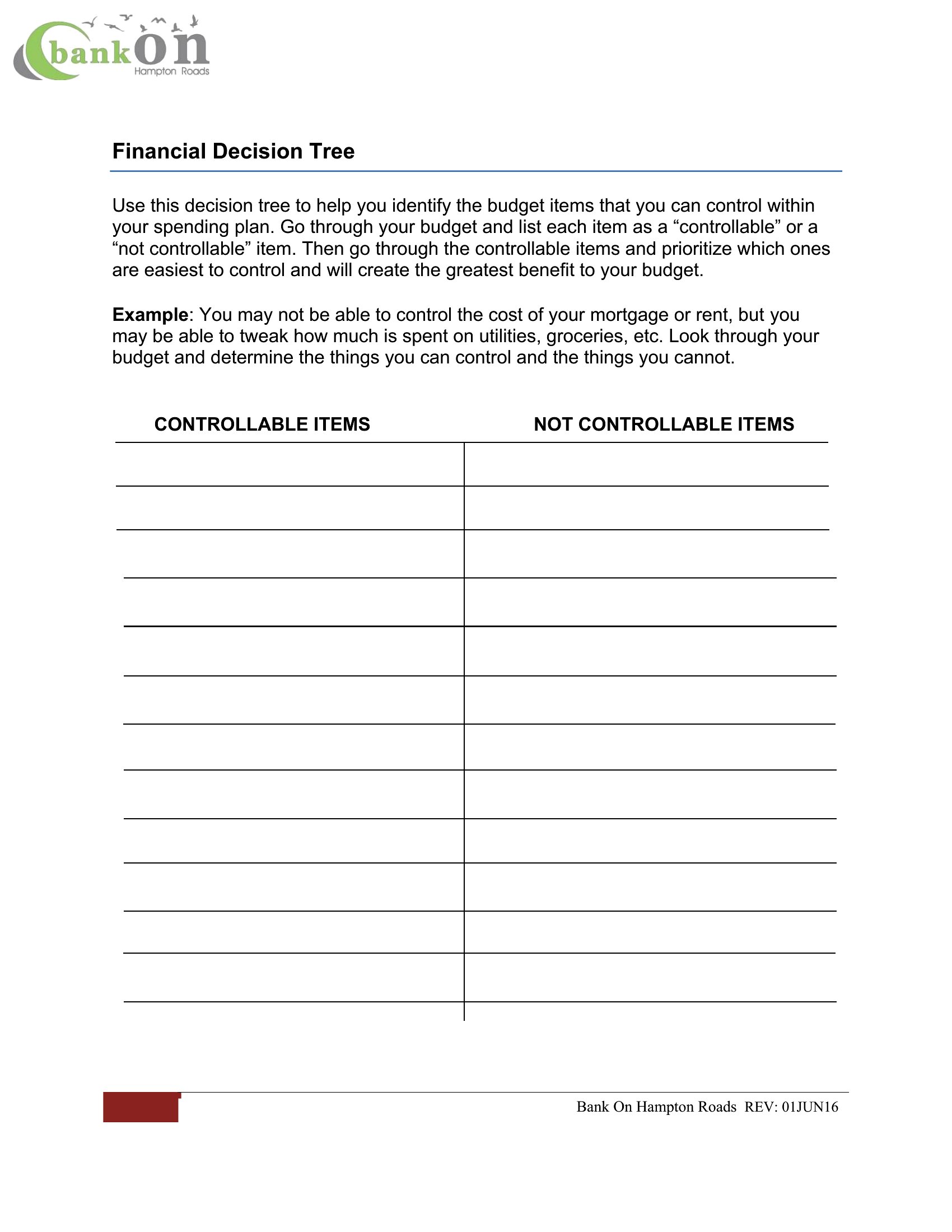
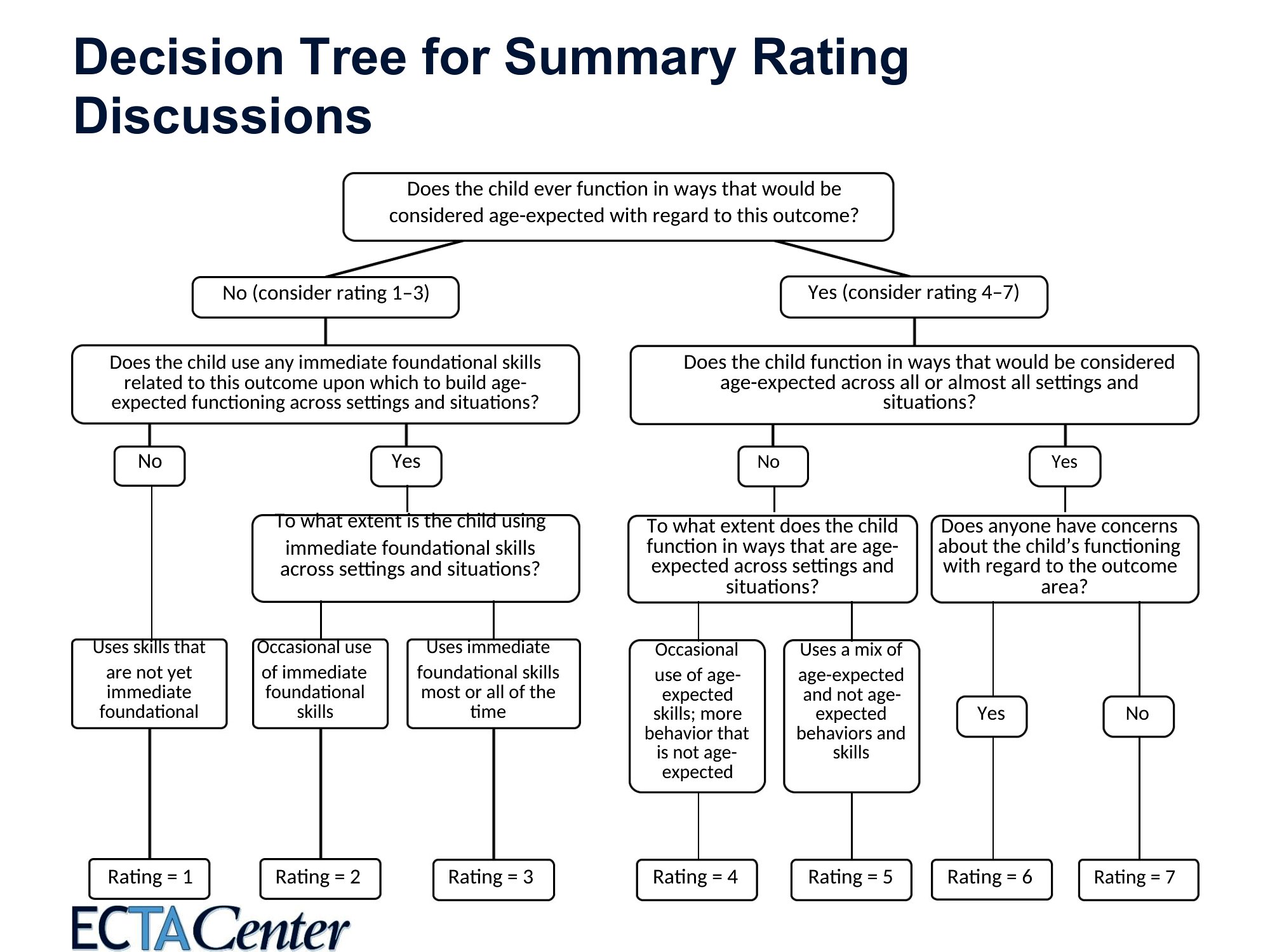
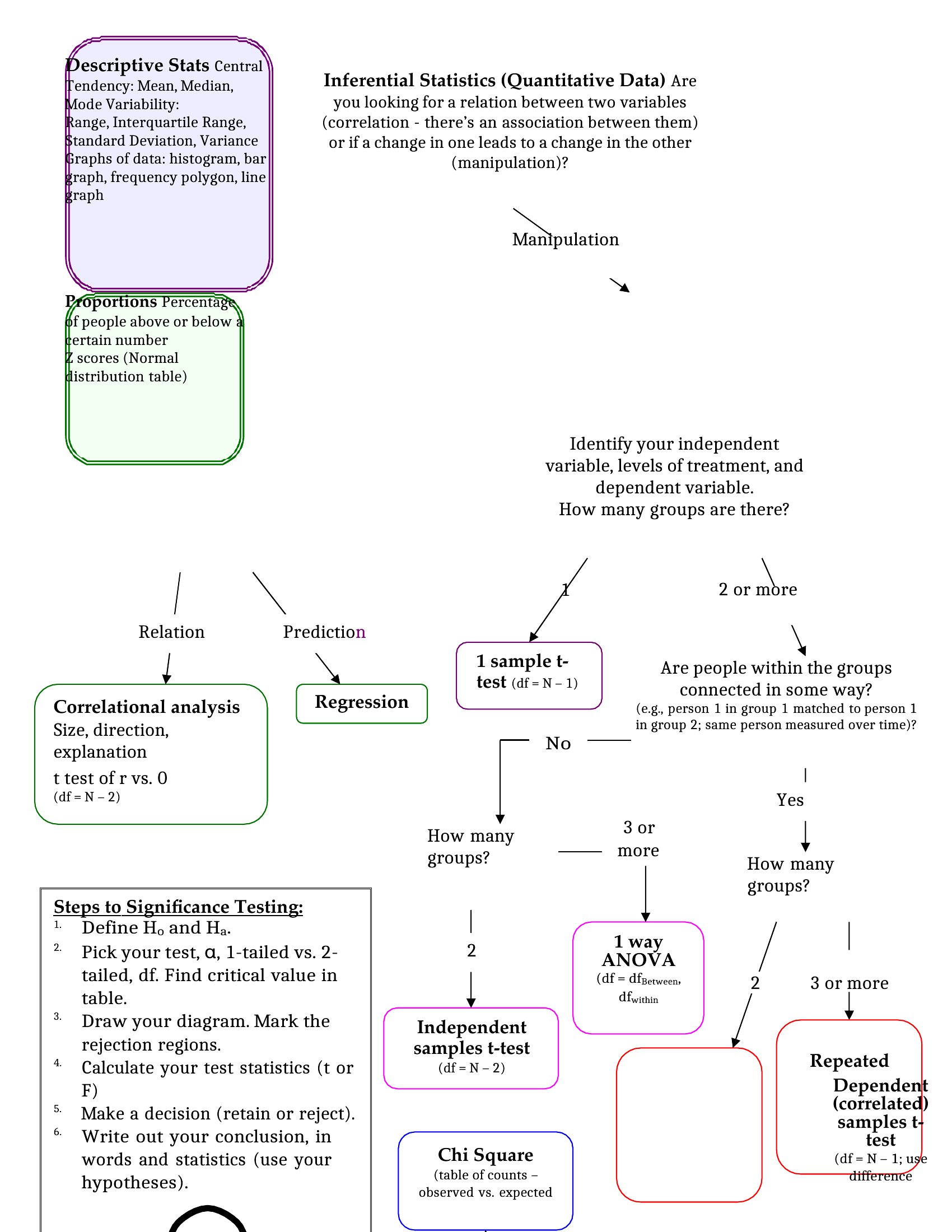
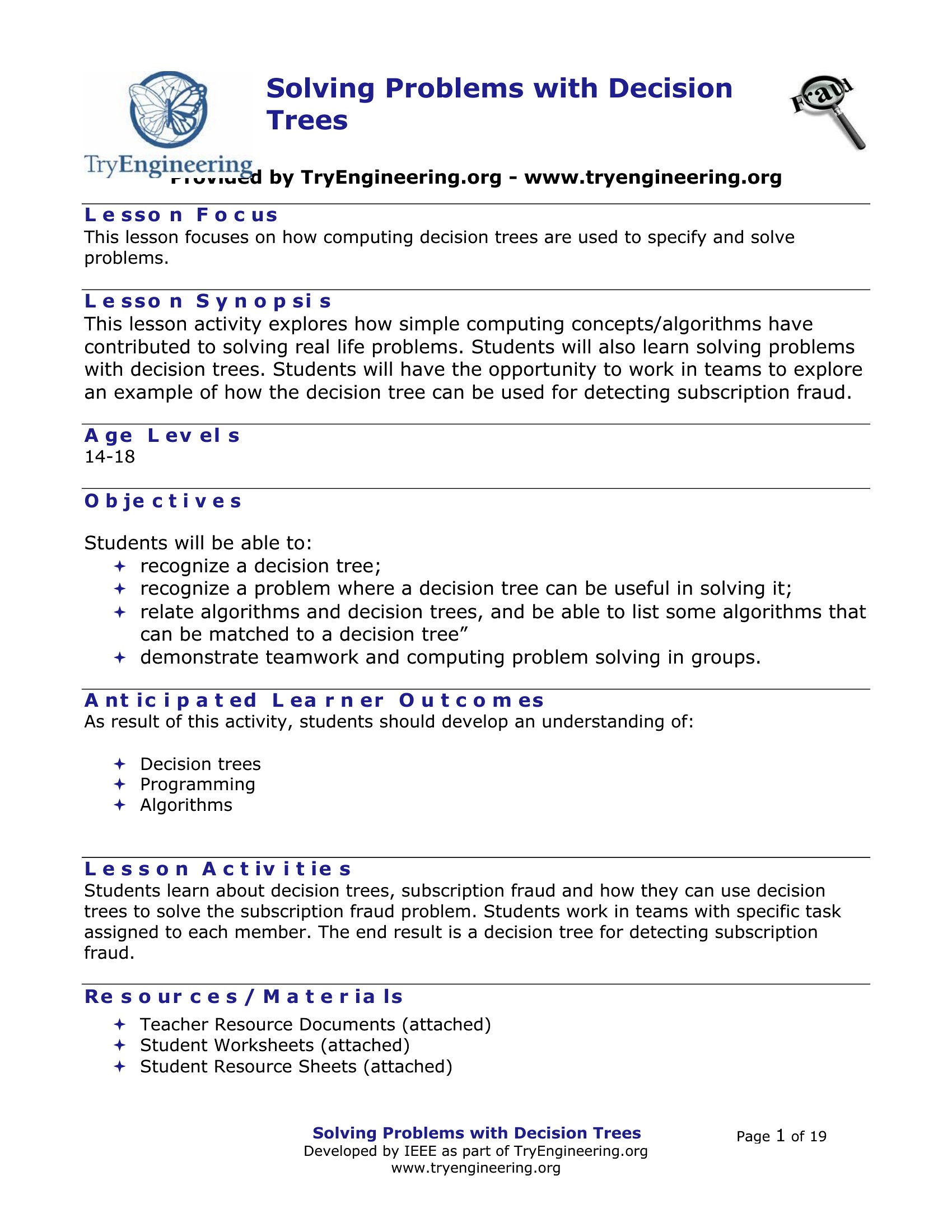
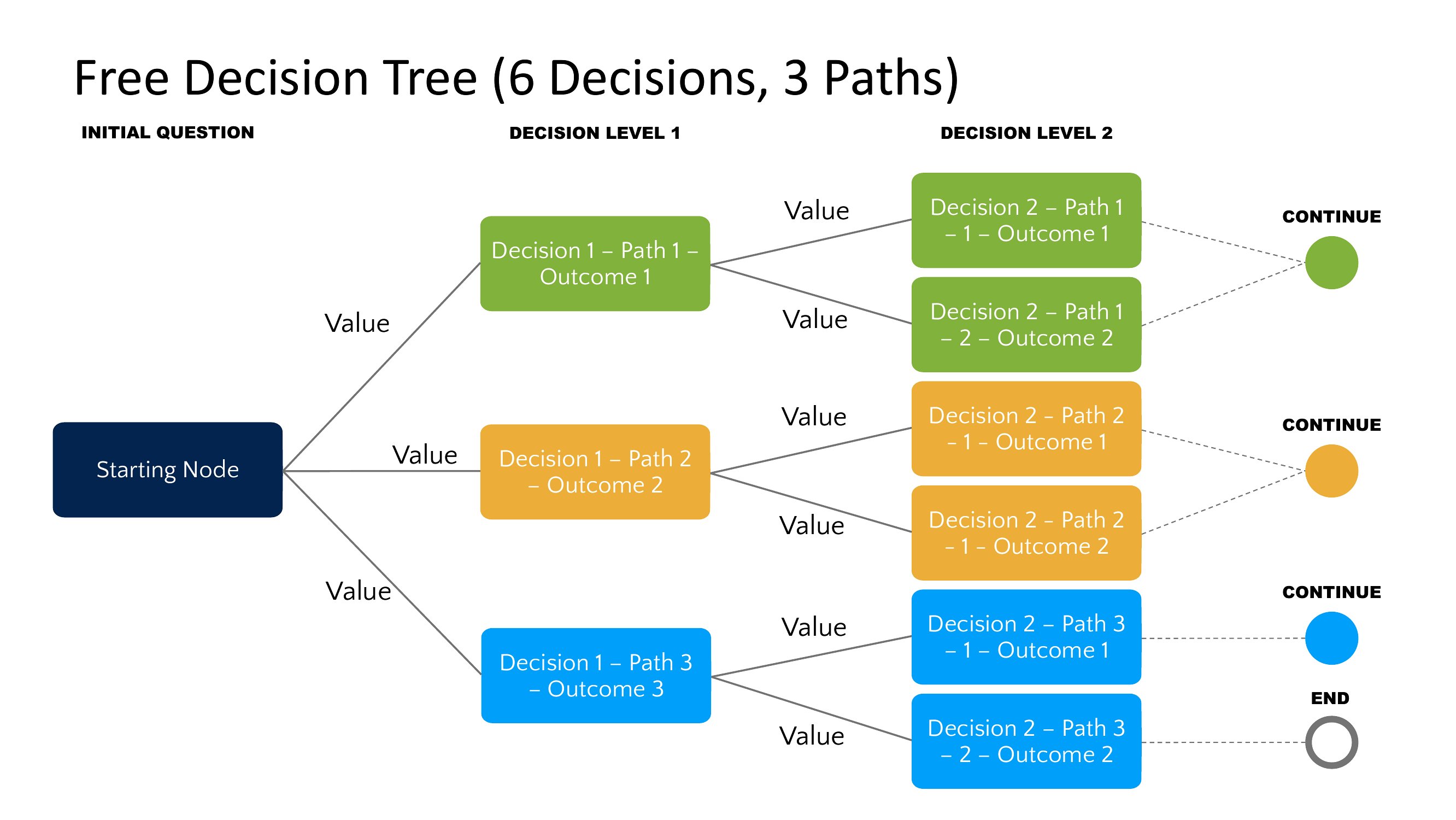
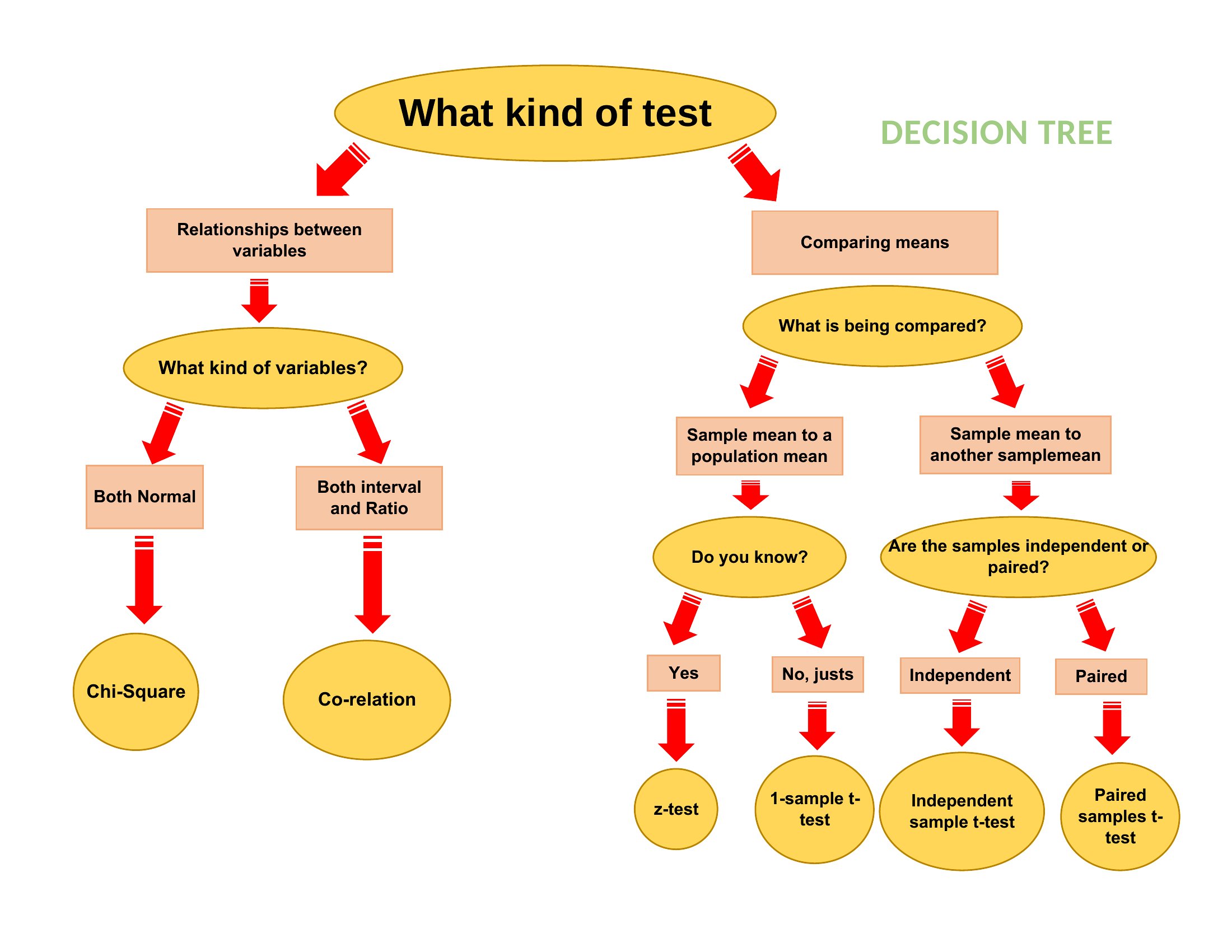
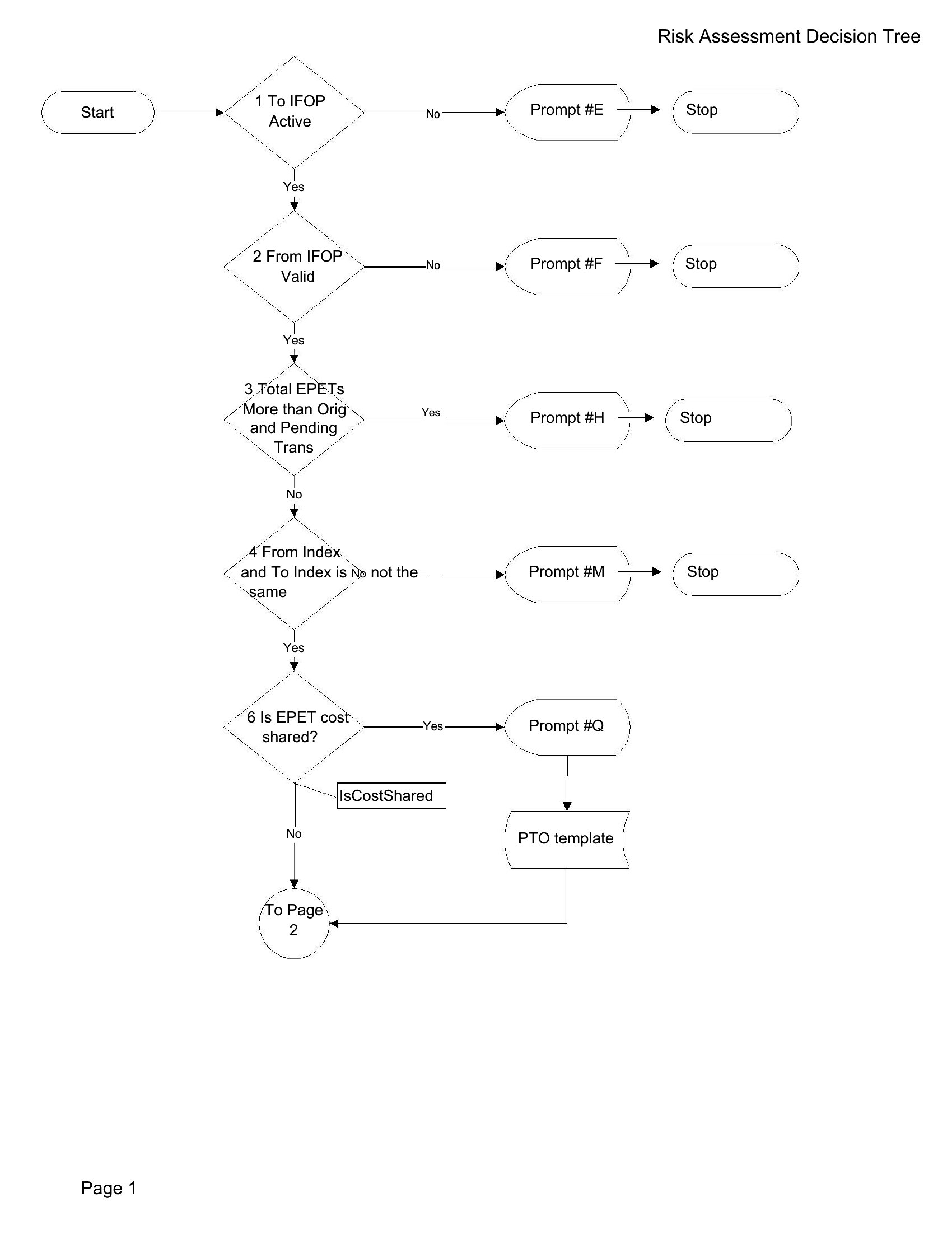
Sample Decision Tree
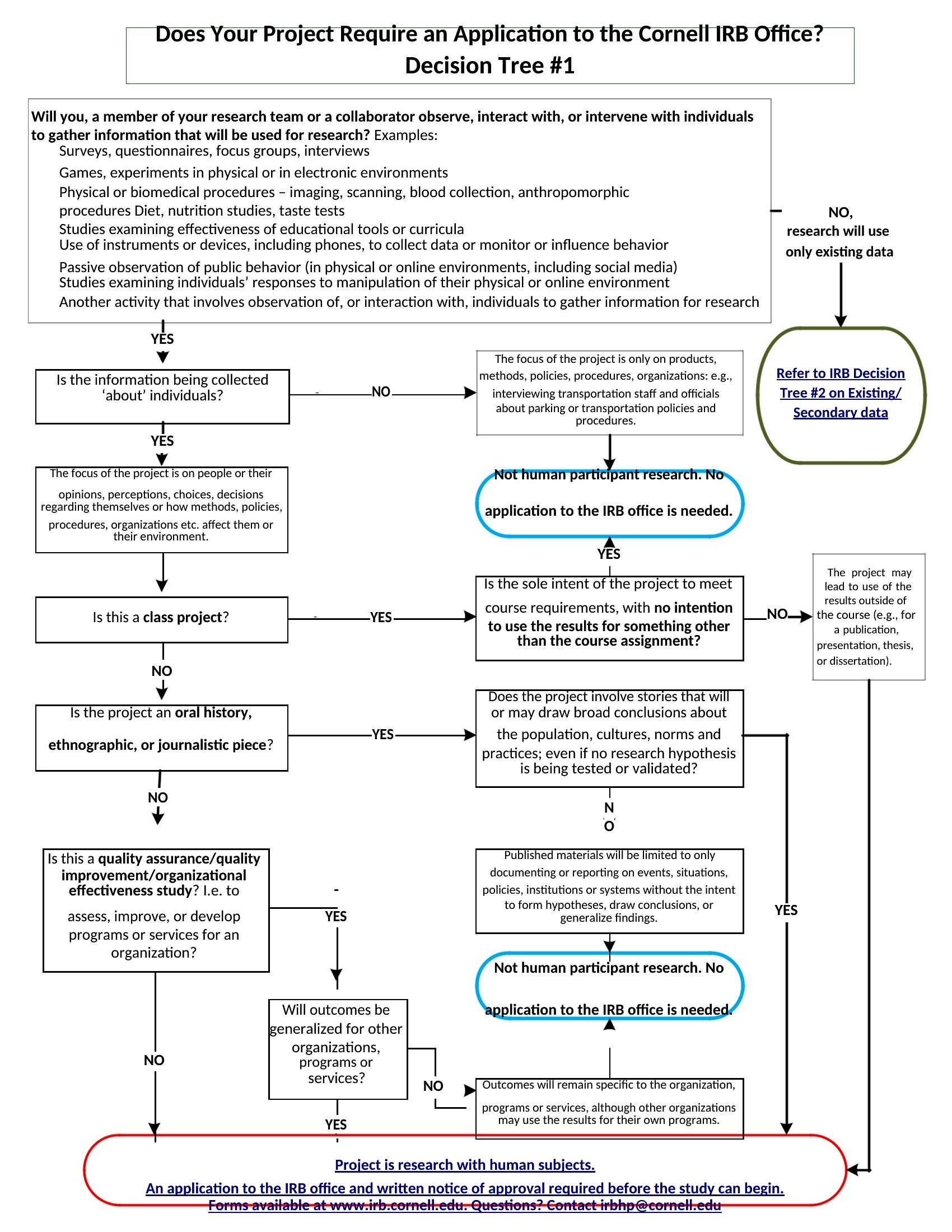
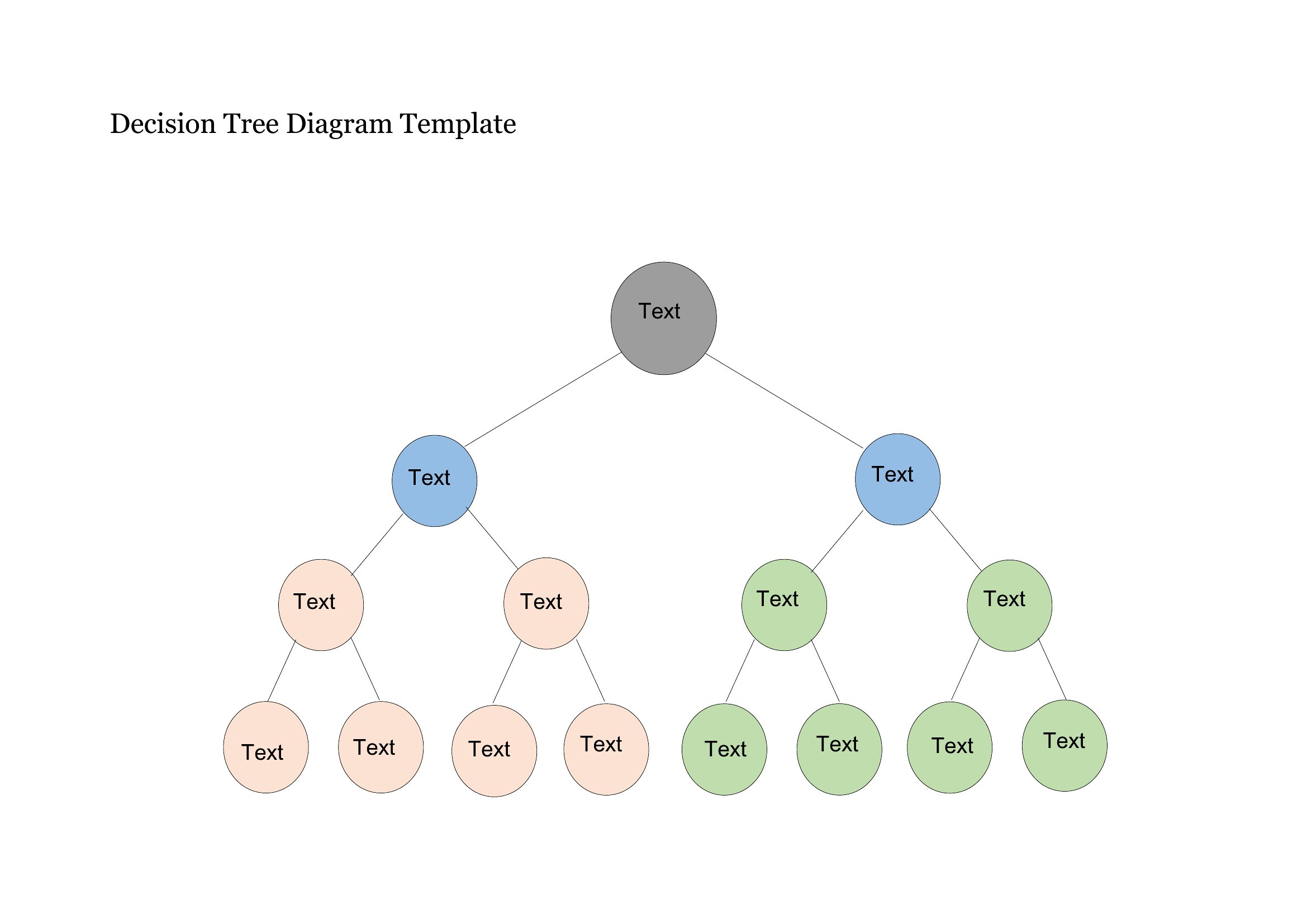
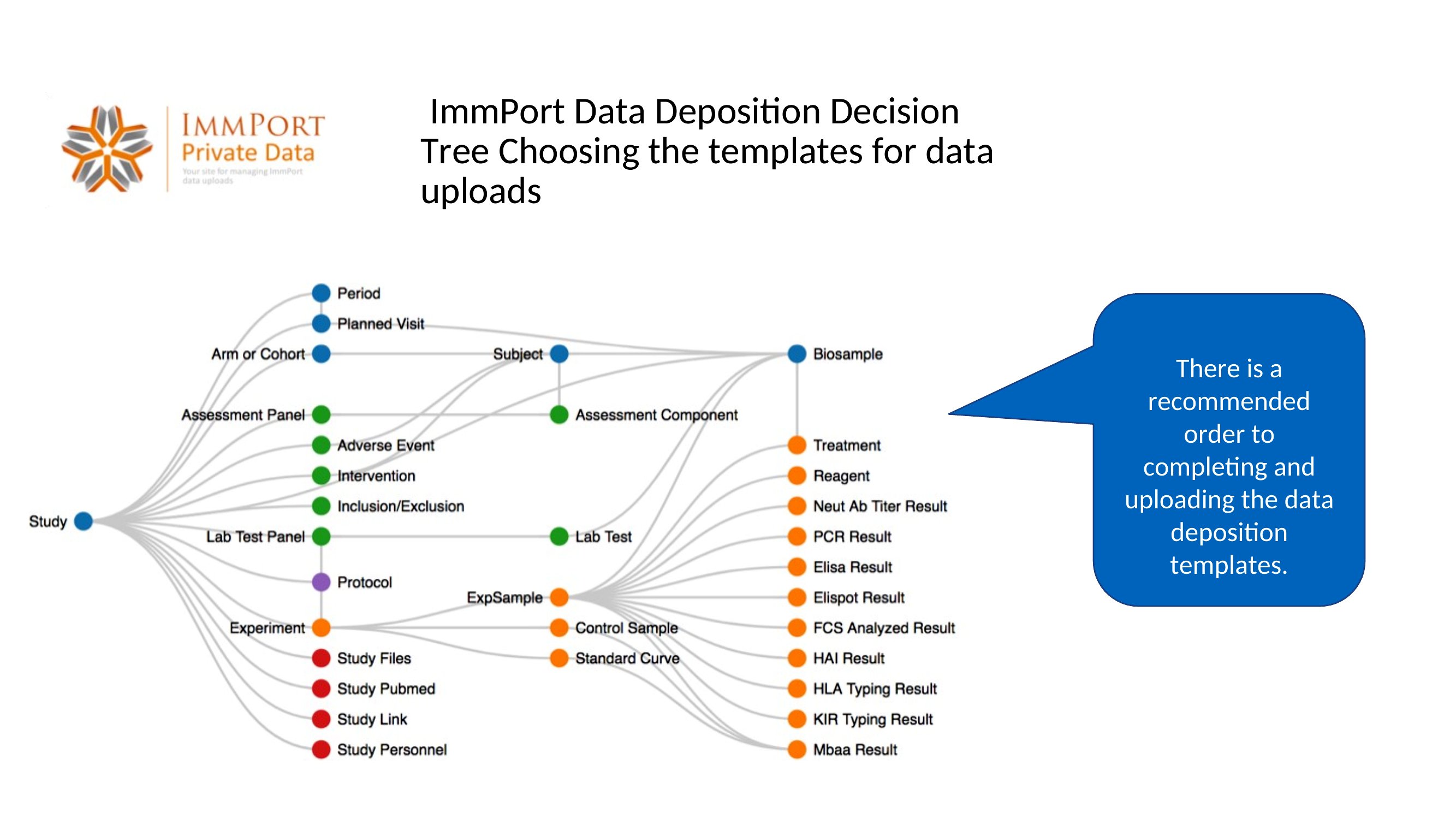
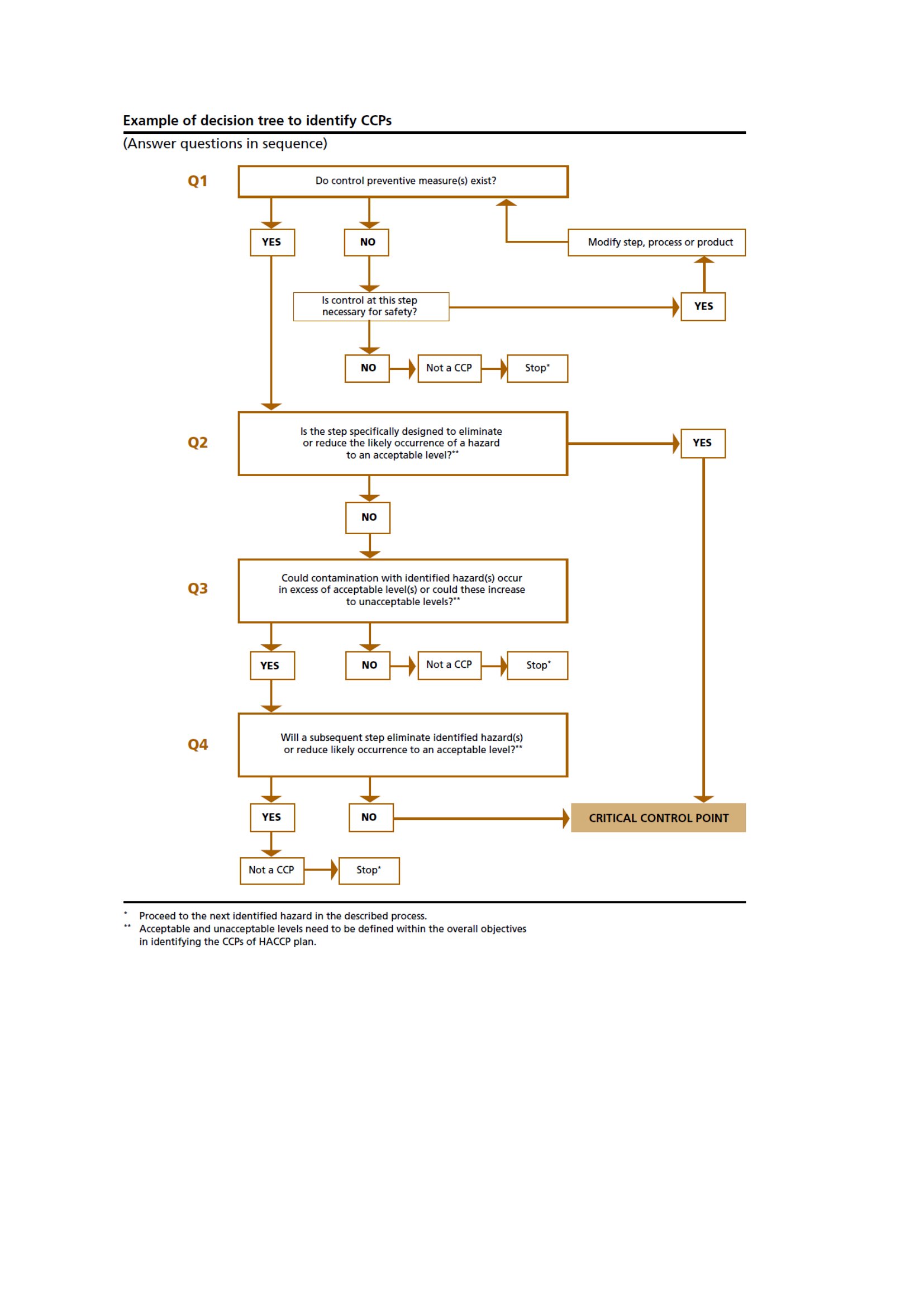
Free Decision Tree
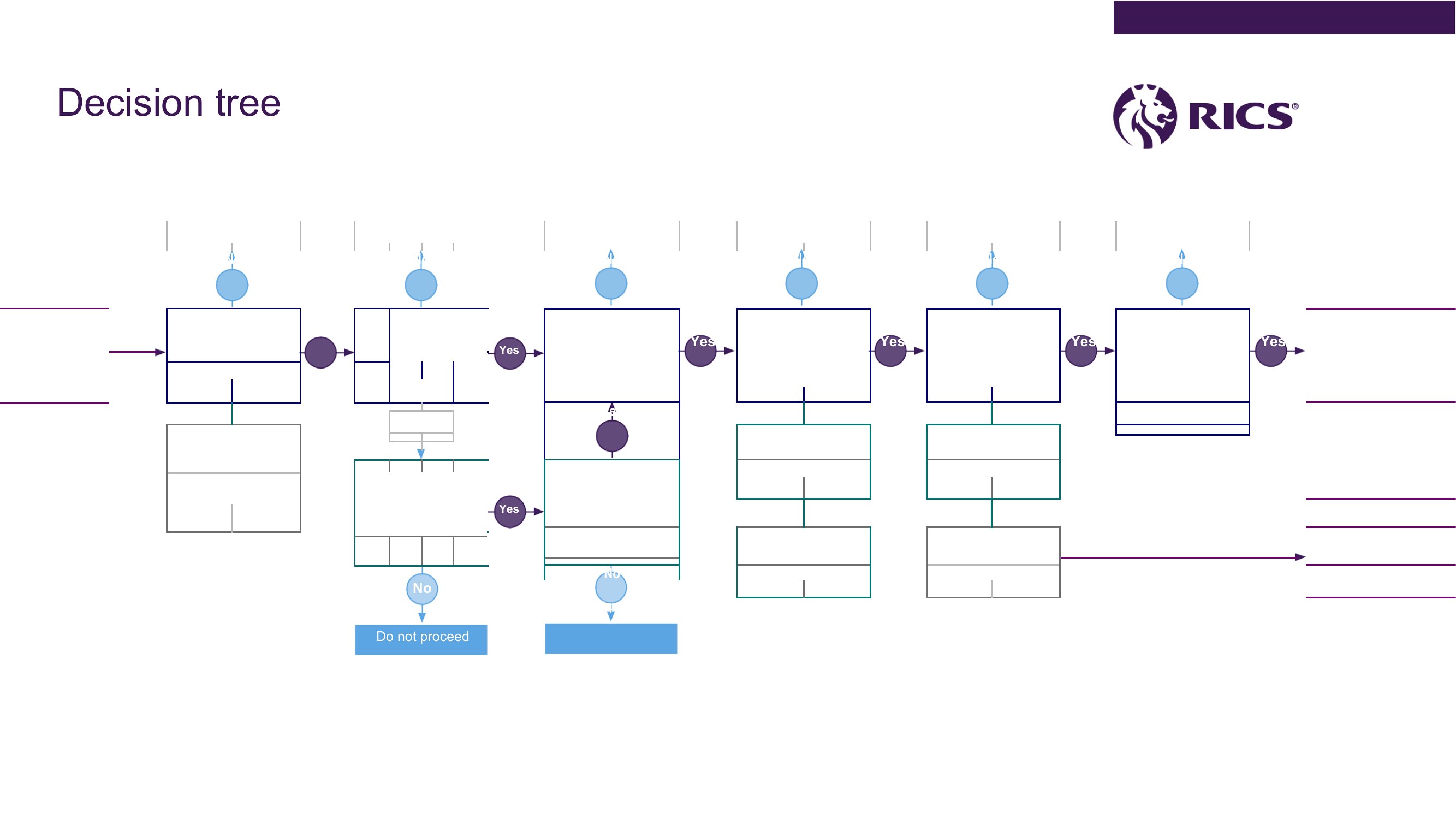
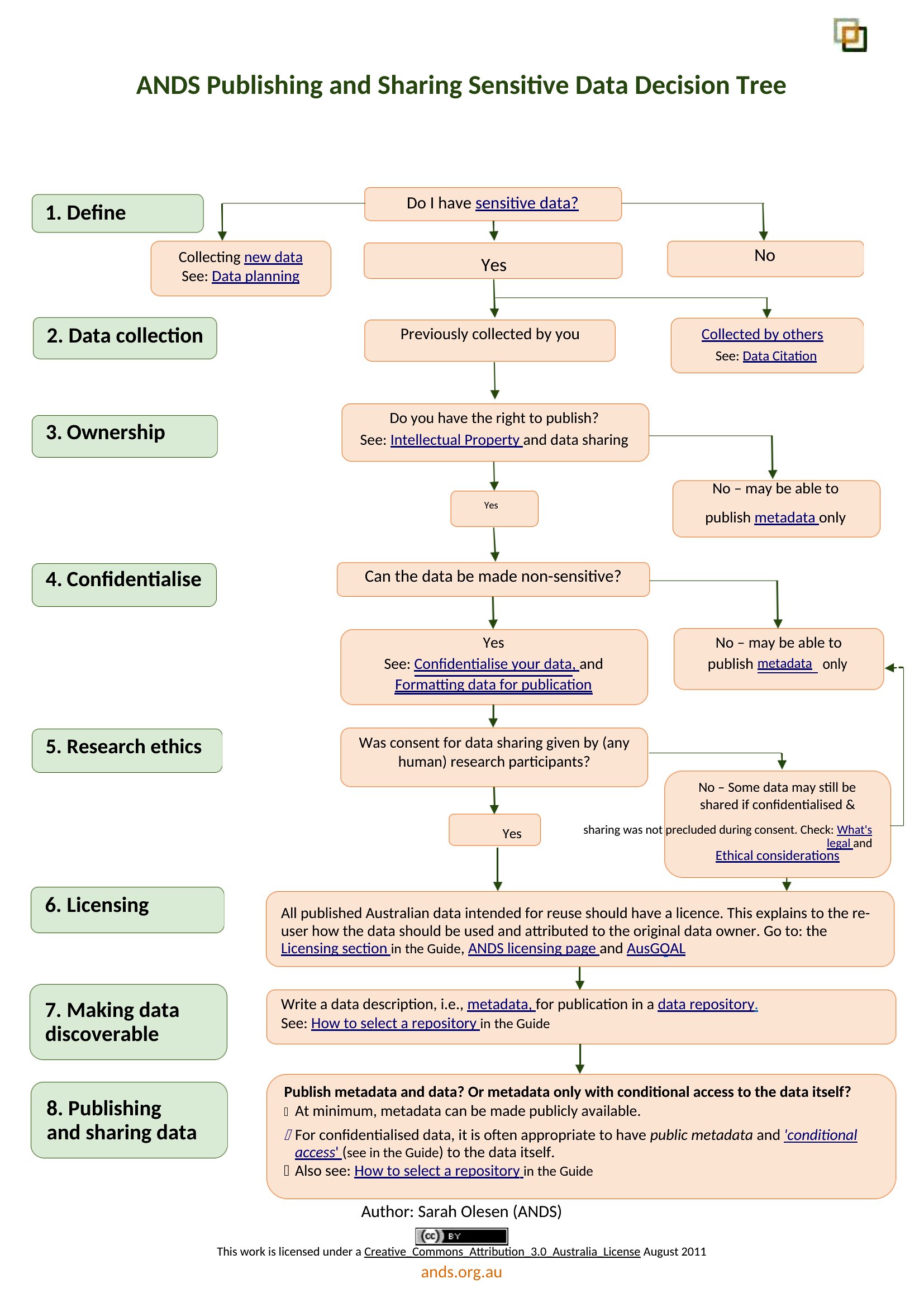
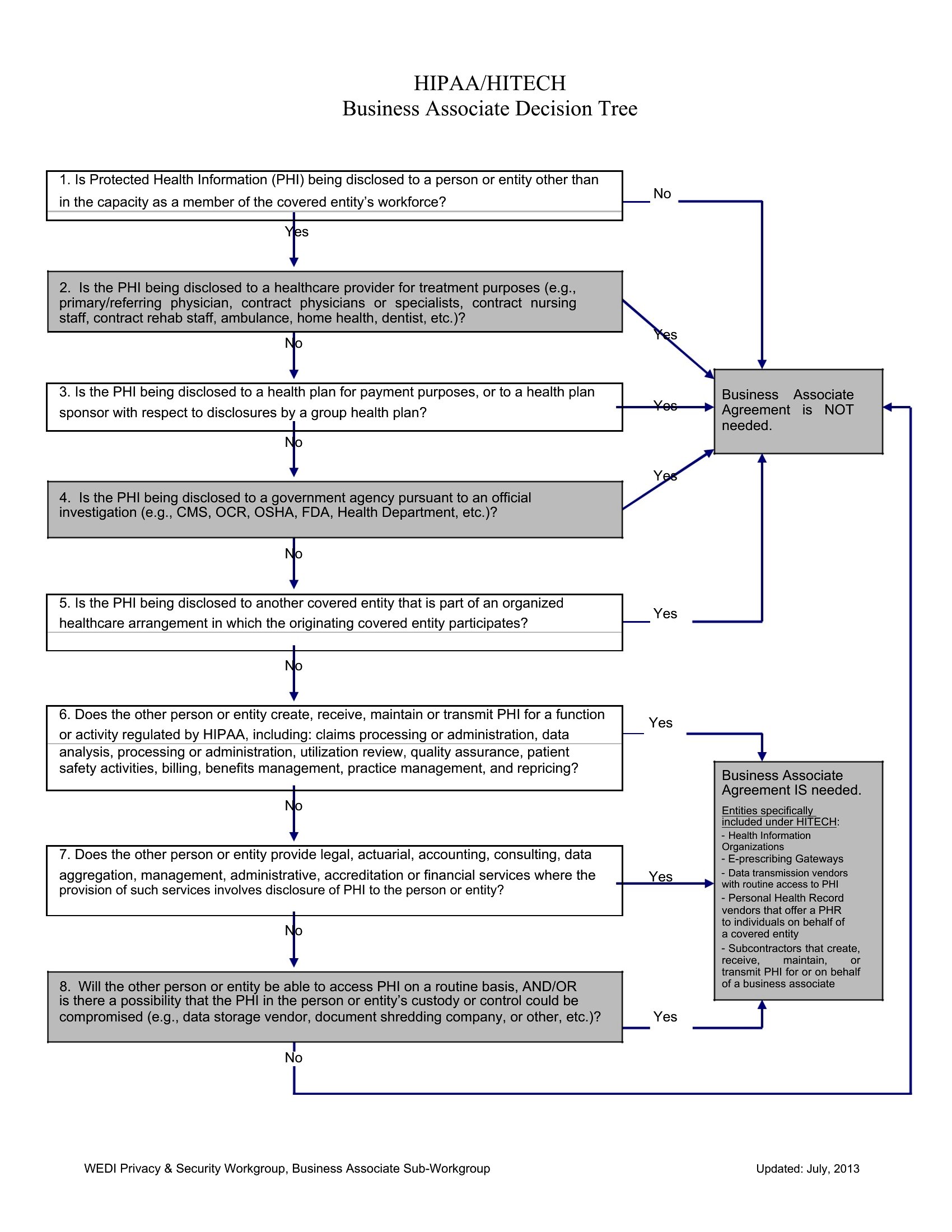
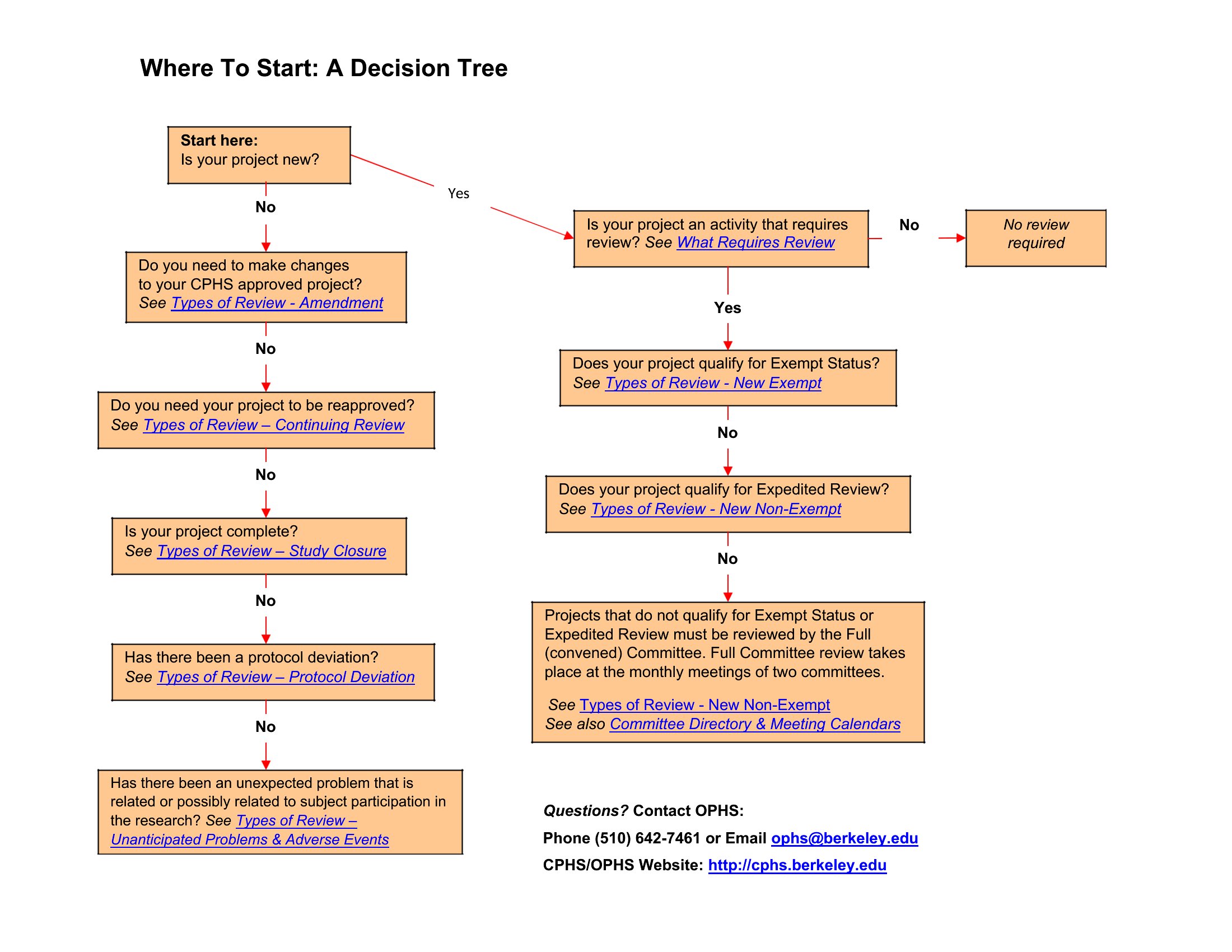
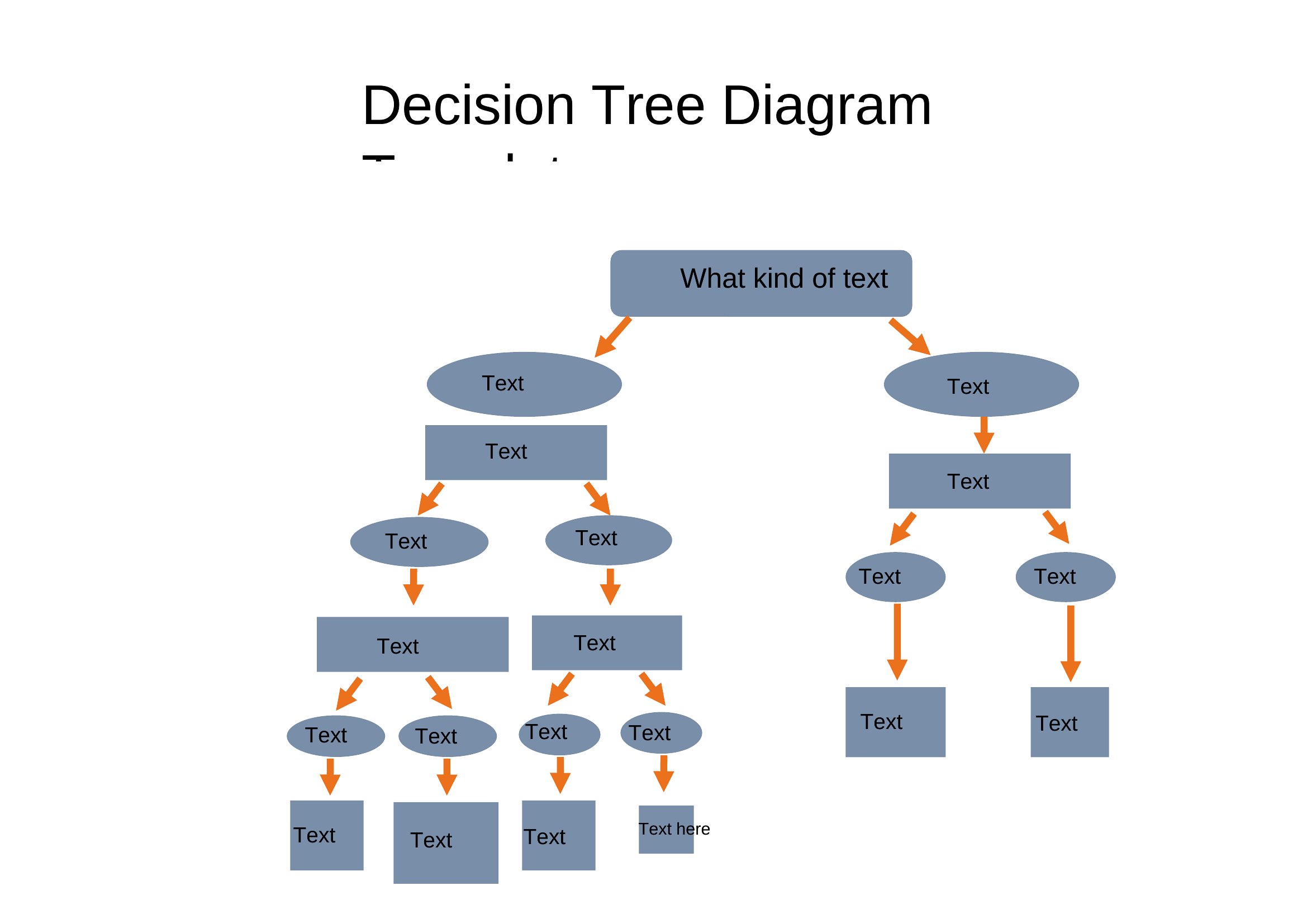
Ppt Decision Tree
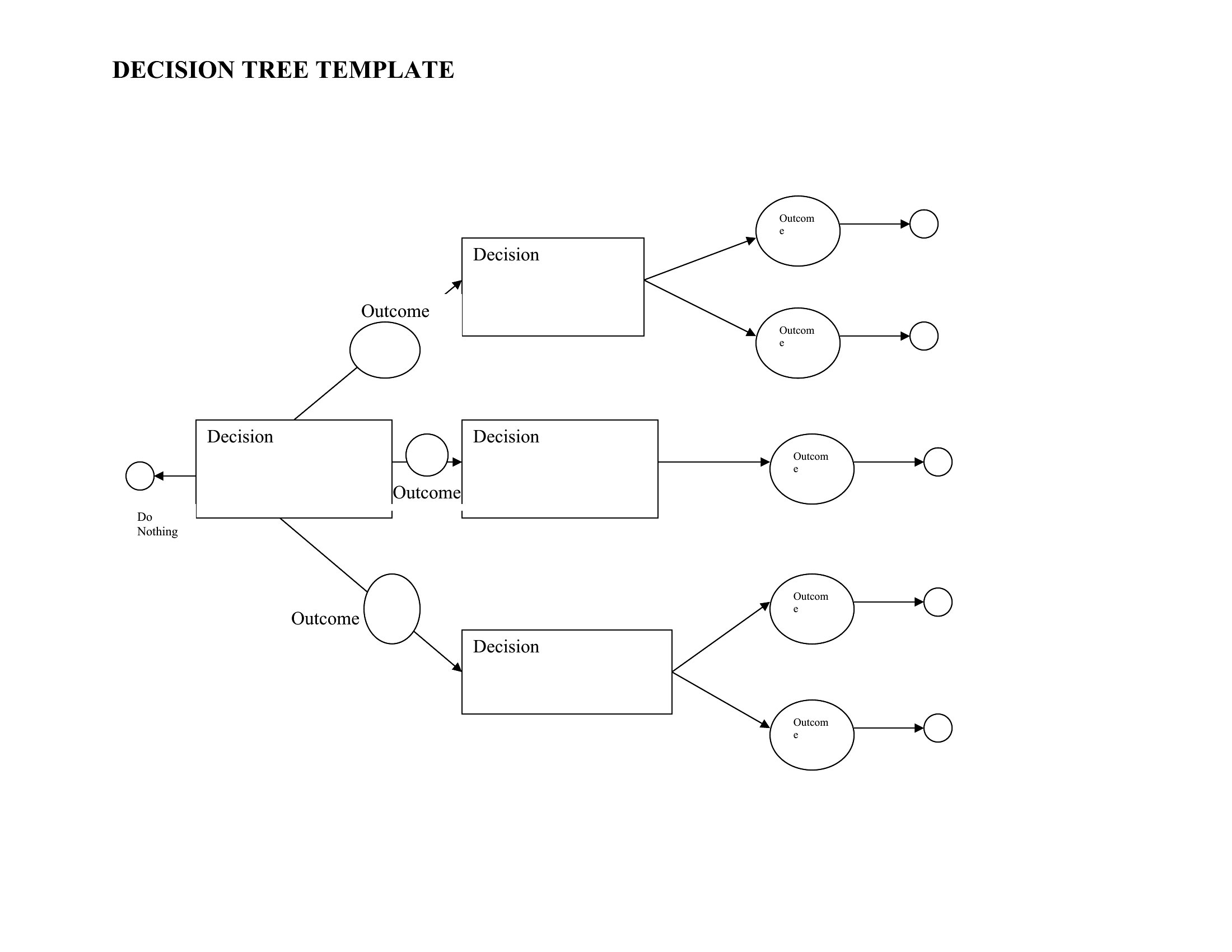
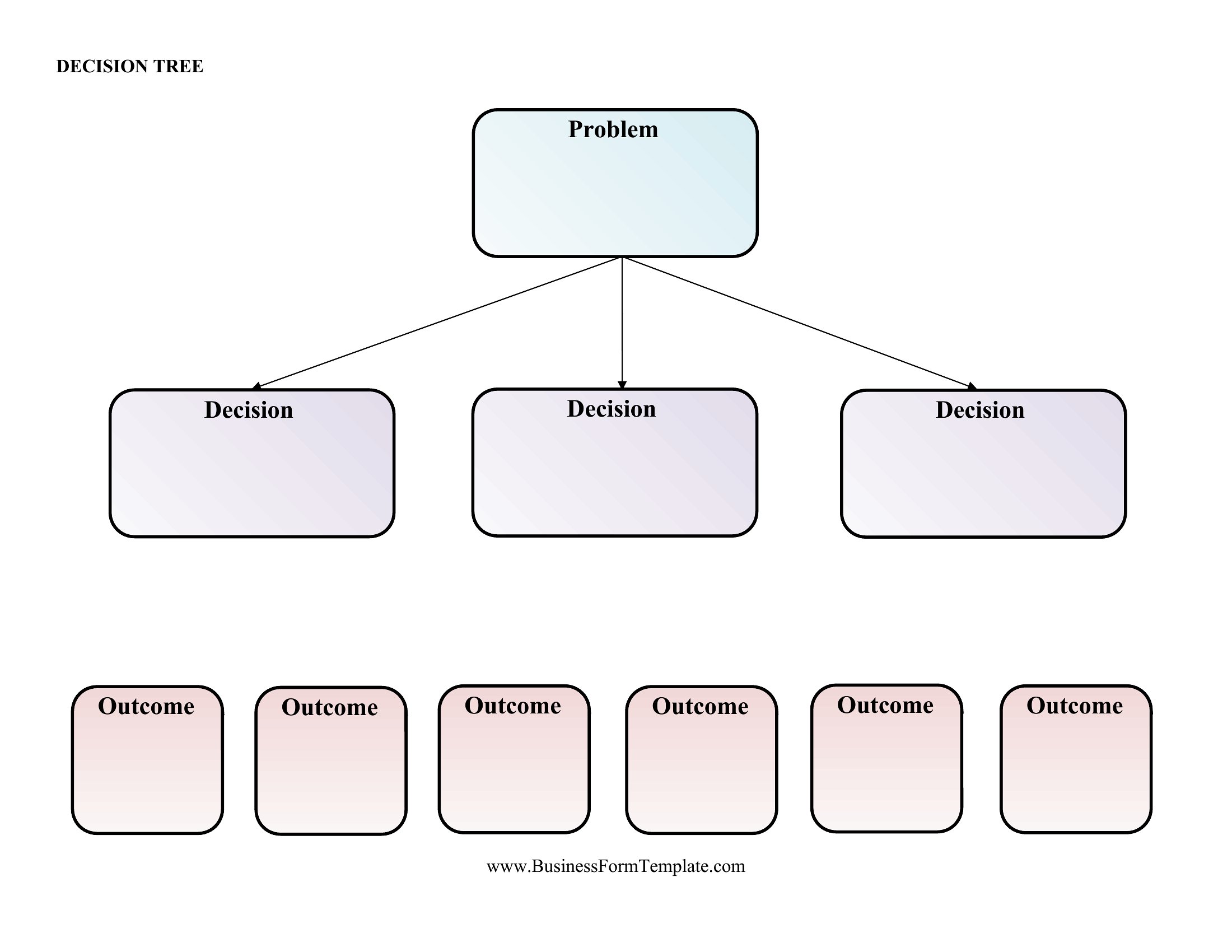
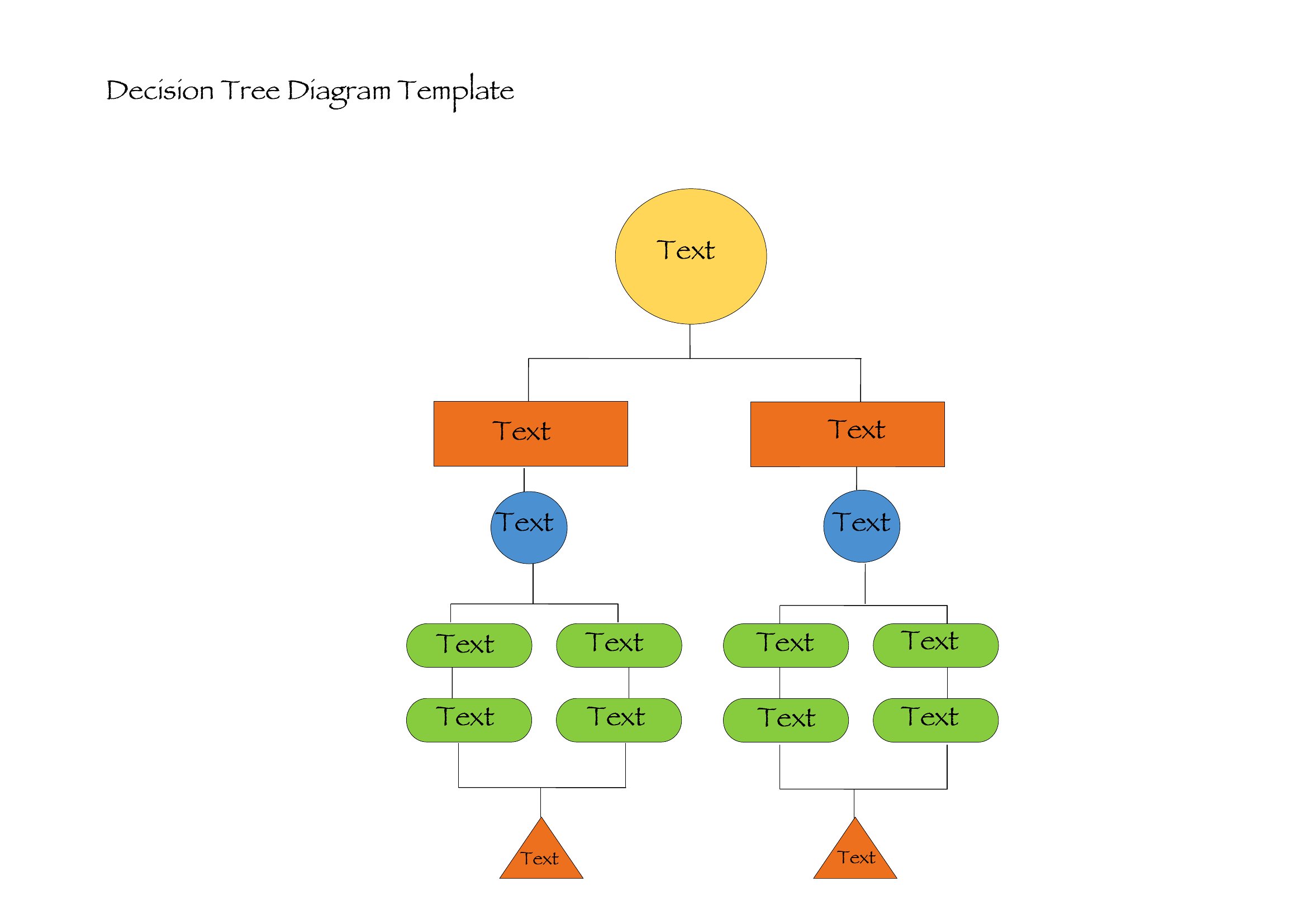
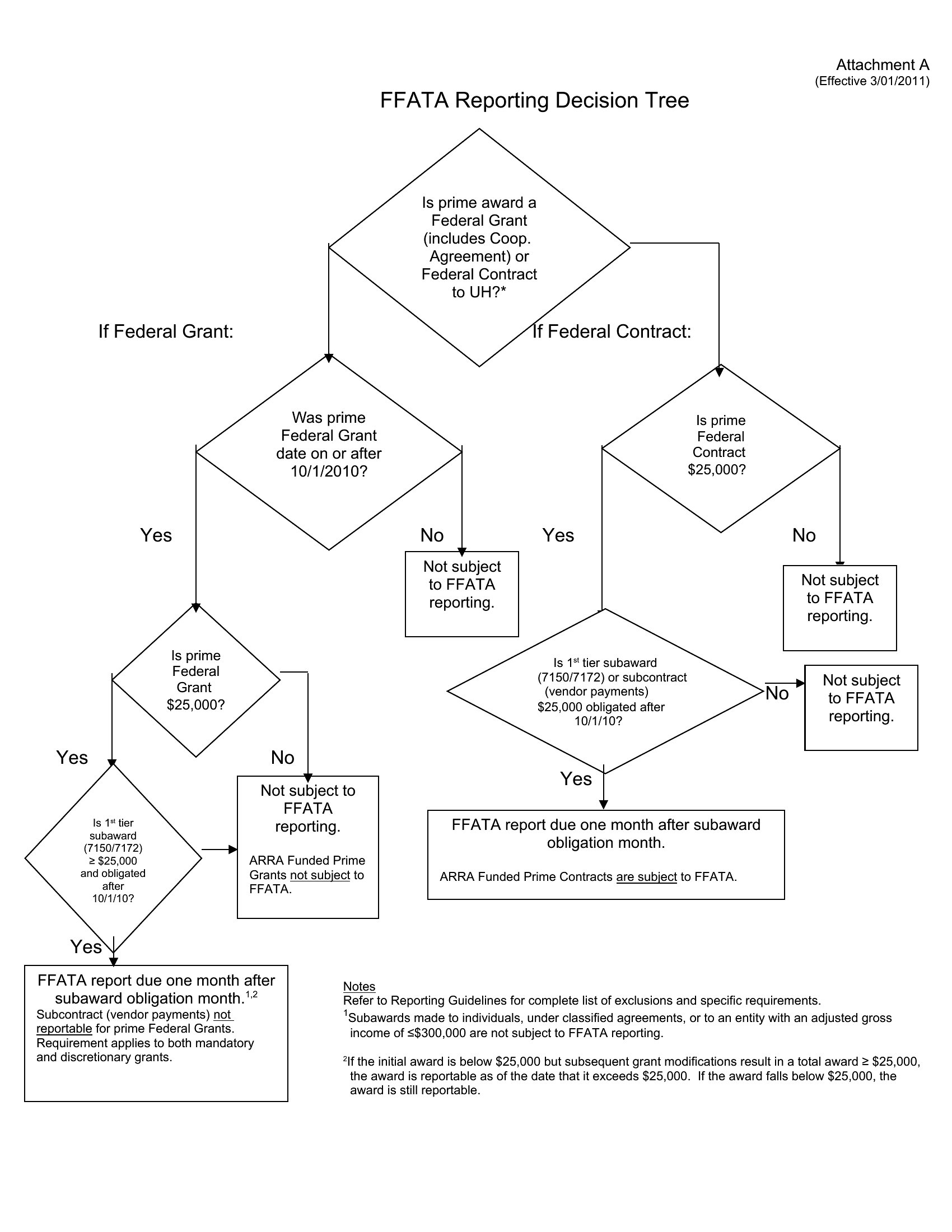
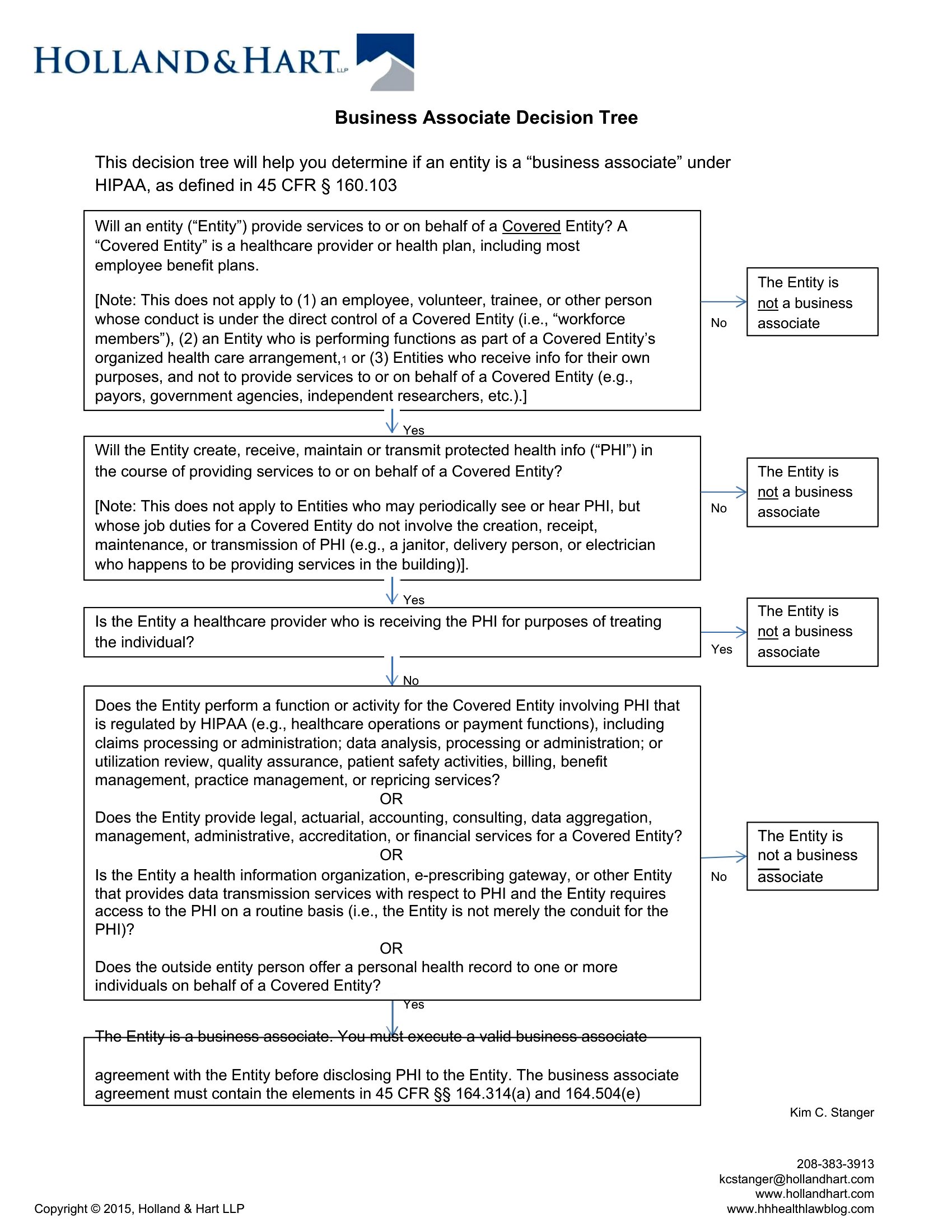
How to use this Decision Tree template
Can these decision trees handle more than five main decision points?
Yes, all templates are designed with scalable layouts. While simple scenarios often fit within five branches, the Word and Excel versions support unlimited nodes—just add new boxes or rows as needed. For complex workflows, consider combining multiple trees or using the blank templates to customize the structure.
How do I incorporate probabilities or weighted outcomes into my decision tree?
The Excel templates are built to accommodate probabilities by including cells for numeric values. Assign percentages or weights to each outcome branch, then use Excel’s formula tools (like SUM or IF statements) to calculate expected values. For non-numeric trees (Word/PDF), manually annotate the branches with likelihoods or use color-coding to highlight high/low-impact choices.
Are these templates suitable for creating decision trees that involve ethical dilemmas or qualitative judgments?
Absolutely, these templates are versatile for qualitative scenarios too. The blank Word and PDF versions let you focus on descriptive labels for branches (e.g., ‘Prioritize patient autonomy’ vs. ‘Follow protocol’). For ethical frameworks, pair the visual tree with a separate notes section in Word or add qualitative annotations directly to the branches in Excel. Remember, these serve as organizational tools—not substitutes for ethical analysis frameworks.
Comments
Join the conversation
Sign in to share your thoughts and leave a comment on this resource.