




FAQ
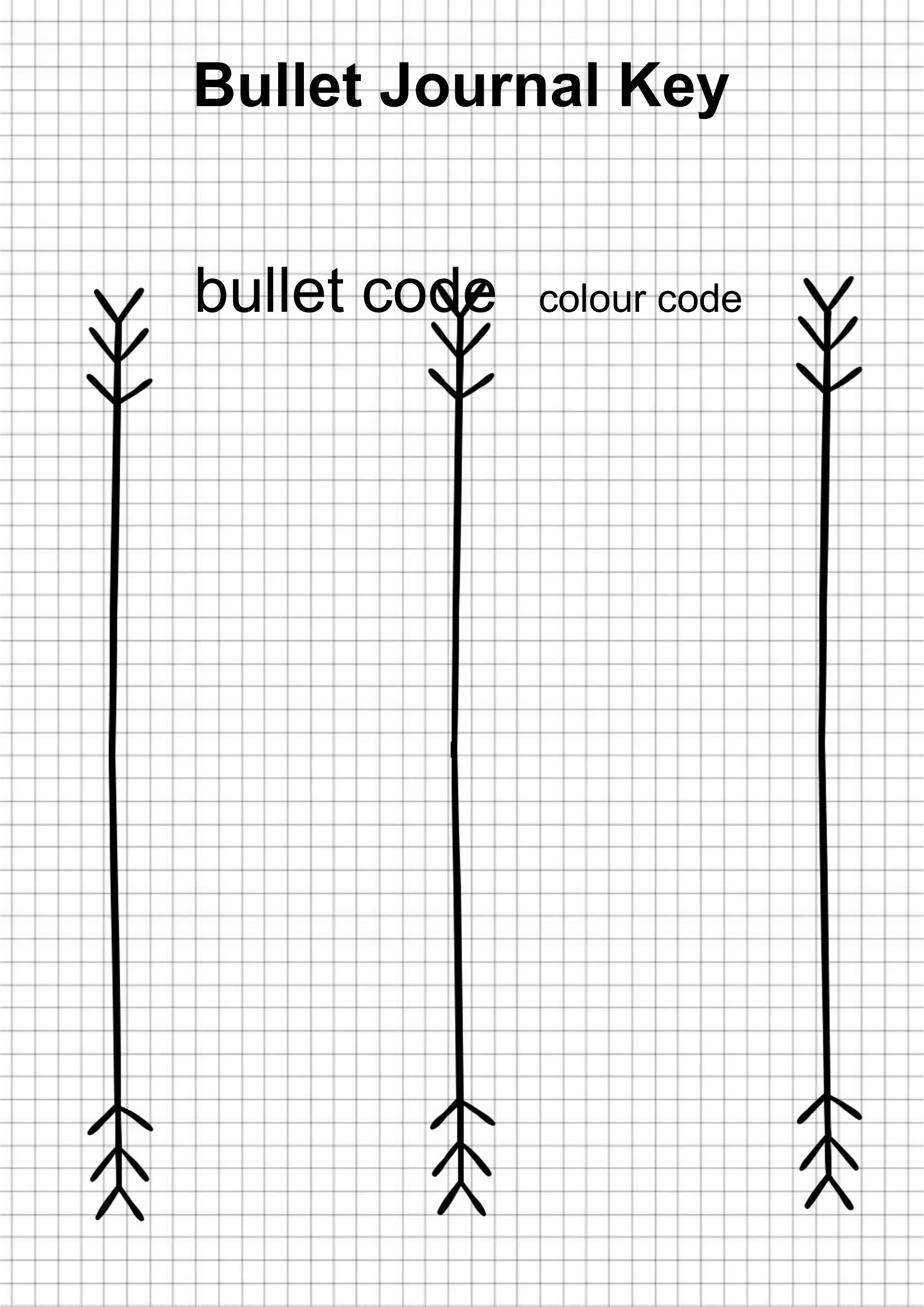
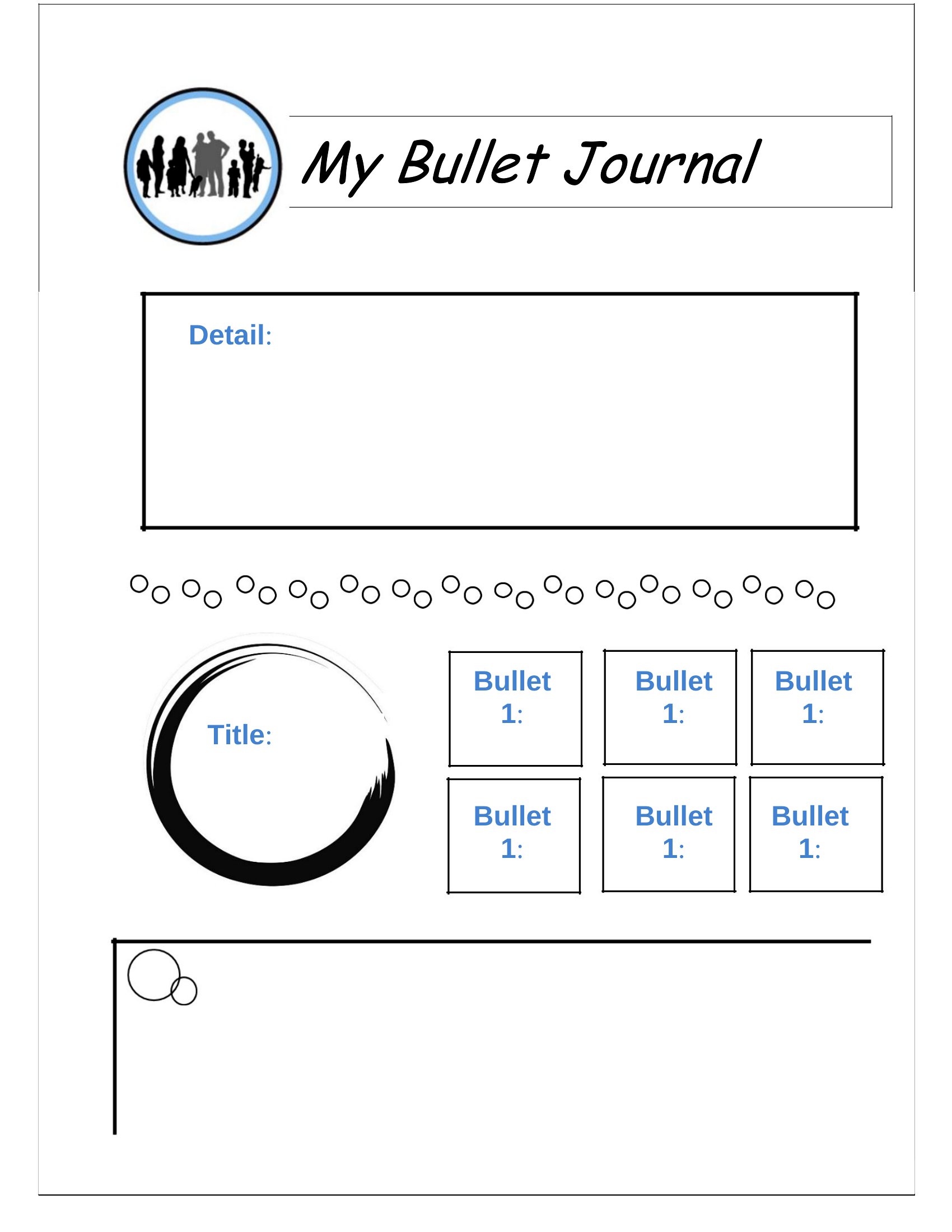
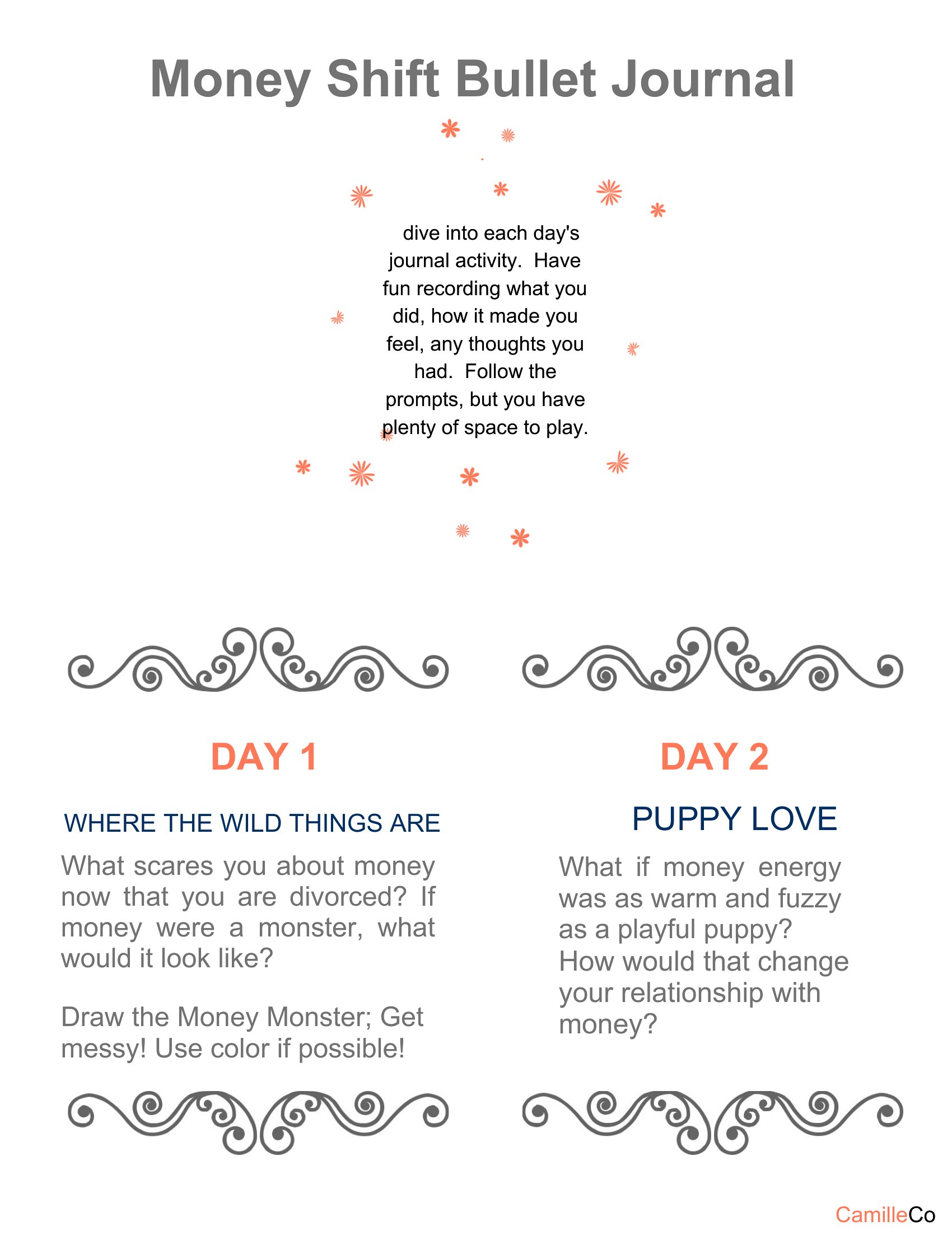
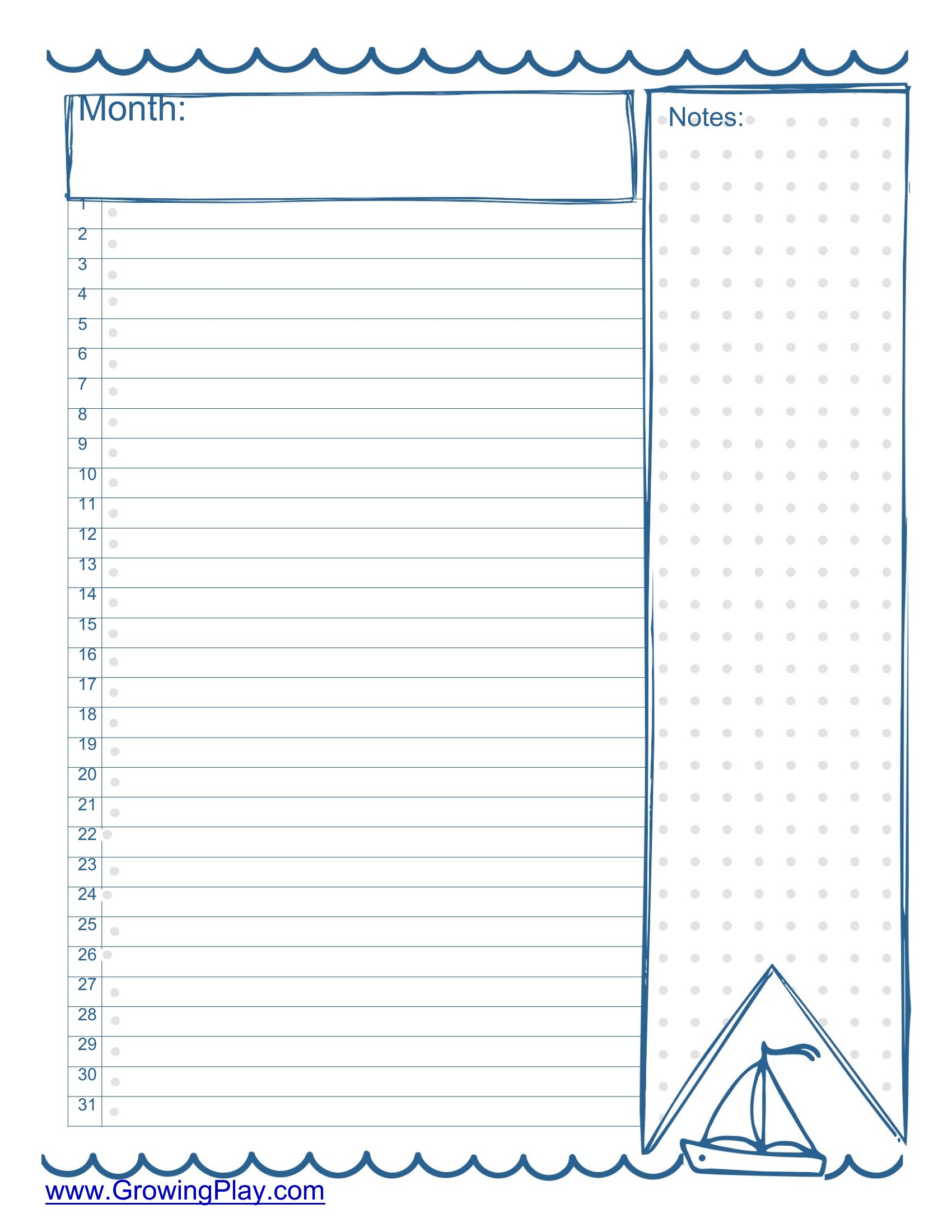
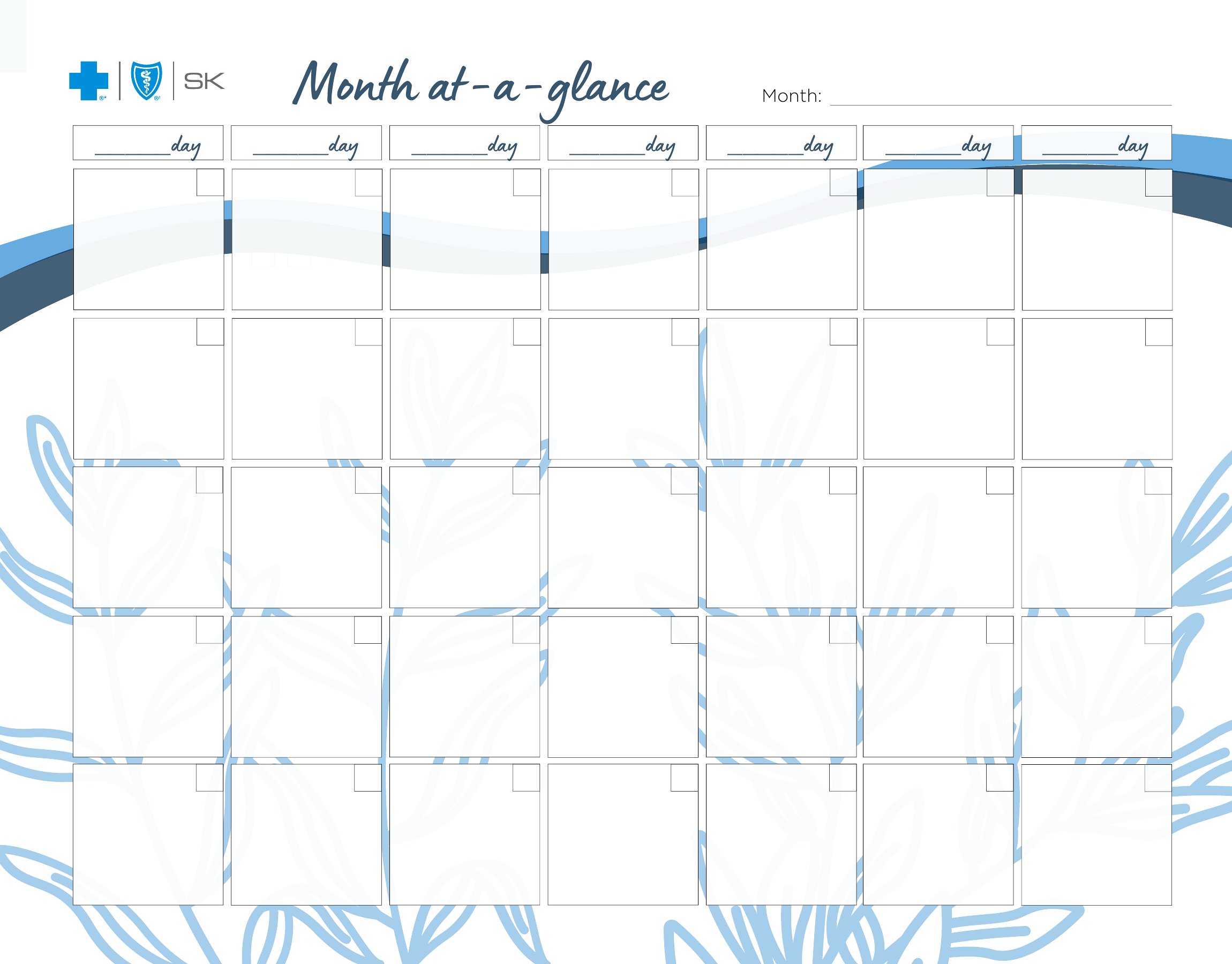
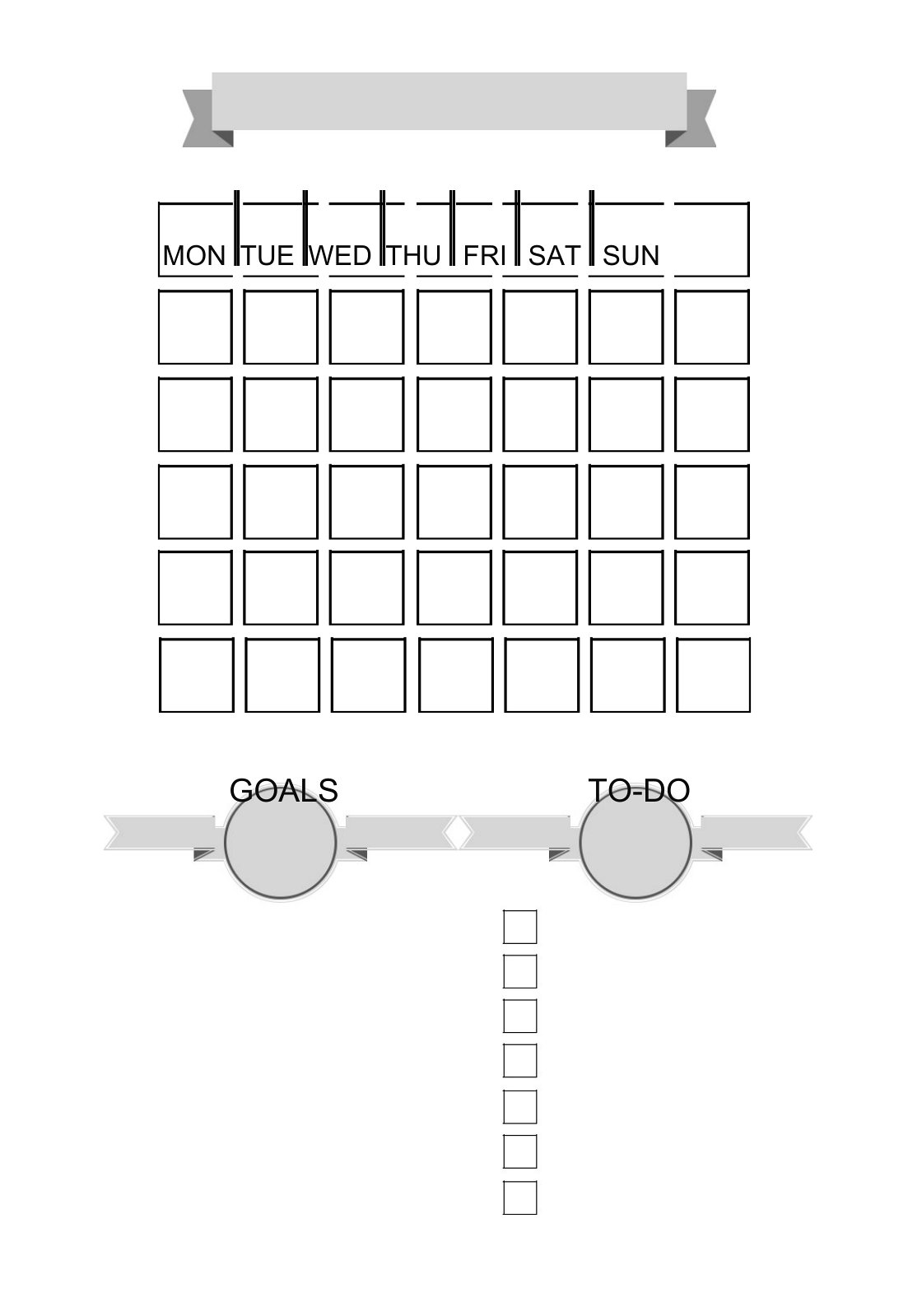
Can I combine these templates if I don’t want to use them all in one journal?
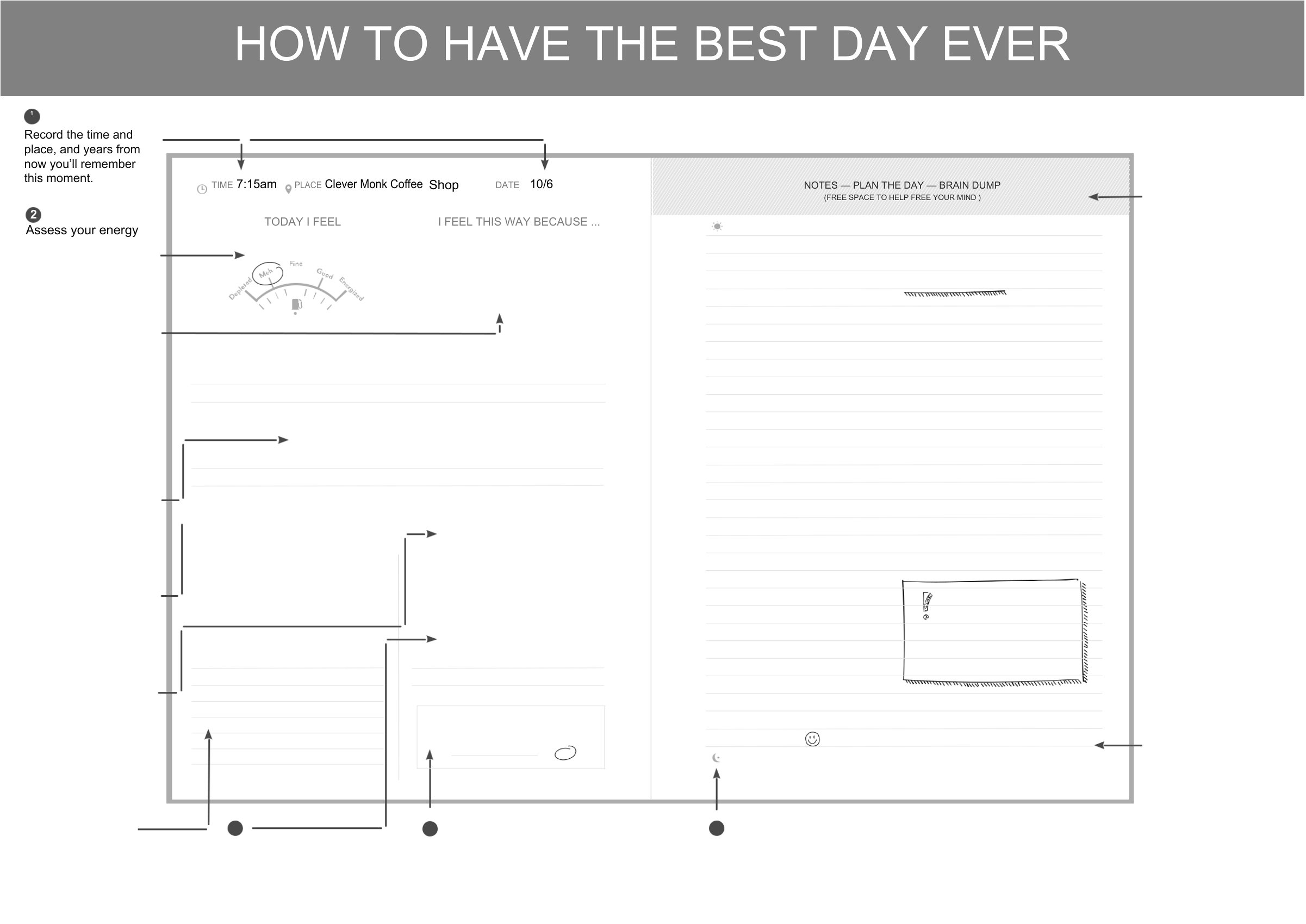
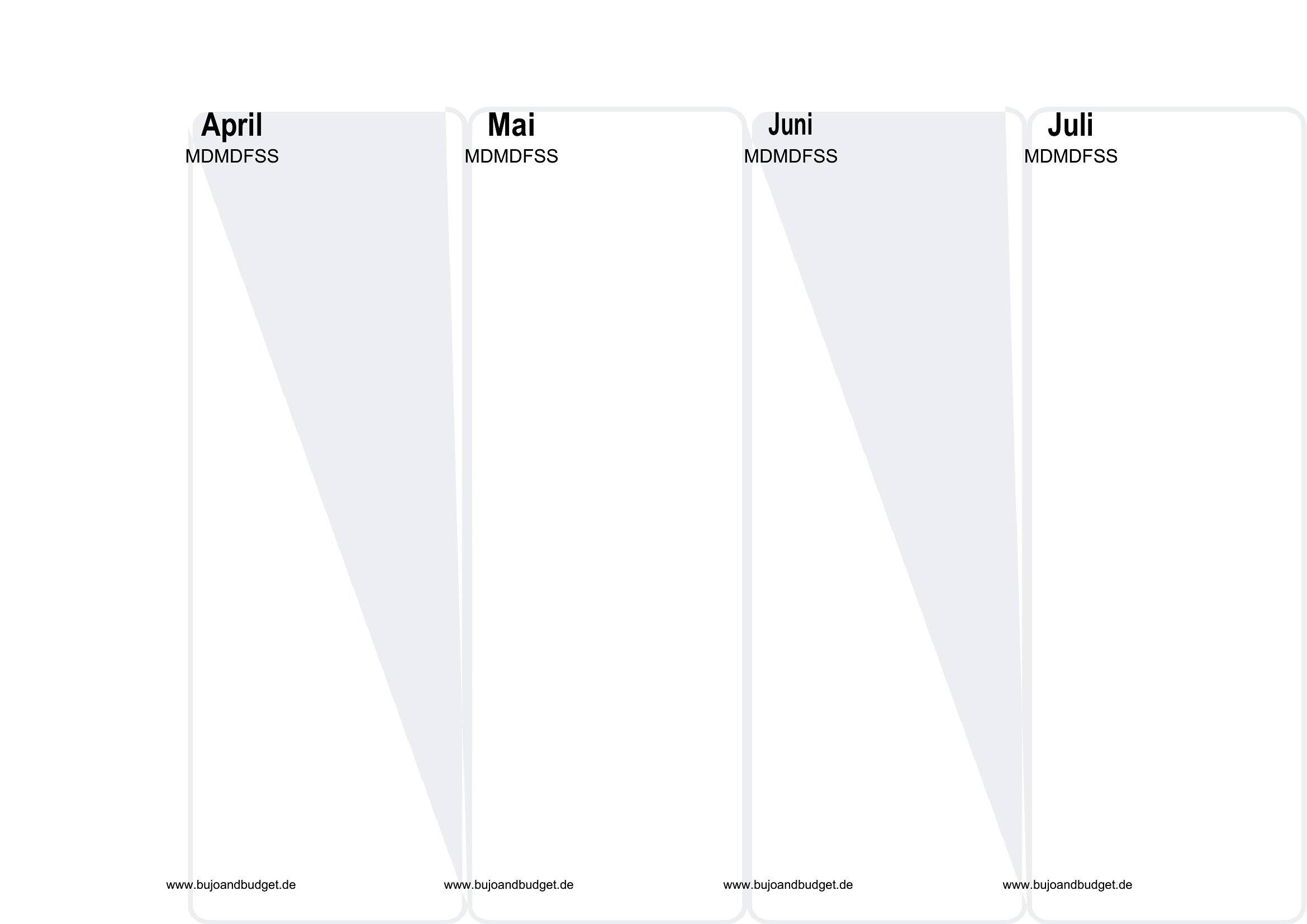
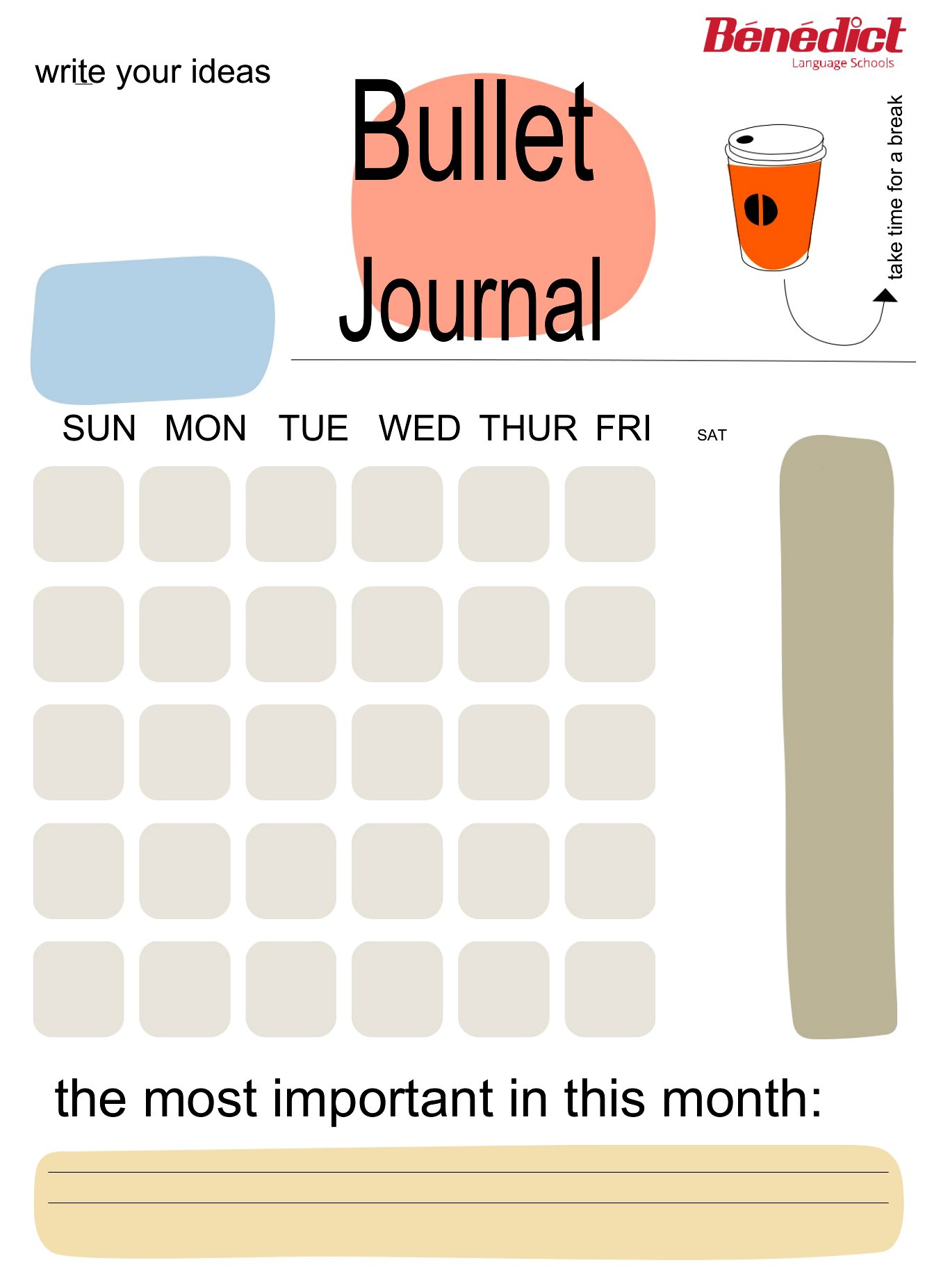
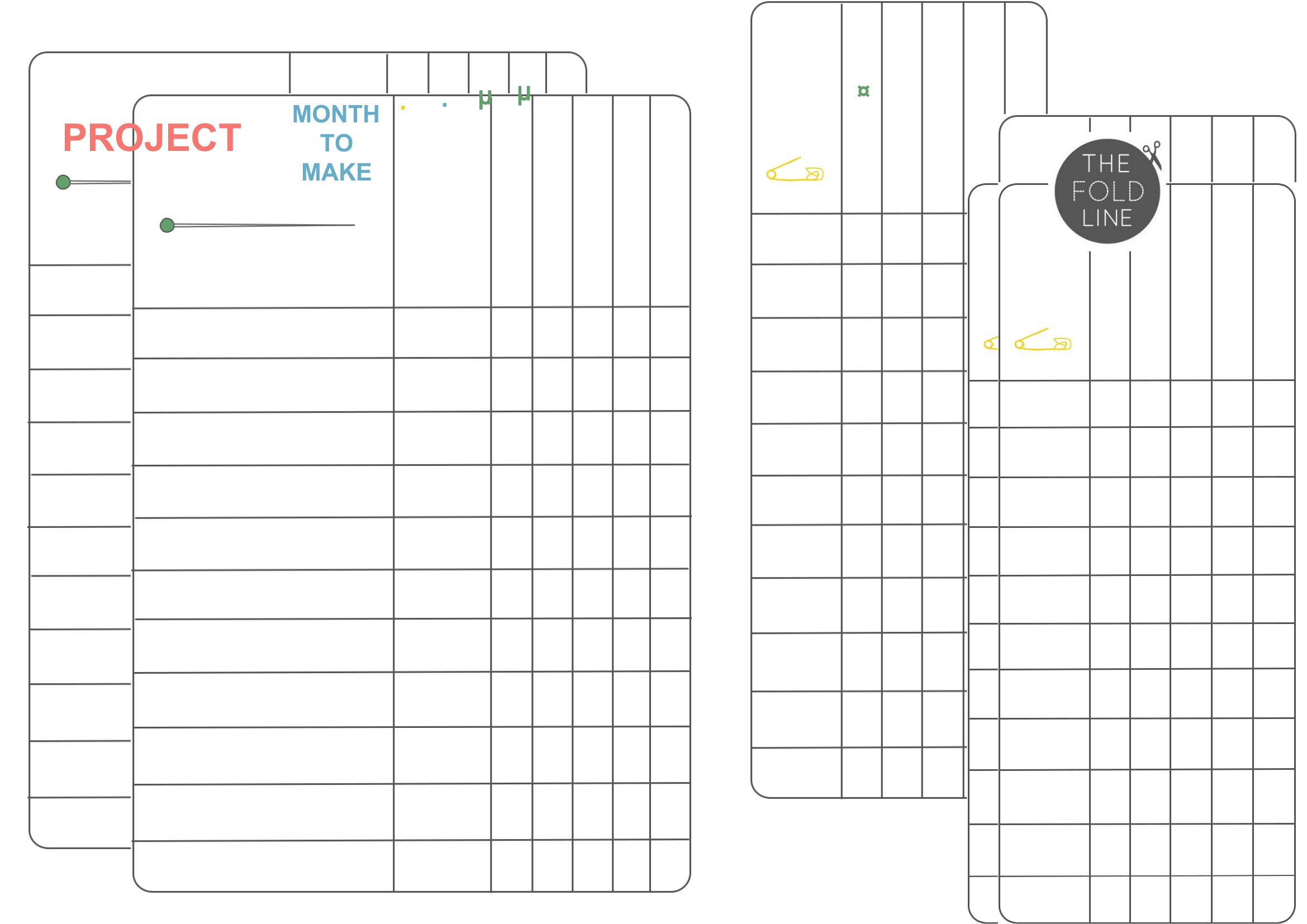
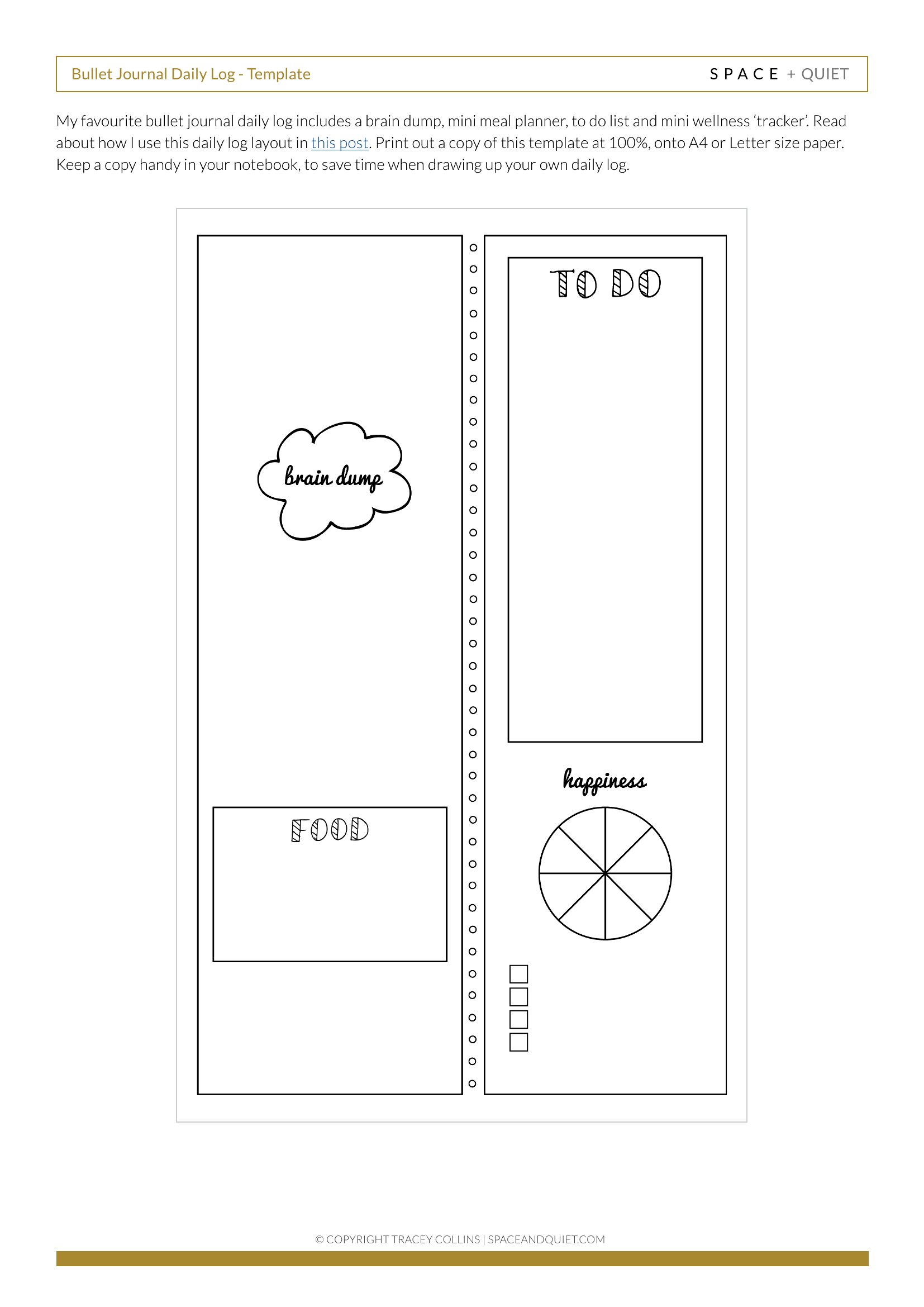
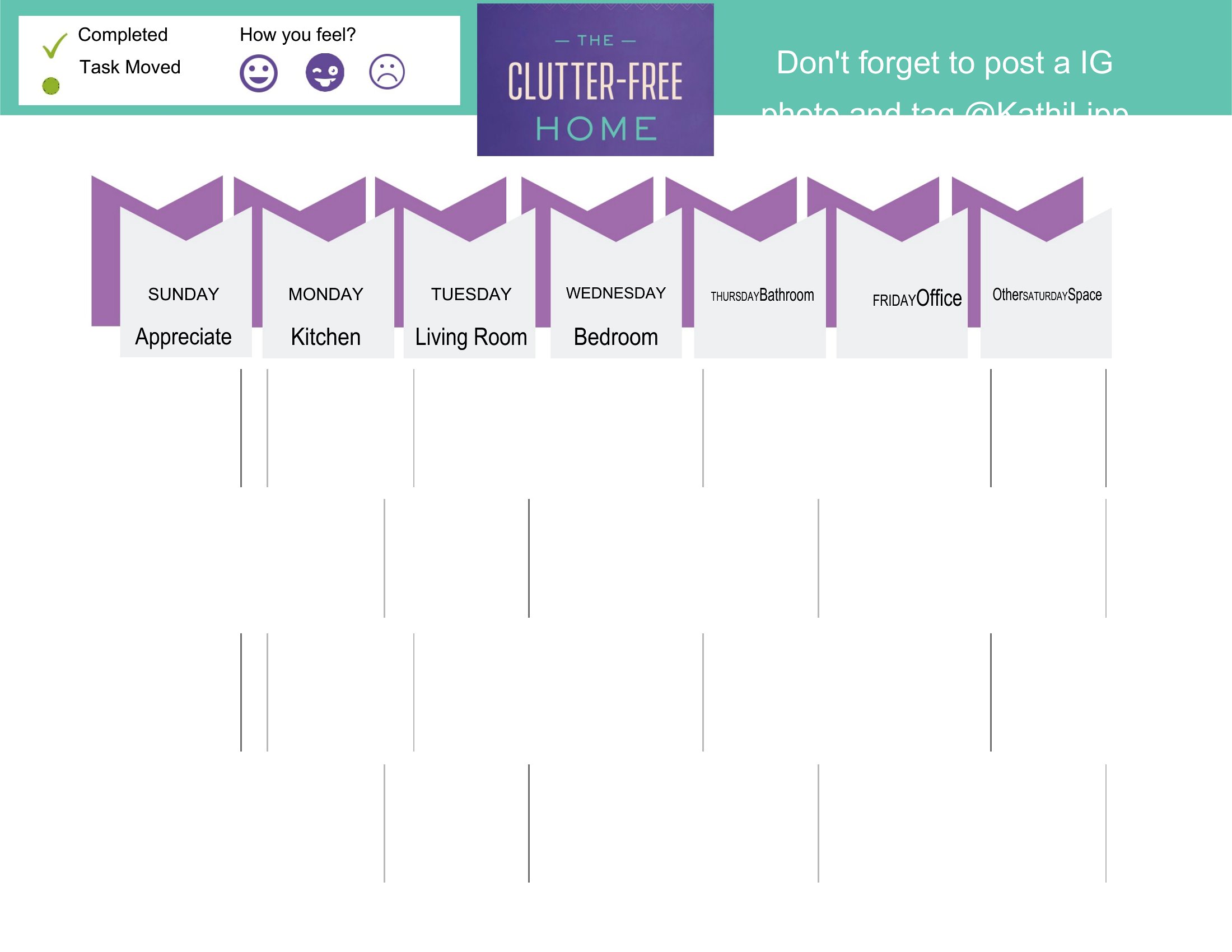
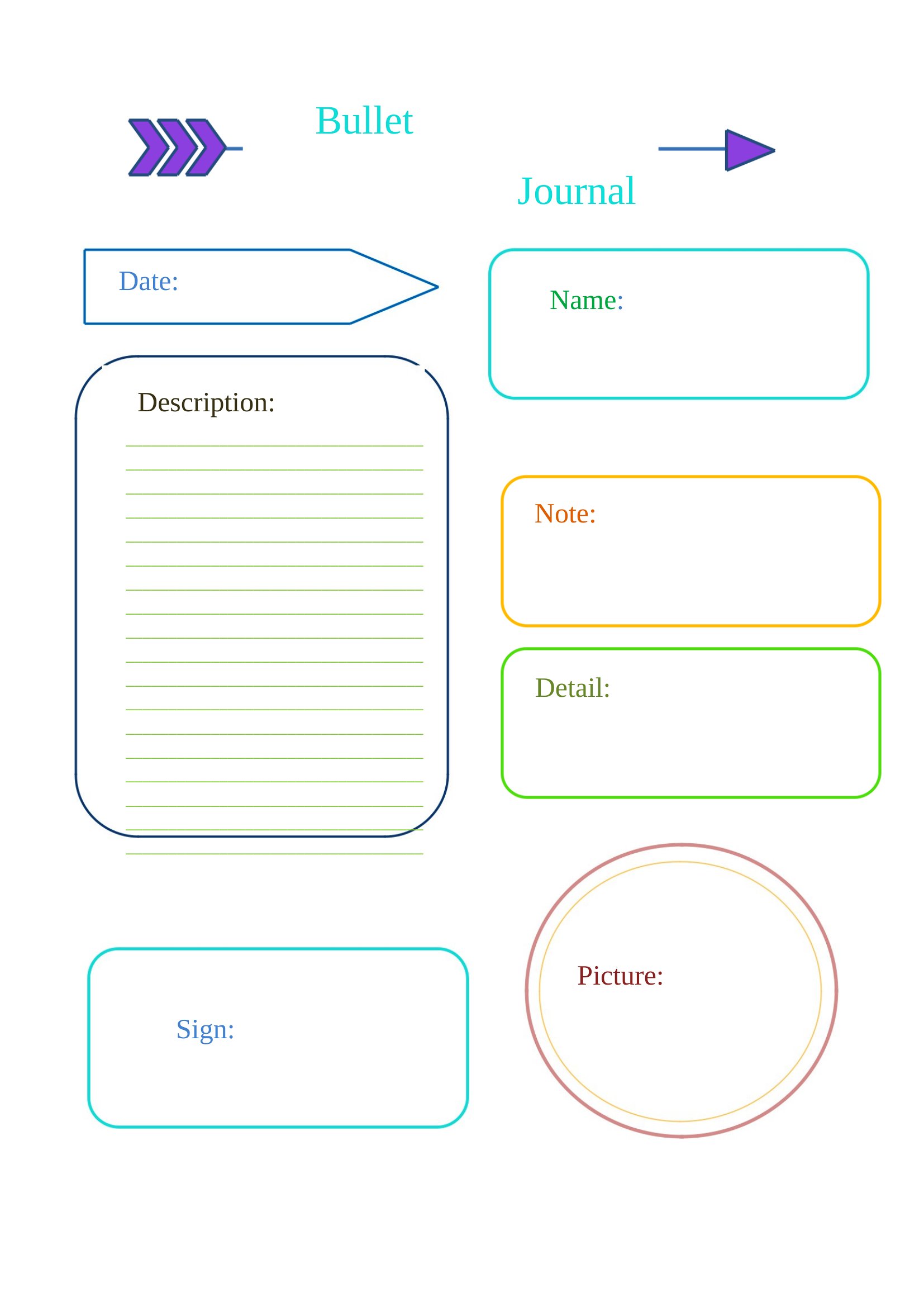
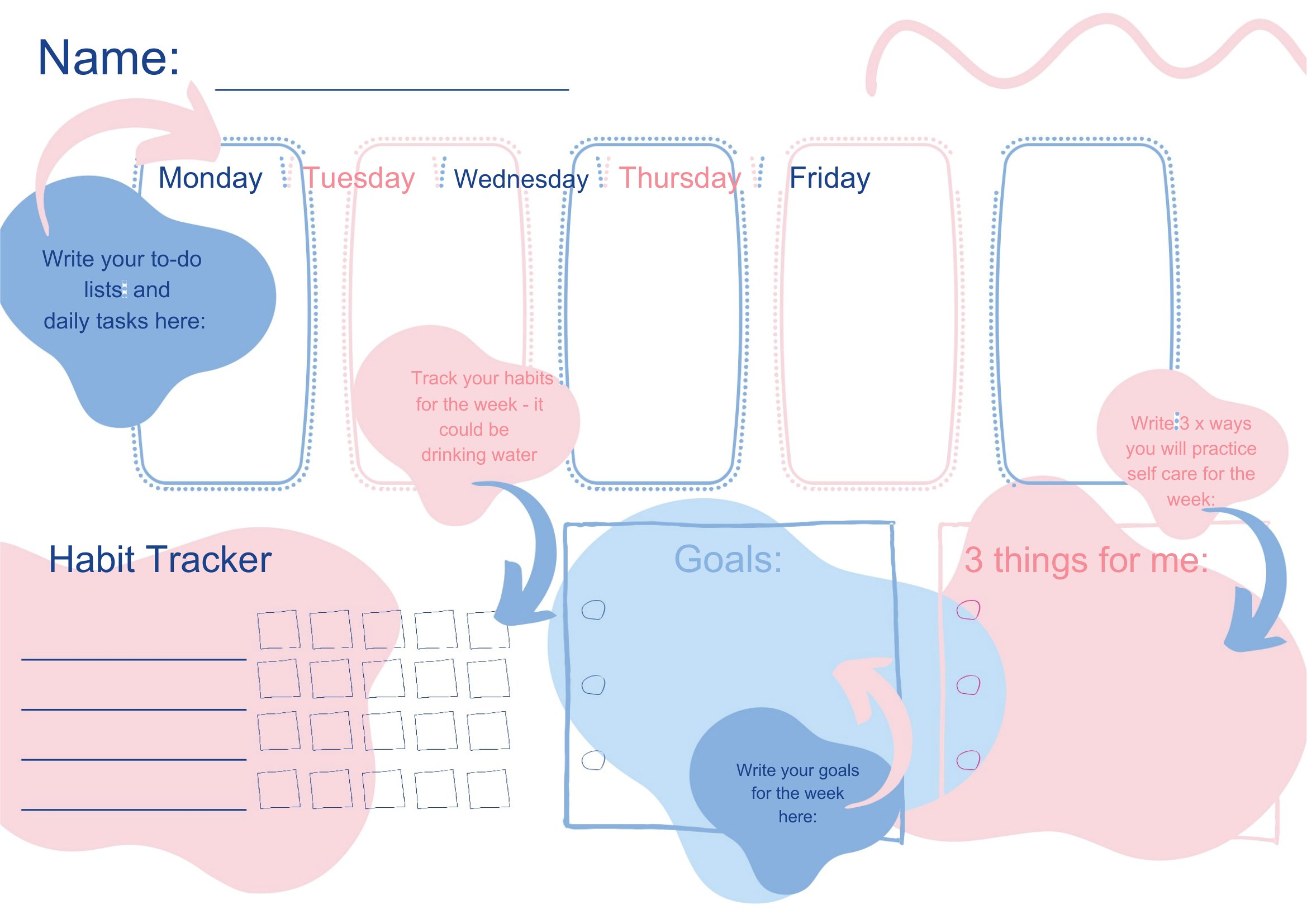
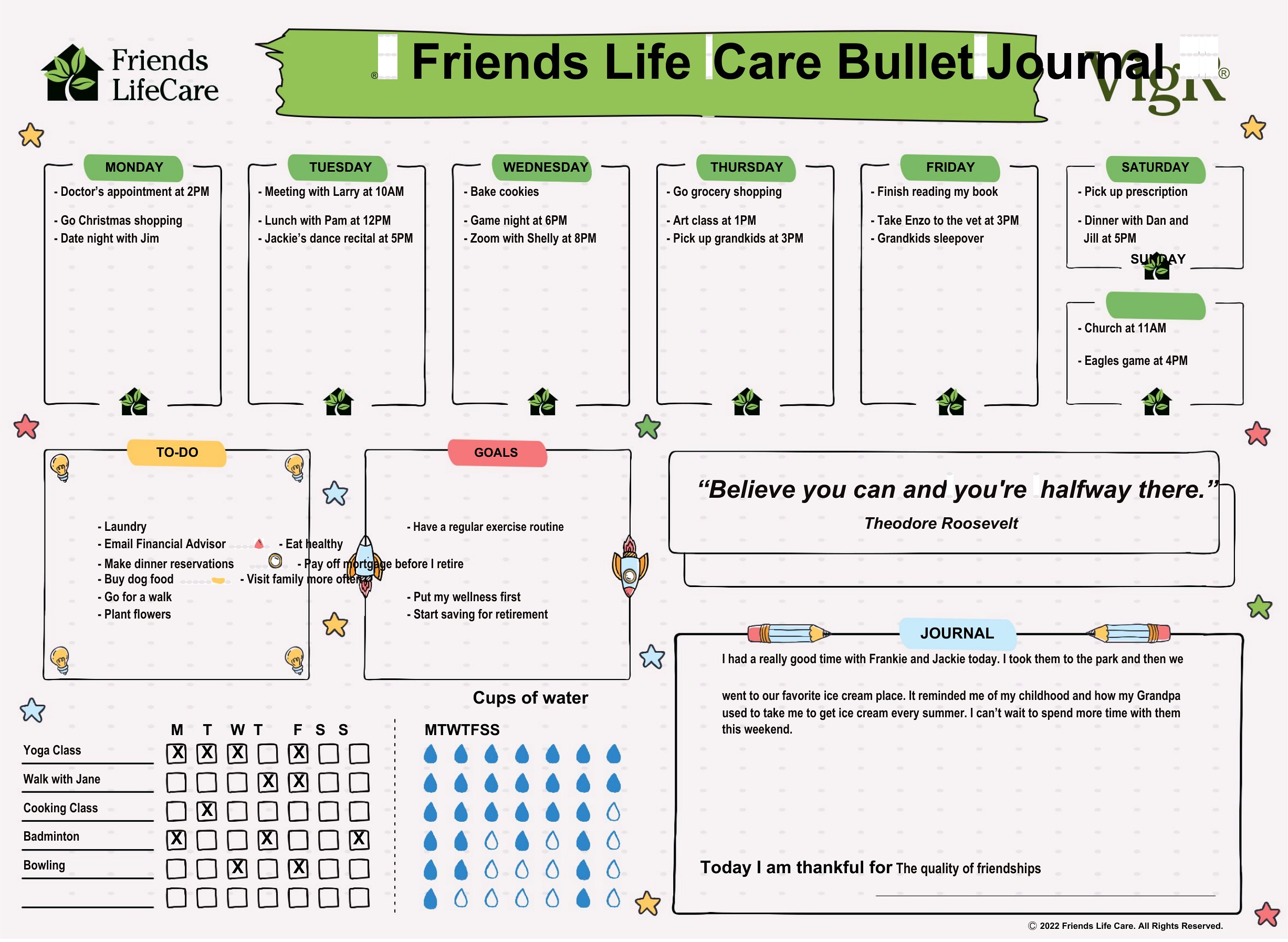
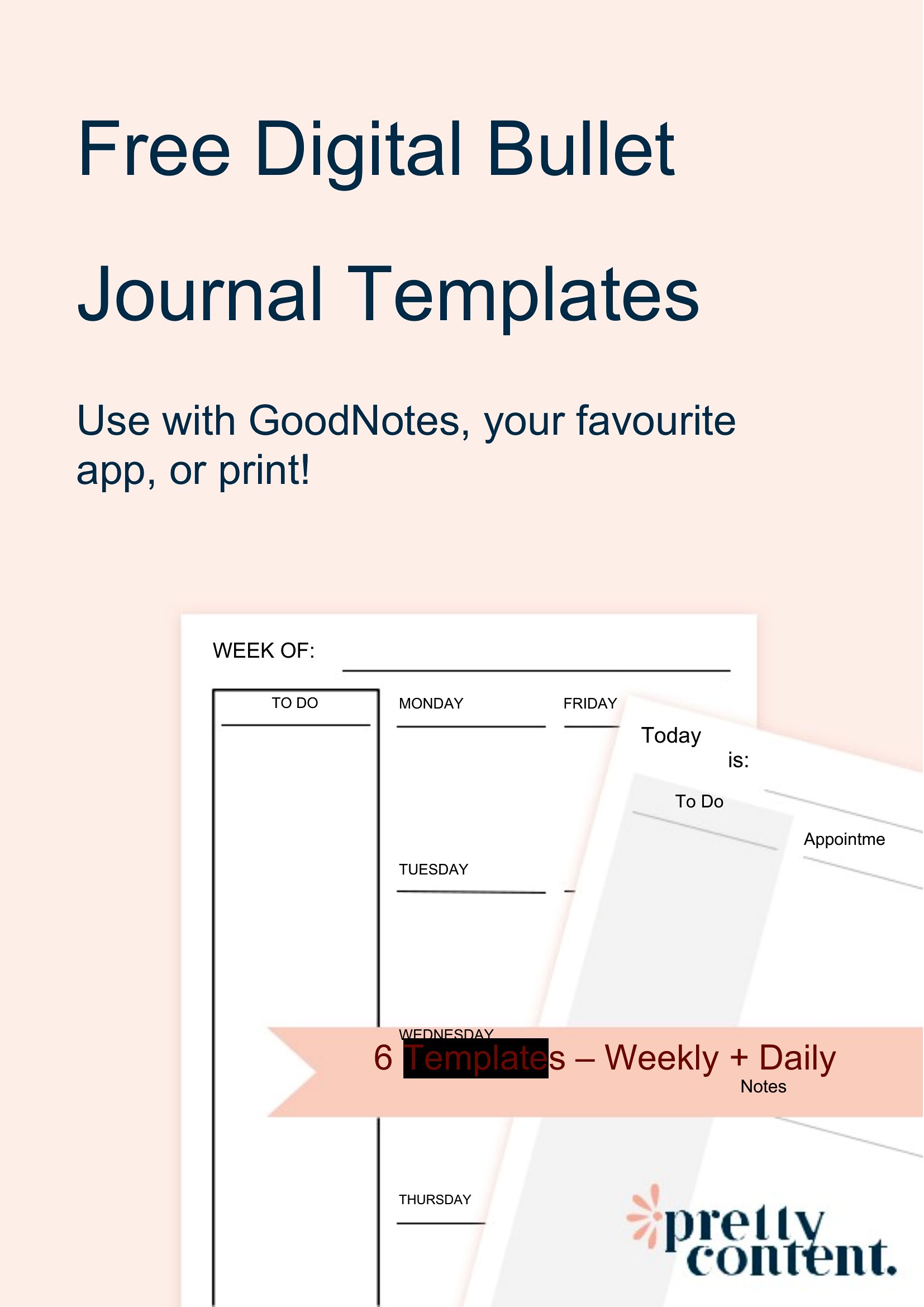
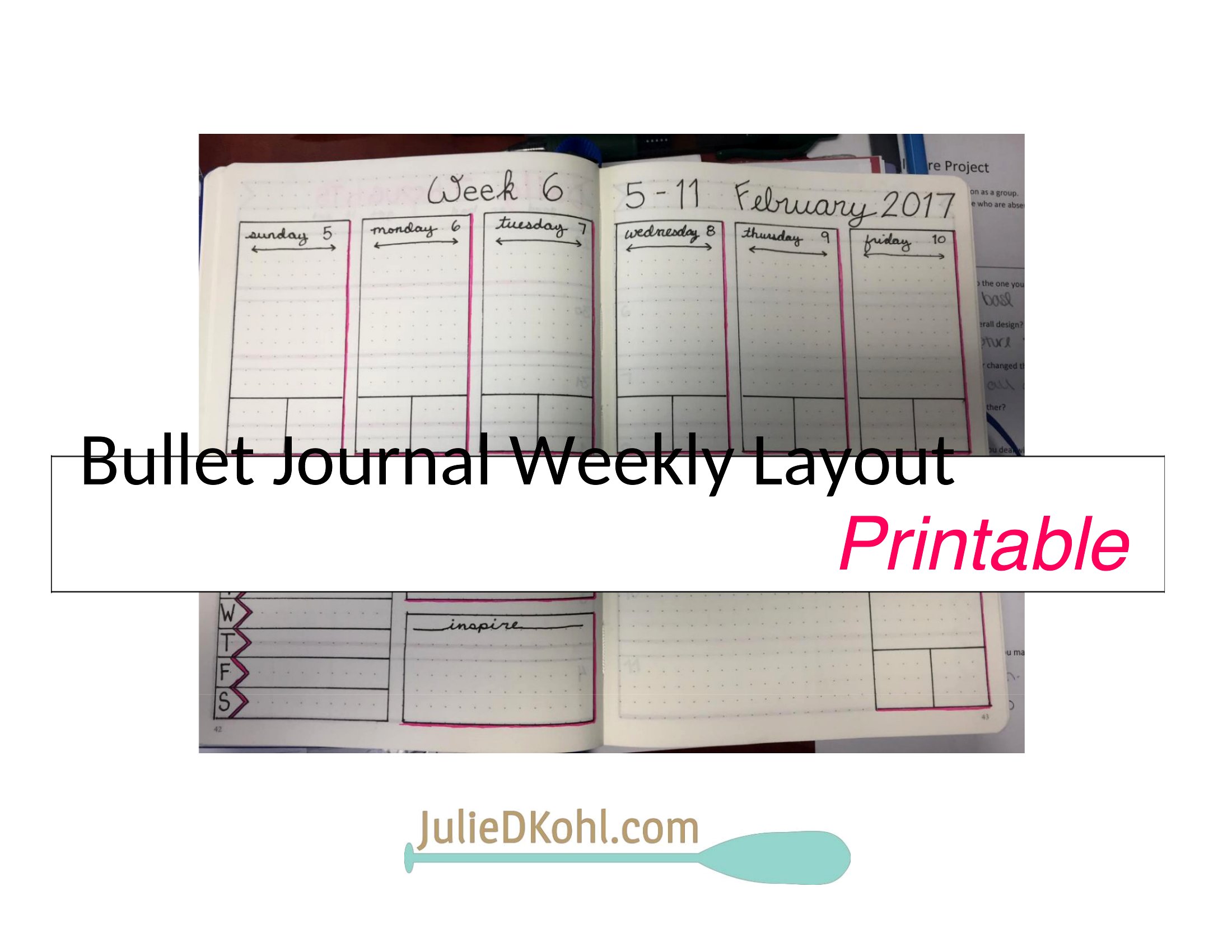
Absolutely. The spreads are designed to work independently, so you can pick a daily log for weekdays, a monthly calendar for planning, and a habit tracker only for the goals that matter to you. Many users skip rigid weekly layouts entirely. Mix and match based on what fits your workflow.
How do I make sure my handwritten entries stay aligned with the PDF grids?
Print the PDF templates on standard 8.5x11” paper with a 15–20% scale setting to avoid distortion. Use a fine-tip pen or gel pen to reduce bleeding into adjacent boxes. For extra precision, tape a blank sheet behind the page to prevent ink from showing through and misaligning your writing.
What’s the best way to back up my bullet journal entries if I’m using these digital templates?
If you’re typing notes into Word templates, save a backup copy to cloud storage like Google Drive or OneDrive after each editing session. For PDFs, take clear photos of your completed pages and store them in a labeled folder. Some users also keep a master list of recurring tasks or goals in a separate notes app for quick reference.
Comments
Join the conversation
Sign in to share your thoughts and leave a comment on this resource.