Free Catering Invoice Templates (Word, Excel, PDF)
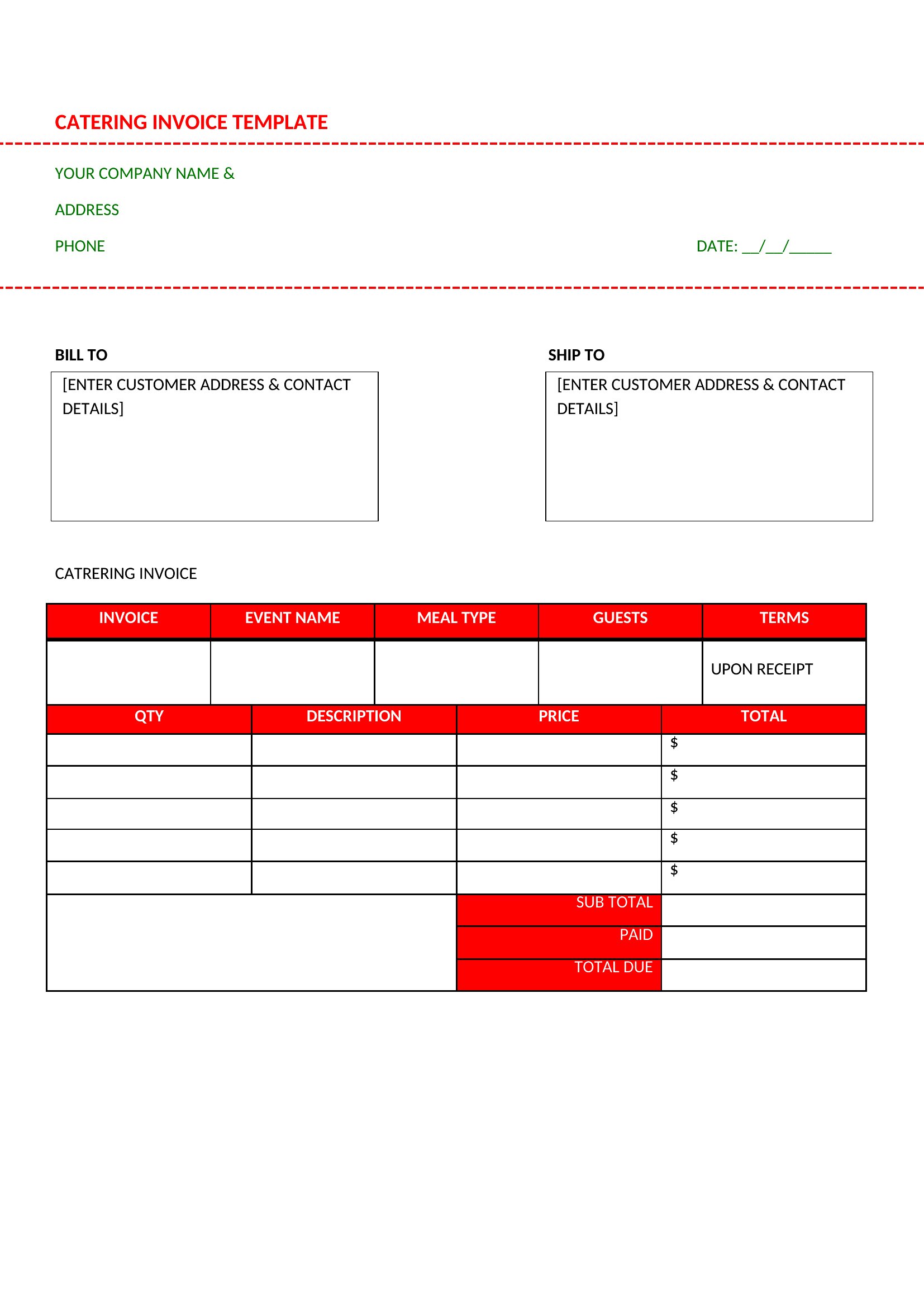
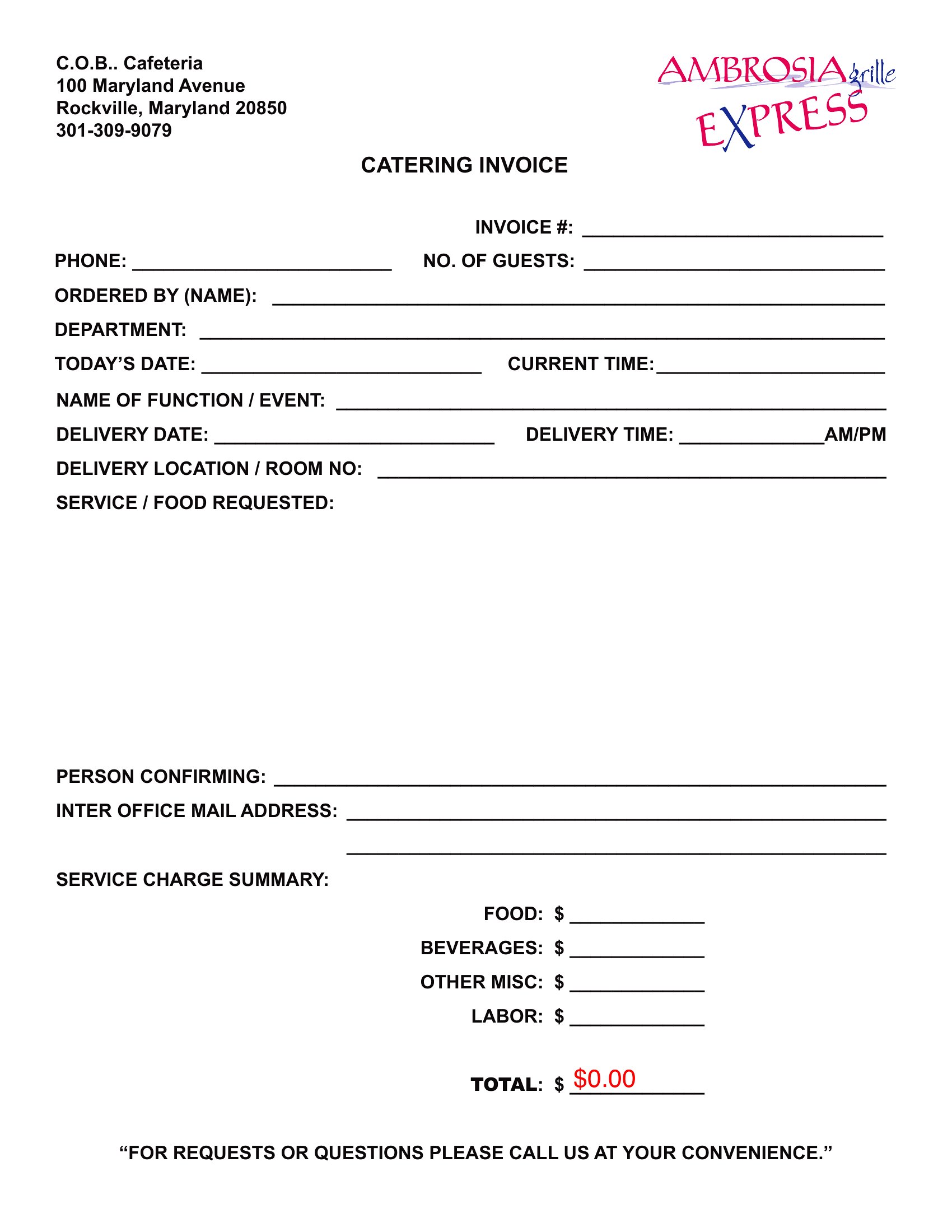
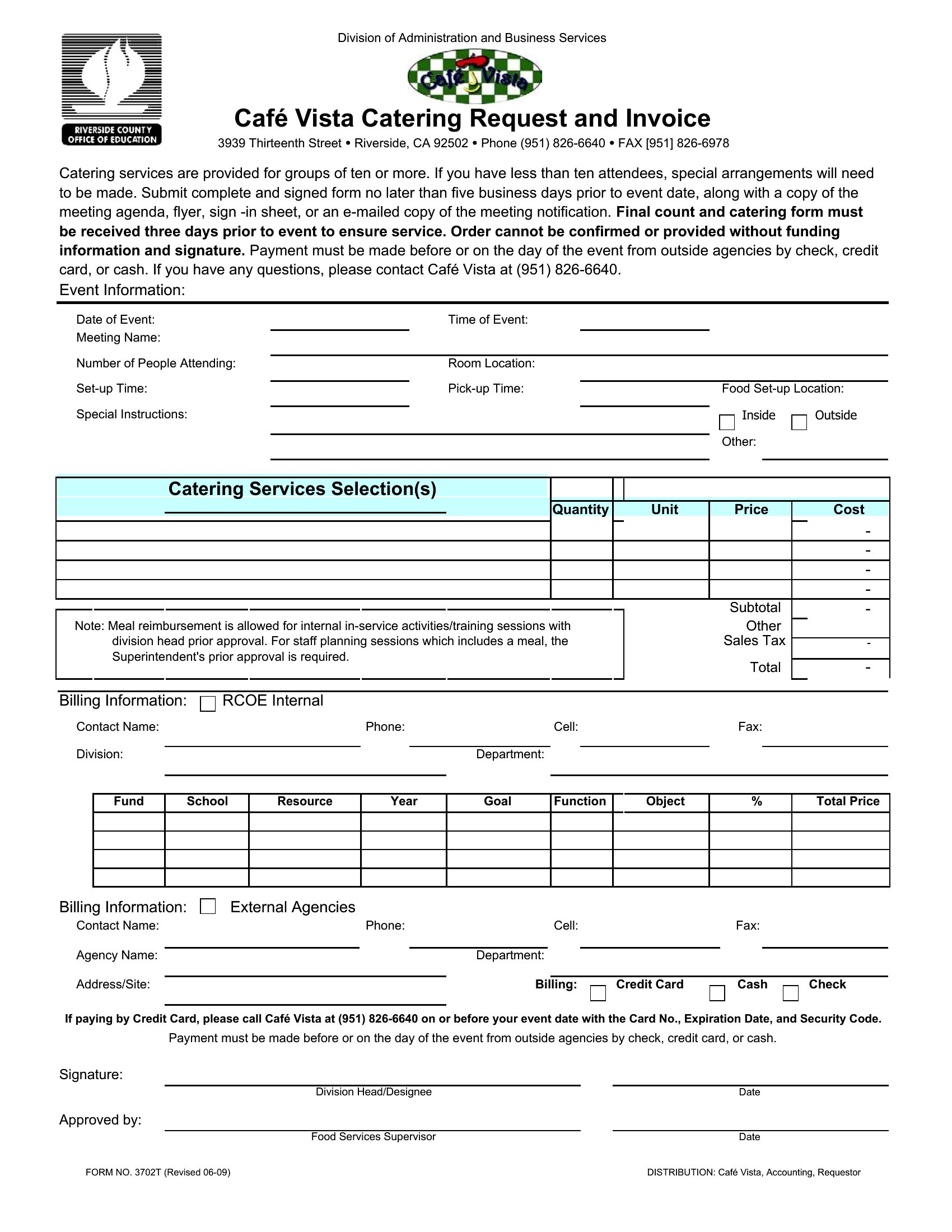
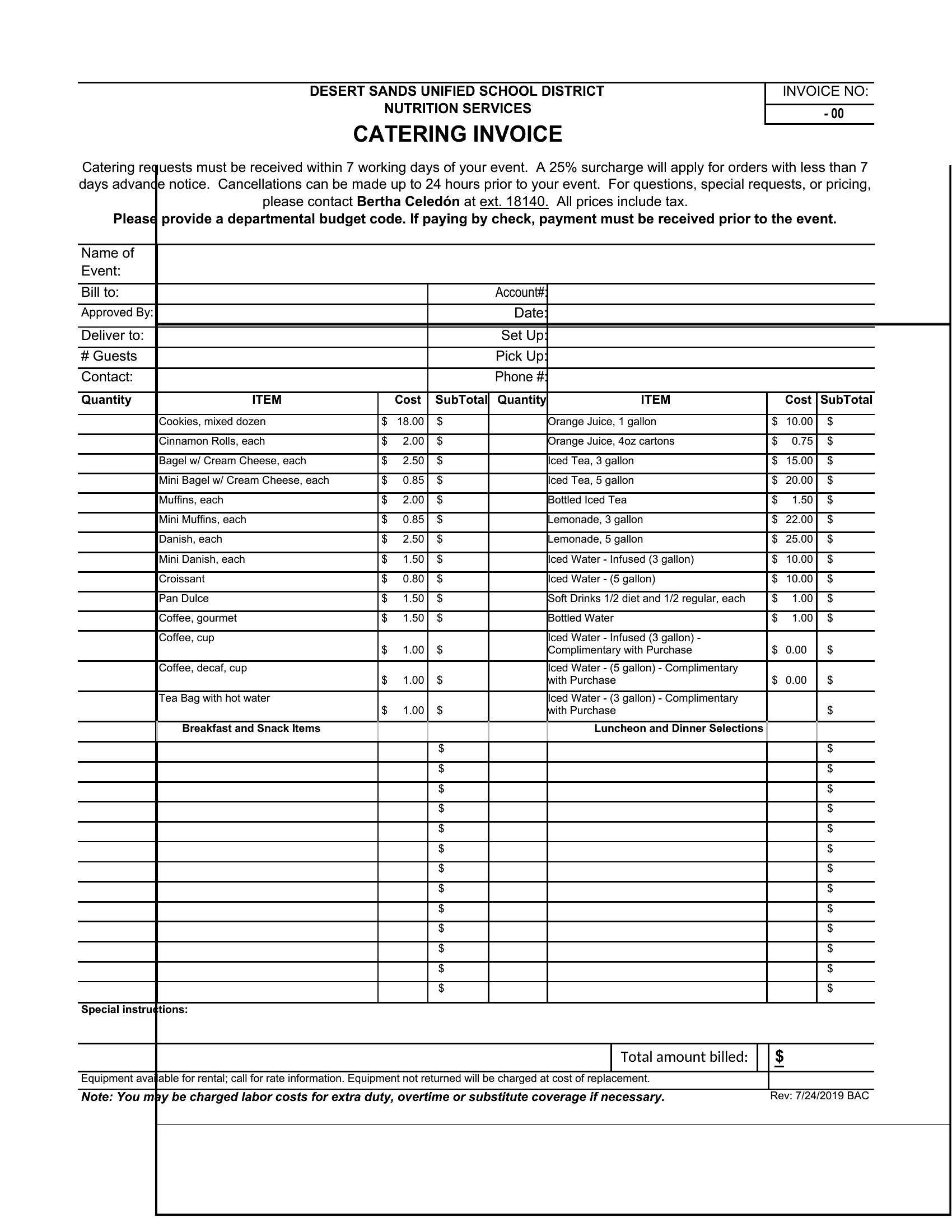
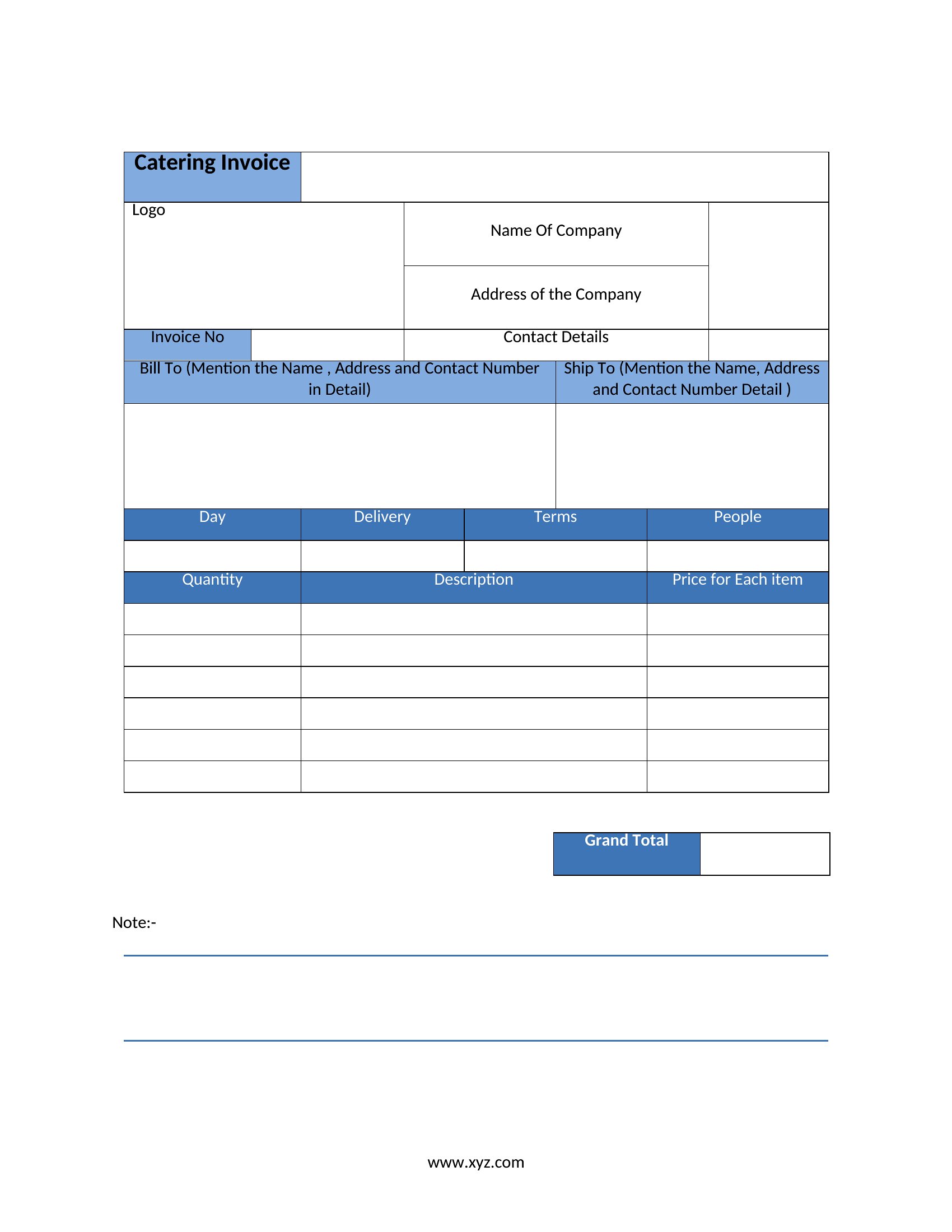
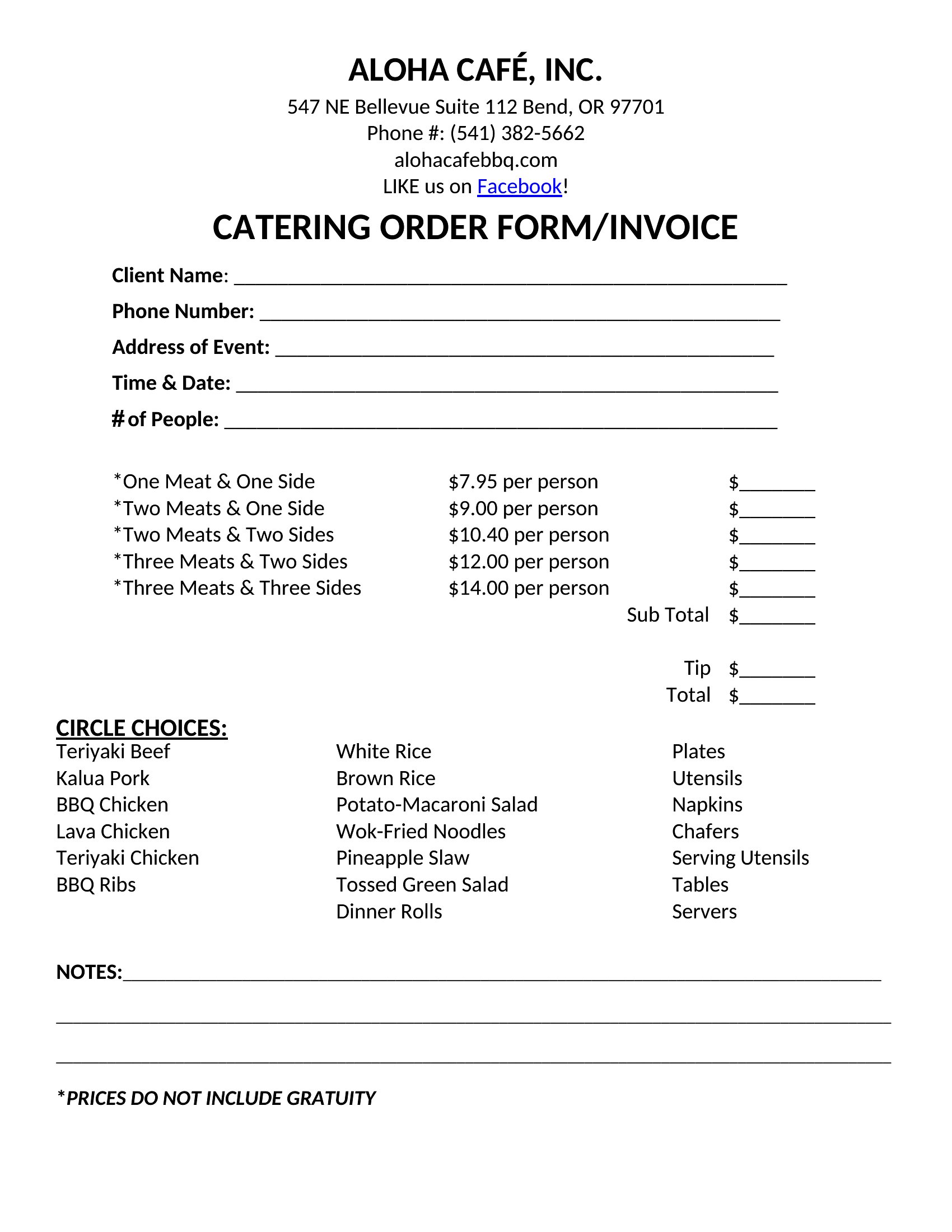
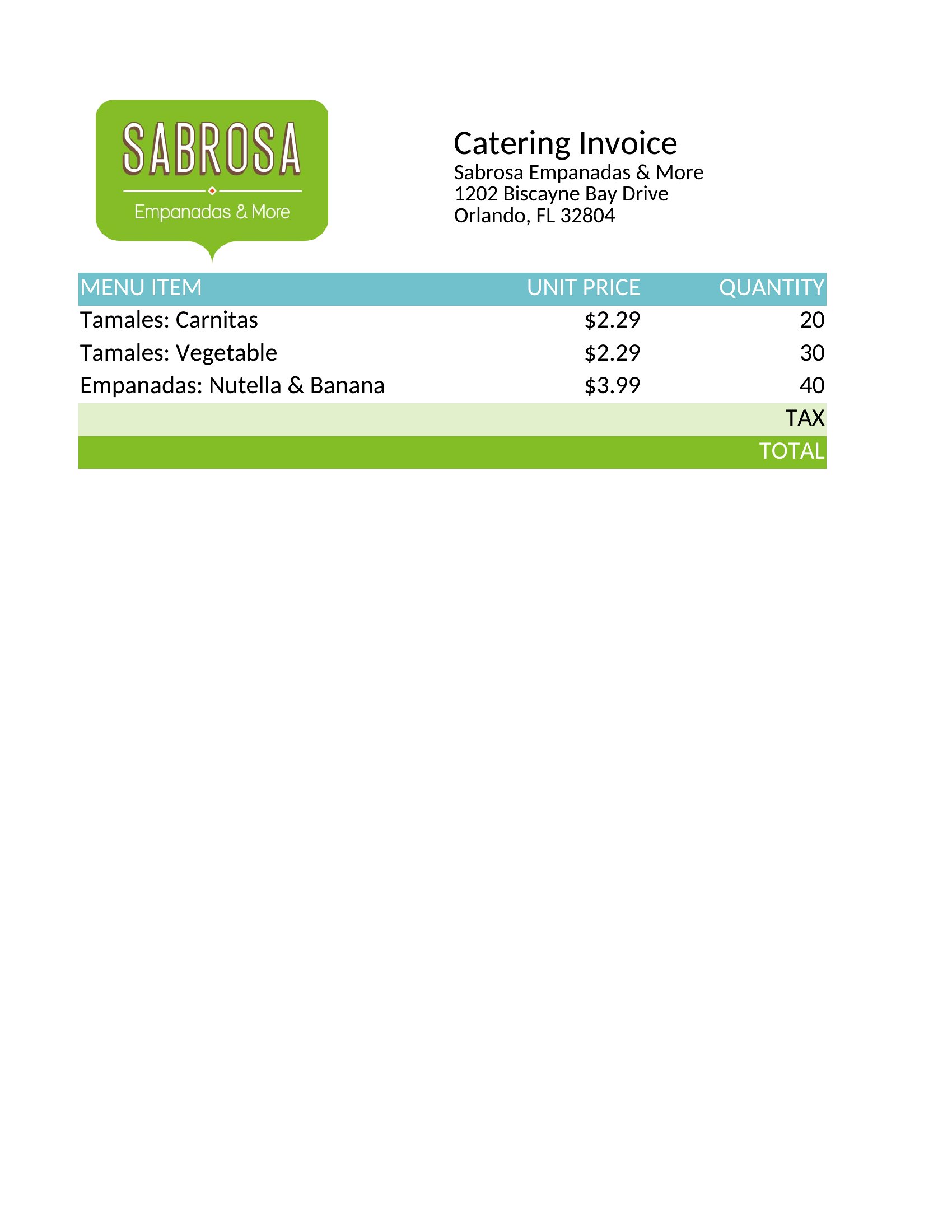
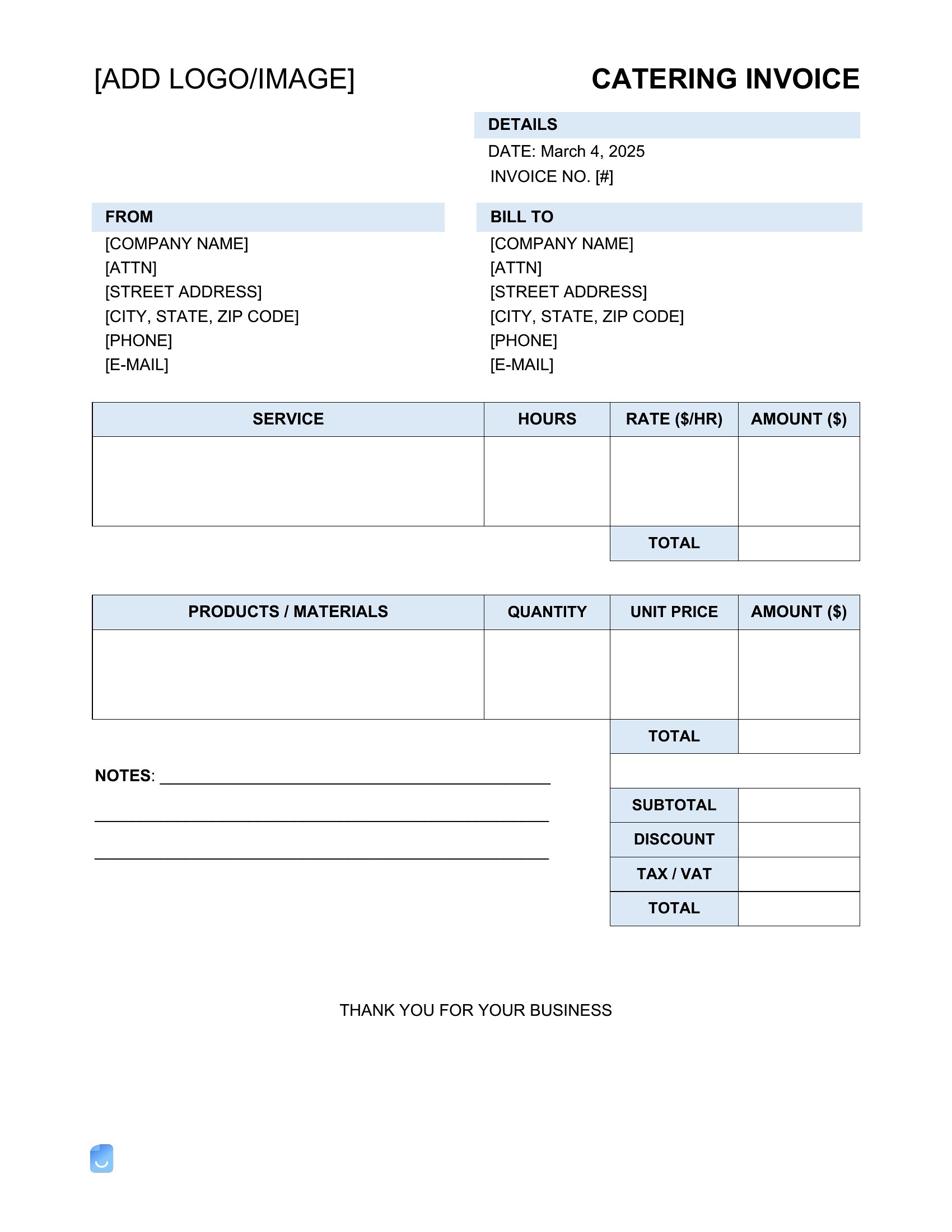
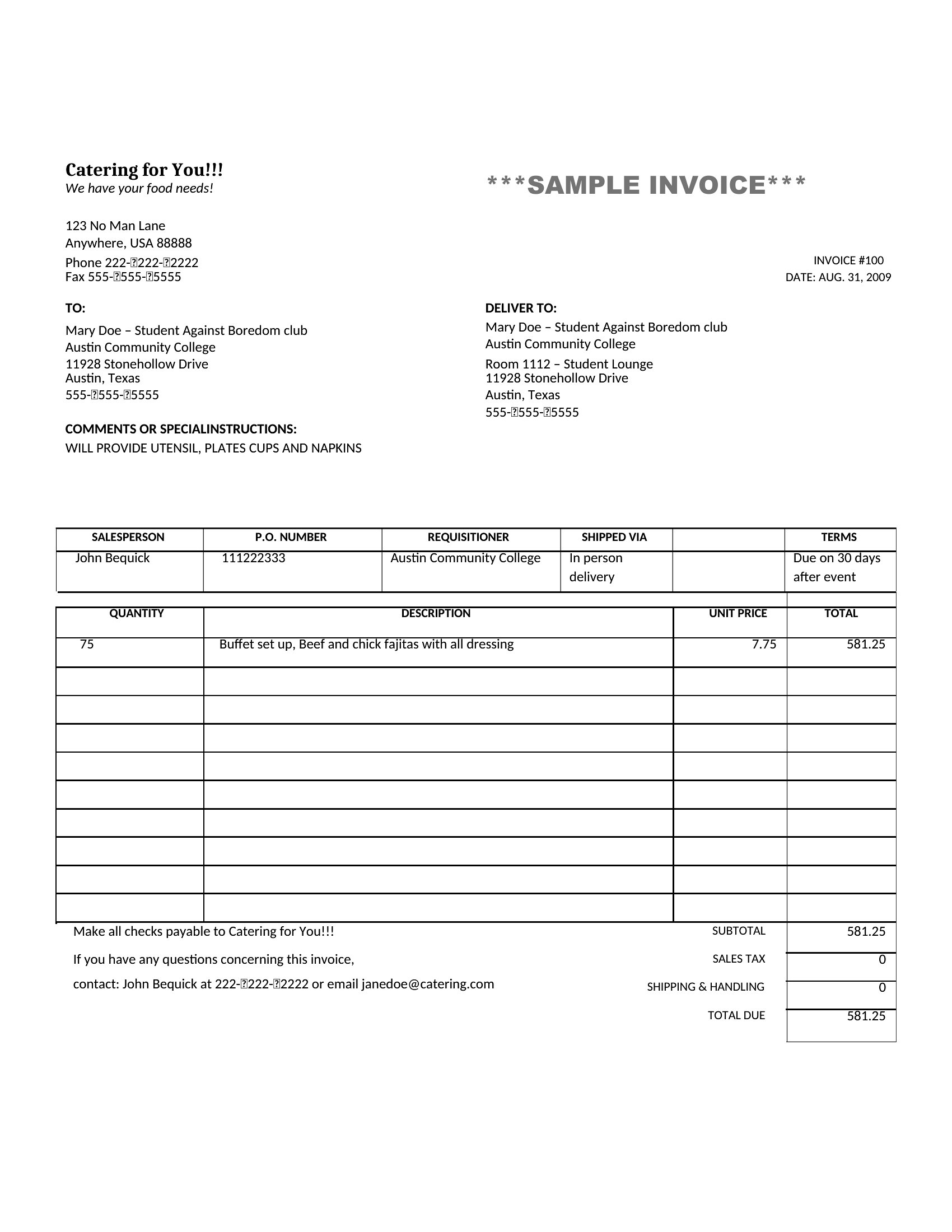
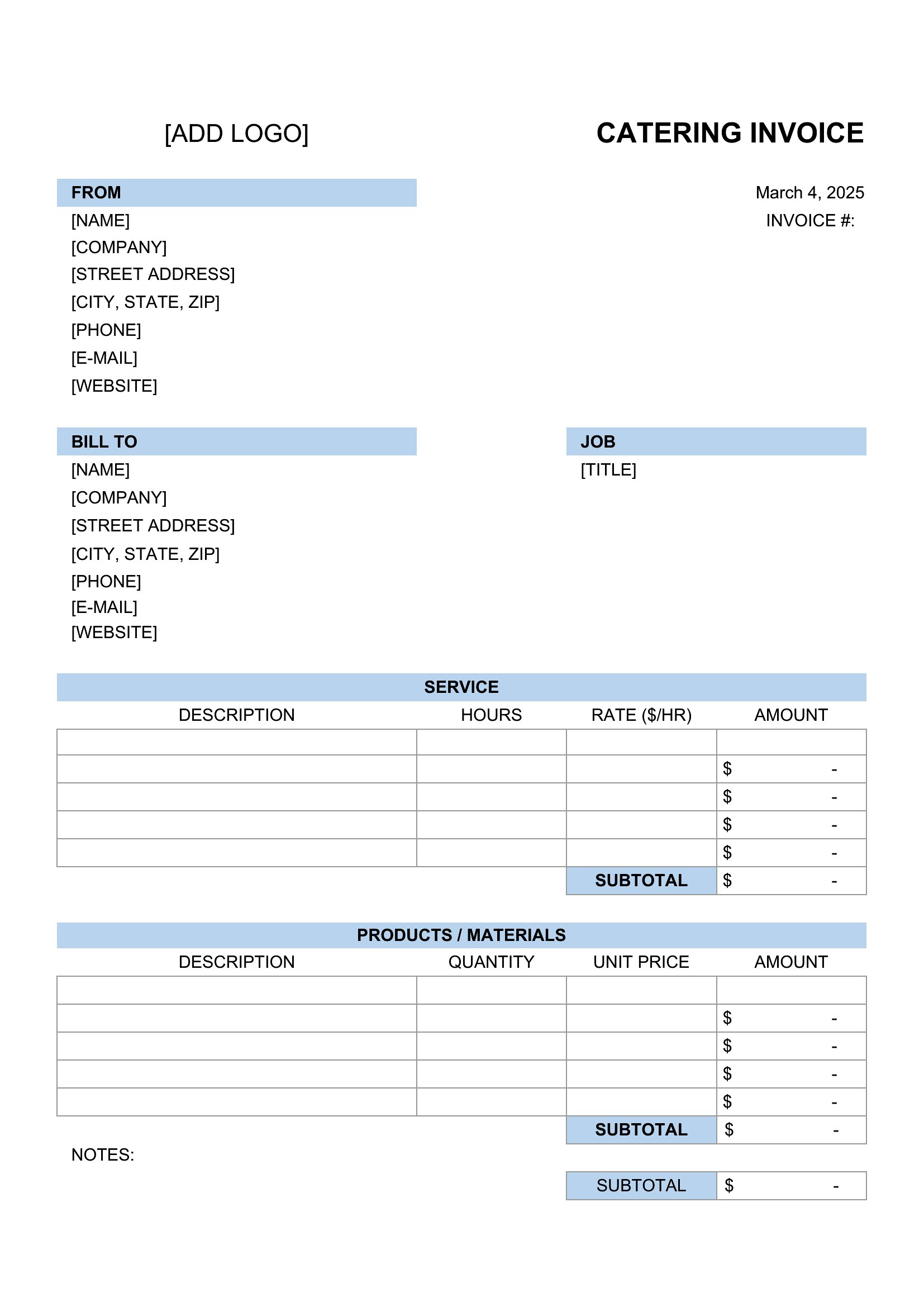
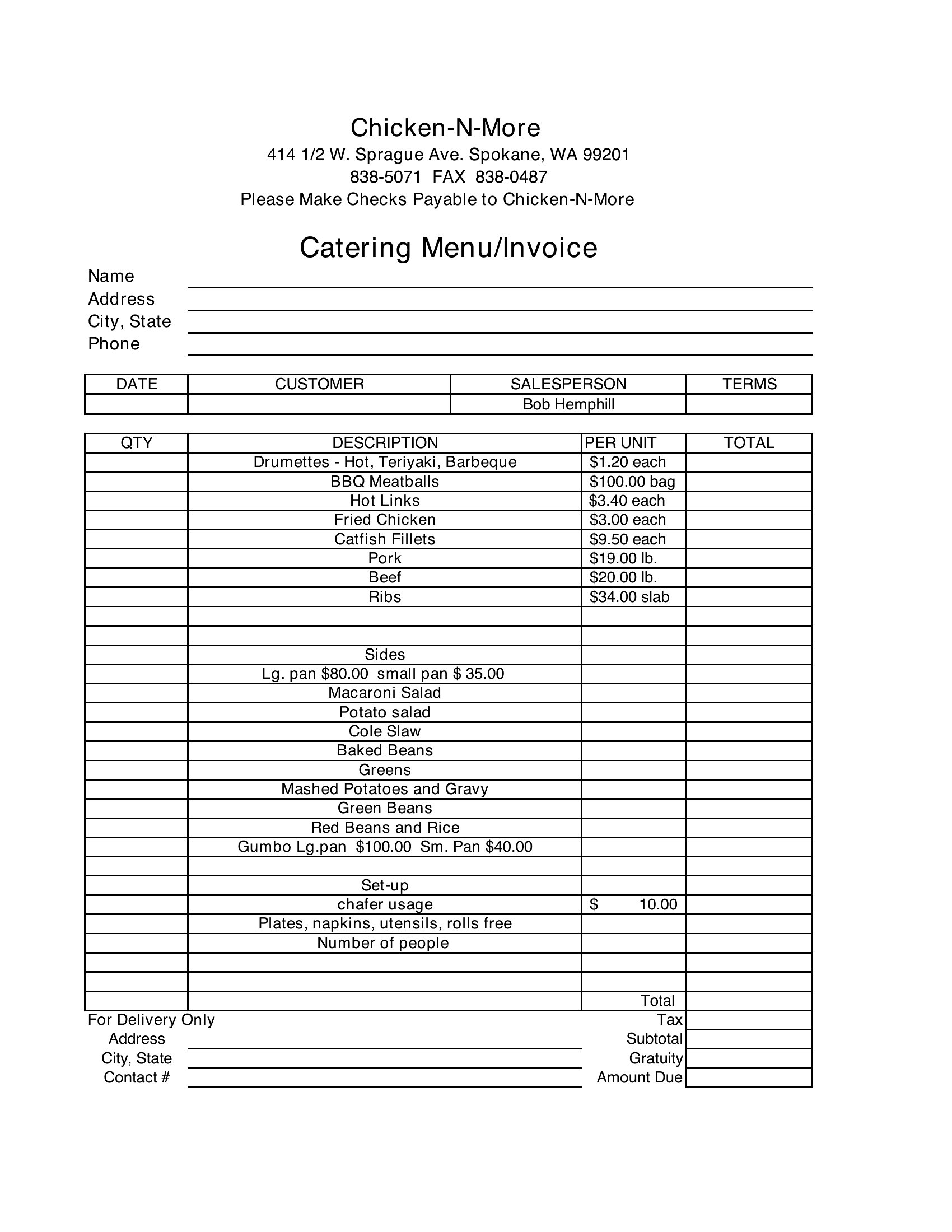
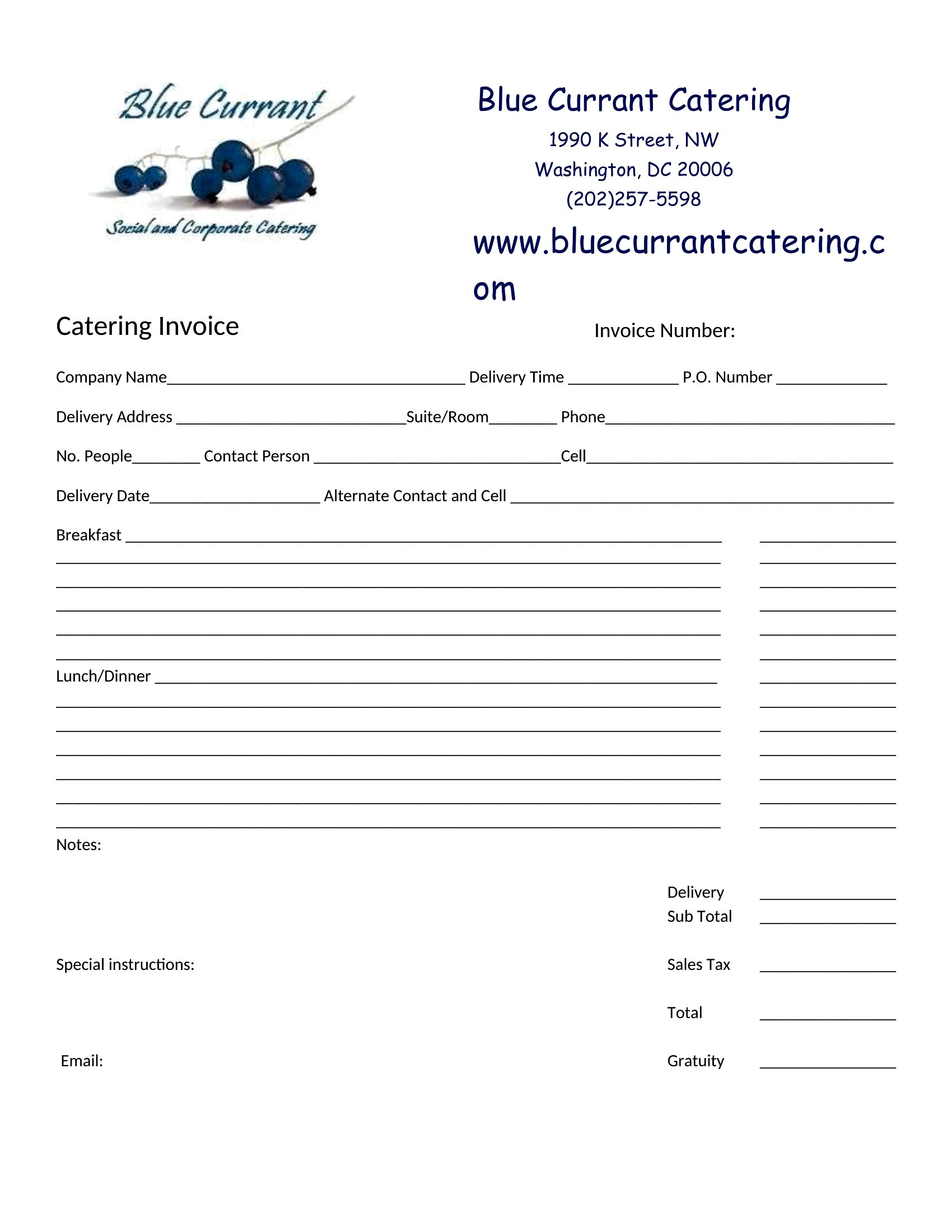
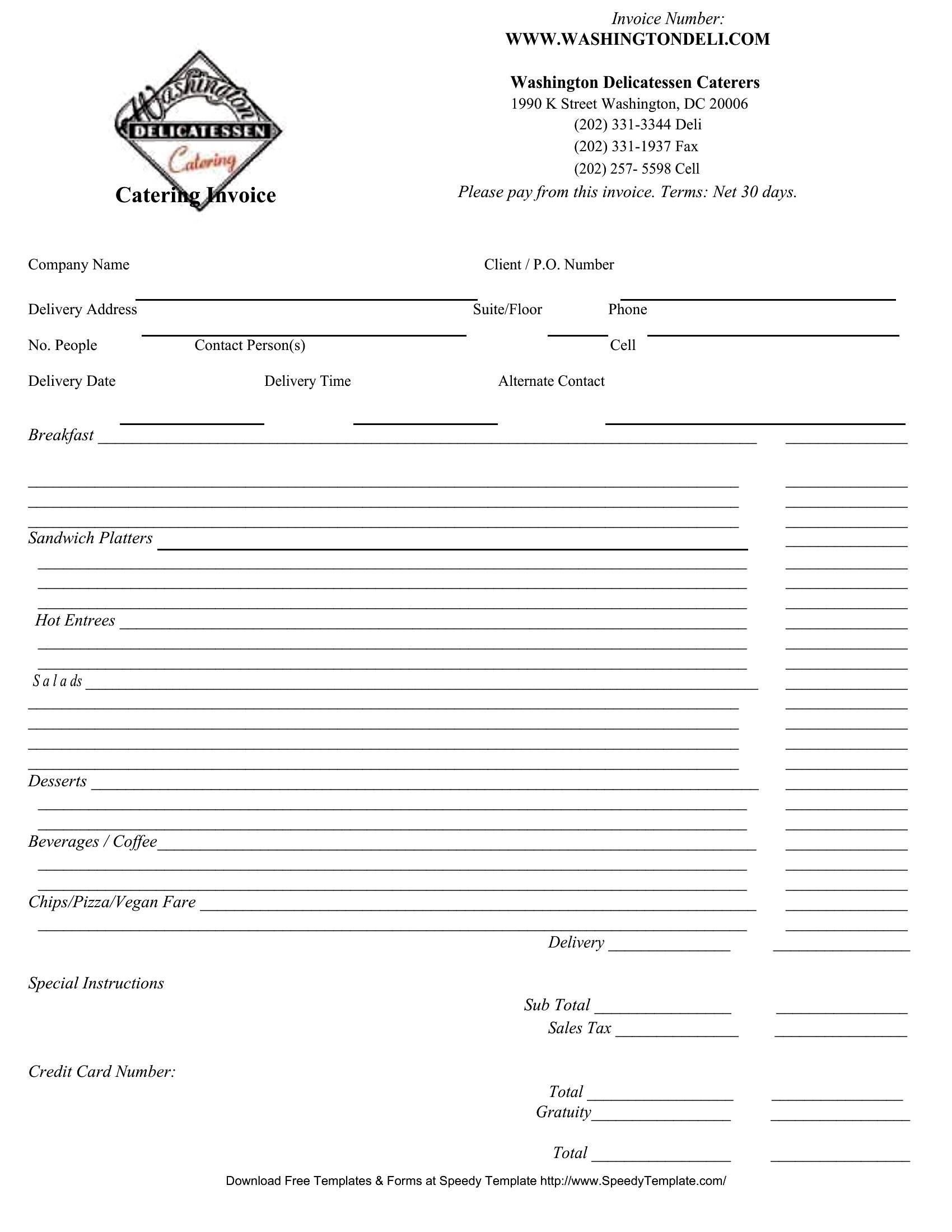
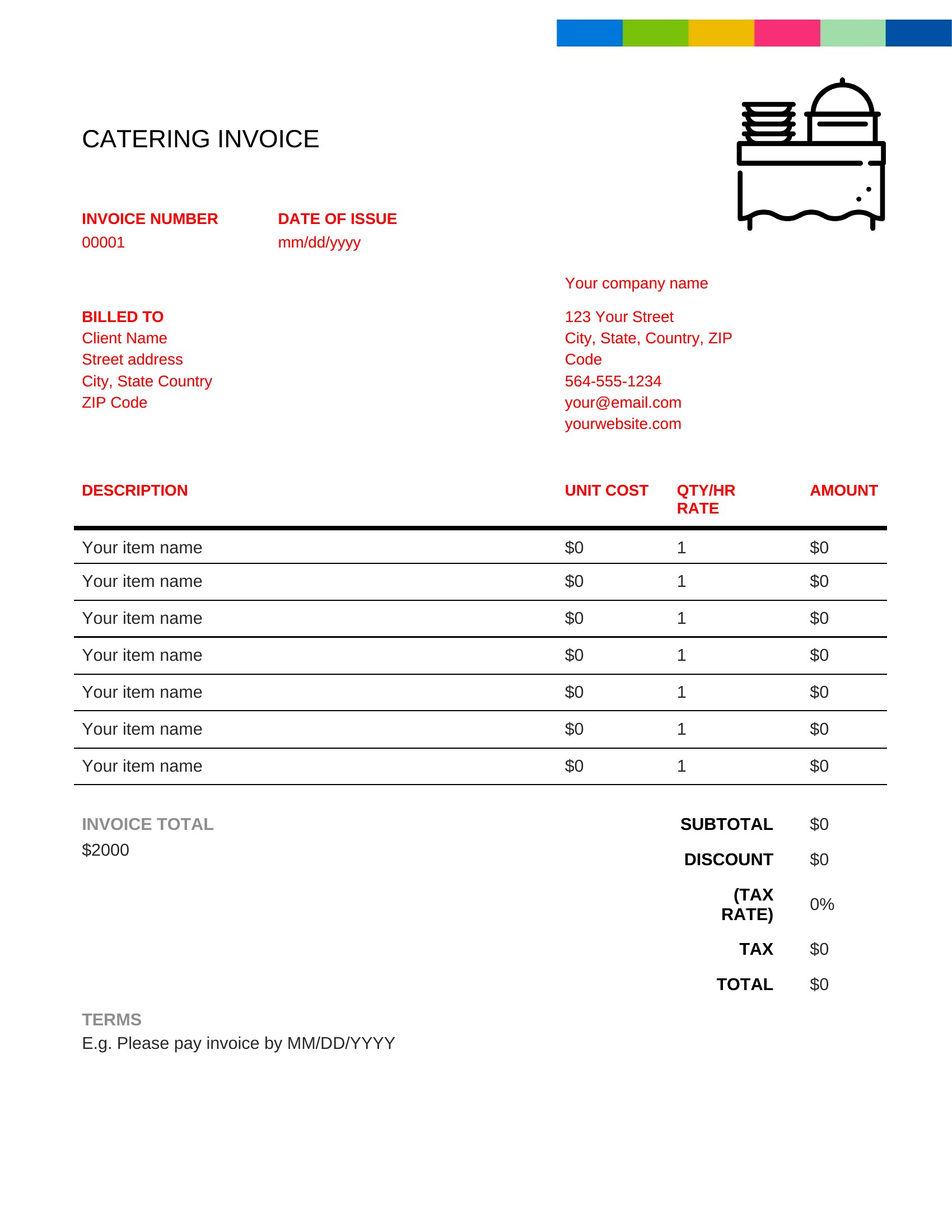
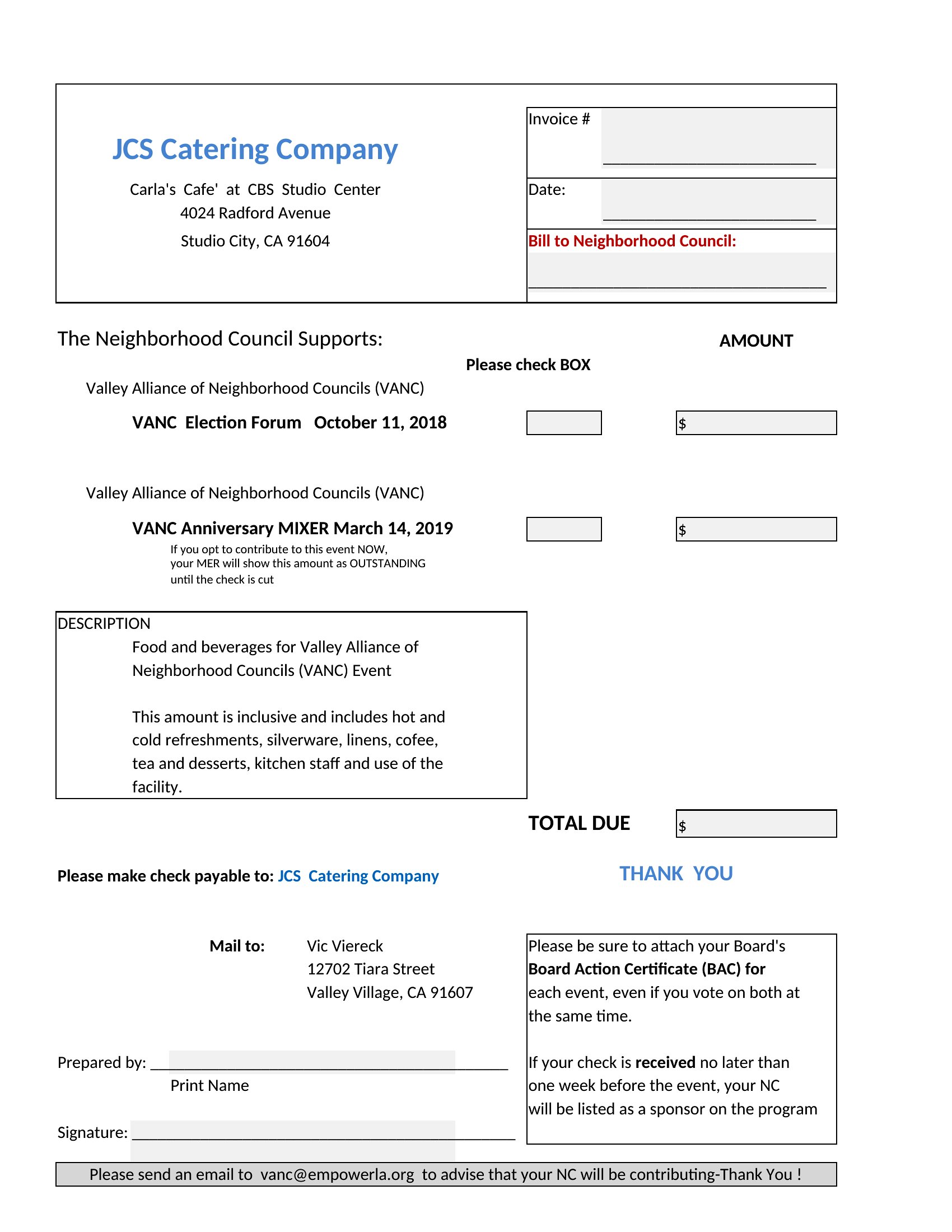
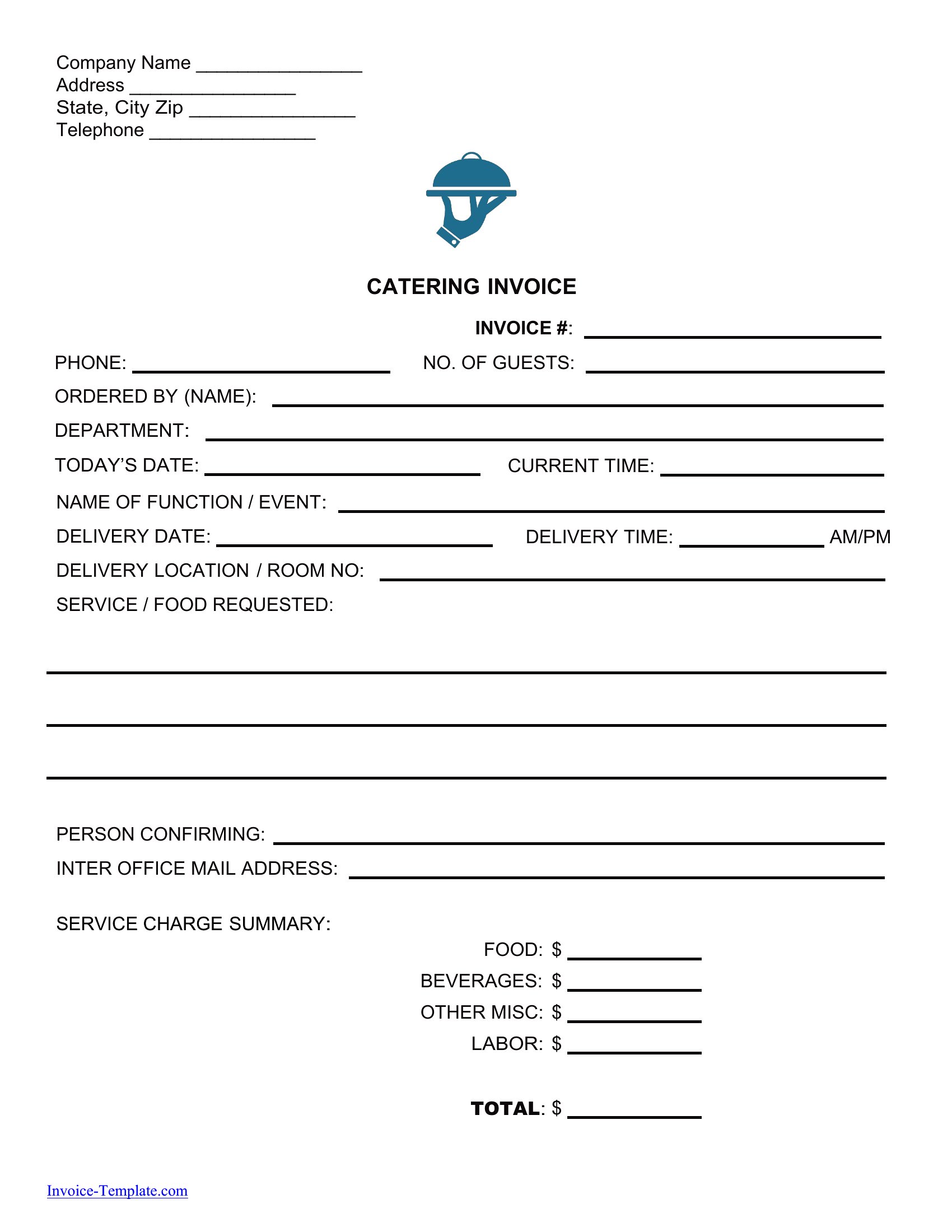
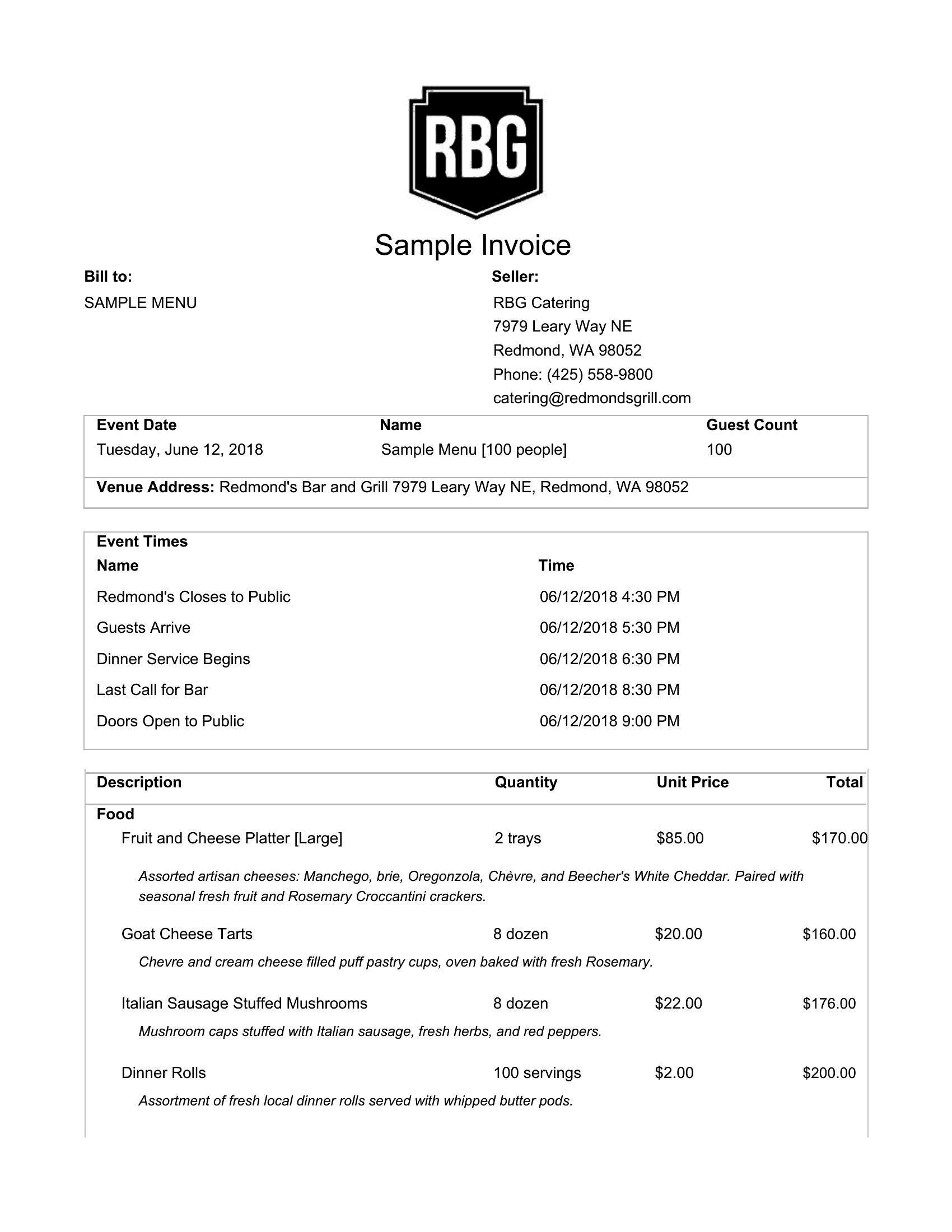
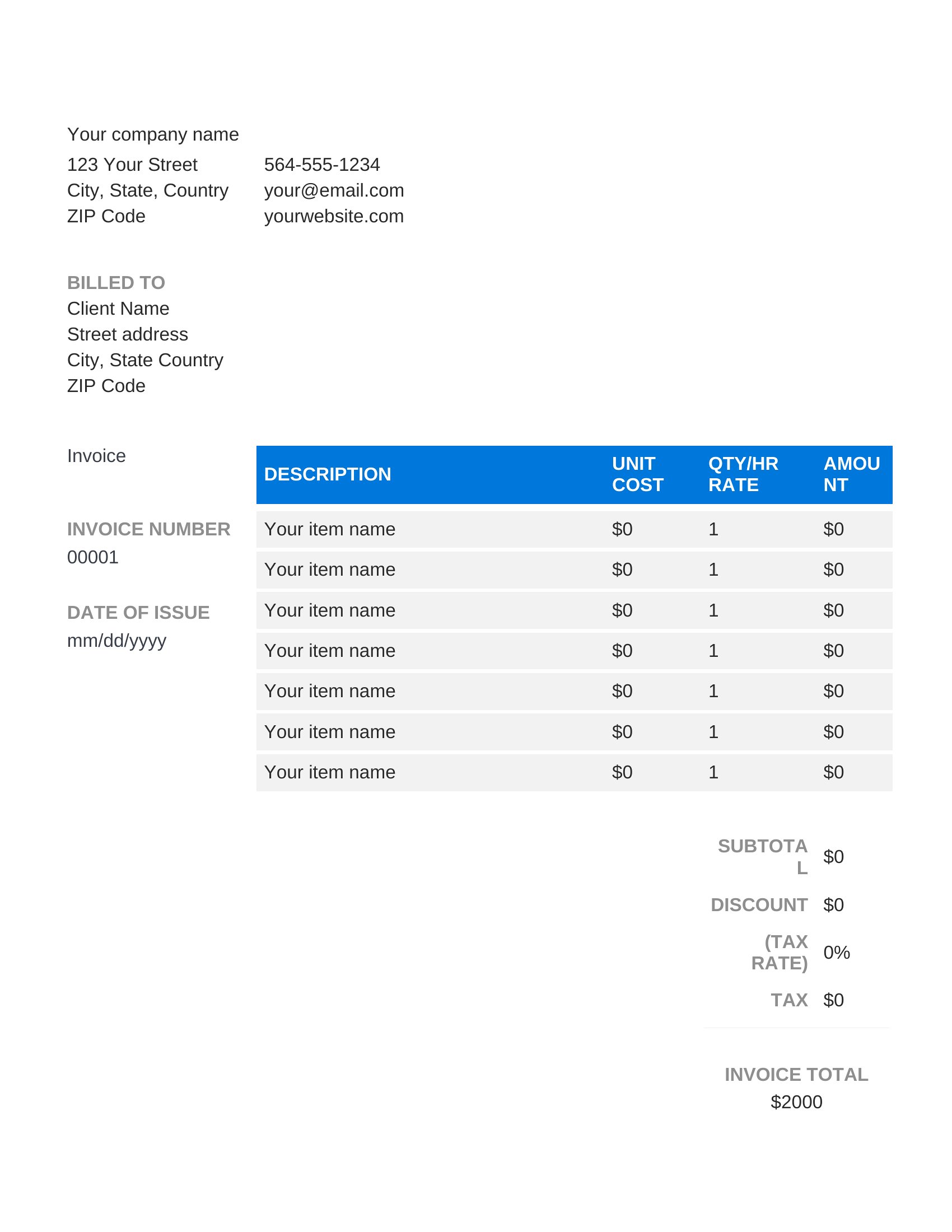
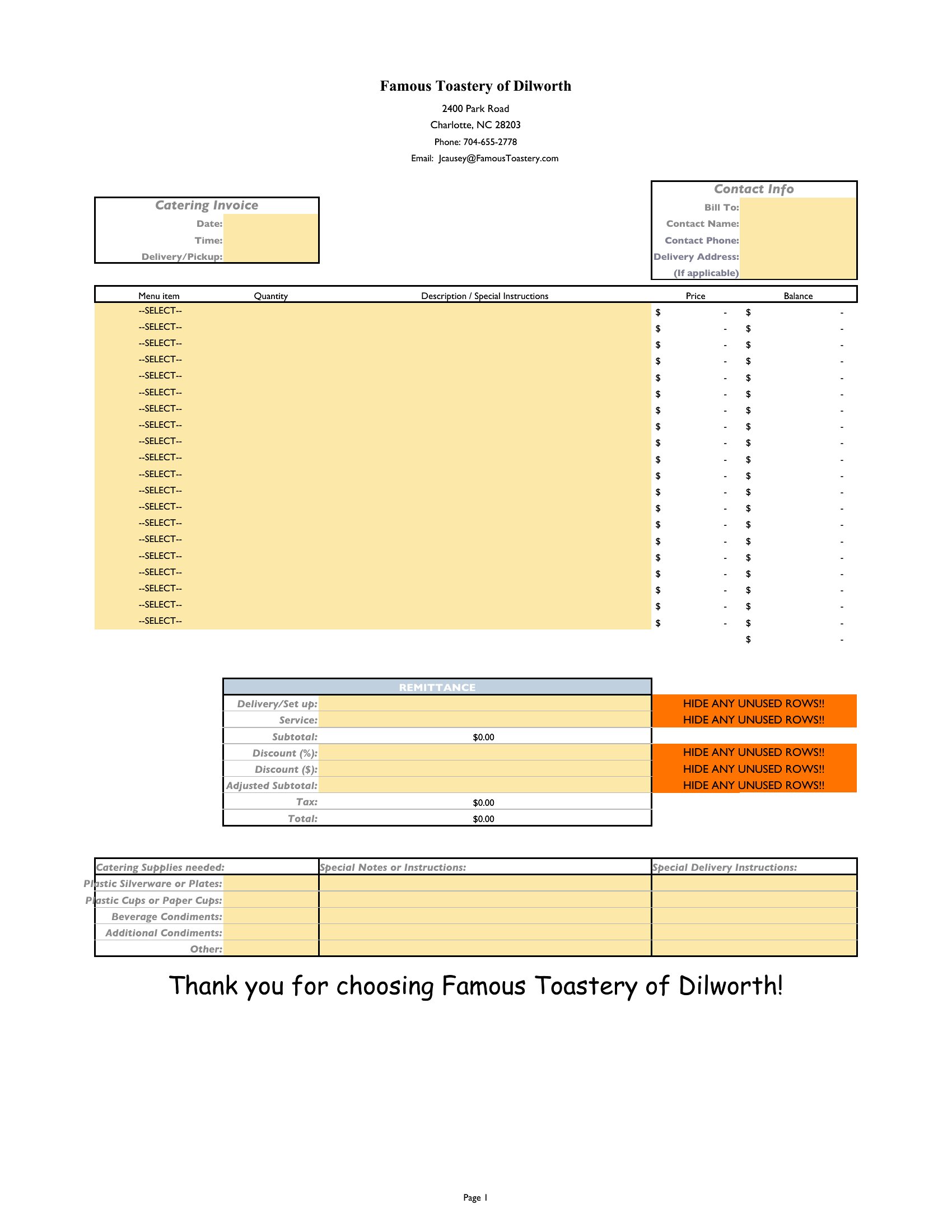
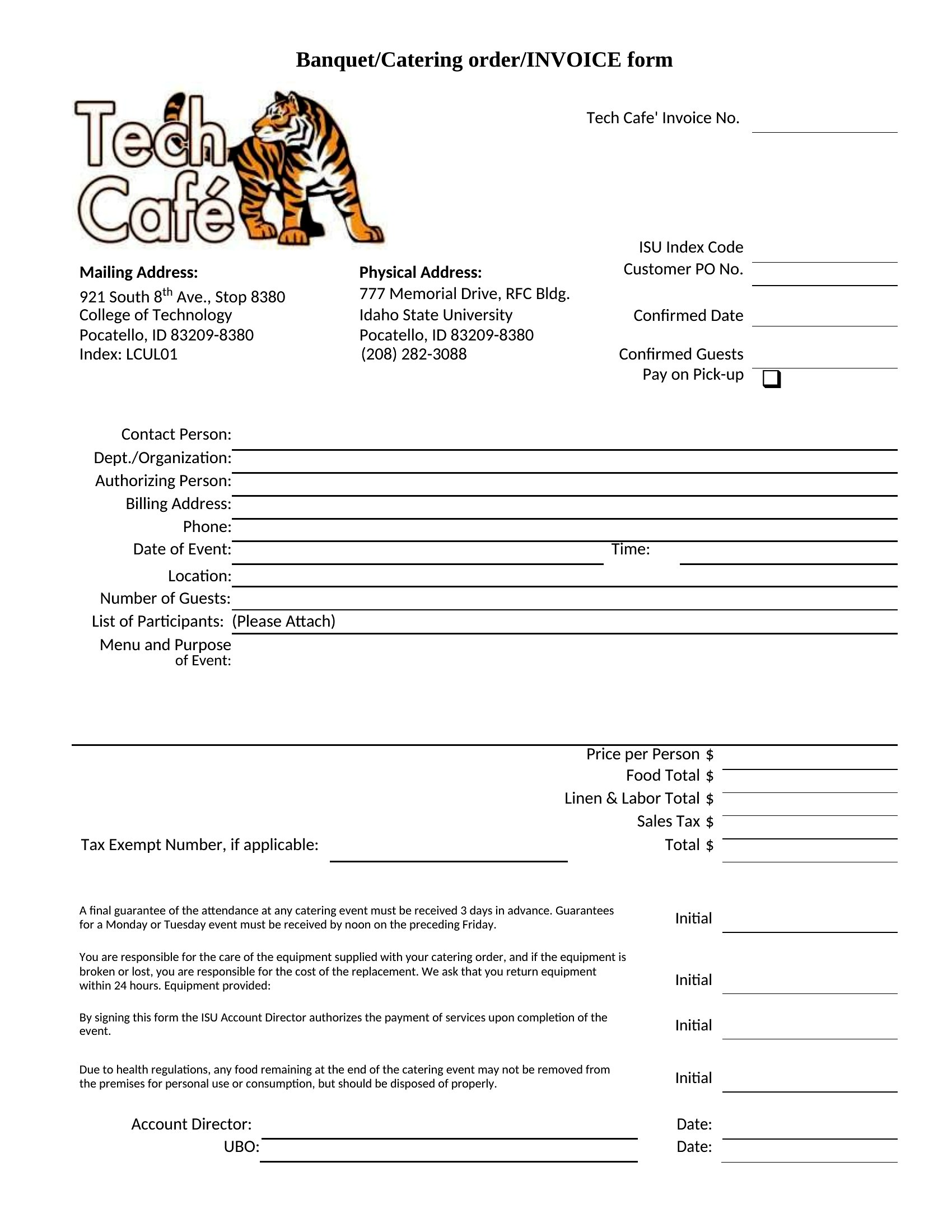
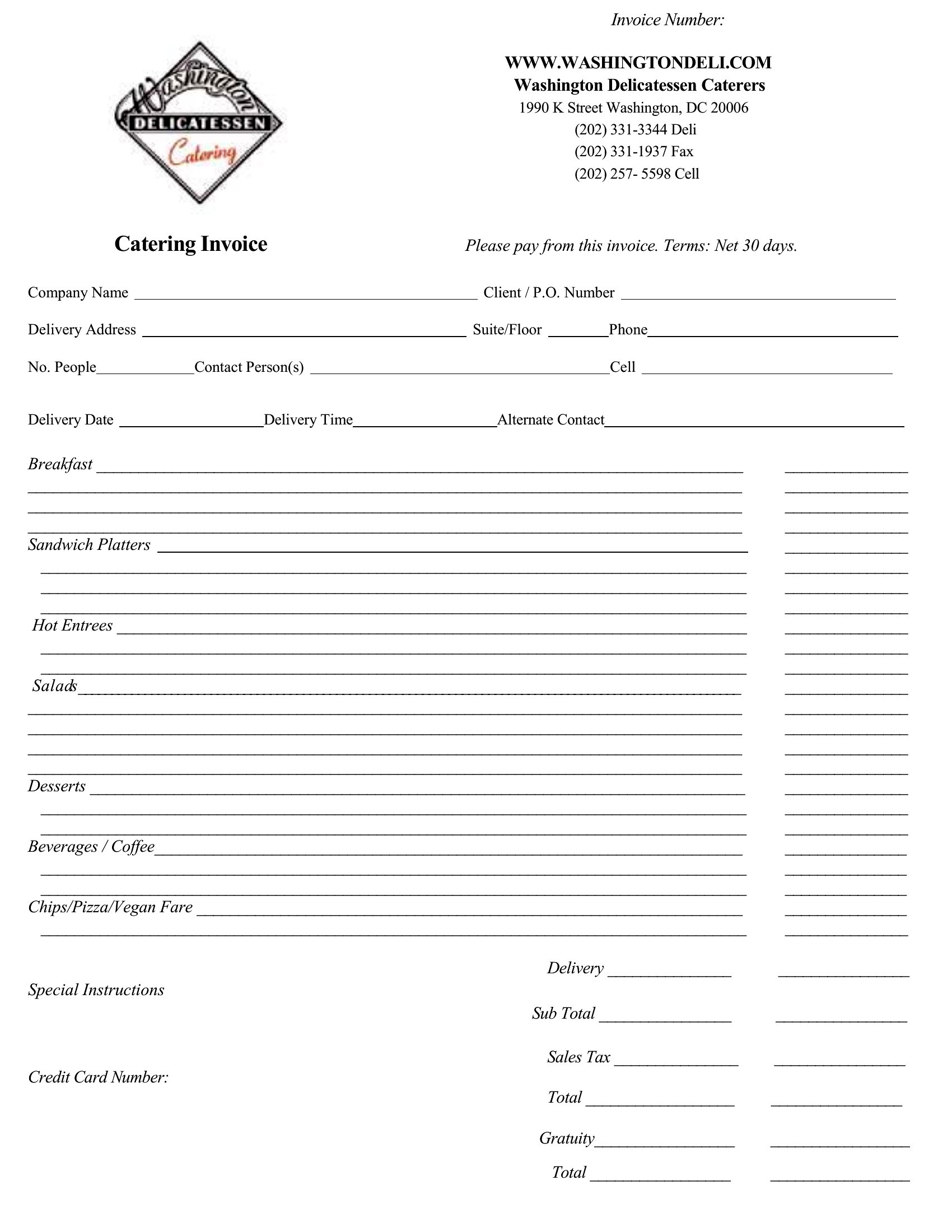
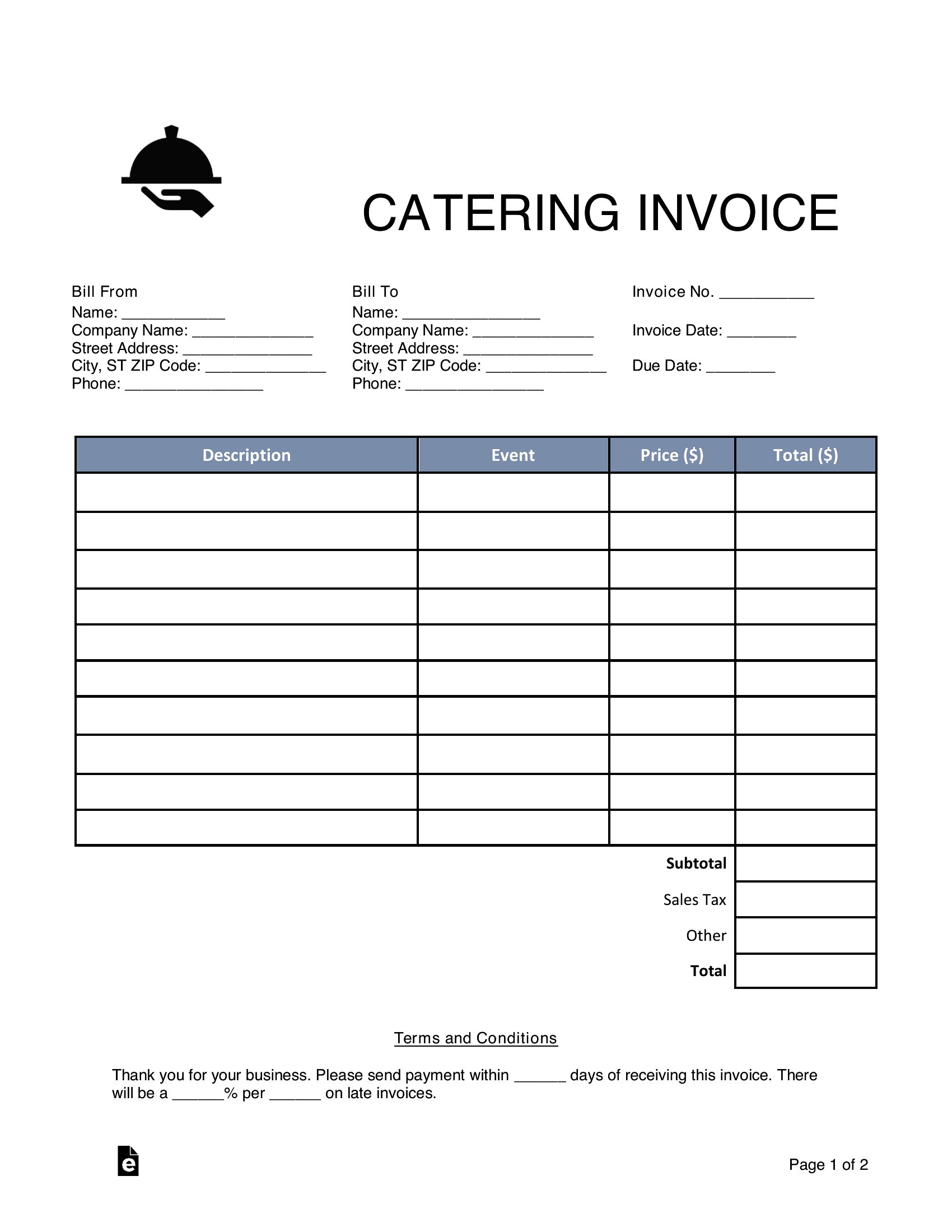
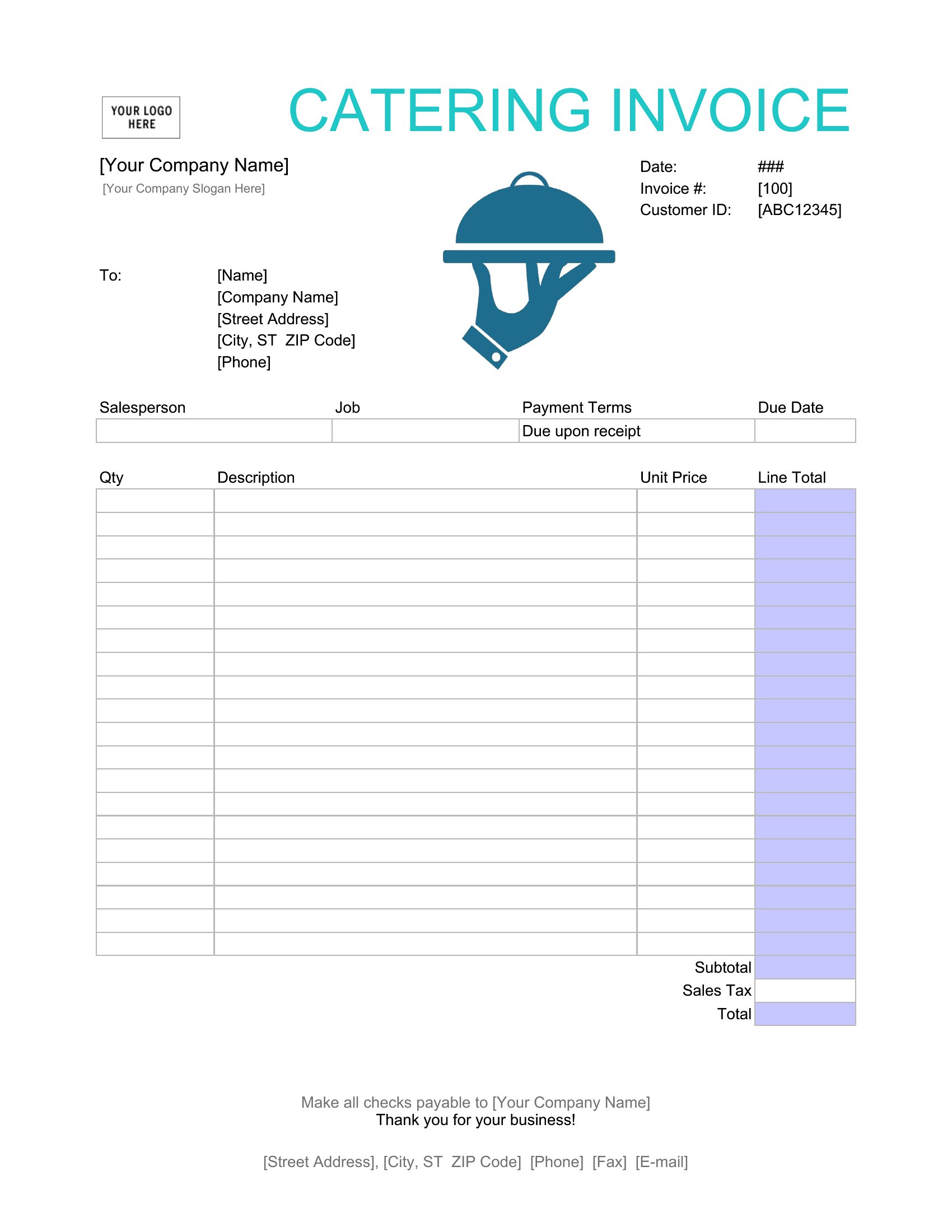
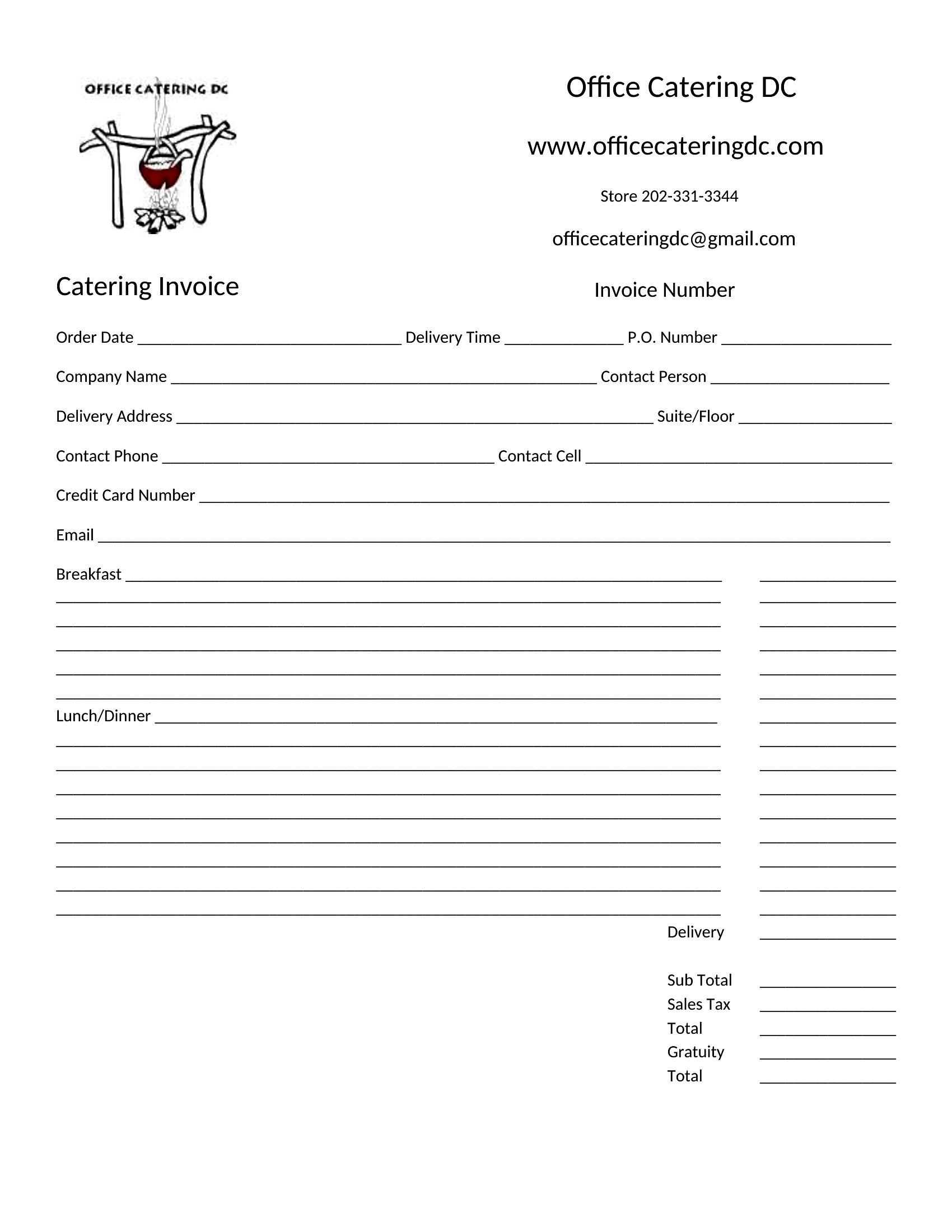
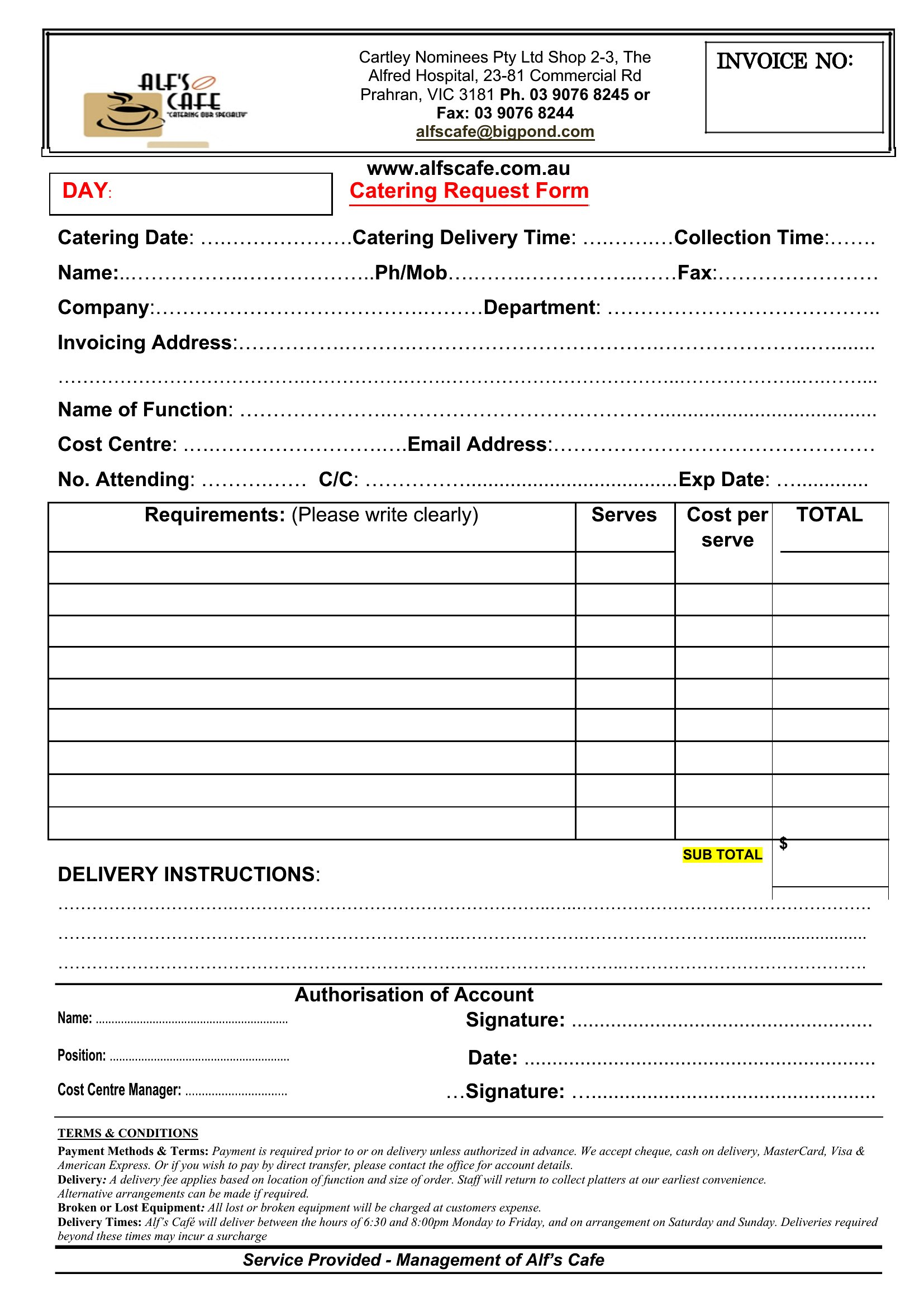
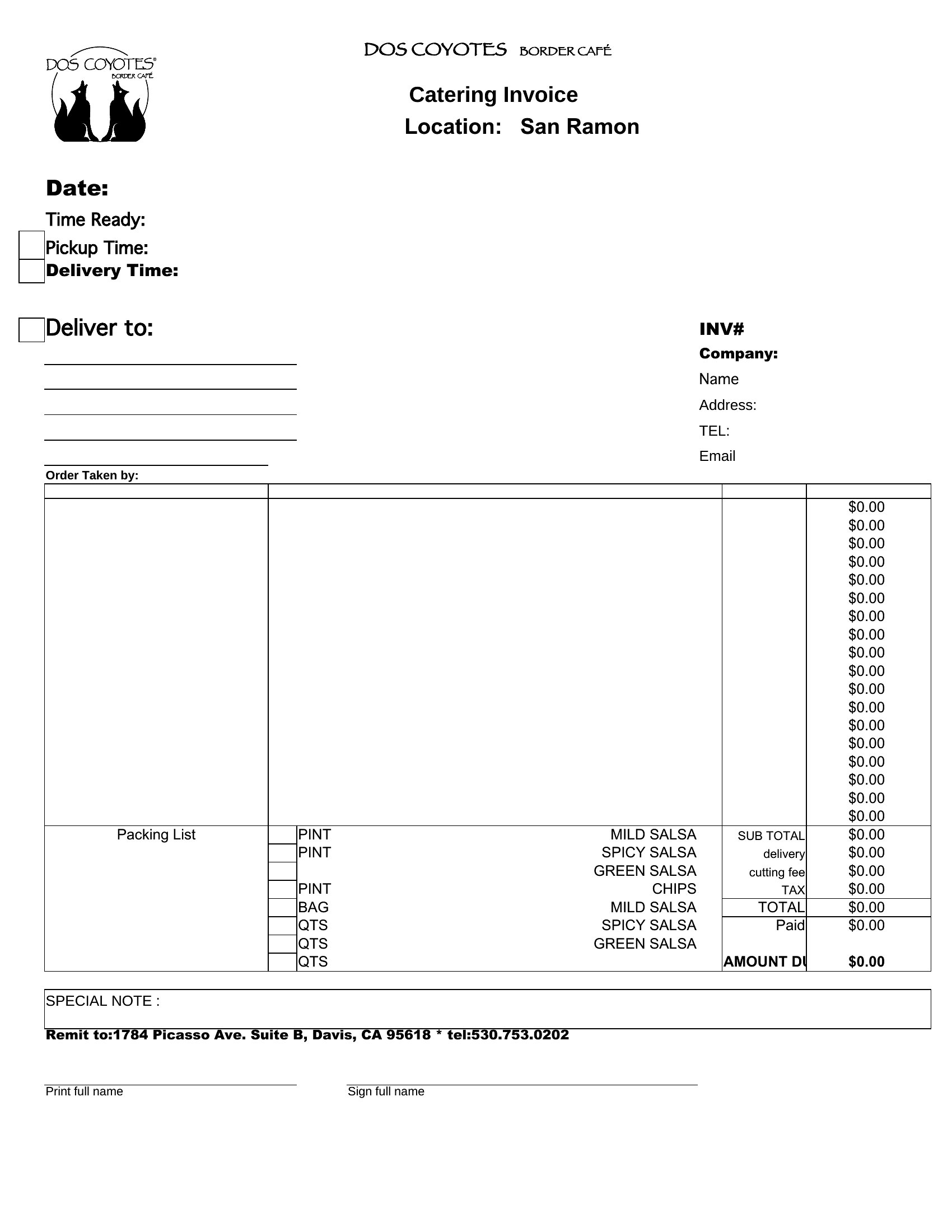
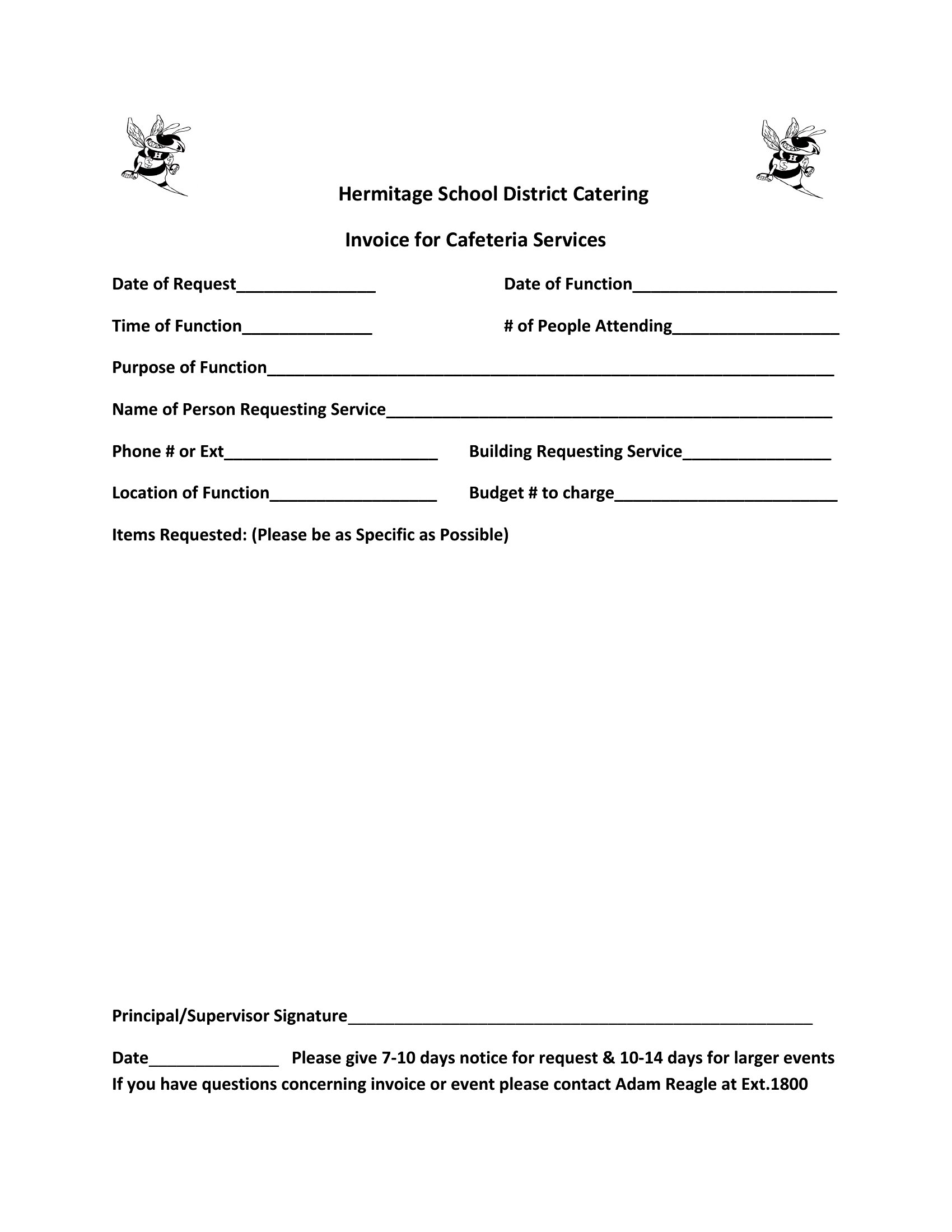
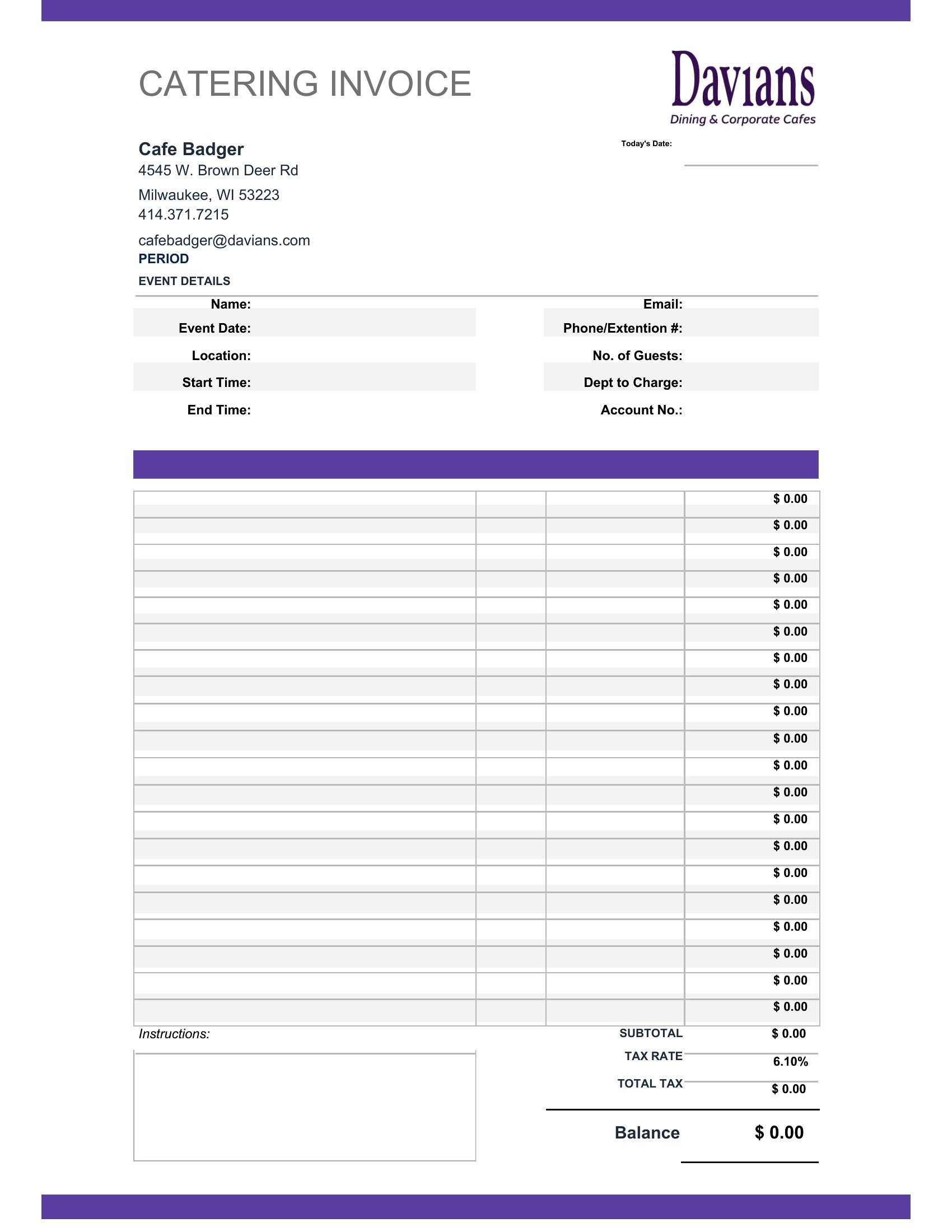
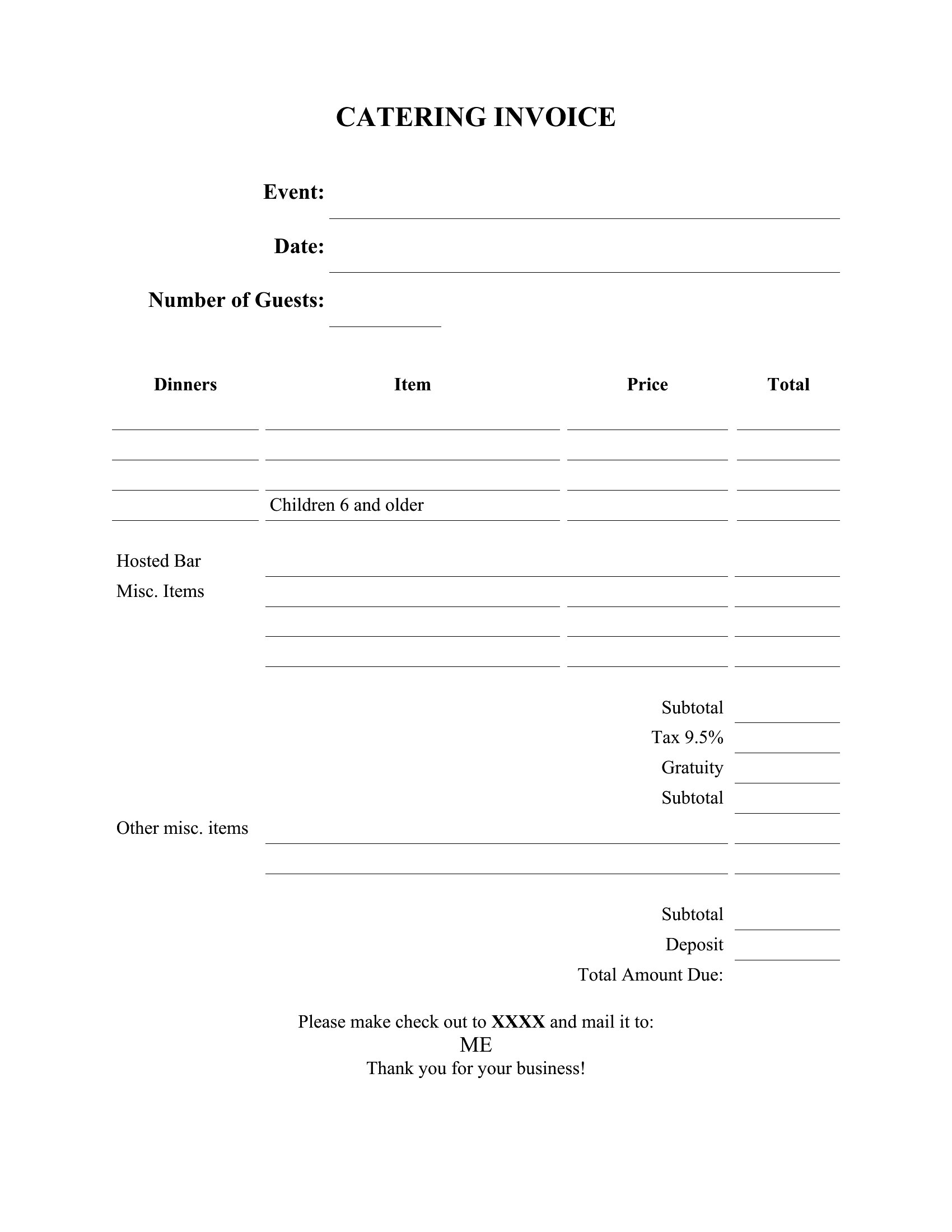
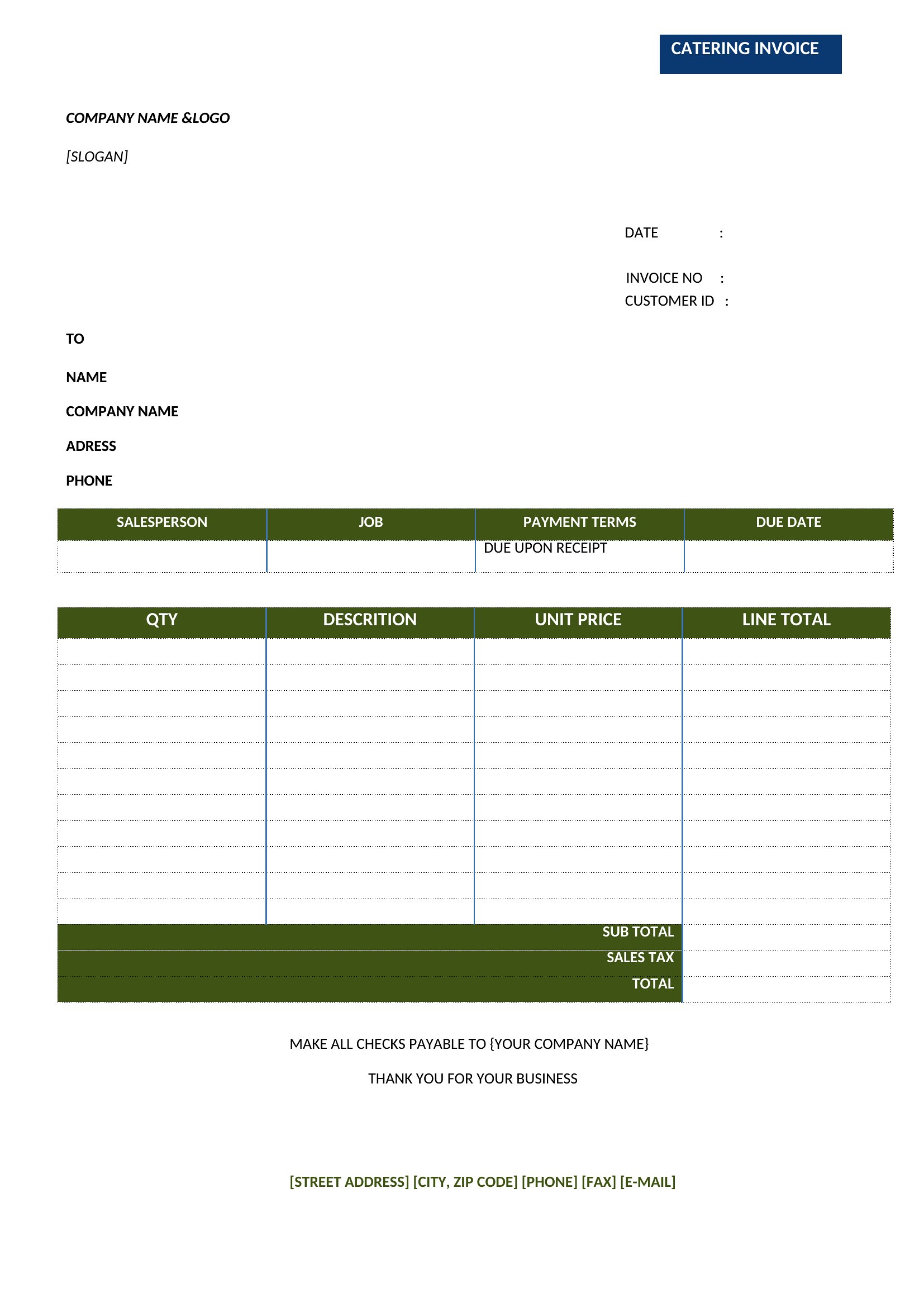
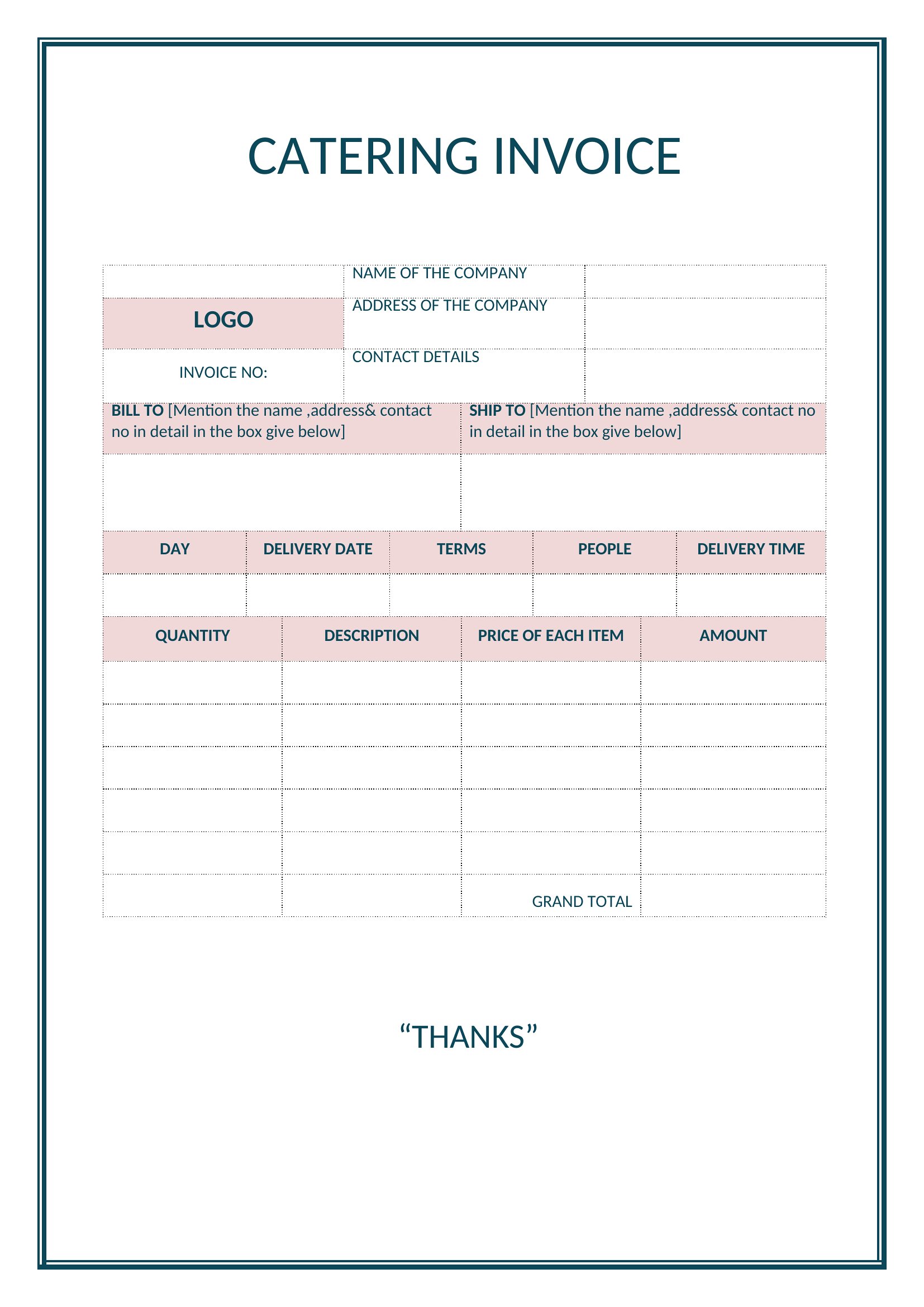
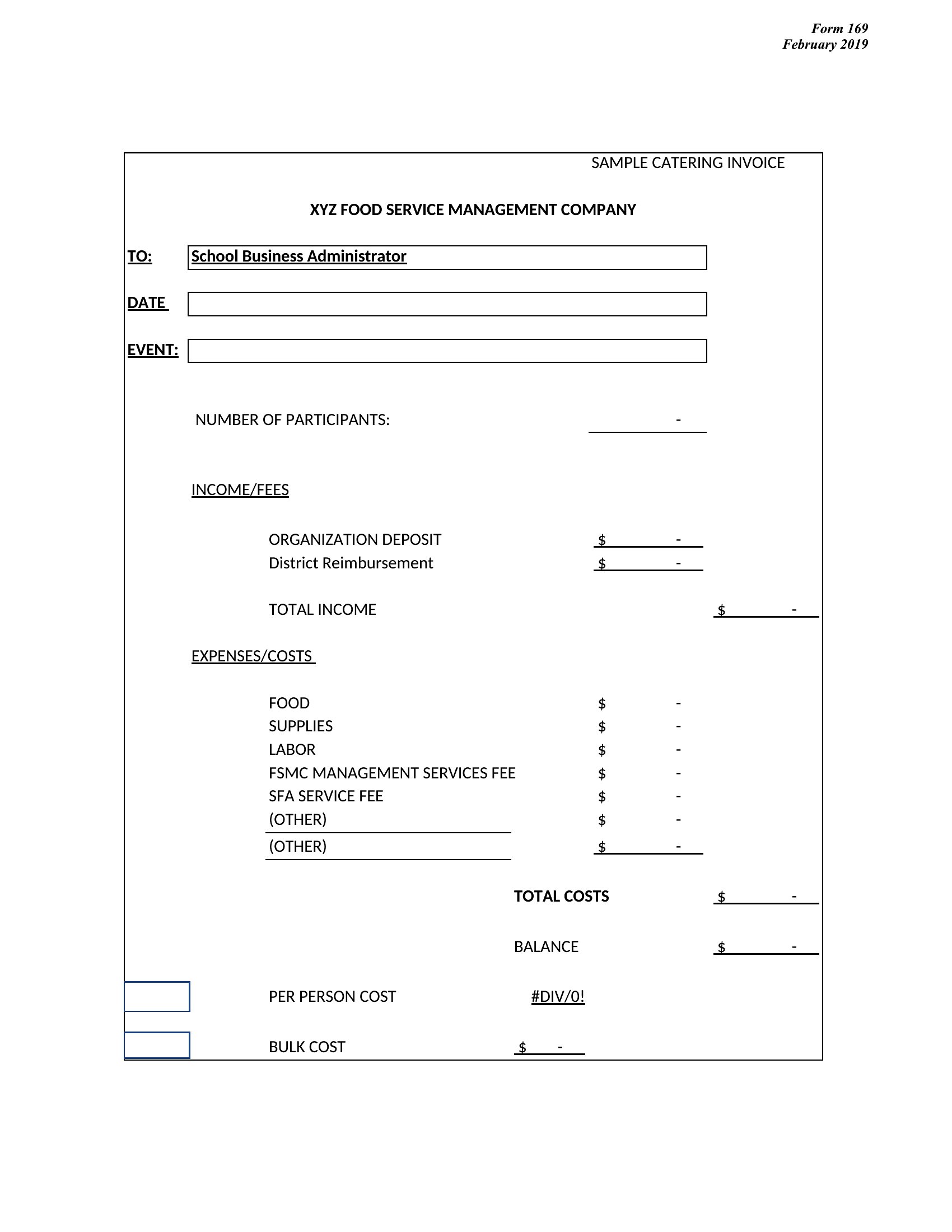
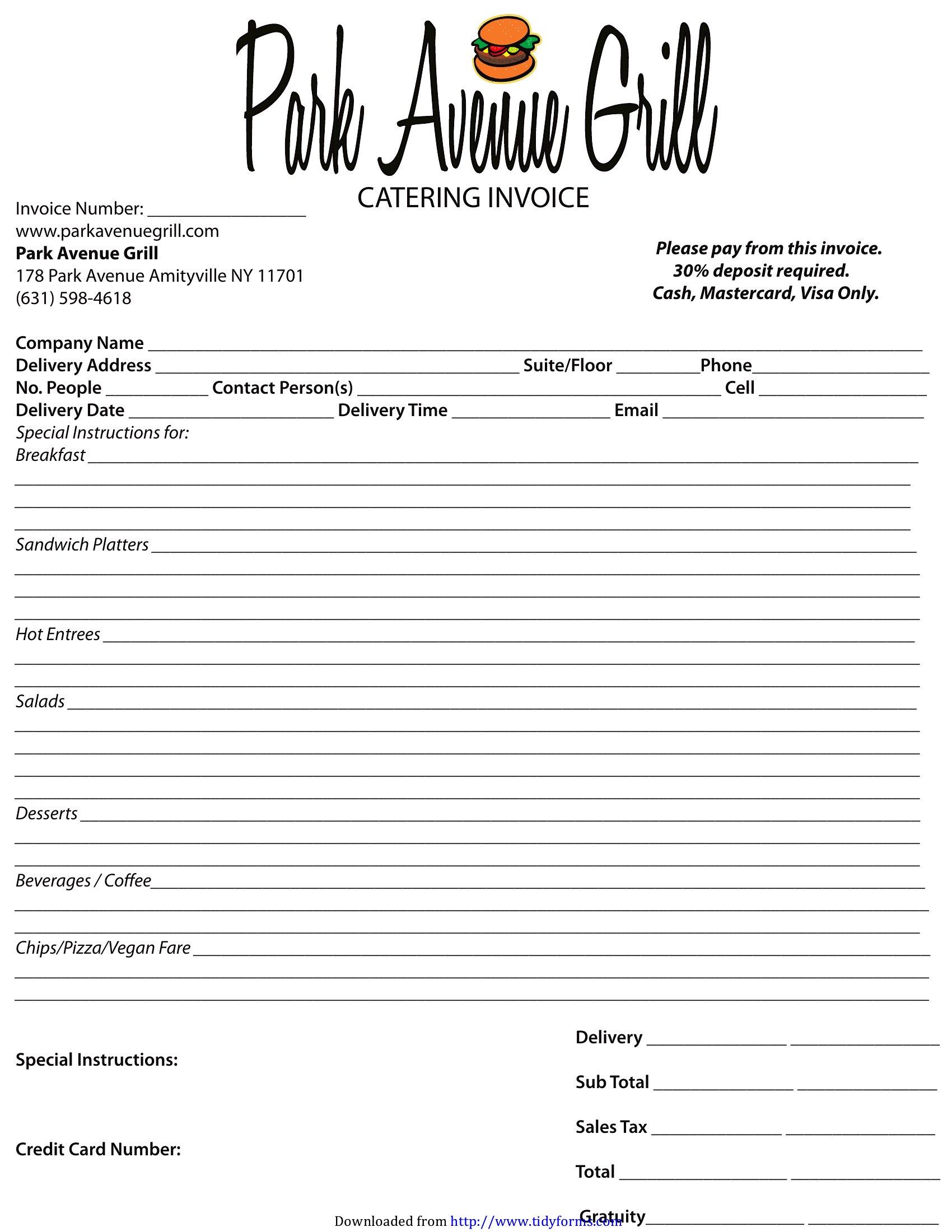
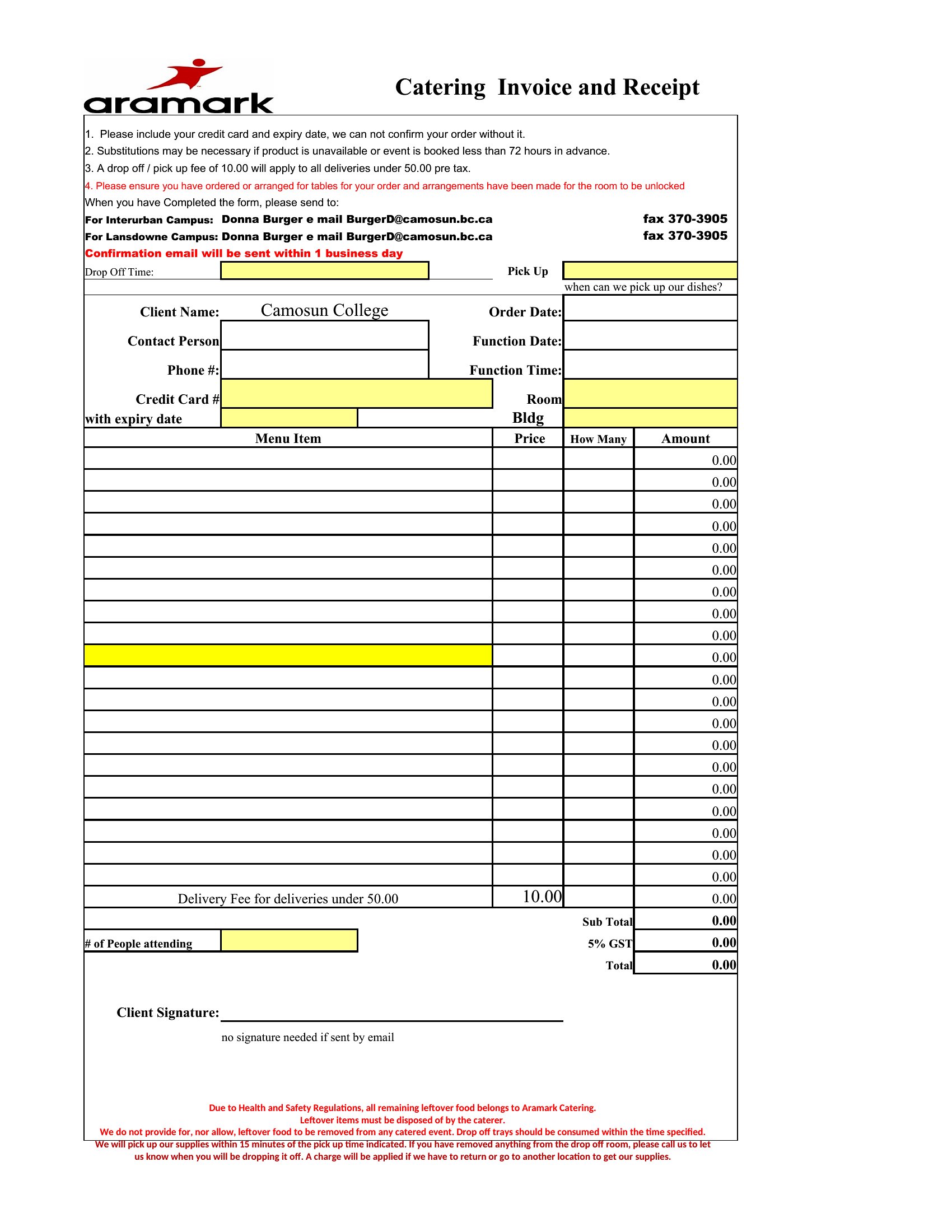
InvoicesCatering jobs come with a lot of moving parts, and a clear invoice makes sure every dish, server, and rental gets billed correctly. This set of 38 catering invoice templates helps caterers, food trucks, and event planners list menu items, headcounts, and service charges in one professional document. The layouts leave room for event details, dates, and your business information.
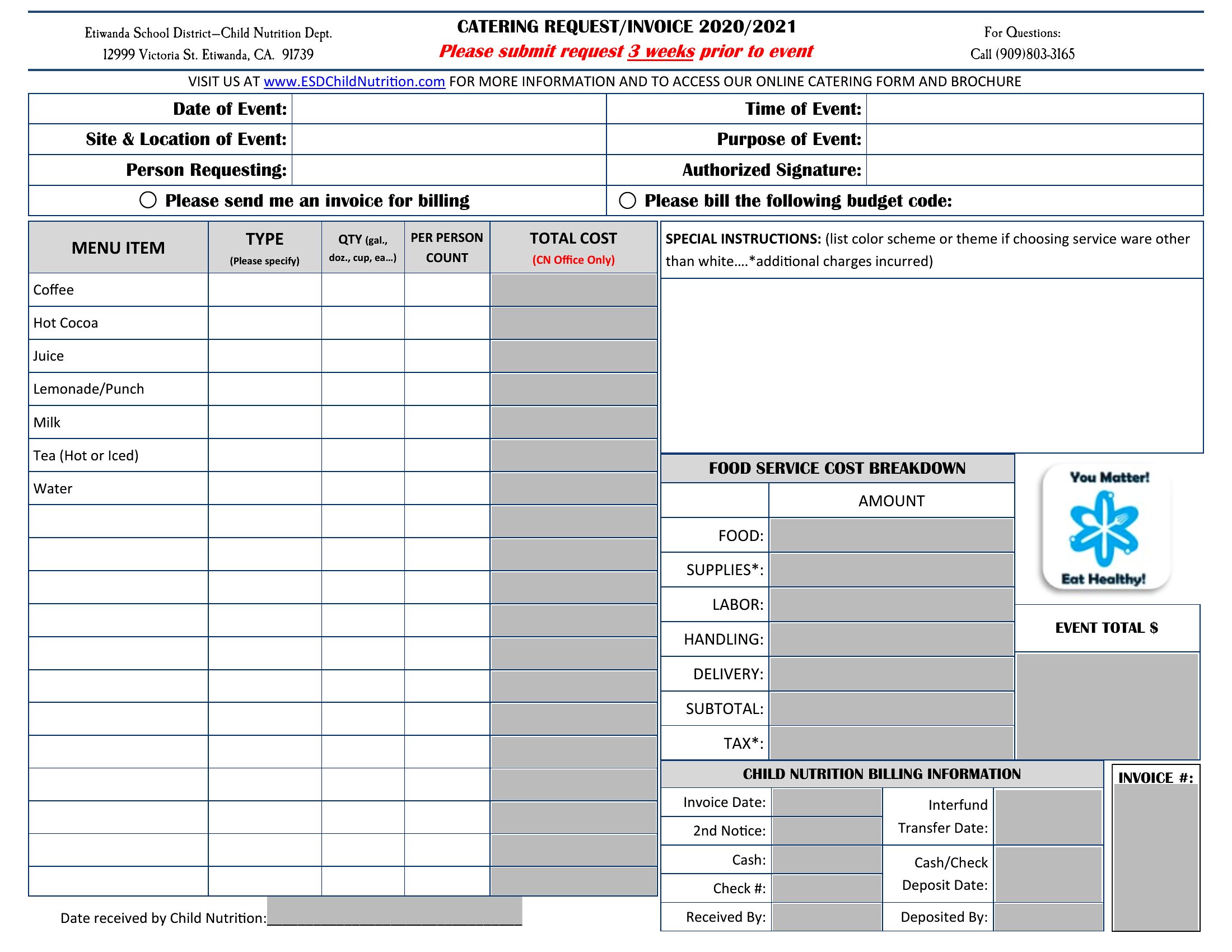
Excel versions add up line items and tax as you go, while the Word and PDF files are ready to print or email. Enter the menu, set your prices, and send a finished invoice after the event. Choose the format that fits your catering business and get paid without the spreadsheet hassle.
When to use this Catering Invoice template
- A mobile food truck owner tracking daily service charges, menu item quantities, and delivery fees for a corporate event client—this invoice keeps receipts and contracts aligned.
- A wedding planner coordinating multiple caterers for a destination wedding, needing a shared invoice format to reconcile per-dish costs, gratuity splits, and venue rental add-ons.
- An independent caterer handling last-minute bookings who requires a quick-fillable invoice to capture custom menu descriptions, dietary restrictions, and taxable service fees before guests arrive.
- A non-profit event organizer dividing catering costs among sponsors and ticket sales, where itemized breakdowns of food, staffing, and equipment rentals justify budget allocations.
Which format should I download?
Choose Word if you need an editable template for recurring client adjustments—like tweaking menu descriptions or adding custom service tiers—before finalizing the invoice. The Excel format is ideal for bulk orders or multi-event tracking, where you’ll sum quantities, apply tiered pricing, or pull data from a spreadsheet of past orders. For client signatures or tax documentation, PDF ensures a locked, professional layout that can’t be altered after submission. Avoid PDF if you plan to modify details frequently.
Choose from 38 Catering Invoice Templates
How to use this Catering Invoice template
How do I handle discounts or bulk pricing in these catering invoices?
Use the Excel format to apply formulas for tiered pricing or percentage discounts, then copy the adjusted totals into the Word or PDF template. For one-off discounts, note them in the ‘Special Terms’ section of the Word/PDF version and manually calculate the total. Always include a clear breakdown of original vs. discounted prices to avoid disputes.
Can I include tips or service charges separately from food costs?
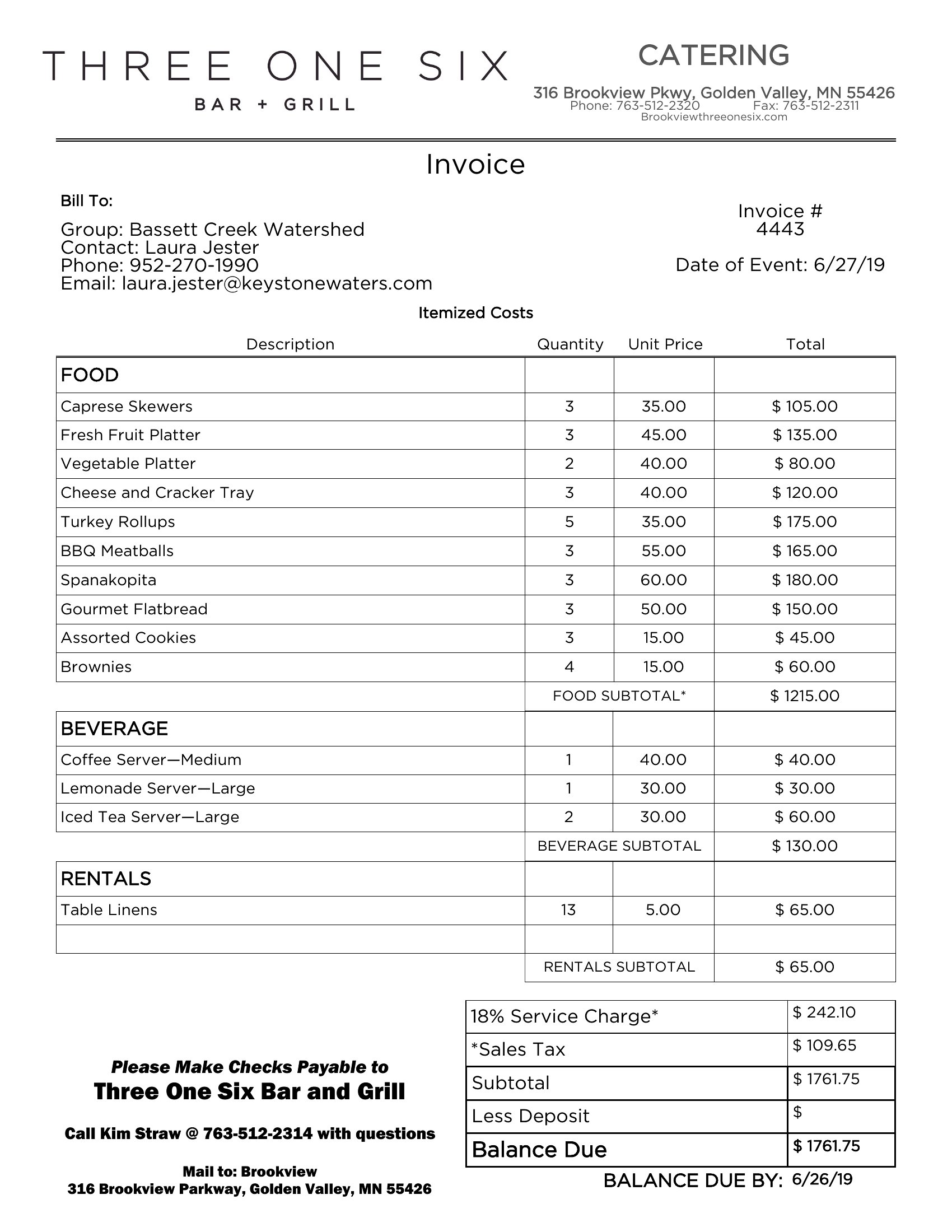
Yes, all templates have a ‘Service Charges’ or ‘Additional Fees’ section. For clarity, label tips as ‘Gratuity (15%)’ and service charges as ‘Setup/Cleanup Fee’ or ‘Staffing Surcharge.’ In Excel, use separate columns for each to calculate subtotals automatically. Avoid combining them to comply with local tax laws for food service businesses.
What details should I add for catering delivered to multiple locations?
List each delivery site under ‘Event Details’ with the date, time, and headcount. In the itemized section, include a ‘Delivery Fee’ line per location or a flat ‘Multi-Site Surcharge.’ For Excel, add a column for ‘Site Code’ to sort orders later. Always note if a deposit was required per location to clarify payment terms.
Comments
Join the conversation
Sign in to share your thoughts and leave a comment on this resource.