
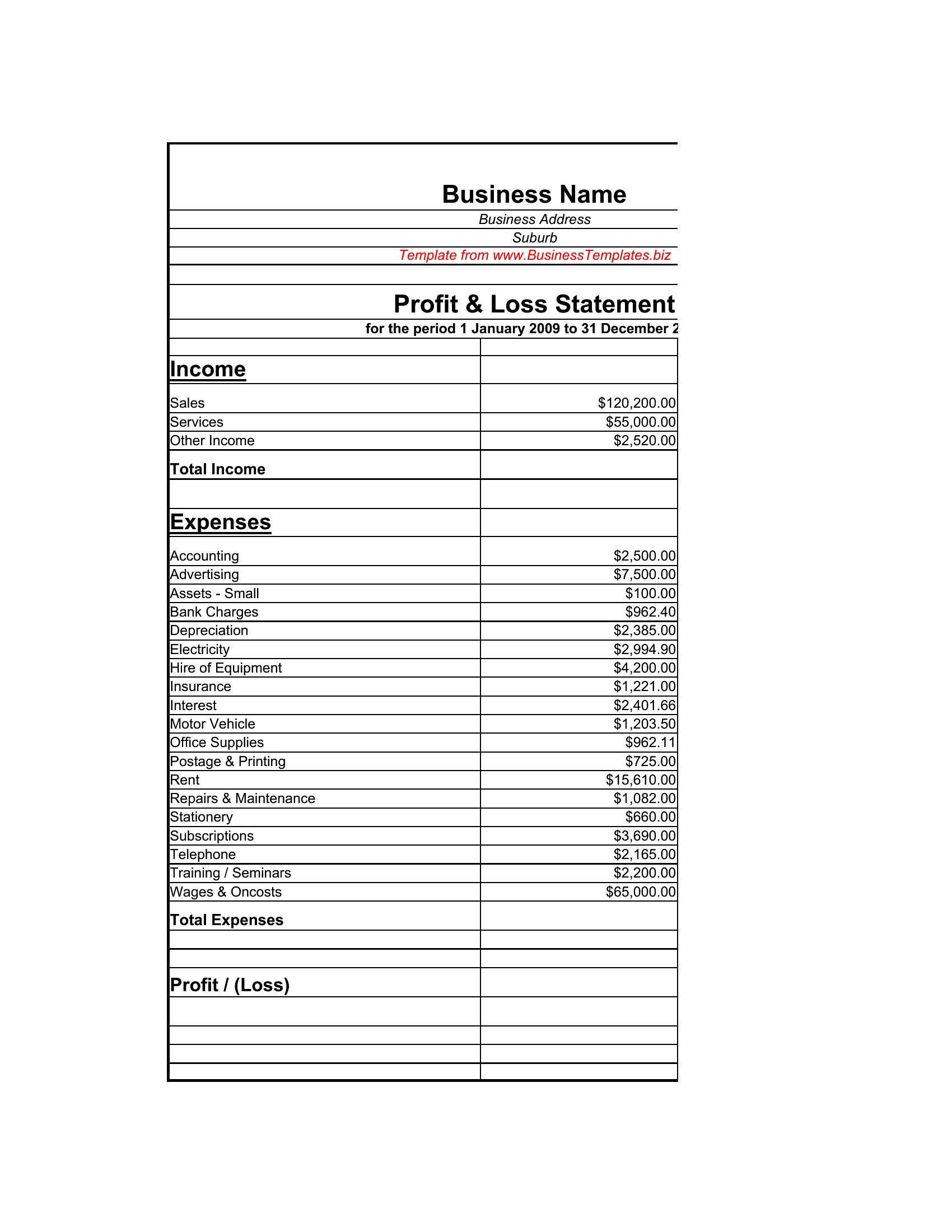
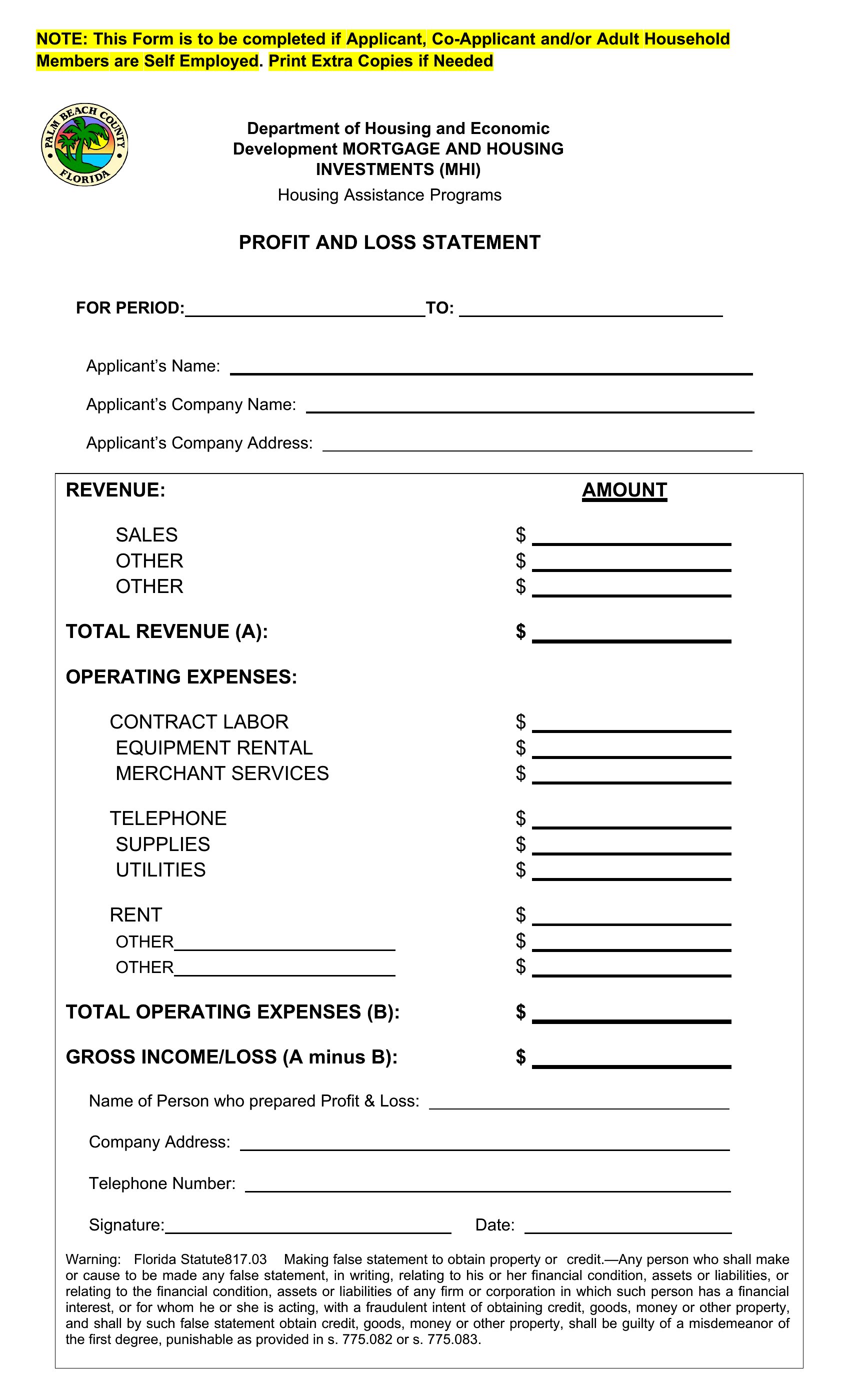
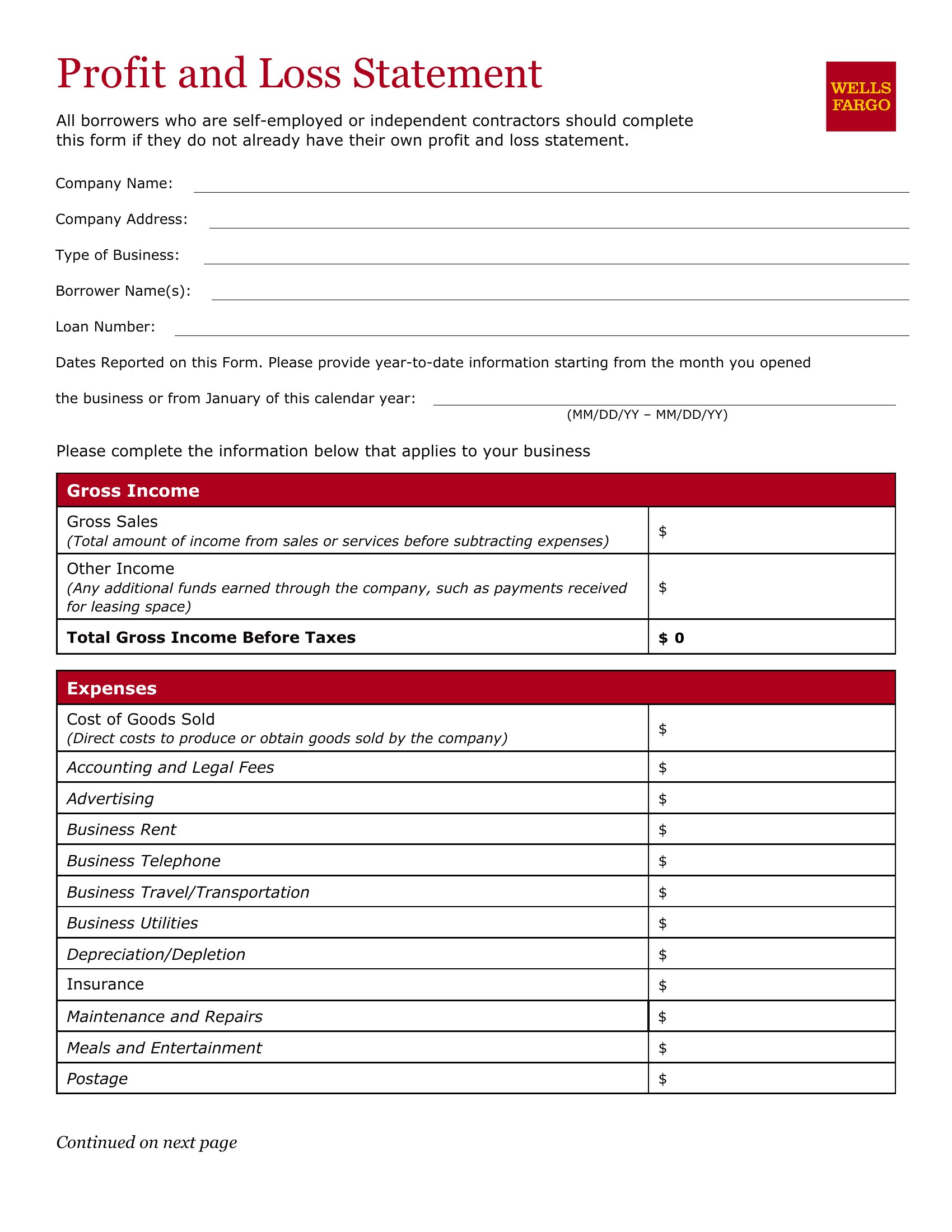
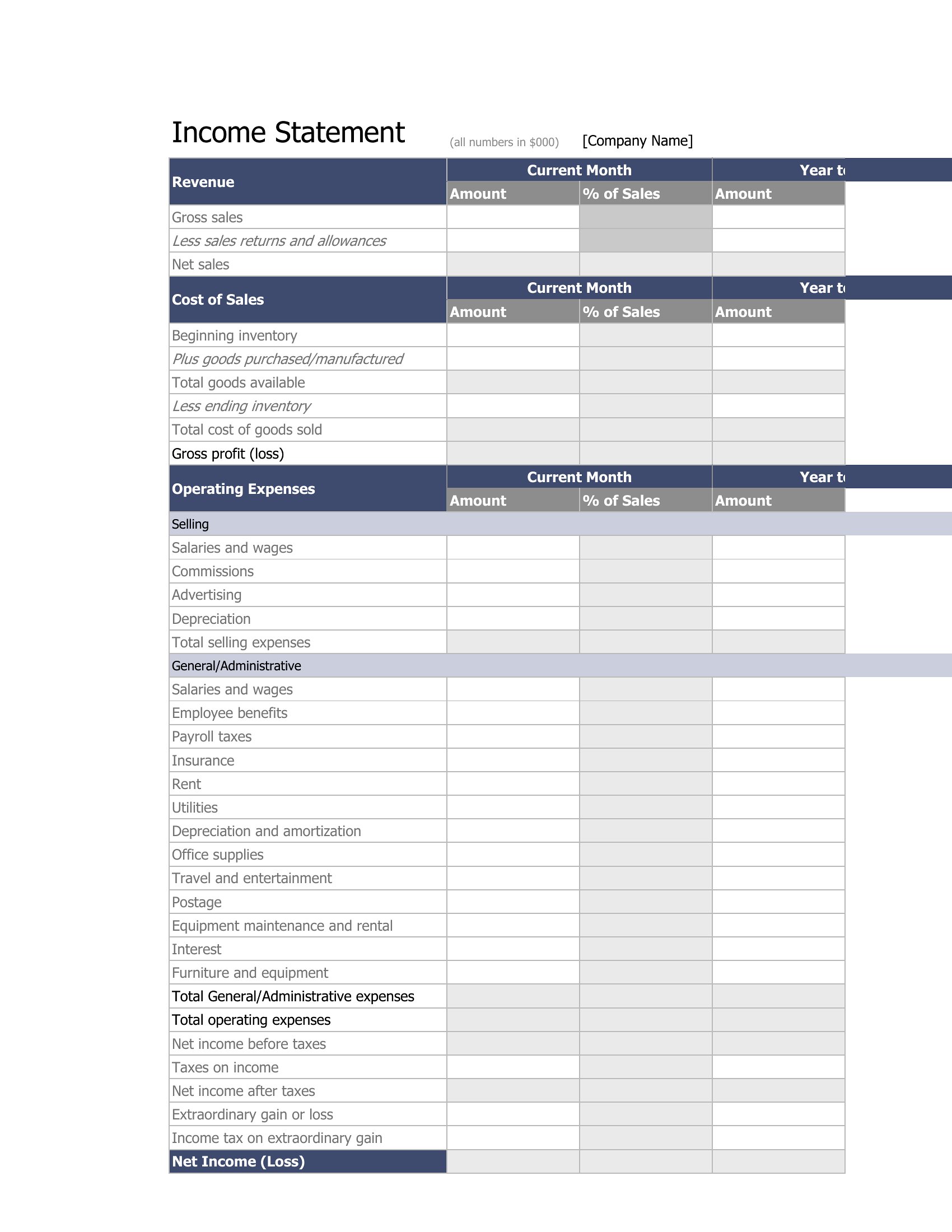
Free Profit and Loss Statements (Word, Excel)
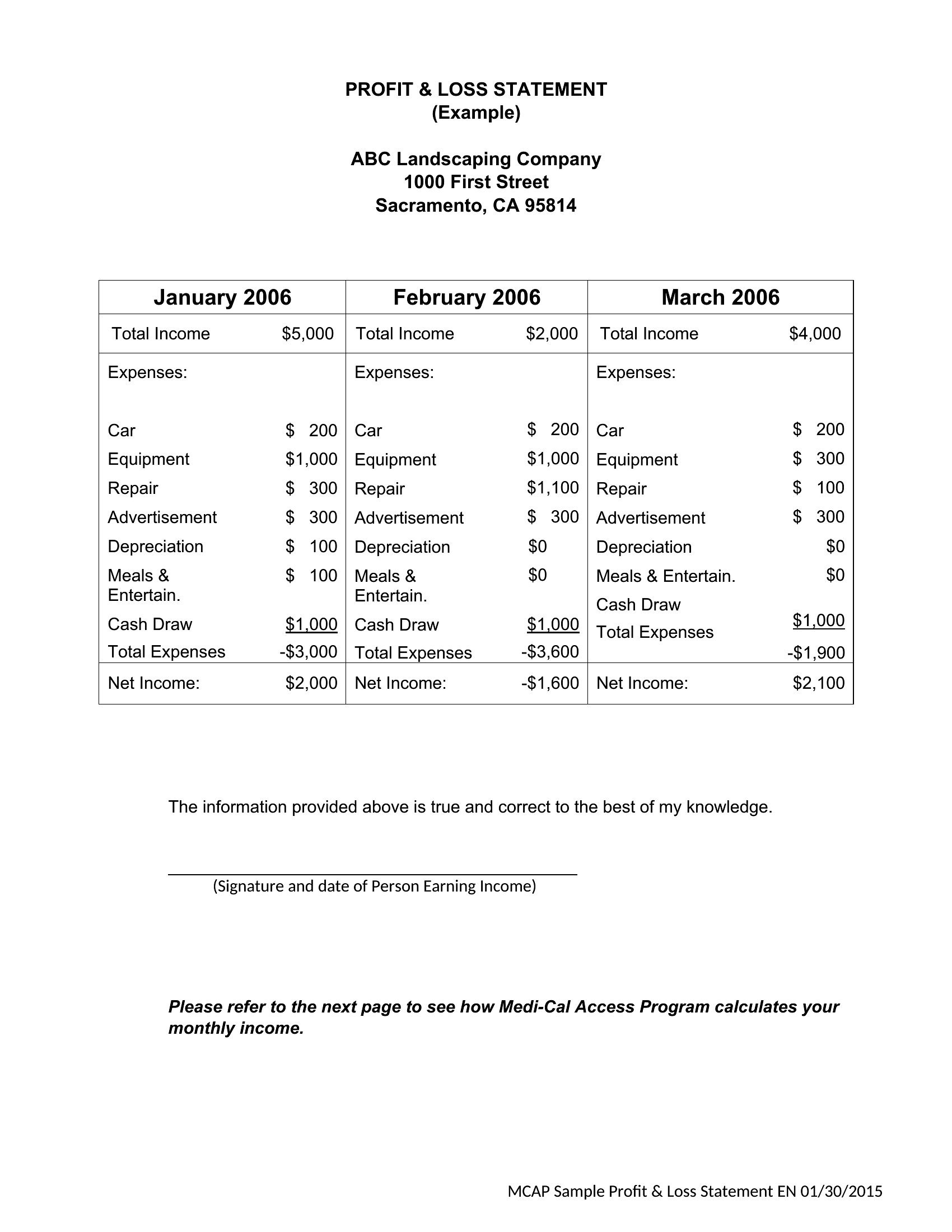
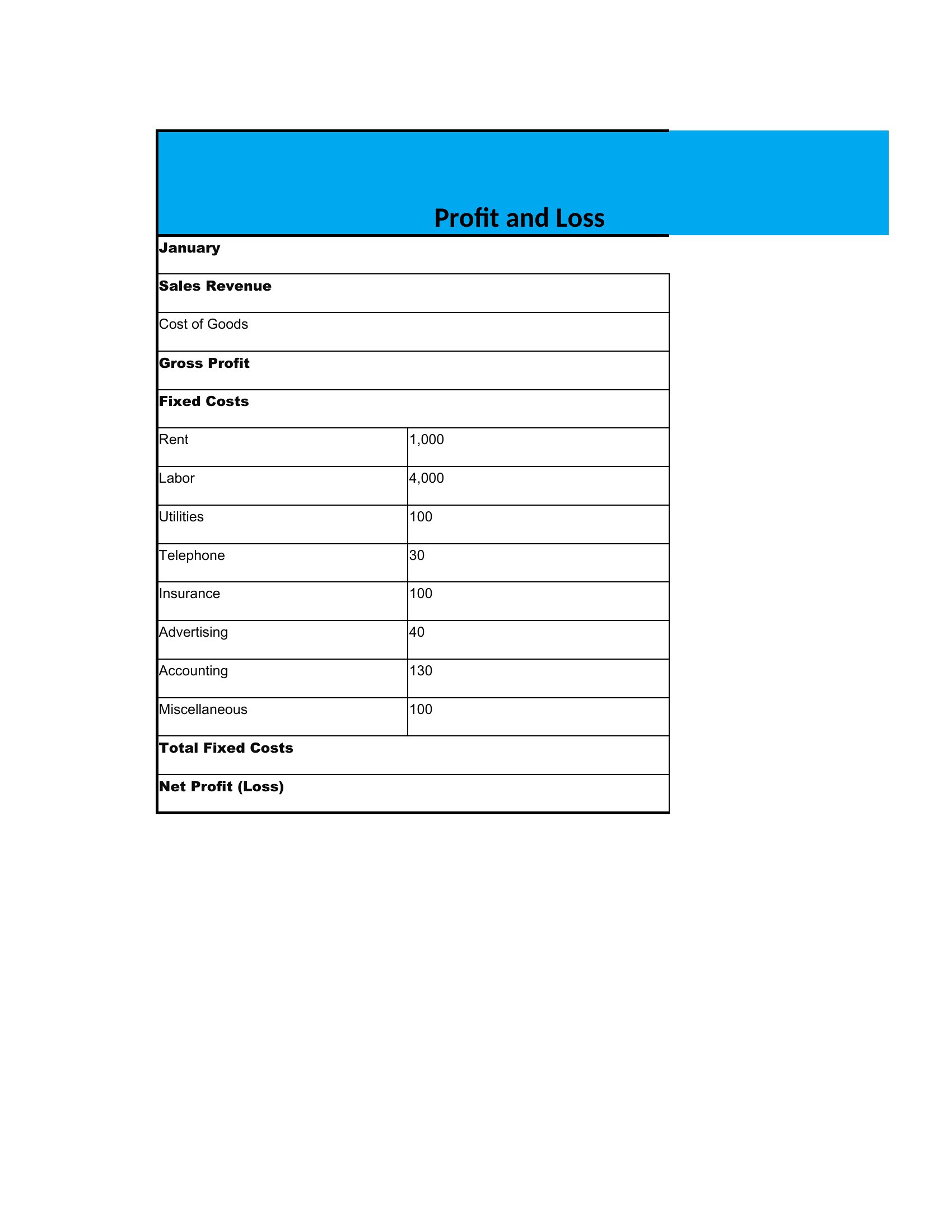
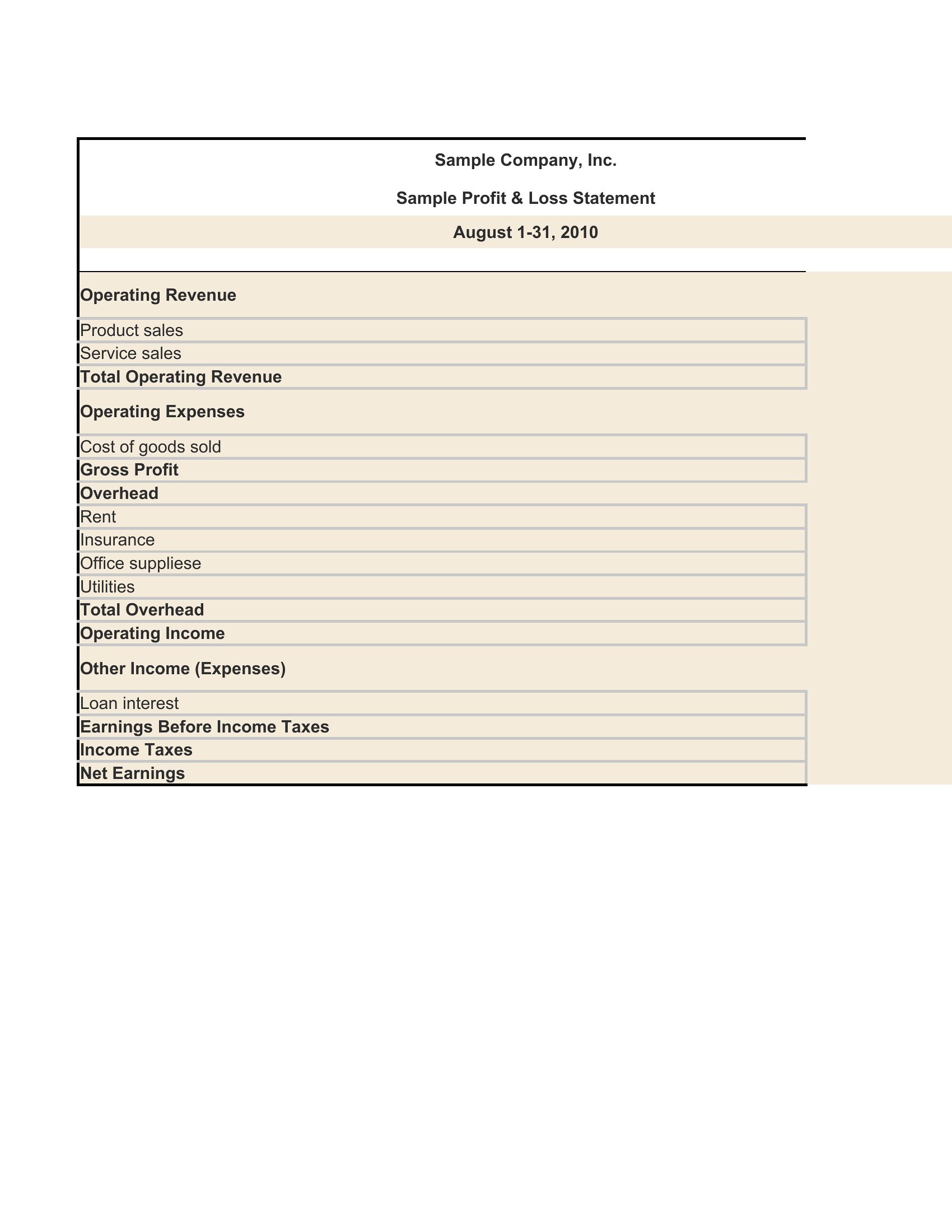
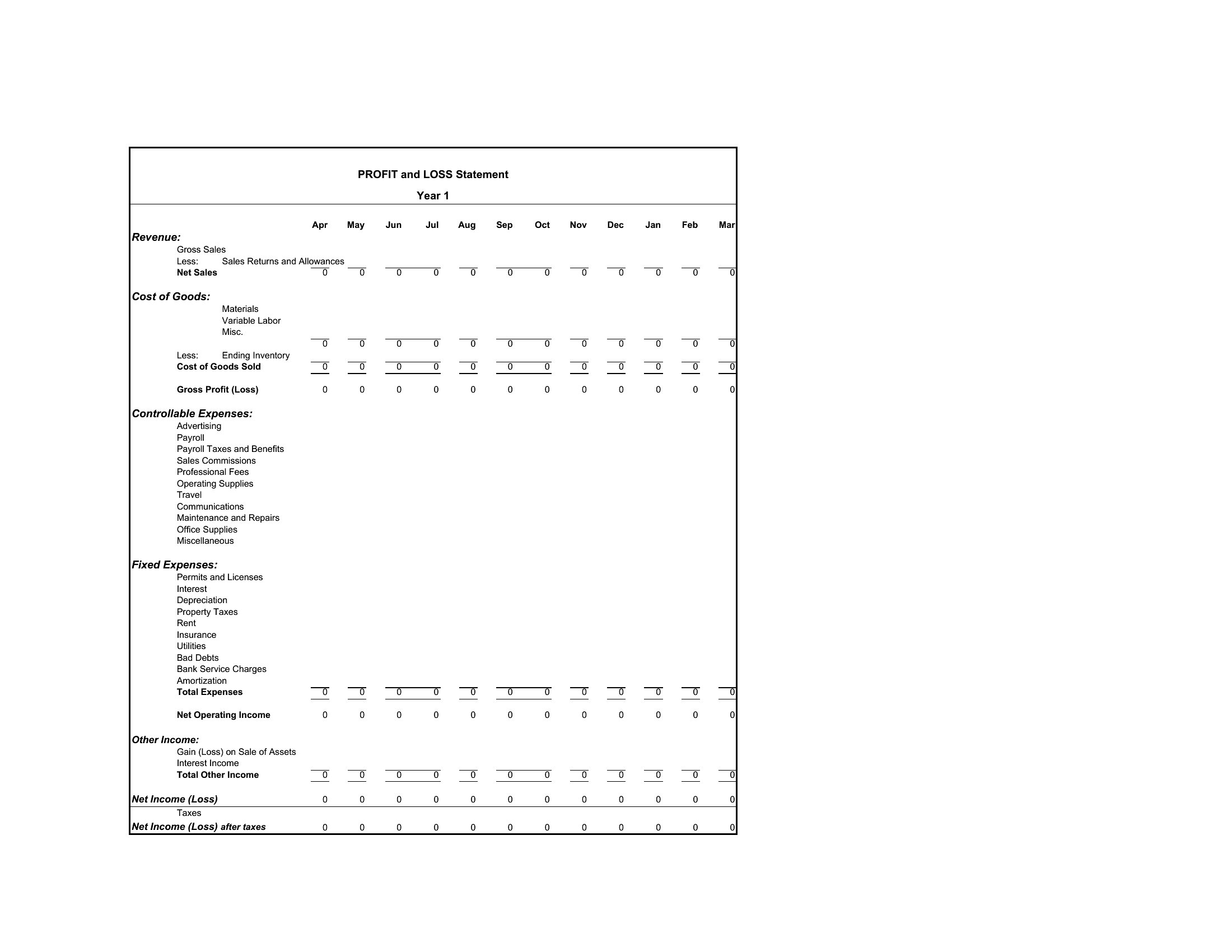
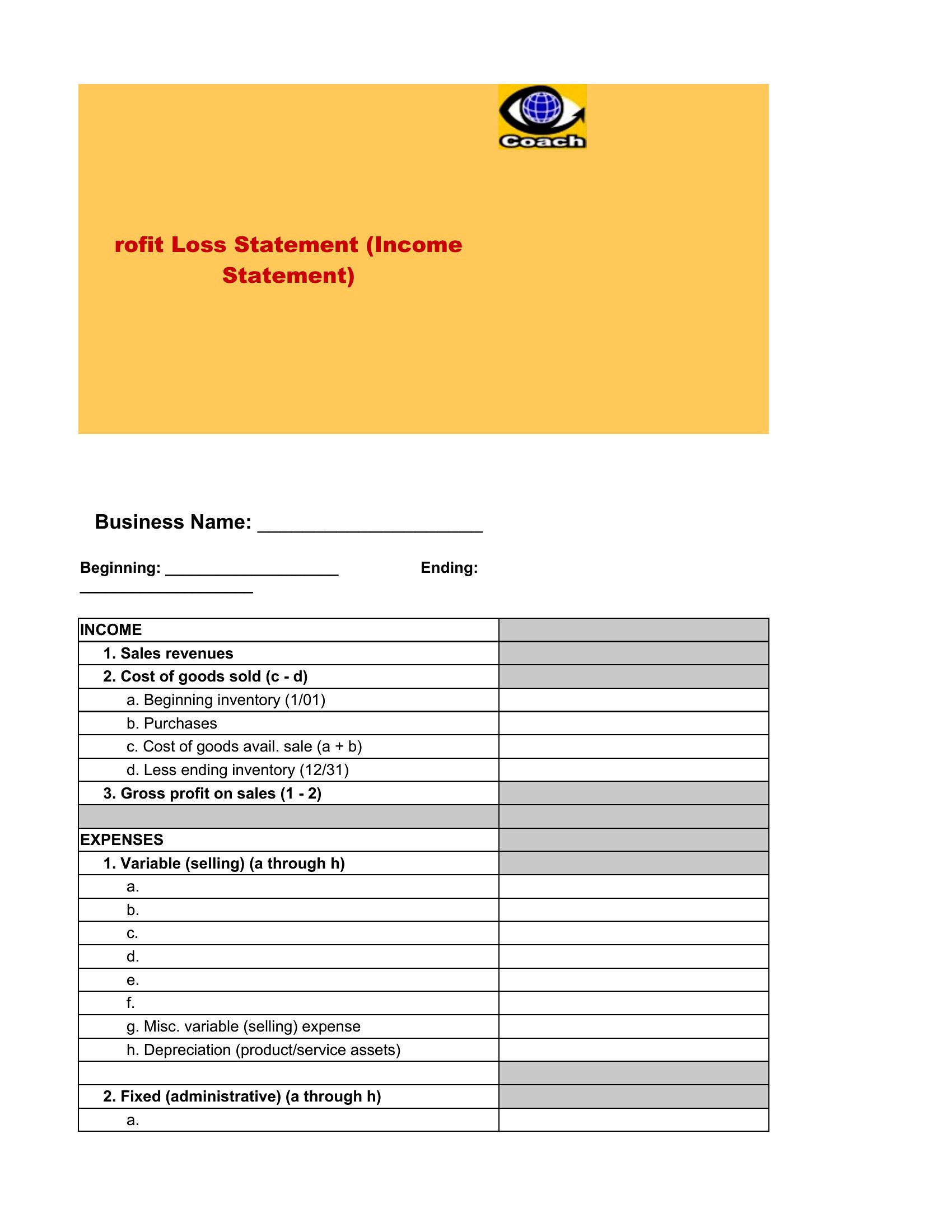
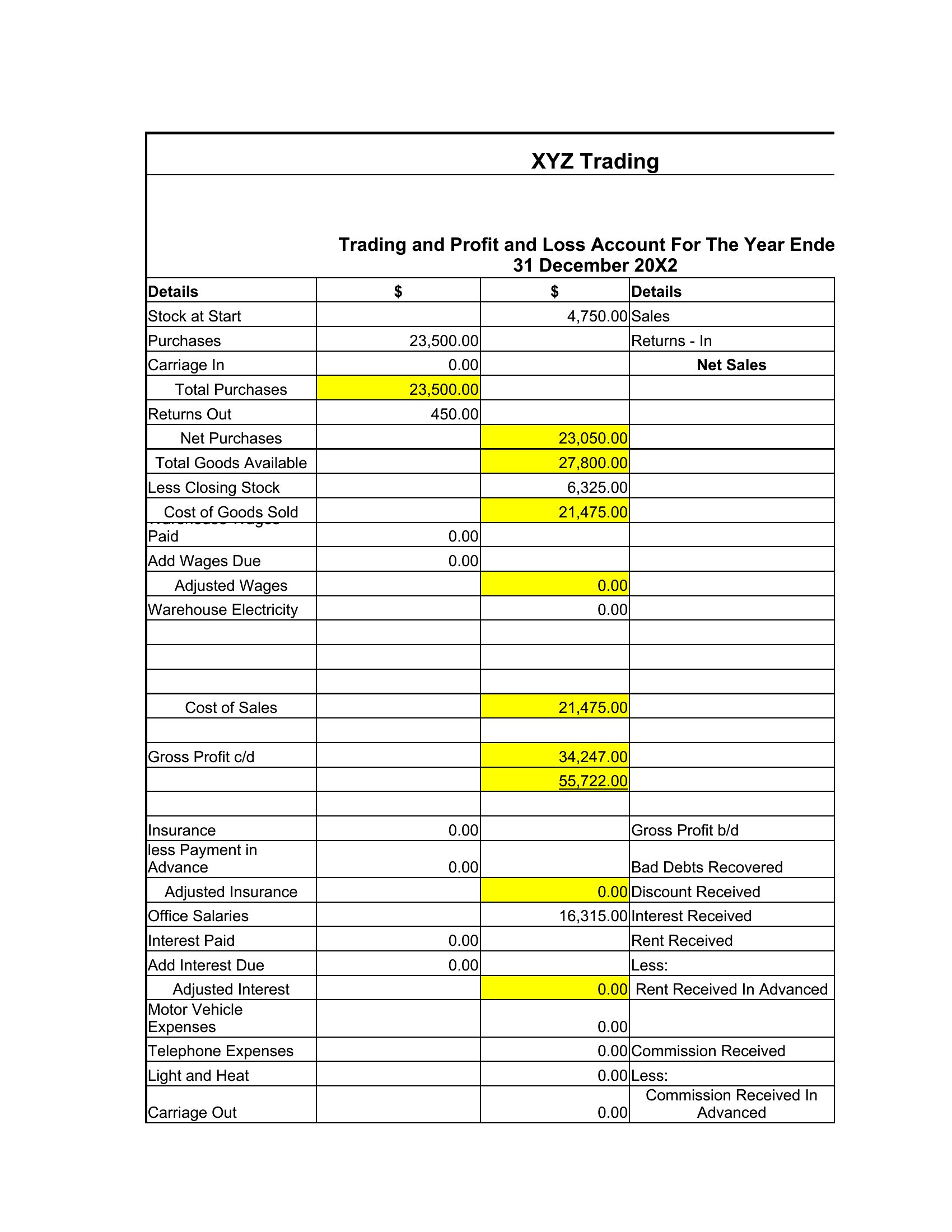
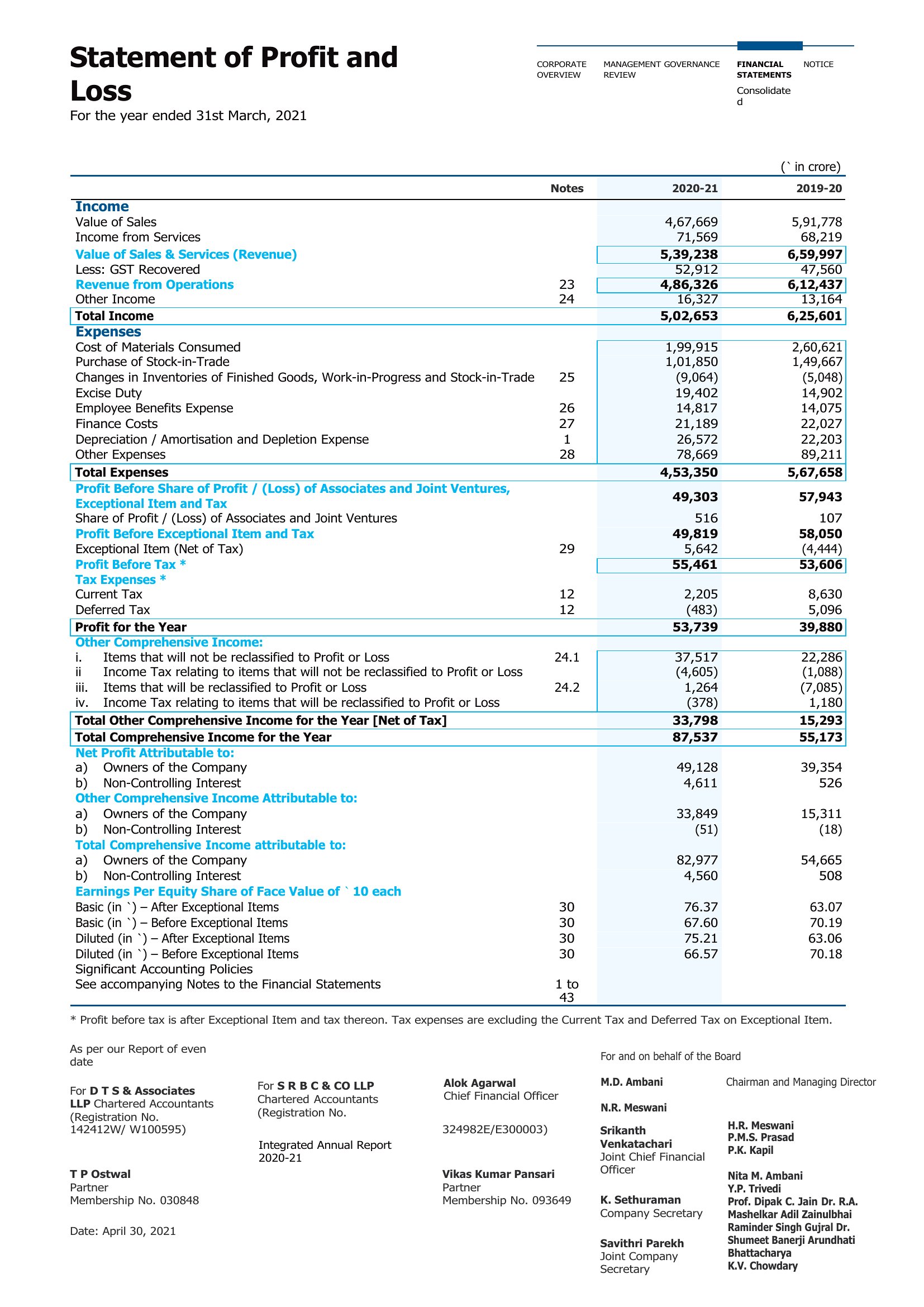
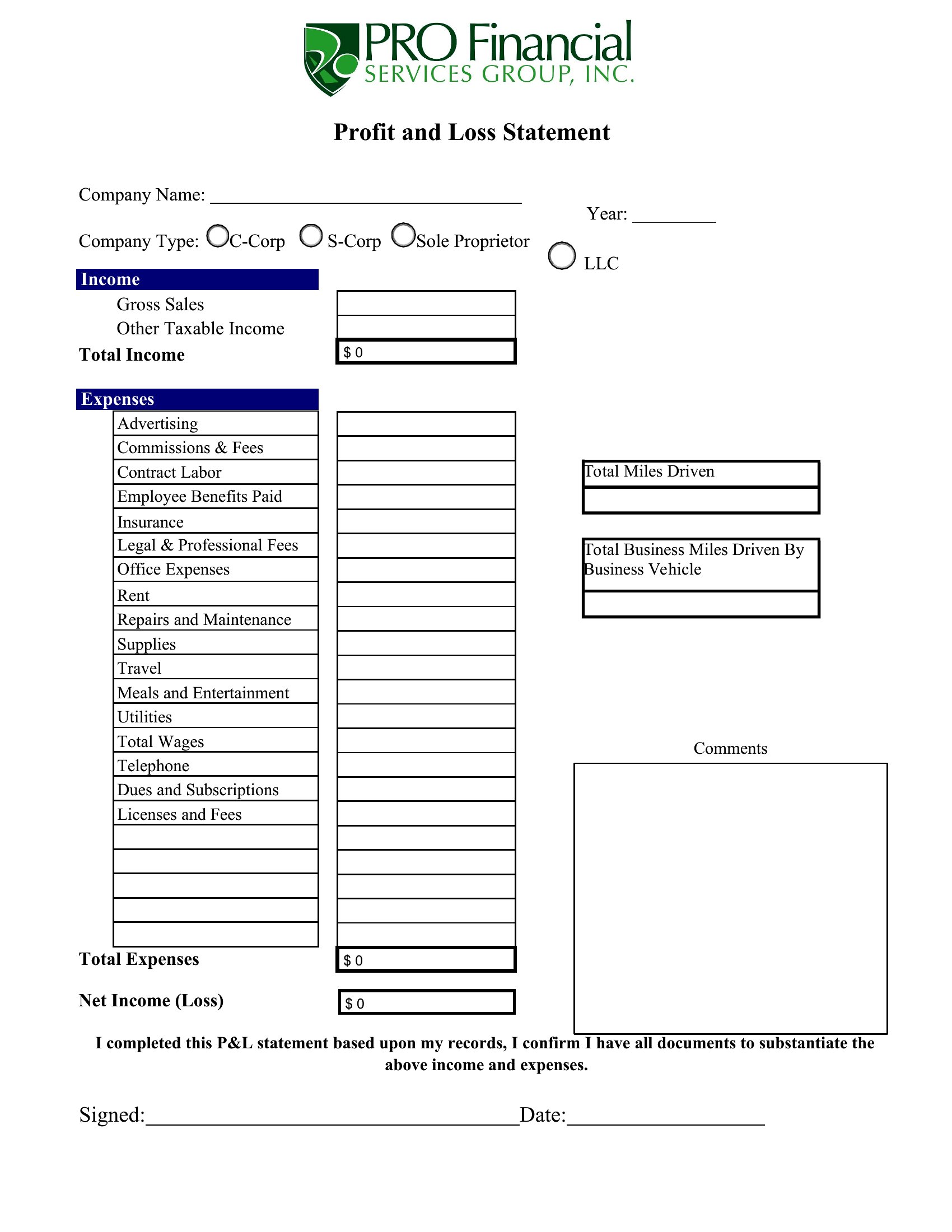
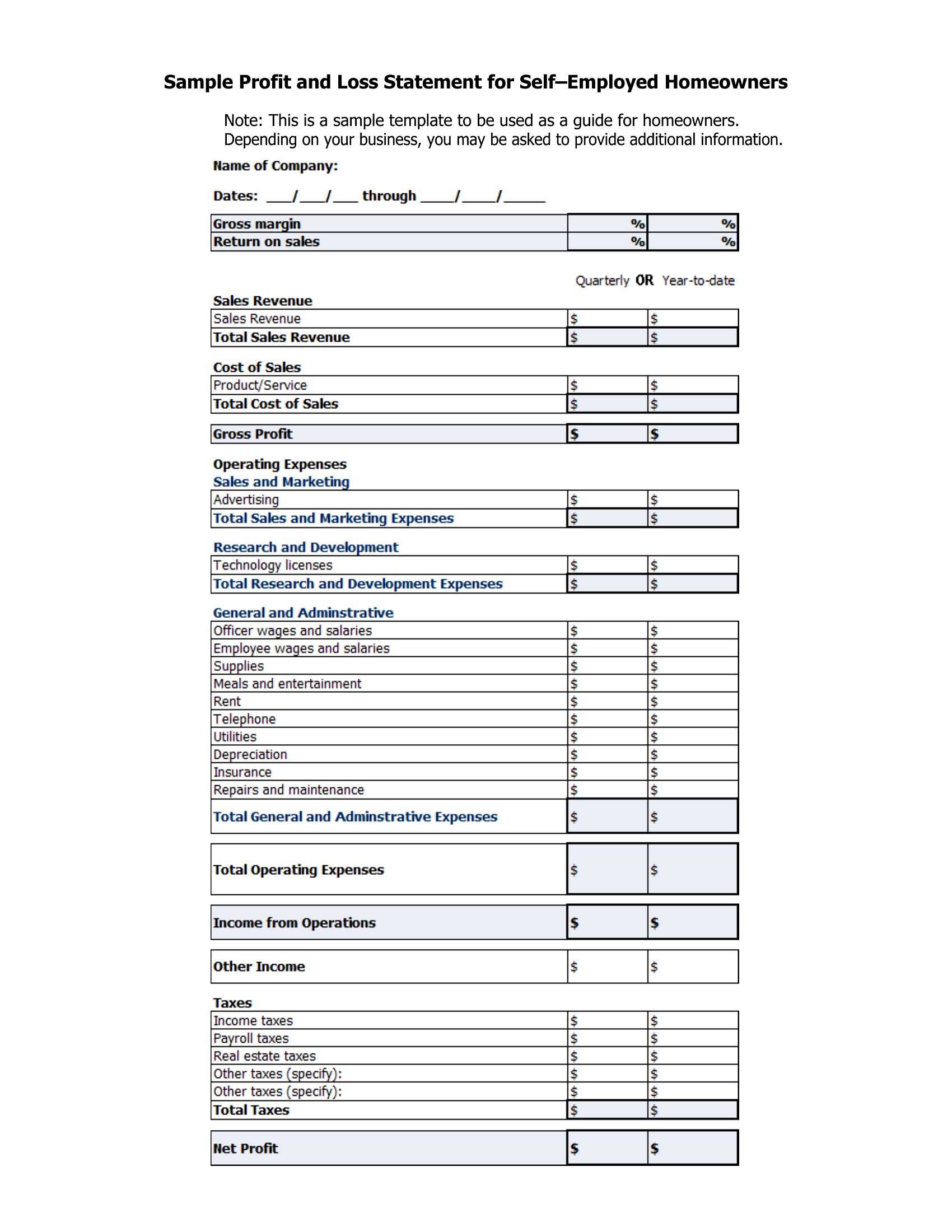
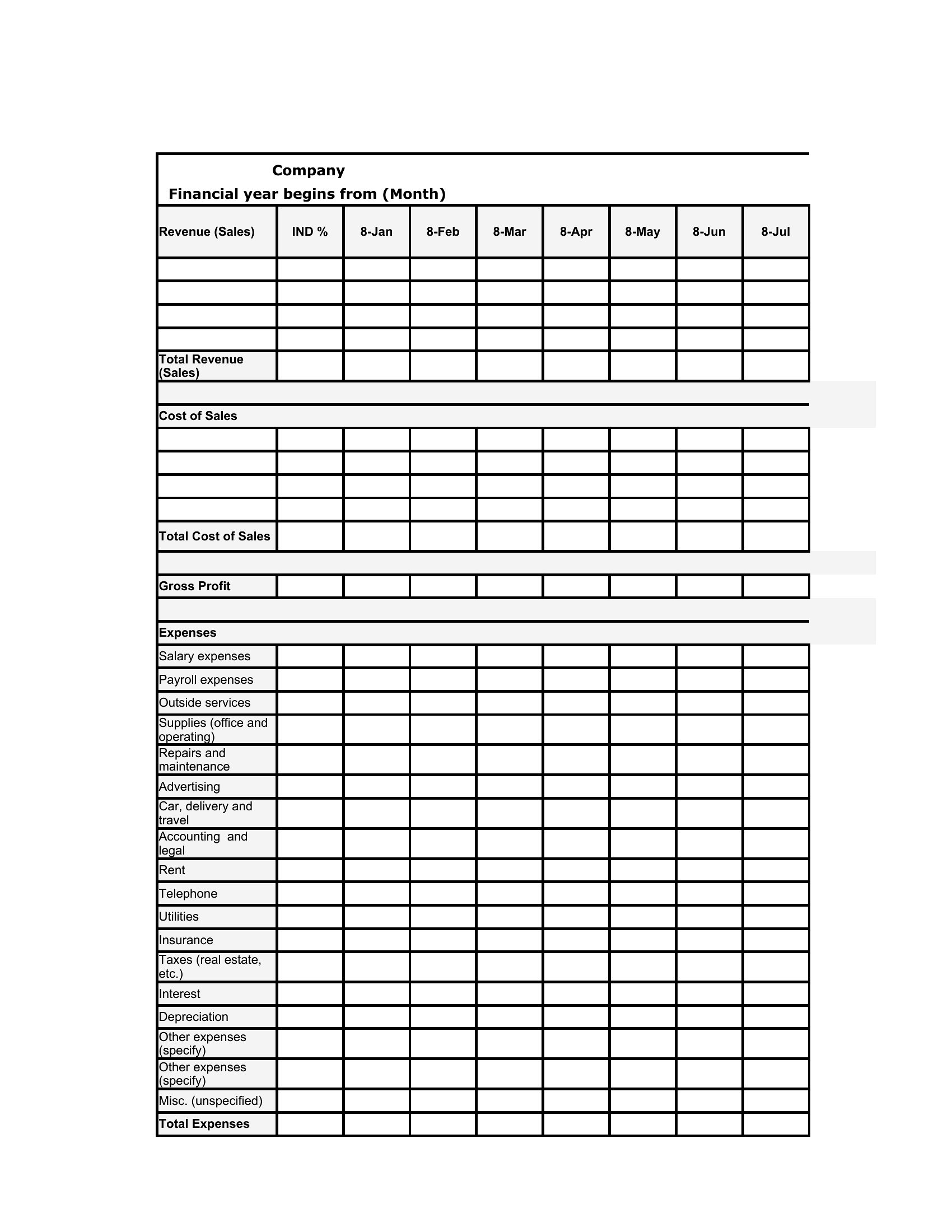
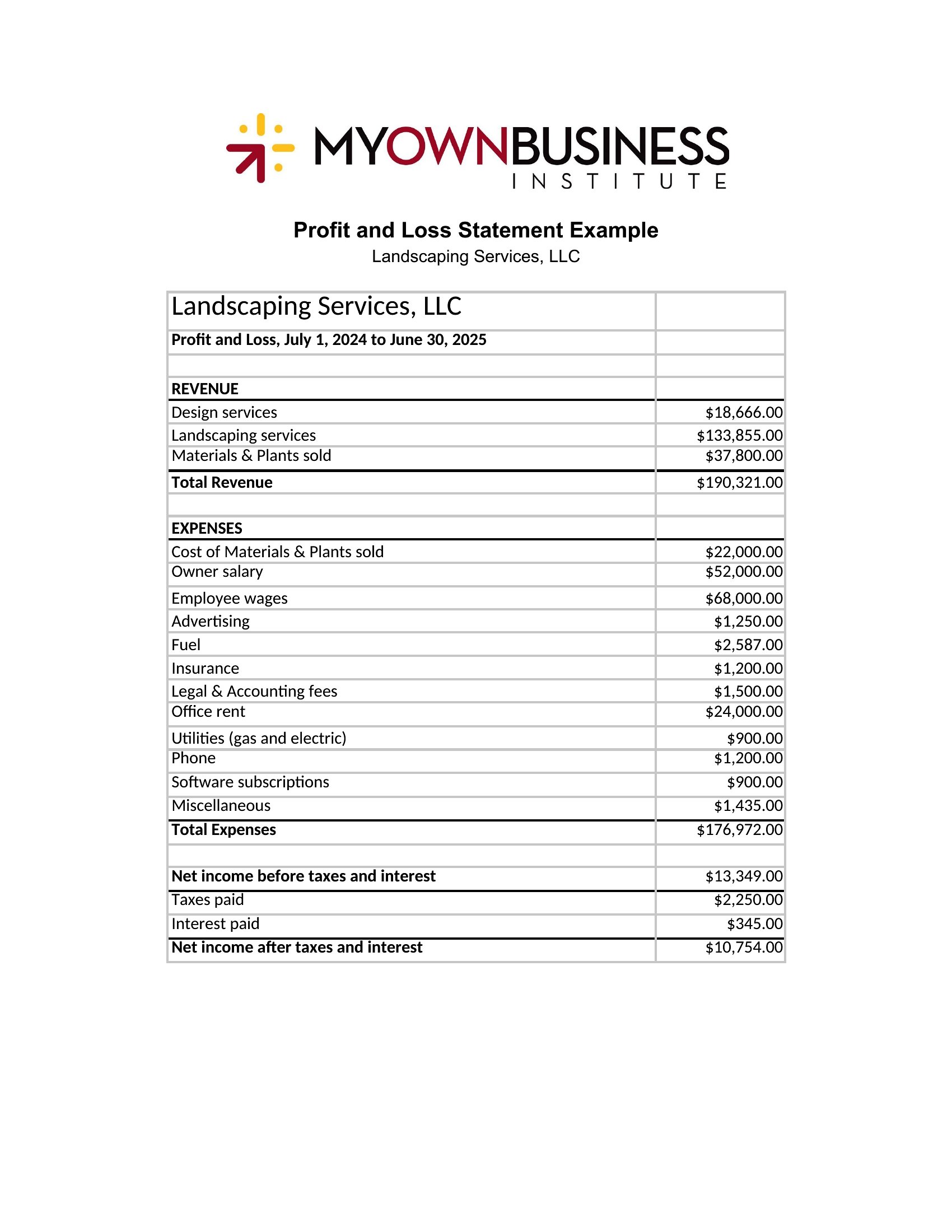
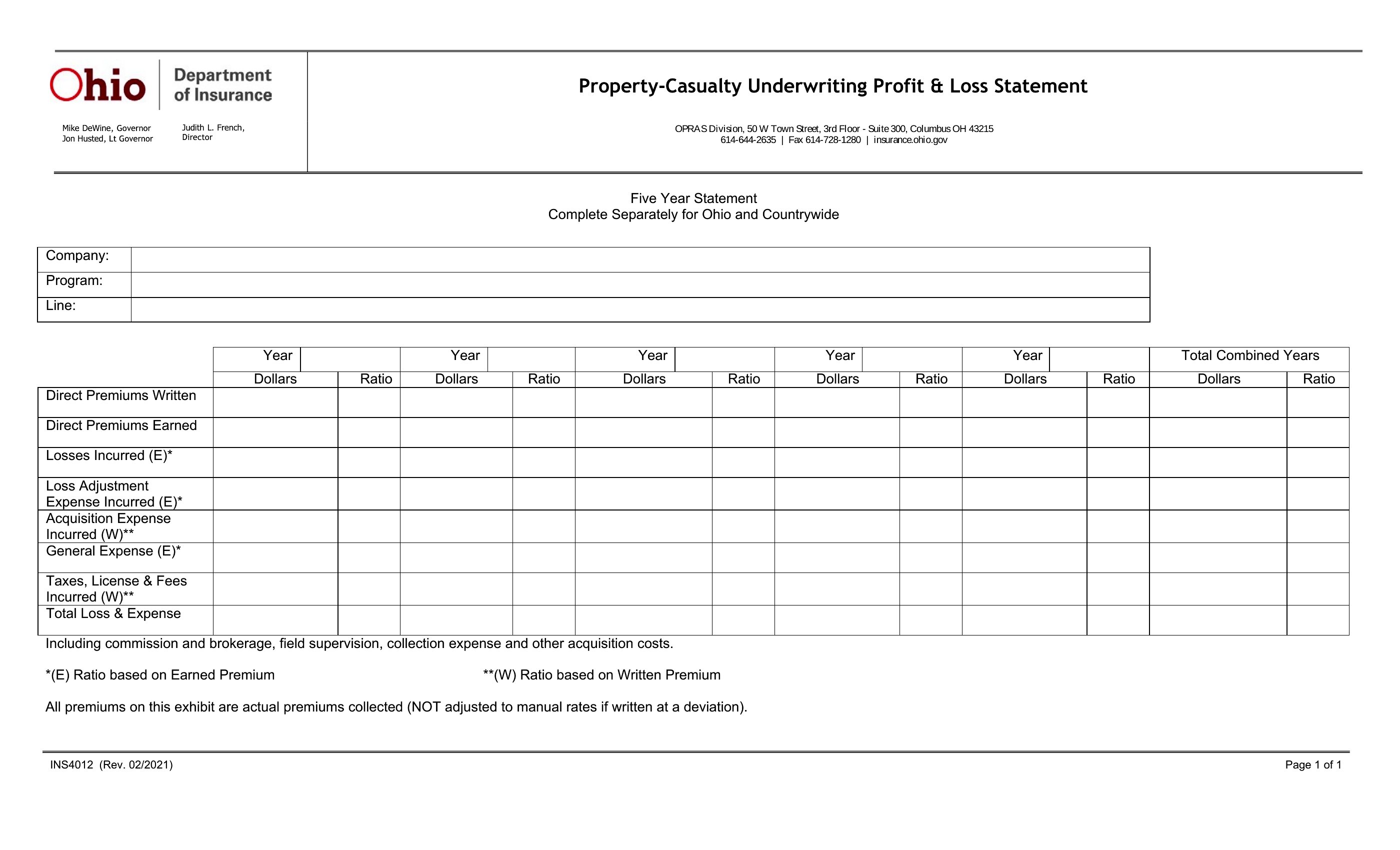
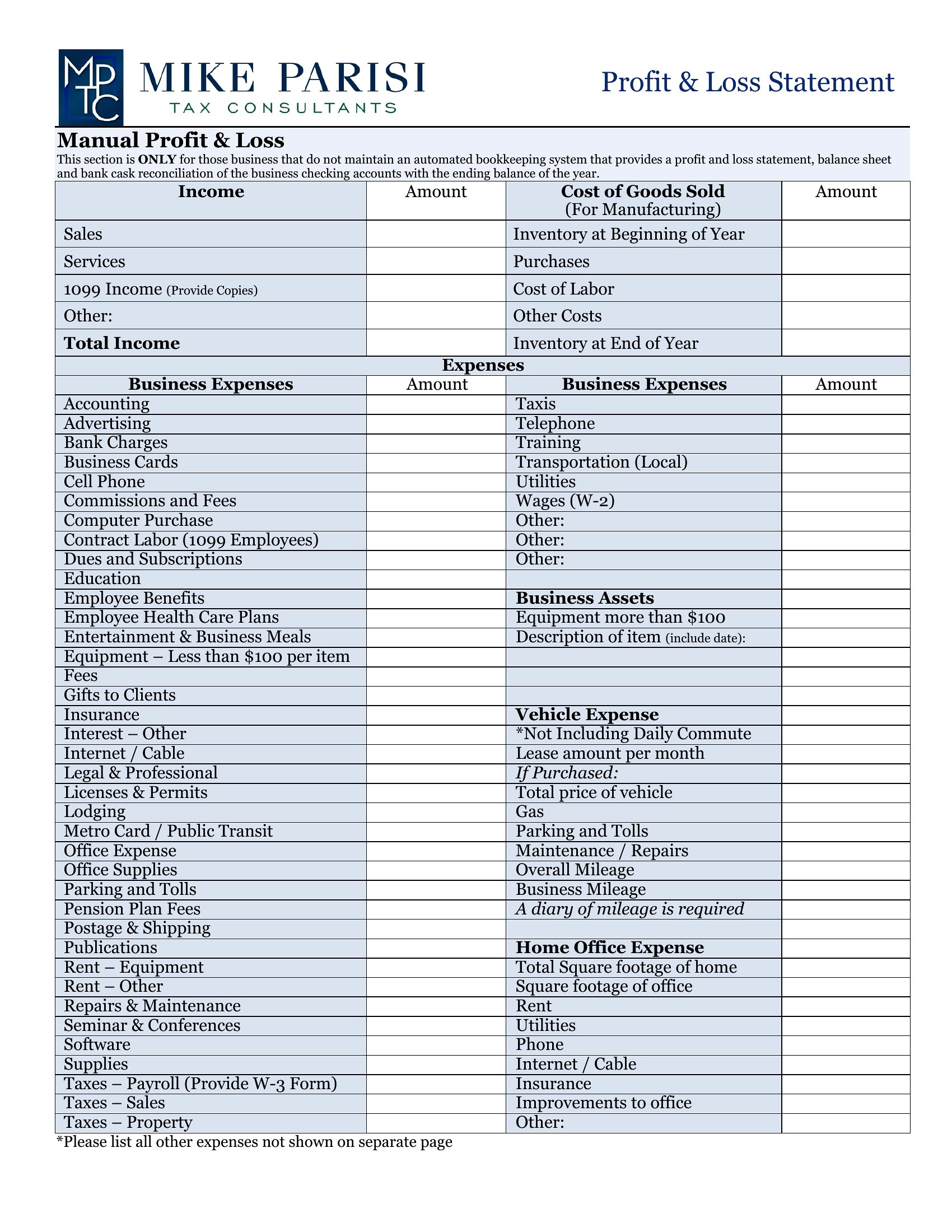
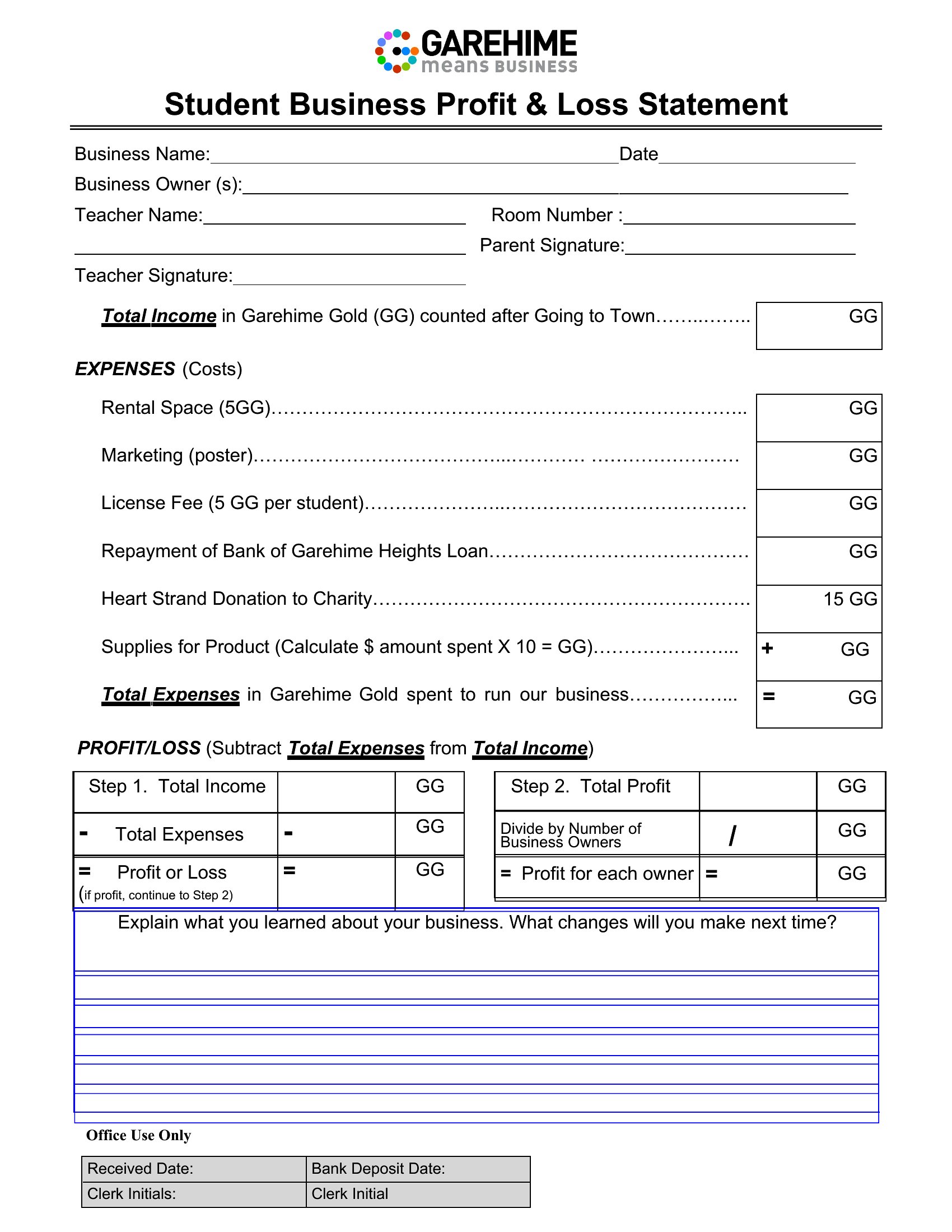
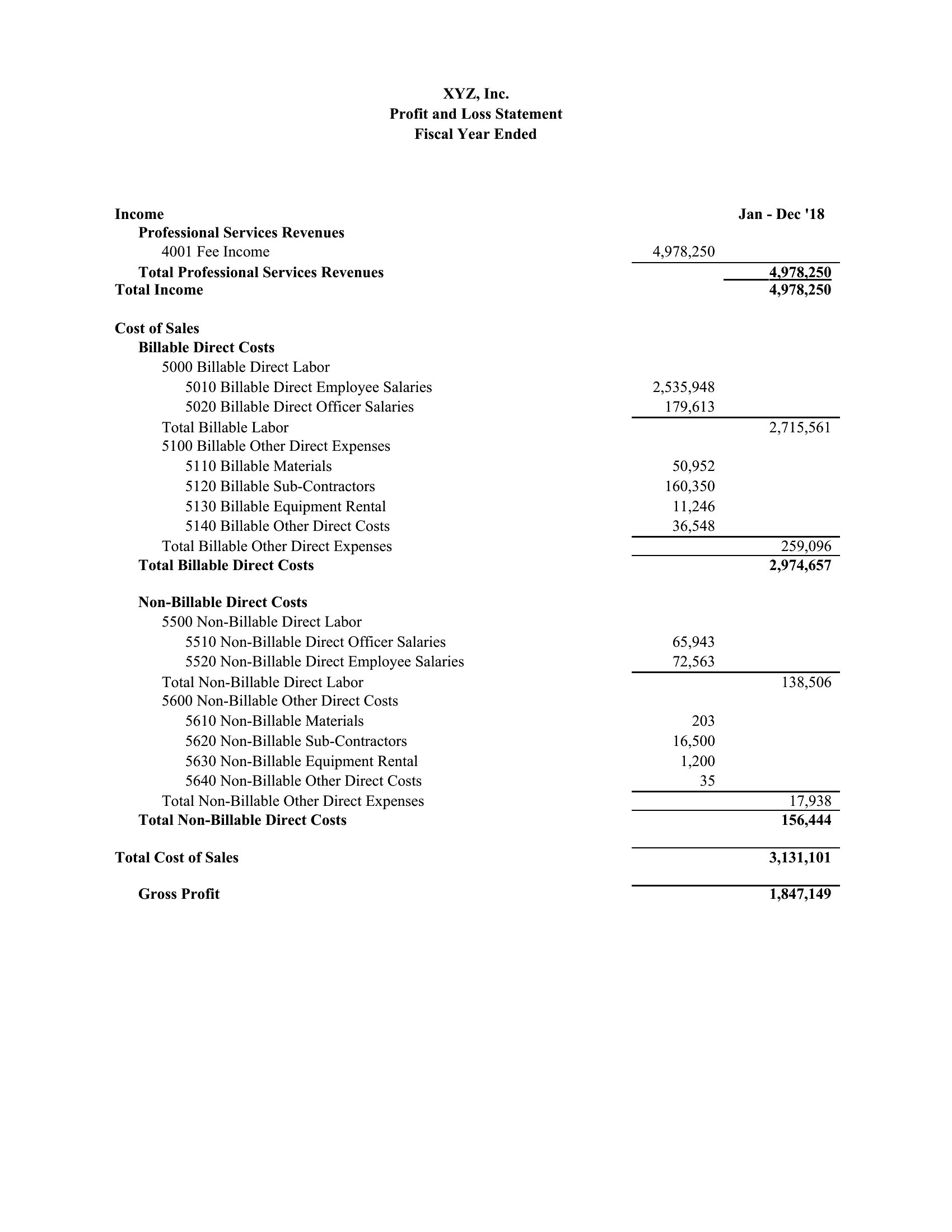
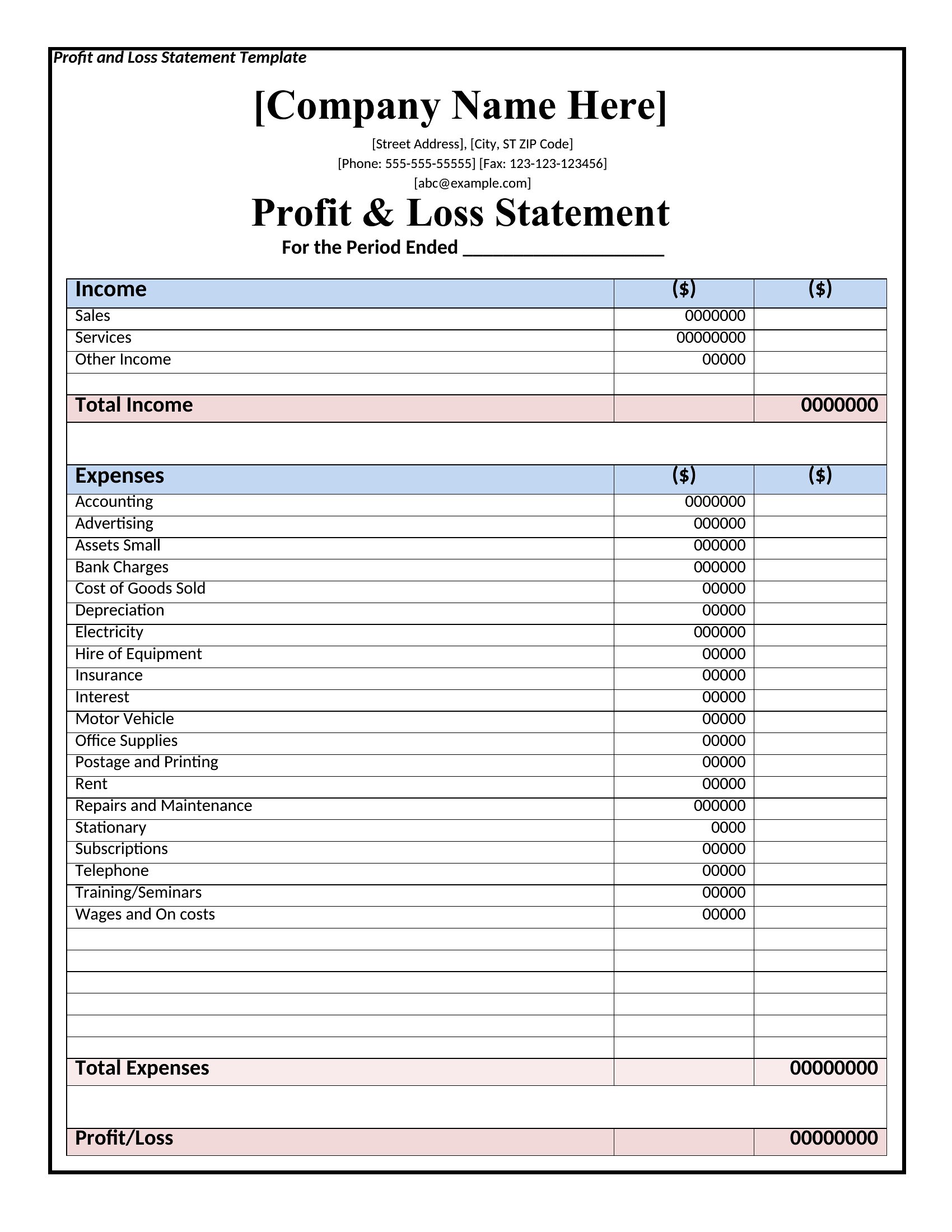
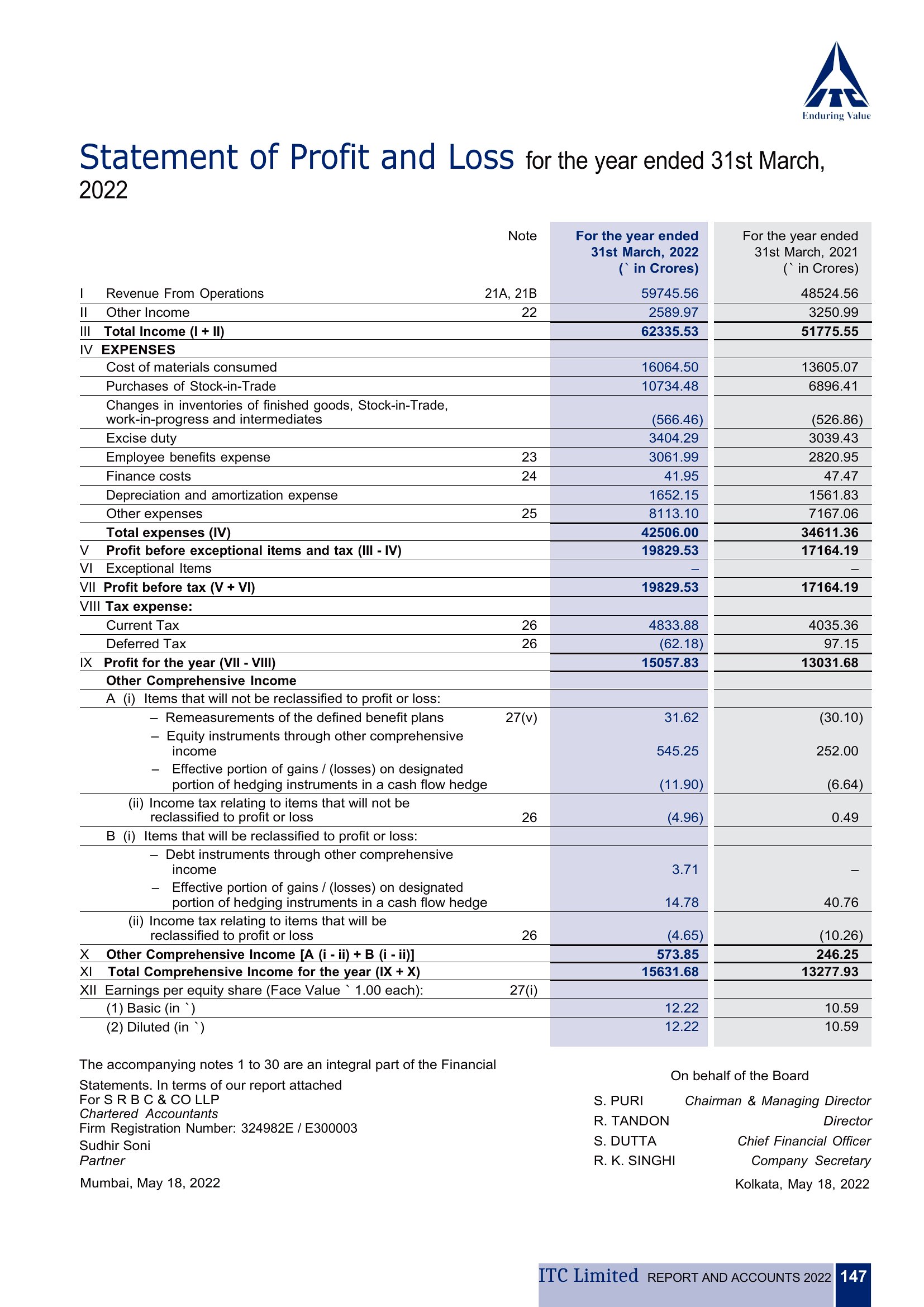
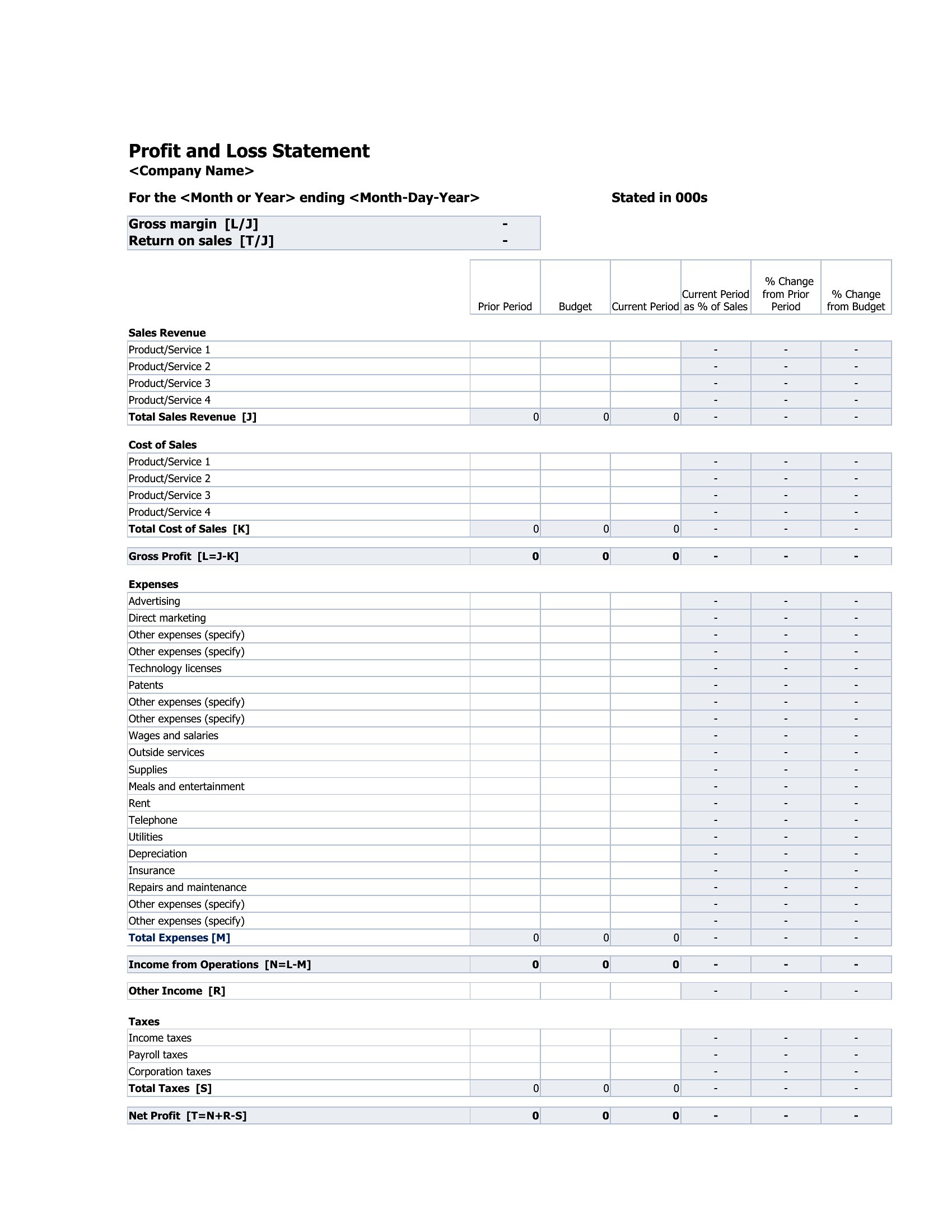
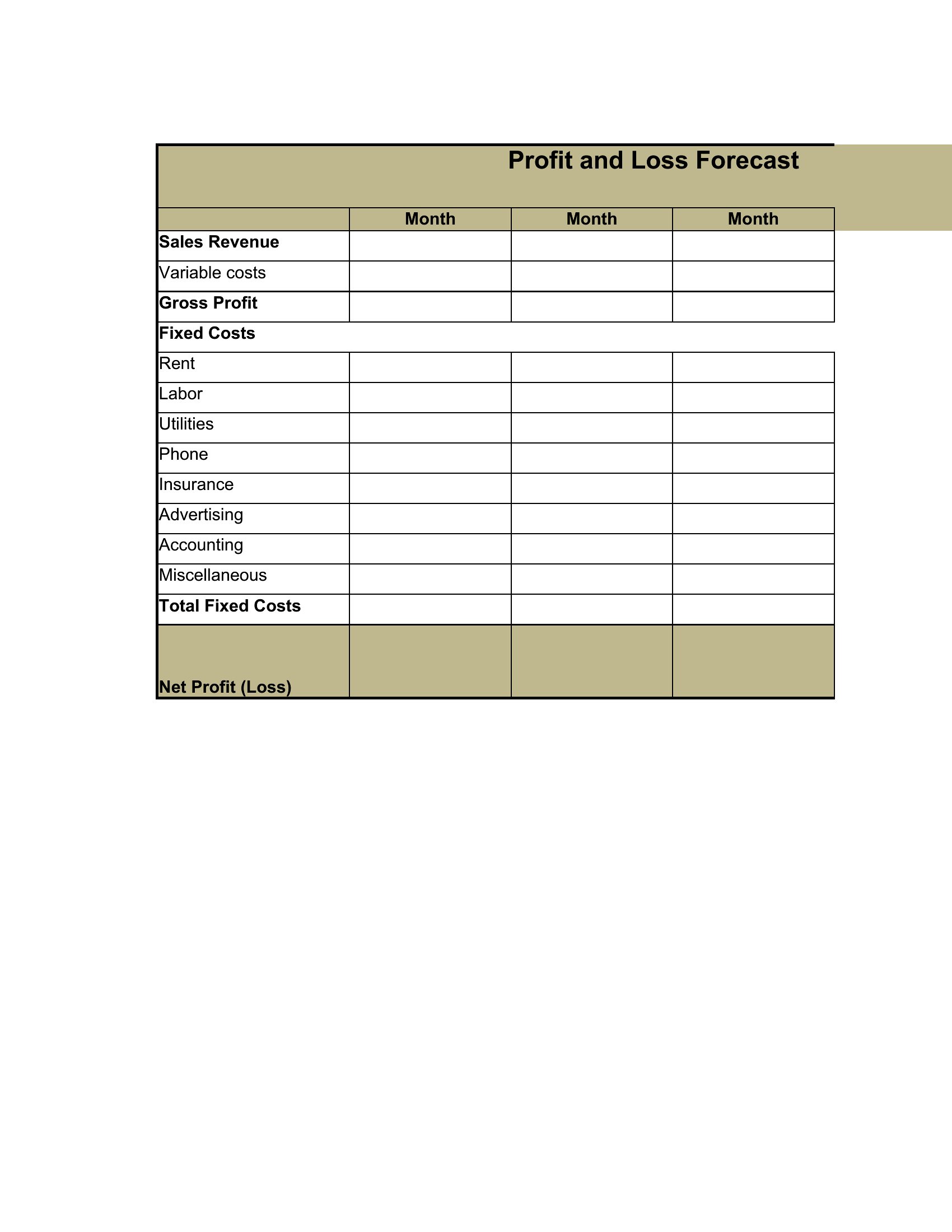
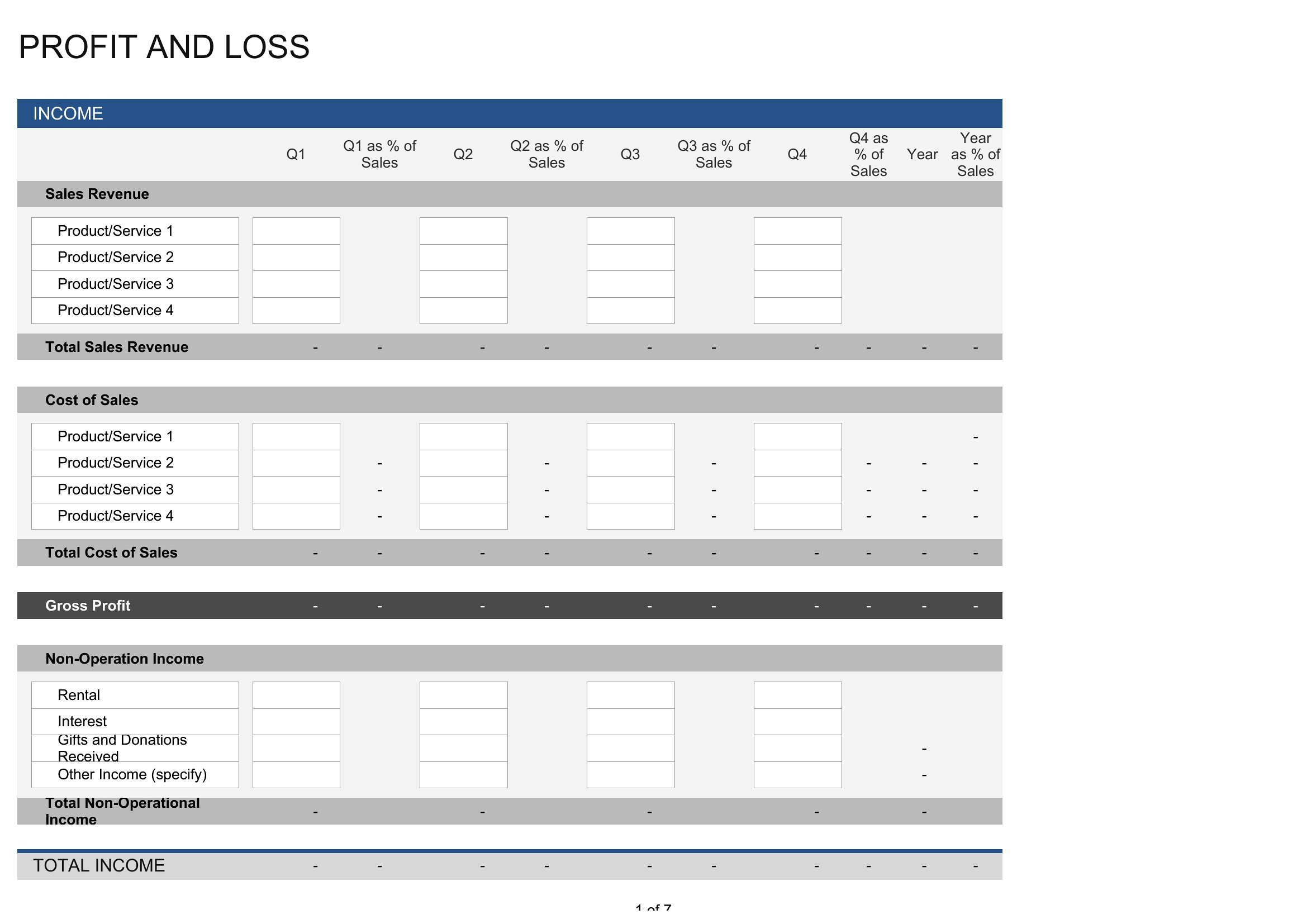
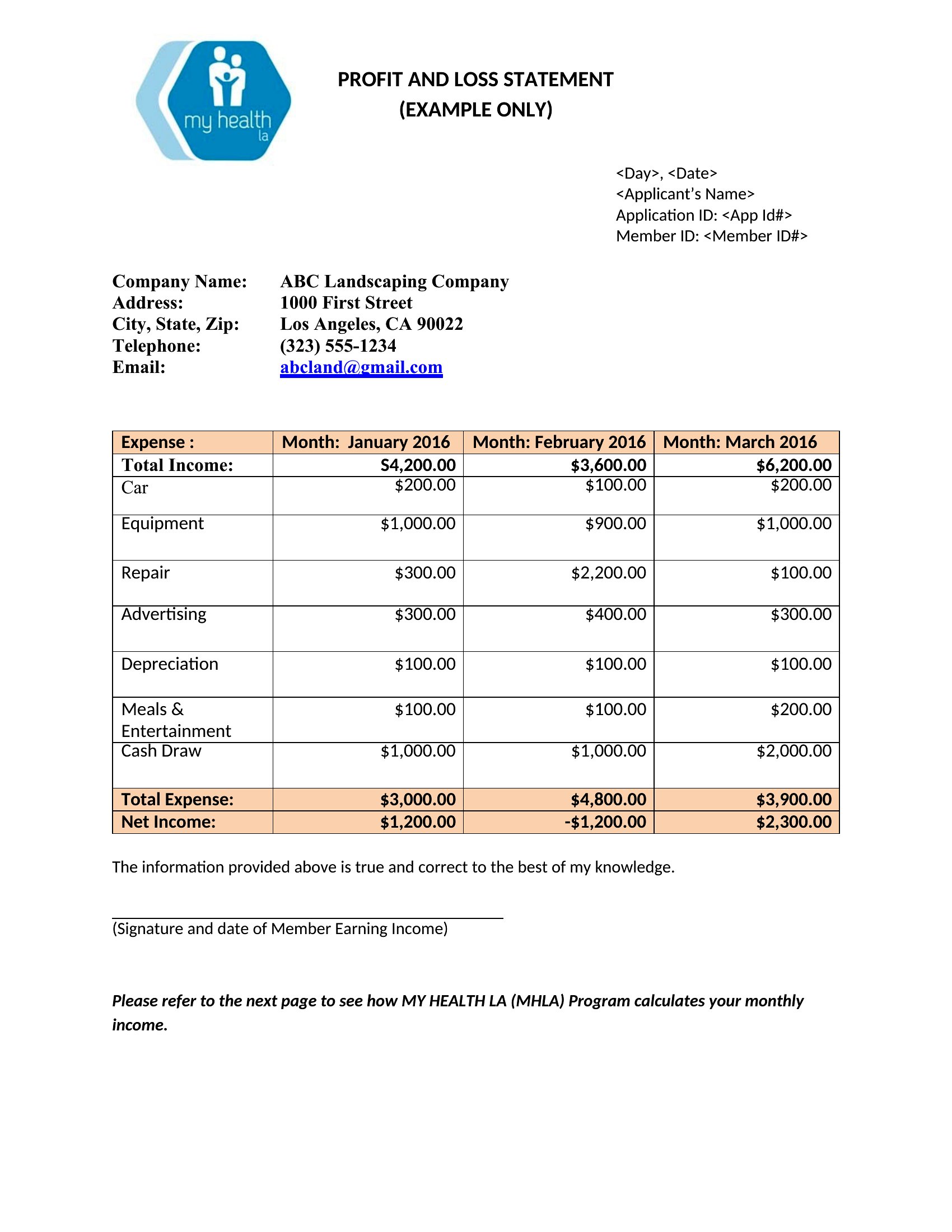
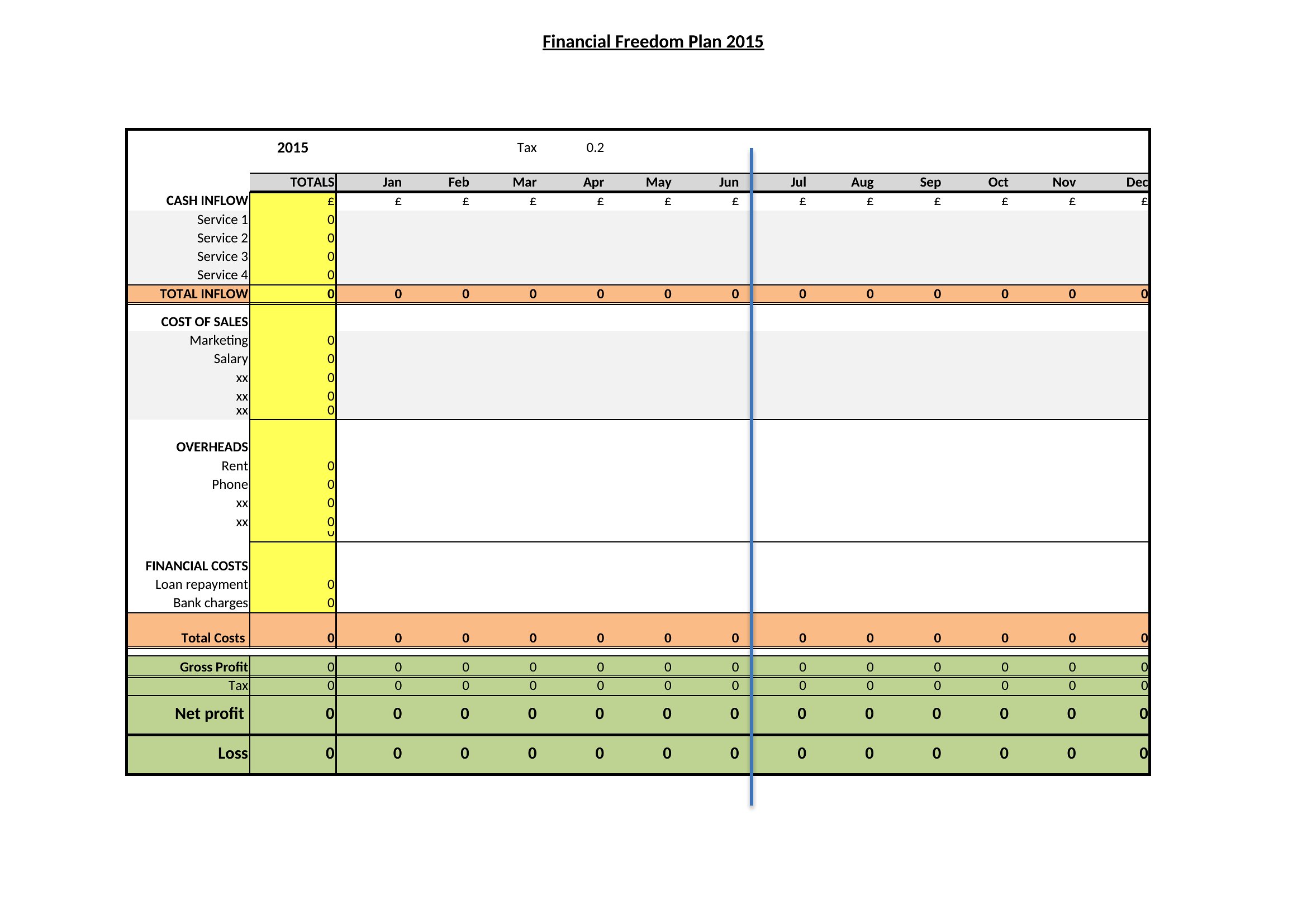
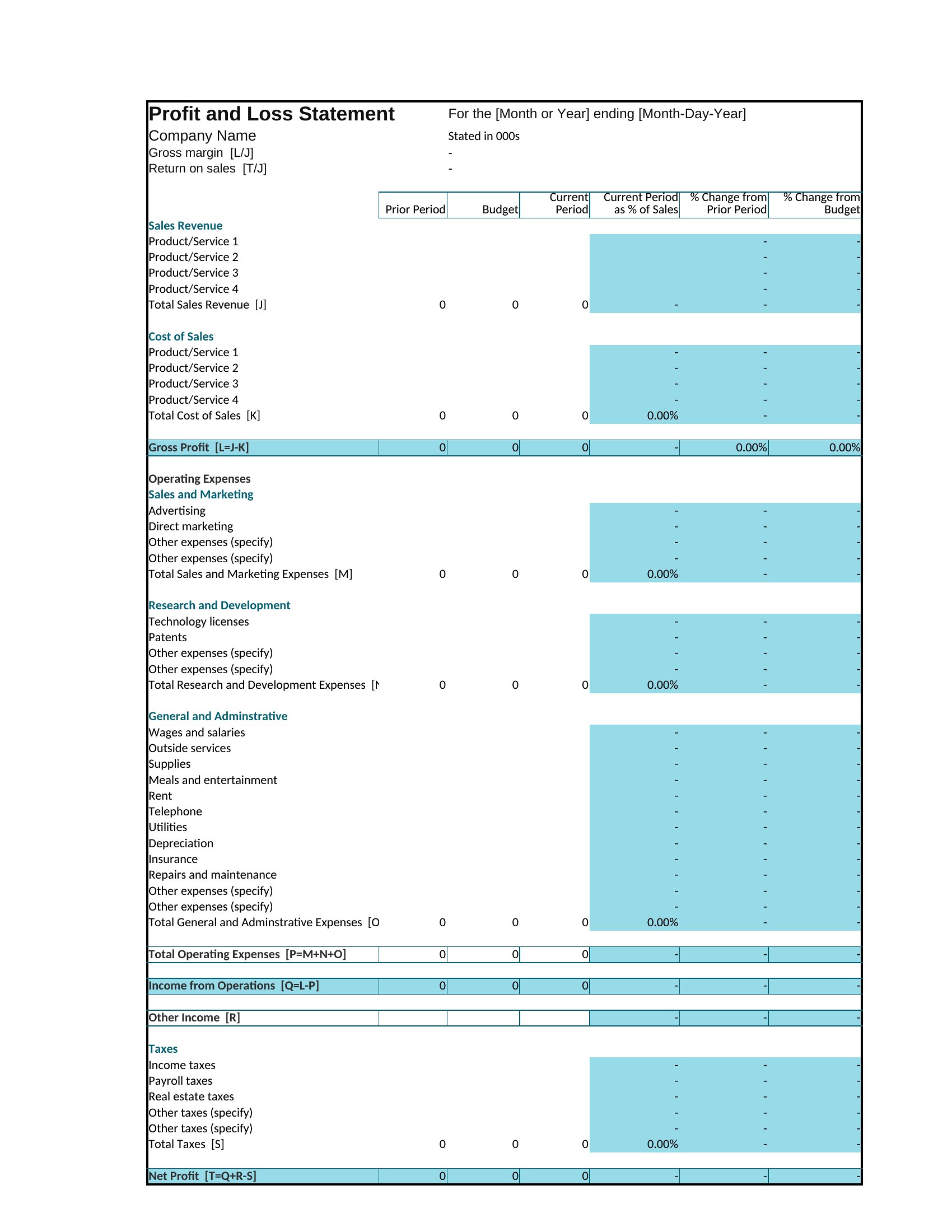
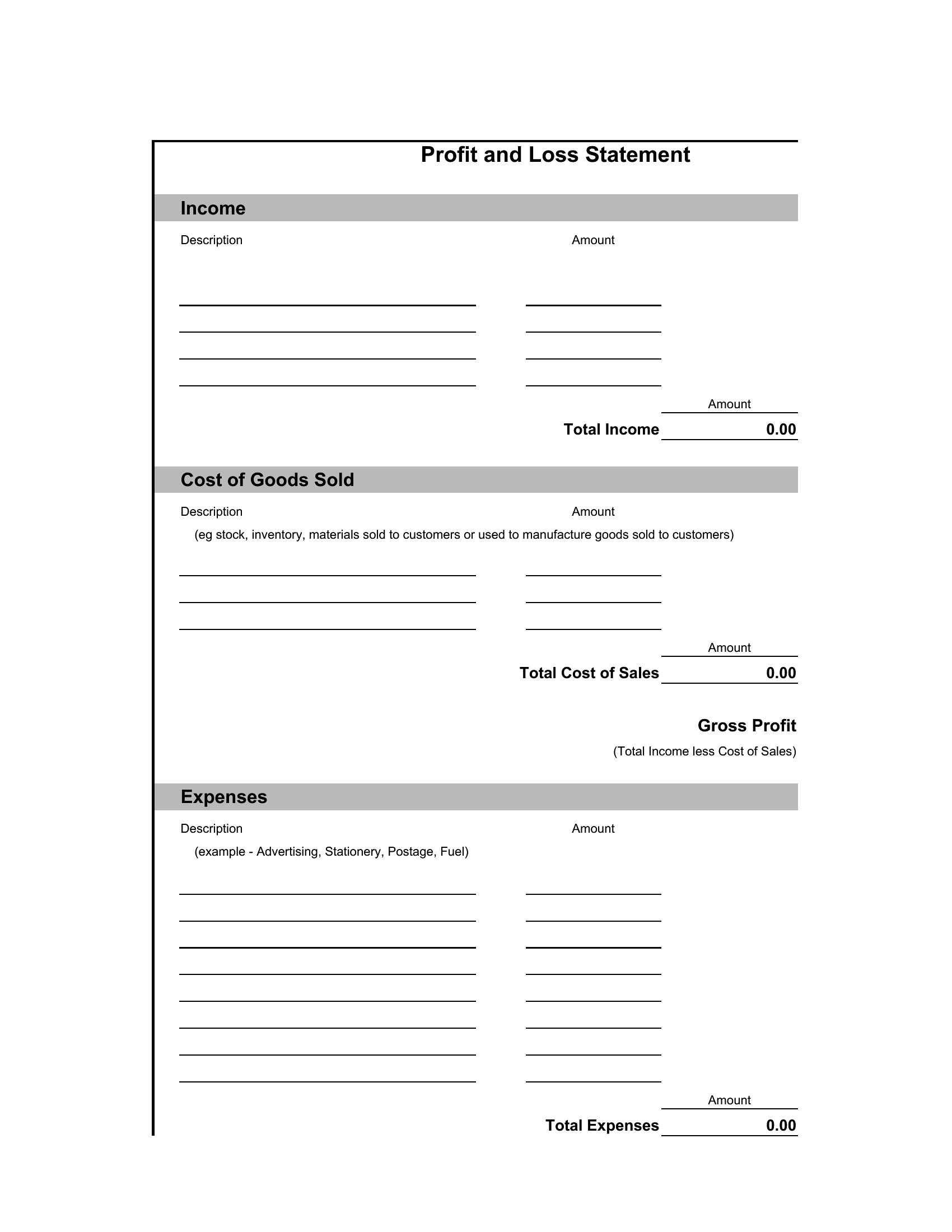
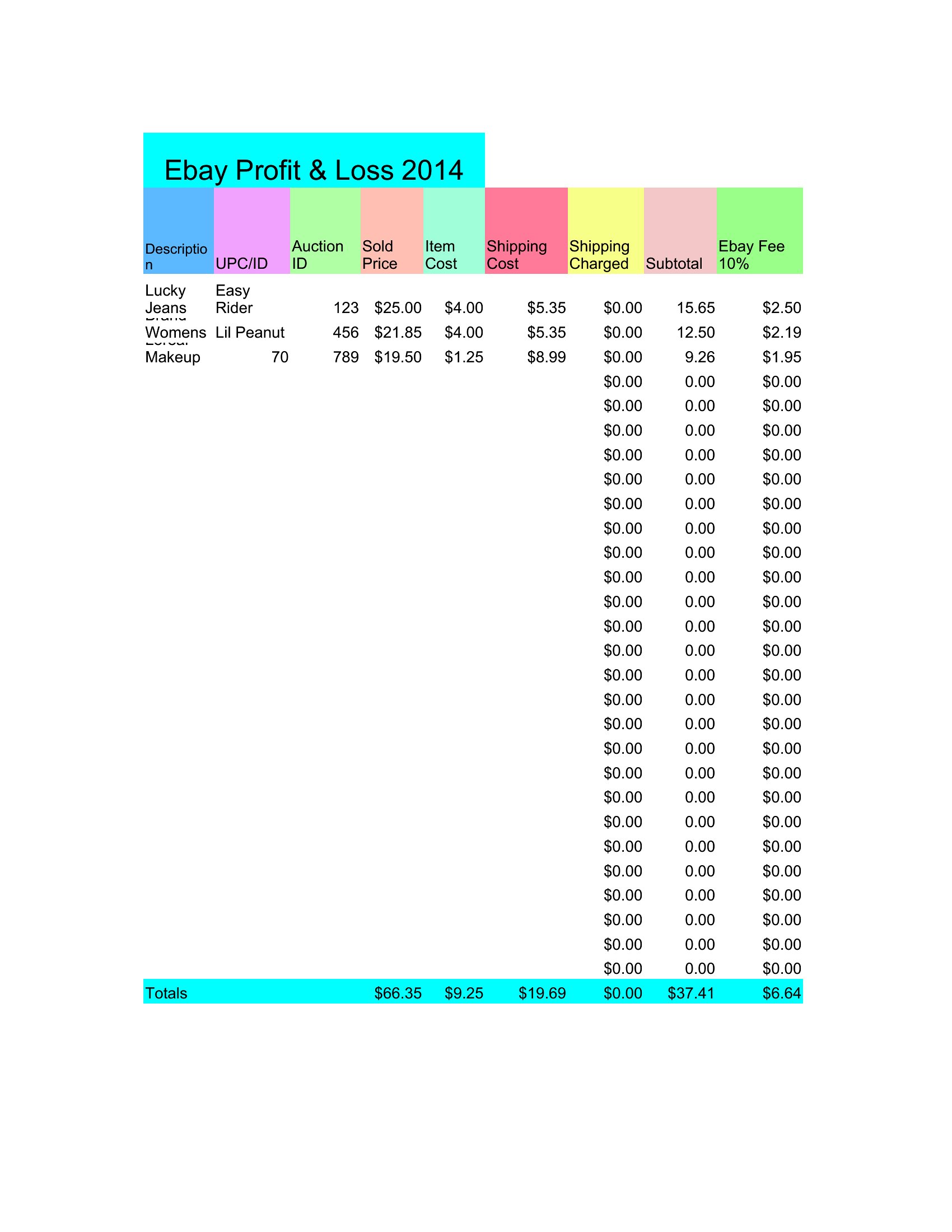
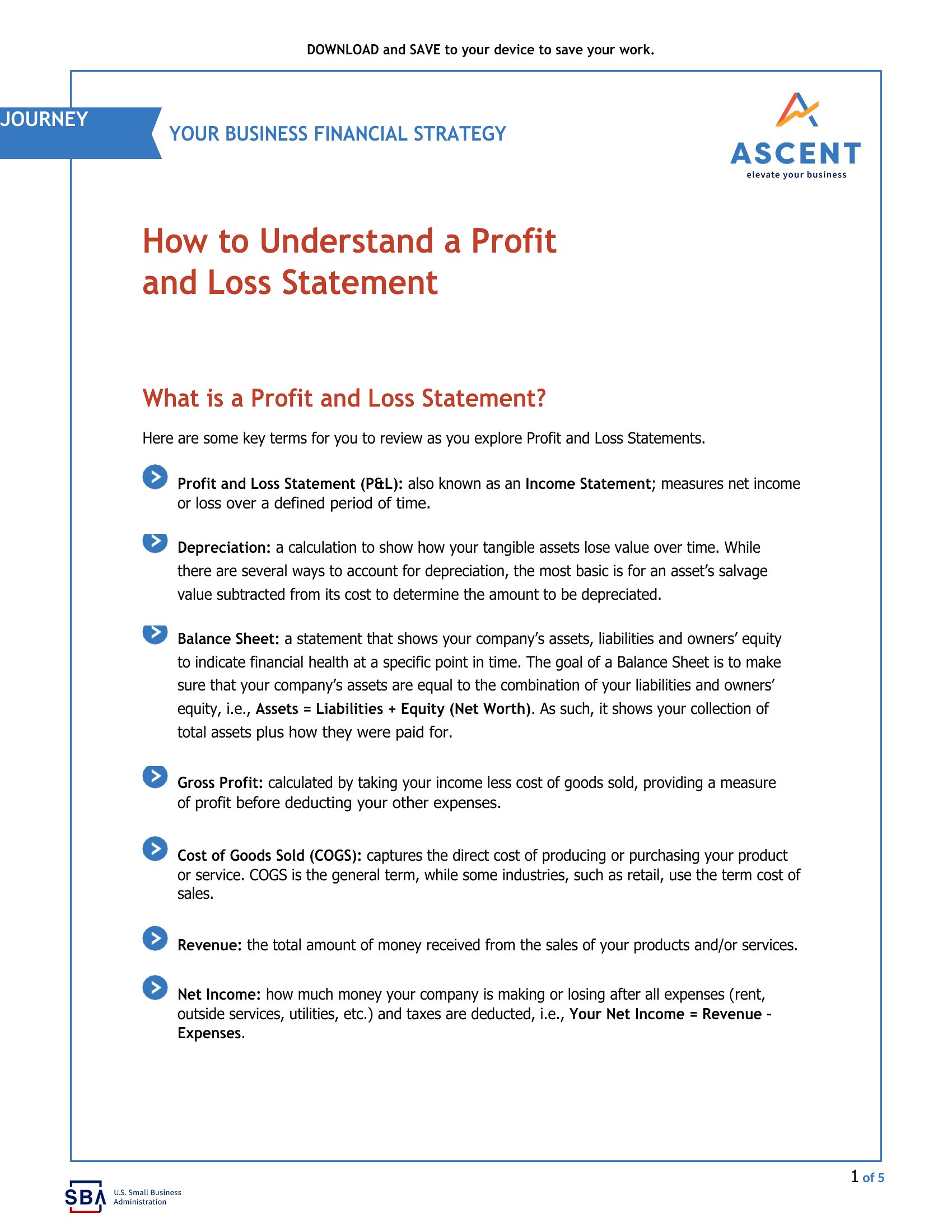
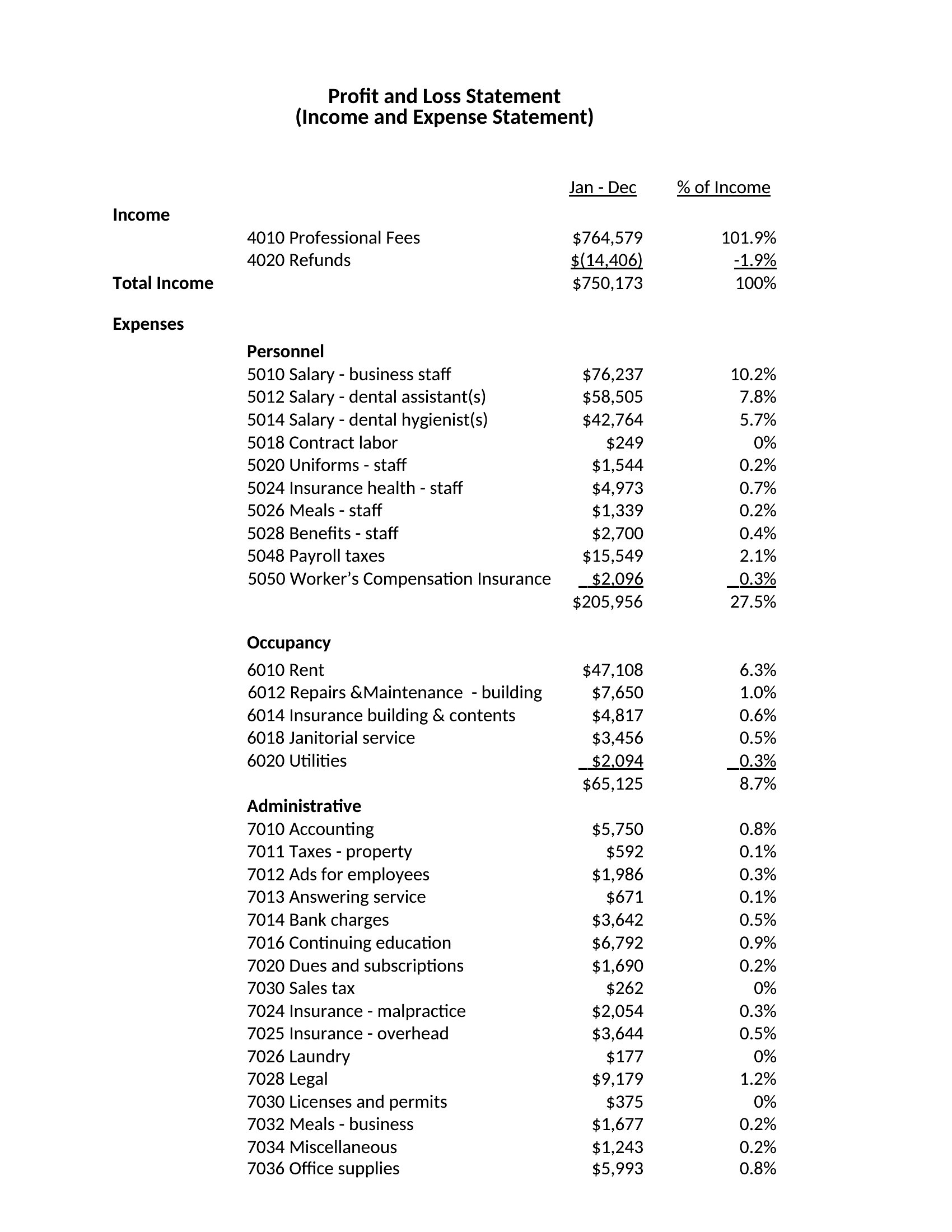
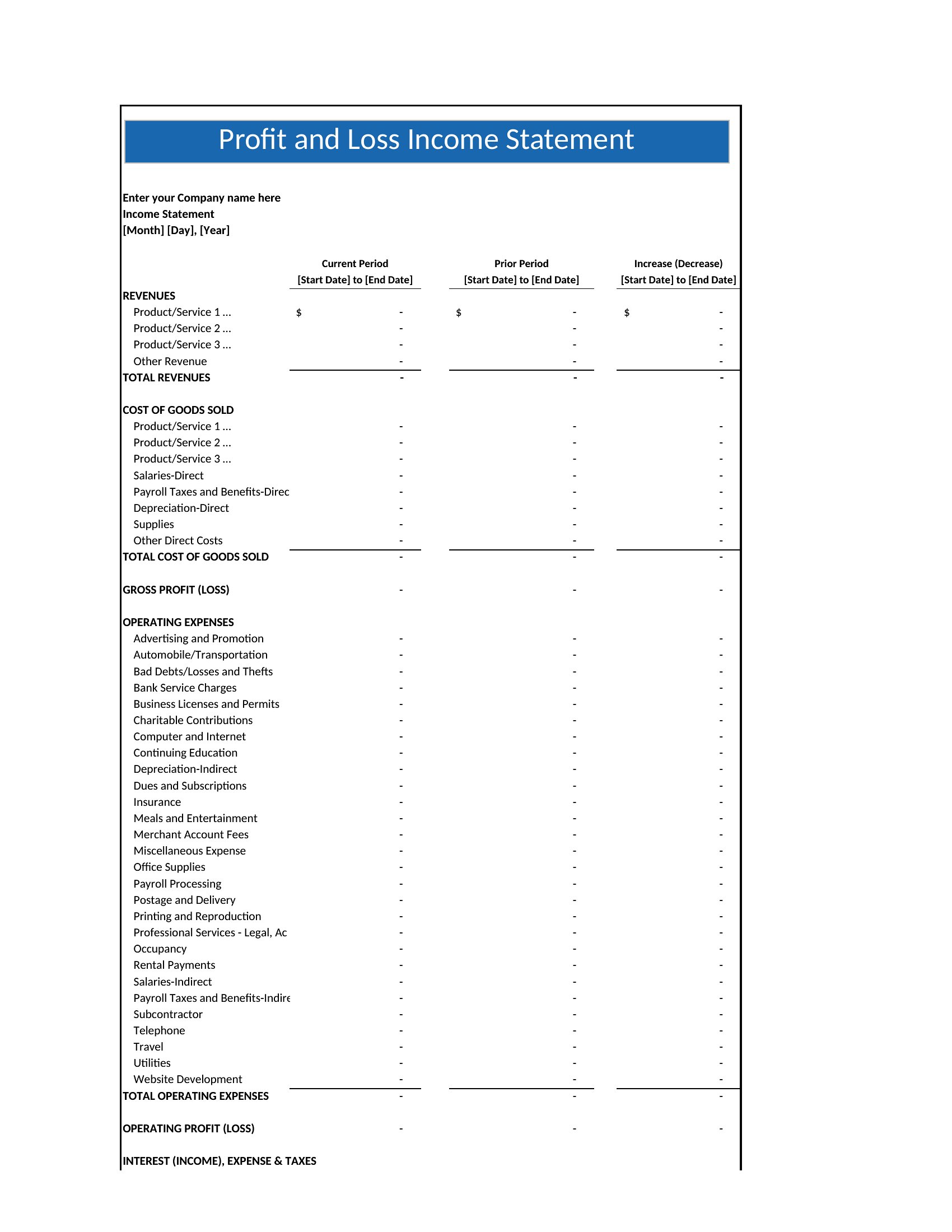
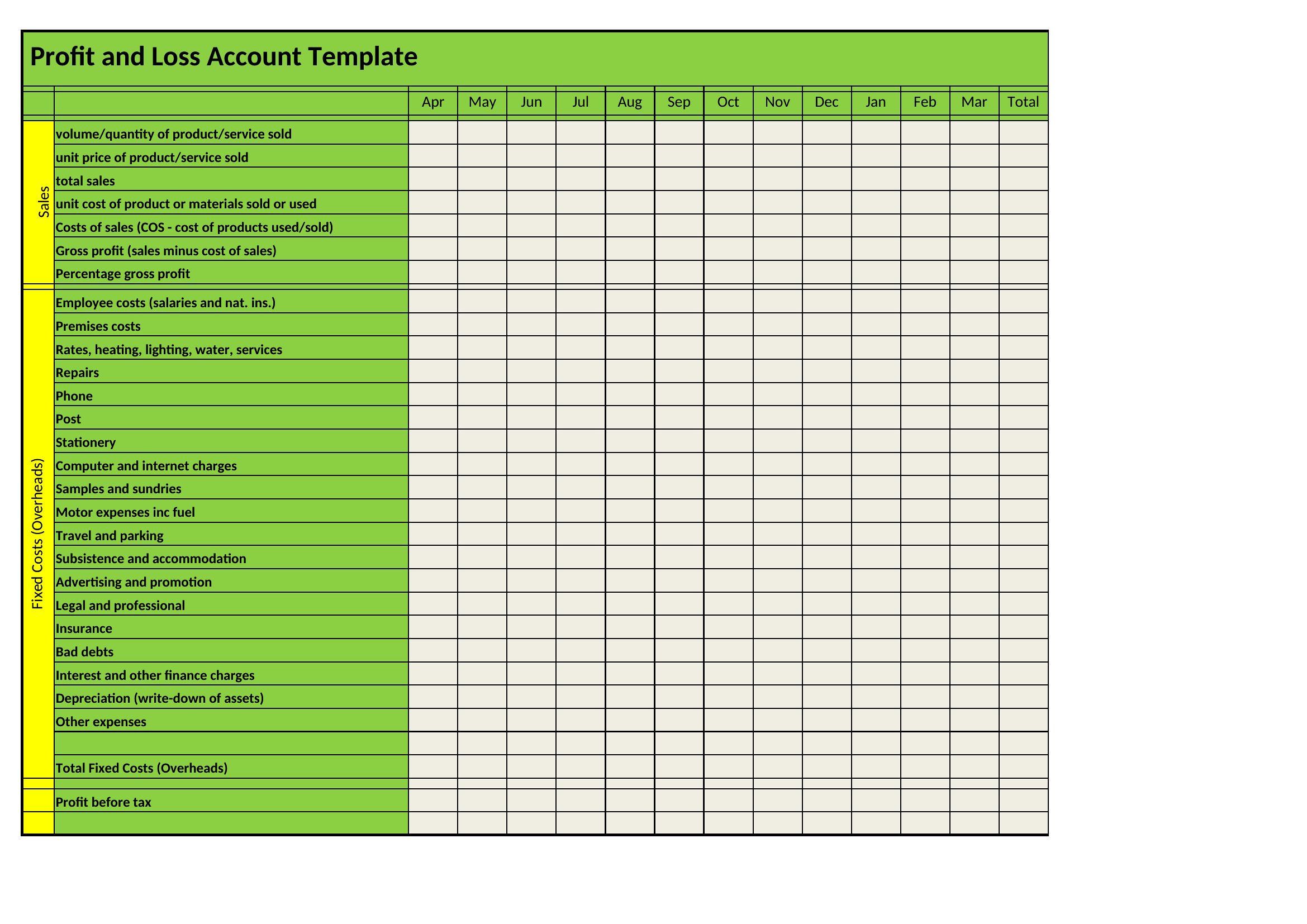
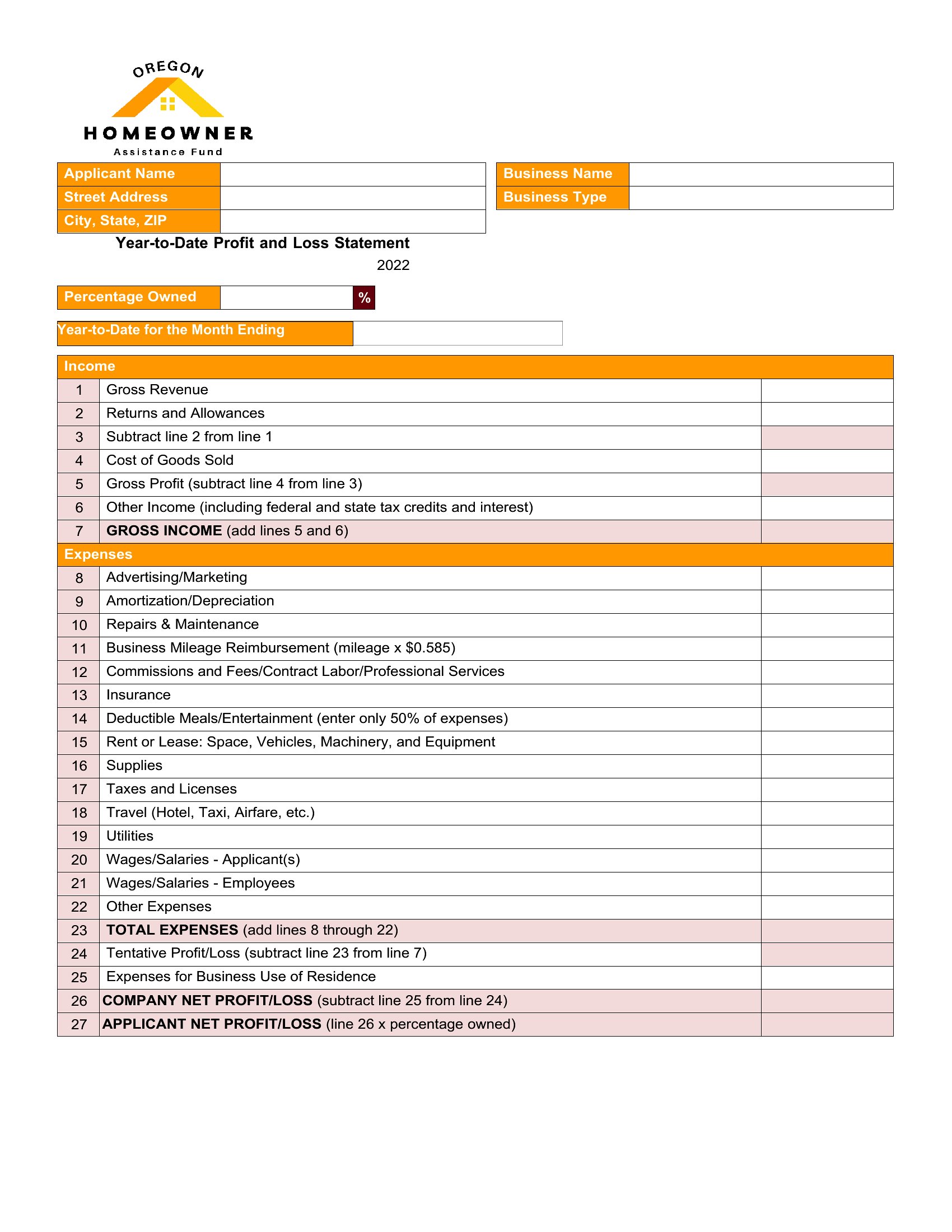
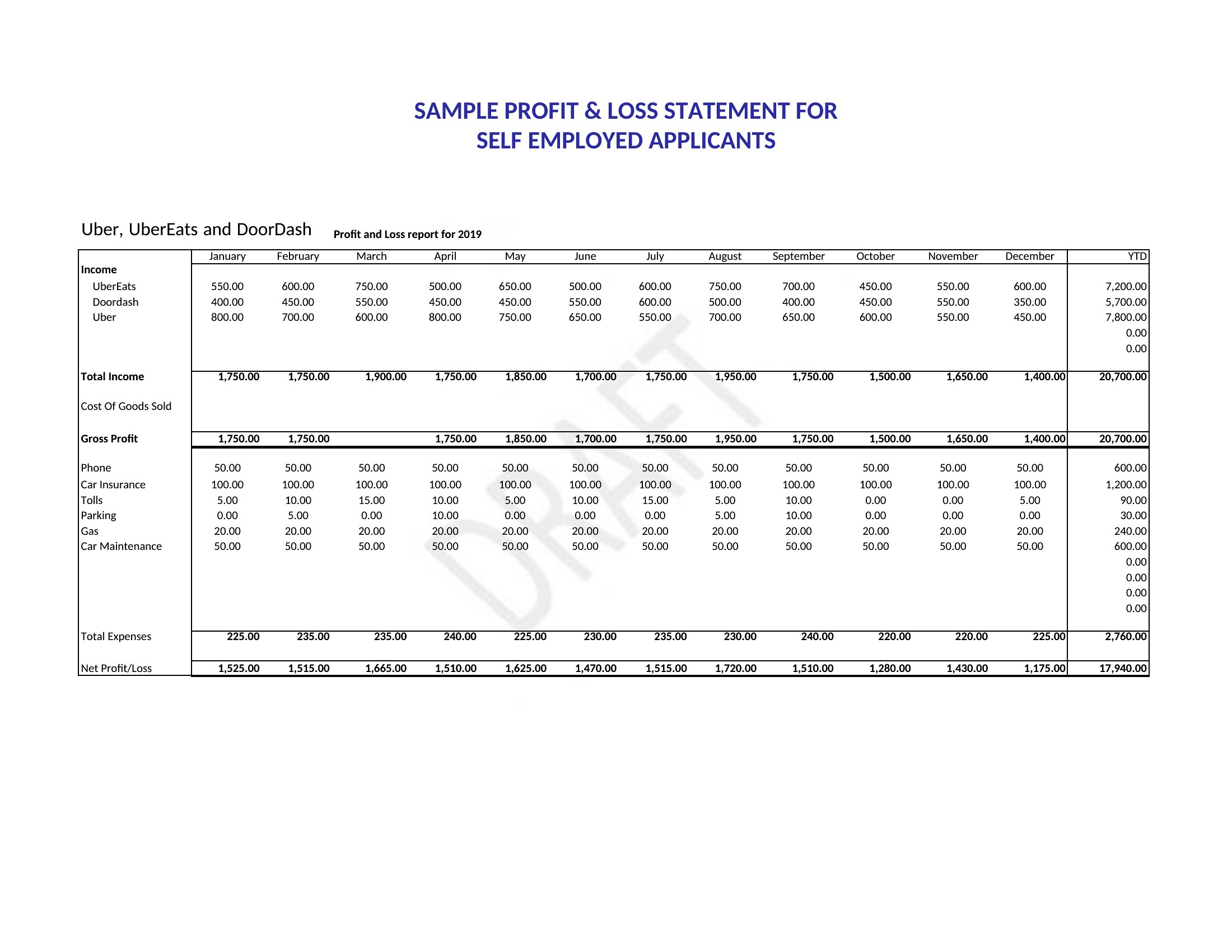
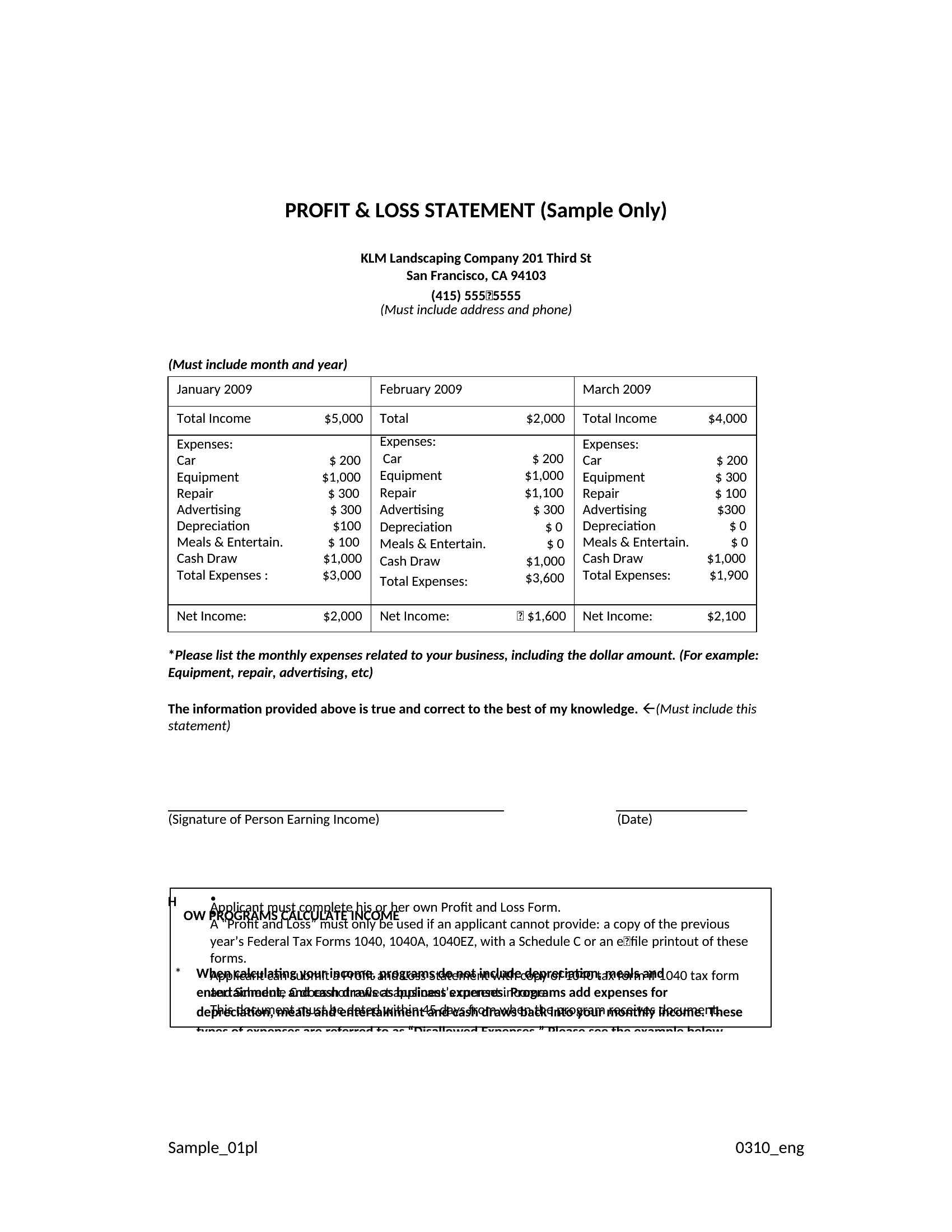
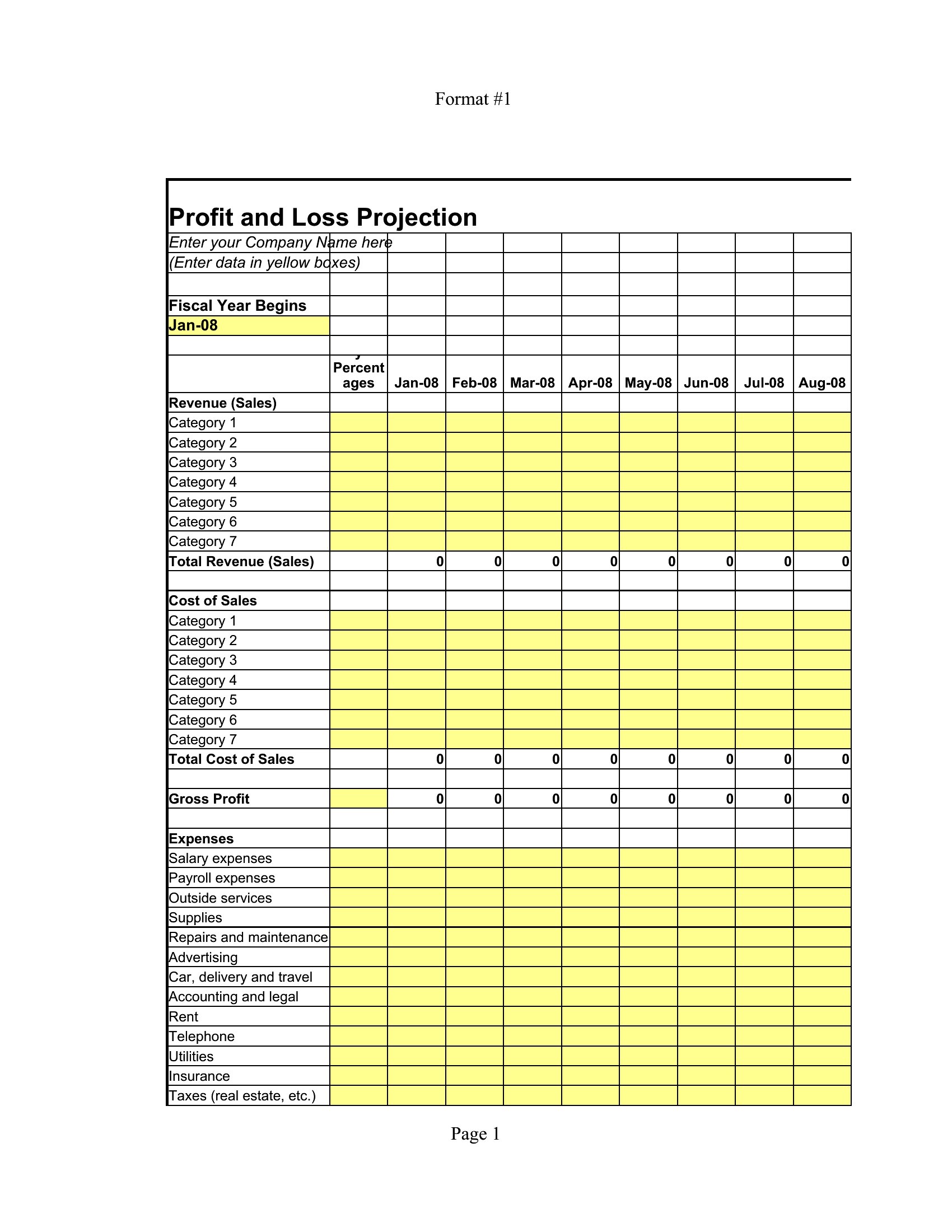
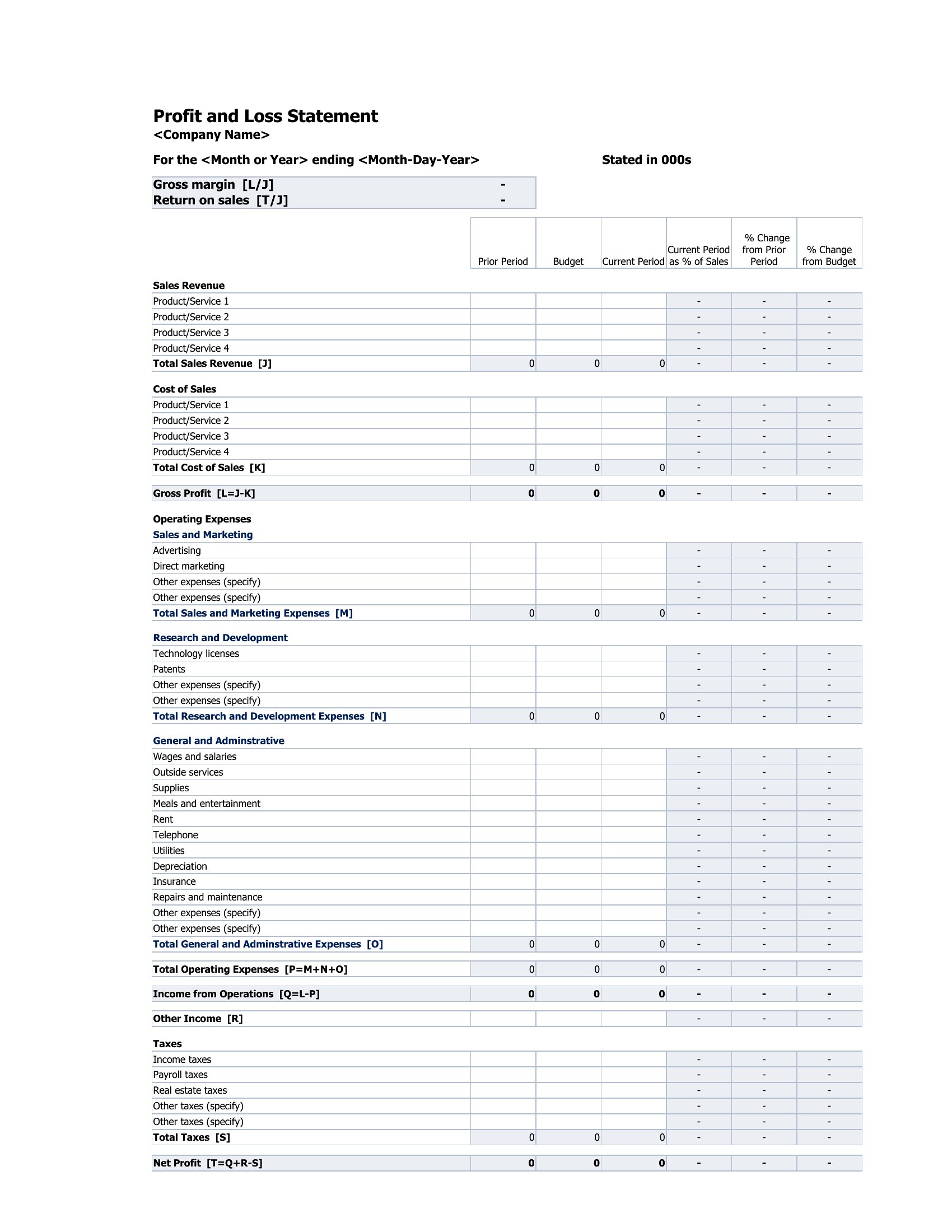
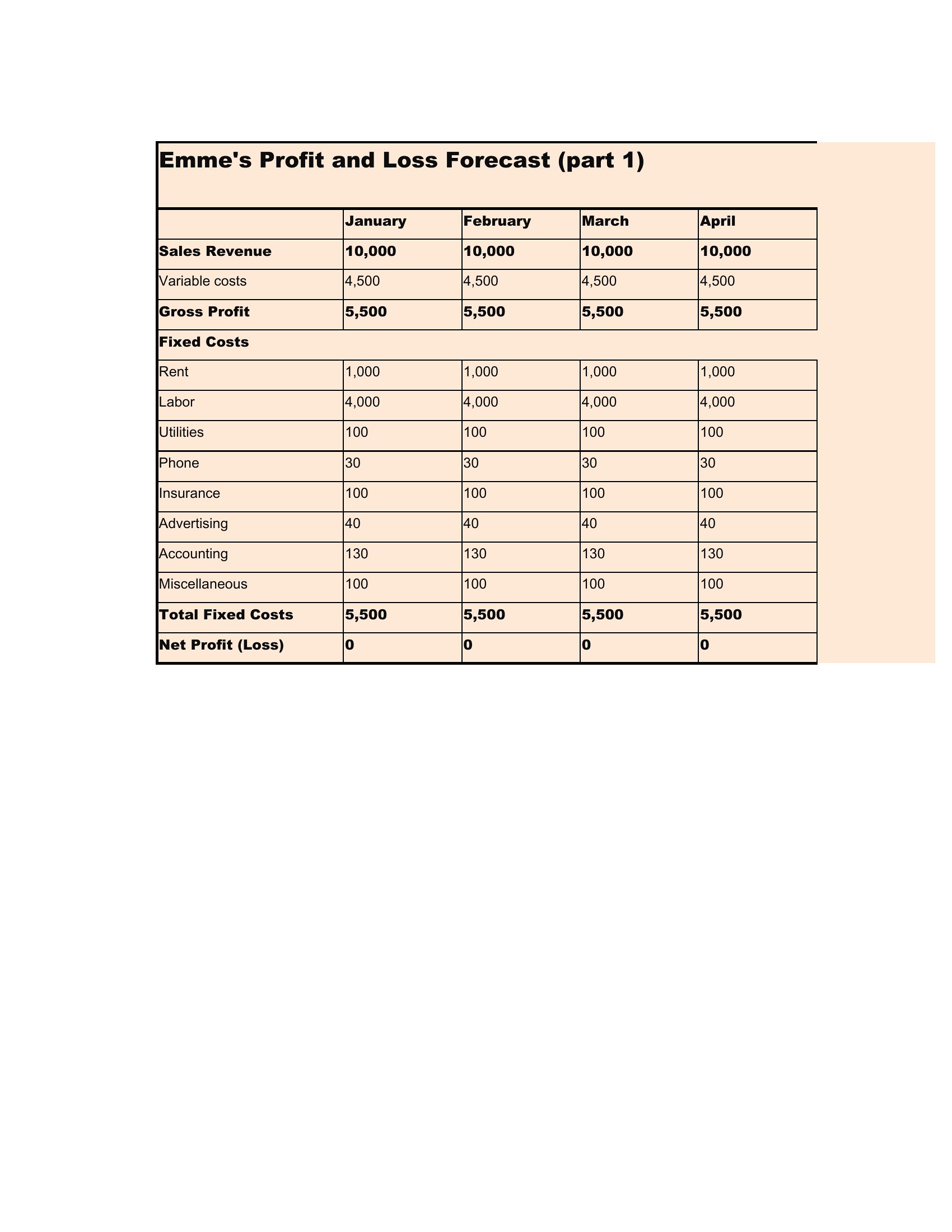
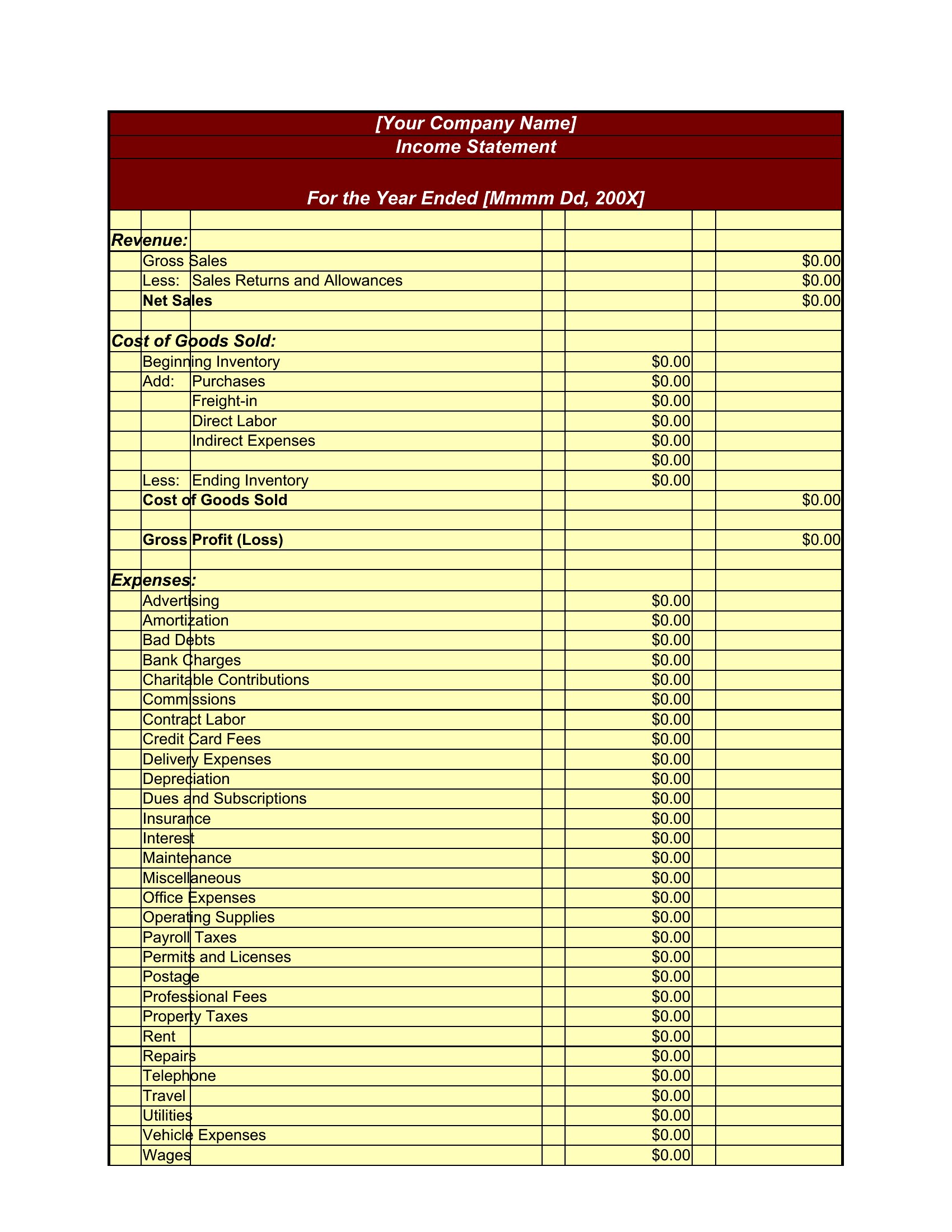
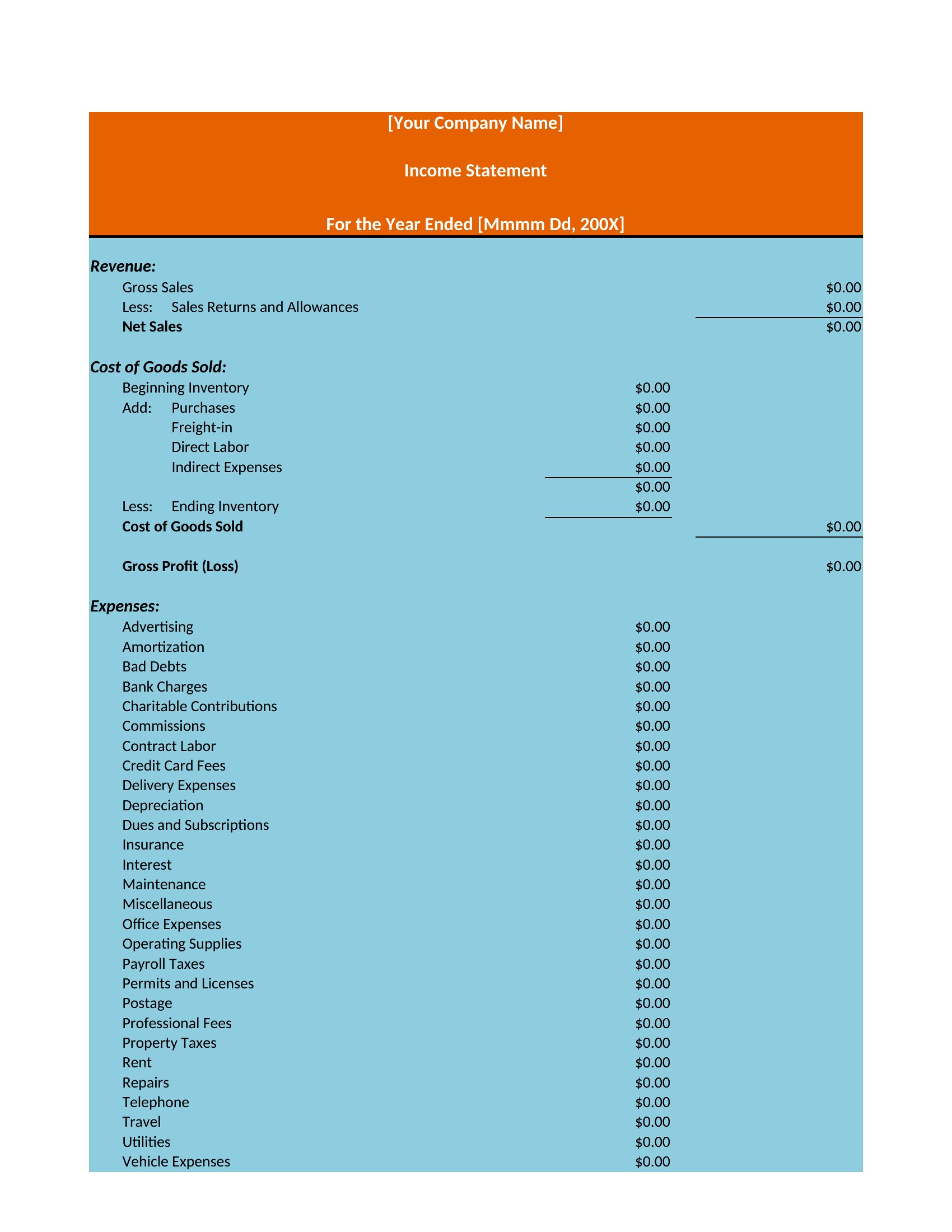
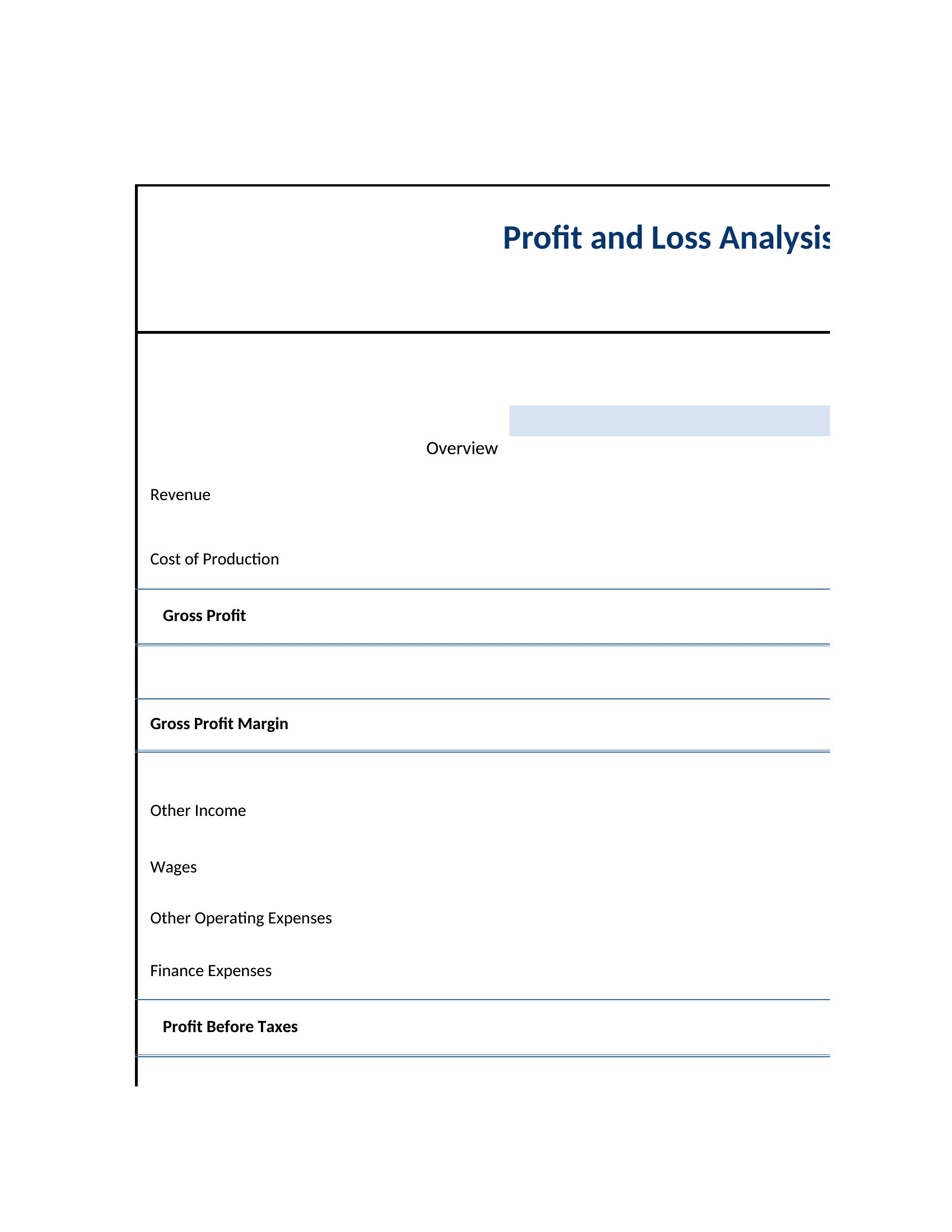
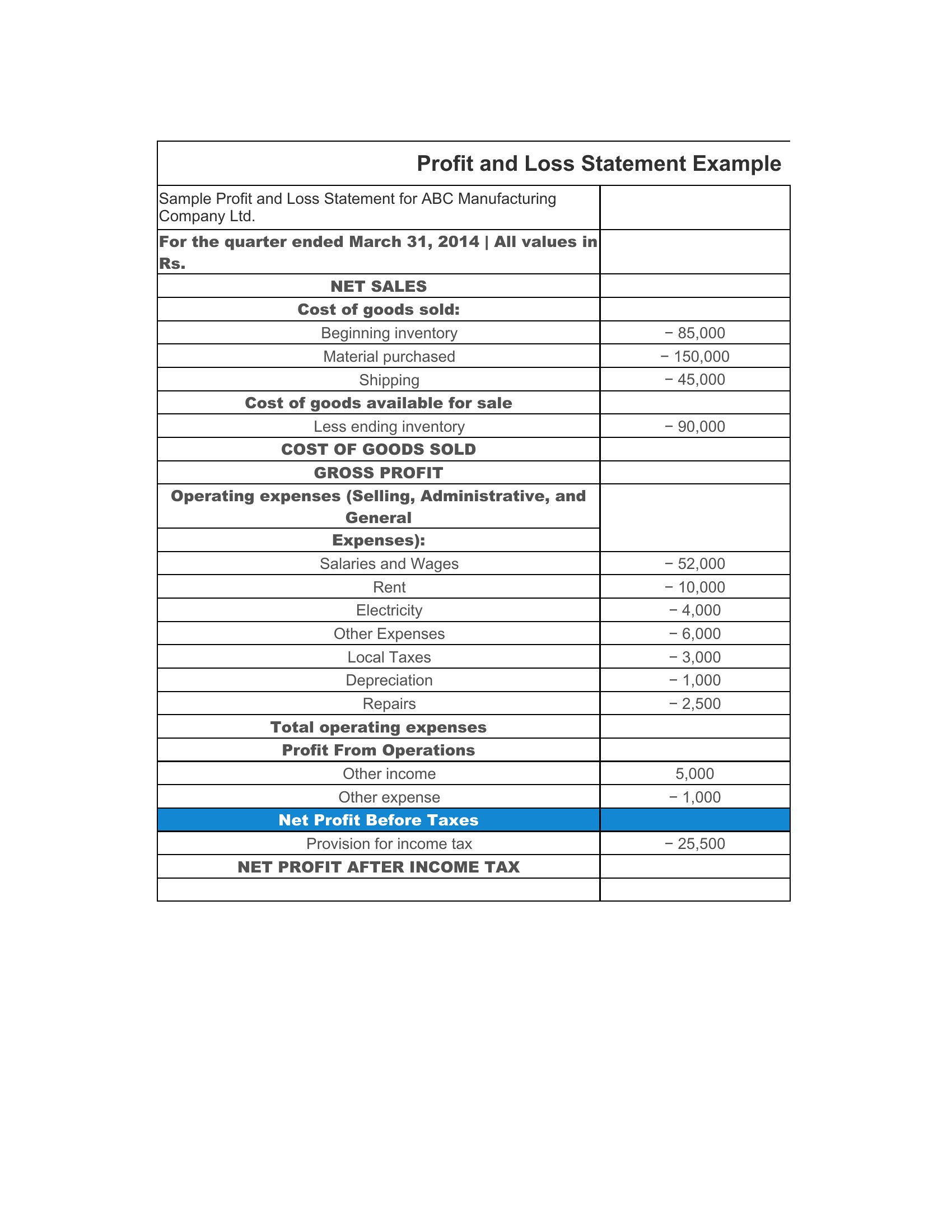
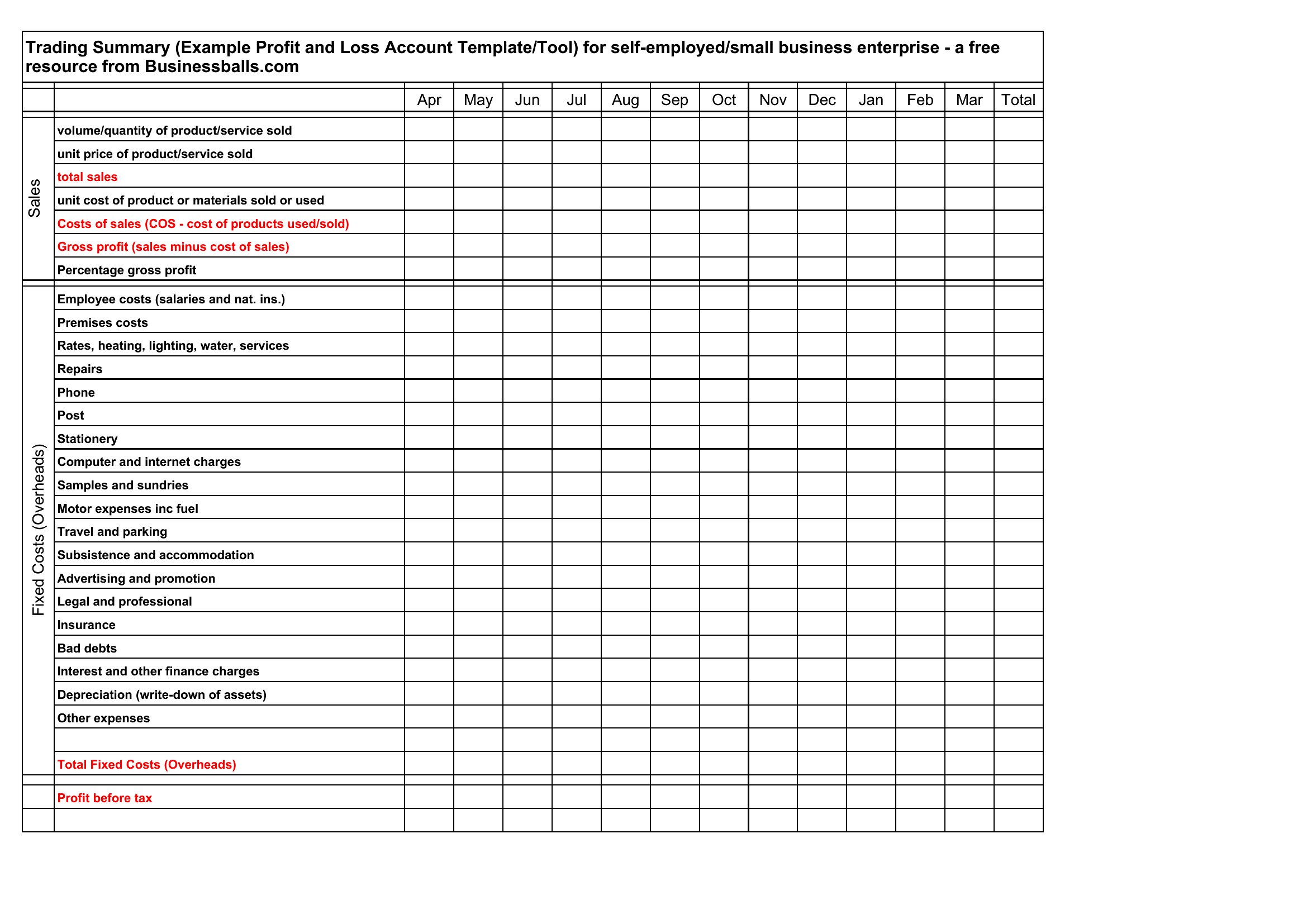
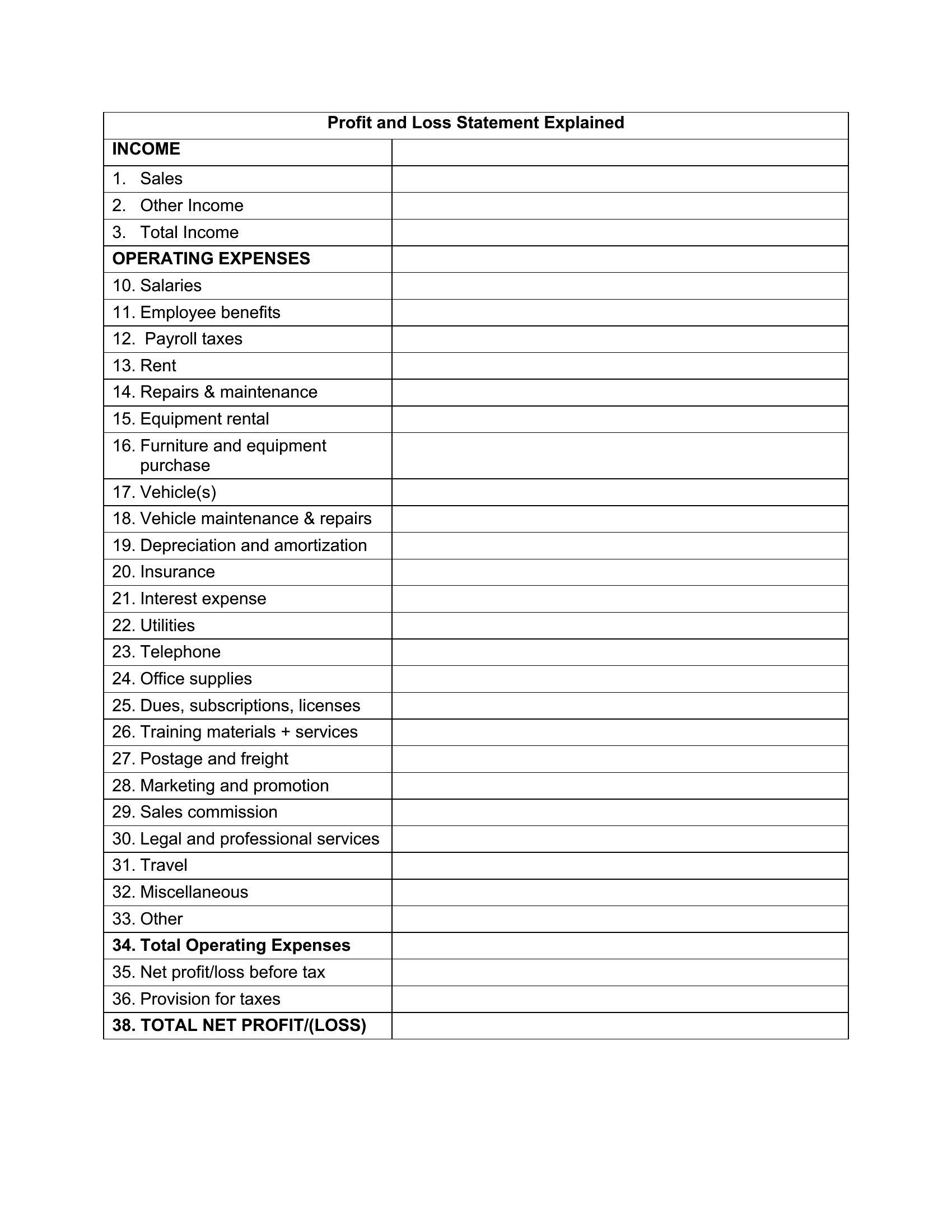
StatementsA profit and loss statement shows whether a business actually made money over a period, tallying revenue against expenses to reveal the bottom line. This collection of 60 templates helps small-business owners, freelancers, and bookkeepers track income and costs cleanly, whether for monthly check-ins, tax prep, or a conversation with a lender.
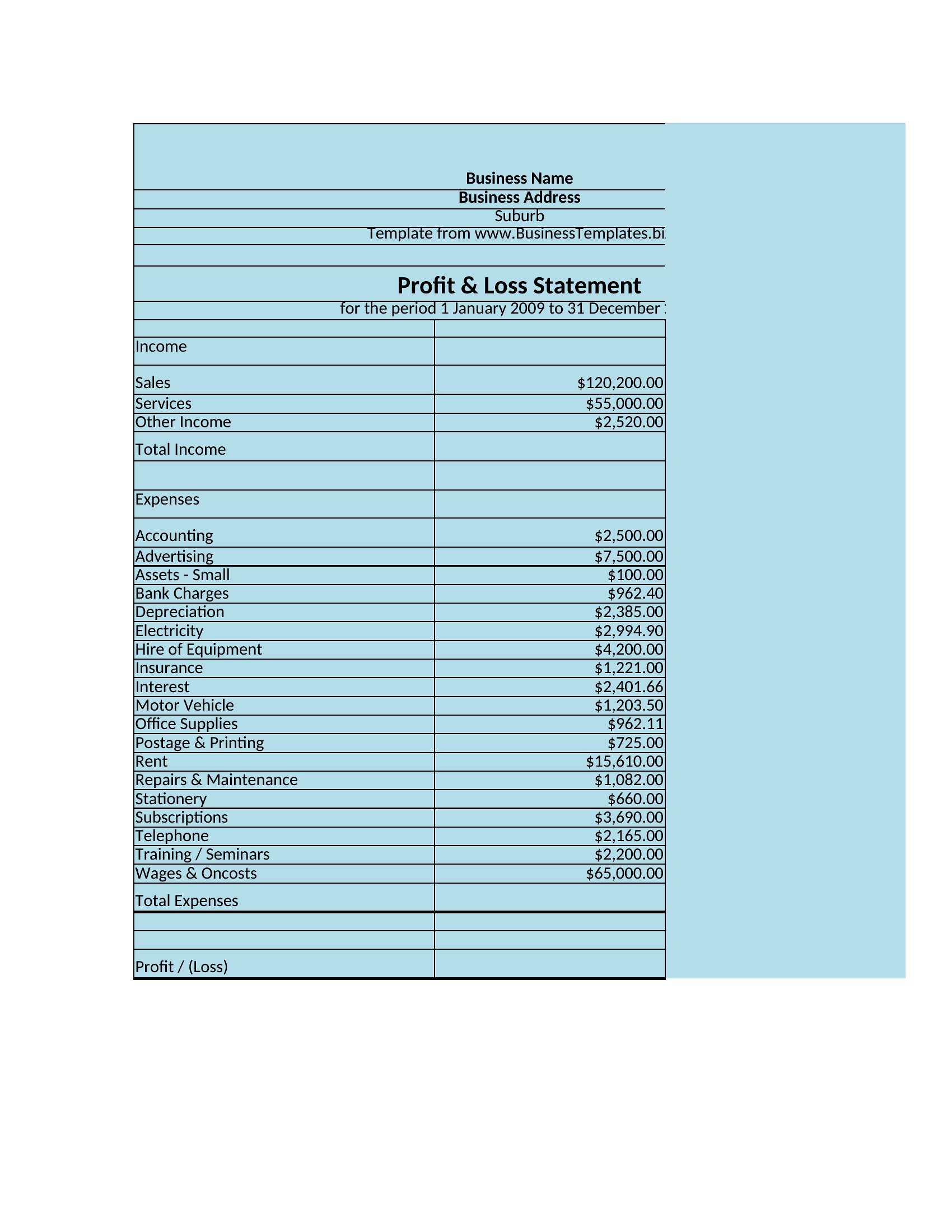
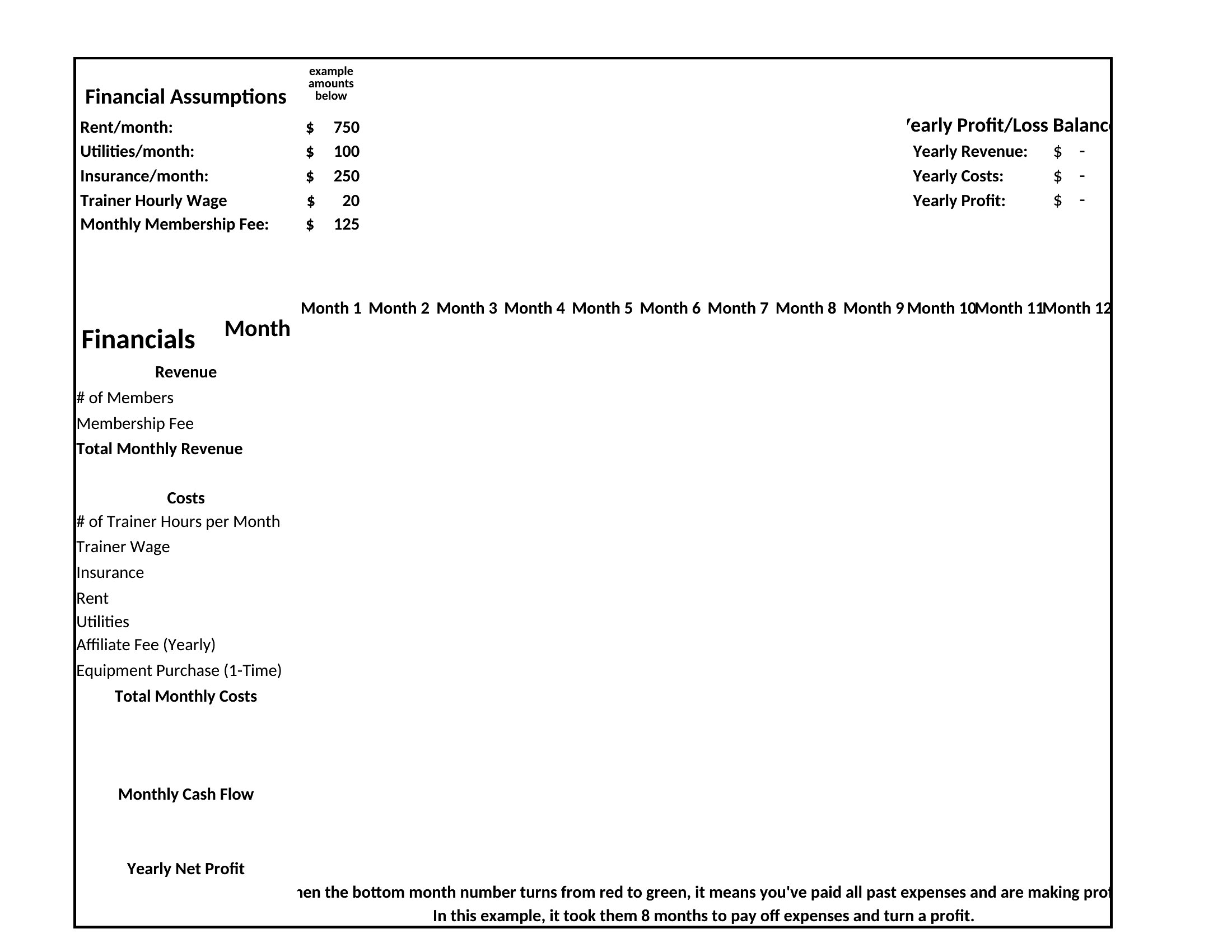
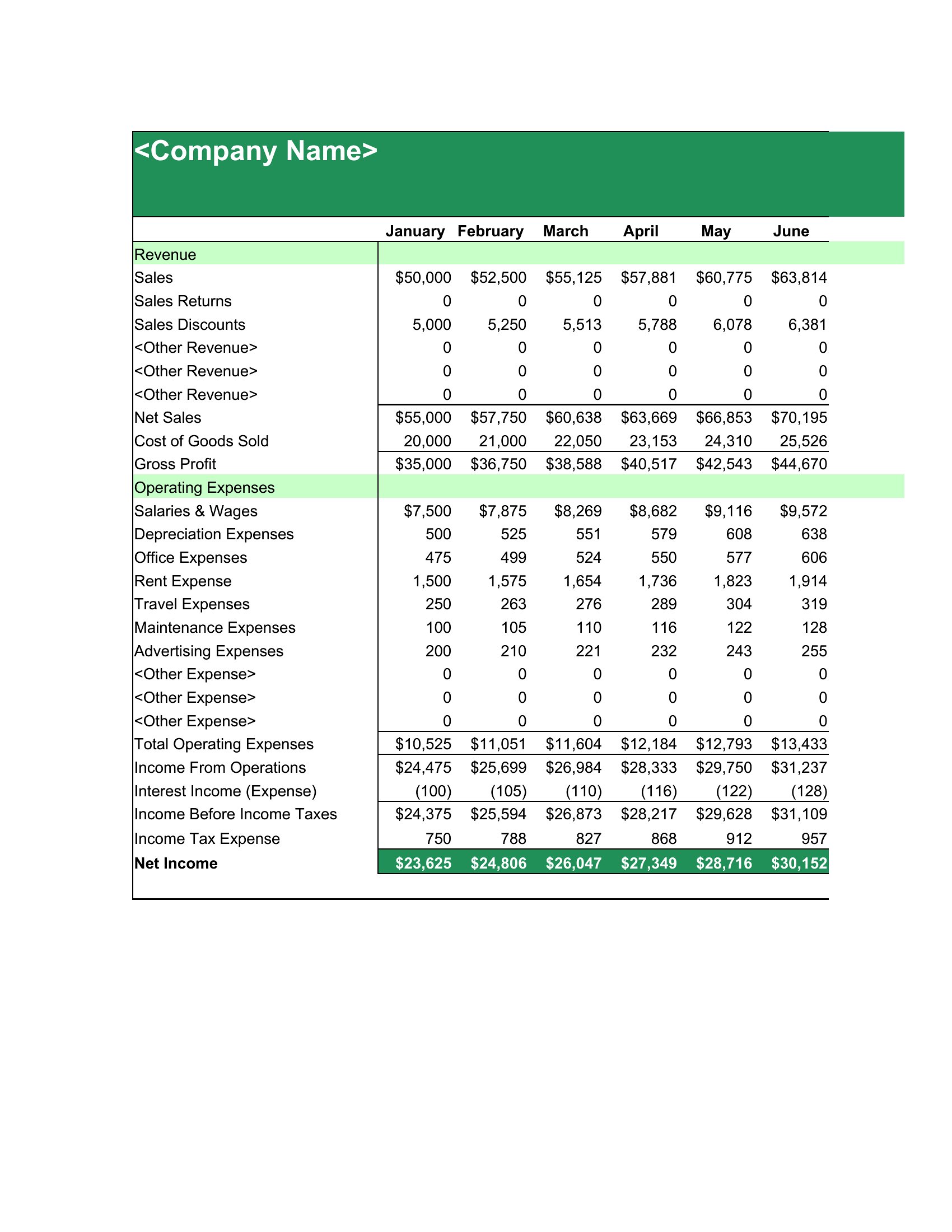
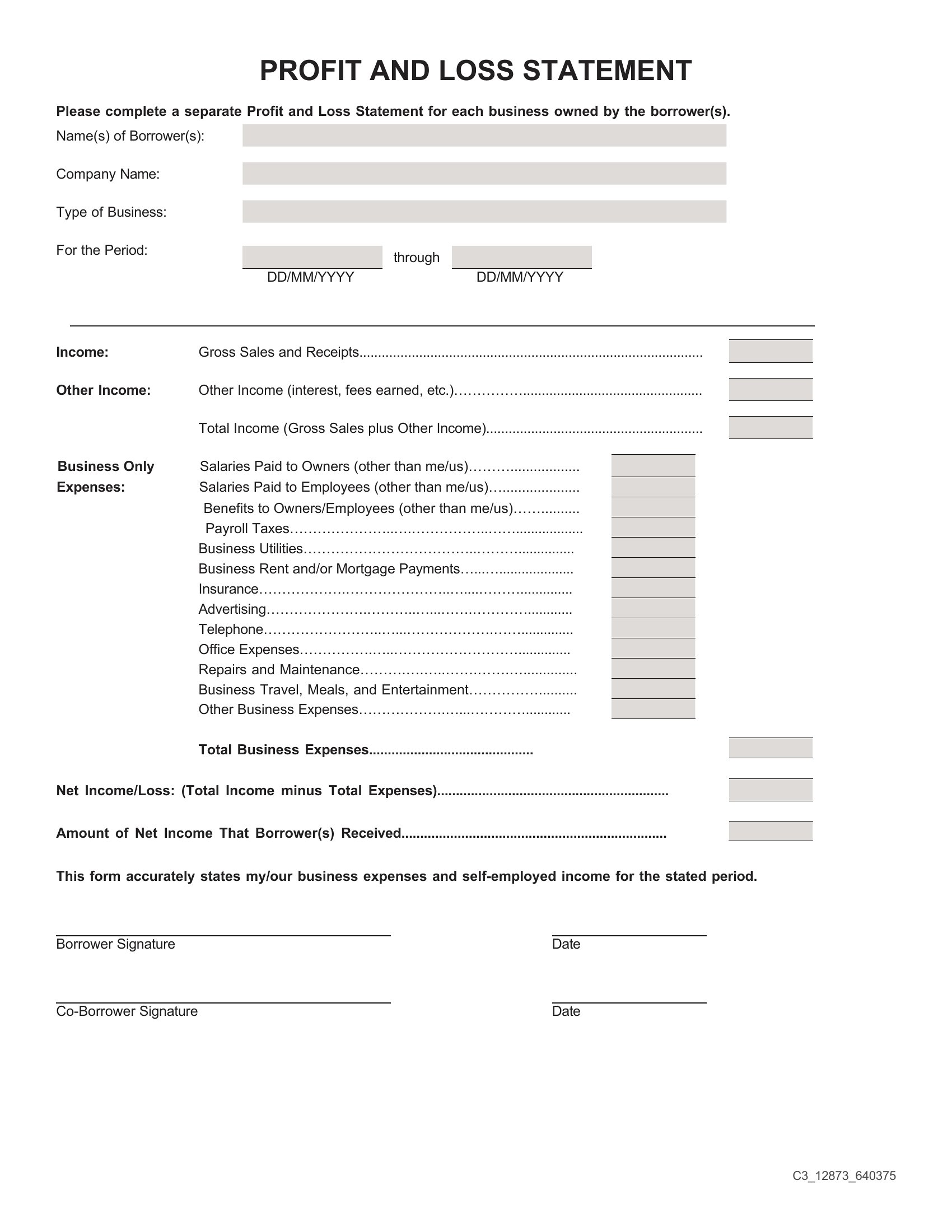
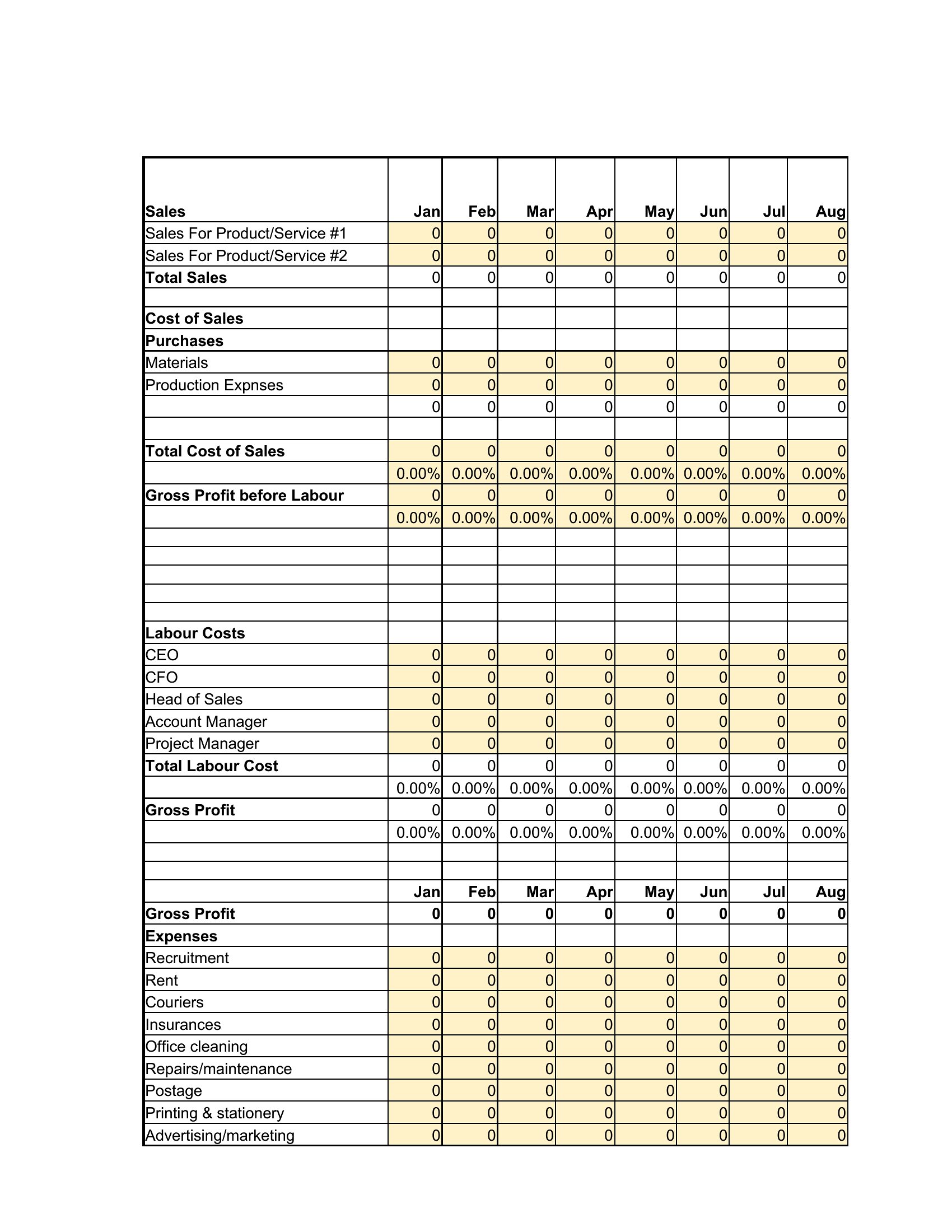
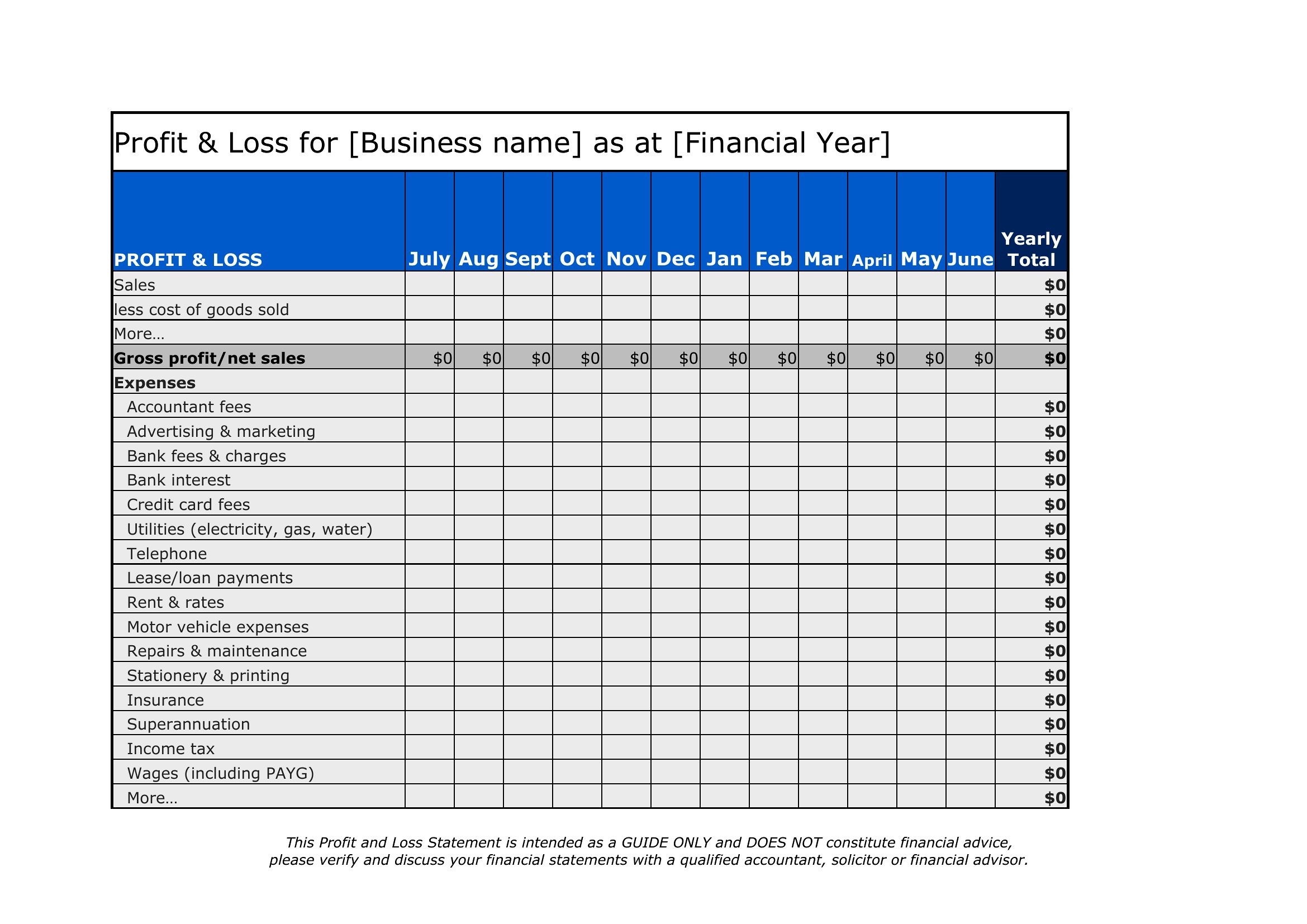
The Excel versions add up revenue and expenses automatically and calculate net profit as you type, while the Word layouts work for a polished printed report. Enter your figures, group expenses into categories, and compare periods to spot trends. Keep the numbers accurate for tax and lending purposes. Download the version that fits your books and see where the business really stands.
When to use this Profit and Loss Statement template
- A freelance graphic designer tracking quarterly income against software subscriptions, marketing costs, and equipment depreciation to assess profitability before tax season.
- A small retail shop owner comparing monthly sales revenue against inventory costs, rent, and payroll to determine whether to expand product lines or adjust pricing.
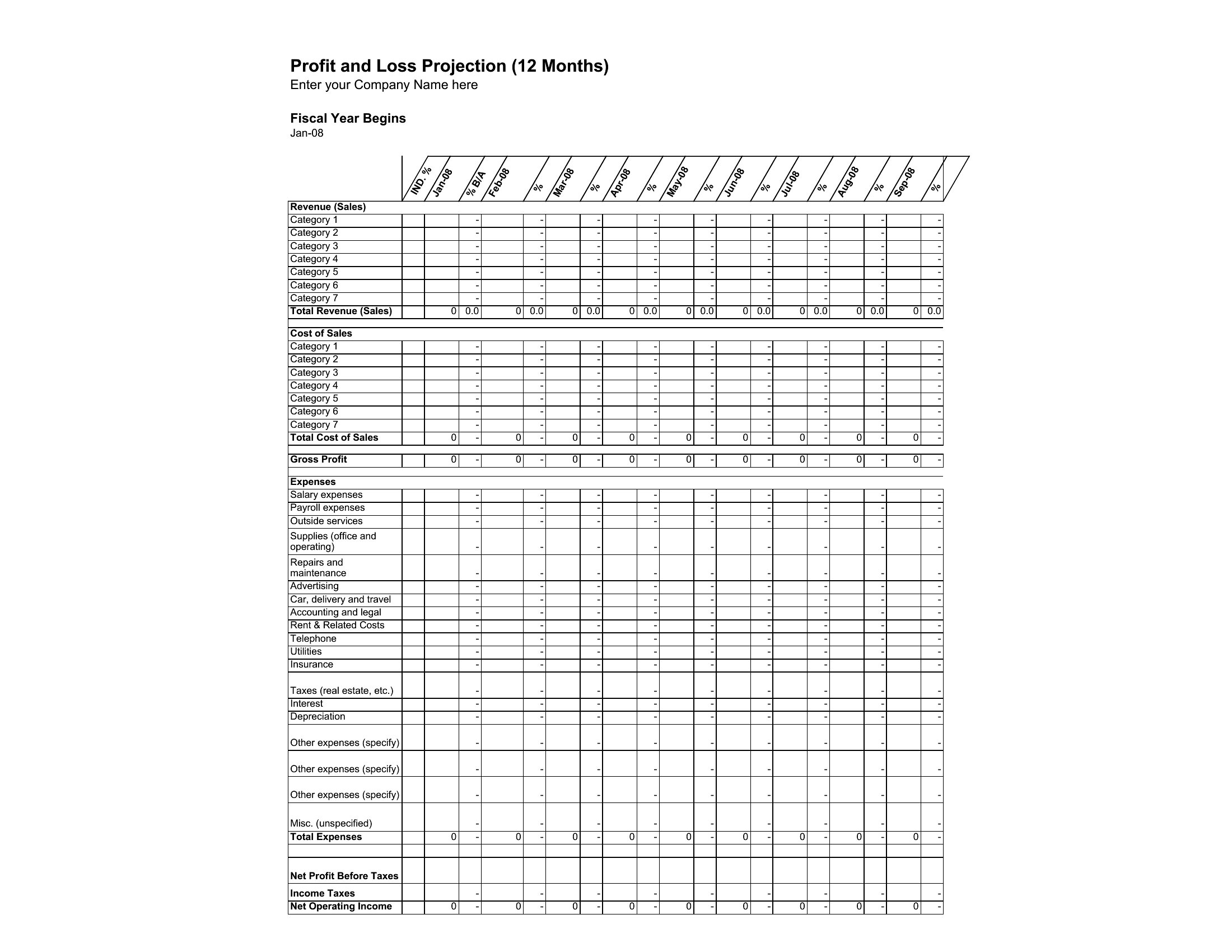
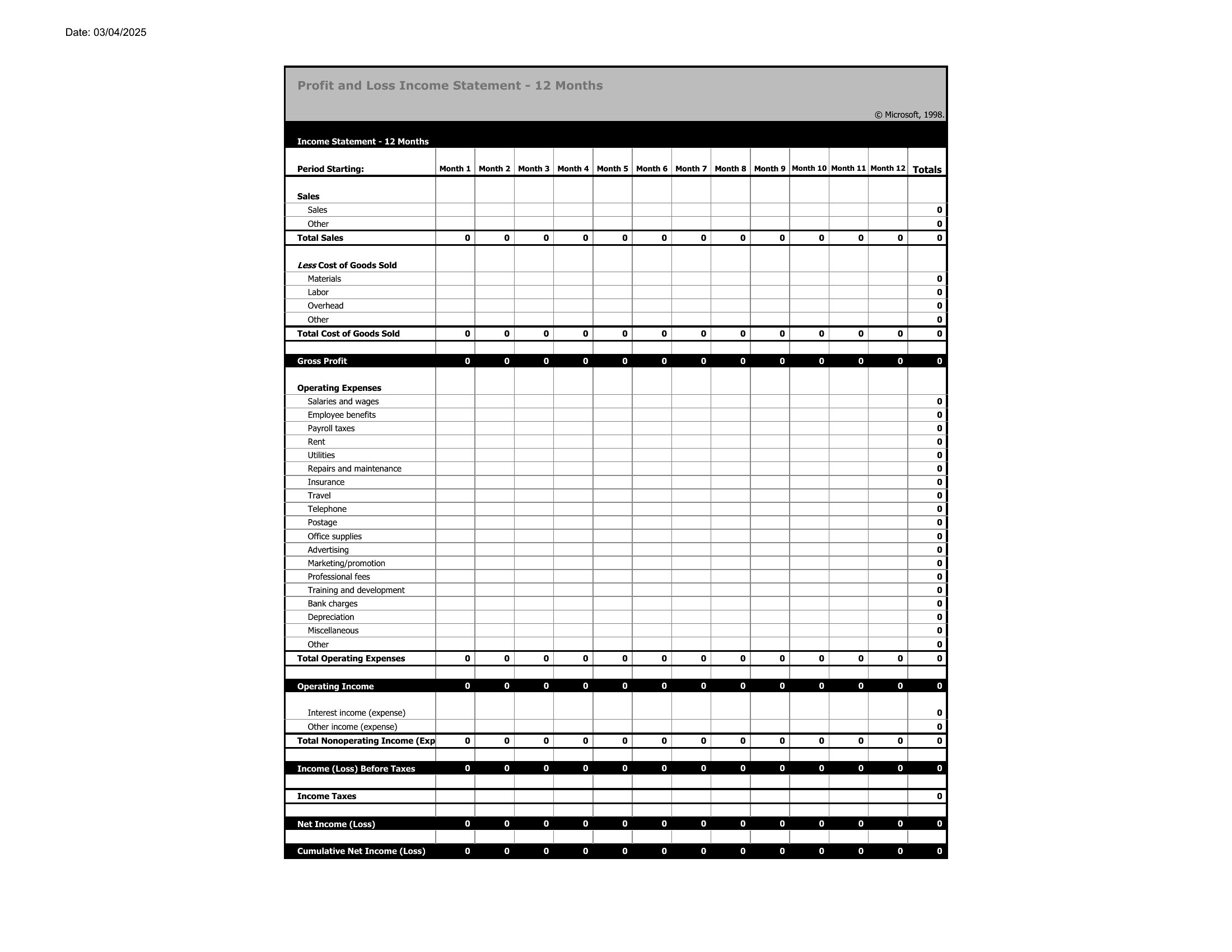
- A startup co-founder preparing a 12-month P&L projection for investors, breaking down revenue streams and operational expenses by category to prove sustainability.
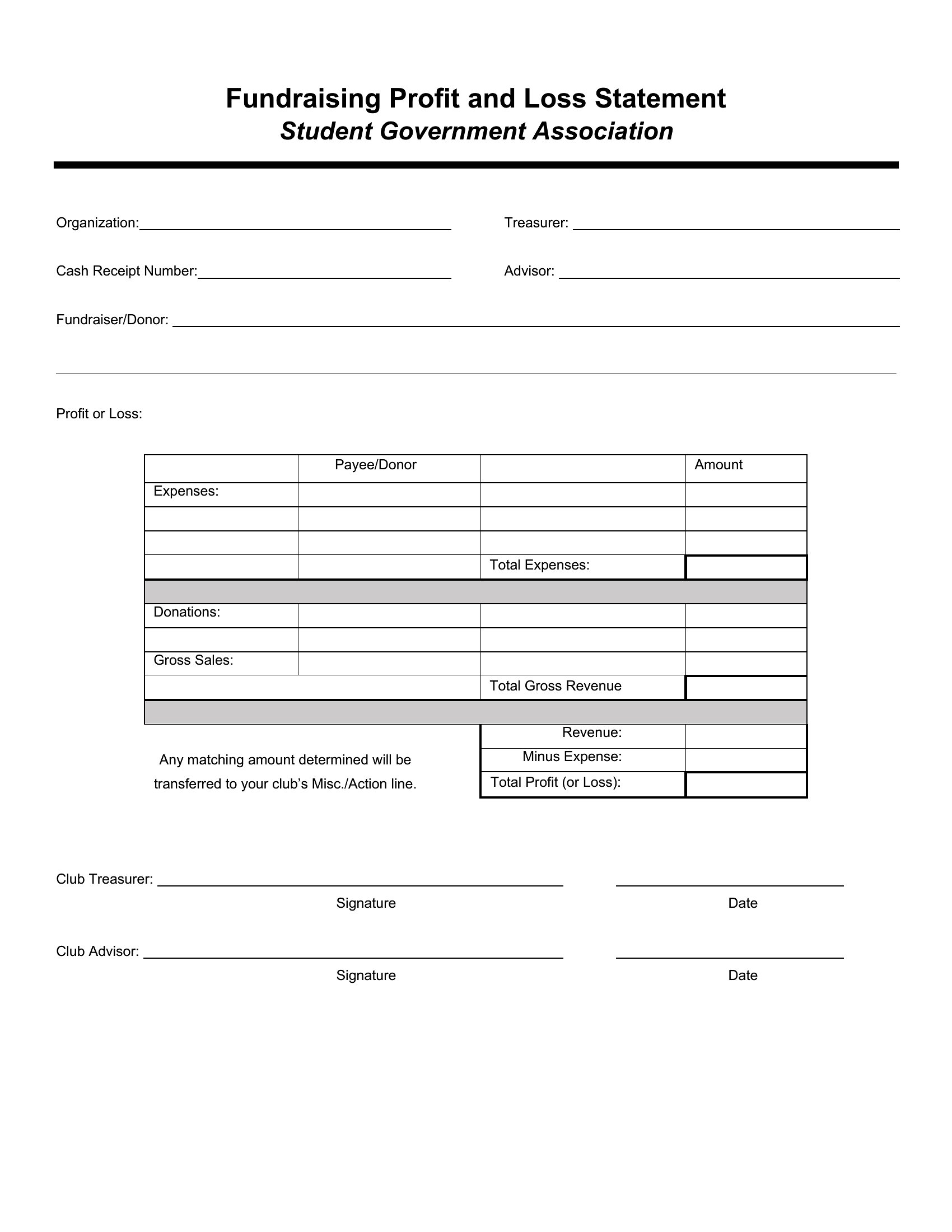
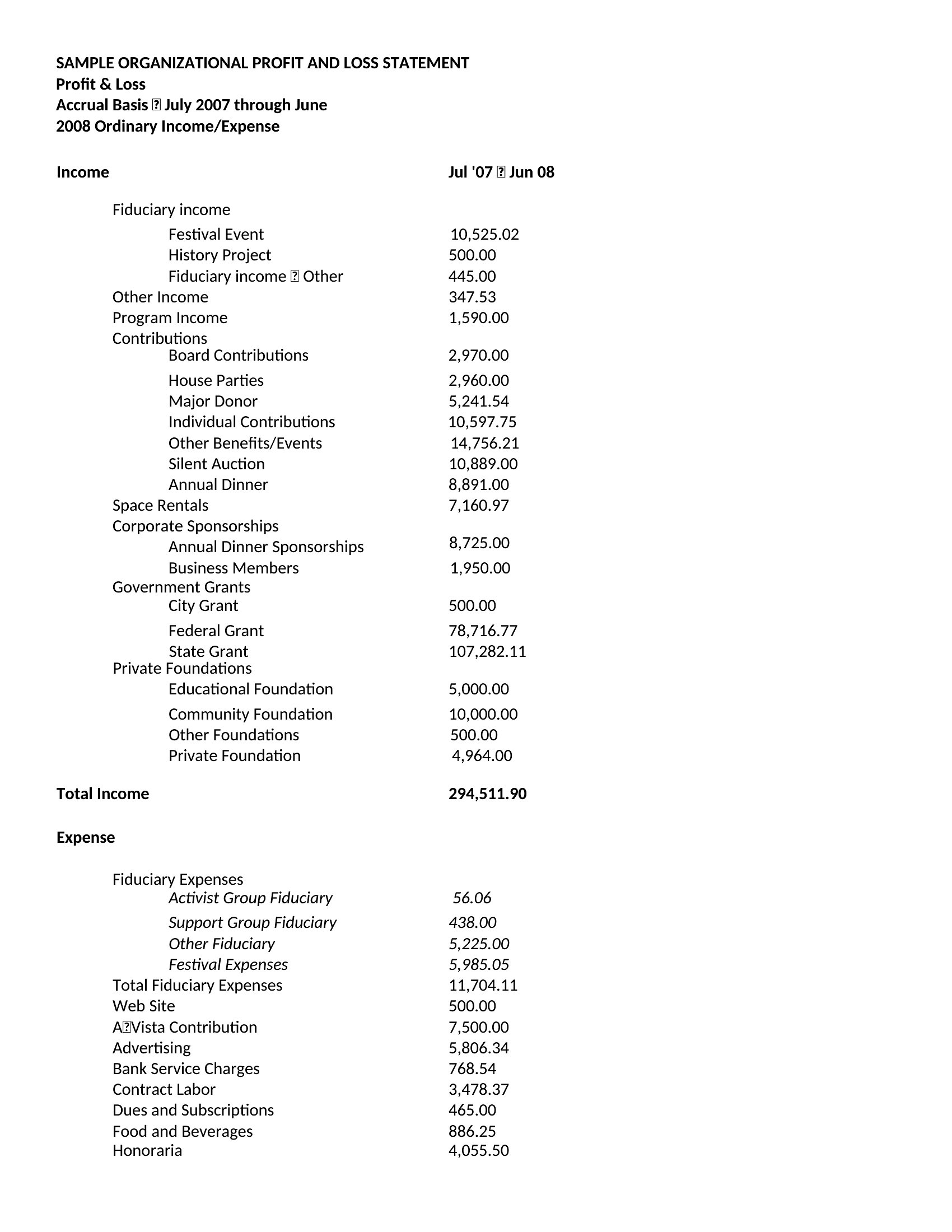
- A bookkeeper preparing a year-end P&L for a non-profit to demonstrate financial accountability to donors and board members for grant applications.
Which format should I download?
Choose Word if you need a polished, narrative-driven report to share with stakeholders who prefer visual clarity and minimal calculations—like board members or lenders. The layout emphasizes trends and explanations over raw numbers. Opt for Excel when you require dynamic calculations, such as auto-sums for revenue vs. expenses, or need to adjust assumptions quickly—ideal for internal forecasting or audits. Excel’s flexibility is best for detailed, iterative financial analysis, while Word excels for presentations and compliance documentation.
How to use this Profit and Loss Statement template
How do I adjust these templates if my business has irregular revenue streams, like seasonal sales or project-based income?
Most templates include customizable categories for income and expenses. In Excel, use drop-down menus or pivot tables to group irregular income (e.g., ‘Seasonal Sales’) separately. For Word, manually label rows or add footnotes to explain fluctuations. Consult an accountant to ensure categories align with your tax obligations, as irregular income may require specific tracking for deductions.
Can I use these templates to reconcile discrepancies between my bank statements and reported expenses?
Yes, these templates help identify gaps by listing all recorded expenses alongside revenue. In Excel, cross-reference entries with bank statements by adding a ‘Source’ column to track deposits or payments. For Word, include a separate ‘Discrepancies’ section to note unresolved items. However, for accurate reconciliation, pair the template with accounting software or a spreadsheet audit trail.
What’s the best way to present a P&L statement to a lender who asks for a ‘bottom-line’ focus?
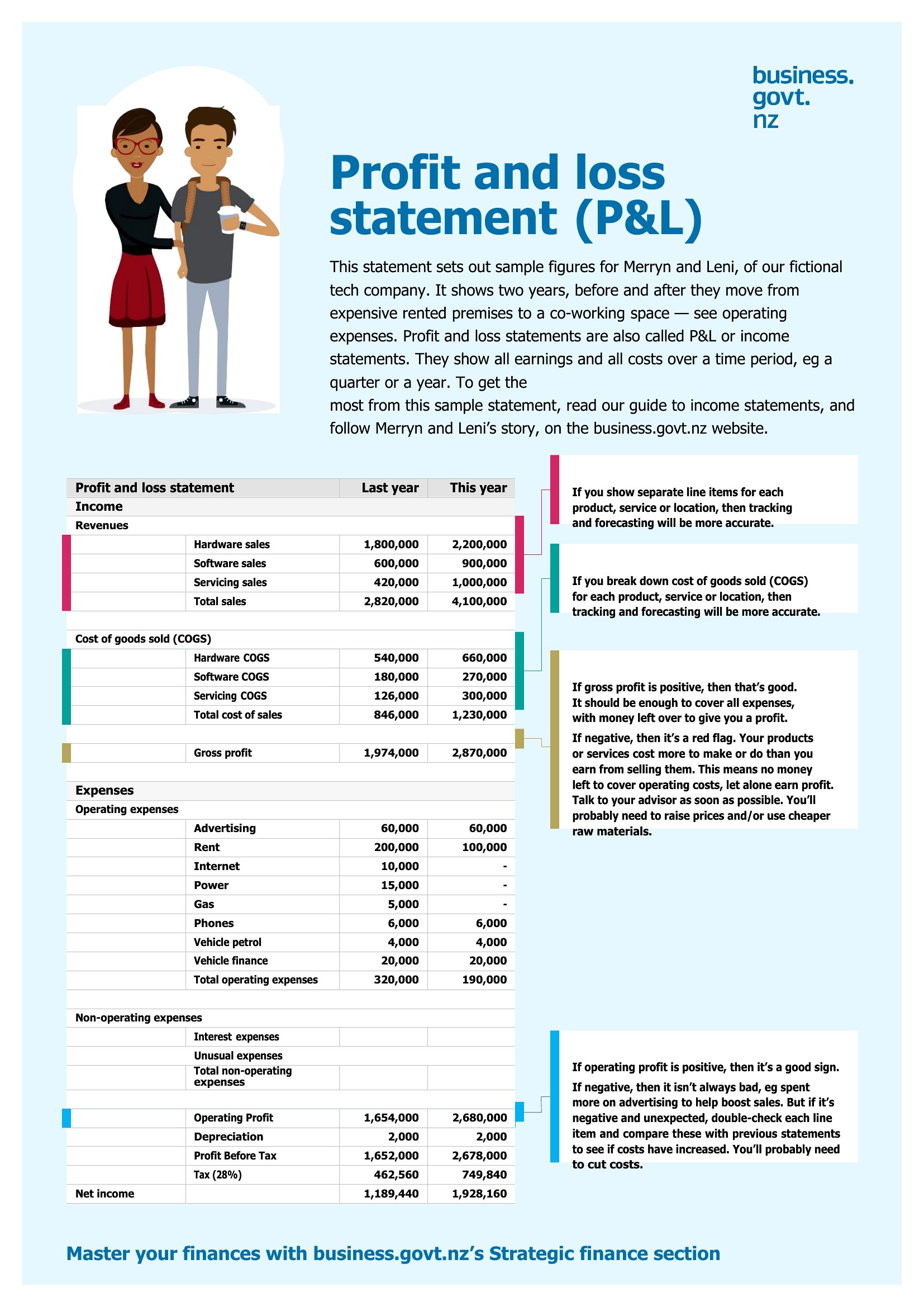
In Word, highlight the ‘Net Profit’ row with bold text or a shaded box, then add a brief summary paragraph explaining key trends (e.g., ‘Gross profit increased 15% YoY, but operating expenses rose due to hiring’). In Excel, use conditional formatting to turn the net profit cell red (loss) or green (profit) for immediate visual impact. Avoid overloading the page—stick to 1–2 years of data unless the lender specifies otherwise.
Comments
Join the conversation
Sign in to share your thoughts and leave a comment on this resource.