Skip to content
50% off this one-time $1.99 pack with HALFOFF — or unlimited with Pro.HALFOFF
Premium

Free Schedule of Values Templates (Word, Excel, PDF)
Applications
constancecrawford by constancecrawford
Updated 1 downloads 2 community comments

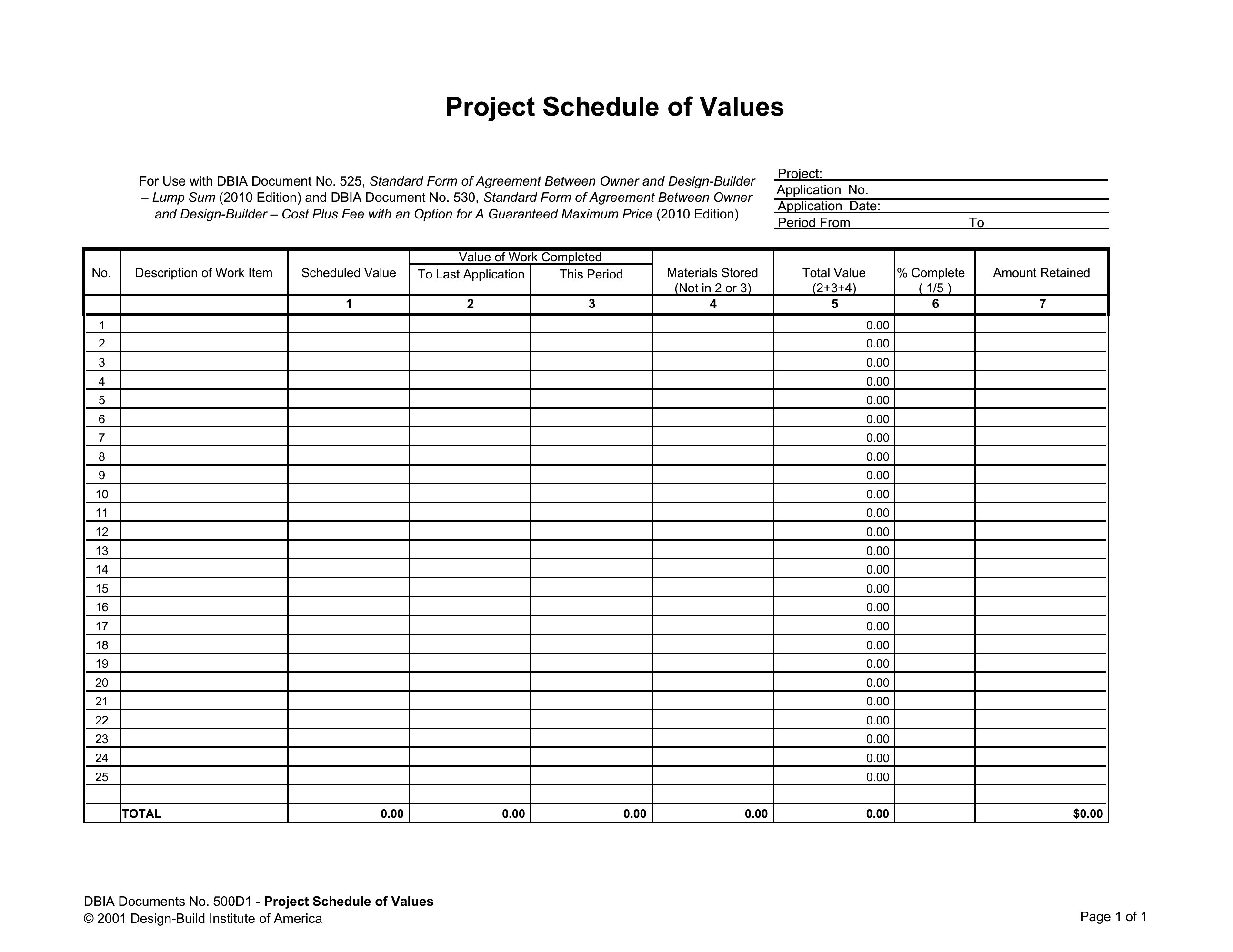
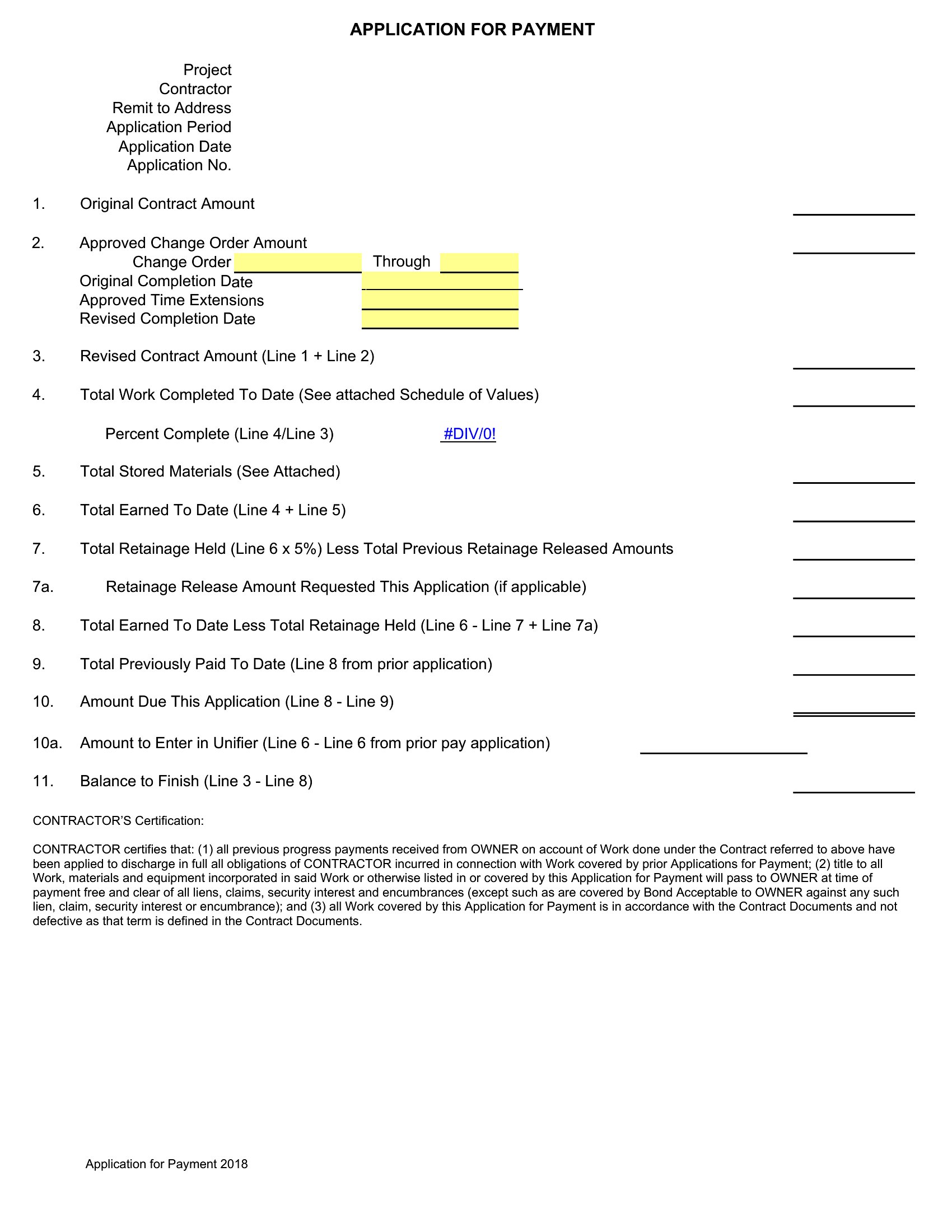
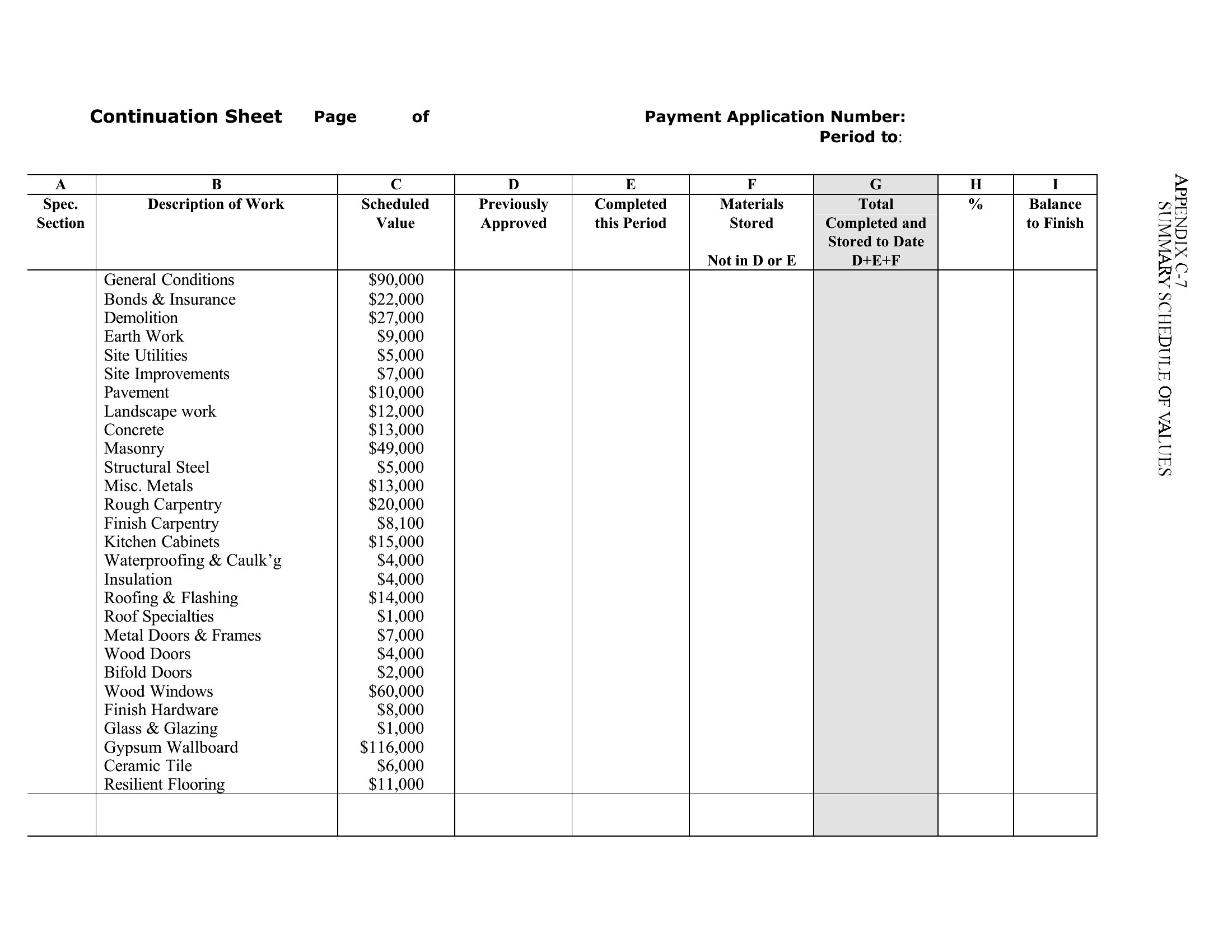
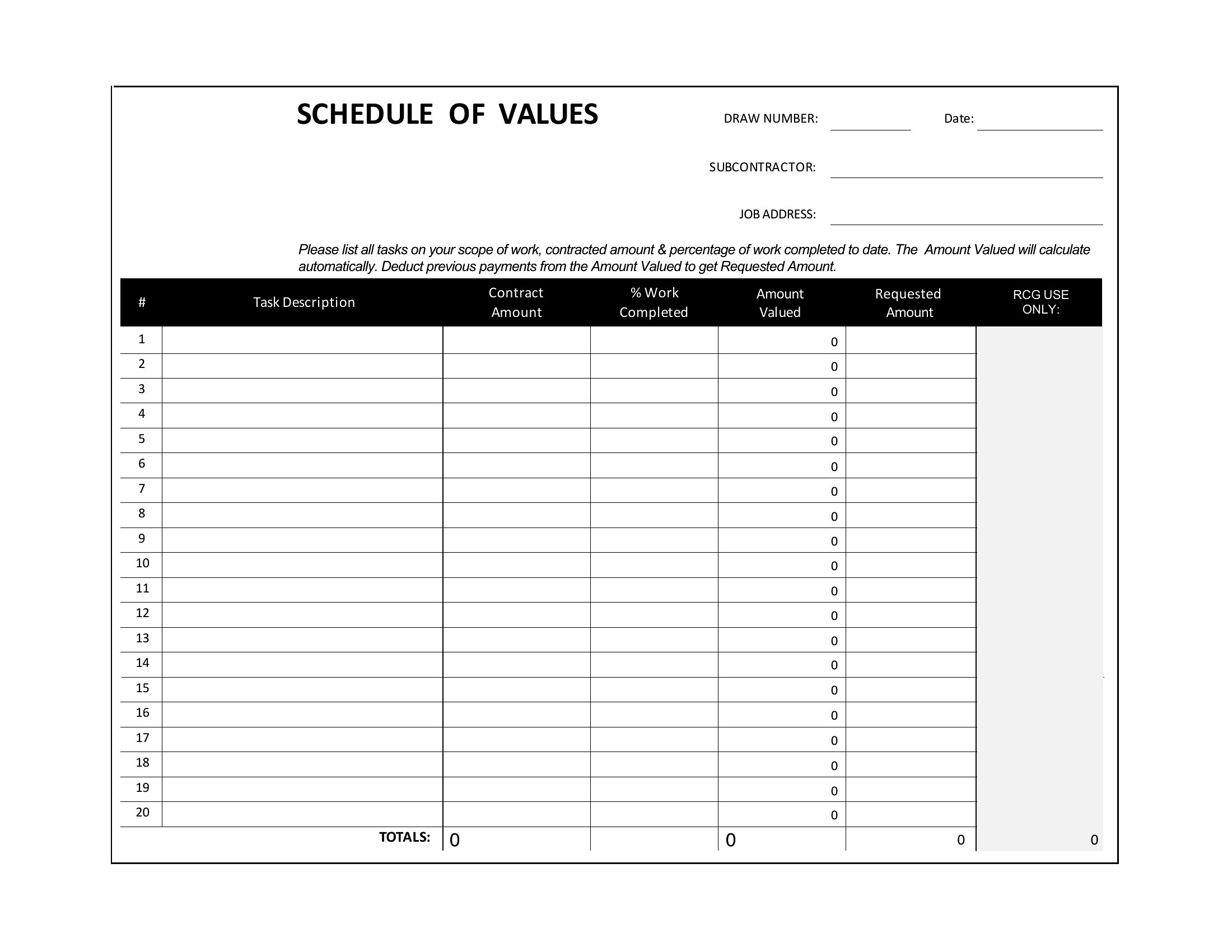
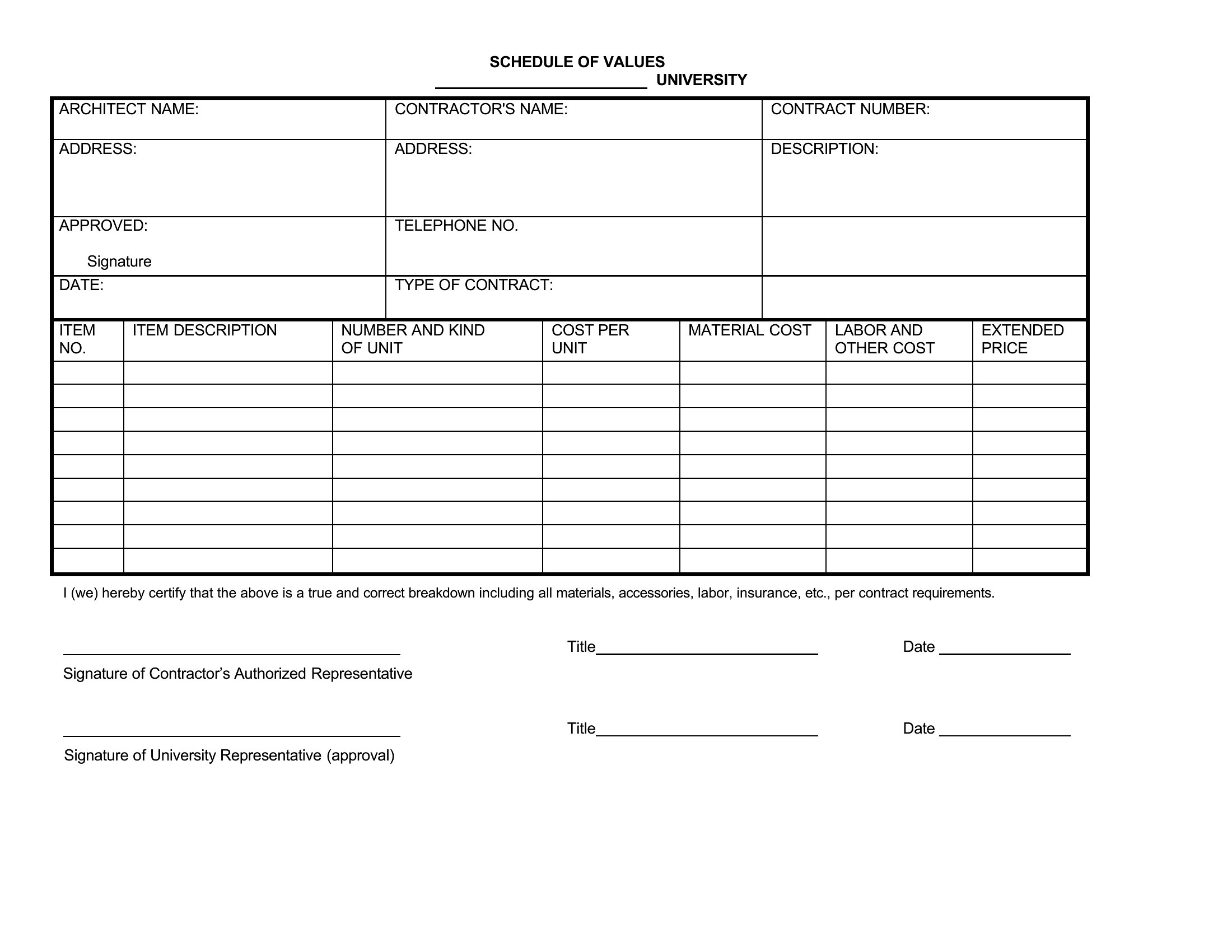
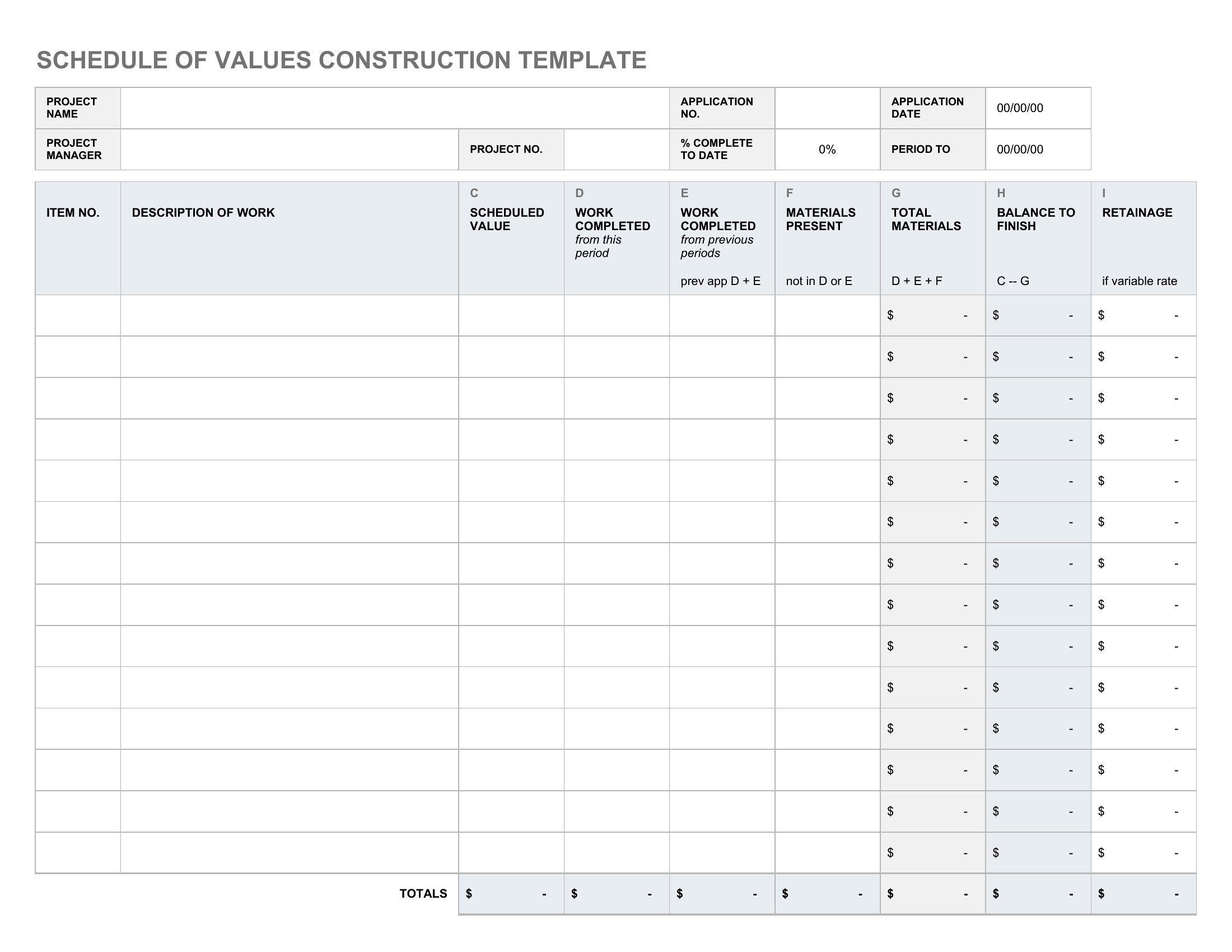
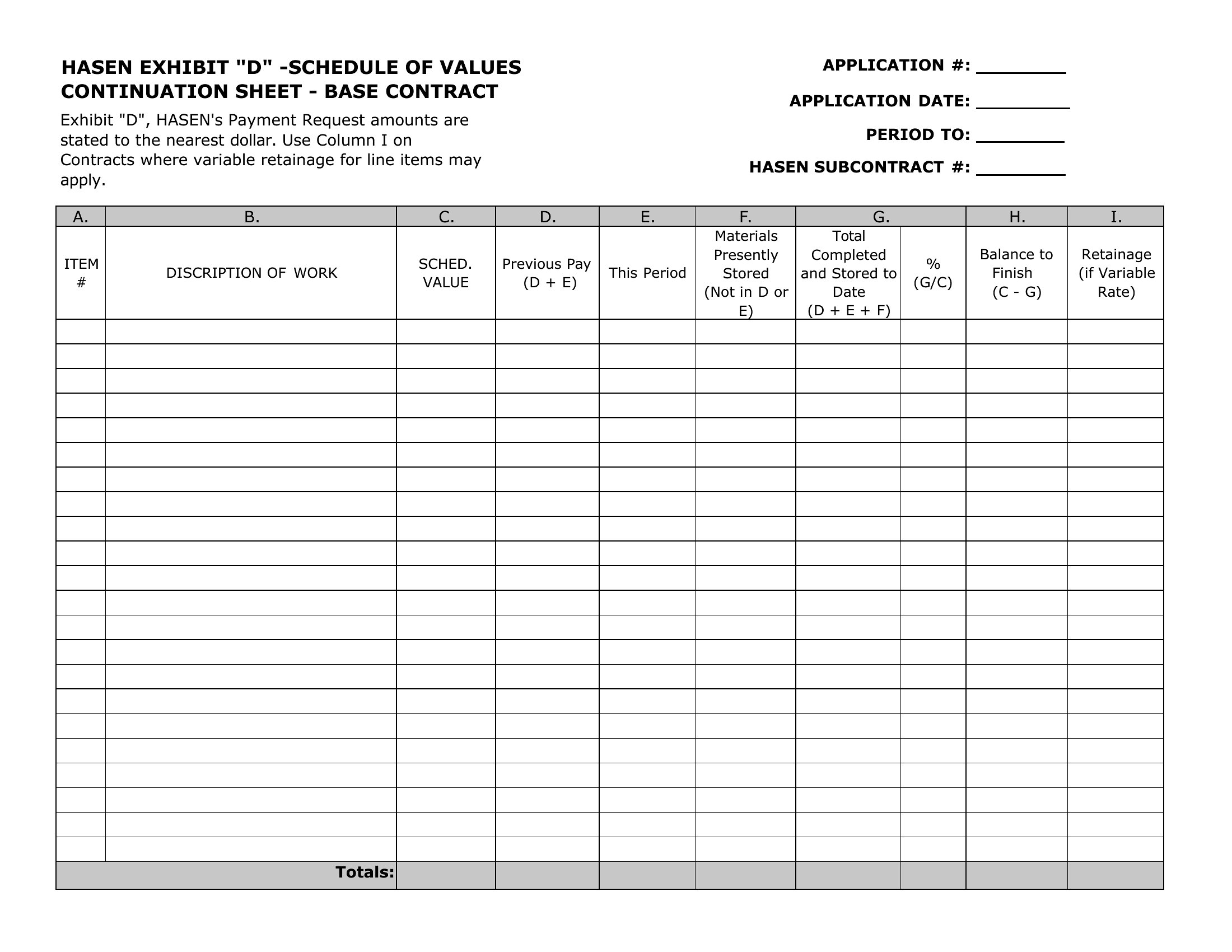
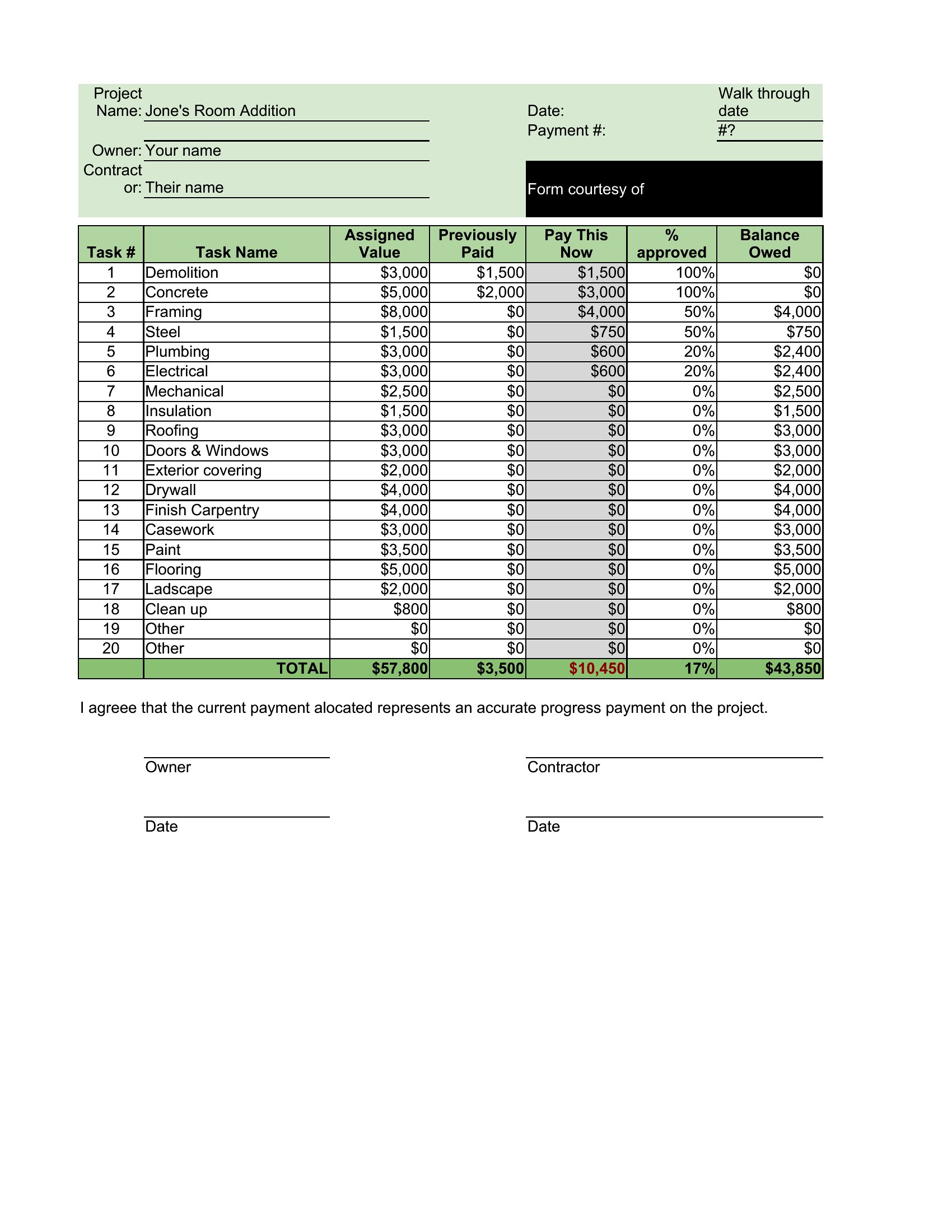
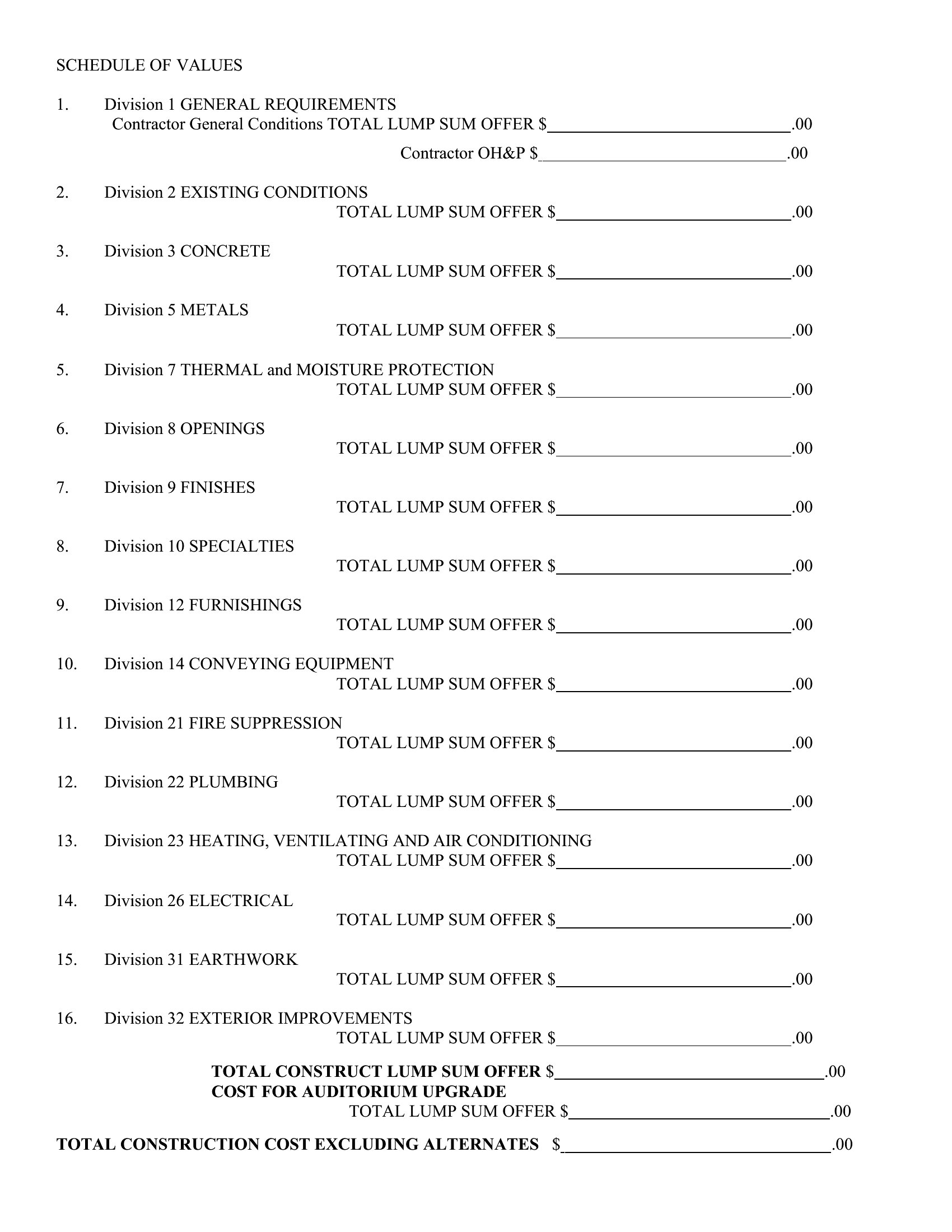
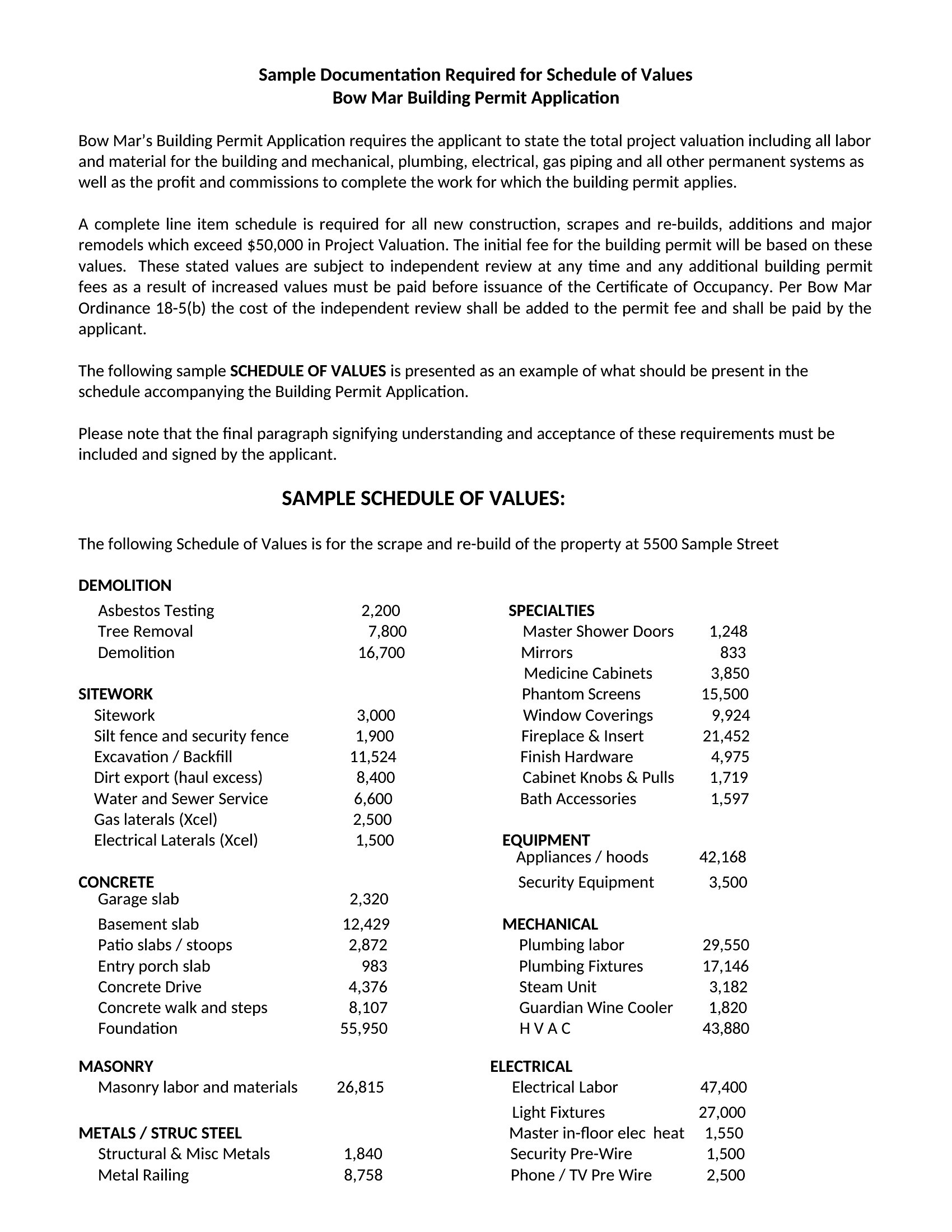
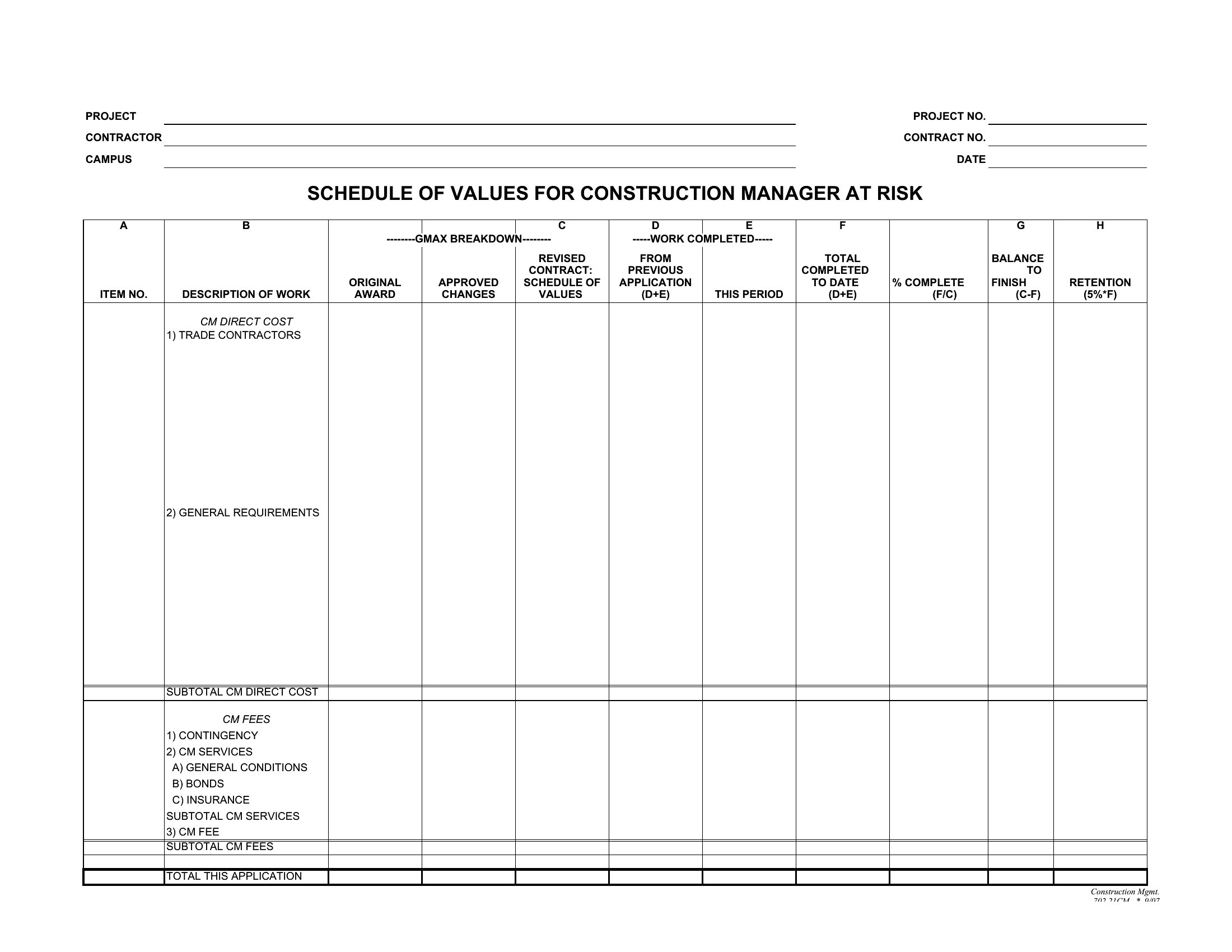
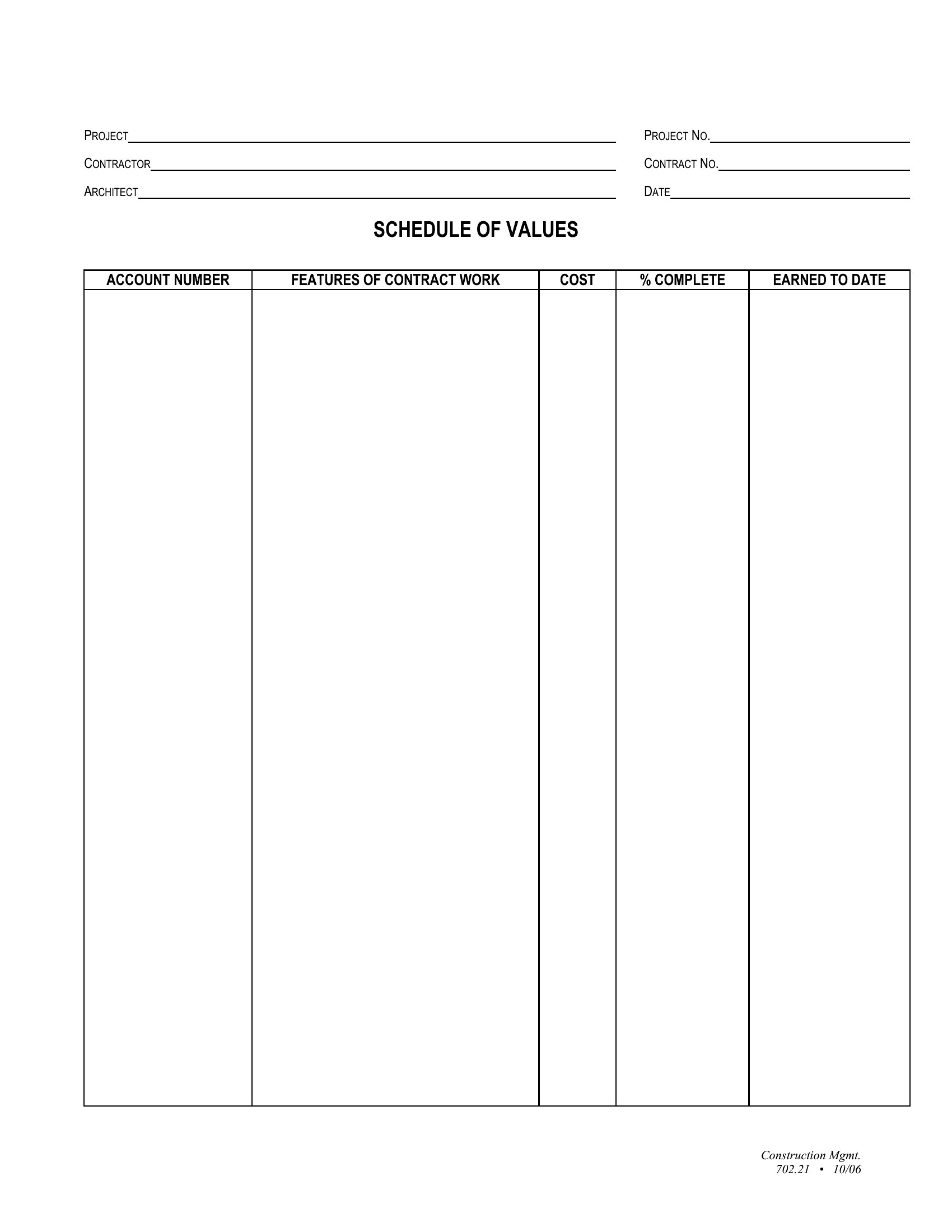
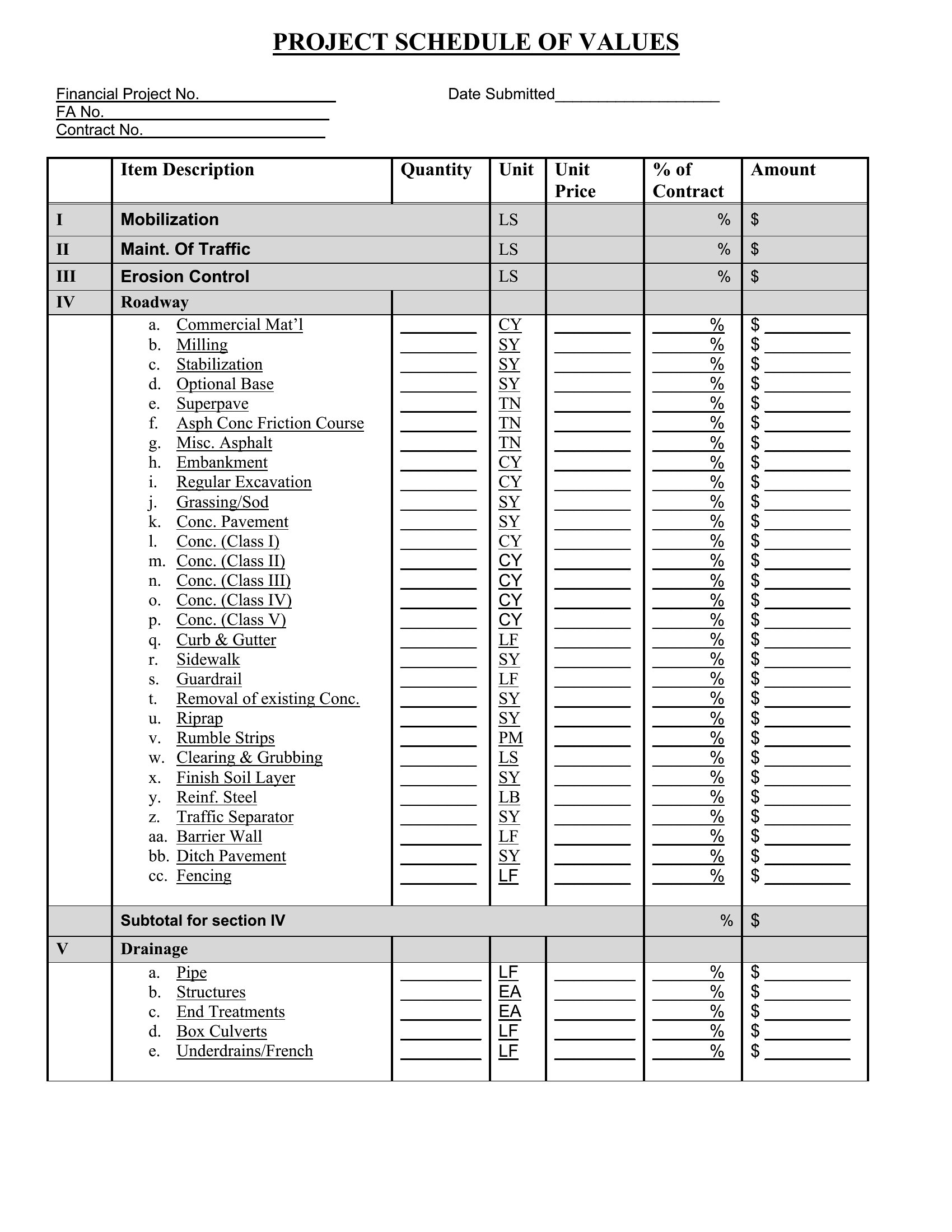
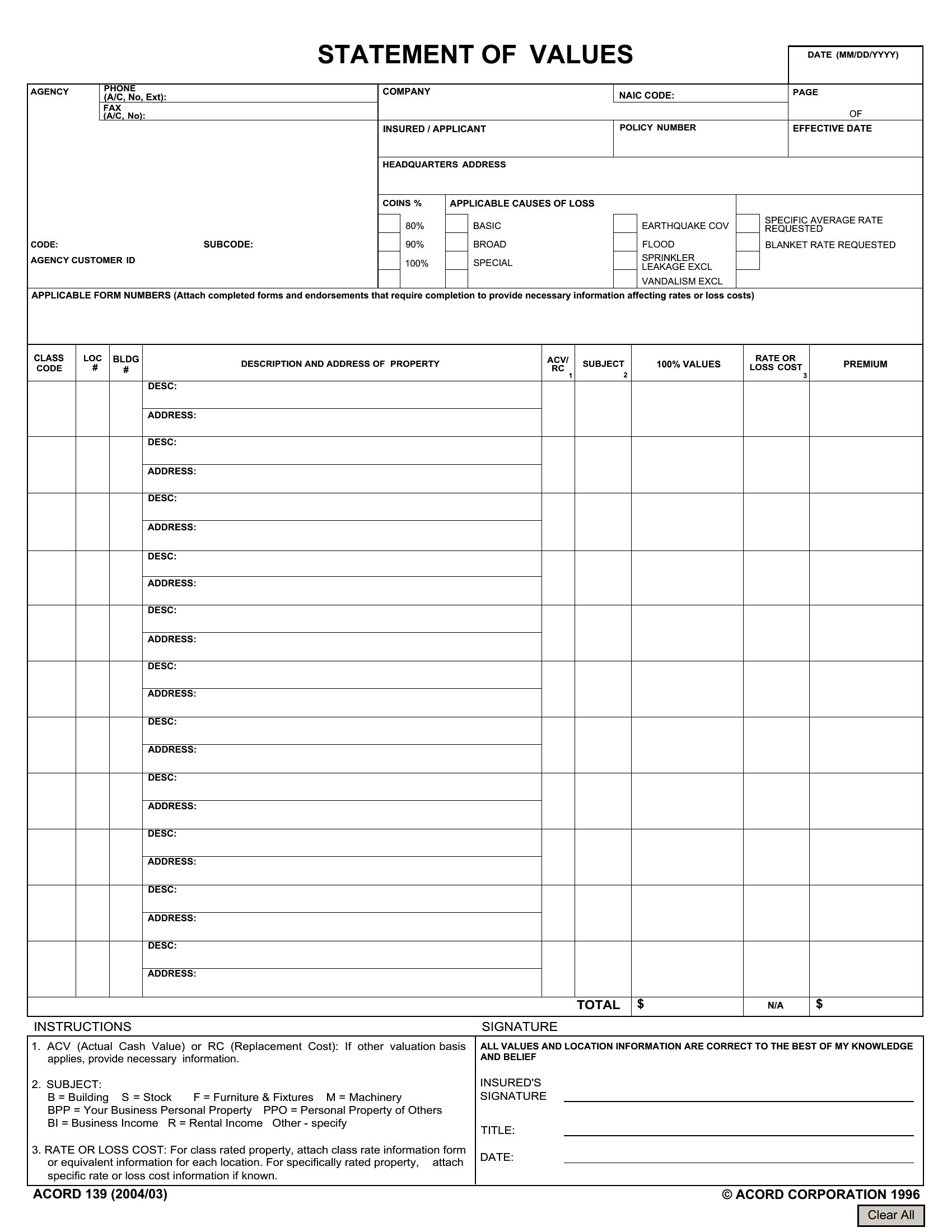
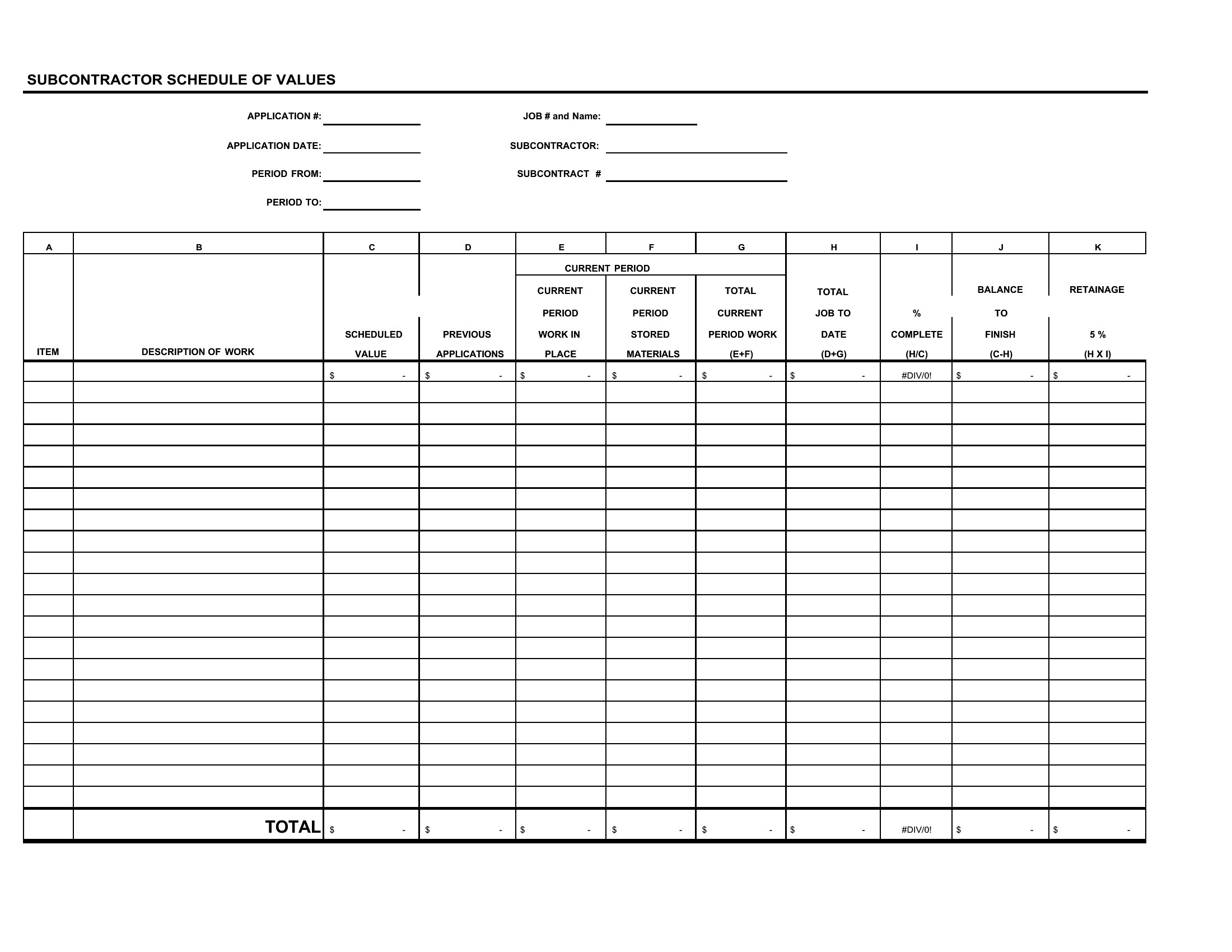
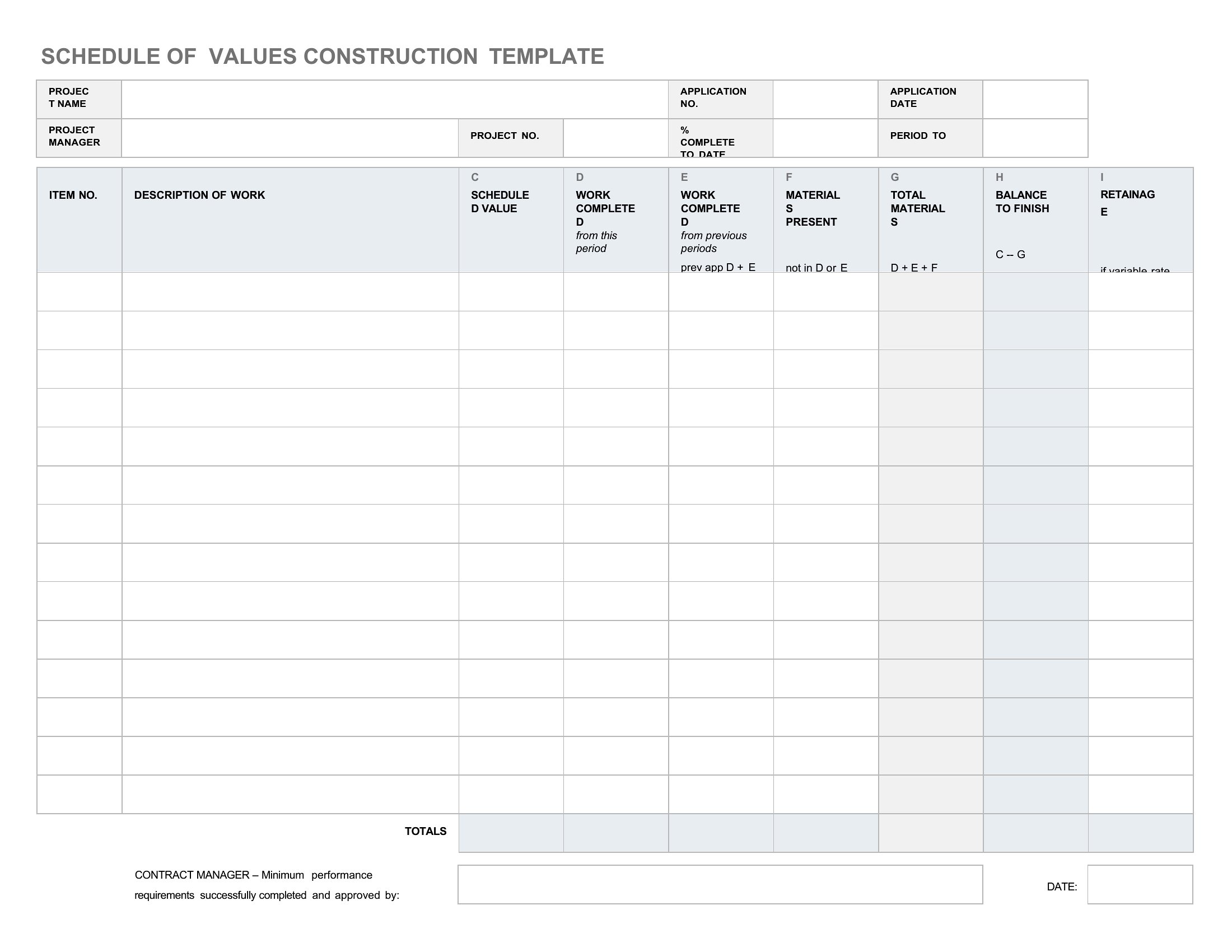
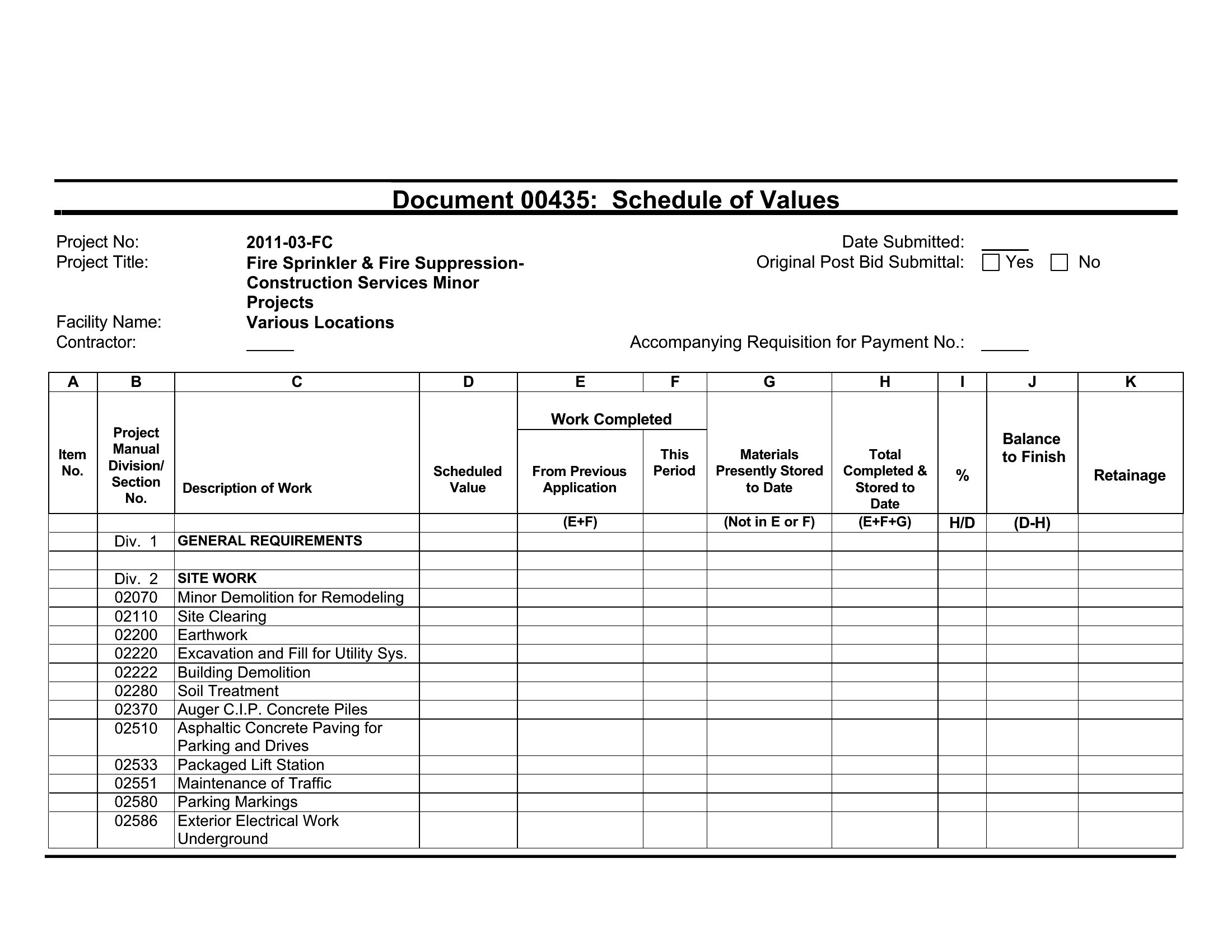
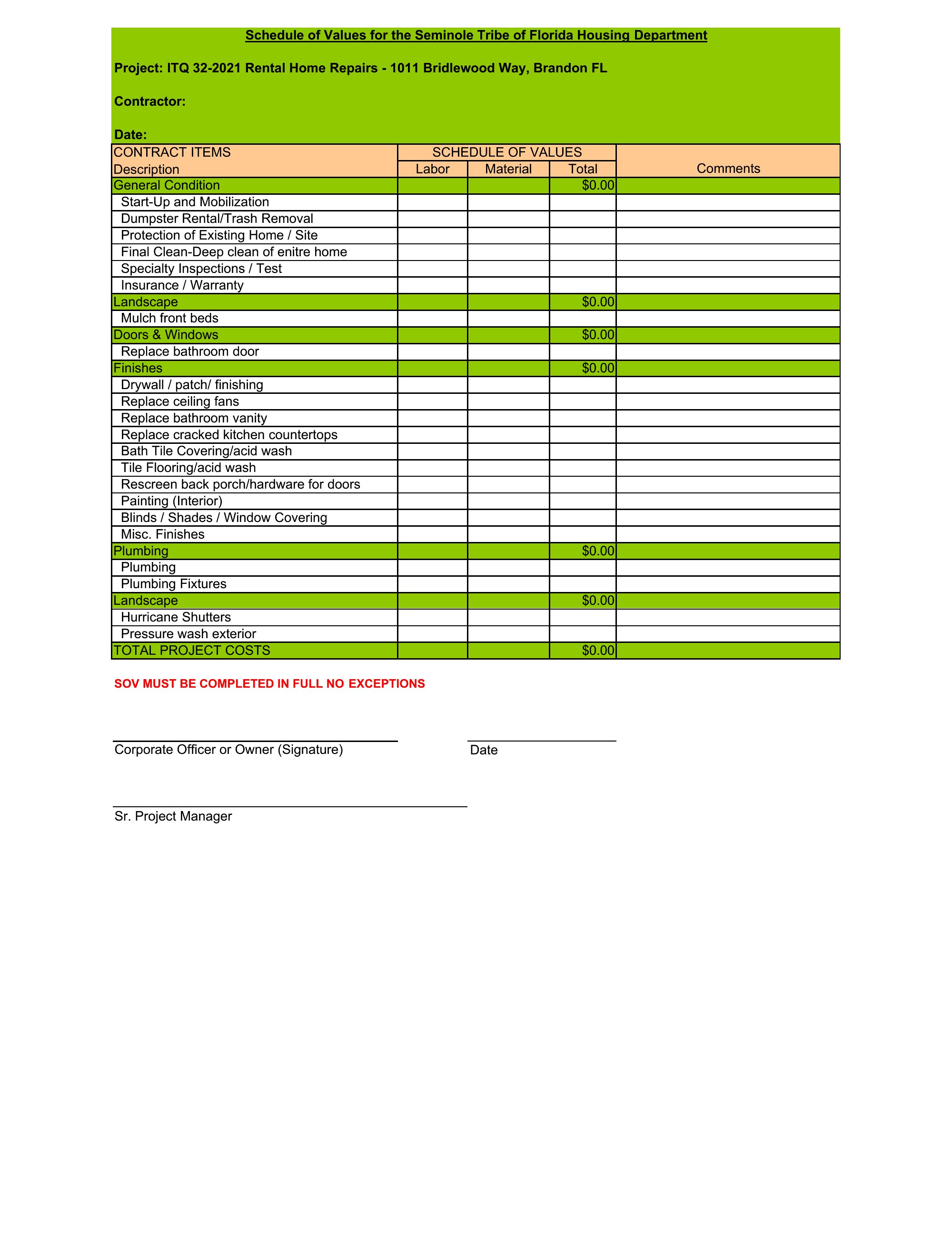
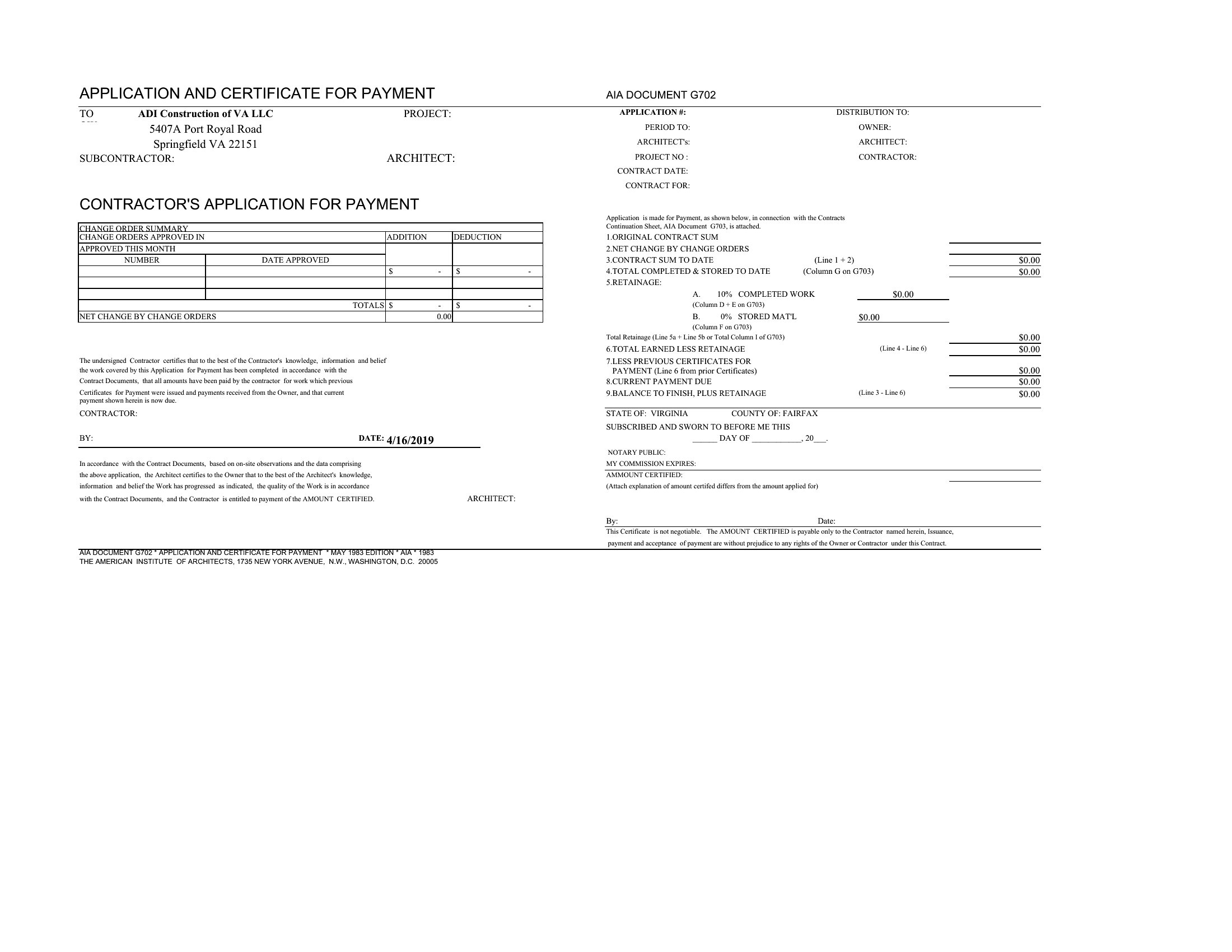
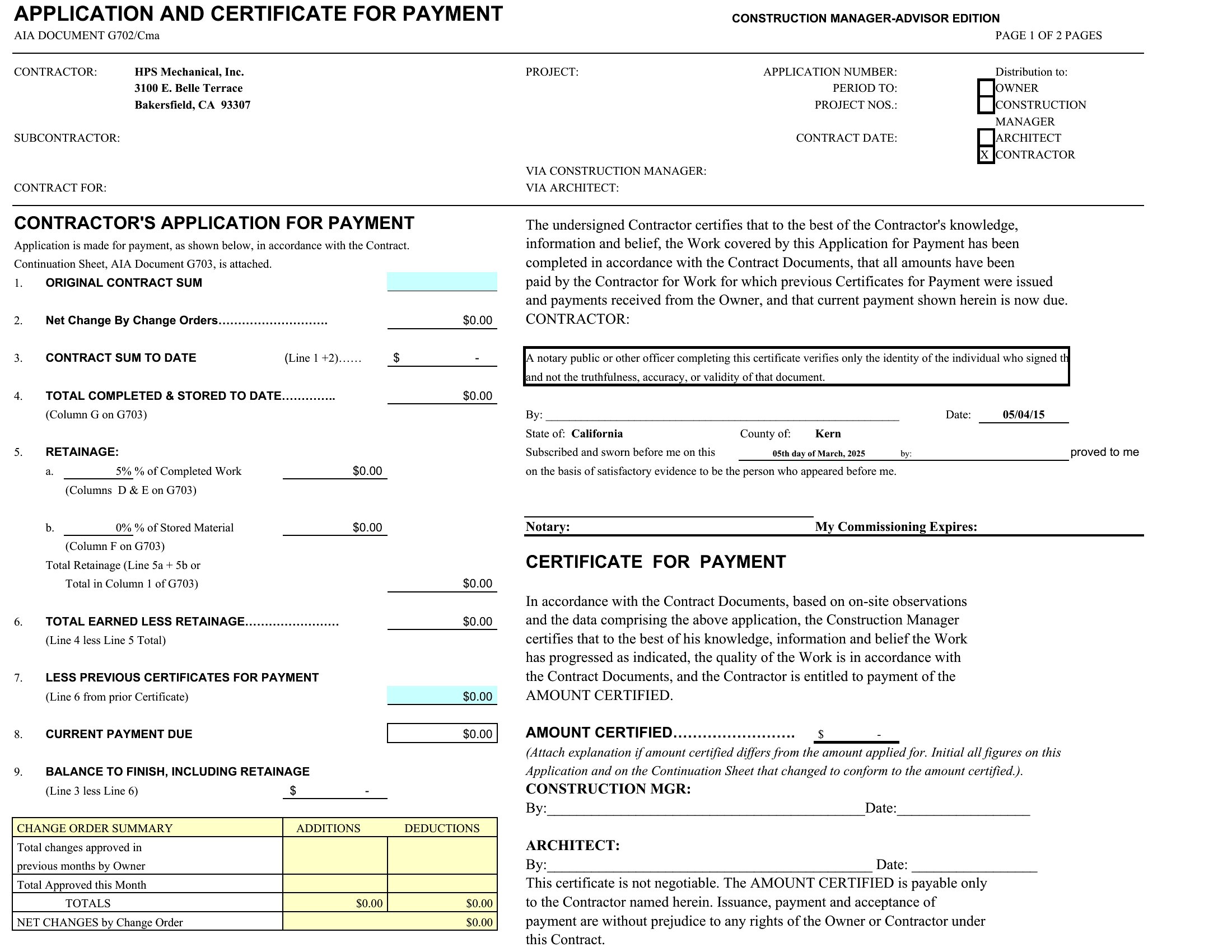
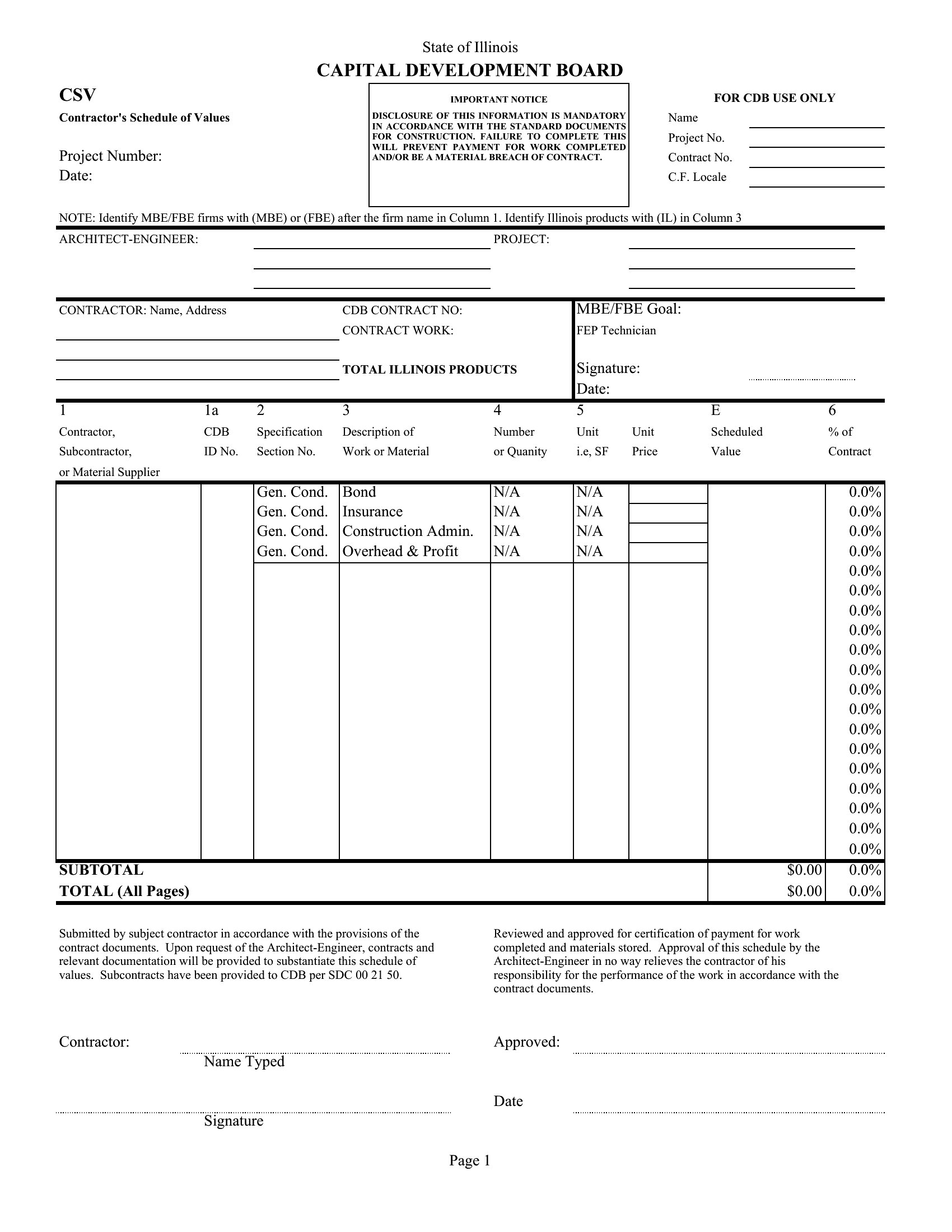
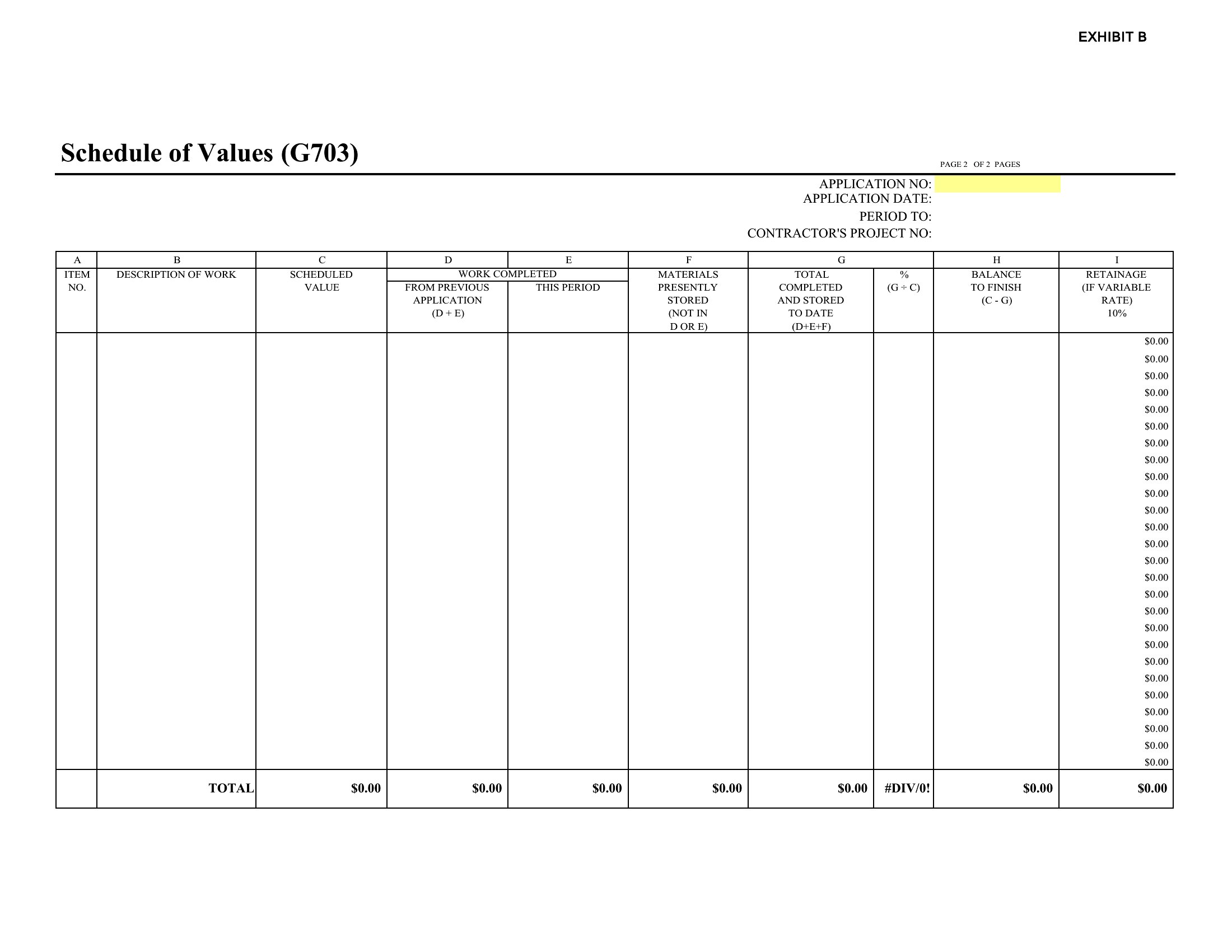
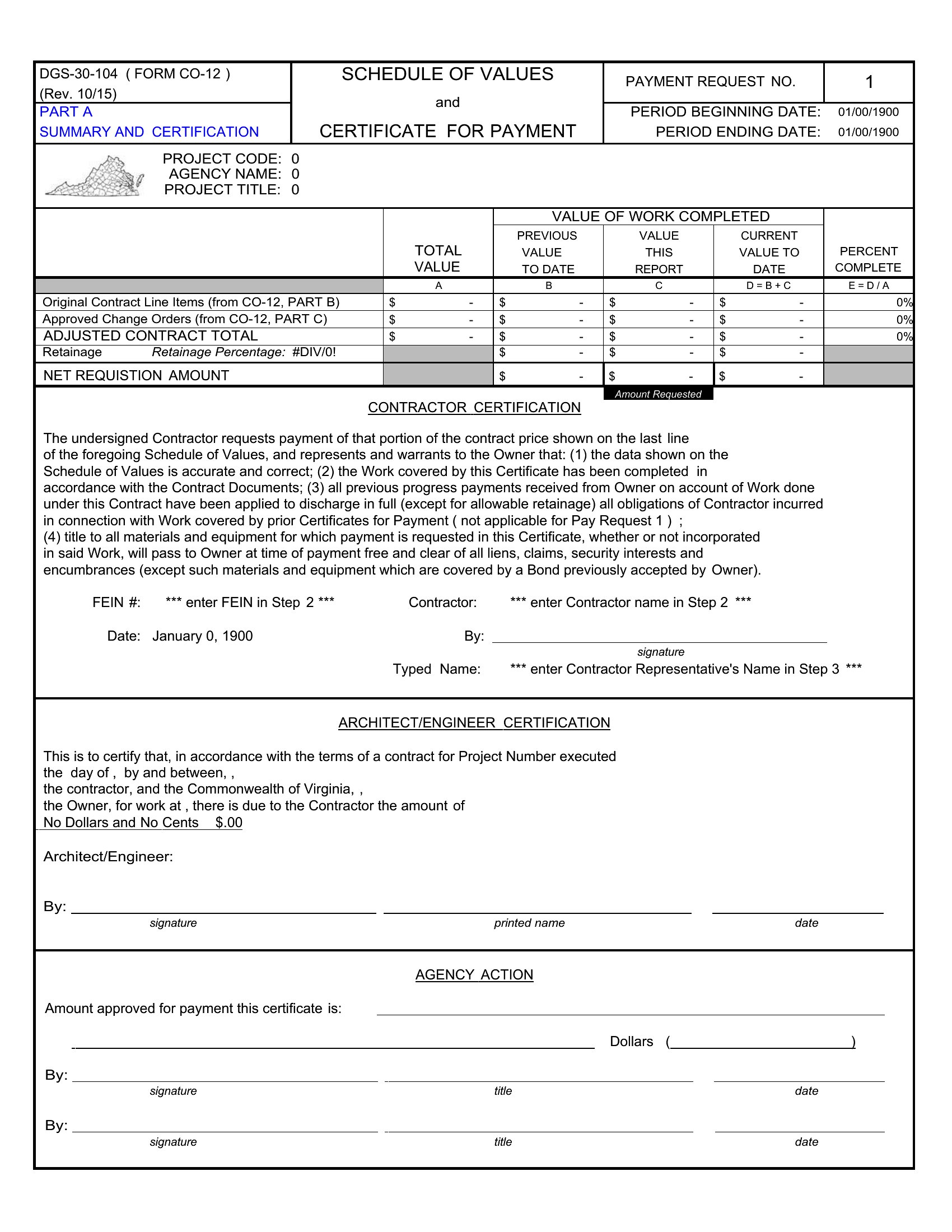
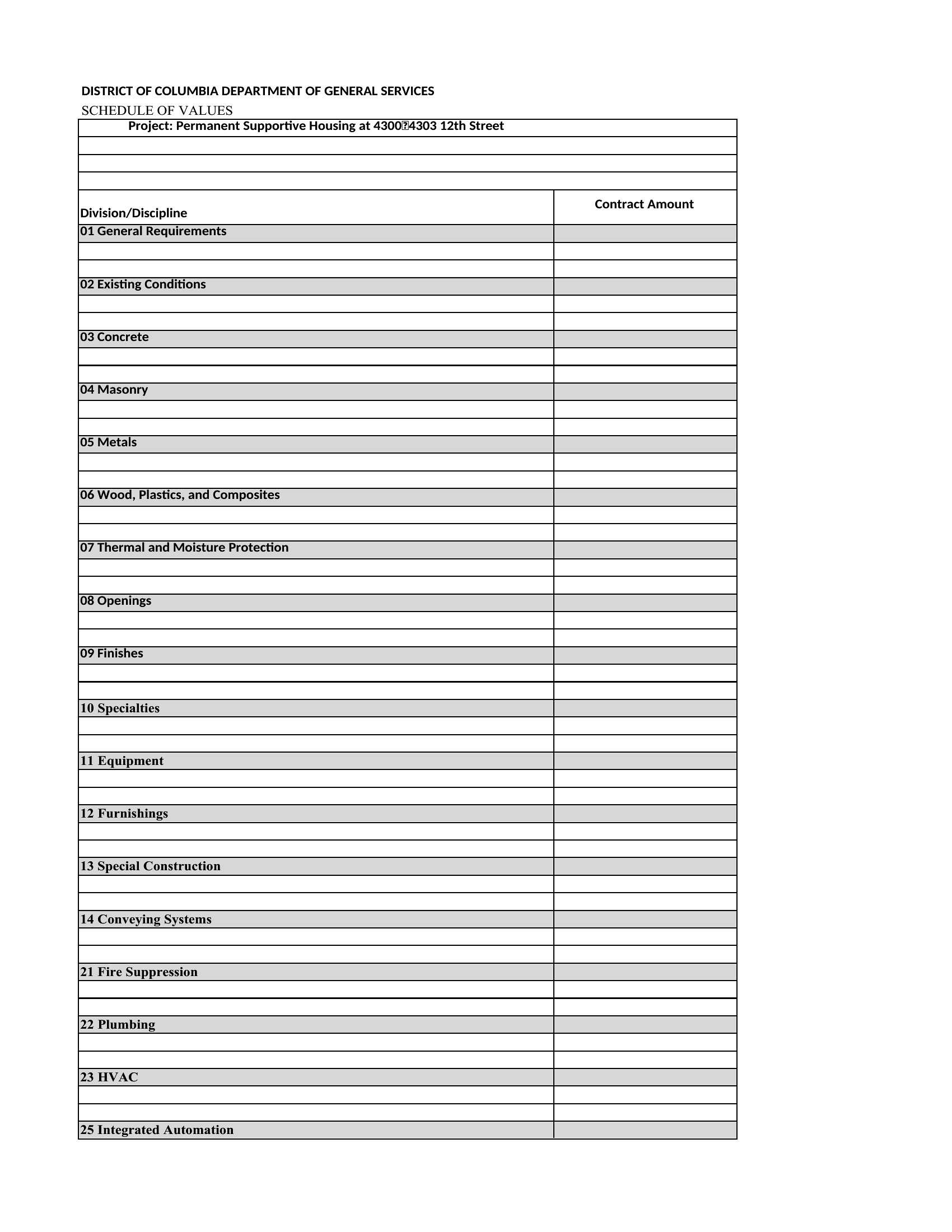
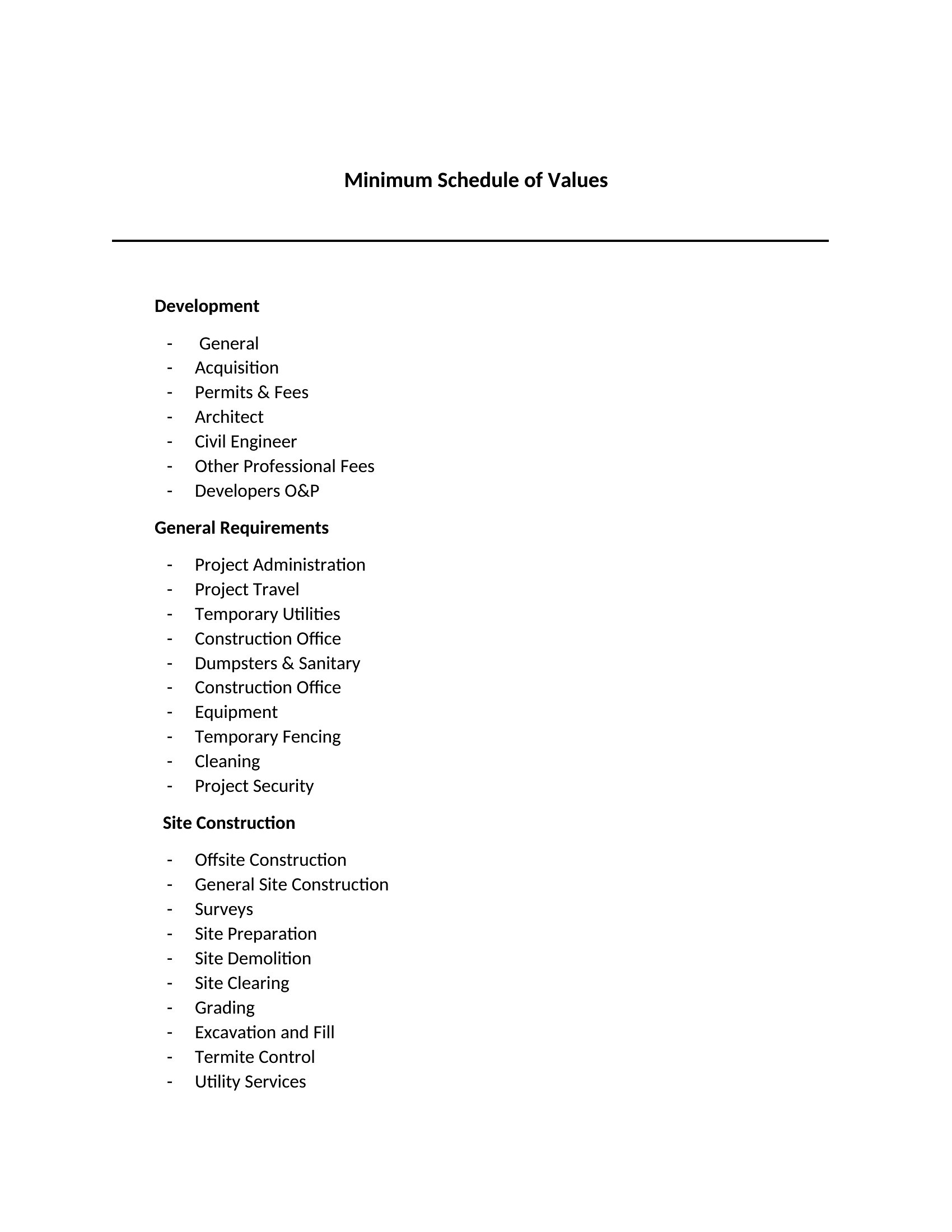
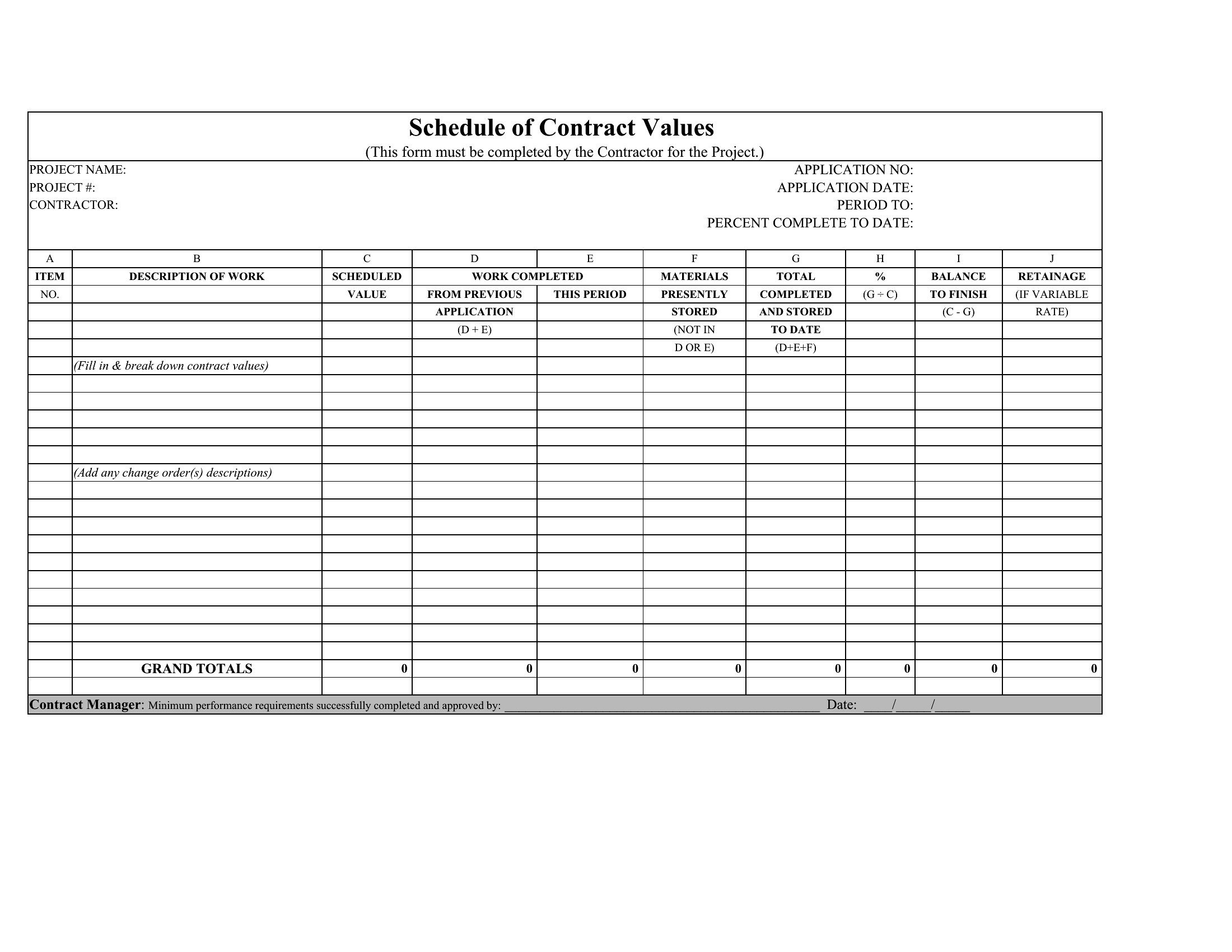
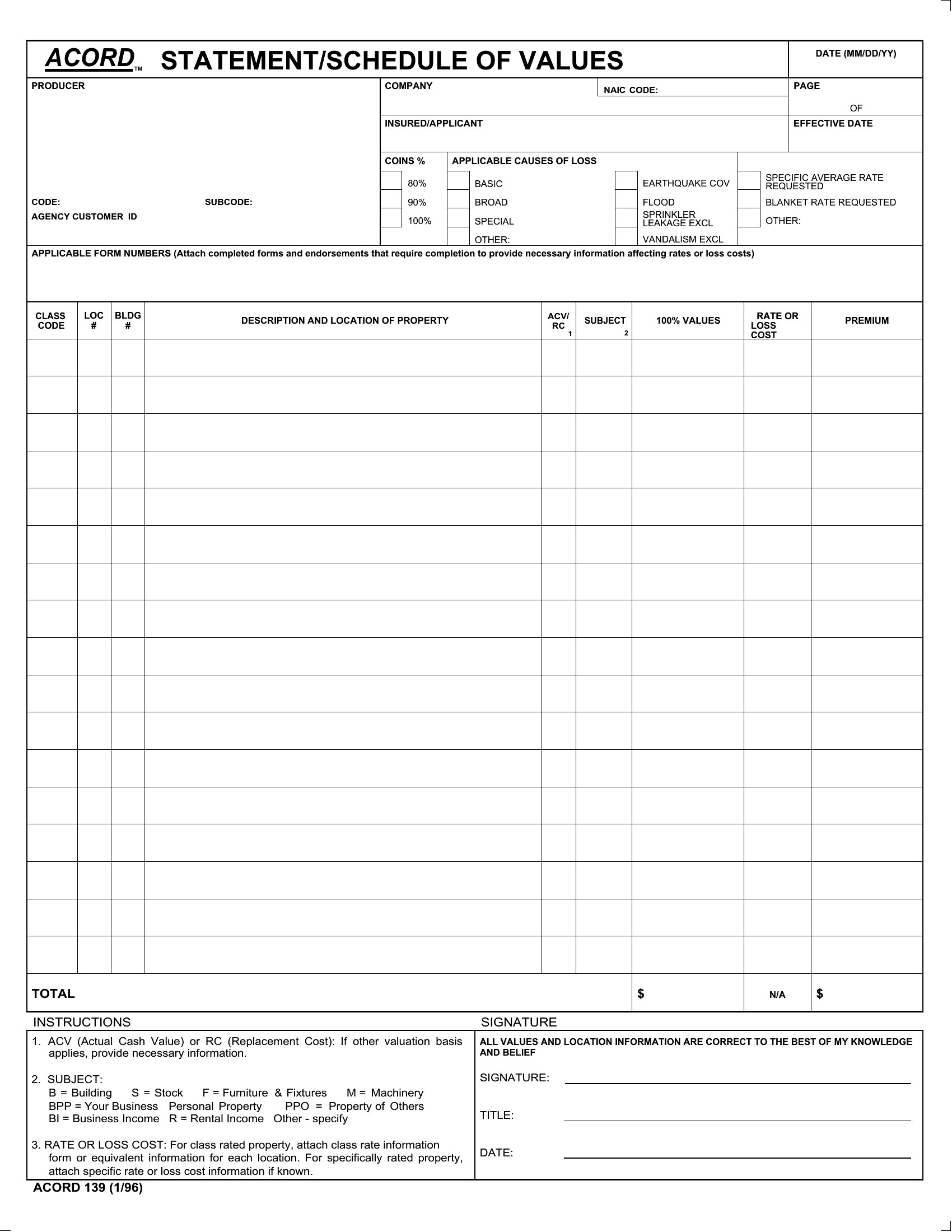
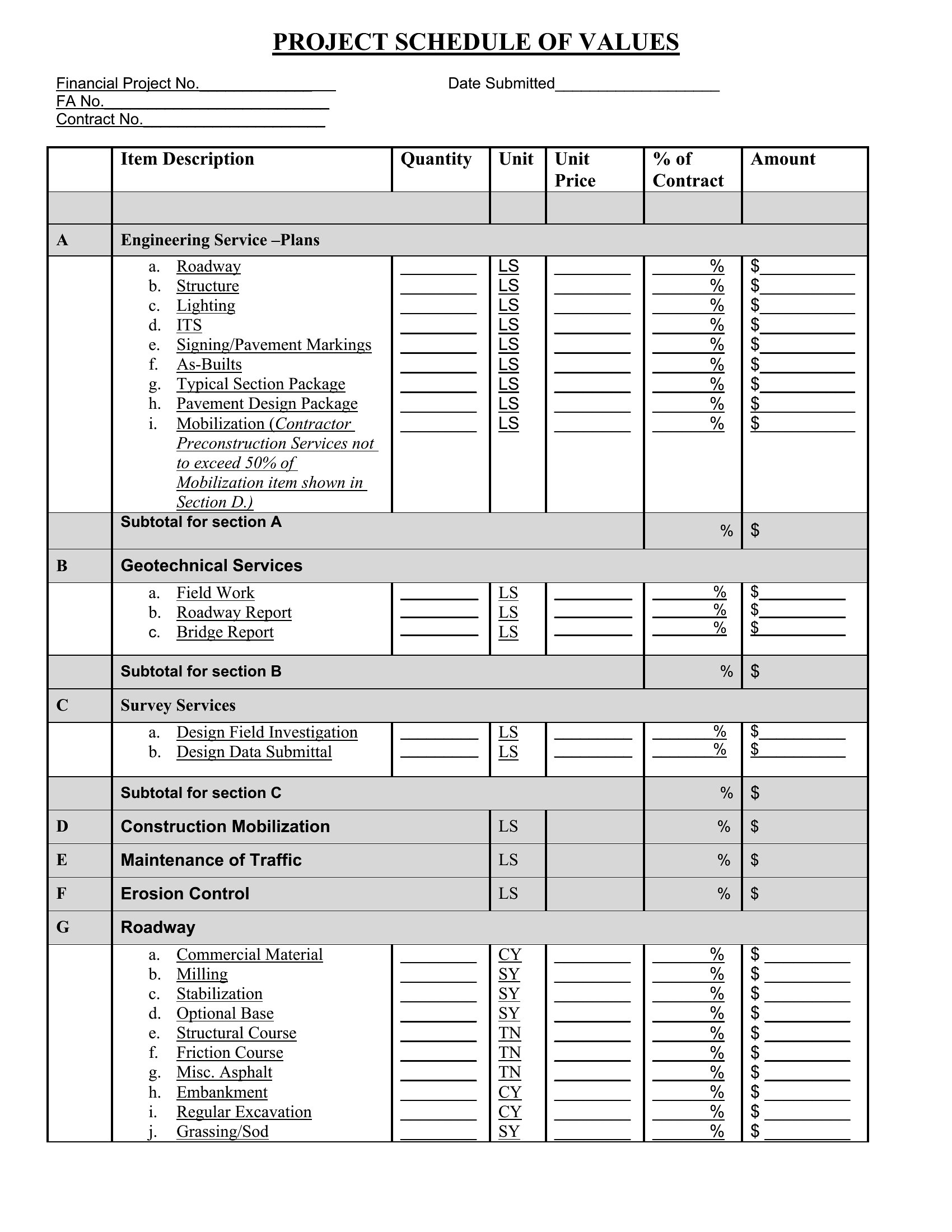
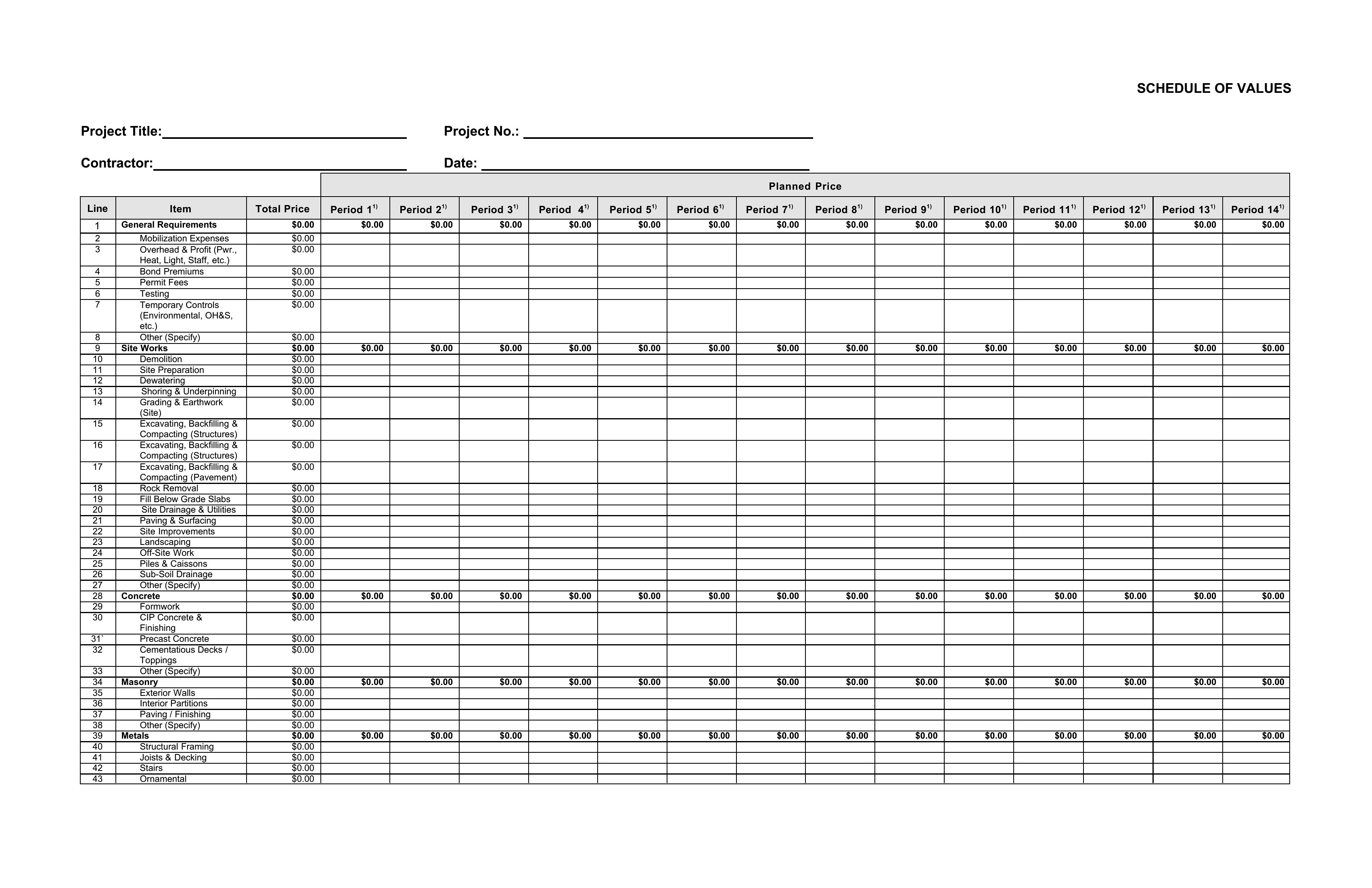
Construction payments run more smoothly when the contract sum is divided into clear line items everyone has agreed on. These 44 schedule of values templates give contractors a starting structure for listing each phase of work, its value, and the percentage complete. General contractors, subcontractors, and project managers can use them for progress billing and draw requests instead of formatting a sheet from scratch.
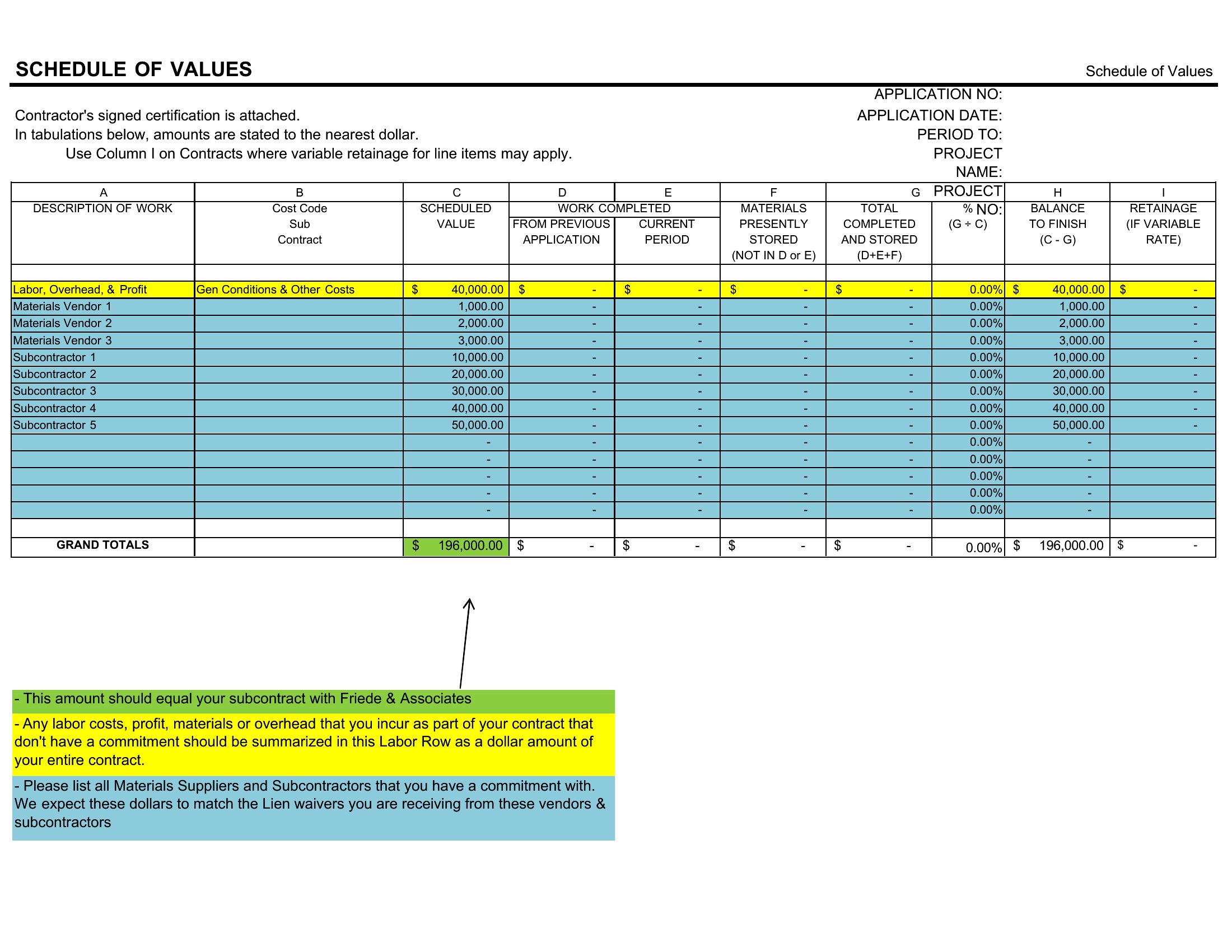
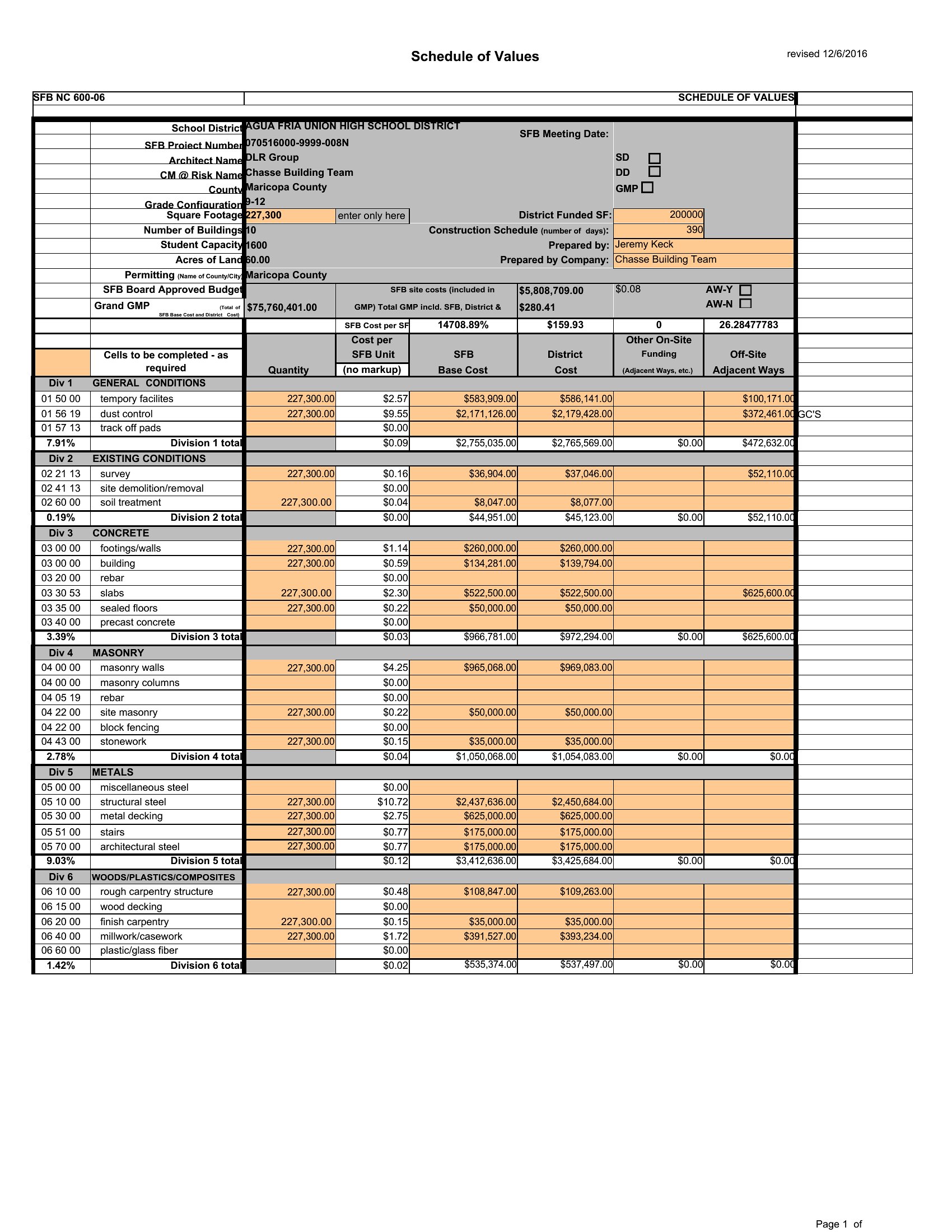
The collection includes Word and PDF layouts for tidy submittals and signatures, along with Excel sheets that calculate each draw automatically as you fill in values. Enter your project's line items, set the amounts, and you have a payment schedule ready to submit. Download the version that matches your contract and move on to the actual work.

When to use this Schedule of Values template

  • General contractors managing mid-sized residential builds use this to allocate costs per phase (framing, roofing, finishes) and justify progress payments to owners when invoices need transparency.
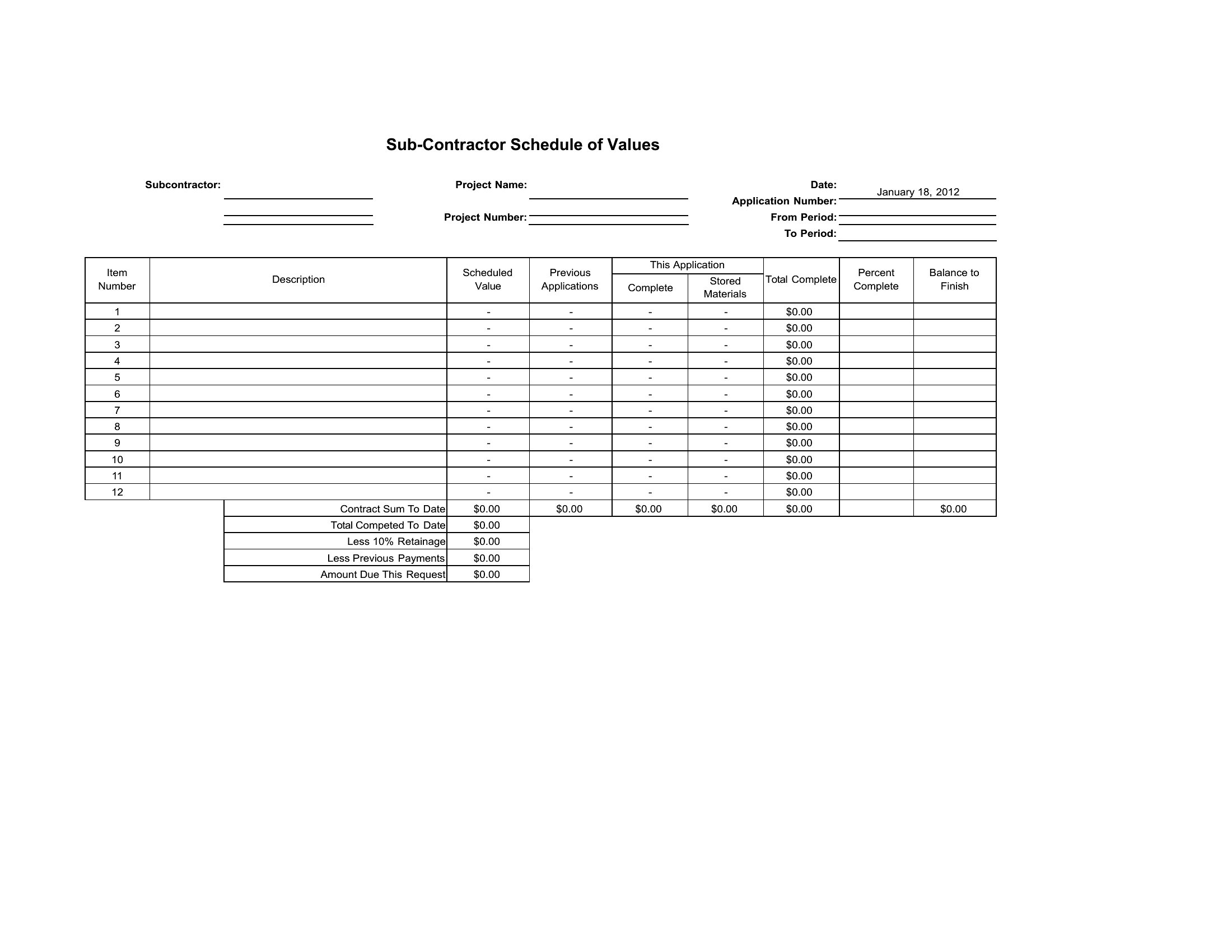
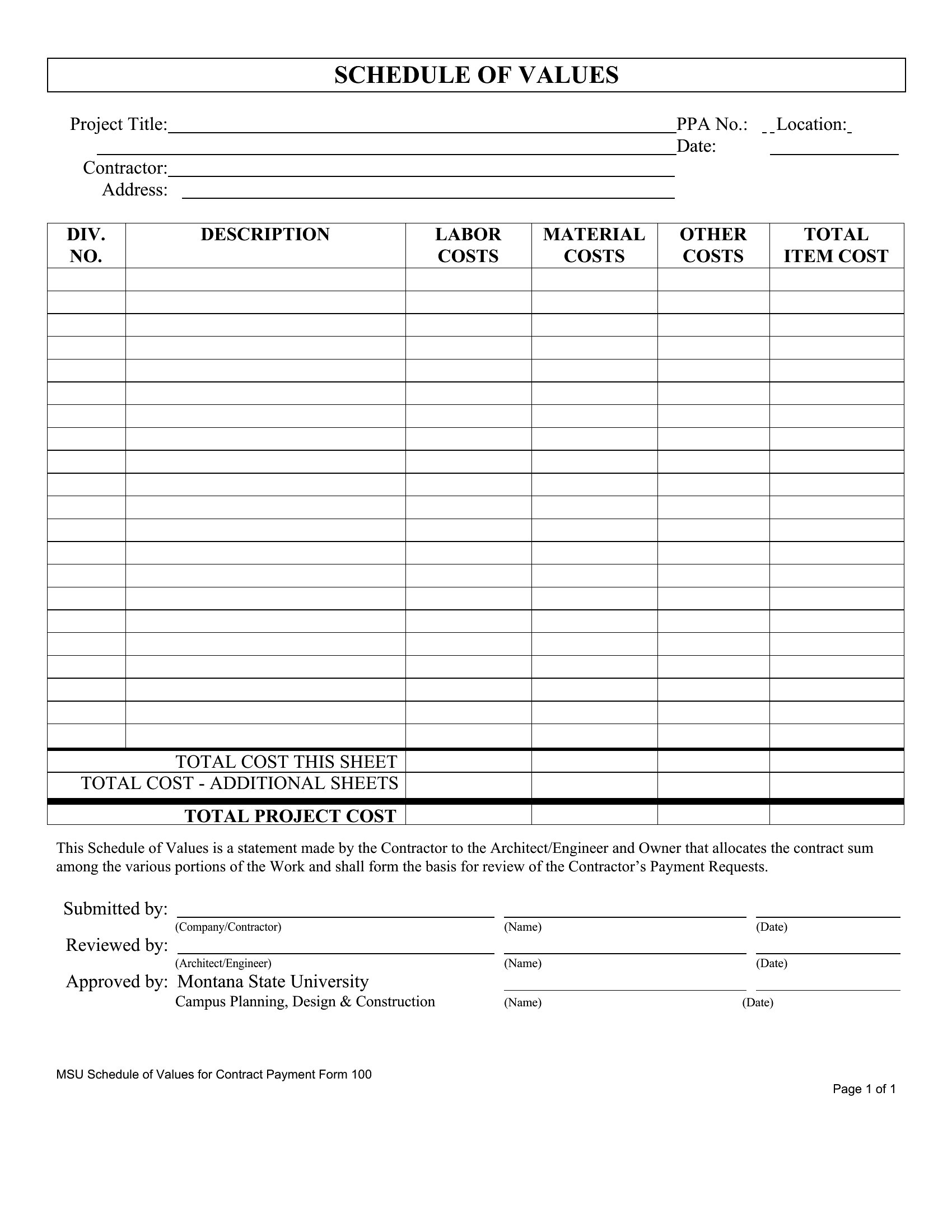
  • Subcontractors bidding on commercial projects with multiple deliverables need a pre-filled schedule to break down labor, materials, and equipment costs for each milestone—helping them avoid disputes over unapproved extras.
  • Project managers at small firms without accounting software rely on these to cross-check subcontractor invoices against the original contract’s line-item values before releasing payment draws.
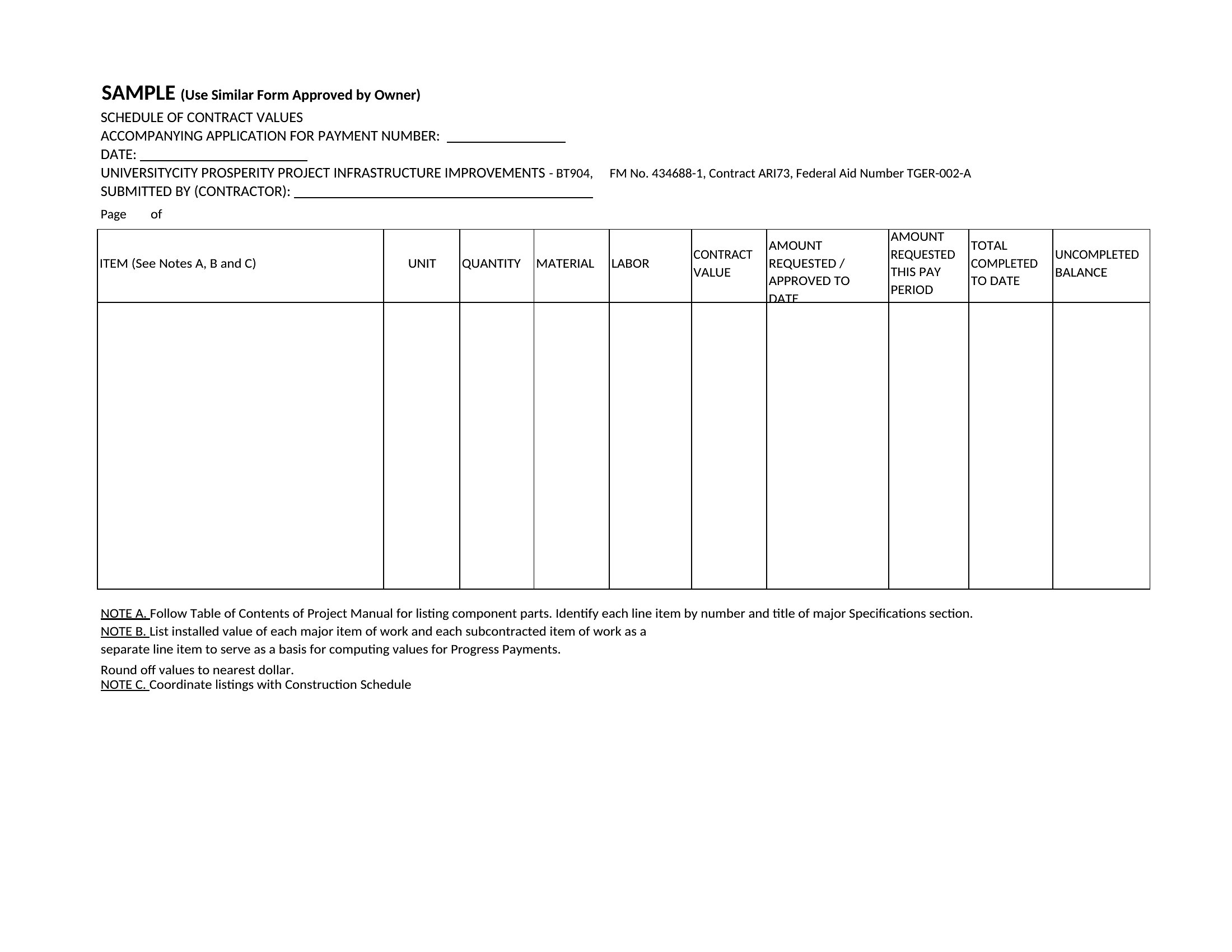
  • Public works departments tracking federally funded infrastructure projects use this format to align vendor invoices with budgeted line items, ensuring compliance with grant reporting requirements.

Which format should I download?

WordExcelPDF

Word is ideal for contractors who need to edit line-item descriptions or contract terms frequently, especially when collaborating with clients who prefer trackable changes. Excel is best for subcontractors managing complex cost breakdowns with formulas (e.g., calculating percentages complete) or need to integrate with accounting software. PDF is the go-to for finalized schedules sent to owners or lenders, preserving formatting and preventing unauthorized edits while ensuring compliance with signed agreements.

How to use this Schedule of Values template

Can I use a Schedule of Values to track changes in material costs mid-project?

Yes, but these templates are starting points—you’ll need to manually adjust line-item values and add notes for cost variations. For projects with significant material price swings, consider pairing this with a separate change order log to document approvals and keep the Schedule of Values aligned with the revised contract sum.
Do these templates include the percentage-of-completion method for billing?
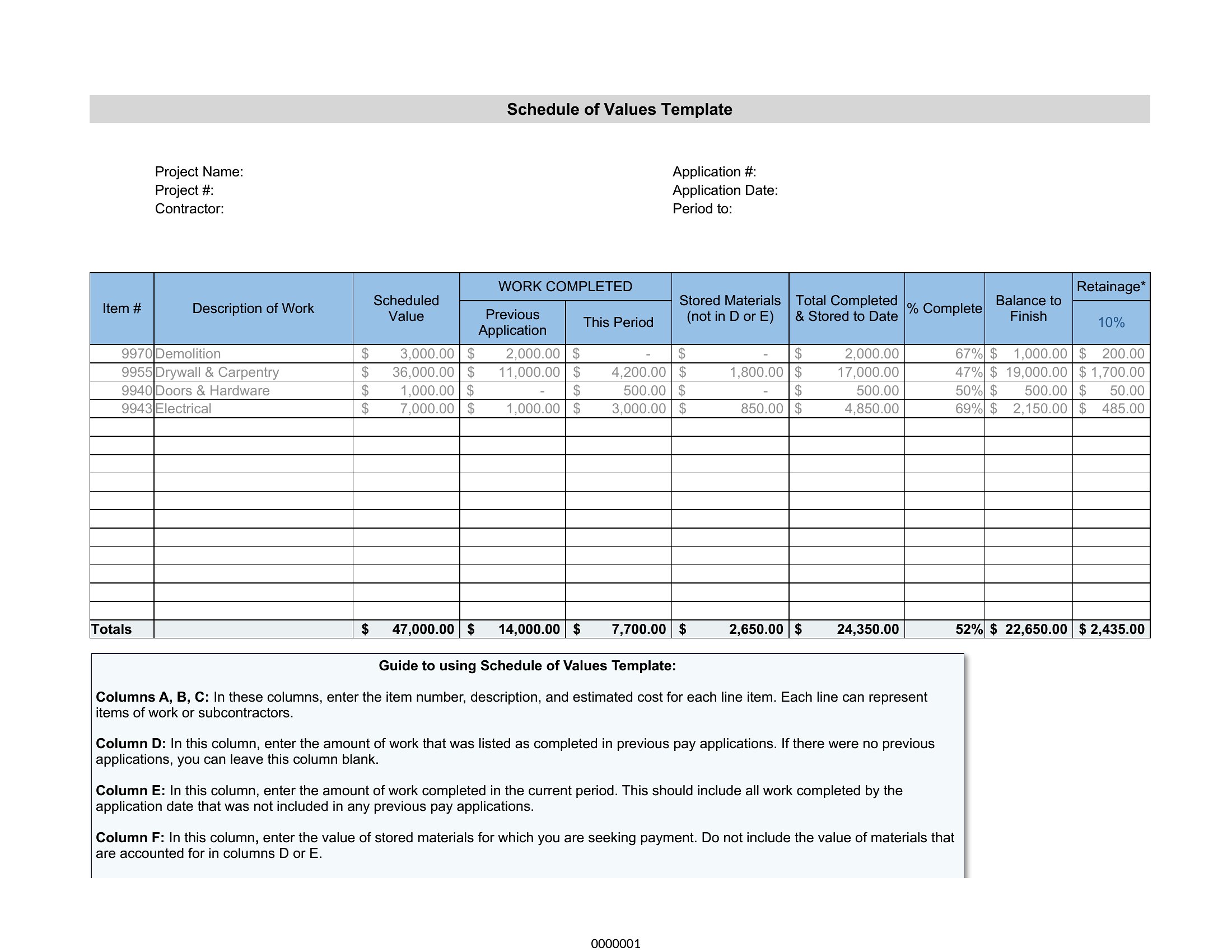
Most templates provide a column for percentage complete, but the method of calculating it (e.g., 30% for materials delivered, 70% for labor) depends on your contract terms. Review your agreement first—this template won’t auto-calculate progress based on specific milestones unless you input those rules manually.
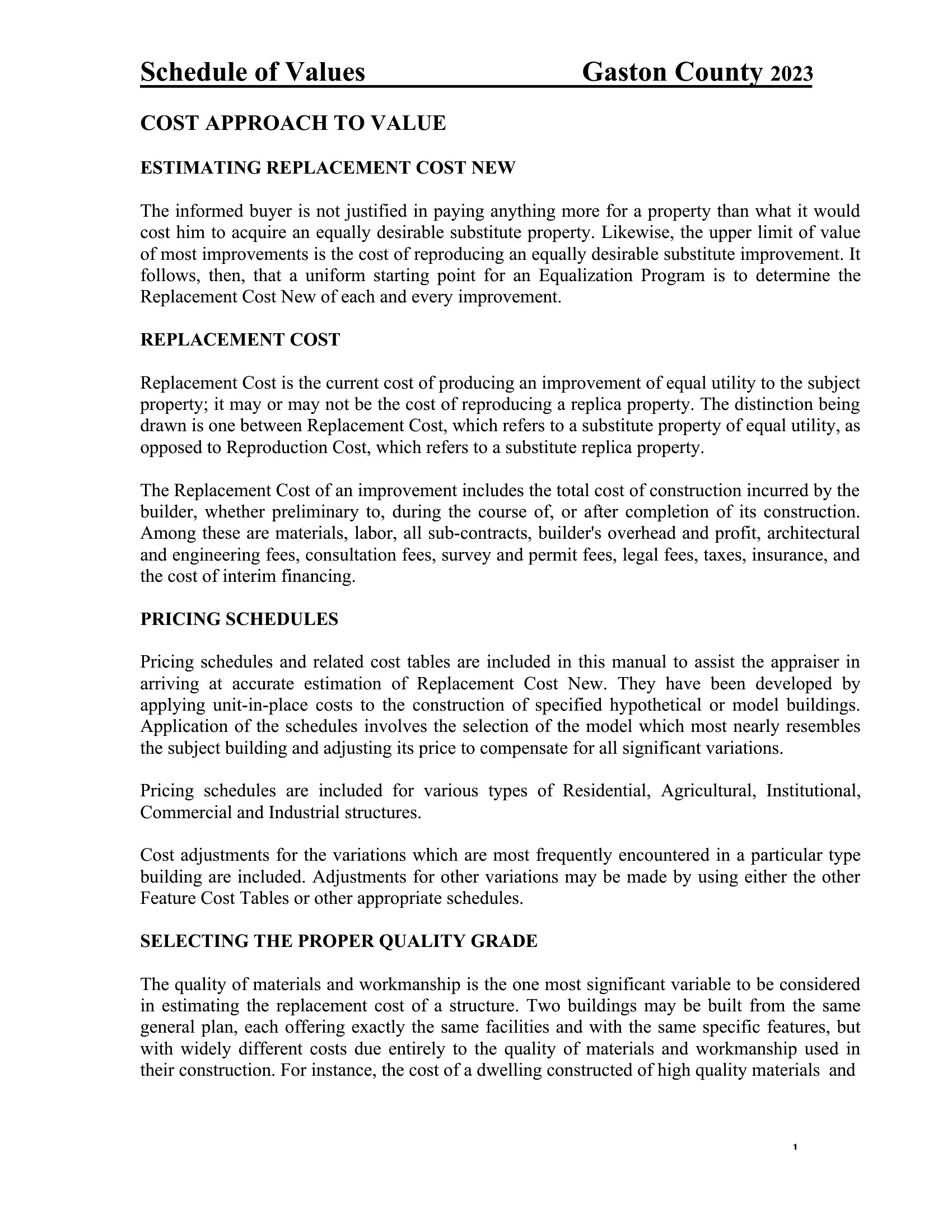
What’s the difference between a Schedule of Values and a Construction Cost Breakdown?

A Schedule of Values lists all line items *agreed upon in the contract* with assigned values, used for billing and draws. A cost breakdown, by contrast, is an internal tool showing estimated costs for each task—it may include contingencies or overhead not tied to the contract sum. Use this template for the former, not the latter.

Comments

Join the conversation

Sign in to share your thoughts and leave a comment on this resource.

Newsletter

Get Weekly Design Updates
Join our community to receive curated resources and inspiration.
Weekly Tips Resources Early Access
We respect your privacy. Confirmation email required. Privacy Policy