Skip to content
50% off this one-time $1.99 pack with HALFOFF — or unlimited with Pro.HALFOFF
Premium

Free Likert Scale Templates (Word, Excel, PowerPoint)

Surveys
adamtaylor by adamtaylor
Updated 0 downloads Quality-checked template

Measuring how strongly people agree or disagree is the bread and butter of good survey design, and a Likert scale turns fuzzy opinions into data you can chart. This set of 23 templates offers ready-made 3-, 5-, and 7-point scales for researchers, teachers, and product teams gauging satisfaction, confidence, or attitudes.

You'll get Word files for written questionnaires, PowerPoint layouts for presentations, and Excel sheets that help you tally and analyze responses. Swap in your statements, adjust the points on the scale, and you're ready to collect feedback. Everything is free and easy to customize. Pick the format that matches how you'll run your survey and get started.

When to use this Likert Scale template

  • Market researchers analyzing customer satisfaction scores after a product launch to identify pain points in usability or features.
  • Educators assessing student confidence in a subject mid-semester to adjust teaching methods or offer targeted support before finals.
  • HR teams evaluating employee engagement during onboarding to measure alignment with company culture and training effectiveness.
  • Product managers testing beta versions of software by asking users how strongly they agree with statements about ease of use or feature value.

Which format should I download?

WordExcelPowerPoint

Choose Word for detailed written surveys or questionnaires where respondents provide free-text explanations alongside their Likert ratings. Excel is ideal for data analysis—it includes pre-built scales ready for inputting raw responses and generating charts. PowerPoint works best for presentations of survey results, such as internal team reviews or stakeholder reports where visualizing trends with embedded scale graphics matters. Skip Excel if you’re focused on design over analysis.

Choose from 23 Likert Scale Templates

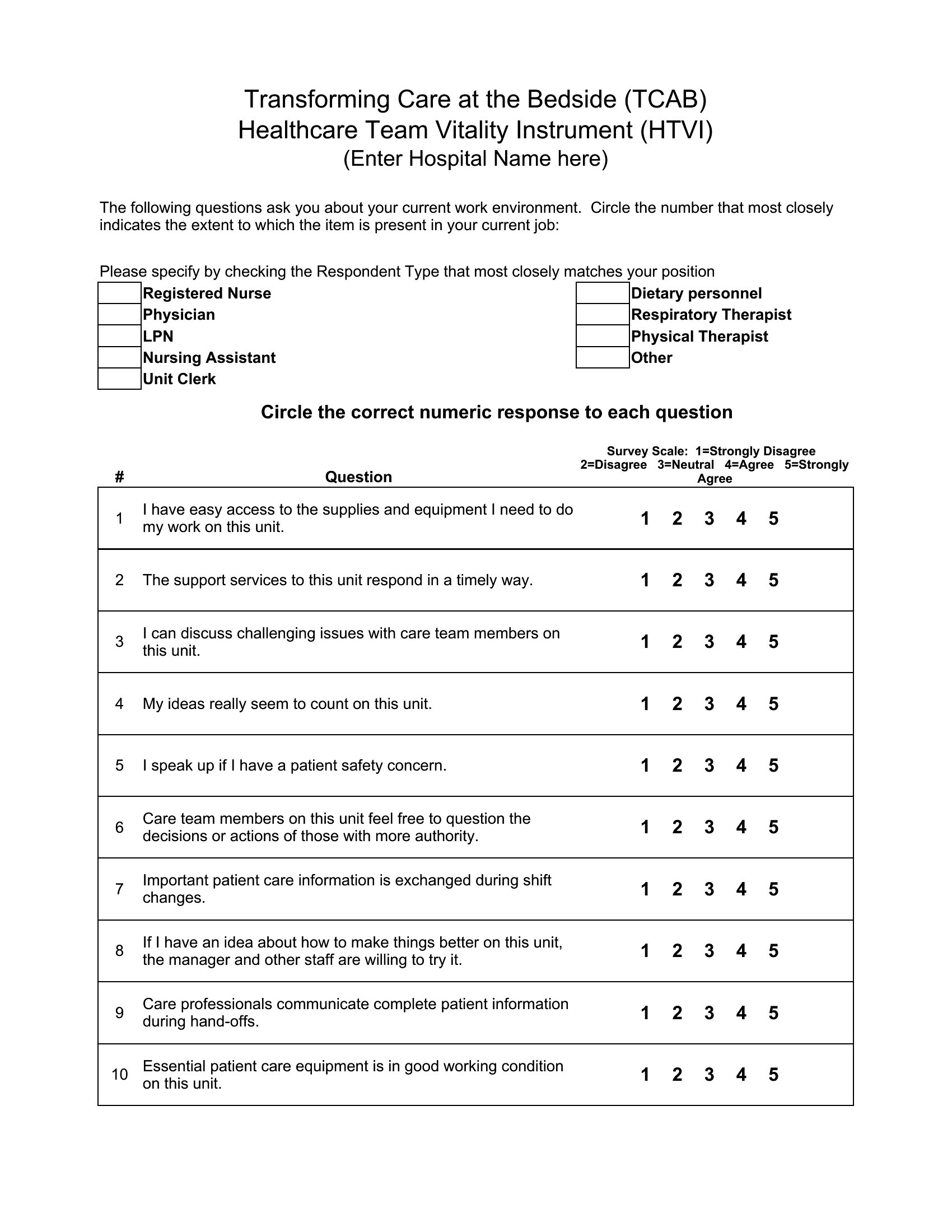
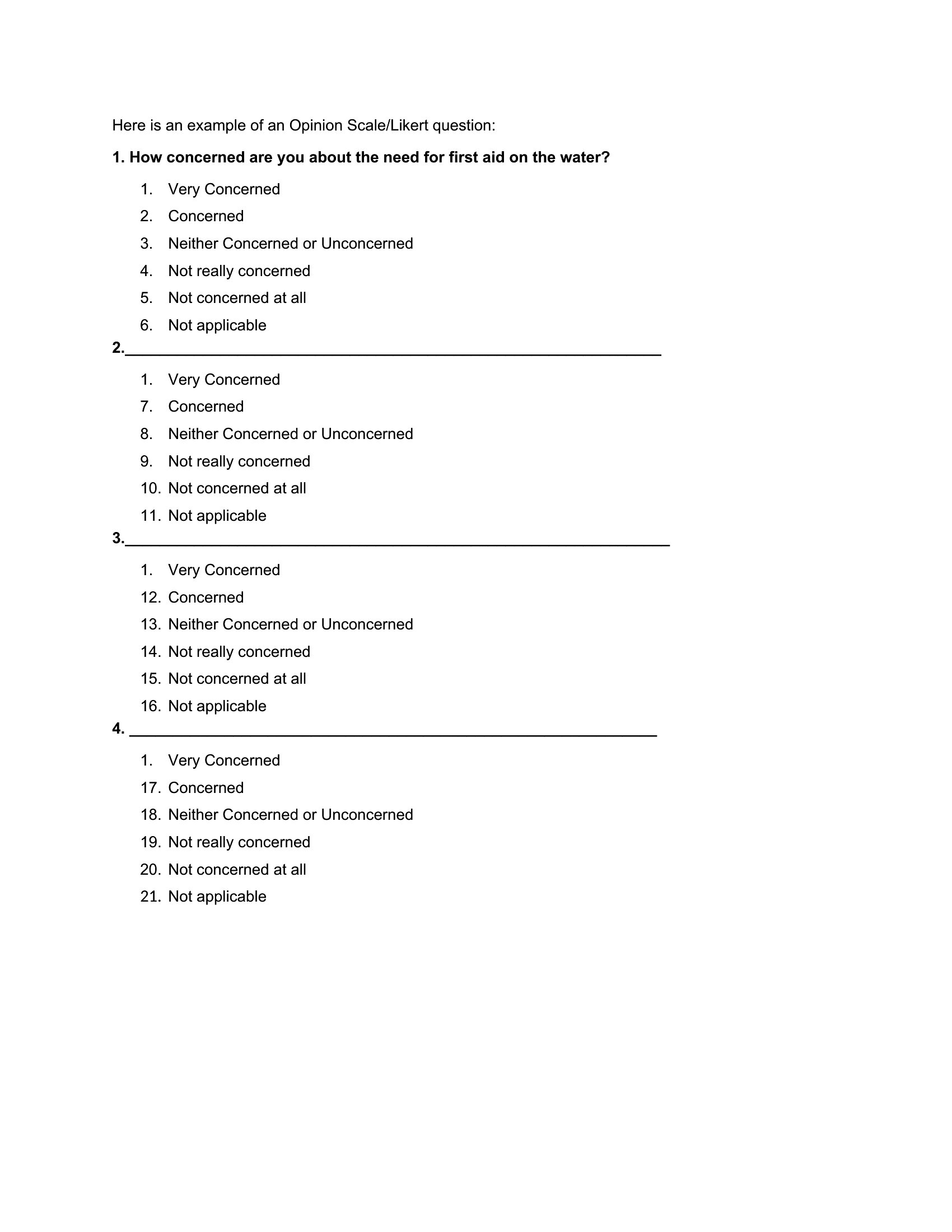
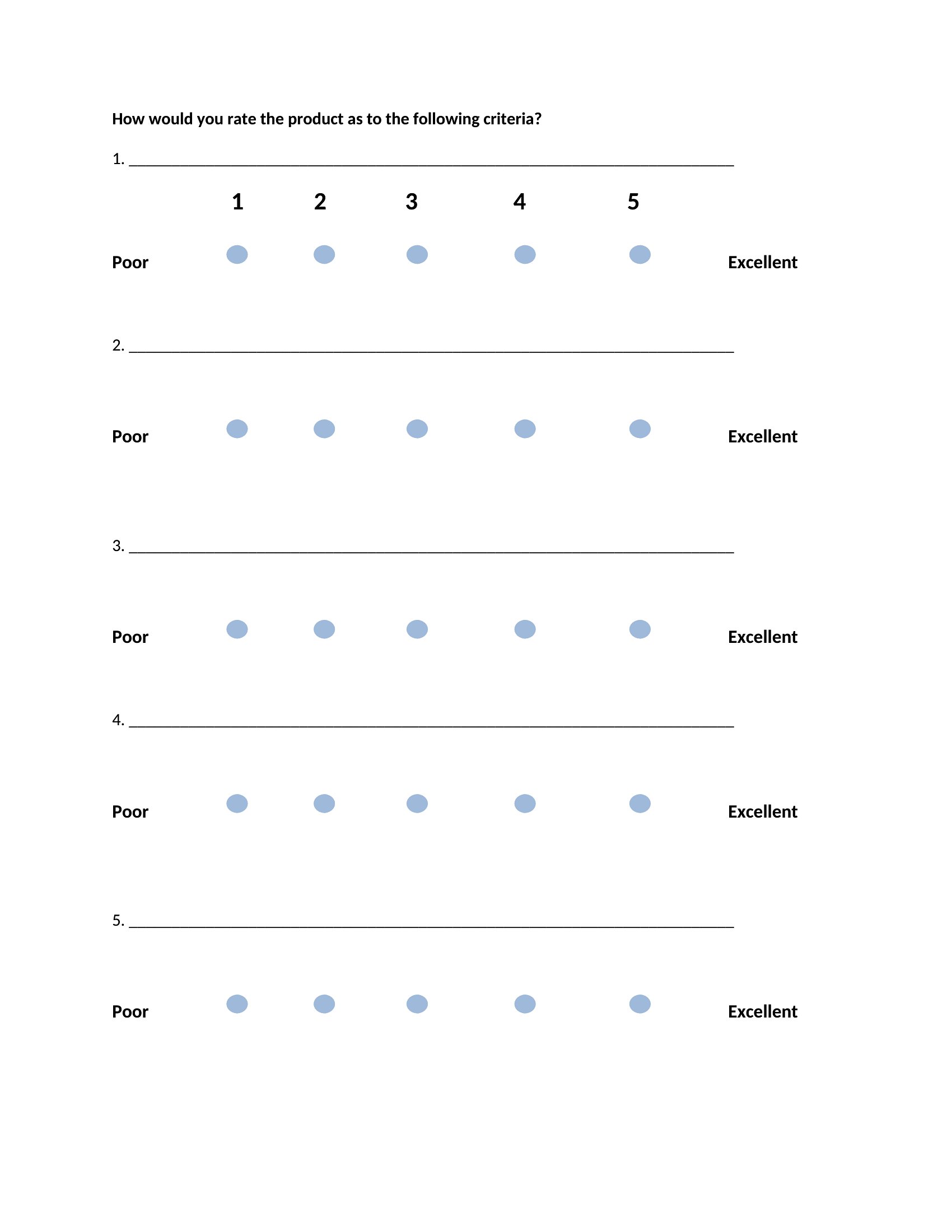
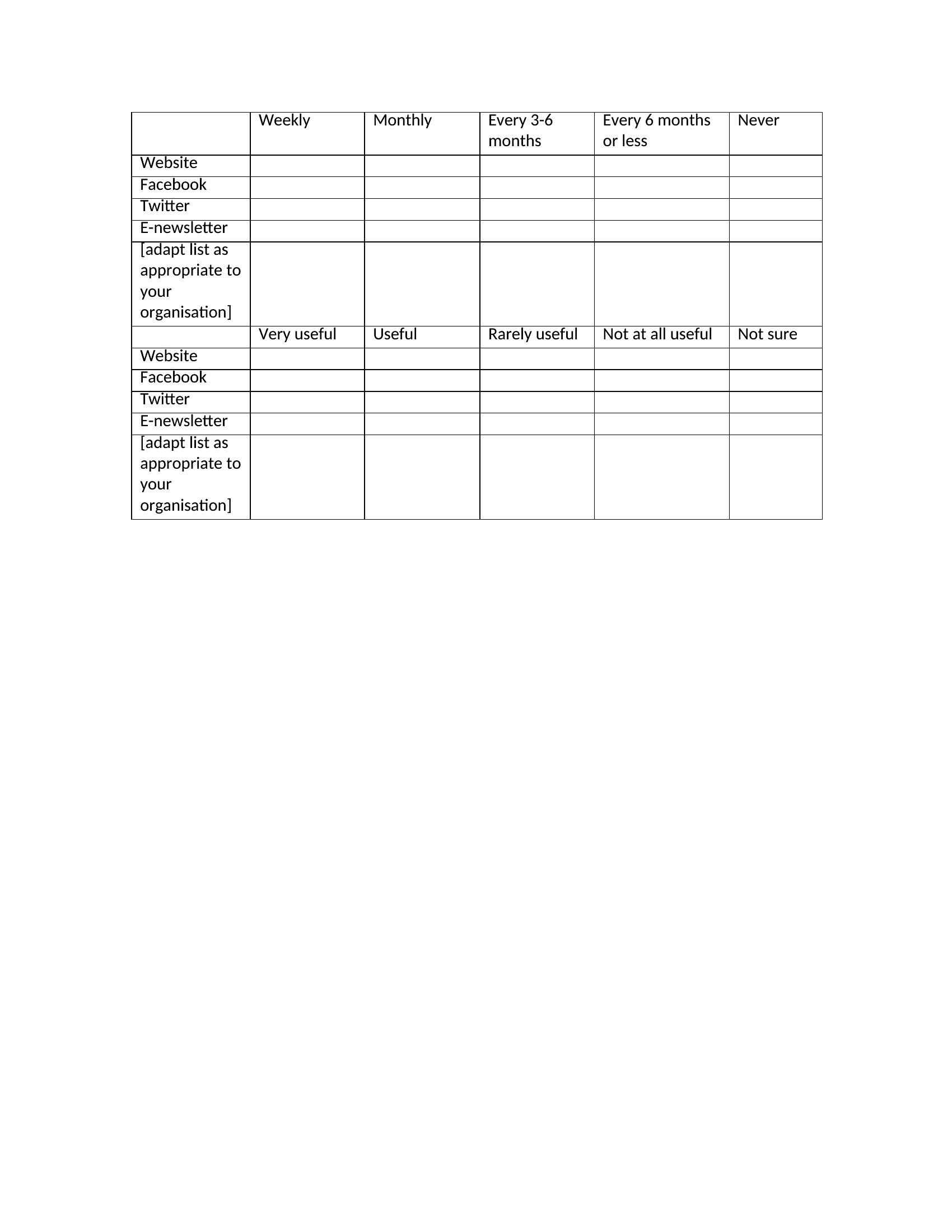
Likert Scale template thumbnail
Free
0 downloads
Download
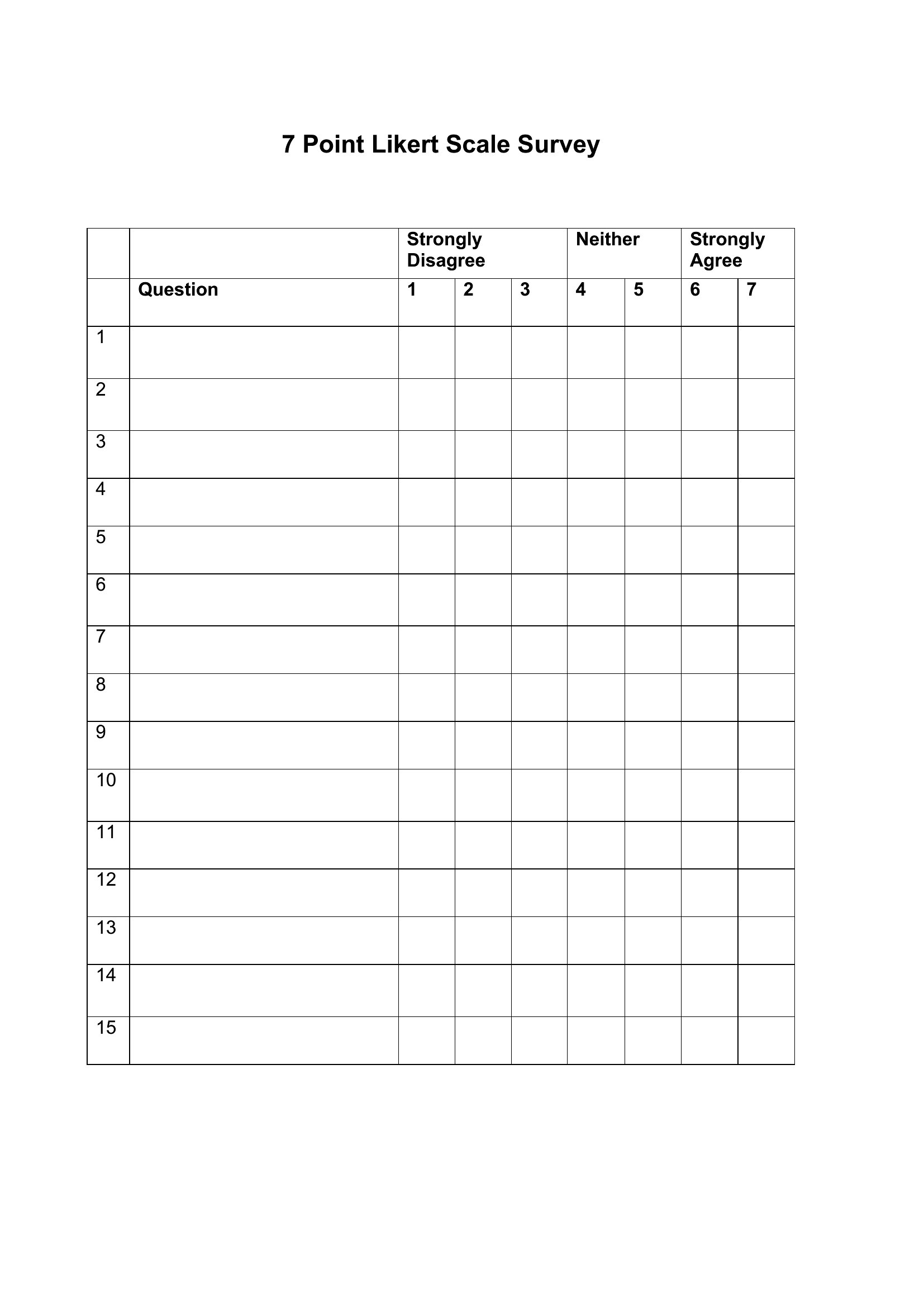
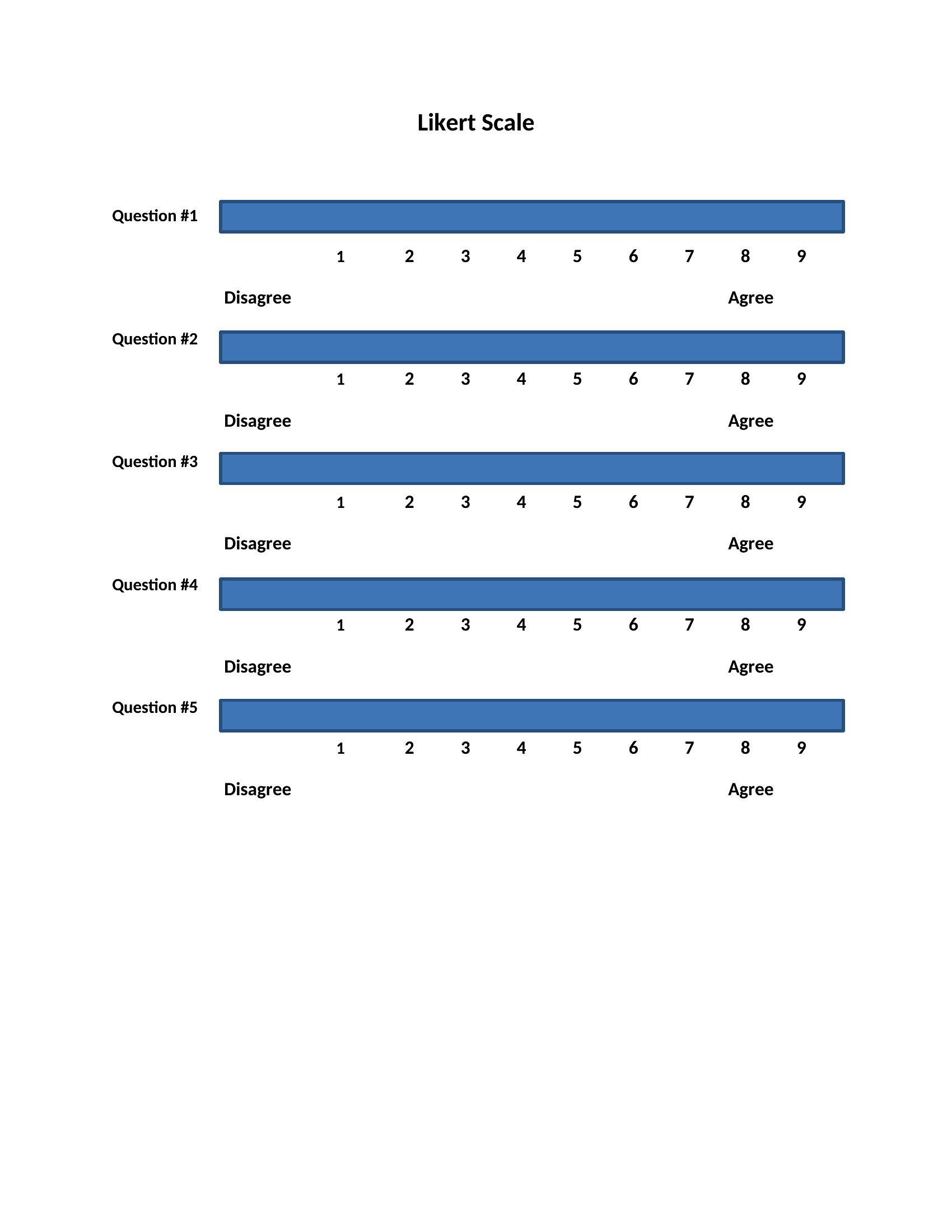
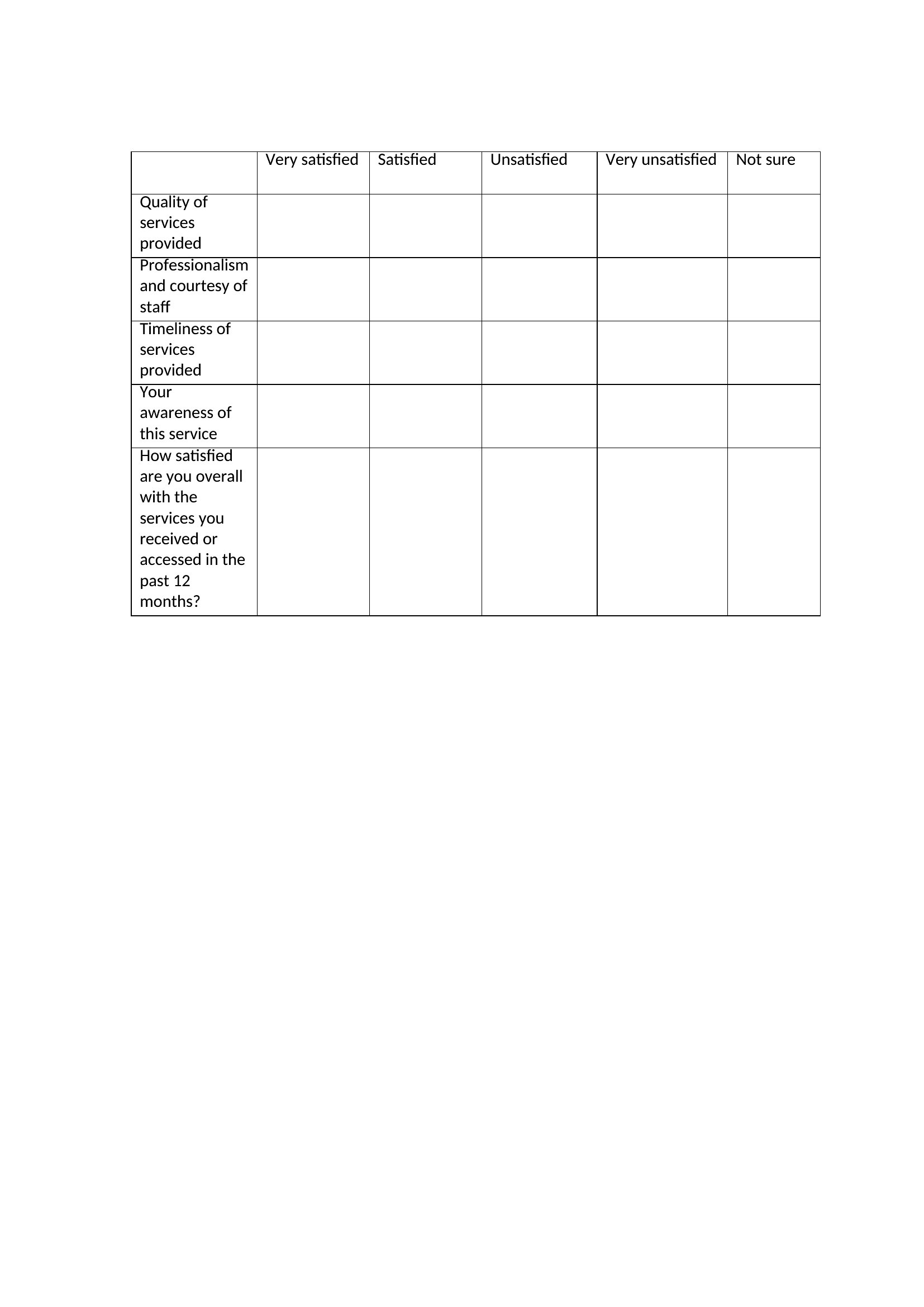
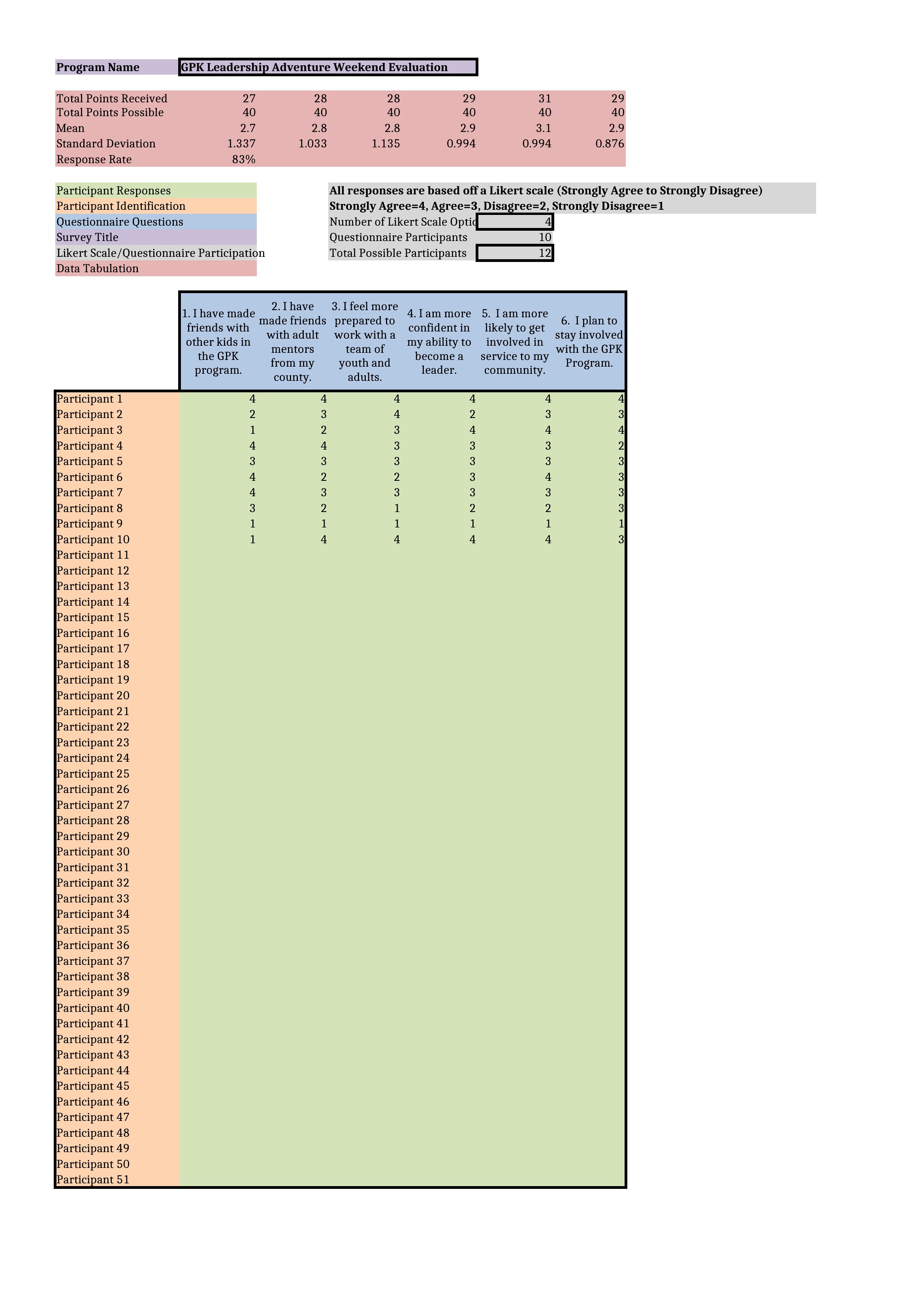
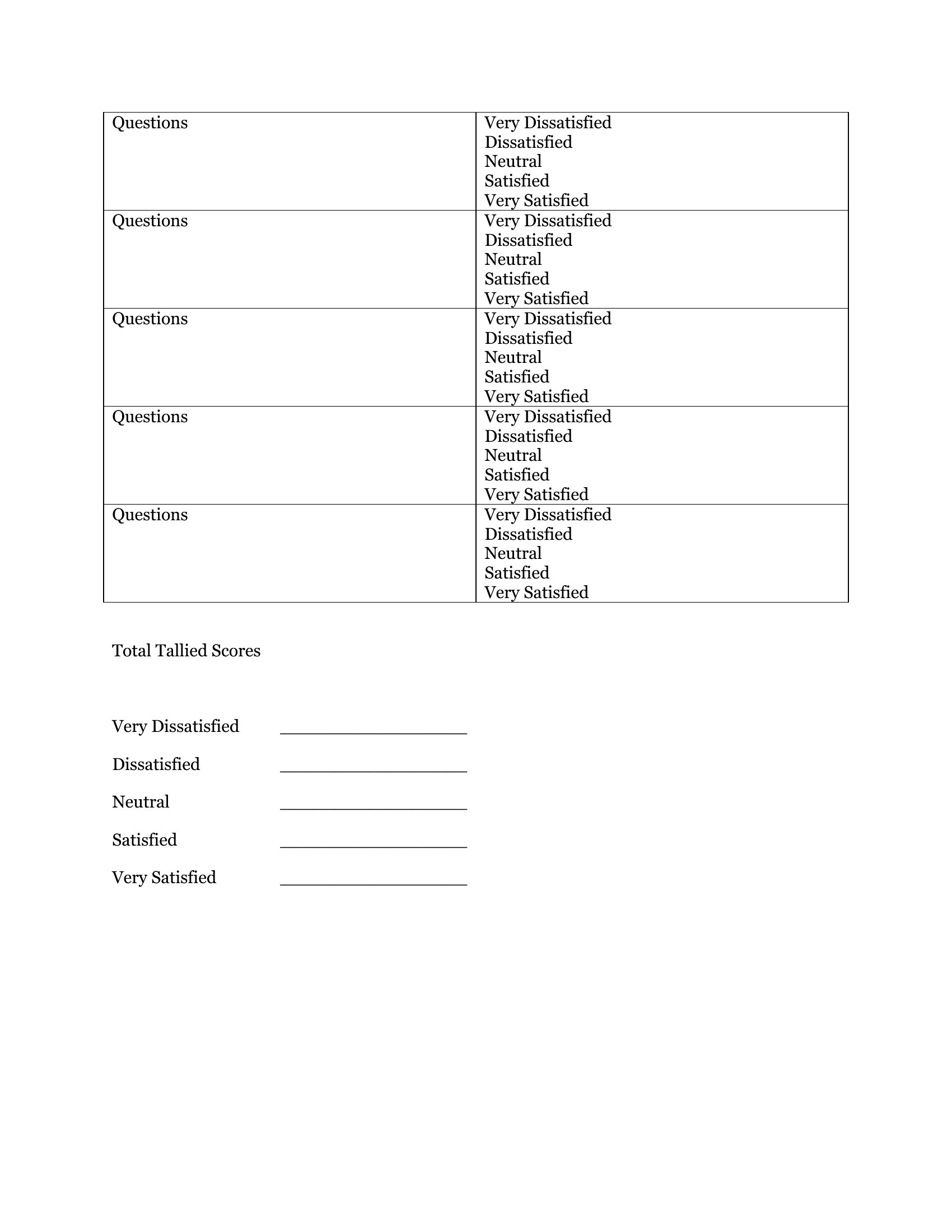
Likert Scale Example template thumbnail
0 downloads
Download
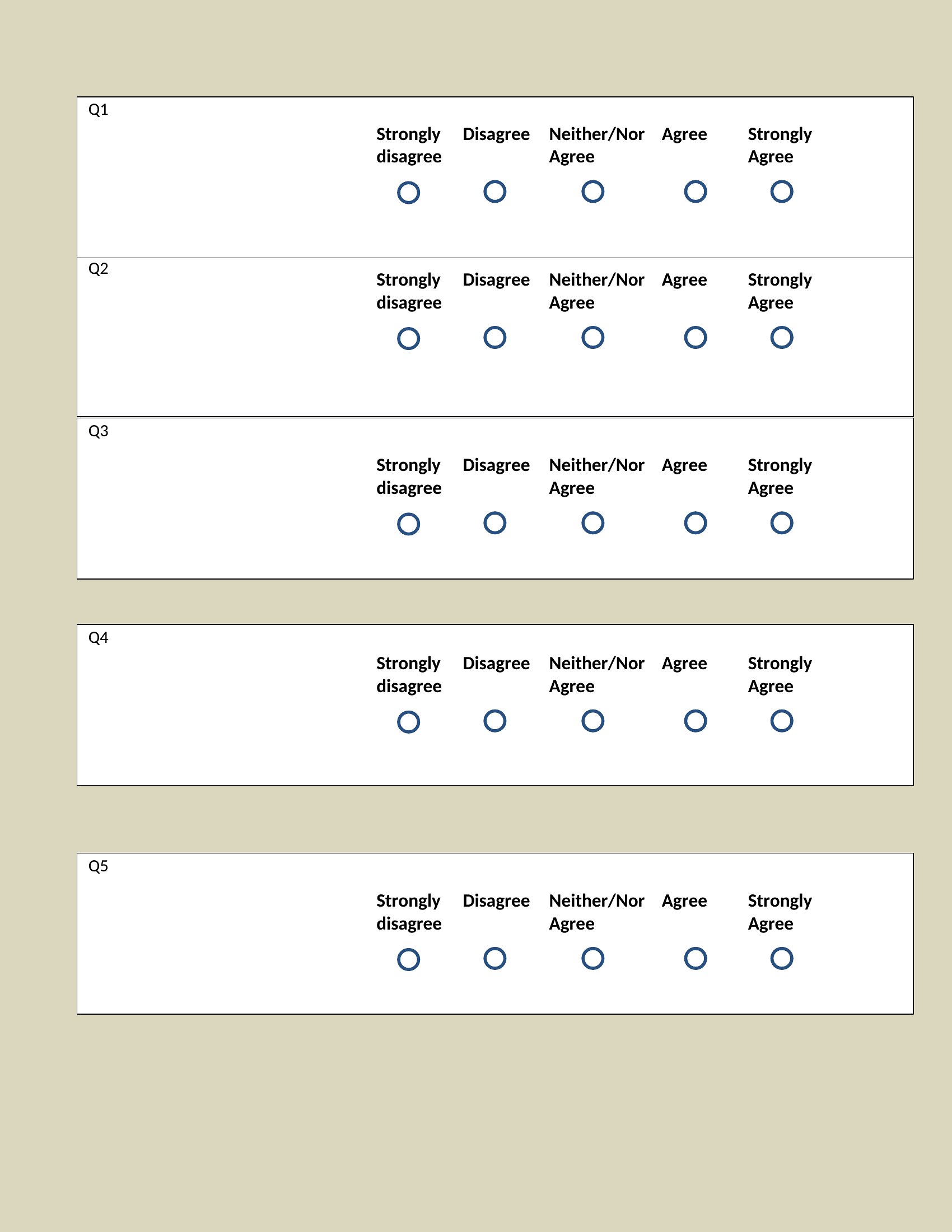
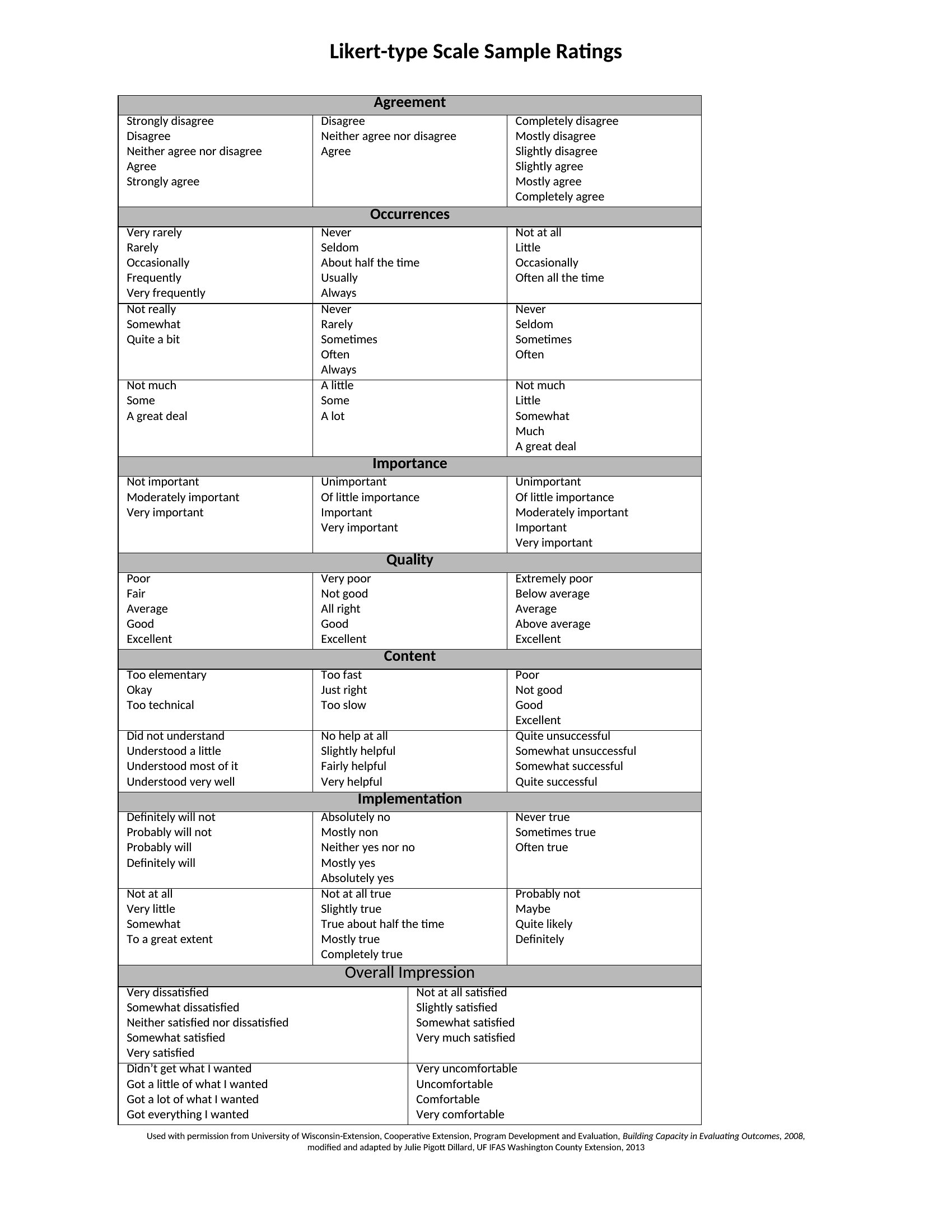
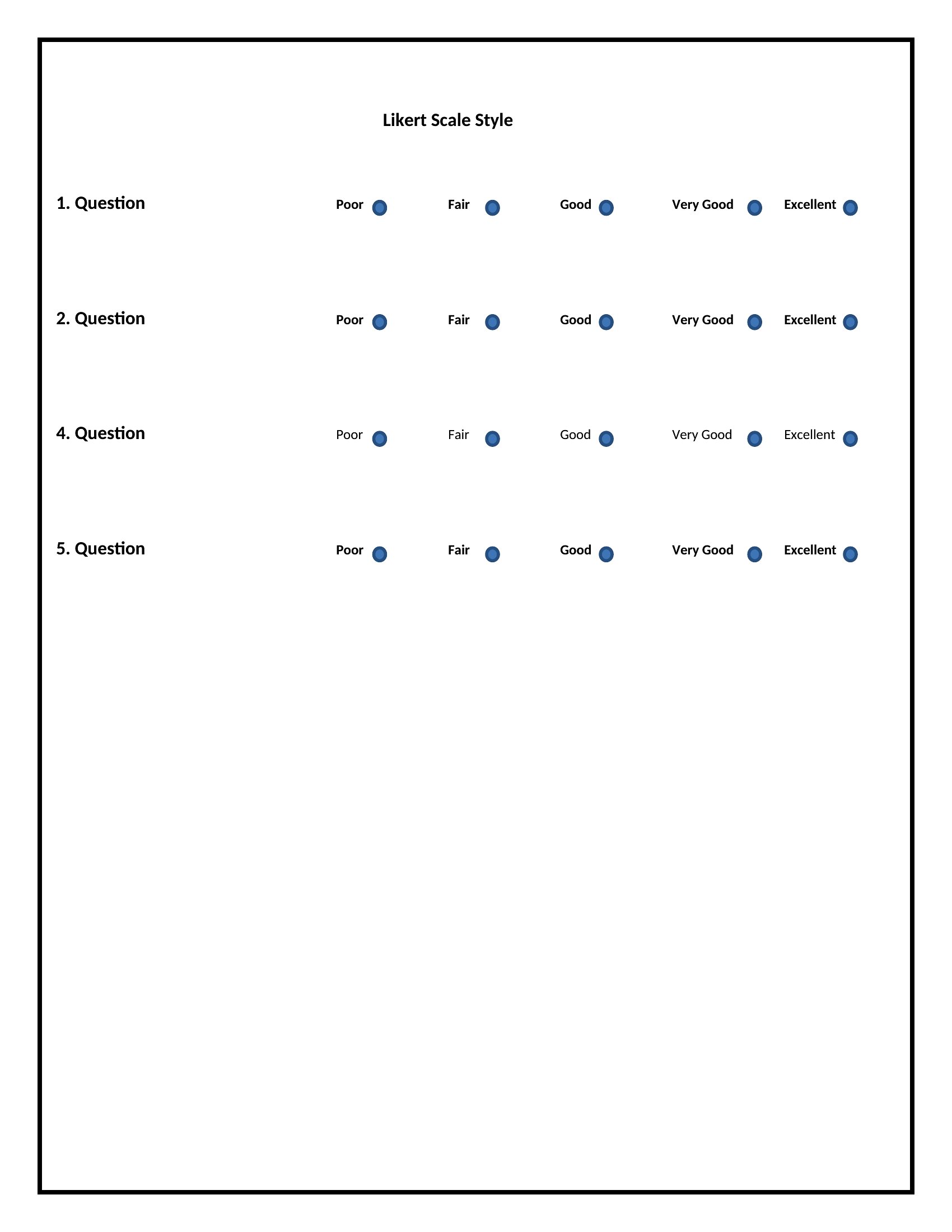
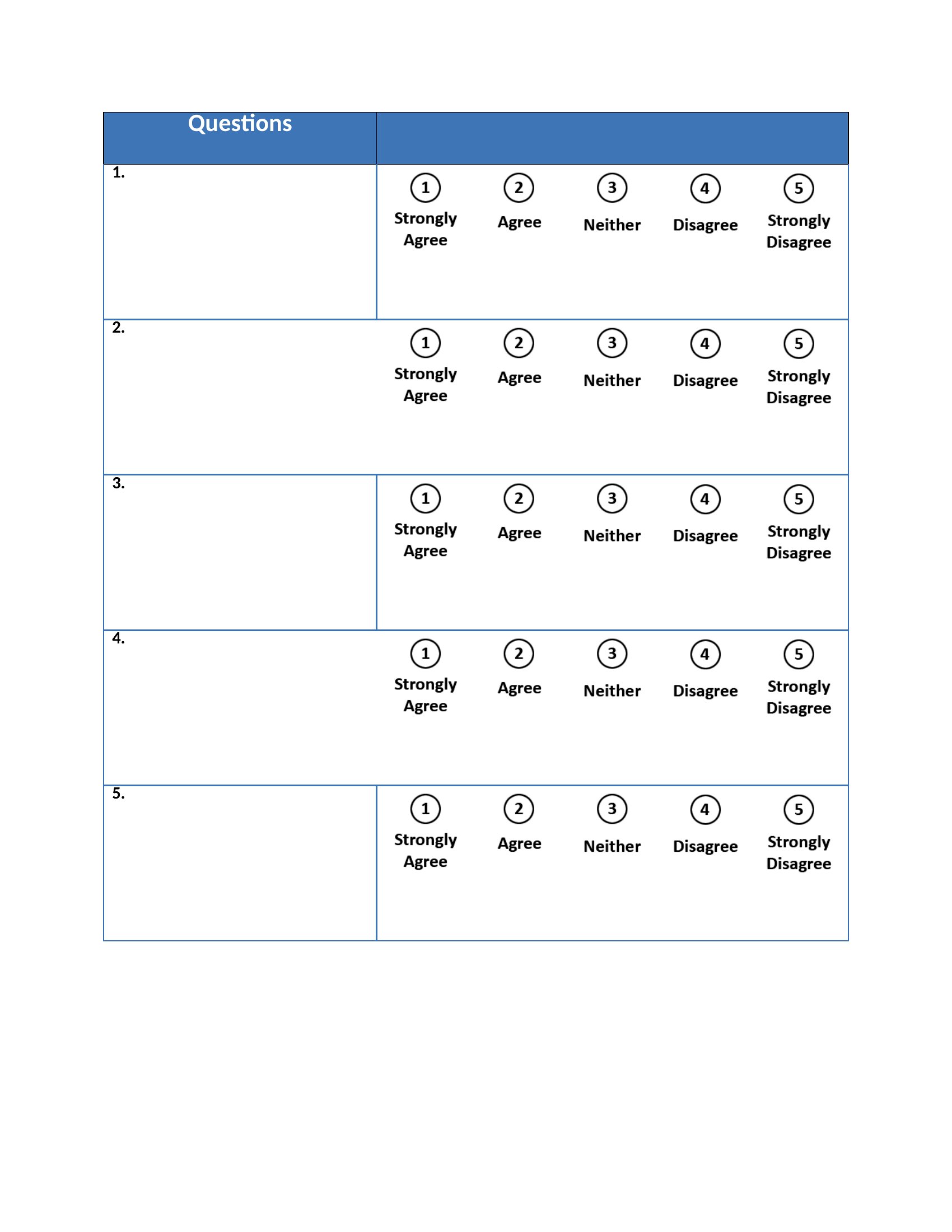
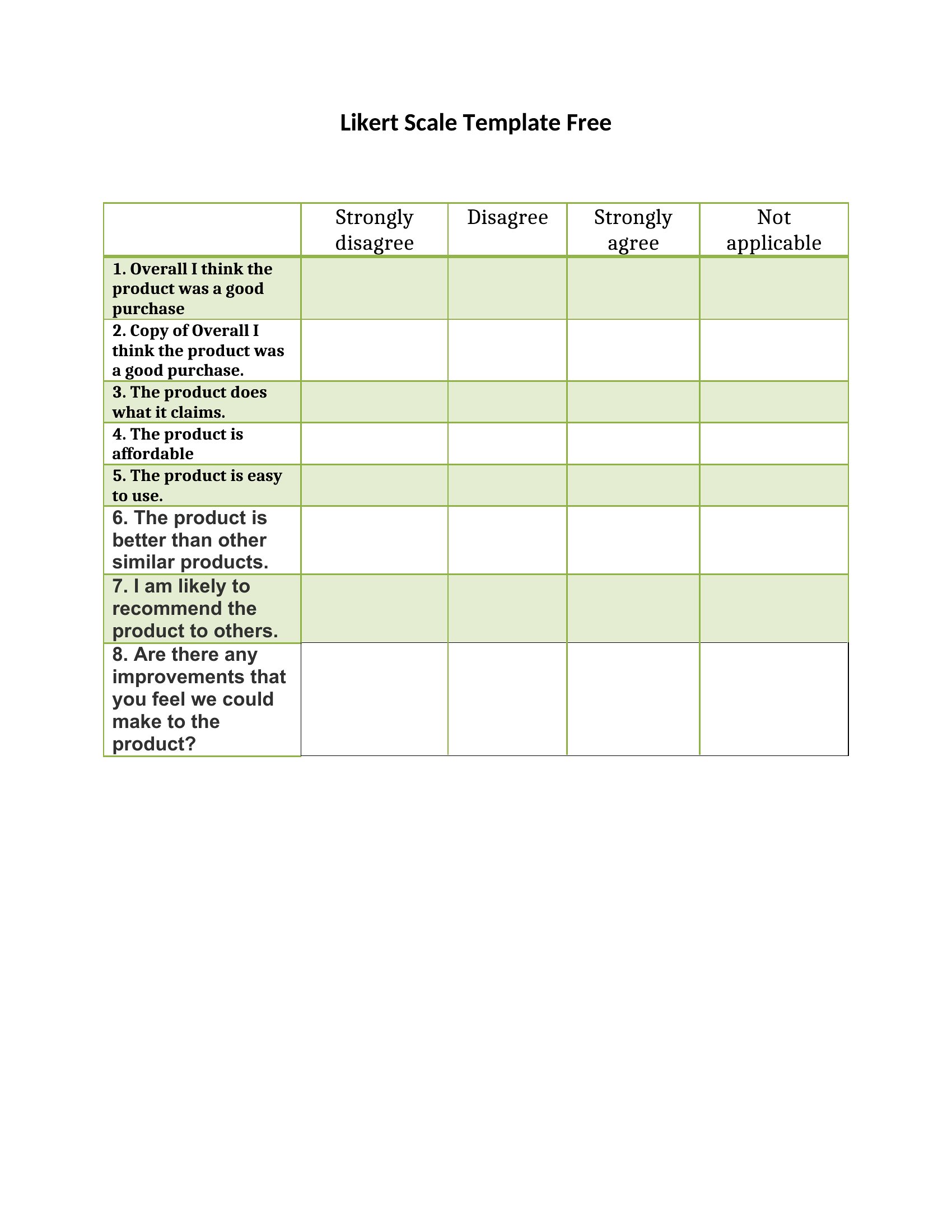
Likert Rating Scale template thumbnail
0 downloads
Download
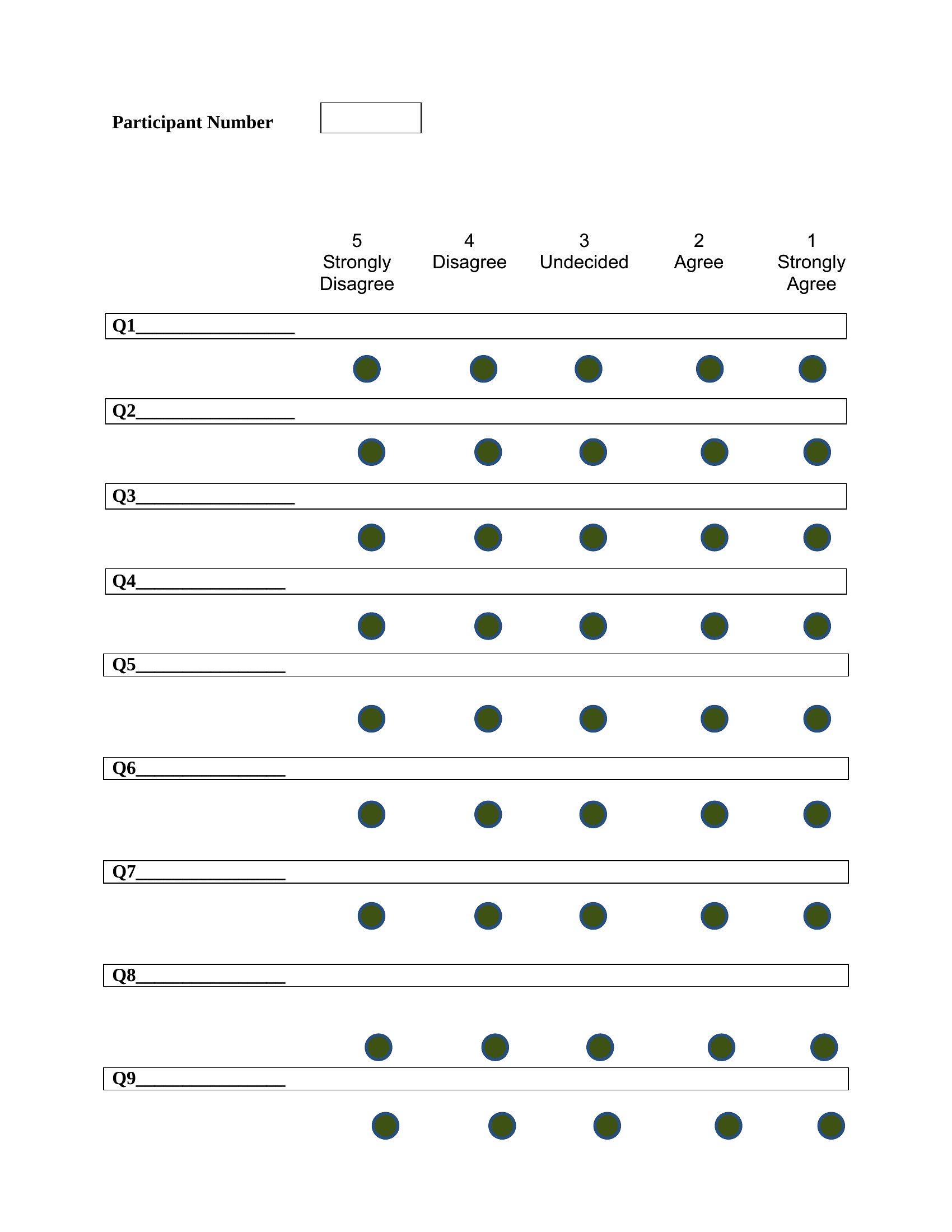
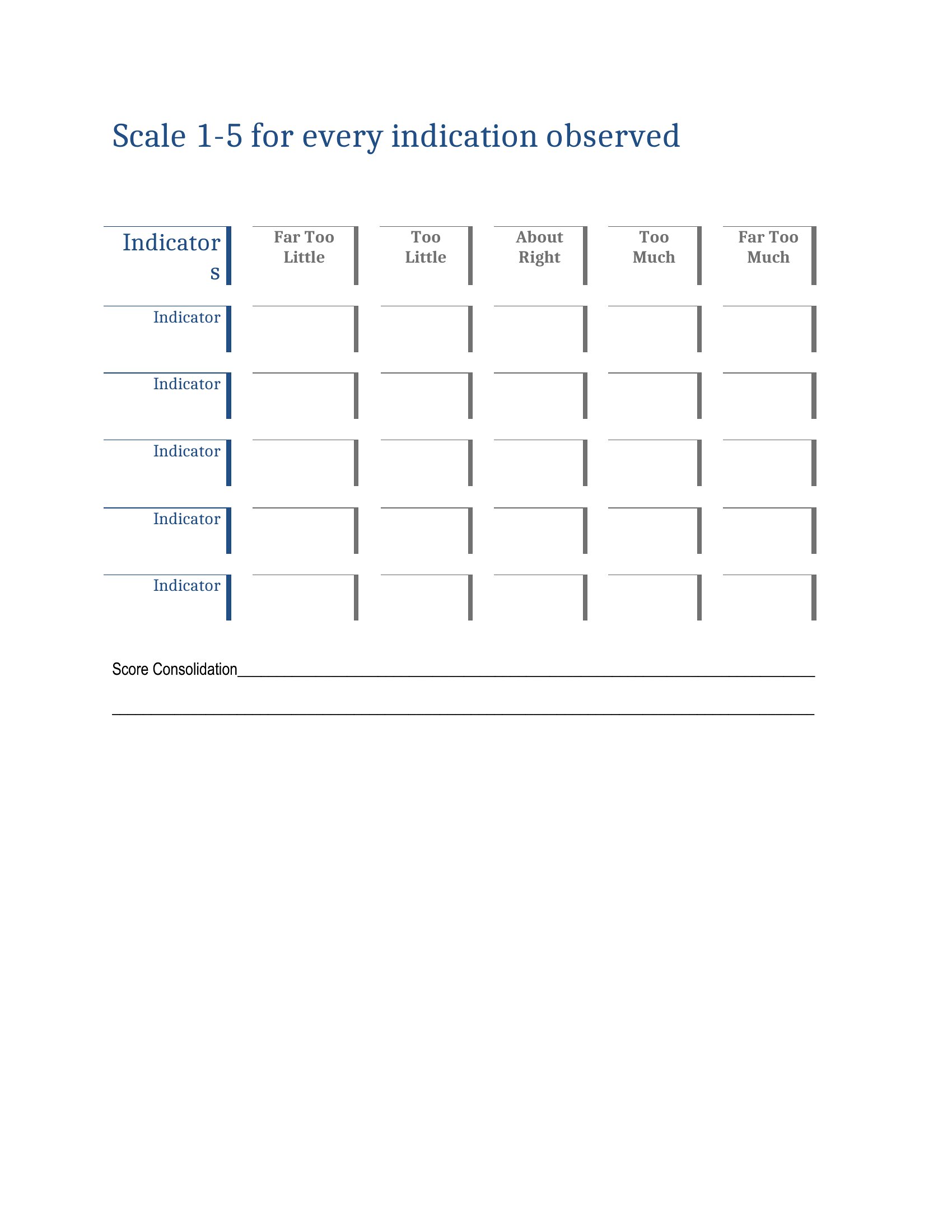
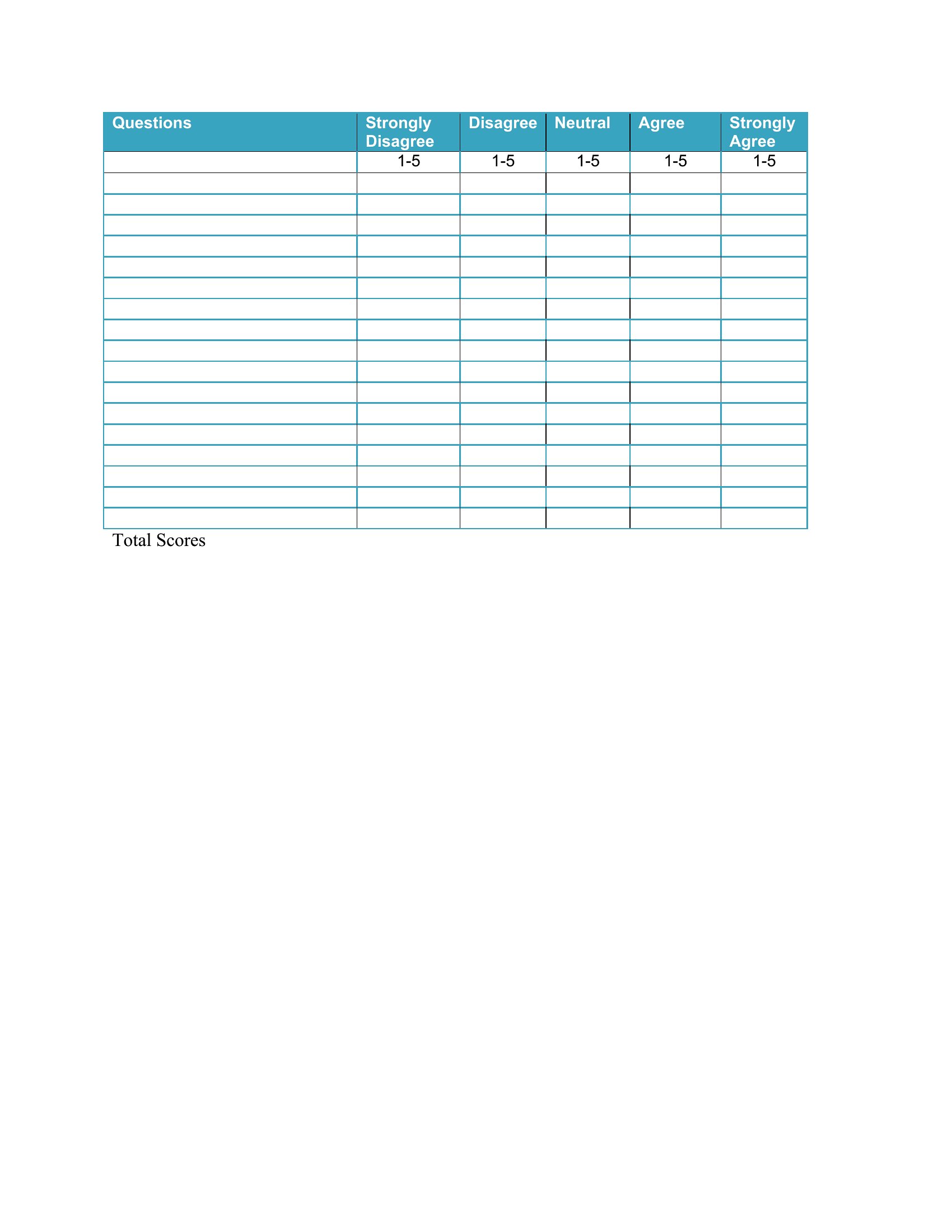
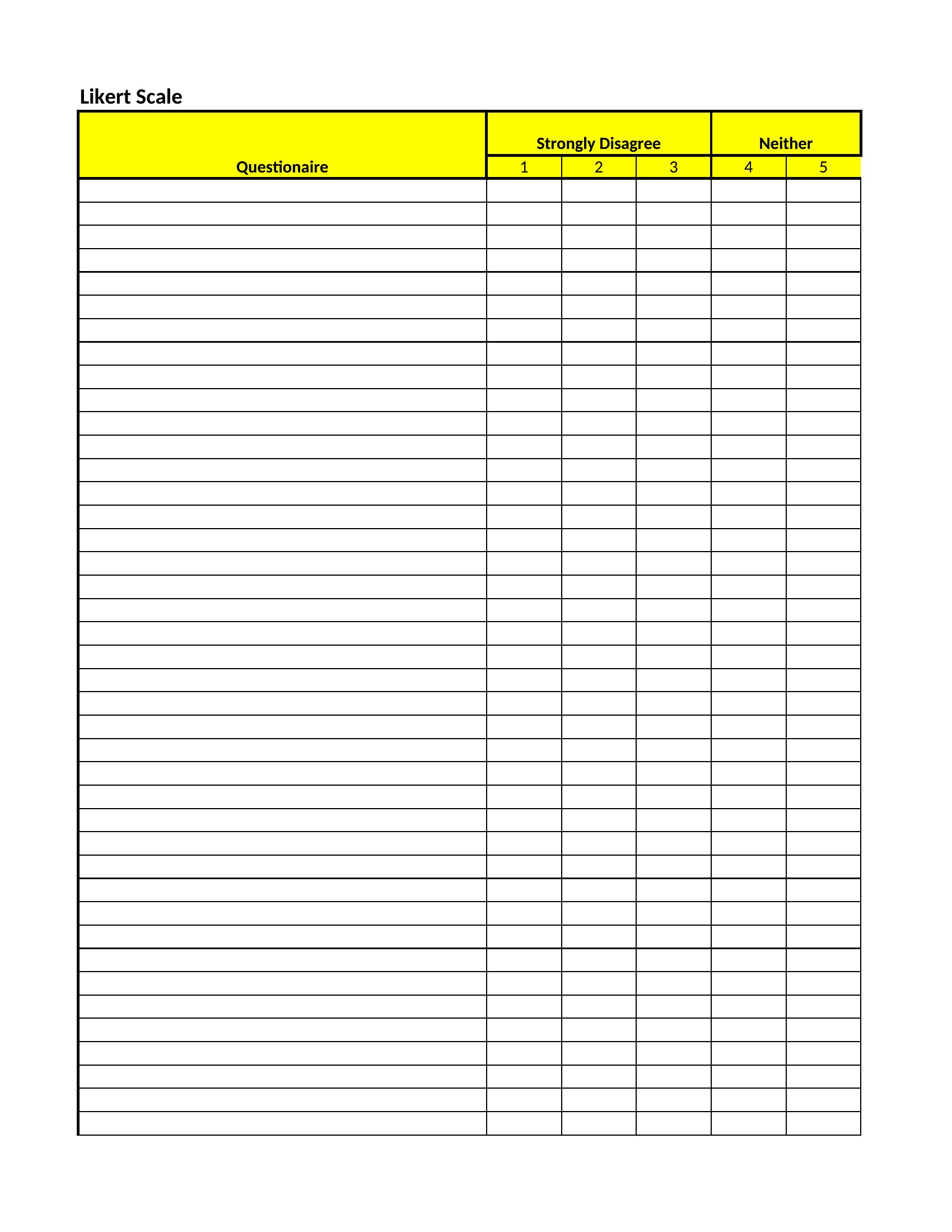
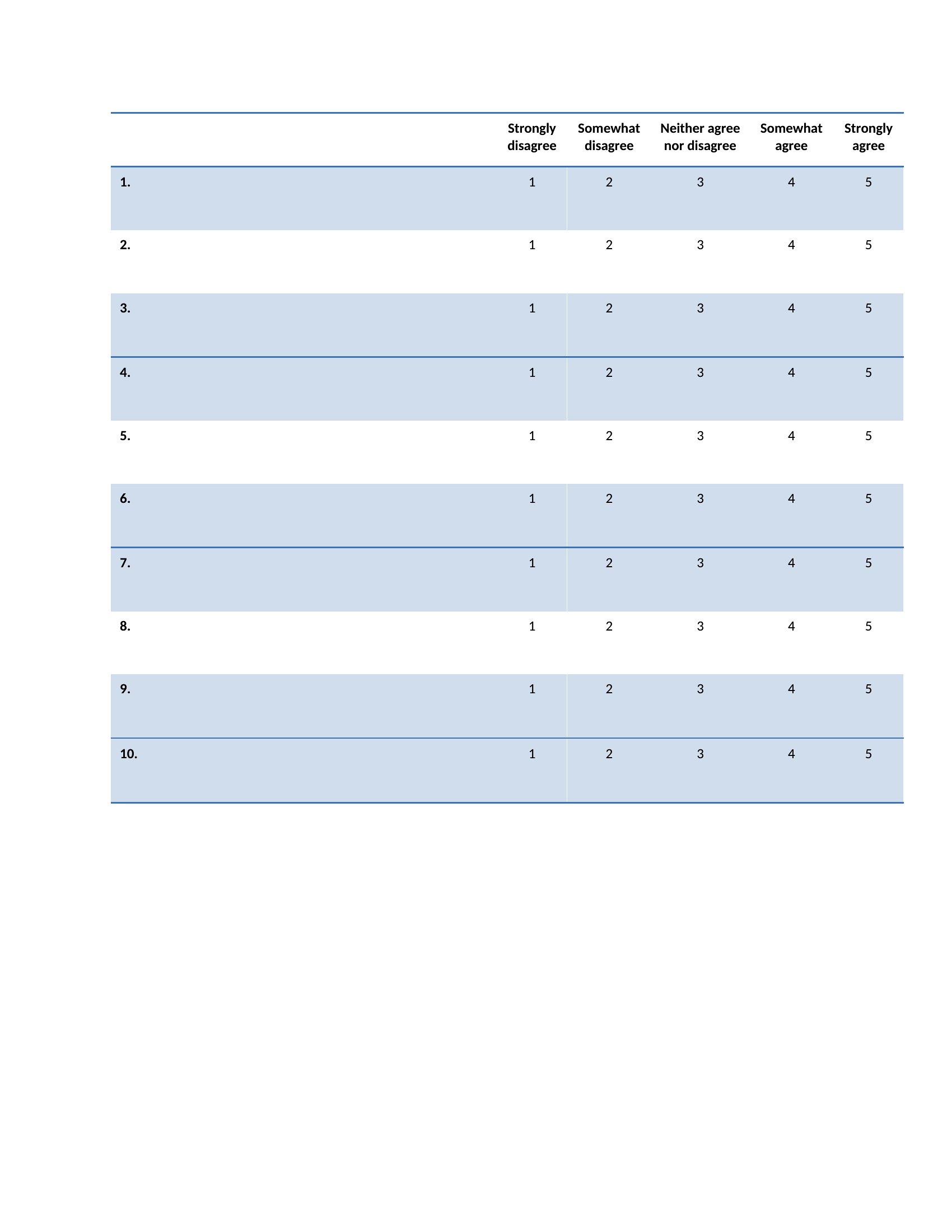
5 Point Scale Likert template thumbnail
0 downloads
Download
Likert Type Scale template thumbnail
0 downloads
Download

How to use this Likert Scale template

How do I decide between a 3-, 5-, or 7-point Likert scale for my survey?

A 3-point scale (e.g., disagree/neutral/agree) works for quick, high-level feedback or when respondents may feel neutral. A 5-point scale balances detail and simplicity, making it the most common choice for general surveys. Reserve a 7-point scale for nuanced topics where respondents can distinguish finer gradations, like measuring confidence or complex attitudes.

Can I mix Likert scale questions with other survey question types, like multiple-choice?

Yes, Likert scales often pair well with multiple-choice or open-ended questions. Use Likert for measuring attitudes or opinions, then follow with multiple-choice to gather categorical data. Open-ended questions can clarify *why* respondents chose specific ratings. Keep Likert questions grouped together to avoid confusion, but alternate formats to maintain respondent engagement.

What’s the best way to phrase Likert scale statements to avoid bias?

Avoid leading language—phrase statements neutrally (e.g., ‘The customer support was helpful’ instead of ‘The customer support was *exceptionally* helpful’). Use balanced scales (e.g., include a midpoint like ‘neutral’ or ‘neither agree nor disagree’). Test statements with a small group first to ensure they don’t skew responses. Never assume respondents will interpret terms like ‘strongly agree’ the same way.

Comments

Join the conversation

Sign in to share your thoughts and leave a comment on this resource.

Newsletter

Get Weekly Design Updates

Join our community to receive curated resources and inspiration.

Weekly Tips Resources Early Access

We respect your privacy. Confirmation email required. Privacy Policy