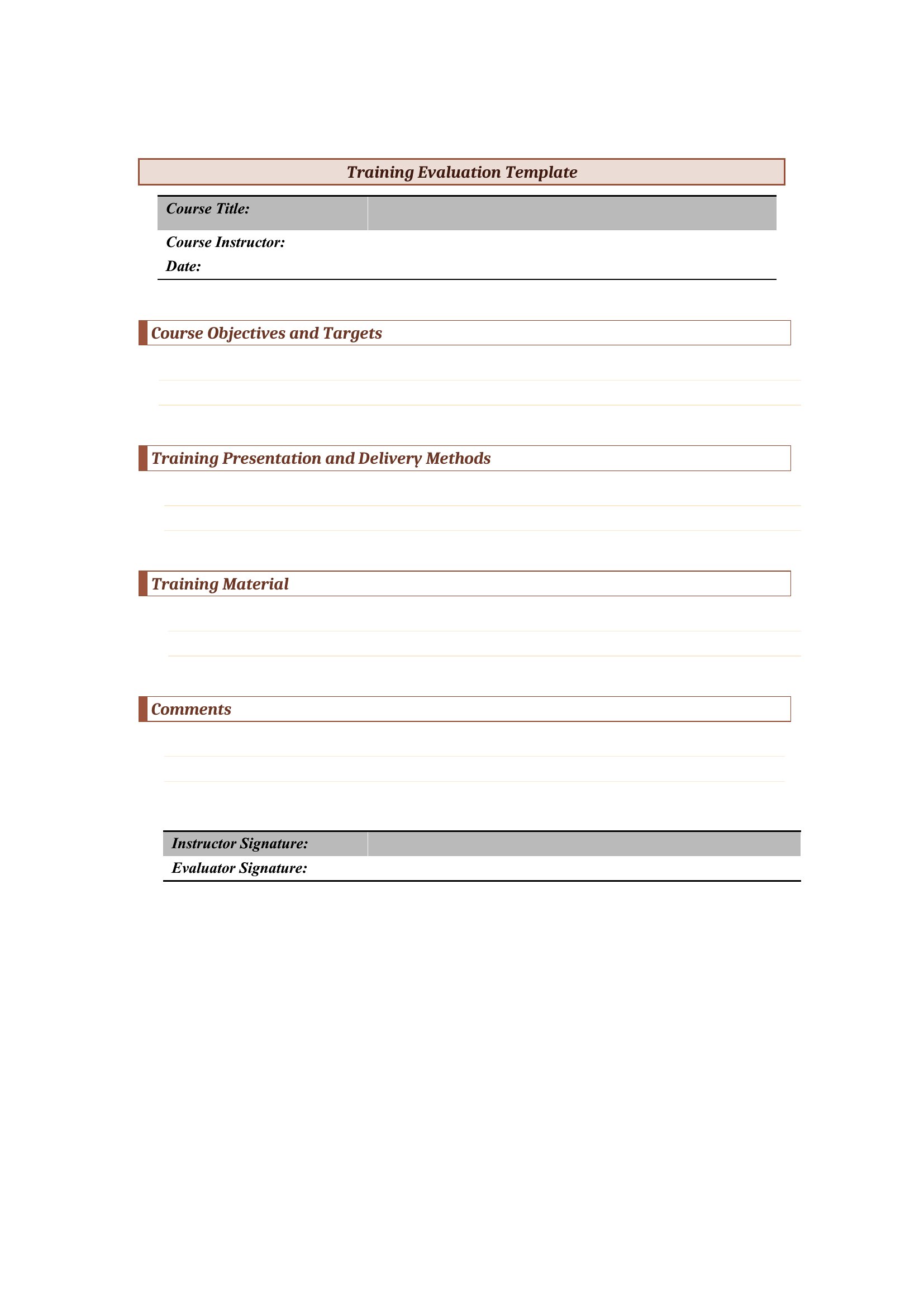
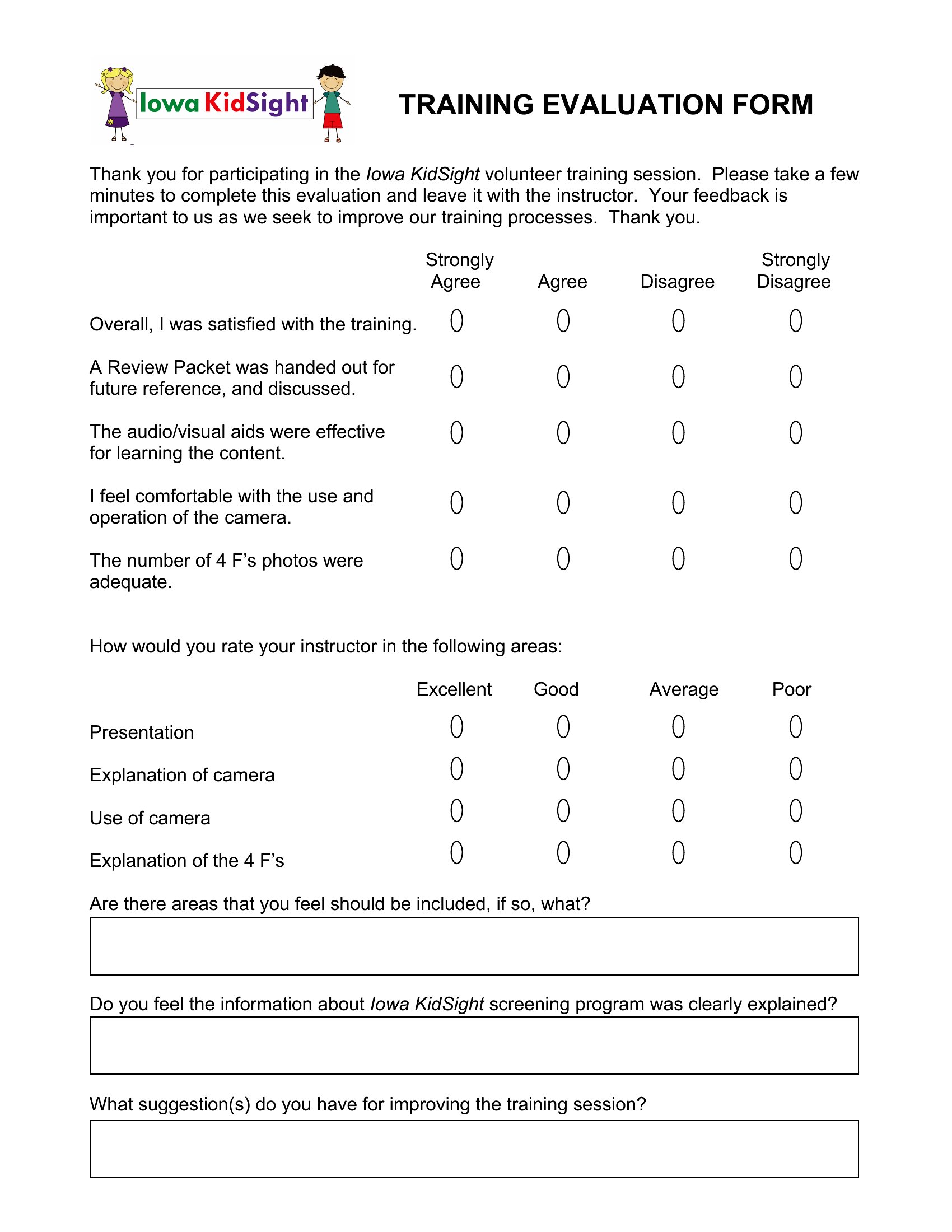
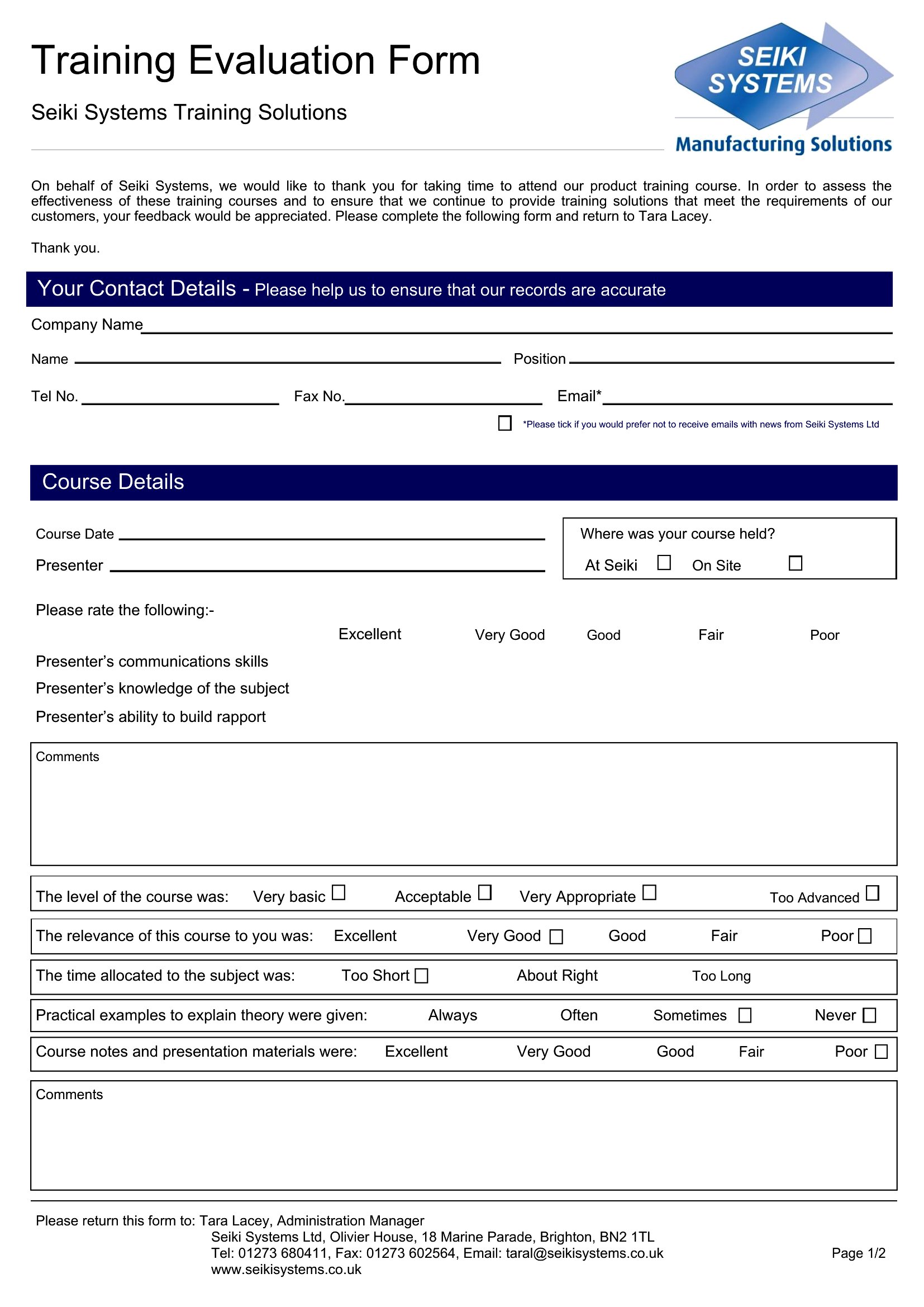
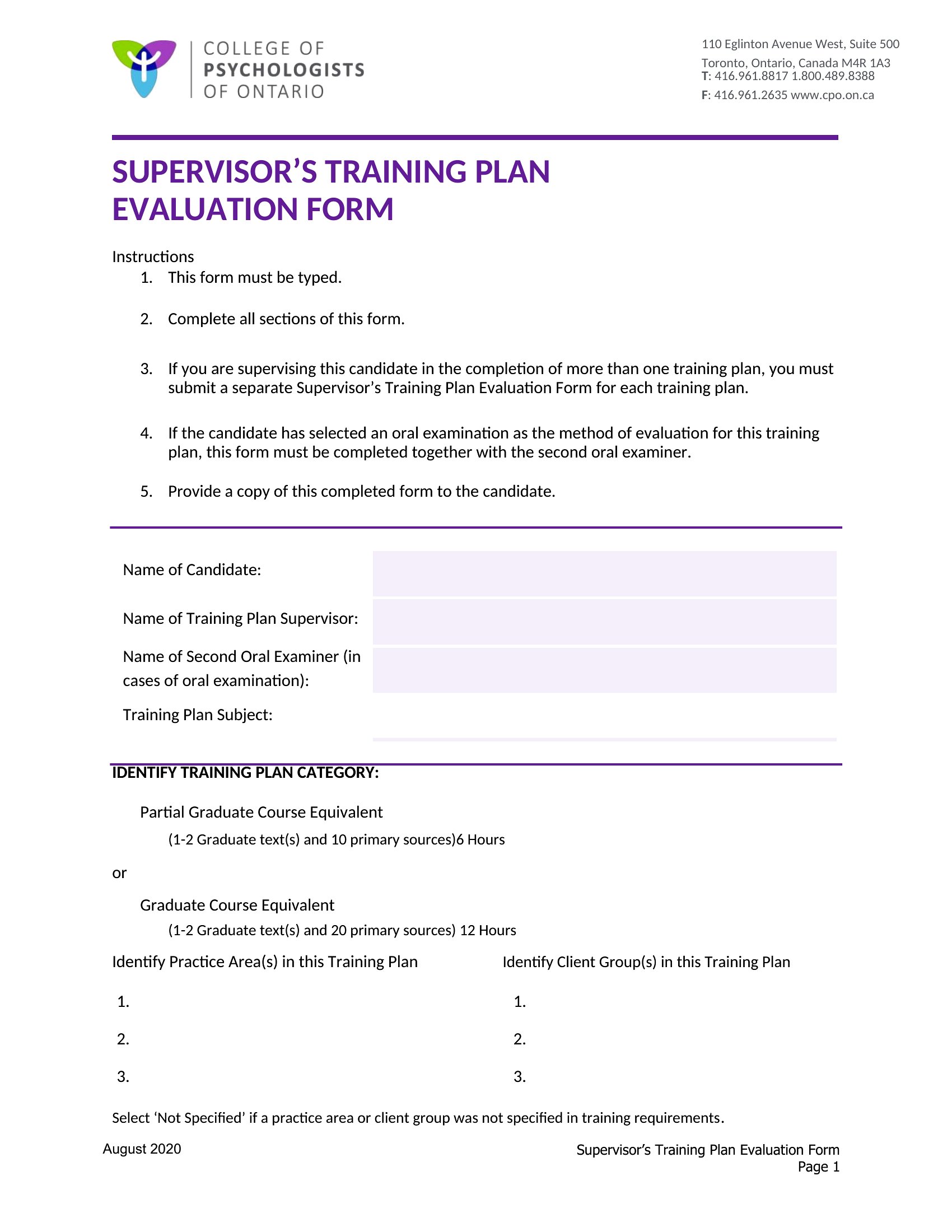
Free Training Evaluation Forms (Word, PDF)
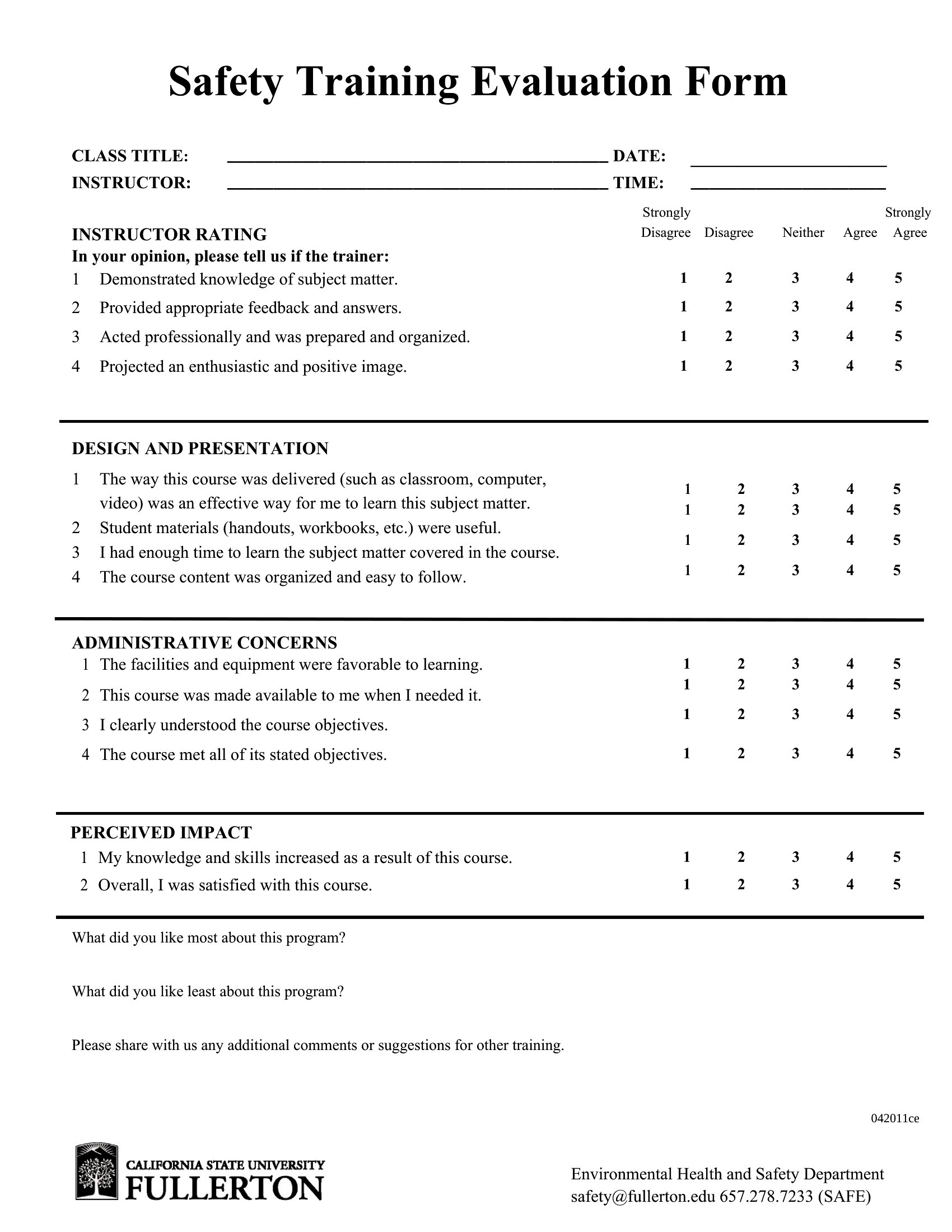
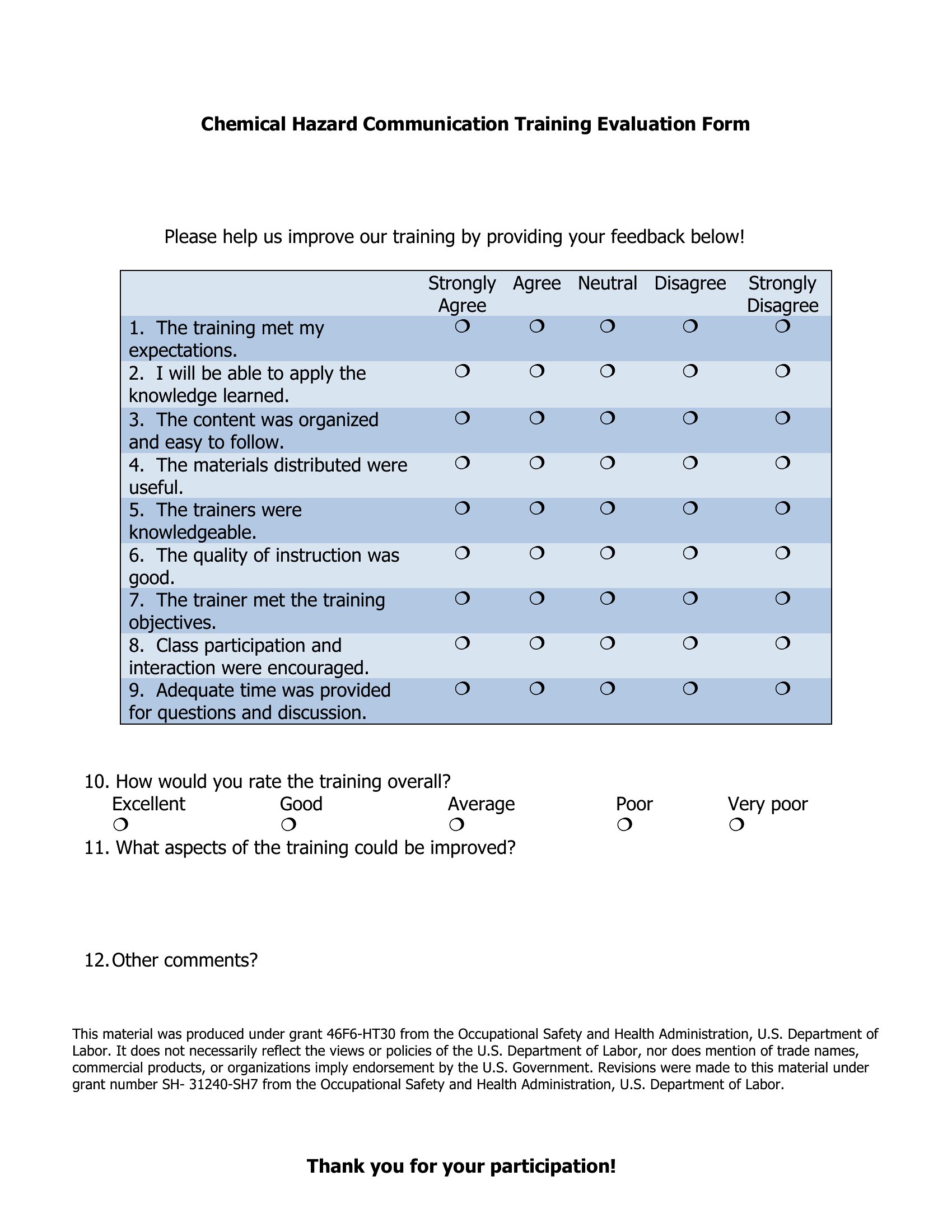
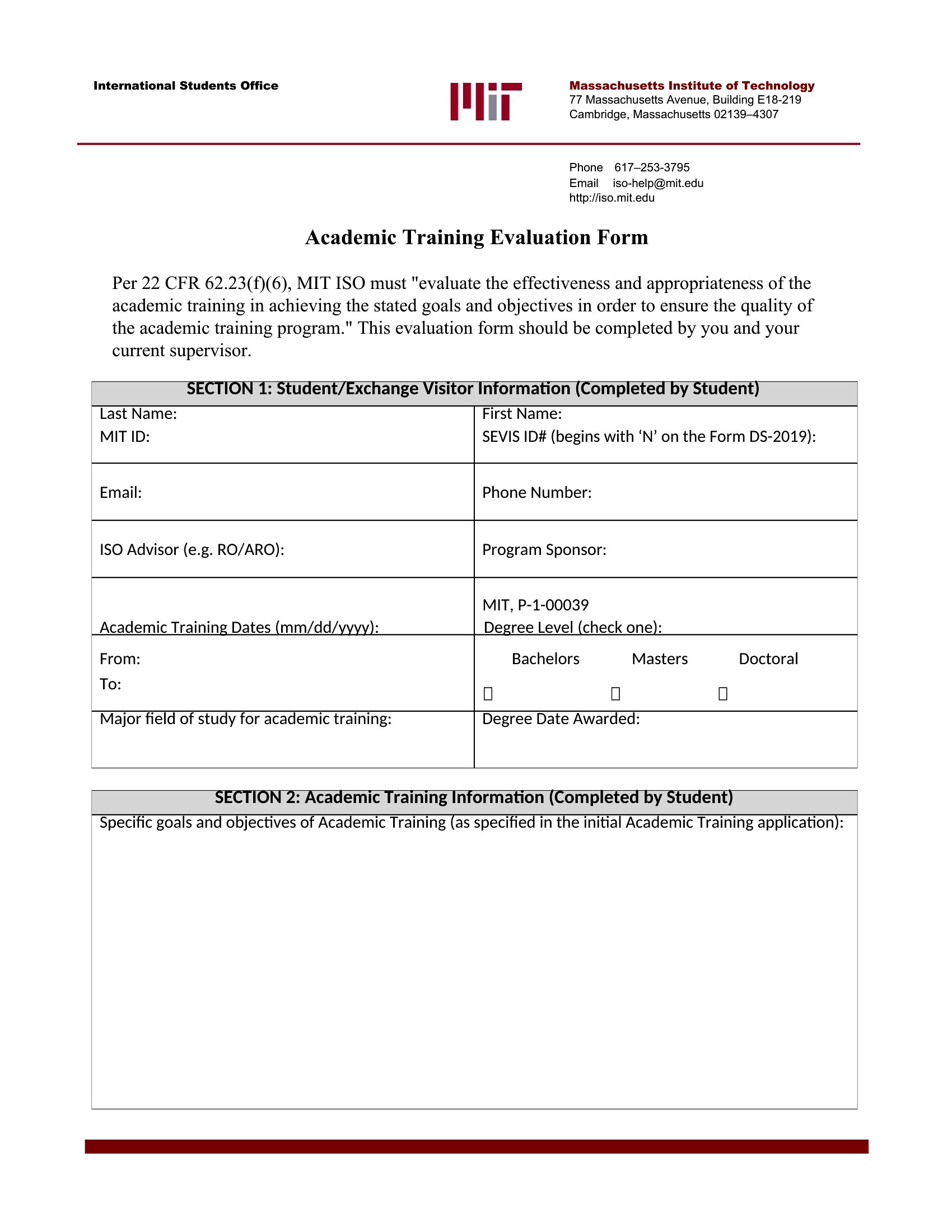
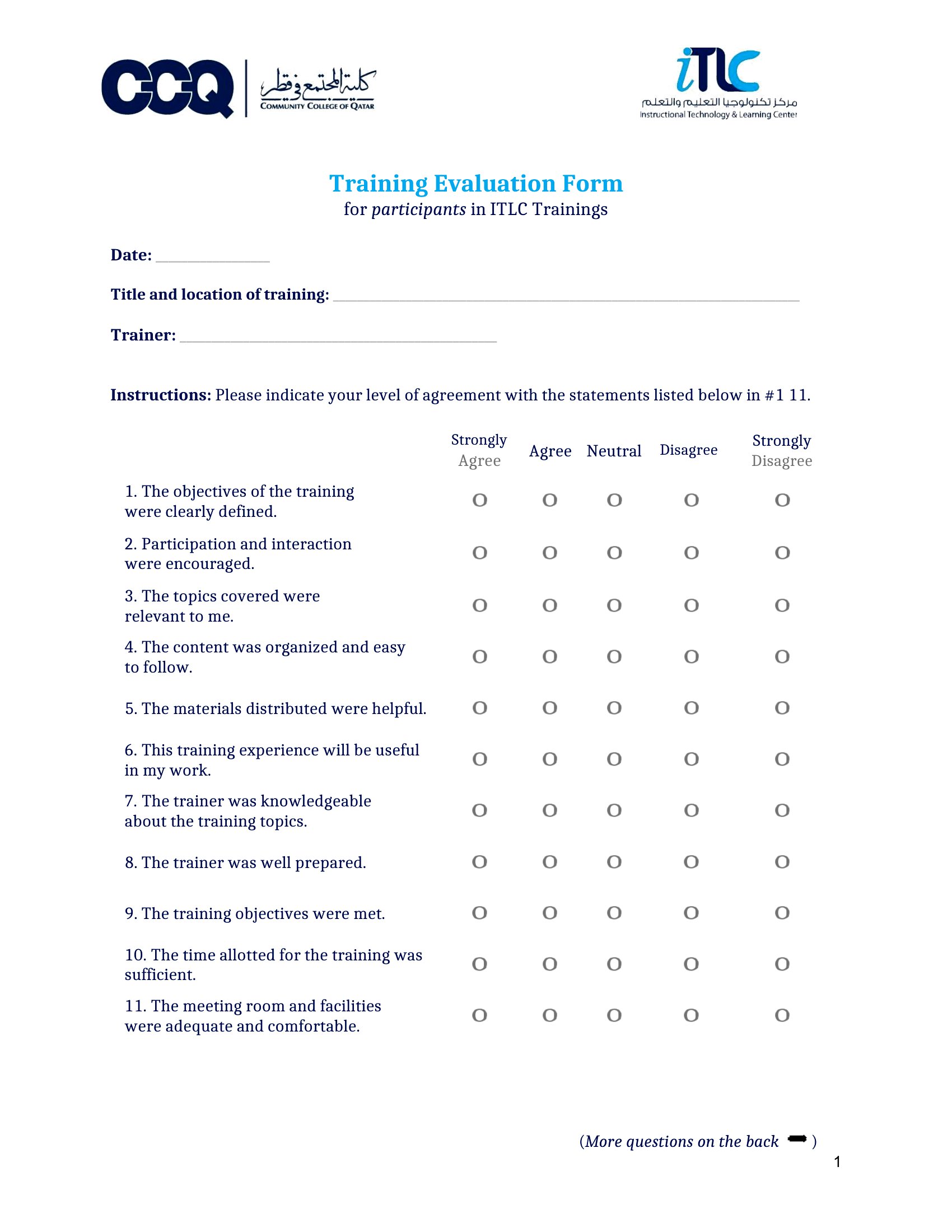
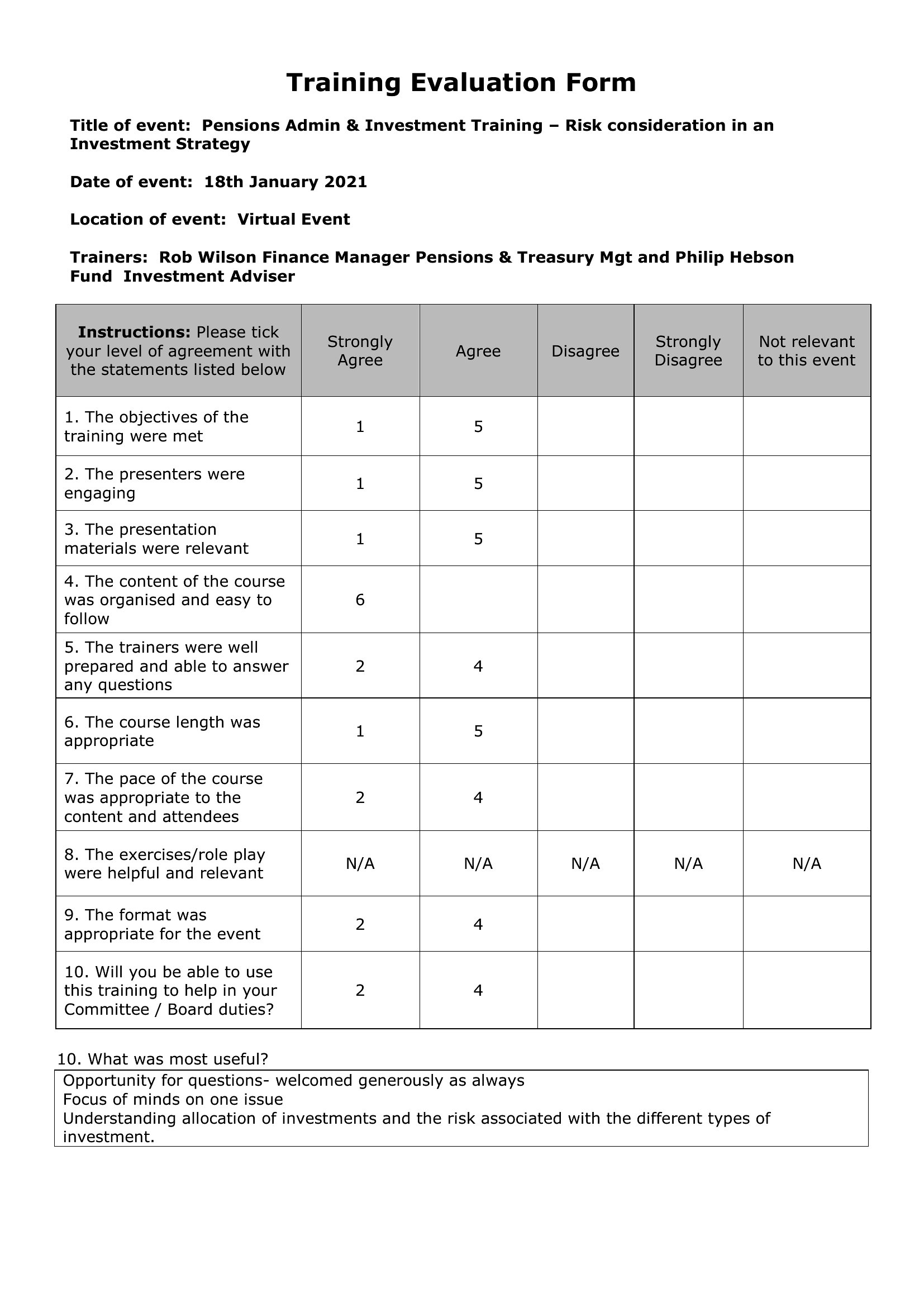
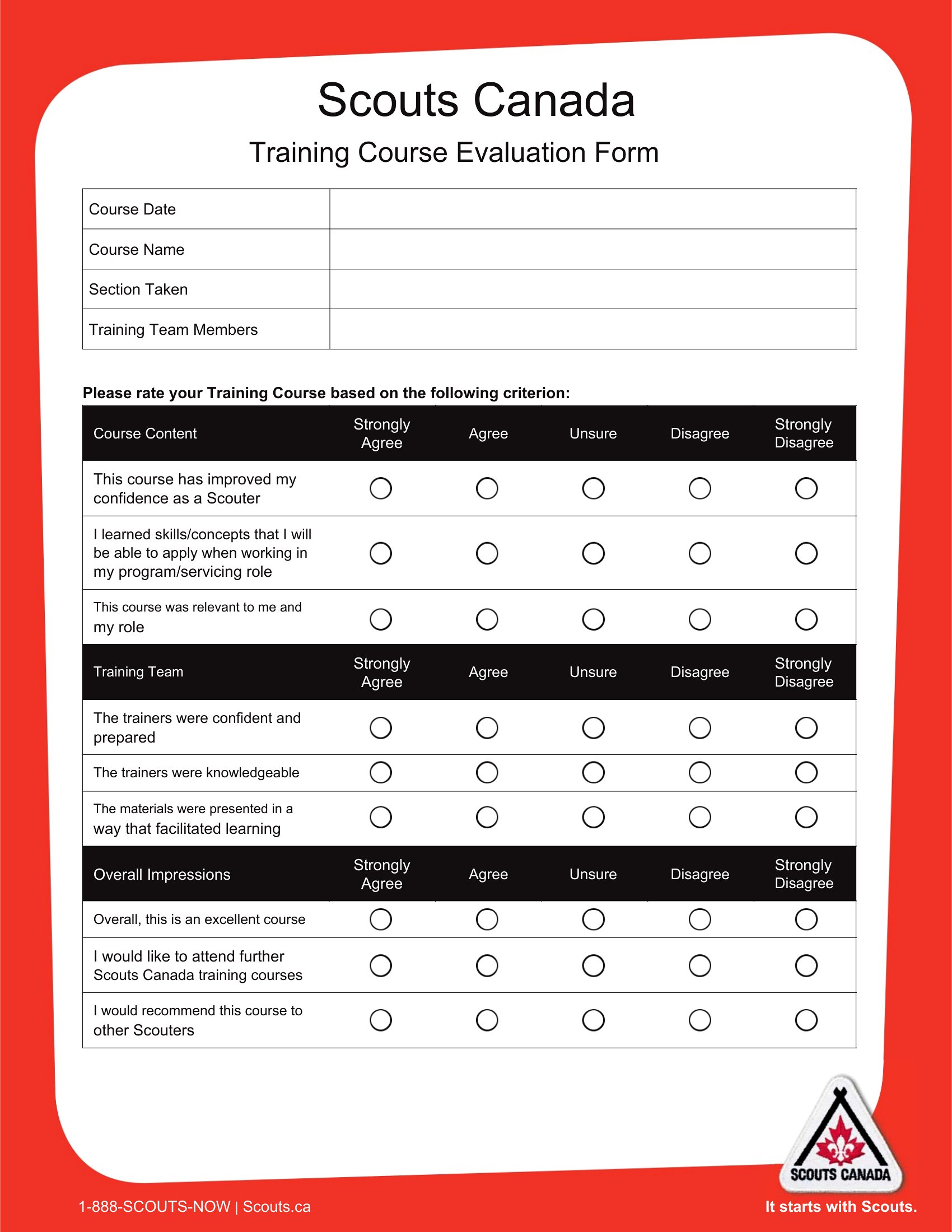
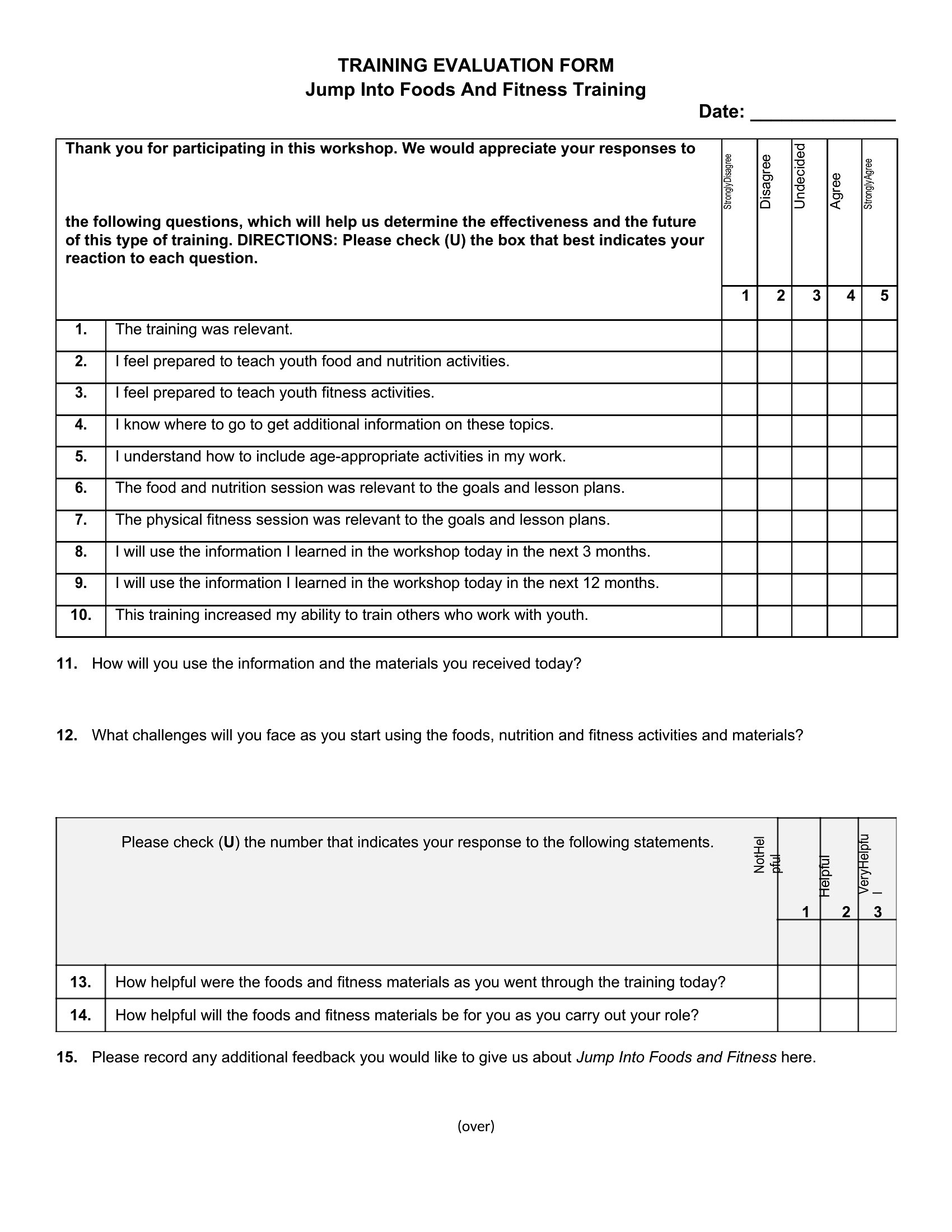
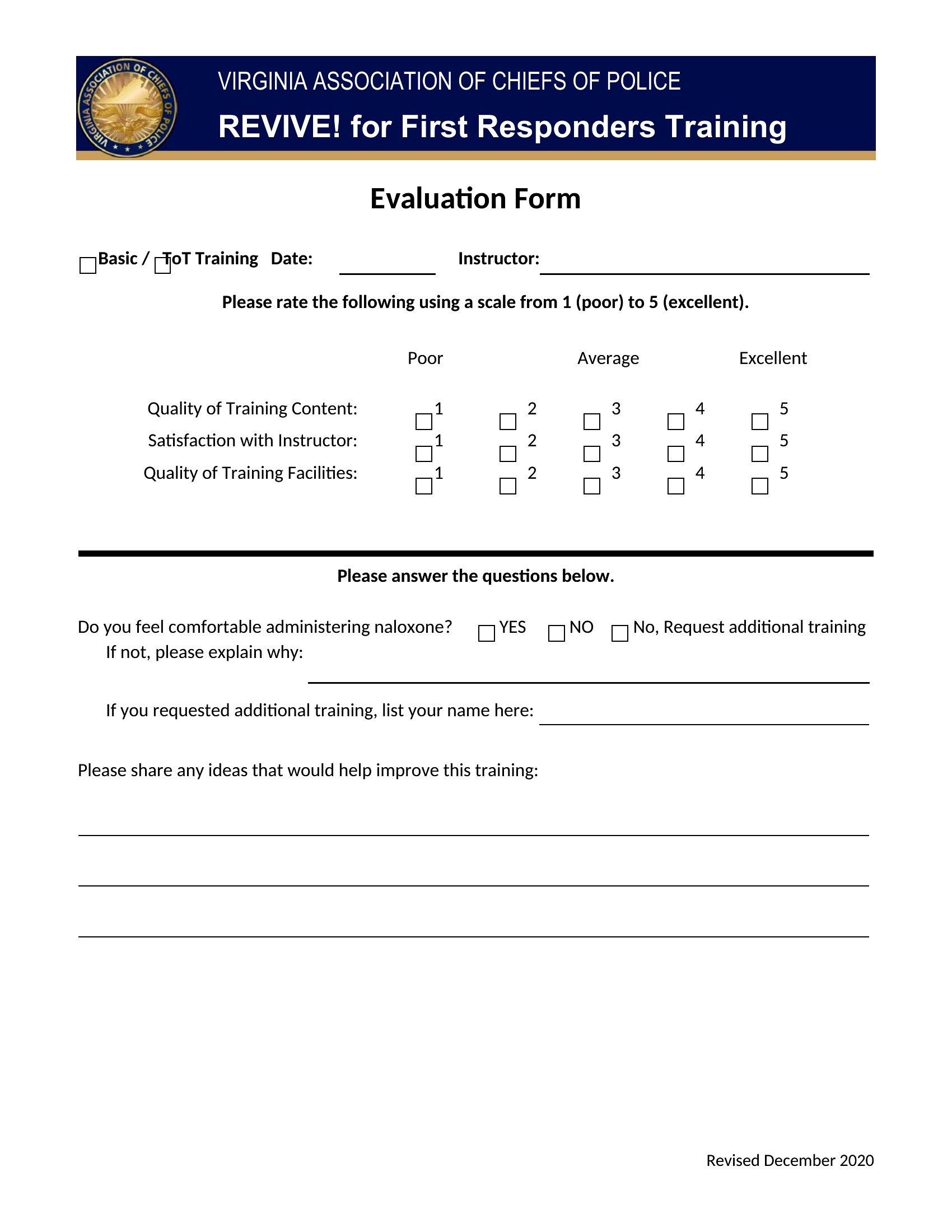
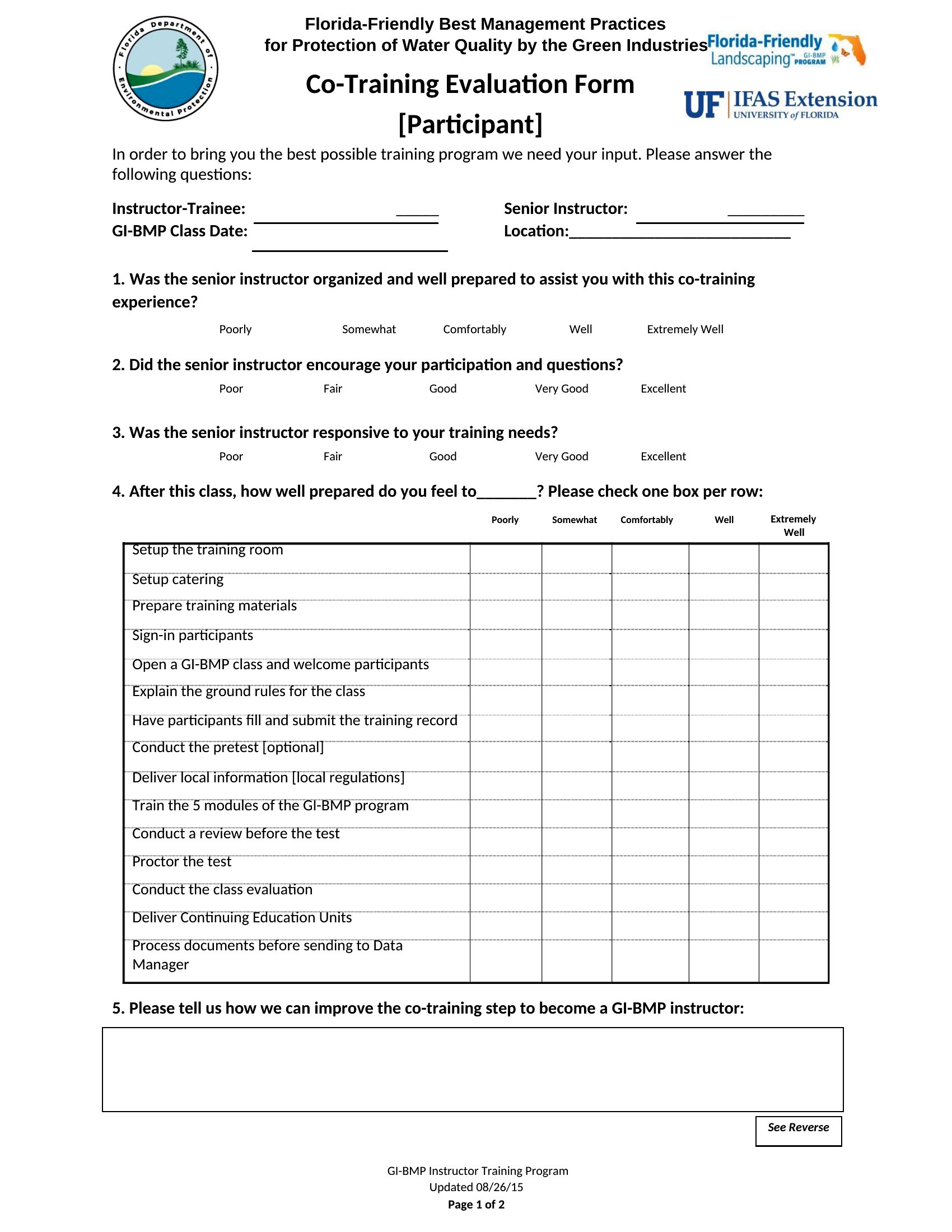
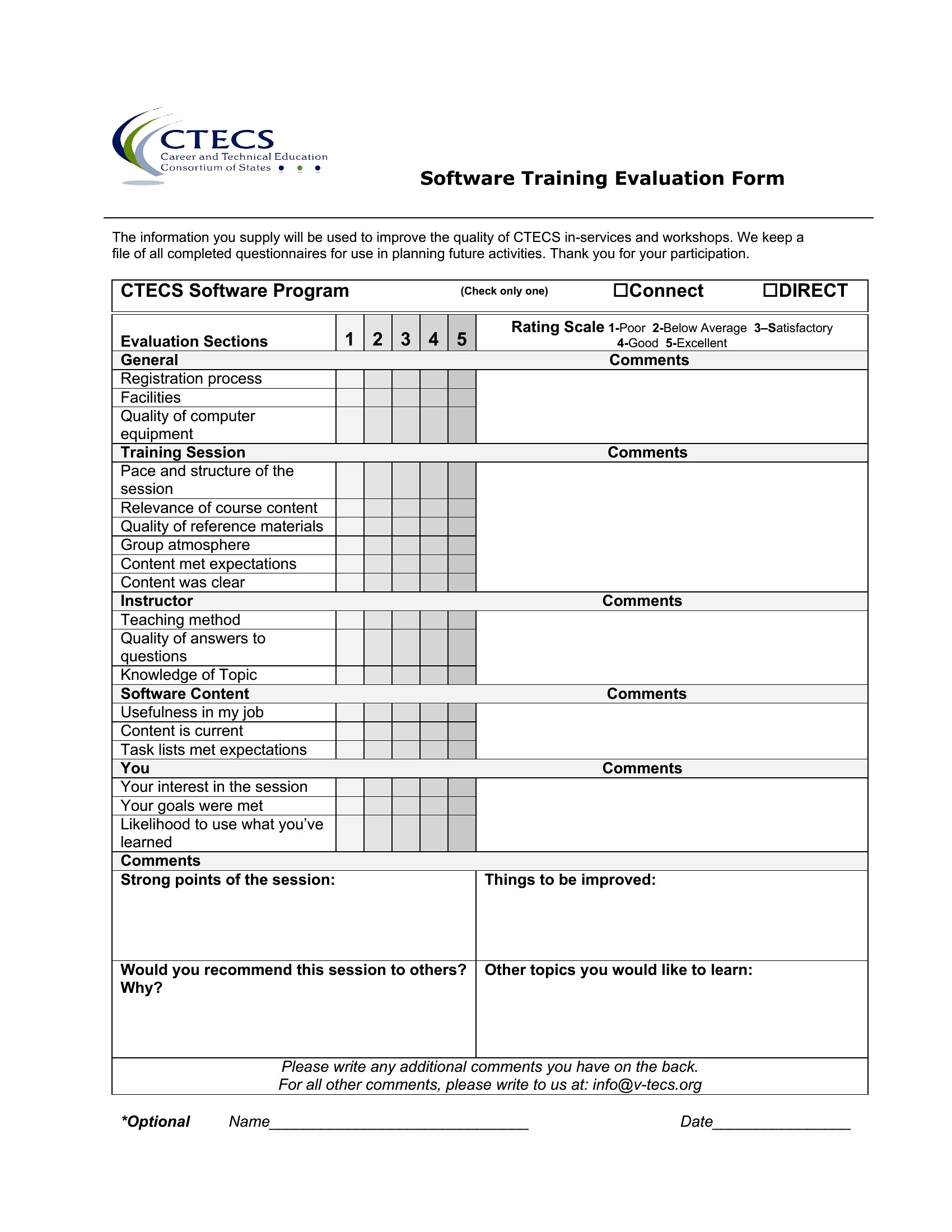
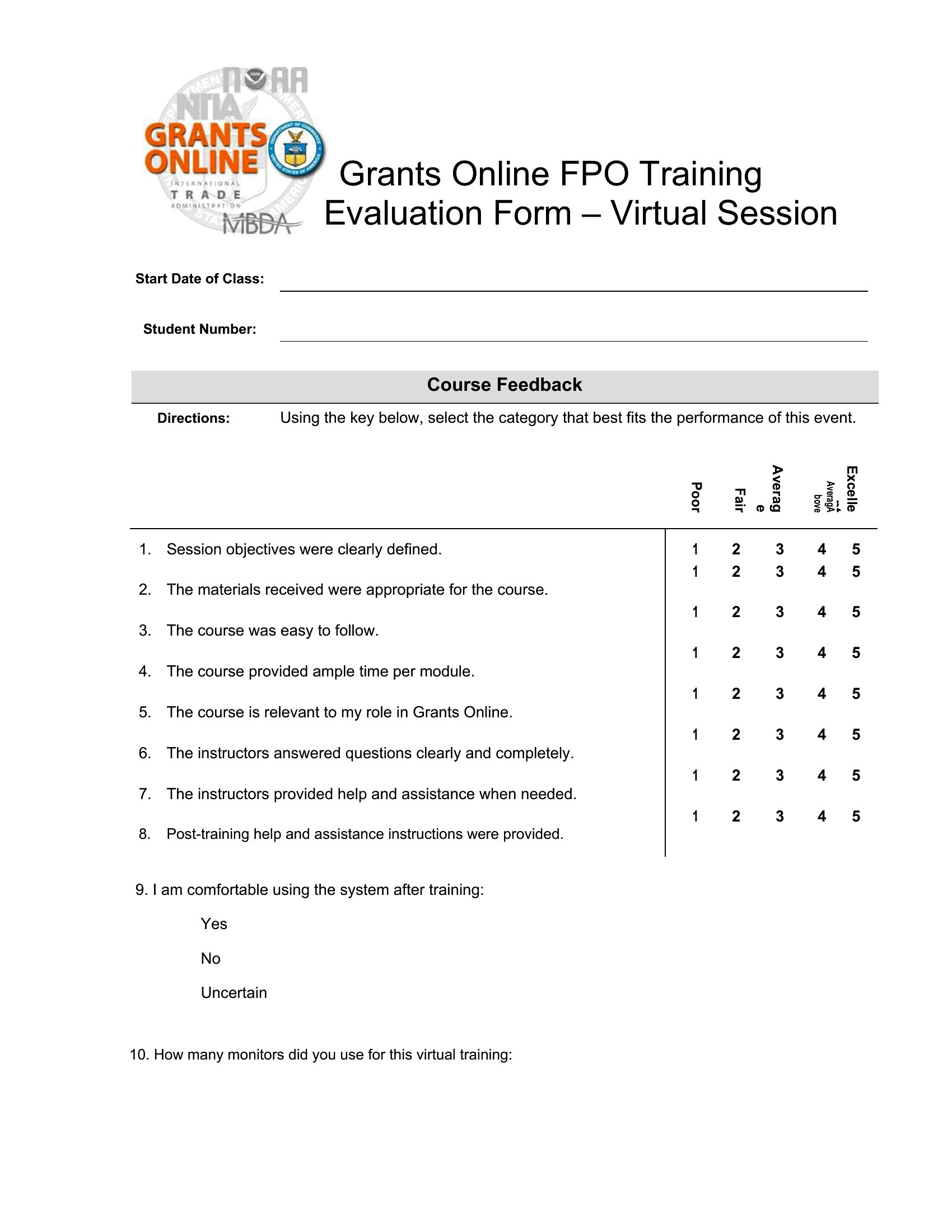
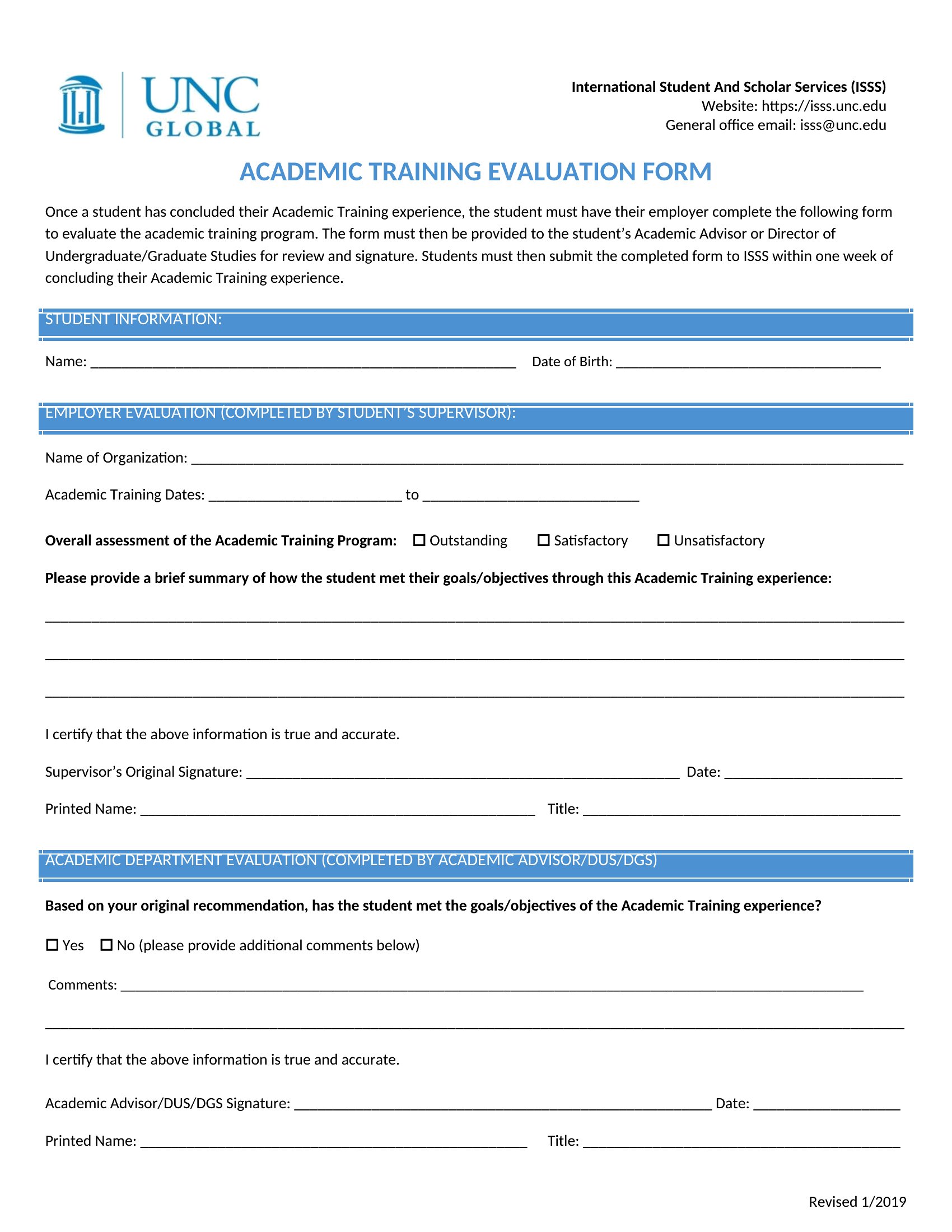
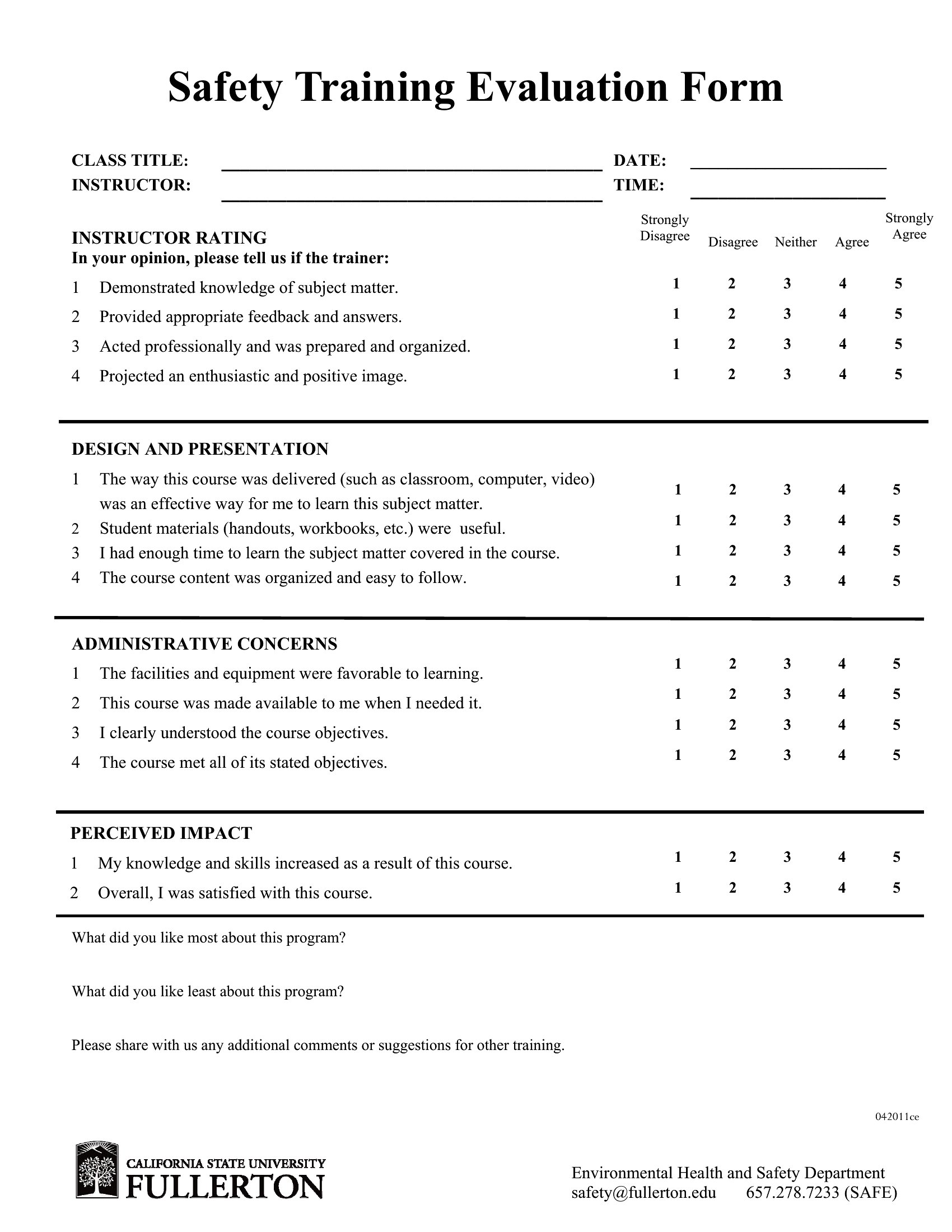
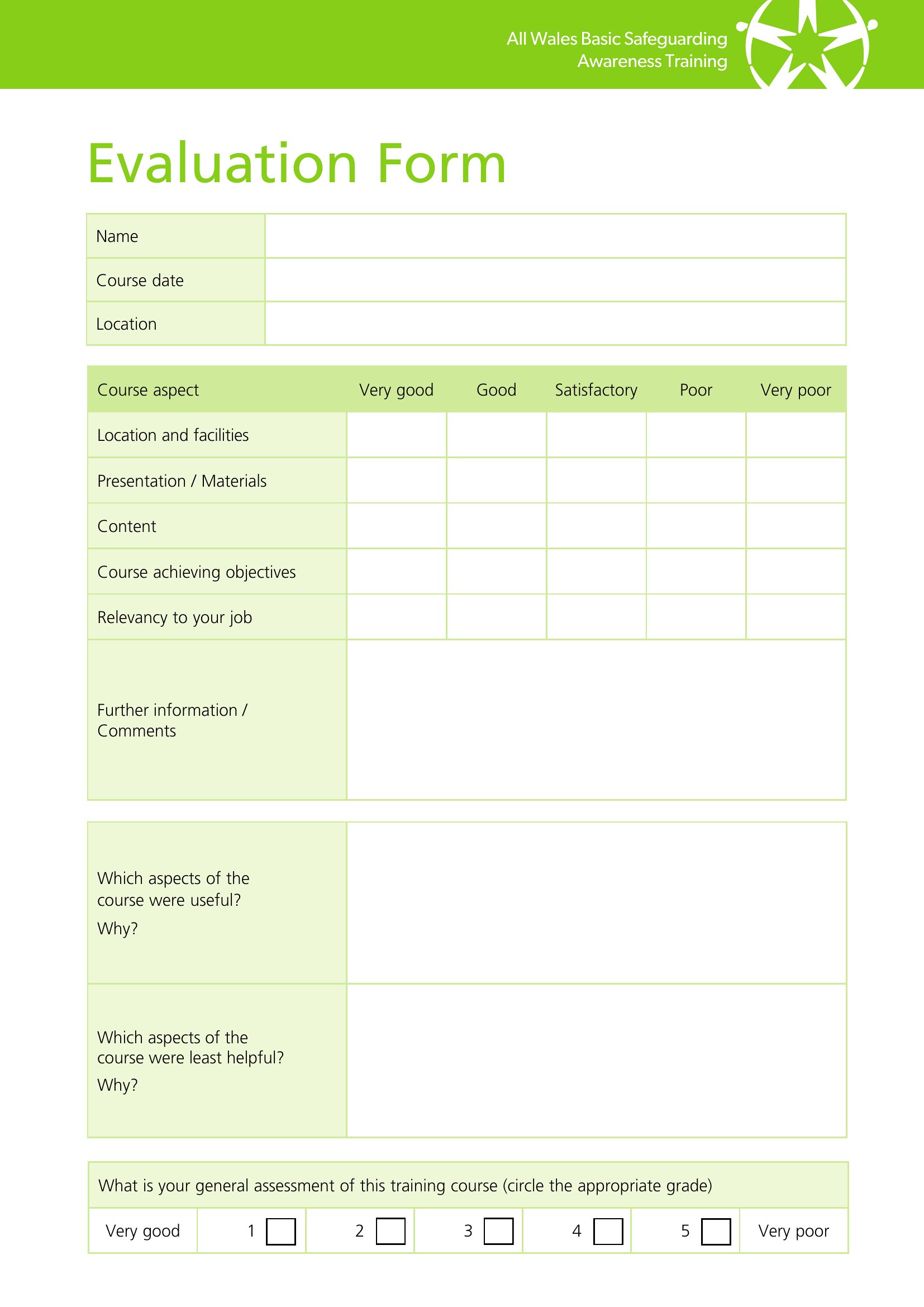
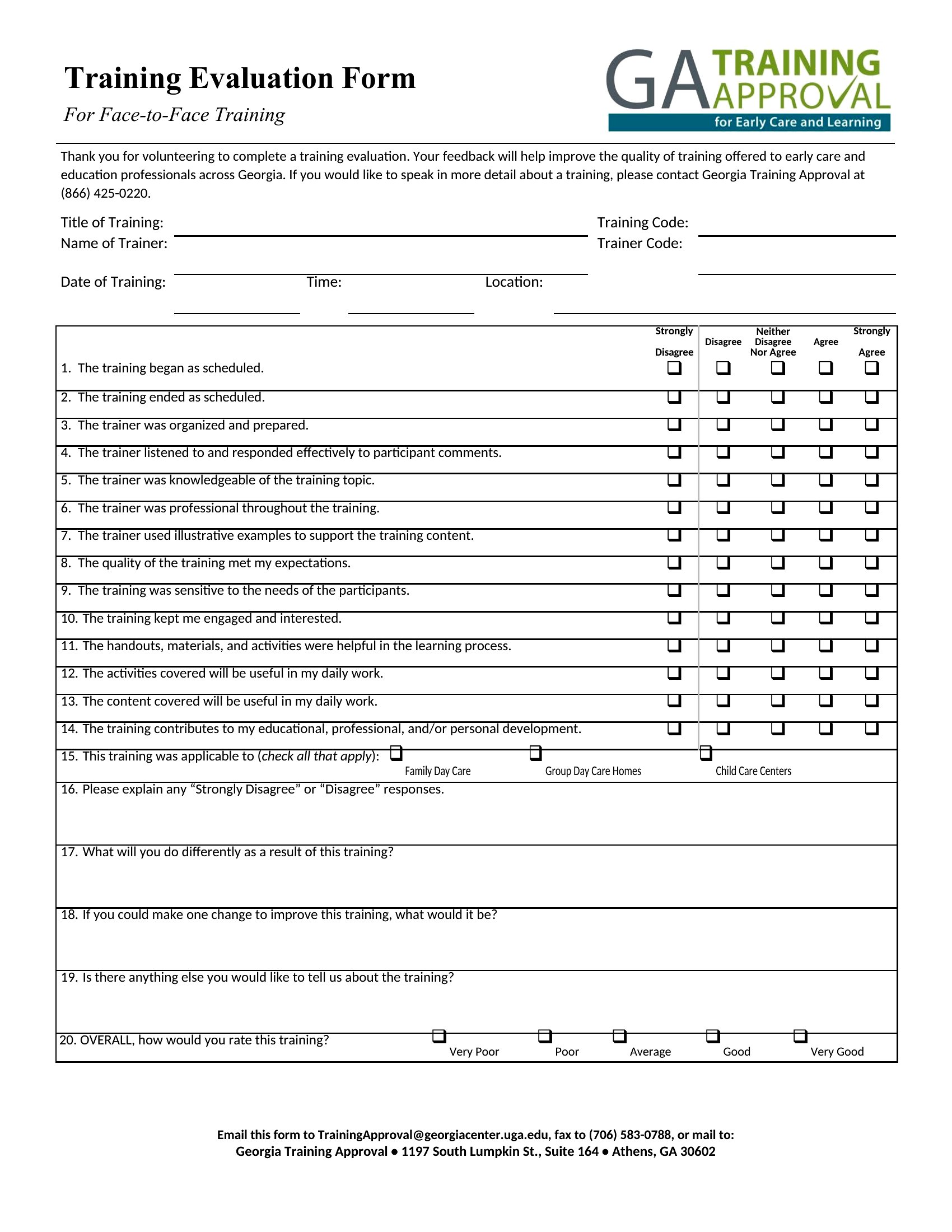
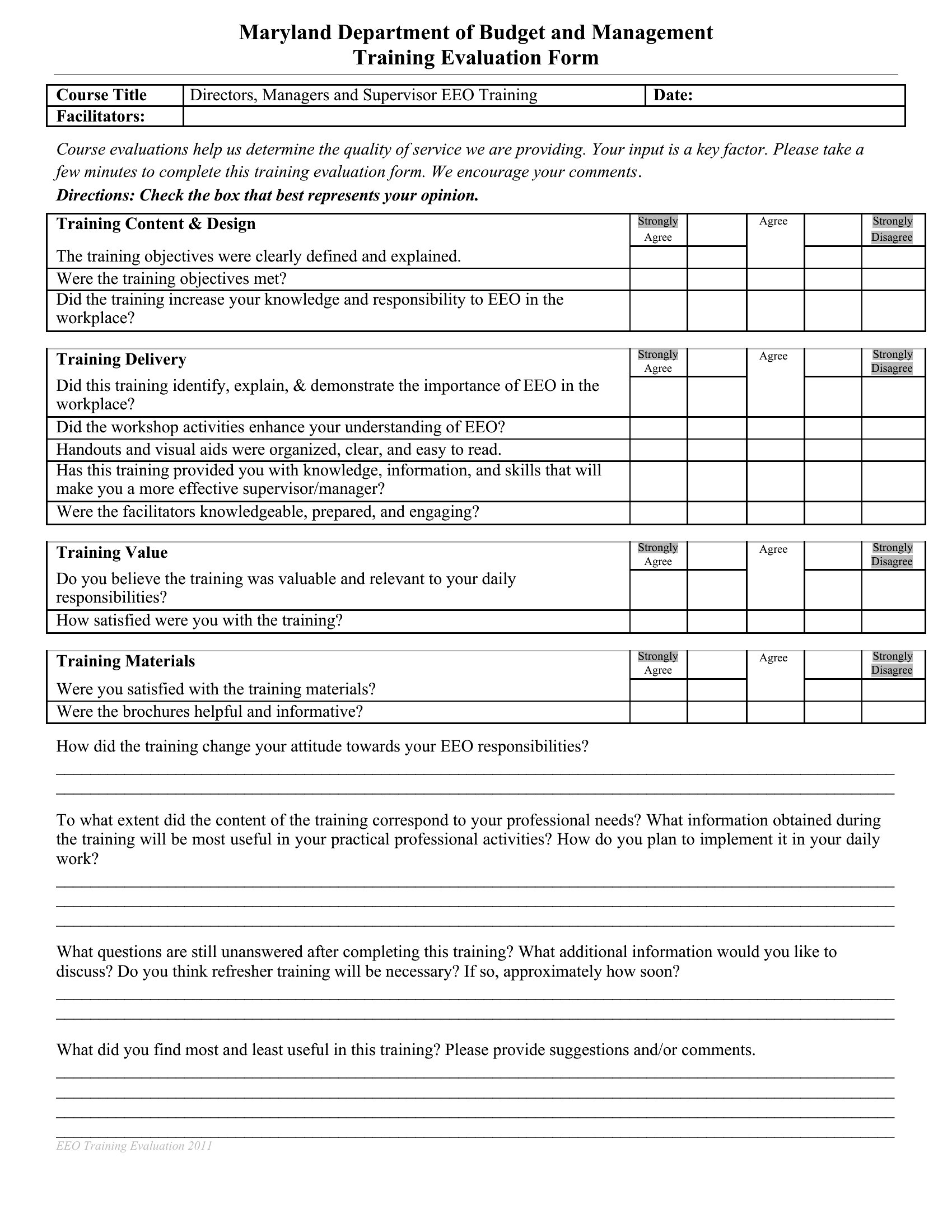
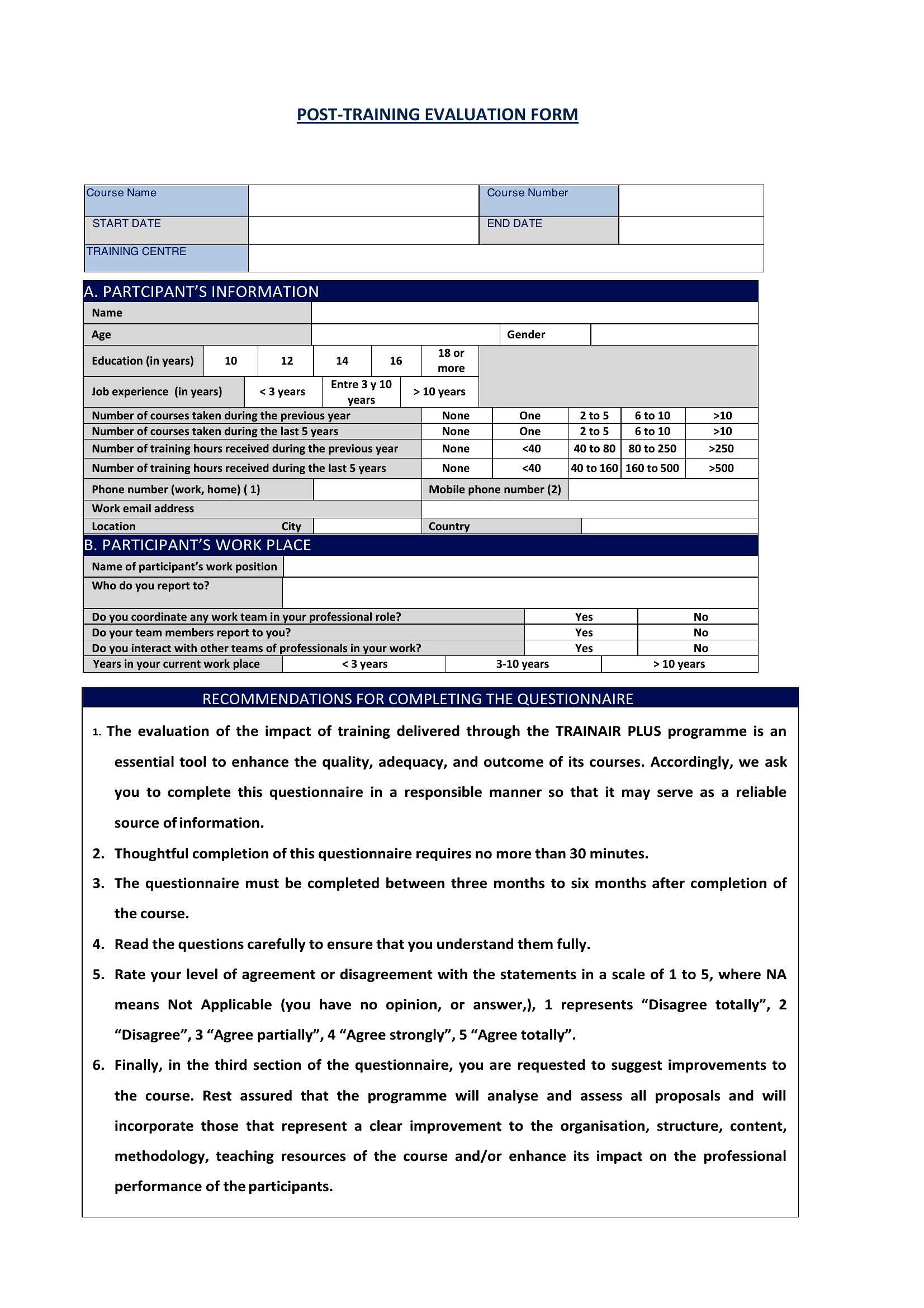
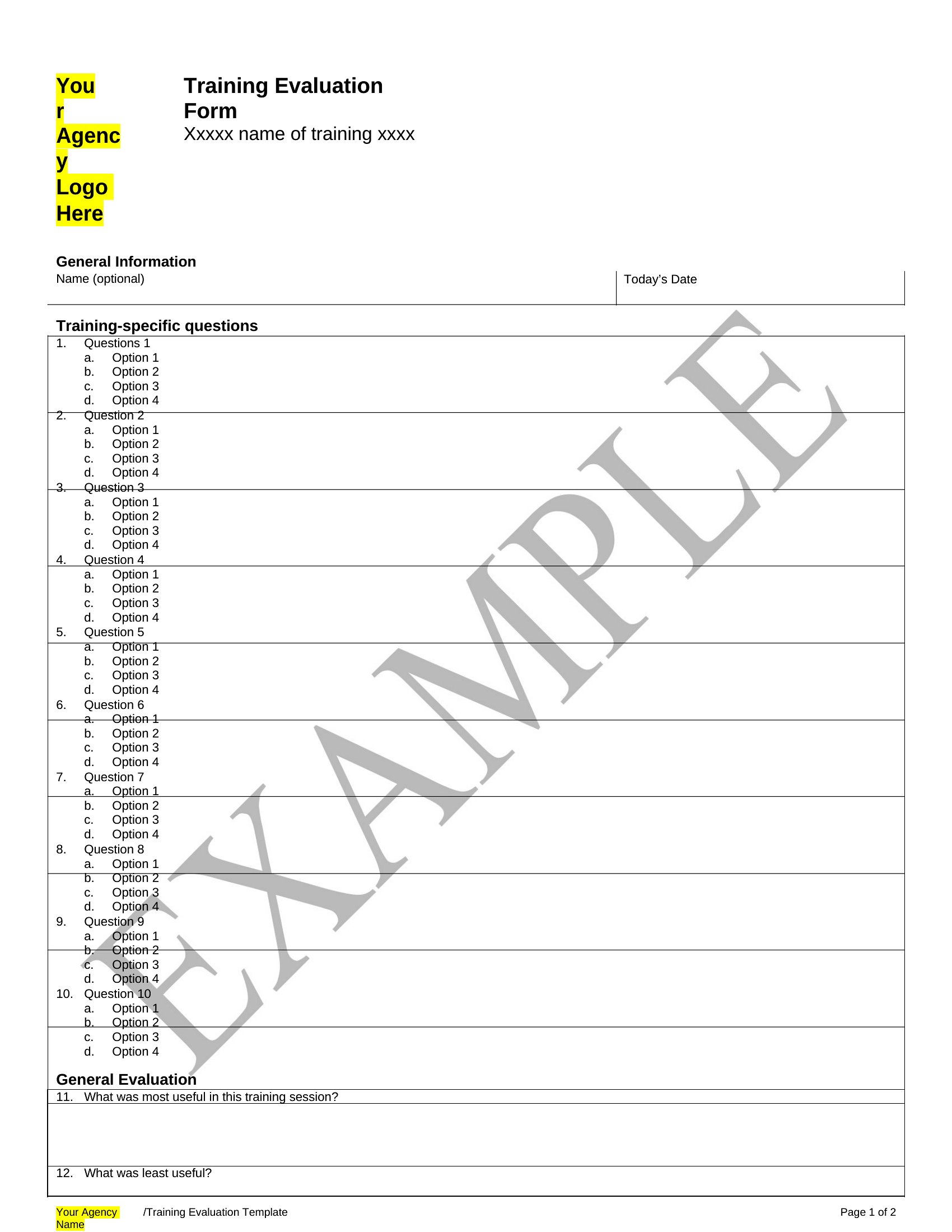
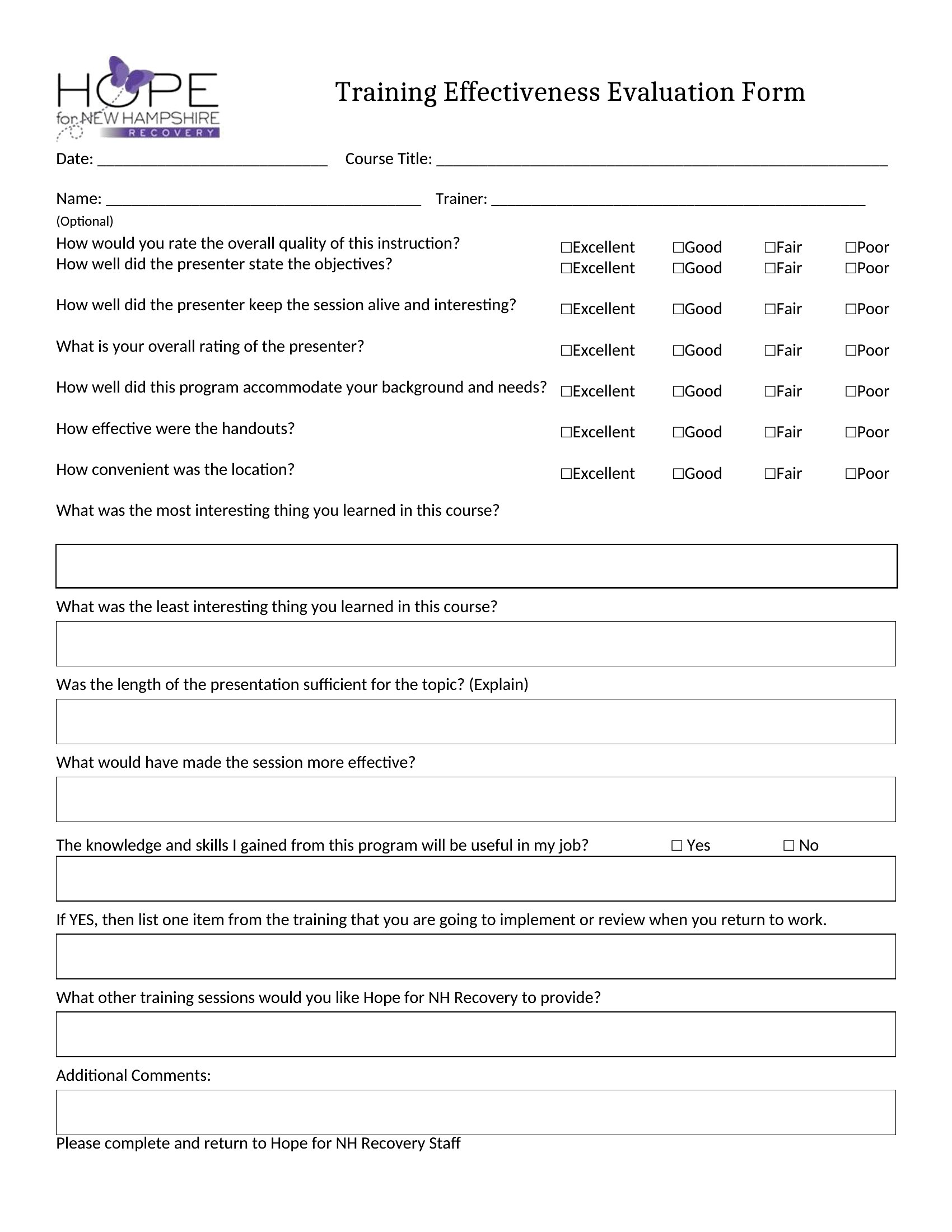
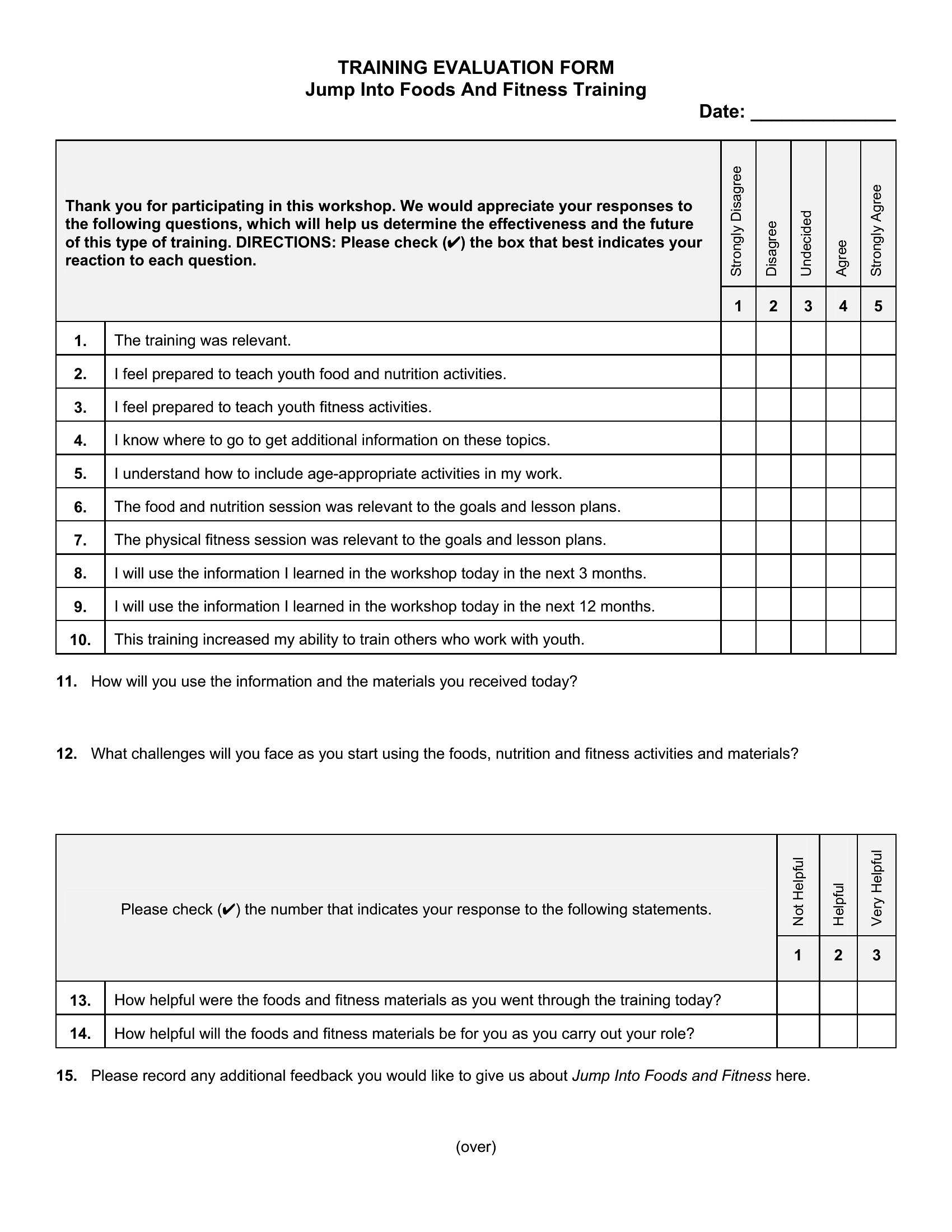
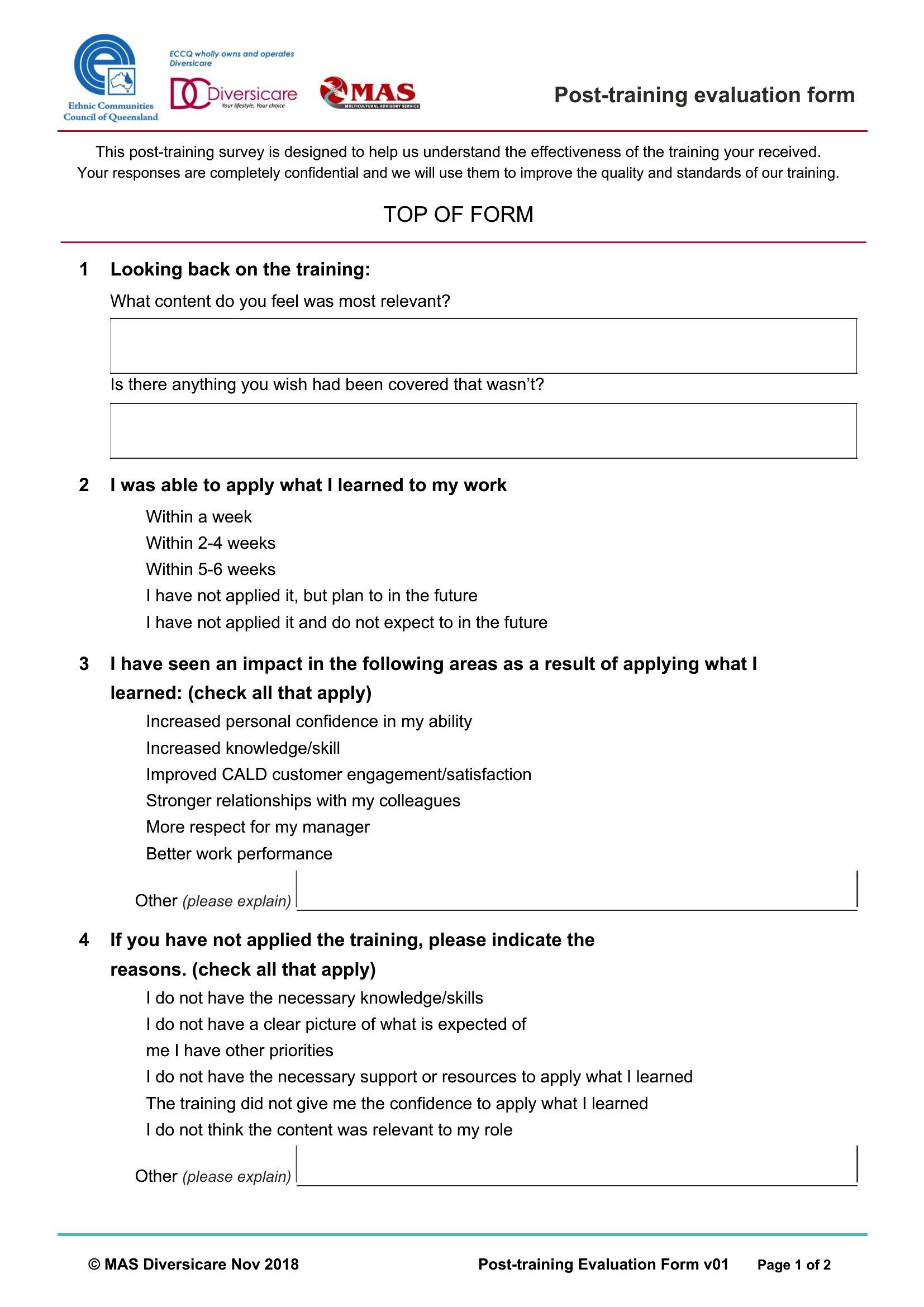
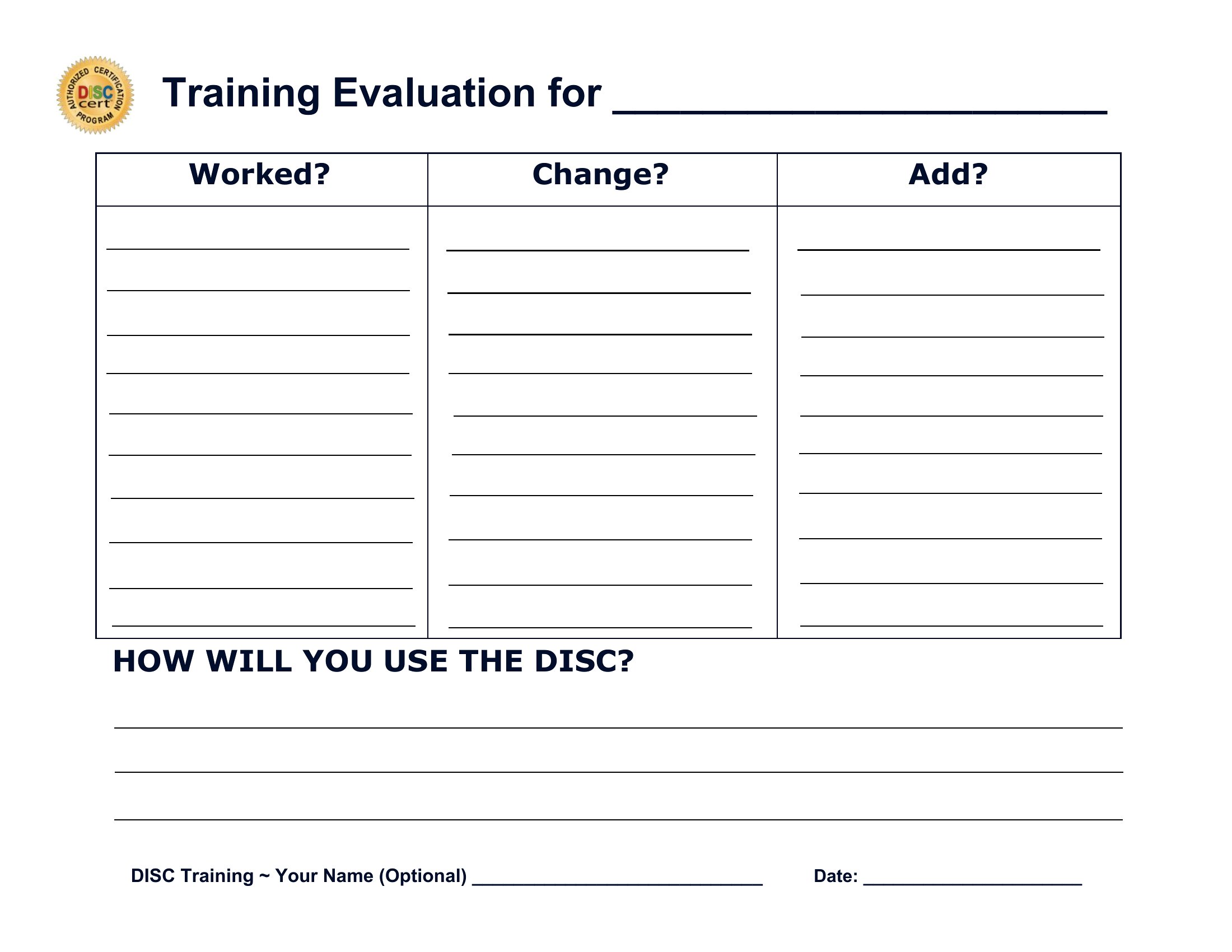
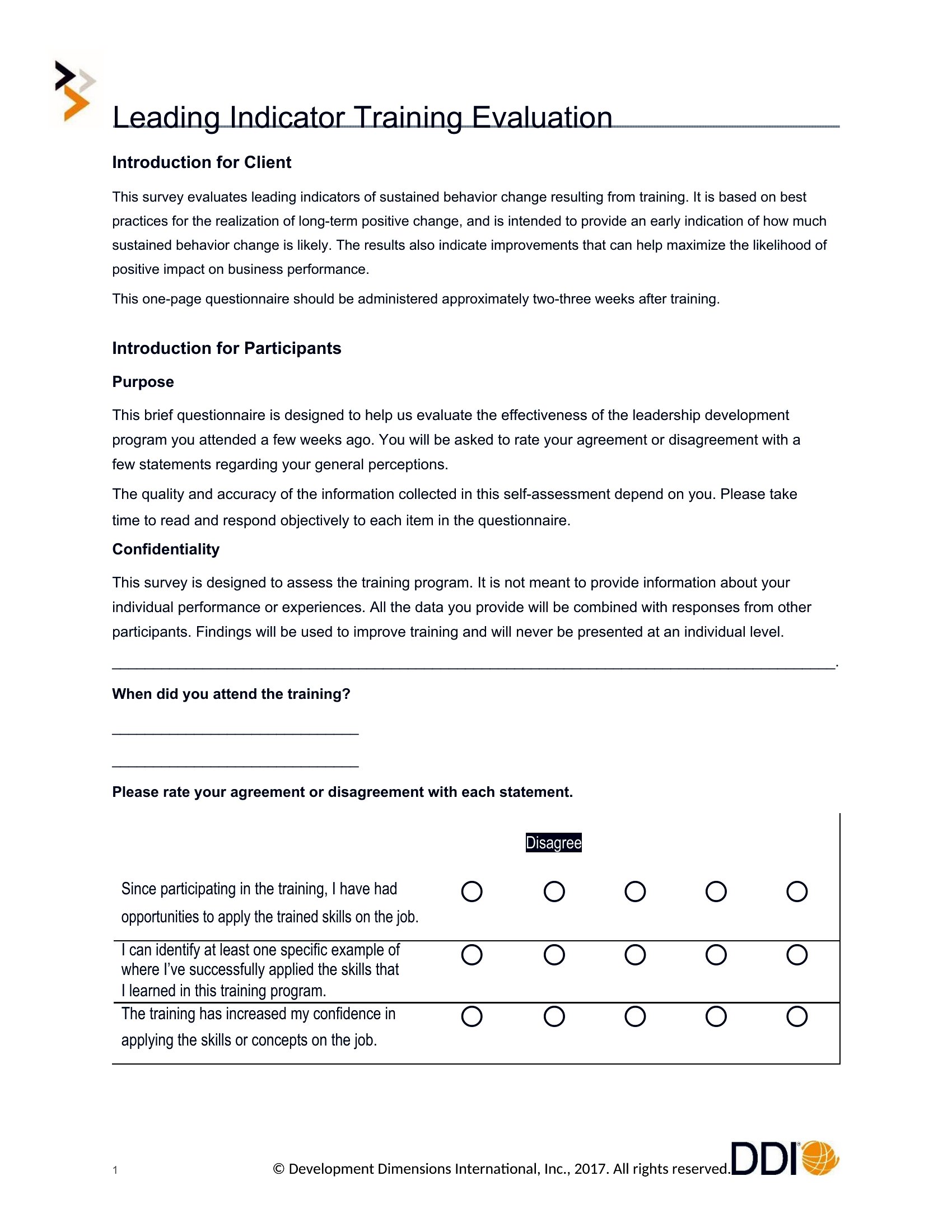
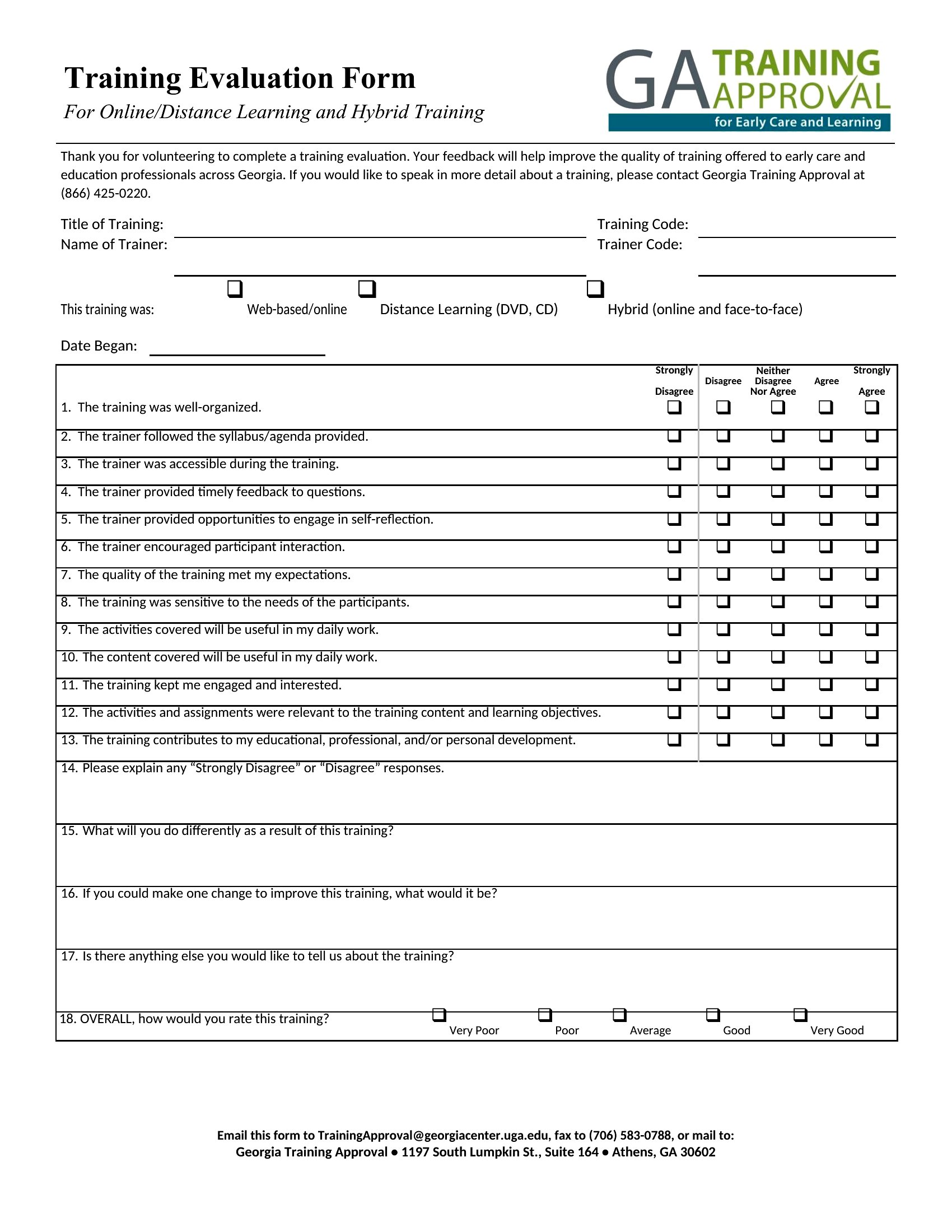
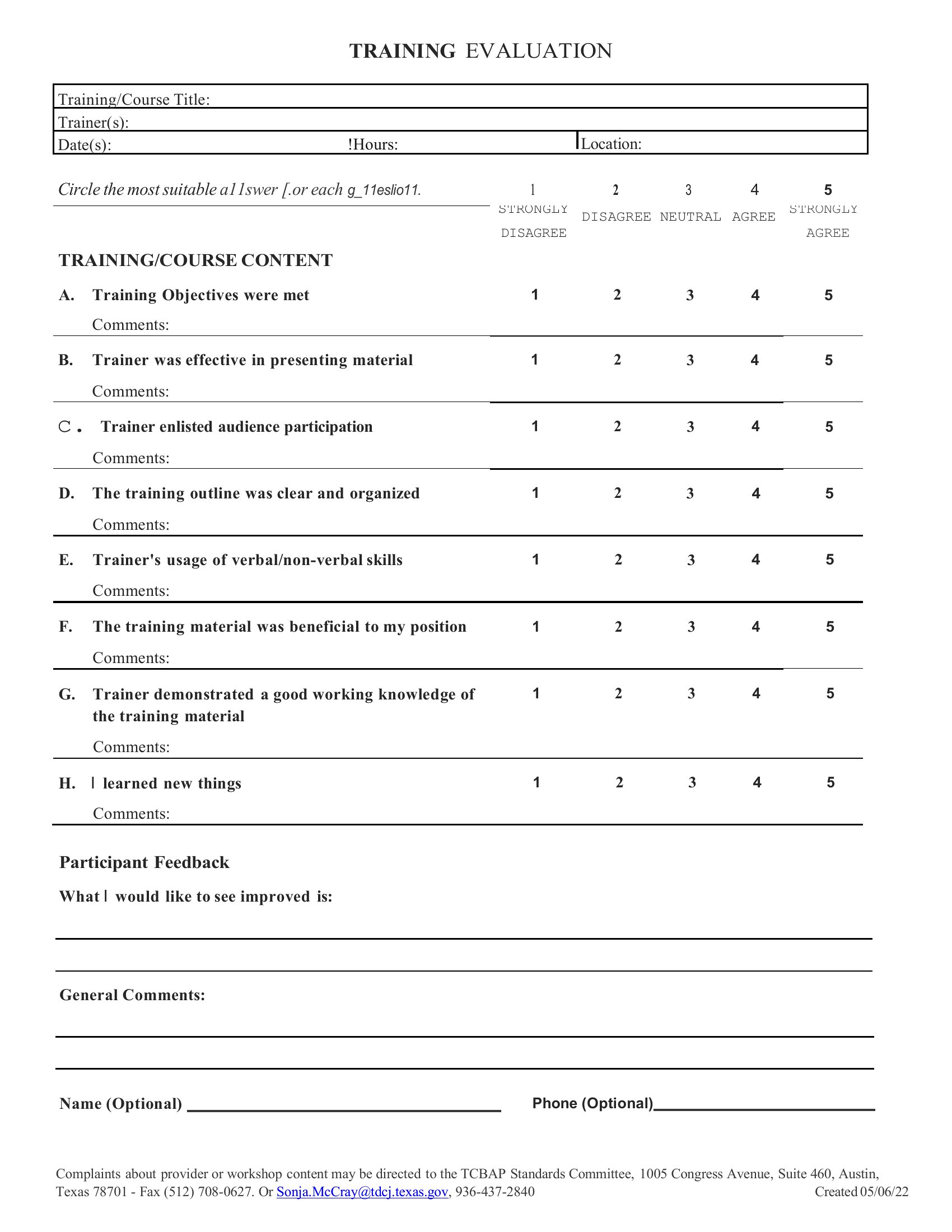
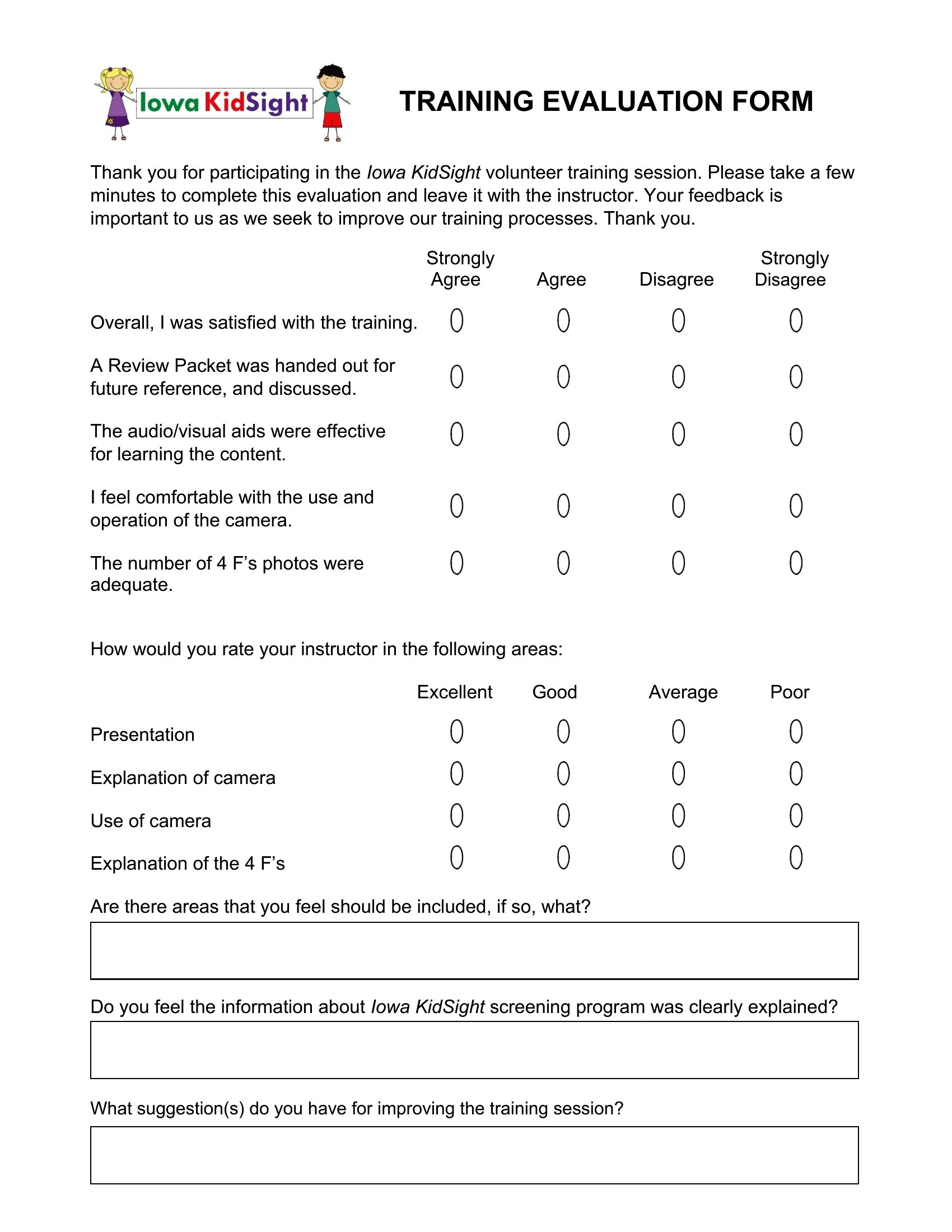
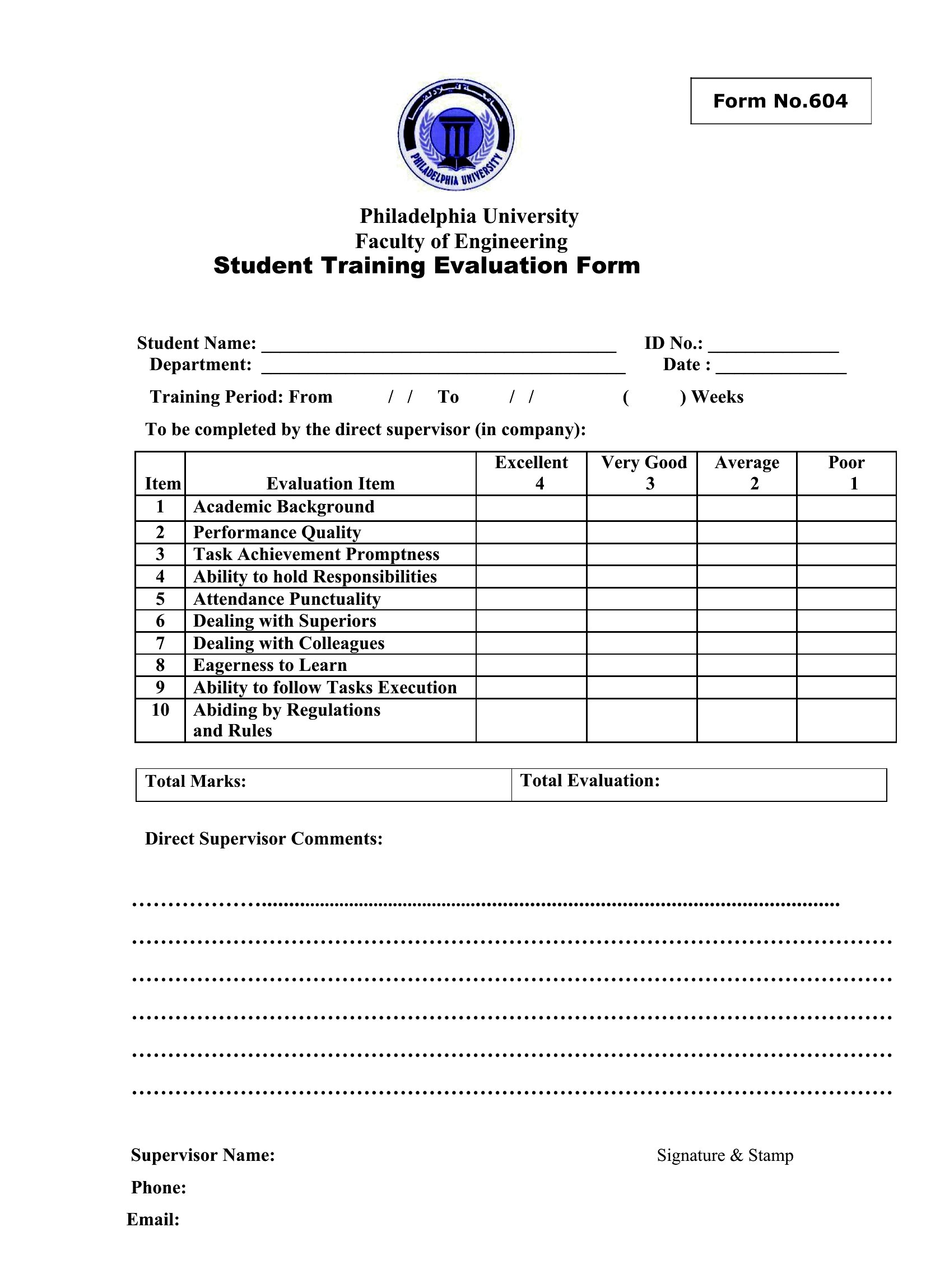
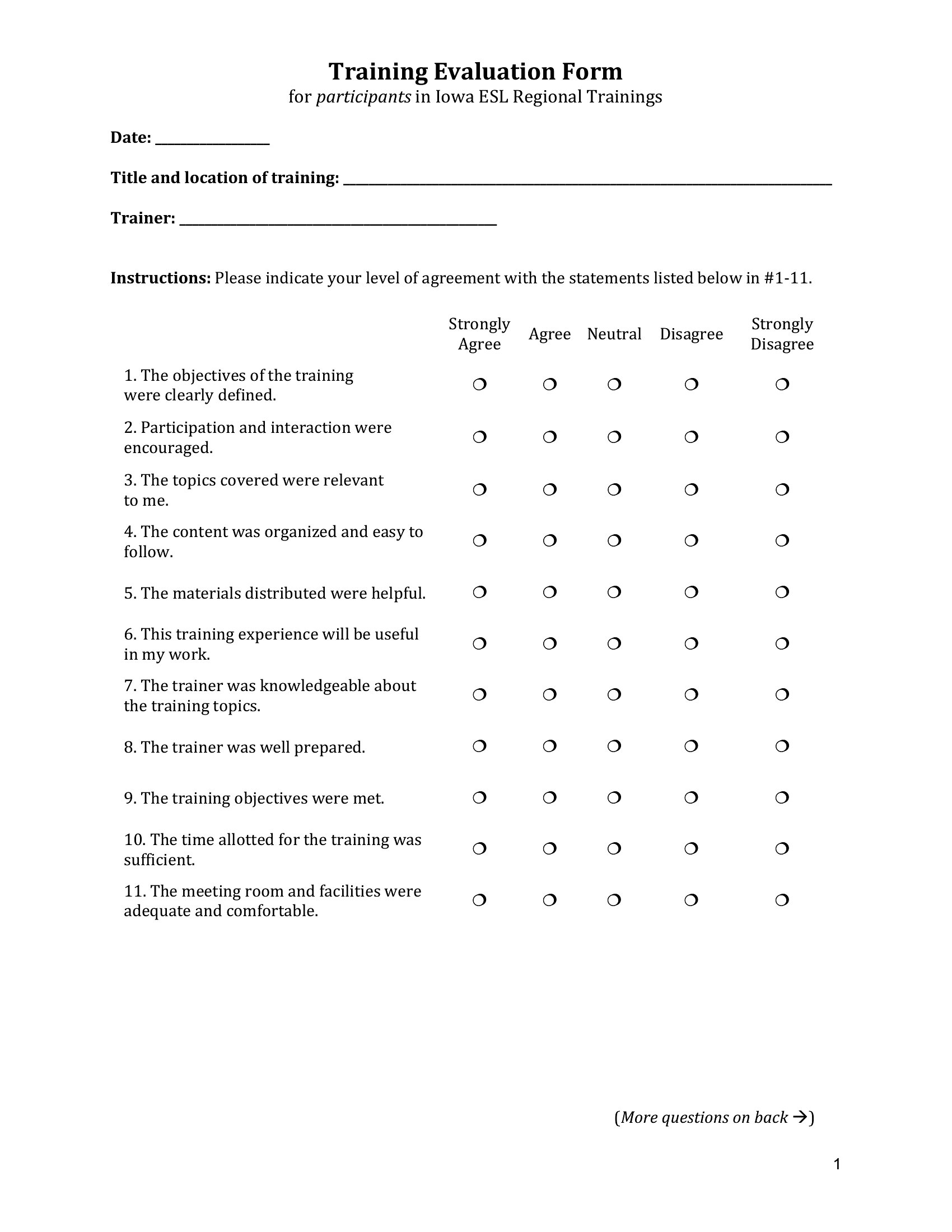
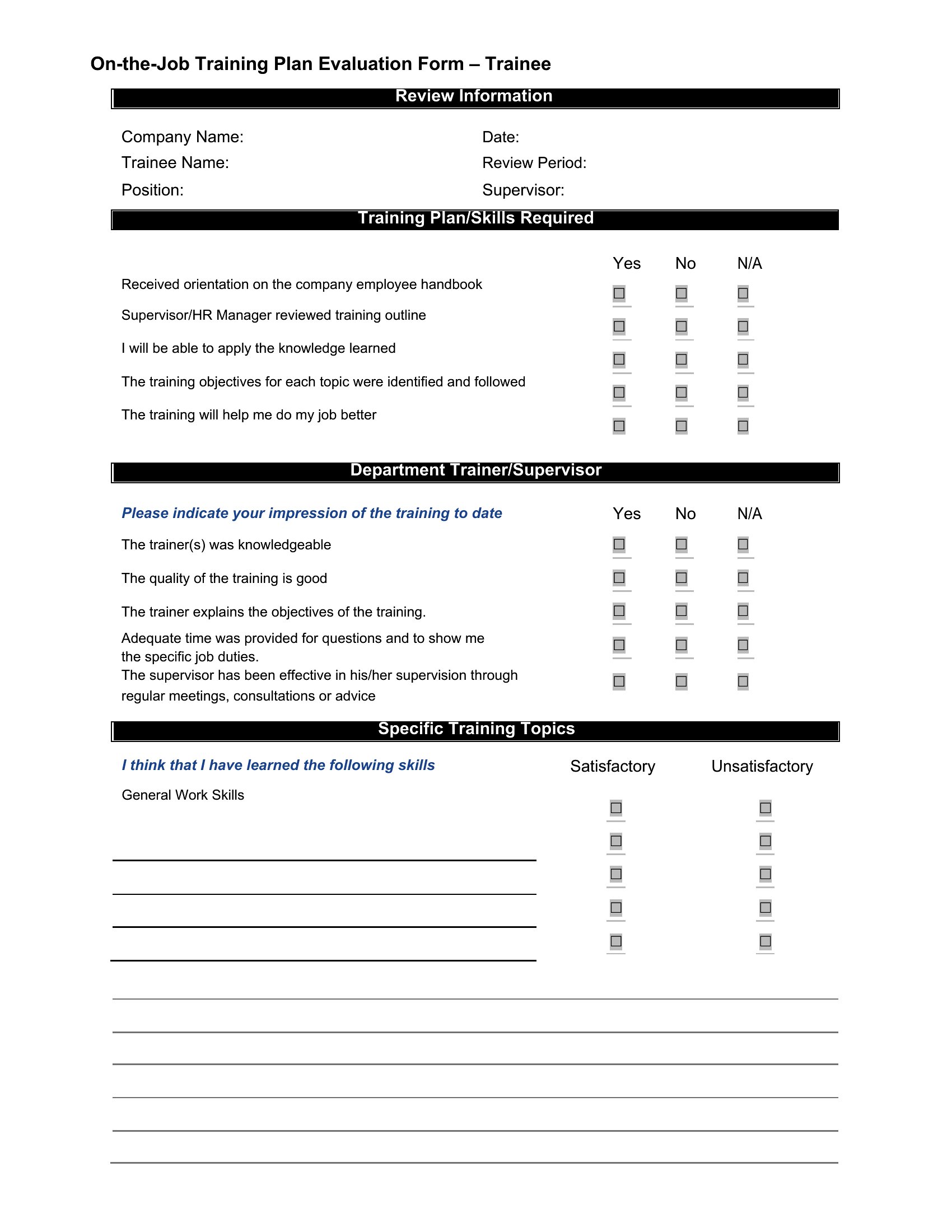
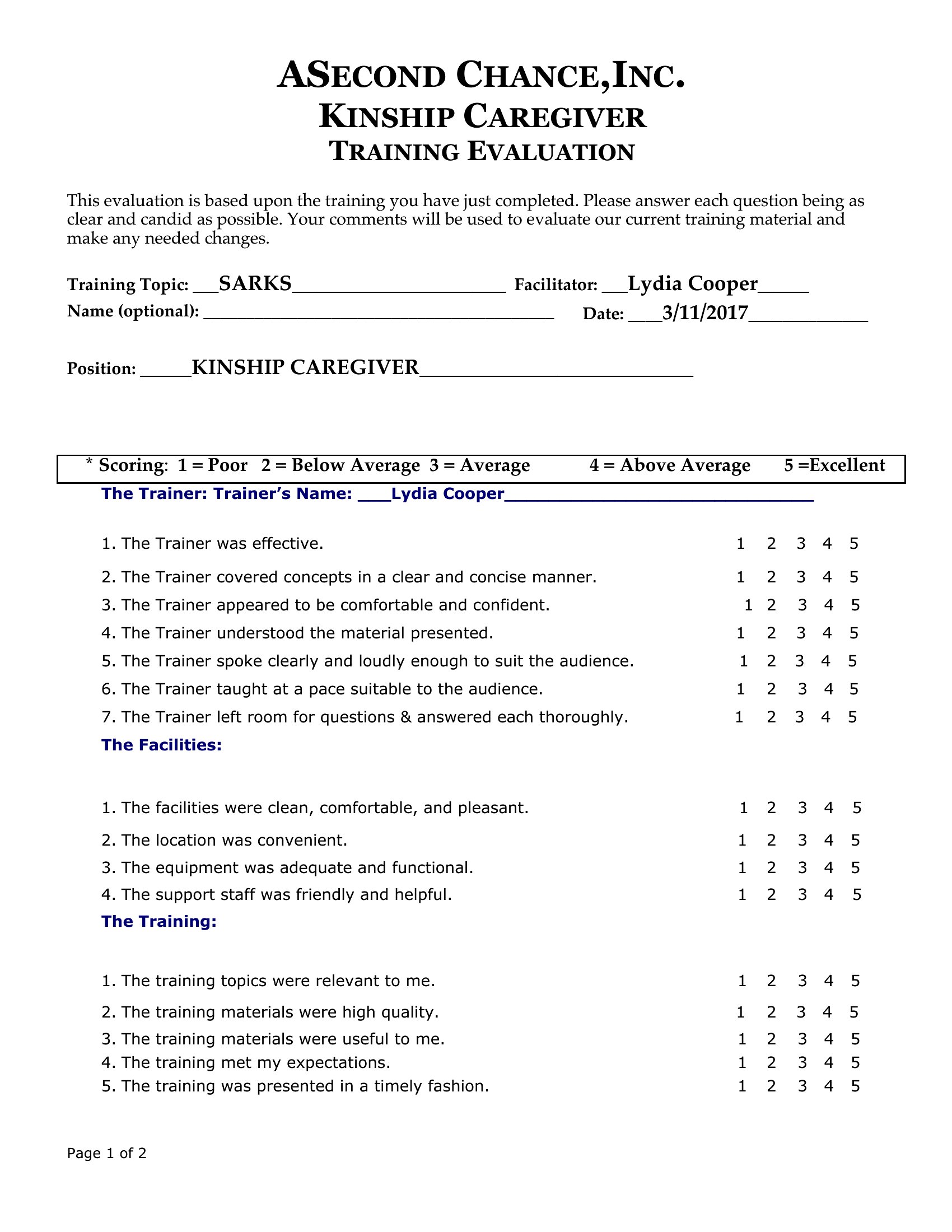
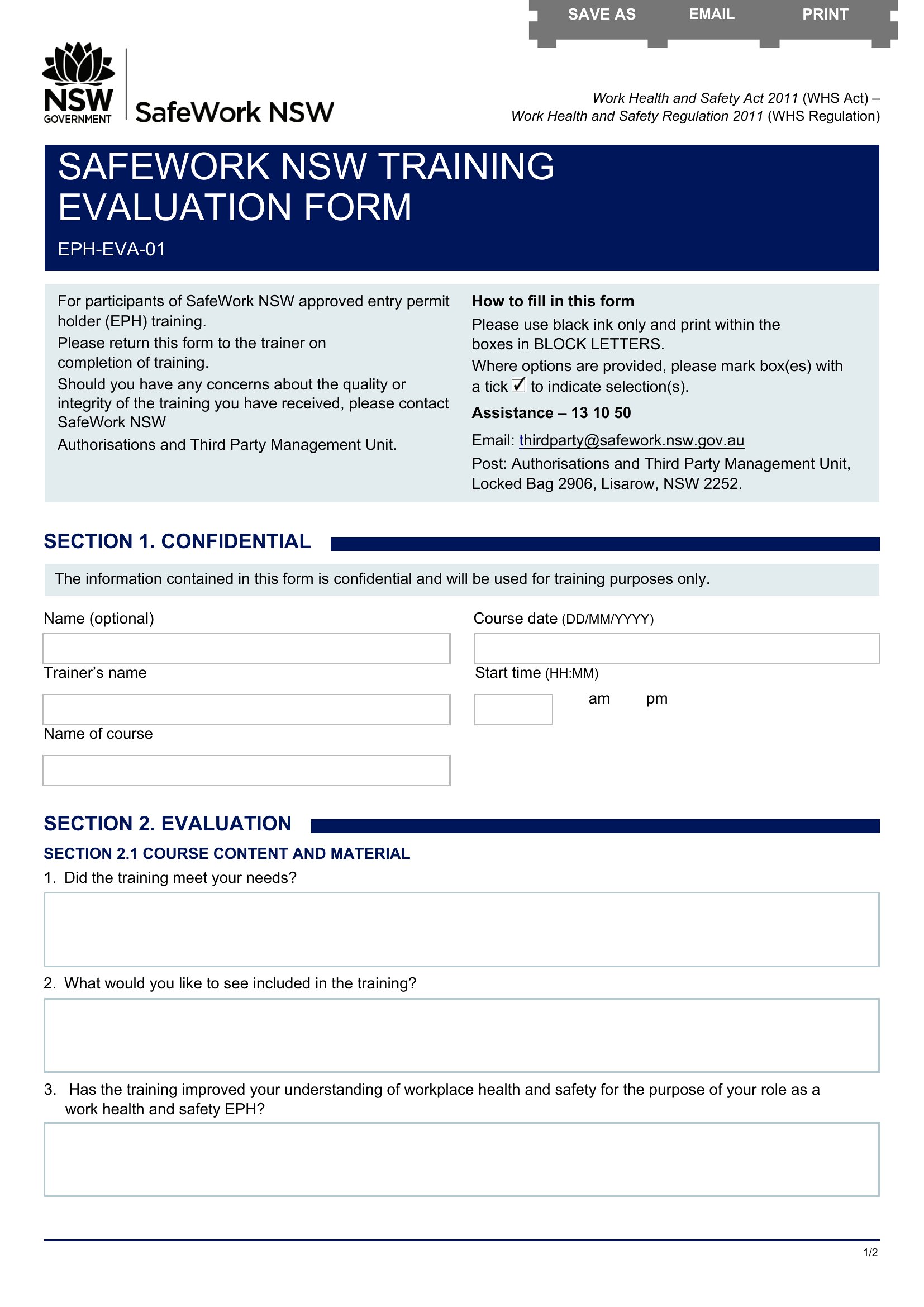
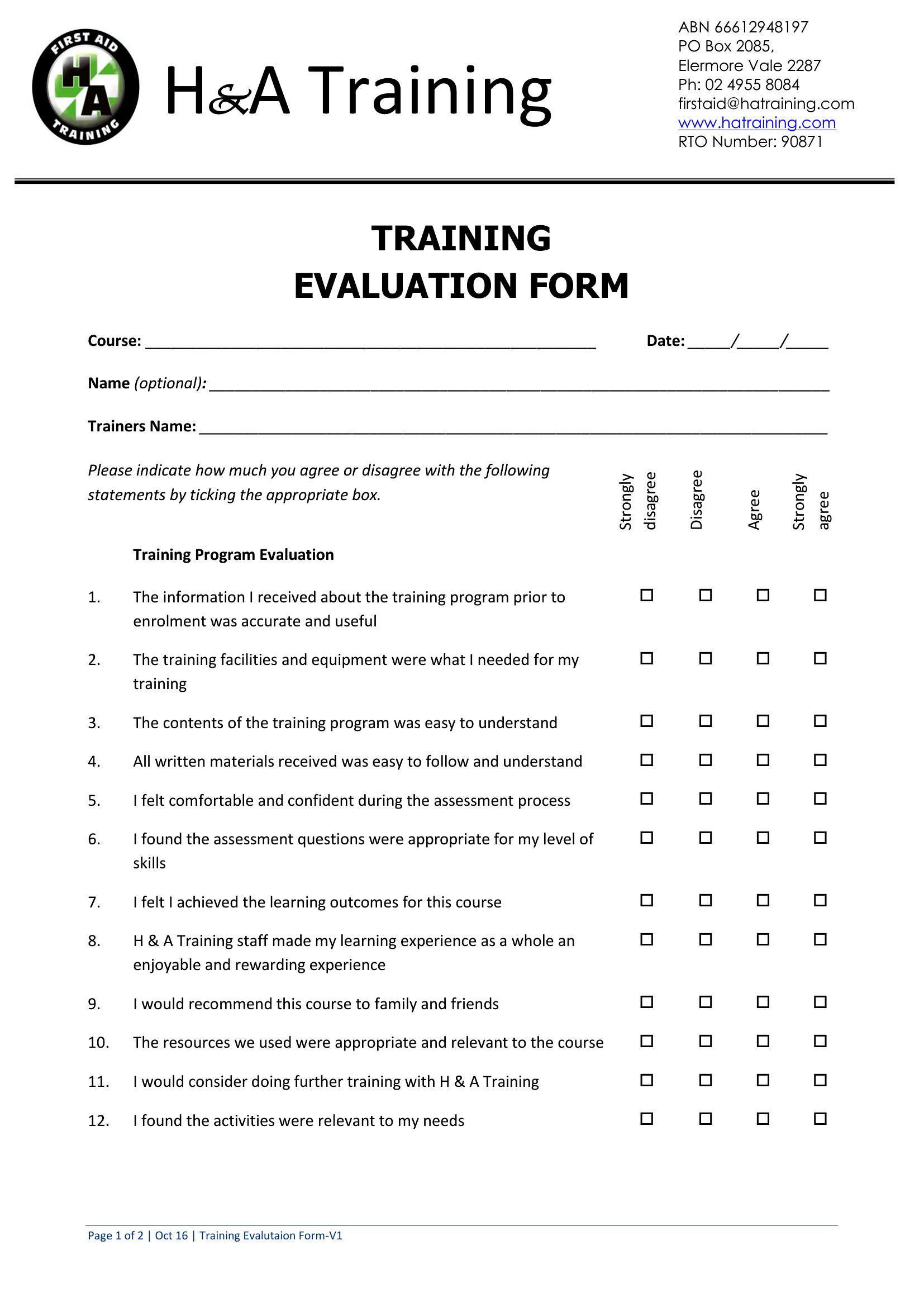
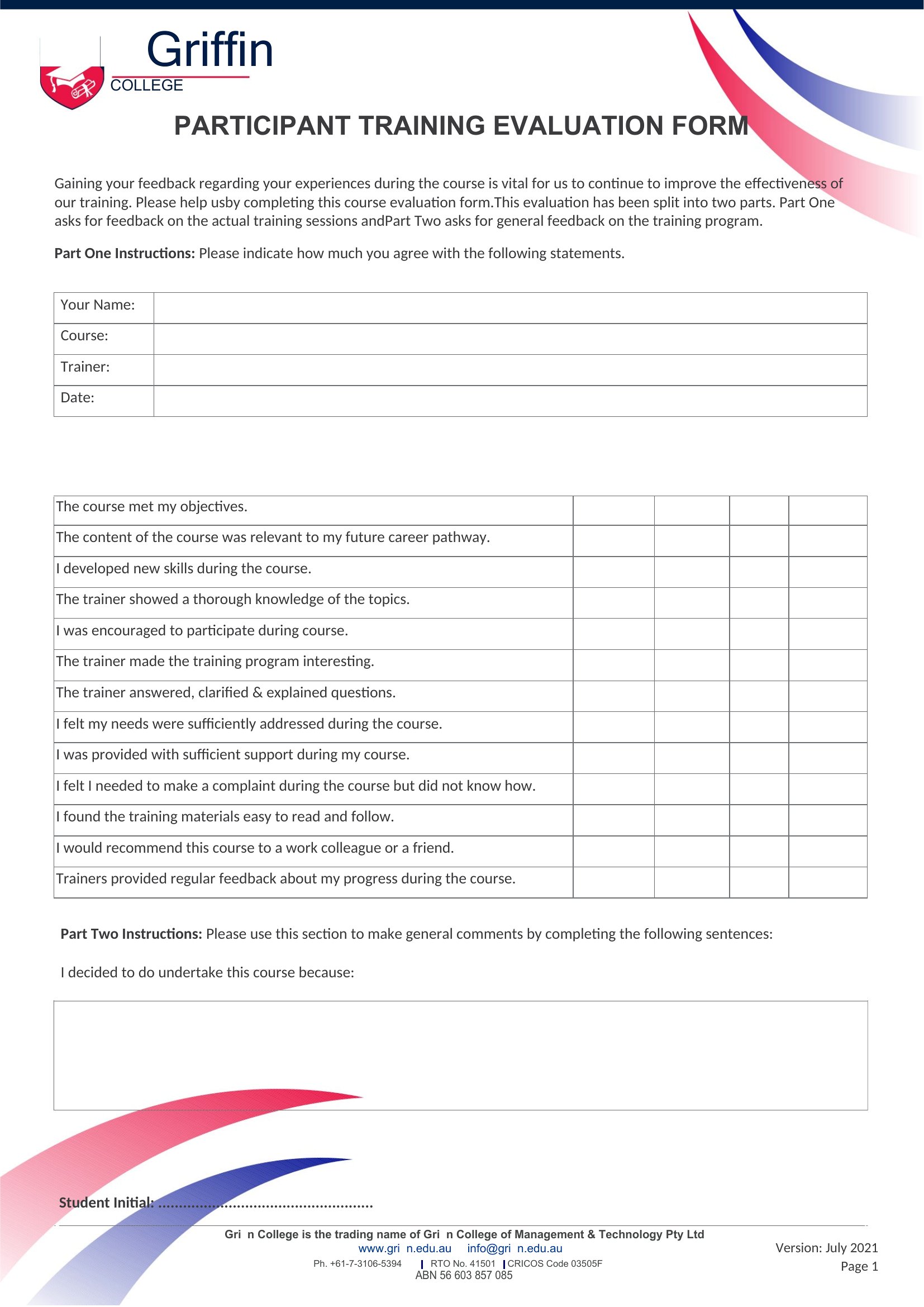
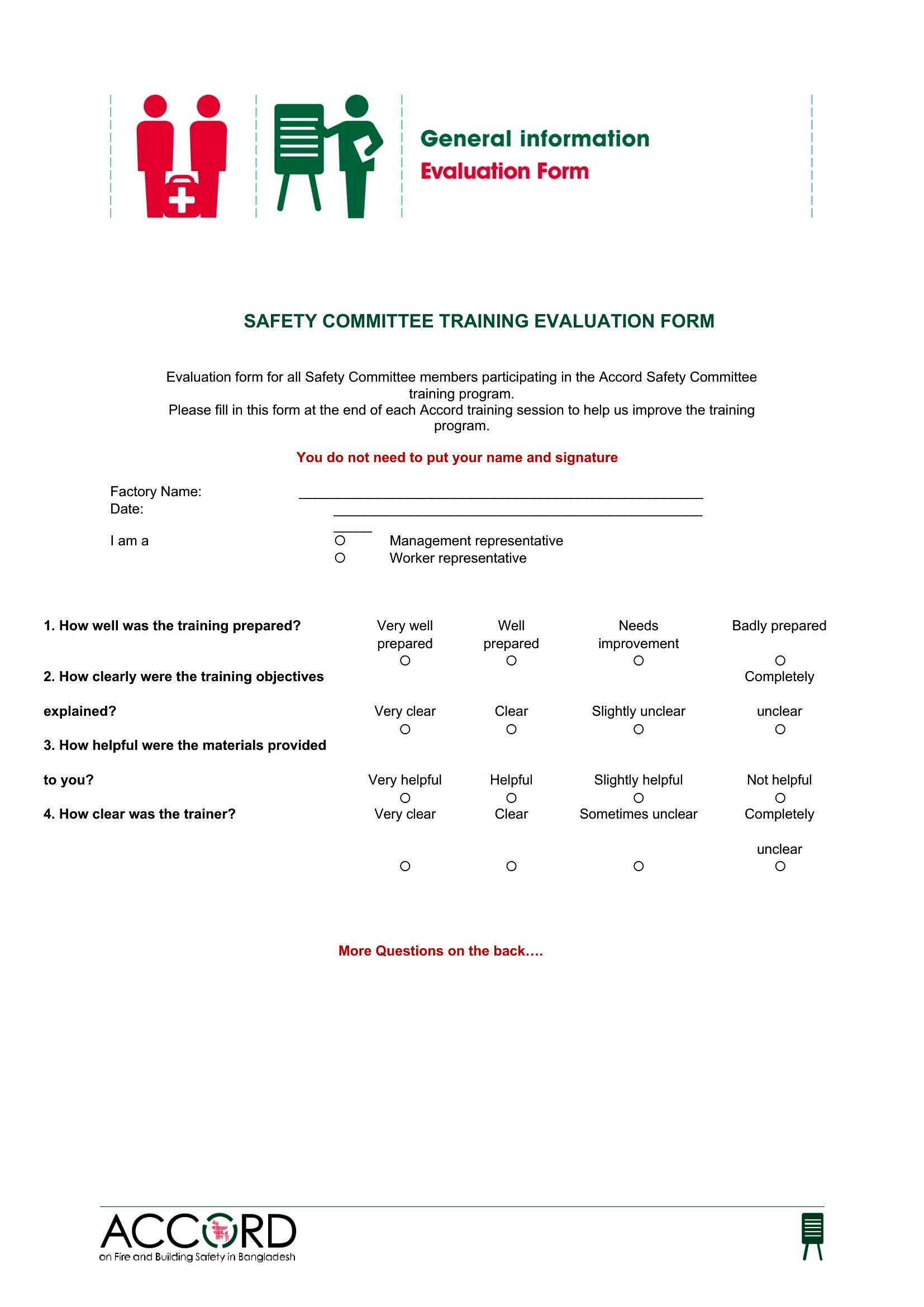
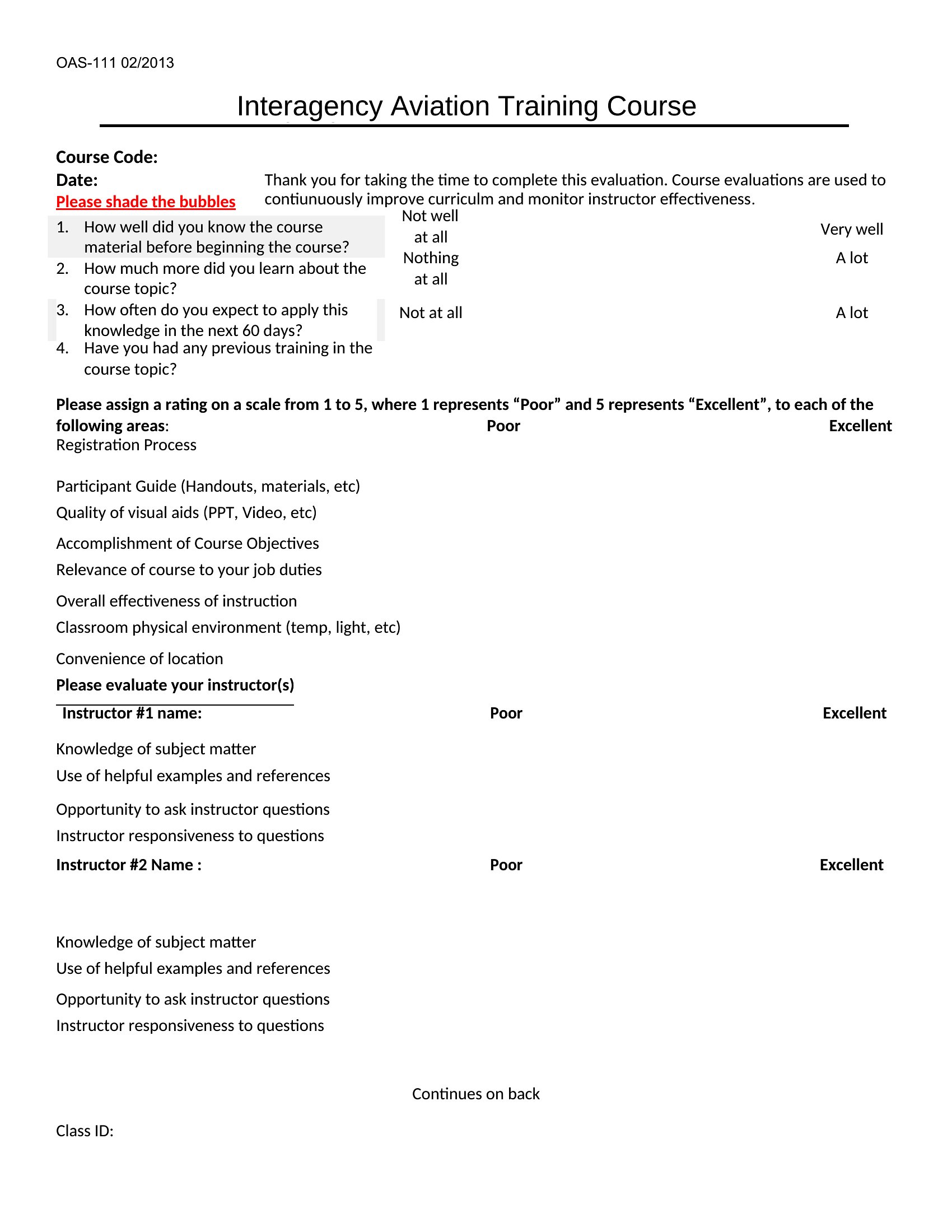
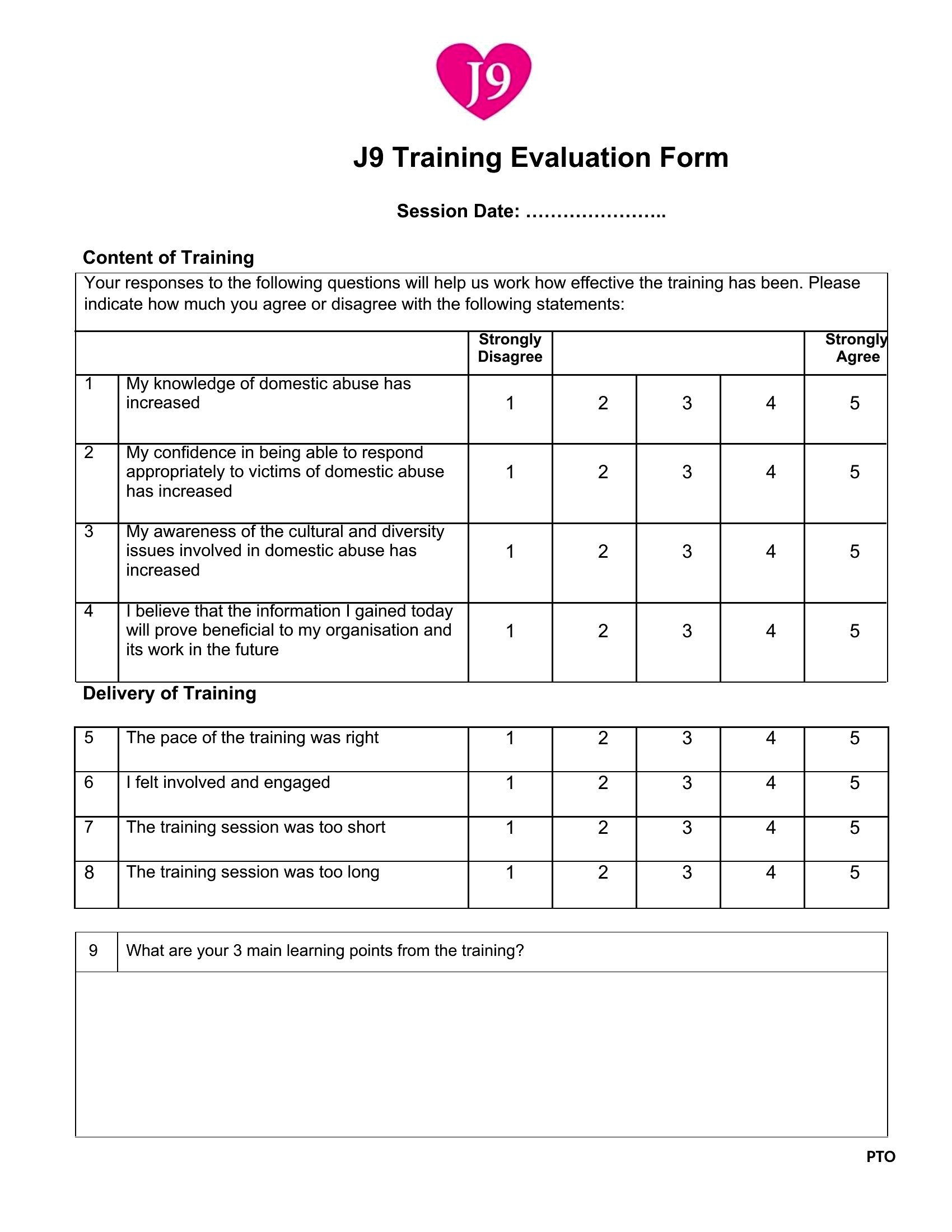
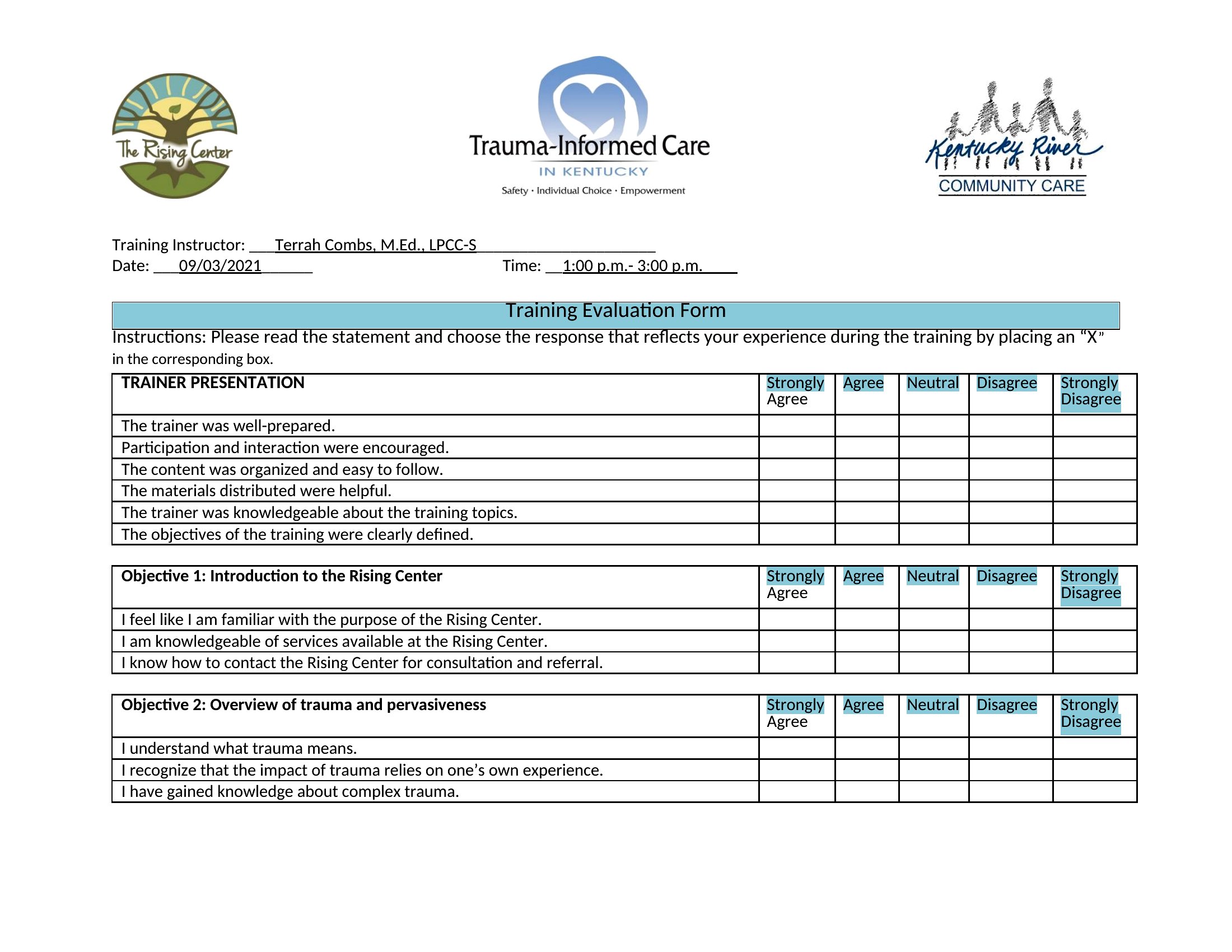
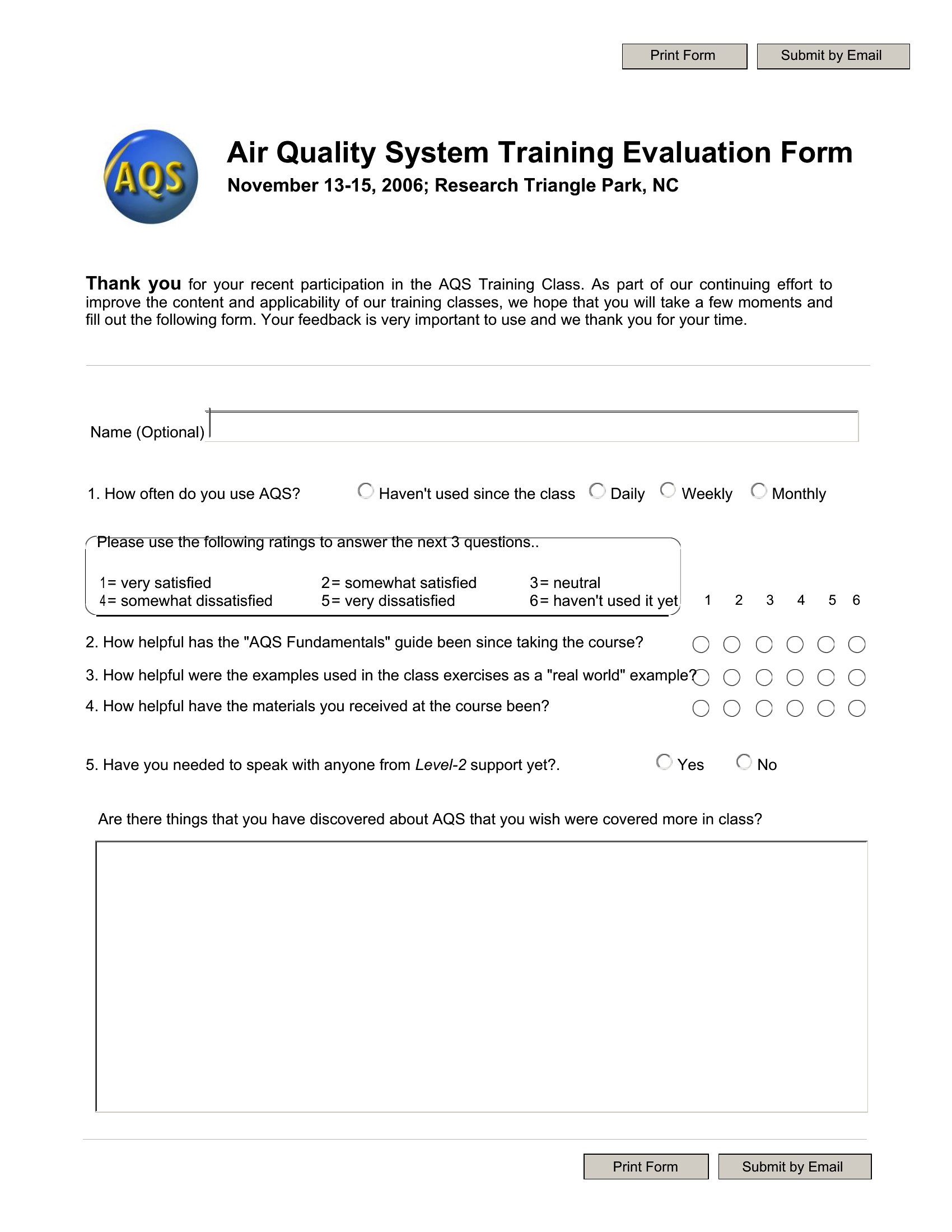
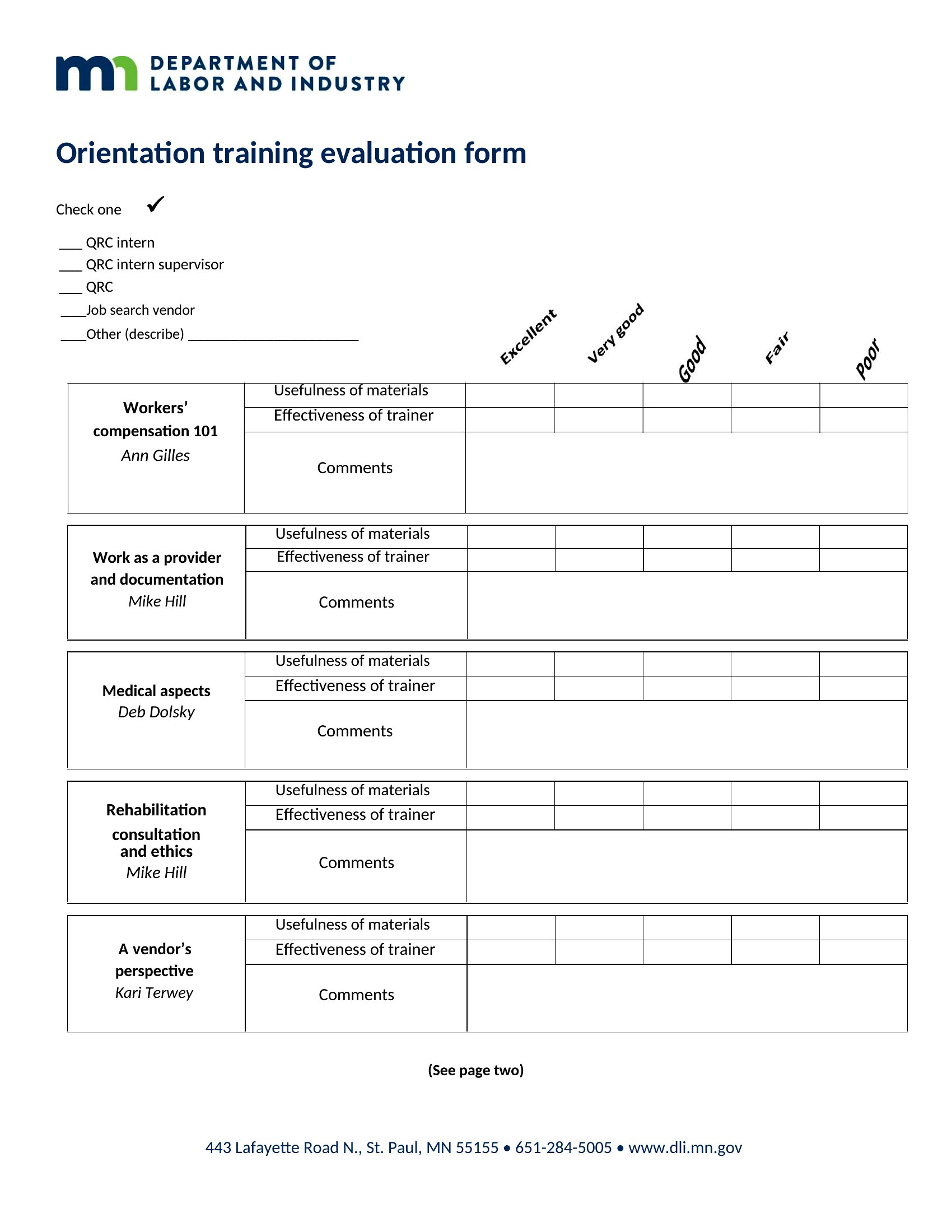
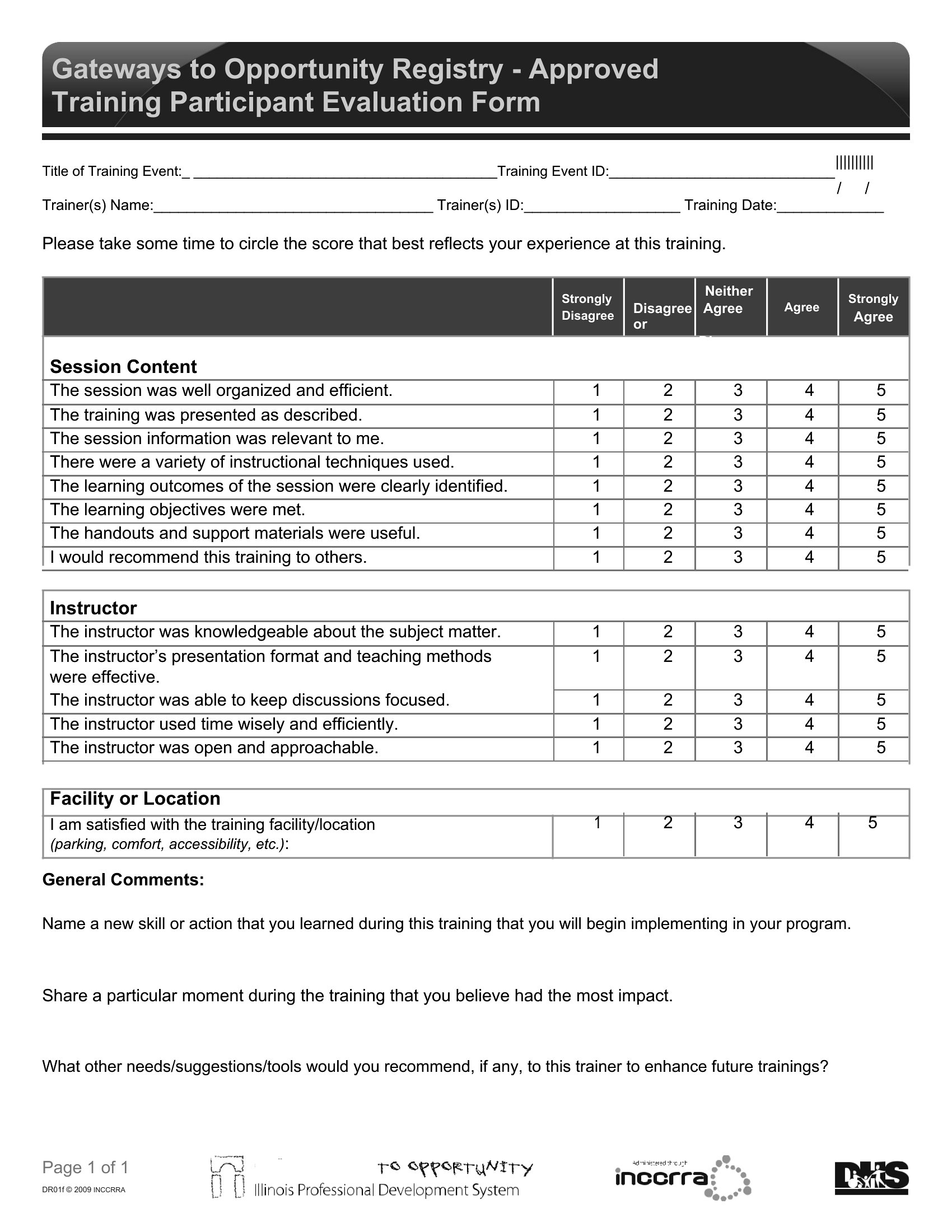
SurveysGood feedback turns a one-off training into a program that keeps improving, and an evaluation form is how you collect it. This set of 49 templates helps you gauge what worked, what fell flat, and whether the session hit its goals. Trainers, HR teams, and workshop leaders use them to measure value and fine-tune the next round.
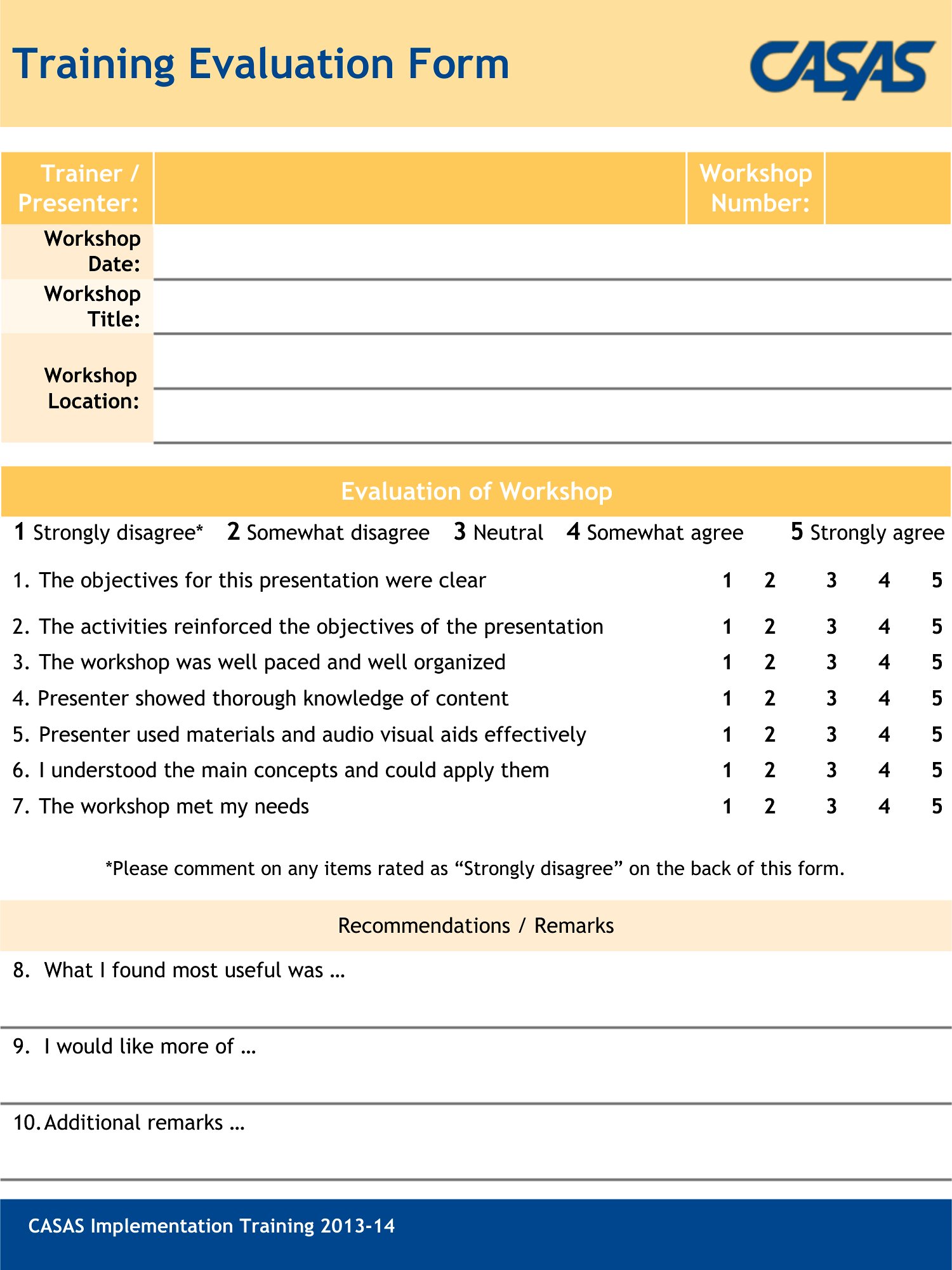
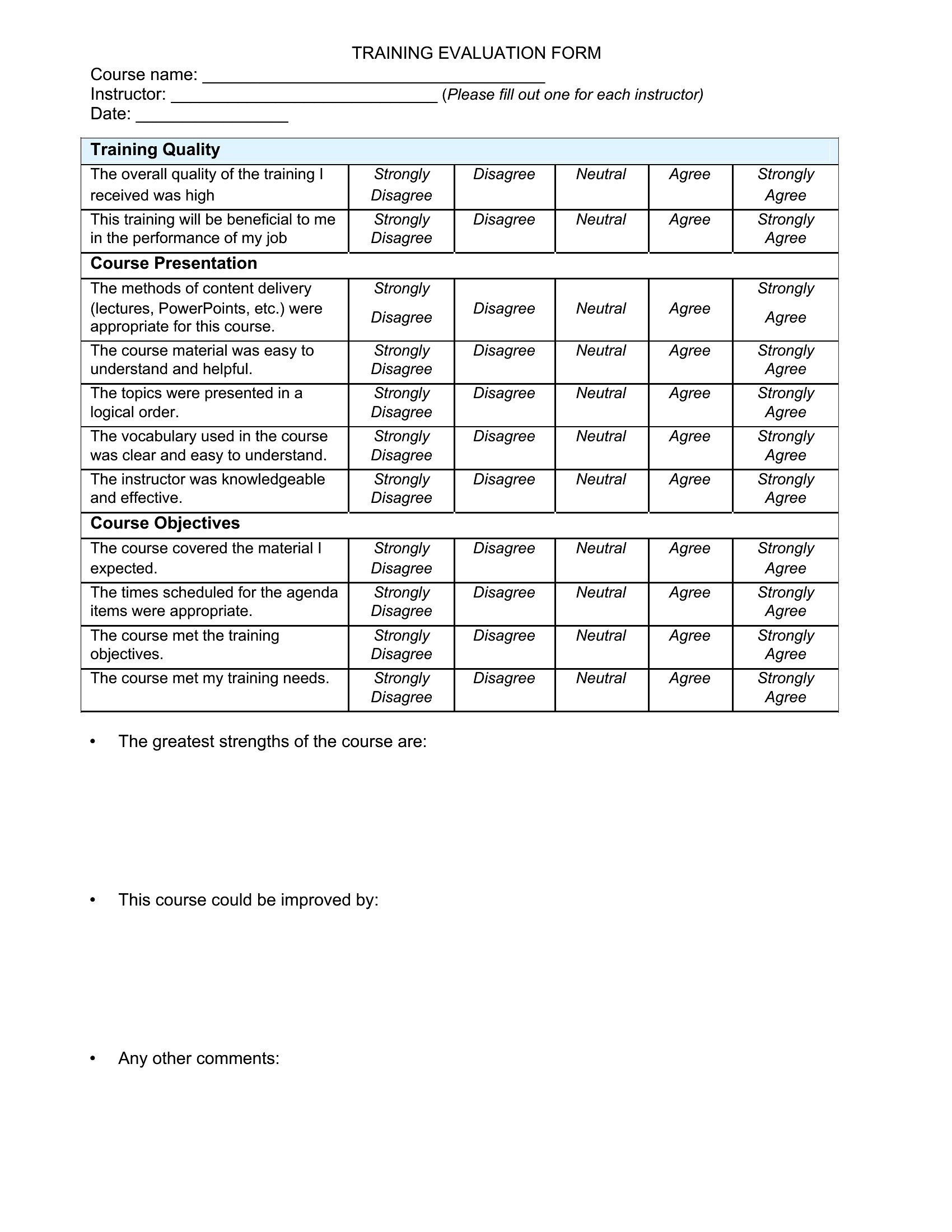
Edit the Word versions to match your course, or print the PDFs to hand out at the end of a session. Mix rating scales with open questions about content, pacing, and the instructor, then tally the results to spot trends. Pick the layout that fits your training, gather honest input, and use it to make the next one better.
When to use this Training Evaluation Form template
- Corporate trainers need to evaluate a new compliance workshop before rolling it out company-wide, ensuring it meets regulatory standards and engages employees.
- A university professor wants to assess a graduate-level seminar’s effectiveness after each session, adjusting content to better align with student learning outcomes.
- HR managers must track the impact of leadership training programs to justify budgets and demonstrate ROI to executives after each cohort completes the course.
- Nonprofit workshop facilitators require feedback from volunteers to refine their community outreach training, ensuring materials stay accessible and practical for diverse participants.
Which format should I download?
Choose Word if you need to customize questions, branding, or logic (e.g., adding conditional scales) before distributing the form—ideal for trainers who update evaluations annually. Opt for PDF if you want a ready-to-print, fillable version for quick in-person distribution, like post-training handouts. Both formats support digital and paper submission, but PDFs lock layout for consistency in printed handouts.
Choose from 49 Training Evaluation Form Templates
How to use this Training Evaluation Form template
How can I ensure my evaluation captures both qualitative and quantitative feedback?
Include a mix of scaled questions (e.g., ‘Rate the trainer’s clarity on a scale of 1–5’) alongside open-ended prompts like ‘What’s one takeaway you’ll apply?’ The Word templates let you balance these easily, while PDFs work well if you pre-populate a few qualitative fields to guide responses.
What’s the best way to structure follow-up questions for trainers to act on negative feedback?
Add a section labeled ‘Actionable Insights’ with prompts like ‘Which part of the training felt least useful, and why?’ This keeps feedback focused on solutions. For sensitive topics, consider pairing critical questions with a neutral opener, such as ‘What would make this session more valuable for you?’
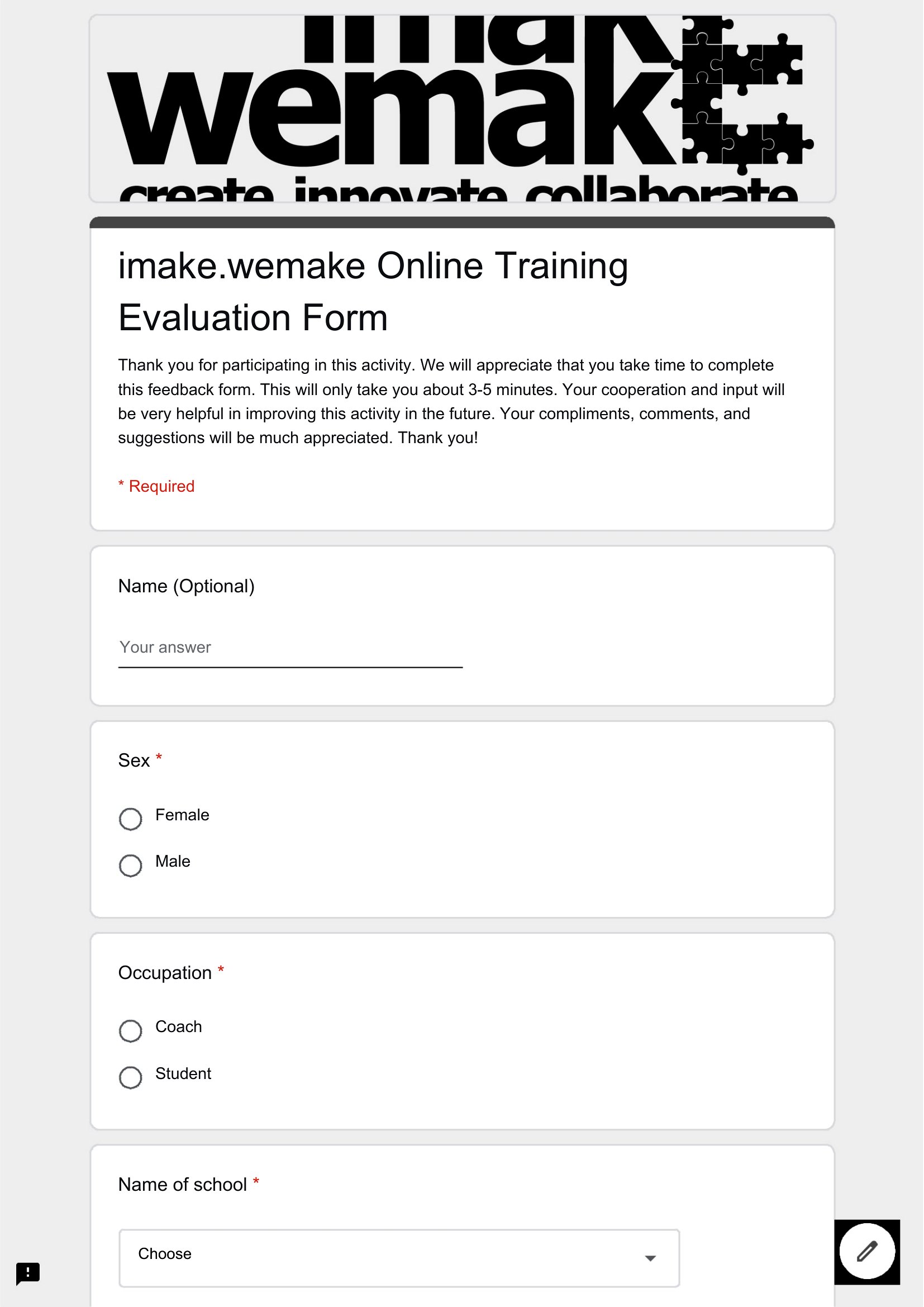
Can I use these templates to evaluate virtual training sessions the same way?
Yes, but add tech-specific questions like ‘How accessible was the platform for your device?’ or ‘Did the virtual format enhance or hinder engagement?’ The Word templates let you insert these seamlessly, while PDFs work if you’re distributing evaluations via email and need a mobile-friendly layout.
Comments
Join the conversation
Sign in to share your thoughts and leave a comment on this resource.