Free Training Evaluation Forms (Word, PDF)
Surveys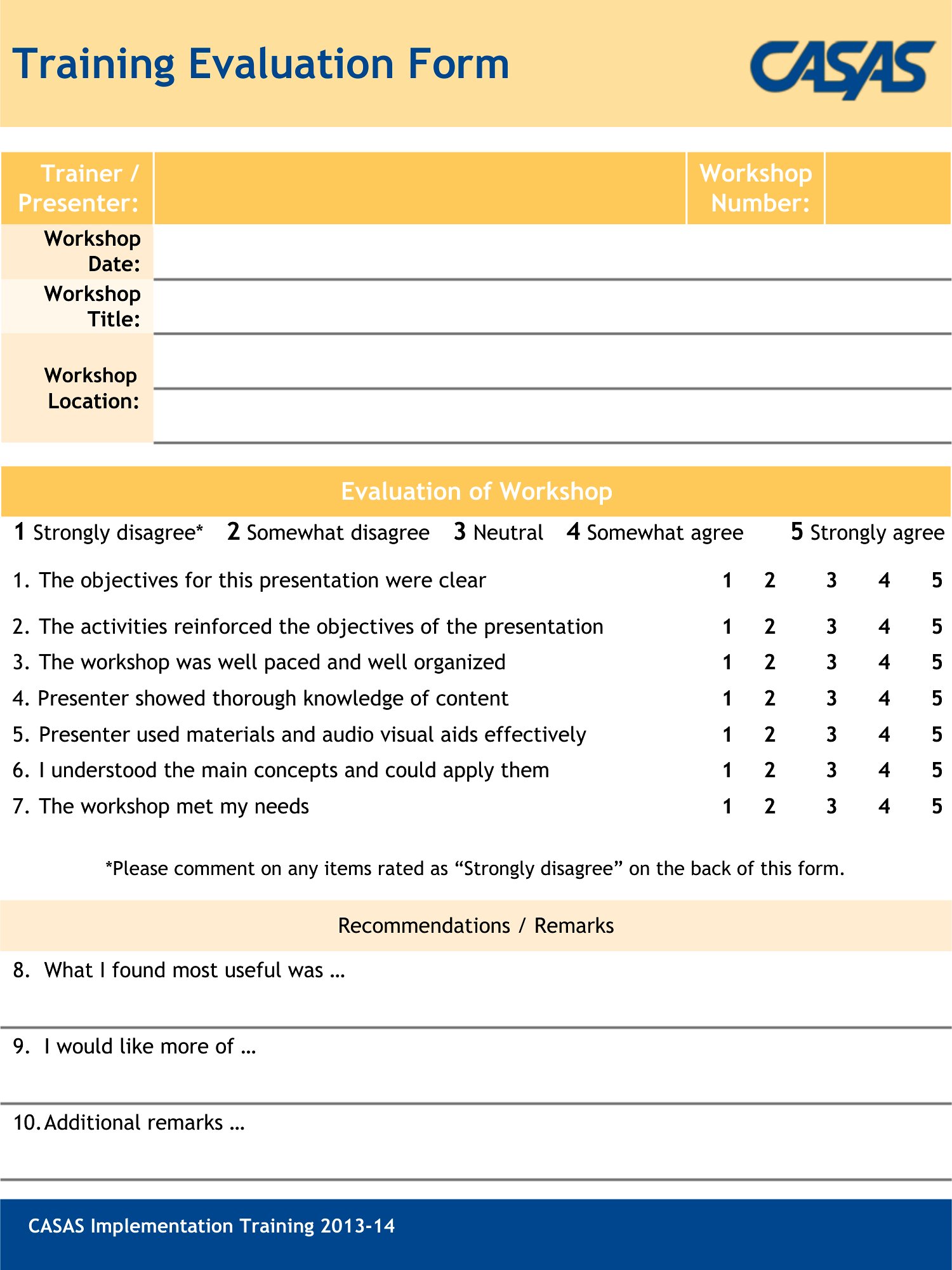
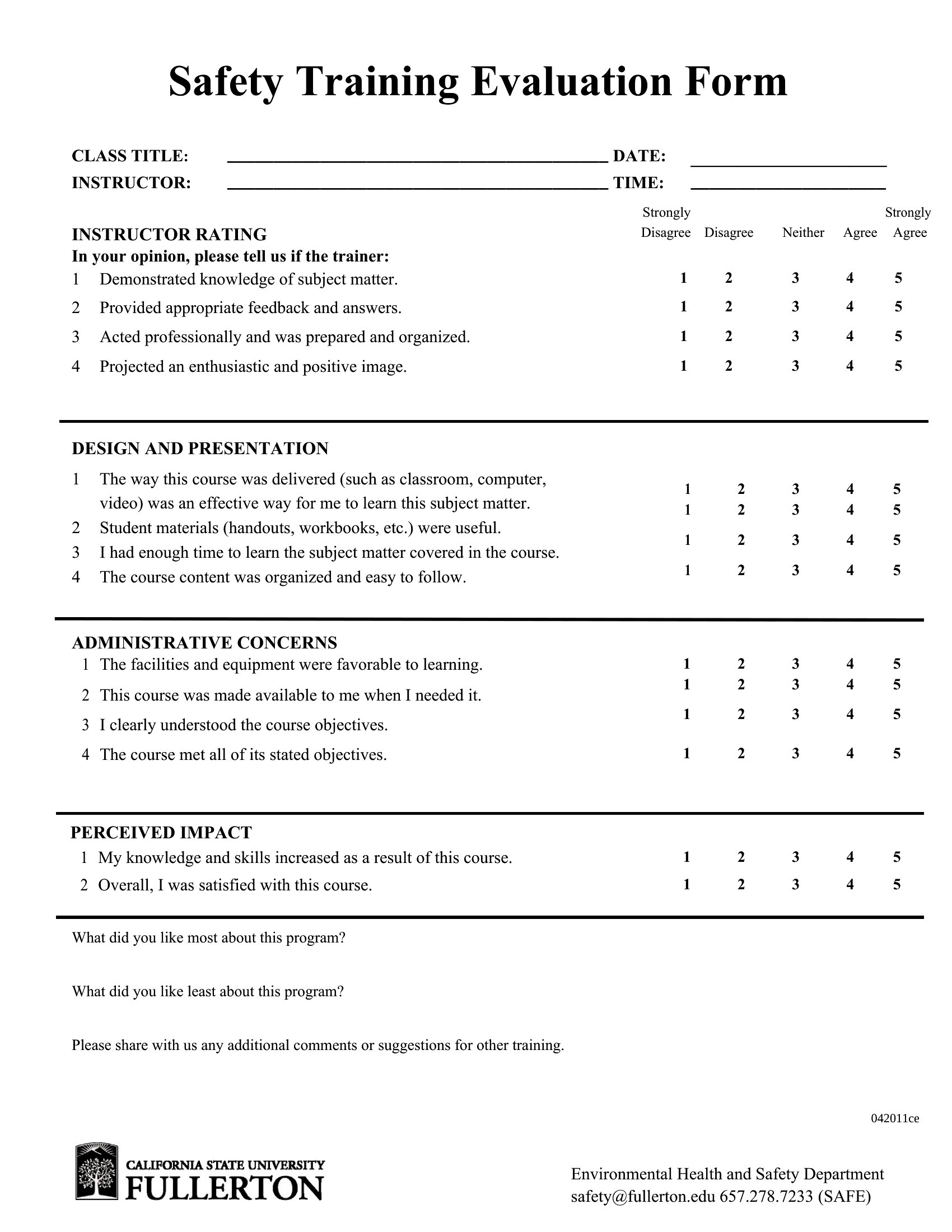
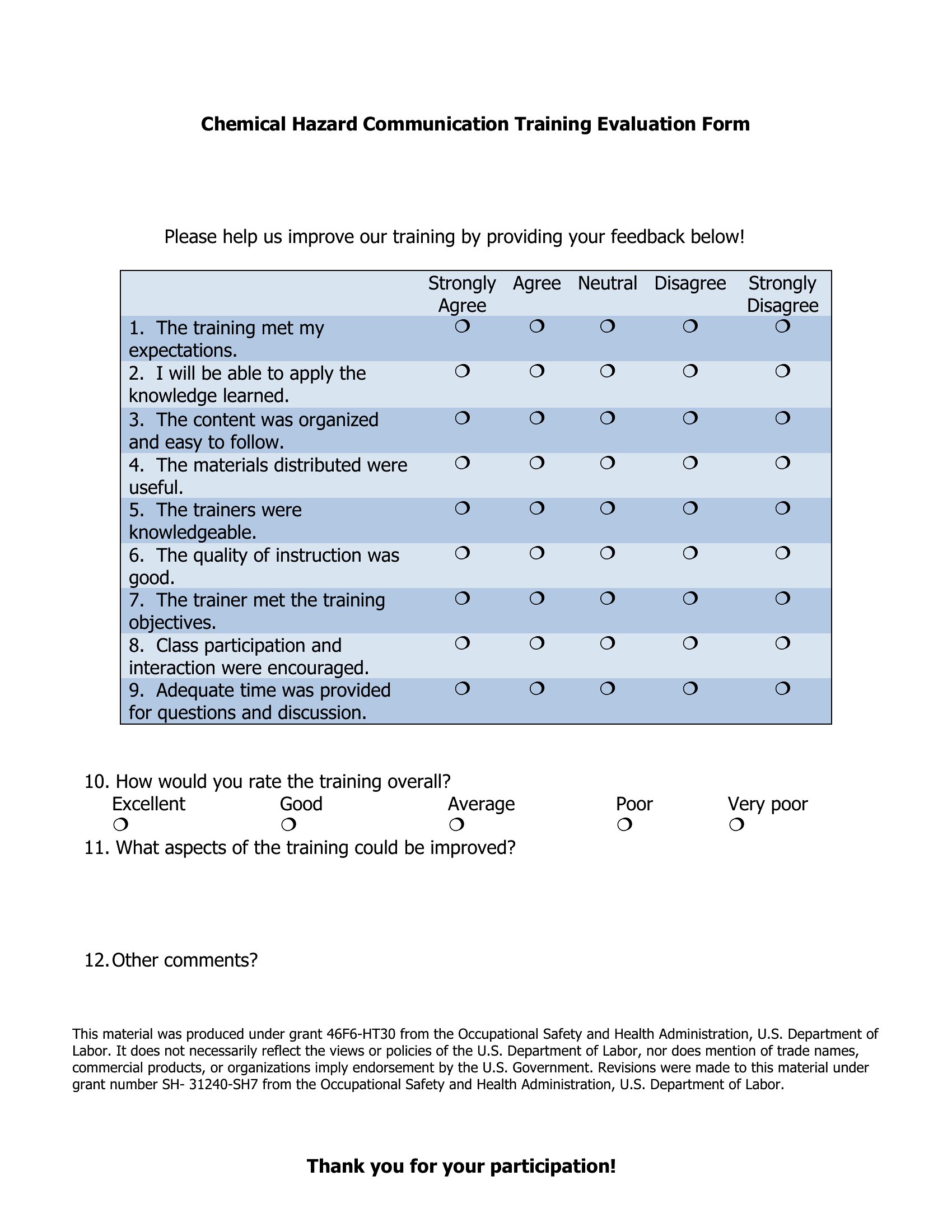
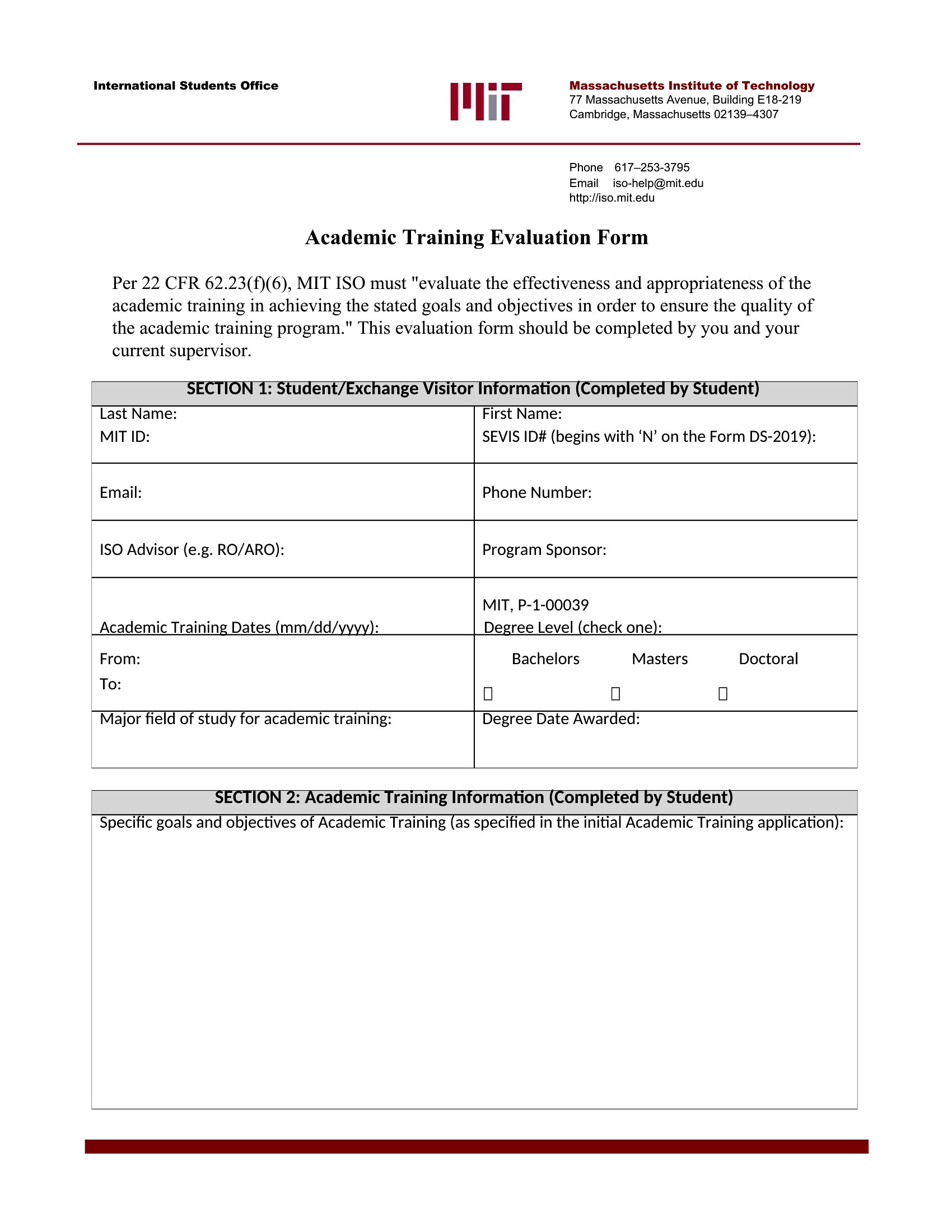


FAQ
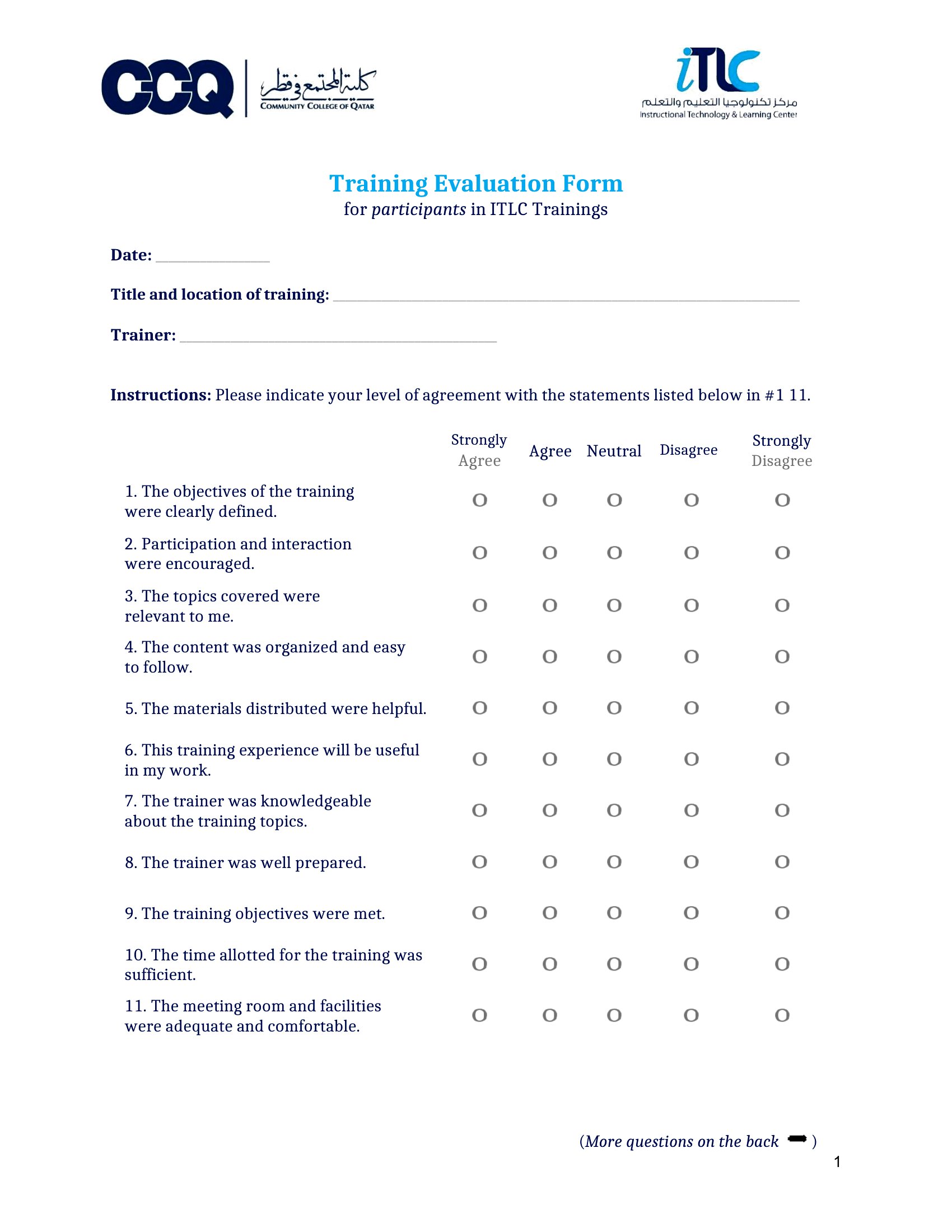
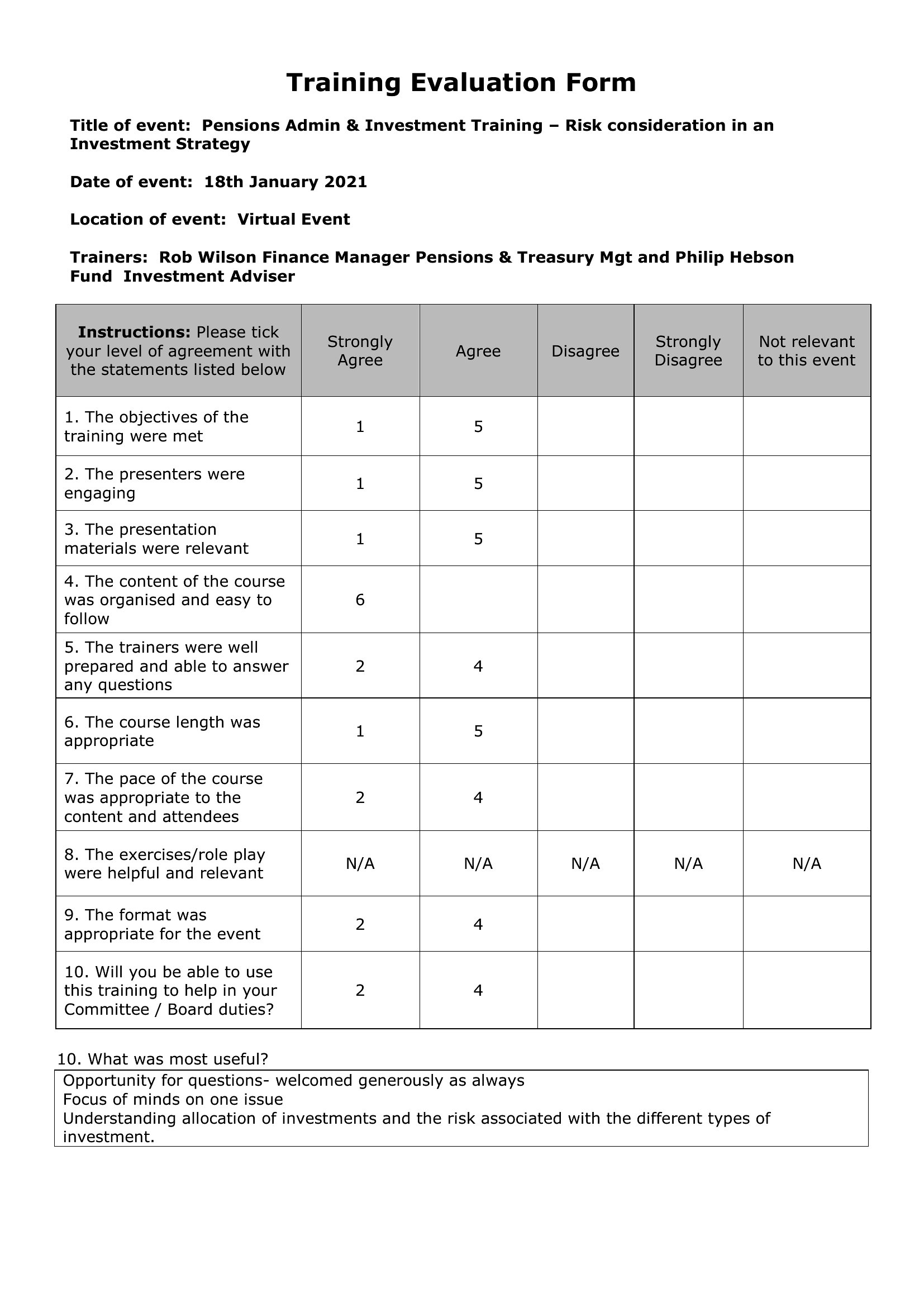
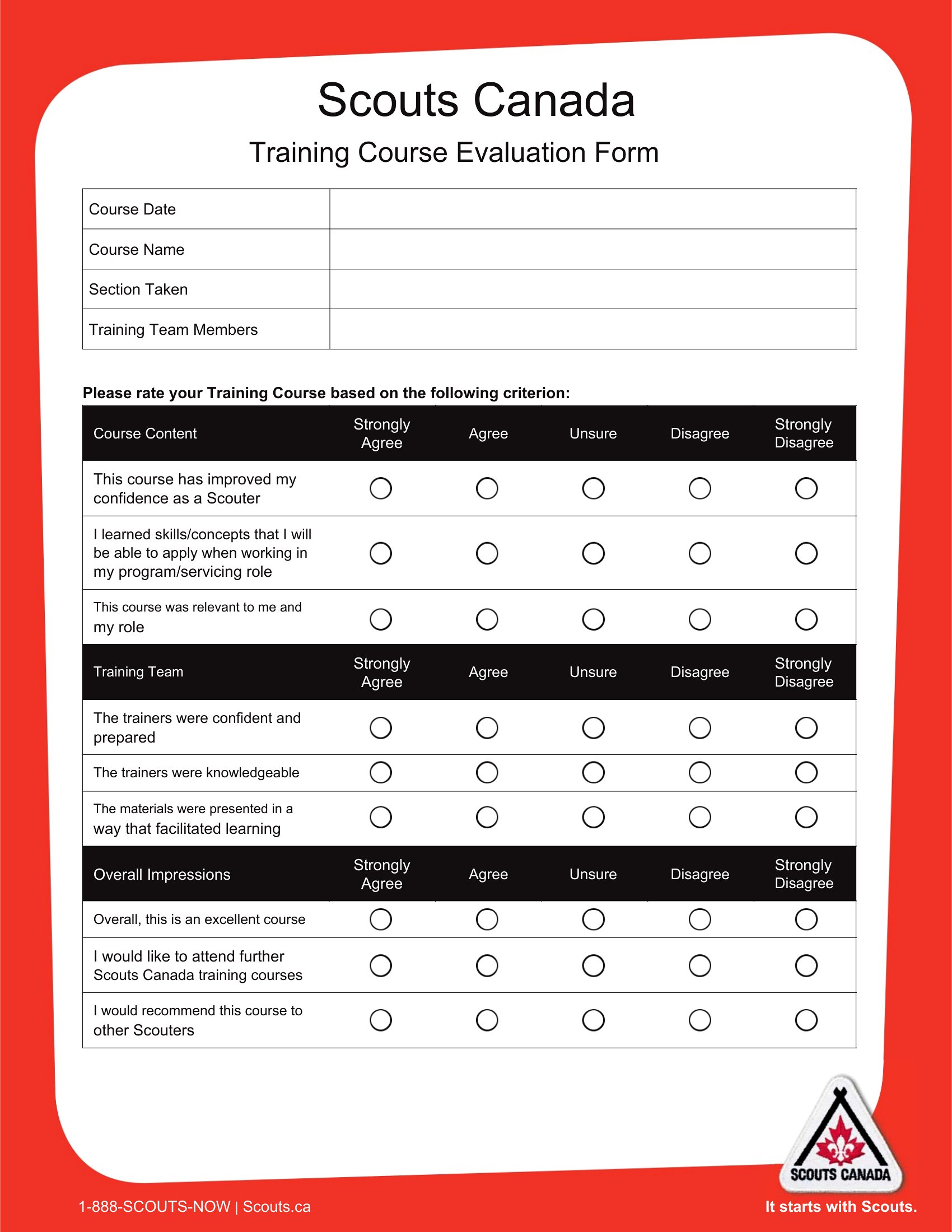
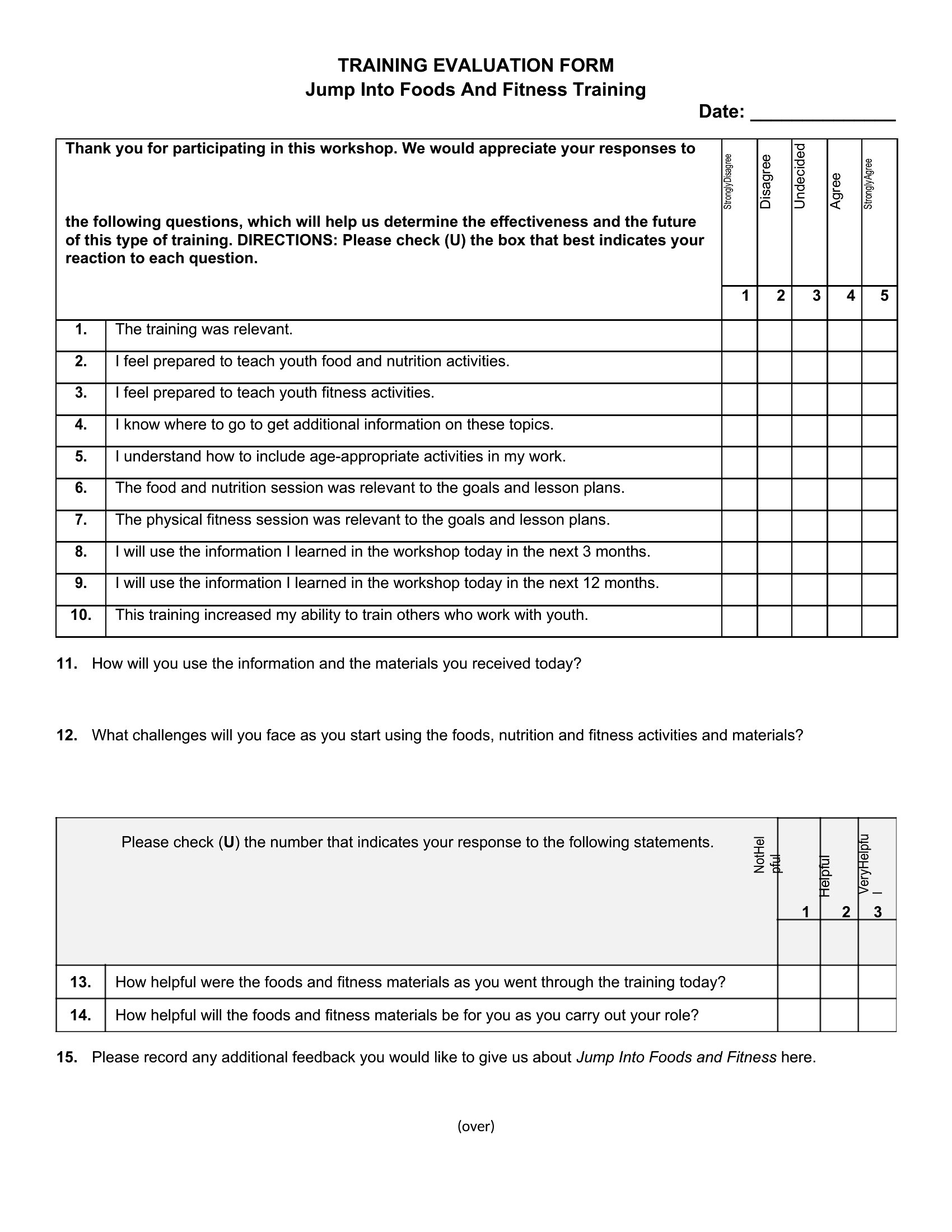
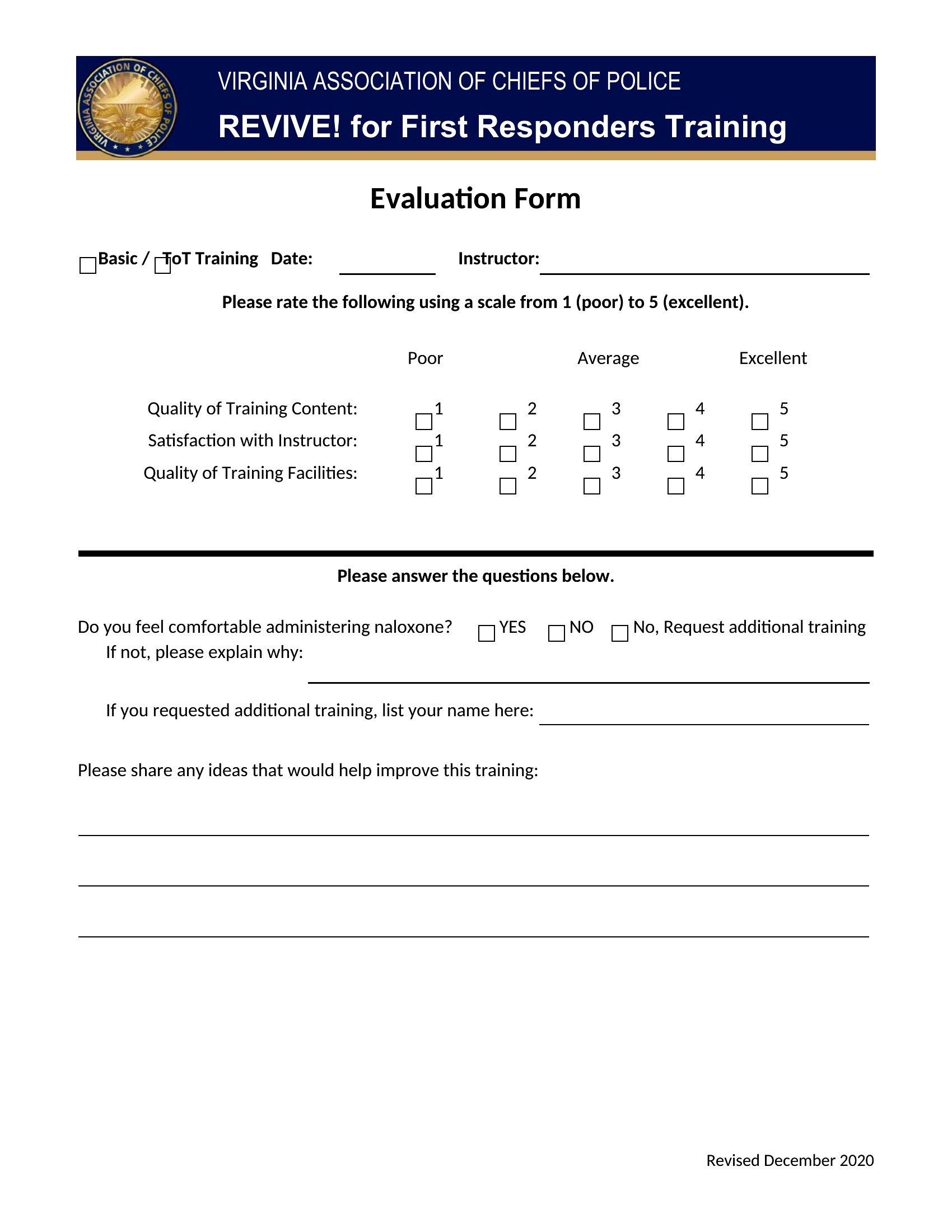
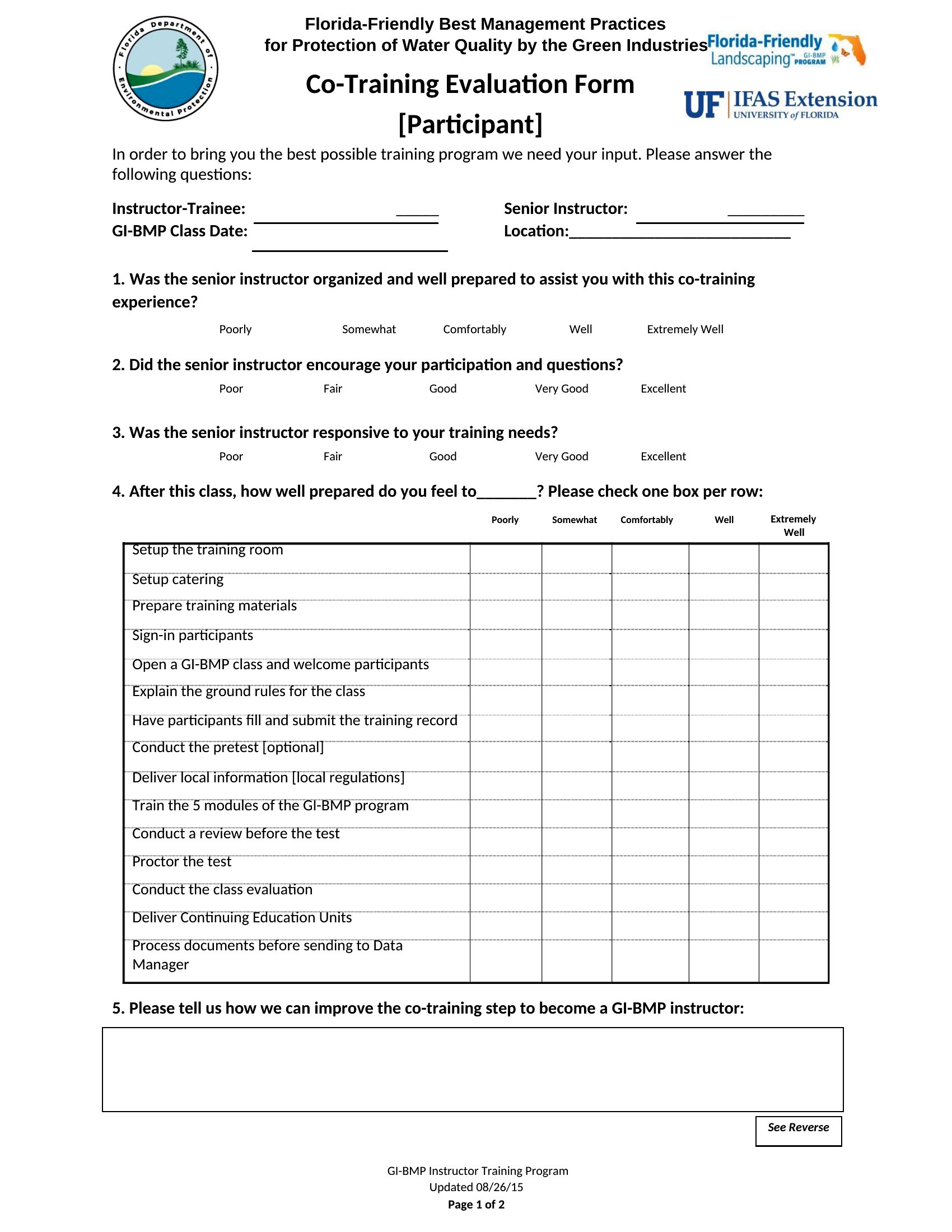
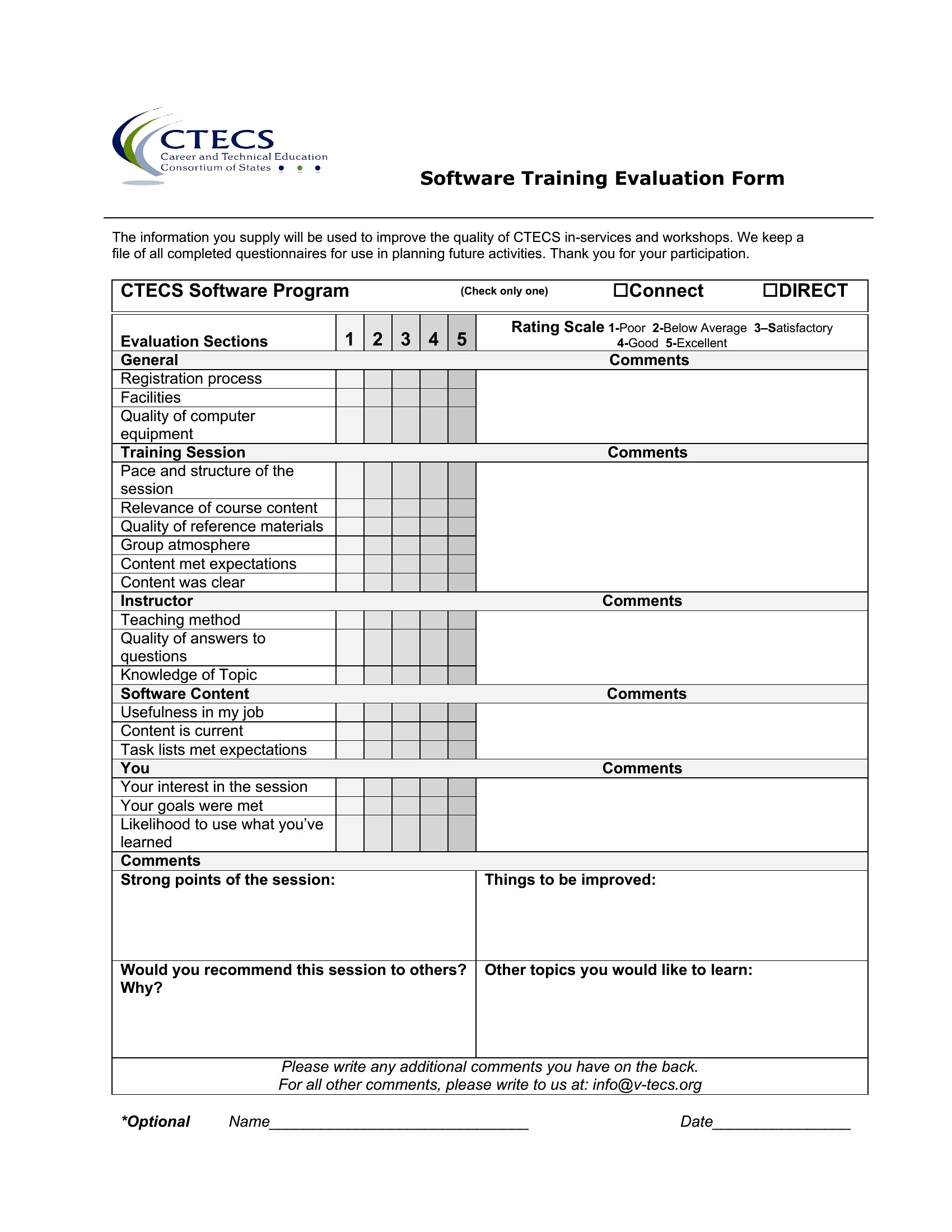
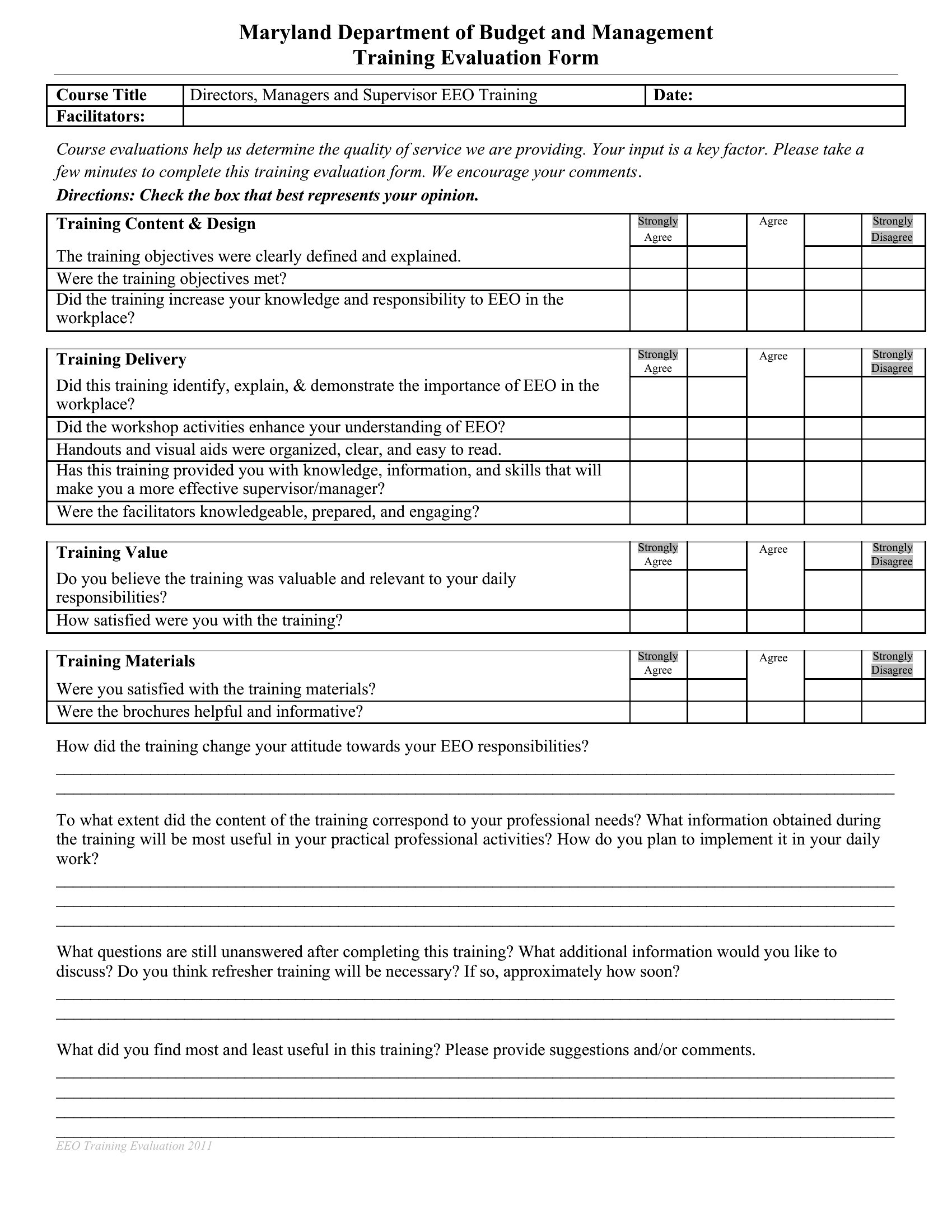
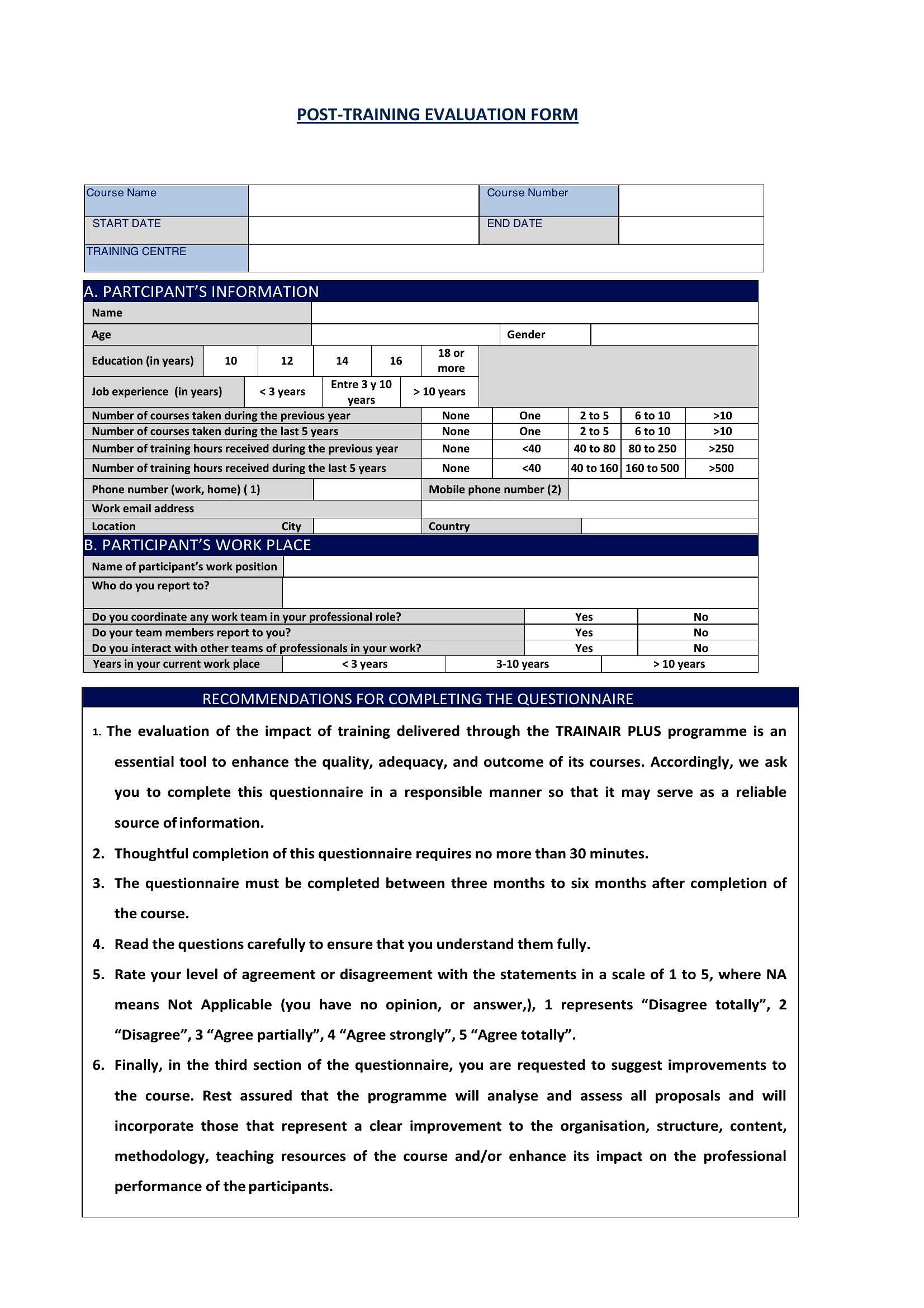
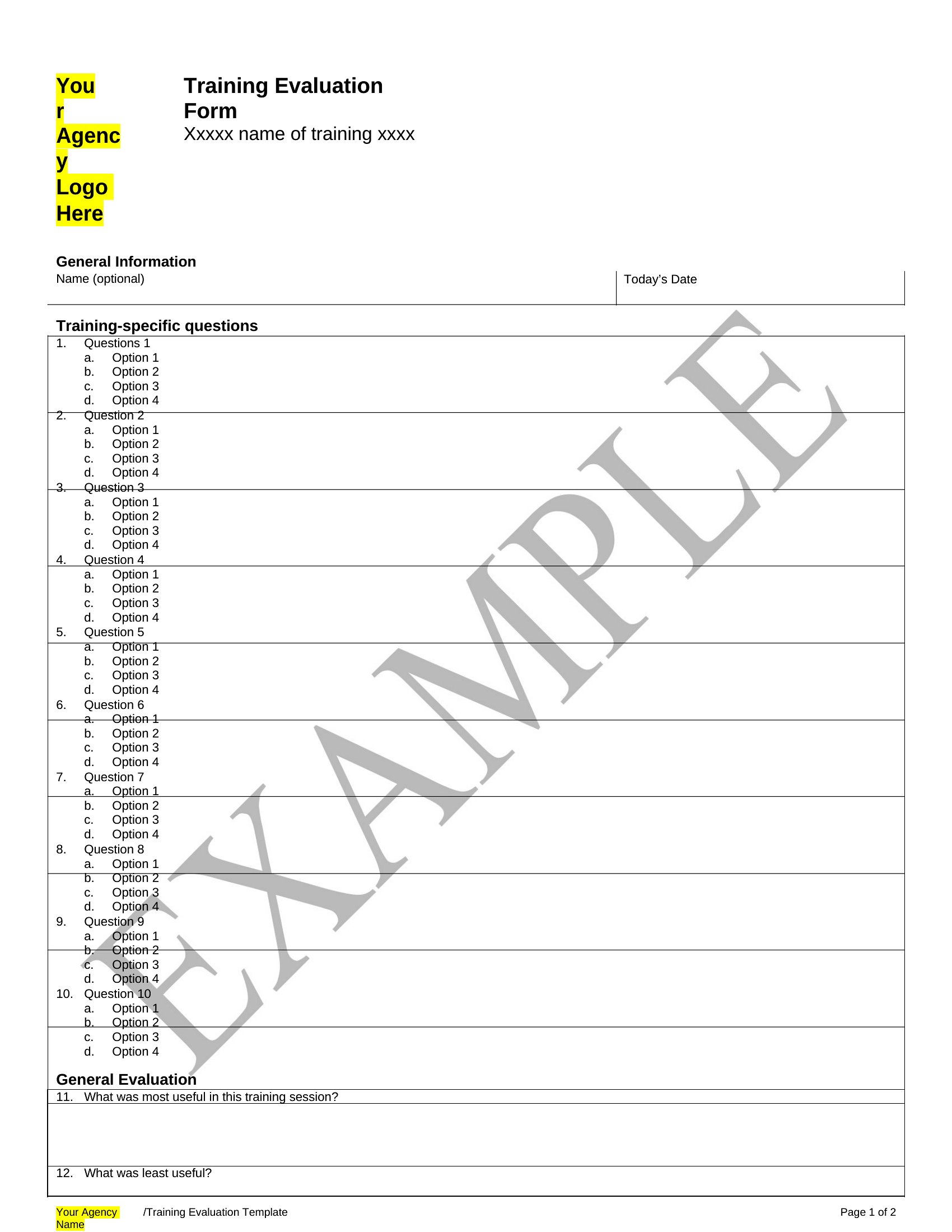
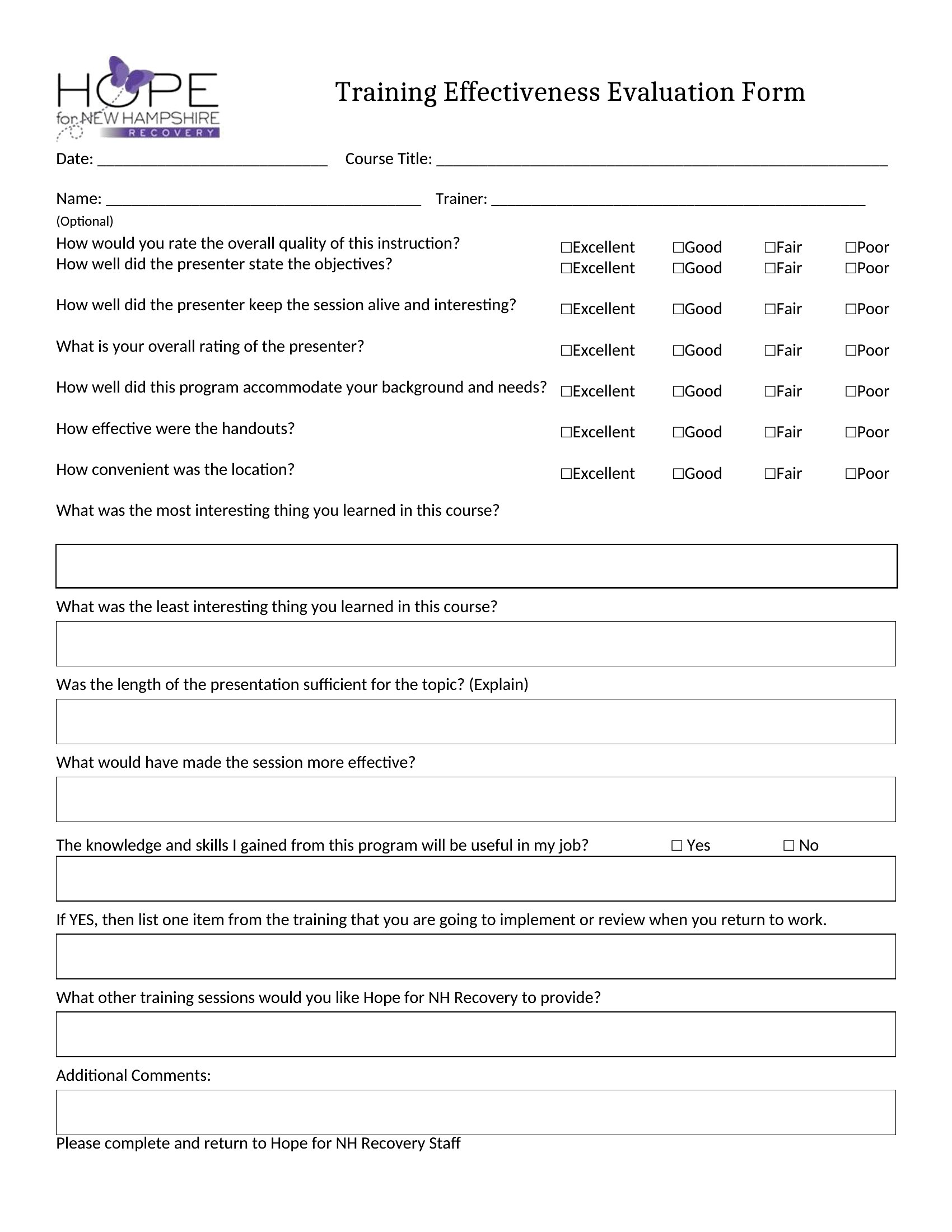
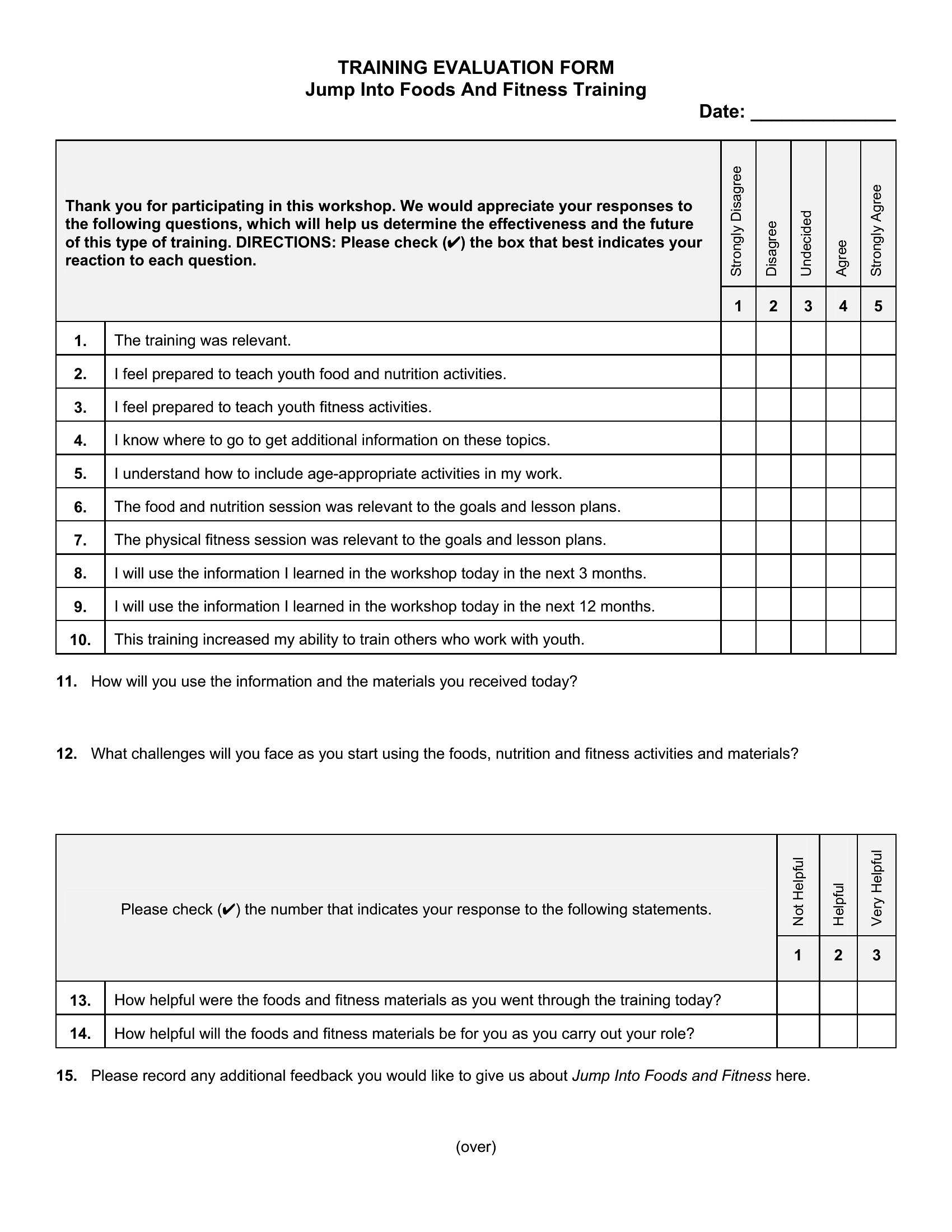
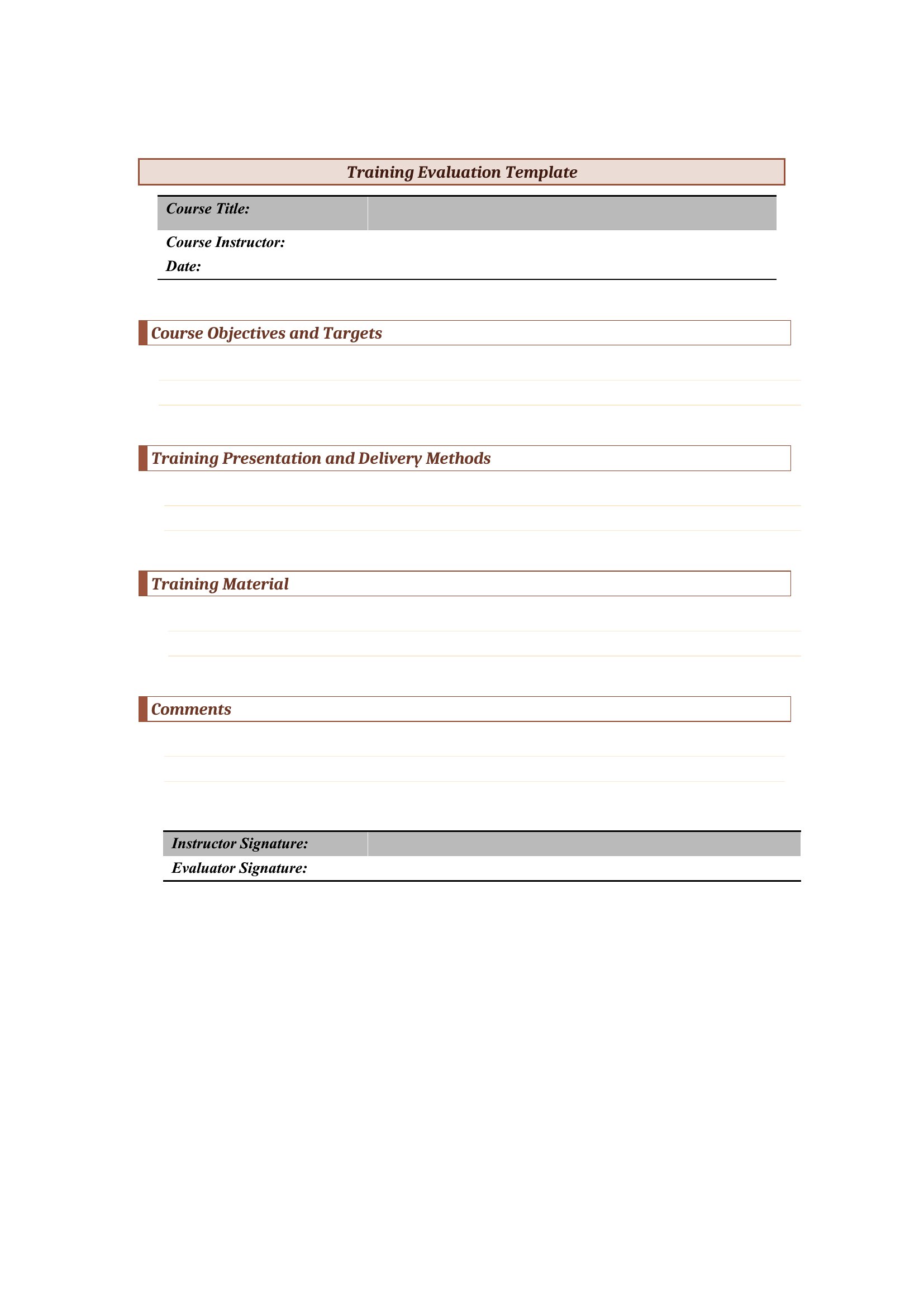
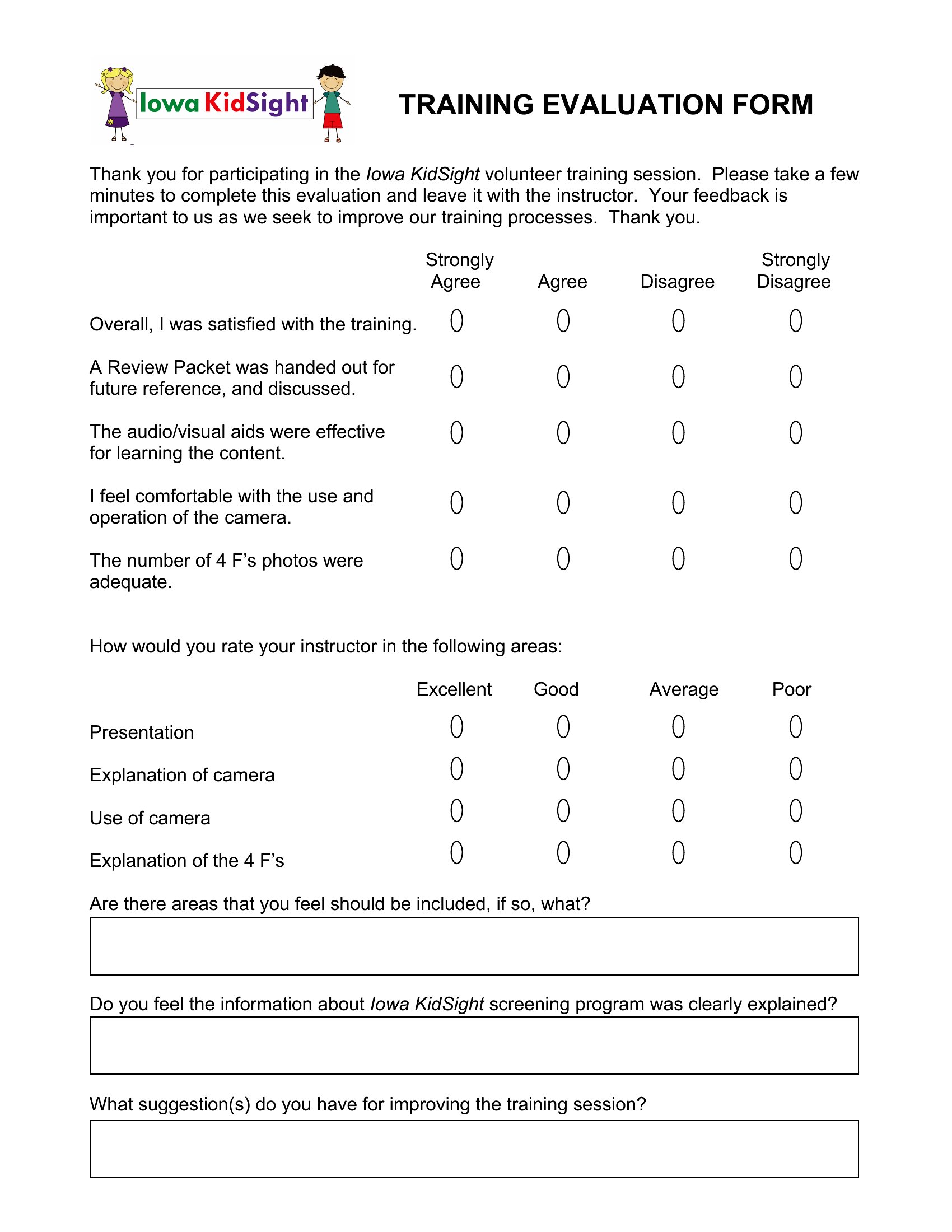
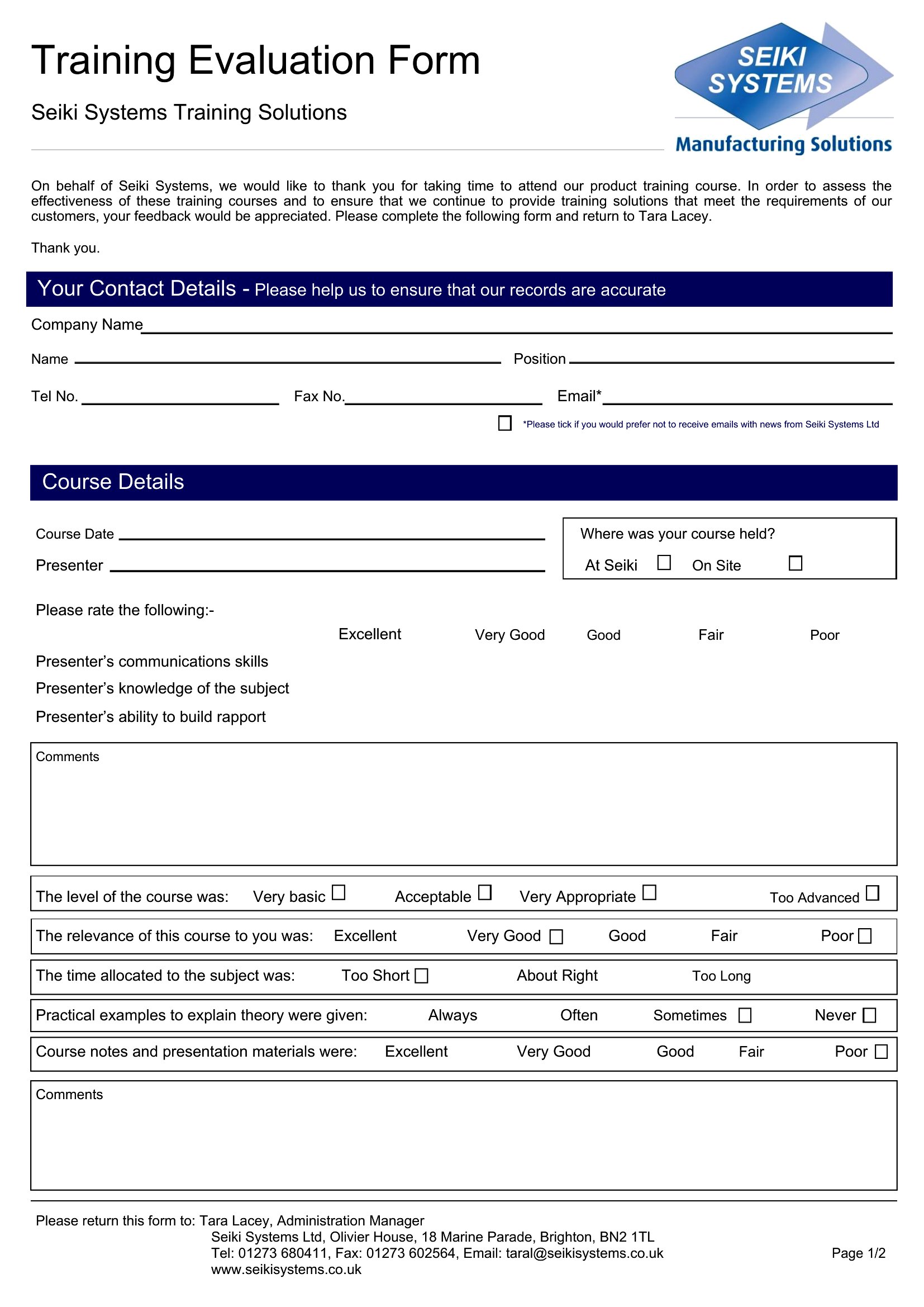
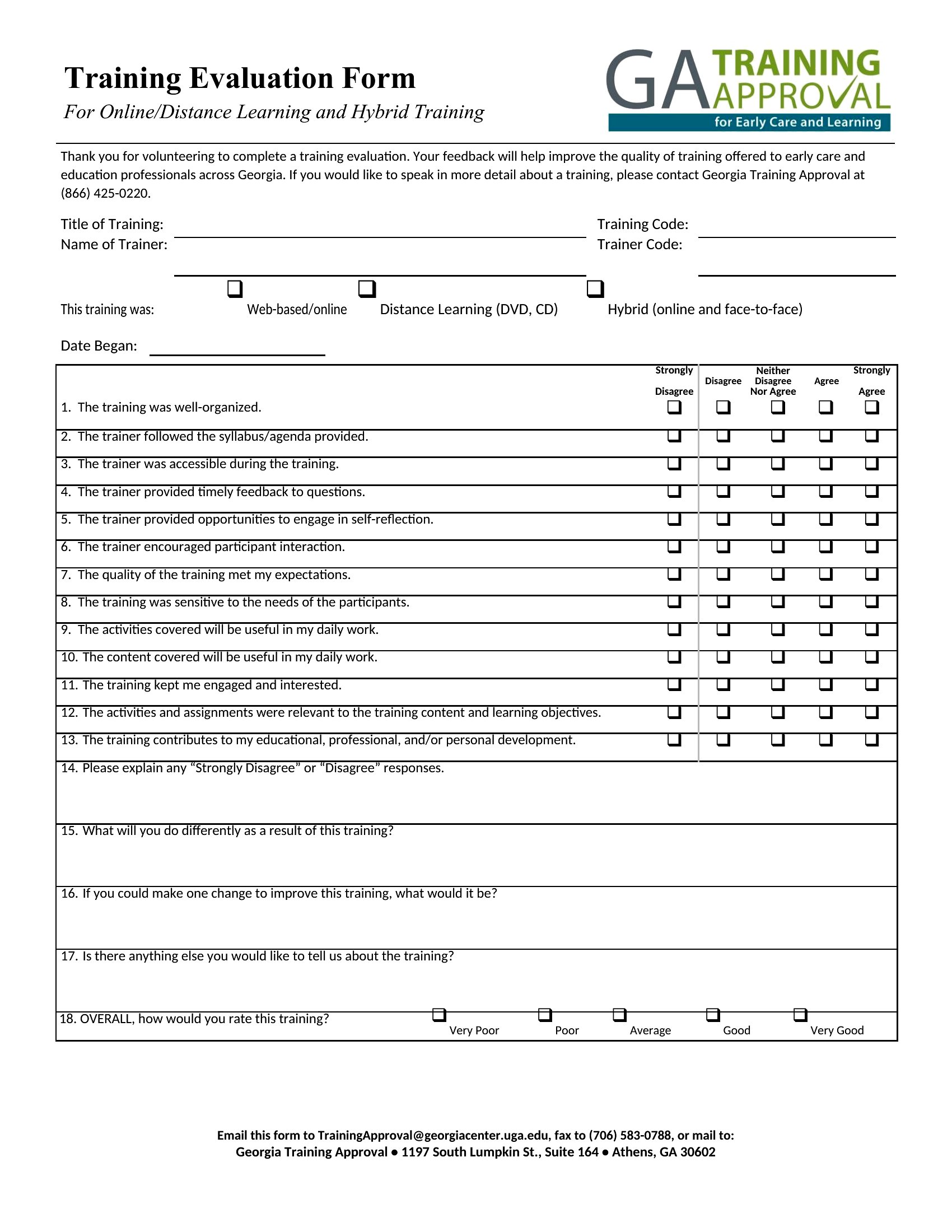
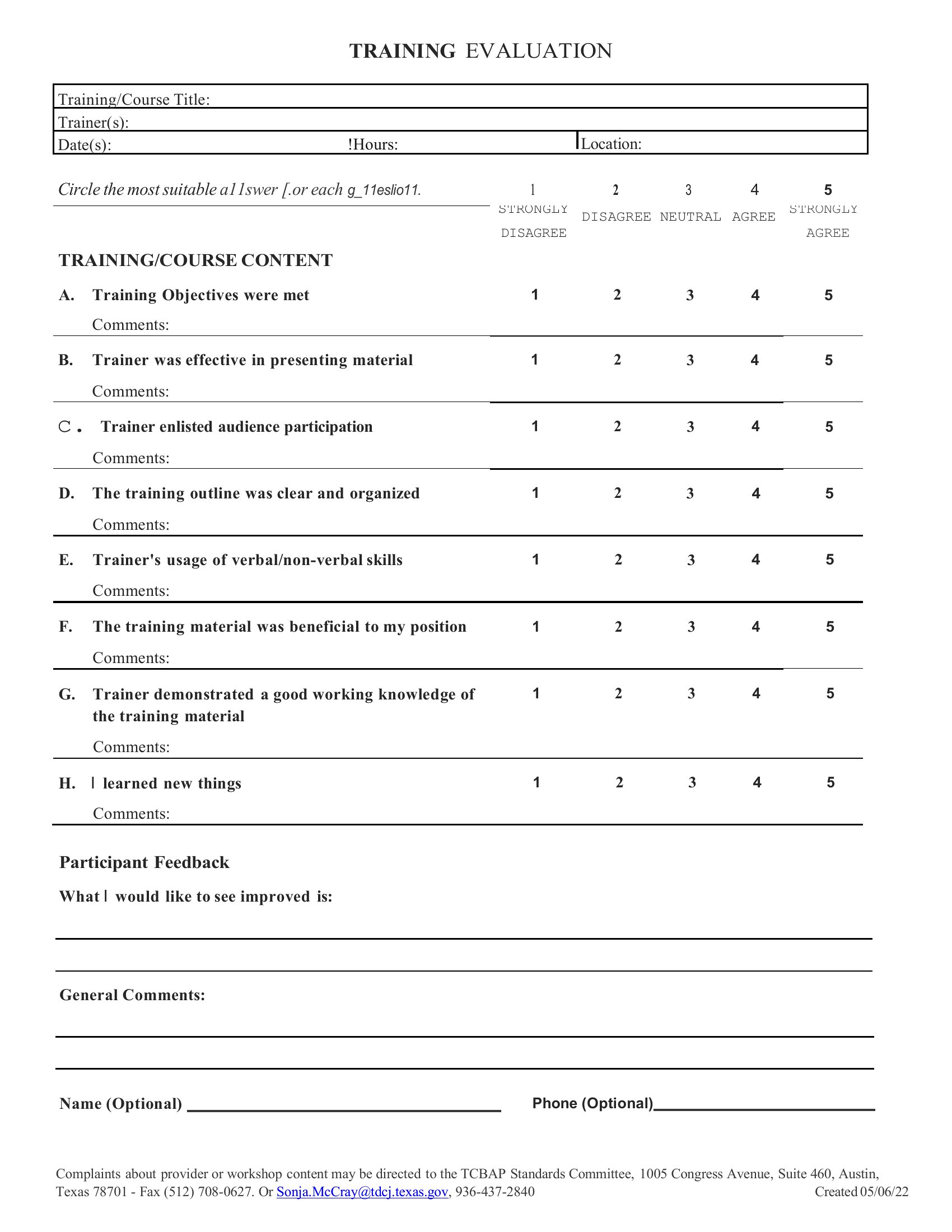
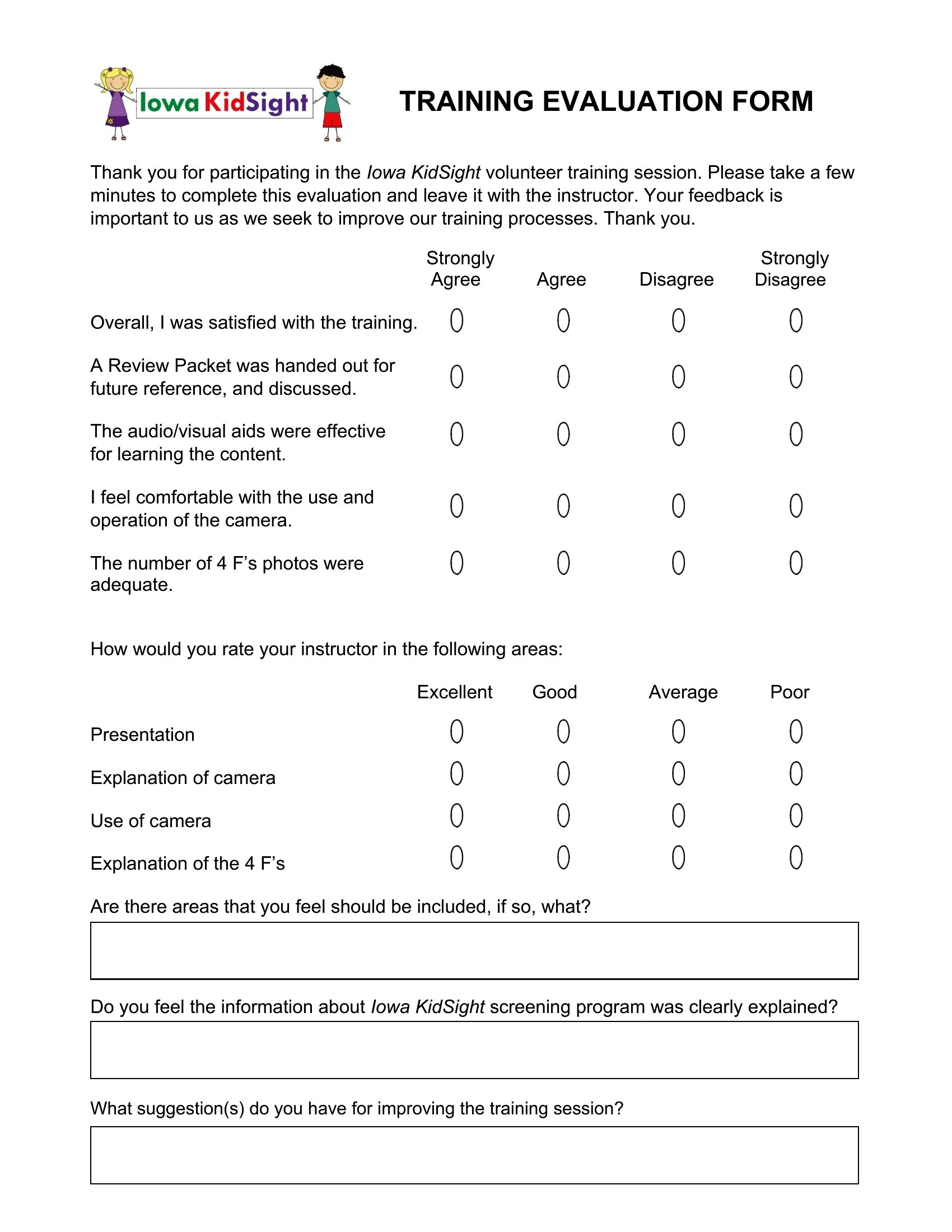
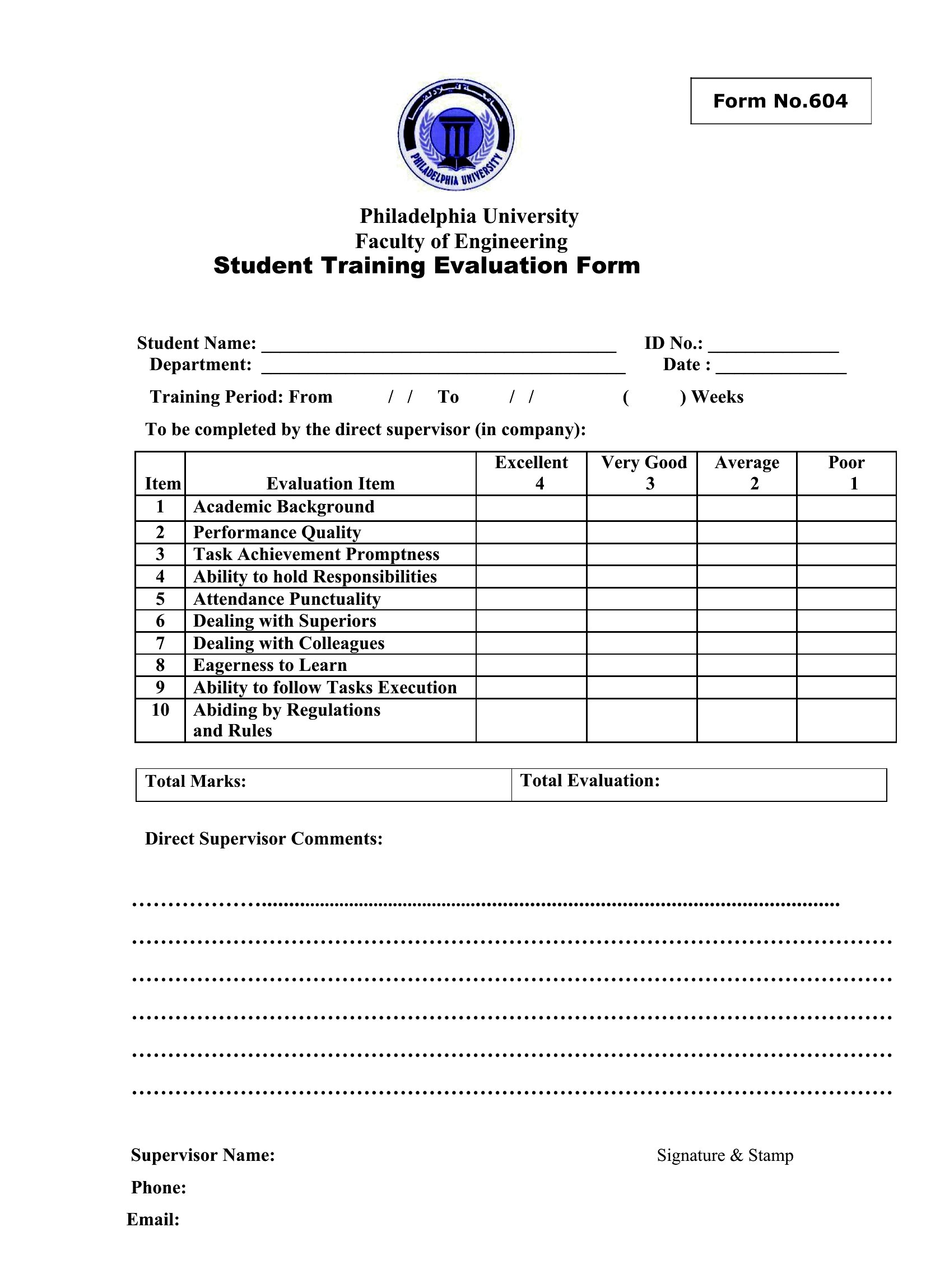
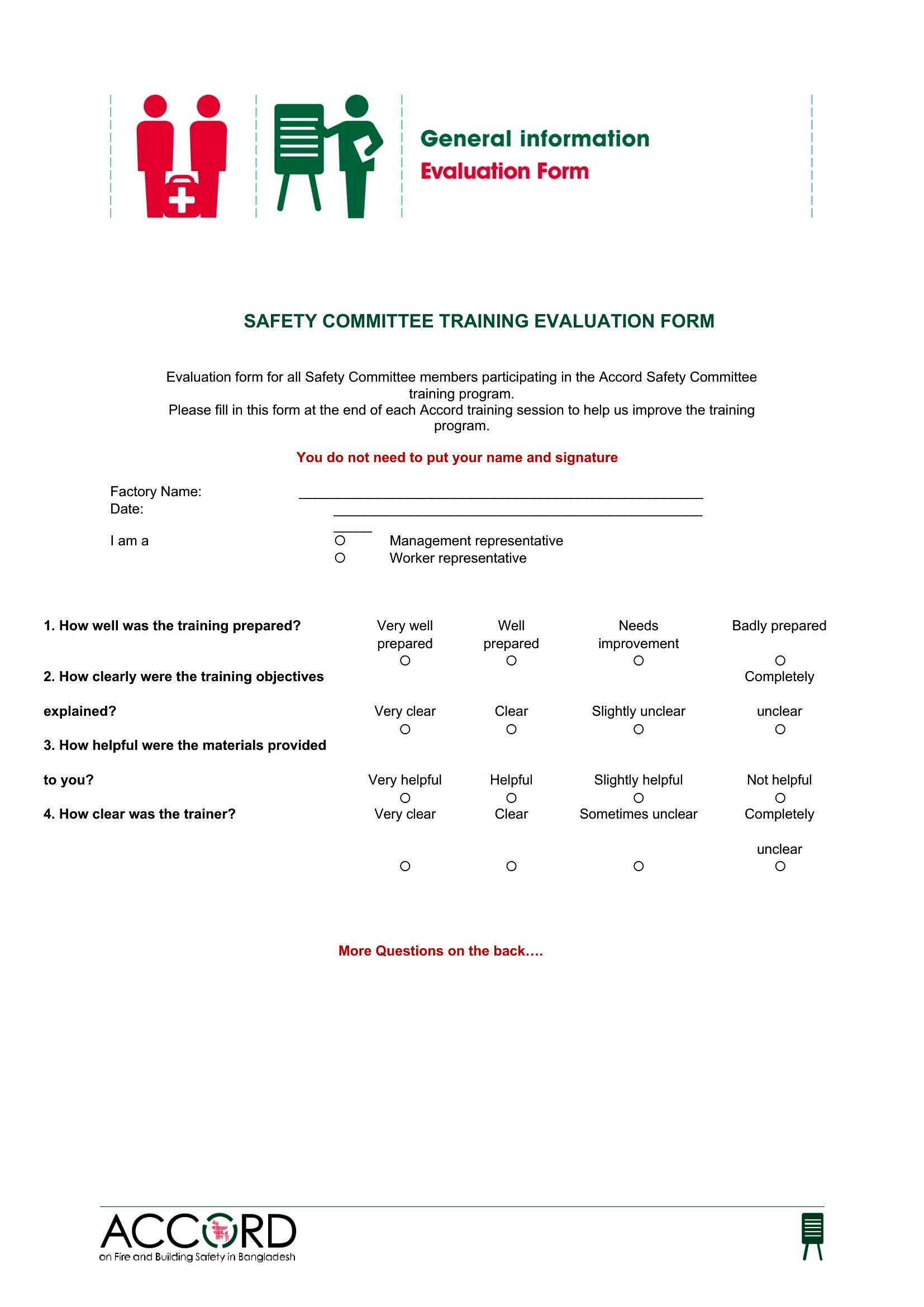
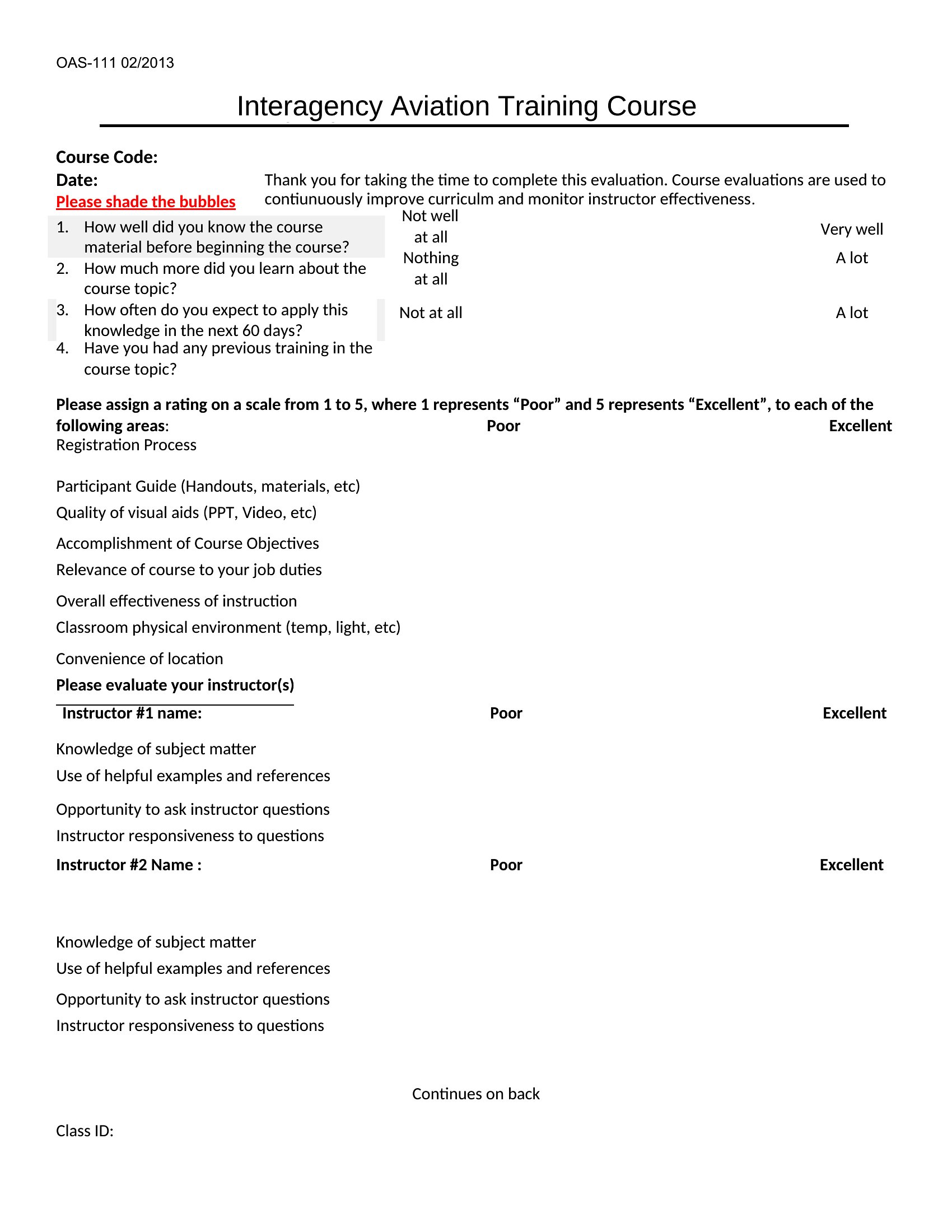
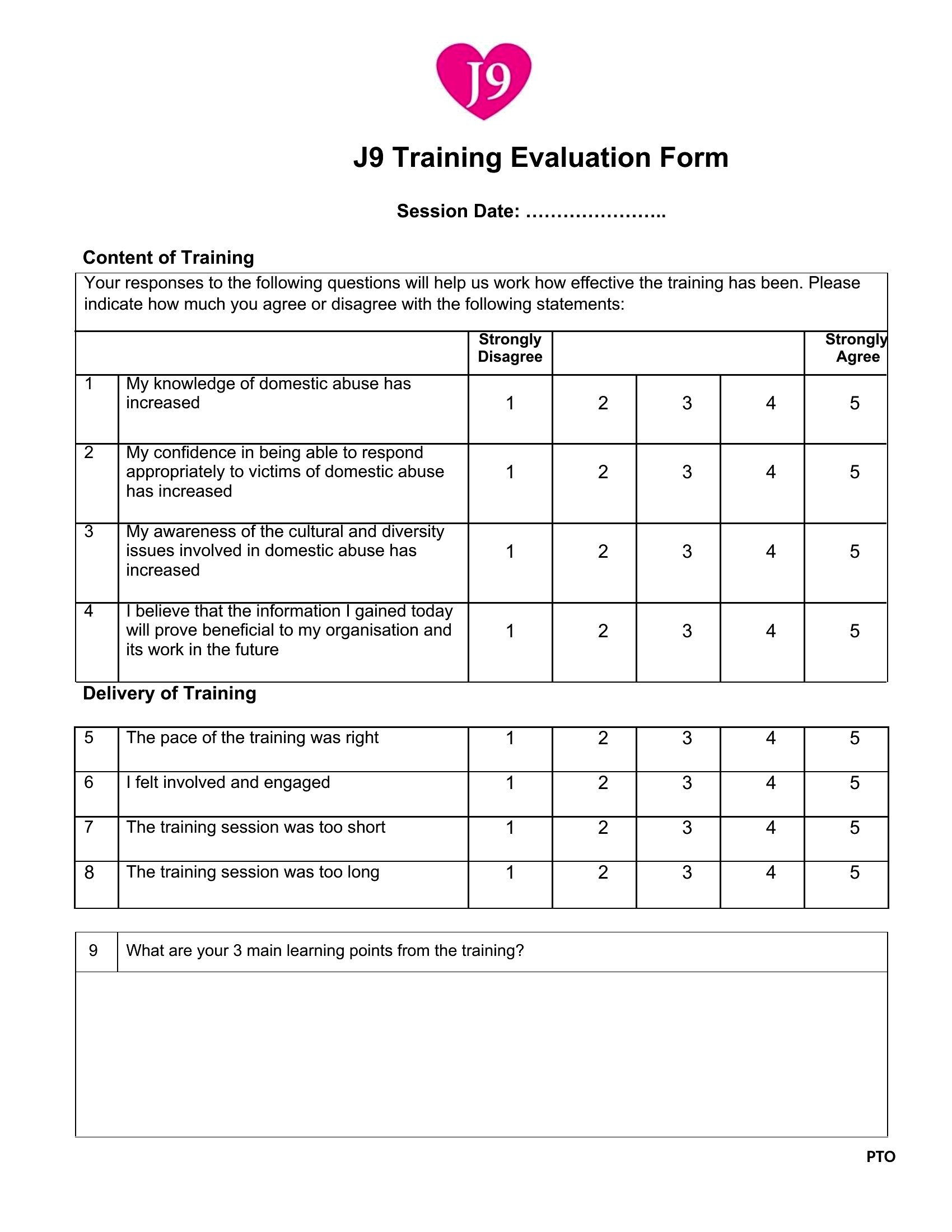
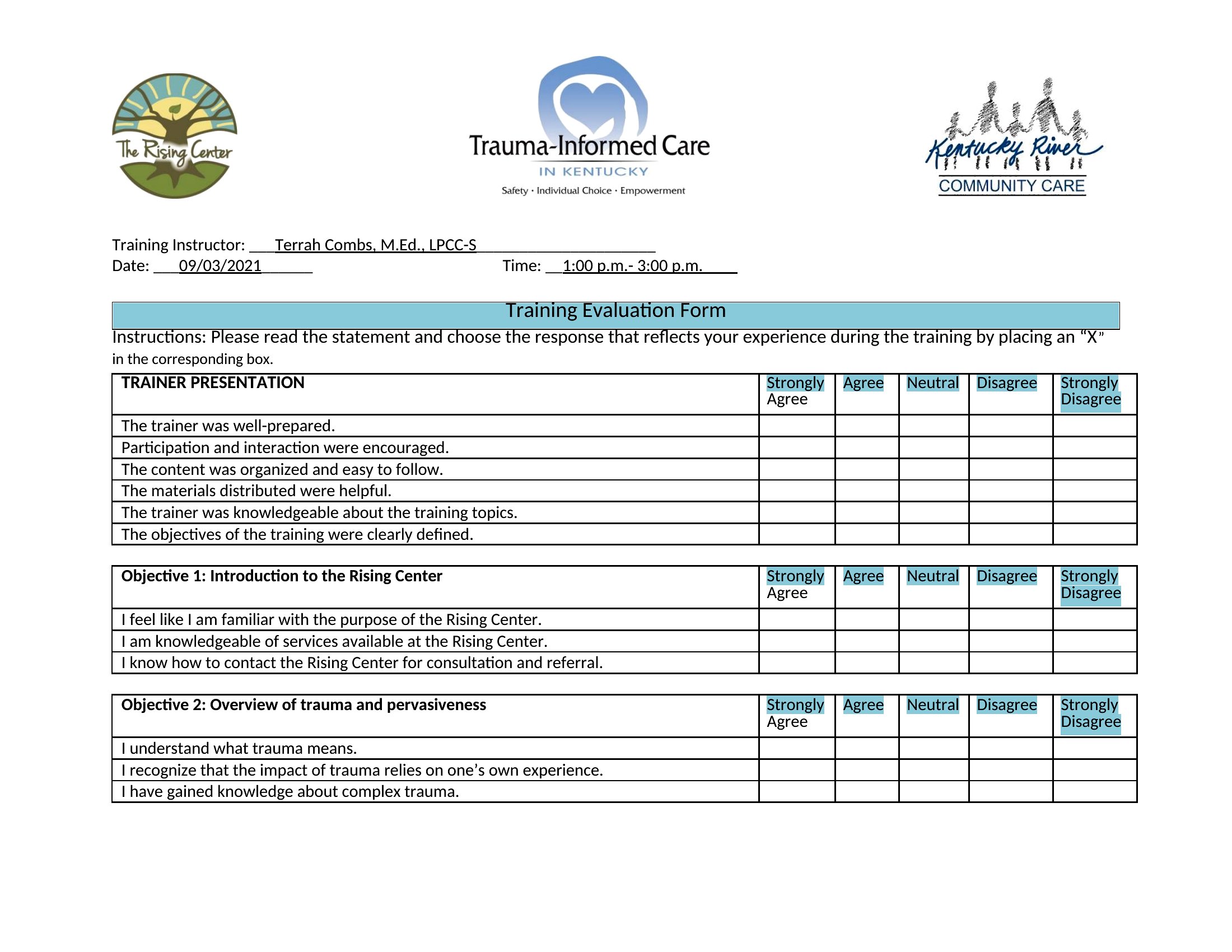
How can I ensure my evaluation captures both qualitative and quantitative feedback?
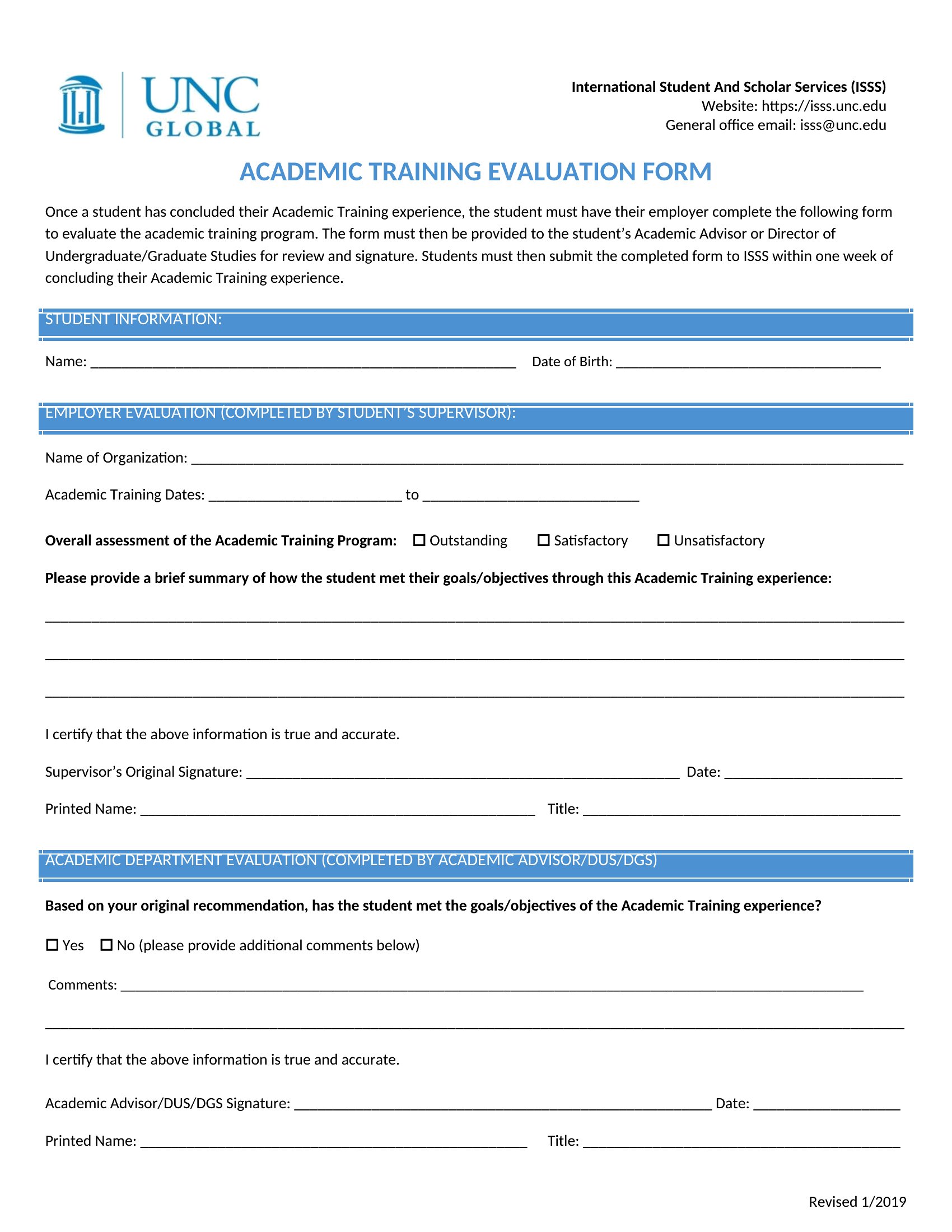
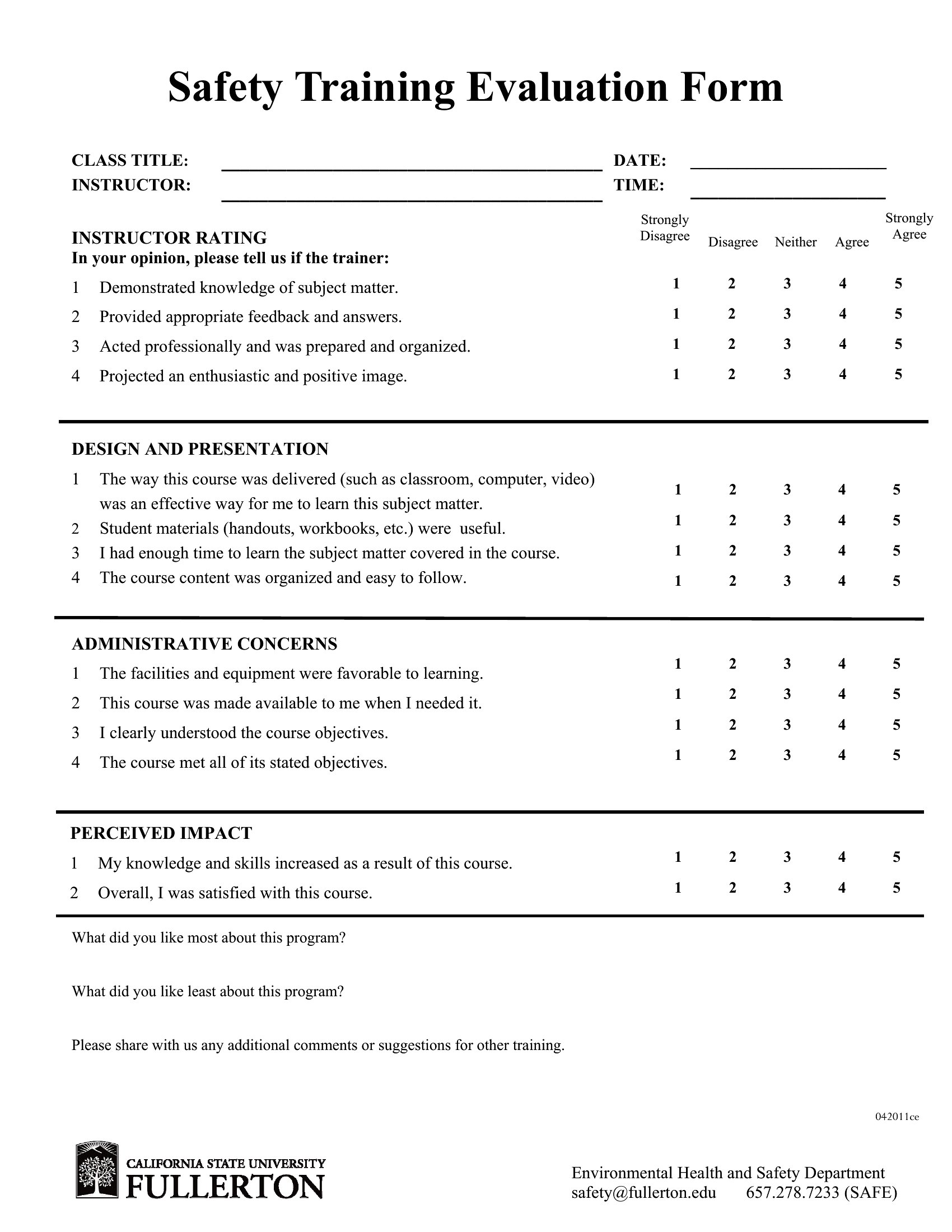
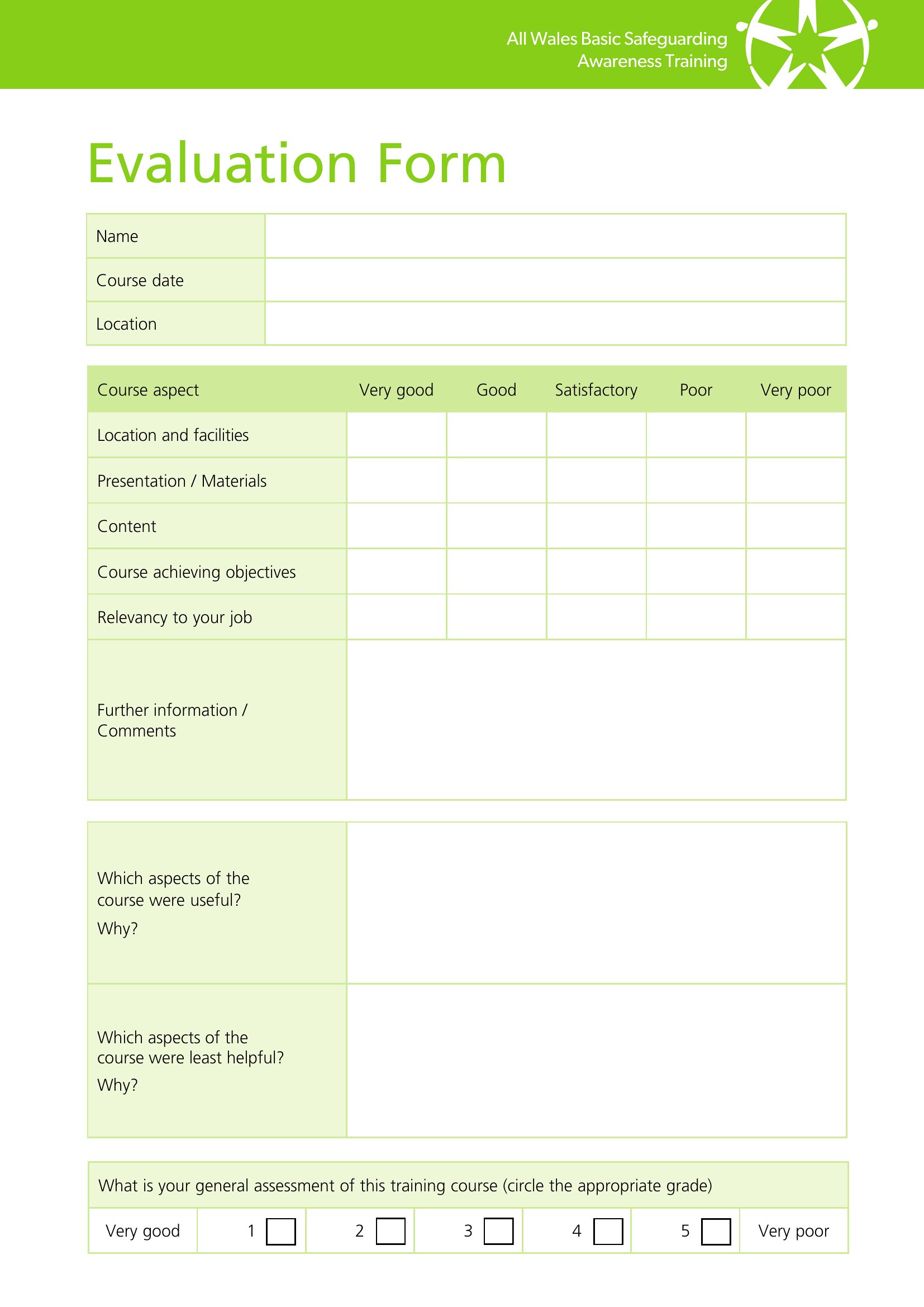
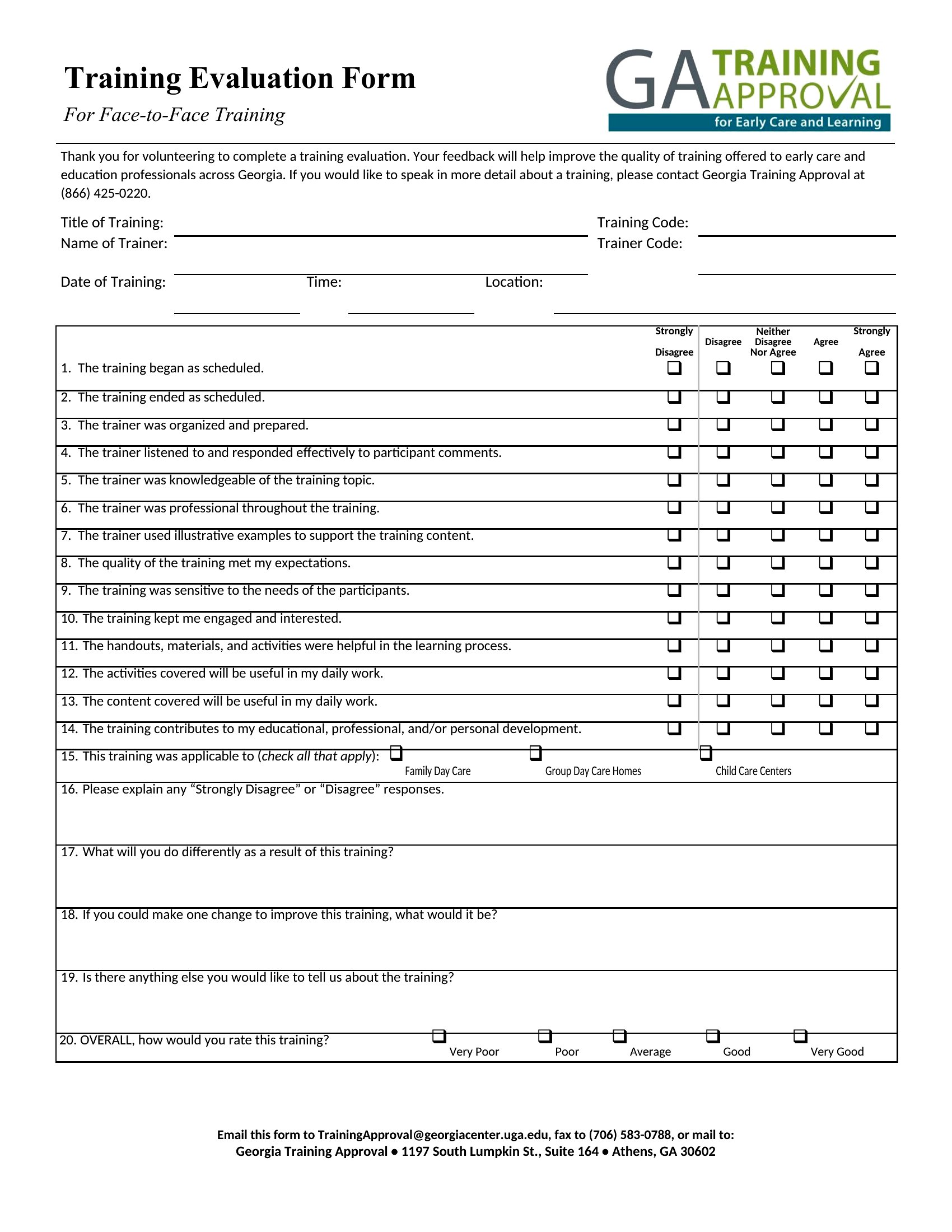
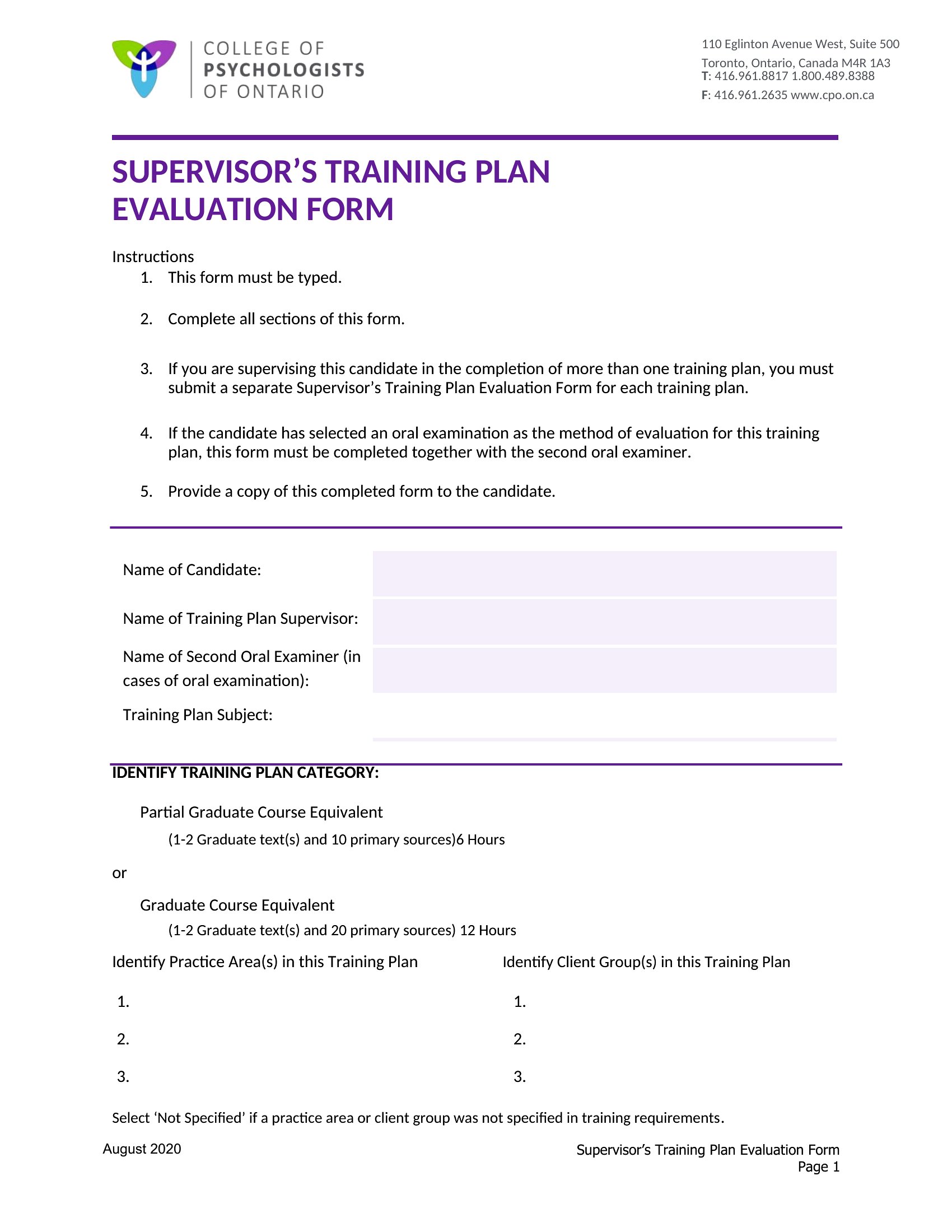
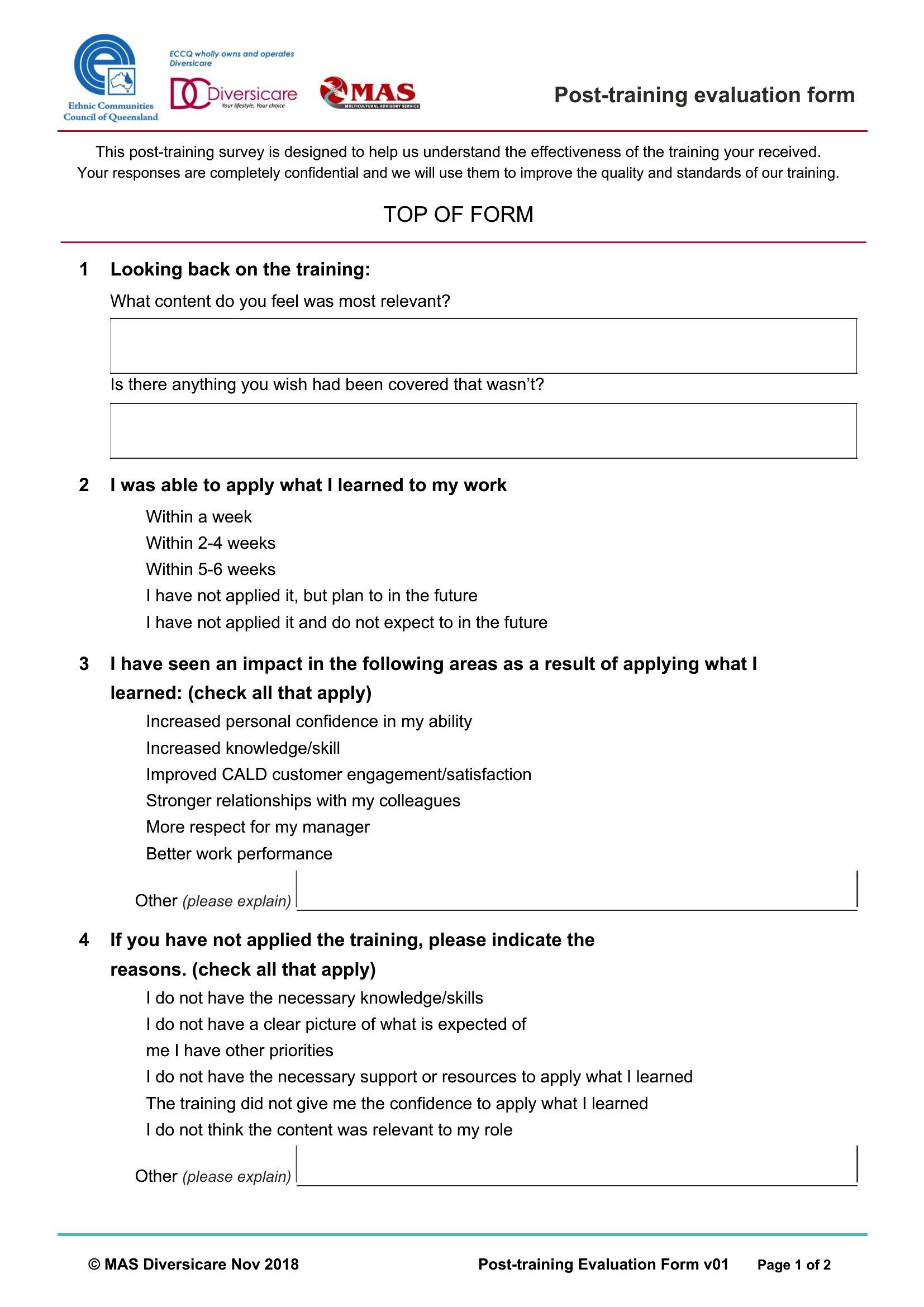
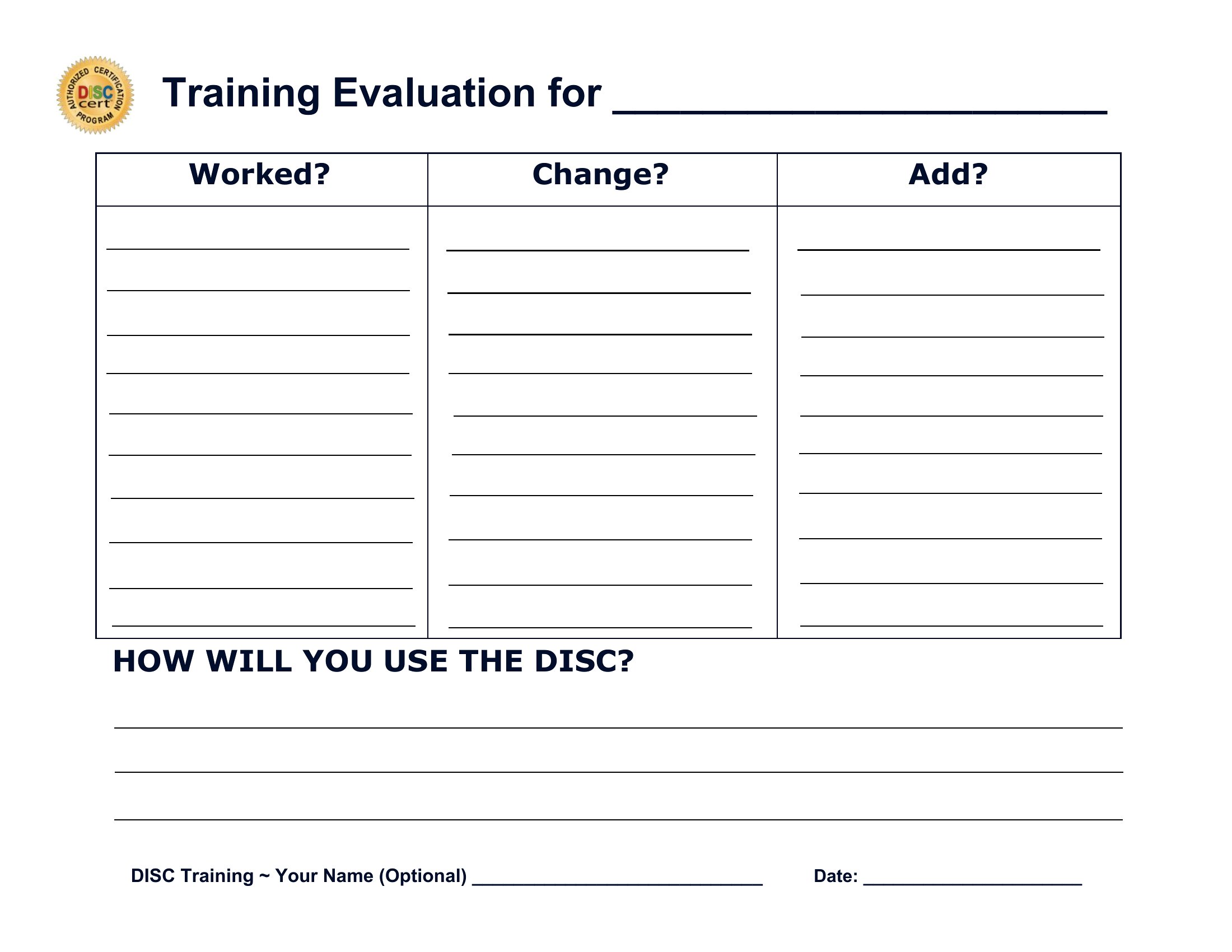
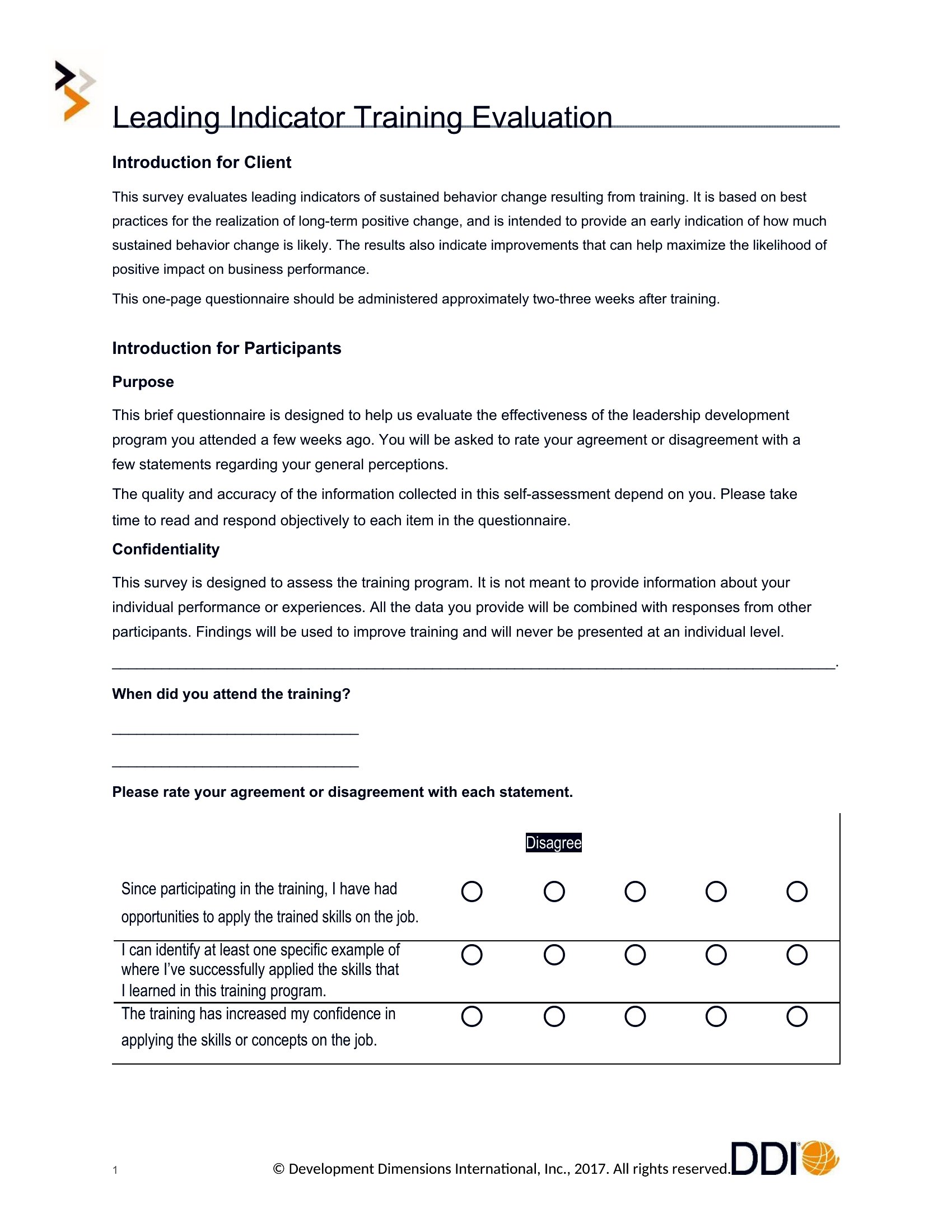
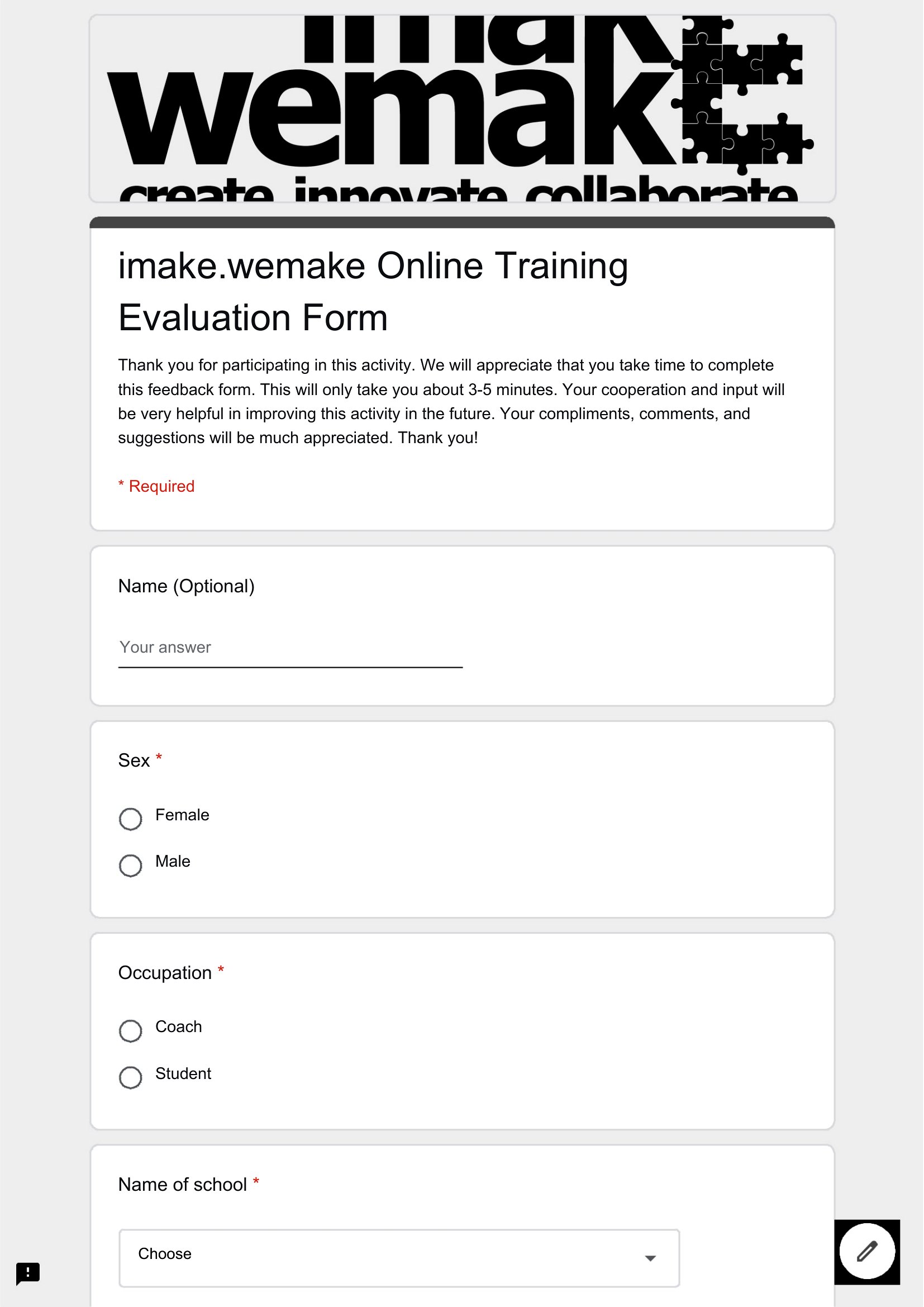
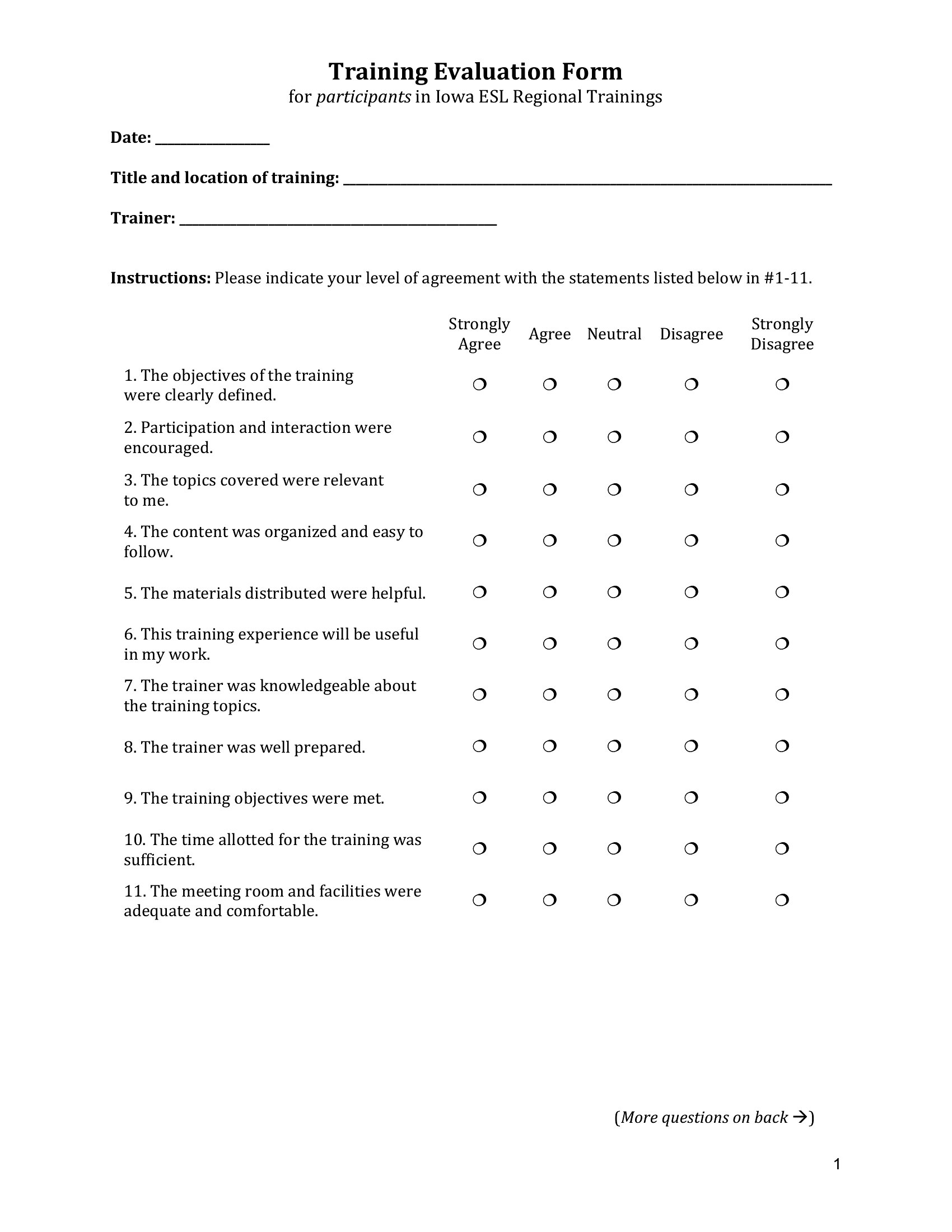
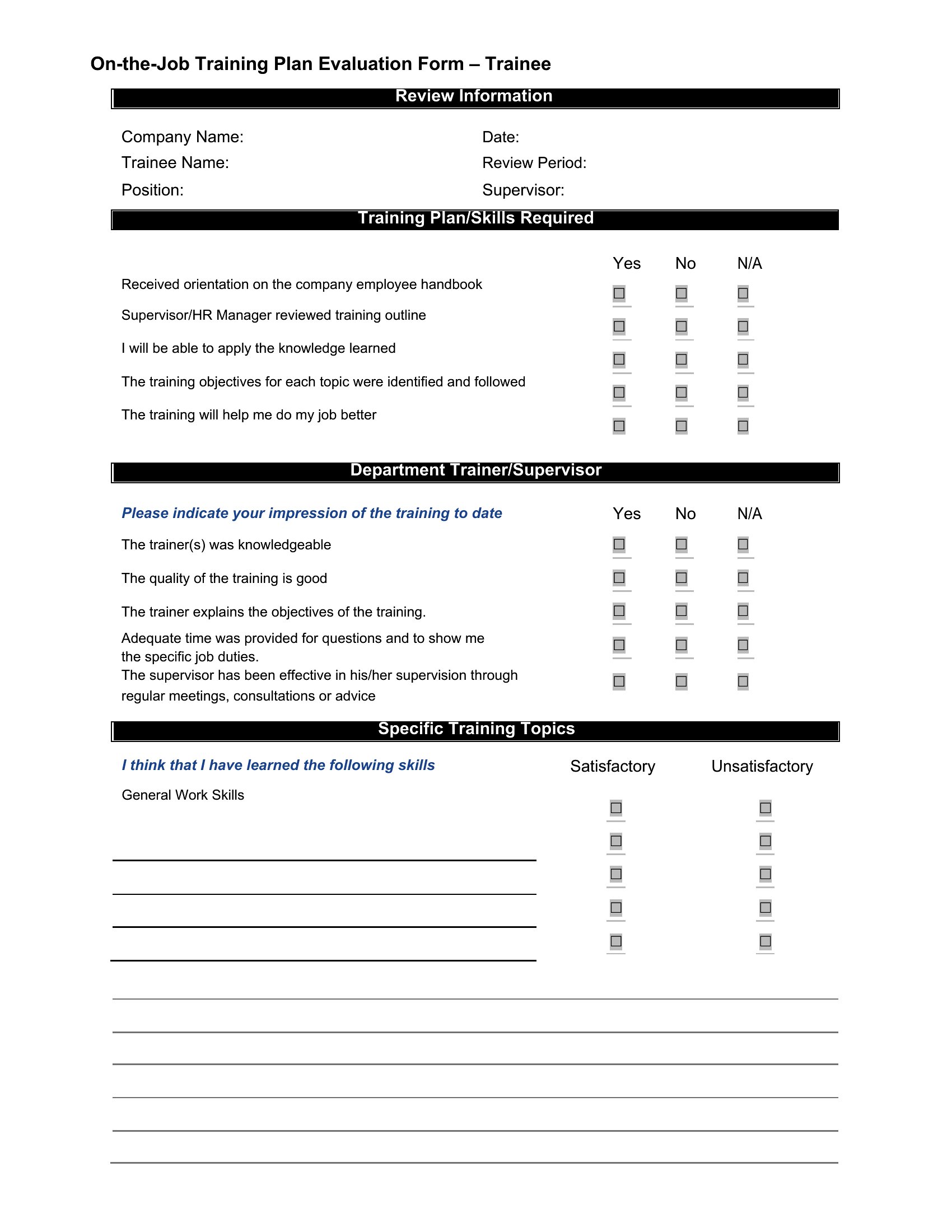
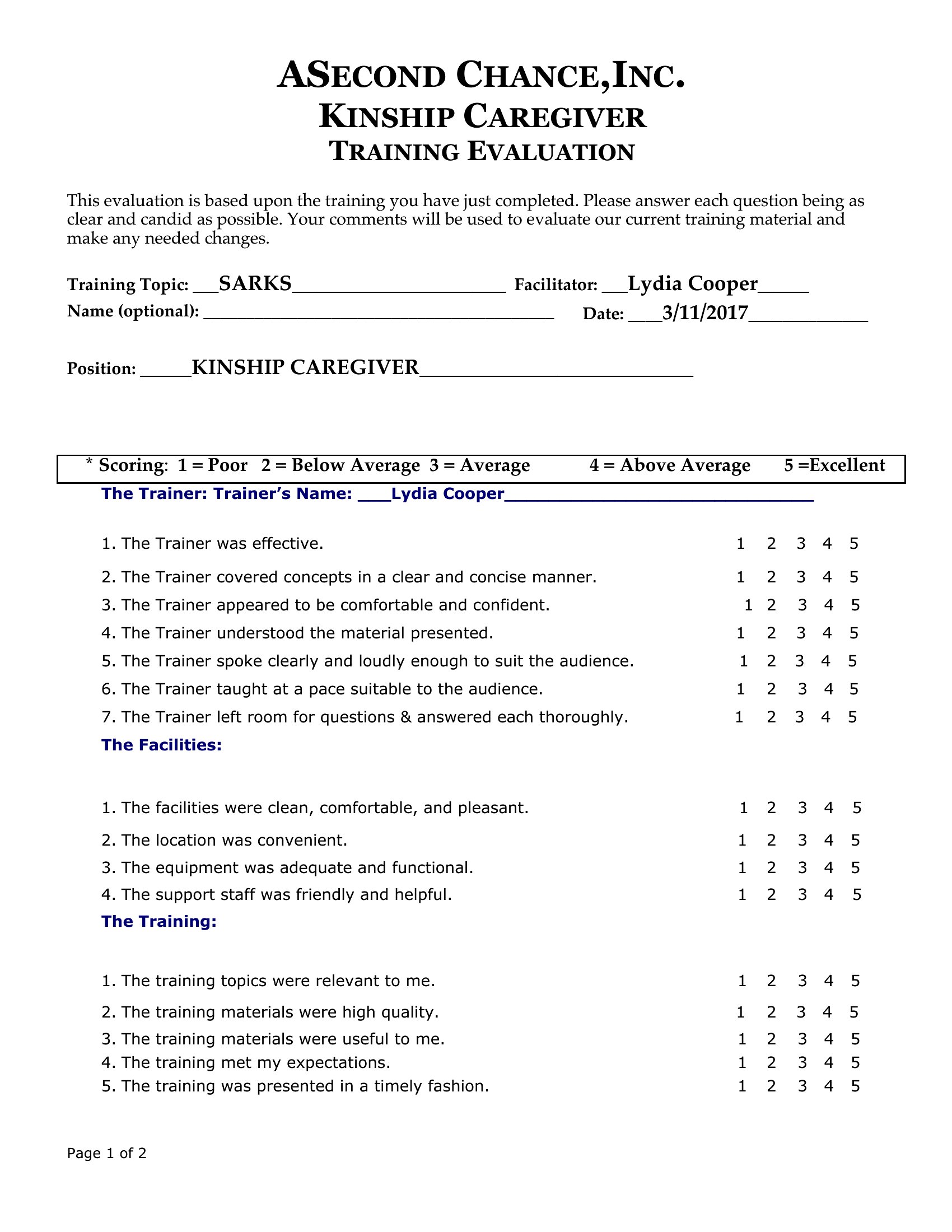
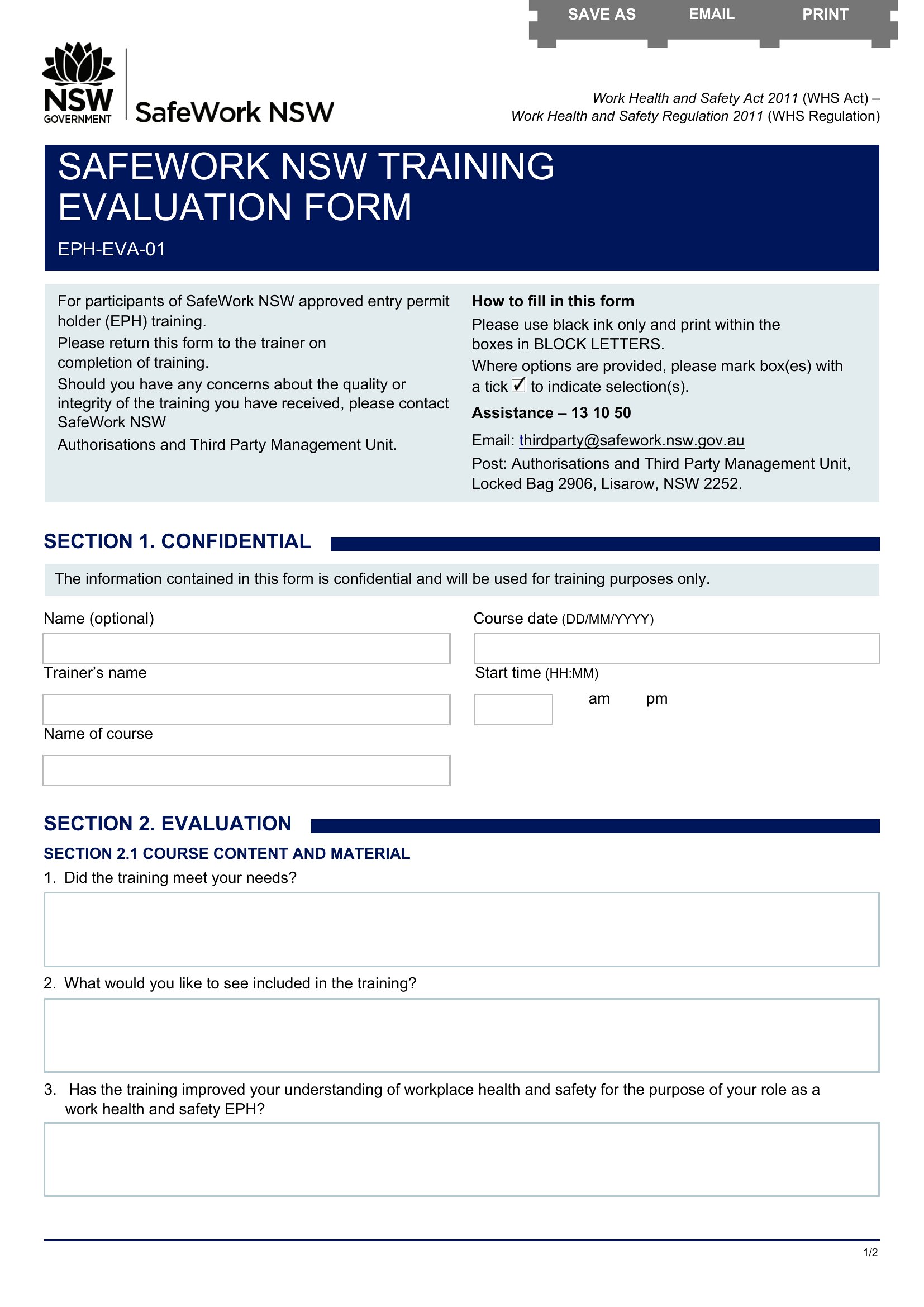
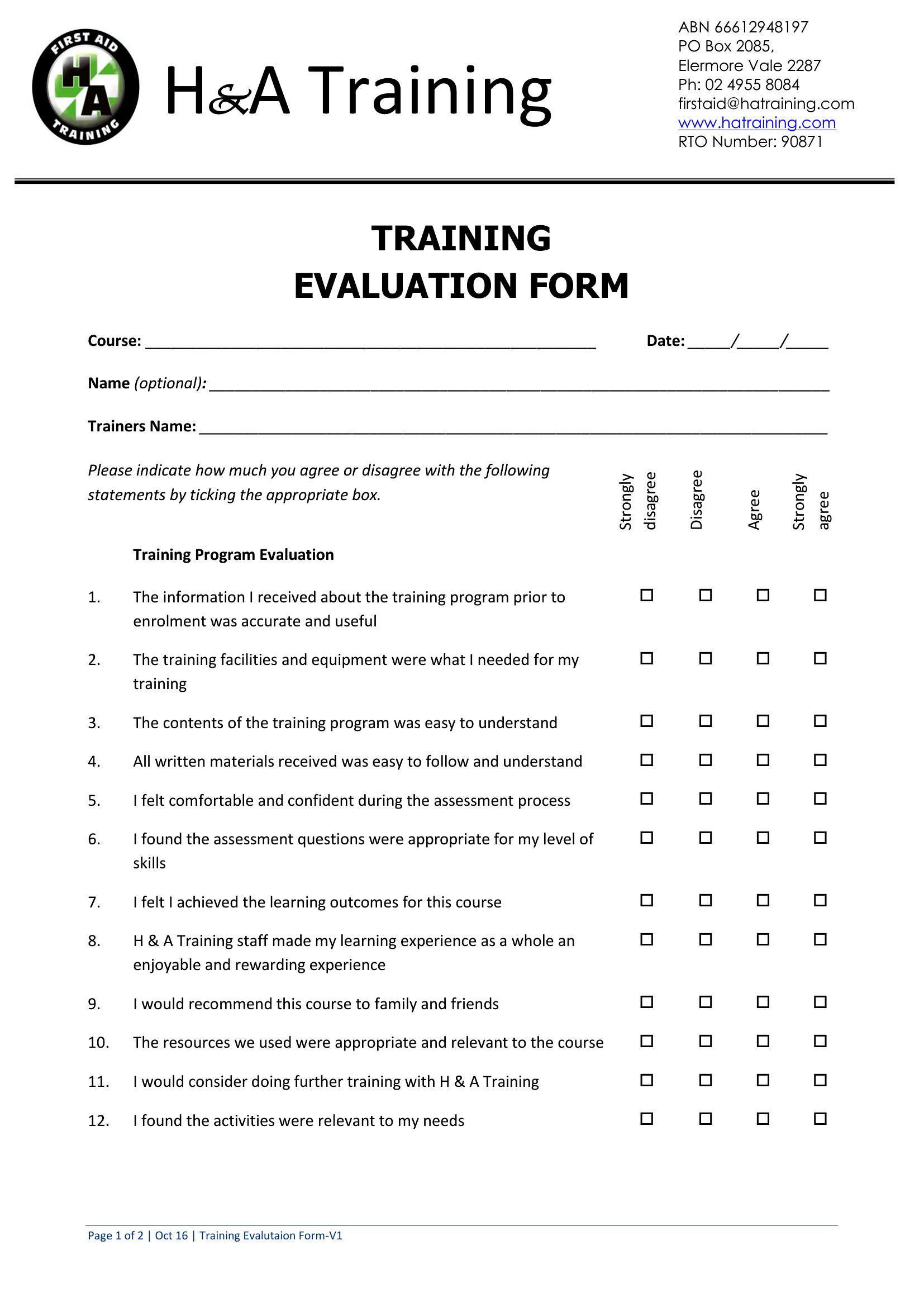
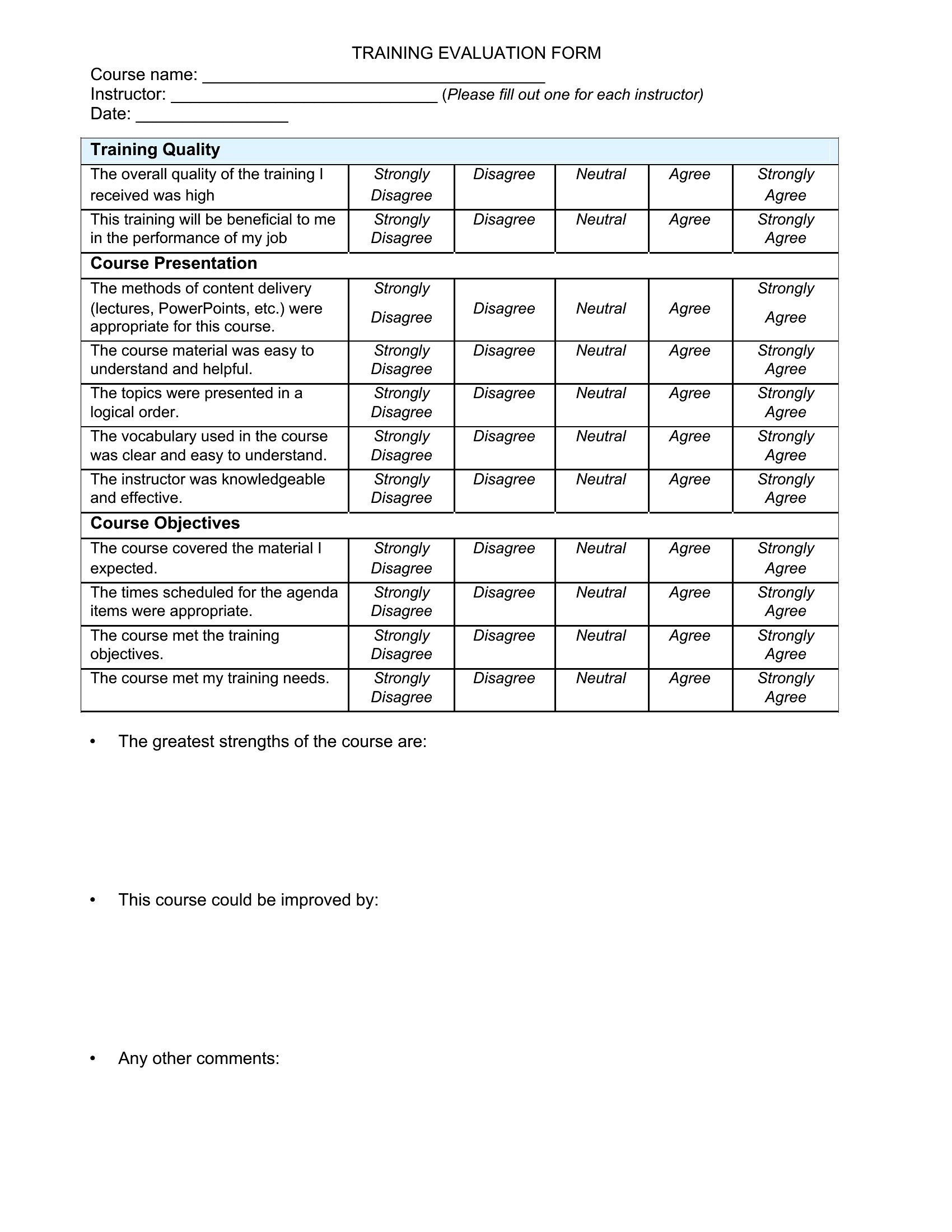
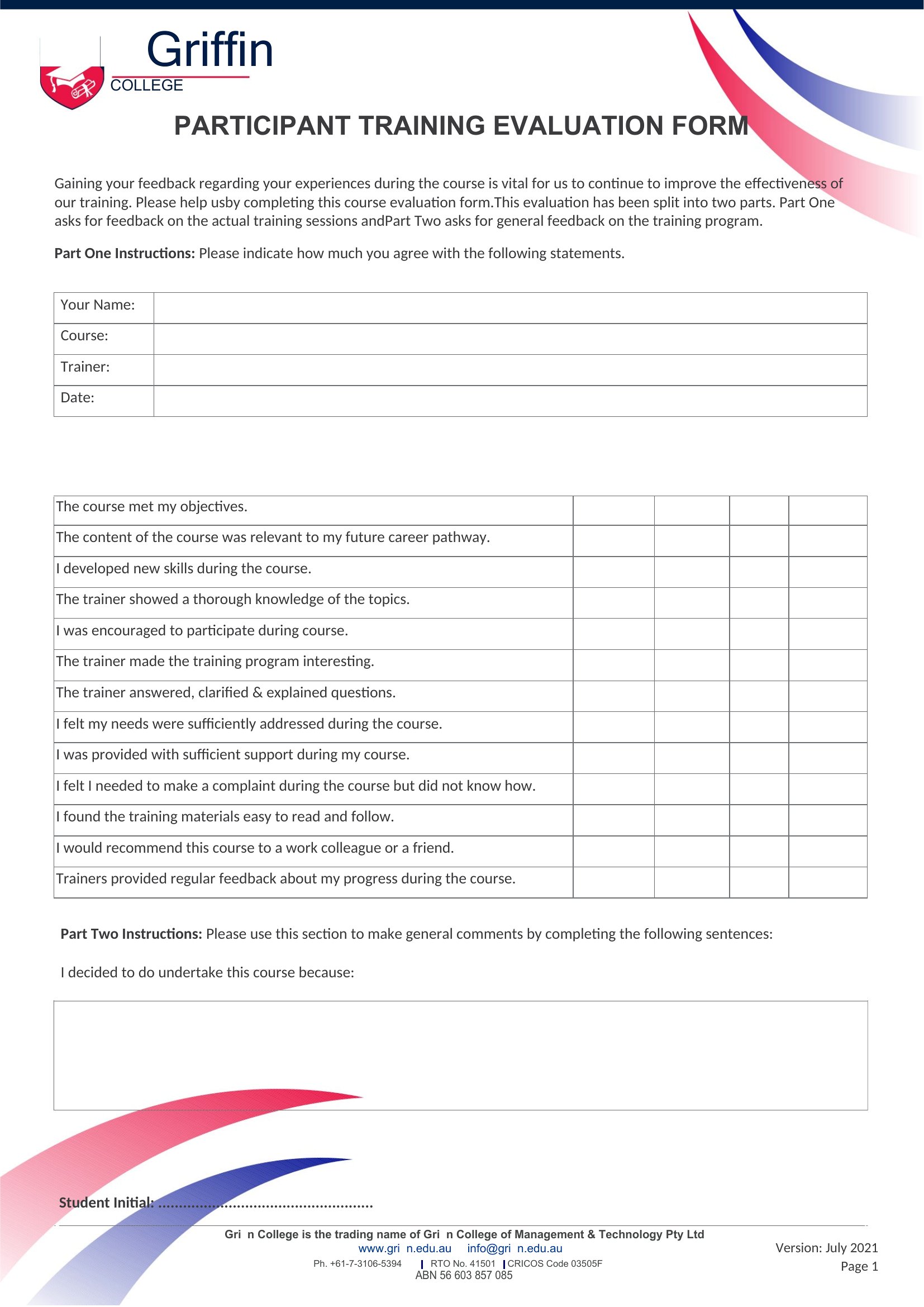
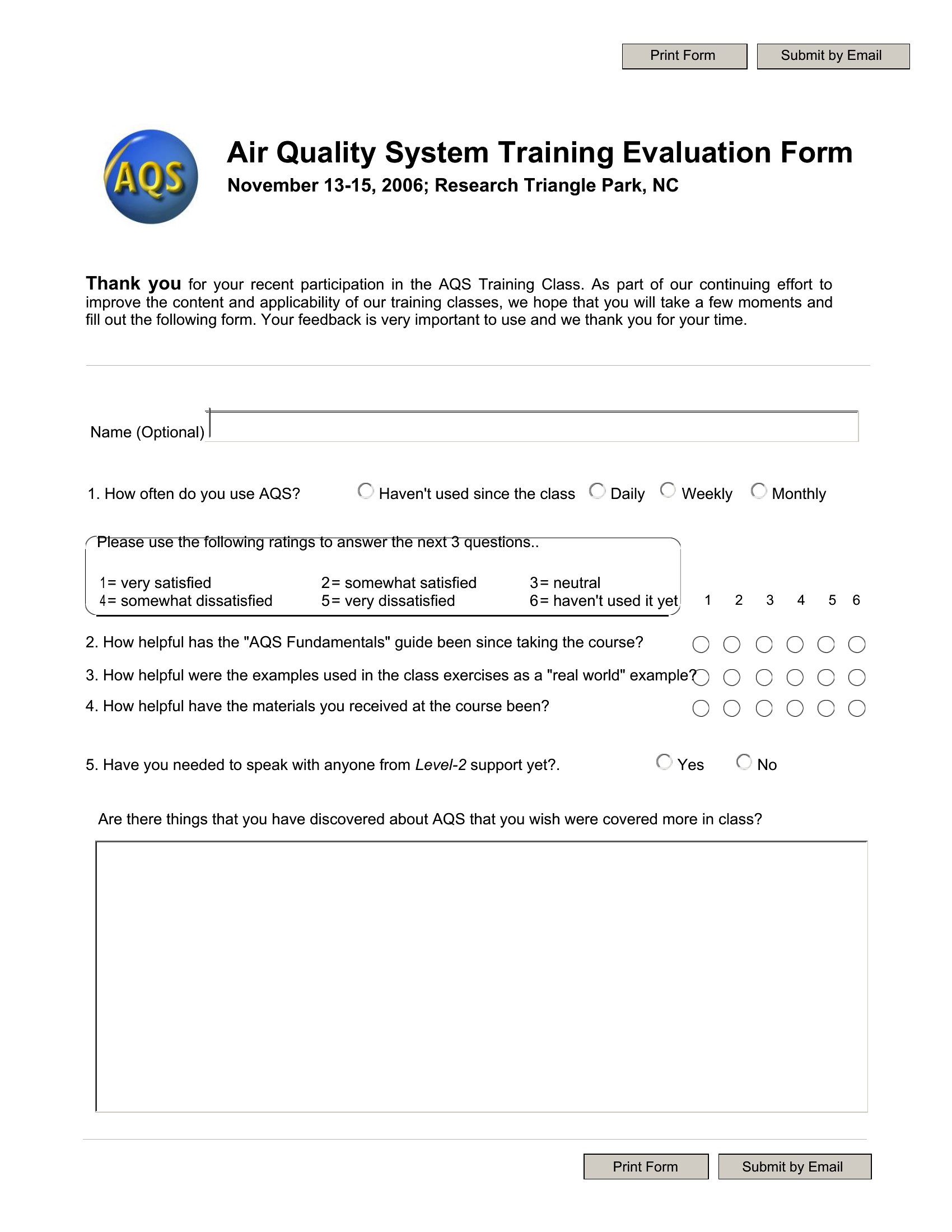
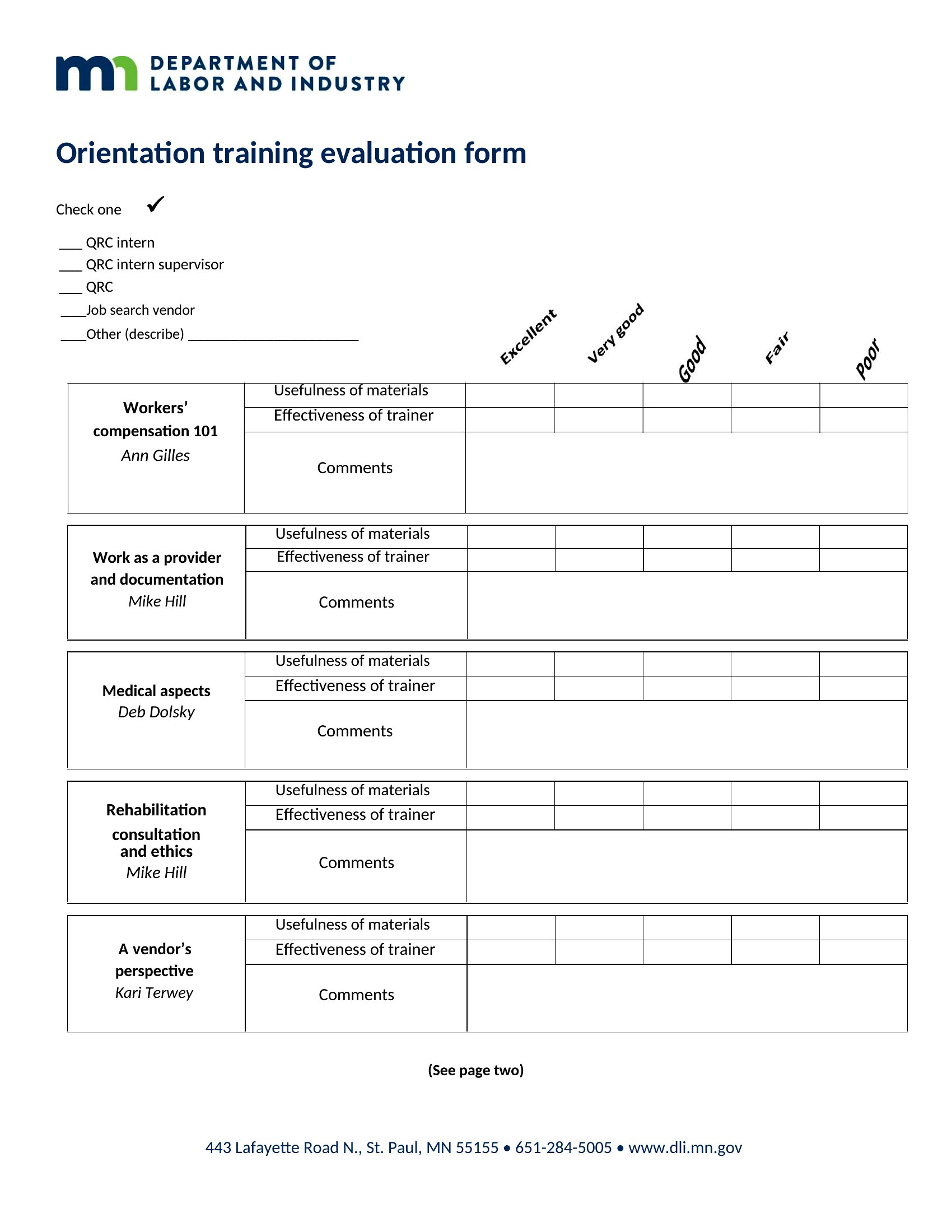
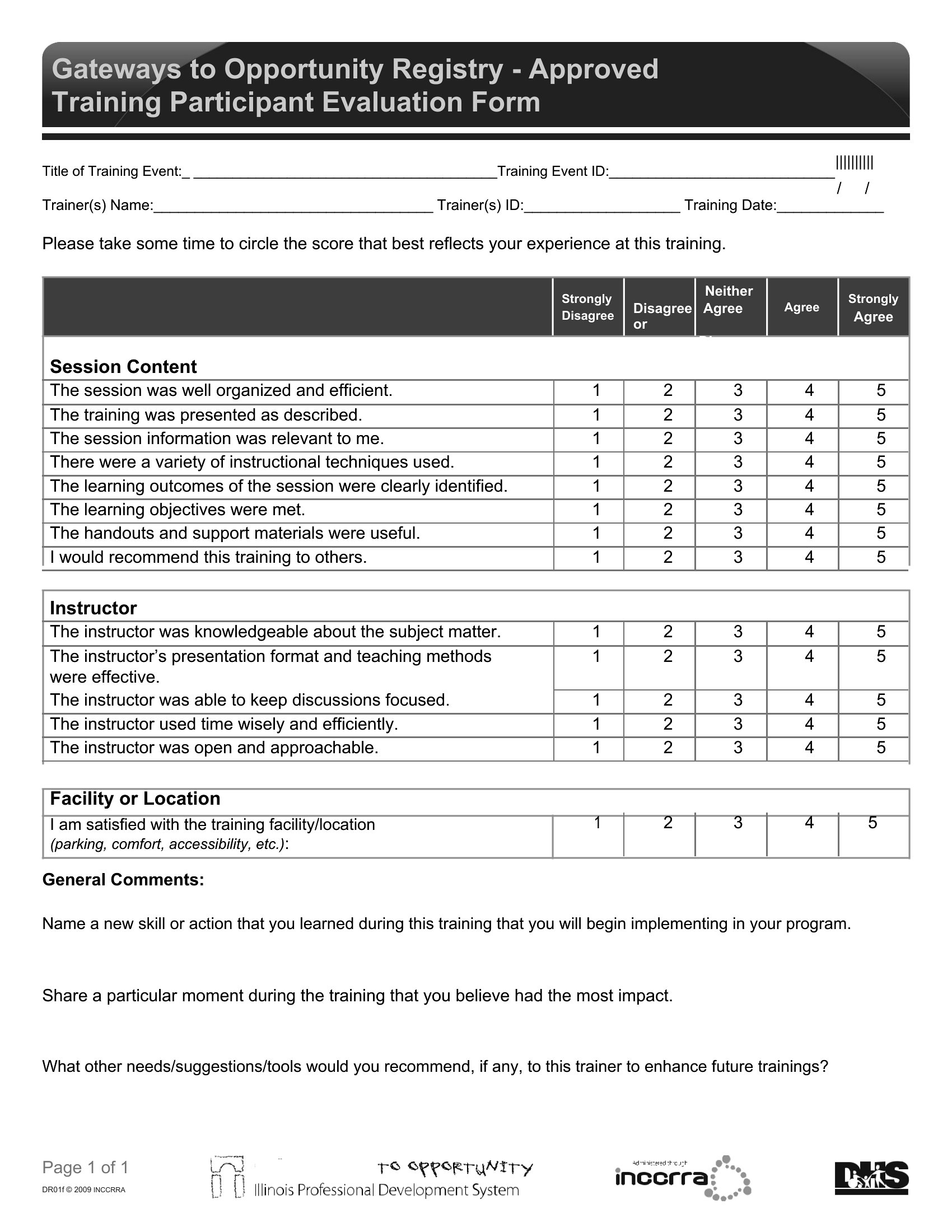
Include a mix of scaled questions (e.g., ‘Rate the trainer’s clarity on a scale of 1–5’) alongside open-ended prompts like ‘What’s one takeaway you’ll apply?’ The Word templates let you balance these easily, while PDFs work well if you pre-populate a few qualitative fields to guide responses.
What’s the best way to structure follow-up questions for trainers to act on negative feedback?
Add a section labeled ‘Actionable Insights’ with prompts like ‘Which part of the training felt least useful, and why?’ This keeps feedback focused on solutions. For sensitive topics, consider pairing critical questions with a neutral opener, such as ‘What would make this session more valuable for you?’
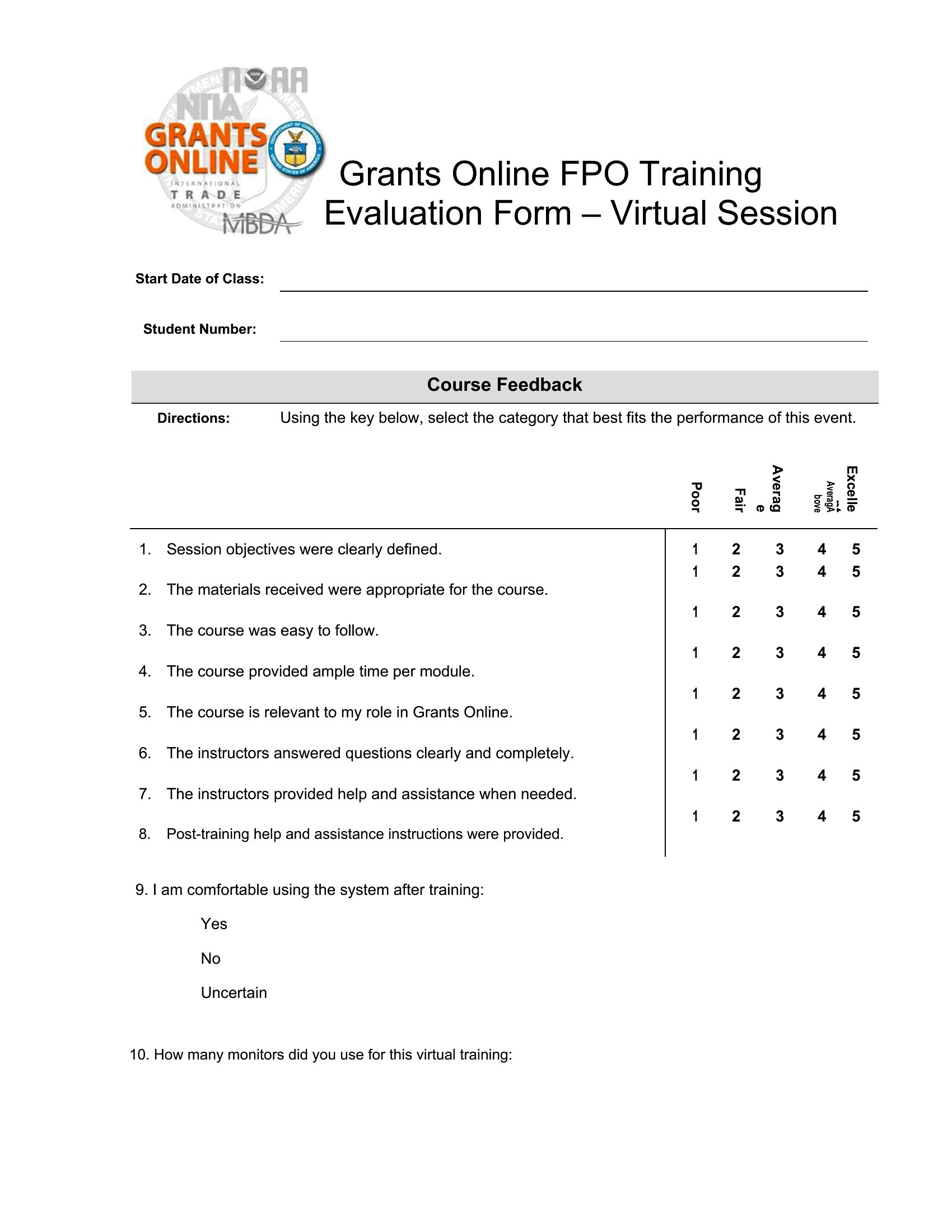
Can I use these templates to evaluate virtual training sessions the same way?
Yes, but add tech-specific questions like ‘How accessible was the platform for your device?’ or ‘Did the virtual format enhance or hinder engagement?’ The Word templates let you insert these seamlessly, while PDFs work if you’re distributing evaluations via email and need a mobile-friendly layout.
Comments
Join the conversation
Sign in to share your thoughts and leave a comment on this resource.