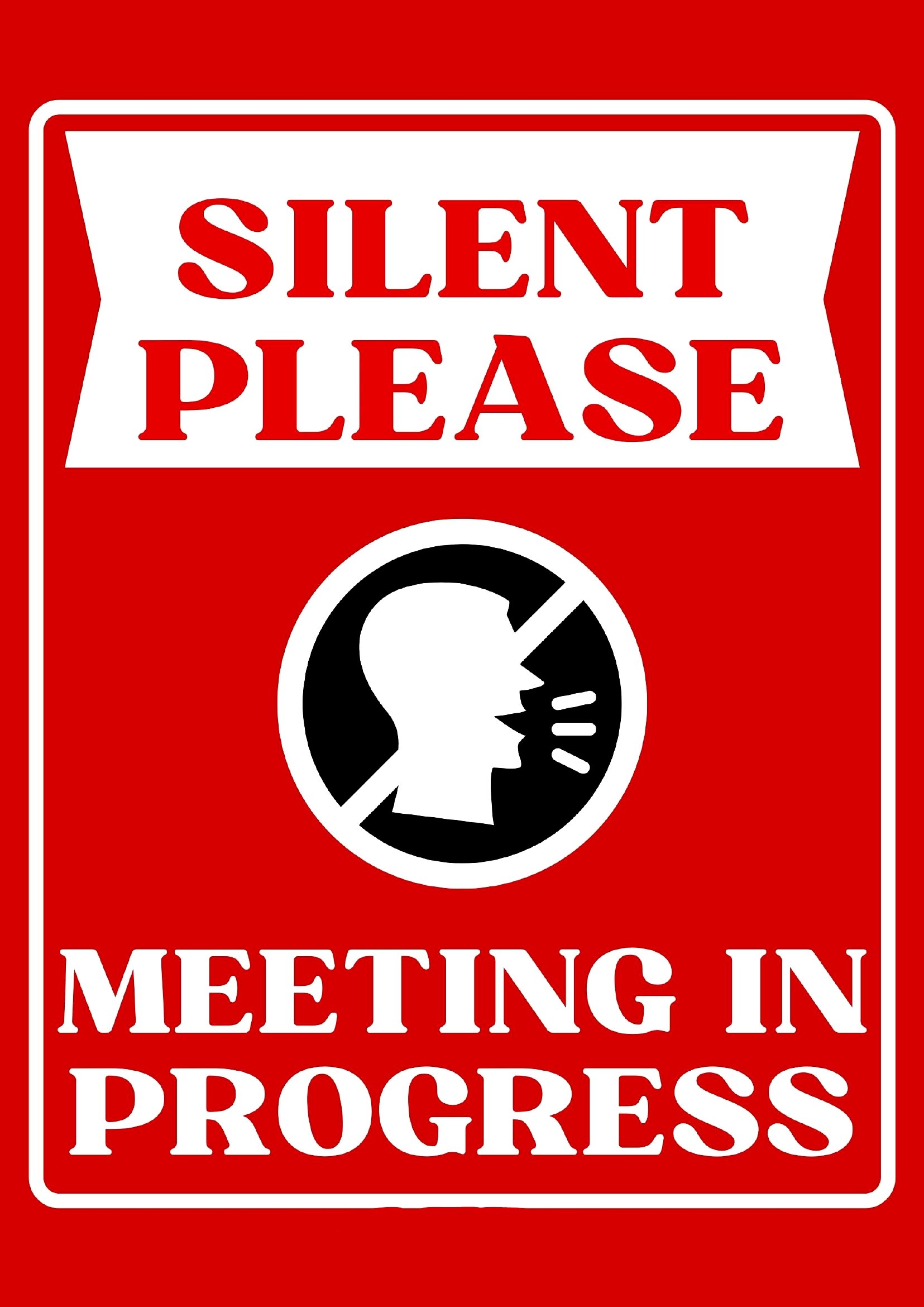
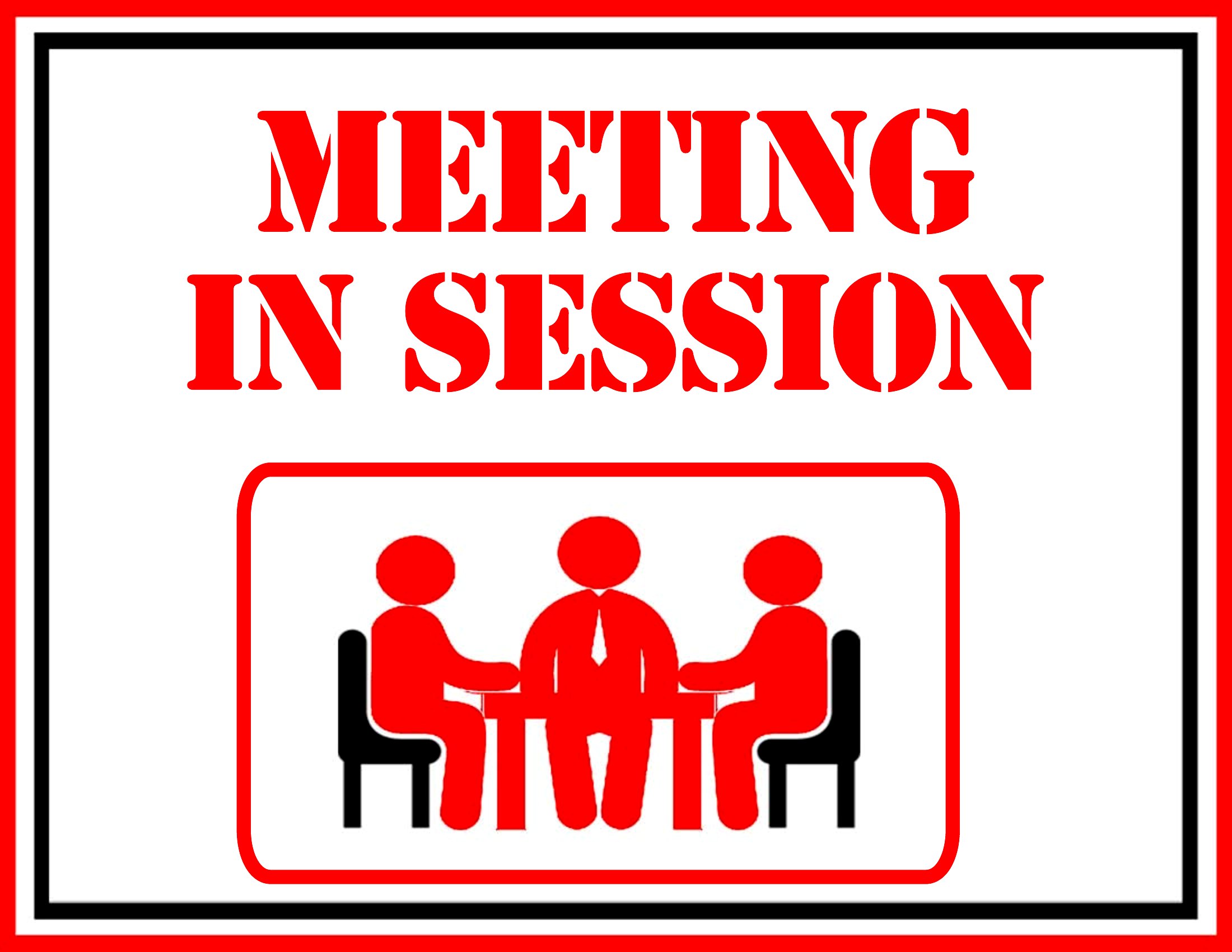
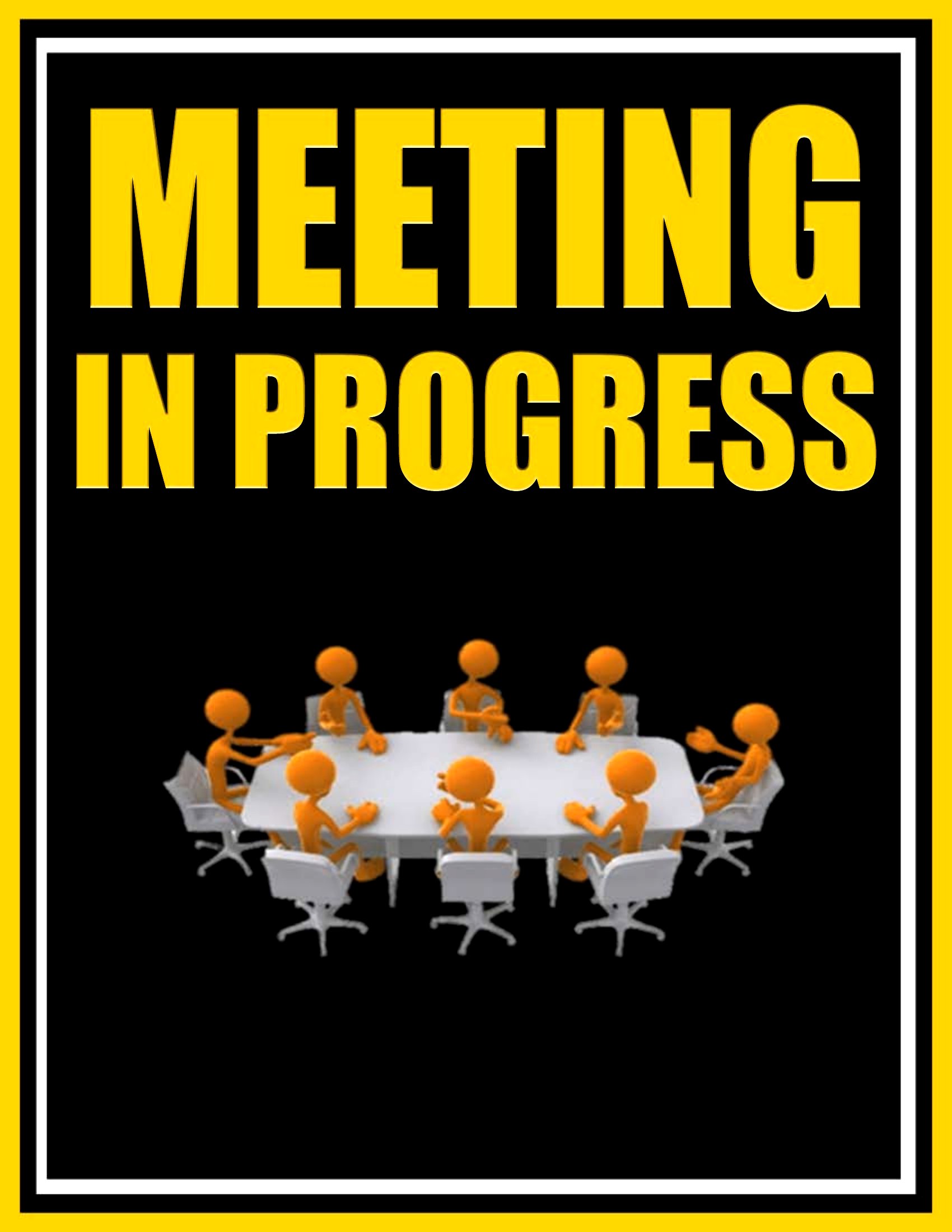
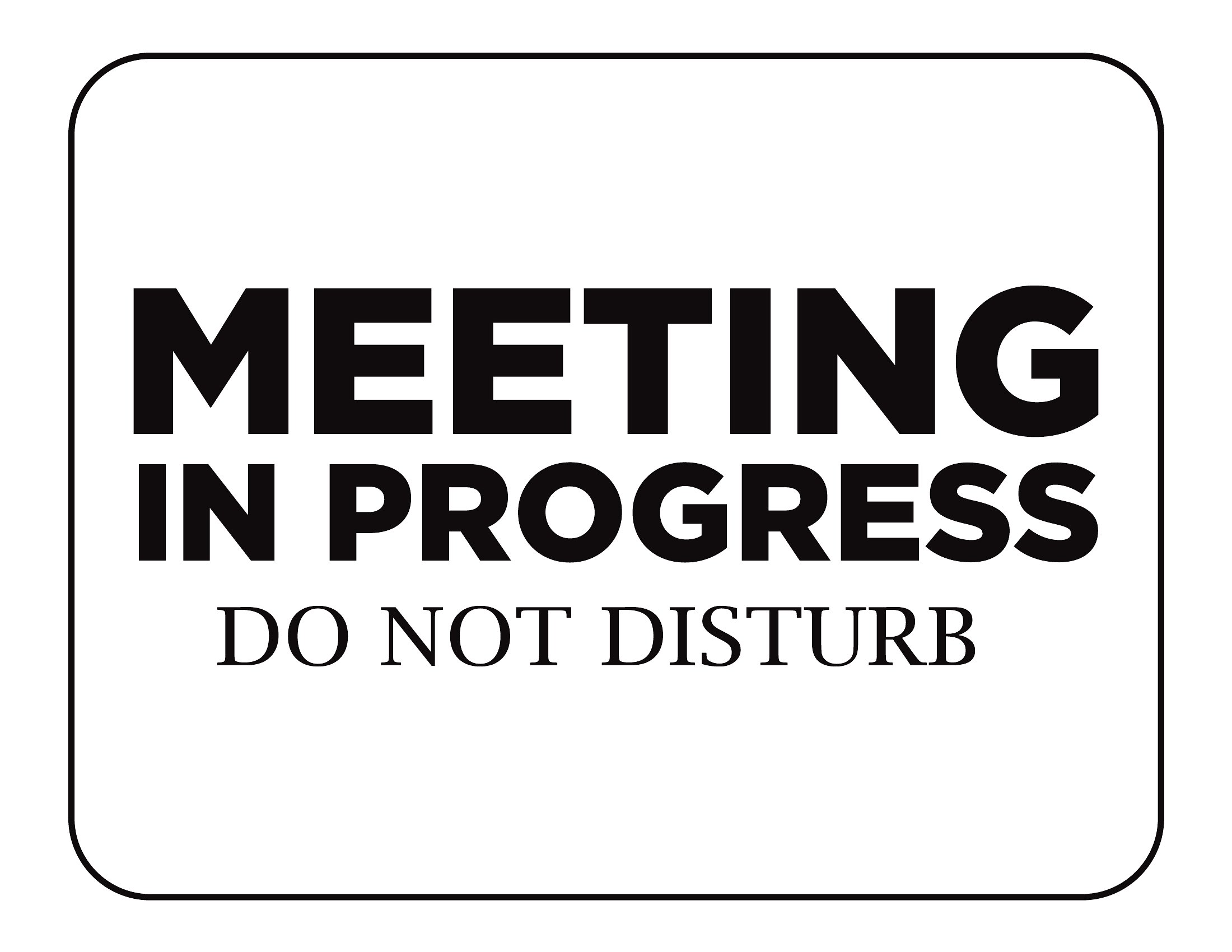
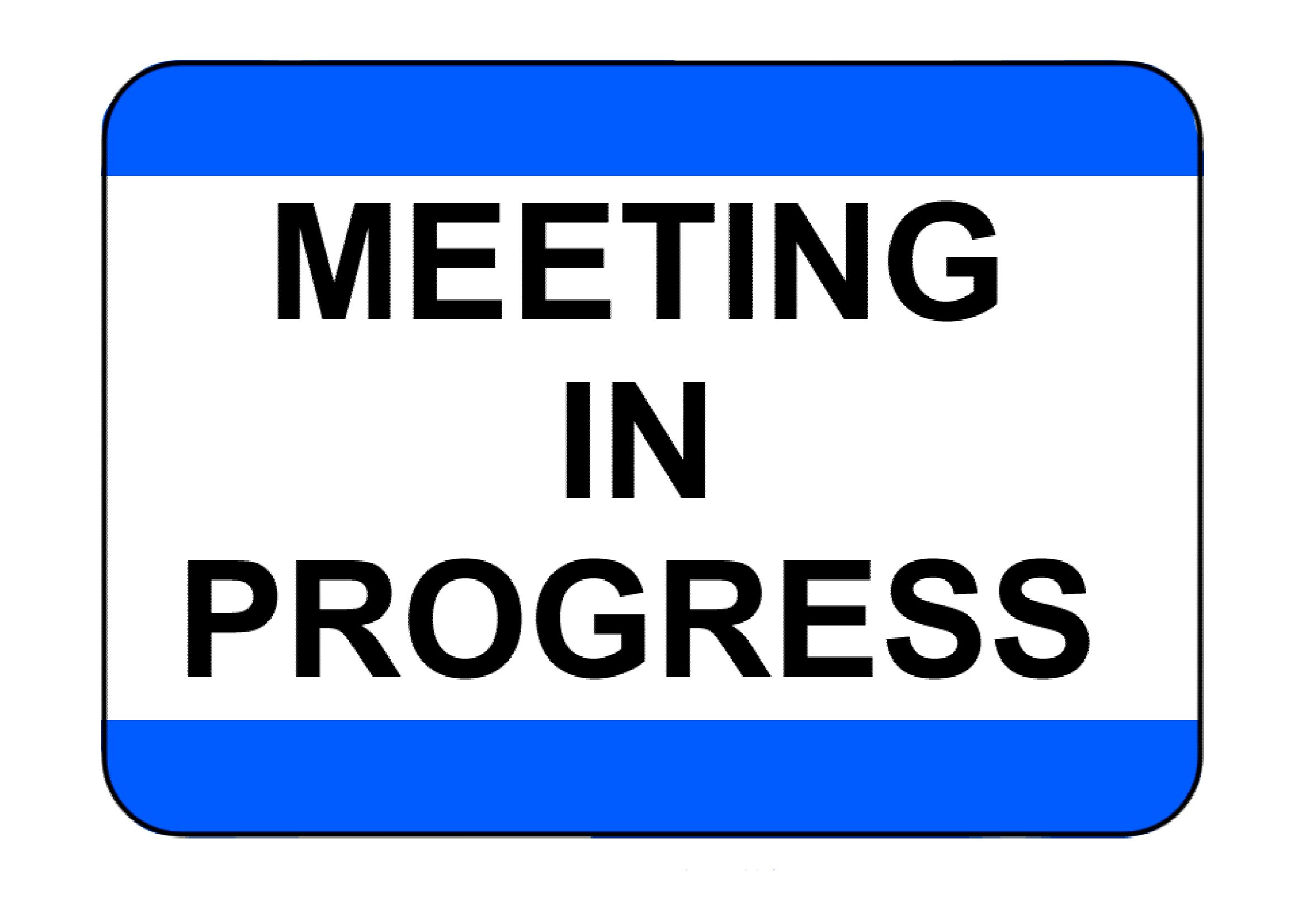
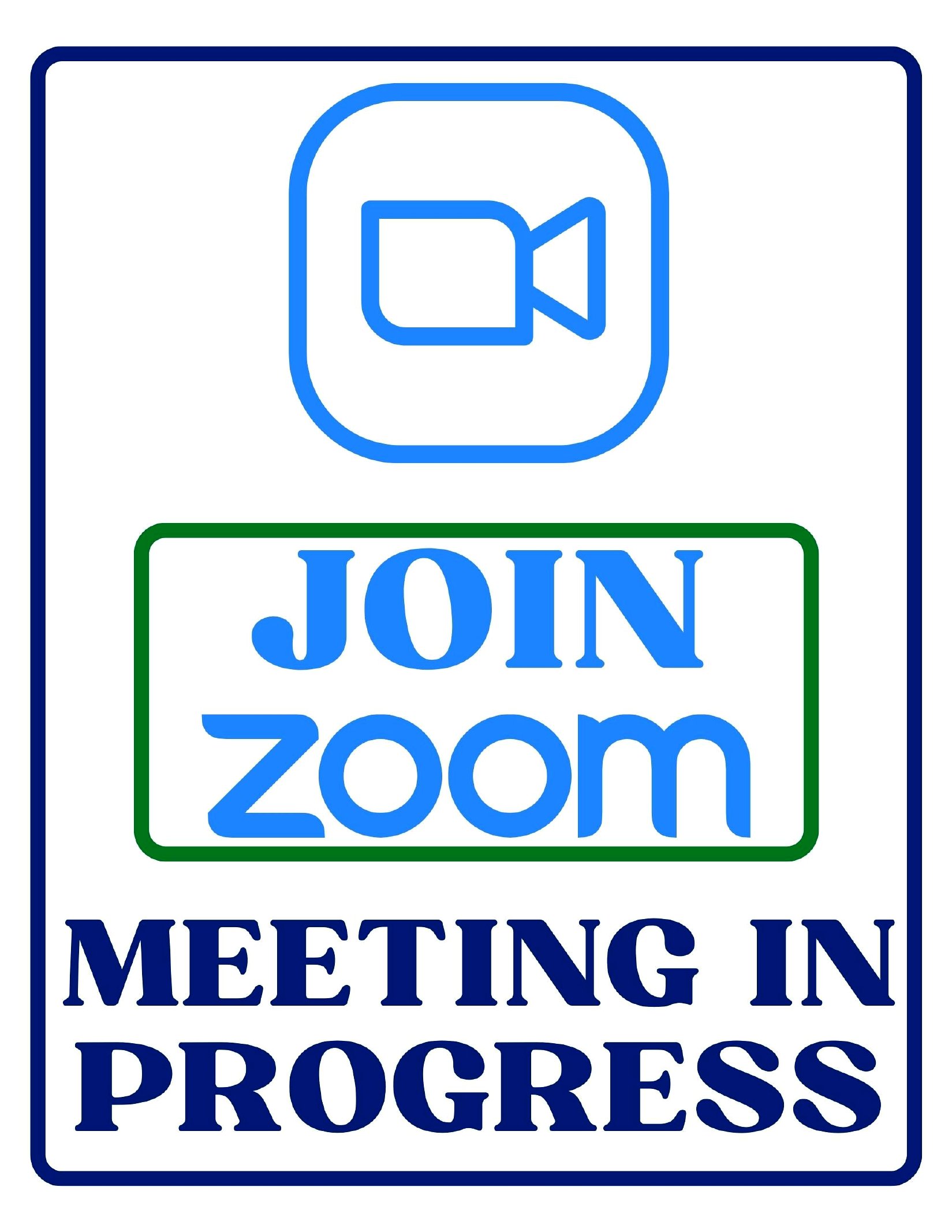
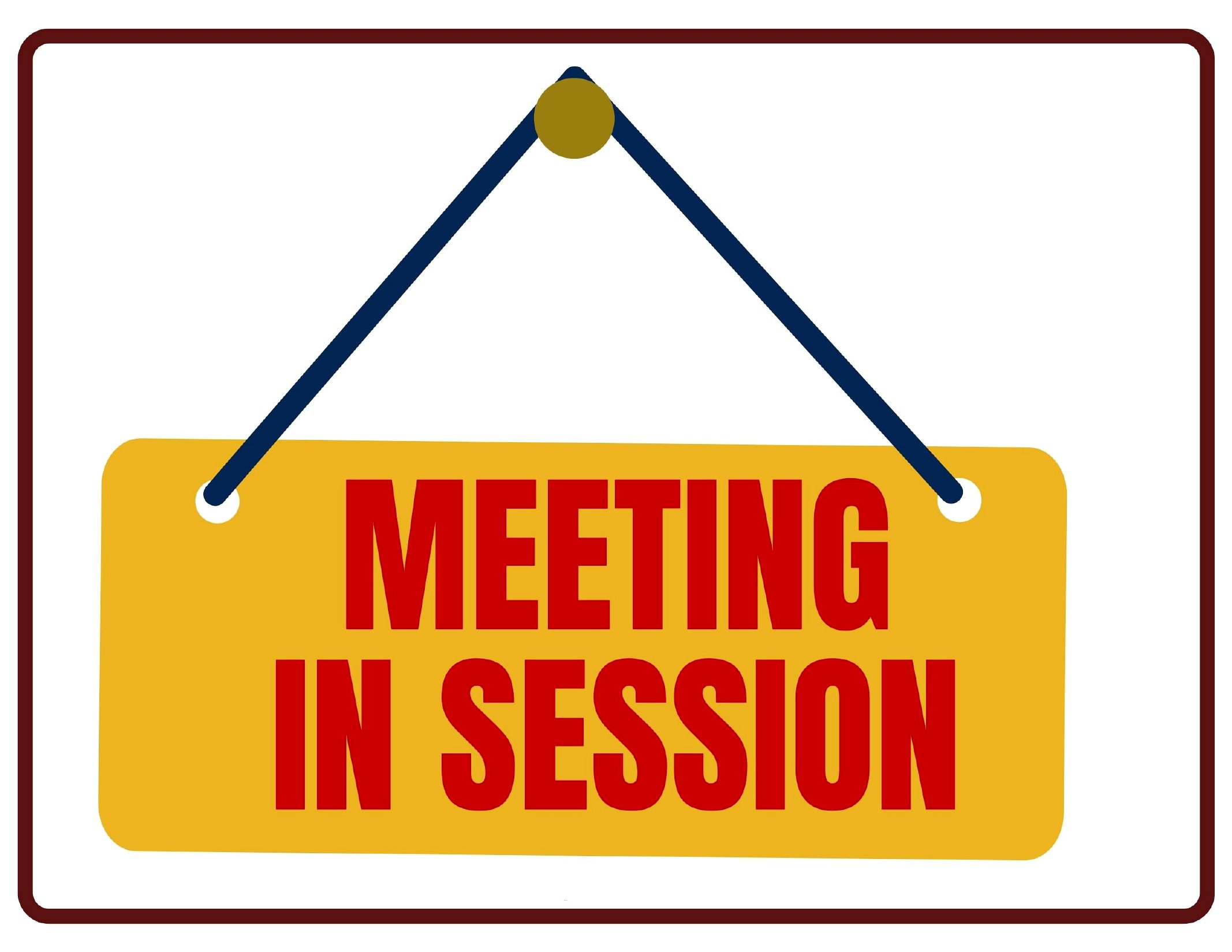
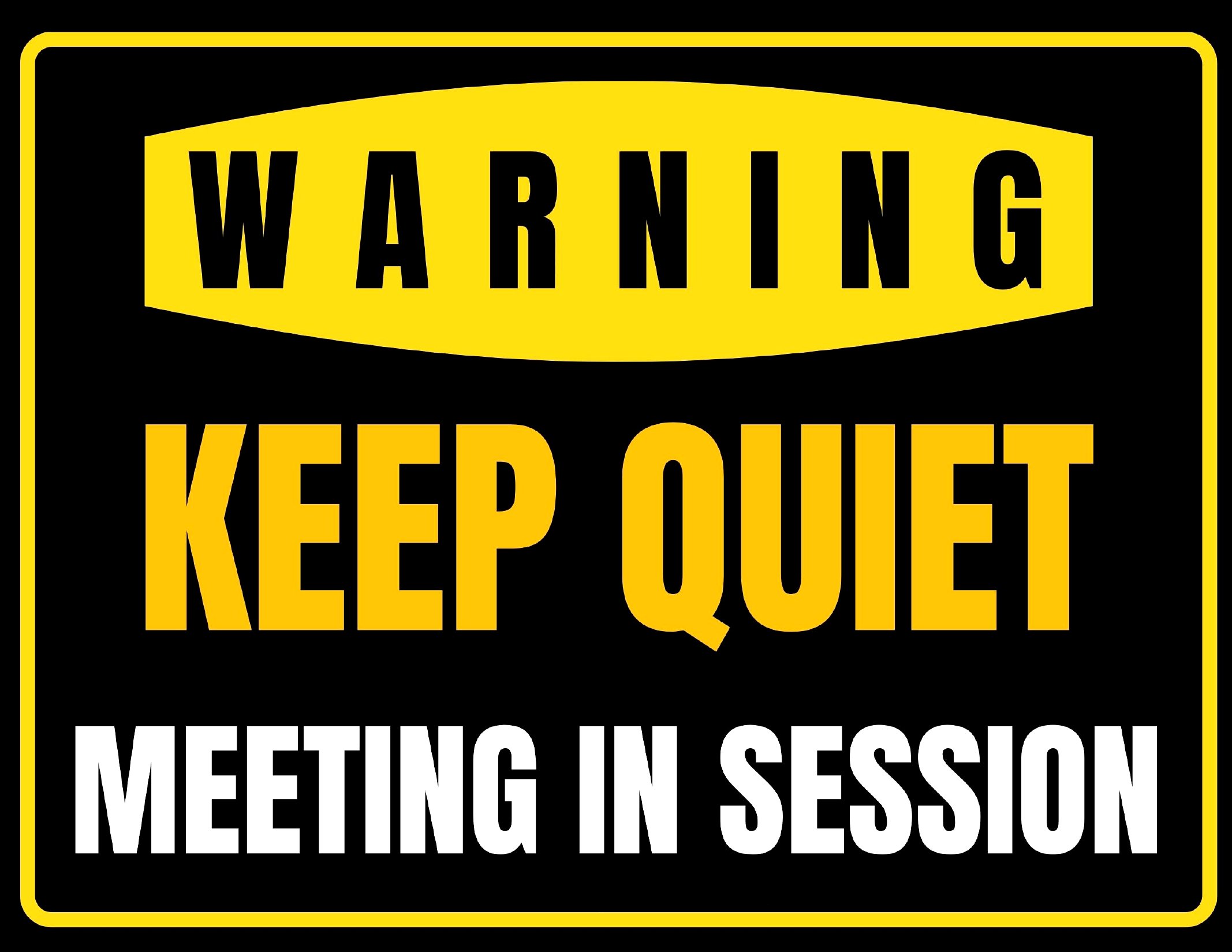
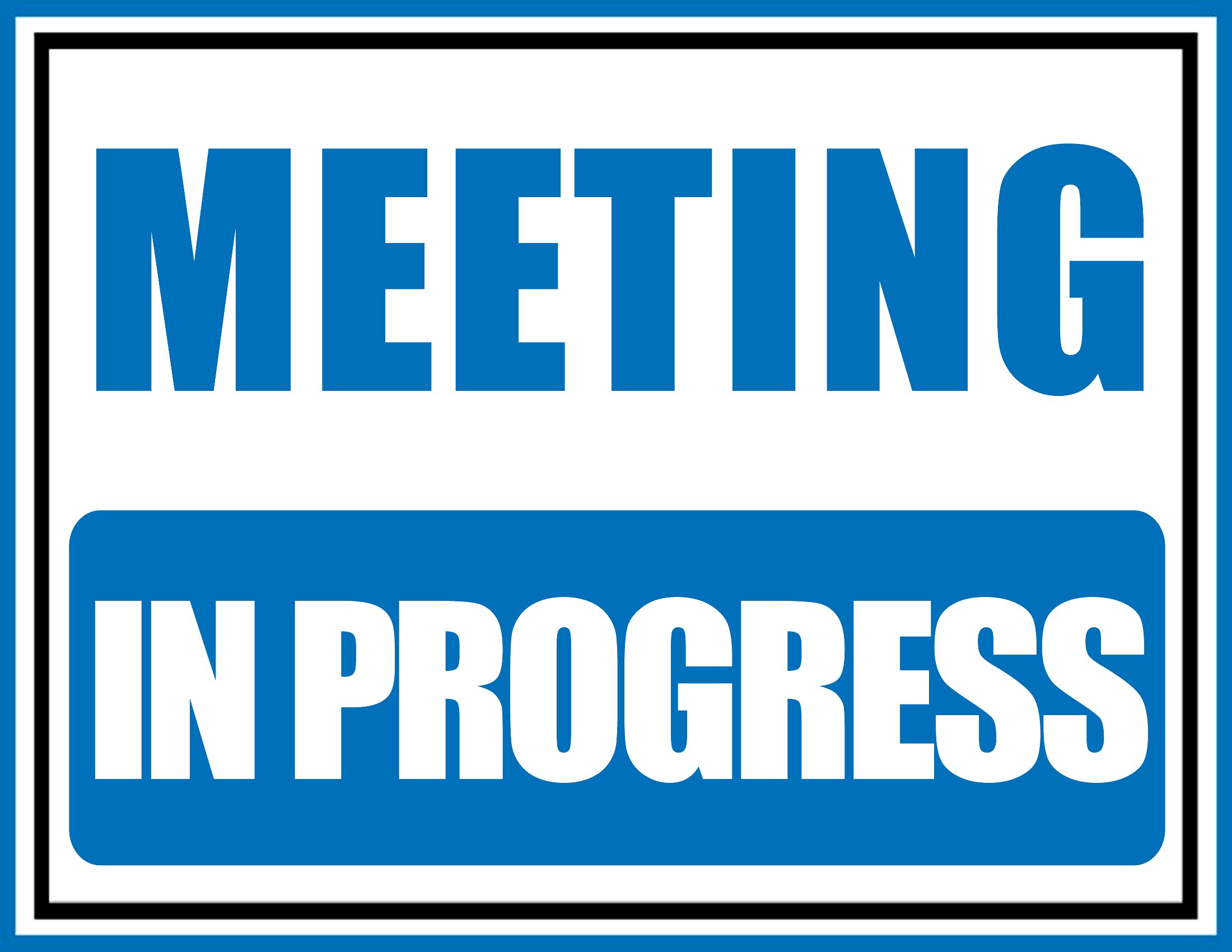
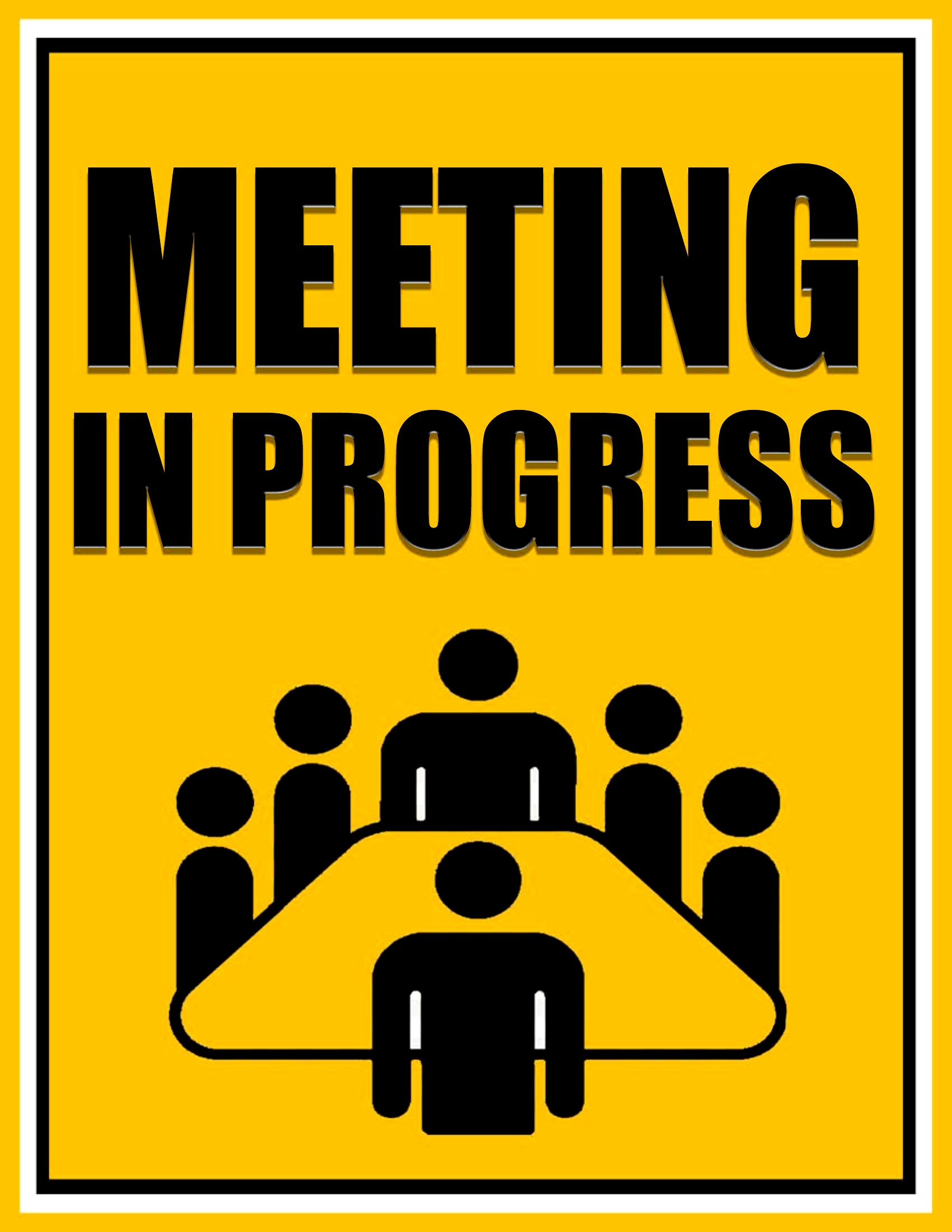
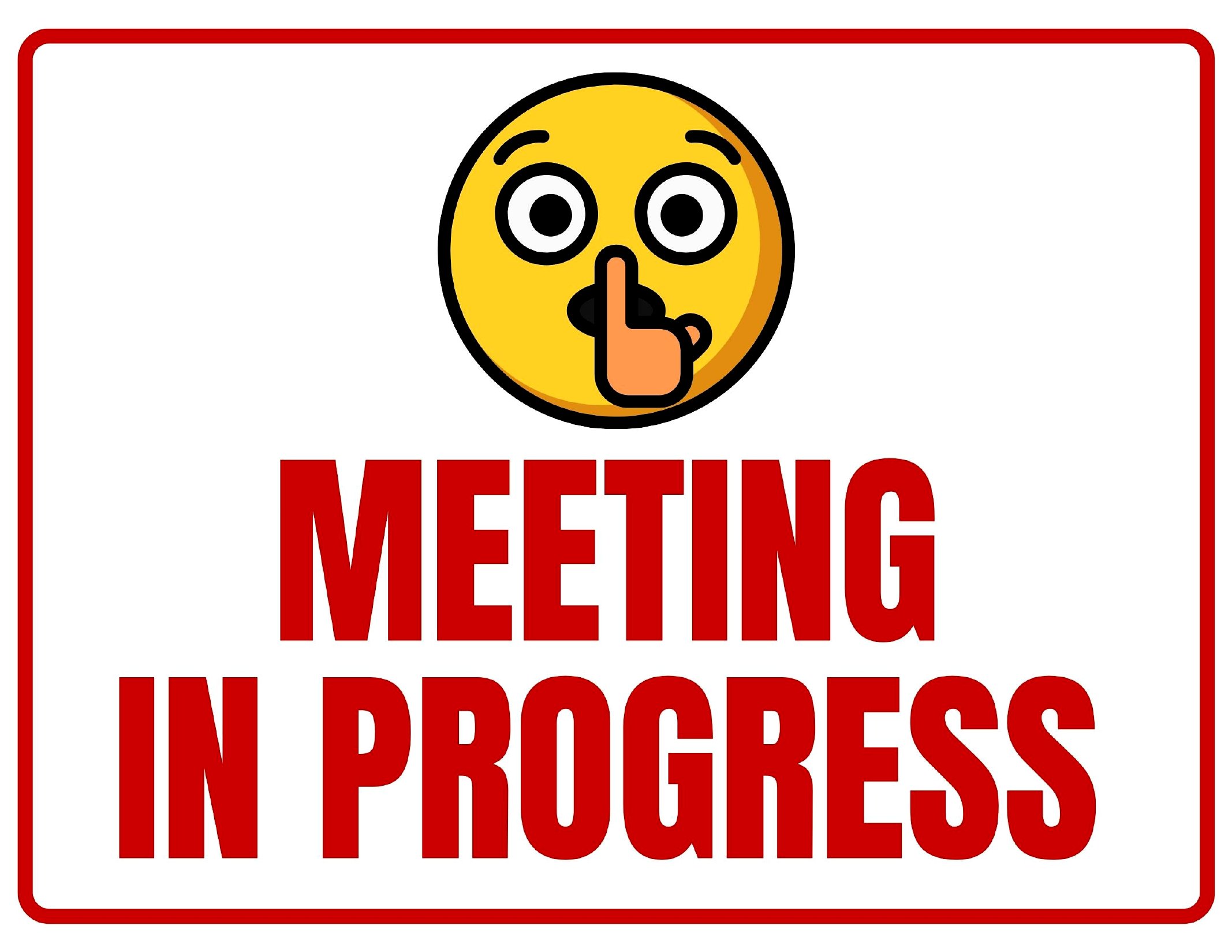
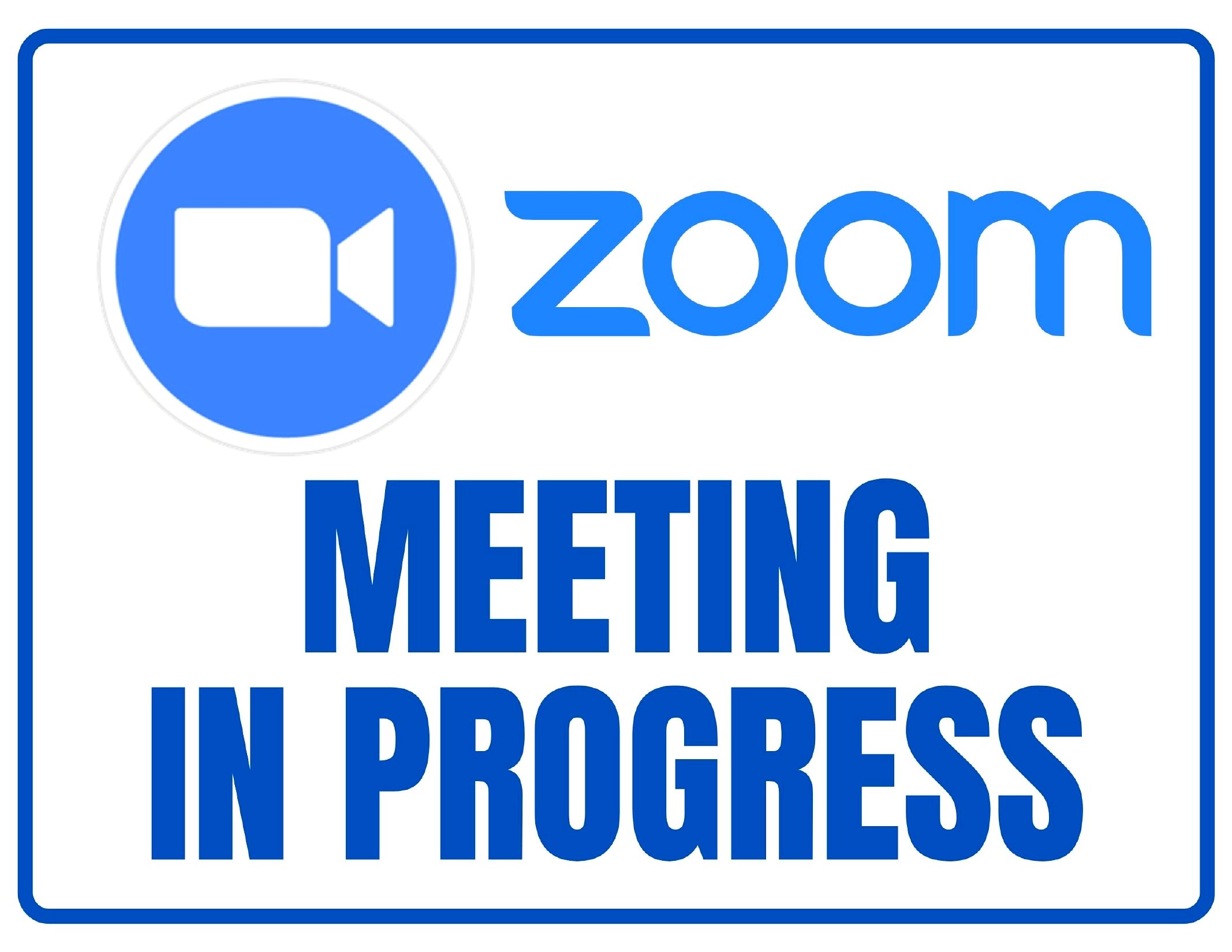
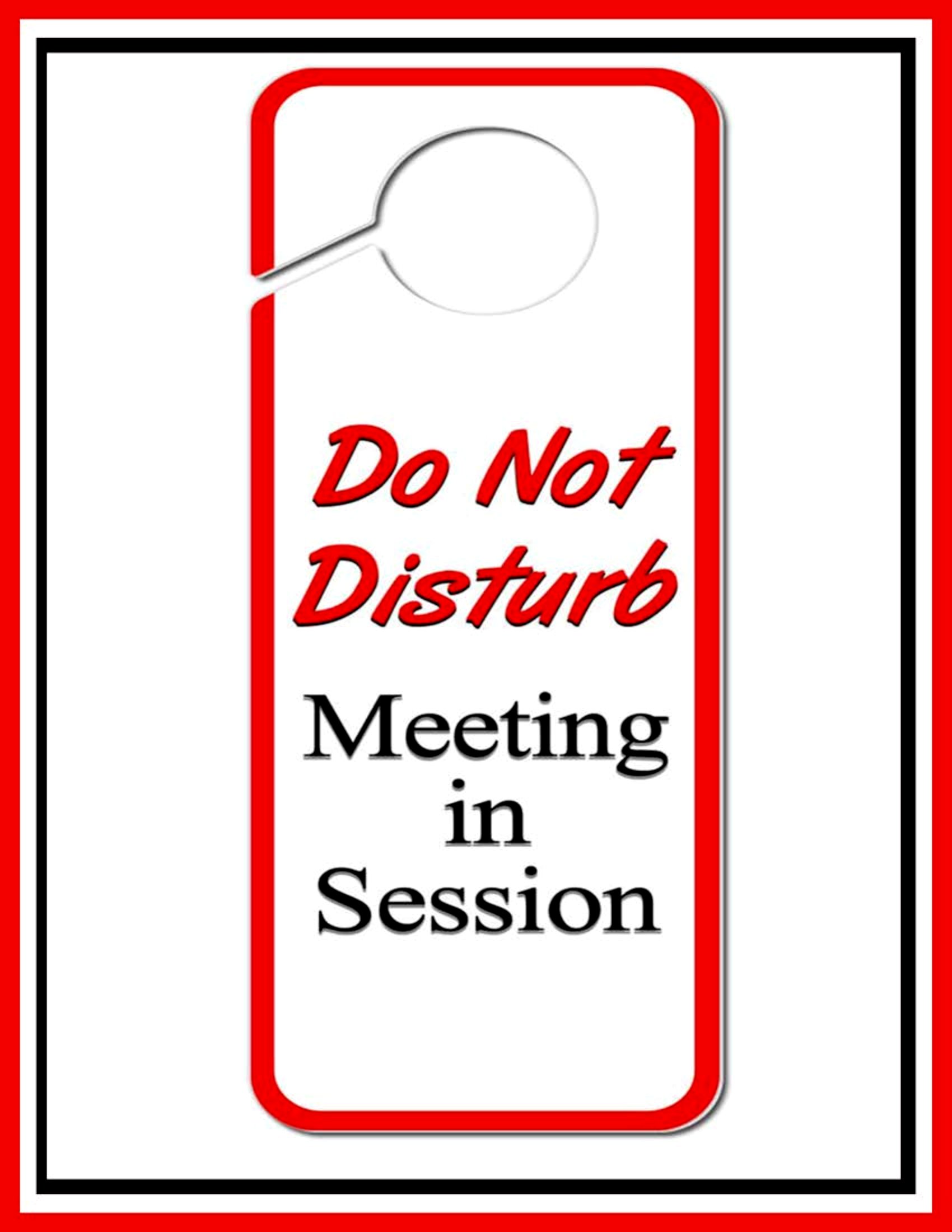
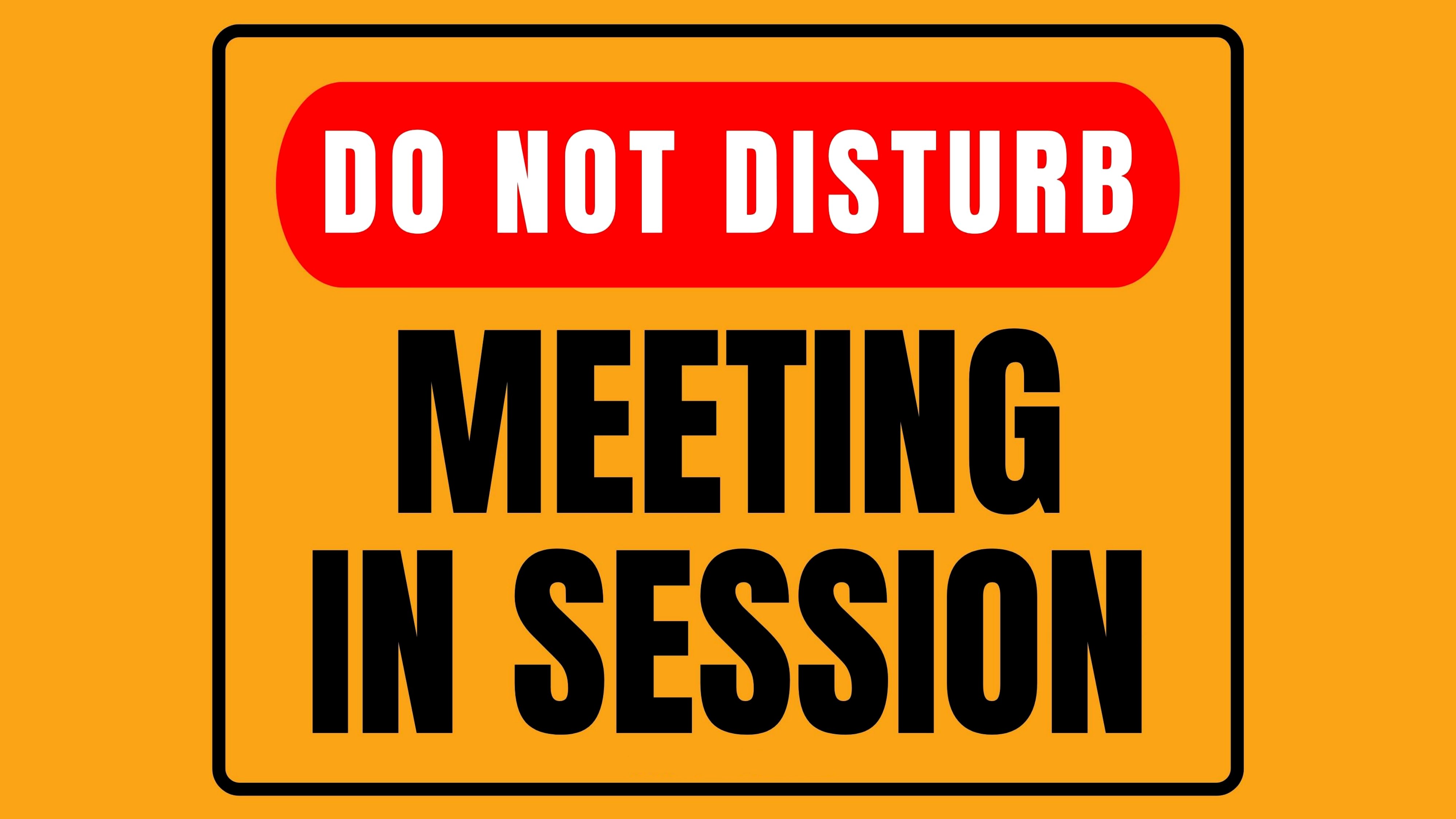
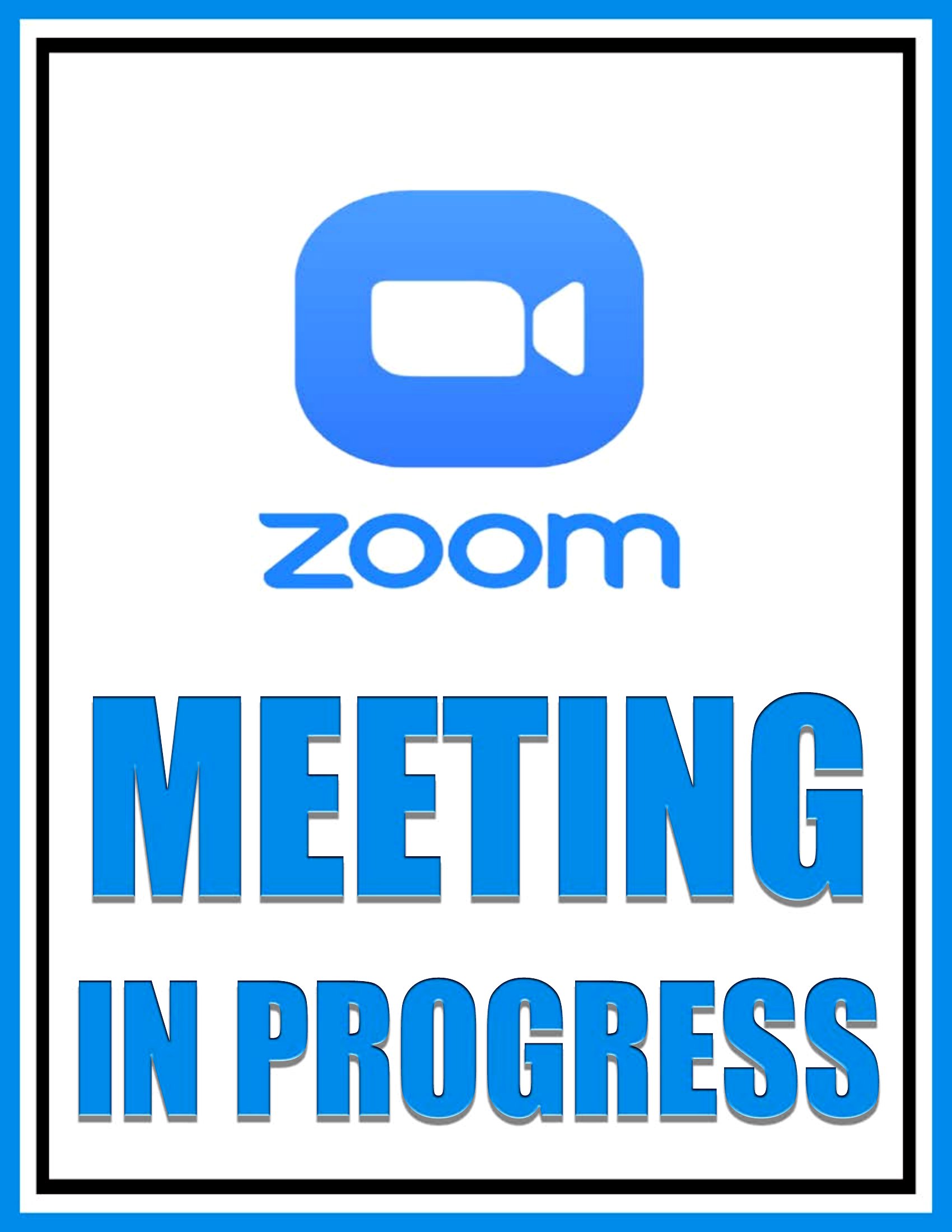
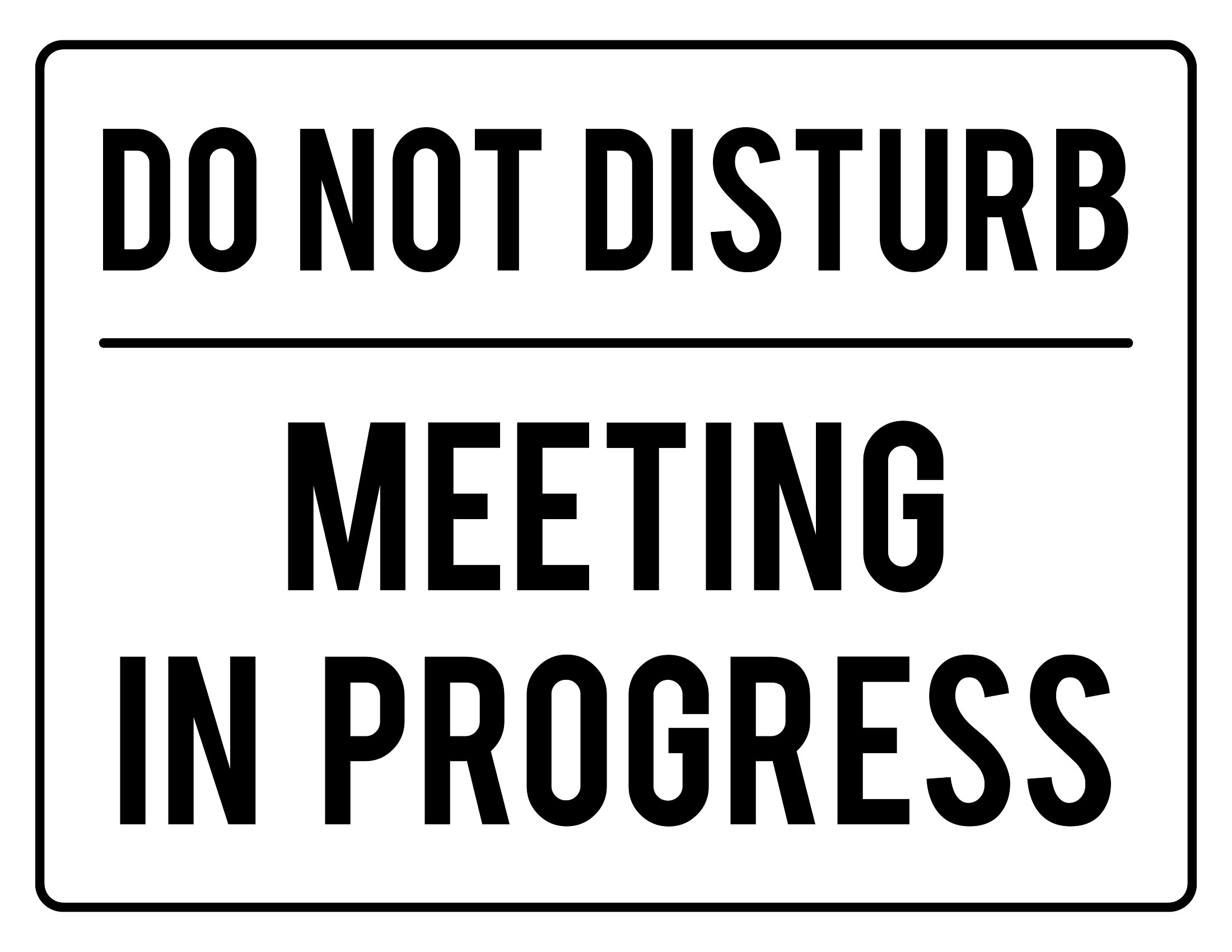
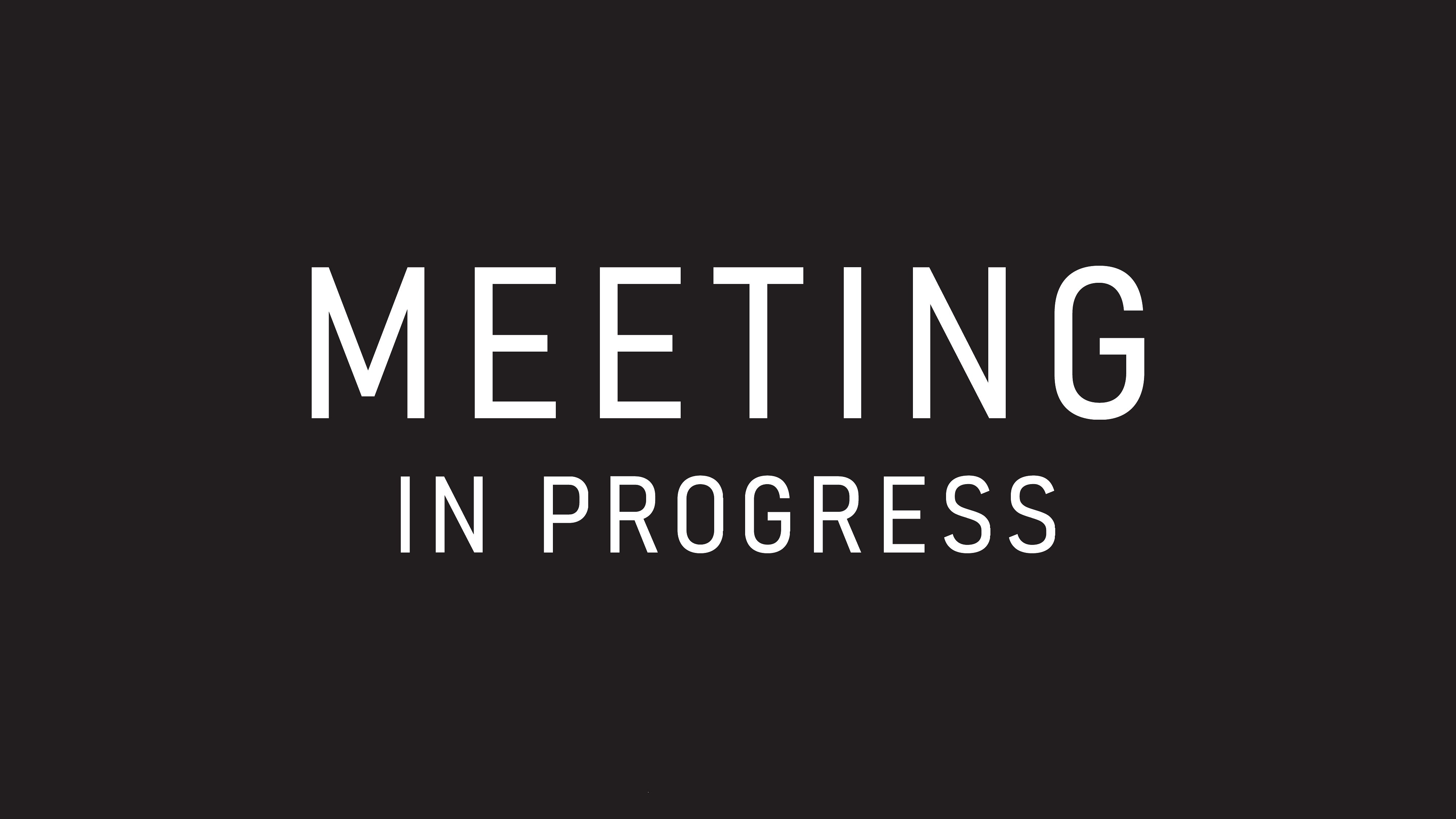
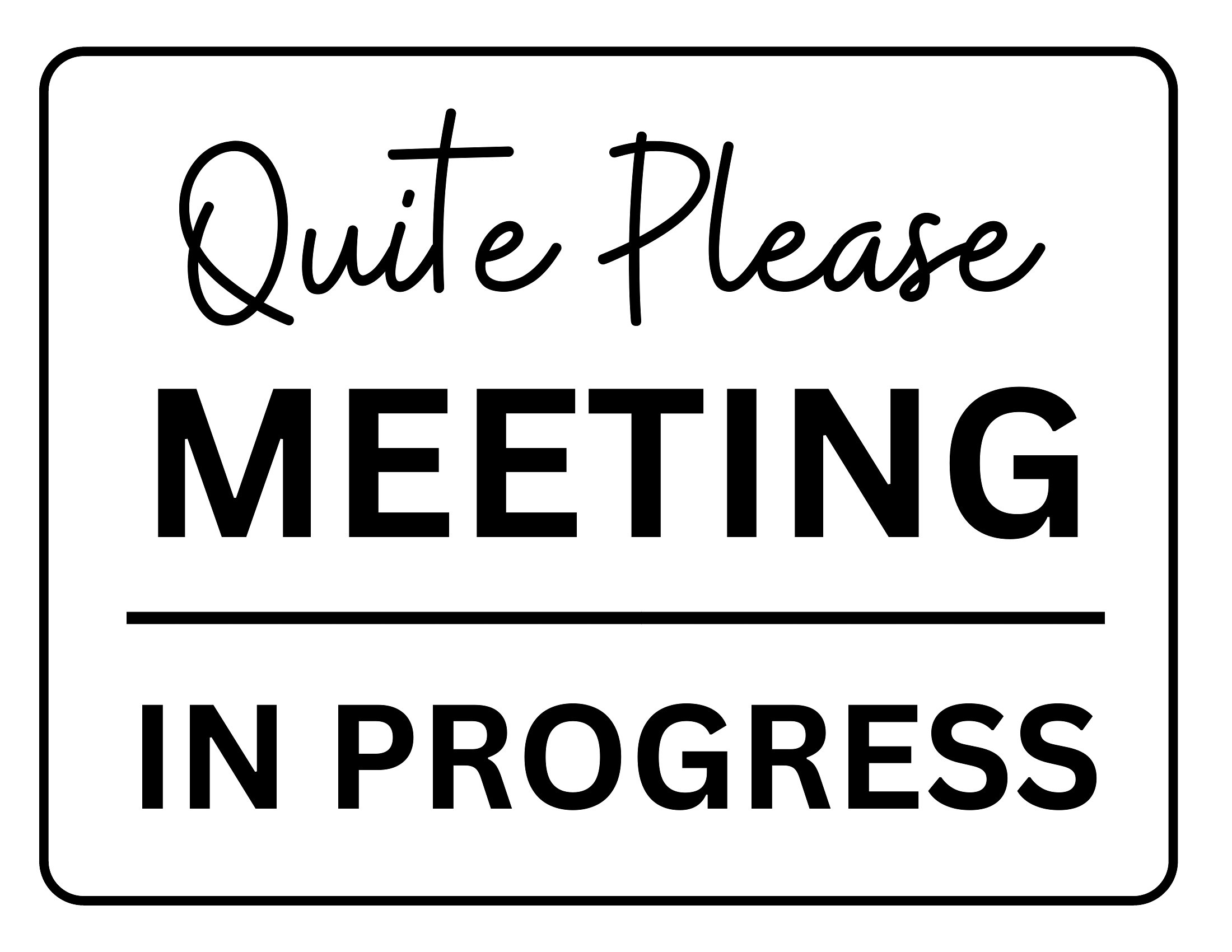
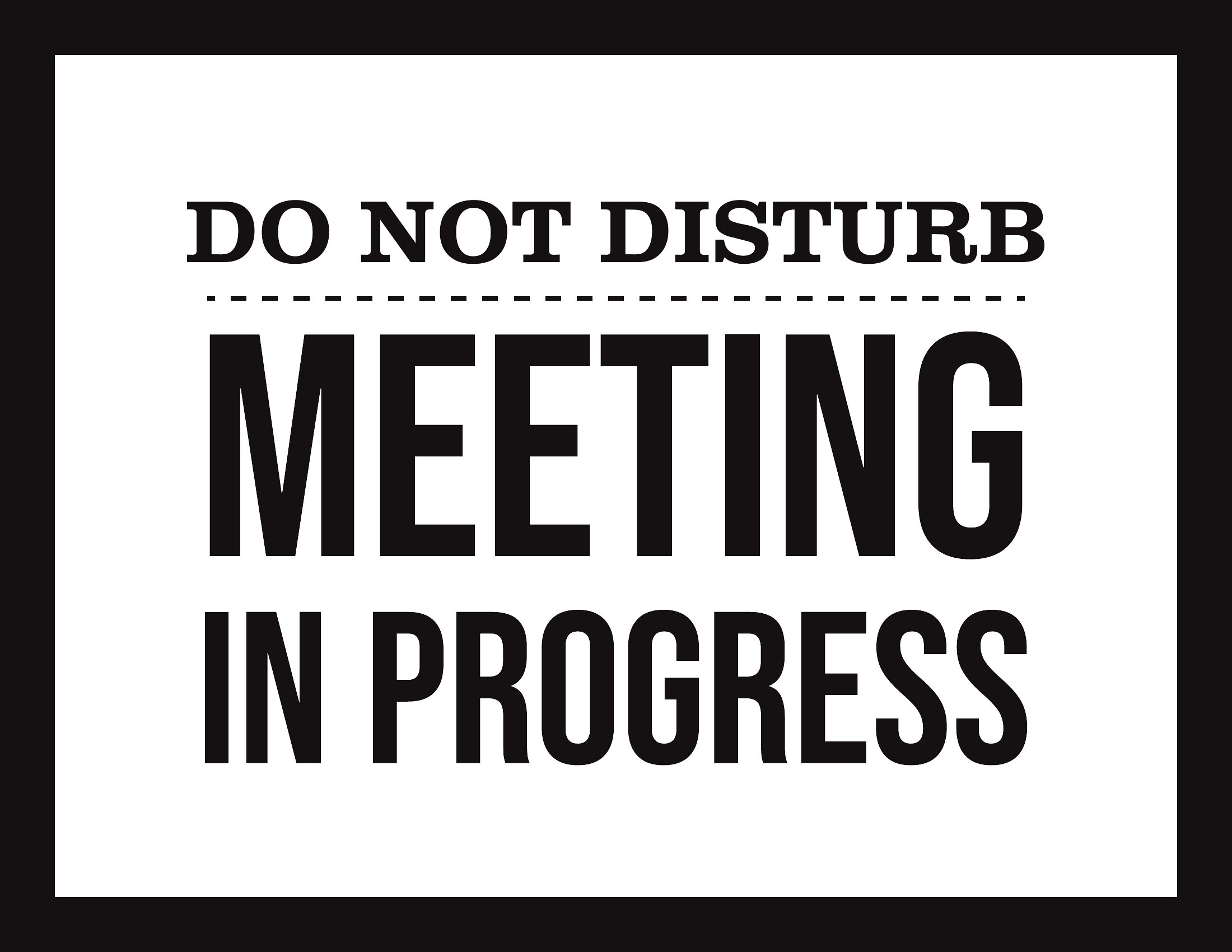
Free In a Meeting Sign Printables (PDF)
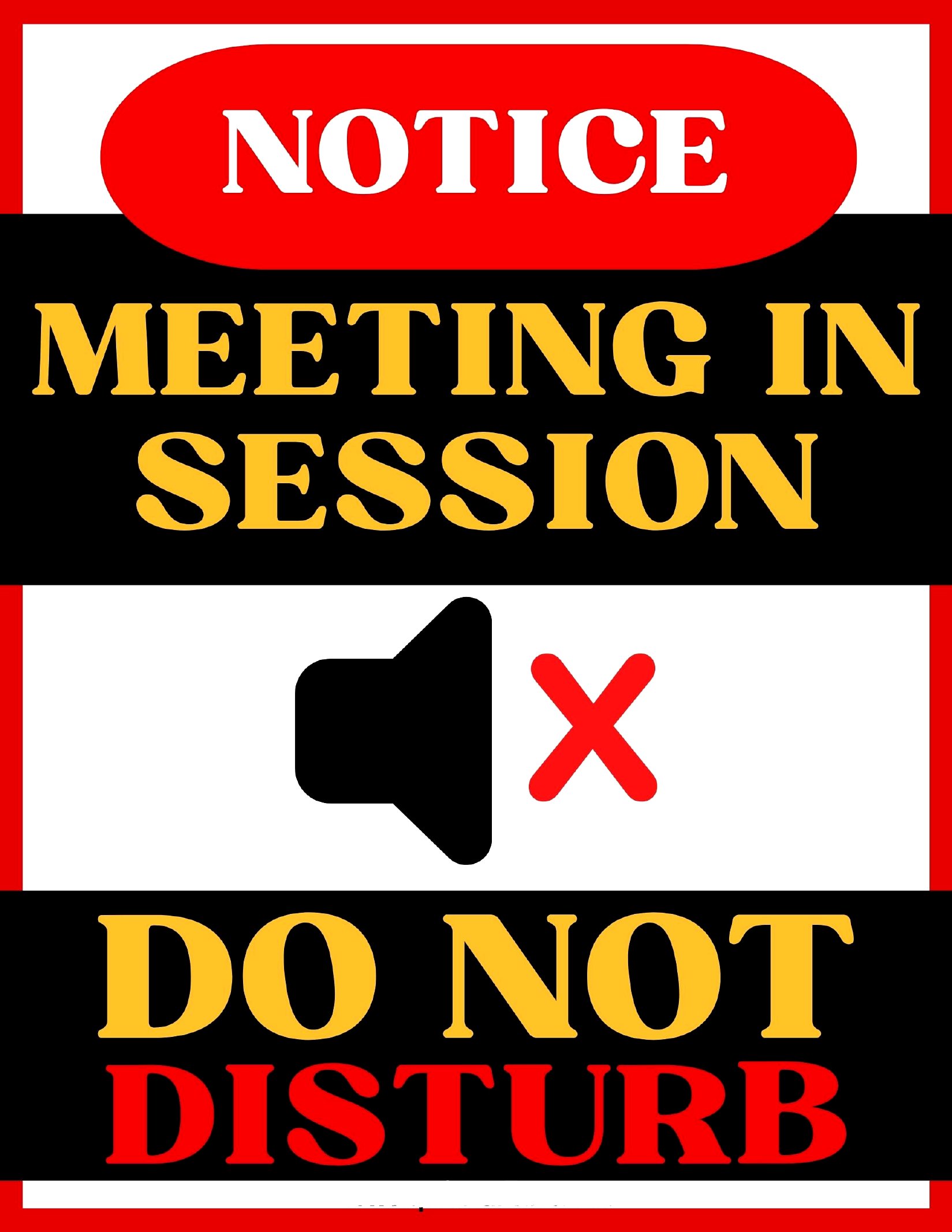
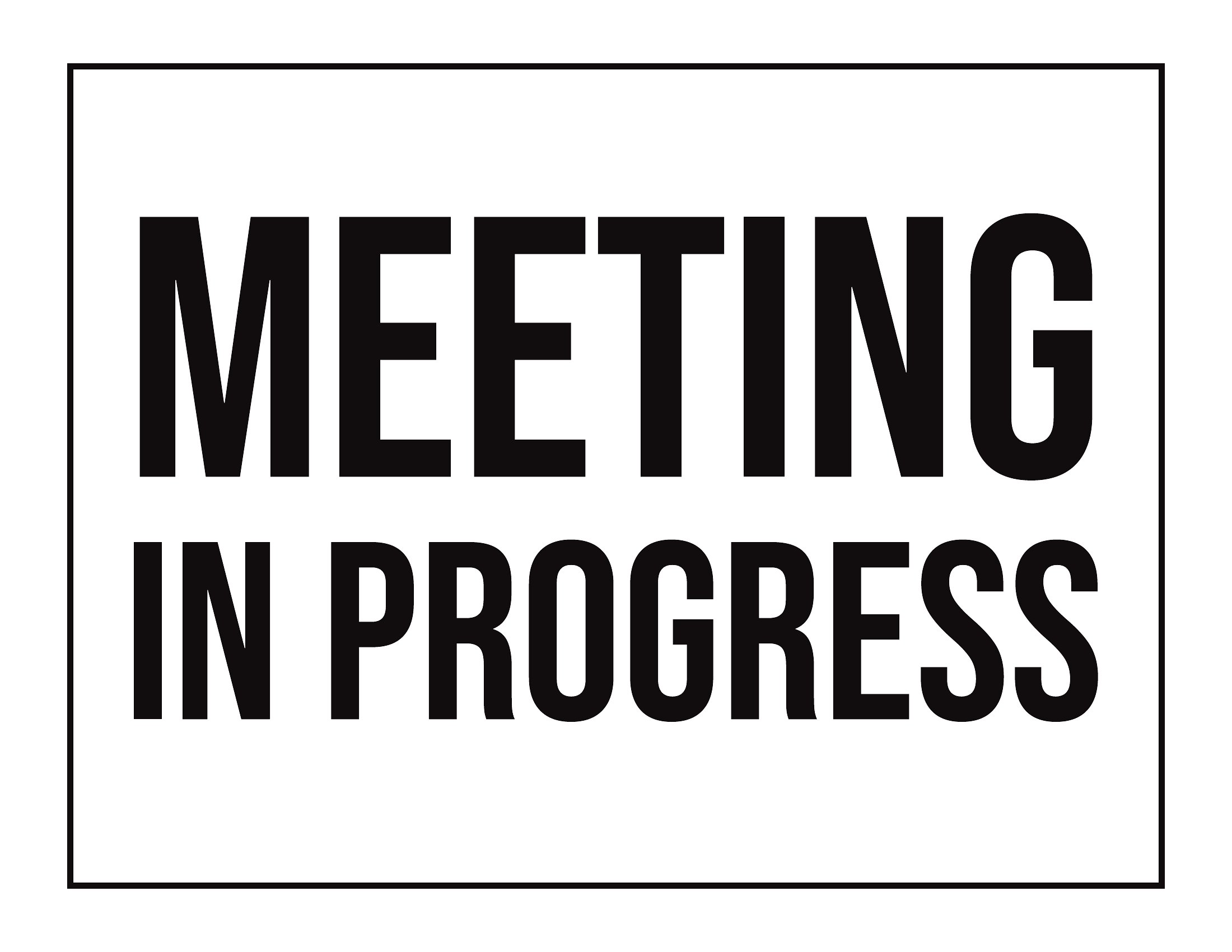
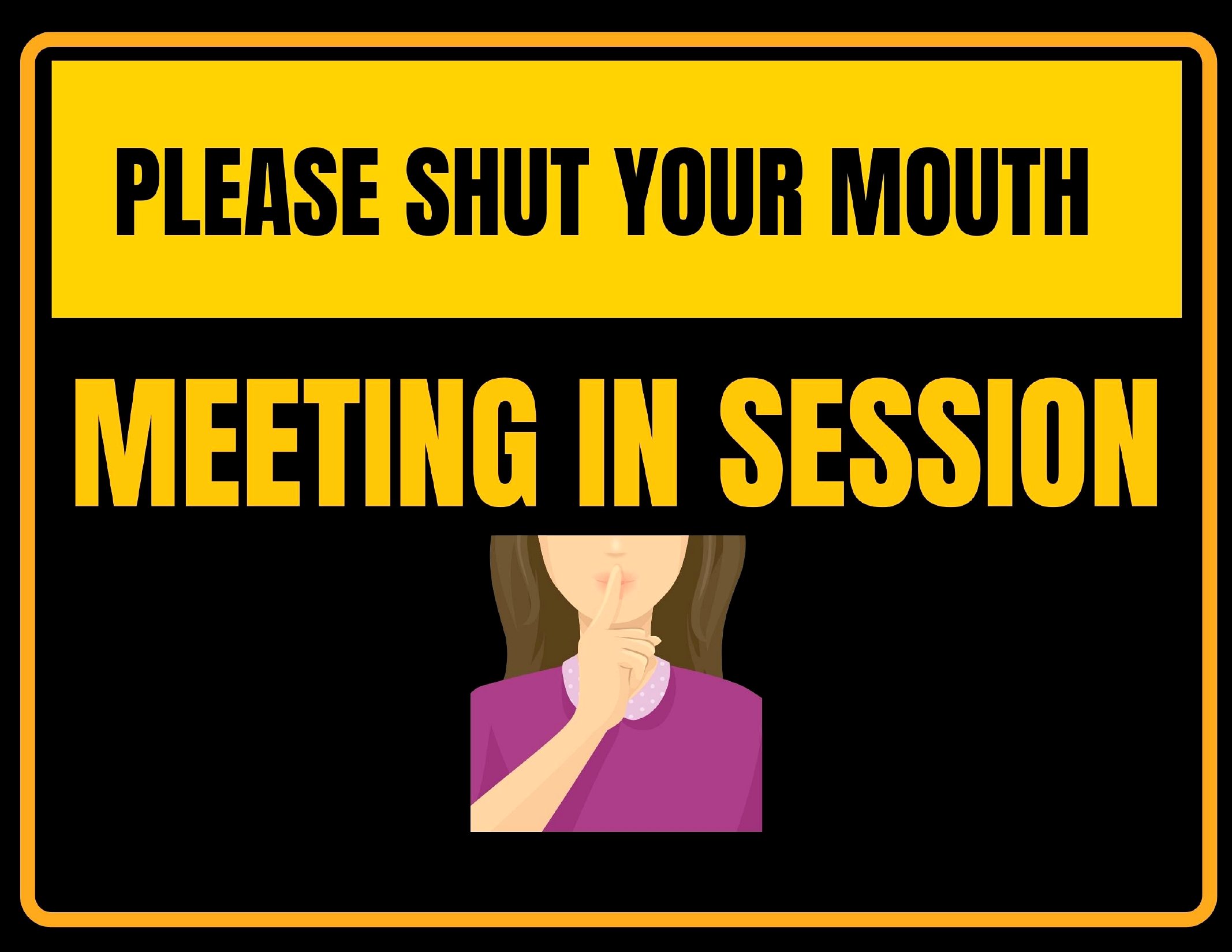
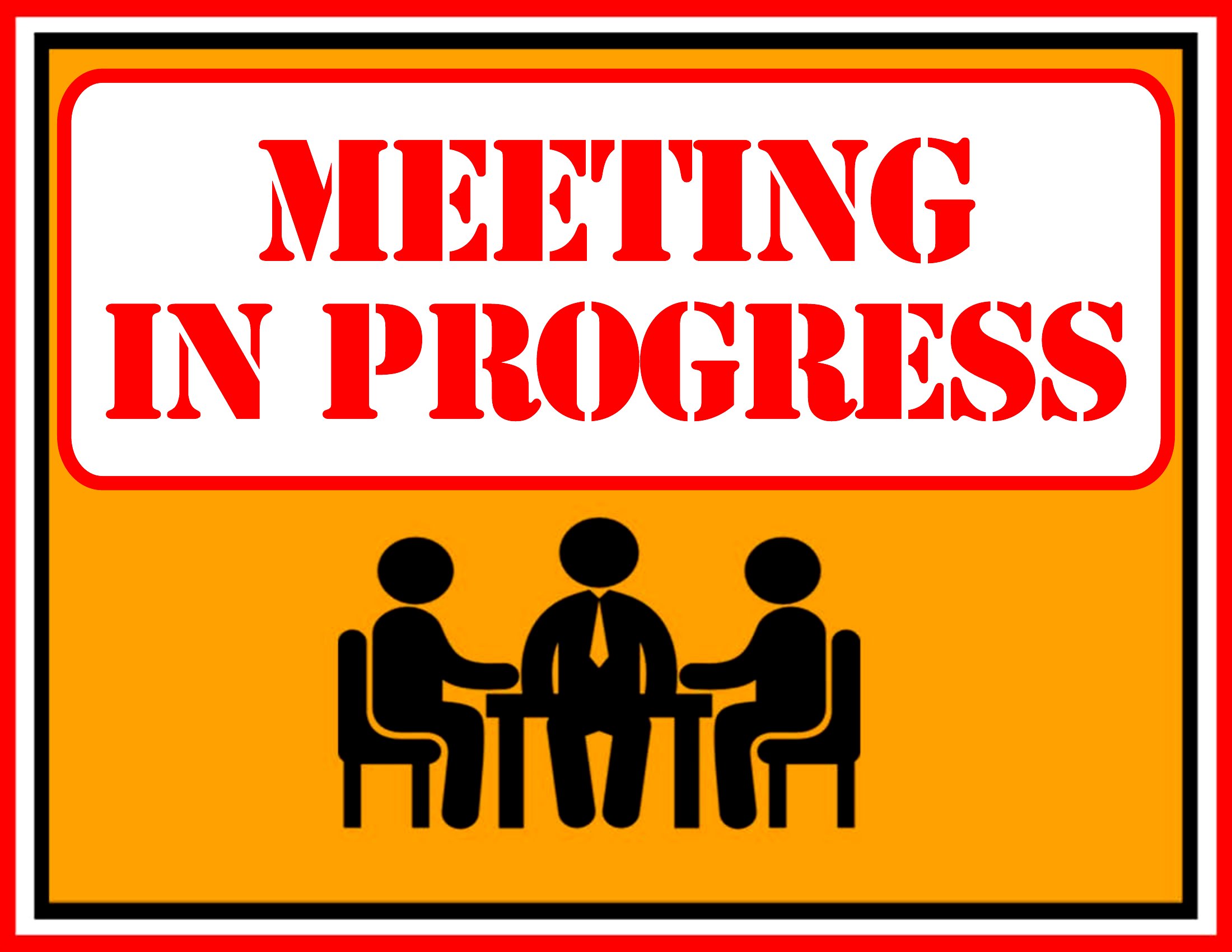
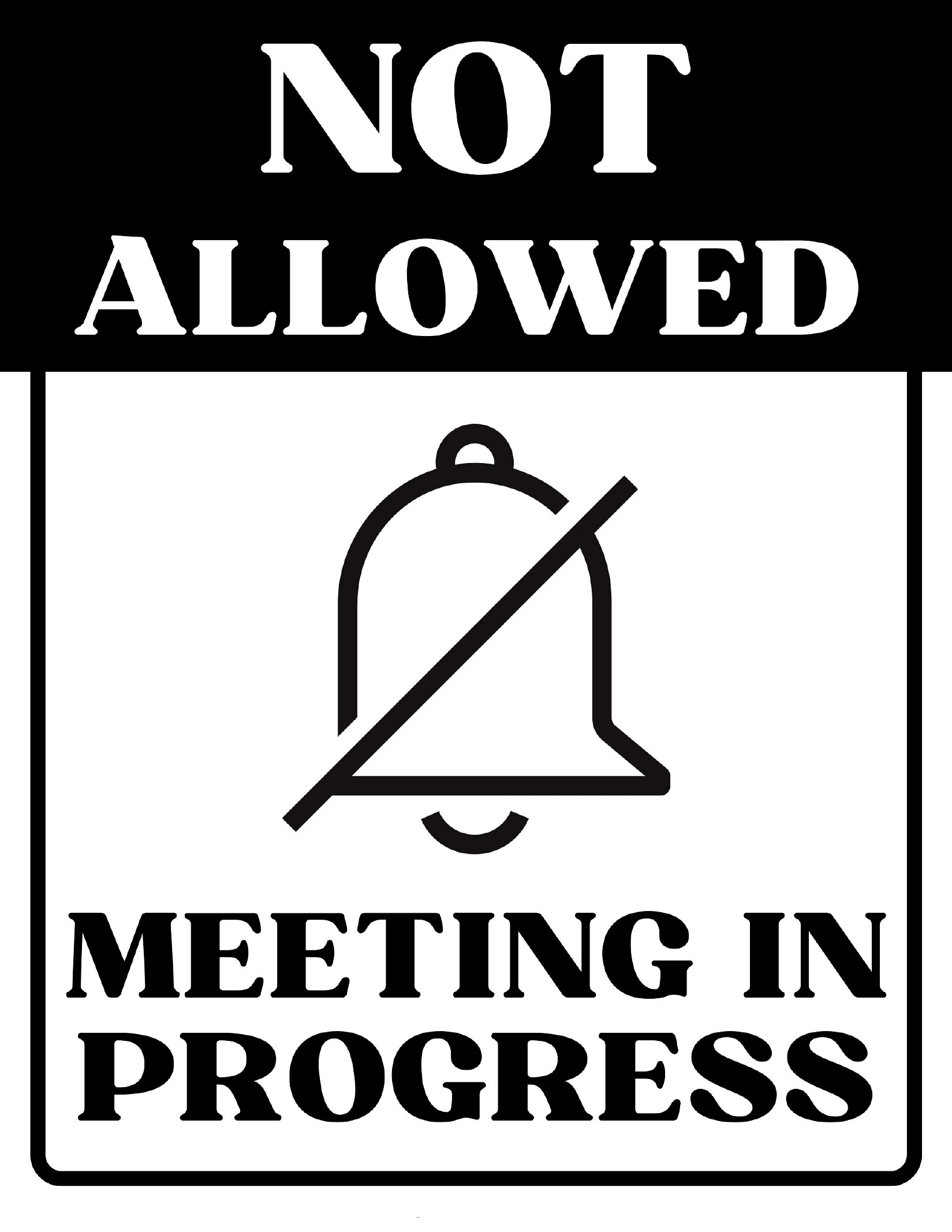
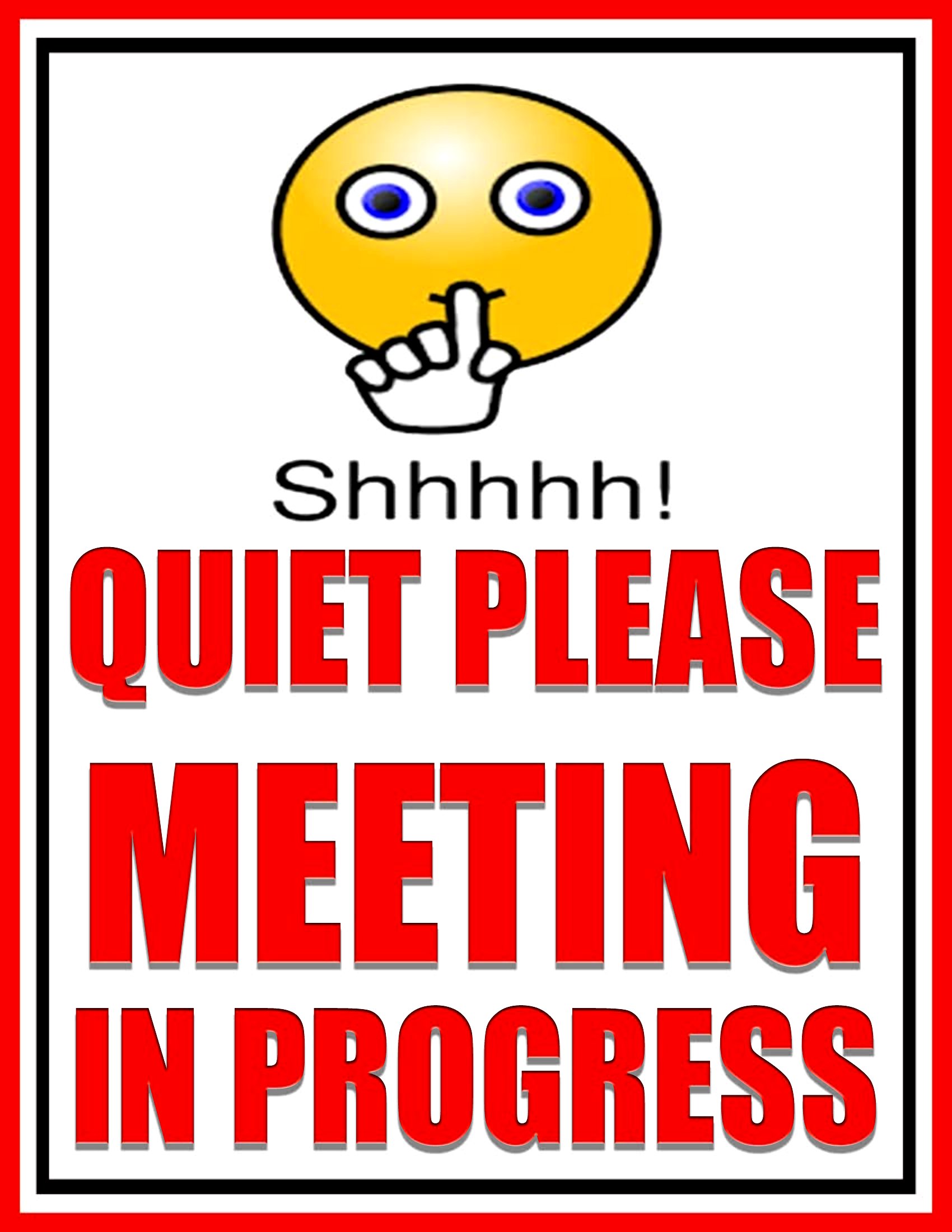
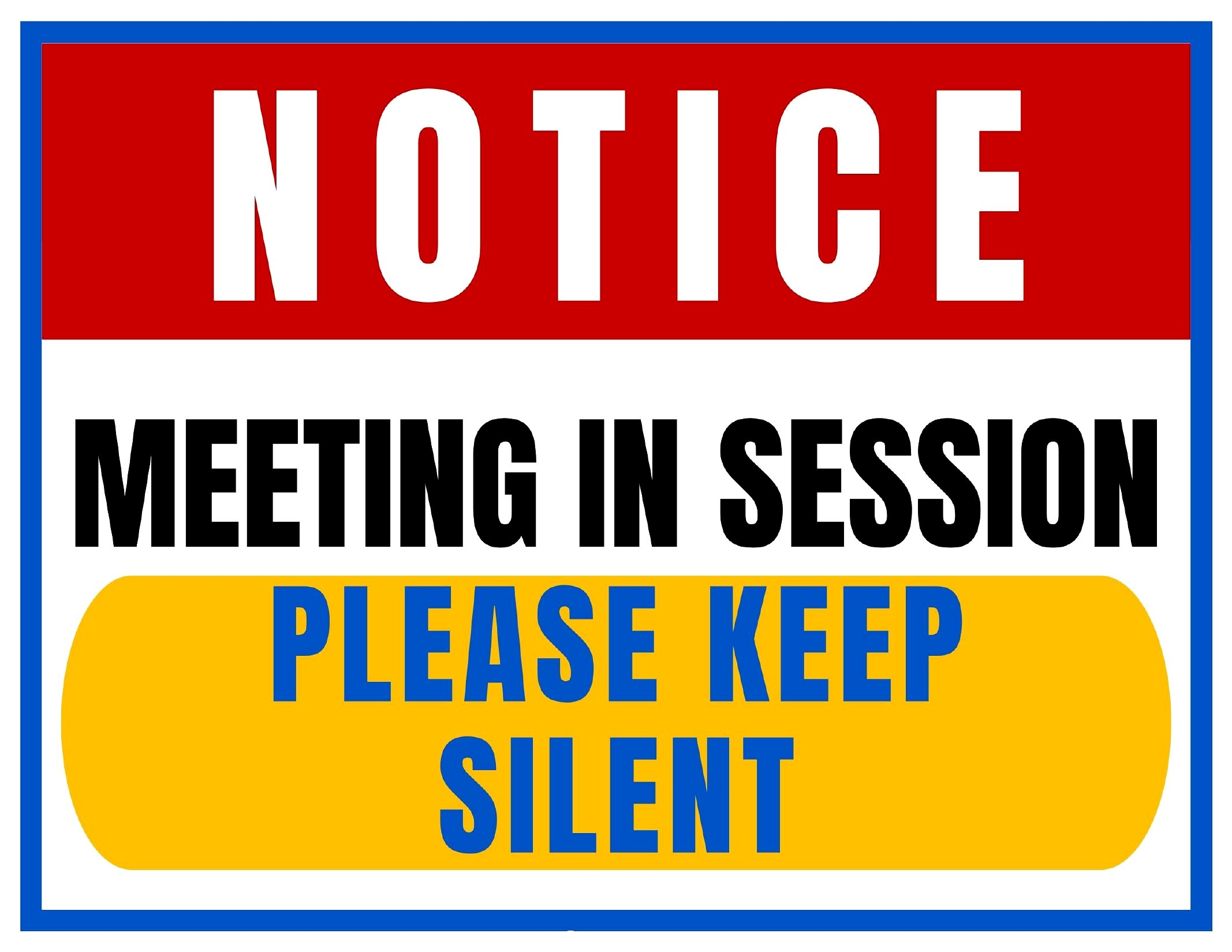
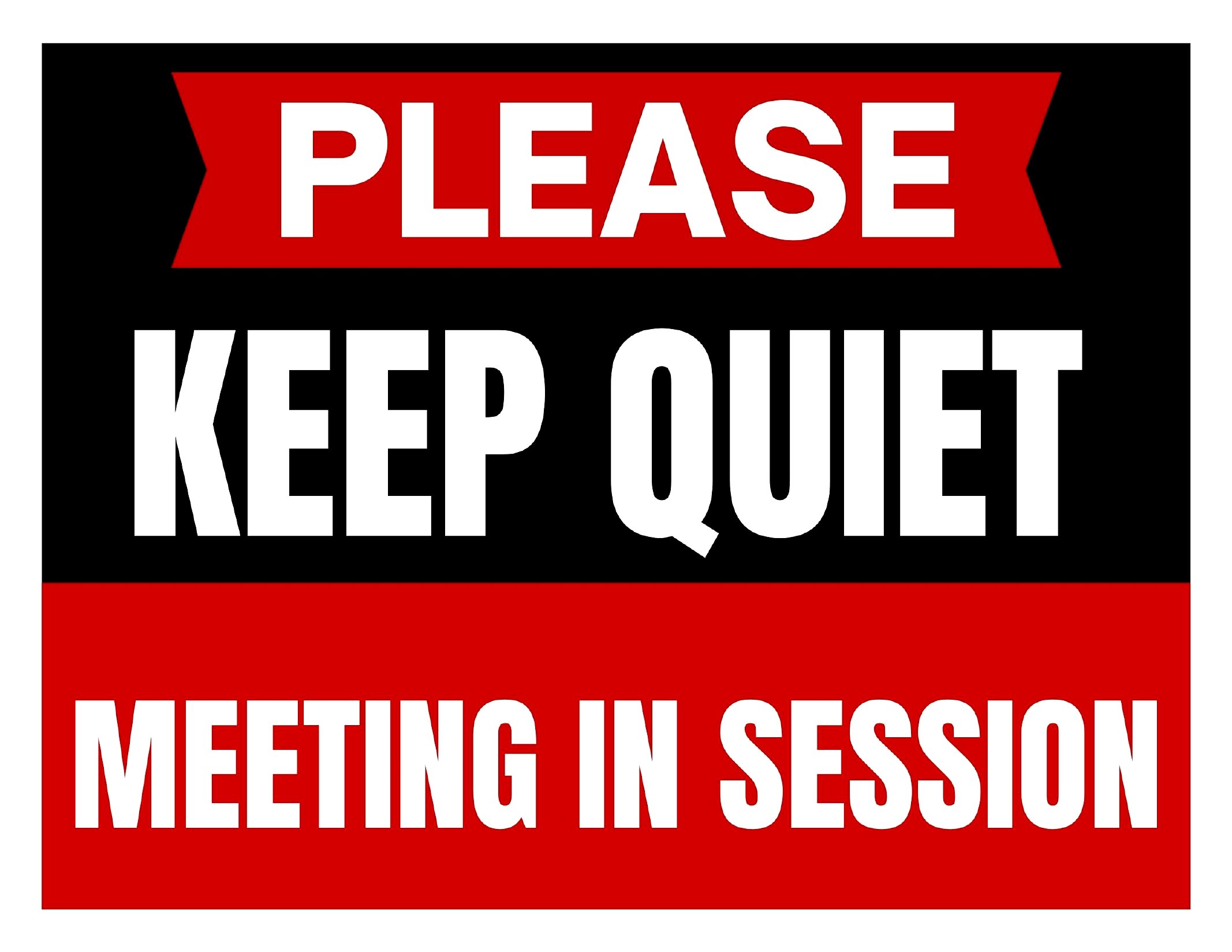
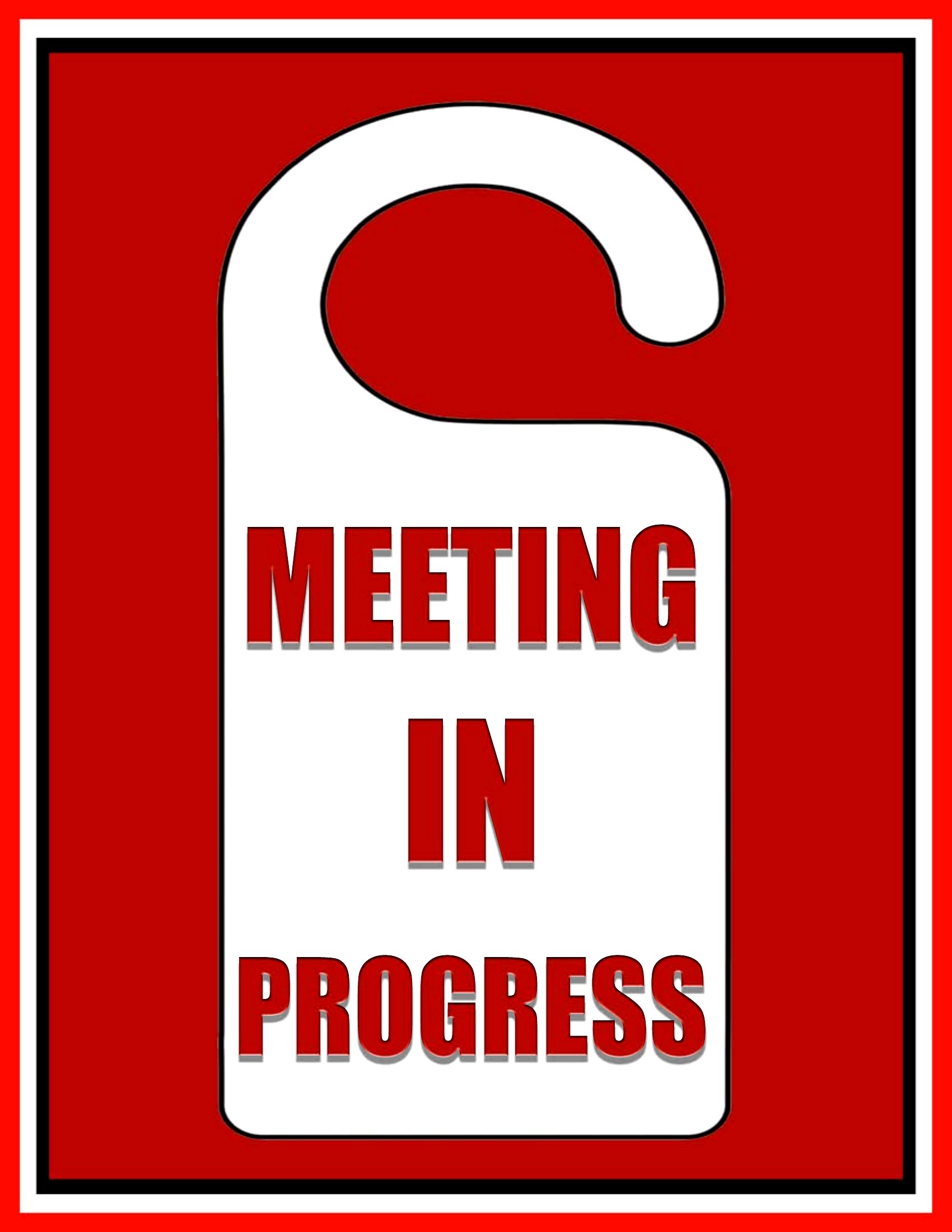
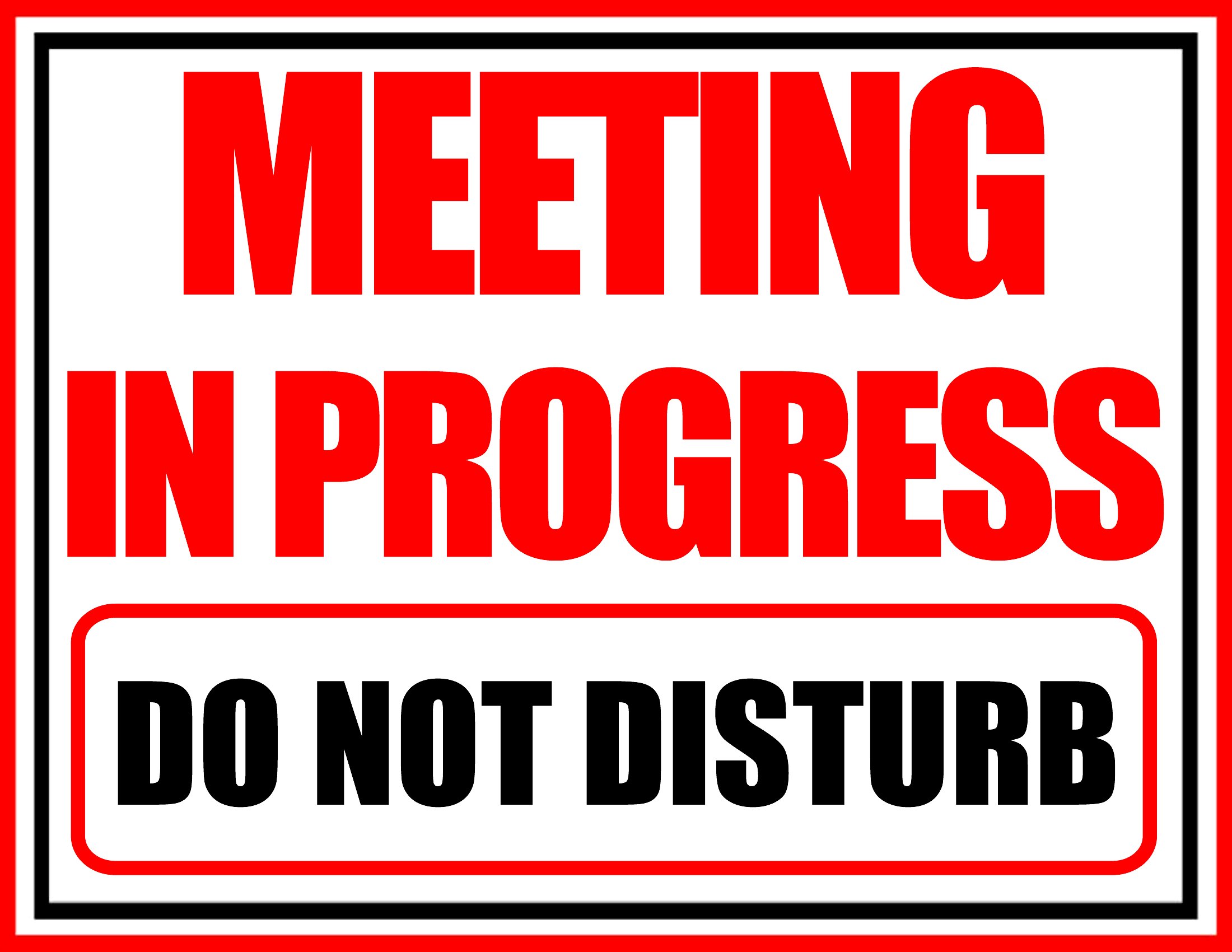
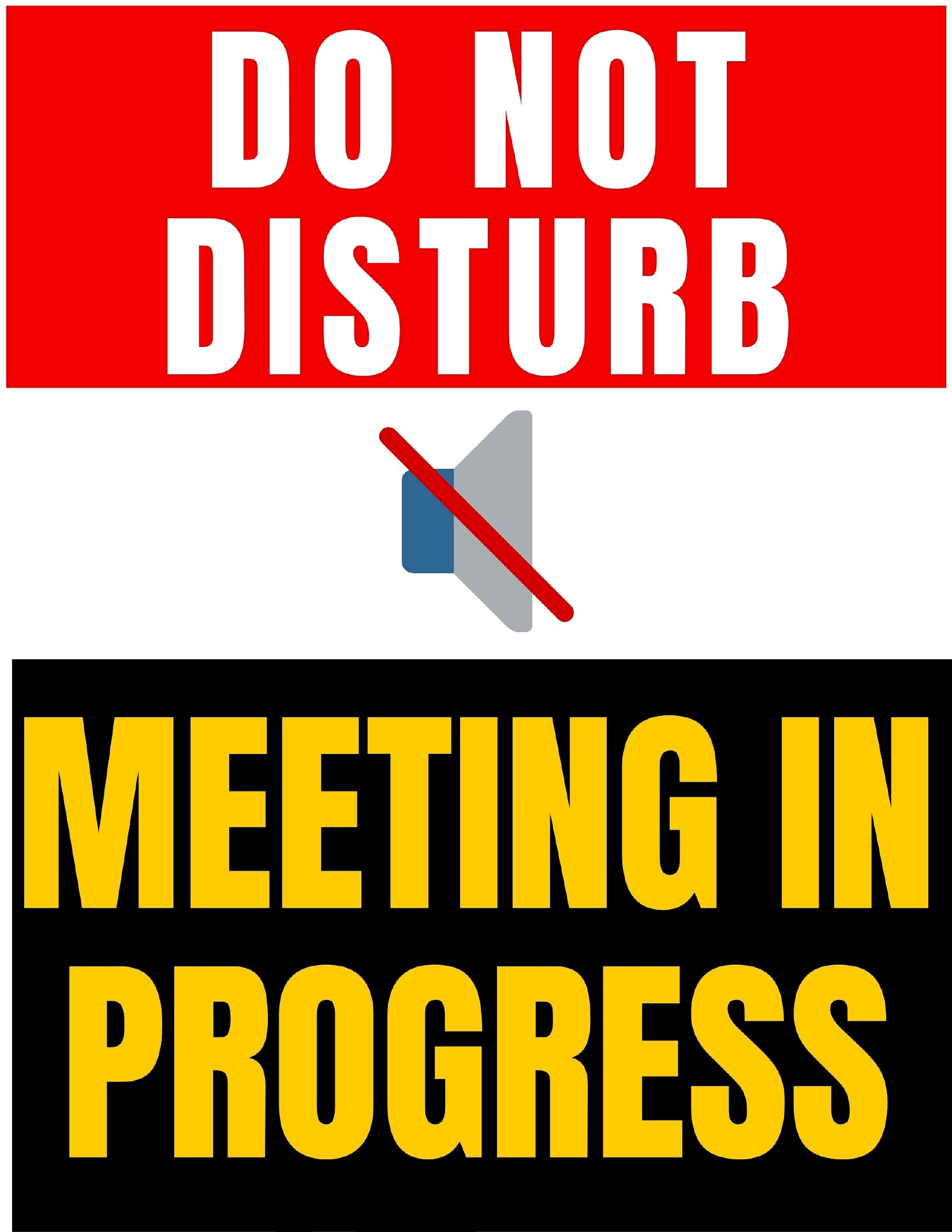
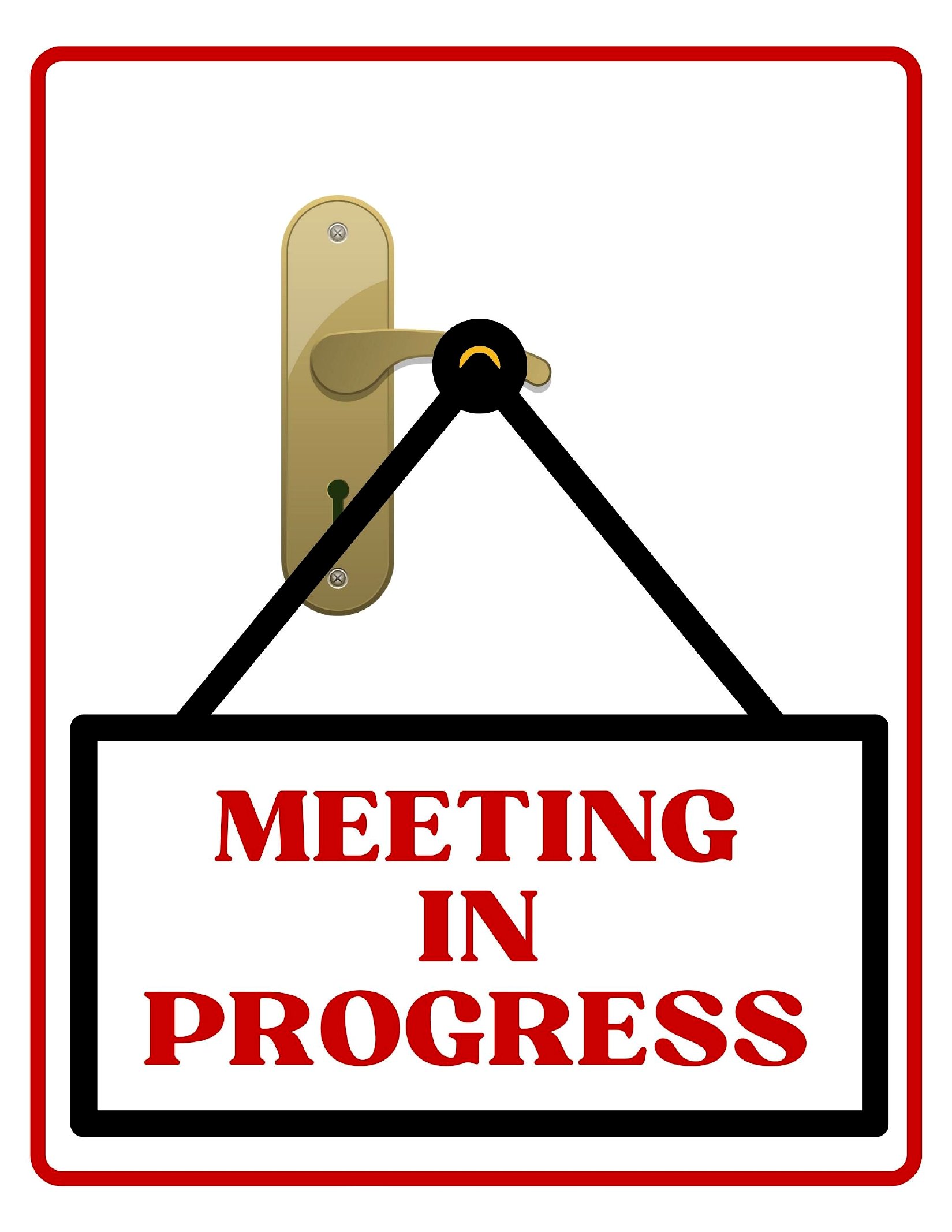
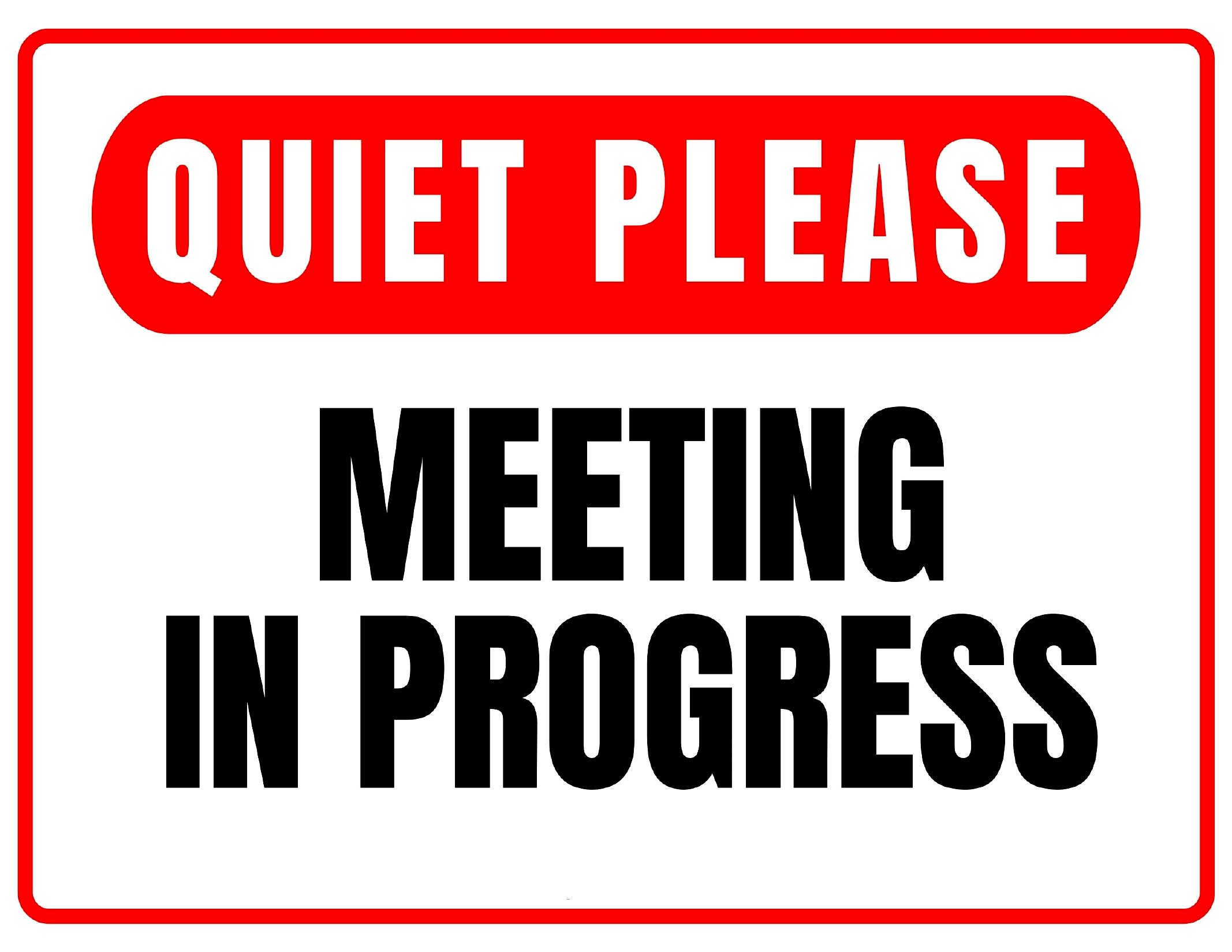
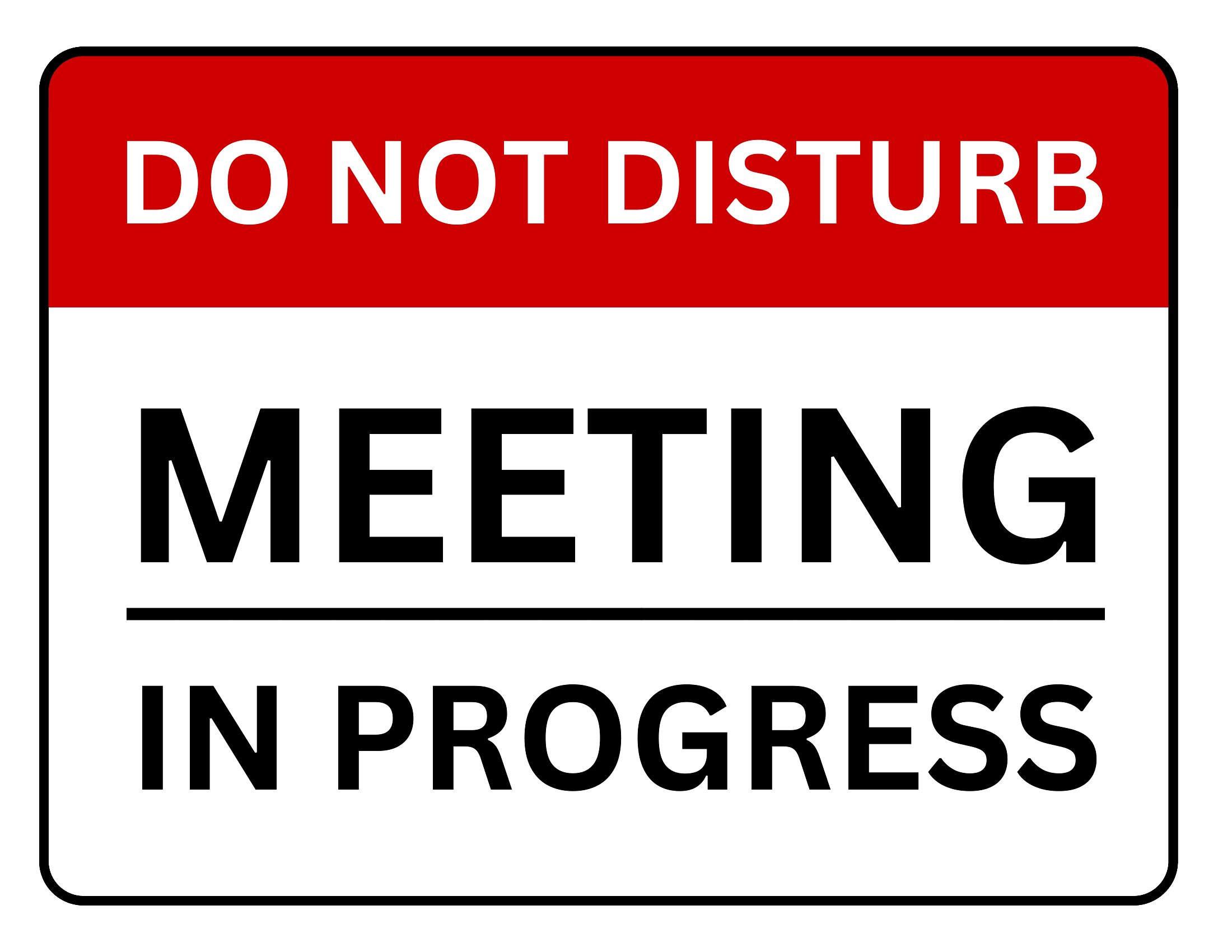
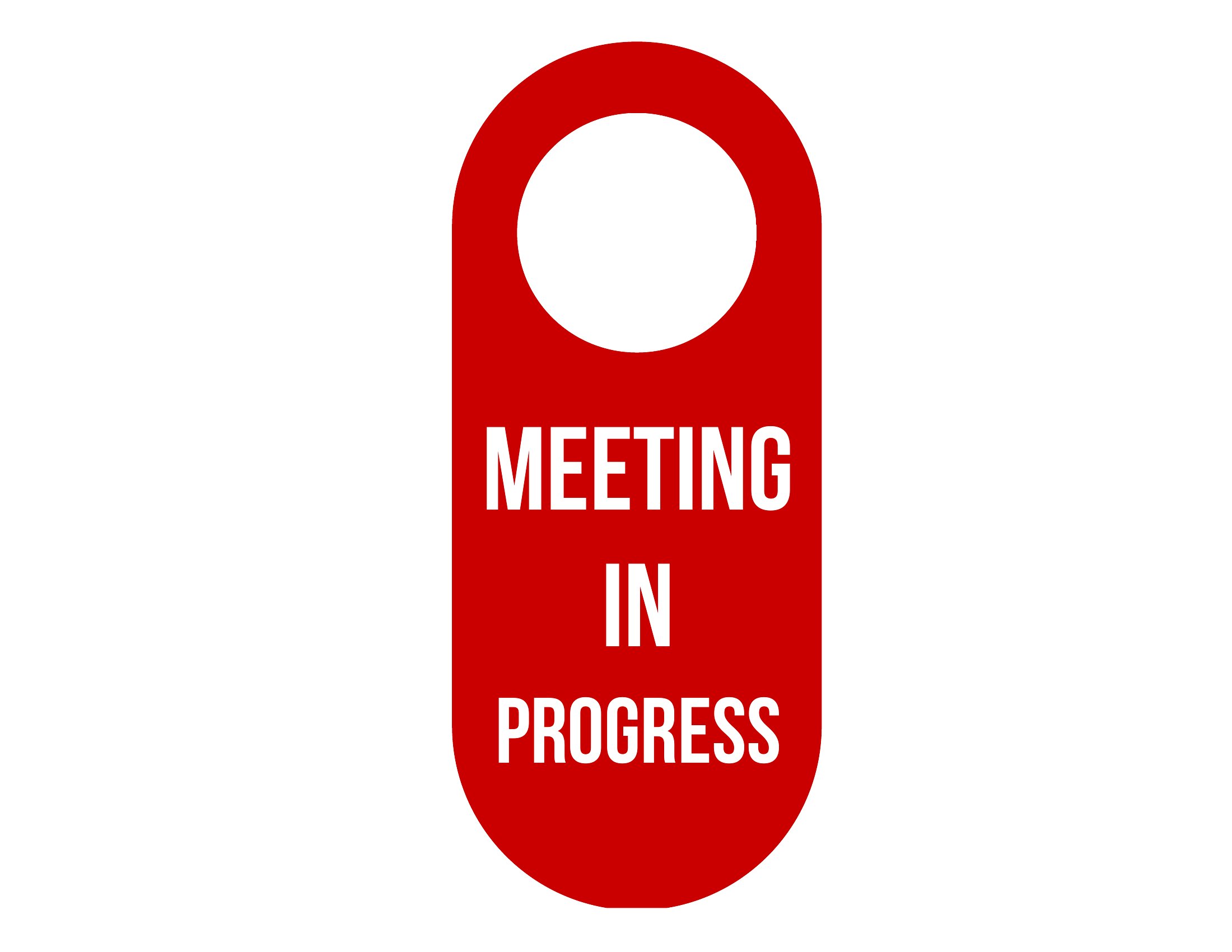
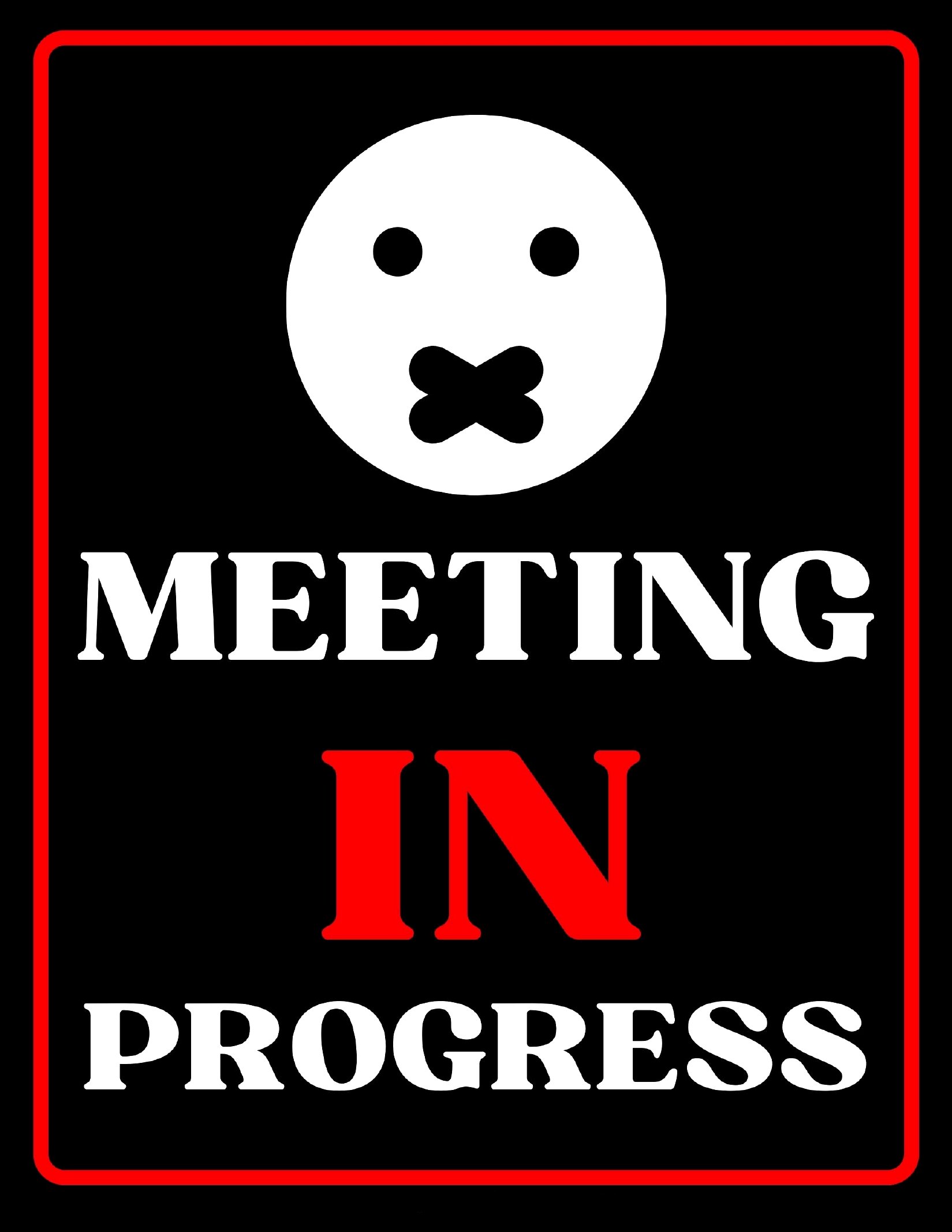
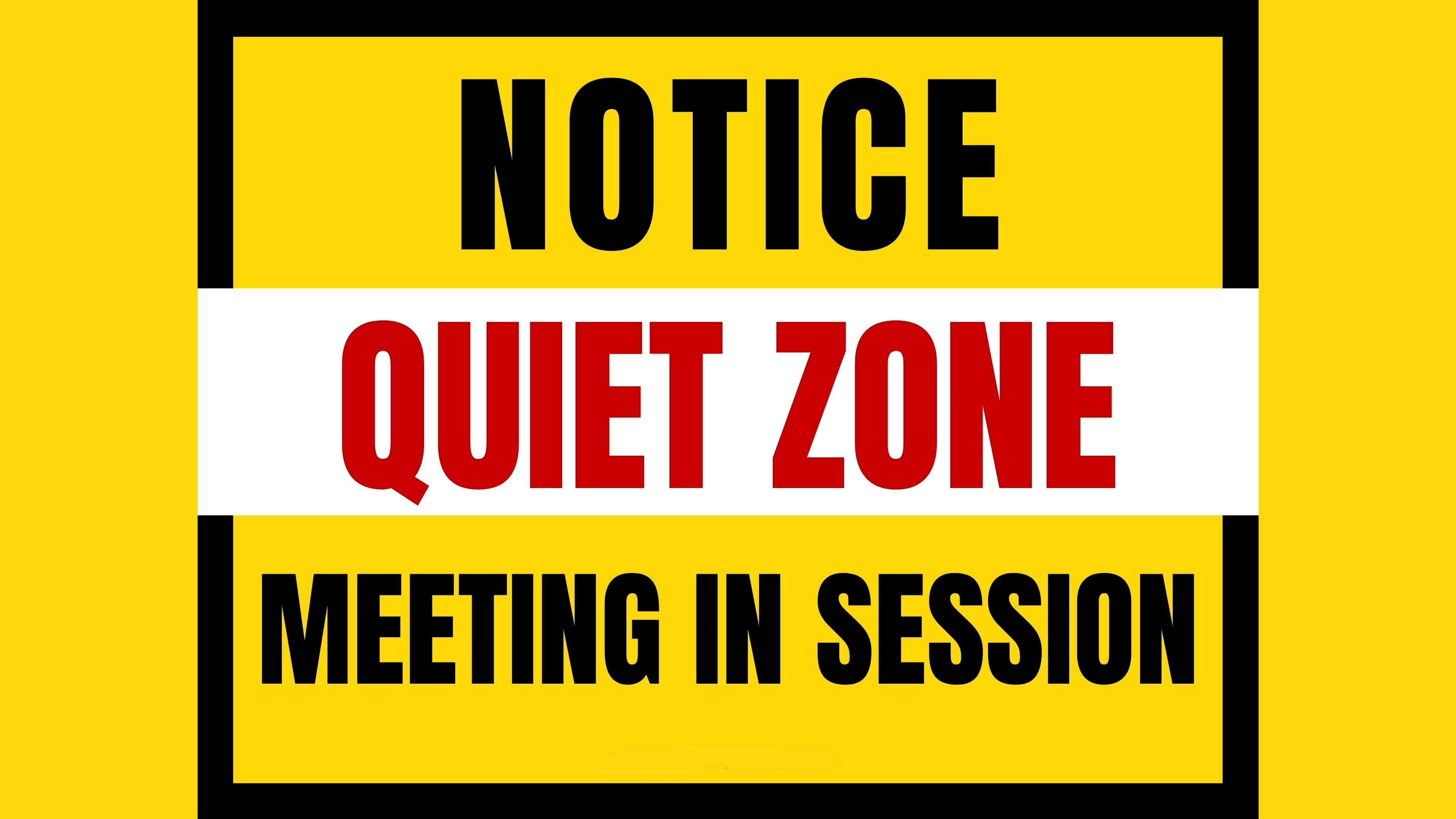
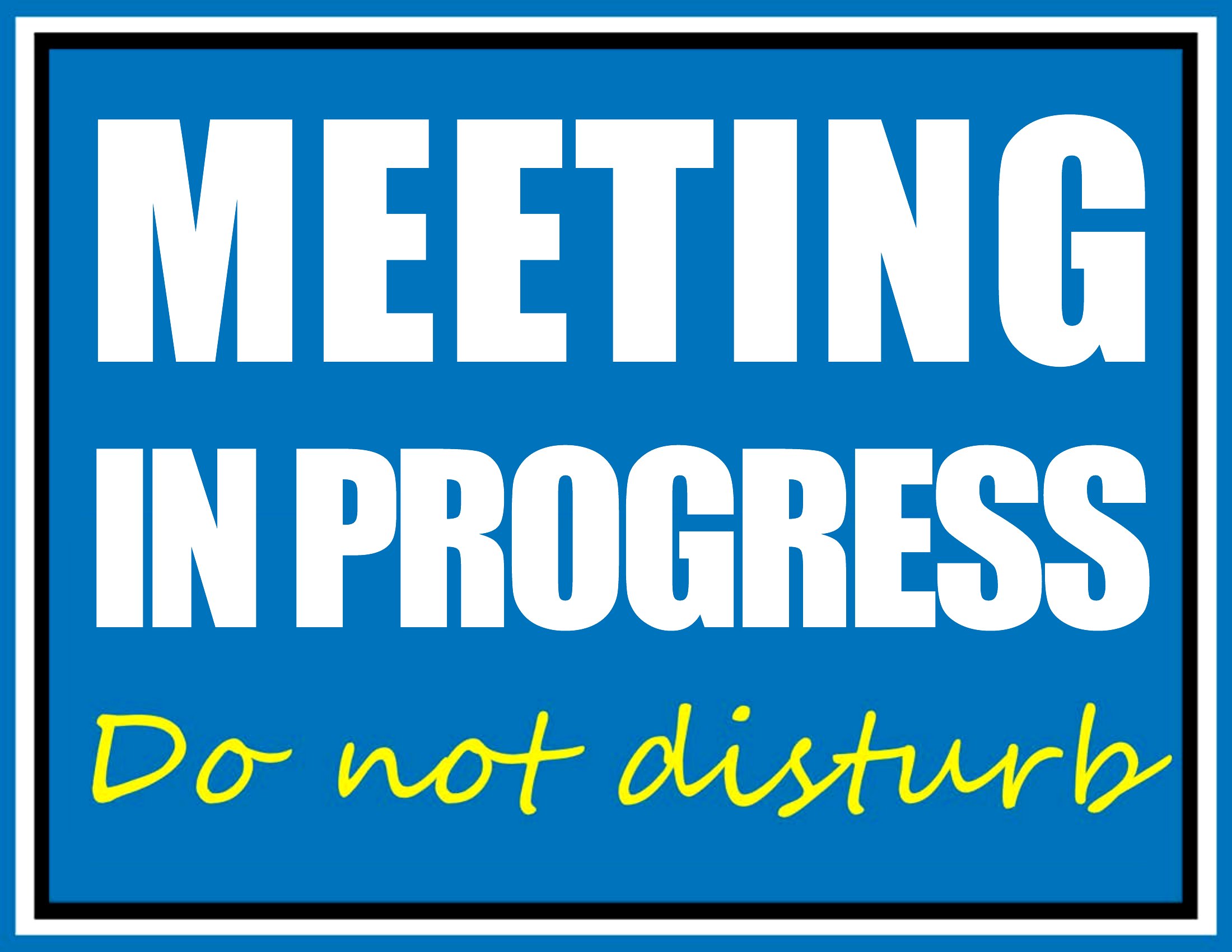
LifeA simple sign on the door beats getting interrupted mid-sentence, and it signals 'come back later' without an awkward conversation. This set of 42 in a meeting signs covers office doors, conference rooms, and home-office spaces, from quick 'on a call' cards to schedules you can fill in with start and end times. Remote workers and office teams can keep focus time genuinely protected.
Files arrive as print-ready PDFs that print sharp at full page or door-card size. Print on cardstock for a reusable hanger, or jot the time on a fresh copy before each session. There's nothing to install and no design step. Pick the wording that fits your setup, print it, and hang it before the call starts.
When to use this In a Meeting Sign template
- A small business owner with a corner office who frequently gets interrupted by coworkers or clients, needing a quick visual cue to signal focus time without confrontation.
- A remote team lead working from home with roommates or family who regularly knocks between calls, requiring a polished but unobtrusive way to set boundaries during scheduled meetings.
- A freelancer who shares a co-working space but doesn’t have a dedicated office, needing a portable, reusable sign to hang on a locker or door to communicate availability clearly.
- A corporate manager hosting client calls in a glass-walled office, wanting a professional-looking sign to post on the door when meetings run over to avoid awkward hallway conversations.
Which format should I download?
All 42 templates in this collection are available as PDFs, which makes them ideal for printing and framing or laminating for durability. The PDF format ensures compatibility across devices, and many are designed to be printed at standard sizes for easy use in office or home settings. Choose PDF if you need a simple, print-and-go solution that doesn’t require editing software. For signs that need to be updated frequently (like scheduling times), pick the editable PDFs to fill in details like start and end times before printing.
How to use this In a Meeting Sign template
Can I use these signs to indicate meeting topics or client names without looking unprofessional?
These templates focus on clarity and professionalism without revealing sensitive details. Some include fields for time blocks or generic labels like 'Deep Work Session' or 'Client Call,' but avoid listing names or topics to maintain confidentiality. Customize only the non-sensitive fields provided in the editable designs.
What’s the best way to display these signs if I don’t have a door to hang them on?
For shared spaces or open offices, consider placing the sign on a desk near your workspace, taping it to a monitor stand, or using a small clip-on hook for glass doors. Some designs include a 'portable' layout that works well on a laptop stand or a clipboard. Avoid blocking walkways or fire exits, and always ensure the sign remains visible.
Are there templates that work well for virtual meetings where I’m on camera but need to signal others not to interrupt?
While these signs are physical, you can place one in the frame of your camera during virtual meetings to convey the same message. Choose a minimalist design like the 'On a Call' or 'Focus Time' signs, and position it near your webcam so remote participants see it. Pair it with a quick verbal reminder to others in your household or office to respect the signal.
Comments
Join the conversation
Sign in to share your thoughts and leave a comment on this resource.