FAQ
Can I use these signs to indicate meeting topics or client names without looking unprofessional?
These templates focus on clarity and professionalism without revealing sensitive details. Some include fields for time blocks or generic labels like 'Deep Work Session' or 'Client Call,' but avoid listing names or topics to maintain confidentiality. Customize only the non-sensitive fields provided in the editable designs.
What’s the best way to display these signs if I don’t have a door to hang them on?
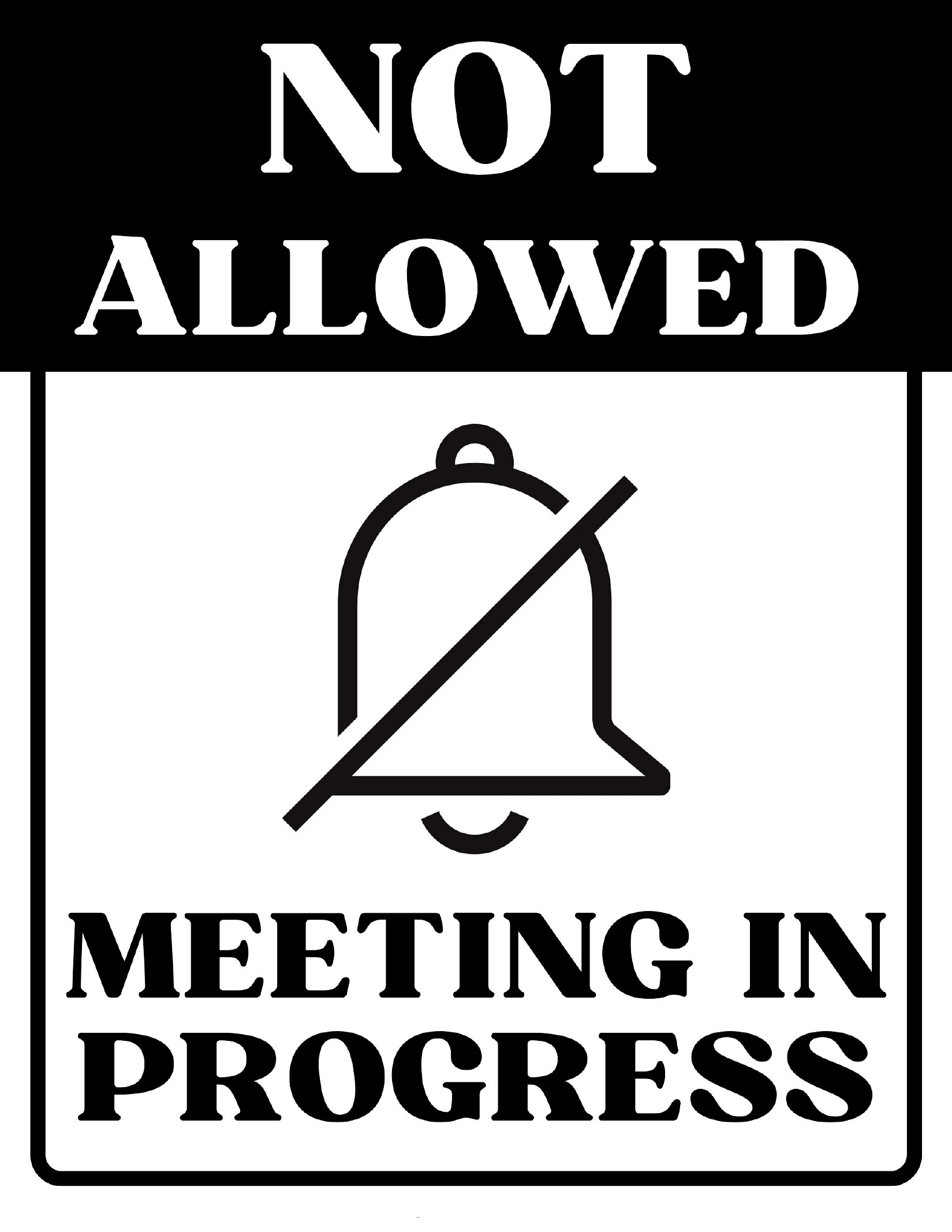
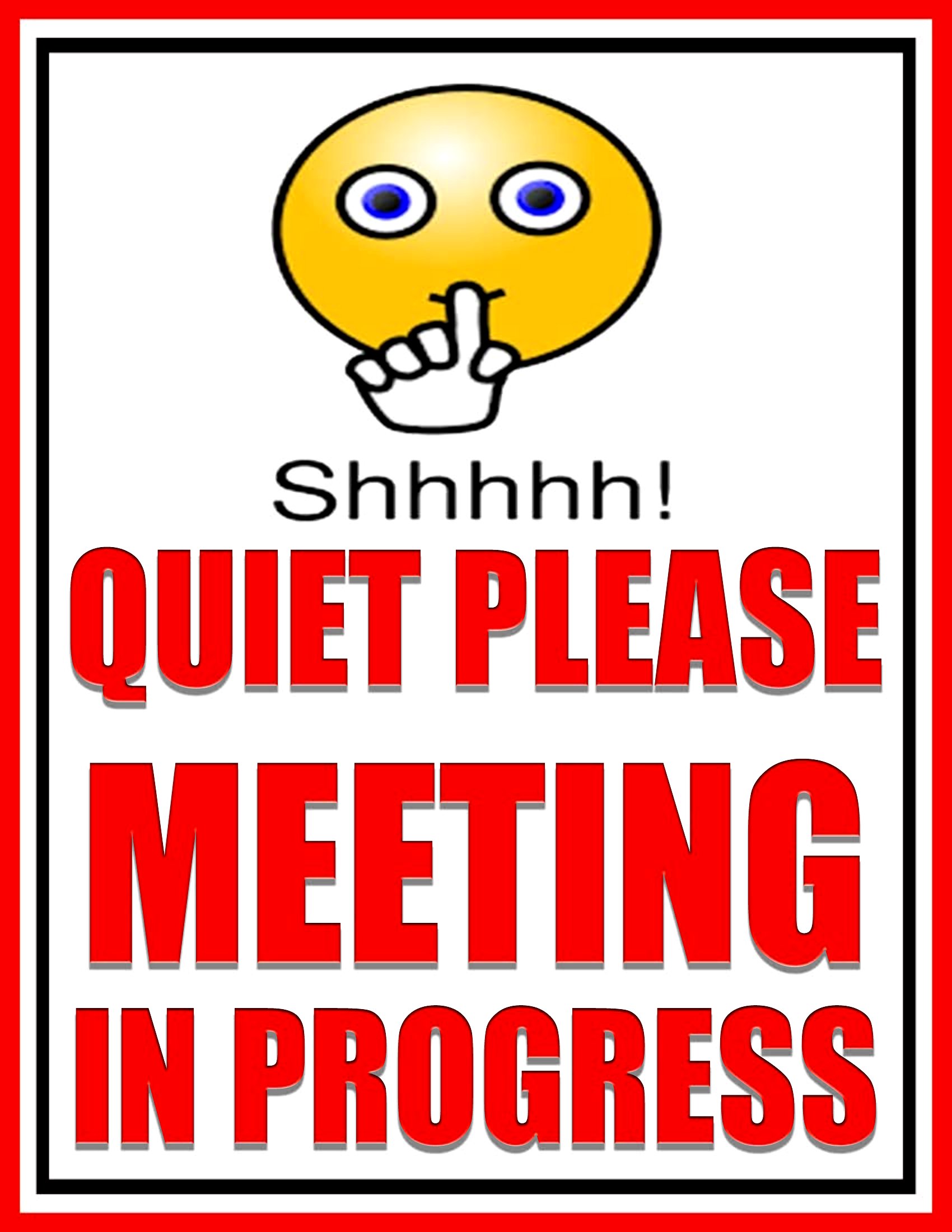
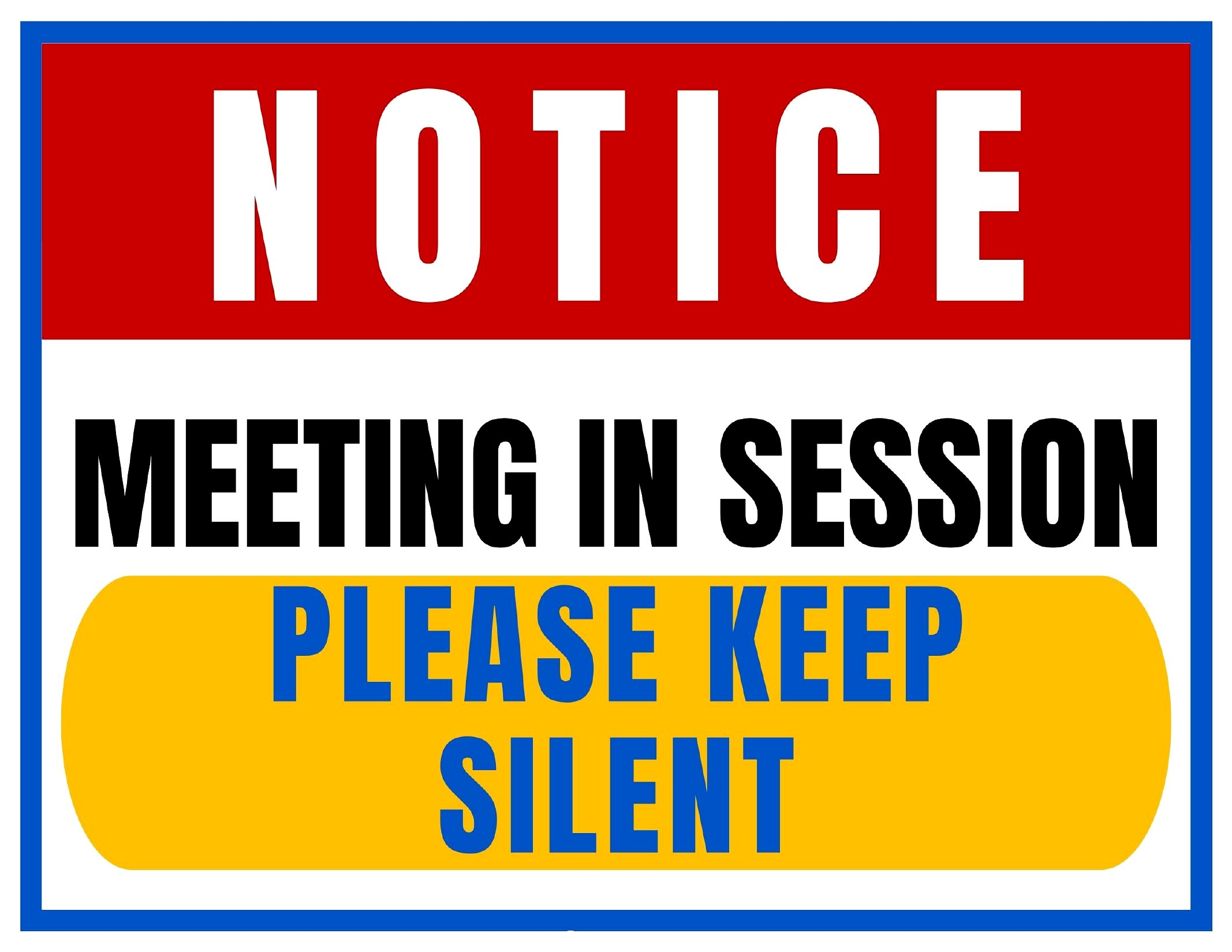
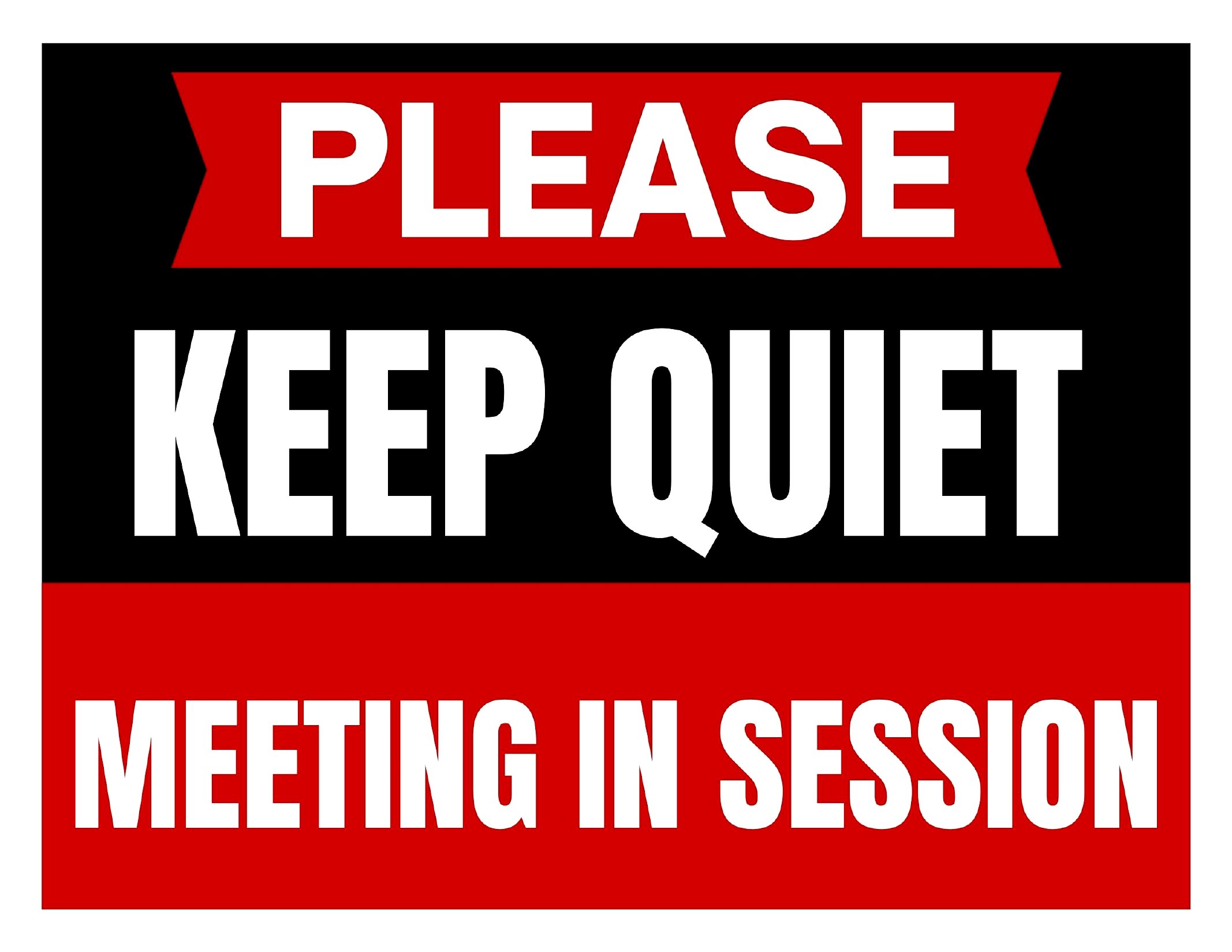
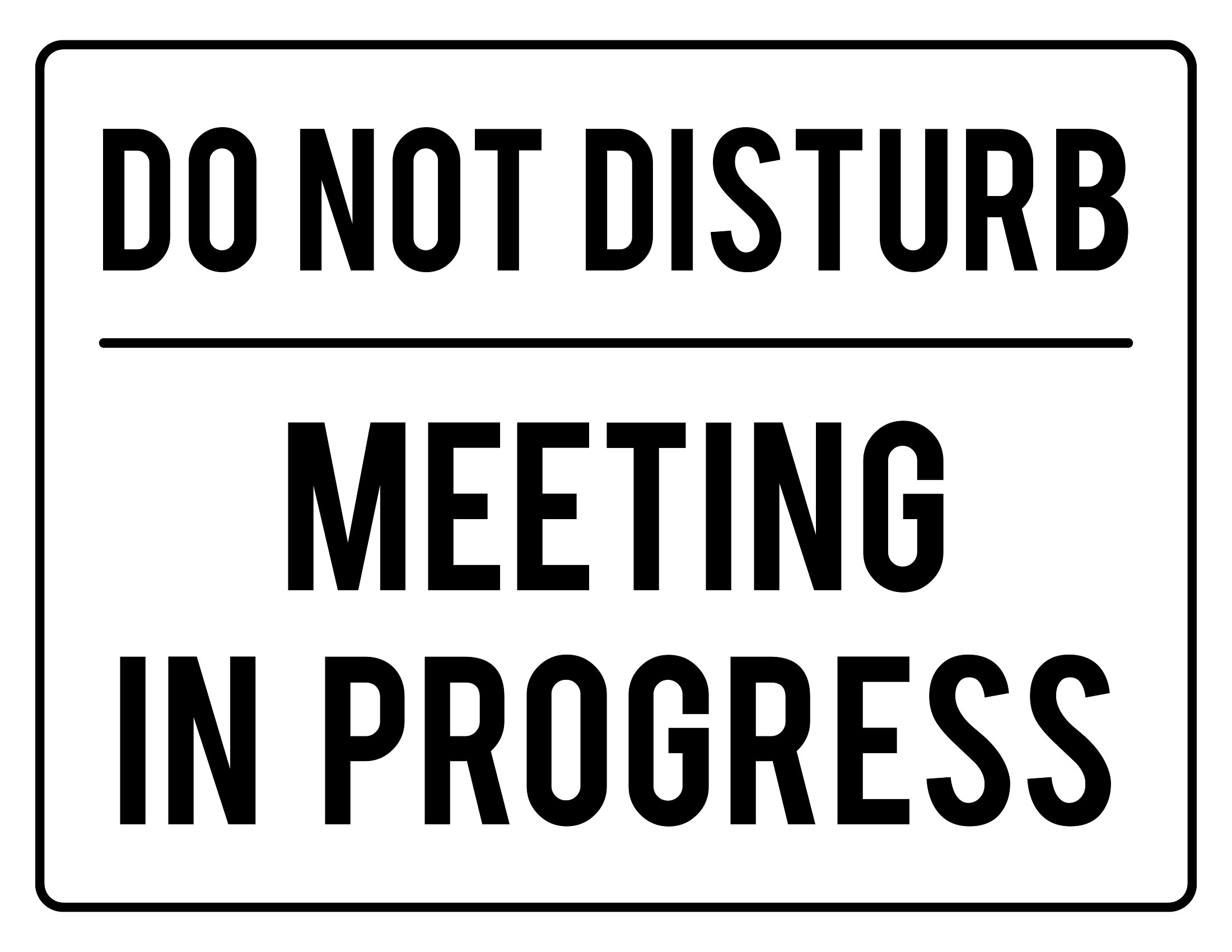
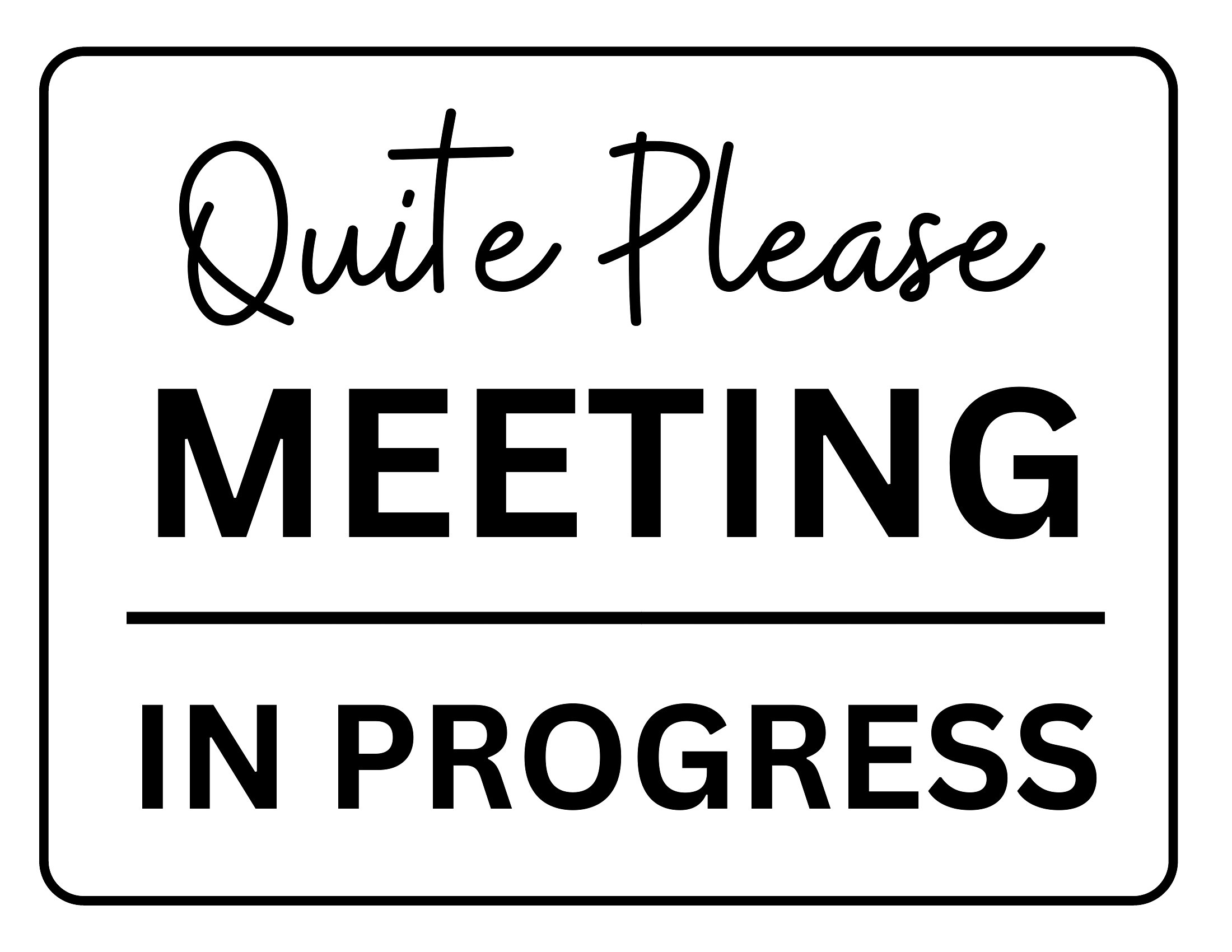
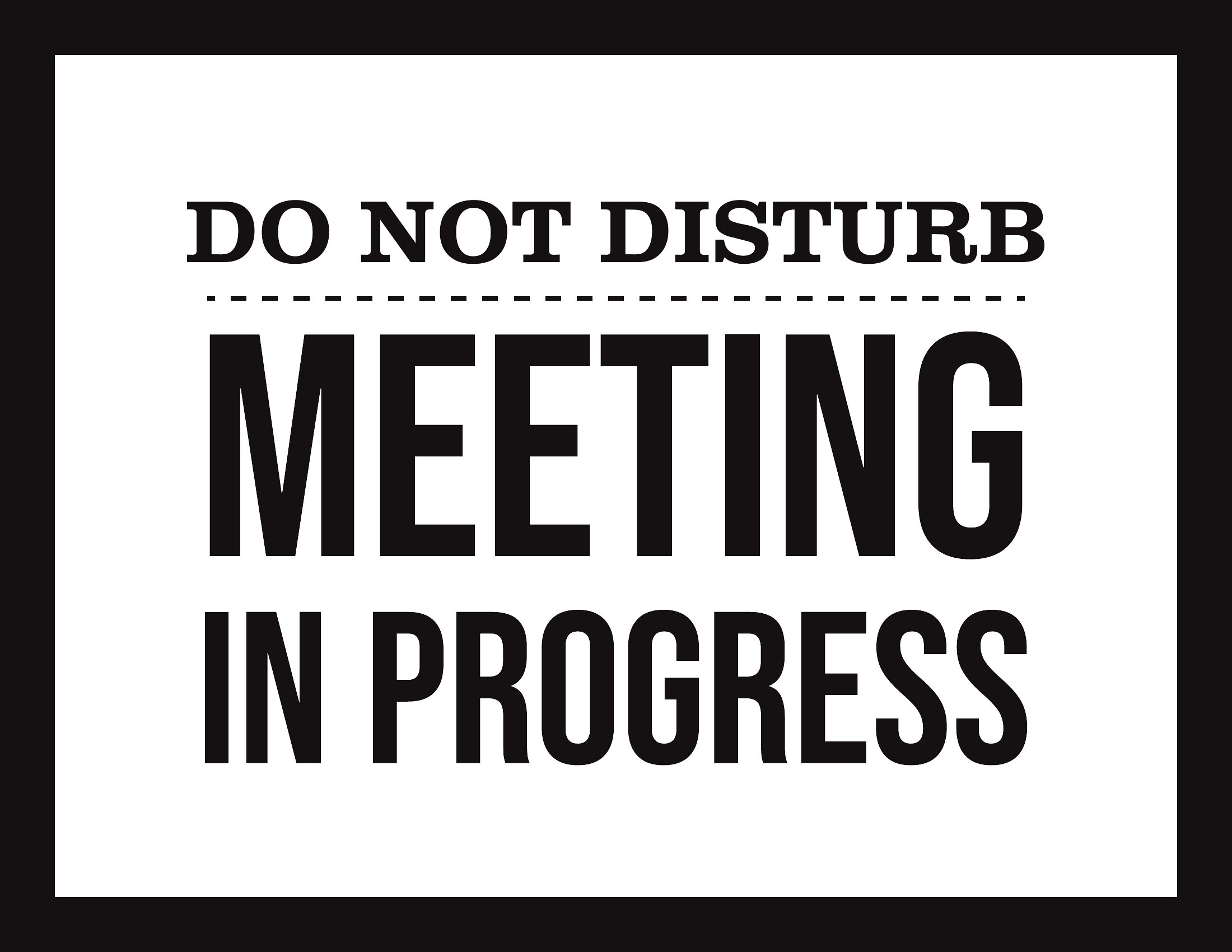
For shared spaces or open offices, consider placing the sign on a desk near your workspace, taping it to a monitor stand, or using a small clip-on hook for glass doors. Some designs include a 'portable' layout that works well on a laptop stand or a clipboard. Avoid blocking walkways or fire exits, and always ensure the sign remains visible.
Are there templates that work well for virtual meetings where I’m on camera but need to signal others not to interrupt?
While these signs are physical, you can place one in the frame of your camera during virtual meetings to convey the same message. Choose a minimalist design like the 'On a Call' or 'Focus Time' signs, and position it near your webcam so remote participants see it. Pair it with a quick verbal reminder to others in your household or office to respect the signal.
Comments
Join the conversation
Sign in to share your thoughts and leave a comment on this resource.