

FAQ
Can I add my child’s photo or handprint to the sign after printing?
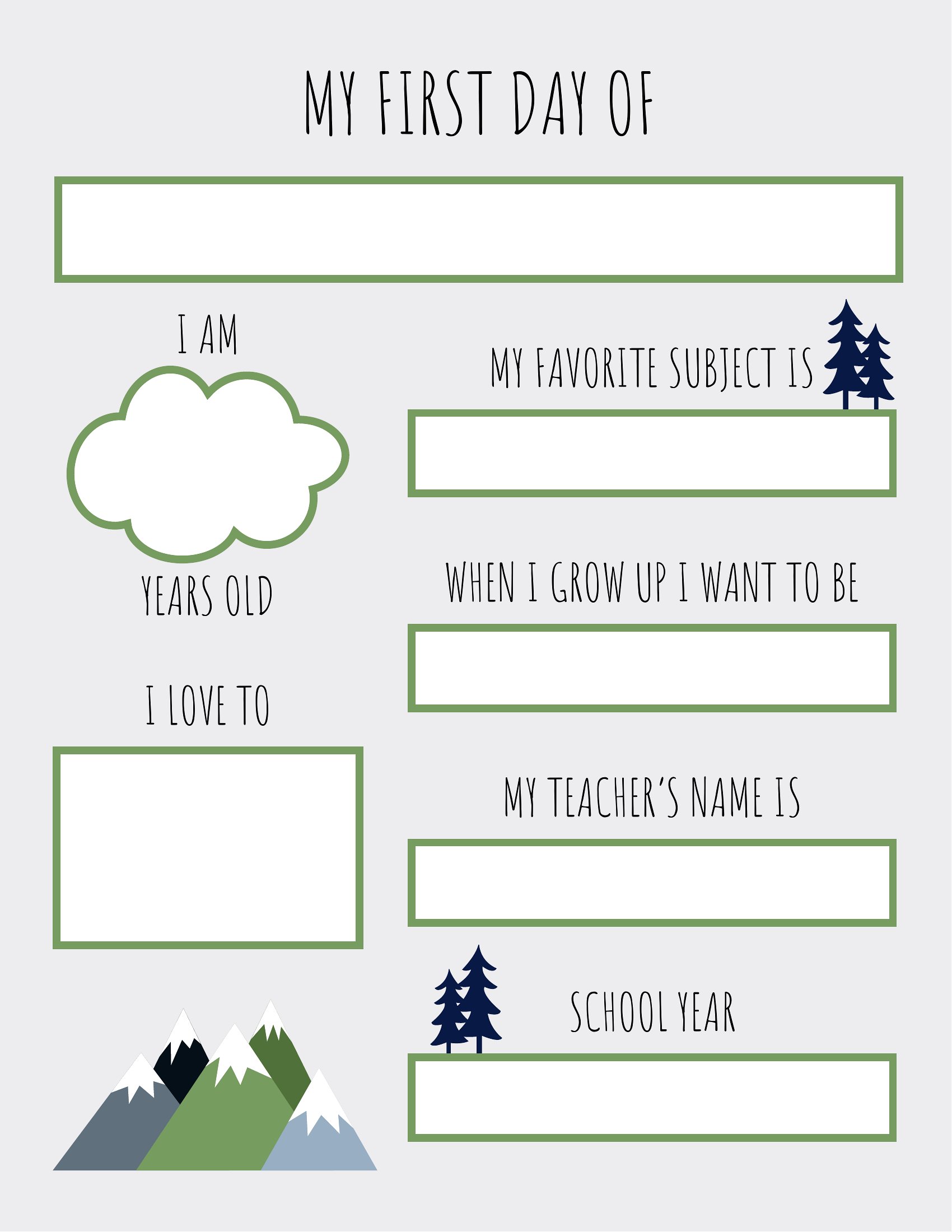
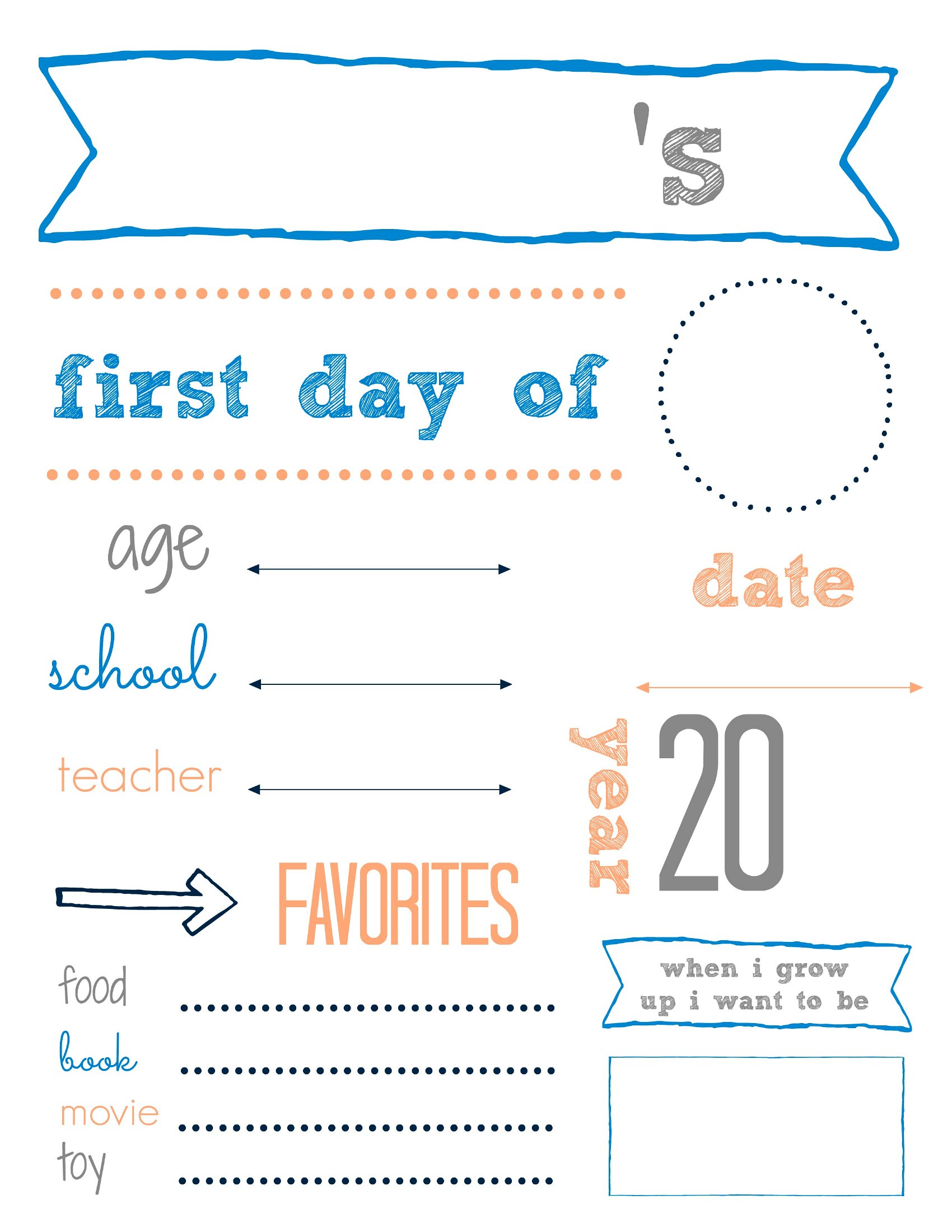
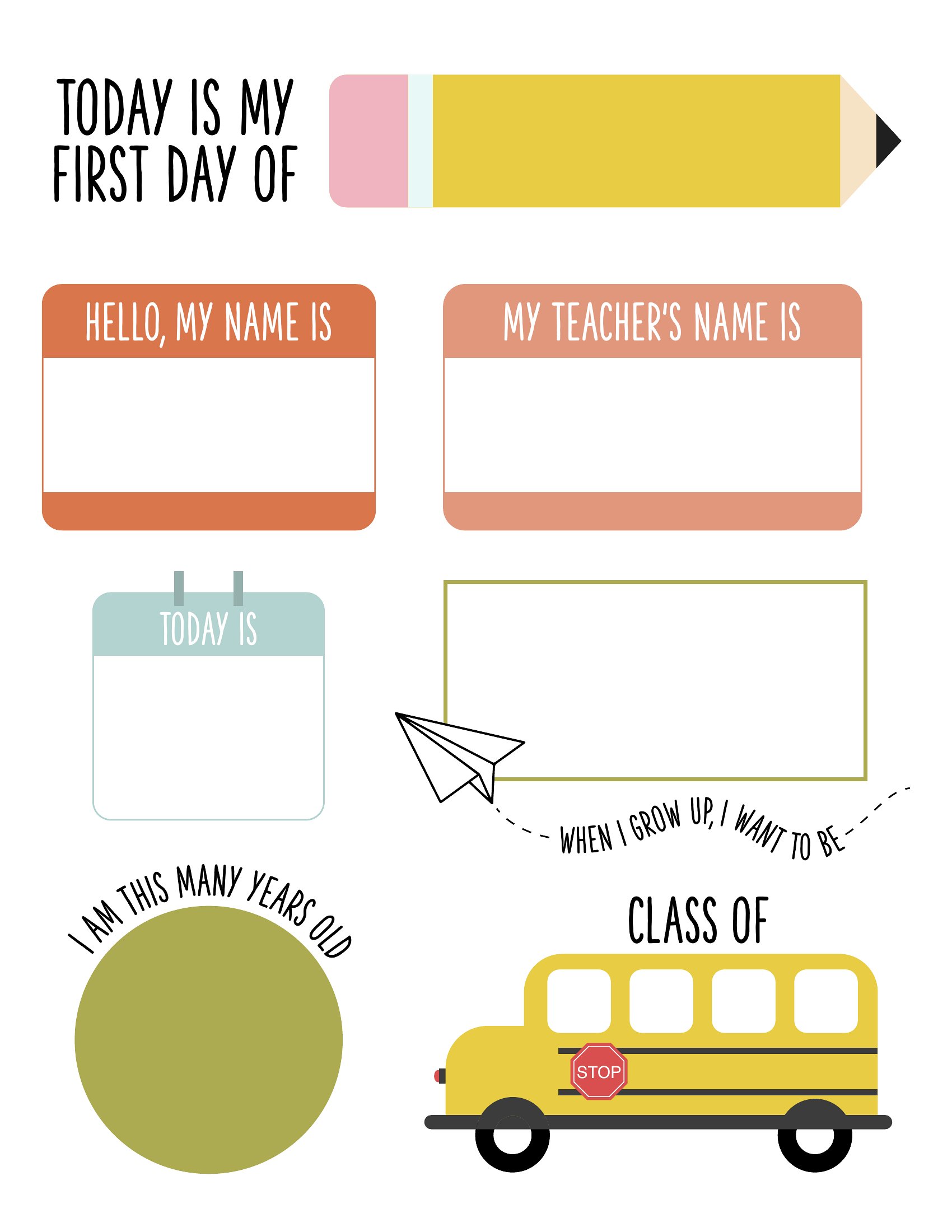
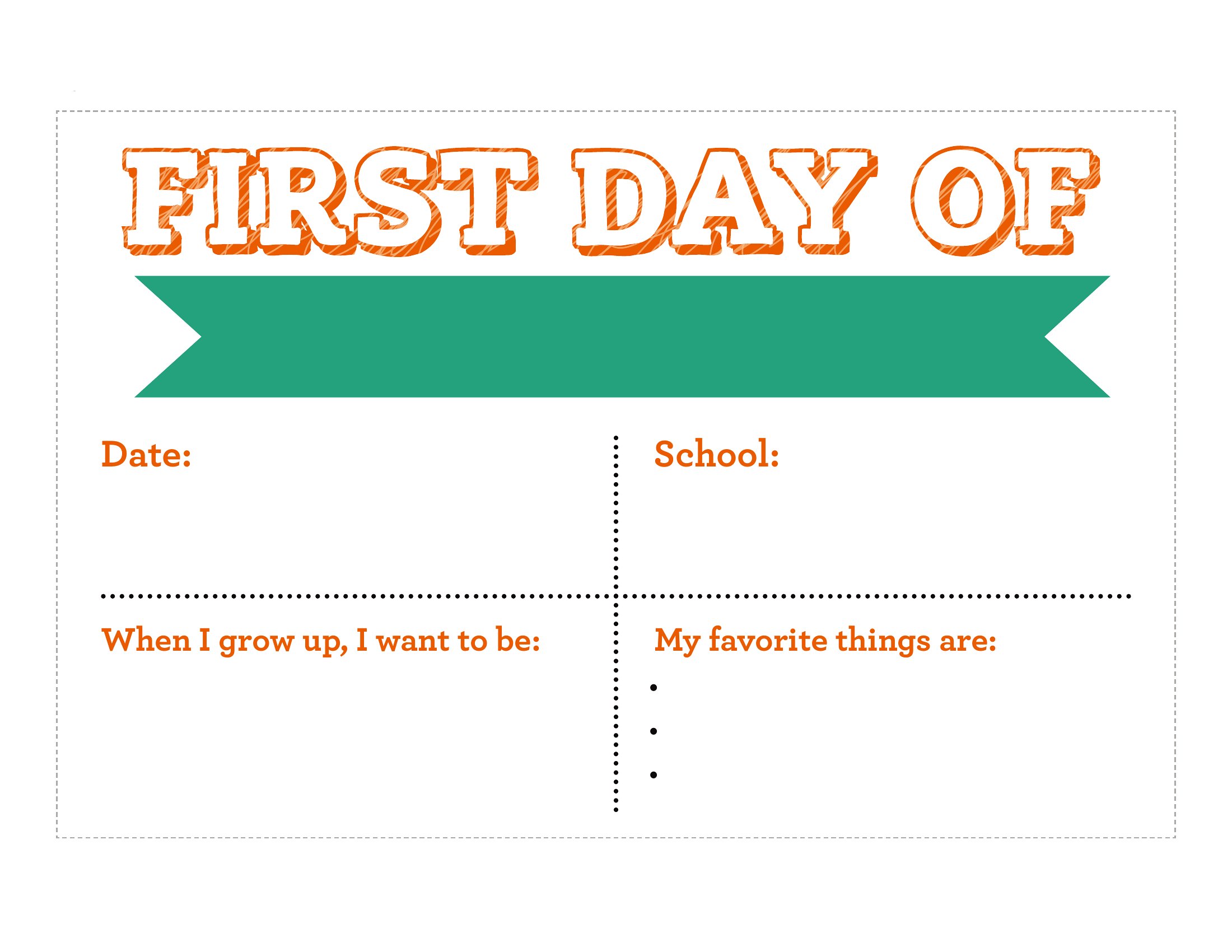
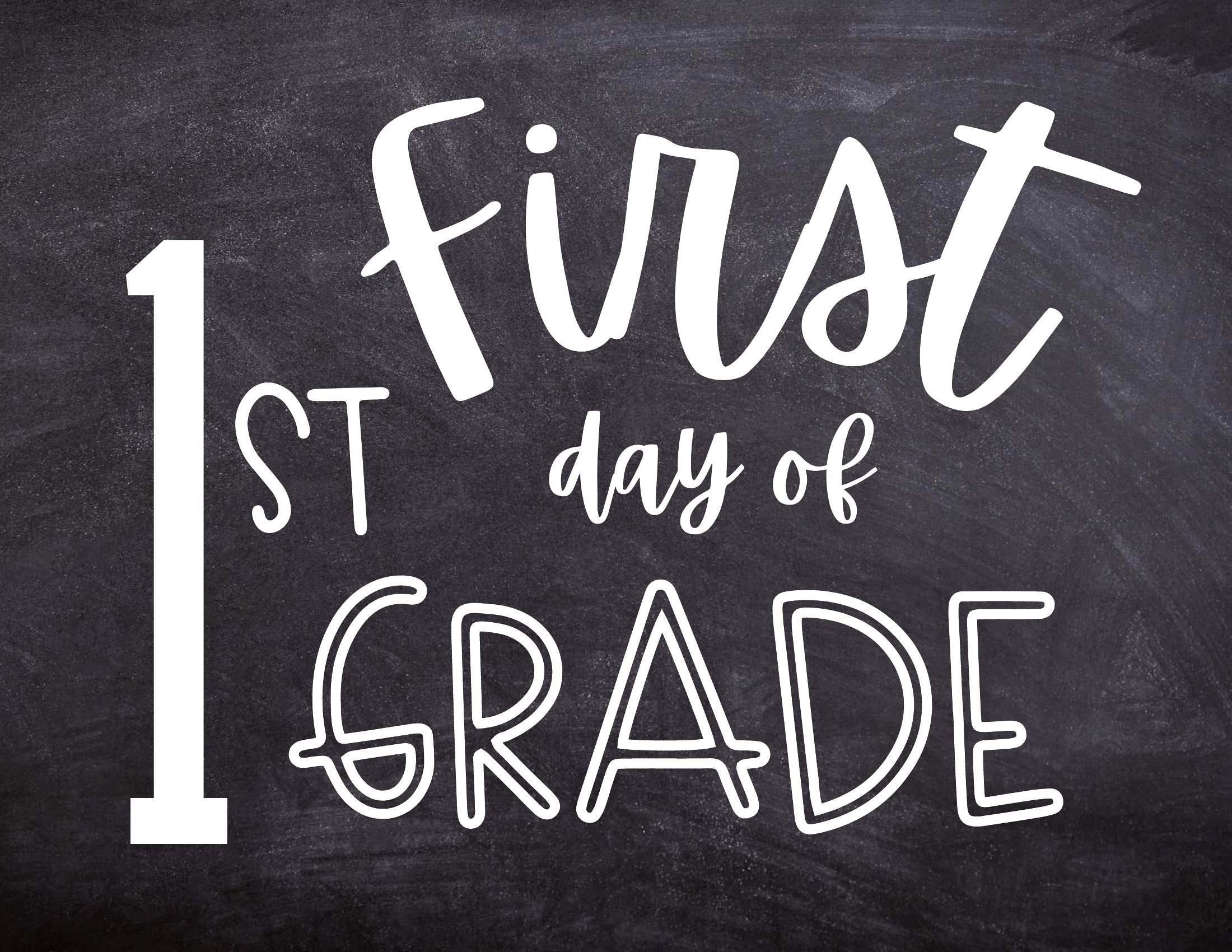
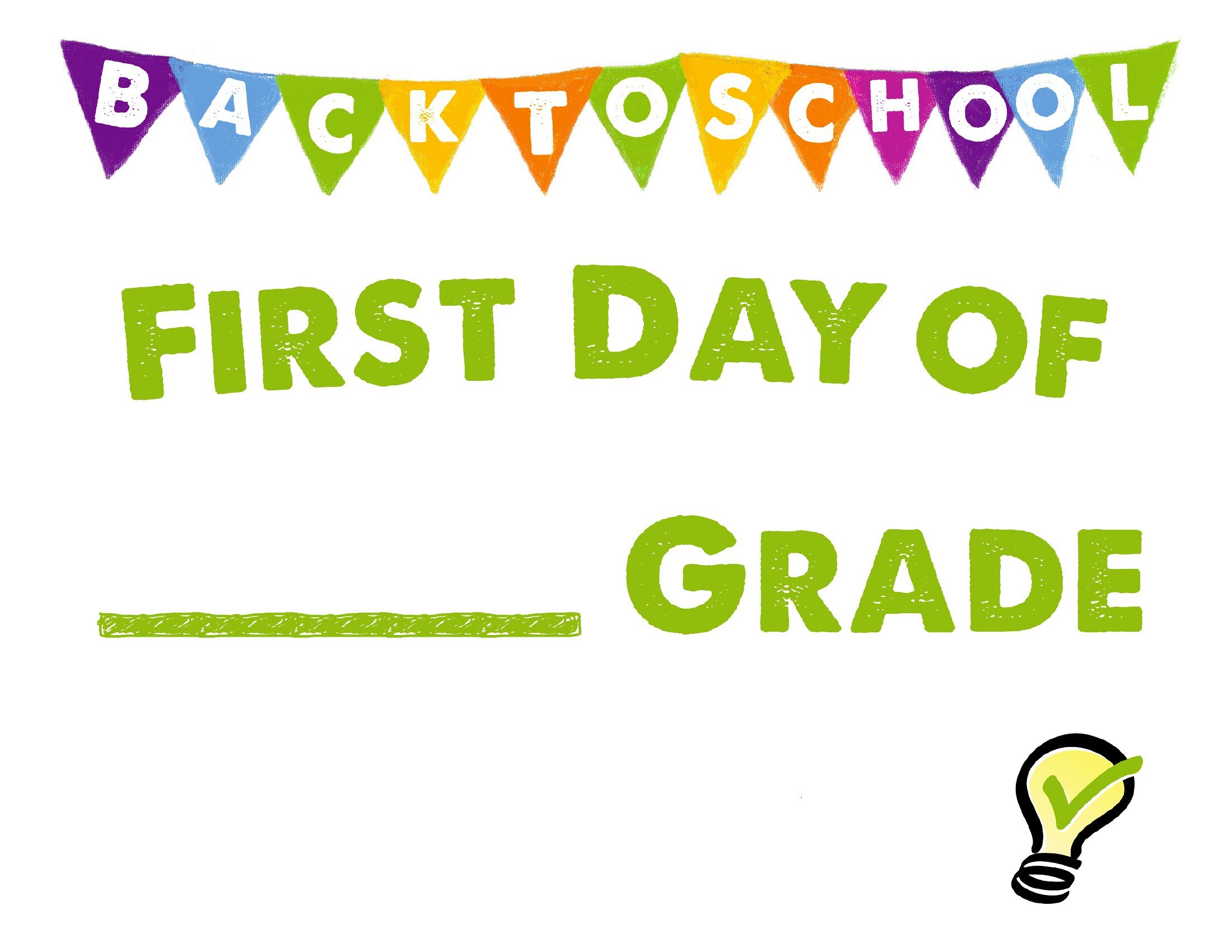
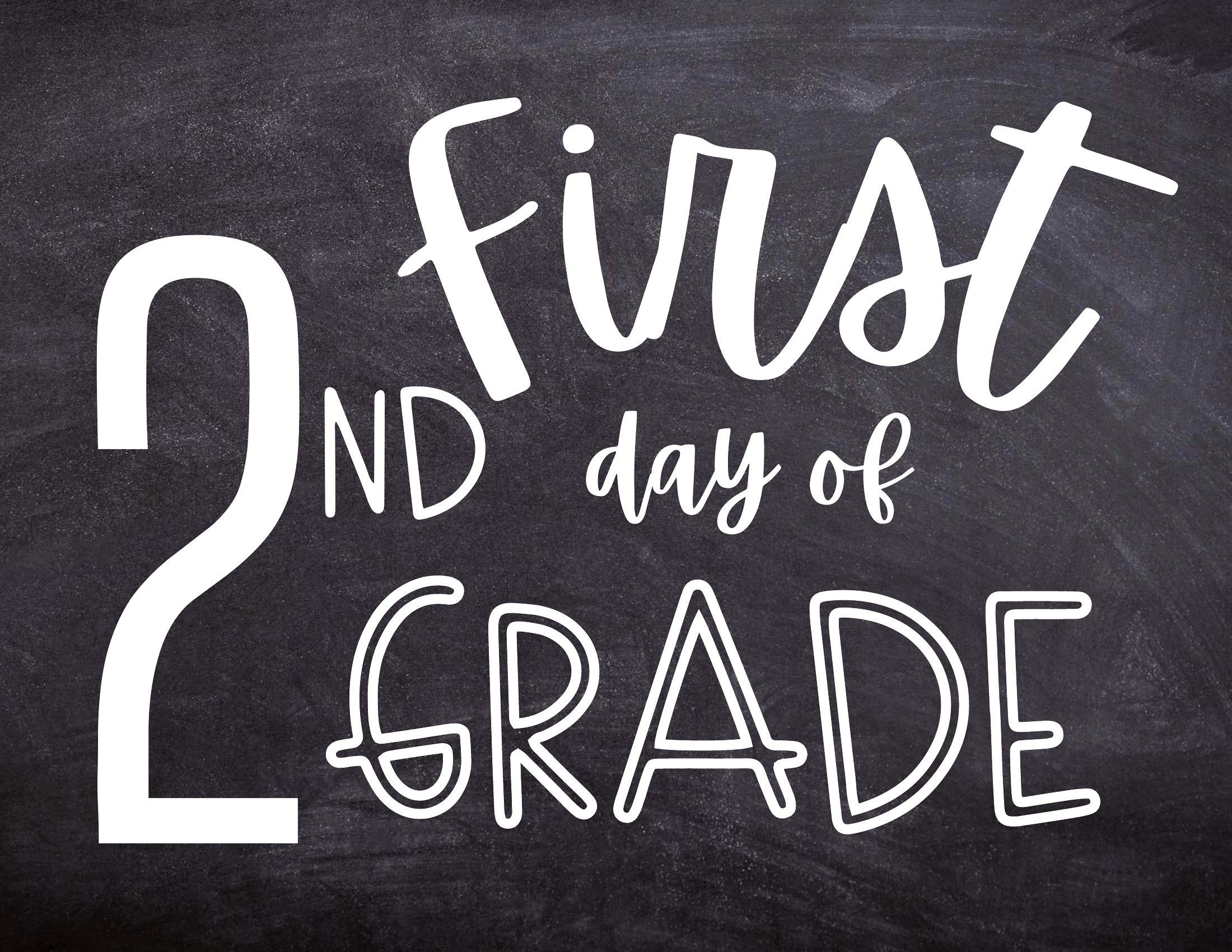
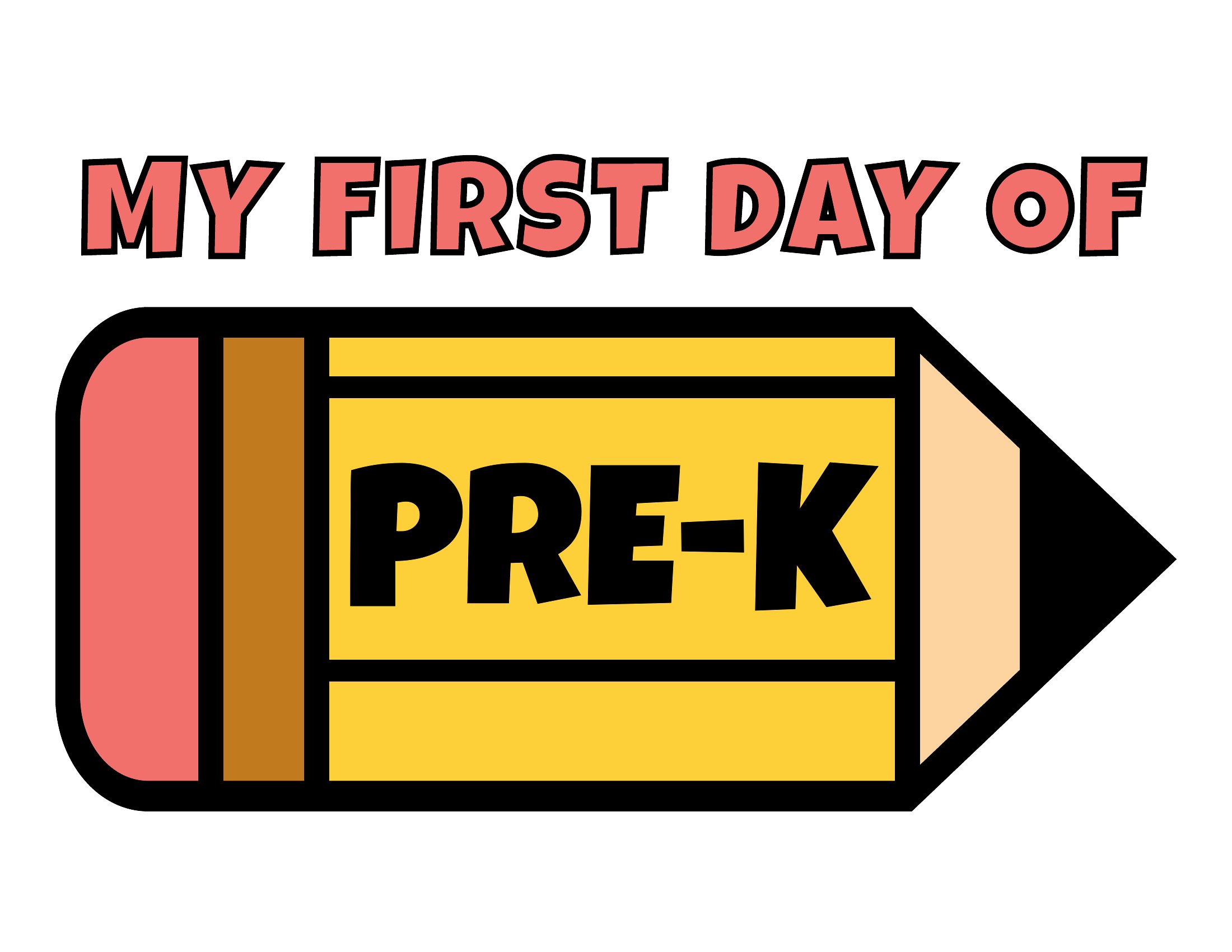
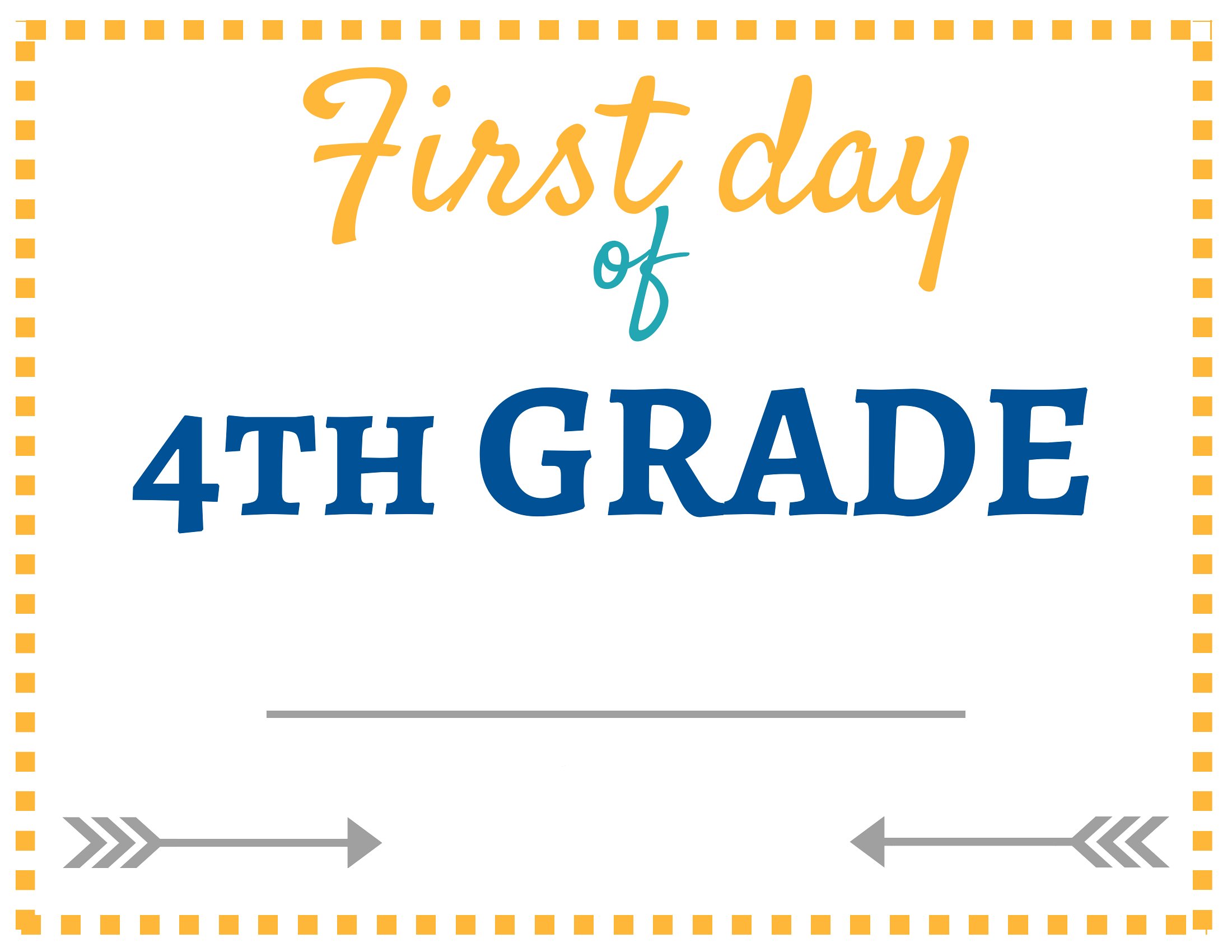
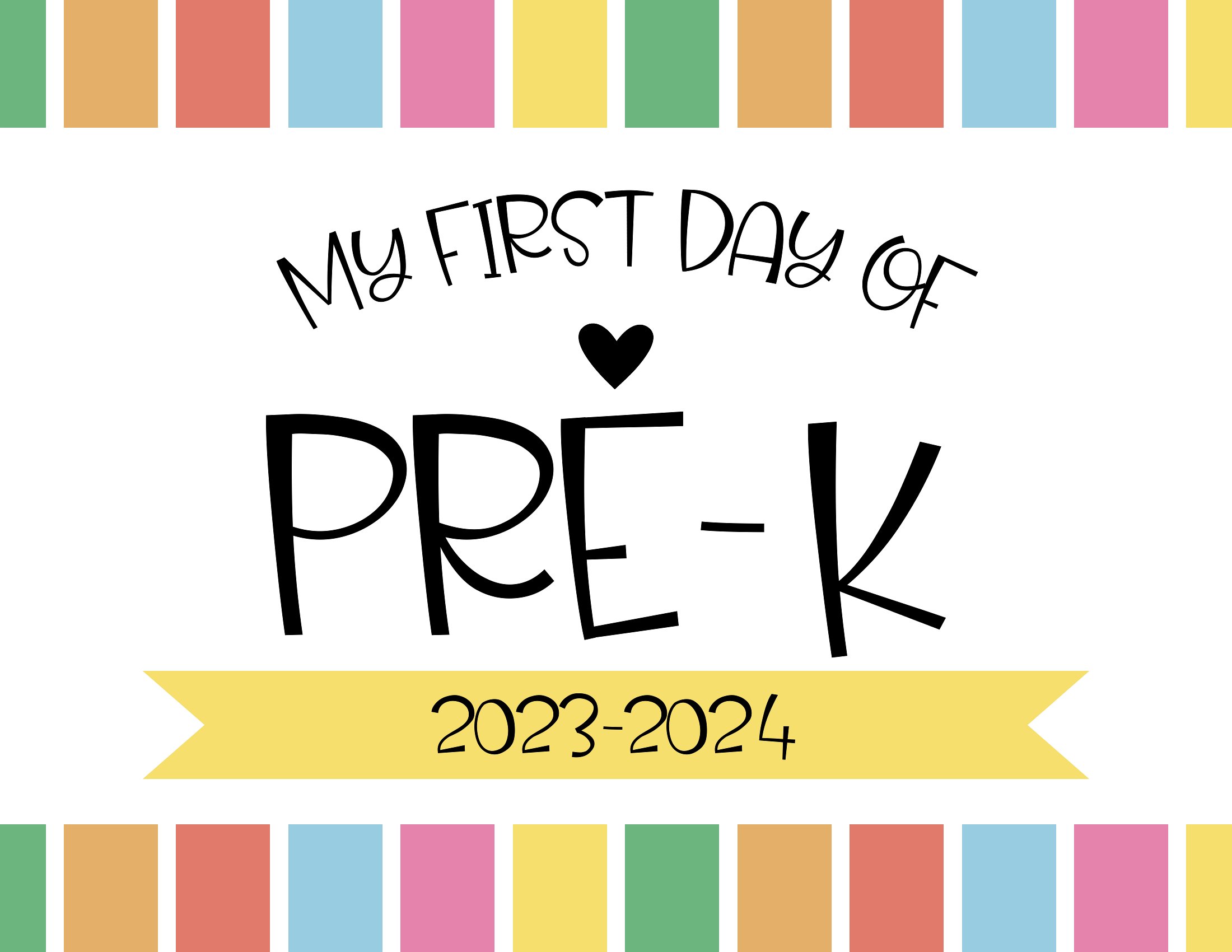
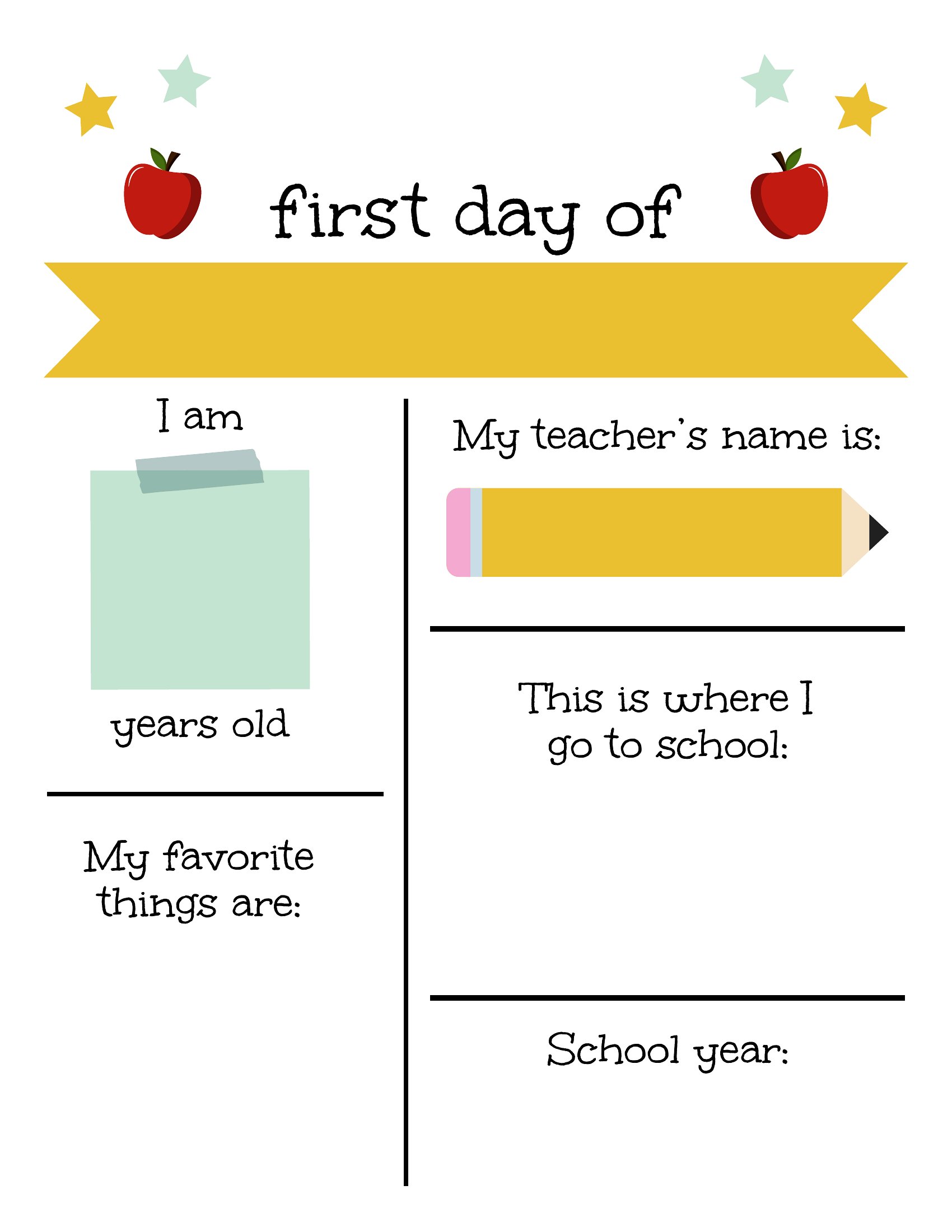
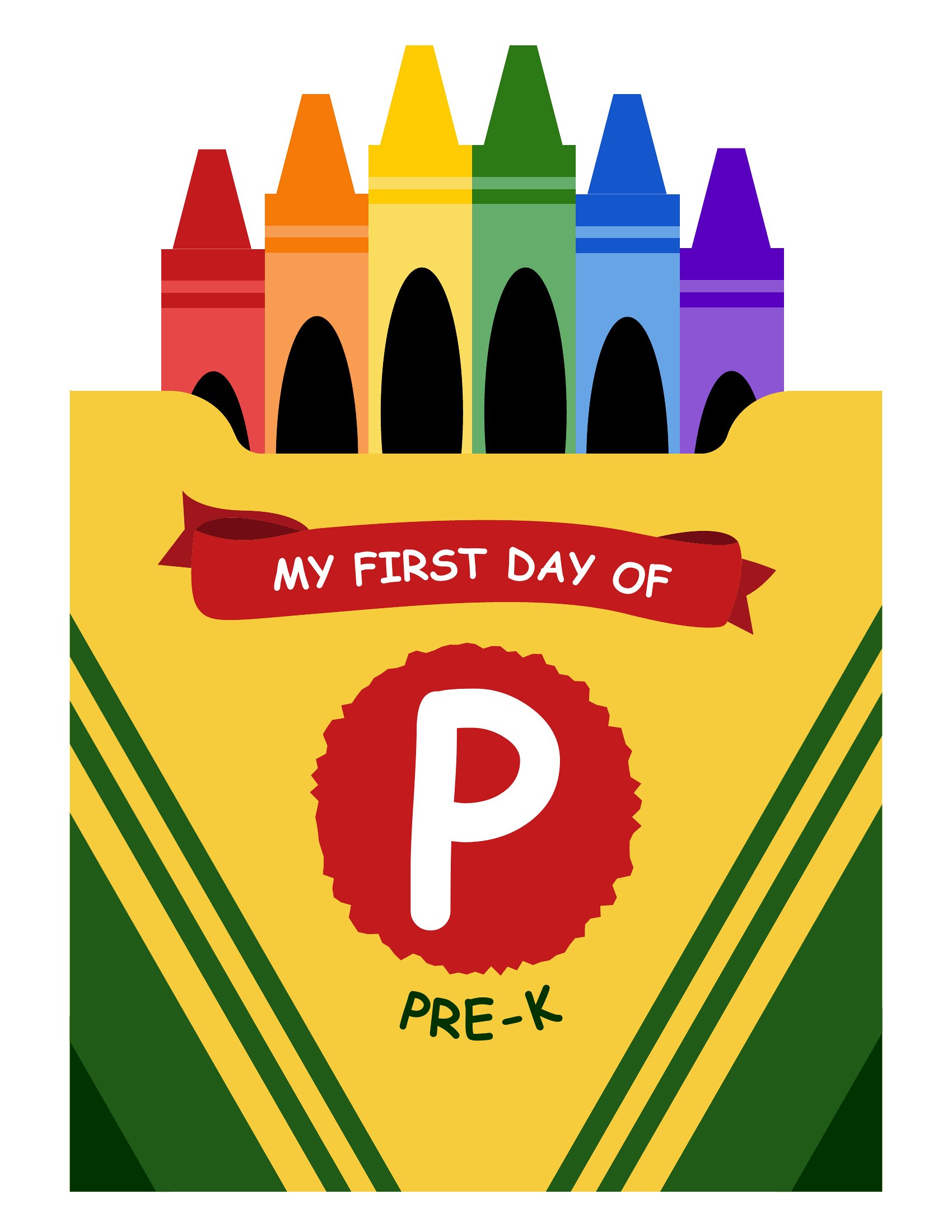
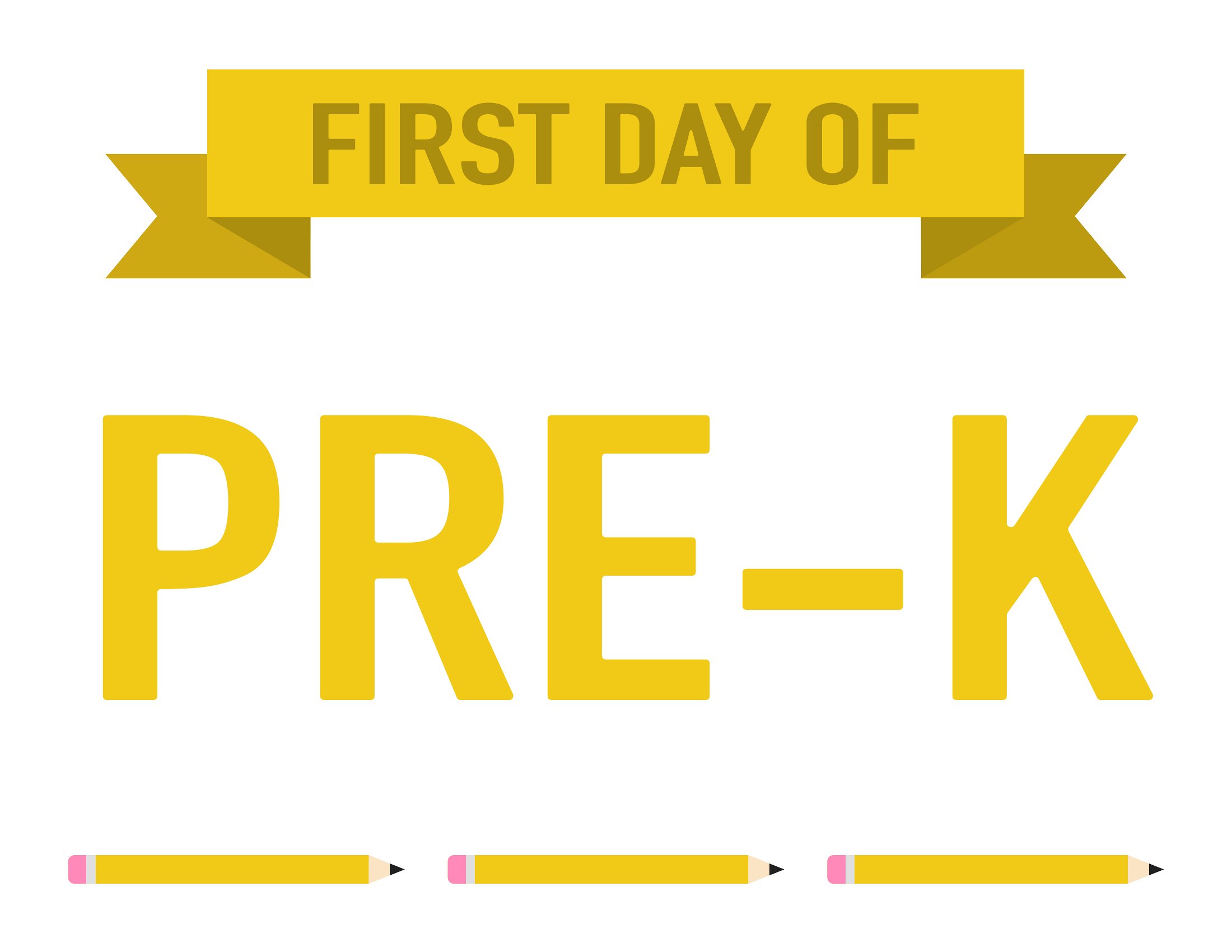
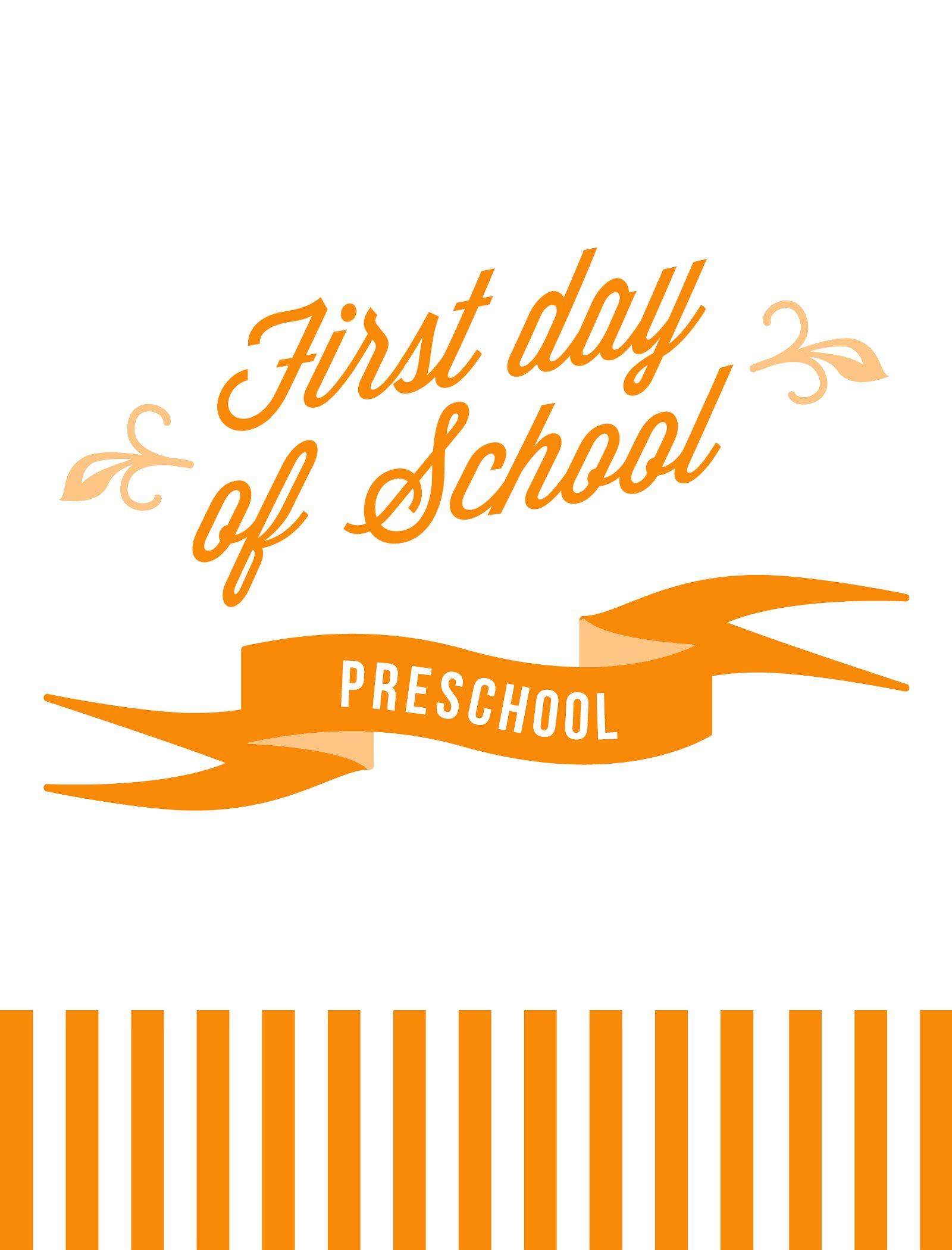
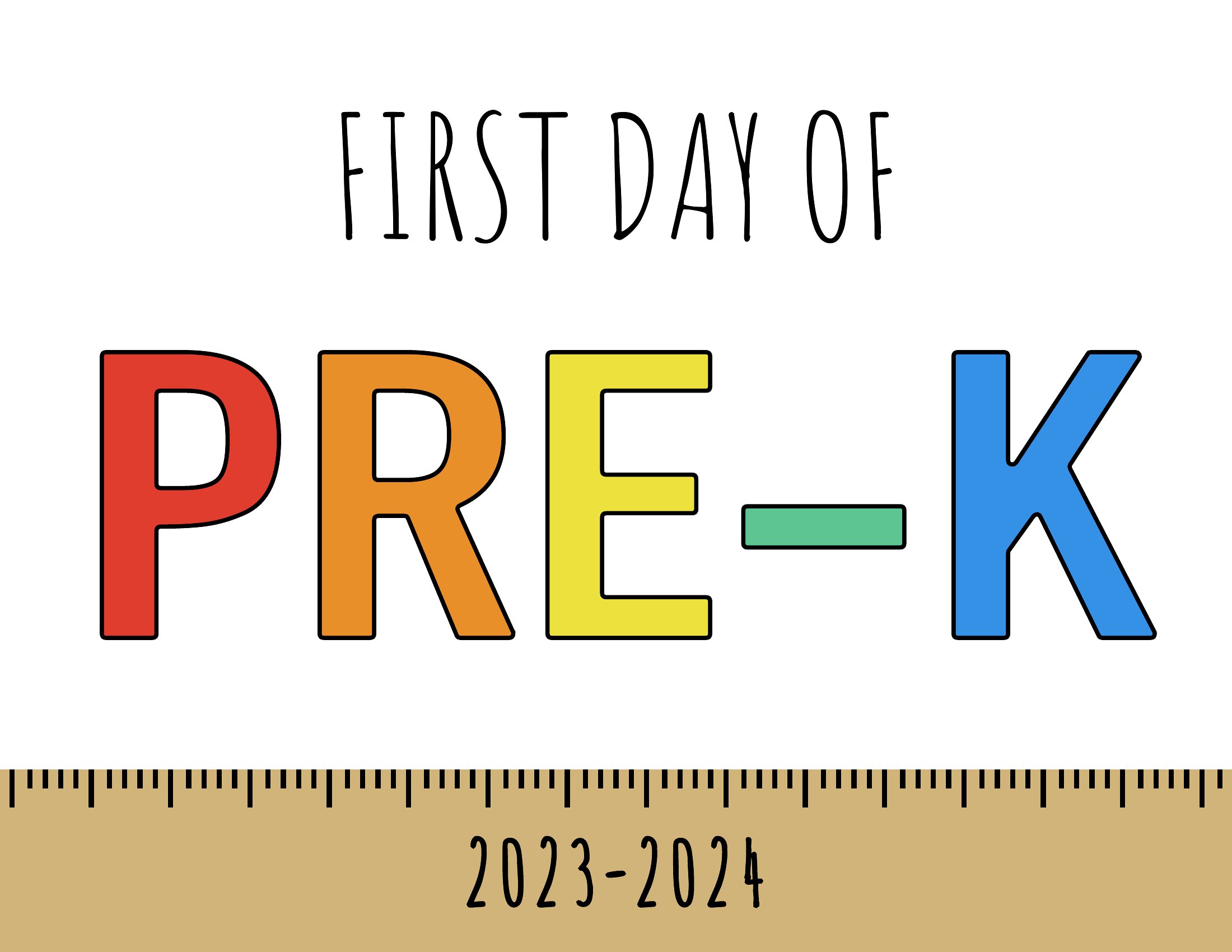
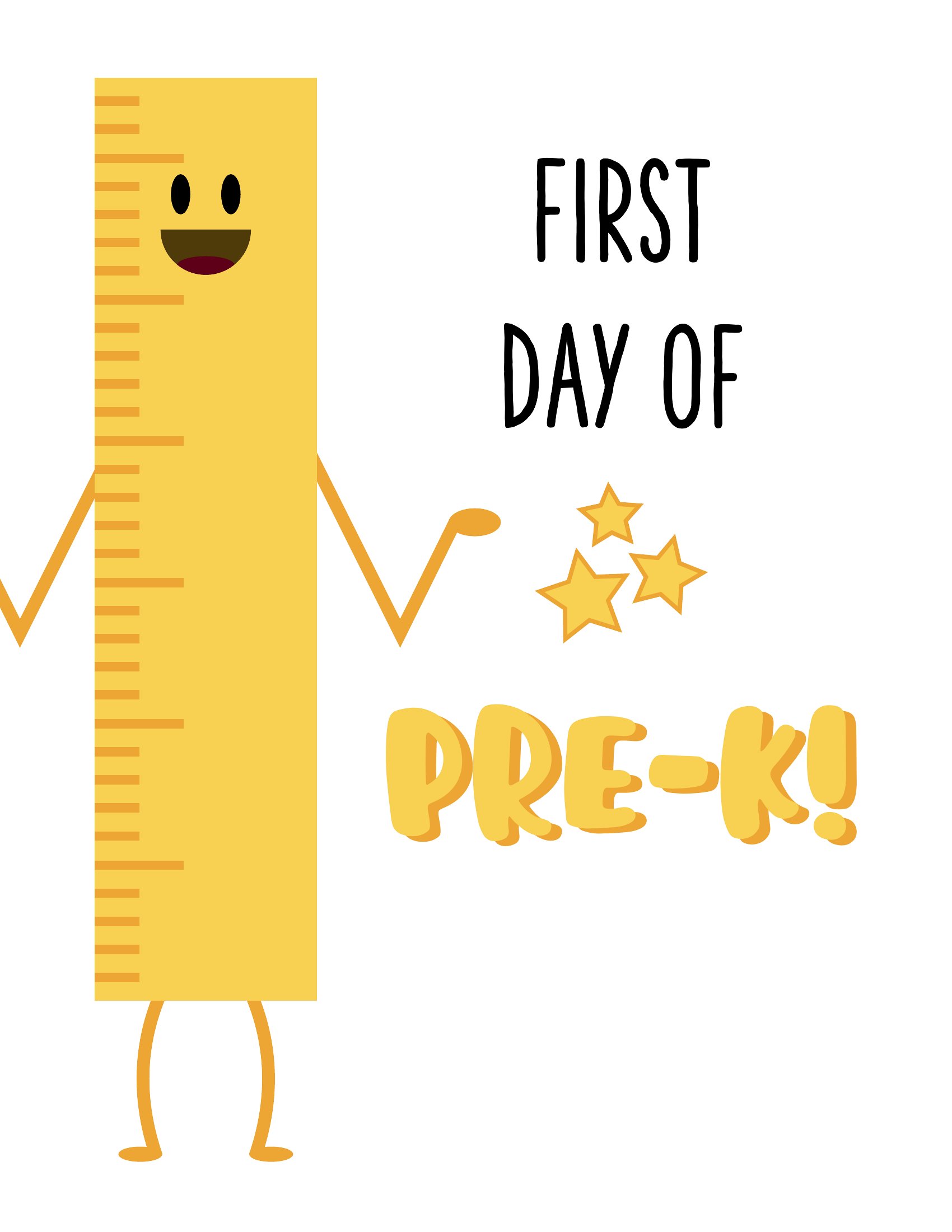
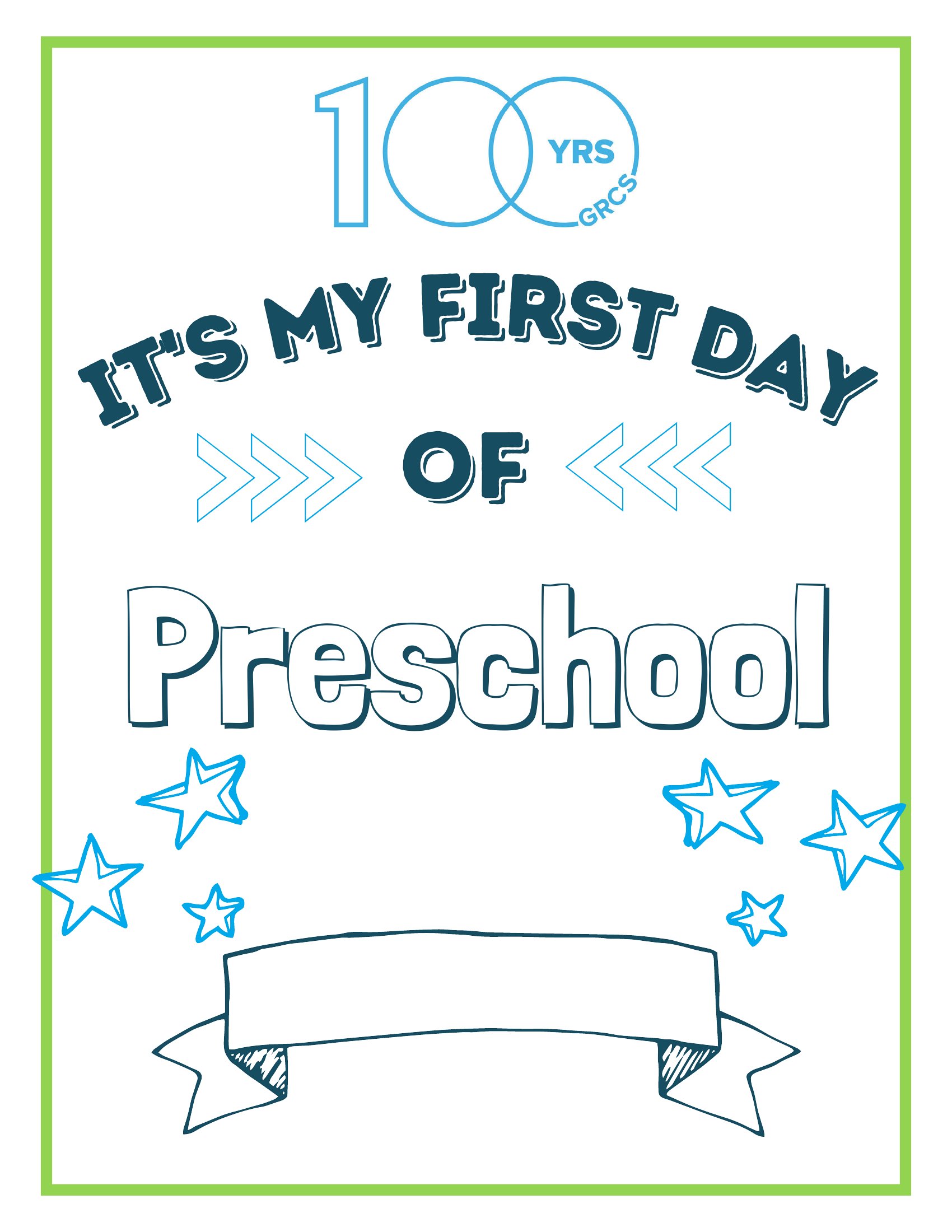
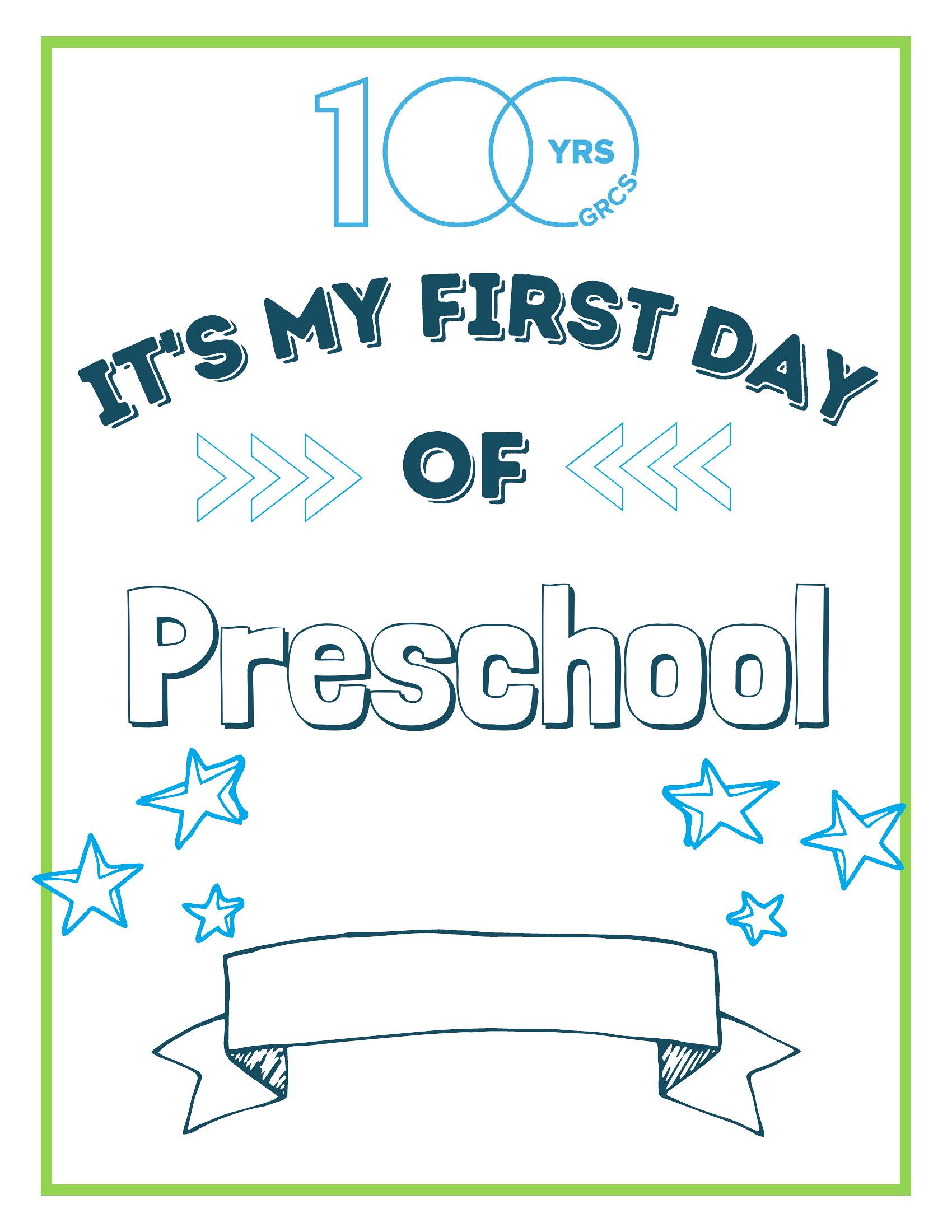
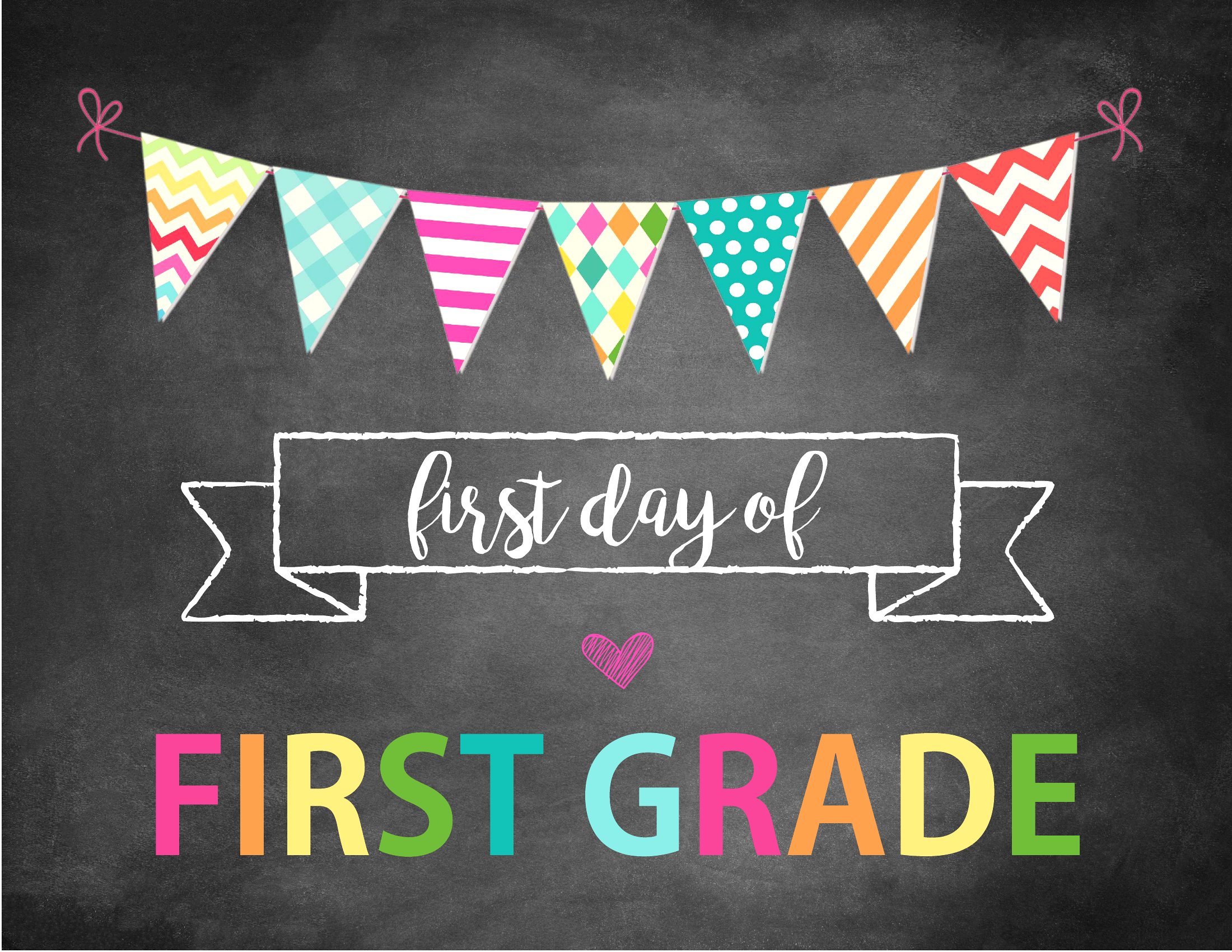
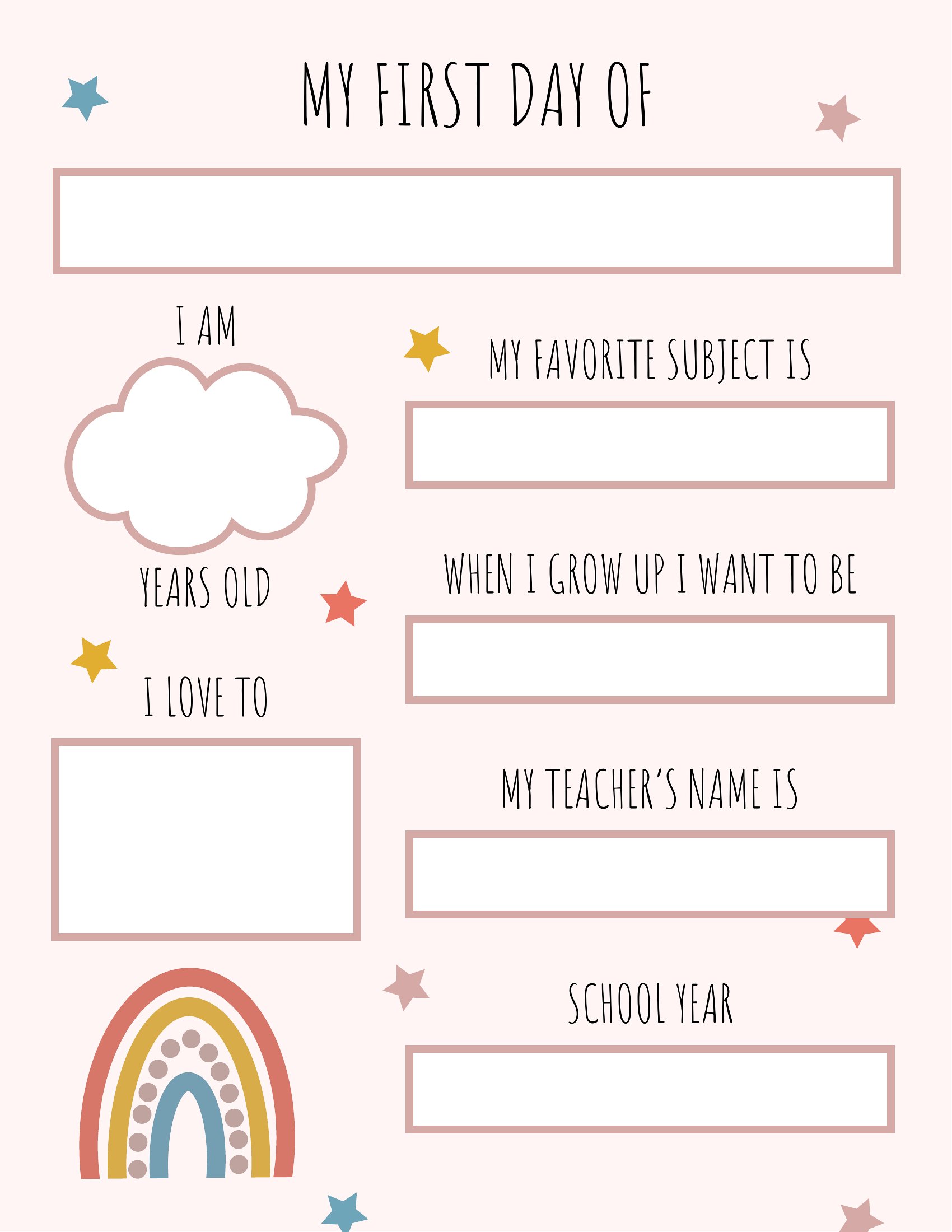
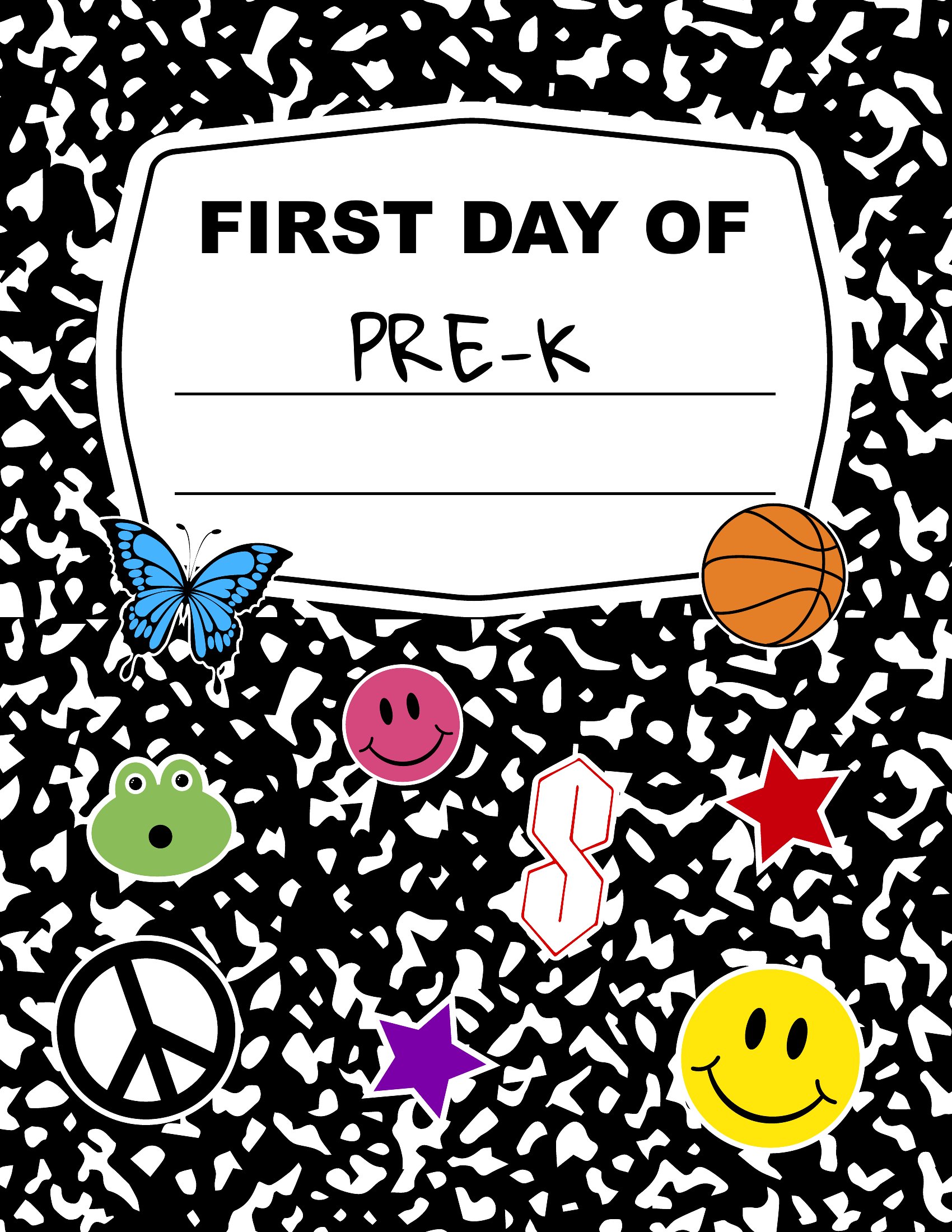
These PDF templates are designed to be printed first, so you’ll need to add photos or handprints by hand after printing. Leave space in the layout for stickers, drawings, or printed images if you plan to include these details later. For a seamless look, use a fine-tip marker or a lightbox for tracing.
Are the signs sized to fit standard photo frames, or do I need to trim them?
Most templates in this collection are designed to print at 8x10 inches or smaller, fitting common photo frames without trimming. Double-check the dimensions in the preview before printing to ensure a snug fit. For larger frames, you can print at 150% scale and trim excess paper afterward.
How do I personalize the sign if my child has a unique name or title (like ‘Future Scientist’)?
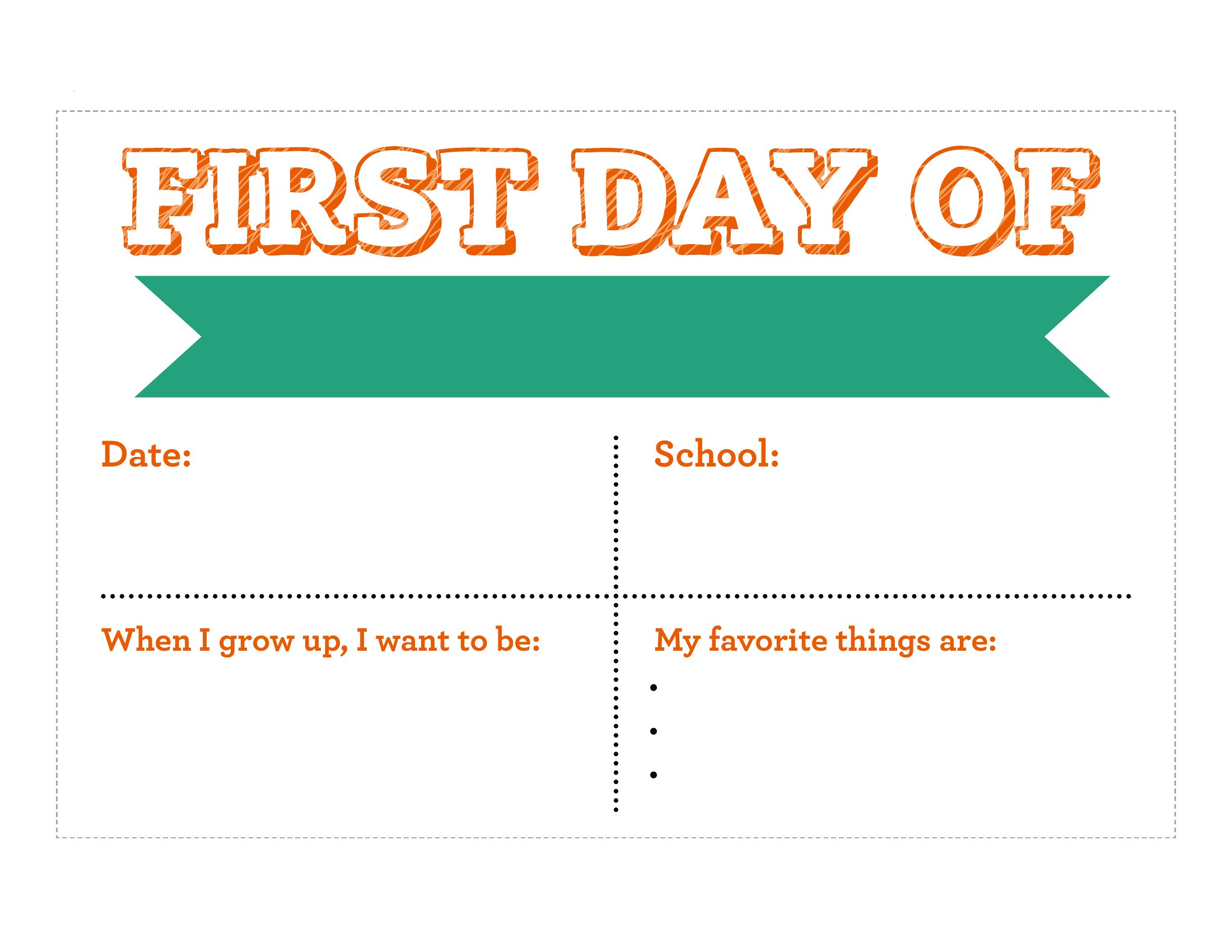
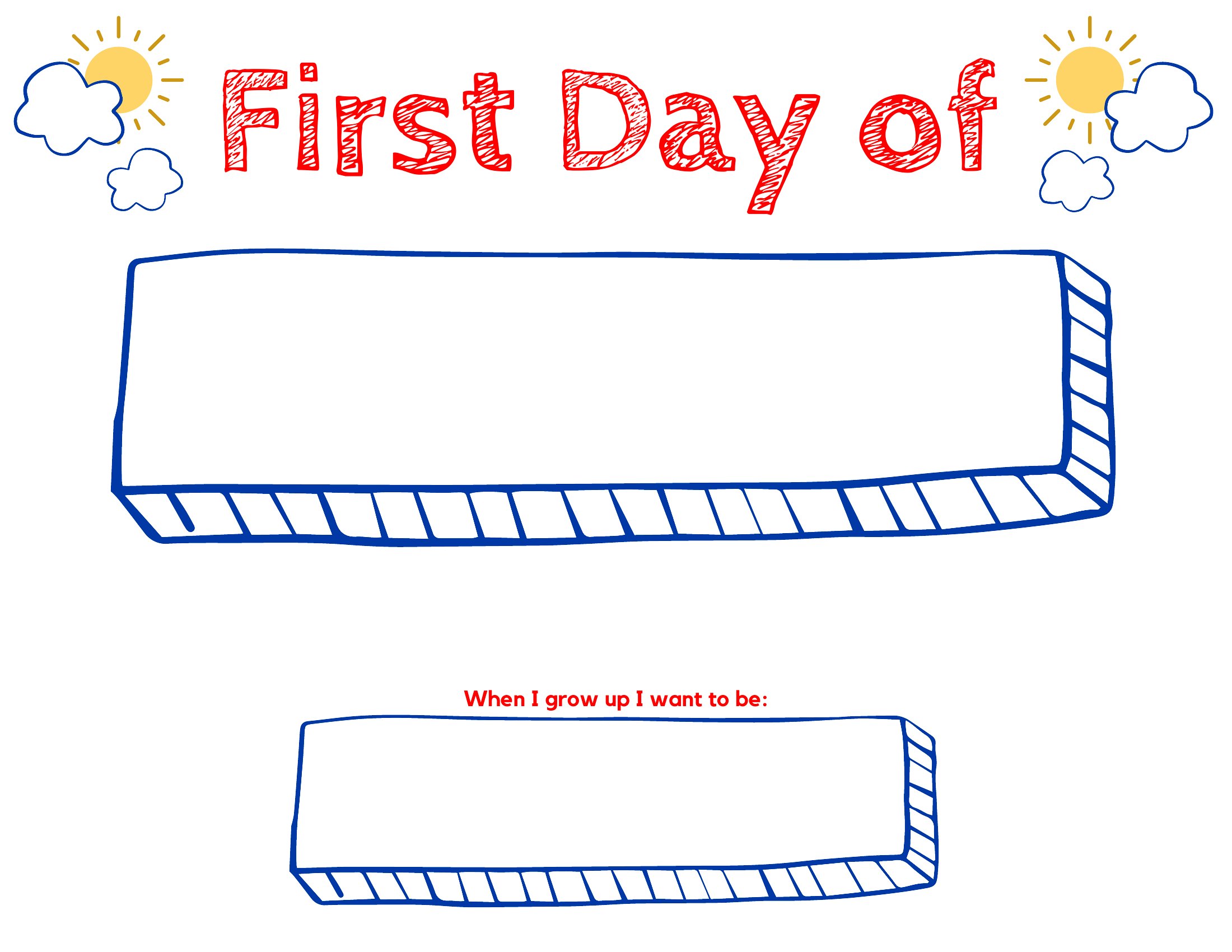
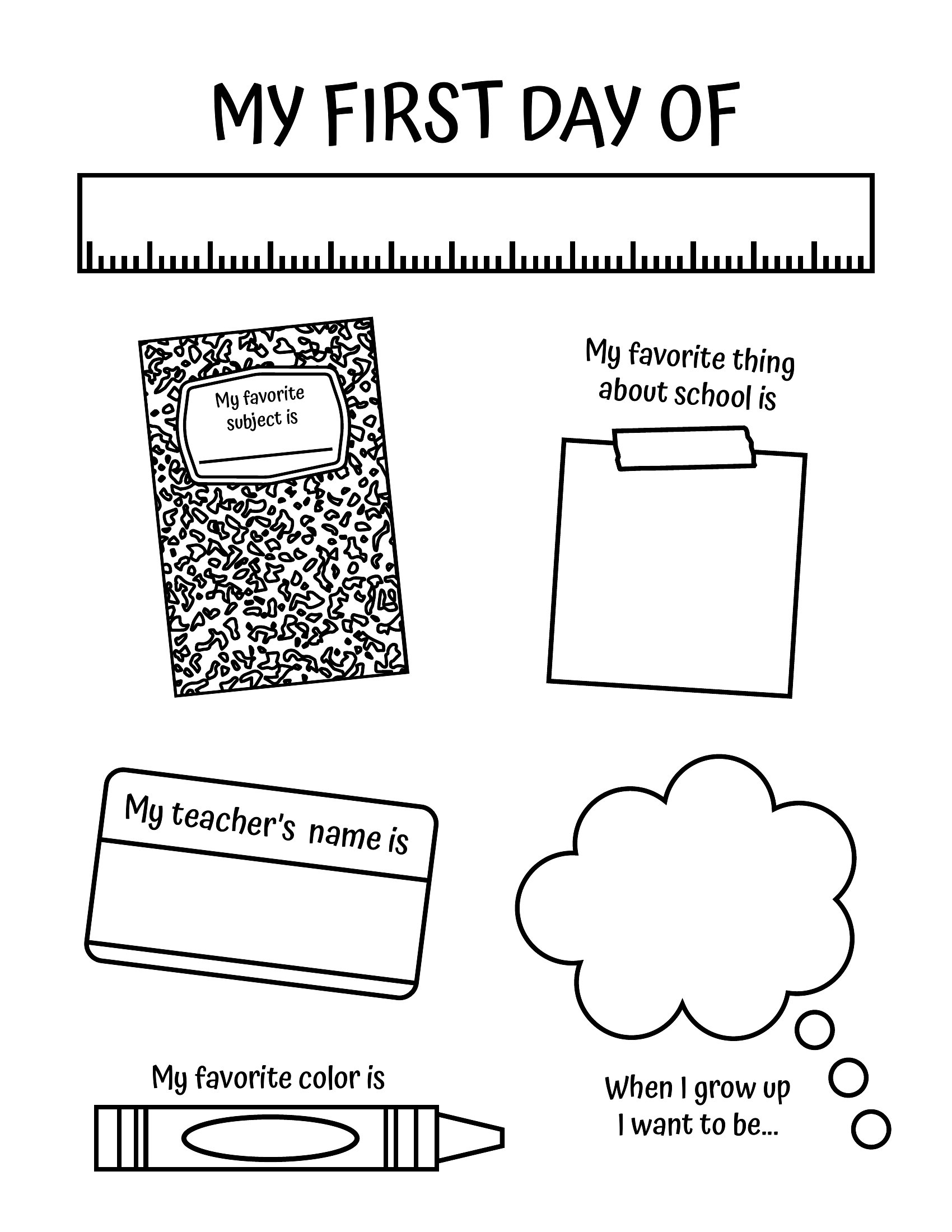
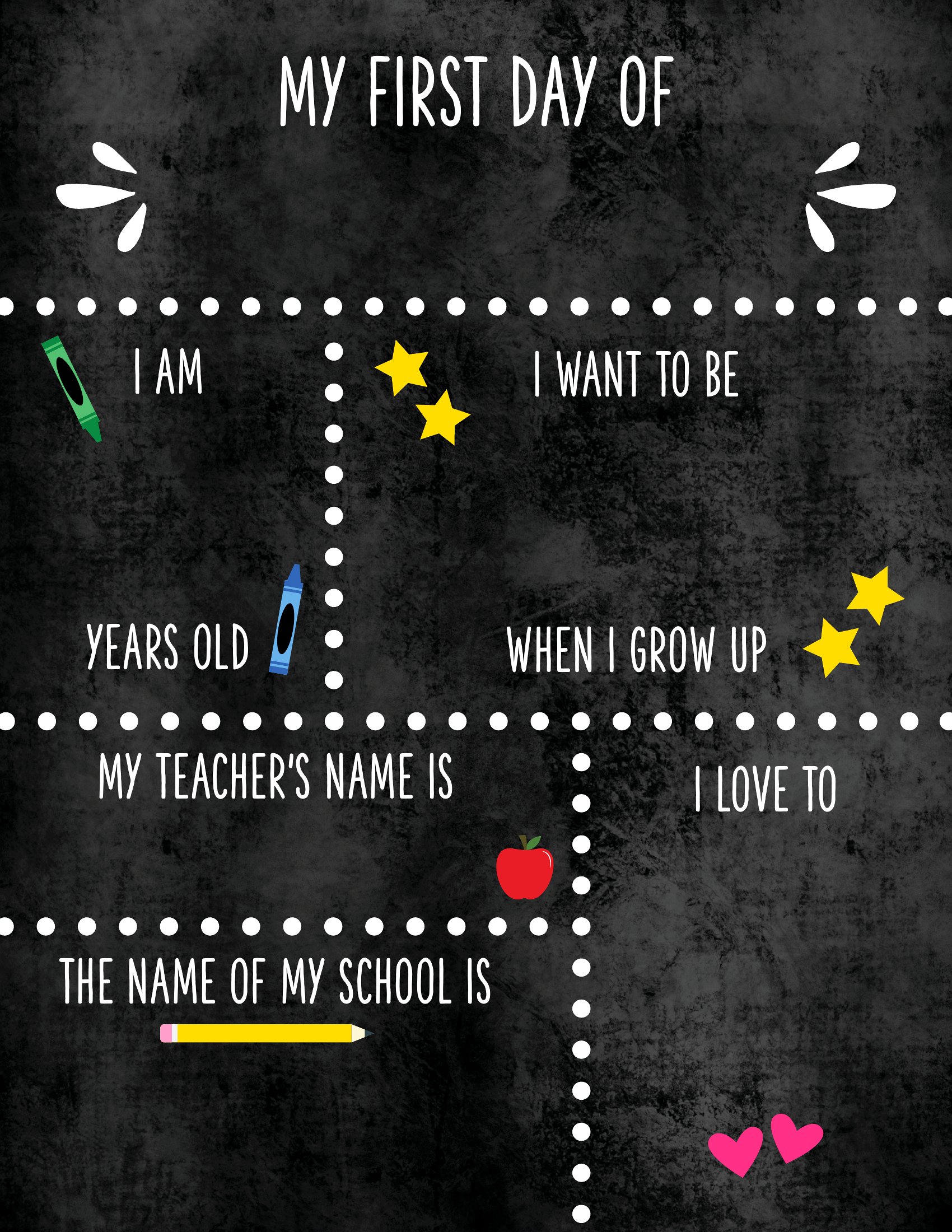
Each template includes fill-in-the-blank spaces for grade, name, teacher, and aspirations like ‘I want to be a...’. For longer titles, shorten them (e.g., ‘Scientist’ instead of ‘Future Aerospace Scientist’) or use a smaller font in the provided text box. If space is tight, consider adding extra details on the back of the sign.
Comments
Join the conversation
Sign in to share your thoughts and leave a comment on this resource.