Skip to content
50% off this one-time $1.99 pack with HALFOFF — or unlimited with Pro.HALFOFF
Premium

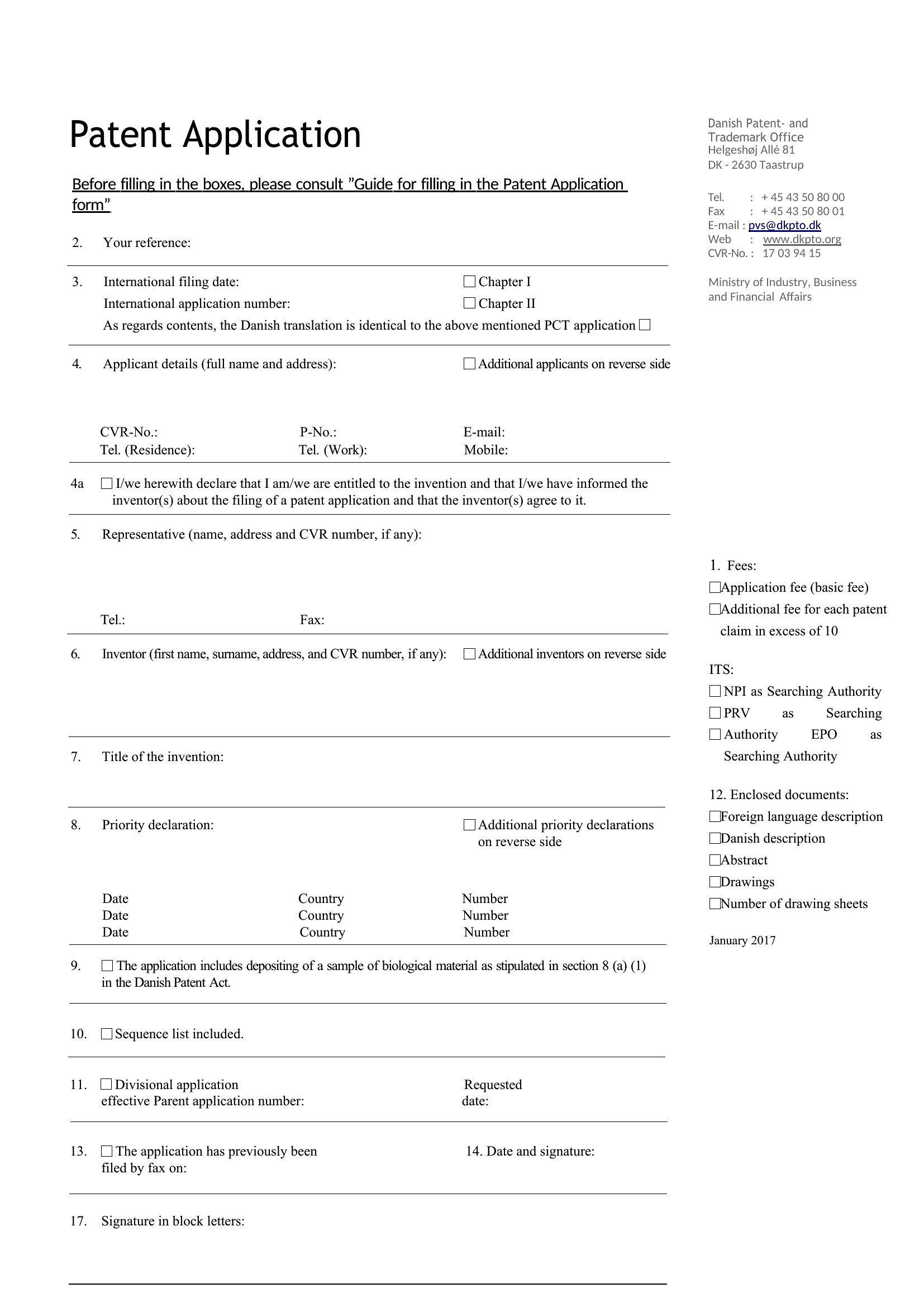
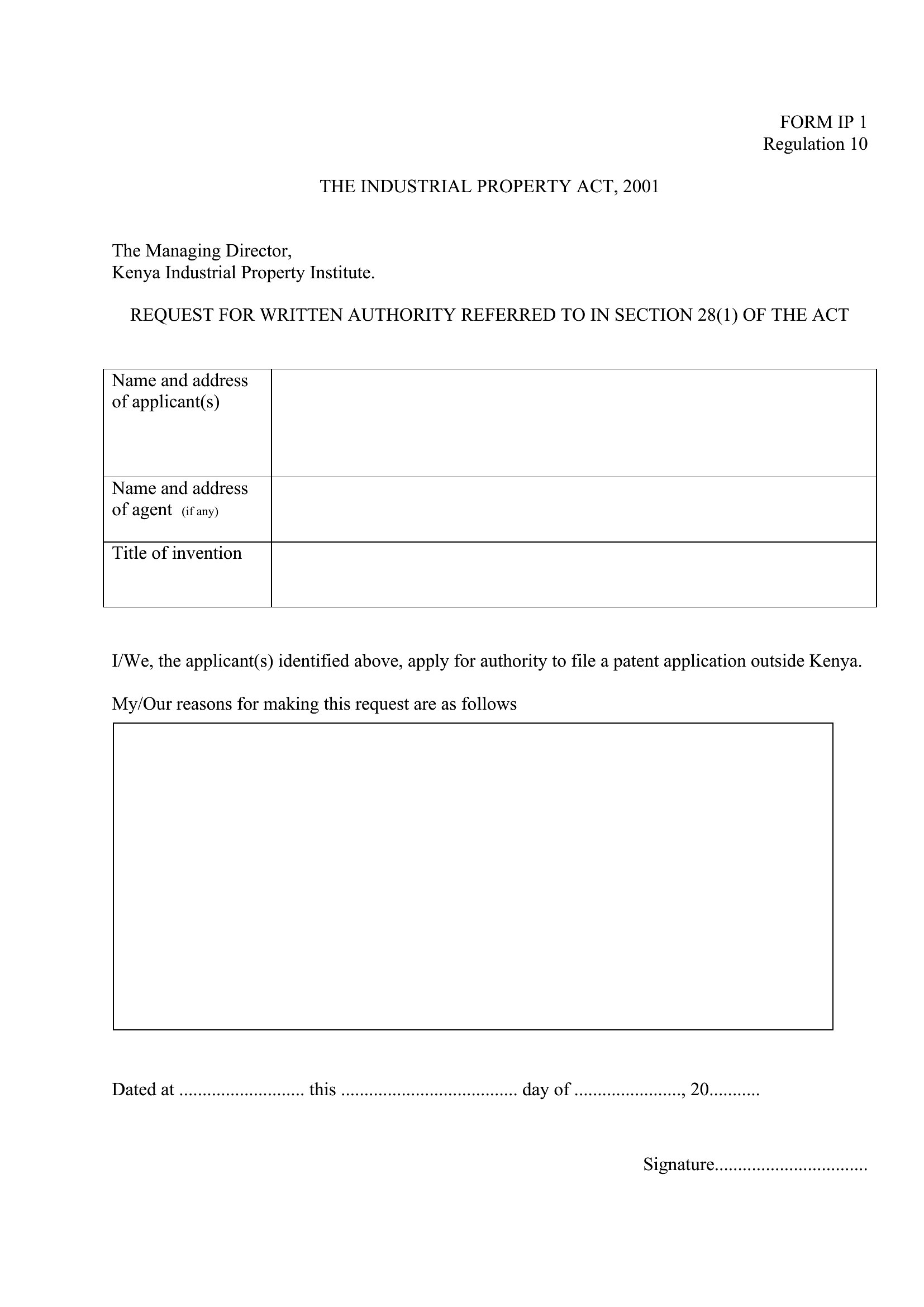
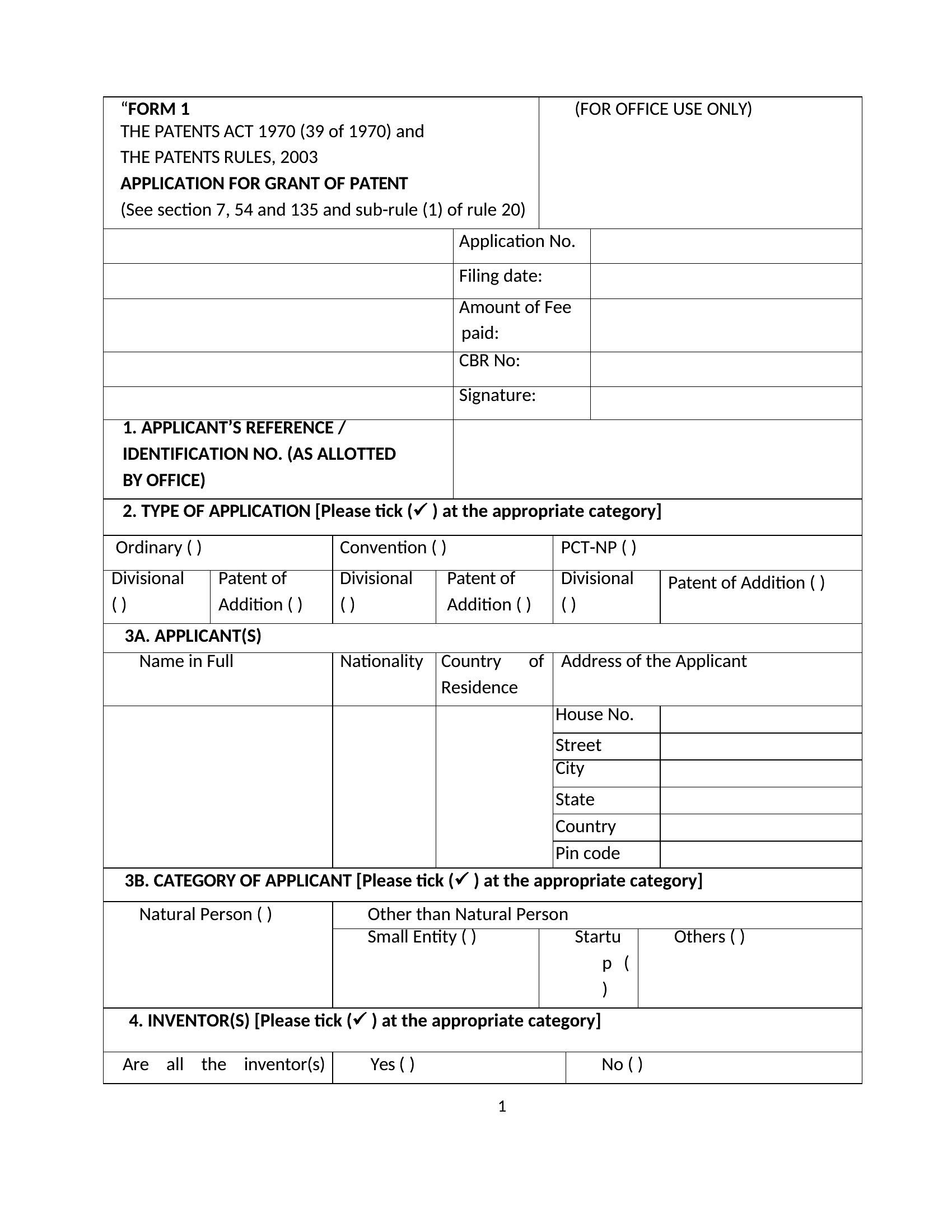
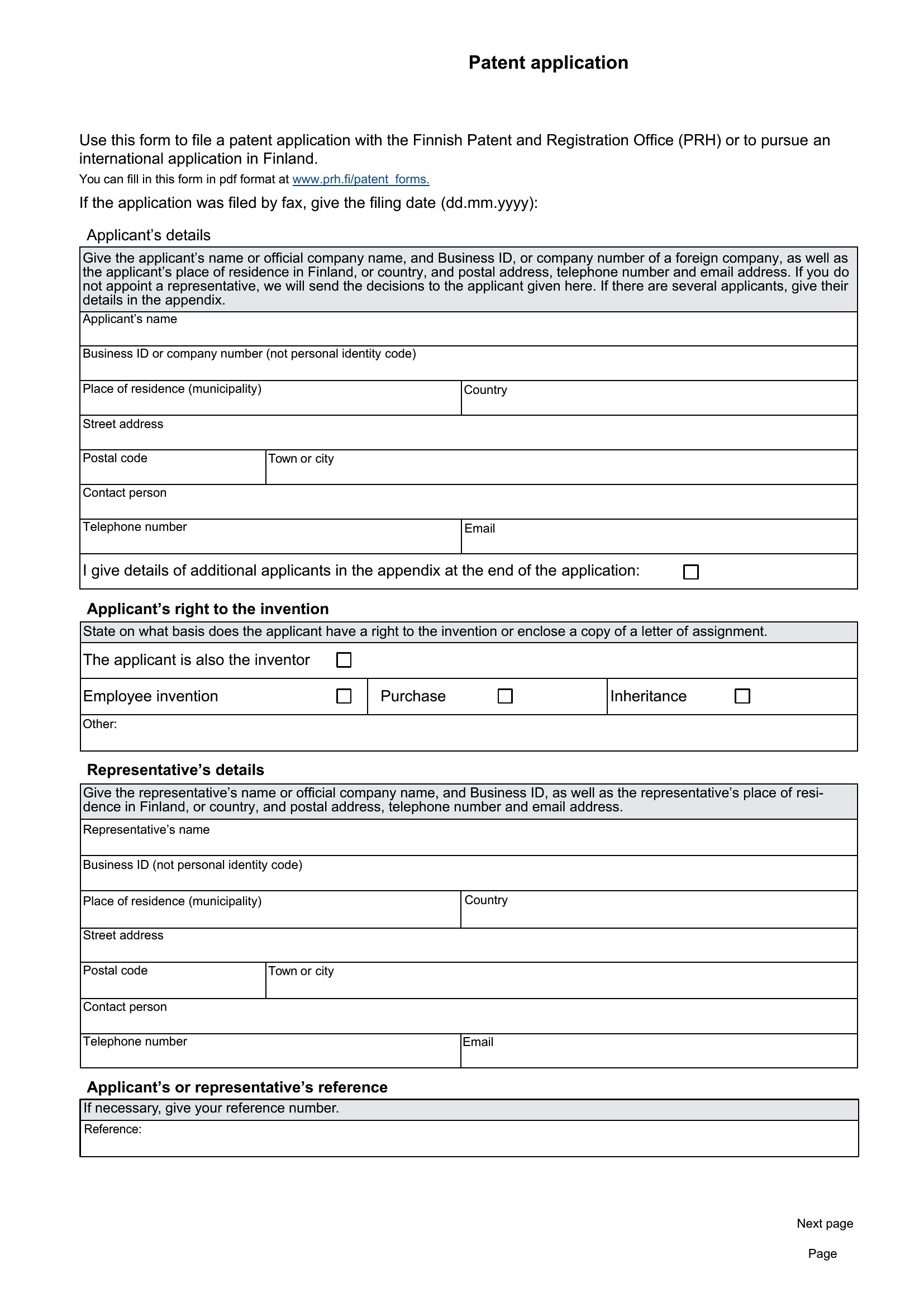
Provisional Patent Application Forms (Word, PDF)

Applications
veroniquemohle by veroniquemohle
Updated 0 downloads Quality-checked template

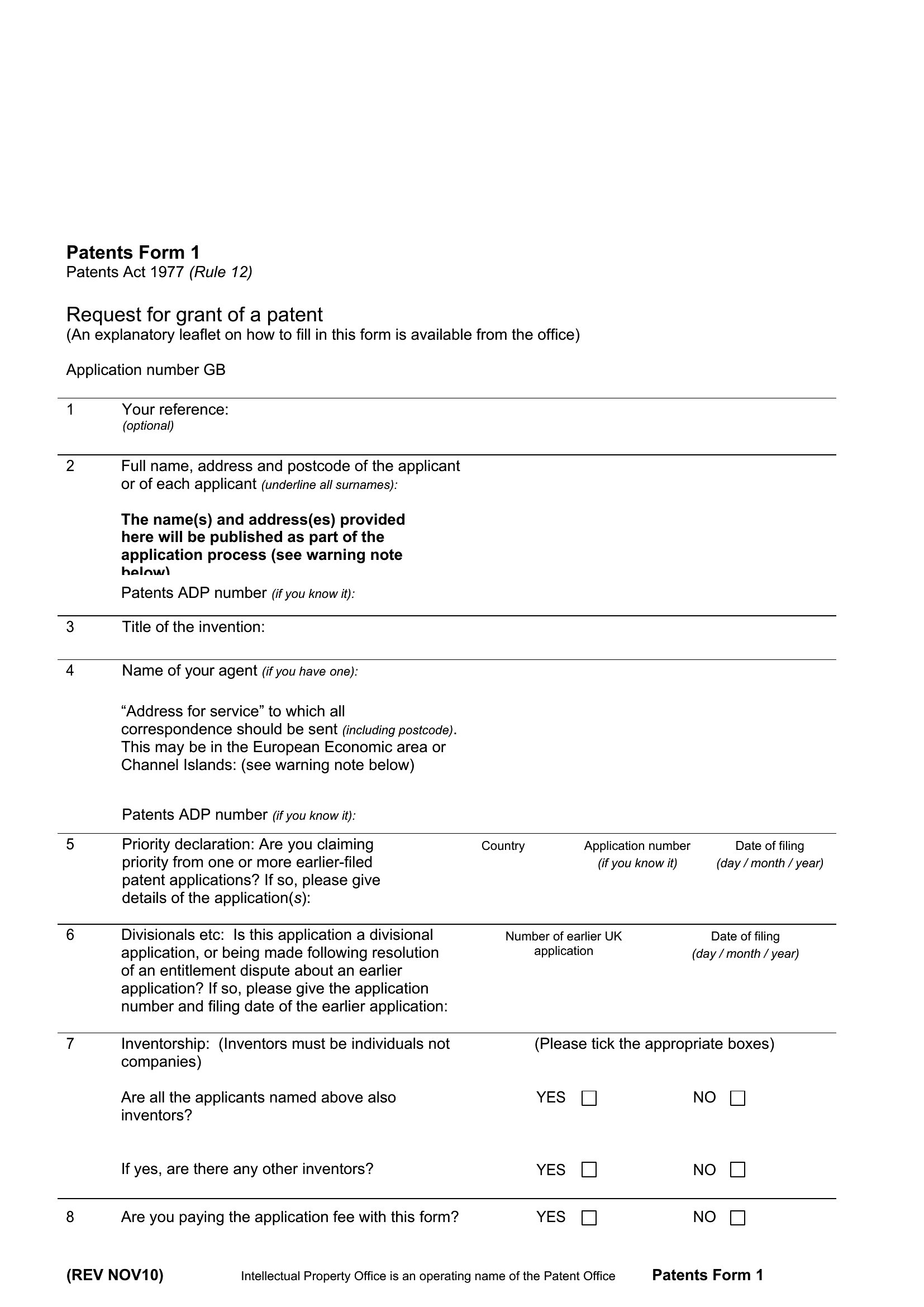
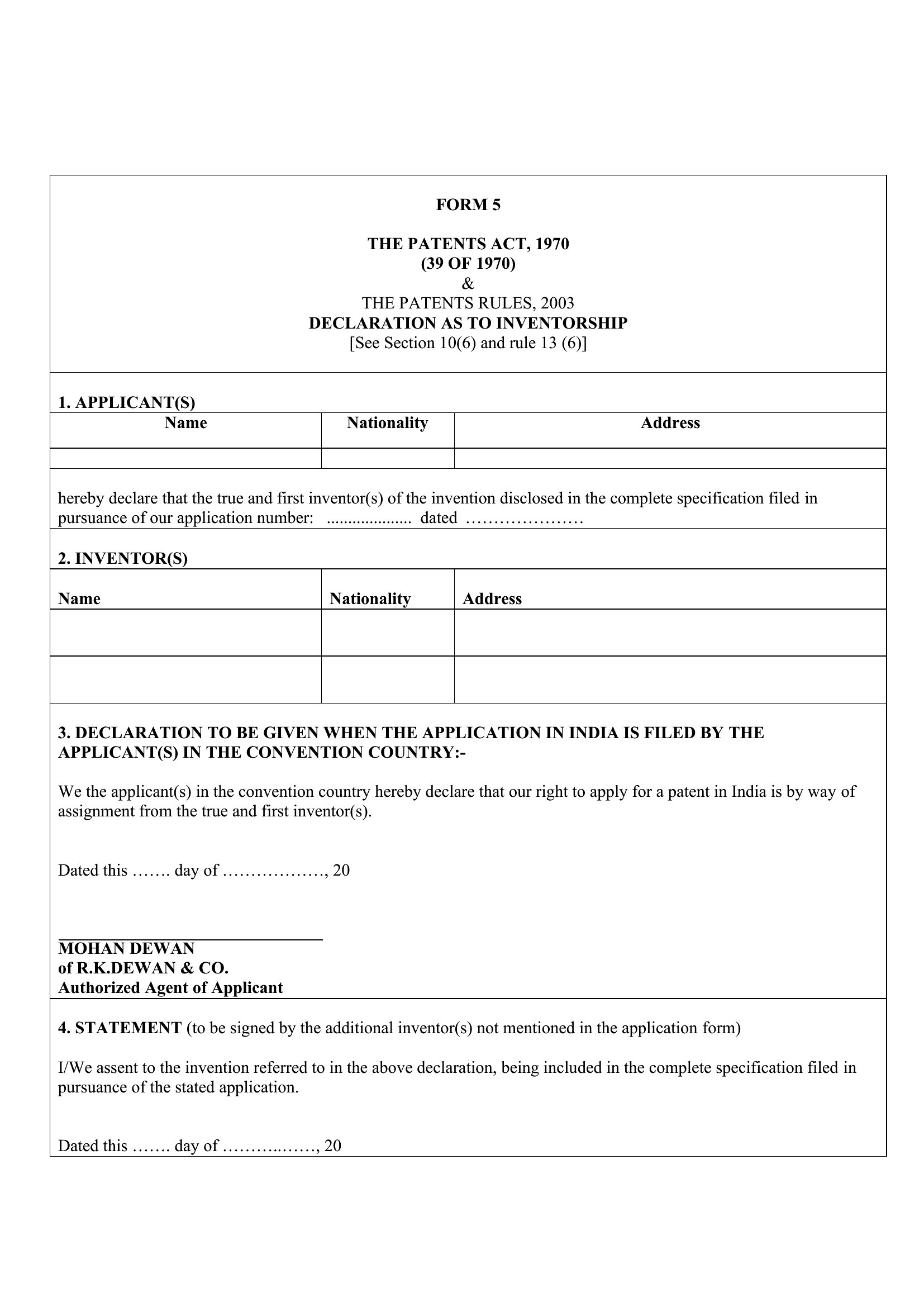
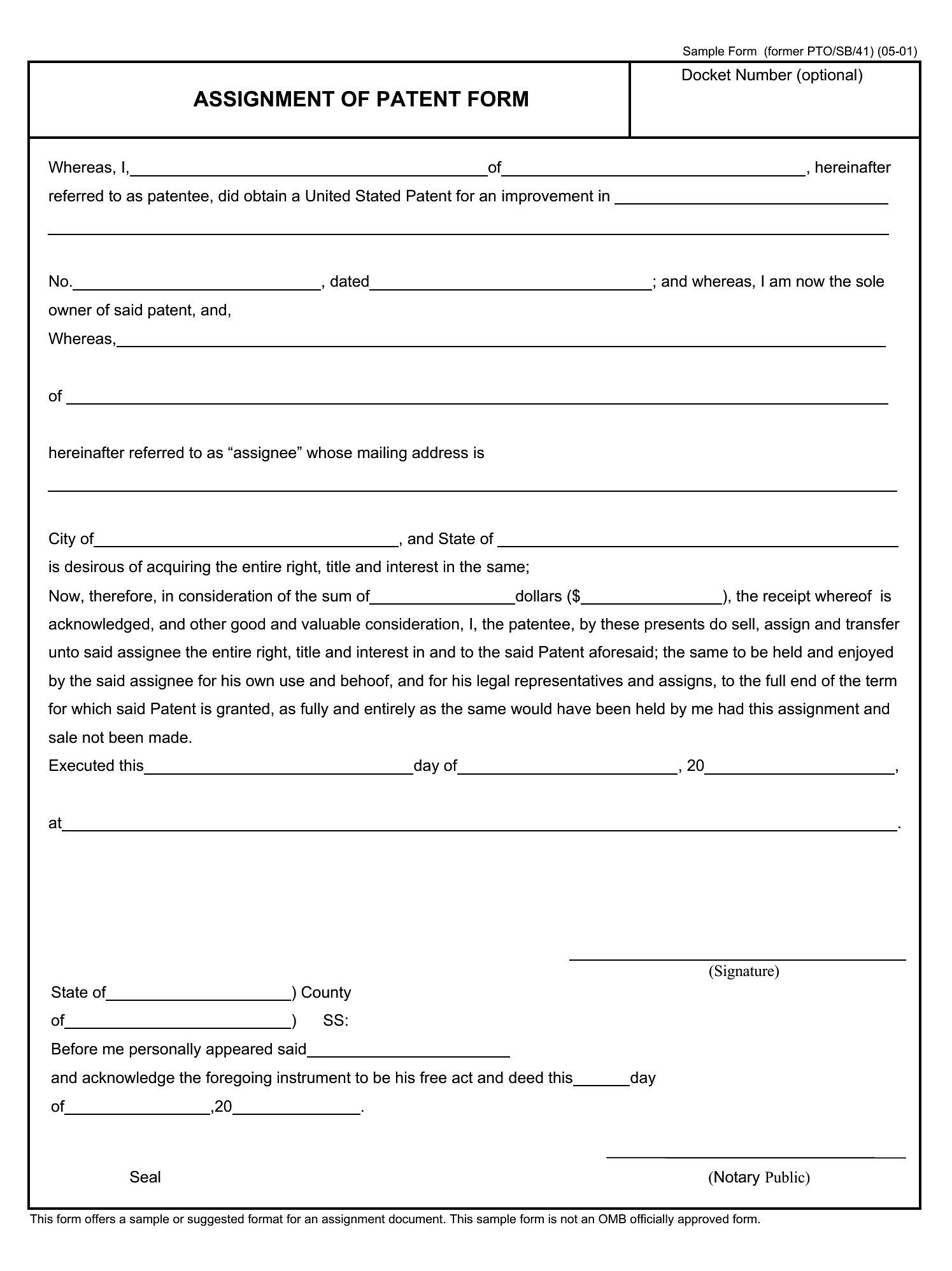
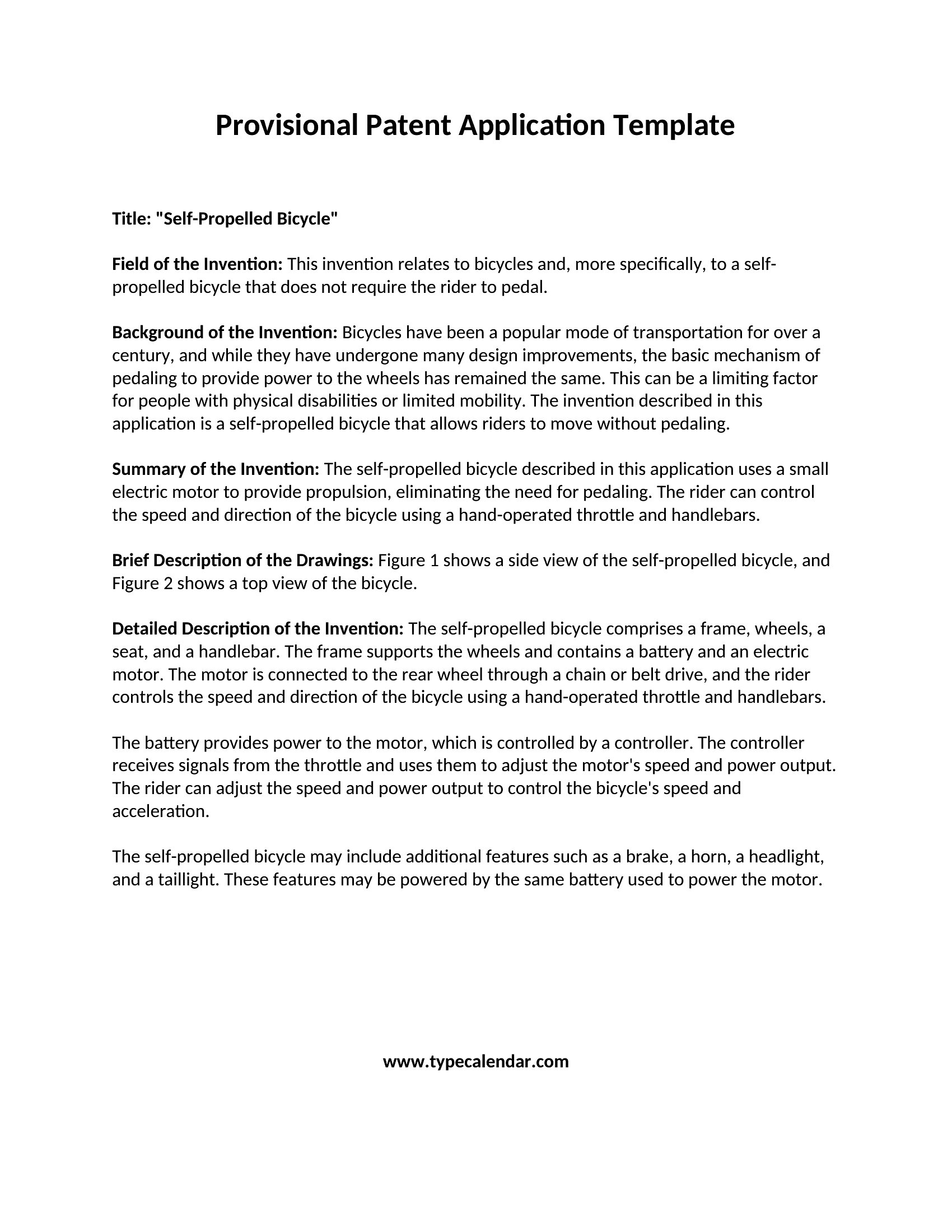
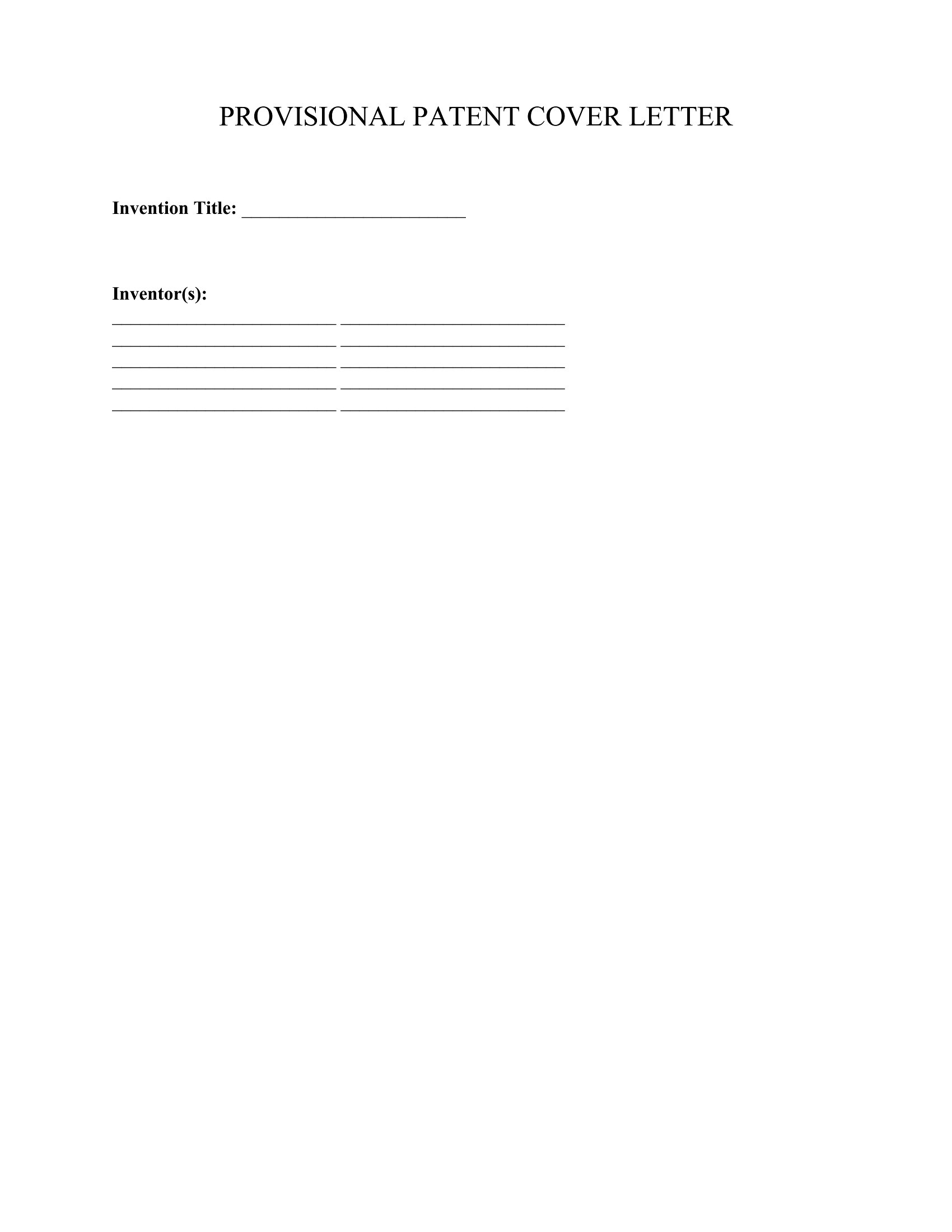
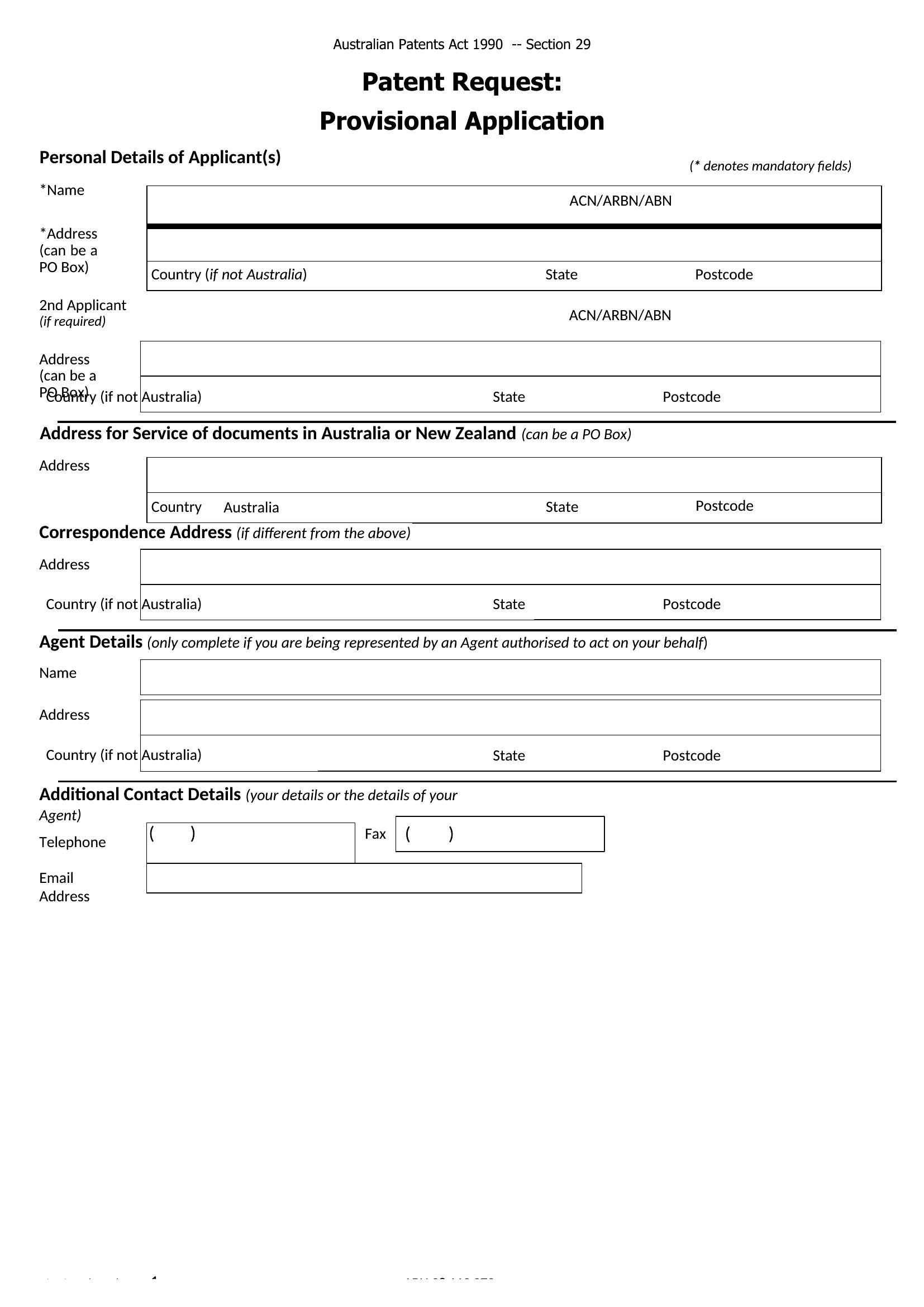
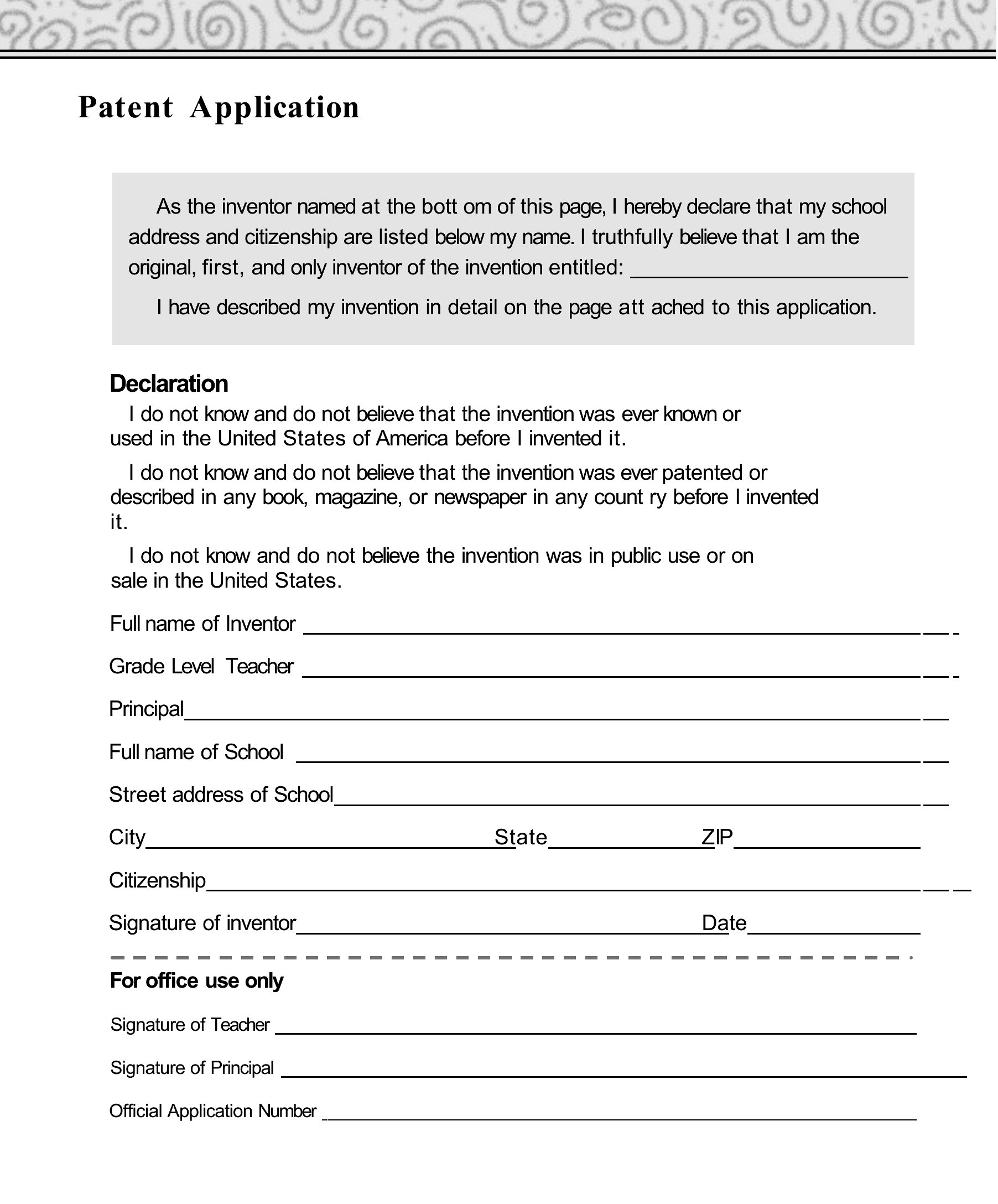
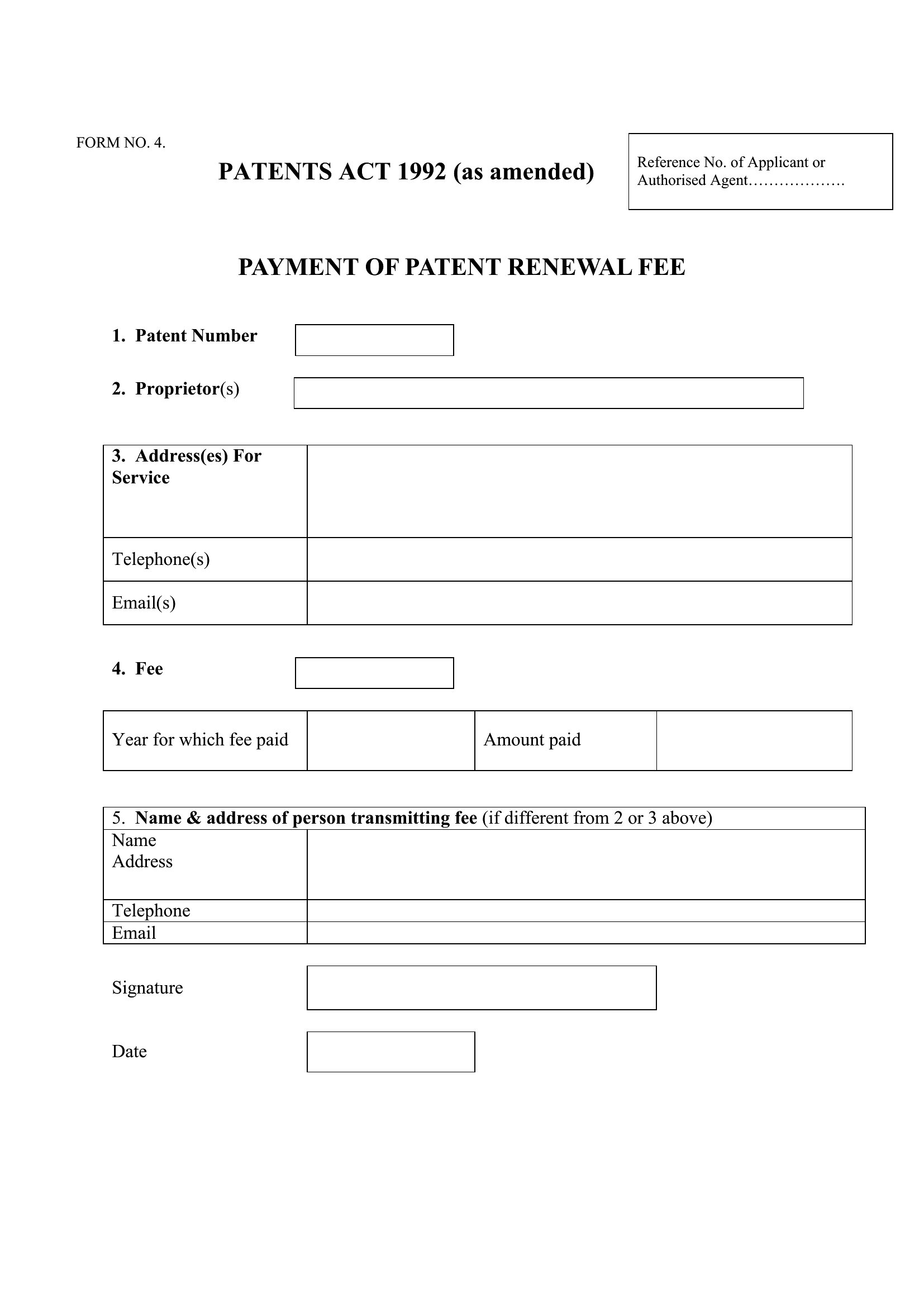
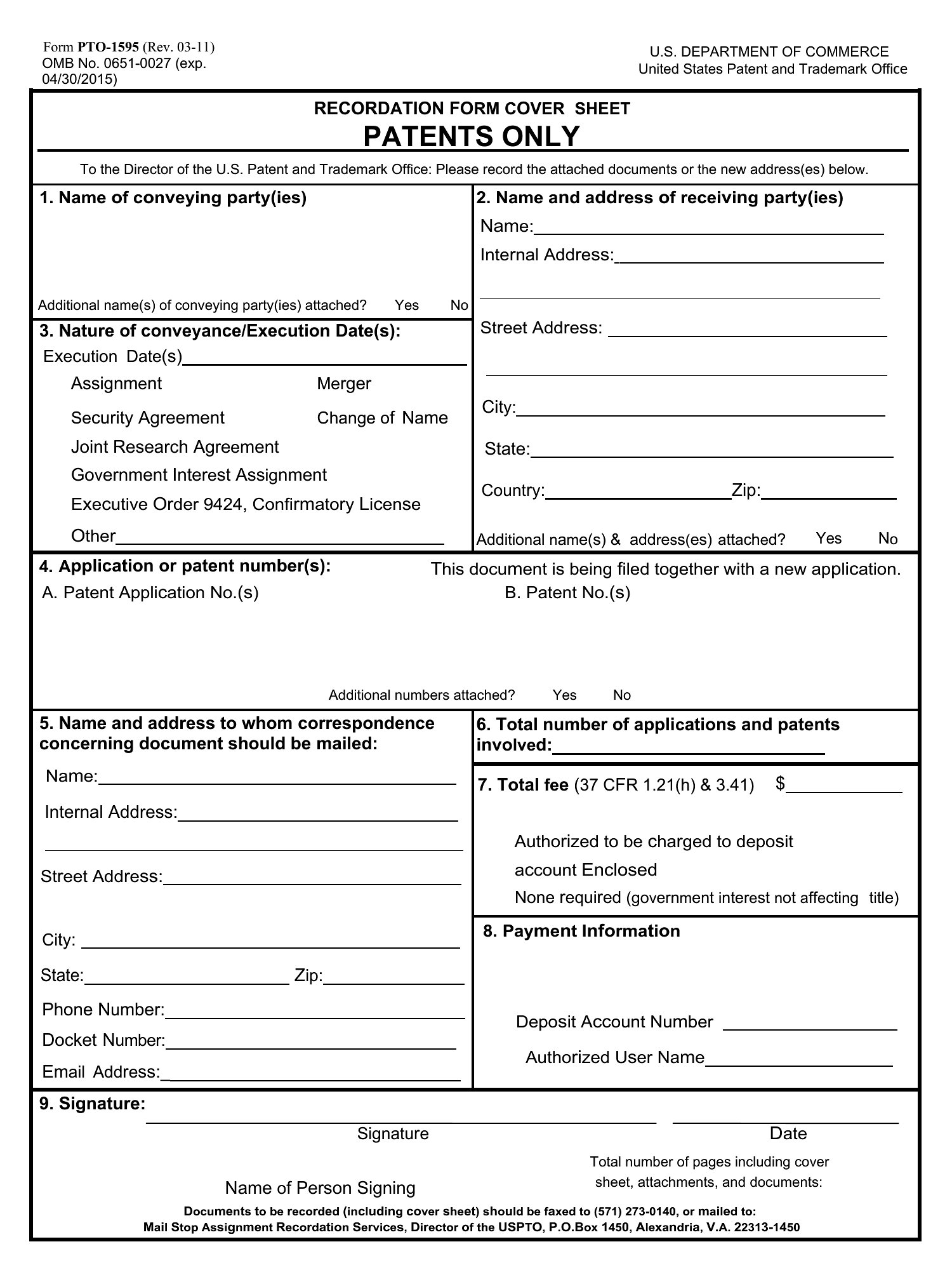
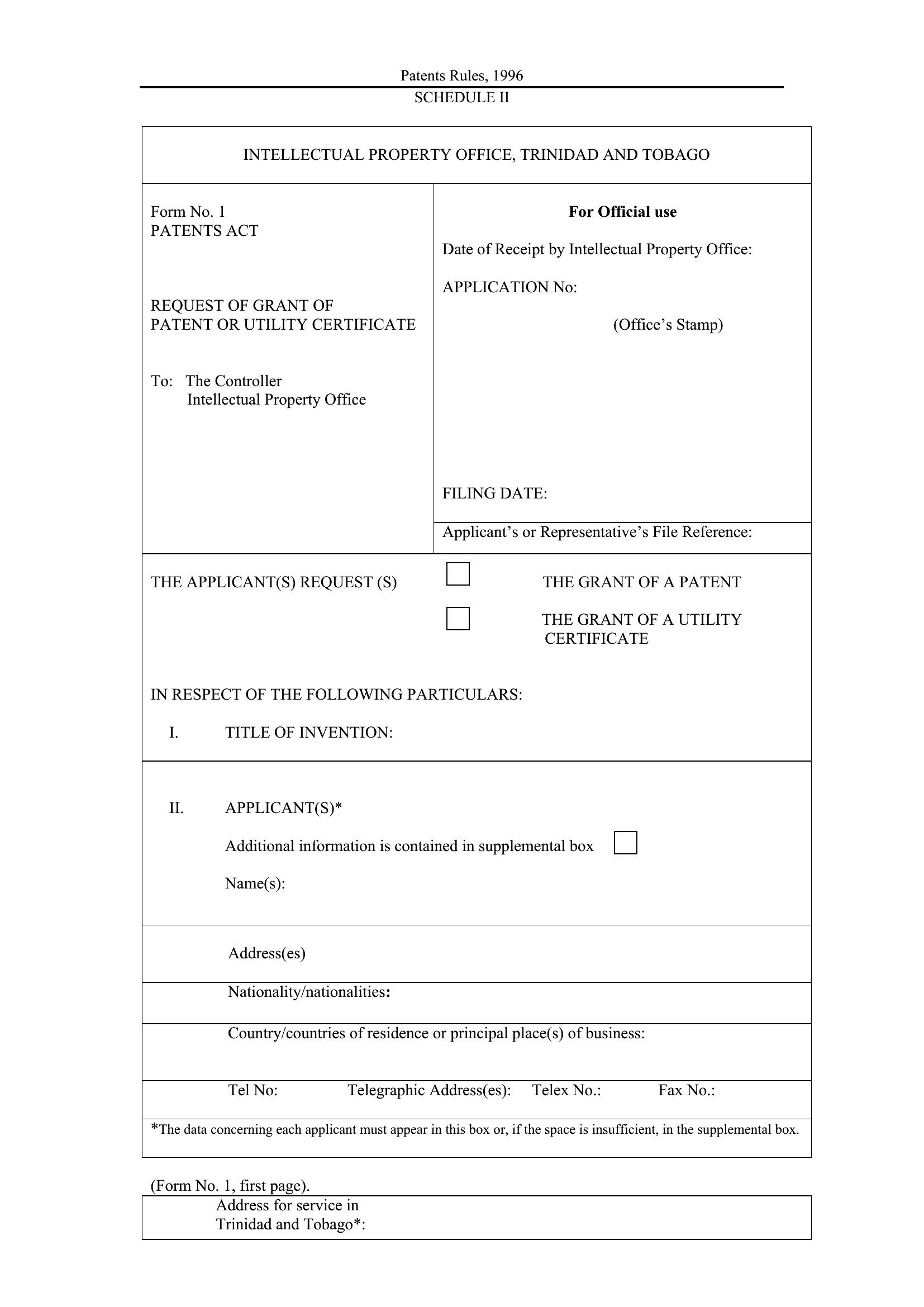
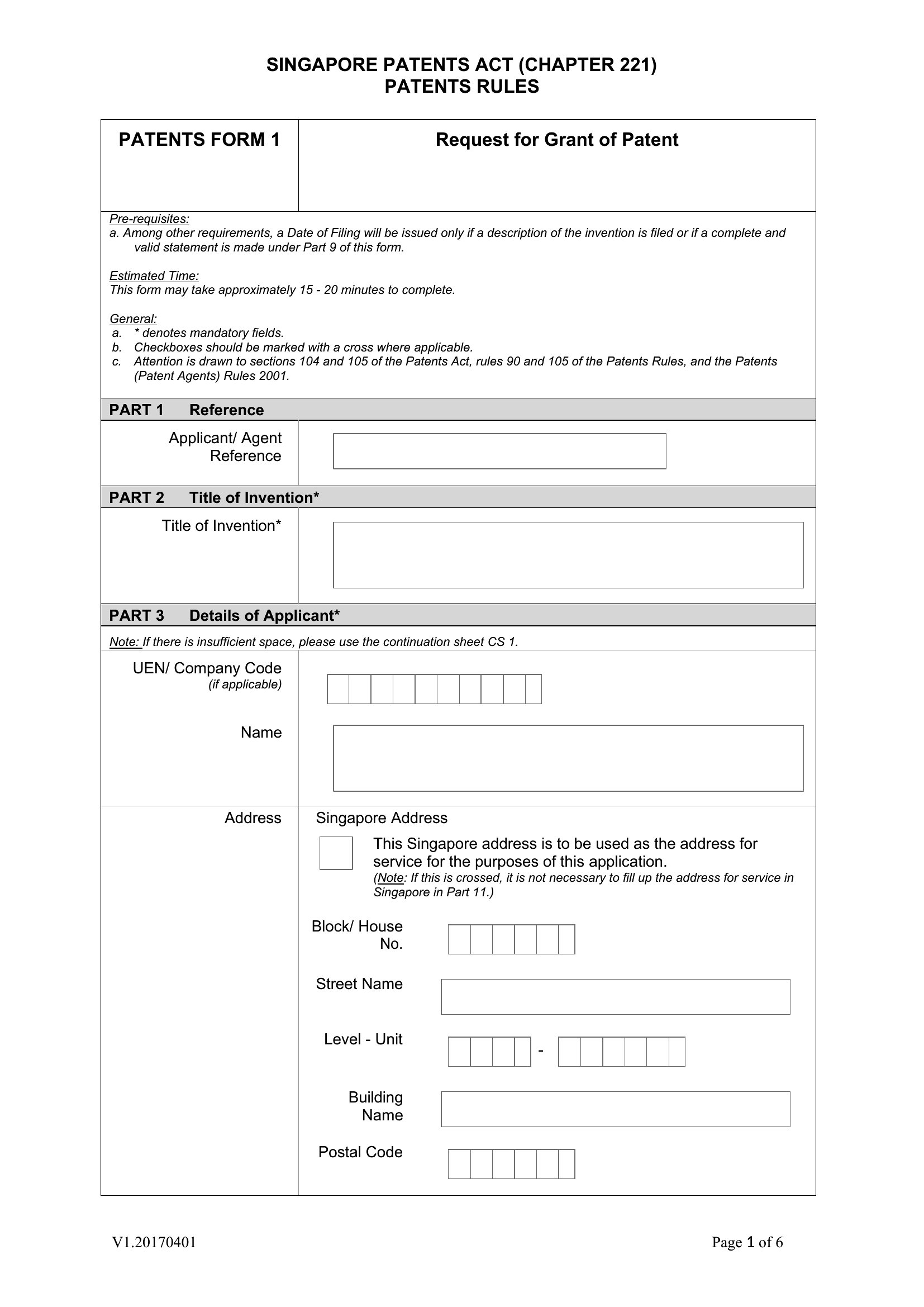
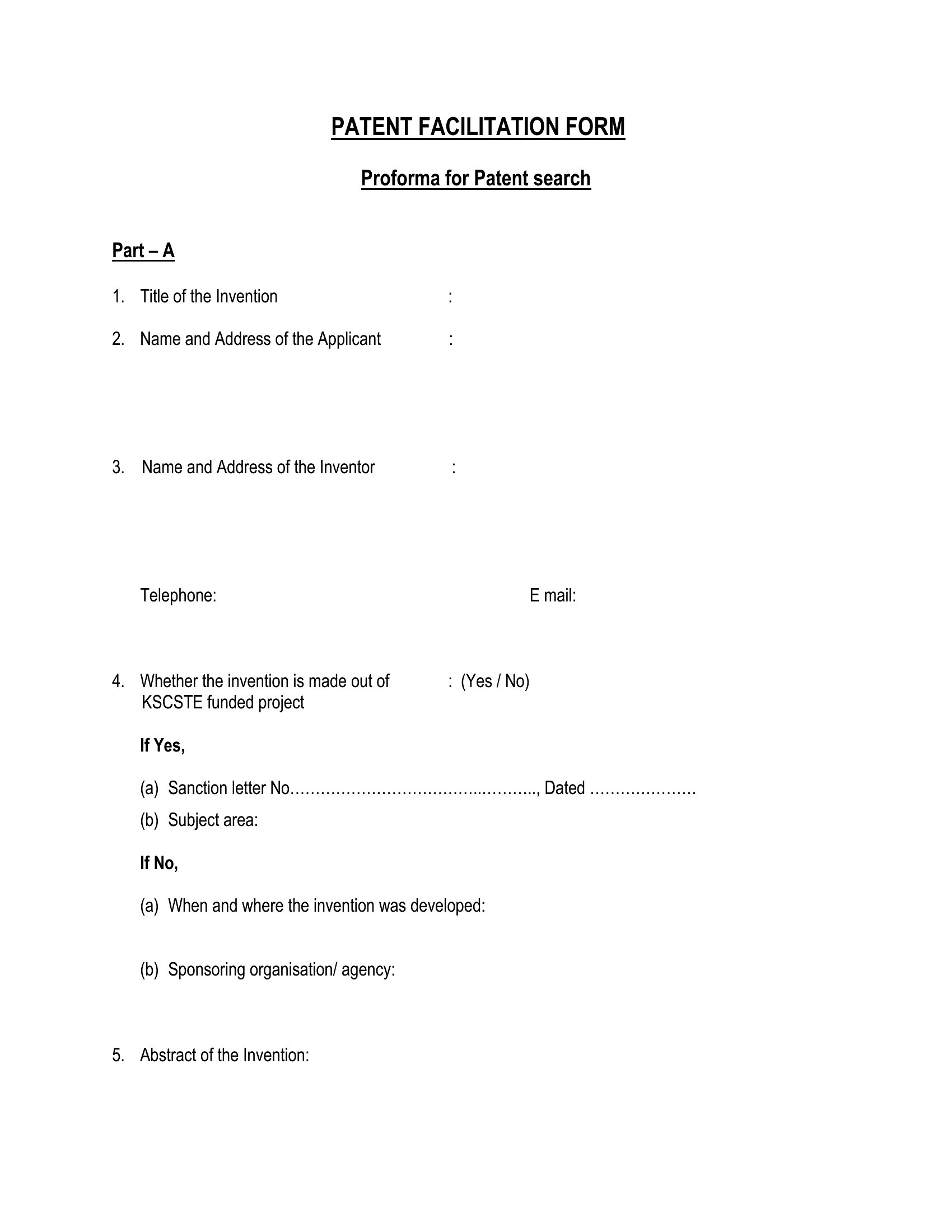
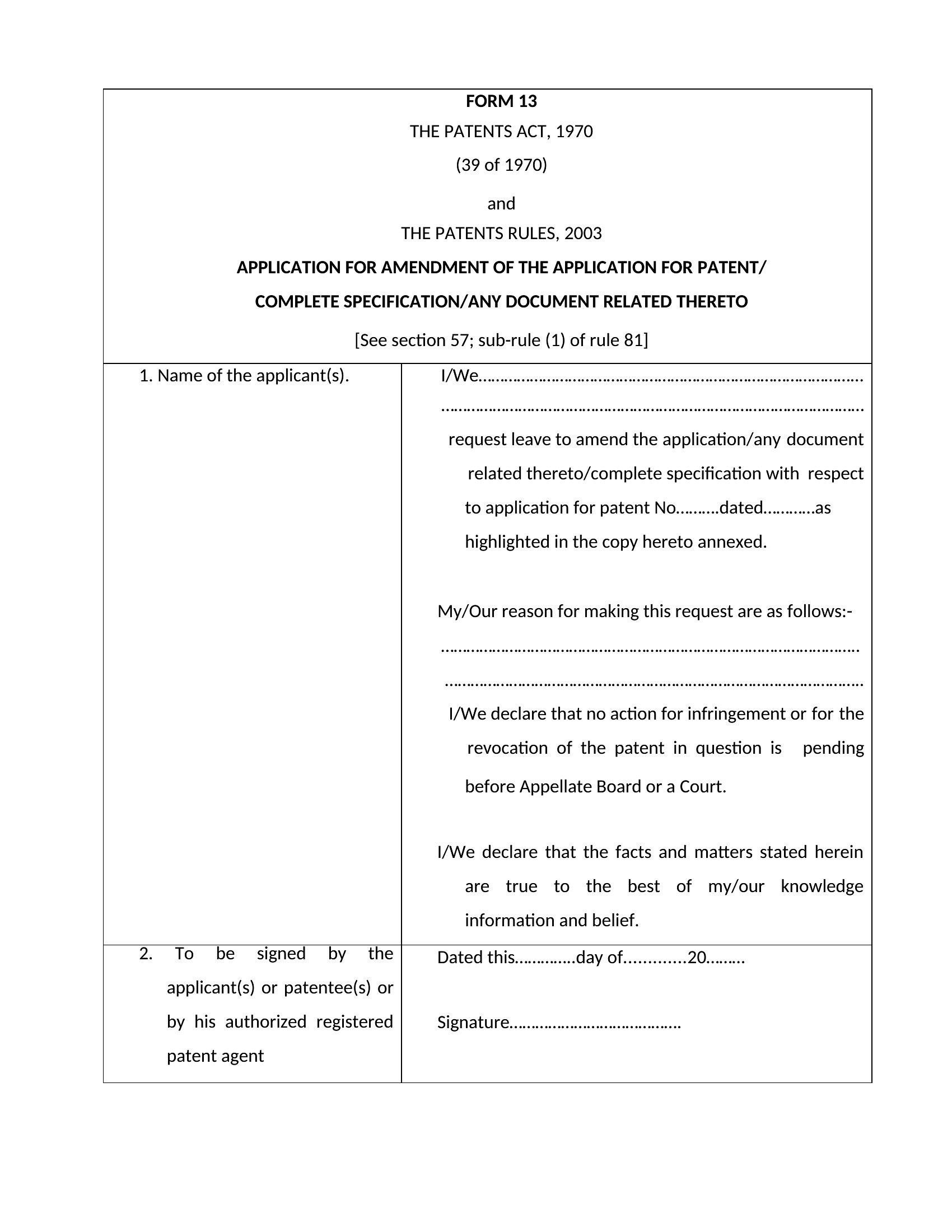
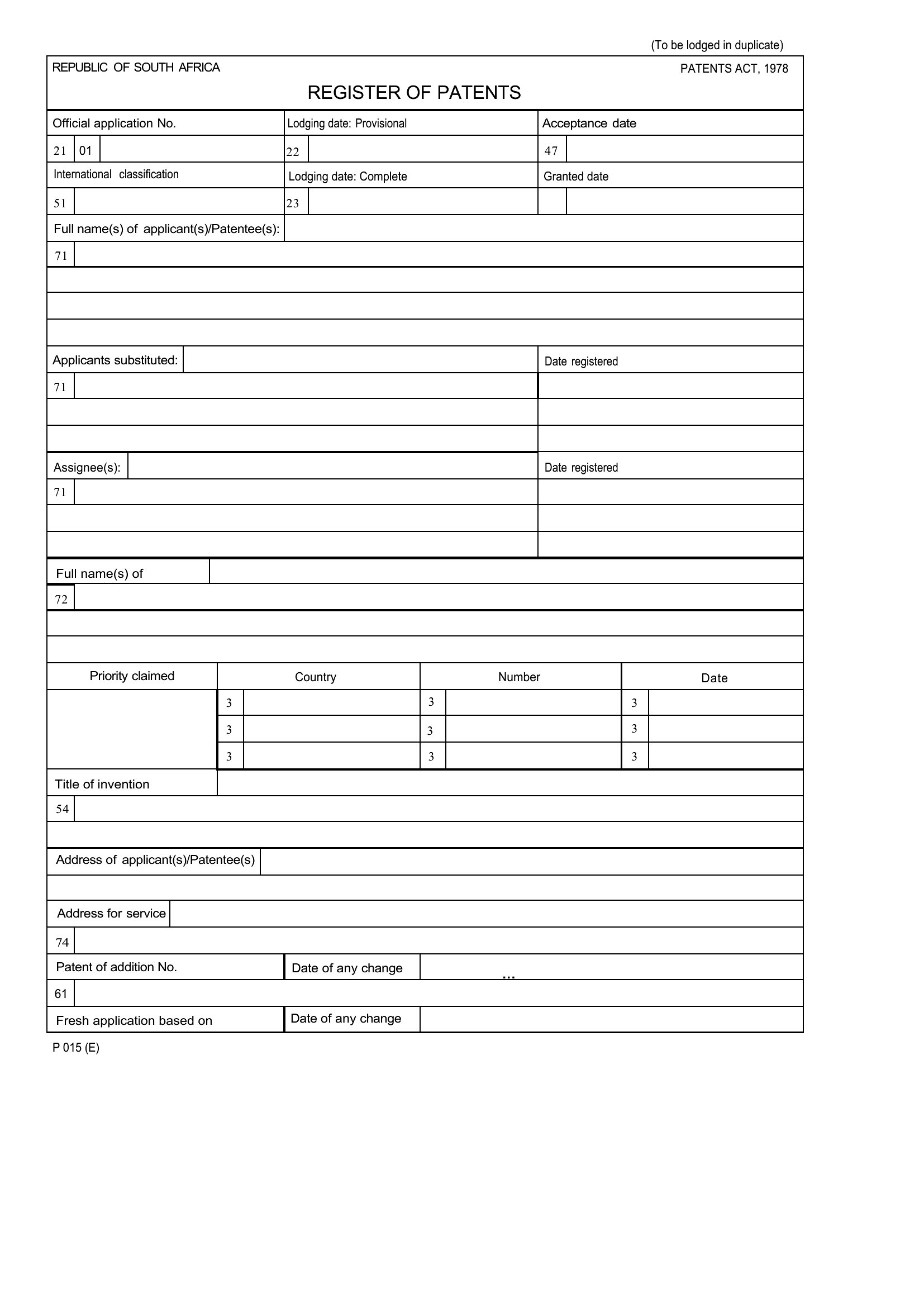
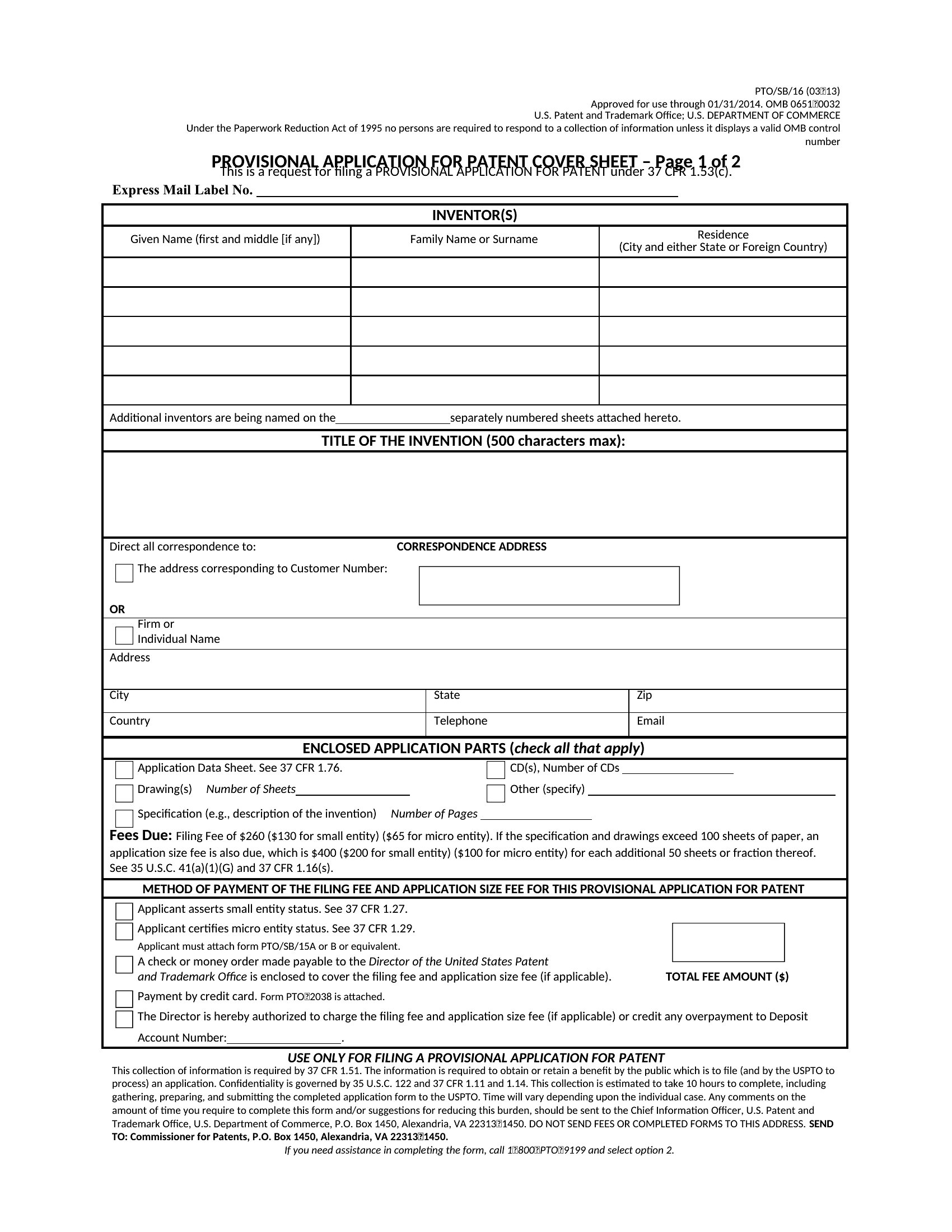
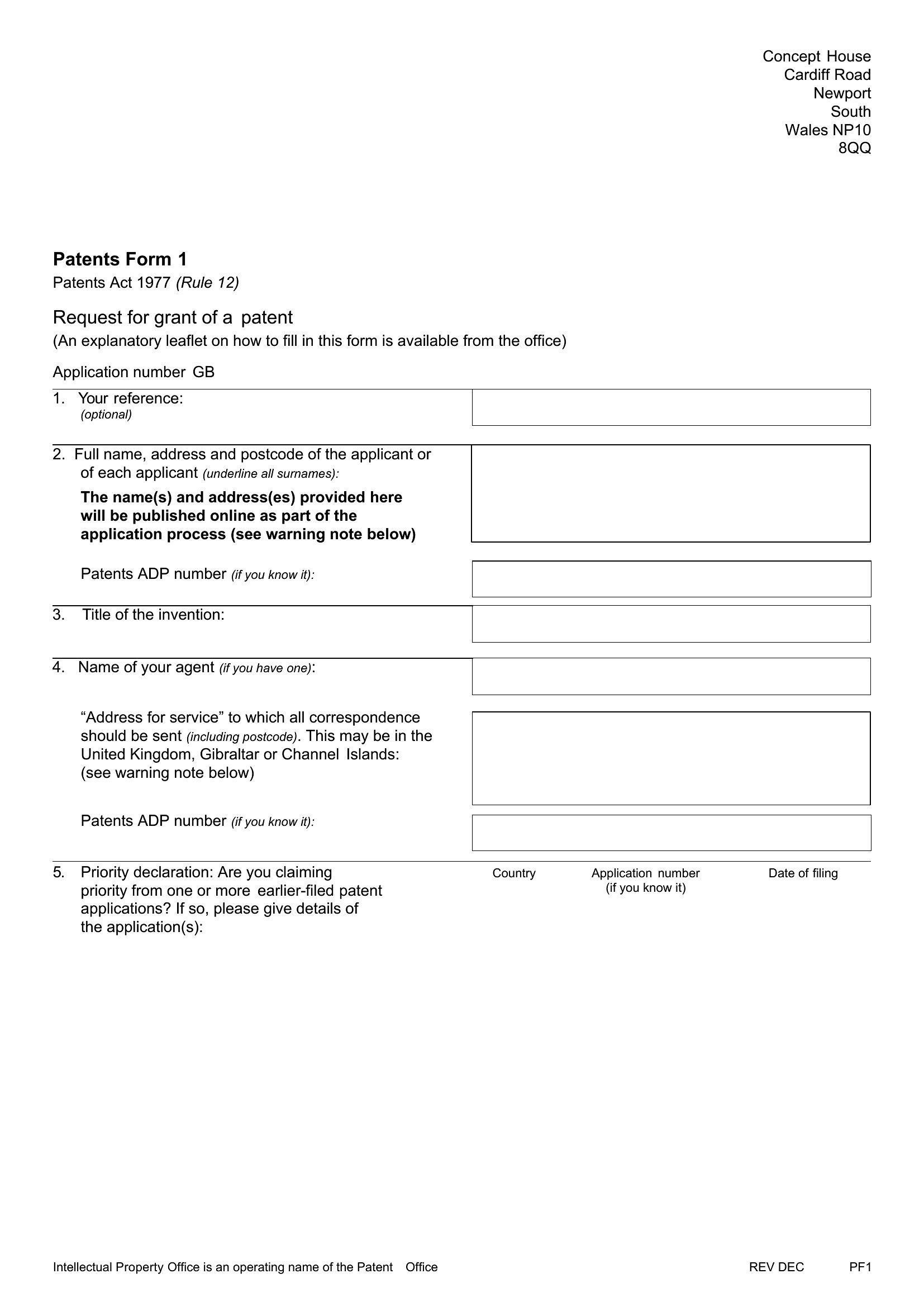
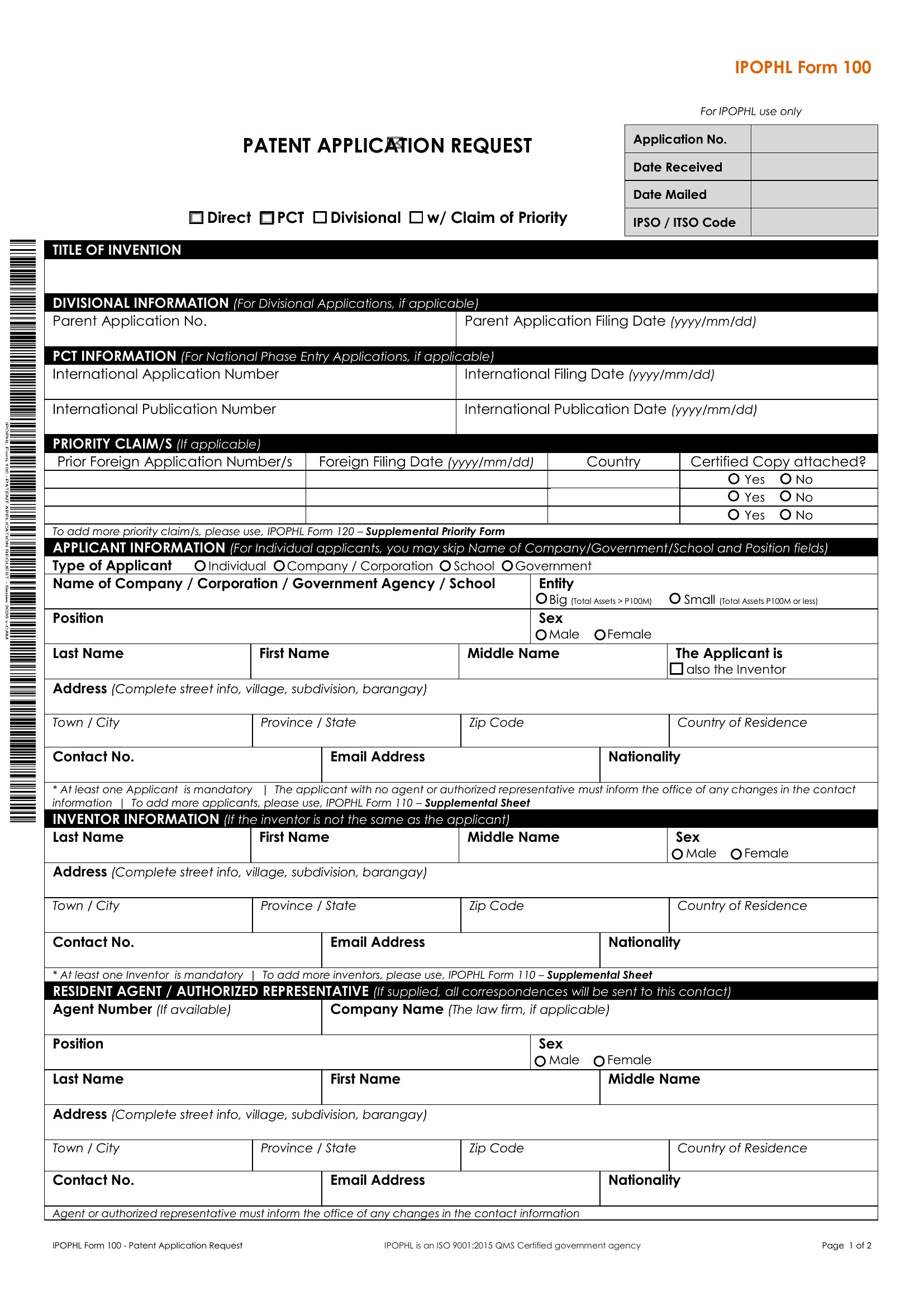
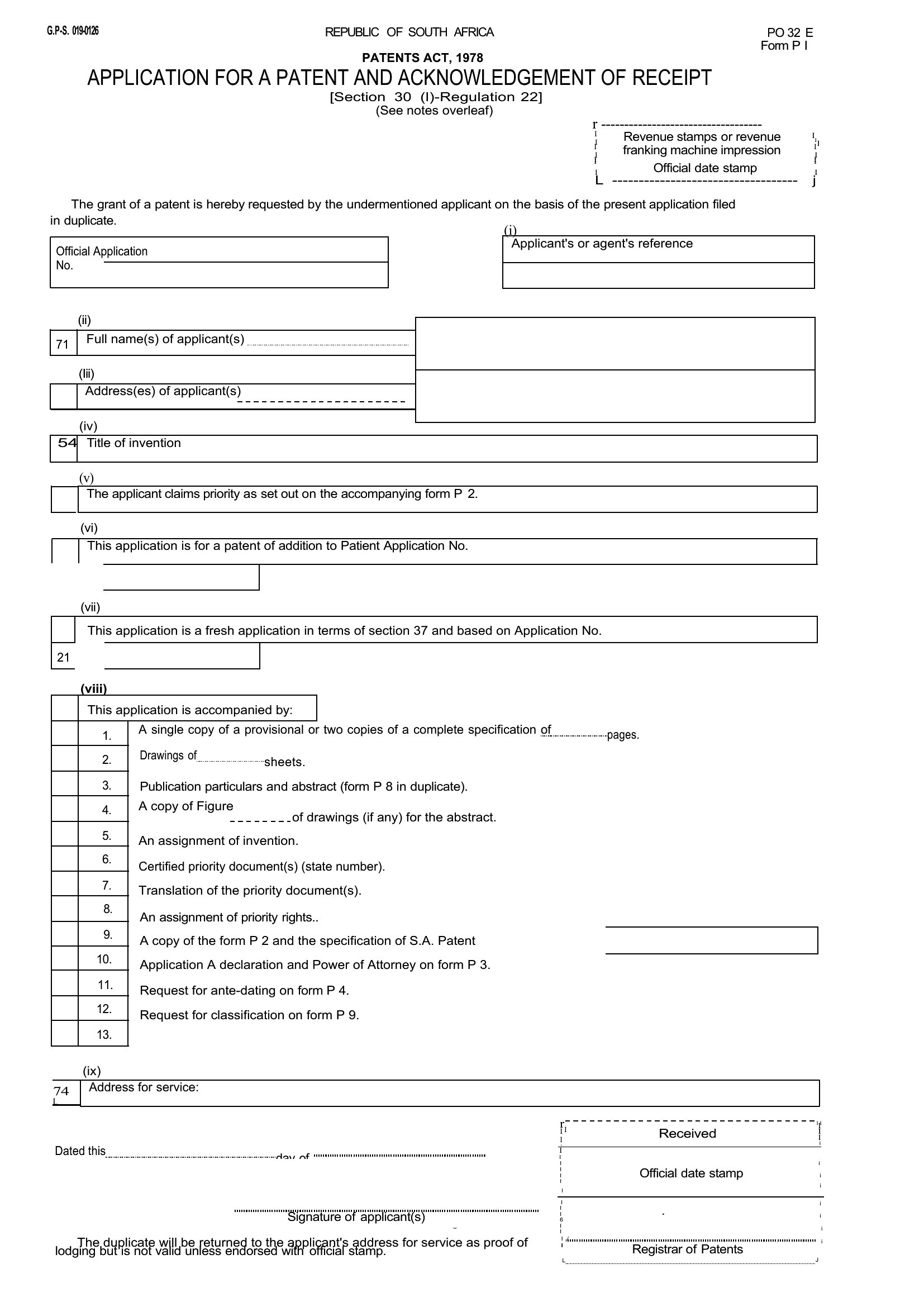
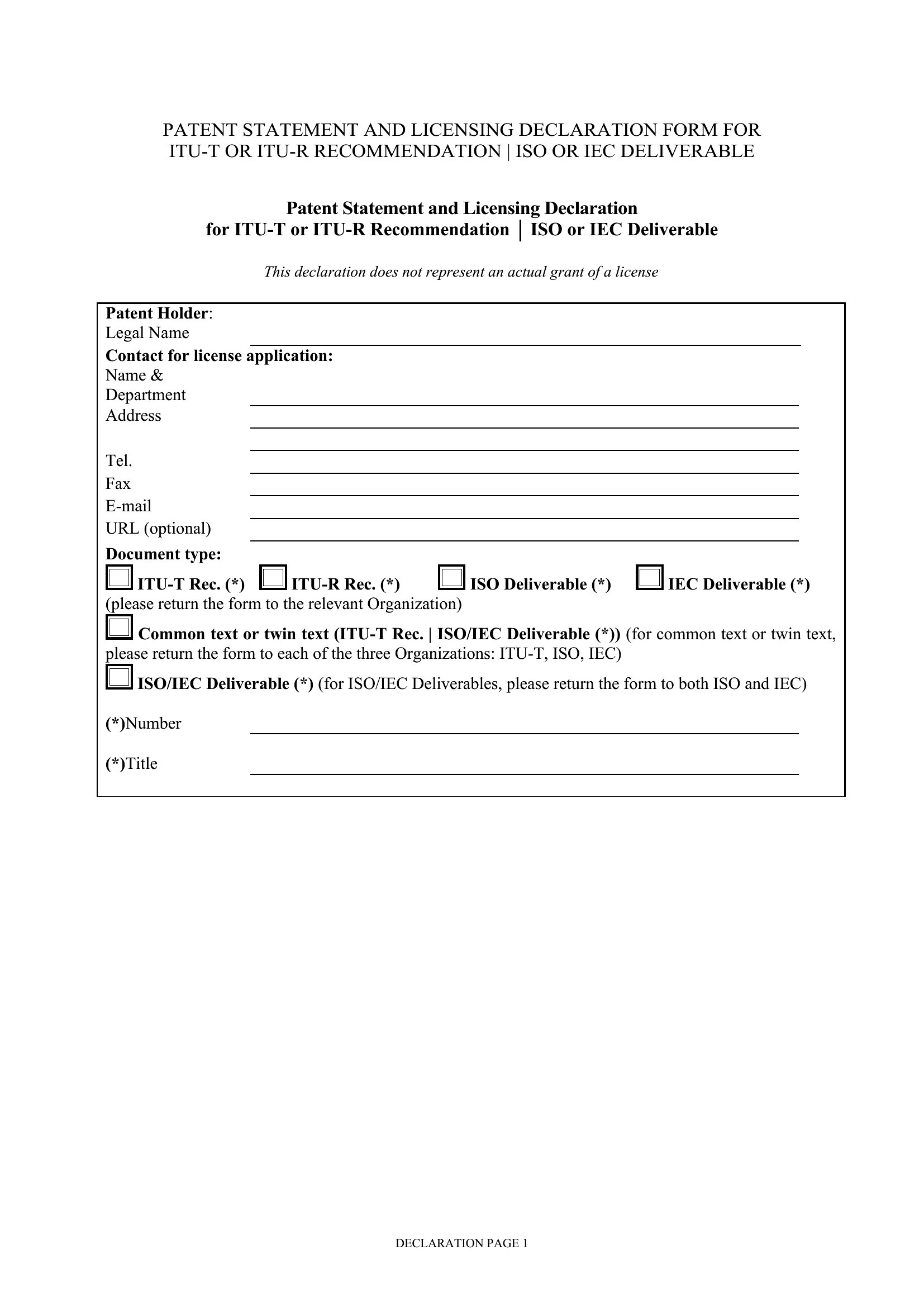
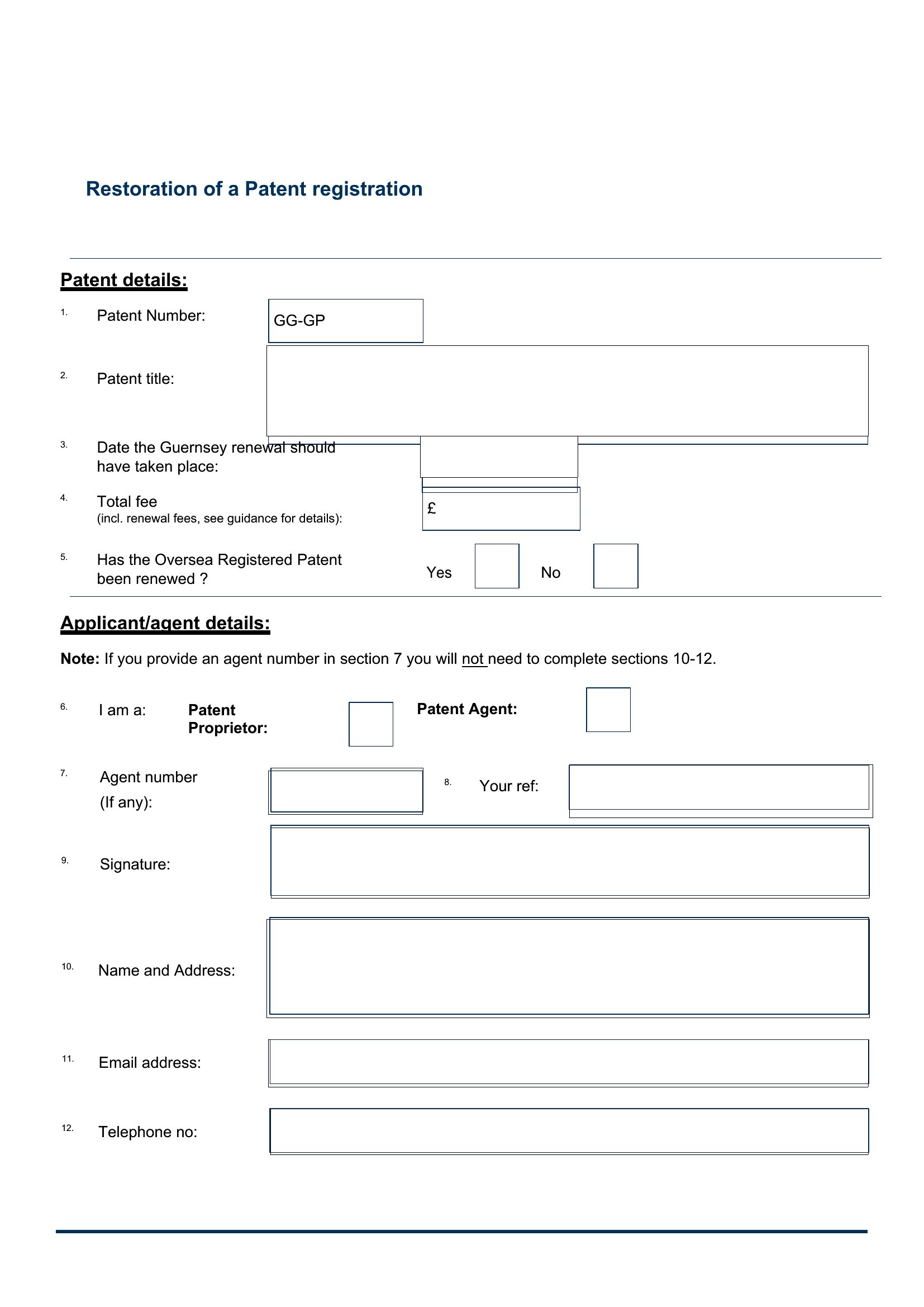
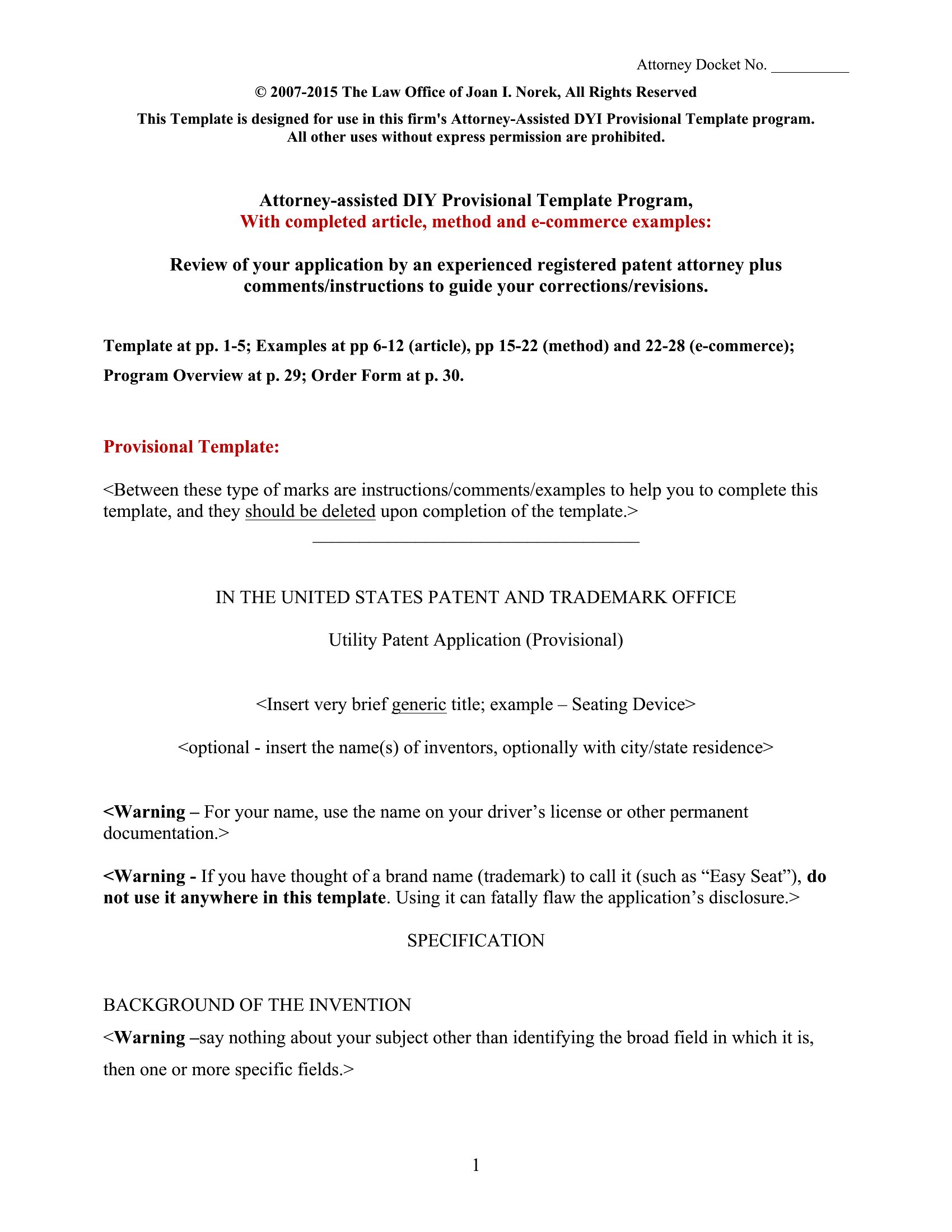
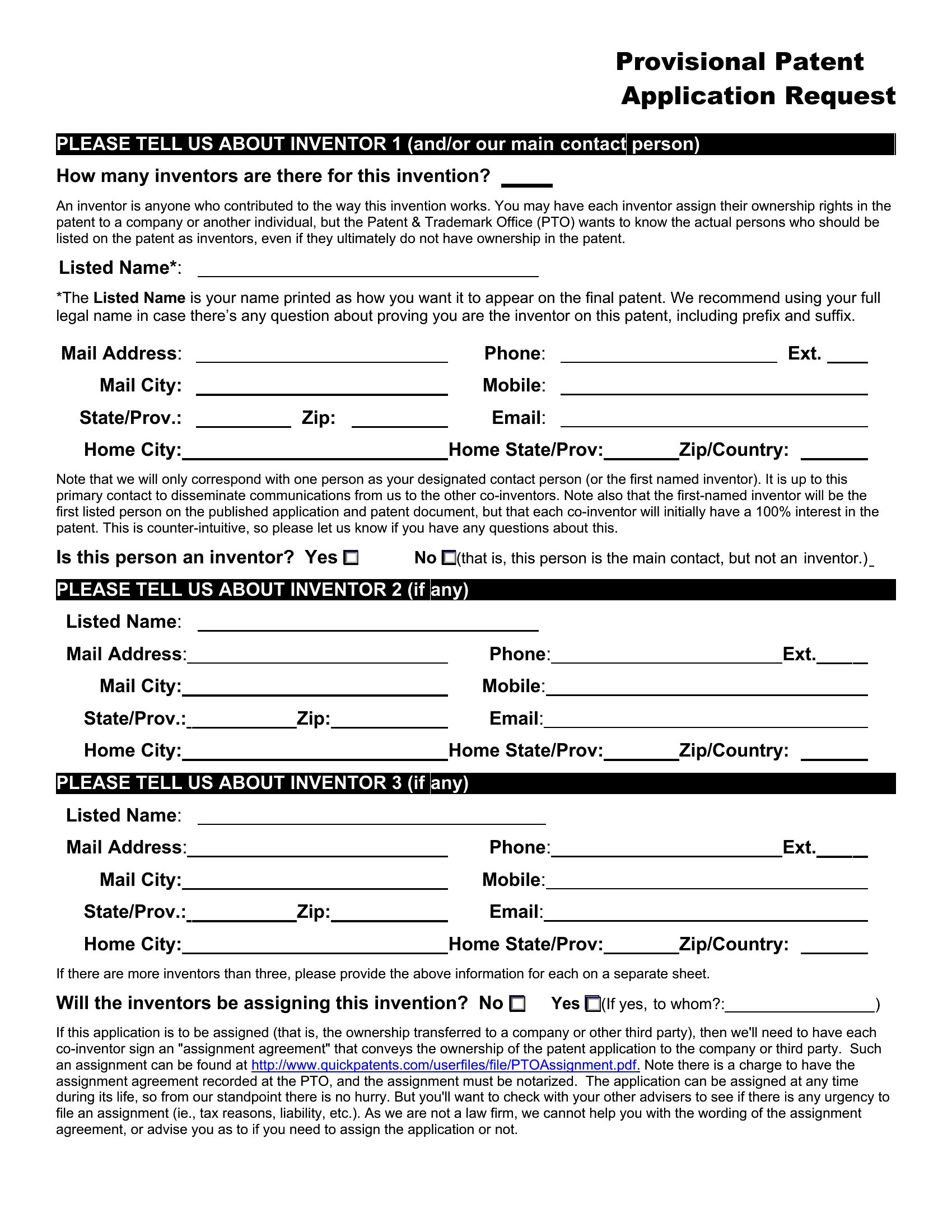
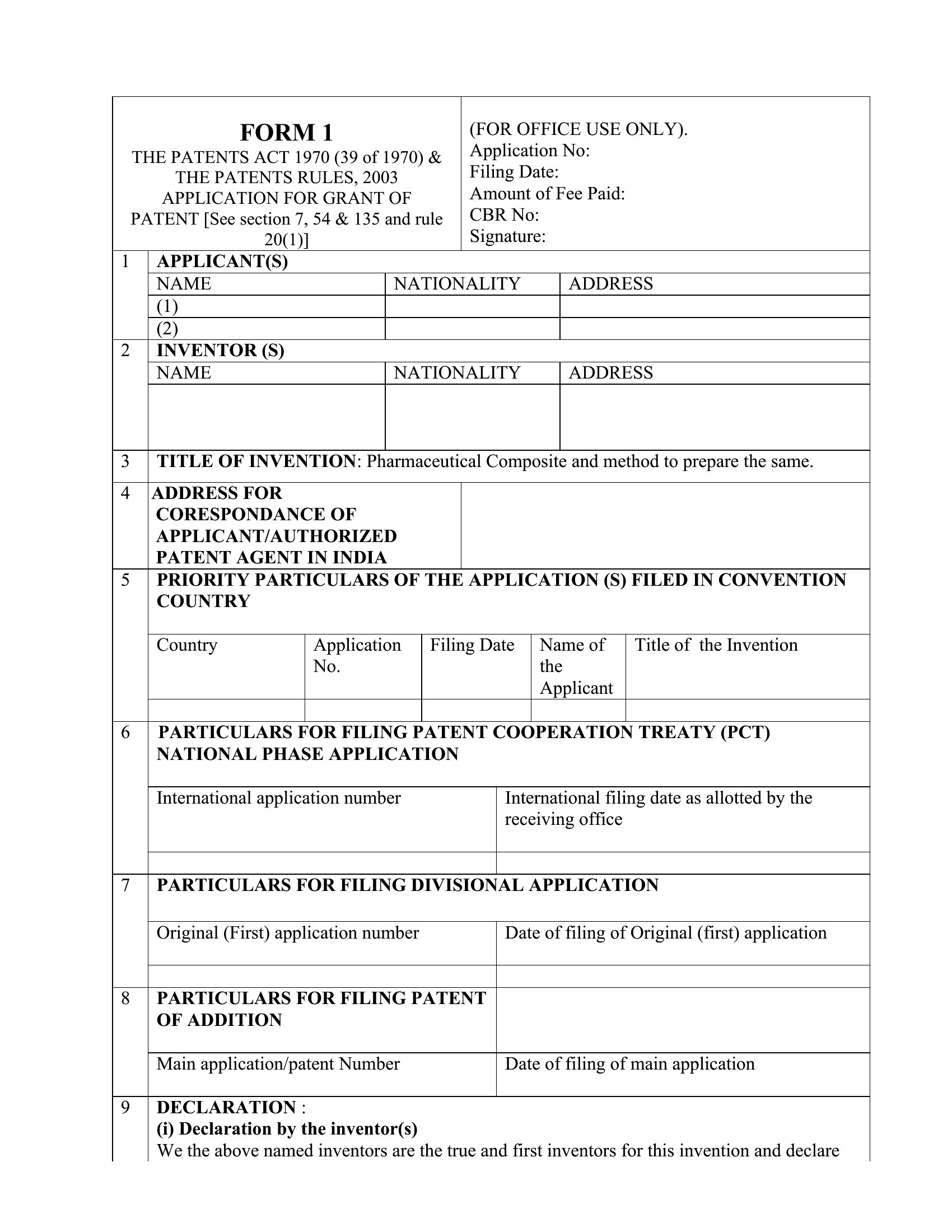
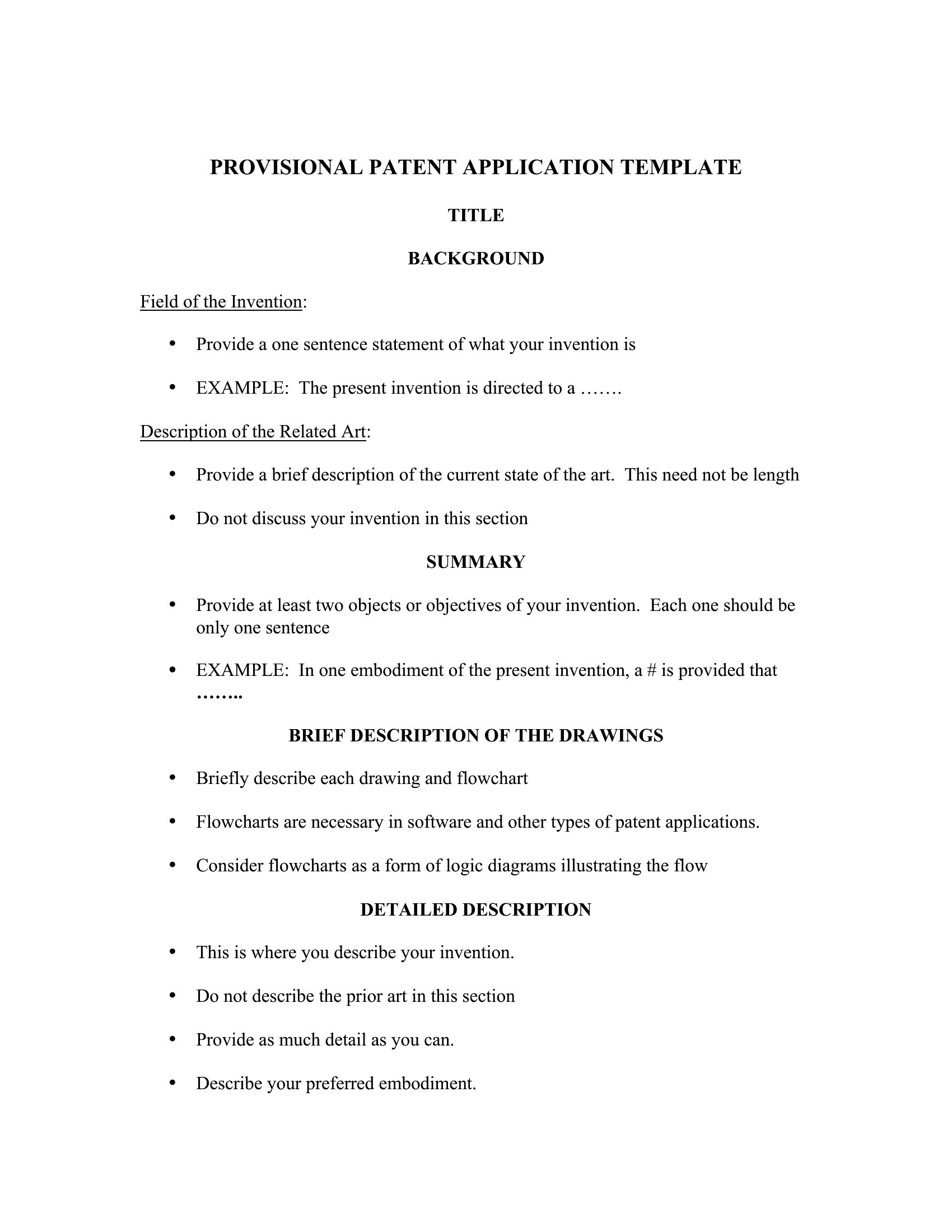
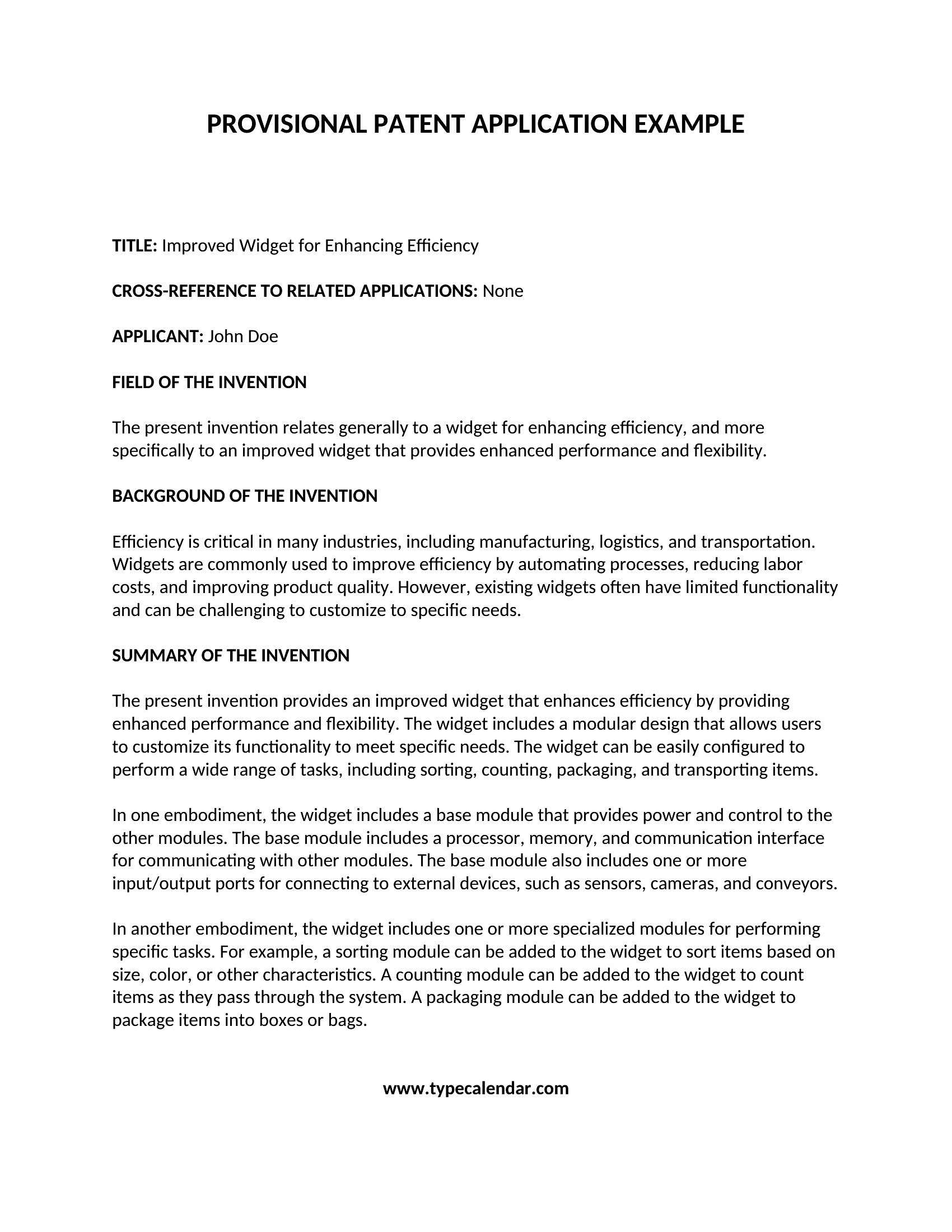
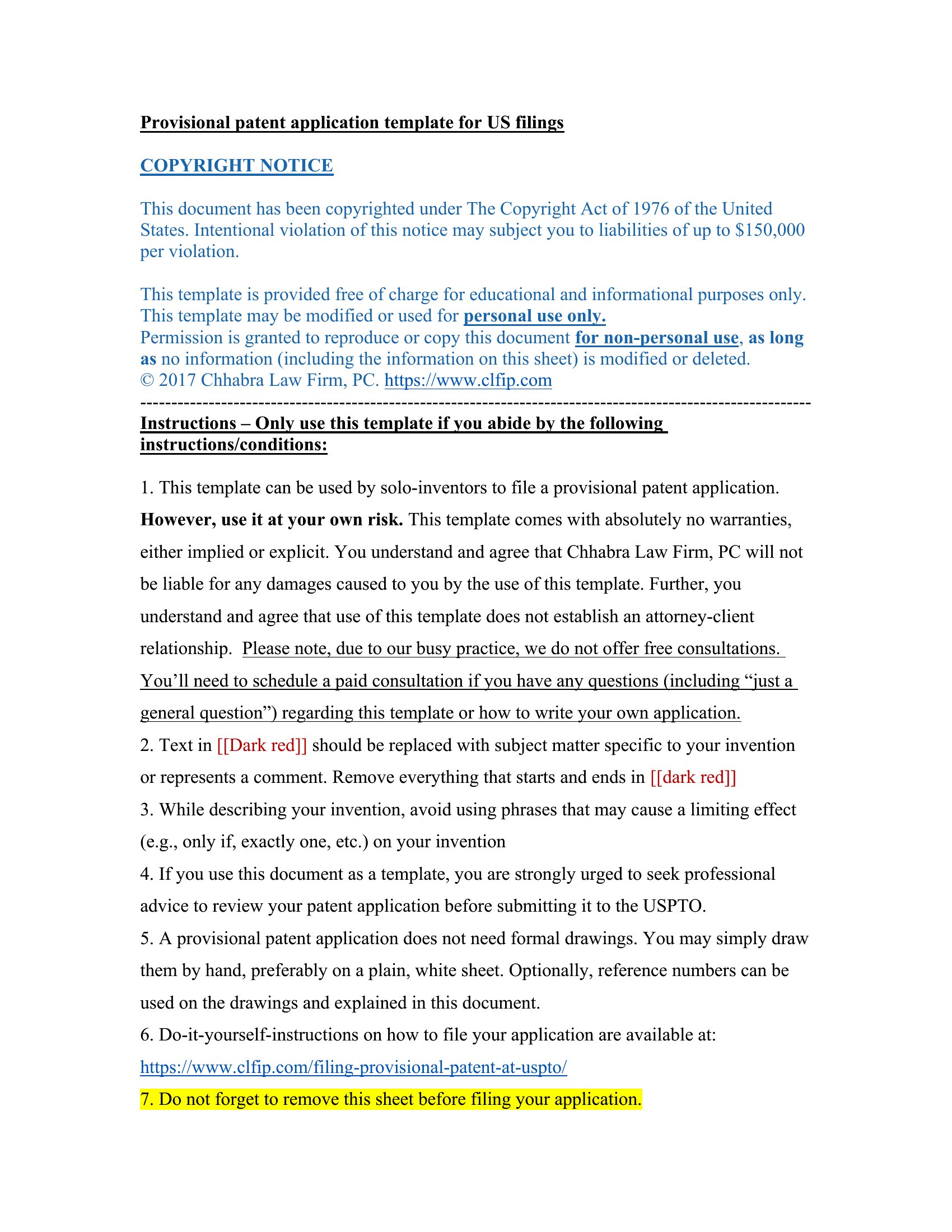
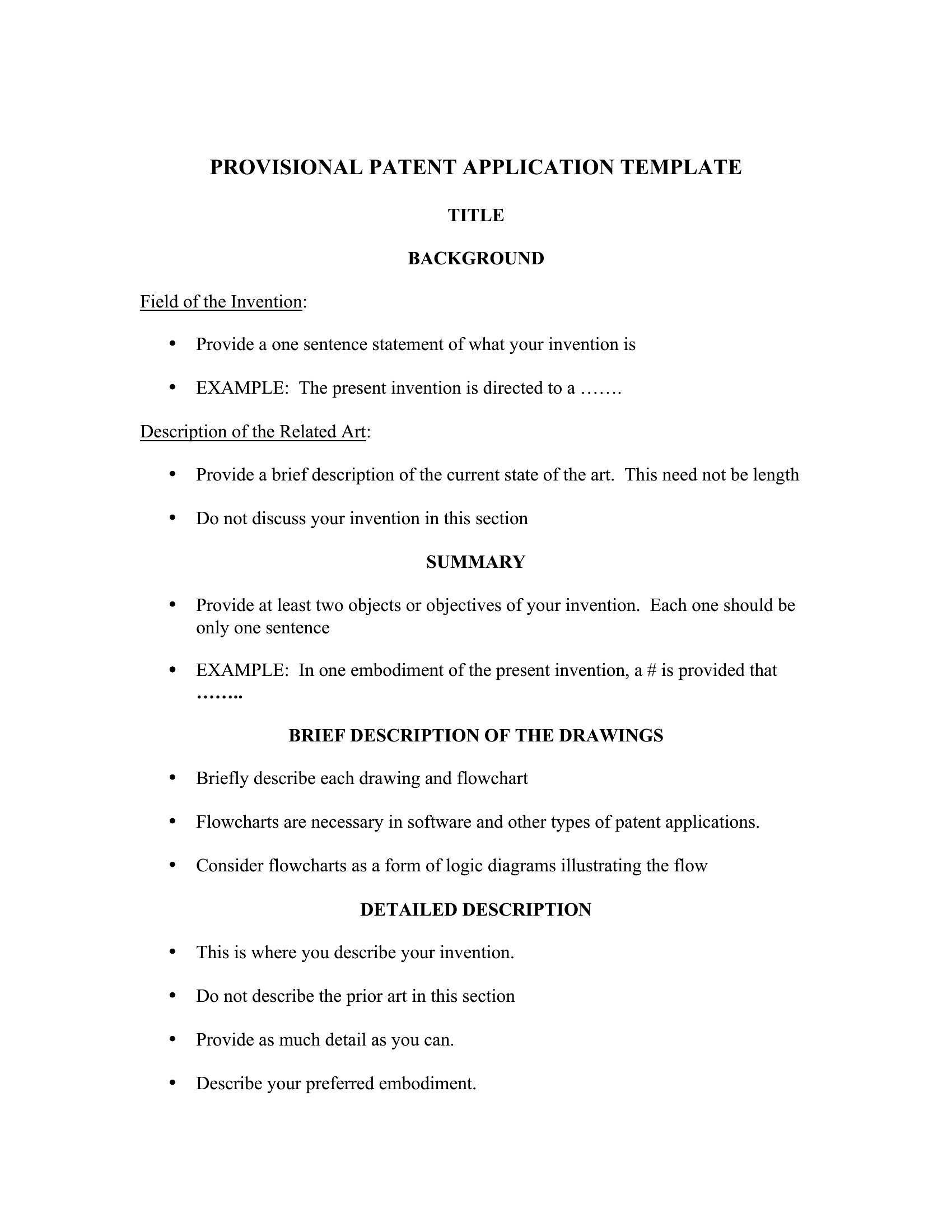
Filing a provisional patent application locks in an early date for your invention and buys you a year before the full application is due. This set of 45 templates helps you organize the description, drawings, and cover sheet inventors need to get on file. Independent inventors, startups, and small R&D teams use them to protect an idea while they keep developing it.

You'll find editable Word versions and print-ready PDFs for assembling your submission. Describe how the invention works in plain detail, attach figures, and complete the cover sheet before filing with the patent office. Patent rules are strict and a weak description can cost you protection, so consider having an attorney review your draft. Download the template you need and start documenting your idea.

When to use this Provisional Patent Application template

  • Independent inventors with a working prototype need to document their design details in Word before consulting a patent attorney, ensuring all technical specifications are captured clearly for the provisional filing.
  • Startup founders in hardware or biotech must submit a provisional application to secure their priority date while allocating resources to finalizing product development or raising seed funding.
  • Small R&D teams in universities or research labs use the PDF format to draft internal provisional applications for internal review before pursuing external patent filings, maintaining confidentiality during early-stage discussions.
  • Entrepreneurs with multiple invention ideas use the Word templates to create separate provisional applications for each concept, prioritizing which ones to further develop within their 12-month window.

Which format should I download?

WordPDF

Choose Word if you need to collaborate with team members or a patent agent, as it allows easy edits to technical details, drawings, or claims before finalizing the application. Opt for PDF when you require a static, print-ready version to share with stakeholders or submit directly to a patent office that accepts digital filings—this format preserves formatting and prevents accidental modifications once the content is set. The PDF is ideal for inventors who want to lock in their description without risking last-minute Word formatting issues.

How to use this Provisional Patent Application template

Do these templates include the required drawings or specifications for a provisional patent?

These templates provide structured sections for descriptions, claims, and drawings, but they are not legally binding or tailored to your specific invention. You’ll need to fill in technical details, sketches, or diagrams based on your invention’s unique features. Consult a patent attorney to ensure compliance with USPTO or WIPO guidelines for provisional filings, as requirements may vary by jurisdiction.

Can I use these templates to file a provisional patent in multiple countries?

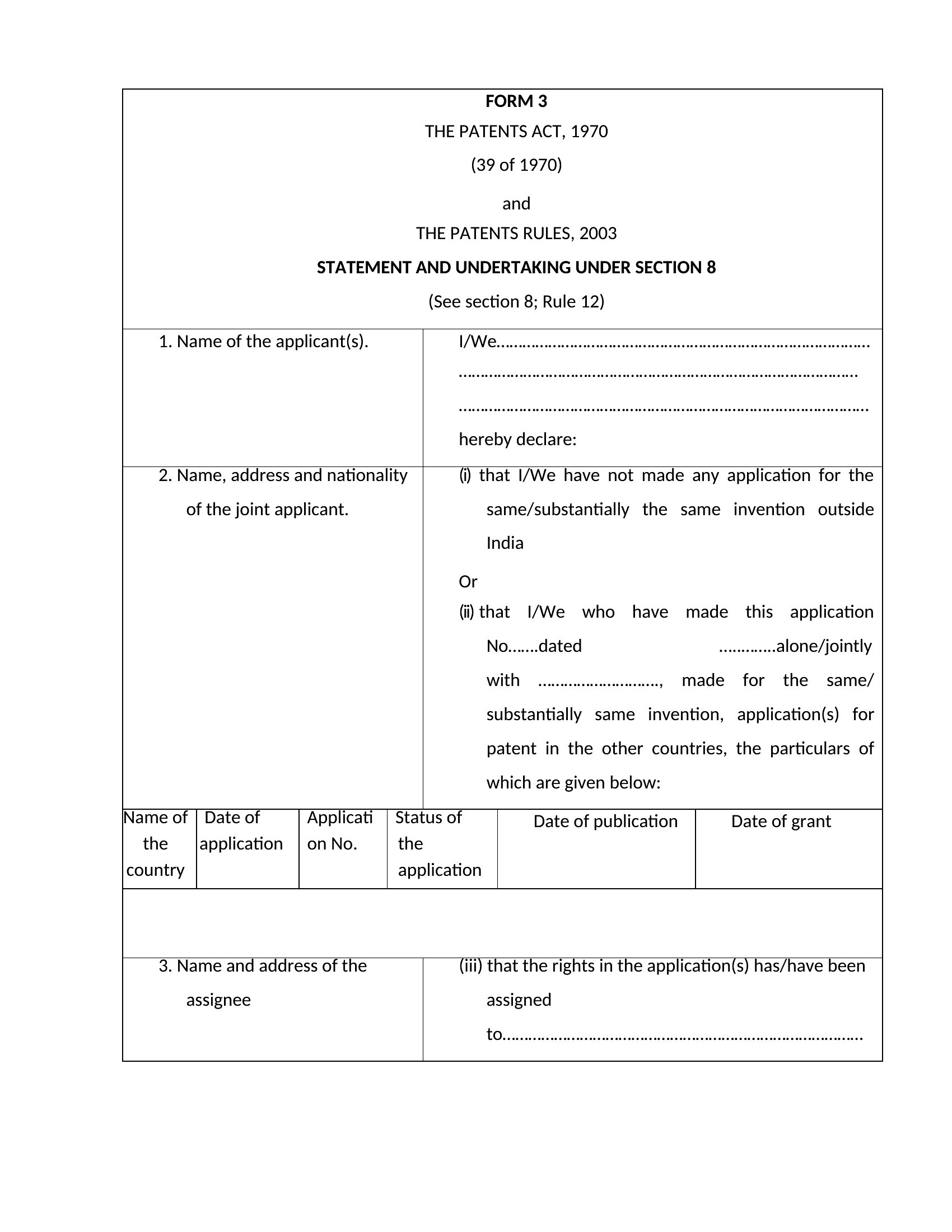
These templates are designed primarily for U.S. provisional patent applications under USPTO rules. While some countries accept provisional applications, their requirements differ significantly—especially for drawings, claims, or language. For international filings, use templates specific to the Patent Cooperation Treaty (PCT) or consult a patent professional to avoid rejections due to formatting or content discrepancies.

What’s the best way to organize my invention’s drawings if I don’t have technical drafting skills?

Start by including clear, hand-drawn sketches or simple digital diagrams in the designated section of the template, labeling each part with arrows and brief descriptions. Avoid shading or complex perspectives. Once your provisional application is filed, work with a patent illustrator or attorney to refine these into professional-quality drawings for your non-provisional application. The provisional stage prioritizes documenting functionality over aesthetic quality.

Comments

Join the conversation

Sign in to share your thoughts and leave a comment on this resource.

Newsletter

Get Weekly Design Updates

Join our community to receive curated resources and inspiration.

Weekly Tips Resources Early Access

We respect your privacy. Confirmation email required. Privacy Policy