Skip to content
50% off this one-time $1.99 pack with HALFOFF — or unlimited with Pro.HALFOFF
Premium

Free Table of Contents Templates (Word, PDF)

Life
nolhannguyen by nolhannguyen
Updated 0 downloads Quality-checked template

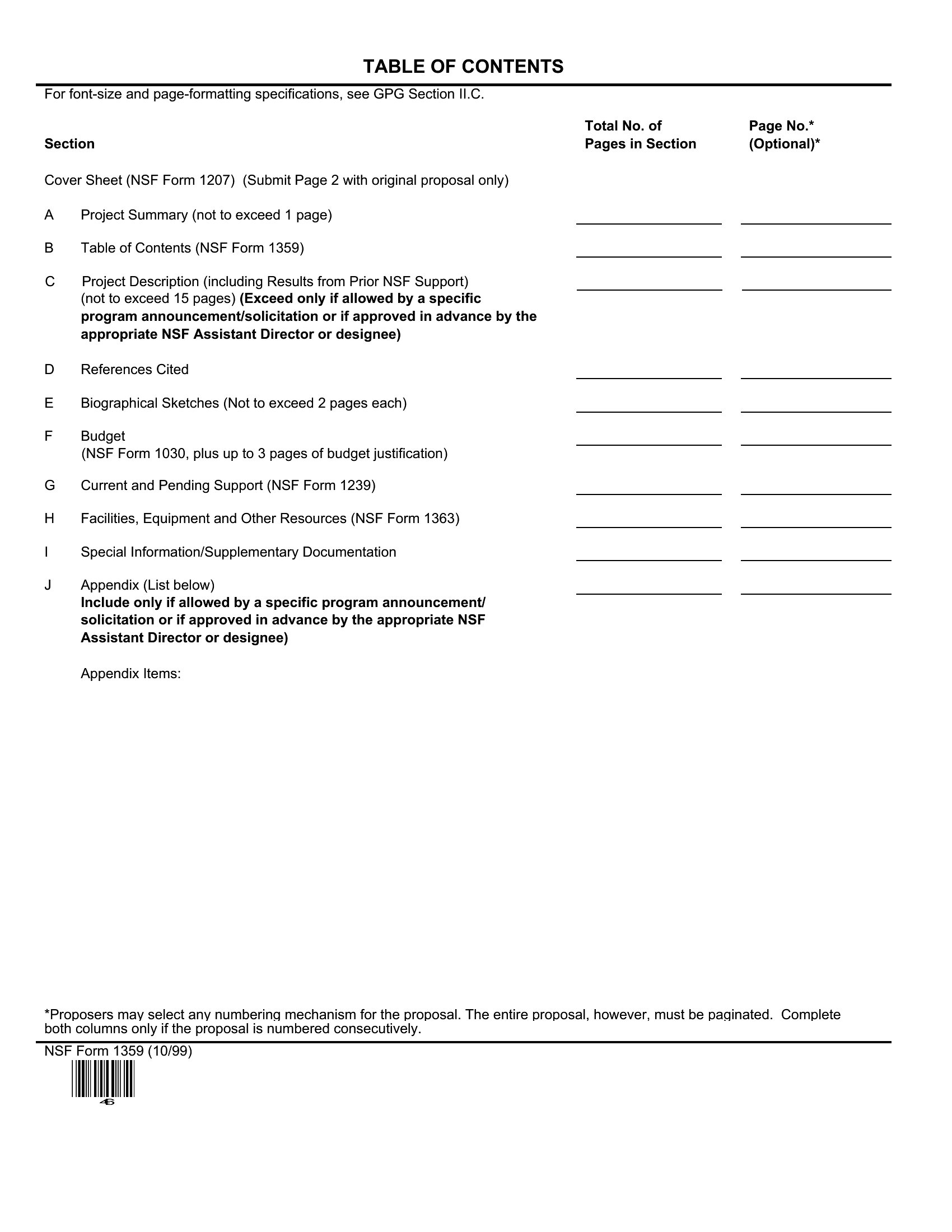
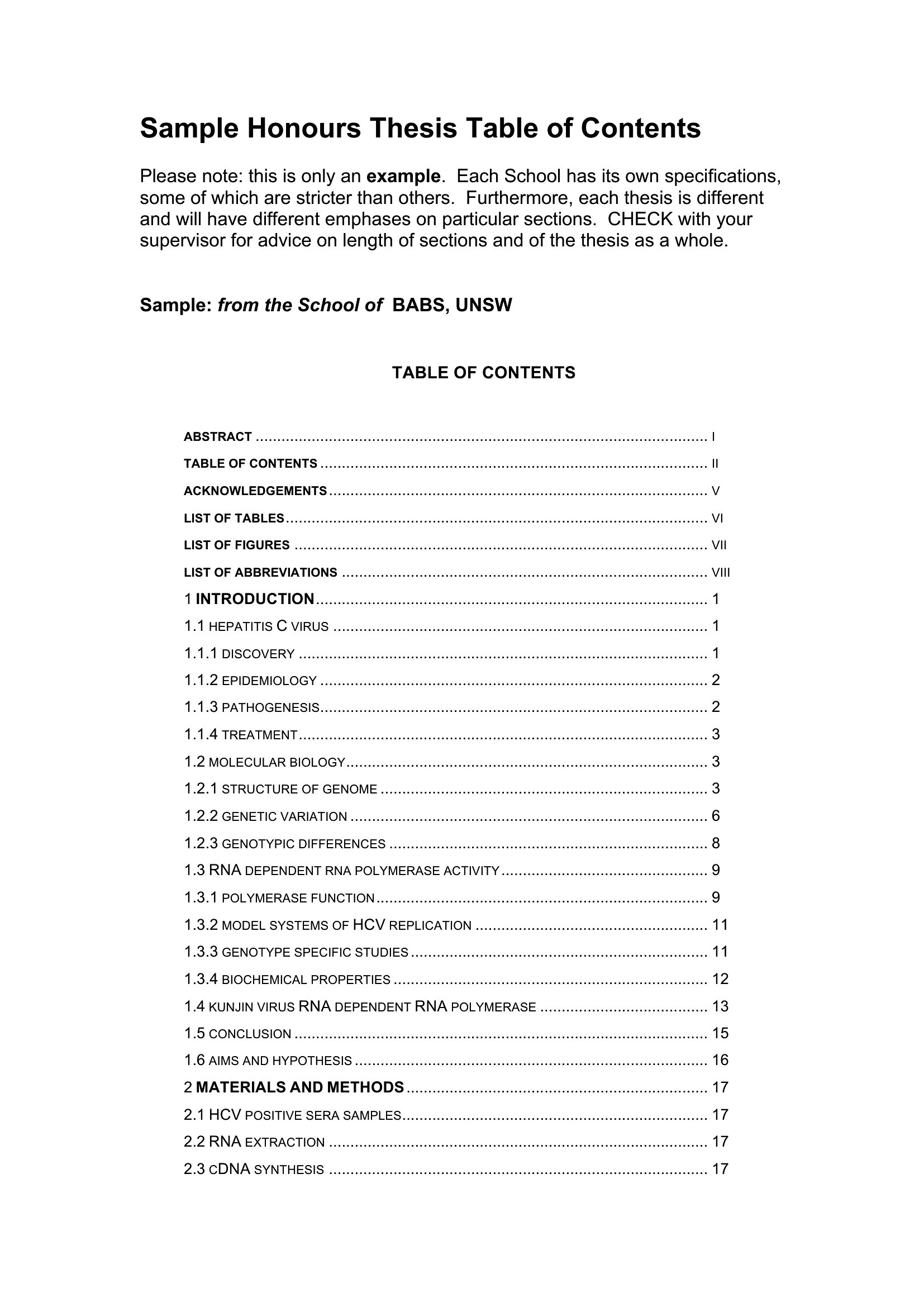
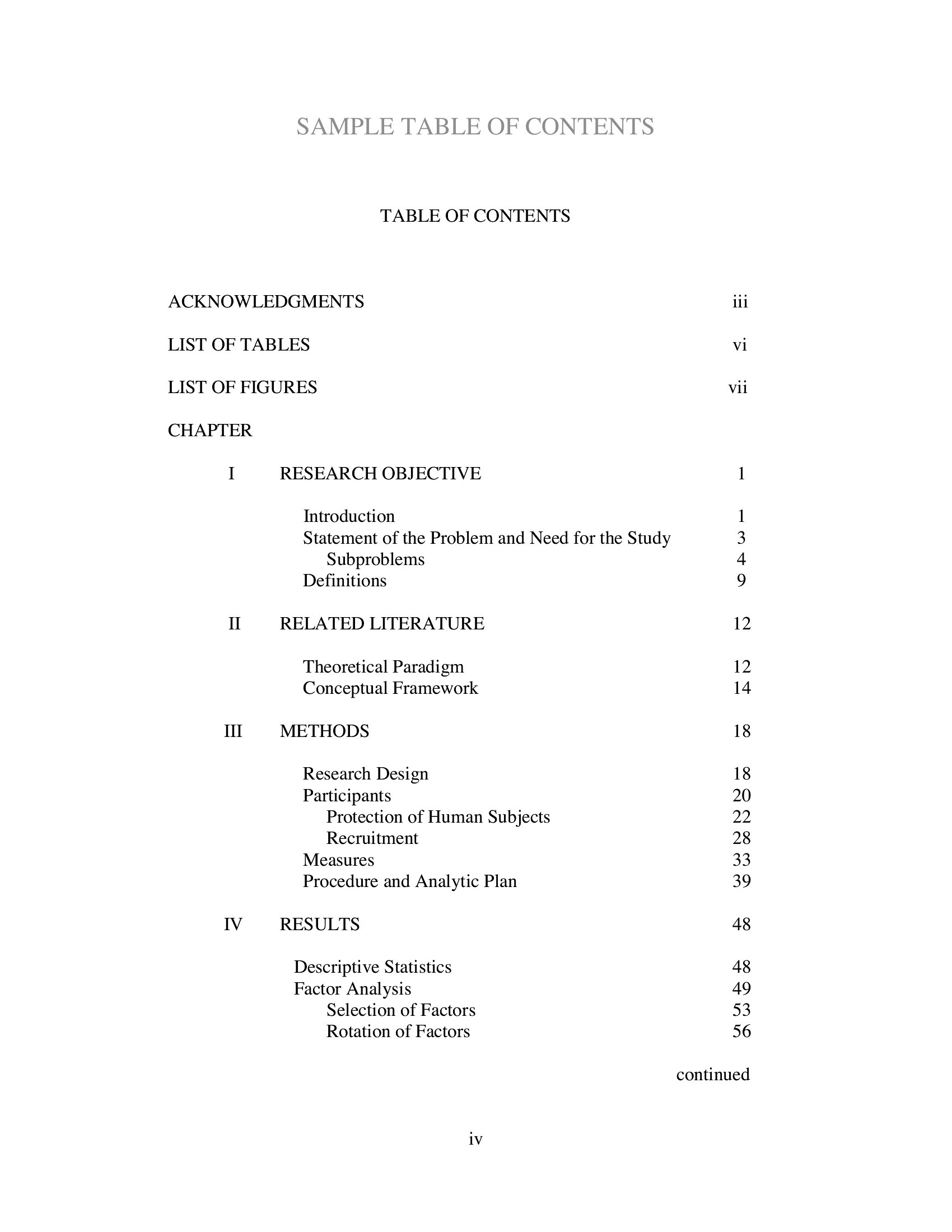
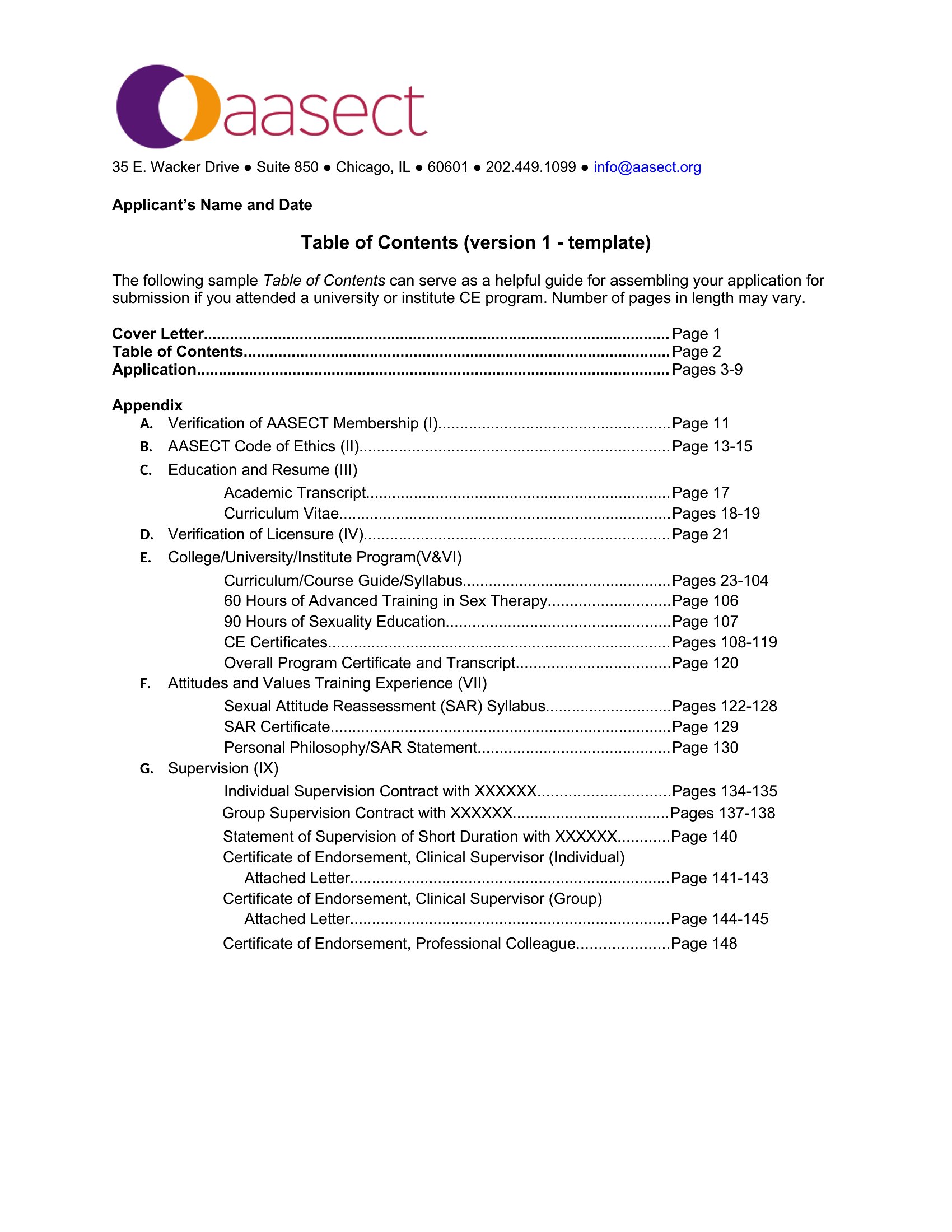
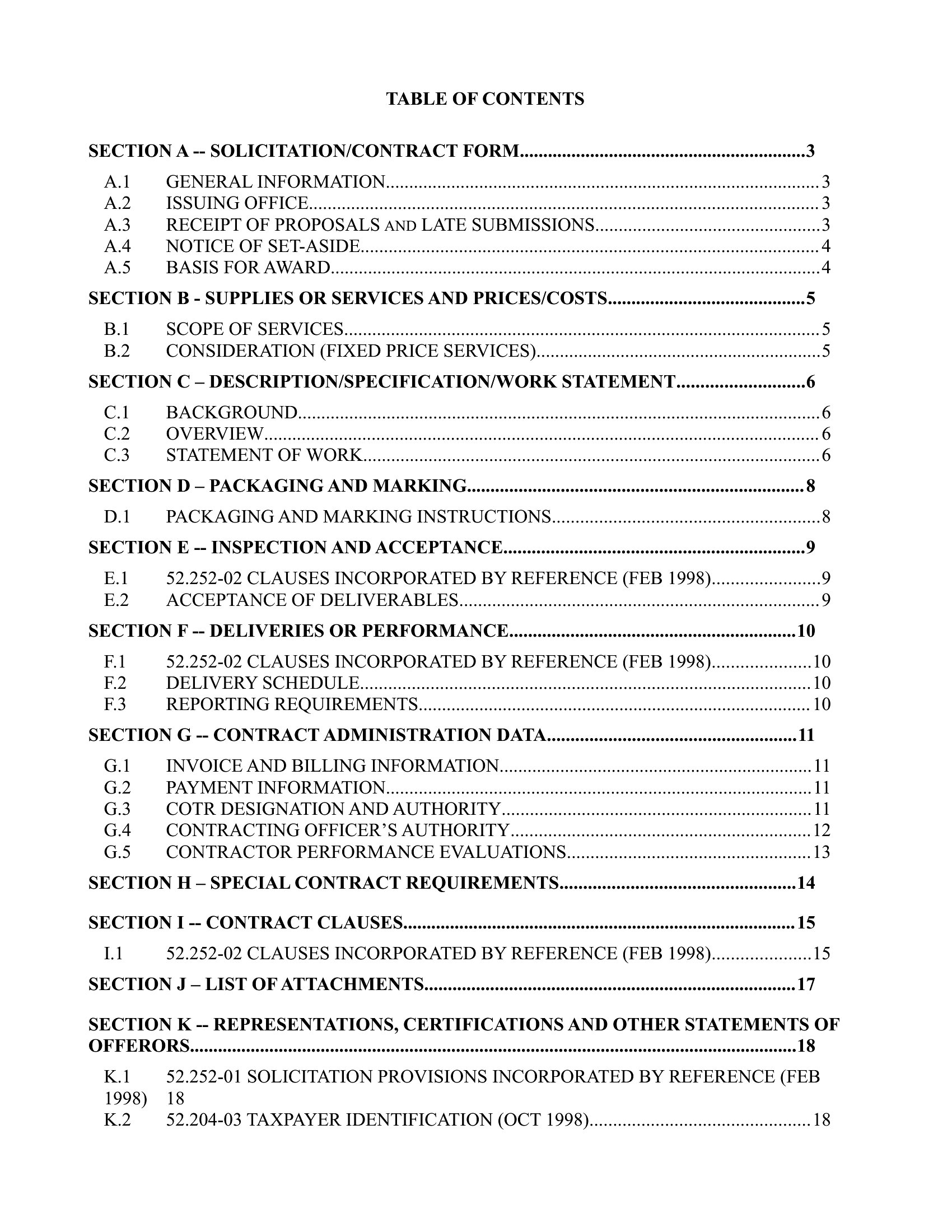
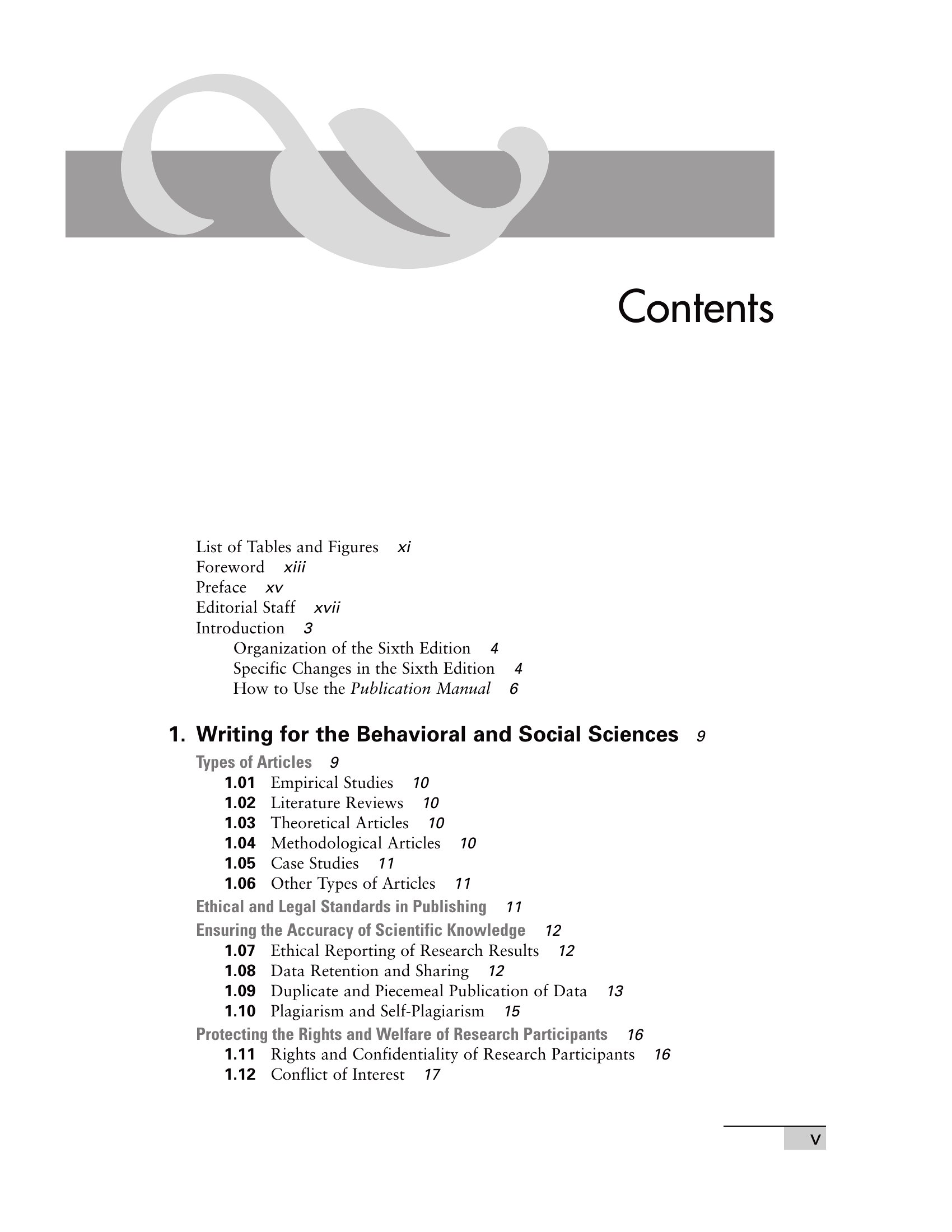
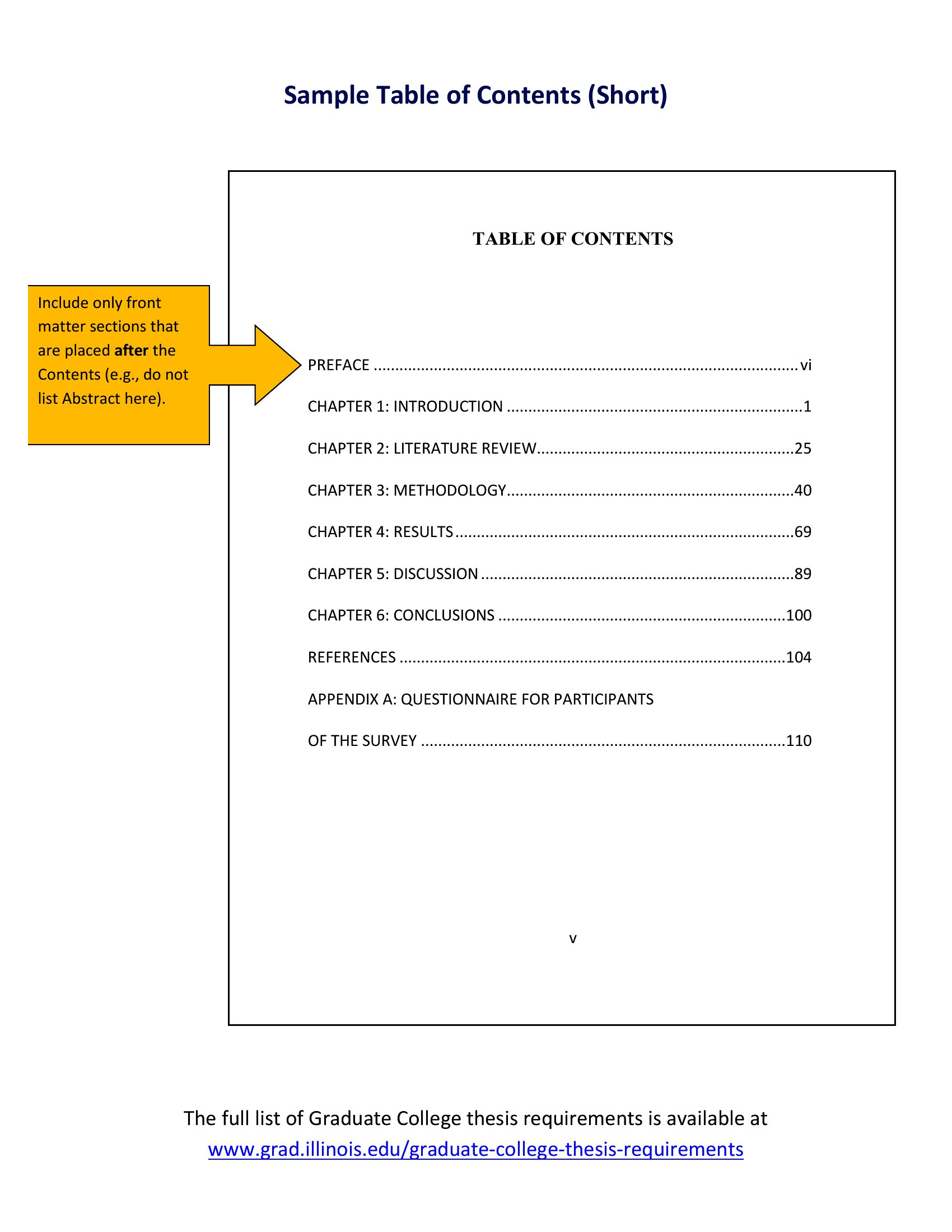
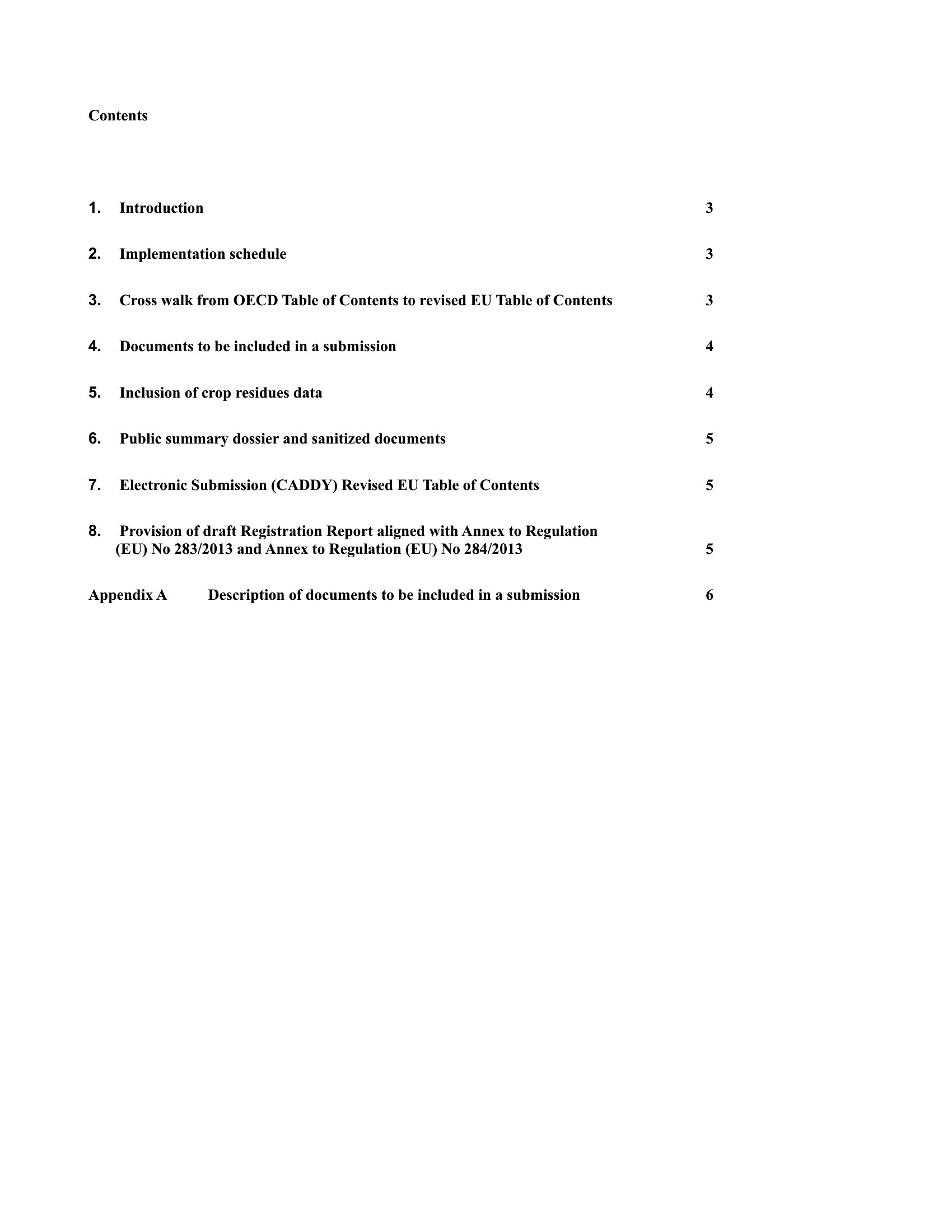
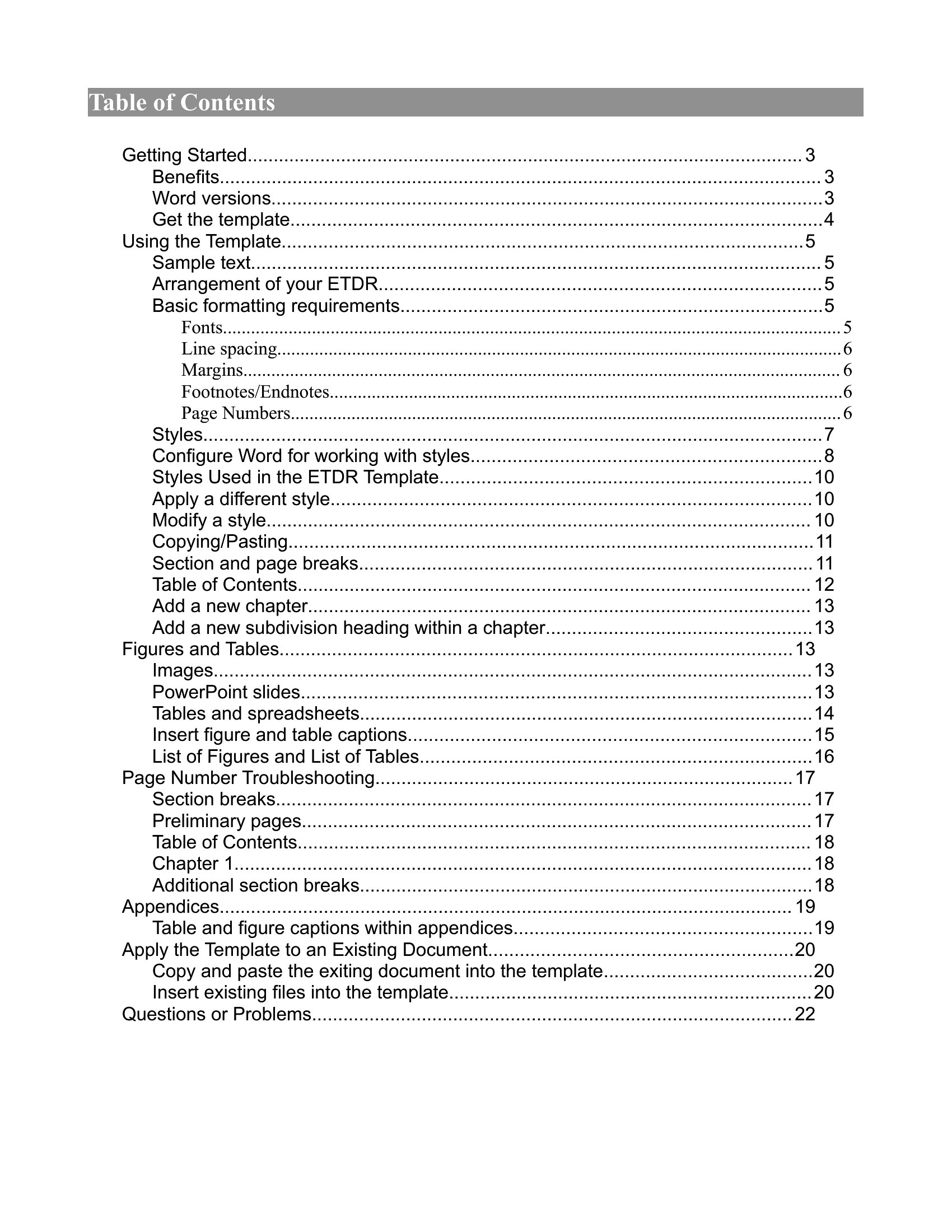
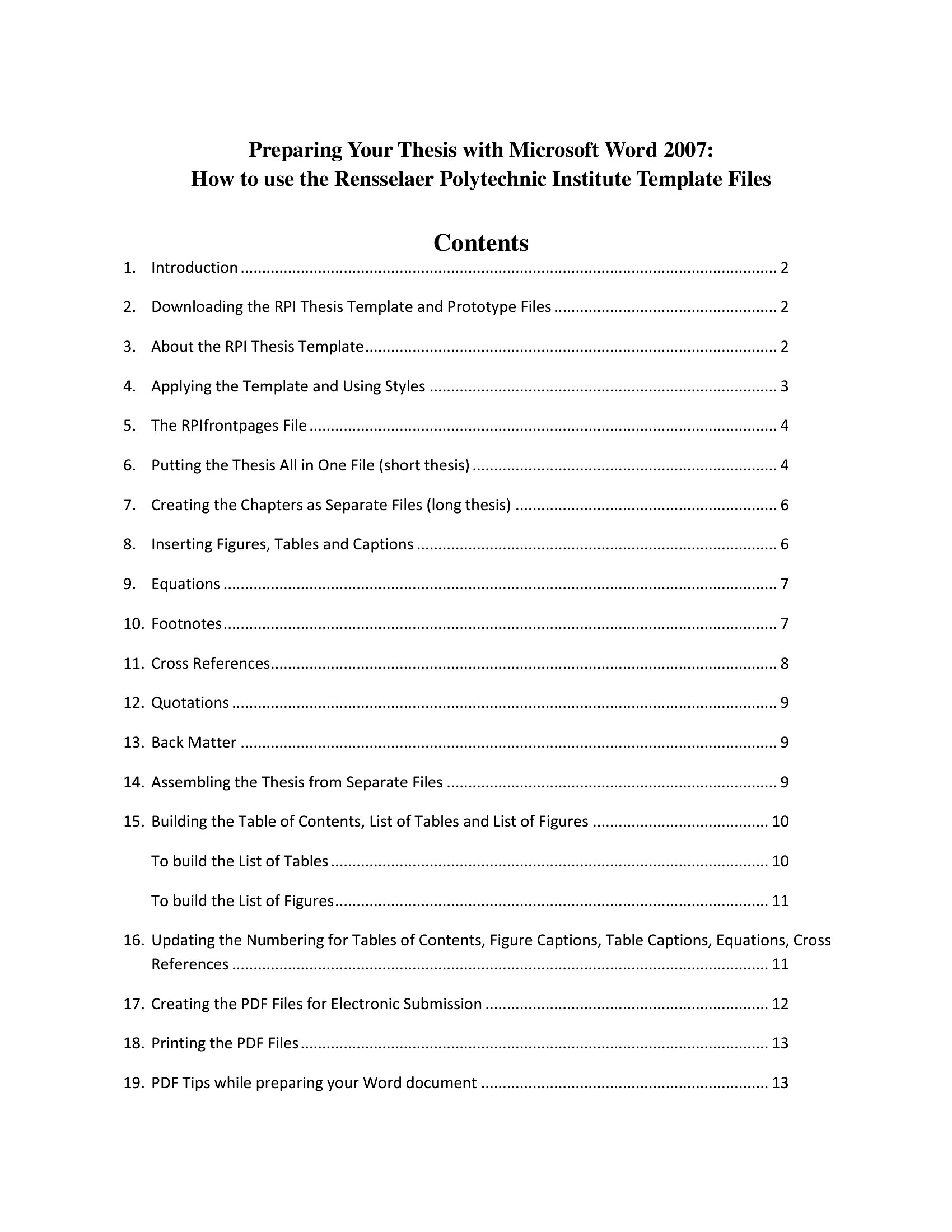
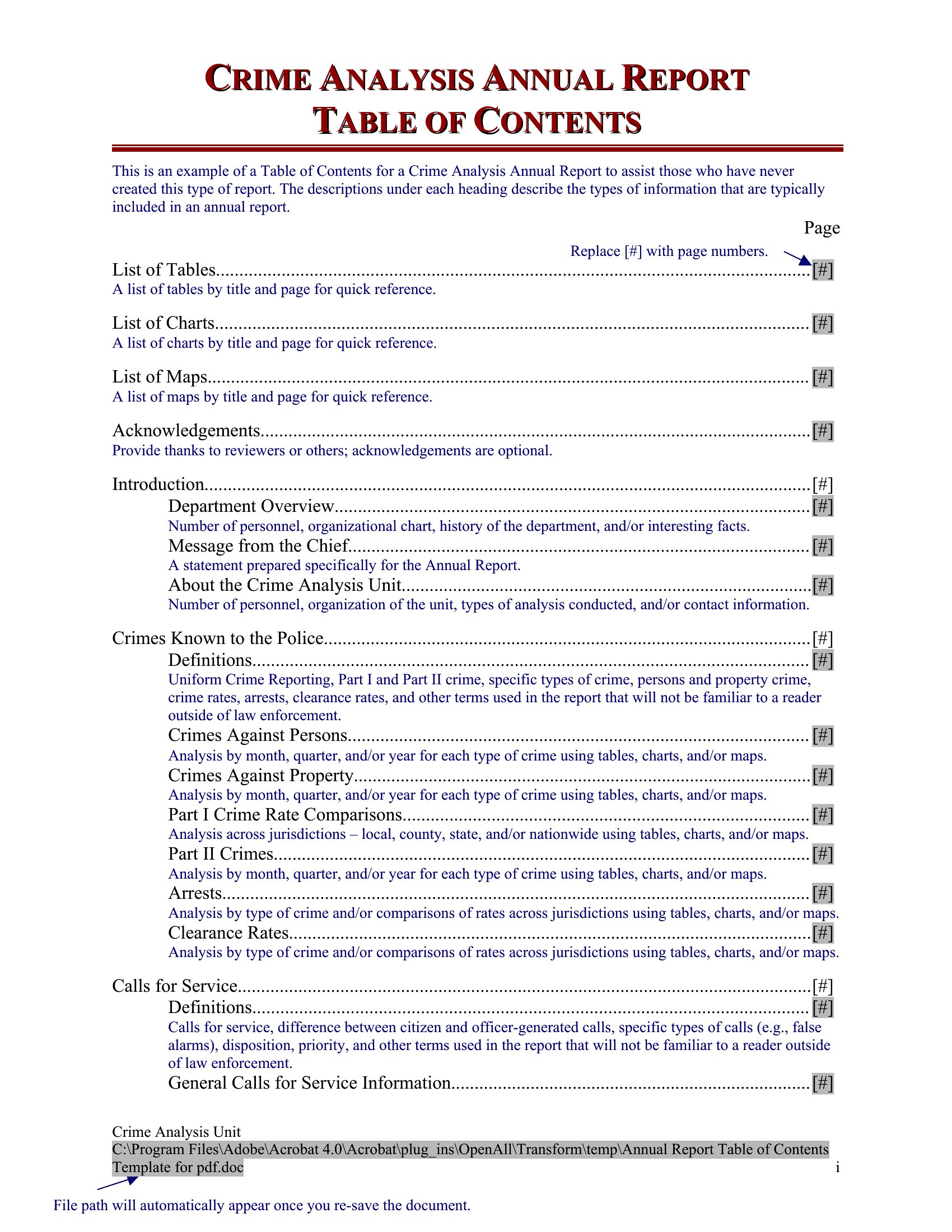
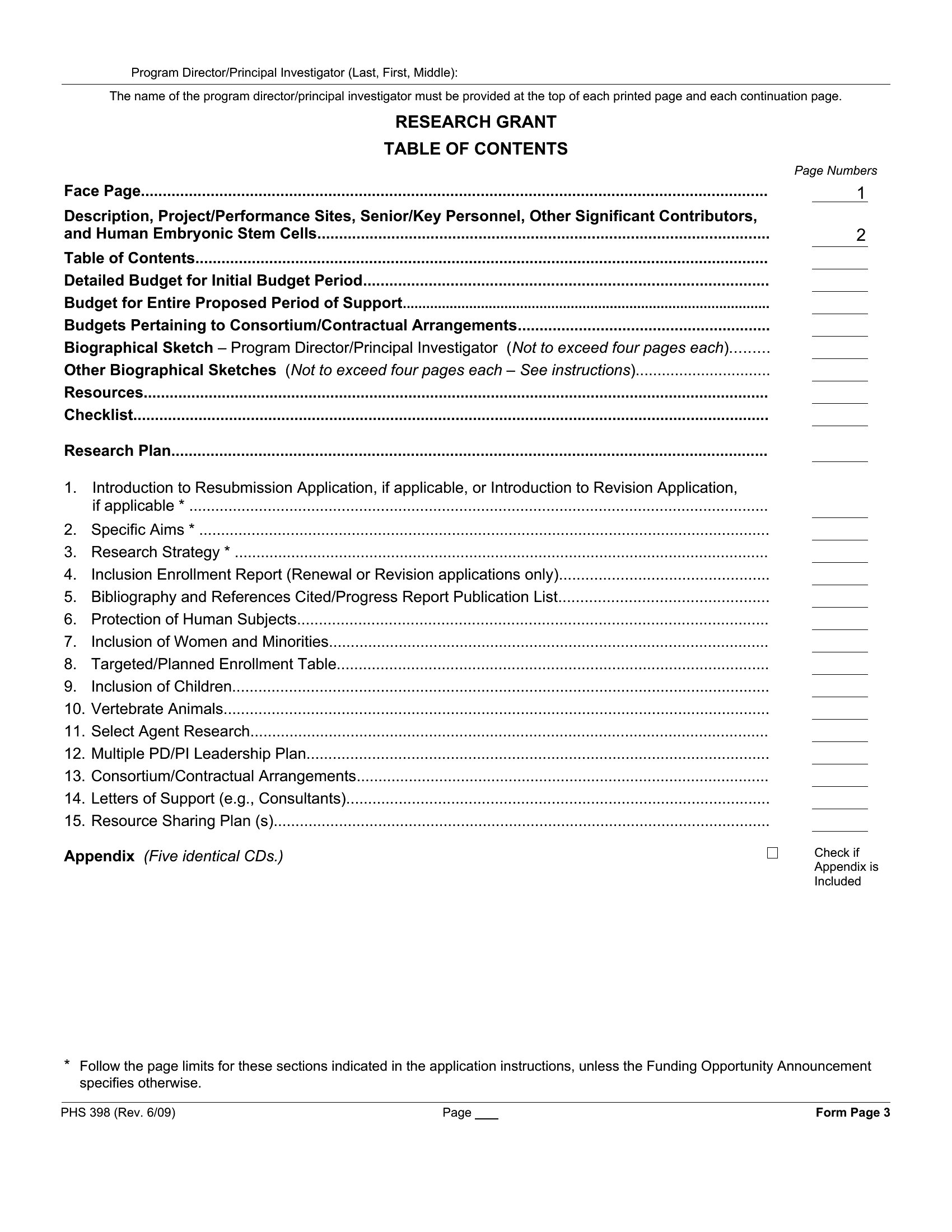
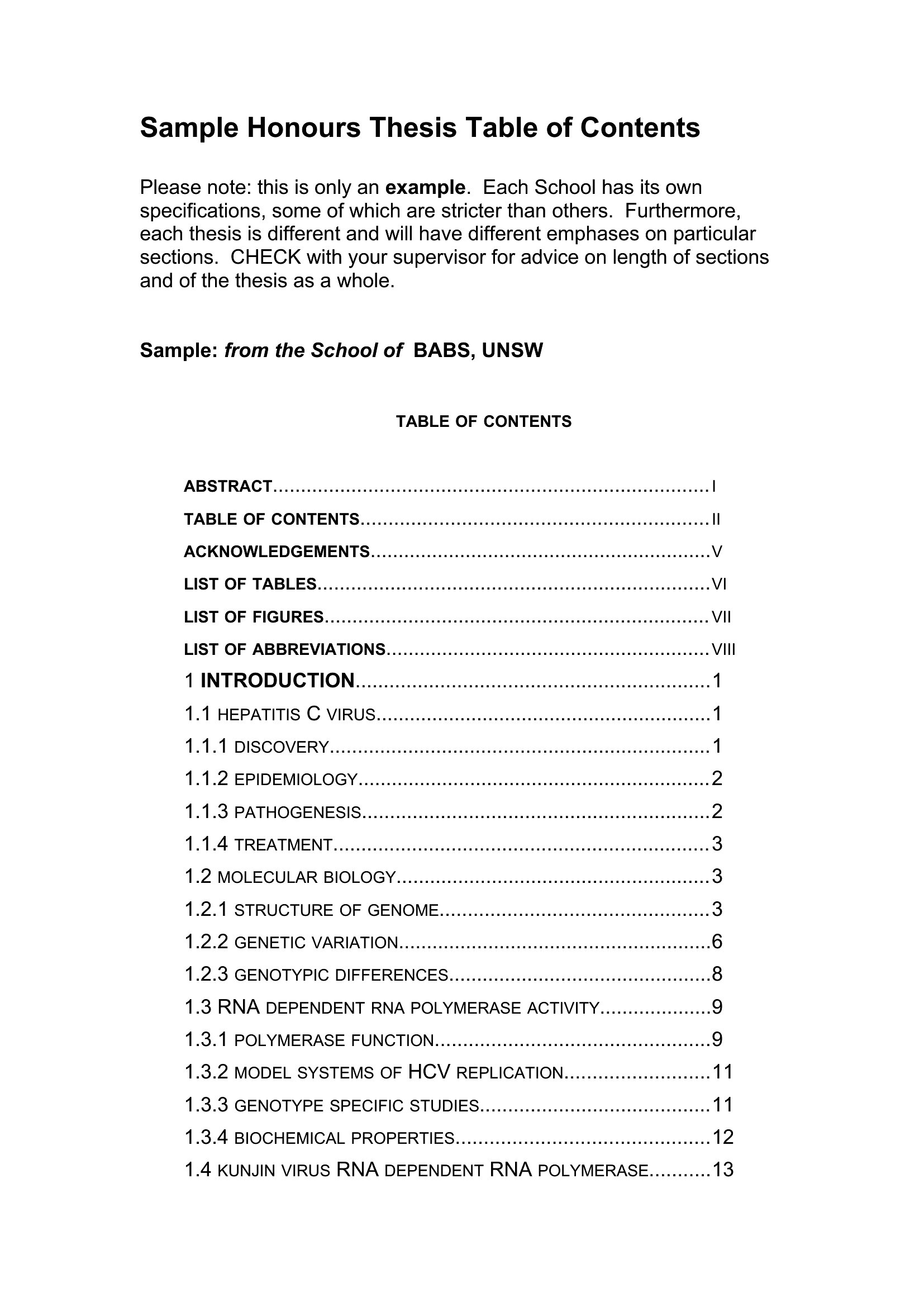
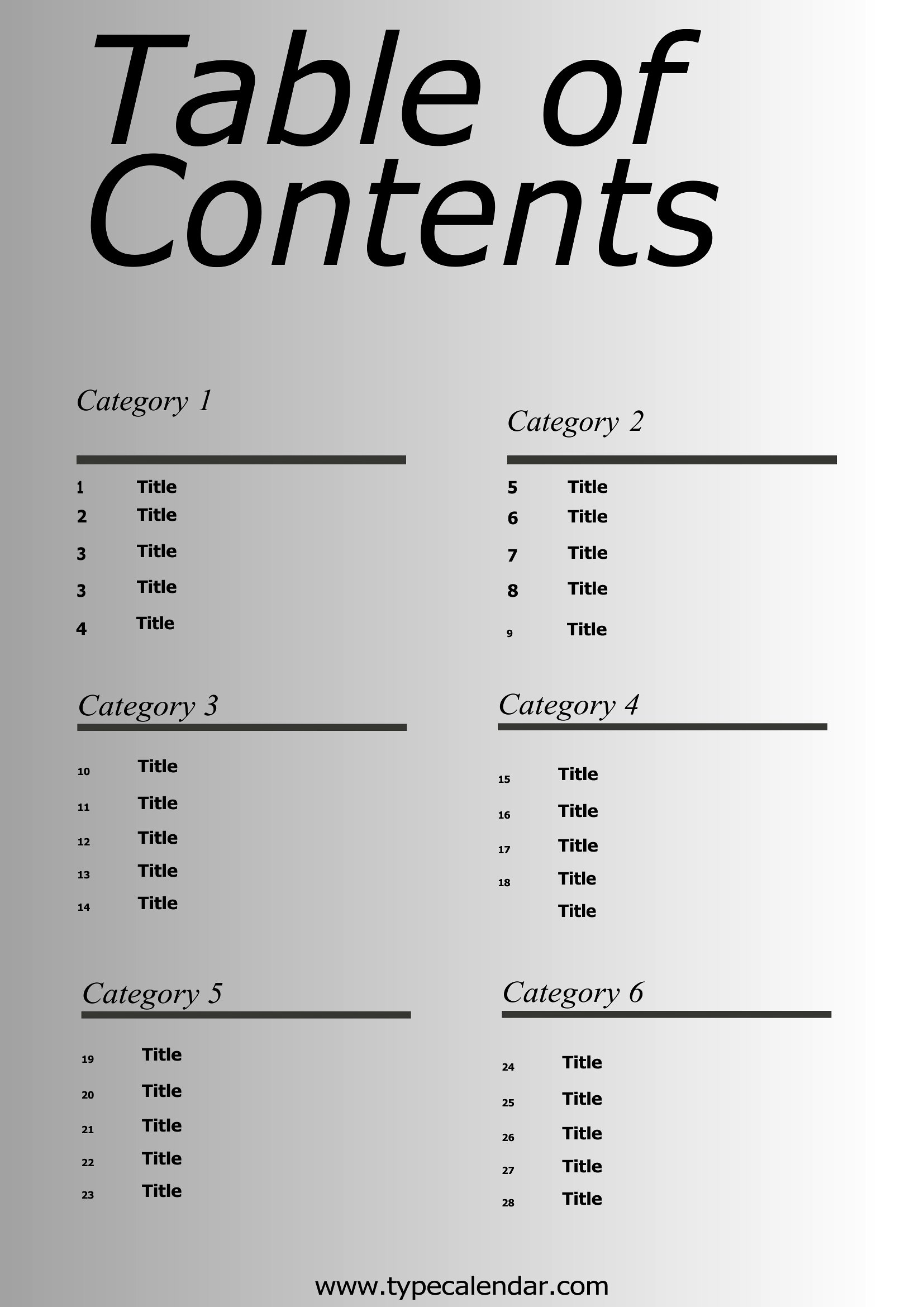
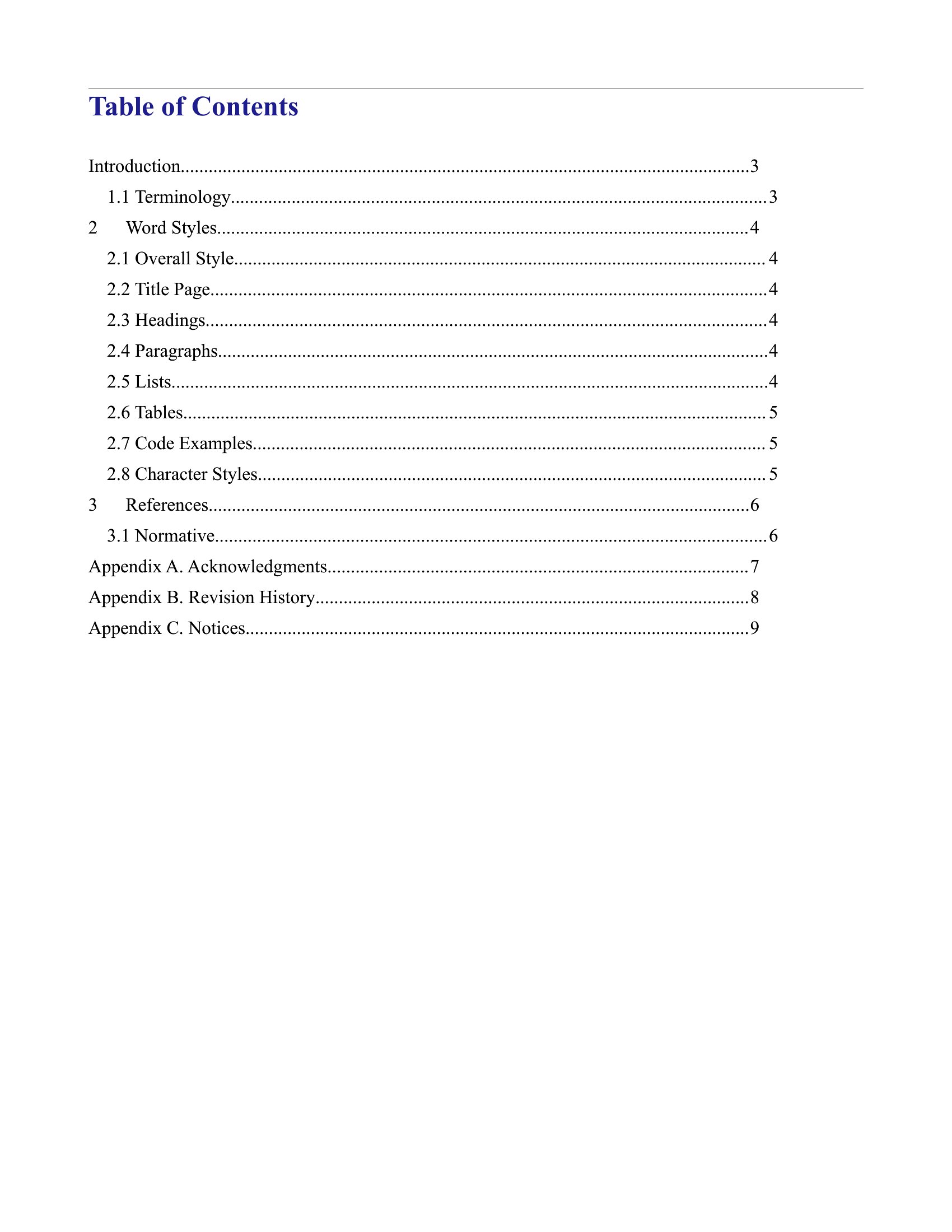
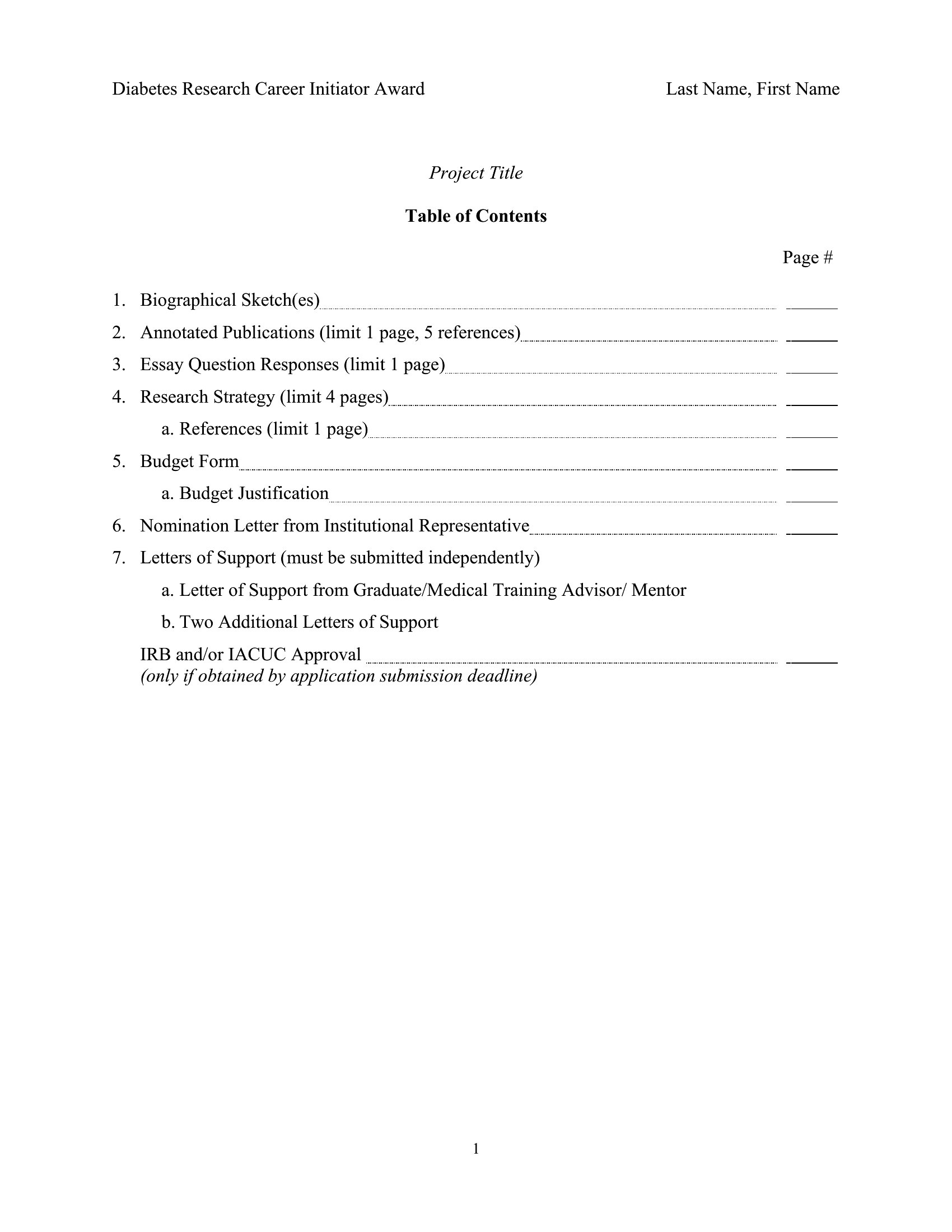
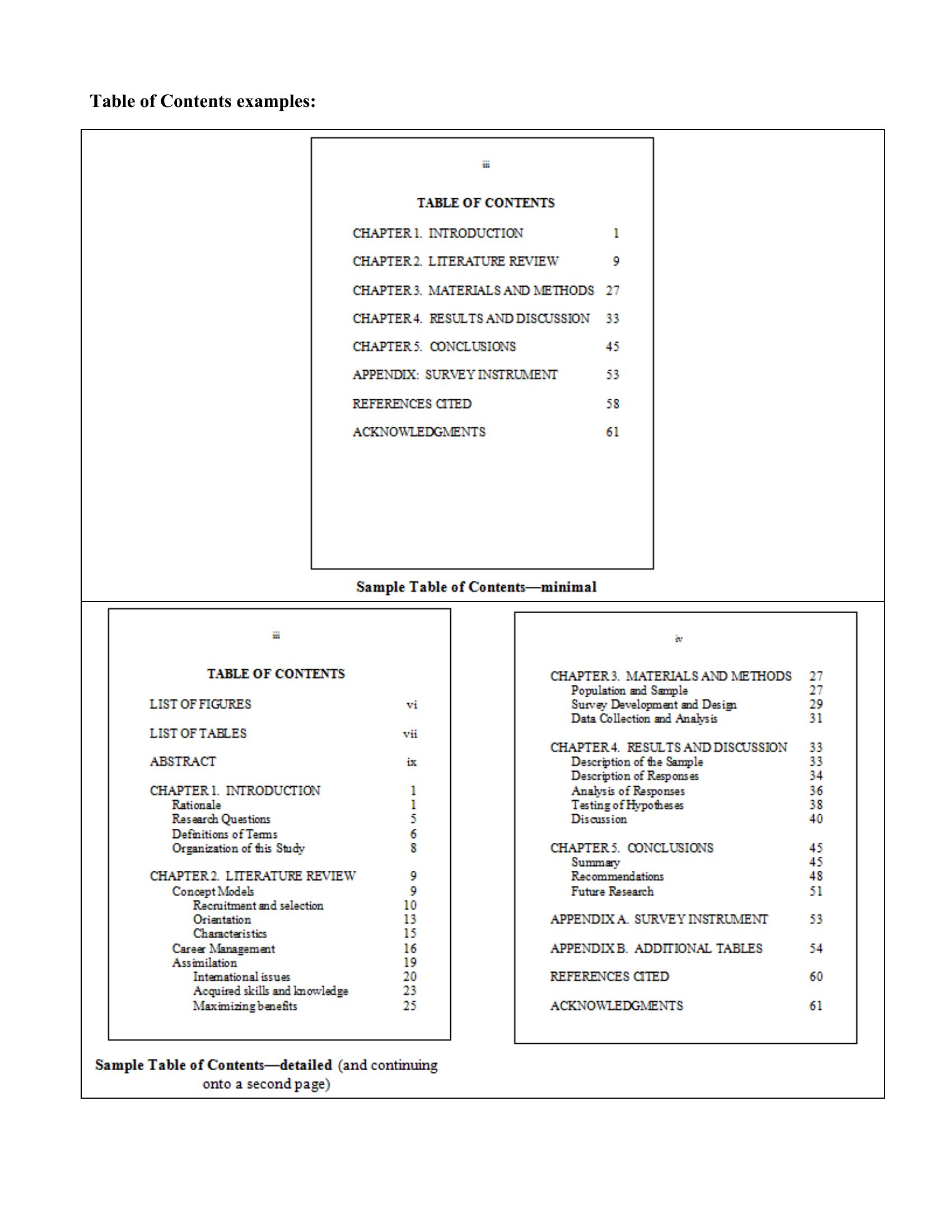
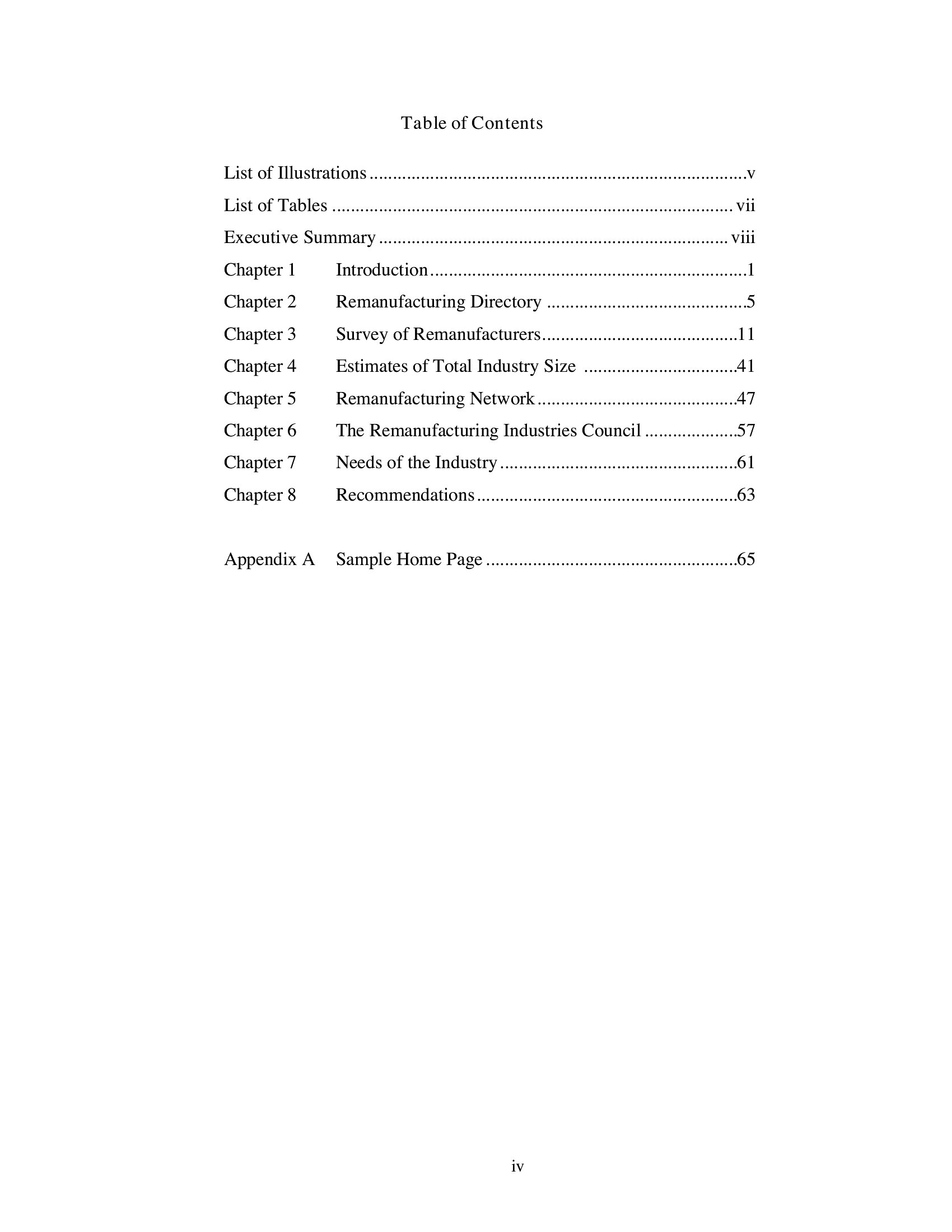
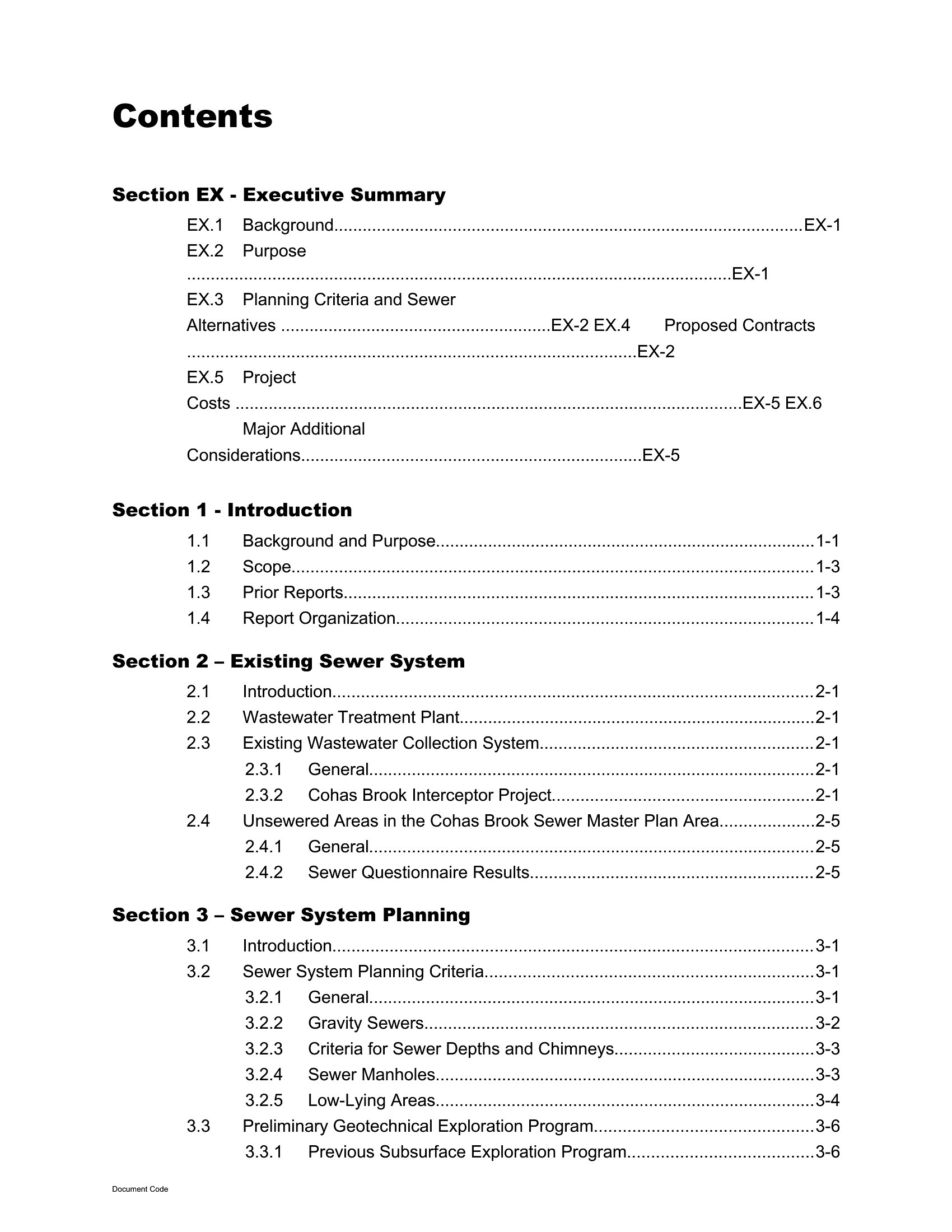
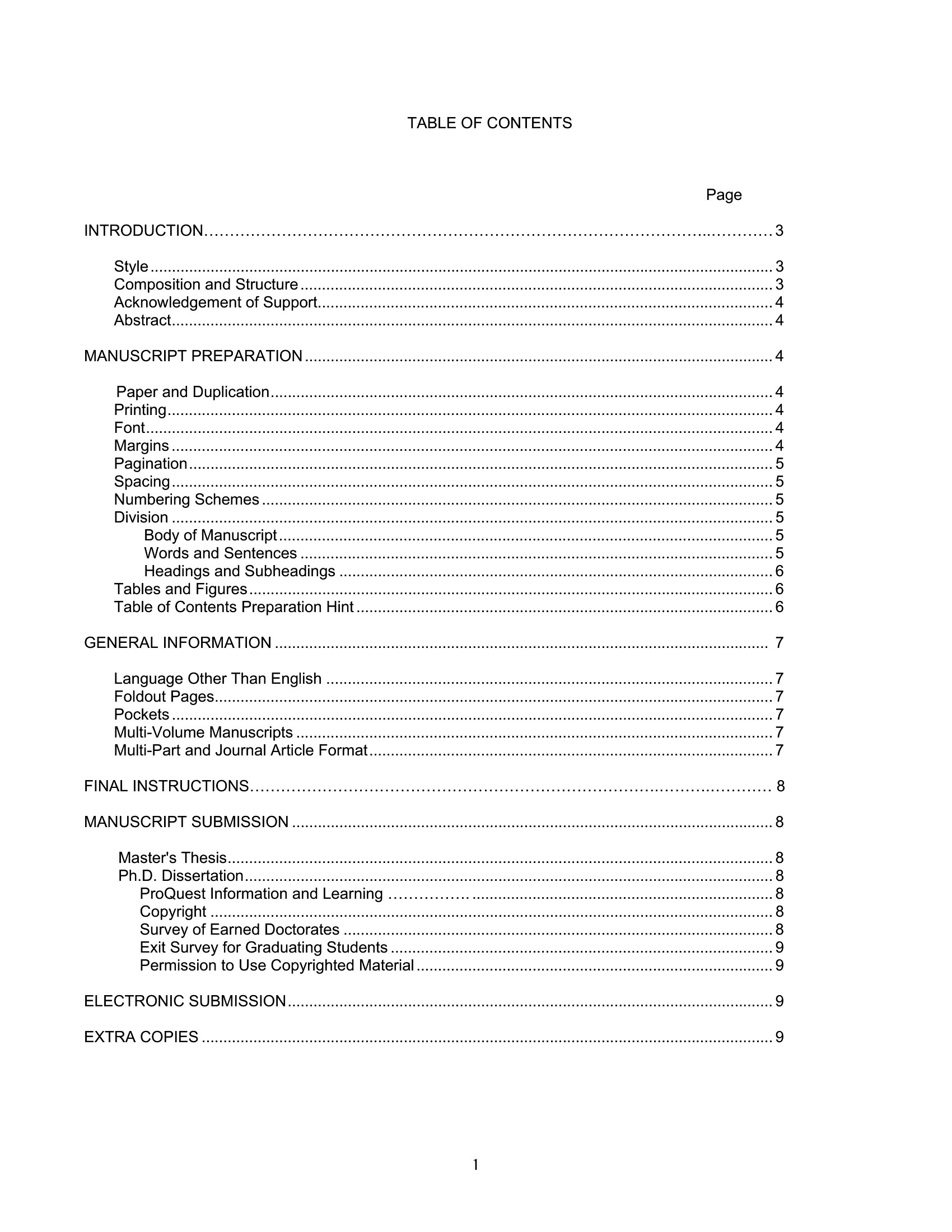
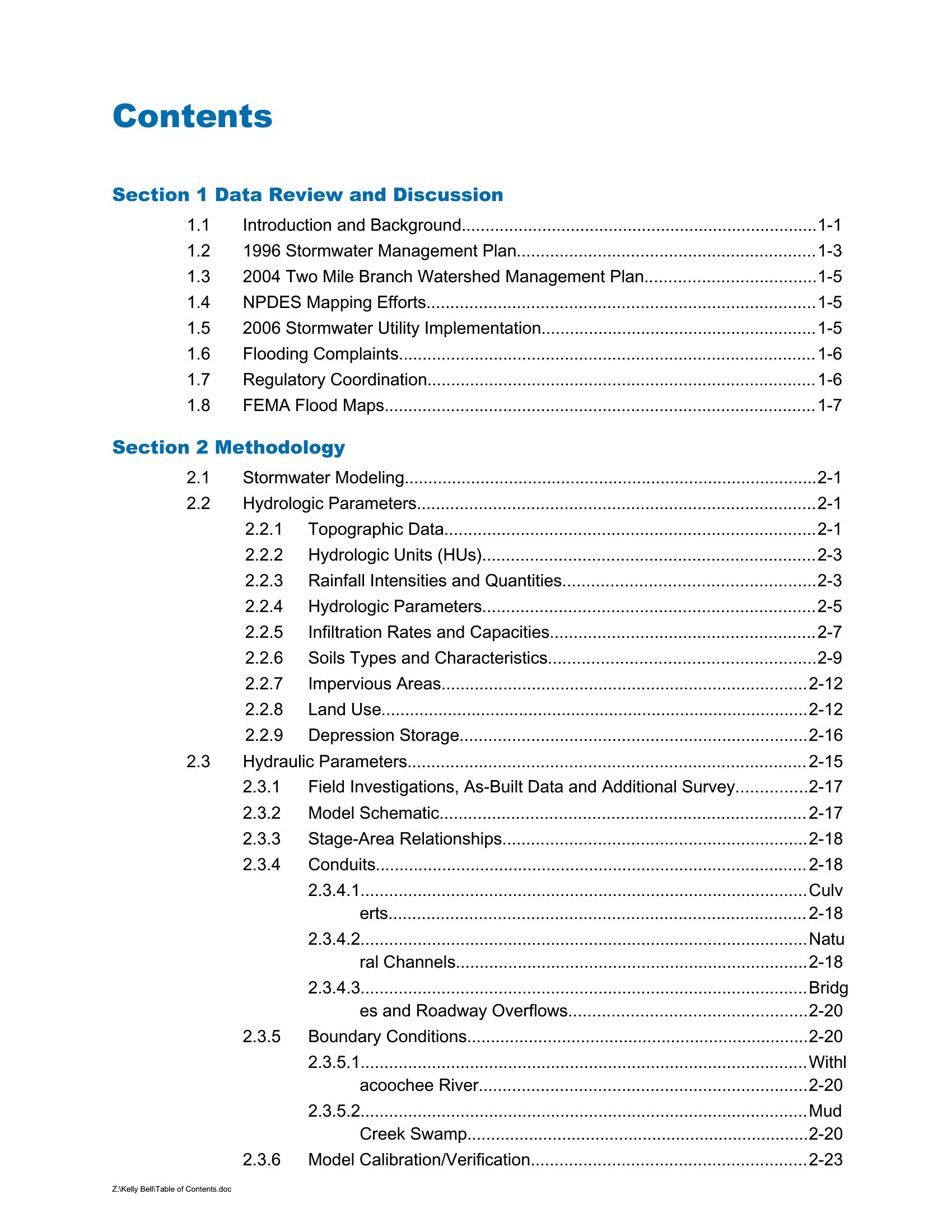
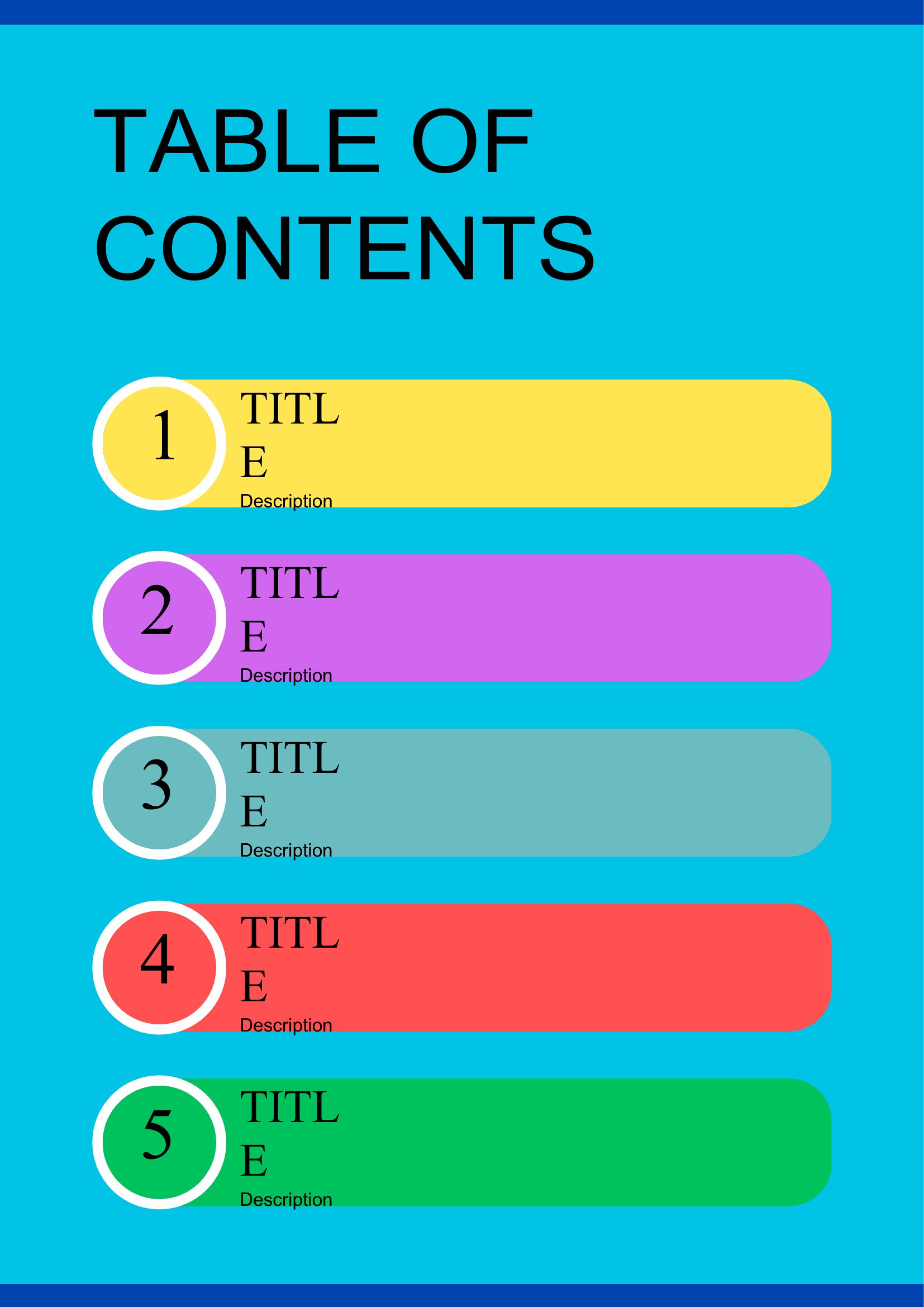
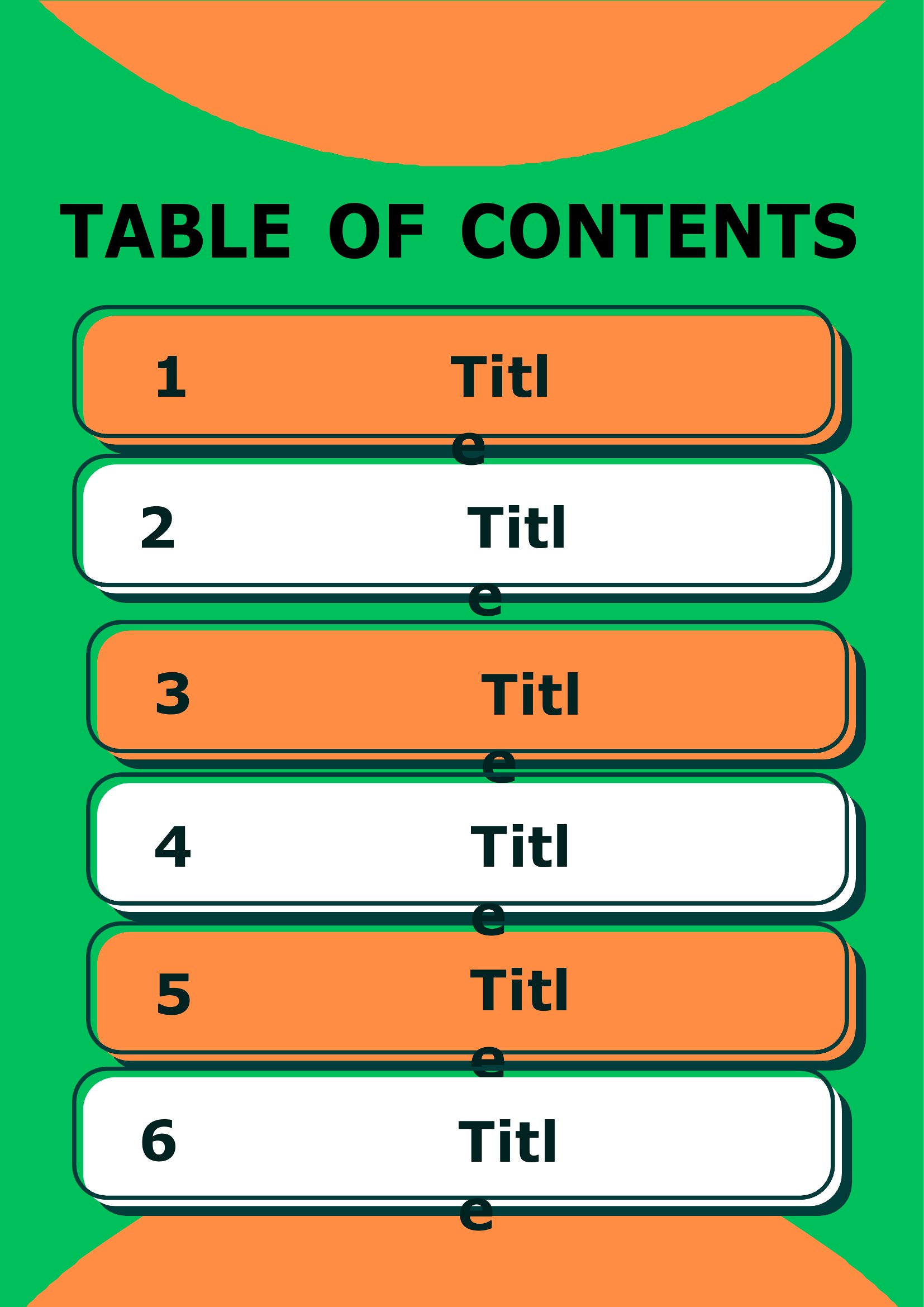
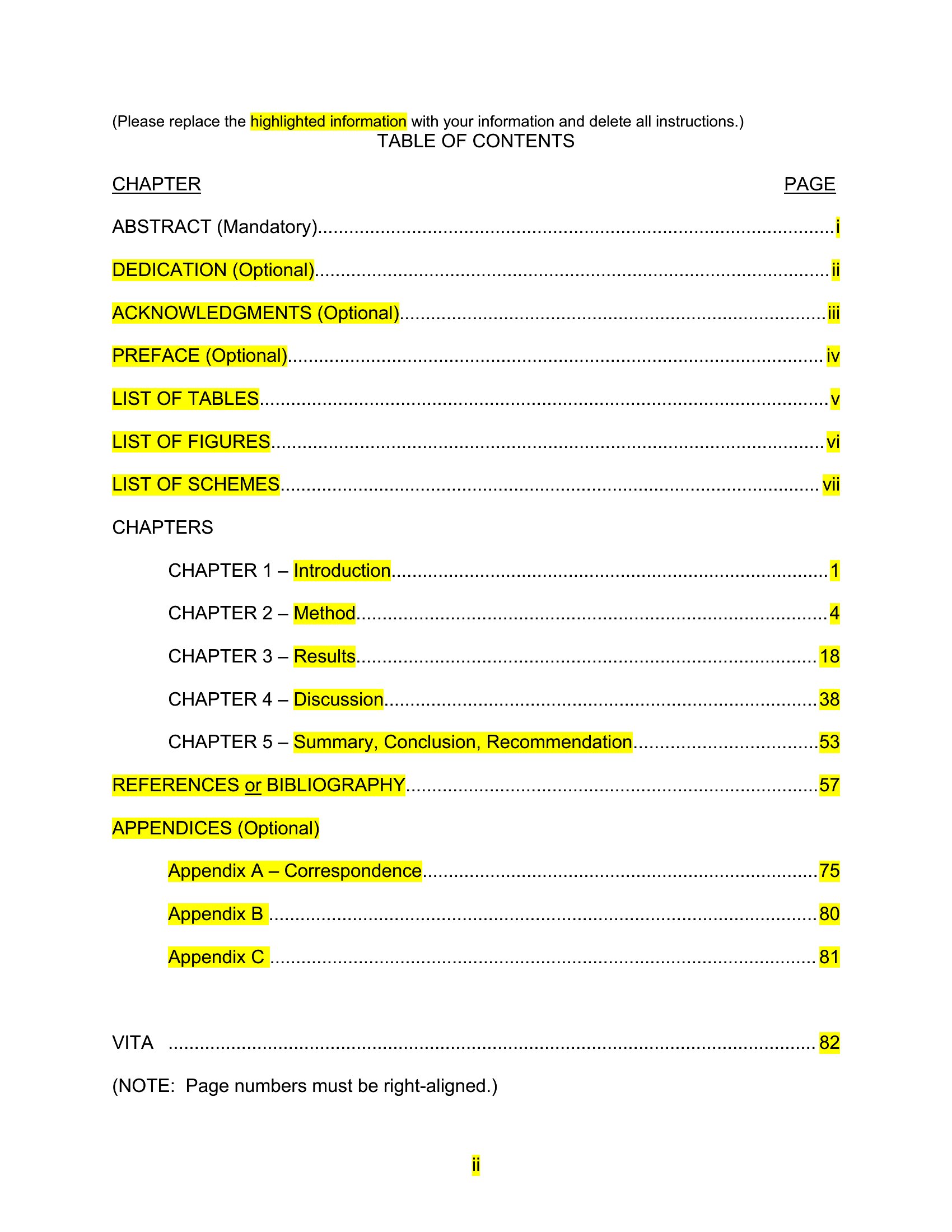
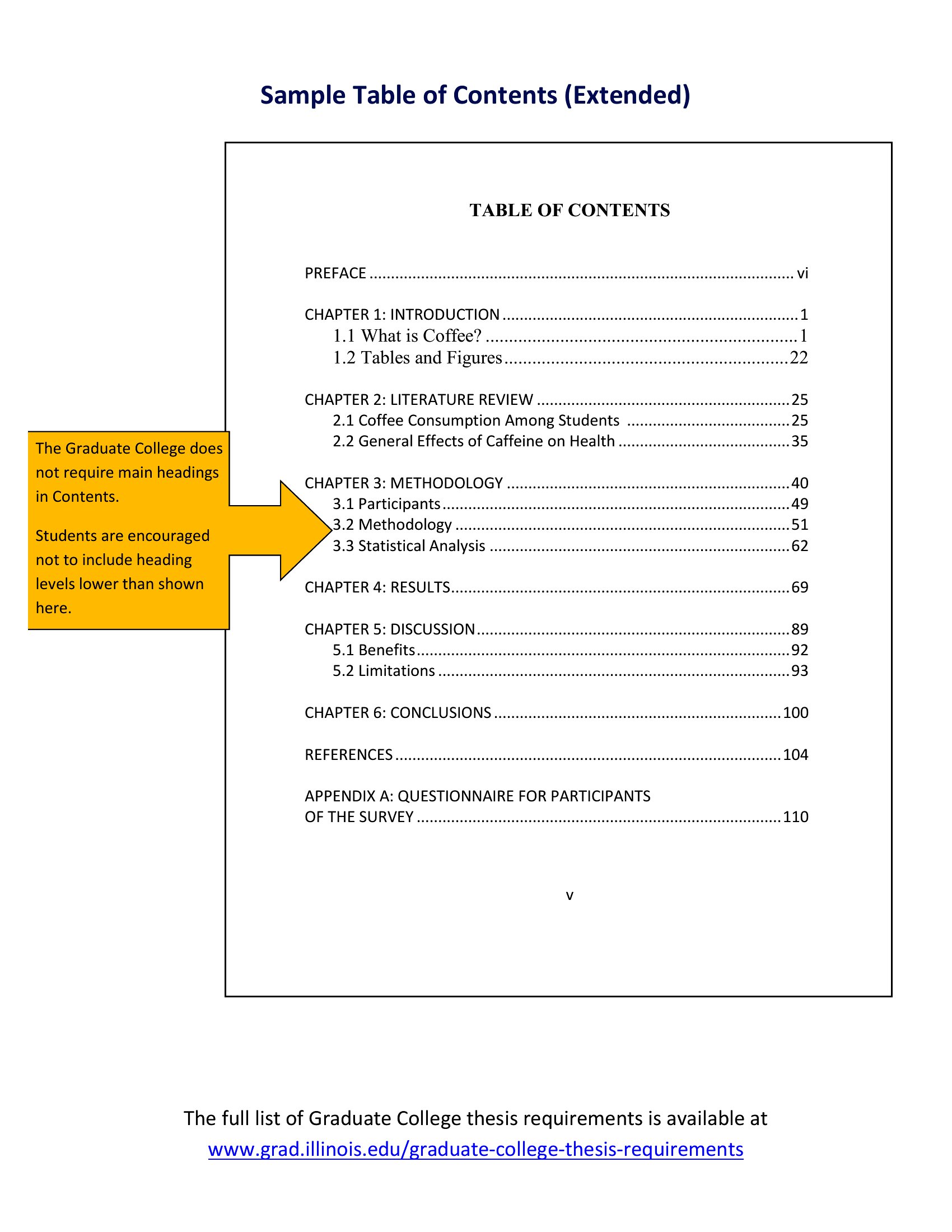
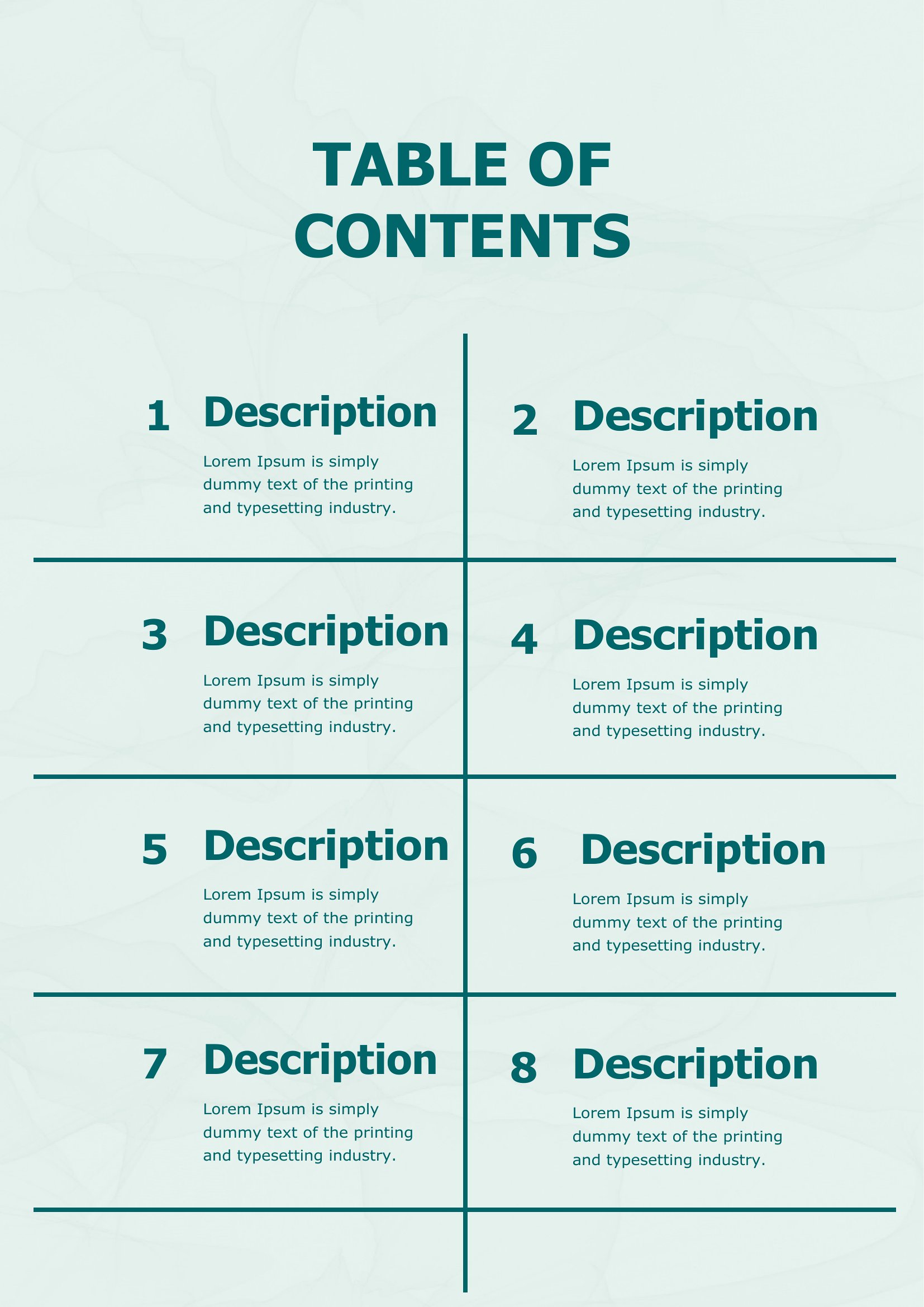
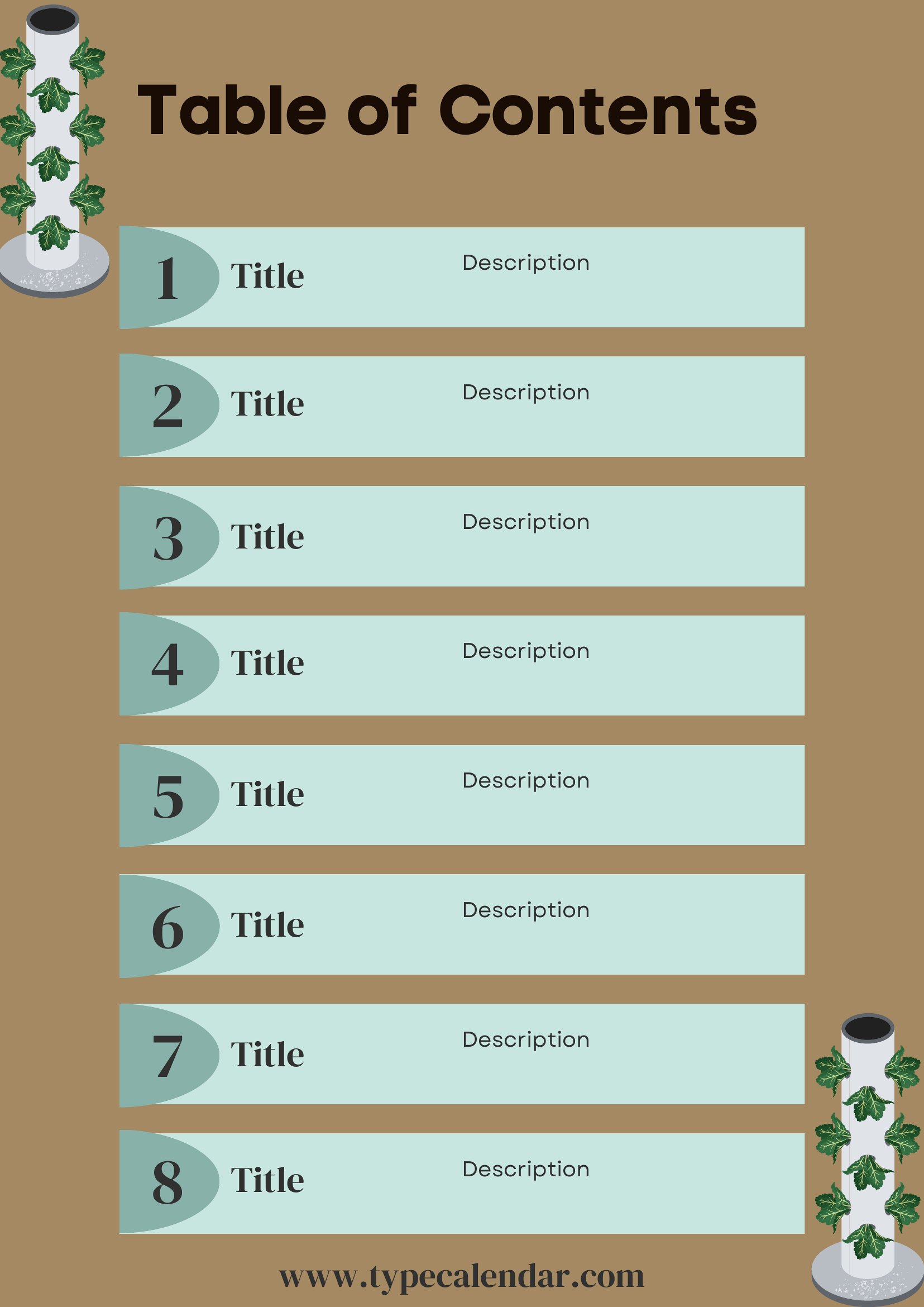
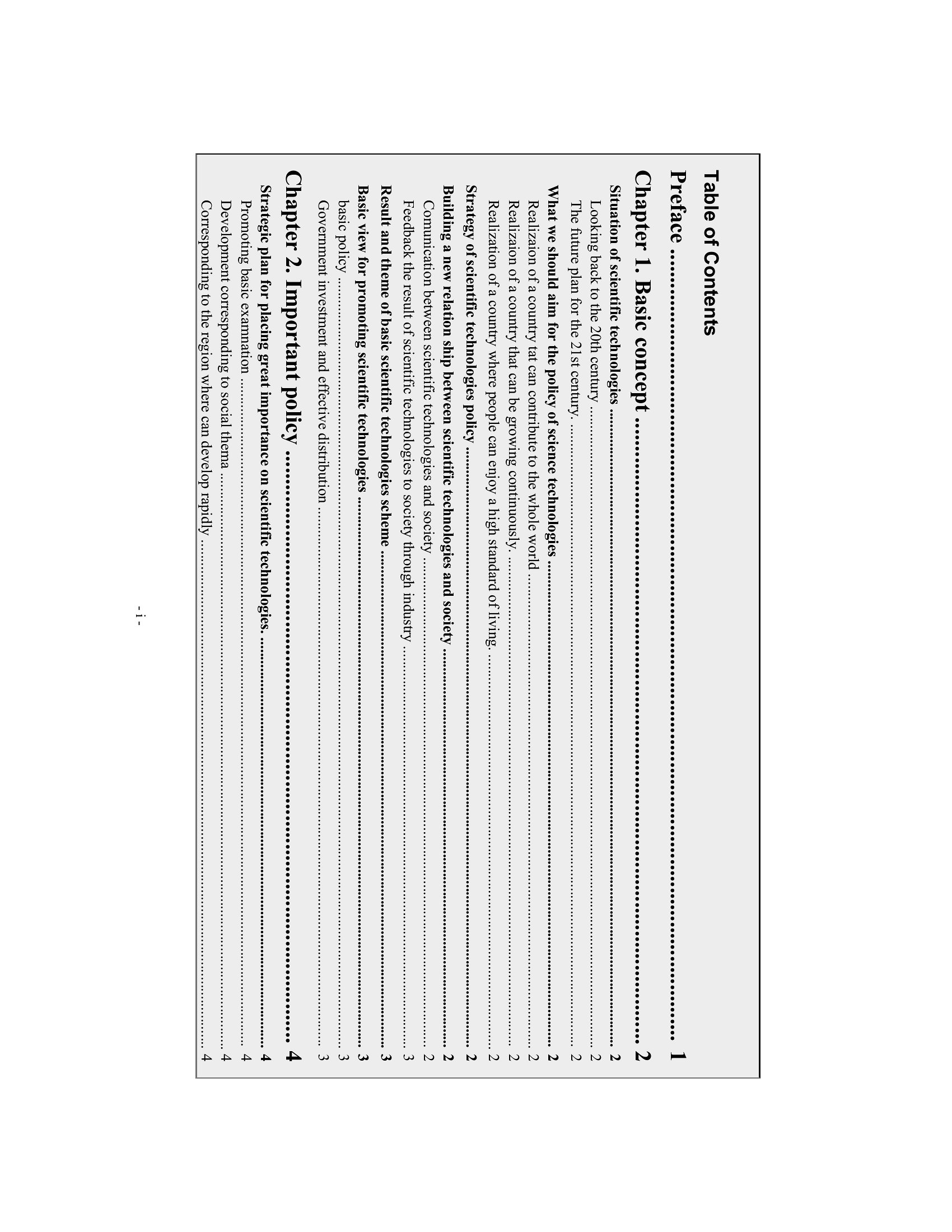
A clear table of contents helps readers jump straight to what they need, and it makes any report, manual, or family binder feel finished. This set of 32 templates gives students, writers, and home organizers ready layouts with aligned page numbers and room for chapters, sections, and subsections. Styles range from minimal lists to formal outlines with dotted leader lines.

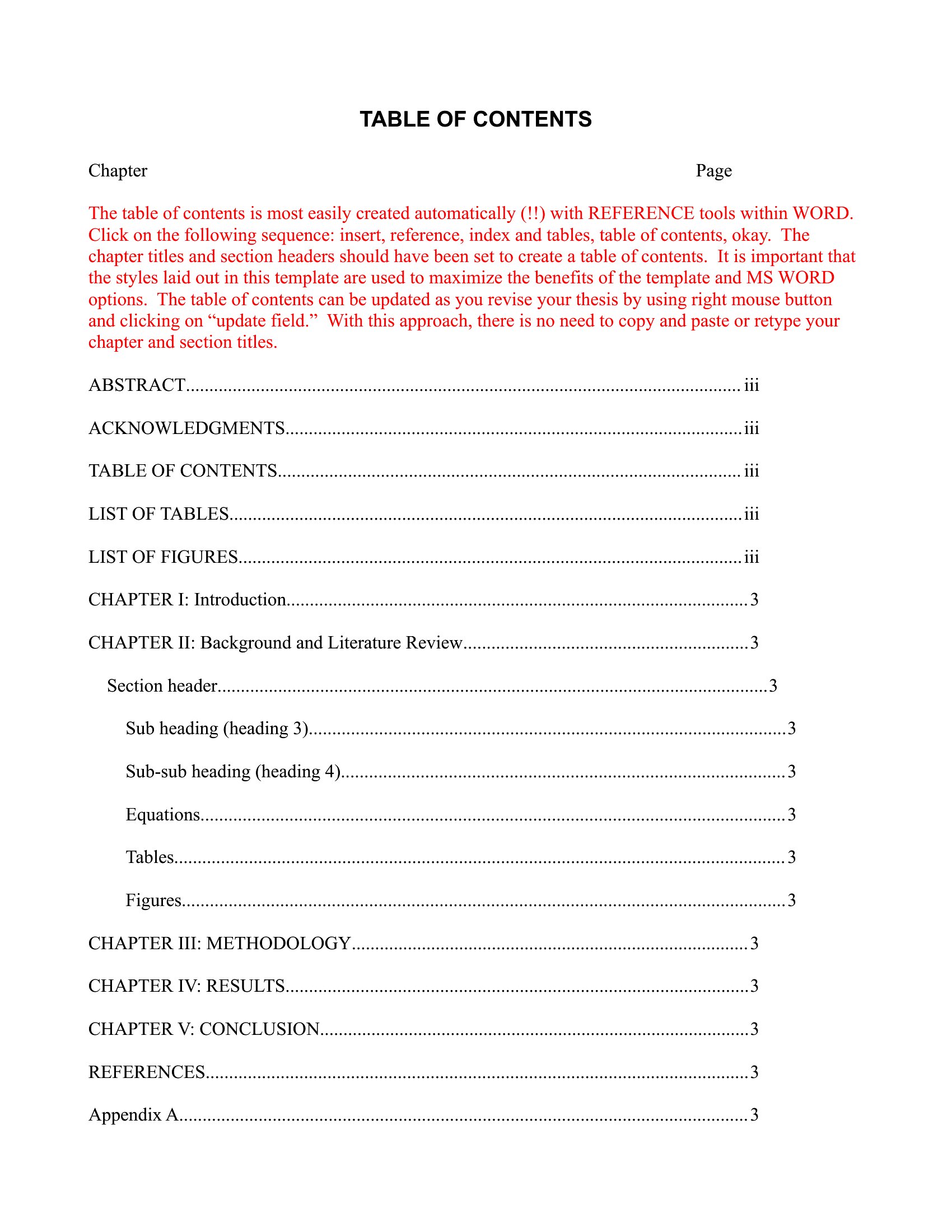
Editable Word files let you type your headings and update page numbers as your document grows, while the PDFs print clean for a handwritten binder index. Match the style to your project, fill in the entries, and you've got a professional front page. Download the version you like and give your document a roadmap readers will actually use.

When to use this Table of Contents template

  • A college student organizing a 30-page research paper with multiple sections needs a clean, numbered table of contents to help professors quickly find citations and key arguments in the final draft.
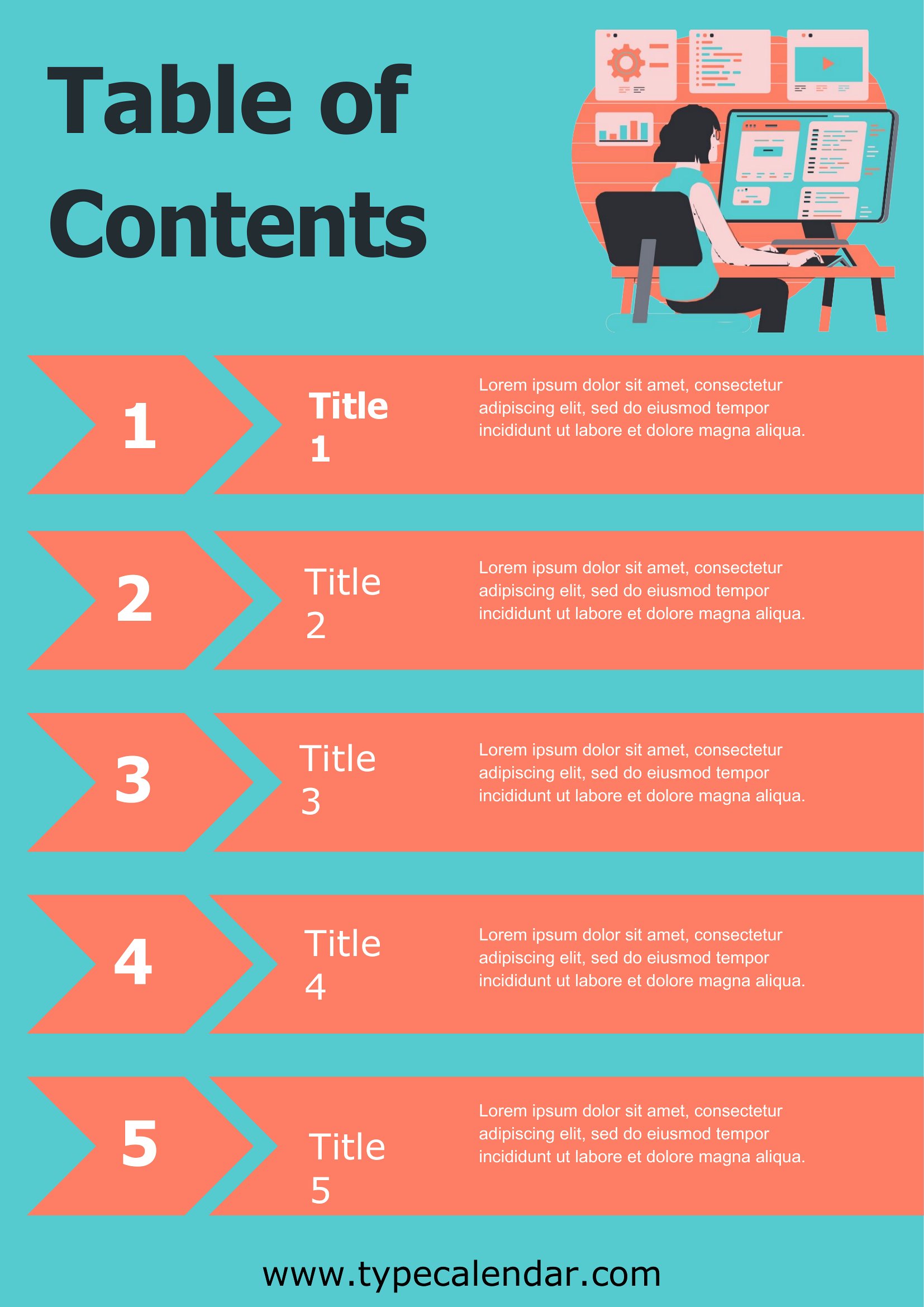
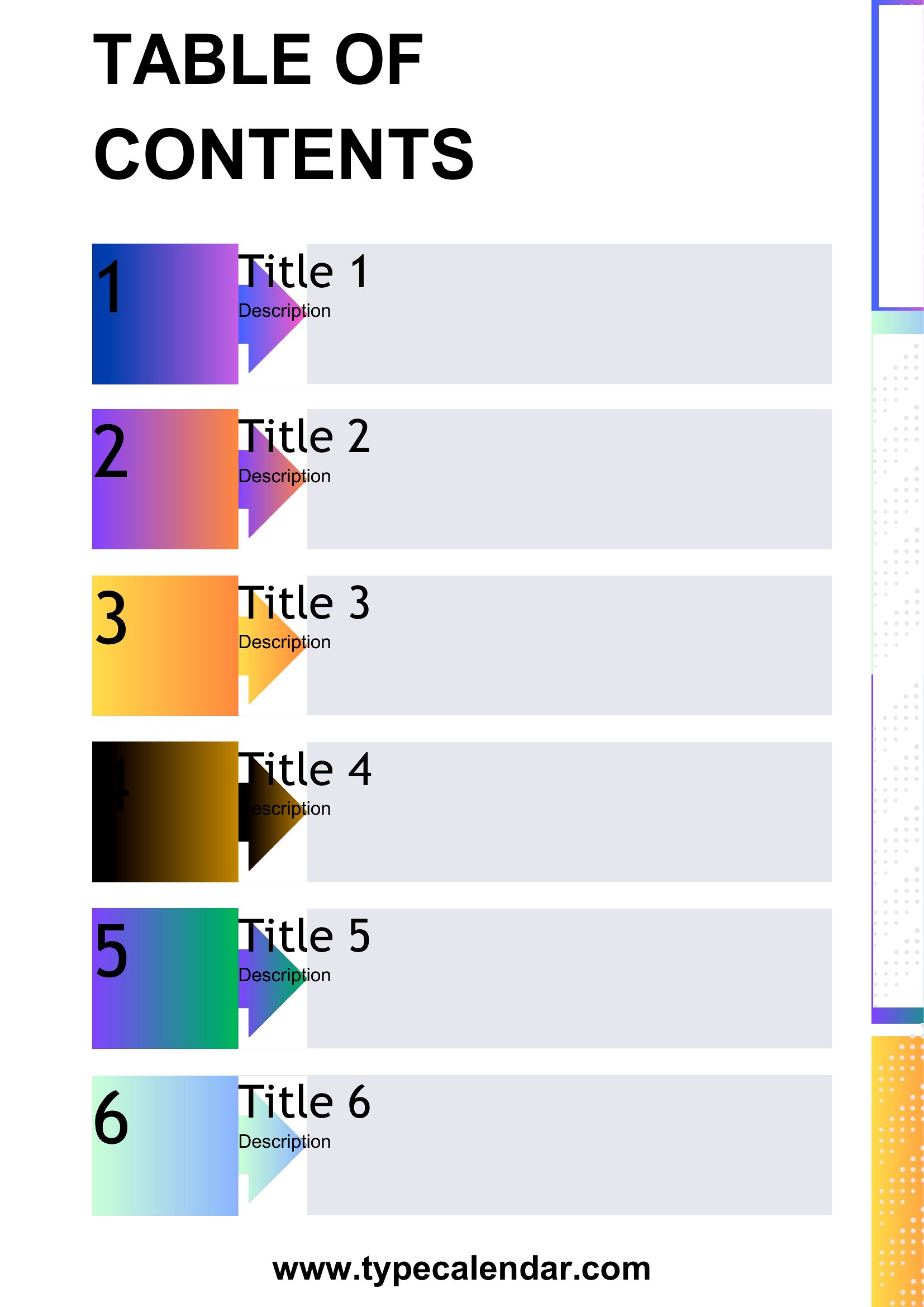
  • A freelance writer preparing a digital guidebook for travelers should use a visually structured table of contents to break down chapters like ‘Top Attractions in Seoul’ and ‘Budget Tips’ for easy navigation on mobile devices.
  • A parent compiling a family medical history binder with doctor’s notes, immunization records, and emergency contacts can use a simple, expandable table of contents to keep track of where each document is filed.
  • A small business owner creating a training manual for new hires can add a table of contents to outline topics like ‘Payroll Policies’ and ‘Client Onboarding,’ ensuring employees can reference specific sections during on-the-job training.

Which format should I download?

WordPDF

Choose Word for editable, customizable tables of contents—ideal if you plan to update or expand your document later, such as adding new sections to a manual or revising a student paper. Opt for PDF if you need a polished, uneditable final version, like a printed manual for clients or a shared report where formatting consistency is critical. The PDF format also preserves alignment and leader lines for a professional look in static documents.

How to use this Table of Contents template

How should I handle long chapter or section titles in my table of contents?

If titles are too long to fit neatly, shorten them slightly in the table of contents while keeping the original text in the document. You can also adjust the font size or line spacing in Word to ensure everything stays readable. For PDFs, the fixed layout will automatically truncate or wrap text as needed, so plan ahead for concise headings.

Can these templates work for a table of contents that includes hyperlinks to digital sections?

The templates themselves are designed for printed or static documents, so they won’t generate clickable links. For digital use, you’ll need to create the table of contents separately in Word using the ‘Table of Contents’ feature (References tab), which can auto-generate hyperlinks. For PDFs, consider exporting from Word or using a tool like Adobe Acrobat to add interactive links afterward.

What’s the best way to maintain consistency in page numbers if I’m adding or removing content later?

In Word, use the ‘Update Table’ function after editing to refresh page numbers automatically. For PDFs, if you’re working from a Word draft, update the table in Word first, then re-export to PDF to avoid mismatches. Always preview the final PDF to ensure numbers align correctly with your content—especially if you’ve adjusted margins or section breaks.

Comments

Join the conversation

Sign in to share your thoughts and leave a comment on this resource.

Newsletter

Get Weekly Design Updates

Join our community to receive curated resources and inspiration.

Weekly Tips Resources Early Access

We respect your privacy. Confirmation email required. Privacy Policy